
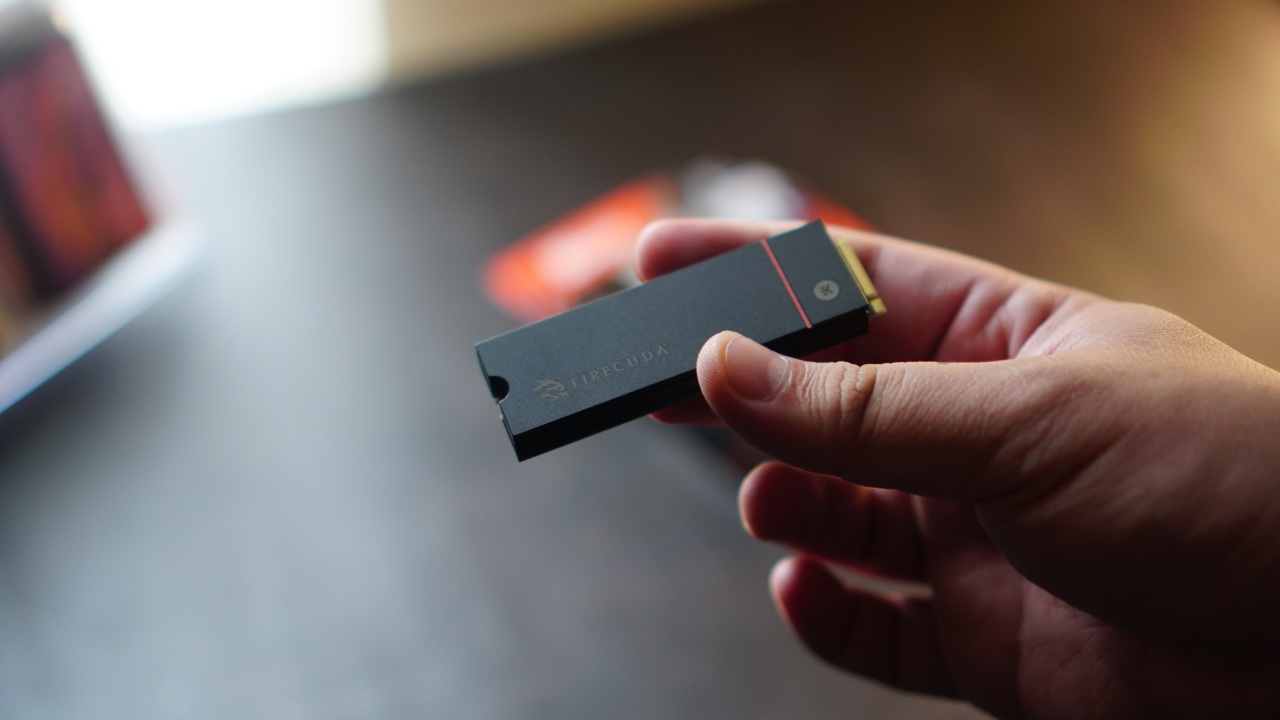


Sometimes all we need is some space. For my PlayStation 5, specifically, I wanted 2TB more space. There were plenty of brands to consider, but ultimately I landed on the Seagate FireCuda 530 2TB with Heatsink. We’ll just call it Firecuda530 from here on out for brevity.
Seagate is a brand that’s trusted when it comes to expanding storage. And the Firecuda530 meets all the requirements that PlayStation laid out for compatible m.2 solid state drive (SSD) options.
In case you were wondering, these are the requirements:
- Interface — PCI-Express Gen4x4 supported M.2 NVMe SSD (Key M)
- Storage — 1TB, 2TB, and 4TB* *(4TB available upon pre-order)
- Supported Sizes — 2230, 2242, 2260, 2280, 22110
- Size including heat-dissipation mechanism — Width: up to 25 mm / Length: 30/40/6080/110 mm / Thickness: up to 11.25 mm (up to 8.0 mm
- from above the board, up to 2.45 mm from below the board)
- Sequential read speed — 5500 MB/s or faster is recommended
- Socket Type — Socket 3 (Key M)
Seagate’s offering even exceeds this as it promises up to 7,300mb/s of speed and performance. They also claim to have transfer rates that are two times faster than PCIeGen3 NVMe SSDs.
Rescue Data
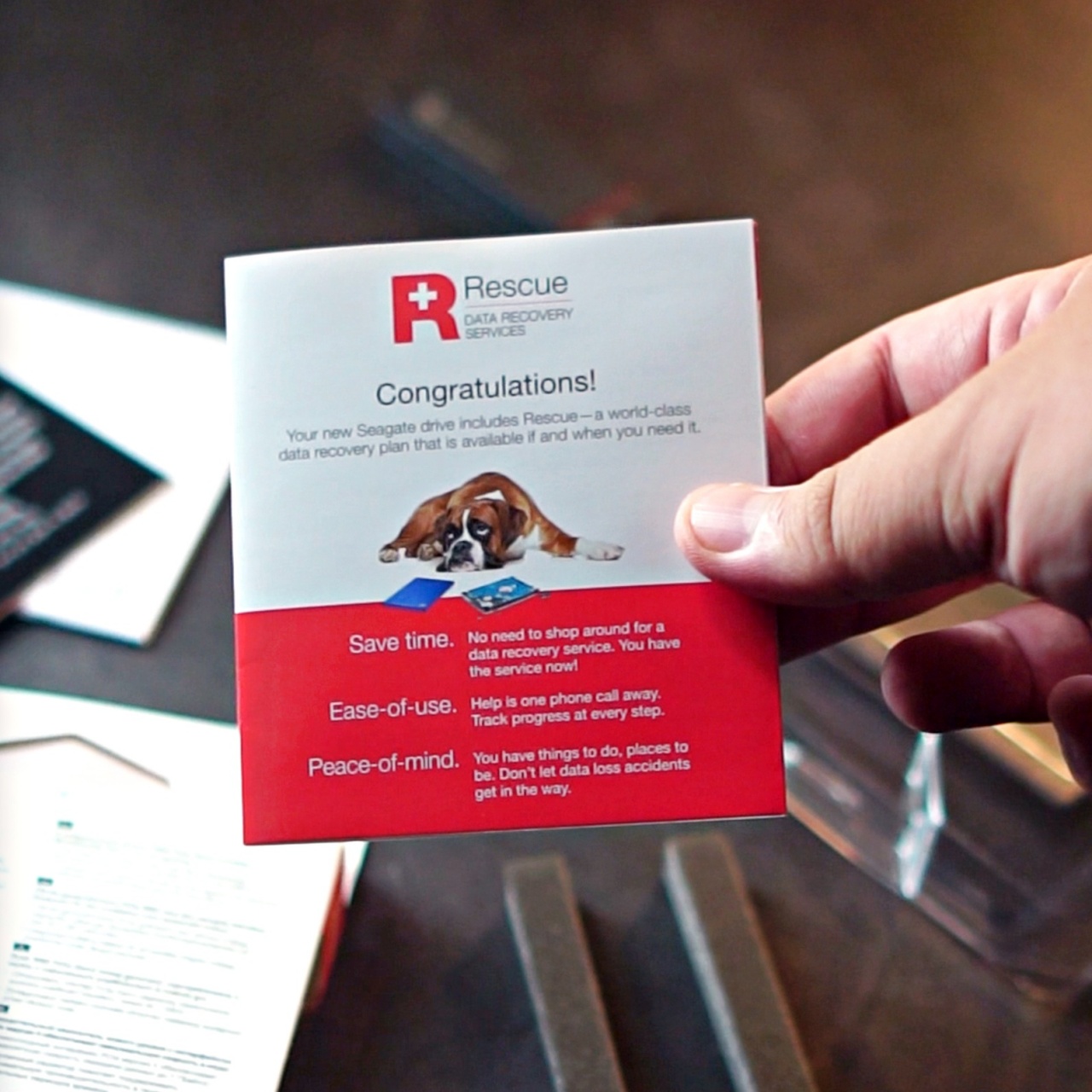
On top of that, you also get Rescue Data Recovery Services for the ultimate peace of mind on your precious files. Personally, I think this is one of the biggest value adds from Seagate. I have encountered my fair share of hardware data getting corrupted with only a small fraction of them recovered.
With this, Seagate offers the services of world-class data recovery experts with an industry-leading 95% success rate for in-house SSD and HDD data recovery. You get one in-lab data recovery attempt. And your recovered data will be stored in an encrypted storage device.
Alright, enough of that, let’s put this thing inside the PS5.
Installing the FireCuda 530 2TB with Heatsink
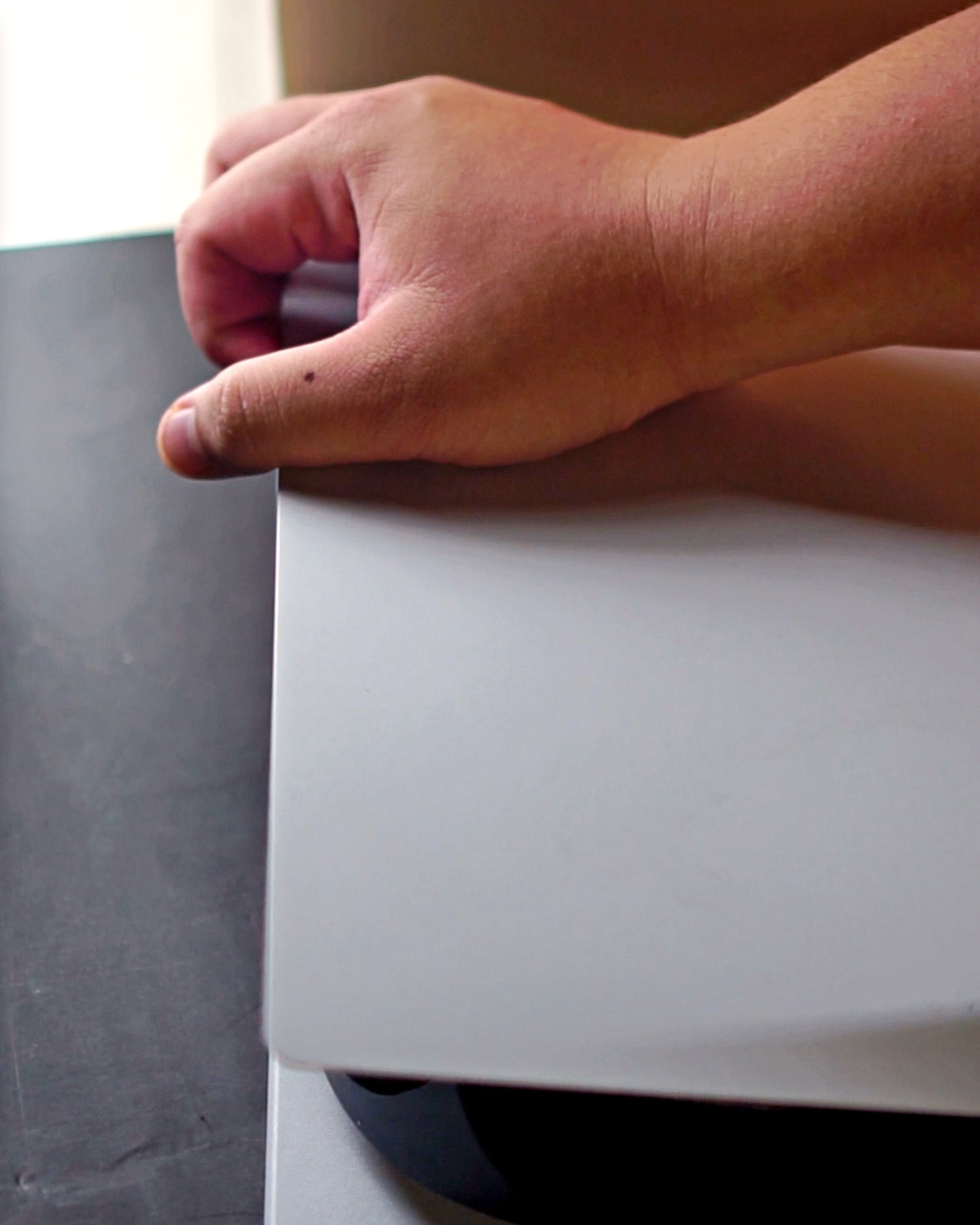
First we have to take off the faceplate. Make sure the side with the PS5 logo is the one that’s faced down. You want to remove the plate that’s on the other side.
To remove it, you have to pull up from the top side and then slide down from the bottom.
Once removed, you’ll see a plate covering the storage expansion slot. Unscrew and then remove the plate. Don’t lose the screw!
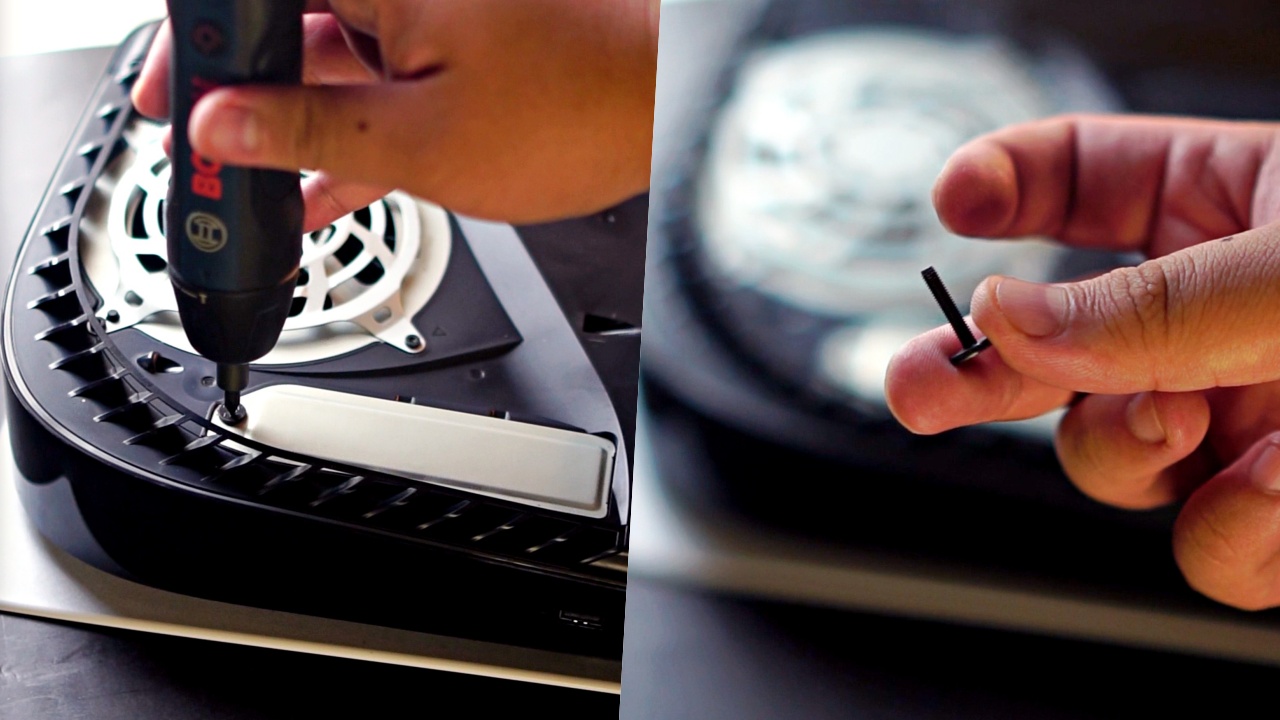
Inside, there are multiple screw slots, with the safety screw placed up top at the 110 slot. Remove it, and then place it loosely on the 80 slot.
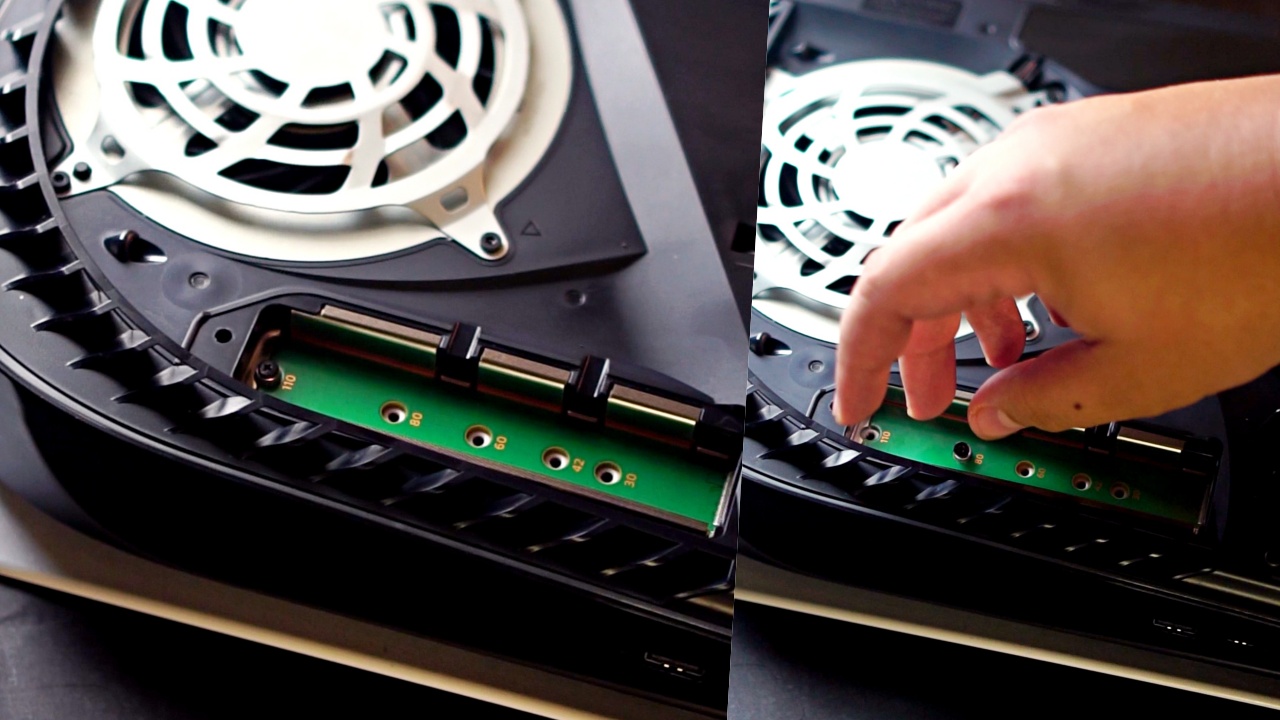
Now, take the Firecuda530 and slide it into the slot diagonally. You’ll know it’s in when you hear a click.
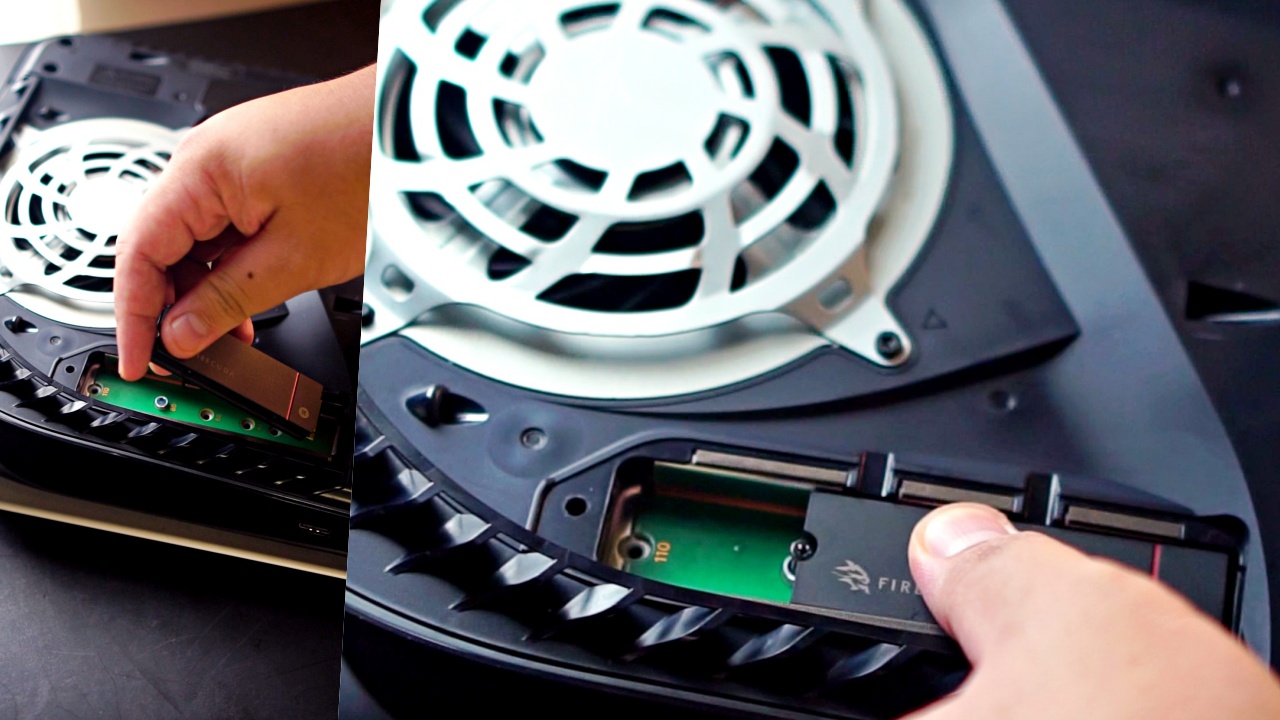
Afterwards, screw it in place and put back the protective plate.
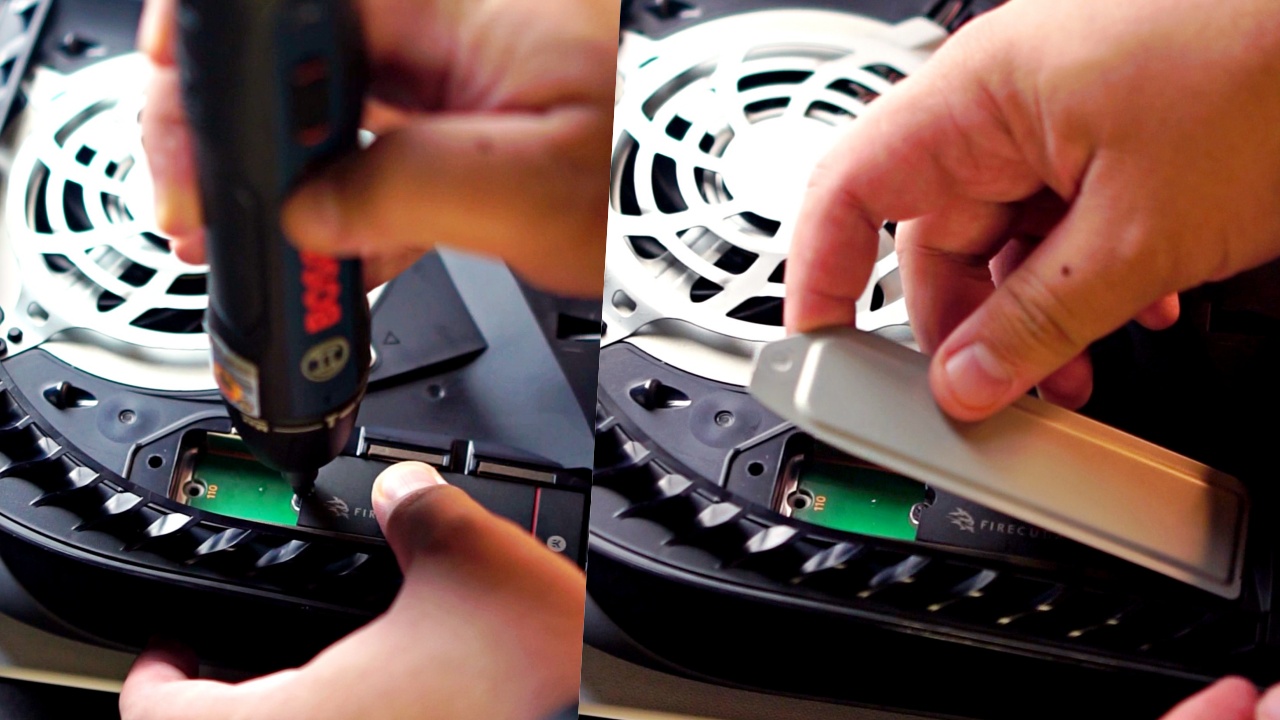
I also took this opportunity to replace the faceplates to black and added some personal touch.
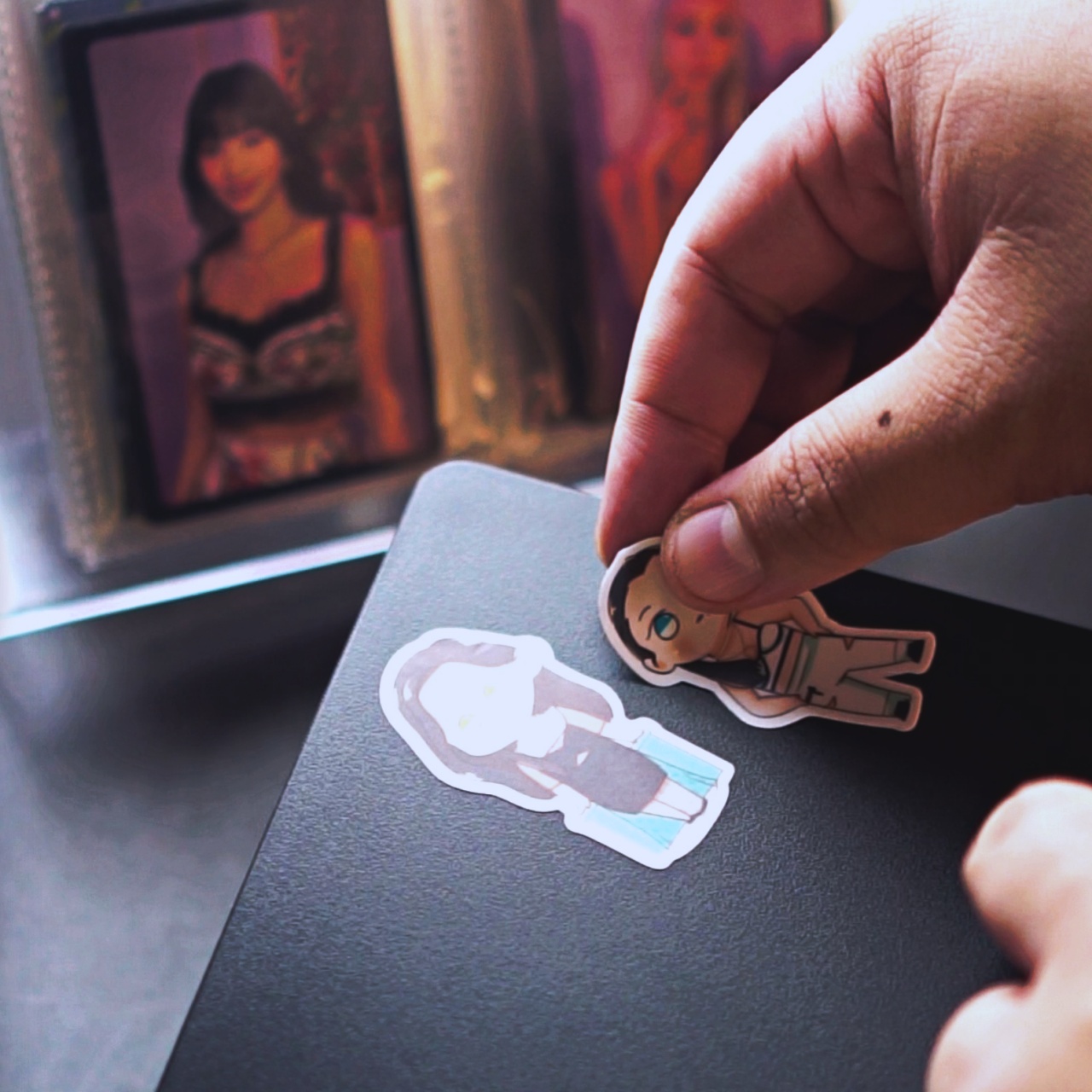
TWICE chibi stickers c/o @arts423
Formatting and testing
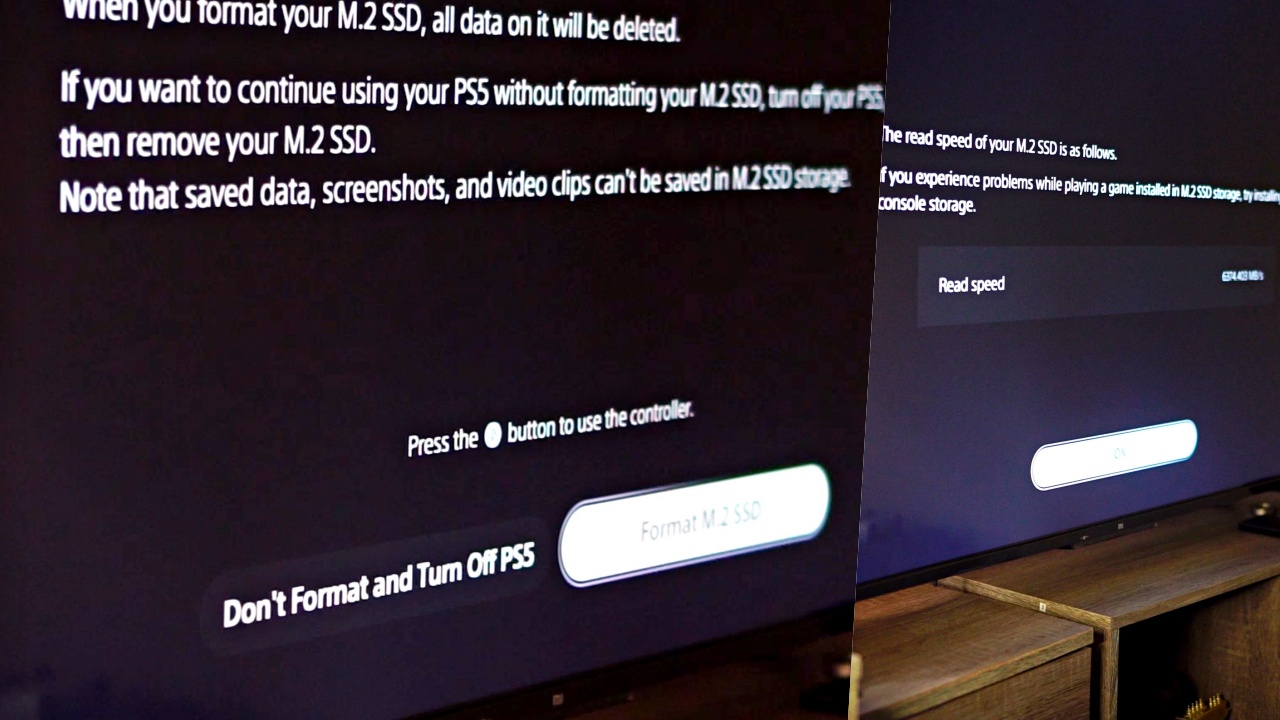
After installation, the next time you fire up your PS5, you’ll be asked to format the expansion drive. Do it by simply following the prompts. It should take less than 10 minutes.
After that, you can proceed to transferring your files to the Firecuda530. Transfer rates will vary depending on the file size.
The first time I did it, I transferred nearly 100GB and it took only around three minutes.
Before I transferred, I recorded how long it’ll take for me to load a few games. I did this for when they were on the main drive and when they were transferred.
Here are the results:
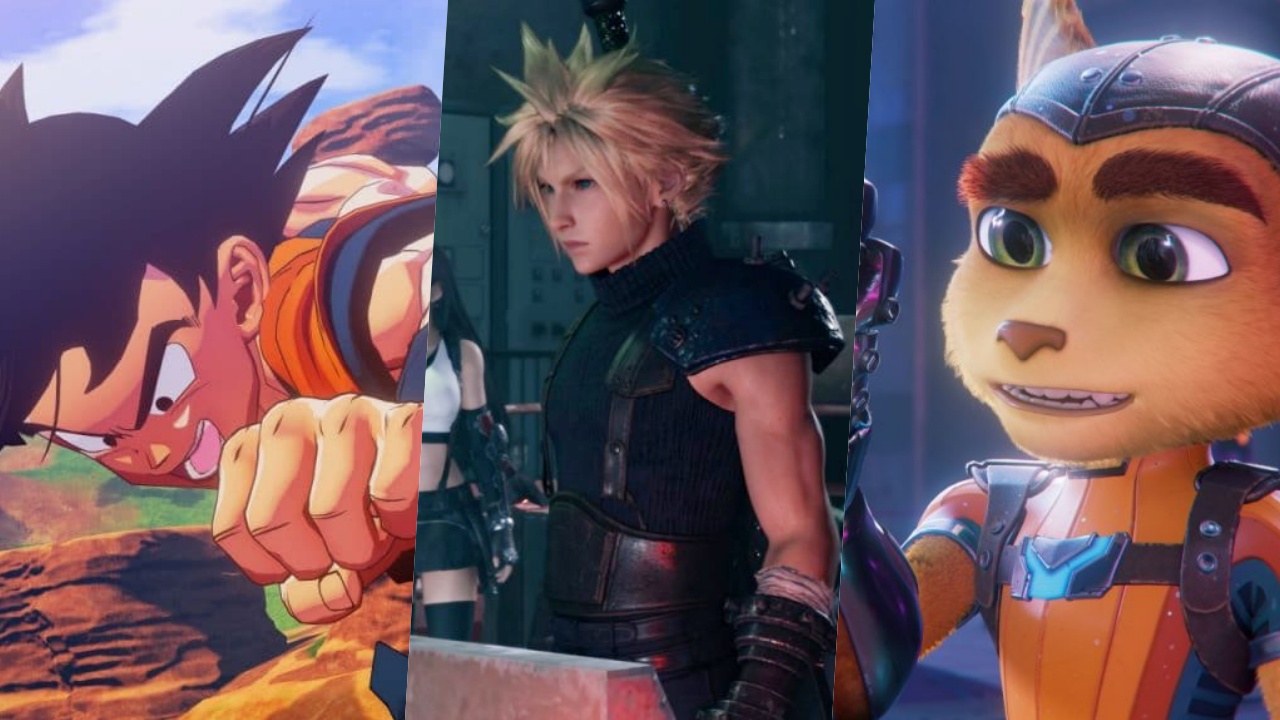
Dragon Ball Z: Kakarot (PS4 Game)
- PS5 Storage: 31.47 seconds
- M.2 Storage: 27.77seconds
Final Fantasy VII Remake (PS5 Game)
- PS5 Storage: 3.67 seconds
- M.2 Storage: 2.49 seconds
Ratchet & Clank: Rift Apart (PS5 Game)
- PS5 Storage: 2.61 seconds
- M.2 Storage: 2.17 seconds
These are insane results as the Firecuda530 loaded the games faster than the PS5’s internal storage. Safe to say, the promised transfer speed and performance delivered as advertised.
Just playing

In the week since I moved most of my library to the Firecuda530, I’ve spent most of my time trophy hunting on the same games I mentioned earlier. So far, everything has been running great.
In terms of load times, there’s no discernable difference between the PS5’s internal storage and the expansion storage. I didn’t bother timing them anymore so this is just based on my natural internal timer. Native PS5 games load blazingly fast and PS4 games installed on the PS5 load just about as fast as one can expect.
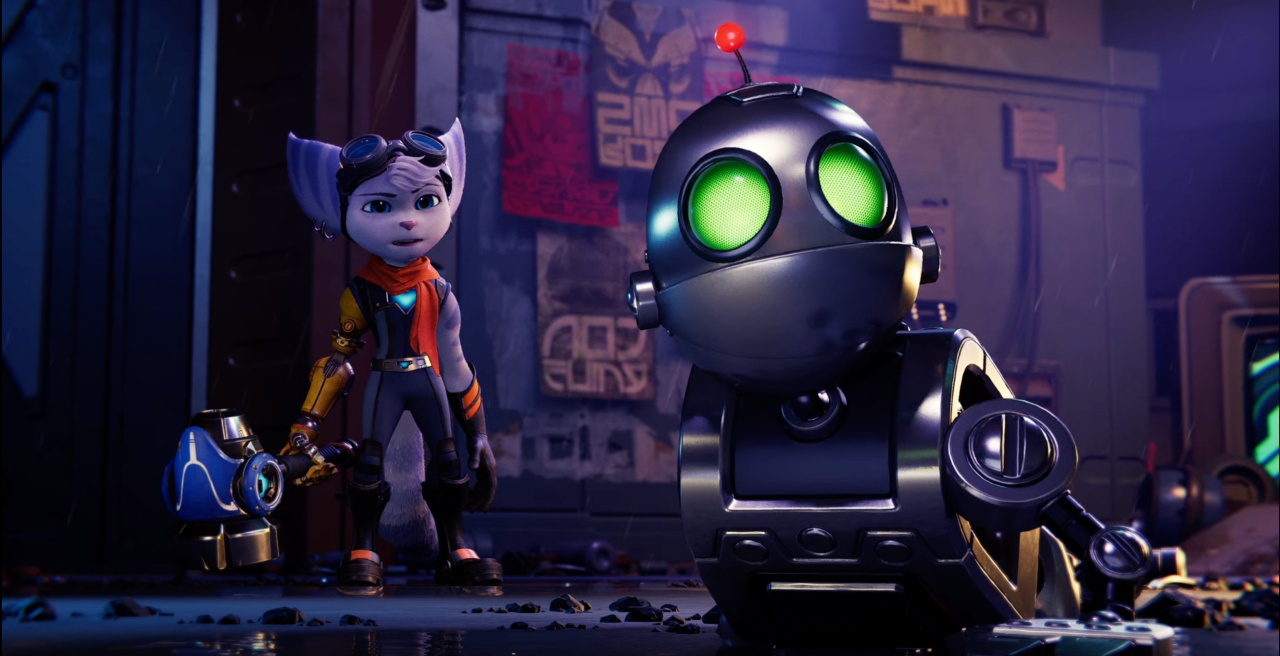
Rivet and Clank
Same thing is true during actual gameplay. The expansion storage simply matches, if not exceeds, the performance of the built-in one, you wouldn’t know the difference unless you have your timer out to really see the milliseconds or sometimes even seconds of difference.
The biggest benefit, of course, is I’m now able to increase the number of my installed games from a measly eight all the way up to 20. And that’s with plenty of room to spare. That is simply incredible and extremely convenient.
Price and availability

The specific version I installed, as mentioned earlier, has a 2TB capacity. It has an SRP of PhP 25,895. The FireCuda 530 Heatsink also comes in 1TB and 4TB. The SRP is PhP 13,760 and 56,789 respectively. You can purchase these on Shopee, Lazada, or any of their authorized sellers. Find out more about Firecuda here.
This feature is a collaboration between GadgetMatch and Seagate.


Gaming
Dune: Awakening makes it way to the PS5 and Xbox Series X
Surviving the harsh land of Arrakis one sandstorm and bloodlust at a time

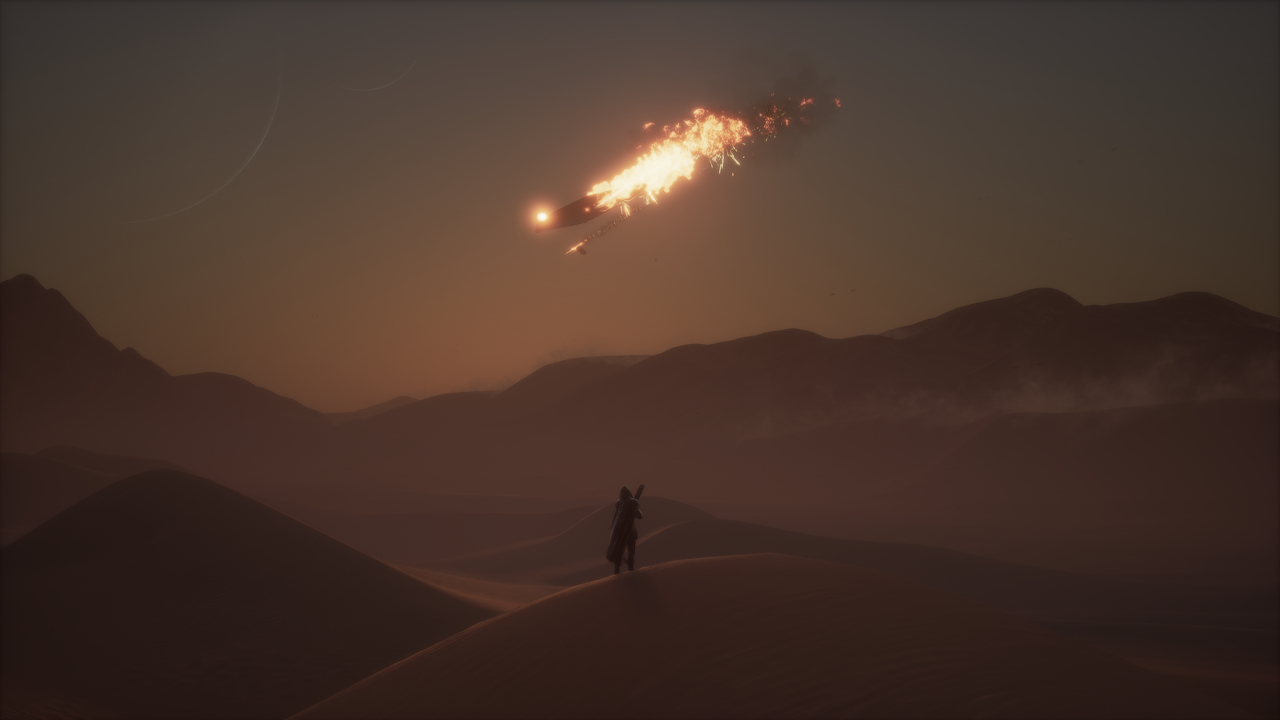
Back in June of 2025, Funcom released its multi-nominated open world survival game, Dune: Awakening. Inspired by the renowned movie franchise, the game takes place within the deserts of Arrakis as players survive and thrive through intense combat and strategic decision making. Now, in the big 2026, Funcom is finally bringing that experience to PlayStation 5 and Xbox Series X|S players as Dune: Awakening officially launches on console!
For the newbies finally getting it on console, here’s all you need to know:
Take the lead or do it together
Dune: Awakening takes you into the desolate land of Arrakis, and gives you the option to do it on Single Player or Multiplayer upfront. Through your own bidding in strategy, combat, and resource management, your goals are simple: survive the terrain, make more allies than enemies, and conquer the land through your affiliation to the powers that be.
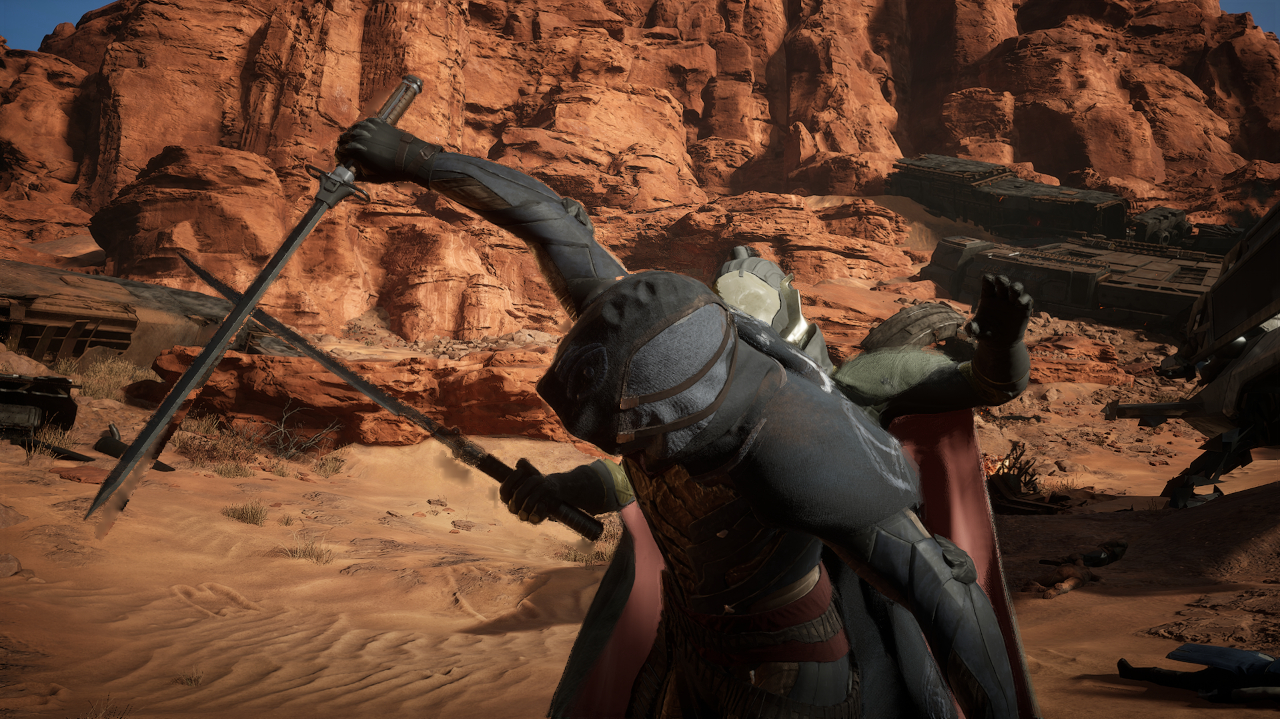
This version of the game is as exact and as one-to-one as it possibly could with the PC version released last year, down to the story arcs, quests, and PvE/PvP areas you take on. Since launch, Funcom has introduced new weapons, areas, and cosmetics through DLCs that will be available to console players, as well. Also, several key features in story and mission progression that have changed on the PC version will take into effect.
If you want to engage with multiplayer, it is still a viable option when you want to gather more resources and reinforce your bases against other players and the natural elements. However, you still won’t be able to host your own server on a console just yet, as it is more stable to do so on the PC version.
Become whoever and whatever to survive
Character customization became the game’s bread and butter through its extensively library of features and unique take on story progression. As you begin your journey, Lady Jessica welcomes you in and asks you on your origin story, mentorship, and initial skill set — all of which are to your choosing based on your play style. Honestly, none of these completely influence the difficulty in progressing the story too much but it will give you full control of the experience.
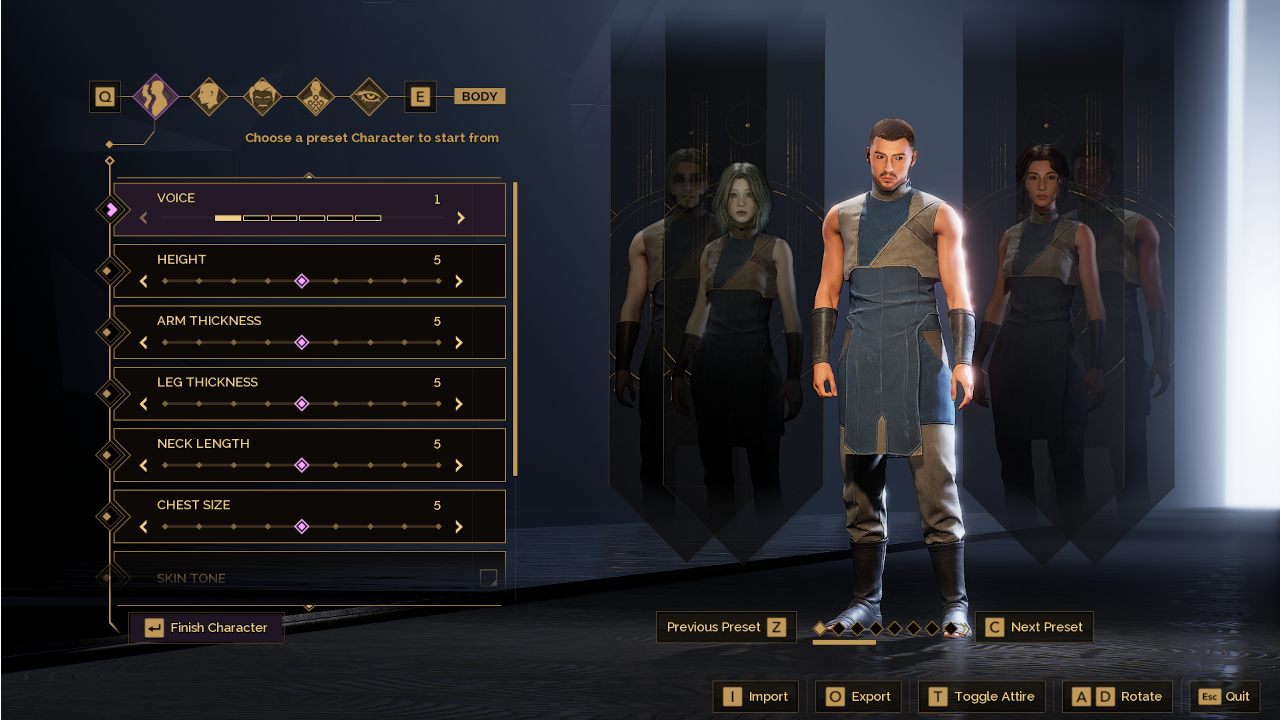
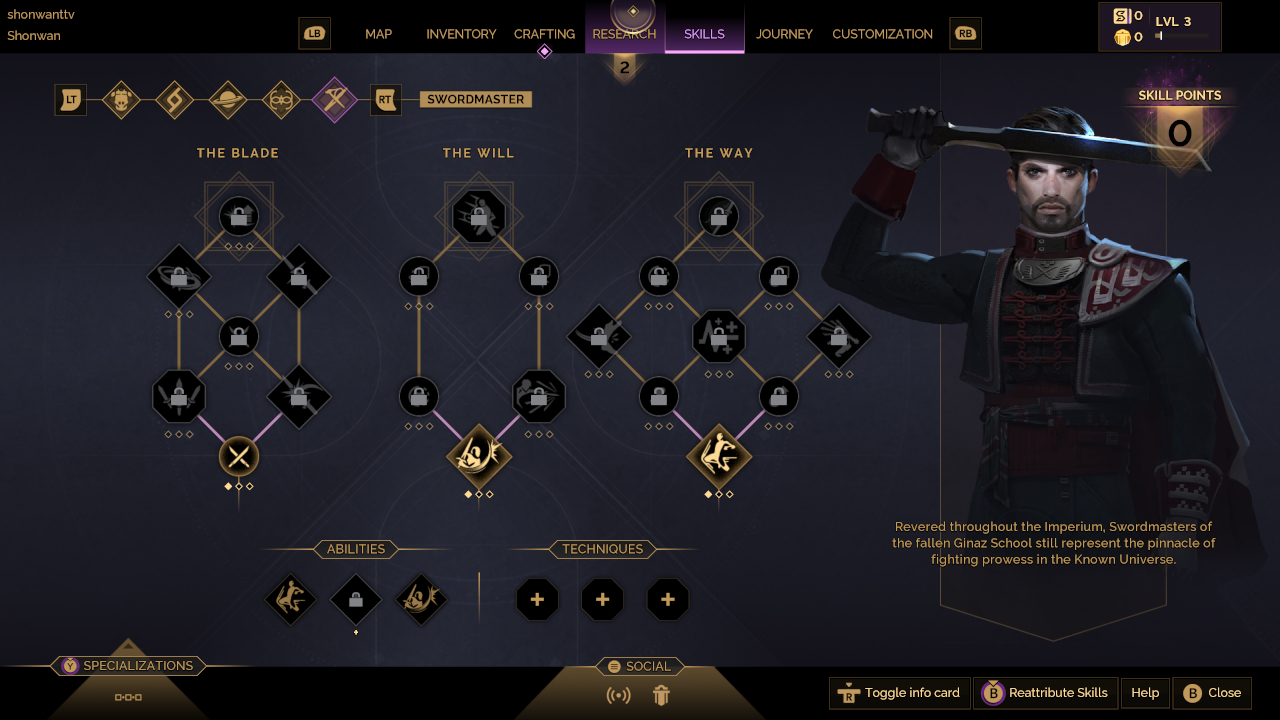
As you progress further into the game, you will unlock more skills and abilities to aid you in your quest for power and survival. These will help you earn XP, along with accomplishing tasks, gathering resources and researching newer technologies, plus engaging in combat both within the PvE and PvP areas. Ultimately, you and, potentially, other players must build enough rapport and influence to shape the world of Arrakis to your liking.
Consistent visual expectations
For most players on the PC version, graphical fidelity relied heavily on the hardware of choice. When transitioning the game into a console-friendly environment, Funcom worked out the details seamlessly by adding a Performance and Quality mode. In this fashion, you can opt for crystal-clear graphics at a decent 30 FPS or go for a constant 60 FPS to keep up with the action.
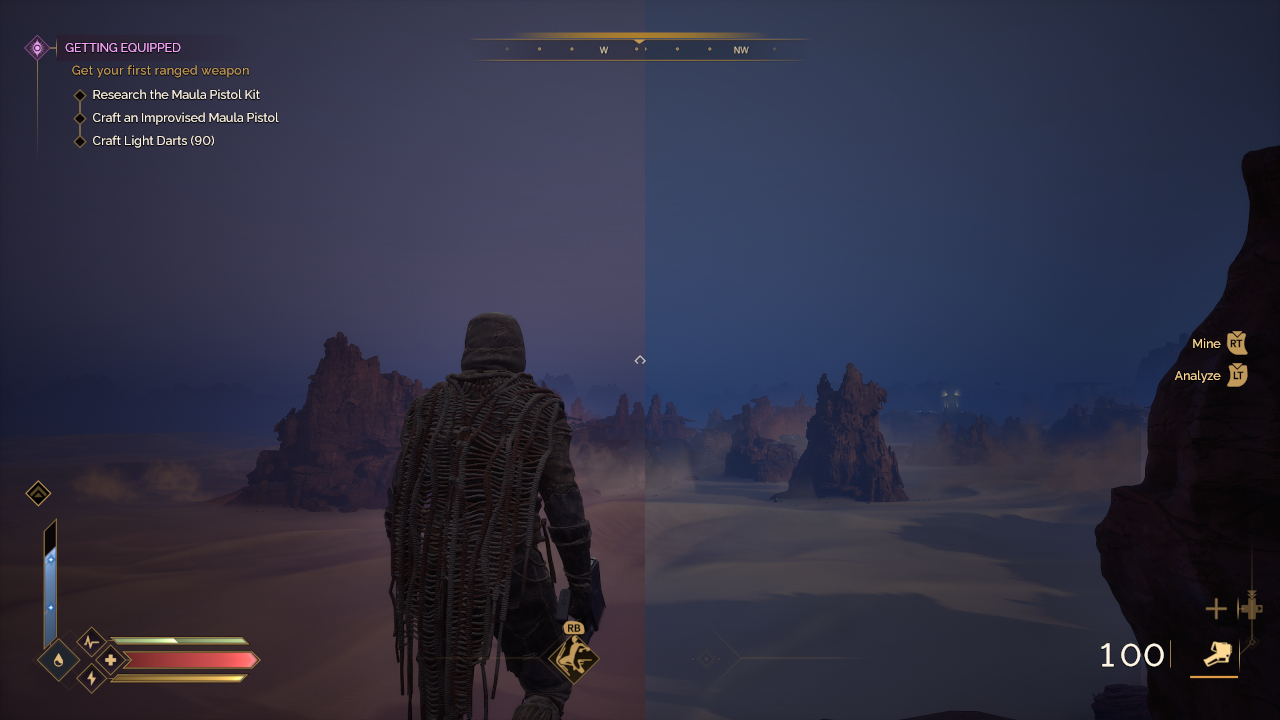
Left: Performance | Right: Quality
No matter which mode you choose, the overall visual identity of the game doesn’t change drastically. Environments look rich and vibrant, while the tiniest of details within character models are preserved. Although, given frame rate differences, rendering of background elements also reflects that but it won’t ruin the gaming experience.
Dune: Awakening will be available on the PlayStation 5 and Xbox Series X|S on September 22. For Xbox Game Pass owners, this will also be a Day One release with Play Anywhere support and cross-play within Xbox and PC players upon launch.
Funcom has also planned an exciting map update later this year plus potential DLC tie-ins to the upcoming Dune: Part Three theatrical release in December.

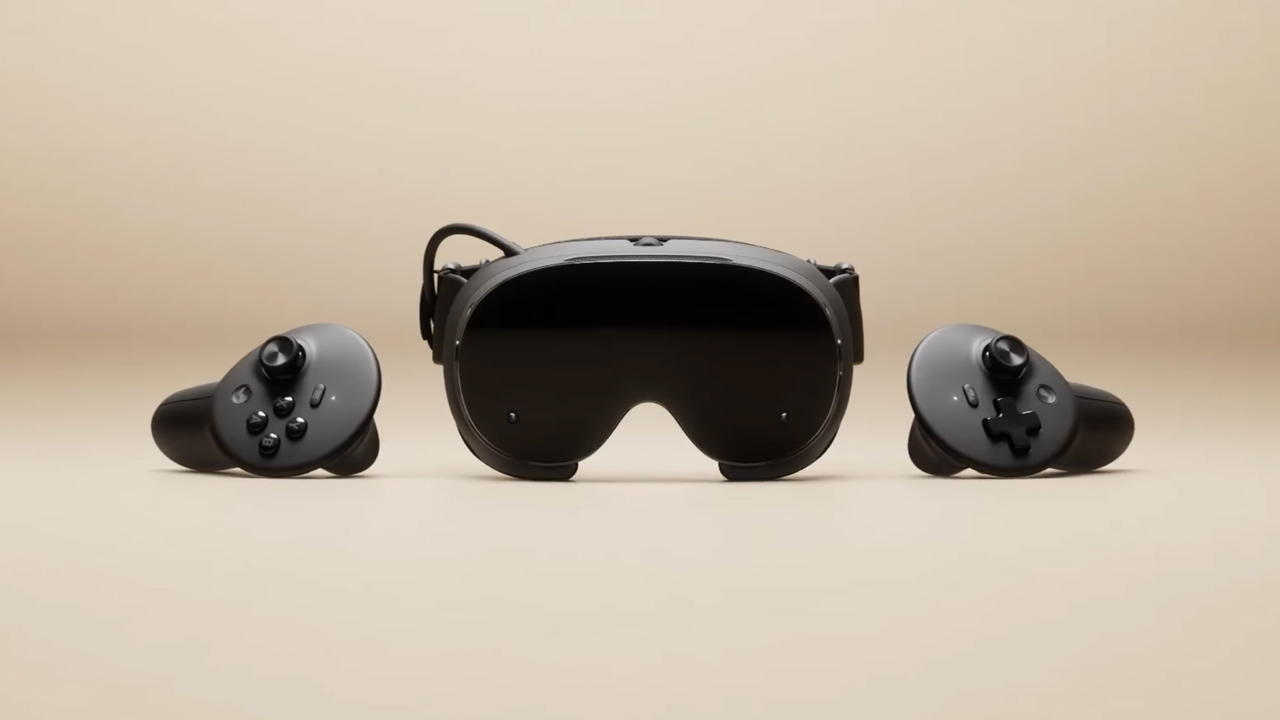
The trifecta is complete. Almost a year after announcing their new hardware, Valve has finally unveiled the price tag of the Steam Frame, complementing the Steam Machine and Steam Controller revealed a few months ago.
Whereas the Steam Machine is a console of its own, the Steam Frame is a traditional VR headset with a pair of controllers for both hands. Unfortunately, despite being in a different segment, the headset is not immune to the rising prices of technology. The Steam Frame will start at US$ 1,059 for a 256GB model and can go up to US$ 1,299 for the 1TB model. On the plus side, each box will come Half-Life: Alyx packaged along with the headset.
Here’s a more detailed rundown of what you’re getting. The Steam Frame will ship with the Snapdragon 8 Gen 3 chipset, paired with 16GB of RAM. Each eye comes with a 2160 x 2160 LCD screen, putting out images at up t0 a 144Hz experimental refresh rate. As mentioned above, the headset will start with 256GB of storage but can go up to 2TB. It will come packaged with SteamOS 3 and a rechargeable 21.6Wh battery.
This might be a hard buy for some. The industry currently has more affordable options, for one. Also, virtual reality isn’t the most thriving segment of gaming today.
If you’re still decided on buying one, however, Valve is using its lottery system. Interested customers can sign up from now until September 17. The company will then randomize the purchasing order. Those who draw the first ones in the lottery can get a purchase email as soon as September 18. Meanwhile, anyone who registers after September 17 will automatically be put at the back of the queue.
SEE ALSO: Valve announces its own console called the Steam Machine
Gaming
BlizzCon 2026 announces World of Warcraft: Forever and Diablo V
StarCraft, Overwatch, Hearthstone, and more also get news

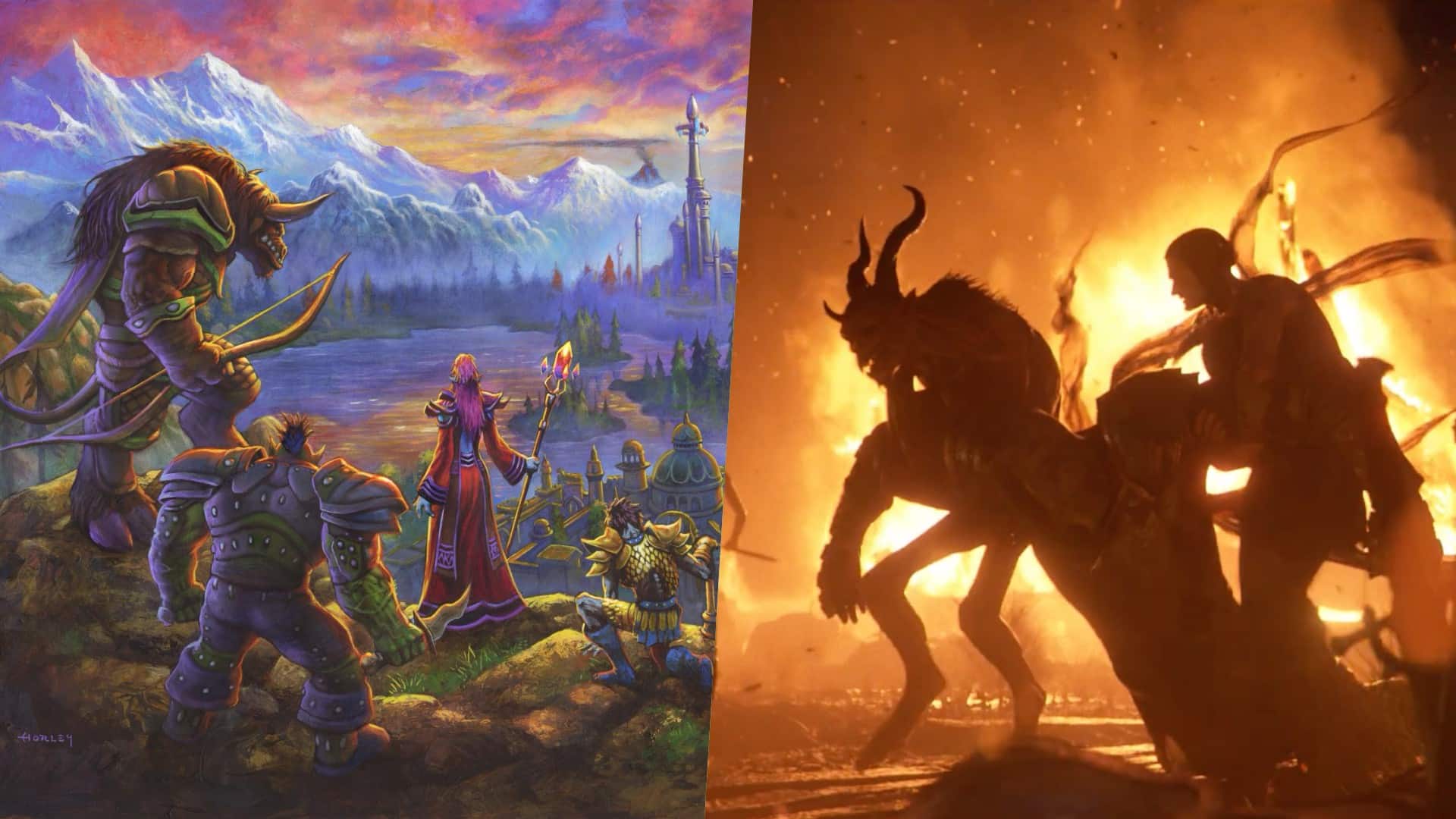
Blizzard Entertainment kicked off BlizzCon 2026 with a packed Opening Ceremony featuring new games, major expansions, updates, and other announcements across its biggest franchises.
Blizzard Entertainment President Johanna Faries opened the event at the Anaheim Convention Center, celebrating the community behind the company’s games and the teams that bring its worlds to life.
World of Warcraft: Forever and Diablo V
The biggest announcement was World of Warcraft: Forever, a new World of Warcraft experience launching November 5 AEDT, with its beta beginning September 18 AEST. The new experience will feature three zones, more than 1,000 quests, nine dungeons, two raids, and a new Skyborne race.
Blizzard also officially announced Diablo V, marking the next era of the franchise. The game is set to launch in North America in Spring 2029, with Sanctuary having fallen and Diablo having won.
StarCraft is also returning with a new story-driven, open-world shooter. The game is currently planned for a Spring 2030 release in North America.
Beyond games, Blizzard revealed that an animated series set in the Diablo universe is in development with Netflix. The company says this is only the beginning of its plans to expand its universes beyond gaming.
For Warcraft III Reforged, the new Forsaken Kingdom campaign is available today. It marks the Warcraft RTS series’ first new storyline in more than 23 years and explores the fall of Lordaeron and the origins of the Undercity. The accompanying 3.0 update also brings graphical improvements and a revamped World Editor.
Heroes of the Storm is adding Xal’atath as its newest Hero. She arrives in the Nexus on September 29 AEST, with her PTR release scheduled for September 15 AEST.
Existing games updates
Meanwhile, Diablo IV is preparing for its next major content drop. Season of Hell’s Legacy begins September 16 AEST and celebrates the franchise’s 30-year history with the return of the Prime Evils and Deckard Cain, alongside themed rewards and gear.
The legendary Amazon class will also arrive in the first half of 2027 as part of Diablo IV’s first class pack. The Diablo IV: Age of Hatred Collection is additionally coming to Nintendo Switch 2 on September 16 AEST with cross-platform play and cross-progression.
For World of Warcraft, Blizzard teased the next major update for Midnight. Eclipse (12.2) will see Xal’atath move closer to her goal of claiming Azeroth’s Worldsoul. Blizzard also offered another look at The Last Titan, the next expansion in the Worldsoul Saga and a major culmination of more than two decades of Warcraft storytelling. More information is coming early next year.
Overwatch is getting a major update with Season 5. The season introduces new Support Hero Doctrine, reworks for Sombra and Roadhog, and the new Watchpoint: Grimsvötn map. It will also conclude The Reign of Talon, Overwatch’s first year-long narrative arc.
LE SSERAFIM & YOASABI
BlizzCon also featured performances from YOASOBI and LE SSERAFIM. YOASOBI will perform during the first-ever esports halftime show at BlizzCon, while LE SSERAFIM will return to the Main Stage to close the weekend. A new LE SSERAFIM in-game collaboration is available now, with another Overwatch Spotlight scheduled for February 2027.
Finally, Hearthstone is getting its first new class in more than six years. The Monk arrives in 2027, while the upcoming Reign of the Black Empire expansion takes players back to the earliest age of Azeroth. It introduces the Assemble keyword, which combines two cards into a new one. Battlegrounds is also adding Aberrations as a new minion type.
BlizzCon 2026 is now underway, with Blizzard promising more announcements and details throughout the weekend.


DJI Lito X1 review: Is this the best lightweight drone for creators?
Making a strong case as a travel companion and a capable B-cam!


REDMI Note 17 Pro Max review: A new breed born from AI greed
Welcome to the new normal


Marvel’s Wolverine review: When the claws come out
A brutal, cinematic superhero adventure

When your body talks, the Galaxy ecosystem listens

MediaTek launches the Dimensity 9600 Pro

Qualcomm unveils the Snapdragon 8 Elite Gen 6 series

OPPO Find X10 Pro Max is the first phone with a triple 200MP camera system

70mai launches the A900 series with 4K front, rear recording

realme 16T 5G with 8000mAh battery, IP69 Pro rating launches in PH

HUAWEI Pura X View is 2026’s first WIDE slab-type smartphone

REDMI reveals the refreshed Note 17 and Note 17 Pro series

REDMI Note 17 Series: Price, availability in Singapore

The CAMON Slim 5G is TECNO’s latest ultra-slim smartphone


-

 Accessories2 weeks ago
CASETiFY upgrades iPhone 18 cases, teases iPhone Duo lineup
-

 Hands-On2 weeks ago
Apple iPhone 18 Pro Series Hands-on
-

 News3 days ago
vivo X500 Series launches with major imaging upgrades
-
Gaming2 weeks ago
Marvel’s Wolverine review: When the claws come out
-

 Gaming1 week ago
BlizzCon 2026 announces World of Warcraft: Forever and Diablo V
-

 Singapore5 days ago
Epson Lifestudio Grand Plus EH-LS970B with 4K projection, more launches
-
Reviews1 week ago
REDMI Note 17 Pro Max review: A new breed born from AI greed
-

 First Look2 weeks ago
First Look: Apple iPhone Duo