
Apps
Google, Apple rolling out phase two of Coronavirus contact tracing
A standardized system to curb the spread


Coronavirus is extremely easy to spread and this contagious nature has forced countries in a state of lockdown. Contact tracing is a crucial method by which all possible infections are detected and quarantined. Thanks to smartphones, the world is relying on contact tracing apps to make the process easier.
Apple and Google have launched a new software framework that authorities can leverage for contact tracing. Thanks to the new system, users receive notifications about their exposure to infectious people without needing to install a specific app.
Officially called Exposure Notification Express (ENE), it uses Android API and Bluetooth Low Energy to detect exposure. ENE helps authorities set up Coronavirus contact tracing systems without having to develop a new app from scratch.
It’ll also allow the agency to guide residents on actions to take if they’ve been exposed, according to Apple and Google. Users who have downloaded an app made by a public health authority can opt into a decentralized tracking system.
As far as privacy is concerned, ENE doesn’t share location data from a specific device with the government. Instead, it relies on random Bluetooth identifiers that don’t record anything regarding your identity, the companies said.
The system allows for interoperability between states, making it easier to sync data and coordinate with various regional authorities. Whether it’s domestic or international, authorities can use the technology to weed out potential cases for further consideration.
Singapore had open-sourced its contact tracing technology months ago. Countries like India and Germany have developed their own contact tracing system. Apple device users will start getting alerts within a few days, while Google will begin rolling out Android changes within a month.




Apps
YouTube makes picture-in-picture mode free for everyone globally
The update is rolling out globally now.

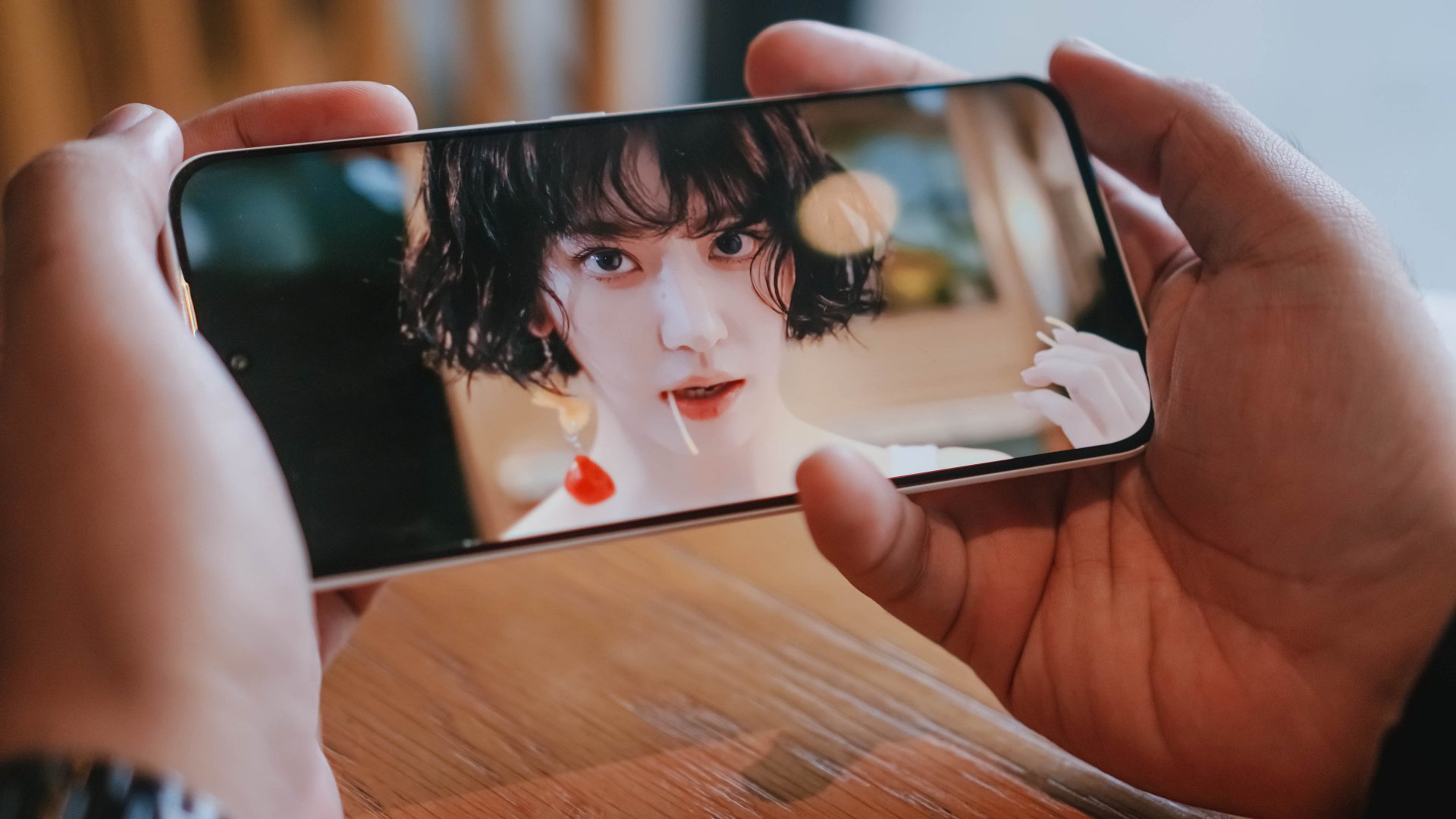
Picture-in-picture (or PiP) mode is a godsend for multitaskers. The feature lets users watch videos in a tiny floating window while doing other tasks. However, the feature isn’t readily available for all users. Or wasn’t, at least. YouTube is now rolling out PiP mode for free globally.
Previously, PiP mode was exclusive to YouTube users who pay for Premium or Premium Lite. It was also exclusive to the United States.
Now, YouTube is making the feature completely free for users all over the globe. It will be available for both iOS and Android versions of the app.
There’s still a catch, though. The free version is available only for “longform, non-music content.” The same goes for Premium Lite subscribers. Music is still an exclusive feature for those who pay for the regular version of Premium. Basically, there is no change for paying users or users in the United States.
Using PiP mode is simple. All you need to do is load up a video you want to watch in the background. Then, just exit the YouTube app and go about your other tasks. The video will be inside a floating, resizable window while you look at other things.
There’s no timeline on when the update will reach your device. However, YouTube has promised that it will roll out globally within the coming months.
SEE ALSO: YouTube remains top PH video platform; advertisers urged to continue investing
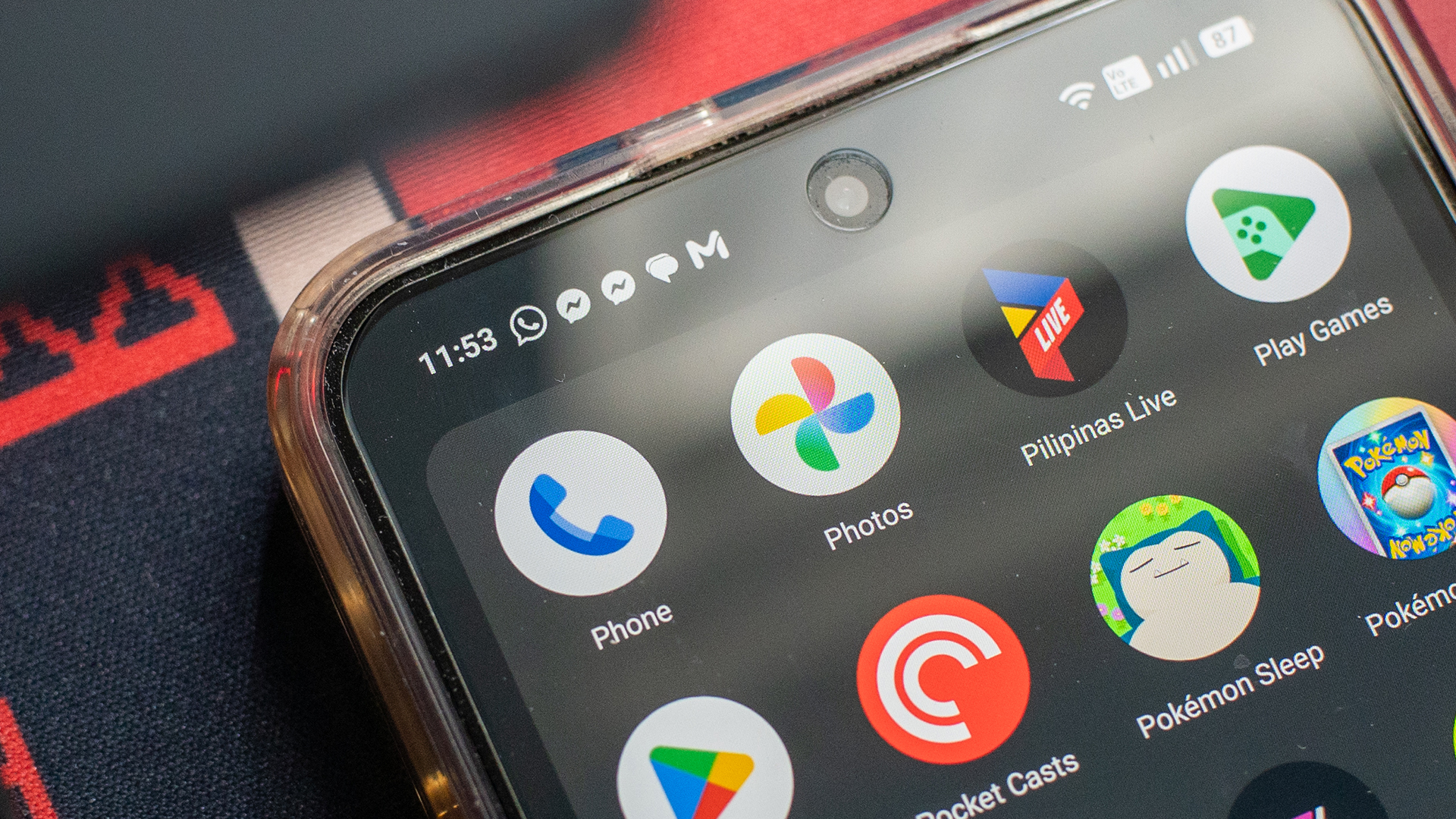
It’s time to kindly shove off, flat design. After over a decade of Google’s Material Design, Android is finally showing signs of ditching flat, monotonous colors. In a series of logo redesigns, Google is reportedly trying out gradients as its latest reinvention.
As spotted by 9to5Google, Google is moving forward with incorporating gradients into its designs. Previously, the company started changing the icons of a few first-party apps including Photos and Maps. Now, it seems that the new design philosophy will reach the rest of Google’s suite.
In the obtained designs, the rest of Google’s plethora of apps will no longer look static. The splash of gradient adds the feeling of layering without losing the company’s roots in flat design. Docs and Sheets, for example, look like a light shining on pieces of paper.
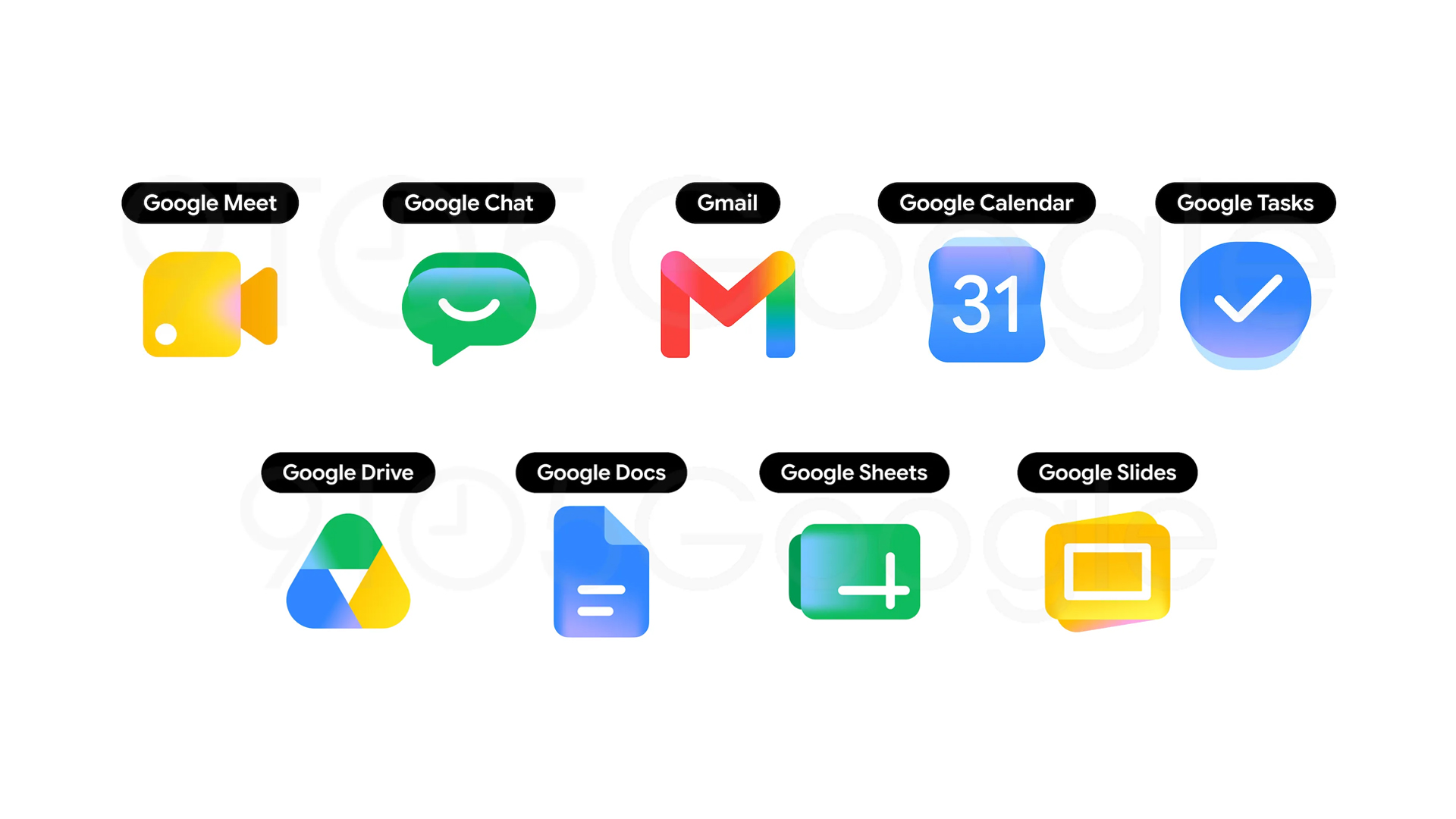
Image source: 9to5Google
It’s unknown when Google plans to incorporate the new philosophy. However, with Google I/O coming fast, it’s fair to bet that an update might come out around that time, especially since that event’s logo already has gradients.
Google’s evolution is not without its precedent. Besides the company’s small trial previously, Apple’s iOS has also made inroads into more three-dimensional designs with the new Liquid Glass. However, unlike Apple, Google’s newest design is a far cry from the former’s return to Windows Vista aesthetics.
Personally, I don’t mind the transition to 3D, as long as it’s done well. Though still visually pleasing, flat design has started overstaying its welcome. It’s time to try something new.
Apps
Significantly better ChatGPT Images 2.0 launches
Stronger creative reasoning, better design output, more formats, improved overall experience

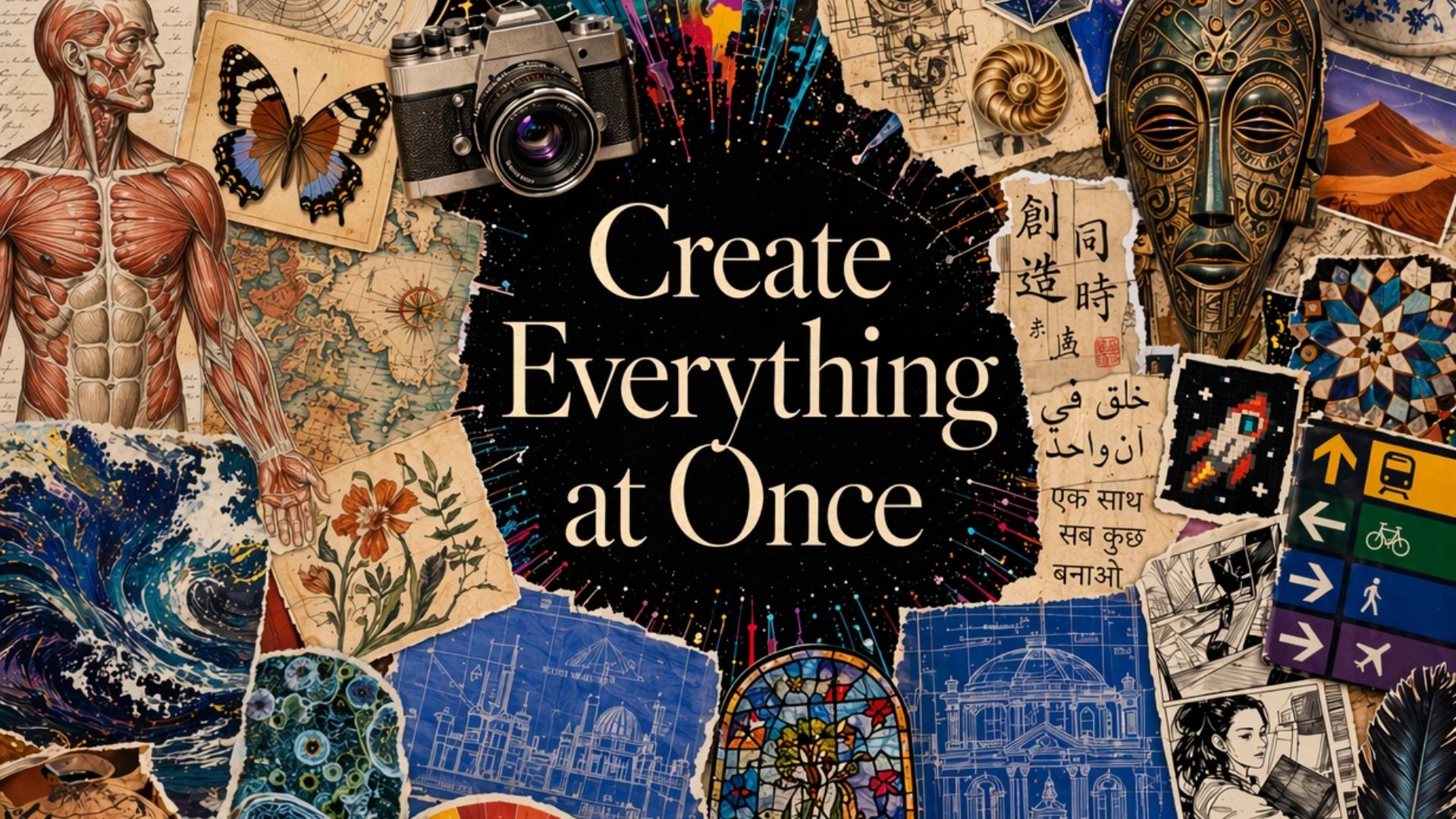
OpenAI has launched ChatGPT Images 2.0. This updated image generation model has a meaningful jump over competitors and its current ImageGen 1.5.
Now available across ChatGPT, Codex and the API, Images 2.0 delivers stronger creative reasoning, better design output, more flexible formats, and a faster, more intuitive user experience.
Paid users (Plus, Pro, Business, and Enterprise) will benefit from a more advanced image experience (ImageGen Thinking 2.0). The state-of-the-art model can take on complex visual tasks and produce precise and immediately usable visuals.
ChatGPT Images 2.0 is likewise better for creative and professional use cases. It has a significantly better performance at producing text-heavy assets, infographics, product mockups, UI concepts, and more structured visuals.
Moreover, users can generate images in a wider range of aspect ratios. The outputs are limitless, from posters to comics or anime to detailed infographics to simple images. API users, on the other hand, will also have access to 4K resolution.
To try the upgraded image generation model, simply head to ChatGPT and select “Images” in the sidebar.
Users will be able to see the top five prompts as well, curated by OpenAI, for them to try. This is to highlight the capabilities of the new model.
Overall, ChatGPT Images 2.0 offers a more seamless experience on mobile, web, and desktop. The intuitive user experience includes improved prompt suggestions, loading states, editing features, and multi-output views.

5 games with the nubia Neo 5 GT 5G
Niche device, but is worth the price?


Giving up counter space for reverse osmosis: Living with Waterdrop M6H in NYC
A 7-stage filtration system


Saros review: Returnal’s difficulty is back and better than ever
Although, it loses the memorable storywriting.

Motorola updates the razr family with its first book-style phone

A Galaxy summer to remember

The VinFast VF6 is perfect for urban travelers

Apple reportedly gives up on the Vision Pro

YouTube makes picture-in-picture mode free for everyone globally


-
 Reviews2 weeks ago
HONOR 600 review: A taste of more
-
 Laptops2 weeks ago
ASUS Zenbook S14 (2026) review: The perfect portable buddy
-
 News1 week ago
OPPO Find X9 Ultra lands in PH: Price, availability, pre-order perks
-

 Malaysia2 weeks ago
The OPPO Find X9 Ultra is Galaxy S26 Ultra’s biggest enemy
-
 News2 weeks ago
Forget the Pro+ and Ultra! HUAWEI unveils the Pura 90 Pro Max
-
 News1 week ago
OPPO Find X9s now official in PH: Price, availability, pre-order info
-
 Luxury Smart Home2 weeks ago
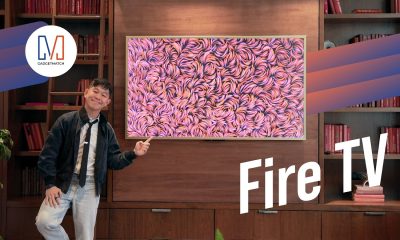
Spotlight: Amazon Ember Artline TV + New Fire TV Stick HD
-
Gaming1 week ago
Saros review: Returnal’s difficulty is back and better than ever