
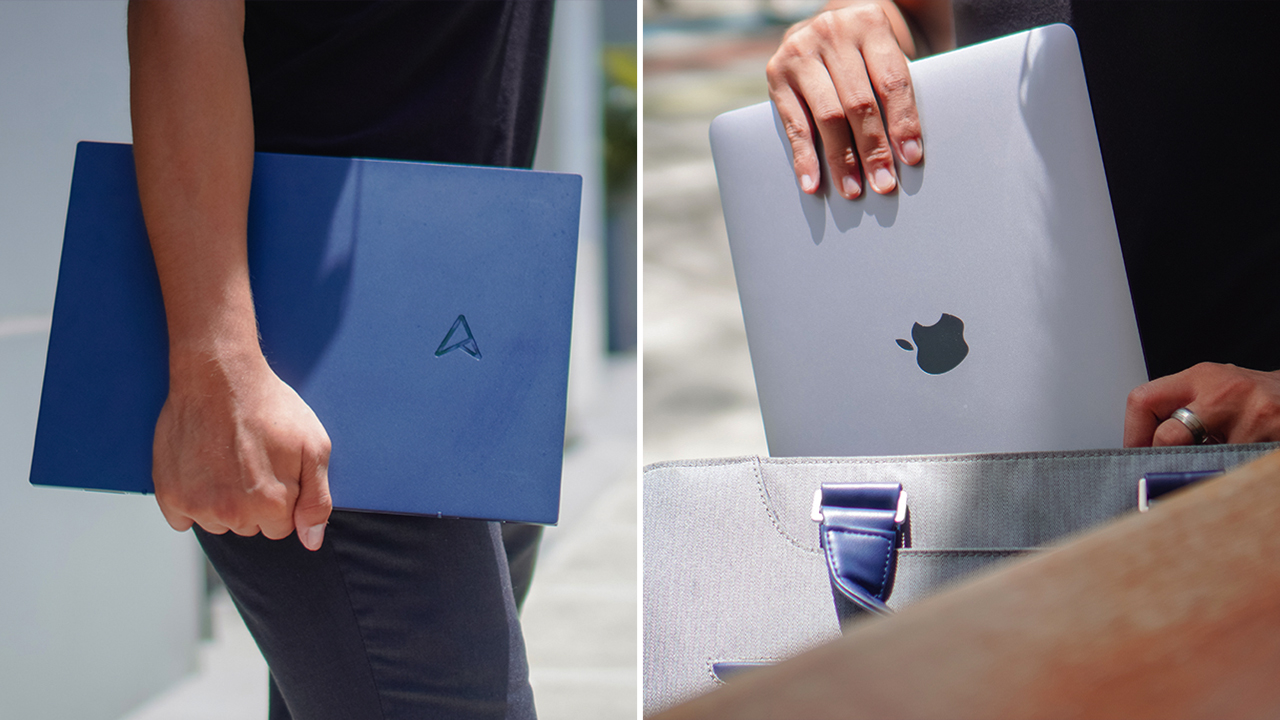

Sleek. Understated. Incredibly lightweight.
The Zenbook S13 OLED takes the helm for ASUS’ contender when it comes to thin, stylish laptops. With its top-of-the-line specs, premium appeal, and price point — it clashes with one of the best value laptops in the market.
Taking on the Apple Macbook Air M1, the Zenbook S13 OLED positions itself as a daily driver to consider. A machine to accompany you in your everyday tasks and then some.
A thin and stylish top-of-the-line laptop
The Zenbook S13 OLED aims to capture Apple’s demographics for the Air M1: People who want to do a bit of everything while on the go.
From students that are back-and-forth to their unis to young professionals who are looking for a device that handles their everyday needs. Both machines aren’t aimed toward staunch tinkerers or incidental gamers who need demanding hardware to keep up with their activities.
Nevertheless, both machines are capable of handling everyday tasks. They’re able to multitask and perform light to moderate usage of creative software for photography, video editing, and illustration. How so?
The Zenbook S13 OLED uses up to an AMD Ryzen 7 6800U processor with a 512GB SSD and an option for 8GB or 16GB RAM. For an average user, the computing power provides a smooth, seamless experience.
Against the Air’s madness

Apple uses the M1 chip for the Air M1, which houses an 8-core CPU and 7-core GPU. It’s insanely powerful that even with a thin design (without a fan), I was able to mass-edit photos on Lightroom, handle complex designs on Adobe Photoshop and Illustrator, and even edit short videos for my Reels.
In fact, the Macbook Air M1 has been my daily driver for almost two years. It’s one of the best-value laptops in the market, even with the presence of the Macbook Air M2.

Switching to the Zenbook S13 OLED for a month gave me the opportunity to experience what it’s like to use a Windows laptop again, check how it fares against my current daily driver, and see how far ASUS has come.
Comparison
I’ll be upfront right away. From an Apple user’s perspective, the Zenbook S13 OLED is pretty much on par with the Air M1 when handling everyday tasks.
Streaming your favorite tunes while multitasking between 20 tabs is a total breeze.
It’s as if I was using expensive Windows machines like the higher-end Yoga and Dell XPS 13. But comparing the Zenbook S13 OLED against the Macbook Air M1 will entail a lengthy discussion.
It has different operating systems, uses different chipsets and hardware, and of course, different ecosystems. Sometimes, it boils down to user preference. What are we familiar with? What do we enjoy using?

In terms of raw power, since they’re pretty much the same, we listed down parameters that can be a factor in having a pleasant experience on a daily driver.
But if you want a full rundown of benchmarks for the Zenbook S13 OLED, GadgetMatch’s good friend Tom the TechChap spectacularly presented it in his video.
Display
The S13 prides itself on an HDR-certified OLED display. While it’s the same 13.3-inch panel with a 16:10 aspect ratio as the Macbook Air M1, the S13 outperforms Apple’s notebook with its 2.8K resolution and vivid display.
It’s worth noting that the Air M1 uses a Liquid Retina display, which still uses IPS technology. Watching on the S13 is obviously magnificent. Like other OLED panels, the colors are vivid; the blacks are deep; the contrast is sharp; the overall picture quality is breathtaking.
When you pair it with its Dolby Atmos speakers, any video content is easily pleasurable to feast your eyes and ears on.
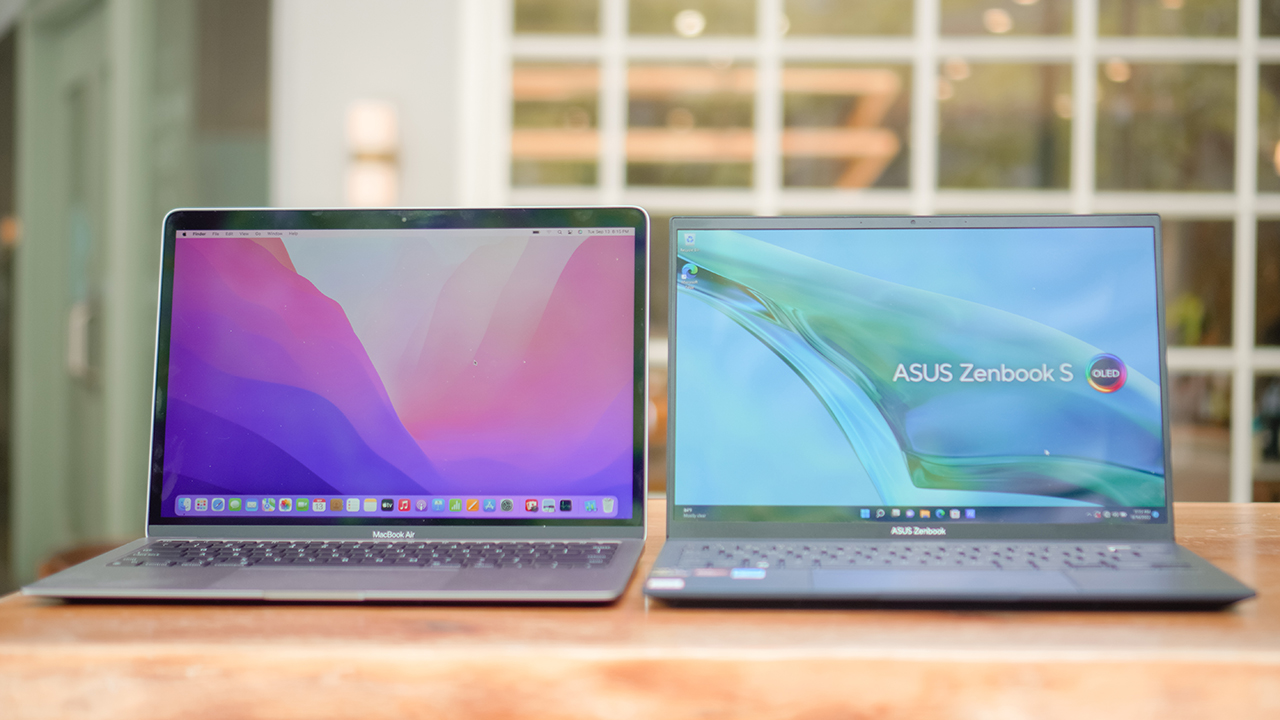
But if you take on creative tasks, the Macbook Air M1 presents better colors. As a designer, it’s important to work on a canvas that accurately displays colors — which will be perceived differently depending on the screen or panel you’re watching on.
Working on a device with a vibrant panel makes it difficult to manage expectations for your creative outputs.
I’ve used Windows laptops that used to parade their vibrant displays before, and it was difficult to rely on my eyes for the quality. I had to be rigid by closely relying on exact hex codes for accuracy.

But, that’s only for creative professionals who need to deal with color accuracy. For younger professionals who need to prepare reports, presentations, and documents — a vibrant display like the S13 is ideal for acing your pitch.
I used to be a gung-ho artist in an advertising agency. Trust me, clients react positively when the colors pop. Having lively and vivacious material presented on your screen will always appease your client’s senses.
Design
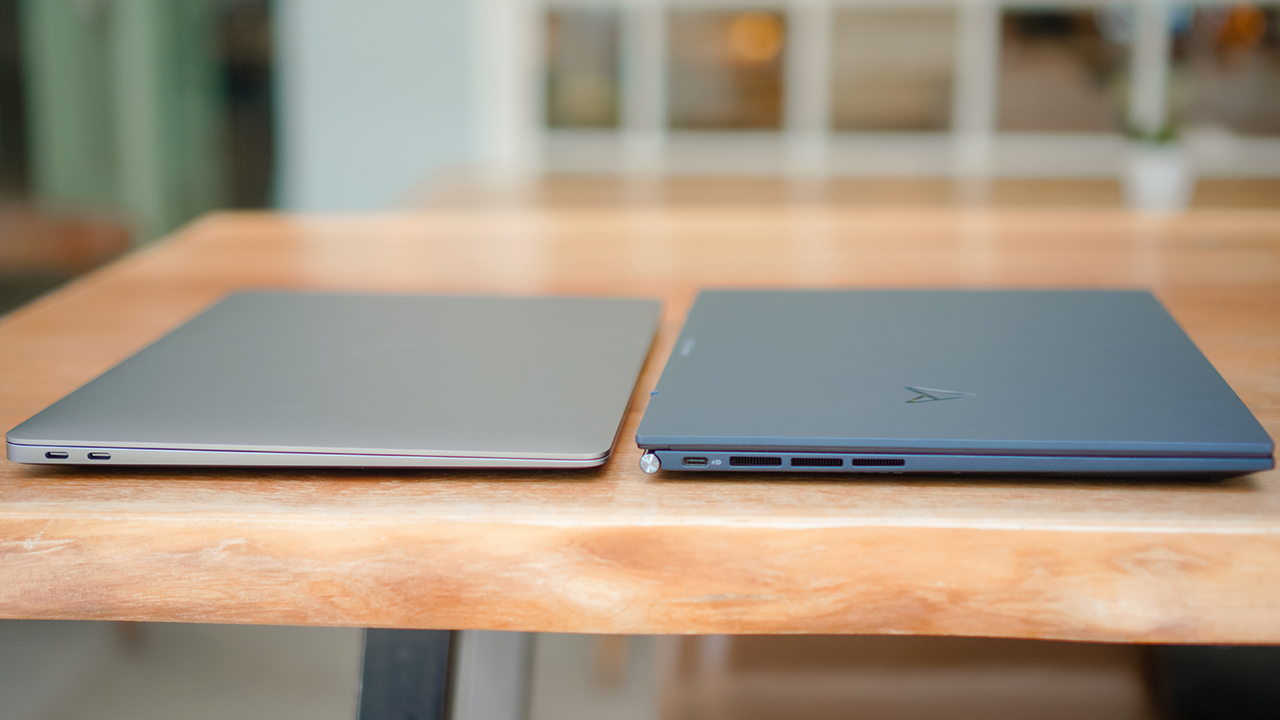
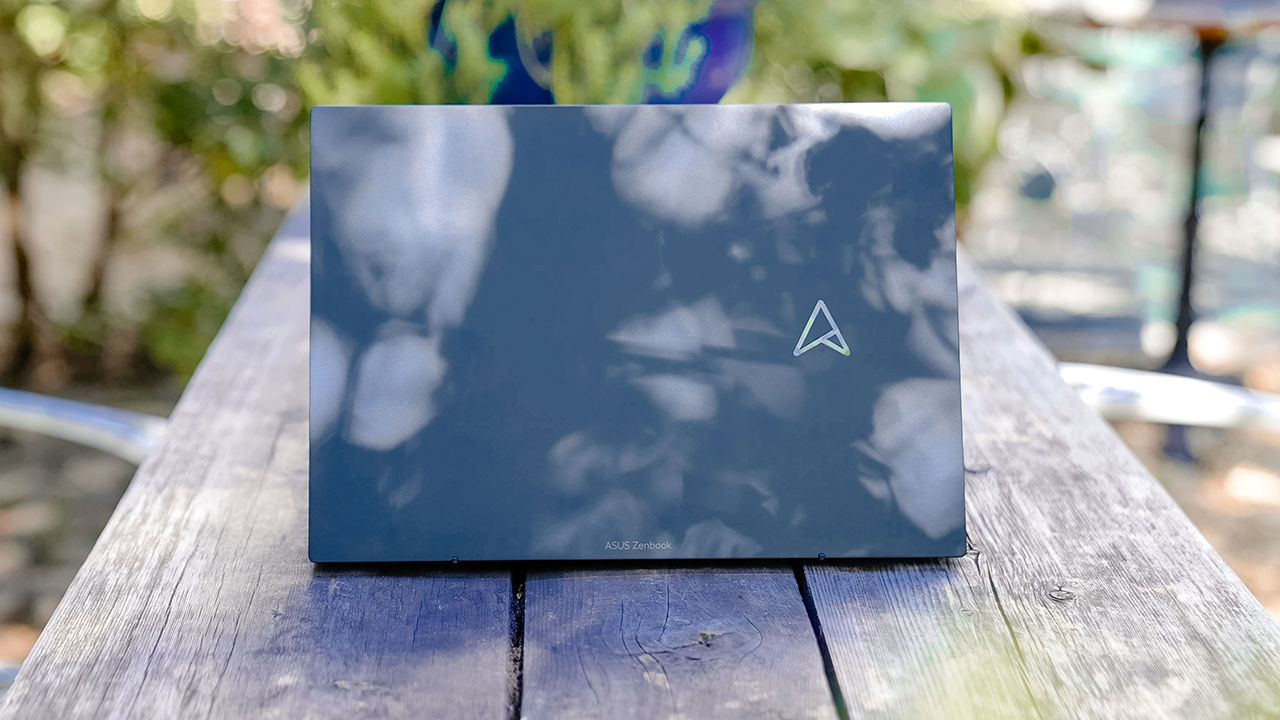
The Zenbook S13 OLED and the Macbook Air M1 look stylish at a glance. With iconic symbols etched on their minimalist lid, both devices exude a premium vibe.
The key differences will be felt when you touch and hold it. The Air M1 has a smooth exterior while the S13 is slightly textured. In terms of aesthetics, the Air M1 gives a delicate air (pun intended).
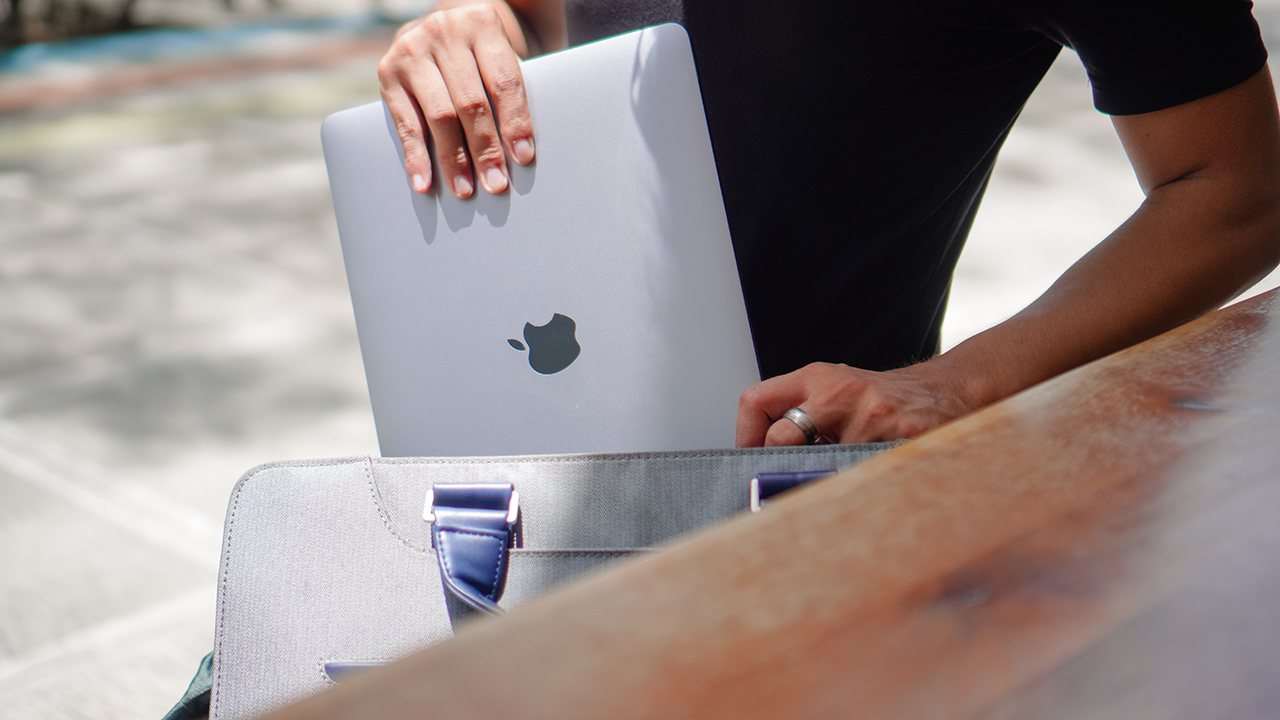
Even when you carry it, the Air M1 weighs a tad heavier (1.24kg) than the S13 (1kg). While the magnesium-aluminum material used in the S13 made it lightweight, it somehow made it feel cheaper.
Although, I really enjoyed carrying the laptop wherever I work. Plus, it’s easy to slip in totes and bags. You’ll barely feel its weight on your shoulders.
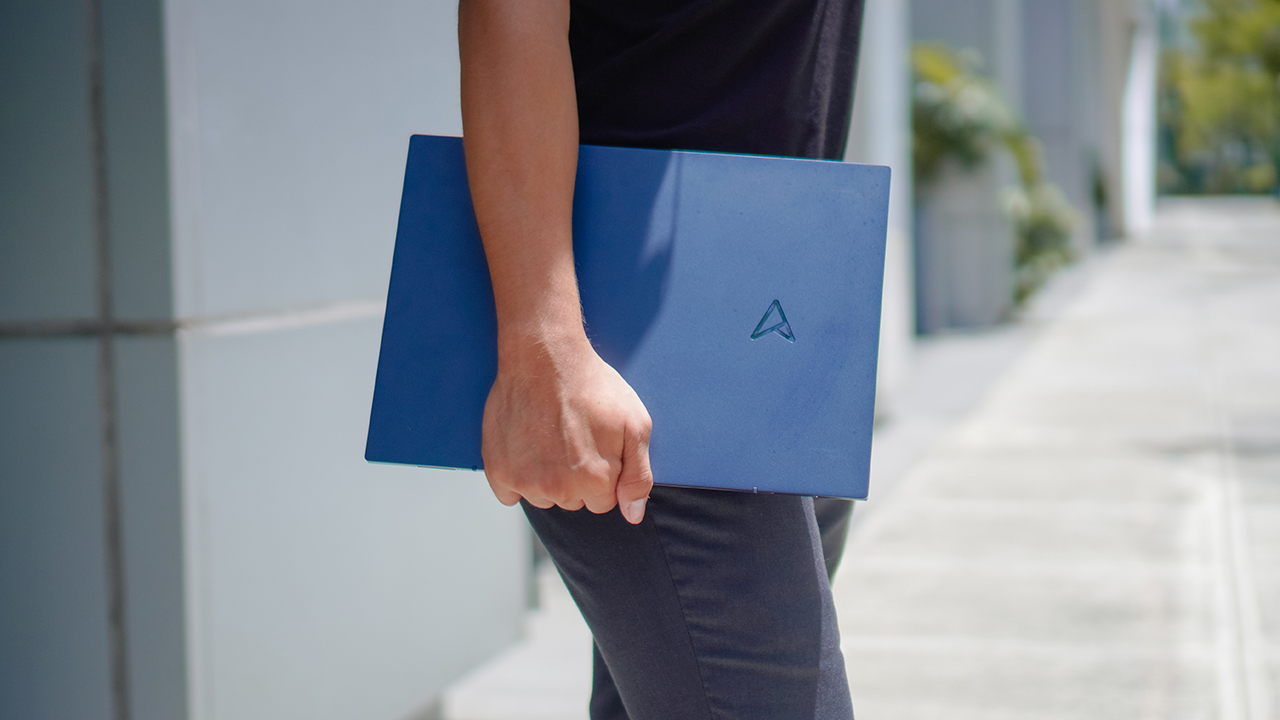
Aside from being incredibly lightweight, the S13 measures 14.9mm thin as compared to the Air M1 at 16.1mm. It just so happens that the Air M1 has a wedge-like design, giving a thinner impression.
Keyboard
Typing on the S13 is as smooth as the Air M1. The most noticeable difference would be the ErgoSense design that makes it slightly elevated for a better typing feel.
And of course, the sound it produces — it’s more clickety and annoying to my liking. Some people would prefer the sounds of their keys clicking, but definitely not me.

Since Apple ditched the butterfly mechanism for its keyboards, the Air M1 now uses a scissors mechanism that allows it to have a stable key feel. It’s quieter.
And with 1mm of key travel, it can handle keyboard warriors’ insane typing speed without the annoying sound of pressing keys.
To put it simply, both keyboards perform exceptionally. It will still boil down to user preference. Which one do you like? A softer feel, or the sound of clicking keys that make you feel you’re productive and accomplishing something?
Touchpad
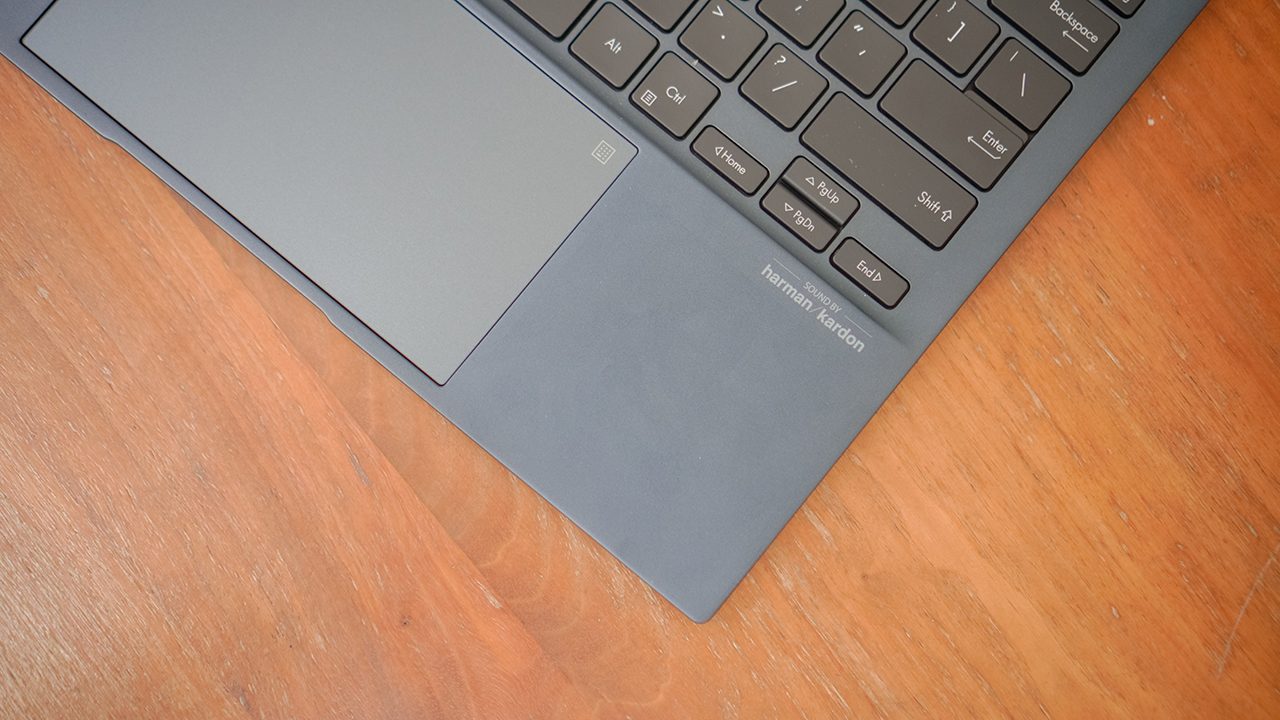
Personally, I prefer the Air M1’s trackpad. Even my old MacBook gives me a smooth-track experience. Forget mouse and/or pen tablets, I can use the pen tool on Photoshop with just the trackpad alone.
I can’t say the same for the S13. When it comes to Windows laptops, it’s still Dell’s XPS line that has the best trackpad that can be on par with the MacBooks.
But for what it’s worth, the S13 gives a decent track feel for its touchpad. With a soft press on the icon found on the upper right, it will activate ASUS’s proprietary NumberPad.
In case you’re unfamiliar with the NumberPad, it’s an LED-illuminated numeric keypad that makes it easy to compute numbers on your excel sheets.
It’s intelligent enough that you can still use the touchpad for cursor control even if you have the NumberPad activated. Switching it can be fairly quick: just press the icon softly again.
Battery
Onto the most important part: your machine’s everyday life. We all know how annoying it is to have your laptop die on you when you have an urgent task and you’re outdoors.
Just imagine being in a cafe without any sockets on. It should be a crime, ‘no?
But changing policies will take time, as you have to call out your lawmakers for that. Thankfully, laptops nowadays carry more power even with a slim figure.

Depending on your usage, both the Air M1 and S13 OLED can last you more than your 8-hour shift.
Although, the Air M1 is more energy-efficient despite consistently running software like Adobe Photoshop and Final Cut Pro. But charging it isn’t as quick as you wanted it to be — even with a dedicated fast charger.
On the other hand, the Zenbook S13 OLED lasts about nine to 11 hours with average use. What I like about the S13 is the option to choose different modes that adjust to your usage and preference.
You can opt for Performance Mode which results in shorter battery life or even Battery Saver which makes your machine more efficient but without feeling like you’re losing speed and power.
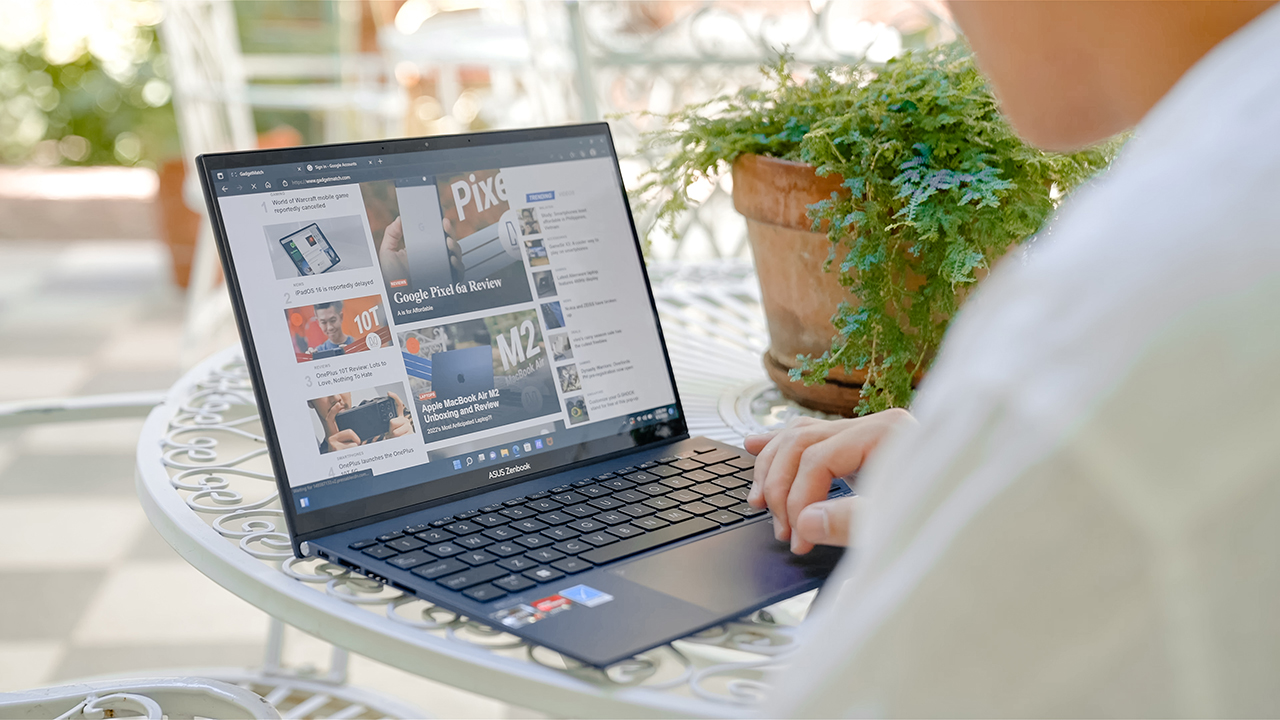
But regardless of what you choose to do with it, the S13 will last you a good long while. Plus, it comes with a 65W USB PD charger so you can fill up your juice quickly.
Connectivity
The Zenbook S13 OLED is starting to look like a MacBook when it comes to port selection.
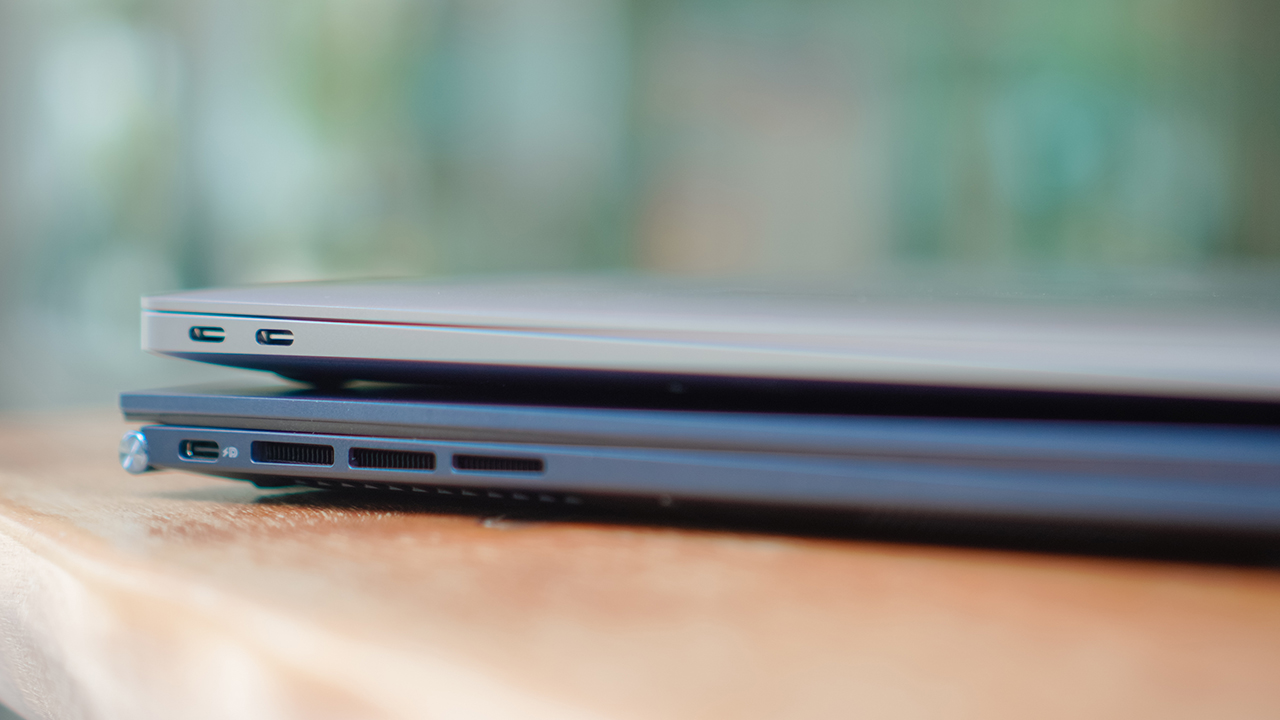
On the left, the Air M1 sports two USB-C ports while there’s only one on the S13.
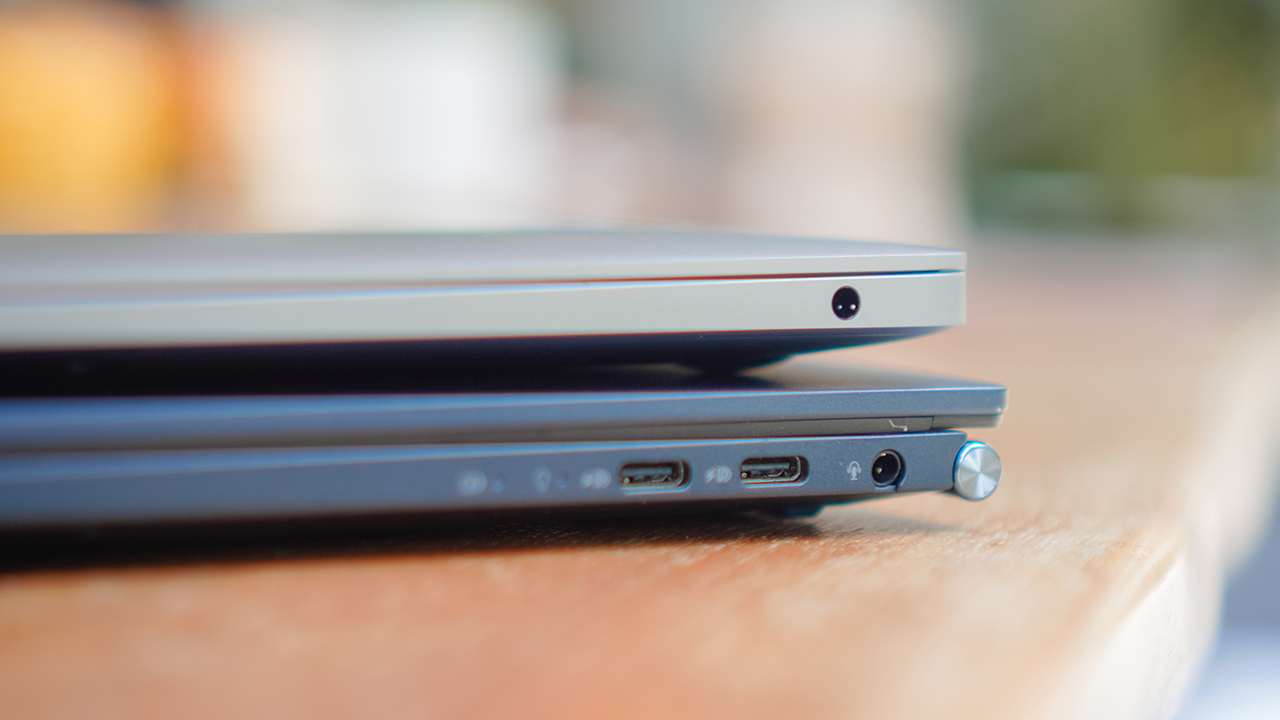
Meanwhile, the right side has two more USB-C ports and a headphone jack for the S13 as compared to the Air M1 which only has an audio jack.
Having one more USB-C port on the S13 gives it a bit of an edge against the Air M1. The only problem here is both laptops will require the user to use more dongles for other ports needed.
What’s there to like about the Zenbook S13 OLED?
I’ve been a fan of Zenbook laptops, even before I switched to Macbook, and I’ve closely followed them throughout the years. Frankly, it’s incredible to see how far they’ve come.
That said, there are a few things that I like about the Zenbook S13 OLED that I can’t find in my Macbook Air M1 — and even in its successor, the Air M2.
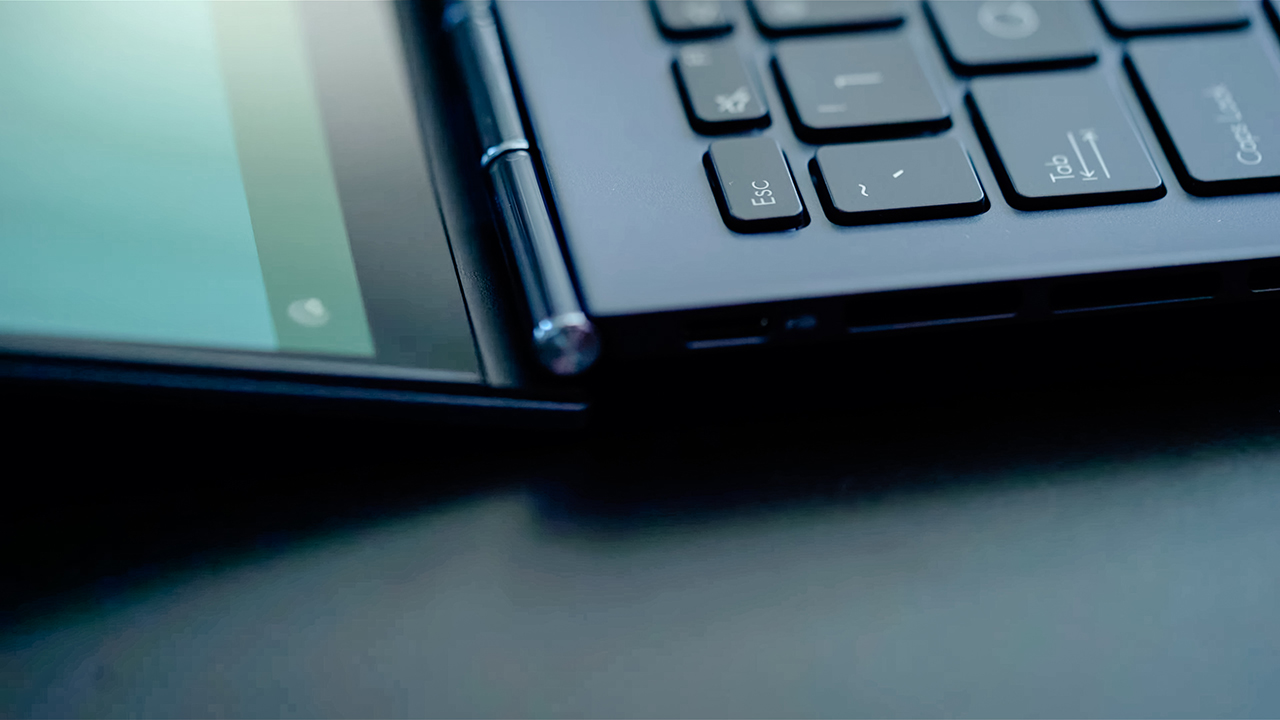
First is the sleek polish and undertone. ASUS has a knack for making things look and feel premium even if they don’t use extravagant materials. They strike the balance between elegance and price.

Next is the ability to lay the screen flat, which makes it easy to present stuff rather than moving the laptop to face your colleagues or clients while on a table.
Not that I’m lazy, but when you’re presented with an easier option, you’re supposed to pick that one, right?

It also has AI Noise Cancellation and real-time webcam optimization that makes client calls and video meetings clear and concise.
There’s also a feature I really like — the ASUS Antibacterial Guard.
It’s a surface treatment that inhibits the growth of bacteria by more than 99% over a 24-hour period. Simply put, the S13 helps keep surfaces clean and sanitary, in addition to repelling smudges and dirt.
I just like a hygienic laptop.

Lastly, the overall experience gave me a Macbook-like speed and performance but on a Windows machine and at a price point that doesn’t cost an arm and a leg. Maybe, just an arm.
I’ve used Dell’s XPS and Lenovo’s high-end Yoga lineup and they’re pretty much on par with the Macbook experience, but they do cost a lot. The retail price is actually higher than my daily driver’s.
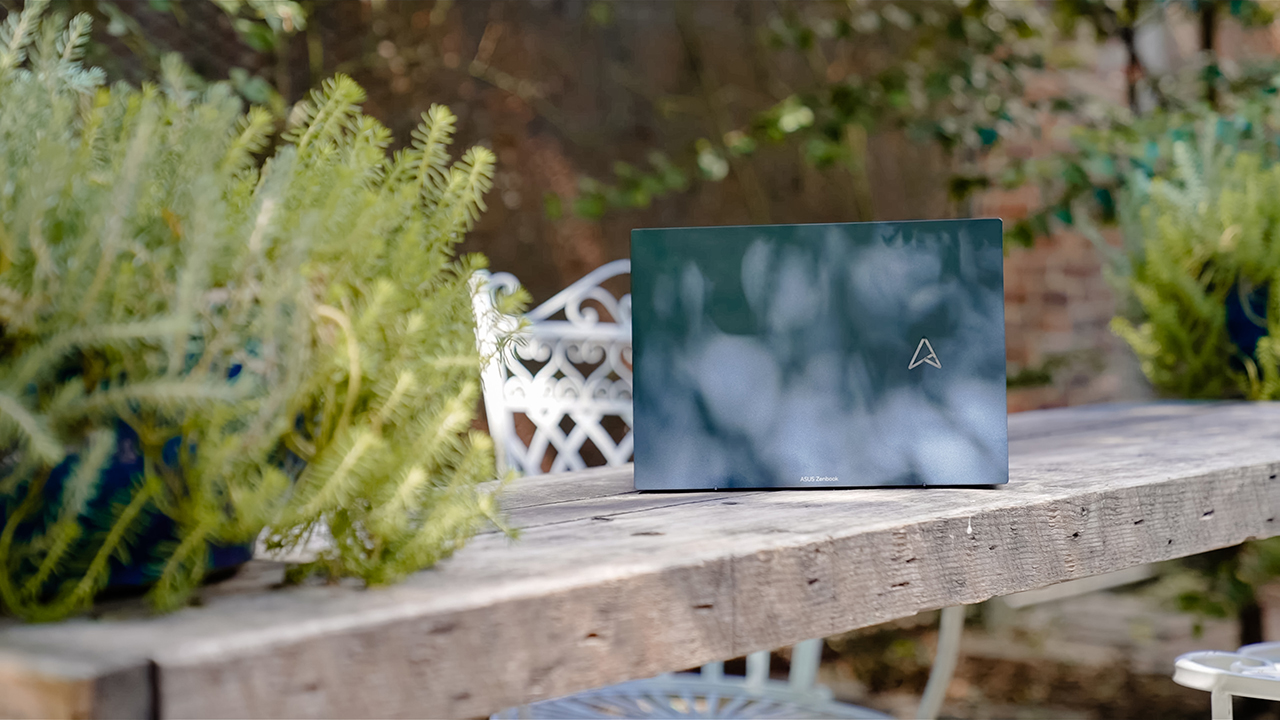
To be able to balance everything — power, design, battery, panel, and price — makes the Zenbook S13 OLED an attractive machine that’s worth your attention.
Which one is your GadgetMatch?
Between the Zenbook S13 OLED and the Macbook Air M1, it is difficult to decide which is better as both machines have advantages over the other; however, the user experience is still quite different.
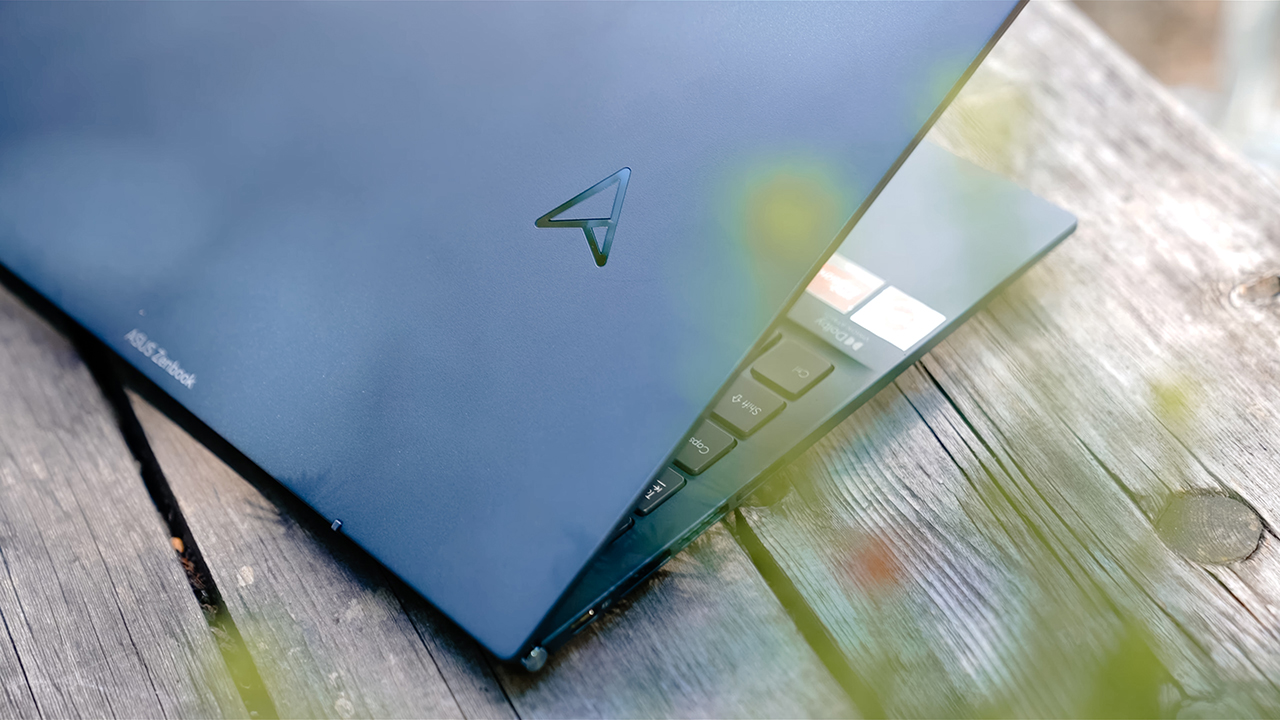
The Zenbook S13 OLED is ideal for young professionals crunching numbers on their excel sheets, and working remotely and/or on the go to discuss business and manage client relations.
It’s an exemplary companion for those trying to live the fly, corporate life, or the freelancers who juggle 6-8 clients every day to make that six-digit figure.
It has the right balance for everything a young professional might need.

The Air M1, on the other hand, suits professionals who do a bit of creative work, content creators who don’t require heavy computing power, students in college or graduate school, or people who need to balance work and school.
Regardless of the machine you choose, you can never go wrong with Zenbook or Macbook. Just make sure to pick one that matches your lifestyle, personality, and needs. And of course, if it’s within your budget.
Price and availability: ASUS Zenbook S13 OLED
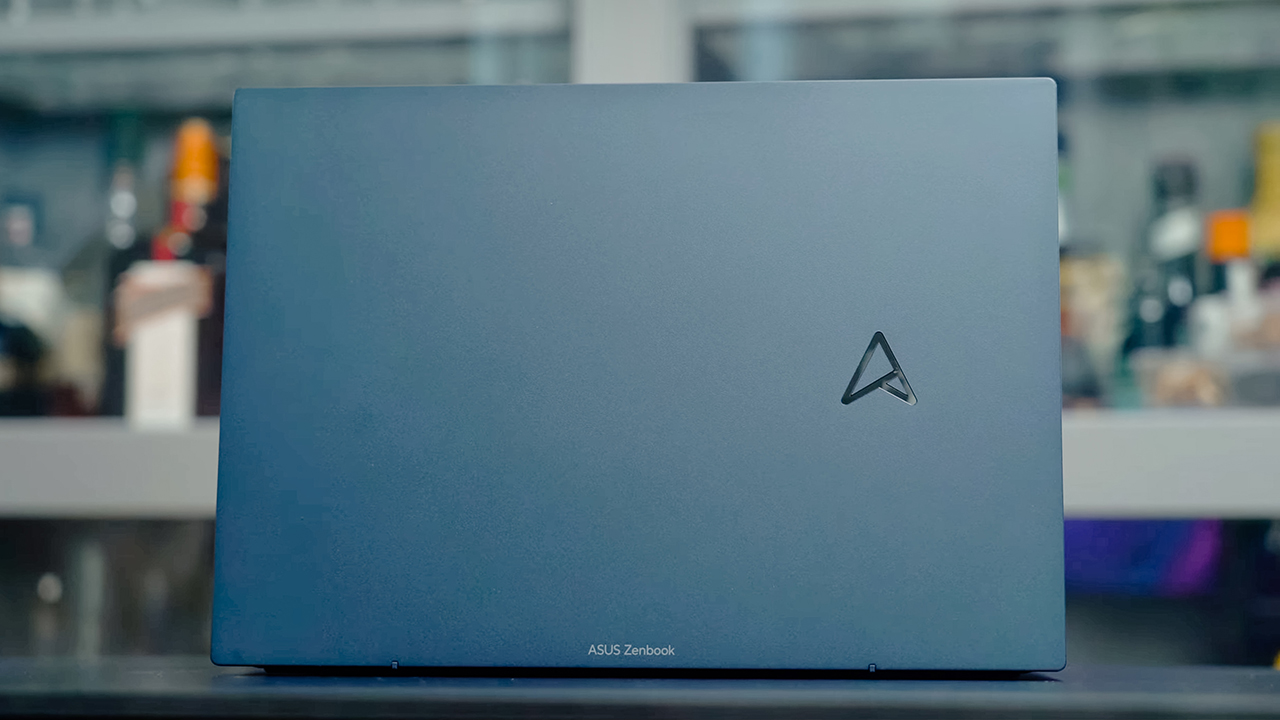
The price points for the ASUS Zenbook S13 OLED vary between variants, colors, and specs. Here’s how much they cost in the Philippines:
| Variant | Color | Specs | SRP |
| UM5302TA-LV464WS | Ponder Blue | 13″ 2.8K 16:10 OLED / AMD Ryzen 5 6600U / 8GB LPDDR5 / 512GB PCIE4 SSD / AMD Radeon Graphics / Windows 11 Home with Office Home & Student 2021 | PHP 63,995 |
| UM5302TA-LV532WS | Aqua Celadon | ||
| UM5302TA-LV539WS | Refined White | ||
| UM5302TA-LV540WS | Vestige Beige | ||
| UM5302TA-LV484WS | Aqua Celadon | 13″ 2.8K 16:10 OLED / AMD Ryzen 7 6800U/ 16GB LPDDR5 / 512GB PCIE4 SSD / AMD Radeon Graphics / Windows 11 Home with Office Home & Student 2021 | PHP 76,995 |
From September 15 to October 31, 2022, purchases of Zenbook S13 OLED laptops lead to a raffle entry. Get a chance to win a limited edition Zarah Juan Zen Tote worth PhP 8,500.
The ASUS Zenbook S13 OLED will also be available in Home Credit partner stores nationwide for PhP 4,533.00 per month with 0% interest and up to 12 months of flexible payment terms.





Camera Shootouts
Camera Shootout: HONOR 600 Pro vs OPPO Reno15 Pro
Camera clash of the two Mainlander midranger


Year after year, major phone brands are defying the manufacturing and costing challenges just to give the mid-class the smartphone cameras they deserve.
This 2026 and beyond, it seems like it’s the new norm for the freshest breed of premium midrangers.
Mainlander Midranger
The HONOR 600 Pro and OPPO Reno15 Pro are two smartphones positioned in the peak of the midranger pyramid.
On paper, they are highly likely the closest in terms of camera hardware.
HONOR 600 Pro |
OPPO Reno15 Pro |
|
Wide |
200MP f/1.9
|
200MP f/1.8
|
Ultra-Wide |
12MP f/2.2
|
50MP f/2.0
|
Telephoto |
50MP f/2.8
|
50MP f/2.8
|
Selfie |
50MP f/2.0 |
50MP f/2.0 |
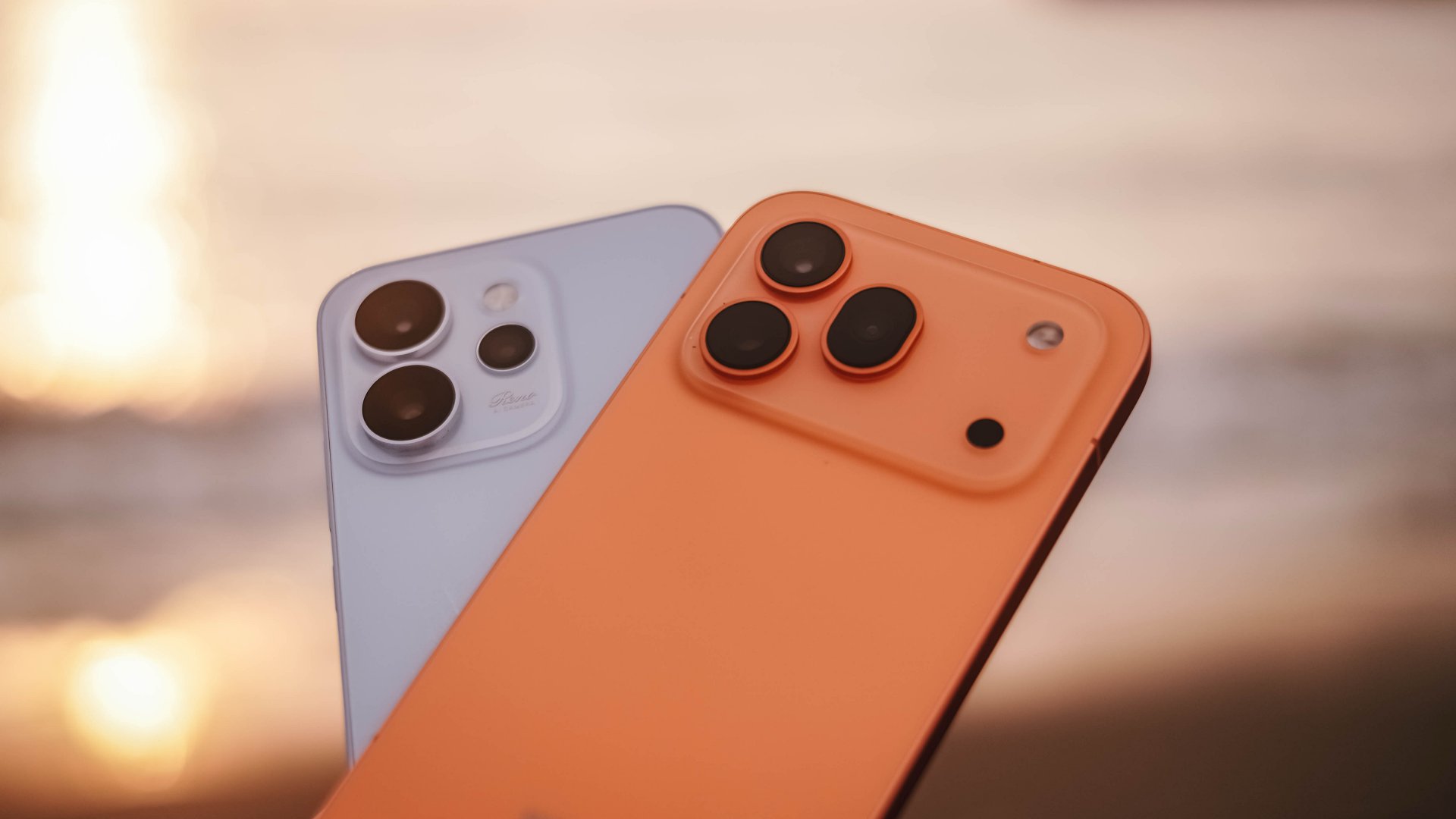
First and foremost, while these phones rock a similar 200MP cameras by Samsung, the sensor sizes and age are quite different.
The HONOR 600 Pro has a bigger yet older (2022) 1/1.4-inch ISOCELL HP3. Meanwhile, a newer (2025) yet standard-sized ISOCELL HP5 was used in the Reno15 Pro.
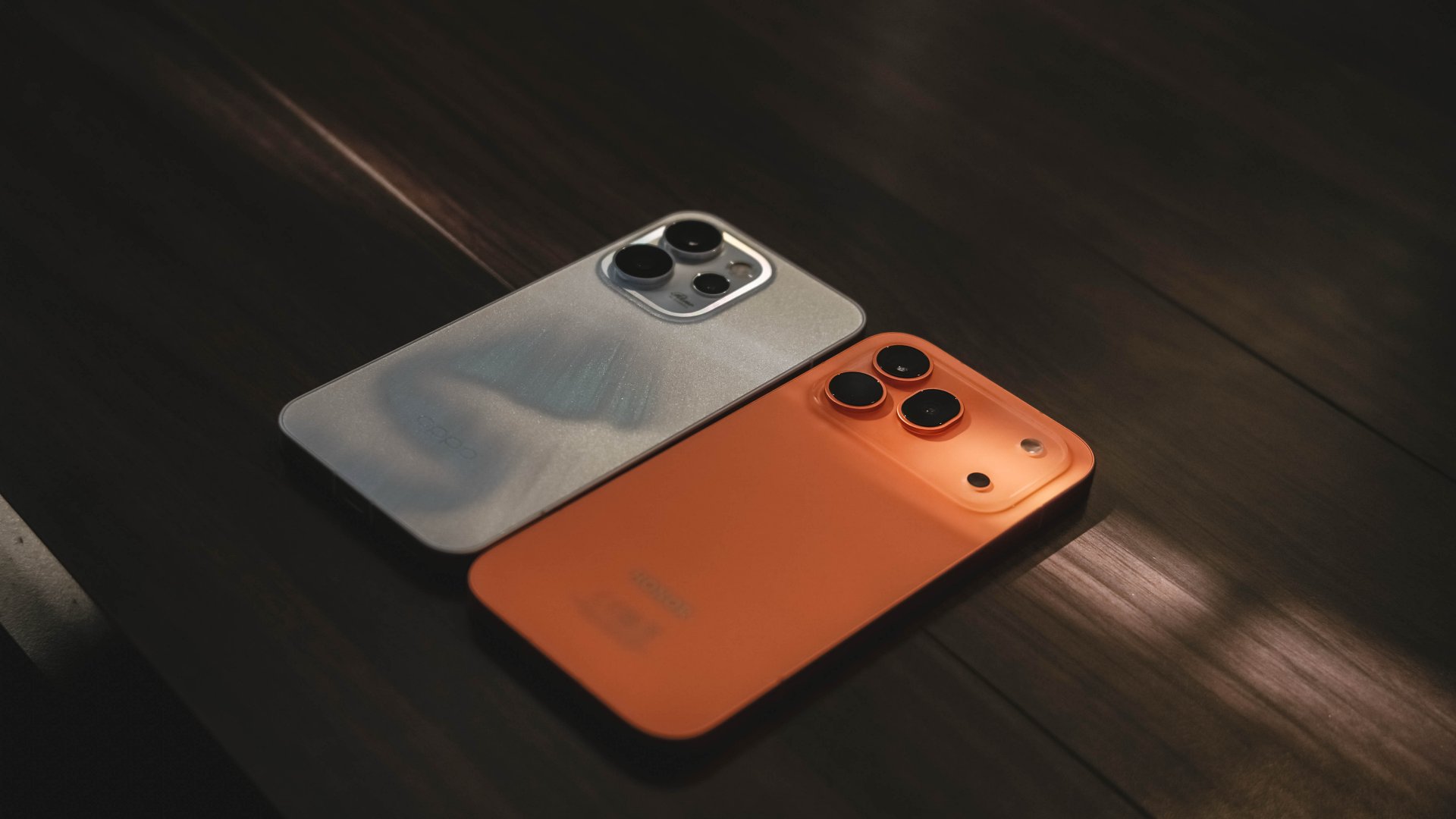
The biggest disparity can be seen in their ultra-wide modules. HONOR didn’t focus too much on it by giving a smaller 12MP f/2.2 with a tighter 112-degree FoV (Field of View).
On the other hand, the OPPO equipped a bigger 50MP module with a brighter f/2.0 aperture, and an even wider 116-degree FoV.
Lastly, both the telephoto and selfie shooters are at 50MP. Both telephoto cameras are capable of optically zooming in to 3.5x.
Fair and Square
Both of these midrangers have their own set of special sauces. But, for the sake of fairness, I’ve stuck with each of their default camera color profiles: Natural for the HONOR 600 Pro while Original in the OPPO Reno15 Pro.
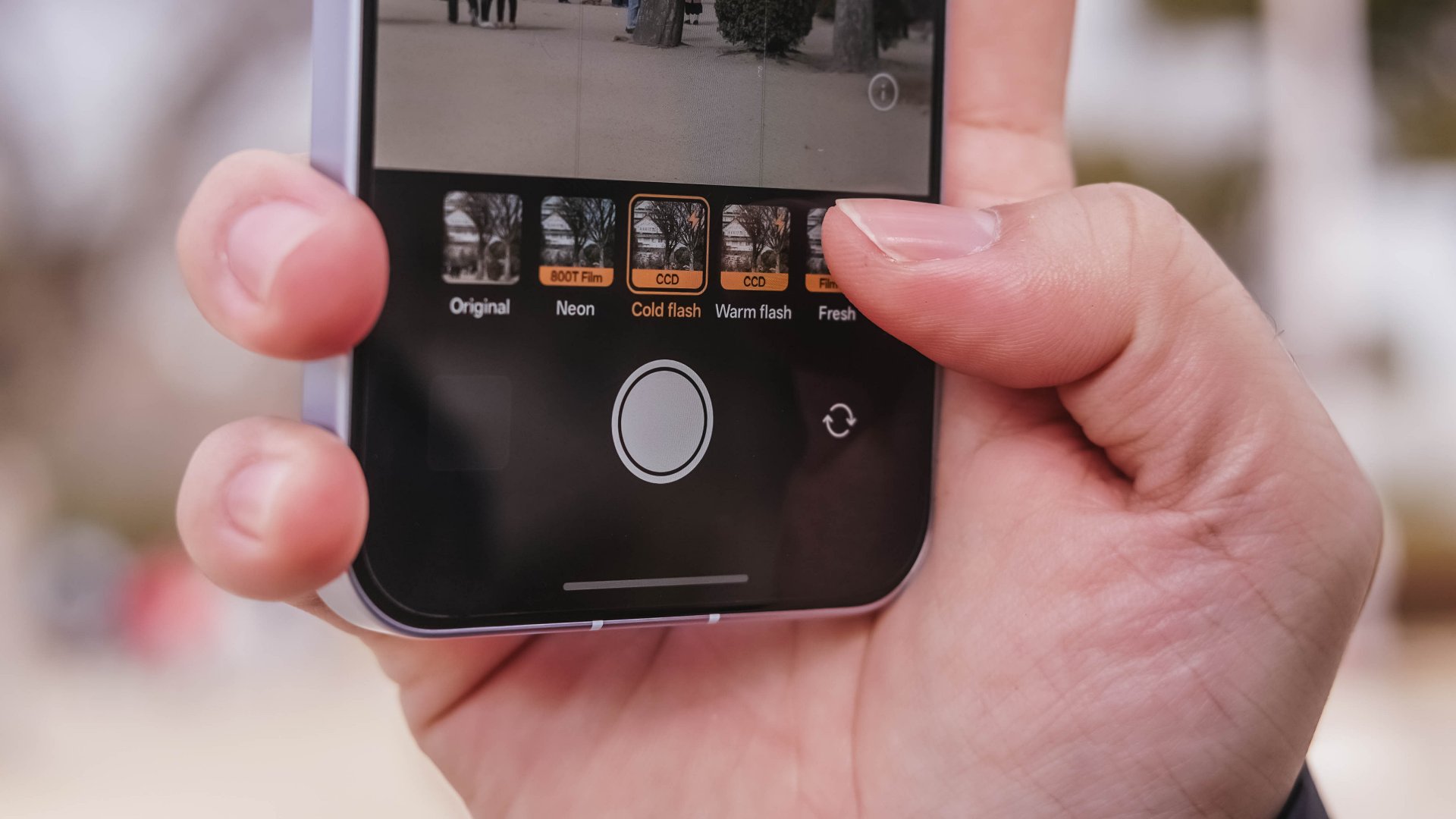
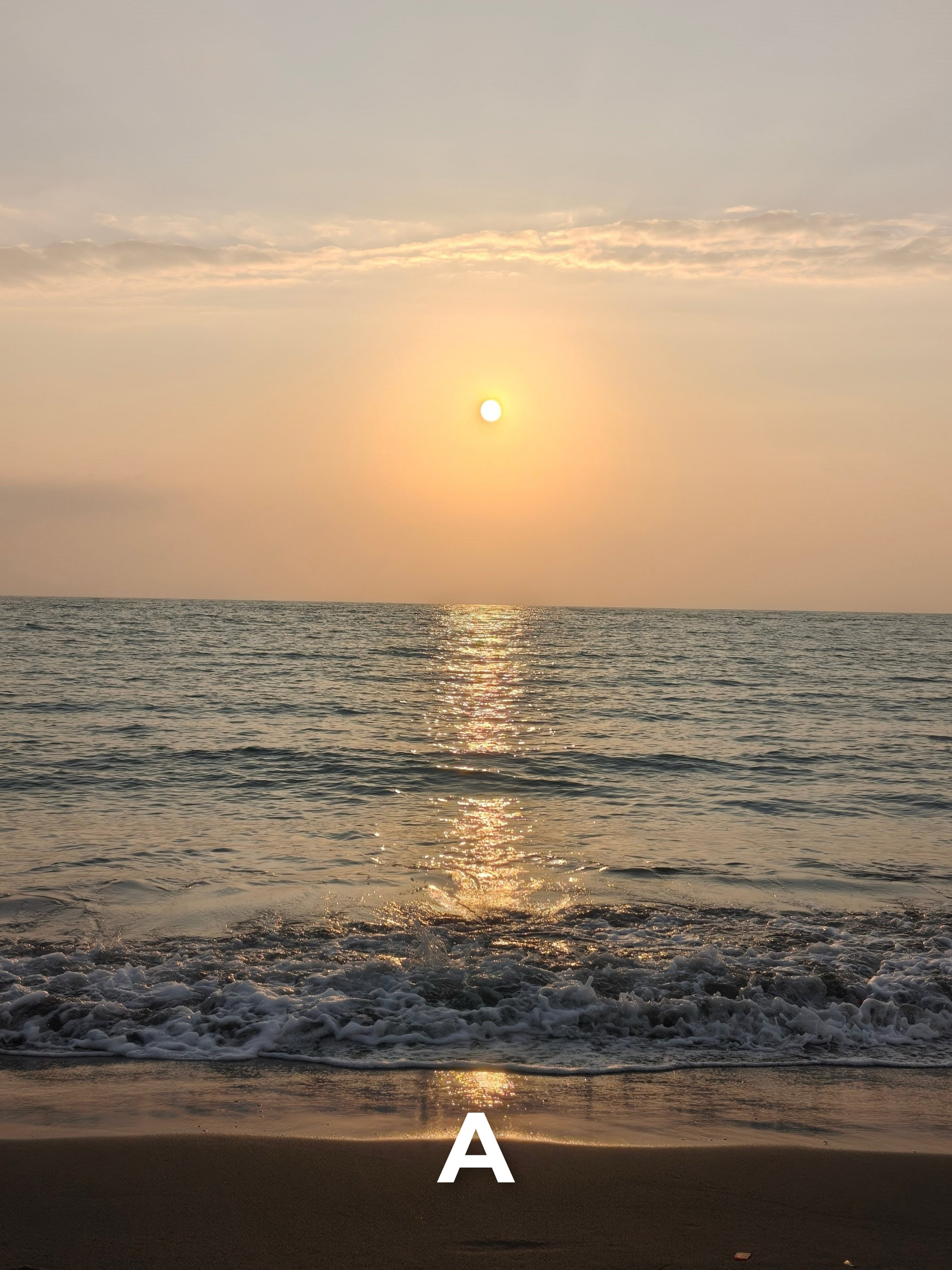
Disclaimer: If you are new here, sample photos were all taken using the default AI Camera Mode. These images were resized and labeled for faster loading and better online preview. No color correction, zoomed-in cropping, nor any other type of photo manipulation were applied.
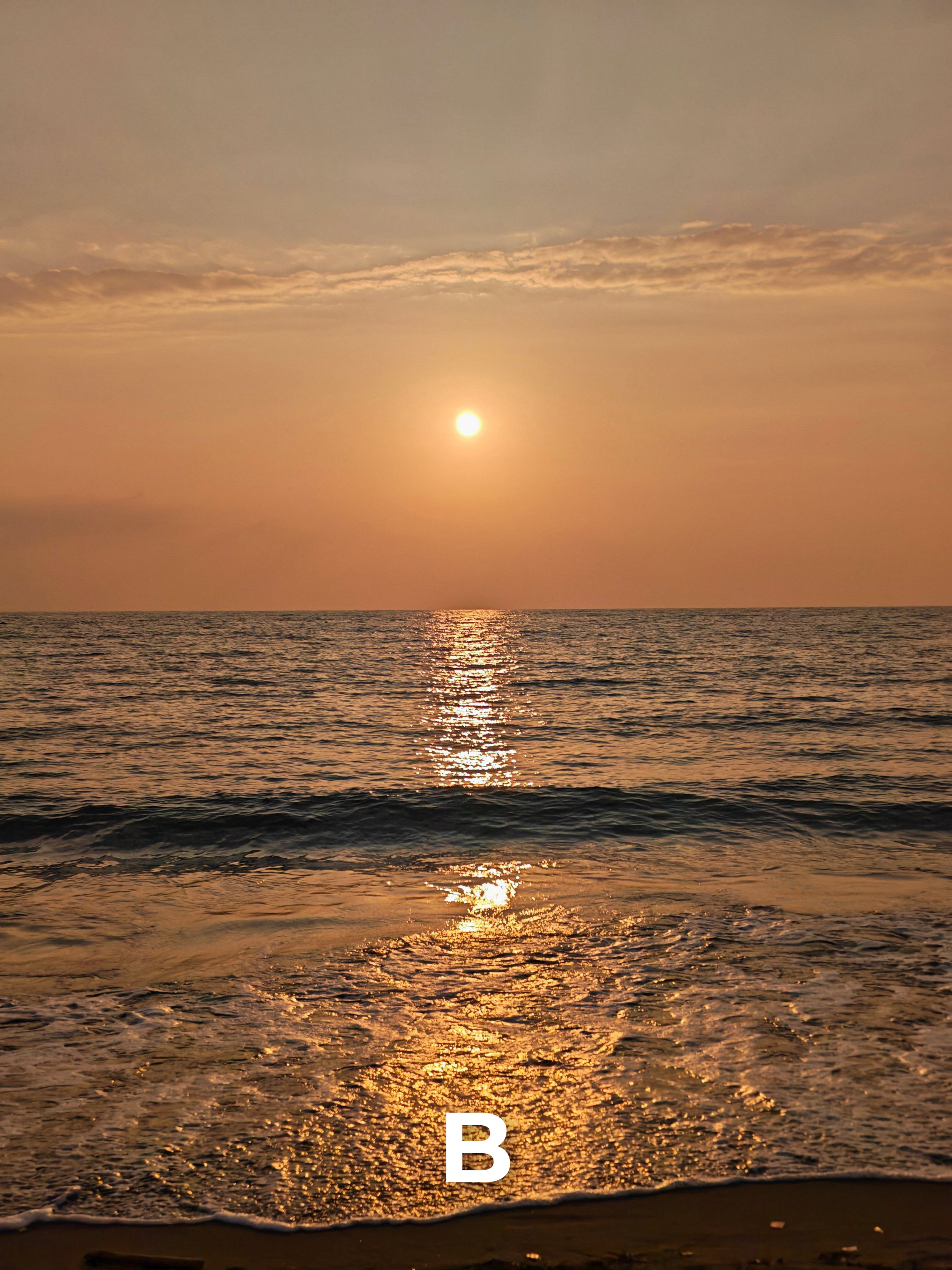
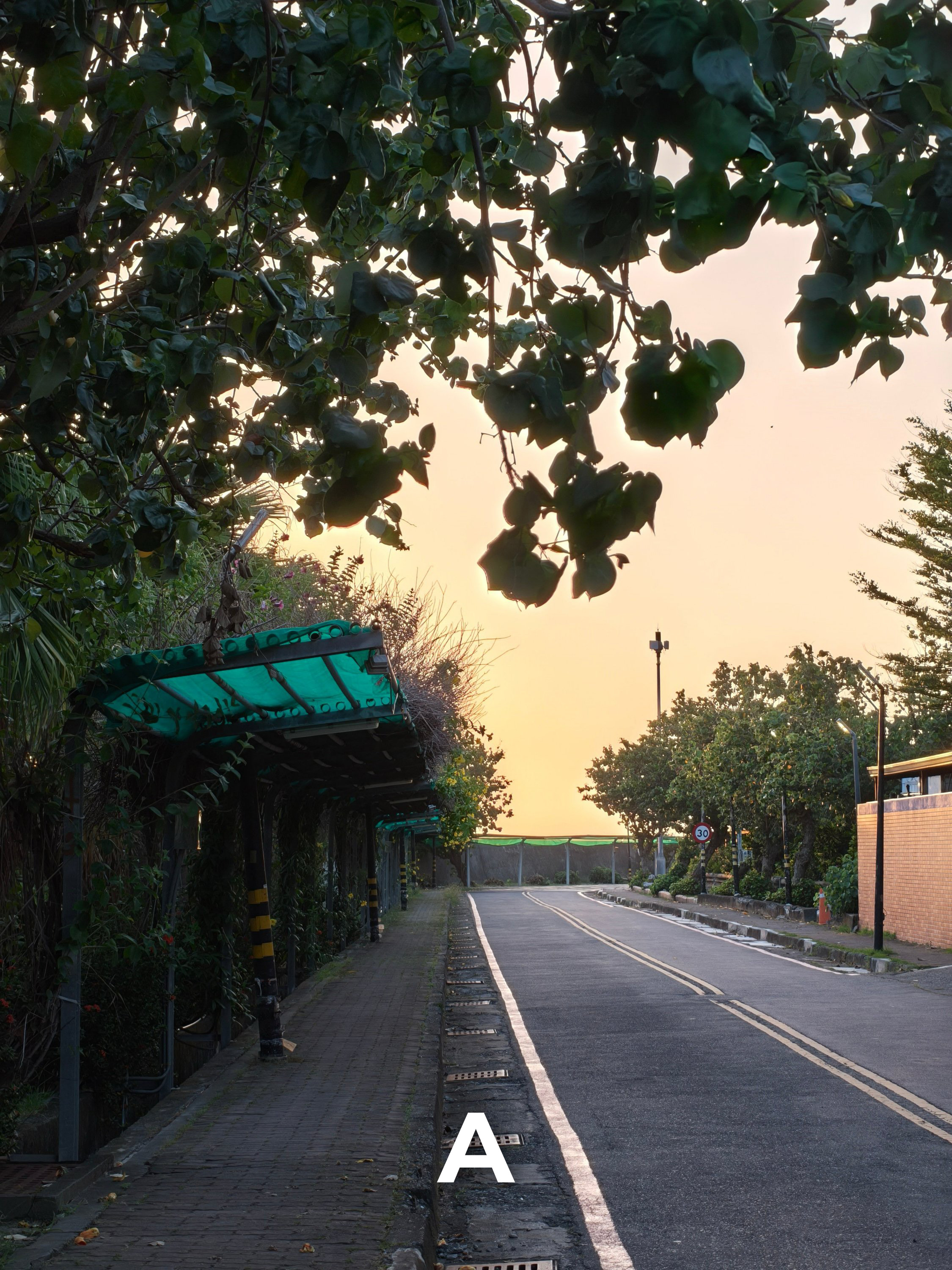
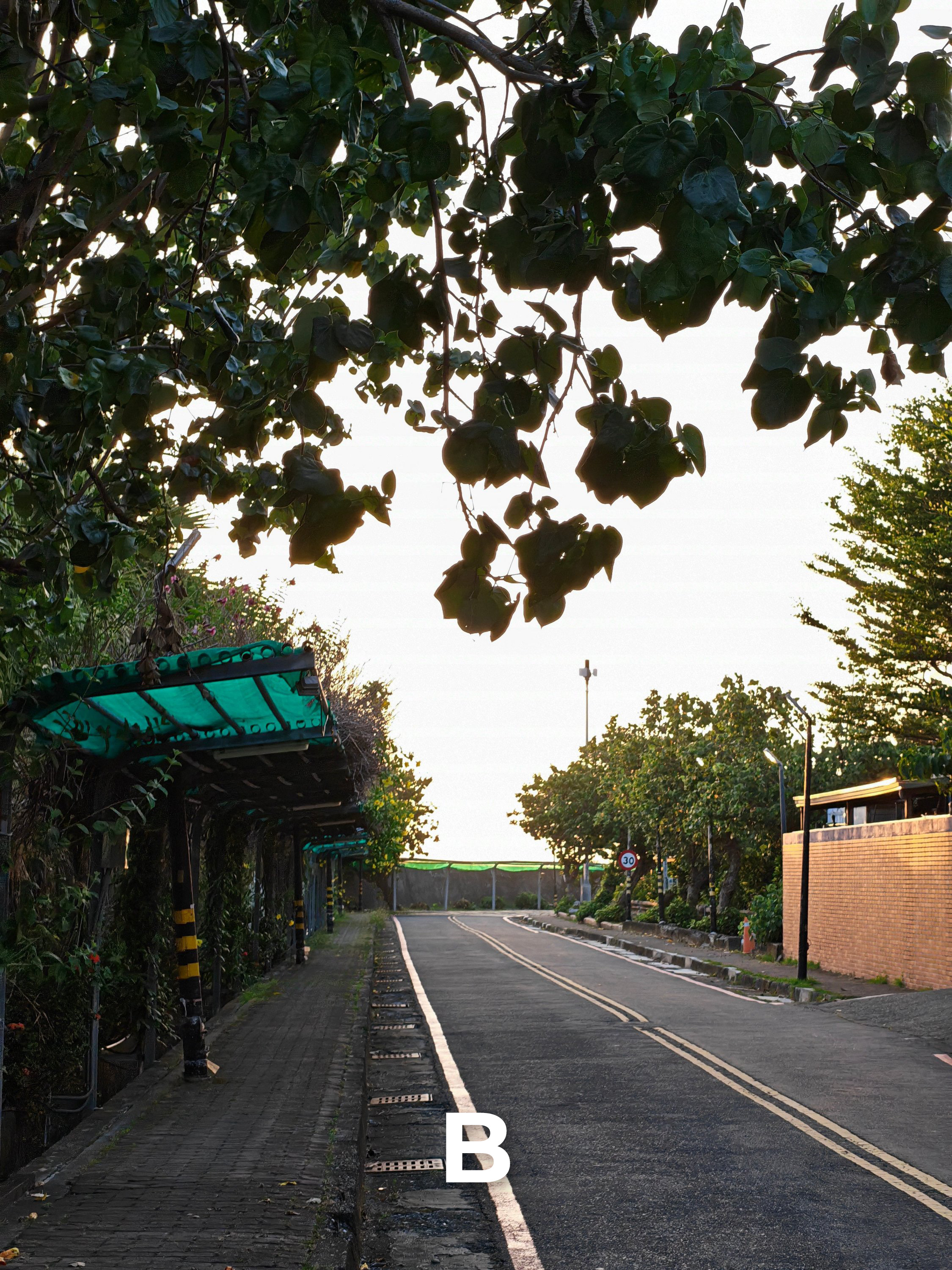
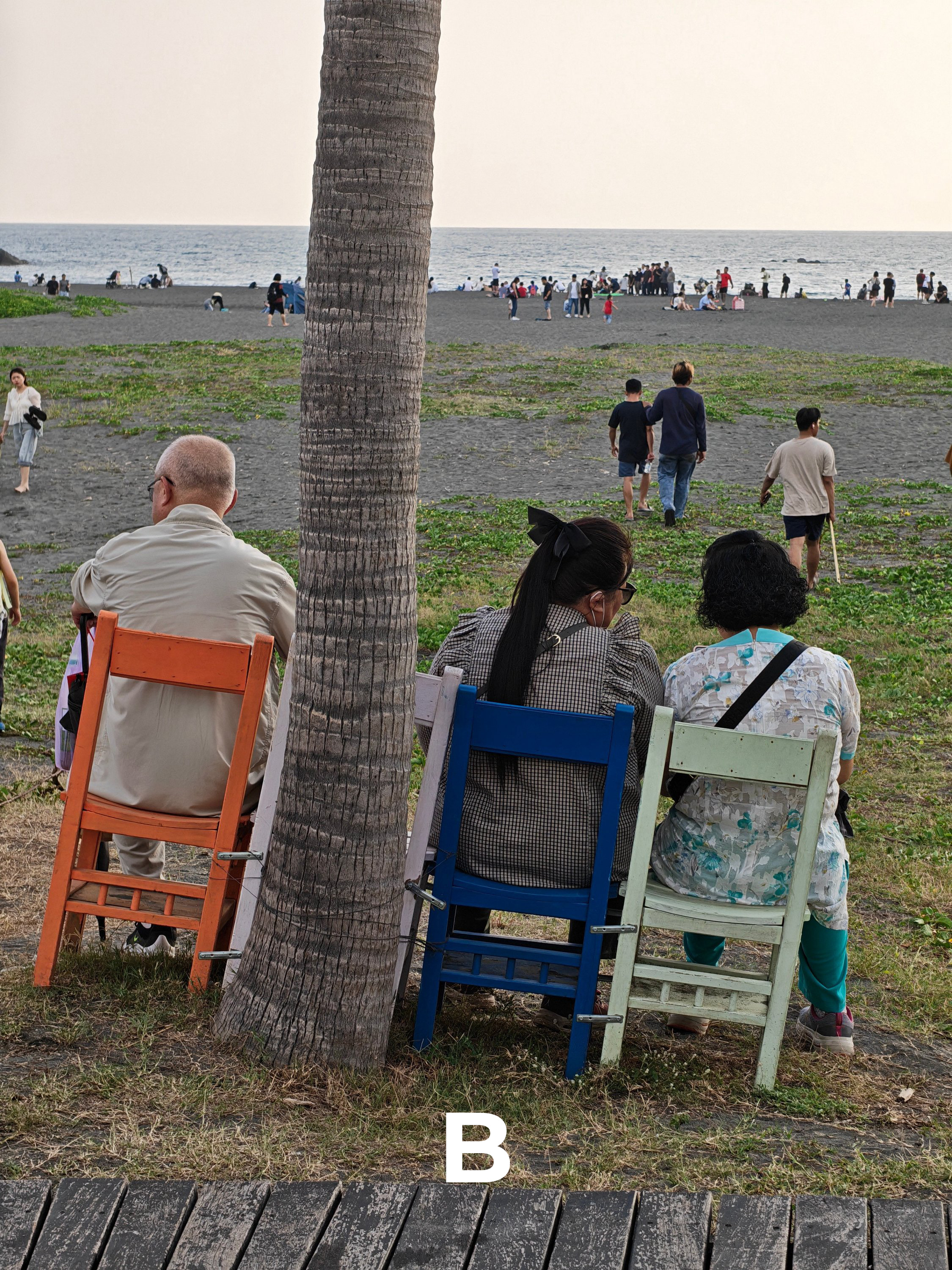
3.5x Telephoto
Starting with the common denominator of both phones: their 3.5x 50MP f/2.8 telephoto shooters
T1
T2
T3

T4
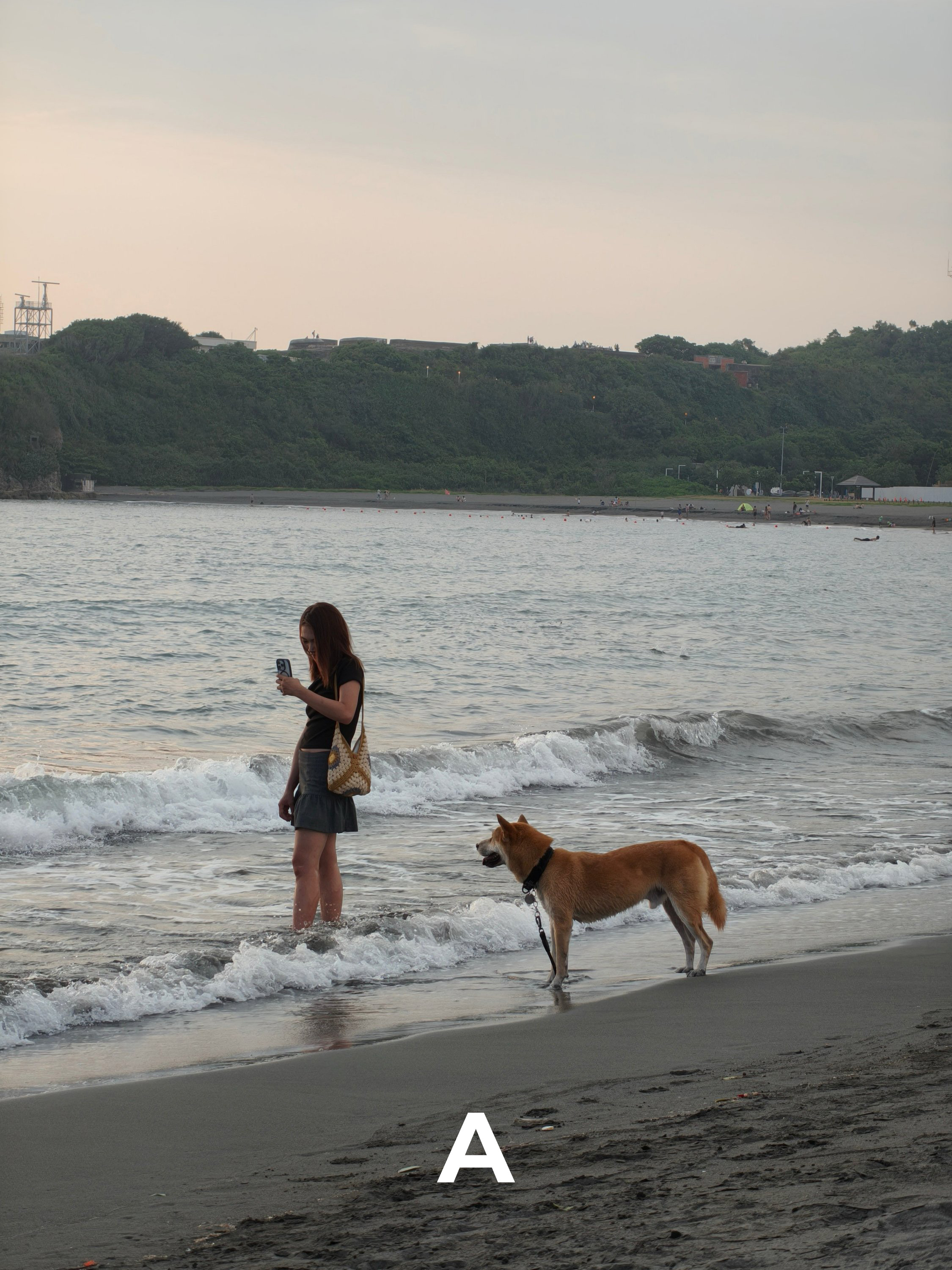
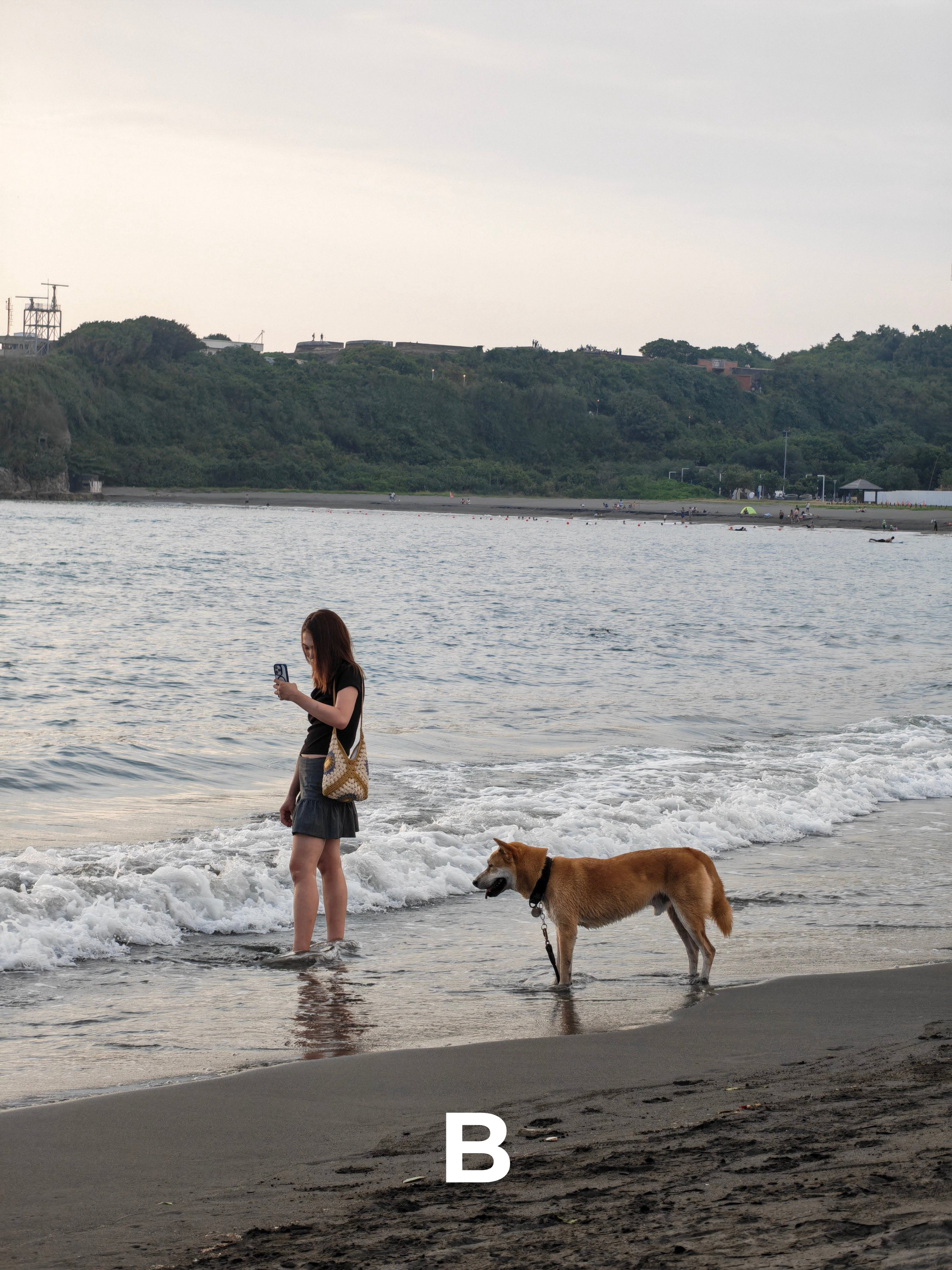
T5
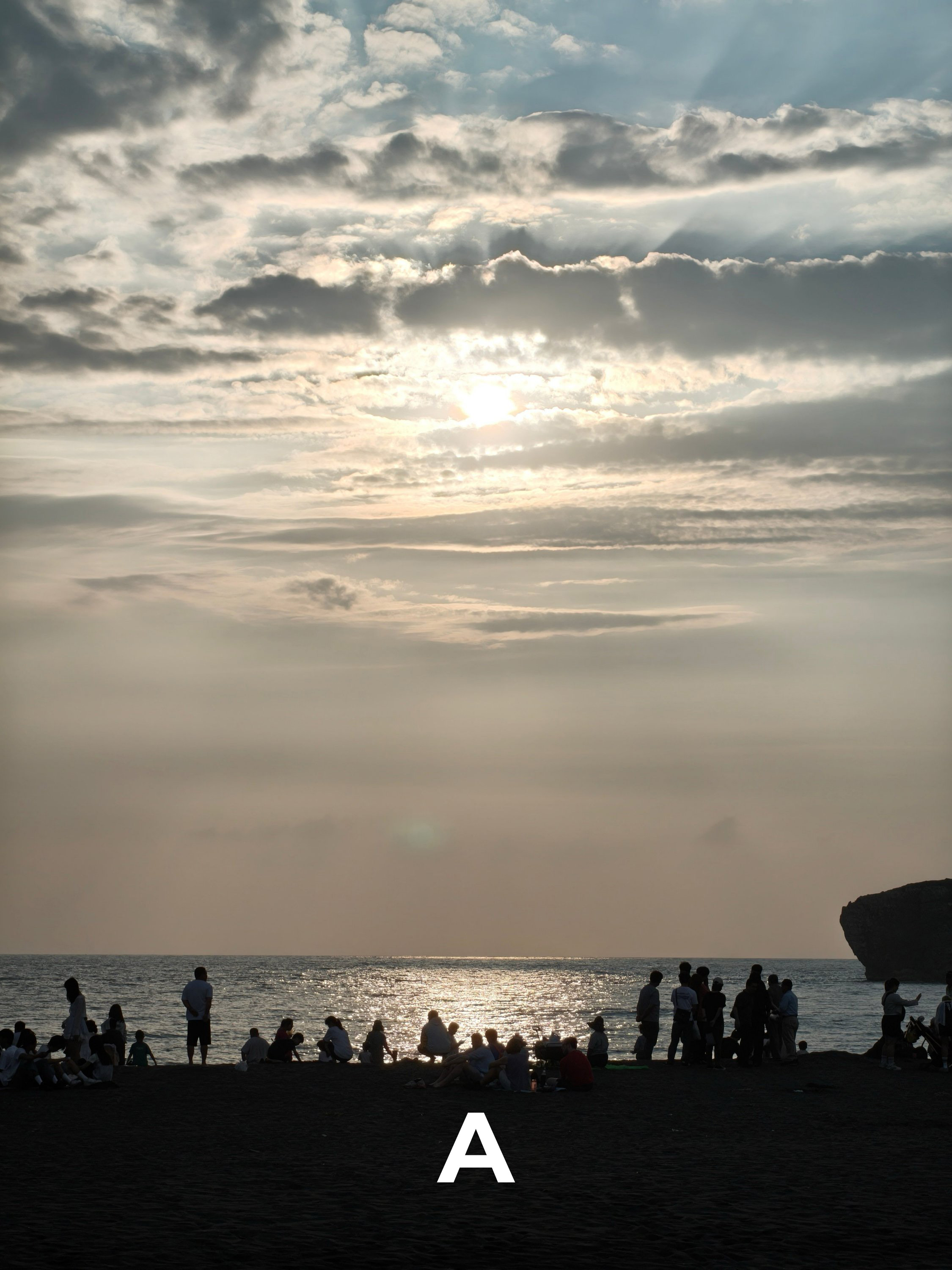

T6
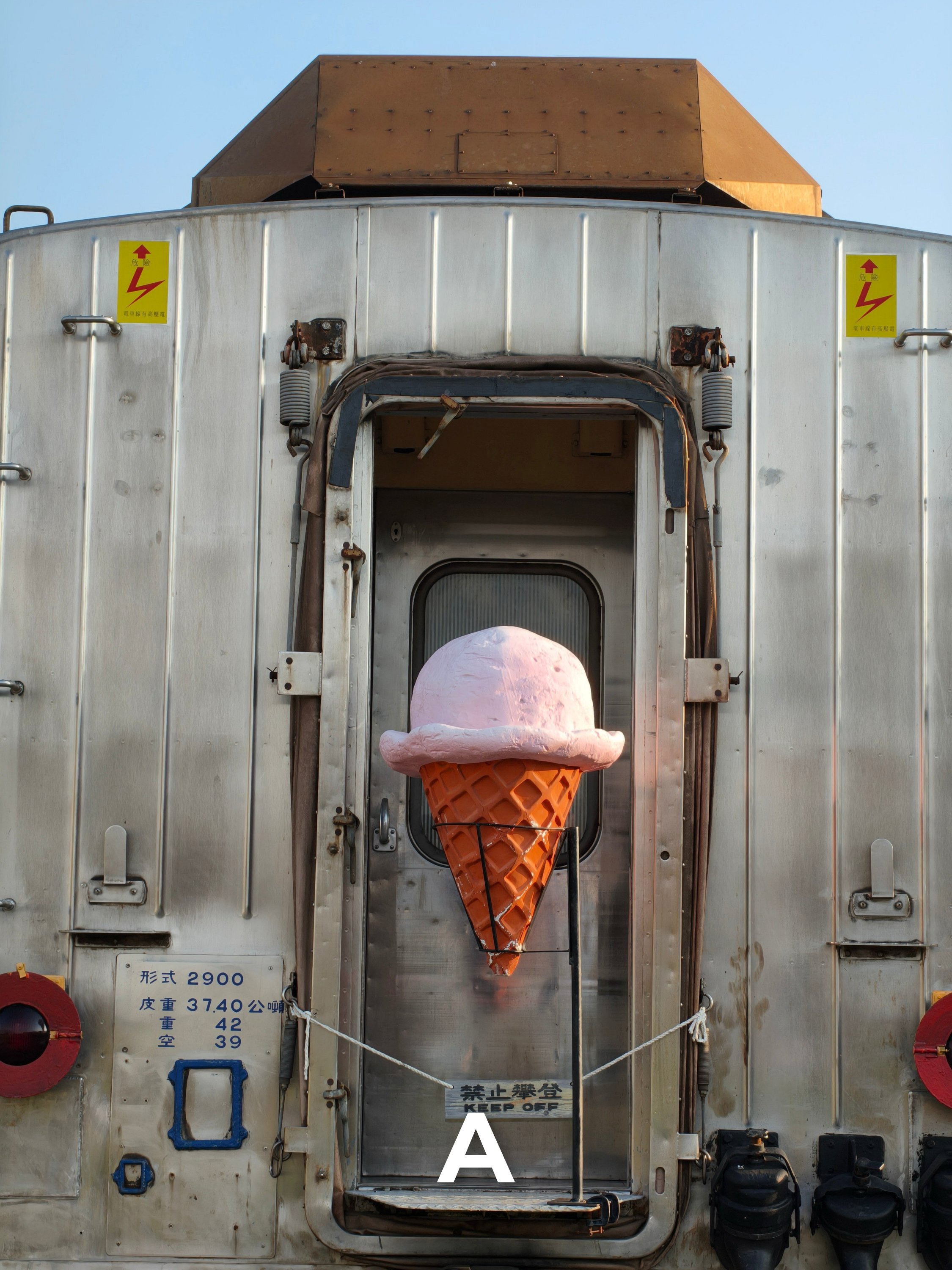
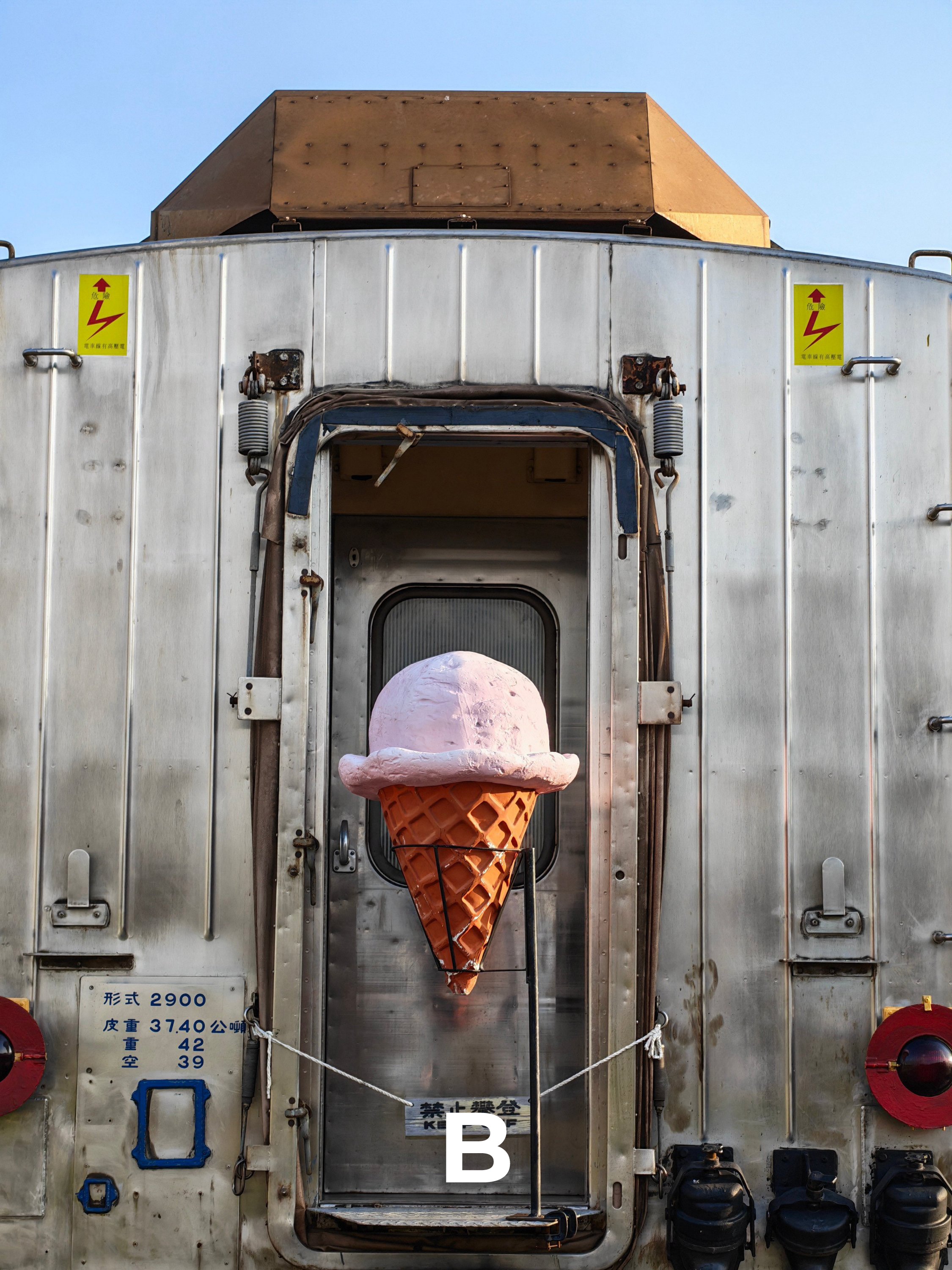
T7
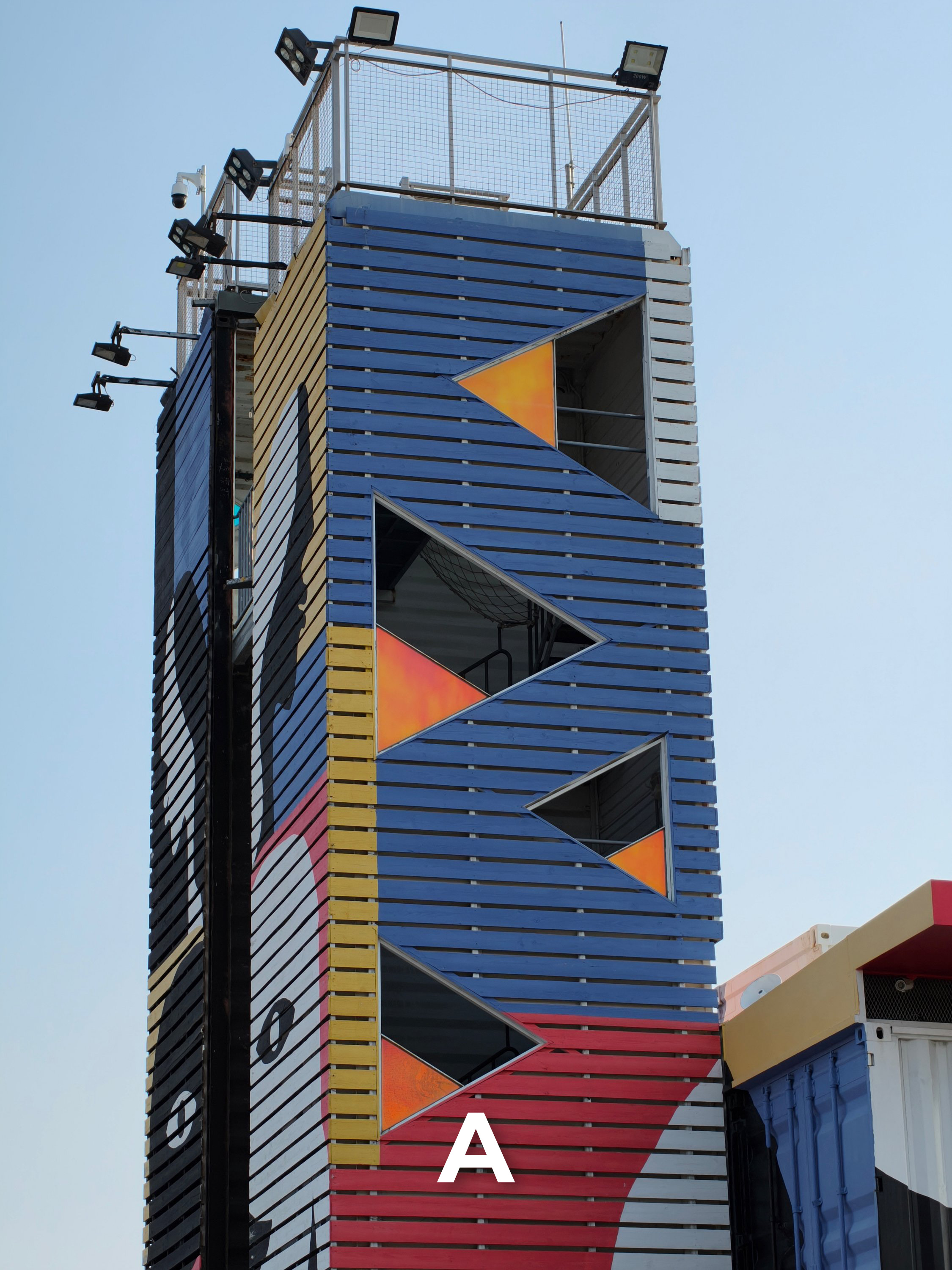
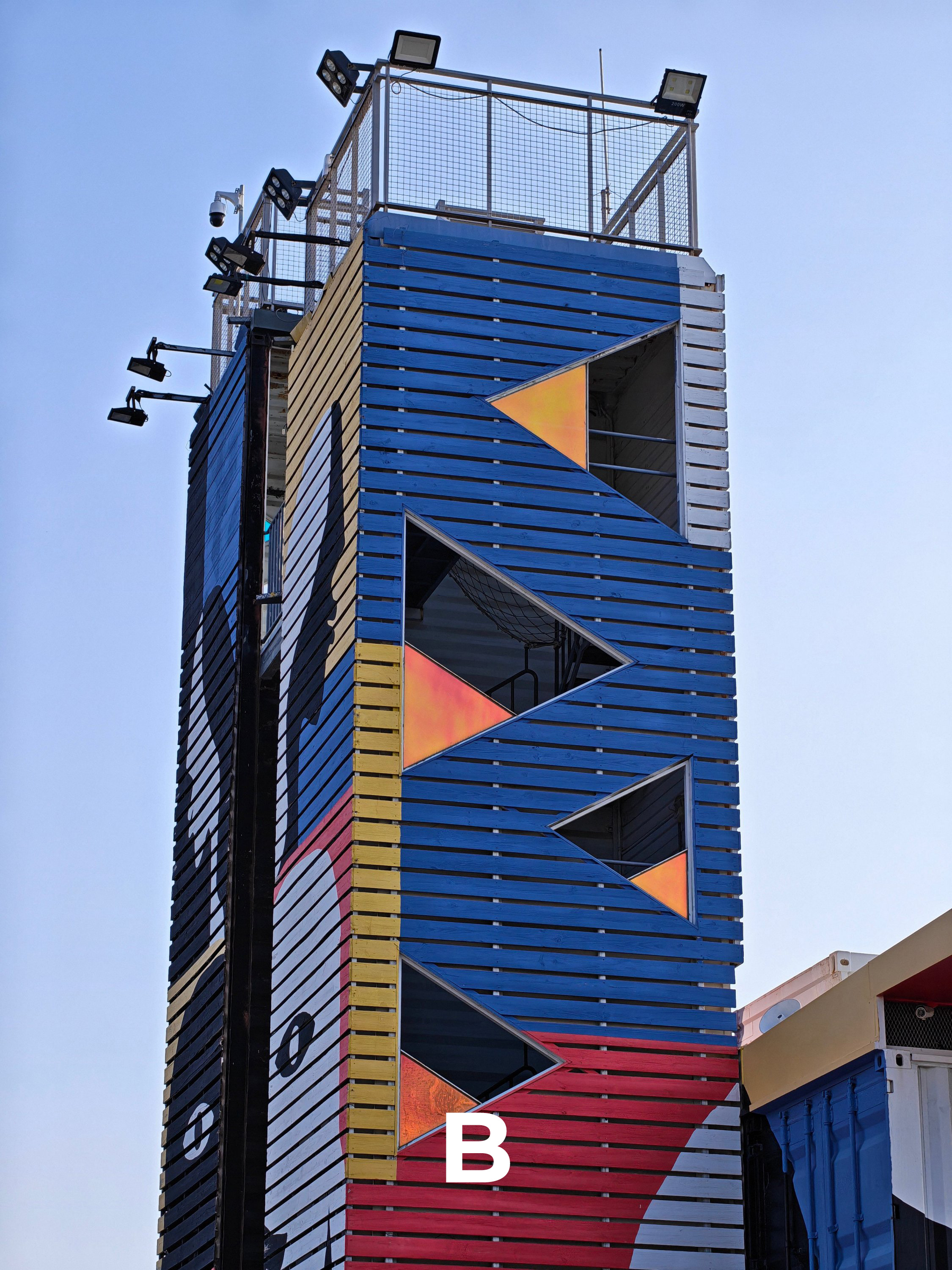
T8
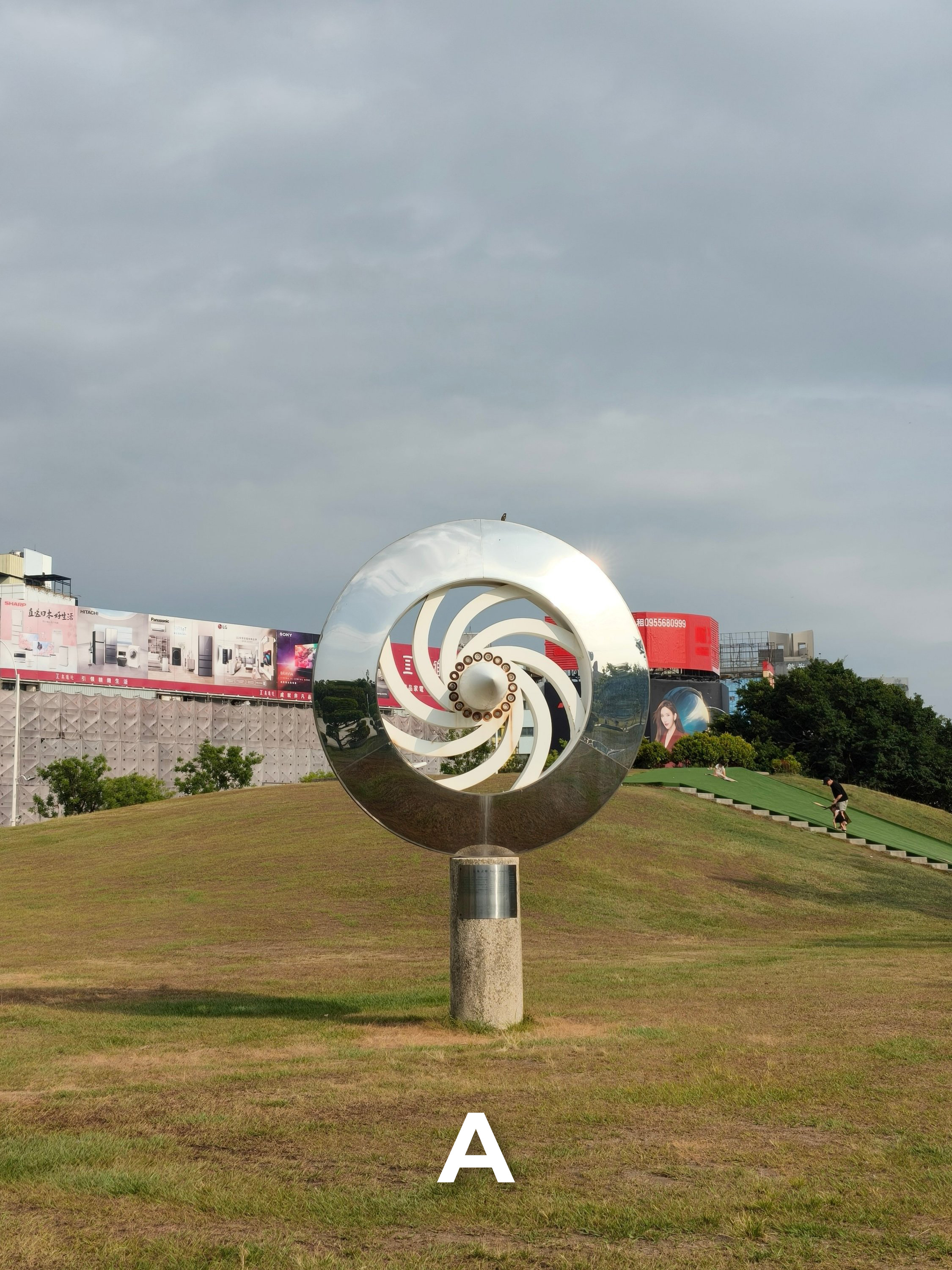
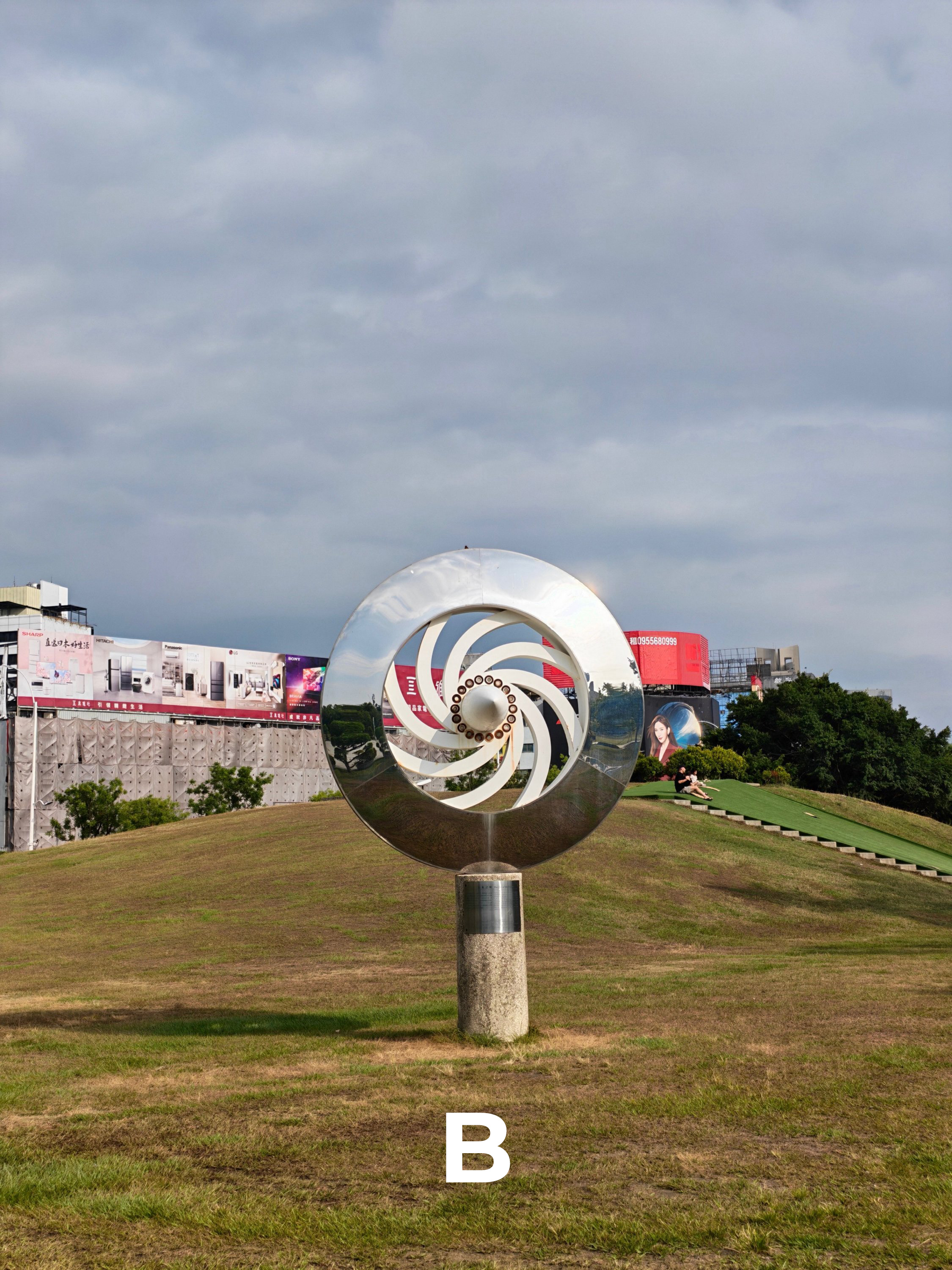
T9
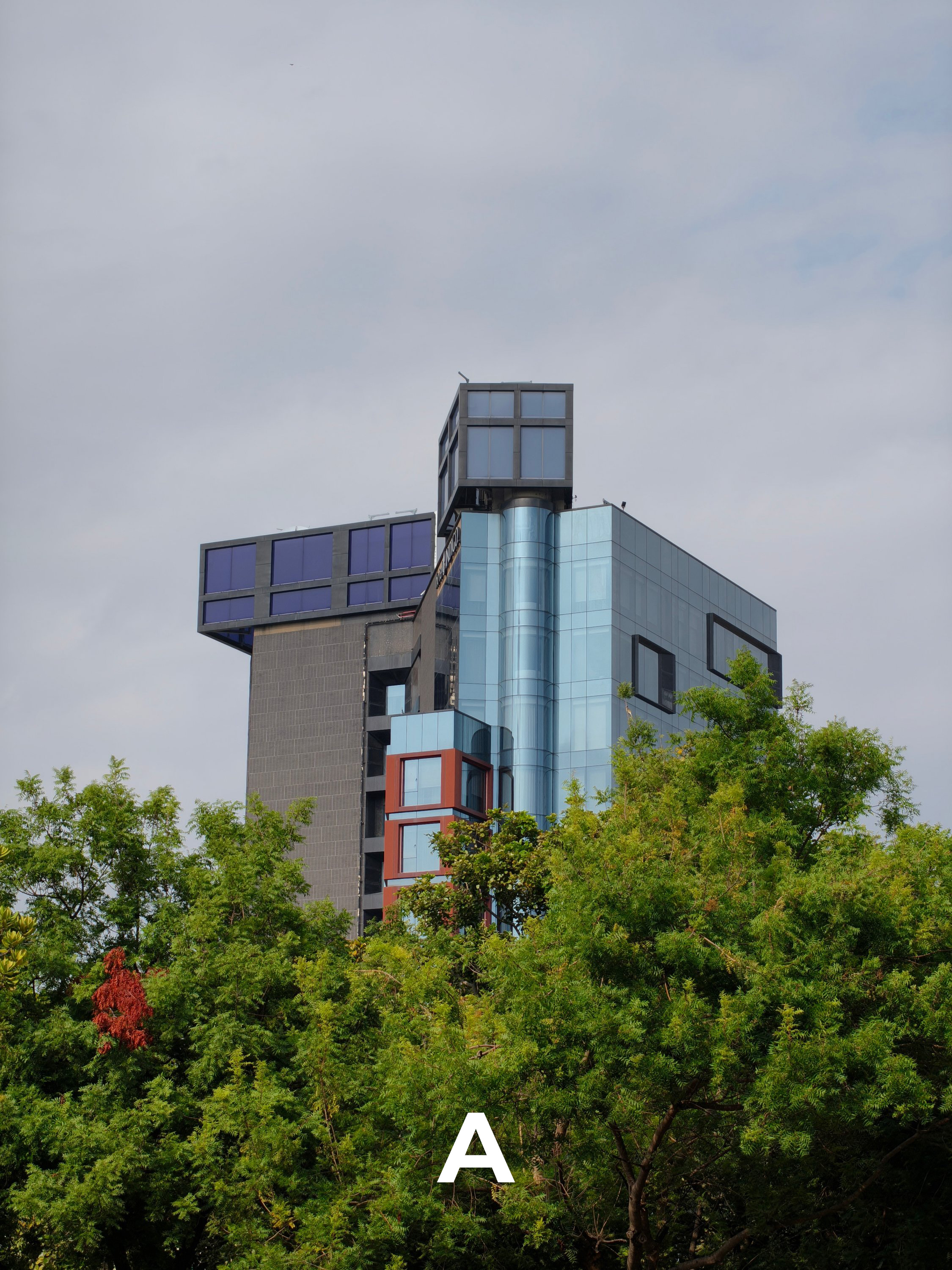
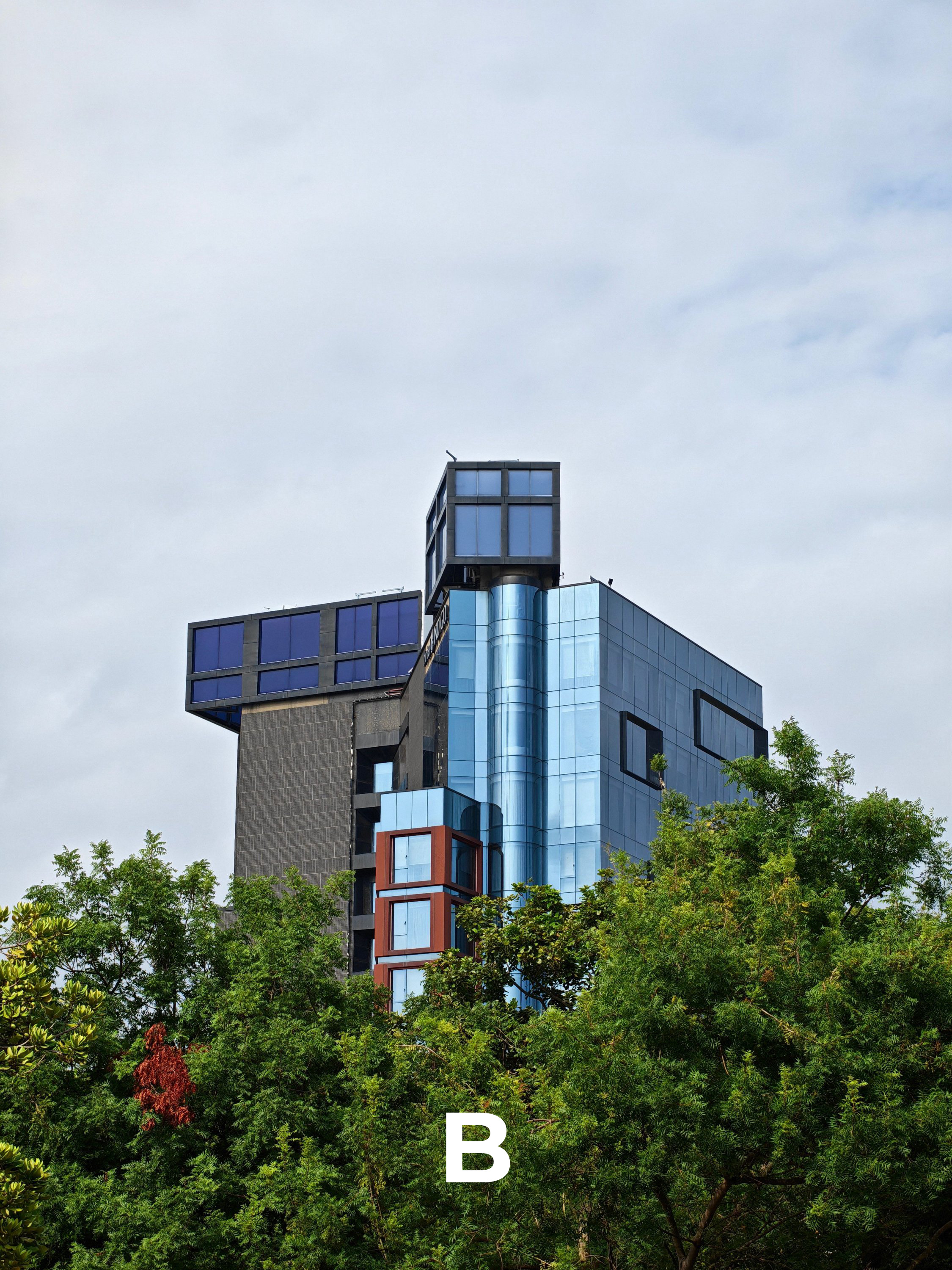
T10
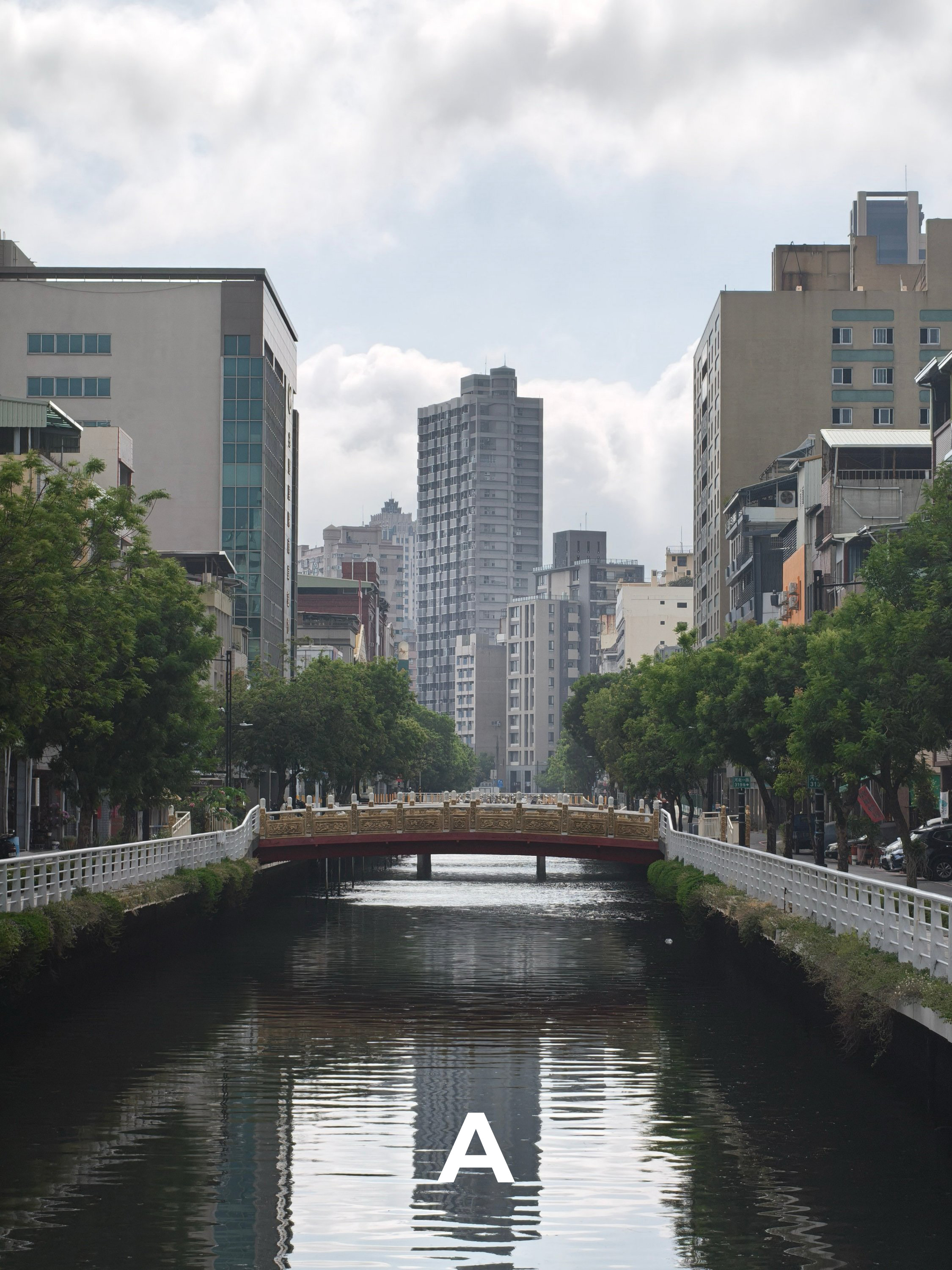
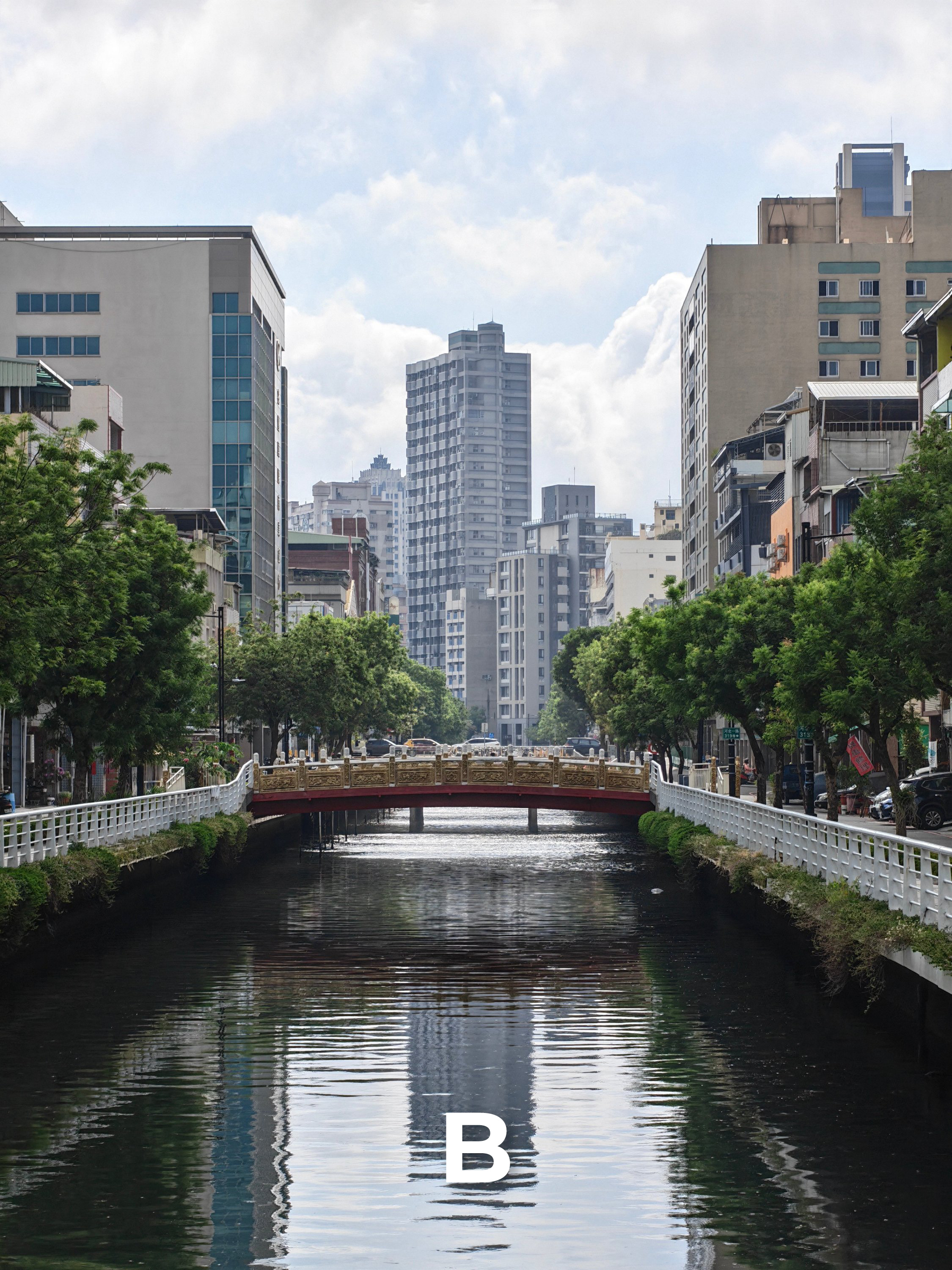
T11
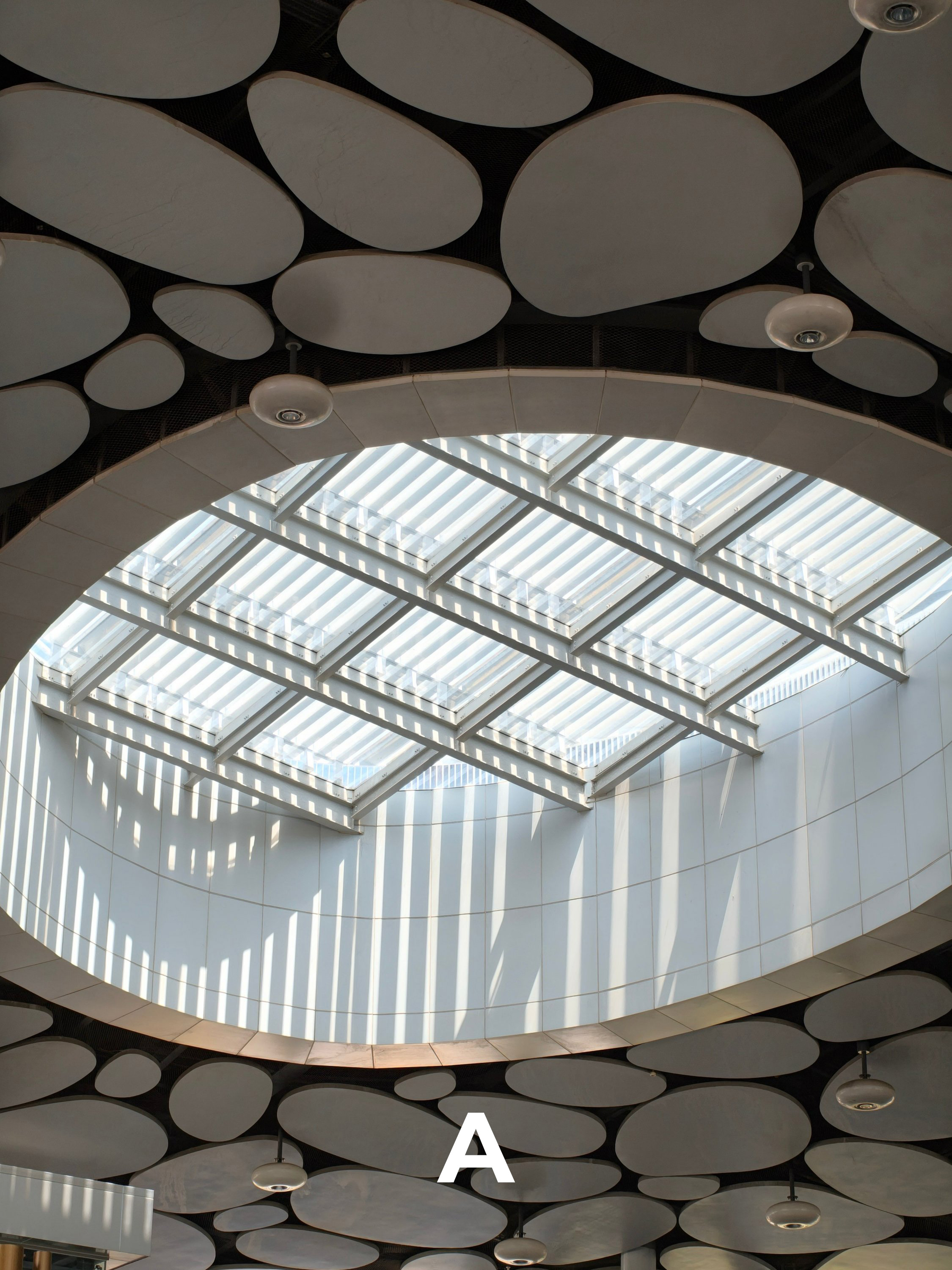
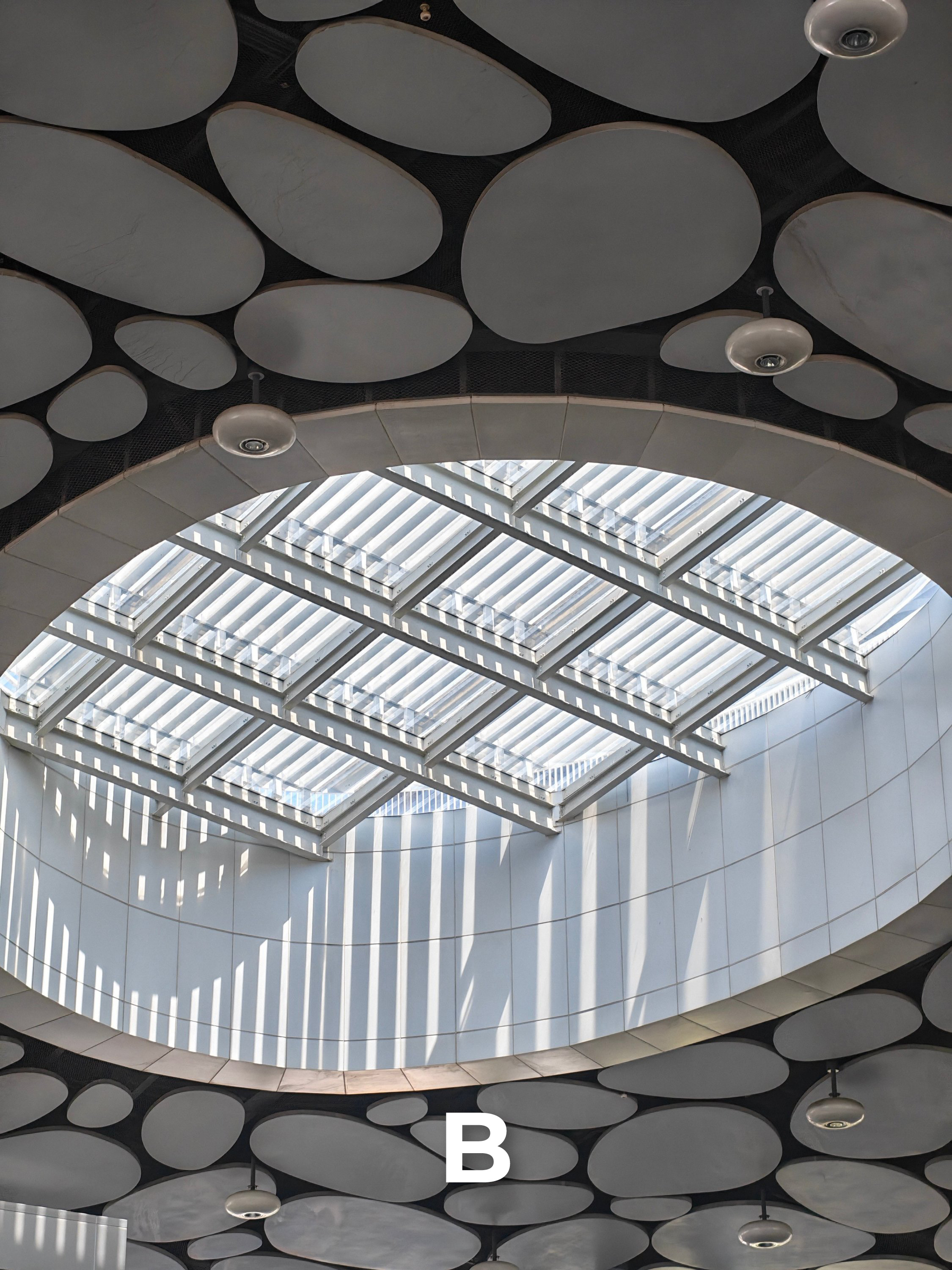
T12
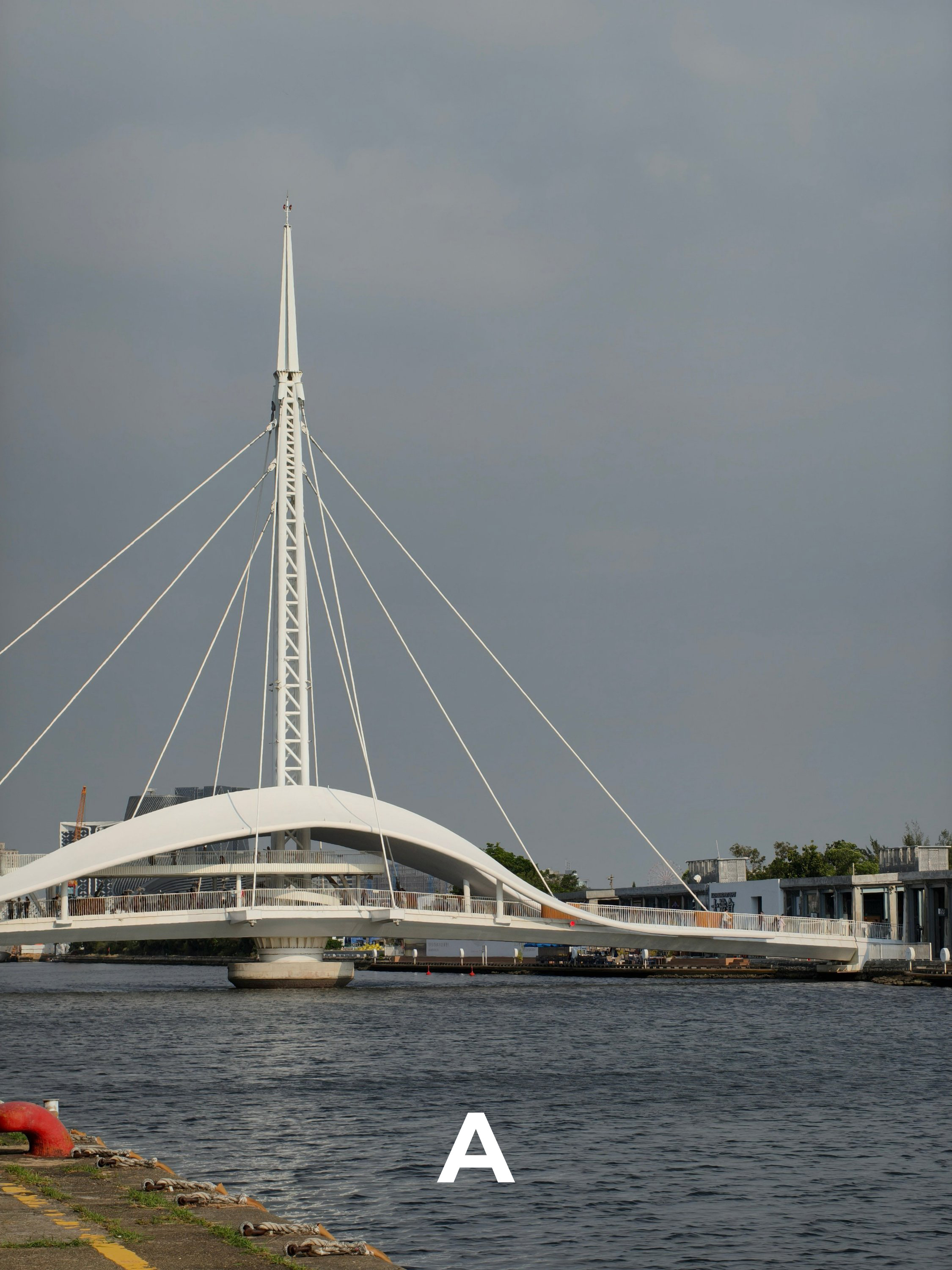
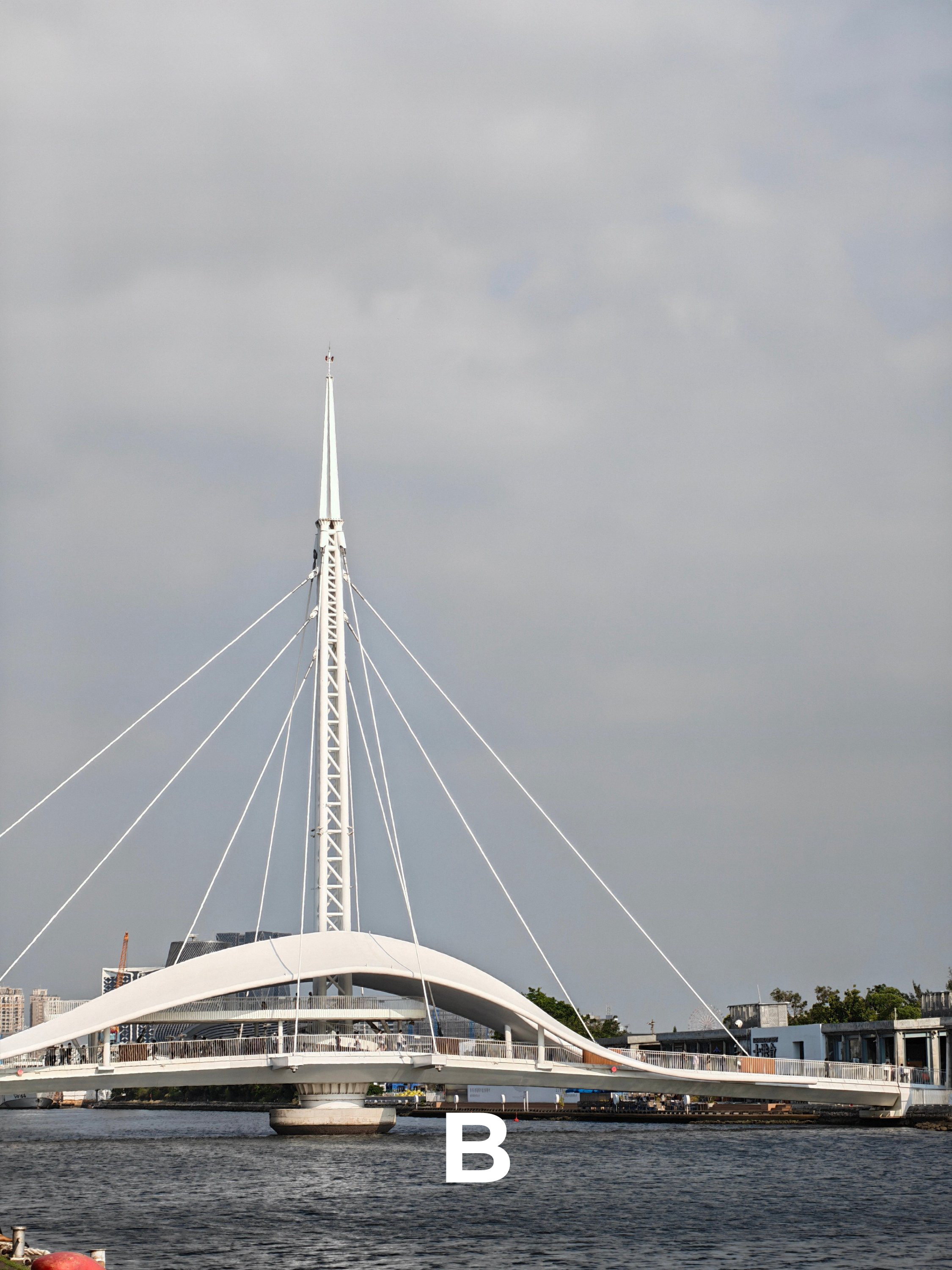
Beyond Telephoto Zoom
We have to break the barriers just to test each phones’ telephoto unit limit.
ZB1

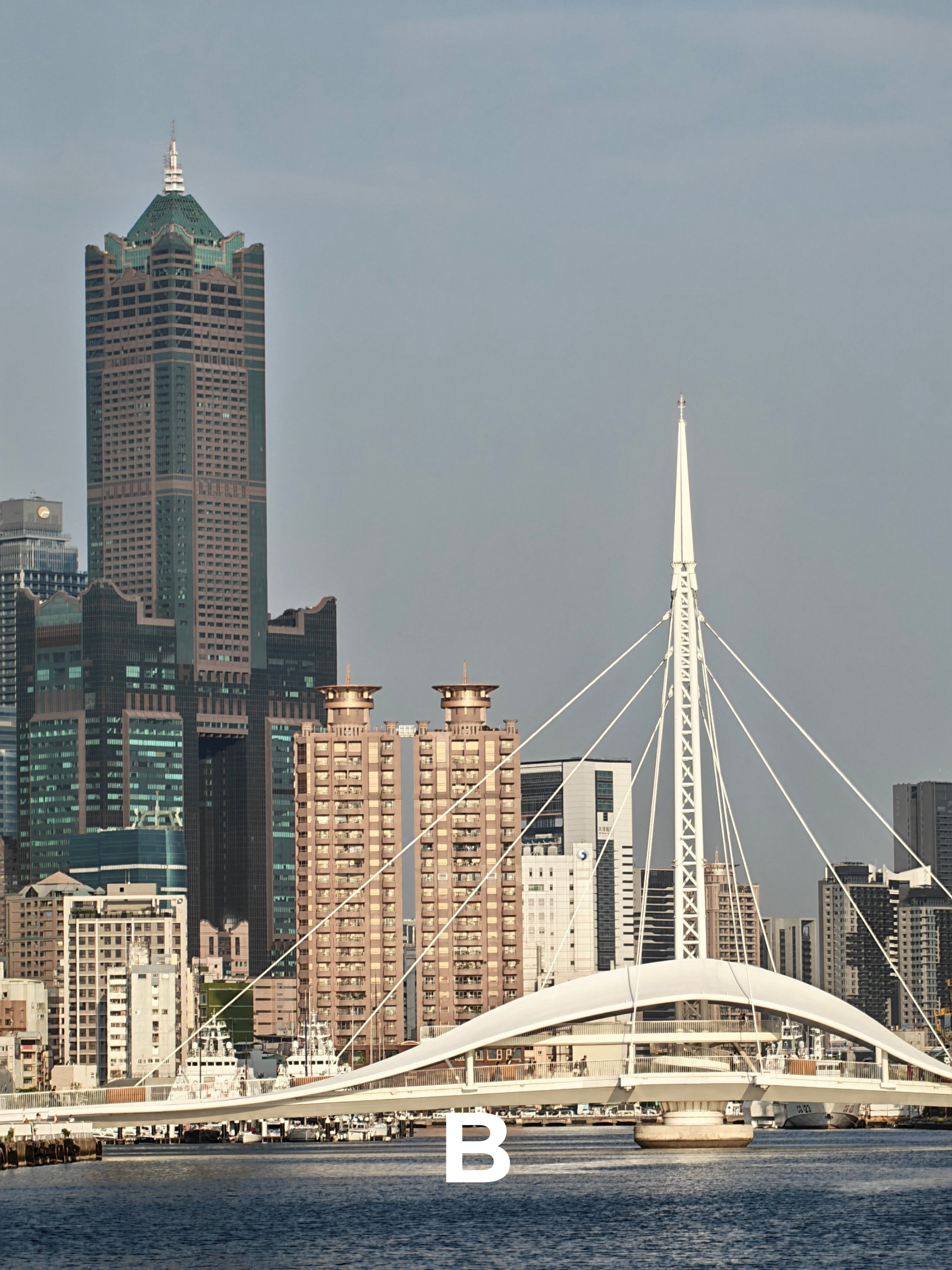
ZB2
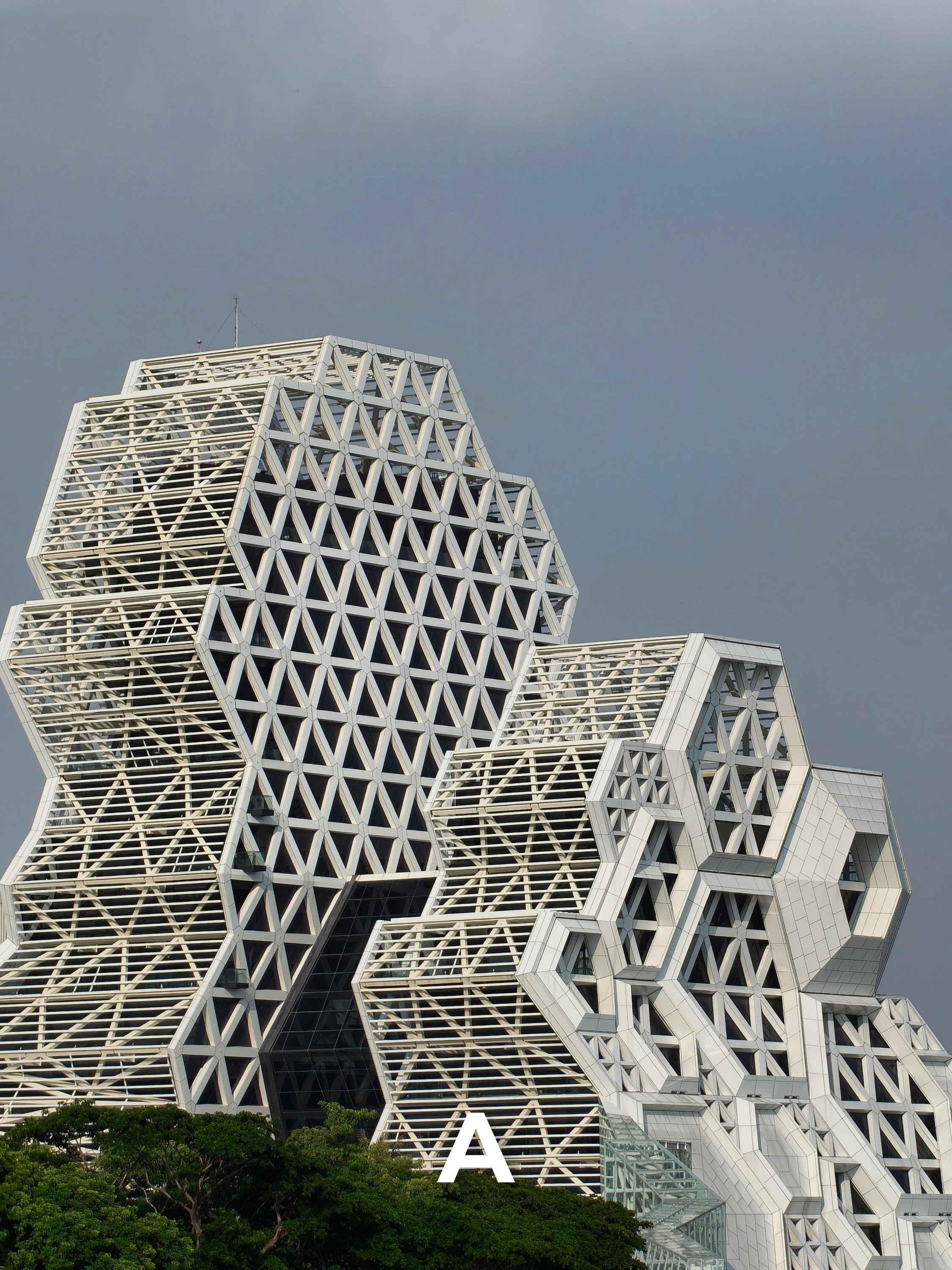
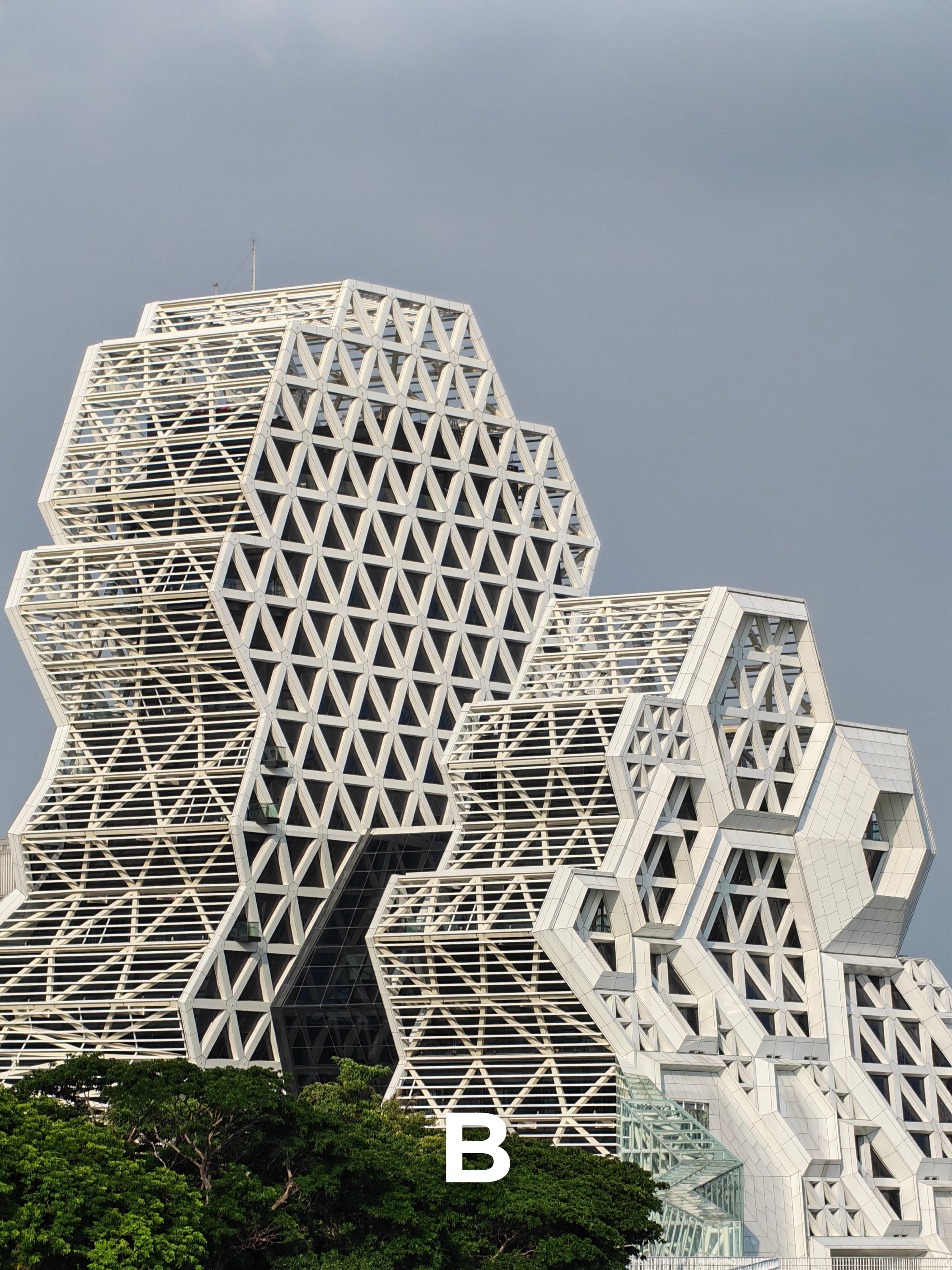
ZB3
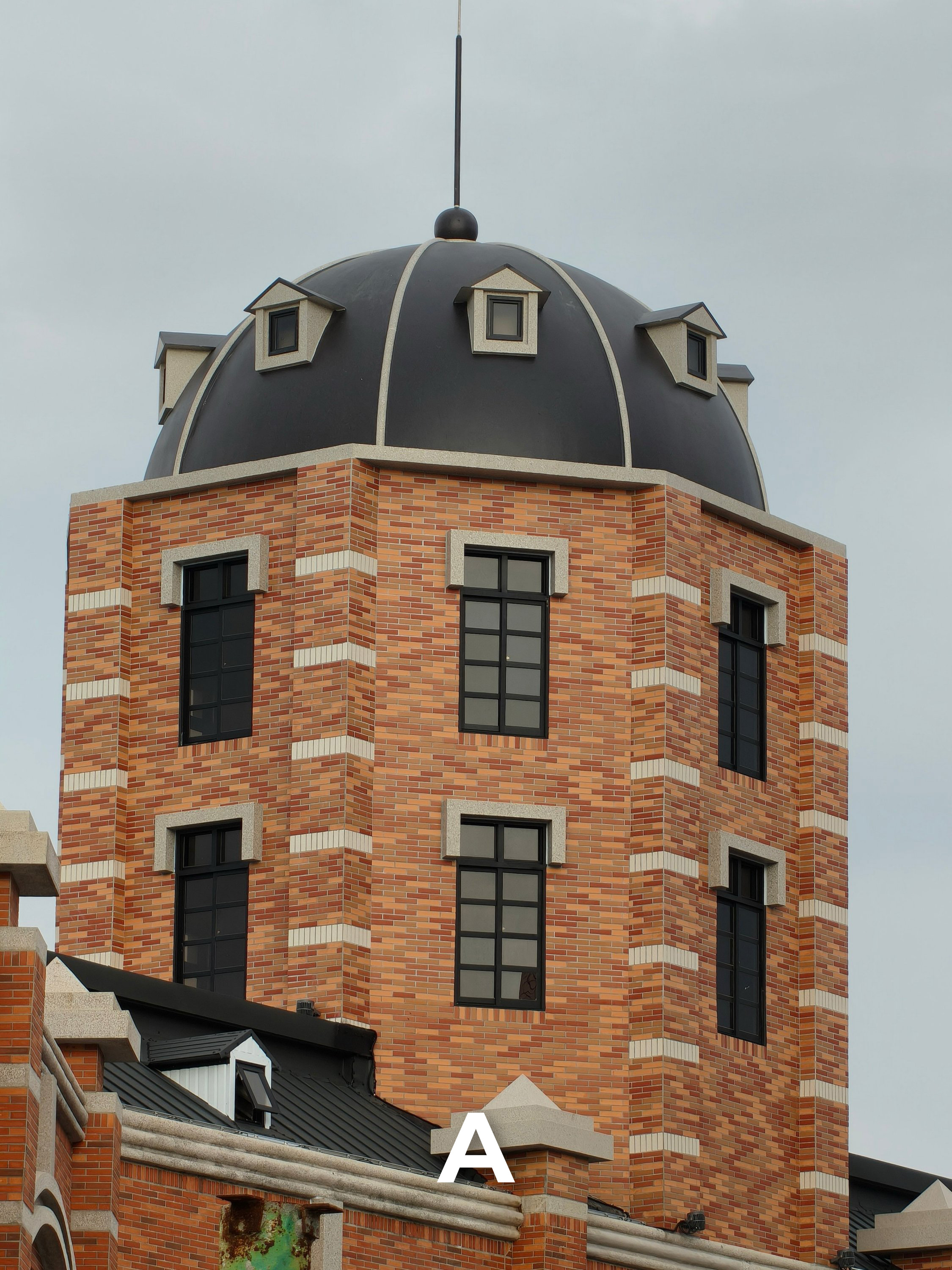
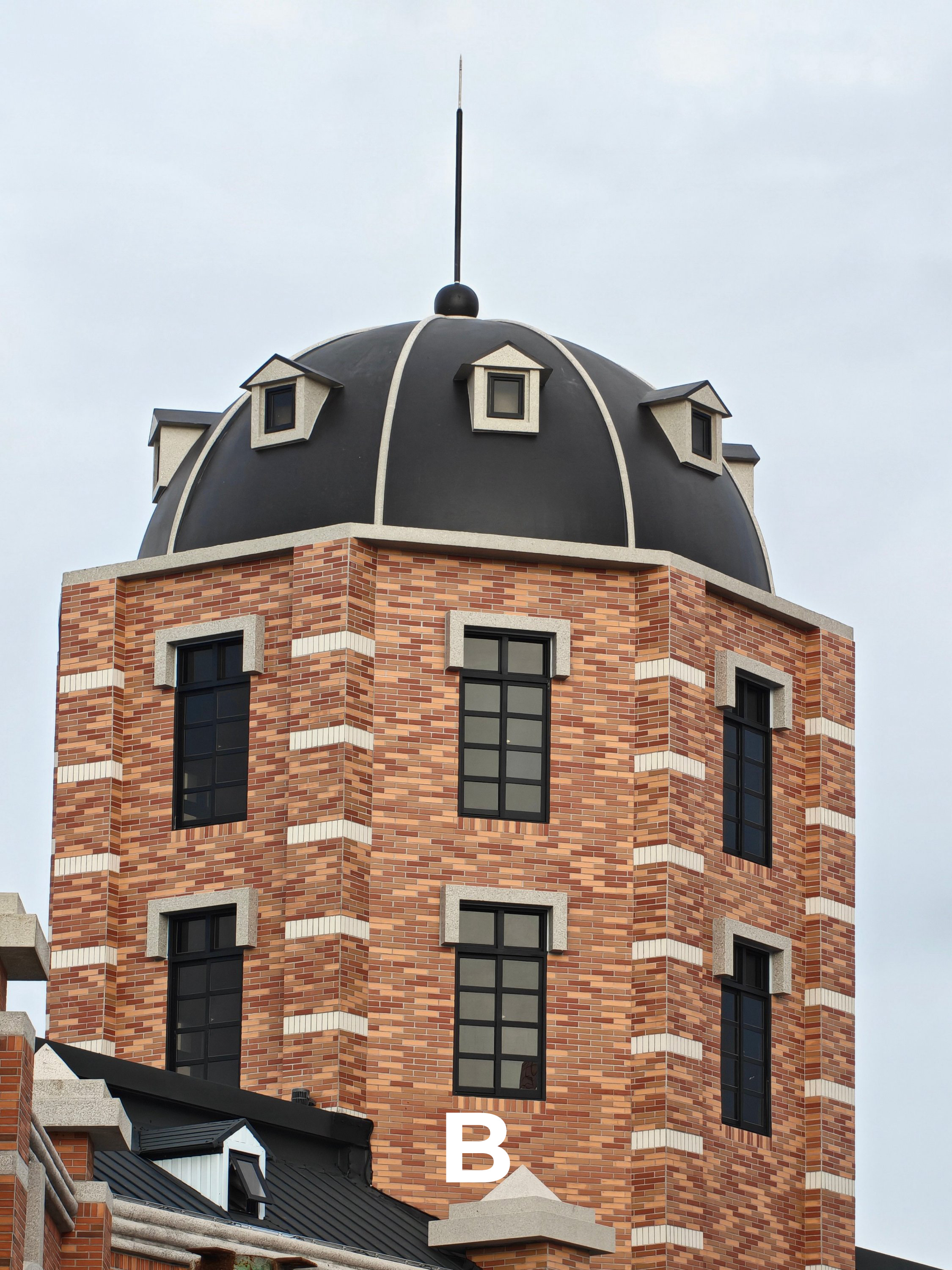
ZB4
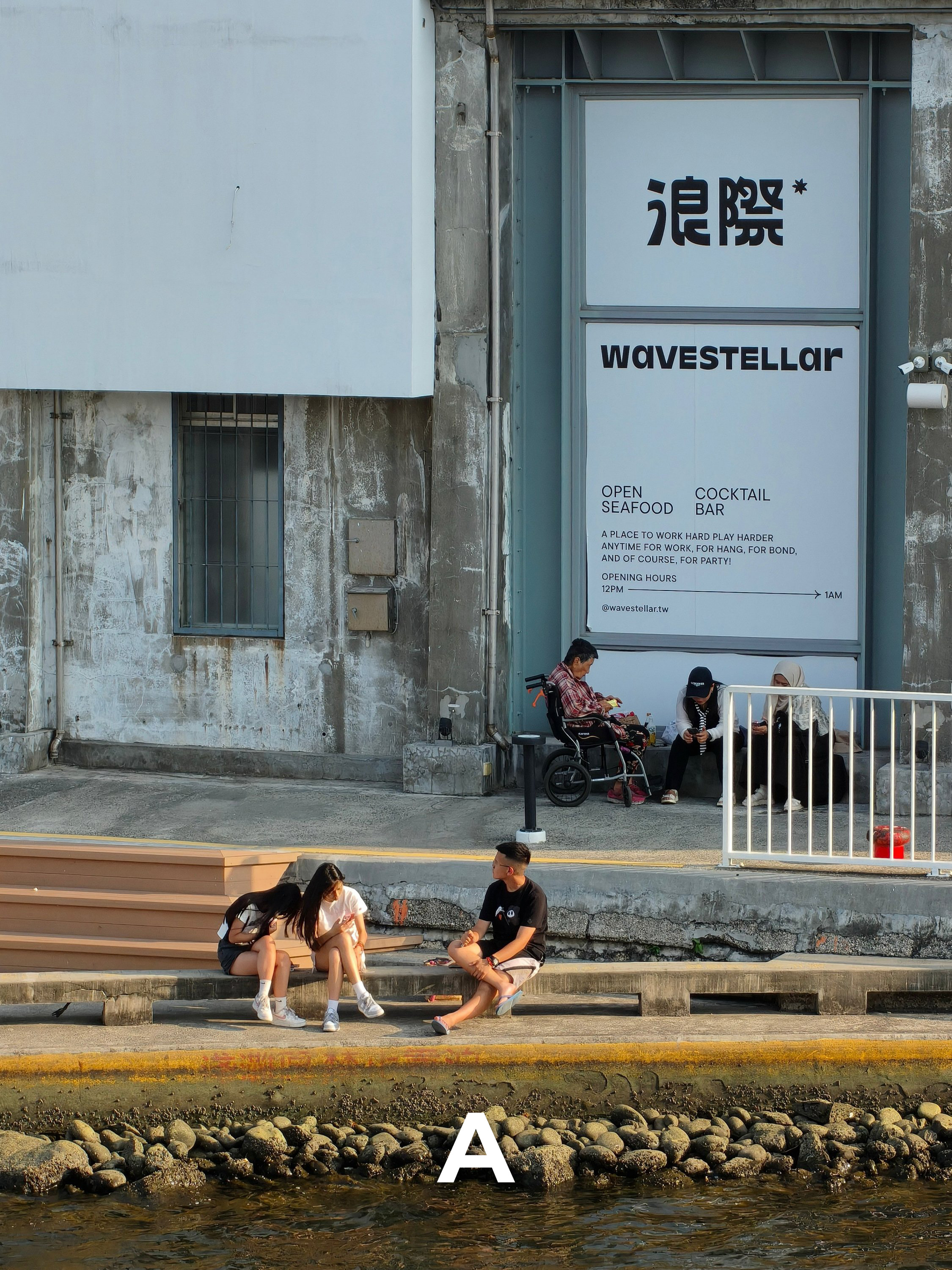

ZB5


ZB6

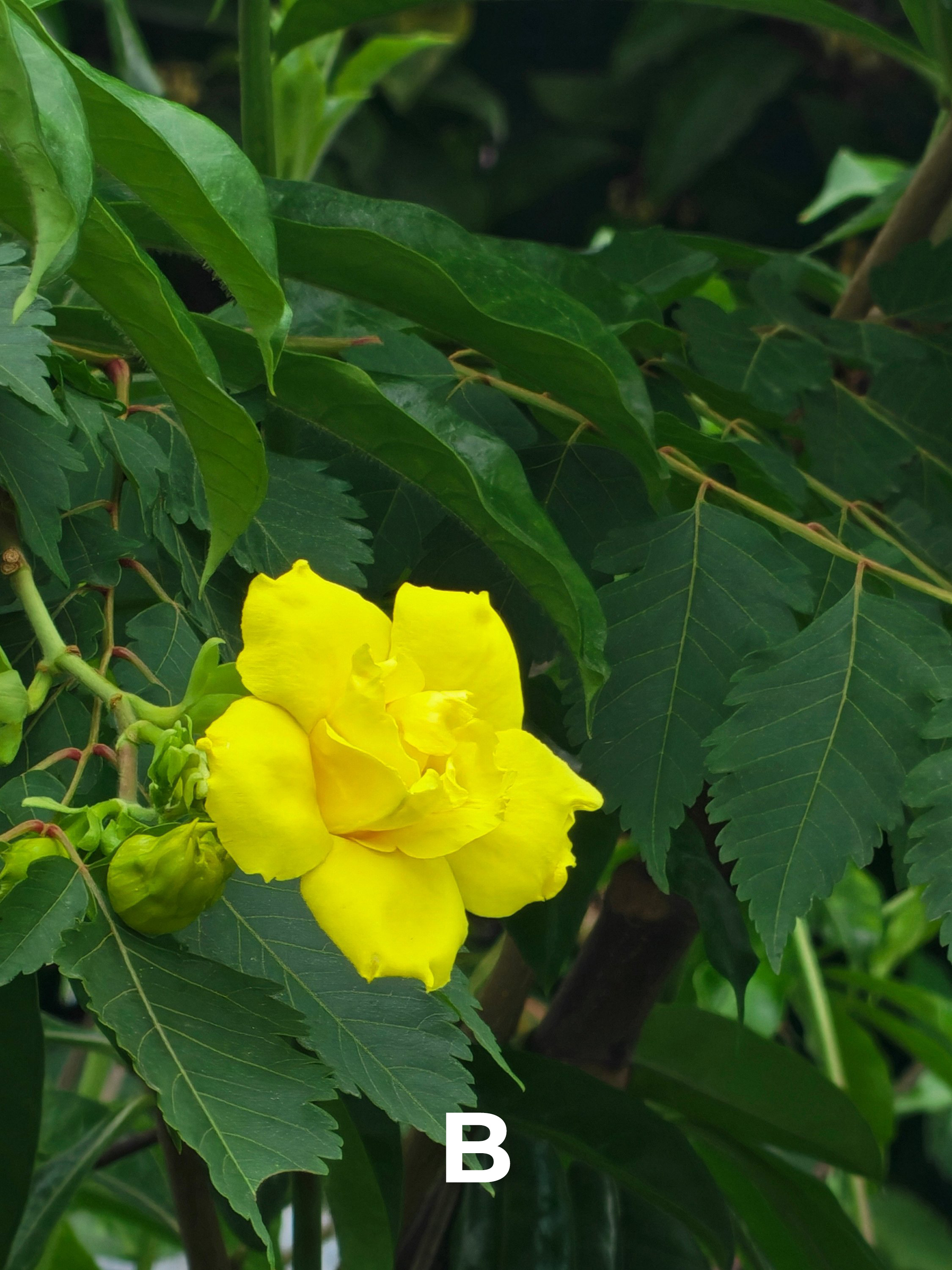
1x Wide (Main)
Again, both phones rock a 200MP camera but of different aperture and sensor sizes. Can you differentiate them from another though?
W1
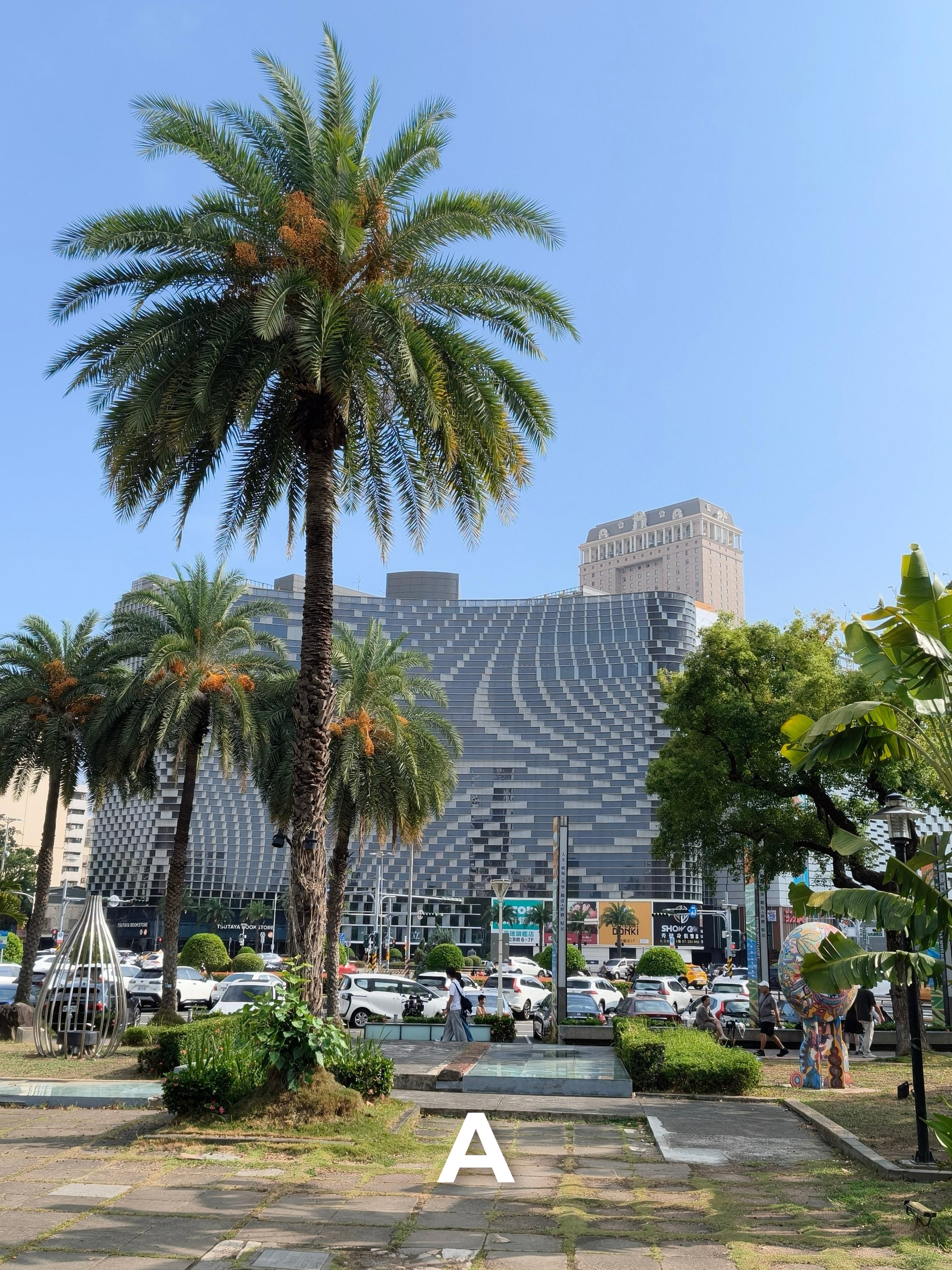
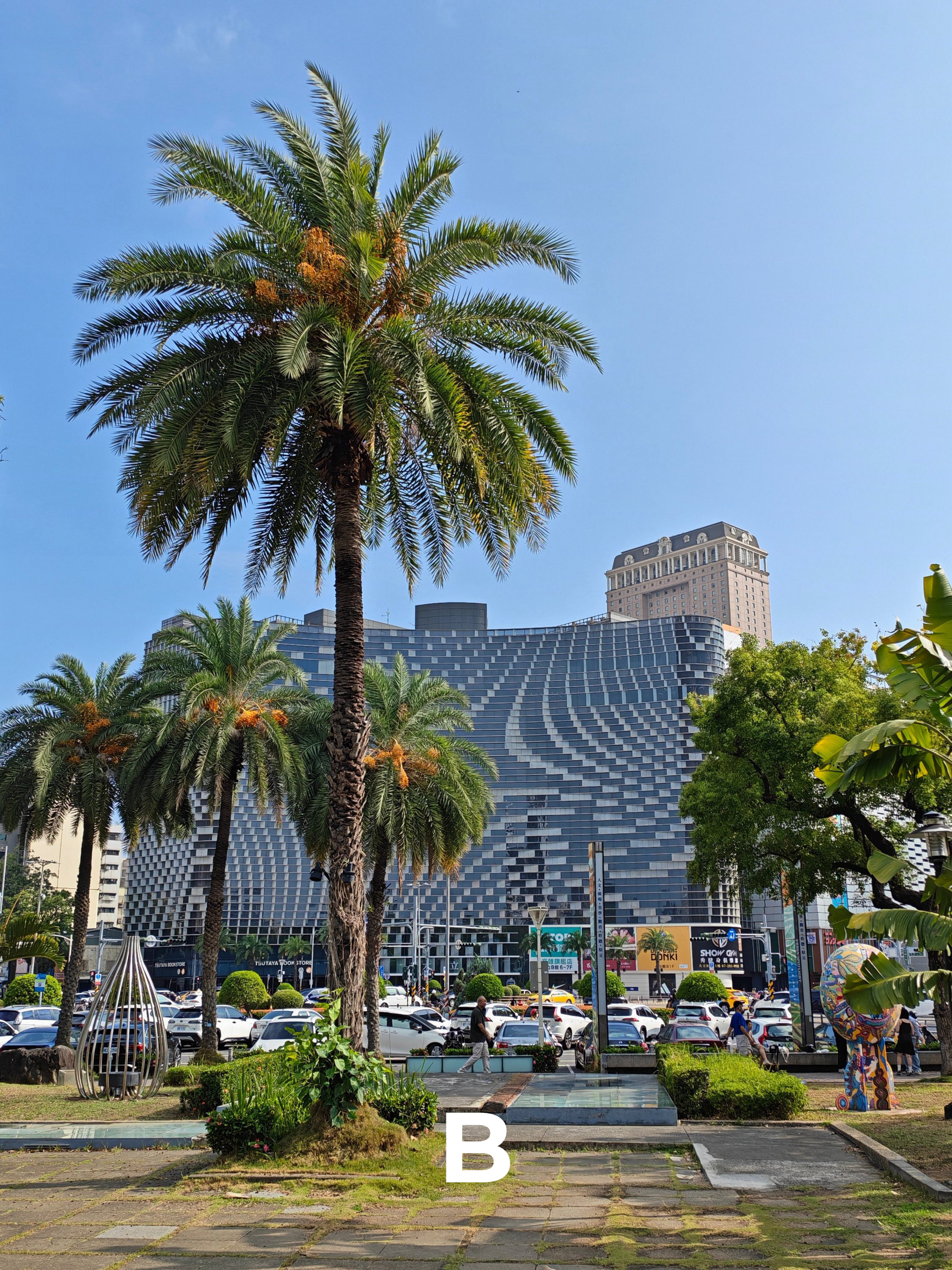
W2
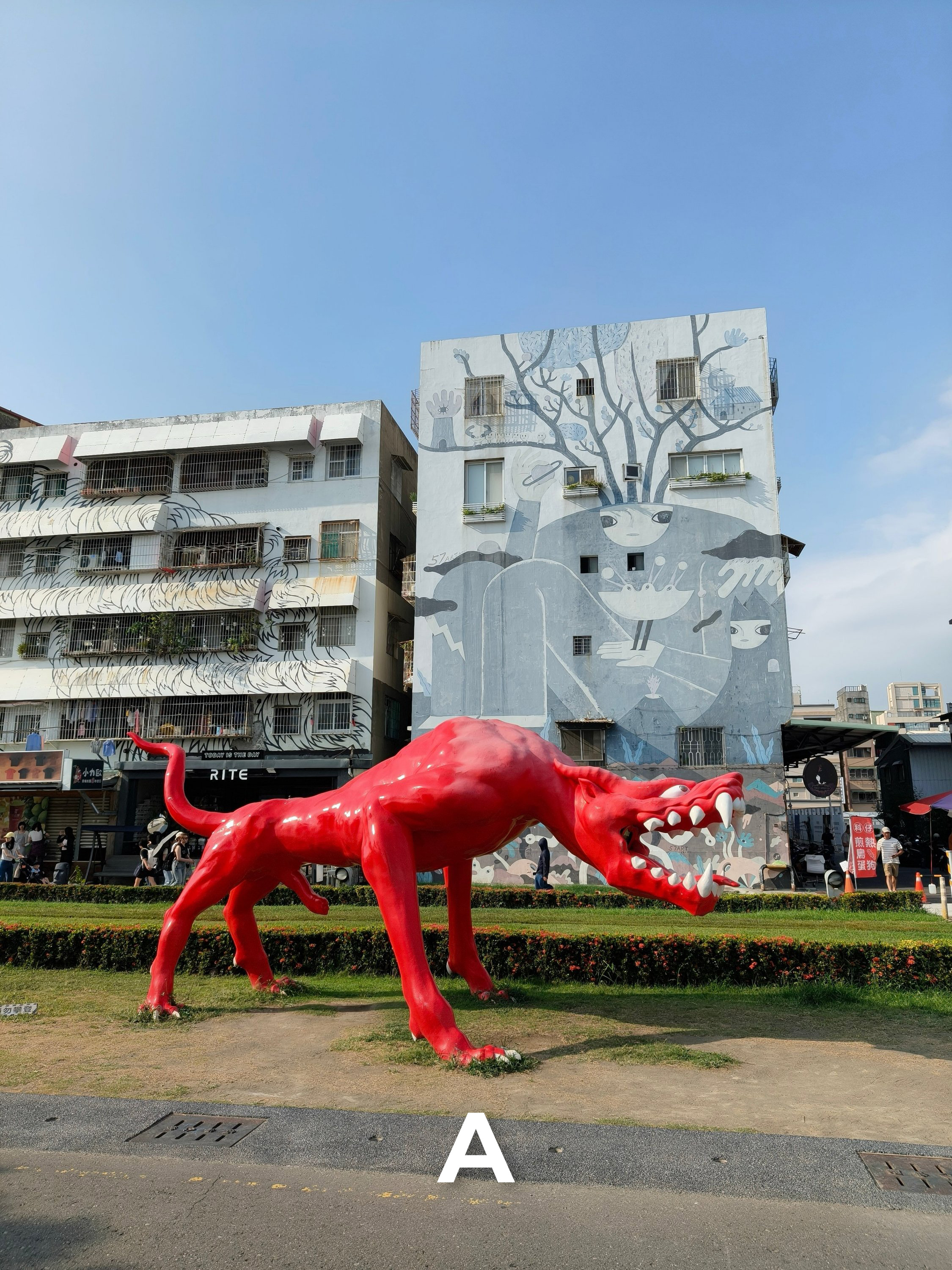

W3
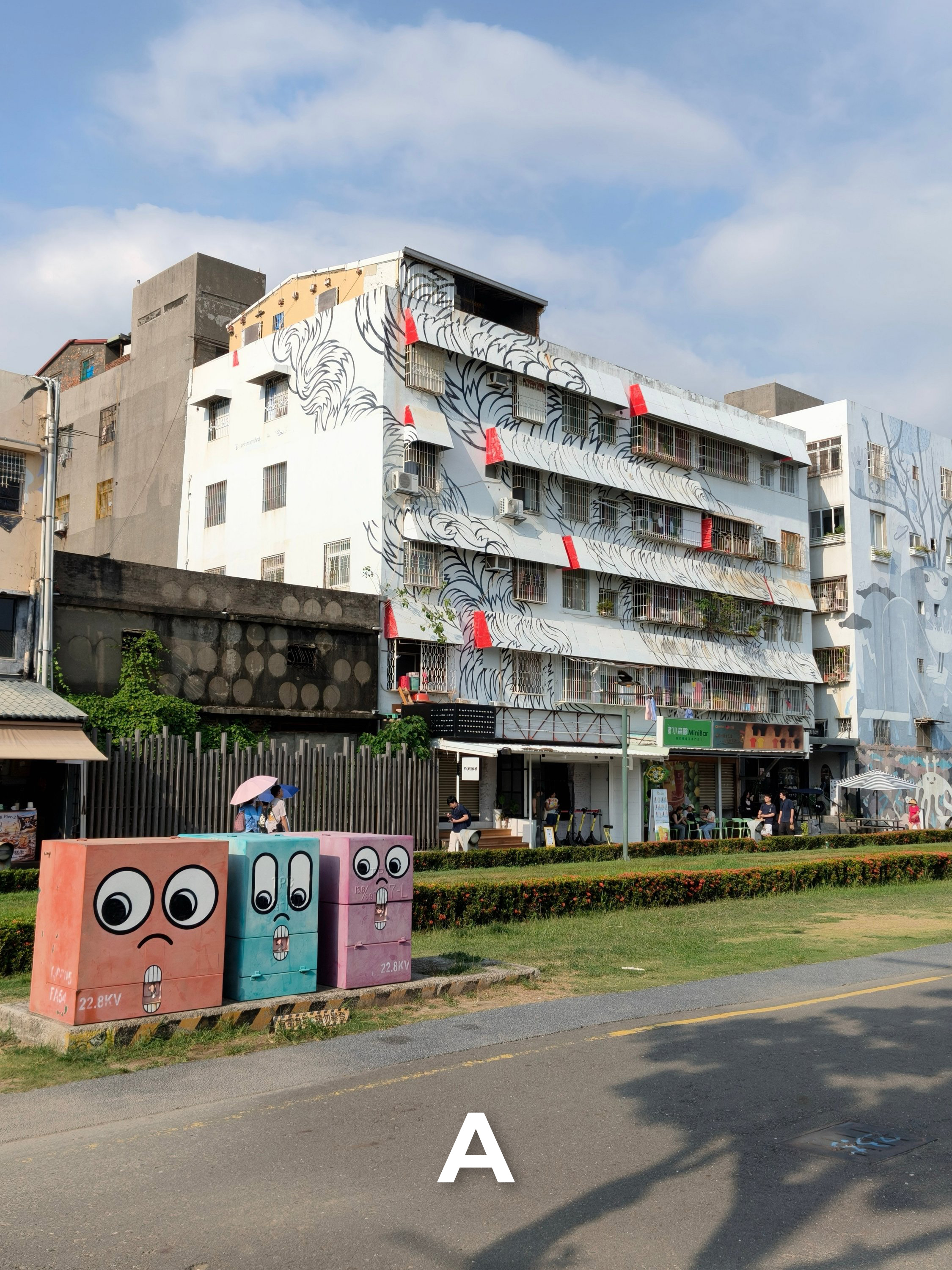
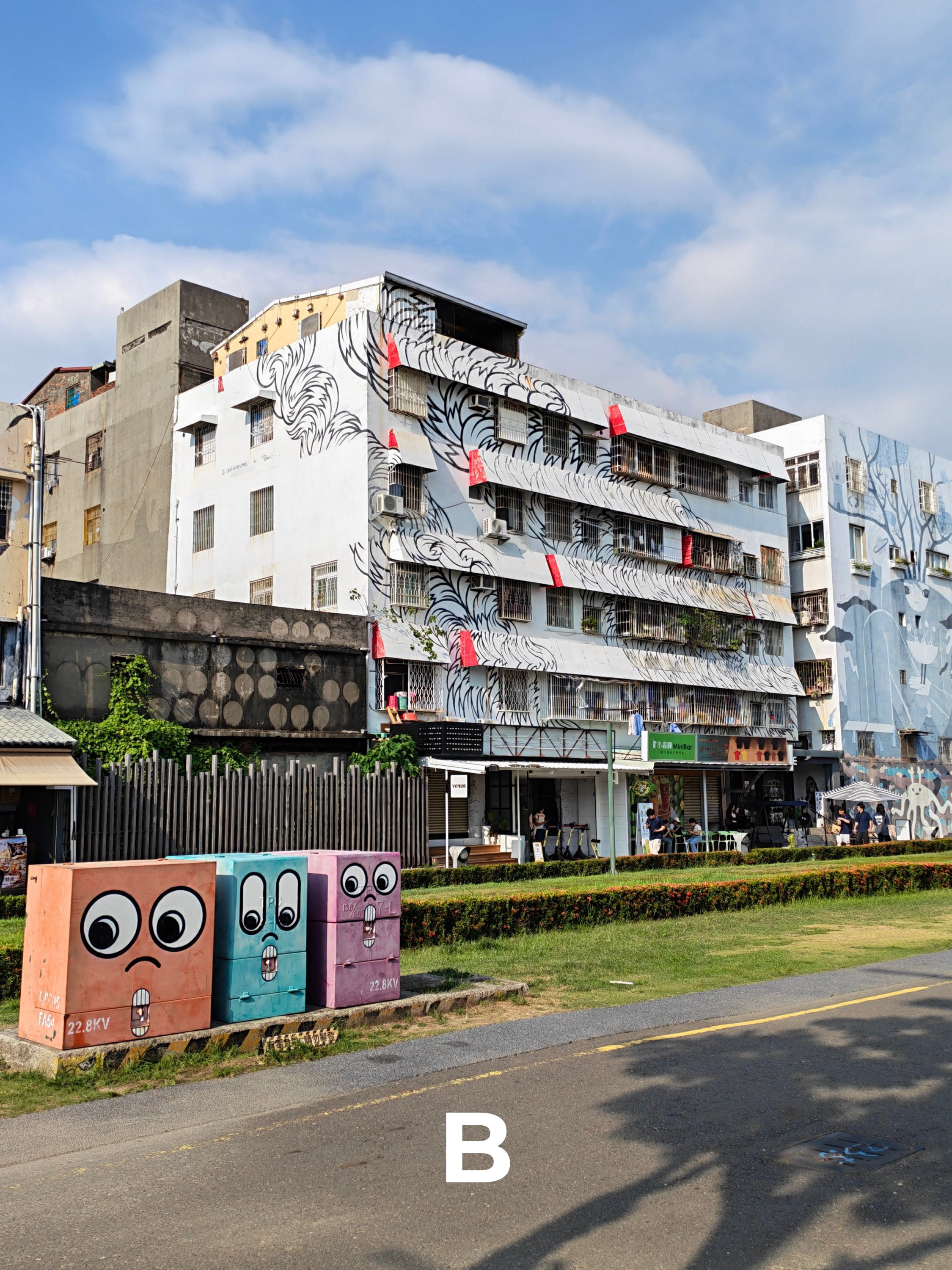
W4

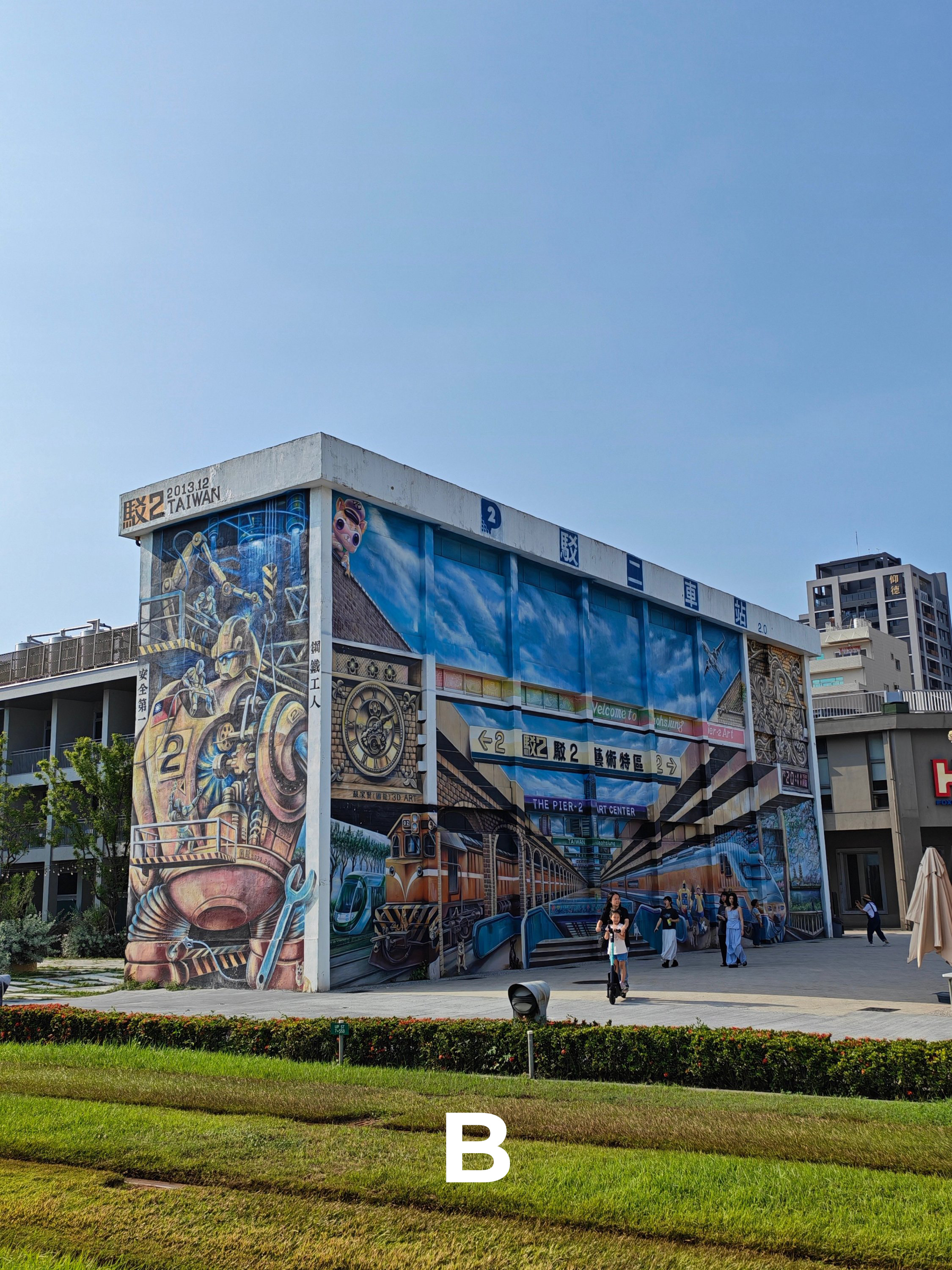
W5


W6
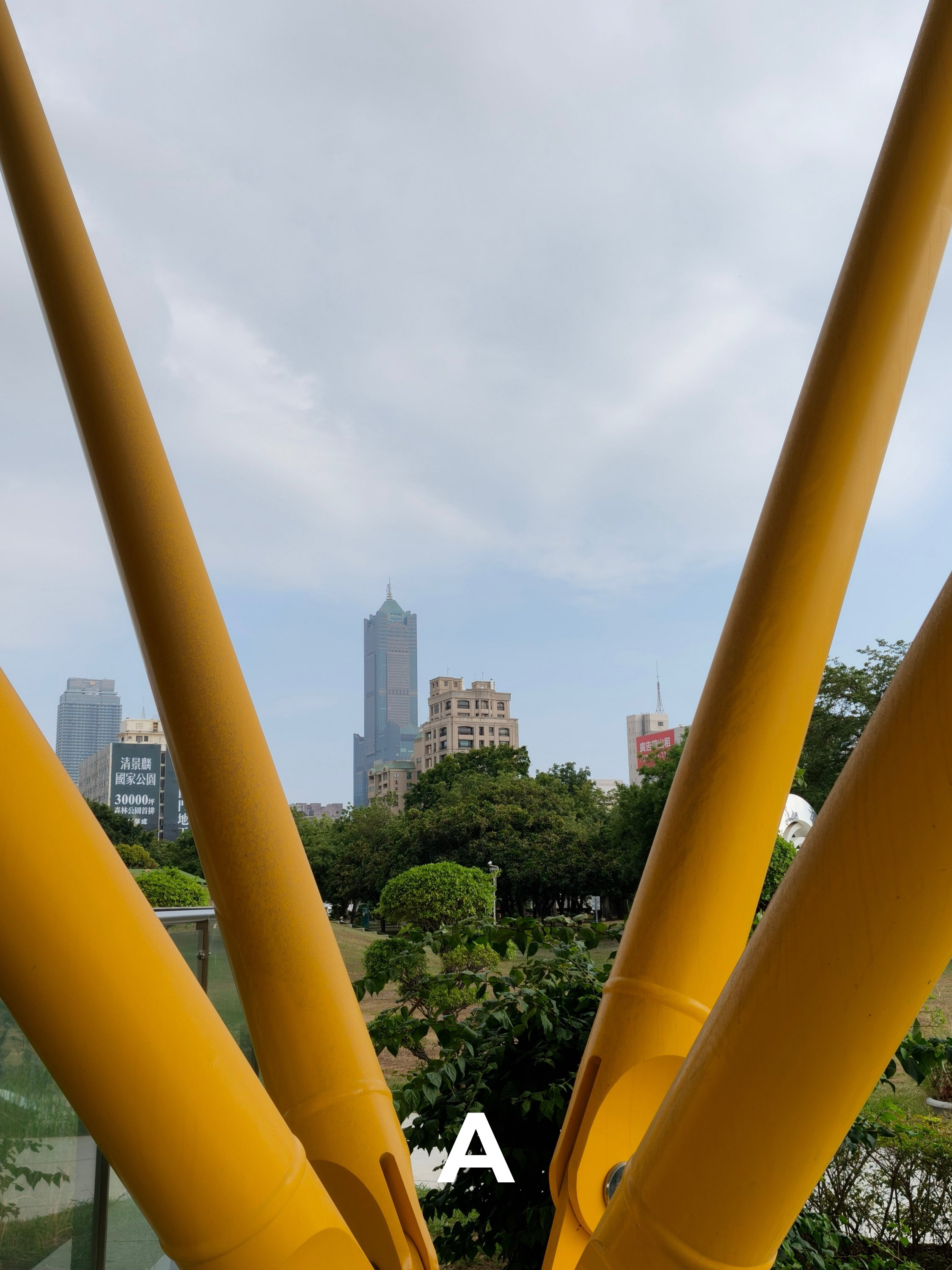
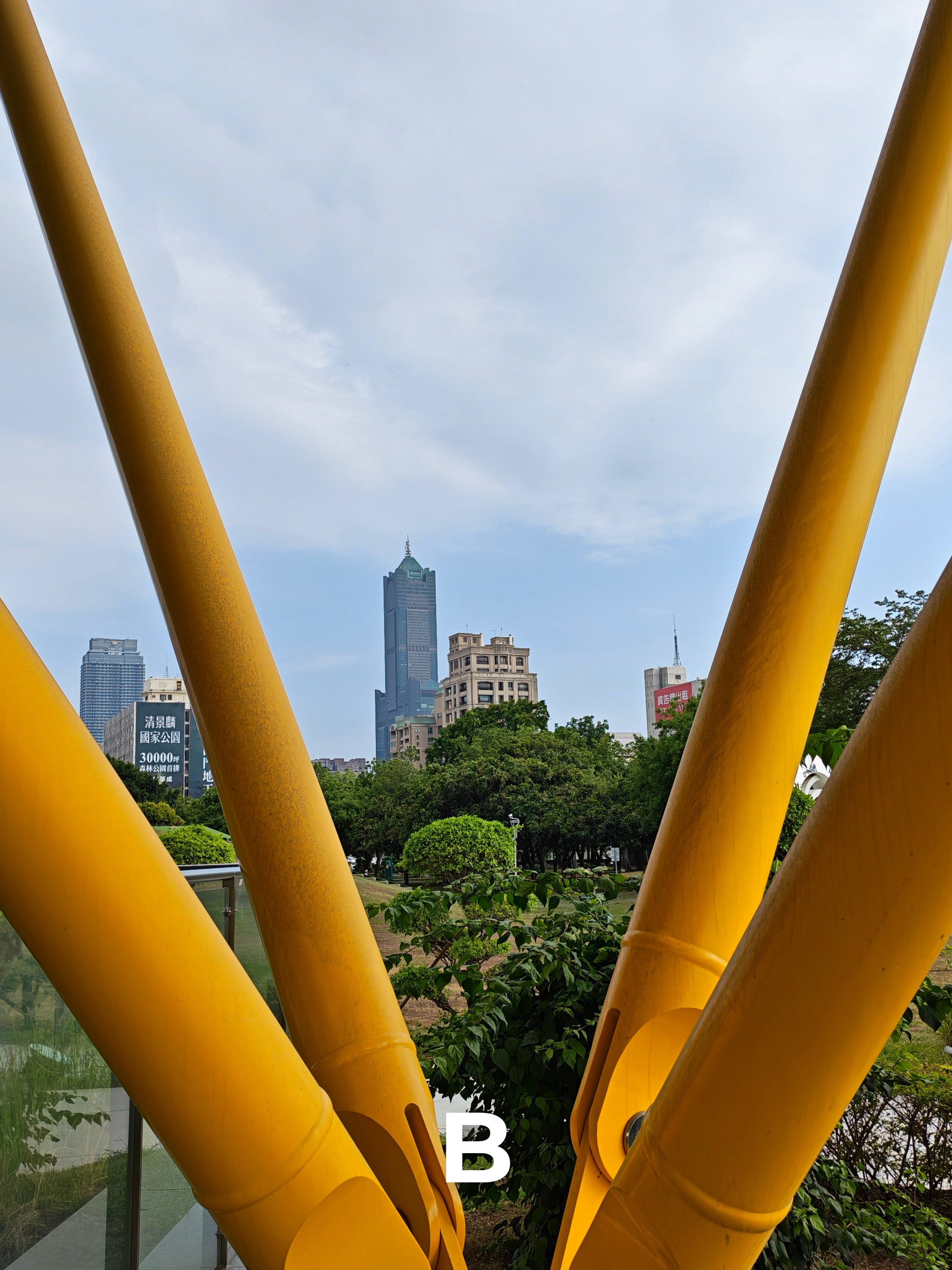
W7

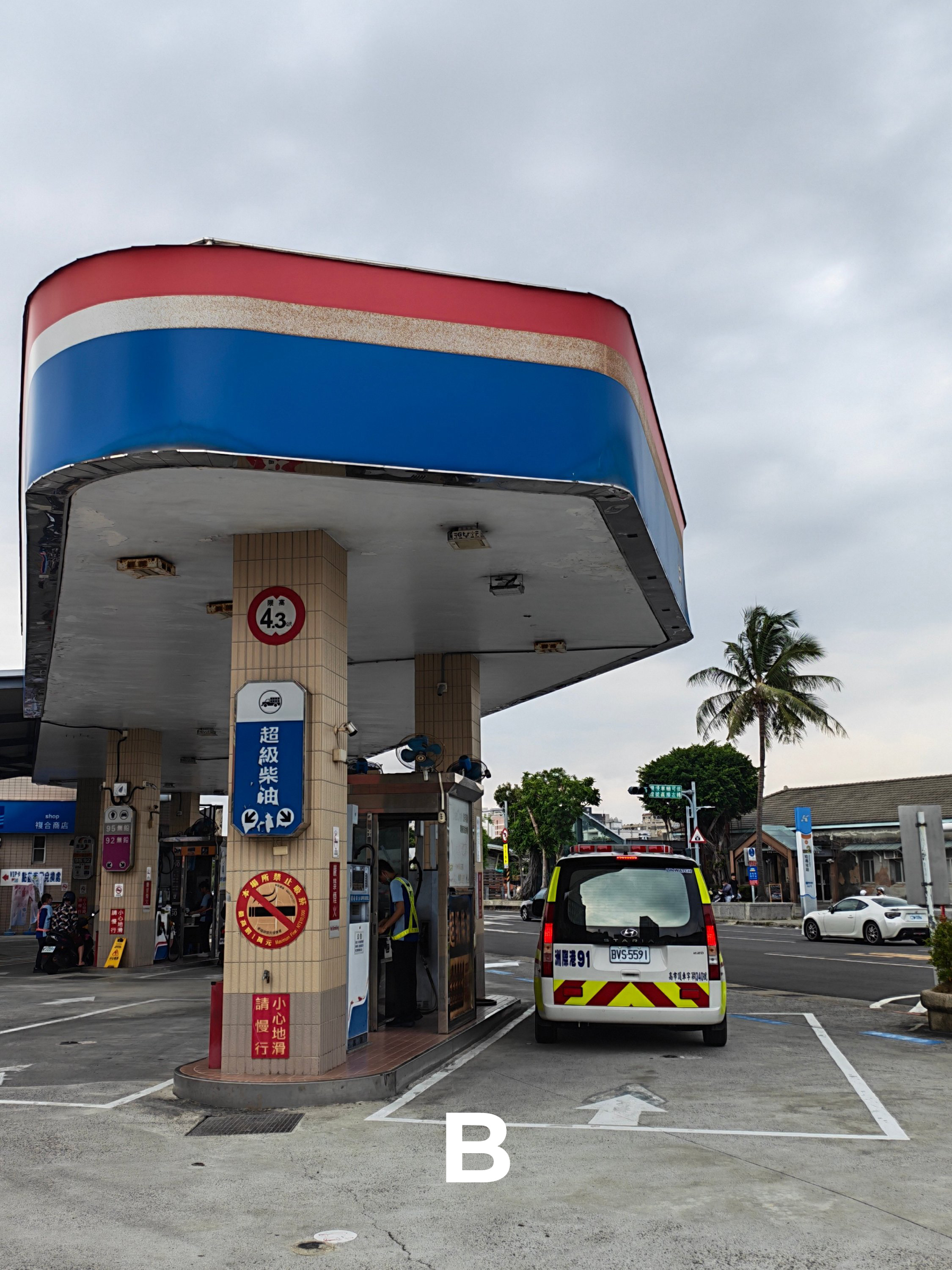
W8
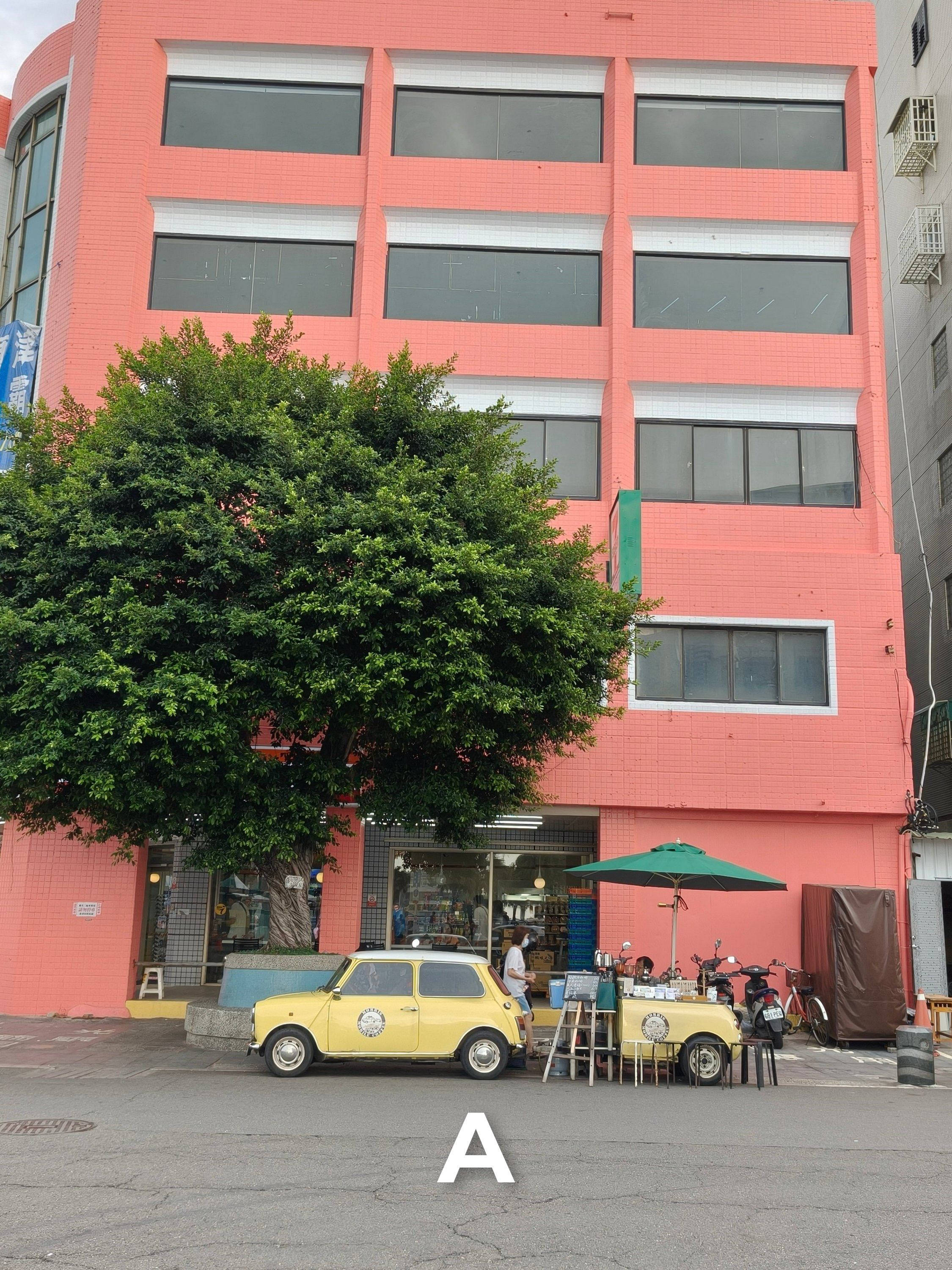
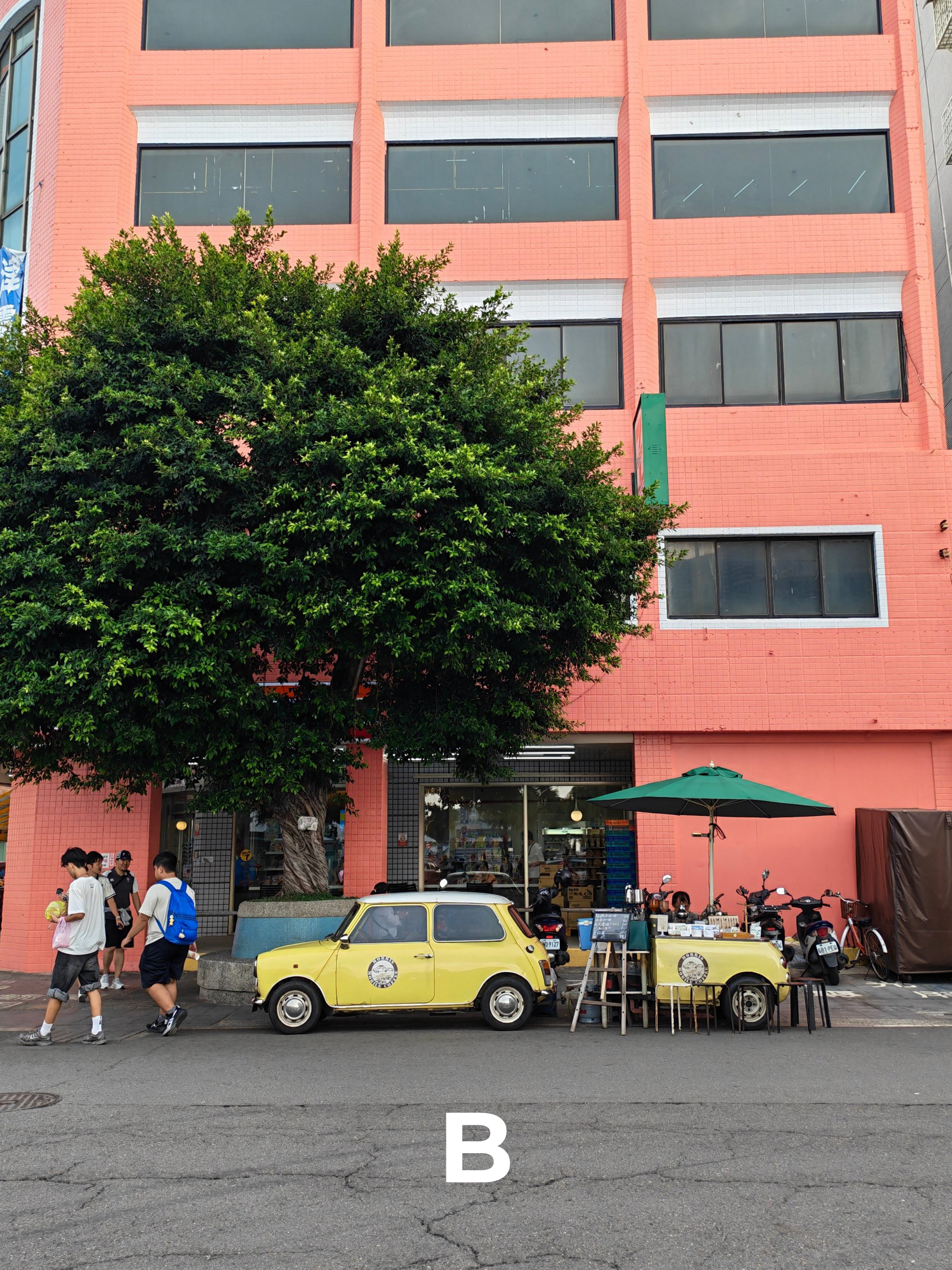
W9

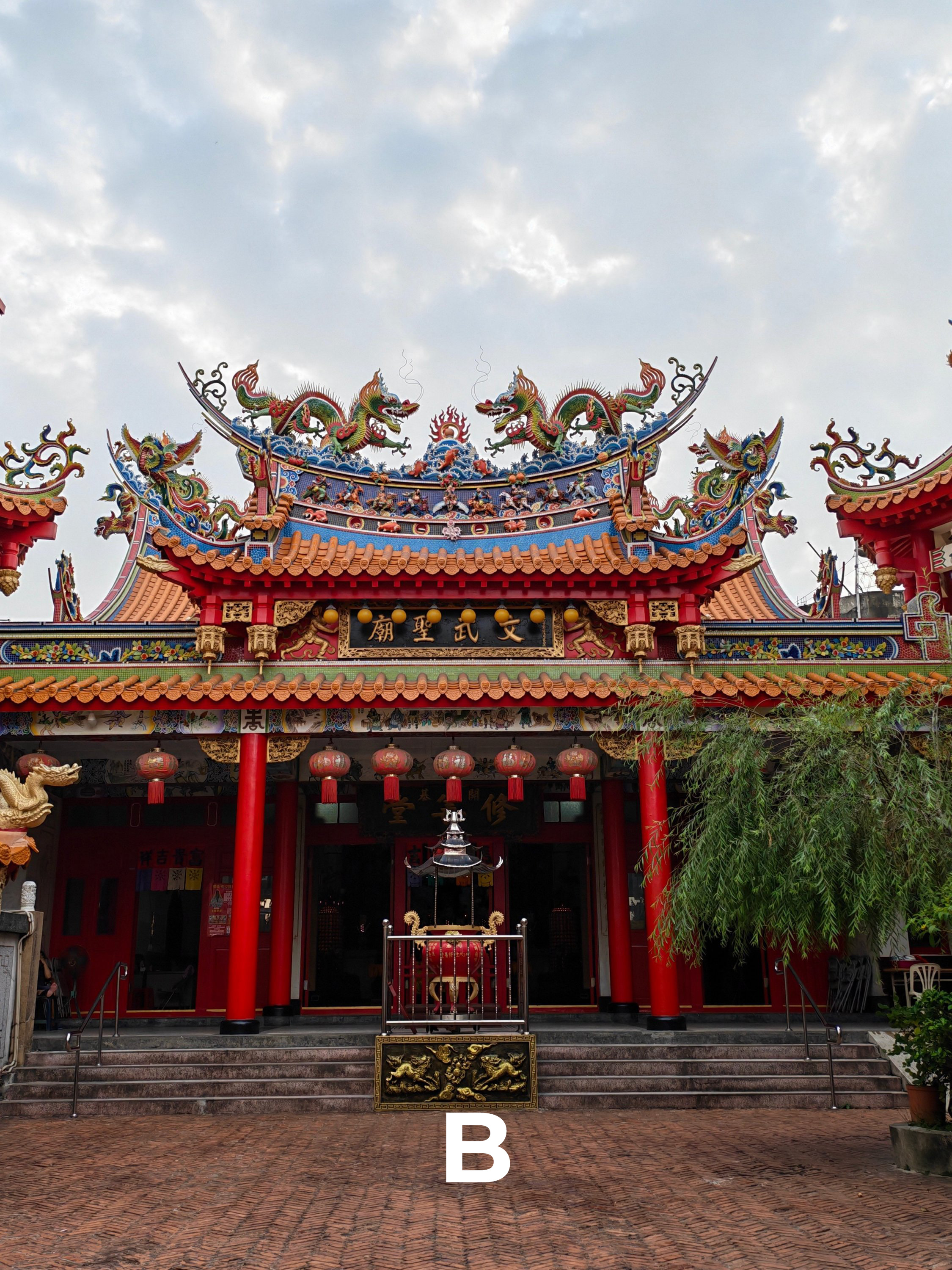
W10
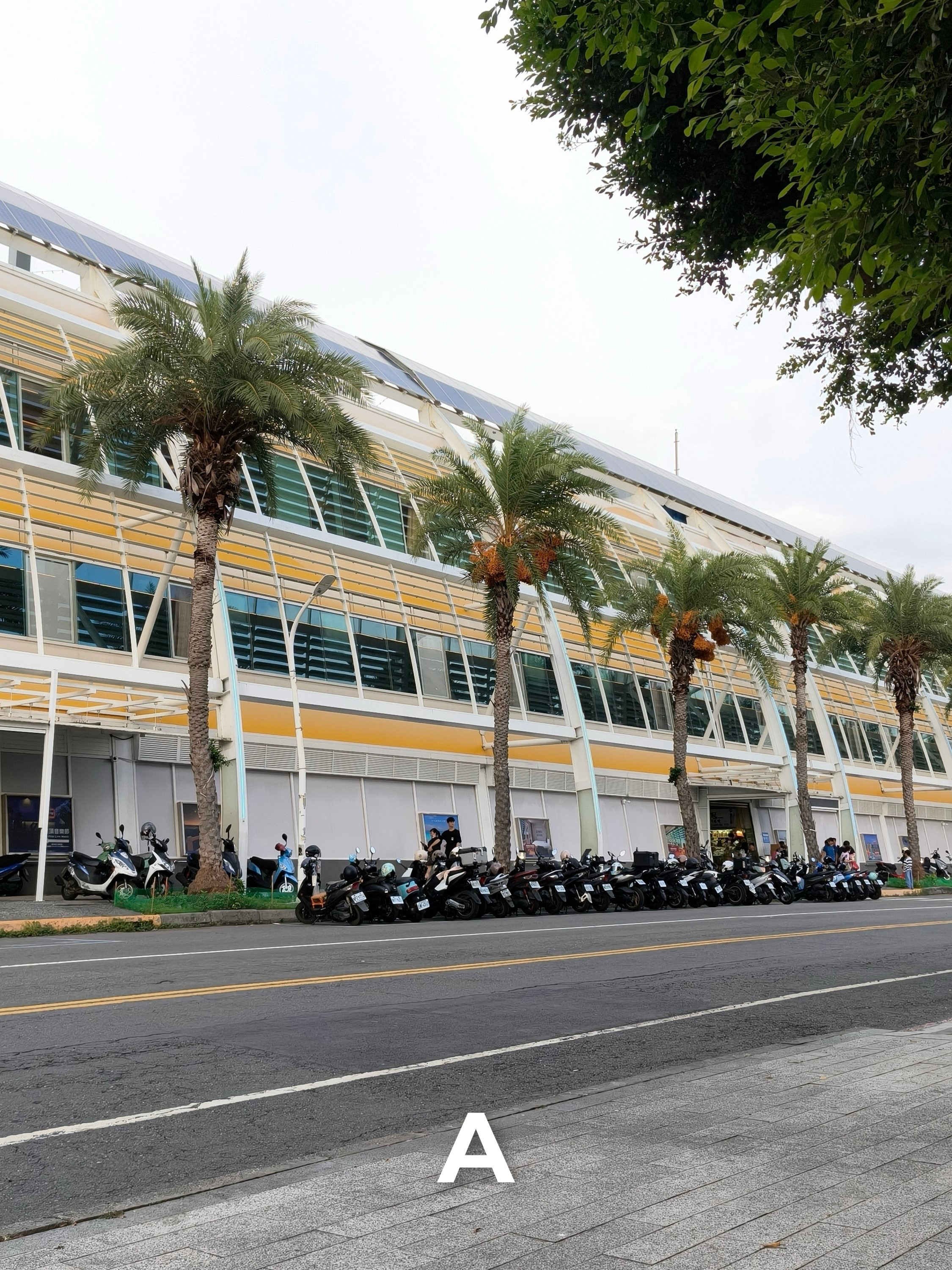
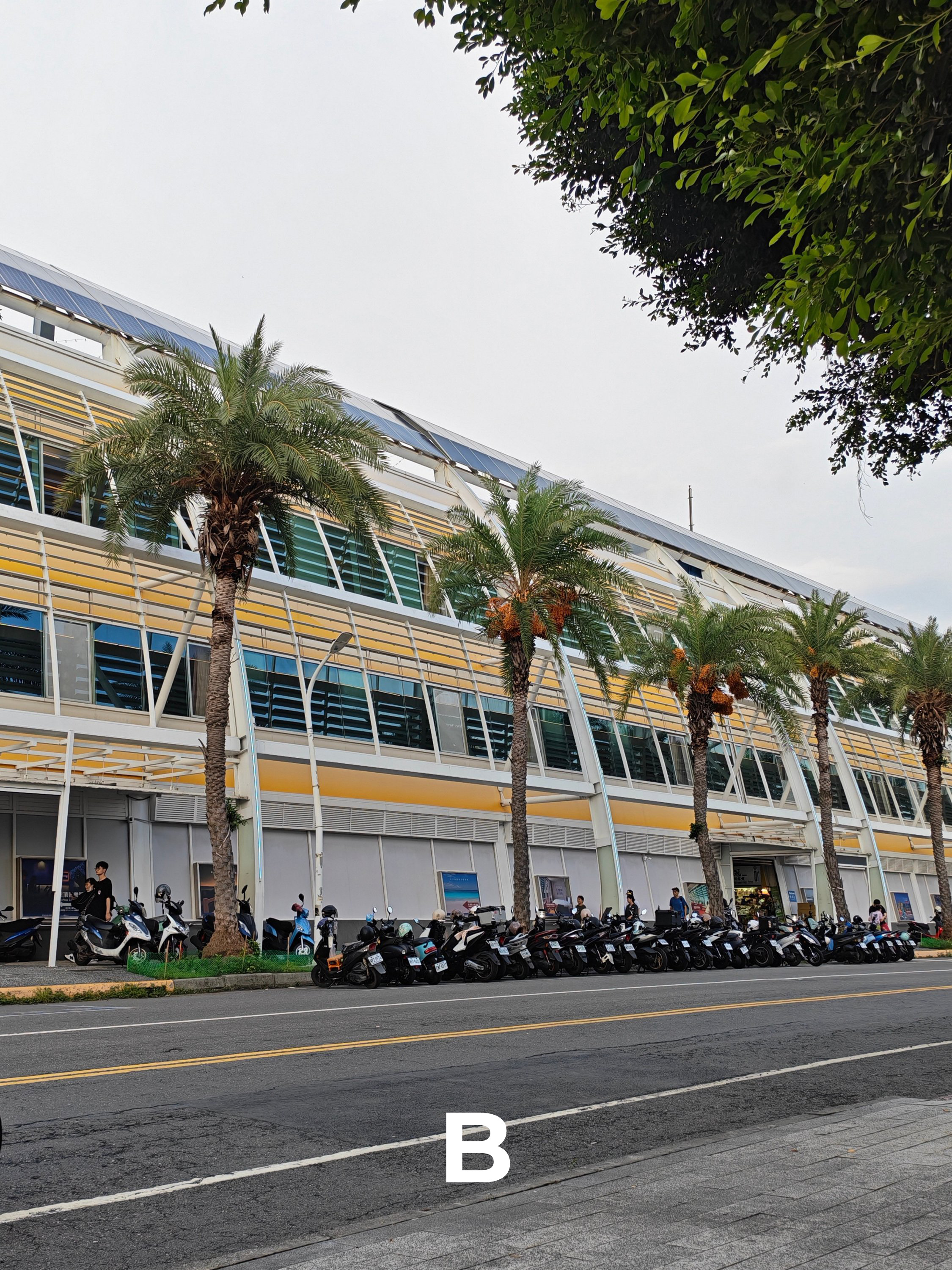
Ultra-Wide Angle (UWA)
Each FoV value can be your primary hint to determine which is which. But, is it enough for you to tell who’s the better performer?
U1
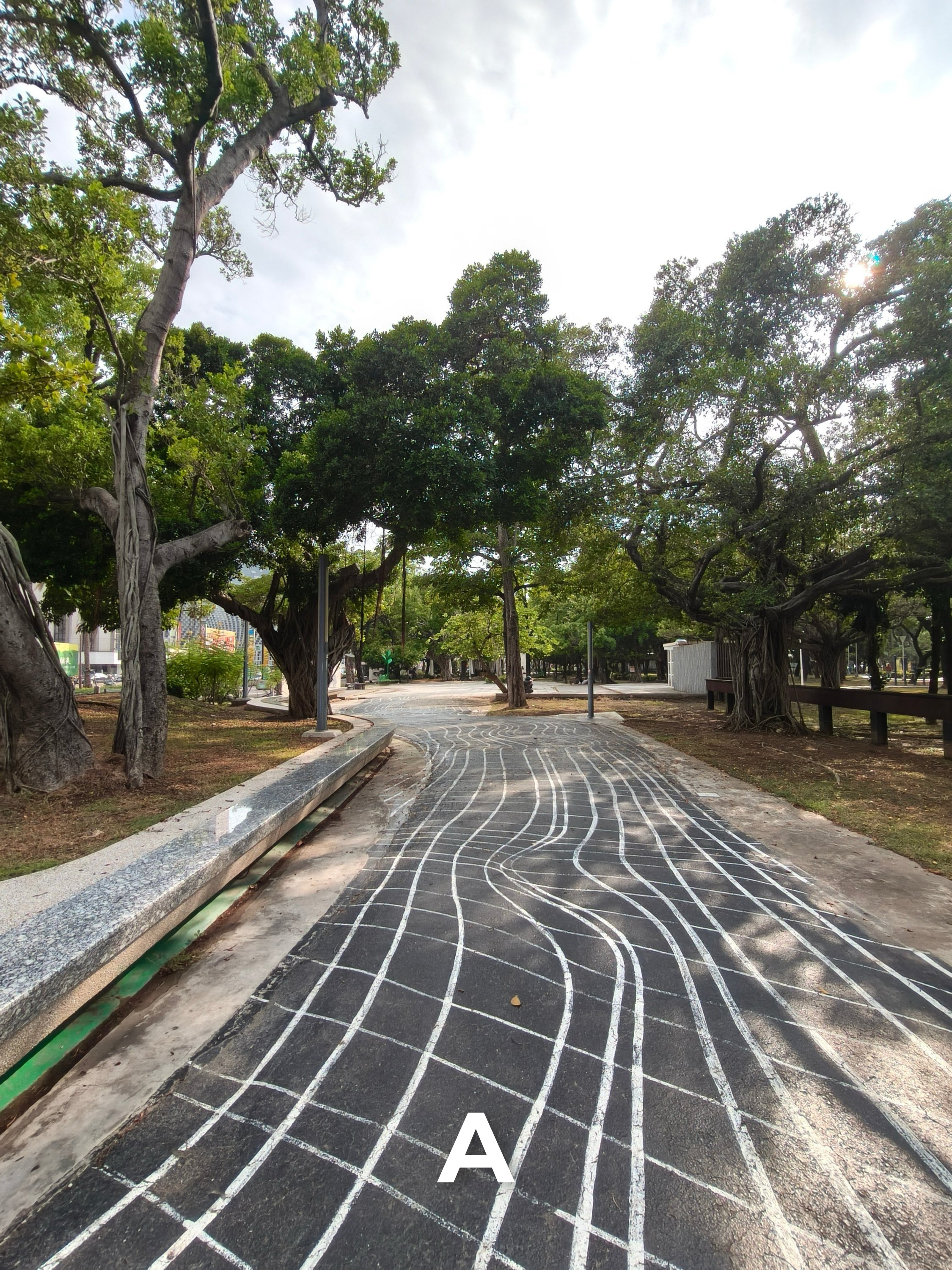
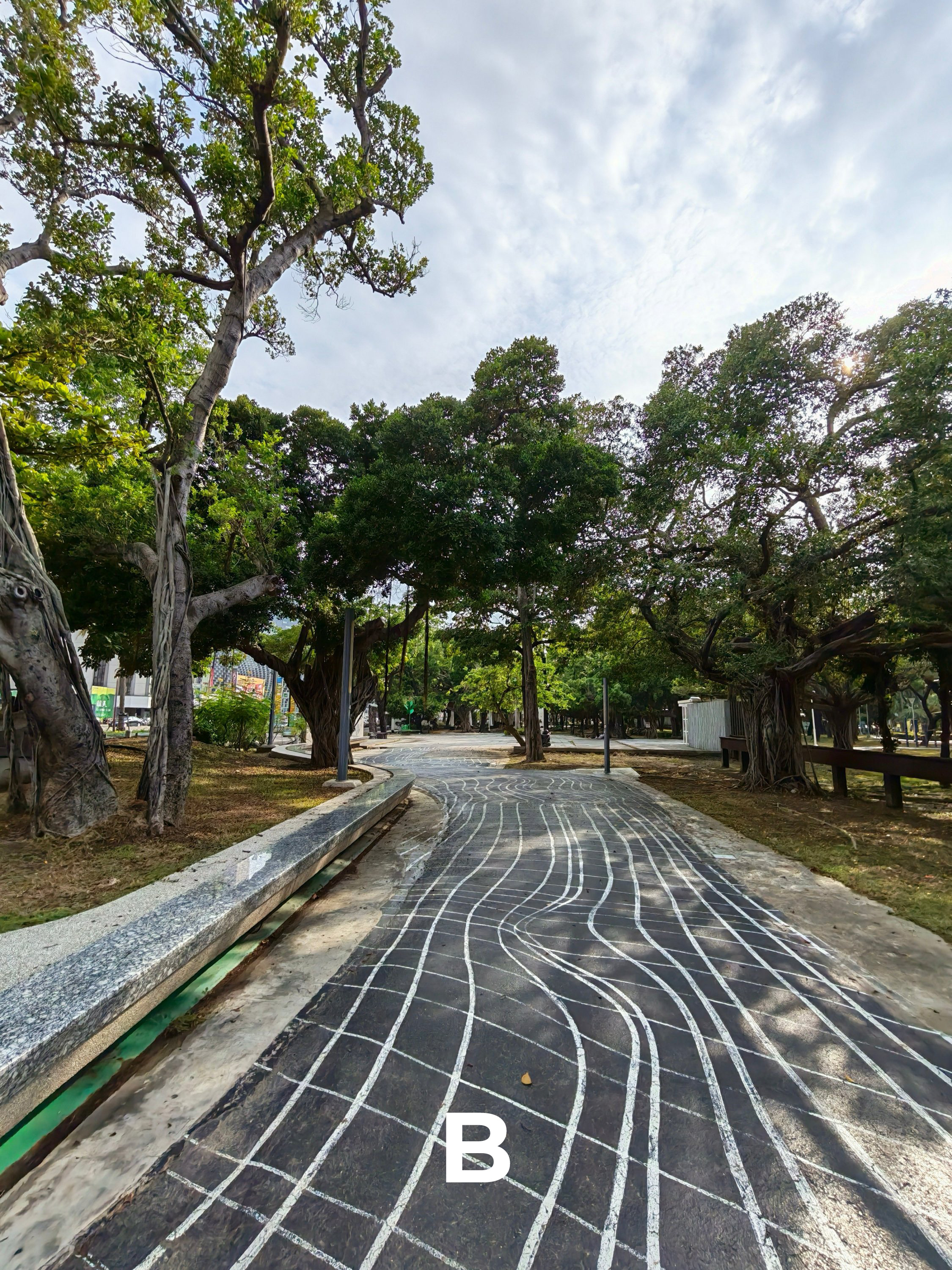
U2

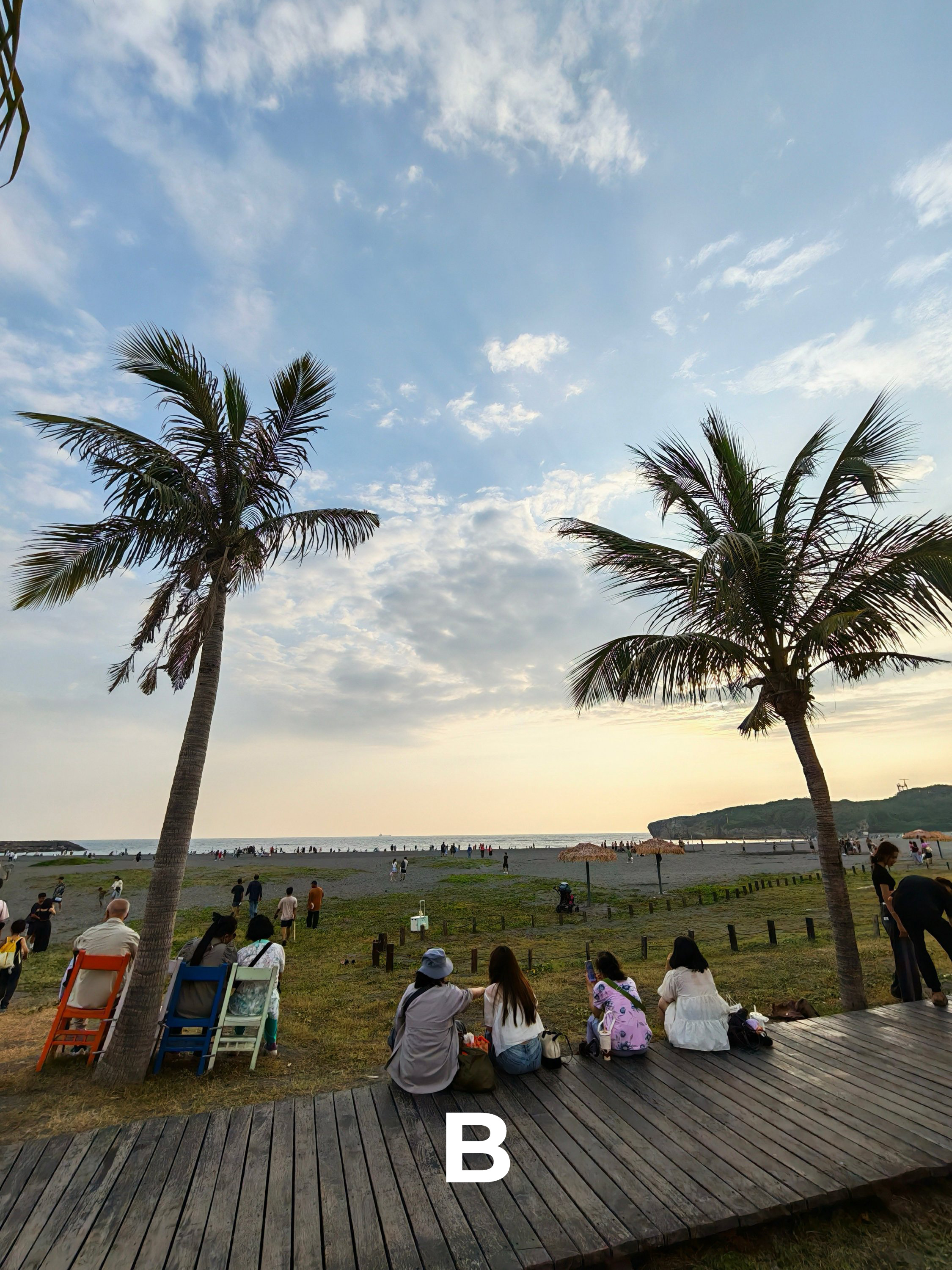
U3
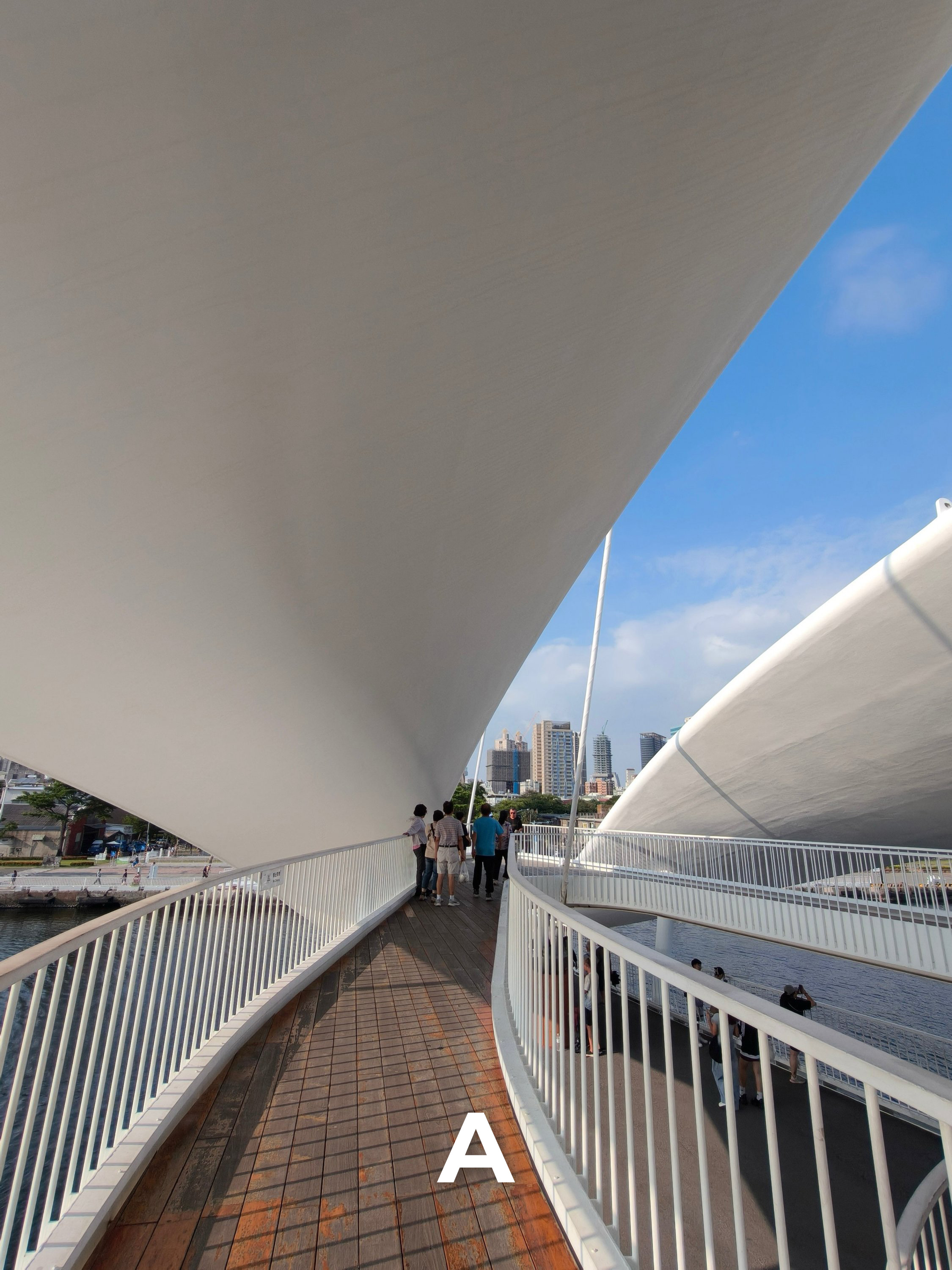
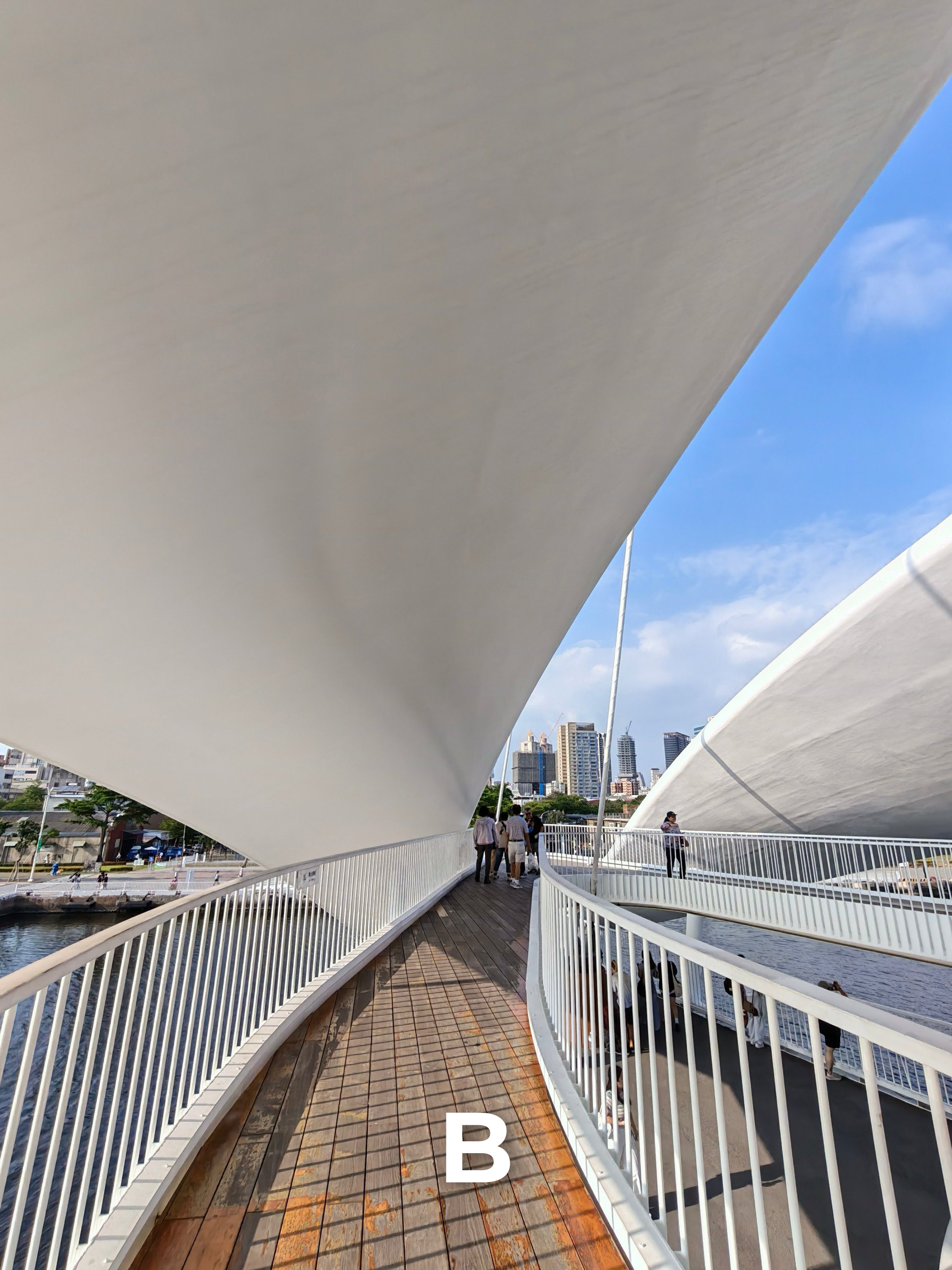
U4


U5


Mood for Food
A separate section for prospective users who will use one of these for food shots.
F1


F2

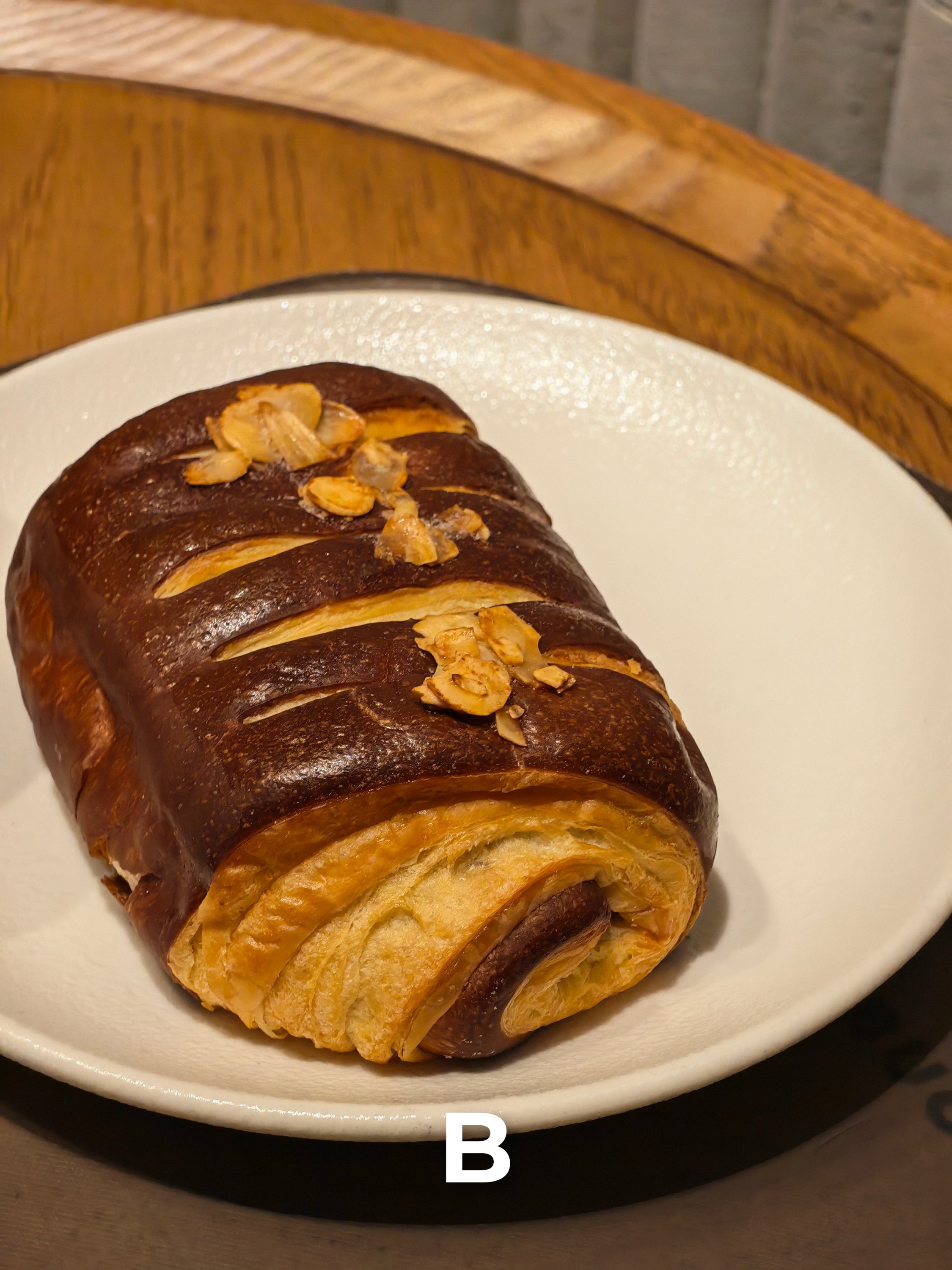
F3

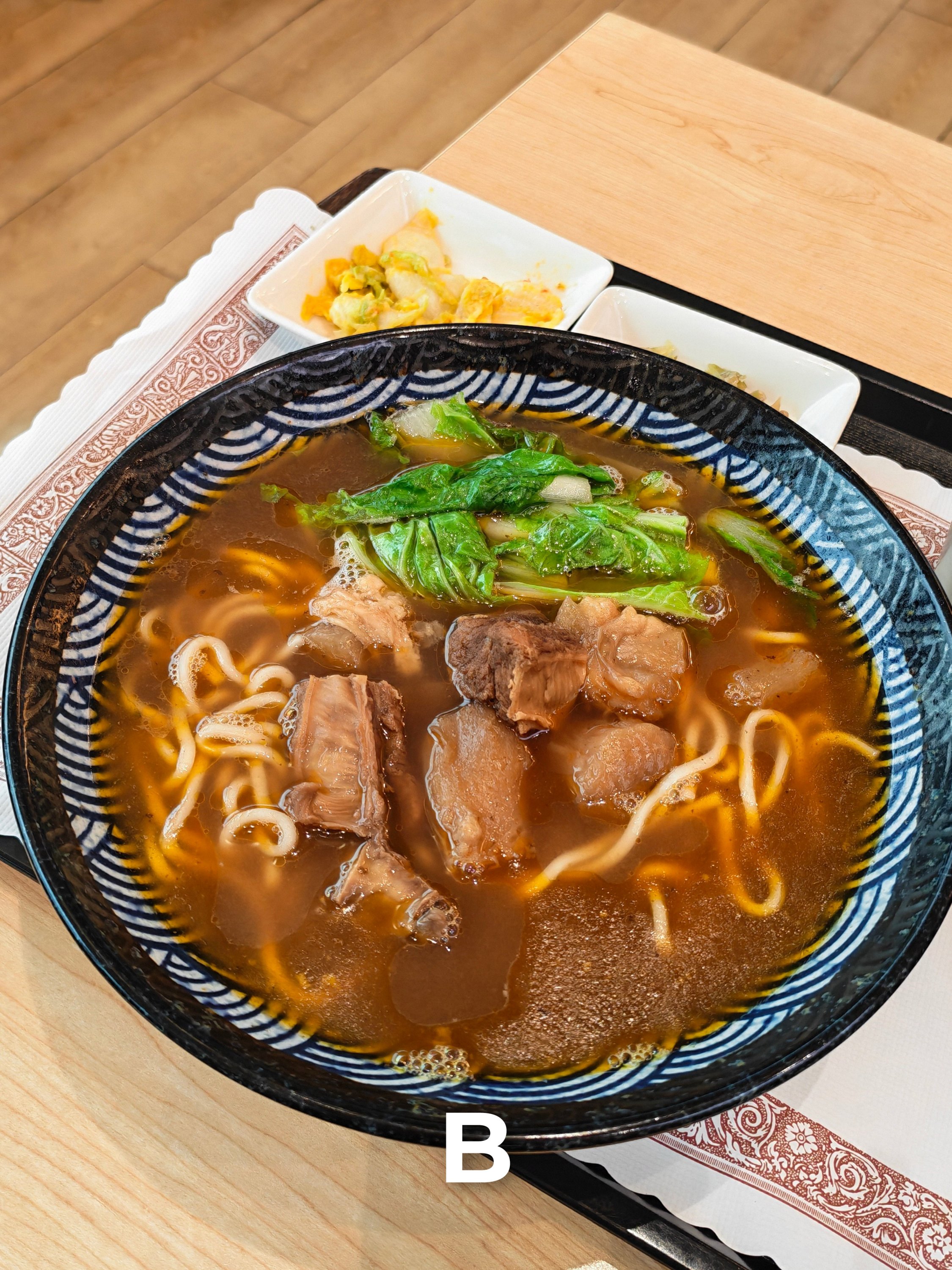
F4


F5


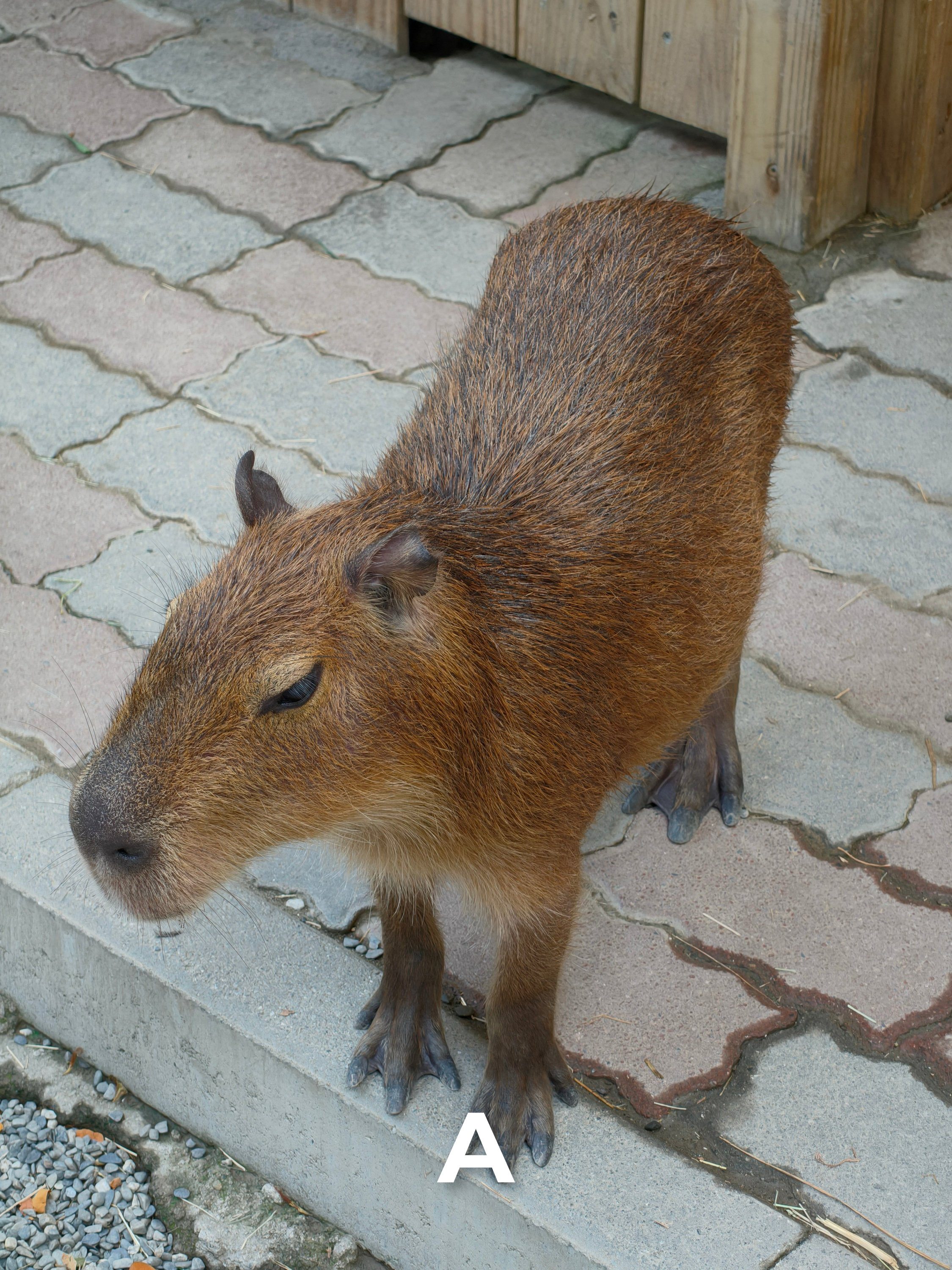
Furry Friends
Whether it’s our pets or wild animals, they all have one thing in common: they are all very hard to capture especially when in motion.
FF1
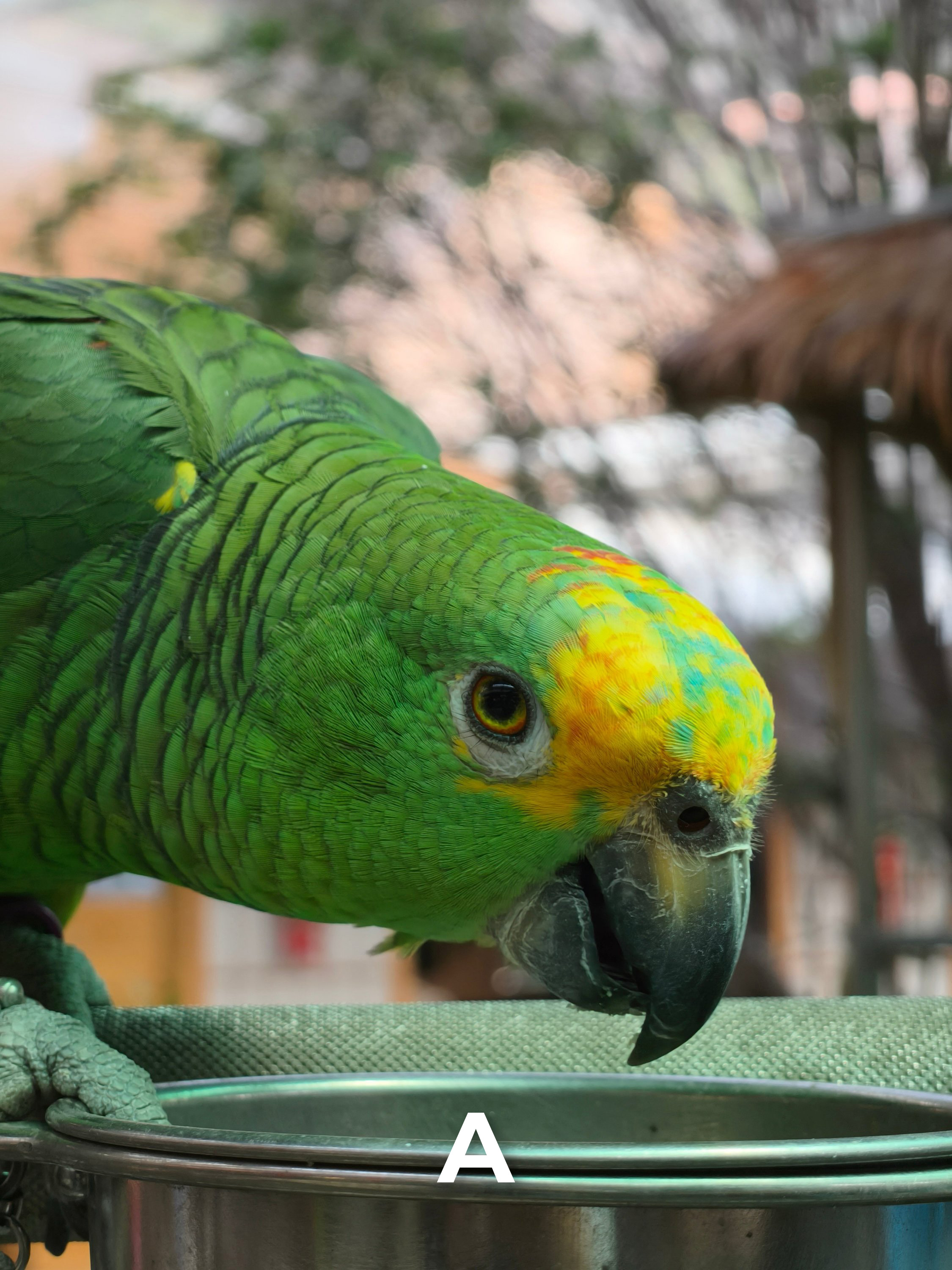
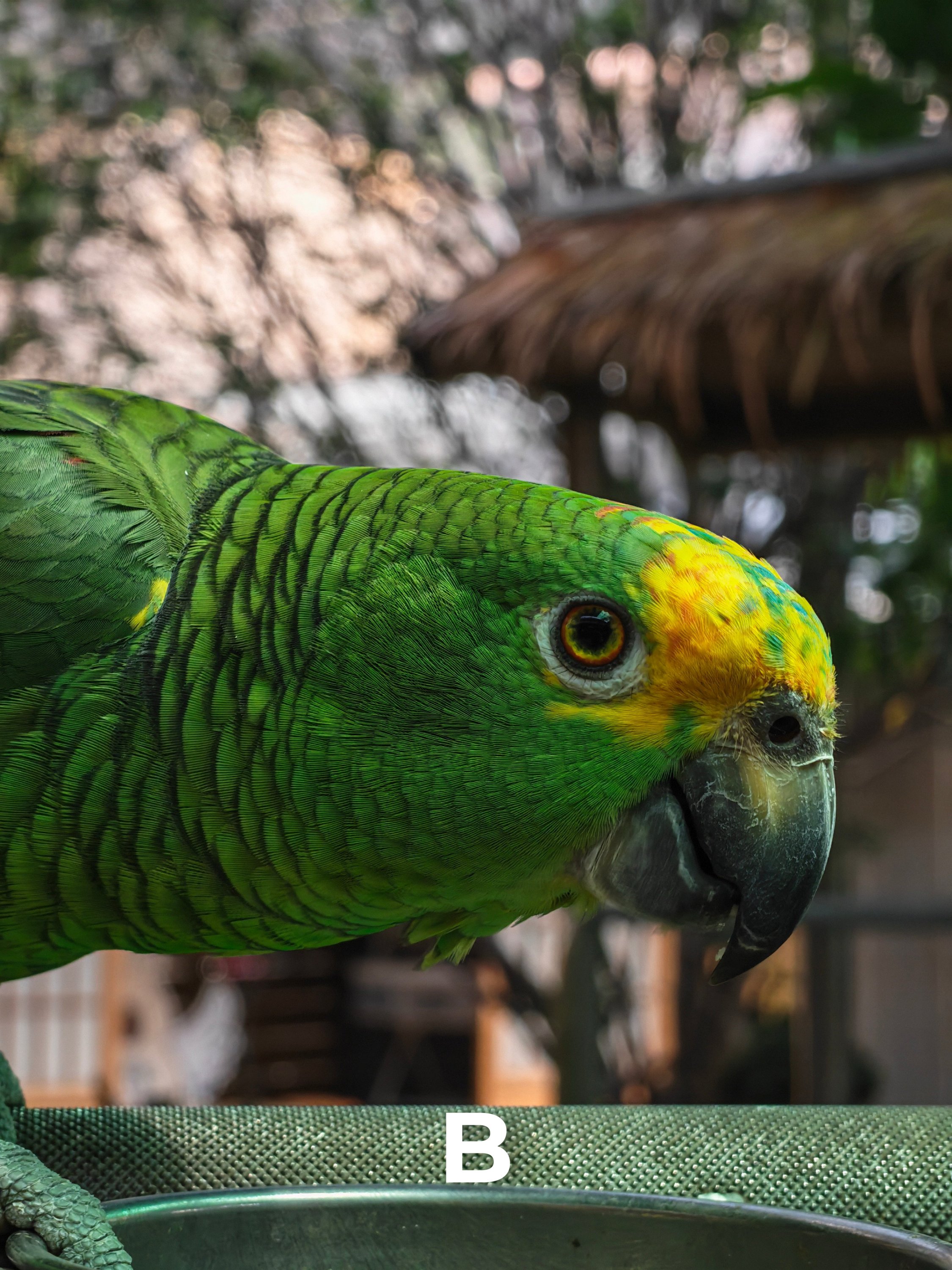
FF2
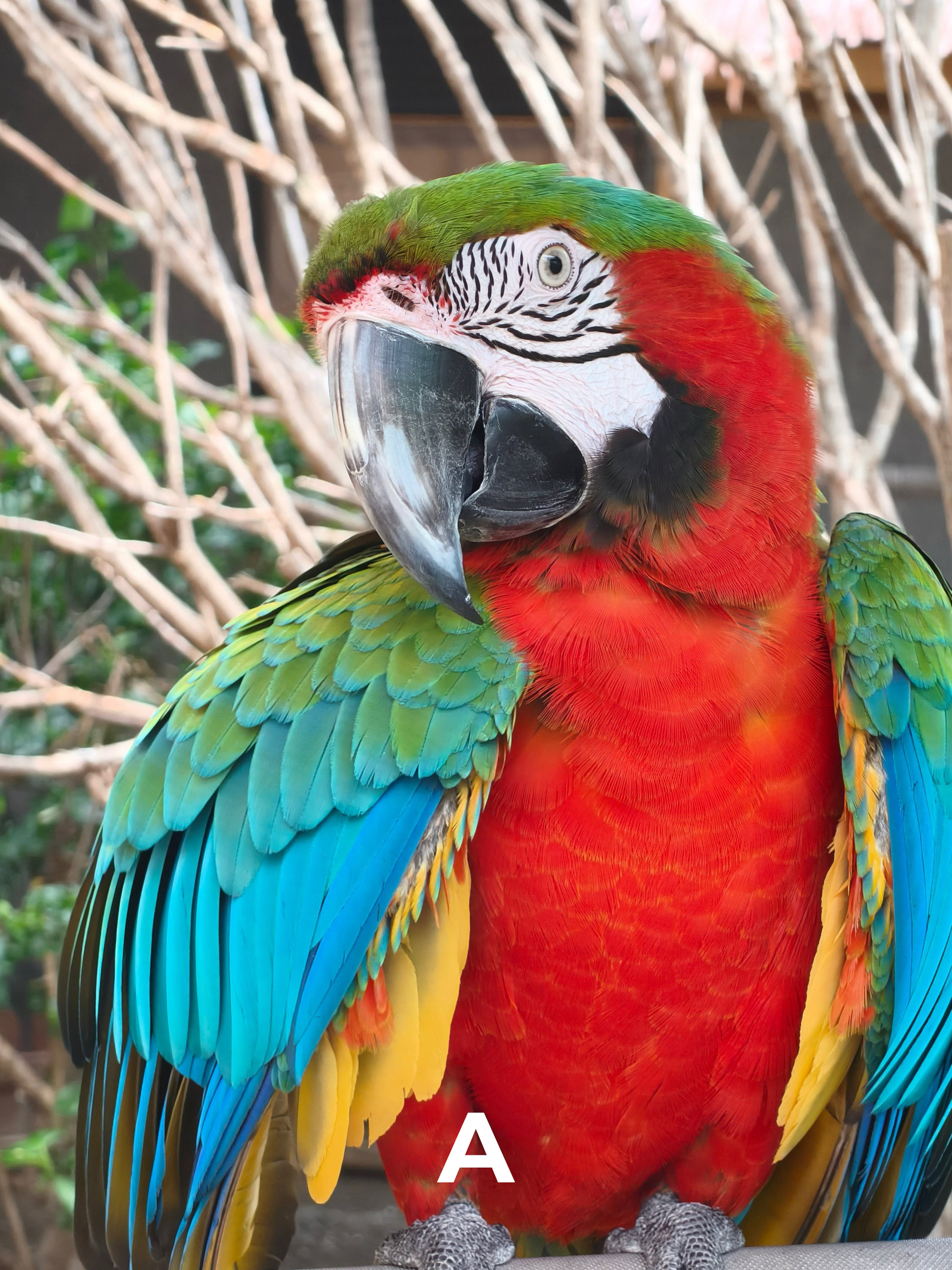
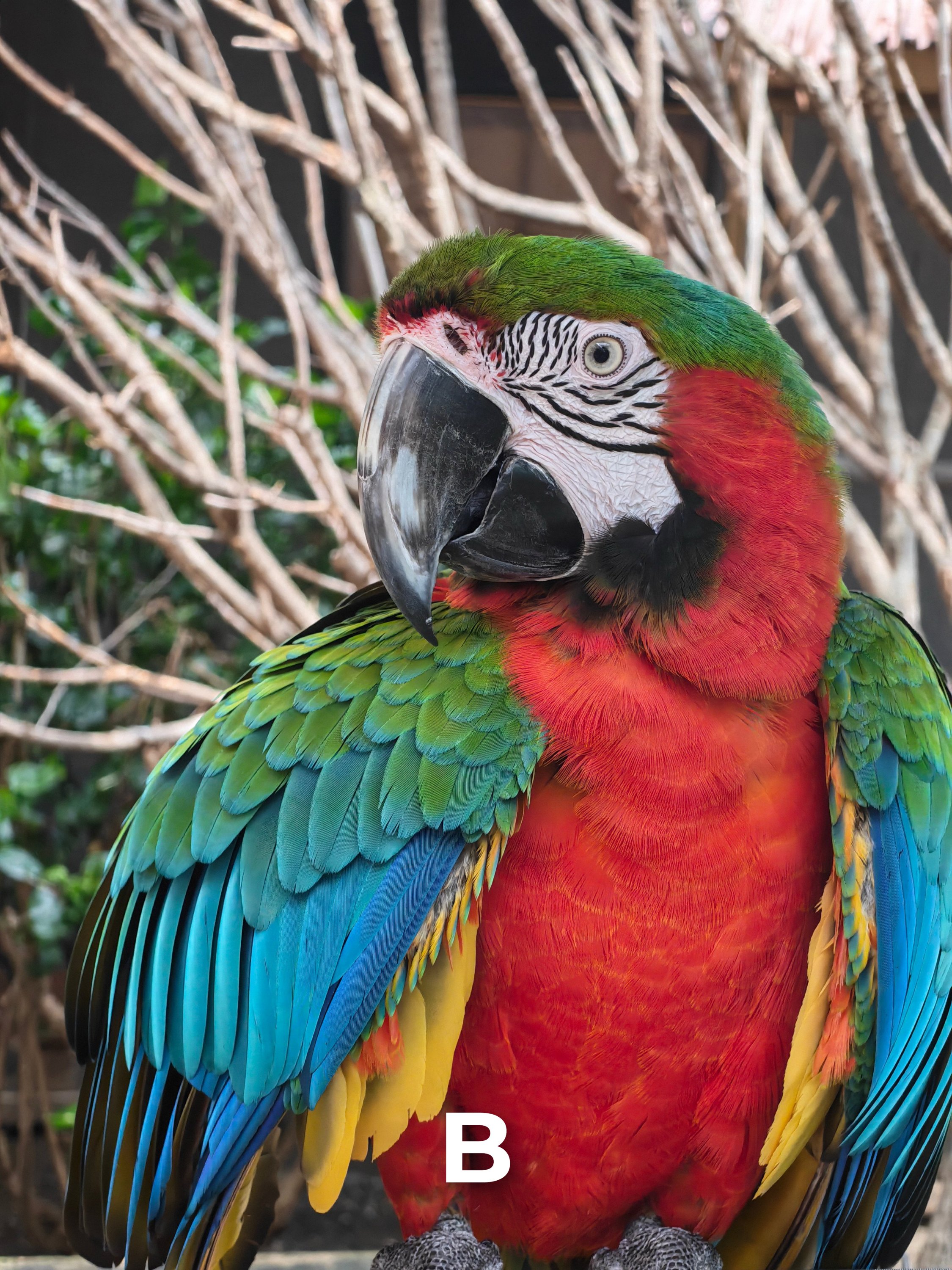
FF3

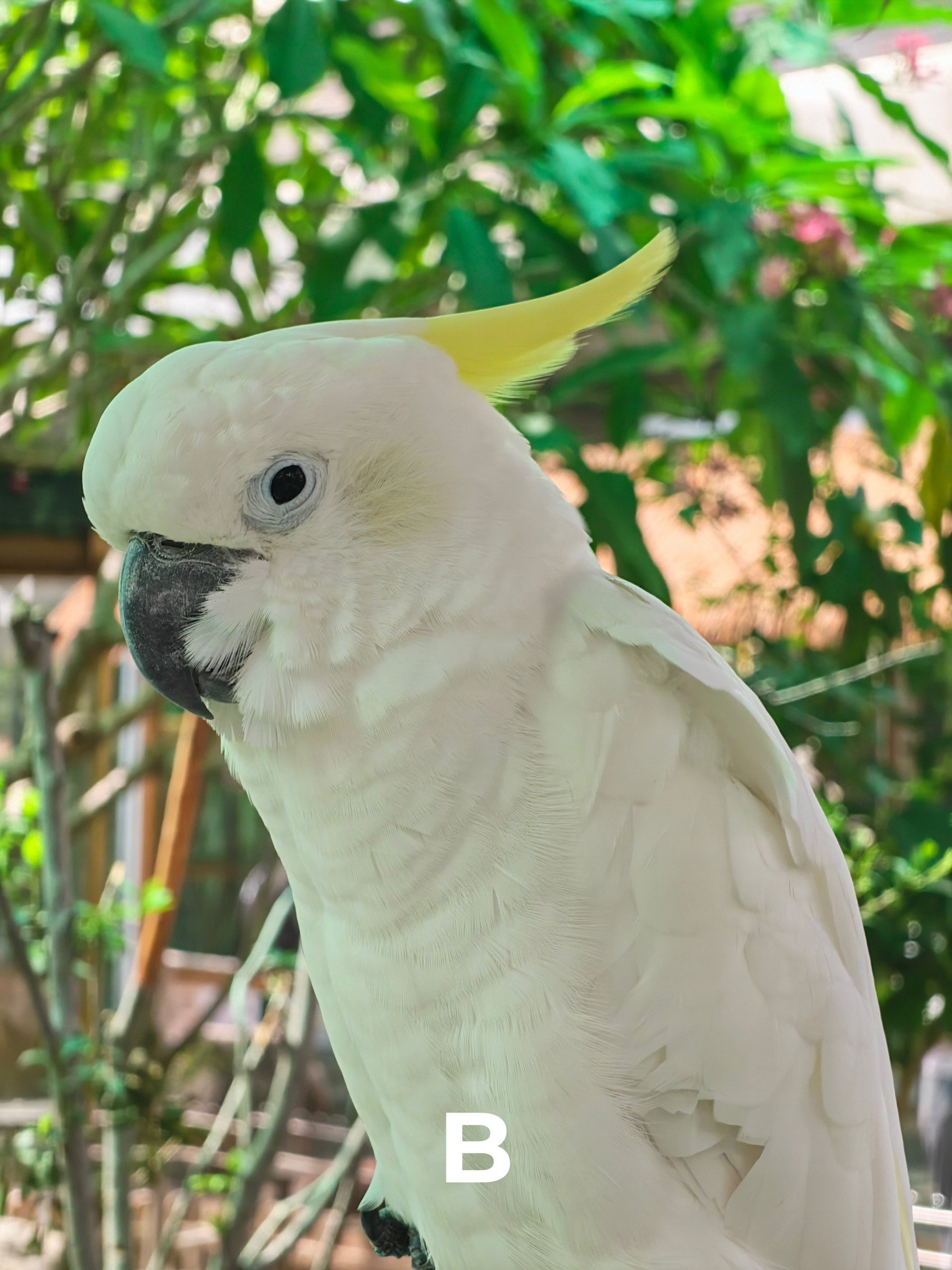
FF4


FF5

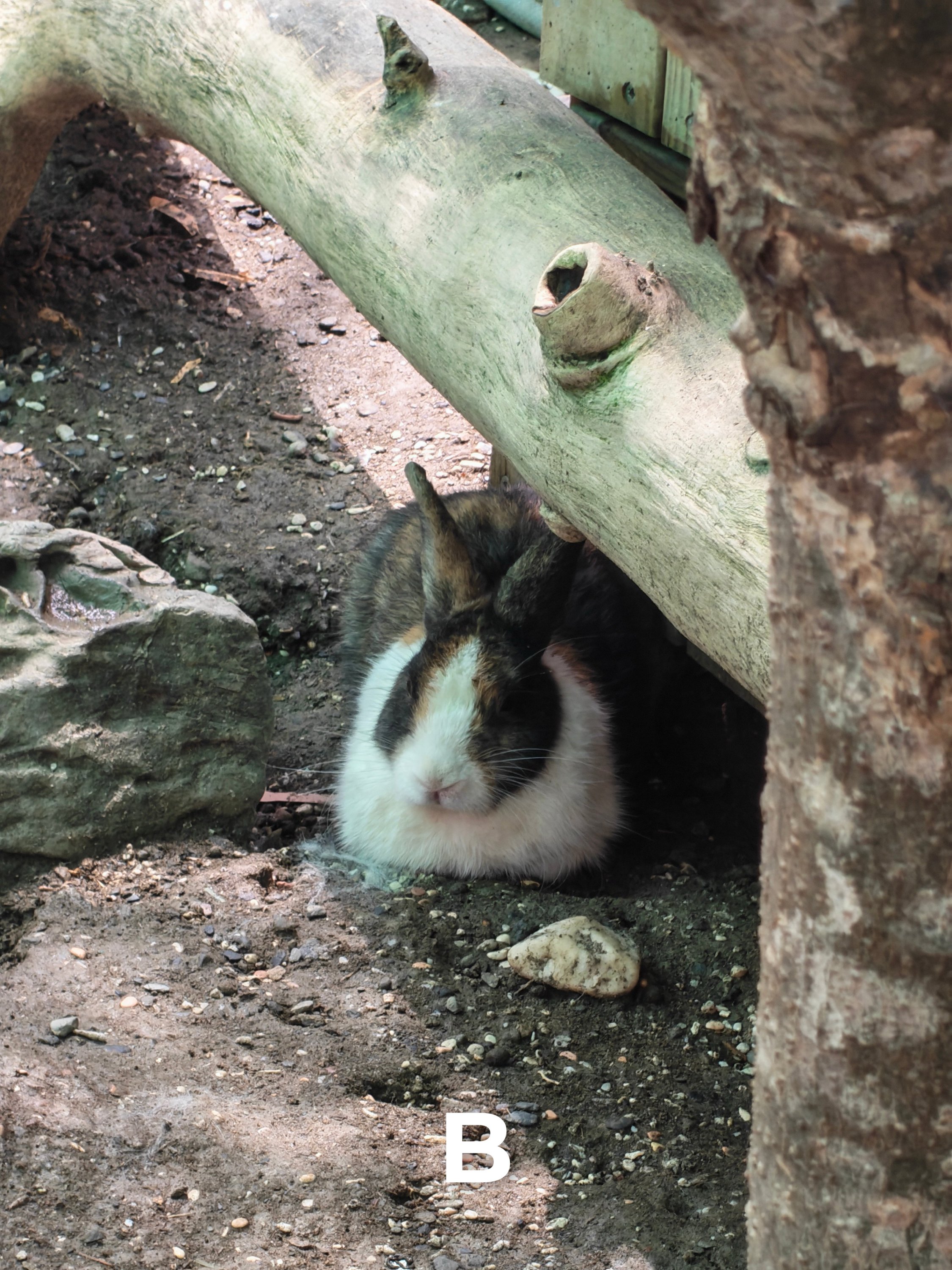
FF6
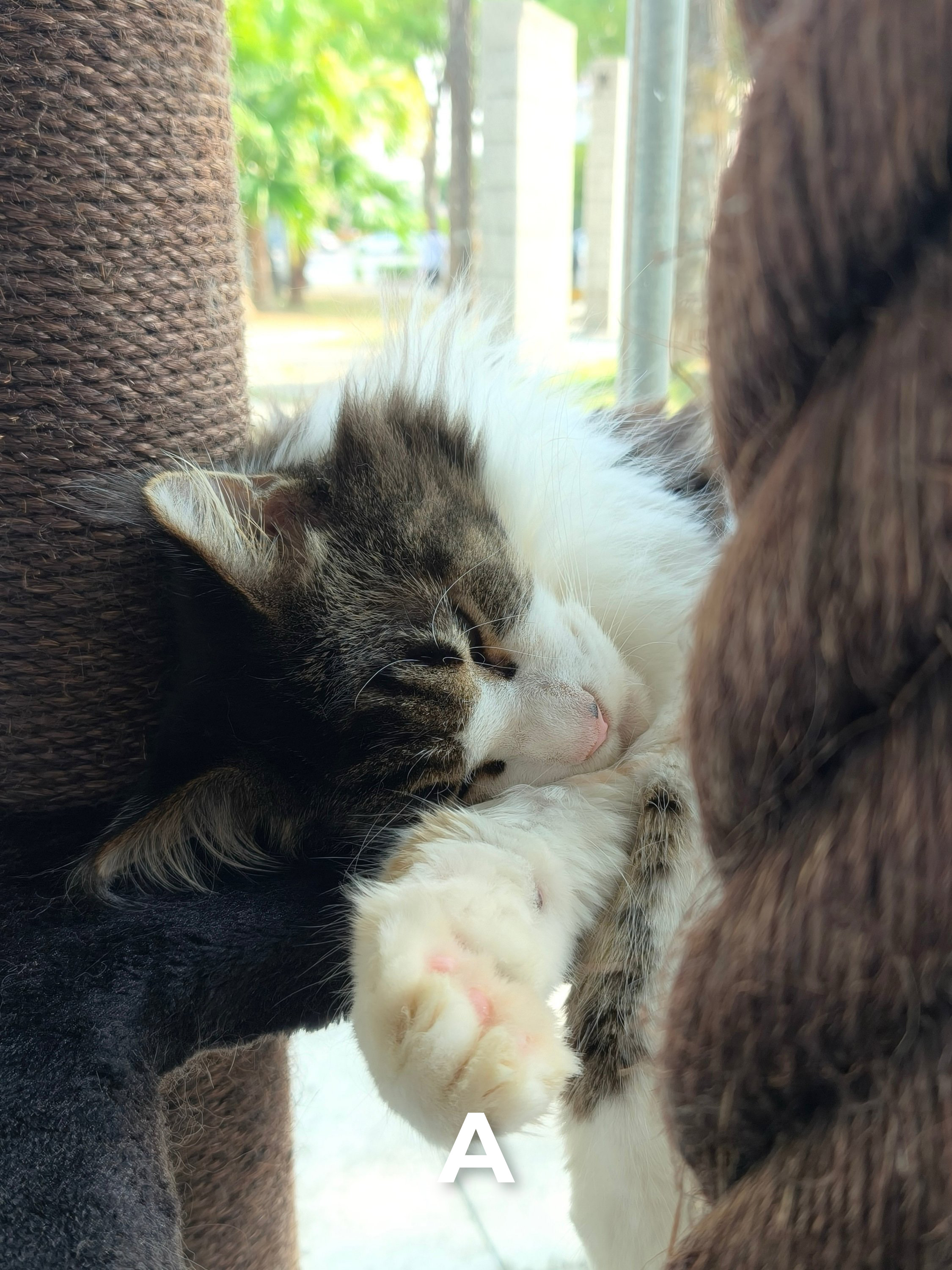

FF7


FF8

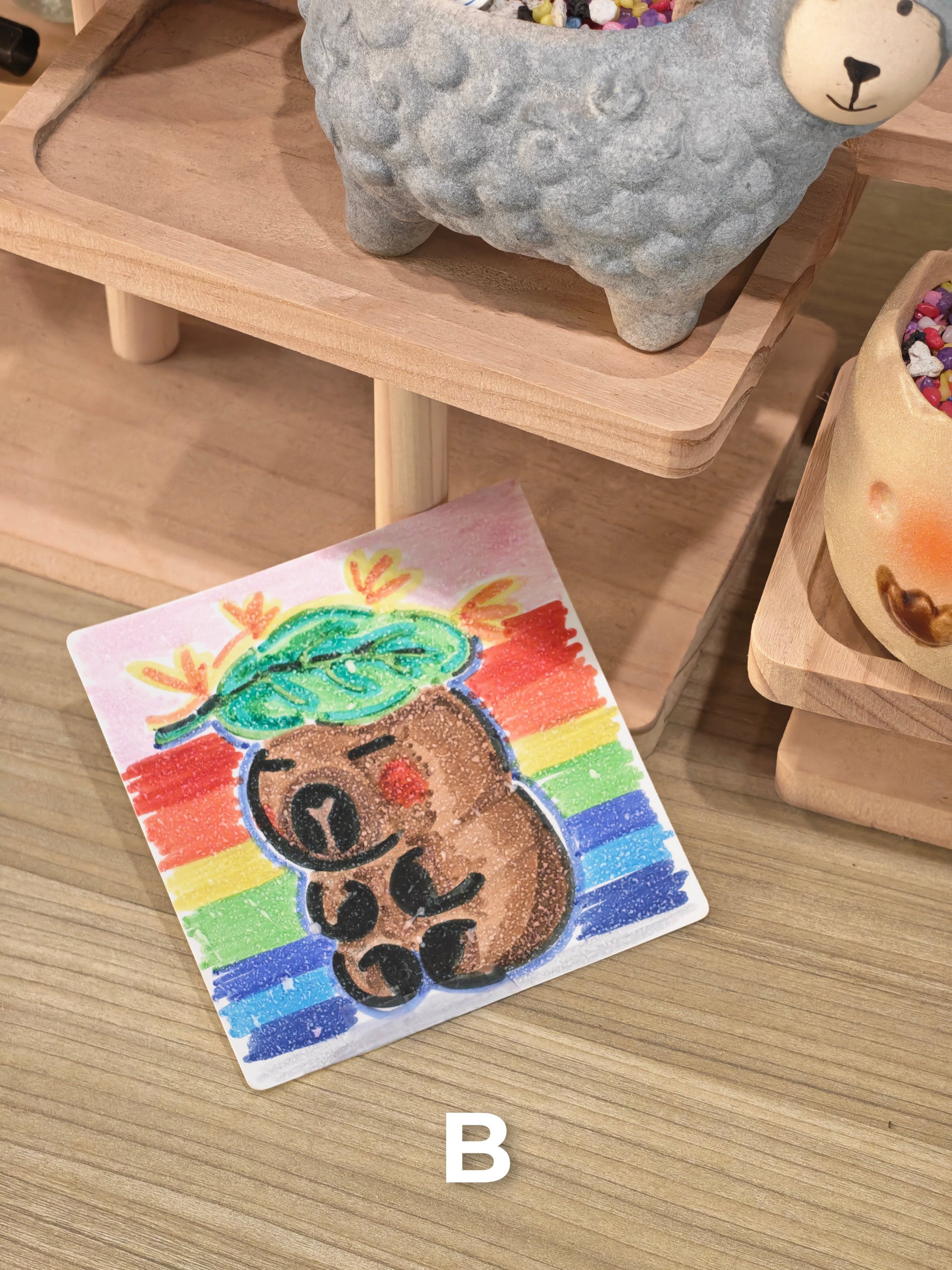
Indoors
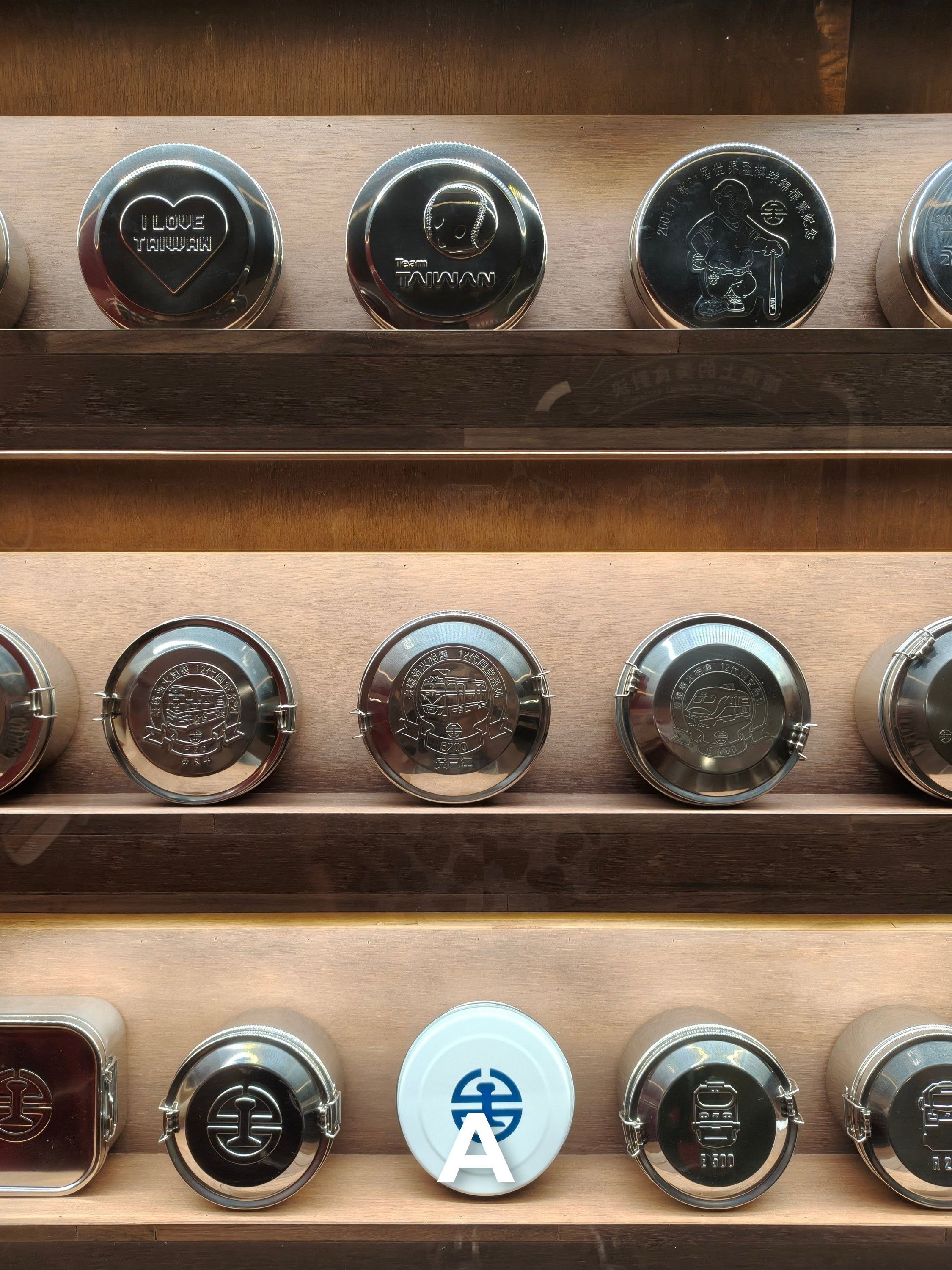
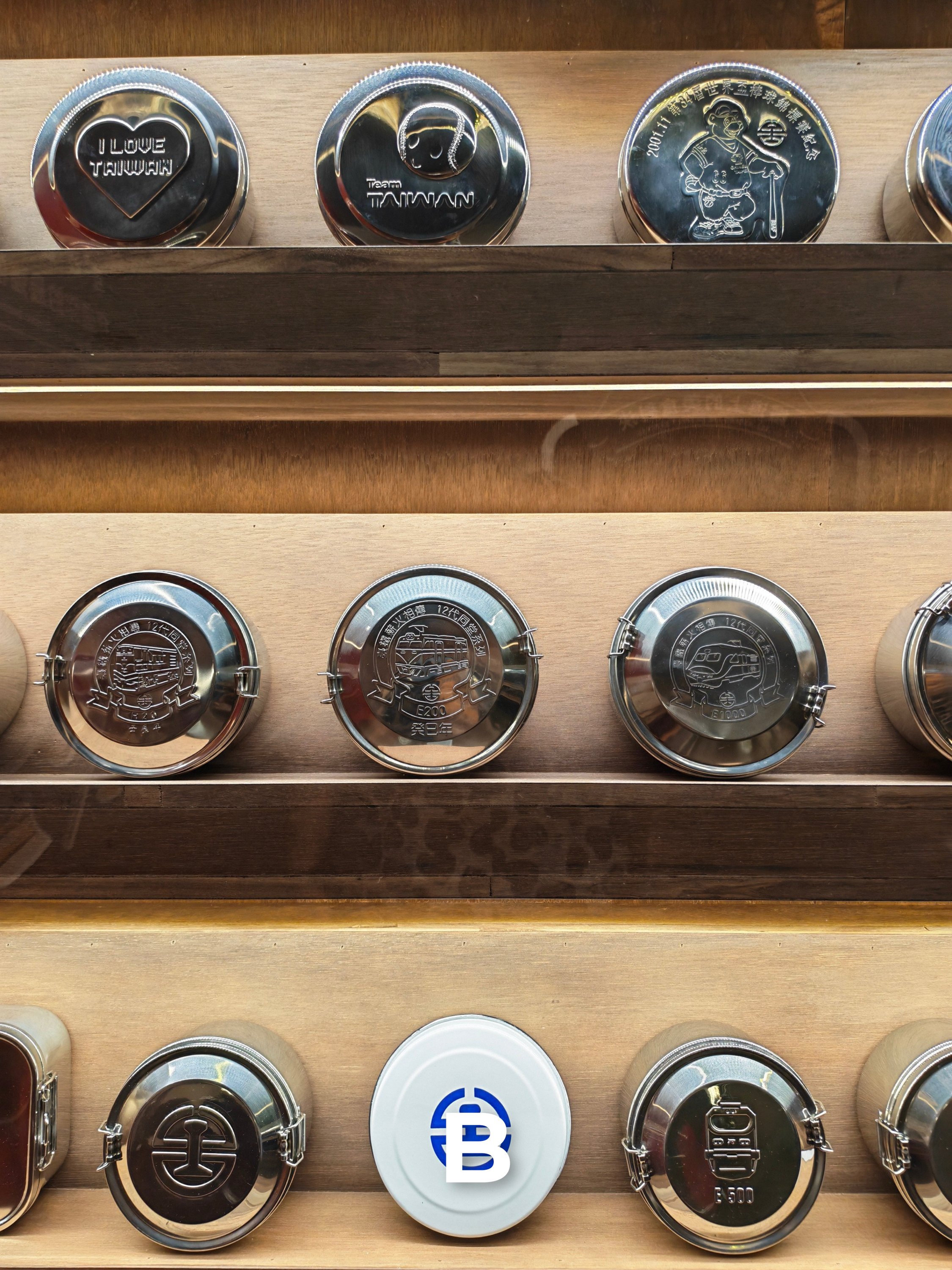
Subjects taken in any controlled lighting is another tricky test for both of these smartphones.
IN1


IN2

IN3


IN4
IN5


IN6


IN7


IN8


IN9


IN10


IN11


IN12


The Night is Right
The ultimate camera test all boils down to shots taken at night (or low-light).
Actual camera processing is one. Added AI algorithms and the actual output for another.
N1A | 1x Wide
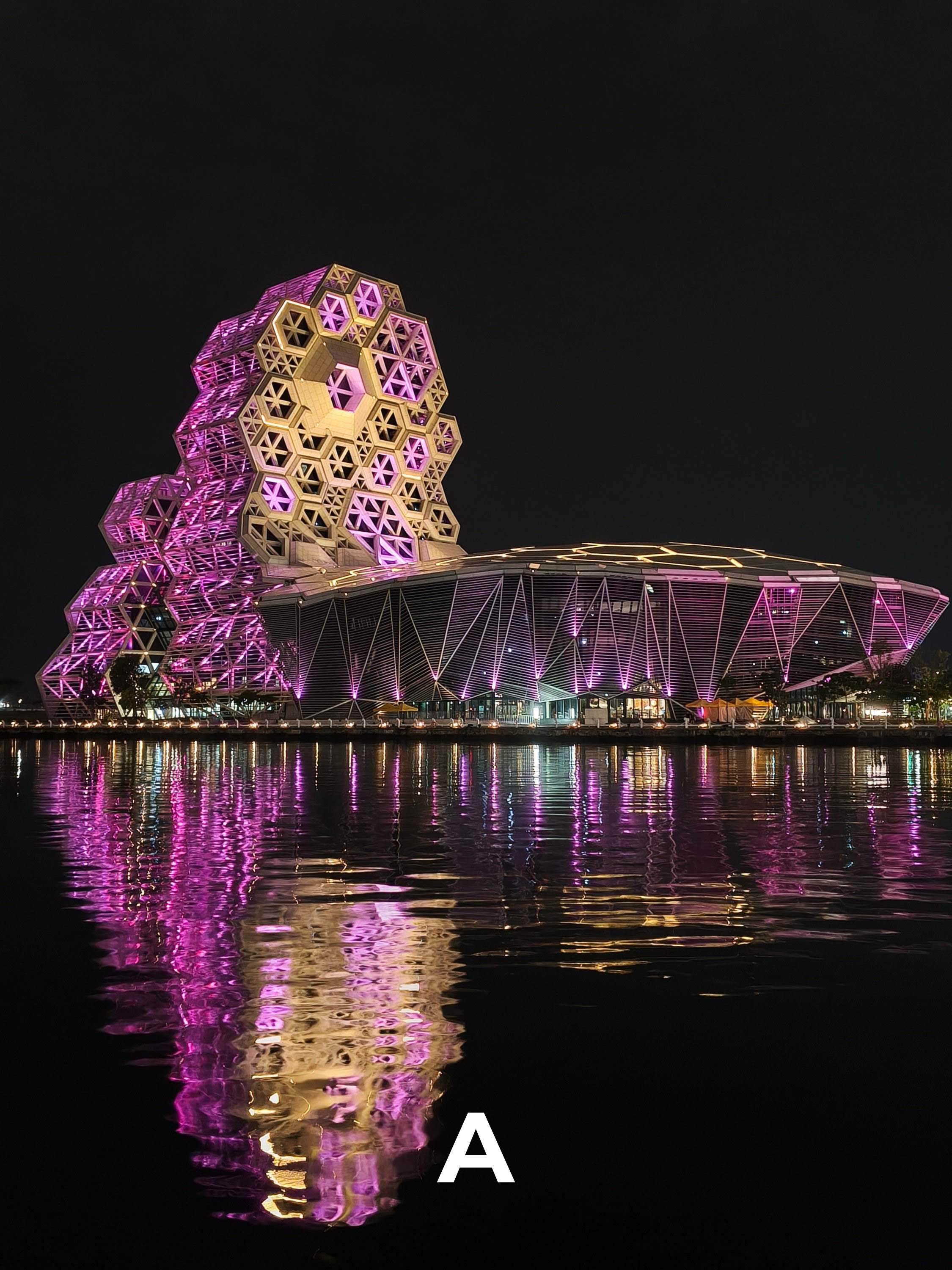
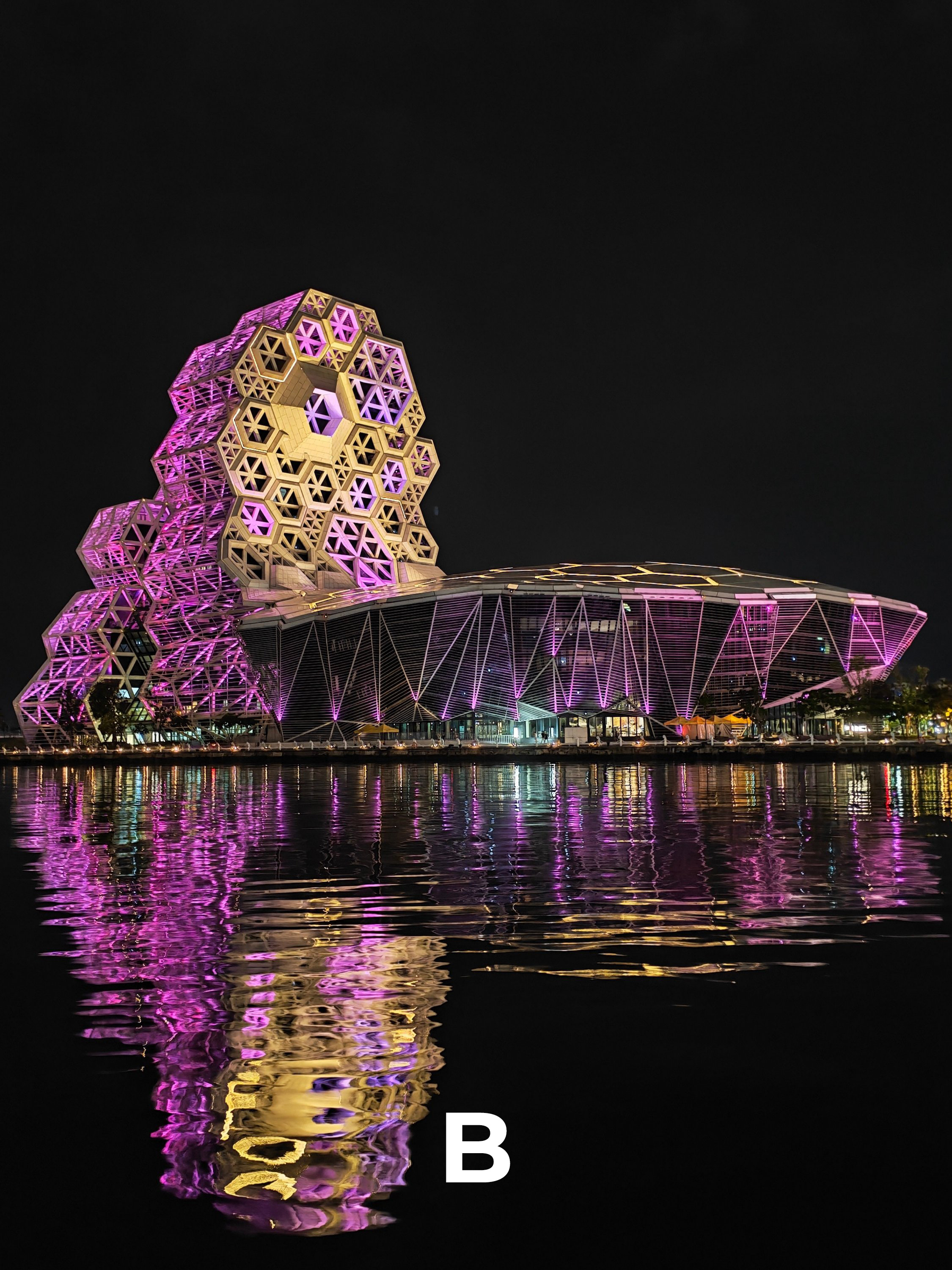
N1B | 3.5x Optical Zoom
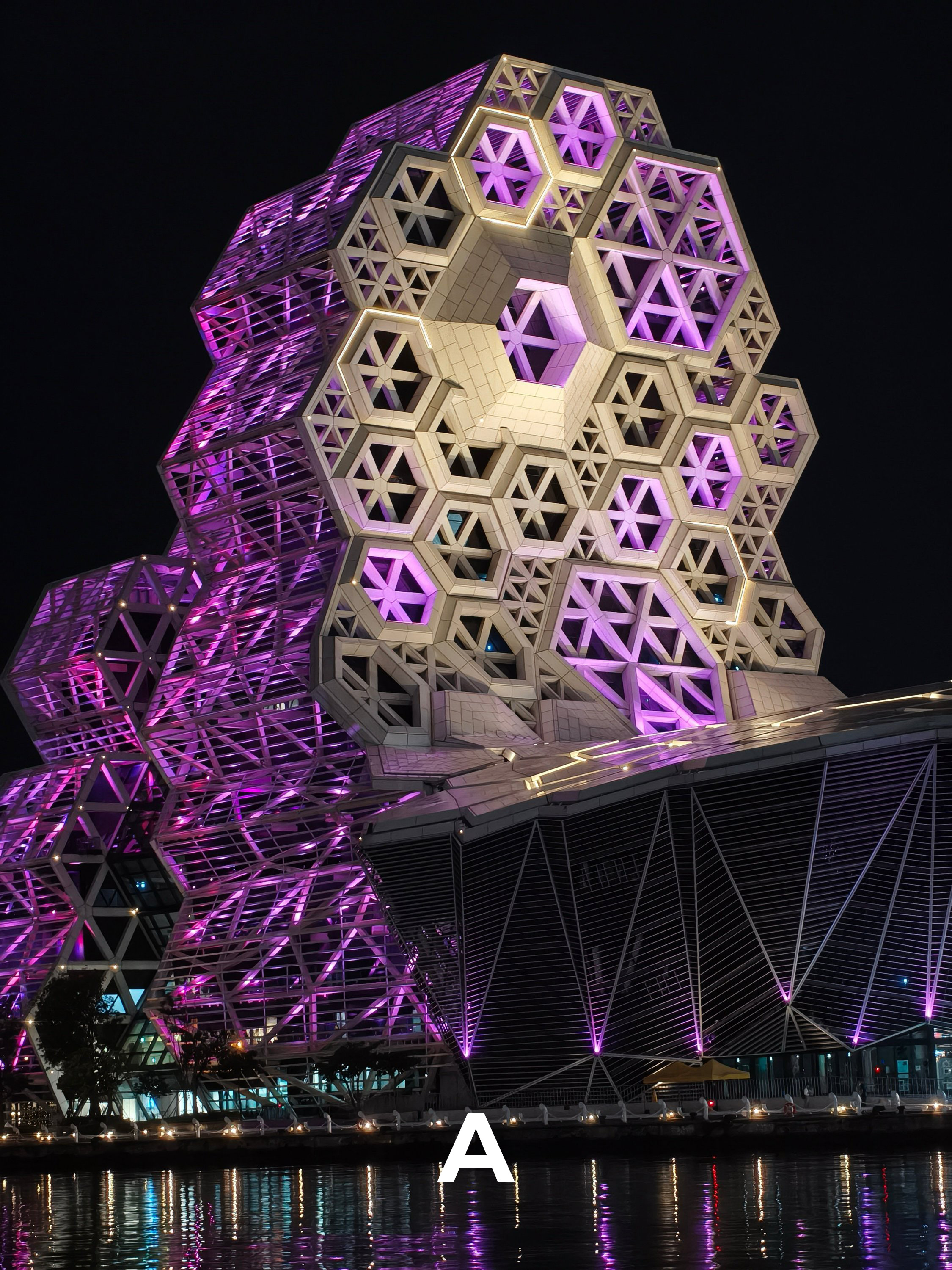
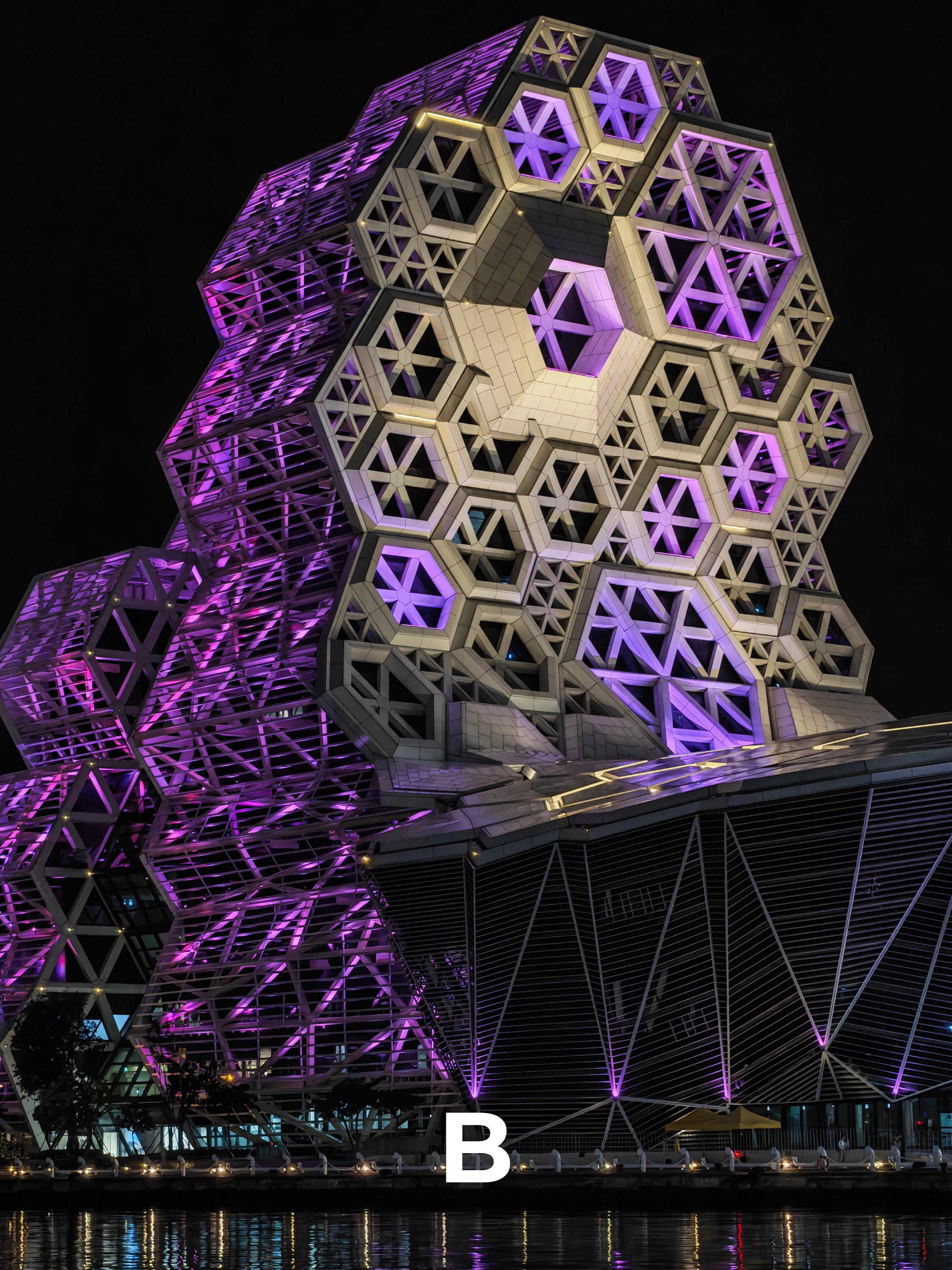
N2 | Ultra-Wide
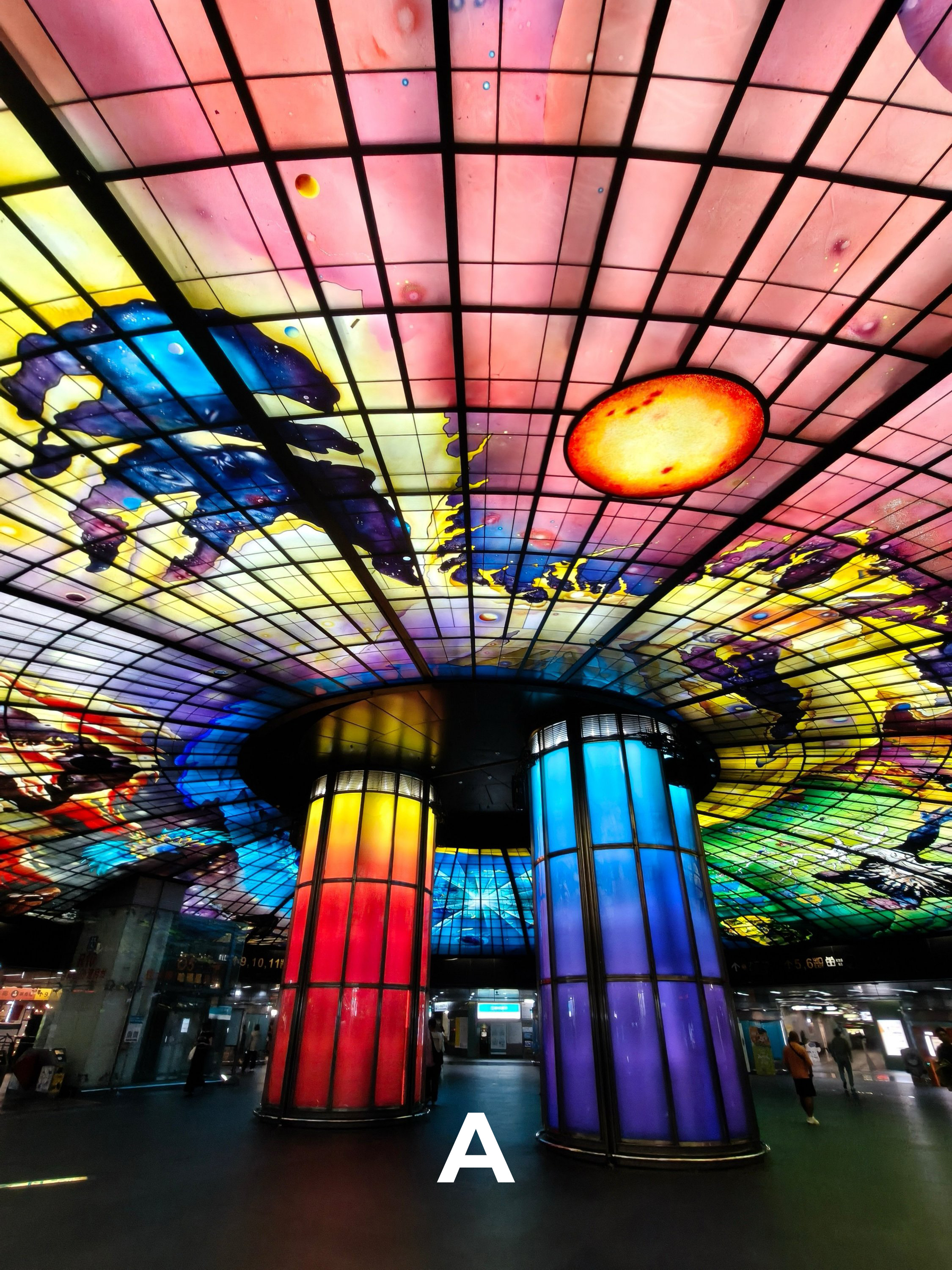
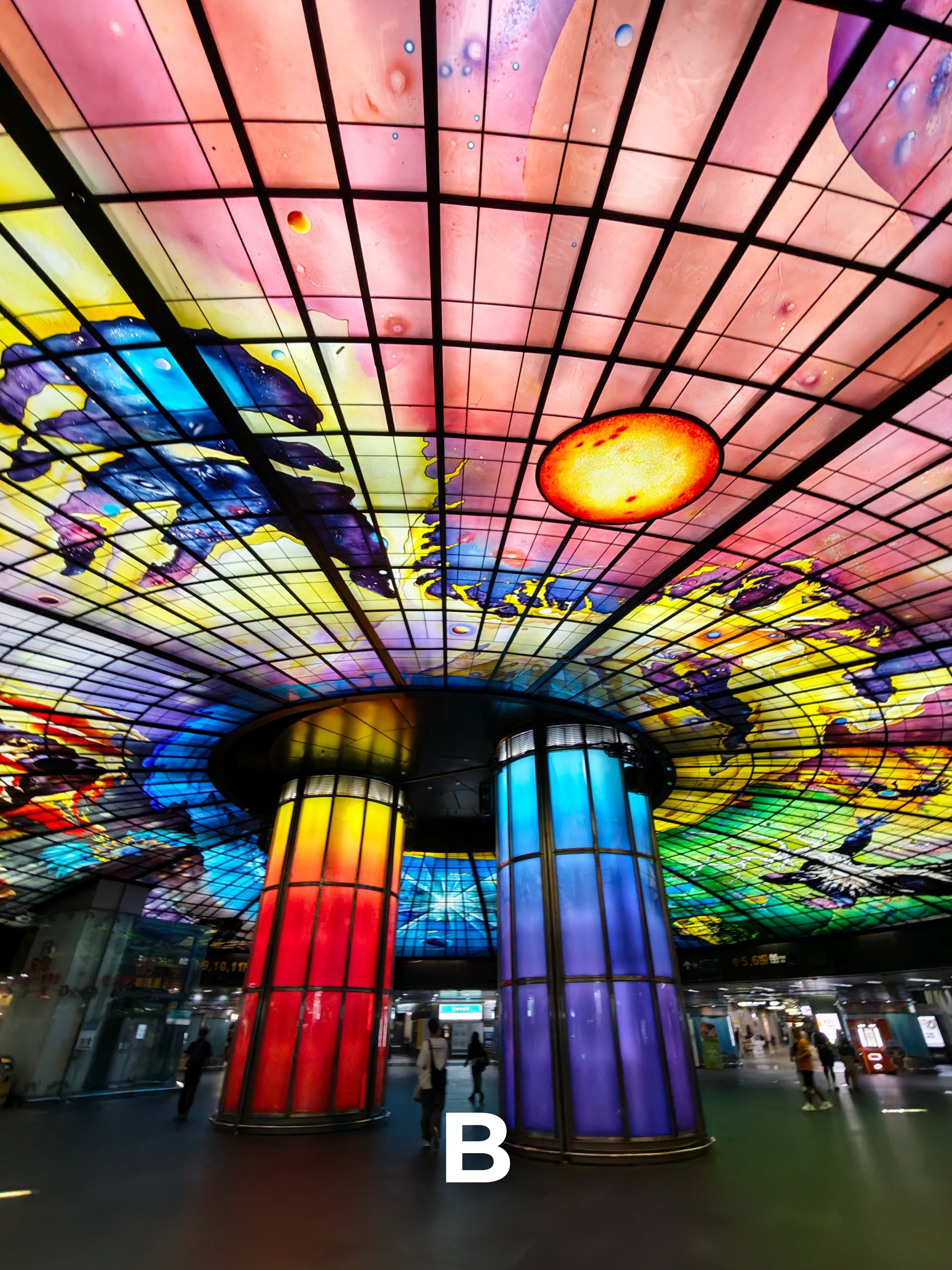
N3A | 3.5x Optical Zoom
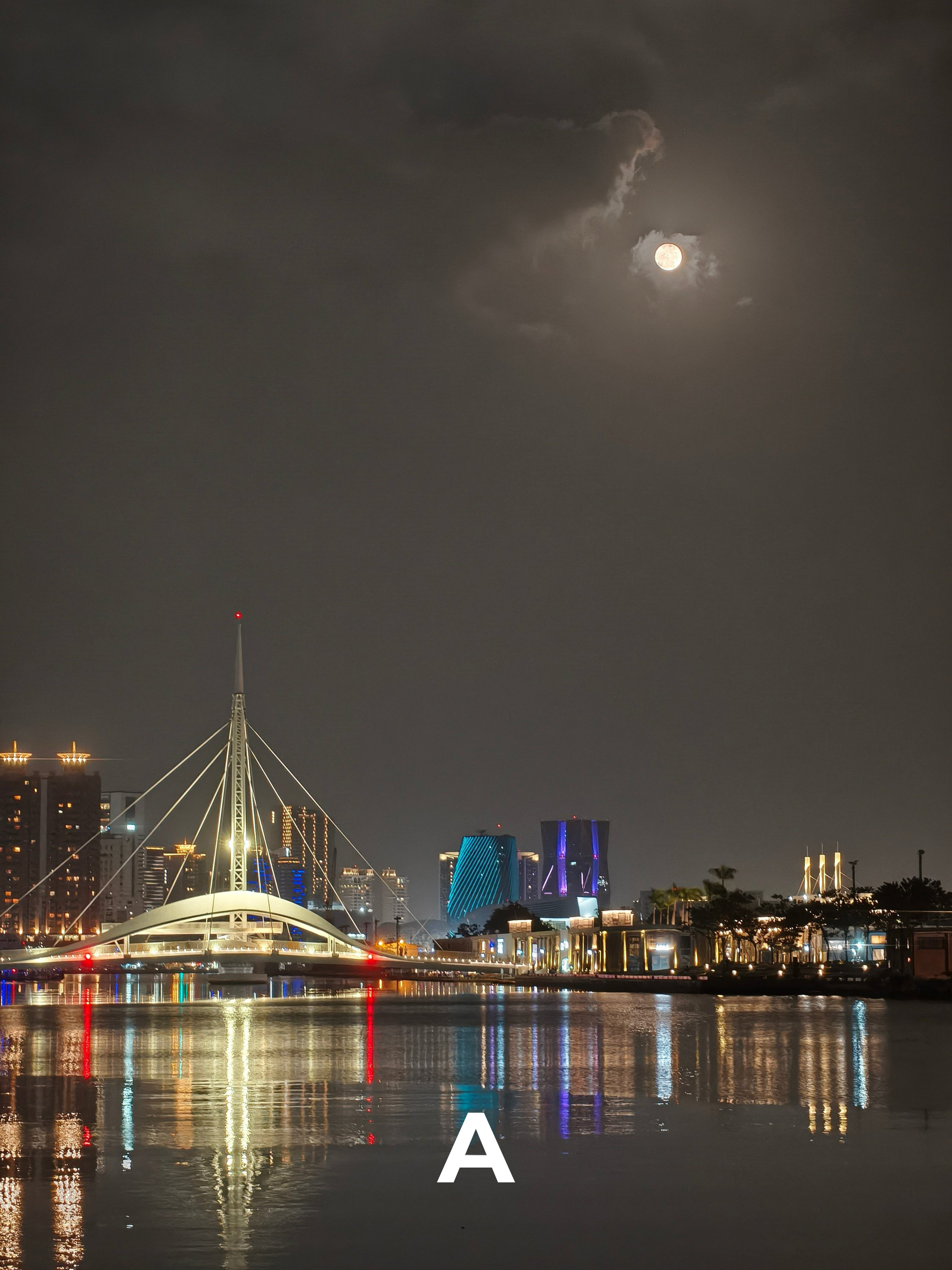
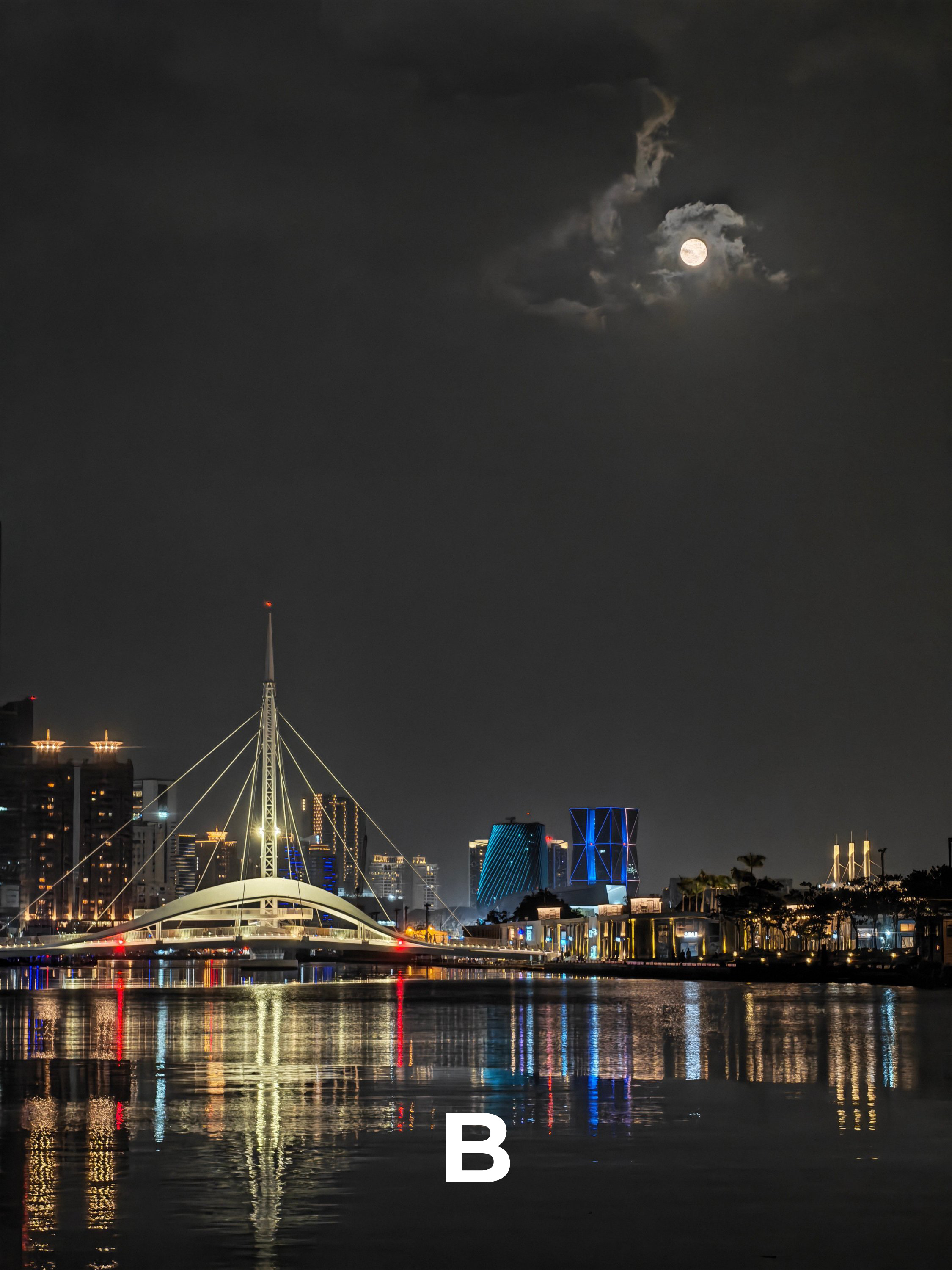
N3B | 5x Lossless Zoom
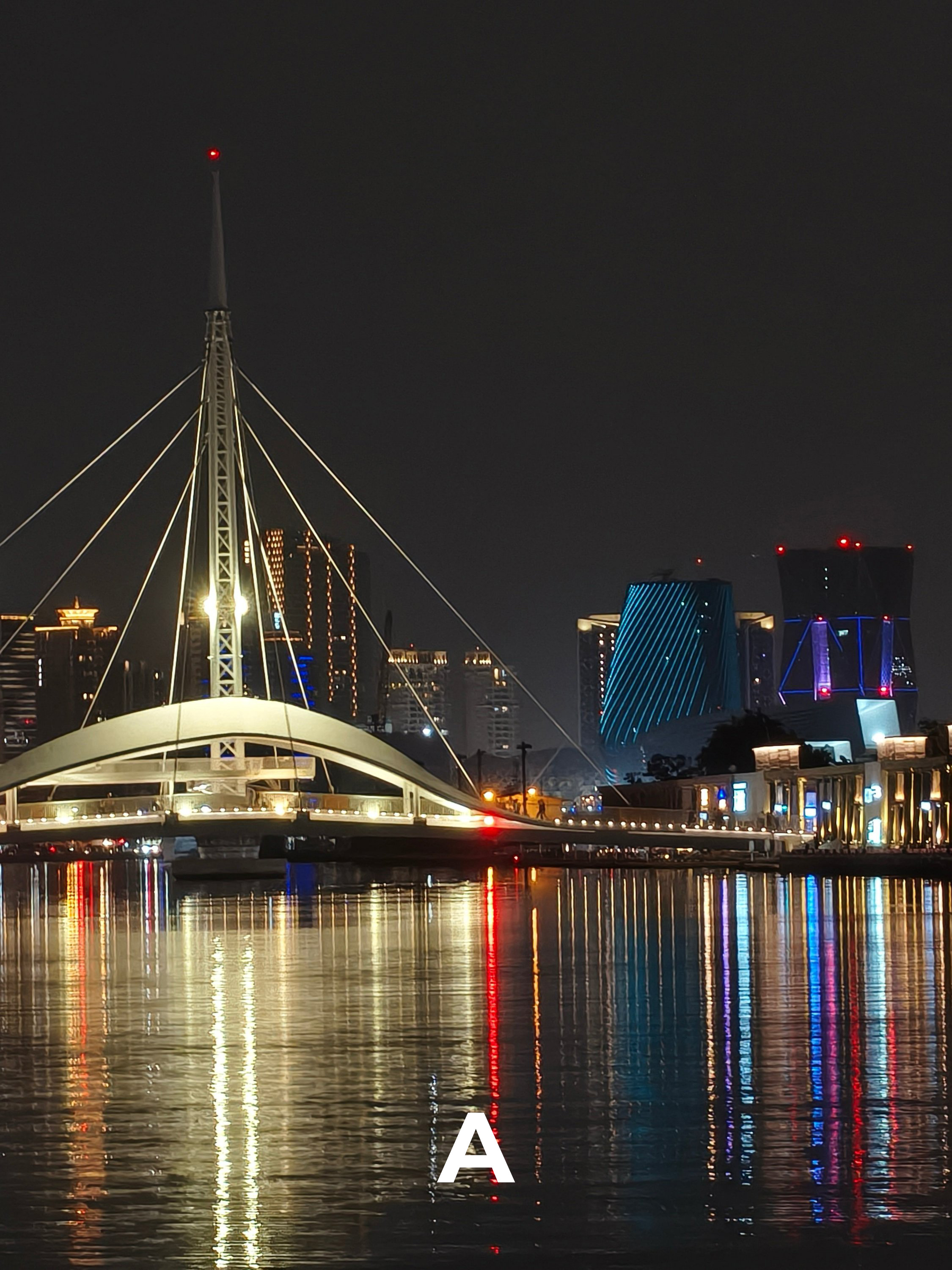
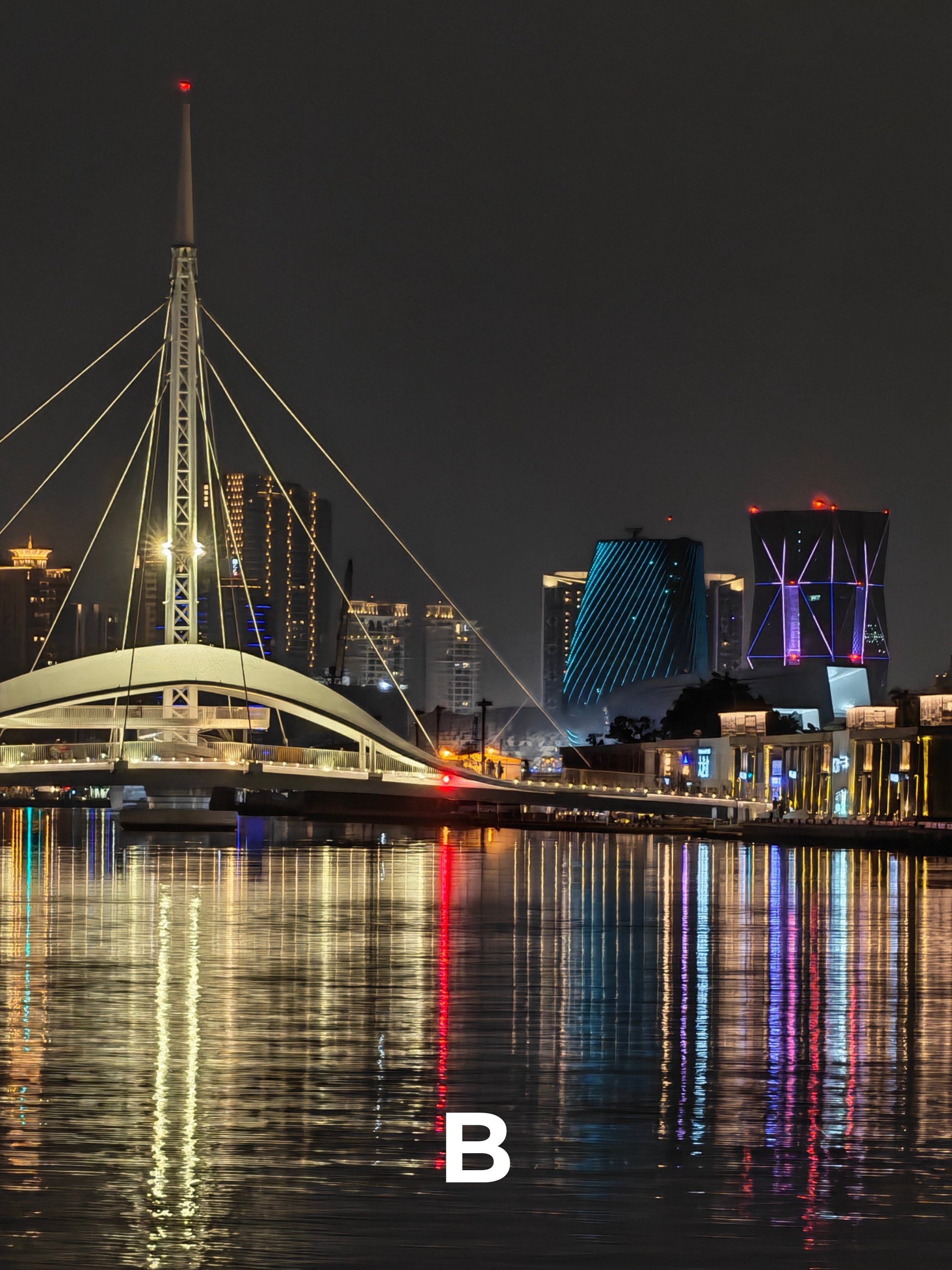
N4 | 5x Zoom
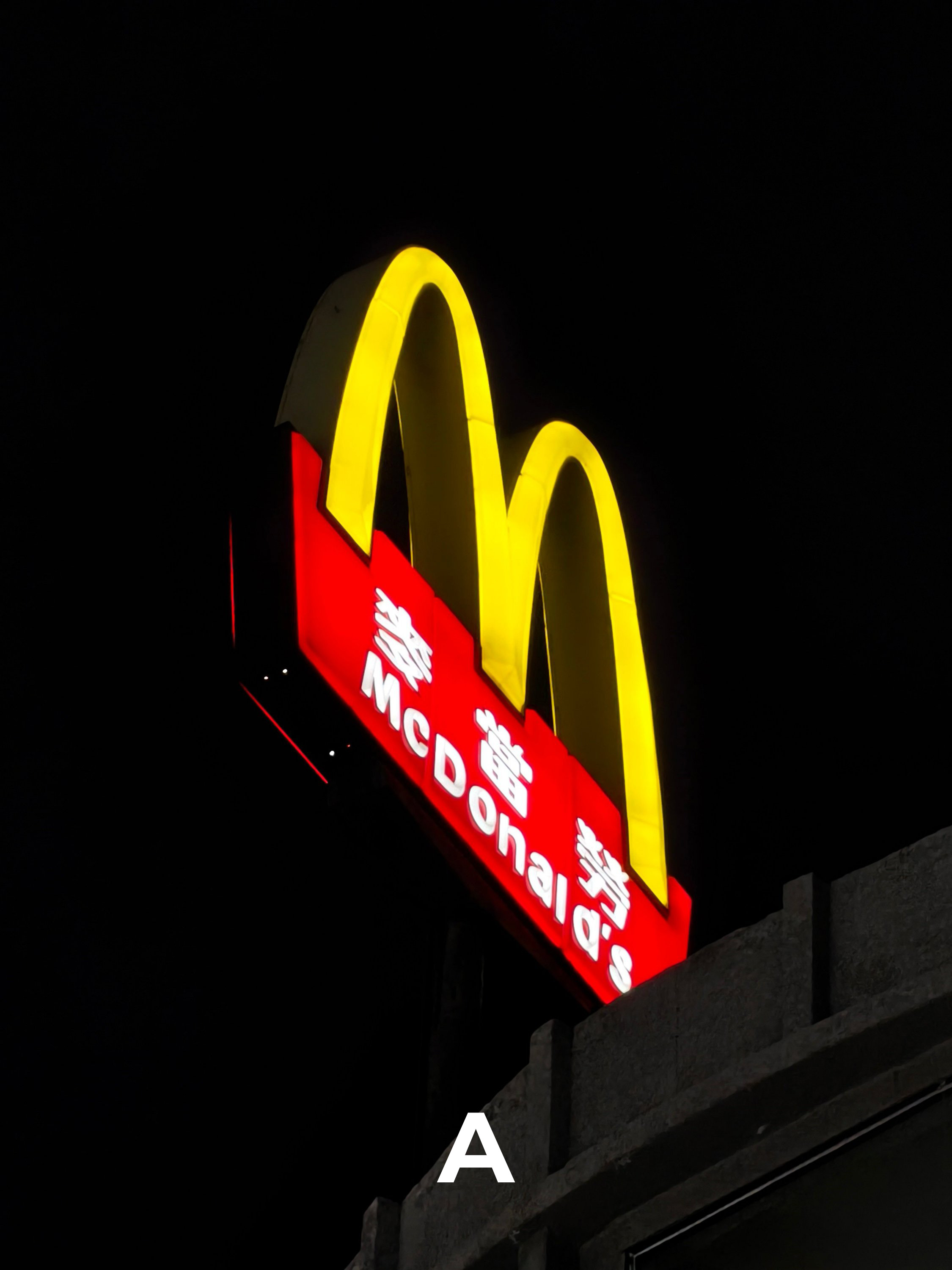
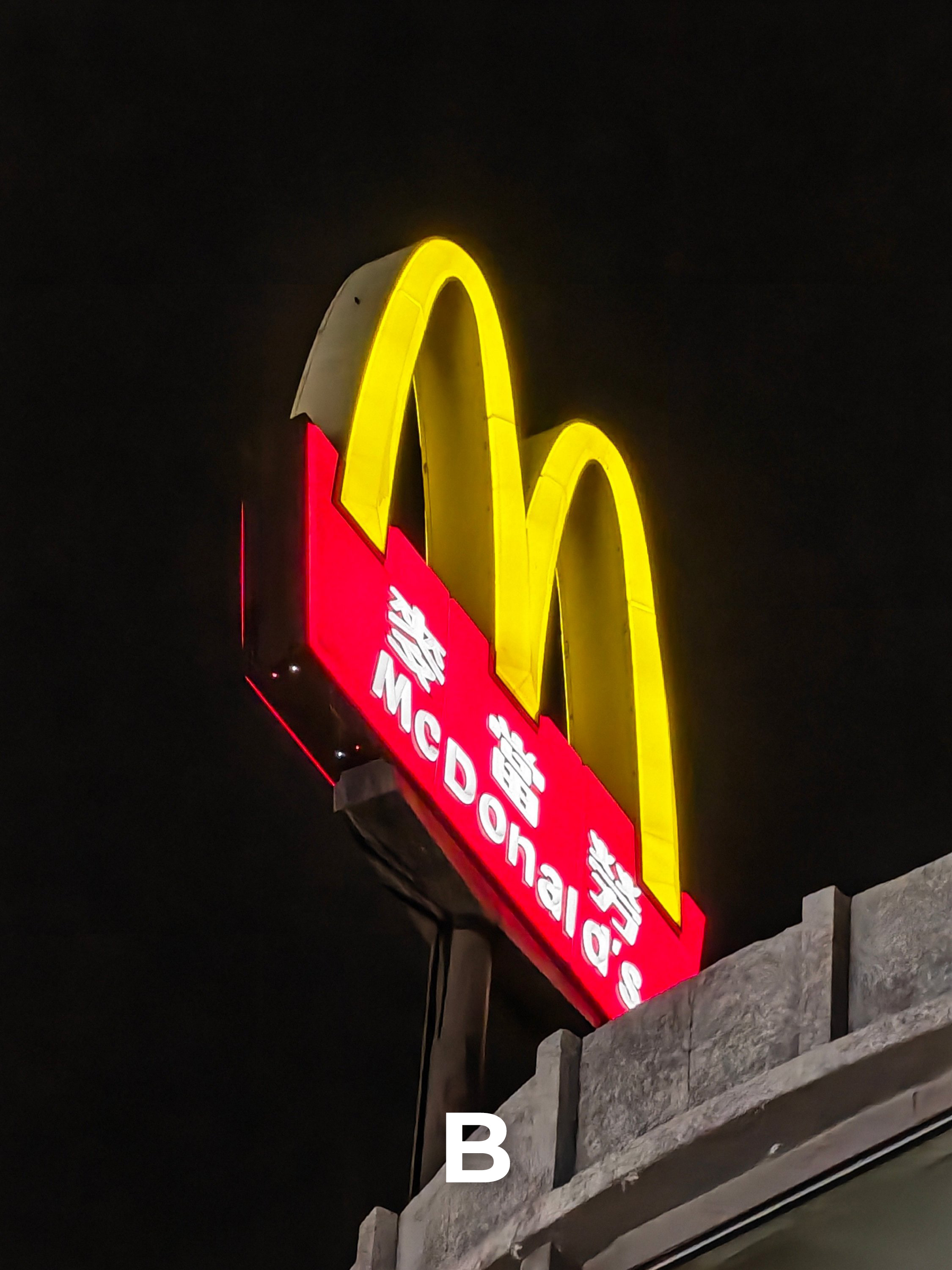
N5 | 2x In-Sensor Zoom

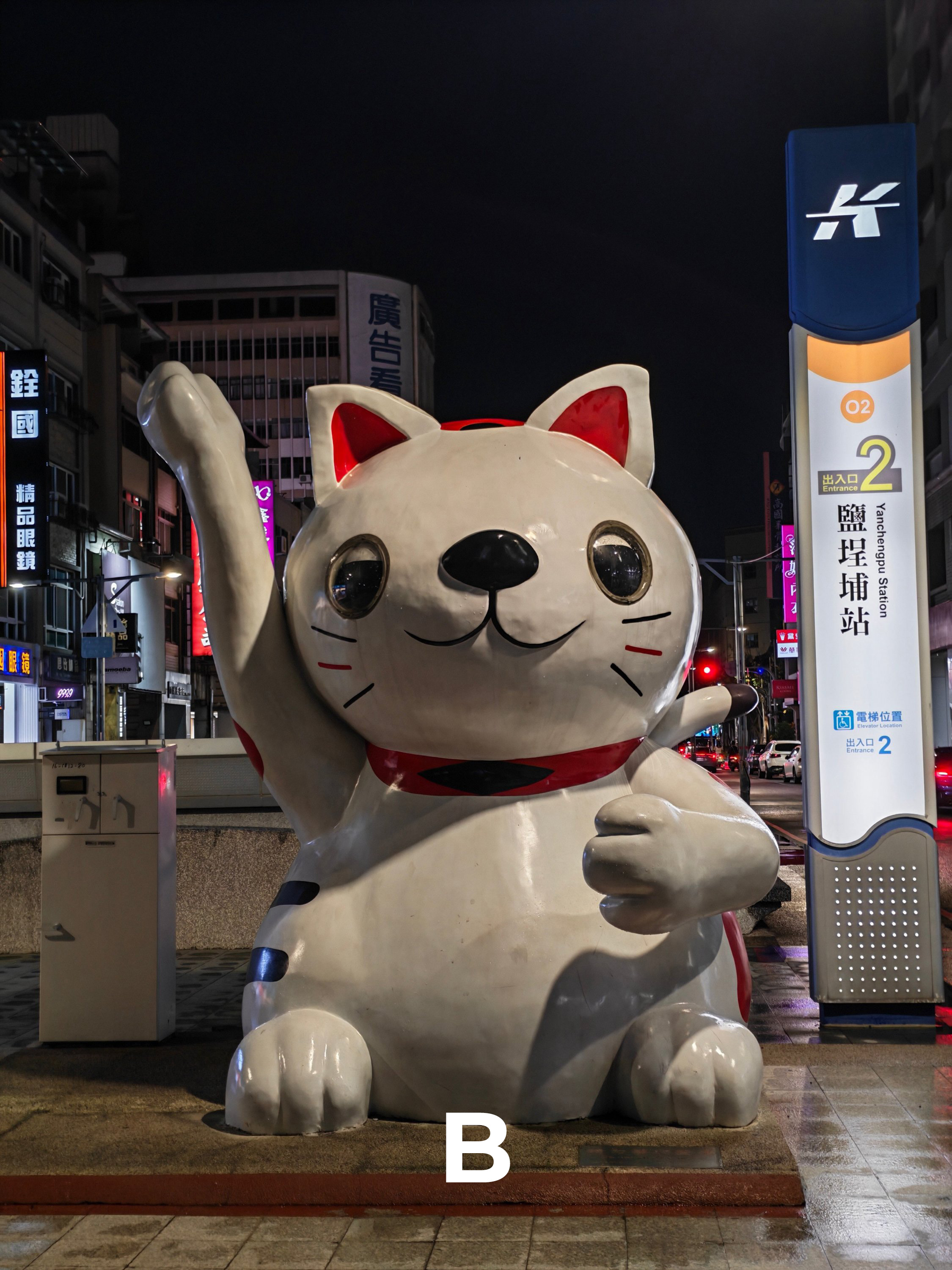
N6 | 3.5x Optical Zoom
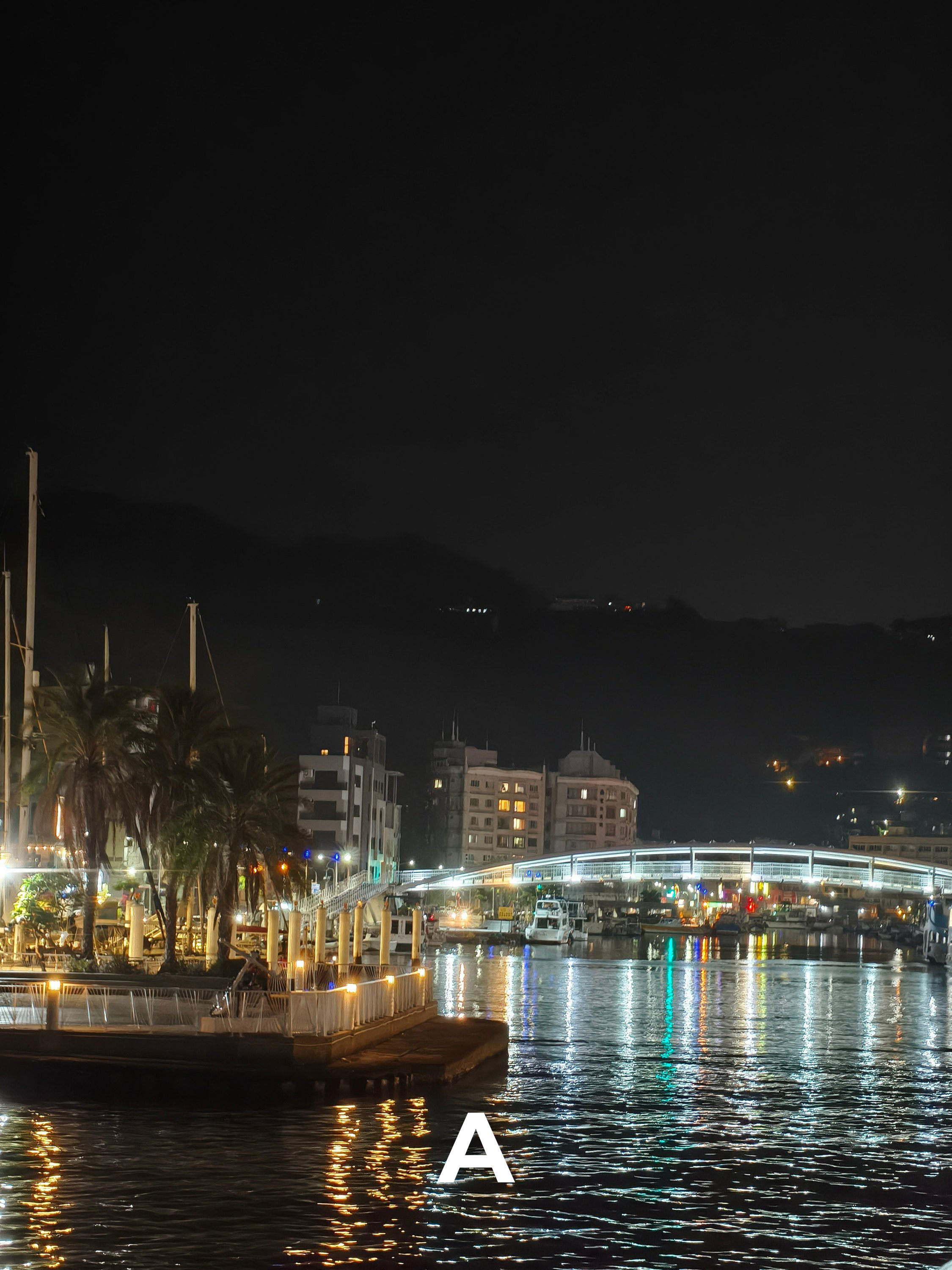
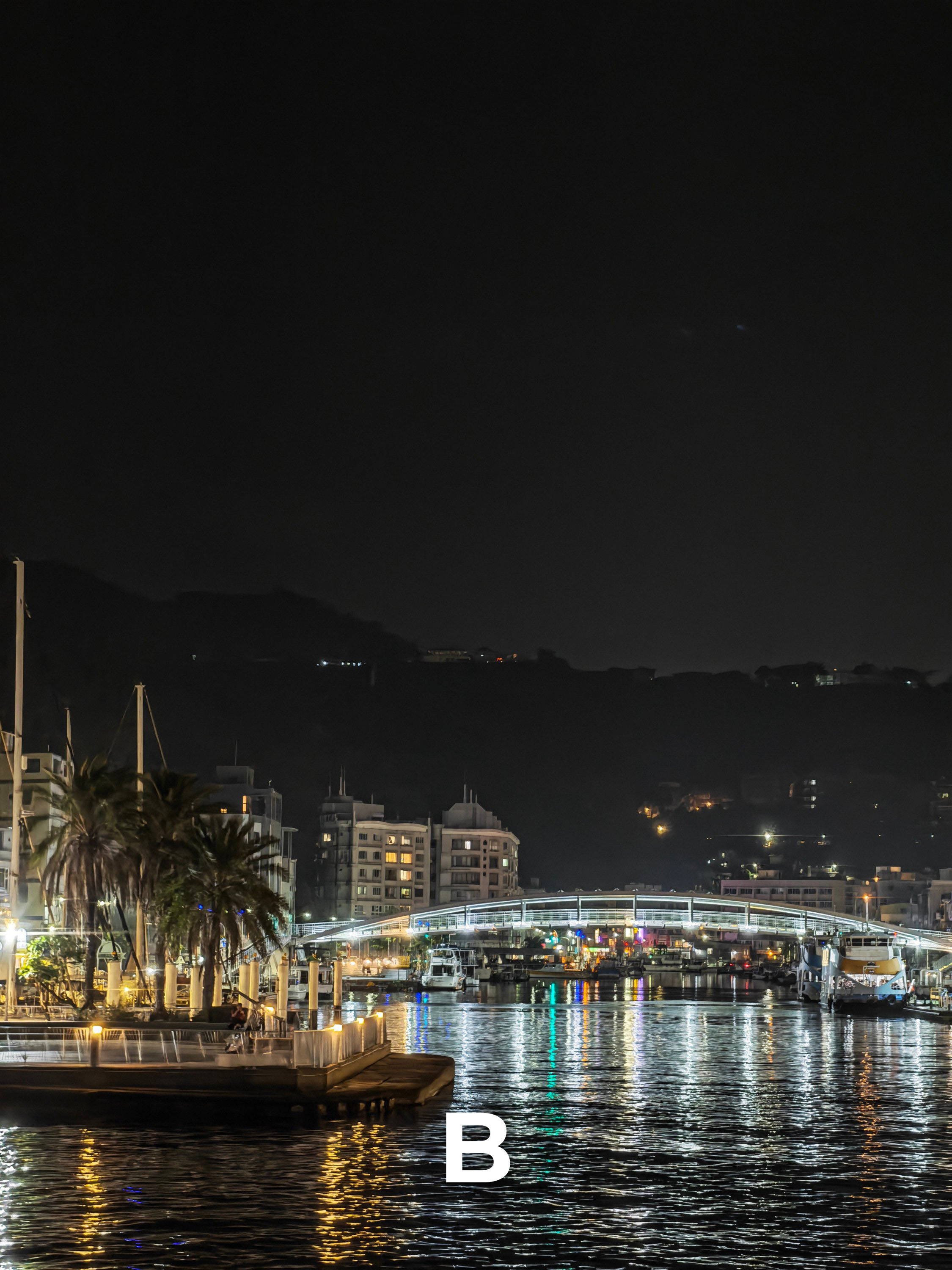
N7 | 1x Wide
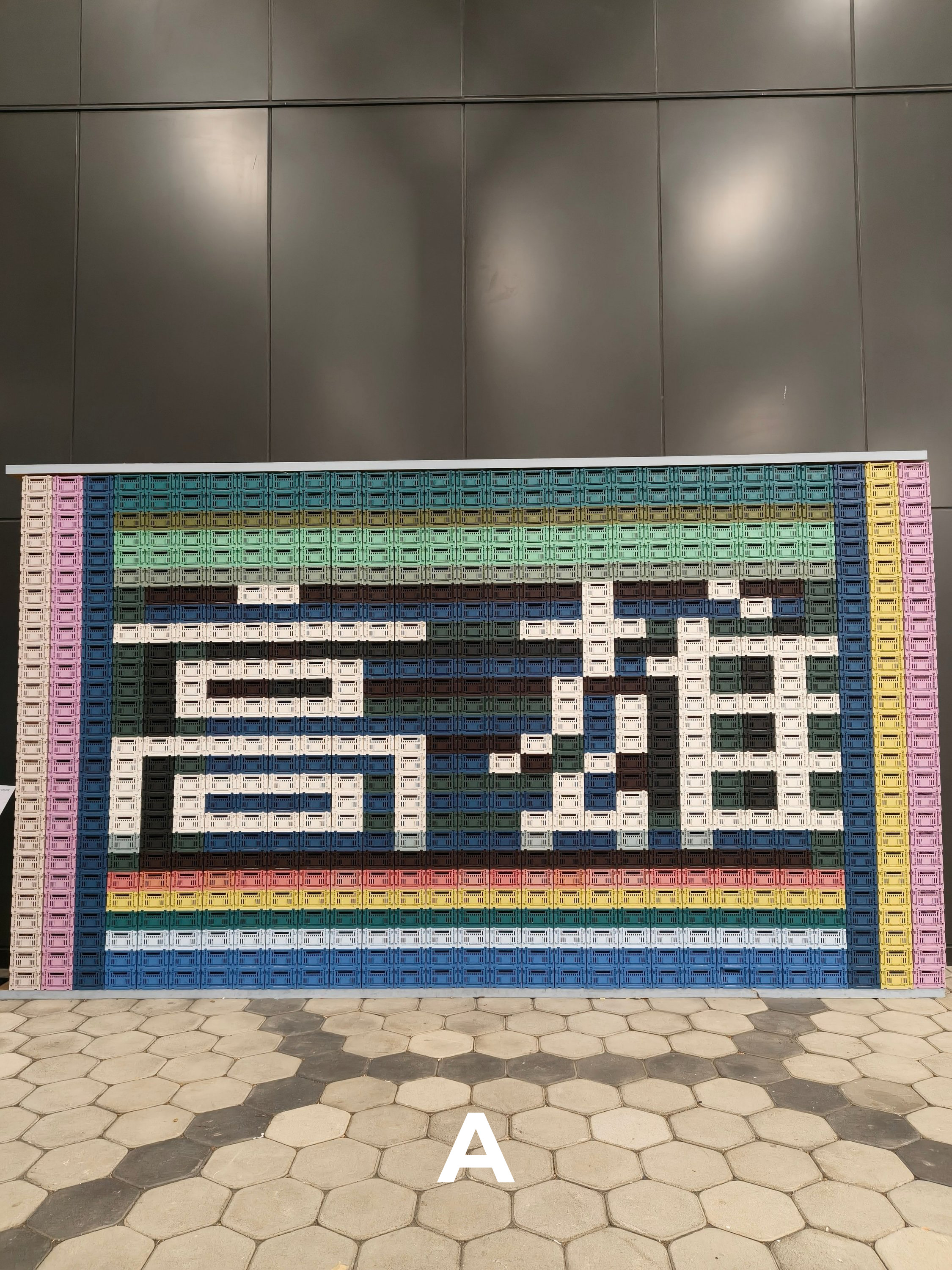
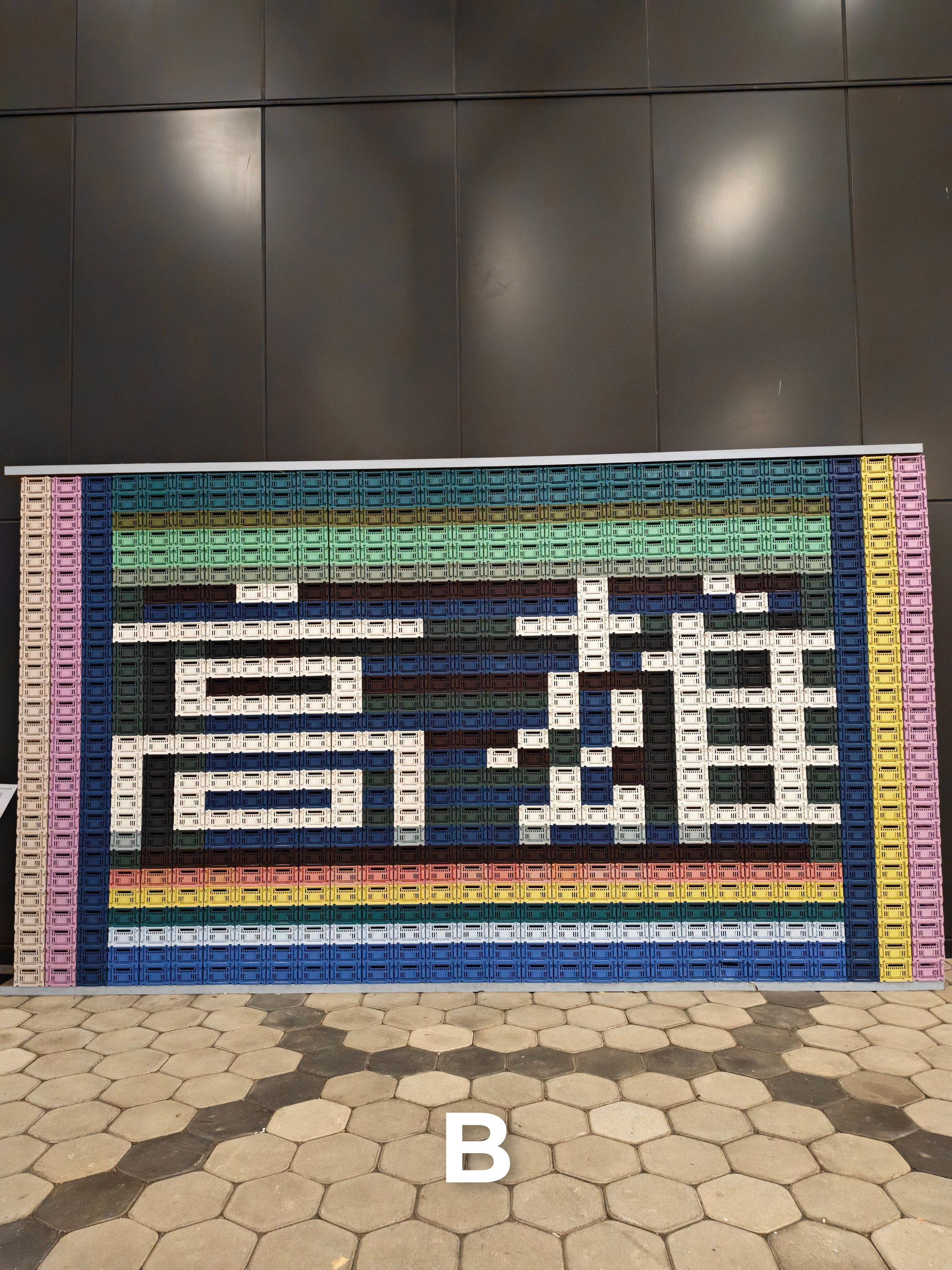
N8A | UWA
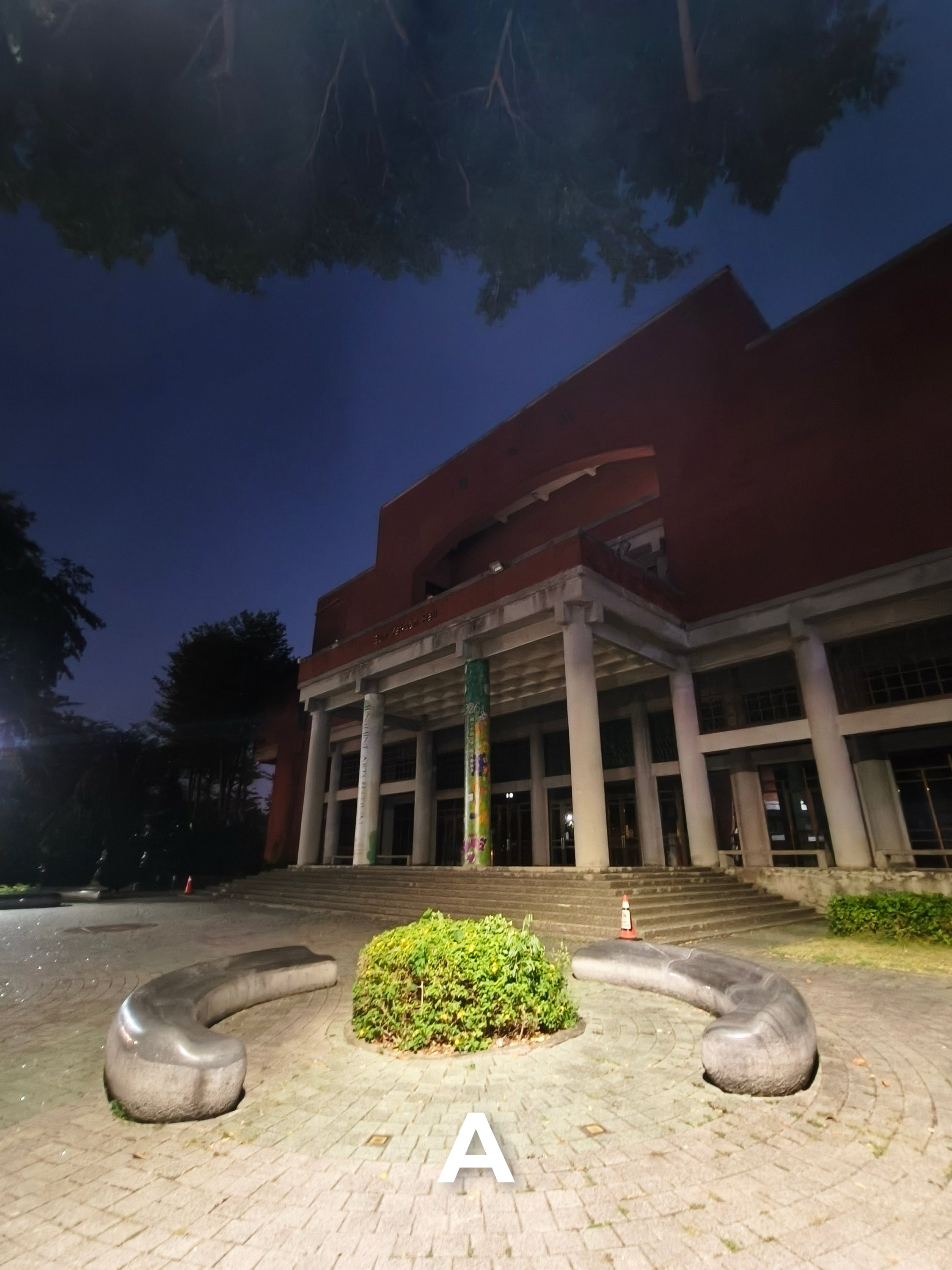
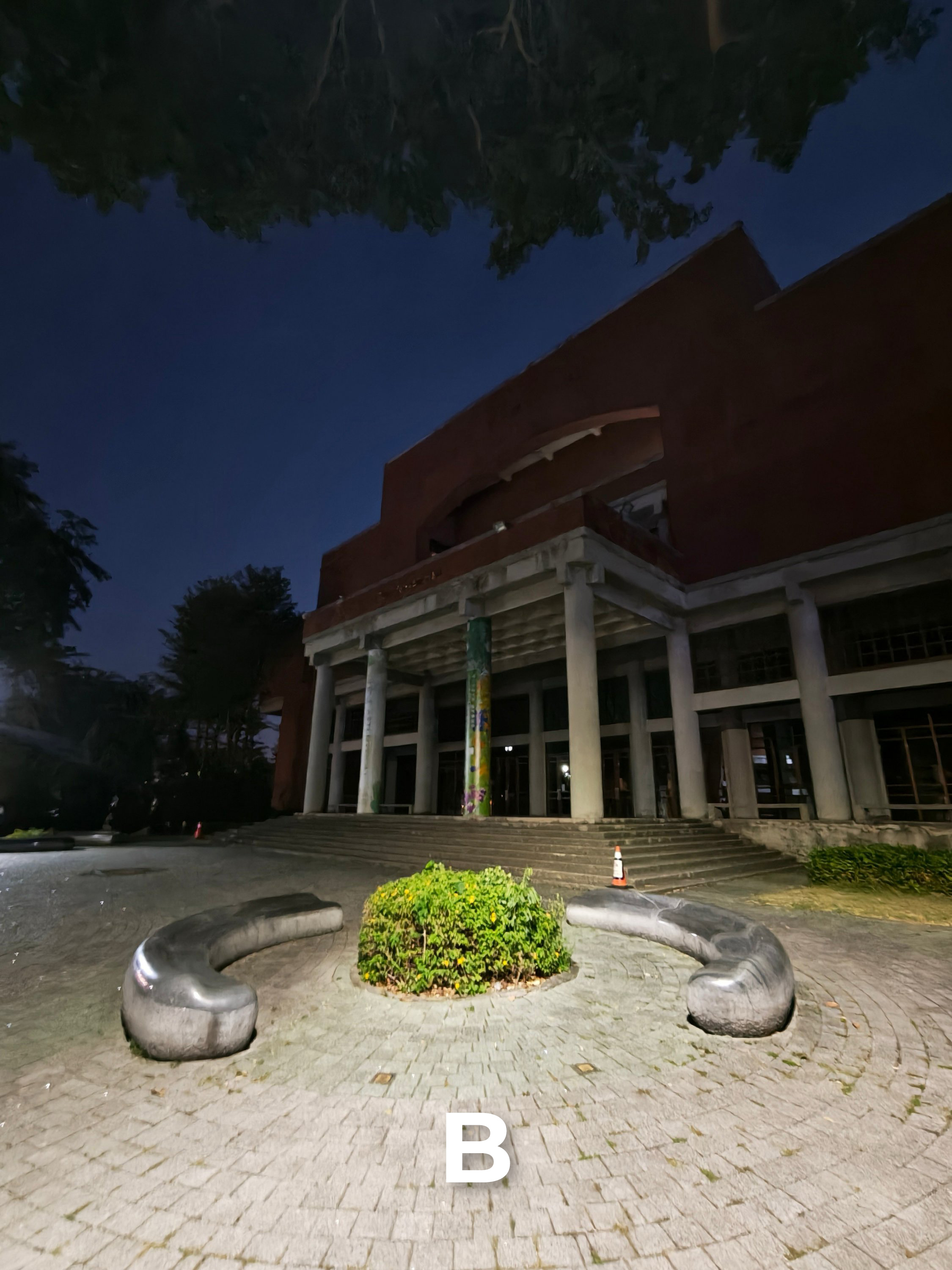
N8B | 1x Wide

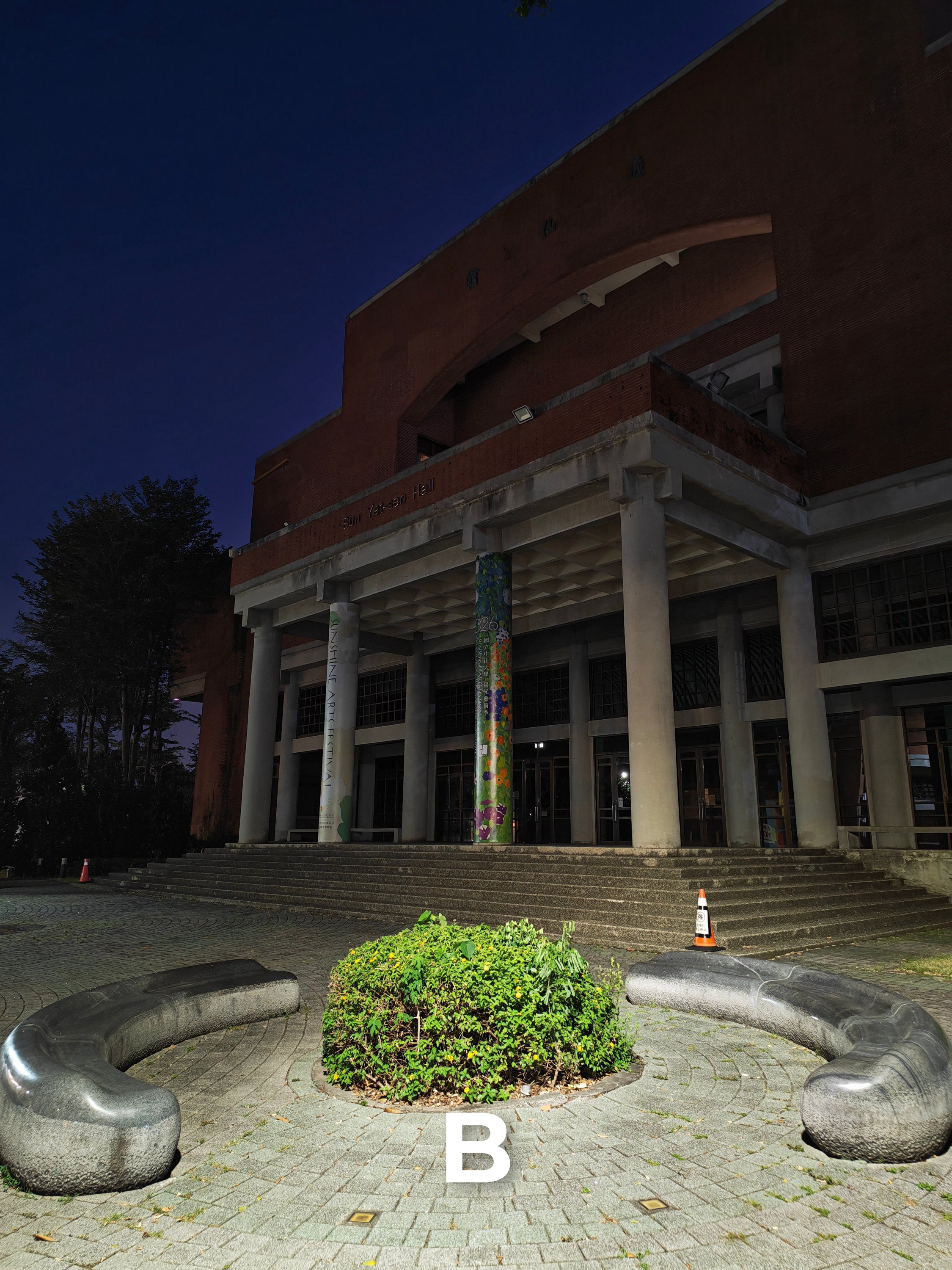
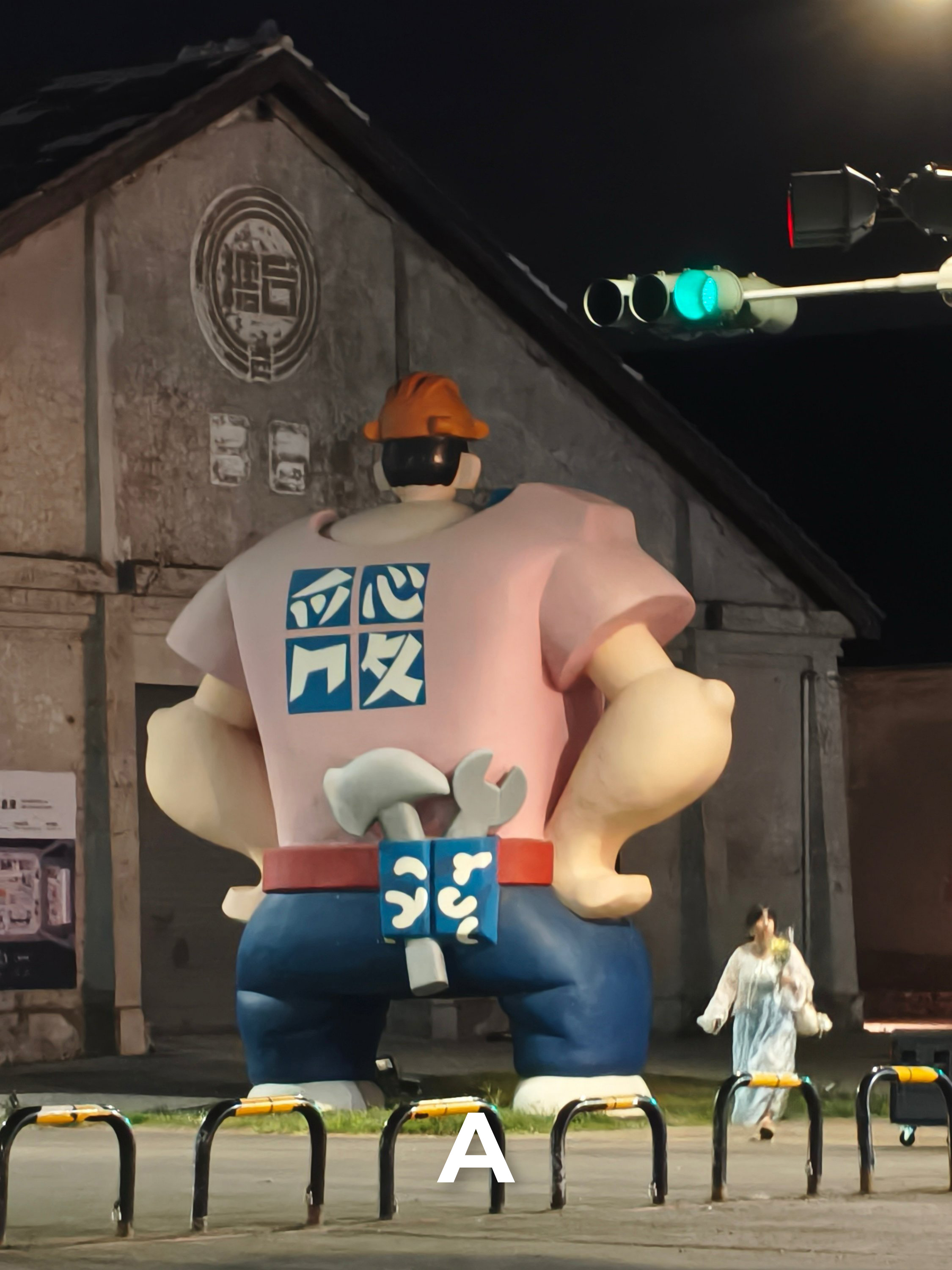
N9 | 3.5x Optical Zoom
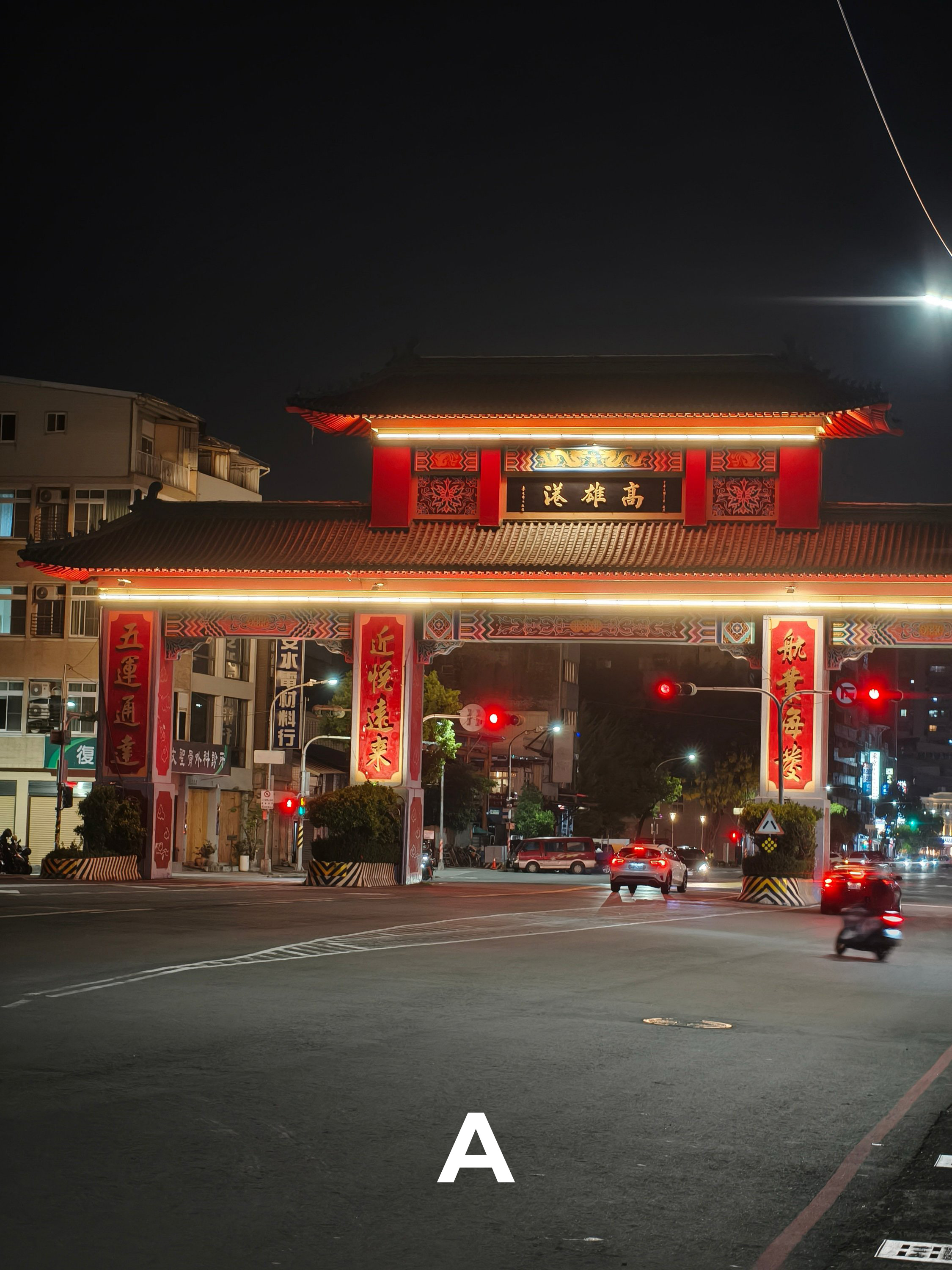

N10 | 5x Lossless Zoom

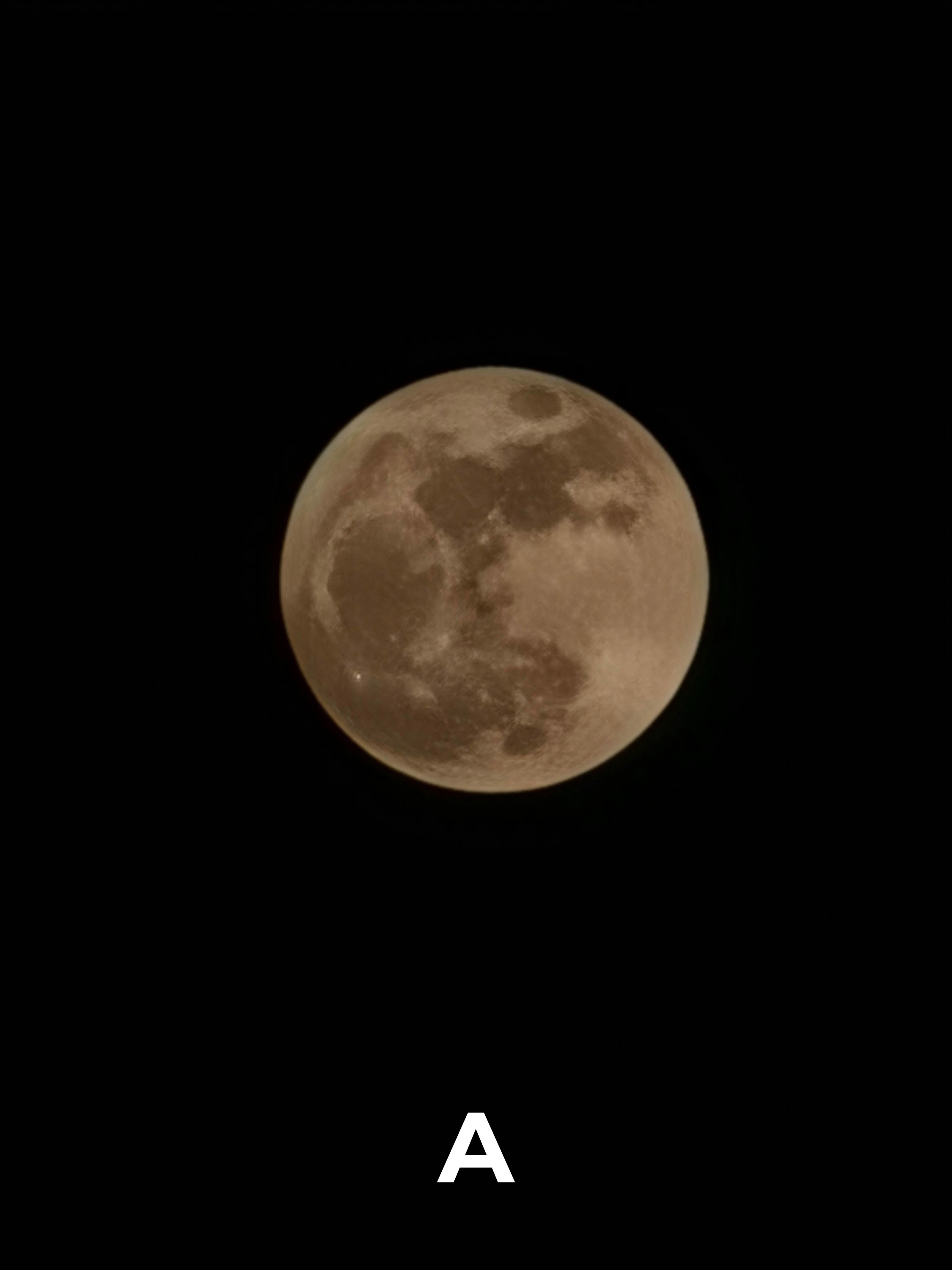
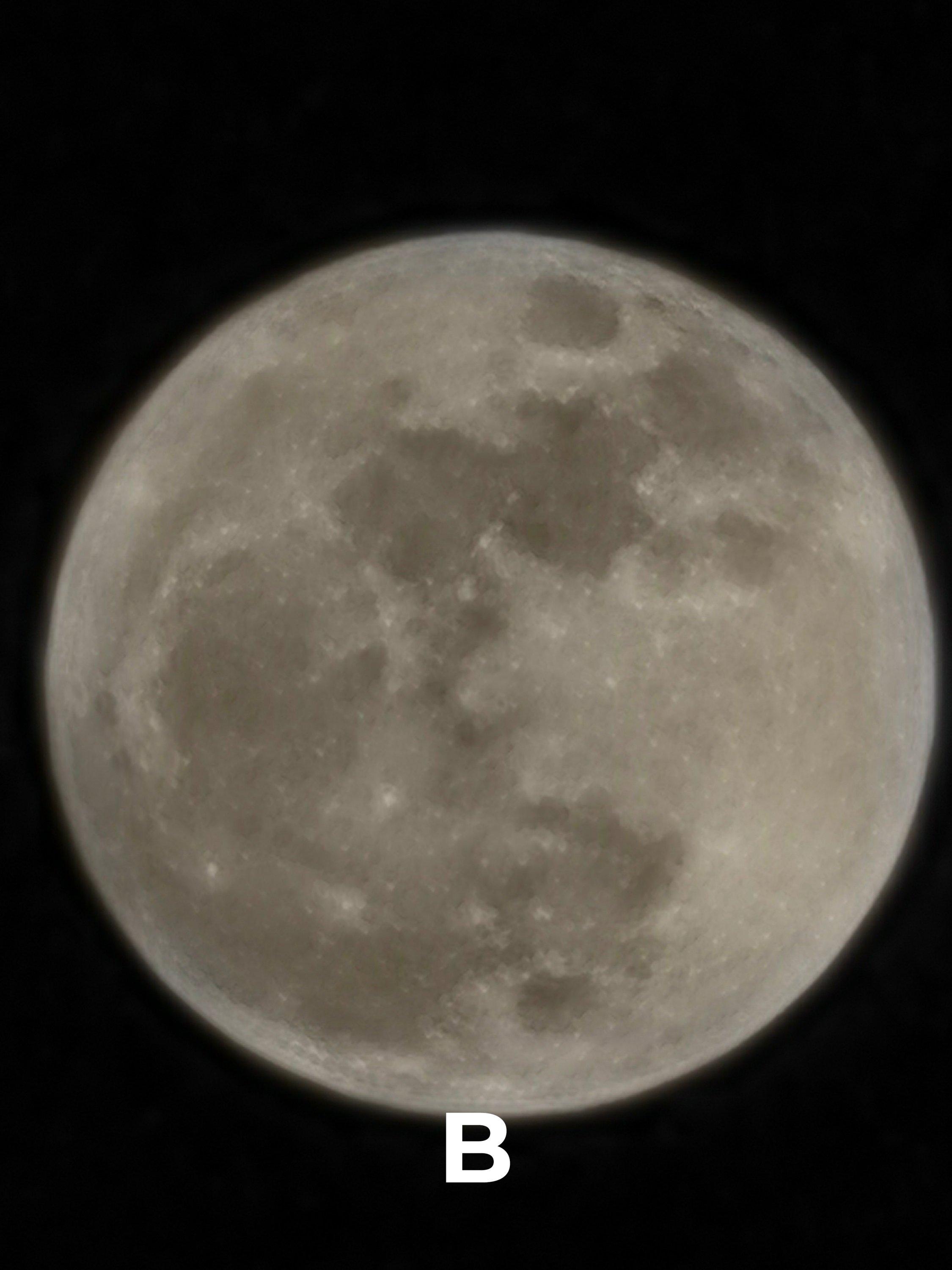
BONUS: Super Moon
That same telephoto module gives both the HONOR and OPPO midrangers a zoom reach as far as 120x.
M1 | 40x Digital Zoom
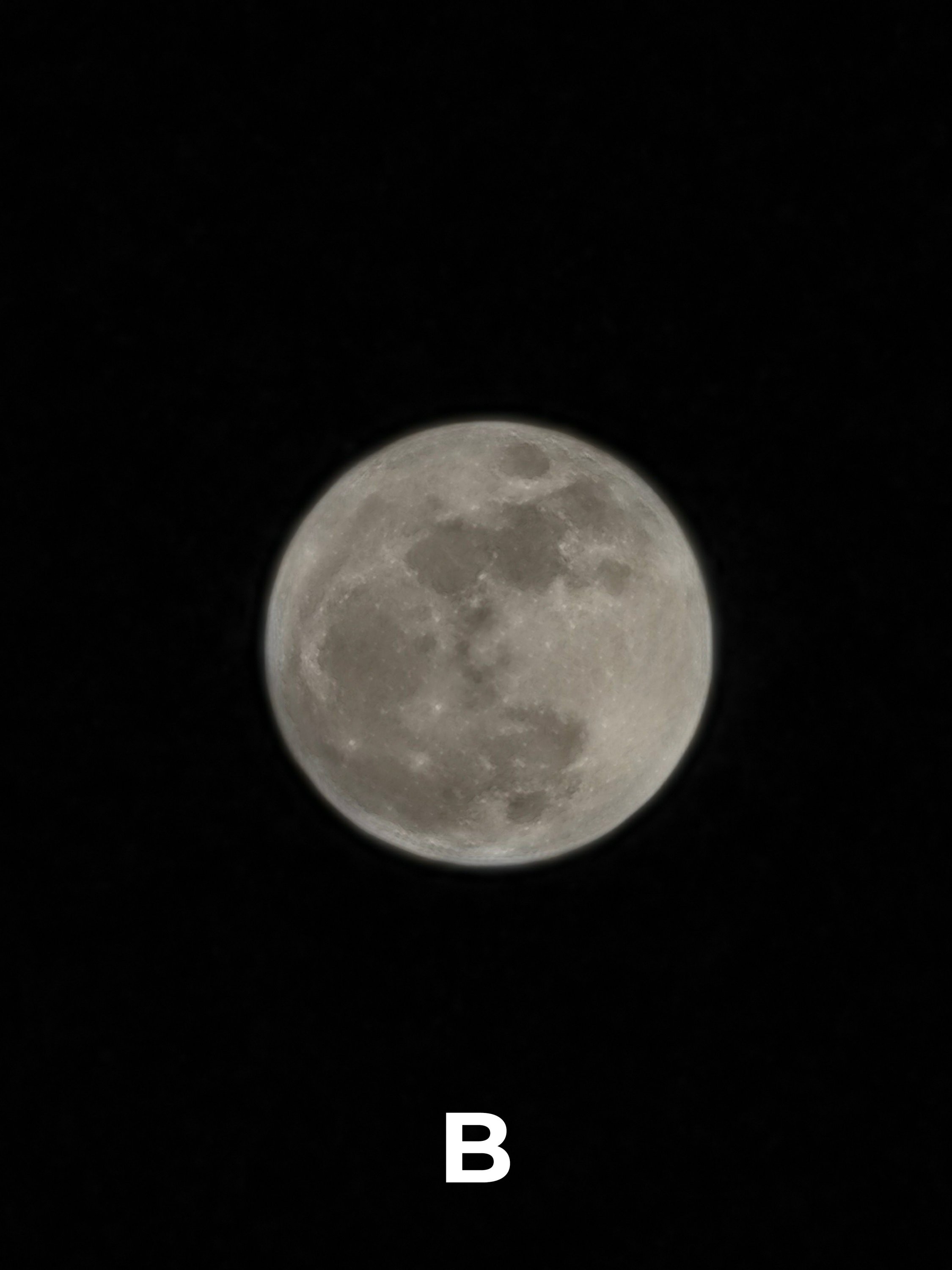
M2 | 120x Max Zoom

Results
Were you able to write down and tally your picks? Well, here are the results:
Conclusion
For the most part, samples taken on the HONOR 600 Pro are already social media-ready. They require little to no effort prior sharing it as your Facebook post or Instagram story.
And by that, the saturation and contrast game is strong as opposed to its rival — a look preferred by most users. These are clearly seen in Sets T1 / T5 / ZB5 / W1 / W2 / N1A.
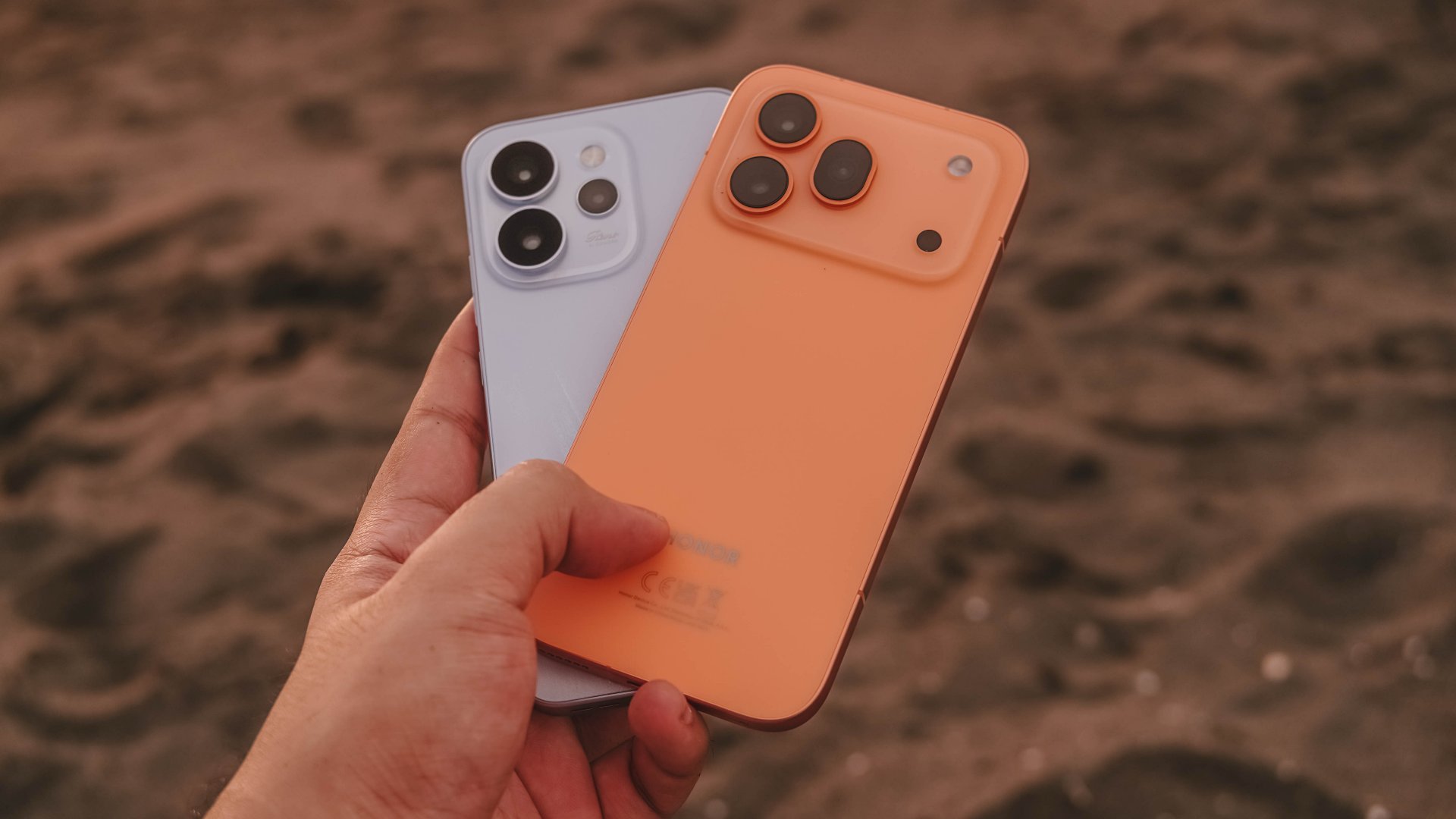
Meanwhile, the OPPO Reno15 Pro leans more into the “natural” side.
Despite the absence of that premium Hasselblad partnership, it still gave desirable results for those who want the less “AI-processed” look (softer, reduced saturation, minimized contrast) which are evident in Photos T2 / T4 / T8 / T12 / ZB1 / ZB3 / W7 / W8 / FF7 / FF8.
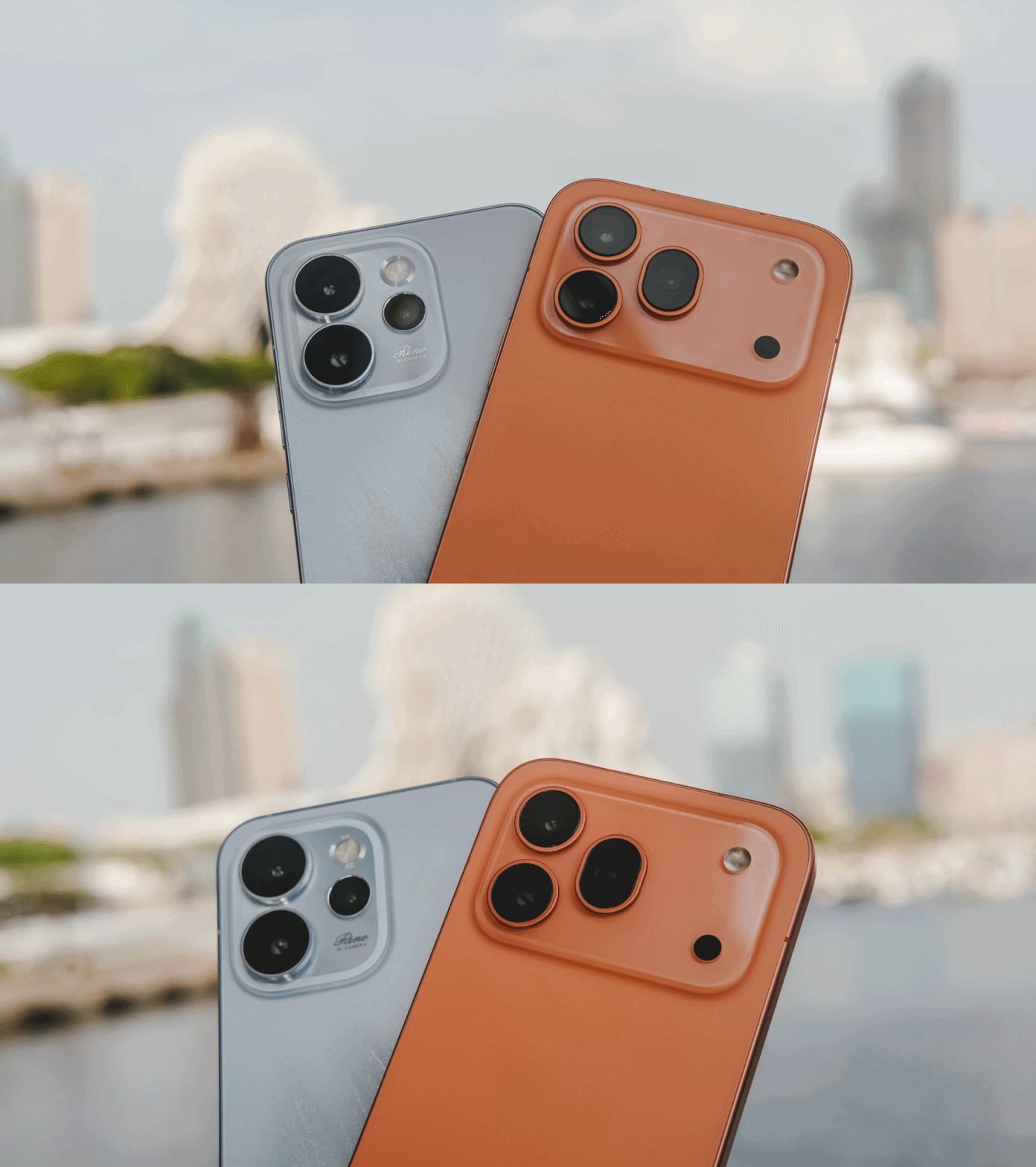
Definitely, the results are not totally consistent. The OPPO Reno15 Pro mostly had a brighter and warmer output (T1 / T5 ~T7 / ZB6 / W1 / W4 / W5 / W8 / W10 / U1 / U2 / F1 / F2 / F4 / FF1 / FF2 / IN3 / IN8 / IN12 / N3A / N5).
Other times, the latter is brighter yet cooler (T12 / ZB1 / ZB2 / ZB3 / ZB4 / FF3 / FF8 / IN1 / IN2 / IN7 / IN9 / IN10 / IN11). Even the super moon shots on the HONOR 600 Pro were brighter, too.
These differences and inconsistencies might make or break your final decision which smartphone best suits your overall camera taste.
Pro-grade for less
Despite the continuous innovation and evolution of flagship smartphones when it comes to mobile imaging, phone manufacturers still try to balance everything out with midrange smartphones in the horizon.
The HONOR 600 Pro and OPPO Reno15 Pro are two among the handful midranger wonders meant for any pro-grade user who lacks the purchasing power to buy the bestest in the lineup — but, still want a very capable device for their smartphone-tography needs.
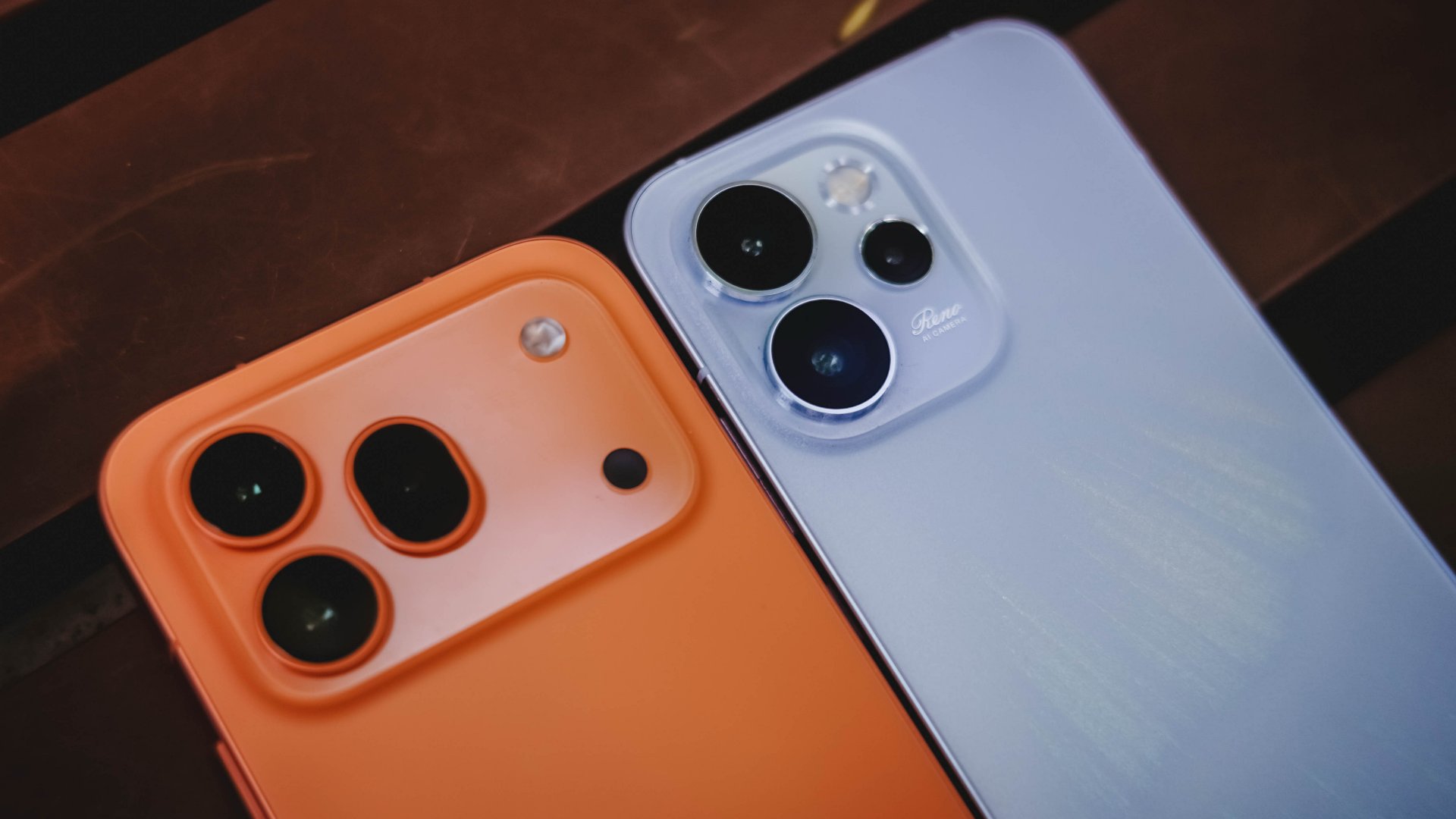
Clearly, the camera hardware isn’t the most “powerful” out there. Still, they are clear with the positioning of these phones. They are your pro-grade cameras for less.
As similar as their camera hardware, the HONOR 600 Pro and OPPO Reno15 Pro also have similar SRPs — at least the 12+512GB configuration.
- HONOR 600 Pro = PhP 48,999 / MYR 3299 / SG$ 1049
- OPPO Reno15 Pro = PhP 48,999 / MYR 3299 / SG$ 1049 (as Reno15 Pro Max)
HONOR your Reno?
Over the years of making dedicated camera shootout write-ups, I always thought that photos that look closer to our naked eyes is something that I should call “the better smartphone camera” — especially because of the accuracy of their output.
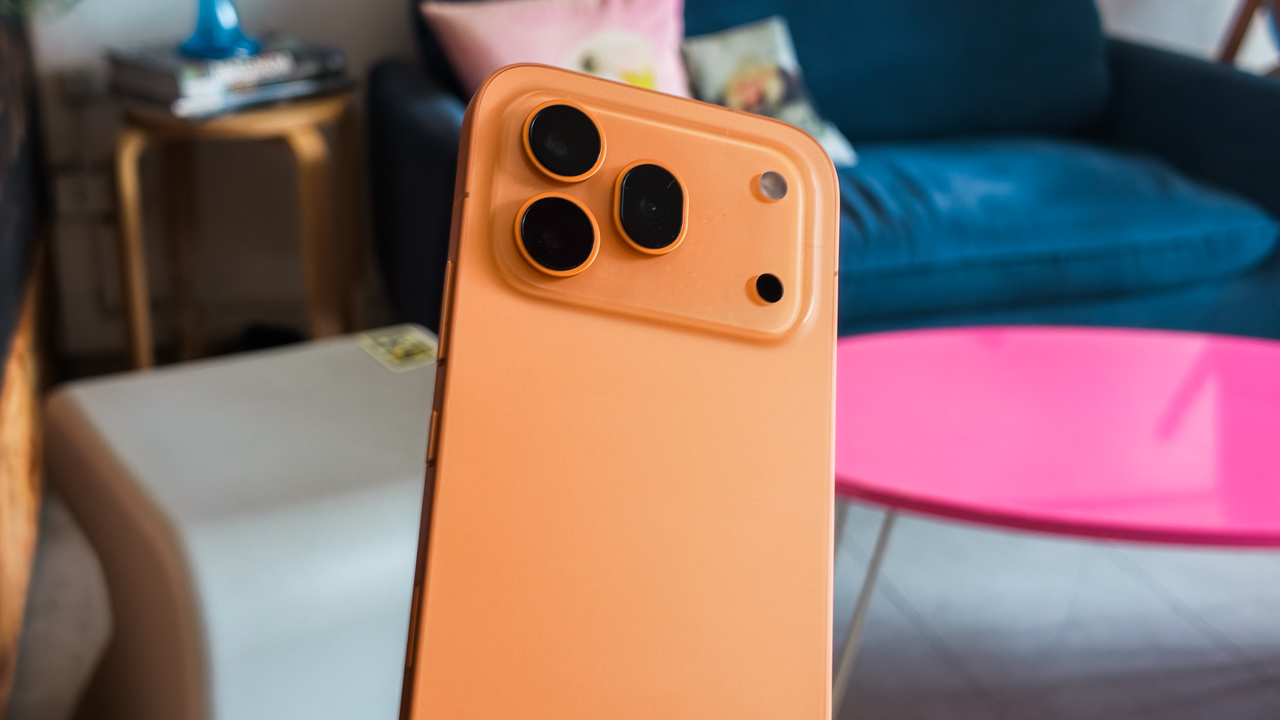
Now, with the advent of smartphone cameras with countless camera partnerships and all the imaginable profiles / presets / styles / recipes (or whatever you want to call ’em) to ever exist, it got harder to decide which smartphone to recommend for most users.
Such sentiment made me realize that there is no single clear winner at all.
So what’s the point of making another extensive camera comparison like this? Well, it’s still for you to show how each phone is capable (or incapable) both in camera hardware and software. It’s also for you to choose the camera look that’s closer to your liking.
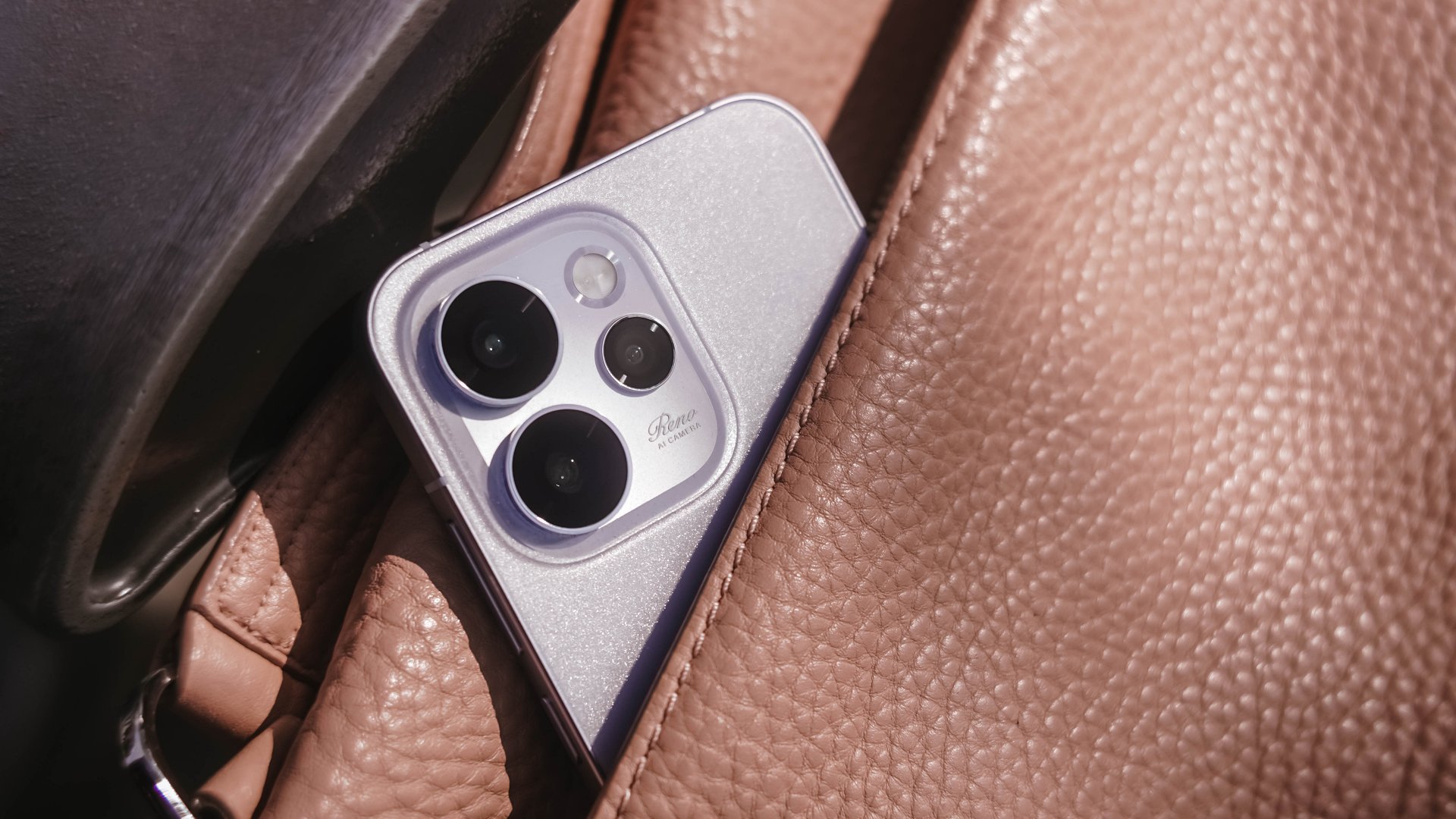
Clearly, both the HONOR 600 Pro and OPPO Reno15 Pro are very capable smartphone cameras. But, at the end of the day, it’s your power as a buyer which pro-grade midranger wins your eyes and heart.
Now, if you will consider other aspects such as their core hardware, OS skin, and even after-sales service, that’s clearly for another story.

The first leg of Spartan Race’s Philippine National Series doesn’t wait for anyone.
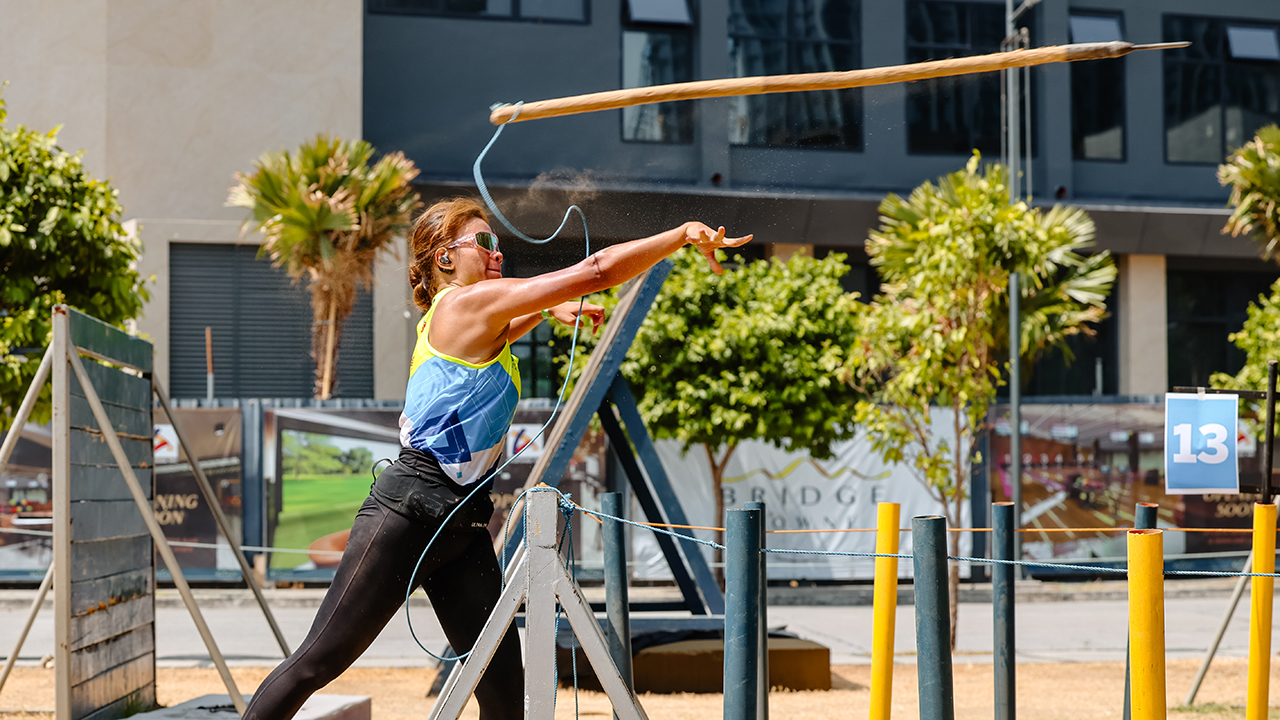
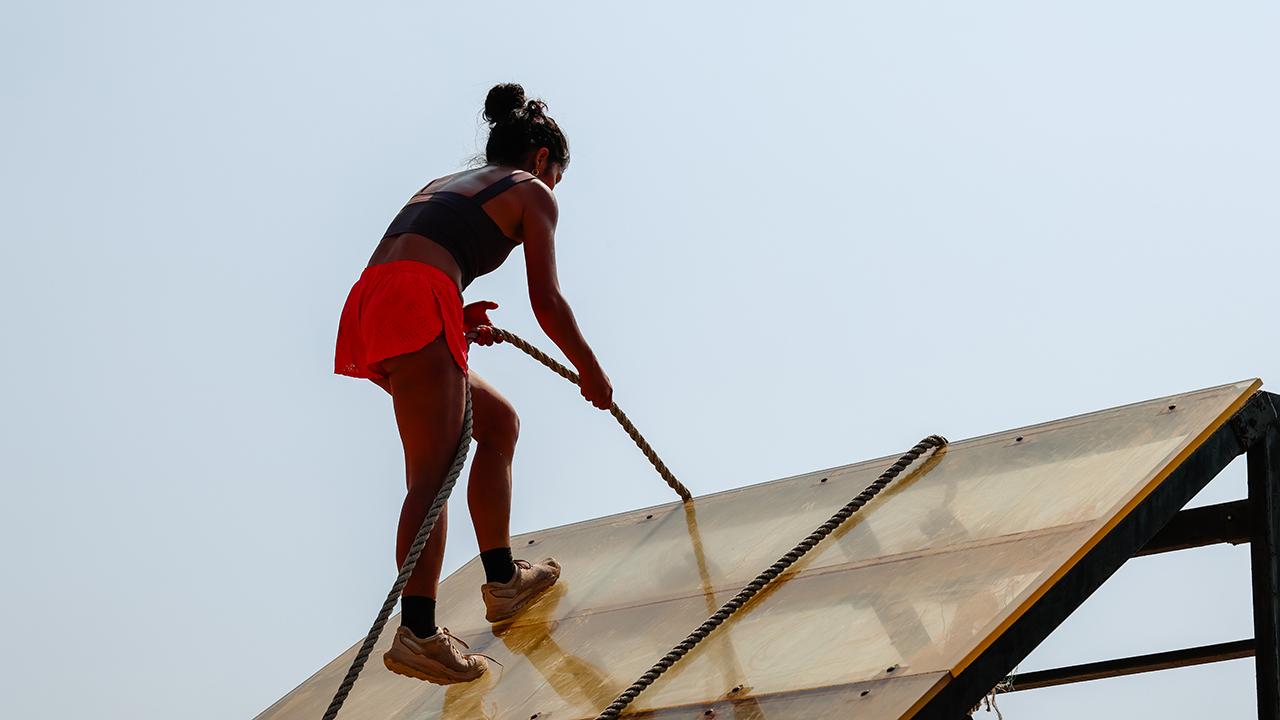
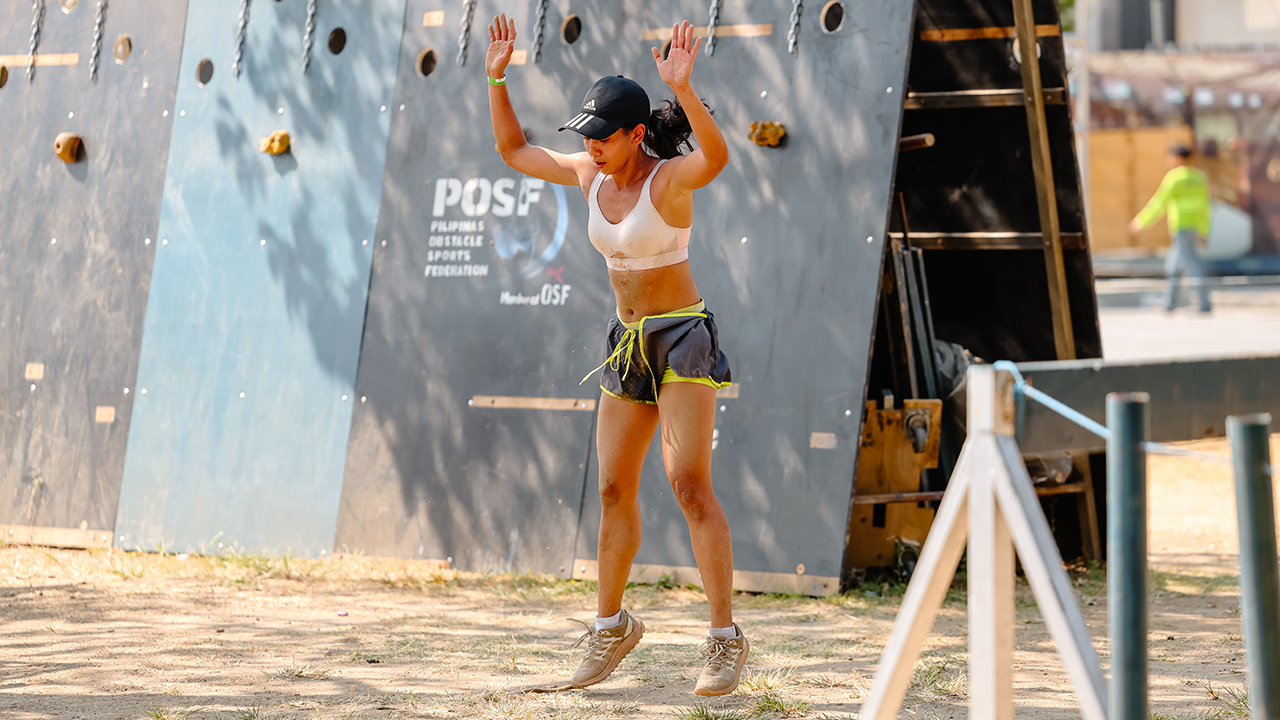
We joined an OCR team, BGY BYG aka Bring Your Game, at Bridgetowne Obstacle Park as they put themselves through an obstacle course race simulation. I brought the Canon EOS R6 Mark III to document every athlete giving their best.
Shooting under direct midday sun is its own challenge. The 32.5MP sensor handled the harshness of open daylight without blowing out detail. The 40fps electronic shutter and Pre-continuous shooting meant we were already in the frame before the moment fully happened.
Athletes were moving fast and in every direction, but the 8.5-stop IBIS kept every shot steady as we moved alongside them.
The Dual Pixel CMOS AF II stayed locked mid-sprint, mid-climb, and everywhere in between.
This is what race prep looks like up close.

Abegail Manzano, UAAP Season 85 Rookie of the Year in women’s athletics at UP Diliman, leading the warm-up session.



Jeri Vega Oro from All-female Pop-Rock Band, ROUGE.
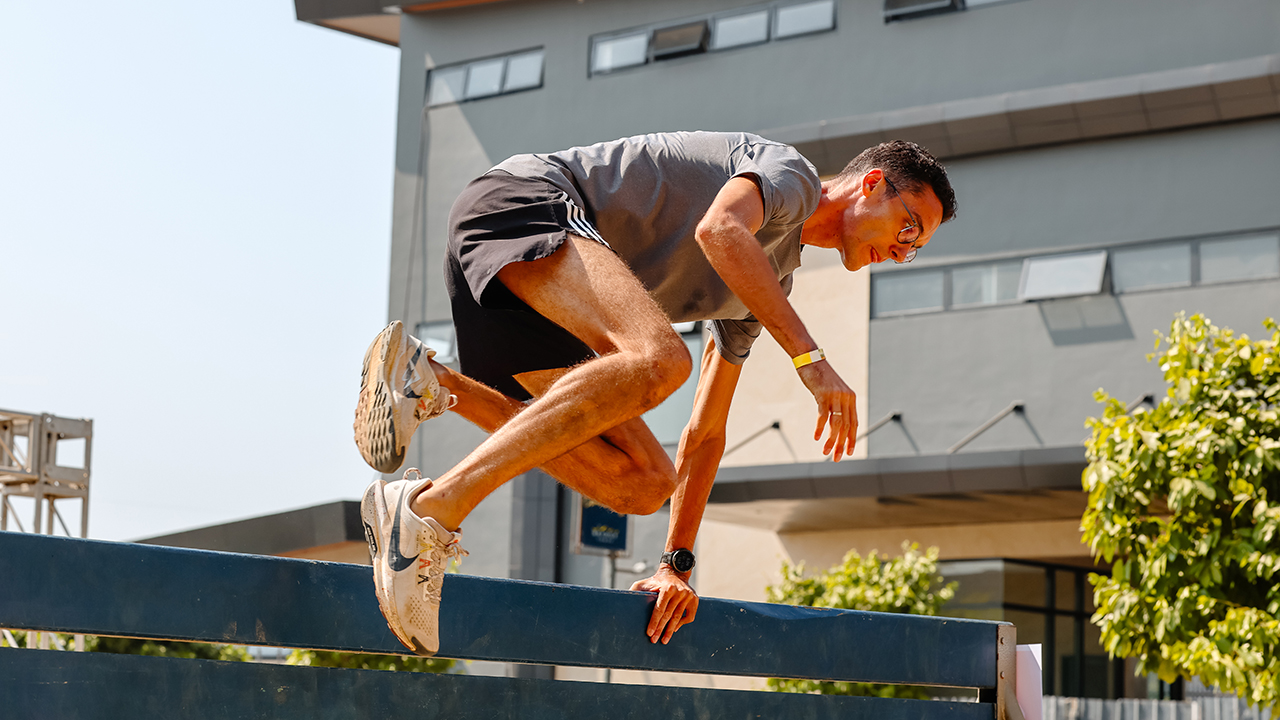
In photo: Georgii Brisuela
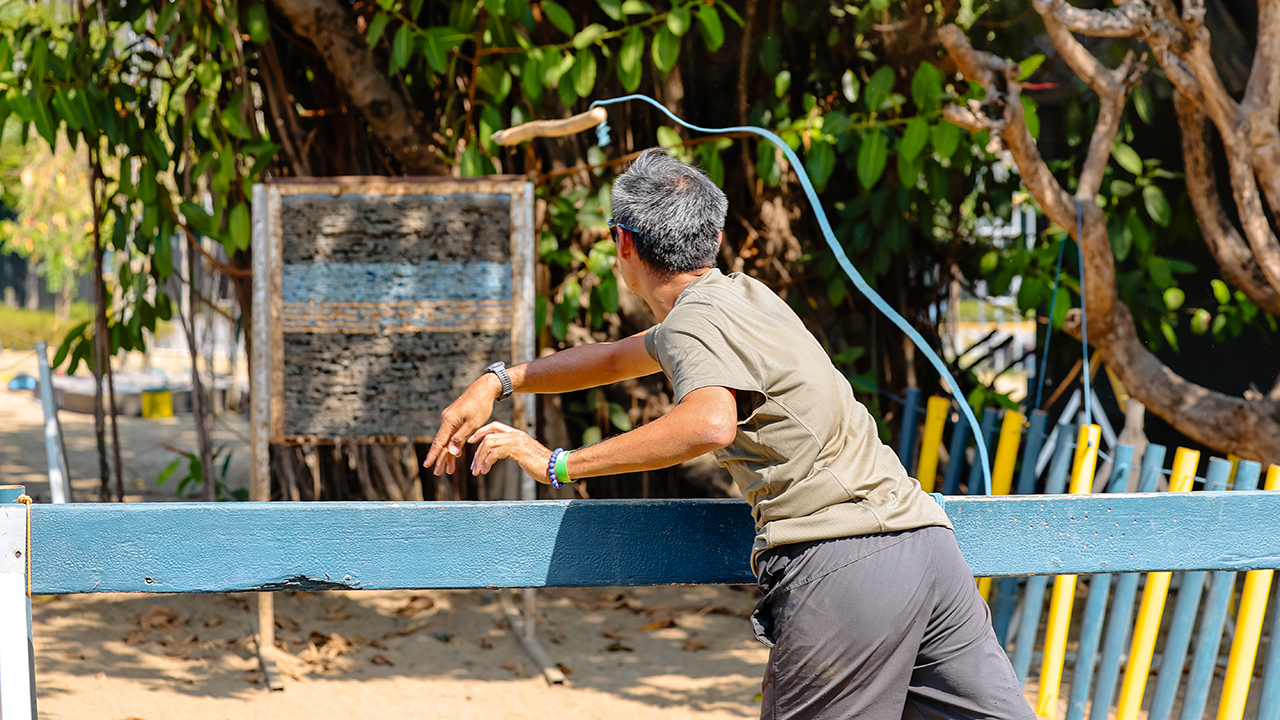







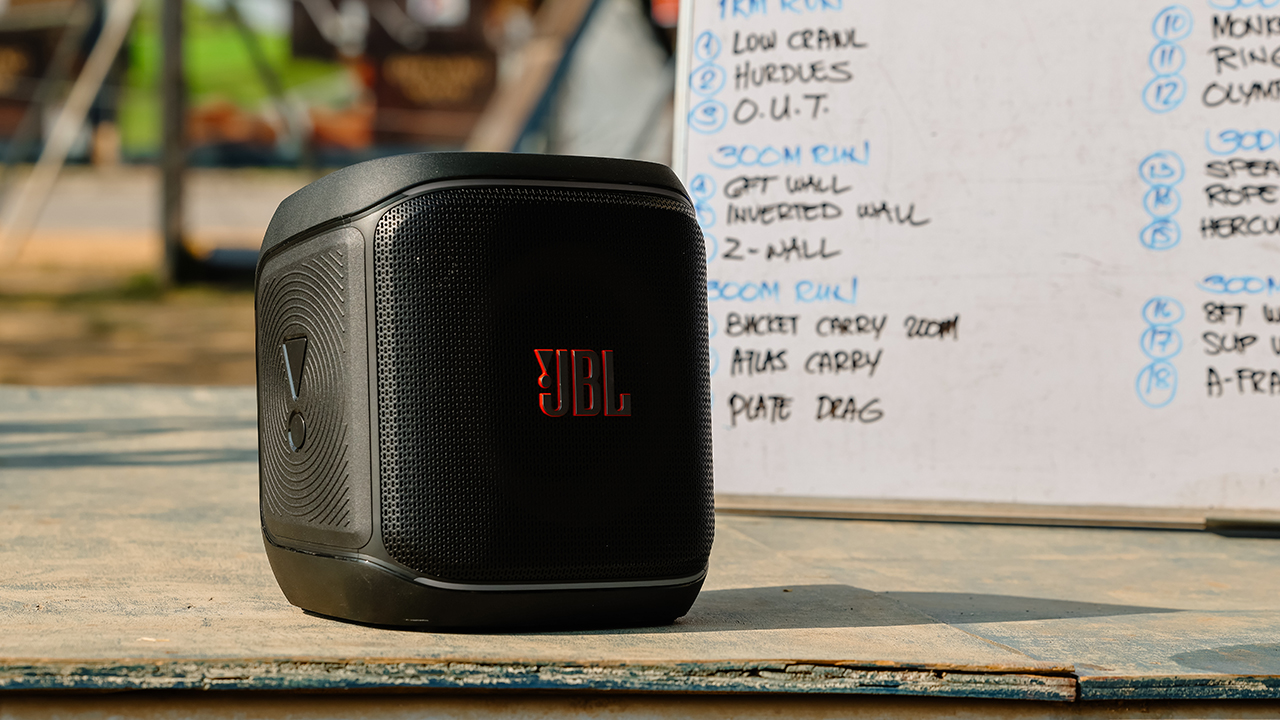
In photo: JBL PartyBox Encore Essential 2

BGY BYG/Bring Your Game’s Team Captain, Aldrin Collantes


SEE ALSO: What HYROX Hong Kong looks like up close
Words and photos by MJ Jucutan.
Computex 2026
Why is AI loved in COMPUTEX but hated in the rest of the world?
Two sides of the same coin.


To cover COMPUTEX 2026, I found myself staying in the Grand Hilai Taipei, a 5-star hotel right beside the Taipei Nangang Exhibition Center (TaiNEX), the historical home of the annual conference. I can’t help but think of The Grand Budapest Hotel, a Wes Anderson flick about a similarly decadent hotel. But it’s not the plush hotel rooms, the hospitable staff, or the Romanesque public sauna that has me thinking of the iconic 2014 film. Rather, it’s the man of the hour himself, NVIDIA’s Jensen Huang, the king of today’s AI.
In The Grand Budapest Hotel, Ralph Fiennes plays Monsieur Gustave, the eponymous hotel’s flamboyant concierge. Always the life of the party, Gustave blends seamlessly into the hotel’s luxurious pink decor as he cavorts willy-nilly with the elder clientele. While the film flings Gustave around a thrilling chase for a deceased friend’s inheritance, the film’s subtext is one of politics, mistrust, and war. Around the hotel, the world haplessly descends into the geopolitical turmoil that brought about the Second World War. And yet, Gustave remains indifferent, content as he is to be atop his lofty pulpit while luxuriating in L’Air de Panache.

The amicable Gustave as he lures you in.
Jensen Huang, clad in his trademark leather jacket, is our story’s Monsieur Gustave. Much like Gustave, Huang revels in the fanfare around him. In COMPUTEX, he’s a hero adored by the masses. Wherever he goes, fans bend over backwards to take a selfie. His merchandise (and yes, it exists), touting AI-generated versions of him, is constantly sold out. It’s a stark contrast to the world and all its doom-and-gloom for a future bloated with AI.
The silence behind the applause
Before the official start of COMPUTEX, Huang conducted his own keynote speech for NVIDIA. If you’ve been to one of his keynotes in the past, you’ll hardly recognize what it’s become. There’s no more talks of realistic graphics or faster gaming performance. It’s all about AI.
Most of his time was dedicated to Vera Rubin, a multi-rack AI supercomputer destined to power the future’s data centers. Amid the drone of technical jargon (almost bordering on technobabble), I was quietly asking myself what I was doing here. Meanwhile, beside me, an enthusiastic woman clapped with as much fervor as if Huang was the second coming of Christ himself. Even if Huang could hear her individual applause (and he most certainly didn’t), he couldn’t have seen her Googling frantically what a multi-rack AI supercomputer was.
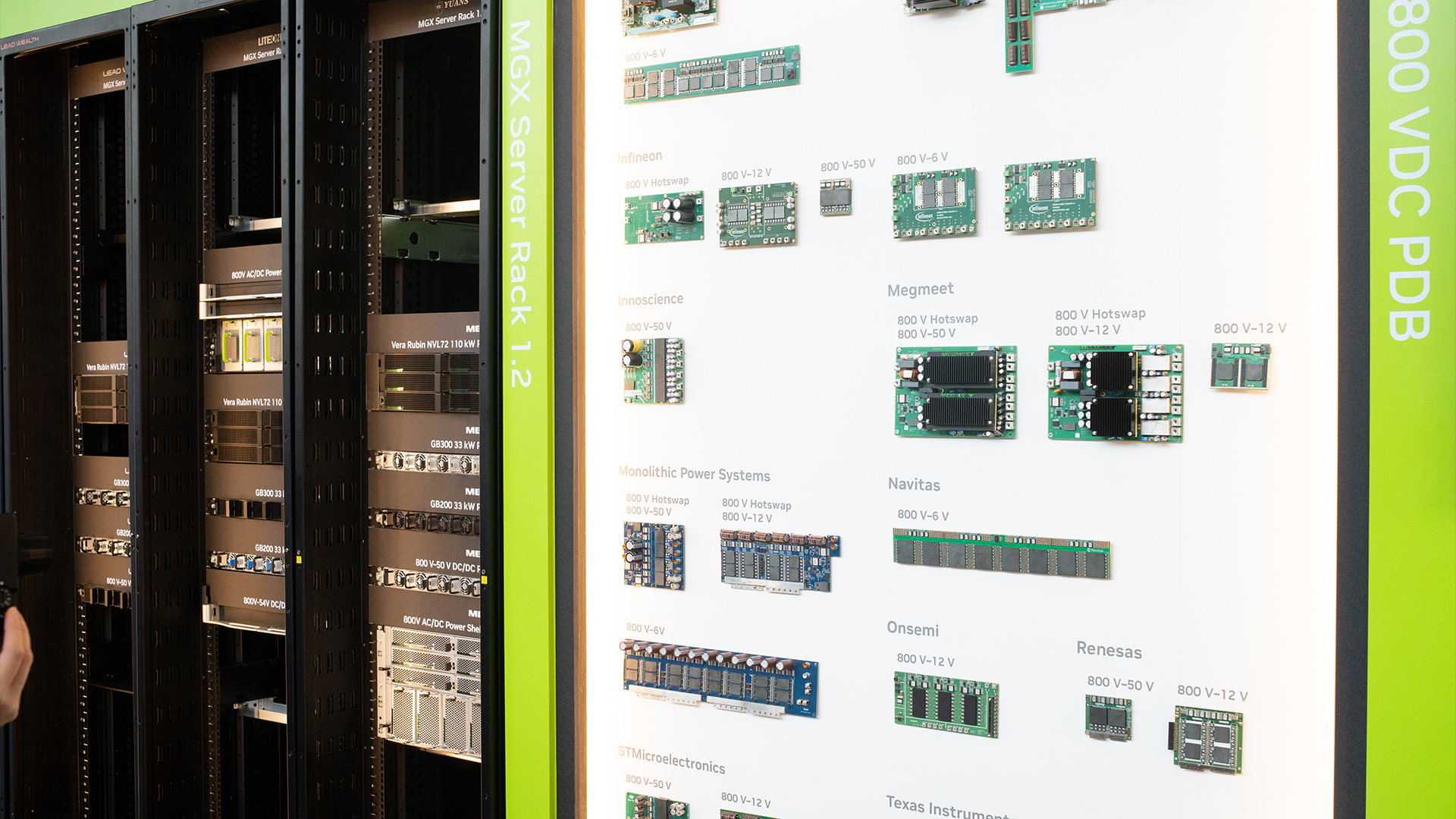
NVIDIA’s Vera Rubin
After what felt like forever on the Vera Rubin, Huang finally talked about a consumer-ready product: the new RTX Spark laptops. Admittedly, my interest was piqued. After all, it’s supposed to be the next evolution of PCs. Cue: more applause.
Although, the subtext here is as loud as the clamor. Though it’s certainly impressive that a single RTX Spark notebook can deliver 1 petaflop of AI performance and 192GB of unified memory, this next big thing is not for you and me. No one wanted to talk about the price of these things; not a single OEM, not even Huang himself.
All the hype is on productivity and profitability. It will make more work and more money… but not for you. If anything, you’ll probably end up worse.
The price of progress
Building a PC these days can bankrupt you just as easily as visiting an American hospital. A decent stick of RAM is no longer as accessible as it was a few years ago. And it’s all thanks to AI.
Touting them as humanity’s next evolution, the world’s biggest tech companies want you, a regular consumer, to believe that the technology is coming to your home. But first, they need acres of real estate for data centers. Several states in America have already relegated land to put up these centers, much to the chagrin of their residents. Despite assurances that newer ones can more effectively balance the load on the grid, these same data centers need a lot of space, power, and water. All three of which are coming from the communities surrounding them. At the time of this writing, some state governments are pushing back against the incoming infrastructure, perhaps realizing the mistake of unimpeded data center developments. The outside world is slowly turning on AI, but it’s not a global crackdown.
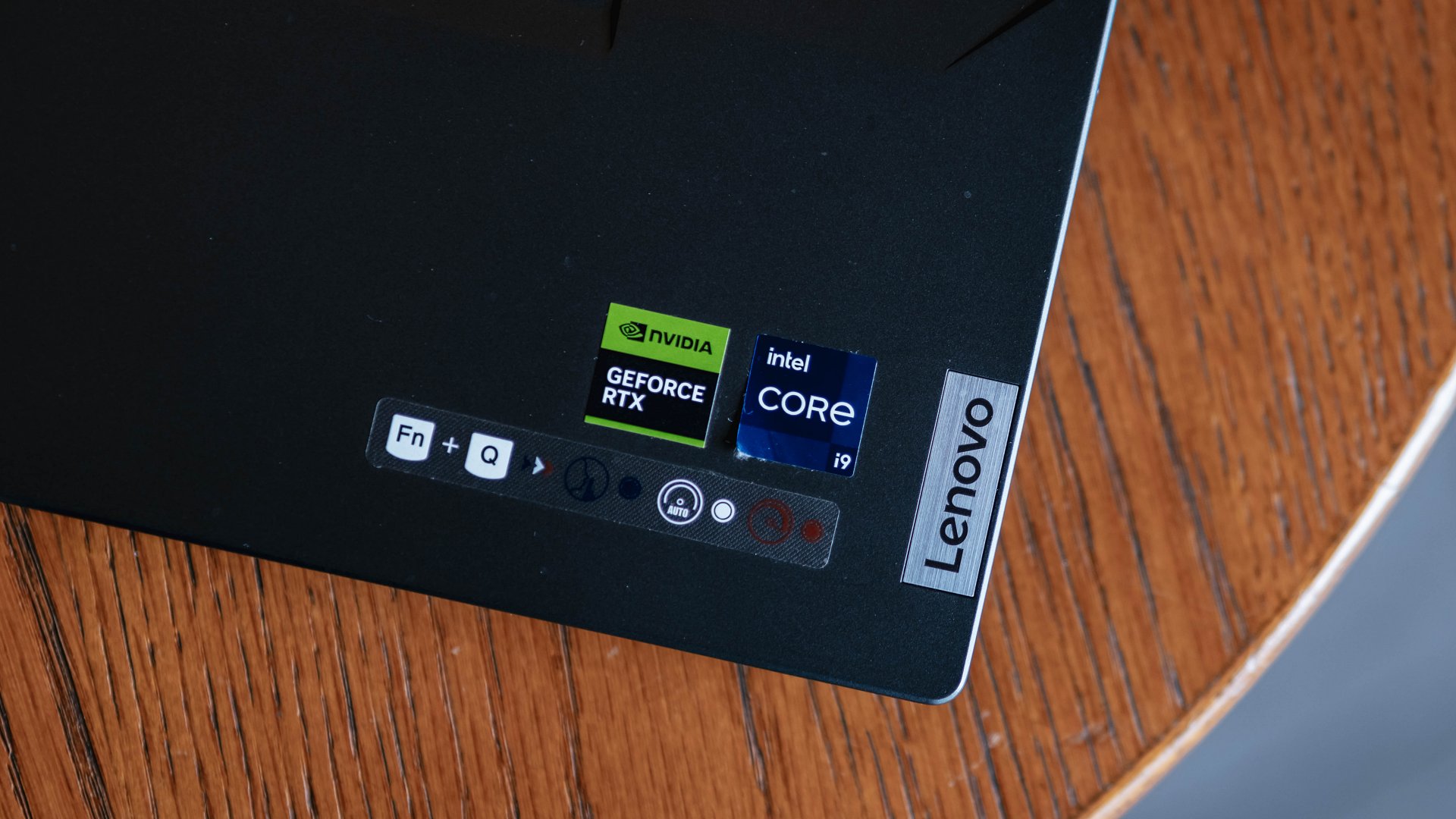
These stickers are getting more expensive.
And that’s before the effect of these data centers on regular consumer technology. Besides all that land, they need a horde of silicon. That’s why NVIDIA has stopped positioning itself as a GPU company, and that’s why all the chips just disappeared. All those data centers are buying up the world’s stock of chips. It’s all a matter of supply and demand at that point; scarcity drives prices up, and we’re left to pick up the pieces. The GPU that was supposed to go to your new PC is now inside a data center somewhere in the States.
Even if you don’t live near a data center, you’re still not safe. Companies, especially in the Western world, believe that AI can replace human workers, leading to mass layoffs. To be clear, while AI can help with productivity when used as a tool, a full replacement isn’t the most feasible option yet. In fact, according to Fortune, AI is just a convenient scapegoat when companies simply want to cut labor expenses by any means necessary.
And yet, the party goes on. Huang is adamant that you are on the ground floor of a revolution that will change the world. But, sorry, bucko; that elevator is going up without you.
The mask falls
As tempting as it is to pick on a single target, the NVIDIA CEO wasn’t the only Monsieur Gustave gallivanting around COMPUTEX. Qualcomm’s Cristiano Amon had his own keynote speech to herald the annual conference. But, opposed to decadence of Huang’s optimism, Amon lets his mask fall just a tiny bit.
To his credit, Amon didn’t extol Qualcomm’s developments exclusively. Rather, he spoke of the overall effects of AI on our world. It’s, of course, the usual optimistic accoutrements of harder, better, faster, stronger for society. Eventually, his excitement gets the best of him and lets slip some shadier effects.
“6G will turn us all into walking cameras,” he said, talking about how AI will affect connectivity.
Now, to be fair, radio frequency sensing isn’t new technology. It’s already been possible to detect objects using only radio signals. 6G, bolstered by AI, will expand this to cover a much wider area for more possible uses.
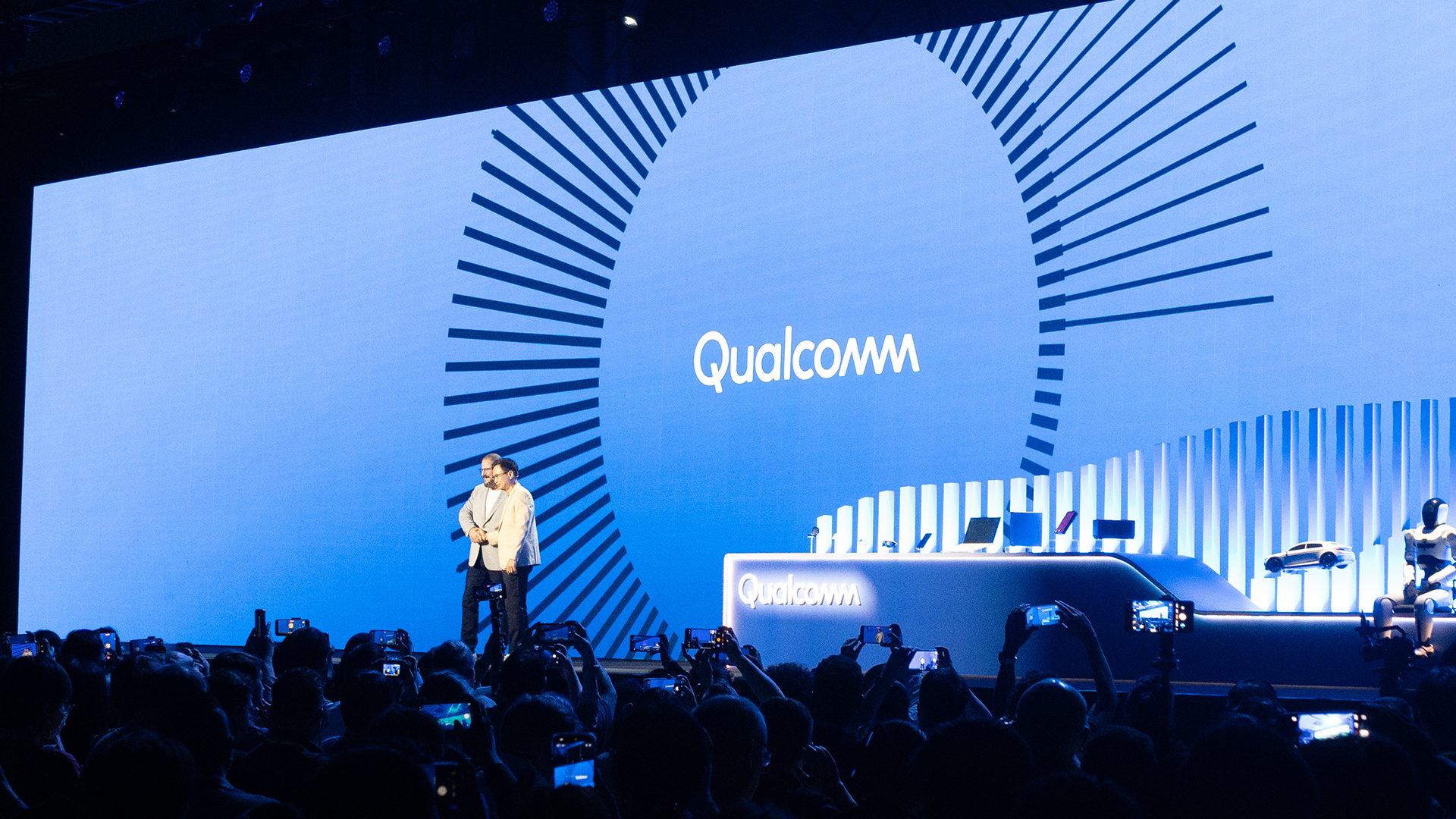
Amon himself admits that it was a controversial statement. But perhaps, he doesn’t know (or care) about any potential invasions of privacy. He remains ever-so-confident that the use of 6G for surveillance will ultimately help with public safety and infrastructure.
All I can think of is The Dark Knight‘s Lucius Fox doing the moral thing and shutting off Batman’s mass surveillance system after finding the Joker.
It’s a tiny slip, but it speak volumes. Your privacy is a sacrifice that they’re willing to take.
As if that’s not enough, Amon signs off on his diatribe with a succinct “resistance is futile,” talking to those who still oppose AI.
An odd way to start off a celebration of AI, isn’t it? Traditionally, that phrase is one oft used by villainous characters, but that’s just par for the course in today’s AI-infested world. Peter Thiel, one of the moguls of AI, infamously named his company Palantir, the same malevolent surveillance tool used by Sauron in The Lord of the Rings. For some, masks don’t really exist.
The other concierge
Speaking as someone who keeps his finger on the pulse of AI more on the Western side of the world, it’s strange to see a different side of the coin. Huang and Amon are icons. You can’t last two seconds without seeing a single mention of AI somewhere on the show floor. There’s a palpable electricity when talking about the potential of AI.
And to be fair, when I talked to a few developers and engineers, I can feel the optimism. One talked about a voice assistant that would suggest better gift ideas for her spouse based on their history. Another one passionately talked about how much gaming has been better with DLSS 4.5. They truly believe that AI can work to their (and our) benefit, and I believe them. Underneath the smarminess of tech billionaires are ordinary people who found ways to better society. That’s where the conversation about AI should start.
But that’s not what the people want. The people want the parties, the glitz and the glamor. And all these billionaires desperately want to be the next Steve Jobs, the next Great Gatsby. And everyone else wants someone to hate.
In Taiwan, it’s not easy to hate a Monsieur Gustave that wants to make you feel welcome. It’s much easier to come for a monster taking your land, your jobs, and your money.
In Taiwan, Monsieur Gustave can have his parties, his adoring friends, and his fancy leather jacket. But in the rest of the world, he finds in himself the caretaker of an entirely different hotel, The Shining’s Overlook Hotel. Beneath Monsieur Gustave is Jack Torrance, and he’s always been the caretaker.
“Here’s Jensen!”
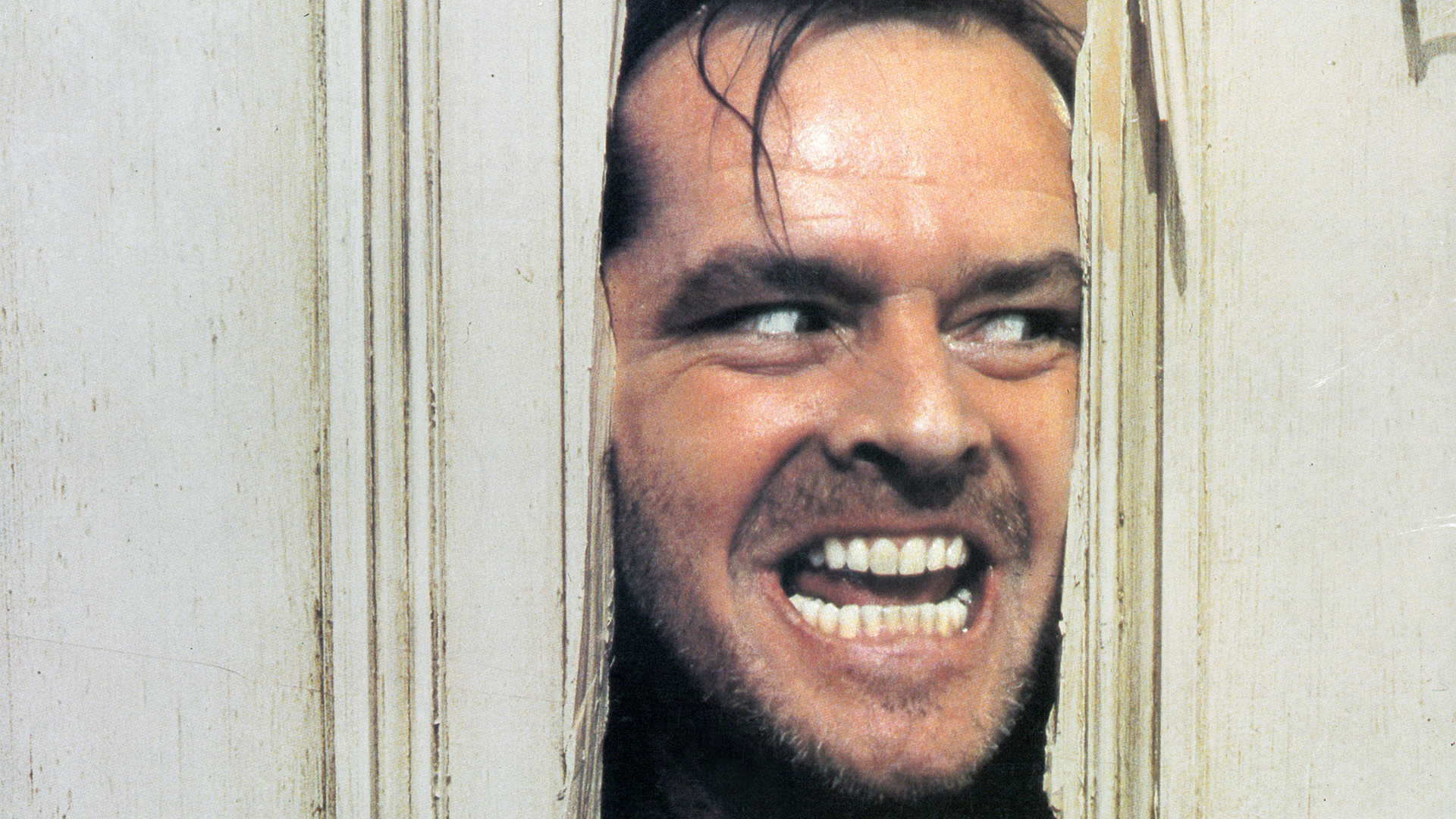
The other concierge.


vivo X300 Ultra review: A “Whole Different Animal”
Got the beast (finally) unleashed!

The realme P4 Power: realme’s midrange power play?
A power bank and a phone — and more


HONOR Watch 6 Review: Less guessing, more knowing
Beyond educated guesses

The vivo X Fold6 is the first foldable to support teleconverter lens

Now Playing: Supergirl

Apple raises the prices of iPad and MacBook lineups

LE SSERAFIM to perform at BlizzCon 2026

Xiaomi opens largest Singapore store yet at VivoCity

TECNO’s POVA 8 5G is both futuristic and future-ready

Close without crossing: A Xiaomi 17T Pro photo essay

realme launches P4 Series 5G, including Power with 10,001mAh battery

The Xiaomi Watch S5 proves you don’t have to take it off

Buyer’s Guide: Xiaomi Pad 8 Series


-
 News2 weeks ago
TECNO’s SPARK 50 Pro is the latest budget smartphone battery beast
-
 Buyer's Guide1 week ago
Buyer’s Guide: TECNO SPARK 50 Pro vs SPARK 50 5G
-
Reviews6 days ago
vivo X300 Ultra review: A “Whole Different Animal”
-
 Singapore3 days ago
Xiaomi opens largest Singapore store yet at VivoCity
-
 News1 week ago
Budget smartphone realme C100 Series launches
-
Reviews1 week ago
HONOR Watch 6 Review: Less guessing, more knowing
-
 Laptops2 weeks ago
ROG launches 2026 Strix gaming laptop series
-
Reviews1 week ago
The realme P4 Power: realme’s midrange power play?