
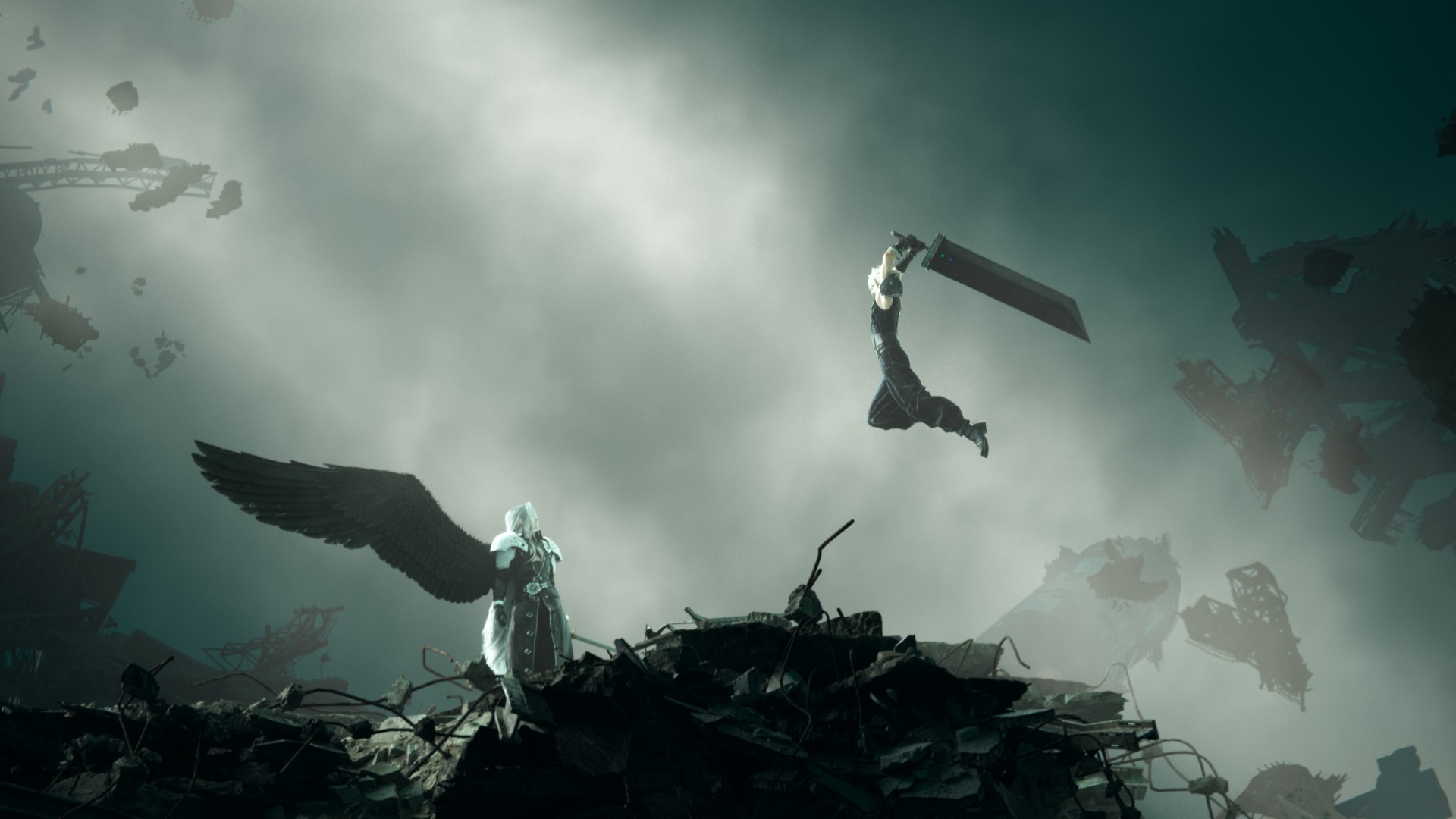


When Final Fantasy VII Rebirth PC was first announced, the clamors were more for the ability to finally see Cloud, Tifa and the rest of the crew in “better graphics.” But not everyone has the type of PC that can run the game with the best visuals possible. Some players these days also only play on gaming handhelds. This quick play test is for those people as we played FFVII Rebirth PC on the ROG Ally.
Yes, just the ROG Ally and not its half-step upgrade, the ROG Ally X. As a first generation device, we feel the ROG Ally is a good baseline to start with.
Is FFVII Rebirth PC handheld compatible?
The official Final Fantasy VII account across multiple social platforms have already announced that Rebirth is Steam Deck verified. That’s not the end-all be-all for gaming handhelds, but it’s a good place to start.
At the very least, it confirms that you should be able to play the game with only a handheld in tow.
Final Fantasy VII Rebirth and Remake Intergrade are both Steam Deck verified ✅
Pre-purchase the Twin Pack up to 30% off to download and start FFVII Remake Intergrade today ahead of FFVII Rebirth’s launch on Thursday. pic.twitter.com/9JJYX5U075
— FINAL FANTASY VII (@finalfantasyvii) January 17, 2025
PC Requirements
Square Enix understands that not all PCs are created equal. That’s why they made sure to release the PC requirements to adequately enjoy the game, no matter the hardware you’re rocking.
Here’s a look at the specs.

For a better appreciation of what each configuration will look like, they even shared a PC Graphics Preset Video.
FFVII Rebirth on ROG Ally
So, with all of that out of way, what’s the experience like playing the game on the ROG Ally? In a word: Decent.
It’s been at least a couple of years now since we’ve seen these PC Gaming Handhelds handle AAA games. And as someone who grew up and started playing first on Nintendo Famicom or the NES (Nintendo Entertainment System) as it’s most widely known in the Western world, I continue to be floored by the fact that we’re now able to play modern games on a device we can bring anywhere. I digress.
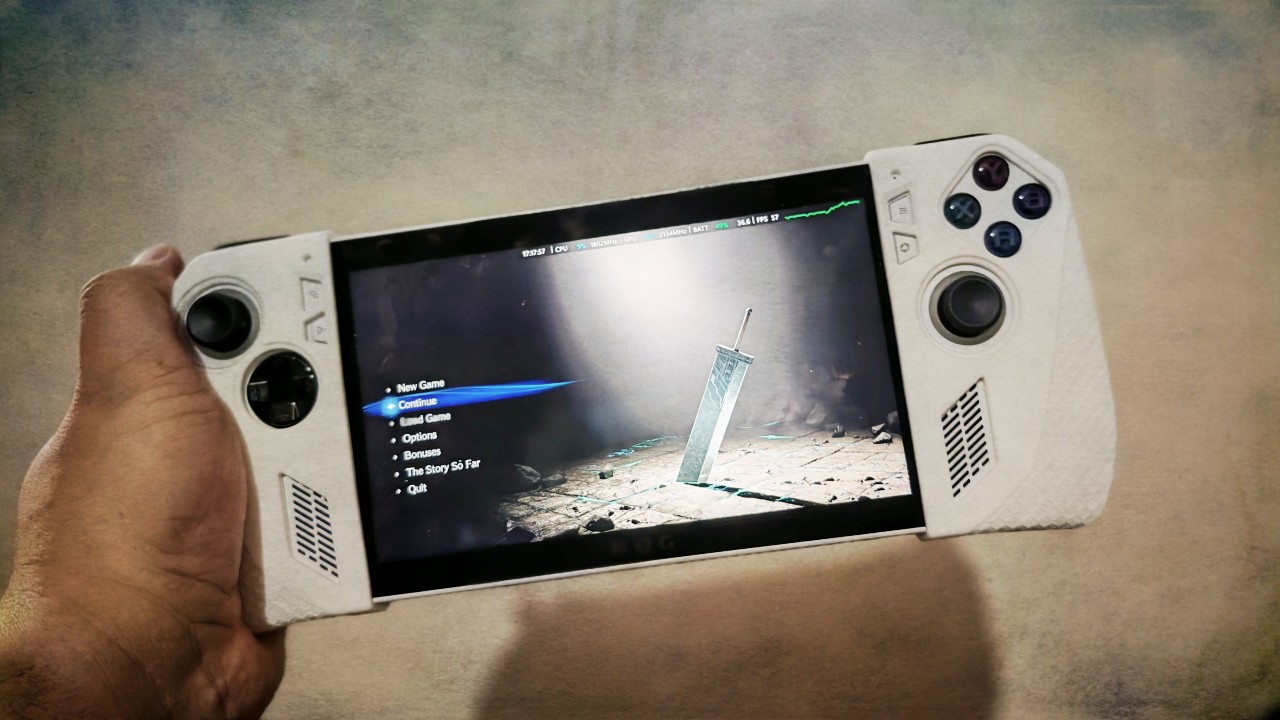
The technology is relatively young and does come with compromises. Chief of which is length of play time. Typically, you’ll only get, at most, under two hours of playtime if you’re pushing your PC Gaming Handheld to the brink.
With FFVII Rebirth PC on the ROG Ally, that experience rings true.
Playtime duration
To get the best possible experience, I had the ROG Ally on Turbo Mode with the FPS (frames per second) limiter turned off.
In the first hour or so of the playthrough covering the beginning of the game, the GPU was operating at 95% capacity with the FPS fluctuating from a low of 27 fps to a high of 60 fps.

In these settings, I was able to play for roughly around an hour and 14 minutes before the battery levels reached red levels – somewhere between 15-18%.
I plugged in the ROG Ally before resuming my playthrough.
Visuals and performance
Still playing on battery, I resumed my playthrough. All the while, I didn’t tweak the graphics settings at all. By default when I fired up the game, the main Graphics Quality setting was set to Medium.
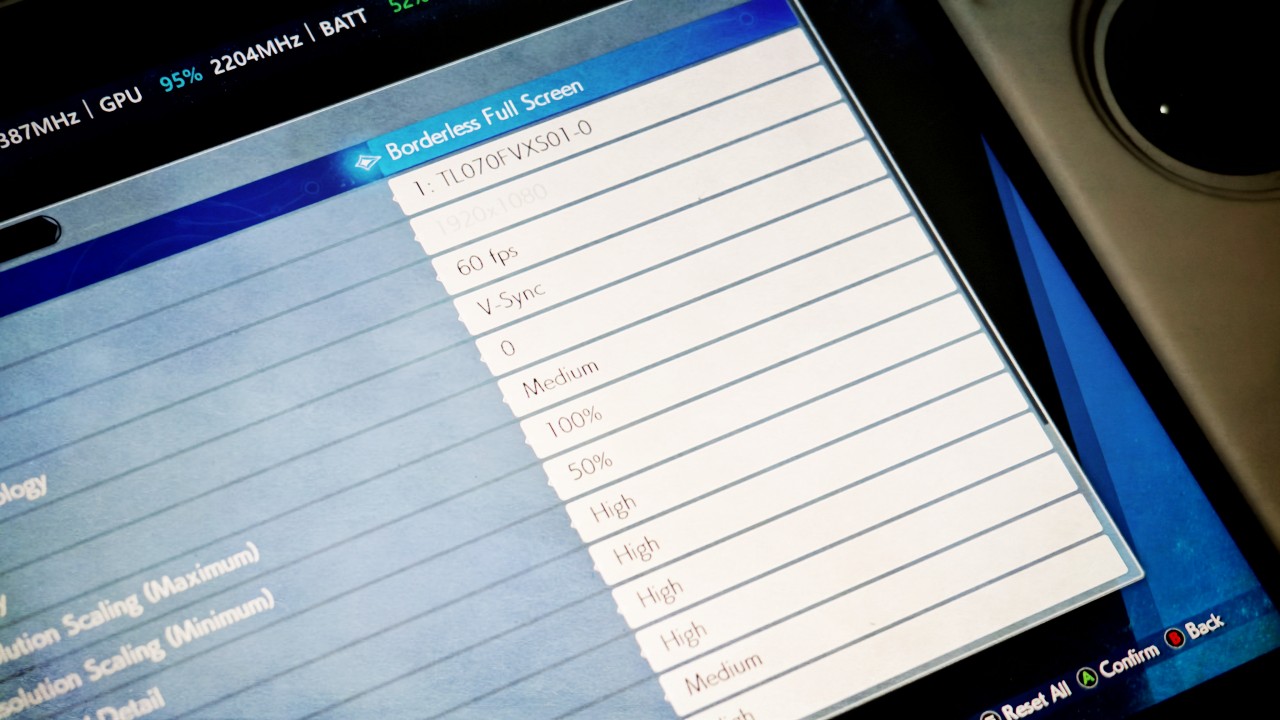
However, other graphic settings like Background Model Detail, Ocean Detail, Character Model Detail, and a few more were set to high.
With these settings, I tried playing the game on the various modes of the ROG Ally.
Operator Mode
In Operator Mode, the game had no problem playing cutscenes. But once gameplay kicked in, the lag and stutters were pretty bothersome. I do not recommend playing in this mode.
Performance Mode
In Performance Mode, the experience was a lot better. If you’re trying to squeeze more playtime while playing unplugged, this is the best compromise.

You’ll experience some noticeable stutters here and there, especially when there’s a lot happening on the screen. But for the most part, this mode was serviceable.
Turbo Mode
Turbo Mode is the best mode to play such a demanding game like FFVII Rebirth PC on the ROG Ally. That’s pretty obvious. It’s also still not perfect.
When you get to the spots where you’re starting to unlock Limit Breaks and Special Abilities, you will experience some stuttering. But it’s not to a level that’s totally bothersome.
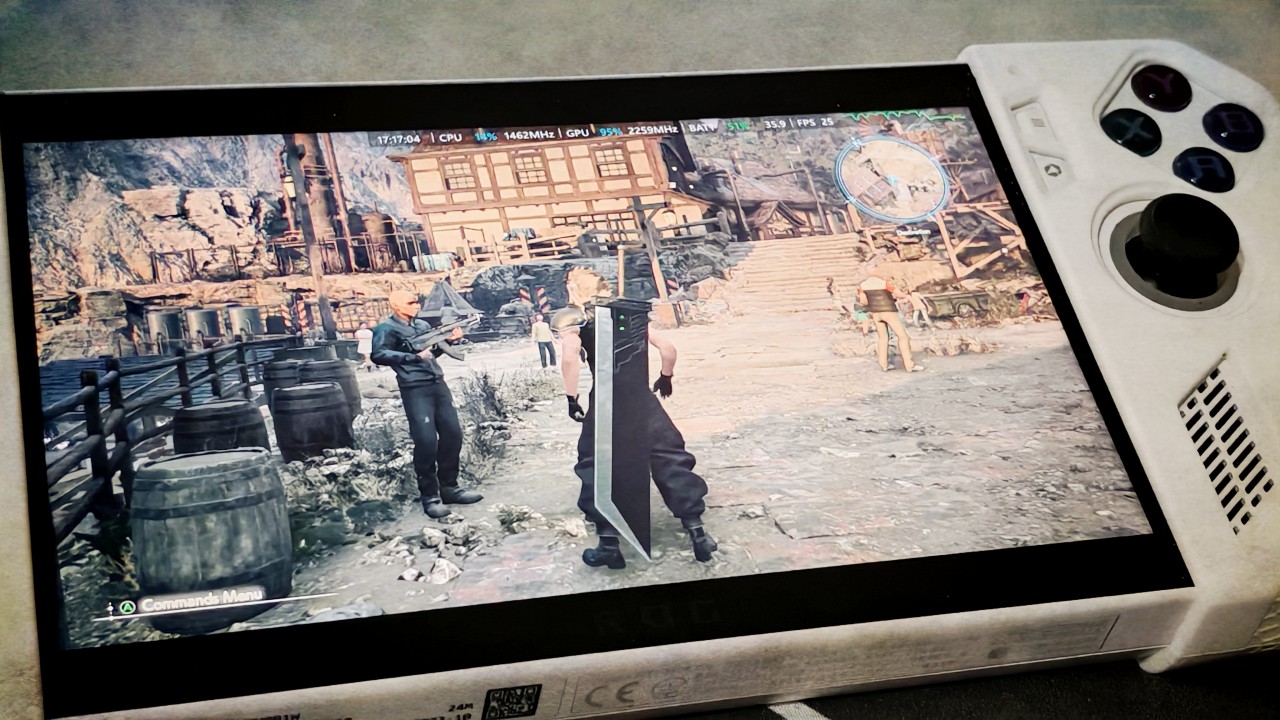
The experiences mentioned above were all done while playing on battery or unplugged. We’re pretty sure it’ll improve if the ROG Ally was plugged.
We also didn’t tweak the graphics settings at all as we had a limited time to play prior to the official release of the game. Rest assured we’ll conduct more tests with more handhelds and more configurations as soon as we can.
Should you play FFVII Rebirth on PC?
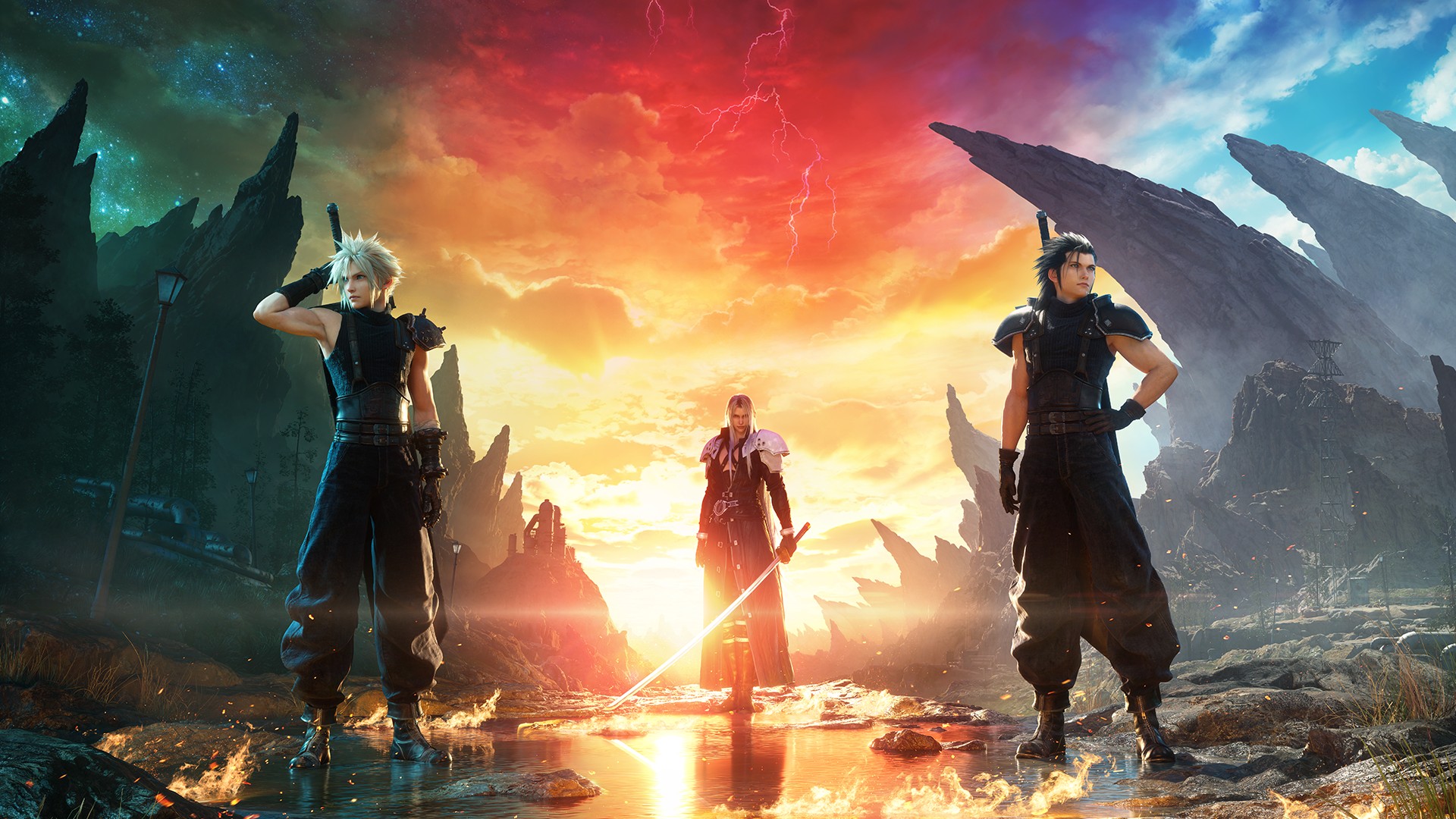
FFVII Rebirth is my personal Game of the Year for 2024. In my spoiler-free review I mentioned that it’s “the game we all envisioned when a remake of the original Final Fantasy VII was first announced. It’s packed to the brim with mini-games, activities, and quest lines that are all worth your time, with a main storyline that is captivating, enthralling, and awe-inspiring.”
About a year later and my opinion remains the same. No matter what type of gamer you are, FFVII Rebirth is well-worth checking out. I feel the overall experience is that good. And I’m happy more players are now able to enjoy it as it becomes available on PC.
FFVII Rebirth on PC starts at US$ 69.99.
As of publishing time, it’s still available for pre-purchase at 30% off, which is US$ 48.99.





Computers
ROG brings out the ultra-stylish G1000 gaming desktop
Plus, here’s a couple of sleek transport options from ROG.


Despite how much higher prices are going today, there are still so many options if you want a PC for yourself. However, only a handful of brands will offer you quite as much style doing so as ASUS. Today, ROG has revealed the new G1000 gaming desktop.
For the first time ever in a prebuilt PC, the ROG G1000 comes with a built-in AniMe Holo, a holographic fan with customizable visuals using Armoury Crate and Aura Sync. Additionally, the holographic fan is inside its own chamber, preventing it from interfering with the main system. Instead, the desktop uses the ROG Thermal Atrium, which uses three fans to channel fresh air through a 420mm AIO liquid cooler.
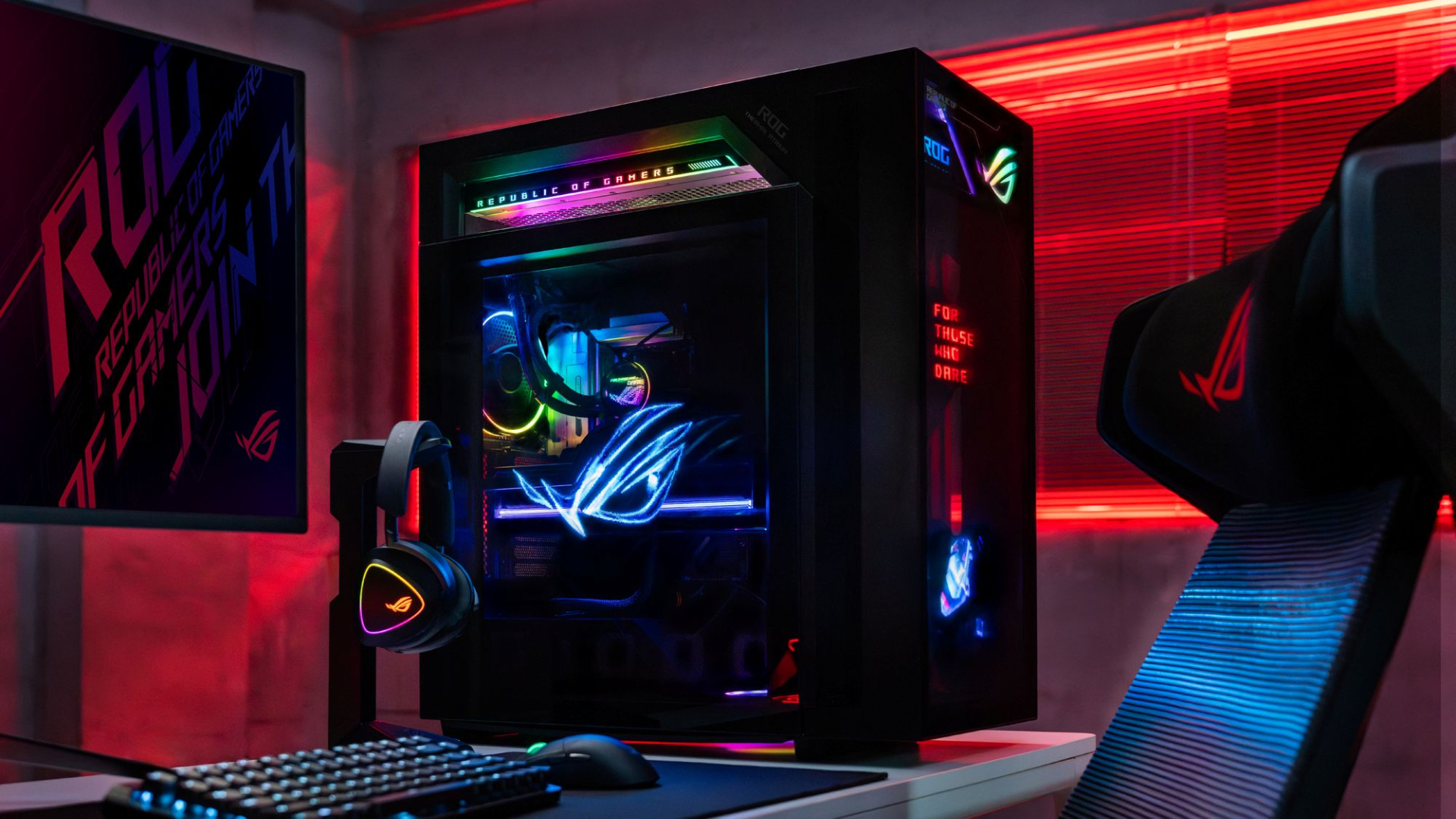
Now, the ROG G1000 isn’t just a pretty face. Inside, the 104L desktop comes with a Ryzen 7 9800X3D processor. It also comes equipped with the ROG Astral GeForce RTX 5080, up to 128GB DDR5 memory, and 1TB SSD for storage. New purchases will also come with a gaming keyboard and mouse, a year of Microsoft 365 Basic, Office Home 2024, and an ASUS No. 1 Quality and Service warranty.
The ROG G1000 will be available from ROG Exclusive Stores and will start at PhP 399,995.
Celebrating ROG at 20
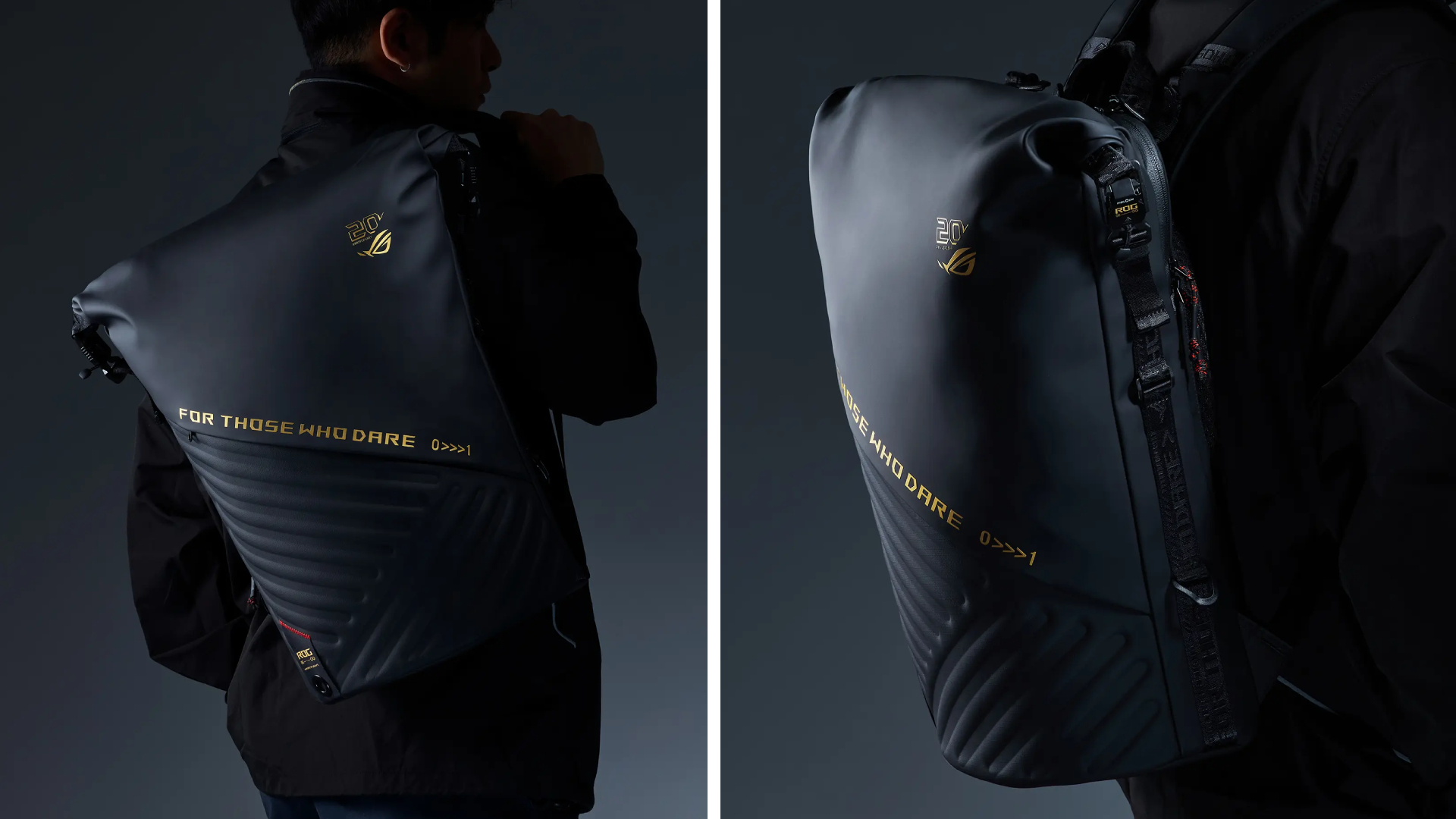
Besides the new desktop, ROG is also launching a couple of storage and transport options for your prized gaming possessions. The ROG SLASH Backpack Edition 20 is a sleek backpack that can fit an 18-inch laptop with enough room for peripherals and accessories. It also comes with a custom FIDLOCK Magnetic quick-release, black-and-translucent-gold buckle. It will be available next quarter for PhP 10,995.
Meanwhile, the ROG SLASH Hard-Case Luggage Edition 20 is designed specifically for transporting your hard-earned gaming devices. The light-but-durable aluminum frame comes with a specialized compartment for laptops, handhelds, and accessories. It also has removalbe foam dividers to better customize the case for your needs. Finally, it has 360-degree silent skate wheels for smoother rolling. The luggage will be available starting next quarter for PhP 15,995.


Pre-orders for God of War Laufey pre-orders are now live with new details on editions and Faye’s Serpent Bow. are now live on the PlayStation Store and at participating retailers across Southeast Asia ahead of its February 16, 2027 release on PlayStation 5.
Sony also detailed the game’s pre-order bonuses and Digital Deluxe Edition, alongside new footage and information about Faye’s combat abilities.
Players who pre-order God of War Laufey will receive the Last Wish Armor Set, Phranque Golden Leaves Appearance, and an in-game resource pack. The physical Standard Edition includes these items through a download code.

The Digital Deluxe Edition adds the Dark Alchemy Armor Set, Dark Alchemy Blade, Dark Alchemy Bow Scales, Dark Alchemy Catalyst, an in-game resource pack, a digital mini artbook, and the official digital soundtrack.

Faye gets a new weapon
Faye will wield the Serpent Bow, an enchanted weapon that lets her switch between close-range and ranged attacks.
The bow has two firing modes. Full-aim provides more precise shots and greater range, allowing Faye to target specific parts of enemies and charge up to five arrows for a powerful volley. Half-aim switches to a more mobile hip-fire stance for rapid attacks at close range.
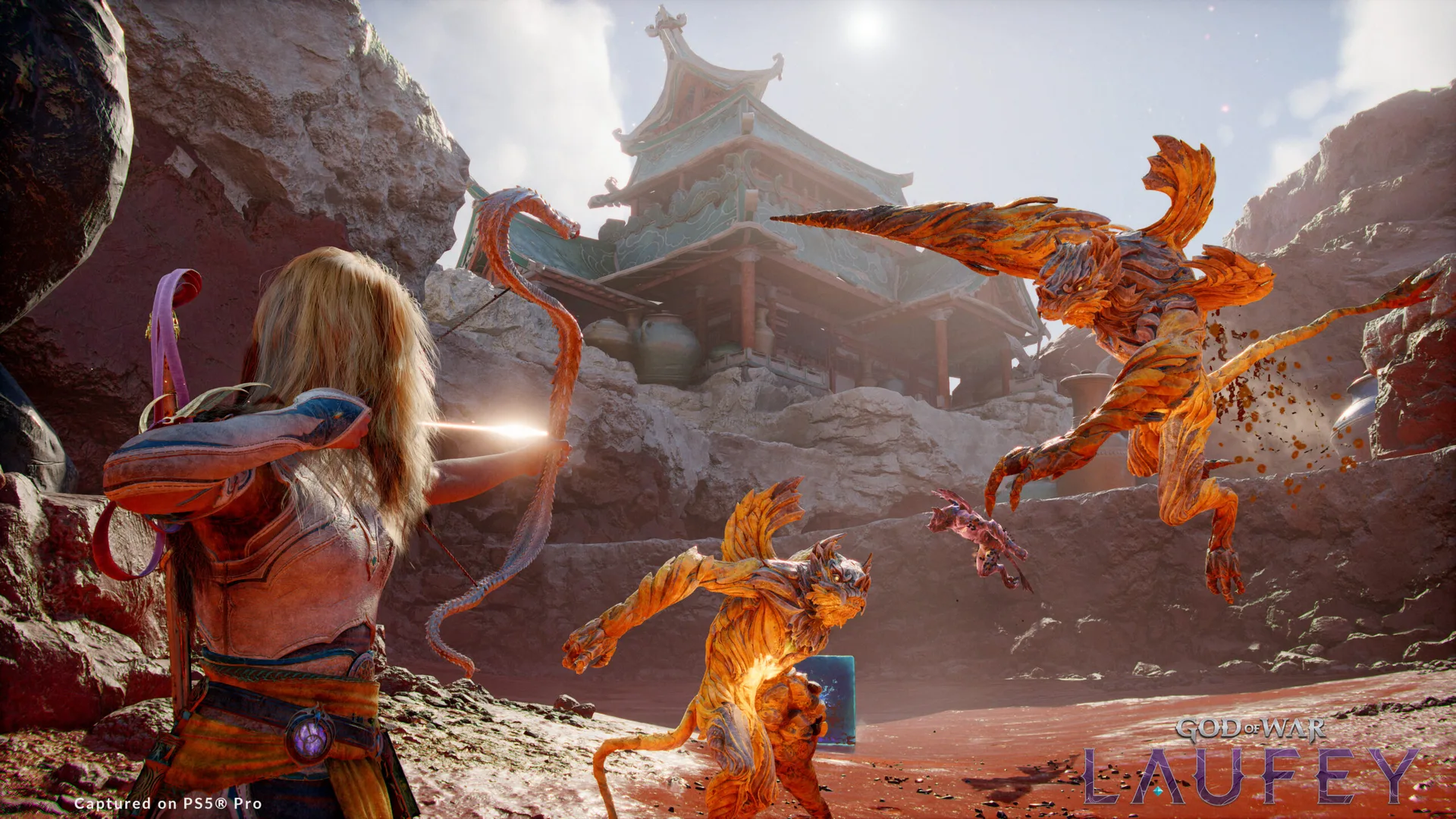
Different arrow types support various combat approaches, including rapid-fire, explosive, and multi-target attacks. Players can also equip different Serpent Scales, which change the bow’s appearance and provide unique perks. Additional skills further expand its capabilities.
Faye’s other equipment can also be customized. Her Blade, Serpent Bow Scales, and Catalysts can be configured to support different playstyles.
God of War Laufey follows Faye after her death as she awakens in the Everywhen, an afterlife where gods and creatures from different mythologies converge. Santa Monica Studio previously revealed that Faye will fight through the realm alongside Phranque and Rue as she searches for a way home.
God of War Laufey launches exclusively on PS5 on February 16, 2027.
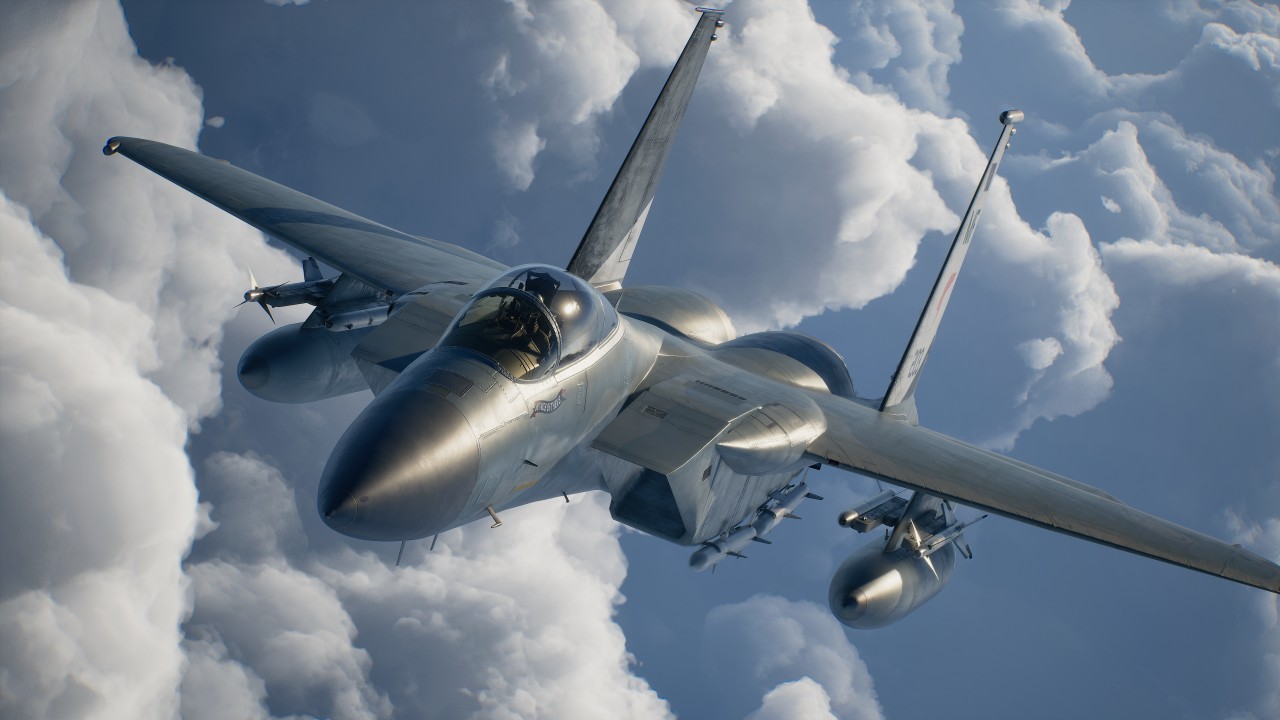
I came into ACE Combat 8: Wings of Theve completely blind.
I knew very little about the franchise outside of the fact that it’s a fighter plane game. My entire exposure was limited to a handful of press releases from Bandai Namco and, of course, the noise the pink-haired character made on social media when she was first revealed.
So, I had no idea what to expect when I climbed into the cockpit.
What surprised me most wasn’t the flying. It was everything that happened outside of it.
A surprisingly beautiful presentation
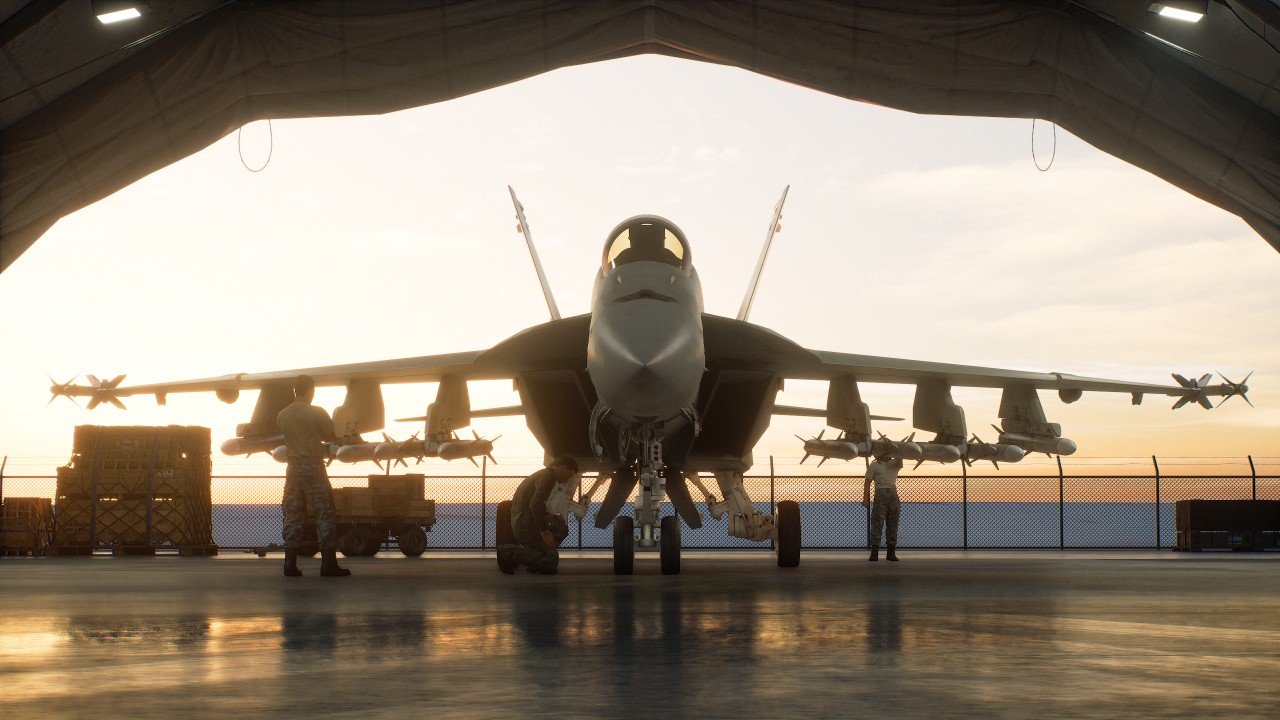
I was floored by the story segments of the game, particularly the visuals and presentation.
A lot of these scenes are presented from a first-person perspective. The characters and environments you interact with are beautifully rendered, and there’s an impressive level of detail to the world around you.
It looks like a AAA game. It just doesn’t move like your typical AAA action game or RPG. That threw me off a bit.

There’s something intentionally different about how ACE Combat 8 presents its story and world. You’re not controlling a character running around a beautifully rendered environment. Instead, you’re mostly observing the world from a grounded first-person perspective before getting back into the cockpit.
It’s an unusual approach, but one I found myself appreciating.
Learning how to fly

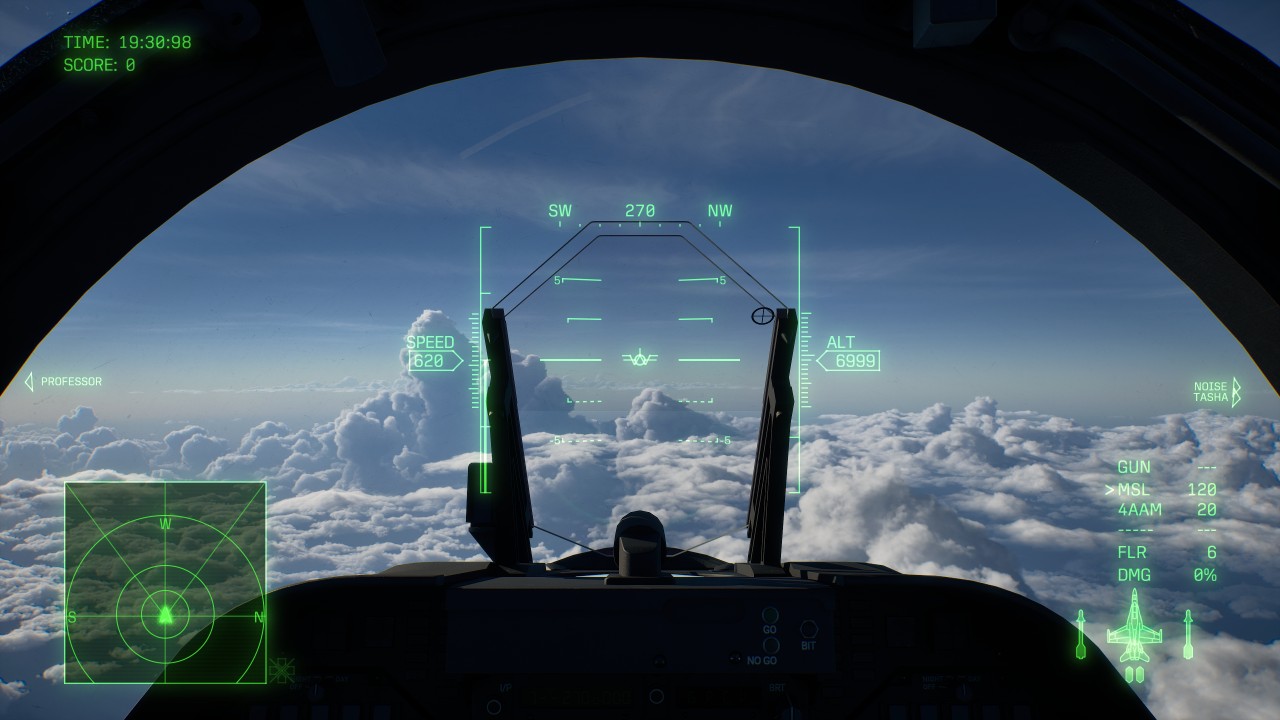
The bigger adjustment was actually flying the plane.
I had trouble getting used to the controls and the structure of the missions. I failed the first one quite a few times because I couldn’t fully understand the radar or the environment I was flying in.
It took plenty of getting used to on my part.
Even after a few hours of play, I can’t say I got fully used to it.
The game offers STANDARD and EXPERT control schemes. STANDARD is designed to be more intuitive, while EXPERT gives you more control over the aircraft through traditional roll-and-pitch inputs.
I still had plenty to learn regardless of the control scheme. There’s a lot of information to process at once: your aircraft’s position, altitude, speed, radar, targets, incoming missiles, objectives, and everything happening around you.
It takes time to develop a feel for how everything moves.
Missions aren’t just about shooting everything

The mission structure is quite specific.
You have to do things a certain way in each mission. It’s not just “blast everything in your path.”
That offered a lot of variety and made the game more engaging.
Some missions asked you to maintain a certain altitude to avoid detection. Others demanded expert flying. Some also felt like full-on aerial combat.
Objectives can range from destroying targets and protecting allies to earning a certain number of points, with some missions changing objectives while you’re already in the air.
That keeps the campaign from feeling like a series of identical dogfights.
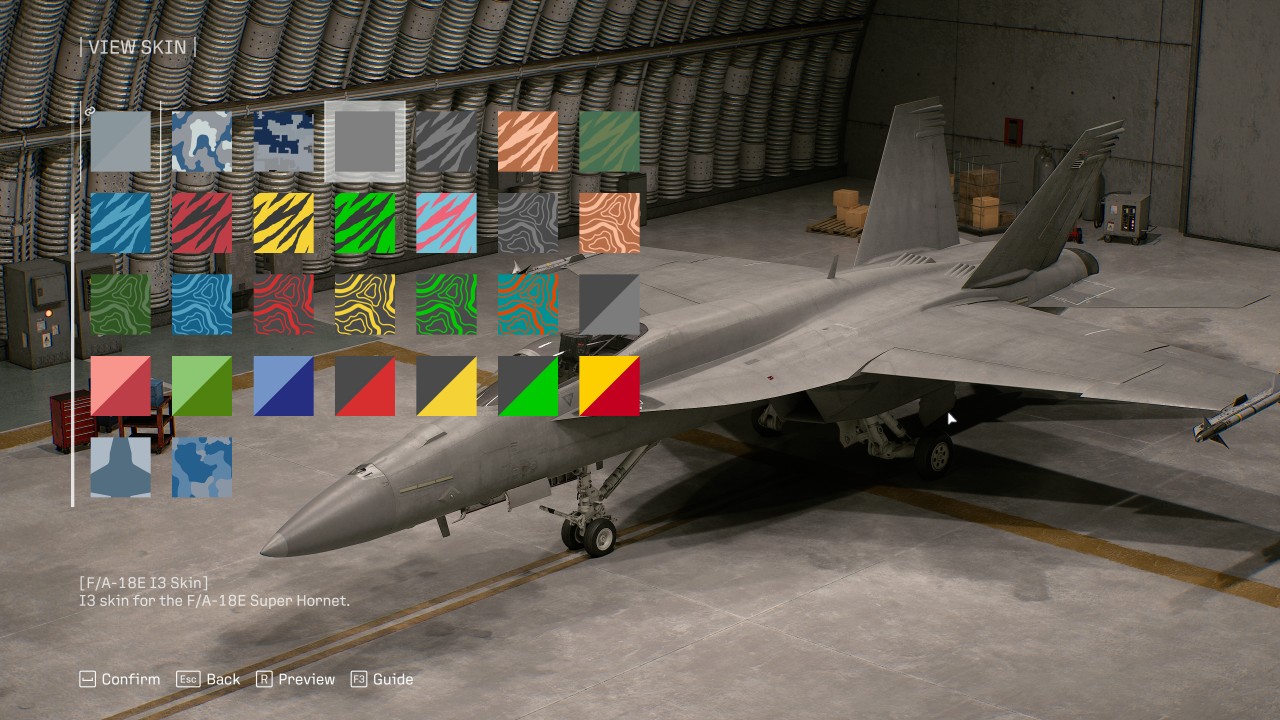
There’s also a progression system built around different aircraft types, including fighters, attackers, multirole aircraft, and electronic warfare planes. More than 30 aircraft are available, with new planes, upgrades, and special weapons unlocked through the Aircraft Tree.
Your choice of aircraft and weapons can also change how you approach a mission. A fighter makes sense when the skies are packed with enemies, while an attacker can be better suited to ground targets. Multirole aircraft offer a middle ground when you’re unsure what you’ll encounter.
Wingman commands add another layer to combat. You can order your pilots to attack, spread out, provide support, or use their special weapons.
The result is a game that asks you to pay attention to what’s happening instead of simply holding down the trigger.
A story worth sticking with
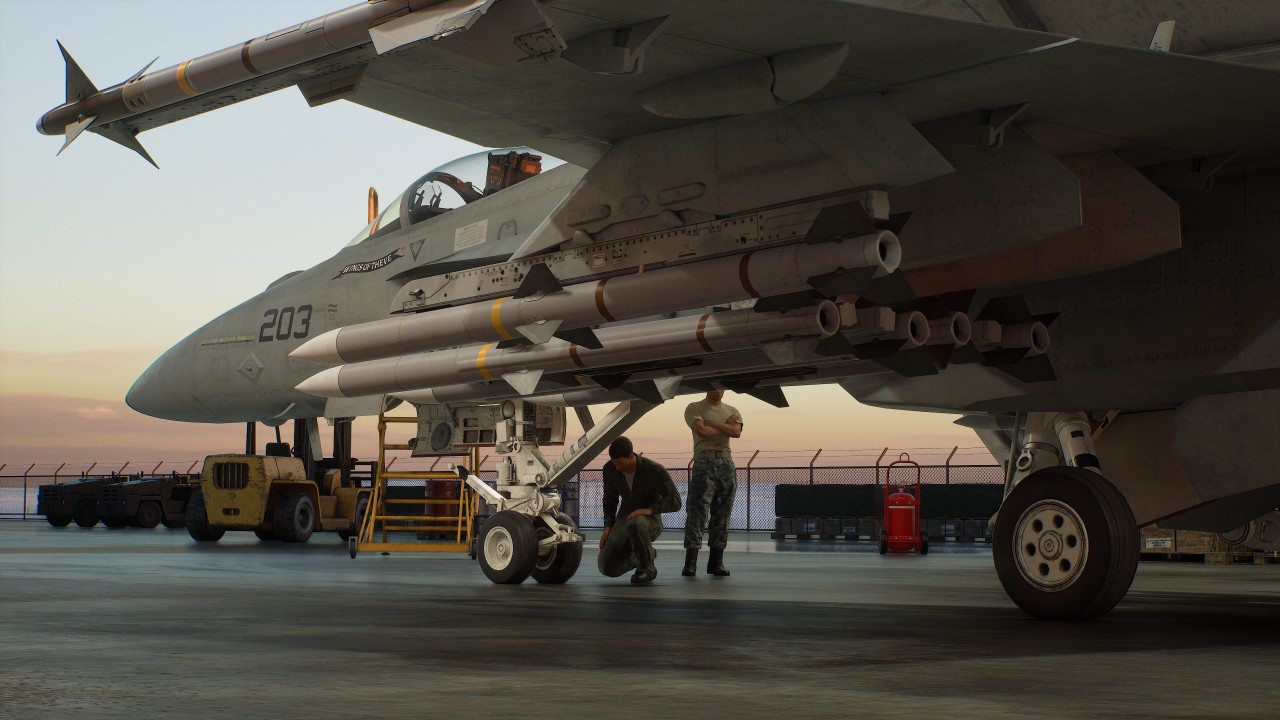
The story I’ve encountered so far isn’t something to write home about.
Its presentation, however, is engaging enough that I feel a lot of people can easily soldier on to see it through to the end.
The first-person story segments, radio chatter, briefings, and events that unfold during missions give the campaign more personality than simply jumping from one dogfight to another.
There’s clearly a larger conflict unfolding, and the game does a good job of making its missions feel like part of something bigger.
The presentation does a lot of the heavy lifting here.
Is ACE COMBAT 8: Wings of Theve your Play Match?
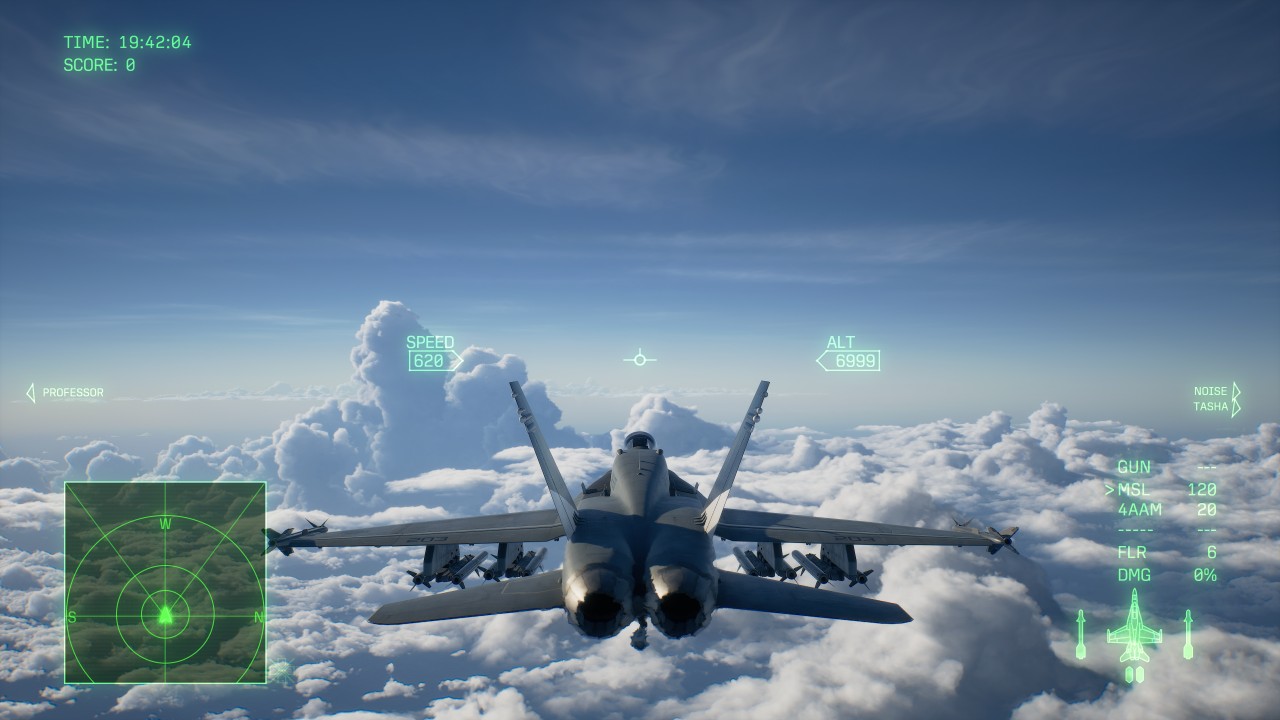
The campaign has 30 missions that run at around 15 minutes each, give or take. Your mileage, naturally, will vary.
For me, those first few hours took longer because I was still trying to figure out how to move, where to look, and what the game actually wanted me to do.
ACE Combat 8 isn’t immediately intuitive if you’re coming into it completely blind like I did. The game does give you training options for practicing flight controls and special weapons, which can help you get comfortable before throwing yourself into tougher missions.
Once things start clicking, though, the experience becomes quite distinct from the type of game most people gravitate towards.
Overall, ACE Combat 8: Wings of Theve feels like a nice break from the usual games where you control a single character and go through linear levels or an open world.
It’s the perfect palette cleanser.
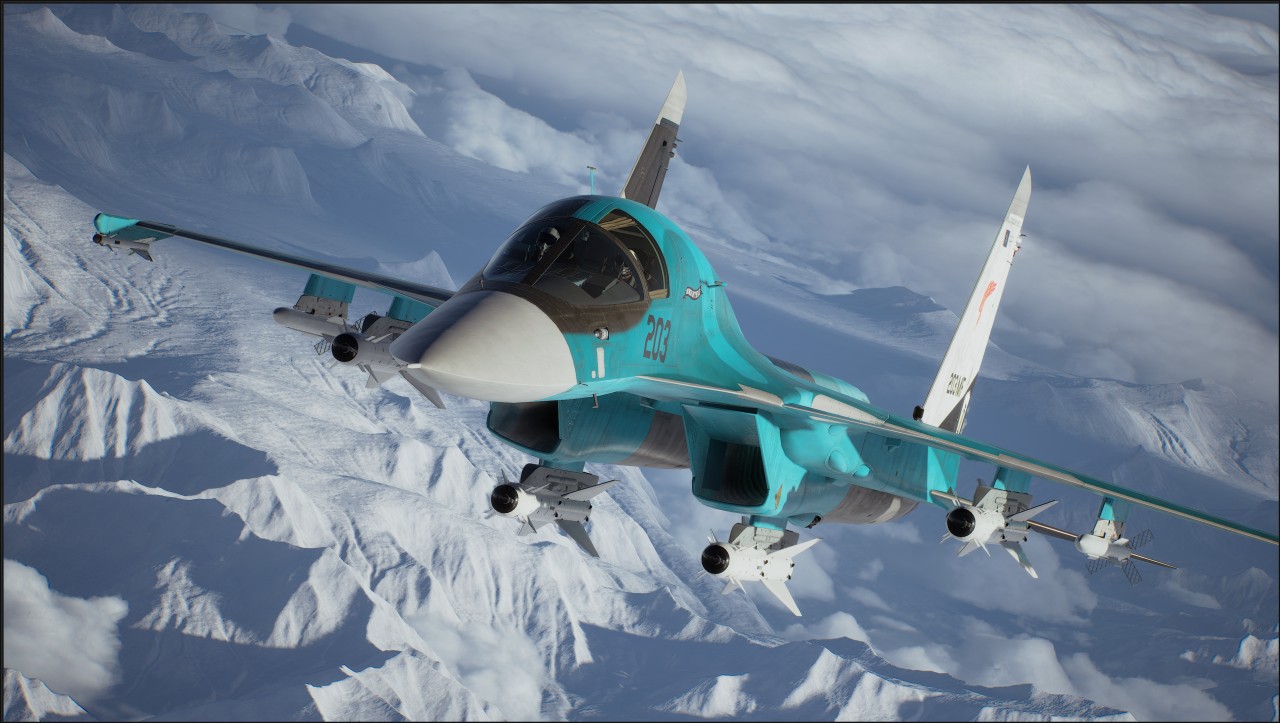
I didn’t expect to spend my first few hours struggling with radar, movement, altitude, and mission objectives. Those struggles also made the moments when I finally understood what I was supposed to do feel more rewarding.
I’m still not fully comfortable in the cockpit.
I’m also ready for another sortie.
Verdict: Swipe Right.



UGREEN Nexode Pro 160W review: One mighty brick with a powerful trick

Samsung unveils Galaxy Tab S12 series for work, creativity, and life on the go

JBL brings a soundtrack to every room

Apple iPhone 18 Pro Series review

UGREEN launches new MagFlow and Nexode Pro charging accessories to Southeast Asia

HUAWEI Pura X View is 2026’s first WIDE slab-type smartphone

The CAMON Slim 5G is TECNO’s latest ultra-slim smartphone

iPhone 18 Pro series: Price, availability in the Philippines

DJI Osmo 360 II review: Going all-in on the ecosystem

iPhone 18 Pro series: Price, availability in Singapore


-

 News1 week ago
vivo X500 Series launches with major imaging upgrades
-

 News1 week ago
OPPO Find X10 Pro Max is the first phone with a triple 200MP camera system
-

 Automotive3 days ago
BYD says that way better EV batteries are coming next year
-

 Singapore2 weeks ago
Epson Lifestudio Grand Plus EH-LS970B with 4K projection, more launches
-

 Drones2 weeks ago
DJI Lito X1 review: Is this the best lightweight drone for creators?
-

 News1 week ago
vivo introduces OriginOS 7 with smarter multitasking and AI features
-

 News3 days ago
HONOR Magic9 Pro Max launches in China with ARRI-powered imaging
-
 Smartphones4 days ago
When TECNO-logy meets Tonino Lamborghini legacy