
Features
4 Best Uses for an Aging Smartphone


Phones go in and out of vogue on an annual (or if you’re lucky, biennial) basis. With major manufacturers coming out with a new flagship phone or two every year, it becomes increasingly difficult to resist the latest and greatest. But what can you do with the phone you’re replacing?
If you don’t want to sell it, then there are plenty of other ways that an old phone can improve your quality of life.
As in-car navigation
Metro Manila traffic is infamously terrible. Relatives based abroad have stated with confidence that if you learn to drive here, you can drive anywhere. But that doesn’t mean that you shouldn’t use technology to help you cope with the notorious Philippine roads.
For navigation, there are really only two apps you need: Google Maps and Waze, both owned by Google. I myself avoid using Waze in the Philippines. While it’s great in countries with actual traffic infrastructure, Waze’s penchant for rerouting you at the slightest provocation will often cause headaches with our ever-changing U-turn slots, one-way roads, and Manila Water excavations.

By contrast, Google Maps sticks to one set route, so you can review the directions before setting out on your drive. You’ll lose out on the funny voices, but it’s better than getting lost. Plus, if you download the map data beforehand, you can even use Google Maps offline.
Why use a separate phone for maps? Navigation is horrendous for the phone’s battery, what with its use of the screen, mobile data, and GPS. Offloading that drain to a secondary phone (that you can even leave plugged into your car) will keep your daily driver topped up throughout the day.
As a dedicated mobile hotspot
The LTE speeds in the Philippines aren’t anything to brag about, but it’s better than staying disconnected when you’re away from home. LTE is a battery hog, so if you have a spare SIM card and an old phone lying around, you can easily use it as a hotspot and preserve your main phone’s battery.
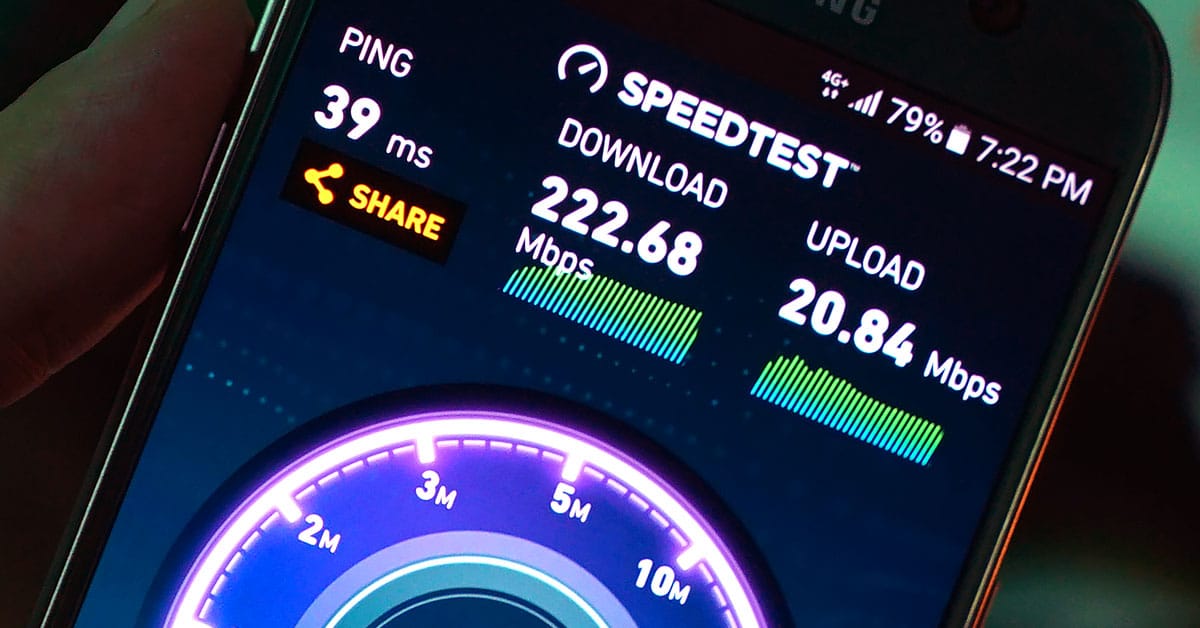
Why use a phone instead of pocket Wi-Fi? You don’t need to log into a control panel on a separate device to register to internet promos, and it does far more than a bespoke pocket Wi-Fi while taking up just a little bit more space and weight. The phone can also pull double duty in the car as both the GPS and hotspot, and when you get out of the car, bring it with you so you have internet anywhere.
As a media box
As snazzy as some smart TVs are, you should buy a television for its picture quality, not for its smart features. The wide array of manufacturers and operating systems means that whatever multimedia abilities your TV will have is at the discretion of its maker. Apps are often limited, and firmware support ends pretty quickly.
Hook up your phone via an MHL cable, and you have an instant set-top box. By using an old phone, you have complete control over the media apps that you can use, and (if your phone is powerful enough) the file formats that your TV can play. Now you can finally play those x265 movies (that you ripped from your personal Blu-ray collection, of course) without having to bring out a laptop. The only caveat is that remote control will be impossible or a massive pain.
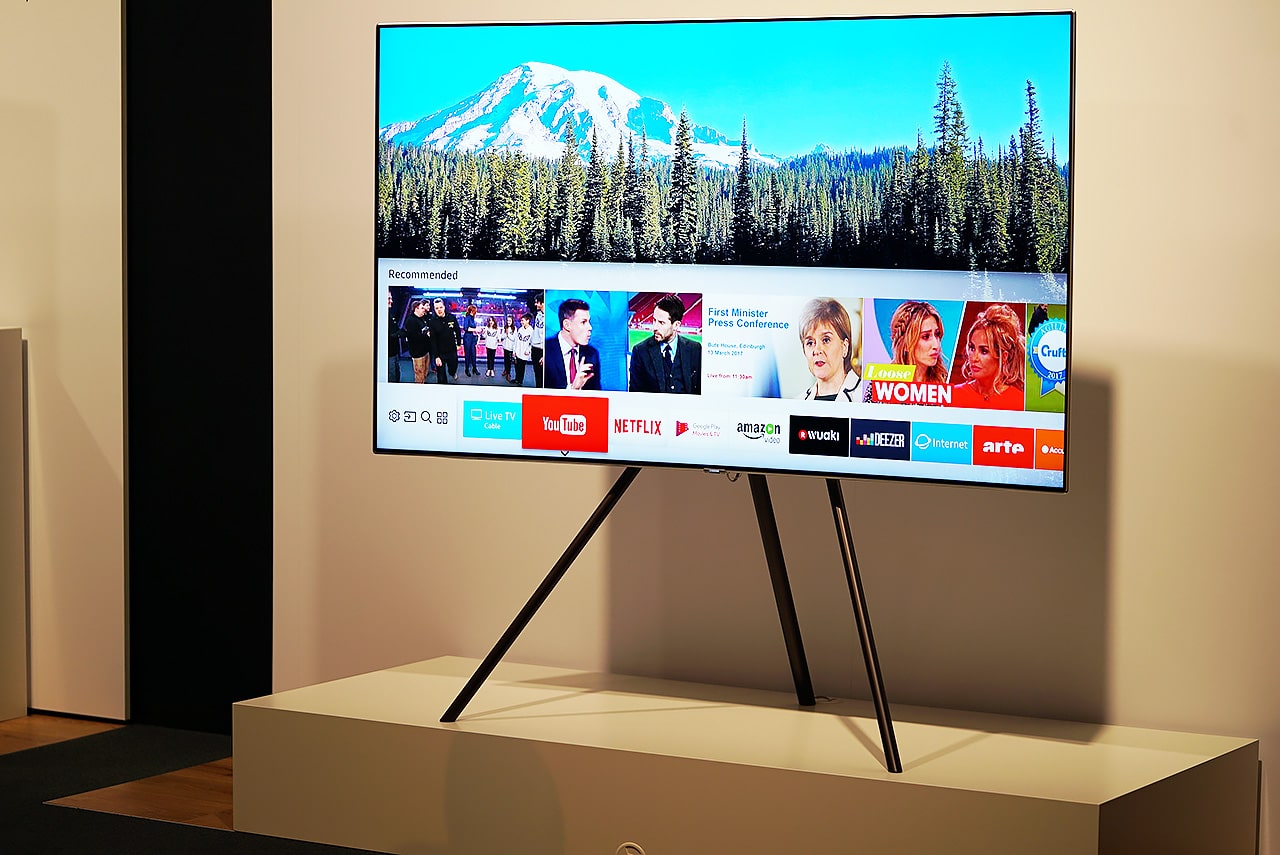
The best apps for multimedia include the open-source VLC, as well as the streaming services of your choice, such as YouTube and Netflix. If you’re old and have nothing better to do, you can also use Google Photos to seamlessly sync your photos from your main phone to your TV phone, and show off your vacation stills to your real-life guests in the living room (it’s how we did it before social media).
As an emulation machine
If the reception to the NES mini (and its upcoming successor) are any indication, retro gaming is bigger than ever. But if you never got one for yourself, which is likely, you can retrofit your old phone to play old games by connecting it to the TV with an MHL cable and using a Bluetooth controller. If your your old phone is an Xperia, chances are it’ll have native support for the DualShock 4, which one of the best readily available controllers for retro gaming. And let’s face it: The popularity of the PlayStation 4 means you have a controller handy already.
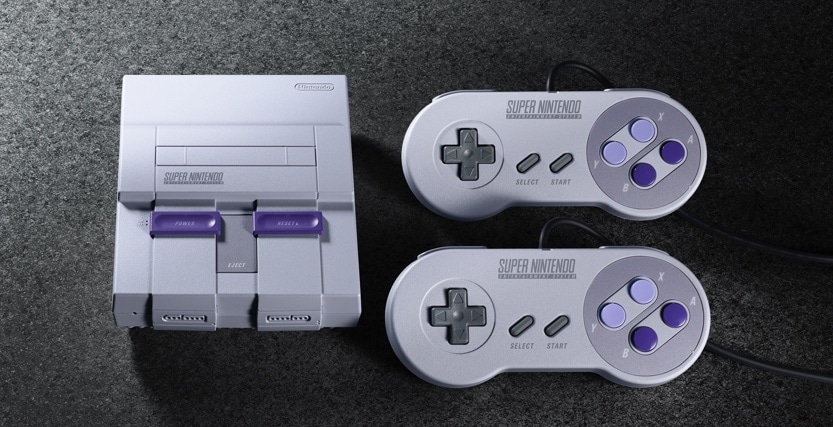
Our recommended emulation app is RetroArch. It’s an open-source emulation platform that’s completely modular — choose which systems you want to emulate, and download the corresponding “cores.” It has a bit of a learning curve (okay, a ridiculous learning curve), but once you tweak it to your liking, you can emulate any old system you wish with only one control scheme. Want one CRT shader for SNES and an LCD shader for GBA? RetroArch can do that. Your custom settings are also universal across systems, so your RetroArch experience is the same whether you’re on your phone or PC. Now, all you need are the old games (that you dumped yourself, of course) and you’re good to go.
SEE ALSO: 5 essential tips for buying a new phone
[irp posts=”16880″ name=”5 essential tips for buying a new phone”]






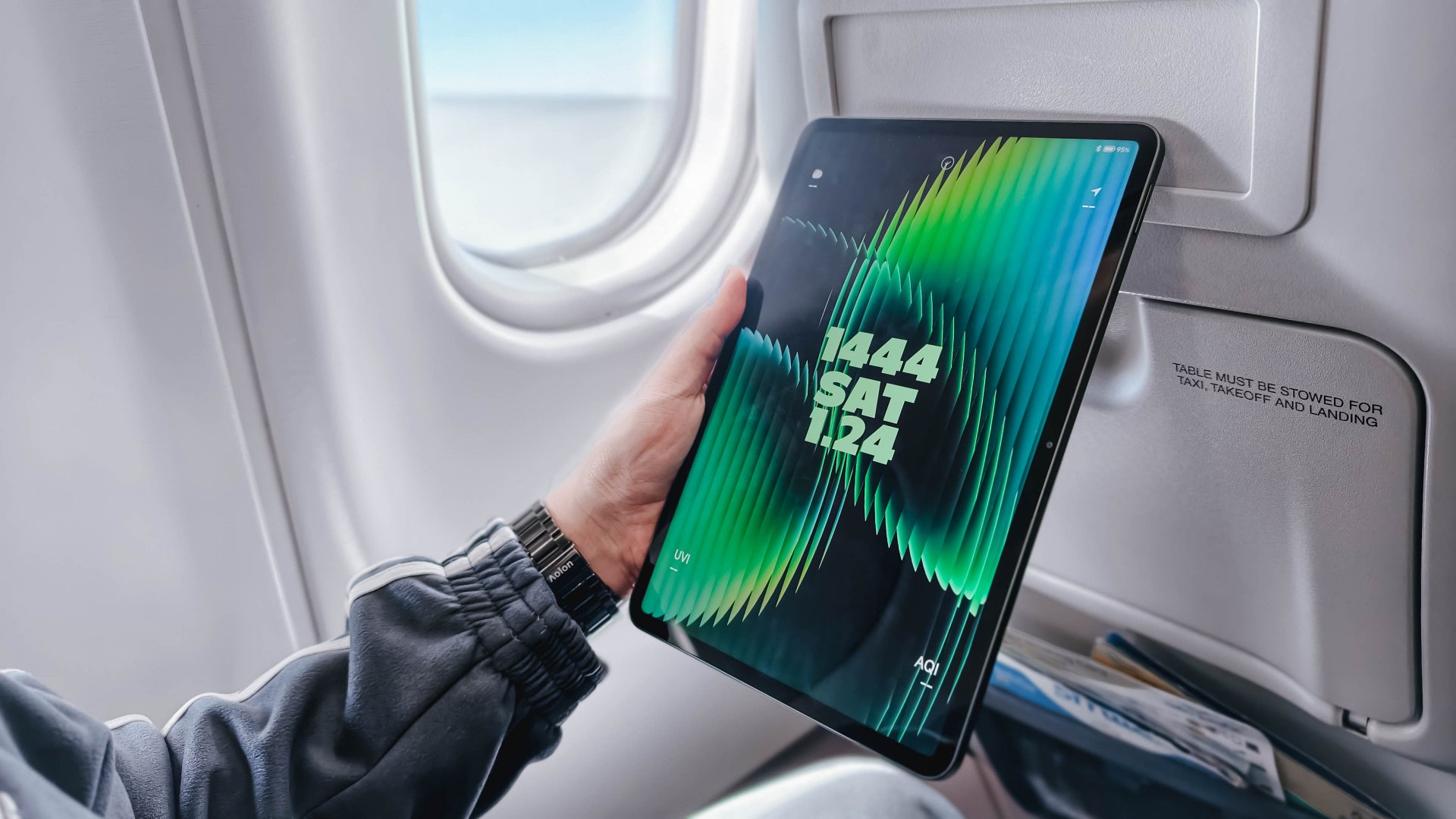
Choosing between the Xiaomi Pad 8 and the Xiaomi Pad 8 Pro feels like picking between a “sweet treat” and a “full-course meal.”
It’s deciding between a reliable travel companion and a specialized workstation. Both tablets rock a slim 5.8mm profile and a manageable 485-gram weight, and a 9200mAh battery.
However, under the hood, they are playing in different leagues. Especially since the “Pro” moniker adds serious muscle to the internals, and a solution for that glossy screen distraction.
Specs at a glance
| Product | Xiaomi Pad 8 | Xiaomi Pad 8 Pro |
| Processor | Snapdragon 8s Gen 4 (4nm) | Snapdragon 8 Elite (3nm) |
| Display | 11.2″ 3.2K IPS LCD (144Hz) | 11.2″ 3.2K IPS LCD (144Hz) |
| Surface | Ultra-Glossy Glass | Optional Matte Nano-Texture |
| Storage/RAM | Up to 12GB LPDDR5X / 256GB | Up to 16GB LPDDR5T / 512GB |
| Rear Camera | 13MP | 50MP |
| Front Camera | 8MP | 32MP |
| Charging | 45W Turbo Charge | 67W HyperCharge |
| Pricing | Starts at PhP 20,999 | Starts at PhP 38,999 |
Why you should pick the Xiaomi Pad 8
The standard Pad 8 is that “Goldilocks” device, hitting that sweet spot between price and premium hardware.
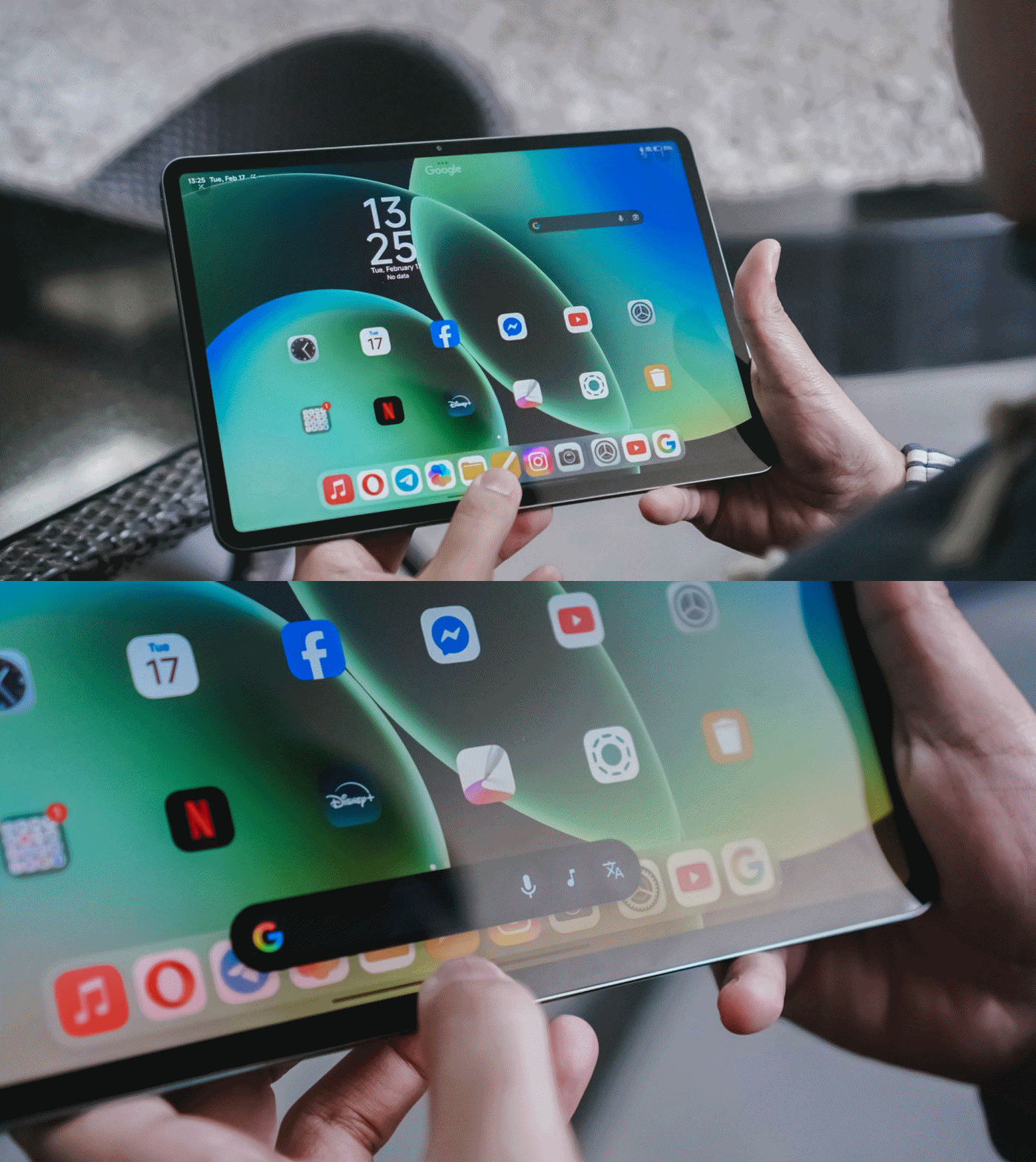
It’s ideal if your tablet usage is centered on media consumption and light productivity. Since it shares the same 11.2-inch screen size as the Pro, it fits perfectly on an airplane tray table, making it a dream for frequent flyers.

The Snapdragon 8s Gen 4 is no slouch; it still runs titles like Racing Master at 60fps on Ultra-High settings. If you’re a fan of XG or KiiiKiii, you’ll appreciate the quad-speaker setup and Hi-Res Audio support without needing to pay the “Pro” tax.
It’s the smart choice for those who want a capable second screen to complement their main laptop.
Why you should level up to the Xiaomi Pad 8 Pro
The “Pro” is for those who found the standard model’s limitations — like the glossy screen reflections or the 128GB storage ceiling — to be a dealbreaker.
The biggest upgrade is the Snapdragon 8 Elite, a powerhouse chip that turns the tablet into a legitimate workstation for video editing in CapCut or heavy multitasking in HyperOS 3.0.

Beyond power, the Pro version offers a Matte Glass Edition, which completely solves the “reflection” issue that can ruin your movie sessions or drawing time under bright lights.
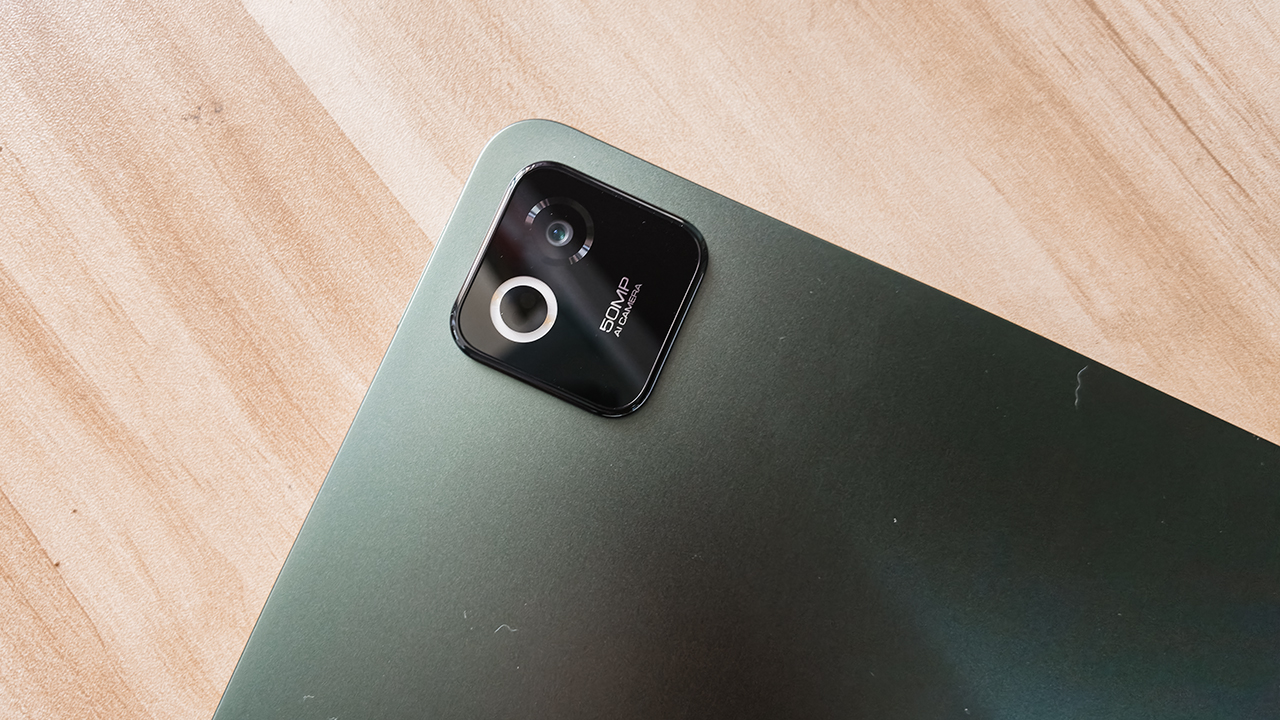
You also get significantly better cameras, such as a 32-megapixel front sensor for professional-looking video calls. There’s also a 50-megapixel rear camera for high-res document scanning.
Finally, the 67W HyperCharge means you spend less time tethered to a wall and more time being productive.
Which Xiaomi Pad is your GadgetMatch?
Swipe Right on the Xiaomi Pad 8 if you want the best value for your money.
It’s thin, light, and powerful enough for 90% of users. It handles gaming, writing, and music playback with ease, making it a worthy recipient of a seal of approval for anyone on a budget.
Just be sure to skip the 128GB entry model and go for the 256GB version to ensure you get those faster storage speeds.

Swipe Right on the Xiaomi Pad 8 Pro if you are a “power user” who hates screen glare. If you plan to use the Focus Pen Pro for serious creative work or need 512GB of space for a massive game library, the Pro is worth the extra investment.
It’s a high-speed machine that charges faster, captures better photos, and runs every app with flagship-level fluidness.
The Xiaomi Pad 8 starts at PhP 20,999 with Normal Keyboard while the Xiaomi Pad 8 Pro starts at PhP 38,999 with Touch Keyboard. Both tablets come with free Focus Pen Pro.
Apps
The No-Nonsense guide to mid-year shopping
Let AI do the heavy lifting for you this Lazada 6.6 Super WOW Sale


The mid-year sale season is here, but the days of mindless impulse buying are over.
Shoppers are shifting toward intentional, value-driven decisions, focusing on quality, authenticity, and actual utility over flashy, low-quality gimmicks.
From 8:00 PM on June 5 until 11:59 PM on June 8, 2026, the Lazada 6.6 Super WOW Sale is dropping major discounts. But the real win is using the platform’s tools to maximize your budget.
Lock in the baseline discounts

Before diving into specific items, map out how to stack the core offers.
You can stretch your money by hunting down LazFlash Deals for up to 90% off, collecting up to PhP 3,000 in stackable vouchers, and ensuring every order qualifies for the free shipping offers available throughout the event.
True value comes from combining these three layers of savings on things you already need.
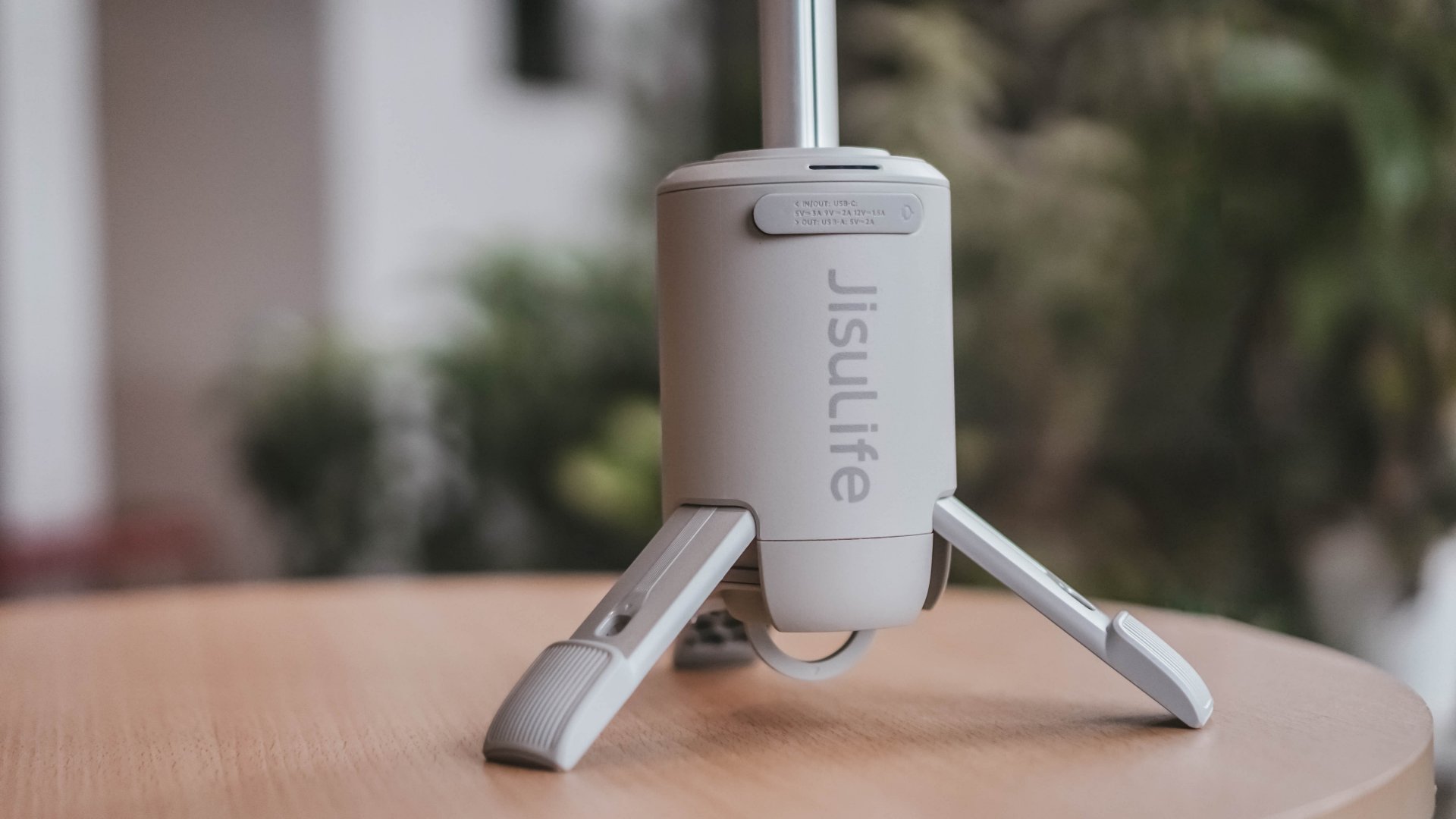
Jisulife: One of the participating, trusted brands you can get from LazMall
Filter for authentic value
Shopping smart means avoiding the trap of “too good to be true” counterfeits that end up in the trash.
Data shows a massive consumer shift toward trusted quality, with LazMall growth vastly outperforming standard listings during major sales.

To ensure your money goes toward genuine products with real warranties, restrict your browsing to official, brand-certified stores.
If you are upgrading your tech, parenting gear, or wardrobe, look to trusted names anchoring the sale like UGREEN, JisuLife, ANTA, Maserati Watches, Momcozy, and O.TWO.O.
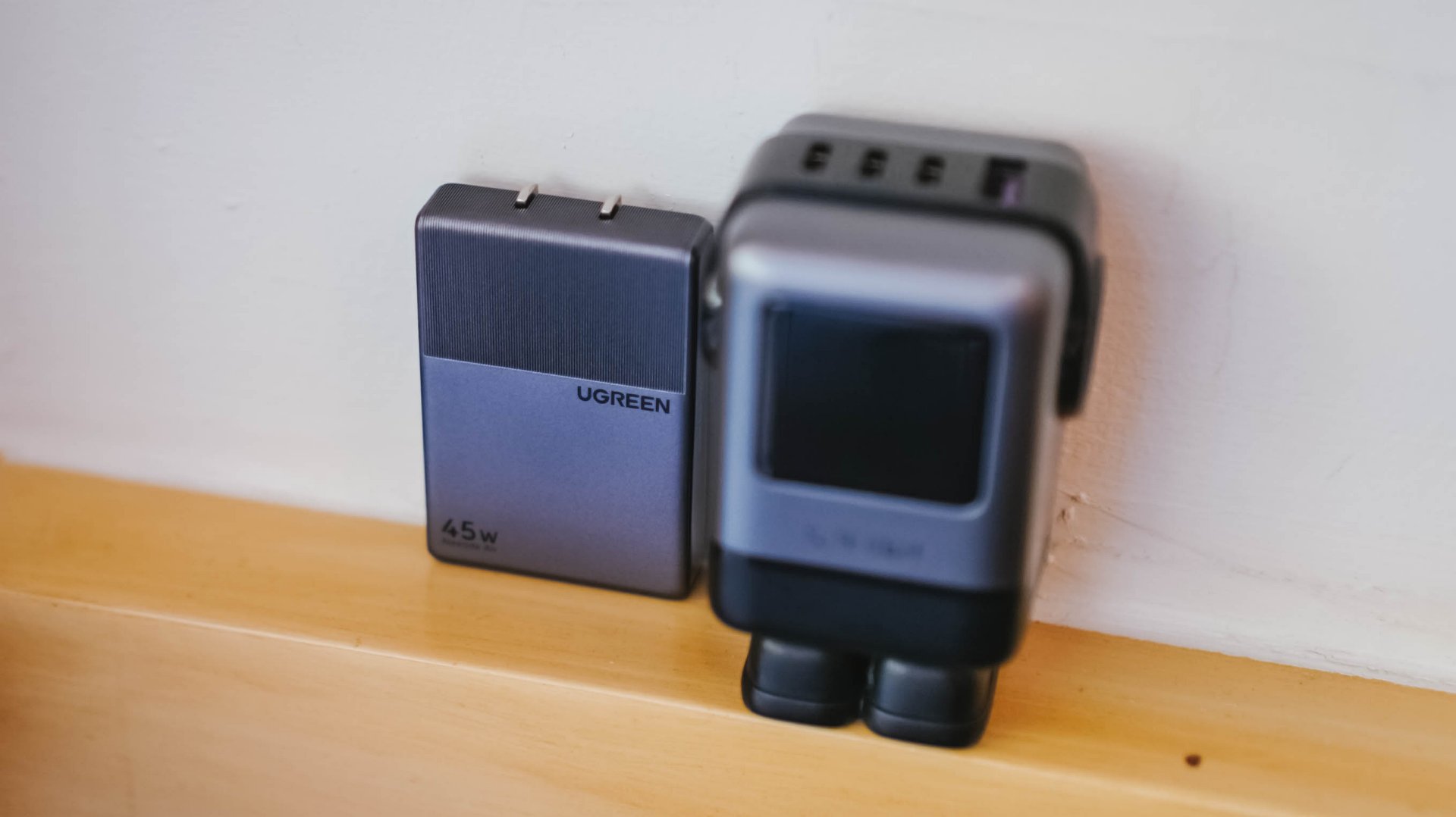
UGREEN: One of the participating, trusted brands you can get from LazMall
Outsmart the noise with built-in tech
Don’t waste hours scrolling through endless listings or guessing which product is better.
The smartest way to navigate a massive mid-year event is to let the platform’s built-in features cut through choice paralysis.

Tools like AI Lazzie and AI Picks allow you to instantly compare similar items, analyze prices, and get personalized recommendations based on actual data rather than generic marketing hype.
Smart Shopper Tip: True value is a mix of the right price, verified authenticity, and a seamless return policy. Use this sale period to stock up on everyday essentials and high-quality upgrades rather than panic-buying items you’ll regret later.
Computex 2026
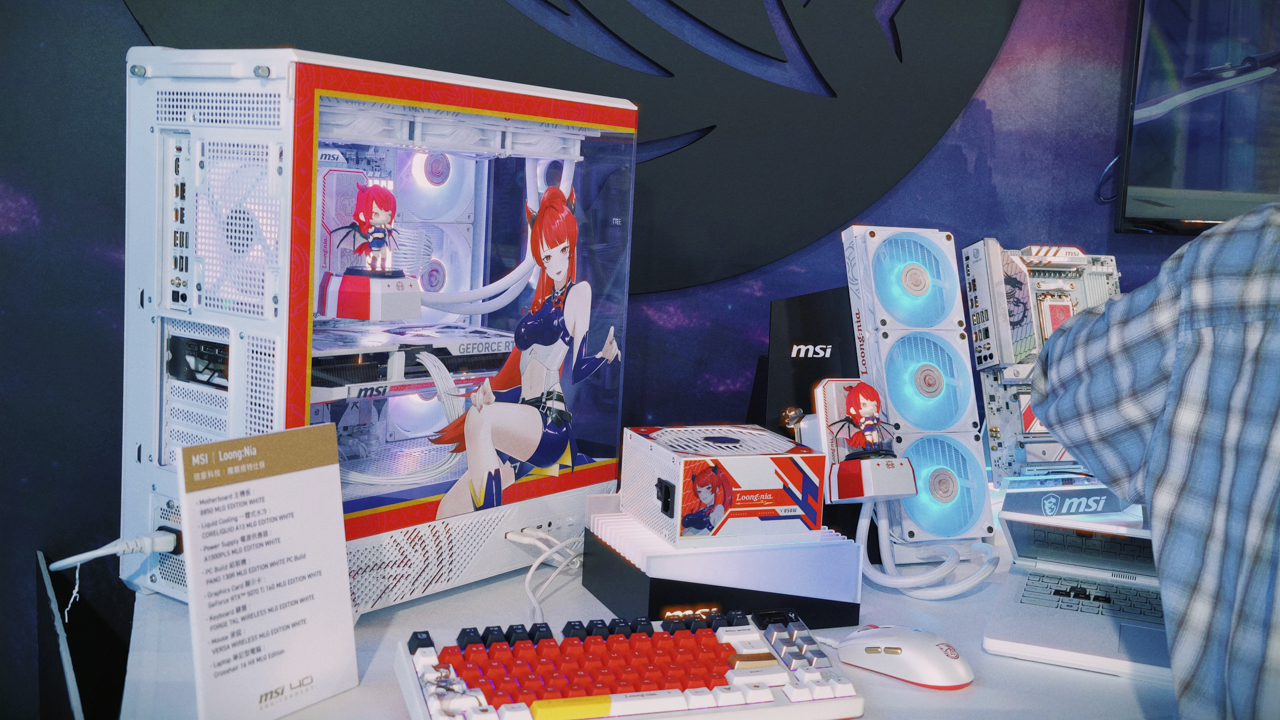
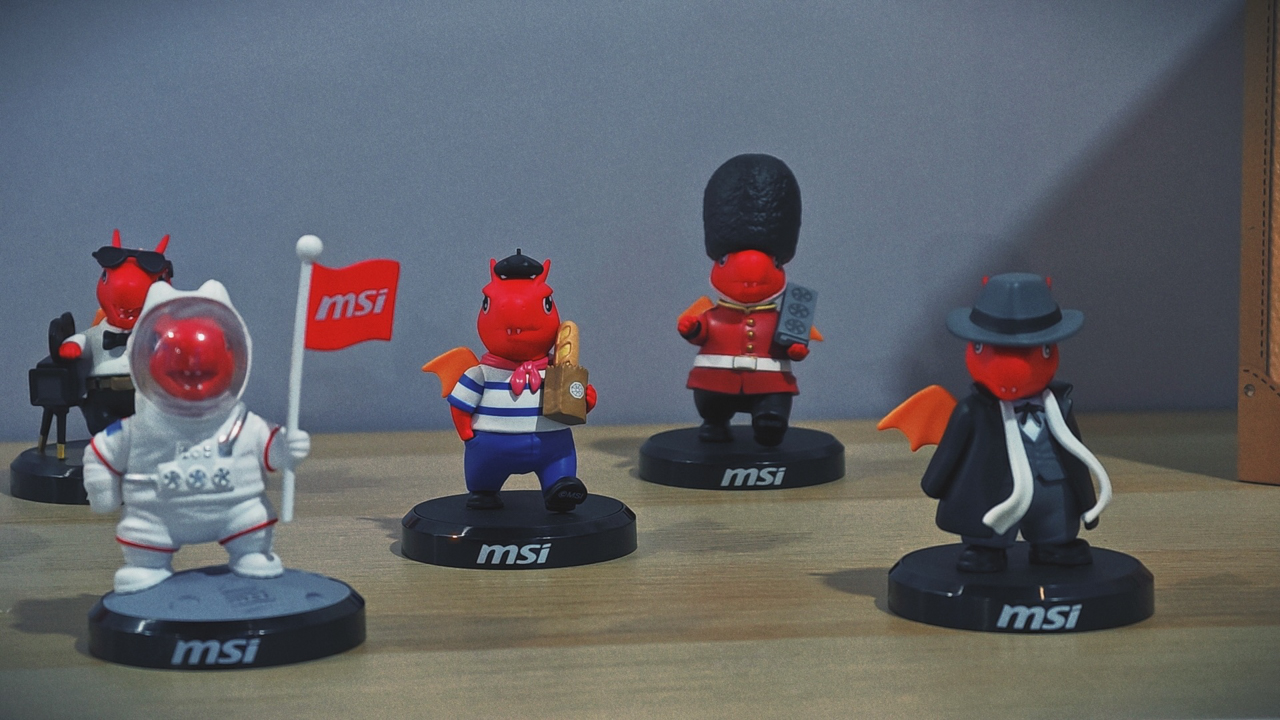
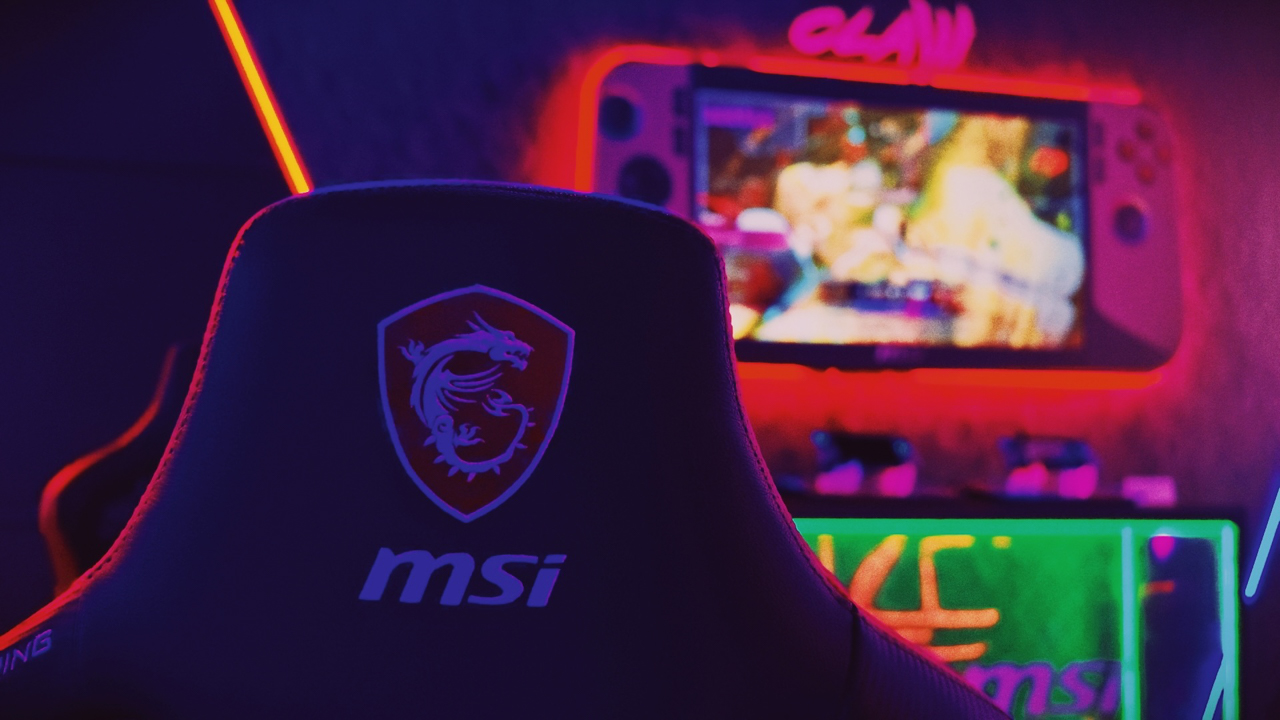
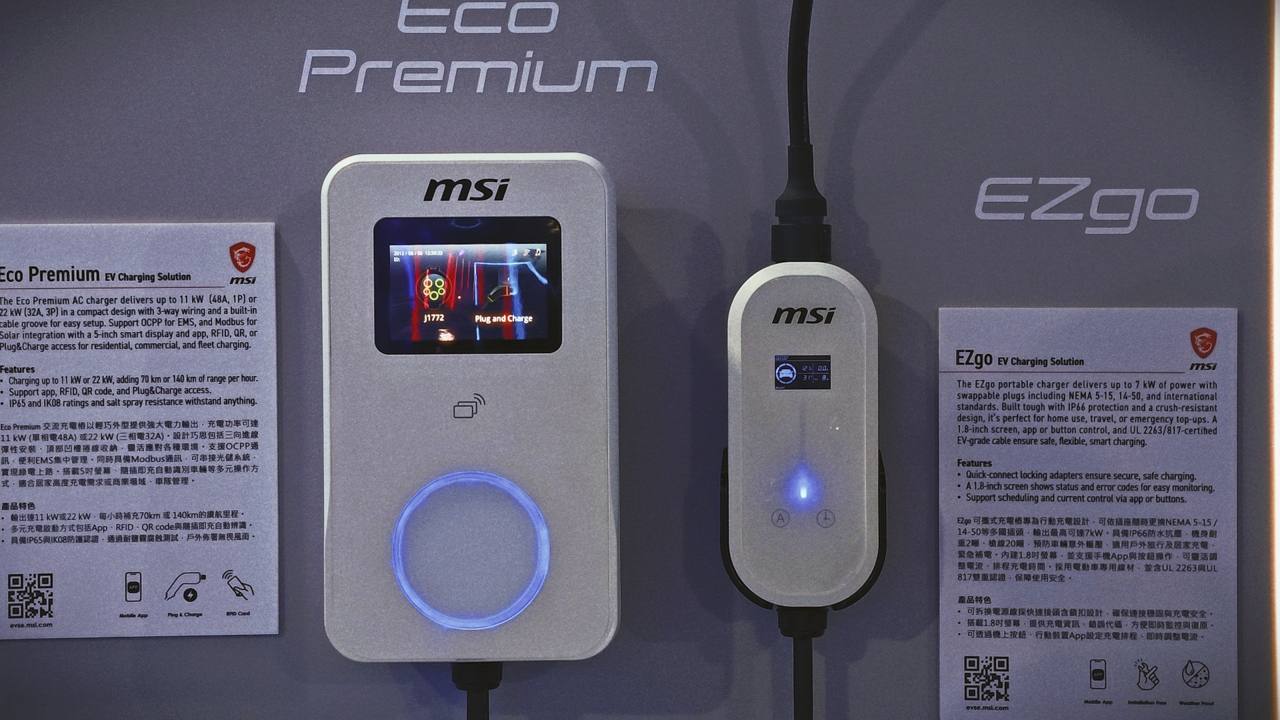
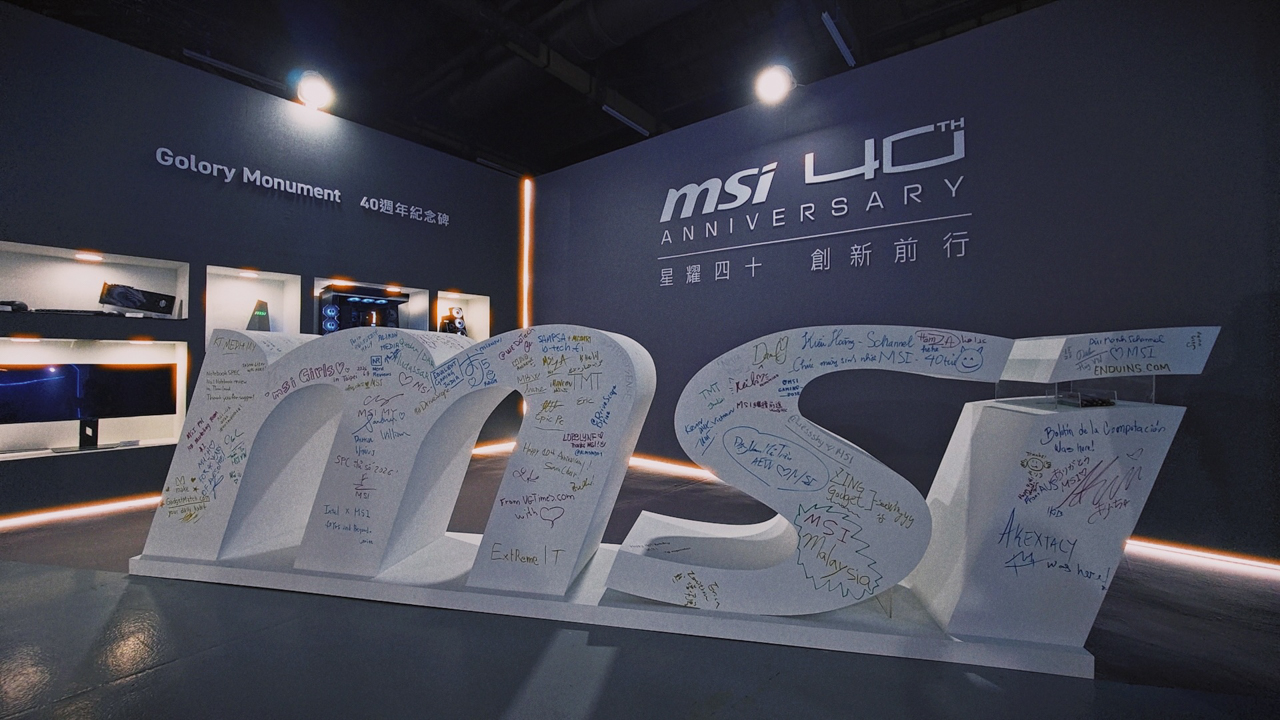
Postcards from MSI’s 40th anniversary expo
A visual journey through four decades of hardware artistry at COMPUTEX 2026.

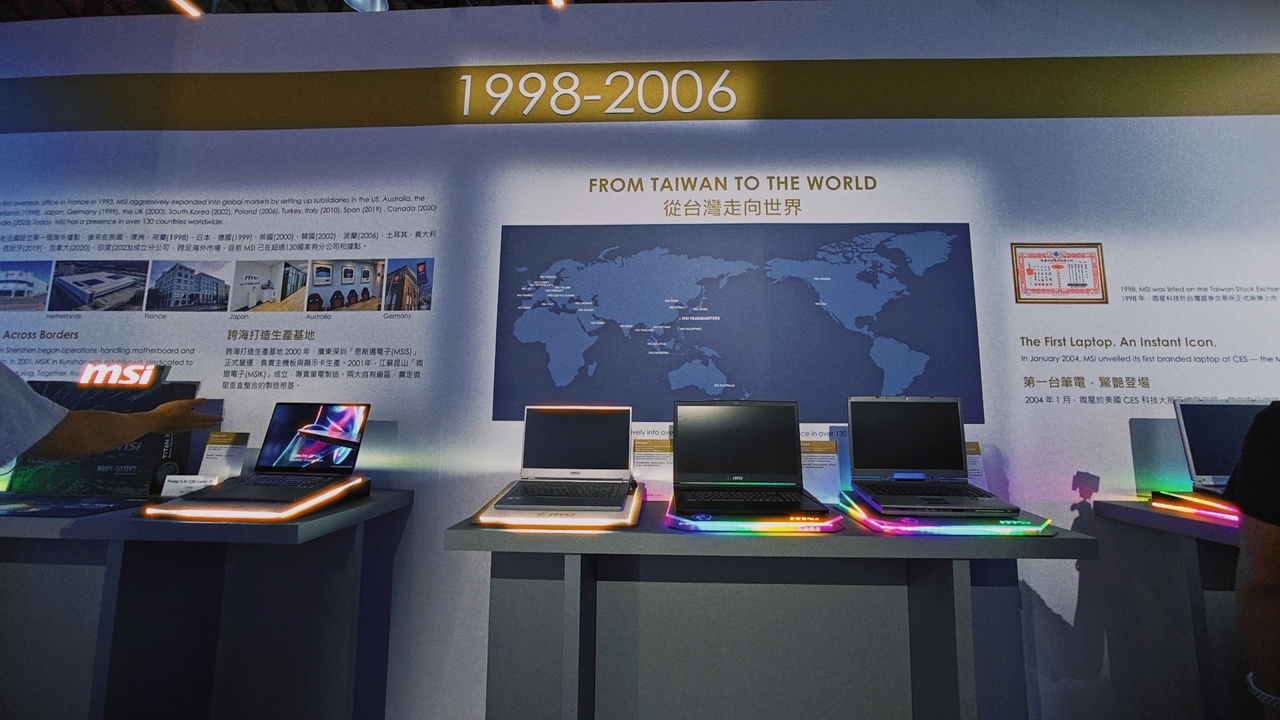
Stepping into MSI’s 40th year anniversary exhibition space felt less like exploring a traditional tech pavilion and more like embarking on a time-travel expedition.
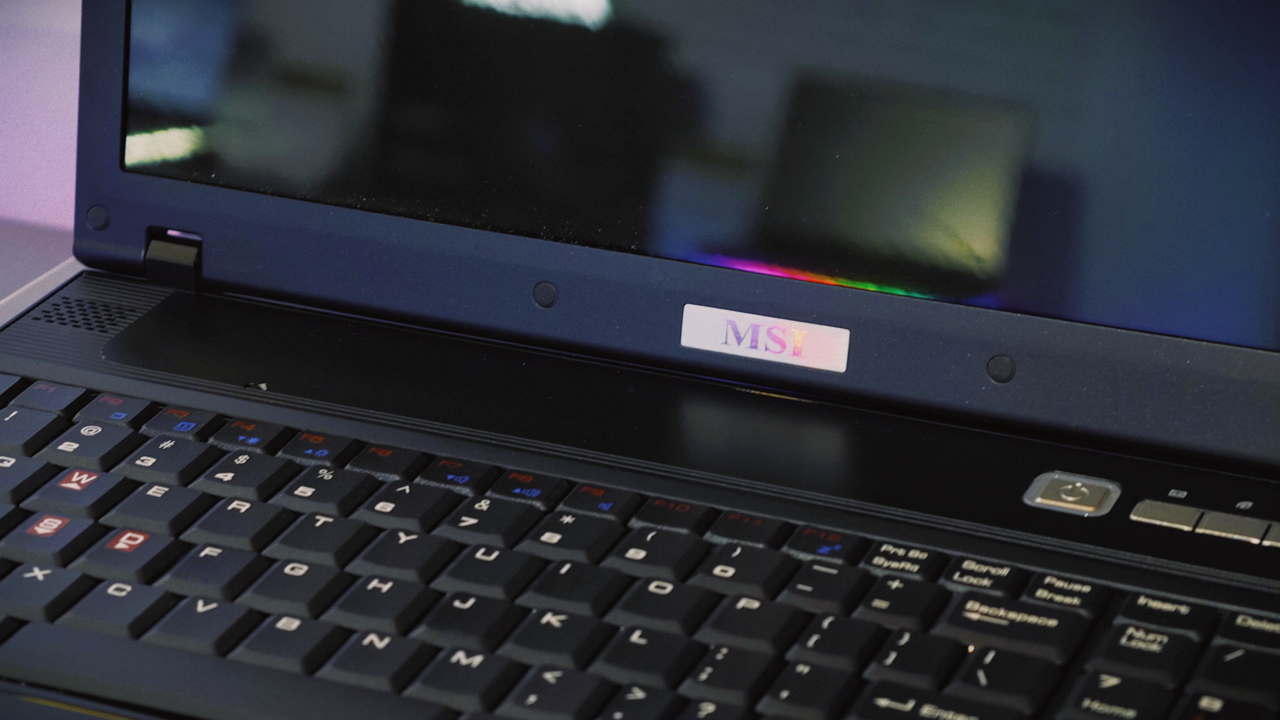
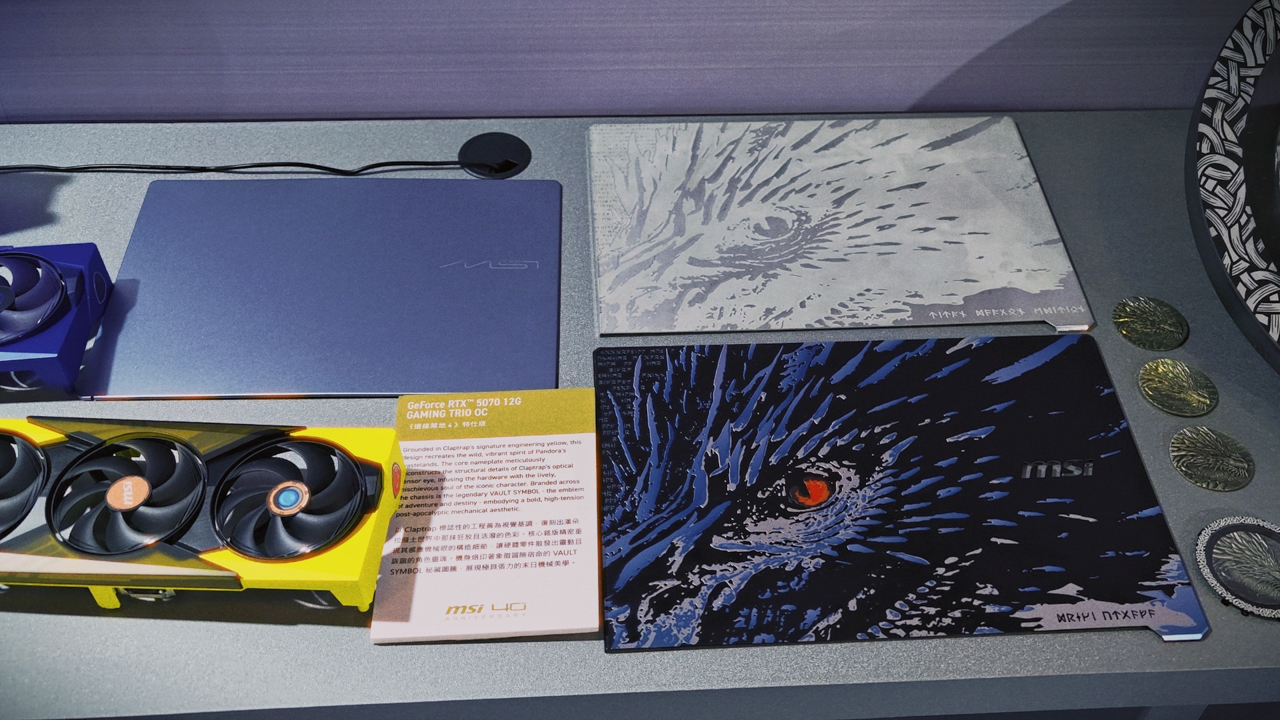
From the nostalgic, raw engineering of 1986 legacy motherboards to the breathtaking, AI-driven flagships and starry-night inspired laptops of tomorrow, four decades of continuous craftsmanship were brought to life under the watchful eye of the iconic dragon motif.
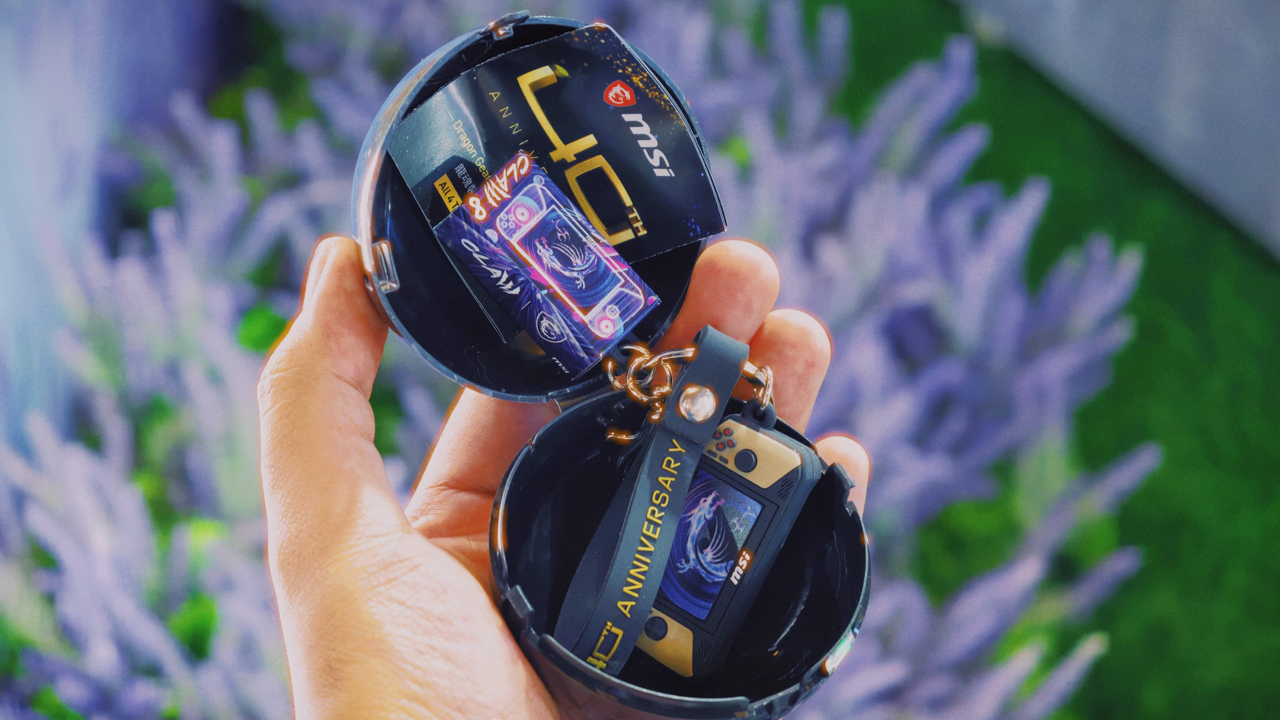
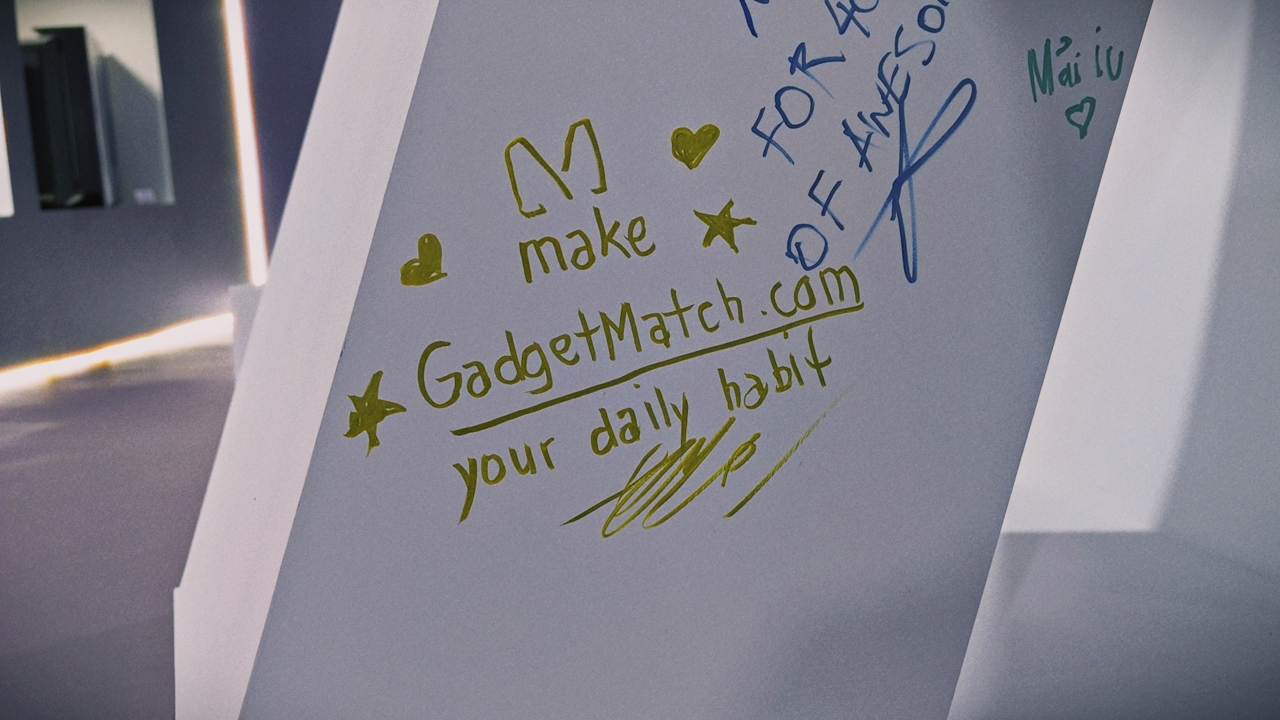
This photo journal captures that vibrant atmosphere. It’s a visual walk through the heritage and the sheer hardware artistry that defined MSI’s historic celebration in Taiwan.



















Photos by Vincenz Lee


Close without crossing: A Xiaomi 17T Pro photo essay
Distance and closeness are not always opposites.


Spring reset: Growing more at home with Auk Mini
From kitchen counter experiment to everyday habit


UGREEN MagFlow Air review: Airy Yet Mighty
Slim and light power bank with a strong suit and core

Nintendo officially announces Ocarina of Time remake

Apple has essentially confirmed the launch of the iPhone Fold

Apple Intelligence gets smarter across apps

Siri AI can now understand your screen, apps, and personal context

WWDC26: Siri AI, parental controls, and more

HONOR 600 Pro review

The Infinix GT 50 Pro has the most inspired design for a gaming phone

Sony Xperia 1 VIII arrives with AI Camera Assistant, bigger telephoto sensor

vivo X300 FE review: Don’t judge the camera by its cutout
UGREEN MagFlow Air review: Airy Yet Mighty


-
Reviews2 weeks ago
Close without crossing: A Xiaomi 17T Pro photo essay
-

 Accessories2 weeks ago
UGREEN launches FineTrack Series with Apple Find My support
-

 Philippines2 weeks ago
Xiaomi 17T series Philippines price, availability, offers
-

 Gaming2 weeks ago
Acer unveils Predator Atlas 8 handheld with Intel Arc G-Series power
-

 Hands-On1 week ago
The Xiaomi Watch S5 proves you don’t have to take it off
-

 Computex 20261 week ago
ASUS ROG XBOX Ally X20 debuts at COMPUTEX 2026
-

 Gaming2 weeks ago
Valve just announced a massive price hike for the Steam Deck
-

 News5 days ago
realme launches P4 Series 5G, including Power with 10,001mAh battery