


For any creator serious about his craft, the end goal is the same — to create the best version of a product possible. You achieve this through innovation and experimentation, in rinse and repeat cycles until something great is created.
But then what happens next?
It’s a predicament shared by many of the best technology brands in the biz, and one that Samsung finds itself in this year. Its new Galaxy S9 smartphone, while better on the inside, is the same on the outside. And while that is only part of the story told, it is the narrative by which many a reviewer will tell the story of Samsung’s new flagship.
Depending on who’s looking, the Galaxy S9’s recycled design can be seen any of two ways: either that it lacks the freshness that phones are so often measured by each year, or that Samsung has achieved the pinnacle of smartphone design and that the best way forward is to keep things as is.

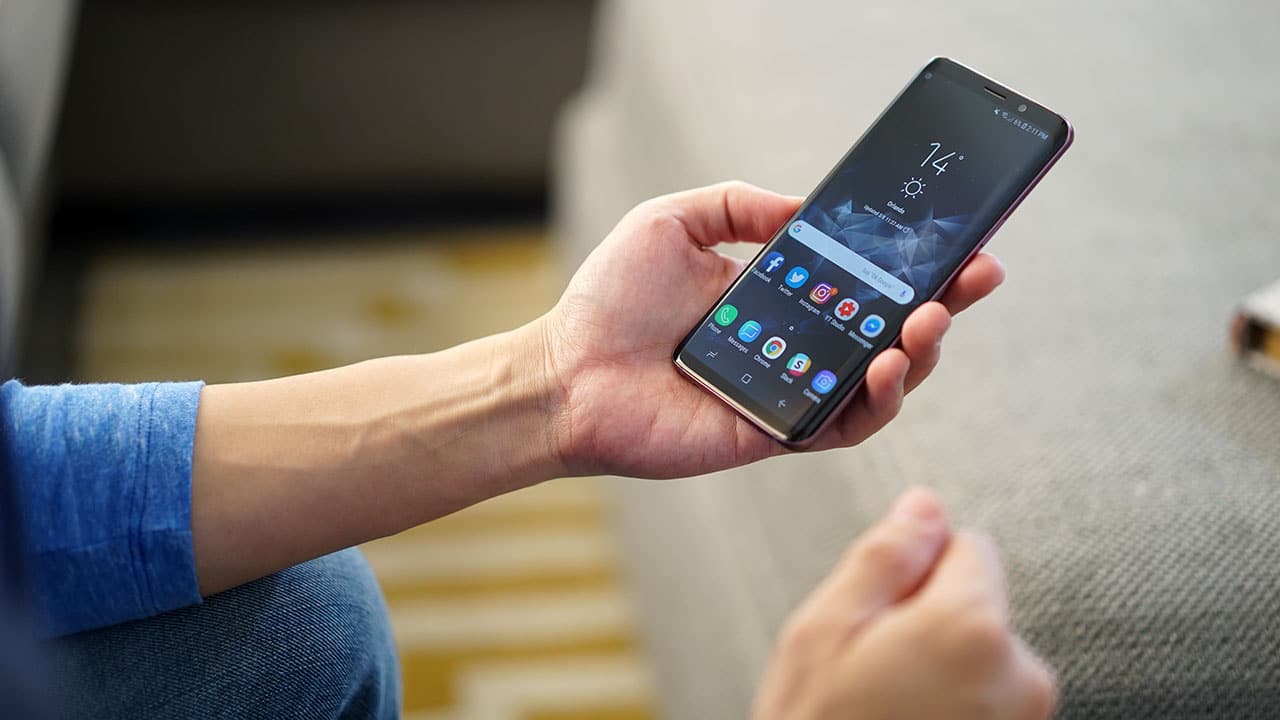
The Galaxy S9 shimmers in Lilac Purple / Photo by Michael Josh
I agree more with the latter, at least when it comes to looks. Two years in and the S9 is still the most beautiful smartphone on the planet. Its curved Infinity Display and all-glass build are hard to match. And now with colors ranging from coral blue to lilac purple, it’s hard not to fall in love with one at first sight.
But are looks enough? Does the Samsung Galaxy S9 have enough new features to back up its good looks? Is it the best Android smartphone ever made? And should you go out and buy it?
But first, more answers to your most important S9-related questions.
Is dual aperture a gimmick?
Samsung claims it’s reimagined the smartphone camera on the S9. While that might be more marketing than fact, it’s dual aperture camera is an unprecedented engineering feat.
No Android smartphone thus far has had the ability to change the aperture on a single lens. On the S9, you can switch between f/1.5 and f/2.4. But why would you want that?

The Galaxy S9 has a unique variable aperture camera
A large aperture gives your photos that creamy background blur when shooting up close, but more importantly helps you take brighter, better photos in low light.
The S9’s f/1.5 is the highest aperture we’ve seen on a smartphone and significantly improves night shots. In fact photos we took at night using the S9 looked brighter than what the scene actually looked like in real life.
Why then would you need to switch to f/2.4?
The higher aperture, the bigger the depth of field. Sometimes details get too soft especially around subjects and sometimes you just want more details in focus; that’s where the smaller f/2.4 comes in.

The Galaxy S9 picks the best aperture depending on how much available light / Photo by Michael Josh
To be honest, the average user should not have to worry about any of this, and Samsung doesn’t think so either, so it’s making these adjustments in the background. With the goal being, you getting better photos regardless of the shooting situation.
For more advanced users wanting more control, there is Pro Mode that lets you manually switch between the two among a host of other camera settings.








Does the Galaxy S9 take better photos versus X?
DxOMark, an independent body that rates cameras, recently gave the S9+ its highest overall score and highest photo score. While the results of its test are debatable, it’s oftentimes a good benchmark to see how a smartphone fares in the camera space.
We will need more time to conduct an in-depth head-to-head test of our own, but based on some preliminary comparison photos versus the Pixel 2 and against the iPhone X shot during the day, deciding on which smartphone takes the best photos will boil down to a matter of taste or how technically meticulous you are.
[sciba leftsrc=”https://www.gadgetmatch.com/wp-content/uploads/2018/03/s9vsiPhoneX-daytime-01-galaxyS9.jpg” leftlabel=”Galaxy S9″ rightsrc=”https://www.gadgetmatch.com/wp-content/uploads/2018/03/s9vsiPhoneX-daytime-01-iphoneX.jpg” rightlabel=”iPhone X ” mode=”horizontal” width=””]
It’s in low light, however, that the Galaxy S9 shines, it is hands down the best low-light camera smartphone you can buy today.
[sciba leftsrc=”https://www.gadgetmatch.com/wp-content/uploads/2018/03/s9vsiPhoneX-dark-02-galaxyS9.jpg” leftlabel=”Galaxy S9″ rightsrc=”https://www.gadgetmatch.com/wp-content/uploads/2018/03/s9vsiPhoneX-dark-02-iPhoneX.jpg” rightlabel=”iPhone X” mode=”horizontal” width=””]
Should I get the S9+ for the second camera?
The S9 comes in two sizes: 5.8 and 6.2 inches — the S9 and S9+ respectively.
If you get the bigger S9+, you not only get more memory (6GB vs 4GB), a bigger battery (3500mAh vs 3000mAh), and a larger screen. You also get two rear cameras.

The Galaxy S9+ has two rear cameras / Photo by Chay Lazaro
This second camera is a 2x zoom lens, a great thing to have if you like getting in closer on subjects without sacrificing the quality of your photos.
The second camera also enables a feature called Live Focus which we’ve also seen on the Note 8 and the A8 (2018) series. It’s a must-have feature on any top-of-the-line smartphone, giving your portraits a nice blurred background. Unique to Samsung’s implementation is the ability to adjust the amount of blur while taking the photo and after, and if you decide you like the non-portrait, wide-angle version better, the S9 also keeps a copy for you.
These two features justify the US$ 120 premium of the S9+. If you’re torn between the two, it is the model I recommend.

Selective Focus on the S9 isn’t very reliable
It’s worth pointing out that on the S9, you can still blur out backgrounds using a software feature called Selective Focus, but it’s just not as good at cutting out subjects from their background.

Art Bokeh on the Galaxy S9+ / Photo by Joshua Vergara
Speaking of, if you’re really serious about background blur, Samsung added a new feature on the S9+ called Art Bokeh. If the conditions are right, when you go in and adjust Background Blur on a Live Focus image, you’ll get a bunch of shape options to choose from. You can get bokeh in the shape of stars or hearts as shown in the image above.
Super slow-mo 960fps, so what?
To better appreciate the next two features, you have to understand Samsung’s target demographic, a generation of creators who have an affinity for sharing and expression.
If you like creating shareable videos, GIFs, and Boomerangs, you might like Samsung new super slow-mo feature. On the S9, you are able to slow down time more than ever before on a Galaxy smartphone.
To capture the best super slow-mos, you need plenty of light. The sample below was shot inside a controlled environment with plenty of available light.
We made a mess in the studio this week to test the #GalaxyS9PH‘s super slowmo. This is the result. #TheCameraReimagined pic.twitter.com/Y9N0qxL2Jz
— Chay Lazaro (@chaylazaro) March 9, 2018
The Sony Xperia XZ Premium was the first to get this feature, one whole year ago. Slow-mos shot on both phones are rather similar in terms of quality, with the S9’s slow-mos a tad bit warmer.
On the S9 though, it’s easier to operate. Auto Mode detects motion and starts capturing once it senses movement. This way you get the shot each time.
But Auto Mode works best when you can control what you’re shooting. Out in the real world, you’re best using manual capture; you’ll need plenty of practice to get your timing right.
Finally, when you shoot super slow-mo video, the S9 adds background music automatically so you can instantly share your creations to Facebook or Instagram. You can go in and edit the track or just remove it entirely.
Not Animojis
When the iPhone X launched last year, one of its more quirky features was Animojis, basically the ability to animate nine popular emoji using the phone’s face tracking features.
The iPhone X has True Depth sensors that can match muscle movements on your face so your Animoji basically does as you do. Samsung hoped to do one better on the S9 with a similar feature called AR Emoji. Unfortunately, we didn’t enjoy it as much.
While we like the ability to personalize and create characters after our own likeness, we feel more often than not, AR Emoji characters don’t look like the selfies they are based on.
But more bothersome is the fact that AR Emoji don’t track as well. They especially struggle when trying to match speech. So nope, AR Emoji Karaoke is out of the question.

Send animated stickers featuring your own emoji
We do like the personalized animated stickers, though. They are cool, and we like how you can use them across any or all of your favorite chat apps. They are accessible by pressing the sticker icon on your default Samsung keyboard, and are also saved as GIFs in your Gallery app.
Stereo speakers
Audio has just gotten better on the S9.
If you’re like me and watch a lot of videos or play games without headphones, you’ll like the new stereo speaker setup on the S9. Sound comes out of the earpiece up front, and the speaker grilles on the phone’s bottom. The sound is louder and more pronounced.
The S9 also now supports Dolby Atmos, so you get surround sound-like audio when listening to content that supports it. Last year, Netflix announced support for Atmos with titles like Okja and Snowpiercer, but it doesn’t quite seem to work on the S9 yet.
Hello Bixby
Like Apple and Google, Samsung has its own personal assistant, Bixby.
And to show you its committed to Bixby, the S9 retains the S8’s dedicated Bixby button. If it’s not your cup of tea, you can deactivate the button completely, but you cannot remap it as a shortcut to other apps or commands. That would have been a killer feature.
Samsung promises Bixby 2.0 will come next August or September when it unveils the Note 9. For now, it remains underdeveloped.

Bixby Vision can estimate how many calories are in the meal you’re about to have
Sure, Bixby can do new things, like live translation when ordering food overseas. And when your meal arrives, you can also have Bixby give you an estimate of how many calories you’re about to consume. Cool tricks, but they do not replace a good old personal assistant.
In the interim, I suggest you use Google Assistant; it’s accessible via the usual voice command, “Okay Google.”
Improved biometrics
One way to recognize the S9 from an S8 is to turn the phone around and look at the position of its fingerprint sensor. Proving that it listens to user feedback, Samsung has graciously located it to underneath the camera instead of beside it.
It’s in a much better place, but unfortunately it’s still too close to the camera, and part of one single unit, instead of being separate. In my week or so of use, I’ve often brushed my S9 camera’s lens while trying to unlock my phone.

Intelligent Scan on the Galaxy S9 combines facial recognition and iris scanning / Photo by Michael Josh
It’s kinda a big deal for me as the fingerprint sensor is still my default way of unlocking the phone. It’s just quicker, snappier, and more reliable even if Samsung has beefed up its “Intelligent Scan” by integrating its facial recognition and iris scanner.
Price jump
A smartphone’s price tag is as important as any new feature. And when it comes to determining the S9’s value, it’s important to take a look at how much the S9 costs around the globe.

Prices of the S9 went up everywhere except the US / Photo by Michael Josh
Here’s the thing: In the US, the S9 and S9+ cost as much as the S8 and the S8+ when they launched. But across the globe, prices increased by 5 to 15 percent.
Do all these features justify the price increase? No.
But having said that, when compared to the iPhone X, the S9+ is still more affordable, so there’s that. Depending on where you are in the world, the S9 and S9+ might not be the best value for money phone. But they are at least pretty competitive in the upper end of the price spectrum.
Is the Galaxy S9 your GadgetMatch?
If you’re looking for the best Android smartphones available today, the S9 and S9+ are a match. The S9+ especially is one the best Android phones in the market today.
Both models are deserving of the GadgetMatch Seal of Approval.

The Galaxy S9 is a pleasure to use / Photo by Michael Josh
Apart from an excellent camera and great looks, you’ll like the S9’s creator-focused features, loud stereo speakers, water resistance, and headphone jack. On the flip side, Bixby is still not ready, AR Emoji is unpolished, and battery life could be better.
The S9 and S9+ are not intended for S8 and S8+ users. If you own an S8, skip this upgrade and wait for next year.
Although, S7 and S7 Edge users might want to strongly consider this upgrade, especially if their contract is up for renewal. US carriers in particular are offering plenty of perks for those pre-ordering the phone.
For the more price conscious though, also consider not-so-premium phones from brands that may not sound as sexy as Samsung or Apple but offer all of these high-end specs at a lower, more reachable price point.

Following years of iteration, Samsung finally nailed it / Photo by Michael Josh
Following many years of iterating, Samsung seems to have nailed it. While in some ways the S9 is almost predictable, its purely iterative step-up also speaks to Samsung’s ability to make great phones. As a fan of innovation though, I want to see more, an under display fingerprint sensor maybe, better battery tech, and ways to leverage artificial intelligence to make their phones better. AI is the future, and it would be interesting to see glimpses of how Samsung plans to ensure their smartphone remains at the center of this computing revolution.



Gaming
MARVEL Tōkon: Fighting Souls review: Easy to pick up, hard to put down
Welcomes casual and experienced fighting game players

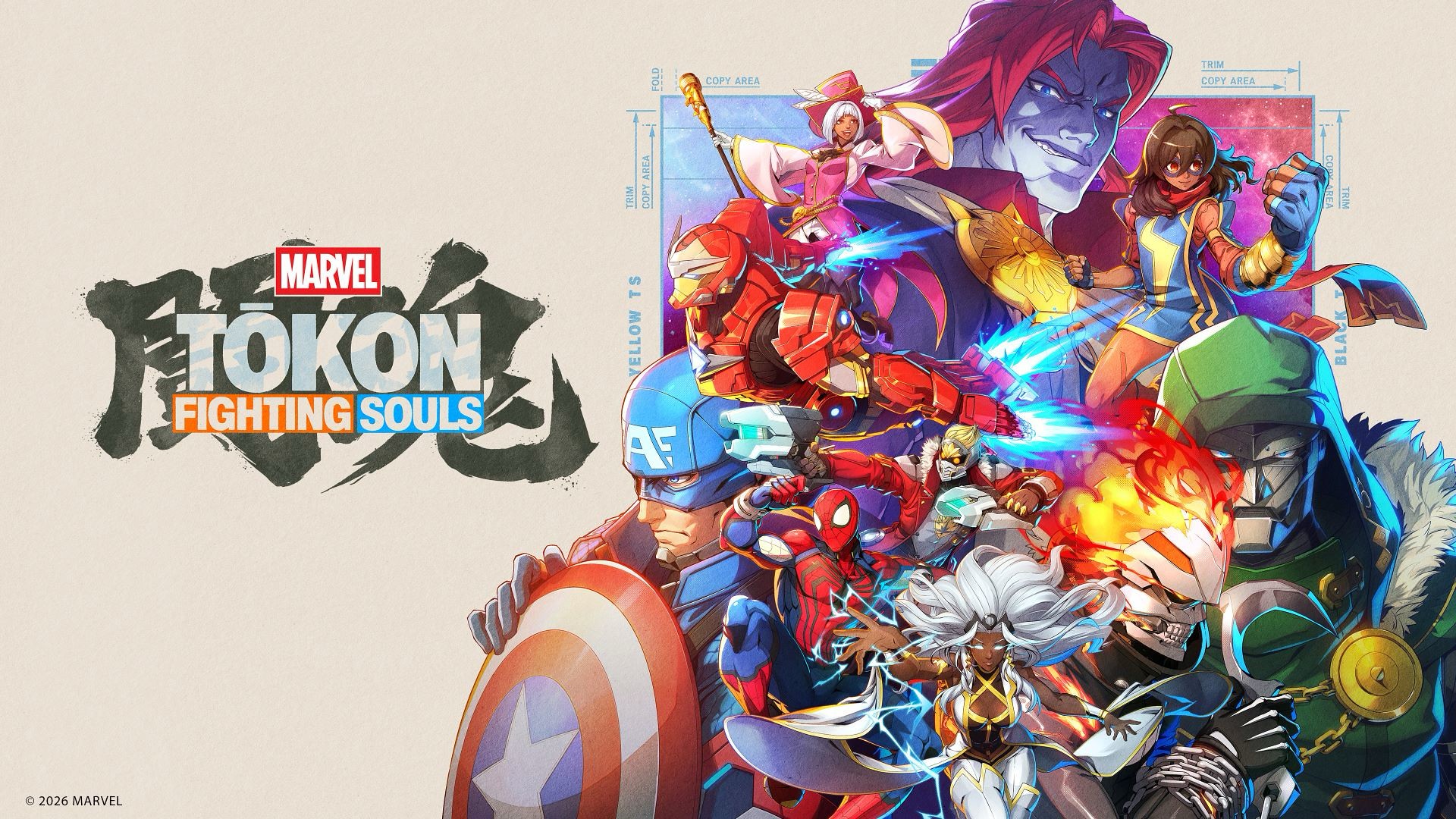
MARVEL Tōkon: Fighting Souls feels like a spiritual successor to the Marvel vs. Capcom fighting games of old — just without the Capcom bit, obviously.
That comparison isn’t just because it features a roster of Marvel heroes and villains throwing hands at each other. Tōkon captures that same feeling of putting together a team of characters you love, watching them bounce off one another, and slowly figuring out how to make them work together.
I’ve always been a casual fighting game player. I can play a little bit, but I’m a benchwarmer at best. I do watch tournament matches every now and again, though, and I can tell when real skill is involved.
It’s kind of like basketball to me. I may not be particularly good at it, but I know a good play when I see one.
After spending some time with Tōkon, I can see the appeal.
It’s welcoming enough for someone like me to jump in and have fun, but there’s enough depth underneath the simple controls to reward players who want to take the time to master it.
The tutorial is important
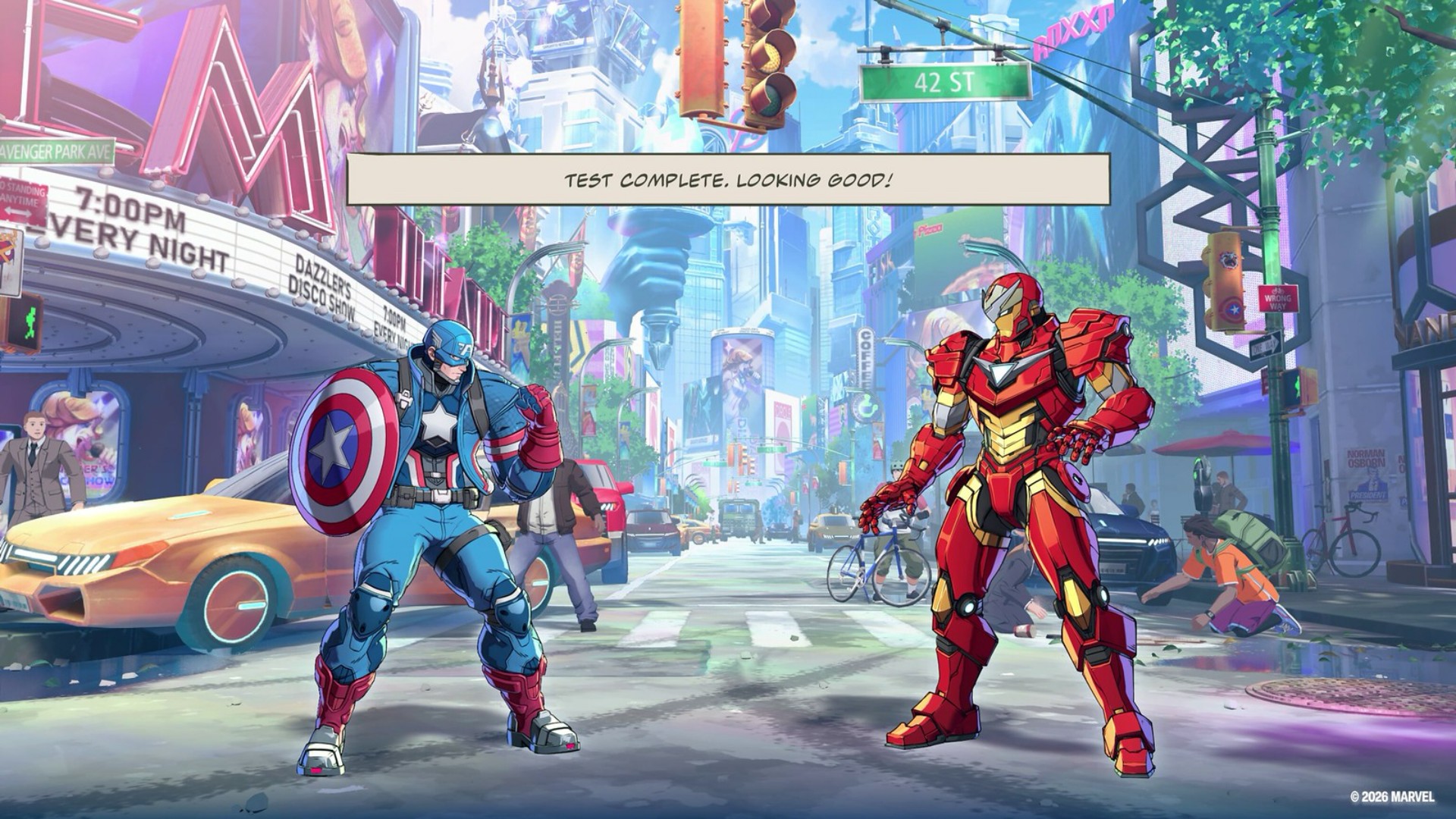
I handled the tutorial portion during the demo, so when I got the full game I jumped straight into Story Mode.
That said, the tutorial is very important.
The button presses seemed easy enough to follow at first. But the deeper the tutorial went, the more complex it started to feel.
That’s not necessarily a bad thing. In fact, it does a good job of gradually guiding you through the game’s mechanics instead of throwing everything at you at once.
Anyone who’s ever played a fighting game at any capacity will have an understanding of how the general mechanics work.
But Tōkon layers its own systems on top of those familiar fundamentals.
The tutorial essentially takes you through the Training Mode. It’s great for getting a feel for how to execute the unique moves per character.
I’m a firm believer that you should just throw yourself at a match and only go back to training if you hit a wall and can’t advance or seem unable to overcome your opponent.
That’s how I prefer to learn.
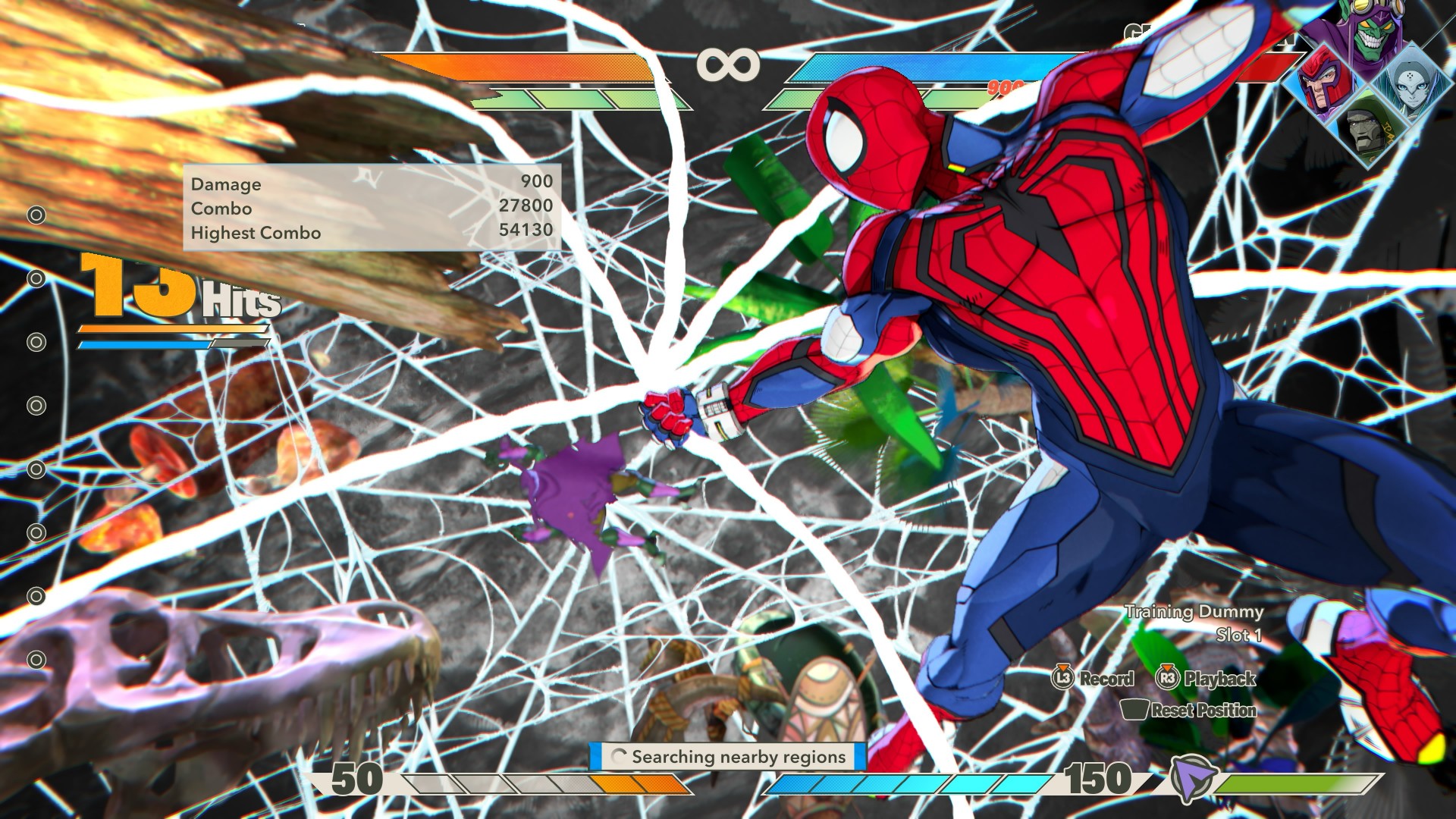
MARVEL Tōkon: Fighting Souls OPEN BETA_20260726134748
And Tōkon makes that approach viable because the fundamentals don’t feel intimidating.
The game’s official materials also emphasize this balance. It offers adjustable controls, traditional and quick inputs, easy chain combos, character guides, training, and other ways to learn the game’s systems.
There’s more than enough here that the game should feel welcoming to both casual and hardcore fighting game fans.
Four characters, one fight
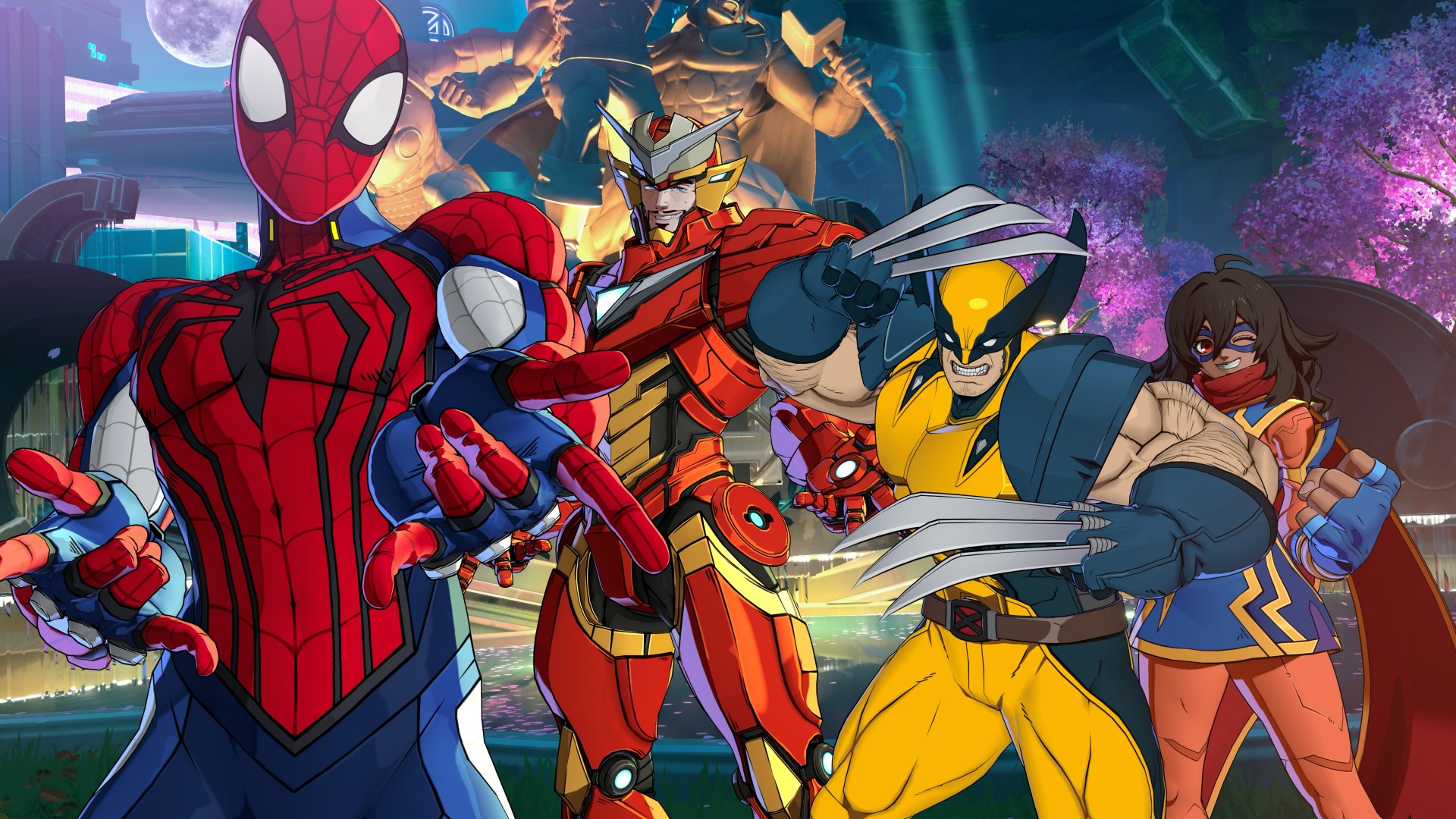
The biggest thing to wrap your head around is probably the game’s 4v4 structure.
You pick four characters: one main fighter and three assists. But you don’t immediately have access to your entire team.
You only get access to the first assist initially. You unlock the other two after a Stage Break happens in a match. A Stage Break is when you finish a combo with the opposing character flying through an extended area of the fighting stage.
So it’s entirely possible to go an entire match without unlocking all your assist characters.
Now that I’ve spent more time with it, though, getting to a Stage Break is actually fairly easy. Landing and chaining combos doesn’t feel too complicated to pull off, so you can get access to the rest of your team without having to perform some impossibly technical sequence.
The assists are great.
You simply hit X or Cross (or the bottom-most face button) for a generic assist, but combining right + X or down + X gives you long-range and air-launch assists.
These are great for opening up your opponents to combos or countering their moves.
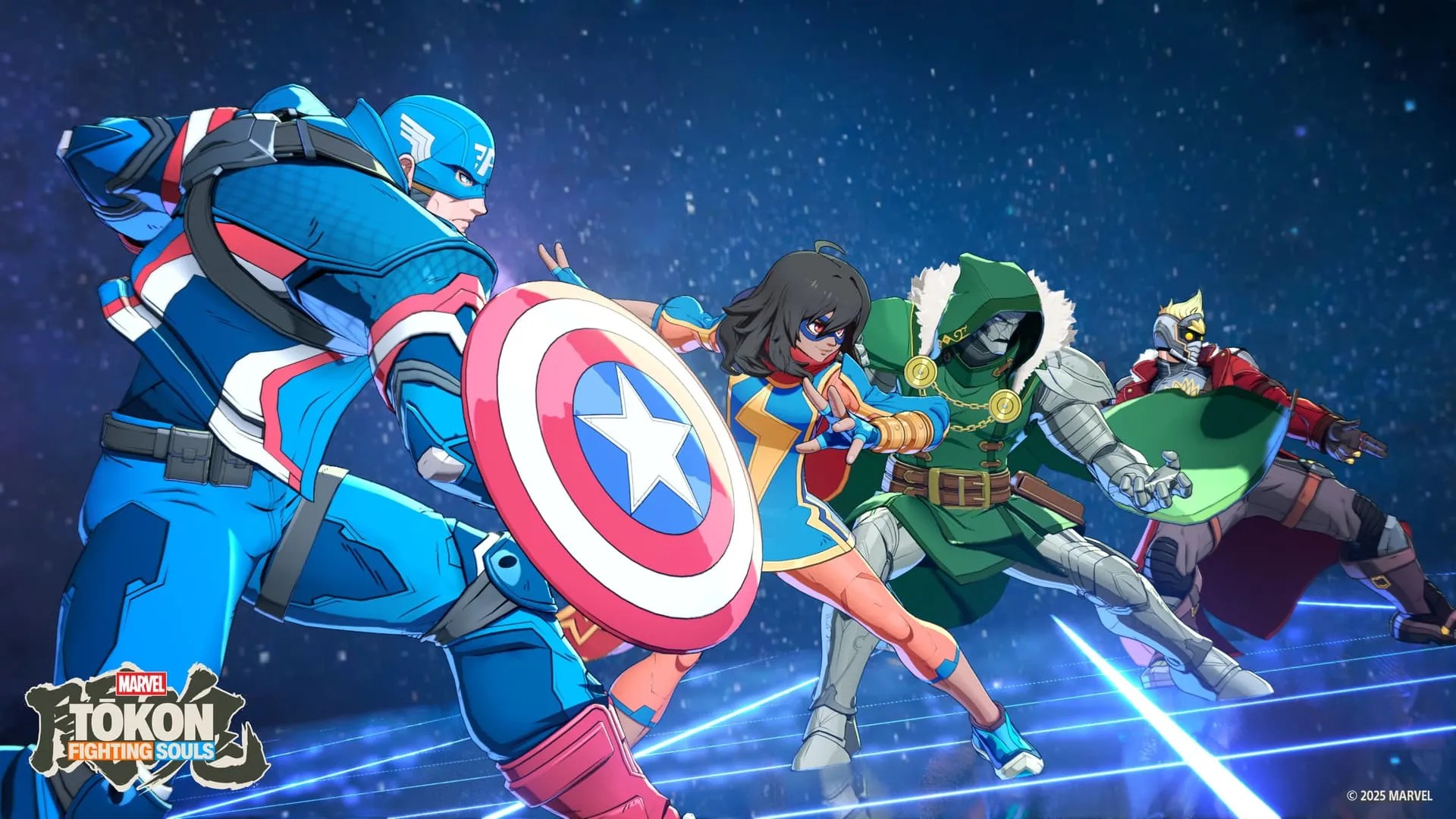
Once you have all your assists available and fill the gauge all the way up to 150, you can execute a Super Attack with every single one of your characters joining the assault.
It’s a fantastic payoff for building up your team.
This is also where Tōkon starts feeling like more than a simple fighter.
The controls are easy enough to understand, but the deeper you get into a fight, the more you start thinking about when to call an assist, how to extend a combo, when to counter, and when to save your resources.
It’s the same kind of satisfaction I get from Dragon Ball FighterZ or Guilty Gear Strive.
Simple controls can get you started.
The complexity comes from figuring out what you can actually do with them.
Spider-Man is my guy
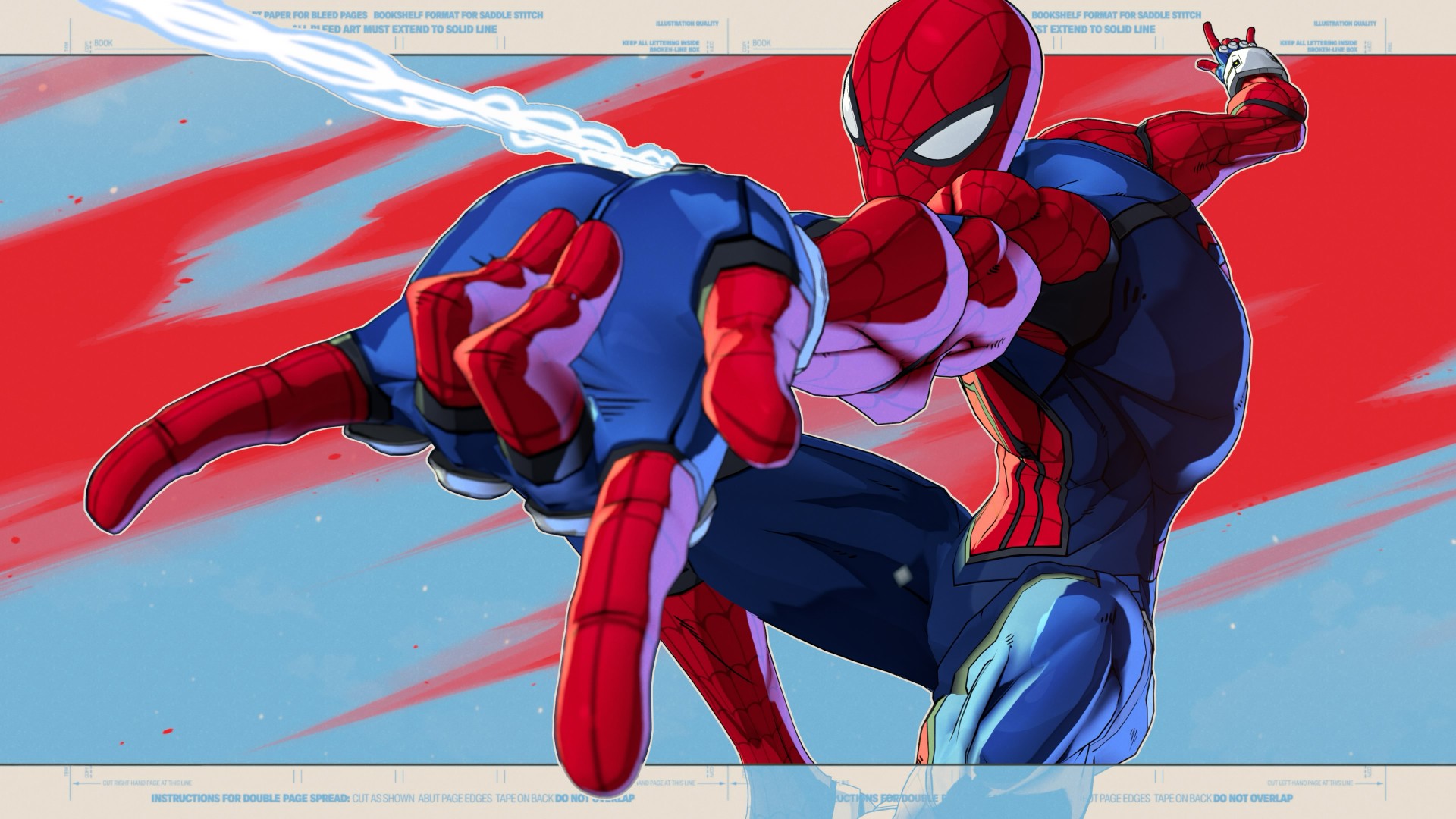
I spent most of my play time using my favorite character of all time: Spider-Man.
Honestly, he feels a little trickier to play than most.
His special move involves him shooting a web, and you can either follow it up with a combo or use it to swing away from attacks.
That little bit of flexibility makes him feel very Spider-Man.
You’re constantly darting around the fight, looking for an opening while also having a way to get yourself out of trouble.
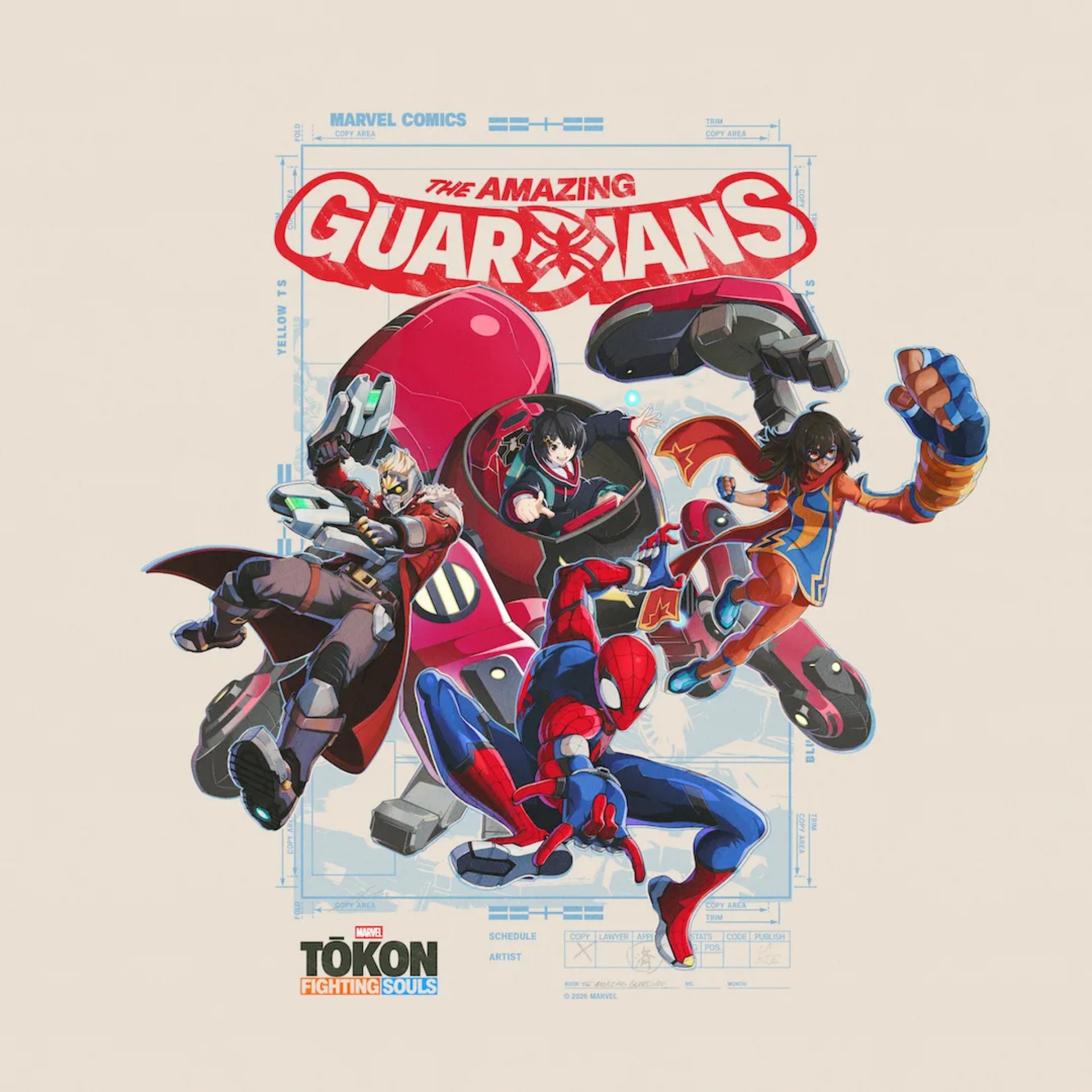
I initially played him with his teammates set by the game: Ms. Marvel, Peni Parker, and Star-Lord.
But outside of the story, I usually always have Wolverine up next.
He’s an aggressive damage dealer and a button masher’s delight.
That’s part of what makes Tōkon’s roster work.
Going through Story Mode gives you a chance to get a feel for how each character handles and who fits your style the most.
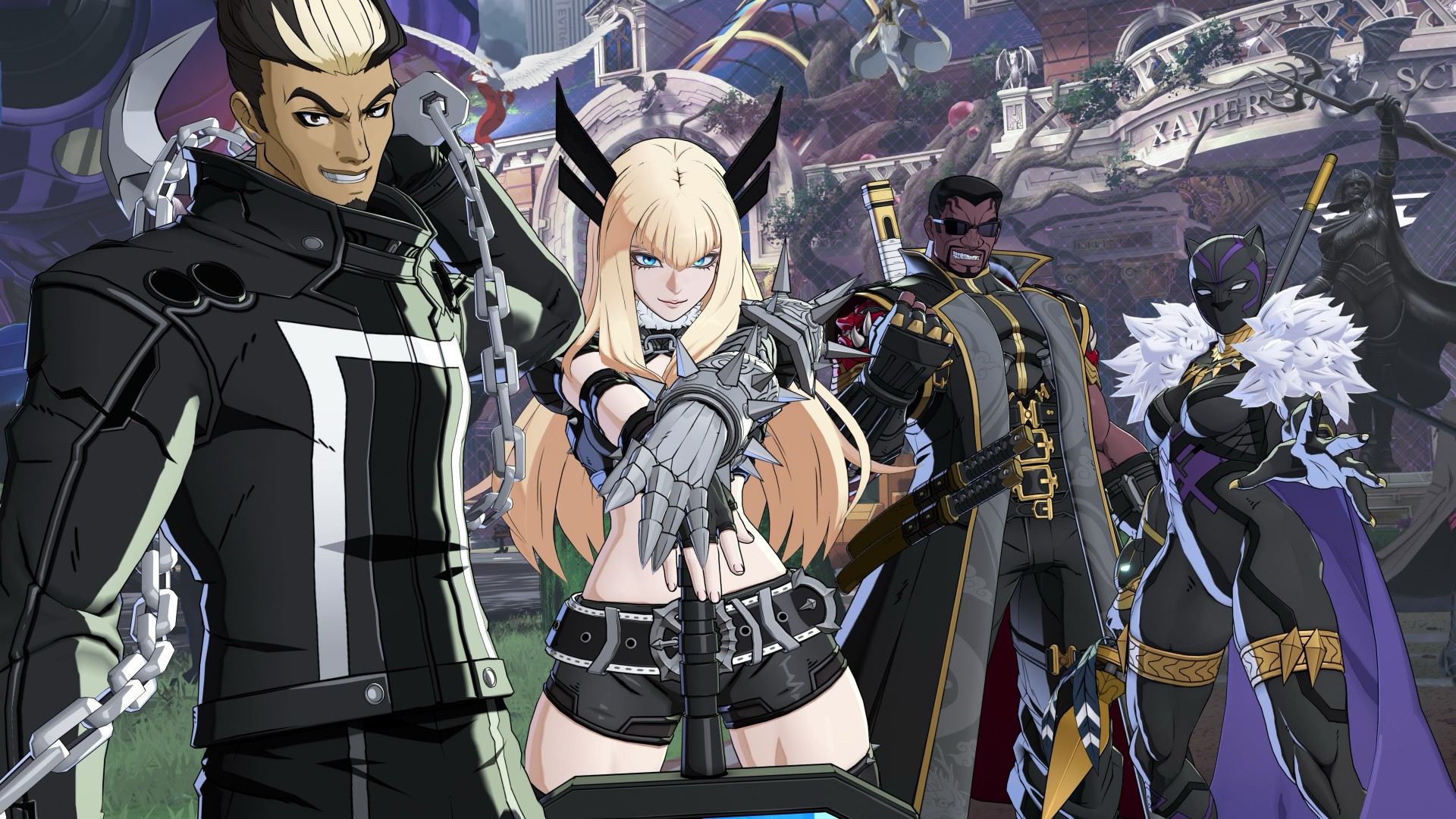
With 20 characters available at launch, there’s enough here to mix and match, and you’re bound to find a set that you feel at home using.
And sometimes the character you expect to like isn’t the one you end up enjoying the most.
The characters change how you play
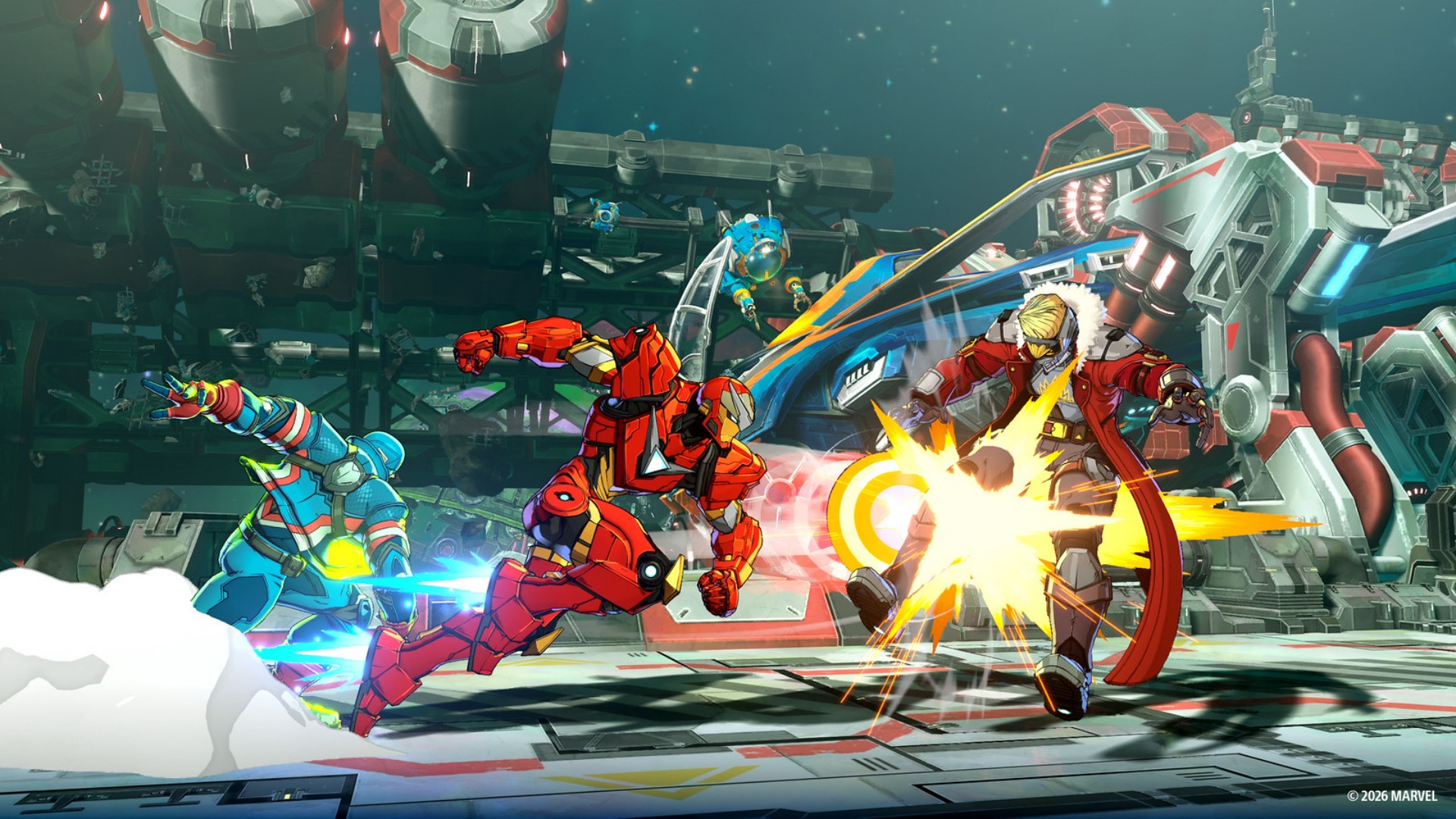
The character I wasn’t particularly interested in but was surprisingly fun for me to use was Blade.
It probably has to do with the types of movement I associate with each character.
With Spidey, I’m always darting around.
With Wolverine, I’m always rushing the enemy.
But with Blade, I suddenly move with more measure.
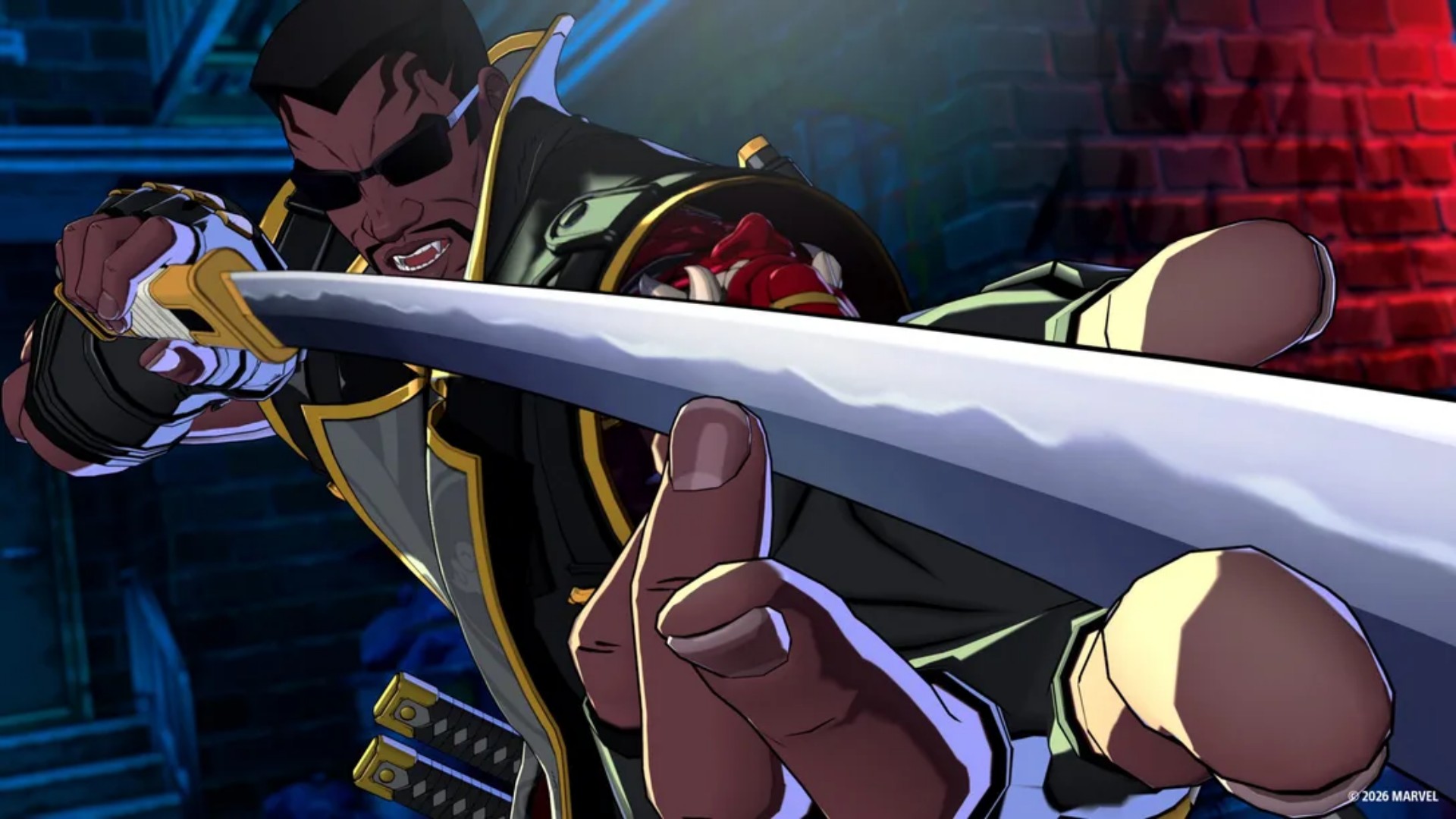
Something about his stance and attacks makes me want to approach the fight a little more deliberately.
Ms. Marvel was also a character I didn’t care much for at first but ended up enjoying using.
Mostly also because she forces me to dial back a bit and be more deliberate with my movements.
That’s one of the more enjoyable things about Tōkon.
The roster doesn’t just give you different characters with different movesets. It encourages you to approach fights differently.
You’re not necessarily going to play the same way with every character. And that makes finding the right team more rewarding.
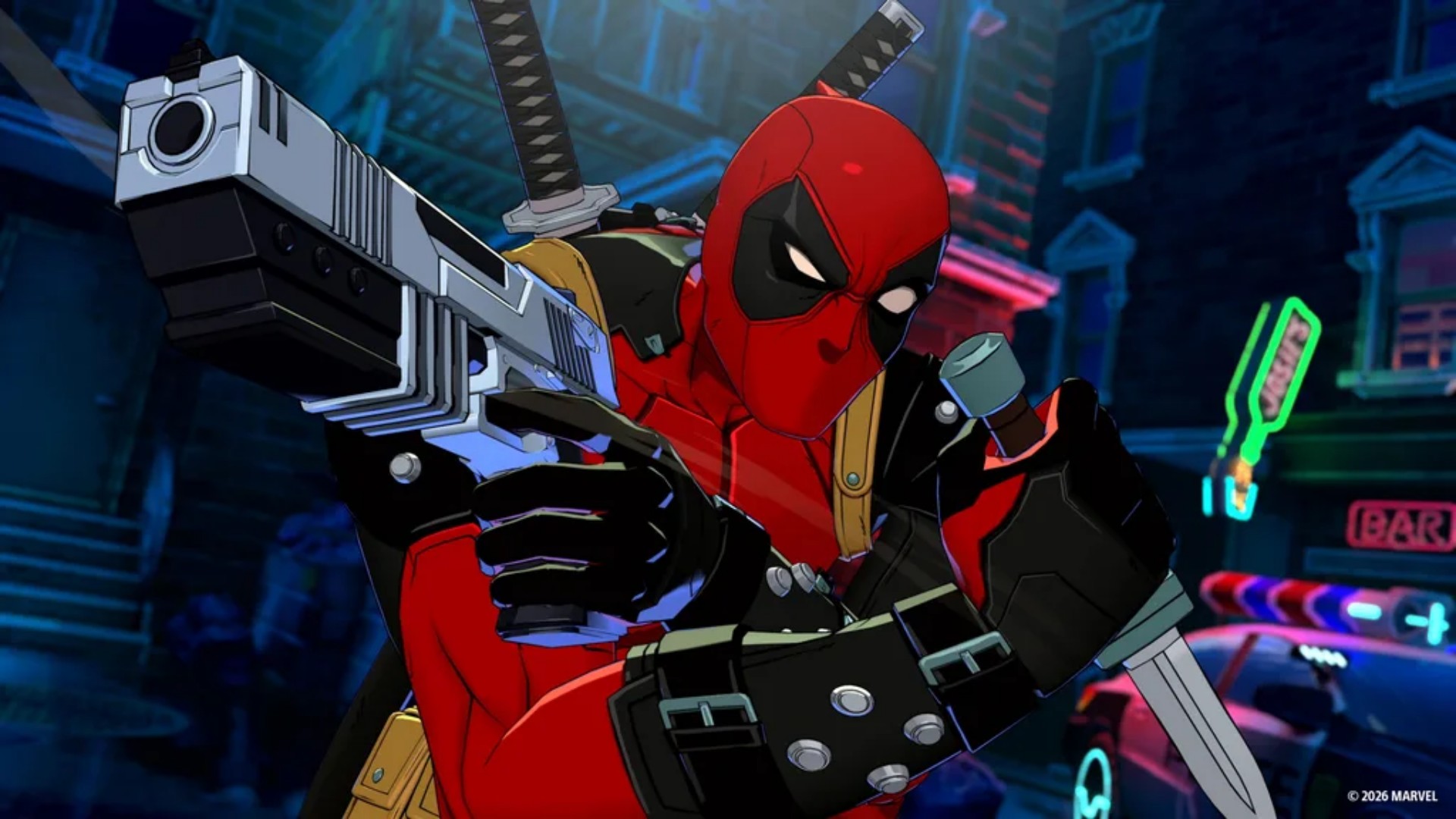
Deadpool, meanwhile, has a lot of Easter egg references from other games and franchises.
I haven’t seen them in my own playthrough, though, so it’s frustrating me a bit.
View this post on Instagram
That probably says something about how much Marvel fan service Arc System Works has packed into the game.
Even when I’m not finding the references myself, I know I’m probably missing something.
Losing doesn’t feel cheap
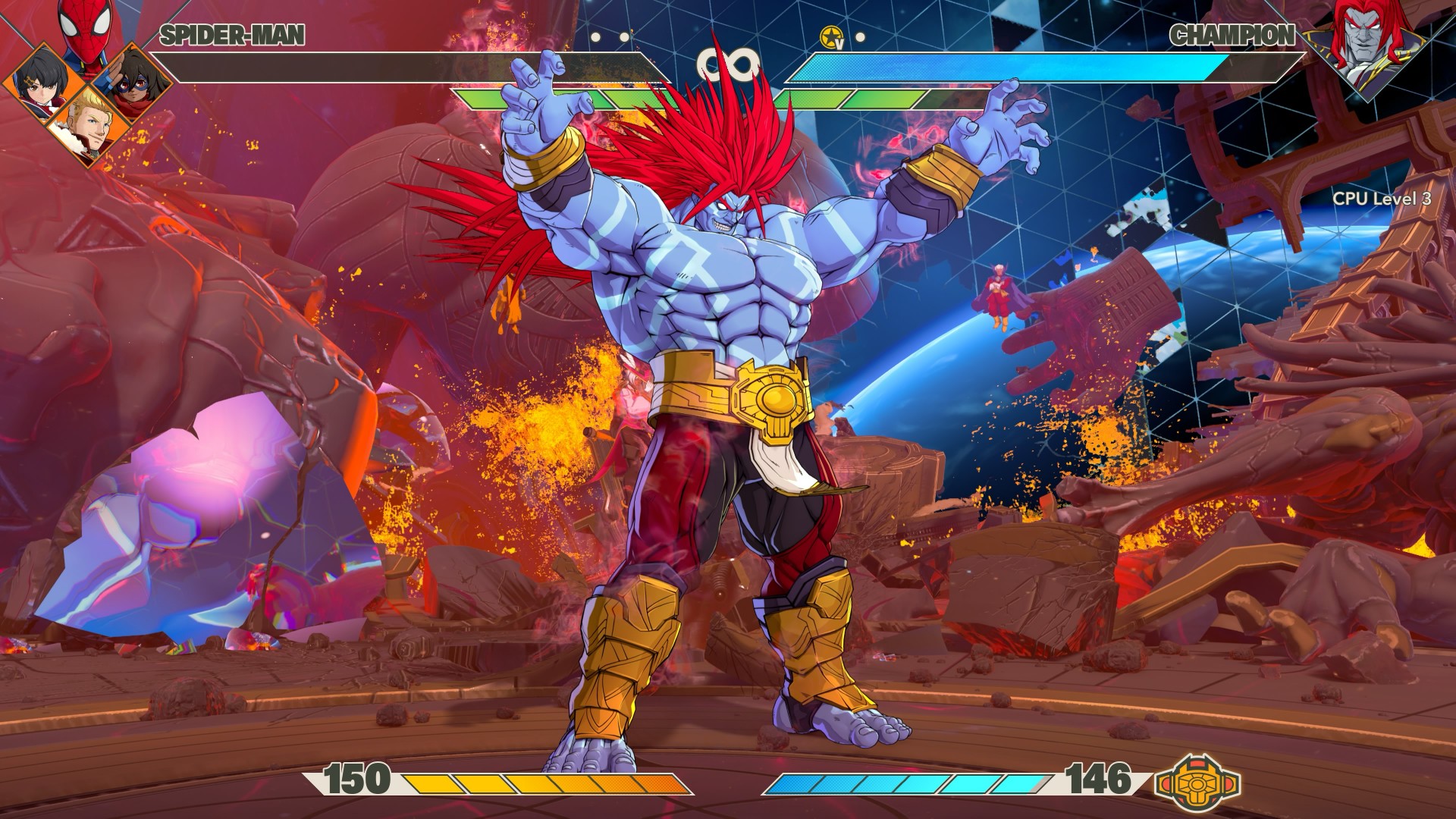
This might be one of the biggest compliments I can give Tōkon.
When I lose matches, it never feels like it’s because the opponent got some sort of buff or something.
I can clearly see where I mistimed a block or a counter, and that led to a devastating string of combos that led to my demise. I don’t mind losing when I understand why I lost.
There’s a difference between getting beaten and feeling like the game simply decided that you were going to lose. Tōkon generally makes me feel like the former.
I’m not suddenly going to pretend I’m good at fighting games. I’m still a casual player. But I can recognize when I made a mistake.
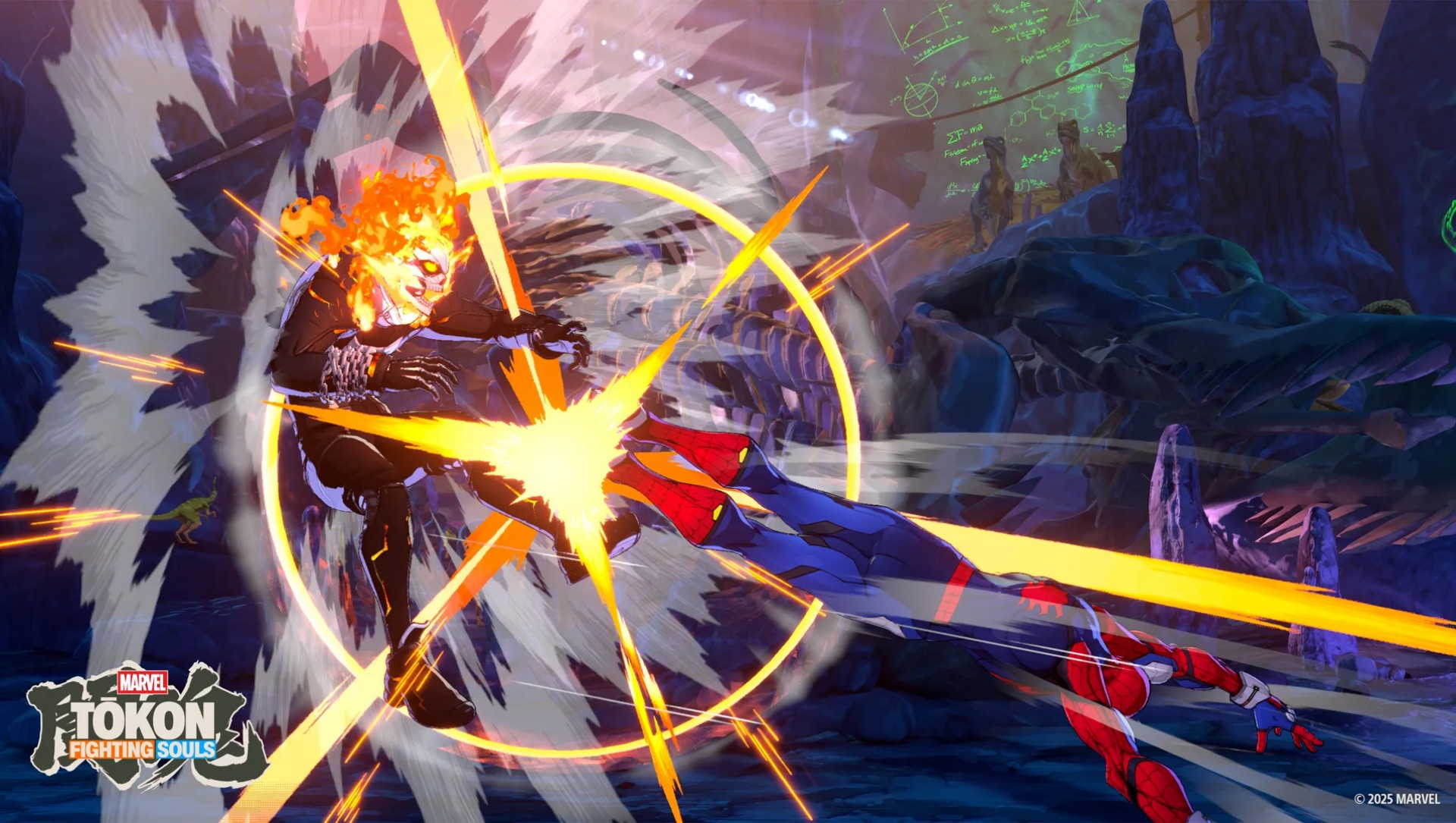
And when I watch a really good player put together a sequence, I can appreciate the skill involved even if I have absolutely no idea how to replicate it.
That’s where I think Tōkon strikes a good balance.
The game lets me enjoy fighting games at my level while leaving the door open for players who want to take things much, much further.
It’s anime as hell
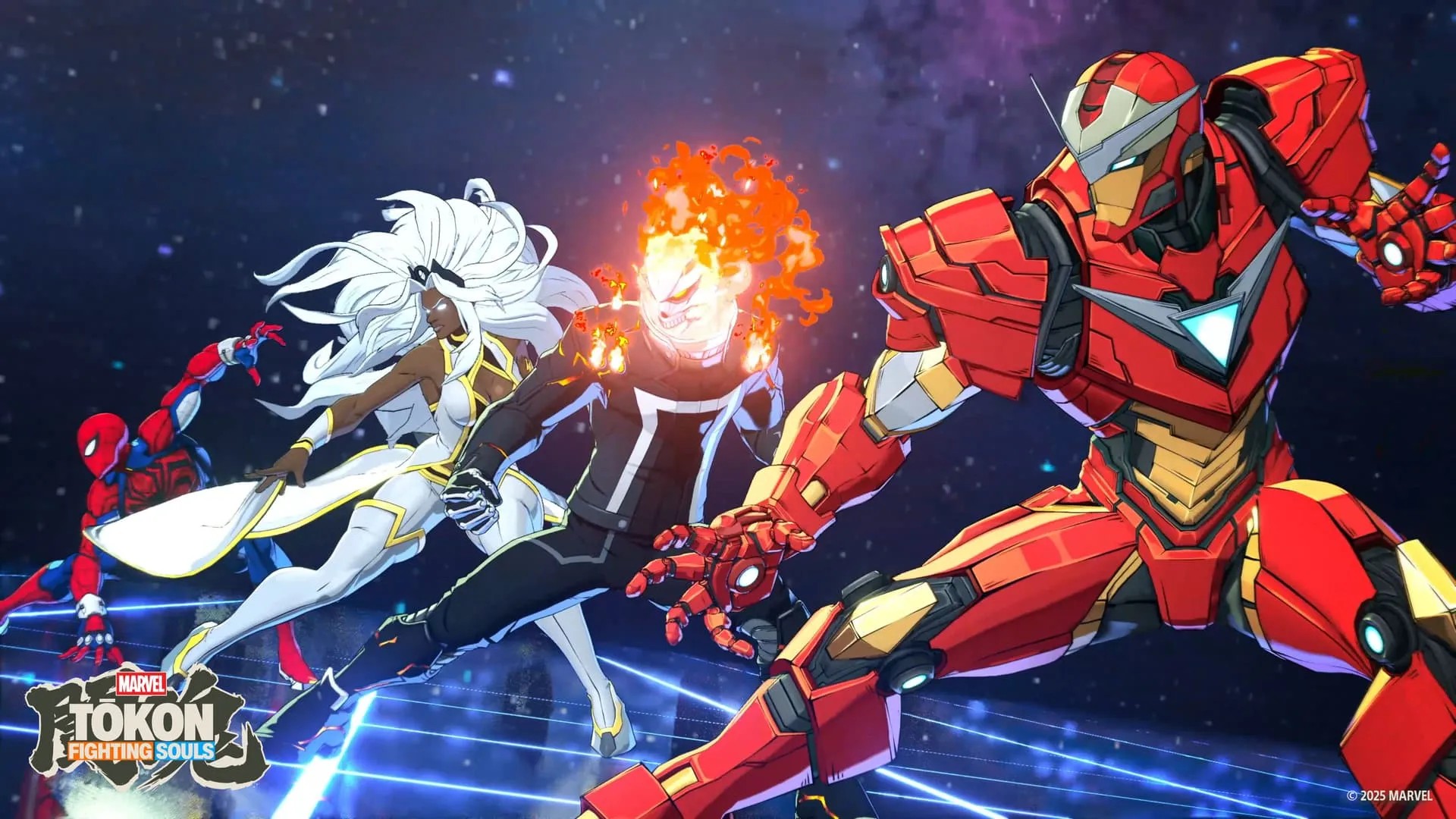
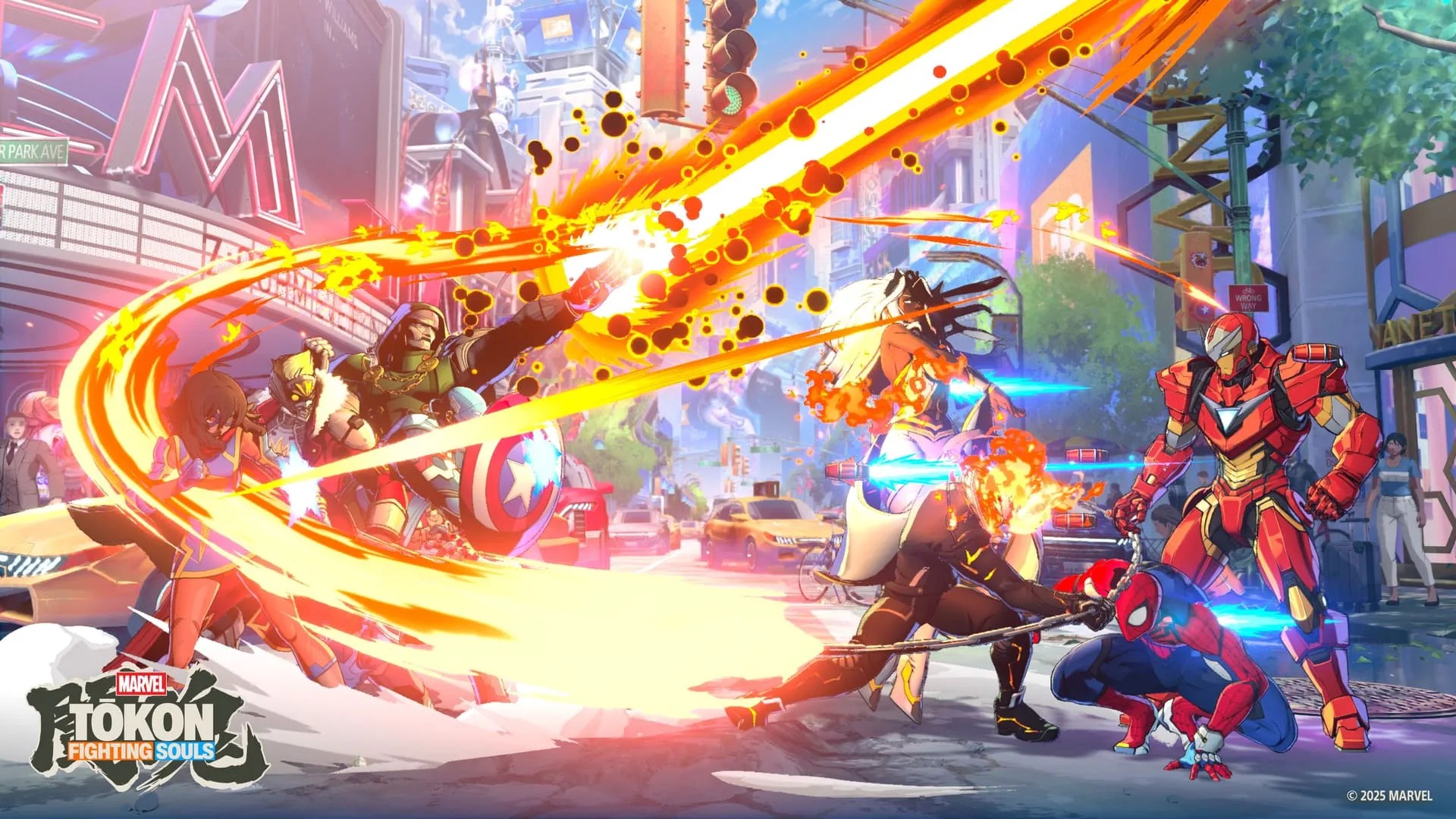
The anime-coded art style has been telegraphed since the game was first announced, so there shouldn’t be any surprises here.
There are plenty of character costume color combinations to choose from, while the animations are truly eye-popping without feeling extremely overwhelming.
The characters move with the kind of exaggerated energy you’d expect from an Arc System Works fighter, but it still feels distinctly Marvel.
Every fight feels like a comic book panel suddenly came to life.
The presentation is particularly good at making the big moments feel big without turning every attack into visual noise.
And then there’s the opening sequence. It is so anime intro-coded and I NEVER skip it. It’s so hype!
Don’t expect a deep Marvel story
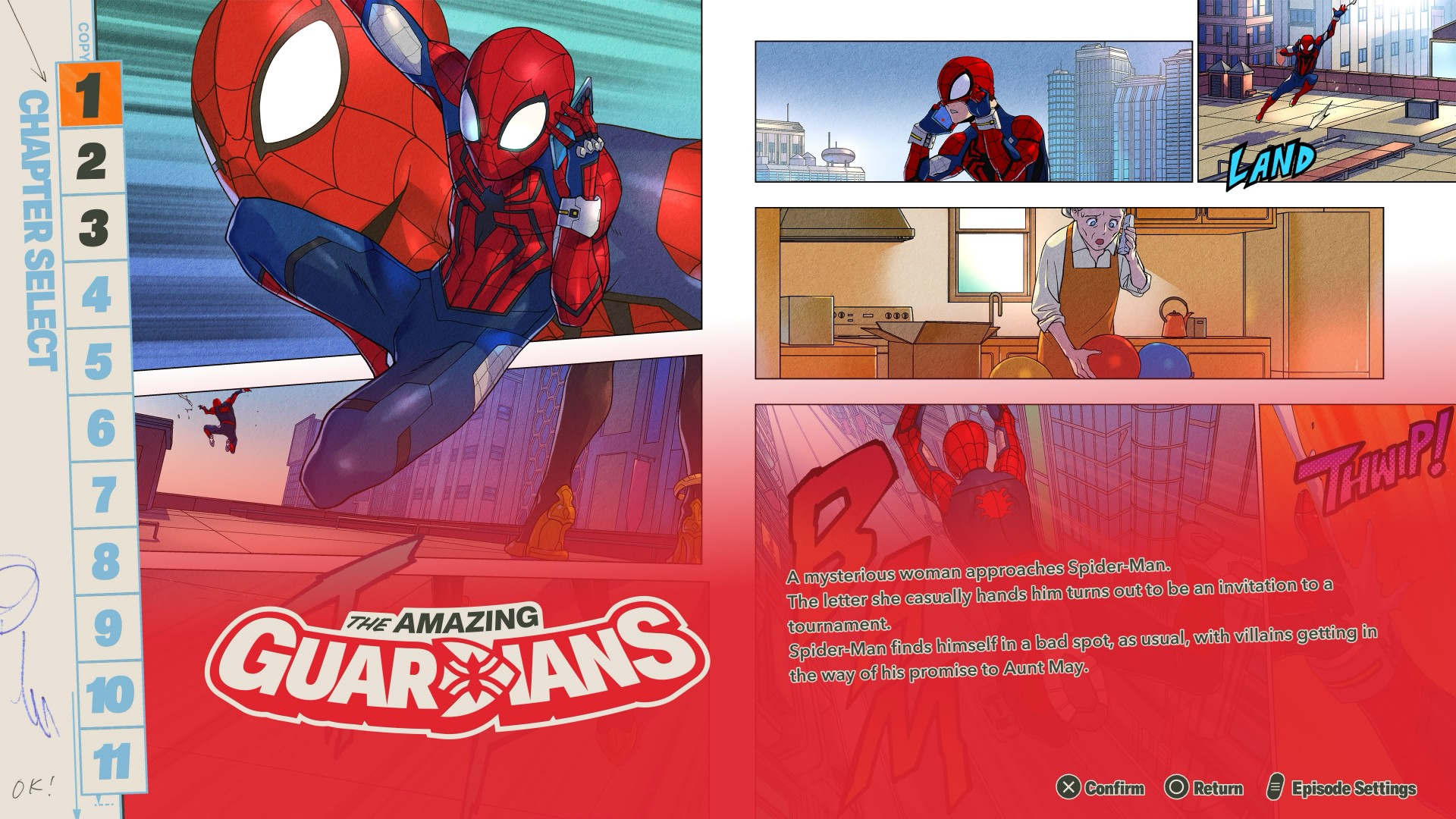
You don’t have to play through each character for Story Mode.
The characters are divided into teams of four, giving each group its own story. The presentation is a mix of anime cutscenes and comic-book-panel-style storytelling.
It’s… alright.
If you’re after any real deep storytelling here, you’re not playing the right game.
There’s enough to keep you mildly entertained, but halfway through your third team you’d probably be over it and would want to just jump straight into fighting — which is the core of the game anyway.

The story gives you an excuse to spend time with different teams and characters.
It lets you learn how they play while giving you a little context for why they’re fighting together.
But Tōkon’s real appeal isn’t its story. It’s what happens when the fight starts.
The fighting is the story

The more time I spend with Tōkon, the more I think this is where the Marvel vs. Capcom comparison makes the most sense.
You pick characters you love, put them together, and figure out how they work.
Then you discover that the character you weren’t interested in is suddenly the one you can’t stop playing.
That’s the loop. And it’s a good one.
Tōkon feels like it understands that a fighting game doesn’t need an elaborate narrative to make you care about its characters.
Sometimes all you need is a character you like, a team that feels good, and a fight that makes you want to hit rematch.
The sound of a good fight
I have to be honest — and a bit embarrassed — I love listening to music, but audio is almost always the last thing I notice when I review games.
I want to say the audio here perfectly complements the visuals.
Nothing feels jarring or out of place.
The music feels appropriate for every stage of the fight, while the in-fight dialogue matches the reactions to what’s happening on screen.
(My setup is an LG C2 TV with a Samsung soundbar. Suffice it to say, I FEEL every hit adequately).
Arc System Works also specifically called out music and sound as areas of focus for Tōkon. After playing it, I can see why.
It runs excellently on PS5
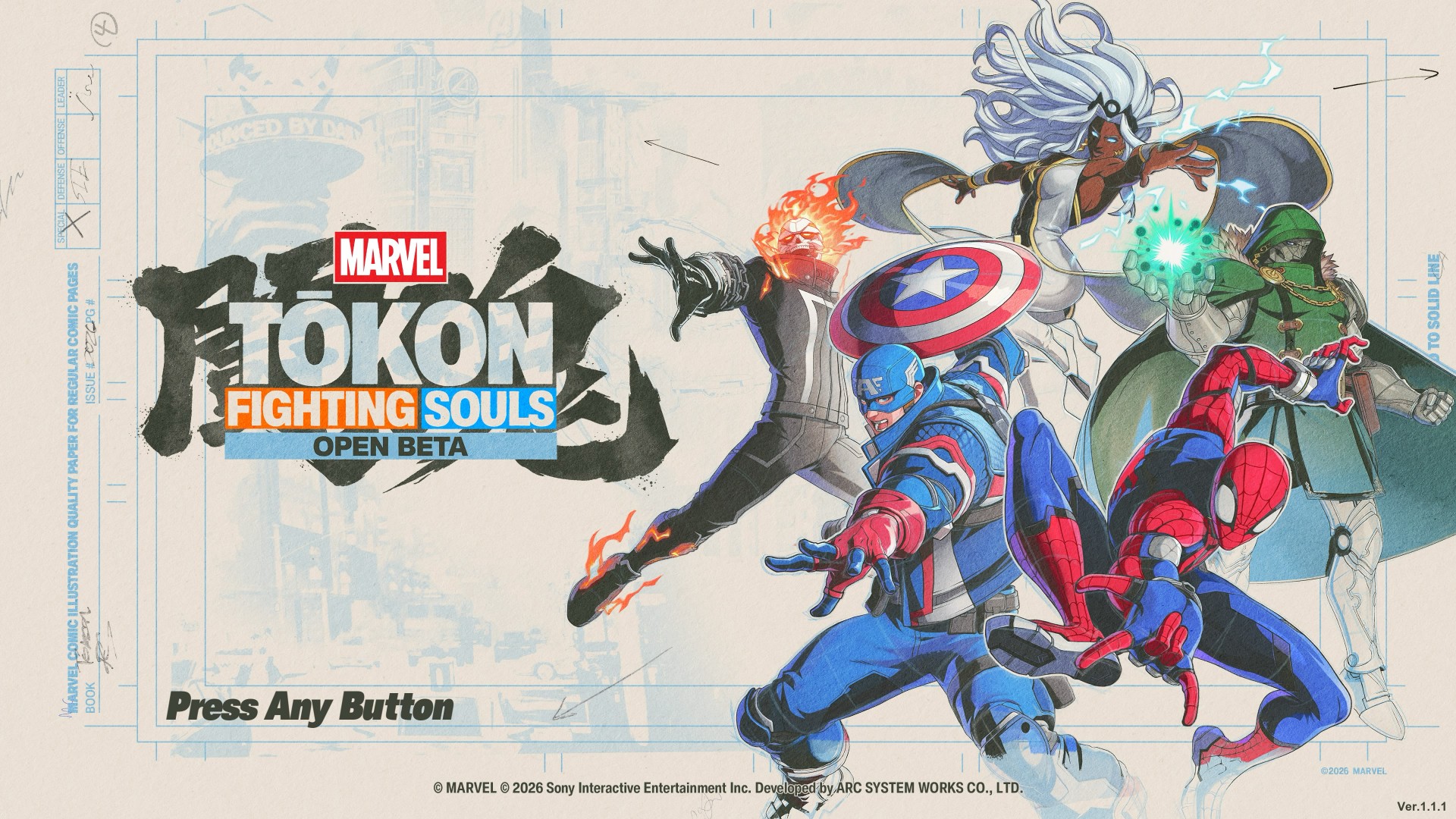
MARVEL Tōkon: Fighting Souls OPEN BETA_20260726110851
On PS5, MARVEL Tōkon: Fighting Souls runs excellently.
My runs were mostly PvE, and I encountered no issues whatsoever.
Any input lag is just me having stubby fingers — nothing to do with the game’s performance.
The game also benefits from the PS5’s presentation, with its colorful effects and huge character animations looking particularly good on a big screen.
I played on a 55-inch TV and it made those big super attacks especially satisfying to watch.
The PC version, however, had a much rougher launch.
It was only recently that a patch was released, and we also had challenges redeeming the PC version.
So if you’re deciding between platforms, the PS5 version is the one I can comfortably speak for based on my experience.
Online is where I struggle
MARVEL Tōkon: Fighting Souls OPEN BETA_20260726140314
I don’t like talking about this. I get my ass handed to me too much. But if you’re talking about getting into matches, it does get challenging.
I wait a good five to seven minutes before I can hop into online matches.
And once I do get into a fight, let’s just say my win rate isn’t exactly something I’m going to frame on the wall.
The game’s online offering includes Casual and Ranked matches, along with online lobbies and Room Matches.
The real question for more competitive players will be whether the online community can sustain quick matchmaking as the player base settles after launch.
For a casual player like me, though, the bigger hurdle is simply finding someone willing to beat me up.
A cute little detour
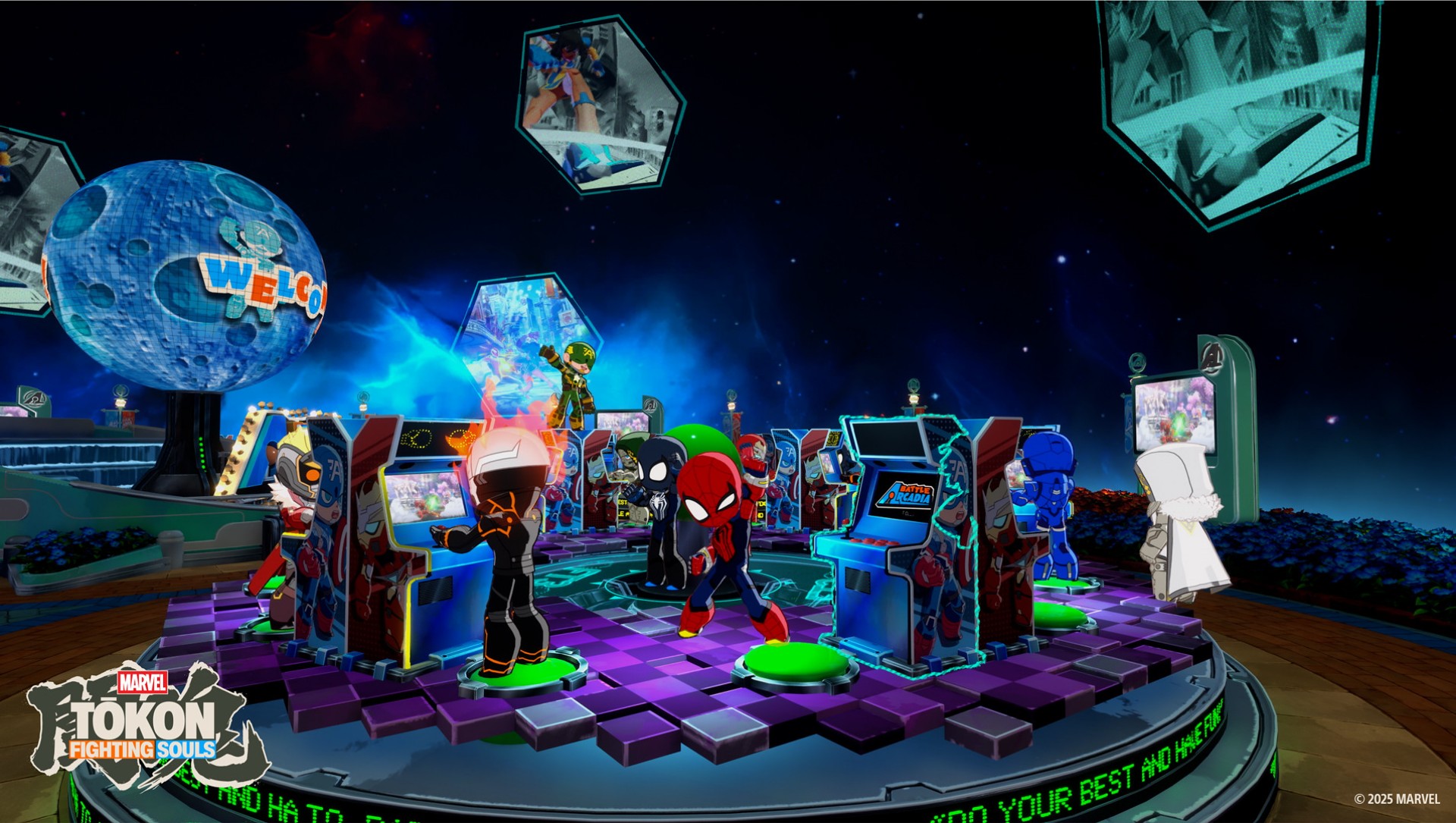
There’s also Arcadia Rumble, a bit of a platformer-type game with the characters rendered in chibi form.
It’s nothing groundbreaking. But I particularly enjoyed the chibi looks as a chibi enjoyer.
The chibi version is an Arc System Works staple, and it’s a cute little change of pace from the much more intense main game.
You don’t need to play it to appreciate Tōkon. But I like that it’s here.
I’m already looking forward to more
The launch roster is already substantial, but I’m particularly excited about the first DLC character: Phoenix Cyclops.
Scott Summers is my guy. And we’re getting the cosmic version? I am waiting with bated breath.
That’s probably the best place to leave Tōkon.
I came into this expecting a fun Marvel fighting game.
What I got was a fighter that is easy enough for a casual player like me to pick up, while constantly reminding me that there is a much deeper game waiting underneath.
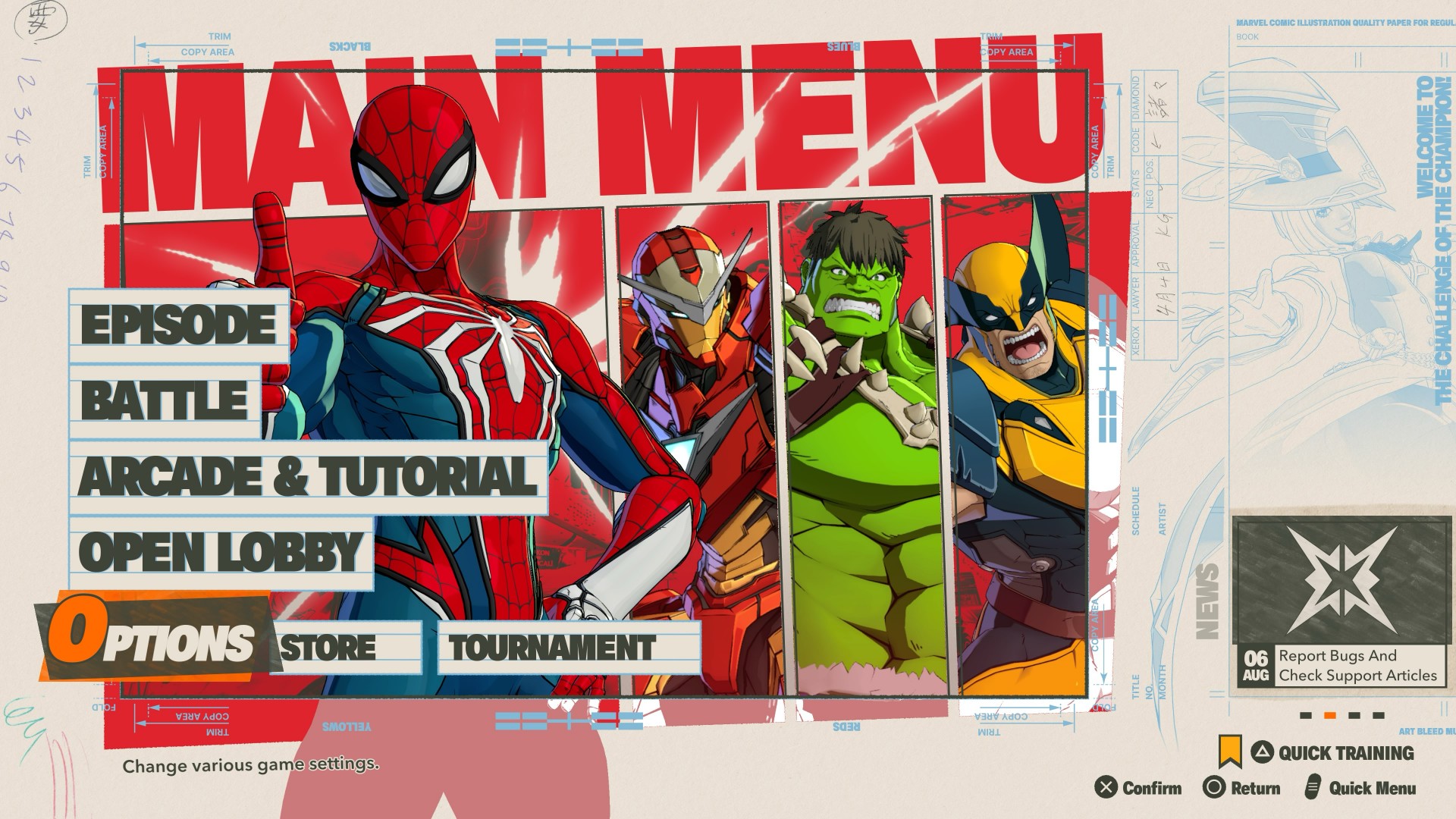
It’s not that Tōkon is simple.
It’s that it does a good job of making complexity feel approachable.
You can mash buttons with Wolverine and have a great time. You can swing around with Spider-Man and look for openings. And you can slow things down with Blade or Ms. Marvel and learn to be more deliberate.
If you want to go deeper, the systems are there waiting for you.
Now pickup a controller and take on MARVEL Tōkon: Fighting Souls

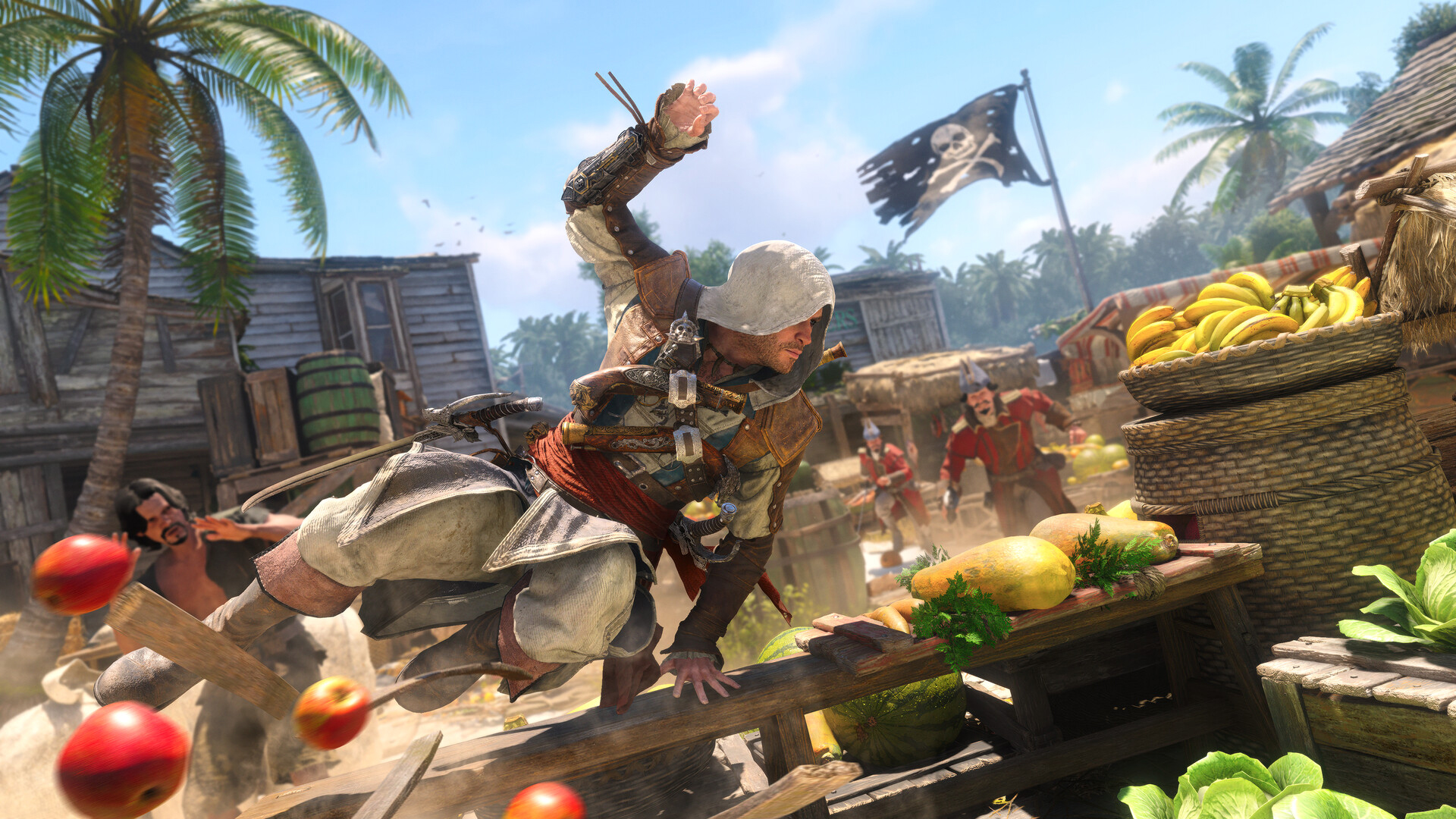
Like any millennial, I love a good dose of nostalgia. These days, however, nostalgia is no longer a scarce resource. Remakes and reboots abound, the entertainment world heavily seesaws between all the franchises that made our child- and teenagerhood so fun. Today, the ever-spinning roulette lands on Assassin’s Creed Black Flag.
Launched not too long ago, the original Black Flag was a pirate life simulator disguised as an Assassin’s Creed game. It was a refreshing breath of fresh air for the series coming after the controversial ending of Desmond Miles’ arc. Unsurprisingly, the game is still the most universally lauded entry in the entire franchise. So, if you ignore how recently it came out, Black Flag makes sense as the first Assassin’s Creed to ever get a remake.
But do we actually need this much nostalgia?
New clothes for the original
Assassin’s Creed Black Flag Resynced plays like a dream. It’s the original game but with updated graphics and combat.
Now, the original game still plays very smoothly today. I’d even hazard that the original graphics are still serviceable today, albeit tinged with a tiny bit of datedness. Basically, if I boot up my copy of the original, there’s a very good chance that I’d still find it perfectly modern.
That said, Black Flag Resynced has amazing graphics. There’s a clear difference that elevates the original to heights that put it at par with the newer games. Parkour and combat are also smoother. If you’ve played Shadows or Valhalla, Black Flag Resynced is easy to pick up (or pick up again, for most of you).
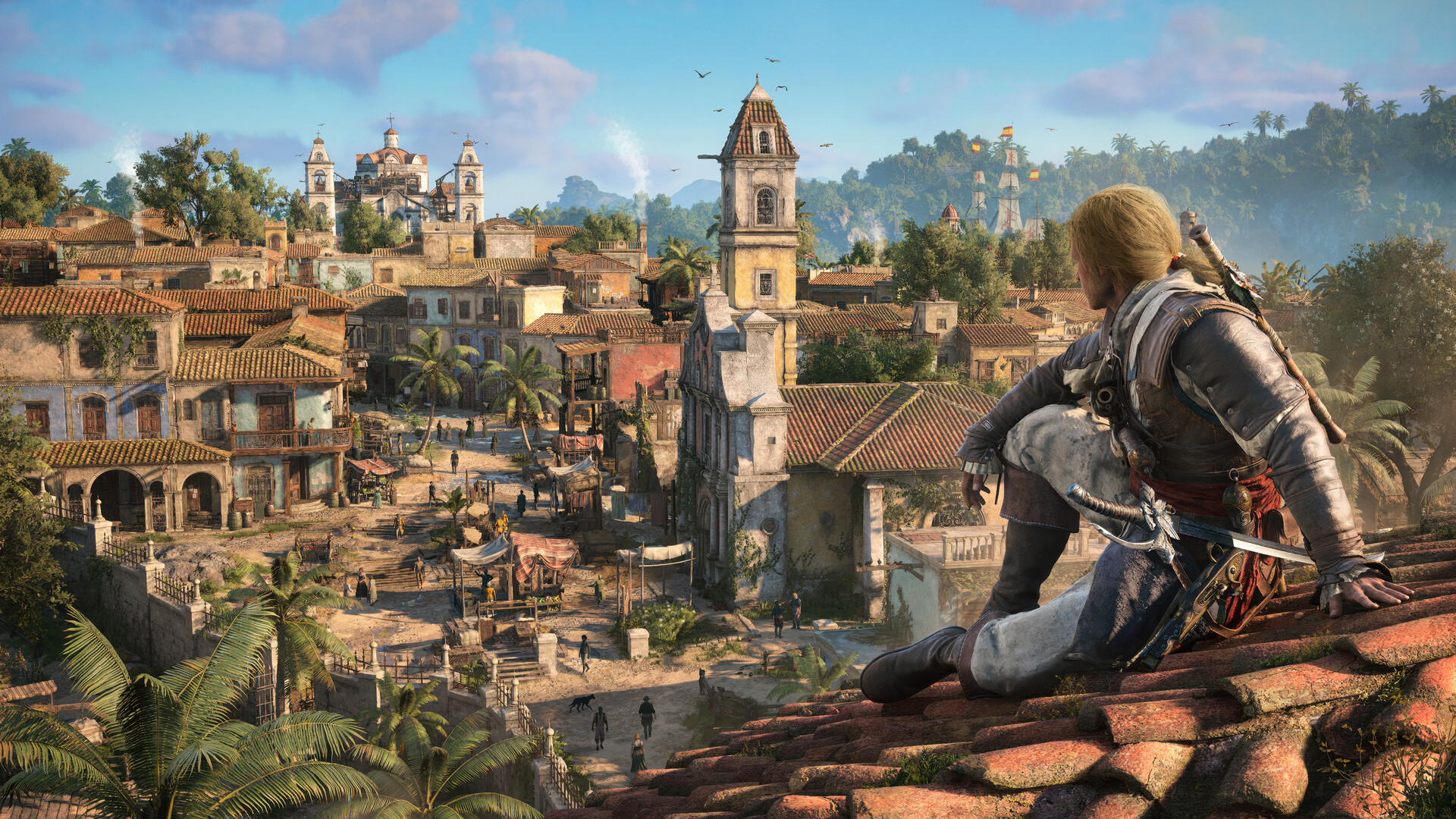
There are a few additions, including story content for some characters or even entirely new ones introduced. To be honest, I don’t think they add a lot to the experience, but the additions aren’t bad things at least.
The real meat comes from the tinier quality-of-life changes added to the overall game. For example, those pesky trailing missions are now gone. Stealth is better. Finally, that terrible modern-day storyline was completely removed.
It’s fair to say that Black Flag Resynced is a better version of the game than its original. But, again, is that really enough to warrant buying a new and even more expensive version of a game you bought long ago?
The problem with nostalgia
Earlier this year, I played Yakuza Kiwami 3 & Dark Ties, a remake of the eponymous game from the Yakuza franchise. Though the new version had a substantial expansion bundled inside, it was essentially a trip down memory lane clothed in a “new” skin.
Yes, the nostalgia is largely effective. But after a while, the doubt crept in: It’s just a reskin with some new content. Worse, the reskin is a coat of paint that the series has been using for so many years now.
Black Flag Resynced starts to feel the same. Eventually, the appeal of playing a beloved game runs out, especially since it’s a game that hasn’t been out long enough to develop a more intense form of longing. As such, there’s a bigger burden for it to prove why it should exist.
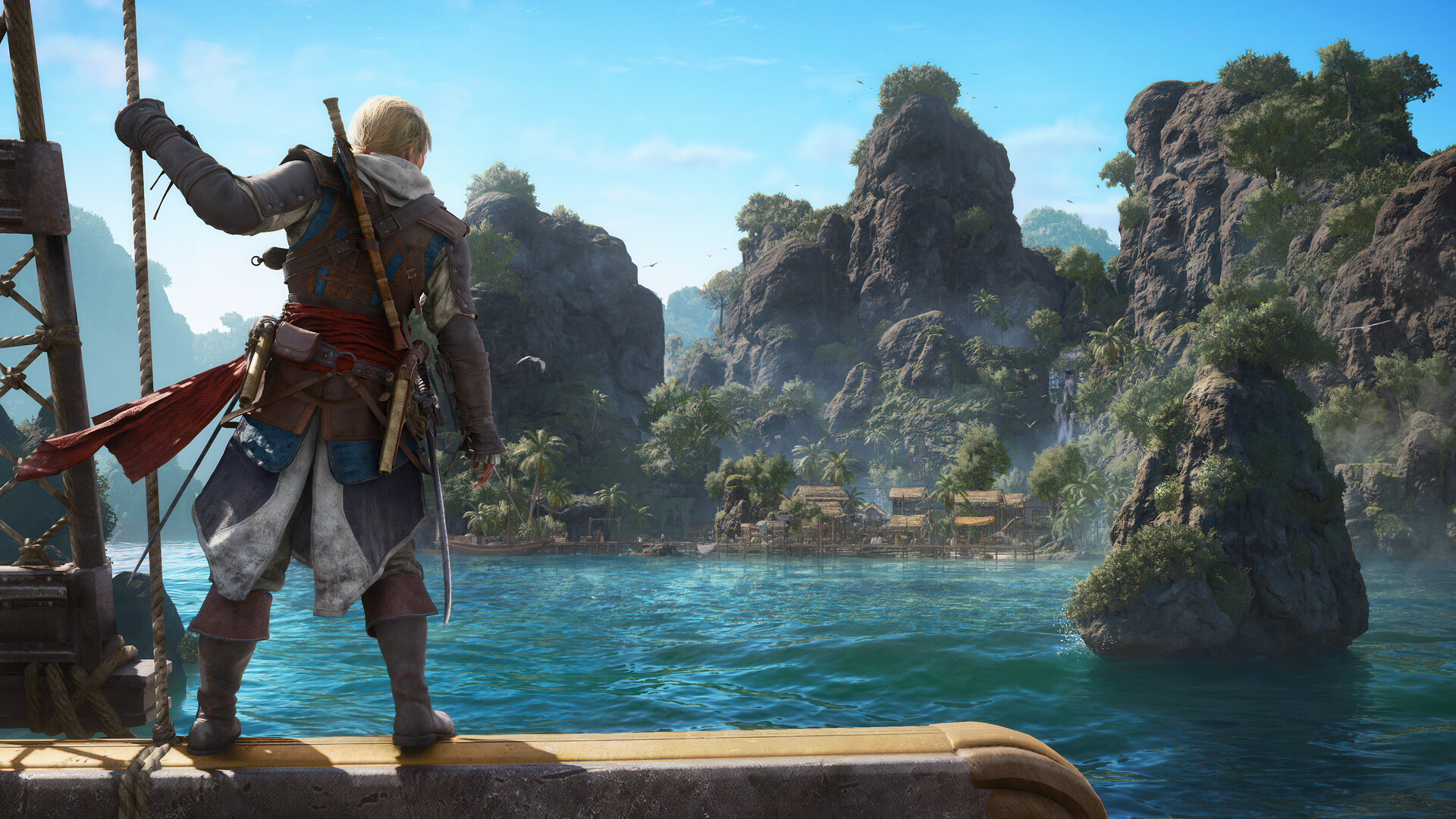
It’s a hard sell. The original game is just much too recent. In fact, it still holds up well today, despite some inconveniences. The new version is, like Yakuza Kiwami 3, mostly translating the game into a modern system familiar to modern players. But it’s a system that hasn’t really changed much over the years. With another game following the same format, it’s all blending into a homogenous soup.
The Assassin’s Creed franchise needs a reinvention. Though the previous Shadows fulfilled a generational wish to bring the series to feudal Japan, it was just another Assassin’s Creed game but with two protagonists. It’s the same thing with Black Flag Resynced, just another Assassin’s Creed game but with better graphics (and ship combat).
Nostalgia is doing a lot of heavy lifting in Black Flag Resynced. The game isn’t really a reinvention, and if you’ve played the newer titles recently, nostalgia might not be enough.
Is Assassin’s Creed Black Flag Resynced your GameMatch?
If you’ve played the original and just want to experience the same game on a modern system, then Black Flag Resynced is perfect for you. It’s the same enjoyable experience with a bundle of small quality-of-life improvements.
However, it doesn’t reinvent the wheel. If you’re tired of the same old Assassin’s Creed formula, the remake probably won’t do much for you, either.

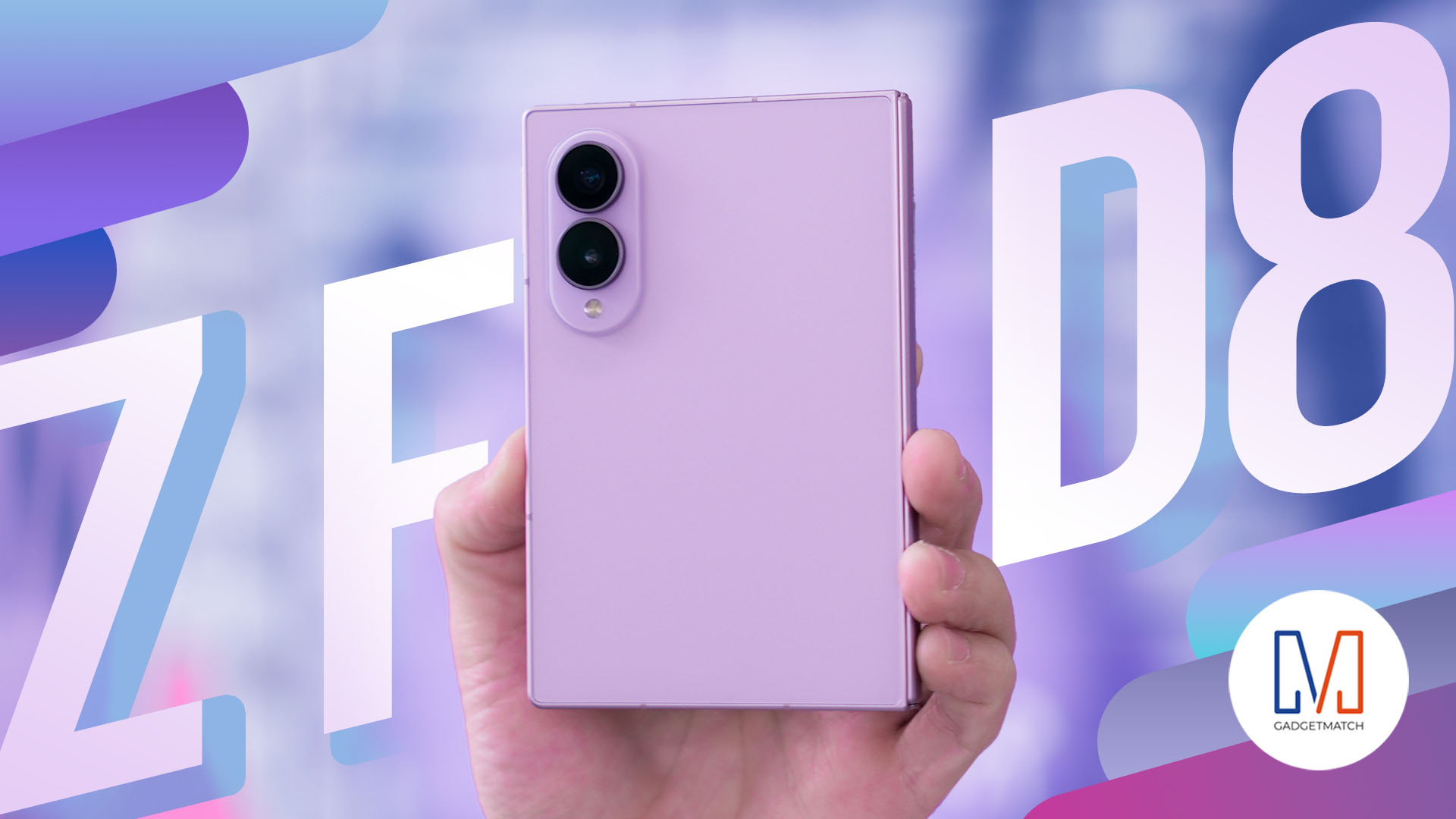
THE Michael Josh has reviewed every Galaxy Fold since the beginning. But, for almost three weeks, the Samsung Galaxy Z Fold8 has been the phone he reaches for every single day.
In this Galaxy Z Fold 8 review, he is sharing what it’s actually like to live with Samsung’s latest foldable. From the size and multitasking to the cameras, battery, software, durability, and all the little things that become more obvious after weeks of daily use.
Here’s our long-term review on the newest Samsung Galaxy Z Fold8.

MARVEL Tōkon: Fighting Souls review: Easy to pick up, hard to put down
Welcomes casual and experienced fighting game players


Now Playing: Assassin’s Creed Black Flag Resynced
Nostalgia does a lot of heavy lifting.

Samsung Galaxy Z Fold8 Review
8 Galaxy Folds later, Samsung finally nailed It!

UNDERTALE: The Determination Symphony gets two more shows

HUAWEI Pura X View is 2026’s first WIDE slab-type smartphone

These Polaroid x Pokémon cameras are just the cutest things
MARVEL Tōkon: Fighting Souls review: Easy to pick up, hard to put down

Samsung might launch the Galaxy S26 FE next week

Hands-on: Samsung Galaxy Z Fold8, Flip8, Ultra

VinFast debuts two-wheeler models, opens 21 e-motorcycle showrooms

Sony announces new FX5 full-frame camera

NBA 2K27 cover athletes unveiled: Wemby, Clark, DRose

CASETiFY revives Spider-Man collection for Brand New Day


-
 Laptops2 weeks ago
ROG STRIX G16 Review: Building for the moment
-

 Singapore5 days ago
REDMI Note 17 Series focuses on long-term reliability
-

 Laptops2 weeks ago
30 days later with the ASUS ExpertBook Ultra: Like seeing an ex
-
 News4 days ago
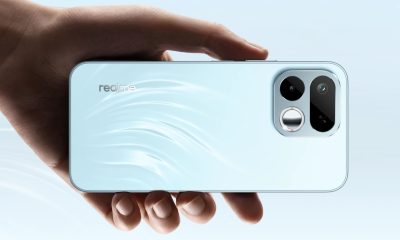
realme 16T to come with 8,000mAh battery, 7-year battery health guarantee
-

 Philippines2 weeks ago
Smart opens HUAWEI Pura 90s Series pre-orders with exclusive freebies
-

 News2 weeks ago
TCL expands mobile lineup with latest NXTPAPER series
-
 Gaming1 week ago
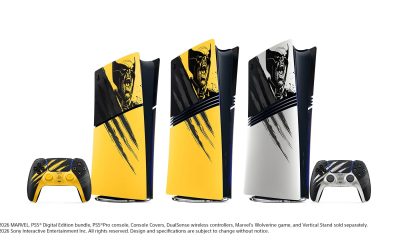
Marvel Wolverine Limited Edition PS5 bundle SEA pricing
-
 Deals2 weeks ago
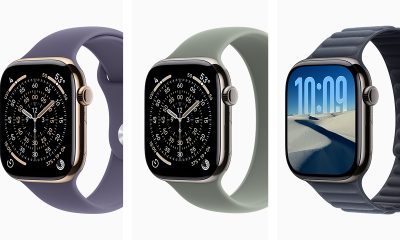
Apple Watch, AirPods get exclusive offers via Beyond the Box