



Nowadays, my stress comes from the fact that living in the Philippines can be overwhelming. Honestly, so much of my energy in the day goes to the hybrid work setup plus attending to responsibilities within the household. Not to mention, there’s not much that the metro could offer as a respite for the working professional. You’d think that short breaks will be of use when every day is just a greater grind than the day before.
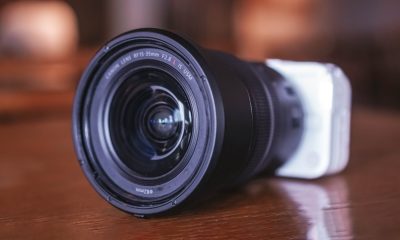
So, along with the group of people I consider as my family outside home, I decided to give myself that long-needed trip overseas. Obviously, we booked the tickets way before and I needed to make sure that I would use this time to be away from home for a while; to disconnect, if you will. Of course, just to make sure I keep the memories safe, I’m bringing the Canon EOS R8 with me.
We departed from Manila, and was finally en route to a small, bustling island known simply as Taiwan.
The sights within the streets

My significant other and I had a game plan on how to completely maximize one week in Taiwan. This while also considering I still had work to do.

Part of the itinerary was to explore as much of the Taipei area. This includes every nook and cranny that presented itself. With the Canon EOS R8, this was pretty easy.



Needless to say, I looked like I was gathering memories of the simple streets that the country had to offer.
The food we got to eat

Part of any person’s journey to another country is trying out all the food that’s out for the tasting. Fortunately in Taiwan, there was an abundance of establishments and food spots that you simply cannot miss.

Of course, as working professionals, you can’t help but try your luck at some cafes in the area, and there were a lot of them.

The EOS R8 enabled me to capture some of the food I got to try with near-perfect detail. Even the most minute detail on specialized caffeinated drinks became the highlight of the photos I took. Although, it wouldn’t be as quick and easy to get the perfect shot compared to using a powerful smartphone.
The attractions we got to experience

It wouldn’t be a trip to another country without going everywhere and anywhere that stands out to us. In my case, apart from the streets, it’s the grand attractions that even the most typical of tourists visit. Considering that most of these are attractions even during night time, this would be the perfect opportunity to see if the EOS R8 stacks up.

During the entire time I was in Taiwan, most of the mornings were pretty cloudy so daytime shots had a dimness to them.

At some point in the day, it rained and you can imagine how difficult it is to bring a camera with a long camera lens to boot.


Still, the shots I took looked pretty decent and no details were sacrificed.

Night time shots and even photos in less than favorable lighting conditions were good enough.

Shifting to Manual Focus gave me the opportunity to create the near-perfect conditions to take quality night shots within Taiwan’s well-known night markets.

Also, since the Museum of Contemporary Art had an exhibition under rather low-light conditions, I also gave it a shot.
The company you’re with

One great thing I appreciated about this trip was the fact that I was with great company all throughout.

Sure, there was only like one full day wherein we all had one place in mind, but it was worth it!

Because I had the EOS R8 for the trip, I became the group’s photographer whenever possible.


In a way, we all needed the disconnect from going through our usual routines back in Manila. Even though most of us still had work to do during the last few days before heading home, it felt refreshing. Plus, I think it allowed us to get work done faster to enjoy the trip as much as we can!
Heading home

After one whole week of walking around, taking beautiful pictures and having delicious meals, it was time. An early morning flight back to Manila was waiting for us at the airport, which was honestly just a handful of train stops away from the main Taipei area. Unfortunately, the Canon EOS R8 was already tucked inside my luggage and I didn’t have enough time to pull it out once we got to the airport.

Although, what I do appreciate about it is how compact it can be when storing it inside. Despite having a rather wide body and with a long camera lens, it doesn’t take up too much space. In my case, it was better to tuck it inside a carry-on with bubble wrap and reinforced with soft clothing. After a few hours and a delay in our flight time, we arrived in Manila and returned to the heat of the world.
For trips like these, having both the Canon EOS R8 and a smartphone of choice allowed me to capture beautiful yet short-lived moments in time. Whether we were inside closed spaces or exploring the natural attractions, it grabs everything in full detail with the proper adjustments. I would consider this as a must-have for anybody looking to travel anywhere they want; just make sure you make space and take care of it while you’re out.
SEE: Elevate your vlogging: Canon announced EOS R8, R50 cameras






Cameras
DJI Osmo Pocket 4P launches with dual lenses and a 1-inch sensor
The biggest upgrade yet to DJI’s compact gimbal camera

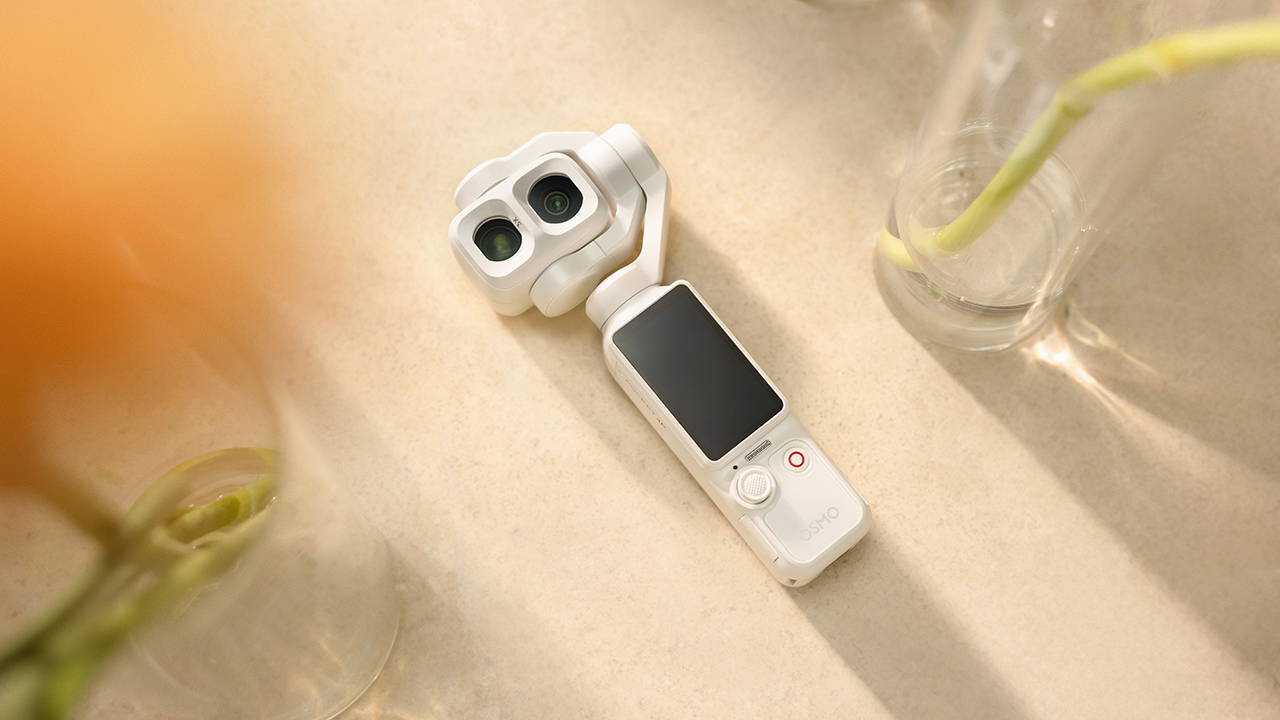
The original Osmo Pocket launched in 2018 as a pocket-sized gimbal camera for people who wanted smooth footage without carrying a full rig. DJI has been building on that idea ever since, and today, with the Osmo Pocket 4P, they made the biggest jump yet.
A significant change
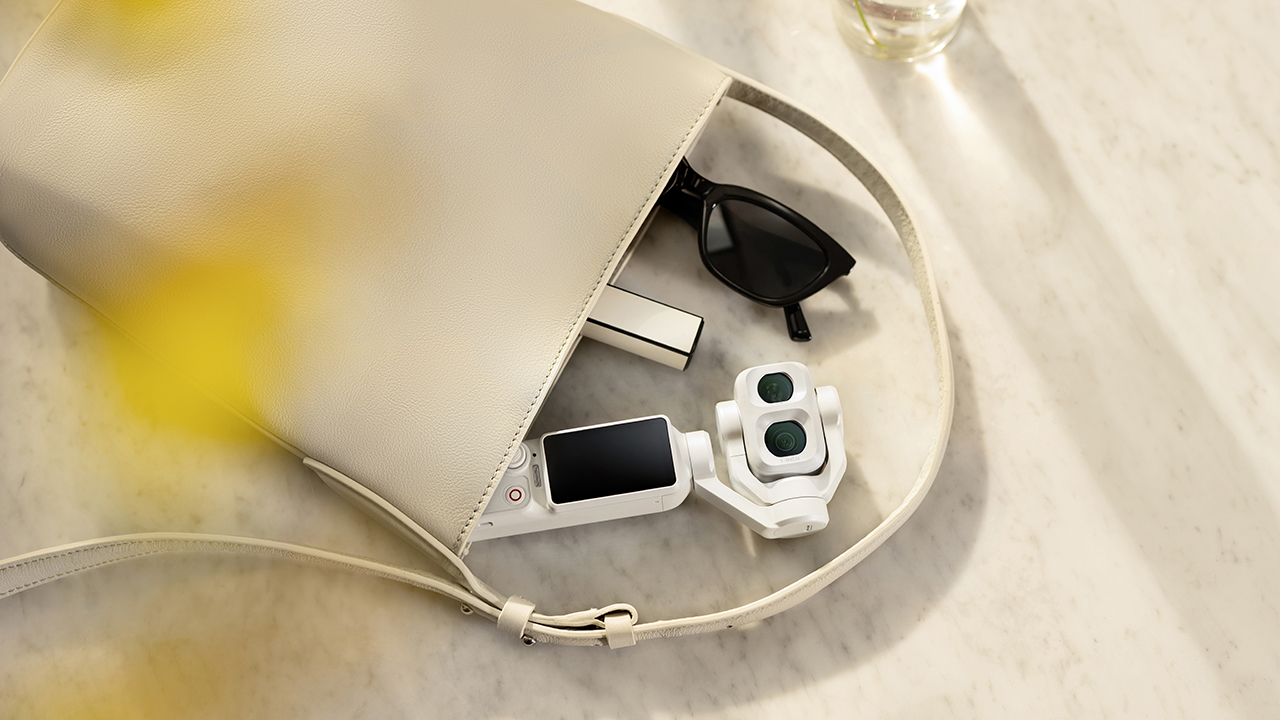
The most significant change in the Osmo Pocket 4P is the introduction of a dual-lens system. While previous Osmo Pocket models limited creators to a single, fixed field of view, the 4P provides two distinct options.
The camera features a wide-angle lens backed by a new 1-inch CMOS sensor alongside a 60mm medium-telephoto portrait lens boasting an f/1.8 aperture and 3x optical zoom. This second lens fundamentally changes how creators shoot on the ground.
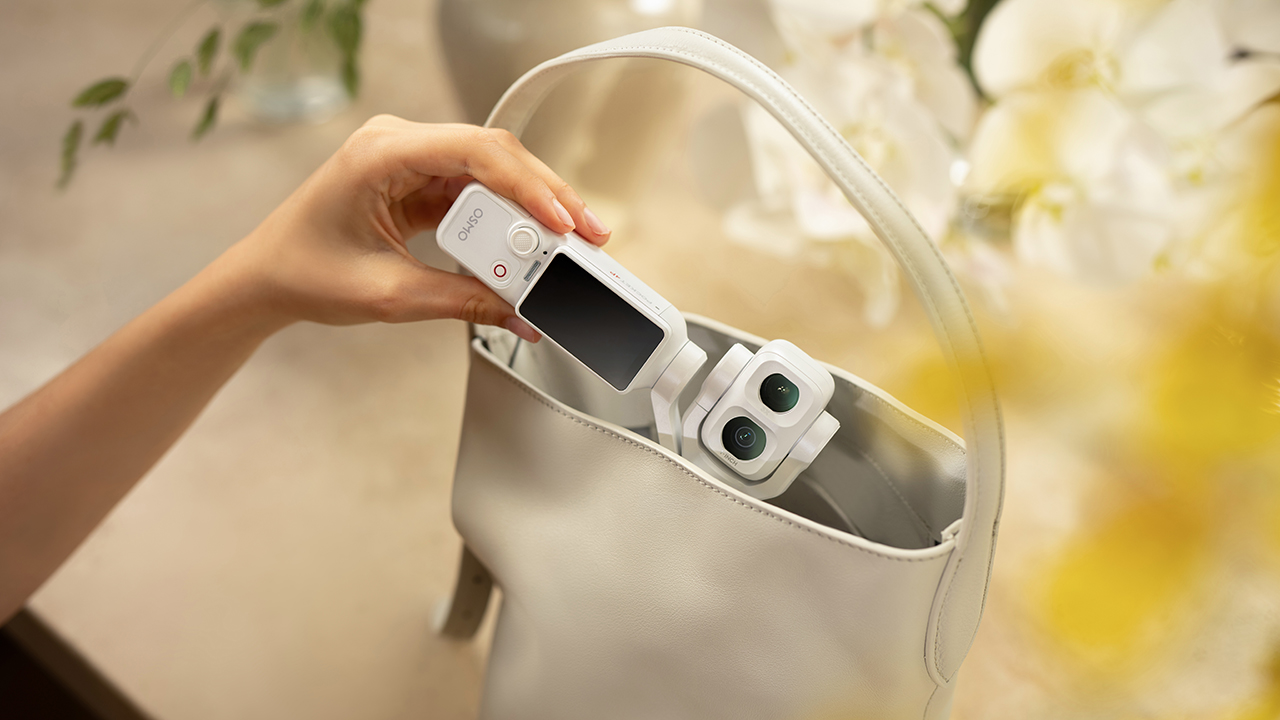
At the 60mm focal length, backgrounds compress naturally to separate the subject from the environment without relying on artificial software rendering, offering an invaluable tool for capturing people at events, during travel, or throughout daily life.
The wide lens captures 17 stops of dynamic range through what DJI calls LOFIC technology, which handles high-contrast scenes like backlit windows or golden hour without blowing out the sky or burying the shadows.
Advanced sensor tech, color latitude
For high-contrast environments, the wide-angle lens captures an impressive 17 stops of dynamic range utilizing DJI’s new LOFIC technology.
This hardware addition allows the camera to effortlessly manage difficult lighting scenarios, like backlit windows or golden hour horizons, keeping the sky intact while preventing shadows from turning muddy.
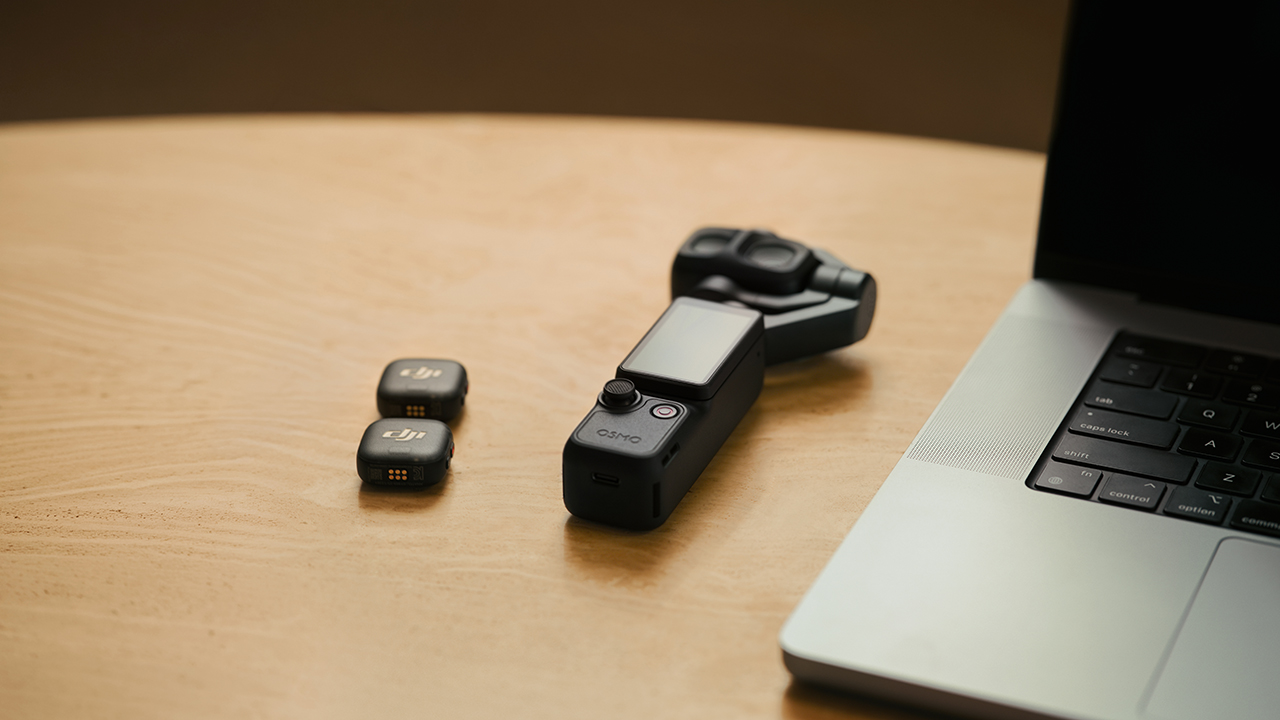
On the color processing side, DJI has introduced a 10-bit D-Log 2 profile capable of recording over a billion colors. This shift provides editors with significantly more latitude to grade footage in post-production, avoiding the limitations of a baked-in, in-camera look.
High-speed motion, smart framing
In terms of capturing motion, the 4P supports 4K slow motion at 240fps, making it ideal for fast-moving subjects that benefit from a stylized, slowed-down perspective.
A slow shutter video mode is also included, allowing users to organically capture light trails in low-light environments. Physical stabilization continues to rely on a mechanical 3-axis gimbal, drawing directly from the heritage of DJI’s professional Ronin systems.
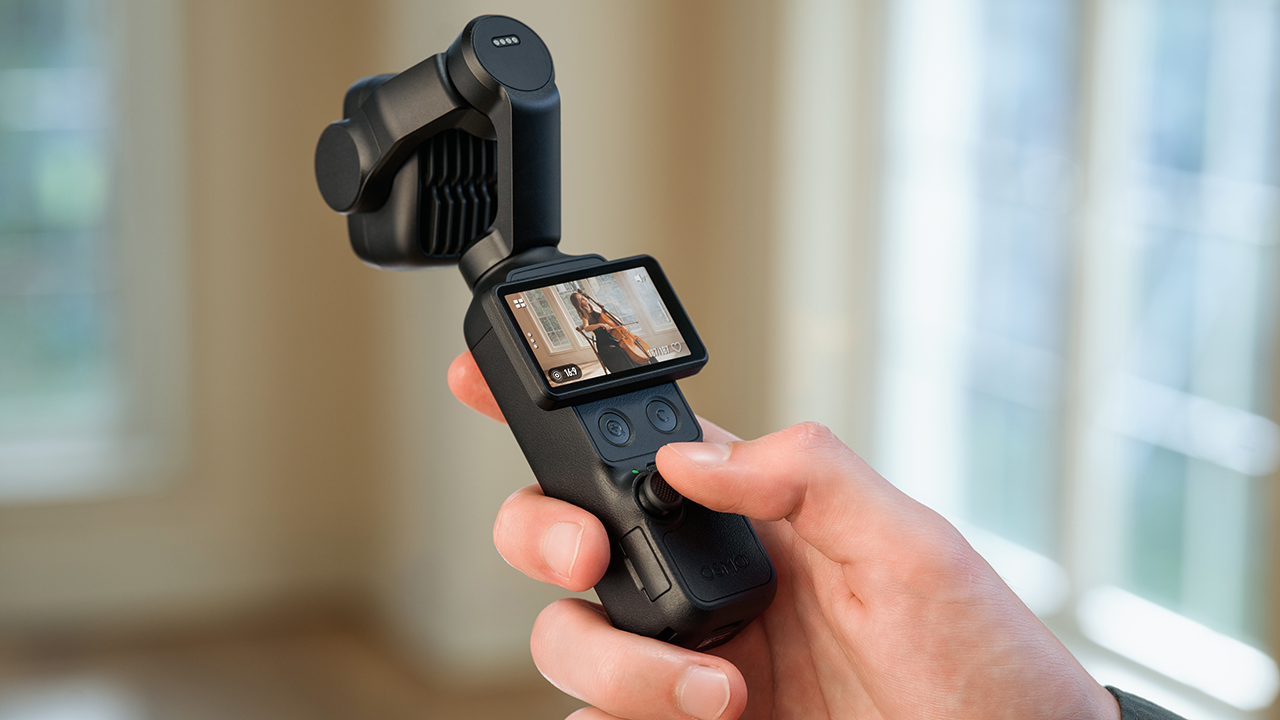
Weighing just 230 grams, the compact unit incorporates ActiveTrack 8.0 to handle automated subject tracking, maintaining precise focus through the entire 12x digital zoom range — a feature that proves essential for solo creators who need the hardware to handle framing duties.
Practical updates for daily use
DJI has also focused heavily on the realities of on-the-go shooting. The 4P introduces gesture controls, letting users trigger subject tracking or start recording without physically touching the device.
A new 4K Live Photo mode automatically captures a 1.5-second clip alongside every still image, while the main sensor allows for high-resolution 37-megapixel photos that offer plenty of room for cropping in post-production.
The battery charges from zero to 80 percent in just 18 minutes and delivers up to 210 minutes of runtime on a full charge.
Furthermore, files transfer via USB 3.1 at speeds up to 800 MB/s, ensuring that offloading a full day of content is a near-instant process.
Price, availability
The camera launches in both classic black and pearl white, accompanied by a modular accessory ecosystem and DJI Care Refresh protection plans.
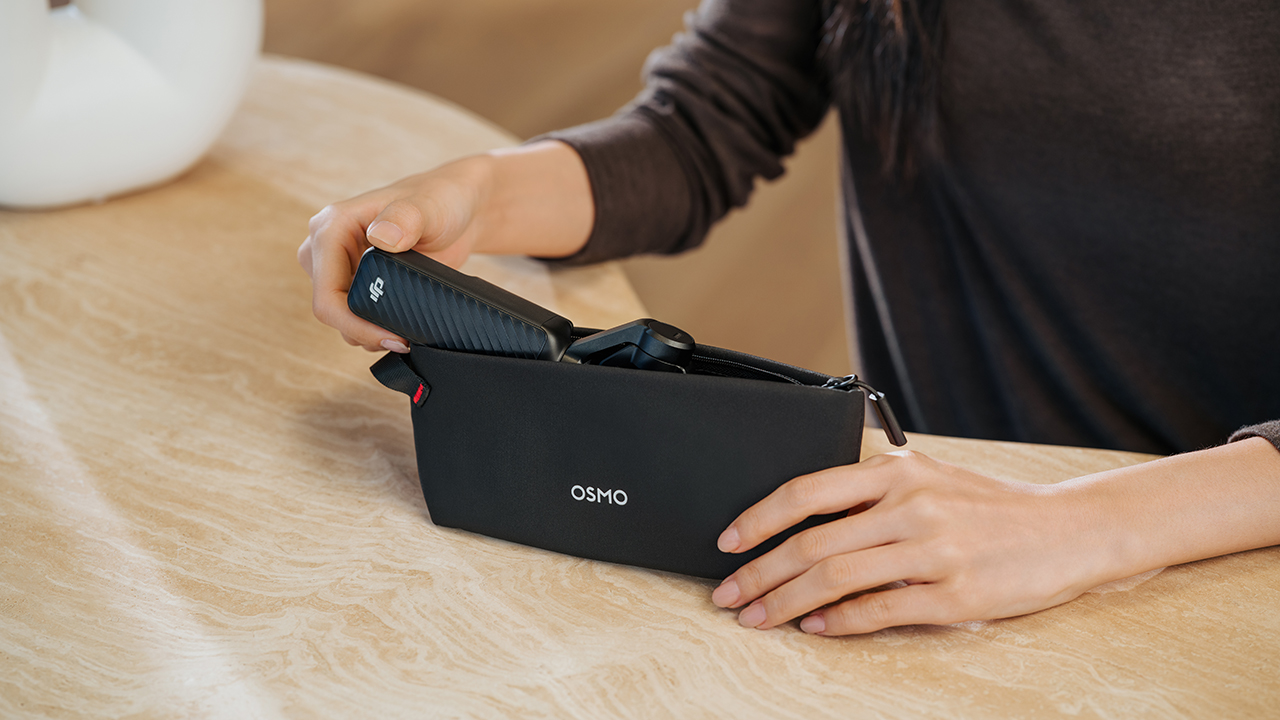
It retails for PhP 37,790 for the DJI Osmo Pocket 4P Standard. Meanwhile, the DJI Osmo Pocket 4P Vlog Combo retails for PhP 42,290.

The first leg of Spartan Race’s Philippine National Series doesn’t wait for anyone.
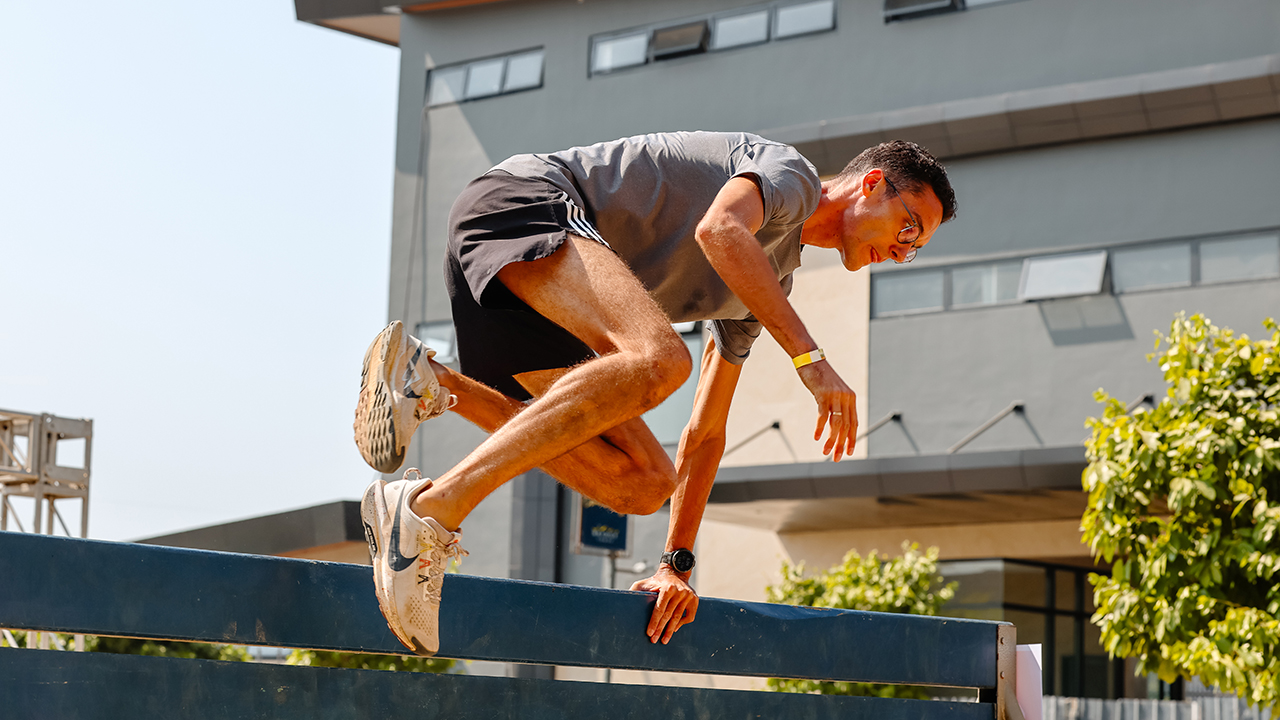
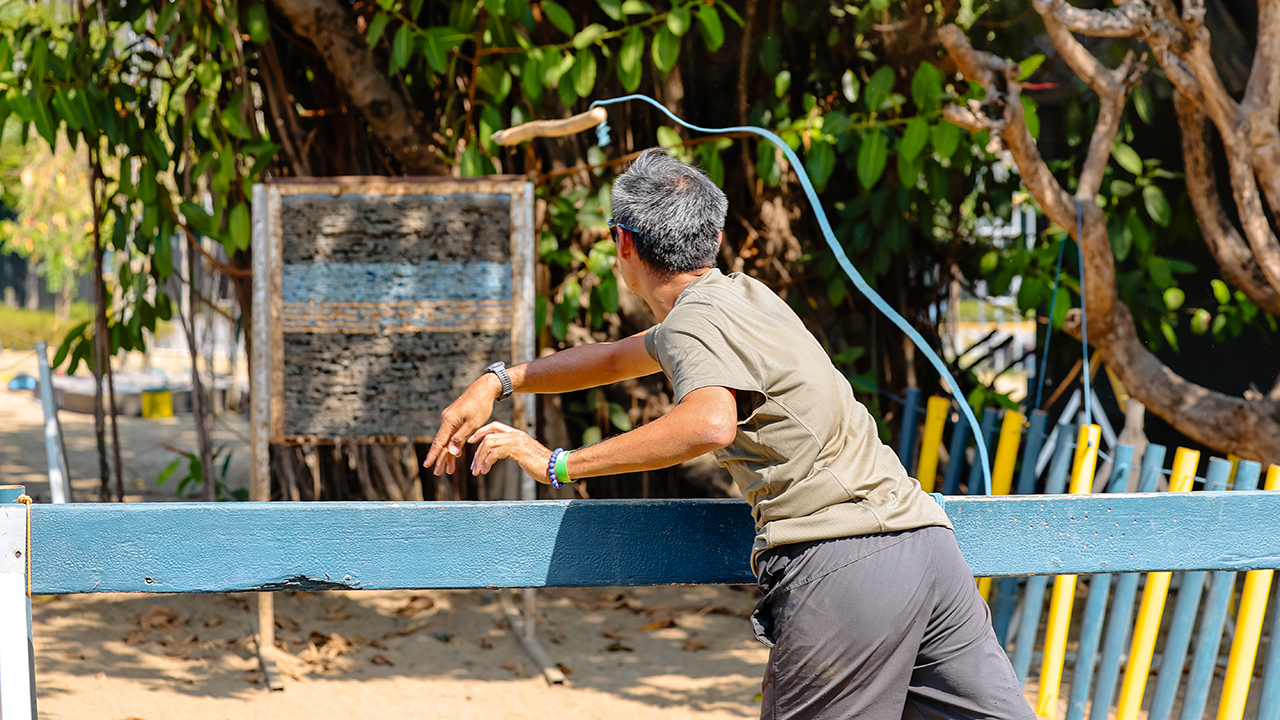
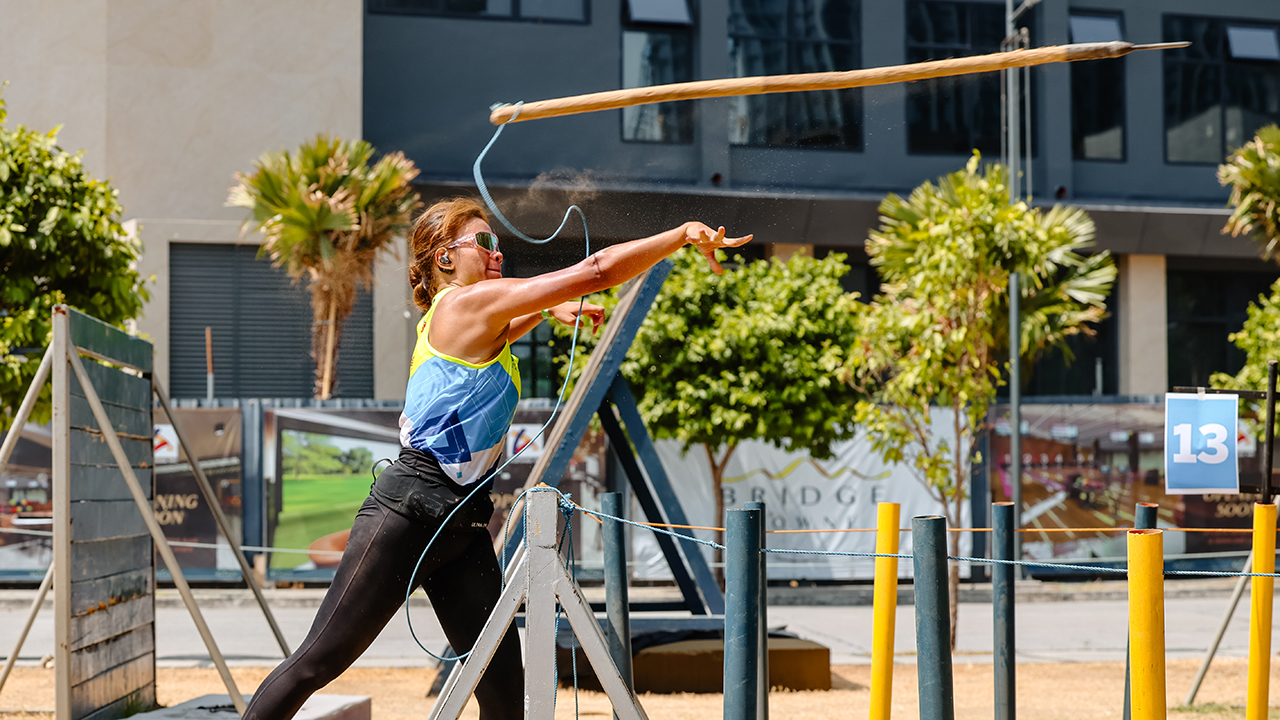
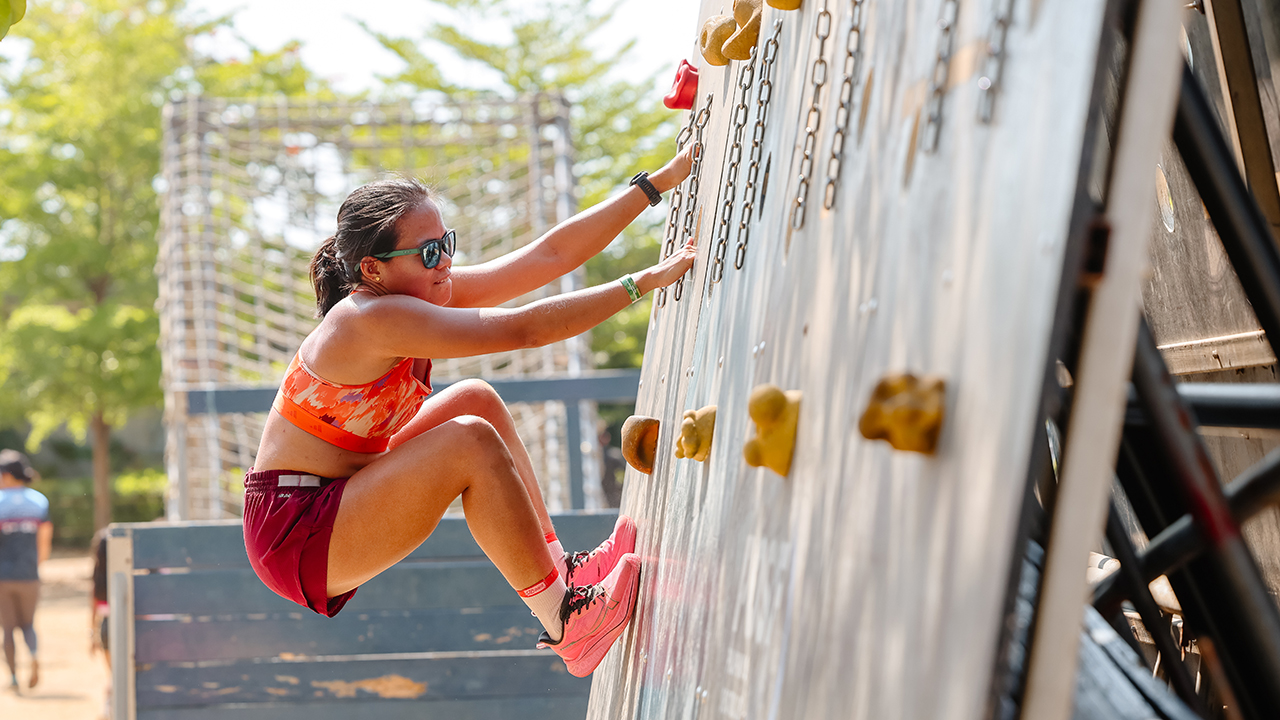
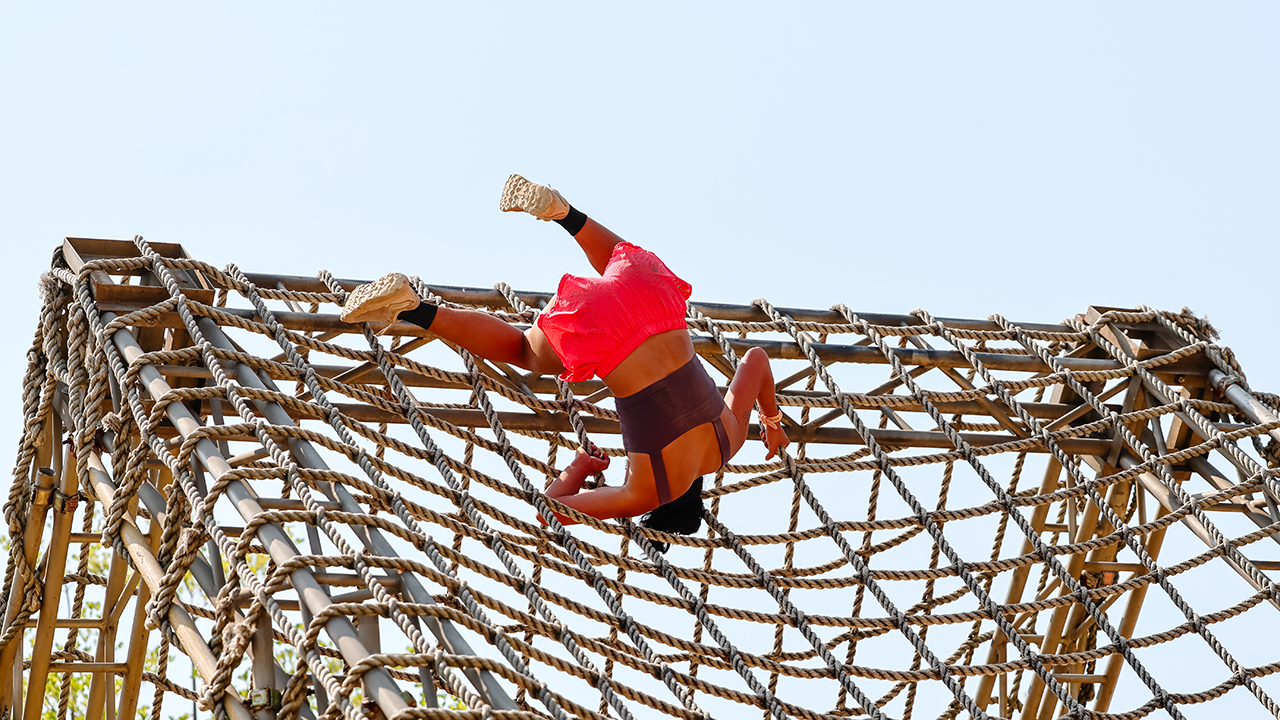
We joined an OCR team, BGY BYG aka Bring Your Game, at Bridgetowne Obstacle Park as they put themselves through an obstacle course race simulation. I brought the Canon EOS R6 Mark III to document every athlete giving their best.
Shooting under direct midday sun is its own challenge. The 32.5MP sensor handled the harshness of open daylight without blowing out detail. The 40fps electronic shutter and Pre-continuous shooting meant we were already in the frame before the moment fully happened.
Athletes were moving fast and in every direction, but the 8.5-stop IBIS kept every shot steady as we moved alongside them.
The Dual Pixel CMOS AF II stayed locked mid-sprint, mid-climb, and everywhere in between.
This is what race prep looks like up close.

Abegail Manzano, UAAP Season 85 Rookie of the Year in women’s athletics at UP Diliman, leading the warm-up session.



Jeri Vega Oro from All-female Pop-Rock Band, ROUGE.
In photo: Georgii Brisuela







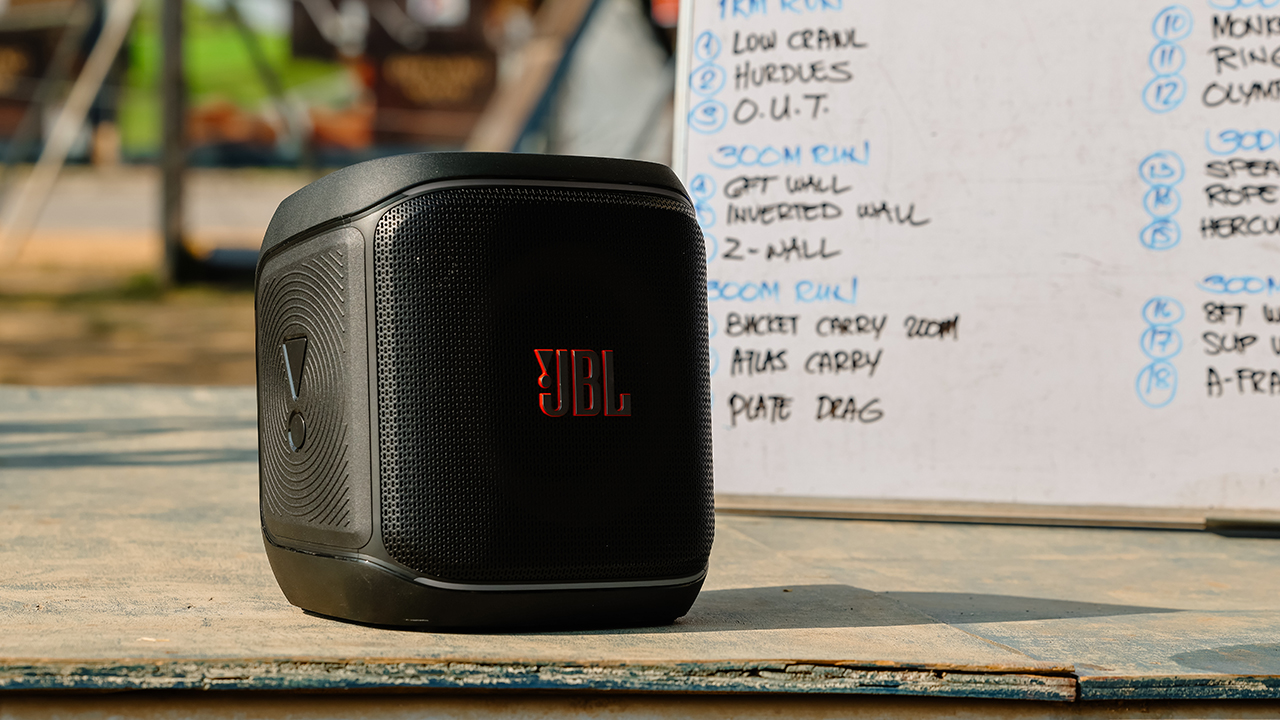
In photo: JBL PartyBox Encore Essential 2

BGY BYG/Bring Your Game’s Team Captain, Aldrin Collantes


SEE ALSO: What HYROX Hong Kong looks like up close
Words and photos by MJ Jucutan.
Accessories
Father’s Day gift guide: Gadgets for every kind of dad
Dad deserves a gift that won’t collect dust after Father’s Day

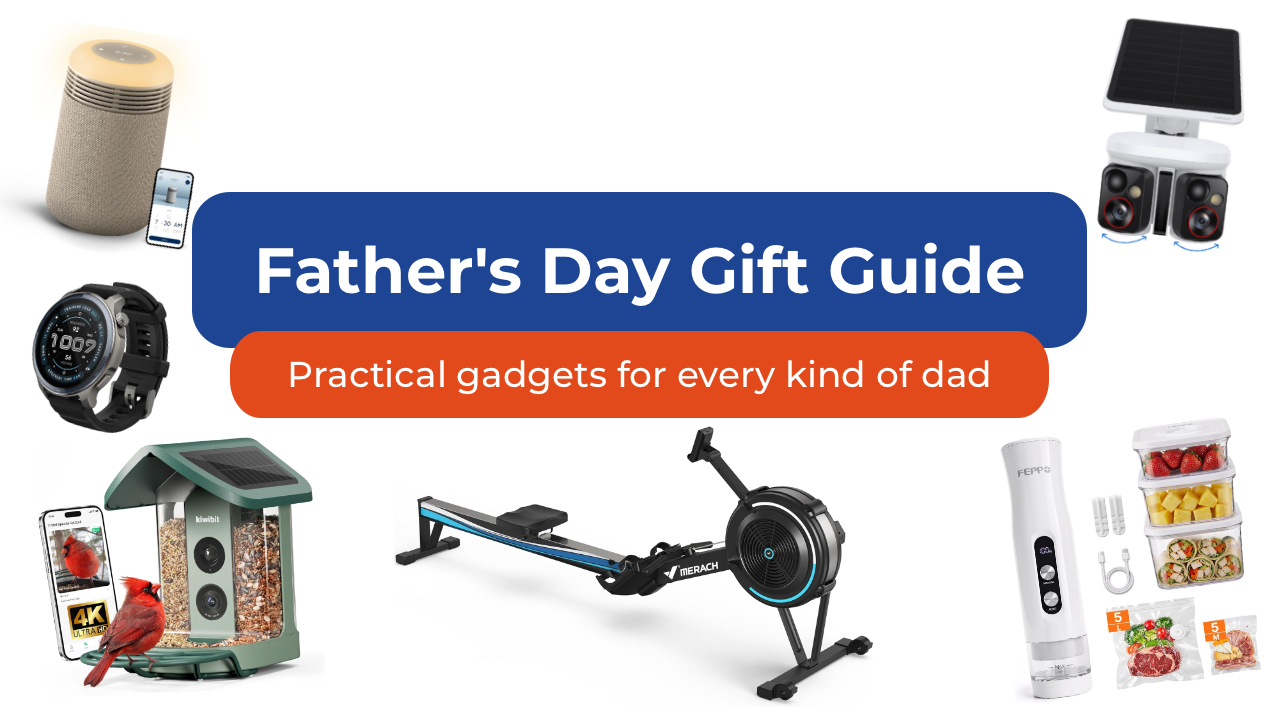
As we get older, Father’s Day shopping gets a lot easier when you stop thinking about the typical dad gifts. Especially since it’s not always your dad you’re shopping for anymore. It could be your grandfather who insists he doesn’t need anything. Maybe it’s your brother who just became a dad and is running on three hours of sleep. Maybe it’s your father-in-law.
Whoever it is, here are some of my favorite picks to give them this year. Spoiler alert: there are no “World’s Best Dad” mugs included in this list.
For the dad who wants a smarter home

Some of the best tech is the kind you stop noticing because it just runs in the background. The Baseus X1 Pro dual security camera is one of those. It combines a dual-lens design with a wide 210-degree field of view and 300-degree motion tracking, allowing it to cover areas that would normally require multiple cameras.
What makes it stand out is its ability to track two subjects at the same time. Unlike traditional security cameras that can lose sight of one person while following another, the X1 Pro’s dual-lens system can independently follow both, creating a more complete picture of what’s happening around his home.
Its dual 3K cameras capture plenty of detail during the day, while color night vision and 8x zoom make it easier to identify visitors, vehicles, and other activity after dark.
The included solar panel means less maintenance for dad. As little as 20 minutes of direct sunlight can provide enough power for a full day of operation. It’s also got local storage with no monthly subscription fees.
You can get the Baseus X1 Pro for as low as US$119.99 using the code X1PROPRNO1 until June 30th.

And then there’s the Ecovacs Winbot W2 Pro Mini, which solves one of the most ignored chores in any home: cleaning windows. Dad can attach it, let it run, and something everyone’s been avoiding for months just disappears from their mental checklist.
From large glass panels to smaller apartment windows, the compact robot cleaner uses intelligent WIN-SLAM 4.0 navigation to map out the most efficient cleaning path and avoid missed spots. Multiple cleaning modes let you choose between a quick refresh, deep cleaning, edge cleaning, or targeted spot cleaning depending on what the glass needs.
Hard-to-reach windows become less intimidating for dad to clean. Whether it’s a second-story window, a glass door, or a large mirror, the Winbot stays securely attached while it works, turning a tedious chore into a hands-free task.
You can get the Ecovacs Winbot W2 Pro Mini for just under US$240.
For the dad who’s always in the kitchen

Every family has someone who treats grocery shopping like strategy. If that sounds like your dad, then the FEPPO compact food vacuum sealer is a great addition to the family.
It keeps food fresher longer, makes bulk buying from Costco more practical, and turns freezer storage a lot more organized.
Unlike traditional countertop vacuum sealers, the FEPPO is compact, cordless, and rechargeable, making it easy to store when not in use. Despite its size, it delivers strong suction and can seal food in just a few seconds with a single button press.
The included kit comes with 10 reusable BPA-free vacuum bags and three storage containers. The bags and containers are washable and reusable, s not only are you saving space in the fridge or freezer, you’re also helping reduce waste.
I also like that FEPPO designed it with a detachable water tank that collects excess moisture during the sealing process, making cleanup simpler and helping keep the machine running smoothly over time.
It doesn’t look exciting on paper, but once it’s part of dad’s kitchen routine, they’ll wonder how they managed without it, and thank you later.
Get the FEPPO Compact Vacuum Sealer for Food for under US$70.
For the dad who needs any excuse to be outdoors
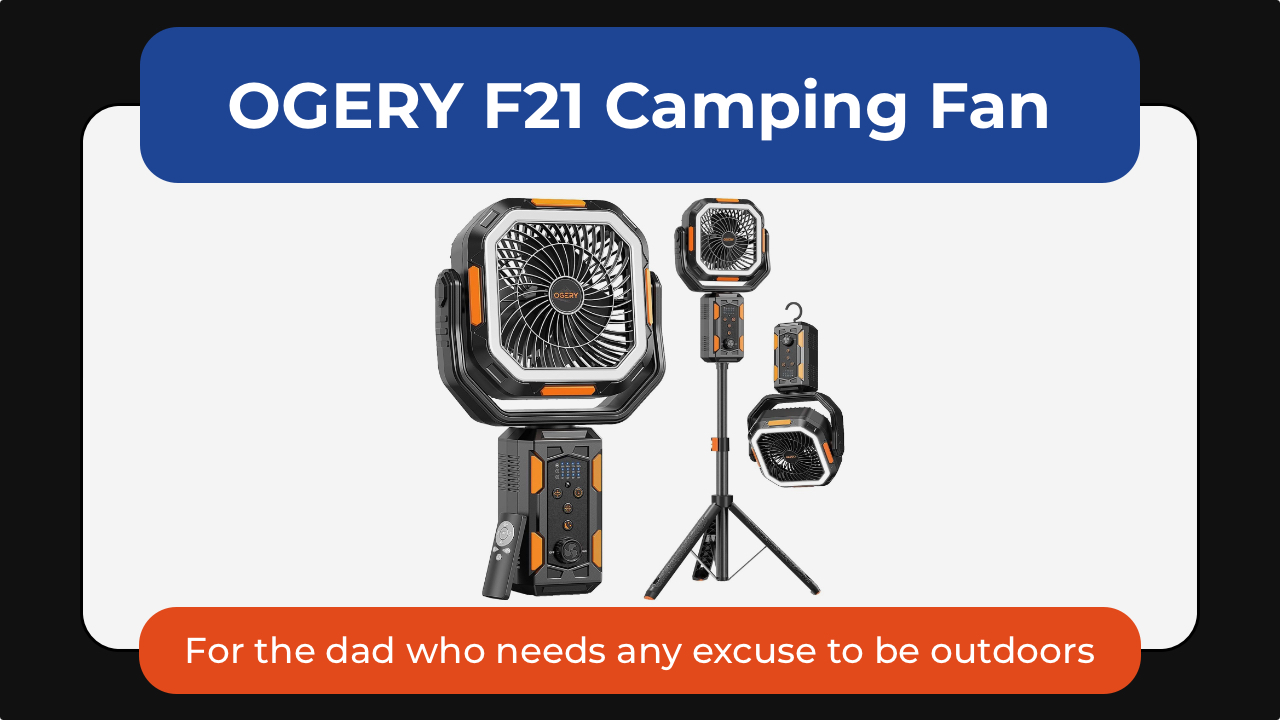
Some dads are indoors dads. Others will take any excuse to be outside. The OGERY F21 camping fan is one of those small upgrades that makes outdoor time noticeably more comfortable—not just for them but for the whole family. Whether it’s camping trips, backyard BBQs, RV adventures, or just surviving peak summer heat, it’s a gift dad would surely appreciate.
What makes it stand out is its versatility. The adjustable tripod lets it work as either a floor fan or desktop fan, while the massive 20,000mAh battery can keep air moving for days on lower settings. It also doubles as an LED lantern and emergency power bank, perfect for camping camping and even power outages.
Dad will love the wide-angle oscillation and the included remote control so he can sit back and relax while cooling down.
The OGERY F21 Camping Fan is available for US$89.99.
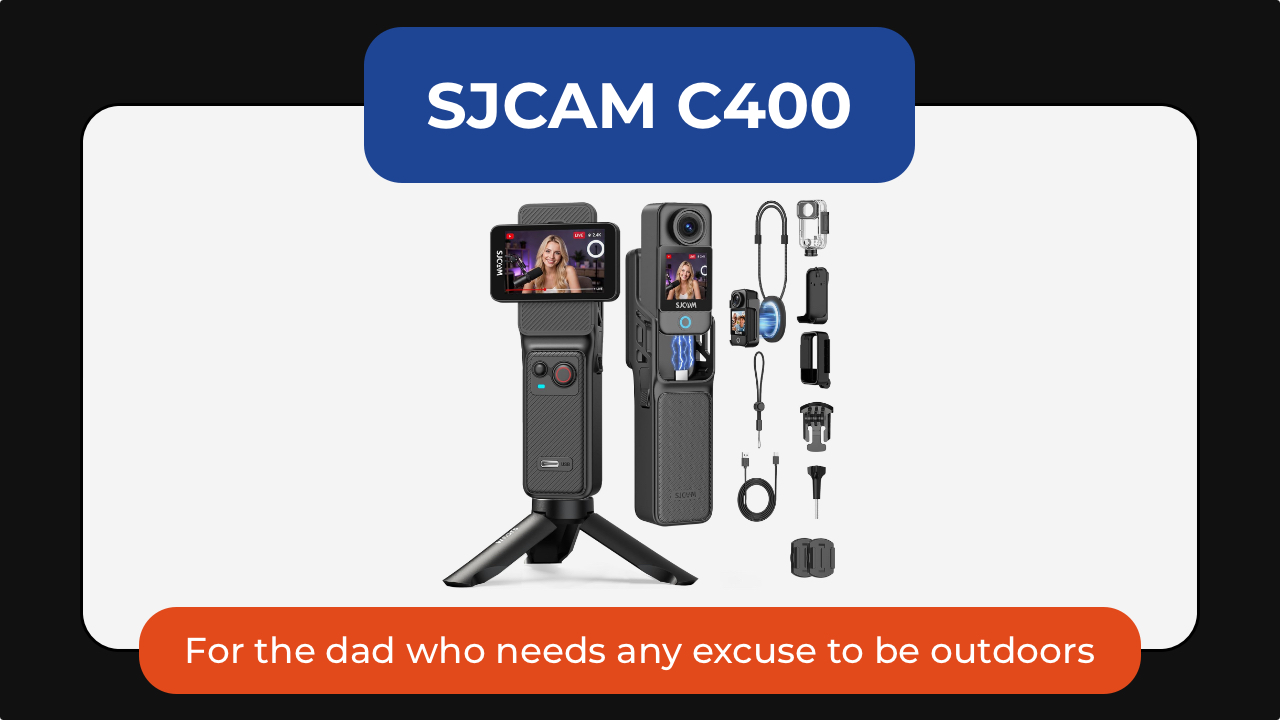
The SJCAM C400 action camera is for the dad who is always doing something worth remembering: biking, fishing, hiking, skiing, traveling, or just being the unofficial family photographer.
It captures 4K video through a wide 154-degree lens, making it easy to record everything from scenic landscapes to fast-moving action. Built-in 6-axis image stabilization helps keep footage smooth even when the camera is mounted to a bike, helmet, or backpack. Its battery life is rated to last up to seven hours so his adventures get documented before needing a top up.
The C400 also supports features like slow motion, time-lapse, and wireless app control, making it equally useful for adventure loving dads or one who simply wants a hands-free way to capture family memories.
Get the SJCAM C400 Action Camera for US$179.99.

And the Kiwibit smart bird feeder turns into something unexpectedly addictive. It’s the perfect gift for the dad who enjoys slowing down and appreciating the little things.
The built-in camera captures 4K video and 8MP photos through a wide-angle lens, allowing you to watch visiting birds up close and even check in after dark with infrared night vision. Two-way audio also lets you listen in on the activity happening outside.
For dads who enjoy learning, Kiwibit’s AI can identify more than 10,000 bird species and send alerts whenever a new visitor arrives. The companion app automatically creates galleries and summaries, making it easy to keep track of backyard regulars.
The feeder itself is thoughtfully designed, too, with a solar-powered roof, removable battery, and a dual-compartment seed hopper that can attract a wider variety of birds. It’s the kind of gift that would keep delivering small moments of joy long after Father’s Day is over.
For the dad who treats his car like a second home

Cars collect everything. The FEPPO cordless vacuum handles the everyday mess: crumbs, dust, snack debris, pet hair, and whatever else somehow finds its way into the car. Powered by a brushless motor, it delivers strong suction while remaining cordless and easy to maneuver around tight spaces like dad’s car.
What makes it particularly useful for busy households is its thoughtful design. The anti-tangle brush helps prevent hair from wrapping around the roller, while a multi-stage HEPA filtration system captures fine dust and allergens before recirculating cleaner air.
Long battery life means it’s ready for quick cleanups without constantly needing a recharge. The different attachments make it easy to clean around the house or car.
The best part is you can get the FEPPO Cordless Vacuum Cleaner for under US$200.
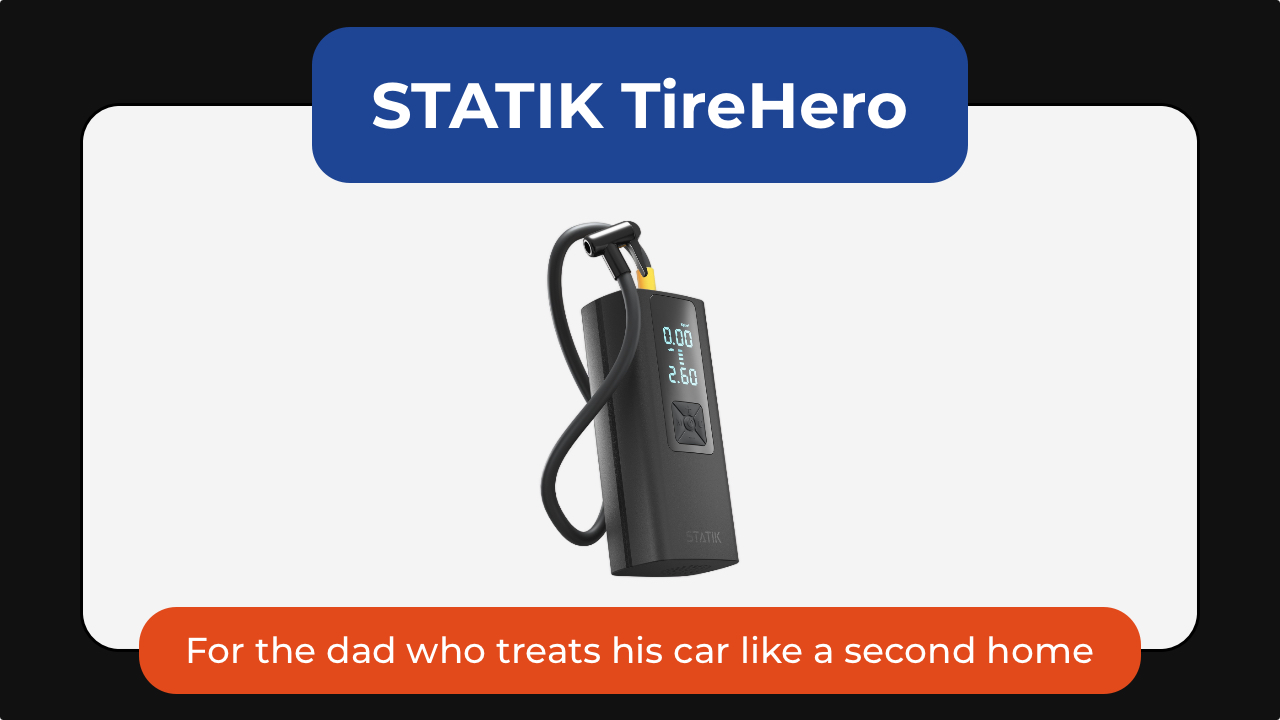
The STATIK TireHero tire inflator is the tool you never think about until you reallyy need. It lives in the glove box until the exact moment it saves you from a low-pressure warning, a road trip delay, or a late-night stop at a gas station air pump.
Beyond inflating car tires, it can also handle bike tires, sports balls, paddleboards, air mattresses, and other inflatables, making it surprisingly versatile for road trips, camping, and family outings. It even doubles as a portable power bank for charging a phone in an emergency and includes a built-in flashlight for nighttime use.
It’s a practical gadget that may not feel exciting when dad unwraps it, but becomes invaluable the first time he actually needs it.
The STATIK TireHero is available for US$59.99.
For the dad who brings people together

Some of the best gifts will keep on giving. The XGIMI MoGo 4 portable projector turns any blank wall into a movie screen. Dad can set up backyard movie nights, World Cup watch parties, or casual weekend hangouts without needing a dedicated entertainment room.
What makes the MoGo 4 special is how portable it is. About the size of a tumbler, it’s easy to toss into a bag for camping trips, vacations, or visits with family. The built-in battery provides up to 2.5 hours of viewing time so you can enjoy a movie without needing to plug it in. It’s also got a 360-degree adjustable stand and automatic image correction to make setup almost effortless.
Despite its compact size, it delivers Full HD 1080p visuals, built-in Harman Kardon speakers, and Google TV with licensed Netflix support.
The XGIMI MoGo 4 is now US$469.

The Liiton American Peaks whiskey decanter set is for dads who have had a stressful year. It helps them slow down, unwind, and appreciate the ritual of pouring a drink at the end of a long day.
Inspired by some of the most iconic mountain ranges in the US, the set includes a crystal decanter and four whiskey glasses featuring detailed 3D mountain impressions molded into the base. Beyond looking beautiful on a bar cart, the mountain design helps chill and aerate the drink. Place the glass in the freezer and in just 18 seconds he gets a drink that stays cold until the last sip, thanks to its proprietary X1 Crystalline Chill Charge System.
Made from heavy lead-free crystal with a weighted base, the glasses feel substantial in the hand and elevate everything from bourbon to tequila. The included gift-ready presentation box also makes it feel like a truly special Father’s Day gift.
And because the set includes four glasses, it’s just as much about sharing a drink with friends and family as it is enjoying a quiet moment alone.
The American Peaks Whiskey Decanter Set is available for under US$130.
For the dad who likes to express himself
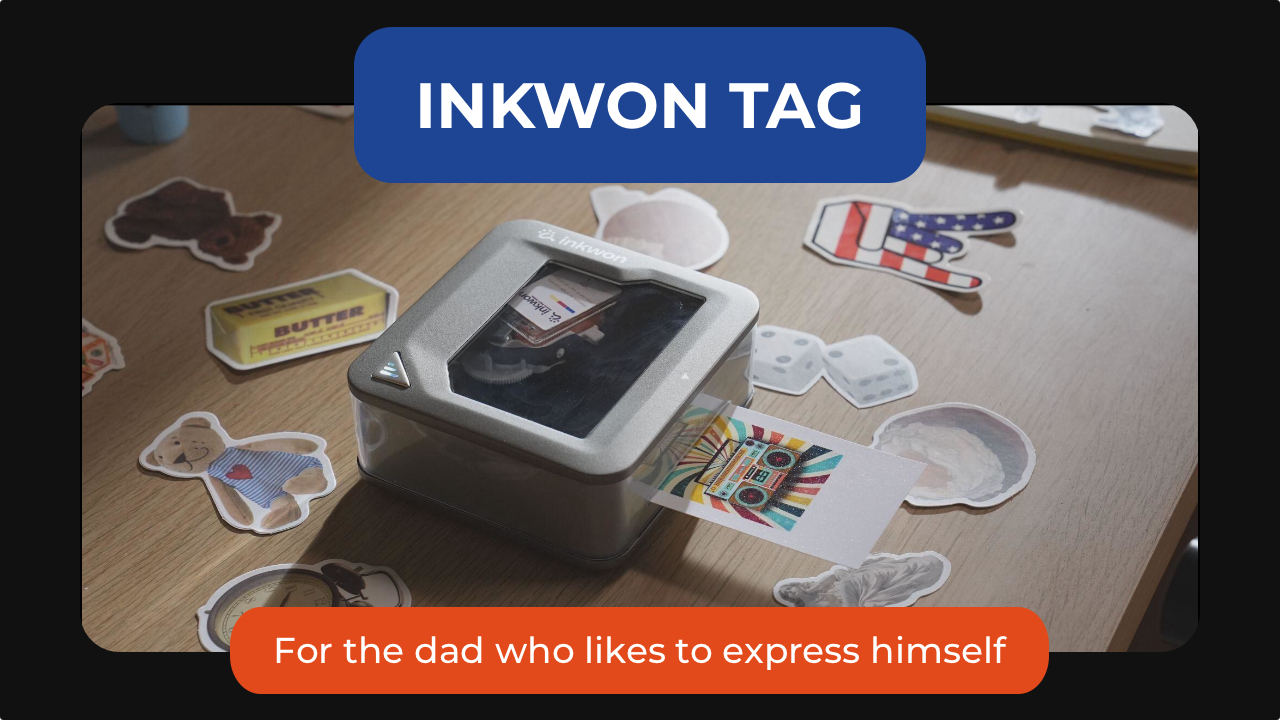
The INKWON TAG is probably the most unexpected product in this entire list. This pocket-sized printer can create stickers, temporary tattoos, iron-on transfers, and photos directly from a smartphone. Paired with the INKWON app, it can turn almost any image into something physical within minutes.
That’s where it gets fun. One day it might be custom stickers for a water bottle. Another day it’s temporary tattoos for his kids. It can even be used to create personalized shirts, tote bags, and keepsakes. For dads who enjoy making things, it’s the kind of gadget that sparks creativity long after Father’s Day is over.
The INKWON TAG starts at US$199.

Not every gift needs to change someone’s routine. Some just make it slightly better.
The Baseus MC2 open-ear earbuds are for dads who always have something playing in the background. Unlike traditional earbuds, the open-ear design lets them enjoy music, podcasts, or audiobooks while staying aware of traffic, conversations, and everything happening around them.
They’re lightweight enough to wear for hours, offer impressive battery life, and deliver surprisingly rich audio despite their compact clip-on design.
Get the Baseus MC2 open-ear earbuds for US$49.99 using the code MC2OWSPR.

Then there’s the Posh Tech Hunt distressed leather Apple Watch band, which transforms one of the most common pieces of tech into something with a little more character.
Made from genuine distressed leather, it develops a worn-in look over time that feels more personal. It’s a simple upgrade, but one that can make an Apple Watch feel less like a gadget and more like an everyday accessory. It’s available for US$35.
For the dad who’s focused on staying well
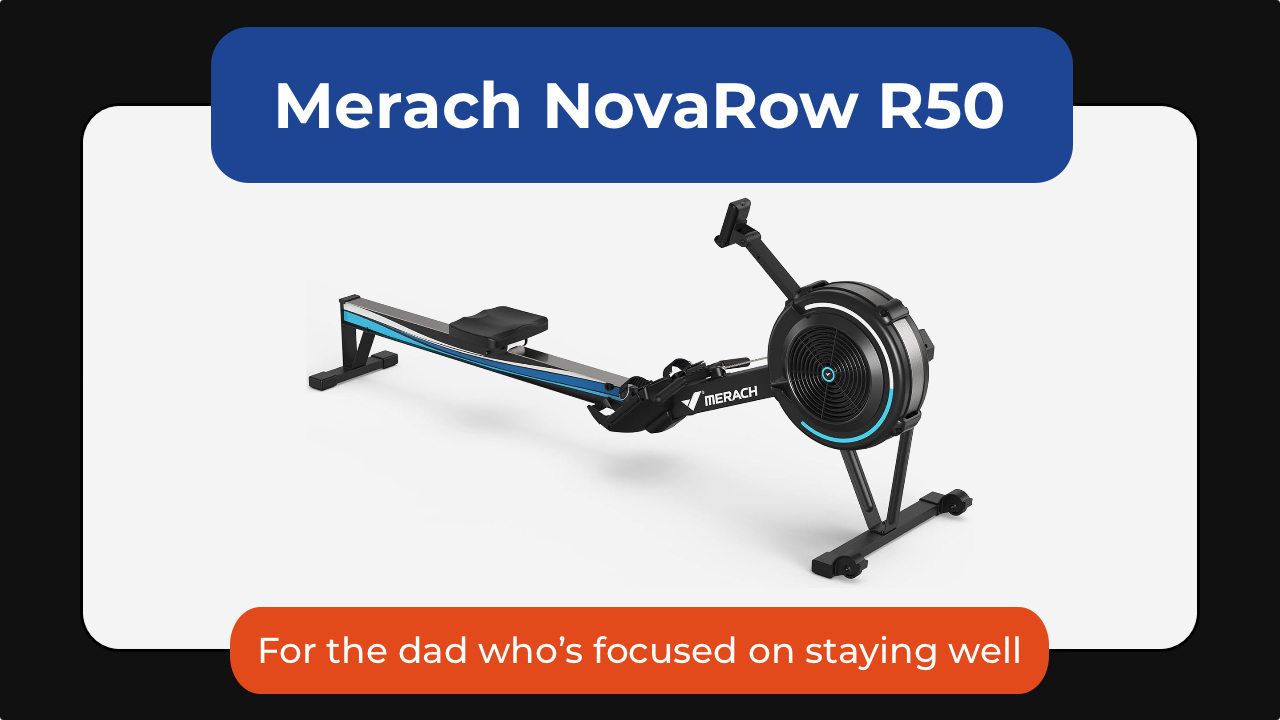
The Merach NovaRow R50 rowing machine is one of the best examples of low-impact fitness that can stick. It’s a full-body workout that engages his legs, core, back, shoulders, and arms, all while being easier on his joints than running or other high-impact exercises.
What makes it work isn’t intensity; it’s consistency. The movement is smooth, the setup is simple, and the Merach app adds guided workouts, performance tracking, and scenic rowing routes that make it easier to show up again tomorrow.
With 10 levels of air resistance, it can grow alongside dad’s fitness journey, whether he’s just getting started or looking for a more challenging workout. It also folds for easier storage, making it a practical option for apartments and home gyms alike.
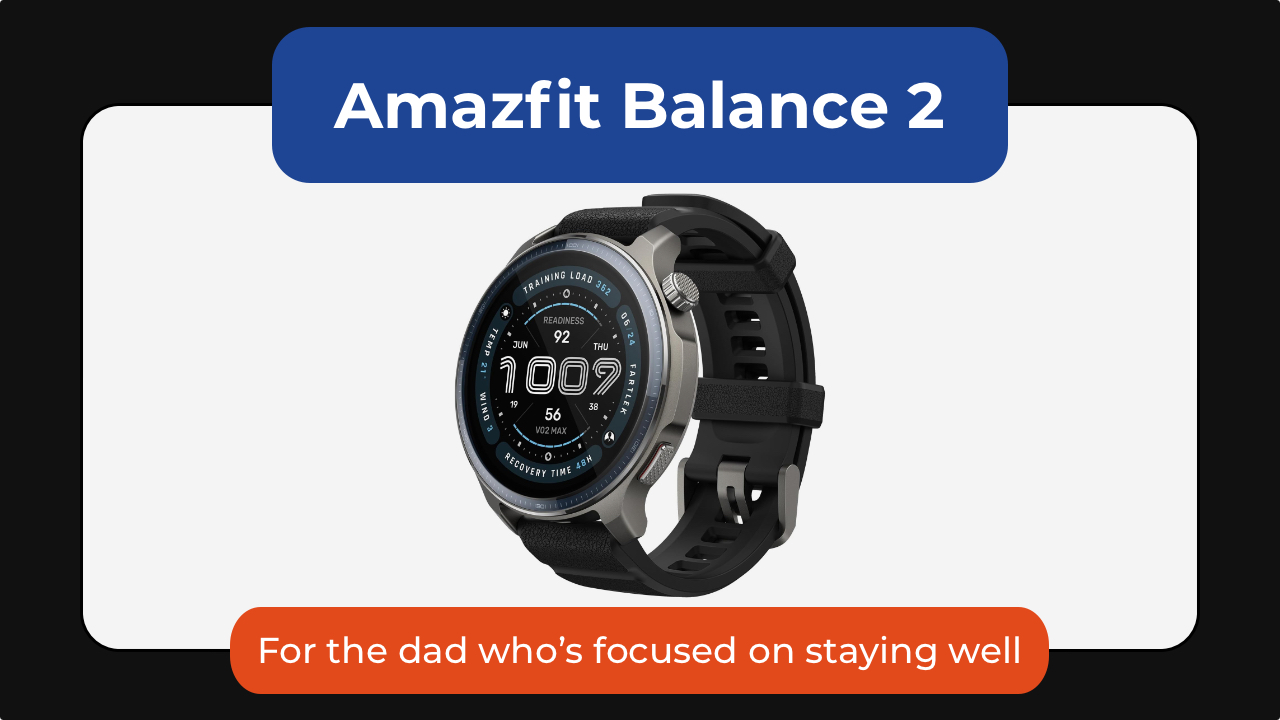
The Amazfit Balance 2 is one I gave to my dad, who’s almost 70. He’s not training for anything nor is he tracking performance. What the smartwatch has done is he is paying a little more attention to himself.
He checks how much he’s moved. He looks at his heart rate. He notices patterns he wouldn’t have thought about before.
At the same time, it scales up for someone who is more active. With over 170 sport modes, recovery insights, golf mapping, scuba support, and up to 21 days of battery life, it’s a great smartwatch no matter the recipient’s fitness level.
Get the Amazfit Balance 2 for US$299.99.

And then there’s the CAVN blood pressure monitor.
Instead of being intimidating or clinical, it’s designed to be simple enough for everyday home use. It’s got a barrel-style design with one-touch operation that removes the hassle of wrapping a cuff properly. Dad can just slide his arm in, press a button, and it does the rest.
It also supports multiple users, stores readings over time, and makes it easier for families to track trends. The large display and color indicators also make it more accessible for older users, too.
The CAVN Blood Pressure Monitor is available for US$179.99.

The Blueair Mini Restful sunrise clock air purifier takes a different approach to wellness by improving the environment dad sleeps in.
It combines a medical-grade air purifier, warm evening lighting, and a sunrise-style alarm clock into a single bedside device. Blueair’s HEPASilent filtration technology removes airborne particles like dust, pollen, pet dander, and smoke while operating quietly enough not to disturb sleep.
In the evening, the warm amber lighting helps create a more relaxing wind-down routine, while the sunrise alarm gradually brightens before wake-up time to make mornings feel less abrupt.
Thoughtful extras like soothing wake-up sounds, app controls, and a built-in USB-C charging port make it an easy addition to any nightstand. It’s an all-in-one device for cleaner air, better sleep, and calmer mornings.
The BlueAir Mini Restful is available in Coastal Beige and Midnight for US$199.99.


realme C100: Enduring and durable in spite of entry-level realities
Enough power but needs more agility


The ASUS ExpertBook Ultra wins you over
The laptop sneaks up on you


Nexal Watch Sport review: A rugged watch for small budgets
I couldn't believe that watches this good could come for this cheap.

Mercedes-Benz celebrates 140th anniversary at the Presidential Car Museum

Street Fighter 6’s first Filipina fighter arrives August 3

Samsung releases teaser with Spider-Man: Brand New Day Easter eggs

iOS 27 public beta gives us our first taste of Siri AI

The case for traveling without a plan

Buyer’s Guide: TECNO SPARK 50 Pro vs SPARK 50 5G

New York becomes first state to ban smart glasses

vivo X300 Ultra review: A “Whole Different Animal”

DJI Osmo Pocket 4P launches with dual lenses and a 1-inch sensor

HONOR Watch 6 review: Less guessing, more knowing


-
 News1 week ago
New York becomes first state to ban smart glasses
-

 Singapore7 days ago
Sony launches IER-M500 in-ear monitors
-

 Gaming1 week ago
Microsoft dictates that a new Fallout game is coming
-

 Computers1 week ago
GIGABYTE releases new AORUS RTX 5080 INFINITY graphics cards
-

 Gaming1 week ago
HoYo FEST 2026 details announced; tickets on sale from July 16
-

 Gaming1 week ago
Assassin’s Creed Black Flag Resynced available worldwide now
-
Reviews7 days ago
realme C100: Enduring and durable in spite of entry-level realities
-

 Automotive2 weeks ago
The Kia Carnival Hybrid is a gentle giant