
Laptops
Dell reveals more portable and immersive XPS 15
The most portable 15-inch laptop in the market

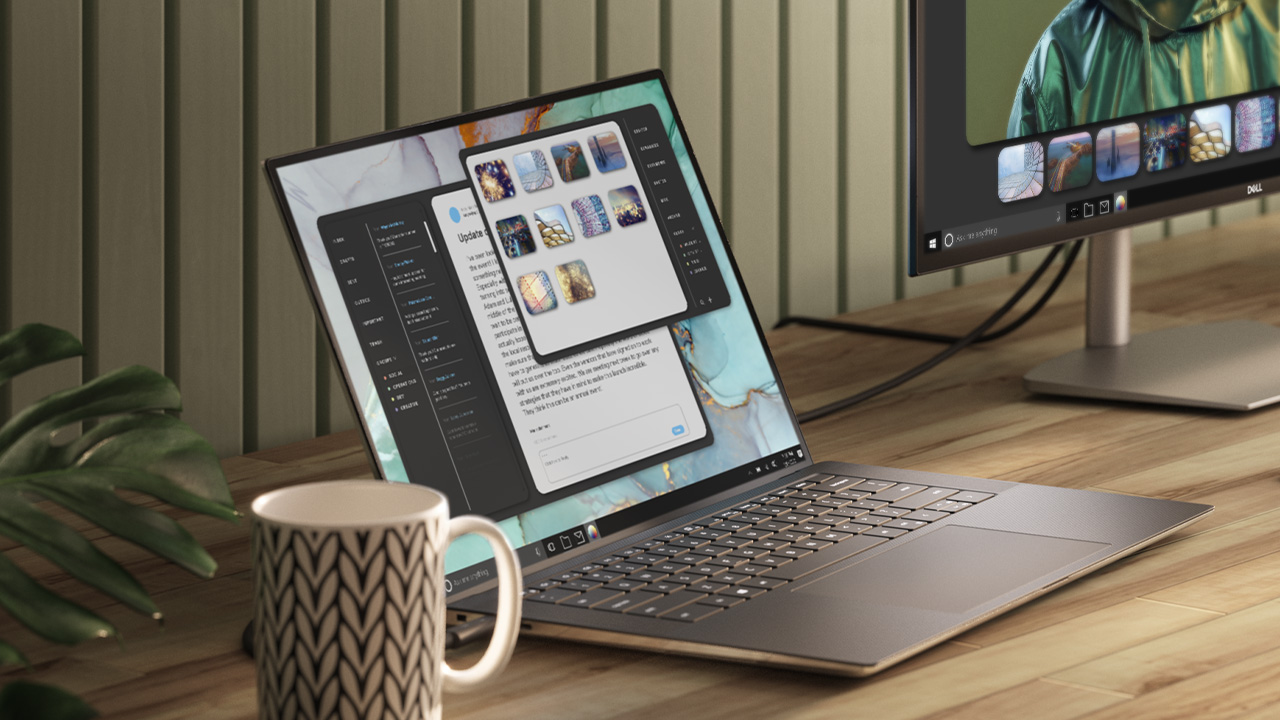
Dell’s XPS product lineup is designed to be the cream of the crop — with the latest technologies, high-end build, and powerful features. A few months after the flagship XPS 13 release, the bigger XPS 15 is getting its annual refresh, promising the perfect balance of power and portability for an immersive visual and sound experience.
Bezels around its InfinityEdge display have been shaved off, making the 15.6″ 4K Ultra HD+ screen five percent larger than its predecessor, and the laptop the smallest in its class. The Eyesafe display technology intelligently reduces harmful blue light right at the source while maintaining vivid color.
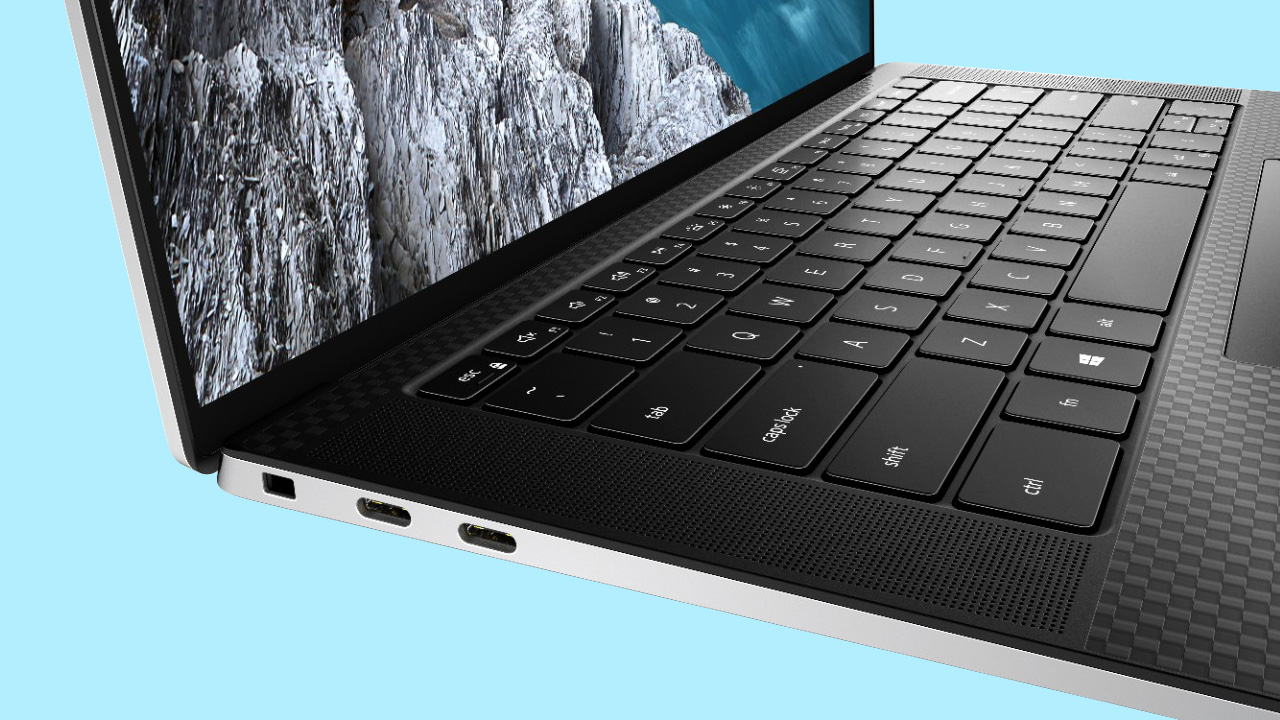
As a device designed for multimedia creators, audio is just as important as the display on the XPS 15. It now has up-firing quad speakers. It’s also first-ever 15-inch laptop featuring Waves Nx 3D audio for speakers tuned by multi-Grammy Award winning producer, Jack Joseph Puig.
The notebook is also getting the 10th Gen Intel Core processor upgrade up to i7, and up to NVIDIA GeForce GTX 1650 Ti graphics.
It delivers high performance in the same thermal envelope as before, but in a thinner design — along with dual fans and heat pipes, hidden exhaust vents in the hinge to help with airflow.
Dell says the XPS 15 has the longest battery life of any 15-inch laptop, with up to 25 hours to keep you powered on the go.

Design-wise the XPS 15 is crafted with the most premium materials — CNC machined aluminum, aerospace-inspired carbon fiber, and Corning Gorilla Glass 6 for a durable, lightweight design.
The fingerprint reader is now embedded in the power button, keycaps 9.7 percent larger with less lattice, and the touchpad 62 percent bigger than before.
The new XPS 15 is now available for purchase starting at US$ 1,299.99 on Dell.com.
Commitment to sustainability
Last year, Dell has set the goal of using 100% sustainable packaging by 2030, made from recycled or renewable material.
In the XPS 15 packaging, the company has eliminated foam and single-use plastic bags with the new XPS family. It contains recycled ocean-bound plastics, locally recycled plastic, sustainable materials, and recycled corrugate.
SEE ALSO: Solar-powered classrooms bridge educational gap in rural communities





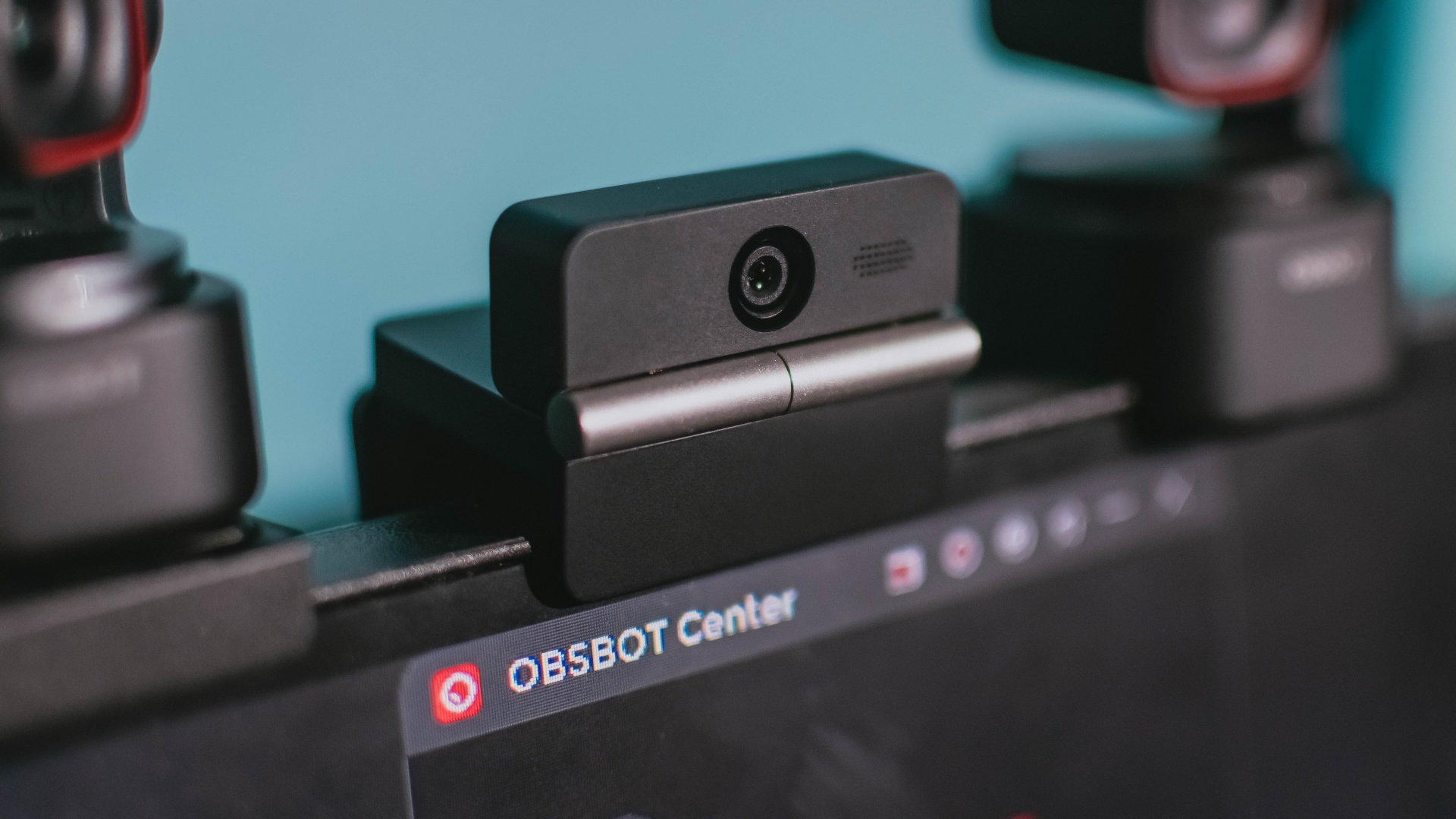
Phones flip and fold. Now webcams do too.
Foldable screens have found their way into phones, tablets, and laptops in recent years. Now, OBSBOT is taking that idea in a considerably smaller direction: the webcam.
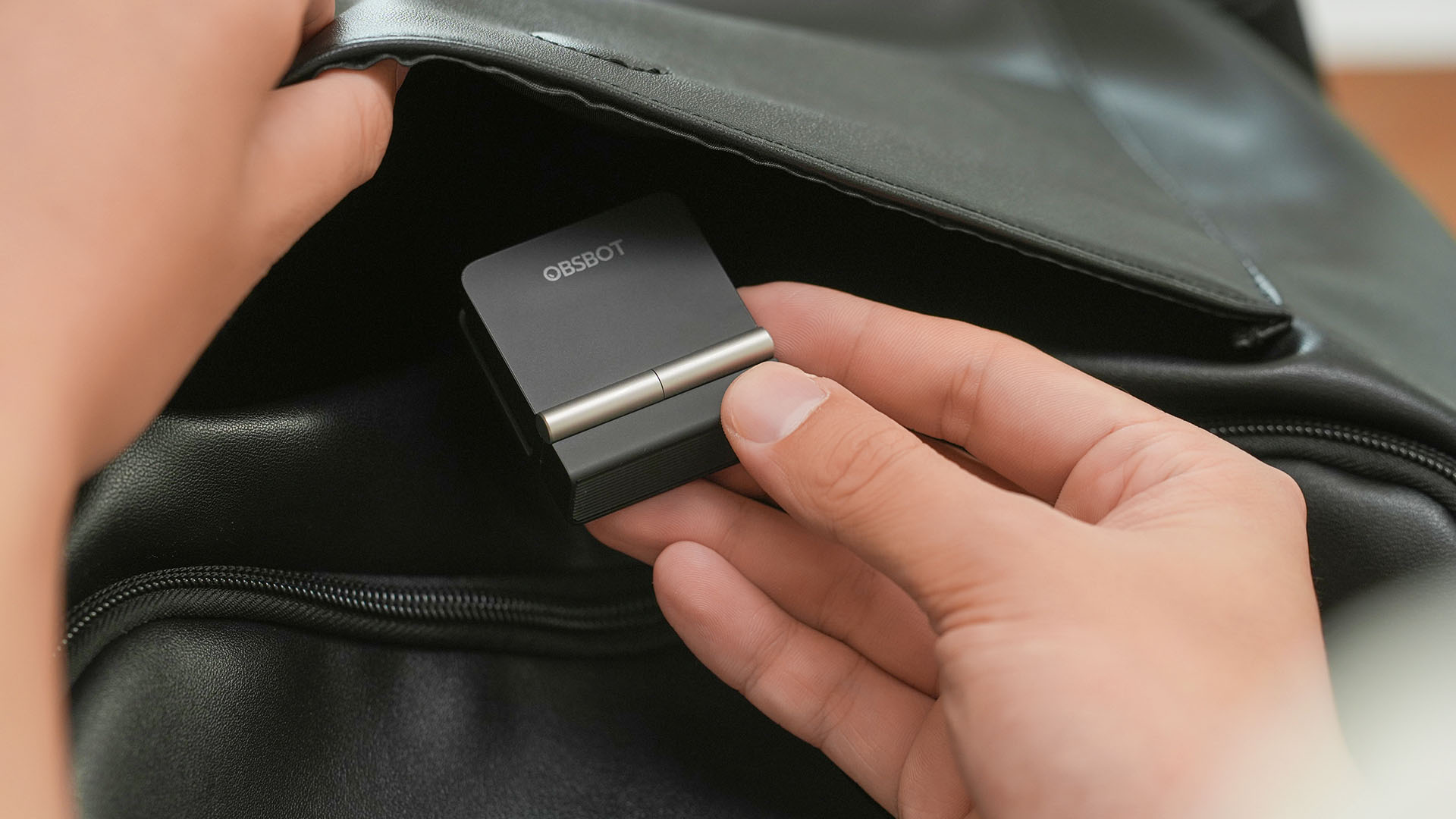
The OBSBOT Meet Flip is the company’s first foldable 4K webcam packing:
- 1/2-inch stacked CMOS sensor
- intelligent audio
- a collection of AI-powered meeting tools
All of these inside a body weighing just 37.7 grams.
A fold that does something, not just a gimmick
The OBSBOT Meet Flip isn’t foldable just to make it easier to throw into a bag.
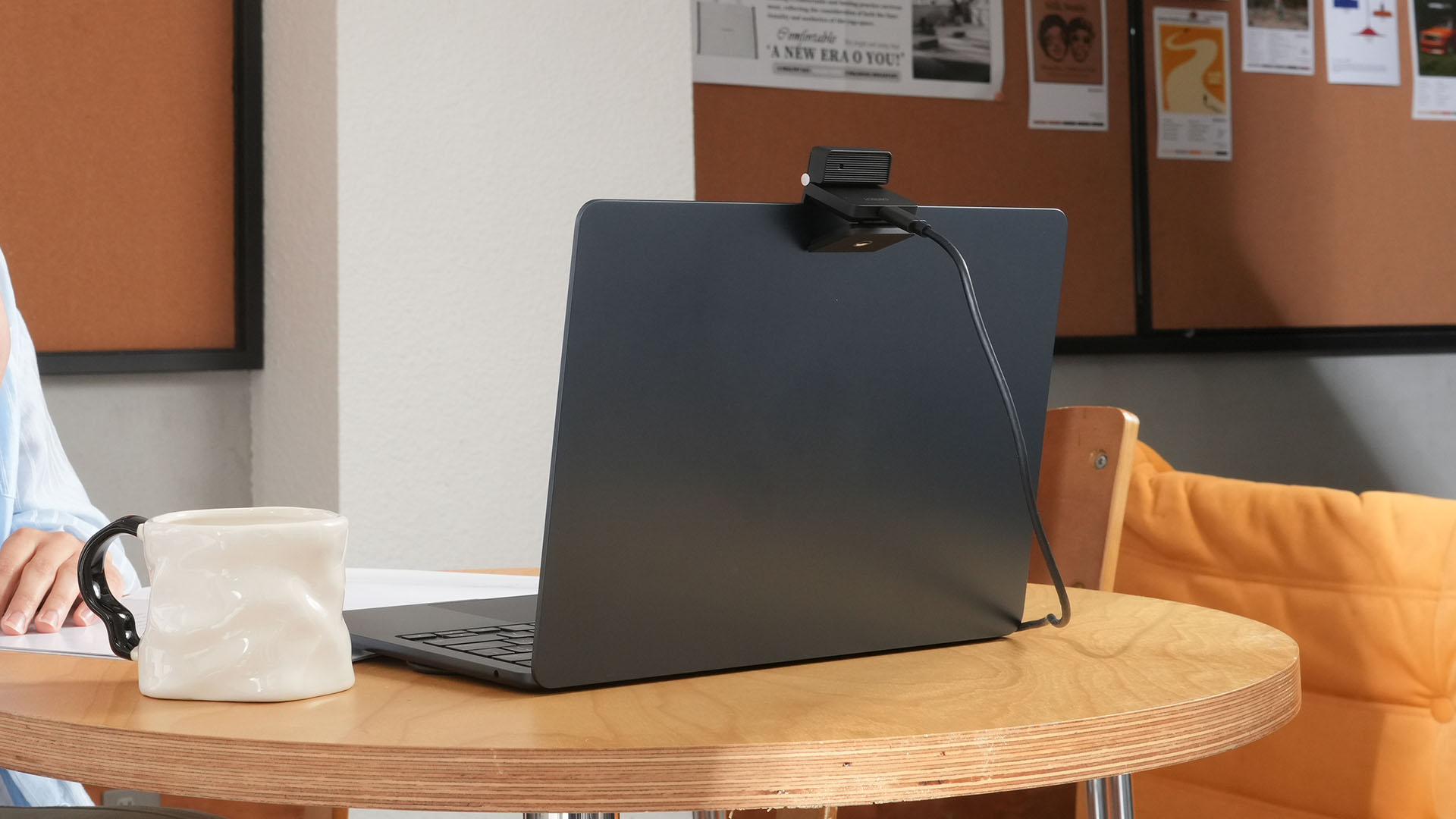
Closing the webcam physically blocks the lens and puts the device into sleep mode. Open it when you want to be seen, flip it shut when you don’t.
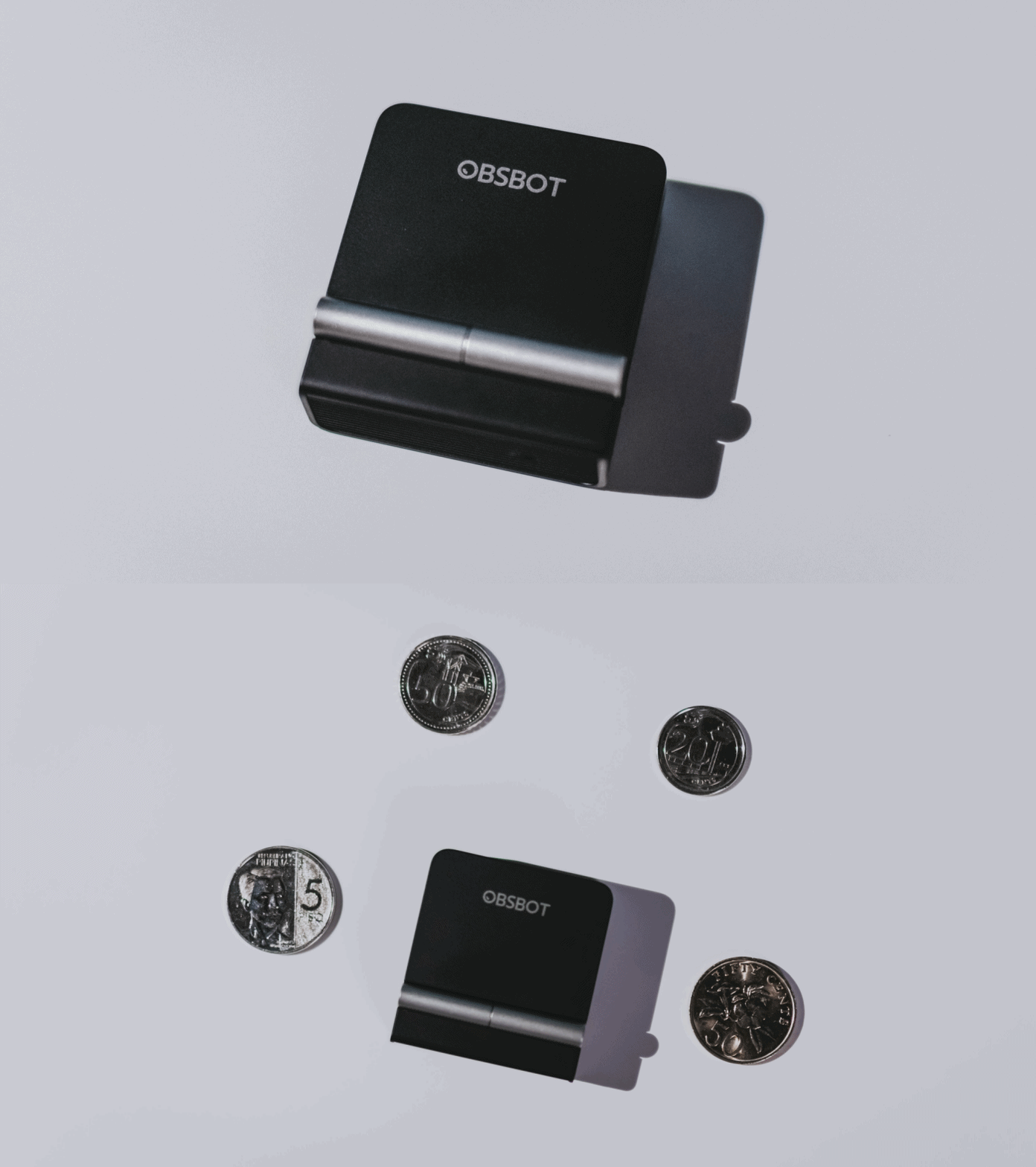
A physical privacy cover isn’t novel in itself. What’s clever here is how it’s part of the folding design.
As someone with a love-hate relationship with data privacy, I almost always keep some physical barrier over my laptop webcam. And if I can avoid having a webcam there entirely, even better.
Serious camera hardware in a pocket-sized webcam
Despite its size, OBSBOT hasn’t treated the Meet Flip like a basic laptop-camera replacement.
Inside is a 1/2-inch Exmor RS stacked CMOS sensor with Quad Bayer technology, capable of recording 4K UHD at 30 fps or 1080p at 60 fps. It also packs an f/1.8 aperture, HDR, PDAF autofocus, ISO 100–6400, and up to 4x digital zoom.
At its core is a 1/2-inch Exmor RS stacked CMOS sensor with Quad Bayer technology.
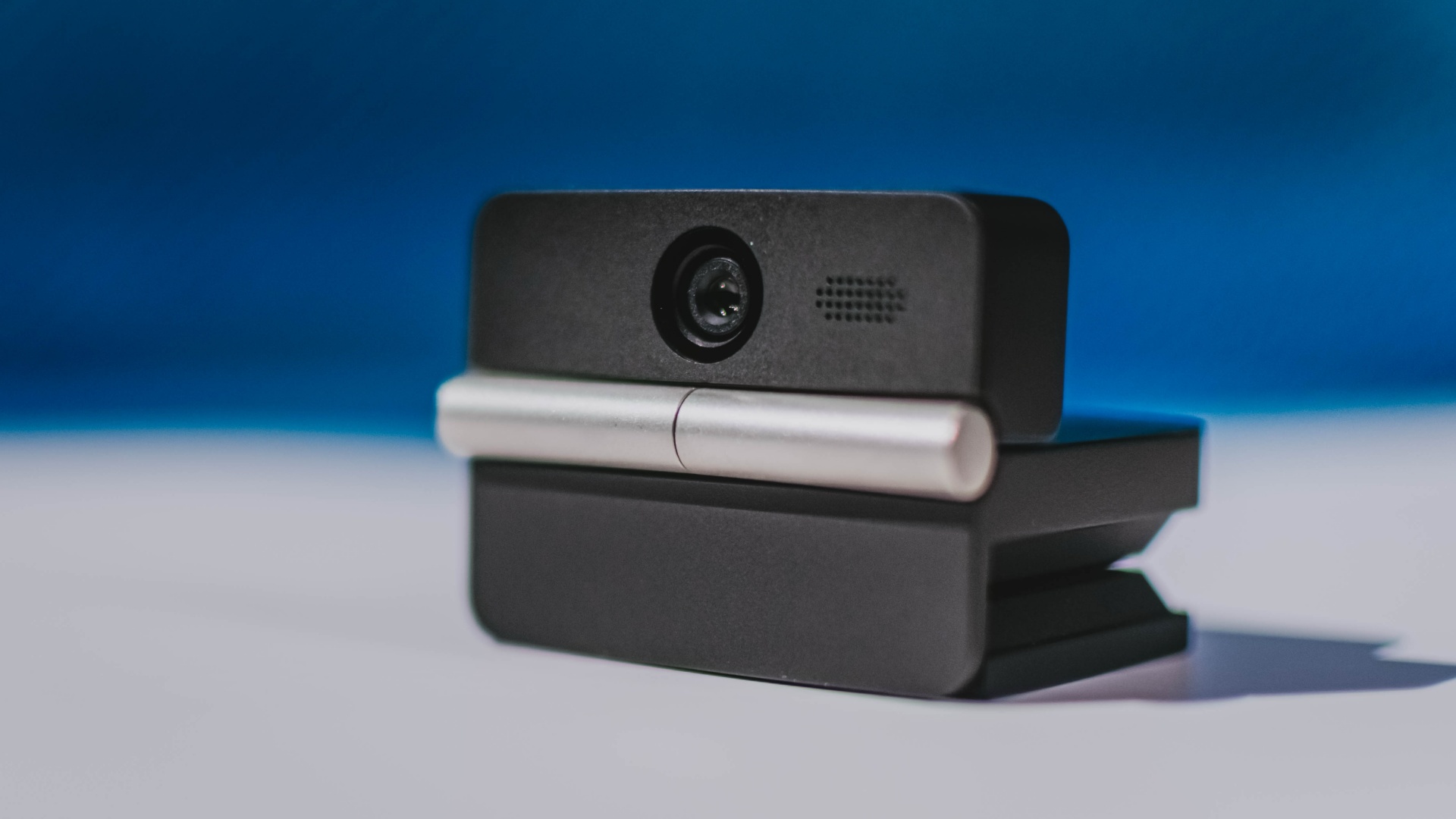
It can record:
- 4K UHD at 30fps
- 1080p at 60fps
You also get:
- f/1.8 aperture
- HDR
- PDAF autofocus
- ISO 100–6400
- up to 4x digital zoom
On paper, that gives the Meet Flip a better shot at handling the situations built-in laptop webcams often struggle with: dim rooms, harsh backlighting, changing lighting conditions, or simply moving around in front of the camera.
HDR helps keep faces visible against bright backgrounds, while PDAF autofocus continuously adjusts focus as you move closer to or farther from the lens.
The wider f/1.8 aperture should also help in less-than-ideal lighting.
The point is that once the Meet Flip is set up, you shouldn’t have to spend much time thinking about the camera itself.
It listens differently depending on the room setup
The Meet Flip also uses an intelligent dual-microphone system combining omnidirectional and directional microphones.
Instead of relying on one pickup pattern for every situation, it offers four audio modes for different setups:
Directional Mode focuses on sound coming from the front, making it the obvious choice for solo calls.
Dual-Directional Mode listens to both the front and rear of the webcam, which could be useful for interviews or conversations between two people sitting across from each other.
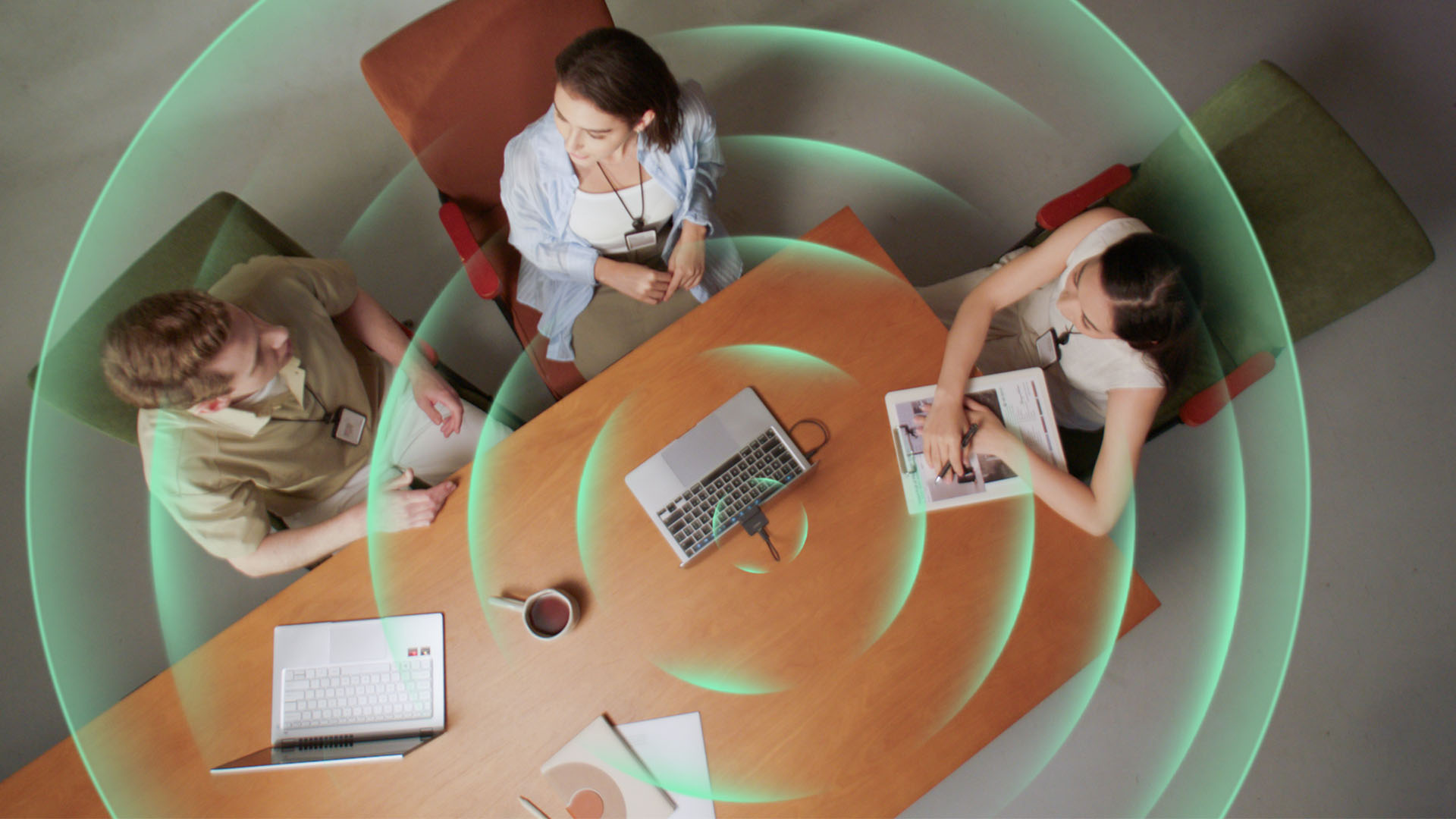
Smart Omni Mode is designed for group meetings, picking up voices from around the room.
And Pure Audio Mode provides unprocessed left and right stereo channels for users who would rather handle the audio themselves in post-production.
Auto Gain and AI Noise Reduction also work across the first three modes, helping clean up audio without requiring much manual adjustment.
It gives the Meet Flip more flexibility than a typical webcam microphone, especially if you regularly switch between solo calls, interviews, and group meetings.
AI that doesn’t intrude
AI has become an almost obligatory addition to new hardware in 2026, but several of the Meet Flip’s features put it to work on real-world meeting annoyances.
AI Auto Framing keeps you in frame, with options for:
- Group
- Single Close-up
- Upper Body
- Full Body
Gesture controls can also toggle Auto Framing or adjust the zoom without reaching for a keyboard or mouse.
More interesting is AI Magic Notes.
Through OBSBOT Center, it provides real-time transcription and can automatically generate meeting summaries with key points, decisions, and action items. It works across Google Meet, Zoom, and Microsoft Teams.
Although AI Magic Notes is offered as a subscription service, every Meet Flip includes 120 complimentary minutes to get started.
MORE with OBSBOT Center & OBSBOT Live
There are plenty of other software features as well. OBSBOT Center includes:
- Background Blur and Background Replacement
- Real-Time Beauty Mode
- Picture-in-Picture overlays
- Smart Eye Tracking
- Teleprompter support
- Detailed image adjustments
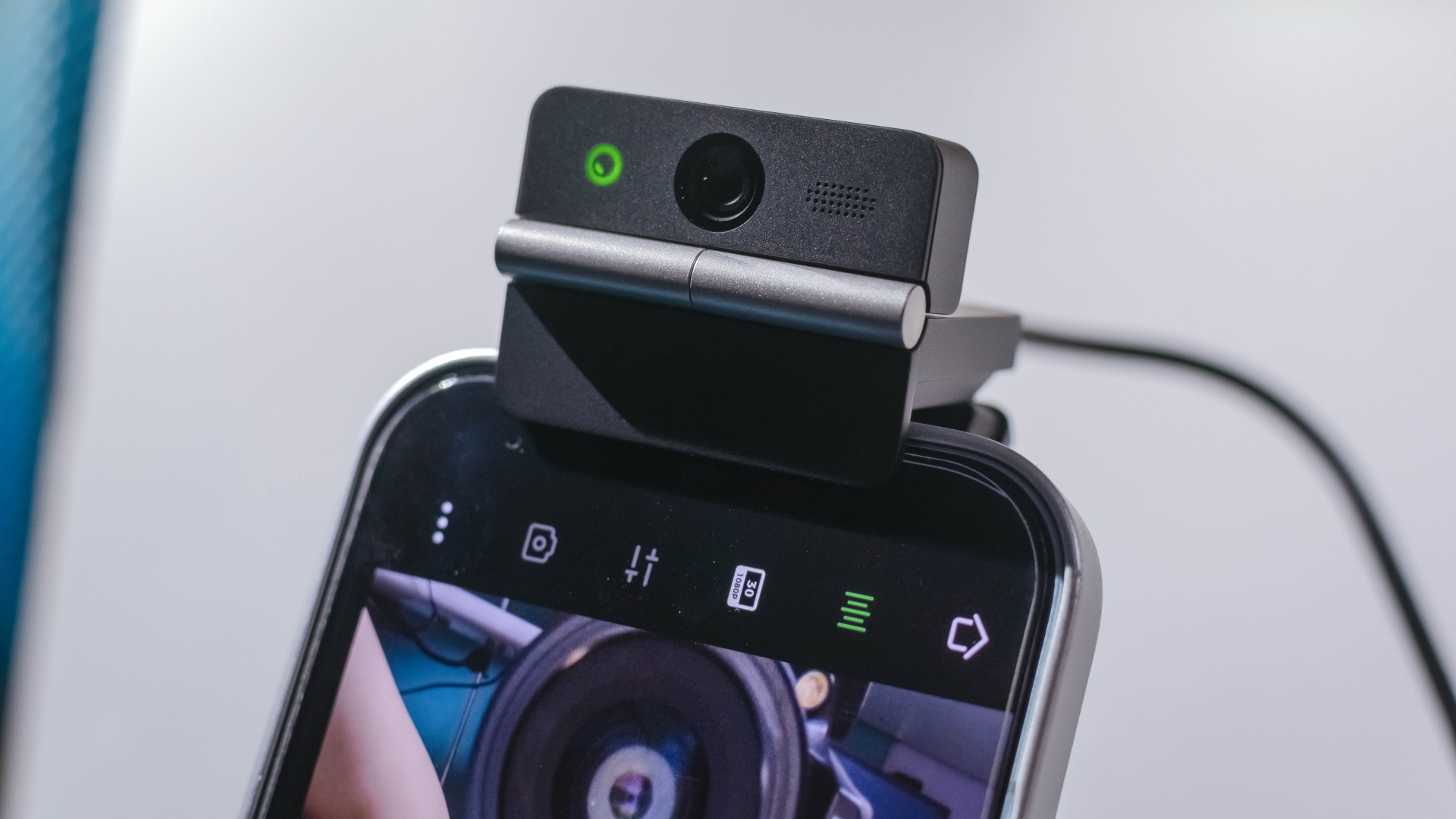
The Meet Flip isn’t limited to laptops or desktops either. Through OBSBOT Live, it can connect directly to smartphones and tablets over USB-C for mobile streaming and content creation.
Flip it open. Fold it away.
None of those features reinvent the webcam on their own.
Taken together, though, they make the Meet Flip a more thoughtful take on a piece of hardware whose basic design and features have barely changed.
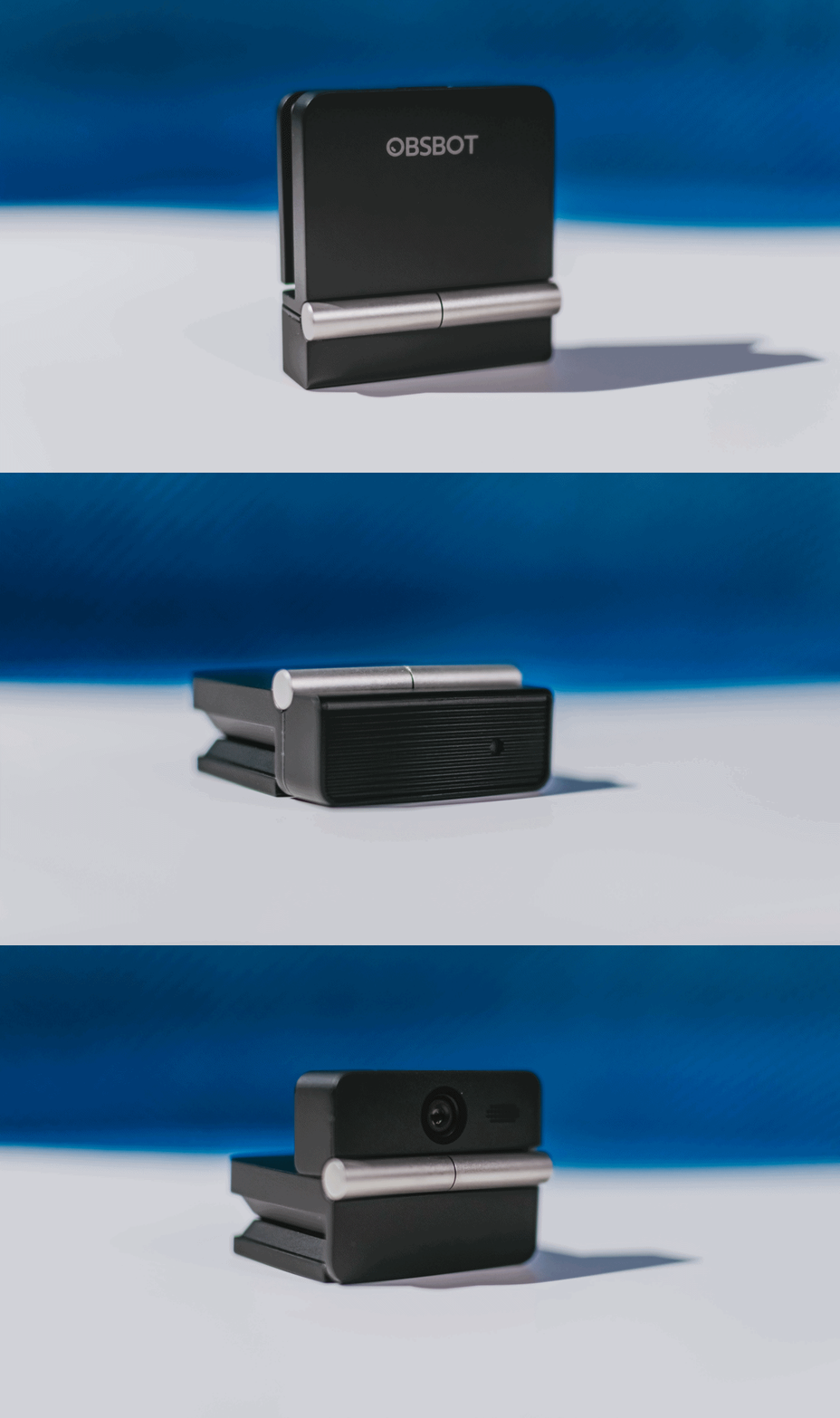
The flip may grab your attention first, but it’s how OBSBOT uses that design alongside its camera, audio, and software features that makes the Meet Flip interesting.
The OBSBOT Meet Flip is now available at US$ 119 and is currently available through OBSBOT’s official store, Amazon US, and select retailers.
&
@gadgetmatchPhones flip. Now webcams do too. 👀 Meet the OBSBOT Meet Flip, a tiny foldable 4K webcam with a lot packed inside. ✨
If you buy one, here’s what you’ll get out of the box!
Laptops
MSI Prestige 14 Flip AI+ Vincent van Gogh Edition now available
Premium aesthetic, AI-ready performance, exclusive accessory bundle

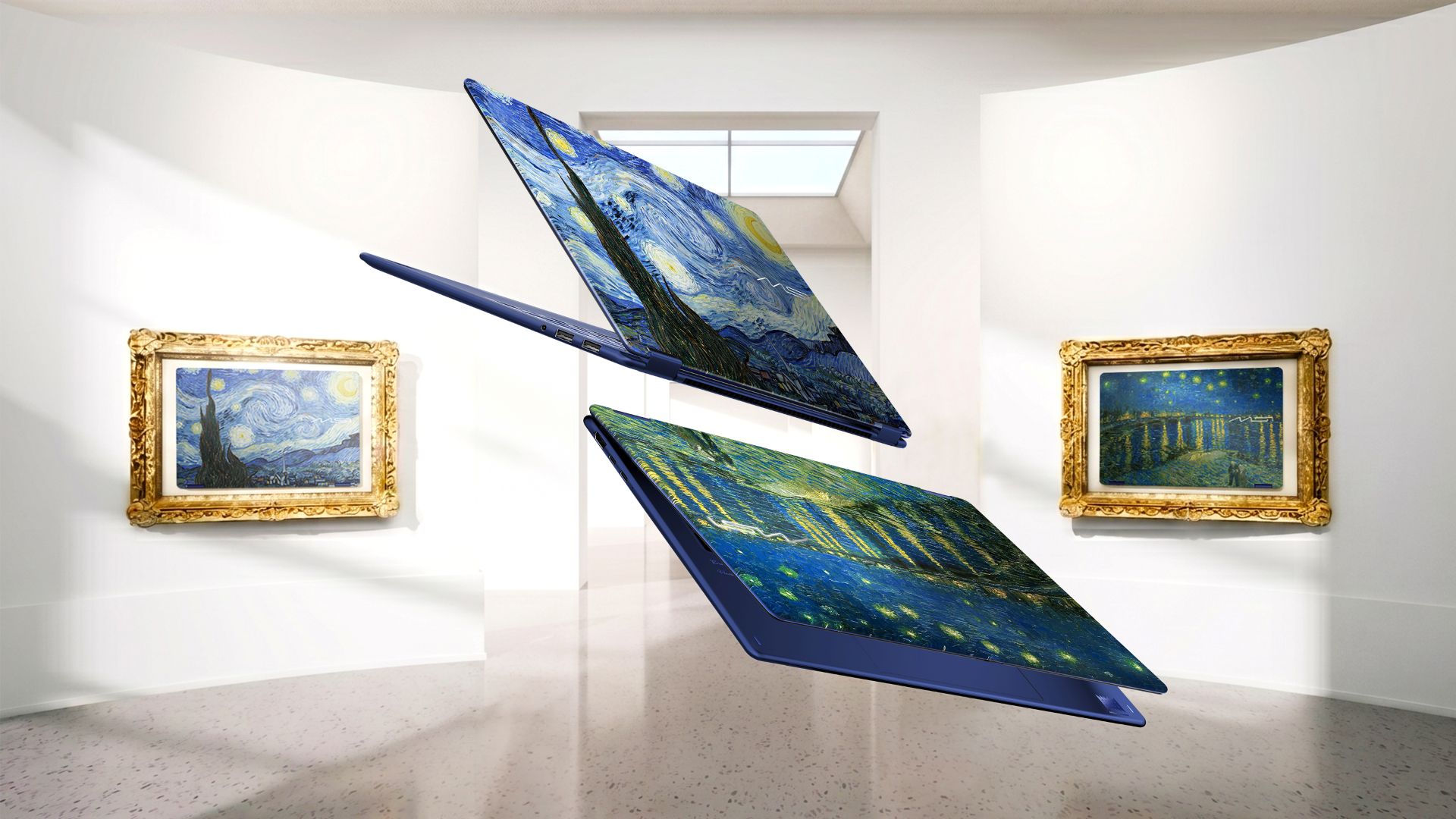
The MSI Prestige 14 Flip AI+ Vincent van Gogh Edition is now available. It is the latest addition to MSI’s artisan collection. It combines a design inspired by one of the most influential painters in the world, AI-ready performance, portability, and an exclusive accessory bundle.
This limited-edition laptop celebrates artistic craftsmanship. Its design captures the emotion, movement, and creative spirit of two of the artist’s most iconic masterpieces.
Beyond the aesthetic, the special 2-in-1 laptop delivers versatility and AI-ready performance. It’s chiefly meant for creators and professionals and their modern-day workflow.
The package is completed by an exclusive bundle pack with a wireless mouse, Van Gogh-inspired mousepads, and ID badge, sleeve bag, keyboard cover, and specially designed packaging.
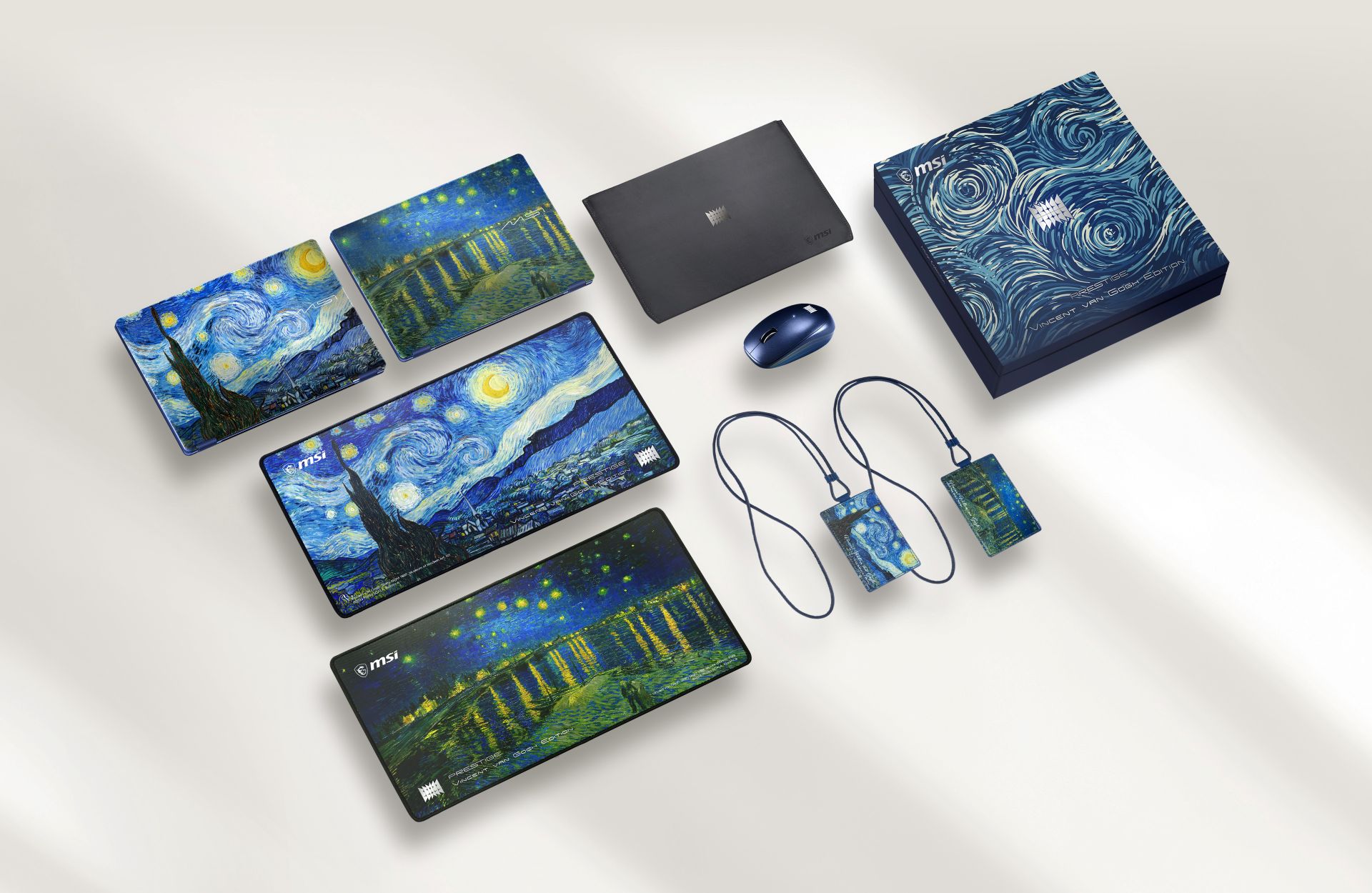
The MSI Prestige 14 Flip AI+ Vincent van Gogh Edition draws inspiration from the “Starry Night Over the Rhône” and “The Starry Night.”
Such contrasting moods on each painting influenced the product’s design language. Chassis textures, color details, and UI themes of MSI Center M reflect the flowing movement and layered emotions found on the two paintings.
Different blue tones, textures, and finishes also capture the range of moods — from peaceful and quiet to bold and expressive.
Built for modern creative workflows
Beyond its artistic identity, the 2-in-1 laptop is built for creators who move between work, inspiration, and everyday life.
The laptop is powered by Intel Core Ultra processors, weighs 1.37 kilograms, and measures 11.9mm thin.
It supports a range of AI-enhanced experiences for both creativity and productivity. This includes A-assisted photo editing, image generation, video editing, background noise reduction, live captions, and other intelligent tools.
In front is a 14-inch OLED display with 100% DCI-P3 color gamut, delivering rich contrast and accurate color reproduction.
Inside is an 81Whr battery supporting up to 30 hours of 1080p video playback under specific test conditions.
Laptops
30 days later with the ASUS ExpertBook Ultra: Like seeing an ex
Felt exactly as I remembered.

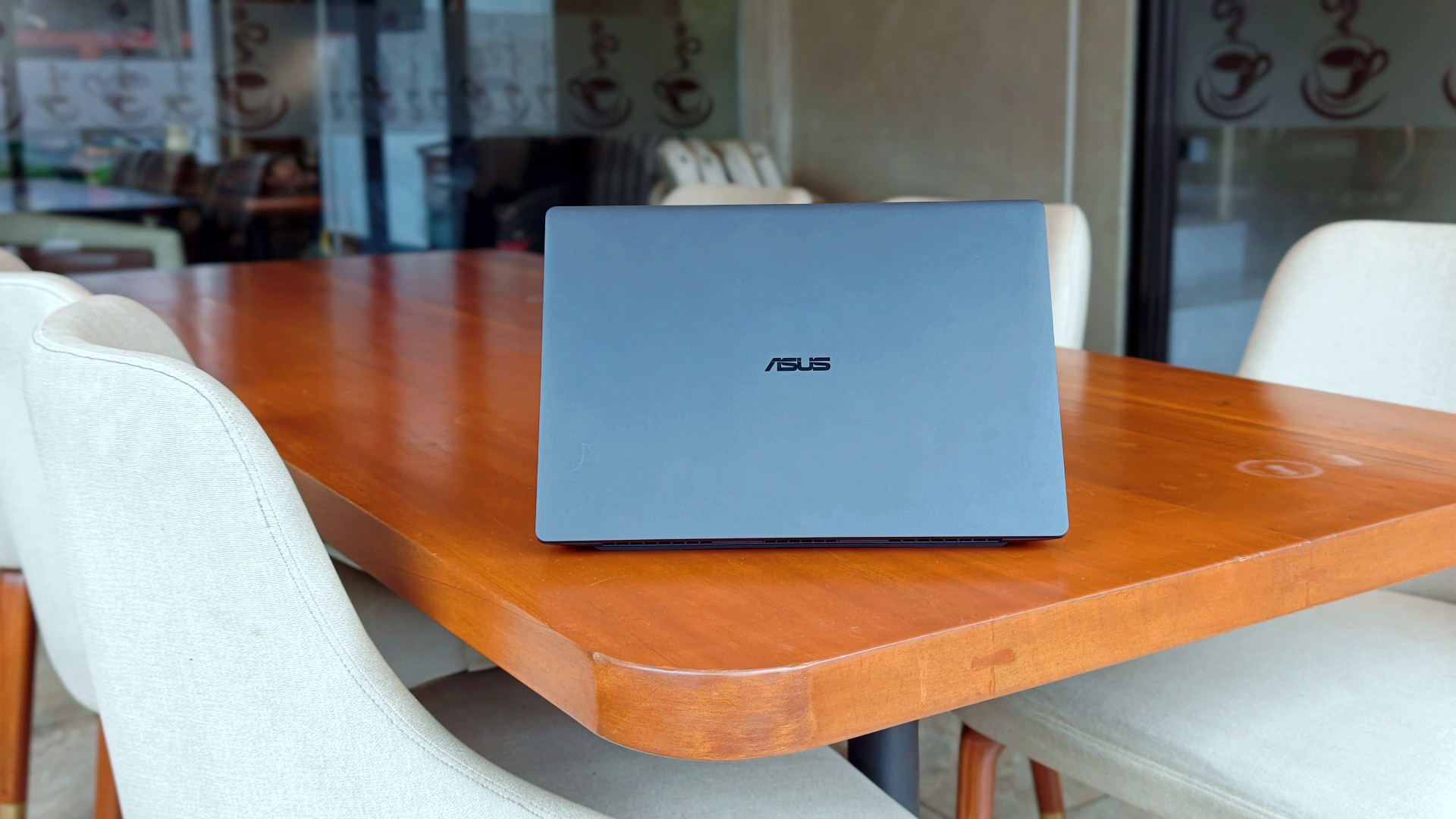
I genuinely thought that was it.
The review was done. The feature was out. ASUS had already collected the laptop. In my head, the campaign was over.
Then, out of nowhere, they sent it back.
Between the original review period and this unexpected encore, I ended up living with the ExpertBook Ultra for close to 30 days.
I wasn’t expecting to spend more time with it, but I certainly wasn’t going to complain. If anything, I just hoped they wouldn’t ask for it back again anytime soon.
Picking it back up felt familiar.
Like seeing an ex.
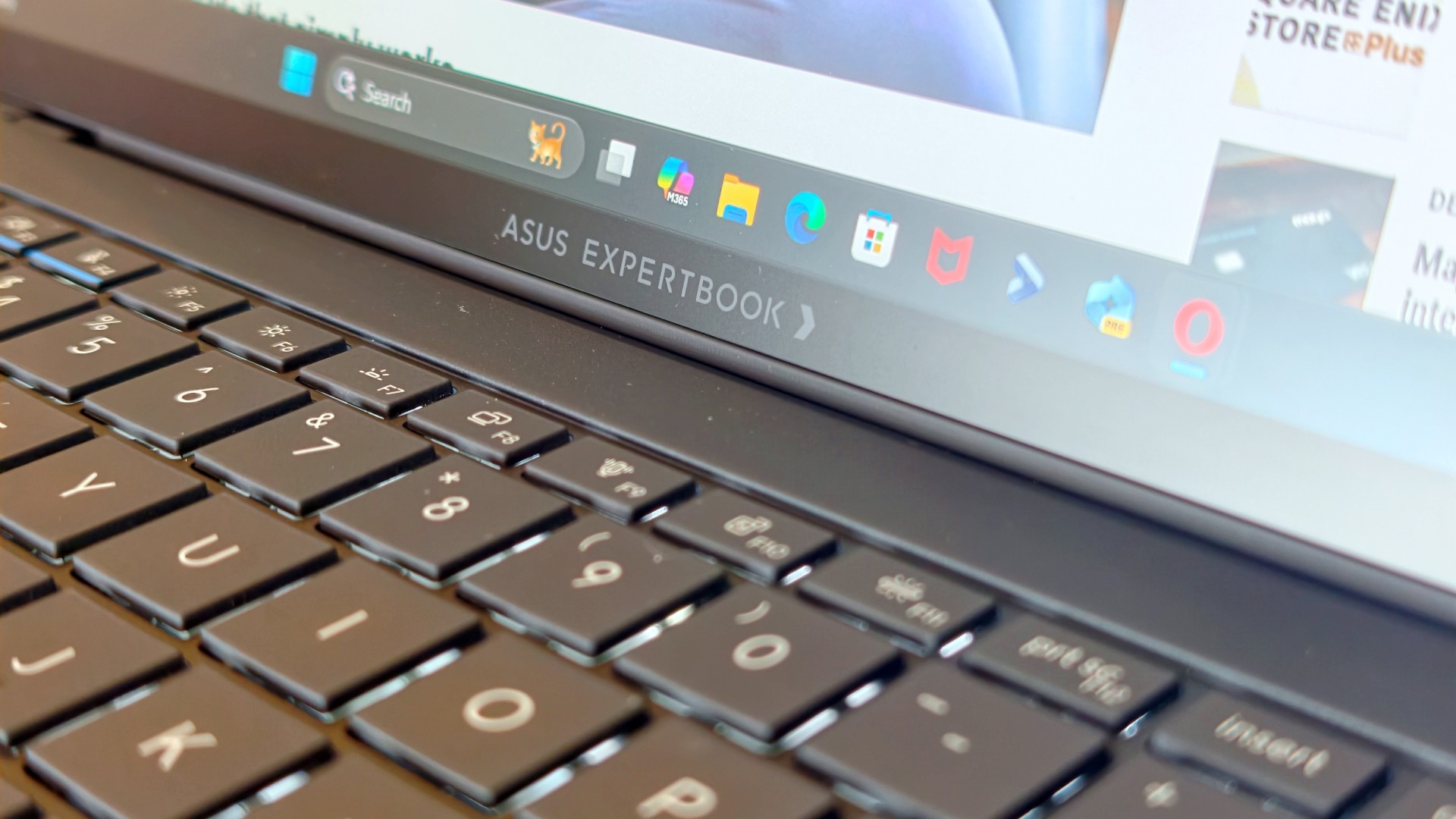
The butterflies came back almost immediately. So did everything I remembered about it.
It also got me thinking.
Maybe the best follow-up to a review isn’t spending another week with a laptop. Maybe it’s asking yourself one simple question:
How much did you actually miss it after it was gone?
That question was surprisingly easy to answer.
It still feels impossibly light
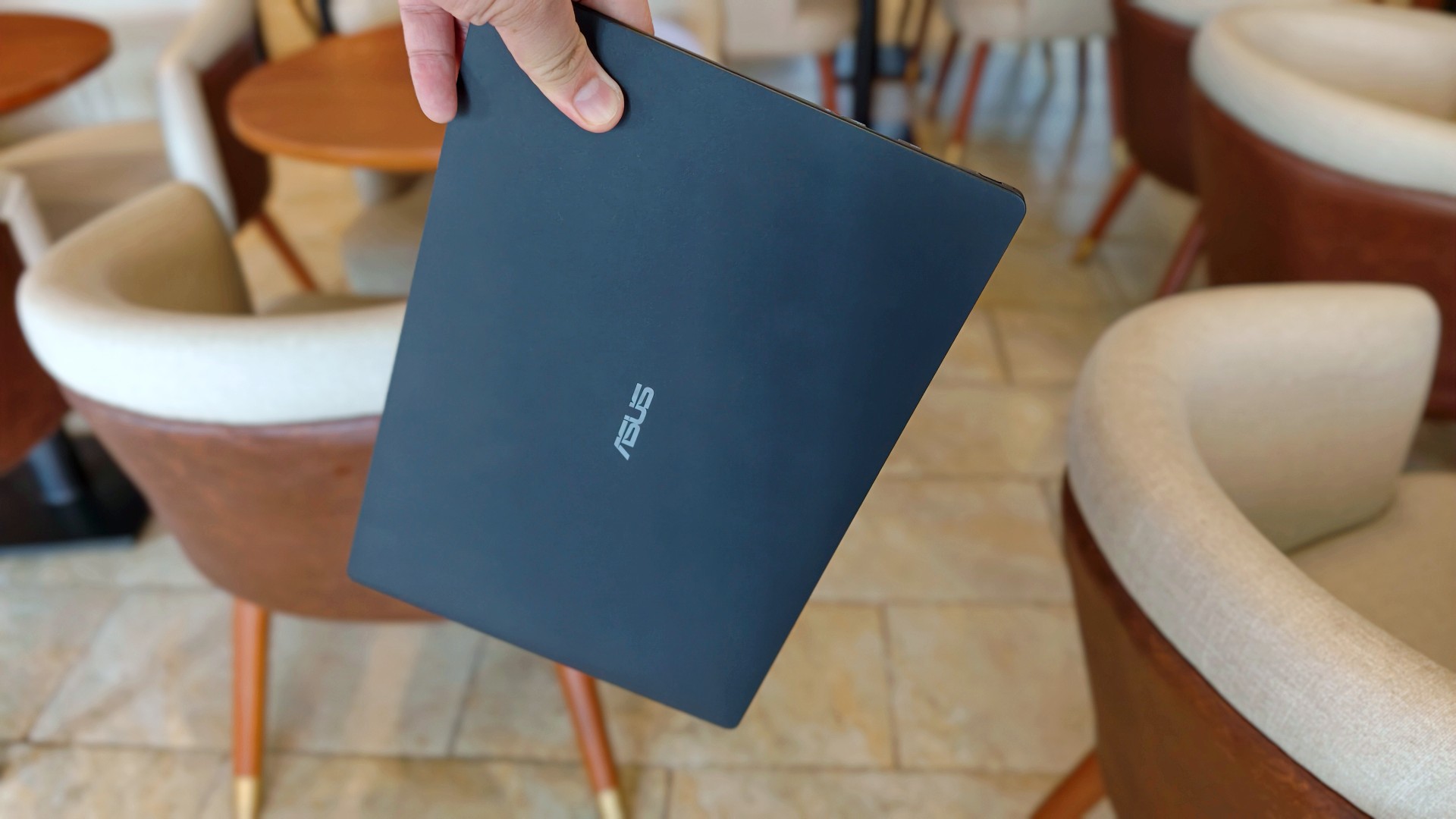
The first thing I noticed wasn’t the display. It wasn’t the keyboard either.
It was the weight.
That became painfully obvious on days when I absolutely had to bring my laptop around. The 0.99kg starting weight really does make a difference when you’re bouncing between cafés, meetings, and wherever else work decides to take you.
So when the ExpertBook Ultra came back, it slipped right back into the same routine. Same cafés. Dinner after. Then back home where work usually followed me all the way to bed.
Most definitely inside the Bravo Tote V2. I upgraded my bag too lol.
The thing I noticed almost immediately wasn’t that it was light. I already knew that. It was how quickly everything came back.
Like we never parted.
The ASUS ExpertBook Ultra is still everything I want my MacBook Pro to look and feel like.
I still have a weird relationship with the Nano Ceramic finish
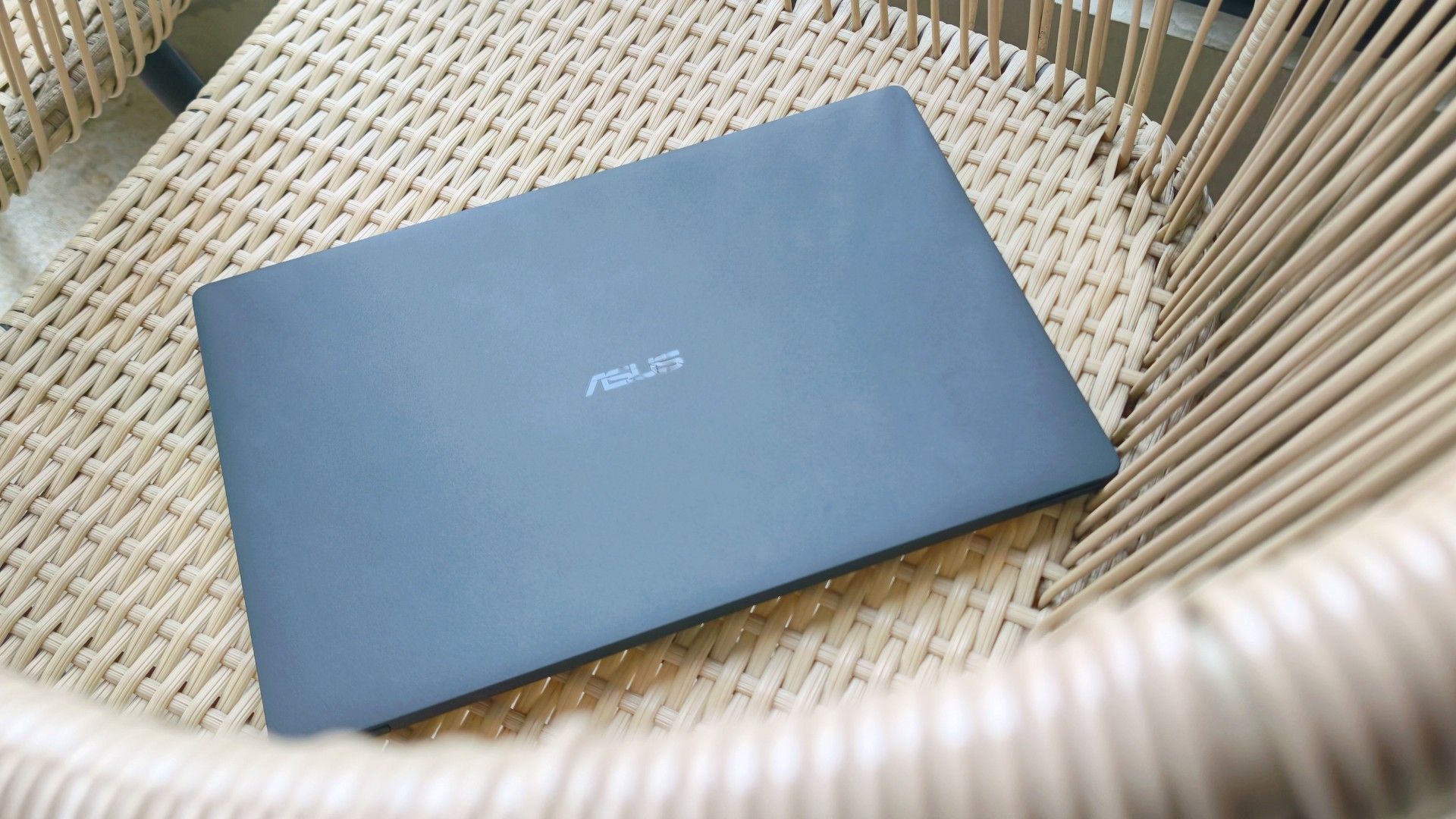
I know this sounds ridiculous, but I still catch myself running my hand across the lid before opening the laptop.
It’s just become part of the ritual.
Pick it up. Marvel at how light it is. Run my hand across the 9H Nano Ceramic finish. Then get to work.
One of the things I wondered after ASUS took the laptop back was whether I’d still care about the finish once the honeymoon phase had worn off. It felt like one of those features that would naturally lose its magic over time.
Apparently not. If anything, the time apart made me appreciate it even more. And as I continued to use it, these words came to mind: “I wish we never parted. I wish you stayed. And I wish you never go away.”
I forgot how much I liked working on it
One thing that didn’t change while the ExpertBook Ultra was away was the kind of work I do.
The breadth and depth of it certainly didn’t magically change. I still spent my days coordinating projects, replying to emails, juggling deadlines, and letting ChatGPT help me process unresolved feelings and questionable timing in between writing articles.
That also meant I wasn’t really the target audience for some of the ExpertBook Ultra’s AI for Work features. I appreciated having tools like MyExpert, AI ExpertMeet, and Copilot+ within reach, but my workflow rarely called for them. Most days, I was simply too busy doing the work instead of exploring new ways to do it.
Although, I will say I did a lot more coordination work than the emotionally charged reviews and features I usually enjoy writing.
I also started editing a reel before eventually handing it over to one of our video editors for reasons completely unrelated to the ExpertBook Ultra. Rodneil issue.
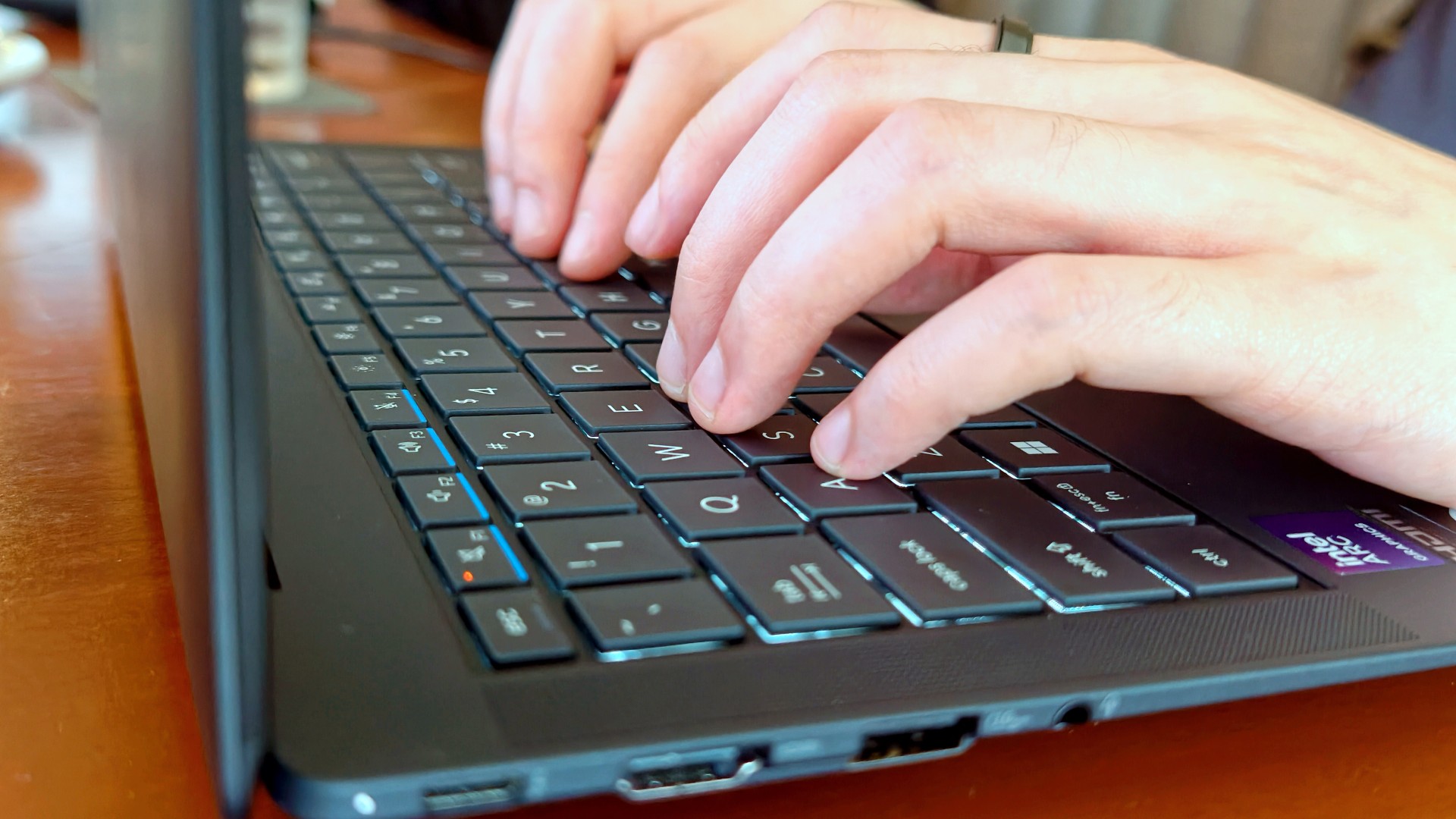
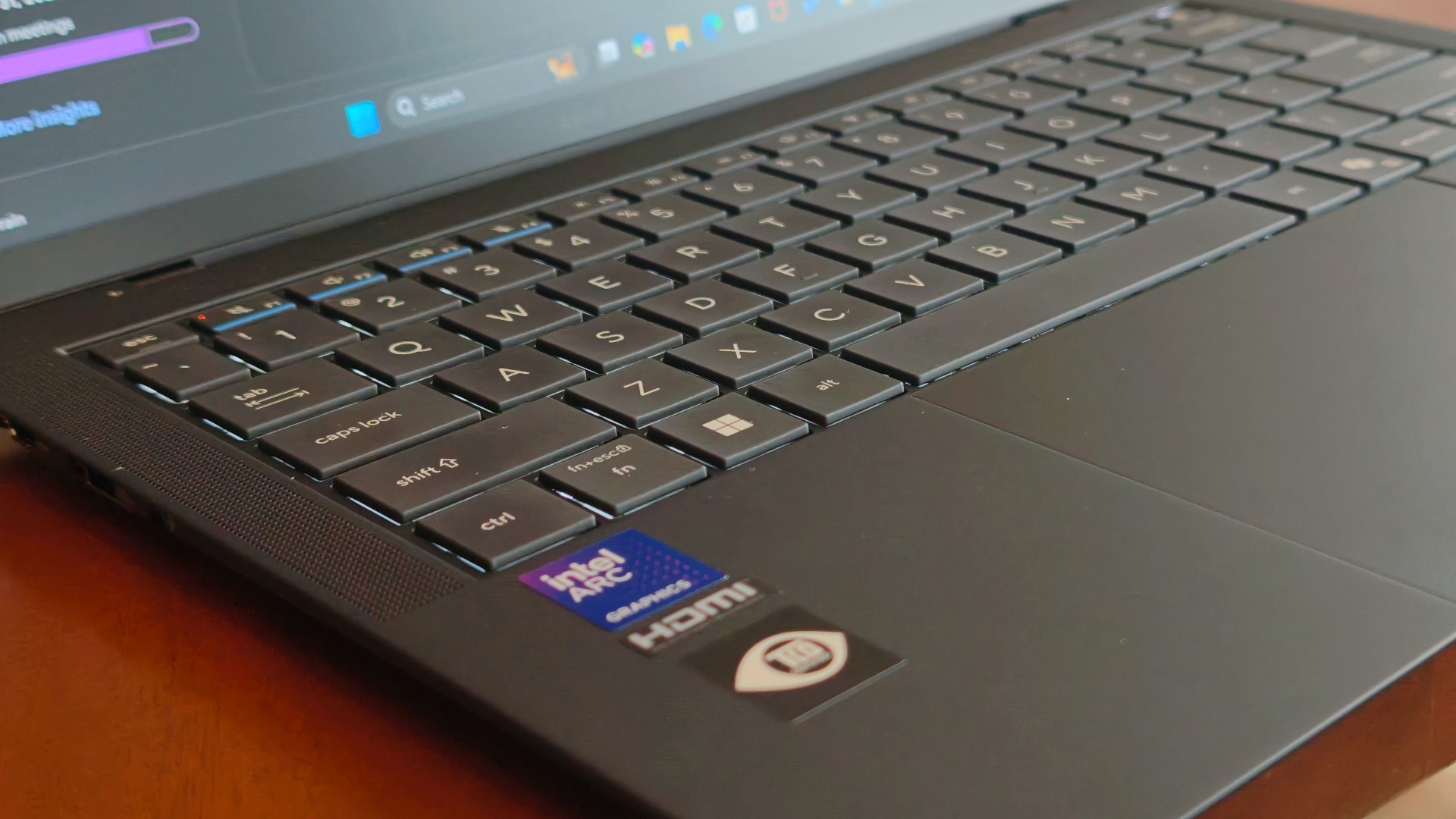
The keyboard, though, was just as lovely as I remembered. The 1.5 mm key travel still struck a nice balance between comfort and responsiveness, while the ASUS ExpertCool keyboard with its Excimer UV coating gave me one less thing to worry about during long workdays.
People often say a good keyboard is one you stop thinking about. I never did.
Every now and then I’d be halfway through an article and randomly catch myself appreciating how good it felt to type on. It’s one of those things you don’t expect to notice after days of use, but somehow you still do.
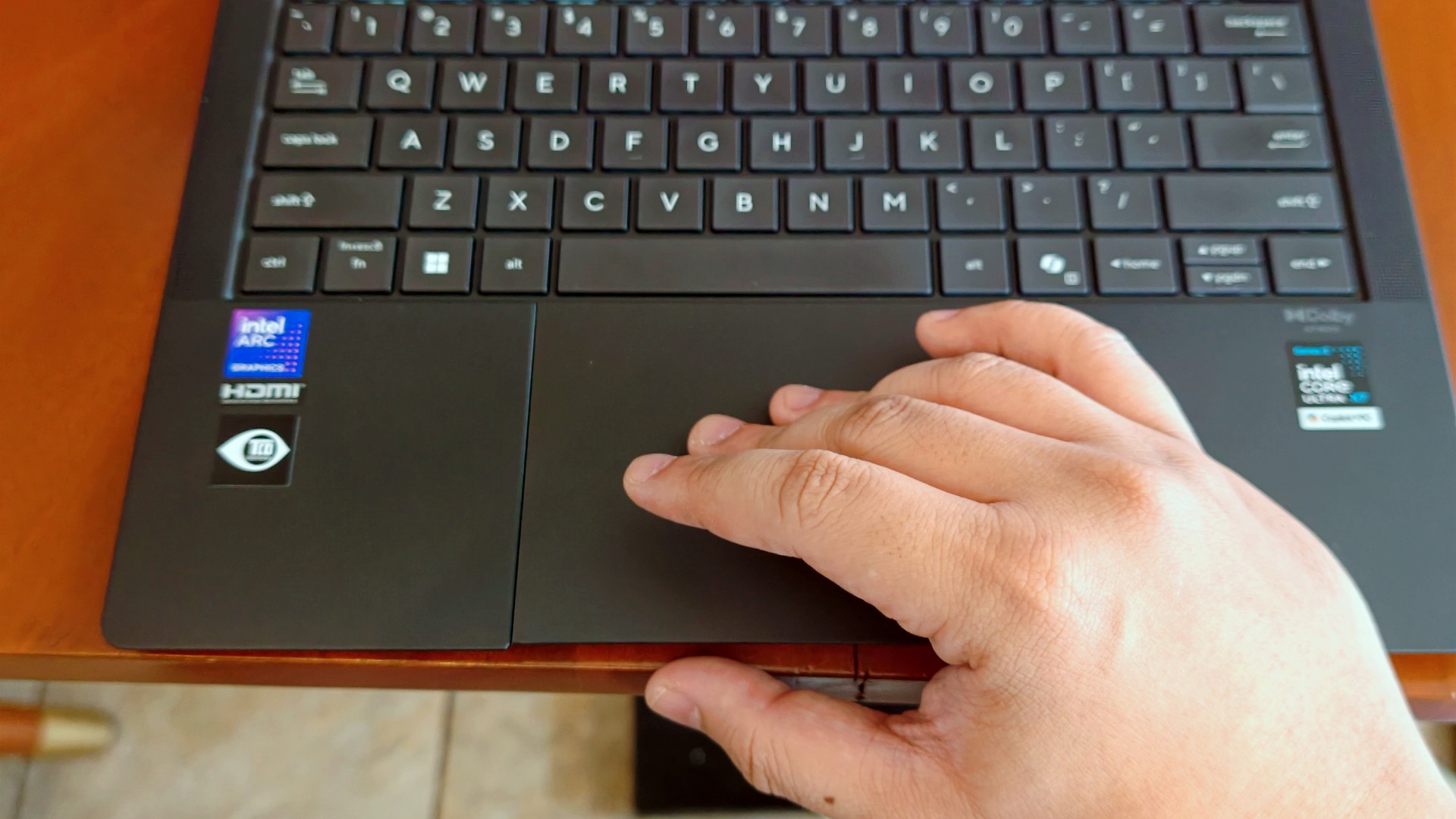
The haptic touchpad, on the other hand, started feeling like it was fighting me a little this time around. I still think that’s more of a software thing than an ASUS thing. If there’s one thing Apple still has over practically everyone else, it’s the MacBook trackpad.
That said, I still never found myself reaching for a mouse.
I got distracted… again (thanks, 3K Tandem OLED)
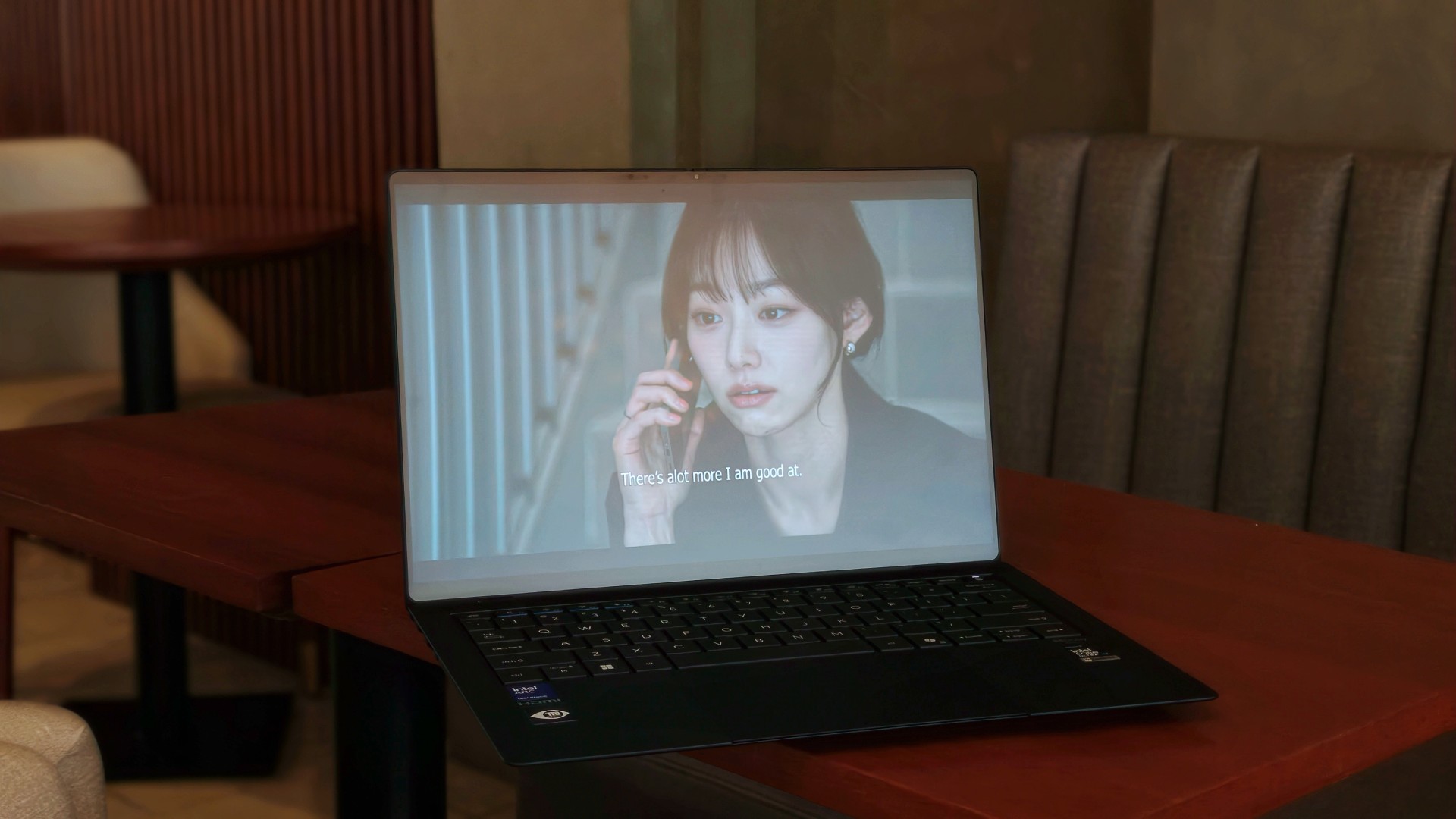
Eventually, though, my brain would tap out.
That’s usually when I’d stop pretending to be productive and switch to whatever was helping me decompress that week.
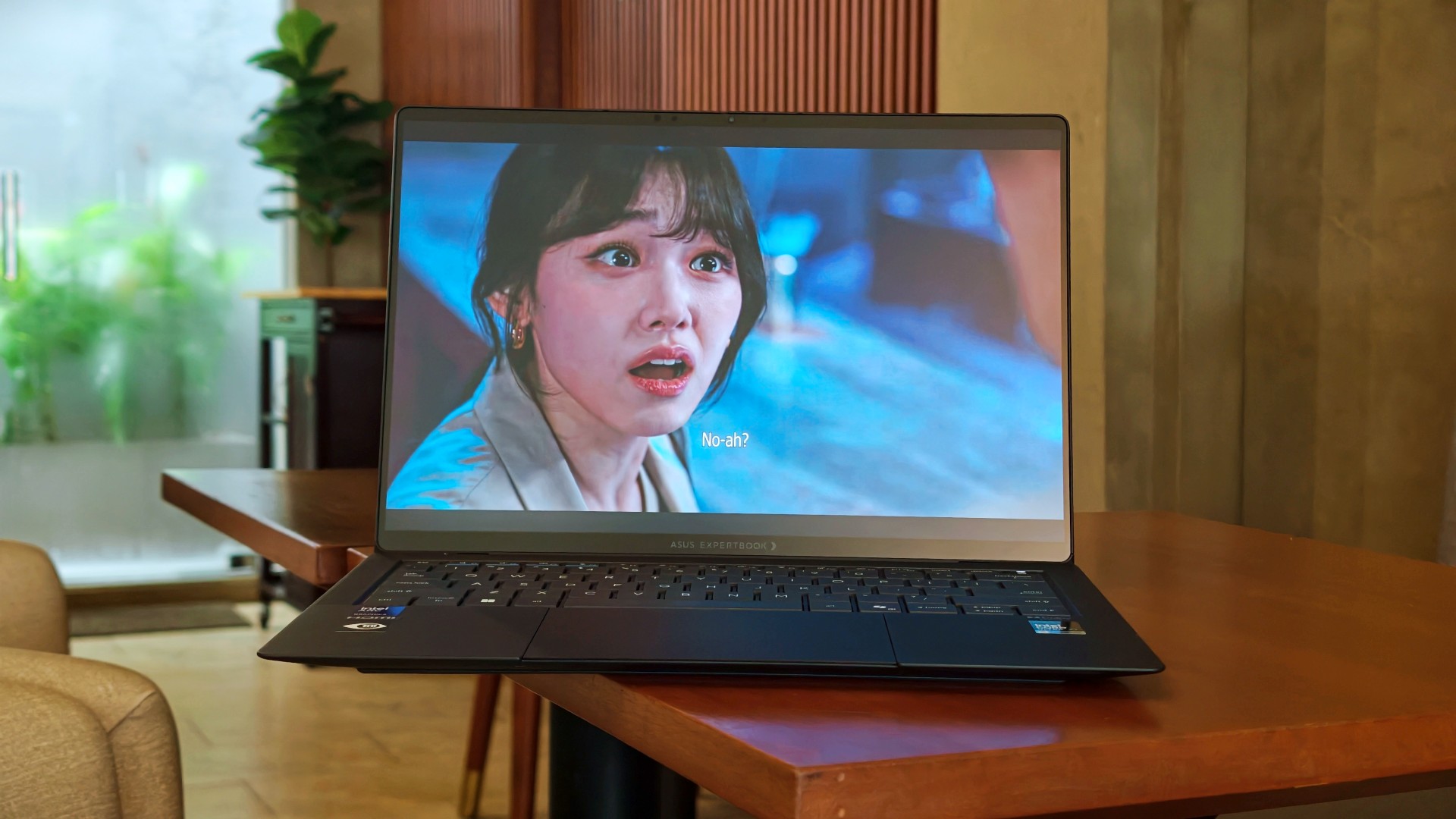
This time, it was See You at Work Tomorrow. I initially watched for second female lead Kang Mina (due for a lead role, btw) but got hooked with the rest of the cast pretty quickly.
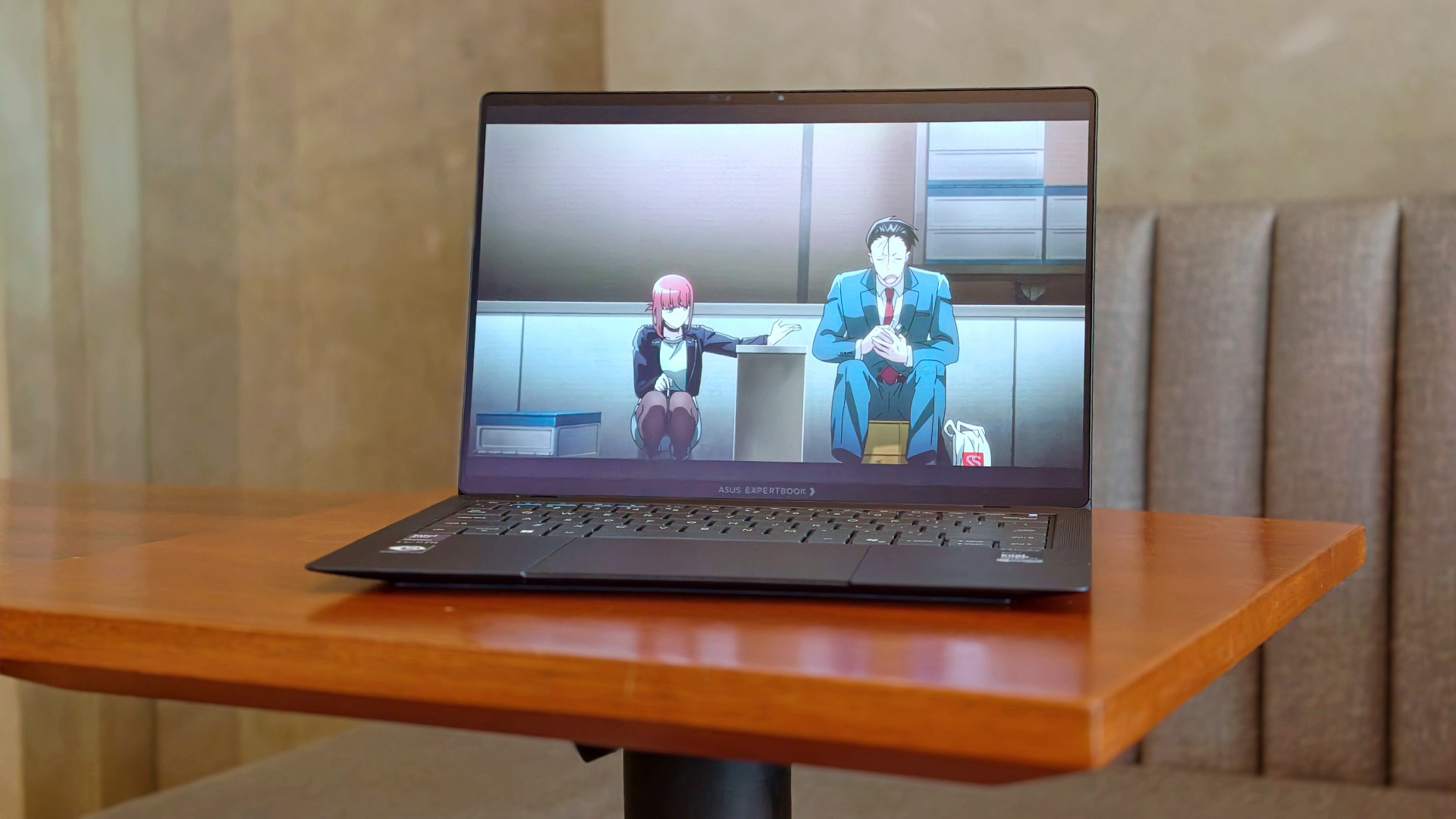
I also started Smoking Behind the Supermarket With You. It’s quietly become one of my comfort shows of late.
And naturally, there were the occasional fancams. This time, mostly of Kim Chaewon during LE SSERAFIM’s PUREFLOW concert stops.
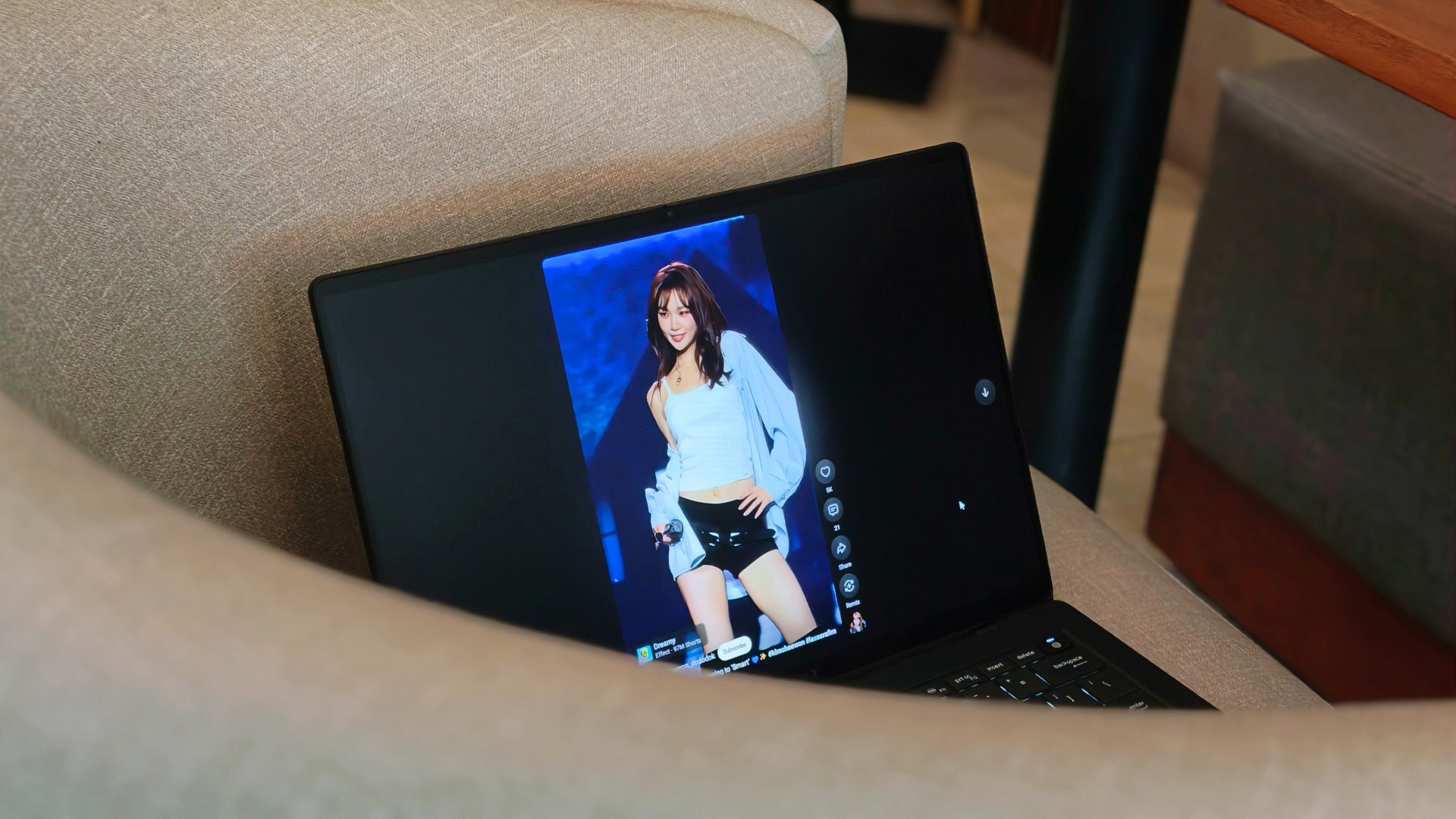
Funny enough, I don’t think I consciously appreciated the 3K Tandem OLED display as much this time around. I think I just got used to how good it looked.
Somewhere between deadlines, comfort shows, anime, and Chaewon fancams, I stopped noticing the display altogether. I just enjoyed whatever happened to be on it.
That’s probably the highest compliment I can give it.
Turns out, I hadn’t changed my mind
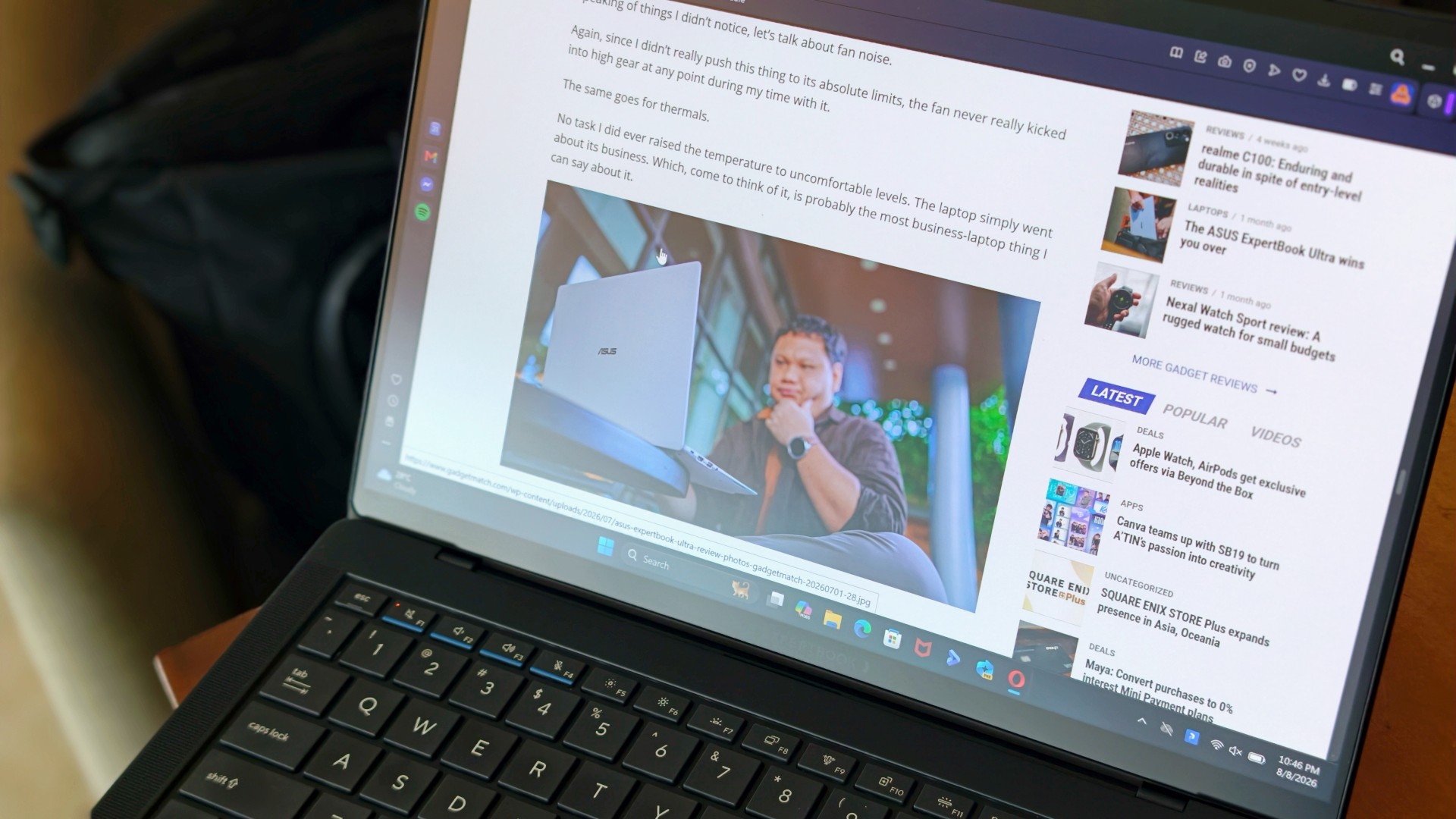
One of the reasons I was genuinely happy the ExpertBook Ultra came back was because I wanted to see whether I’d remembered it too fondly. After all, that’s usually what time does. You remember the good parts, forget the little annoyances, and convince yourself something was better than it actually was.
That never happened here.
If anything, getting the laptop back just reinforced the conclusions I had already come to the first time around. It still feels impossibly light. I still think it’s everything I want my MacBook Pro to look and feel like. And yes, I still wish it ran macOS.
Sorry, Windows.
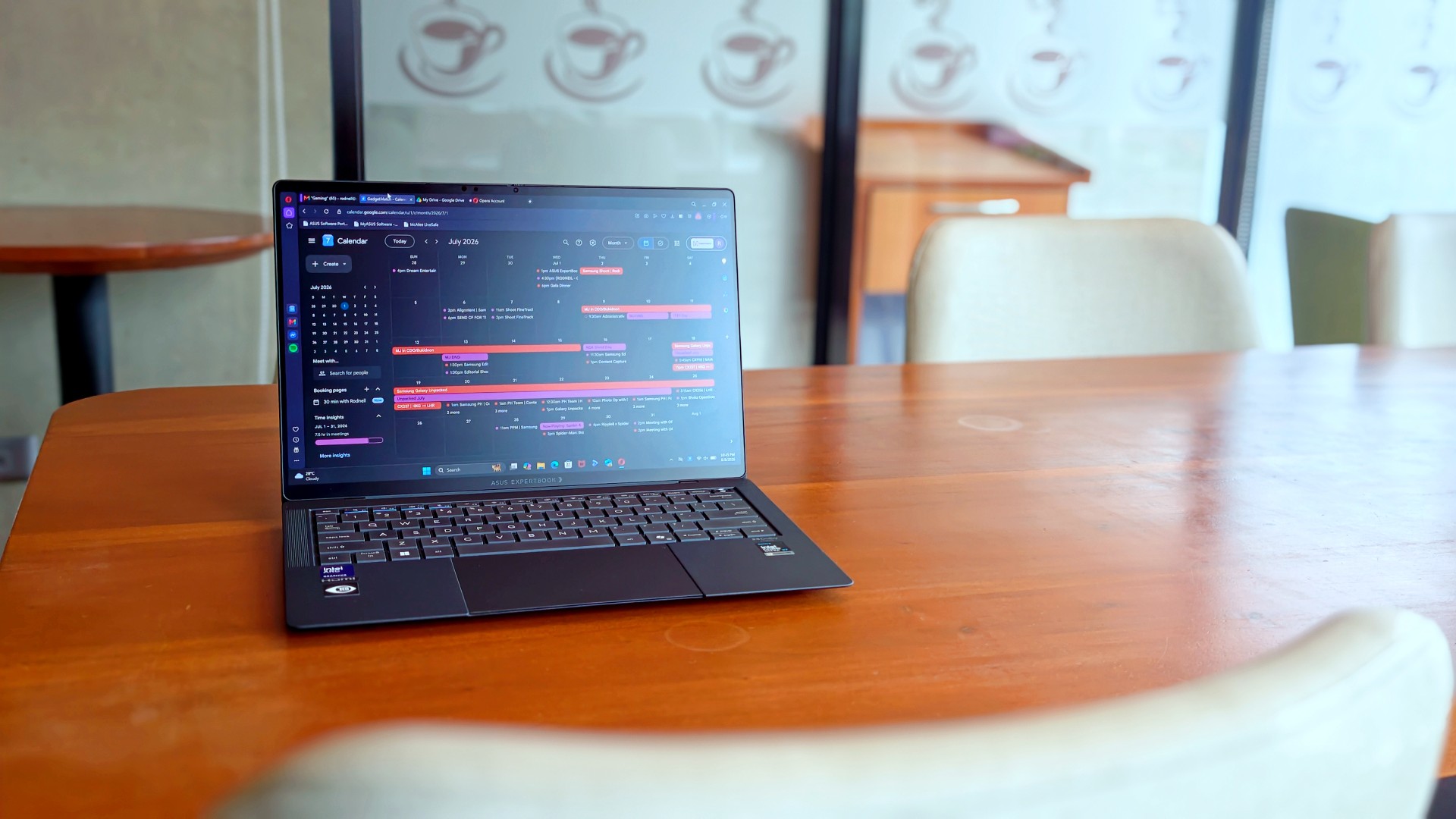
What surprised me more was that I never really found myself looking for reasons to disagree with my original review. I wasn’t paying attention to the little things anymore. Nor was I trying to re-review the laptop or see if I’d somehow missed a fatal flaw the first time around.
I just… used it.
It stopped feeling like a review unit and simply became the laptop I reached for whenever I had work to do or wanted to unwind with a K-drama at the end of the day. Looking back, that’s probably why nothing really changed. I had already formed my opinion. Getting it back just confirmed it.
The person I picture using this laptop also hasn’t changed. It’s still for people who’ve made strides in life and want a machine that reflects where they are while keeping up with everything they’re taking on.
That’s who I pictured when I first wrote about the ExpertBook Ultra.
Funny enough… That’s still who I picture today.
Sometimes the best review begins after the review ends
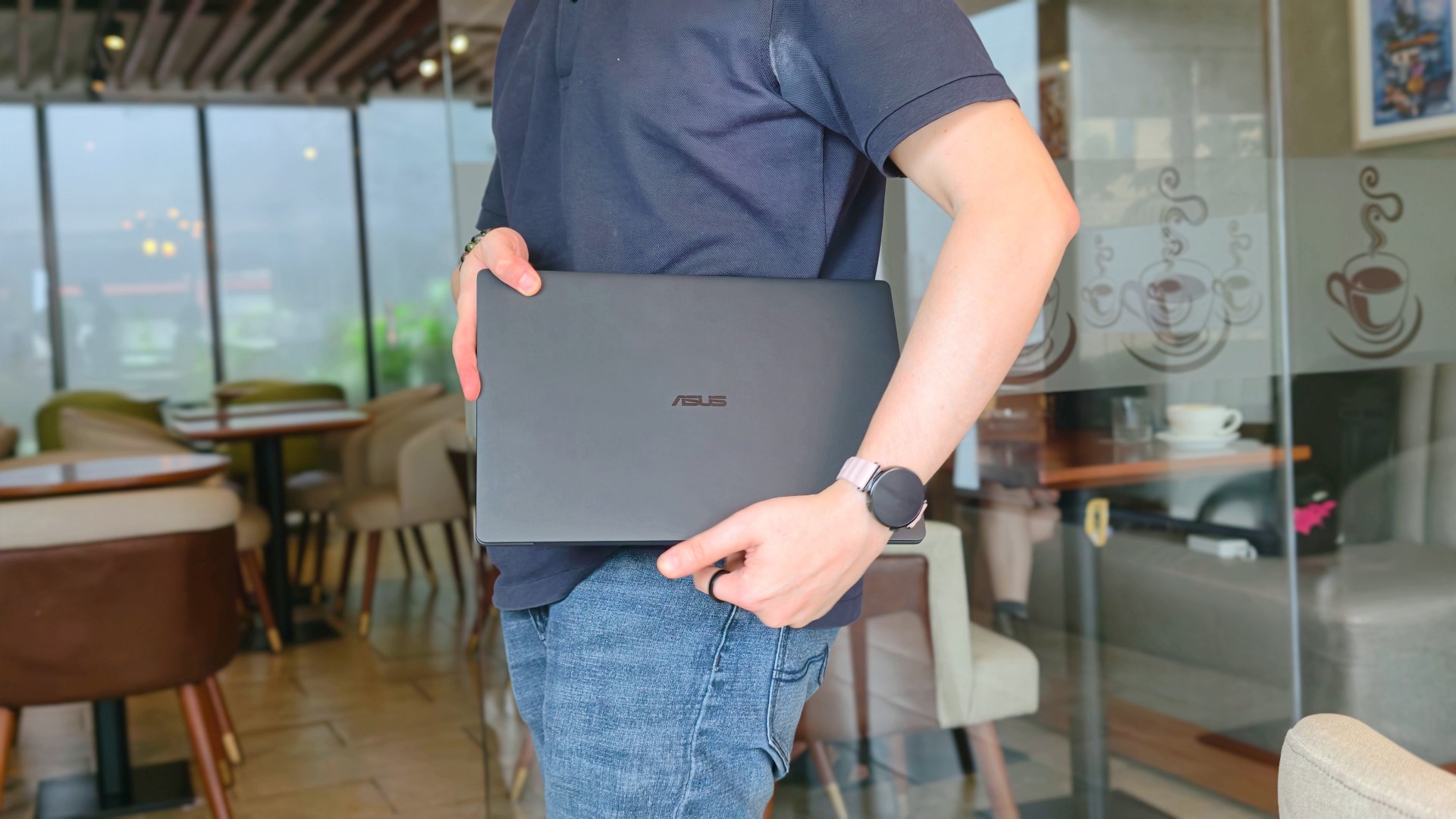
When ASUS took the laptop back, there was actually some relief. It signalled that the campaign was over.
That feeling didn’t last very long.
I couldn’t help but long for it shortly after, especially on days that I absolutely had to bring a laptop around. The weight really does play a big factor during days like this. And as ridiculous as it sounds, I never quite got over the Nano Ceramic finish either.
That’s probably what surprised me the most. Not that I still liked the ExpertBook Ultra. I already knew that.
It was realizing just how much of the experience stayed with me after it was gone.
If you’ve been considering the ExpertBook Ultra, my advice probably hasn’t changed after spending close to 30 days with it. Don’t buy it because it’s the lightest laptop around or because it packs every feature under the sun. Buy it because you want a machine that quietly gets out of your way and lets you focus on the work that matters. That’s what it ended up doing for me.
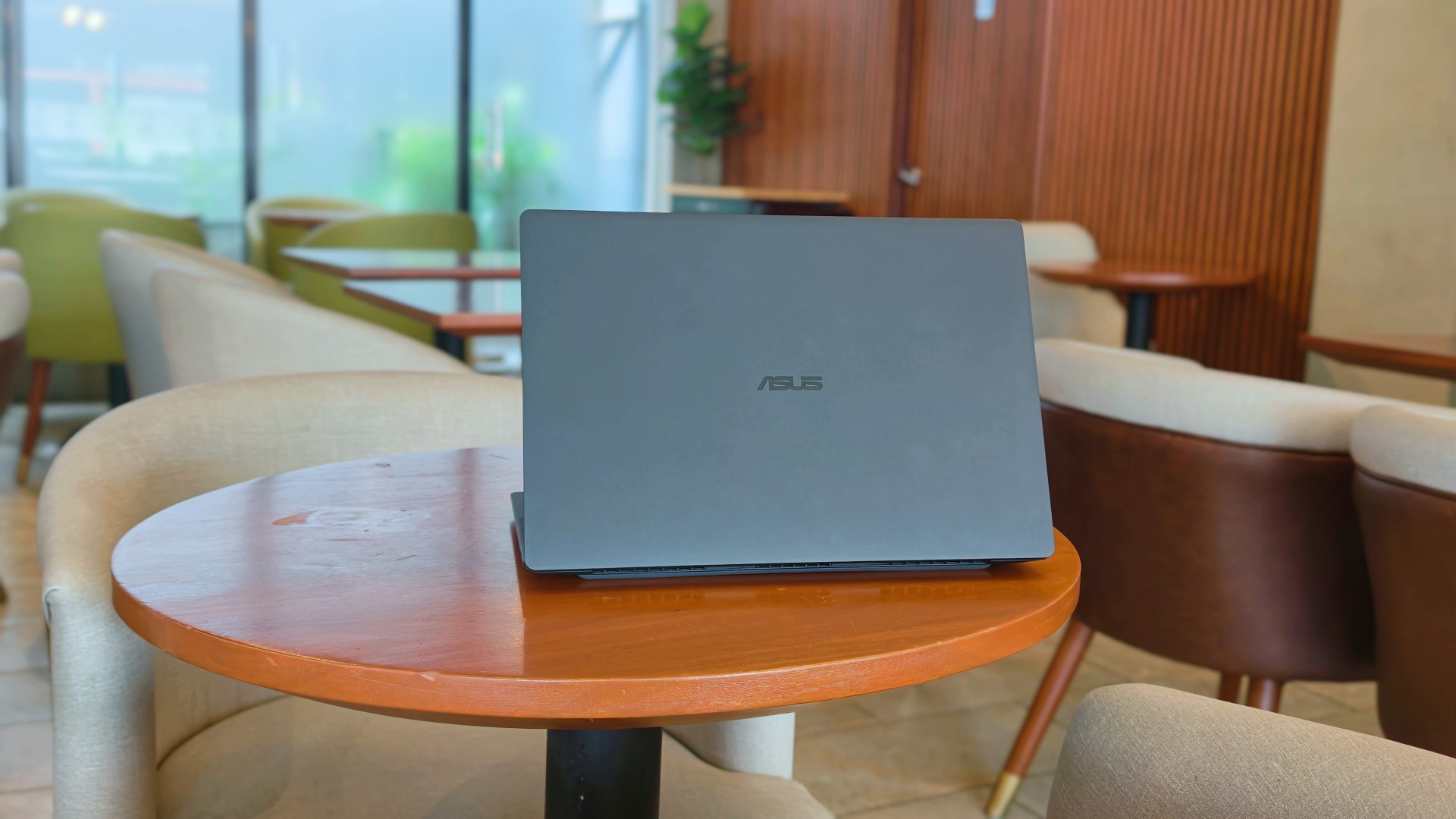
After this reunion, the ASUS ExpertBook Ultra will likely leave me again. Some exes are just like that. They’re meant to be exes.
And while they don’t stay, they leave an imprint on how you go about life moving forward.
I just know some part of me will always look for the best that I’ve found with the ExpertBook Ultra whenever another laptop lands on my desk.
Is that fair? Perhaps not. But it is what it is.
Thinking of making the switch?
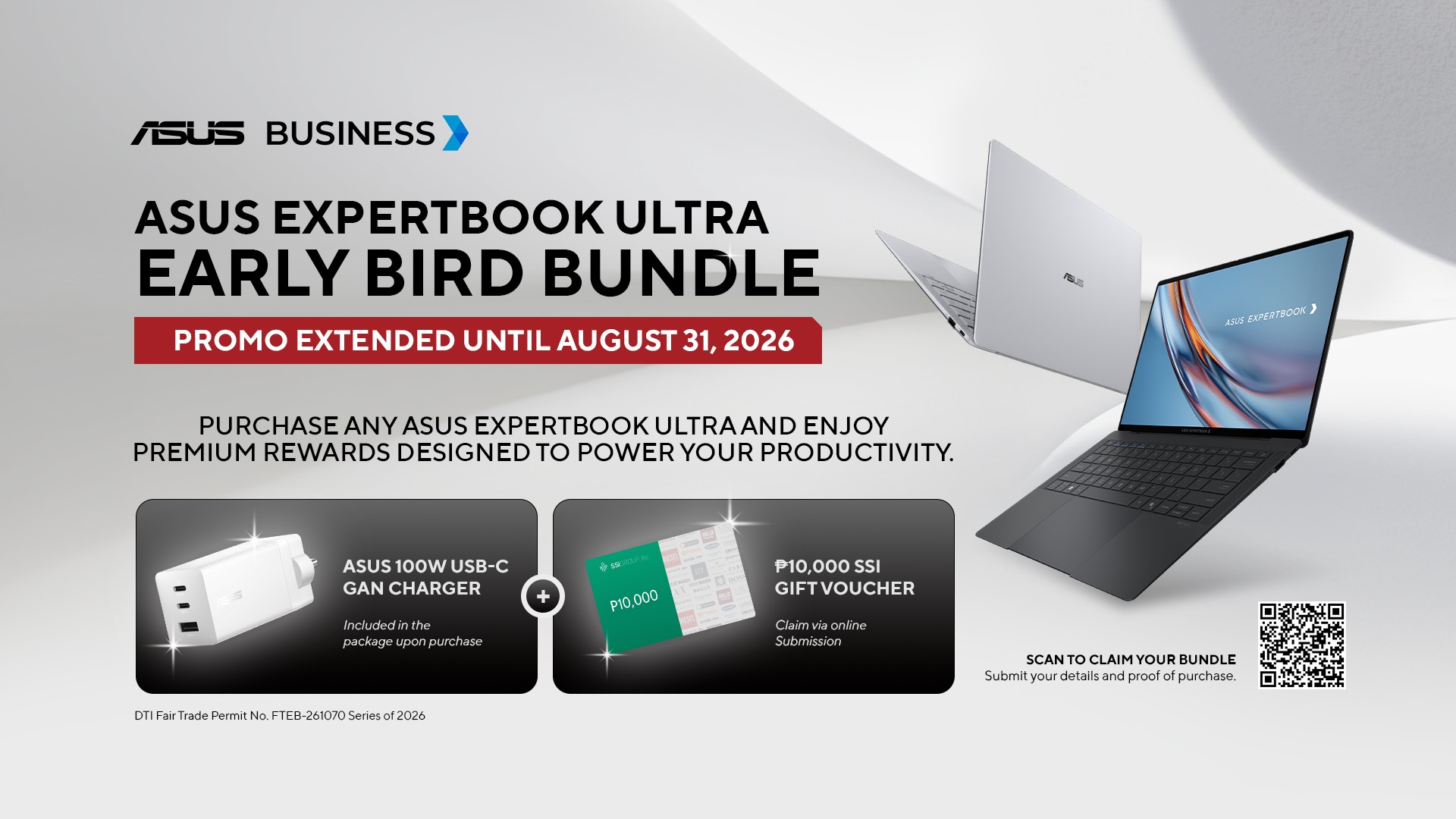
If you’ve been considering the ASUS ExpertBook Ultra, ASUS Business Philippines is currently running an Early Bird Bundle Promo until August 31, 2026. Purchase any ASUS ExpertBook Ultra from participating ASUS Expert Stores and select tech retailers to receive over Php 13,000 worth of freebies, including an ASUS 100W GaN Charger and SSI Gift Certificates. (DTI Fair Trade Permit No. FTEB-261070 Series of 2026.)
The ASUS ExpertBook Ultra starts at Php 129,995 and is available through select ASUS authorized stores and tech retailers nationwide.
Every purchase also includes a 3-year battery and charger warranty extension, with upgradeable warranty coverage of up to 5 years, giving you added peace of mind long after you’ve taken it home.
Where to buy:
ASUS ExpertBook Ultra: https://ph.asus.click/ExpertBookUltra-WheretoBuy
ASUS Expert Store – Lazada: https://ph.asus.click/ASUSExpertBookStoreLazada
ASUS Expert Store – Shopee: https://ph.asus.click/ASUSExpertBookStoreShopee
For businesses, ASUS Business Philippines also offers flexible configurations tailored to your organization’s needs. To learn more about volume purchases, visit:
https://ph.asus.click/Business-VolumePurchase

REDMI Note 17 Pro review: What a rollercoaster ride!
The serious series of ups and downs are NOTEworthy of your attention

Insta360 Luna Ultra review: My new solo coverage camera
Changed my workflow
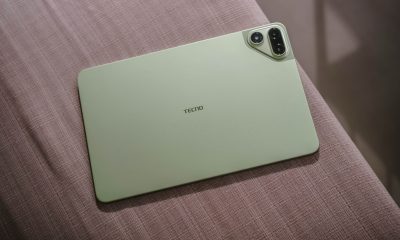

TECNO MEGAPAD 2 review: Eyes on the size
The MEGA pad for two base users

Marvel’s Wolverine details combat, abilities, and features

The designated photographer’s new favorite phone: OPPO Reno16 Series 5G

NBA, Salmon team up for multi-year partnership

realme 16T 5G with 8000mAh battery, IP69 Pro rating launches in PH

Dune: Awakening gets new PS5 gameplay, movie DLC
TECNO MEGAPAD 2 review: Eyes on the size

VinFast debuts two-wheeler models, opens 21 e-motorcycle showrooms

REDMI Note 17 Series focuses on long-term reliability

OnePlus officially leaves the United States and Canada

Xiaomi debuts SkyNomad Series featuring new Kunlun platform


-
Reviews1 week ago
TECNO MEGAPAD 2 review: Eyes on the size
-
 Singapore2 weeks ago
REDMI Note 17 Series focuses on long-term reliability
-

 News2 weeks ago
realme 16T to come with 8,000mAh battery, 7-year battery health guarantee
-

 News1 week ago
HUAWEI Pura X View is 2026’s first WIDE slab-type smartphone
-
 Accessories2 weeks ago
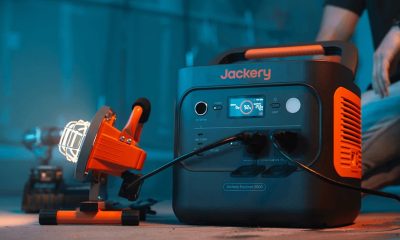
Jackery expands Explorer Series portable power stations
-

 Cameras1 week ago
30 days with the DJI Osmo Pocket 4P
-

 Gaming2 weeks ago
NBA 2K27 expands MyCAREER, MyPLAYER, MyNBA, more
-

 Gaming2 weeks ago
Now Playing: Assassin’s Creed Black Flag Resynced