
Apps
Huawei’s new app can download popular apps without the Play Store
Currently testing in Germany

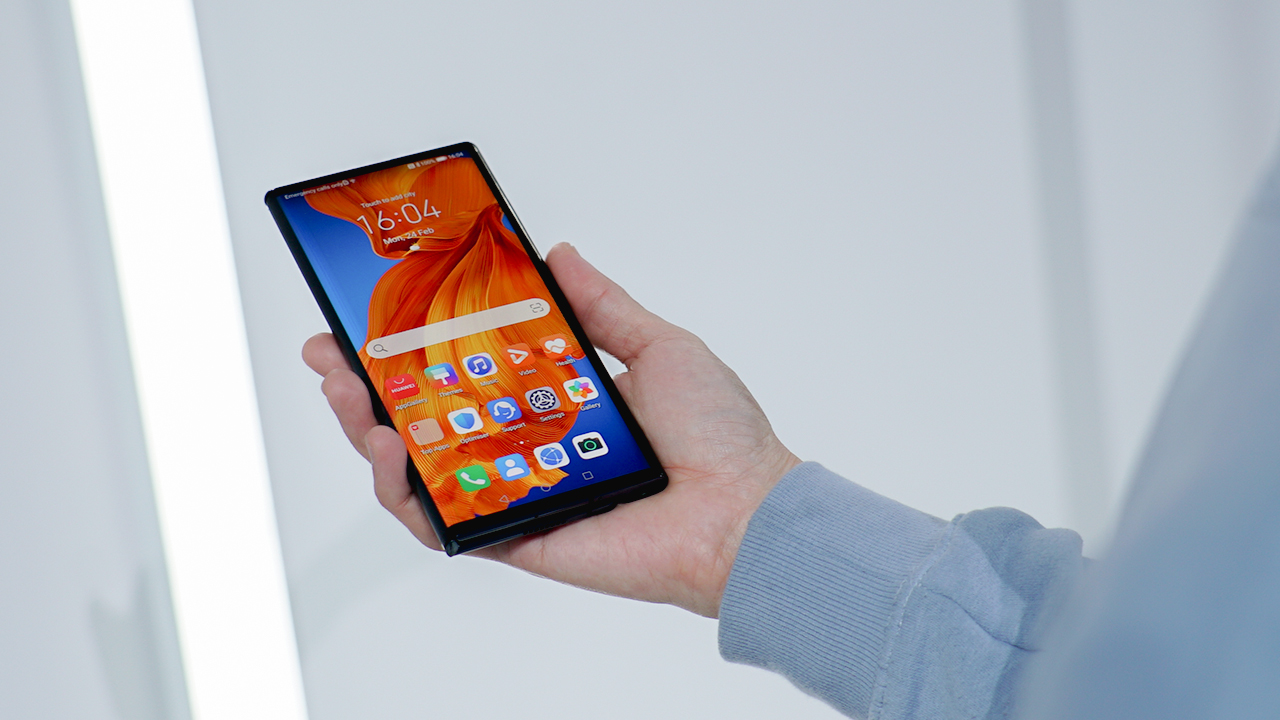
Since the start of the Huawei-US war, the Chinese smartphone company has always dreaded one major problem: the loss of Google support. Without the ubiquitous Android operating system, Huawei’s smartphones have lost their fangs. Even without the current pandemic, Huawei is struggling with maintaining its dominance in the world market.
For months, Huawei has tried various alternatives to Google, including its own operating system and corresponding app store. Of course, the solution is hardly an adequate replacement to the original Play Store.
Today, the company is testing another alternative that aims to recoup the biggest losses from Google’s departure: namely, losing the world’s most popular apps. Currently undergoing a beta phase in Germany, Huawei’s new app — called AppSearch — will bring a Play Store alternative to Huawei’s phones, according to an XDA Developers report.

Image source: XDA Developers
Instead of storing the software into one platform, AppSearch collects information on where to get the software instead. For example, if you want Facebook or WhatsApp on your Huawei phone, the app points you to download pages for your requested apps.
Users can download AppSearch through Huawei’s AppGallery. (Naturally, only German users can download the app right now.) Currently, it will work with the Huawei Mate 30 series, P40 series, and Mate X series.
Unfortunately, Huawei’s solution isn’t the return of Google. At least, not yet. We live in times of uncertainty. As such, it’s hard to predict how Huawei will fare after everything is said and done.
SEE ALSO: Huawei Mate Xs Real World Review







Manila weather is notoriously unpredictable during the rainy season. Clear 7 AM skies easily turn into 5 PM downpours. For motorcycle-taxi commuters, arriving at work dry is a total coin flip.
MOVE IT aims to fix this with Ride-Ready, a line of commuter essentials sold exclusively on GrabMart.
The collection features a packable rain jacket, a helmet liner scarf or cap, and a refresh kit with alcohol spray, cooling wipes, and tissues.
Addressing rider concerns
Motorcycle-taxis are now central to daily commutes. MOVE IT reported a 20% year-over-year jump in monthly active users during the first half of the year. Still, riders consistently voice the same worries: sudden rain, punishing heat, and shared helmet hygiene.

“Filipino commuters have become extraordinarily good at adapting to city life. What they should not have to accept is arriving at a meeting soaked, or starting the afternoon already behind,” says MOVE IT General Manager Wayne Jacinto.
Jacinto calls Ride-Ready a practical fix to help passengers end their ride looking as fresh as when they left home.
Price, availability
MOVE IT didn’t just launch online. From June to July, interactive booths popped up in major business hubs: Makati, BGC, Ortigas, and Cebu City. Commuters could claim items and book rides on-site.

With traffic and bad weather showing no signs of stopping, Ride-Ready offers a simple buffer so riders show up fresh instead of frazzled.
The lineup launched on GrabMart on July 13. Prices start at PhP 275, with mix-and-match savings bundles available. Check MOVE IT’s official social media channels for more details.
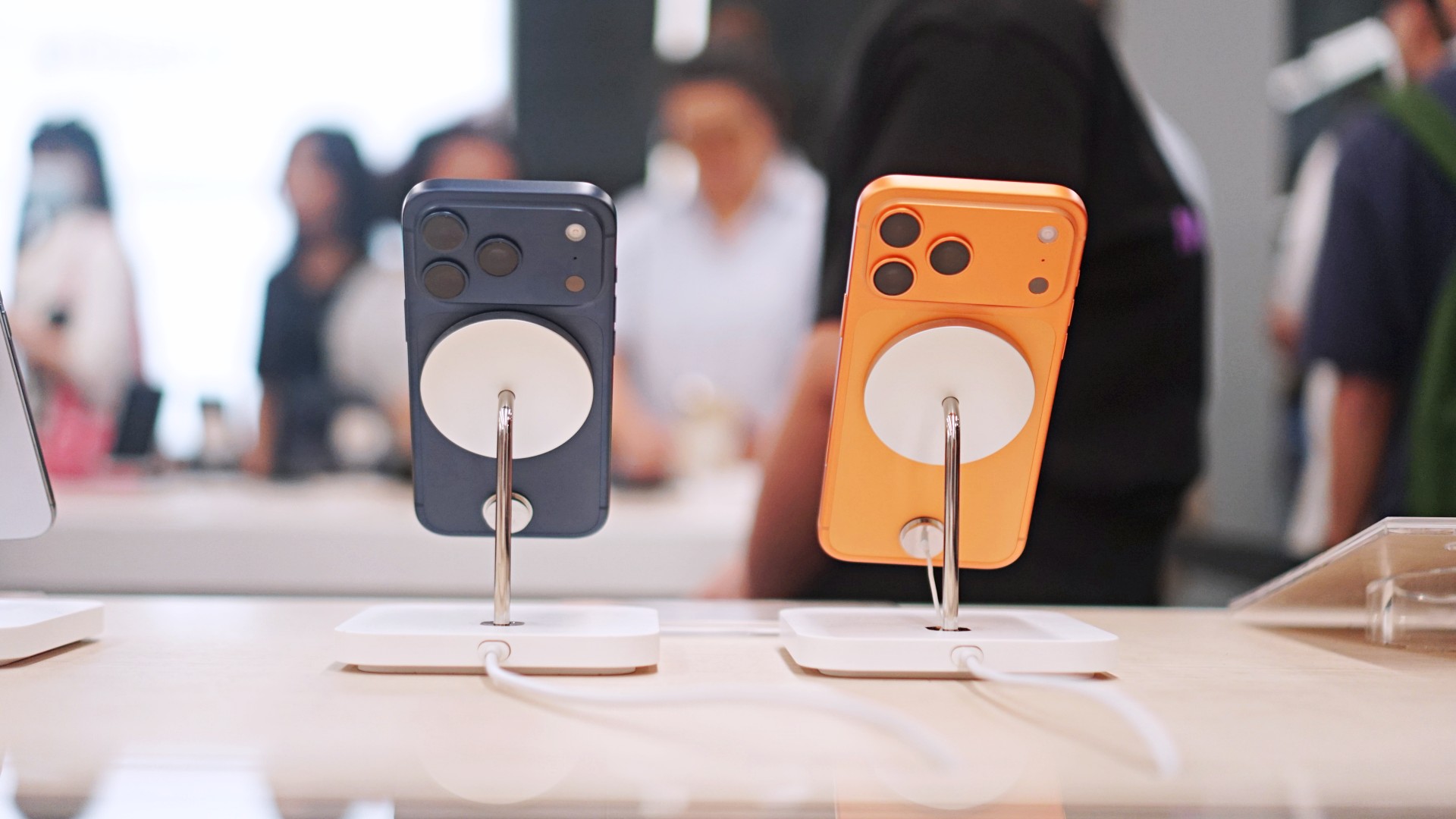
Normally, public betas come and go with nary a peep from anyone but dedicated fans and testers. After all, why care about a beta when the final release is likely just around the corner? This one, however, is special. Today, Apple launched the iOS 27 public beta, and it’s our first taste of the redesigned Siri AI.
Recently, WWDC 2026 unveiled Apple’s latest attempts at entering the AI segment. Whereas previous iterations to incorporate AI failed to make an impact, Siri AI promises to provide users with helpful feedback that’s actually helpful.
Now, in the public beta for iOS 27, users all over can finally access the new assistant. To get to the beta, you need to be a part of the beta program, which you can easily sign up for on beta.apple.com. Once signed up, you can get the update from Software Update in Settings. You’ll see options for a developer beta and a public beta. Choose iOS 27 Public Beta.
At face value, Siri AI offers much of what you’d get from a traditional AI-powered assistant. However, it does slightly differ because it integrates the entire phone. The assistant contextualizes your information (including emails, messages, and photos) to give you the most accurate feedback that you might need.
If that’s not enough, Siri AI also has its own chatbot app. If you’re more used to ChatGPT, the assistant should give you that bit of familiarity.
Now, if you don’t want to go for a beta, Apple is expected to launch iOS 27 in its final form sometime in September.
Apps
The case for traveling without a plan
How Grab’s 5-Star Travel Guide replaced my spreadsheets, for personal travel anyway

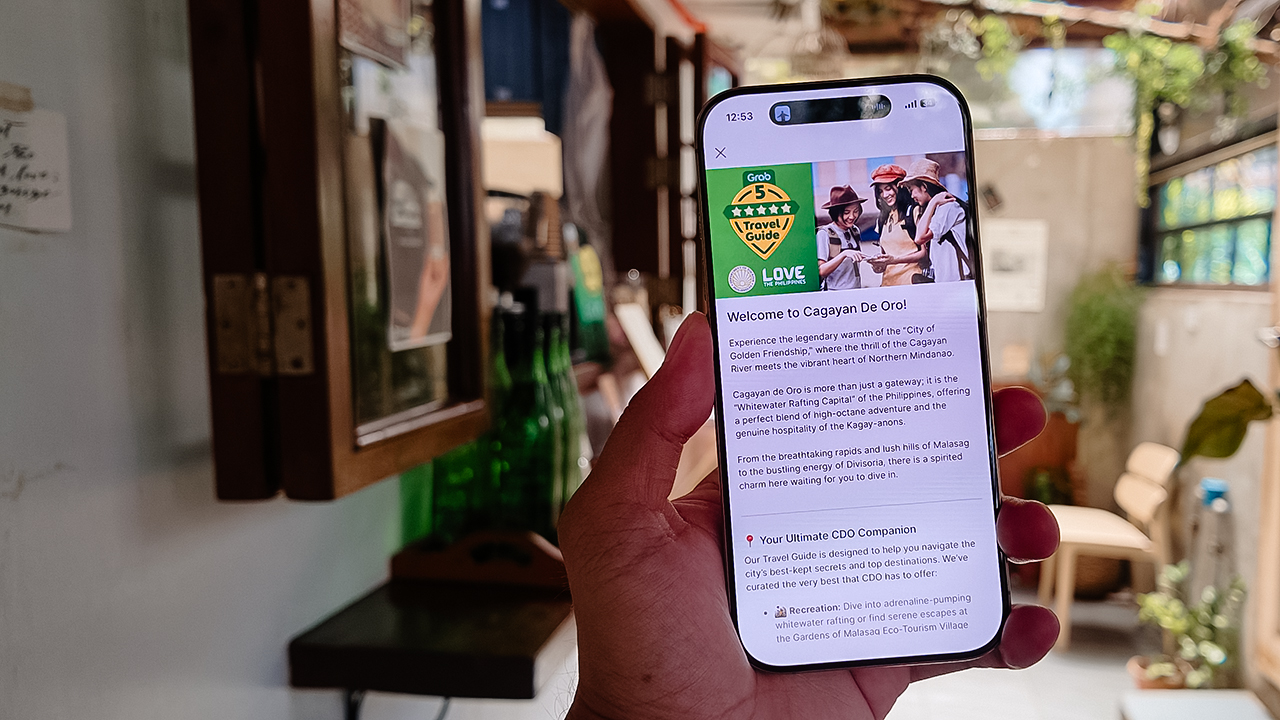
I have somehow acquired the reputation of a man permanently in transit.
Fill your feed with airport check-ins, road trips, hotel rooms, and race bibs for a decade, and people stop seeing travel as a hobby. They start treating it like a personality trait. And naturally, everyone is always breathless to know: “MJ, how on earth do you manage it all?”
Here’s the truth: every trip begins long before I pack a bag. A good itinerary takes time. Flights, hotels, transfers, backup plans, restaurant lists all have to fit together well enough to make the trip feel worthwhile.
My colleagues would probably call me a Type A traveler. They’ve watched me run international coverages and high-stakes business trips entirely off spreadsheets. Spreadsheets!
Timed down to the exact micro-second, complete with contingency plans for every possible disaster short of an alien invasion.
And they are completely right. For work. But personal travel? Oh, darling, personal travel plays by a completely different set of rules.
The luxury of letting go (and the panic that follows)
A month before departure, I am all about securing the basics. But once the flights and rooms are locked in? I completely let go.
I would much rather leave room for fabulous, unexpected curiosity than fill every single hour with another rigid destination.
Part of it is sheer decision fatigue. I spend so much of my professional life making executive decisions that the last thing I want to do on vacation is have a minor existential crisis at 2:00 p.m. over which artisanal café deserves the honor of my afternoon. I want to wake up, look at the sunlight filtering through the curtains, and let the universe decide.
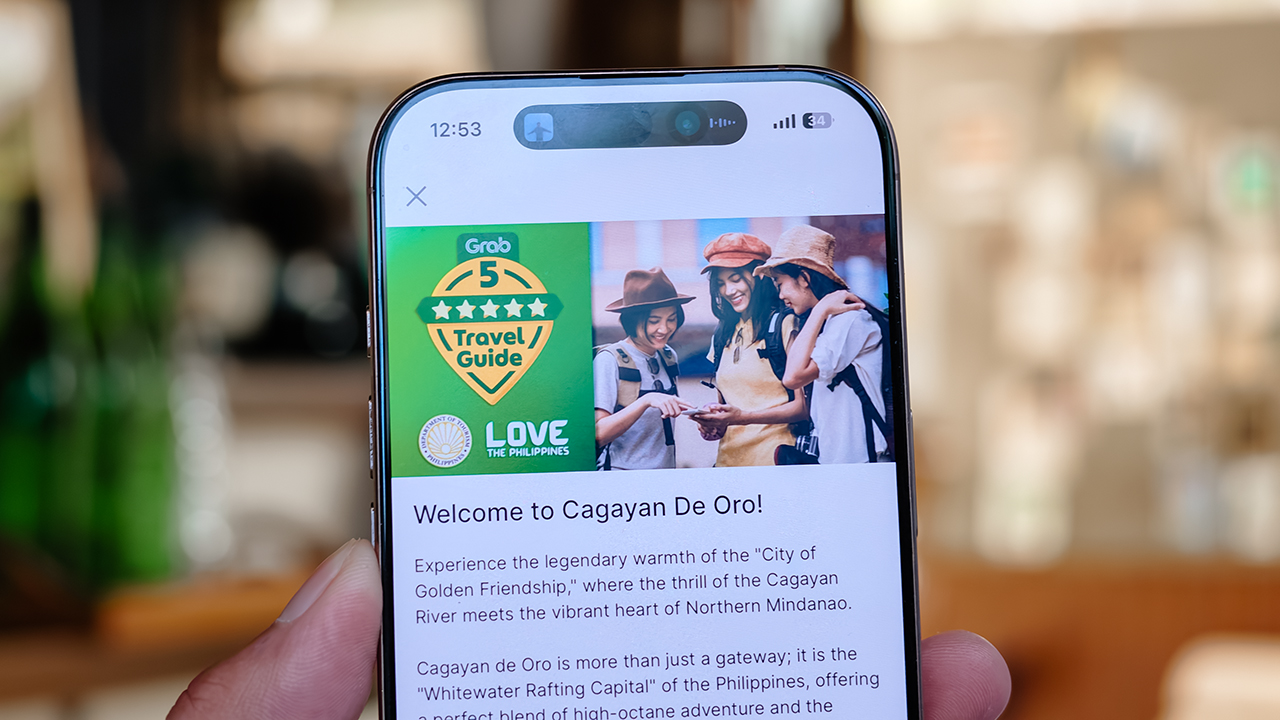
Of course, ironically, that absolute freedom can spiral into its own fabulous brand of panic. I know I want to go somewhere chic. I just have absolutely no idea where.
Which is precisely how Grab’s 5-Star Travel Guide quietly became the most indispensable accessory of my latest getaway.
Finding somewhere to spend the afternoon
I recently flew to Cagayan de Oro to spend some quality time with my long-term, long-distance, low-commitment, casual boyfriend. (Yes, it’s complicated, but the mystery keeps it glamorous.)
I arrived with absolutely zero plans, and this was entirely deliberate. If there is one thing a strong, independent person must never do, it is rely on someone else to dictate his day — even if that someone is technically his own handsome, local tour guide.
Instead of waiting around for an itinerary to be handed to me, I simply opened my Grab app while I’m in downtown and slithered over to their Travel Guide.
My fabulous friend, Syra, glided over from Midtown, and we agreed to rendezvous in Uptown to finally check out H Proper Coffee, which was practically screaming at me from the top of the Grab list.
It’s the city’s legendary third-wave coffee pioneer — complete with a deeply impressive roastery — and it has recently, thank goodness, expanded to Makati.
-
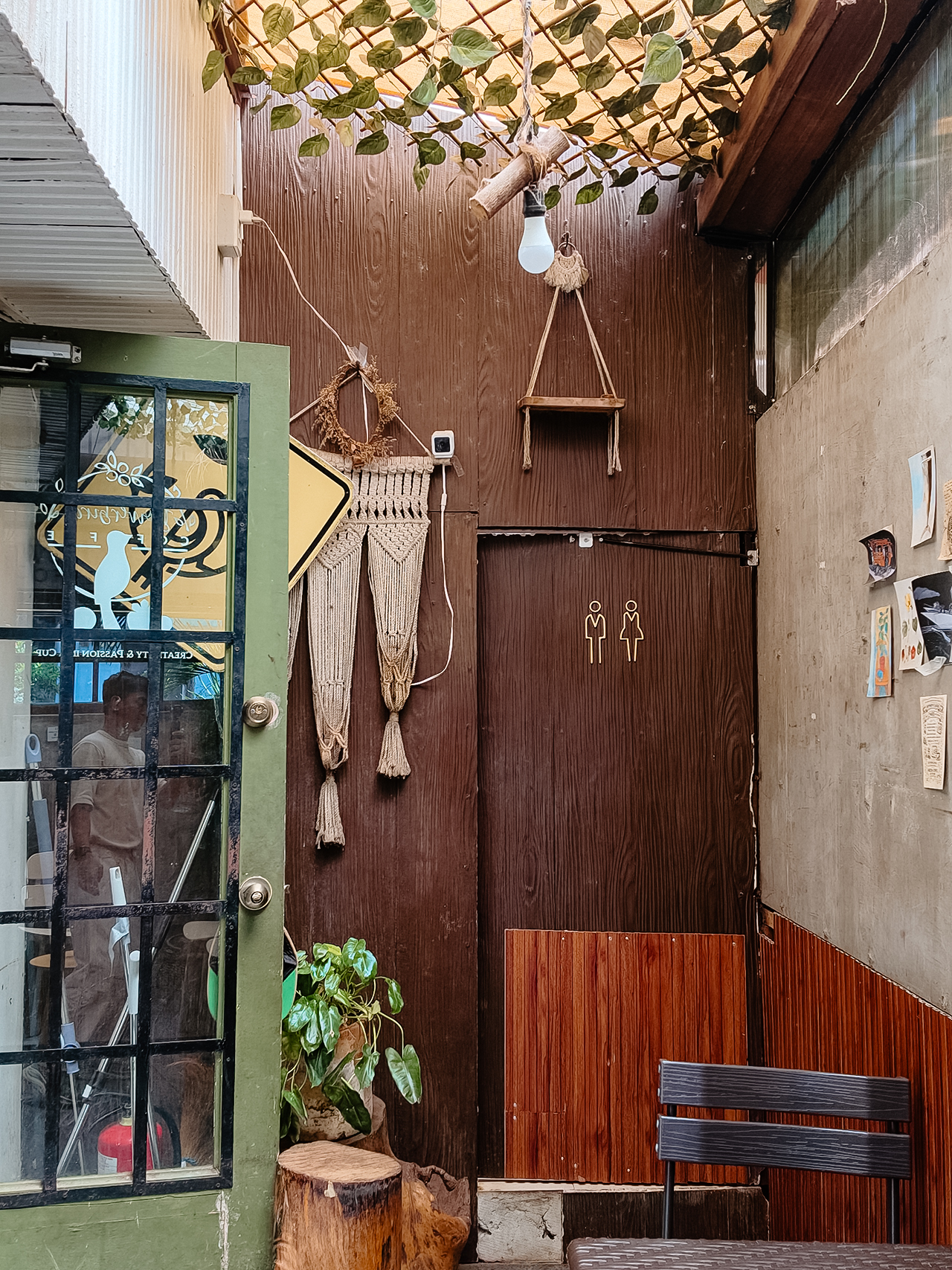
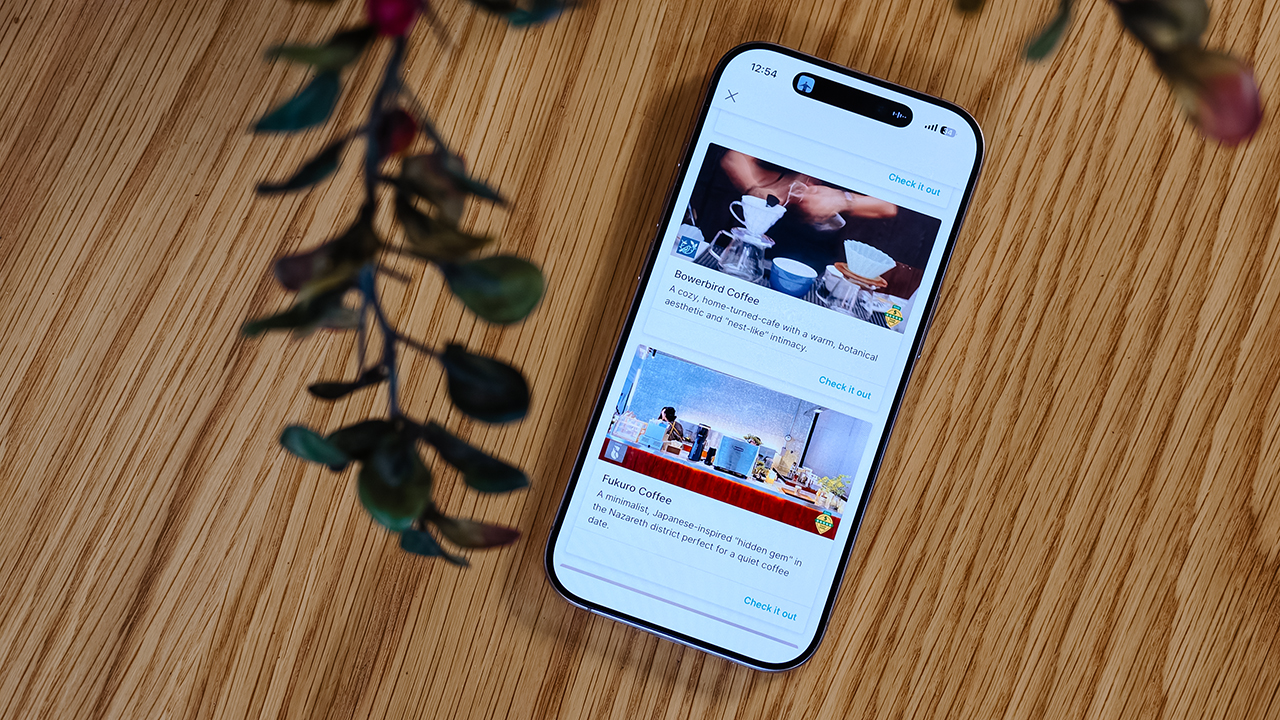
- Bowerbird Coffee

The guide also flirted with other familiar, delicious names like Milestone Coffee (where Syra and I had gossiped over lattes just six months prior), alongside Bowerbird Coffee, Fukuro, Apostrophe Café, The Lone Wolf, and Grae Coffee.
I must say, the recommendations were utterly spot-on. They weren’t just highly rated by random bots; these were the actual enclaves that the city’s stylish locals genuinely know and love.
Dinner dilemma (solved!)
The Travel Guide came through yet again when the sun began to set and the crucial question of dinner arose. Now, I absolutely adore discovering hidden neighborhood gems and family-run eateries. They possess a soul that no luxury restaurant could ever replicate.
That said, every proper holiday demands at least one evening where you put on a sharp blazer, splash on some Tom Ford, and indulge in a truly beautiful meal.
Unsurprisingly, Cucina Higala seduced me all over again. Look, I am a creature of habit. If I know an establishment delivers perfection, I will return.
Seeing it sitting proudly near the top of Grab’s curated list felt like a delicious little pat on the back; a quiet validation that my impeccable taste is worth trusting after all.
Beyond the plate
Refreshingly, the guide doesn’t stop at flat whites and fine dining. Grab’s Travel Guide also highlights local luxury hotels.
Though, fair warning, a few of them are the sort that make your credit card wince slightly. (But darling, they are five-star for a reason.)
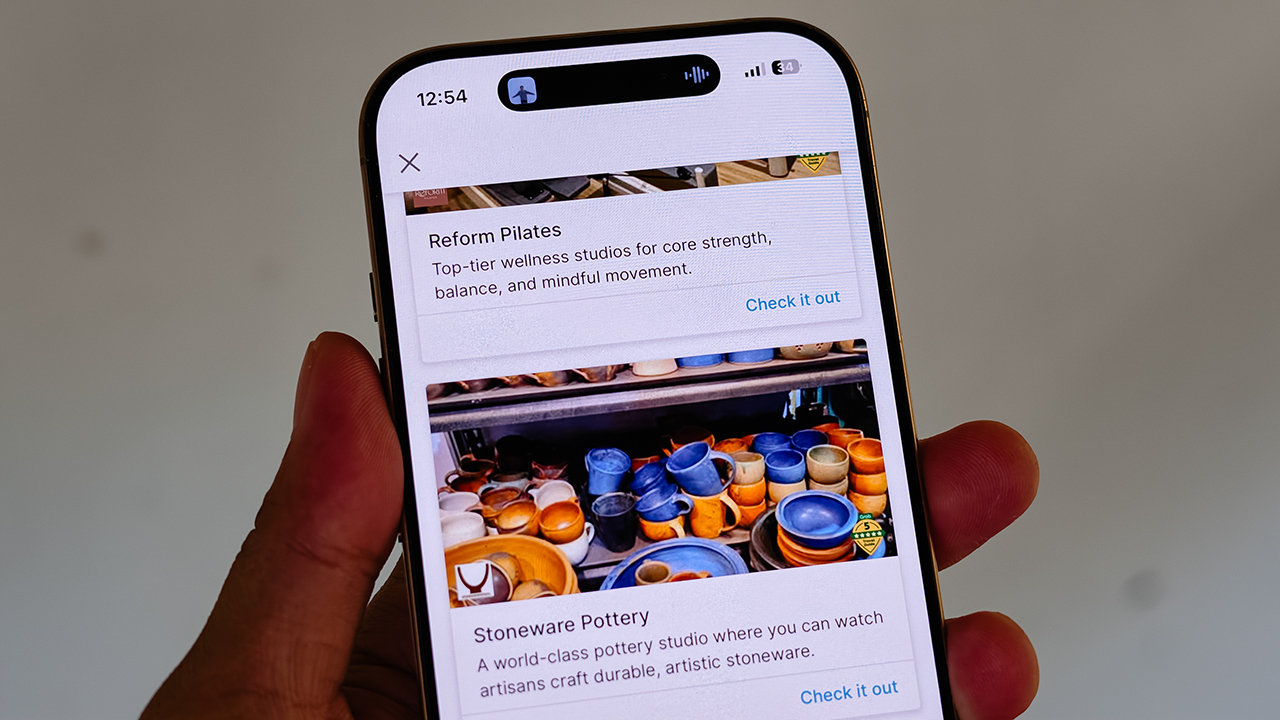
It also curates actual experiences. Browsing through the app, I found options for everything from heart-pounding whitewater rafting and sharp Pilates studios, to a world-class pottery atelier, a folkloric museum, and a sweeping, adventure-filled mountain retreat.
Some were already on my radar, but others? I would never, in a million years, have stumbled upon them myself. And that is the thrill of traveling this way. You leave just enough empty space in your diary to be utterly surprised.
For the spontaneous traveler
Let’s be clear: planning every detail down to the last centavo is not a flaw. When you’re younger or traveling on a strict budget, every single peso counts, and a meticulously plotted itinerary ensures you maximize both your wallet and your time.
But eventually, thank heavens, you reach a stage in life where the itinerary matters just a little bit less. A stage where time and budget stop being the terrifying monsters standing between you and a boarding pass.
You learn that not every single meal requires three weeks of intense counter-research. Not every hour requires a reservation confirmation number.
Sometimes, the most breathtaking, unforgettable moments happen simply because you wandered into a doorway you weren’t even looking for.
So, book the flight. Secure the hotel. Figure out how you’ll get around. Then let your feelings, and Grab’s Travel Guide, decide the rest.


realme C100: Enduring and durable in spite of entry-level realities
Enough power but needs more agility


The ASUS ExpertBook Ultra wins you over
The laptop sneaks up on you


Nexal Watch Sport review: A rugged watch for small budgets
I couldn't believe that watches this good could come for this cheap.

Rain or shine, MOVE IT’s new commuter kit has you covered

Call of Duty: Modern Warfare 4 clip shows Losing Ground 1st look

Street Fighter special look: Blanka vs. Ryu

TECNO MEGAPAD 2 now available in the Philippines

Xiaomi debuts SkyNomad Series featuring new Kunlun platform

New York becomes first state to ban smart glasses

Sony launches IER-M500 in-ear monitors

Microsoft dictates that a new Fallout game is coming

HoYo FEST 2026 details announced; tickets on sale from July 16
realme C100: Enduring and durable in spite of entry-level realities


-

 Wearables2 weeks ago
Garmin launches its first screenless fitness band
-

 Hands-On2 weeks ago
Hands-on: Samsung Galaxy Z Fold8, Flip8, Ultra
-

 Gaming2 weeks ago
NBA 2K27 cover athletes unveiled: Wemby, Clark, DRose
-

 Accessories1 week ago
CASETiFY revives Spider-Man collection for Brand New Day
-

 Cameras2 weeks ago
Sony announces new FX5 full-frame camera
-

 Gaming1 week ago
FINAL FANTASY X | X-2 HD Remaster launches on Nintendo Switch 2
-

 Entertainment2 weeks ago
Avengers: Doomsday trailer assembles Marvel’s biggest heroes against Doctor Doom
-

 Computers1 week ago
AORUS MASTER 16 Gen 2 2026 AI gaming laptop launches