
Reviews
Huawei P10 review


I’m holding the Huawei P10 right now and wondering: How is this any different from last year’s P9? And more importantly: How can this compete against 2017’s flagship smartphones?
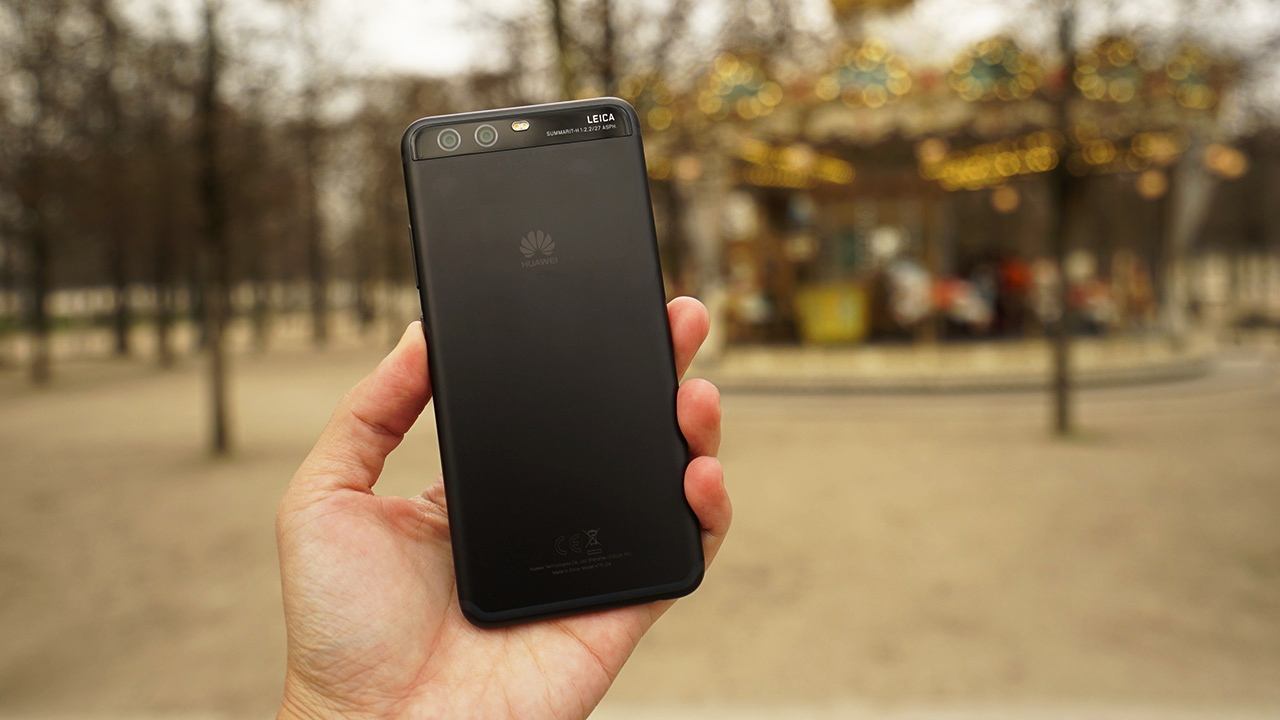
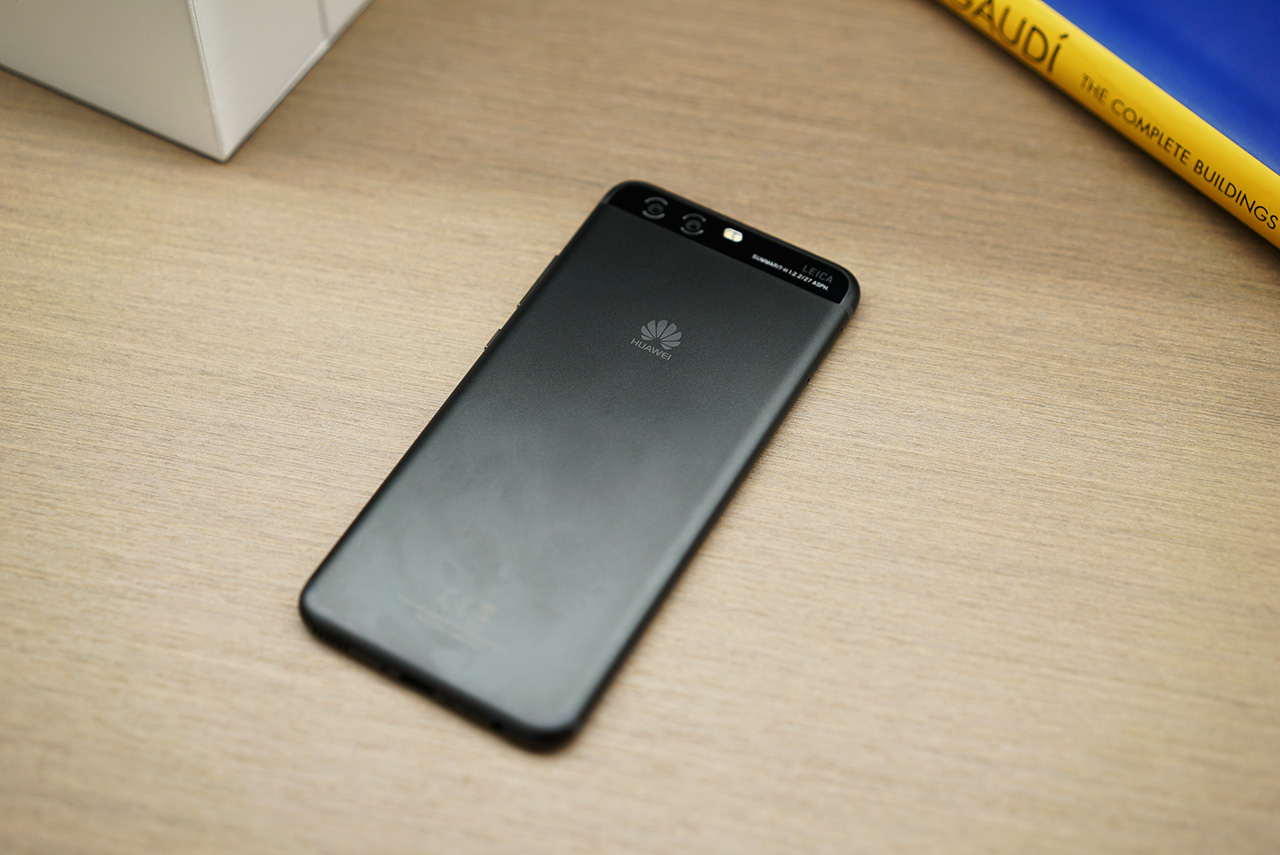
Physically, the only real difference between this and the P9 is the placement of the fingerprint scanner. The P10 now chooses a front-mounted fingerprint scanner which includes some gesture controls — more on that later — and a clean, free-of-functions rear. There isn’t even a camera bump.

Other than that, it’s tough to tell the two apart while holding them: The P10’s curvy 5.1-inch frame feels just like the P9’s 5.2-inch body, the display continues to have a Full HD LCD, and there’s still no water or dust resistance.
You can get a better look in our unboxing video:
As you’d expect, what really sets it apart from the P9 is on the inside. Huawei added a newer processor (an in-house Kirin 960 compared to last year’s Kirin 955), more memory for the base model, a larger battery, and — you guessed it — an upgraded dual-camera (one with 20 megapixels and the other with 12 megapixels) infused with the newest generation of Leica co-engineering.
That’s all well and good; successors are meant to introduce incremental upgrades in order to maintain brand recognition and please long-time fans (right, LG?). The underlying issue here, however, is how it looks and feels compared to phones that launched around the same time. I’m talking about the Samsung Galaxy S8, LG G6, and even the older Xiaomi Mi Mix and Huawei Mate 9.
There just isn’t anything exciting about the P10. What made the P9 so special was its one-of-a-kind Leica branding during its release. While it didn’t exactly leapfrog its image quality over rivals, it helped make marketing it easier and break Huawei into European territory, selling over 10 millions units in the process.
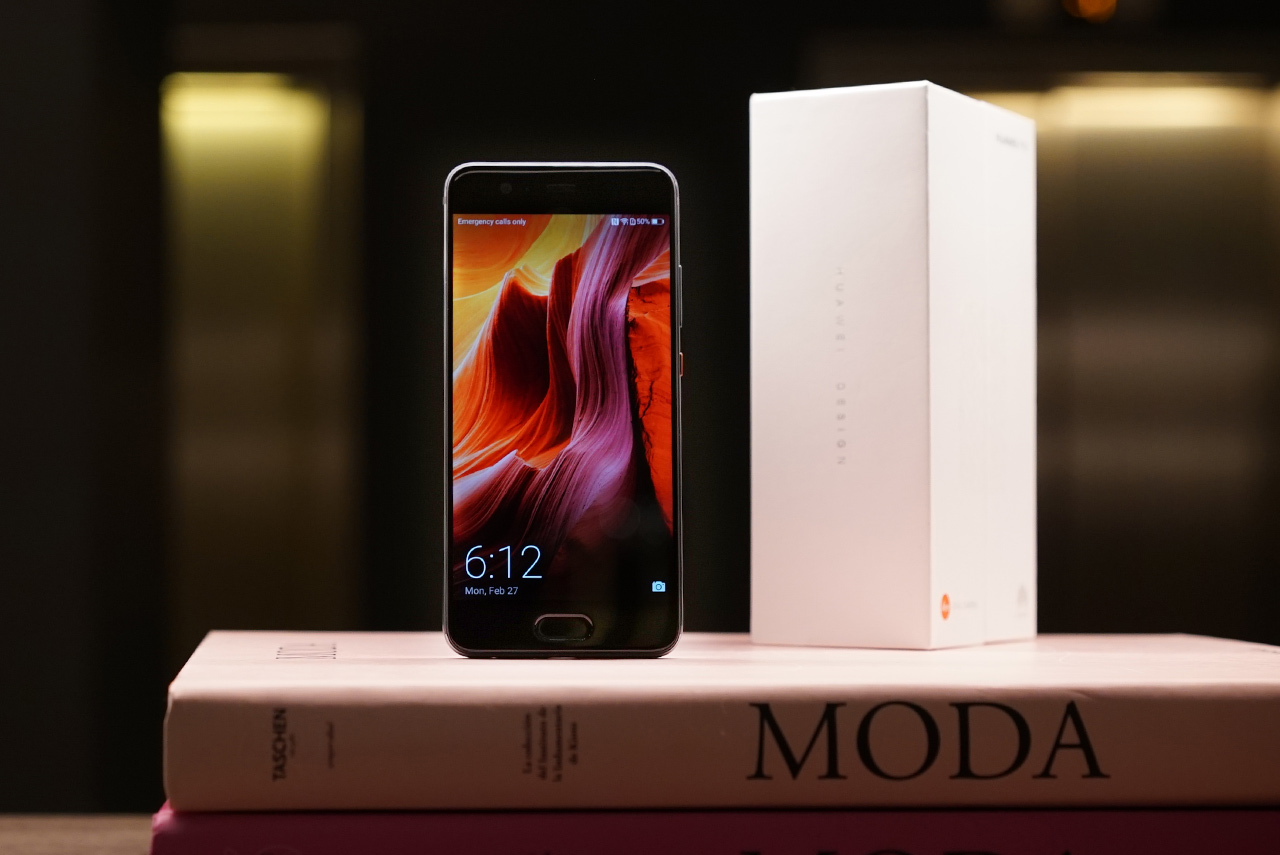
The P10 uses the exact same formula: sleek, one-handed use with a high-quality camera and Huawei’s own flavor of Android. If you want something even better, go for the 5.5-inch P10 Plus; it has a higher-resolution Quad HD display and slightly better camera, owing to its brighter f/1.8 aperture compared to the P10’s f/2.2 opening.
This isn’t to say the P10 falters when it comes to taking photos. In fact, we took it out for a spin and were pleasantly surprised by the colorful results. See them for yourself in our “24 Hours in Barcelona with the Huawei P10” feature. The two sensors (one full-colored and the other monochrome) work in tandem to produce sharper images — just no optical zoom tricks here, sadly.
[irp posts=”11235″ name=”24 Hours in Barcelona with the Huawei P10″]
And that’s what the P10 is all about. It looks good, feels great, and has a set of cameras anyone can use like a pro. You could stop reading here if you’re already convinced, but I suggest reading on to see my pros, cons, and everything in between during my time with Huawei’s latest flagship.
What I loved
Let me get this out of the way early: The P10 is faaaaast. Coming from a Pixel, which many consider to be the epitome of Android fluidity, I wasn’t expecting to be blown away by another phone’s speed for a long time. But here I am, enjoying the buttery-smooth interface and lightning-quick fingerprint scanner. Everything opens so quickly, even Facebook’s resource-hungry app and graphics-intensive games like Asphalt 8.
A lot of this can be credited to Huawei’s use of machine learning to understand your usage patterns and optimize apps as you go along, although I wasn’t expecting the performance boost so soon into my experience with the P10. Of all the apps I use frequently, only the camera takes a while to load from a cold start, but I’m comparing this to the Pixel, which seems like its entire existence is dedicated to its class-leading camera.
The P10 also gave me excellent signal and data speeds on my 4G+ network. And while this would normally destroy my battery within a day, the 3200mAh battery somehow manages to keep going until the sun rises. Heck, even when it doesn’t, the fast-charger that comes in the package is efficient enough to charge the phone within one and a half hours.
What I disliked
Huawei is doing the best it can to cater to long-time Android users from all brands and deliver its own user interface at the same time, but the execution is just ugh most of the time. Just setting the phone up from scratch is such a chore once you start repositioning the quick settings icons on top and digging through the Settings menu.
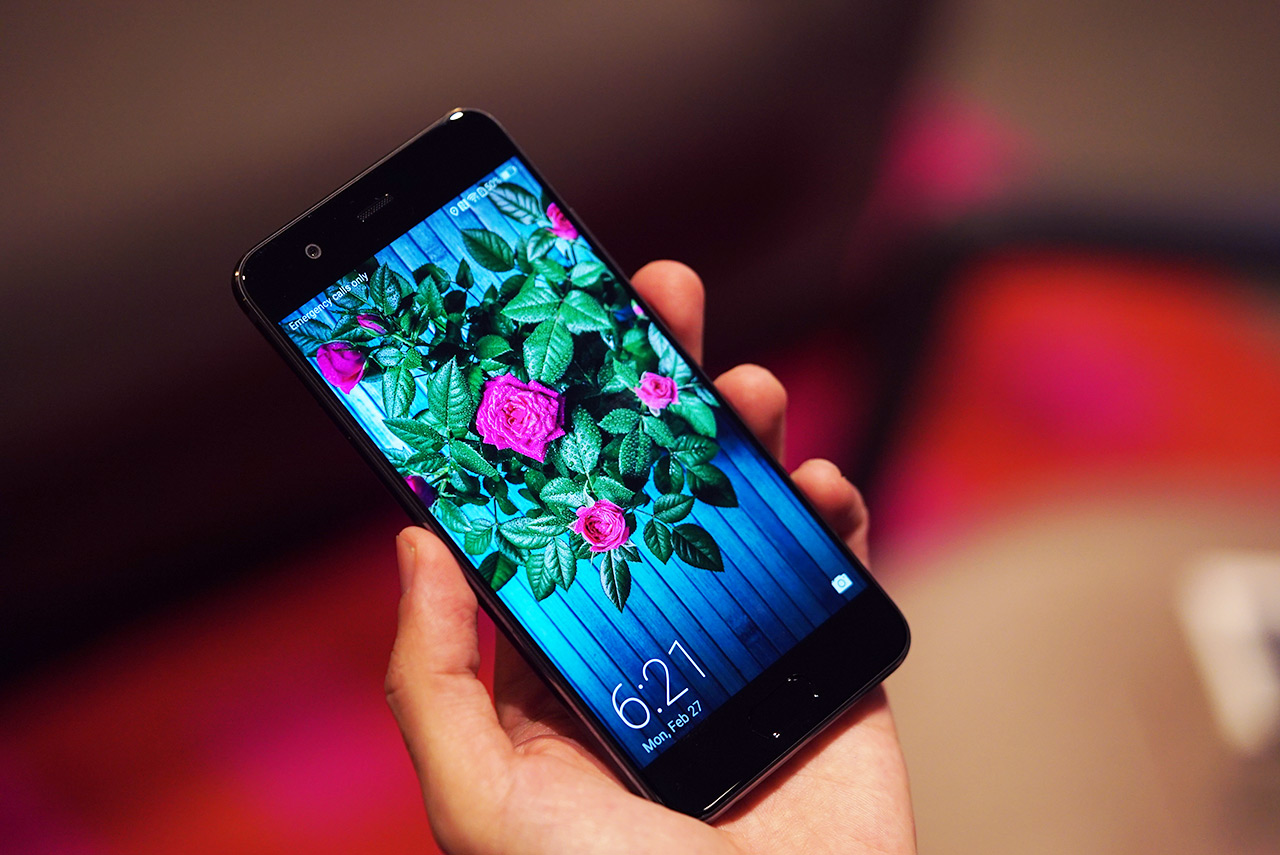
I mean, really — you must dig deep to find the options you want at times, and it’s extra infuriating when you find the same setting in different menus. All other Android Nougat phones I’ve used were able to simplify the interface, including fellow Chinese brand Xiaomi. With the P10, I have to go to Advanced Settings to configure Simple Mode, and stumble through four different settings menus in the Camera app for minor tweaks.
One good thing I have to say is Huawei brought back the app drawer like on the Mate 9. This means you don’t have to swipe through numerous pages to find an app like on iPhones. This is vital for users like me who need dedicated space for large widgets that can be accessed instantly from the home screen.
What I feel indifferent about
Another life-changing option you can toggle is whether to use on-screen navigation buttons (Back, Home, and Recent Apps) or enable gestures on the fingerprint sensor to navigate. Wanting more space on my screen, I chose to actually make use of the otherwise unutilized space on the bottom bezel.

Until now, I’m left wondering if this was a good idea. A single tap acts as Back, holding for more than second brings you back to the Home screen, and swiping left or right opens the app switcher. It’s definitely something you have to get used to, and will turn you into a swiping wiz after a week, but I wish it were customizable. Swiping up or down seems more logical for activating the app manager, and holding it feels more natural for turning on Google Assistant.
Instead, you’re forced to live with what Huawei wants for you. What I find most perplexing is the gesture needed for accessing Google Assistant. It takes a swipe up from the bottom bezel, to the left or right of the fingerprint scanner. Sounds like a good use of space, right? Yes, if it managed to actually work most of the time. I look like an idiot trying to reach my Assistant after several failed attempts.
Is this your GadgetMatch?
We have to go back to our original questions to get an answer for this. If you’re a P9 user, don’t bother upgrading; if you must, then go for the Mate 9 or the just-launched Honor 8 Pro instead. For a flagship device, the P10 feels so insignificant in Huawei’s lineup, despite being a great smartphone on its own.
Compared to this year’s competition, again, the P10 feels like it still belongs in 2016. I would wholeheartedly recommend it if not for the sky-high EUR 649 ($690) price tag, although you can find it for less in countries like the Philippines, where the pre-order price is only PhP 28,990 ($580), which even comes with a bundled travel kit worth $100.
If you’re inclined to go for a normal-looking phone and not the near-borderless handsets we’ve been seeing lately, buying a P10 is the way to go. Its closest rival right now is the Google Pixel, which is another smallish phone focused on photography and without resistance against the elements. You can’t go wrong with either of them.
SEE ALSO: Huawei P10, P10 Plus improve on an already solid phone
[irp posts=”10970″ name=”Huawei P10, P10 Plus improve on an already solid phone”]






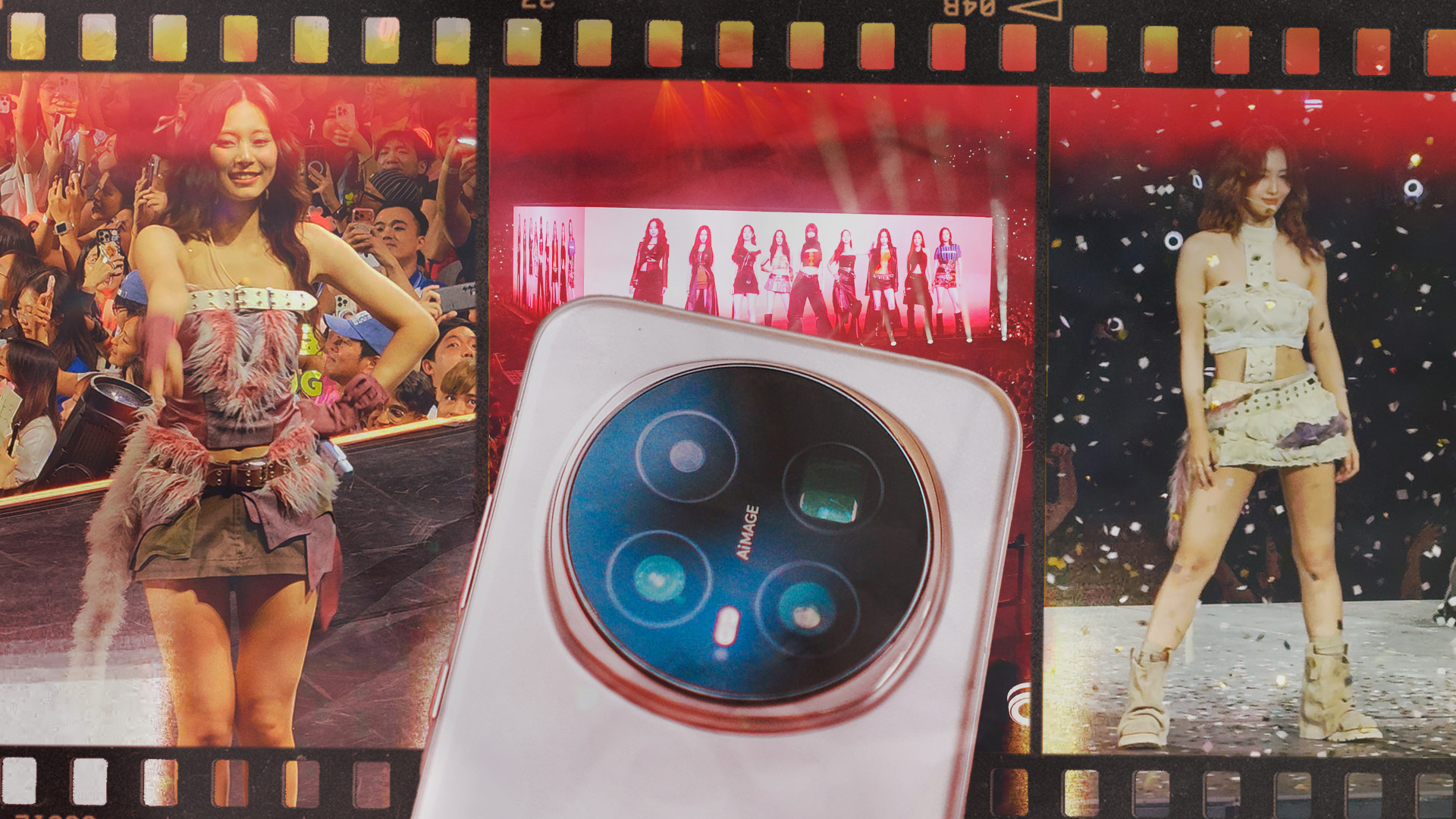
Concerts are unfair camera tests — wild lighting, fast movement, and zero second chances. So when I brought the HONOR Magic8 Pro to TWICE’s THIS IS FOR concert in Bangkok, I wanted to see if HONOR’s Stage Mode could actually handle it.
Everything here was shot using Stage Mode at 4K 30fps.
This wasn’t lab testing. This was real-world, heart-racing, shaky-hands shooting.
Where I was seated and why zoom mattered
View this post on Instagram
The concert used a 360-degree stage. I was lucky enough to sit close to one of the extended stages, which meant I was often shooting between 3.7x to 10x zoom.
For the main stage, I mostly relied on 15x zoom.
That’s where a phone either wins your trust… or completely falls apart.
Surprisingly stable, even with shaky hands and excitement
Let’s start with what impressed me most — stability.
I’m naturally shaky, and TWICE being right in front of me did not help. I was vibrating out of excitement most of the night. Even then, Stage Mode stabilization held things together beautifully.
View this post on Instagram
Shots stayed usable. Footage stayed watchable.
Even when I wasn’t being my most careful self.
This gave me confidence to keep shooting instead of worrying about every tiny hand movement.
Image quality: sometimes magical, sometimes uncertain
Now the honest part.
Stage Mode still needs to mature.
There were moments when footage looked crisp, clean, and genuinely impressive for a smartphone in that environment.
View this post on Instagram
But there were also times where it clearly struggled — particularly with lighting transitions and focus.
View this post on Instagram
Some clips handled spotlights well. Others felt like the processing panicked a little.
It wasn’t bad. It just wasn’t consistent yet.
How it compares to other concert kings
View this post on Instagram
If I were purely relying on zoom to watch the concert through my phone, I’d still recommend the Samsung Galaxy S25 Ultra. It remains the phone I trust most when zoom is mission-critical.
vivo also still leads in Stage Mode execution. The vivo X300 Ultra’s Stage Mode feels more refined and reliable at this point.
HONOR isn’t there yet.
But it’s also much closer than I expected.
So… would I bring the Magic8 Pro to concerts again?
Yes.
Even with the inconsistencies.
Even knowing there are better Stage Mode implementations out there.
View this post on Instagram
Because the Magic8 Pro still gave me plenty of shots and clips I was genuinely happy with. Stability is excellent. Quality can be great. And for most users, it delivers results worth keeping and sharing.
If I didn’t have a Galaxy S25 Ultra or vivo X300 Ultra with me, I’d still confidently bring the HONOR Magic8 Pro.
Stage Mode isn’t perfect yet.
But it’s promising — and when it works, it really does feel like magic.
View this post on Instagram
SEE ALSO:
Reviews
HONOR Magic8 Pro review: What sorcery is this?
Looks incremental on paper. Feels like magic in real life.

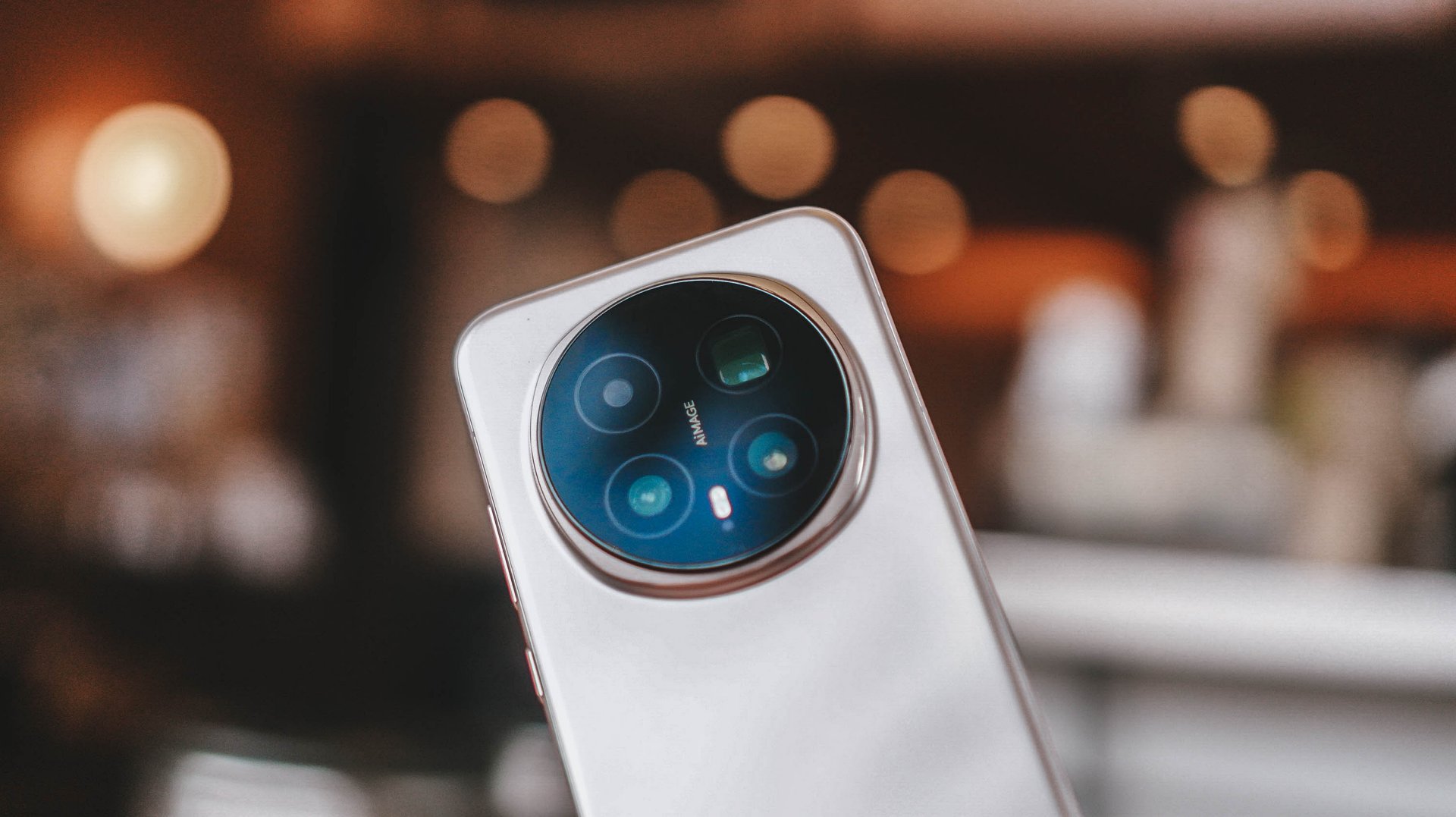
There are phones that feel like upgrades because the spec sheet says so. Then there are phones like the HONOR Magic8 Pro — where the longer you use it, the more you start asking, “Wait, what kind of sorcery is happening here?” Because on paper this feels incremental. In real life, it feels like HONOR finally clicked.
Coming from the Magic7 Pro, the feeling was immediate. This is just better overall. Not loudly. Not showy. It’s one of those “the whole is greater than the sum of its parts” situations where individual improvements don’t scream at you, but together they create something that feels confident, smooth, and genuinely premium. Not “premium for HONOR.” Premium, full stop.
HONOR may still be playing catch-up in reputation, but with a phone like this, they’ve stopped chasing in experience. They’re executing — and sometimes, it really does work like magic.
This is for the person who wants out of the usual rotation — who doesn’t want yet another iPhone or Samsung — but doesn’t want to feel like they’re experimenting. It’s different. But familiar enough that you don’t feel like you’re learning a new ecosystem from scratch.
Design and hand feel: lighter, friendlier, easier to live with
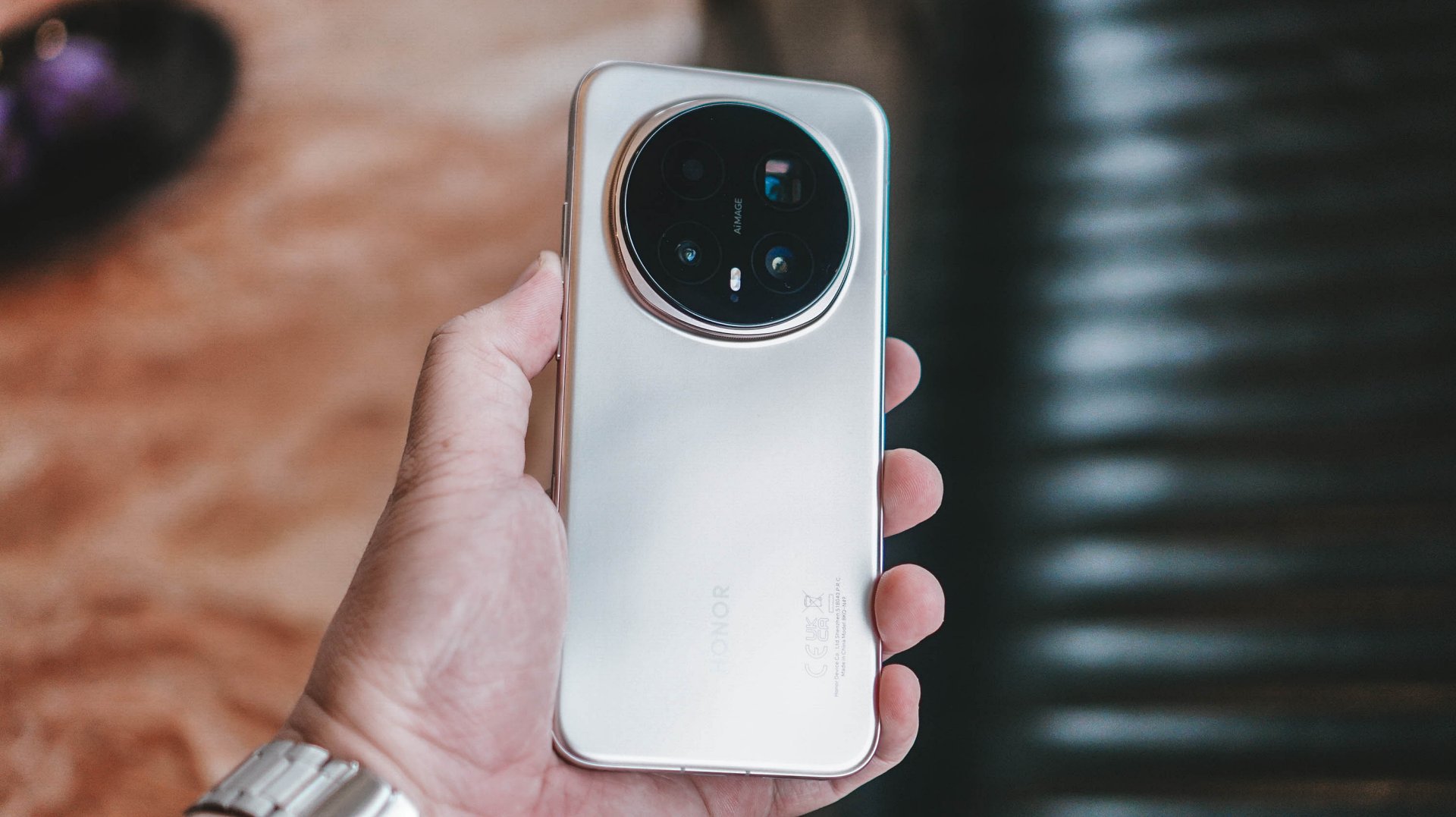
First impression: this feels better in the hand. Lighter. More balanced. More like something you’ll mindlessly hold even when you don’t need to. HONOR’s quad micro-curved screen plays a big part in that. It melts into your palm in a way that disappears after a few days — which is exactly the point.
I wasn’t immediately in love with the design or color options. They didn’t hit me the way some aggressively styled flagships do. But like many good decisions in life, it grew on me. Over time, you realize it’s not designed to impress in photos. It’s designed to feel right while you live with it.
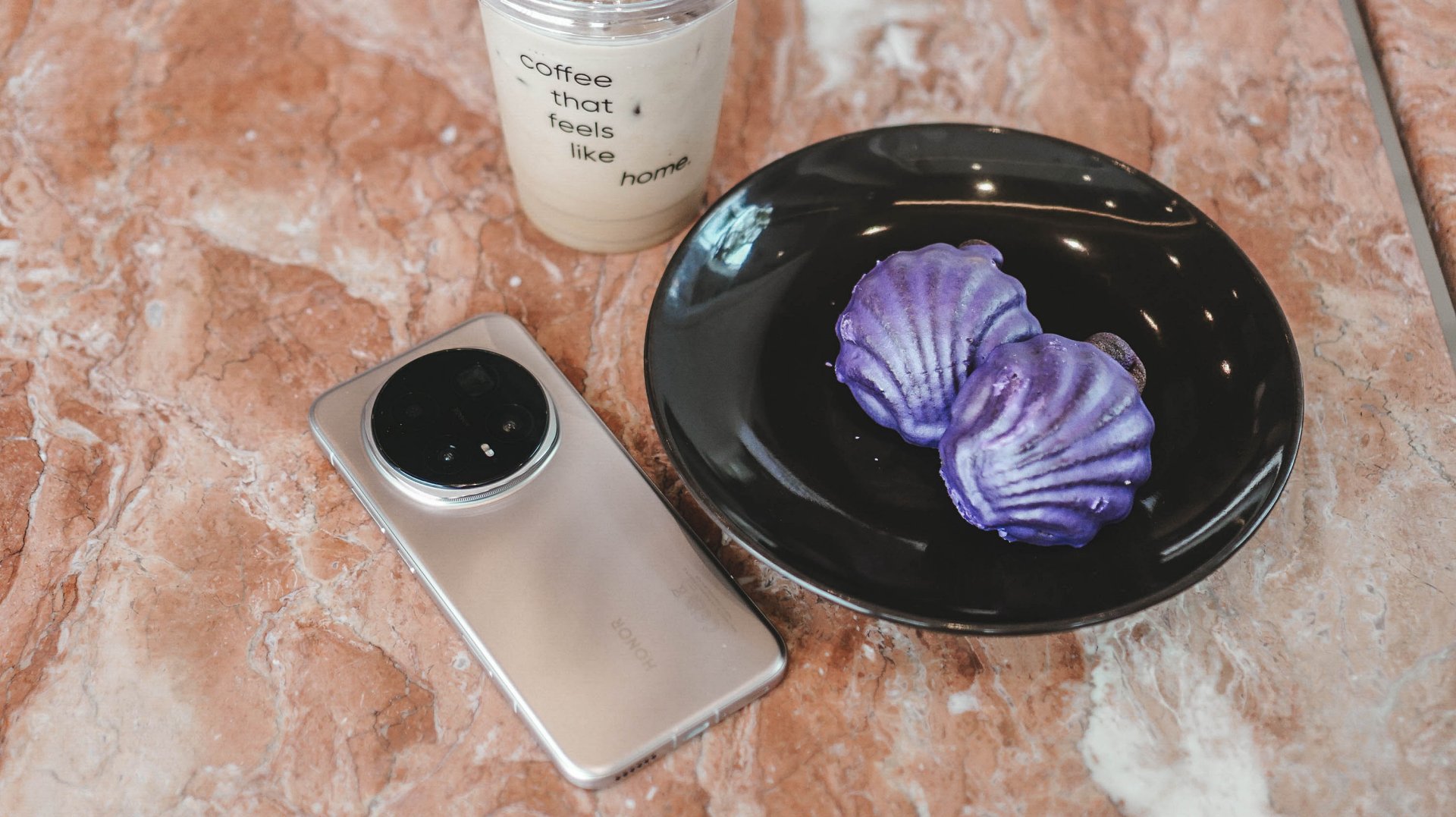
NanoCrystal Shield? IP rating? I forgot they existed. And that’s a compliment. These are silent guardians — not features you constantly think about.
What surprised me most is how right the size and shape feel. HONOR didn’t go flashy. They went comfortable. And comfort wins long-term.
Display and eye comfort: the “oh right, real flagships exist” moment
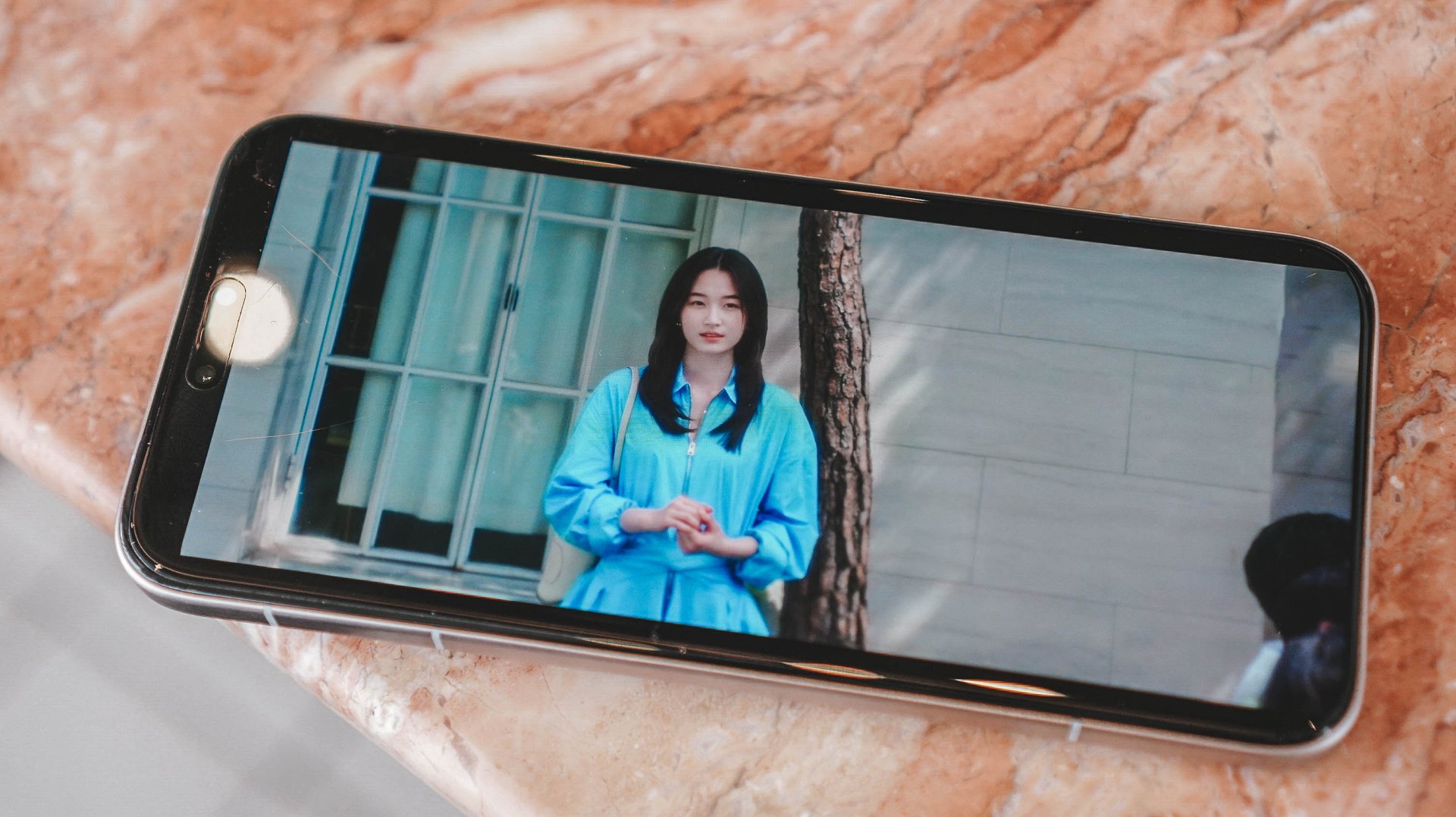
The first true “wow” moment wasn’t dramatic. It was simply turning the phone on.
I came from a device that proudly wore the “flagship killer” label. Good display. Good everything. But the Magic8 Pro reminded me that “flagship killer” is still not the same as “flagship.” Real flagships feel different — and this one does from the first second.
Brightness when it needs to punch. Warm and easy when the lights go down. It’s the kind of display that never calls attention to itself, but you notice how relaxed your eyes feel after hours of use.
Late nights? This is still my favorite kind of HONOR device to use. I watched a lot of Surely Tomorrow on Prime Video — yes, partly because of Won Ji-an — but mostly because watching on this screen is simply satisfying.
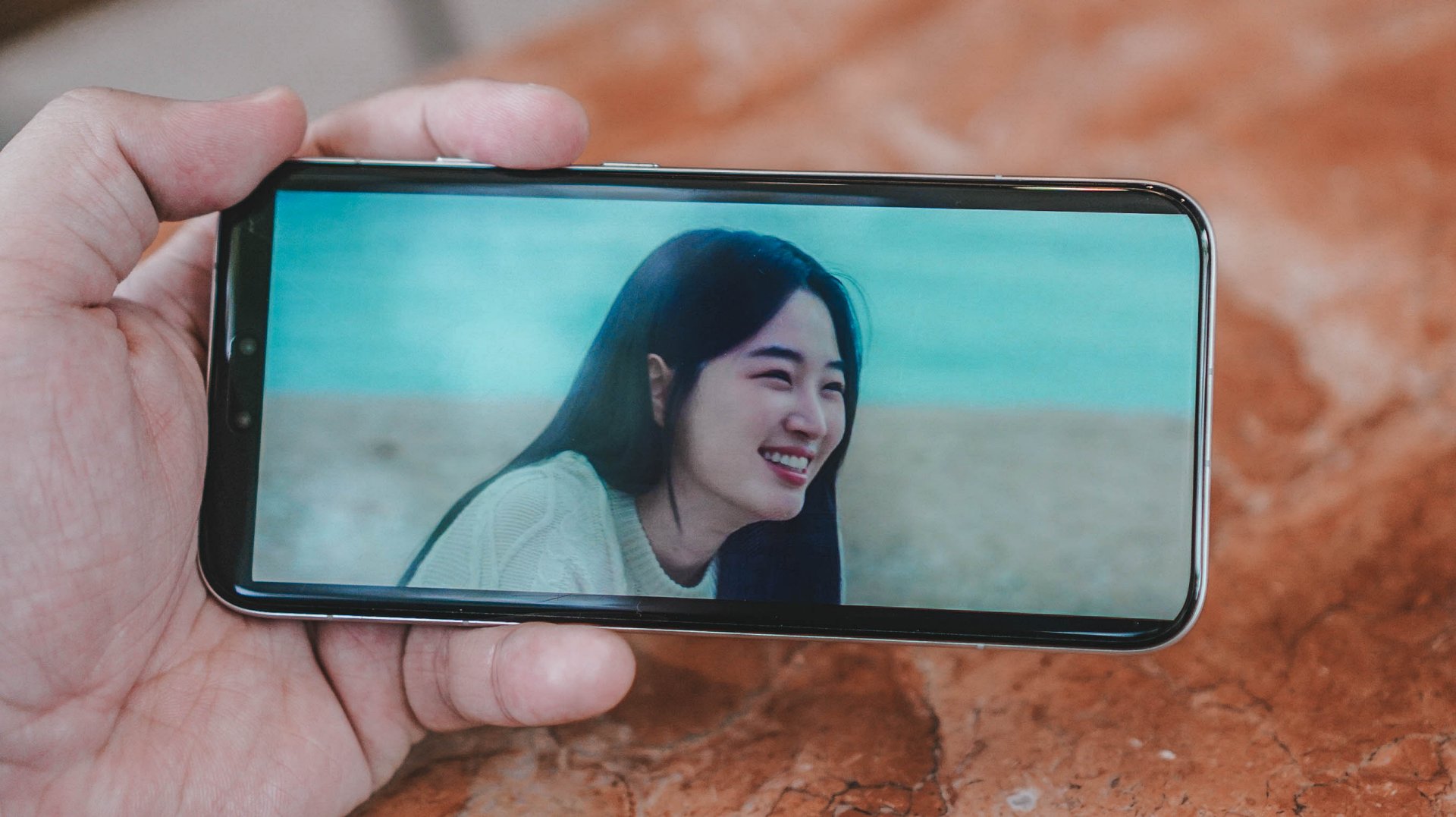
Won Ji-An as Seo Ji Woo in “Surely Tomorrow”
Eye comfort has been consistently good across HONOR Magic devices, and that continues here. And while we’re talking consumption: the speakers are excellent. Not “good enough.” Excellent.
Outdoor visibility? Never squinted. Never fought the brightness slider. Just worked.
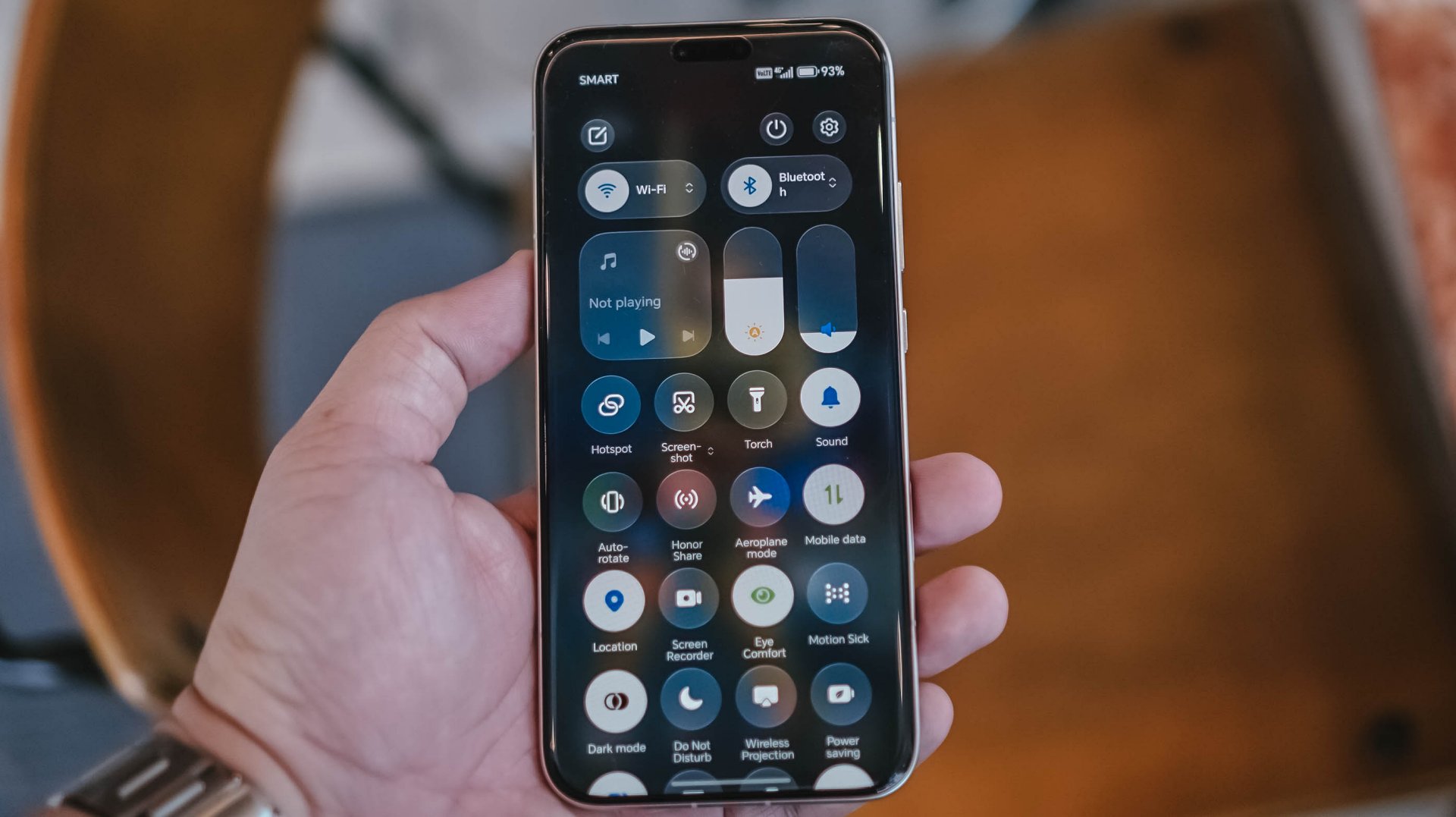
MagicOS’s translucent visuals sit quietly in the background. They’re there. They add polish. But they don’t steal attention. Think liquid glass aesthetic. Familiar, but still HONOR.
Camera: confidence at night, honesty in tone, and just… fun

The first thing I checked? Stage mode. Because I was planning to bring this to a concert. It was there, it worked, and I ended up writing an entirely different story about it. That should tell you how confident I felt about the camera system early.

Outside of that? I didn’t “test” the camera. I just used it. Food. My mom’s cats. Street moments. CES 2026 in Las Vegas. Normal life. Which is the highest compliment — I wasn’t thinking about whether the camera could keep up. I trusted it to.










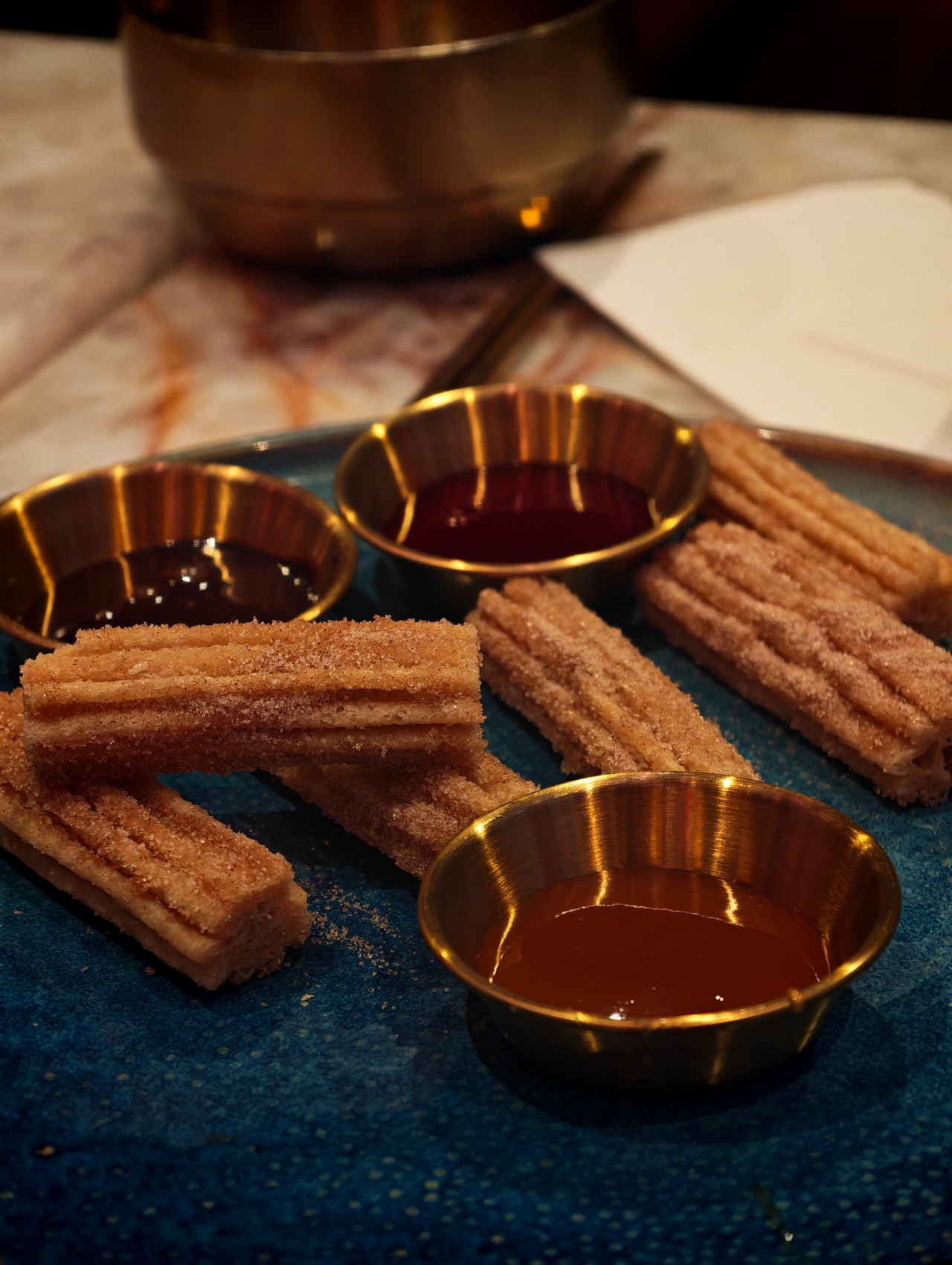





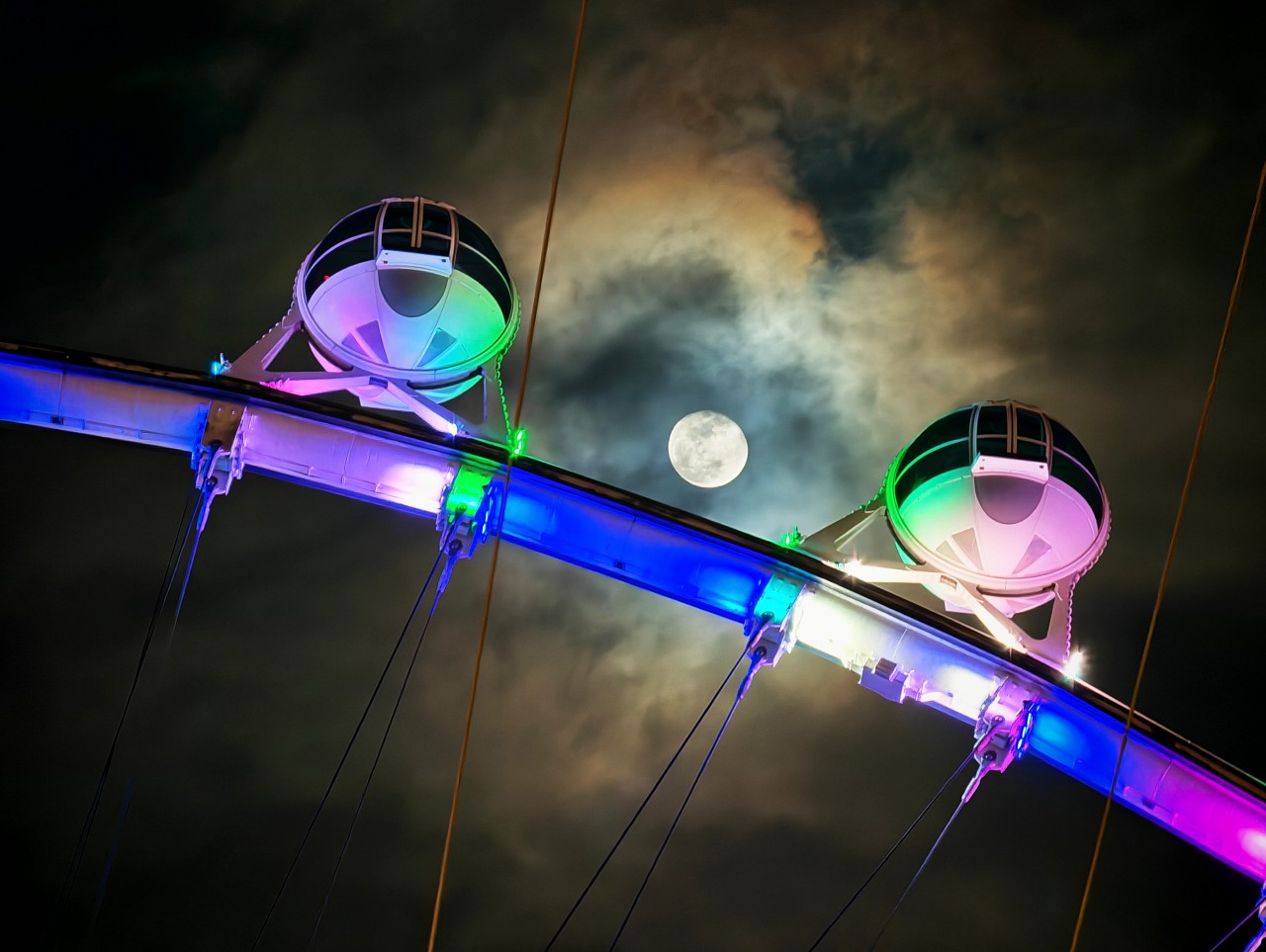







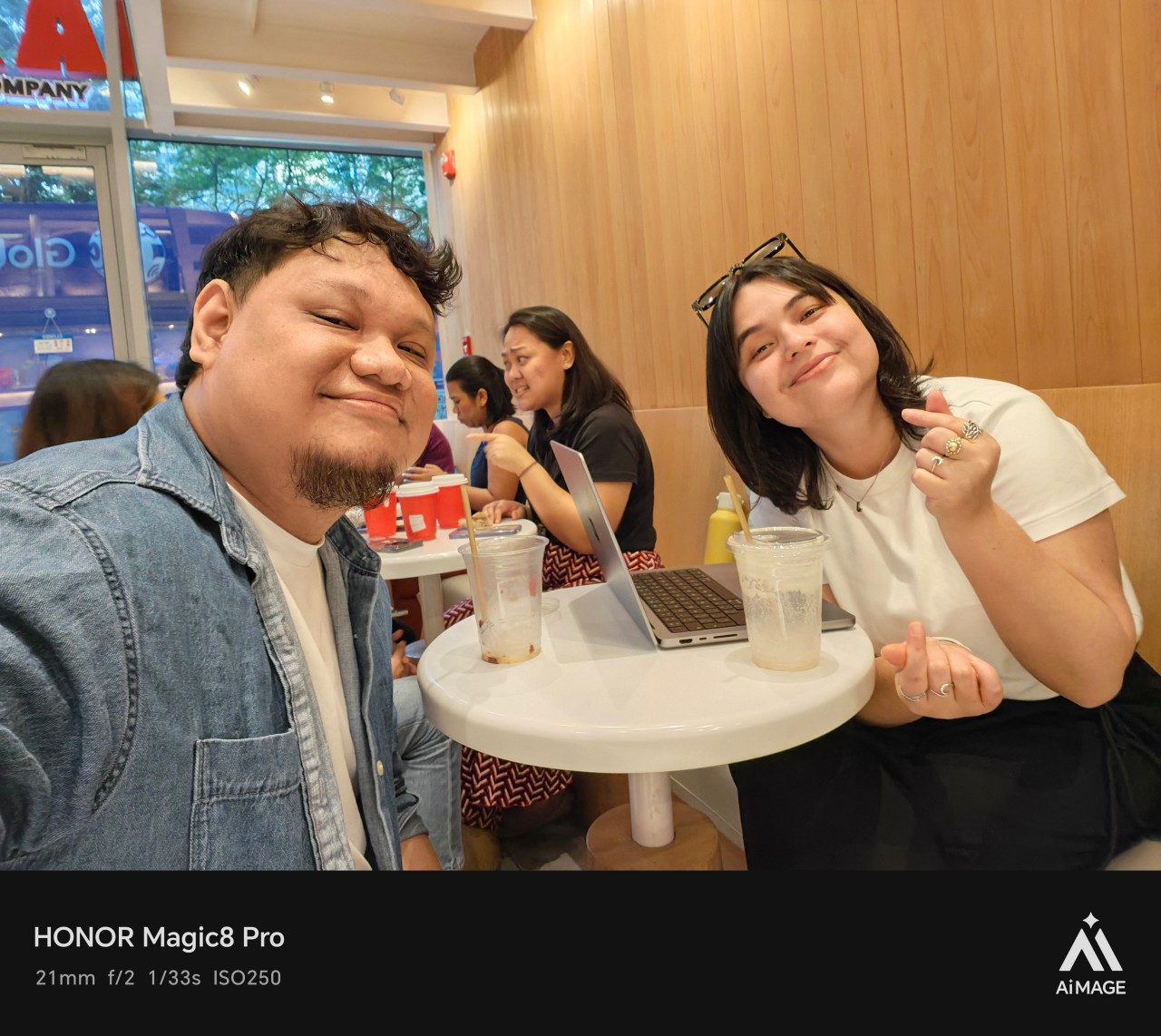




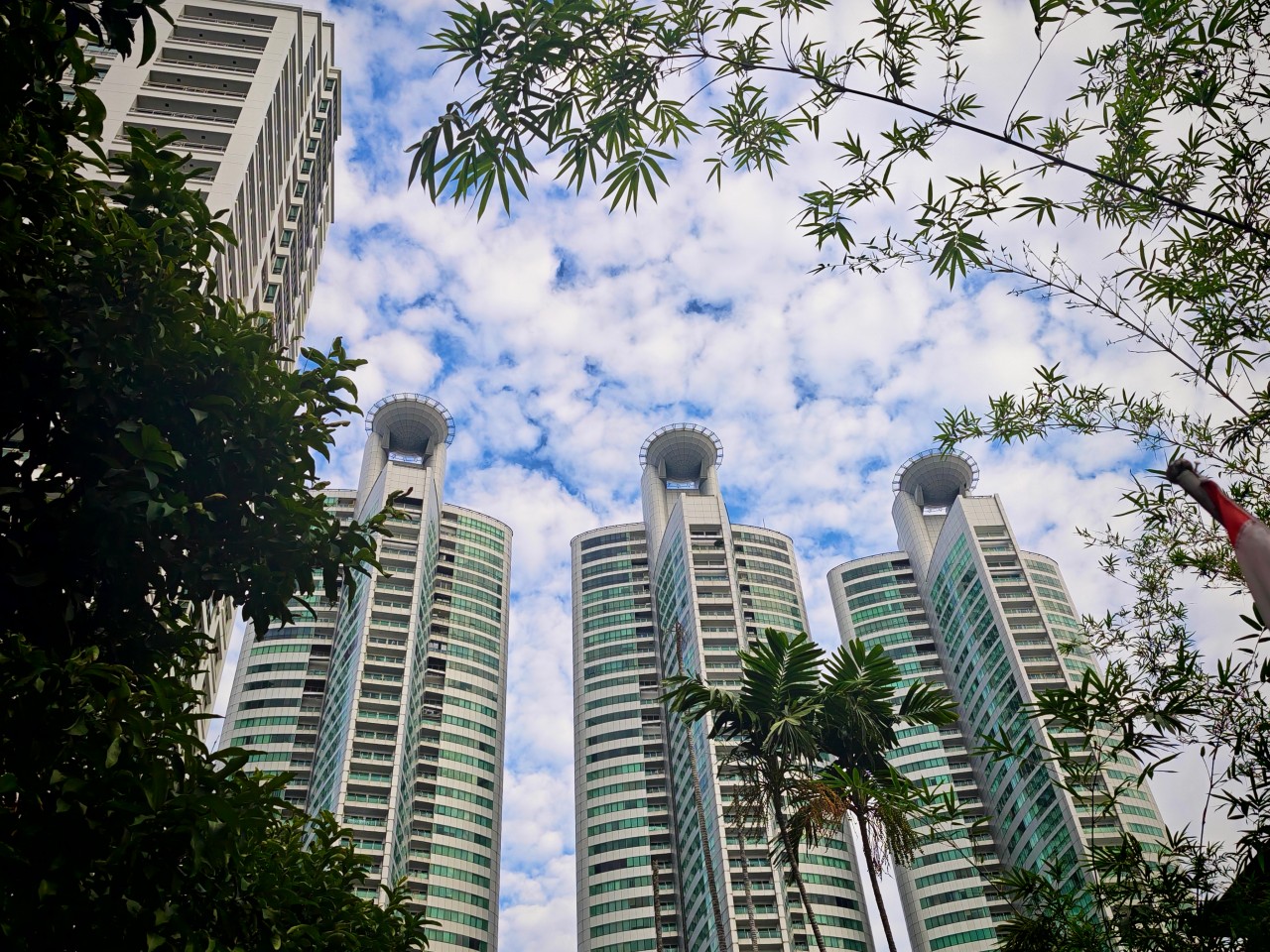
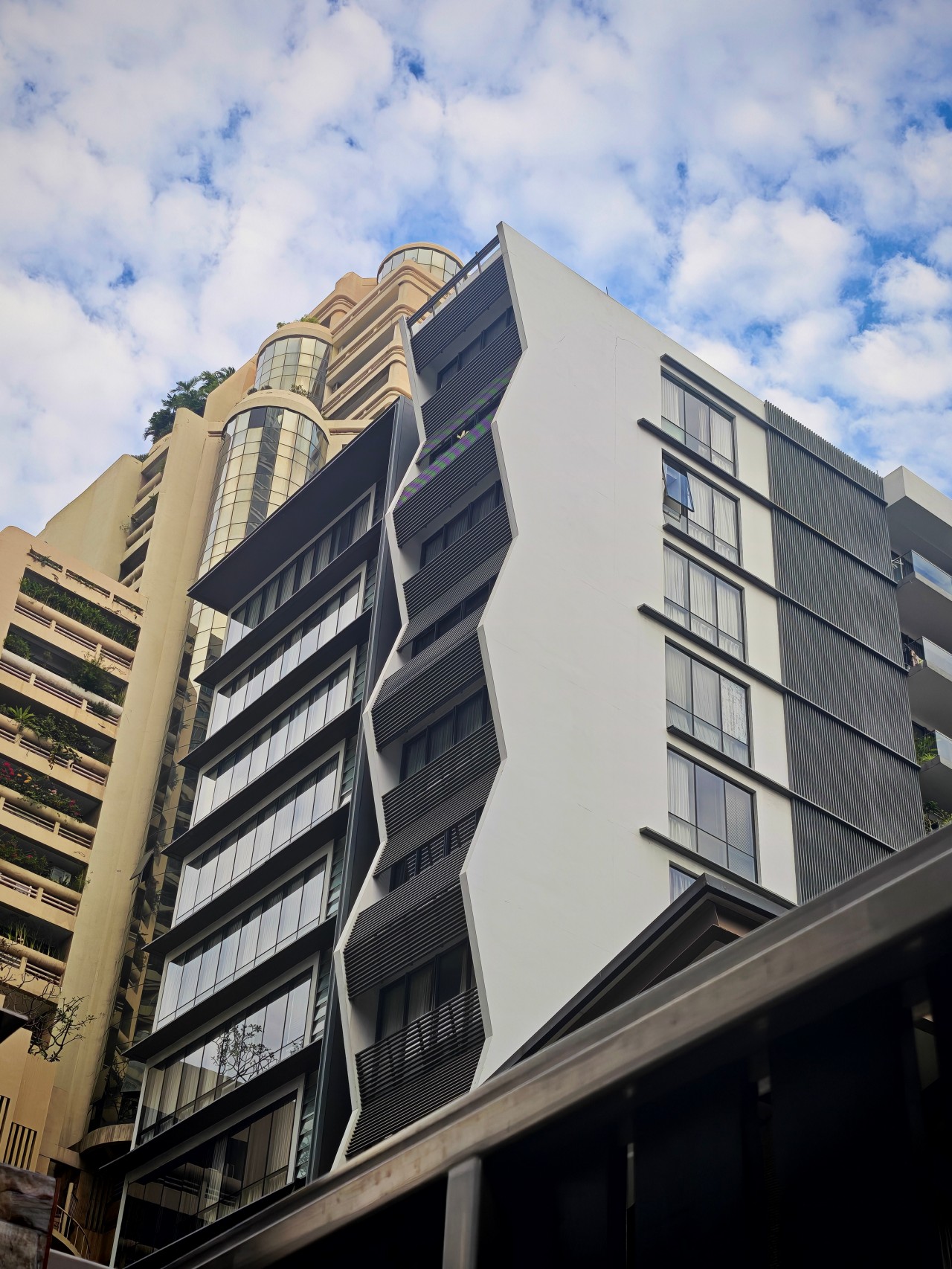


At 10x and beyond, I’ll be honest — I didn’t trust it before reviewing shots. Then I checked. And I was pleasantly surprised. There’s definitely processing going on, especially at night. But the results are consistently usable, and more importantly, they look good.
View this post on Instagram
Blue hour? Beautiful. Cinematic without feeling fake. My default has always been the Authentic preset — warm, moody, emotional images that still feel real.
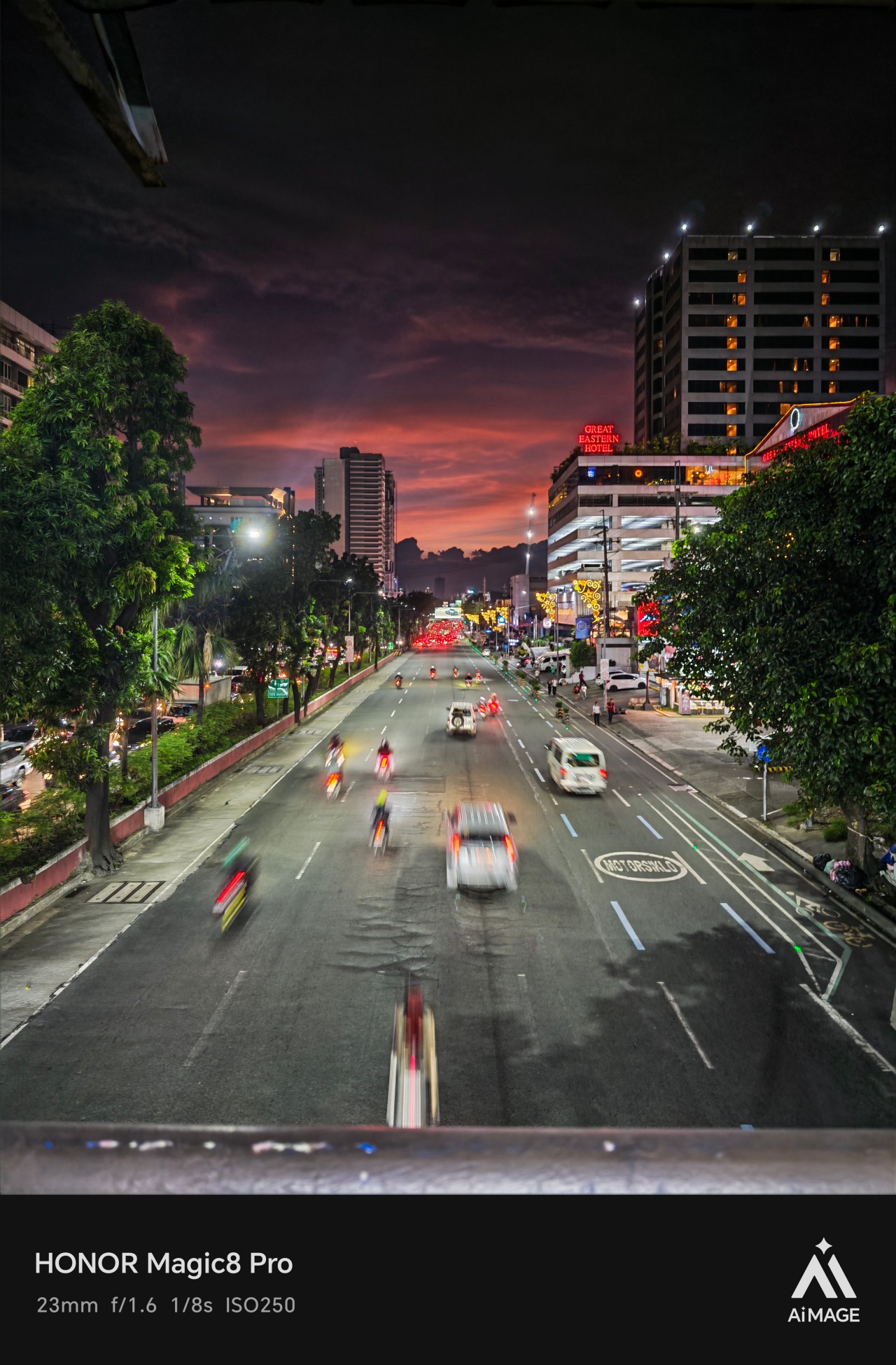
Skin tones behaved well even under chaotic neon and mixed street lights. That matters. HONOR’s camera finally feels like something I want to shoot with, not just something I can rely on.
And yes, handheld night shooting absolutely feels more confident than before. I enjoyed shooting on the Magic8 Pro. Simple as that.
Magic Color: not a gimmick — just early
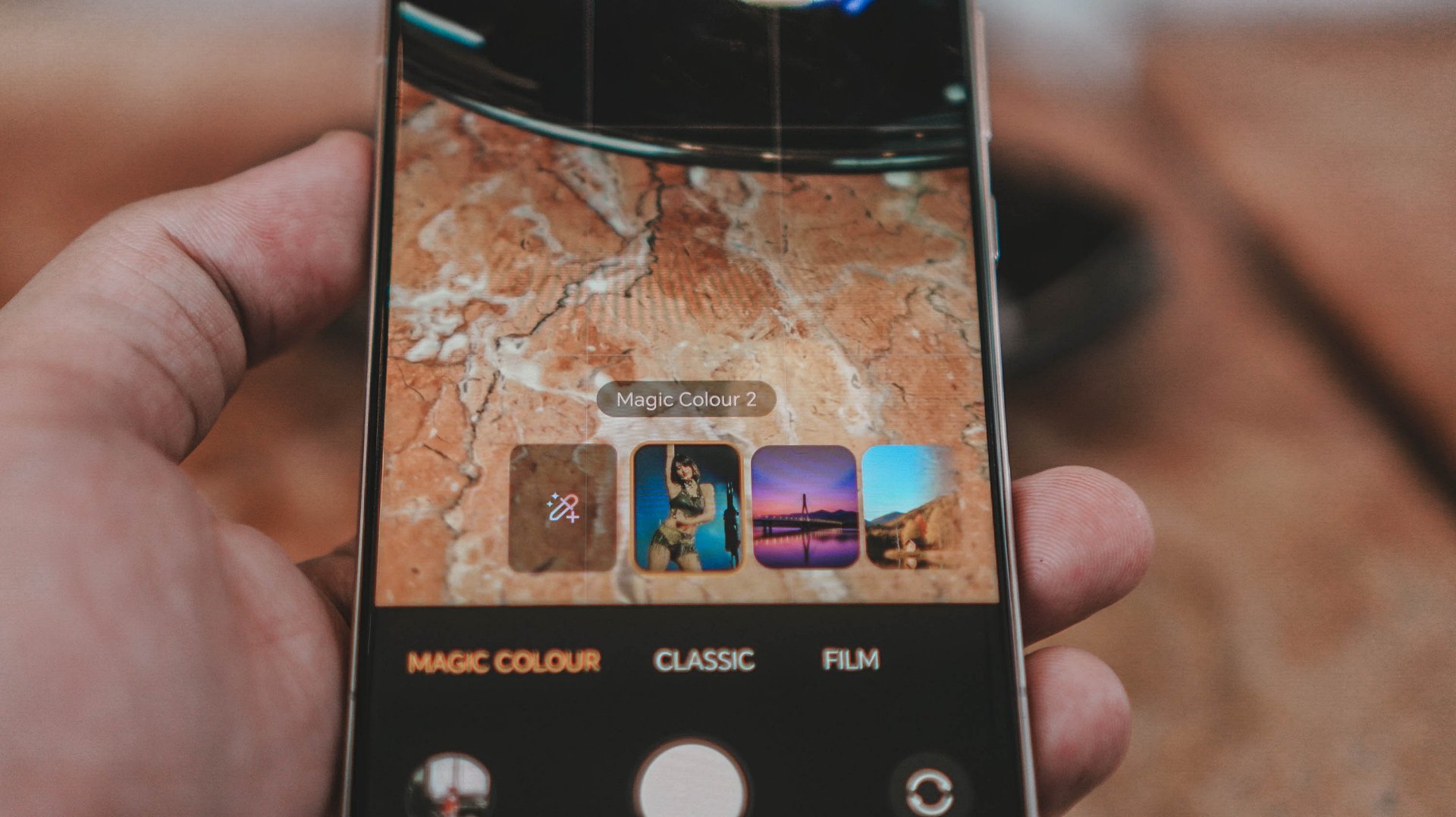
Magic Color sits somewhere between “interesting toy” and “future essential.” In the right hands, it’s powerful — letting people create their own color identity without going into full editing mode. For me? It didn’t completely replace editing, but it did speed things up.
More often than not, I was already happy with the output. Especially in fast-paced shooting. This has potential to evolve into something truly meaningful over time.
AI Button and AI features: helpful… but not yet instinctive
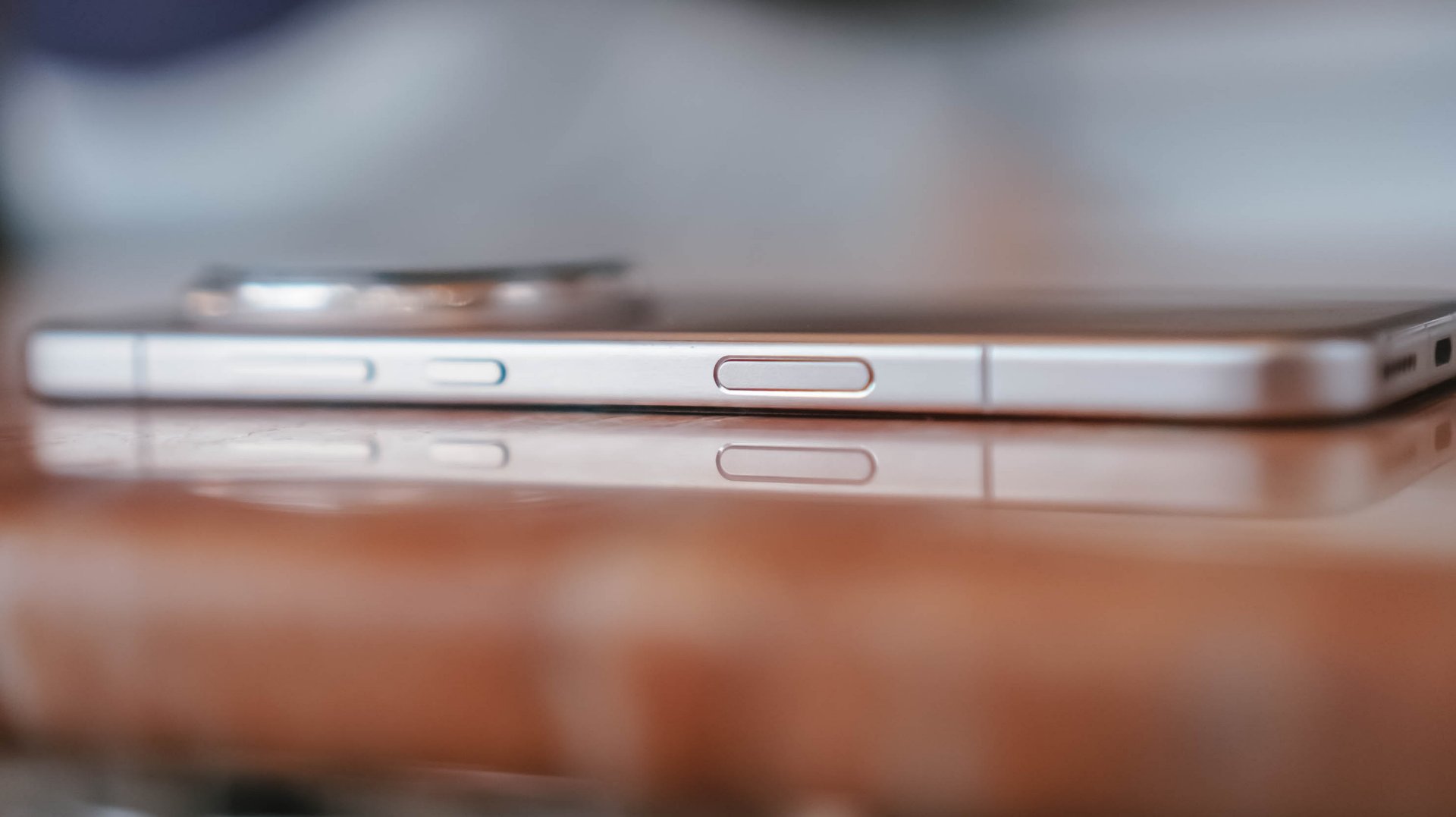
HONOR really wants the AI Button to matter. I… almost forgot it existed.
Not because it’s useless. But because habits take time to rewire. I kept it on default, rarely reached for it, and never felt disrupted by it. It’s neutral for now — useful eventually, but not yet muscle memory.
Where AI did help: setup and daily flow. The AI Settings Agent organizing my apps? Loved that. Anything that saves time in review cycles is a win. AI suggestions sometimes felt smart, sometimes like they needed more maturity. But HONOR is on the right track.
Gemini remains my primary AI tool on Android — translate and circle-to-search will always be two of my most-used features. HONOR AI and Gemini don’t clash. They coexist.
AI Safety features? Good to have. Haven’t had to use them. Hopefully never will.
Performance, gaming, and heat
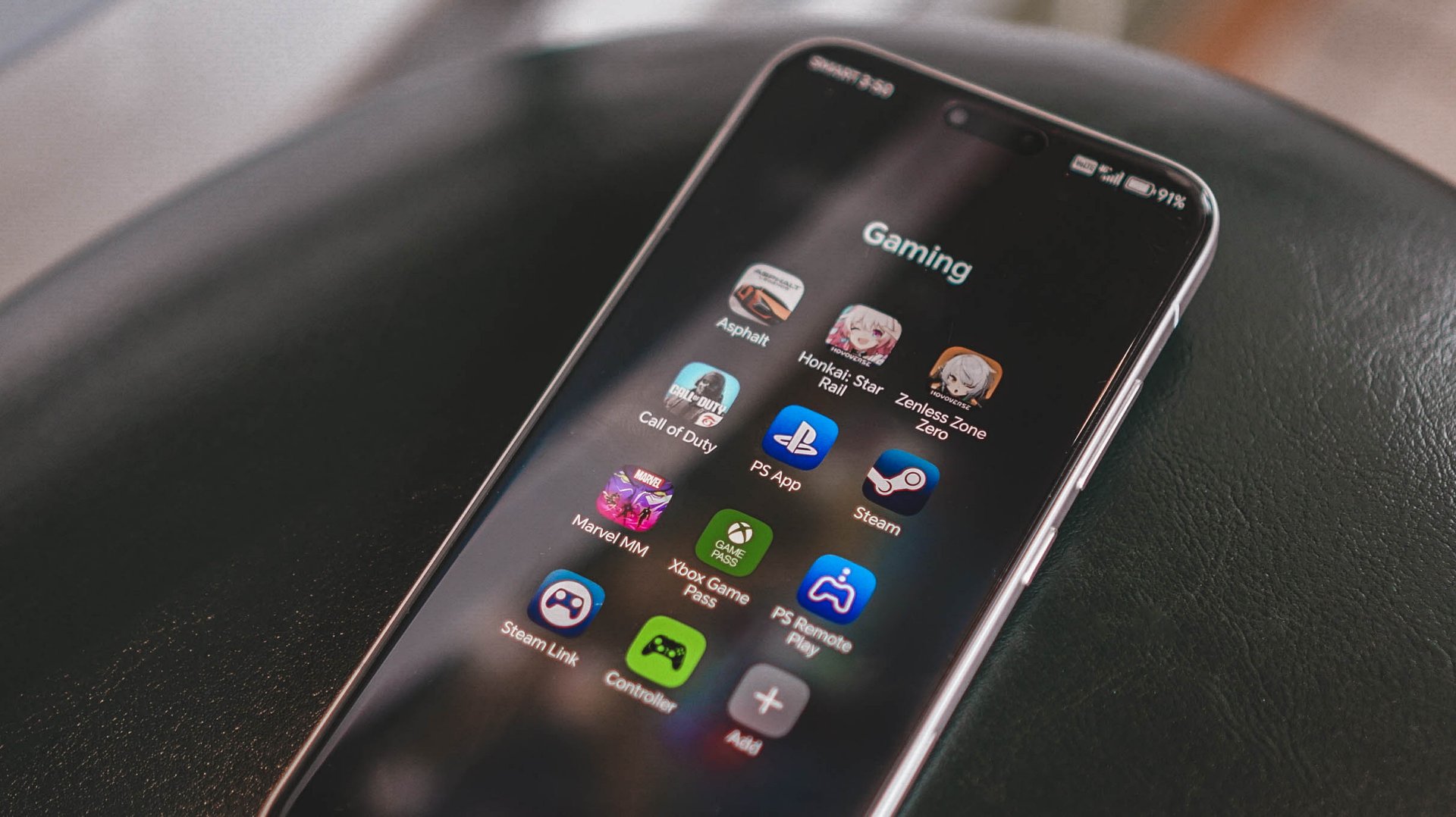
Zenless Zone Zero ran well. Frames felt stable. Movement felt crisp. The phone does heat up faster than I’d like — not uncomfortable, but noticeable. You can feel it working hard.
Oddly enough, screen brightness and audio probably impacted my gaming enjoyment more than raw horsepower. And honestly, that matters more in real use.
Battery and charging: genuinely excellent
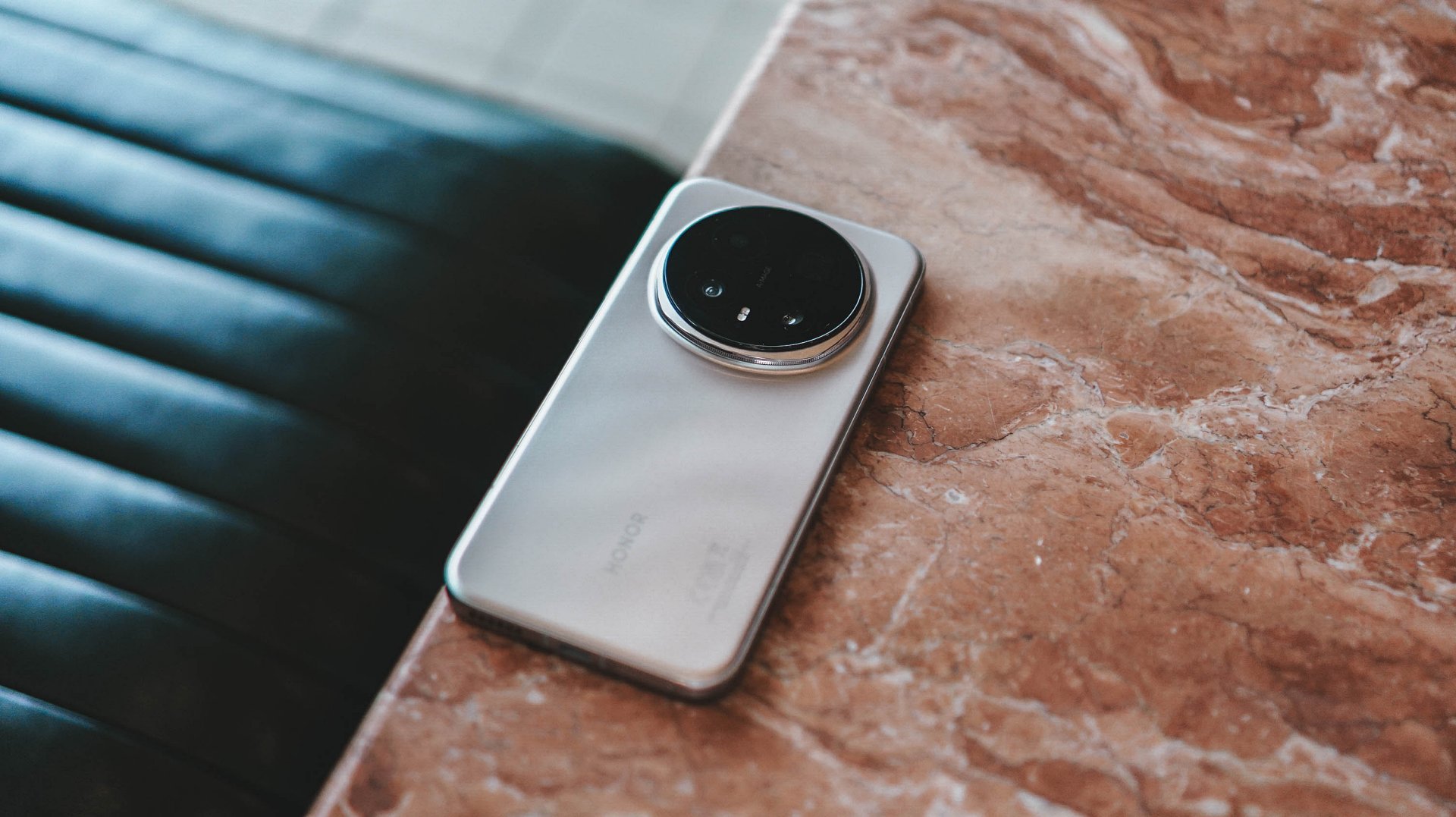
This might be the most boringly excellent part of the Magic8 Pro. Full day? Absolutely. Even during heavy usage days — like concerts with constant video recording — I never felt anxious.
Charging feels like cheating. Blink, and you’re basically back. Wireless charging? Actually useful. Not just “nice to have.”
Battery here feels dependable. Quietly elite.
MagicOS 10 and day-to-day life

MagicOS 10 feels like a helpful salesperson at a store. Mostly out of sight. Never pushing. But always there when you need help. Feature-packed without feeling like it’s shouting for attention.
It fades into the background the right way. Just letting you live.
Cross-device life
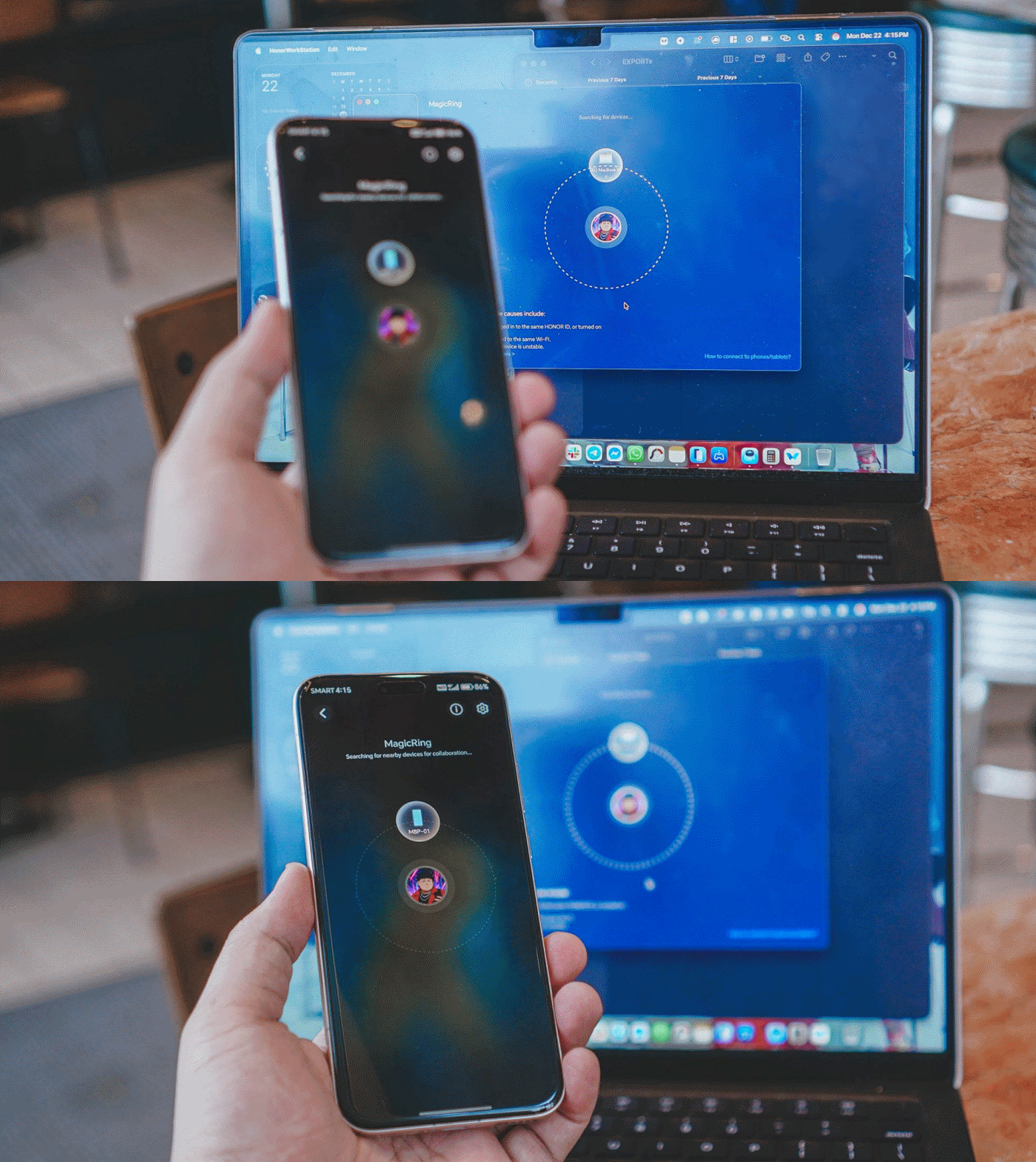
This needs work.
I primarily use a MacBook Pro M4. Connecting wasn’t smooth. Sharing sits somewhere between “fine” and “needs work.” If you’re deep in Apple’s ecosystem, this will be the hesitation point.
But also? I switched from an older iPhone. And yes — I’d still recommend that switch.
Is the HONOR Magic8 Pro your GadgetMatch?
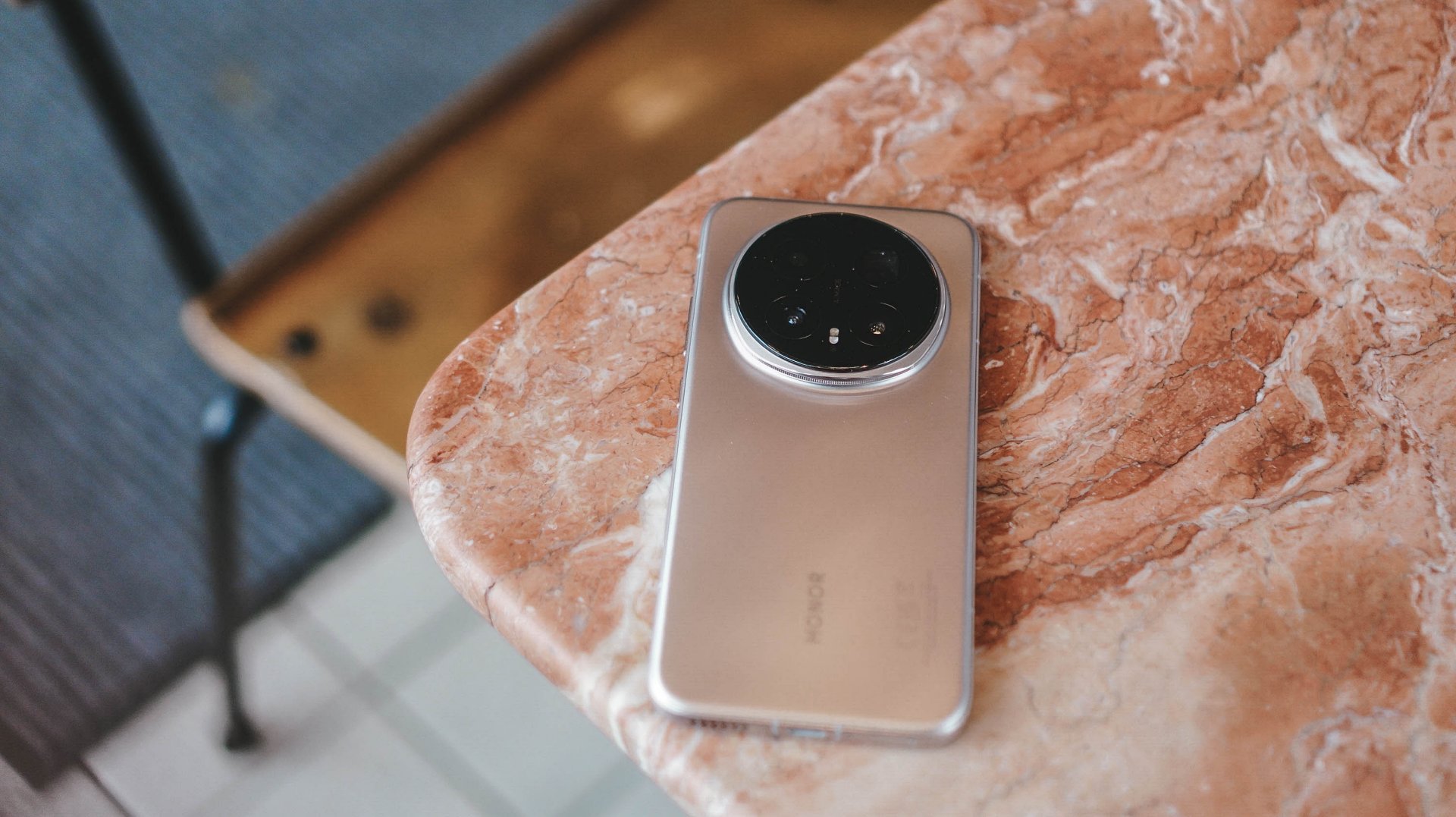
Compared to the Magic7 Pro? No hesitation — upgrade.
Is this HONOR’s strongest non-folding flagship so far? Absolutely.
This feels like the year HONOR quietly cracked the code. Not because of a single headline feature, but because everything finally works together — display, performance, battery life, cameras, and all the little quality-of-life details that make a phone feel reliable, capable, and genuinely exciting to use.
If you want a phone that feels different without feeling risky, swipe up.
If you shoot a lot at night and want photos that simply work, swipe up.
If you want a device that feels confident without trying too hard to impress you, swipe up.
Hesitate only if you’re deeply tied to Apple’s ecosystem and that cross-device life matters more than anything else.
Otherwise? The HONOR Magic8 Pro is HONOR at its most polished, most confident, and most magical yet — the kind of phone that looks incremental on paper but feels like sorcery in real life. A no-brainer recommendation, and absolutely worthy of the GadgetMatch Seal of Approval.
SEE ALSO:
Reviews
OPPO A6 Pro: Adequate tool, no definitive punch
Ample, all-around, just alright — you name it — but no definitive punch anew

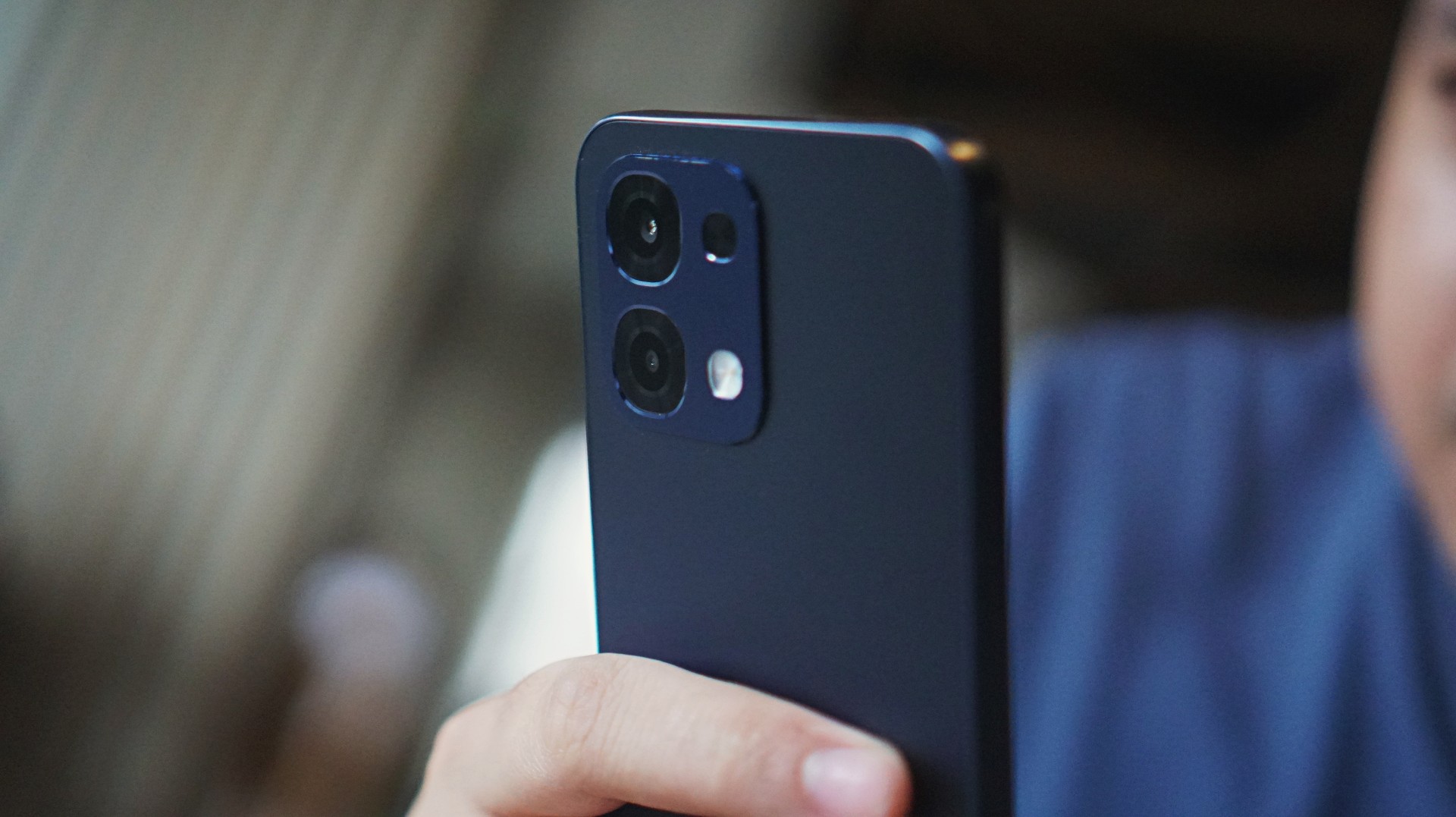
I’ve thought of several adjectives starting with “a” to accurately describe the OPPO A6 Pro 5G. After narrowing them down, I came up with adequate, ample, all-around, and (just) alright.
This smartphone cuts above the budget segment with a mix of performance, camera, durability, and advanced features.
Yet none of these adjectives are tantamount to exceptional nor impressive. You see, there still aren’t enough arguments to make the A6 Pro a standout midrange device.
More than enough, yes. But much like the previous A5 Pro, the definitive punch is missing — especially at its asking price. Still, it’s useful, and here’s what you can expect.
Adequate performance
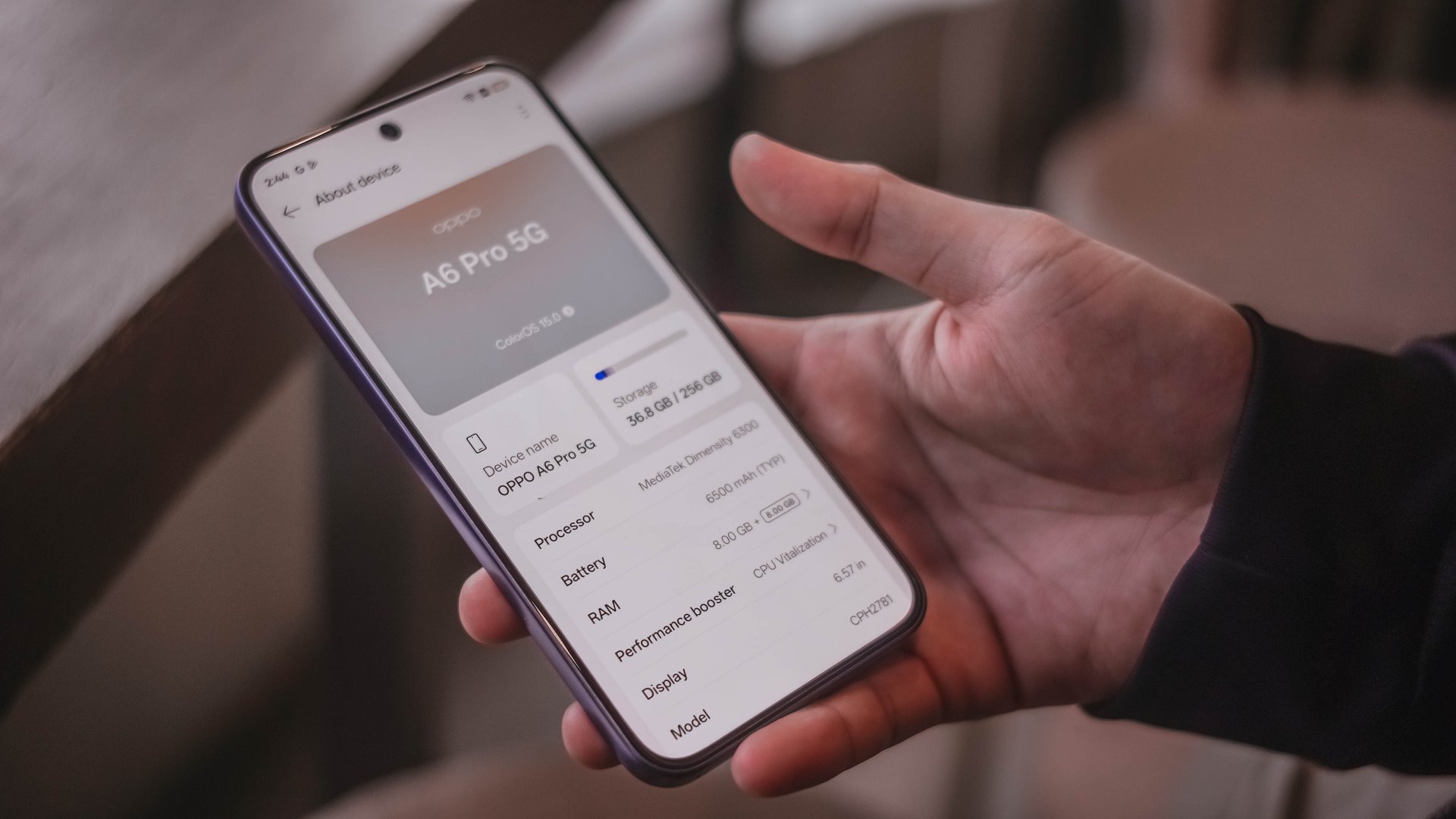
The OPPO A6 Pro 5G is powered by a MediaTek Dimensity 6300 processor. You can expect smoother everyday performance compared to US$ 100 devices if you want to upgrade.
For simple browsing and multitasking, the handset holds up well. Paired with a 6.57-inch 120Hz AMOLED display, swipes, scrolls, and navigating feel a lot more fluid and responsive.
However, it’s hit-or-miss for gaming and heavier workloads.
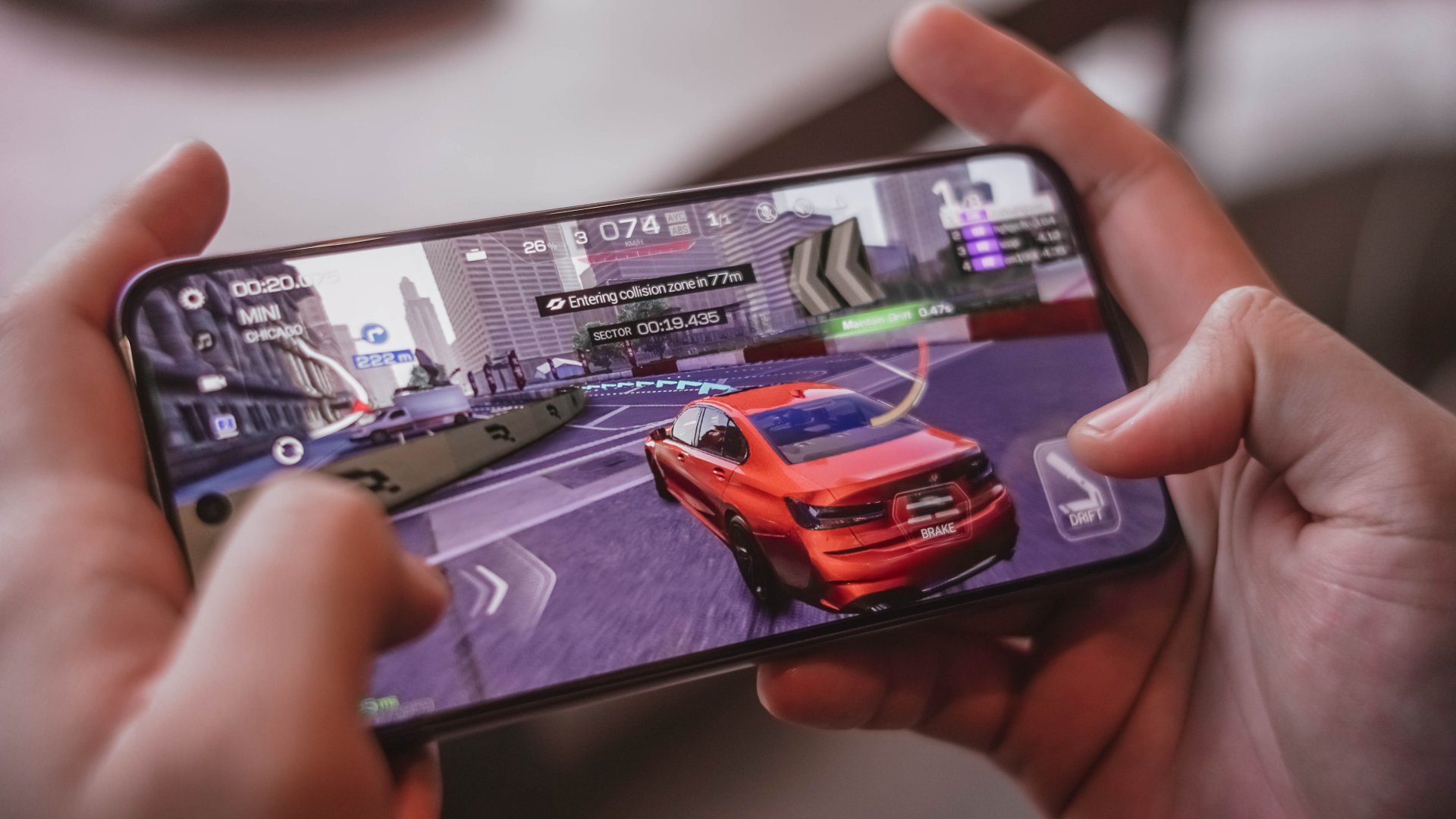
I once played Mobile Legends: Bang Bang on high graphics settings and saw a few frame drops. That’s in spite of a dedicated mode for better load distribution.
Demanding titles like Call of Duty Mobile and Racing Master still work, but graphics settings default to medium, so it lessens the immersive experience — if that matters.
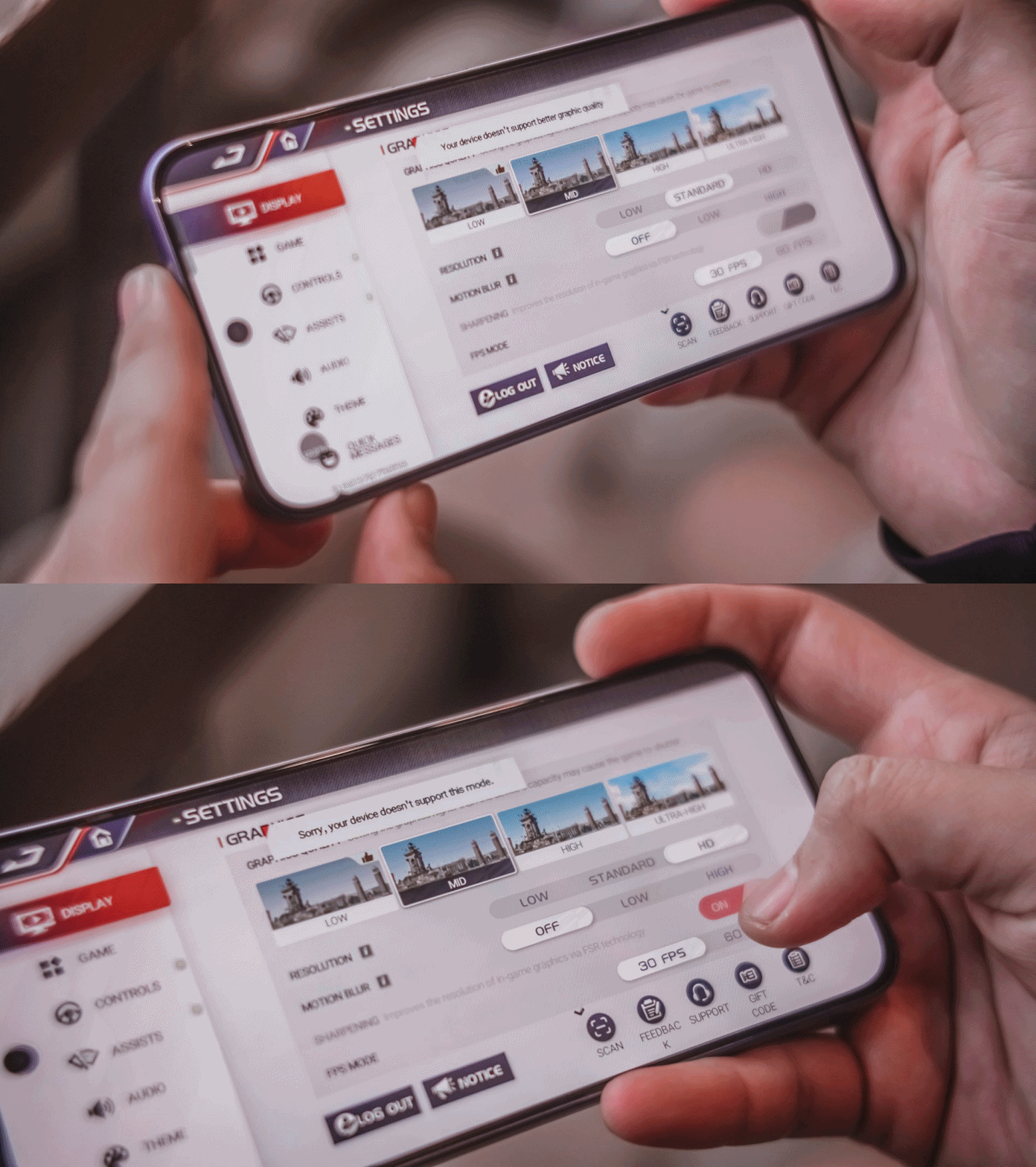
To its credit, none of these titles crashed. Keep settings at medium or low to be able to enjoy stable play. You wouldn’t be able to set the graphics to high in some cases to begin with, anyway.
Perhaps, what you can appreciate is that it hardly heats up, thanks to its SuperCool VC System. Battery drain is more modest too, losing just about 5% in a 30-minute session on Wi-Fi.
Of course, that’s aside from the 6500mAh battery. I like the fact that it is complemented by an 80W SUPERVOOC charger.
Replenishing the battery power from 1% back to full takes roughly about an hour and 20 minutes, which is pretty darn nice given the capacity.
Ample audiovisuals
The OPPO A6 Pro’s display offers a 397ppi pixel density and up to 1400 nits maximum brightness.
Video playback is noticeably better on this panel compared to cheaper devices.
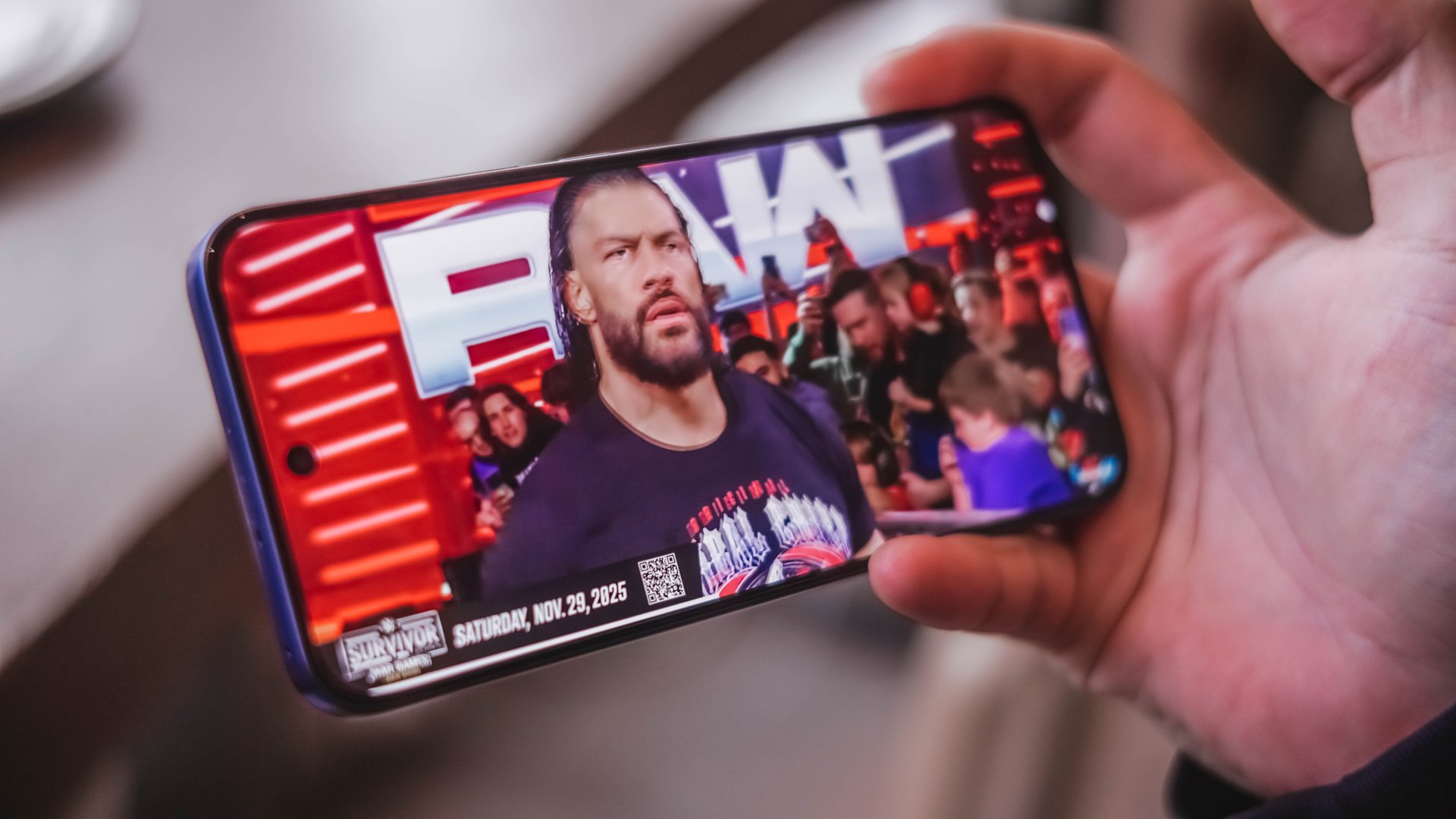
Moreover, the phone lets users select a 300% volume mode which is helpful when outdoors or in crowded areas. The audio quality is decent, but don’t expect it to rival those from upper mid-rangers.
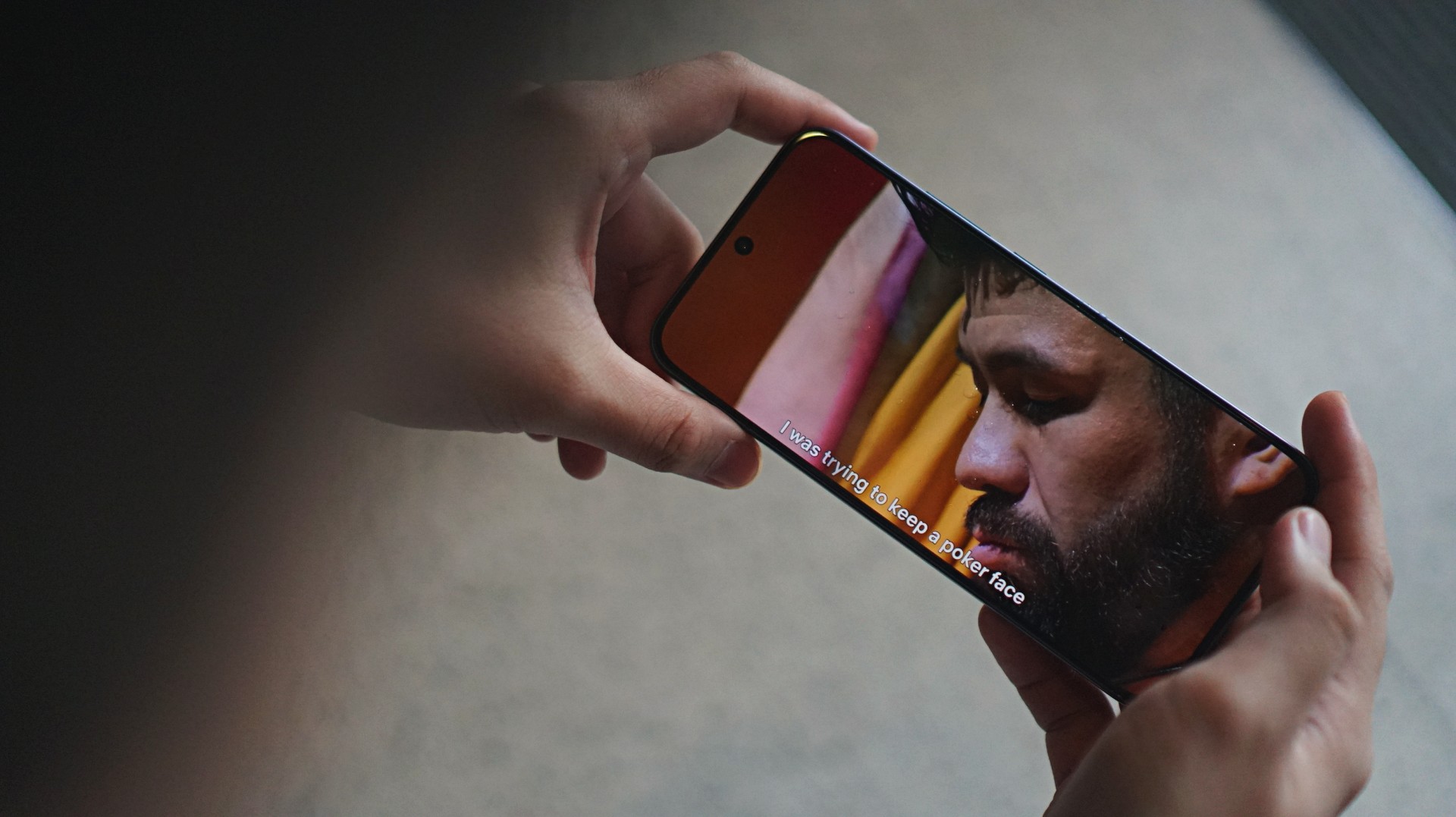
I just spent time on the phone watching a lot of sports, WWE and Physical: Asia on Netflix. The 93% screen-to-body ratio keeps the bezels out of sight, letting you focus more on the content.
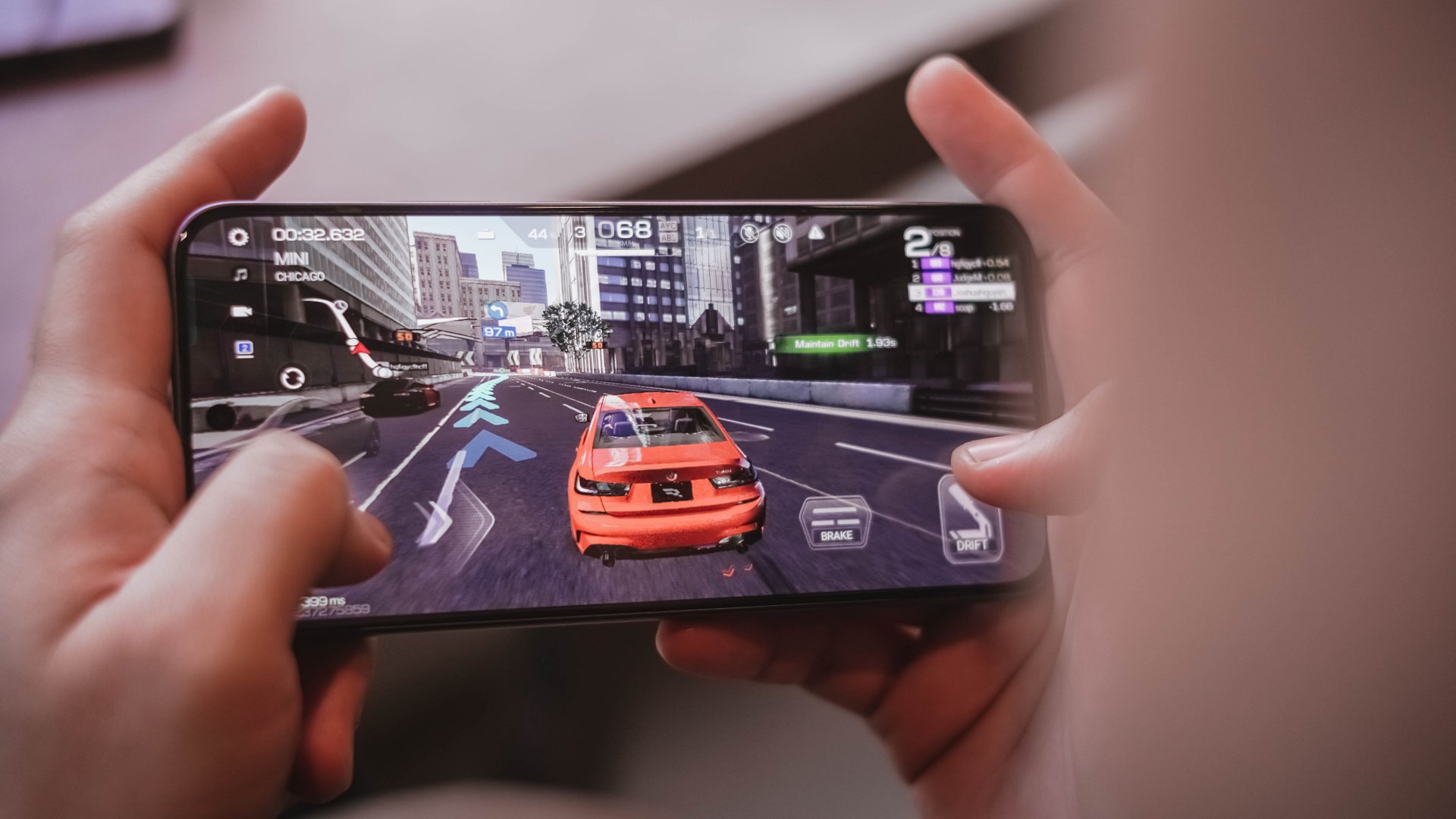
Gaming visuals sometimes sees jagged details, like the cars in Racing Master. It’s a reminder the phone does not punch above its weight.
AI LinkBoost: No significant improvement?
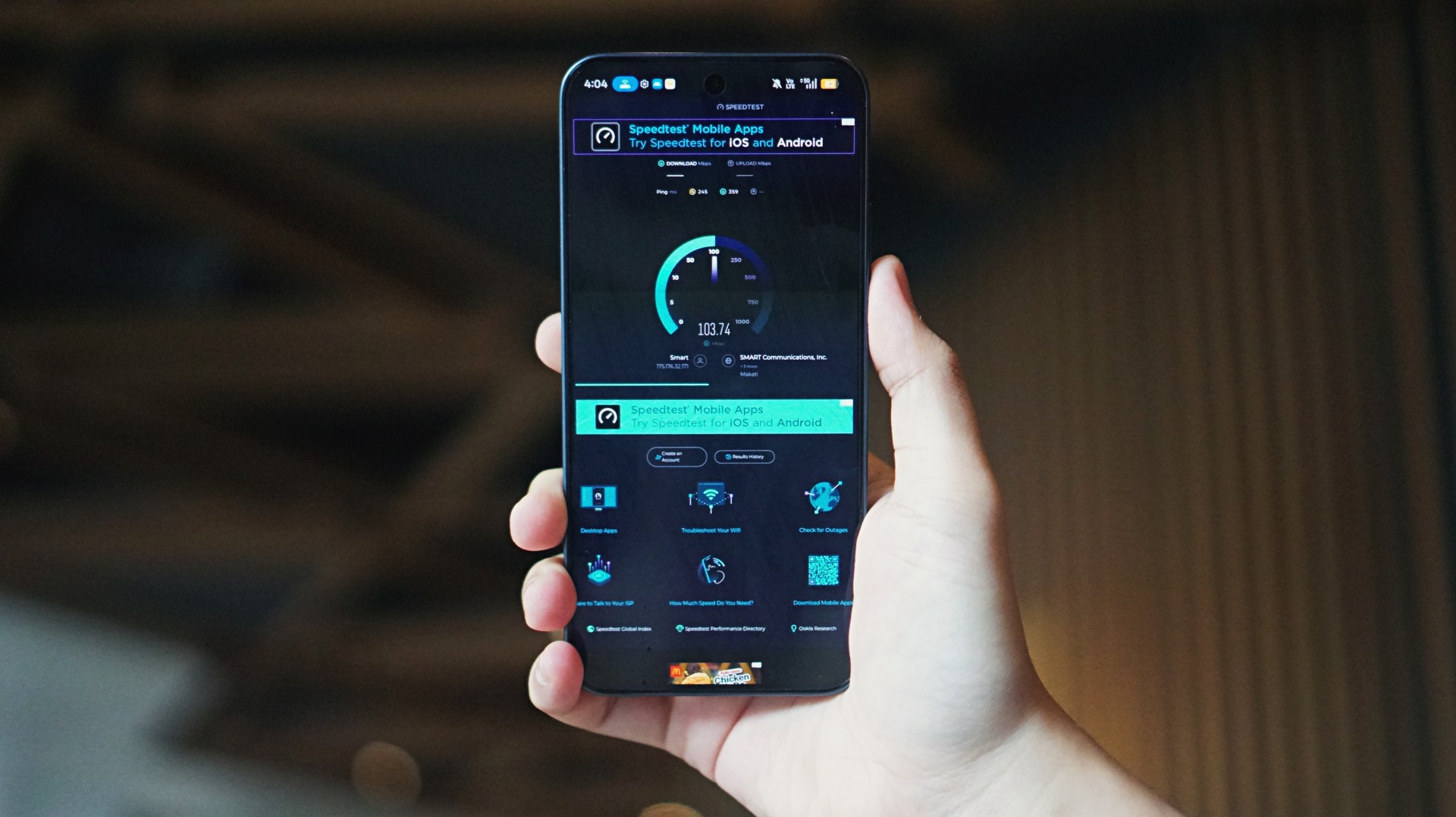
One of the features OPPO retained for the A series is AI LinkBoost, which is now in its third generation.
But compared to my experience with the A5 Pro last year, I felt the network optimization feature didn’t give significant support to the A6 Pro.
Yes, mobile data speeds still reached about 300mbps and above at times. But network struggled in the same toll booths and underground MRT stations where the A5 Pro was able to will itself better.
Perhaps, the aluminum frame plays a role, although OPPO insists on paper that it should complement the antennas.
All-around durable daily driver
Not new to the A series is durability and water and dust resistance, and these are chiefly still the strengths of the OPPO A6 Pro 5G.
There’s Military-Grade Shock Resistance plus reinforced materials to easily shrug off drops. It also boasts of an IP69 dust and waterproofing, enabling it to resist high-pressure water jets, spills, and even accidental soaks.
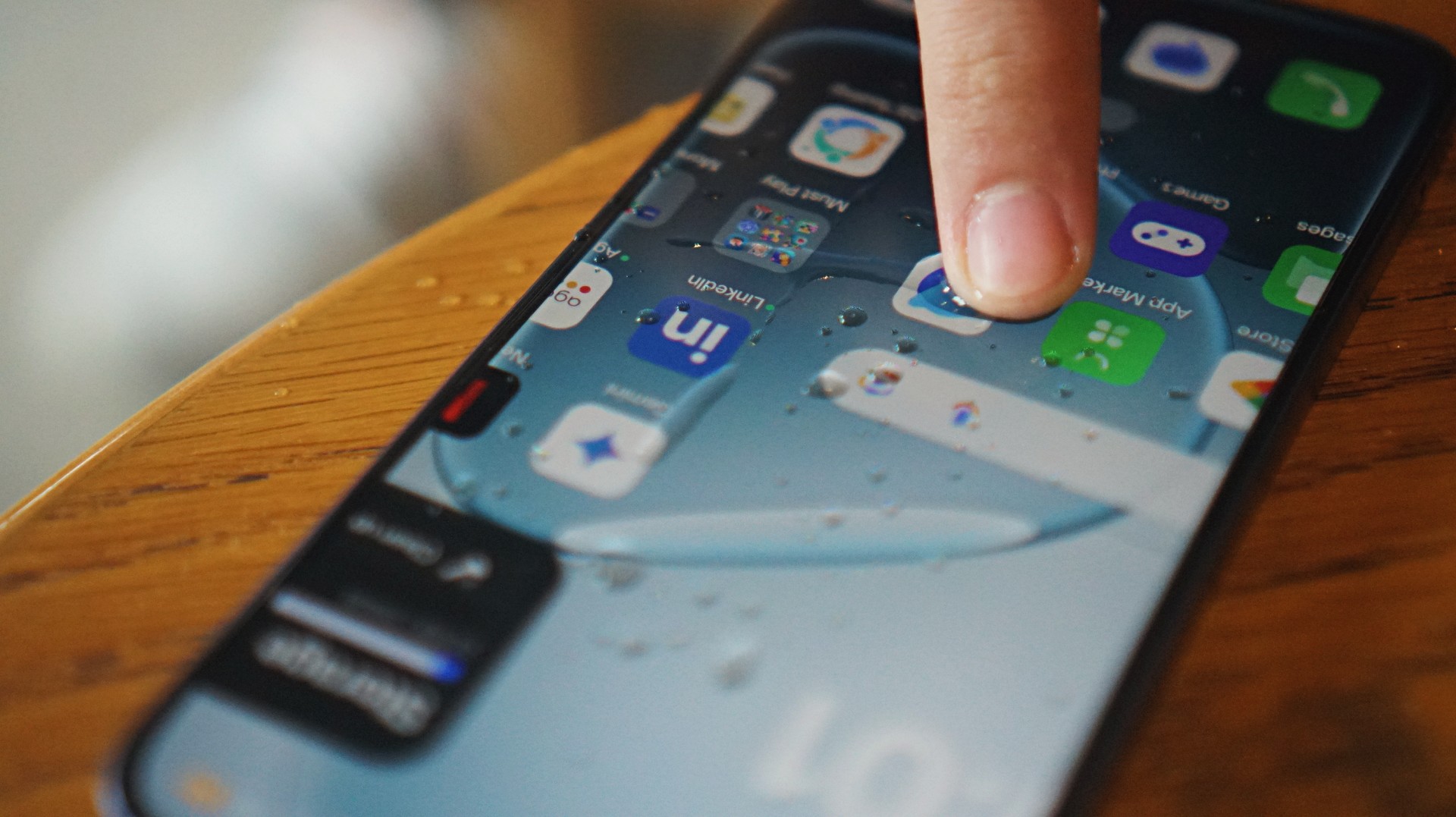
Beyond those, the phone’s display is optimized for touches even when there are droplets. They just dry out, as in the case with previous iterations, creating friction.
There’s also a Glove Touch feature when you’ve got gloves on while cycling, camping, or other outdoor activities.
More AI
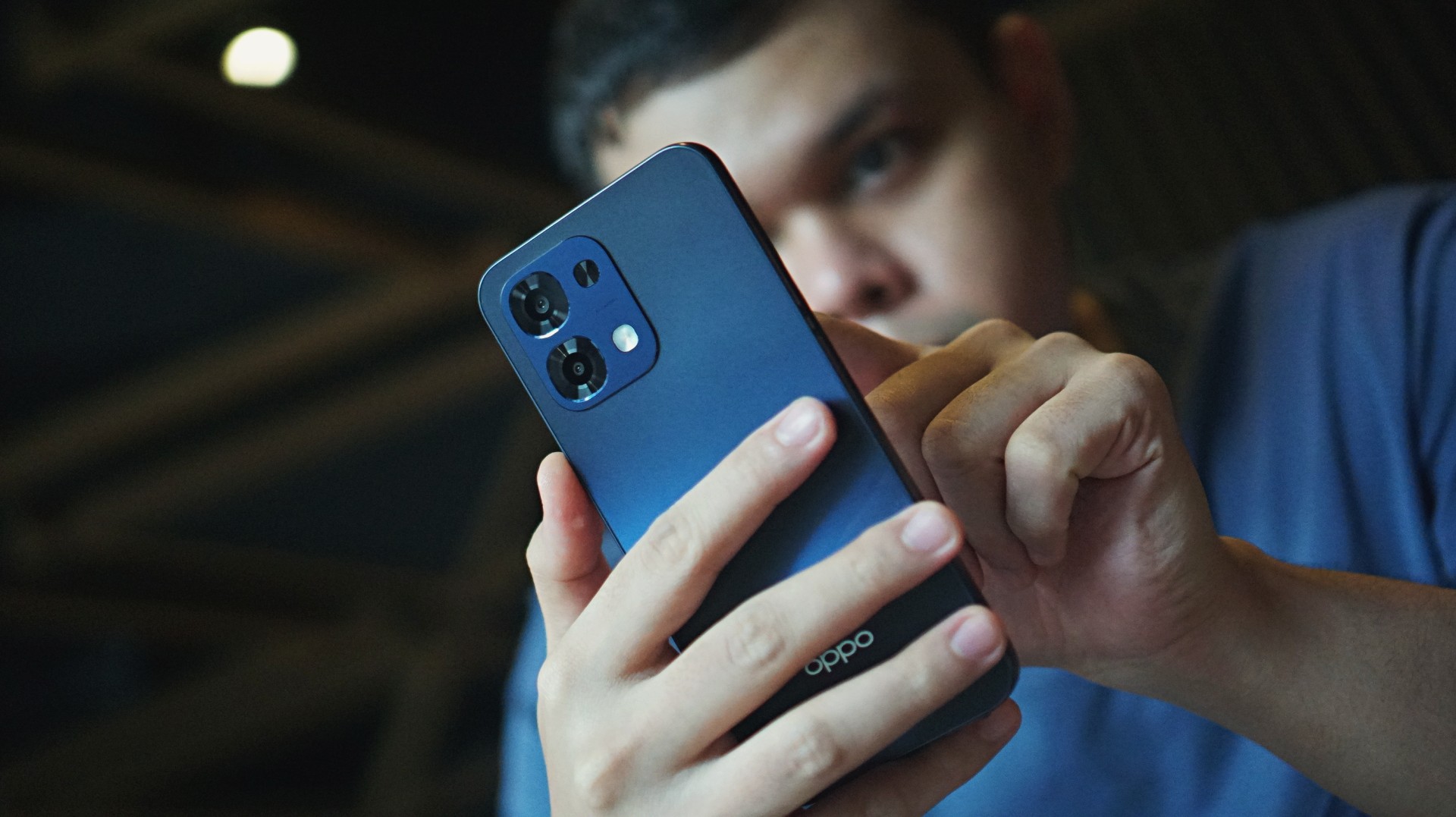
For productivity, the phone comes with an AI Assistant for Notes and Documents, plus Gemini integration.
Photo tools include AI Eraser 2.0, AI Reflection Remover, and AI Unblur.
Cameras: Just alright
Speaking of photos, the phone features a 50MP f/1.8 main camera and a 16MP f/2.4 front shooter.
I just captured a lot of food, selfies, and cats during my time with the phone. Which is exactly what you’re supposed to do with a serviceable camera package: document your daily life.


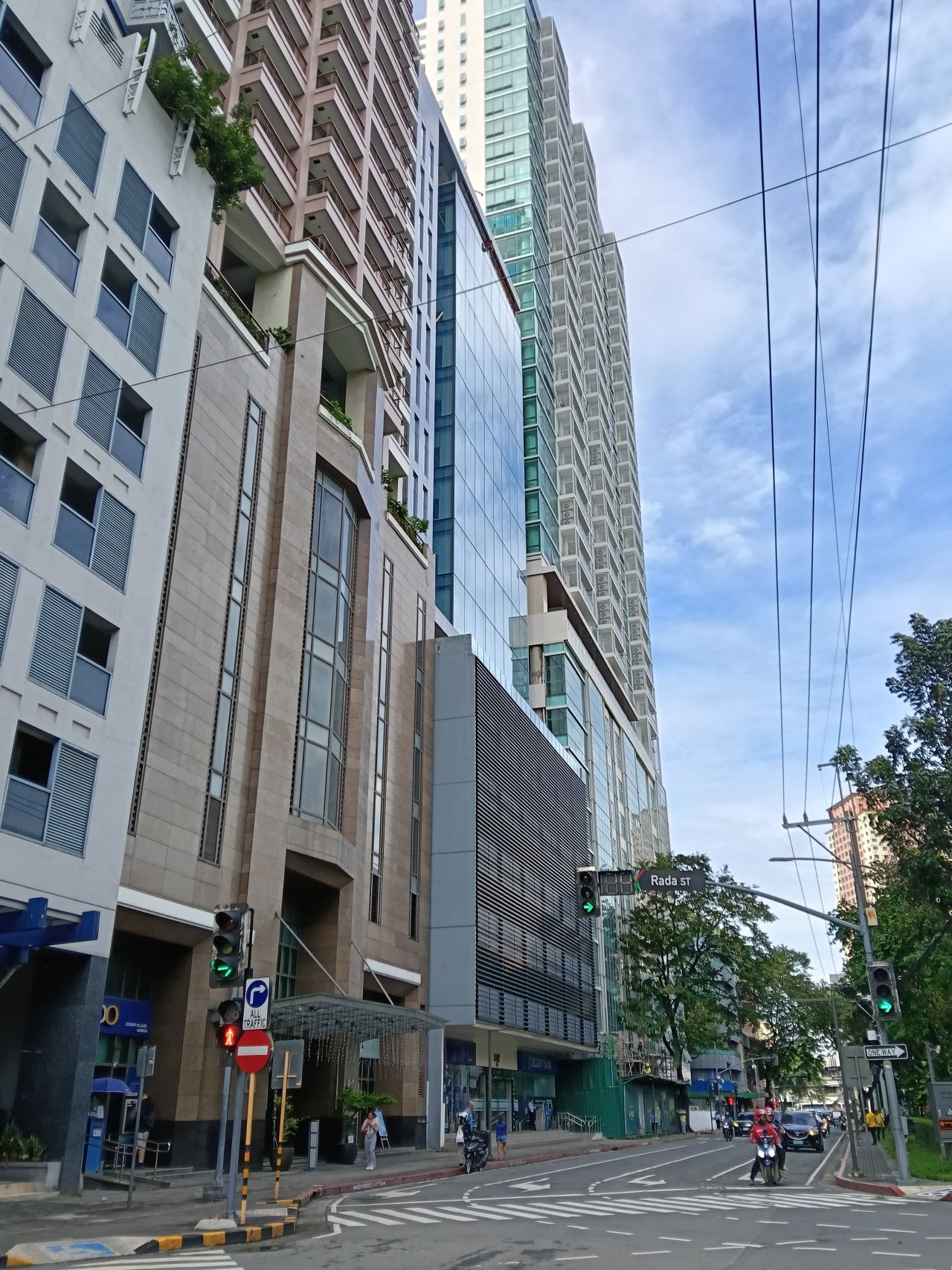
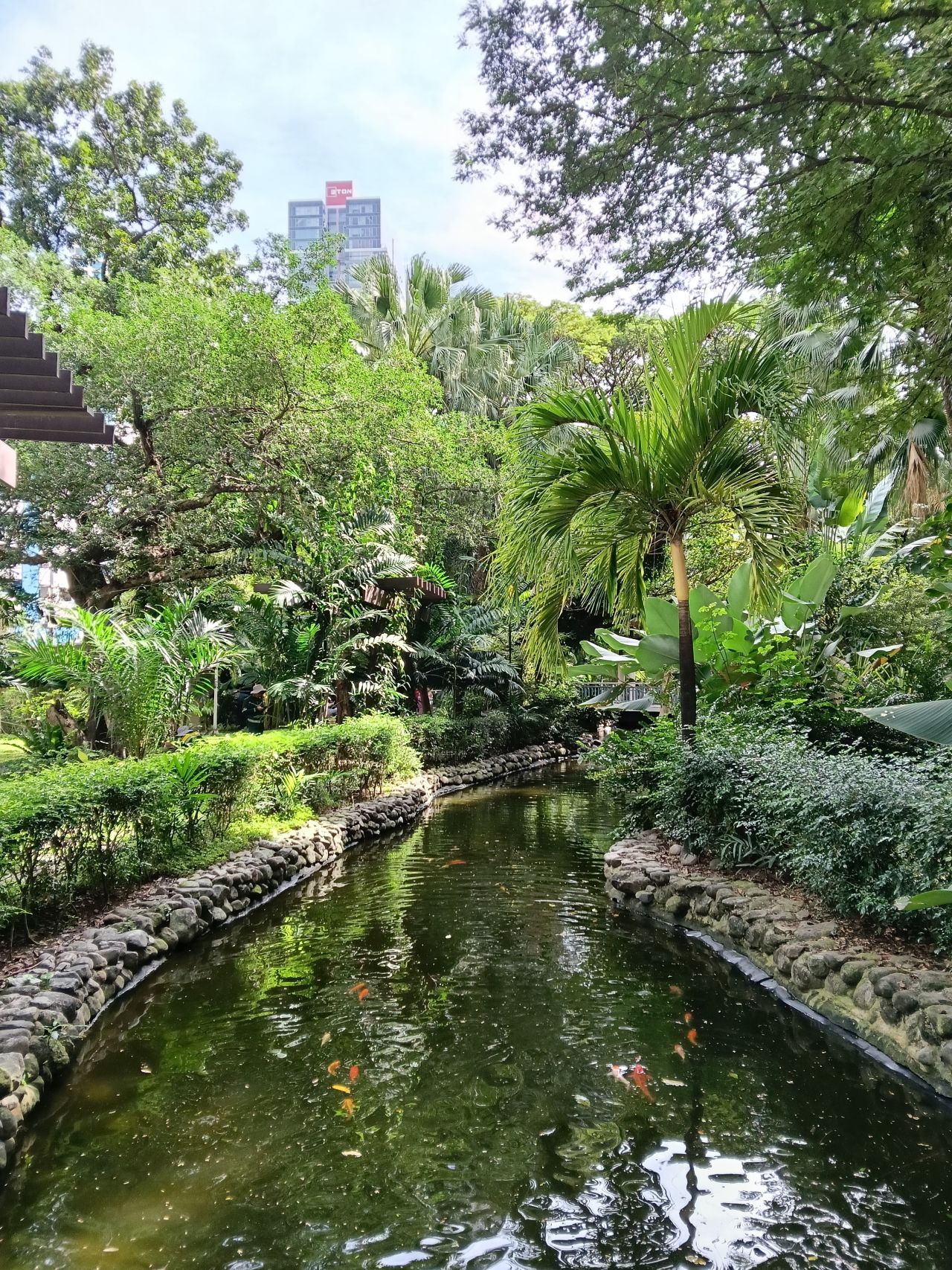








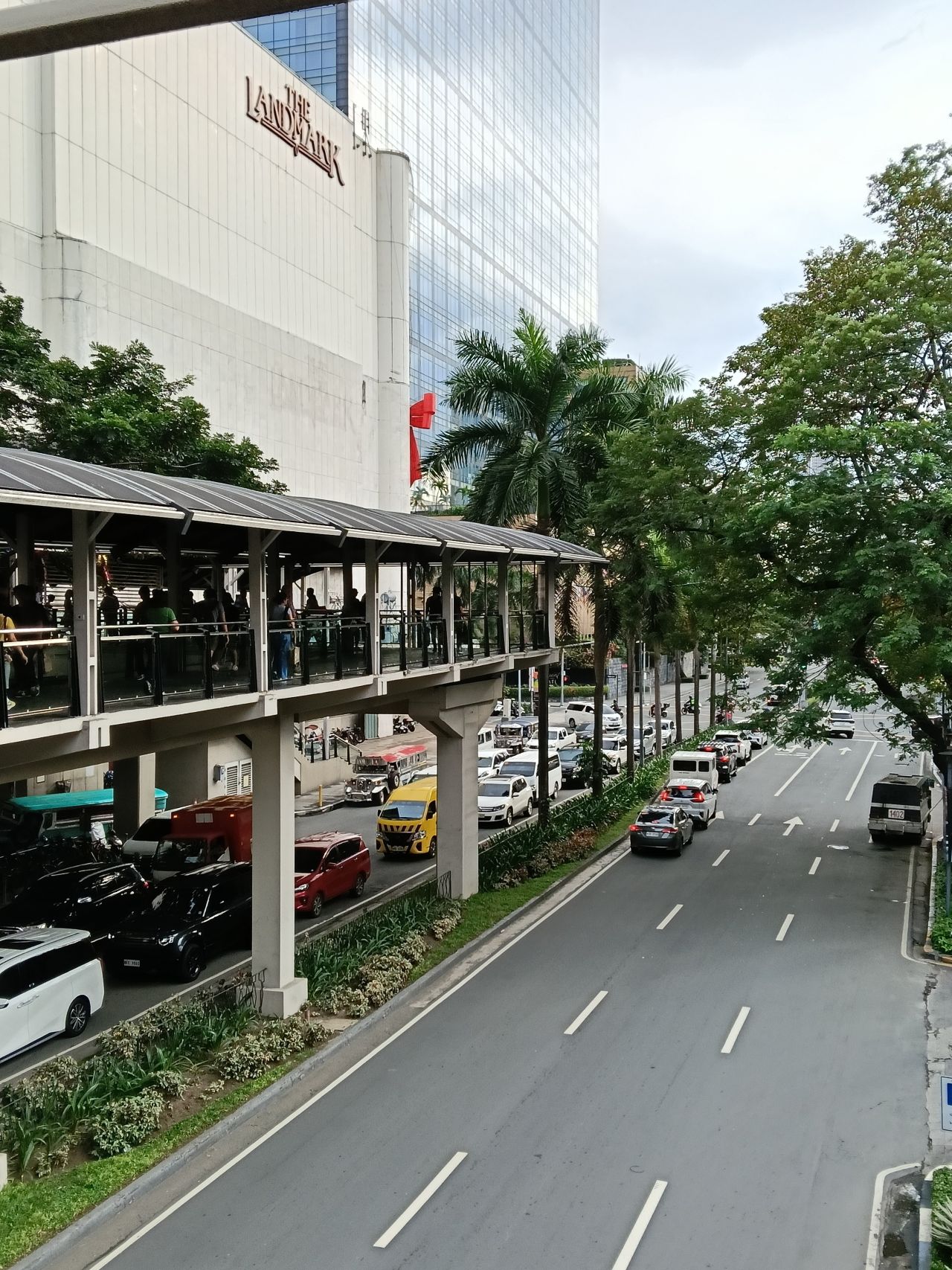


The color science still leans on the paler, more “natural” side, with skin tones a bit inaccurate at times.
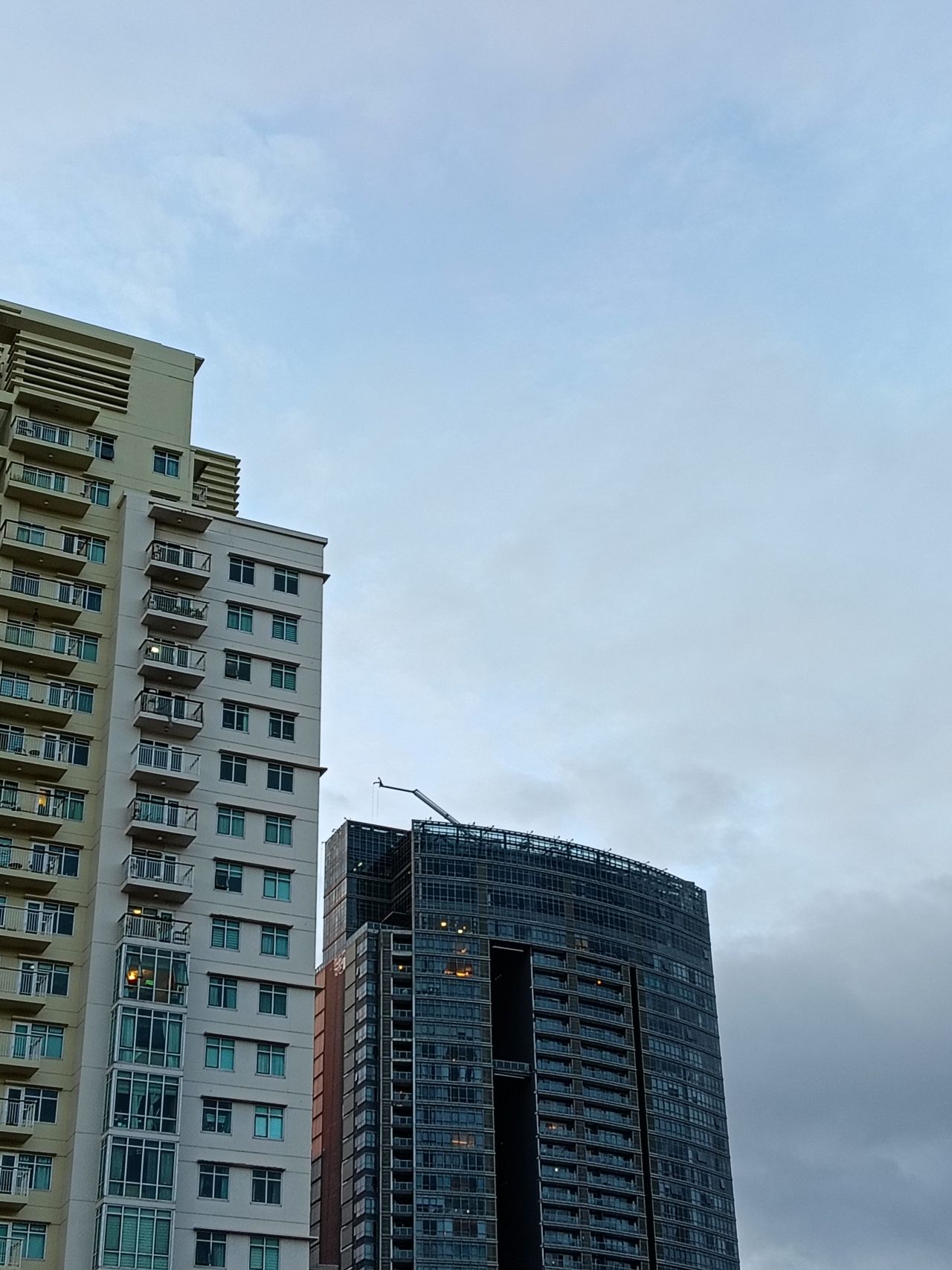
You’ll have to do some editing for added vibrancy. The sharpness and detail are there, but they’re not instantly share-worthy.
To its credit, detail seems to have been improved, especially with foliage. At least, compared to the A5 Pro. There is also depth by default, which is further elevated with Portrait Mode.


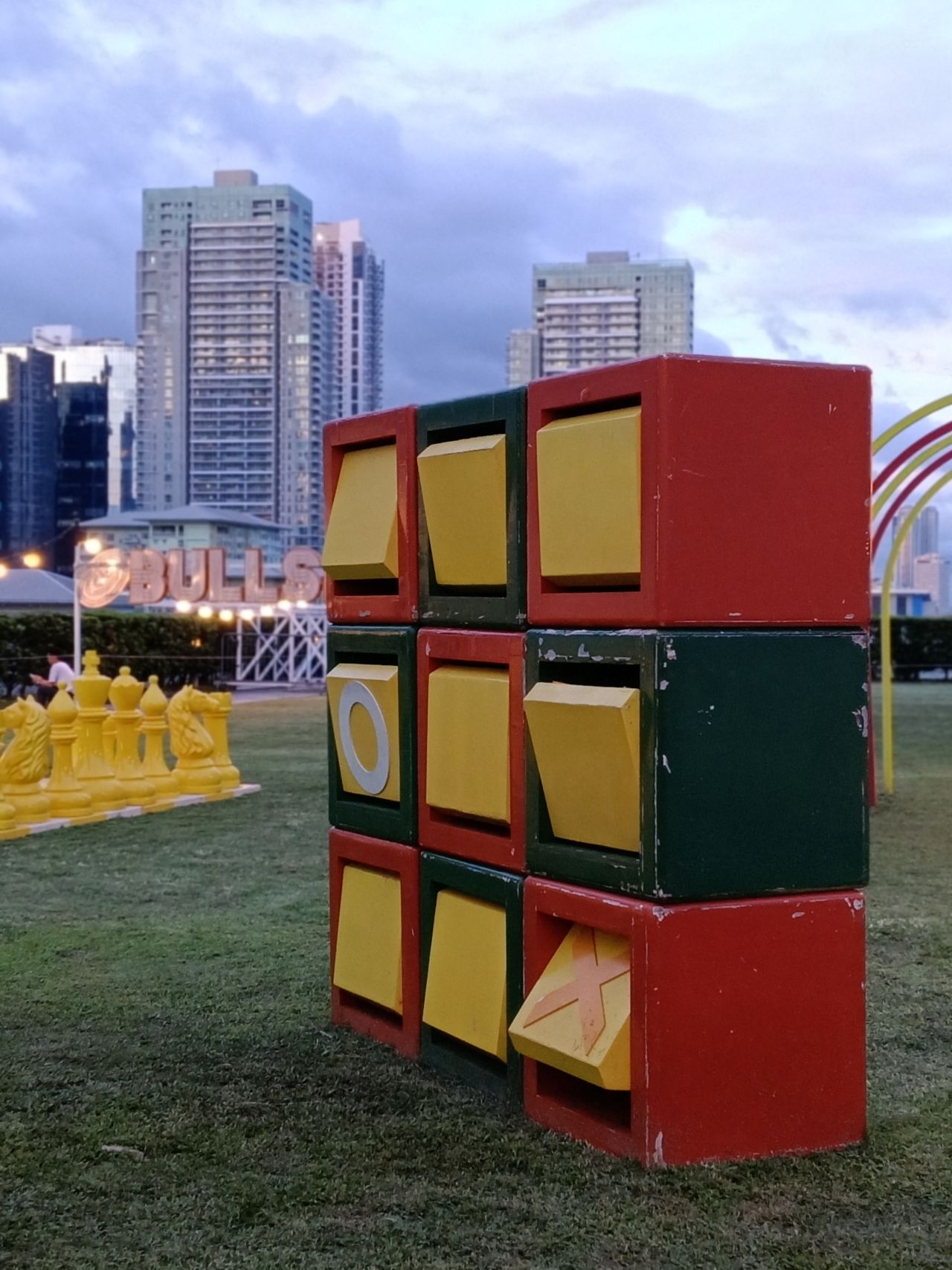



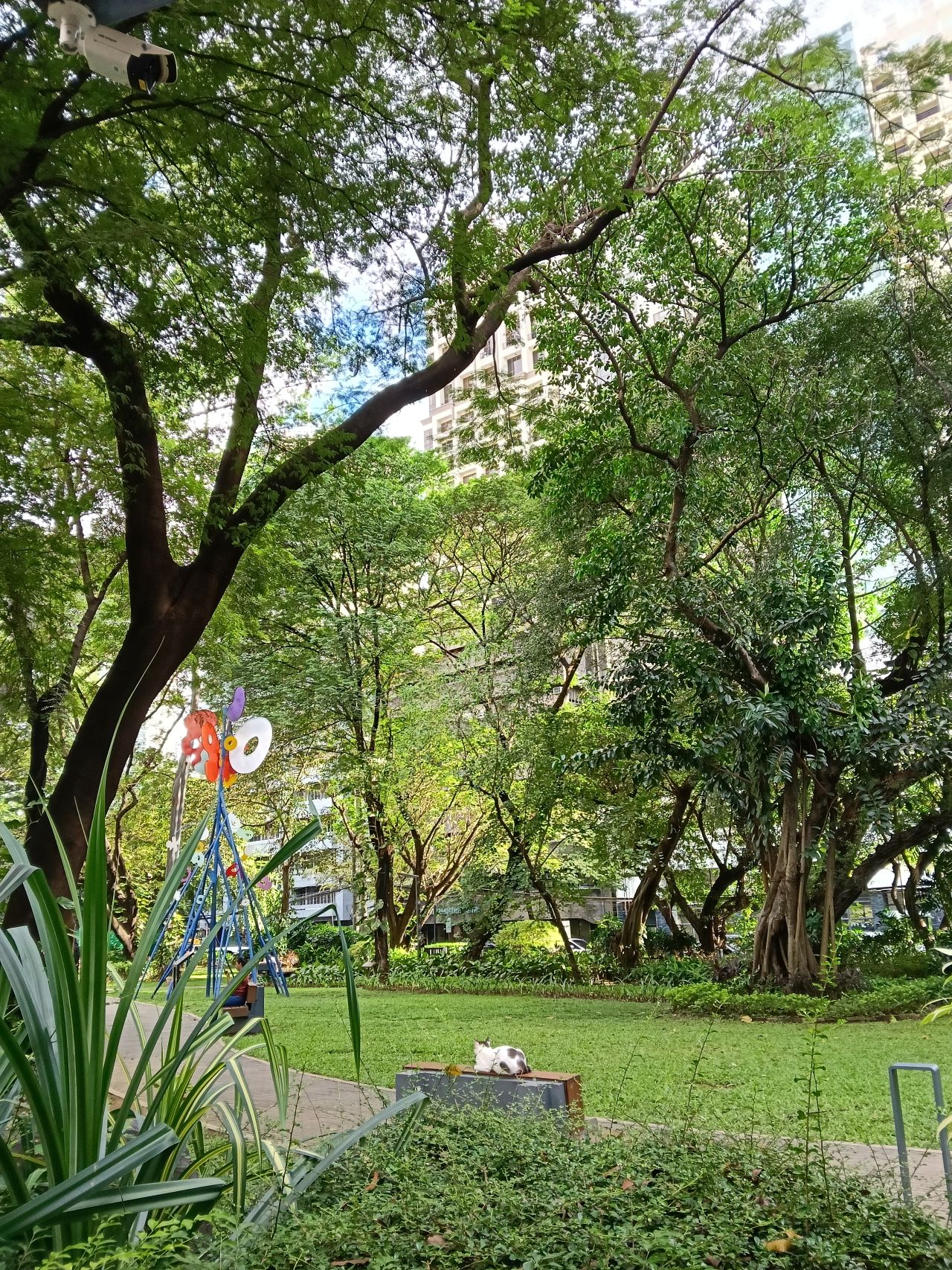














But a waterloo is Night Mode, as well as taking photos of, say, neon signs, candles, or light bulbs. Be wary of backlights or clear skies that might lead to glare or overexposure.
Furthermore, recording videos can be shaky without OIS. I was willing to trade a higher frame rate so long as there was stabilization, so this tool isn’t ideal for budding content creators as well.
Improved feel
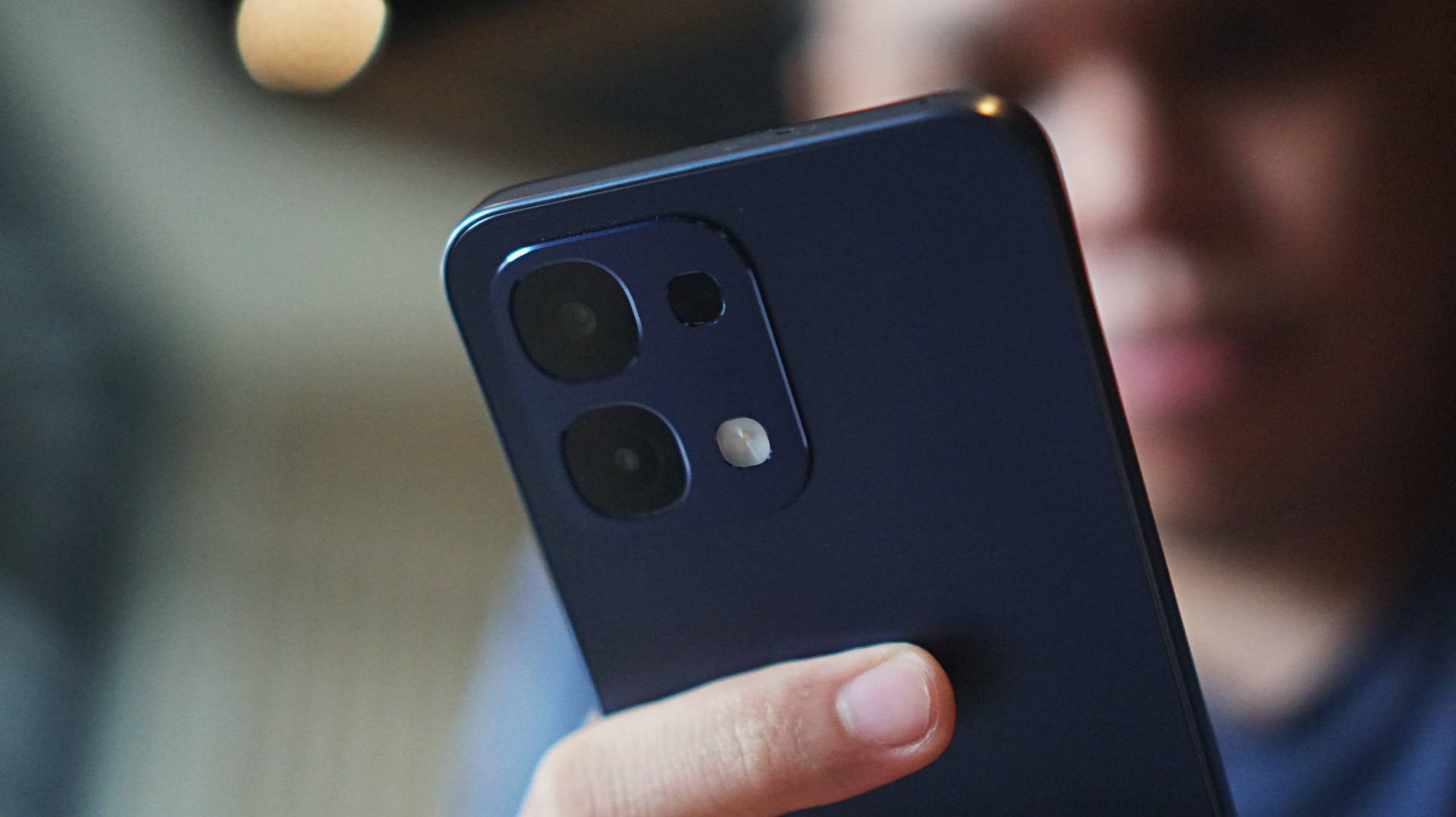
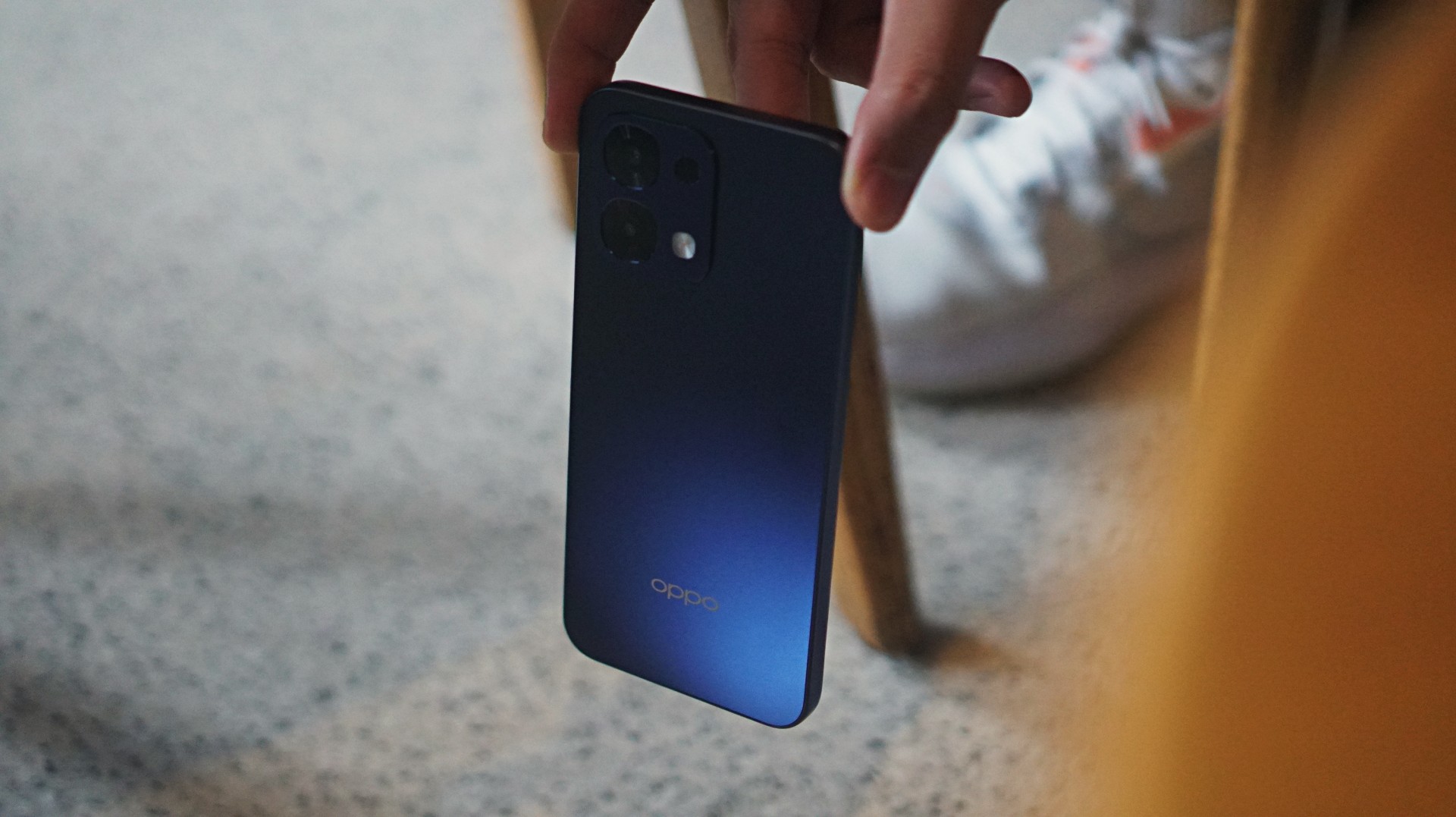
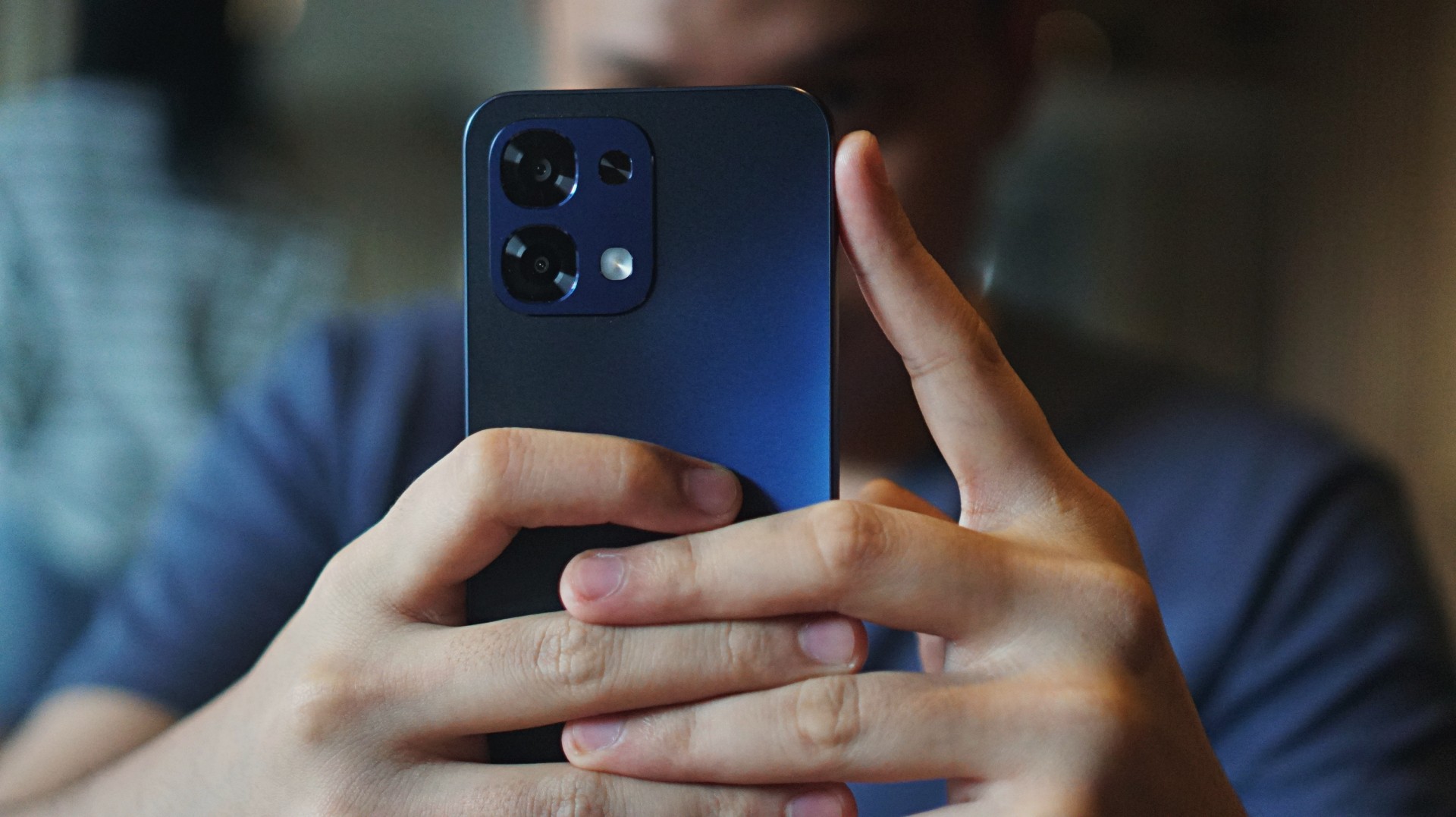
On the positive end, the grip on the OPPO A6 Pro feels a lot better and more secure. The model I got came in Stellar Blue, which blends with neutral-colored outfits.
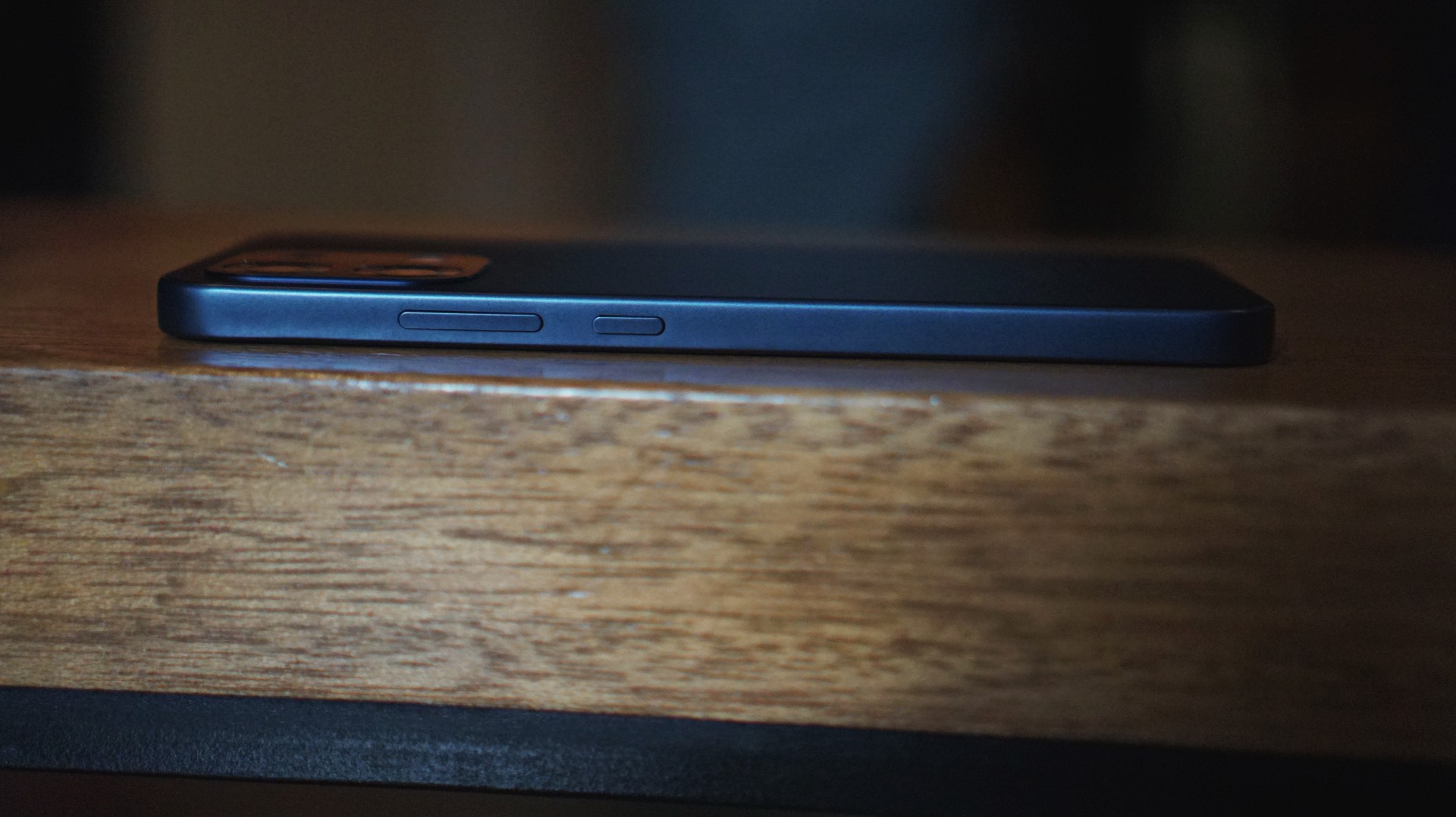
The phone looks squarish on the edges and a bit curved on the corners. I’m not a fan of the latter as they could crop out some gaming UI elements.
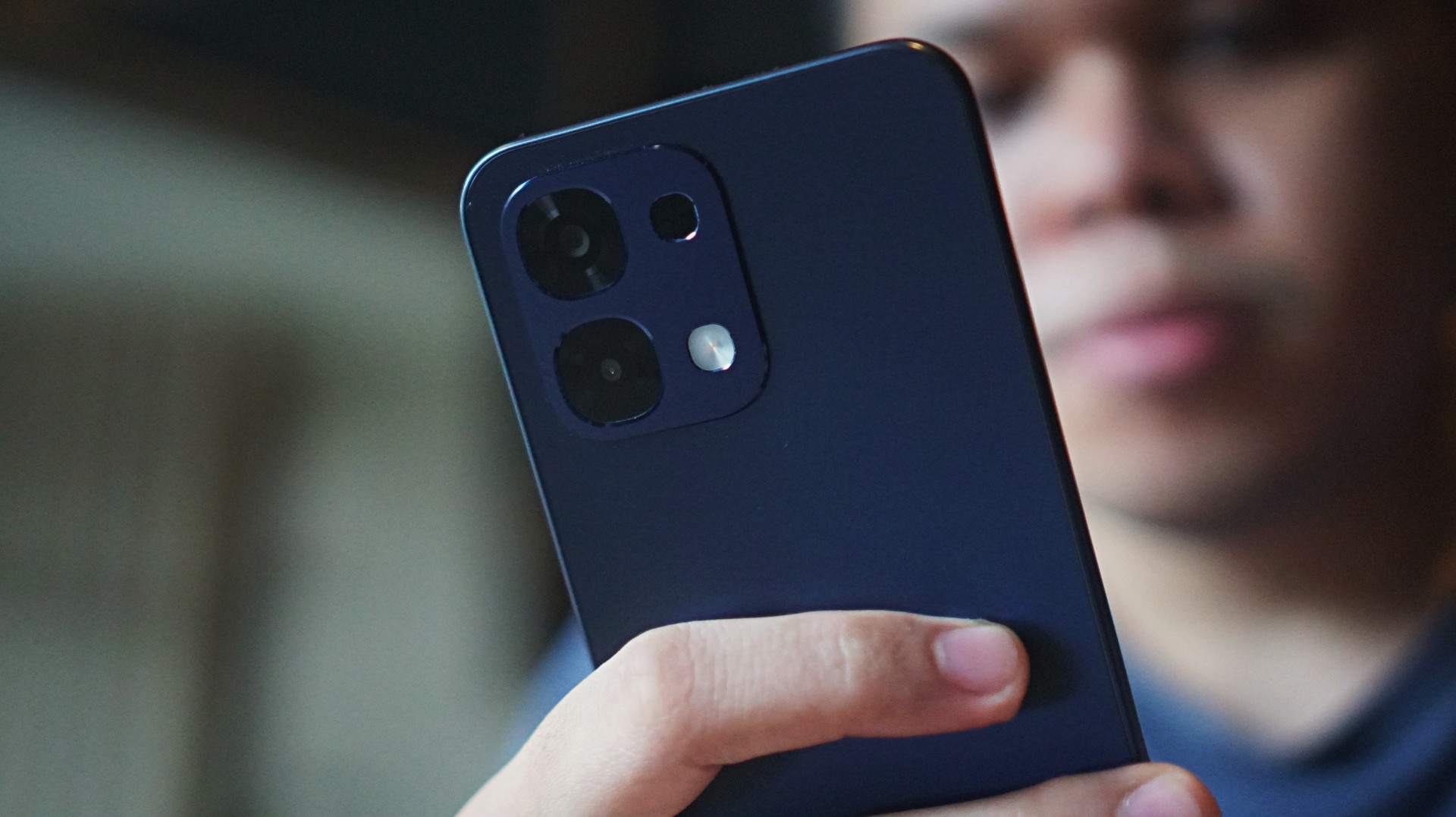
Nevertheless, there is a good balance between being long and thick. The cameras have now shifted to a squarish shape rather than circular.
Bloatware remains, and there’s even more pre-installed apps than expected, which I don’t see the need to use in the future.
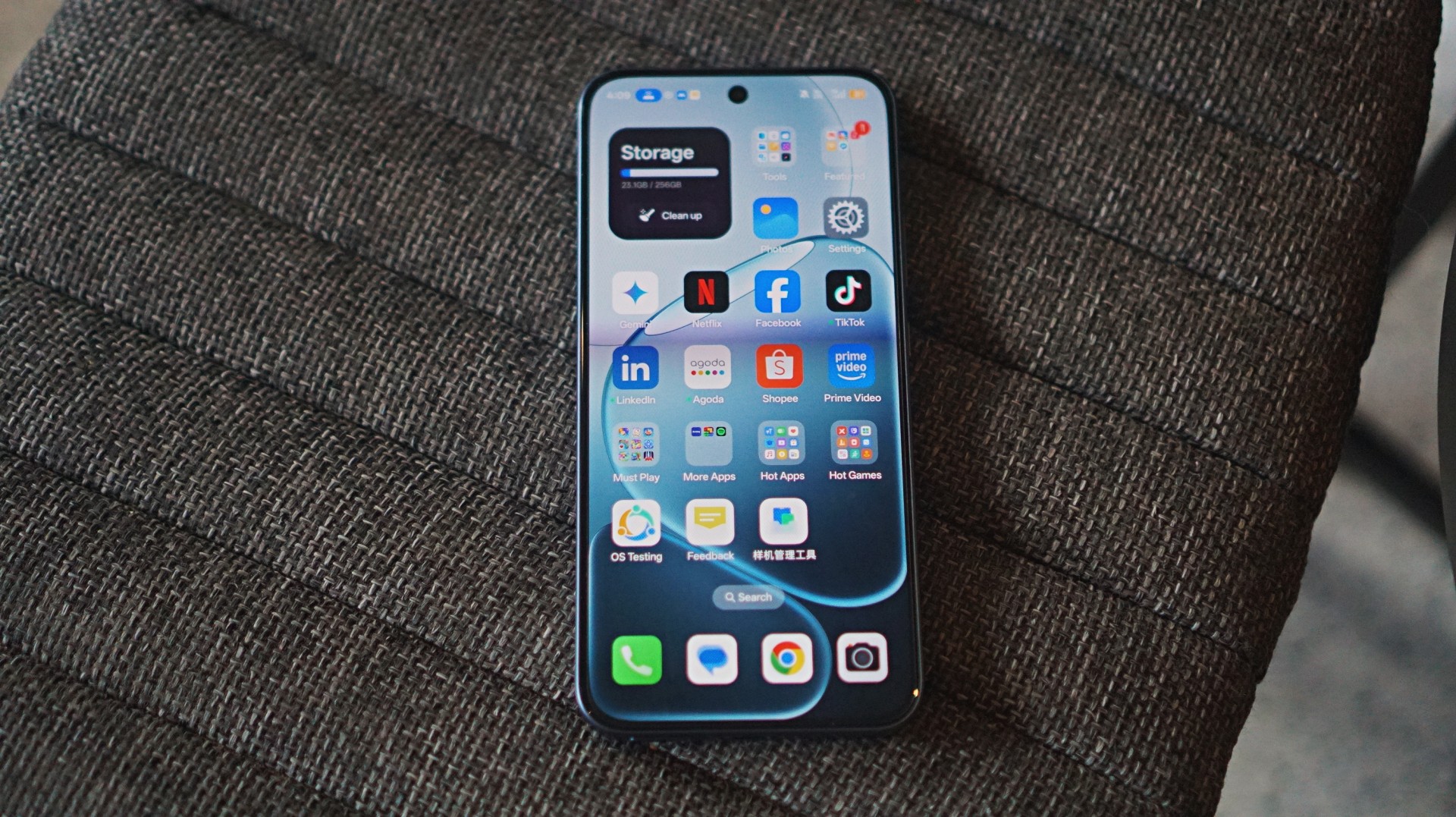
Beyond these, ColorOS looks neat and clean overall.
Is this your GadgetMatch?
There’s no question the OPPO A6 Pro offers an intriguing overall package and still gets a Swipe Right. However, there’s stiff competition in the PhP 12,000 to PhP 15,000 (~US$ 200 to US$ 250) category.
If you have such budget, in my opinion, niche devices at lower prices may be better for gamers. For daily drivers, cheaper phones with larger storage options also exist, if you’re just after function.
Add just a few more bucks and you can get phones with more superior camera packages, including telephoto lenses and better color reproduction.


HONOR Magic8 Pro Stage Mode at a TWICE concert
Good… with room to grow
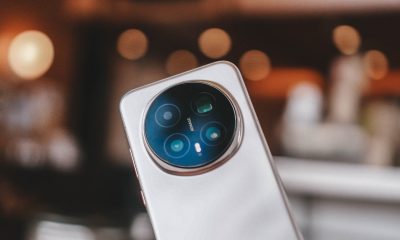

HONOR Magic8 Pro review: What sorcery is this?
Looks incremental on paper. Feels like magic in real life.
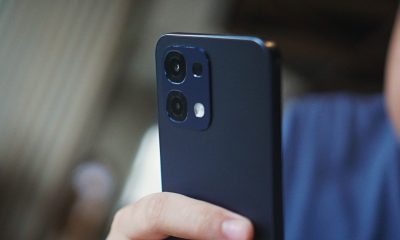

OPPO A6 Pro: Adequate tool, no definitive punch
Ample, all-around, just alright — you name it — but no definitive punch anew

Spotlight: ASUS Zenbook at CES 2026

Sony ships its LinkBuds Fit Hatsune Miku edition to the United States

Apple Creator Studio: Creative apps bundled into single subscription

TNT earns honors at 2025 International Business Awards

Apple gives up on making AI, inks a deal with Gemini to power Siri


-

 News5 days ago
HONOR X9d 5G launches in the Philippines: Price, preorder, availability
-
Reviews2 weeks ago
OPPO A6 Pro: Adequate tool, no definitive punch
-
Reviews6 days ago
HONOR Magic8 Pro review: What sorcery is this?
-
Camera Walkthrough6 days ago
HONOR Magic8 Pro Stage Mode at a TWICE concert
-

 CES 20261 week ago
The ROG Flow Z13-KJP brings your Death Stranding dreams to life
-
 CES 20261 week ago
First Look: Samsung Galaxy Z TriFold
-
 CES 20261 week ago
Samsung thinks AI works best together
-

 CES 20267 days ago
Lenovo Legion Pro Rollable Concept was possible thanks to TCL