
Accessories
Nanoleaf Lines: World’s first customizable backlit light bars
Spice up your home lighting!

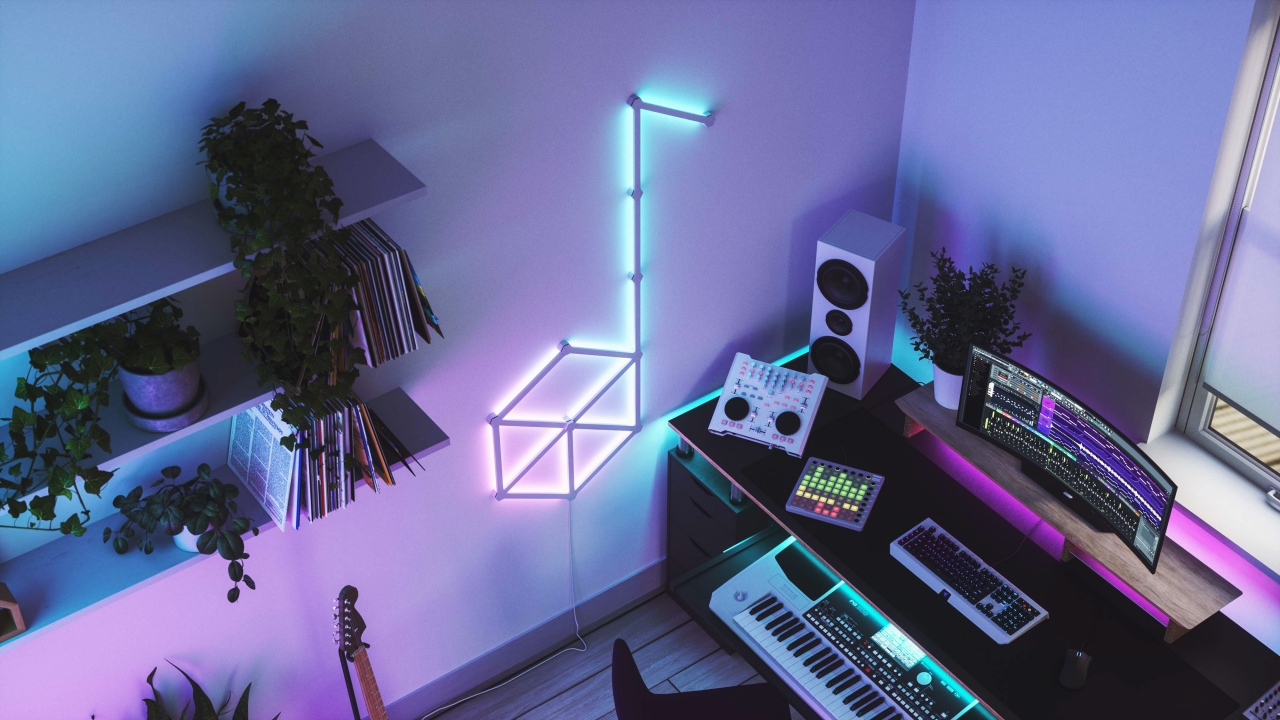
As gamers continue to be trendy and creative when it comes to their setups, Nanoleaf has successfully announced the launch of the world’s first customizable backlit light bars: the Nanoleaf Lines.
Nanoleaf Lines reinvents the idea of mood lighting with ultra-lightweight light bars to create sleek linear layouts, grand geometric shapes and even ceiling setups.
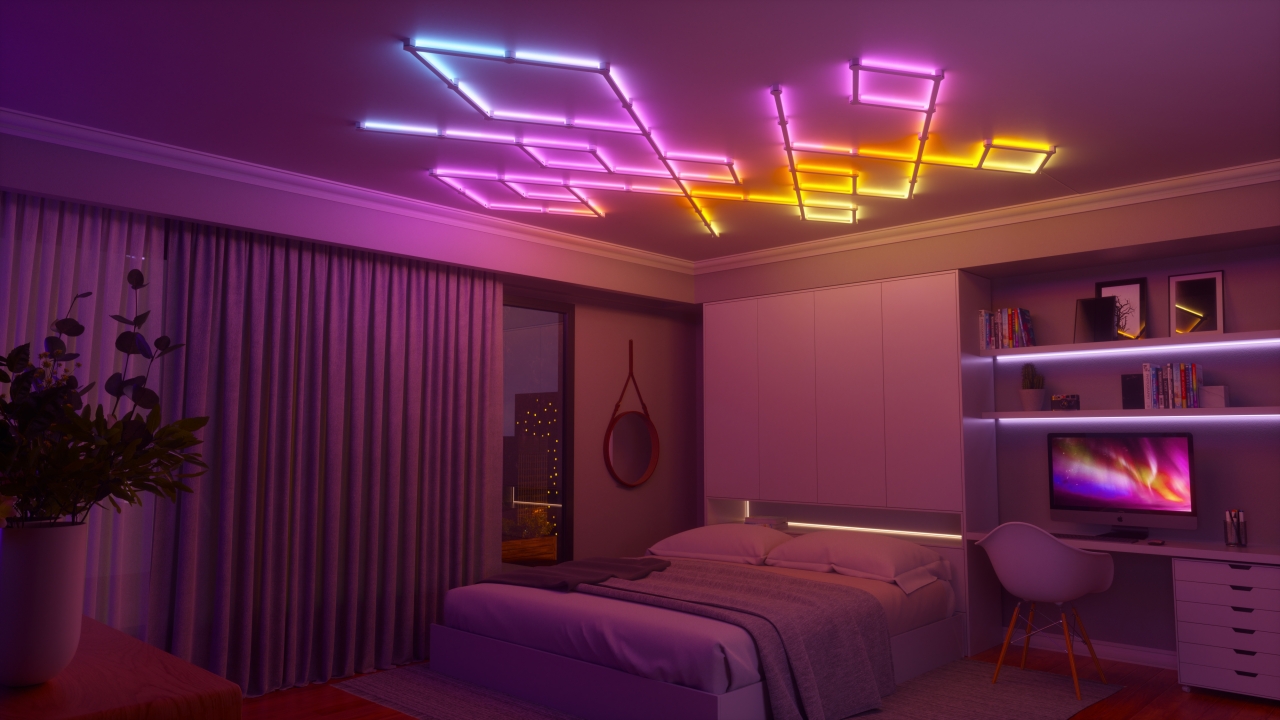
The lines come with 19 pre-set dynamic scenes, as well as seven rhythm scenes that sync with music to give one’s indoor space with mesmerizing lighting scenes to complement their gaming or entertainment experience.
Bringing games to life
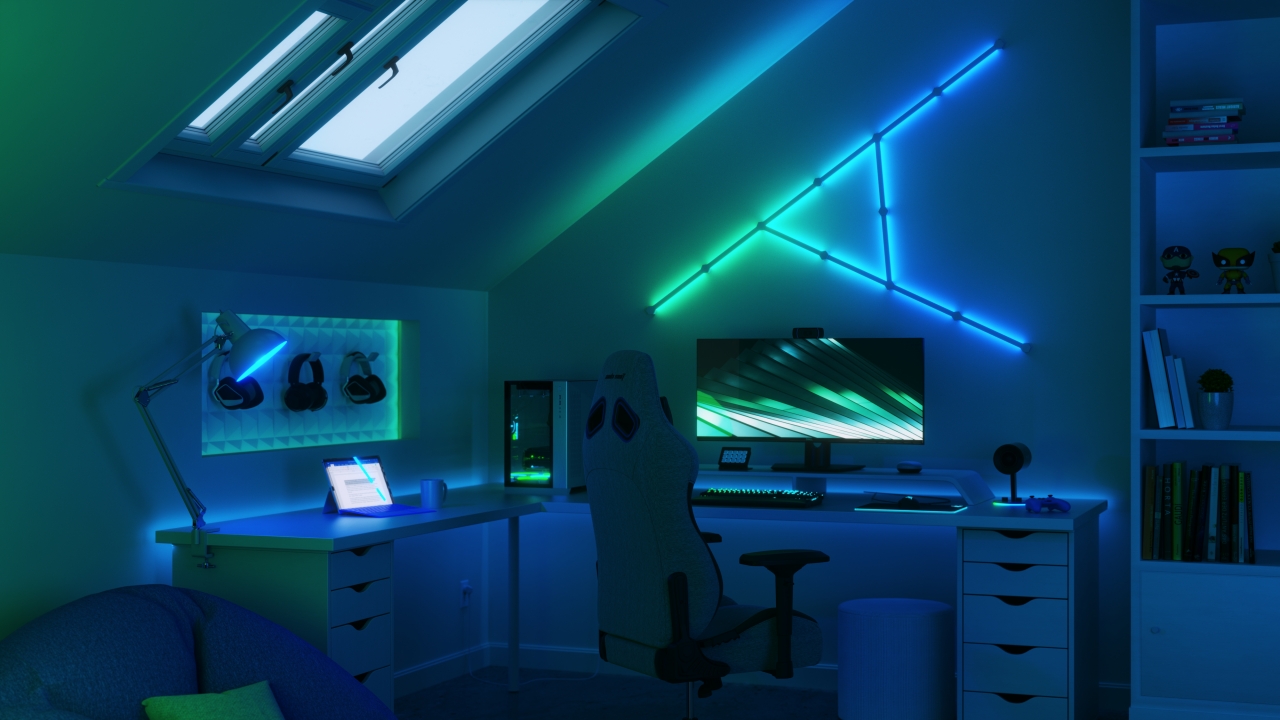
Nanoleaf’s Screen Mirror feature syncs up on-screen colors and animations across the lighting setup, to bring one’s favorite game to life.
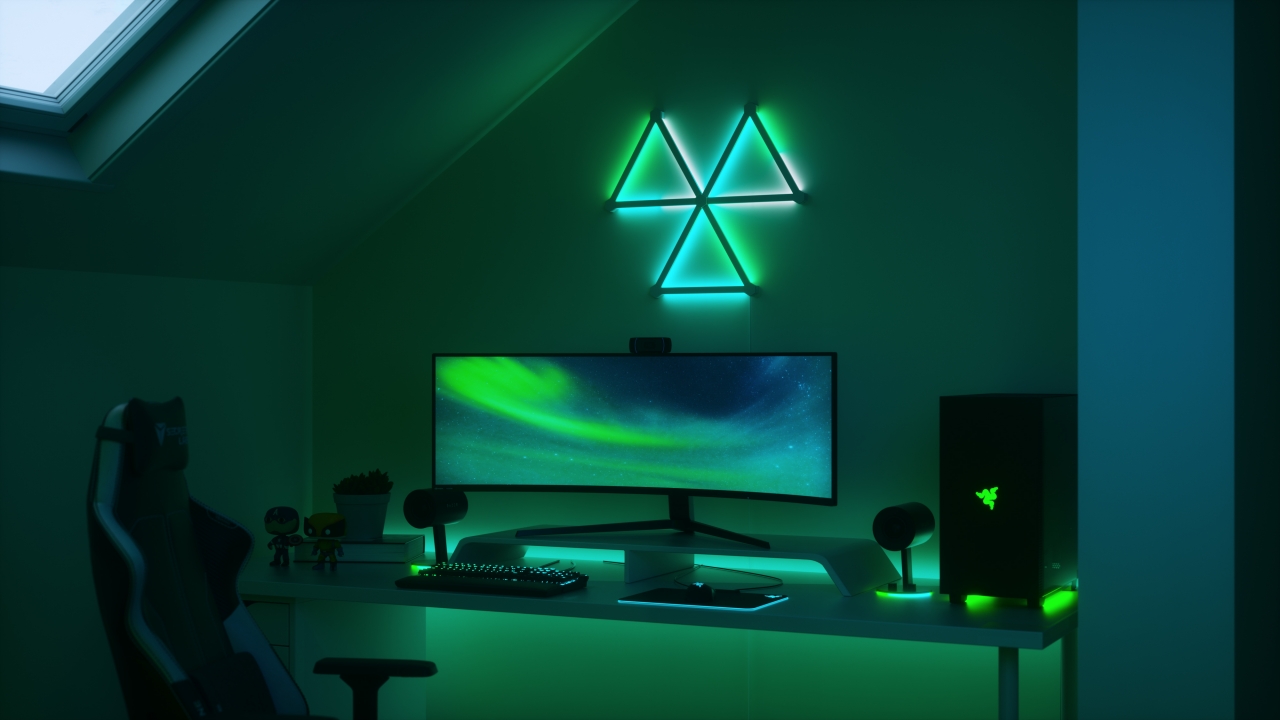
Connect Nanoleaf Lines with Razer Chroma-enabled devices to bring the entire gaming setup for an immersive RGB rainbow display, taking users beyond the screen.
Pricing and availability

Nanoleaf Lines is now available at both online and physical stores below. Smarter kits (9 Lines) retail at SG$ 339 and Expansion Packs (3 Lines) at SG$ 109.
Online stores include Lazada, Shopee, and Amazon.
Physical stores are Brex International (Oxley Bizhub), Synced by District (Plaza Singapura), HipVan Experience Store (Suntec), BHG (Bugis Junction – from 1 December 2021), Takashimaya Level 3, and Omnidesk Experience Studio.





Accessories
Dyson now has its own pricey handheld fan
The HushJet Mini Cool can spin up to a blazing 65,000rpm.


Handheld fans are in again. With the scorching heat bearing down on the country, a portable way to keep cool is an absolute must if you want to last even a few minutes out in the sun. Now, if you have the money, why settle for a plain old JisuLife? Dyson has just launched its own handheld fan called the HushJet Mini Cool.
Ironically, when I see a JisuLife, I already think of a Dyson with its unique design reminiscent of a turbofan engine. With its new handheld fan, Dyson is once again reimagining new ways to deliver wind from one place to another.
The HushJet Mini Cool doesn’t feature Dyson’s iconic circular chamber. Rather, it’s very tubular with an asterisk-like spout to deliver cool air. The brushless motor inside can spin up to 65,000rpm, which translates to air speeds of up to 25m/s.
For reference, the JisuLife Pro 1 spins only up to 15,000rpm. The HushJet Mini Cool has some serious firepower for such a small device.
For functionality, Dyson’s fan has six speeds, which includes a boost mode for those extra-hot days. It can also stand on its own, so it can be a makeshift desk fan if the need arises.
For its insane windspeeds, the fan doesn’t have the most stellar battery life. A single charge is reportedly enough for only six hours of juice. Thankfully, it can be charged via a USB-C cable and a charging stand shipped with the box.
As with most things Dyson, the HushJet Mini Cool costs a pretty penny, setting you back by US$ 99.99. It comes in three colorway options: Stone/Blush, Ink/Cobalt, and Carnelian/Sky (available in May).
SEE ALSO: The JisuLife Outdoor Fan Ultra 1 takes portability to a bigger scale

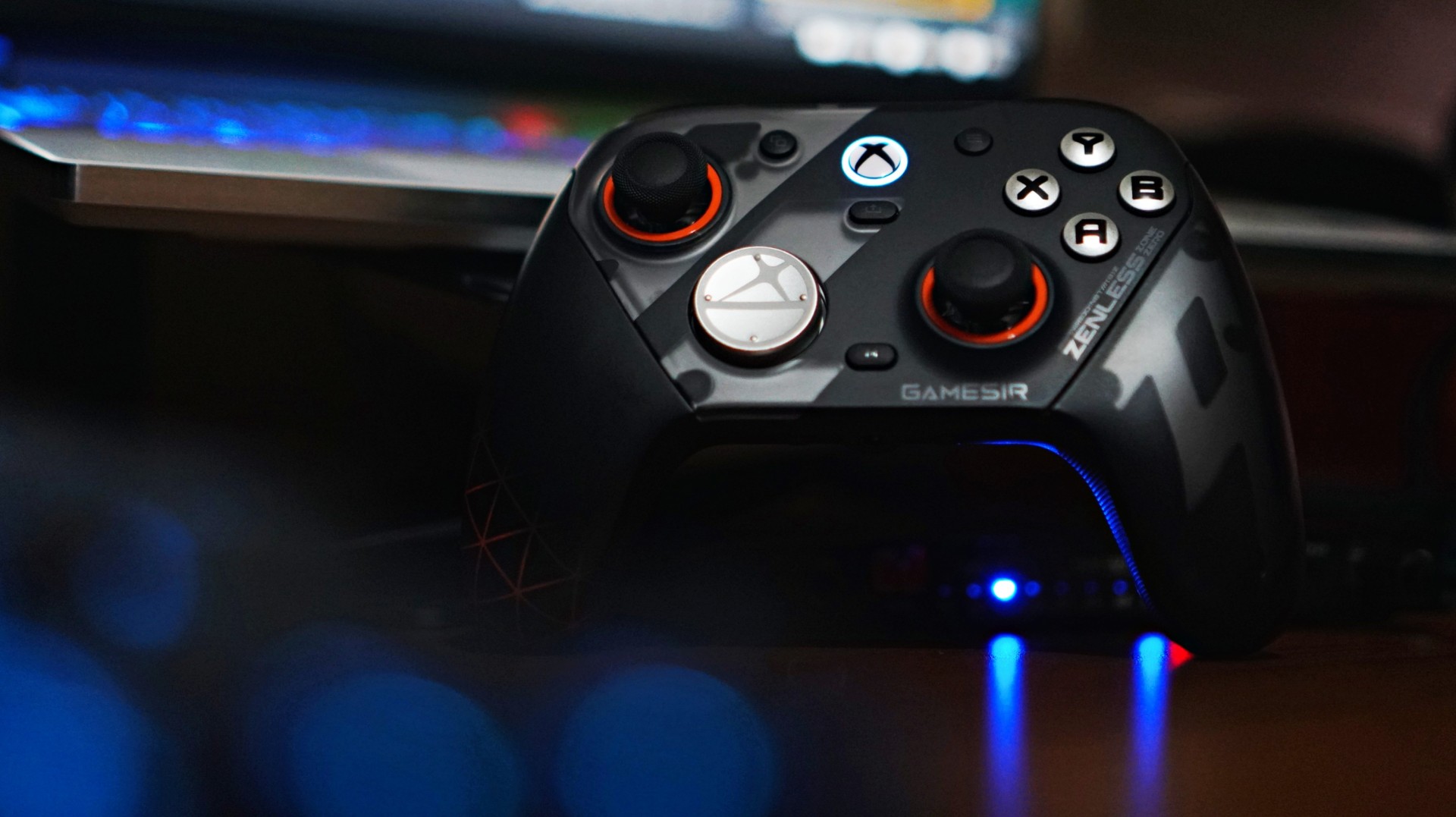
There’s a moment when a new piece of gear stops feeling new. You stop thinking about it. You stop noticing it. It just becomes part of your setup. That’s what happened with the GameSir G7 Pro ZZZ Edition.
I keep saying this about GameSir controllers that I’m starting to sound like a paid shill—but I’m not. The truth is, this is a spectacular controller. It has quietly become my default whenever I game on PC.
And for someone who tends to overthink setups, that says a lot.
I’ve been playing my usual rotation—Sleeping Dogs for quick pick-up sessions, and NBA 2K26 when I just want to zone out. Nothing too hardcore. Nothing too technical. But enough to get a real feel for what a controller is like to actually live with.
And the G7 Pro? It just works.
Familiar, but better
I actually first held this controller at Gamescom in Cologne while playing Honor of Kings: World. At the time, I didn’t even realize it wasn’t a standard Xbox controller. That’s how natural it felt.
It was only during a lull in the demo that I noticed the GameSir branding and went, “Wait, this isn’t first-party?”
That first impression stuck.
gamescom 2025 | GameSir | Honor of Kings: World
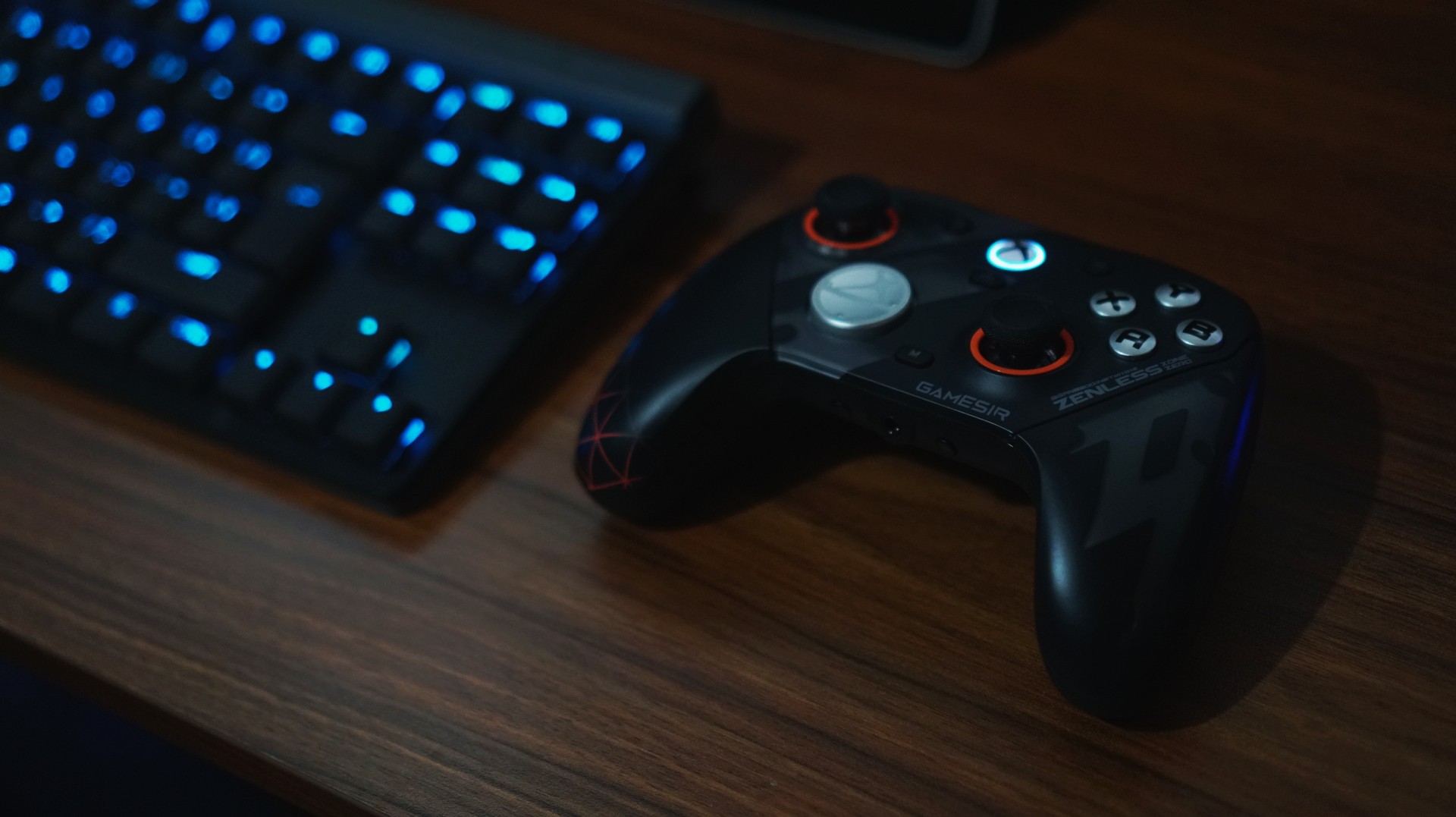
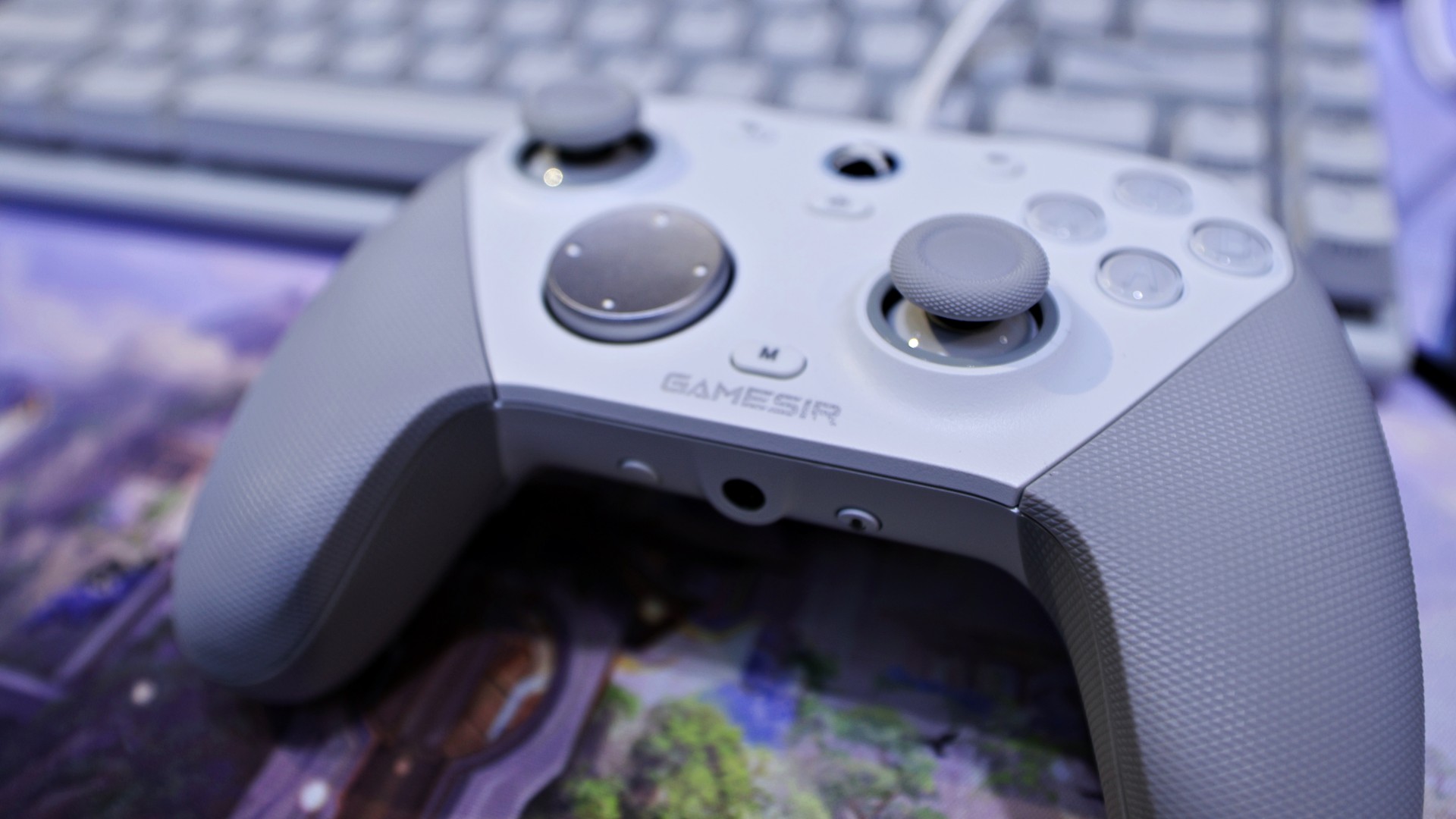
Back home, using it on my own setup, that same feeling carried over. It doesn’t scream premium in the way some flashy controllers do, but it feels solid, balanced, and intentional. The weight distribution is right. The grips feel secure. Nothing about it feels cheap.
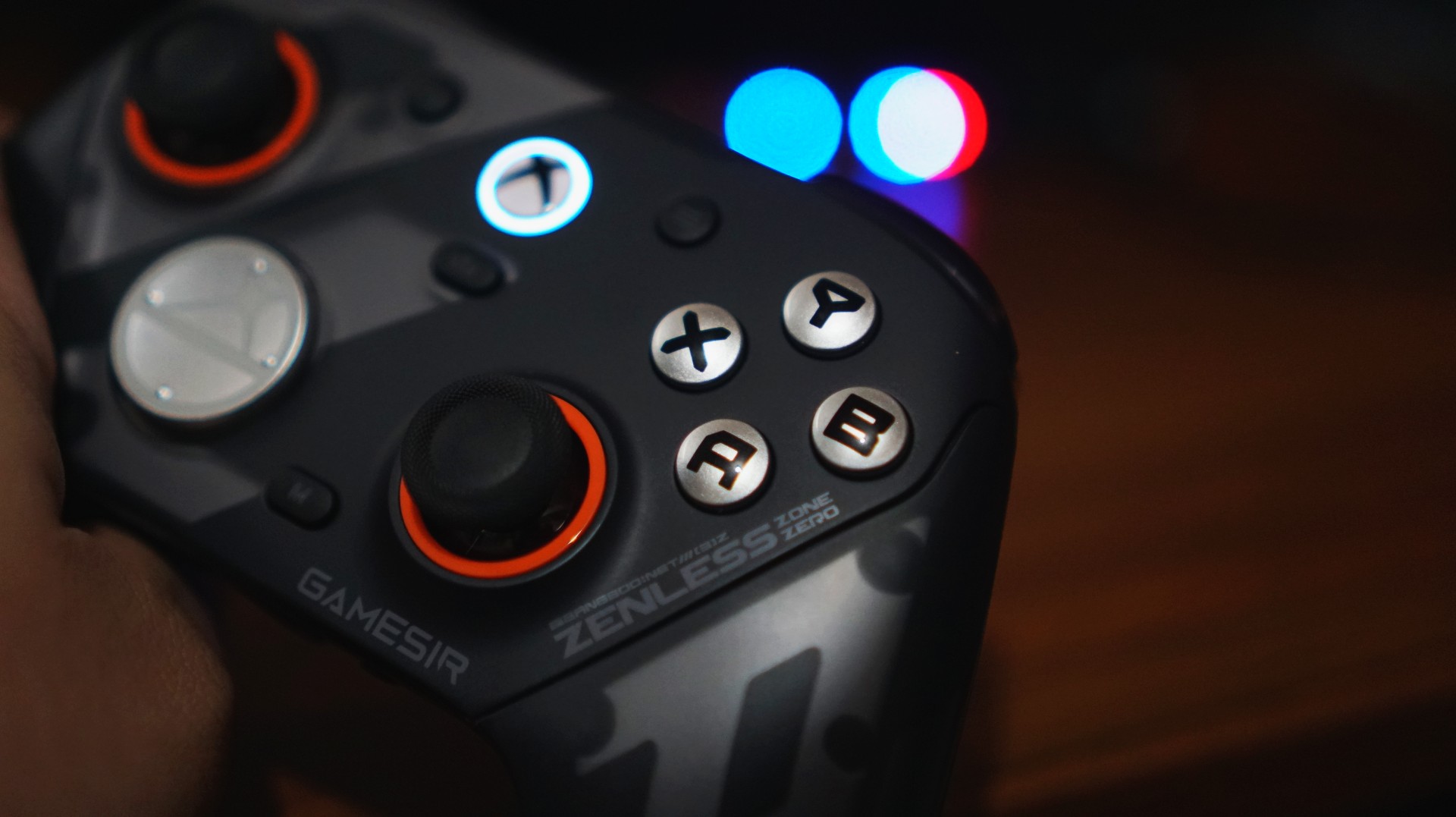
There are small touches here that go a long way, too. I’m a big fan of the orange accents around the sticks—it gives the controller just enough character without going overboard.
Even the ZZZ collaboration design, which could have easily gone full loud and chaotic, feels surprisingly restrained. It still has personality, but it doesn’t scream for attention.
And if you do get tired of how it looks, you can just swap things out. Switching from the default black faceplate to a clear version gives it a completely different vibe. It’s a small thing, but it helps the controller feel fresh over time—like it can evolve with your setup instead of being stuck as one look forever.
It’s the kind of controller you don’t have to adjust to.
Just works, right out of the box
I’ve already broken down everything included in the package in our unboxing reel. But what matters more is this: you don’t actually need to touch most of it to enjoy the controller.
And that’s a good thing.
I like my gear to be great by default. Not something I have to tweak before it becomes usable.
The G7 Pro nails that.
View this post on Instagram
Clicks you can trust
The buttons are one of those things you don’t think about—until they’re bad. Here, they’re not.
They’re not loud. Not distracting. You can play comfortably without feeling like you’re announcing every input to the room. I wouldn’t necessarily game beside someone sleeping, but it’s not something I’d worry about either.
What you do notice is how smooth everything feels.
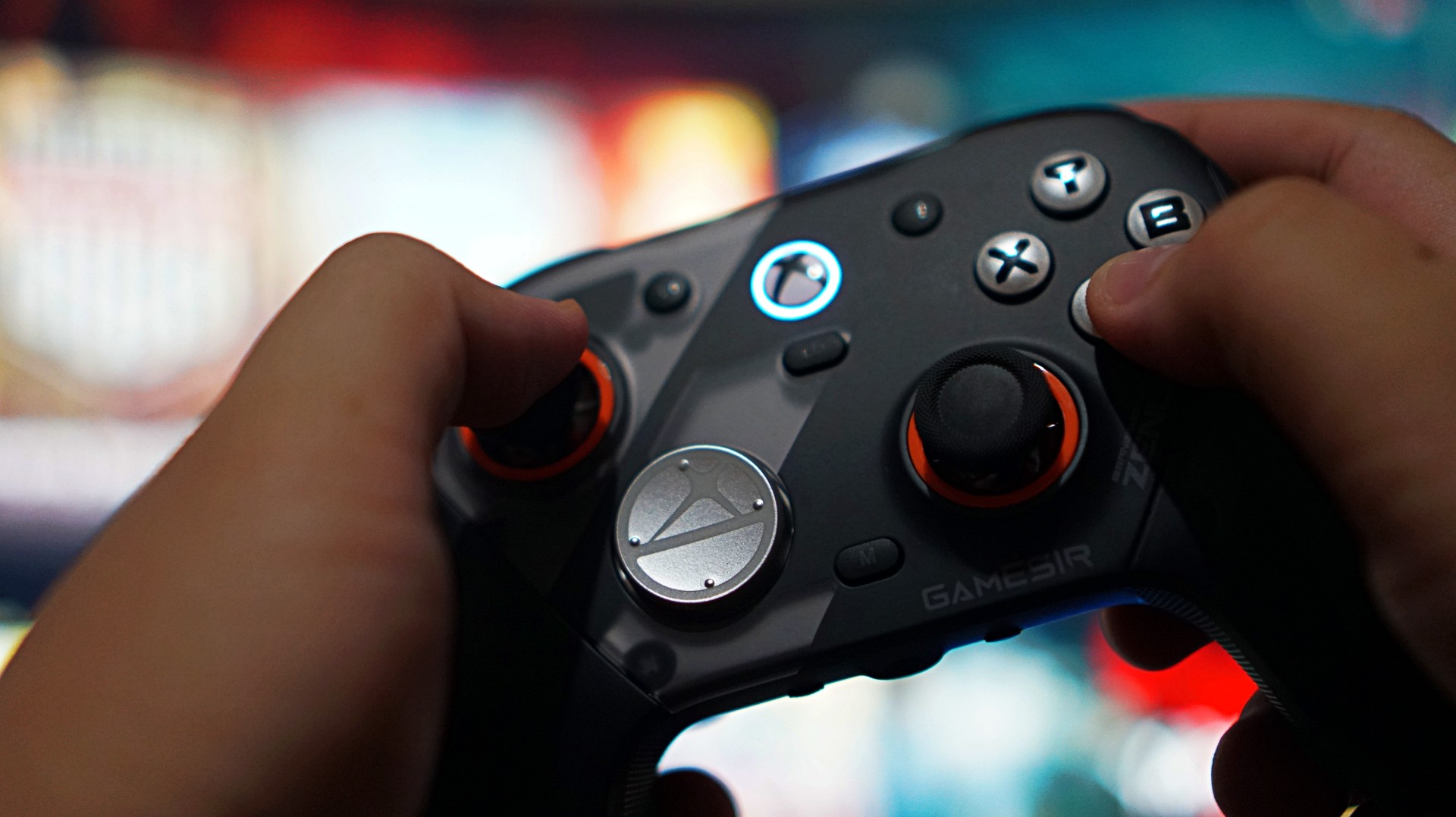
Not necessarily faster than a standard Xbox controller, but more precise. More consistent. There’s a sense of durability to every press, like it’s built to take repeated inputs without wearing down. It’s subtle. But it adds up.
The only thing I didn’t vibe with was the default circular D-pad. It’s not bad—it’s just not for me. Good thing there’s a more traditional option in the box. I swapped that out eventually– after these photos were taken.
When control actually matters
If there’s one moment that sold me on the G7 Pro, it wasn’t in a shooter. It was in NBA 2K26. I usually play a more system-heavy game. Move the ball. Run plays. Keep things controlled.
But with this controller, I found myself leaning into isolation. More dribble-heavy possessions. More one-on-one situations. Not because I had to—but because I felt like I could.
The sticks felt reliable enough to handle it. No hesitation. No second guessing. No fear of drift creeping in. That confidence changes how you play.
And that’s when you realize a controller is doing something right.
Triggers built for a specific kind of player

The triggers are interesting. They come with locks that turn them into near-instant inputs—perfect for competitive shooters. And to be fair, they work. But for me, they feel a little too shallow.
There’s barely any travel, to the point where it almost feels like you’re not pressing anything at all. That’s great if you’re chasing faster reaction times. Not so great if you prefer a bit more feedback.
This is one of those features that will either click with you immediately or not at all. If you play a lot of shooters, you’ll probably love it. If you don’t, it’s easy to ignore.
More control than I actually use

Customization is a big part of the G7 Pro’s appeal. Swappable D-pads. Magnetic faceplates. Extra buttons. Back paddles. It’s all there.
You can see everything included in our unboxing, but the short version is this: it gives you a lot of control over how you want to play.
Personally, I didn’t use most of it.
I tend to stick to default layouts, especially since I jump between platforms and want to keep my muscle memory consistent. The extra buttons can feel a bit overwhelming if you’re not into tinkering.
But that’s the thing—you don’t have to use them.
You can explore at your own pace. Or ignore them completely. And the controller still feels complete.
Seamless where it matters
I mostly used the G7 Pro wired on my Legion 7i. Setup was easy. Plug it in, press the Xbox button, and it just works. No weird pairing issues. No friction.
Any hiccups I ran into were more on Windows than the controller itself. That reliability matters more than any spec sheet.
A controller that fits into your routine

Battery life was never really a concern for me.
Partly because my gaming sessions have been shorter lately—quick bursts here and there. But also because it just didn’t feel like something I had to constantly think about.
I didn’t use the charging dock much yet since I’m still reworking my setup. But I do want to make space for it eventually. It looks good, and it fits the kind of “drop and go” routine I prefer.
For now, I’ve just been using my UGreen Nexode charger alongside everything else on my desk. Not ideal, but it works.
Not perfect—but close
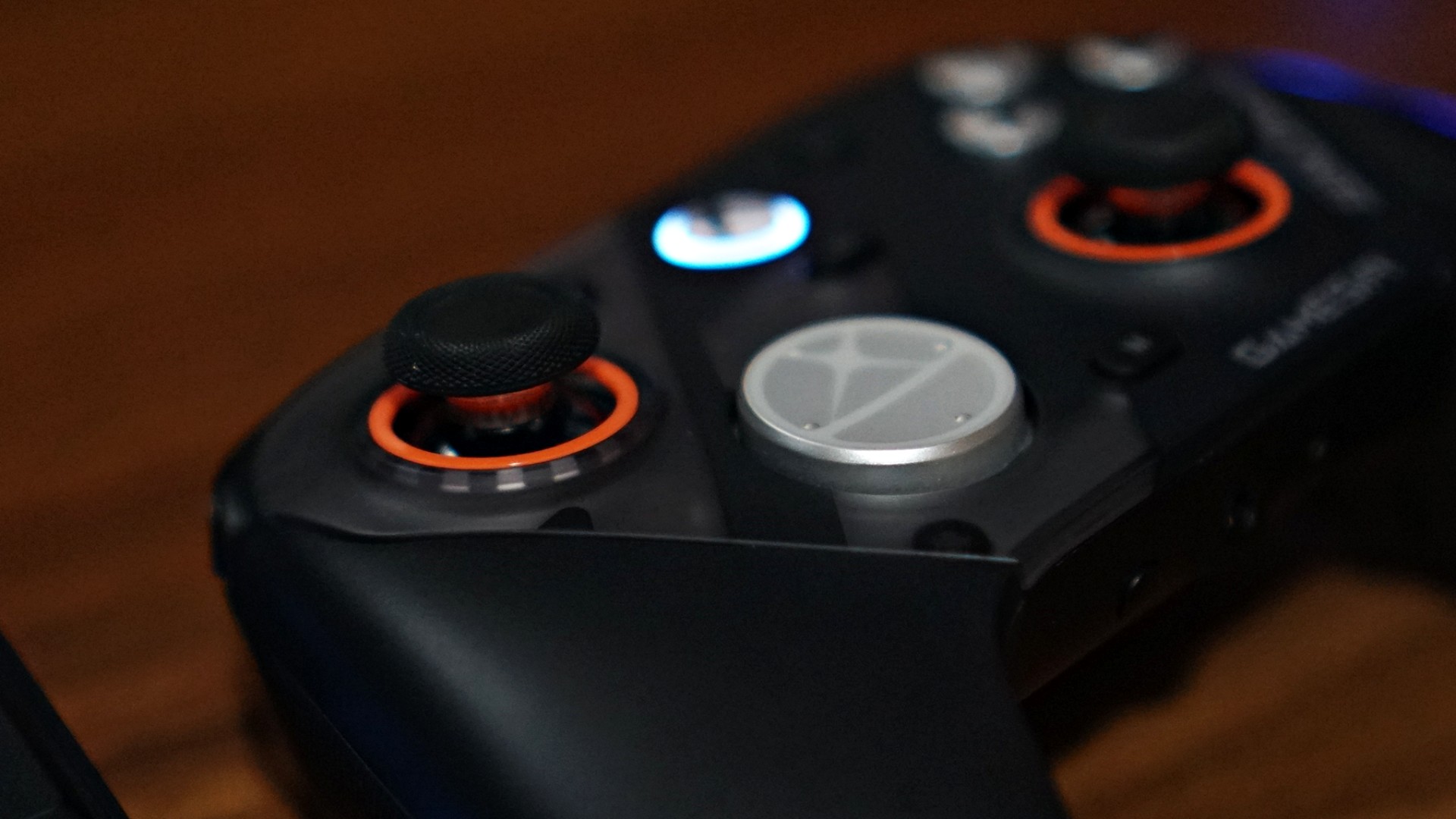
If I had to nitpick, it really comes down to two things.
The default circular D-pad isn’t for everyone. And the extra buttons might feel like overkill if you just want a straightforward experience.
That’s it.
Everything else feels dialed in.
Is the GameSir G7 Pro ZZZ Edition your GamingMatch?
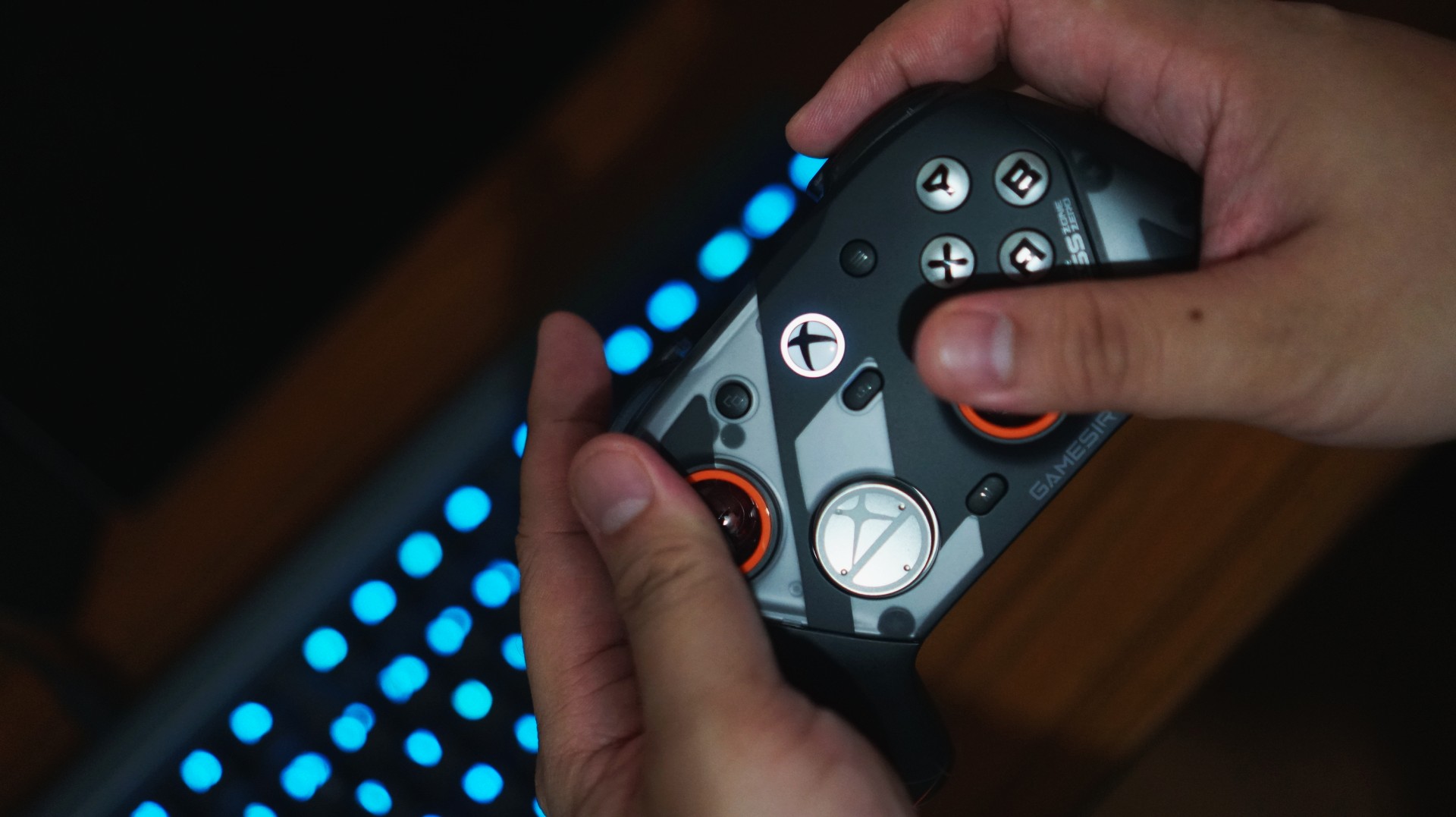
I think the reason I enjoyed using the G7 Pro so much is simple. I’ve already assigned it a role. This is now my go-to PC gaming controller.
As someone who leans PlayStation, the DualSense is still king for me overall. That’s years of muscle memory and familiarity. It’s hard to replace.
But having a dedicated controller for each platform removes friction. It clears space in your head. And the G7 Pro does that effortlessly. From here on out, it’s going to be the standard I measure other PC gaming controllers against.
And that might be the biggest compliment I can give it.
Accessories
Homture Magic Frame: Reliving wedding moments you didn’t get to see
Bring memories back to life, even the ones you weren’t present for

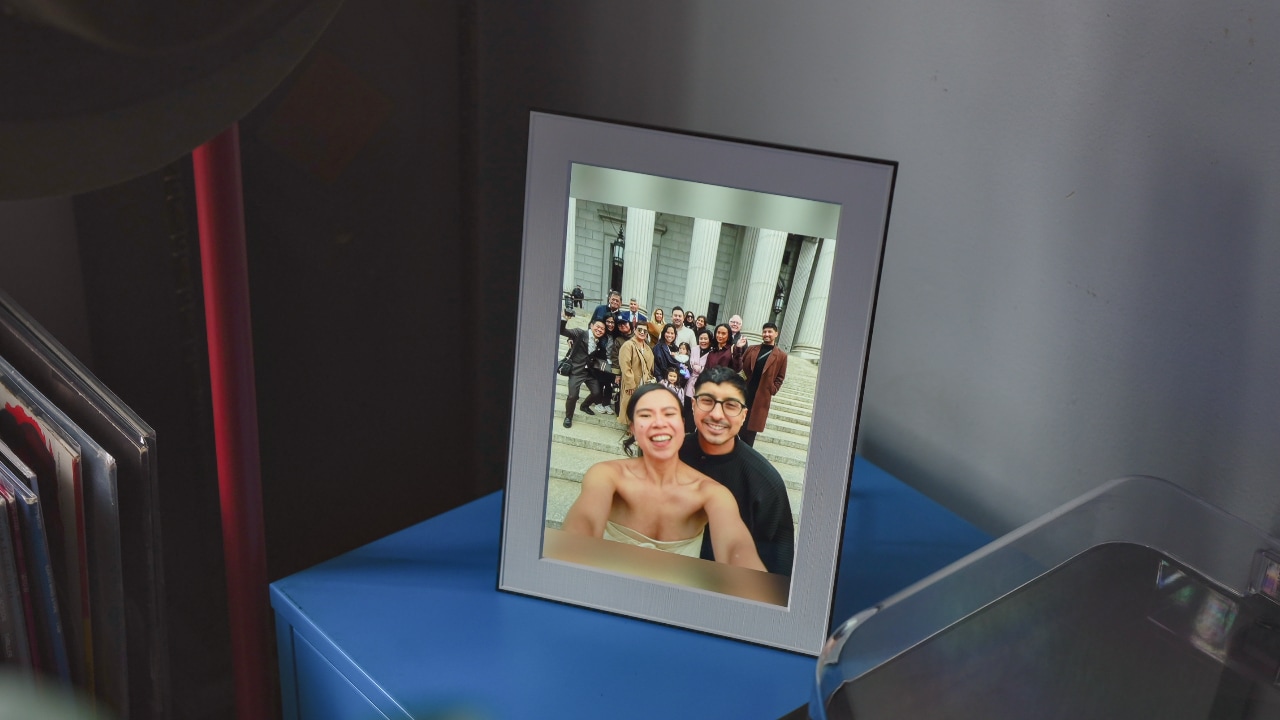
Brides say it all the time: savor every moment, because your wedding day quickly becomes a blur. Months go into planning every detail, only for it to fly by in what feels like minutes.
Between the ceremony, conversations with friends, and the after party, there are moments you will miss — no matter how big or intimate the celebration is.
The Homture Magic Frame came to my life at a perfect time. It offers a way for me to experience those in-between moments that didn’t fully register in real time, while also bringing back the ones worth holding onto.
Understated design
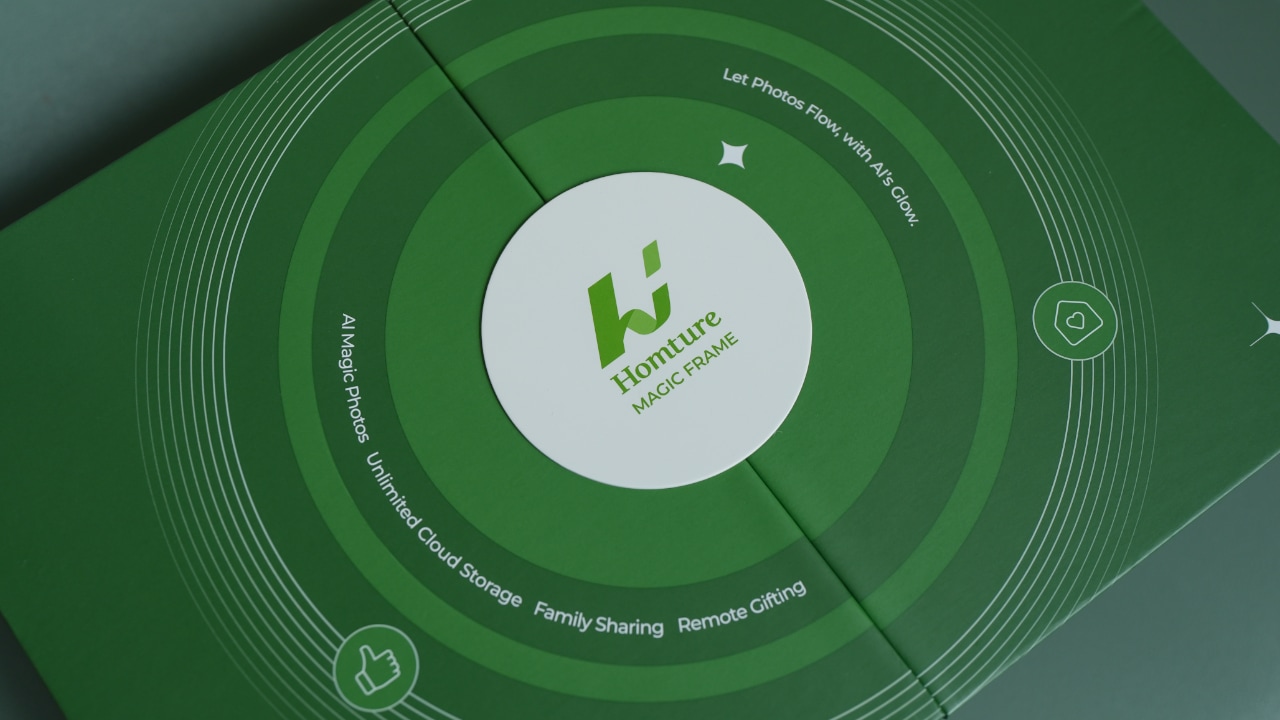
Before even turning it on, Magic Frame already feels like something special. The packaging leans premium; it feels like a gift right out of the box.
Setup is simple. The companion app is intuitive and easy to navigate, so going from unboxing to seeing photos on the frame only takes a few minutes.
The 10.1″ screen is fast and responsive, which made setup feel smooth. It’s bright but not blinding, and its anti-glare coating is a nice add-on especially as we get more daylight this spring. It ticks everything you’d want from a digital frame.
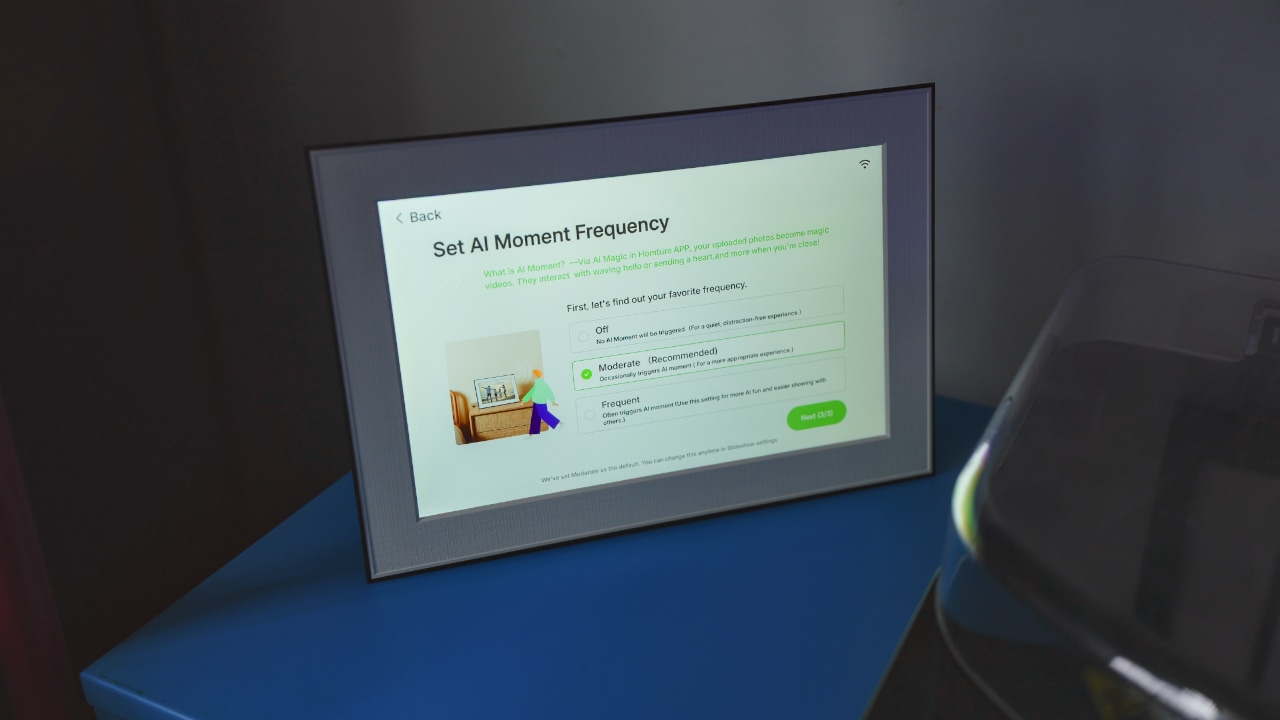
The design is clean and modern: a white mat paired with a thin black frame in a basic rectangular shape. The mat makes it look more like a real frame than a generic Android tablet.
While the modern look fits easily into most spaces, I would have loved customization options. As someone who has artwork all over her home in different shapes, sizes, textures, and colors, what’s missing in the digital frame market is fun. There are many options that look exactly like it.
Curved, rounded edges, irregular shapes and textures, or matching frame colors and mats — brighter tones or an all-chrome look are both trending right now. A quirky design could have helped it stand out more.
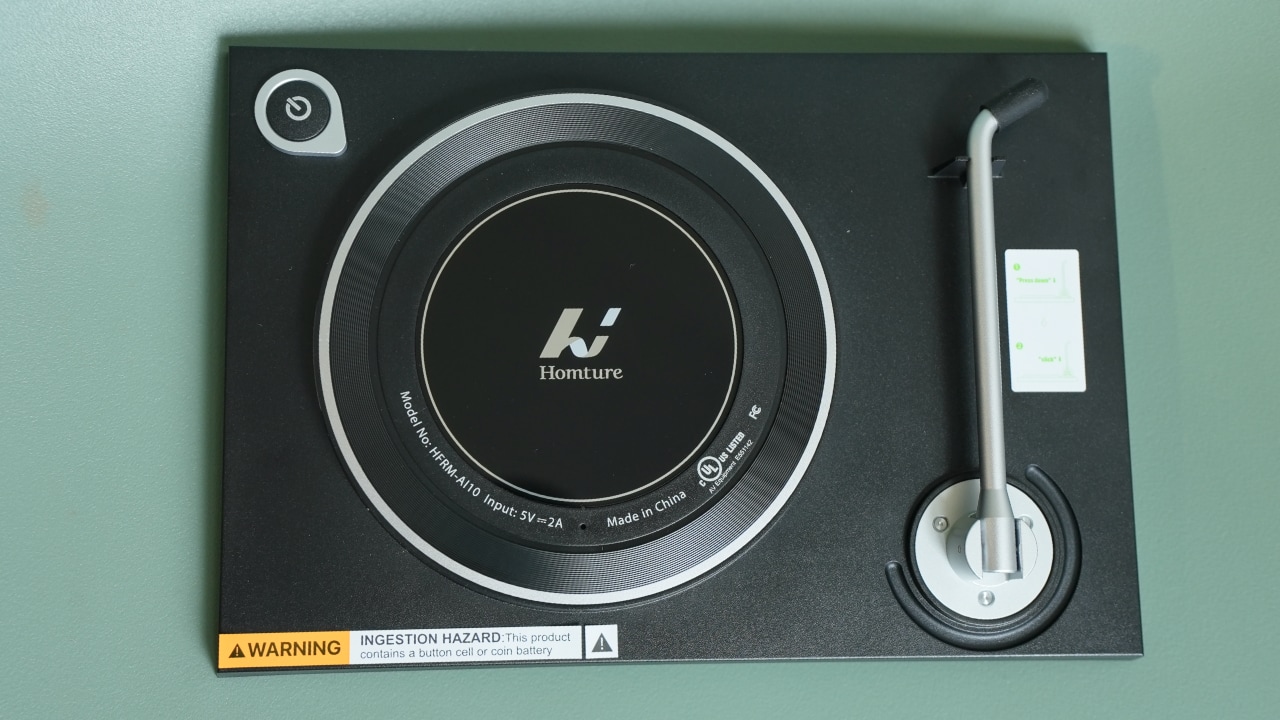
One subtle detail that I really liked is the back design. It resembles a turntable: the kickstand looks like a tonearm, the internal layout is circular like where a record would sit, and even the power button looks like that of a typical record player. It’s a thoughtful touch, even if it’s not something you’ll ever look at.
Bringing memories to life
What makes Homture Magic Frame different from most other digital frames, is it uses AI photo-to-video technology to animate still images. Within minutes, a photo becomes something more alive.
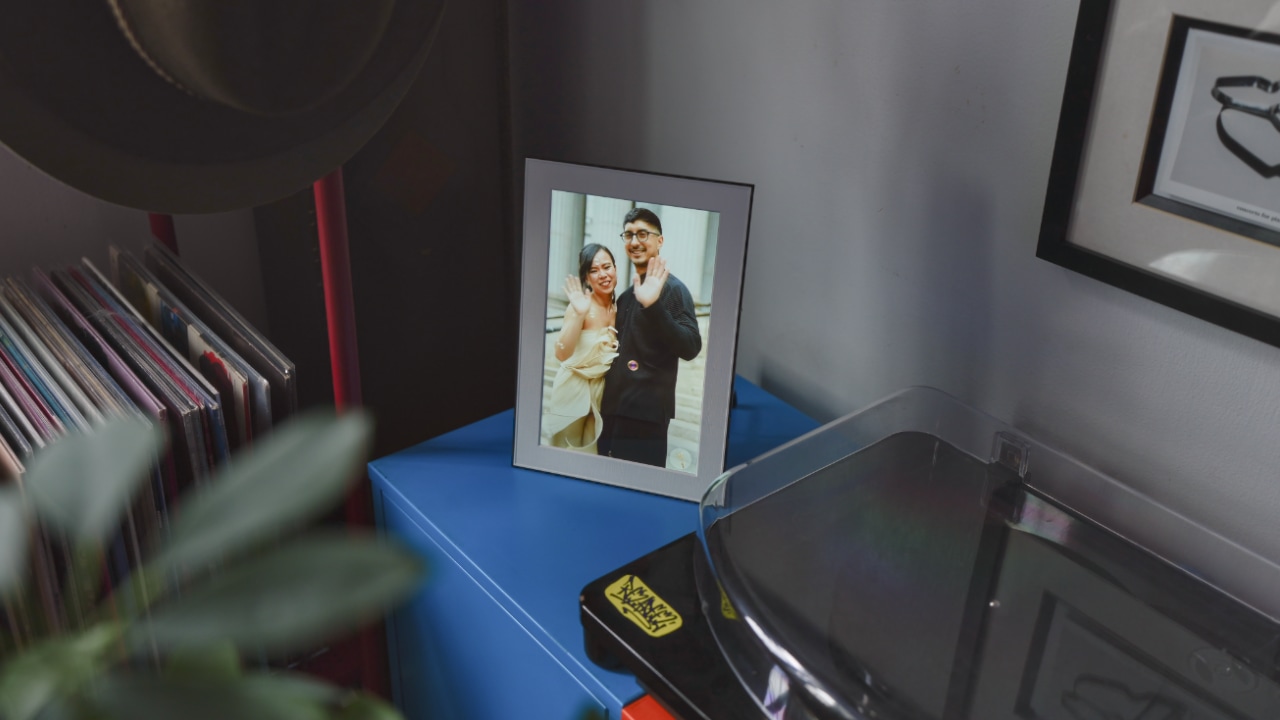
Right now, the options are very limited. During testing, I tried “Duo” which creates a short clip of two people waving at the camera.
Magic Frame comes with 200 credits out of the box, with each animation costing 100. It’s a fun feature, though a bit early for me to consider paying for more. I’m not sure I want to see more videos of people waving hello or converting ourselves into claymation-looking cake toppers.
Before the wedding, I asked my friends to capture emotion and motion — more candid moments, less posing, even if the results are blurry. The goal was to remember how the day actually felt.
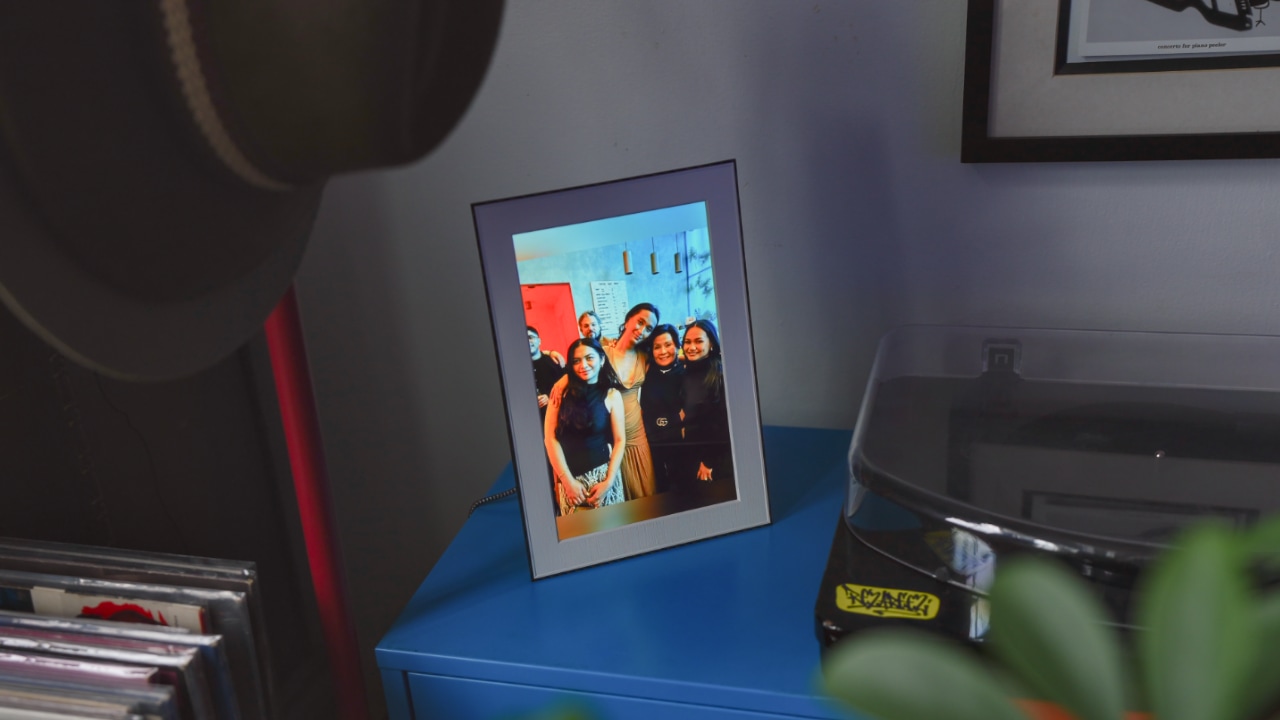
My friends more than delivered, and Magic Frame has allowed me and my husband replay those memories. It reveals moments that we weren’t present for that day. Different friend groups meeting for the first time, a parent getting emotional over a letter, small interactions happening across the room while our attention was elsewhere.
A frame that feels aware
An unexpected highlight is how interactive the frame feels. With a built-in motion sensor, Magic Frame responds when someone walks by, almost like it’s acknowledging their presence.

As I’m still on cloud 9, there’s something special about passing by and catching a moment from the wedding that subtly comes to life, without needing to reach for my phone. It turns a passive activity into something more immersive.
While it’s great as it is, I do wish that photos did not shuffle as quickly, or that the transition was more subtle — things that can be updated later via software.
Keeping every memory in one place, not just the highlights
After the wedding, photos start coming in from everywhere — friends, family, group chats.

Magic Frame makes it easy to bring everything together. With unlimited cloud storage and 64GB of local memory, it holds more than just my favorite photos of me and my husband. The candid moments, shiny dresses, high heels, the toasts, the bubbles and the people who made the day special — all of it lives in one place.

Through the app, friends and family can also upload their own photos directly. It’s an easy way to involve everyone, and sometimes new memories pop up unexpectedly on a random day. Instead of a perfectly curated album, I love that it has become a shared collection of perspectives from everyone who was there.
A more meaningful way to look back
There’s still that post-wedding feeling — wanting to hold onto every memory before it fades. Instead of doom scrolling through my camera roll, Magic Frame has given me a reason to pause.
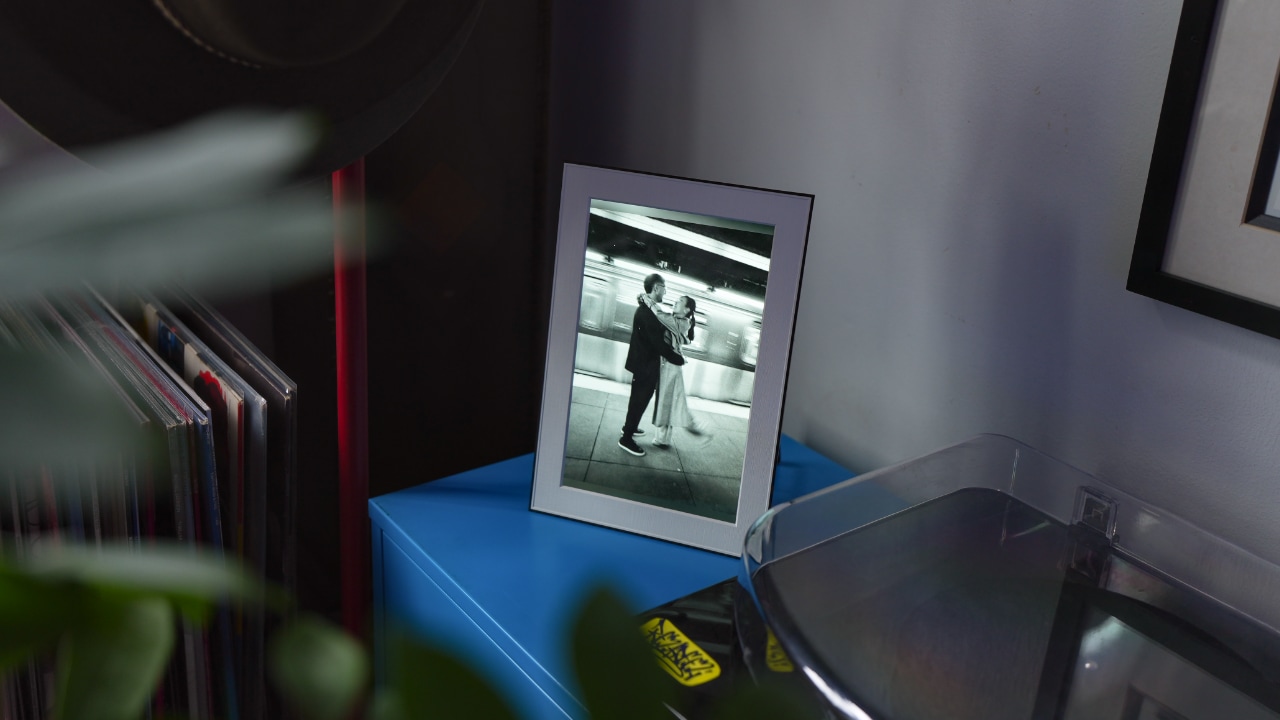
It retails for under US$180, but you can get it today for just US$139. I wouldn’t buy it solely for its AI features, but for something as momentous as a wedding, having the Homture Magic Frame quietly bringing those memories back to life while I sip my coffee in the morning? The experience is priceless.


Apple iPhone 17e review
Everything you need for US$ 599?

Infinix NOTE 60 Ultra: Not bad for a flagship push
It's definitely got the looks, though.


JBL Sense Pro review
My daily driver met a loud and capable rival in this quest for a superior training companion.

HoYoverse’s first life sim, Petit Planet, opens Stardrift Test sign-ups

BINI, KATSEYE among top worldwide Google Searches ahead of Coachella

Xiaomi Fan Festival: Deals on phones, tablets, wearables, electronics

Samsung brings back the Galaxy Z Trifold

Metal Gear Solid is getting a film adaptation


-

 News2 weeks ago
nubia Neo 5 series launches in the PH, starts below PhP 12K
-
 News2 weeks ago
vivo X300 Ultra wants to beat the iPhone 17 Pro Max in pro video
-
 Reviews2 weeks ago
Shokz OpenFit Pro: Somewhere between awareness and focus
-

 Gaming2 weeks ago
Nintendo might be working on an Ocarina of Time remake
-
Reviews1 week ago
Infinix NOTE 60 Ultra: Not bad for a flagship push
-
Lifestyle1 week ago
JBL Sense Pro review
-
 First Look1 week ago
Match Pulse: TECNO SPARK 50 5G
-

 News2 weeks ago
Global tech leaders to convene in Singapore for GITEX AI Asia 2026