
Explainers
This is how SIM cards work

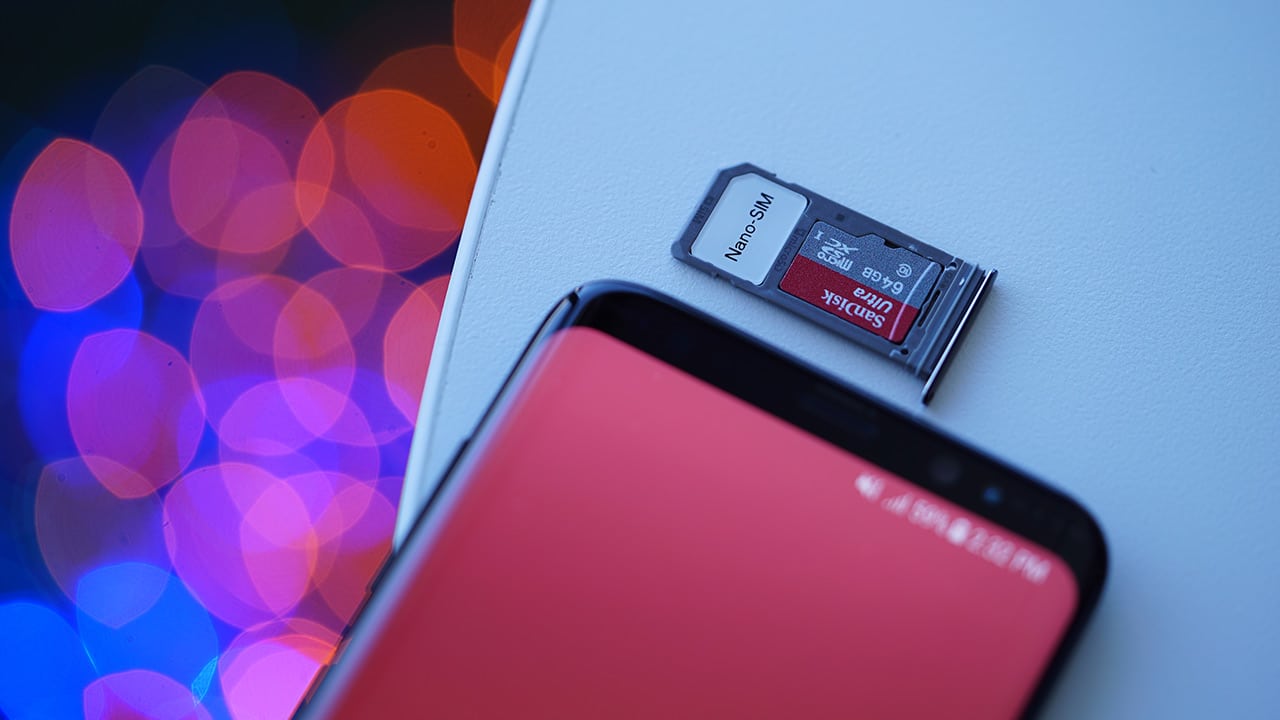
We don’t think about SIM cards as much as we used to — like back when they were required to start up a phone — but these tiny chips are still essential in keeping a modern smartphone wirelessly connected at all times. This brings us to a question we should be asking: How exactly does a SIM card work?
Subscriber Identity Module
We all talk about SIM cards without even knowing what it means. As you’d expect, it’s short for Subscriber Identity Module, and it does exactly what it implies: Providing cellular networks with your identity in order to establish a secure connection.
They come in different sizes, with nano-SIMs becoming the new standard because of how small they are, allowing phone manufacturers to leave more space for other vital components in their products. What’s also minuscule is their storage capacity, often limited to 256KB. That, however, is more than enough to store all the important pieces of information, including the identification numbers.

The four universal SIM card sizes
Without getting too technical (and there is a lot to take in when it comes to authentication protocols), every SIM card holds a unique 64-bit number that identifies the device it’s attached to with the cellular network. Being a 64-bit digit, there are more than enough possible combinations for trillions and trillions of subscribers — so, no, you can’t buy all the SIM cards in the world and run out of phone numbers to use.
Connecting to a network
As soon as you turn your phone on with a SIM card inside, it’ll communicate with the network carrier to establish a connection. Once its unique number along with a security authentication key is sent to a nearby tower, the service provider will send encrypted information back in hopes of a match. If your SIM card is able to decrypt the randomized code successfully, your handset will receive its well-deserved wireless signal.
This process ensures only your SIM has the capability of figuring out the encryption and letting you use the mobile number you were provided with — but that’s just for the service itself. What if someone physically gets a hold of your SIM card and decides to use it on his or her phone? That’s where the personal identification number (PIN) and personal unblocking code (PUK) come in.
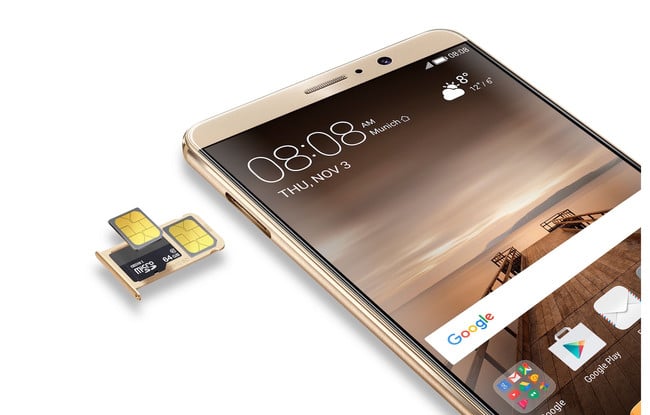
Phones like the Huawei Mate 9 can accept two SIM cards at the same time
By adding a PIN to your SIM, a four-to-eight digit code will be required to turn it on. If in case someone tries to break in using brute force, the SIM will be locked after three unsuccessful attempts; the PUK, which can be found on the card that comes with every SIM, is needed to release the lock.
The future of SIM cards
What makes SIM cards so popular is how easy they are to transfer from one device to another. Some companies, however, believe we can take this a step further with embedded SIM cards (e-SIM for short). As you can tell by the name, this form would embed itself in a device and can’t be swapped for another. Doesn’t this defeat the purpose of traditional SIMs? Not at all.
By being integrated into the hardware, you can change your network carrier without replacing the physical card. Instead, all you have to do is jump in the phone or tablet’s interface and select from there. Apple already began implementing this technology on its iPads, and Samsung’s Gear smartwatches have been following suit.
While it may sound like a pain in the butt to adjust to yet another new standard, this technology could lead to even slimmer devices and greater convenience once more companies jump on the ship. The hassles of international roaming would also become a thing of the past, since selecting your preferred service would only take a few taps on your screen.
SEE ALSO: What’s the difference between RAM and internal storage?
[irp posts=”11696″ name=”What’s the difference between RAM and internal storage?”]


Explainers
Everyone’s angry at PlayStation’s new no-disc policy, and this is why
It’s a tragedy for nostalgia, ownership, and preservation.

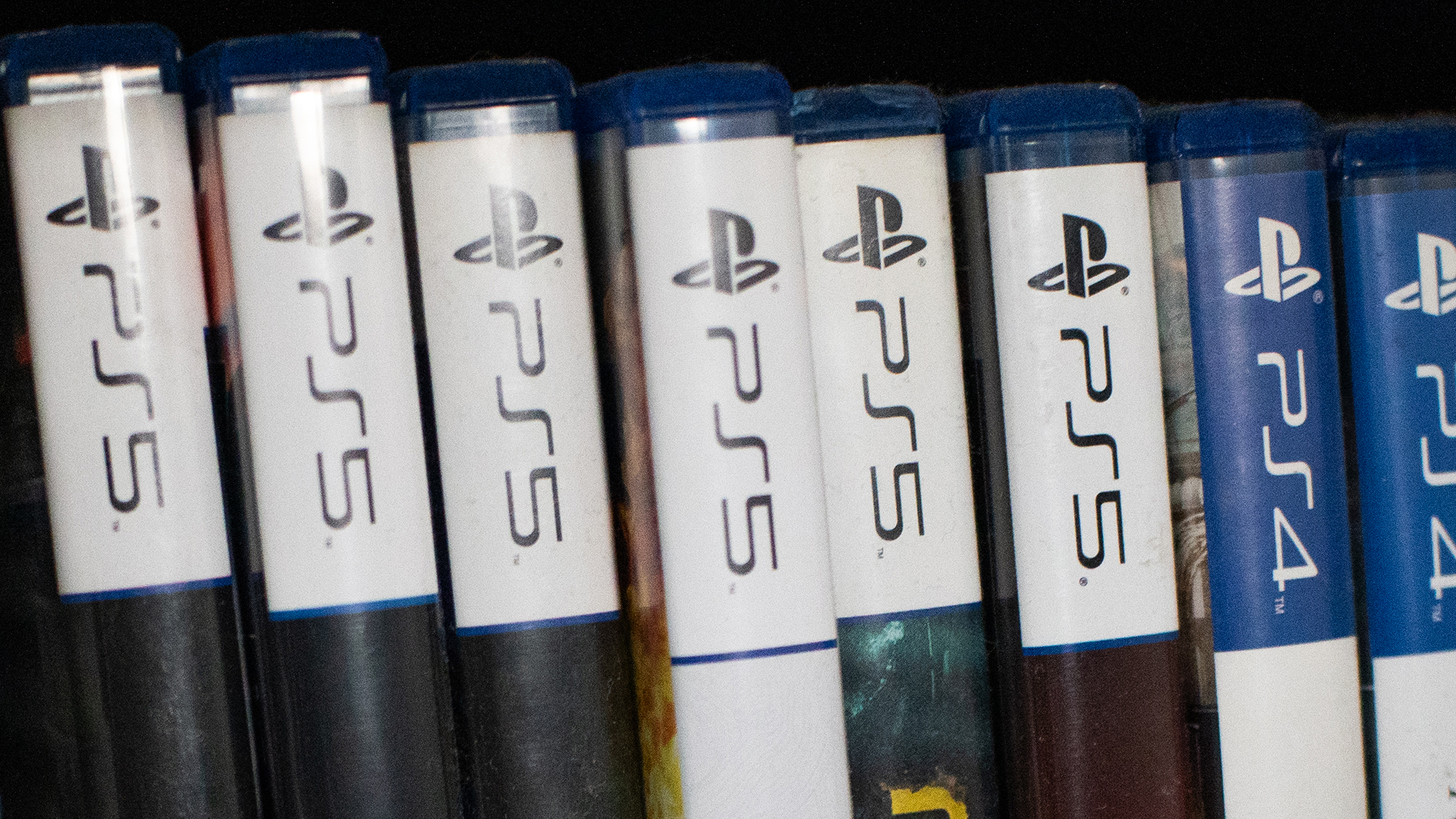
Check in with your gamer friends today. Today, a lot of gamers are up in arms over Sony’s decision to kill the physical game disc starting in 2028. But, if you’re a digital-only gamer or just not a gamer yourself, you might not understand the anger. If you want to understand the ire or just want to relate with your gamer friends, here’s a primer for you.
Ending the era of the physical media
Last year, Nintendo launched the Switch 2. Though the console still has a slot for physical cartridges, the Switch 2 also introduced the Virtual Game Card as a way to digitize your library of games.
Of course, the feature wasn’t positioned as a way to eliminate physical cartridges. In fact, Nintendo just wanted to add the flexibility of physical cartridges to the digital world. In the end, the feature strangely coincided with less cartridges. For example, Pokémon Pokopia, one of the most popular games this year, does not come with a cartridge even if you buy a “physical” copy in a brick-and-mortar store. It was a portent of things to come.
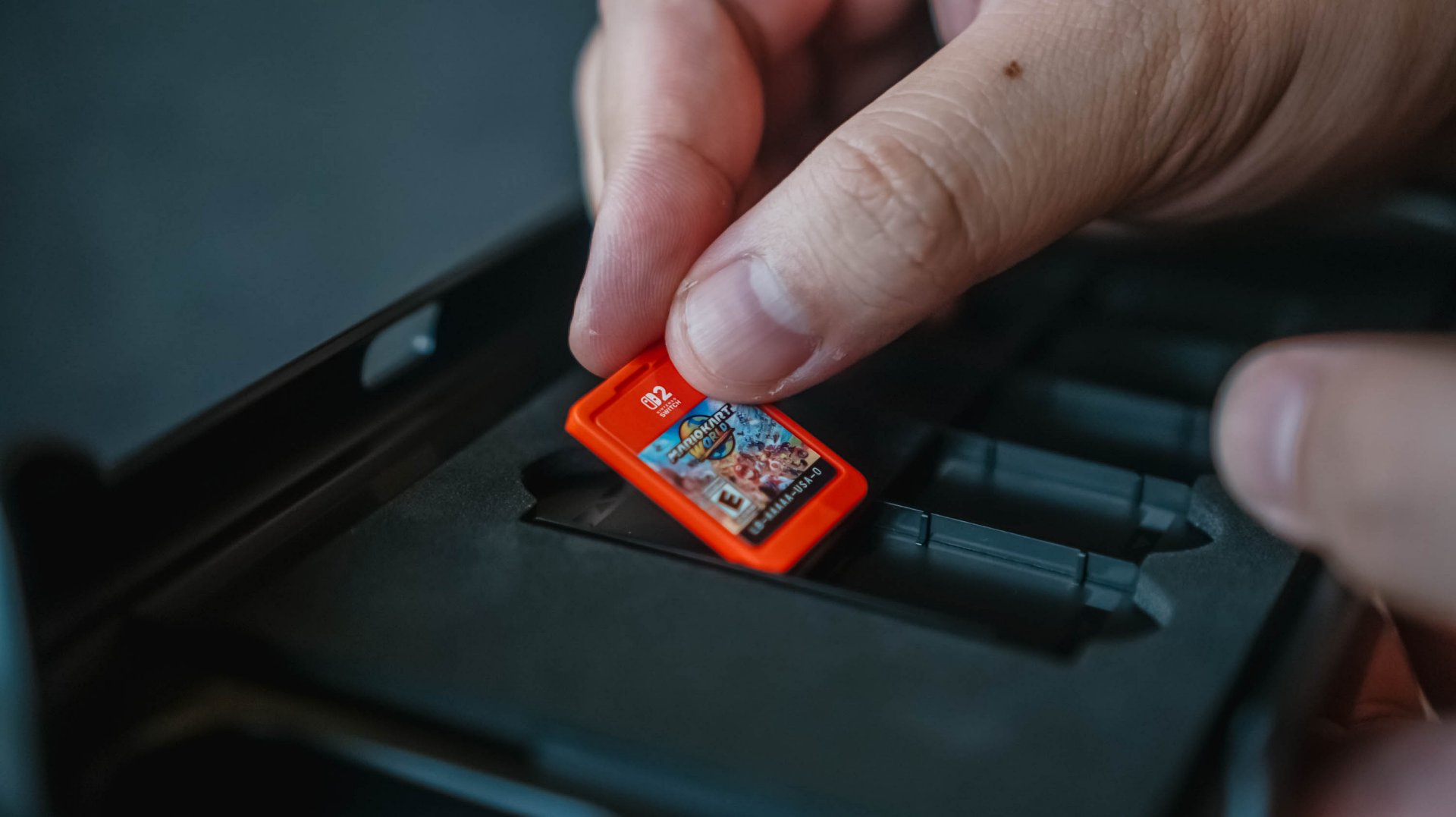
Fast forward to today, Sony has made the monumental decision to stop producing physical game discs starting in 2028. The PlayStation’s future is completely digital.
On a similar note, Microsoft is also experimenting with a disc-to-digital feature. Much like the Nintendo Virtual Game Card, the experiment will digitize libraries and attaches the digital copy to the physical game disc. It sounds awfully like a prelude to killing off the game disc.
Why this matters
The physical disc is synonymous with a simpler time. It represents a time when gamers camped out stores to anticipate midnight releases, when gamers can learn more about their games through an in-box manual, and when gamers can show off their fandom through a beautifully stocked shelf of games.
And yes, that’s part of why this situation sucks, but it’s not the only reason.
If you’re an outsider looking in, this nostalgia factor is the easiest to see. Then again, it’s also the most difficult to relate with, especially if you’ve never had the history of buying physical games.
The more crucial reason — and the one that most people will relate with — is media ownership. By not having a physical copy, you will no longer have ownership of what you bought digitally.
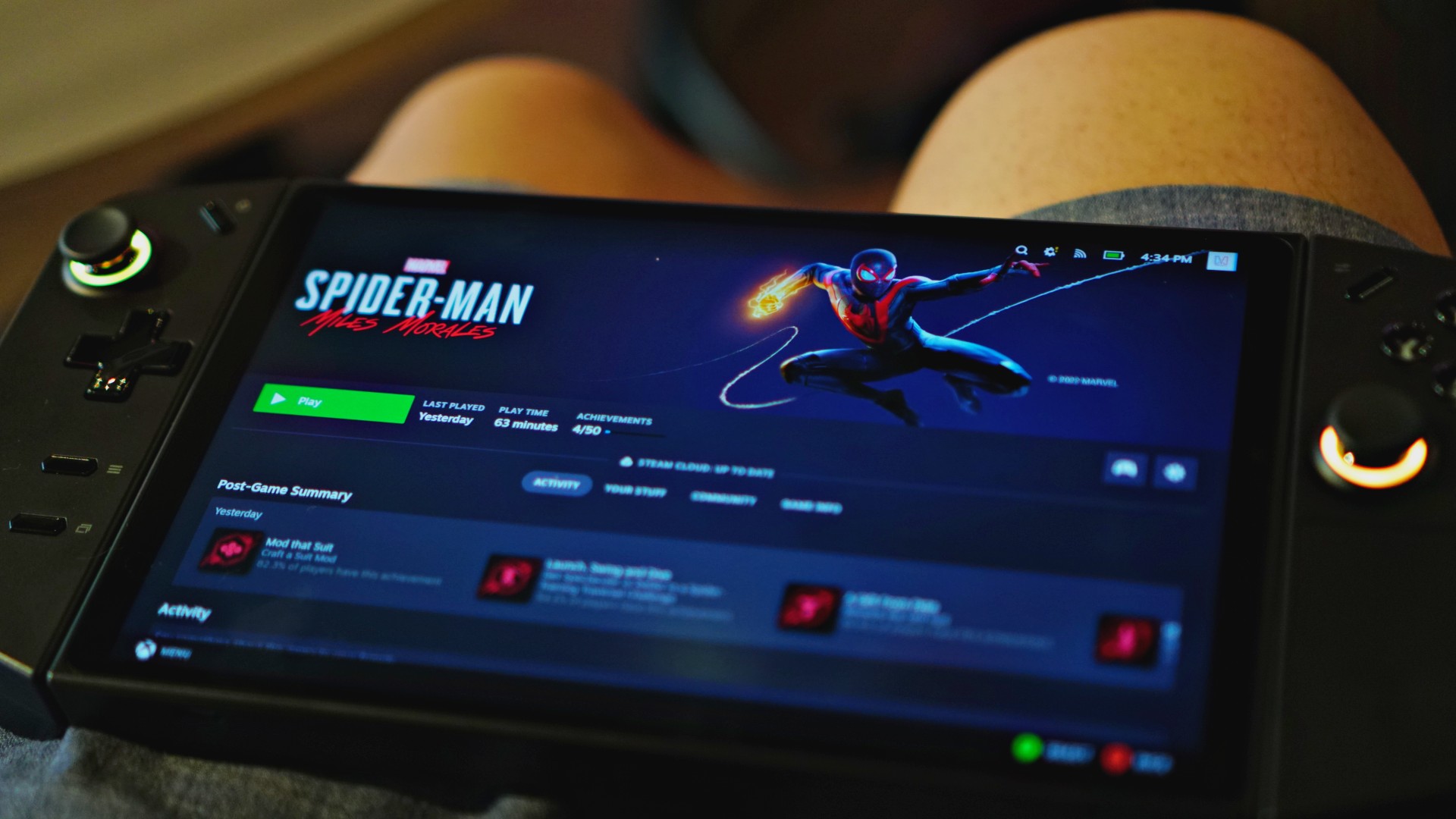
And it’s not an imaginary issue. In 2024, Steam amended its policies to reflect that players do not own the games they buy. Rather, they simply own a license to play the game.
In the same year, Ubisoft delisted The Crew, a sure sign that the new policy means business. Though Steam itself has a relatively good track record of prioritizing its customers, publishers and developers can get rid of games if they choose to.
That limitation doesn’t exist with a physical copy. As long as you have a working disc drive, you can install a game whenever you want, even if the publisher decides to pull it from stores.
Therein lies how much this is a touchy topic. Should you own digital goods in the same way as you own physical ones? If the answer is yes, then selling only the license for the good doesn’t make sense. But if it’s a no, we shouldn’t pay full price for something we don’t own anyway.
Will PlayStation actually delete games?
Now, just because they can, does it mean that they will?
Right now, it’s hard to say. You can certainly go by the optimistic hope that PlayStation would never do something as anti-consumer as that. And yes, there are times when you’d be right.
Plus, there is a good chance that governments, especially those in the European Union, will protect consumers if PlayStation even thinks about deleting a game that others have paid for. Governments have been known to intervene in the past, such as when the EU forced Apple to adopt USB-C as a standard. There are checks and balances available.

Then again, Sony has had recent history of deleting media from a user’s library.
Only a few days ago, PlayStation made headlines for deleting over 500 titles from their library. Starting September 1, users can no longer access movies distributed by Studio Canal, due to licensing agreements. Sony was unapologetic about unceremoniously deleting this content. No refunds, no apologies; just 500 movies, which you thought you bought, gone for good.
No matter how you angle it, Sony’s recent decisions just don’t bode well for media ownership.
You can argue that this is the price we’re paying for not buying enough physical games. Still, losing PlayStation discs, even as an option, is tragic for nostalgia, ownership, and preservation.
The world we live in
Unfortunately, this all comes with precedent. Unless you buy physical games and movies, we already don’t own anything in today’s world.
Outside games, Netflix and Disney+ remove the ownership of movies and shows from us. It’s already common practice for these platforms to remove titles regularly. Some platforms even give you a last chance to catch these titles before they go away. Moreover, they can even restrict access, like with Disney+, if you travel abroad.
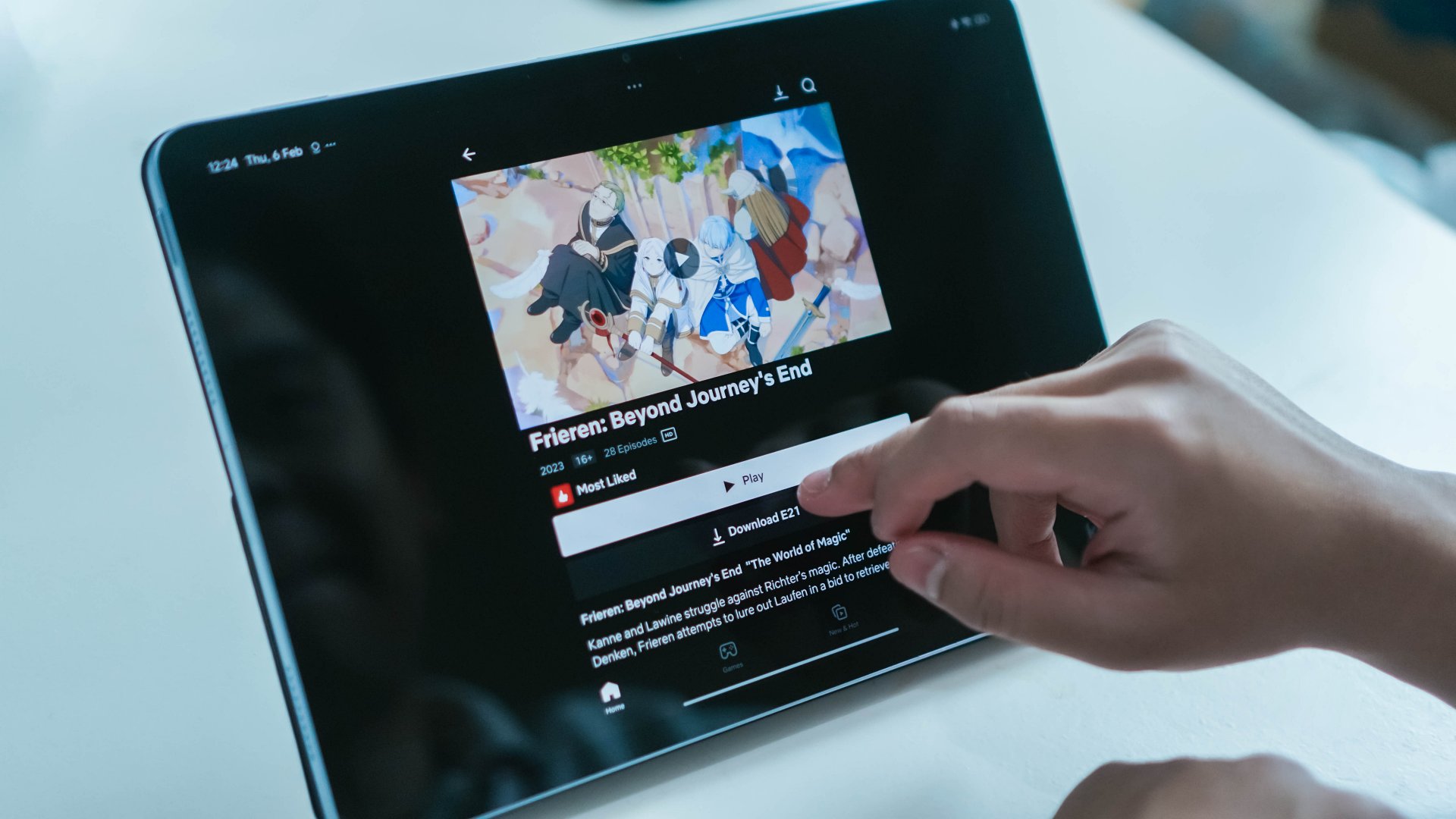
In exchange for convenience, subscription services and digital storefronts have made it all too comfortable to not own media. With a rental service like Netflix, that’s all expected, but we’re now at the inevitable stage when even bought games and movies are at the behest of our corporate overlords.
This is where the fury comes from. Companies are getting more brazen about taking more options from us. Between this and the increasing prices of RAM, it’s getting harder and harder to live as a tech-savvy citizen in today’s age.
Computers
Samsung’s SECRET That Made OLED Even Better
Say hello to the new QD-OLED Penta Tandem display tech by the Korean giant

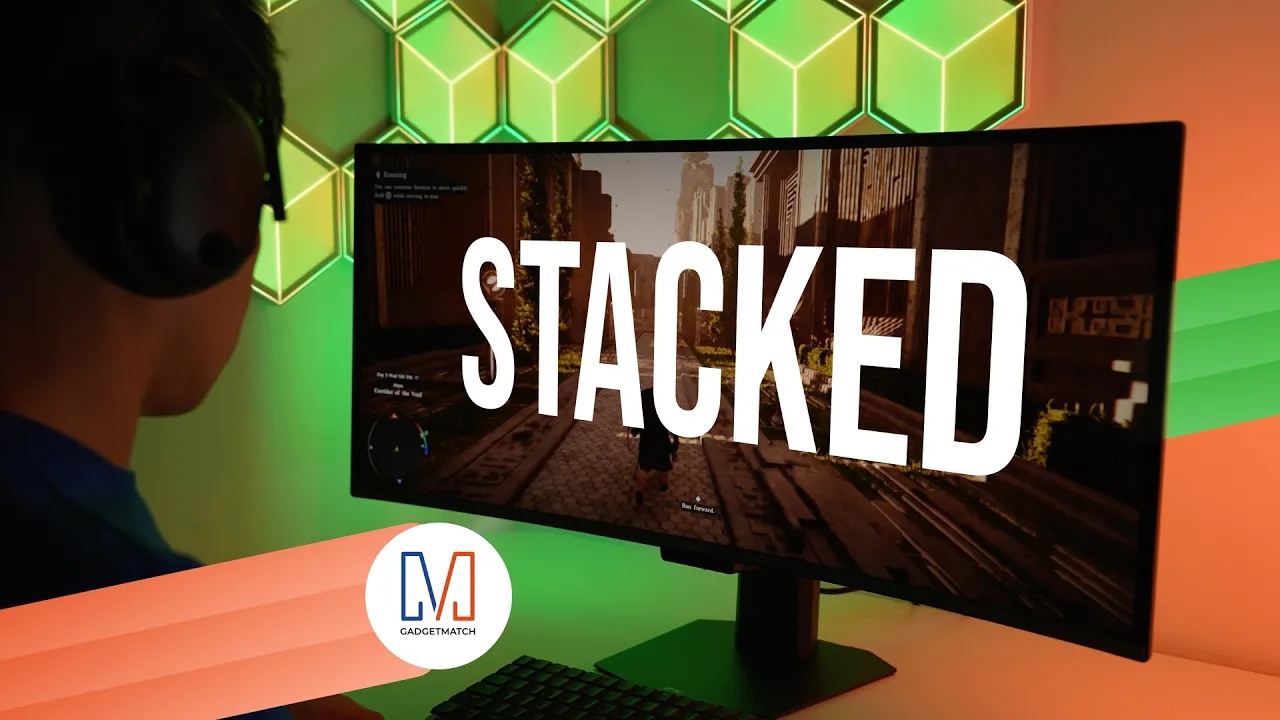
Samsung Display just unveiled QD-OLED Penta Tandem technology. This is a next-generation display structure that stacks five emission layers to improve brightness, efficiency, and overall OLED performance.
In this video, we simplify what Penta Tandem actually is, how it works, and show you two monitors that already have the technology — specifically from MSI and Dell.
For more details, check out Samsung Display here.
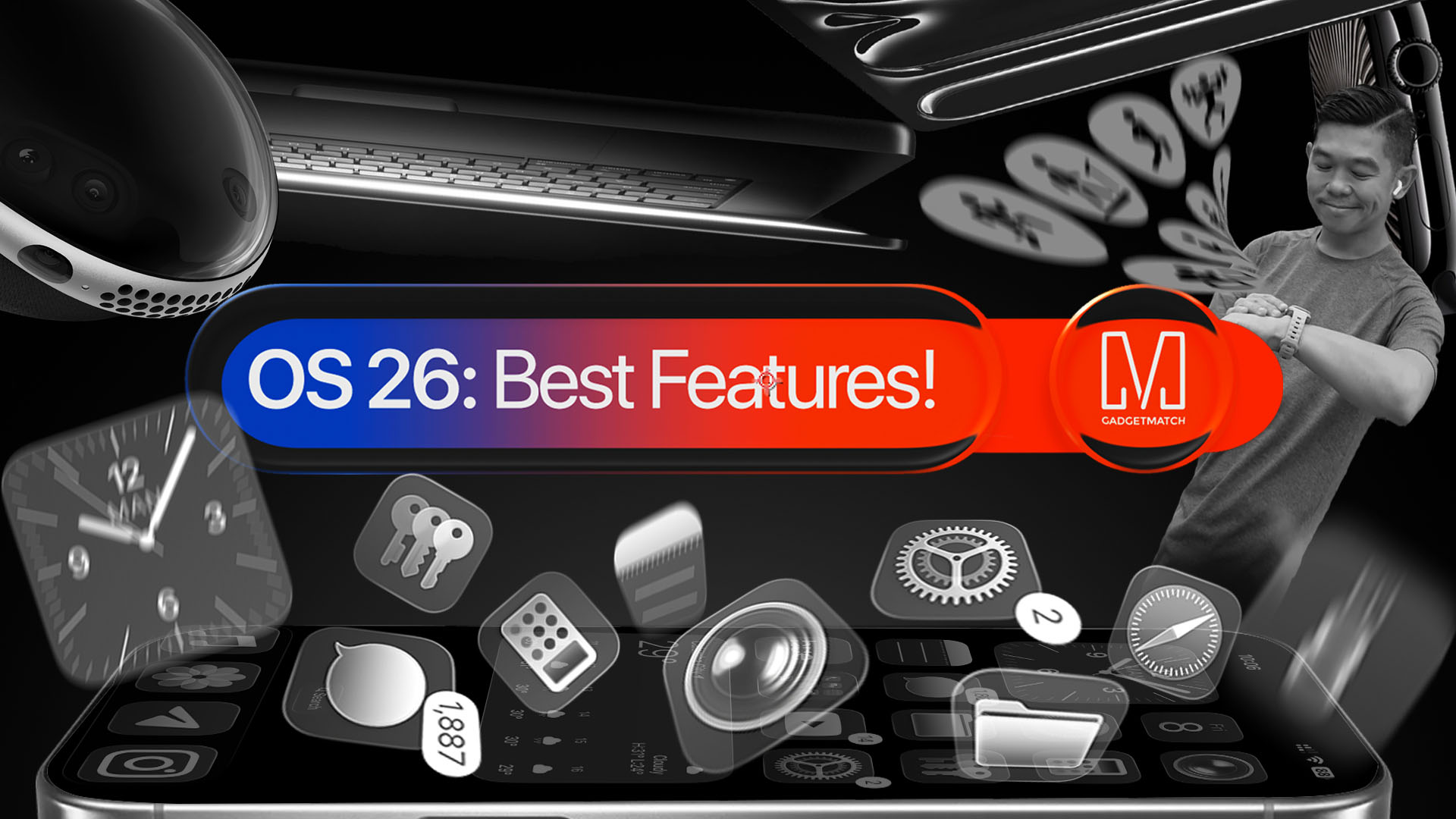
With a huge change in naming scheme, Apple promises a big leap ahead.
The all-new Liquid Glass design isn’t just breath of fresh air — it’s a bold redesign ever since the iOS 7 came out.
It’s not limited just to the iPhone. It’s coming to the iPad, Mac, and even the Apple Watch!
And with latest Public Beta now available across all devices, now is the perfect time to try ’em out.
Here are our favorite features, design updates, and hidden gems in Apple’s latest OS 26 series of software updates.
Namely iOS 26, iPadOS 26, watchOS 26, visionOS 26, and macOS Tahoe.


realme C100: Enduring and durable in spite of entry-level realities
Enough power but needs more agility


The ASUS ExpertBook Ultra wins you over
The laptop sneaks up on you


Nexal Watch Sport review: A rugged watch for small budgets
I couldn't believe that watches this good could come for this cheap.

How to set up Apple Pay on your iPhone

Mastercard brings Apple Pay to customers in the Philippines

Visa brings Apple Pay to its customers in the Philippines

DJI Osmo Mobile 8P: From a videographer’s perspective

GadgetSnaps: Westminster Abbey

New York becomes first state to ban smart glasses

Sony launches IER-M500 in-ear monitors

Microsoft dictates that a new Fallout game is coming

HoYo FEST 2026 details announced; tickets on sale from July 16
realme C100: Enduring and durable in spite of entry-level realities


-

 Wearables2 weeks ago
Garmin launches its first screenless fitness band
-
 Hands-On2 weeks ago
Hands-on: Samsung Galaxy Z Fold8, Flip8, Ultra
-

 Gaming2 weeks ago
NBA 2K27 cover athletes unveiled: Wemby, Clark, DRose
-

 Cameras2 weeks ago
Sony announces new FX5 full-frame camera
-

 Accessories2 weeks ago
CASETiFY revives Spider-Man collection for Brand New Day
-

 Gaming2 weeks ago
FINAL FANTASY X | X-2 HD Remaster launches on Nintendo Switch 2
-
 Computers1 week ago
AORUS MASTER 16 Gen 2 2026 AI gaming laptop launches
-

 News2 weeks ago
Samsung Galaxy Watch Ultra2 and Watch9: Price, availability in the Philippines