
Laptops
Xiaomi has made a low-priced MacBook Air, sort of


Well, that took us by surprise. Xiaomi, after announcing a Redmi phone with dual cameras, did its own version of Apple’s “one more thing” — it launched a 13.3-inch laptop that looks like a MacBook Air. No, seriously.
Named the Mi Notebook Air, it adopts the clean lines, aluminum body, and backlit, full-sized keyboard of its Apple counterpart. However, it is 13 percent thinner at 14.8mm and 11 percent smaller. And while the MacBook Air costs as high as $1,199, Xiaomi’s first laptop retails at only 4,999 yuan or about $750.
The Mi Notebook Air already comes with an Nvidia GeForce 940MX dedicated graphics card for faster graphics processing and ultimately, overall computer performance, something which the MacBook Air and most other ultraportables can’t claim.
Underneath the hood is an Intel Core i5 processor with an 8GB DDR4 RAM, a 256 PCIe SSD, and an expandable SSD slot for when you want more storage.
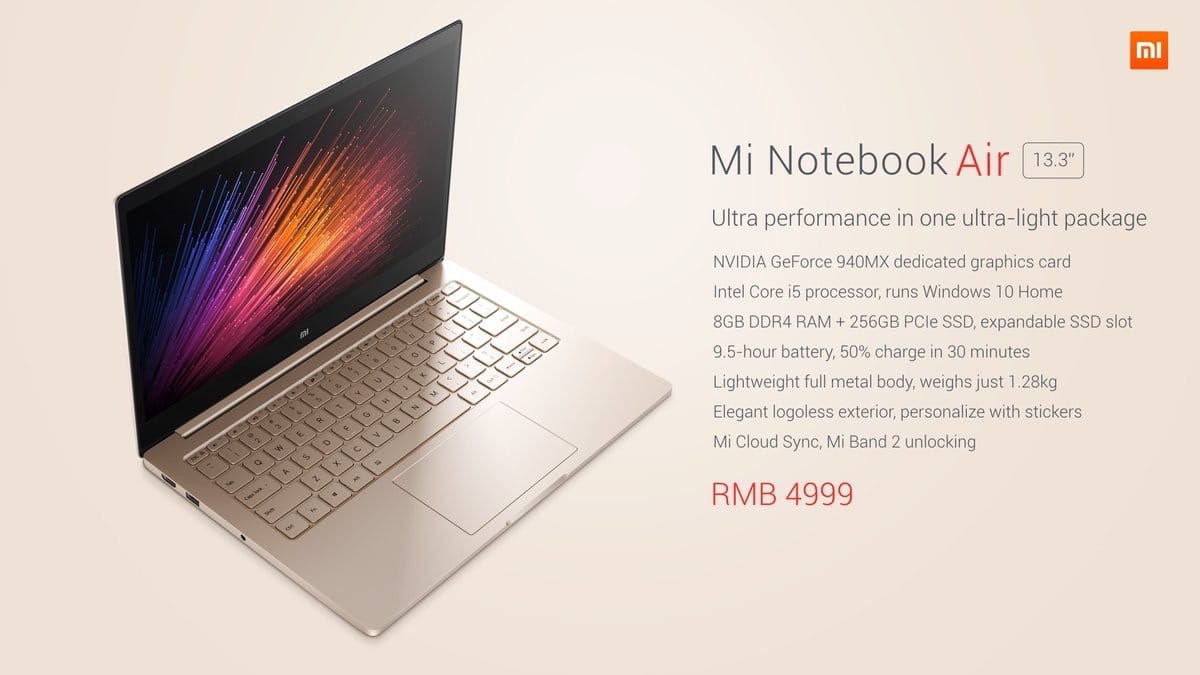
Key specs of the Xiaomi Mi Notebook Air’s 13.3-inch version
It runs Windows 10 and ships with Mi Cloud Sync pre-installed, so you can easily sync your phone contacts, photos, and other files. When paired with the company’s Mi Band 2 wearable device, it will automatically unlock when you are near. Cool, yes?
This is classic Xiaomi — throw in high specs and many features into the plate and make the price palatably low. In this case, the SRP can go as low as 3,599 yuan or around $540 if you don’t mind getting the 12.5-inch version with an Intel Core M3 processor with integrated graphics, 4GB of RAM, and a 128GB SATA SSD.
The upside to that is the smaller model’s 11.5 hours of battery life. The higher-end version can only run 9.5 hours in between charges.

Key specs of the Mi Notebook Air’s 12.5-inch variant
It remains to be seen whether Xiaomi’s foray into the notebook market pays off, especially since the outlook for the global PC market — including the one in China, where the Mi Notebook Air will be available starting August 2 — is not exactly rosy.
[irp posts=”8953″ name=”Xiaomi’s ‘MacBook killer’ now has a 4G variant”]








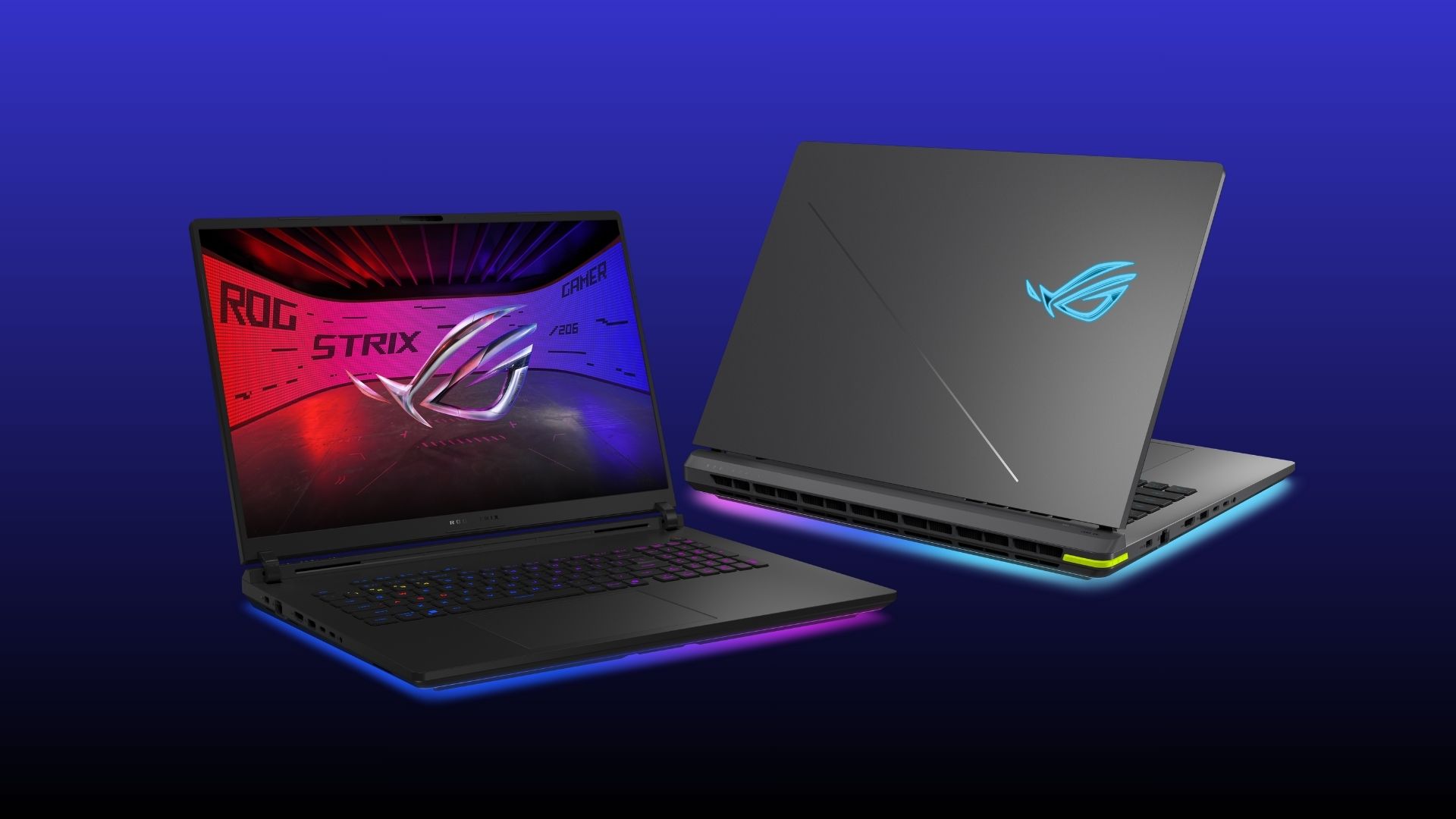
The 2026 ROG Strix gaming laptops have officially arrived. They are available in the latest Strix G16 and G18 variants, as well as the Strix SCAR 18.
The latest gaming notebooks represent the pinnacle of gaming experiences, combining upgraded ROG Nebula Display technologies, refinements to ROG Intelligent Cooling, expanded high-speed connectivity, and a tool-less, upgrade-friendly chassis.
The 2026 ROG Strix G series raises the bar for mainstream gaming laptops. Both 16-inch and 18-inch models come with 2.5K Nebula Displays, now upgraded with ultra-fast 300Hz refresh rate.
Both models are capable of ultra-high framerates for the latest AAA games, thanks to the latest Intel Core Ultra 9 processor 290HX and up to NVIDIA GeForce RTX 5080.
Their chassis can accommodate up to 32GB DDR5 memory and up to 1TB SSD storage.
The performance is complemented by advanced ROG Intelligent Cooling, featuring end-to-end vapor chambers, Tri-Fan technology, and Conductonaut Extreme liquid metal.
The ROG Strix G series ranges from PhP 159,995 to PhP 319,995.
On the other hand, the 2026 ROG Strix SCAR continues ASUS ROG’s pursuit of uncompromised gaming performance.
The Strix SCAR 18 comes with the first 18-inch 4K 240Hz Mini LED laptop panel, with over 2,000 dimming zones. ROG Nebula ELMB provides up to 16x greater motion clarity. The panel also features 1,600 nits peak brightness, 100% DCI-P3, and AGLR technology.
This laptop similarly comes with Intel Core Ultra 9 processor 290HX Plus, and up to GeForce RTX 5090 graphics. The graphics side is also enhanced by DLSS 4, Multi-Frame Generation, and GPU-accelerated technologies specially for the latest AAA titles.
New on the 2026 release is up to a 320W total system power. It also has a 20% thicker vapor chamber, as well as Upgraded Liquid Crystal Polymer fans to increase total airflow by 91%.
The ROG Strix SCAR 18 costs PhP 439,995.

At WWDC 2026, Apple unveiled Siri AI, a smarter version of Siri powered by Apple Intelligence, with personal context, onscreen awareness, deeper app integration, and a brand-new experience across iPhone, iPad, Mac, Apple Watch, and Vision Pro.
Apple also announced new Apple Intelligence features, Google Gemini-powered foundation models, smarter photo editing tools, improved parental controls, faster performance across iPhone and iPad, and the next version of macOS: Golden Gate.
In this WWDC 2026 Rewind, Michael Josh breaks down the biggest announcements, what actually matters. And, whether Apple finally delivered on the promises it made last year.
Computex 2026
Here’s all the RTX Spark notebooks announced at COMPUTEX 2026
We got notebooks from ASUS, Dell, HP, Lenovo, Microsoft, and MSI.

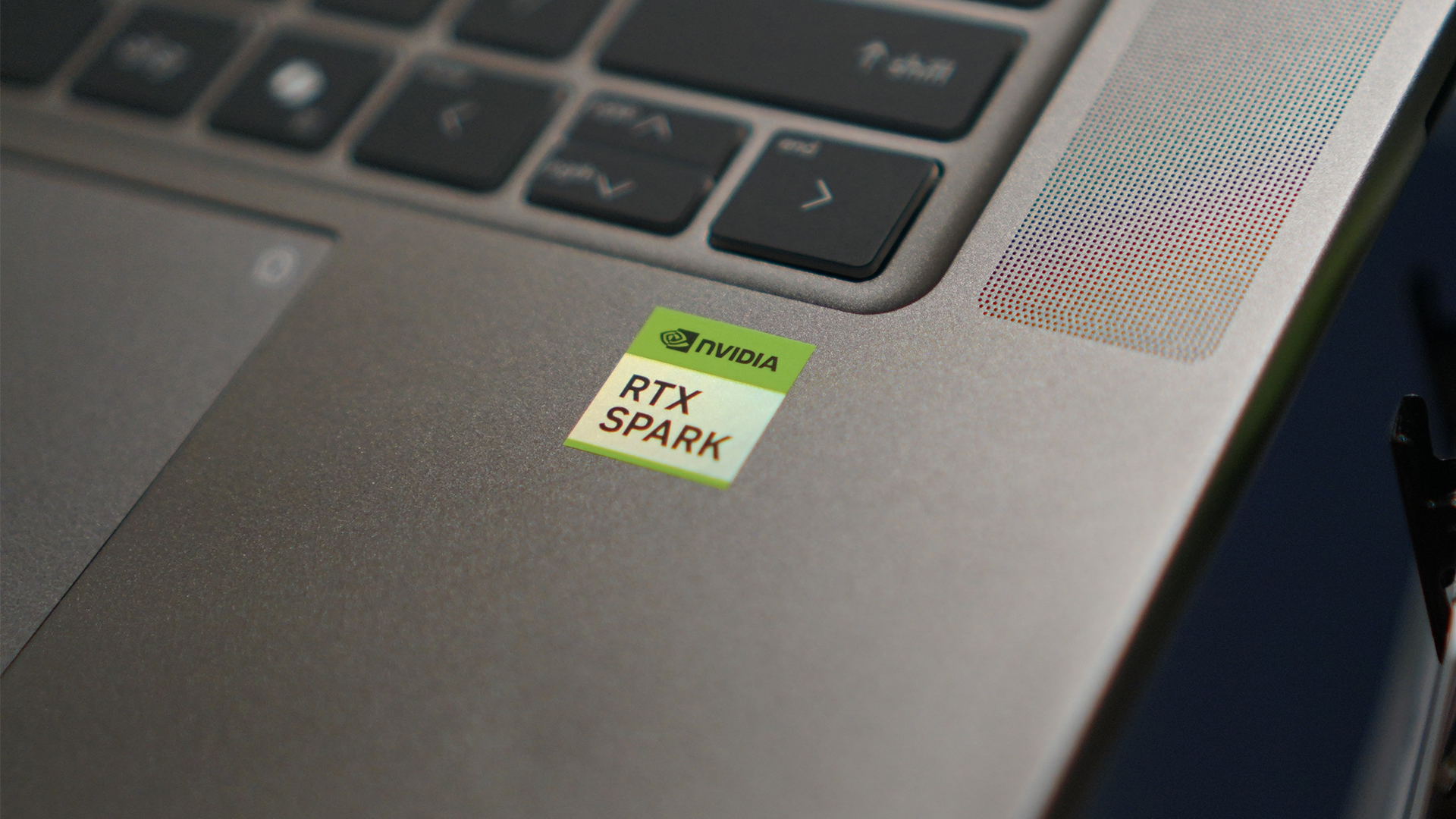
There’s been much ado about the NVIDIA RTX Spark. By now, you’ve probably heard a lot about the upcoming reinvention of PCs. But, as a regular consumer, it’s hard to visualize just how this revolution looks like. Thankfully, in NVIDIA’s demo suites, a few manufacturers got to showcase their take on an RTX Spark notebook. And all of them are coming out in the fall.
ASUS ProArt P14 and P16
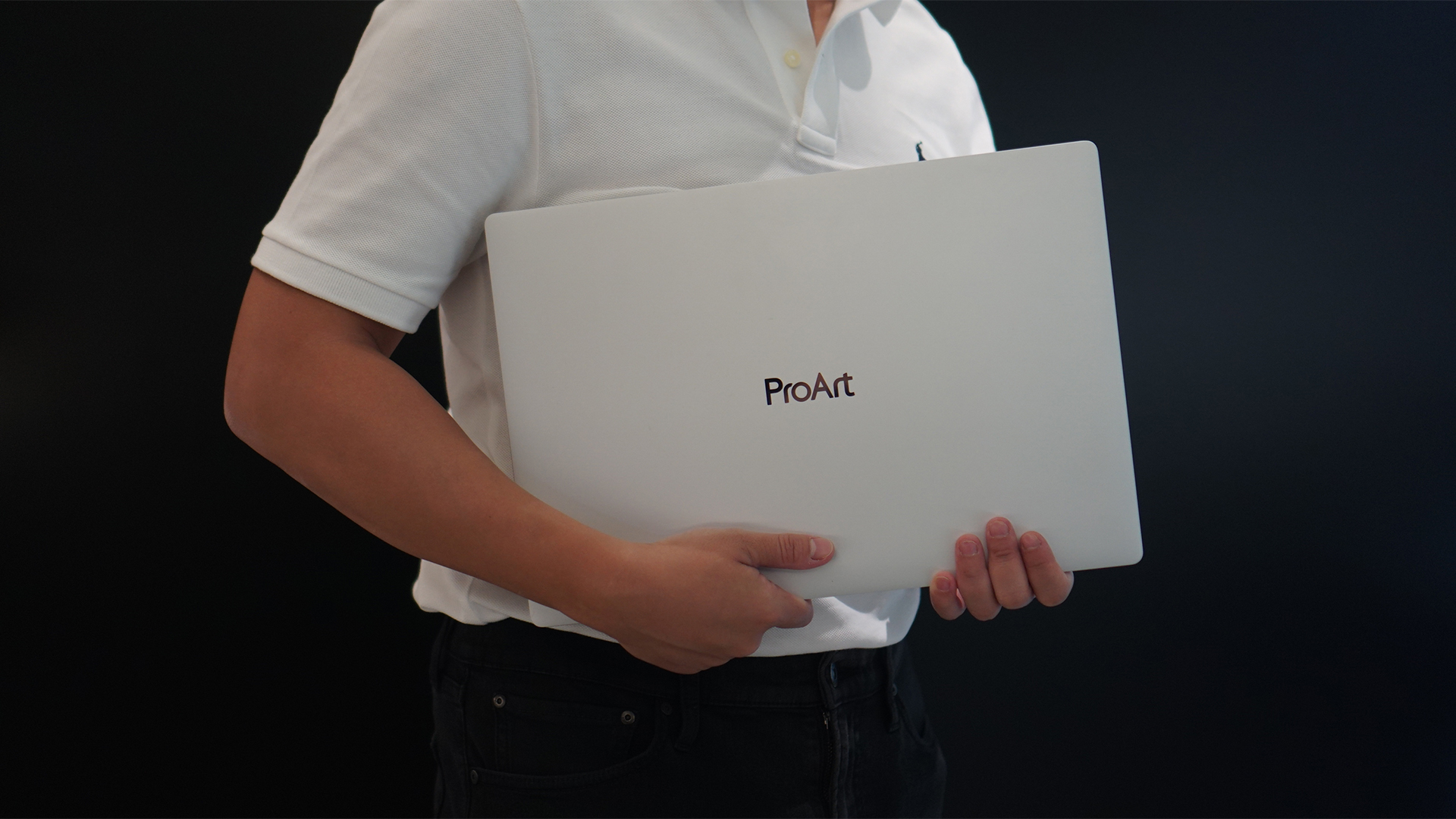
ASUS ProArt P16
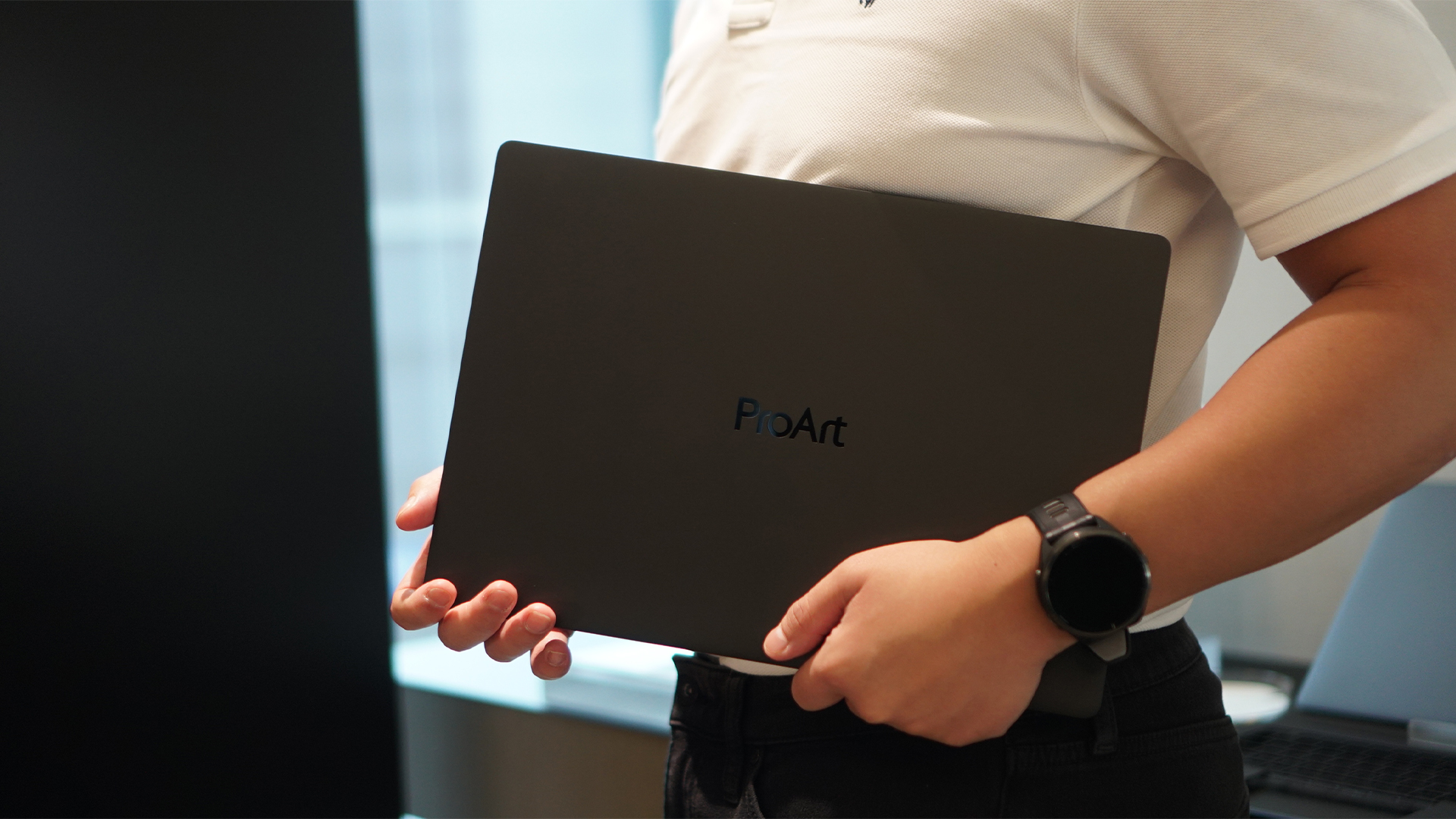
ASUS ProArt P14
Dell XPS 16 Creator Edition
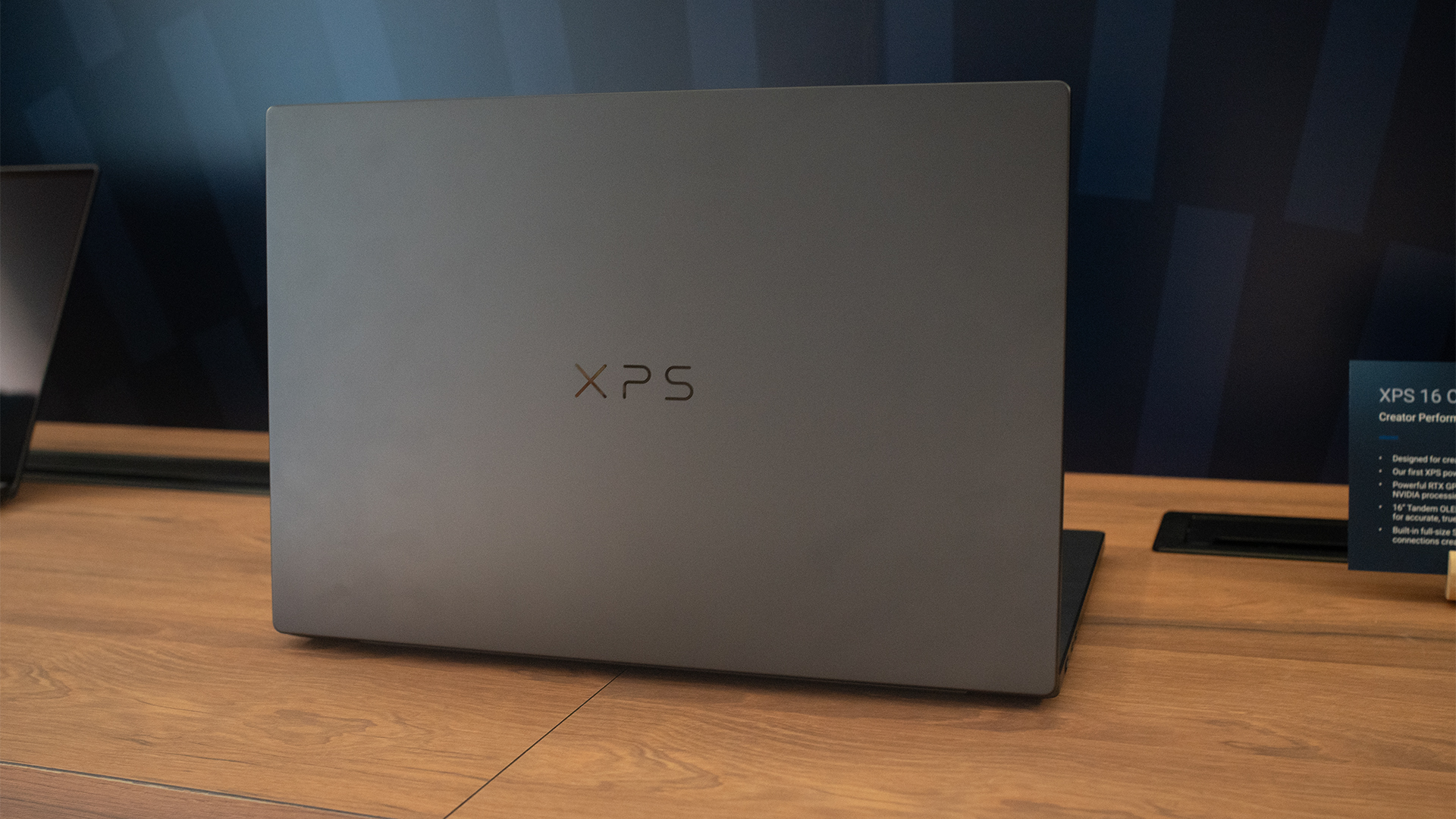
Dell XPS 16 Creator Edition
HP OmniBook X 14 and Ultra 16
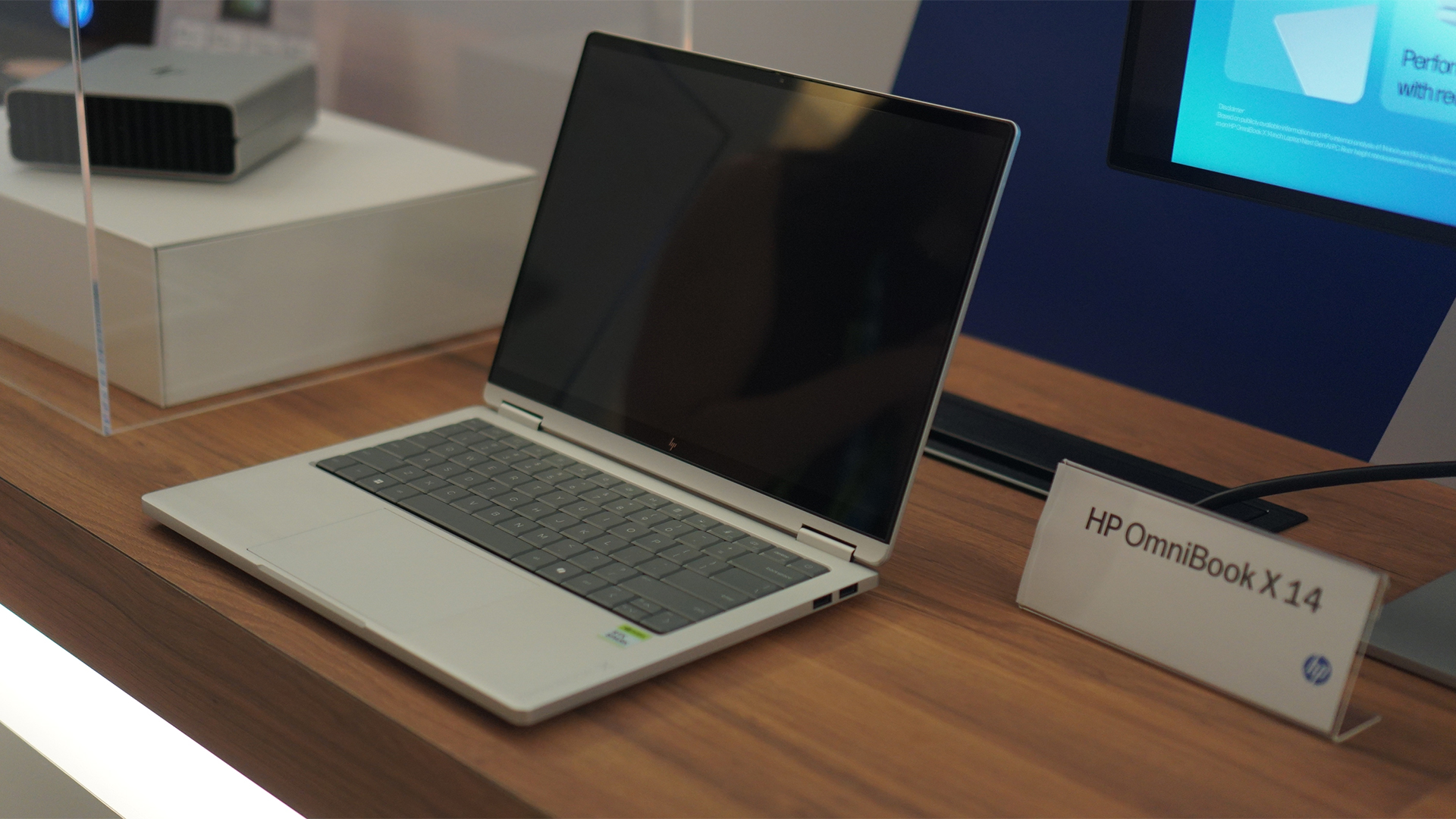
HP OmniBook X 14
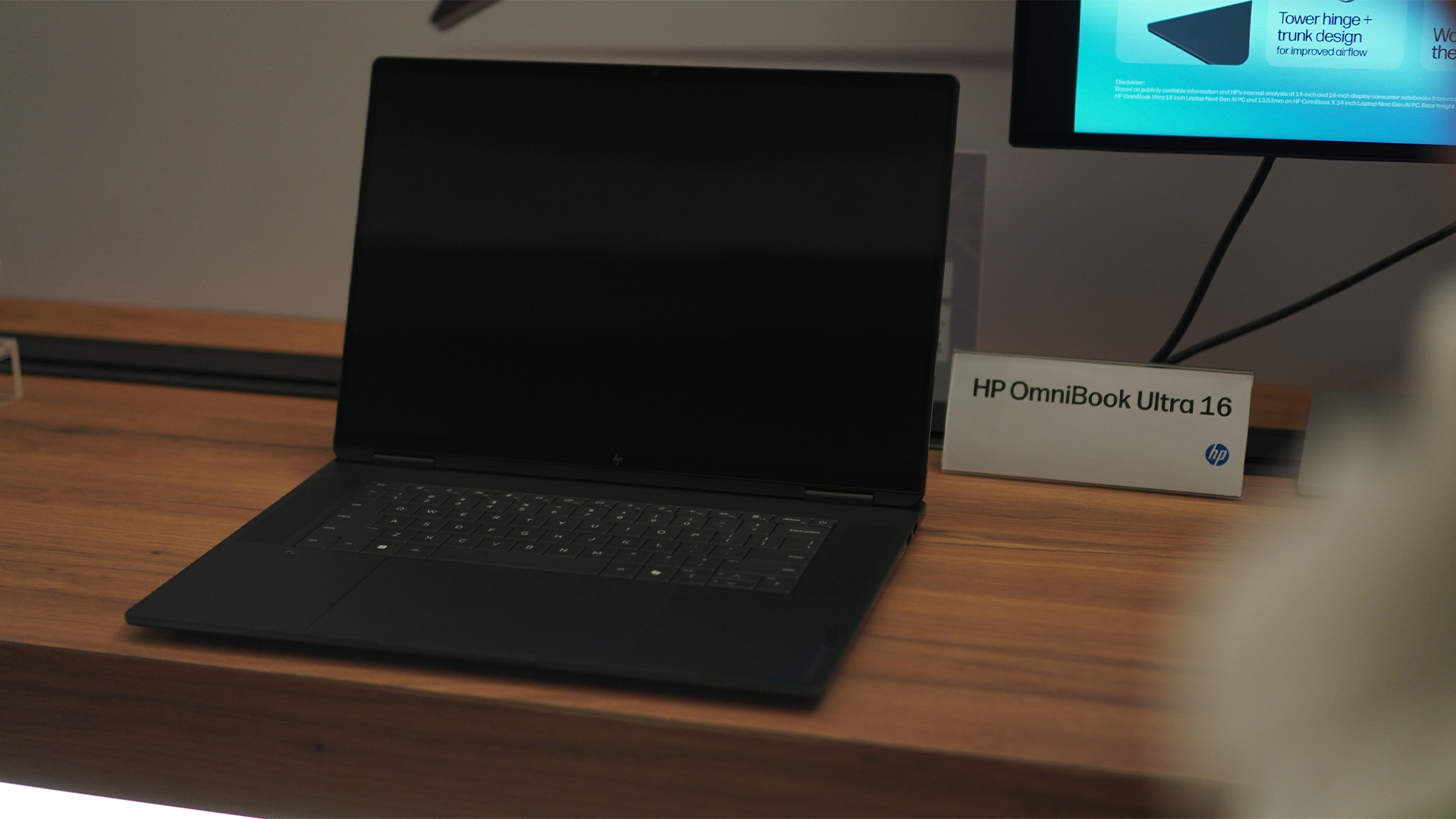
HP OmniBook Ultra 16
Lenovo Yoga Pro 9n
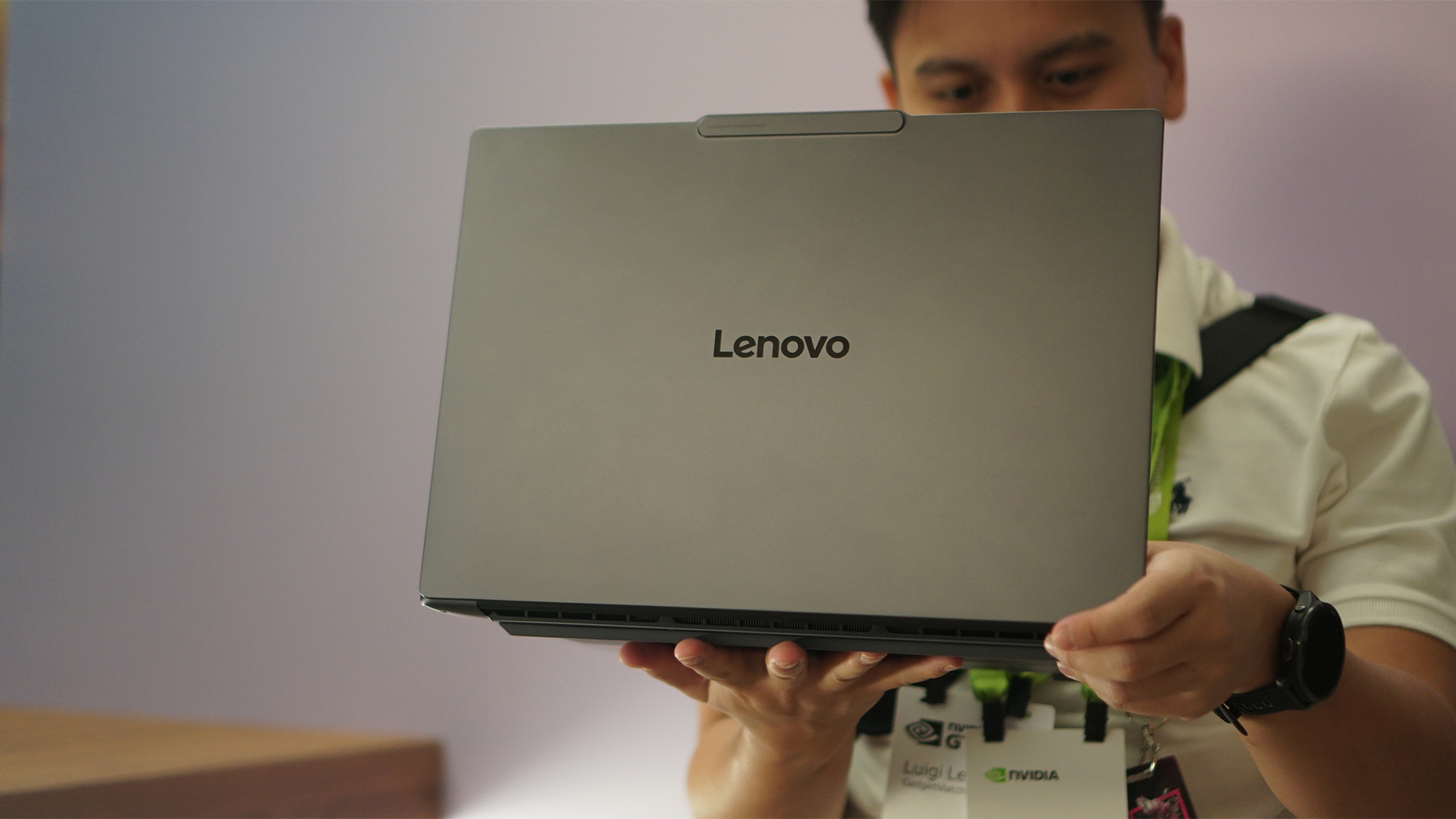
Lenovo Yoga Pro 9n
Microsoft Surface Laptop Ultra
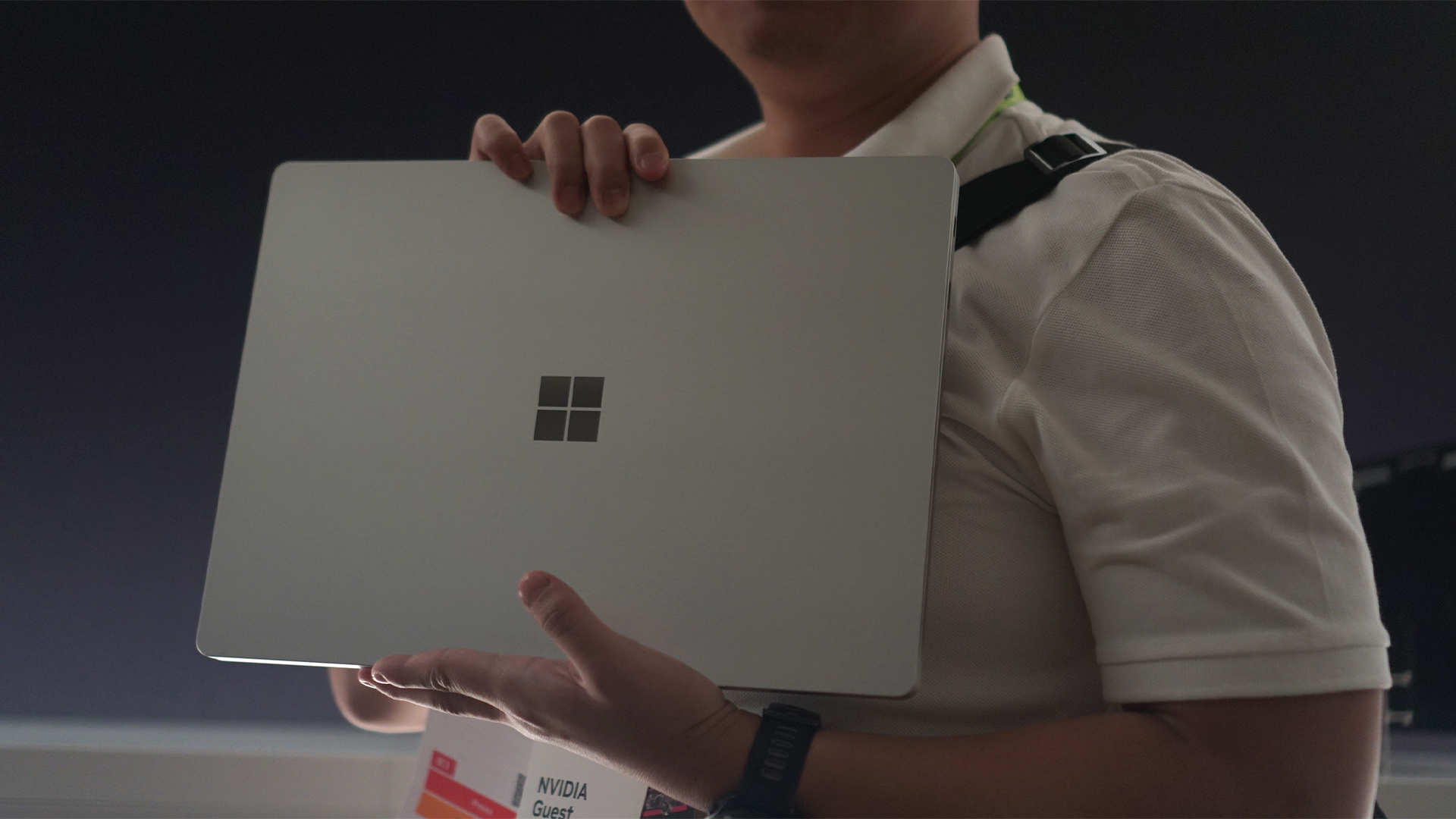
Microsoft Surface Laptop Ultra
MSI Prestige N16 Flip AI+

MSI Prestige N16 Flip AI+
Unfortunately, none of these brands could share comprehensive details about their laptops beyond a promise for raw power. All of these models aren’t the final version yet.
However, just from what we can tell, these notebooks do feel different from the standard fare of laptops today. For one, they are deceptively heavier. Though all of the OEMs promise a much thinner profile, they’re either packing a lot of tech inside or are using denser materials for their chassis. But again, these are engineering units, so who knows how heavy these things will actually be?
Secondly, based on NVIDIA’s demos, they can do a lot of heavy lifting. NVIDIA says that these superchips are meant for developers and creators, but gamers will also find joy in their performance. DLSS 4.5, in particular, feels like a true revolution in terms of graphics.
Thankfully, fall isn’t too far away. If you can wait, the next evolution of PCs is just around the corner.


HONOR Magic V6 review: The best version of a book-style foldable?
Little left to sacrifice


Close without crossing: A Xiaomi 17T Pro photo essay
Distance and closeness are not always opposites.


Spring reset: Growing more at home with Auk Mini
From kitchen counter experiment to everyday habit

Lenovo introduces the immersive Referee View for the World Cup

Kodak Charmera gets seven Y2K-inspired designs

Gundam Rogue Orbit coming to consoles, PC in 2027

Turn conversations into completed work: Zoom launches ZoomMate

K-pop Idol Stories: Road to Debut lets you become a K-pop group’s manager

The Infinix GT 50 Pro has the most inspired design for a gaming phone

TECNO’s POVA 8 5G is both futuristic and future-ready
Spring reset: Growing more at home with Auk Mini

UGREEN MagFlow Air review: Airy Yet Mighty
Close without crossing: A Xiaomi 17T Pro photo essay


-
 India7 days ago
TECNO’s POVA 8 5G is both futuristic and future-ready
-

 News2 weeks ago
realme launches P4 Series 5G, including Power with 10,001mAh battery
-

 Buyer's Guide1 week ago
Buyer’s Guide: Xiaomi Pad 8 Series
-
Reviews1 week ago
HONOR Magic V6 review: The best version of a book-style foldable?
-

 Gaming6 days ago
Kingdom Hearts IV gets new trailer, confirms Switch 2 release
-

 Gaming2 weeks ago
Final Fantasy VII Revelation arrives in Spring 2027
-

 Gaming6 days ago
Final Fantasy fans have two big reasons to look forward to 2026
-

 Smartphones7 days ago
Upcoming realme C100 series to feature 8,000mAh battery