
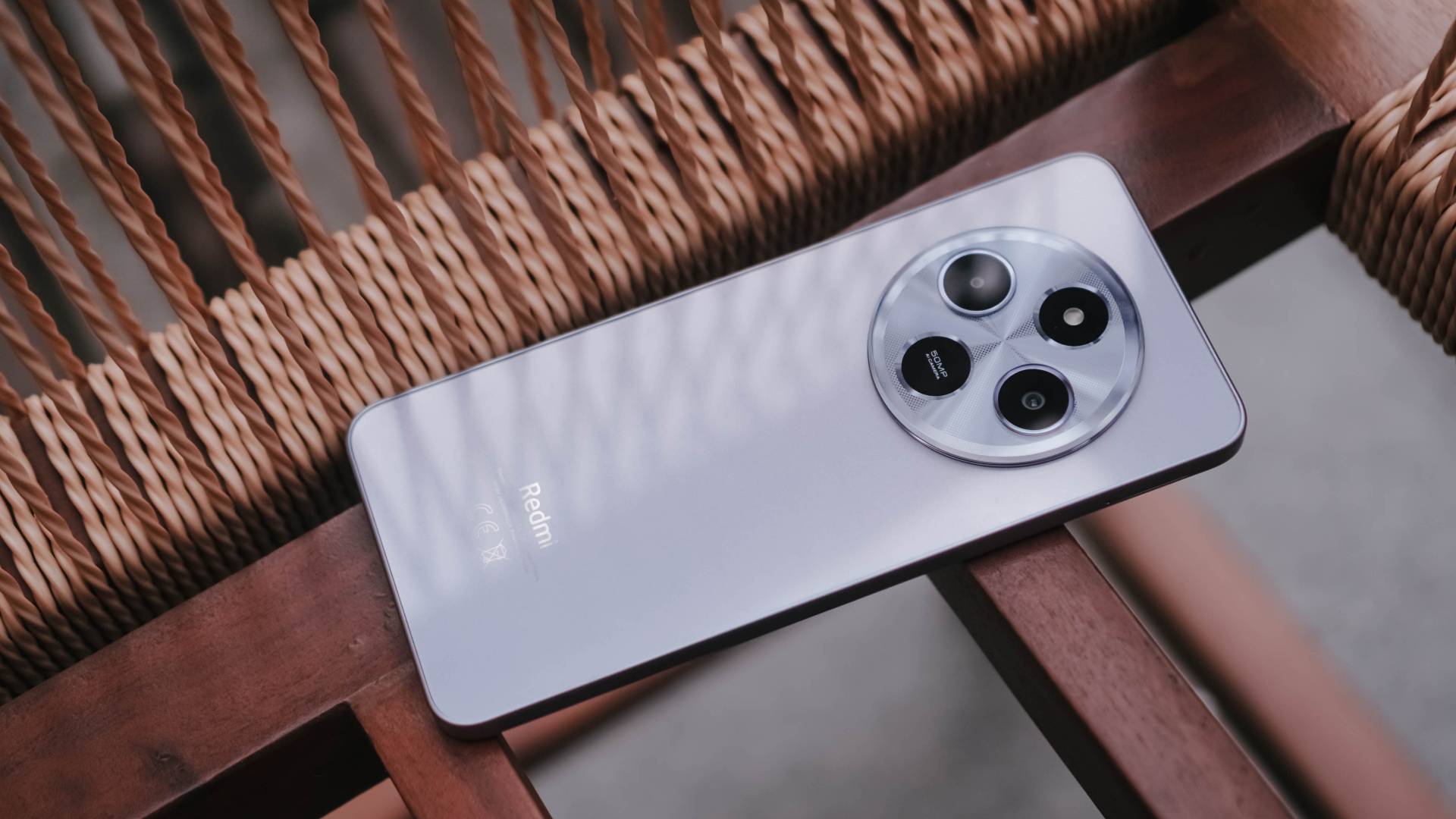

Redmi (or Xiaomi) has launched some extravagant midrangers in their home-turf — the Redmi Note 14 Pro and 14 Pro+ to be very precise. But at the other side of the Asian continent comes a new budget phone. It’s none other than the Redmi 14C.
Shining, shimmering, splendid
Gone are the days of cheap-looking phones.
While circular camera islands used to be limited to flagship and midrange Android models, manufacturers were able to bring such design language to the budget smartphone segment as well. The Redmi 14C is a testament to that.
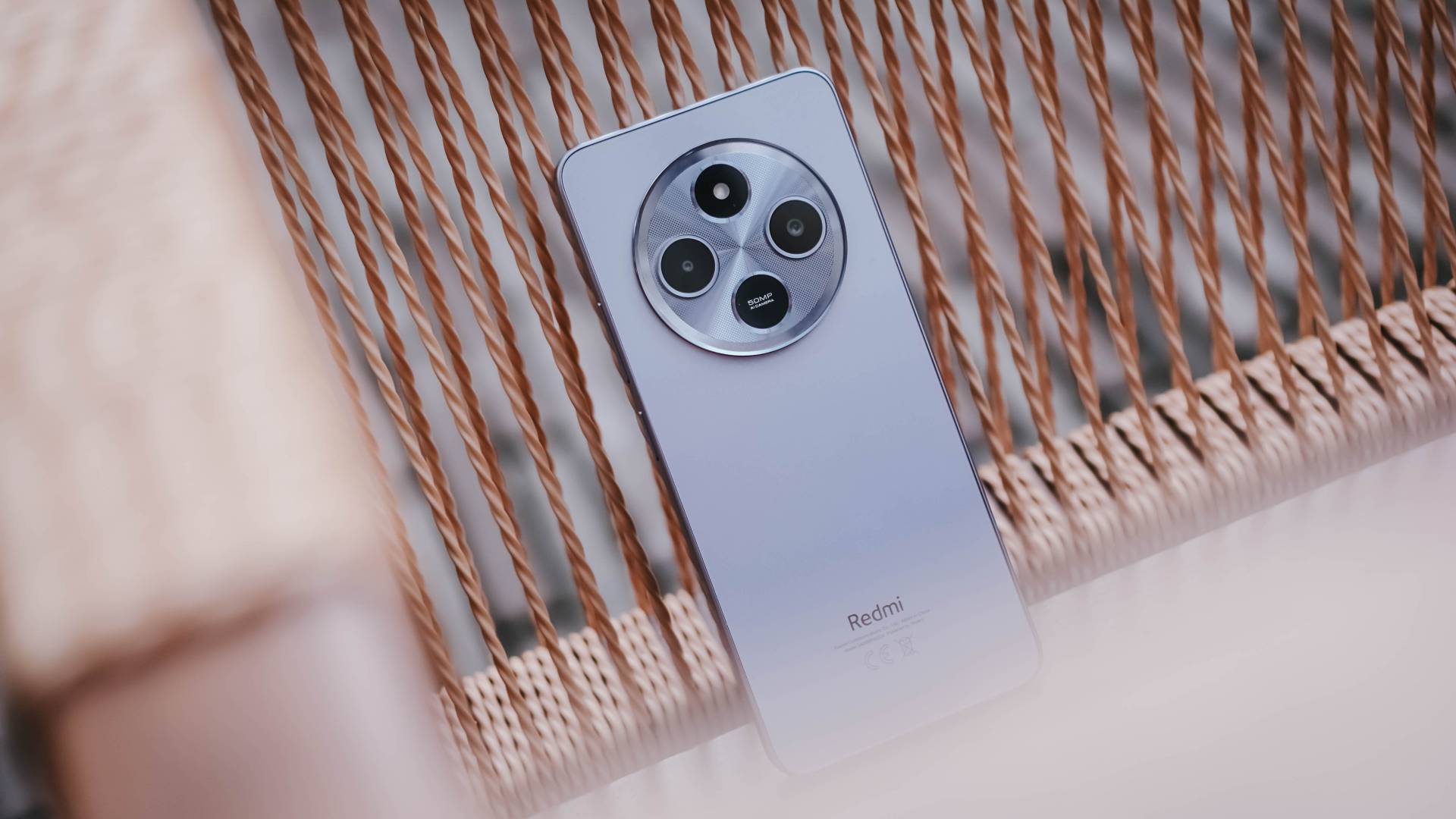
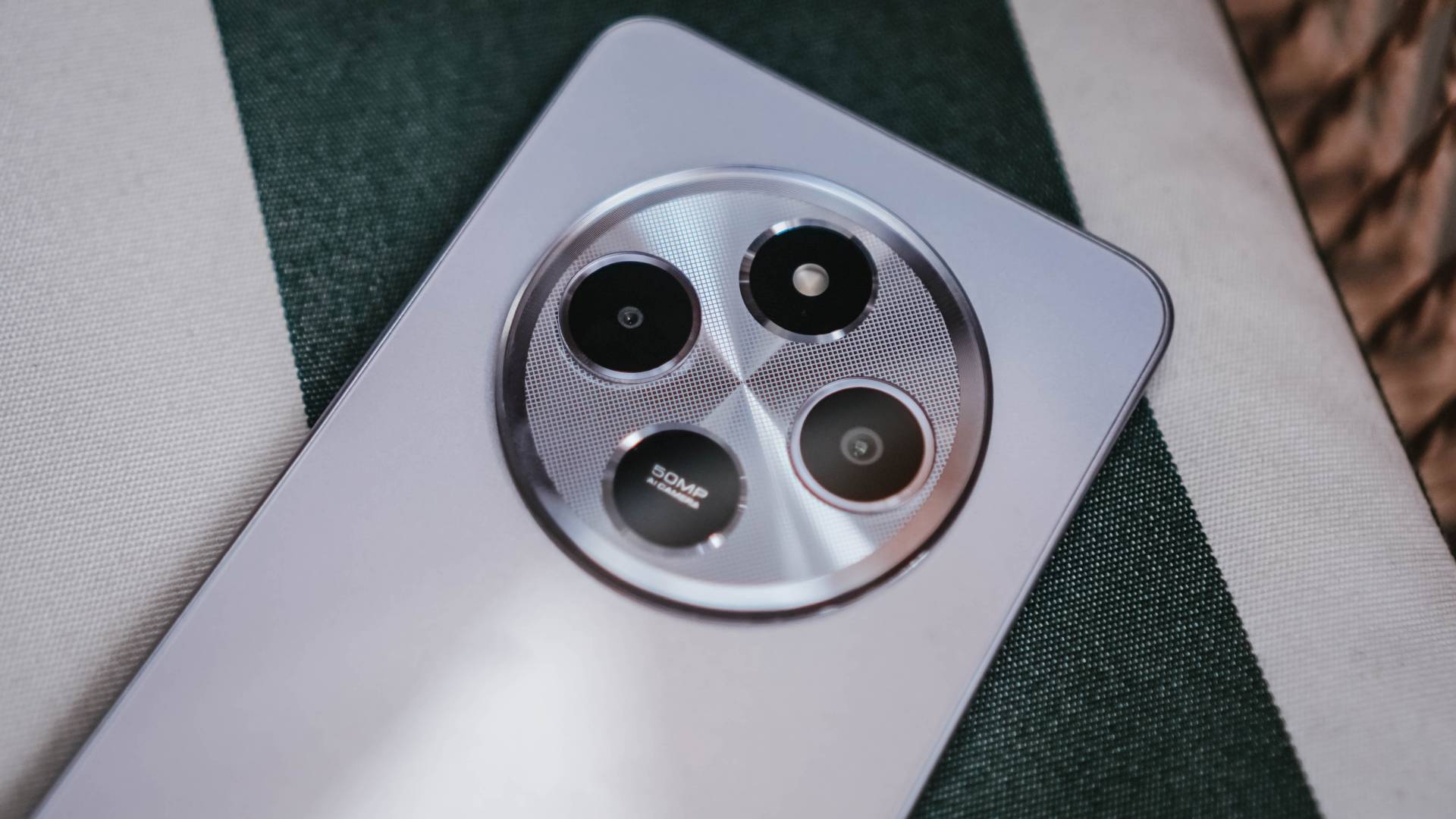
Personally, I like the subdued elegance in its massive hump. The grid pattern complements the concentric texture and iridescent gradient along those set of circles that house its camera and flash.
All that in a chassis that managed to be just around 8.2mm thin.
The Midnight Black plus Dreamy Purple model I have with me weigh at 211 grams. Meanwhile, Sage Green is lighter at 207 grams while Starry Blue is the lightest at only 204 grams.

Graphics by Vincenz Lee | GadgetMatch
Regardless of the minor differences in heft, the Redmi 14C feels nice when held with its smooth aluminum-like plastic frame.
It’s then sandwiched by glass in both front and back (except for that one colorway with eco-leather backing). Buttons also provide enough clicky-ness.

It’s also a nice touch to include a side-mounted fingerprint sensor instead of relying on the old-fashioned pattern/PIN unlocking or the never thief-proof Face Unlocking.
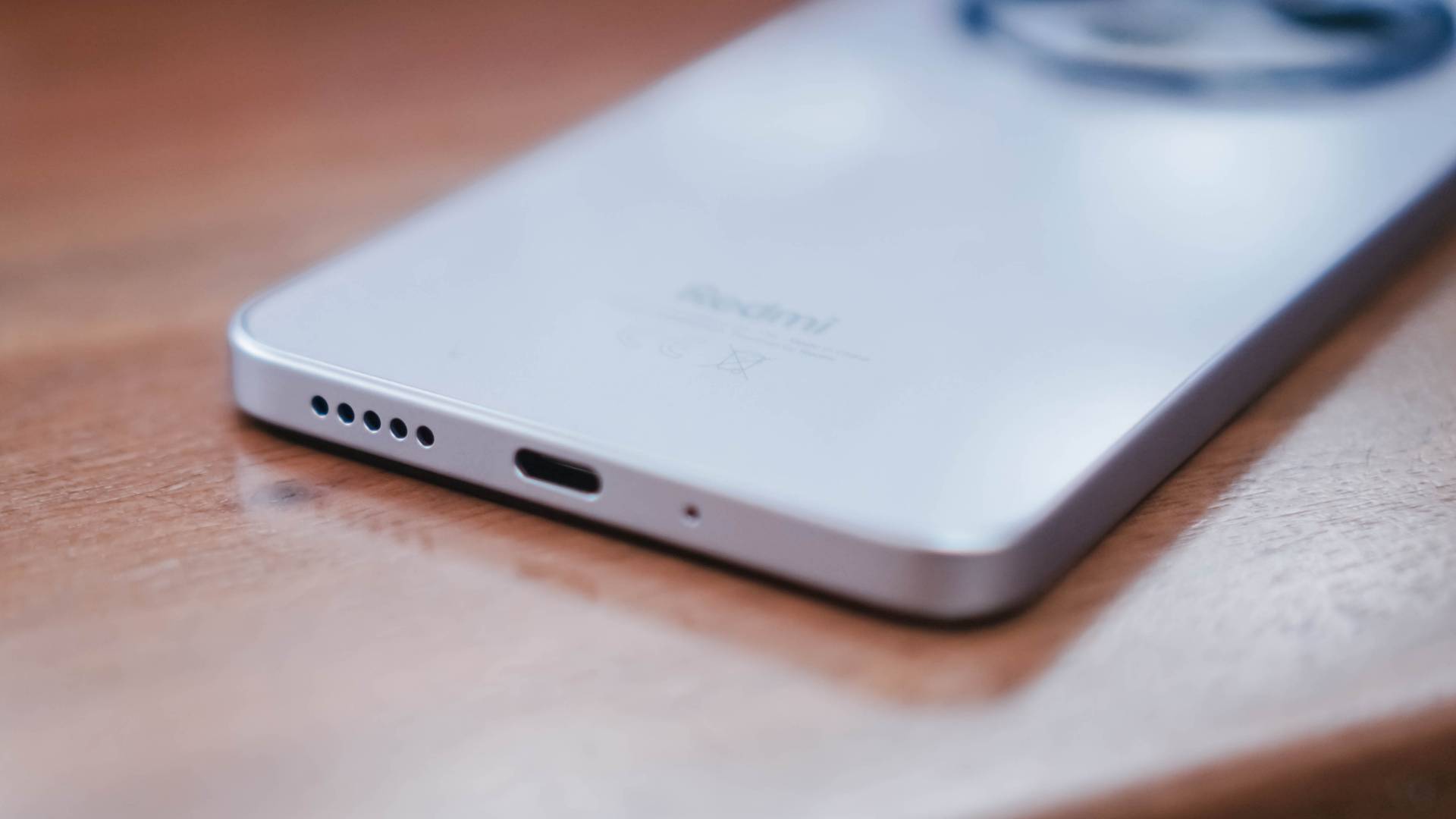
Lastly, there’s a 3.5mm audio jack living on top of this smartphone — a feature that used to be exclusive to Pro phones.
Big and smooth
Who would have thought budget phones would reach this point? Redmi has managed to do something that Apple can’t even do with their latest base iPhone 16 models.
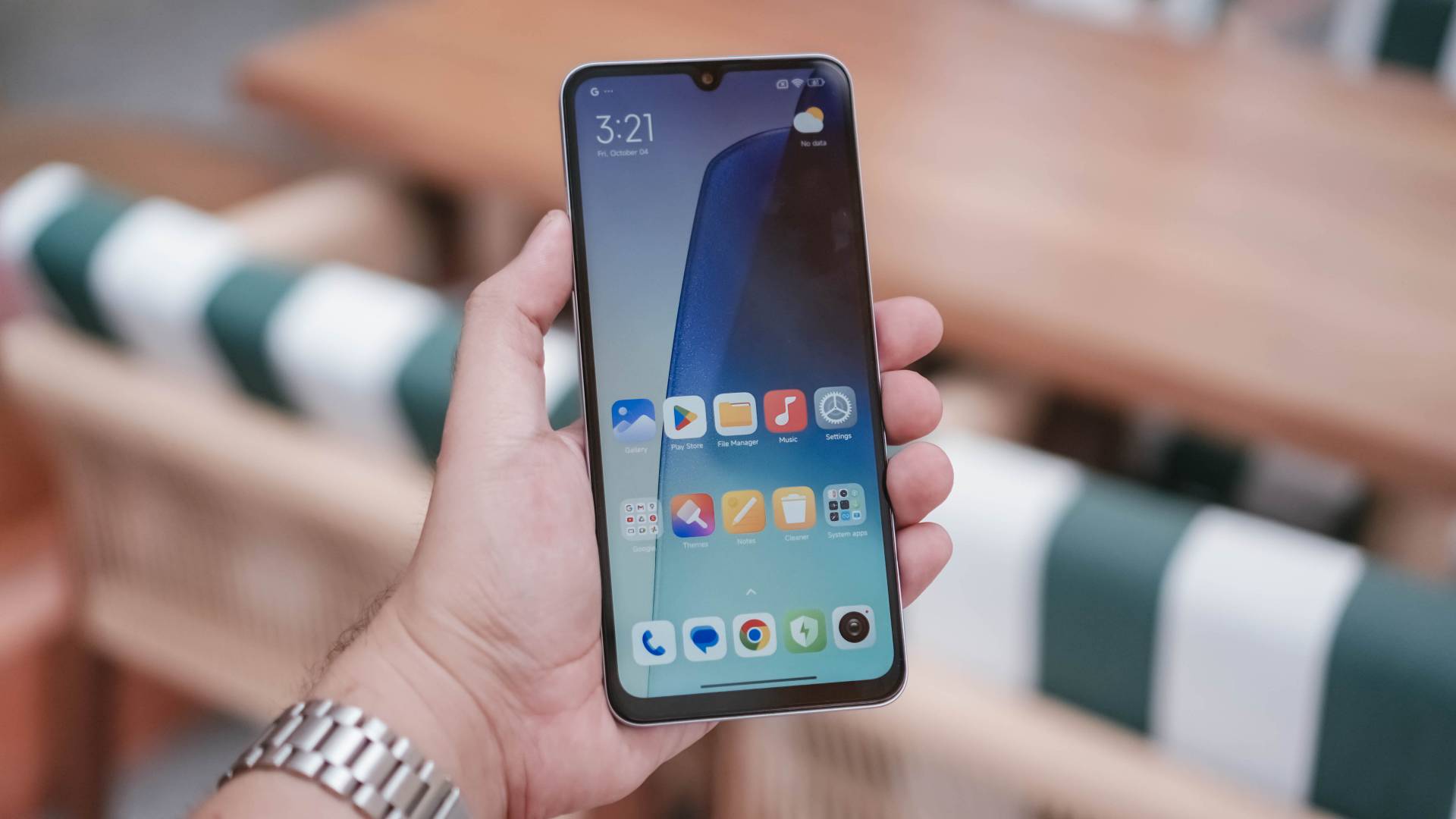
The headlining feature of the Redmi 14C is its massive 6.88-inch IPS LCD panel that can display a buttery-smooth 120Hz refresh rate.
For the 720p resolution it offers, of course it’s not the sharpest but it should be legible enough for reading and/or consuming content.
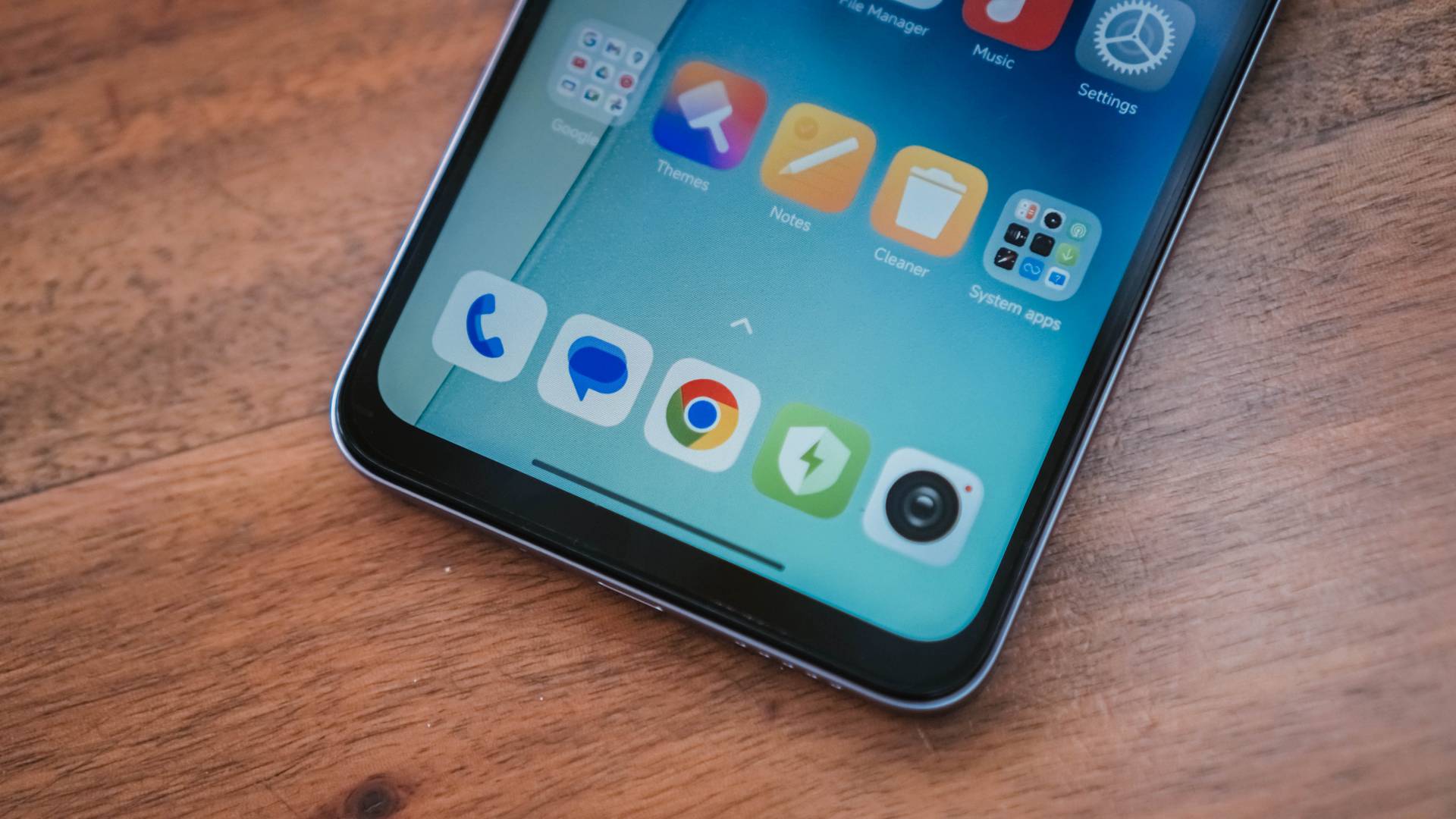
In harsh sunlight conditions, it can achieve between 450 nits of peak brightness to 600 nits in HBM (High Brightness Mode).
It’s also nice to note that the display offers eye-care protection features certified by TÜV Rheinland. Those include constant DC dimming, low blue light, dark mode, and a flicker-free panel altogether.
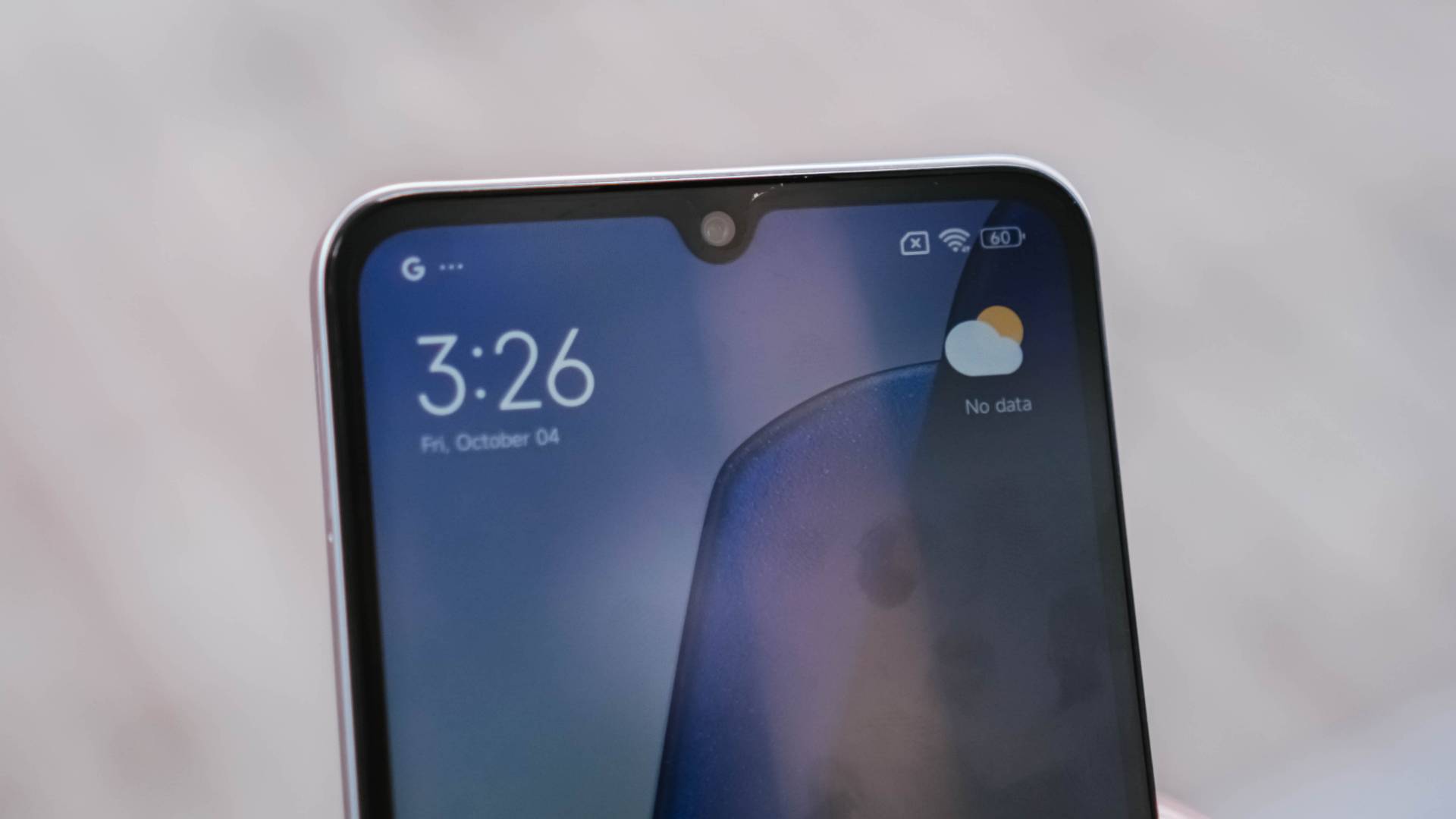
Lastly, its “Dot Drop” display sticks with the dated notch and thicker bezels over the punch-hole cutout and slimmer bezels of some affordable contenders.
HyperOS with less hyper hardware
The Redmi 14C packs a MediaTek Helio G81 Ultra SoC. My unit comes with 4GB of LPDDR4 memory and 128GB of eMMC 5.1 storage.
For the simplest apps and basic tasks, the Redmi 14C should run fine.

Easy-peasy games should run as well but power-hungry titles, whether it is FPS or MOBA, simply wouldn’t make you a gaming champ. For that purpose, you really have to look elsewhere.
Its 5160mAh battery can last enough for a day or more than 2-3 days when casually used.
And unlike the Xiaomi 14T series excluding a charger in its box, Xiaomi still managed to bundle a 33W charger and USB-C cable in Redmi 14C’s box.
Albeit, charging speeds are limited to just 18W. So, expect that battery to be filled up longer than other budget smartphones with a higher price tag.
Adequate shooter
Despite that massive camera bump I praised earlier, it offers nothing grand.
The right circle is where its 50MP f/1.8 main camera lies. On the parallel side, there’s an auxillary lens.

Top circle houses the flash unit while the bottom circle is just there to complete the overall aesthetic.
For this price point, I have nothing against its output. You get fair shots with the right amount of light.

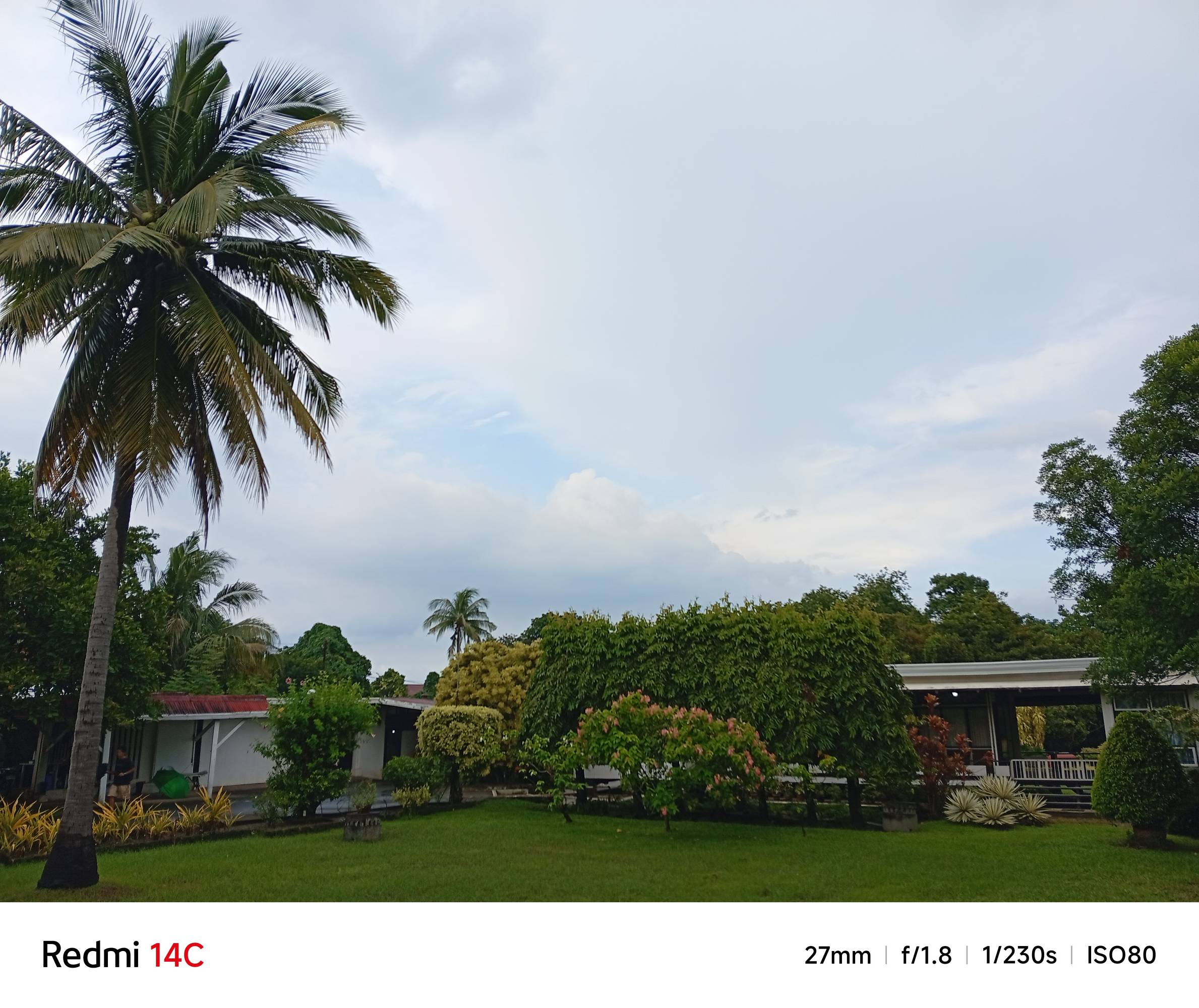
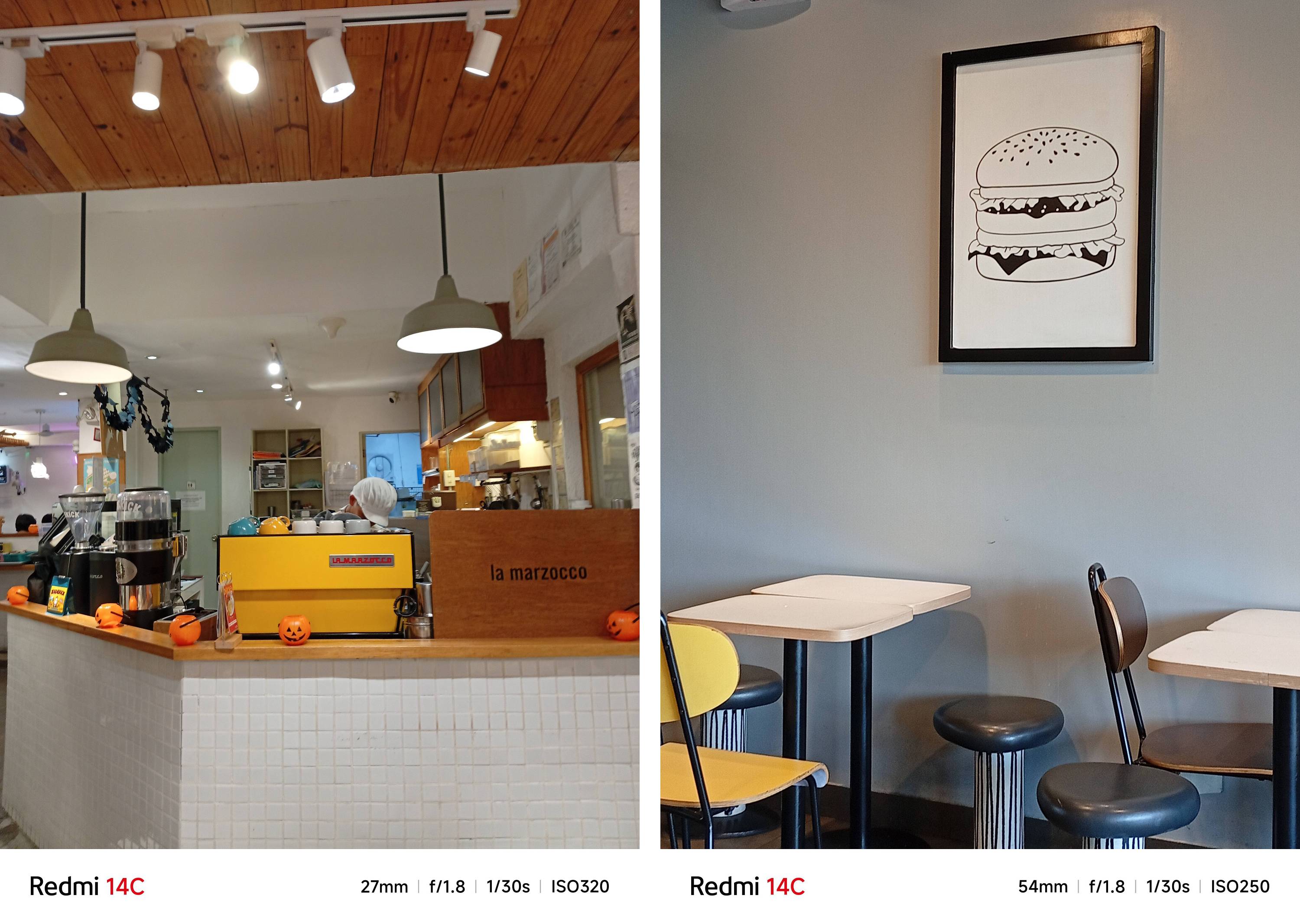
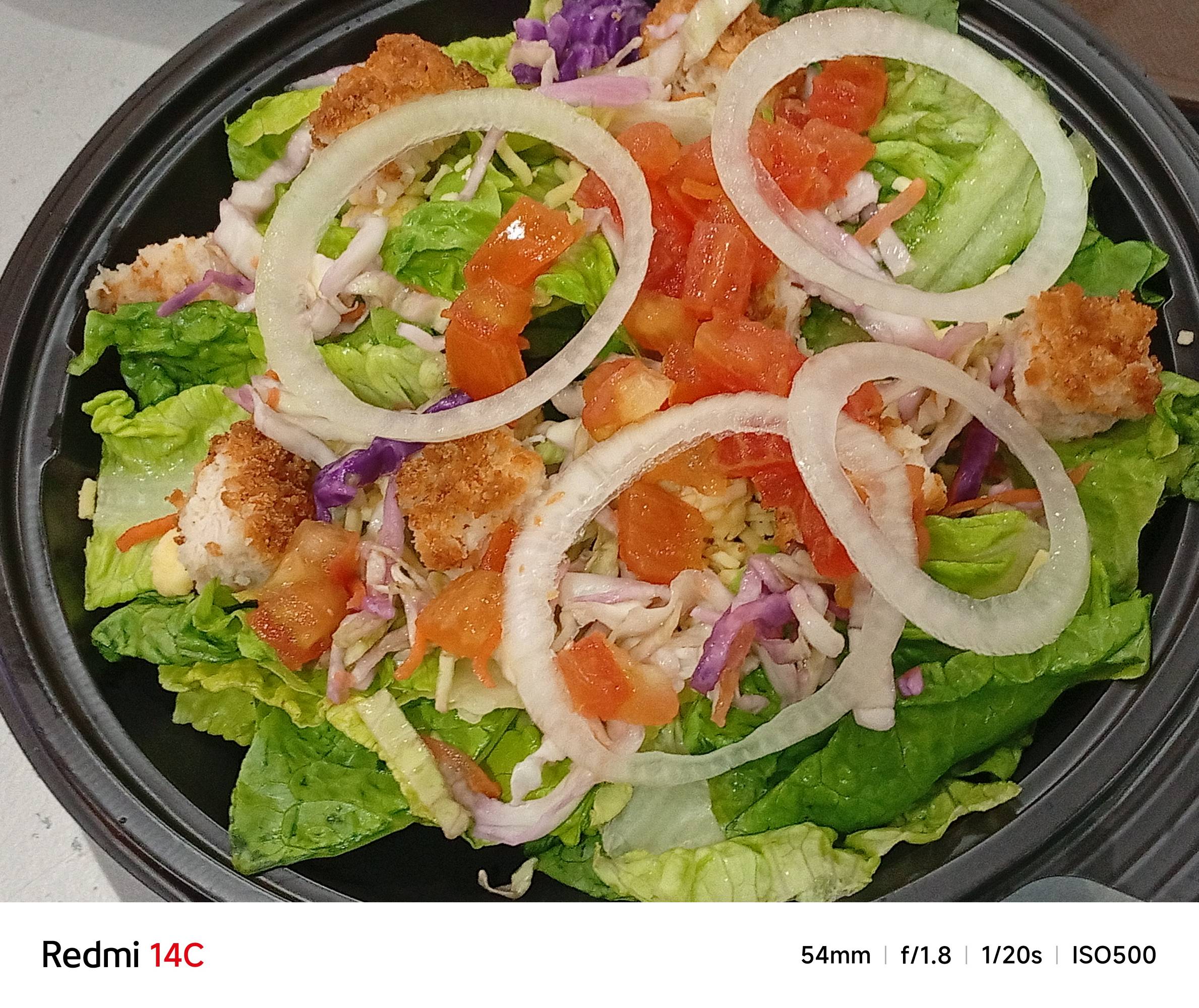

The large megapixel count also means the Redmi 14C can also take 2x zoom photos by sensor cropping.
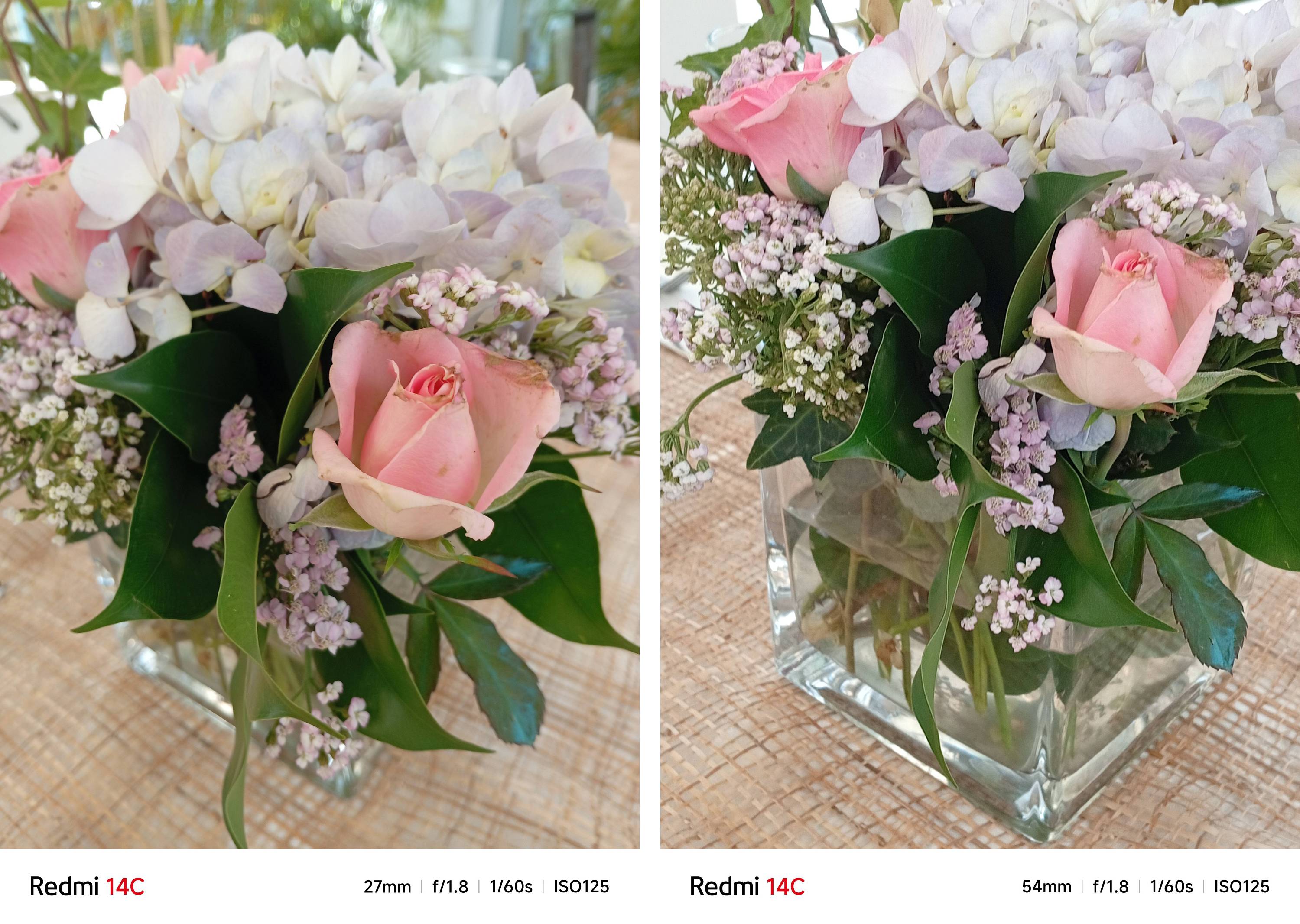
I assume that the “Auxillary Lens” I mentioned earlier might just be for that portrait mode bokeh.

Thanks to filmCamera, you can apply built-in filters in its camera app to level up the look of both your photos and videos.
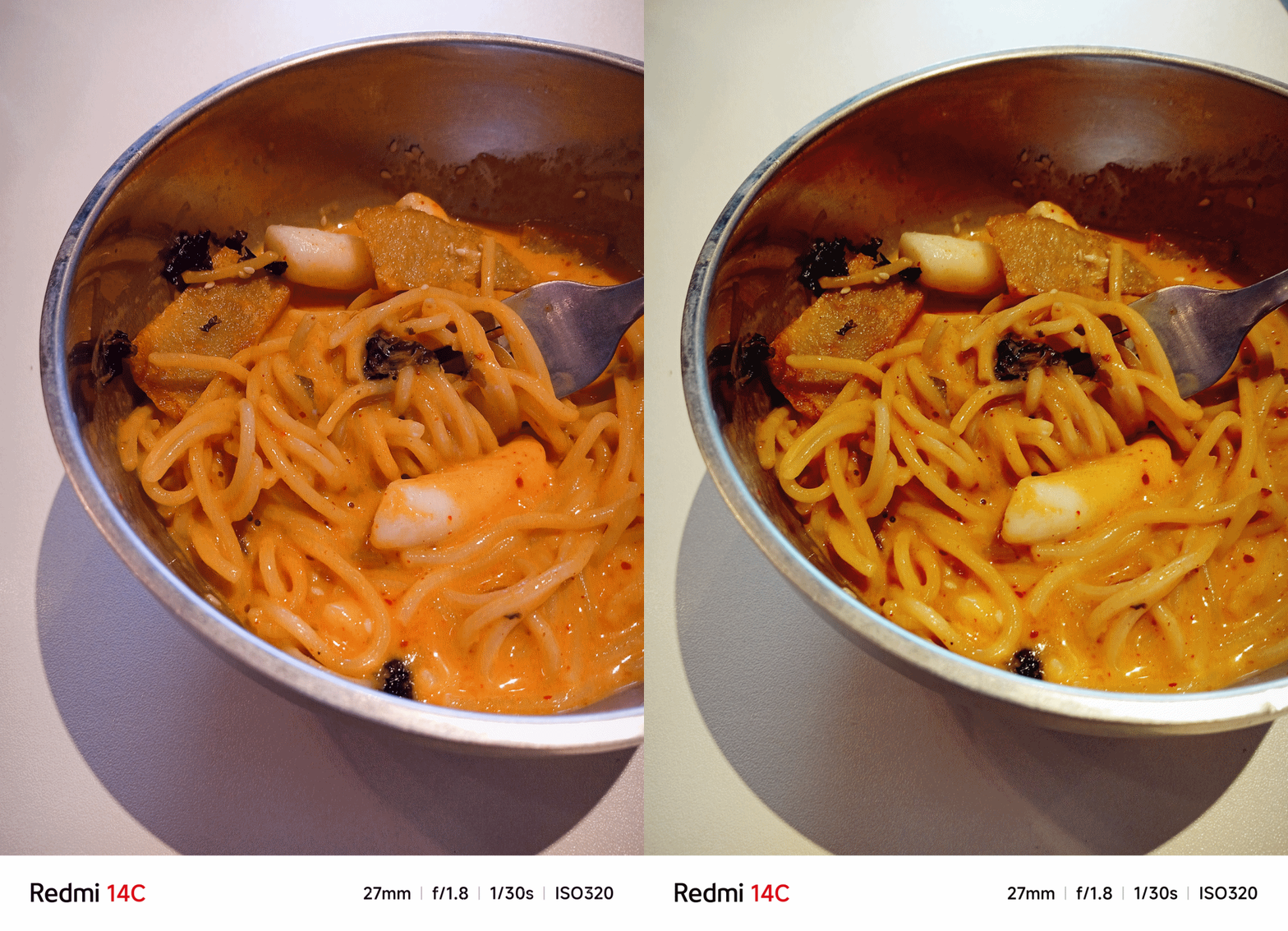
Up front, there’s the 13MP f/2.0 camera for casual selfies — or for Meet / Zoom calls.

Speaking of, both the front and rear camera maxes out at 1080p Full HD at 30fps when video recording.
Deal with the compromises
Of course, a sub-PhP 5,000 (US$ 100) phone should be expected with compromises.
If you’re a power user, this is by no means, meant for you.
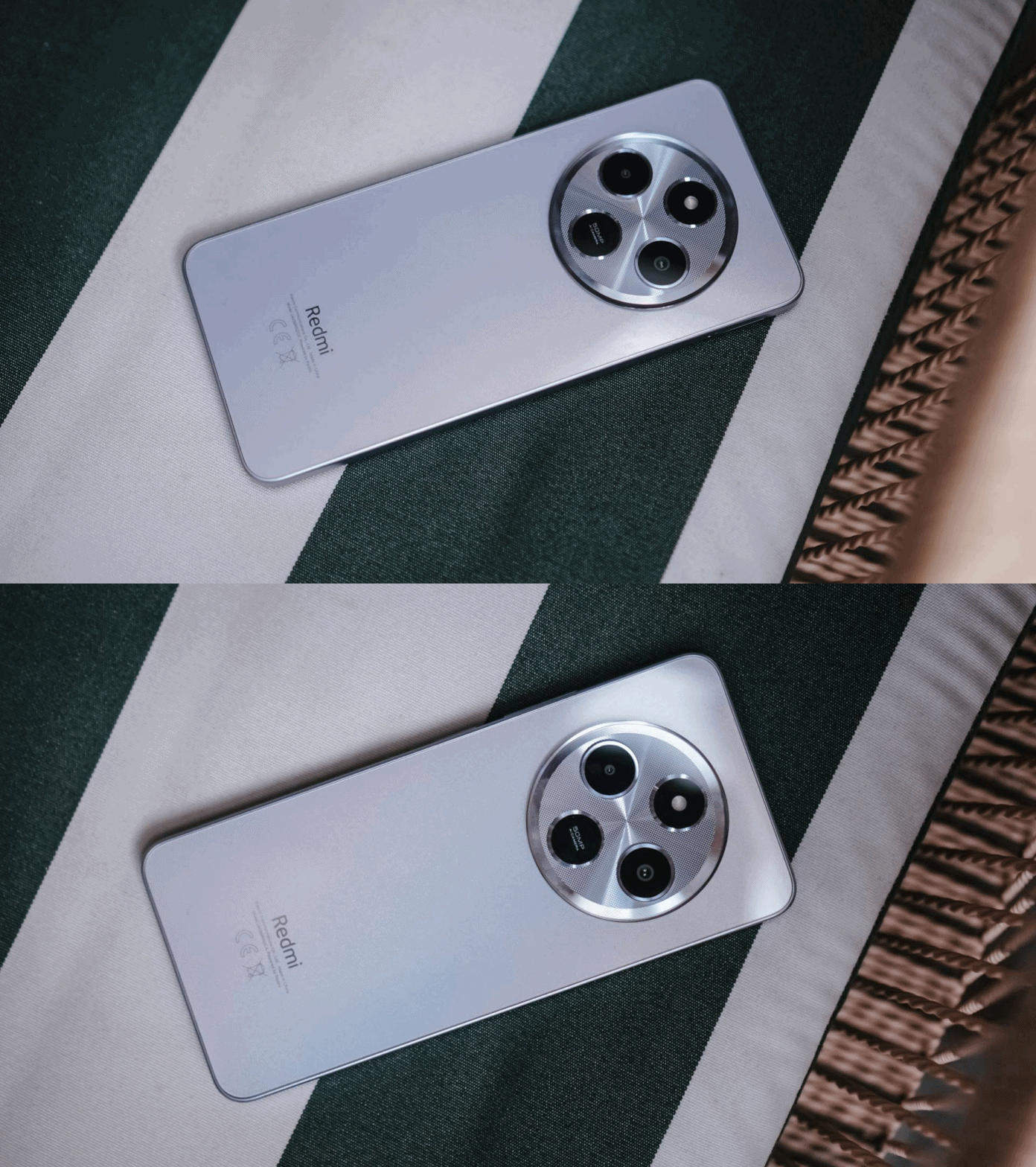
This smartphone is more ideal for students who are looking for a capable budget phone (minus the gaming part). Its cameras are enough for taking black/whiteboard notes, PowerPoint or Canva presentations, or just taking random snaps of their day-to-day life as a hardworking student.
It’s also ideal for TNVS riders who mostly uses their phones for ride-hailing apps, tuning in to Waze and Google Maps, and scrolling through TikToks while on a scorchy hot afternoon break.
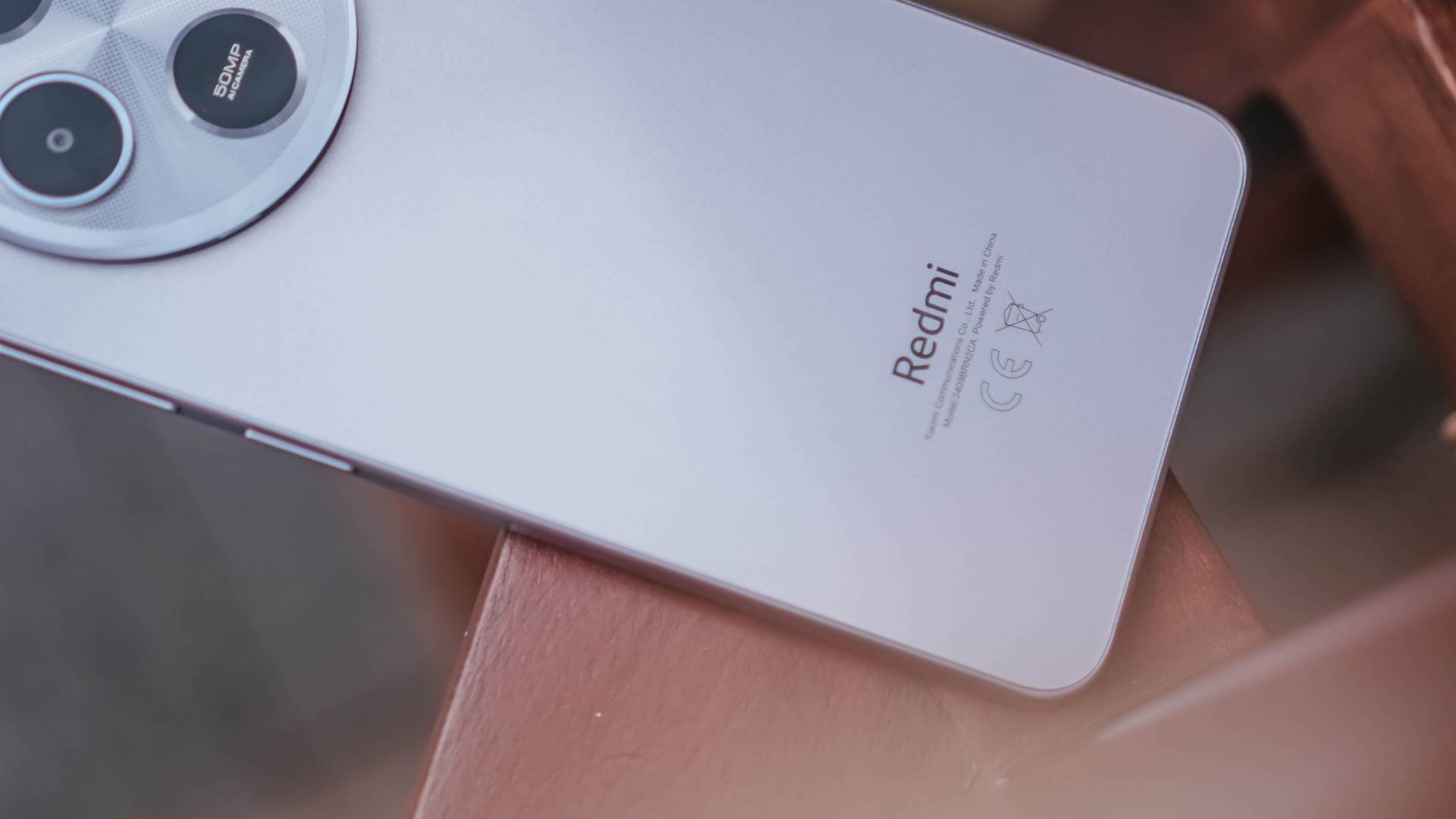
It can also be a gift for your parents or grandparents that aren’t into tech. This is a good turning point from people who are still using “dumb phones” or the older feature phones with the classic keypad arrangement.
Believe it or not, such type of users still exists. And it’s not always about the hardware packed inside, rather the usability it gives to people who barely need that crunch.
Is the Redmi 14C your BudgetMatch?
In the Philippines, Xiaomi’s Redmi 14C comes in three configurations:
- 4+128GB = PhP 4,999 (US$ 87)
- 4+256GB = PhP 5,999 (US$ 104)
- 8+256GB = PhP 6,999 (US$ 122)
For what it’s worth, you simply get nothing more than what you pay for. But competition-wise, its closest competitor is none other than the Smart ZTE Blade A75 5G.
Not only they both possess the same amount of memory, storage, 18W charging support, and 120Hz display, their battery capacities as well as camera hardware and design are quite alike. Admittedly, the Blade A75 5G has one standout spec — 5G support.

Smart ZTE Blade A75 5G | 2024
If you’re looking for a basic phone with blazing-fast internet speeds that can also serve as your mobile hotspot, ZTE would honestly be the better deal. That’s not to say it also has a cleaner-looking punch-hole display.
The only good thing I can say about the Redmi 14C over the Blade is its microSDXC support — but that’s a cover-up for the lackluster eMMC 5.1 standard over Blade’s faster and more power-efficient UFS 3.1 protocol.

itel S24 | 2024
There is also one brand you may not have ever heard of but itel S24 is also a worthy opponent.
It might sound like a downgrade with its smaller 6.6-inch 90Hz display. But for an additional PhP 700, you get twice the LPDDR4X RAM, eMMC 5.1 storage, and more camera megapixel count at 108MP.
It also runs MediaTek’s Helio Ultra chip but with a different number (G91 Ultra vs G81 Ultra of the Redmi 14C). Charging speeds and battery are barely different at 18W and 5000mAh.






Hands-On
Apple iPhone Duo Unboxing and Hands-on
Supported apps, crease, cameras, and MagSafe all tested


Apple’s iPhone Duo is finally here!
Aside from unboxing the all-new iPhone-dable in Night Sky, we take a closer look at the display crease, check out the under-display camera quality, see which MagSafe accessories work with it.
Most of all, which apps support it (or not).
But how well does the dual-screen experience on an iPhone actually work? Watch our Apple iPhone Duo unboxing and hands-on to know more!


Moving into a new space comes with a long list of things to figure out, and lately, I’ve been paying more attention to something that’s easy to overlook: air quality.
After using the LG AeroMini for about a month, it has become a subtle but welcome addition to my space. It helps make the room feel fresher, while its compact and stylish design fits naturally into my setup. Here are the things that stood out to me most after living with it for a month.
360° purification for a fresher space
One of the things I appreciate about the AeroMini is its 360° air purification, designed to bring purified air in every direction.
For me, this is particularly useful in a new space where I’m spending a lot of time working, relaxing, and just settling in.

Combined with its True HEPA filter, which is designed to remove 99.999% of 0.01μm fine dust and allergens, it gives me added peace of mind about the air I’m breathing every day.
After a month, I can genuinely say that the space feels fresher with it running.

Surprisingly quiet
This is probably my favorite feature.
The LG AeroMini operates at just 26dB, and after using it for a month, what stands out is how easy it is to forget that it’s even running.

I can have it running while I’m working or sleeping without the noise becoming a distraction. For an appliance that’s designed to continuously improve the air around you, I think that’s a big deal.
Sometimes, the best feature is the one you barely notice.
Design that fits my space
Since I recently moved, I’ve been pretty conscious about what I bring into the space. I want things to be functional, but I also don’t want appliances that feel like they’re taking over the room.

The AeroMini’s slim and compact design makes it easy to incorporate into my setup. It doesn’t feel bulky or industrial, and I like that I can leave it out without feeling like I need to hide it away.
For me, that balance between functionality and aesthetics makes it feel more like part of the space rather than just another appliance.
Air quality at a glance
Another feature I’ve found convenient is its Smart Control. Through the app, I can monitor and control the AeroMini while getting real-time updates on the indoor air quality.
It’s a small convenience, but being able to check the air quality without having to interact with the purifier directly makes it easier to keep track of what’s happening in the room.

Easy to maintain
I also appreciate that the AeroMini is designed with an all-in-one dust and deodorization filter that makes replacement and maintenance easier.
That matters to me because the best home gadgets are the ones that don’t create another complicated chore. I want something I can set up, use regularly, and maintain without too much fuss.

After a month, would I keep it?
Yes, and mainly because it quietly fits into my everyday routine.
The LG AeroMini has helped make my new space feel fresher and more comfortable, while its compact design means it doesn’t compromise the look of the room. But if I had to pick just one thing I appreciate most, it’s still how incredibly quiet it is.

It’s one of those upgrades that doesn’t demand your attention. It simply works in the background.
If you’re also looking to make your home a fresher and more comfortable space for yourself and your family, visit https://www.lg.com/ph/ to learn more about the LG AeroMini and how it can fit into your everyday life.
Hands-On
Apple iPhone 18 Pro Series Hands-on
And everything announced during Apple’s September 2026 Event

The latest Apple event isn’t just about the shiny new Apple Duo. There’s a lot to talk about!
In this video, we break down everything Apple has announced during their September 2026 keynote.
First, there’s the updated iPhone 18 Pro and 18 Pro Max. That’s alongside their design and color changes, battery and performance improvements. Even that massive camera upgrade.
There’s even the ANC-infused AirPods 5 alongside the newer Apple Watch Series 12 and Apple Watch Ultra 4. Plus, the latest software updates coming to both these wearables.
So, are these worth the upgrade?


HP OMEN Max 16 review: Gamer-maxxing in deep black
Peripherals deemed necessary to max this out


vivo V80 review: Good phone, tough sell
A capable travel companion


Ghost of Yōtei Complete Edition review: More of a great thing
Picking up where Atsu left off

Apple unveils its biggest iPad mini update yet

TechLife’s Pad Neo SE is coming with a 10.1-inch screen built for learning

Visa: 79% of Filipinos want to learn about stablecoins

CASETiFY Match: Finding the right case for your Galaxy Z8 Series phone
HP OMEN Max 16 review: Gamer-maxxing in deep black

TECNO CAMON Slim 5G review: Slim on size, big on surprise

TECNO CAMON Slim 5G: Price, availability in the Philippines

HONOR Magic9 Pro Max launches in China with ARRI-powered imaging

BYD says that way better EV batteries are coming next year

HONOR 600S review


-

 News2 weeks ago
vivo V80 debuts with ZEISS cameras
-

 Philippines1 week ago
TECNO CAMON Slim 5G gets launch discounts, free MagBadge
-

 News1 week ago
Samsung: Galaxy Z Fold8 demand rose because of iPhone Duo
-
Reviews1 week ago
vivo V80 review: Good phone, tough sell
-
 Features2 weeks ago
I don’t want a phone that unfolds — the Galaxy Z Fold8 gets why
-

 News5 days ago
OPPO Find X10 Series: Price, availability in the Philippines
-
 Buyer's Guide1 week ago
iPhone Duo Philippines: Prices, installments, and where to buy
-
 Philippines1 week ago
Smart opens iPhone Duo pre-orders today