



Every student knows (or should know) that part of excelling in school work is not just studying hard, but also studying smart. Luckily for kids today, there are now apps that help make a student’s workflow easier and more efficient.
From task reminders to instant citation makers, here are my top five picks for free productivity apps that will help any student.
Forest
Sure, having a smartphone is convenient, but it can also be pretty distracting. Trump the urge to fiddle with your phone when you’re supposed to be doing something else — like studying — with this app.
Here, you’re tasked to grow trees, and eventually, a forest. The catch? If you leave the app, your tree dies.

The premise is as simple as that, but it proves to be an effective way to keep focused and grow a lush virtual forest. Download it here.
DropTask
Group projects and assignments can be daunting and unorganized tasks. Lucky for you, there’s DropTask to help.
DropTask is a unique task manager that will work on your phone or your laptop. It allows you to organize every single thing in your school life. Group together certain assignments and even share tasks with classmates to ensure smooth workflows and efficient task distribution.
It also helps that it has a pretty colorful visual design, perfect for those who aren’t so fond of normal lists and notes. Download it here.
Google Keep
For a lot of things in school, note taking is something you can’t get out of. Might as well find a way to make this activity easier, right?
One great app for this task is Google Keep. It has an easy interface that allows you to organize notes like post-its, plus it allows for plain text, lists, and even photos.

Google Keep has a dedicated app, but you can also open it up via your web browser. It syncs everything to Google Drive and saves offline edits so you’ll have only one set of updated notes. It’s the small victories in life, kids. Download it here.
Exam Countdown Lite
When exam season is around the corner, scheduling and meticulous planning are key. Make sure you have all your bases — erm, subjects — covered with this app.
Exam Countdown Lite takes care of your test scheduling woes. It allows you to take note of all the important dates and organizes everything in a way which allows you to see everything, including countdowns to the very second your exams start.
 The app also has alarms, social media integration (so you can share your deadly schedules to the world!), and even note-taking capabilities. Download it for Android or iOS.
Citationsy
We all know that research papers are hard and formatting is especially a pain. Say no more: We have just the app for that.
This ingenious app not only formats citations in more than 1,500 styles (which includes APA and MLA), it also does this by scanning the book’s barcode. Yep, that easy.

Unfortunately, this free app is only available for iPhone and iPad users, which you can download here.
Of course, we found something for Android study folks. Citation Maker is a good alternative app; unfortunately, it doesn’t support barcode scanning. Download it here.
Happy studying! 🤓







Apps
Apple’s best feature to cure motion sickness is finally on Android
Google copies a good page from Apple’s playbook.

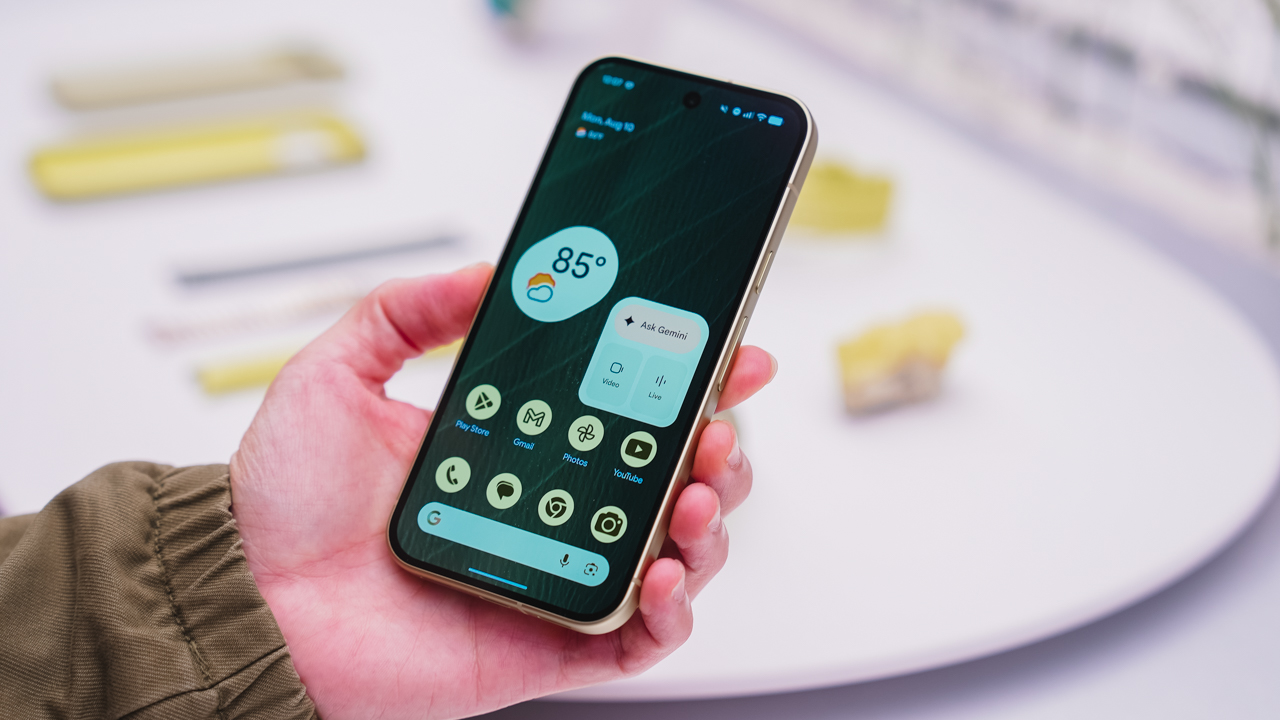
As an Android user, I’ve been jealous of iPhone users for a while now, but it’s not for the reason you might think. See, I’m ridiculously prone to motion sickness when I’m not driving. So, when I discovered that Apple has a software-based cure called Vehicle Motion Cues, I wanted it immediately. Now, Android does have third-party apps that do the same thing, but they’re not as good as a fully native version. Well, those dark, nauseating days are about to come to an end. Android 17 is finally getting a similar tool called Motion assist.
Before that, let’s rewind for a bit. What do these features do? How can they cure motion sickness?
Whenever you open Vehicle Motion Cues or Motion assist, the interface spawns a series of dots on the screen. These dots respond to movement. For example, if the vehicle turns to the left, the dots also go to the left, mimicking the movement. Without cues like this, the stationary nature of the screen clashes with our brain’s perception of movement. The disparity creates that feeling of nausea. Basically, our eyes are desperately trying to focus on the static screen, but our brains are telling us that we should be seeing motion. Having moving dots reorients our brain and places the phone inside our perception of movement.
Now, you can enable the same feature on your Android 17 device through Settings > All services > Motion assist under Personal & device safety. You can also set it so that the feature turns on automatically when the phone detects that you’re in a moving vehicle. Finally, you can also tweak the shape, color, and opacity of these dots.
Android 17’s Motion assist is rolling out now to compatible devices.
SEE ALSO: These are the best Android 17 features (if you hate AI)

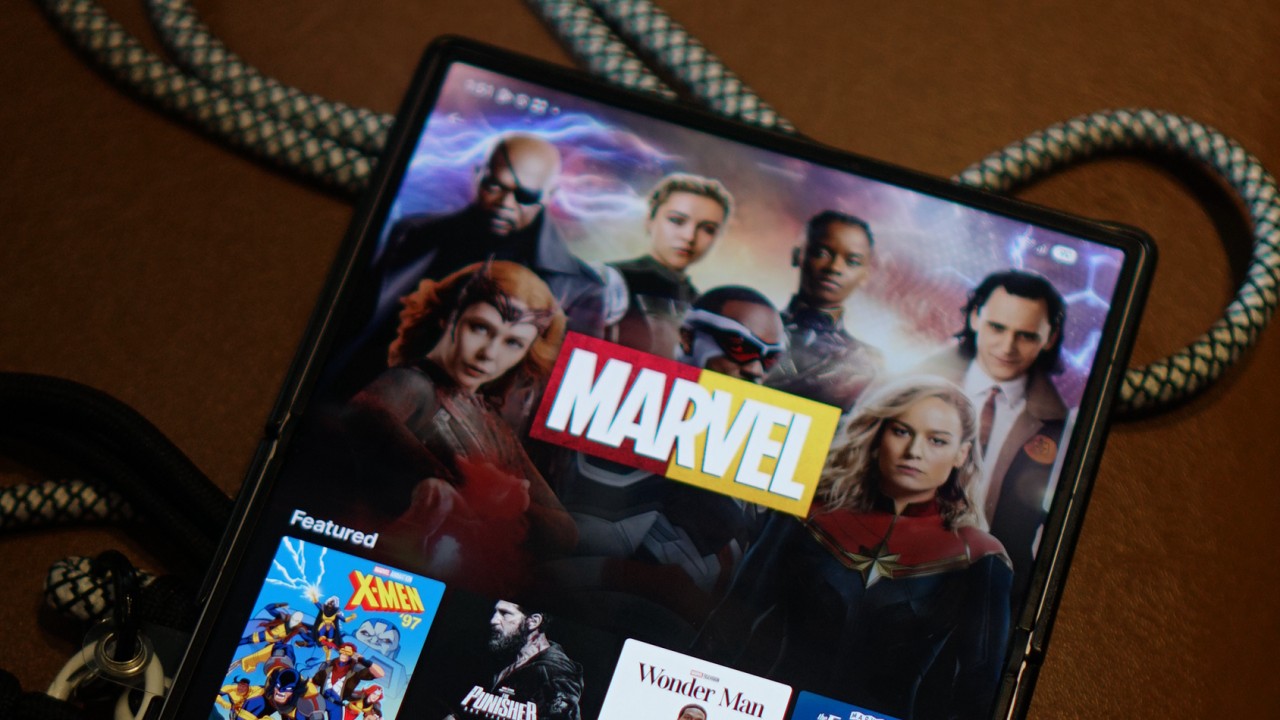
Disney is rolling out its new Disney+ app to markets that have been using a separate, Hotstar-derived version of the service.
The change is already happening across several regions, with Southeast Asia among the markets affected. Disney+ subscribers in the Philippines, Malaysia, Thailand, Indonesia, and other countries will transition to the newer app experience as Disney works toward a more unified global platform.
For Philippine subscribers, Disney+ has confirmed that the migration will happen on October 7, 2026.
The company notified subscribers this week that the existing app will eventually be replaced by a new Disney+ app. No action is required yet, and subscribers can continue using the current app until Disney provides further instructions.
The migration is part of a broader effort to bring Disney+ users onto the same core platform.
From Hotstar to a global Disney+ app
The distinction between the old and new experiences goes back to Disney’s international expansion.
Disney used a Hotstar-derived version of its streaming platform in several markets, including the Philippines, Malaysia, Thailand, Indonesia, South Africa, and markets across the Middle East and North Africa.
That version provided a localized Disney+ experience, but it operated separately from the main Disney+ platform used across many other international markets.
Disney began simplifying its streaming brands in 2025. In Southeast Asia, Disney+ Hotstar was rebranded simply as Disney+, while the Star general-entertainment brand was replaced by Hulu. At the time, Disney said the rebrand would bring a more consistent Disney+ experience, although the available content would remain tailored to each market.
The next step is now happening at the app level.
Egypt began moving to the new Disney+ app on September 2, followed by Indonesia on September 3. South Africa is scheduled for September 9, while Thailand is set to follow on September 16. Malaysia and the Philippines are scheduled for October 7.
This makes the Philippine migration part of a much larger transition rather than an isolated local update.

A more familiar Disney+ experience
The new app brings affected markets closer to the current Disney+ experience elsewhere.
Disney redesigned the global app earlier this year with a new For You homepage, improved personalization, redesigned navigation, more prominent profiles, and additional content hubs. Depending on the market and subscription, the interface can also surface Disney+, Hulu, and ESPN sections.
Disney has also been expanding the platform’s international language support. In July, the company added 17 languages, bringing Disney+ to 58 audio languages, with the user interface available in more than 30 languages and subtitles or closed captions available in as many as 42. The expansion included Thai, Indonesian, Malay, Arabic, Hindi, Tamil, and Telugu.
The company has described these updates as part of its effort to make Disney+ a more accessible and localized service for audiences around the world.
The migration also brings practical changes for subscribers.
In the Philippines, Disney says existing subscribers can continue using their current account and subscription. However, profiles, watchlists, and viewing history will not transfer to the new platform. Philippine subscribers will therefore need to set up their profiles and watchlists again after moving to the new app.
The subscription itself does not require an additional charge because of the migration. Existing billing cycles will also remain in place.
The catalog will still depend on where you are
Moving to the global Disney+ app does not mean every country will suddenly receive the same library.
Disney continues to operate its streaming service according to regional content rights. Its own Help Center notes that content availability can differ by country or region, and that some titles may not be available in a subscriber’s current location.
That means a subscriber in the Philippines, for example, will still see a catalog determined by the rights Disney has for the Philippine market. The same applies to subscribers in Thailand, Indonesia, Malaysia, South Africa, or any other market making the transition.
What is becoming more global is the platform itself.
That brings Disney+ closer to the model used by other major streaming services, where subscribers can use a common app experience across markets while the actual catalog changes depending on where they are.
The distinction is particularly relevant for people who travel. Disney’s global Help Center says subscribers abroad can stream content available in the country or region they are visiting, meaning the service’s location-based availability rules still apply even on the unified platform.
Disney has been signaling this direction for some time. In 2025, the company said its redesigns were leading toward a “fully integrated unified app experience” in 2026. The latest migrations appear to be the next major step toward that goal.
For subscribers in the remaining Hotstar-derived markets, then, the biggest change isn’t necessarily what’s available to watch.
It’s where and how they access Disney+.
Apps
Canva teams up with SB19 to turn A’TIN’s passion into creativity
Campaign lets fans access assets, editable templates, more

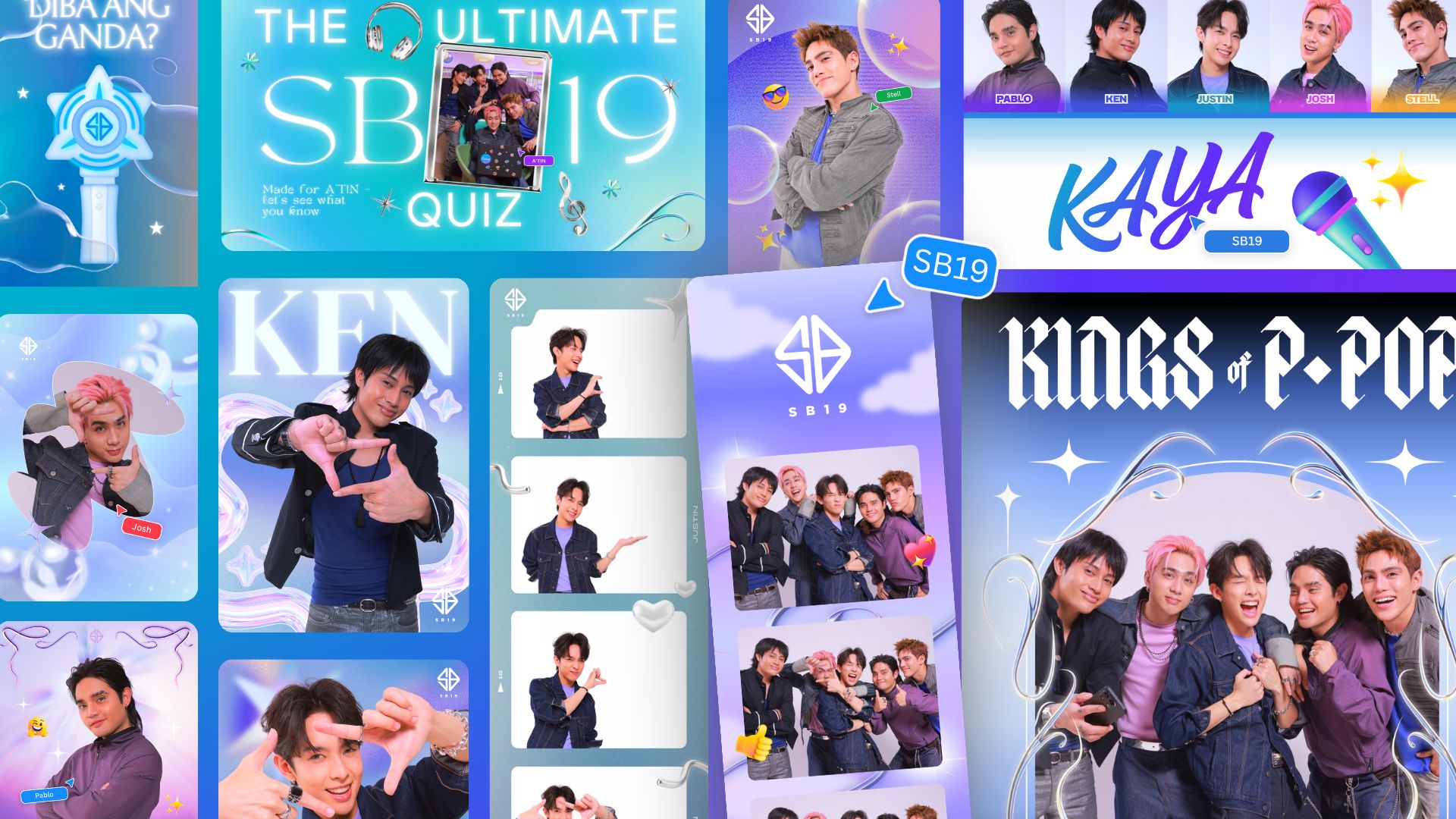
Canva Philippines has joined forces with SB19 and Sony Music Entertainment to launch the “Kaya sa Canva” campaign.
This first-of-its-kind initiative is aimed at transforming the popular Filipino boy band’s fanbase into creators by giving them access to official design assets, exclusive templates, and powerful creative tools.
That’s of course as fans have a way of creating artwork, banners, and more outputs to honor their idols.
As such, the partnership enables the A’TIN (SB19’s fanbase) to access the Canva-exclusive SB19’s Creative Hub.
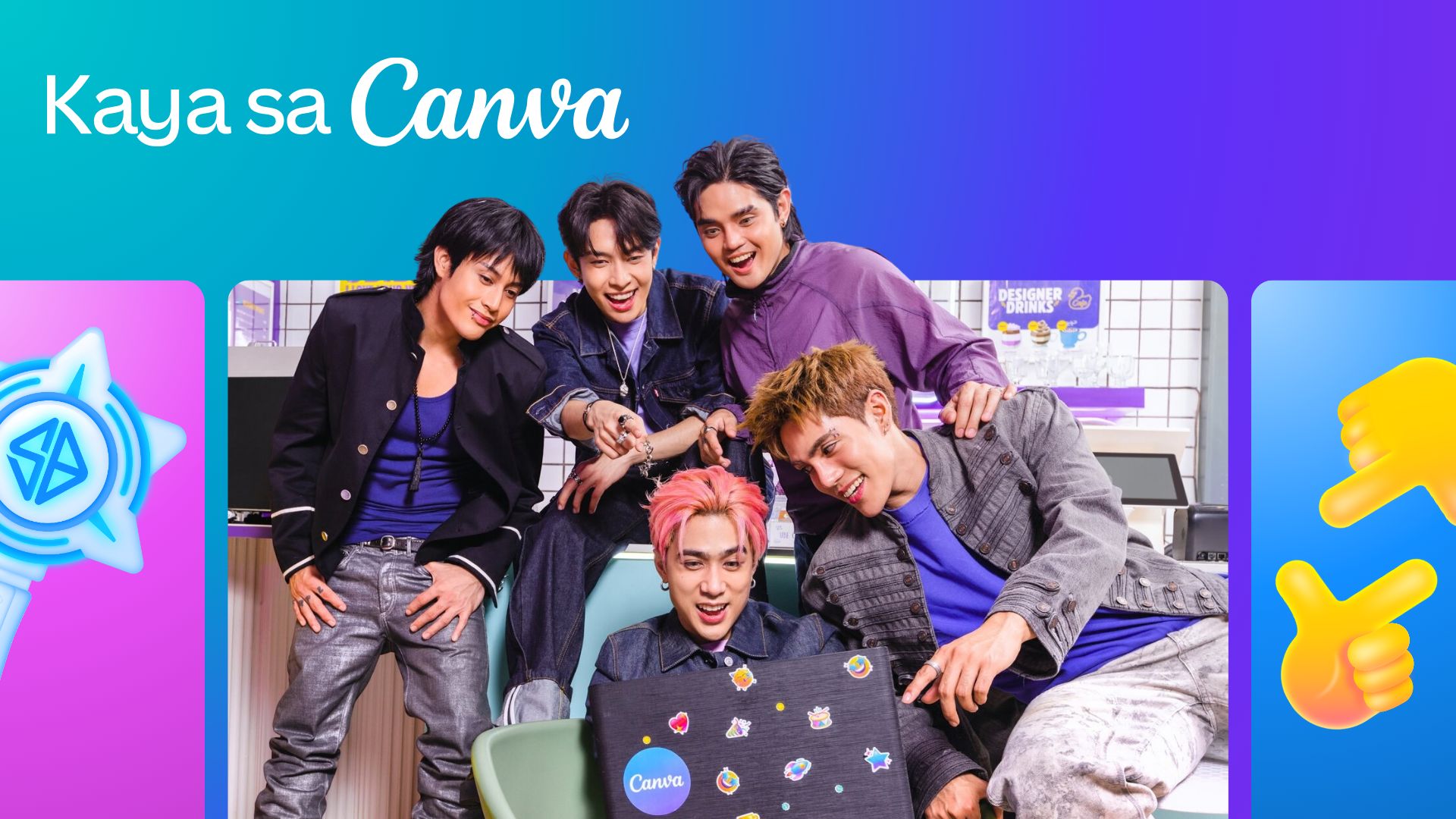
This dedicated space lets fans access assets, including SB19-inspired sticker packs, custom typography, and editable templates inspired by the group.
Fans around the world will initially have access to templates for photo-booth strips, wallpapers, posters, and videos.
The campaign will then expand with Canva-exclusive assets celebrating the group’s New Era, as well as their latest single, “Lawless”.
Meanwhile, the original song “KAYA” is accompanied with an upbeat music video, doubling as a love letter to A’TIN and a masterclass in Canva’s tools.
Every visual and animation is fan-inspired, a celebration of the creativity, passion, and dedication that’s defined in the community from day one.


DJI Lito X1 review: Is this the best lightweight drone for creators?
Making a strong case as a travel companion and a capable B-cam!


REDMI Note 17 Pro Max review: A new breed born from AI greed
Welcome to the new normal


Marvel’s Wolverine review: When the claws come out
A brutal, cinematic superhero adventure
DJI Lito X1 review: Is this the best lightweight drone for creators?

Now Playing: Resident Evil

HONOR, Fidesmo partner for contactless payments across Europe, Middle East

Ford revs up Truck Month with extended 5-star care offers
REDMI Note 17 Pro Max review: A new breed born from AI greed

TECNO MEGAPAD 2 review: Eyes on the size

realme 16T 5G with 8000mAh battery, IP69 Pro rating launches in PH

HUAWEI Pura X View is 2026’s first WIDE slab-type smartphone

REDMI reveals the refreshed Note 17 and Note 17 Pro series

REDMI Note 17 Series: Price, availability in Singapore


-
 News1 week ago
HUAWEI Pura X View is 2026’s first WIDE slab-type smartphone
-

 News1 week ago
The CAMON Slim 5G is TECNO’s latest ultra-slim smartphone
-

 IFA 20262 weeks ago
TECNO MEGABOOK T15 360 unveiled at IFA 2026
-

 Gaming2 weeks ago
NBA 2K27 review: A two-way All-Star
-

 News1 week ago
iPhone 18 Pro series: Price, availability in the Philippines
-

 IFA 20262 weeks ago
TECNO’s POVA 8 Pro gets a stealthy makeover
-

 Automotive2 weeks ago
Ford’s new Everest lineup brings V6 engine to the top, tech down the line
-

 Gaming2 weeks ago
Now Playing: Elden Ring Tarnished Edition