
Laptops
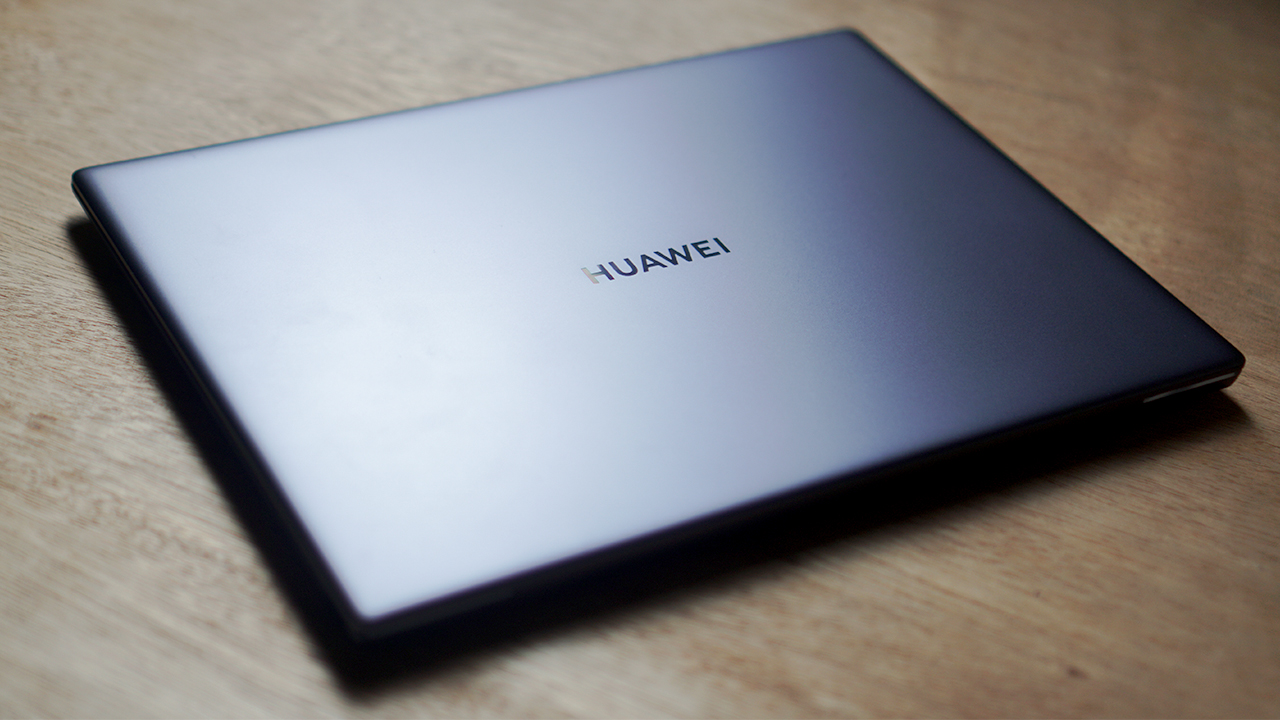
Huawei Matebook X Pro 2020 review: Nothing spectacularly new
“If it ain’t broke, don’t fix it” said Huawei, probably

Huawei is continuously stretching itself across multiple devices these days. While the company is known mostly for their smartphones and, recently privacy issues, their attempts on creating laptops has also been a success. They manage to consistently cram in a ton of nifty features over the years, that they simply don’t change it every new year.
That rings especially true for the Huawei Matebook X Pro 2020 — same device, with the only difference being the hardware. On the surface, it maintains a lot of the core features last year’s model had. The question is whether or not it’s performance across the board remains consistent with the 2019 model.
Let’s take a deep dive into the Huawei Matebook X Pro 2020:
It has a 13.9-inch FHD IPS touchscreen display
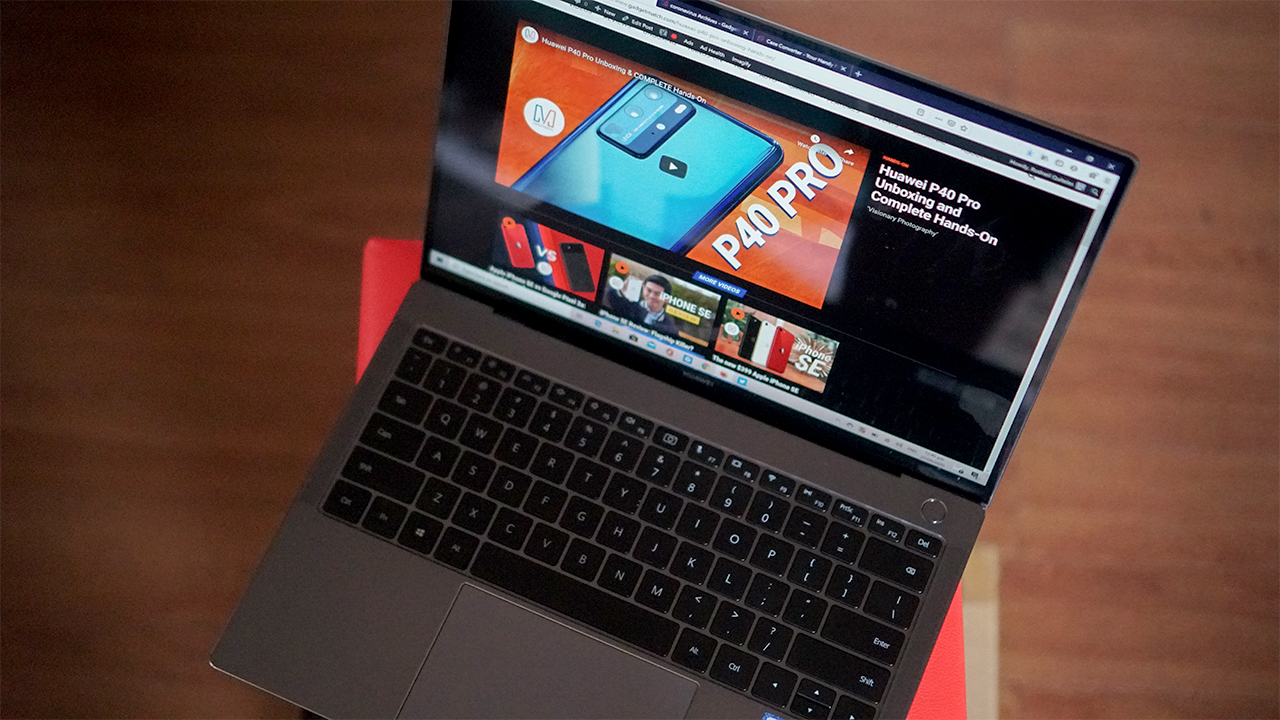
It comes with the 10th generation Intel processor inside
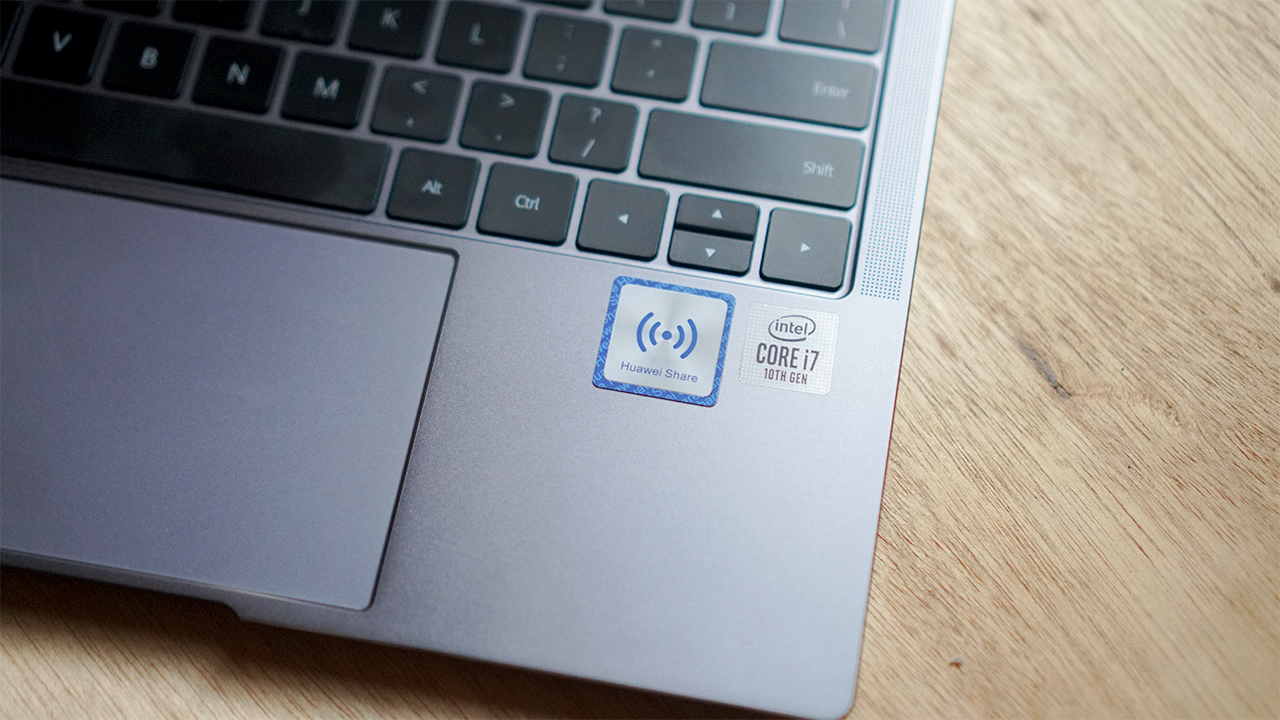
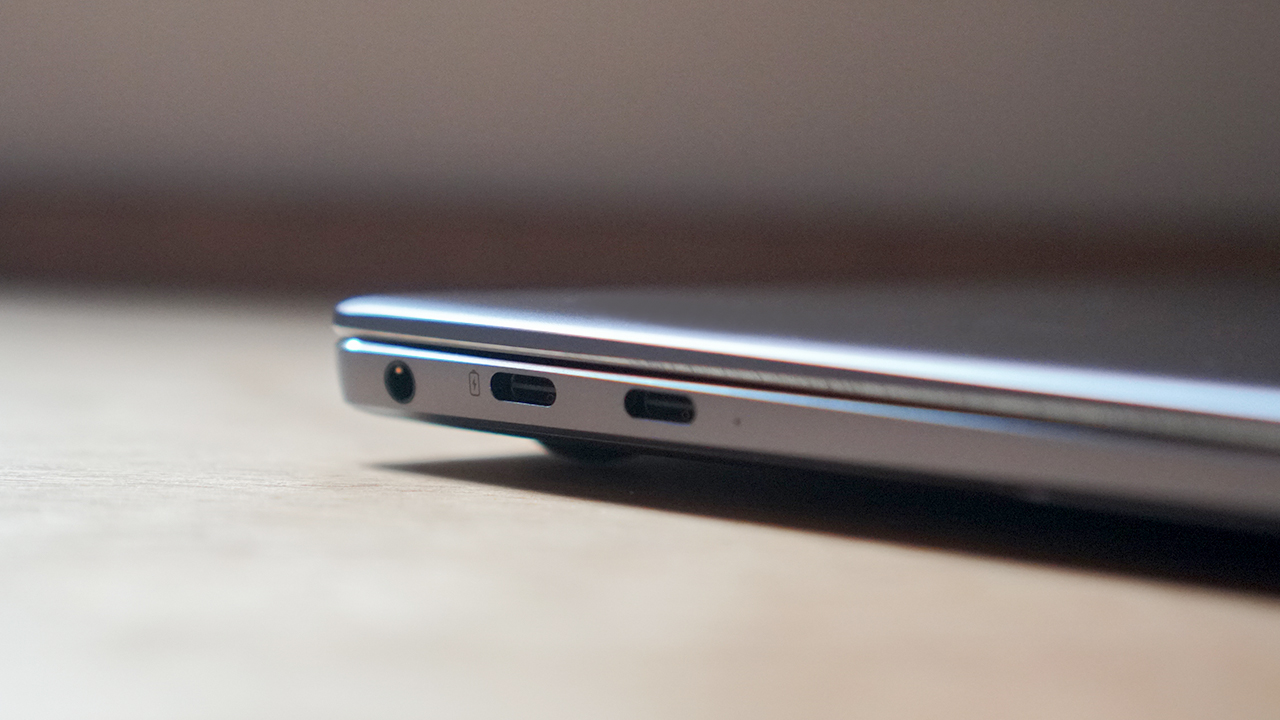
It has two USB Type-C ports with Thunderbolt 3 support
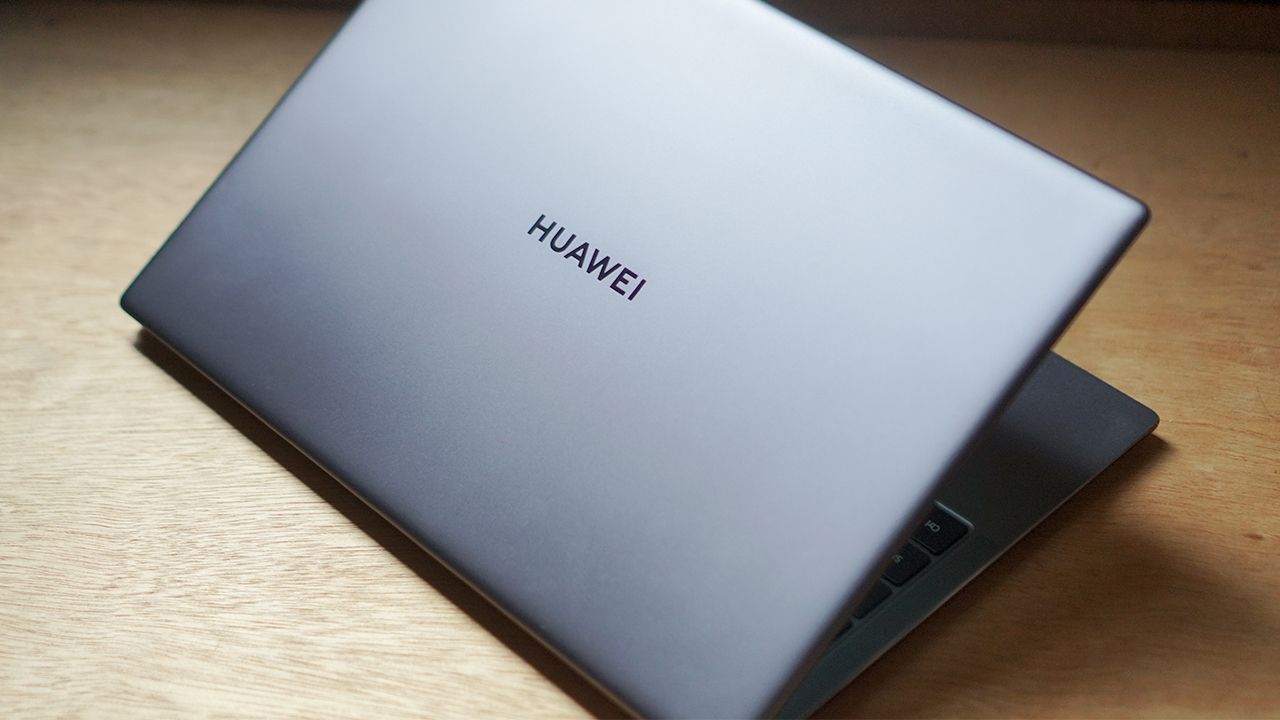
It comes only in the Space Gray color
Consistently delivers all-around great performance
The Huawei Matebook X Pro 2020 comes with the latest, 10th generation Intel Core i7 processor and 16GB of RAM. The new-gen processor does what you’d expect in performance delivery, as most applications run smoothly on the device. I’ve also noticed that the new chip improved the device’s battery life just a little bit.

There’s also an NVIDIA MX250 slapped inside this machine to handle beefy graphics work. Data presentation and analytics load quickly, photo and video editing is possible with the device. Render times for videos take a little longer, but that’s also expected from an entry-level graphics card.
You can play games on this device, but don’t expect 60 FPS levels of gaming for it. Casual games like Minecraft and CS:GO will achieve high frame rates, but it’s mostly because these games don’t require a lot of graphic work.
Consistently bright and colorful touchscreen display
The 13.9-inch display maintains its touchscreen capabilities with 450 nits of brightness at the maximum. The 3:2 aspect ratio on a relatively thin bezel works wonders, and provides a ton of space. The screen is that bright even under direct sunlight, that you can still watch Netflix on your lawn.

The touchscreen tracked my fingerprints with ease, and there’s even a gray trail to indicate it. It’s honestly my preferred way of scrolling through social media feeds instead of the trackpad. Of course, you might want to clean your hands first before touching your screen if you want to be super clean about it.
Consistently horrible thermal solution
Of course, with all that hardware and performance you need some way to keep everything cooled down. The thing is, to maximize performance means that your hardware will crank things up and produce more heat. The goal of a device’s thermal setup is to simply find a way for the hot air to flow out to keep things cool, as long as it doesn’t inconvenience you.
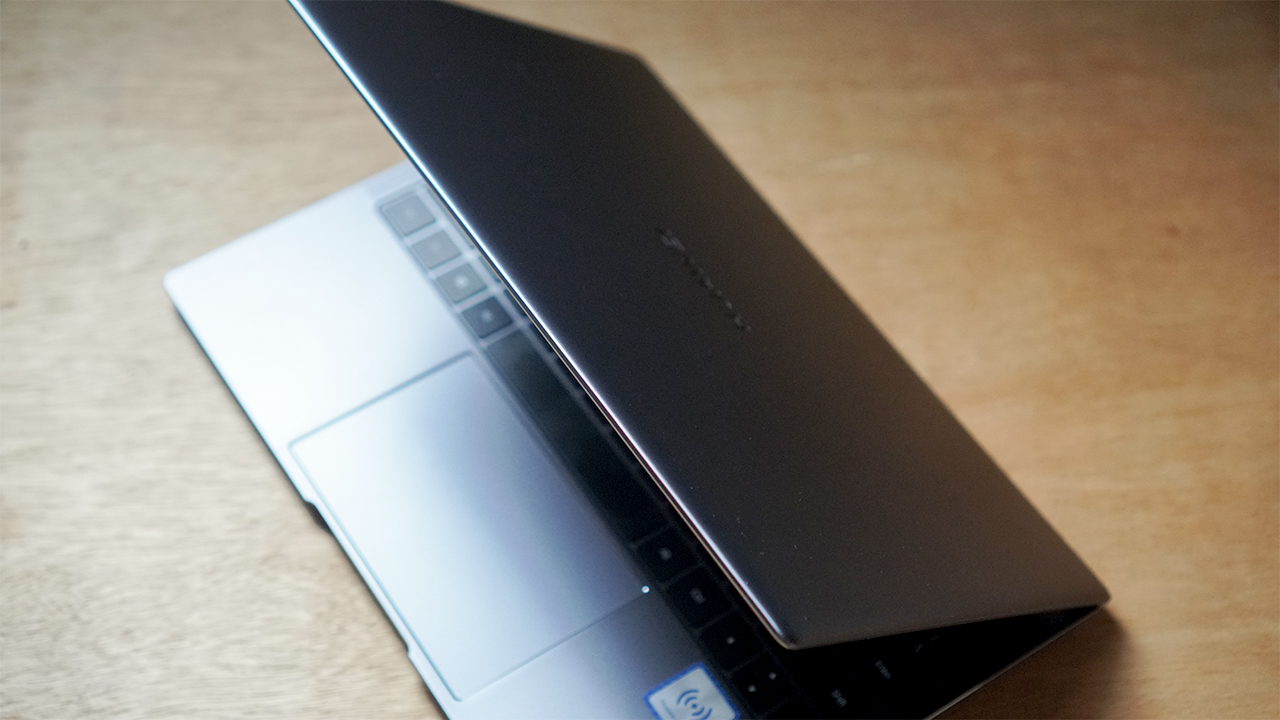
Clearly, the Huawei Matebook X Pro 2020 did not take this into consideration. To be fair, this isn’t the only premium ultrabook that heats up uncomfortably when you’re doing too much. For a laptop, I can’t even recommend you to put this on your laptop when you’re working with 50+ tabs of Chrome open.
Consistently strong battery life for an ultrabook
However, despite the bonkers of a thermal solution, the device still lasts long, as advertised. I got about close to 12 hours on a single charge when I’m just strictly working on documents, spreadsheets, and web browsing. A laptop that lasts for half a day doing work, for me feels like a luxury when you think about it.
Add other tasks like Netflix streaming, photo and video editing, and that number comes down to 10 hours. It’s pretty good, especially for a thin and light device like the Matebook X Pro 2020, especially for a 56Wh battery.

One full charge took about two and a half hours, which is pretty standard for the USB-C Thunderbolt 3 port. You can opt to charge it with a capable power bank or a smartphone that comes with an OTG feature. I just pray that your phone won’t explode from the heat.
Features that are either a consistent boom or consistent bust
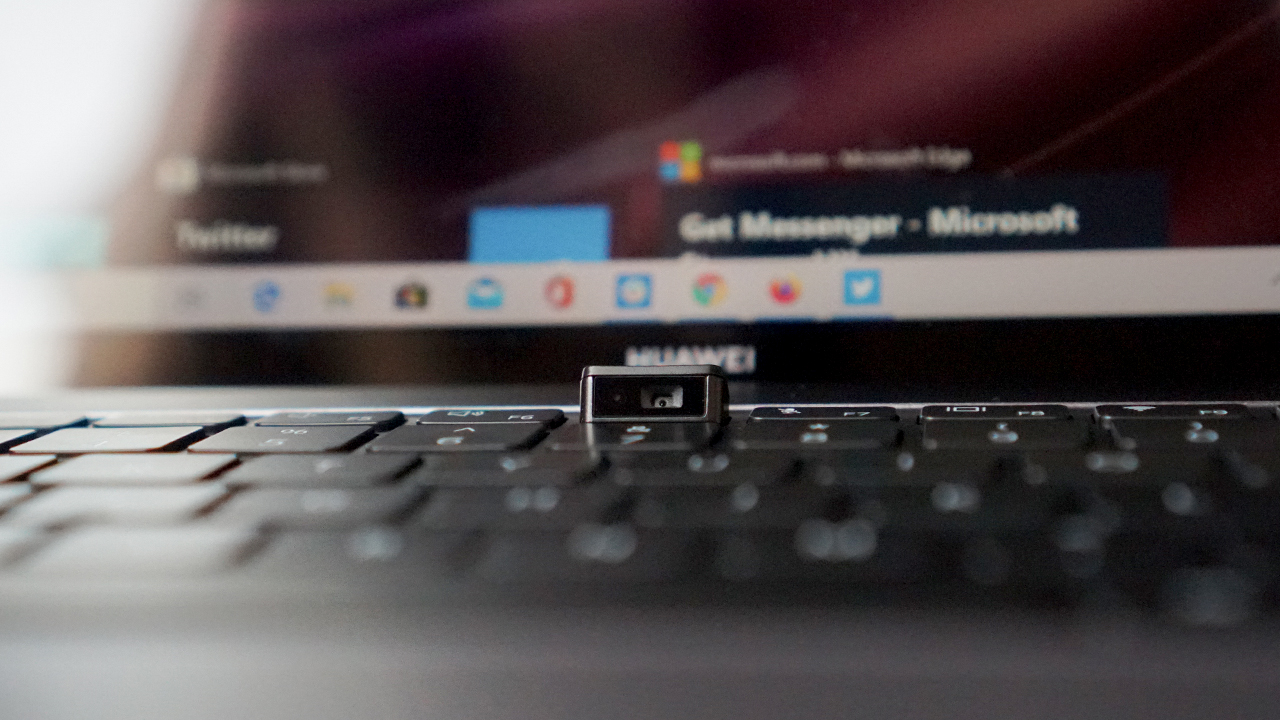
There were a lot of other things they kept in the device that still prove to be a boom or bust situation. One of these was the pop-up 1MP camera in between the F6 and F7 keys; it’s decent except that it points upward to your nose. At least there’s more space on the display, which is honestly the way I prefer my bezel-less display.
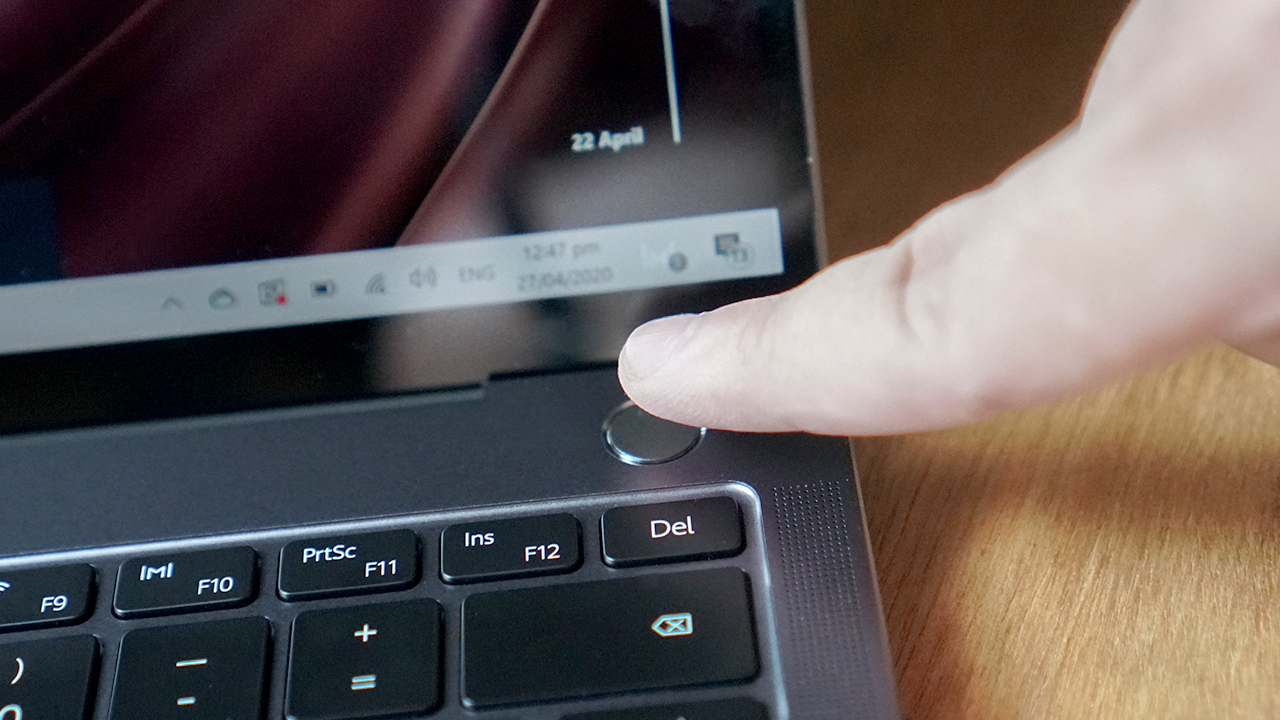
Next would be the keyboard, which has good key travel but it feels like a certain Butterfly switch. The fingerprint sensor, which is placed on the power button, was a nice touch. They managed to make the tracking relatively easy, and it unlocks the device quickly.
Is the Matebook X Pro 2020 your GadgetMatch?
At PhP 119,999, the Huawei Matebook X Pro 2020 provides consistent performance from last year’s model, even with the improved hardware inside. They stayed true to the whole “don’t fix what isn’t broken” schtick, and it continues to pay off in full. It also lasts long for work-related purposes, which is a premium in that regard.
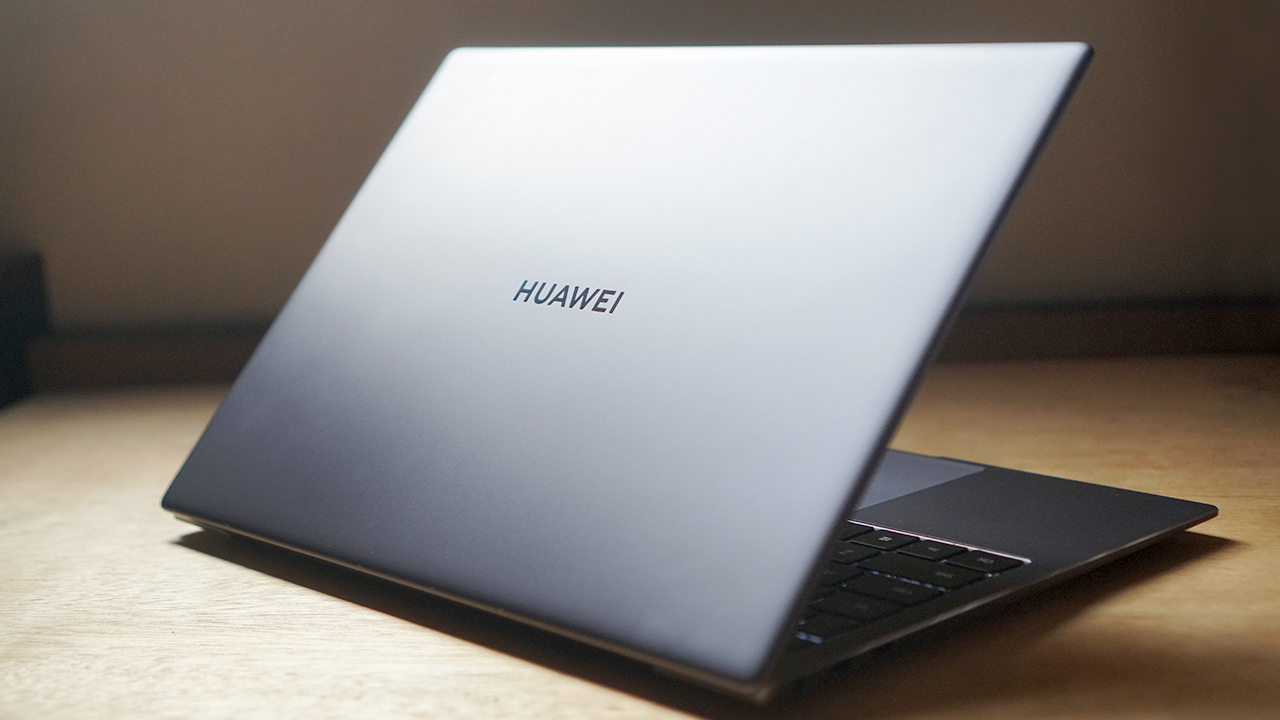
There are the expected downsides to a device like this, with thermals being the most obvious one. But that’s pretty much the trade-off of having your hardware perform at a high level. Despite this, the device is still top-notch and worth the investment.








This is coming from someone who has done countless unboxings and has touched a wide variety of devices — the ASUS ExpertBook Ultra was… alright.
My first impression was that it certainly didn’t wow me as much as I expected it to after having read the brief, nor even after attending the tech seminar where ASUS laid out its vision for the laptop.
That’s probably the strangest thing about the ExpertBook Ultra. Because after having spent more time with it, the laptop grew on me.
Put cheekily, the ASUS ExpertBook Ultra wasn’t the laptop that made my head turn. Instead, it was the laptop that kept showing up consistently. Before I realized it, it’s become the one I wanted to keep coming back to.
And I think that’s the best way to describe my experience with ASUS’ flagship business notebook.
The laptop sneaks up on you.
Built to be carried

I got the laptop right after Computex 2026 coverage. That meant my days were closer to how they normally are. That also meant I had to be more intentional about going out and bringing it with me as I tackled my day-to-day duties.
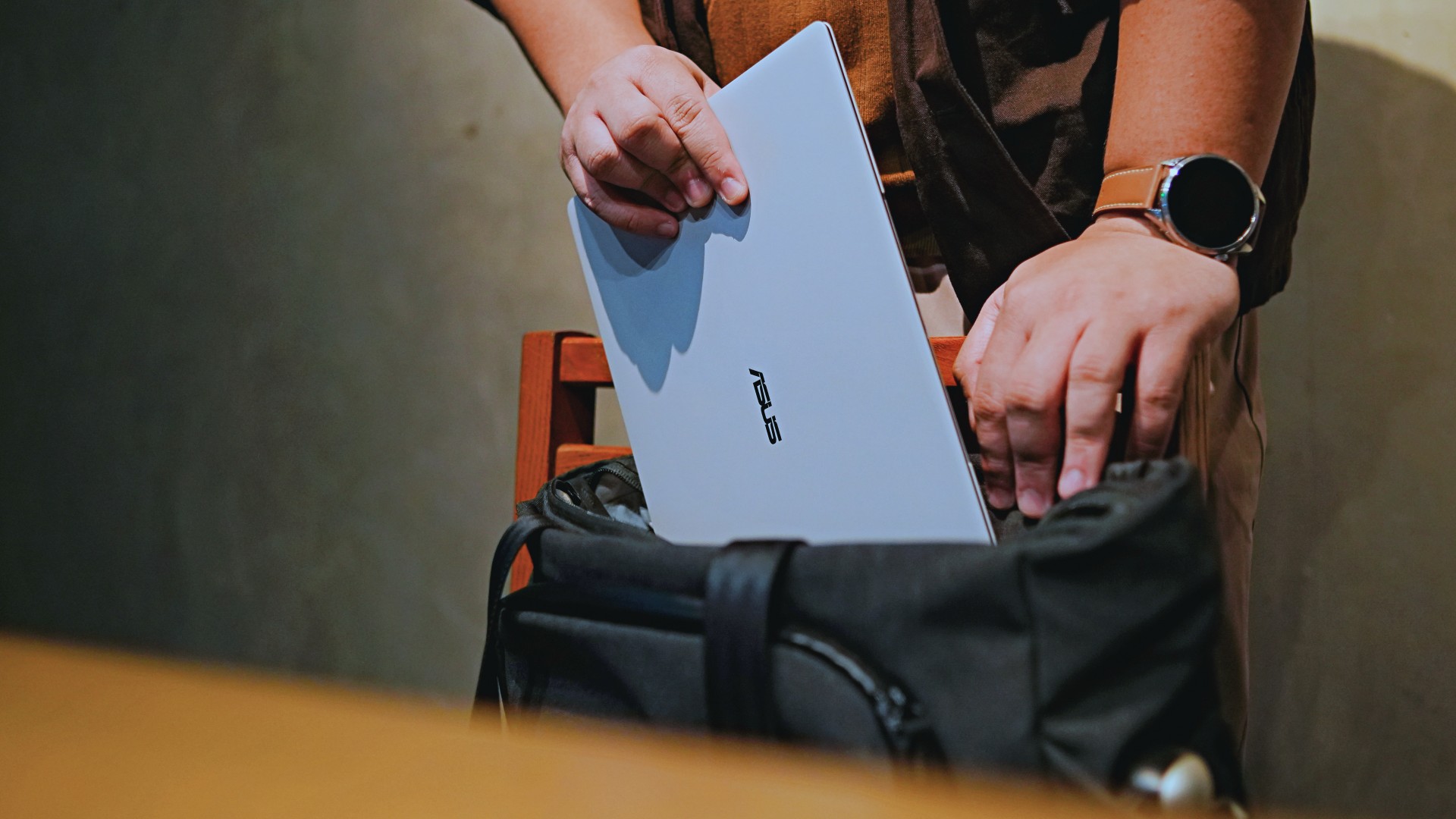
I normally carried it using my trusted EDC — the Alpaka Bravo Tote — and I have to say it definitely felt lighter than my usual laptop, which is the MacBook Pro M4.
The Apple laptop I regularly carry is, I have to admit, chunkier than I would prefer. So having the ExpertBook Ultra for about a week or so literally felt like some load was taken off my shoulders.
Did I ever forget it was there? I wouldn’t go that far.
But if you’re asking me which one I’d rather carry based on build and weight alone, I would, with no hesitation, reach for the ExpertBook Ultra.
That says a lot considering how attached I am to my usual setup.
ASUS likes talking about how light the ExpertBook Ultra is. Normally, that’s the sort of marketing line I acknowledge and quickly move past.
This time, I actually felt it.
The Nano Ceramic effect

One of the first things ASUS will tell you about the ExpertBook Ultra is its Nano Ceramic finish. I’ll admit, it felt like one of those things that sounds good on a slide presentation.
It’s one of those things that look gimmicky at first but actually feels incredible once you come across it on a daily basis.
It’s still early, so you can consider this very much part of the honeymoon phase with the laptop. Even so, the Nano Ceramic finish continues to inspire a bit of awe every time I pick it up.
I do feel like a little weirdo caressing the laptop ever so gently before I begin the day’s work wherever I may be. But that’s just a testament to how good it feels to touch.
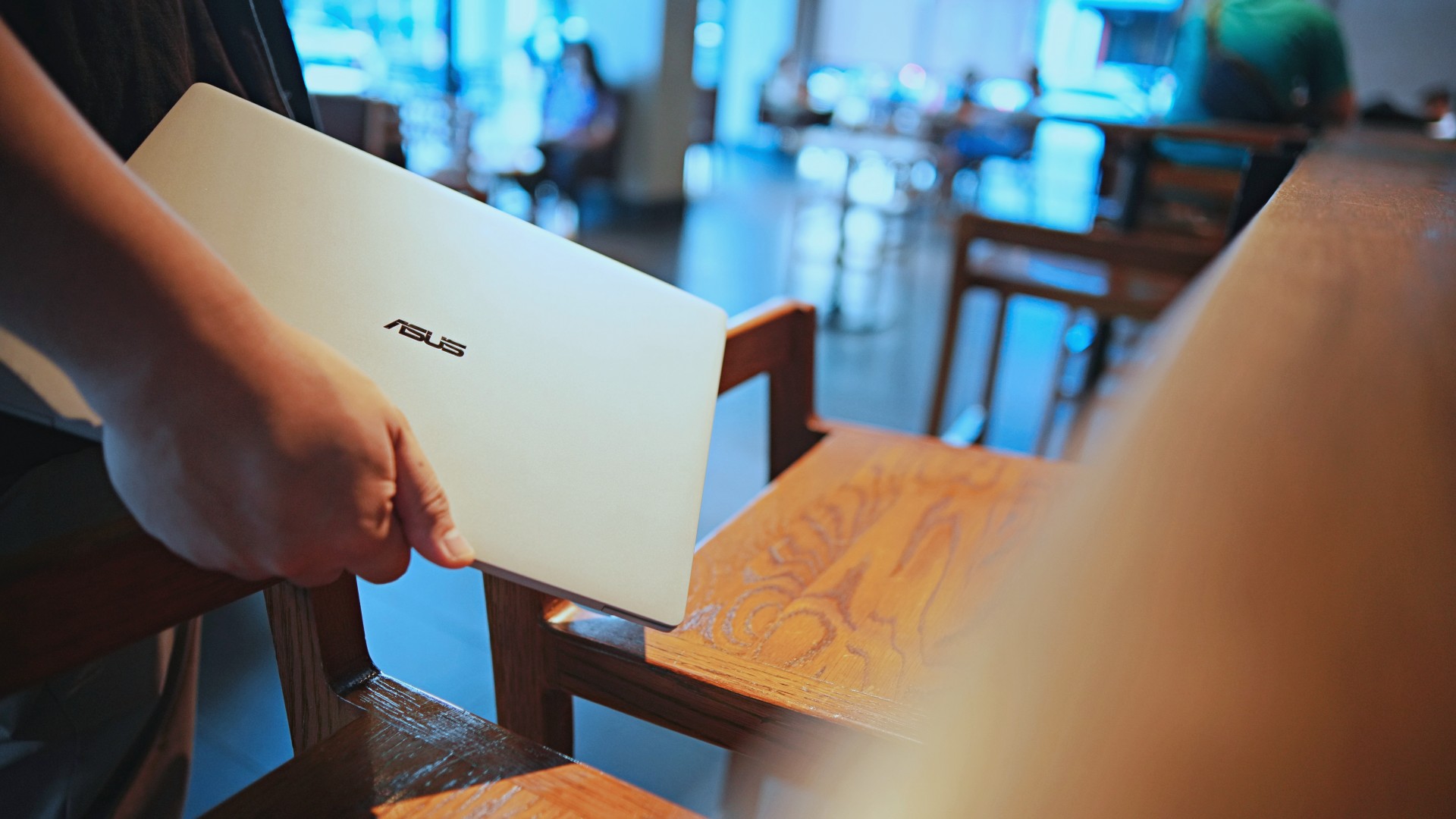
And yes, it does reinforce the feeling that, “Hey, I’m working on a pretty fancy piece of machinery.”
It’s easy to underrate the effects of that feeling, but it’s those little intangible things that can sometimes help unlock perspectives and possibilities.
That’s not something you’ll find on a spec sheet. But it’s absolutely part of the experience.
A display that’s difficult to stop staring at

It also helps if STAYC Isa is on screen.
The display is magnificent.
As Captain America would say, “I can look at this all day.” Not the exact phrase, but you’re smart. You get it.
The OLED and matte coating is just a killer combo. Kind of like the Chaewon and Yeji “That’s a No No” challenge collab. Pardon the months-old K-pop reference. I’ve been so busy I haven’t really kept up with what’s new.
Anyway, the combination just comes at you unapologetically and you have no recourse but to bask in it. Maintaining the deep blacks and crisp colors is such a gift to your eyes.
I often sit right next to big windows when I’m out in cafés and the light did nothing to dull the effect of the display.

Two love, two love. I’m falling.
It was so good I often found myself fully diving into STAYC’s 2 LOVE music video in between writing this very review and coordinating with my team.
The matte coating deserves special mention here.
OLED panels already look fantastic. Pairing one with a matte finish that helps cut reflections without sacrificing the strengths of OLED makes for one of my favorite laptop displays in recent memory.
Typing just clicked

This is one of my favorite keyboard experiences. Things just clicked right from the start. No awkward feeling-out phase whatsoever.
I was touch typing like I was Doctor Strange trying to look into over 14 million possible outcomes and still landing on the right key every single time.
The keys feel closer to chiclet-style keyboards than anything else. Even so, the spacing is perfect and the travel satisfying.
Then there’s the haptic touchpad.

I typically don’t like using mice, especially when I’m out and about. With most Windows laptops I’ve used in the past, that eventually becomes a necessity.
That wasn’t the case with the ExpertBook Ultra. It’s easily one of the best-feeling touchpads I’ve used in recent memory.
My standard for touchpads has always been MacBooks. While the software is also doing some heavy lifting in that particular setup, the ExpertBook’s own comes pretty close.
That’s not praise I hand out lightly.
Performance that feels like overkill
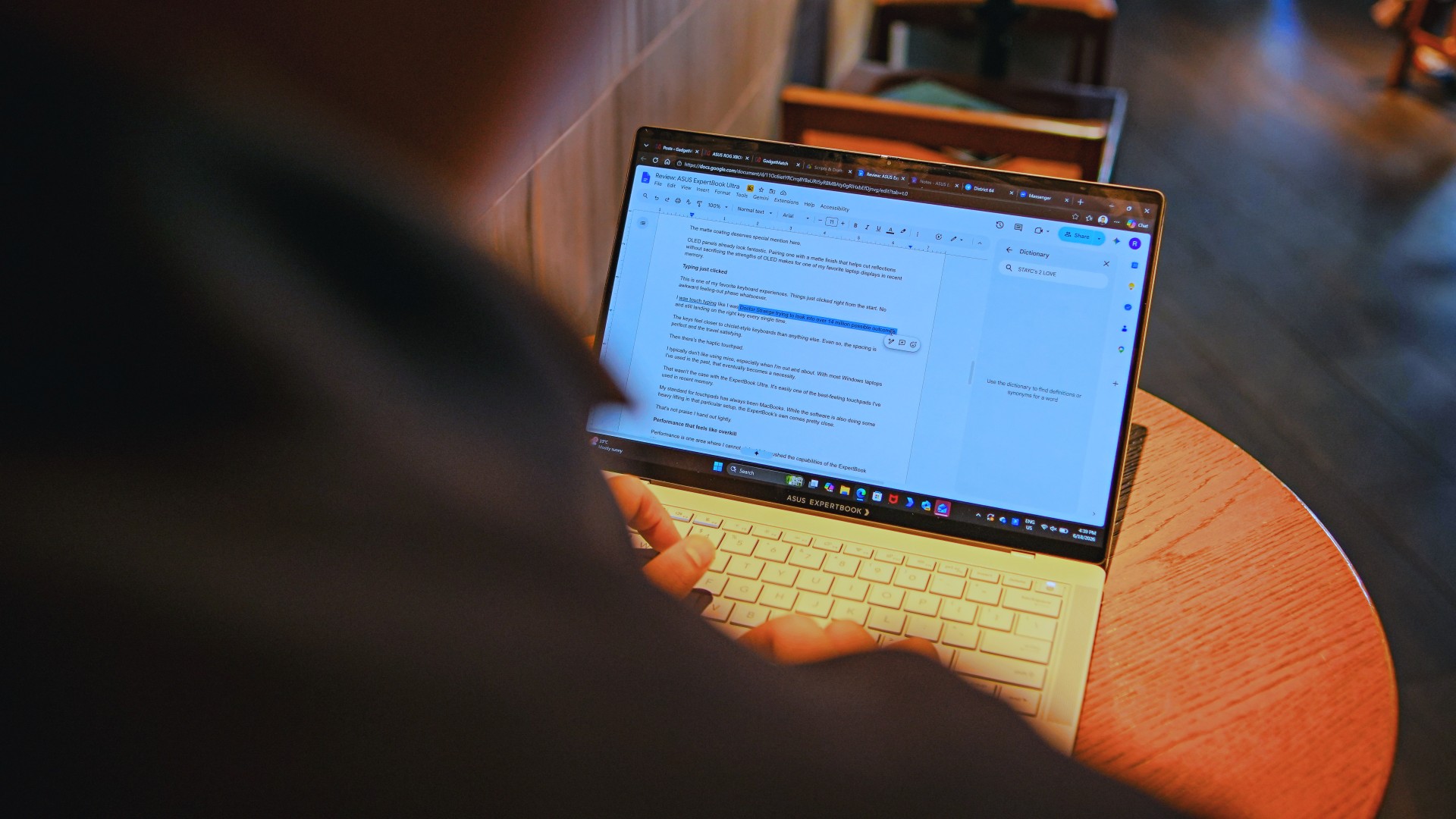
Performance is one area where I cannot claim I fully pushed the capabilities of the ExpertBook Ultra.
Most of my tasks are browser-based. Plenty of tabs open, sure, but I don’t think I ever came close to really testing the capabilities of this business notebook. I imagine that would be the case for most of ASUS’ target audience.
Upon seeing the specs, I already knew this was going to be a bit of an overkill for my own use case. My time with it only proved that assessment.
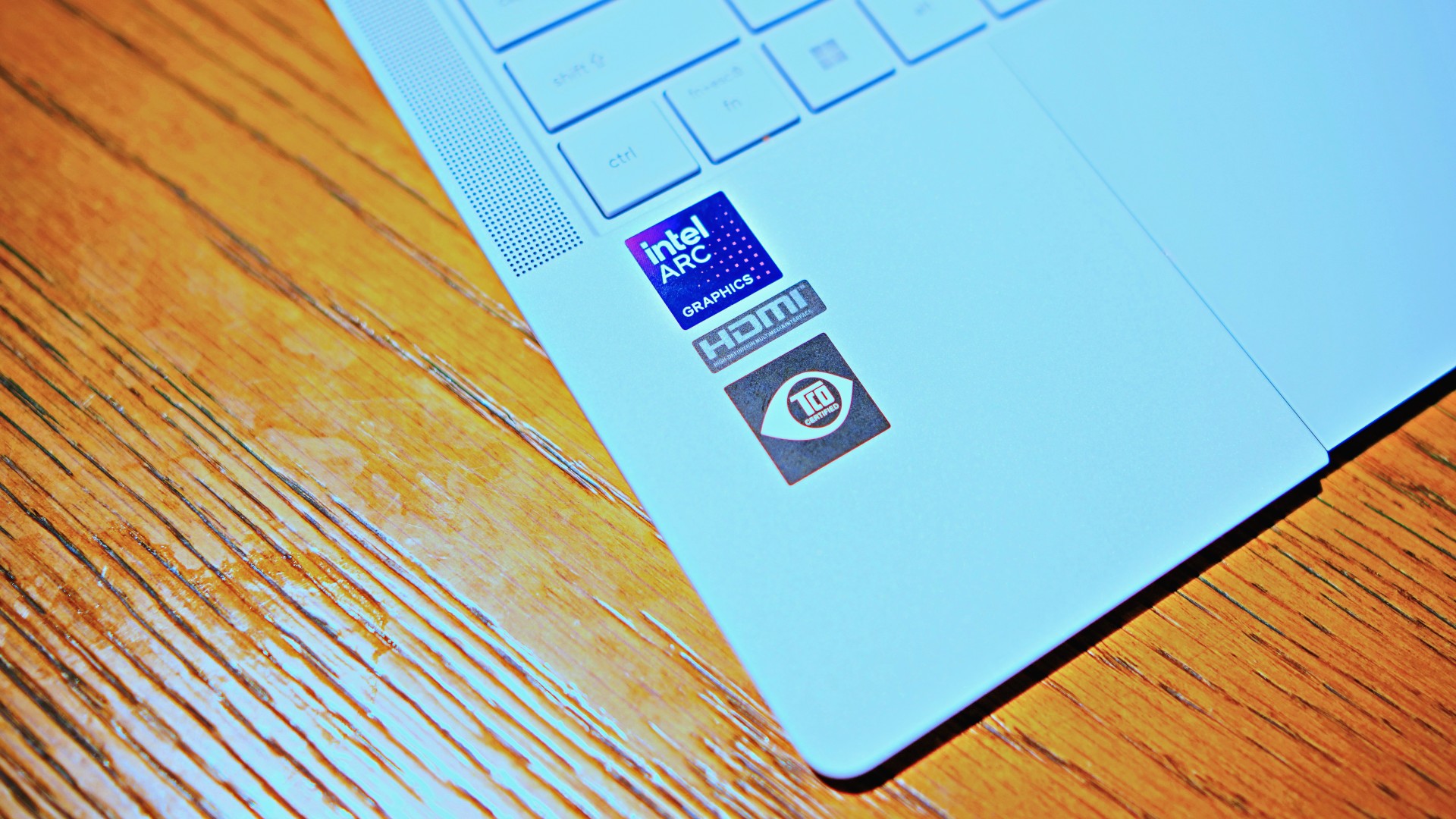
The most I did with it was jump between browser tabs and chat apps, letting ChatGPT help me process unresolved feelings and questionable timing while I dealt with coordinating shoots, writing scripts and reviews, and dealing with external forces that leave me feeling drained.
Never once did the laptop feel slow. Never once did I find myself waiting.
What noise?
Speaking of things I didn’t notice, let’s talk about fan noise.
Again, since I didn’t really push this thing to its absolute limits, the fan never really kicked into high gear at any point during my time with it.
The same goes for thermals.
No task I did ever raised the temperature to uncomfortable levels. The laptop simply went about its business. Which, come to think of it, is probably the most business-laptop thing I can say about it.

Battery life that simply works
I was very impressed with its overall efficiency.
When I go out to work, I typically don’t stay out longer than five to six hours. Most of the time that’s five to six hours of really focused work—with some K-pop loving in between.
Being generally risk-averse, I still always brought my usual charger with me. Not once during my time with the device did I feel the need to plug in while working outside.
I would typically end my café work days somewhere between 30 to 40 percent and only juice the thing up once I got home while it was closed and not in use.
That’s exactly the kind of battery experience I want from a business laptop.
The AI question
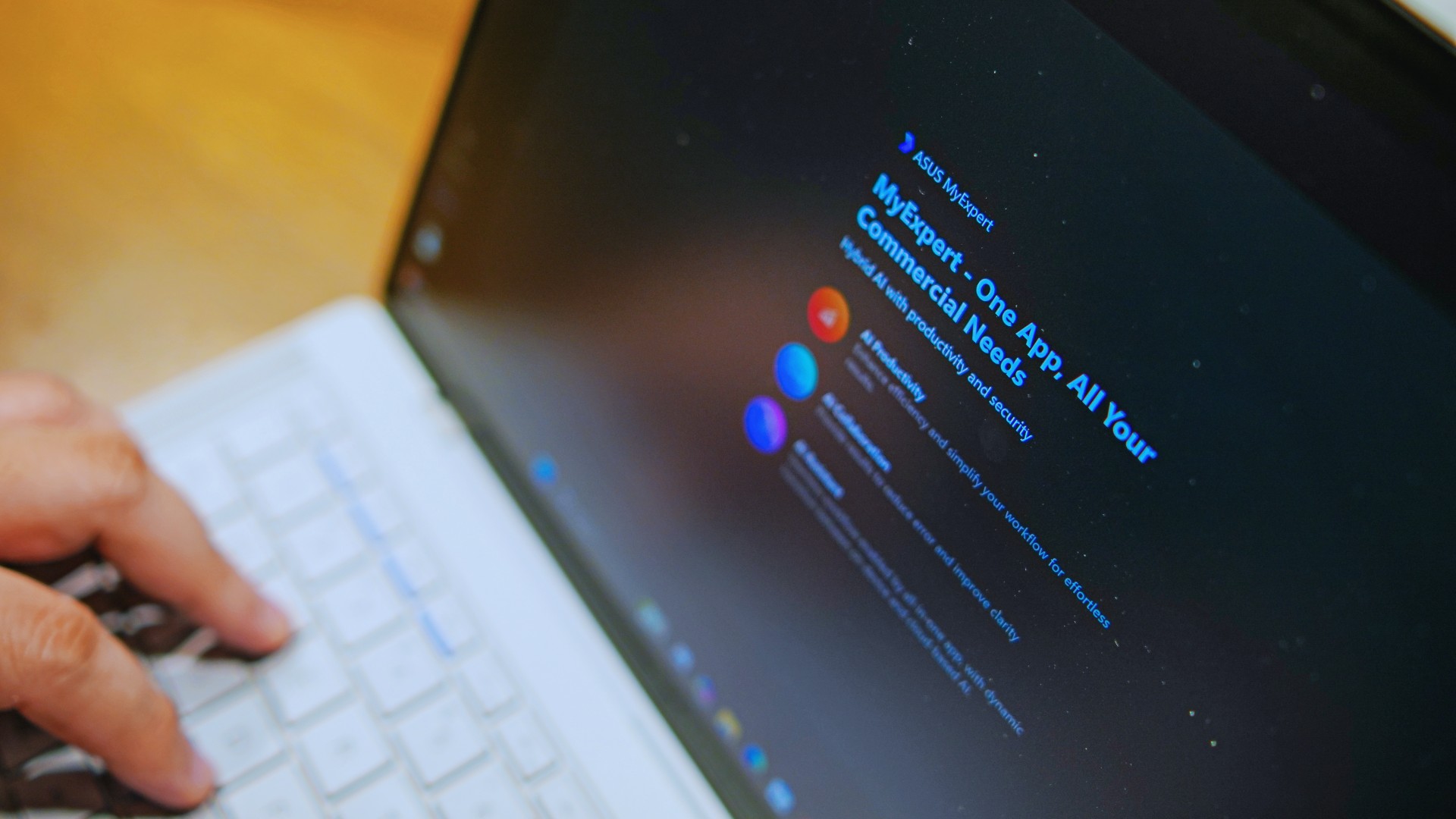
The thing I struggle with when it comes to AI features on this machine is that a lot of them are Windows-based and that’s just not the AI I find reliable.
Right now, many of these features are nice-to-have.
I’m sure one of ASUS’ target users will likely find a use case for them.
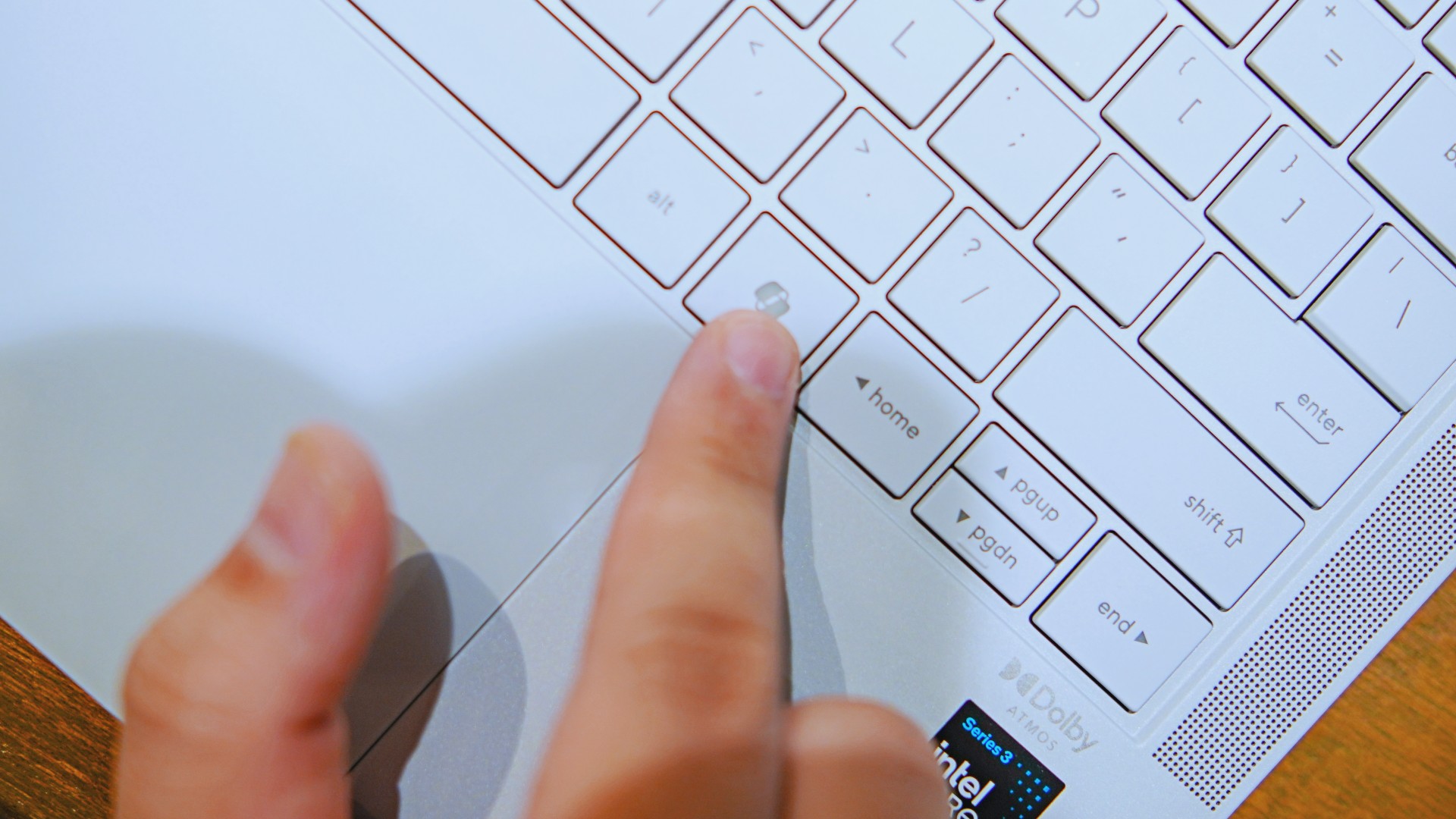
As for me personally, this is one area I’d have to dig deeper into to actually find ways to integrate them into my workflow and general usage.
And honestly, that’s okay. The AI features weren’t the reason I kept reaching for the laptop.
Who is this actually for?

That’s a loaded question. Really, it’s built for anyone who can afford it.
With a starting price of PhP 129,995, this device comfortably sits in aspirational territory.
What I know for sure is that this is a machine for someone who’s already built some momentum in their chosen field and would like to level up.
The ASUS ExpertBook Ultra gives you a machine that can handle your business now and inspire you to dream bigger about your future.
Is the ASUS ExpertBook Ultra your GadgetMatch?
The thing I kept coming back to with the ExpertBook Ultra is that there is no one thing that made me turn to it.
Instead, it’s the combination of everything that it brings to the table. The premium-feeling build, lightweight design, wonderful display, excellent keyboard and touchpad. efficient performance, and the thoughtful extras. Together, they make it a laptop that’s easy to recommend to anyone who’s ready for it.
But what does ready for it actually mean?
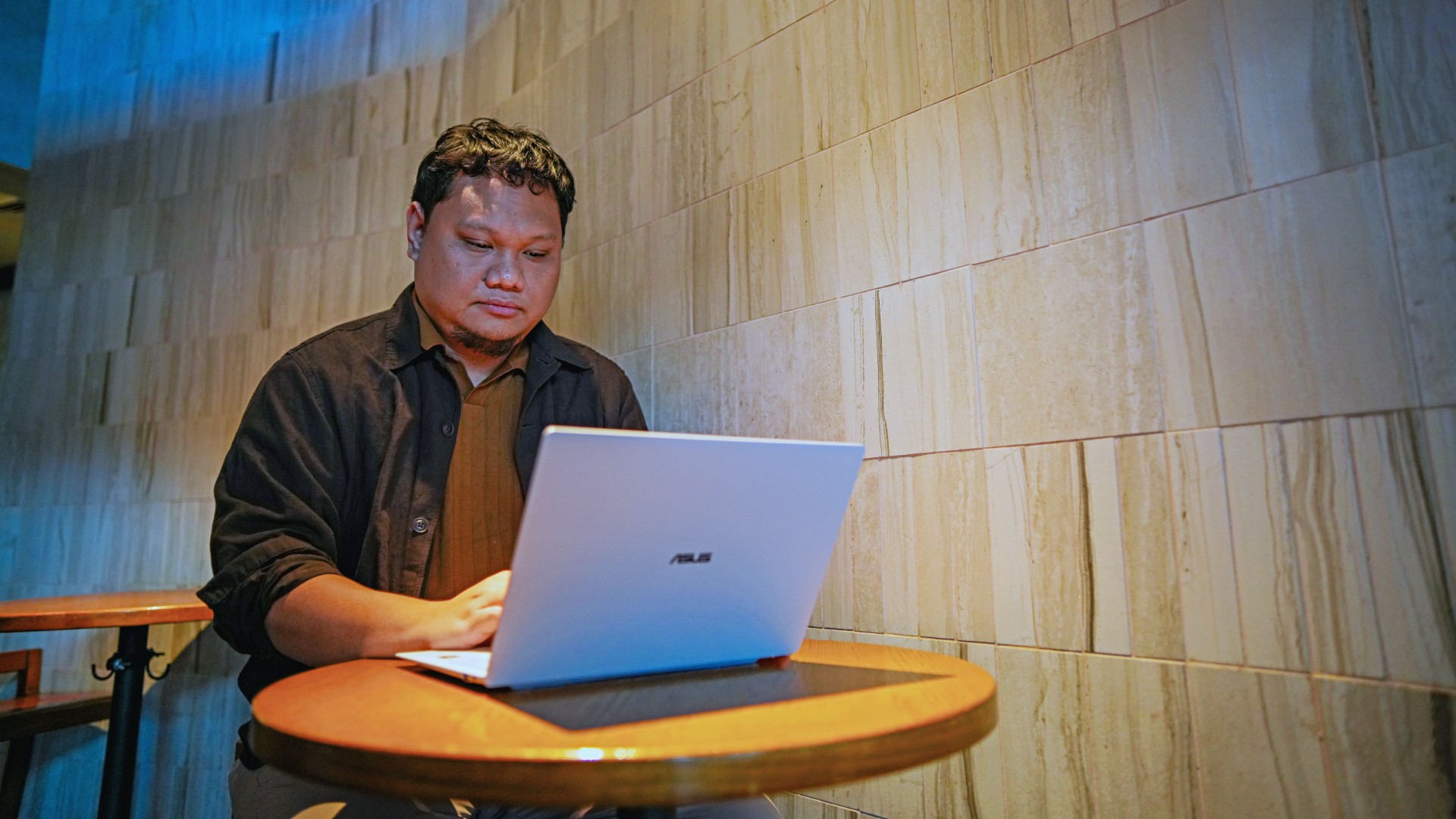
It means it’s for people who have leveled up quite a bit in their grind and want a machine that matches their current status and future aspirations.
That’s what the ASUS ExpertBook Ultra represents. A modern classic that’s ready for now and whatever comes next.
That’s why it didn’t wow me. But it certainly won me over.

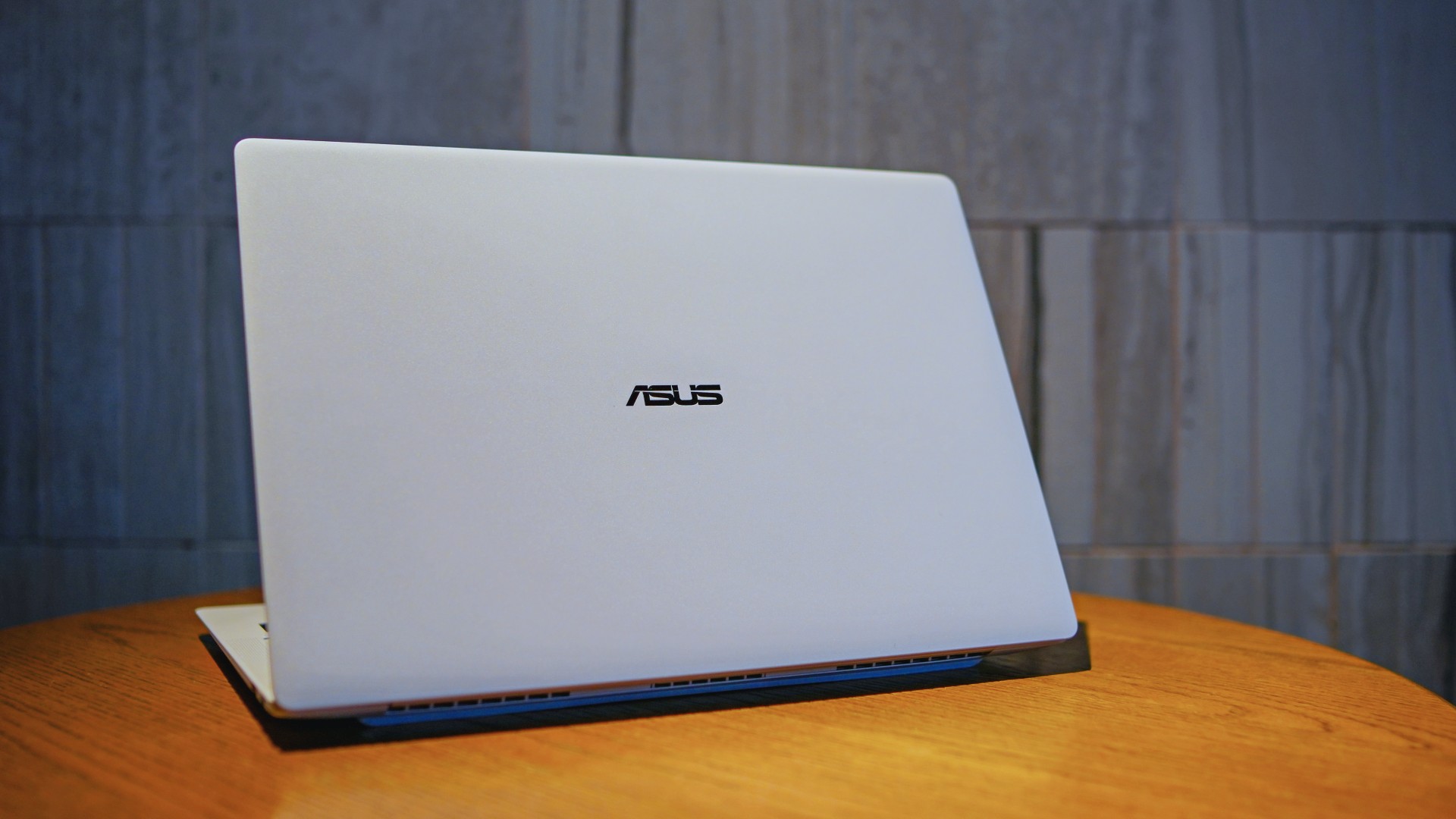
The ASUS ExpertBook Ultra is now available in the Philippines. It is ASUS’ latest AI-powered business laptop for professionals who want a lightweight machine without sacrificing performance.
Positioned as the flagship of the ASUS ExpertBook lineup, it combines a sub-1kg chassis with Intel Core Ultra processors, enterprise-grade security, and AI features. ASUS is targeting executives, business users, and creators with the new laptop.
Built for portability and performance
The ASUS ExpertBook Ultra weighs as little as 0.99kg. It measures just 10.9mm thick. The laptop uses an aerospace-grade magnesium-aluminum chassis with ASUS Nano Ceramic Technology. ASUS says the finish delivers five times greater scratch resistance than the industry standard.
Despite its slim profile, the laptop packs a 70Wh battery. ASUS rates it for up to 26 hours of battery life.
Power comes from Intel Core Ultra Series 3 processors. The lineup is topped by the Intel Core Ultra X9-388H. Buyers can configure the laptop with up to 64GB of LPDDR5X memory running at 9600 MT/s and up to a 2TB PCIe Gen 5 SSD.
ASUS also highlights its ExpertCool Pro thermal system. It allows the processor to sustain up to 50W of CPU performance while keeping fan noise low.
Tandem OLED display and premium hardware
The ExpertBook Ultra features a 14-inch 3K Tandem OLED touchscreen. It offers a 120Hz refresh rate and up to 1,400 nits of HDR brightness. Corning Gorilla Glass Matte helps reduce reflections while preserving image quality.
Other hardware highlights include:
- 1.5mm travel spill-resistant keyboard
- Edge-to-edge haptic touchpad
- Six-speaker Dolby Atmos audio system
- Dual Thunderbolt 4 ports
- Two USB-A ports
- HDMI 2.1
- 3.5mm audio jack
AI and enterprise security
As a Copilot+ PC, the ASUS ExpertBook Ultra includes AI-powered tools through the MyExpert suite. These include AI ExpertMeet and a local Knowledge Hub.
The laptop also focuses on enterprise security. Features include dual biometric authentication, a physical webcam shutter, self-healing BIOS, TPM 2.0, Microsoft Pluton, and compliance with the NIST SP 800-193 firmware security standard.
Price and availability
The ASUS ExpertBook Ultra is now available through ASUS authorized stores and select retailers nationwide.
Pricing starts at PhP 129,995. Higher-end configurations go up to PhP 215,995.
ASUS is also offering an Early Bird Bundle until July 31, 2026. Eligible purchases include an ASUS 100W GaN charger and PhP 10,000 worth of SSI gift vouchers.

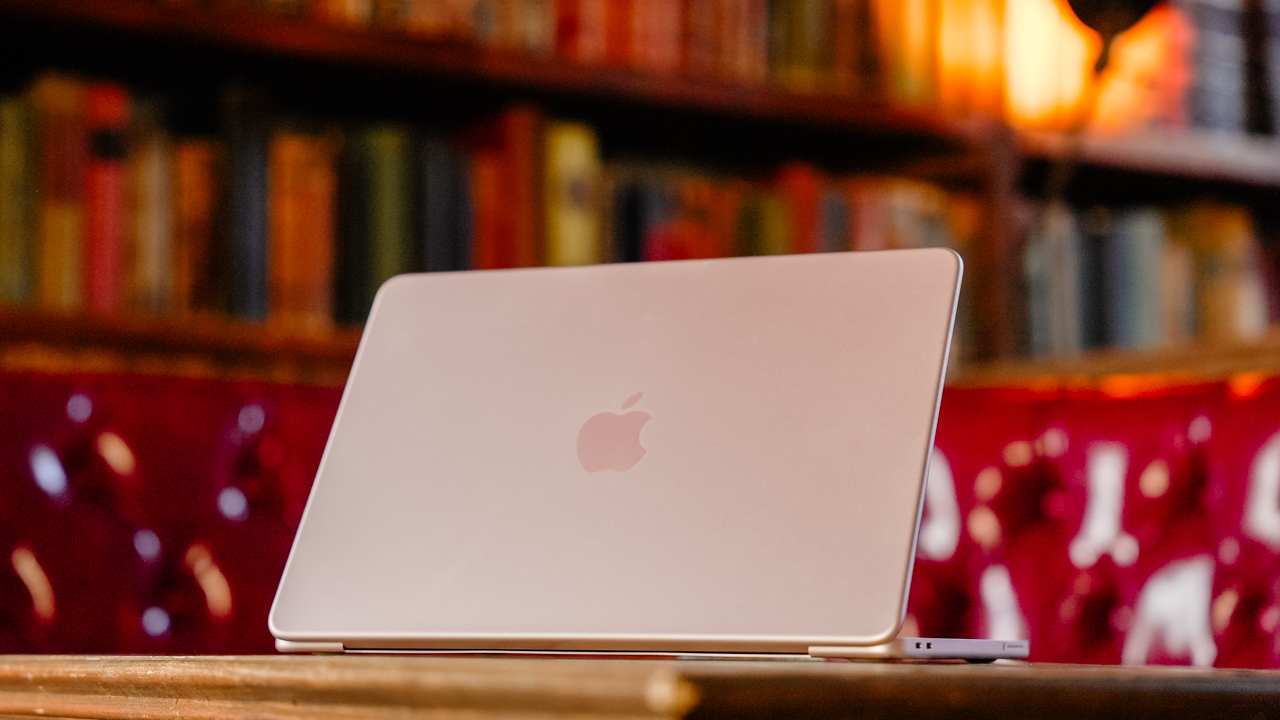
Hey, remember when Apple launched the MacBook Neo, and it had the most attractive price for an Apple-branded laptop? Those were good times. Unfortunately, it was too good to be true. Responding to the ongoing RAM crisis, Apple has now increased the prices of its hardware, starting with the MacBook and the iPad lineups (via Reuters).
The “highlight” here is the price of the MacBook Neo. To be fair, the affordable MacBook is still the cheapest one of the lot, but that’s not saying much. From a starting price of US$ 599, the Neo now costs US$ 699.
Now, we’d love to say that a US$ 100 price hike is the most you can expect across the board. But that’s not true at all. Most will bring up the price by a few hundreds and up to a whopping US$ 1,300. Here’s a list of devices you’re going to see changes for:
| Model | Original price | New price |
| MacBook Neo | $599 | $699 |
| MacBook Air (13-inch) | $1,099 | $1,299 |
| MacBook Air (15-inch) | $1,299 | $1,499 |
| MacBook Pro (M5) | $1,699 | $1,999 |
| MacBook Pro (M5 Pro) | $2,199 | $2,499 |
| MacBook Pro (M5 Max) | $3,599 | $4,099 |
| iMac | $1,299 | $1,499 |
| Mac Studio (M4 Max) | $1,999 | $2,499 |
| Mac Studio (M3 Ultra) | $3,999 | $5,299 |
| iPad | $349 | $449 |
| iPad mini | $499 | $599 |
| iPad Air (11-inch) | $599 | $749 |
| iPad Air (13-inch) | $749 | $949 |
| iPad Pro (11-inch) | $999 | $1,199 |
| iPad Pro (13-inch) | $1,299 | $1,499 |
| Vision Pro | $3,499 | $3,699 |
The current price hikes do not include the iPhone lineup. It might only be a matter of time, though. Recently, Tim Cook confirmed that Apple can no longer shoulder the expenses of the RAM crisis by themselves, essentially signaling a huge wave of price hikes. The brand will likely continue the increases heading into the iPhone launches in September.

realme C100: Enduring and durable in spite of entry-level realities
Enough power but needs more agility


The ASUS ExpertBook Ultra wins you over
The laptop sneaks up on you


Nexal Watch Sport review: A rugged watch for small budgets
I couldn't believe that watches this good could come for this cheap.

Avengers: Doomsday trailer assembles Marvel’s biggest heroes against Doctor Doom

Call of Duty, Aston Martin unveil Dreadnought for Modern Warfare 4

Lionel Messi’s face just unveiled the Galaxy Z Fold 8 Ultra early

Mercedes-Benz celebrates 140th anniversary at the Presidential Car Museum

Street Fighter 6’s first Filipina fighter arrives August 3

New York becomes first state to ban smart glasses

vivo X300 Ultra review: A “Whole Different Animal”

DJI Osmo Pocket 4P launches with dual lenses and a 1-inch sensor

Lenovo says RAM prices are not coming back down again

Camera Shootout: HONOR 600 Pro vs OPPO Reno15 Pro


-
 News2 weeks ago
New York becomes first state to ban smart glasses
-

 Singapore1 week ago
Sony launches IER-M500 in-ear monitors
-

 Gaming2 weeks ago
Microsoft dictates that a new Fallout game is coming
-

 Computers2 weeks ago
GIGABYTE releases new AORUS RTX 5080 INFINITY graphics cards
-

 Gaming2 weeks ago
HoYo FEST 2026 details announced; tickets on sale from July 16
-
Reviews1 week ago
realme C100: Enduring and durable in spite of entry-level realities
-

 Gaming2 weeks ago
Assassin’s Creed Black Flag Resynced available worldwide now
-

 News5 days ago
Samsung releases teaser with Spider-Man: Brand New Day Easter eggs