






We often get asked what’s a good “budget” laptop. And there’s never an easy answer. Most decent options start at PhP 35,000 but the budget of people asking is capped at around PhP 30,000.
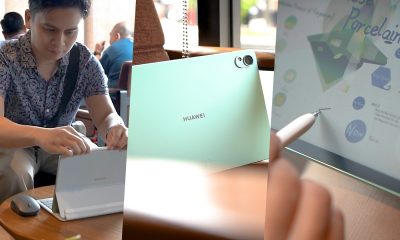
Then, we got to thinking — Do they really need a laptop, or just something that functions like one? Exploring this idea, one of our editors used the Huawei MatePad 11 for daily tasks, and this video chronicles the experience.
Typing away
For any writer or editor, it’s impossible to get anything done without a reliable keyboard.
The task ranges from writing your own articles to copy-editing the staff’s work. You also have to respond to emails and correspondence within and outside of the team.
That’s a lot of typing. And while we’ve come a long way in terms of getting accustomed to hitting a flat surface to type, nothing can replace a good, functioning full-sized keyboard for some real productivity.
Thankfully, the MatePad 11 has a compatible Smart Magnetic Keyboard. It looks tiny at first, but the keyboard is full-sized and offers a good amount of travel for its size.
In fact, parts of the script for this video was written on the MatePad 11-Smart Magnetic Keyboard Combo.
It’s also sturdy and balanced enough that you can pull it out in a pinch and prop it up on your lap. From experience, this isn’t the case with most other similar setups due to the weight of the tablet.
Thankfully, the MatePad 11 is light enough that it won’t topple over even when placed on a not-so-even surface.
Access to your usual apps
What most people really need is access to some type of Office apps. Thankfully, there are plenty of options available right from the App Gallery.
You can opt to go with Microsoft Office and link your existing subscription. Or select any of the other set of Office apps available.
Microsoft Office runs perfectly fine on the MatePad 11. Quickly set it up and you’ll be balancing sheets, making decks, and writing essays in no time.
If what you need is on Google Docs or Google Sheets, there’s a way to quick-launch these apps so you can work on the document or work file you need to.
Since plenty of our work files are on Google Docs, this was the editor’s primary way of accessing the stuff needed to get things done.
And if you’re having trouble with anything else you normally use, you can always access them via the browser like you would on a laptop.
There’s also Petal Search baked into the App Gallery that’ll scour the web for sources of the apps you desperately want and need.
Huawei understands the pain points it had to deal with and has addressed them with the App Gallery and Petal Search combo.
Multitasking master
The ease of switching from one app to another on a laptop is still pretty much unparalleled. But the MatePad 11 offers unique multitasking capabilities that offer an effective way to multitask.
What the editor found most useful in particular is how you can have smaller versions of the apps float on the screen.
And when minimized, it goes into this tiny app icon on the right side of the device functioning somewhat like a dock.
This is perfect for placing chat apps to look at messages at a glance. So even if the editor is in the middle of writing or copy-editing, glancing at messages is easy and doesn’t take the full attention away from the work at hand.
This is especially helpful for someone who juggles plenty of messaging apps.
Additionally, if you have a Huawei phone with you, the multi-screen collaboration feature takes this even further.
You can have your phone screen on the side and just open it up when needed. From here you can open any app whether that’s for messaging or something else you may need to reference for the work you’re doing.
It’s an incredible feature and one we hope will be adopted by other brands in some shape or form.
Not just for work
It’s recommended that you take short breaks in between tasks to keep yourself fresh and focused.
Breaks can be anything from standing up and walking around for a little bit, mindlessly browsing social media, or playing a quick game.
If the type of breaks you take fall on the latter two categories, the MatePad 11 is great for that as well.
The 120Hz refresh rate that this tablet has makes it a sight to behold and a joy to touch. Your general interaction with the device will feel incredibly fast and smooth.
It’s great whether you’re just swiping from one TikTok video to another or playing a quick round of whatever mobile game you’re into.
The M-Pencil is truly handy
Not everyone needs a stylus. But just because you don’t need one, doesn’t mean it can never come in handy.
An editor’s work also entails signing a lot of documents. This can be anything from loaner sheets or non-disclosure agreements.
It’s also great for providing a rough illustration of the visuals you need. Sometimes, the only way to really get your point across to visual artists is to show them what you have in mind, and then just let them work their magic on it.
On the Nebo app, you can draw rough sketches to show your graphic artist how you want something to look like. It’s a helpful guide and one that prevents miscommunication.
You can also use the app for taking notes and doodling which is a pretty underrated way of clearing your mind.
Mate just be what you need
The MatePad 11 is an excellent tablet. One that can be more than a stopgap to your laptop needs.
It gives you access to the work stuff that you need, while offering features that laptops in its price range aren’t capable of.
It’s a fine mate for work, play, and everything else in between.
Pricing and availability
The Huawei MatePad 11 retails for PhP 24,999 and comes with two freebies: Wireless Charging Table Lamp and MatePad 11 Cover
Buy here: Huawei Online Store | Lazada | Shopee








Not every tablet needs to win you over in the first five minutes.
Some are just meant to ease you in—to see if having a bigger screen actually changes how you use your tech day to day.
Instead, it feels like it’s asking a quieter question: Do you even need a tablet?
That’s the space the HONOR Pad X8b seems to occupy. Not a productivity machine. Not a performance-first device. But something that lets you test the waters—see if a tablet fits into your everyday routine at all.
And for a lot of people, that might be exactly the point.
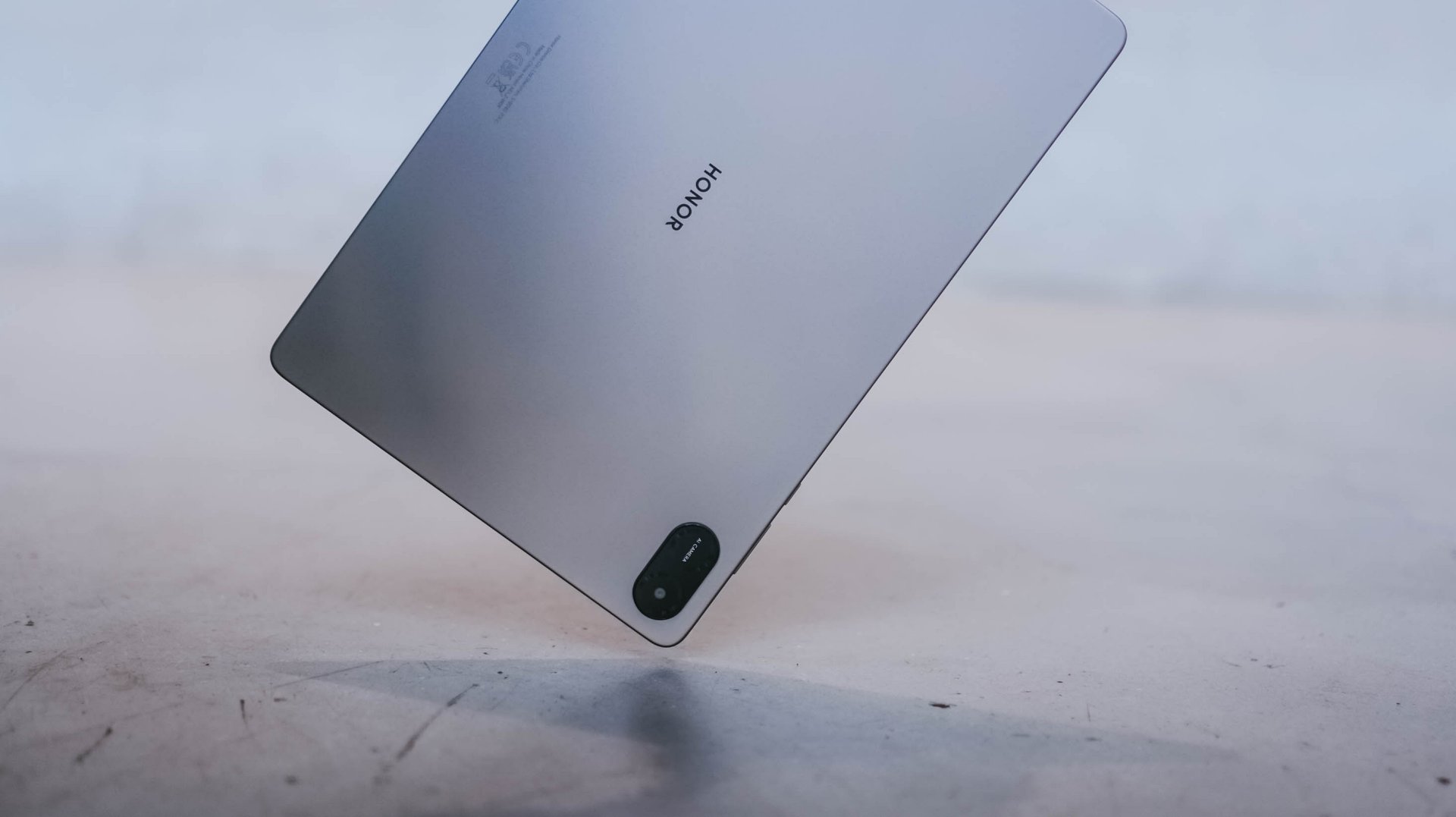
It’s positioned as a “Tablet Made Tough,” and that framing makes a lot of sense here. Because if you’re just starting out, or buying for someone who’s still getting used to tech, you don’t want something fragile. You want something you can be a little careless with—throw in a bag, hand to a kid, leave on a table—and not worry too much about it.
And that’s exactly the kind of role this tablet is trying to fill.
Who this is really for
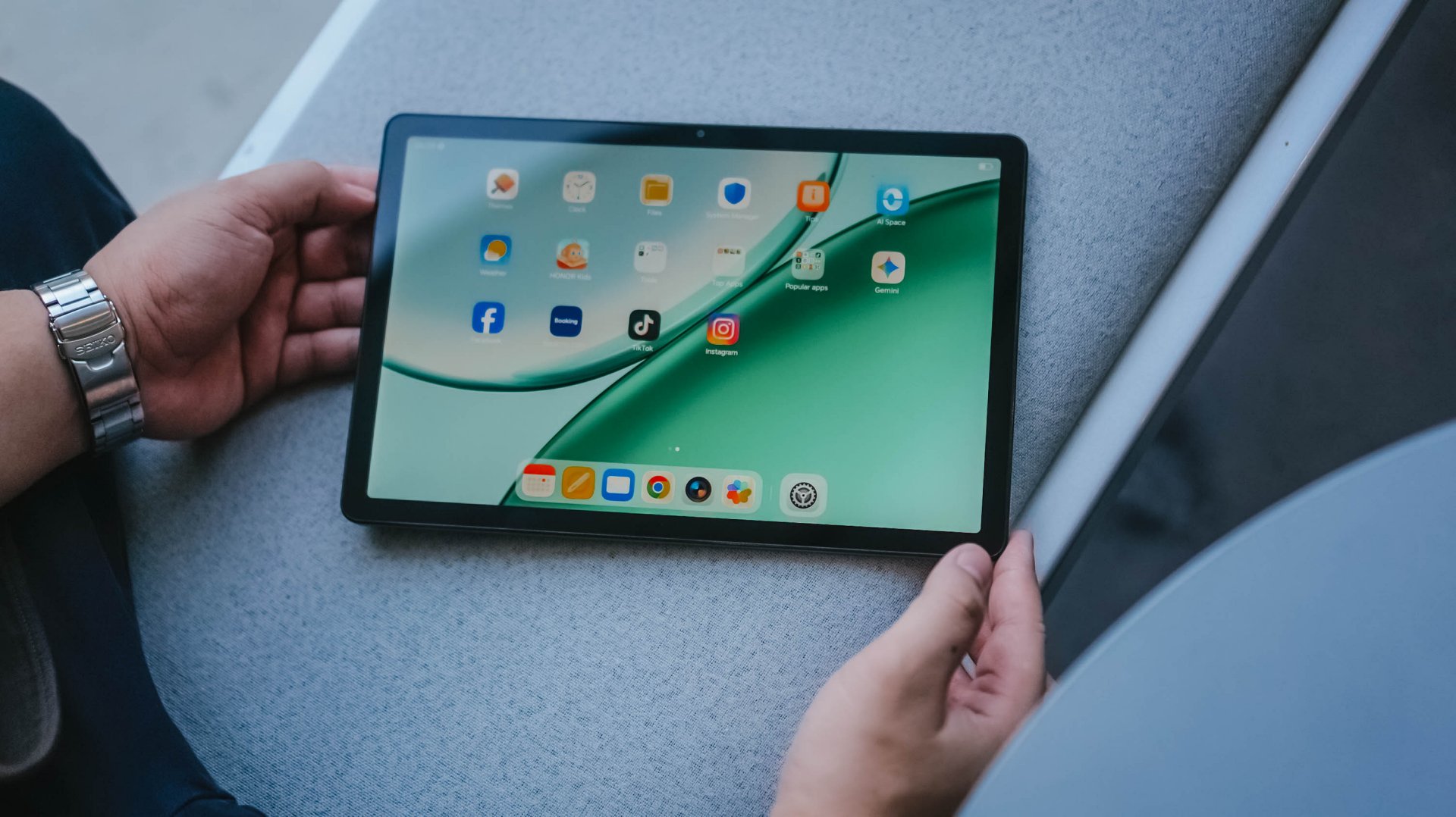
You can feel pretty quickly who this tablet is designed for.
Kids are an obvious fit. Something they can use in short bursts—for watching videos, light learning, or just getting familiar with tech without handing them a more expensive device. The durability angle plays a big role here too. It’s the kind of tablet you won’t panic over every time it slips or gets handled a bit roughly.
But it’s not just for kids.

This also makes sense for first-time tablet users in general. If you’ve never owned one, or you’ve always wondered if a tablet fits somewhere between your phone and laptop, this feels like a low-commitment way to find out.
Not a big investment. Not a big adjustment. Just something to try.
Built for watching, not pushing

Julie freaking Han
Most of that experience revolves around media consumption.
The display is… nice enough. It gets the job done. Colors are decent, viewing is comfortable, and for videos, it holds up better than expected.
Case in point: I watched KISS OF LIFE’s “Who is She” music video on this—mostly for miss freaking Julie Han, if we’re being honest—and it looked good.
That may not be what you want your kids watching. But for actual use, it gives you a good sense of what this screen can deliver.
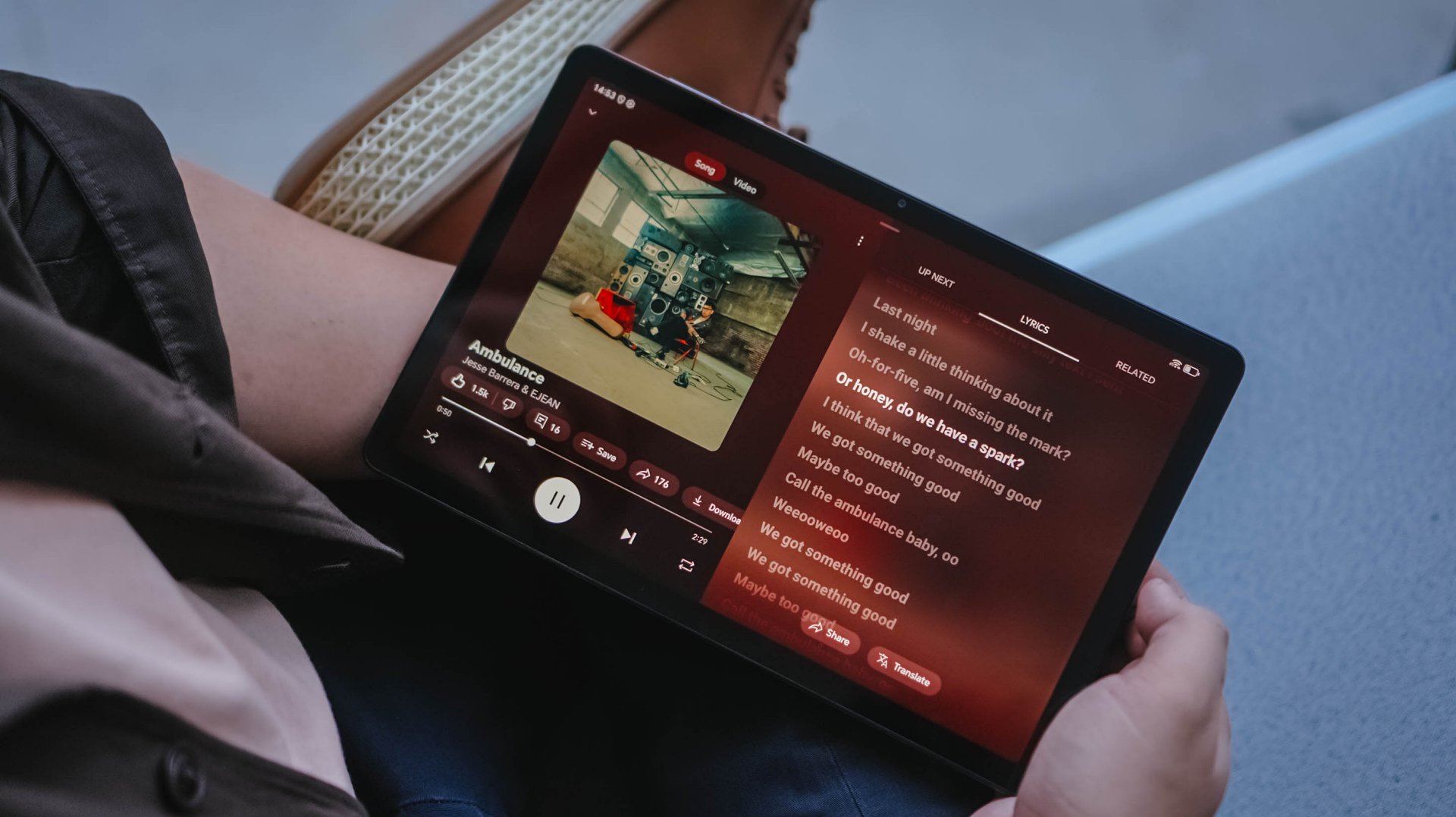
This has been on consistent rotation lately
Audio is also decent. Not groundbreaking, but not thin either. I ran AMBULANCE by Jesse Barrera and EJEAN through it, and it had enough body to feel enjoyable without immediately reaching for headphones.
Put those together, and you get a tablet that’s easy to pick up for Netflix, YouTube, or Spotify. The kind of device that lives on a coffee table or bedside, ready when you just want a bigger screen for casual viewing.
Where you feel the limits

But it doesn’t take long before you notice where things slow down.
Even just swiping around the interface, there’s a certain lack of fluidity. Nothing completely breaks, but it’s not the kind of experience that disappears into the background either. You feel it.
Apps open fine. Navigation works. But everything carries a slight hesitation that reminds you this isn’t built for speed.
And that’s really the trade-off.
This tablet leans heavily into light use—watching, browsing, maybe some casual apps. The moment you expect more responsiveness or try to push it harder, the limits start to show.
What you’re actually getting
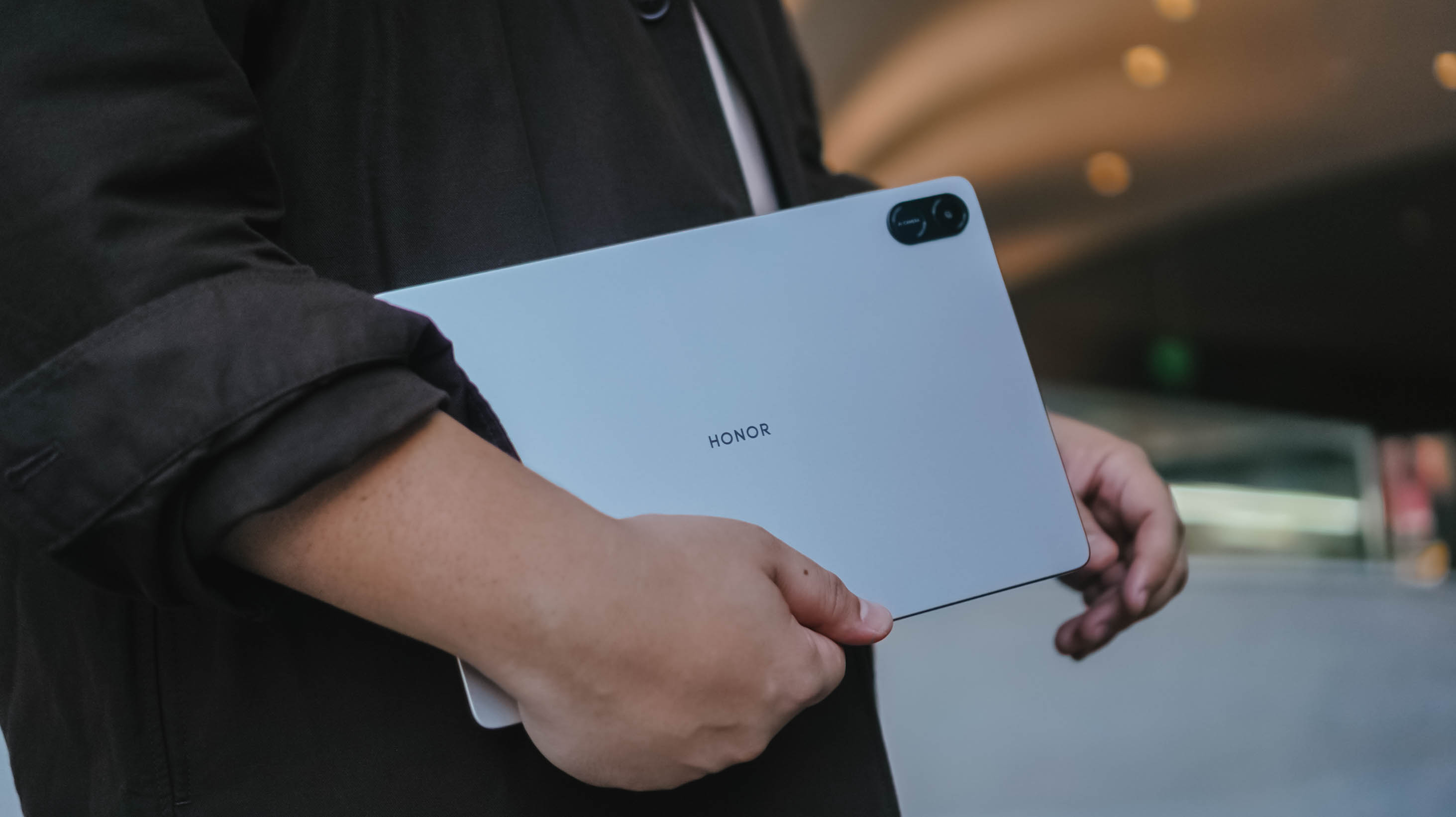
Before we get into pricing, here’s a quick look at what the HONOR Pad X8b brings on paper:
- 11-inch HONOR Eye Comfort FullView display
- 10100mAh battery (up to multiple days of light use)
- Qualcomm Snapdragon 680 processor
- Quad-speaker system
- Storage options up to 256GB with RAM expansion
- Metal body with drop and crush resistance focus
- MagicOS 10 (Android-based)
- HONOR Kids Edition with parental controls
It’s a spec sheet that prioritizes the basics—big screen, long battery, and durability—over outright performance.
So where does it land?

At PhP 9,999 (special TikTok shop price in the Philippines, the HONOR Pad X8b lands exactly where it needs to. Not cheap enough to ignore—but accessible enough to try.
At the end of the day, this isn’t trying to be more than it is. It’s a starting point. A way to figure out if a tablet fits into your routine.
If you’re curious about tablets, this tells you real quick if it’s for you.


In a modern world dominated by flagships and midrangers, budget smartphones are often undervalued just because of the mere value they bring to the table.
But, let’s be real. Not everyone chases specs. There are users who simply need a phone they can afford without all the best-in-class bells and whistles often glorified but spec-obsessed nerds.
Well, the TECNO SPARK 50 5G might just be that handy-dandy everyday companion you need.
First Look
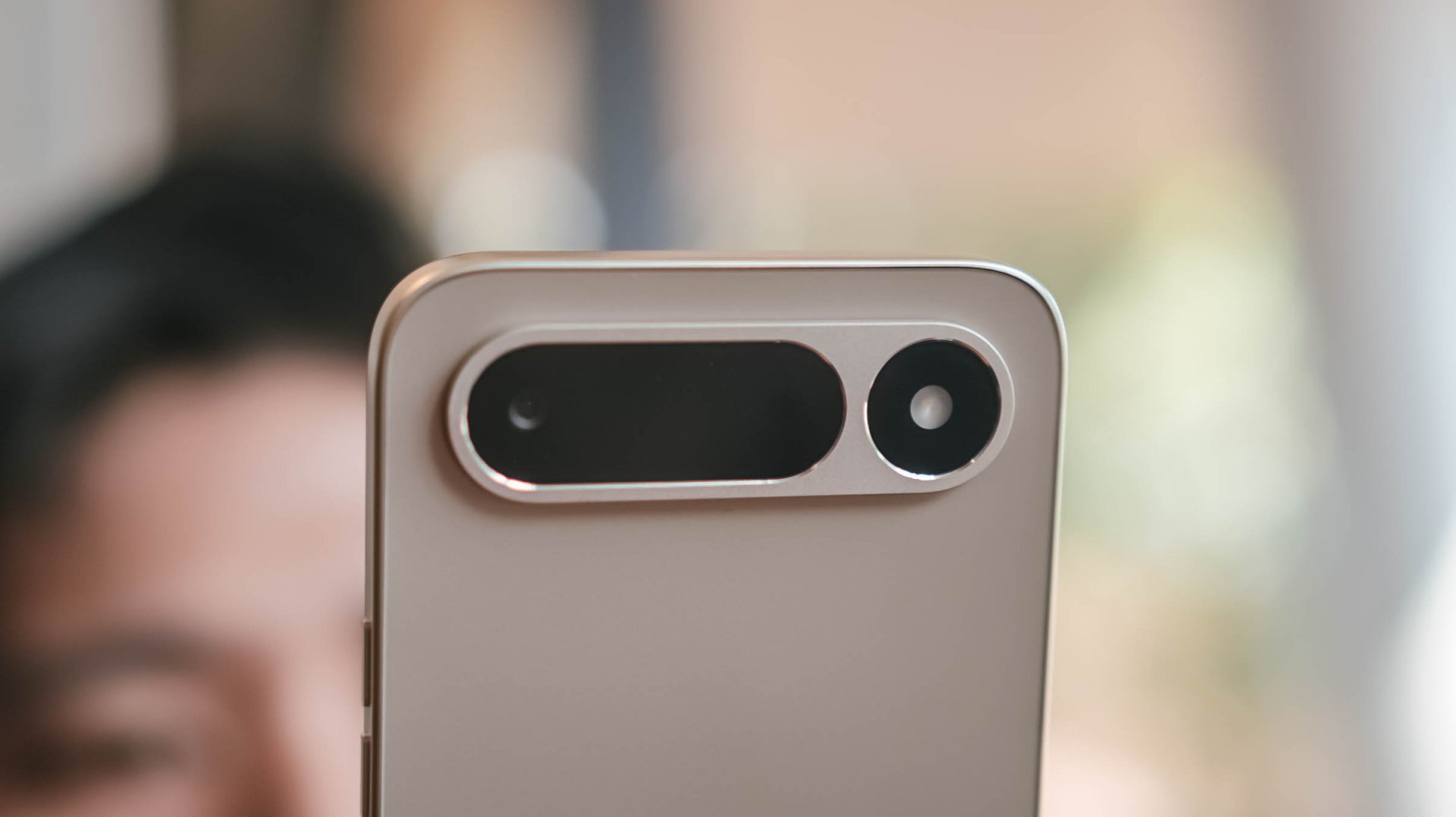
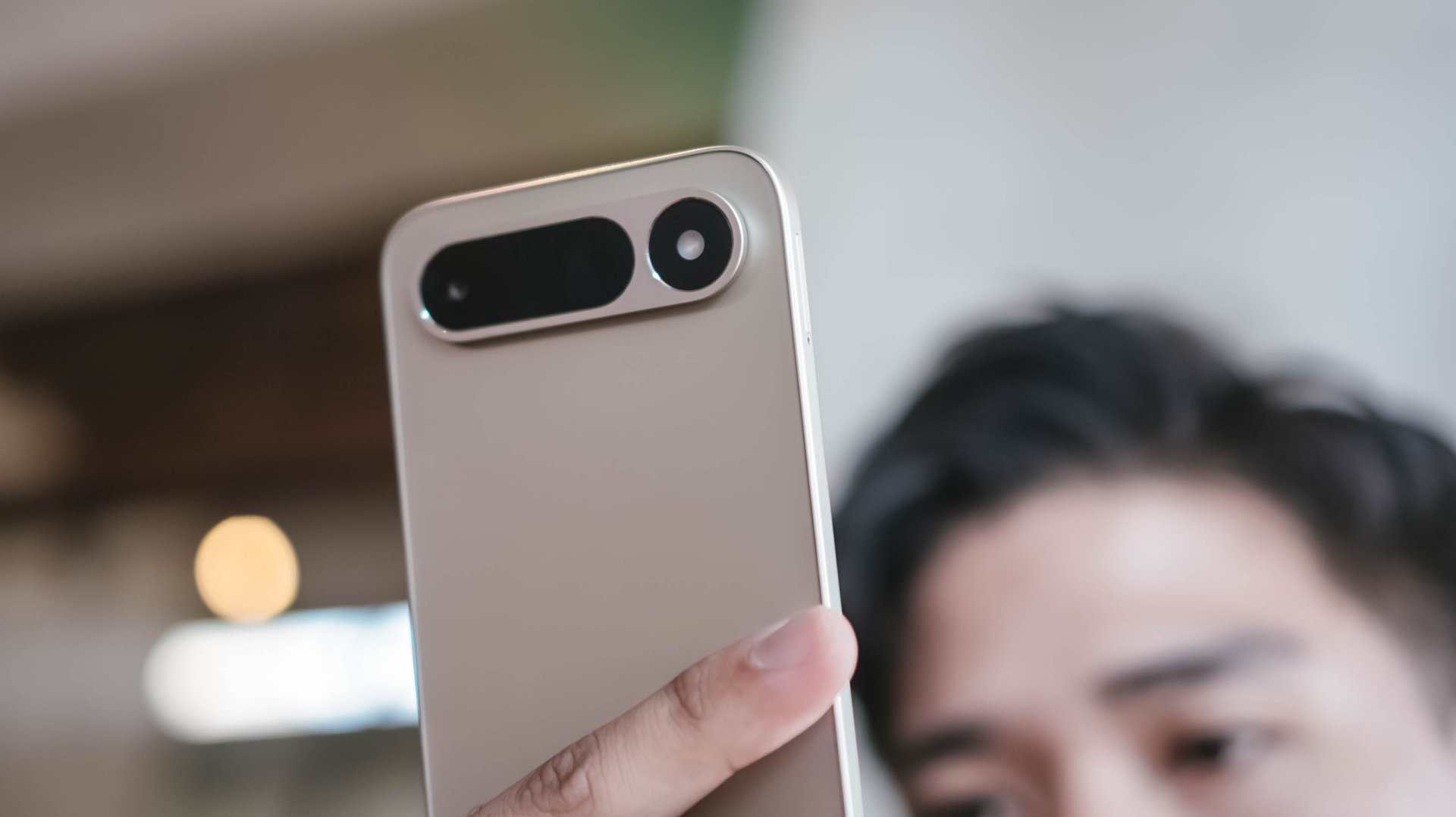
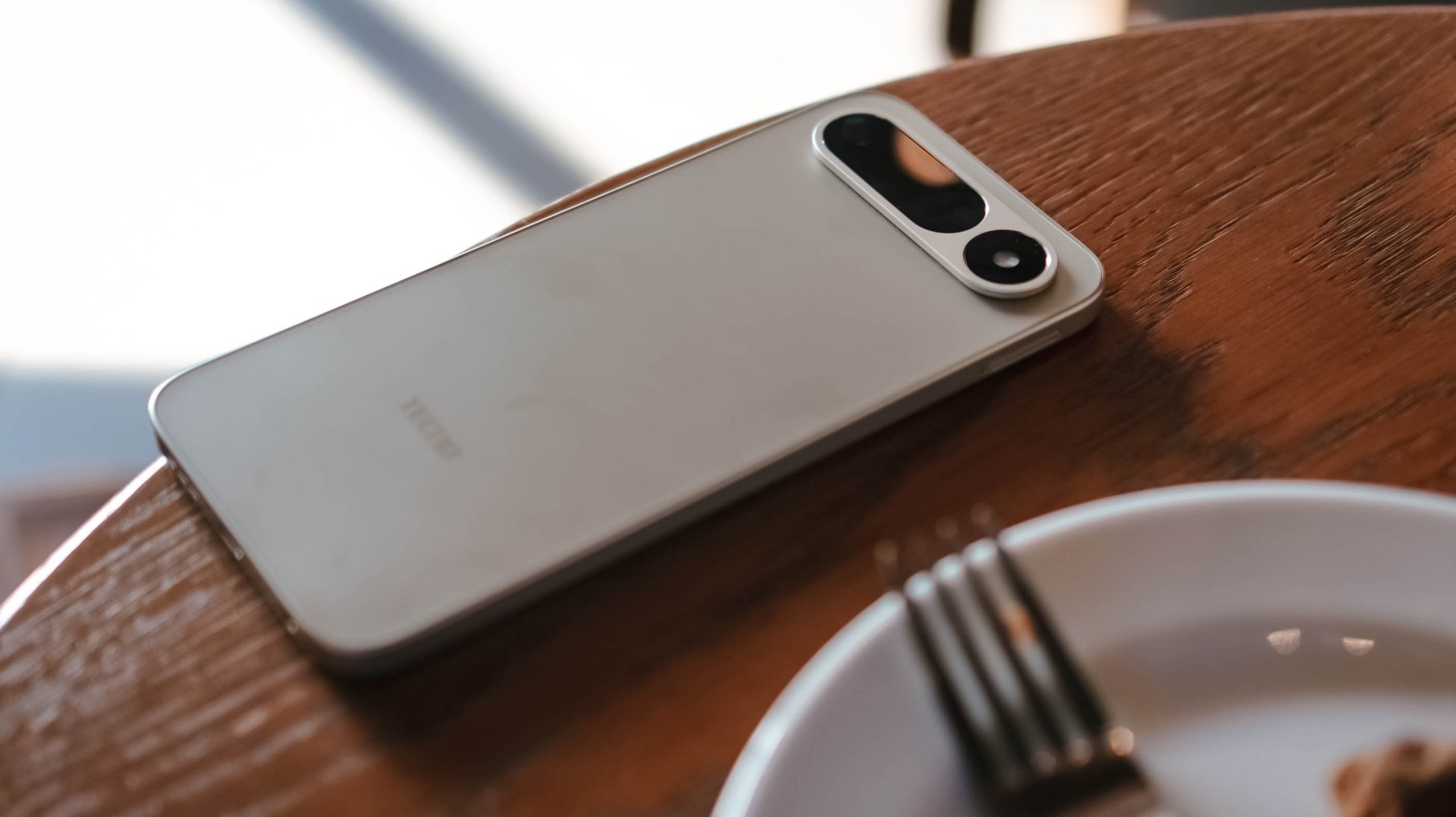
Right off the bat, the TECNO SPARK 50 5G will instantly remind you of Google’s recent Pixel phones. That camera bar is very reminiscent of the Pixel 9 and 10’s camera “visor.”
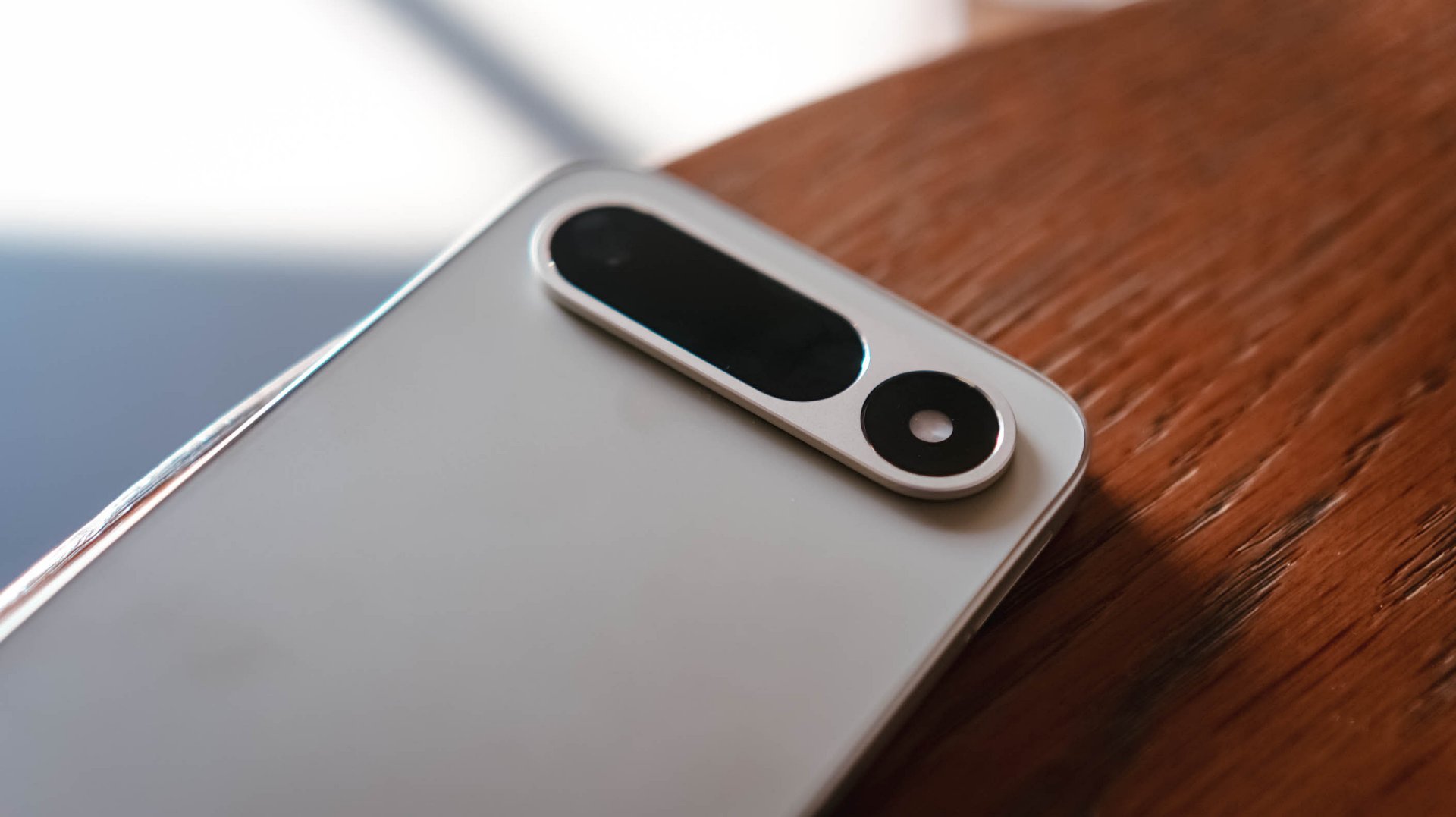
This isn’t a complaint. SPARK 50 5G’s camera island looks cleaner than that overly-used, left-justified square camera cutout popularized by Apple during the reign of their iPhone Pro series.
More so, it avoids joining the bandwagon of phones imitating the all-new “camera plateau” of the iPhone 17 Pro series.
Coincidental or not, it even reminds me of Apple’s pill-shaped Dynamic Island — or that interactive area around the punch-hole cutout that’s found among newer iPhones.
And now that we’re at it, let’s flip the SPARK 50 5G to its front.
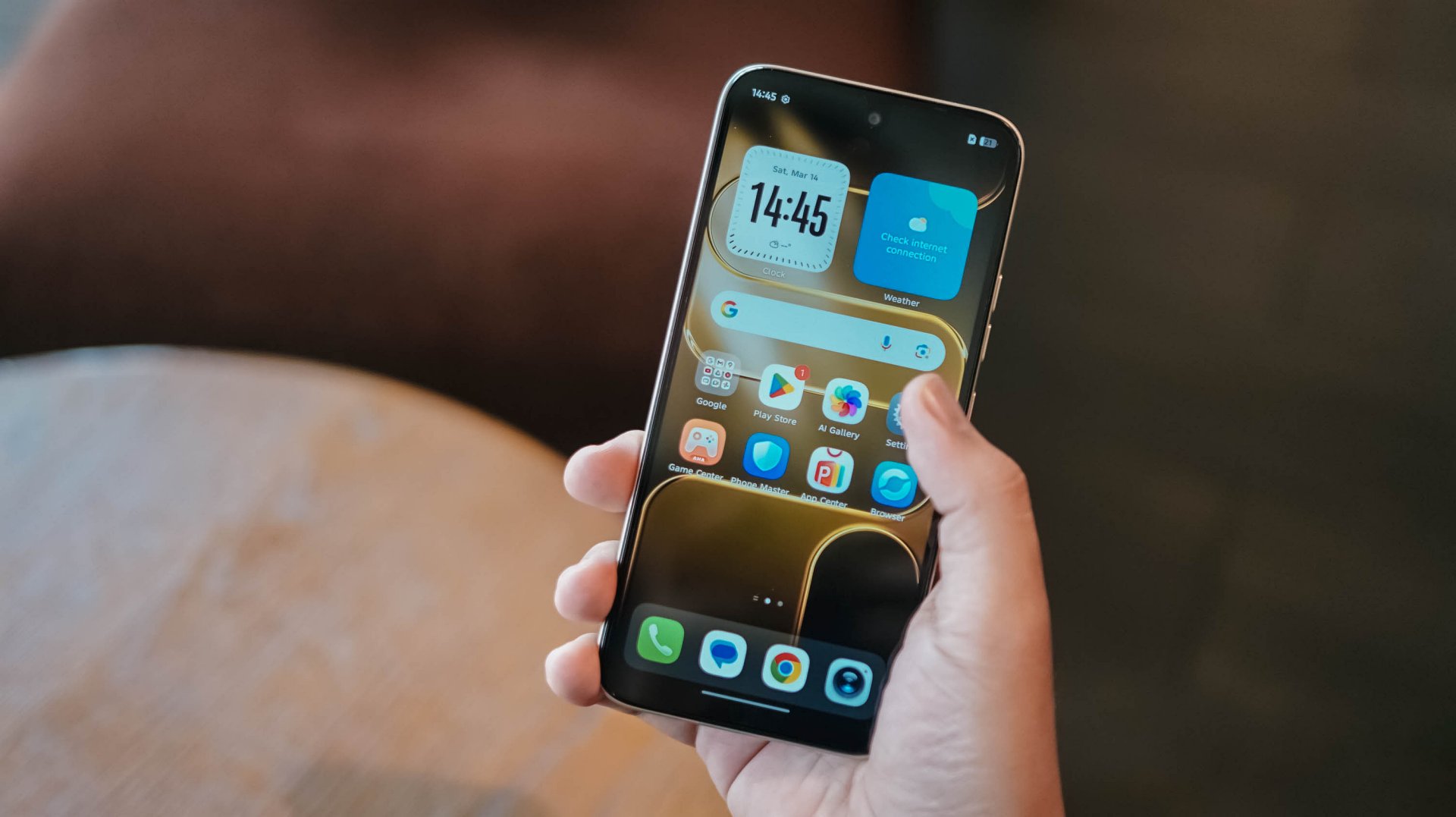
The moment you power on the device, you’d be welcomed by its large 6.78-inch punch-hole display. However, bigger doesn’t always mean better.
Not-so-thin bezels and that awfully-thicc bottom chin aside, I’m more concerned about its display quality.
I’m not trying to be very nit-picky but, my clear eyes can easily distinguish that its 720p screen resolution is quite a stretch for a screen this big.
Ain’t even expecting a class-leading OLED display (this is an IPS LCD type, BTW). However, a 1080p Full HD would have been more plausible.

Don’t even get me started with that subpar max brightness, backlight bleeding, alongside poor viewing angles and legibility.
And, even if it features a 120Hz refresh rate that smoothens day-to-day scrolling and switching, it doesn’t totally override the fact that the display is not up to par.
Still, the choice of punch-hole is heaps better than other phone makers continuously making phones with teardrop notches — which is turning almost a decade next year.
I’m just glad TECNO halted (if not completely stopped) putting it among their recent budget offerings.
First Date
While I have strong feelings against its display, the overall feel of the SPARK 50 5G is of the opposite. Holding the phone for the first time barely looked and felt cheap at all.
Setting the bar high, TECNO’s SPARK 50 5G is made from aviation-grade aluminum — which some other plasticky budget phones can only dream of.
With that durability talk, it’s also worth noting it’s also IP64-rated as well as MIL-STD-810H certified.

Personally, I love the classy and luxe Champagne Gold colorway that I’ve dated.
There are bolder colors too such as Mint Green and Fantasy Purple. More so, the subdued Titanium Grey and Ink Black options.

After setting everything up, the phone greets you with TECNO’s latest HiOS 16 based on Android 16.
Despite its price point, TECNO didn’t leave out all the usable AI feats originally announced in the recent CAMON 50 series.

Not only it includes the usual AI Tools and Ella (or its smart AI Assistant), the newer AI FlashMemo as well as AI MindHub are ever-present as well. These intelligently discern content you consume or whatever you’re curious about.
I’m not a total h-AI-ter as I believe that AI, when used responsibly, gives much leverage to users. It balances an individual’s time so s/he can work and focus more on things that need to be prioritized.
Still, I blame AI for the sharp price rise of components among all consumer devices imaginable.
Now that I’ve mentioned it, TECNO’s SPARK 50 5G comes in either 128 or 256GB of storage and memory choices between 4/8/12/16GB (region-dependent).
At its core lies MediaTek’s Dimensity 6400 SoC. For the market it tries to lure, this is a chipset capable of handling most tasks.
It’s a better option if you’re someone like me who relies on 5G connectivity most of the time. Its Helio G200 counterpart, while speedy and reliant, has 4G as its biggest drawback.
Gaming? Well, it’s obviously not built for that.
Still, it’s playable for the not-so-demanding-games: 60fps in PUBG while 90fps with the widely popular Mobile Legends: Bang Bang (MLBB).
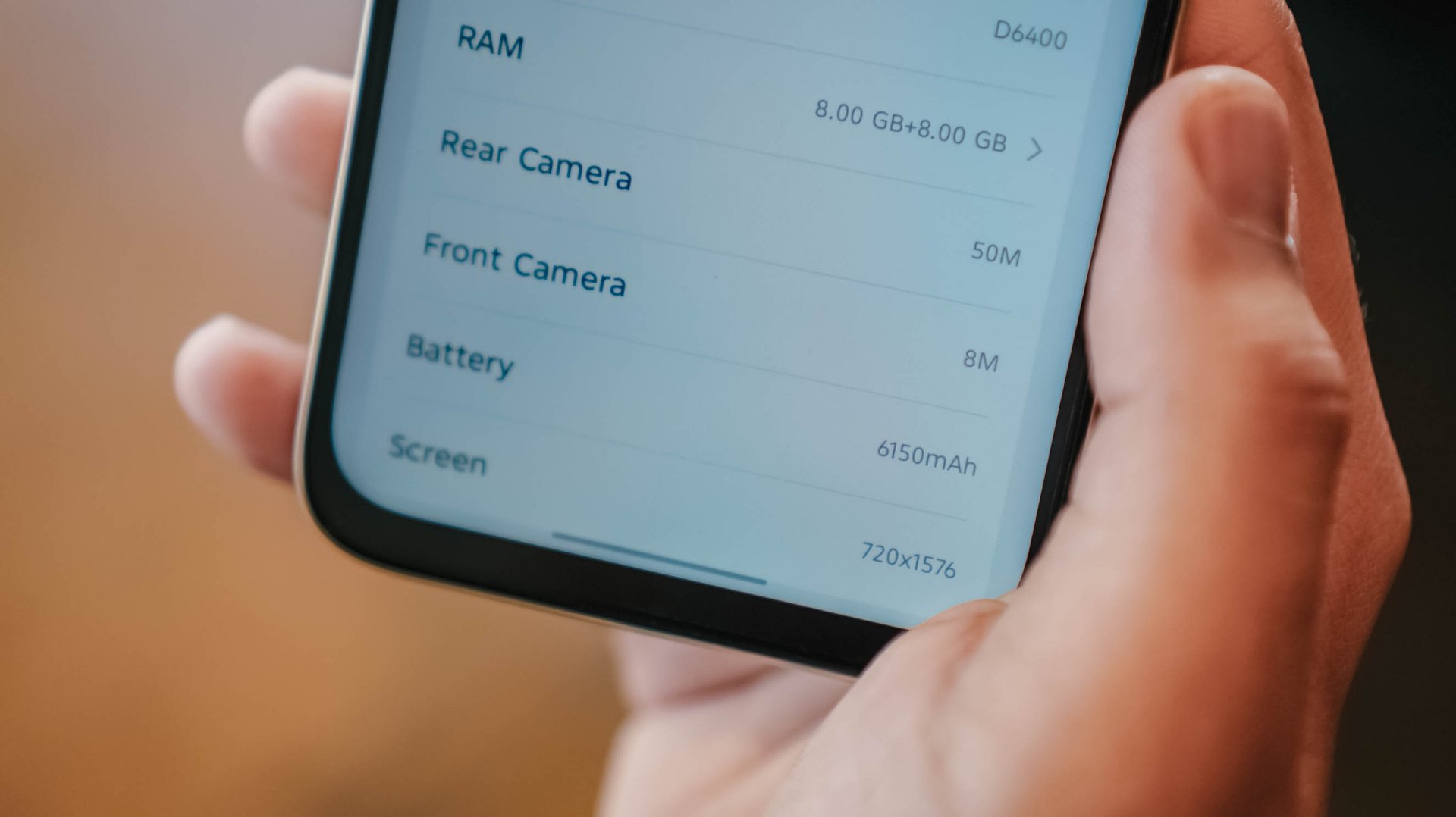
Even with just a chassis of 8.18mm, TECNO has managed to put in a 6500mAh single-cell battery (or a lesser 6150mAh dual-cell variant that I have with me).
Still, the TECNO SPARK 50 5G has outlasted me more — way past midnight after that full-day first date.
If you’re already in a pinch, the phone can be charged through its 45W fast-charging adapter bundled in its box. ICYMI, last year’s SPARK 40 5G relied on a painfully-slow 18W charging.

And, before I forget, I just missed the novelty of side-mounted fingerprint scanner. I still consider it better than the optical ones.
Lastly, despite that elongated camera bar at its rear, the SPARK 50 5G is only equipped with a lone 50MP camera.

Although AI FlashSnap exists, the camera app being somewhat sluggish evades the purpose of that camera feature per se.
While cameras have never been the strong point of the SPARK series, it should be enough for users who just want a functioning rear camera not just for document-scanning, but for life moments as well.
Its 8MP shooter can still capture selfies — or just be used for those unavoidable school and/or work video calls.
First Impressions
With a starting price (4+128GB base config) of INR 16,999 (approx. US$ 180 / EUR 160 / GBP 135 / SG$ 235 / MYR 735 / PhP 10,995), the TECNO SPARK 50 5G isn’t the most well-rounded budget smartphone around.
Still, this phone will satisfy the general, non-tech-savvy population. That sophisticated design, solid build quality, ginormous battery with reliable fast charging, smart AI-powered OS. Even 5G-capable chipset in this price range?
Did I even mention that it still rocks the almost obsolete microSD card slot and 3.5mm audio jack?
Obviously, I’m not the target user of this phone. Especially as a creative guy who values display and cameras a lot.

However, technophobes might get the hang of this phone when they take it out on a lovely, more intimate date more than twice. The phone is as straightforward as it can get. Sans, exploring the more complex AI tools within.
Still, this is a phone suitable for a wider range of user base consisting of kids, young students, the elderly, or even everyday workers who just need a reliable phone that they can bring around without sacrificing too much of their hard-earned savings — especially in an economy we live in right now.

The OPPO Reno15 Series 5G made its way to the Philippines last month, and reception has been pretty great so far.
With a powerful camera package, AI, and a slew of upgrades, there’s a lot to love and not much negative to say. But that’s with both the standard and Pro models.
On the other hand, with the Reno15 F 5G — the series’ supposed budget-friendly “lite” variant —there were more question marks than exclamation points.
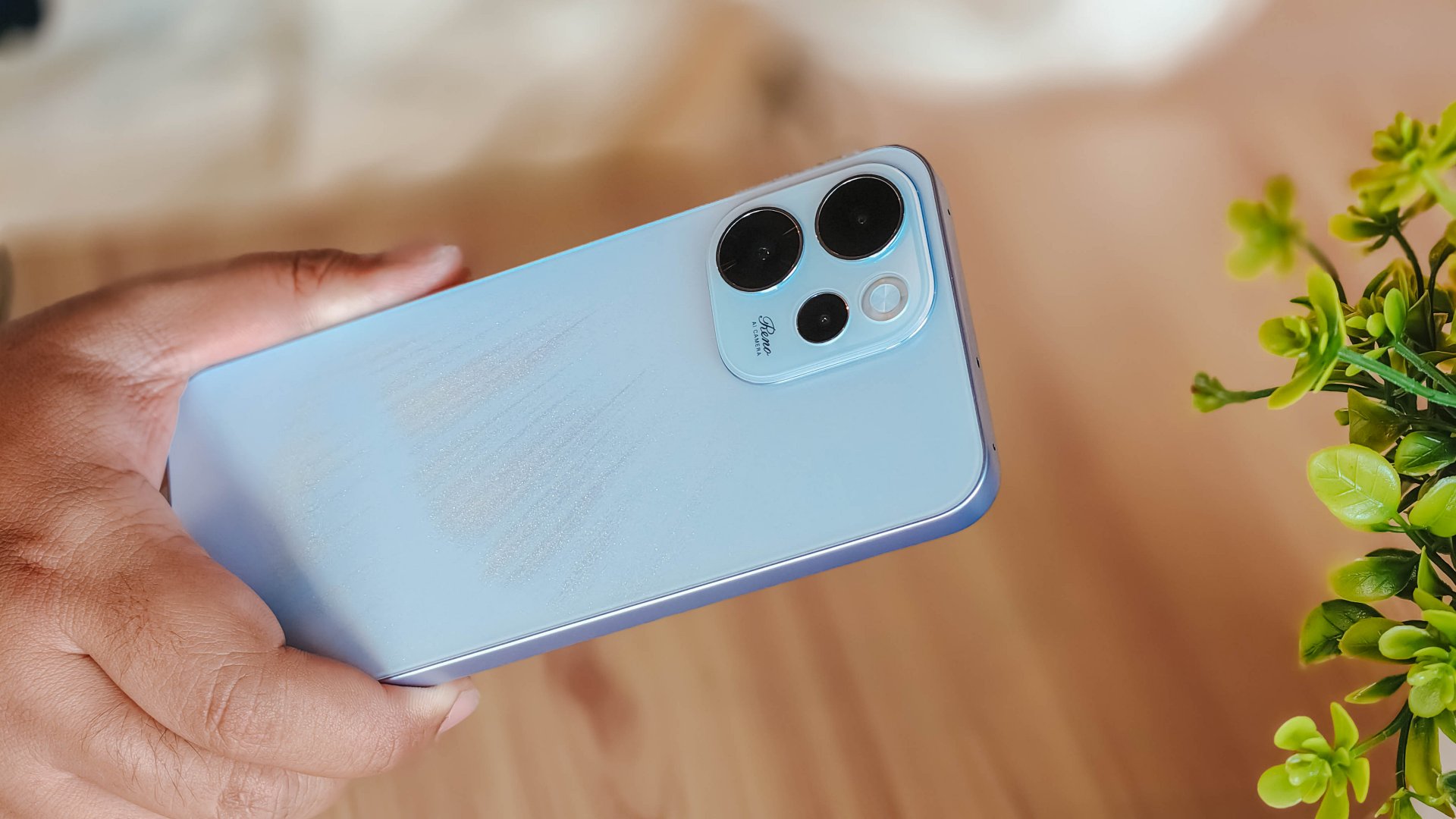
I attack this piece once more from a consumer standpoint: shelling out PhP 23,000 to PhP 26,000 for a midrange smartphone that feels and performs like it’s a few notches below its segment doesn’t sound too pleasant.
Performance
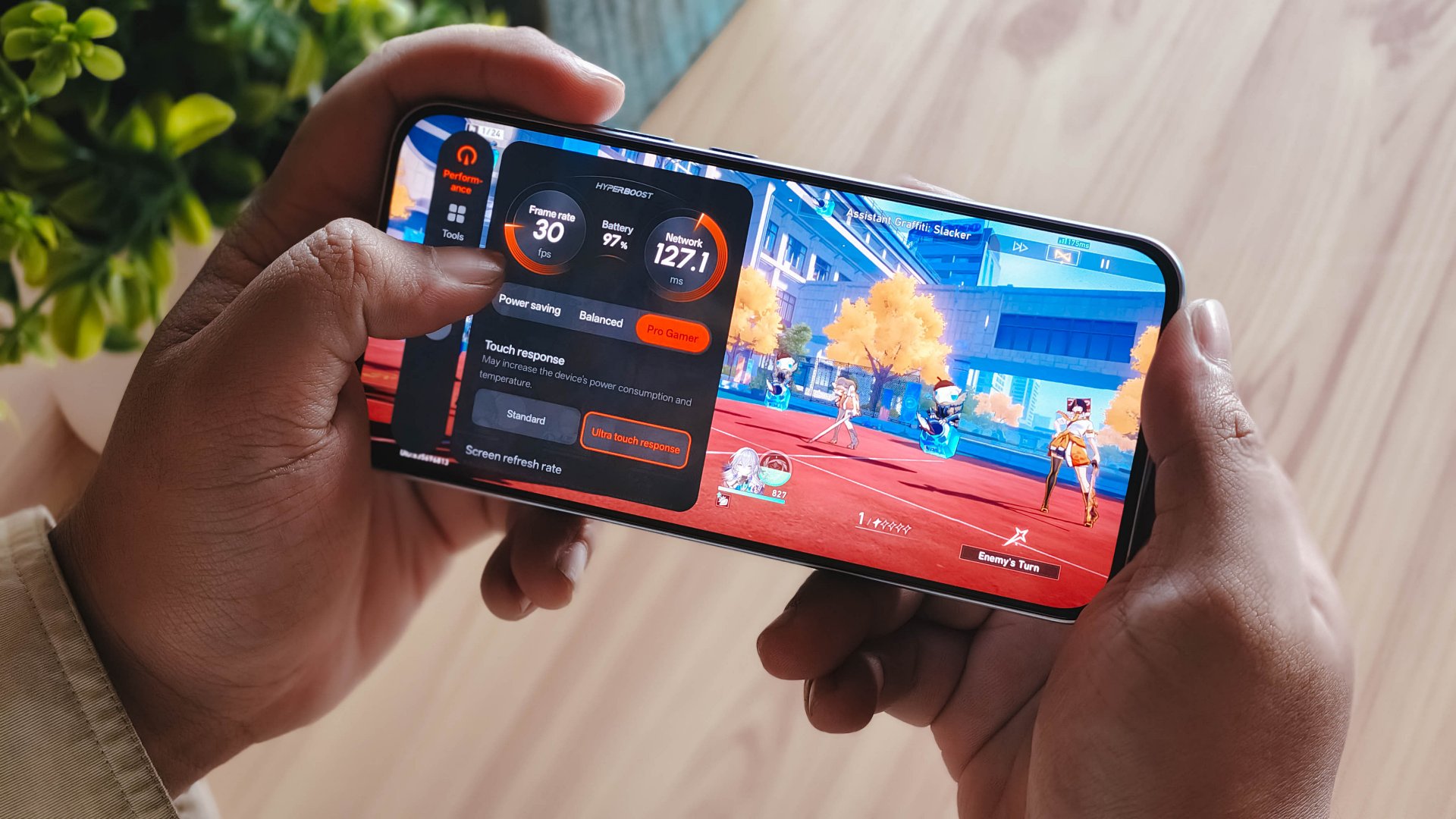
With a Snapdragon 6 Gen 1 processor, the OPPO Reno15 F performs pretty much like any sub PhP 20,000 mid-ranger. It’s acceptable, but does not punch above its weight as expected.
No major hiccups for light and casual usage. But performance struggles a lot for demanding video games.
It also heats up significantly just 10 minutes into a title like Honkai: Star Rail. This is a stark contrast to the marketed 25℃ and up to 10 hours straight of smooth gameplay.
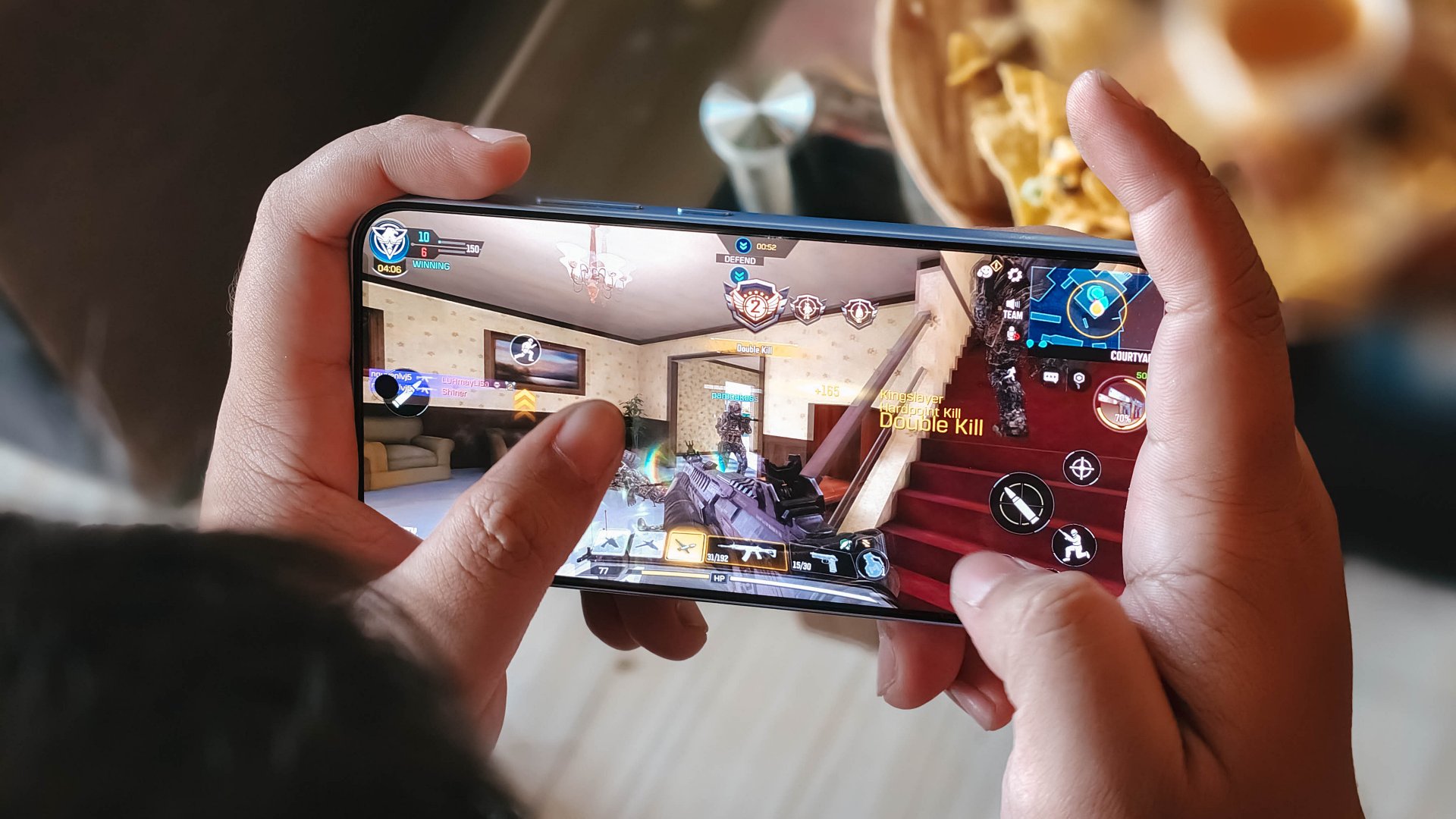
Although, the experience was still enjoyable with several wins and MVP runs in Call of Duty Mobile. It only means the F variant remains a more camera-centric phone rather than an a hard-hitting all-arounder.
As with other devices, the 7000mAh battery with 80W SUPERVOOC is a strong suit. You’re fueled from dawn ’til dusk, with much to spare. Recharging takes a breeze, too.
Display
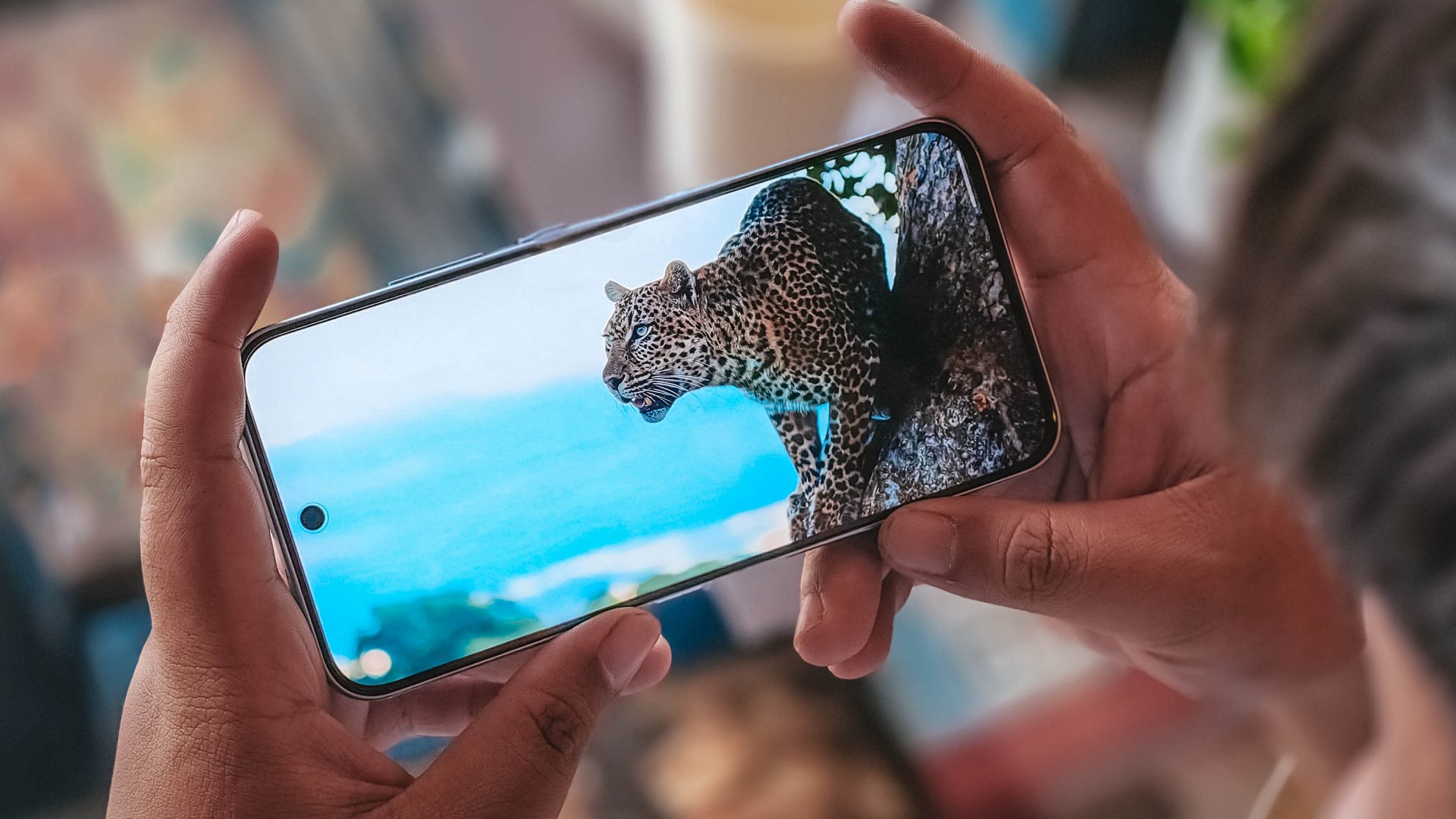
The OPPO Reno15 F has a 6.57-inch 120Hz display, with a 92.8% screen-to-body ratio. At least, that allows you to focus on content on the screen.
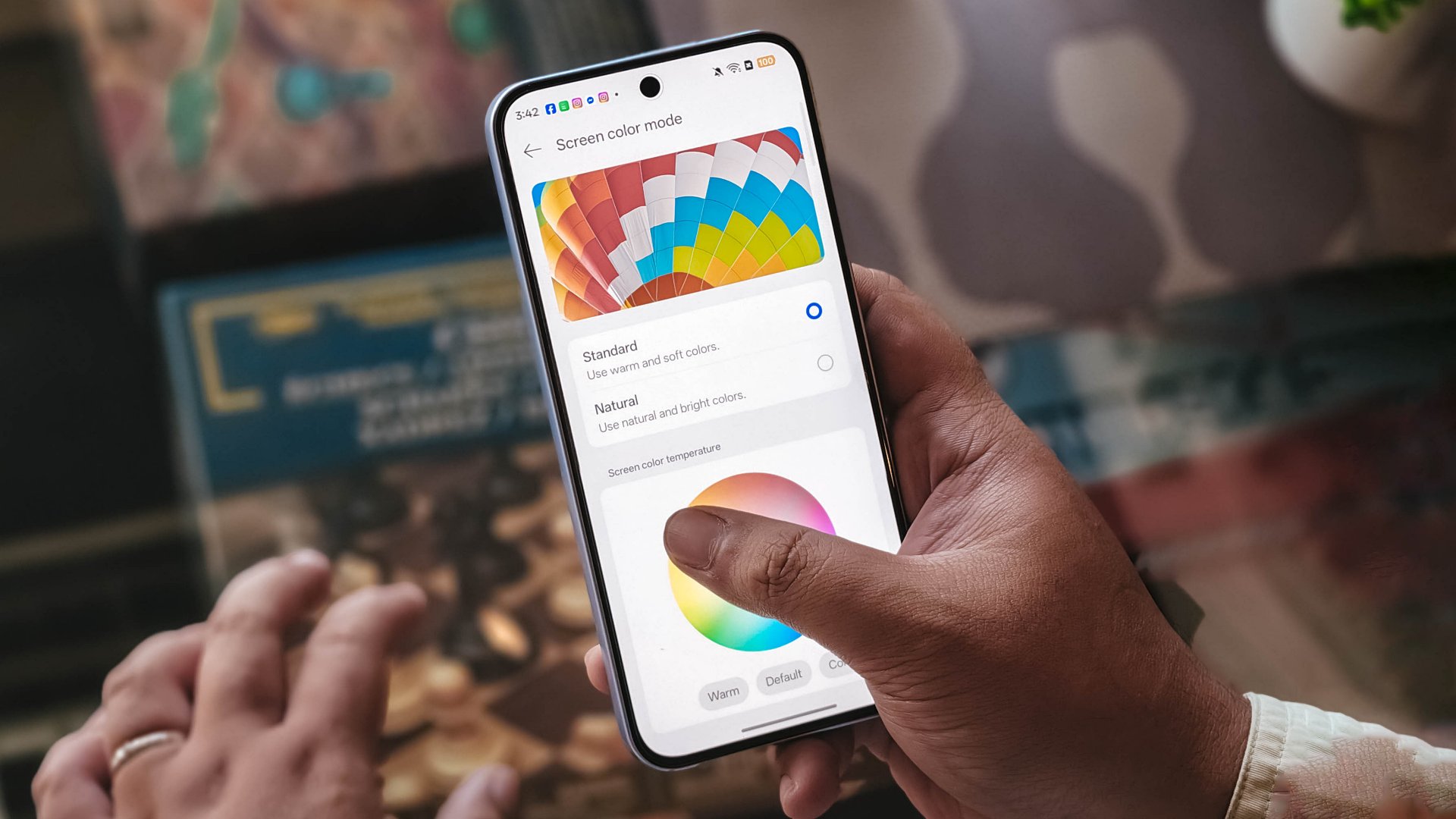
Content leans more towards the cooler tone, so you’ll have to adjust it manually if you want a warmer or more vivid look.
The 397ppi pixel density is fine to ensure sharper visuals, while the 1400 nits peak brightness is helpful outdoors.
Camera
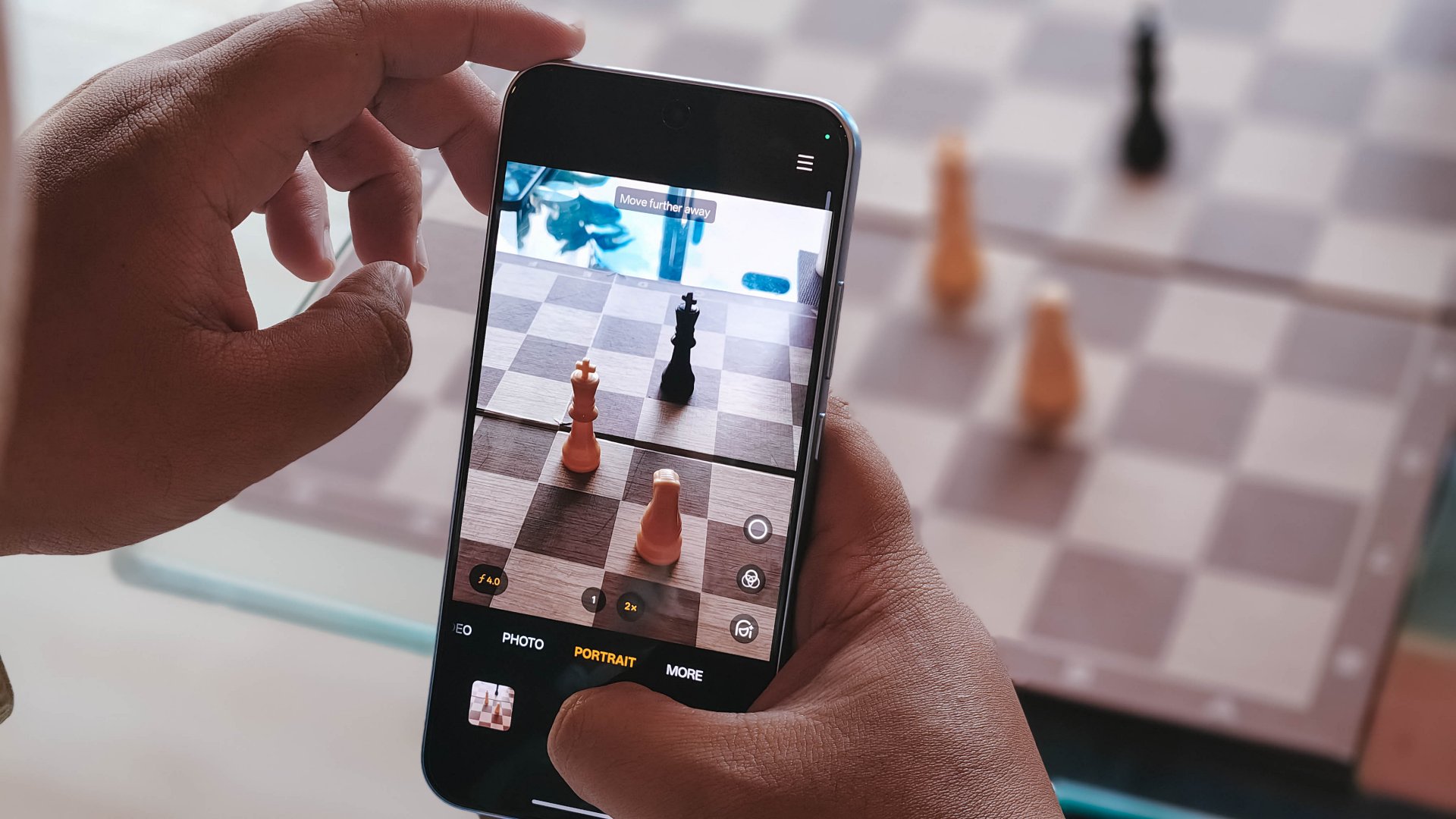
The device’s 50MP main camera captures decent quality. The color science leans on being natural anew, without being too dull nor washed out. You can pull off smooth portraits too.
I hardly used the phone for stills as I focused on videos, but here are some samples, on the occasions I was able to take the handset with me:








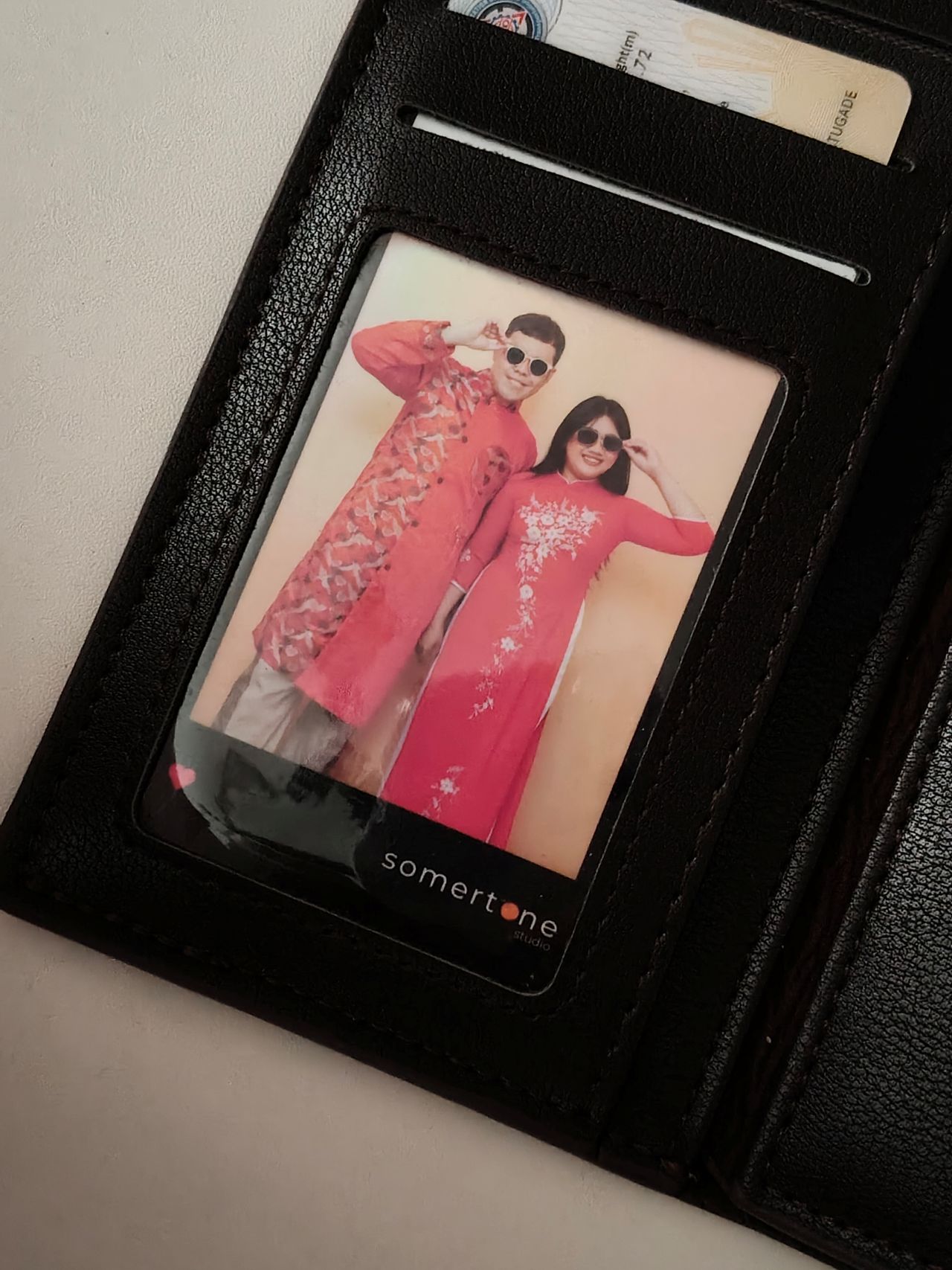
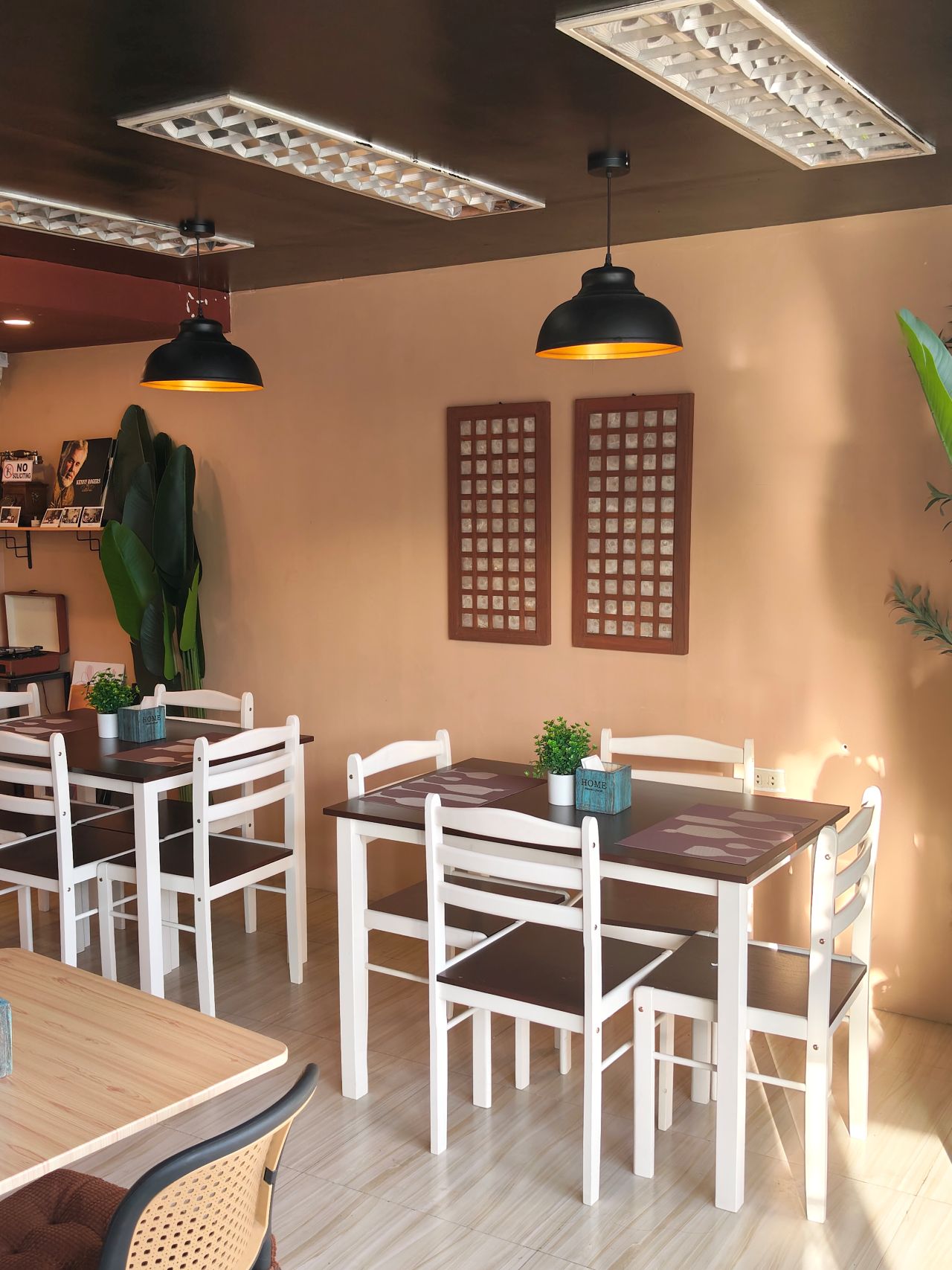


The 50MP front camera is an intriguing add-on, as it is capable of up to 4K video and a wide 100° field of view.
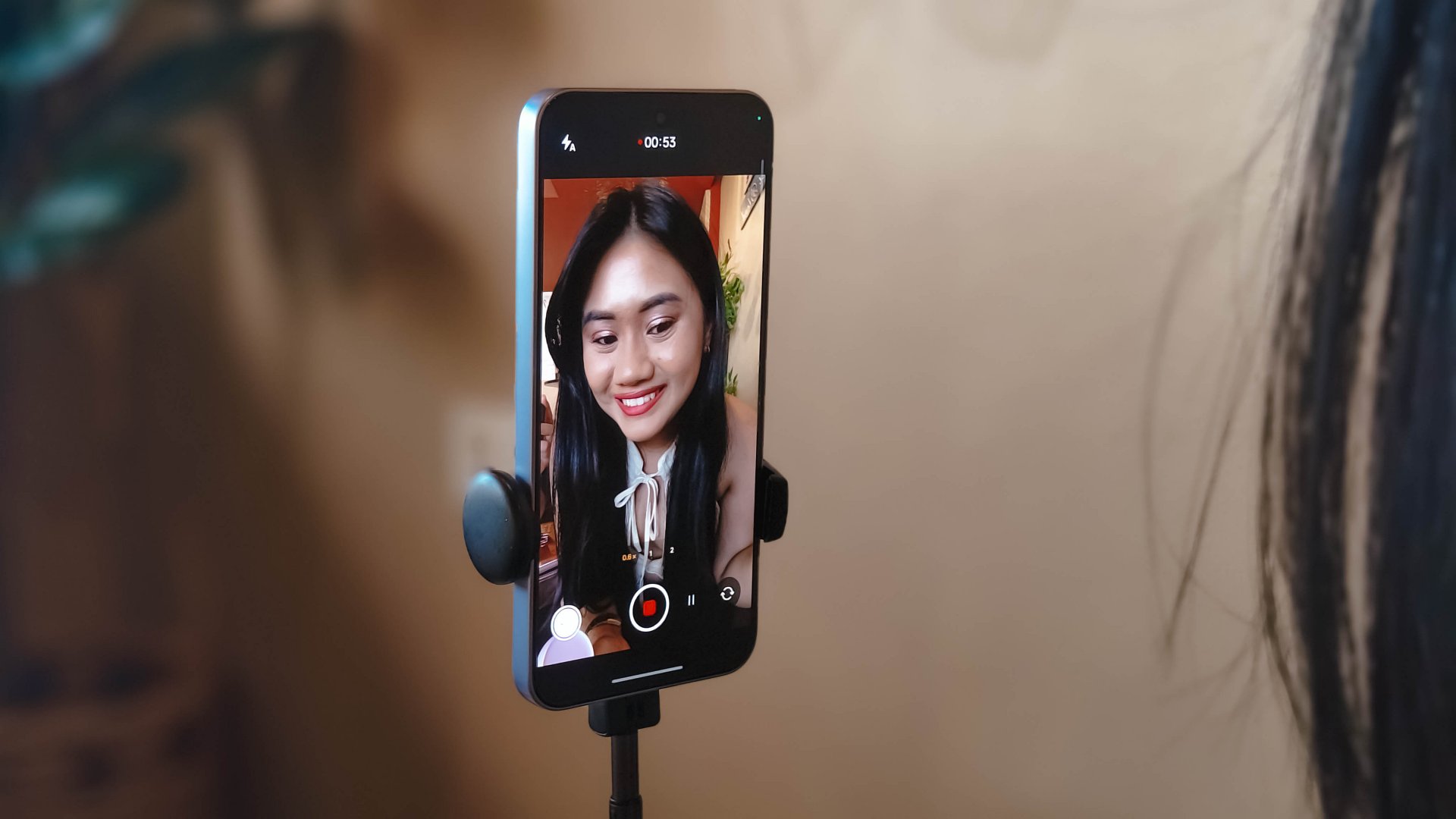
What this does is it essentially removes the need to flip your phone for the popular “0.5” shots. And the quality doesn’t get compromised given the pixel count.
Here are some selfies from different focal lengths:




To its credit, filming with the back camera at 60fps does look and feel smooth, although it can be improved.

Same with the front camera; and the zoom range can be switched from 0.6 to 2x without cutting the recording.
Although, it’s still best to use a selfie stick or small tripod if you’re just after talking head videos.
Speaking of which, here are a few I’ve made with just this device:
@manilaconnoisseur Naka 99 pesos pala ‘yung large Golden Milk Tea ni @highlandscoffeeph until February 28! Oolong base, cream, and okay pala ang chickpeas as sinker along with red jelly. #highlandscoffee #goldenmilktea #oolongmilktea #freeupsize
@manilaconnoisseur Laging sold out ‘yung fun run? Try The Conqueror Virtual Challenges. Stay motivated in your running era, make every run count, and get cool medals after every completed challenge. You can even get a free run or discounted bundles! @theconquerorchallenges #virtualrun #funrun #runningera #staymotivated
But for travel and on-the-go captures, as OPPO markets for the series in general, even the Reno15 F can cover a lot of background along with your or your groups’ faces.
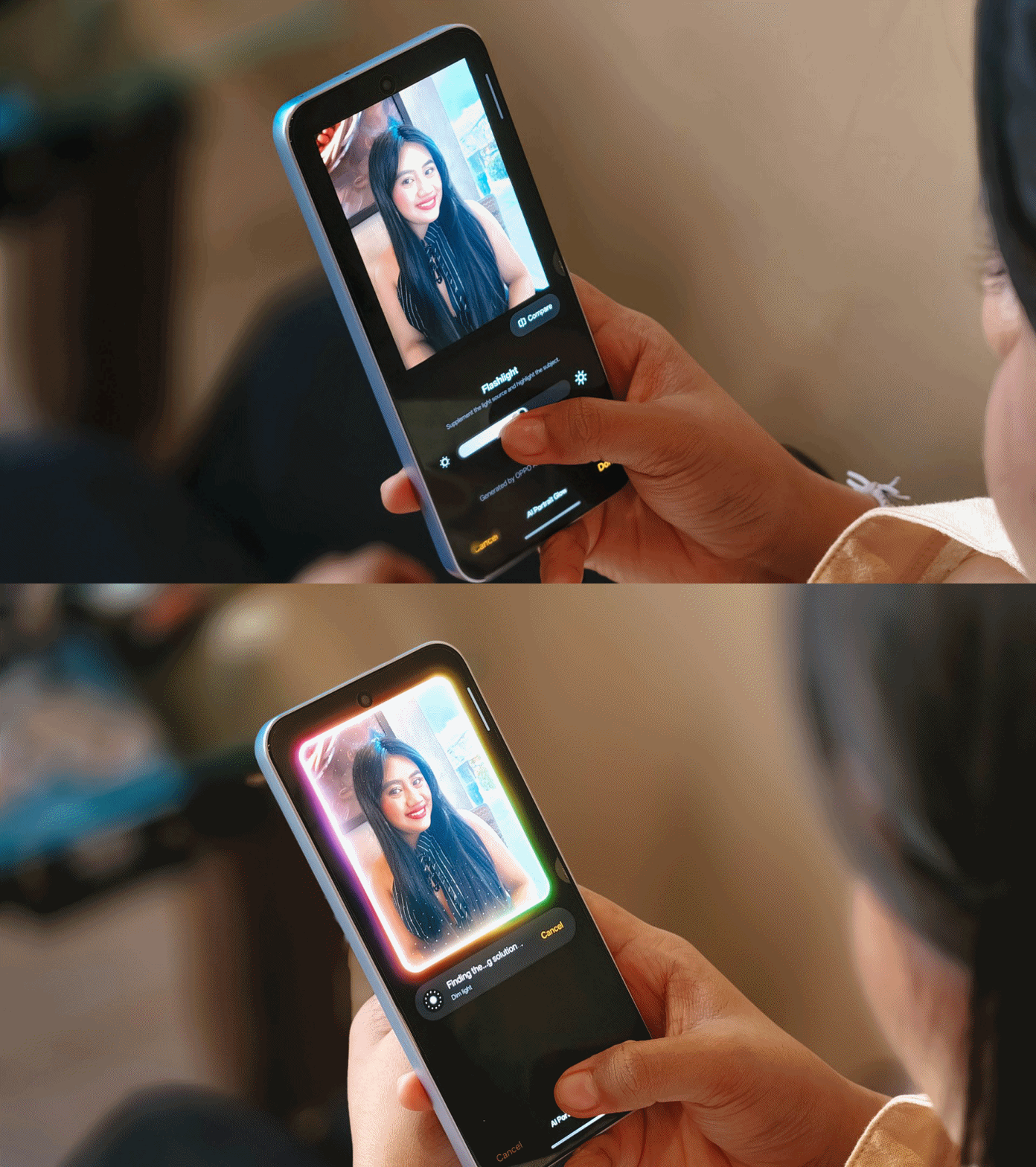
Make no mistake, there are some useful AI editing features here. In particular, AI Portrait Glow gives your raw capture an effect to make it look it was taken with flash.
I do not recall the device heating up as well when taking many photos or videos, so you can say it’s more optimized for that task rather than gaming.
Connectivity issues
Meanwhile, AI LinkBoost 3.0, as in the case of the OPPO A6 Pro, doesn’t seem to punch above its weight either.
Once, I also played Mobile Legends: Bang Bang and the session opened to a jittery start despite being on Wi-Fi and having a stable connection. I don’t know what triggered this.
Design, feel
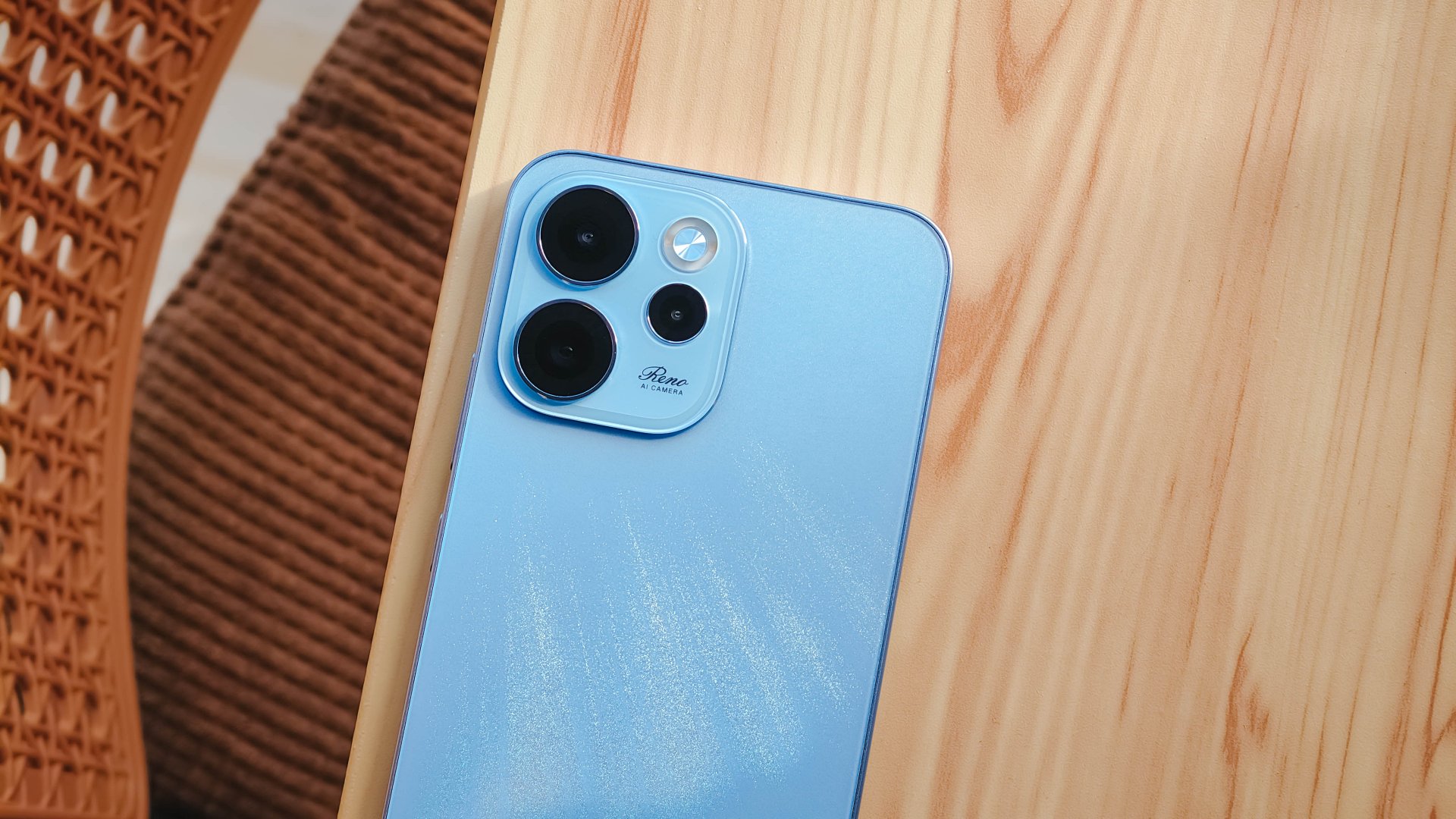
We got the Aurora Blue variant which does kind of resemble the northern lights when you tilt the phone a certain way and when light hits its back panel.
The cursive “Reno” on the large, protruding camera island gives it more style.
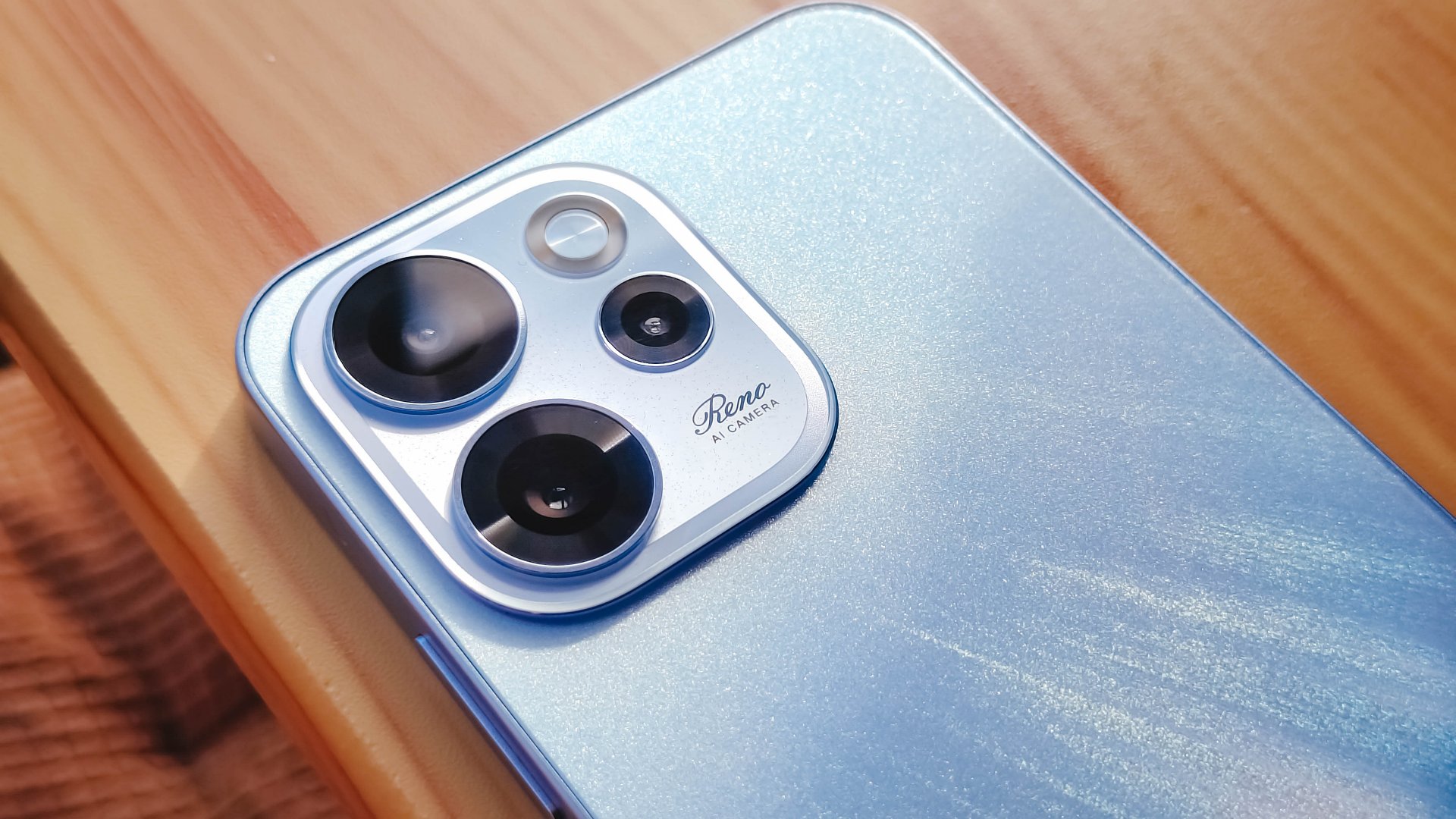
However, it’s all just aesthetics. On the downside, the phone is all sorts of slippery.

I couldn’t hold it properly without think of it slipping away from my hands; nor could I put it on my lap with confidence.
So I guess it’s good that it has structural integrity and waterproofing, because you’ll need that.
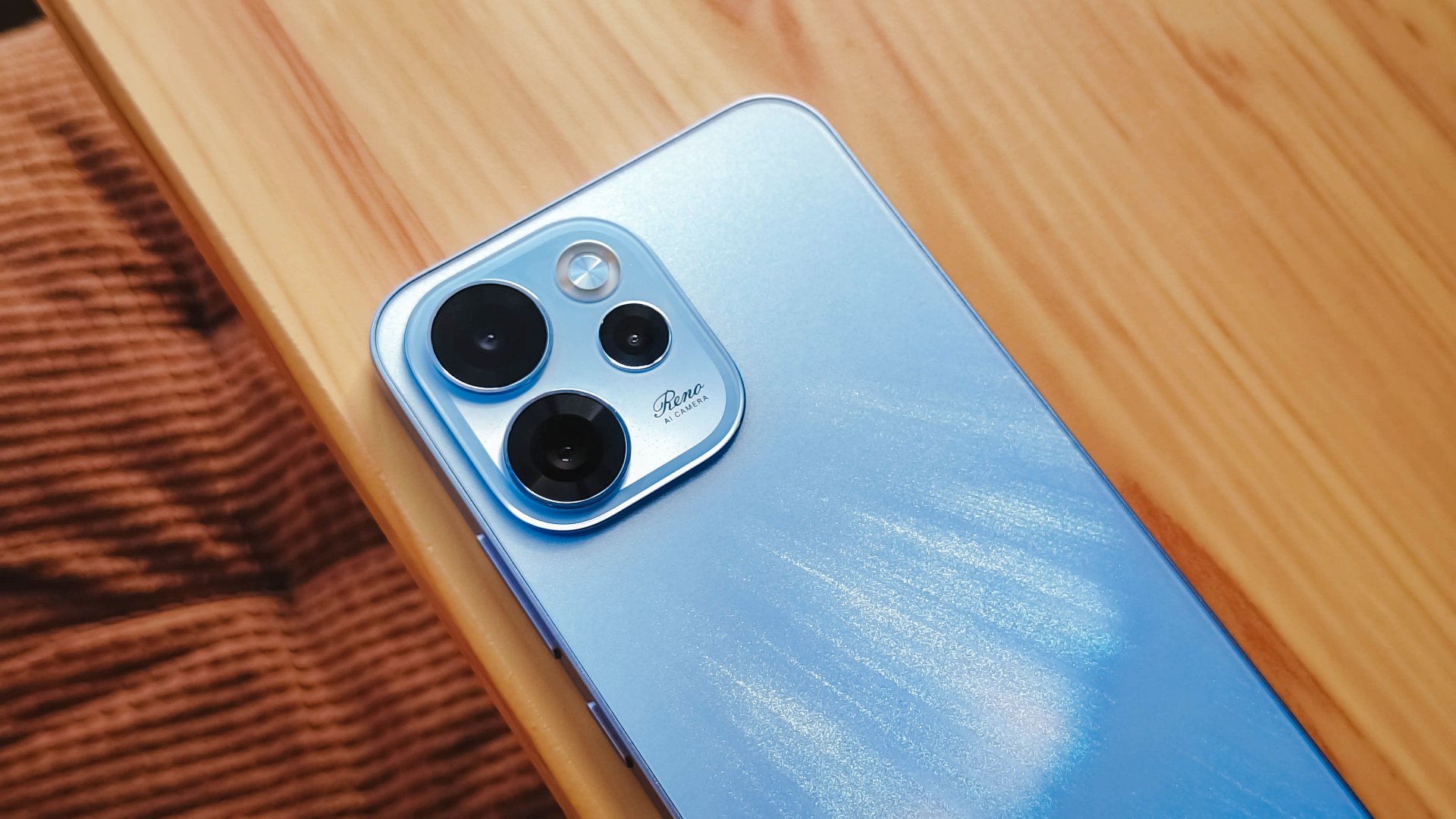
oplus_16
The 6.57-inch body does have a good balance between being too compact and too large, like ultras and pro maxes.
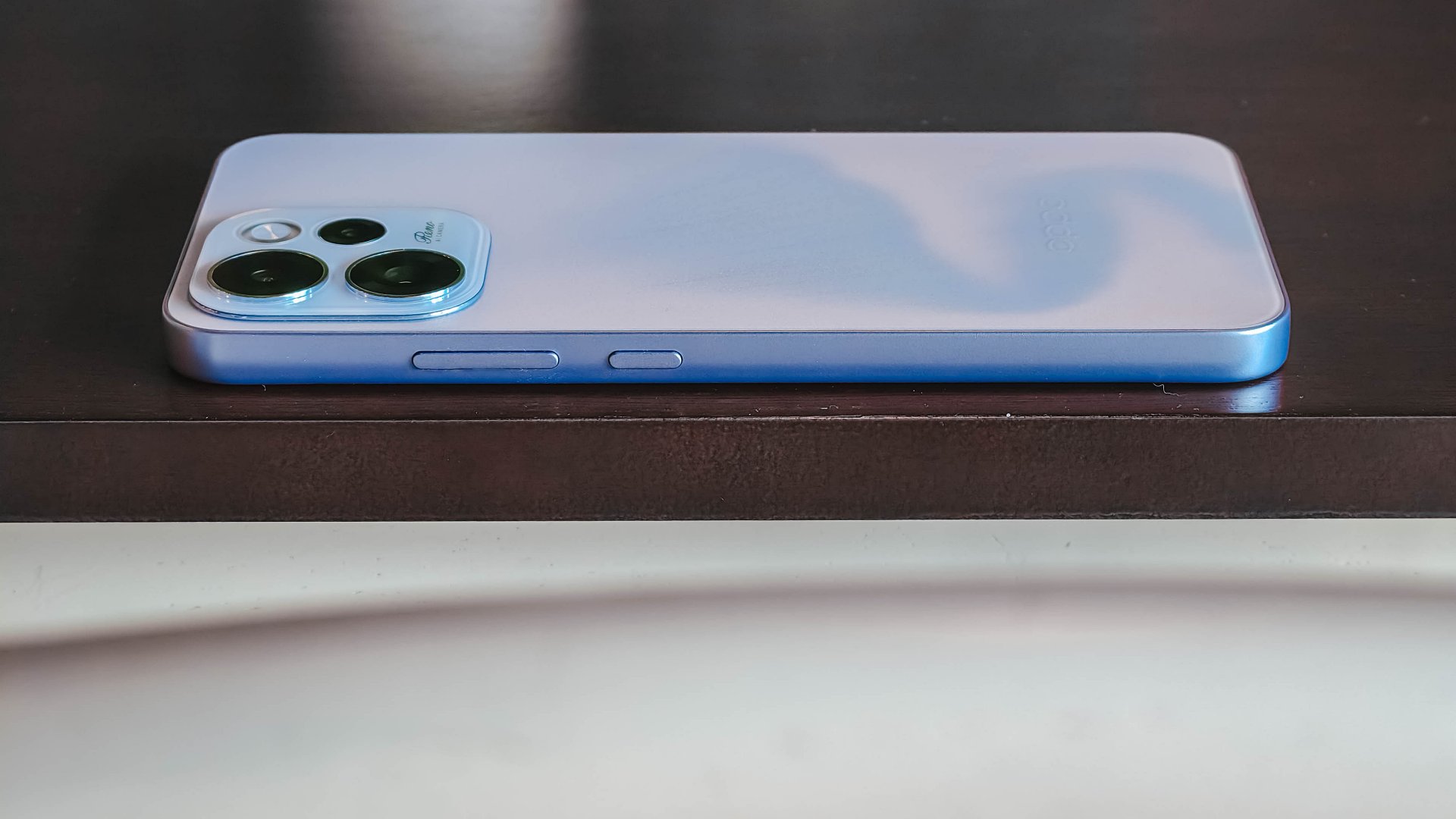
It has a squarish body and has already adapted to the premium, aluminum frame look from the sides.

Is this your GadgetMatch?
Sadly, the OPPO Reno15 F 5G is a Swipe Left unlike its bigger, more capable siblings. There are plenty of plus points for the camera package but take that away, and I don’t see much difference between the Reno15 F and something like the A6 Pro.
Granted, the asking price of this phone will drop significantly in a few months. But throw in a little more, and you’ve got a legitimate mid-ranger that’s more on the premium side rather than the cheap end of the spectrum.


HONOR MagicPad4: A tablet that found its place
Better as a second screen


TECNO POVA Curve 2 review: Munch That Power Crunch!
Unbelievably the slimmest 8000mAh phone you can buy right now


vivo V70 review: Pretty darn good for nights like this
A gig-ready camera

Get the MacBook Neo for as low as PhP 44 a day via Home Credit

Prime Video unveils Philippine slate: More originals, licensed titles

vivo X300 FE launches with ZEISS telephoto system

Lenovo’s Legion is coming back to the gaming phone segment

HONOR 600 Series adds AI Image to Video 2.0

POCO X8 Pro Max review: A New Beast from the Far East

POCO X8 Pro Series: Price, availability in the Philippines

VinFast extends free unlimited charging in 3 markets amid rising fuel prices

nubia Neo 5 series launches in the PH, starts below PhP 12K

Spotlight: OPPO Find N6

-

 Accessories1 week ago
GameSir G7 Pro ZZZ Edition: My default PC controller
-

 Gaming2 weeks ago
Dunk City Dynasty update adds new NBA stars, cosmetics
-

 Reviews1 week ago
Apple iPhone 17e review
-

 Gaming1 week ago
PlayStation can now scan you and put you inside a game
-

 Entertainment6 days ago
BINI, KATSEYE among top worldwide Google Searches ahead of Coachella
-

 Gaming7 days ago
Forza Horizon 6 already hits the mark
-

 Gaming2 weeks ago
Tom Clancy’s The Division Resurgence out now on iOS, Android
-

 Features2 weeks ago
GadgetSnaps: Osaka