

All work and no play is a sure fire formula to burn out. Nobody wants that. Especially not students. Waaaaaay back when I was still in university, I kept on wishing I had a machine that I can use for my studies but also to quench my thirst for gaming. But I never had that.
Taking the Lenovo IdeaPad Gaming 3i for a spin, this is precisely the kind of laptop I wish I had all those years ago.
No game, no life
Indulge me on a little trip down memory lane. You see, I had quite the rocky time in University. More precisely, Universities. I was doing miserably in the Engineering course I initially took up. Eventually, I gave up.
At the time, I also stepped away from gaming. I was riddled with guilt about how I was failing my parents. I eventually chose to go after a Communications degree as it was the closest to multimedia I could get. There’s a whole other chapter in between, but we’re not gonna get into that right now.
So, fast forward to my Comms student life. I was doing fairly well. But I struggled a little bit every time we had to do film/video projects. I just didn’t have the equipment to really be ultra competitive.
Not only that, by this point, I had been years removed from any kind of gaming. We had a decent PC where I lived, but it could only really handle office stuff. I mostly buckled down and just made the most of what I could with what I had.
Computer shop hopping

To get some of our multimedia requirements done, I resorted to computer shop hopping. They were still a dime a dozen during those days. Naturally, that came with some issues. Files were frequently lost, jumbled, and worse, corrupted.
I kept thinking, if I had my own machine, none of this would have happened. My files would be more secure, and I would have had instant access to them wherever I was.
Using the IdeaPad Gaming 3i for some time, I couldn’t help but think how it would have made my life a thousand times more convenient.
Why the IdeaPad Gaming 3i?
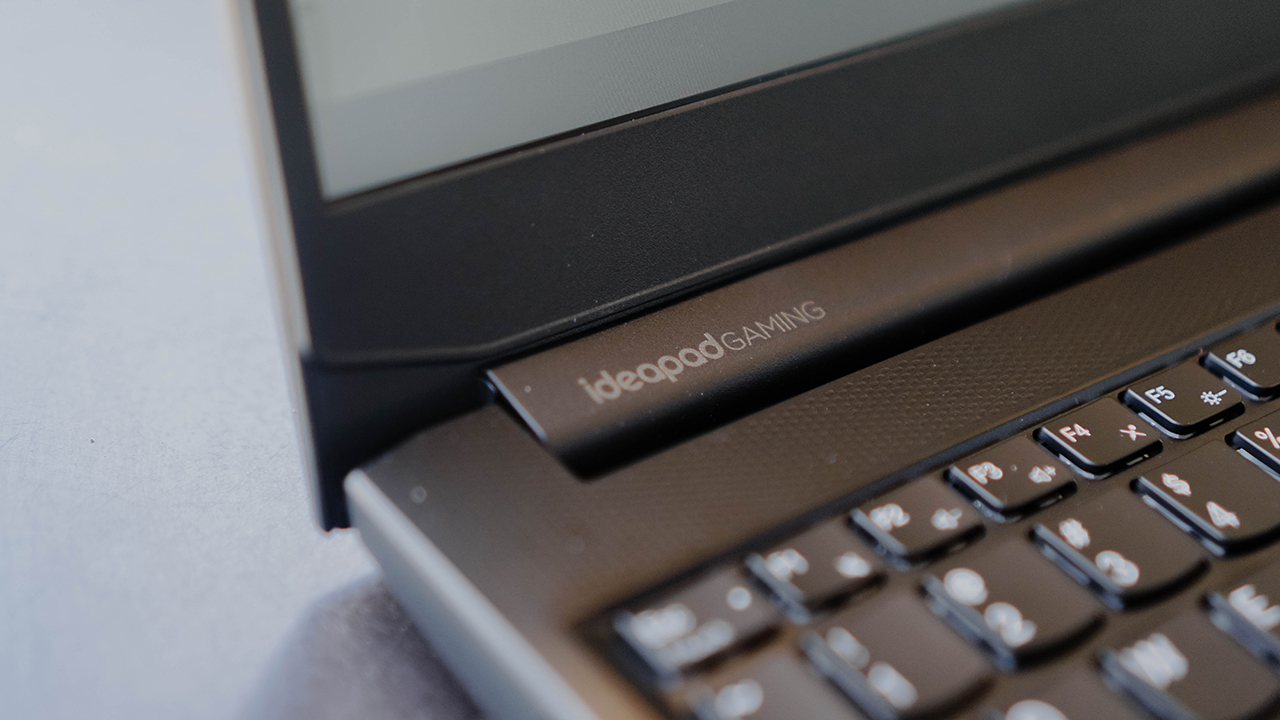
Here’s a brief overview of the specs:
- 11th Gen Intel Core i5-11320H Processor
- Windows 11
- 15.6” FHD (1920×1080) IPS 120Hz/165Hz
- 8GB RAM
- 512GB SSD
- NVIDIA GeForce RTX 3050/3050Ti1
That’s plenty powerful for a machine that starts at PhP 52,995. It’s hard to imagine how it’ll perform just by staring at an info sheet. In practice, it’s so much more convincing.
Elsewhere on the laptop, you’re also getting an ample serving of ports:
- 2x USB 3.2 Gen 1
- USB-C 3.2 Gen 1 (support data transfer only)
- HDMI 2.0
- Ethernet (RJ-45)
- Headphone / microphone combo jack (3.5mm)
- Power connector
Lenovo also has your safety and security in mind. The 720p webcam has a camera shutter so you can be at ease when it’s not in use.
When you’re just watching our YouTube videos since you have to make GadgetMatch your daily habit, it fares pretty well. The Stereo speakers (2W x2, Nahimic Audio) are plenty loud both for watching and playing.
Much as I wanted to play straight away, I had to get some work done first. I spent a couple of days typing a few articles on the IdeaPad Gaming 3i. I even had it for our Mobile World Congress grind.

The full-size keyboard and that numpad on the side was super helpful since I had to deal with typing a lot of numbers. In fact, because of my time using it, I’m even considering getting a mechanical keyboard with a numpad. I digress.
But one of my key learnings throughout the years is that taking breaks are criminally underrated.
Getting my gaming fix

After stepping away from the laptop for a bit, I browsed Steam for games I could play. I already had Control and Death Stranding in my library, but I wasn’t really down to playing those. As I browsed, I was surprised to find that DragonBall FighterZ was on a massive sale.
Bought the game right away and installed it. The game demands that you use a controller, so I paired the IdeaPad Gaming 3i with my Midnight Black DualSense controller. Afterwhich, I think I stayed up more than I should have playing the game I had always wanted to play for the past few years but somehow managed to stay away from.
Naturally, I wanted to try other games too. So while I was giving Majin Buu a beatdown as Mystic Gohan, I was downloading and installing Valorant in the background.

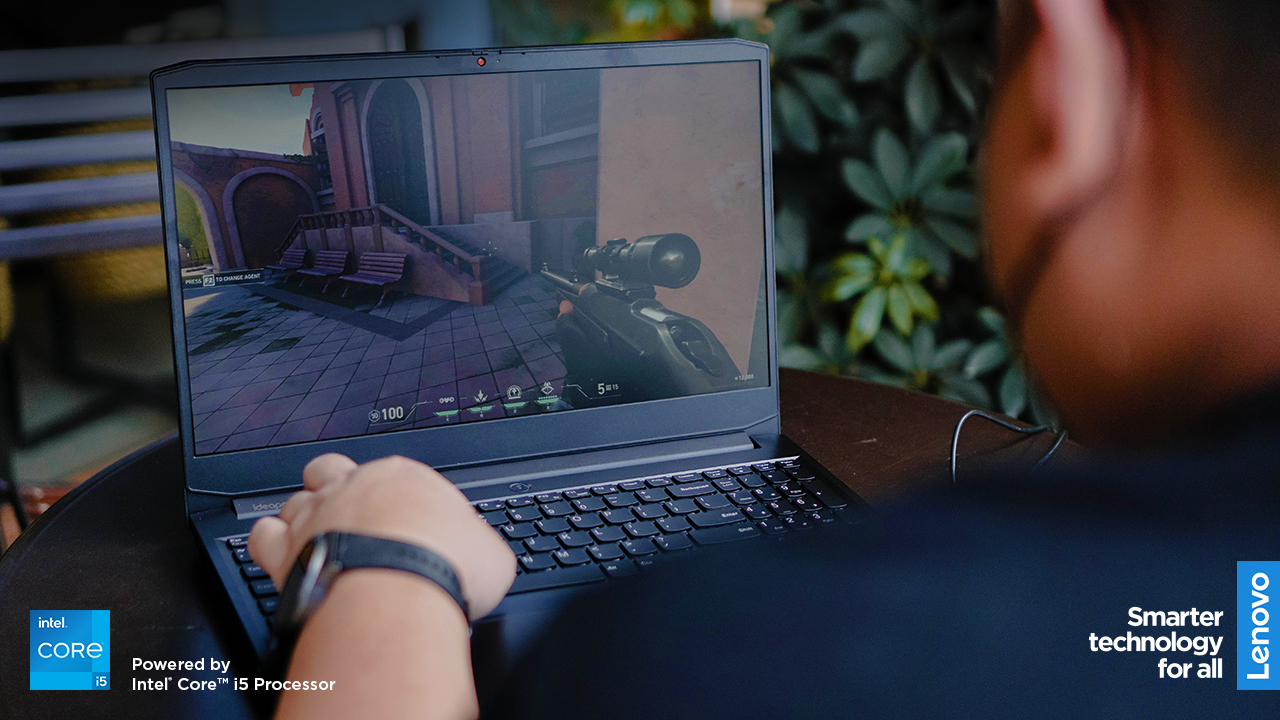
My Valo experience was less joyful. Only because of the jarring realization that I one hundred percent suck at first-person shooter games. I felt bad for the people I played with. I totally dragged the team down.
You know what I didn’t mind at all during my entire gaming session? How the IdeaPad Gaming 3i performed. Personally, I think that’s the hallmark of a really good machine. When it takes a backseat to your experience of the game. It just works.

In case you were wondering, the games were running on Medium settings. I only checked this afterwards. It was more than enough for the FHD screen which really prioritizes refresh rate performance. This thing was built for gaming and it shows.
The right choice to get started

I have loftier requirements for my machines now, but the IdeaPad Gaming 3i still impressed me. If you asked me to use the laptop for the rest of the year, I probably wouldn’t mind.
It also helps knowing that if you get this now, you’re entitled to three (3) years of Lenovo Premium Care. That’s Lenovo’s superb after sales service.
They promise support from real people, real fast. And I know it’s standard practice to promise these things, but I personally know a handful of people who have experienced this first hand and it’s truly a fantastic service.
The IdeaPad Gaming 3i is built to help you finish your tasks early, so you can play more. Lenovo understands that it’s important to have that kind of balance. And this machine can help with that.
This feature is a collaboration between GadgetMatch and Lenovo Philippines.
The IdeaPad Gaming 3i starts at PhP 52,995 and is available in Legion Exclusive Stores, Lenovo Experience Stores, and authorized resellers nationwide. Visit legion.lenovo.com for more information and follow @lenovolegionph both on Facebook and Instagram







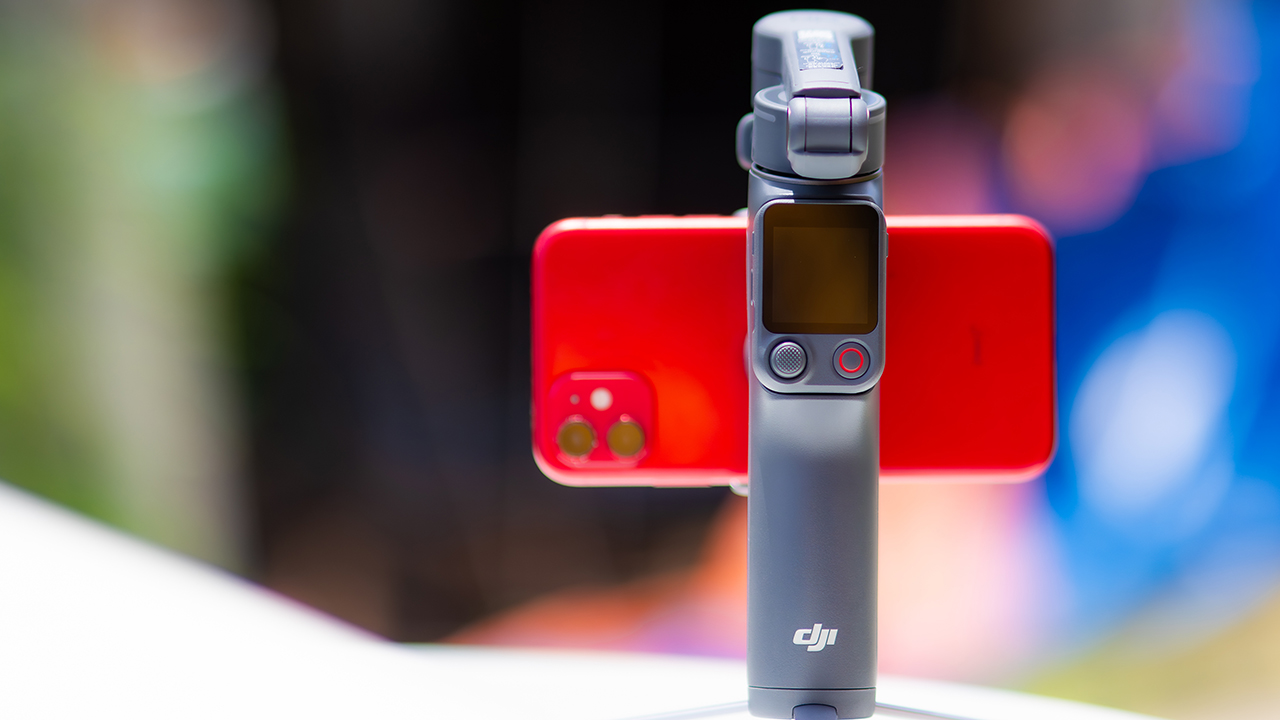
DJI’s smartphone gimbals have always chased one goal: delivering cinema-smooth footage without forcing you to carry a heavy rig.
The Osmo Mobile 8P (OM 8P) makes its priorities clear right out of the box. This is not a simple refresh. DJI rebuilt how you control the gimbal, and that decision shapes the entire shooting experience.
Freedom behind the lens
The biggest change is the FrameTap remote, and it’s the kind of upgrade that fixes a problem you didn’t realize was slowing you down until it’s gone.
On the standard OM 8, adjusting your framing meant reaching for your phone every time, which broke the flow of shooting and pulled you out of the moment.
FrameTap puts that control back in your hand. You can reframe shots and manage the gimbal without touching your phone at all, and for anyone shooting solo, that alone changes how usable the whole setup feels. Tracking has taken a real step forward too.
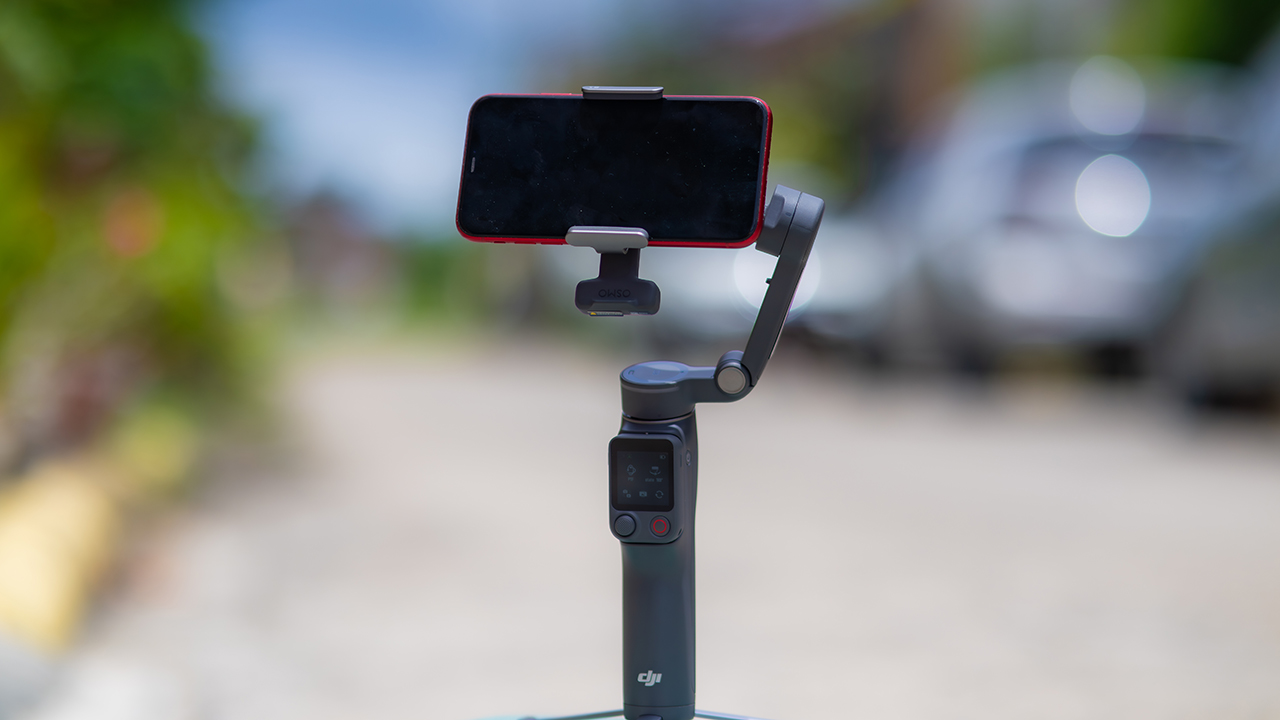
ActiveTrack 8.0, paired with Module 2, held onto its subject even after they stepped out of frame for a moment, then picked them back up without much fuss.
It also lets you sit off-center in the shot instead of forcing you into the middle every time, which gives you more room to compose something that doesn’t look like every other gimbal video.
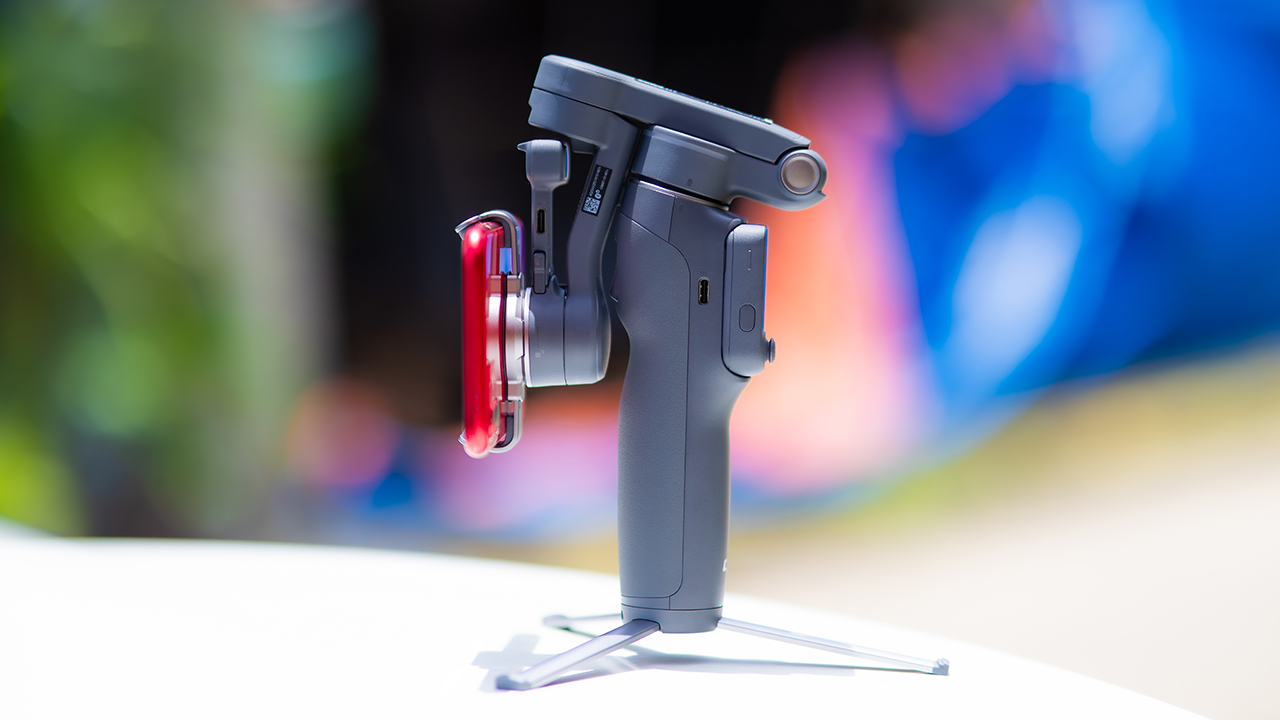
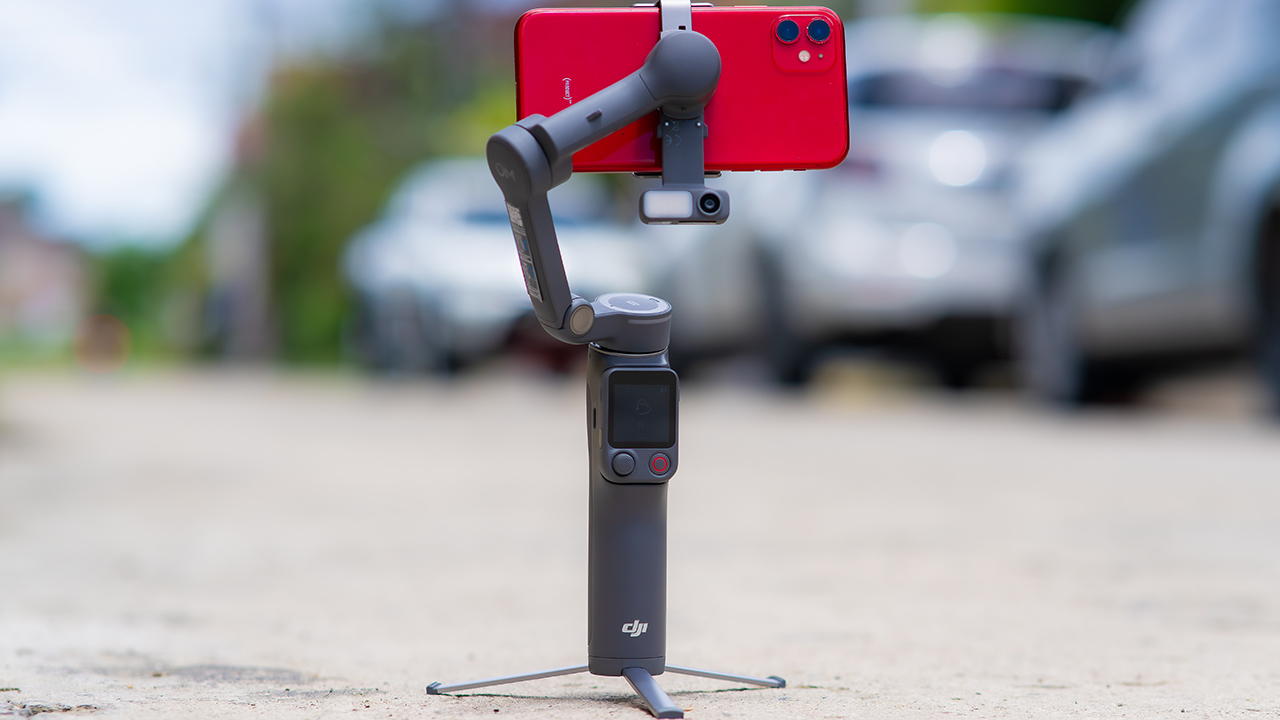
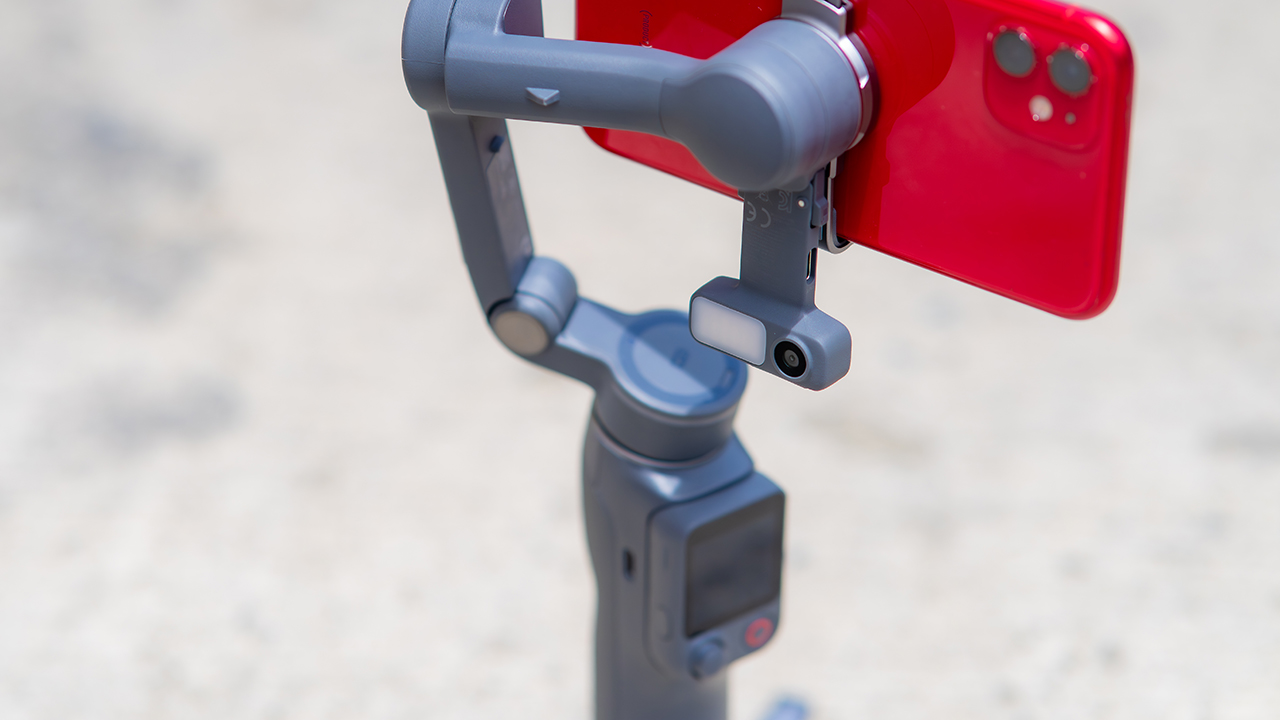
None of that would matter much if the gimbal itself wasn’t solid, and it still is. The OM 8P holds onto the same foldable design, magnetic phone clamp, and built-in tripod that made the OM 8 easy to live with.
And it remains one of the better compact options for stabilization, tracking, and portability in one package.
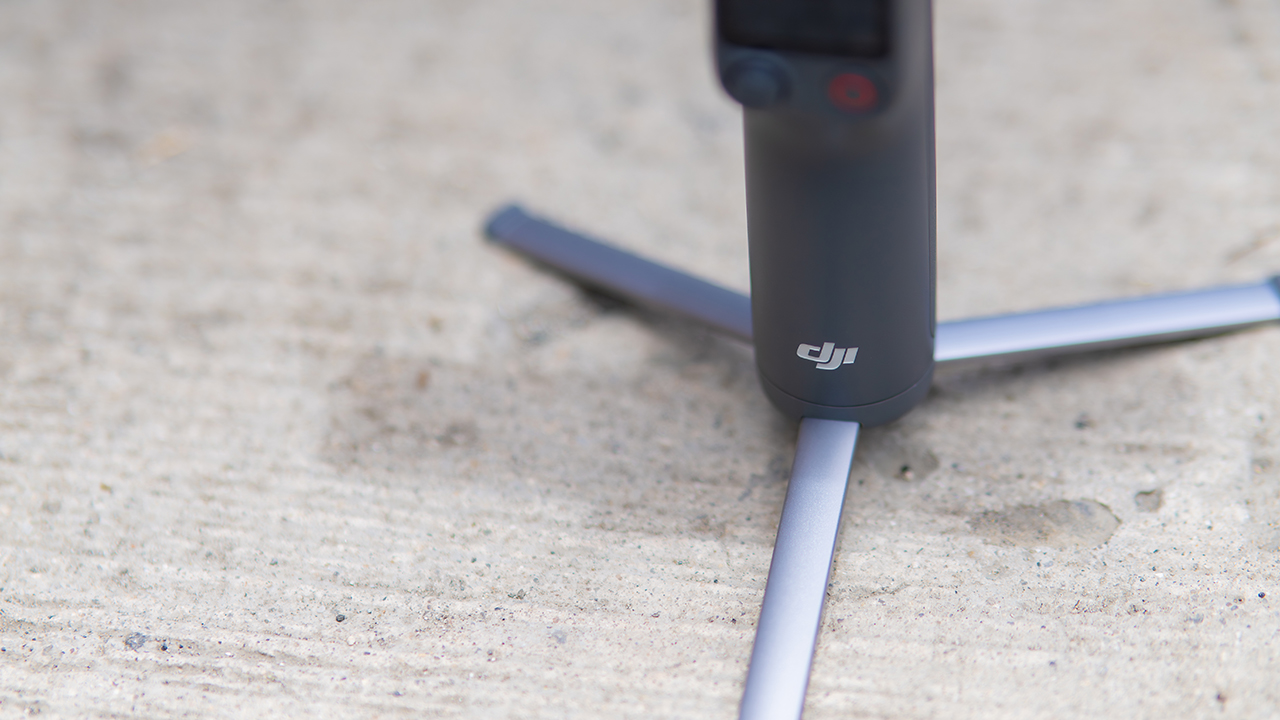
The tripod legs are a touch wider this time, and that extra width does make a noticeable difference on uneven ground.
The trade-offs in touch
The trade-off for all that new remote functionality is a control scheme that takes more getting used to. More of the gimbal’s functions now live on the FrameTap touchscreen, the joystick is smaller, and switching between shooting modes takes a few extra taps compared to the OM 8. It’s not a dealbreaker, but it’s a learning curve you’ll need to budget time for.
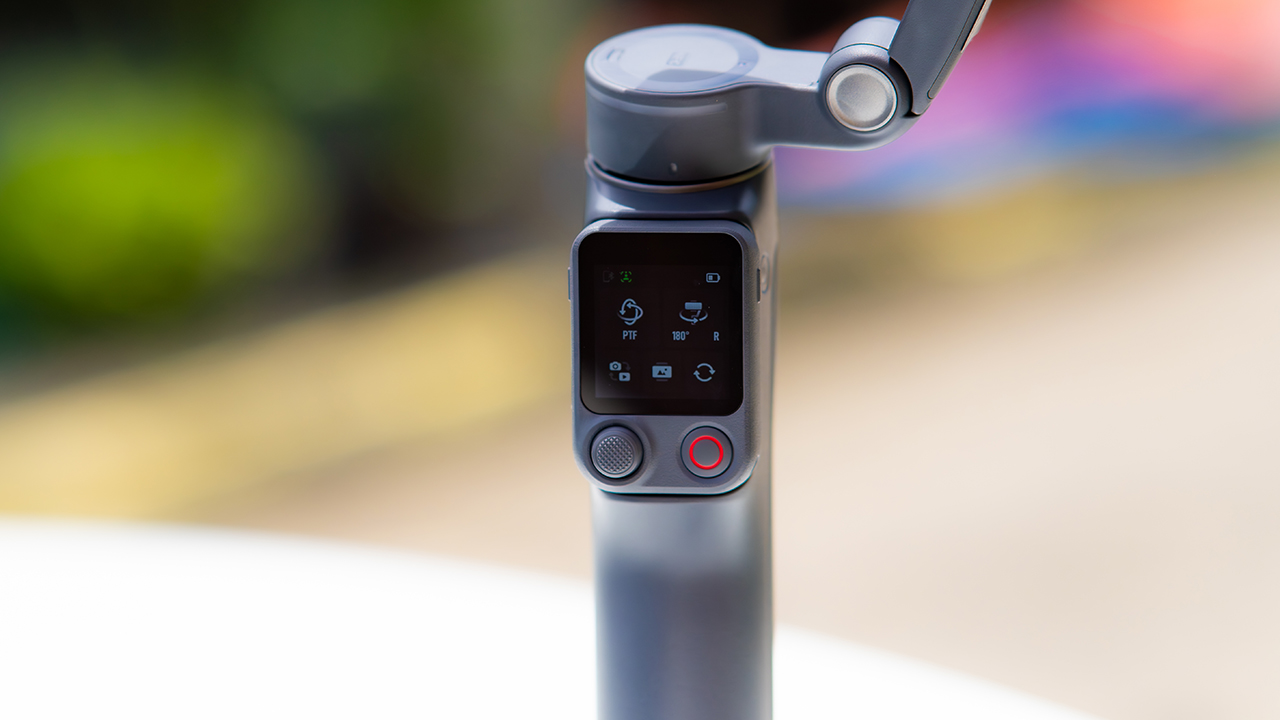
DJI also removed the zoom and focus wheel, so if you leaned on that dial for quick adjustments, you’ll feel its absence here. Module 2 no longer lets you plug a DJI wireless mic in directly either.
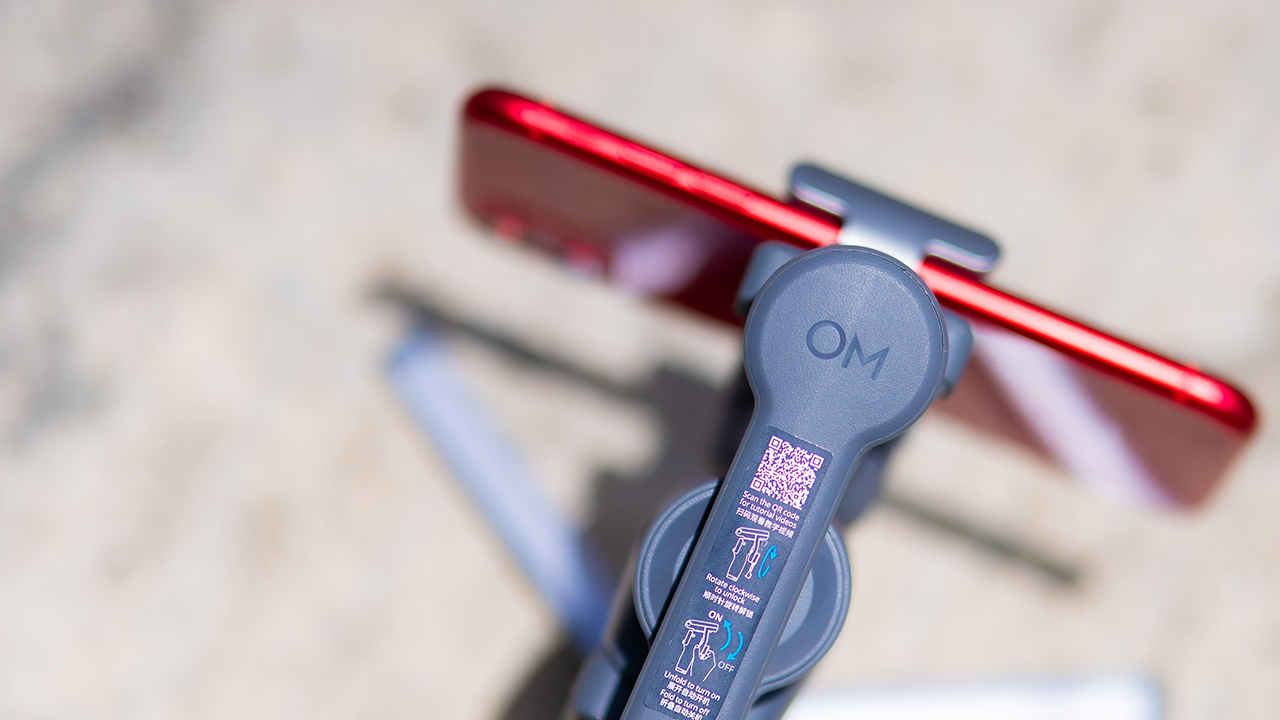
You’ll need to connect it to your phone instead, which adds a step to a setup that used to be simpler. Phone compatibility is still a limiting factor as well. DJI lists support for phones up to around 300g and 11mm thick, so bigger phones or ones in chunky cases may not clamp in properly.
Finding your ideal workflow
The OM 8P makes the most sense for solo creators who want dependable tracking and the freedom of remote framing without stepping up to a dedicated camera like the DJI Osmo Pocket.
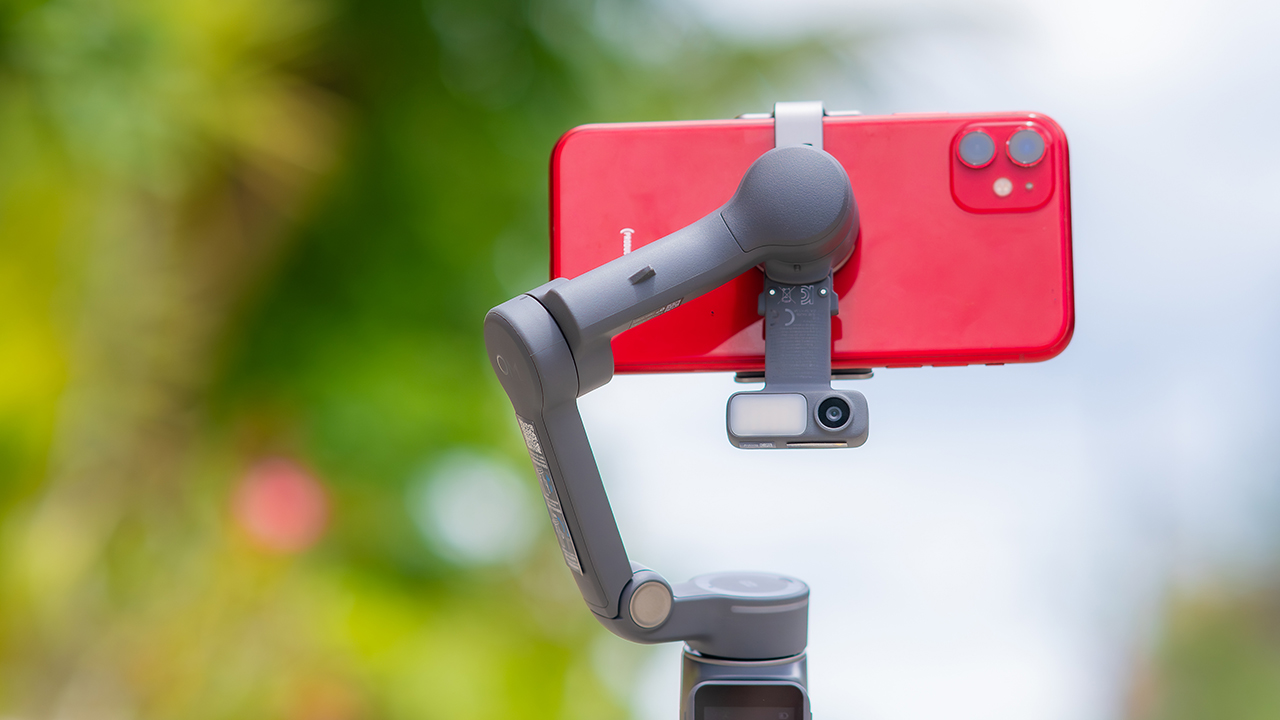
If you’re already shooting on a phone with a solid camera, this fills the gap nicely. It’s a tougher sell if you prefer physical buttons over touchscreen menus, or if your phone runs on the larger and heavier side, since fitting it onto the clamp might be a problem before you even get to shooting.
Price, availability
DJI is offering the OM 8P in three combos, so how much you pay depends on how much of the ecosystem you actually need.
- Standard Combo (PhP 7,499): the gimbal itself, with 8th-gen stabilization and the detachable FrameTap remote included.
- Advanced Tracking Combo (PhP 9,199): adds the Multifunctional Module 2 for the improved subject tracking we tested.
- Creator Combo (PhP 11,099): the full kit, built for creators who want everything DJI bundles in from the start.
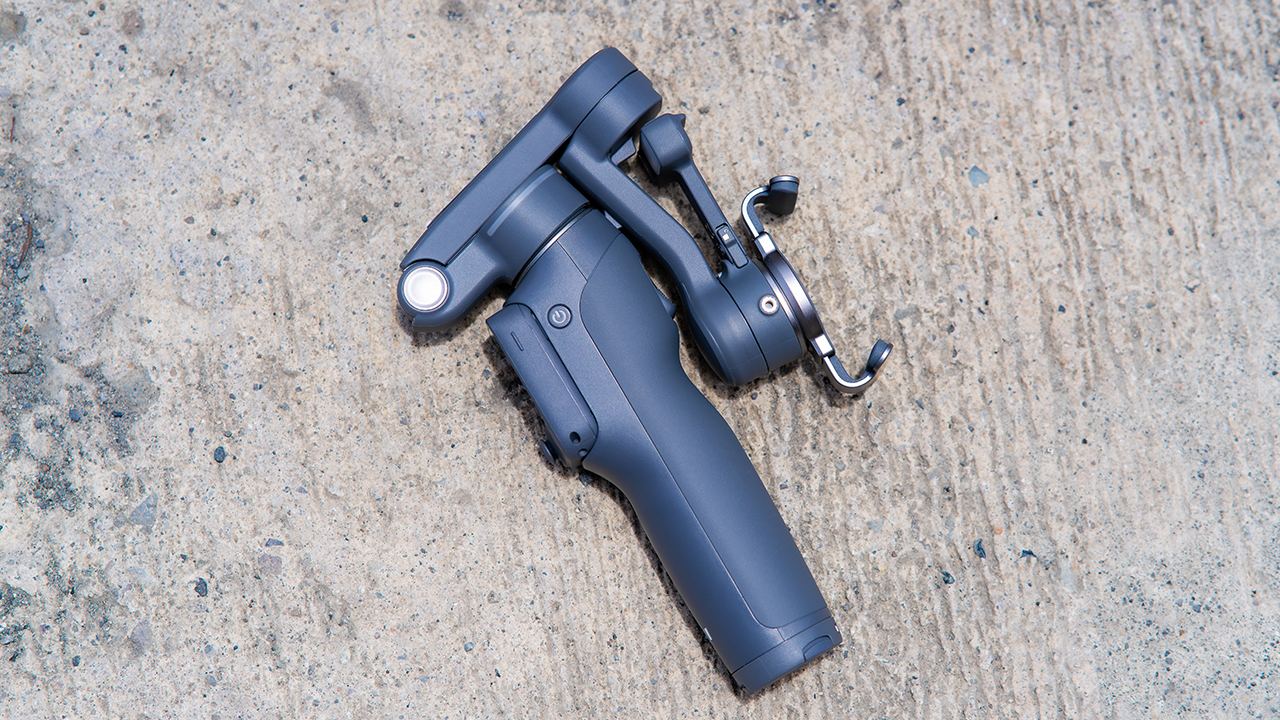
Is the DJI Osmo Mobile 8P your GadgetMatch?
The DJI Osmo Mobile 8P asks you to relearn a few habits in exchange for a gimbal that finally lets go of your phone. If hands-free framing and steadier tracking matter more to you than a dedicated zoom dial, this is worth the adjustment.
If you’d rather keep things exactly as they were on the OM 8, that learning curve might be the deciding factor.
Swipe right if you shoot alone often and have been waiting for a gimbal remote that actually works. The FrameTap remote alone justifies the upgrade if reaching for your phone mid-shot has been slowing you down.
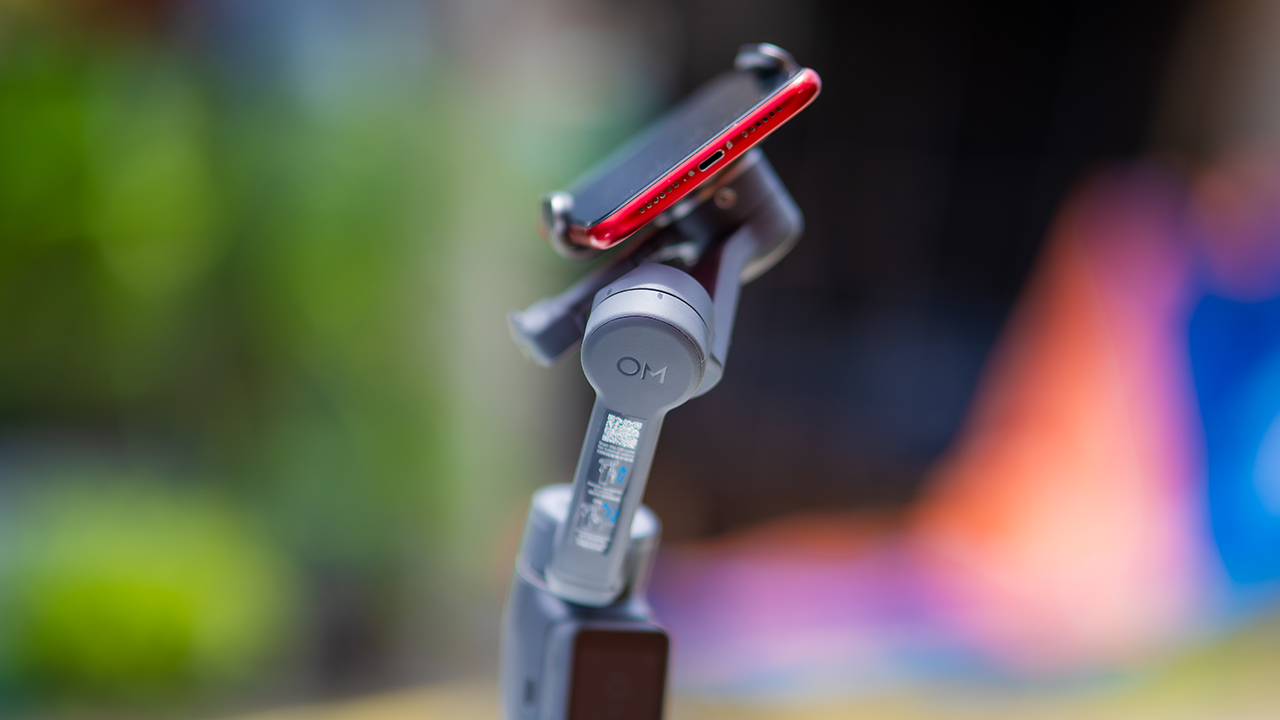
Consider this if reliable tracking matters to you, especially if you’ve had a subject wander out of frame and stay lost on older gimbals.
And of course, get this if you already own a capable phone under the weight and thickness limits, and you’d rather invest in a smartphone rig than jump to a dedicated camera like the Osmo Pocket.
Swipe left if you lean on physical dials for zoom and focus, and moving those functions to a touchscreen sounds like a downgrade rather than an upgrade.
This is not for you if you use a DJI wireless mic and want it plugged directly into the module without routing through your phone first. Or, your phone runs heavier or bulkier than DJI’s limits allow, since no amount of enthusiasm fixes a clamp that won’t close.
Features
GadgetSnaps: Westminster Abbey
A thousand years of history, unfolded with the Samsung Galaxy Z Fold8 Ultra

Westminster Abbey isn’t just another stop on the London tourist trail.
It’s the stage for coronations, royal weddings, and burials that span nearly a thousand years, all still playing out under the same vaulted ceilings that have been standing since before most countries had names.
Once you get past the crowds and the audio guides, a quieter version of the abbey starts to show itself: worn stone steps, poets resting a few feet from kings, light that shifts across the nave like it’s in on the performance too.
While losing track of time in Poets’ Corner (yes, me, playing amateur historian for an afternoon), I unfolded the Samsung Galaxy Z Fold8 Ultra and decided the abbey deserved more than a quick tourist snap.




































All photos captured using the Samsung Galaxy Z Fold8 Ultra.
Features
The Death of BMI: Why the world’s most popular health metric is lying to you
Muscle mass, body fat percentage, and visceral fat tell you more about your health than BMI ever could, and your watch can finally measure them.
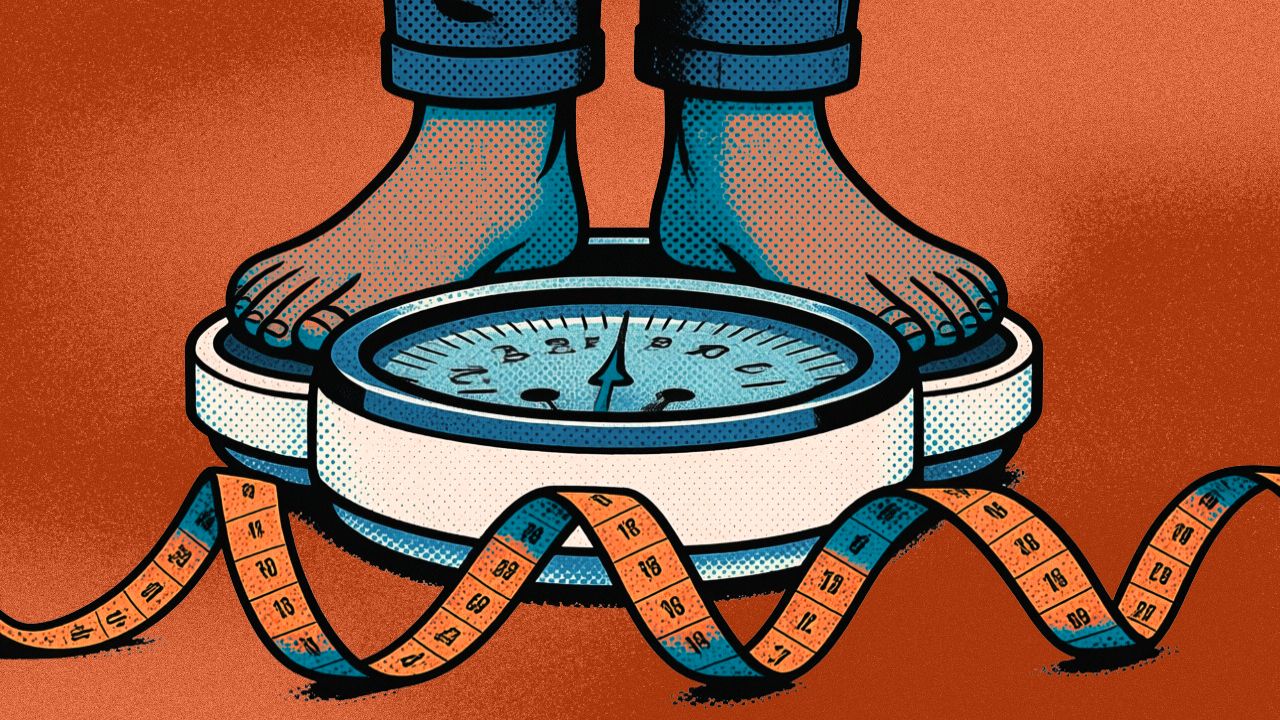
Step on a scale at a doctor’s office and your health usually gets summed up in one number. Weight divided by height squared. That’s your BMI, and it’s been the default health metric for almost 200 years.
It was never built for that job. BMI was invented in the 1830s as a statistical shortcut for studying populations, not for telling an individual person anything meaningful about their body. It can’t tell the difference between a muscular athlete and someone who’s out of shape but happens to weigh the same. It ignores bone density, body water, and where fat actually sits in the body, which matters more than most people realize.
The metrics that actually matter are the ones BMI was never designed to catch: how much of your body is muscle, how much is fat, and where that fat is sitting.
The muscle question BMI can’t answer
Skeletal muscle is the body’s metabolic engine. It’s what keeps your resting metabolic rate up, what protects your joints, and what determines how well you move as you get older. Losing it quietly, without knowing, is one of the bigger blind spots in how people track their own health.
Fat isn’t one thing either. Subcutaneous fat, the kind just under the skin, carries far less risk than visceral fat, which wraps around internal organs and is directly linked to cardiovascular problems. A person can lose weight and still be carrying dangerous levels of visceral fat. BMI has no way of showing that.
This is also why short-term weight drops can be misleading. A lot of what shows up on the scale in the first week or two of any diet is water loss, not real change in body composition. The number moves, but it doesn’t mean much yet.
Why this is showing up in headlines right now?
Part of why this conversation is happening now, rather than five years ago, comes down to the rise of GLP-1 weight-loss drugs like Ozempic, Wegovy, and Zepbound.
GLP-1, or glucagon-like peptide-1, is a natural gut hormone that signals fullness to the brain. These medications mimic it, slowing digestion and dulling appetite, which lets people eat significantly less and lose weight fast.
That speed is exactly what exposed the problem. Rapid weight loss burns fat and muscle together, not just fat. Lose 20 pounds on a GLP-1 drug, and both the scale and a BMI calculator will call it a clean win.
If a meaningful chunk of that was skeletal muscle, metabolic rate drops, joint support weakens, and the risk of physical frailty goes up, none of which shows up in that one number.
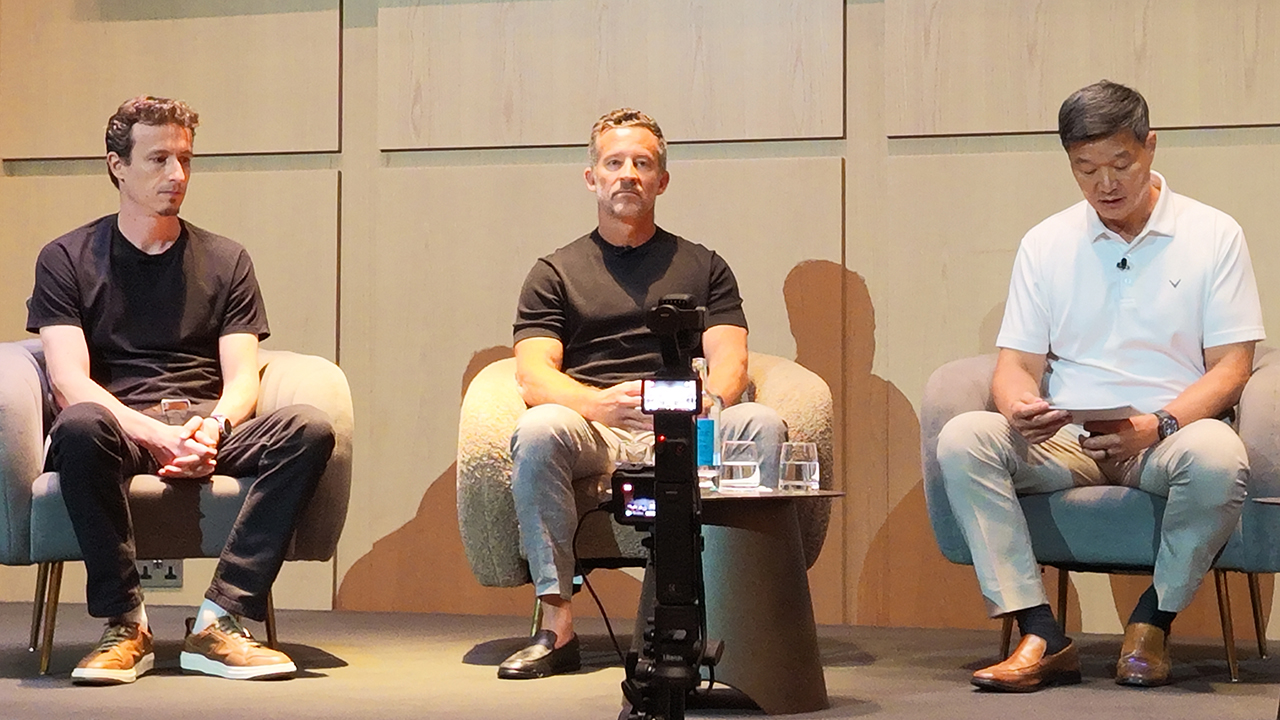
Dr. Hon Pak, Head of Digital Health Globally at Samsung Electronics, has pointed out that with GLP-1 therapies in the picture, raw weight lost can’t be the metric that defines success anymore. The focus has to shift to what kind of weight is being lost.
Kevin Duffy, CEO of iFit, has made a similar point: BMI stuck around because it’s easy to calculate from just height and weight, not because it’s the right thing to track. Muscle mass and body fat percentage matter far more, they’ve just historically been hard to measure outside a lab.
What your watch can measure now
Getting real numbers on muscle mass and visceral fat used to mean an expensive clinical scan. That’s the part that’s changed.
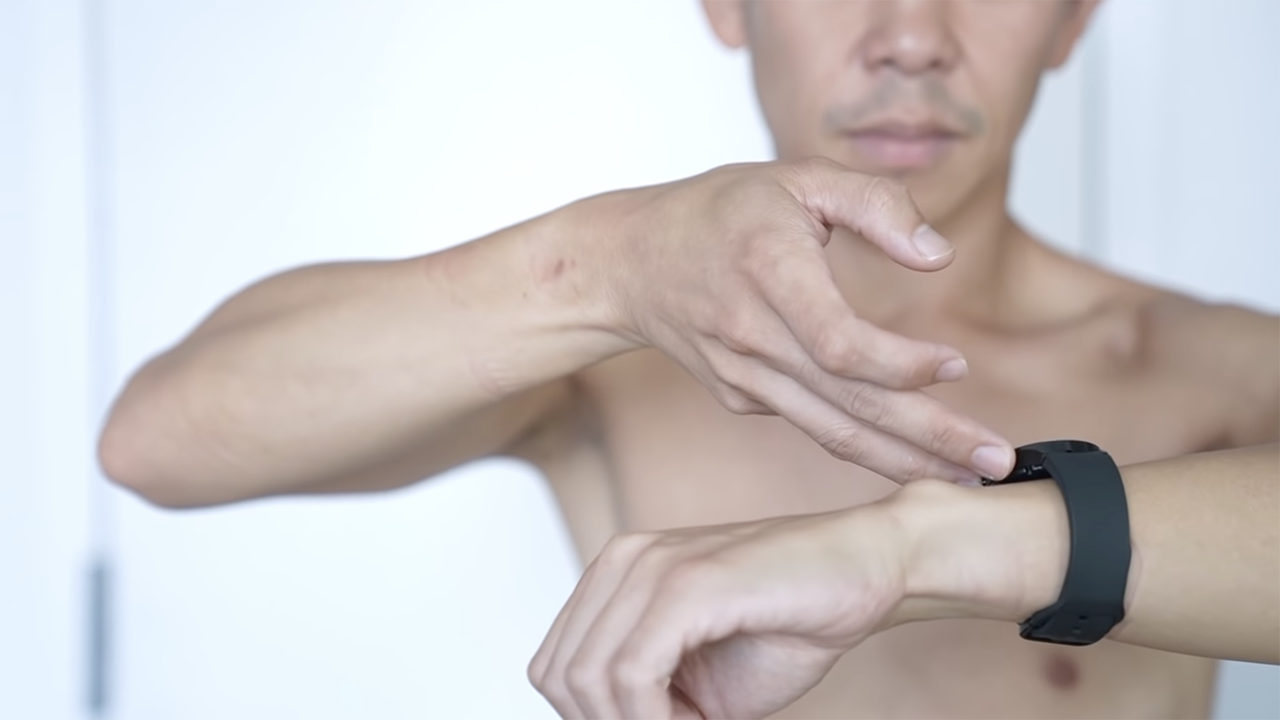
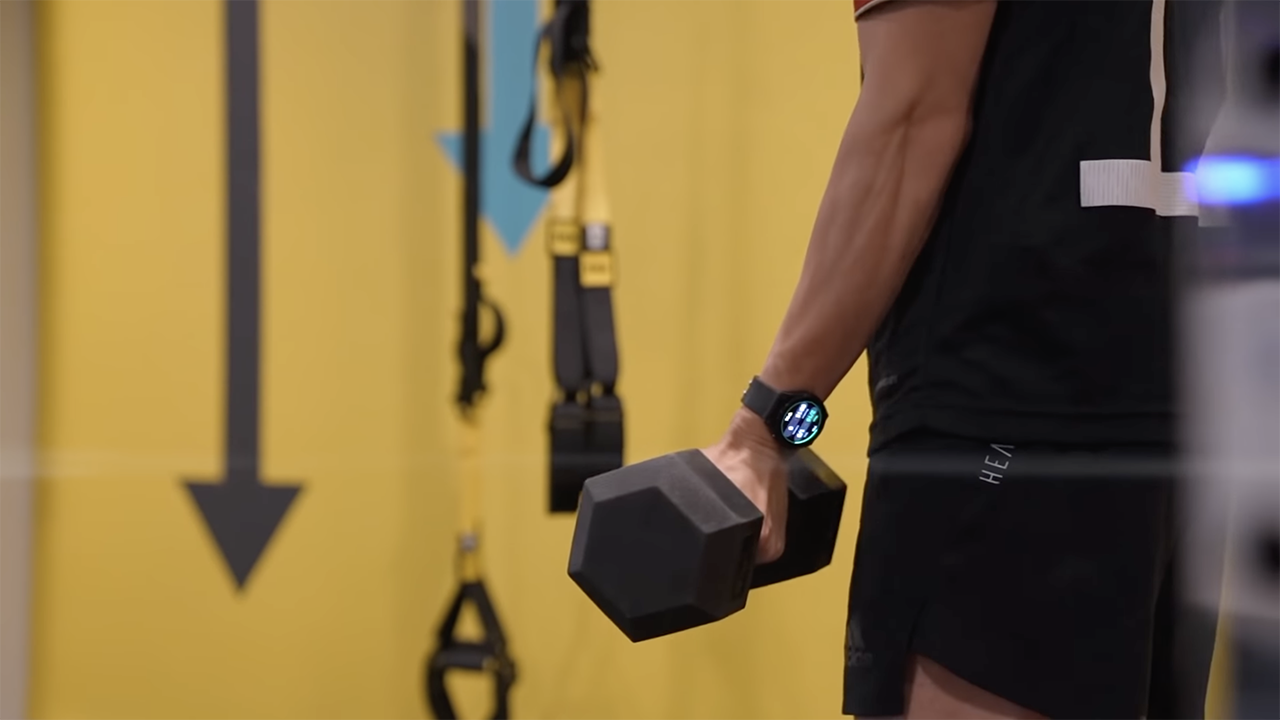
Samsung has built Bioelectrical Impedance Analysis sensors into the Galaxy Watch, sending a low-level microcurrent through the body to estimate skeletal muscle mass, body fat percentage, body water, and basal metabolic rate, all from your wrist.
For anyone losing weight, whether through a GLP-1 medication or a more traditional route, that gives real visibility into whether the weight coming off is fat or muscle.
It’s the kind of feedback that lets someone actually adjust, adding resistance training or upping protein intake, instead of finding out the hard way months later.
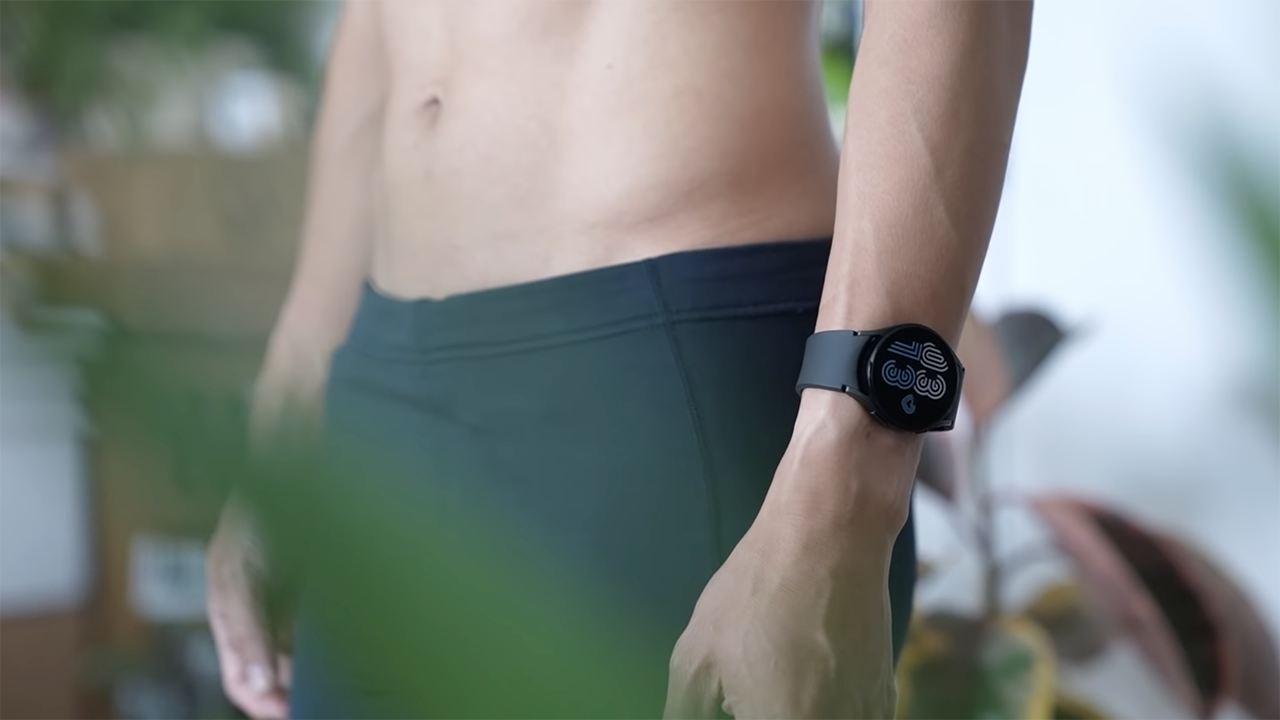
Samsung pairs this with Samsung Food, which uses AI to look at what’s actually in someone’s kitchen and suggest protein-forward meals that support muscle retention.
Karthik Poriya, Head of Product at Samsung Food, has noted that people tend to fixate on small day-to-day food decisions when what actually moves the needle is the trend over weeks and months. AI is what makes it possible to zoom out and see that trend instead of getting lost in it.
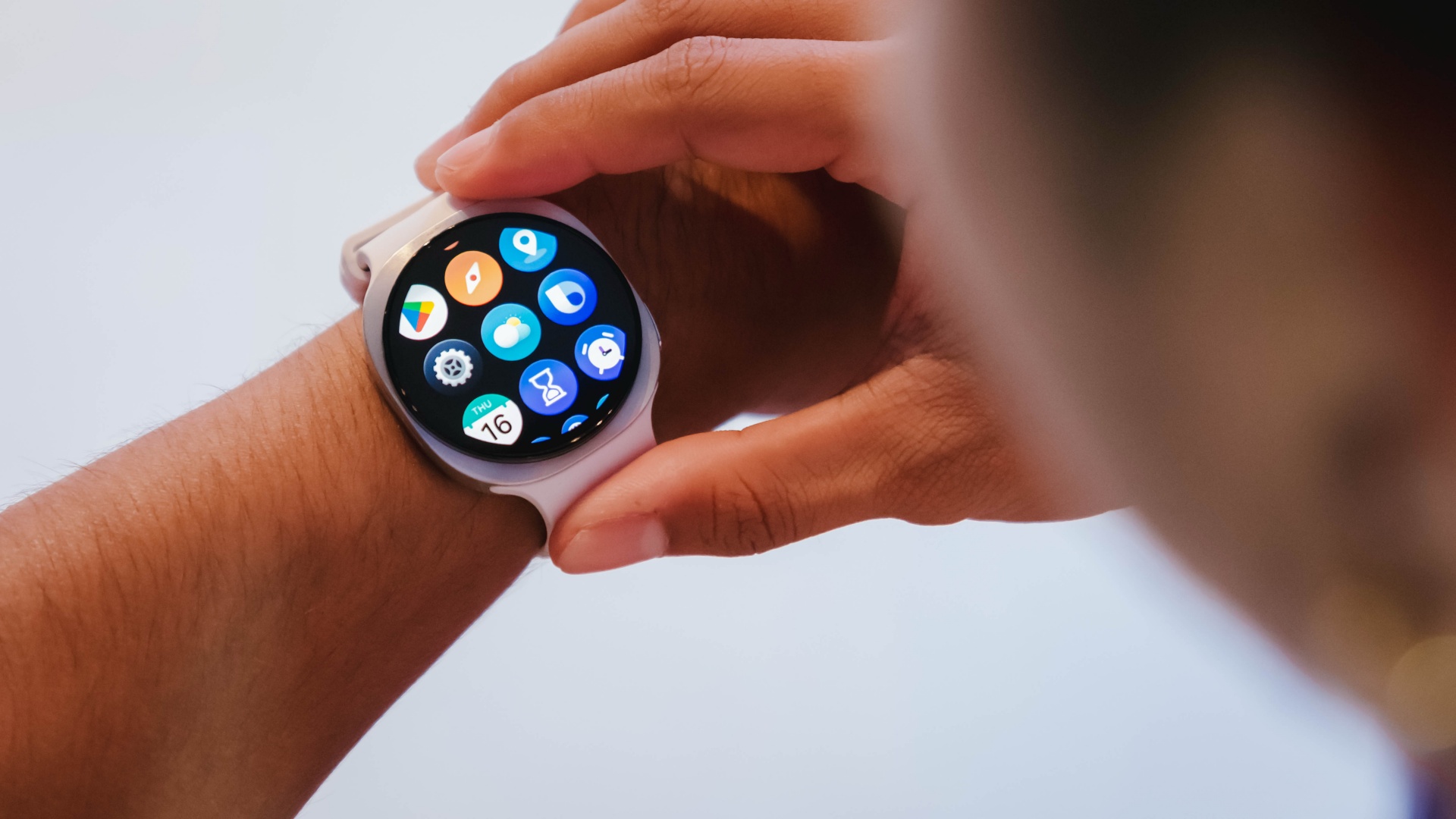
Combine body composition data with sleep tracking, activity monitoring, and a broader Energy Score, and the whole framework shifts. It’s no longer about getting lighter.
It’s about getting stronger, protecting muscle, and extending healthspan rather than chasing a number that was never built to measure any of that in the first place.


realme C100: Enduring and durable in spite of entry-level realities
Enough power but needs more agility


The ASUS ExpertBook Ultra wins you over
The laptop sneaks up on you


Nexal Watch Sport review: A rugged watch for small budgets
I couldn't believe that watches this good could come for this cheap.

Visa brings Apple Pay to its customers in the Philippines

DJI Osmo Mobile 8P: From a videographer’s perspective

GadgetSnaps: Westminster Abbey

Sony WH-1000XM6 gets a new Olive Gray colorway option

The Death of BMI: Why the world’s most popular health metric is lying to you

New York becomes first state to ban smart glasses

Sony launches IER-M500 in-ear monitors

Microsoft dictates that a new Fallout game is coming

HoYo FEST 2026 details announced; tickets on sale from July 16
realme C100: Enduring and durable in spite of entry-level realities


-

 Wearables2 weeks ago
Garmin launches its first screenless fitness band
-
 Hands-On2 weeks ago
Hands-on: Samsung Galaxy Z Fold8, Flip8, Ultra
-

 Gaming2 weeks ago
NBA 2K27 cover athletes unveiled: Wemby, Clark, DRose
-

 Cameras2 weeks ago
Sony announces new FX5 full-frame camera
-

 Accessories2 weeks ago
CASETiFY revives Spider-Man collection for Brand New Day
-

 Gaming2 weeks ago
FINAL FANTASY X | X-2 HD Remaster launches on Nintendo Switch 2
-

 Computers1 week ago
AORUS MASTER 16 Gen 2 2026 AI gaming laptop launches
-
 News2 weeks ago
Samsung Galaxy Watch Ultra2 and Watch9: Price, availability in the Philippines