

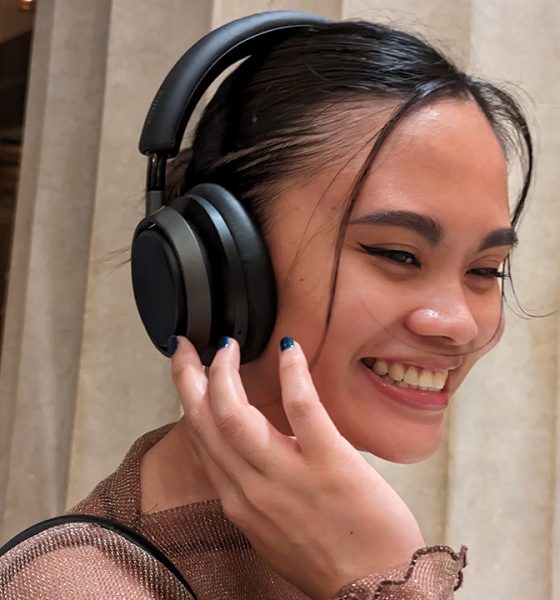

As a frequent traveler and commuter, a decent pair of noise-cancelling headphones is an essential part of my everyday backpack. Unfortunately, the segment often has one of the more expensive price tags in the market. If Sony and Bose are just a bit out of your budget’s reach, the Philips Fidelio L4 is a new option worth looking into.

Built for premium comfort
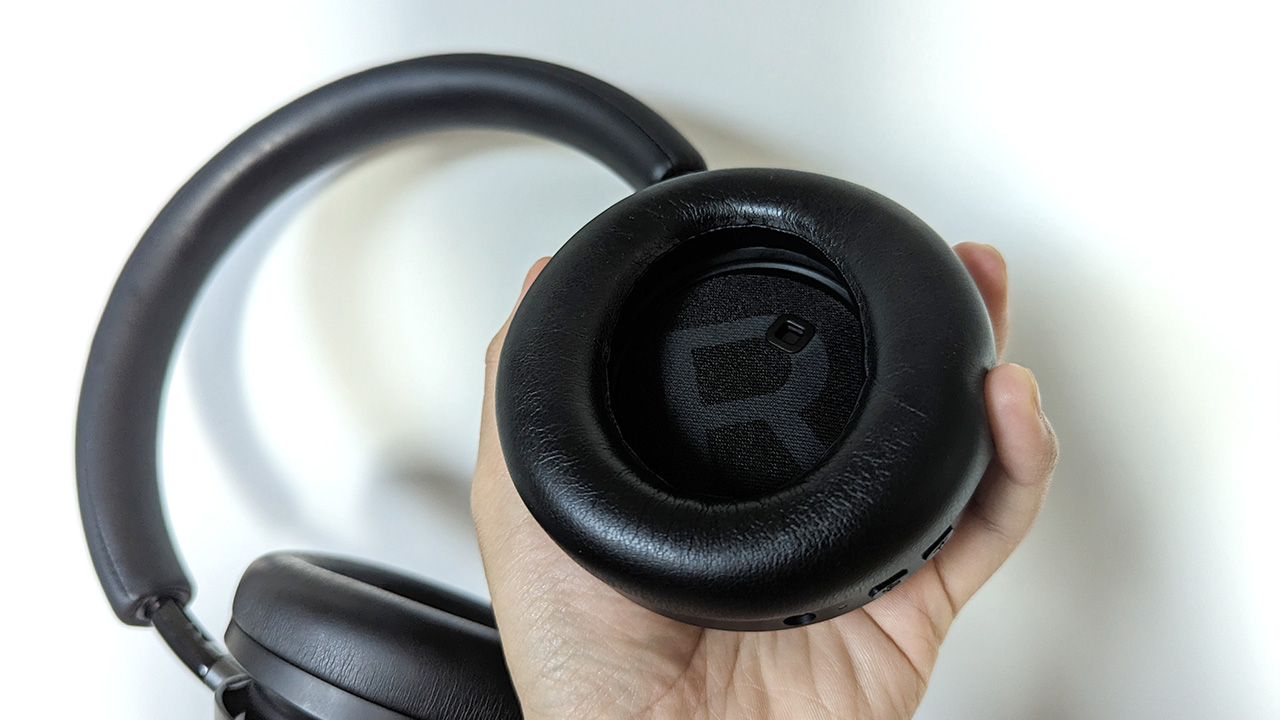
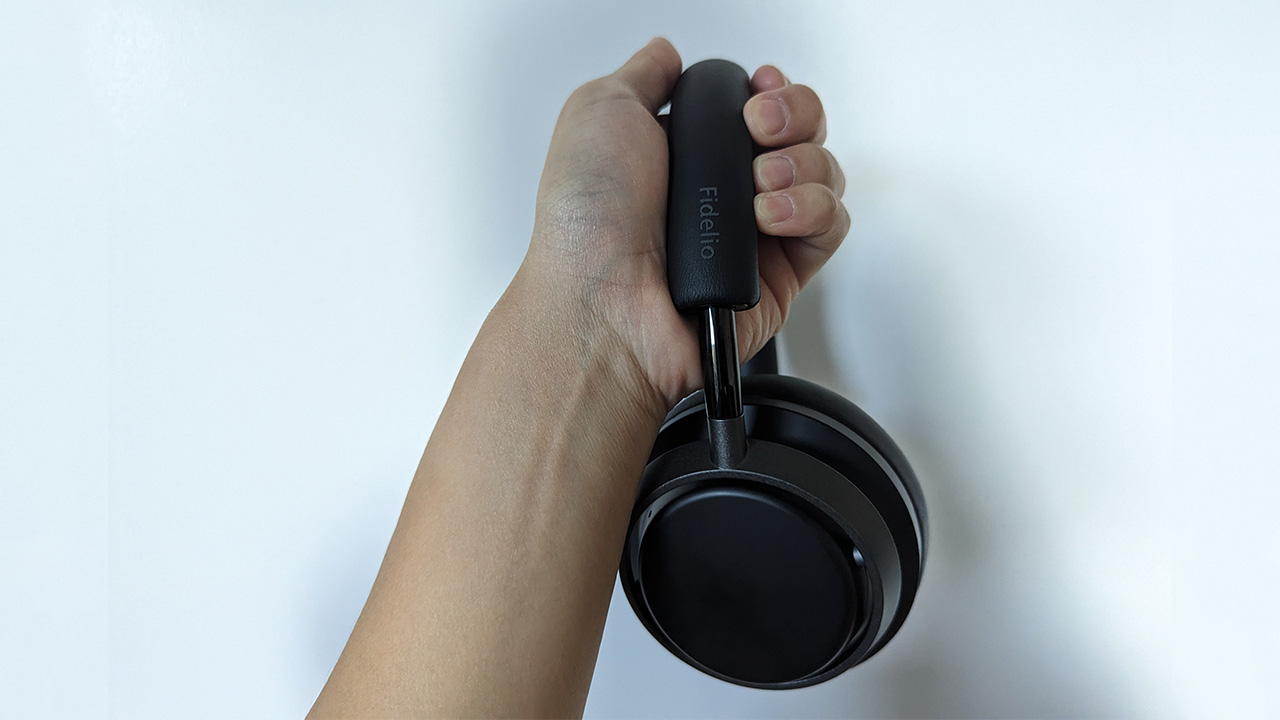
The Fidelio L4 is a smooth smorgasbord of different textures and materials. The speakers themselves have a pleasantly tactile matte finish. Meanwhile, the extending sliders are glossy but offer a more durable feeling to the pair’s construction. Finally, the headband and earcups sport Muirhead leather, creating a soft and smooth grip.
One look at the Fidelio L4 can tell you that Philips means business in the premium headphone segment. Despite the preponderance of leather and matte, the headphones feel remarkably stable. The headband still feels solid.
Also, the sliders are stepless. Adjusting them isn’t a tug of war between different rungs. It’s still secure, though. I never had an issue of them slipping and sliding around on my head.
According to Philips, the Fidelio L4 was re-engineered to spread out the clamping force and reduce discomfort, especially for long listening sessions. This is accurate. I’ve spent hours wearing them while working, and they felt more comfortable than other pairs I’ve worn for hours. The clamping and the adjustable sliders are enough to keep them secure amid constant movement.
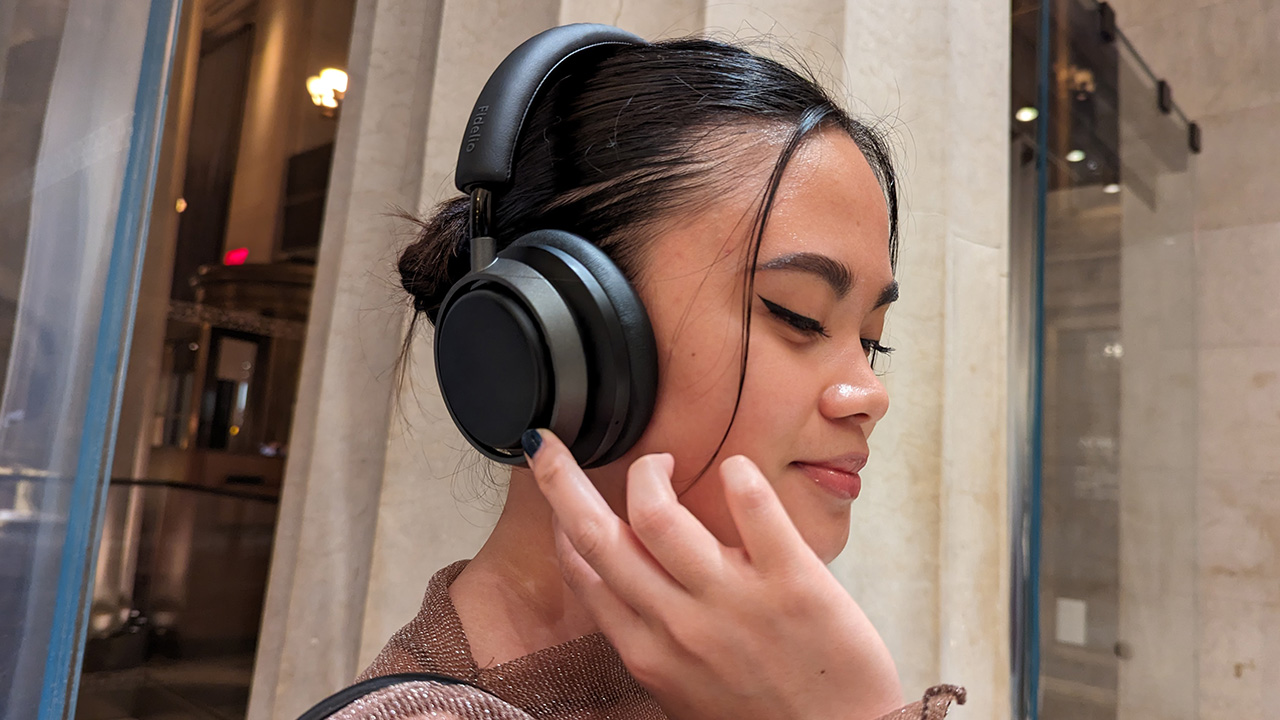
Additionally, it comes with gesture controls. You can tap and swipe on the right earcup to pause, play, forward, rewind, or change volumes. It’s a good move for added convenience.

Cutting out the noise
Much like Sony and Bose, the Fidelio L4 heavily features active noise cancellation. With four AI-powered microphones, the headphones can adapt its noise-cancelling abilities to your environment.
In practice, the Fidelio L4 does offer a tight seal against your surroundings. And it’s almost immediate. After powering on, the headphones just shut off noise in an instant. Outside of bringing them to a concert, I’ve tried these headphones in all sorts of noisy environments including busy streets and gusty subways. In all situations, the adaptive noise cancellation performed remarkably well.
I’ve even tried how the microphones handle calls. Besides cutting out noise from my end, the microphones can pick out my voice perfectly on the recipient’s end.
For added convenience, the right cup houses a button to customize the cancelling effect. By default, the pair is tuned into active noise cancellation. However, it also has a softer transparency mode and a mode that just shuts off cancellation completely.
Despite how effective the cancellation is, it does stumble in some situations. If it’s particularly windy outside, the earcups can let a few gusts through, disrupting the cancellation effect. Plus, eating might not be a good idea if you’re hooked on the music. The headphones picked up my jaw moving more than other devices. However, these are heavily circumstantial flaws. All in all, most users should be happy with the Fidelio L4’s noise cancellation.
Sound quality will vary
Now, it’s time for how the headphones actually sound. I’d say that your experience will largely vary depending on genre and connectivity. The graphene-coated driver performs remarkably well in some genres but lacking in others.
Overall, the Fidelio L4’s sound profile leans more towards the lower end of the spectrum. The bass is notably punchy. The mids are also front-and-center. However, it does lack a bit on the treble. Music doesn’t sparkle and shine that much. I also found that the soundstage is narrower than other premium headphones.
Ironically, despite the narrower soundstage, live performances pop with the Fidelio L4. A focus on the lower end of the spectrum can make you feel that you’re actually there, especially when the bass kicks in. Sometimes, you don’t need to know where every instrument is, and these headphones compress the sound to a more realistic level.
As for recorded performances, jazz and electronic are standouts. Miles Davis’s “Pharoah’s Dance” was a good bop that let every instrument breathe adequately. Further, the bass is just heavenly in Illenium’s “Good Things Fall Apart.”
Unfortunately, more bombastic genres, such as rock and metal, aren’t as great. More instruments prevent the Fidelio L4’s sound profile from letting songs present their true potential. Nightwish’s “Endless Forms Most Beautiful” still sounded good but not as good as it could be.
That said, it’s easy to open the headphones’ potential. One way to do so is to completely turn off noise cancellation. Another (and arguably more important) way is going wired through a 2.5mm to 3.5mm cable. Doing either of these can maximize the potential of the Fidelio L4 as a capable pair of daily drivers. The aforementioned flaws just wither away.
Battery for days
The Fidelio L4’s battery is nothing short of impressive. Philips promises that a single charge can last up to 40 hours. Based on how I used it, this estimate is remarkably accurate.
Unless you’re purposely draining the battery, it’s impossible to worry about the battery. I used the headphones for a week, but the headphones still had plenty of juice to spare. If you’re using the headphones just as they were meant to be used (that is, a few hours at a time), this pair will last you a long time.
Plus, they are compatible with quick charging. When you eventually run out of battery, it doesn’t take a while to get them going again.
Some added convenience
To cap things off, the Fidelio L4 will come compatible with most voice assistants today. Connecting with my Pixel 6 is seamless. After a quick setup, the headphones can immediately connect to my phone with practically no lag after powering up. It just works perfectly.
Out of the box, it will come with its own carrying case, a 2.5 to 3.5mm audio cable, and a USB-C cable for charging. It’s all you’ll need to make the most out of the headphones.
Is this your GadgetMatch?
At US$ 349, the Fidelio L4 is the cheaper option, compared to its main rivals from Sony and Bose. Though it’s not that much cheaper than the Sony WH-1000XM5, Philips’s headphones can give its competitors a run for their money. It’s comfortable for hours, and it sounds really good. If you’re looking for a new pair of headphones for your daily commute (or for long-haul flights), keep the Fidelio L4 in your options.





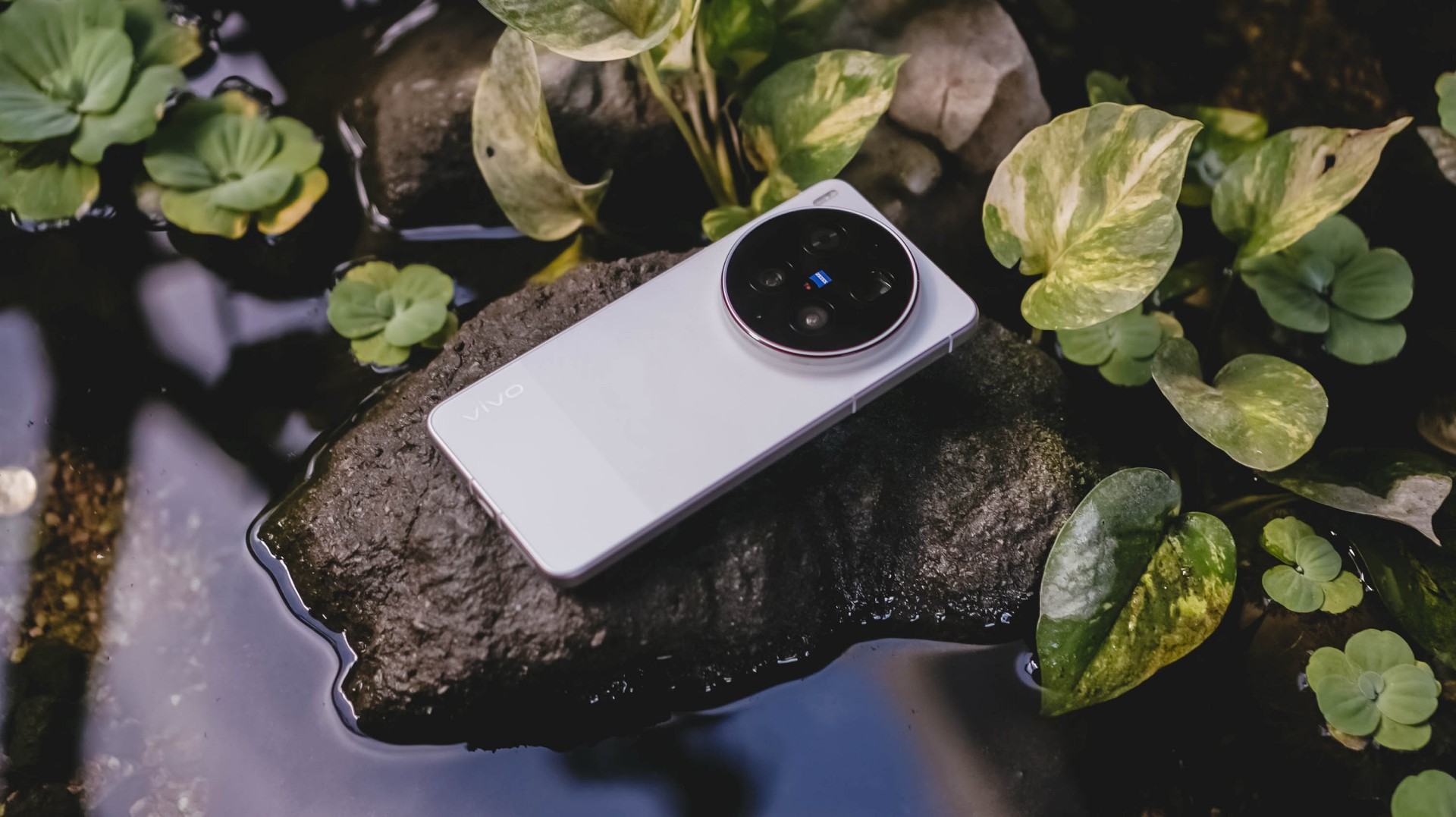
With the arrival of vivo’s first “Ultra” smartphone last May 2024, I felt nothing but utmost excitement — until it was revealed to be China-exclusive.
Second generation landed, yet it remained the same. My disappointment grew twofold.
Despite rocking the vivo X200 Pro last year, my eyes were glued to the Ultra for its more powerful camera hardware.
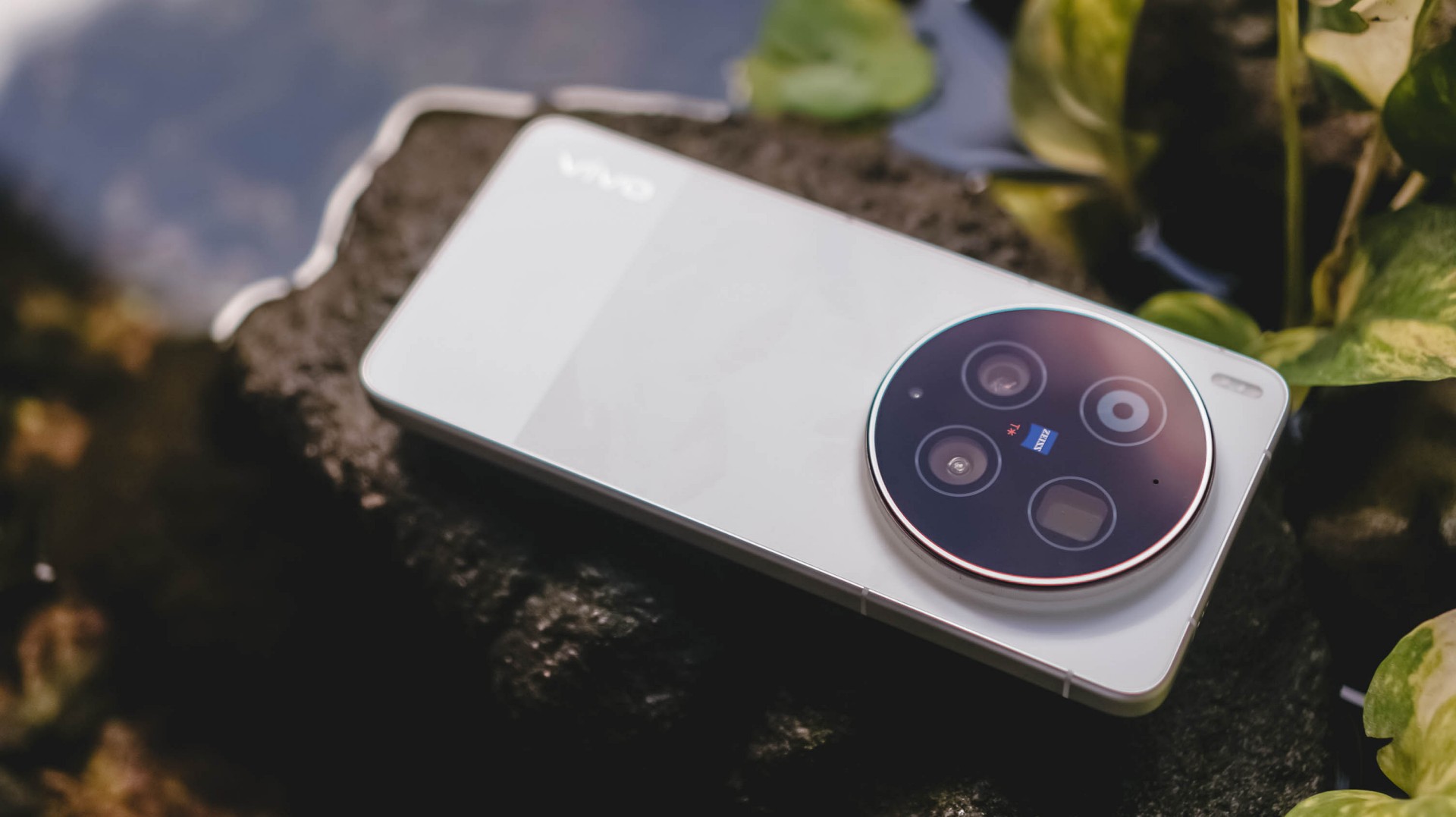
Two years have passed, and my gloomy, rainy skies have finally turned into a sunny scenery.
The Chinese smartphone brand finally listened and unveiled the much-awaited vivo X300 Ultra slated for global markets.
A Whole Different Animal
With all the “Ultra” smartphones released in the wild, the vivo X300 Ultra is of a different species.
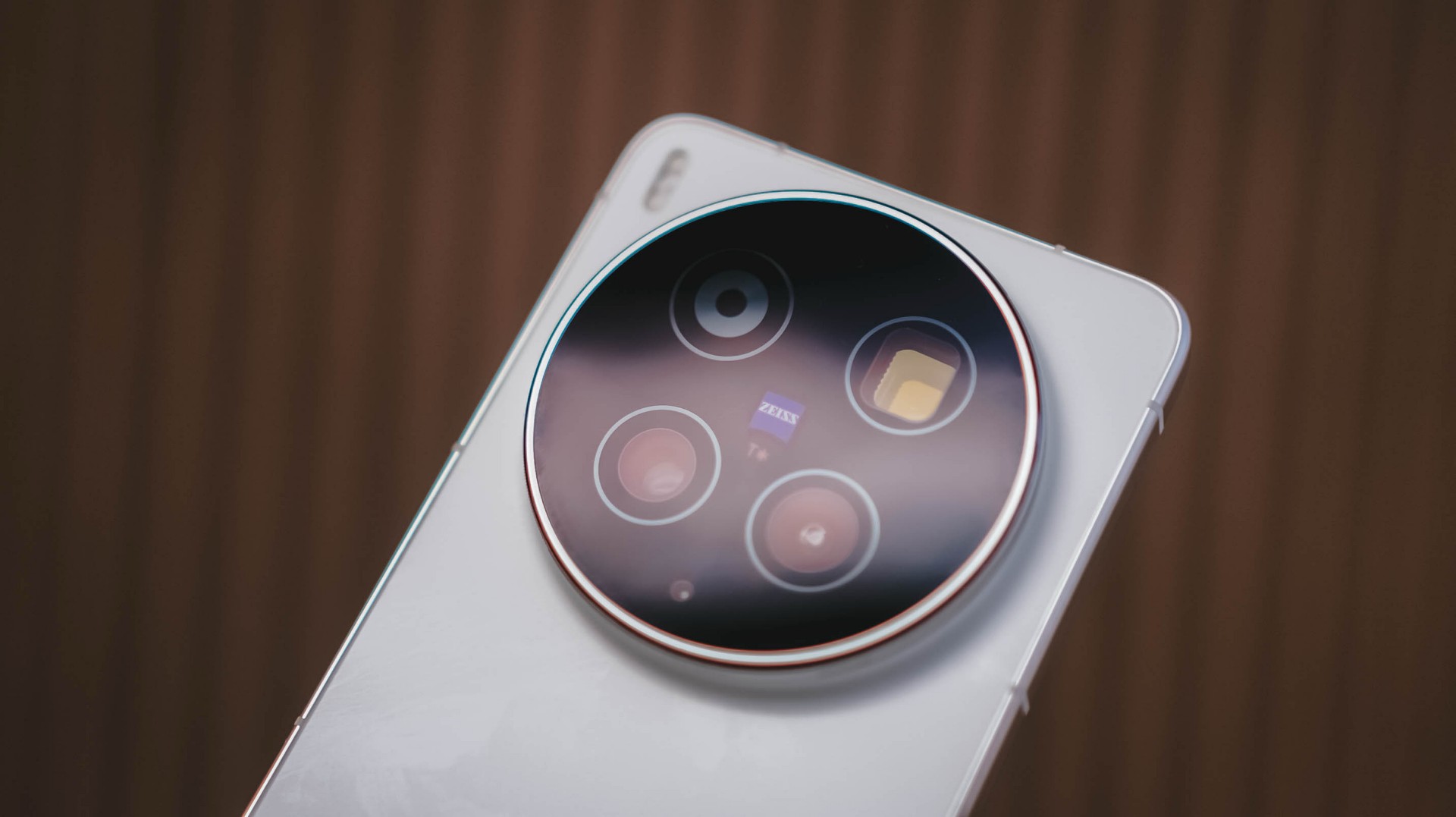
For starters, the vivo X300 Ultra has a massive 200MP f/1.85 rear camera based on Sony’s 1/1.12-inch LYTIA 901 (or LYT-901) image sensor.
What makes it stand out from the rest is that 35mm focal length is uniquely of its kind. No other smartphone brand dares to do what vivo is currently doing.
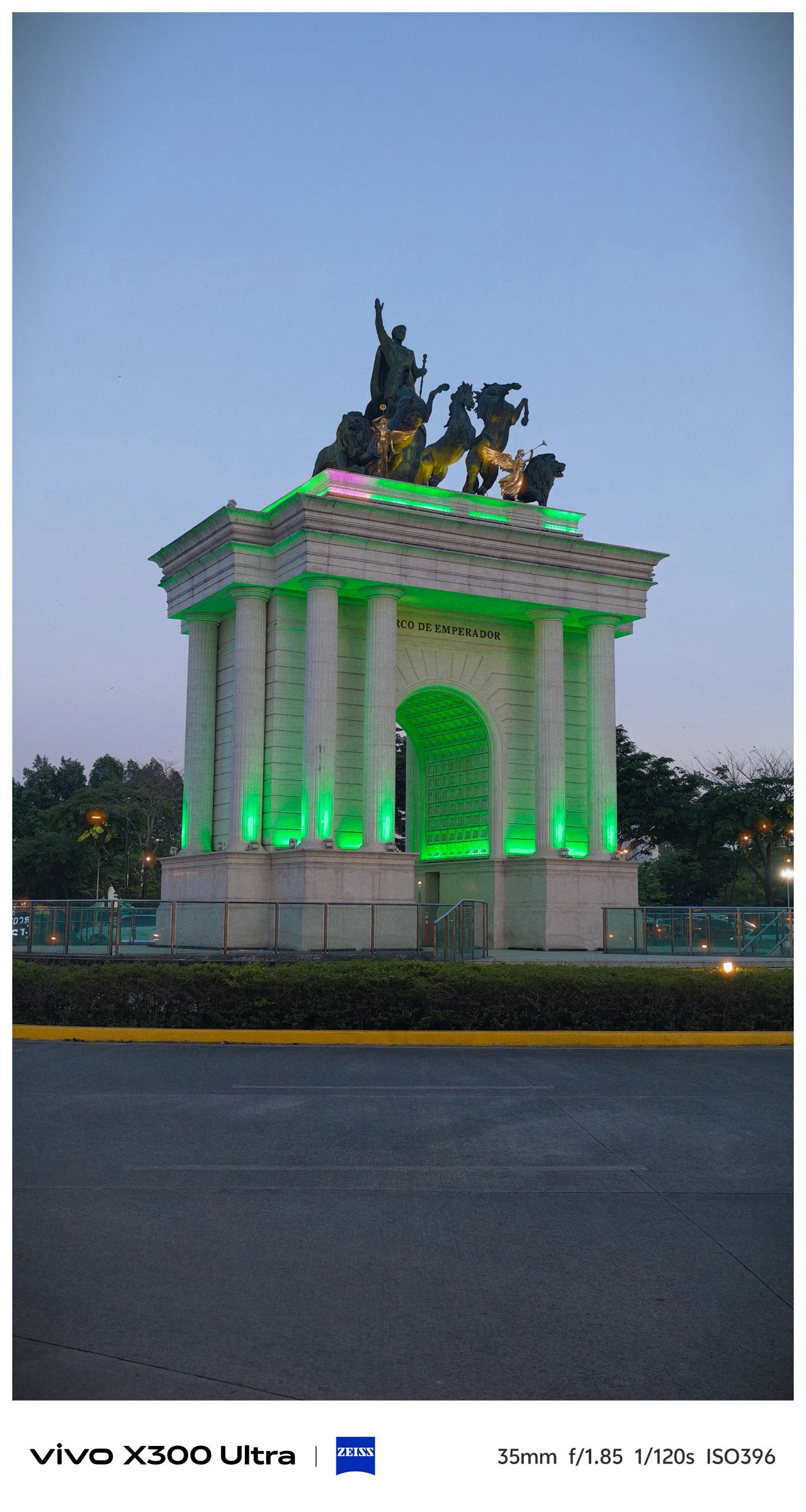

Even though 35mm exists in most modern flagships through a series of camera app taps, it’s only vivo’s X300 Ultra (and last year’s X200 Ultra) that made 35mm the de facto focal length standard in contrast to all 23/24/26mm wide shooters out there. No fake 35mm cropping whatsoever.


Personally, I am a huge lover of this tight framing. Not only it gives the best balance of DoF (Depth of Field) and FoV (Field of View), it makes you focus and capture more intricate subjects altogether.





That mighty sensor is also capable of capturing 50mm shots through in-sensor cropping.


Deny it or not, ultra-wide angle shooters are what most brands often neglect. Well, vivo tried to make it up to par with that 50MP f/2.0 UWA lens.
But, it’s not just about the megapixel count nor aperture opening. The X300 Ultra boasts a 1/1.28-inch Sony LYT-818. X200 Pro’s main sensor was transformed into X300 Ultra’s ultra-wide unit.
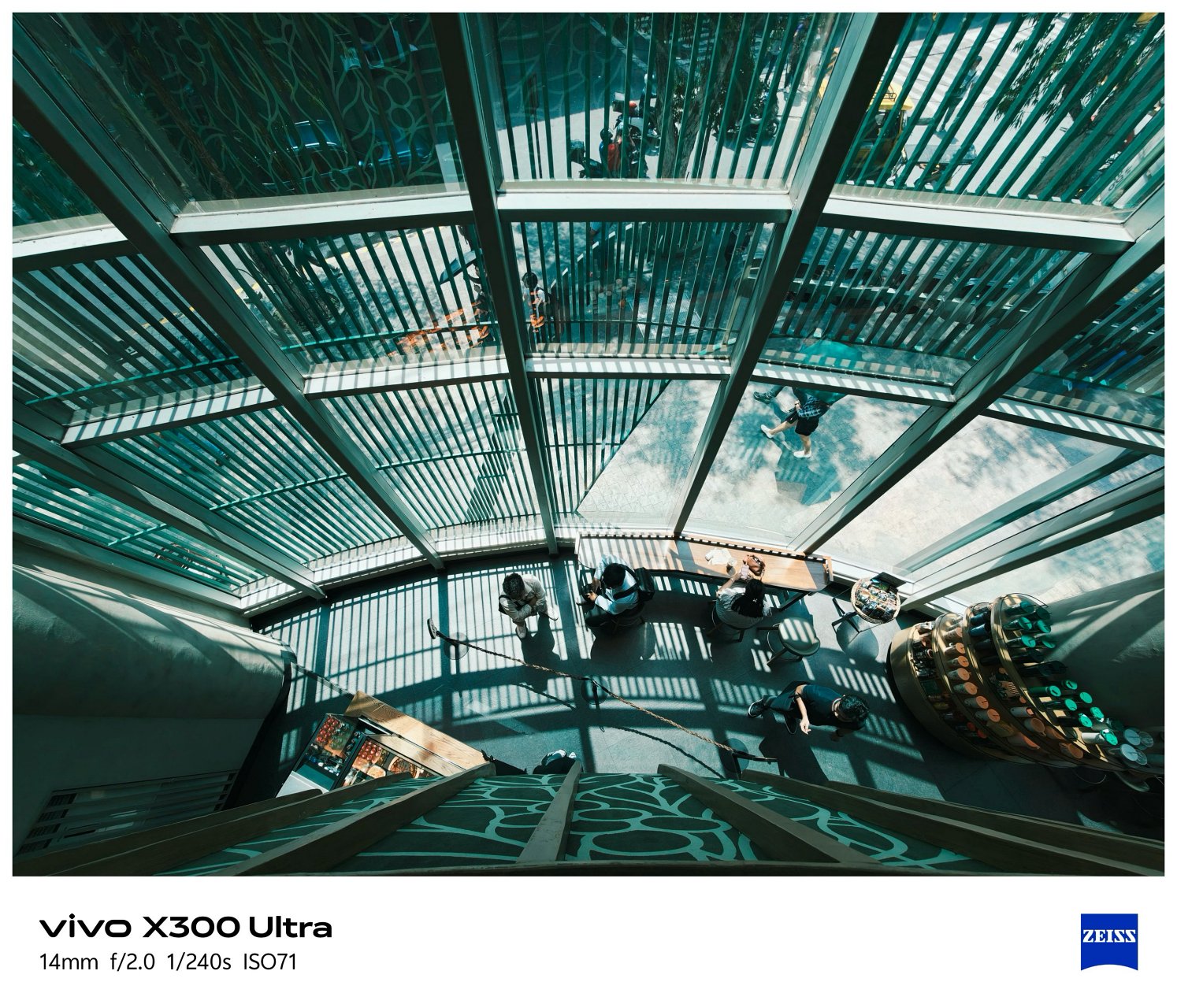

This further proves how the vivo X300 Ultra is truly a W.D.A (Whole Different Animal).

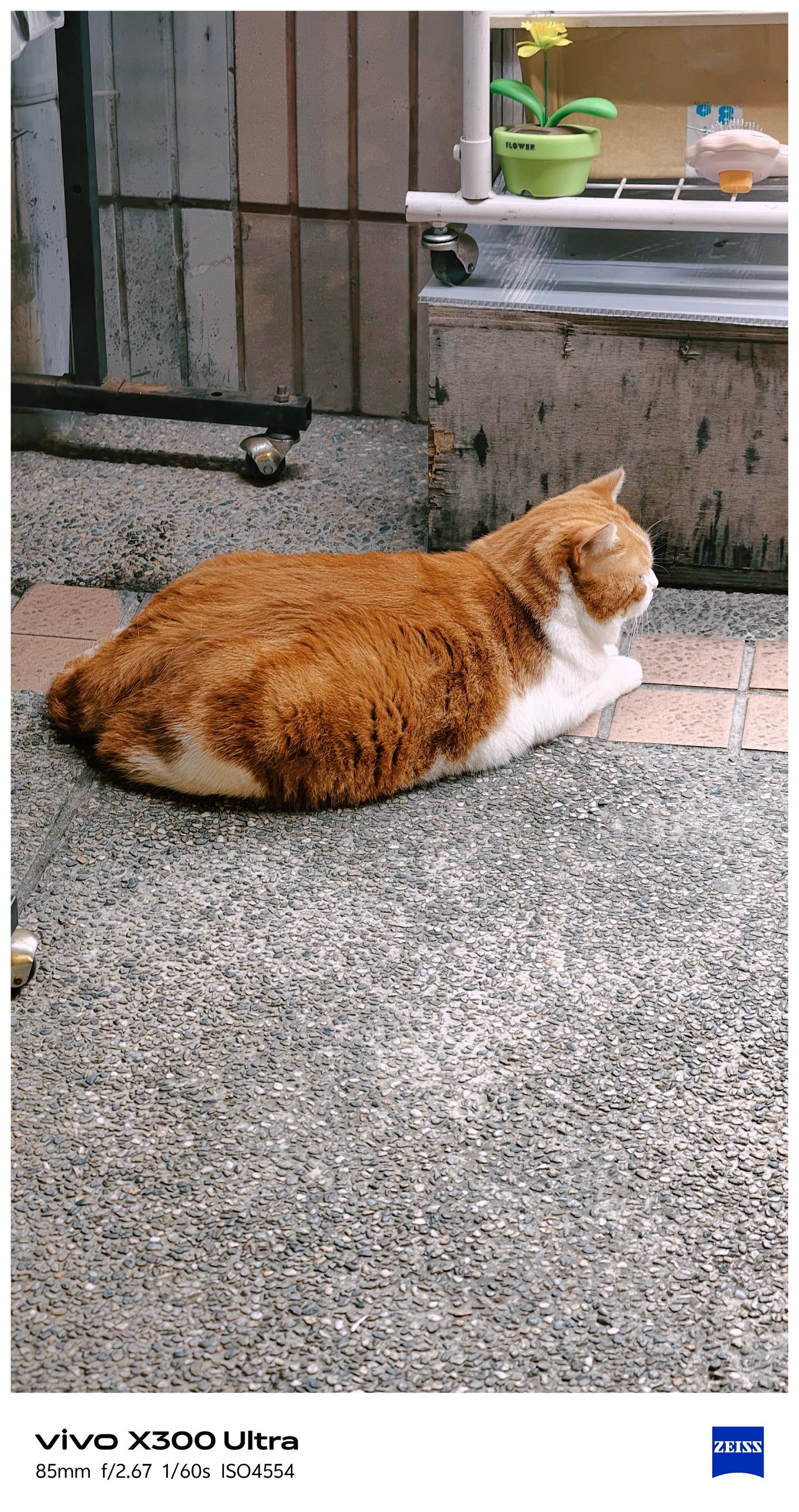
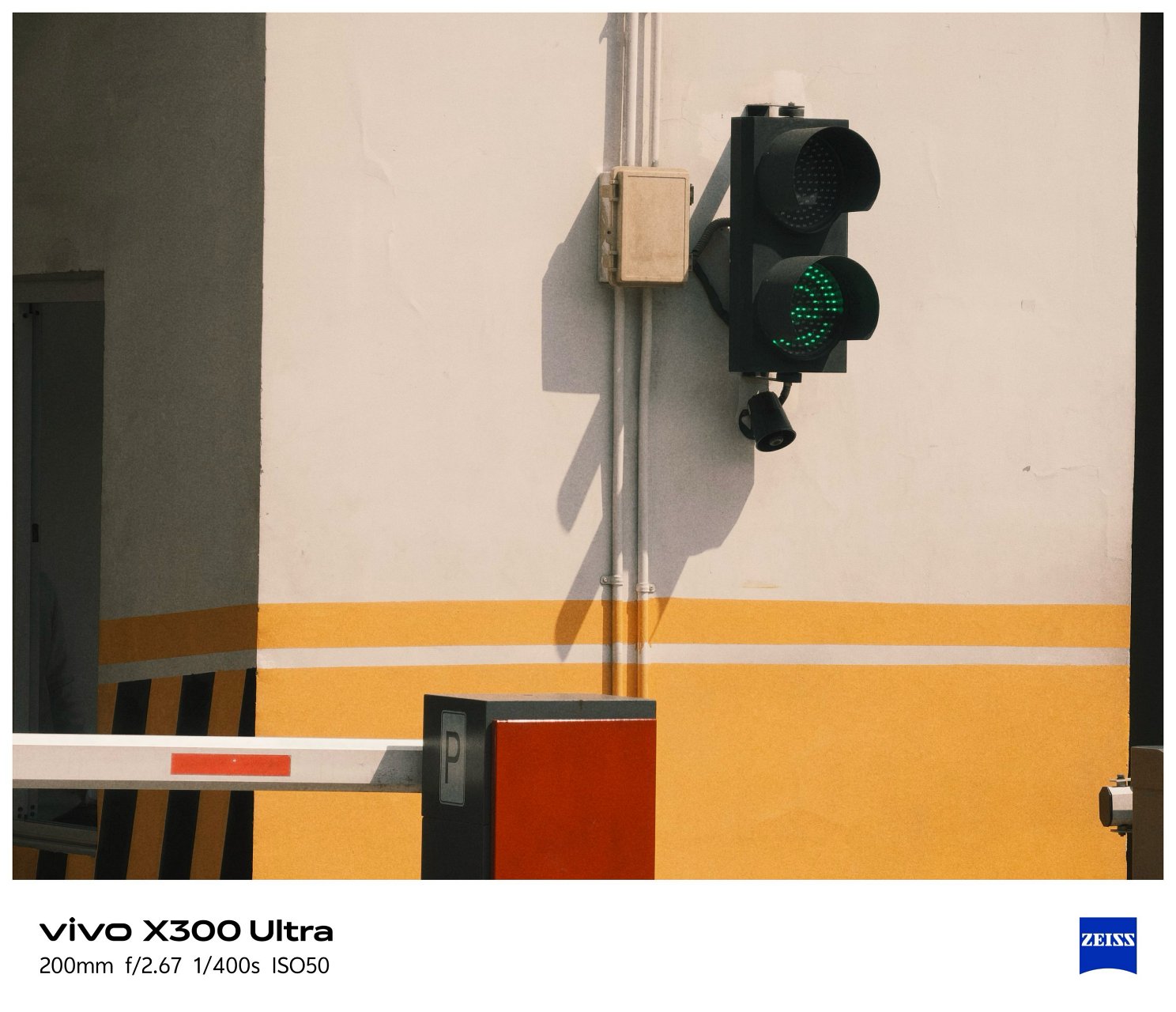
Last but definitely not the least, that 200MP f/2.67 periscope telephoto module capable of bringing in 3.5x optical zoom or an equivalent of 85mm.



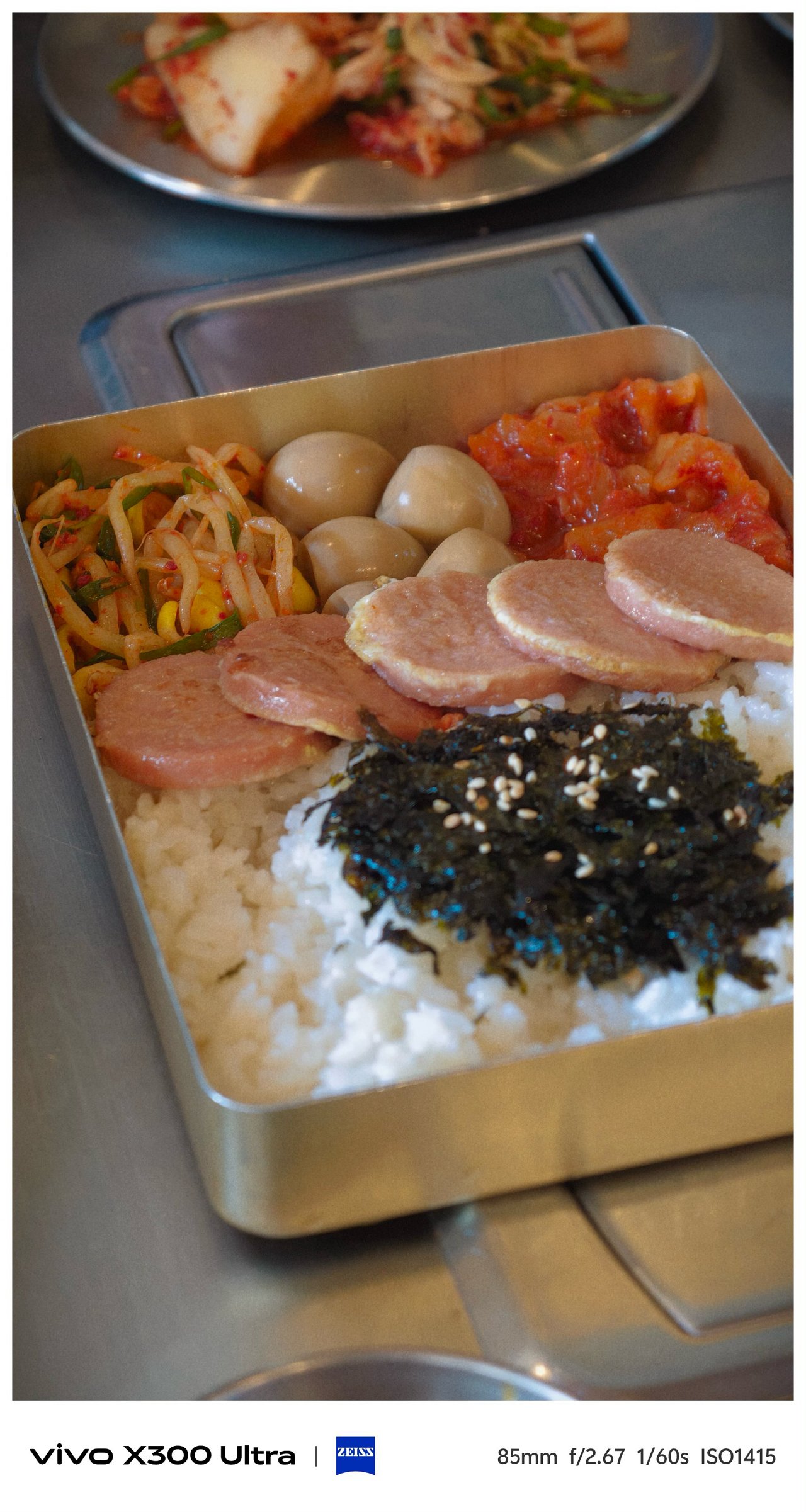

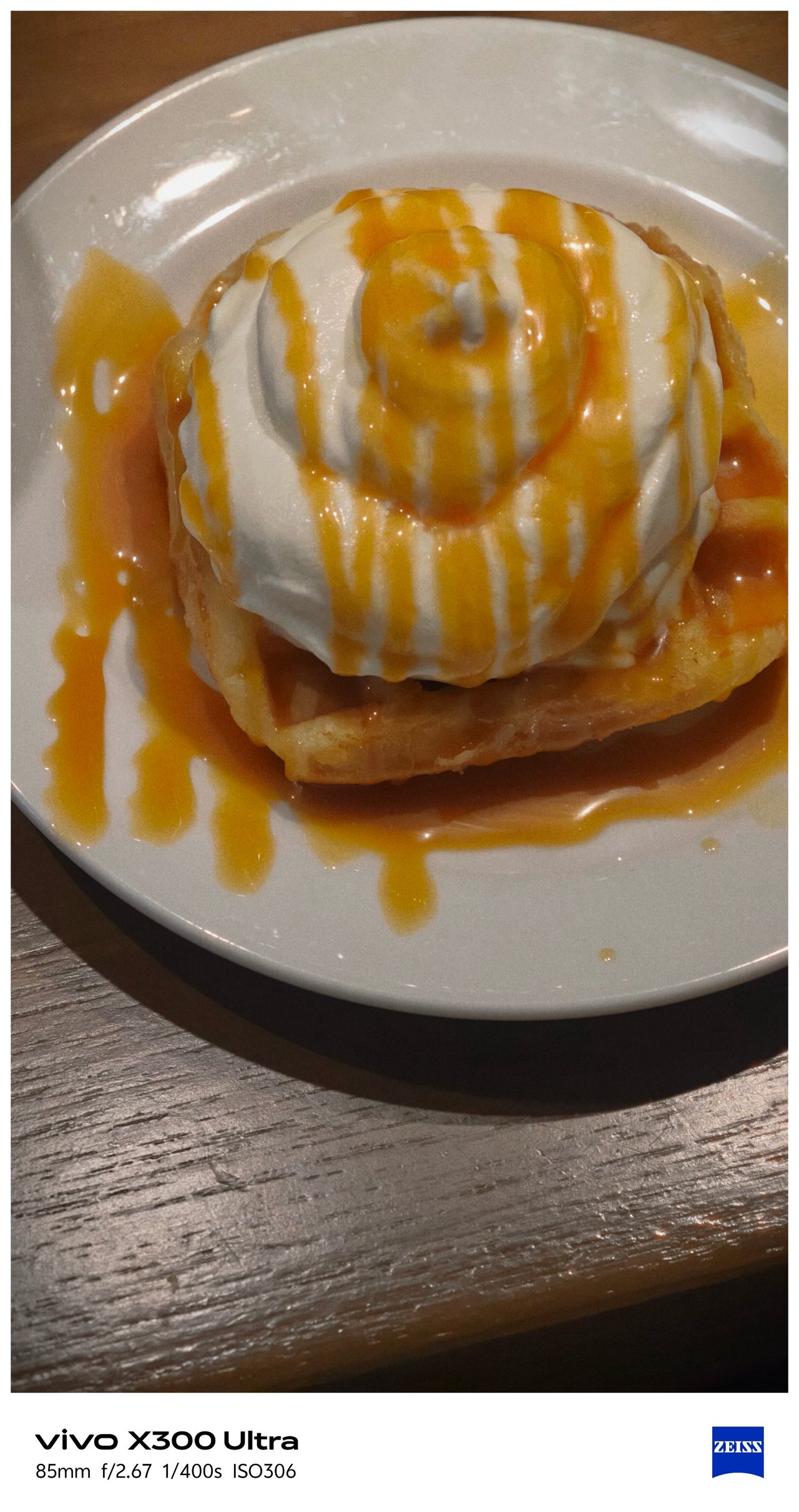




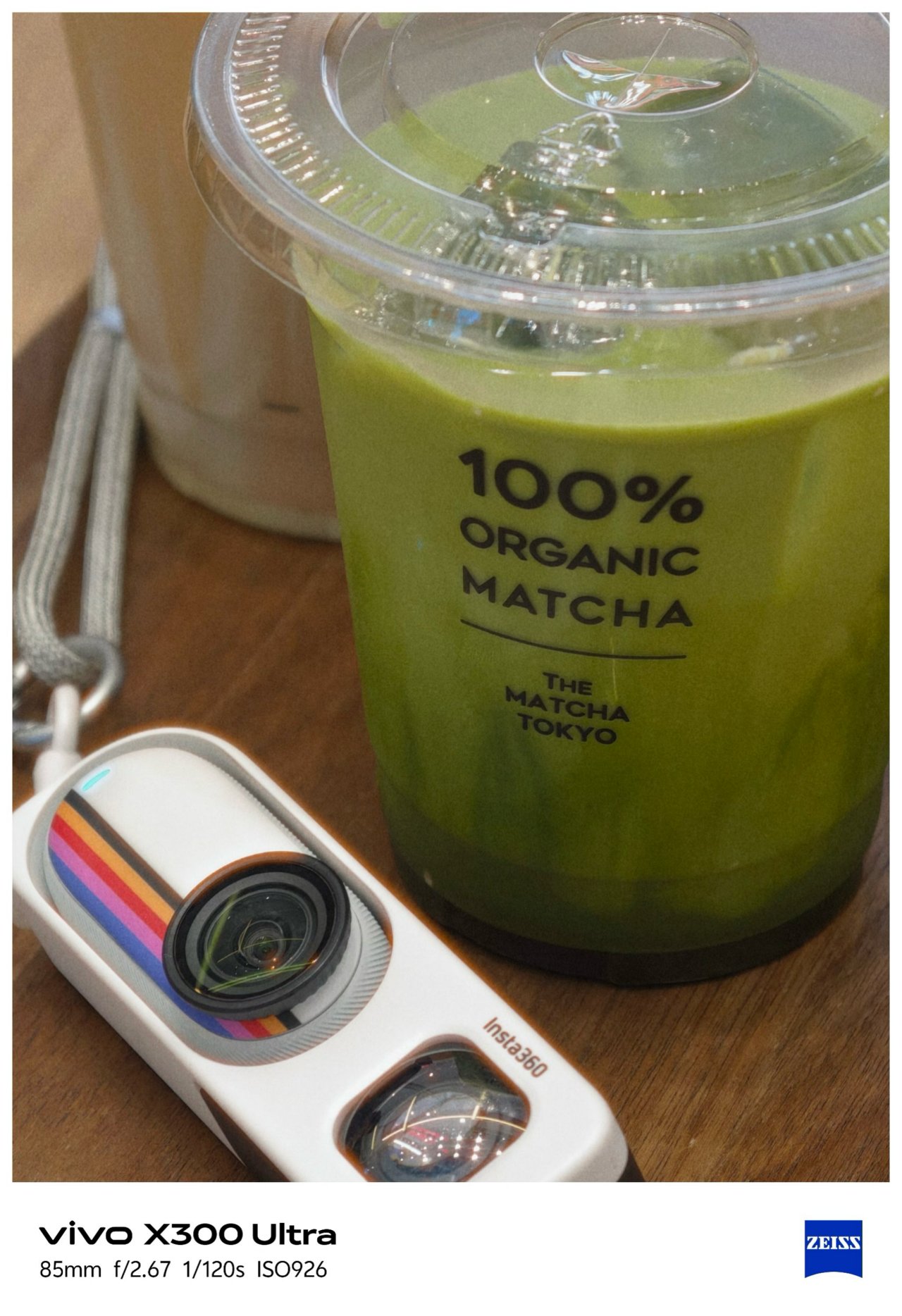

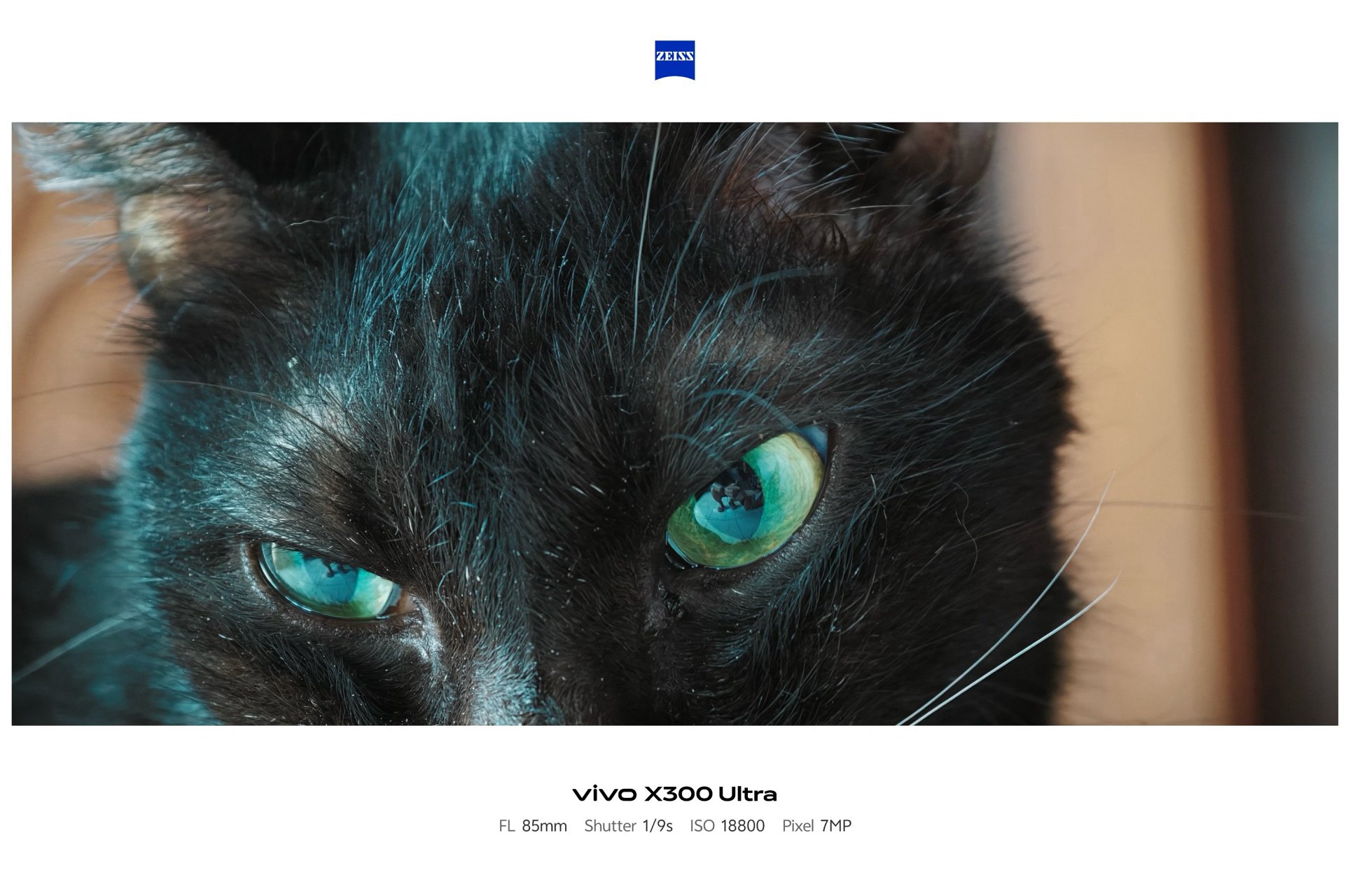
Shooting beyond 10x is still crisp and clear thanks to Samsung’s 1/1.4-inch ISOCELL HP0 sensor refined for vivo.
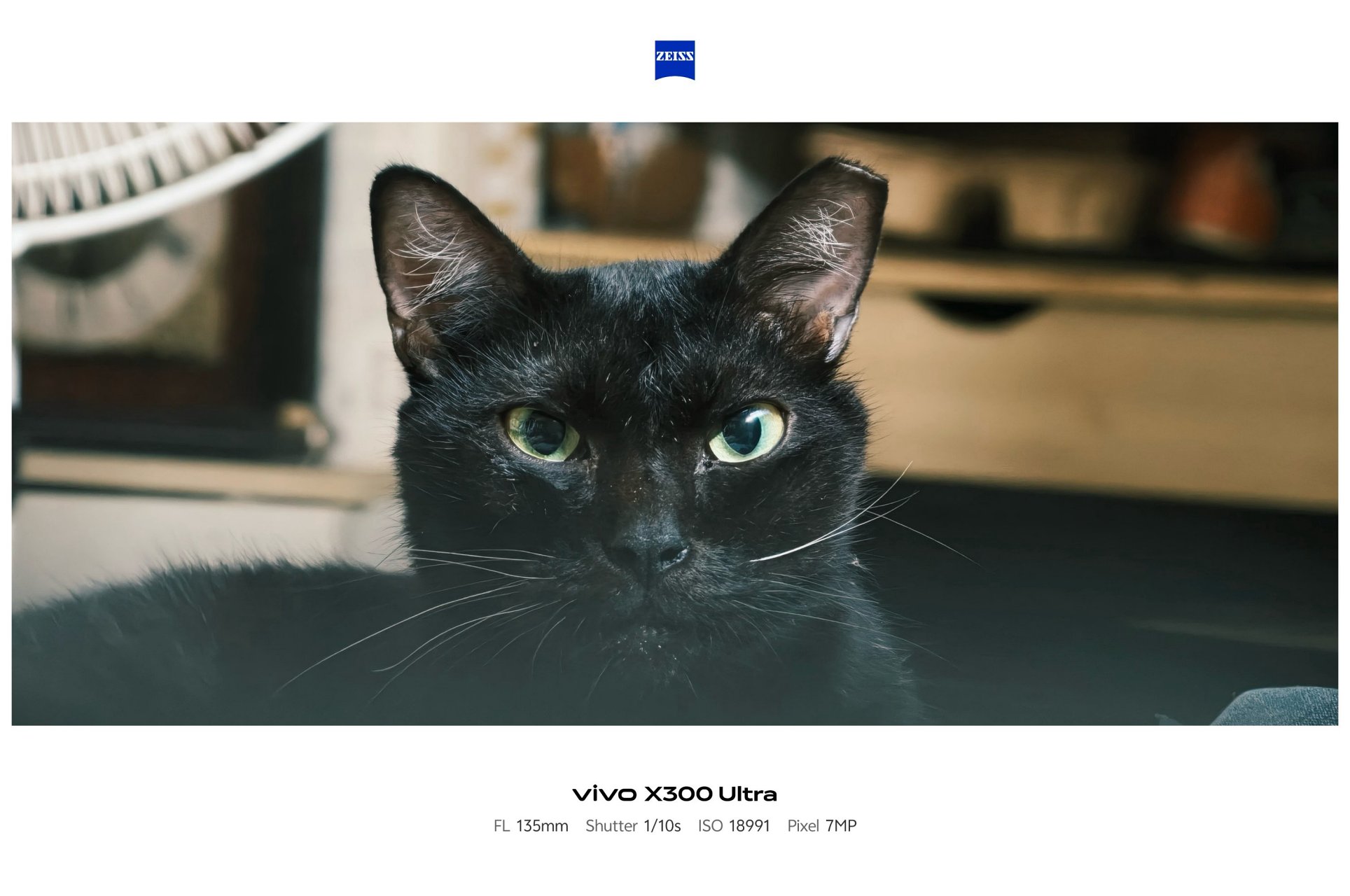




Before I forget, the X300 Ultra is the only phone in the X-series line to feature a 5MP f/2.0 multi-spectral sensor.

vivo X300 Pro (left), X300 Ultra (right)
For the spec-savvy, here are the detailed camera specs of the X300 Ultra against its Pro brother.
vivo X300 Pro |
vivo X300 Ultra |
|
Wide |
50MP f/1.57
|
200MP f/1.85
|
Ultra-Wide |
50MP f/2.0
|
50MP f/2.0
|
Telephoto |
200MP f/2.67 ZEISS APO
|
200MP f/2.67 ZEISS APO
|
Multi-
|
– |
5MP f/2.0 |
Selfie |
50MP f/2.0
|
50MP f/2.45
|
Mirrorless Mimicry
Last year’s vivo X300 Pro was already a very, VERY capable camera-centric flagship.
This year, vivo takes the X300 Ultra to the next level with their overhauled camera app features.
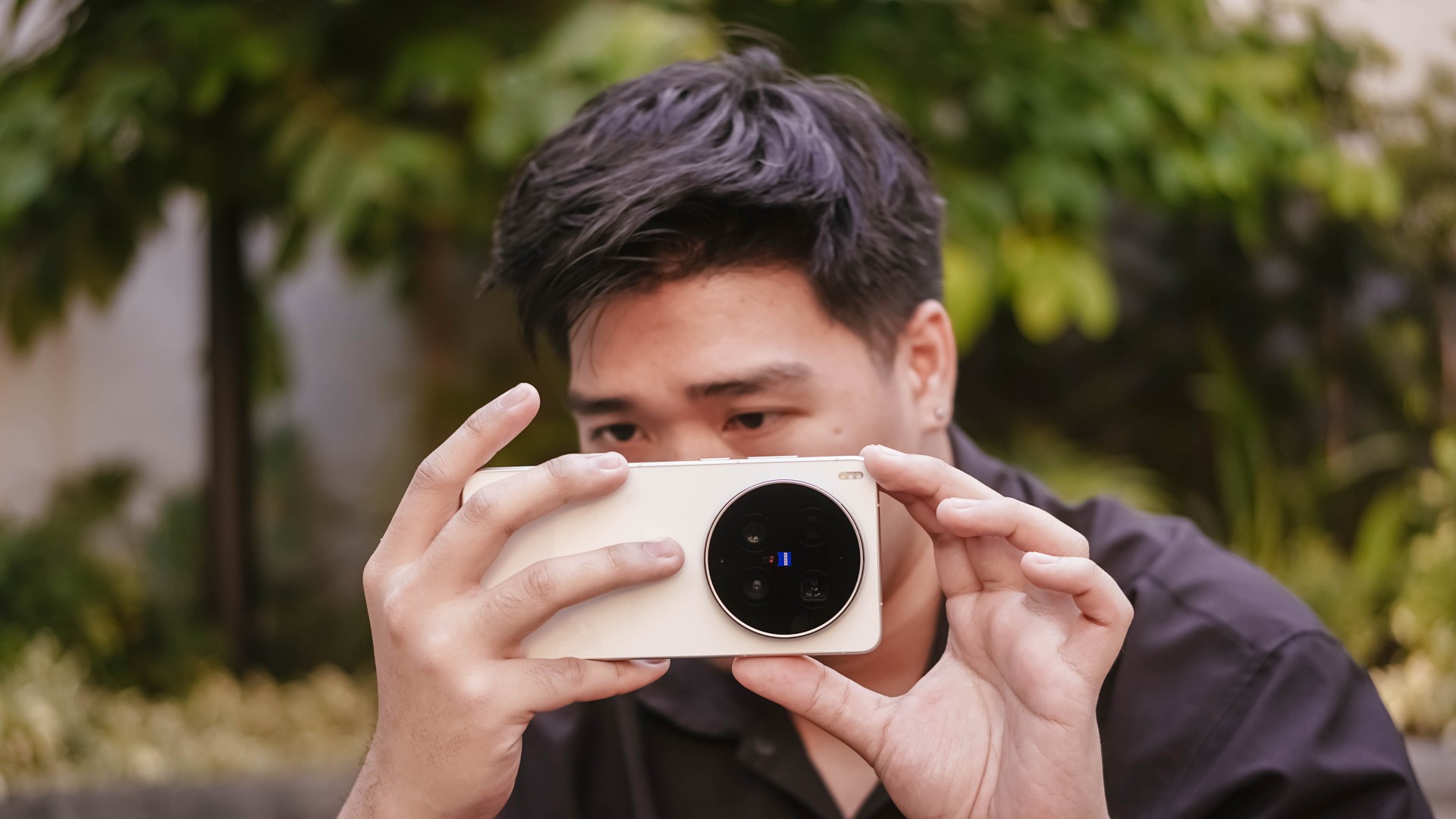
First and foremost, the shortcut bar on top is now customizable. Moreover, the lower right side lets you add more tools based on how you like them in your screen. This was not possible in previous iterations.


Now, if you’ve been following through over the years, the default color profiles were ZEISS Natural, Vivid, and Textured.
This year, the latter was changed to “Refined” while Textured was moved to less major presets in the list.

My first day with this monstrous camera phone made me explore all the new features — including making your very-own preset through Color Palette. This fully unlocks the hidden potential of the X300 Ultra.
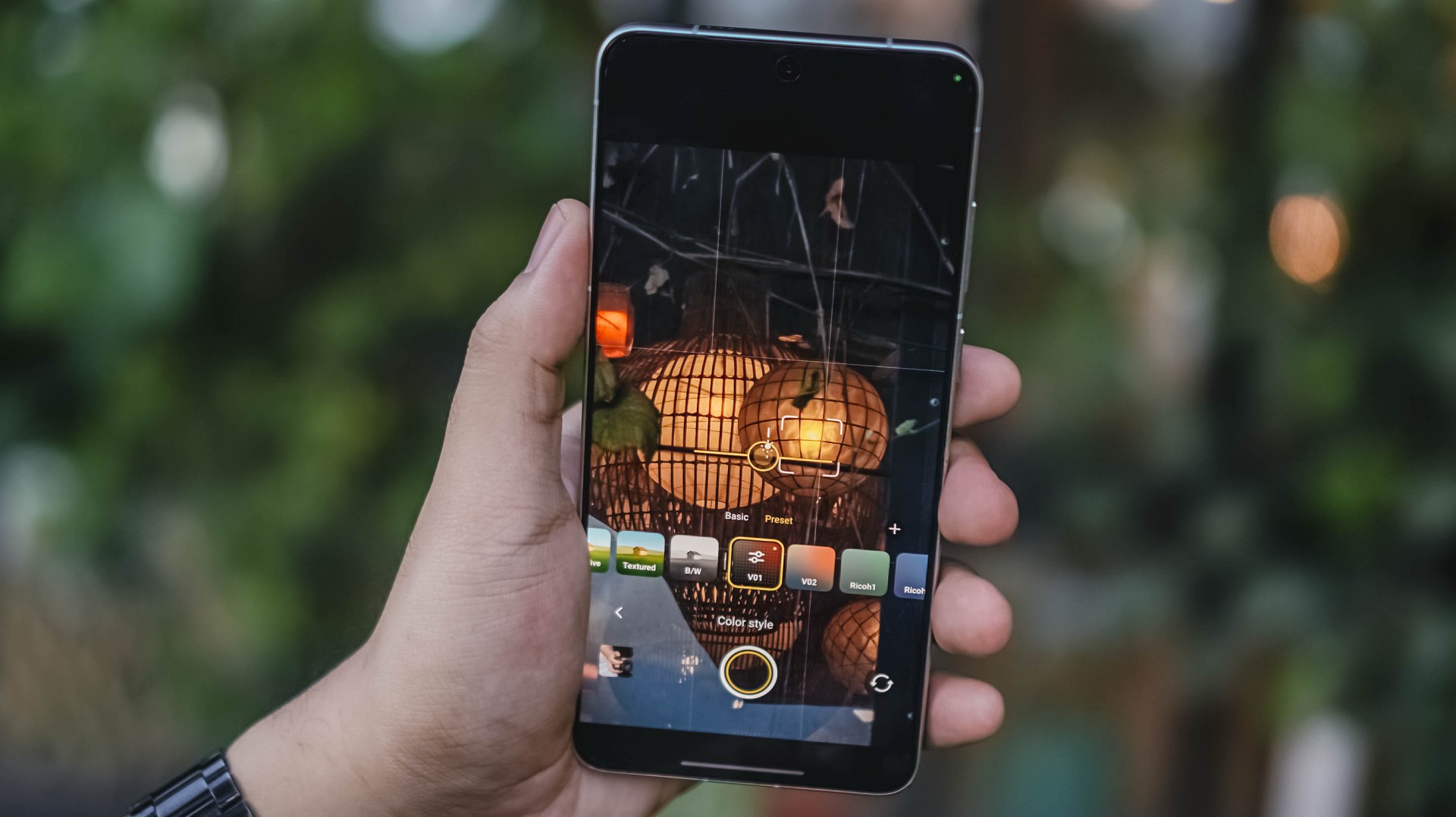
Upon firing up that camera app, I immediately tested it out and did my own film recipe just to make my photos reflect my photography style. Thus, V01 and V02 were born.
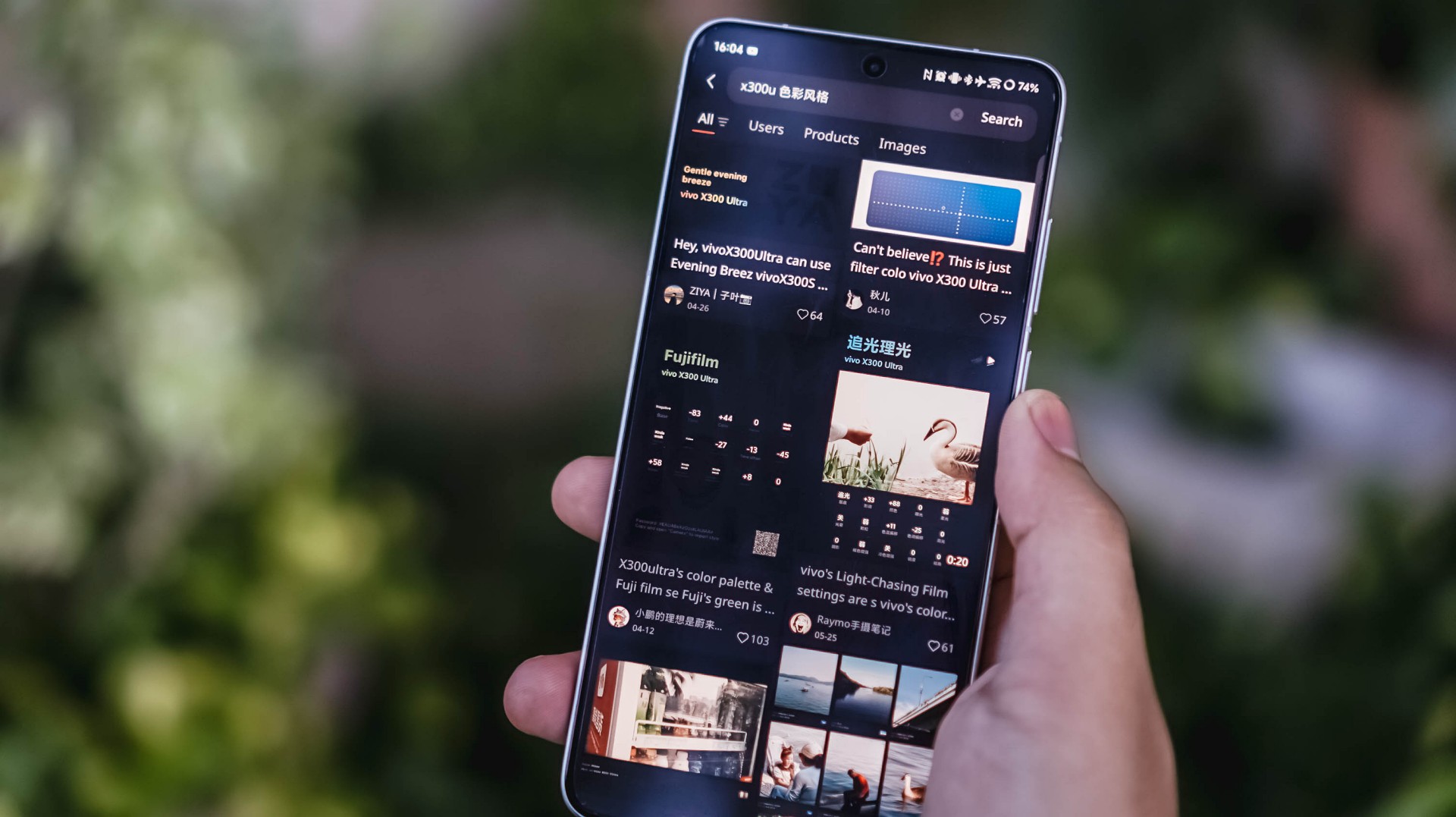
Now, if you’re not a tinkerer like me, mirrorless-like presets are floating around XHS / XiaoHongShu (or RedNote, whatever you prefer).

For reference, here’s a quick comparison between vivo’s built-in presets versus my own recipe.
-

- vivo – Vivid
-

- V – V01
-
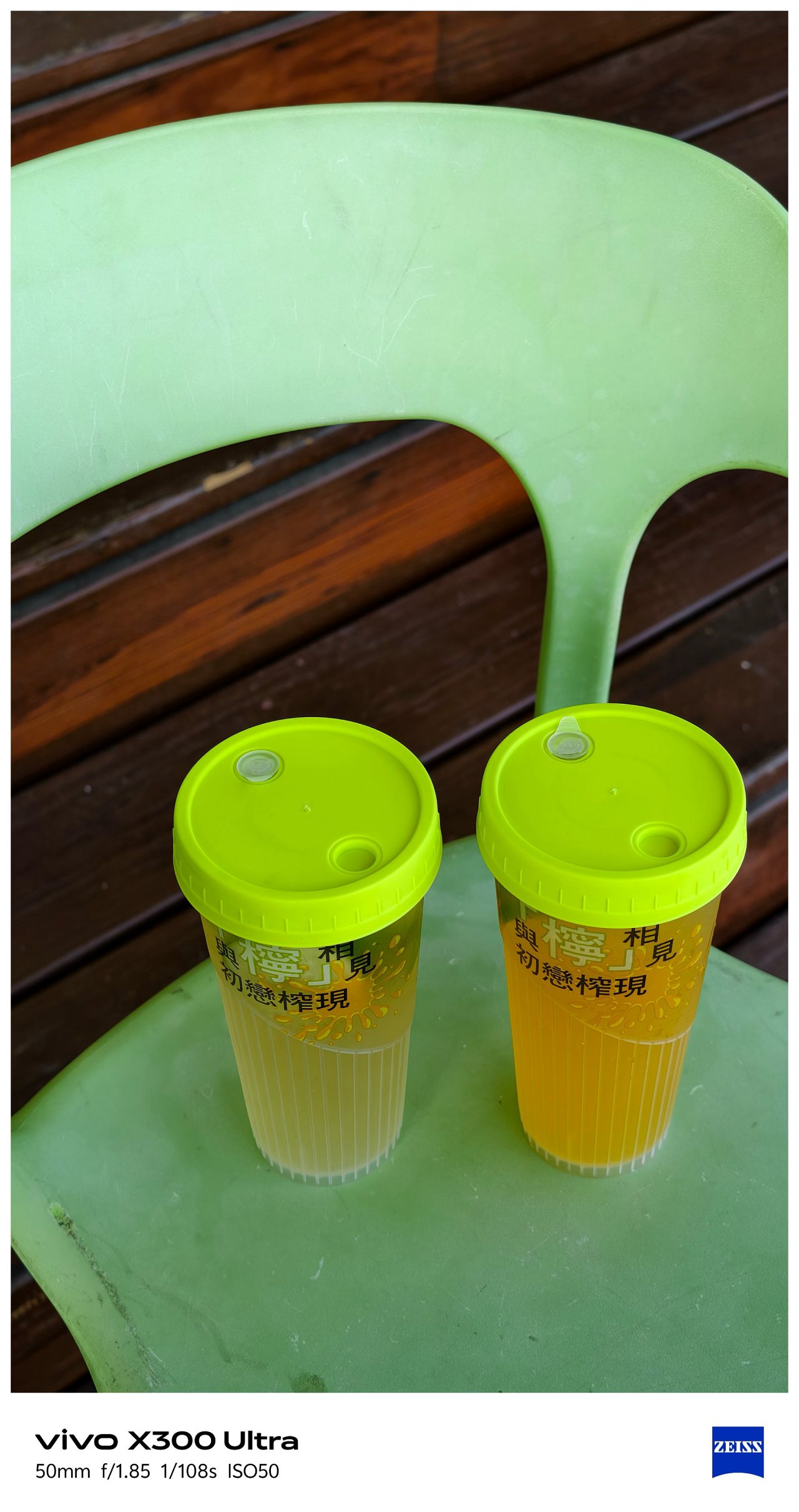
- vivo – Refined
-
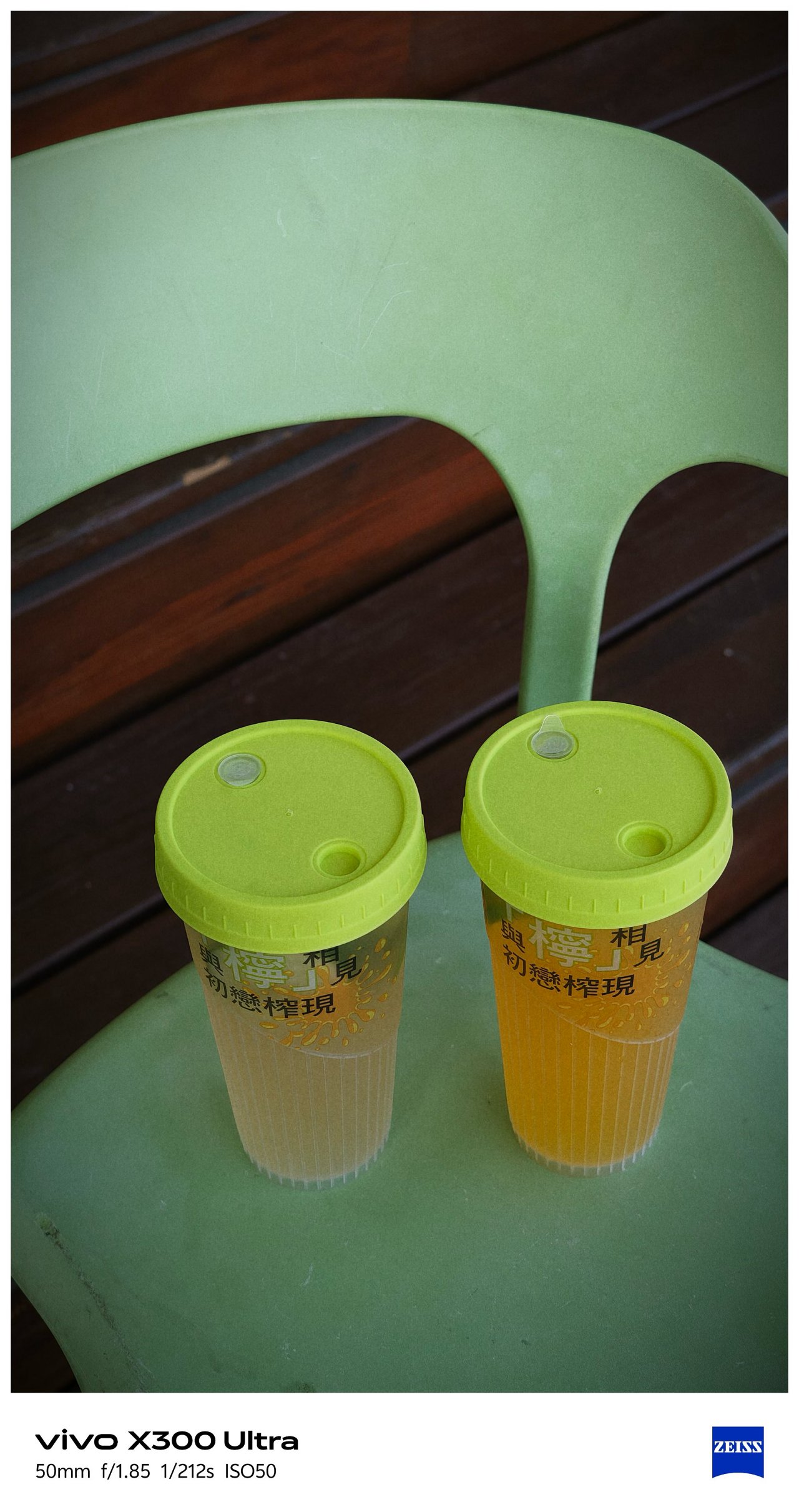
- V – V01
This added ability truly proves my sentiment that it can be a “mirrorless replacement.” And by that, I meant you can show off your own photography style without having to be too restricted with the phone’s built-in presets and camera processing, Neither color-grading after the fact.
Such new feat is why I can never go back to the X300 Pro. And, even if they do include it in a future software update, X300 Ultra’s camera hardware is simply unbeatable.
-

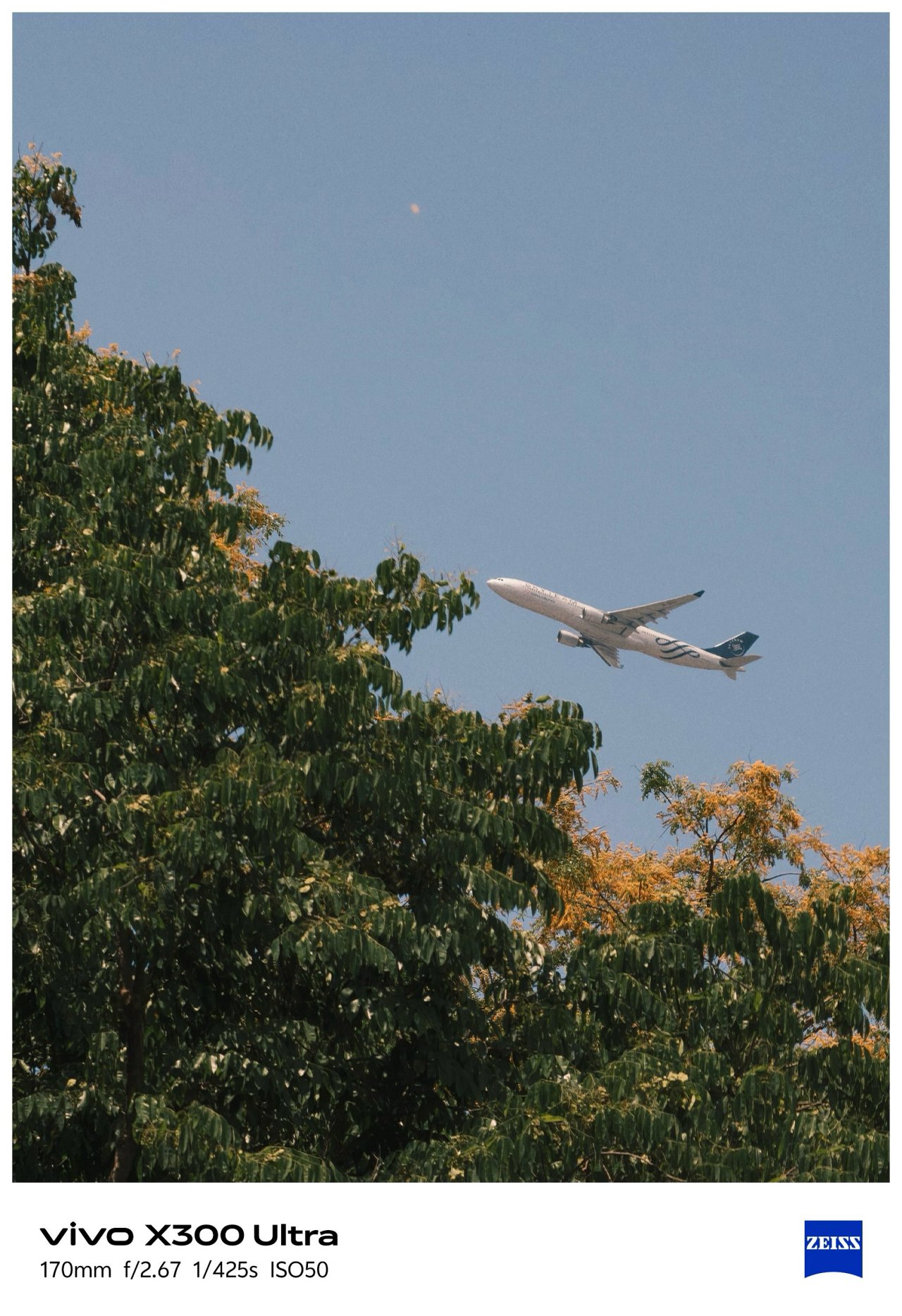
- vivo X300 Ultra 35mm + V’s V01 Recipe
-

- Sony ZV-E10 + TTArtisan 35mm f/1.8 II Prime Lens
Just for fun, I took both of these 35mm shots using the vivo X300 Ultra alongside the Sony ZV-E10 with my budget 35mm prime lens.
Postcards #PhotoDump
Spoiler alert: There are a lot to see! And, that’s the point of a “review” anyway 🤐
🇹🇼 高雄市 / Kaohsiung
📍 Cijin Island

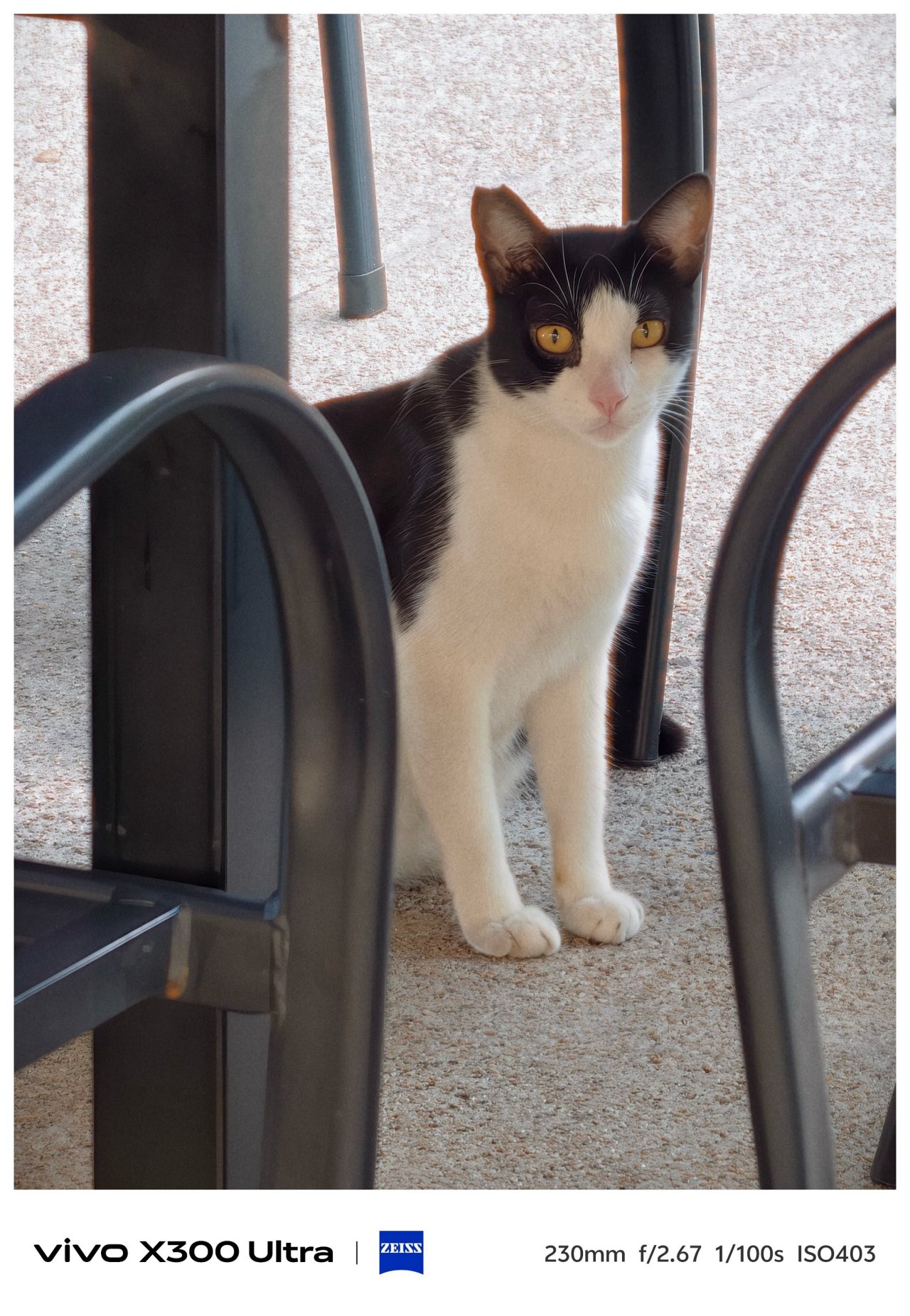
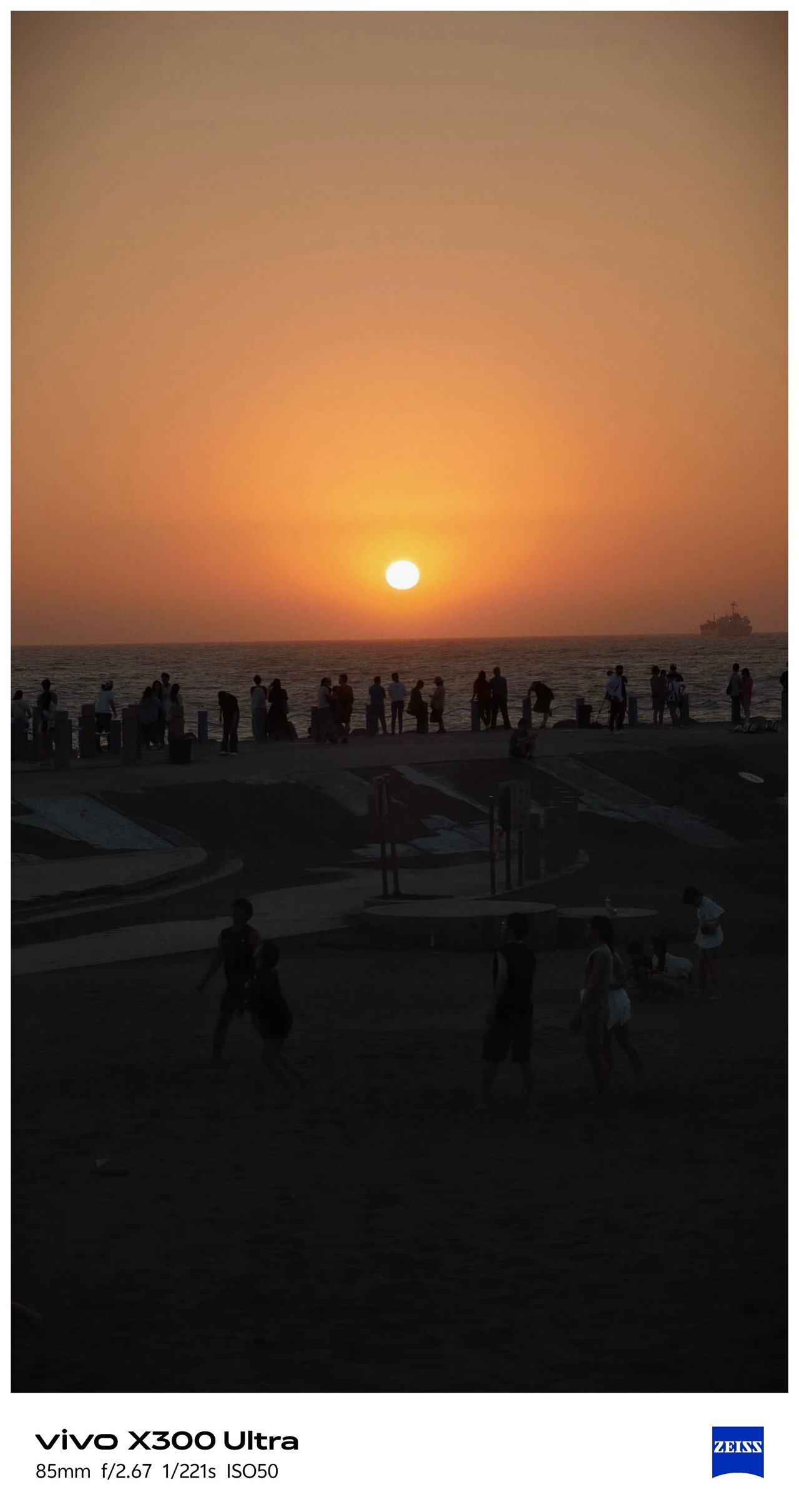
By making and applying the preset I made, I was able to take all the glistening photos at these two different beaches in Kaohsiung.









📍 Sizihwan Beach


📍 Night Light


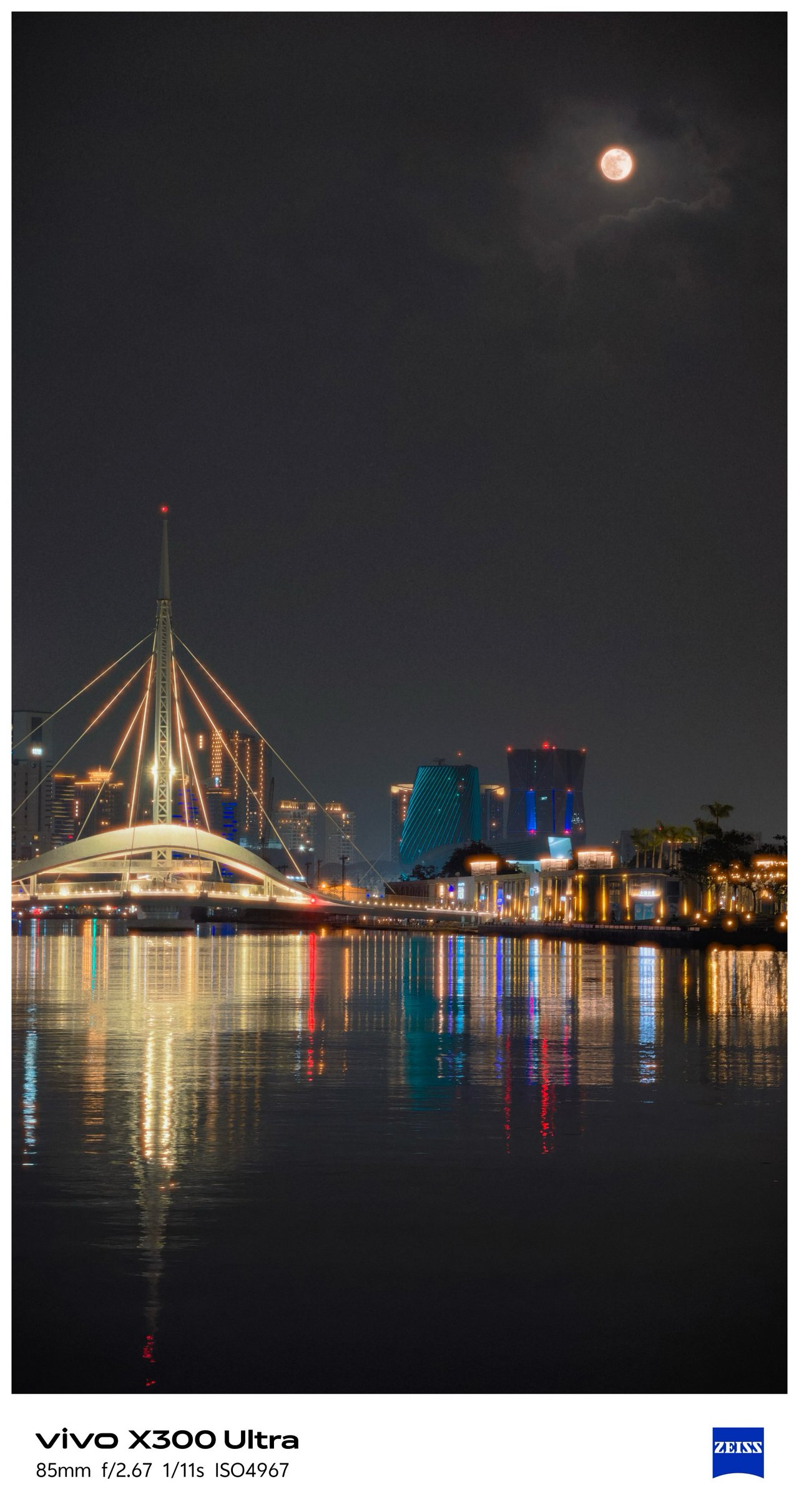


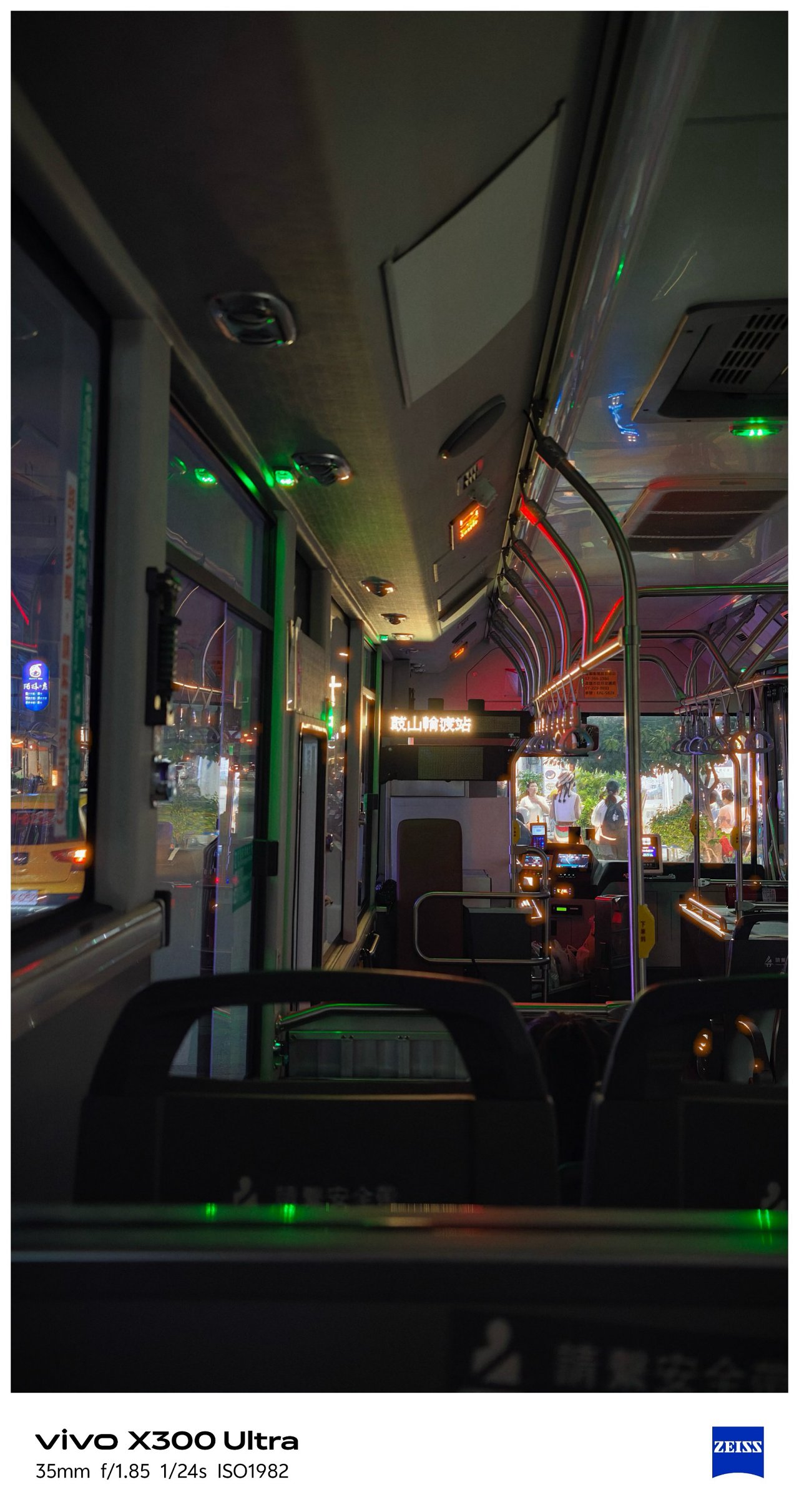


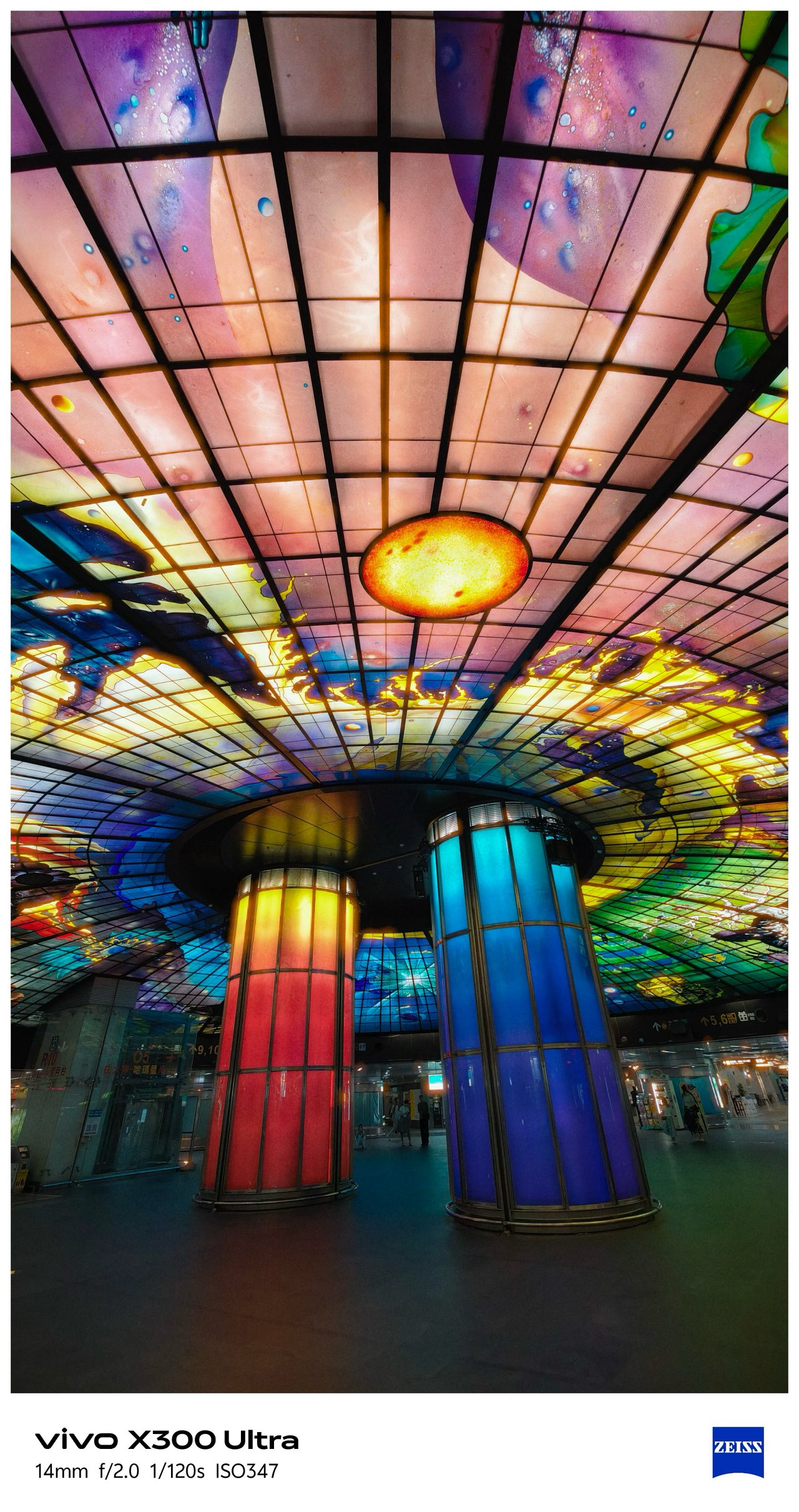



📍 Kaoshiung Center


📍 Angel & Demon Café







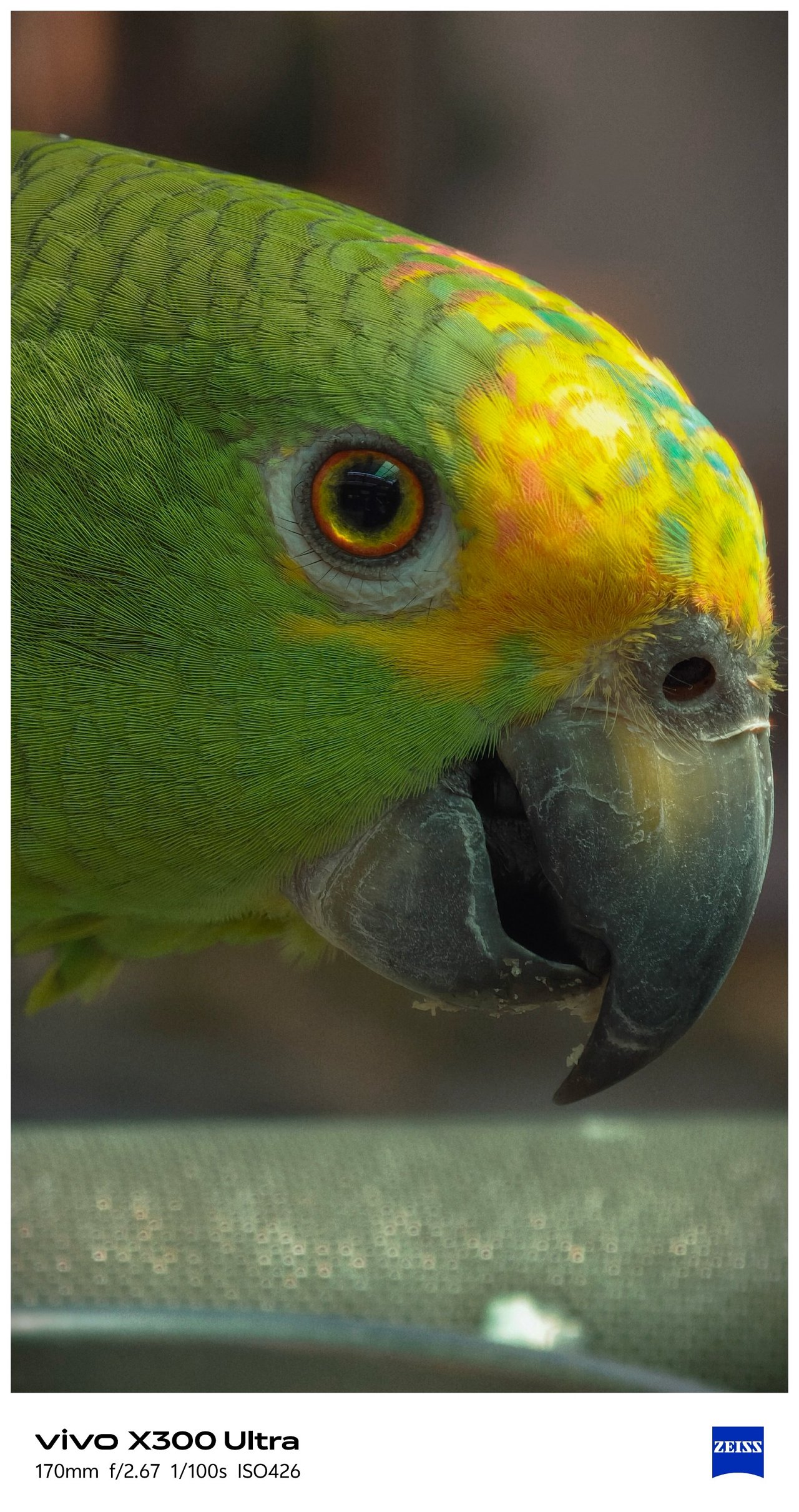
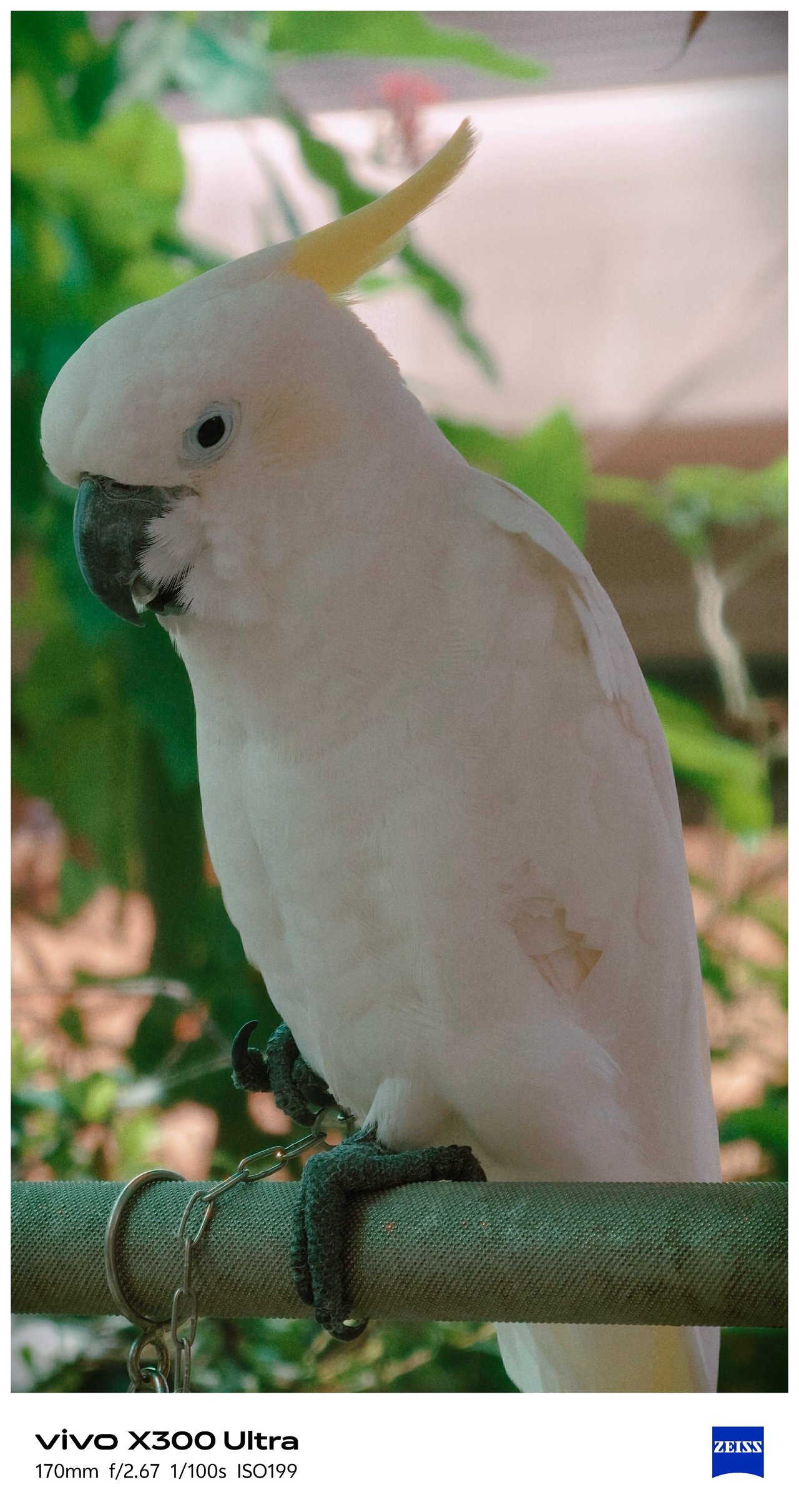



📍 Pier 2









📍 Hamasen
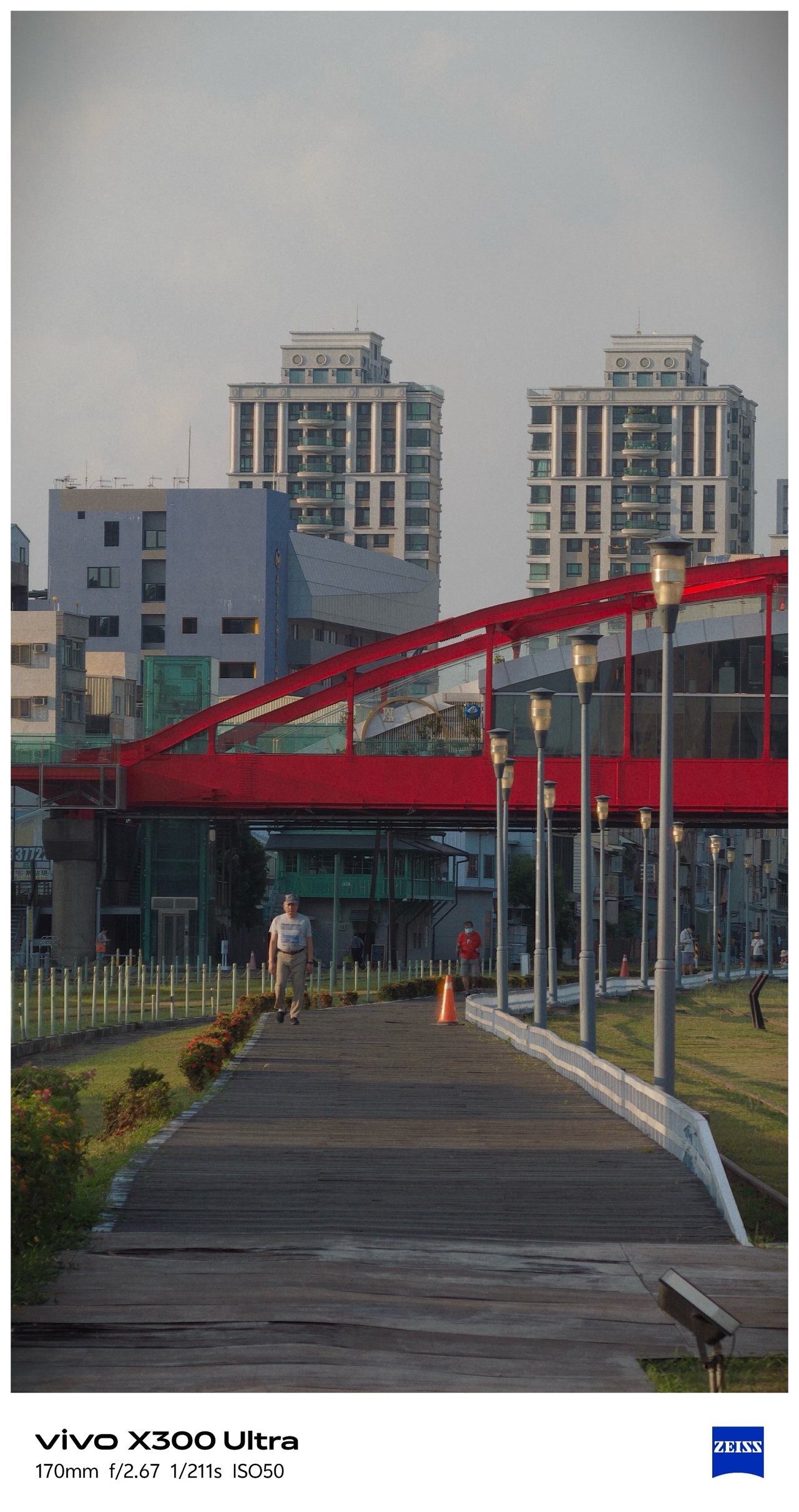






My inner railway fanaticism was screaming with the working diorama and all TRA / Taiwan Railway-filled memorabilia inside Hamasen Railway Museum.




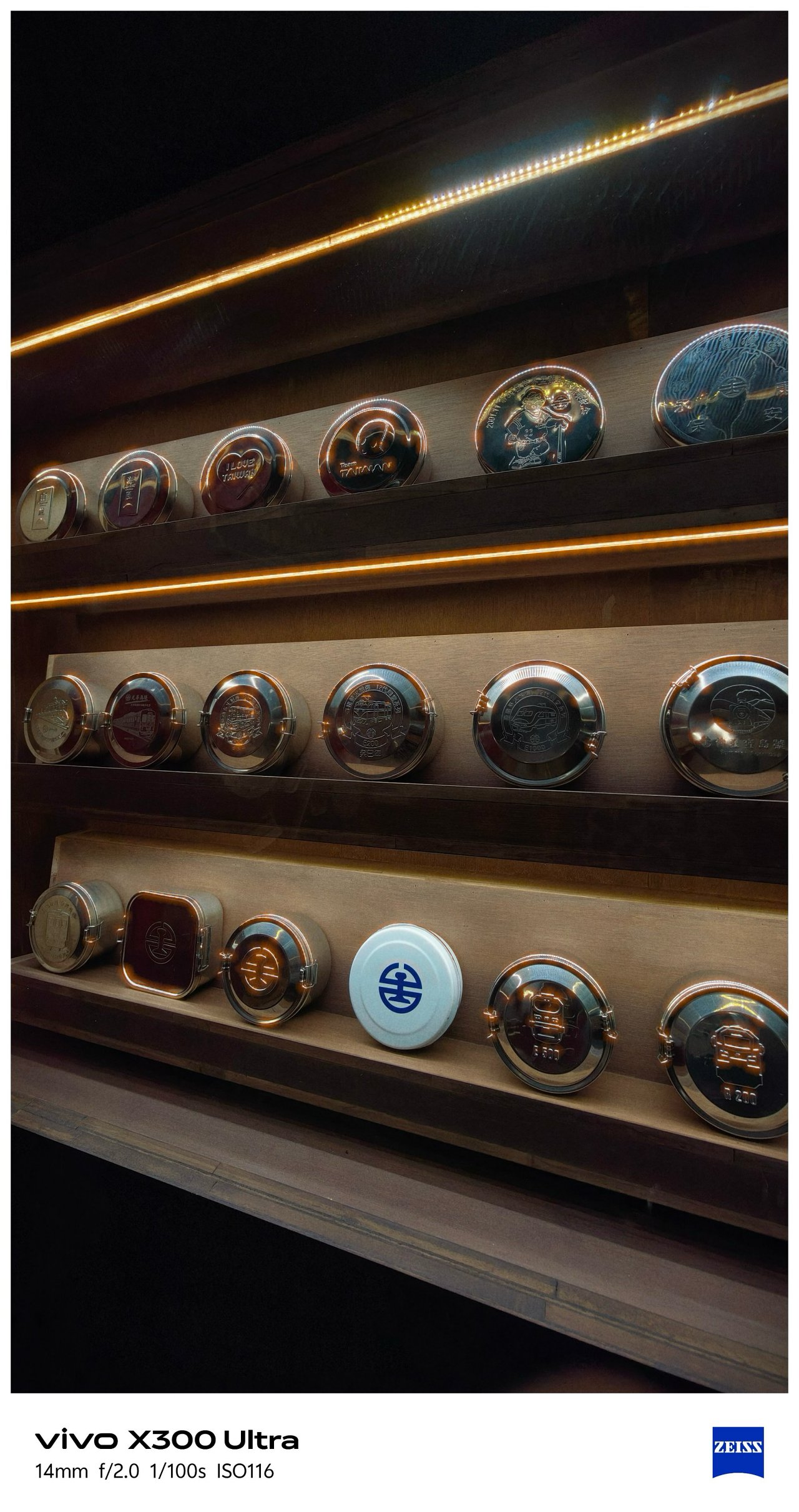





📍 THSR Zuoying
All the train madness (and the Kaohsiung trip as a whole) ends here.


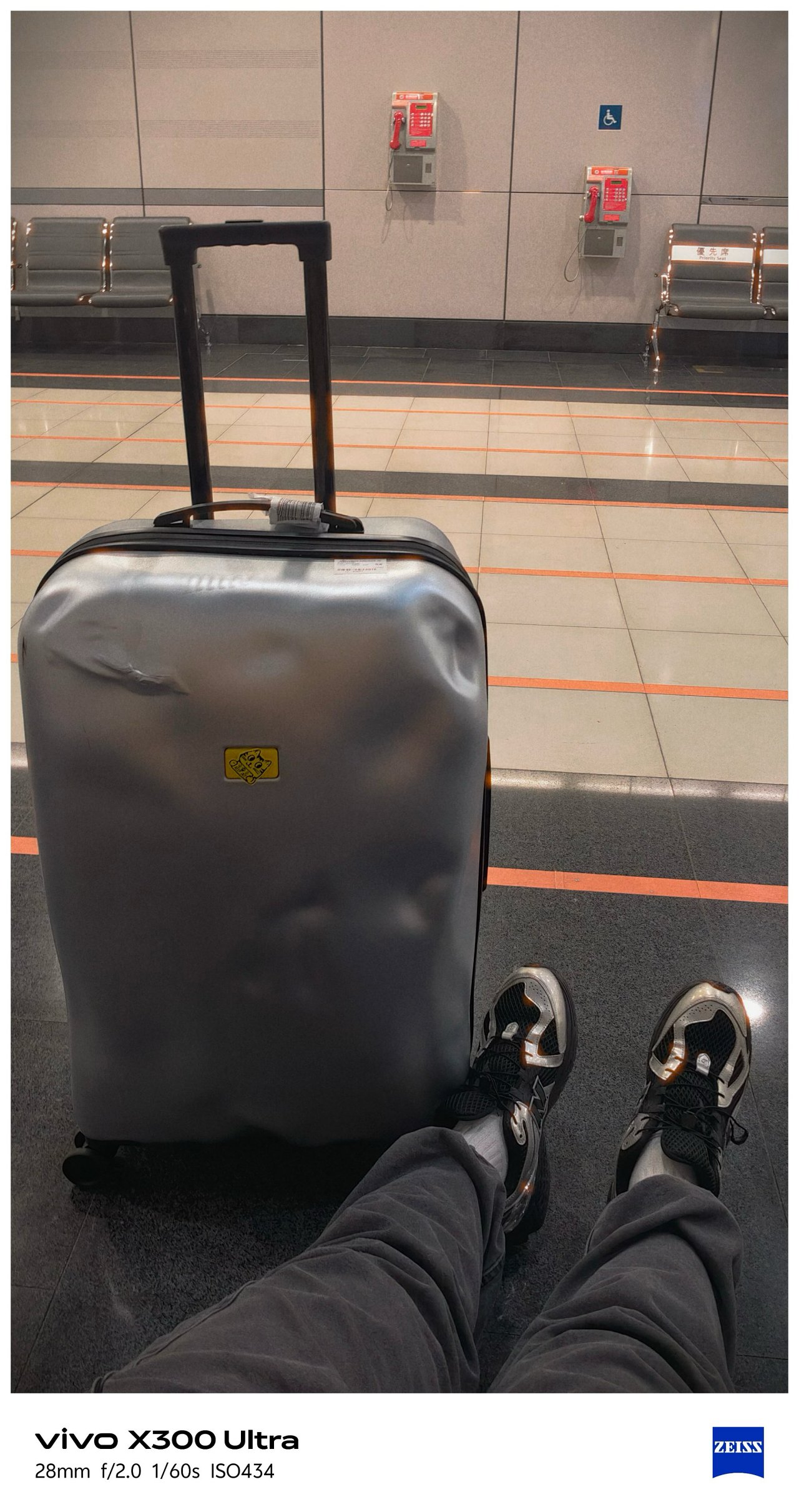
🇹🇼 臺北市 / Taipei
Moving from the southern city towards the north, Taipei’s weather also shifted drastically.
📍 Ximending





Being able to witness an eerie Ximending for the first time in my fifth Taipei visit along with this preset made it more dramatic.


I can’t imagine how “impactful” these would look if I applied vivo’s built-in presets.



📍 Xinyi


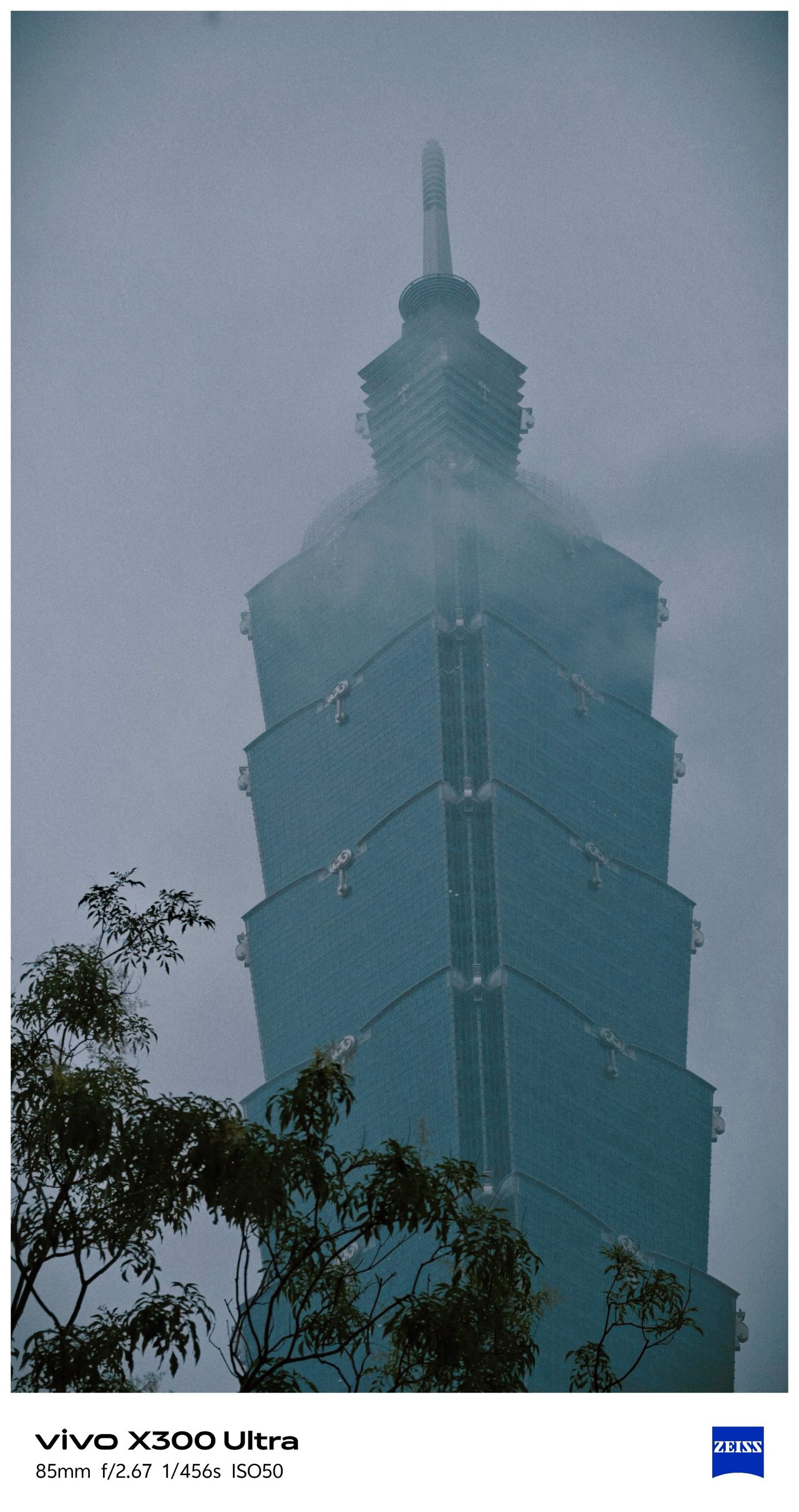


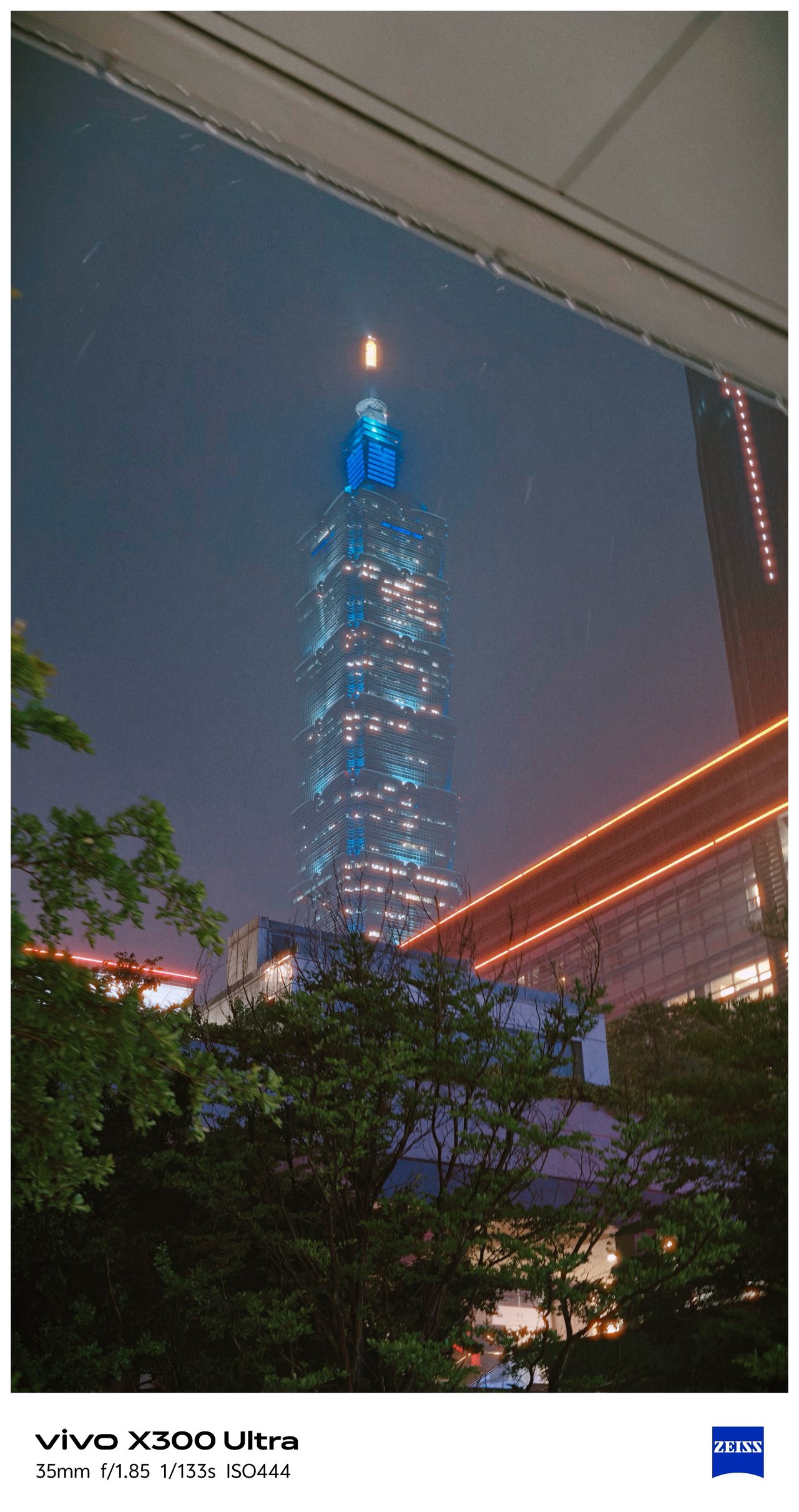
📍 Songshan




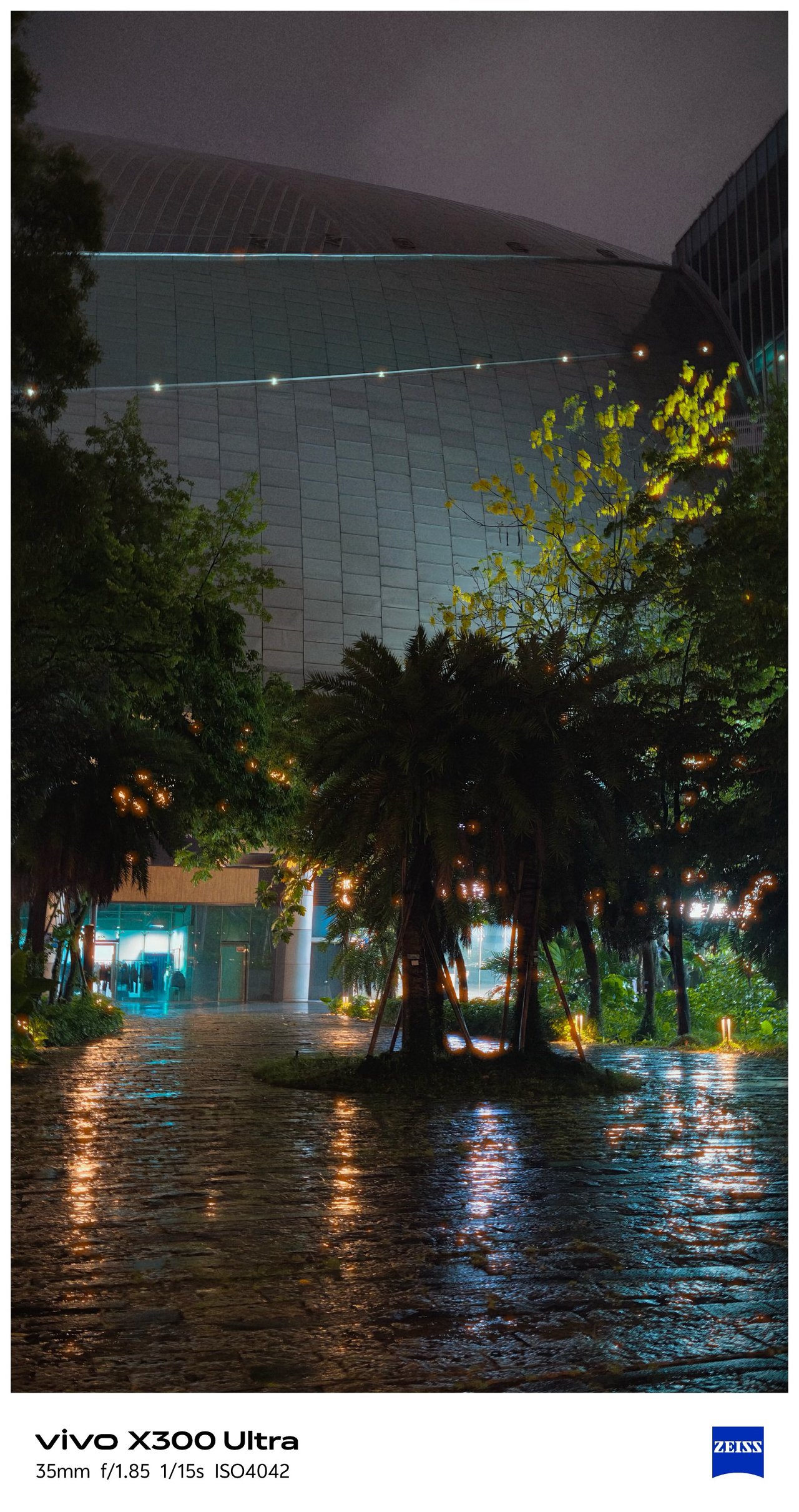

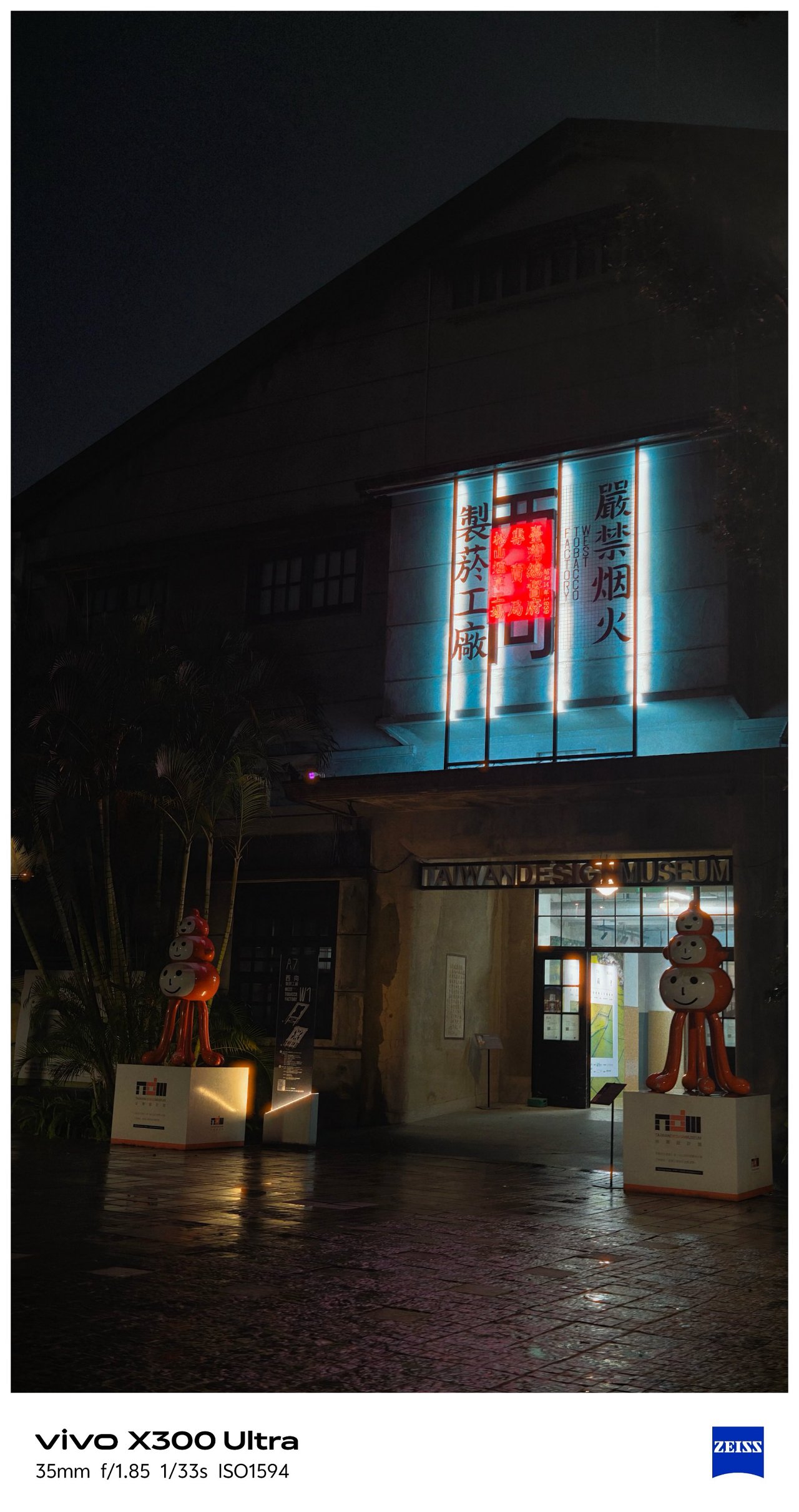
📍 Xizhi, Nangang

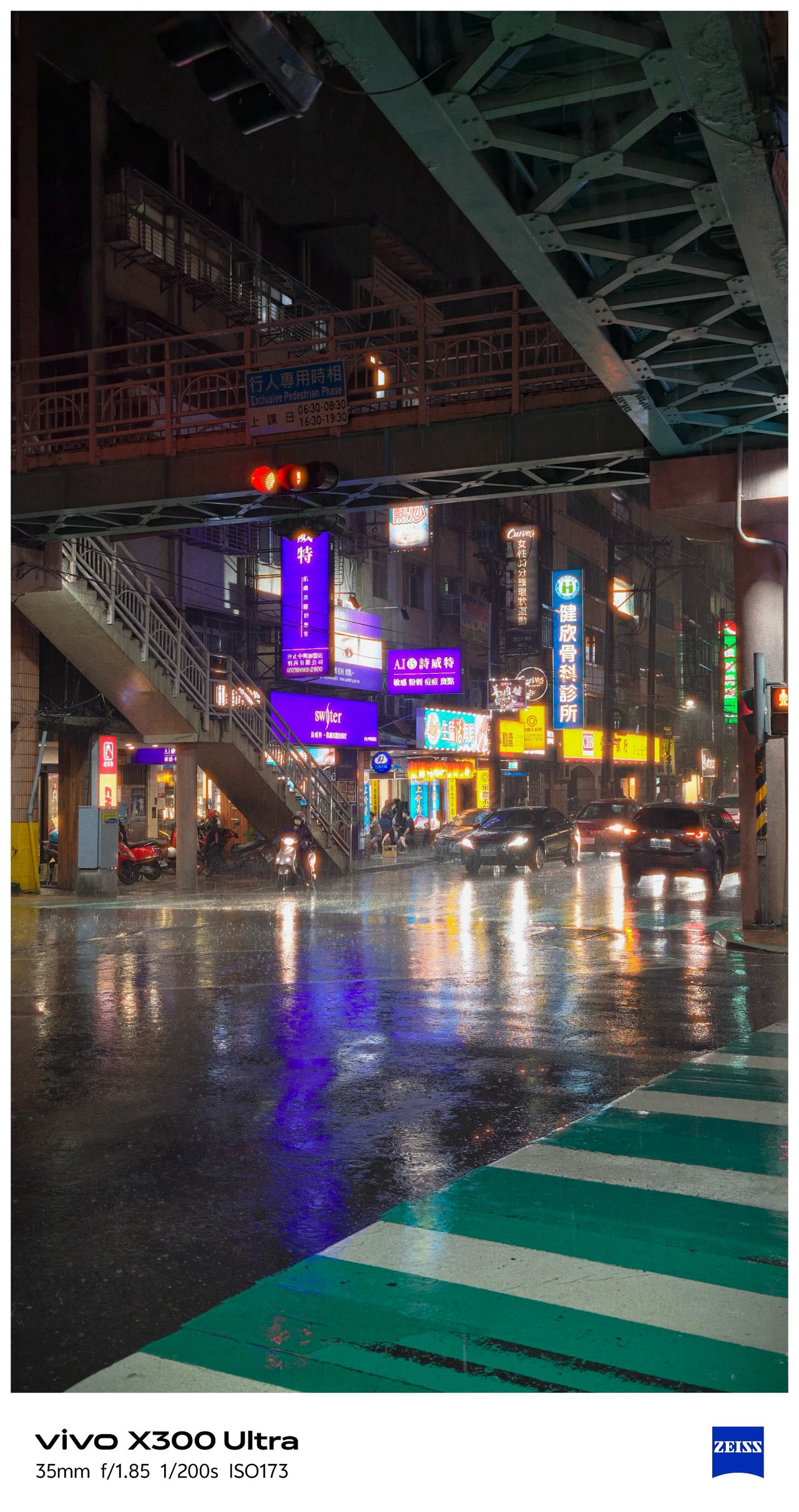


📍 Food



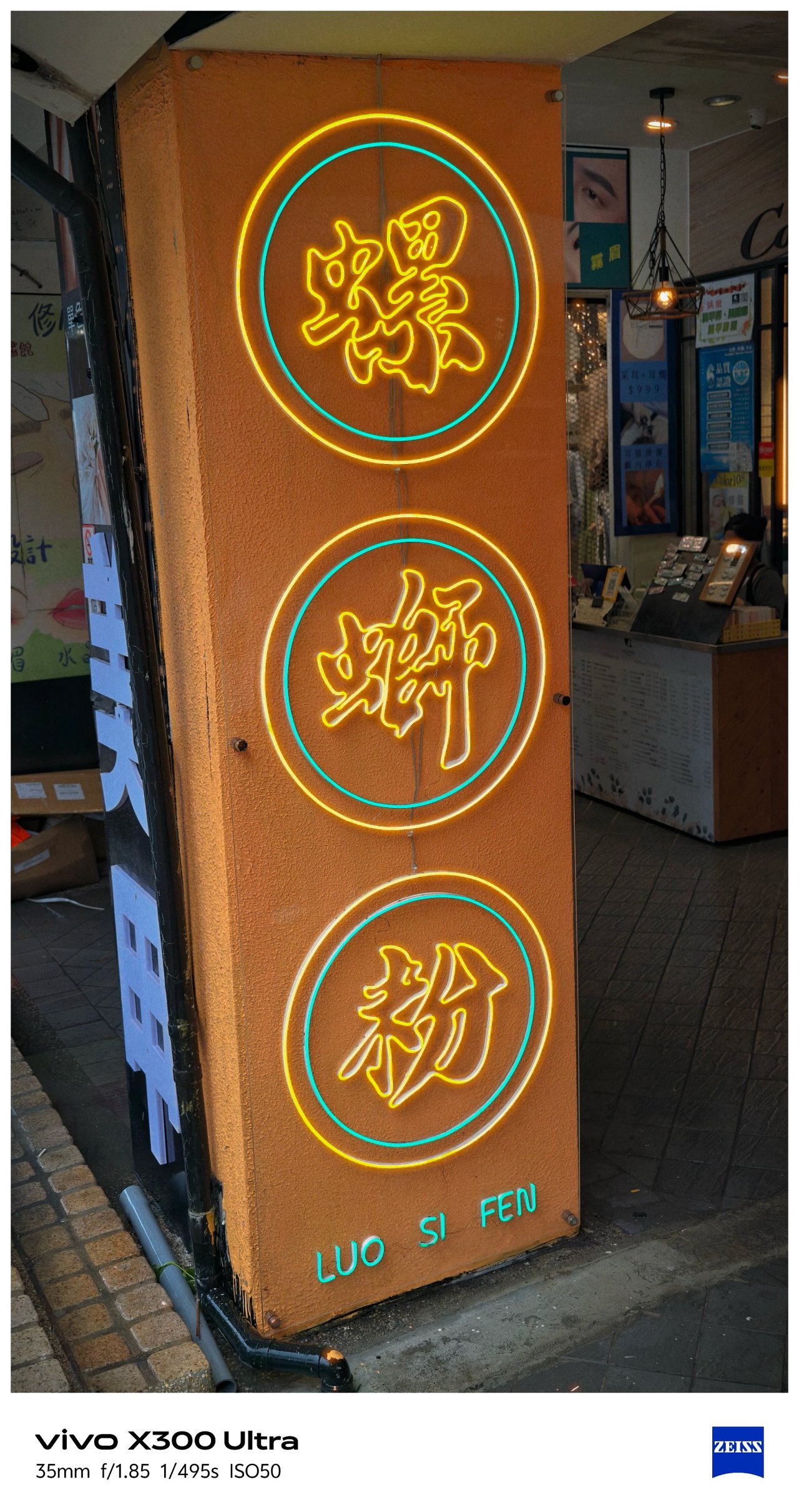


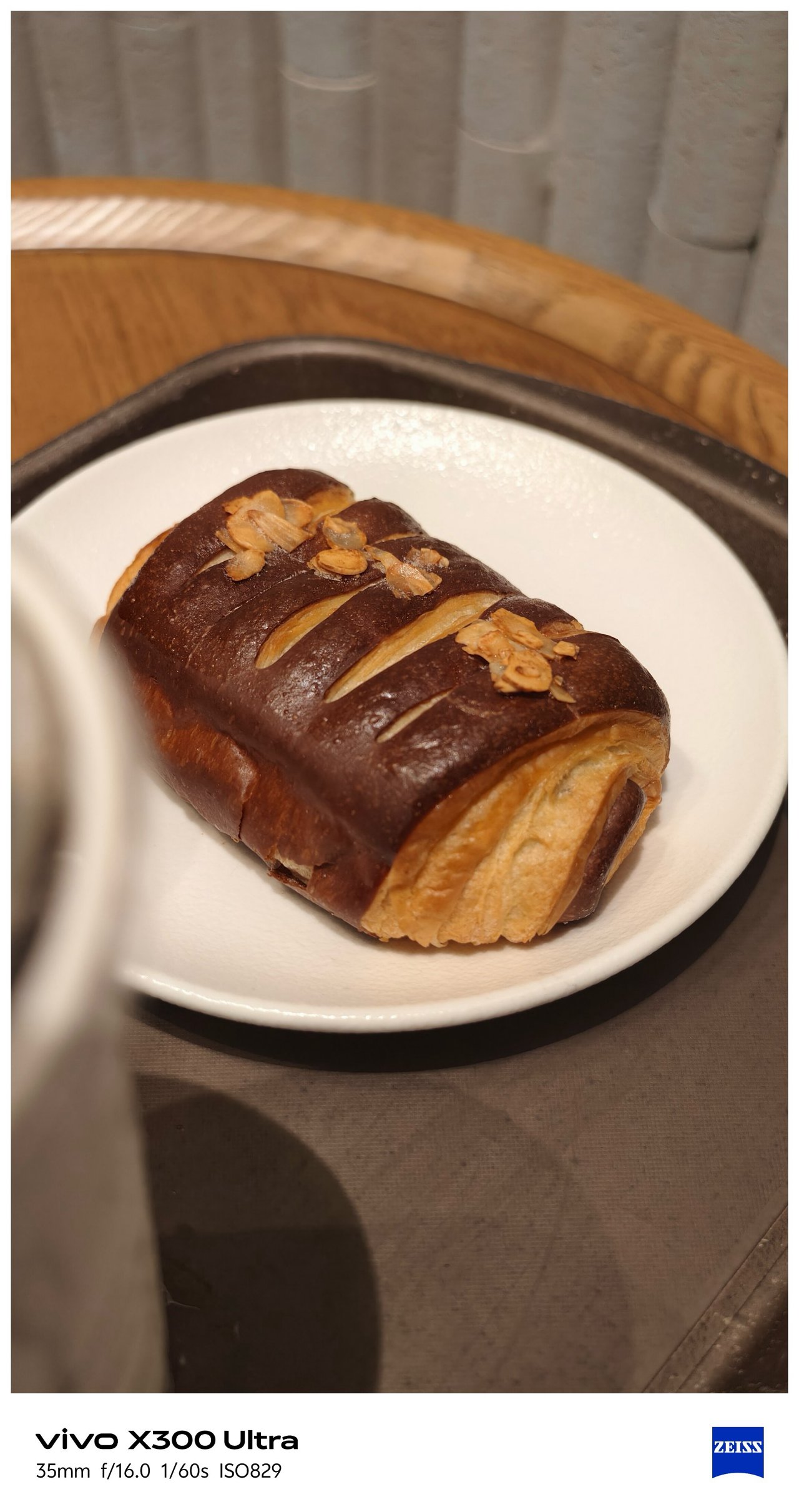


📍 X-tras







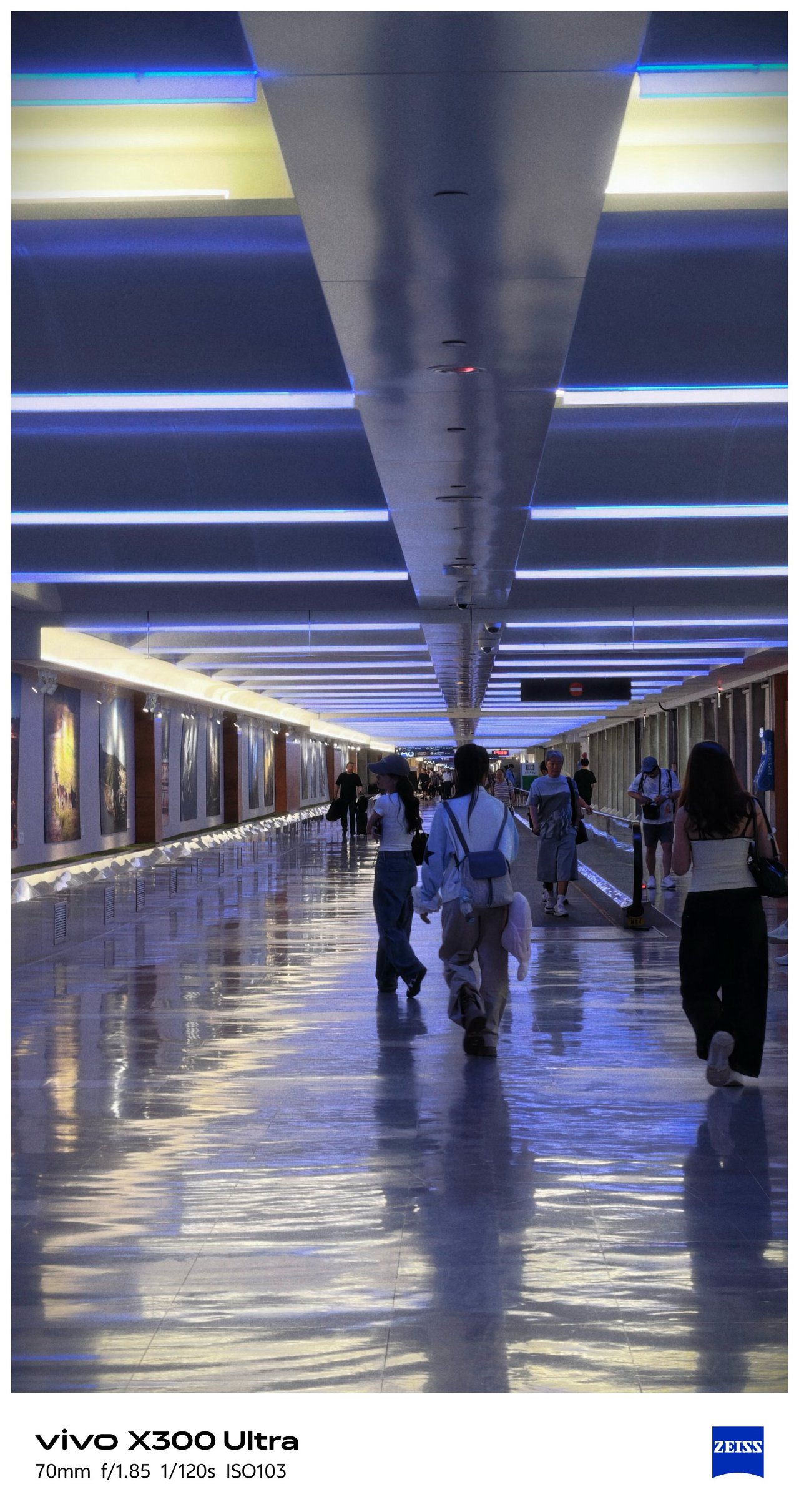




‼️ Bonus #1: COMPUTEX 2026
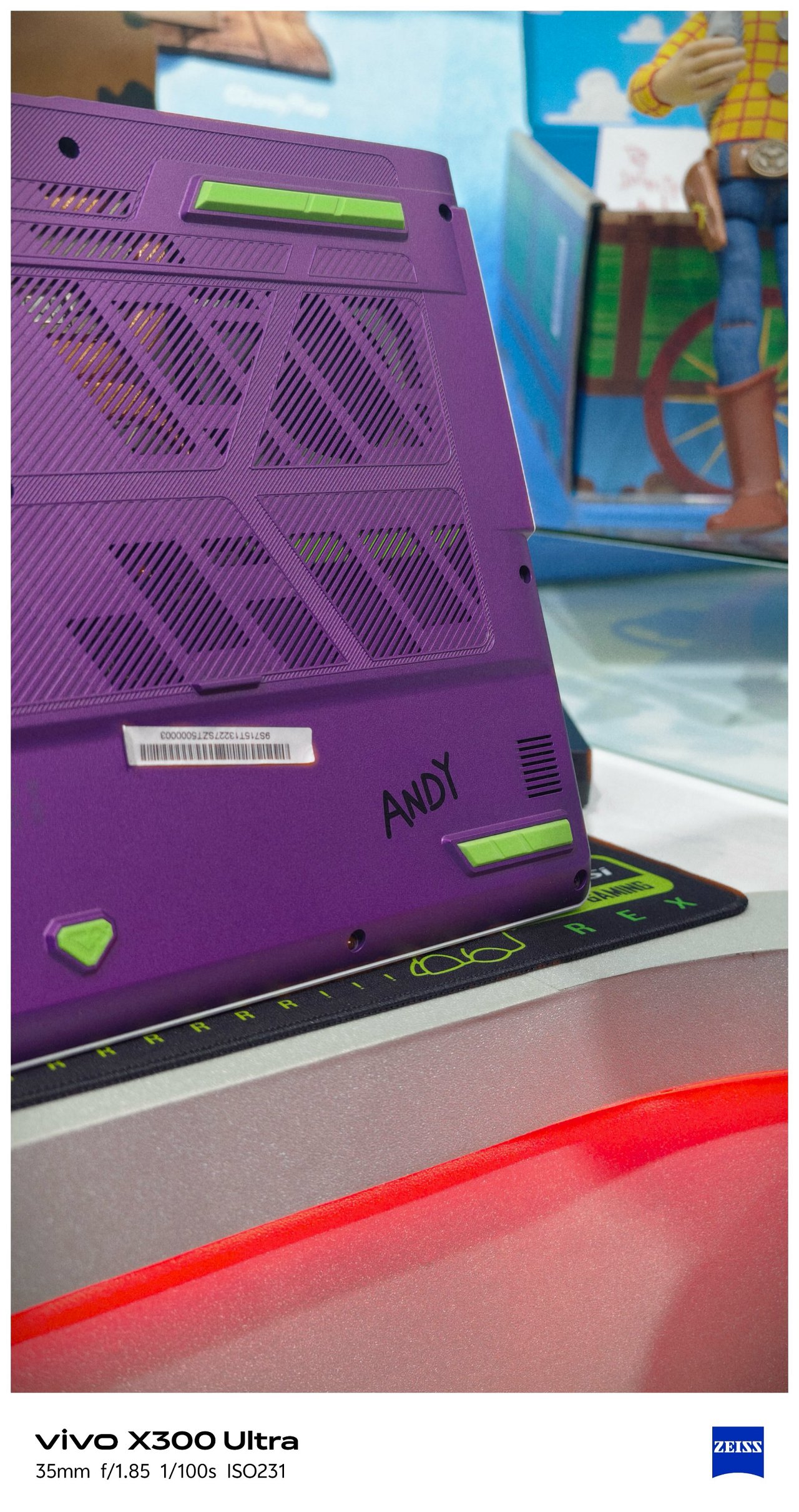
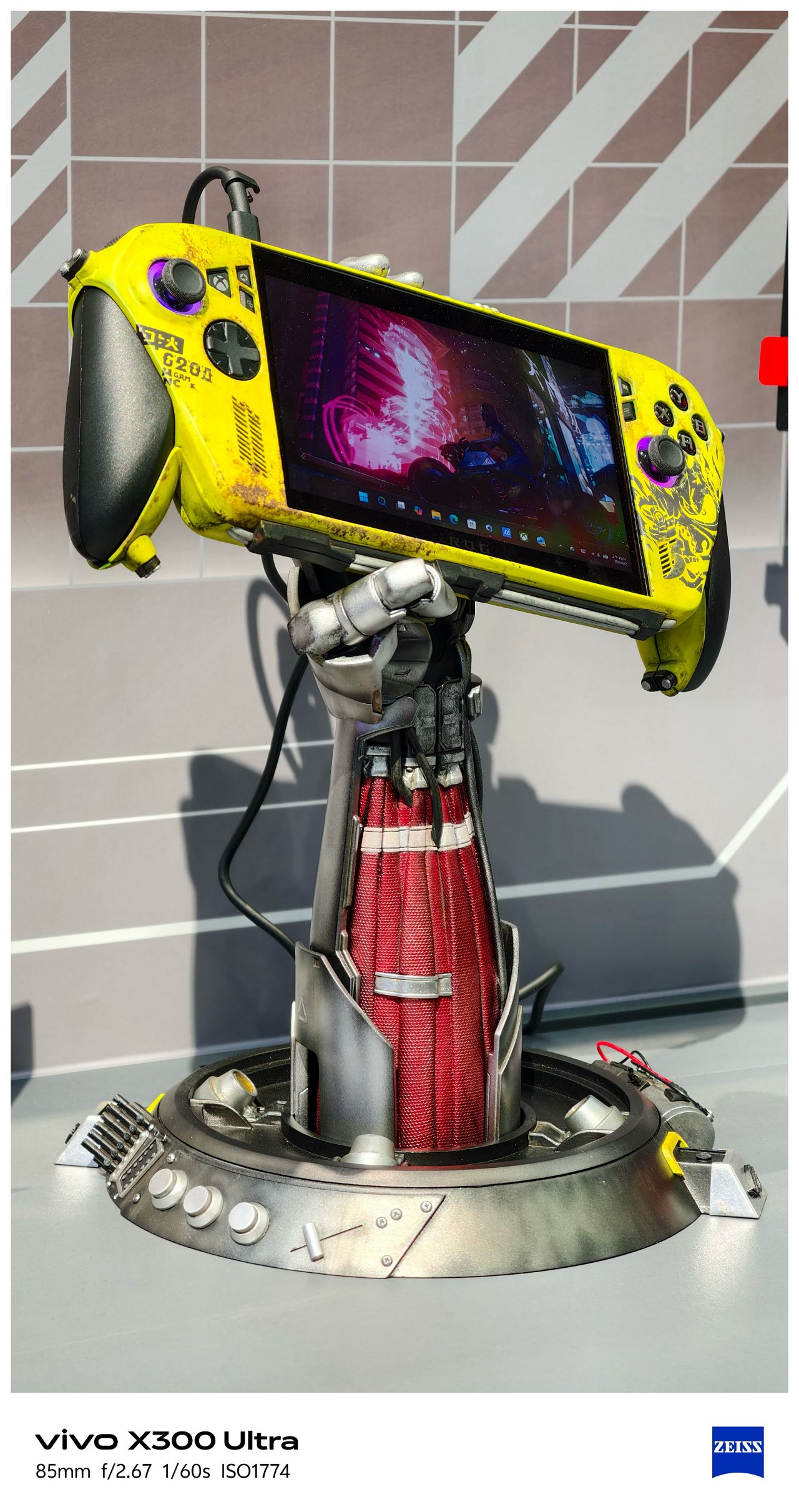

-
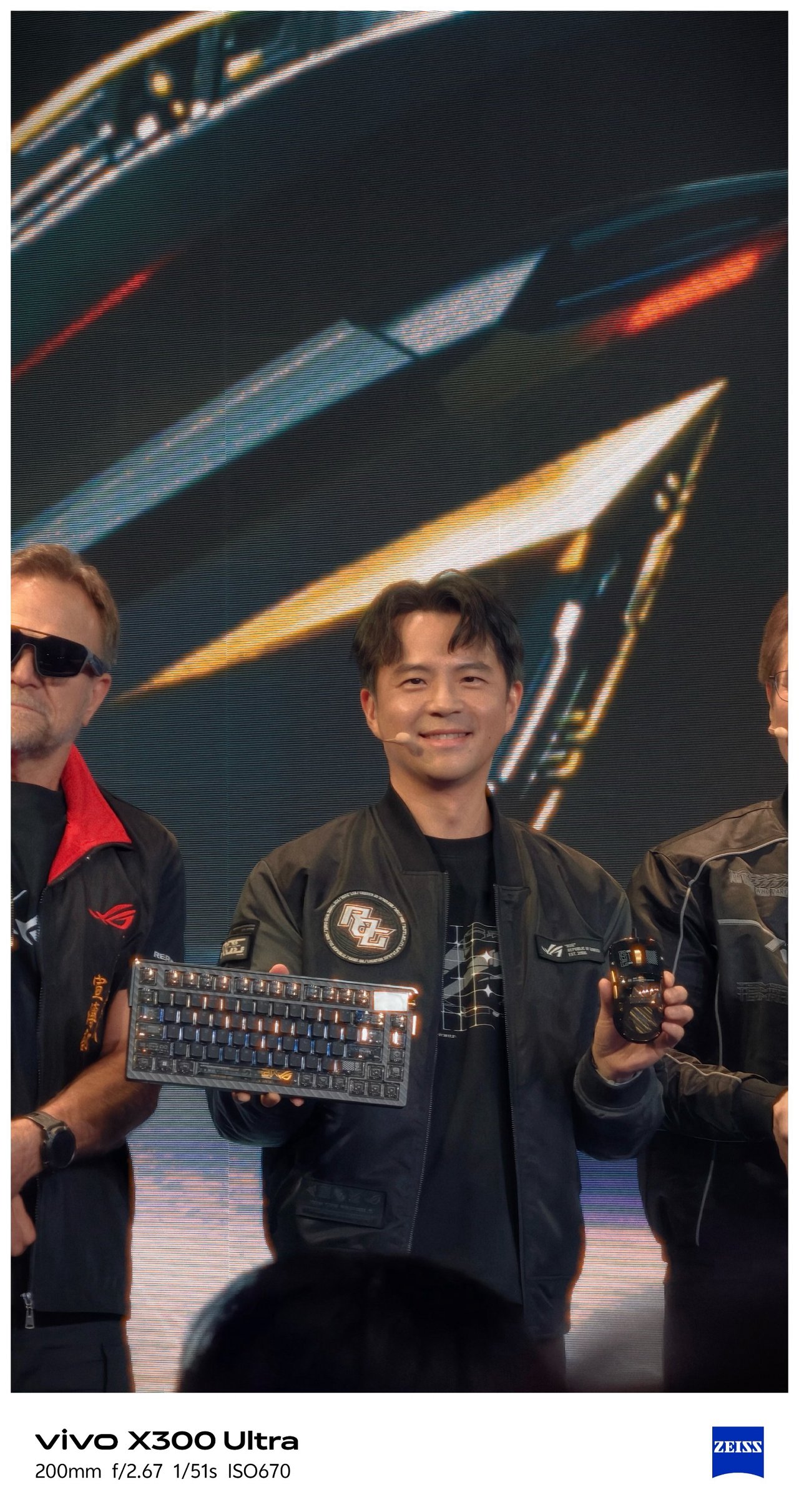
- Eye contact of ROG’s Kris Huang is melting me
-

- I mean???
SEE ALSO: Postcards from MSI’s 40th Anniversary Expo
‼️ Bonus #2: Selfies





🇰🇷 부산 / Busan
It’s funny how this phone was able to see Busan while its owner is still dreaming of seeing it with his own eyes one fine day.




As stated, I was not the person who traveled here (my friend took ’em for me), Still, I’m glad how these photos turned out all throughout her week-long trip in Busan.


Full-on FleXibility
With the newer G2 and G2 Ultra teleconverter lenses by vivo and ZEISS alongside the improved Grip Case produced by PGYTECH, it’s hard not to think the vivo X300 Ultra is a professional-looking mirrorless camera from afar.
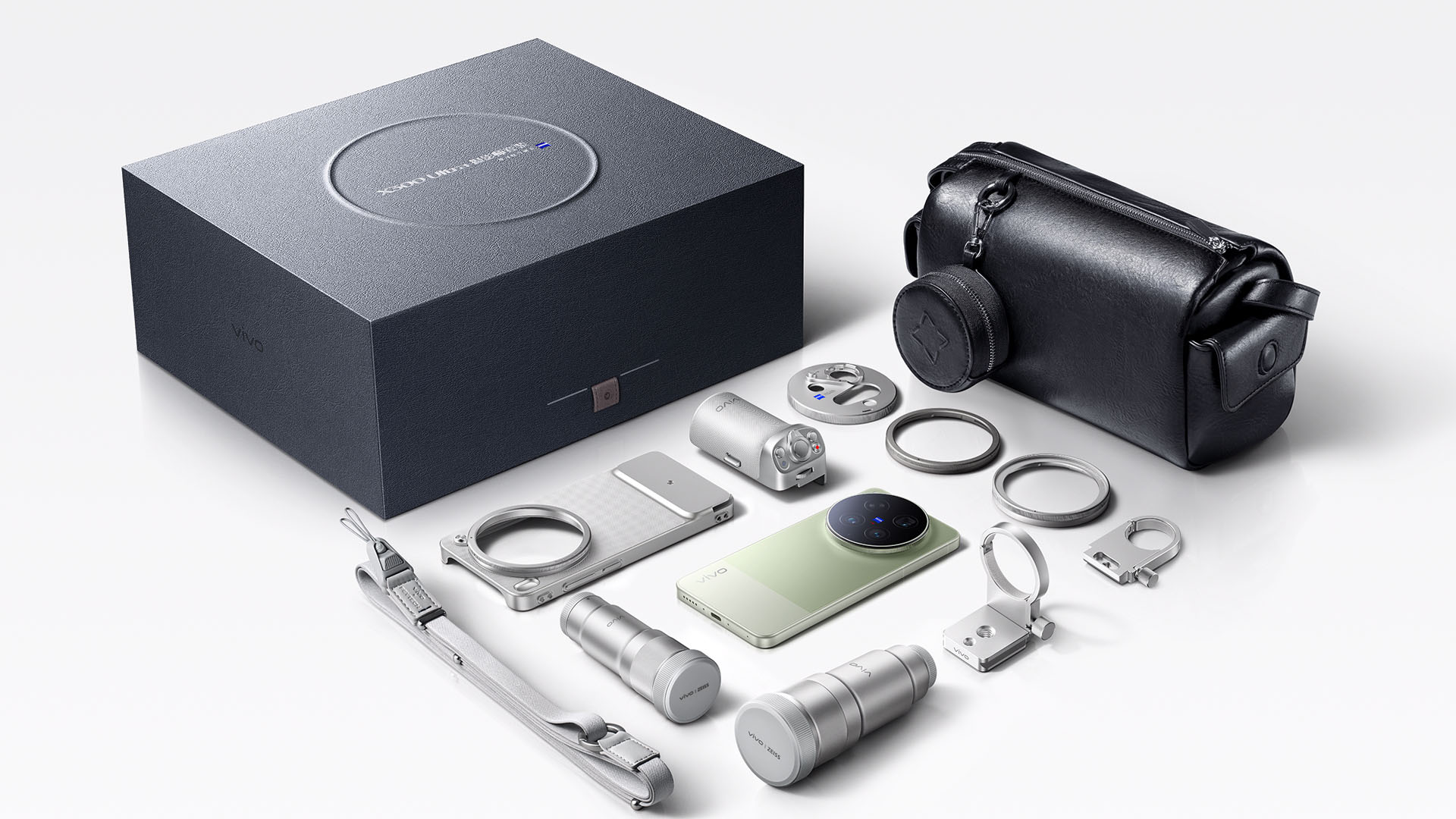
Unfortunately, we don’t have any of these X-tras with me.
Still, it would be a huge miss not to test out the built-in periscope prowess of the X300 Ultra on concert grounds.
🎵 260612 BTS ‘ARIRANG’ in Busan



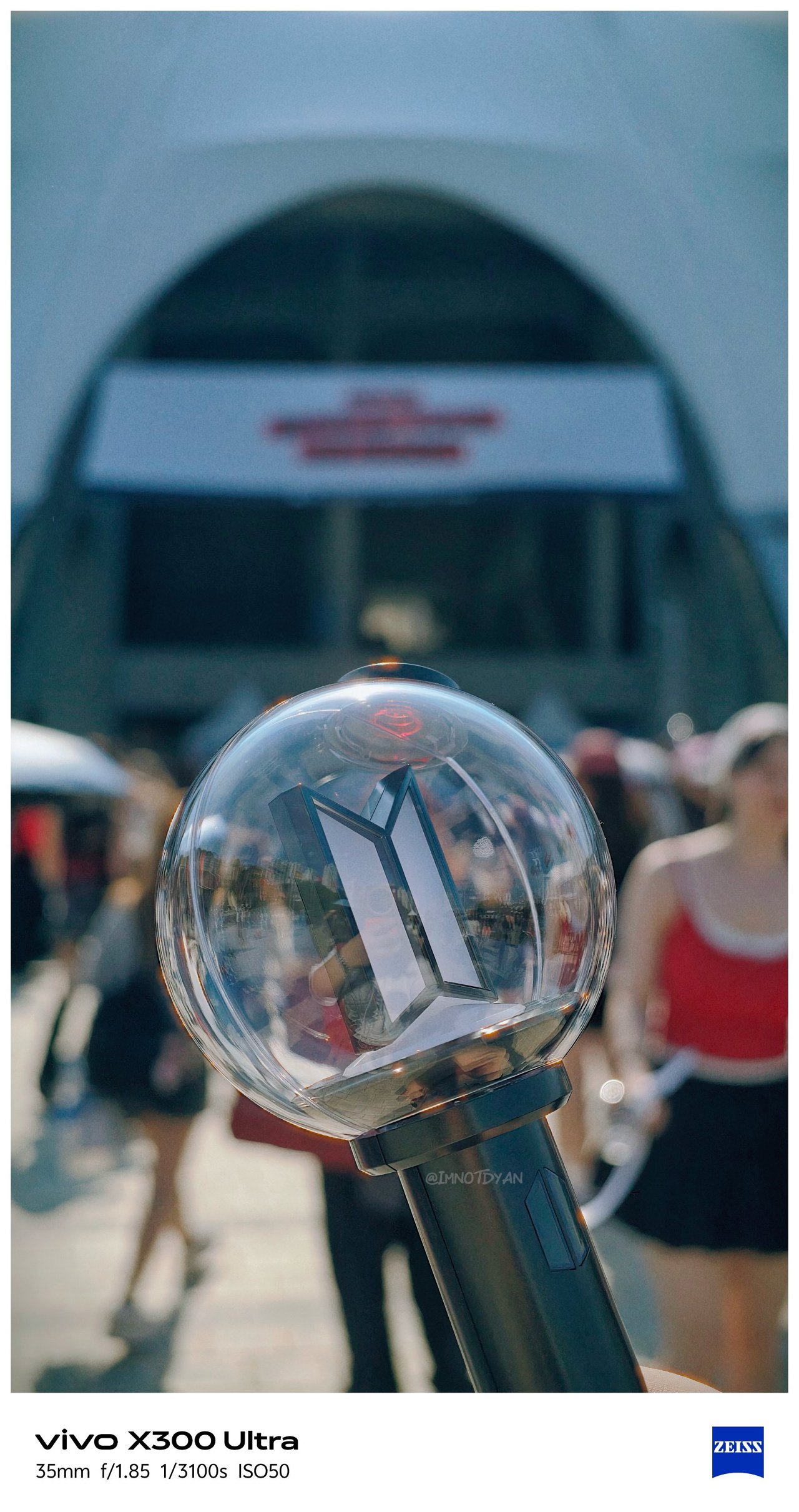

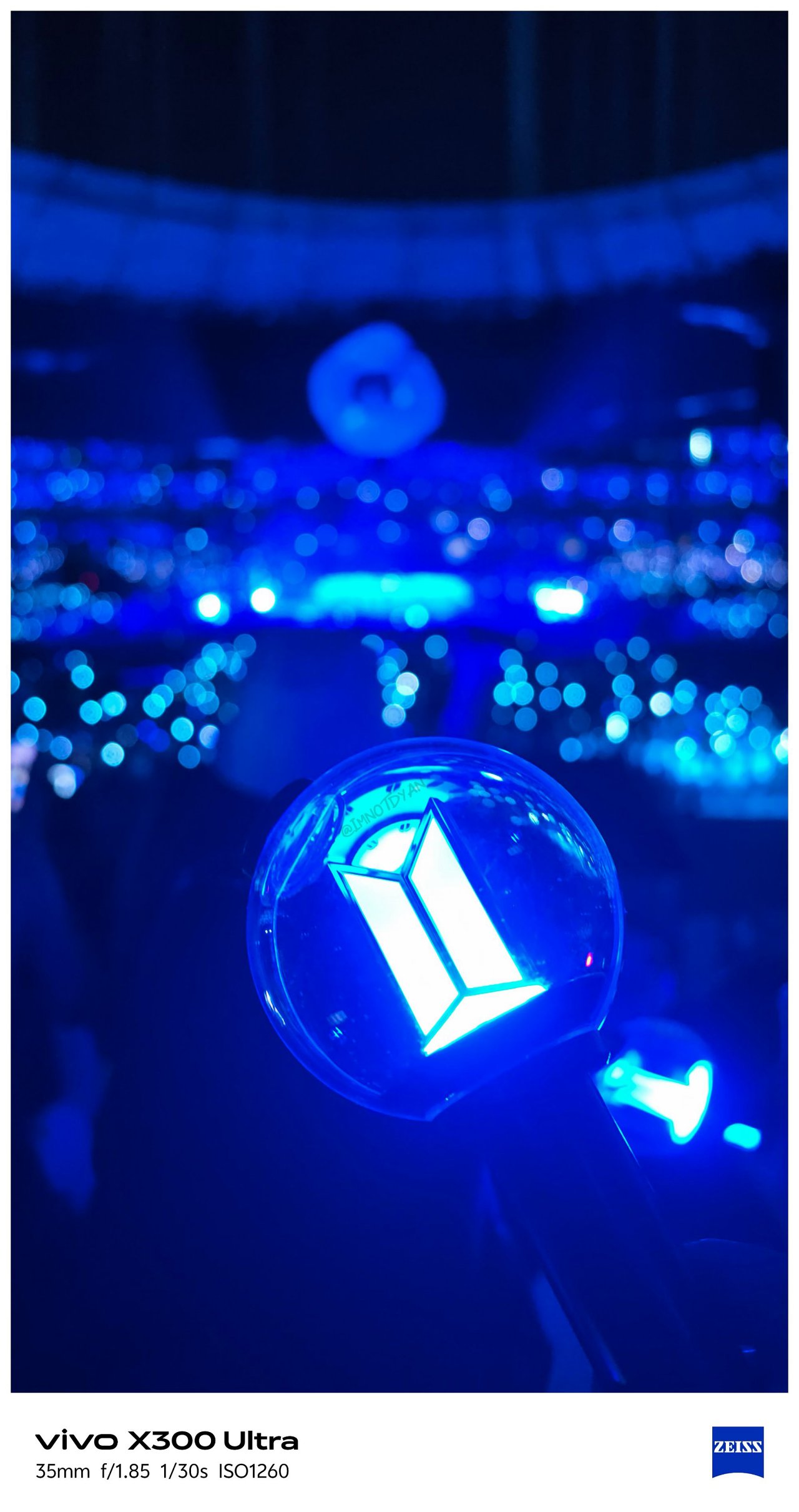

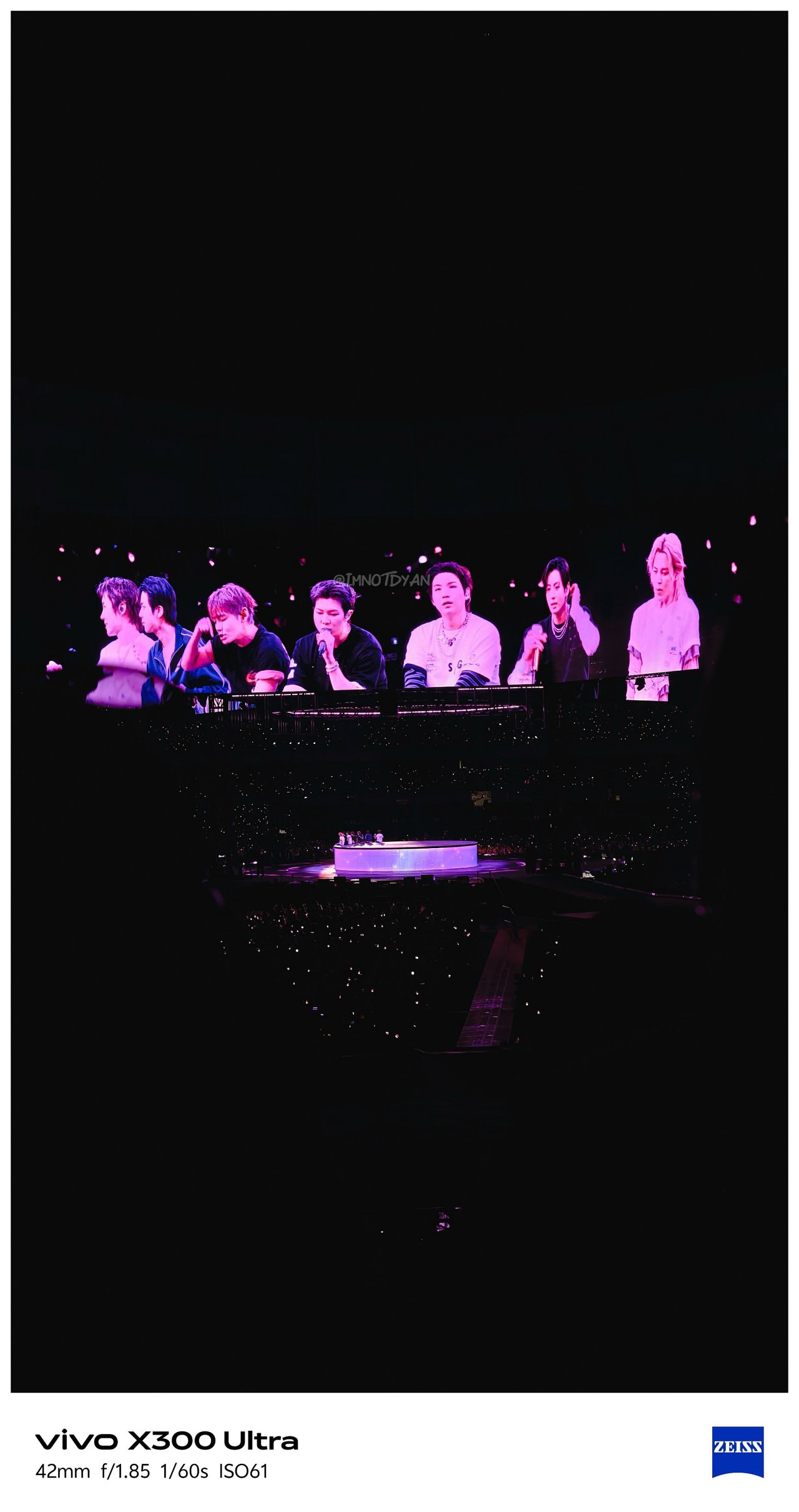
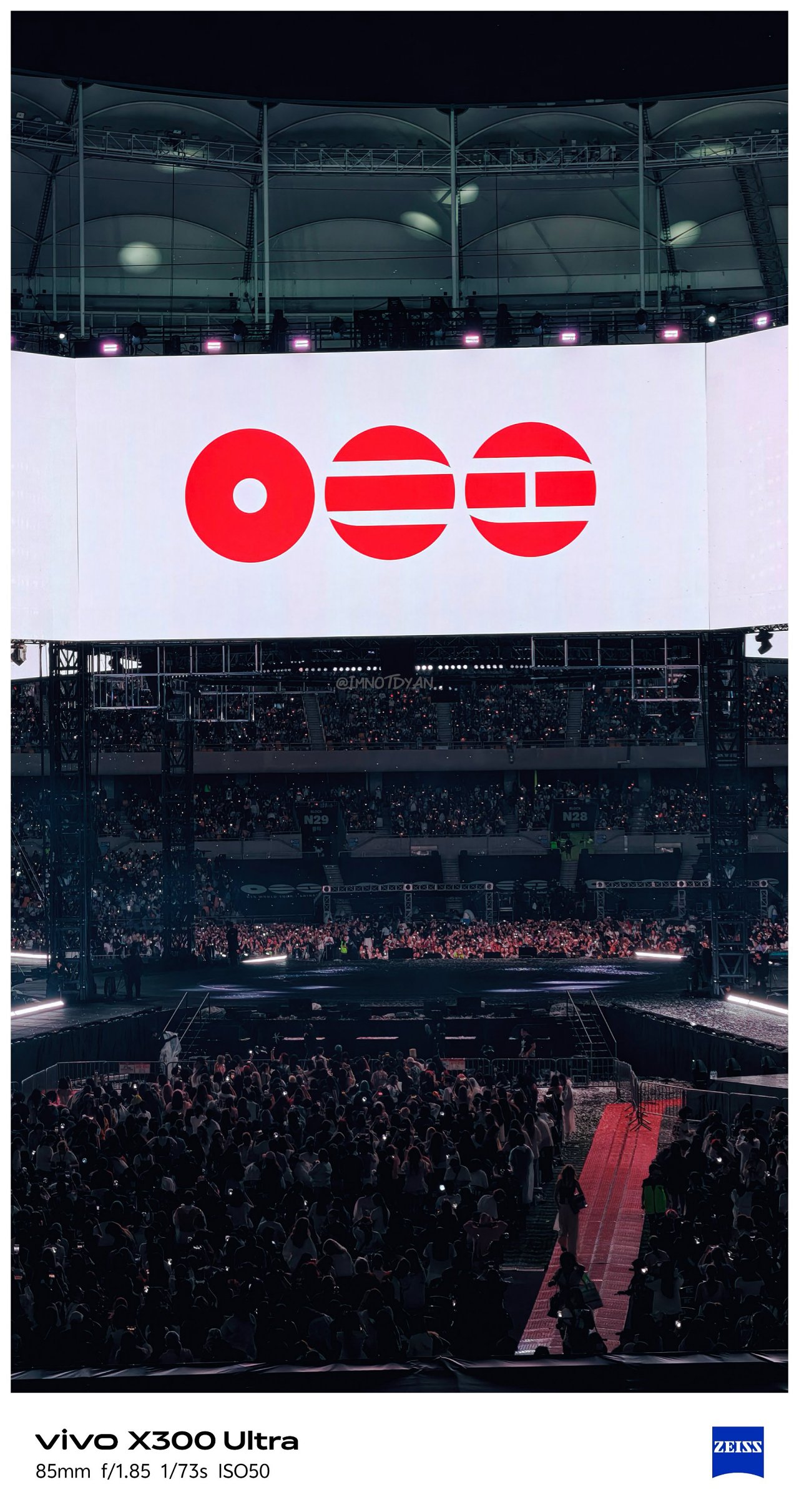
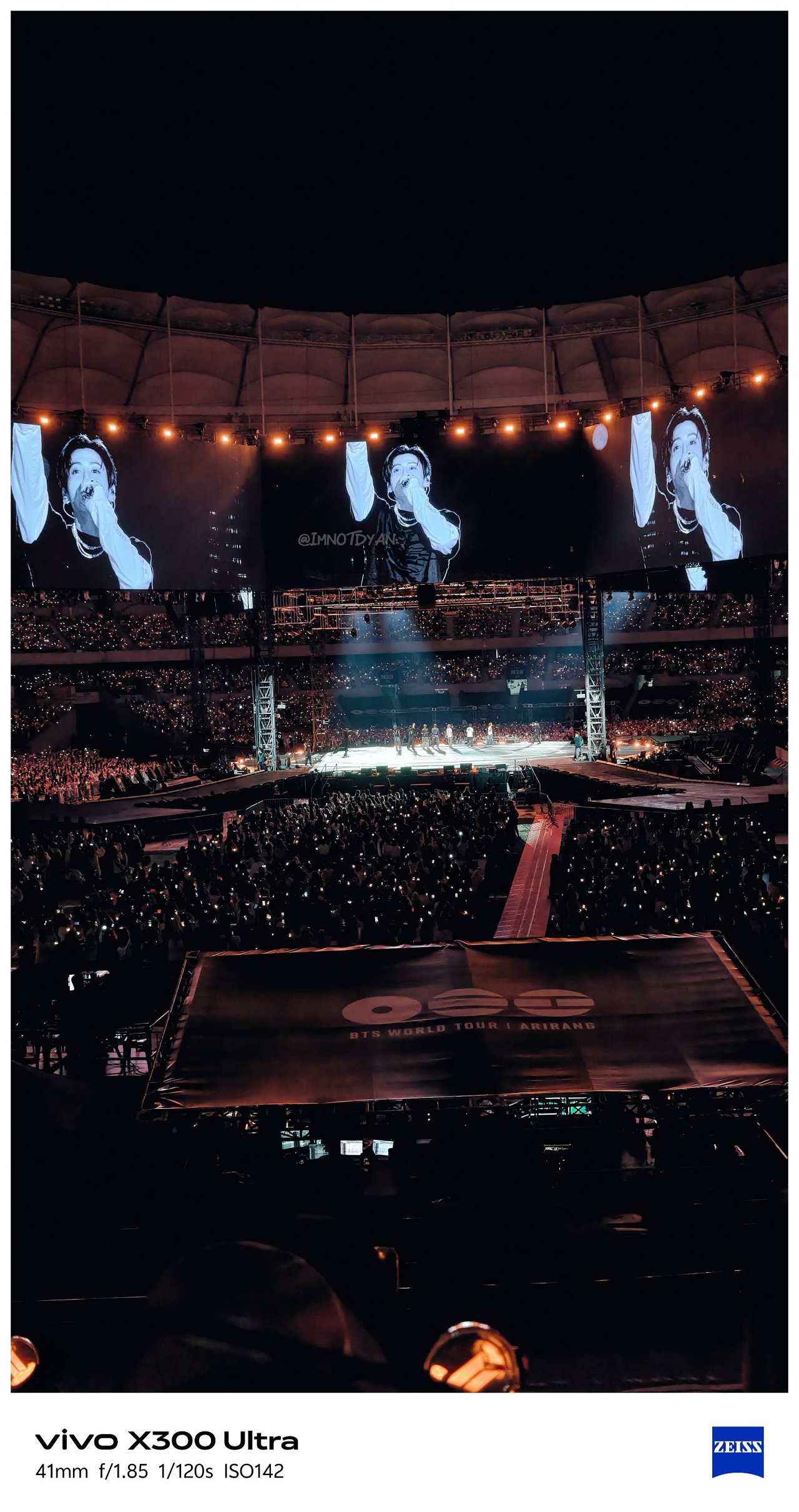
🎶 260425 IVE ‘Show What I Am’ in MNL






Video VerXatility
I’ve witnessed how vivo aimed to hit two birds with one stone by delivering a capable photo and video shooter like how Apple does with Pro-branded iPhones.
View this post on Instagram
vivo made the X300 Ultra rival the iPhone 17 Pro Max not just in photography, but in videography as well. This year, they have finally delivered.
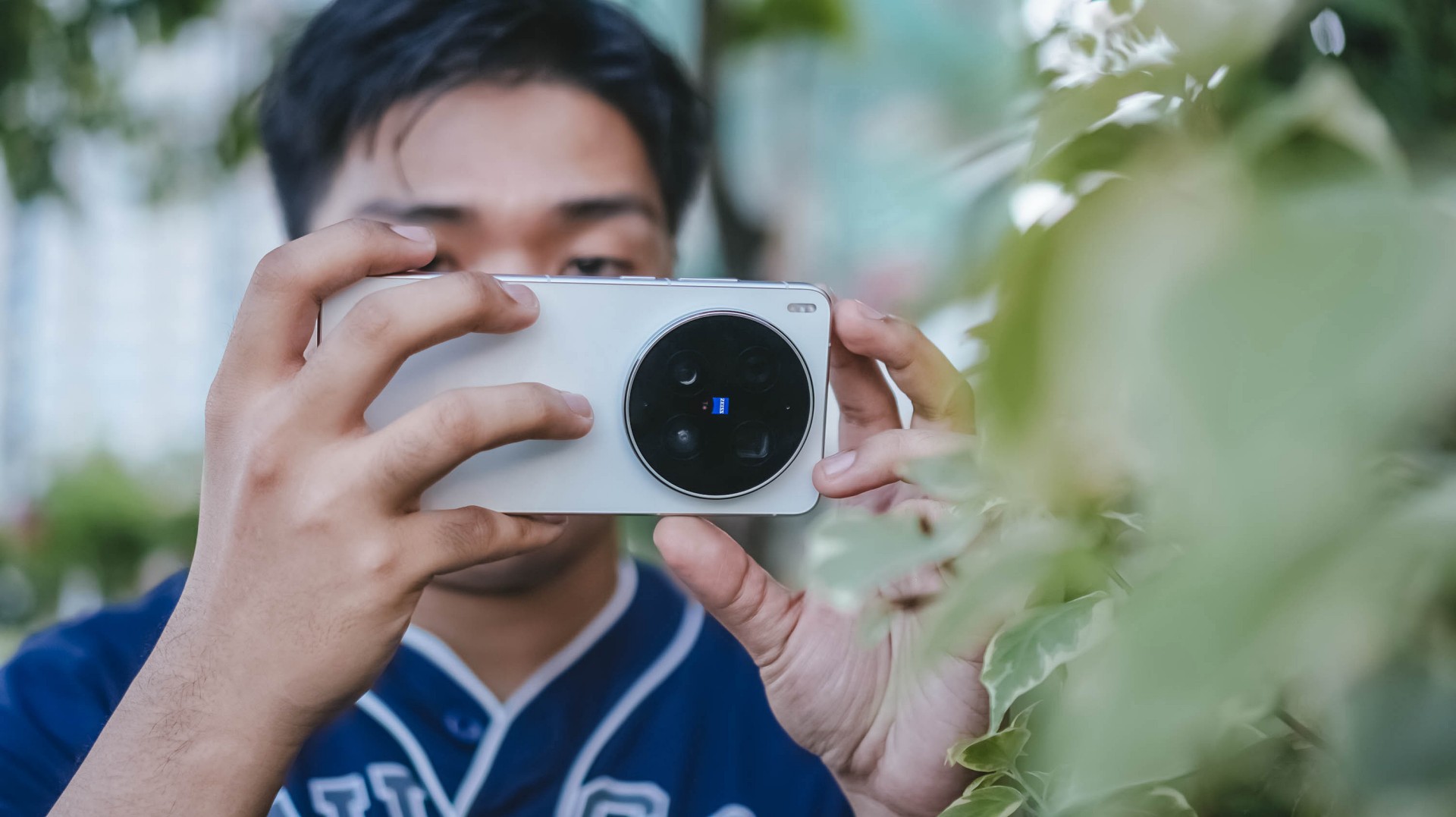
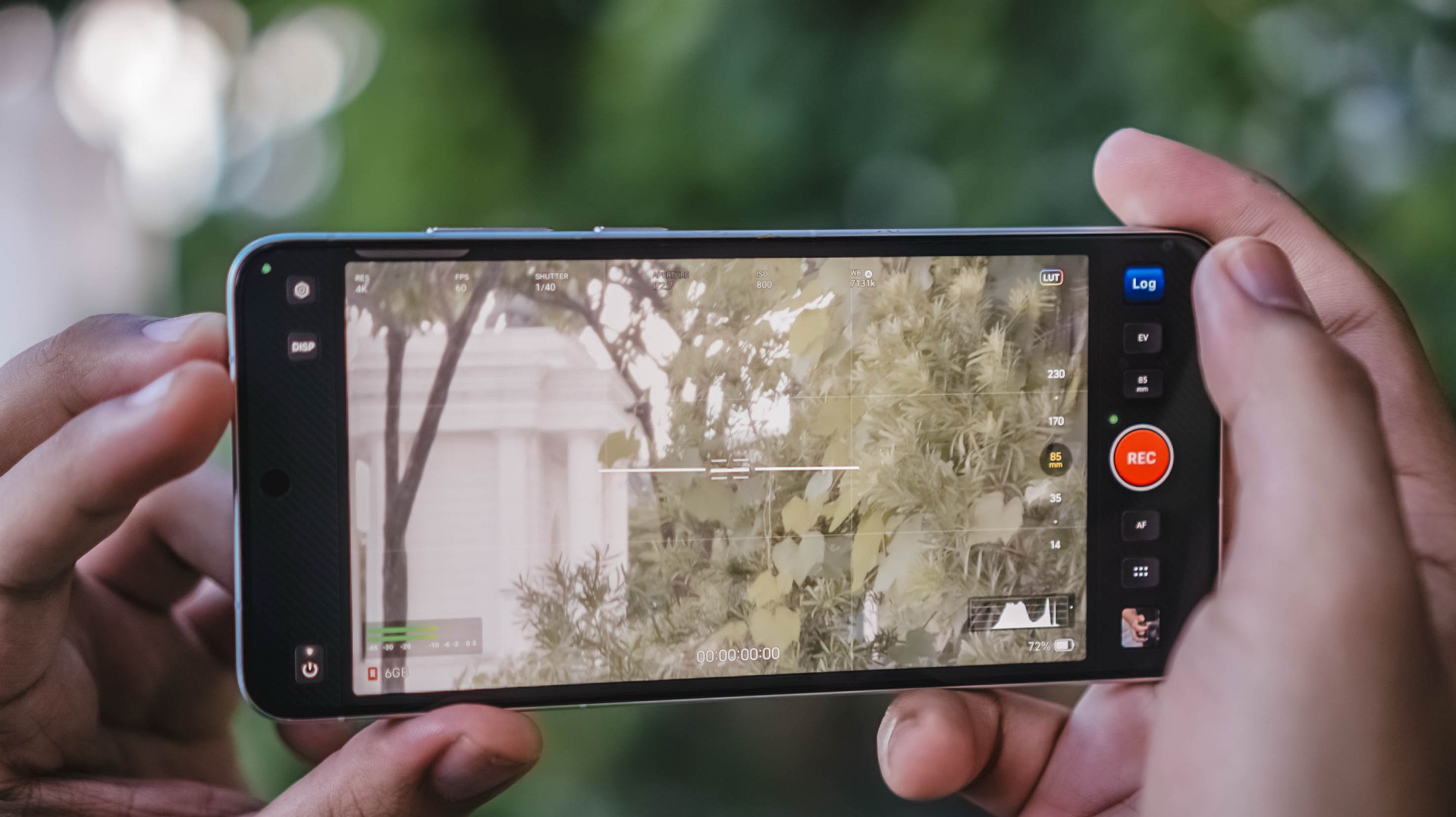
For one, there’s better lens versatility when shooting in 4K/120fps — regardless if it’s the default SDR (Rec.709) codec, Dolby Vision, or as extreme as Log recording. More so, slo-mo shooting will be smoother and clearer.
Additionally, low-light shooting, video stability, and even lens switching are all seamless.
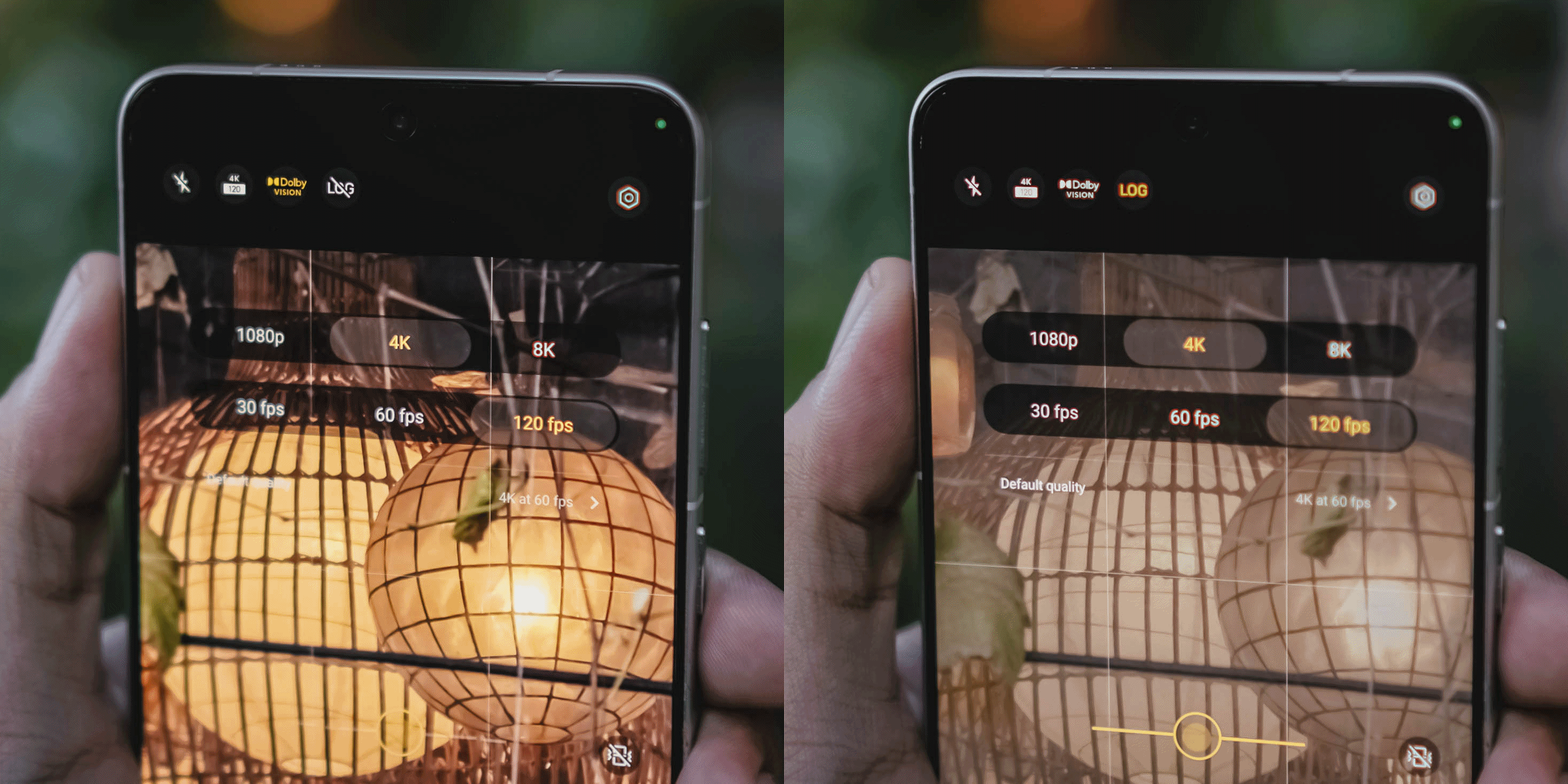
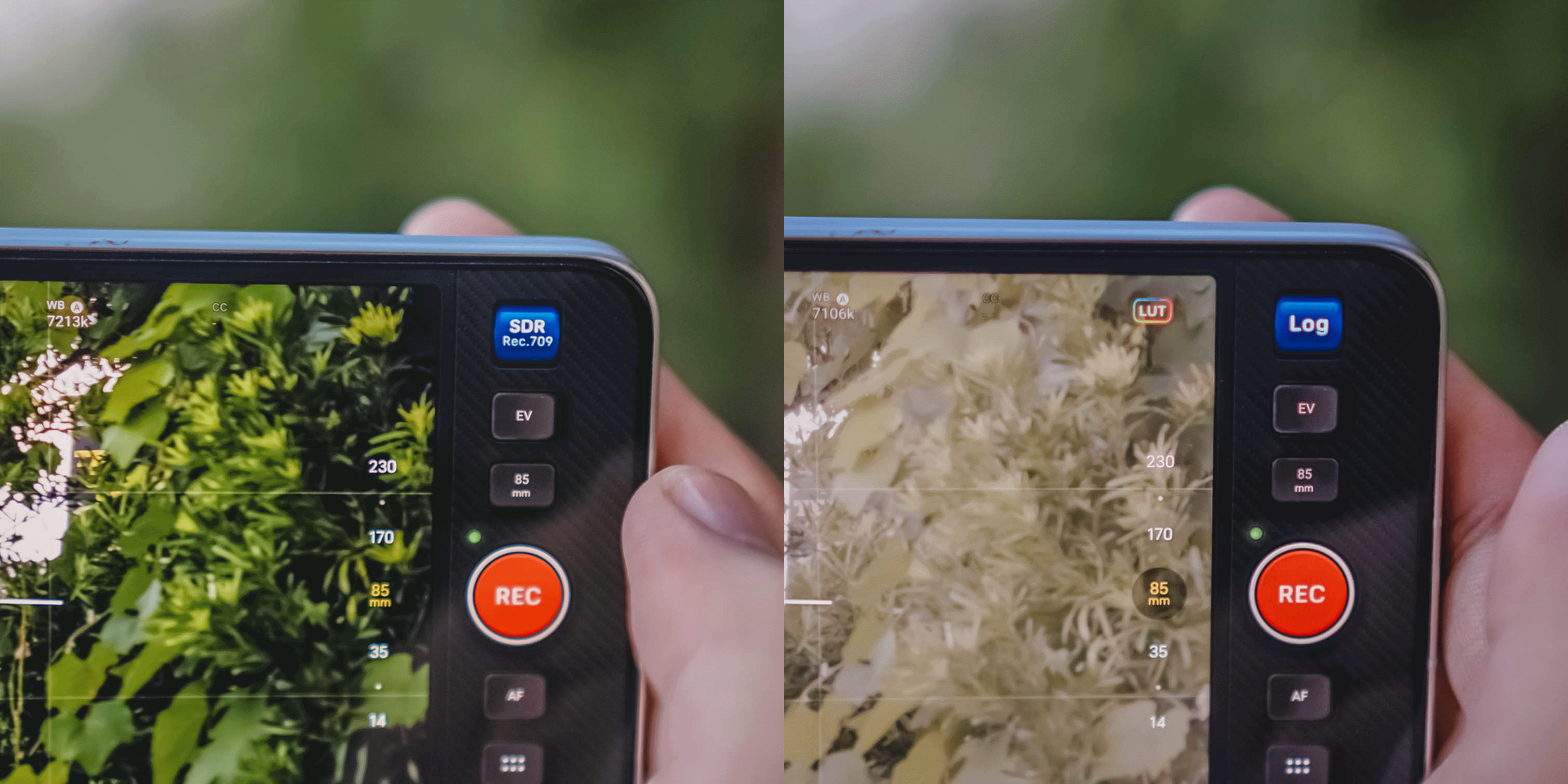
While I already enjoyed the video strengths of last year’s X200 Pro and X300 Pro, the X300 Ultra is remarkable and unbeatable.
Back to that custom color palette feature. Well, it also works in video shooting — making the vivo X300 Ultra an ultimate mirrorless sub.
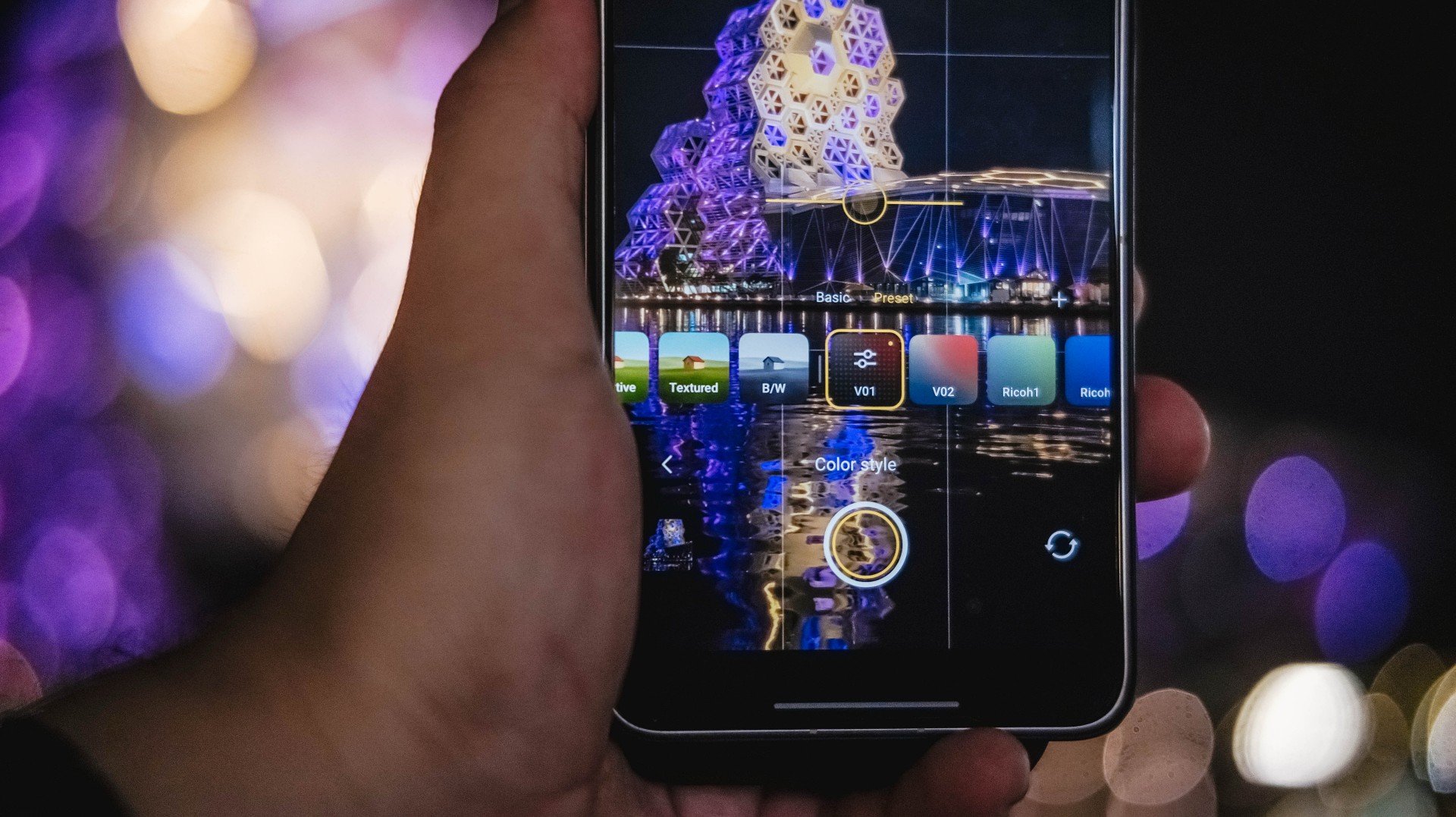
Admittedly, unlike MKBHD and most filmmakers out there, I’m never a fan of 24fps as I prefer shooting in 60fps or higher. However, the X300 Ultra made me think otherwise as I enjoyed such “cinematic” shooting made possible with vivo’s Film Style mode.
If you’re just the point-and-shoot type of shooter without wanting vivo’s default color styles or not “pro” enough to make your own color recipe, Film Look also exists for those cine-rich footages.
It does not stop there! vivo even added this more profesh-looking layout reminiscent of professional cine cameras.
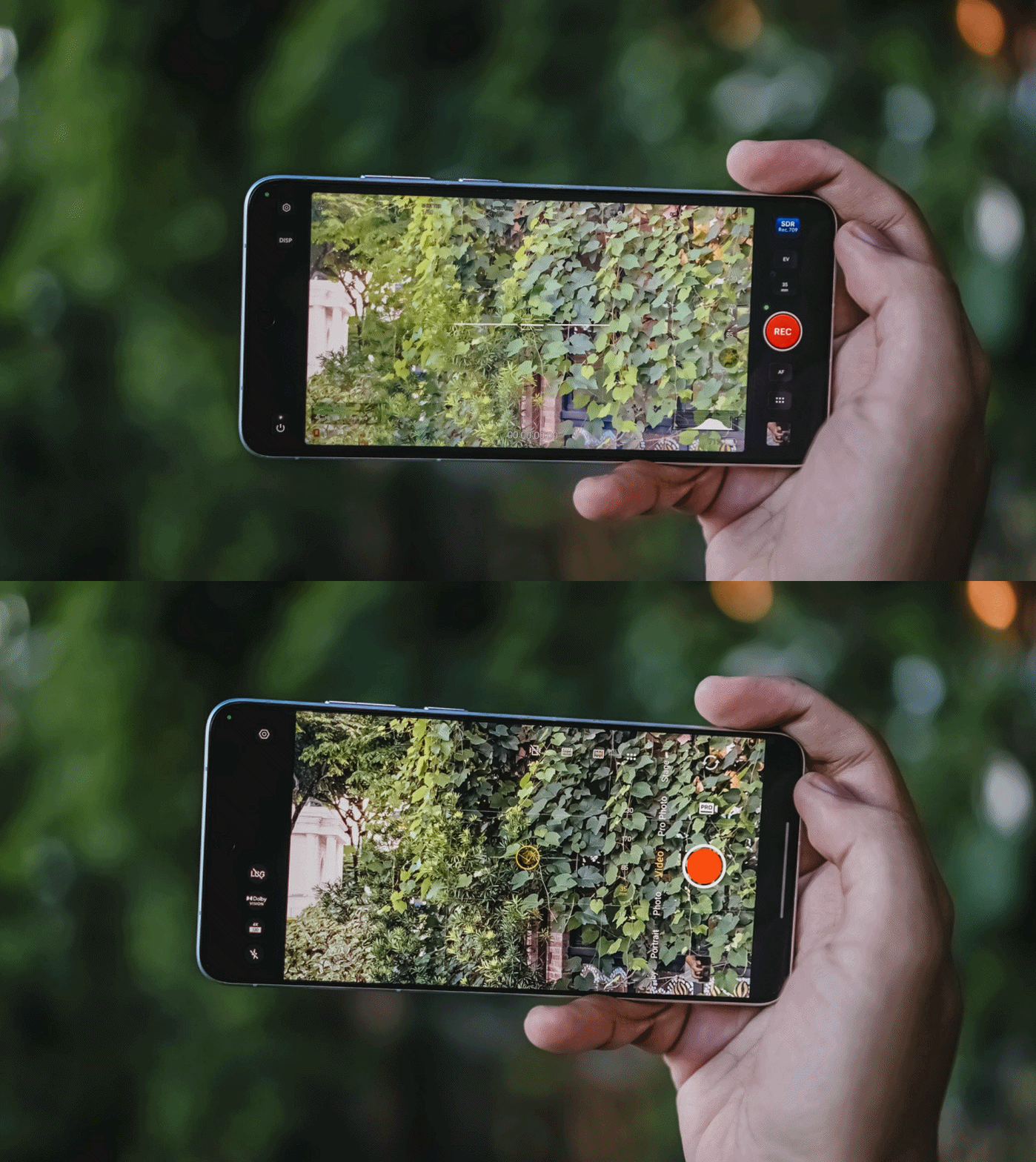
In all honesty, I only used it once since the texts are quite tiny, and adjusting controls were quite fiddly.
Clean and Lean
At first glance, the vivo X300 Ultra is nothing but subtle refinements.
Last year’s Rimowa-like texture of the X200 Ultra was gone in favor of that two-tone shade. Personally, I loved that design element more as it also serves as a functioning grip when held.
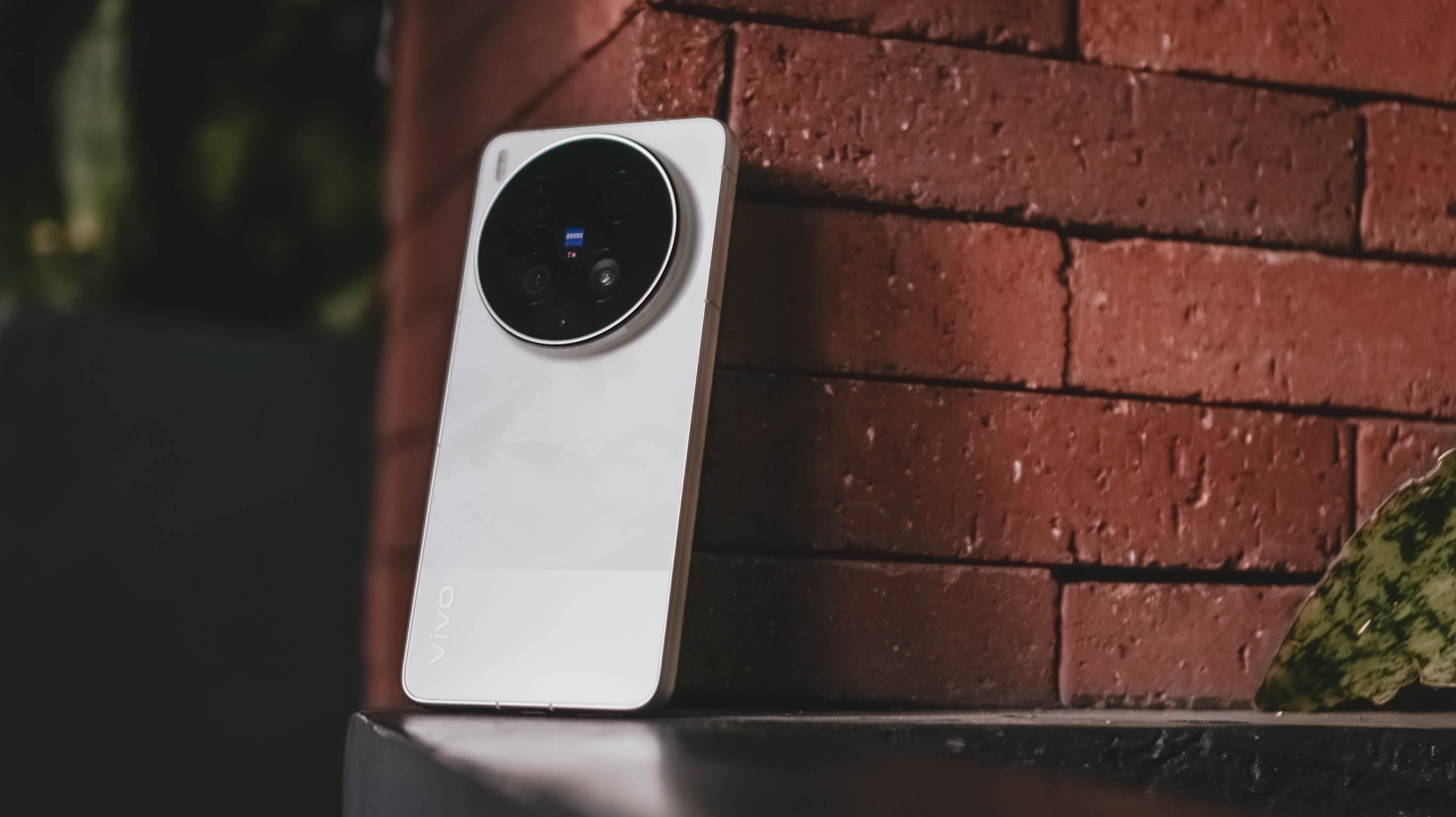
Moving through, while the Film / Steppe / Victory Green is closer to my heart, the White colorway given to me is still heaps better than the plain Eclipse Black shade.
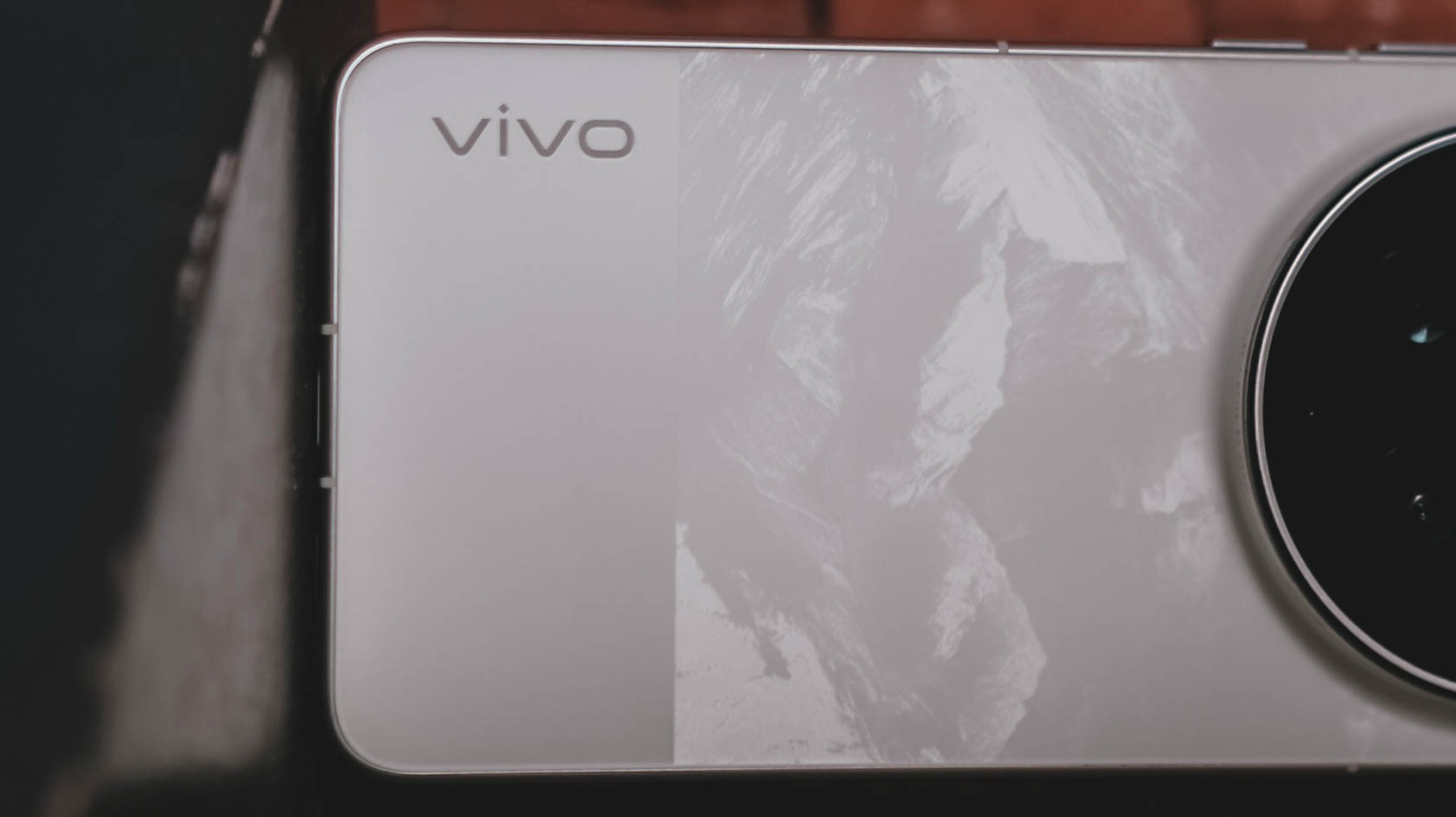
It’s not just clean-looking, the bigger part has that subdued, mountain-like pattern faintly showing up when hit by light.
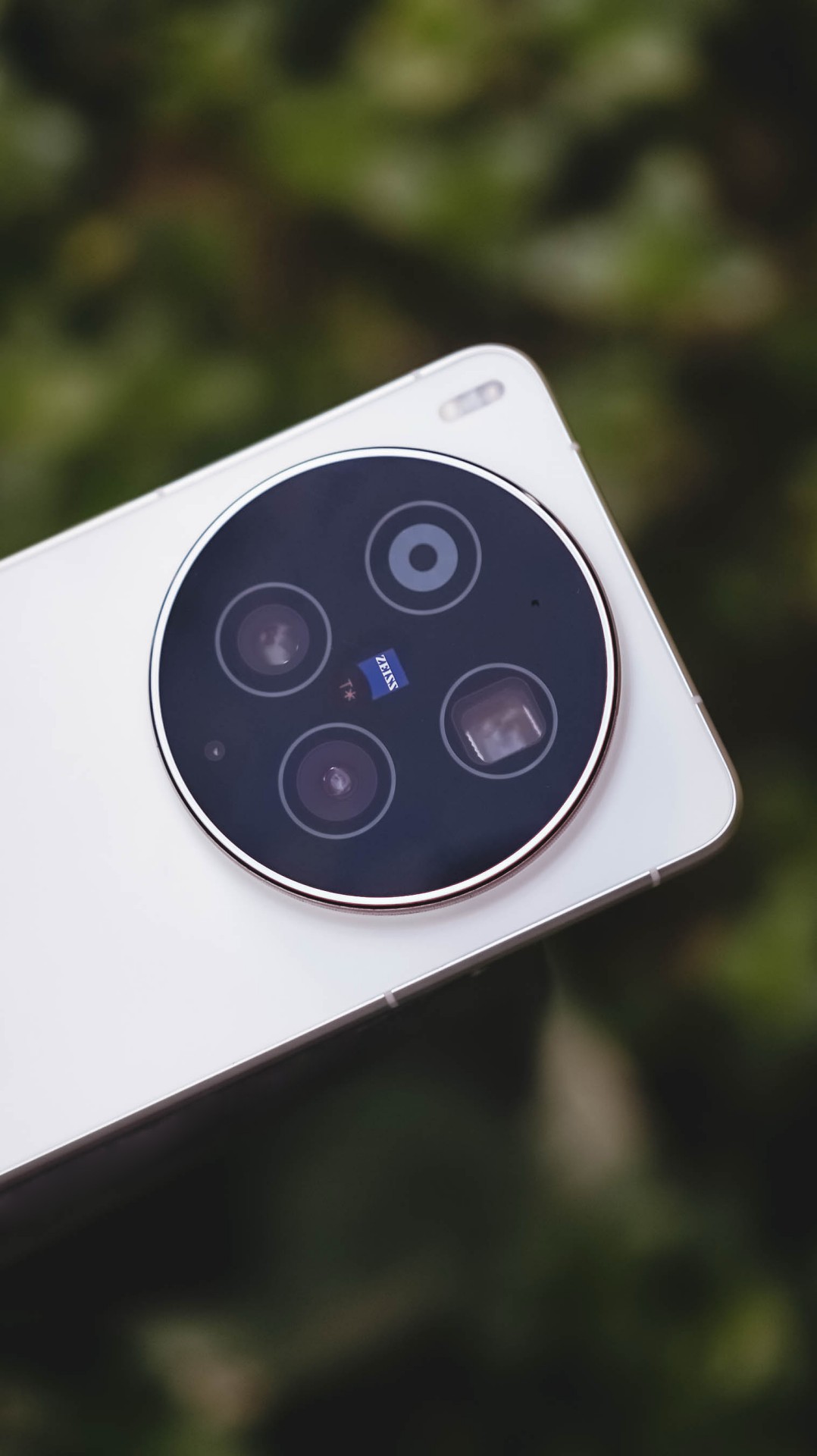

I’ve always been fond of massive circular camera cutout — vivo X-series not left out. Gladly, vivo still stuck with this design.

vivo X300 Ultra (above) vs X300 Pro (below)
Now, before you jump on that hump hate train, it’s great to appreciate how vivo engineers were able to fit all these massive camera components within.
I don’t mind the thiccer, protruding camera bump versus its Pro sibling. After all, it serves both form and function especially that it makes a great resting place for my finger when held one-handed.

At 8.49mm and 237 grams, it’s not too slim and hefty enough to avoid those unwanted drops and slides that I experienced frequently with the previous X200 Pro and X300 Pro.
#NowPlaying: The Legend of Kitchen Soldier, The WONDERfools
Flipping to its front shows the X300 Ultra’s 6.82-inch 144Hz LTPO AMOLED panel.
In the entirety of this review period, I was able to start and end The Legend of Kitchen Soldier starred by Park Ji-hoon — one of my ultimate biases (and crushes) both in the K-Pop and K-Drama world.

One of the best and most hilarious K-Dramas ever existed, periodt.
From the series’ cool video game-like VFXs à la smart glasses, mouthwatering cooking mastery, all the way to the hilarious, comedic snippets in between, it’s hard to deny how immersive it gets the longer you stare at that screen.

The bezels are impossibly thin for an Android smartphone.
Admittedly, I’m impatient when it comes to bi-weekly broadcasts (or two episodes being aired per week). Luckily, the one-time full release of Netflix’s The WONDERfools headlined by the amazing Park Eun-bin alongside the irresistible Cha Eun-woo made me sane.
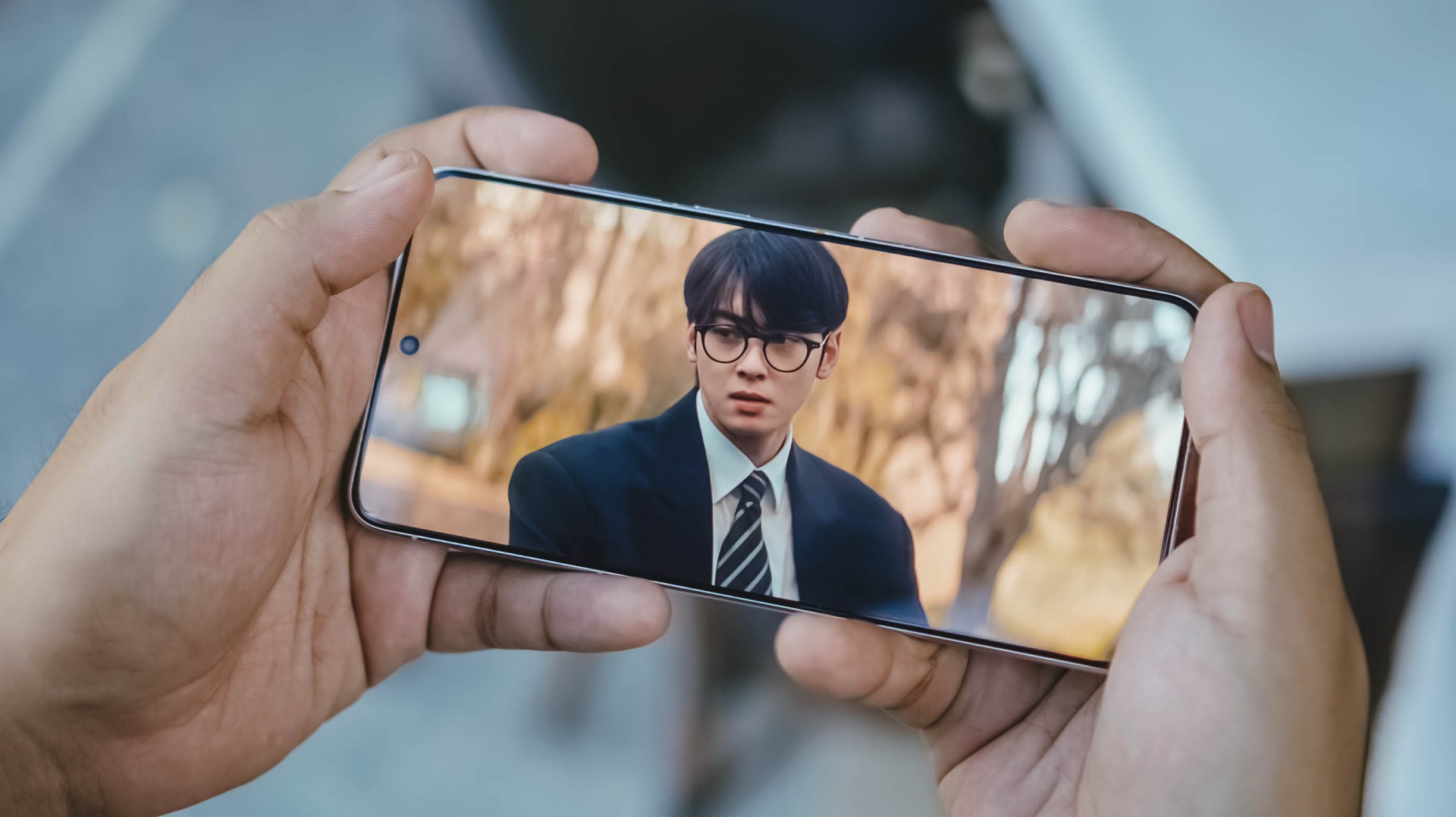
This further tested its display strengths when I tried watching it against the harsh sun.
Just like the Legend Kang Sungjae and the Haeseong WONDERfools, X300’s Ultra display is legendary and wonderful on its own. 4500 nits peak brightness, 2K resolution, pixel density of 510ppi, and support for DCI-P3 Wide Color Gamut, what more could I ask for?

It would be a huge denial on my end though if I didn’t say I want a bigger 6.9-inch display in order to fully feel its “Ultra” naming superlative — just like how Samsung, Xiaomi, and Apple made it possible with their Ultra (or Pro Max) models.
On Queue: I.O.I, NMIXX, tripleS
Sound produced by vivo’s X300 Pro were already loud and full. How much more with the X300 Ultra?
It’s hard to say that there are major improvements. Rest assured, its built-in stereo speakers sound superb.
Highs, mids, and lows are clearly separated without that unwanted flat nor muffled sound output.

Speaking of separation, I.O.I has been separated 10 years ago but came back this 2026 for a short yet sweet reunion comeback. I was very giddy to play Suddenly through the phone’s mighty speakers.
Suddenly, it made me teary-eyed after realizing I’ve witnessed I.O.I’s hardships and very formation ever since I watched Produce 101 Season 1 since 2015.
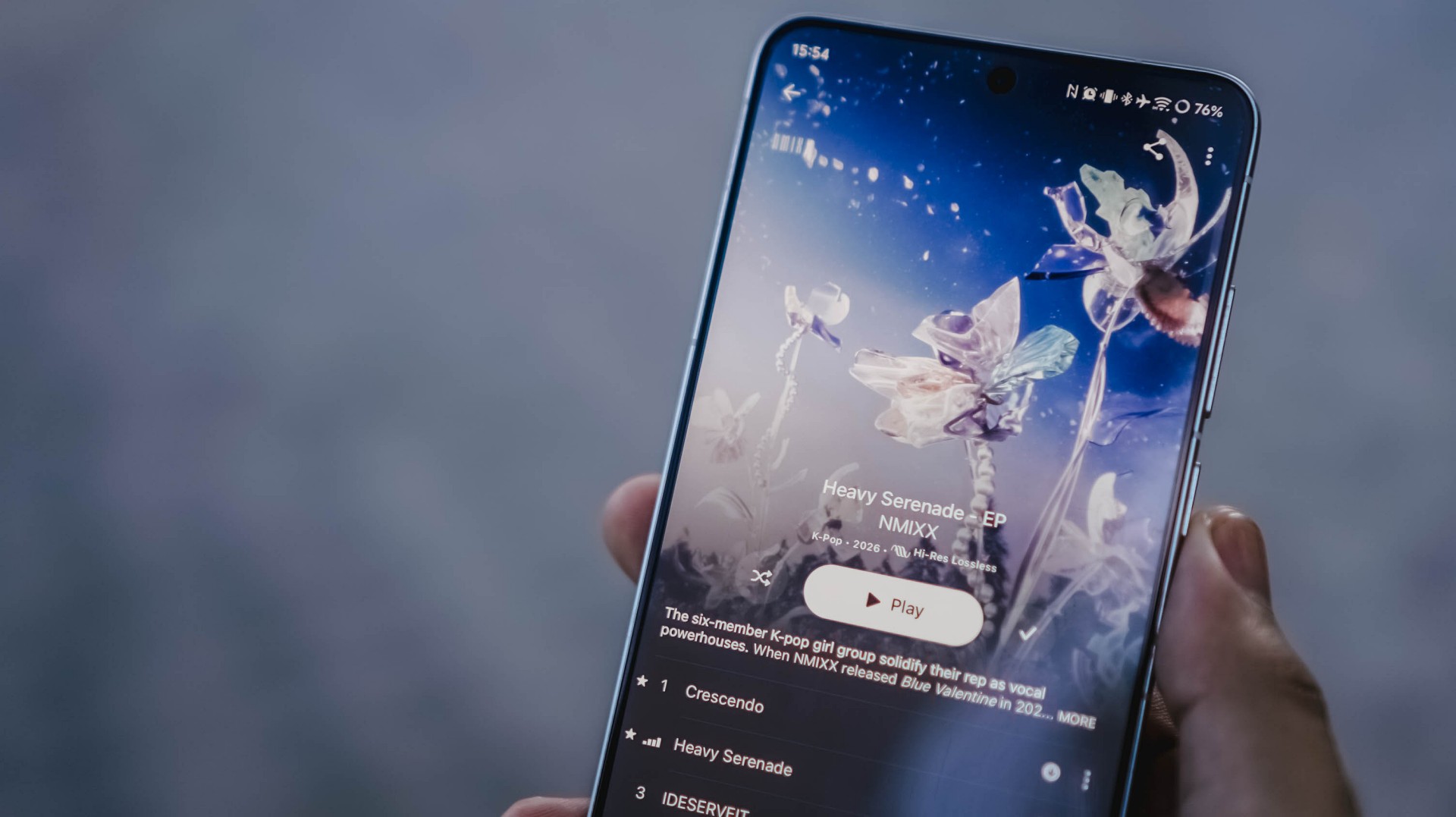
Thanking all the gods for NMIXX’s existence
The lossless goodness can also be heard when I played NMIXX’s Cresecendo and Heavy Serenade — especially with Lily, Sullyoon, and Kyujin’s adlibs.
Last but definitely not the least, the soothing yet energizing vibe was felt all throughout when I played the rock-infused pop track Baby Flower by the K-Pop super group, tripleS.
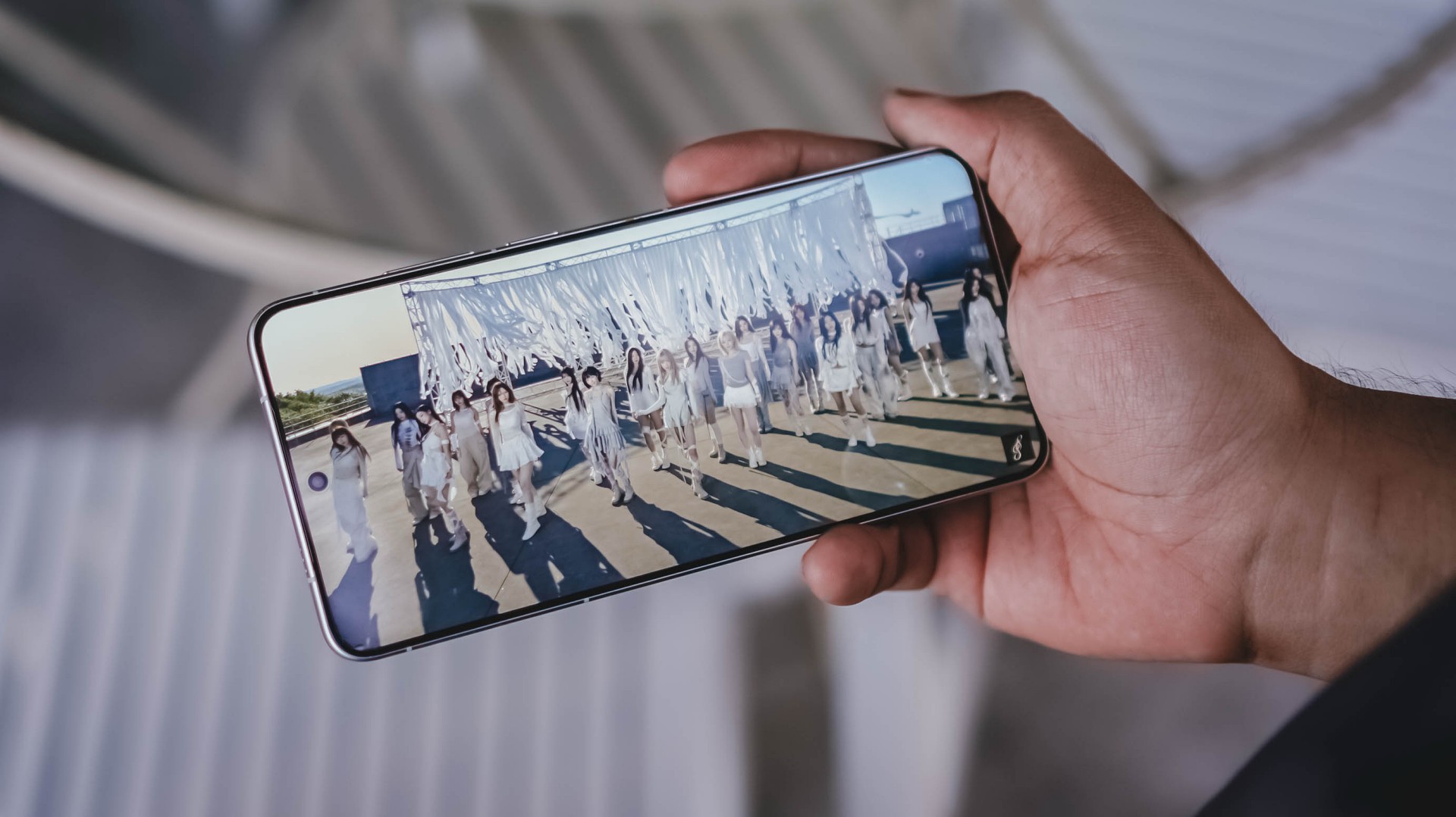
Finally! OT24 and ASSEMBLE26
It’s not just the song, rather, the full <LOVE&POP> pt.1 album, that’s worth listening to more than the streams they have garnered from their release date.
All in all, much like all these explosive bangers, the vivo X300 Ultra is a remarkable device for your banging loudspeaker sessions — even without the existence of any audio brand partnership.
True Blue Flagship
With flagship-grade display and cameras lie all the powerful core within.
Given that this is vivo’s ultimate flagship, it runs the latest and greatest 3nm SoC from Qualcomm: Snapdragon 8 Elite Gen 5.
Paired with a speedy 16GB LPDDR5X Ultra Pro memory, opening and switching or using apps simultaneously should be easy-breezy.

With OriginOS 6, animations are less fluid yet very snappy. I prefer it more over other Android skins (ColorOS, MagicOS, HyperOS, you get the idea).
Talk about perfect timing! I was thrilled when NTE (Neverness to Everness) finally made its release last May.
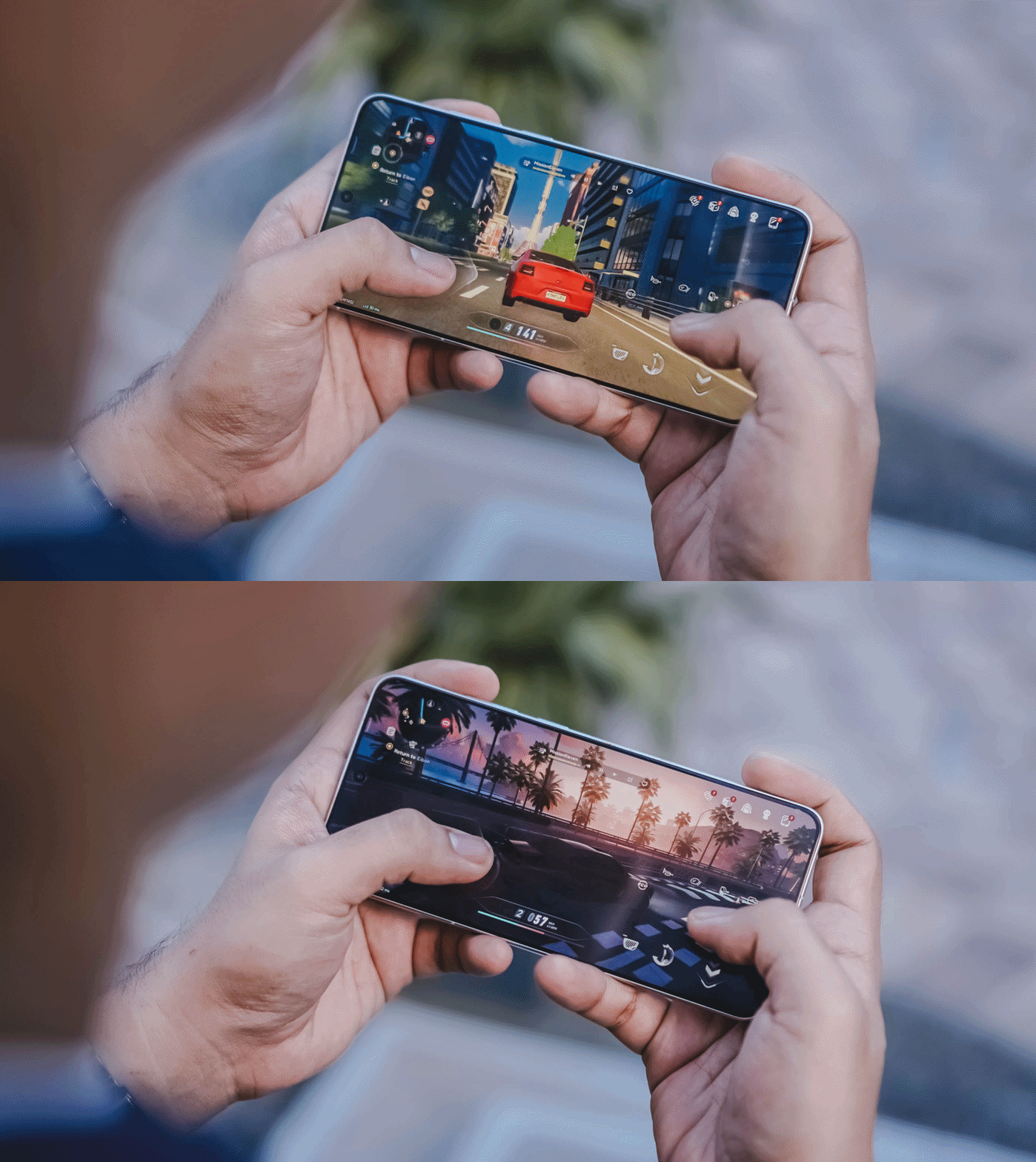
With this phone’s ultra-capable specs, it made me enjoy the all-new open-world game more fun and enjoyable. It’s like a mashup of Zenless Zone Zero and Cyberpunk 2077.

Looking at the graphics settings alone, you’re assured that the X300 Ultra will run the most intensive gaming titles to ever exist on the Android space.
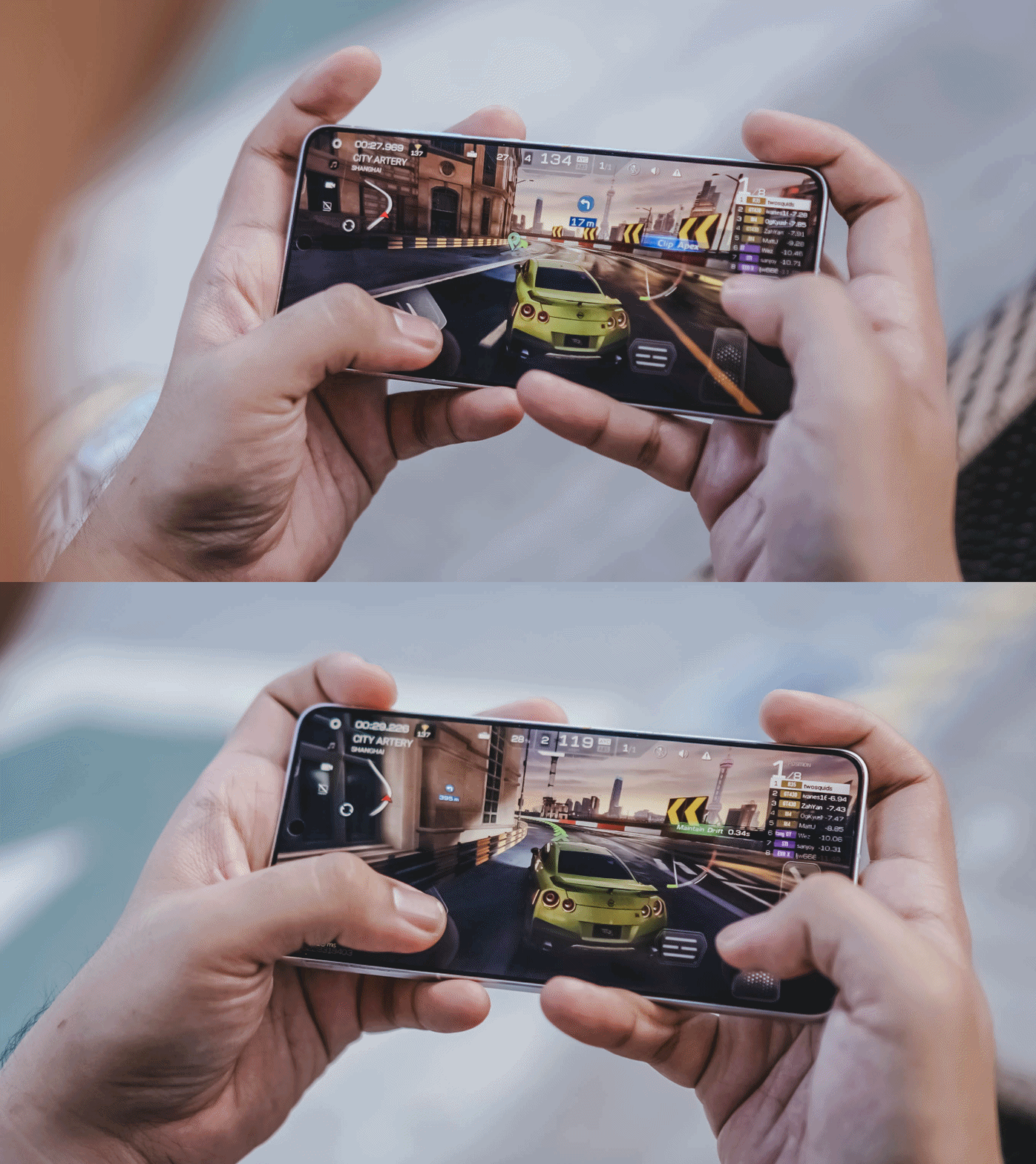
While other markets have a 1TB storage configuration, the region where I reside in solely sticks to the 512GB variant.
Then again, it’s a major downside for a power user like me who easily fills up the phone. That’s considering how massive and daunting the file sizes are once you shoot in RAW and record in the most insane video resolution and codec possible in this device.

Hopefully though, vivo would consider bringing in 1TB to more regions — and 2TB like the newer iPhone Pros.
Now that I mentioned it: Other than the macOS integration with vivo’s Office Kit, the X300 Ultra can now do AirDrop as well! This was only a fantasy back then — especially for an Apple-slash-Android user like me.
The Not-so-flagship aspect
Frankly, the only thing that is not flagship-like about the X300 Ultra is its battery longevity.
Even though we are now being spoiled by 8000mAh ~ 10,000mAh+ midrangers nowadays, I am very much aware of the engineering challenges faced by manufacturers when prioritizing cameras in the flagship-class.
But, hear me out real quick. Why did OPPO manage to equip the Find X9 Ultra with an even bigger 7025mAh capacity? The Chinese Xiaomi 17 Ultra even has 200mAh more.


ICYMI, the X300 Pro already had a 6500mAh battery — and it didn’t last me throughout a whole day. How much more with the 6600mAh tank of the X300 Ultra?
Despite a more “power-efficient” chipset and a 100mAh boost in battery, the X300 Ultra is not in any way better in terms of endurance. While I thank vivo for the OriginOS transition, the battery efficiency of Funtouch OS was left behind.

While it can last well when used in moderate scenarios, it’s a heavy hogger when you use the cameras a LOT — which is the point of wanting this smartphone.
Case in point: During our COMPUTEX 2026 coverage, I relied heavily on this smartphone for shooting 90% of the stuff around the exhibition — especially because of how crammed and crowded the booths and pathways were.

From 9AM up until 2PM, it easily depleted its fully-charged state down to just 15%.
Fortunately, the vivo X300 Ultra supports one of the fastest charging speeds in a smartphone: 100W FlashCharge and 40W Wireless FlashCharge.
With my whole review duration, I utilized its wired charging capabilities more especially that it has a bundled charger plus USB-C to USB-C cable in the box.
FlashCharge High Speed |
FlashCharge Normal |
|
START TIME (From 0%) |
4:20AM |
6:06PM |
3 minutes |
2% |
2% |
5 minutes |
4% |
4% |
10 minutes |
10% |
7% |
15 minutes |
21% |
11% |
20 minutes |
30% |
20% |
30 minutes |
50% |
30% |
45 minutes |
77% |
44% |
1 hour |
98% |
62% |
1 hour 15 minutes |
— |
83% |
END TIME |
5:26AM1 hour 6 minutes |
7:35PM1 hour 28 minutes |
Mind you, third-party chargers, cables, and even power banks will still work and can take advantage of that FlashCharge High-Speed charging all thanks to that USB-C PPS protocol.
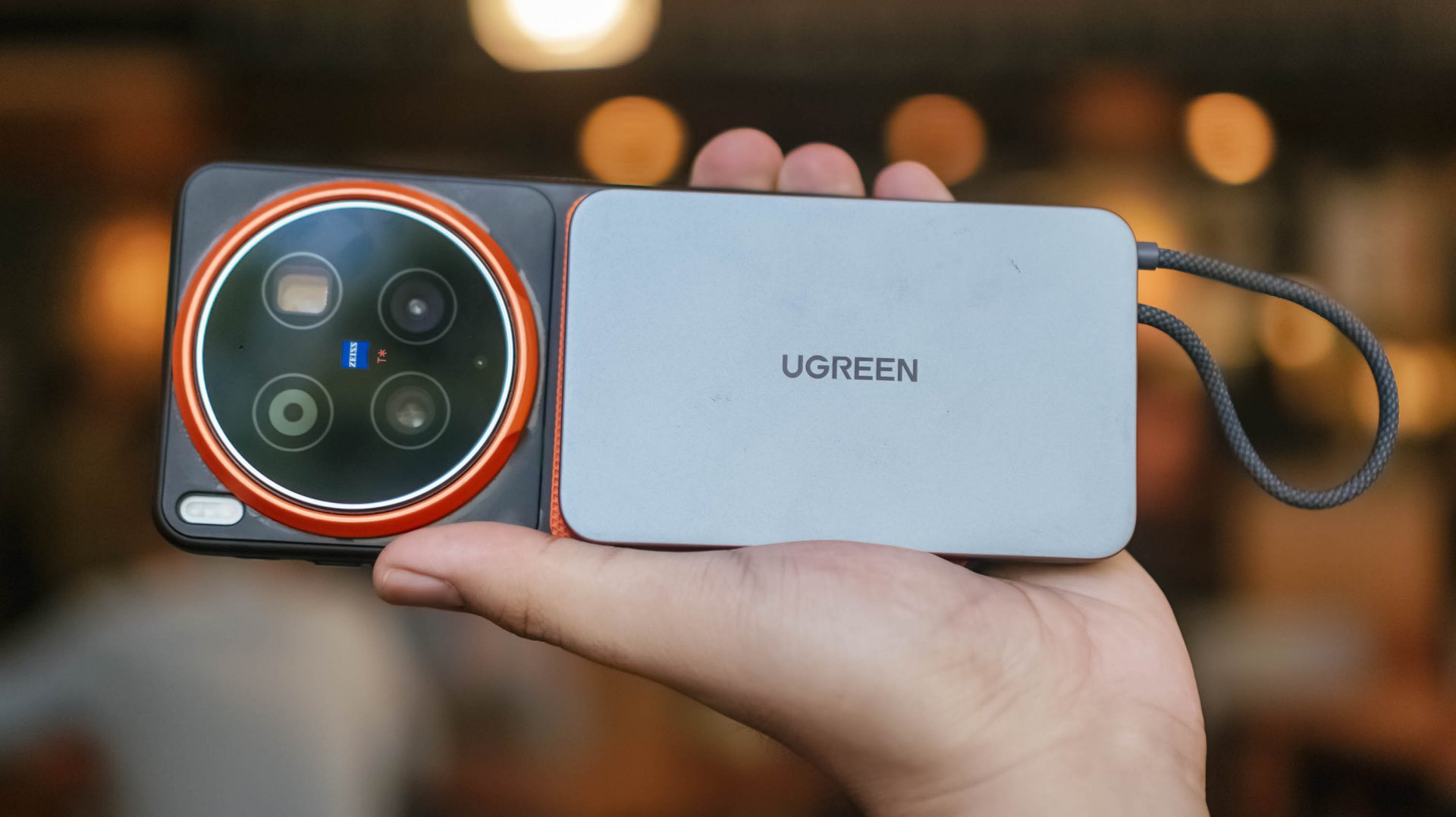
Although MagSafe isn’t supported, third-party cases with magnets can still make magnetic Qi2 (and Qi2.2) wireless charging possible.
Is the vivo X300 Ultra your GadgetMatch?
The original headline of this review was supposed to be “the true mirrorless for less.”
But, with a base price of PhP 109,990 / MYR 6799 / INR 159,999, it’s not precisely cheaper than most mirrorless setups in the market.

Still, that doesn’t mean the X300 Ultra performs less than a mirrorless.
Spending almost two months with the X300 Ultra, I can truthfully say I’ve enjoyed shooting with this power-packed phone more than the mirrorless camera I own.
This isn’t me saying smartphones can replace mirrorless cameras anytime soon. But, the focal length flexibility, photo and video versatility, plus plentiful software feats truly make the X300 Ultra the pinnacle of phone-tography and videography.
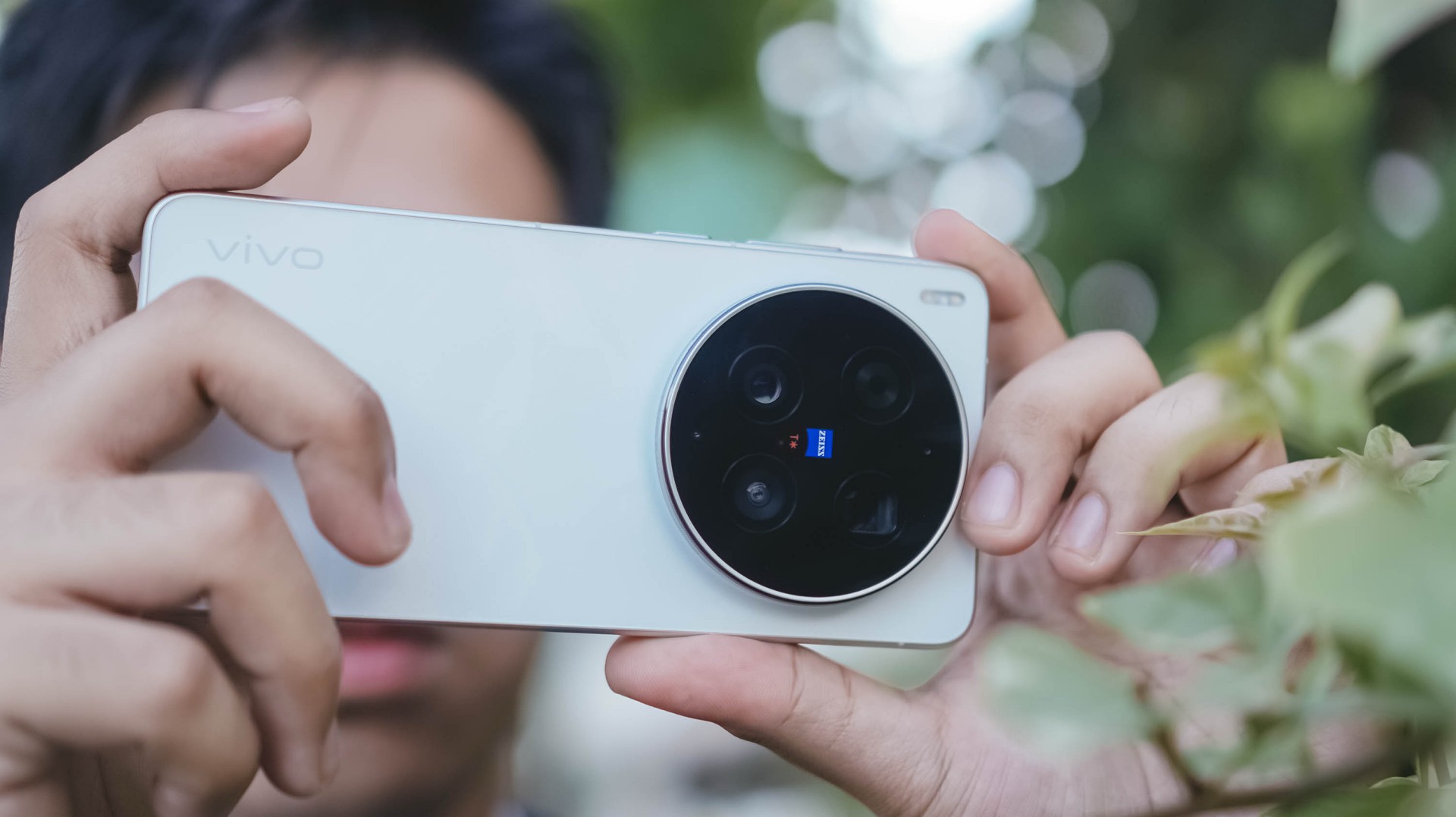
As I alluded to earlier, the X300 Ultra is vivo’s direct answer to Apple’s iPhone 17 Pro Max.
While acquiring that iPhone of the same configuration is cheaper at PhP 101,990 / INR 154,900 (but more expensive in Malaysia at MYR 6999), X300 Ultra boasts greater camera hardware and better pro-grade tools altogether.
And, even if you are stuck with some Apple devices (like yours truly), its readiness alongside the Apple ecosystem makes it an Android smartphone you cannot resist.
In Europe, while the starting price is higher at EUR 1999, that gives you double the storage. But, at the cost of removing the bundled charger and cable due to EU laws.

Enough talking! The vivo X300 Ultra is a hard Swipe Right, solid Super Swipe, and a worthy recipient of GadgetMatch’s Seal of Approval.

Whenever a brand slaps a “long battery life” label on a box, we take it with a grain of salt.
Even as smartphone battery capacities have become larger as of late, endurance is still subjective. It’s heavily dependent on your daily screen time, signal strength, and other habits.
But when a smartphone lands on your desk with a gargantuan 10,001mAh battery, then that subjectivity basically goes right out the window.

That’s what the realme P4 Power chiefly brings to the Philippine market for the first time, in the brand’s P series relatively quiet debut in the country.
It’s here to eliminate low-battery anxiety and render your bulky external power banks completely obsolete.
Tether-less freedom
We wielded this device for weeks as a primary daily driver, and the endurance is nothing short of black magic.
The daily rotation included endless social media scrolling, video streaming, continuous navigation, and a relentless stress test: serving as a portable Wi-Fi hotspot for up to three separate devices simultaneously.
Through all that usage, the phone flat-out refused to die. I didn’t consciously “try” to drain it. I just know it would last an entire day for up to the wee hours.

When acting as a multi-device router, the chassis does heat up slightly, but it never crosses into alarming or uncomfortable territory.
It simply sips power, providing a level of tether-less freedom that no standard 5,000mAh or 6,000mAh smartphone can replicate.

When it is finally time to recharge the device, it supports 80W SUPERVOOC charging so you won’t have to spend hours waiting.
Even if you don’t replenish it back up to 100%, an hour’s worth of charging should keep you going the extra distance.
Immersive visuals, casual performance
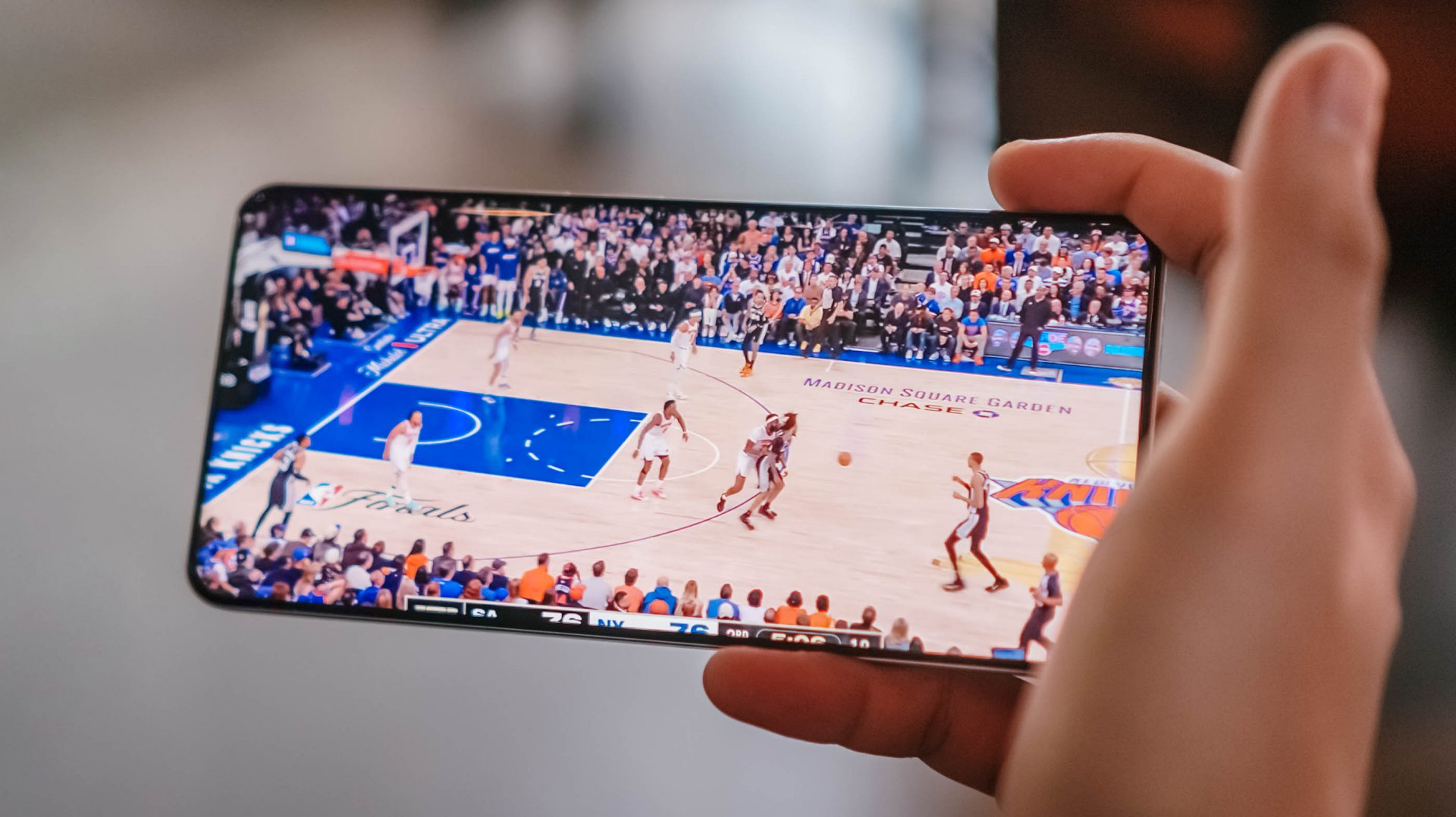
The massive battery pairs beautifully with a expansive 6.8-inch 144Hz AMOLED display. With a high, 453ppi pixel density and 1280 x 2800 resolution, media consumption and gaming become highly engaging — at least from a visuals standpoint.

There is a wider aspect ratio so you don’t get a comically long phone, and a curved screen. We aren’t typical fond of this but the curvature seems subtle, meaning no accidental edge touches.
When it comes to performance, the MediaTek Dimensity 7400 Ultra chipset handles everyday tasks and casual, less-demanding titles with absolute ease.

However, when jumping into competitive matches of Call of Duty: Mobile or exploring the heavy landscapes of Honkai: Star Rail, you will encounter frame drops and stuttering from time to time.
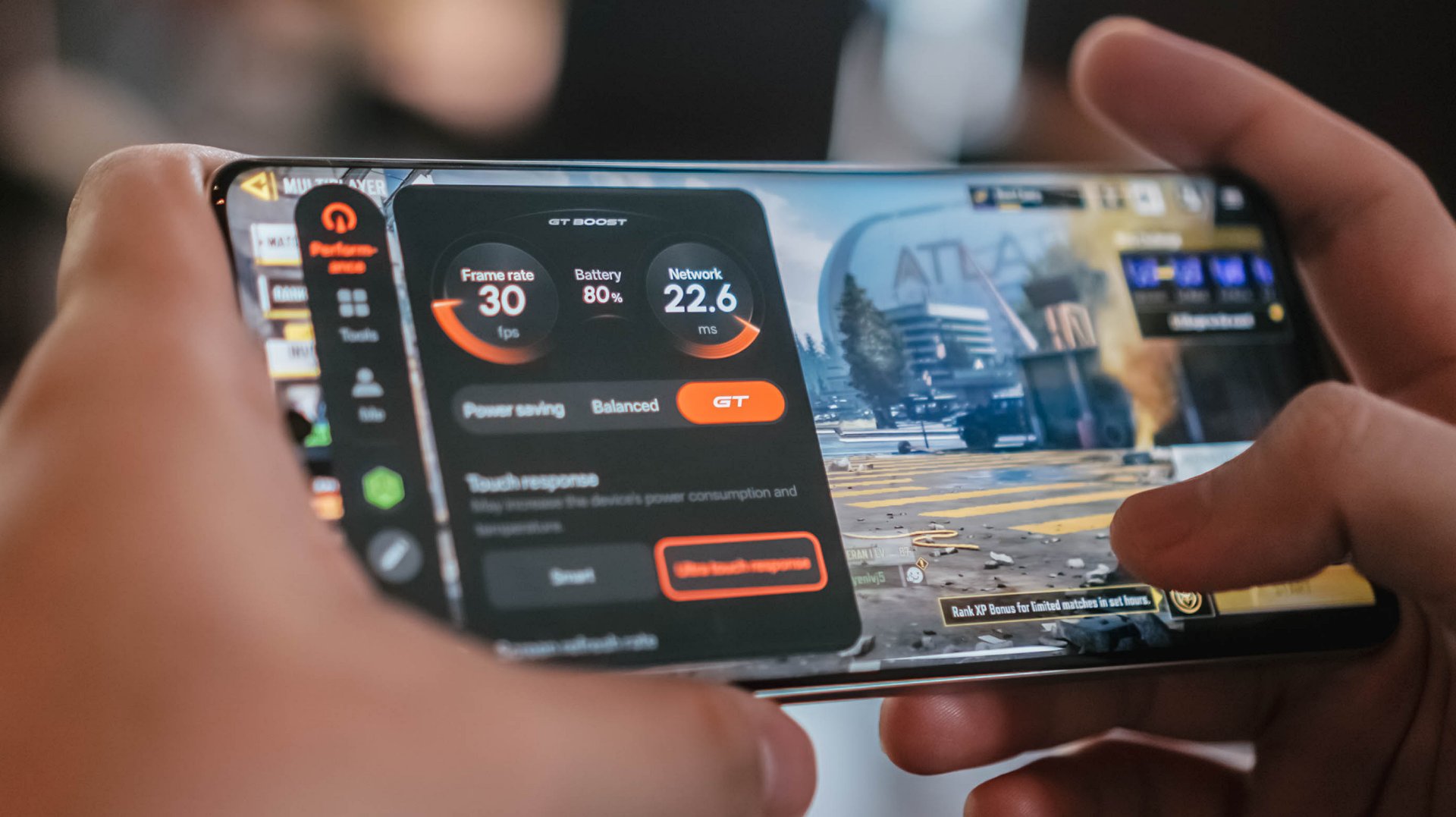
It’s never jarring enough to ruin your match or hinder what you’re trying to do, but it does occasionally disrupt an otherwise smooth gaming experience.
If anything, there’s Championship Mode and GT Mode to optimize the device for such tasks. Bypass Charging is a bonus so you can keep playing without the risk of device overheating.
Audio is loud but somewhat flat, but I didn’t expect much.
Heavy, mecha-inspired tank
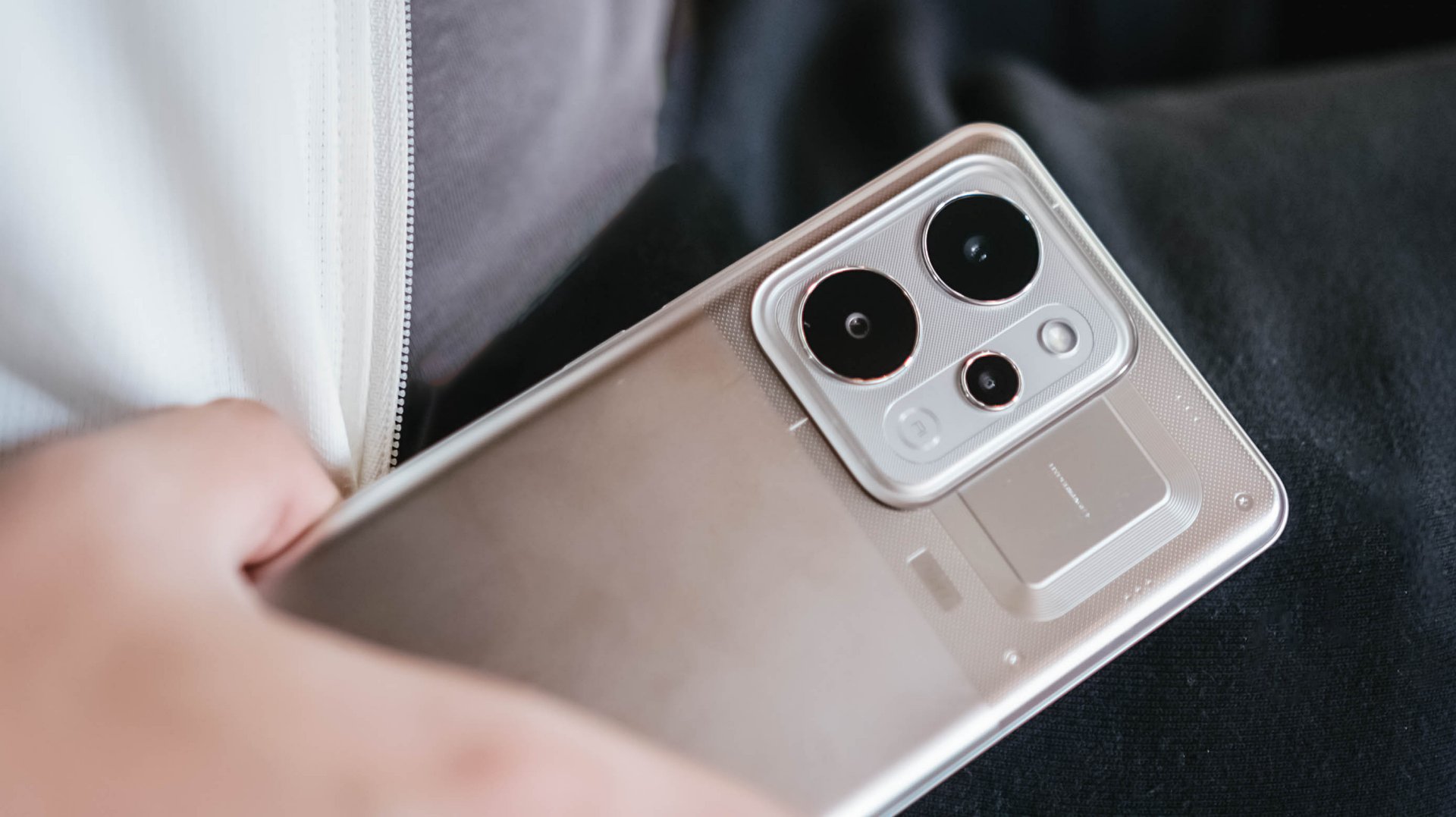
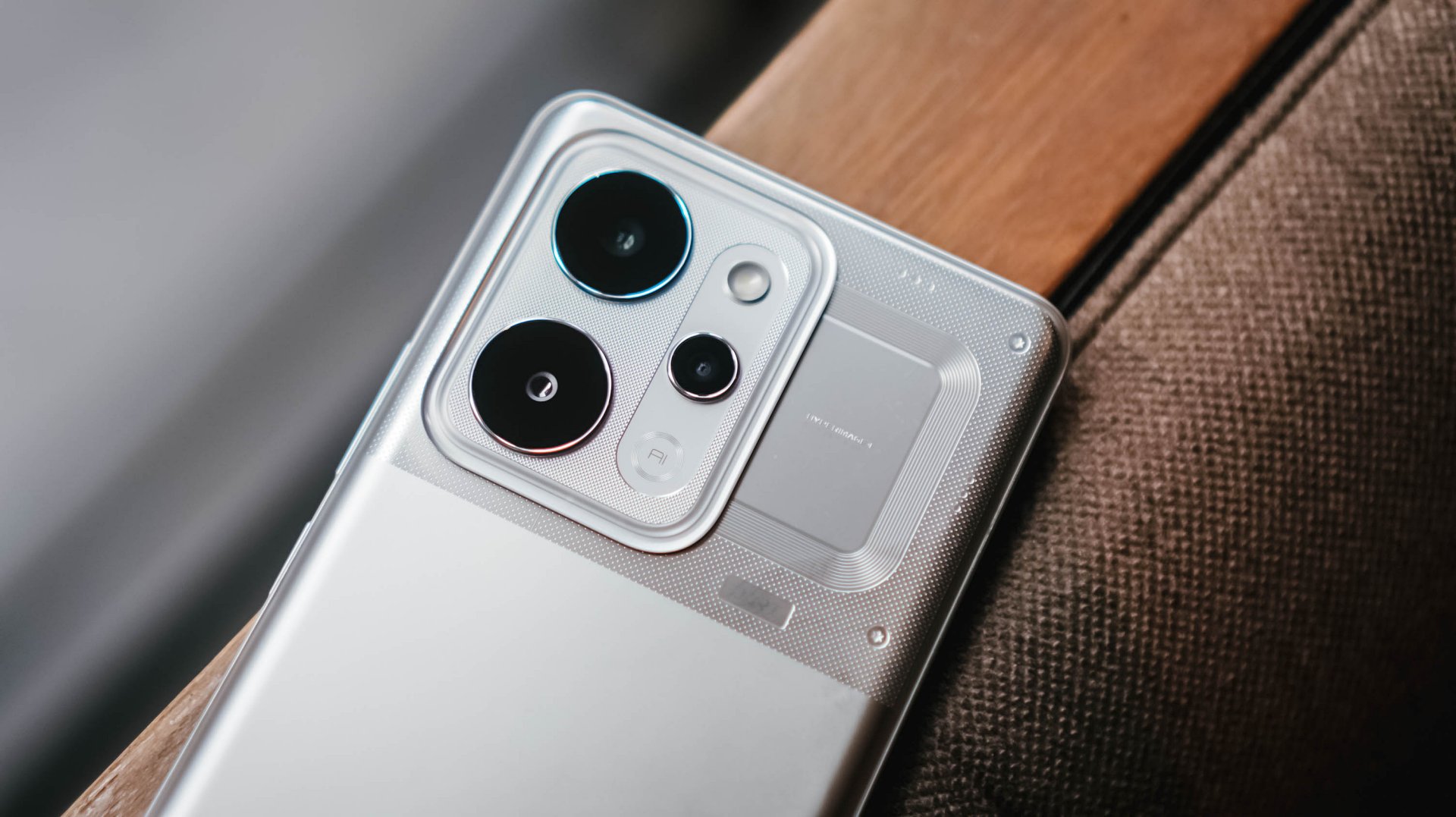
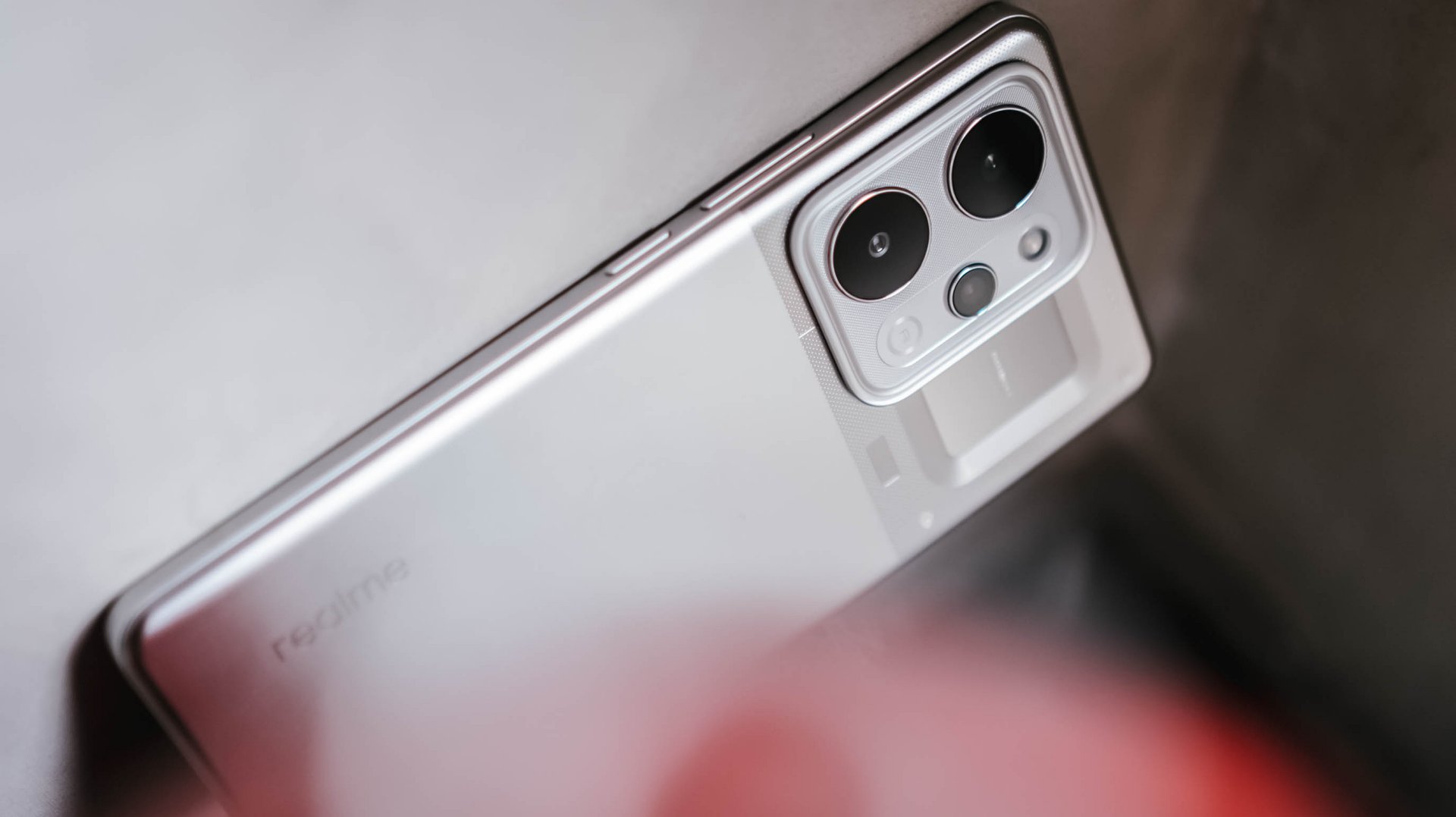
That display curvature is part of the phone’s overall aesthetic. Around the back, the realme P4 Power embraces its “all about power” persona with a distinct, machine-inspired design language.
The upper half where the camera island is located, in particular, look aggressive and sharp, as if a nod to mobile gaming. The colorway for this unit is silver metallic.
However, housing a 10,000mAh cell requires a serious physical compromise: weight. This phone is significantly, undeniably heavy.
The sheer heft is a constant reminder of the juice it carries, to the point where switching back to a “normal” smartphone yields a stark, instantly noticeable contrast in your hand and pockets.
Reliable main camera, lagging selfies
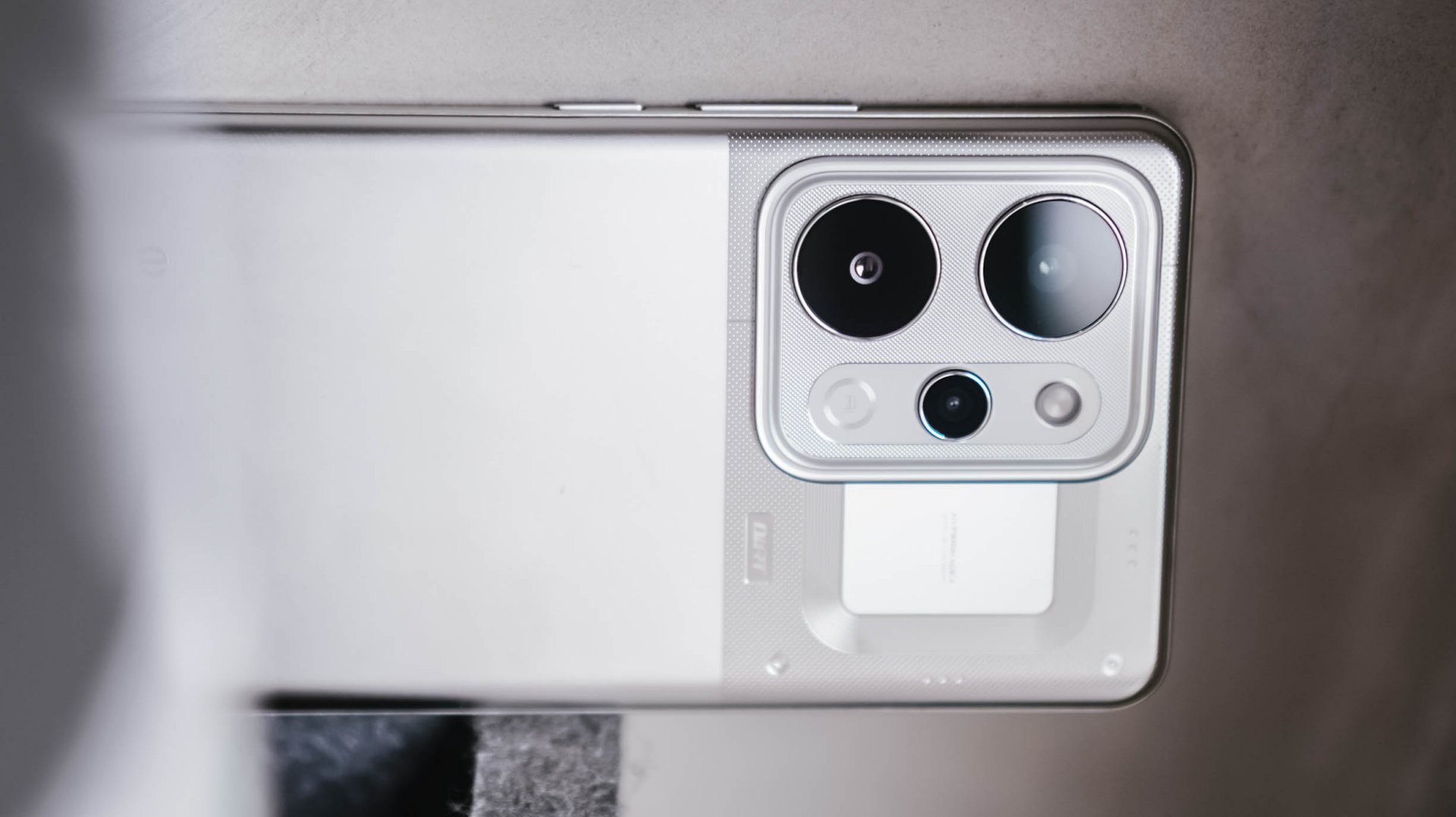
For its camera package, the realme P4 Power comes with a dependable 50MP main camera with a Sony IMX882 sensor.
I didn’t exactly “test” the camera but just naturally used it whenever I was out and about. Hence, I ended up with plenty of food, product reviews, and random finds.
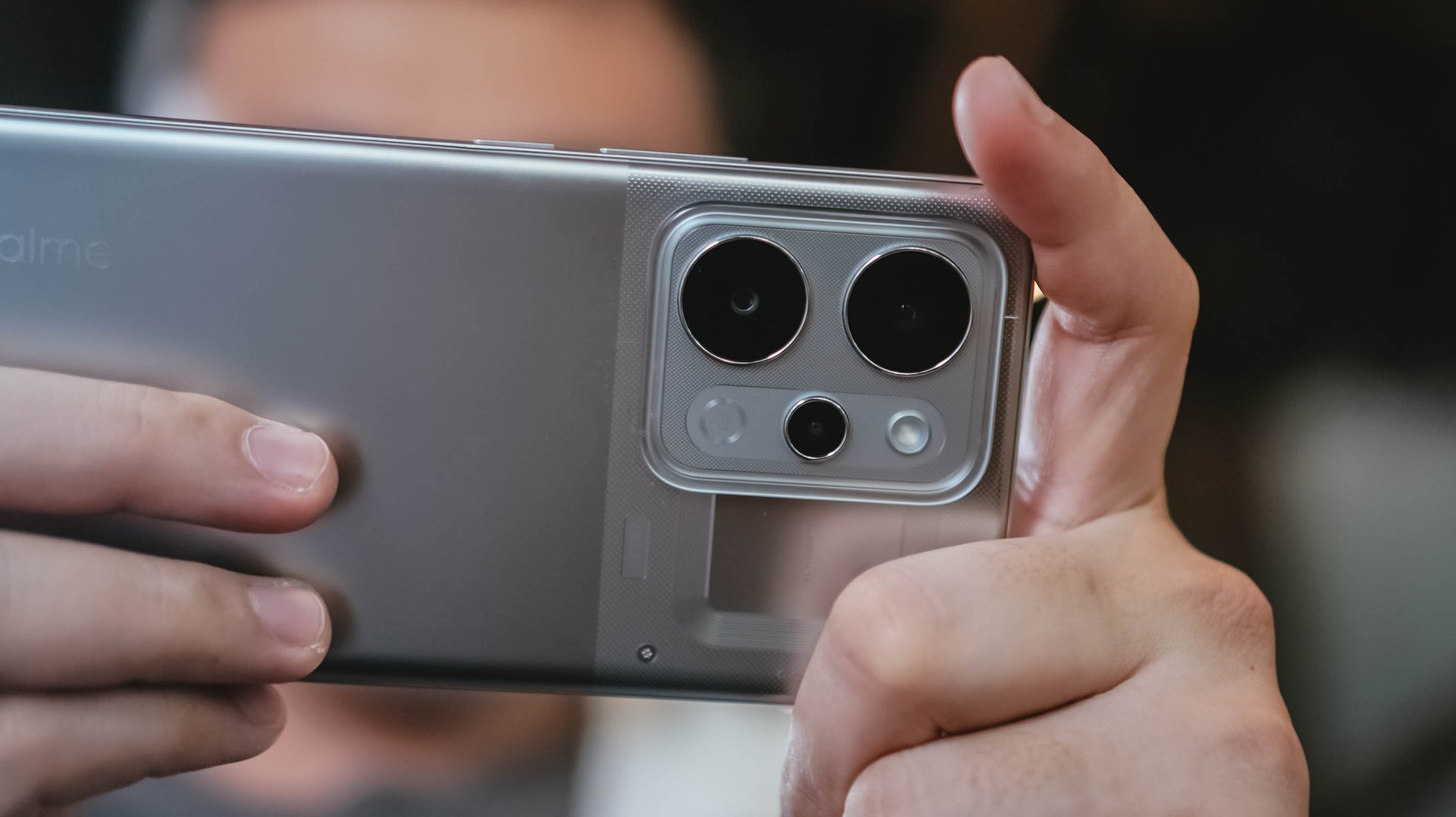
Performance is decent, with the 1x to 1.5x range being the sweet spot. Compared to budget devices, there is definitely more detail and texture.
Color reproduction is likewise amenable, with some depth and acceptable clarity. But camera-centric mid-rangers can obviously offer punchier, more “popped-up” contrast.















With OIS, video recording is likewise smooth. It’s usable for casual vlogging, although lighting is still the catch. You’ll need an extra tofu light for instance, which sacrifices the portability of the phone itself.
@manilaconnoisseur Dropped by Daily Beer Korean Chicken and Beer in ArcoVia, Pasig for some food after a team meeting!
The selfie camera, meanwhile, also lags compared to older realme number series devices I’ve used. Sharpness, vividness, and color accuracy are lacking.
@manilaconnoisseur Lipton Soda Iced Tea, now available in Berry Burst flavor! Zero sugar pa rin! Check out now. @Pepsi Philippines #LiptonSodaIcedTea #LiptonSoda #LiptonSodaBerryBurst #LiptonSodaZeroSugar
Built to survive the elements
As an added bonus, realme didn’t sacrifice ruggedness for the sake of capacity. The handset comes armed with a familiar IP69 rating for dust and water resistance, including high-pressure water jets and submersion.

We took it out on outdoor jogs, and heavy sweat didn’t cause a single issue. Even when dealing with moisture, the display’s touch optimization remained responsive.
Is this your GadgetMatch?
The realme P4 Power sits right in the competitive PhP 25,999 price bracket. In an era where smartphone prices are continuously climbing, it still offers a value proposition as an all-around mid-range device.

Think of it as buying a standard mid-ranger plus a power bank, minus the double pocket clutter. Long-term battery degradation remains to be seen but it seems the device is a fair purchase for power users.
It’s a close call, but the P4 Power is still a Swipe Right especially if your lifestyle demands endless battery life above all else.


After a week with the HONOR Watch 6, I realized I liked having data on things I normally would just leave to uneducated guesses.
I love seeing my sleep metrics, knowing if my heart is actually racing, and seeing notifications on the fly. These are things I find truly helpful in how I go about life currently. That’s why I can already see myself using the watch beyond the review period.
The thing is, I wasn’t expecting any of this.

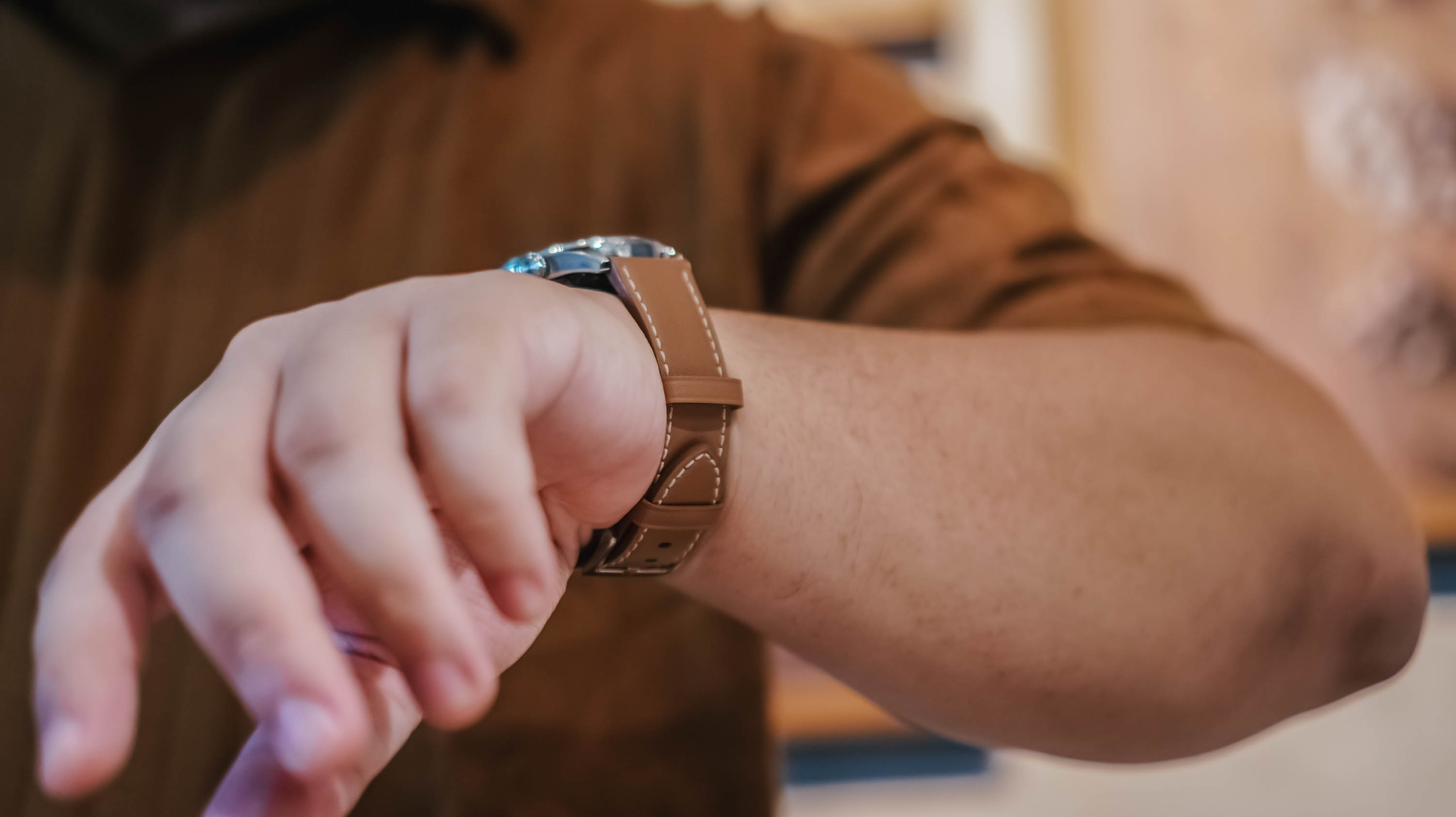
The first thing that jumped out at me when I first wore the HONOR Watch 6 was that it barely felt like it was there. I was half expecting it to be this chunky-feeling thing. But it wasn’t. I was pleasantly surprised.
I have the silver model with the brown leather strap, and it feels light to wear. That was key for me because what I really wanted to track more than anything was my sleep.
The only time I really started to notice that I was wearing it practically all the time was around the fifth or sixth day. And honestly, that says a lot because I tend to want to take off most of the smartwatches I’ve used in the past.
A smartwatch that fits daily life

The brown leather strap is inoffensive in the best possible way. It blends well with both casual wear and smart casual outfits, which made it easy to keep on throughout the week.
In fact, I think it looks more at home during everyday life than during intense workouts.
That’s why I found myself looking at the HONOR Watch 6 less as a fitness watch and more as a health tracker that looks nice and tells me if there’s a proverbial fire I need to put out — or if she remembered me that day.
The display also quietly did its job.
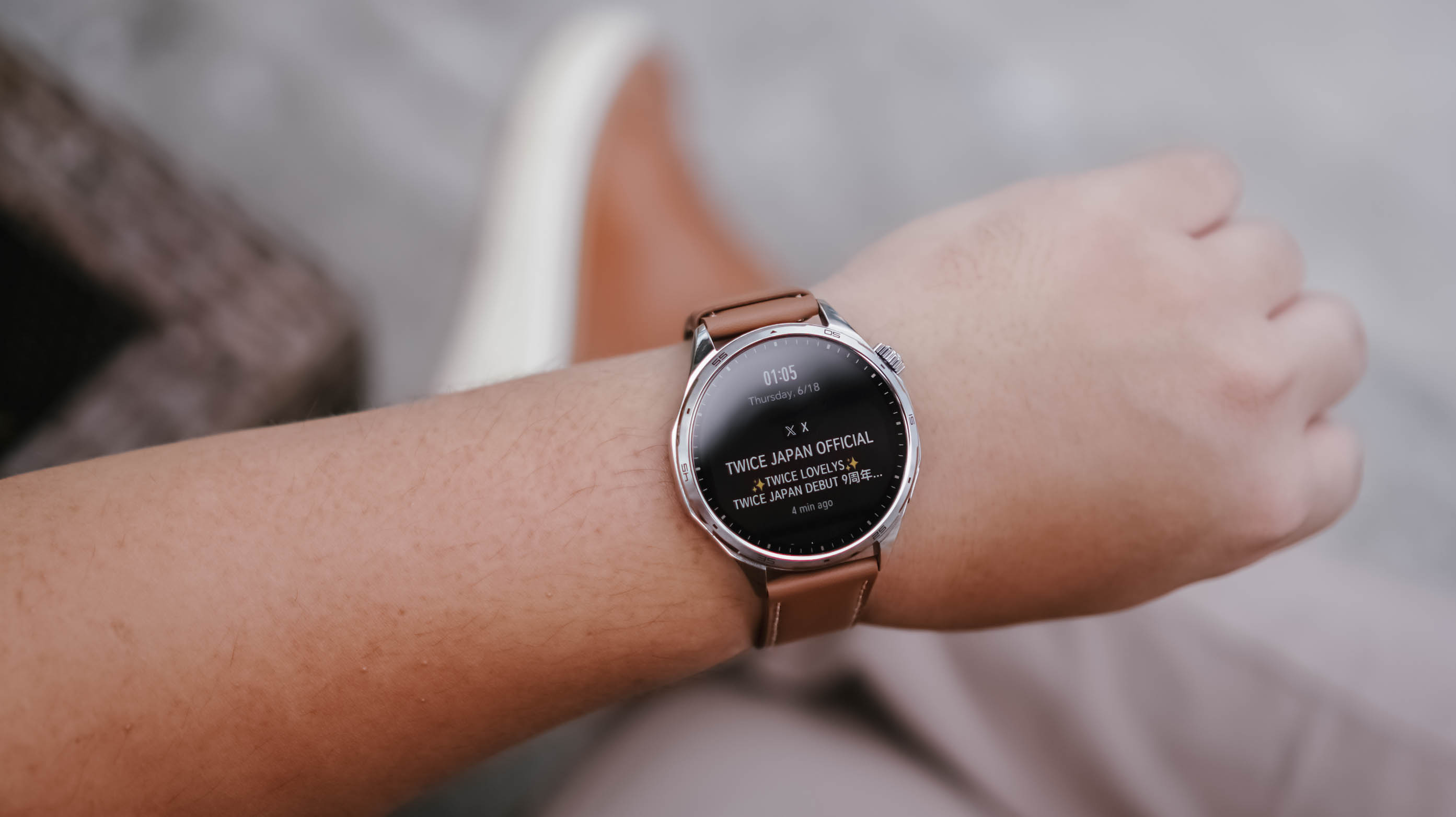
Of course it’s a TWICE notification
You know, I didn’t even think about it. Whenever I needed to check the time or glance at a notification, I simply gestured as anyone would to look at their watch. No matter where I was, what I needed to see was readily visible.
That’s probably the highest compliment I can give a smartwatch display. It never gave me a reason to think about it.
Managing attention without reaching for my phone
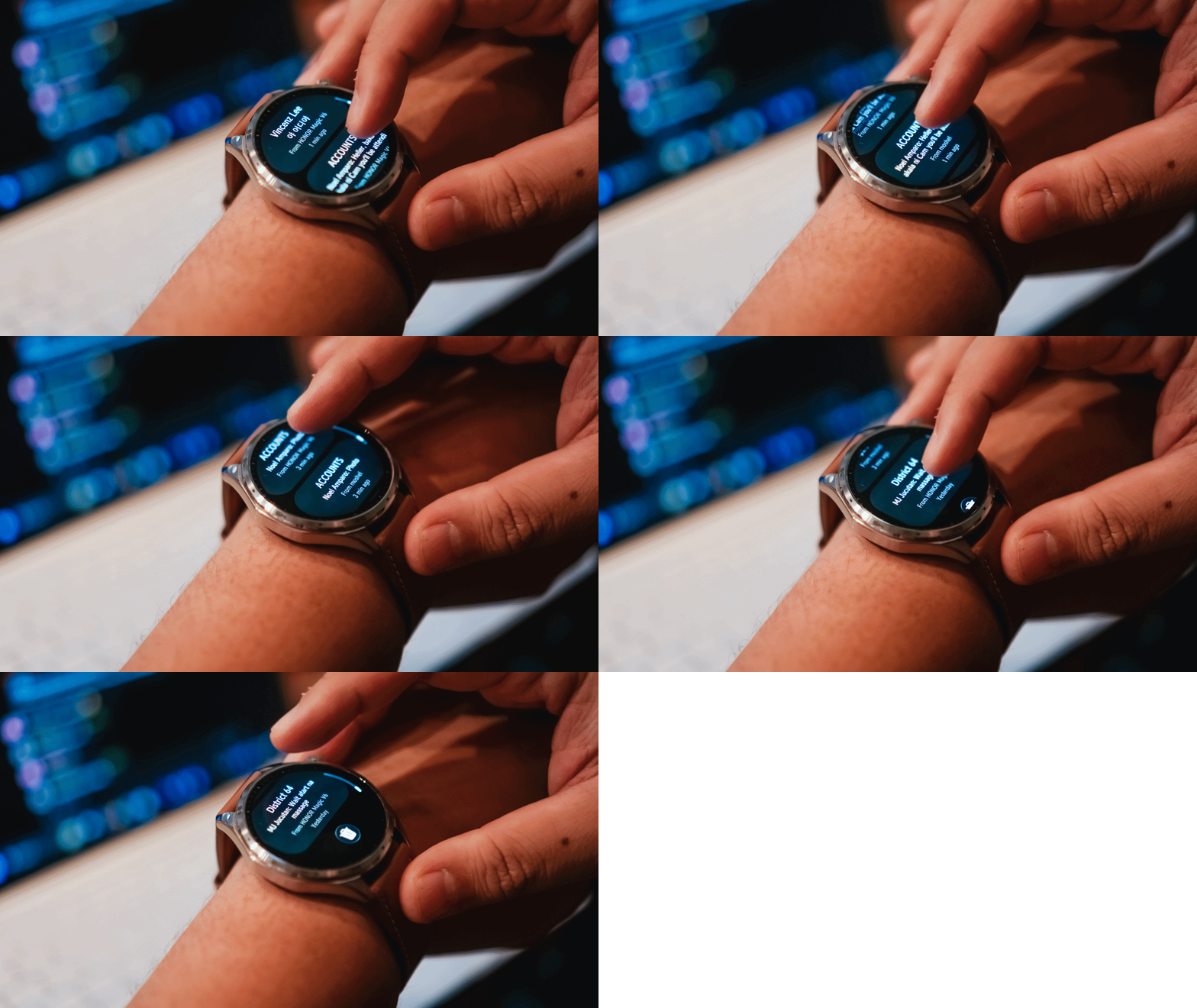
Oof. I cannot overstate how many notifications I get on any given day.
As a Managing Editor with occasional side hustles, notifications come from multiple messaging apps. One moment I’m tracking production progress on WhatsApp, the next I’m checking what the team is discussing on Telegram. Then there are the emails, Messenger messages from friends, and the “… sent you a reel” notifications that have recently dropped in frequency to my dismay.
I don’t always want to pull out my phone to check these.
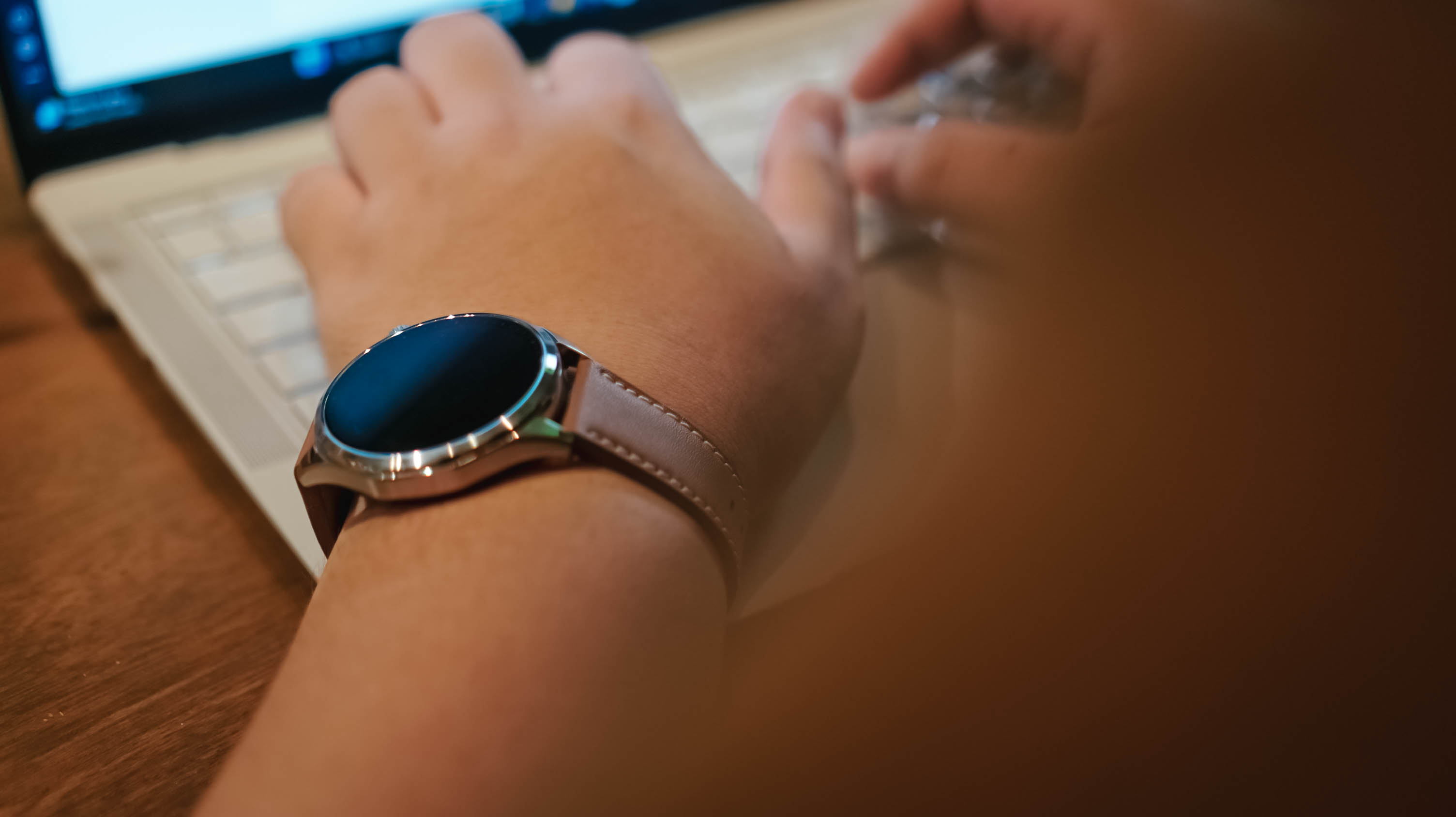
What I appreciated most about the HONOR Watch 6 is that notifications are grouped by app, and each one provides a clean preview. It gives me enough information to quickly assess what needs attention and what can wait.
For someone who is constantly juggling attention, that proved surprisingly useful.
Replacing guesses with data
The feature I was most interested in wasn’t fitness tracking.
It was sleep tracking.
Some time ago, a friend of mine started tracking her sleep and it helped her better regulate her energy throughout the day. I am nowhere near that level of discipline, but I was curious.
Between traveling across time zones, late-night coverage, doomscrolling, revenge bedtime procrastination, and everything else life throws at us, I honestly wasn’t sure if I was getting enough sleep.
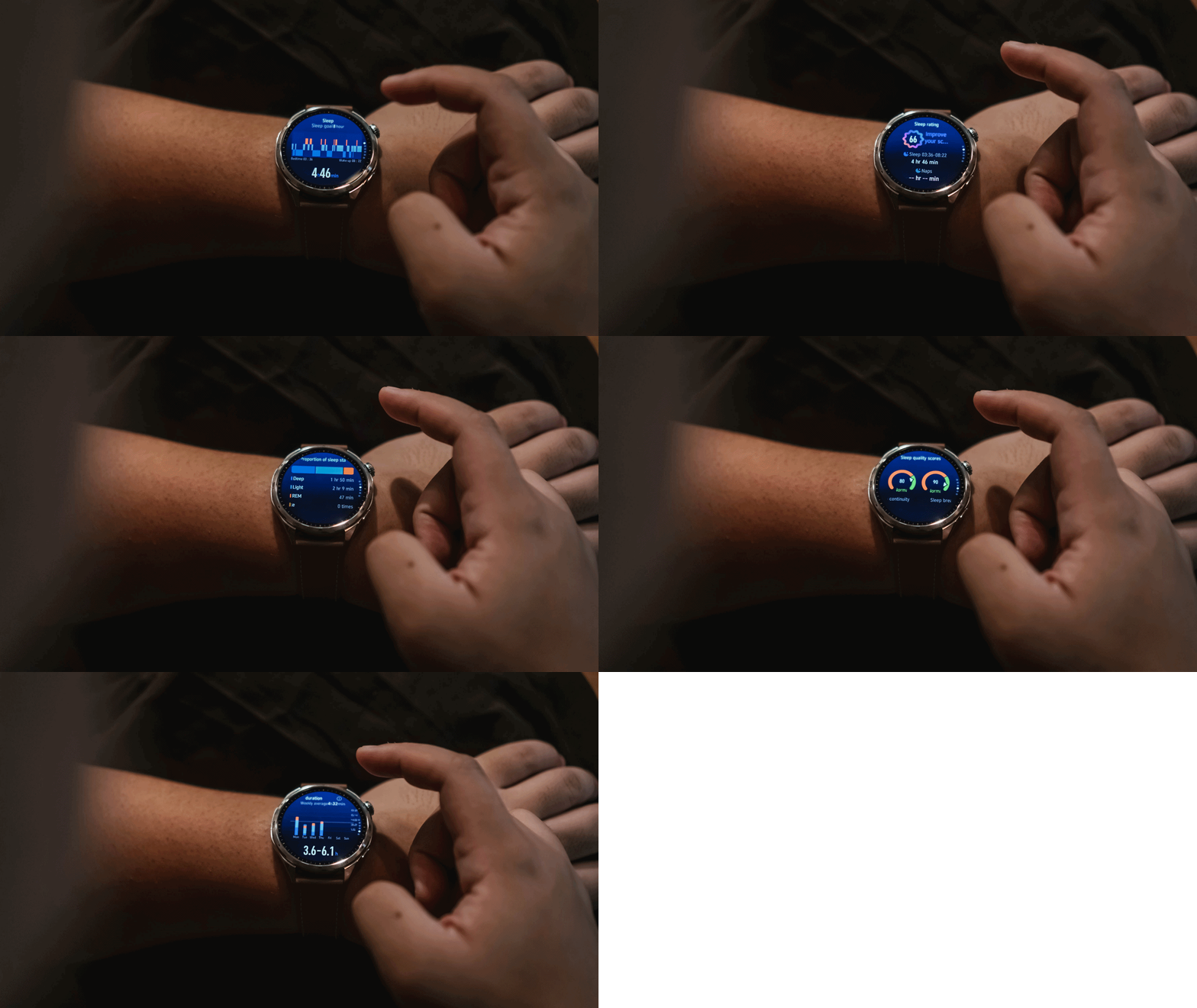
What I learned is that I tend to wake up at least once in the middle of the night. Not for anything, really. I just do.
The mornings that felt best were often the nights where my sleep wasn’t interrupted. I know that sounds obvious, but if you’re not actively paying attention, these are the kinds of patterns you can easily miss.
The same goes for heart rate tracking.
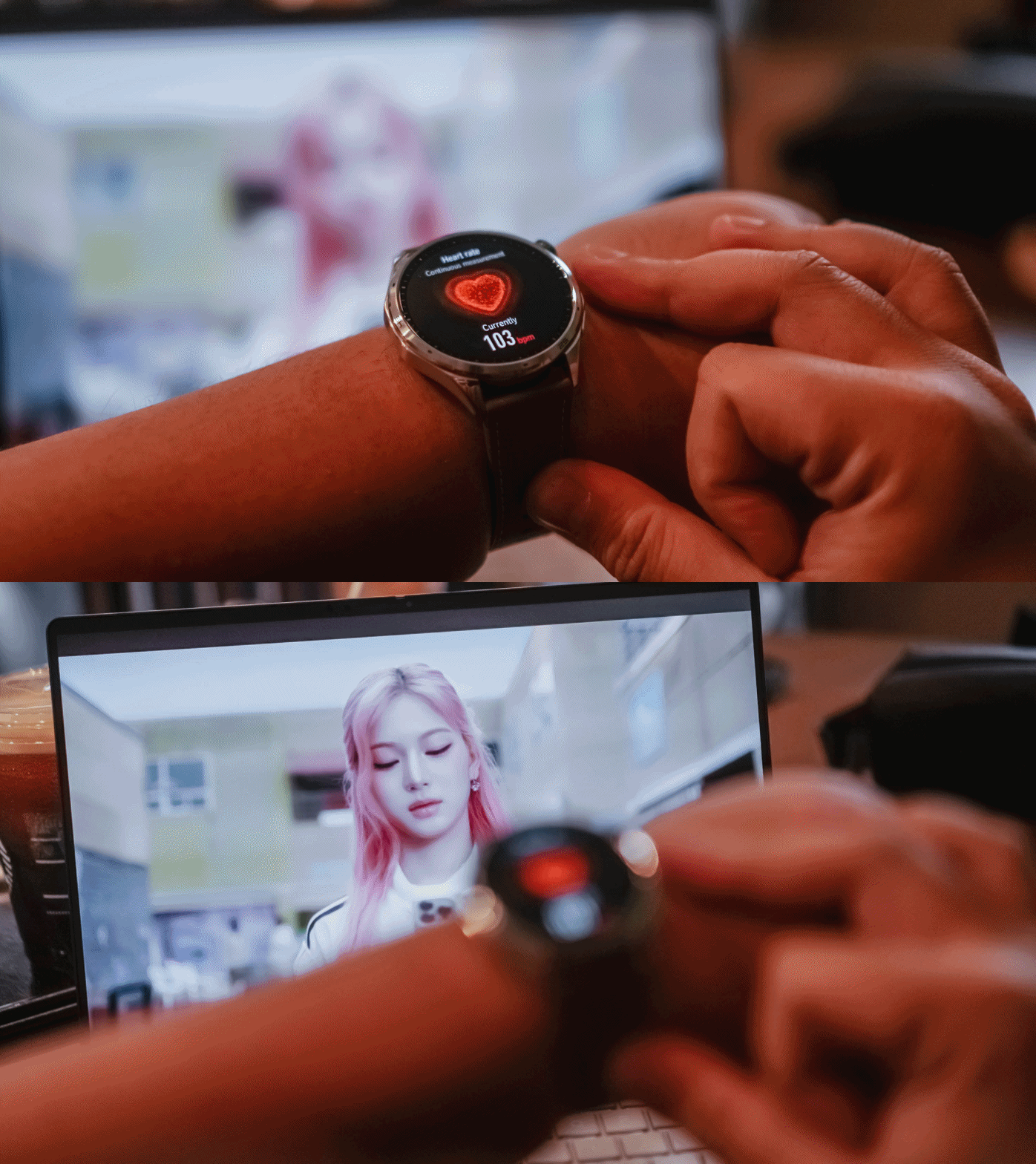
During a particularly stressful stretch, I noticed my heart rate was consistently elevated. It wasn’t exactly surprising, but seeing the data attached to the feeling made it feel more real.
That’s what I found myself appreciating most about the HONOR Watch 6. It didn’t magically solve anything. It simply helped me replace assumptions with information.
Battery life that quietly impressed
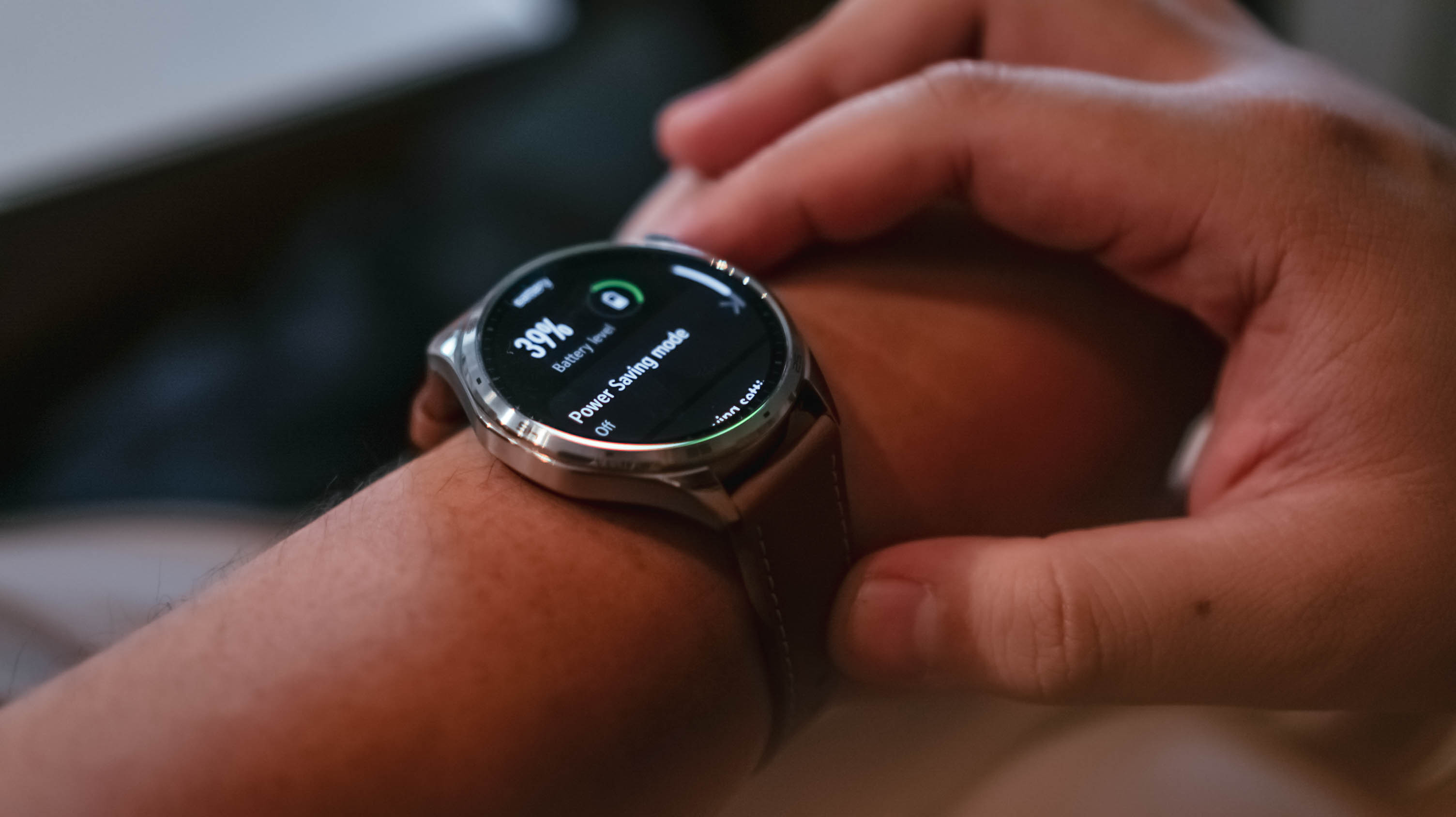
As of taking the photos, the battery life is at 39% – still coming off the first initial charge.
I charged the watch the moment I unboxed it. Seven days later, it was sitting at 59%.
During that time, I wore it constantly. Notifications were enabled. Health tracking was enabled. I tracked a handful of kettlebell workouts and wore it while sleeping.
I wasn’t exactly pushing the watch to its limits, but I also wasn’t babying it.
The result was a battery experience that quickly faded into the background. That’s exactly what I want from a smartwatch.
Everything else
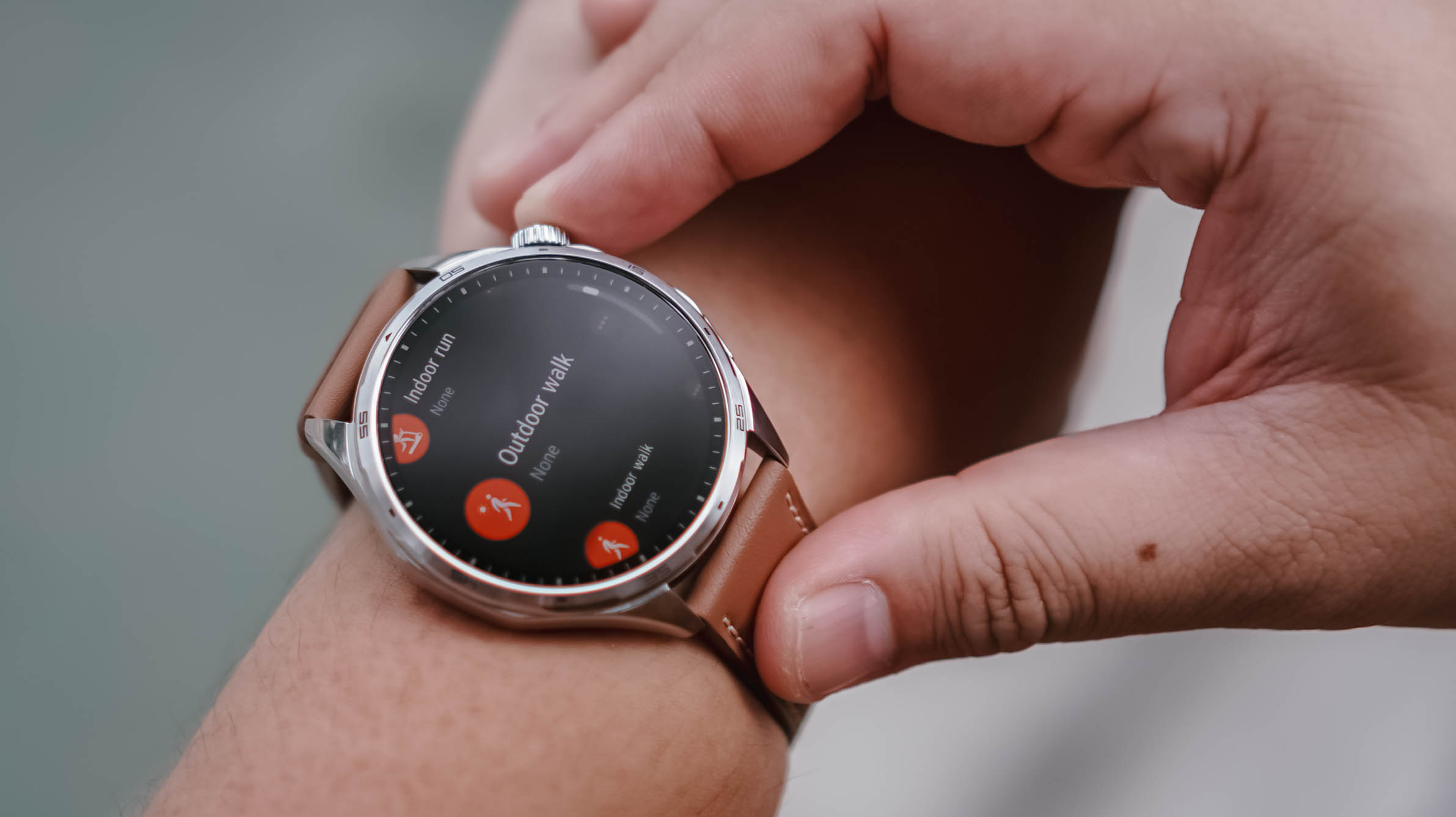
To be completely honest, I didn’t have the time or bandwidth to thoroughly test every feature.
My workout sessions were limited to a few kettlebell workouts and my usual walking. That said, the breadth of sports tracking available here is impressive. If you can think of an activity, there’s a good chance the HONOR Watch 6 can track it.
Pairing was also straightforward. The initial setup process and software updates went smoothly, even if updates immediately after unboxing remain one of my least favorite parts of testing any device.

My one annoyance came from using the watch with multiple HONOR phones. At times, notifications would arrive twice or arrive at slightly different times depending on which device was relaying them. There’s probably a setting that solves this. I just didn’t have the opportunity to dig deeper.
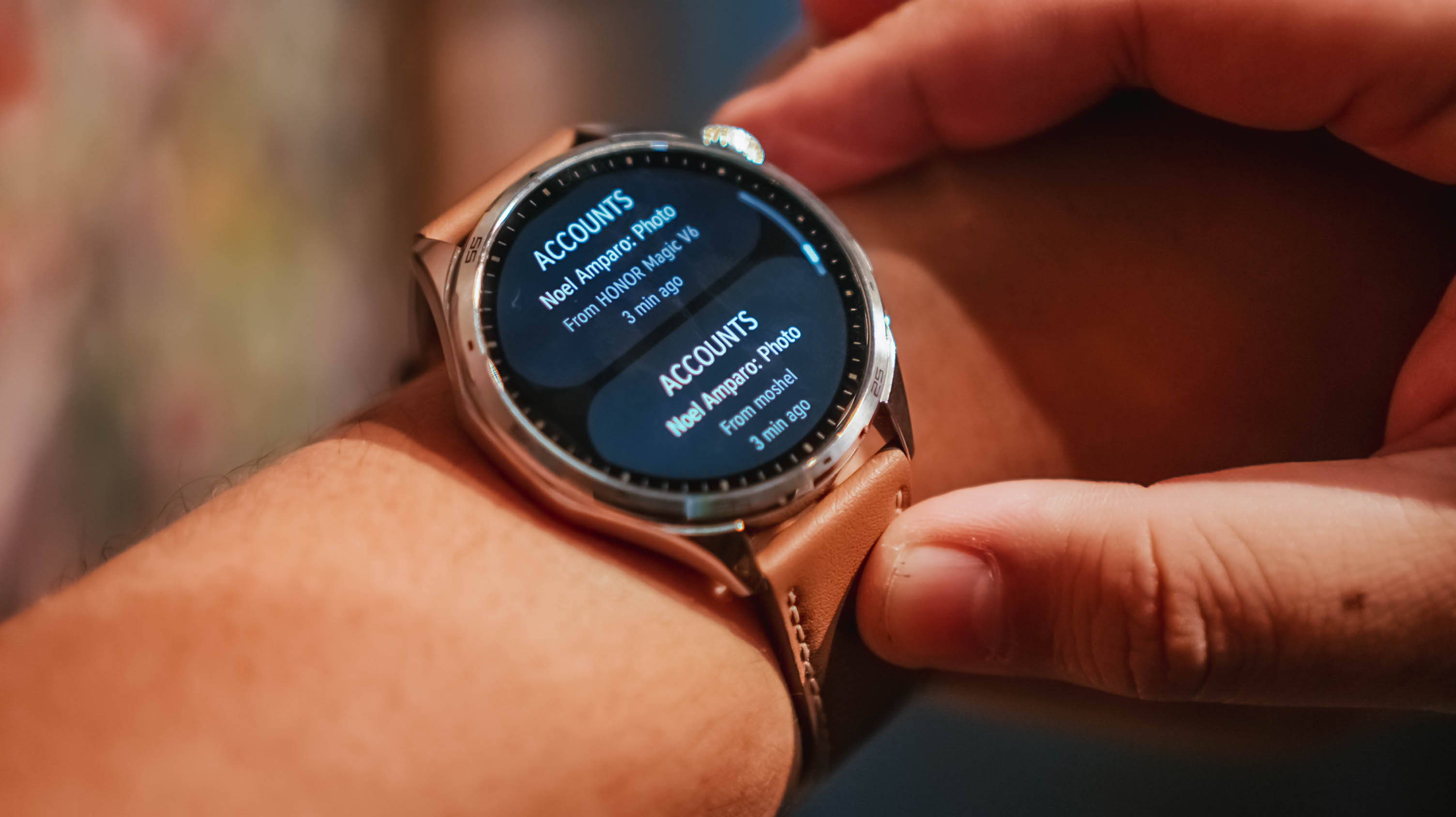
Same notification, two different phones
As for features like AI Recorder and NFC payments, I simply didn’t encounter situations where they became essential to my routine. That’s not necessarily a criticism. It may simply reflect how different people use smartwatches.
Is the HONOR Watch 6 your GadgetMatch?

Something I don’t think we’ve talked about enough is that the HONOR Watch 6 also works well with an iPhone.
If you don’t particularly like the look of the Apple Watch but still want a smartwatch on your wrist, this is a viable alternative.
The HONOR Watch 6 is for people who want useful technology that blends into everyday life. It looks good enough for casual outings and nicer occasions alike, while still offering the usual smartwatch essentials like health tracking, workout monitoring, notifications, and long battery life.
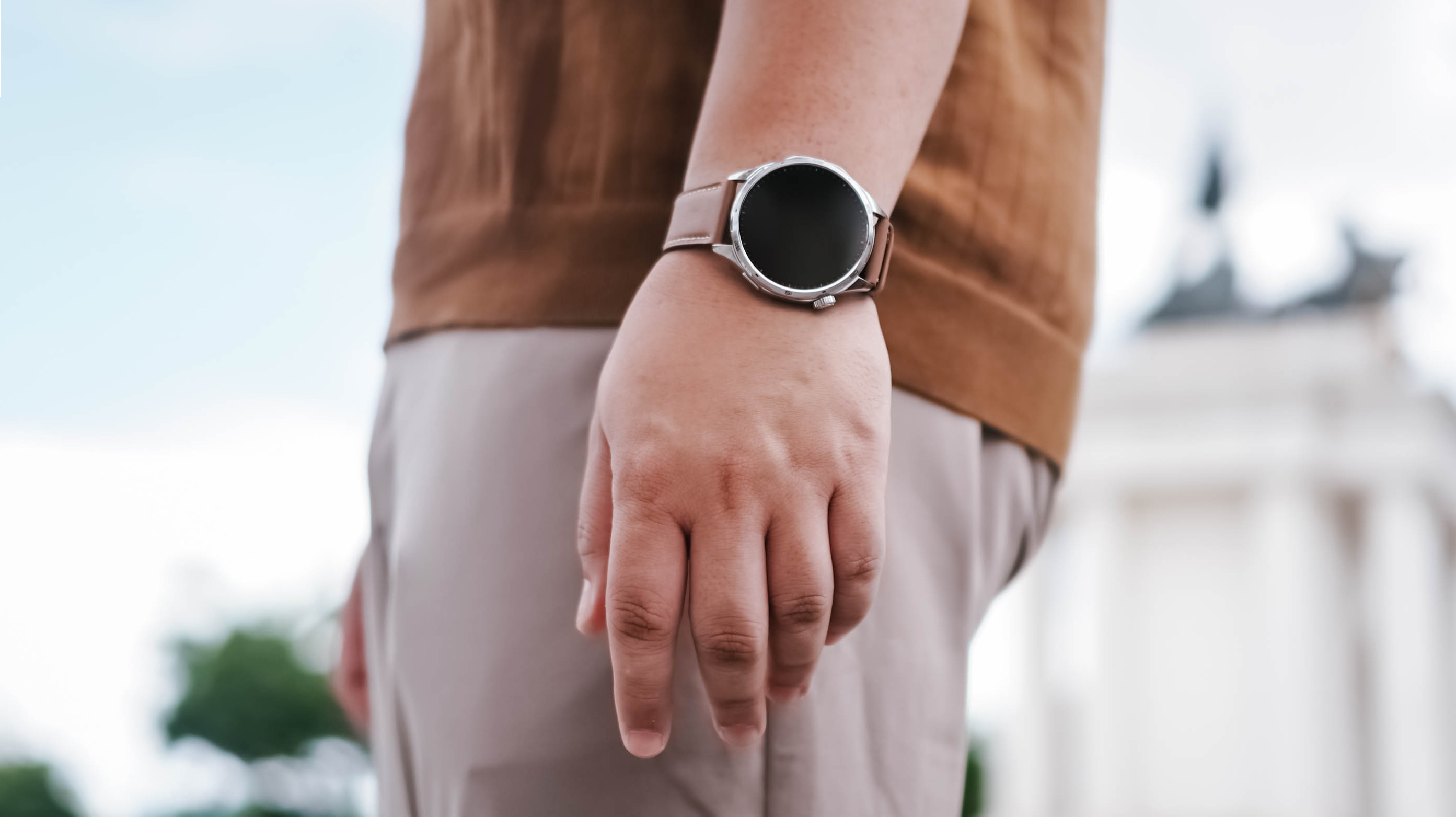
After about a week with the HONOR Watch 6, I realized I liked having data on things I normally would just leave to uneducated guesses.
Smartwatches aren’t for everyone. But if you fancy having one, the HONOR Watch 6 is an easy swipe right.
It has the right features, excellent battery life, and a design that fits comfortably into many parts of daily life.
That’s really all most people need.


vivo X300 Ultra review: A whole different animal
Got the beast (finally) unleashed!

The realme P4 Power: realme’s midrange power play?
A power bank and a phone — and more


HONOR Watch 6 Review: Less guessing, more knowing
Beyond educated guesses

Mercedes-Benz holds a Welcome Home campaign to celebrate 140 years

Ubisoft co-founder dies in plane crash

No new CMF phones this year, Nothing confirms
vivo X300 Ultra review: A whole different animal

What being a Superbod looks like in 2026

TECNO’s POVA 8 5G is both futuristic and future-ready

Close without crossing: A Xiaomi 17T Pro photo essay

realme launches P4 Series 5G, including Power with 10,001mAh battery

The Xiaomi Watch S5 proves you don’t have to take it off

Buyer’s Guide: Xiaomi Pad 8 Series


-
 India2 weeks ago
TECNO’s POVA 8 5G is both futuristic and future-ready
-
 Reviews2 weeks ago
HONOR Magic V6 review: The best version of a book-style foldable?
-

 Gaming2 weeks ago
Kingdom Hearts IV gets new trailer, confirms Switch 2 release
-

 Gaming2 weeks ago
Final Fantasy fans have two big reasons to look forward to 2026
-
 Smartphones2 weeks ago
Upcoming realme C100 series to feature 8,000mAh battery
-

 Gaming2 weeks ago
Nintendo officially announces Ocarina of Time remake
-
 News7 days ago
TECNO’s SPARK 50 Pro is the latest budget smartphone battery beast
-
 News2 weeks ago
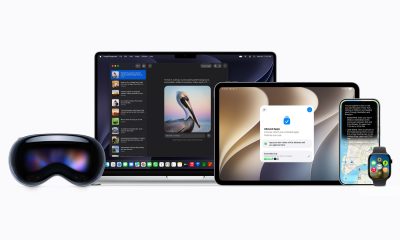
WWDC26: Siri AI, parental controls, and more