
News
Samsung’s Galaxy Tab S4 brings relevance back to Android tablets
Finally, a new premium Android tablet!

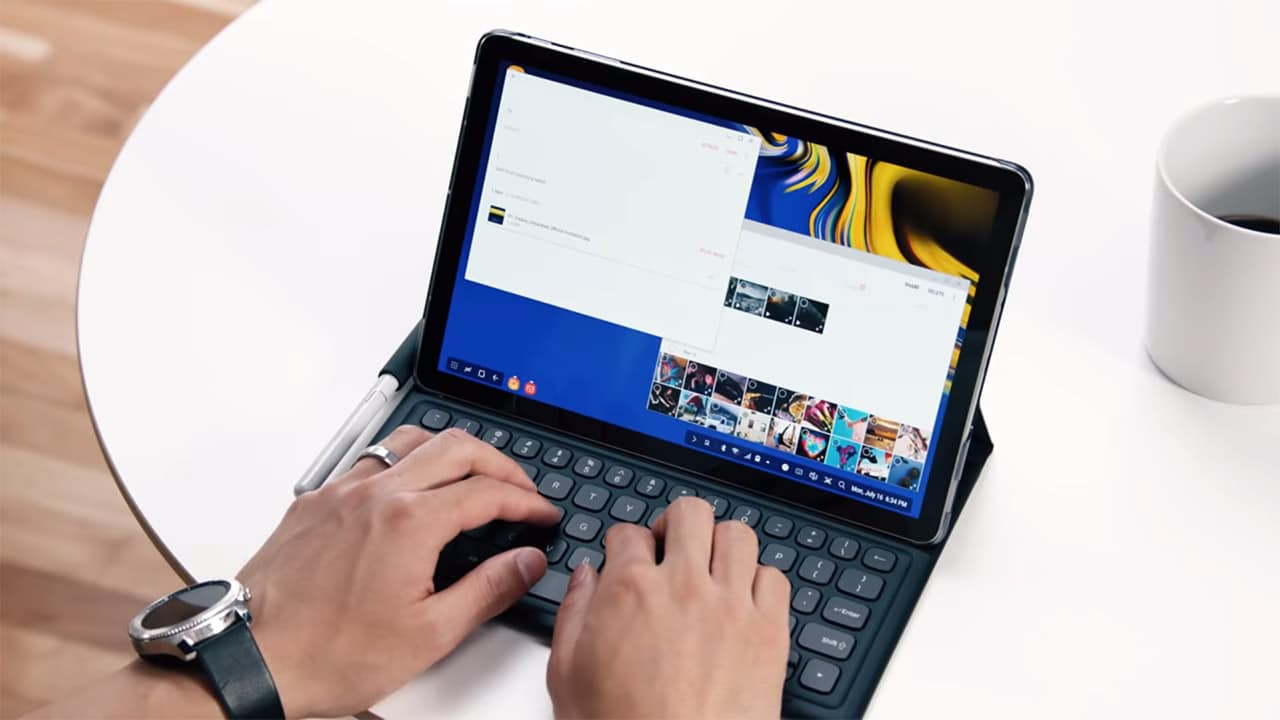
With smartphones getting larger and laptops becoming more powerful, it’s getting increasingly difficult to find a place for tablets in our everyday workflow. Although iPads continue to hold a sizable market share and are the go-to options for lightweight entertainment and productivity, tablets in general have mostly been set aside.
On the Android end, the only company releasing high-end tablets is Samsung. It’s been over a year since the premium Galaxy Tab S3 came out; now we’re finally seeing the successor, the Galaxy Tab S4.
The timing is unusual, considering that the Galaxy Note 9 will be launched exactly one week from now. Still, Samsung seems focused on presenting the Galaxy Tab S4 as a reliable and relevant mobile device.
They even made a complete unboxing and hands-on video for it:
https://youtu.be/ufAuTtB5mV4
The Galaxy Tab S4 looks like your typical Android tablet, complete with a 10.5-inch Super AMOLED display and 2560 x 1600-pixel resolution (that’s an aspect ratio of 16:10). Of course, it comes with Samsung’s signature S Pen, albeit much larger than what you’d find inside a Galaxy Note smartphone.
To prove its label as an entertainment device, there are four speakers on board with Dolby Atmos support. For productivity, you can purchase a separate Book Cover Keyboard so you can type a lot faster.
It’s not just a keyboard accessory, however; attaching it to the tablet enables Samsung’s DeX feature, which offers a PC-like experience when using a wireless mouse. We first saw DeX on Samsung’s flagship smartphones, but seeing it here makes a lot more sense.

Specs-wise, we’re looking at the equivalent of a 2017 flagship phone: a Snapdragon 835 processor, 4GB of memory, and 64GB or 256GB of expandable storage. A decent 7300mAh battery (compatible with fast charging) powers the hardware, and both the Bixby virtual assistant and iris scanning for secured logins are available.
It has only one USB-C port and the home button with the fingerprint scanner has been removed, but fortunately, the 3.5mm audio port is still around. The Galaxy Tab S4 also settles for Android 8.1 Oreo even though Android P is just around the corner.
Shipping begins on August 10, which is a day after the Galaxy Note 9 launch. Prices are US$ 650 for the 64GB storage variant and US$ 750 for the 256GB model. There are two colors available: black and gray.




News
Xiaomi 18 Pro series is launching globally, Xiaomi confirms
Xiaomi’s phone with two screens is finally going global.

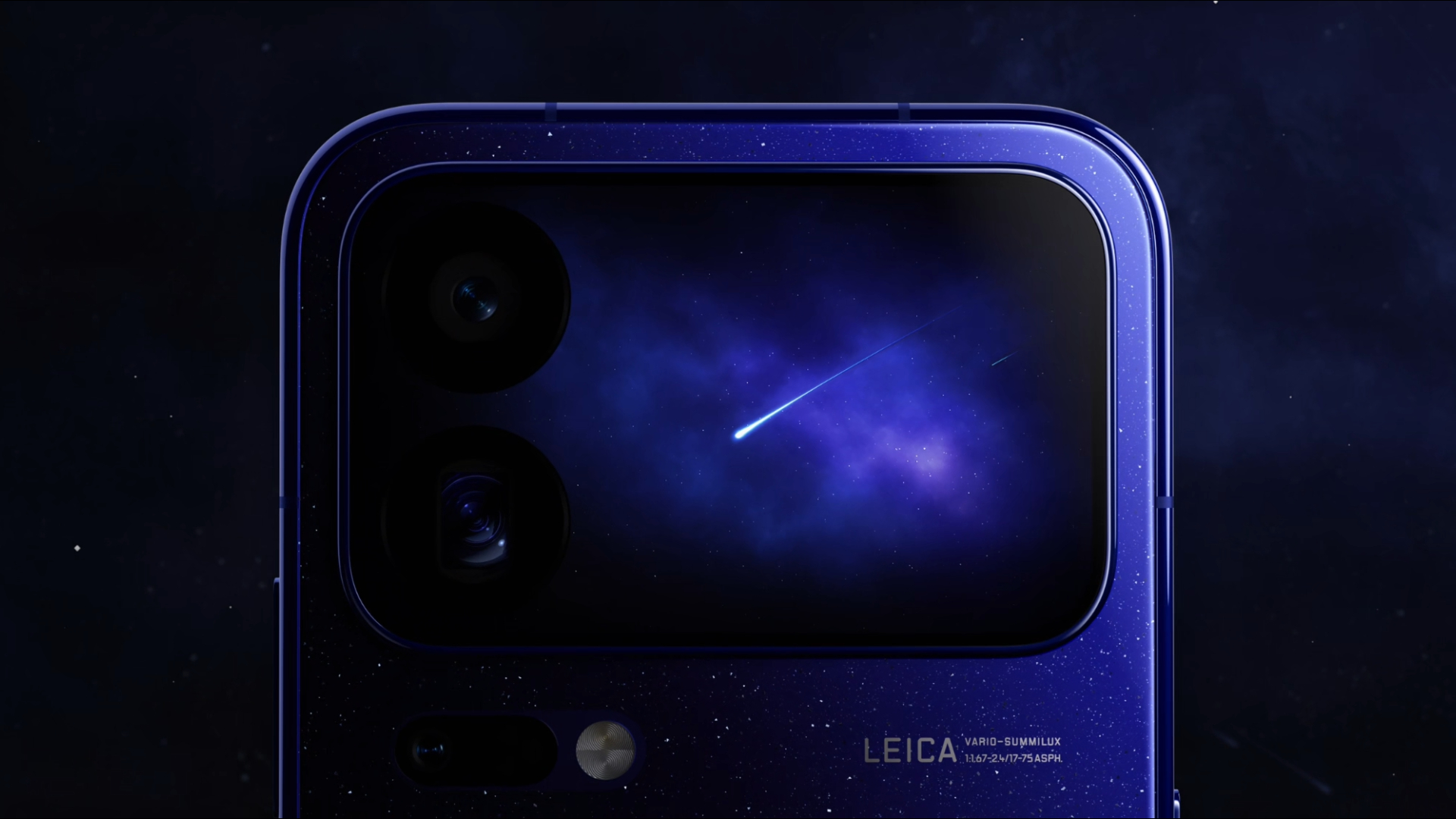
As you can probably read from our reviews, we were impressed with the Xiaomi 17 series. Like previous years, the Chinese brand knows how to make impressive flagships. Unfortunately, despite our raving, the world didn’t get the complete flagship experience because the Xiaomi 17 Pro and Pro Max were exclusive for Chinese users. This year, however, the Xiaomi 18 Pro and Pro Max will finally grace the entire world with their presence.
Recently, Xiaomi unveiled the Xiaomi 18 Pro duo. Normally, the launch of the Pro series doesn’t make waves outside of China because of the exclusive release. However, soon after the series’ debut, Xiaomi CMO Xu Fei officially confirmed that the duo will make a global debut sometime this year.
Now, the launch of the two smartphones should catch your eye. While the regular Xiaomi 18 series belongs to the more traditional form factors for smartphones, the two Pro models feature a smaller 2.7-inch (or a 2.9-inch) LTPO AMOLED rear screen, adding that extra bit of spice even if the phone is facing downwards. Other than that, the series comes with up to a Snapdragon 8 Elite Extreme Gen 6 chipset, up to 16GB of RAM, and up to 1TB of storage. It also features a trio of rear cameras including a 200-megapixel main sensor, a 200-megapixel periscope lens, and a 50-megapixel ultrawide sensor. In front, it has a 50-megapixel selfie shooter. Finally, the series goes up to an 8500mAh battery.
To be clear, there is a chance that the global version won’t match these specs. Regardless, it’s surely an impressive phone when it does launch elsewhere.
Apps
Google Photos can now censor your kid’s face better
The new Redact feature can censor sensitive information.

Censoring photos is heavy work. Either you stick on random emojis or draw an indiscriminate splotch of doodles to cover sensitive information. It’s an imperfect art but an essential one to protect privacy. Today, Google Photos is getting a Redact feature which can censor sensitive bits with pixelated blocks.
An addition to the Markup tool, Redact acts like a nifty pen that can hide information that you don’t want seen. Unlike a ghastly emoji or a splotch, the censored bar mixes better with the surrounding elements. In the example that Google used, a censored license plate blends well with the car it’s attached to, making the photo look more cohesive. Besides license plates, it’s the perfect tool for covering other information like phone numbers, addresses, and the faces of your loved ones.
Google Photos is also rolling out Moods, a set of filters that give photos a nostalgic look, including a 2000s night digicam vibe that’s popular today. There are also 15 new Remix templates to add more creation options.
Both the Redact and the Moods features will roll out to Android users starting today. The new Remix templates, however, will be limited to some countries on both Android and iOS.
SEE ALSO: Google will force Android users to use Gemini next month
News
Power Mac Center SM Aura is now an Apple Premium Partner store
With a new protection plan dubbed as “1Protect” for your precious new iPhones

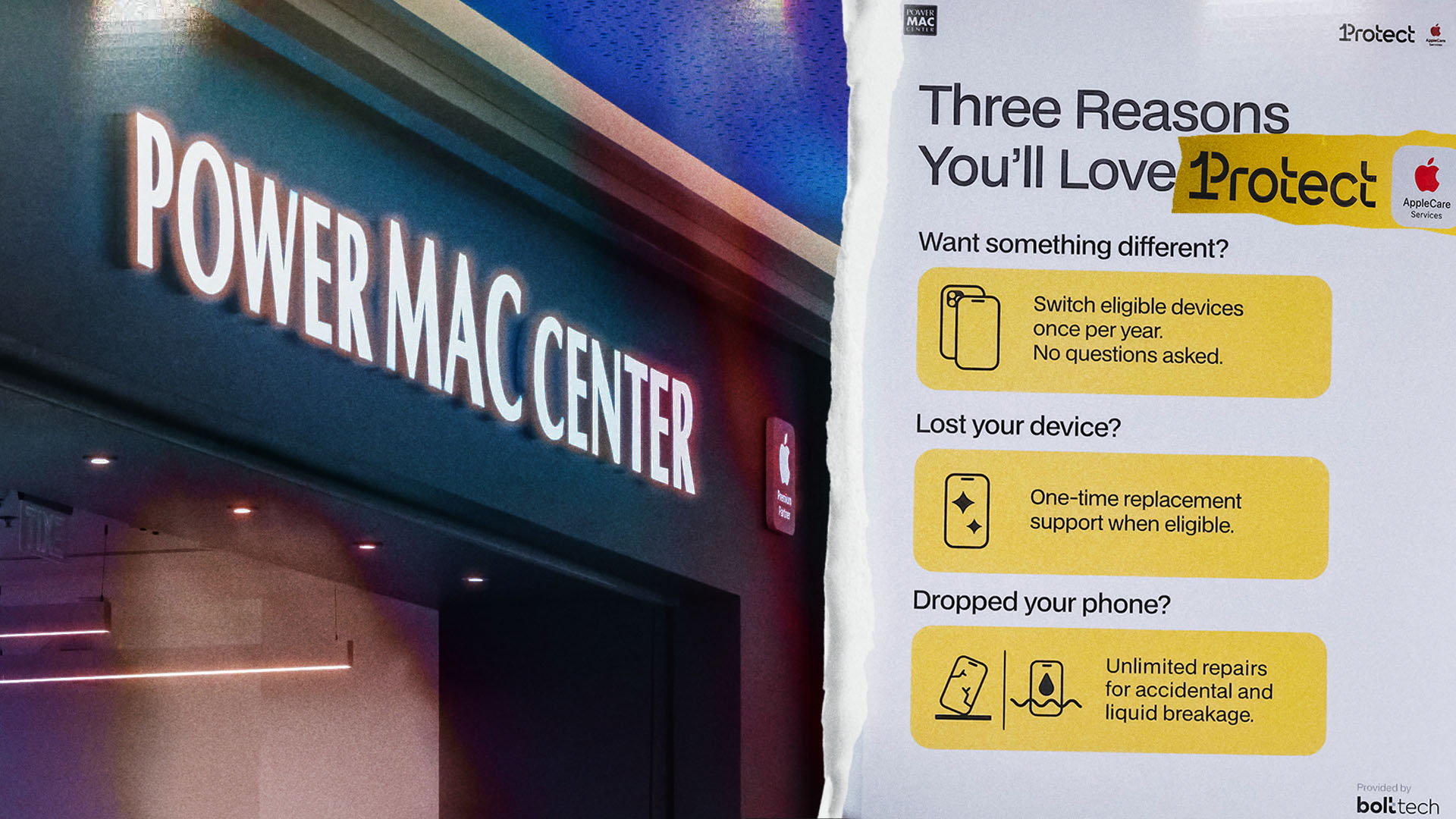
Power Mac Center has upgraded its SM Aura branch into an Apple Premium Partner (APP) store. The “APP” designation is the highest tier for reseller stores worldwide.
Originally opened in 2014, the redesigned store now houses its retail space, training center, and a service center in one.

The new space also puts more emphasis on learning. Free group demos will be held every Friday to Sunday. These will cover topics such as iPad creativity, or camera features, personalization, and Continuity for the latest iPhone series.
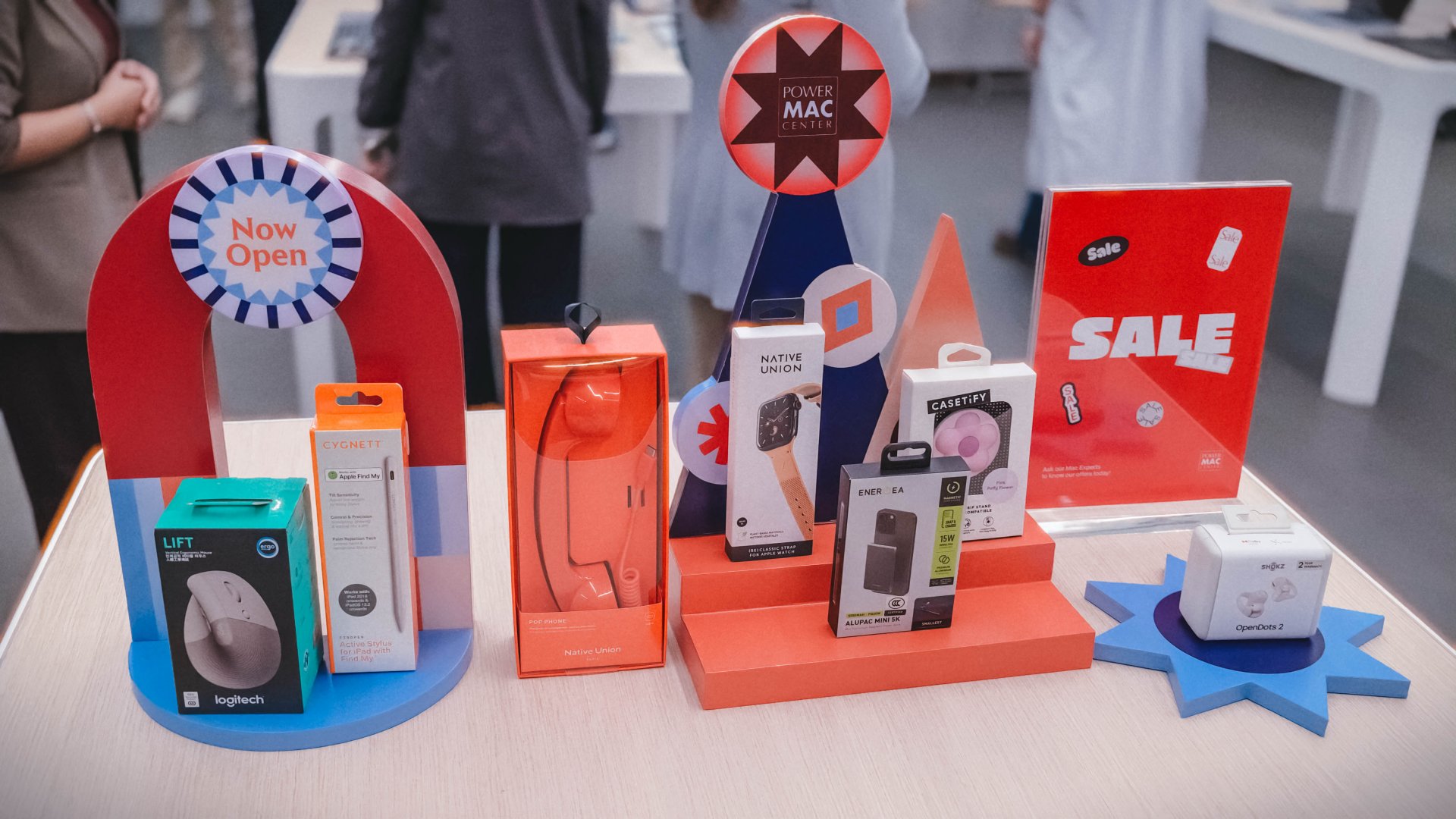
To celebrate the opening, customers can also score discounts on select Apple devices and accessories until September 27, 2026.
Deals include up to:
- ₱PhP 36,000 off MacBook Pros
- PhP 19,500 off iPads
- PhP 3000 off Apple Watches; and
- PhP 11,000 off iPhone models
There are also service discounts until September 25. Plus, new iPhones purchases here are also covered with 1Protect device protection.
ICYMI, it’s a partnership between PMC and Bolttech. It’s basically a new way to protect your precious new iPhones.
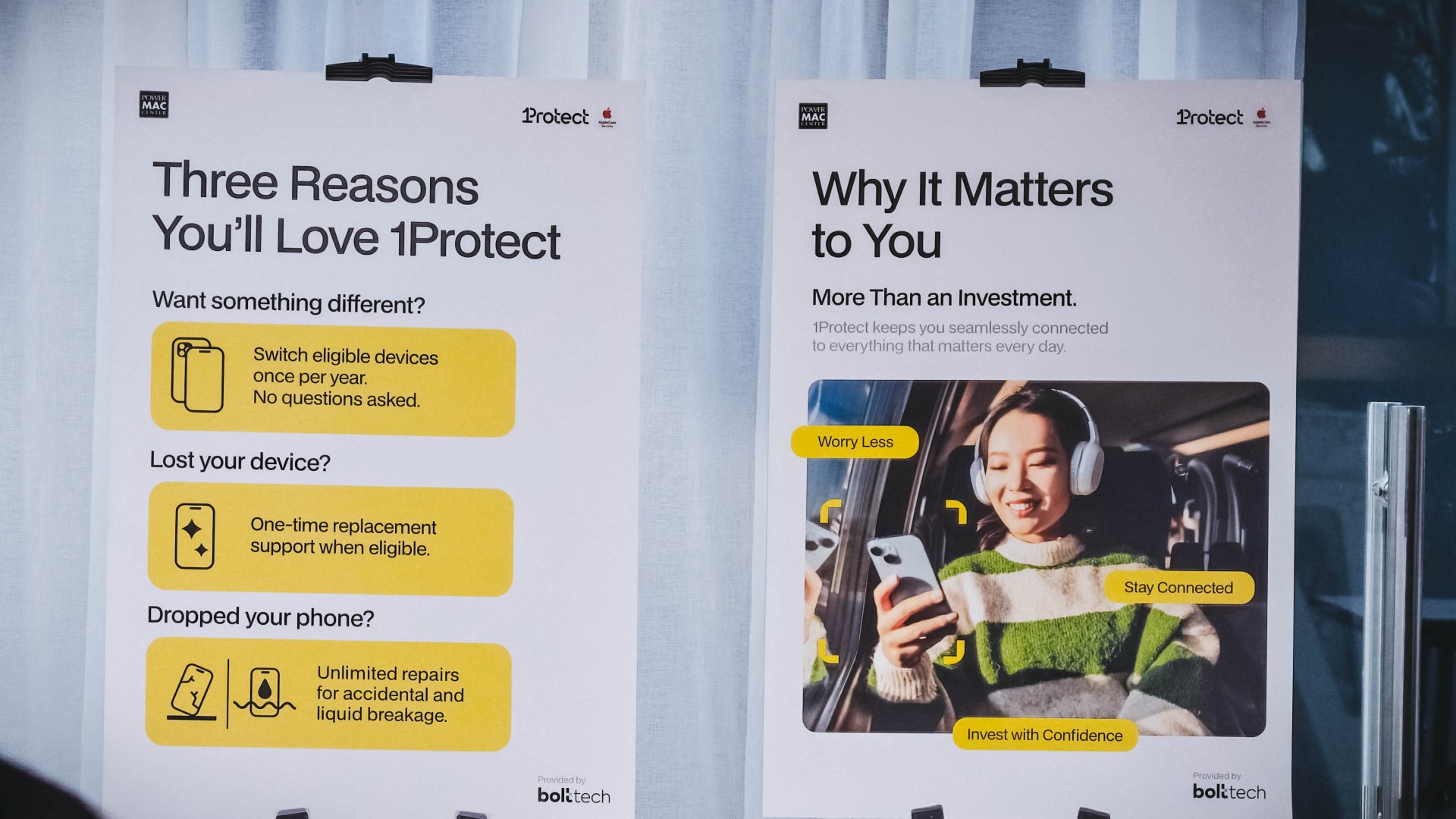
Your regular one-year warranty does not cover accidental drops and water damage. Purchasing this new device protection plan (good for one year) gives you an unlimited dose of that.
Parts are guaranteed original and is an official part of AppleCare Services.
This protection program also covers one-time unwarranted exchanges (or change of mind returns) from micro scratches to color options. It will even replace your iPhone (of the same model and configuration) if it was stolen once.

There’s also the 1 Infinite loyalty program. Members can earn points from purchases and redeem them for devices, accessories, services, and training.
The Power Mac Center SM Aura APP store is located on Level 2 and is open daily from 10AM to 10PM.

TECNO POVA 8 Pro Tonino Lamborghini review
Truly a rare gem in 2026


DJI Lito X1 review: Is this the best lightweight drone for creators?
Making a strong case as a travel companion and a capable B-cam!


REDMI Note 17 Pro Max review: A new breed born from AI greed
Welcome to the new normal
TECNO POVA 8 Pro Tonino Lamborghini review

When TECNO-logy meets Tonino Lamborghini legacy

Spotlight: Amazon Kindle Scribe Colorsoft

Chimelong’s newest attraction might be the robots themselves

Xiaomi 18 Pro series is launching globally, Xiaomi confirms

realme 16T 5G with 8000mAh battery, IP69 Pro rating launches in PH

HUAWEI Pura X View is 2026’s first WIDE slab-type smartphone

The CAMON Slim 5G is TECNO’s latest ultra-slim smartphone

iPhone 18 Pro series: Price, availability in the Philippines

DJI Osmo 360 II review: Going all-in on the ecosystem


-

 News5 days ago
vivo X500 Series launches with major imaging upgrades
-
 Hands-On2 weeks ago
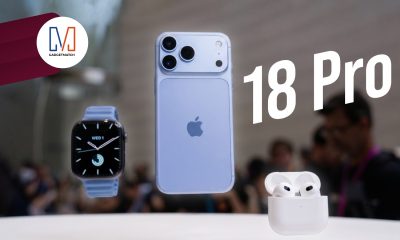
Apple iPhone 18 Pro Series Hands-on
-

 News4 days ago
OPPO Find X10 Pro Max is the first phone with a triple 200MP camera system
-

 Gaming2 weeks ago
BlizzCon 2026 announces World of Warcraft: Forever and Diablo V
-
Reviews2 weeks ago
REDMI Note 17 Pro Max review: A new breed born from AI greed
-

 Singapore1 week ago
Epson Lifestudio Grand Plus EH-LS970B with 4K projection, more launches
-

 News5 days ago
vivo introduces OriginOS 7 with smarter multitasking and AI features
-

 Gaming2 weeks ago
Valve unveils price of the Steam Frame