
Reviews
adidas SL20 review: Feel like running as fast as The Flash
adidas’ best running shoe so far!

About a month ago Adidas released a new running shoe called the Adidas SL20 — this shoe was part of the recent Adidas “Faster Than” campaign where they talked about how being “fast” is not something that’s only reserved for elite runners, and that speed isn’t always just about distance and time.
Instead, Adidas emphasises that “fast” is more of a personal feeling, which everyone can experience, even if you don’t think of yourself as a “fast” runner. They backed this up with a series of videos from all types of people, who run just because they enjoy it.
I have been really intrigued about this shoe because I saw a bunch of people post about it in the Adidas Runners Kuala Lumpur group. As you might already know Adidas has their own Runners group in major cities around the world and they can be super useful to keep you motivated — like right now in Malaysia we’re under a lockdown because of the current pandemic.
All runs are on pause but the Adidas Runners KL group has been posting live workout at home sessions which is pretty good and definitely motivates you to stay in shape and workout even from home.
Starting with a bit of a history lesson, the SL20 is a spiritual successor to the ol’ Adidas SL72 that dropped way back in 1972. This was a shoe that was designed to be used in the German Olympics at the time, and was worn by a bunch of athletes back then.
SL stands for “Super Light” and it lives up to its name. With the SL20, Adidas designed a lightweight running shoe that is meant to cater to all types of runners, and all speeds, made just for anyone who wants to feel fast. It weighs just about 238 grams, making it one of the lightest running shoes around. Though it is slightly heavier than the Adios 5.
You realize this from the second you slip these on. The SL20 is a shoe that just makes you feel fast, and you really feel like running when you’re wearing them which is a really good thing for a running shoe.
This is my first pair of really lightweight running shoes. If you’ve never worn a pair of lightweight running shoes before, this will feel like a whole new dimension. That being said, I should mention that these are meant more for short, fast runs rather than long-distance ones.
Design and Construction
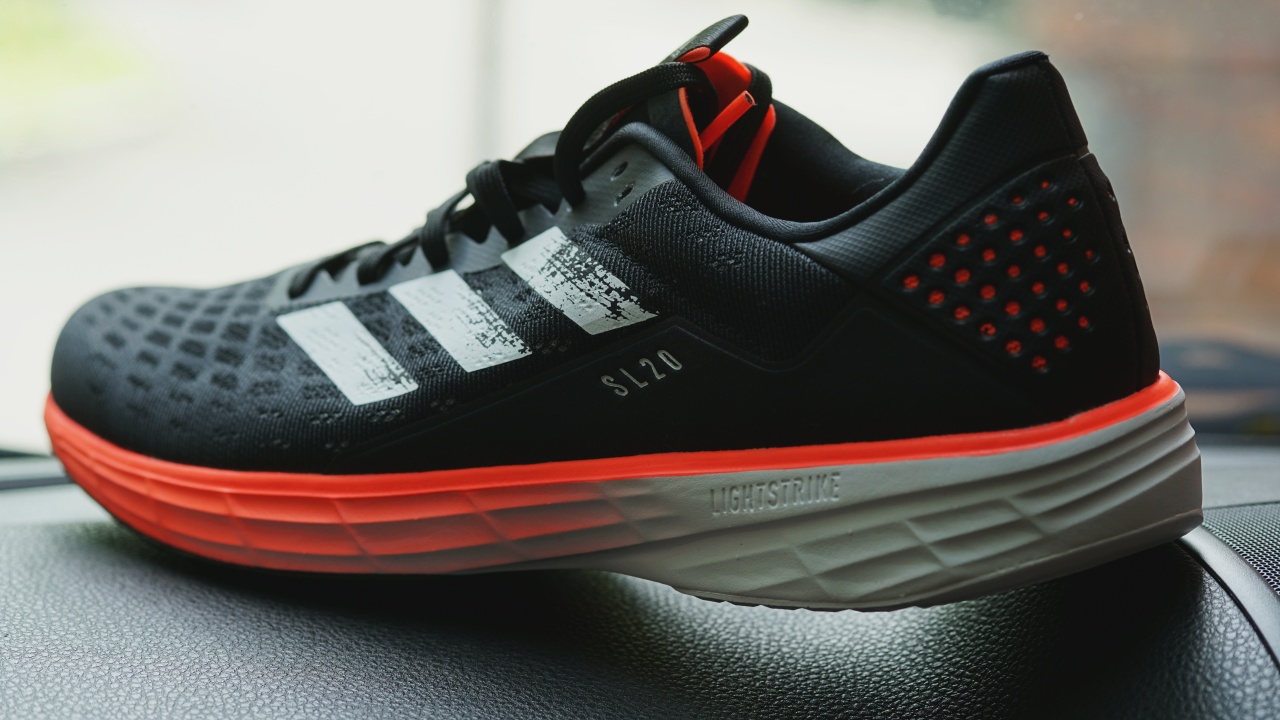
When you first pick up the SL20 it’s very clear that the choice of materials was meant to make sure the shoe is as light as possible. There’s a new Light Strike midsole which is much lighter than Boost. But it also has the torsion system, a heel counter, and Continental just like what you’d find on the much more expensive Adidas Ultraboost, which is sweet.
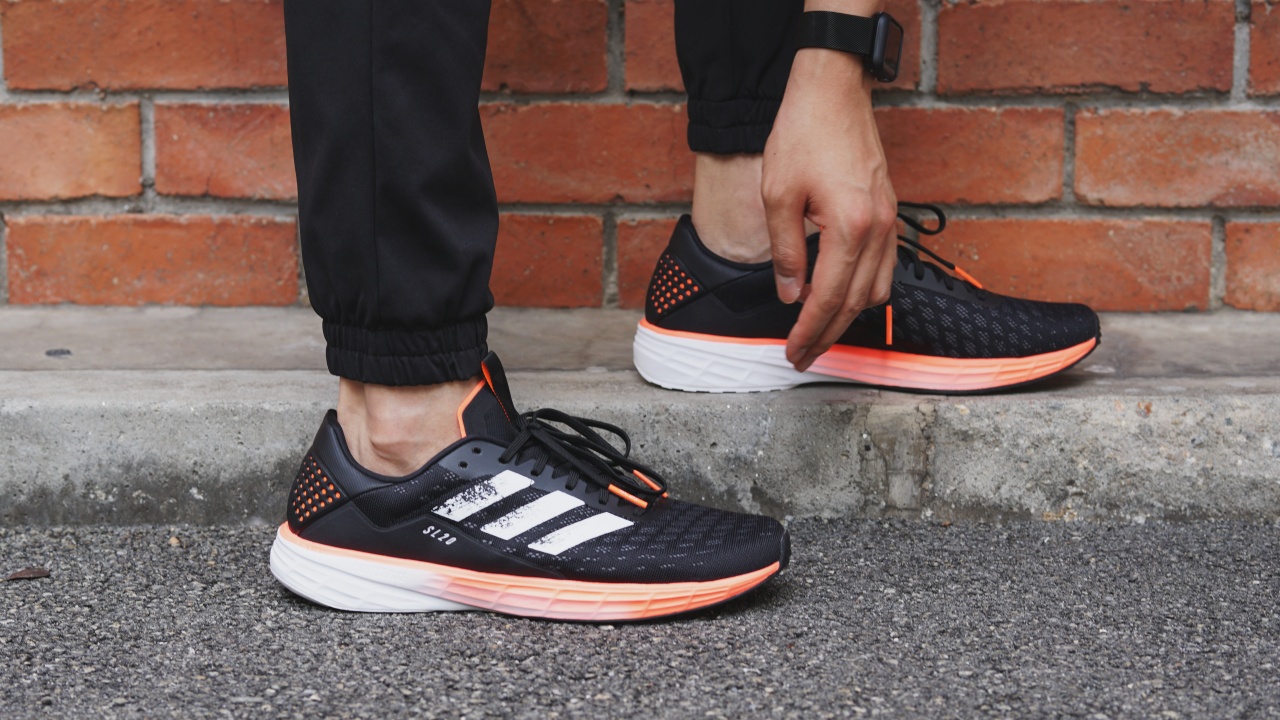
You can see we got the awesome Black-White-and-Orange colorway which is the main marketing colorway for the SL20.
The shoe also comes in a cool black-white-and-gold colorway, along with a more formal all-black colorway as well in case you want something a little more low-key.
Starting with the upper, the SL20 is made of an engineered mesh material which feels extremely thin and a major contributor to the whole lightweight nature of this shoe.
The material seems tough enough but as with any shoe with a thin, breathable upper you’ll want to make sure you wear thicker socks or keep a close watch on your toenails, so you don’t end up accidentally poking through it.
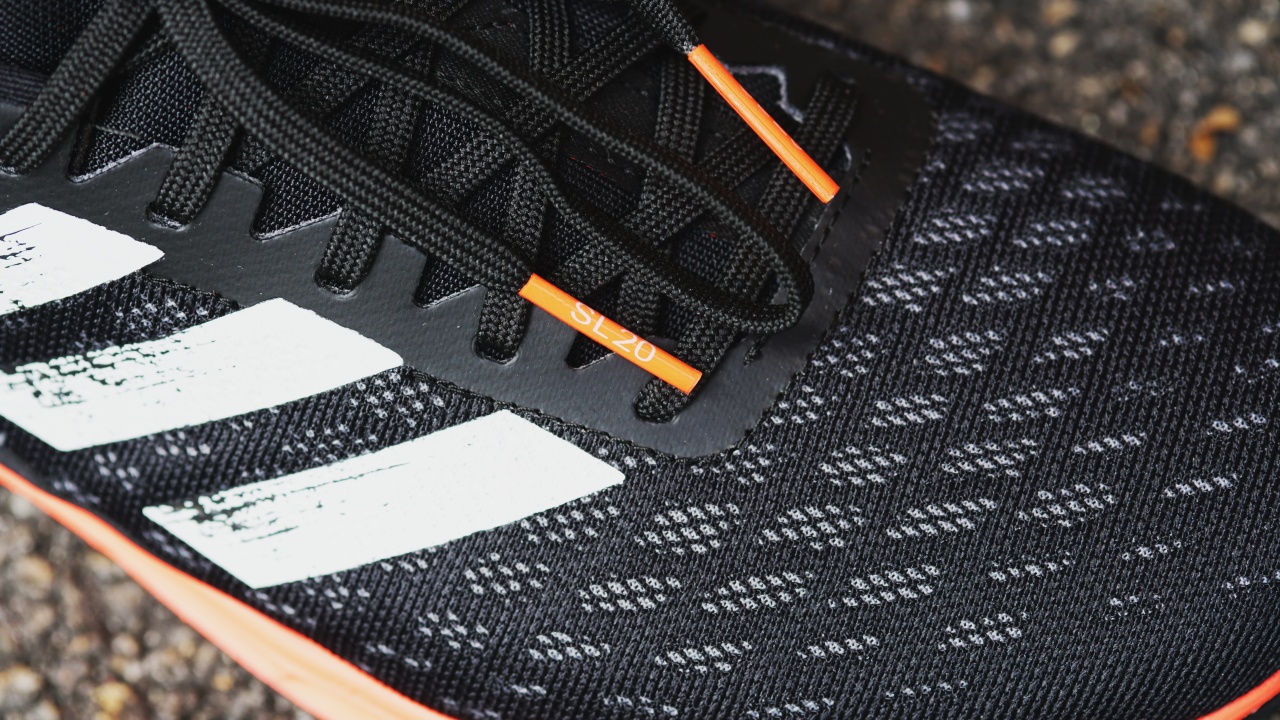
Similarly, the tongue also has no padding, being just a thin piece of lightweight fabric. The laces are also pretty soft and there are two extra eyelets up top in case you want an even more snug fit.
One small detail that I really liked was the SL20 branding on the lace tips that is color matched to the three stripes on the shoe.
I also noticed that the lacing is also slightly asymmetrical with a bias towards the medial side which helps with that lockdown feeling, and medial support.
Moving on to the heel area, the SL20 has an integrated heel counter which means that unlike the external heel counter which you’d see on the Ultraboost 20, this one is all internal. The heel counter is made of a hard material which allows you to easily slip your foot into the shoe, but also does a great job at locking your heel into place.

Coming to the midsole, as mentioned earlier, it’s made out of a new material called “Lightstrike ” which is significantly lighter than Boost, which most of y’all have probably heard about. But I’ll talk about the midsole later on.
Underneath that, you have the Continental stretchweb outsole with the red torsion propulsion system integrated into the sole. This gives the shoe more structure and control.
Then there’s the heel, which is more stiff and supportive but I’ll talk about the entire midsole and outsole later on. And for those of you who aren’t as familiar with Adidas sneakers, yes it’s that Continental, the tire maker.
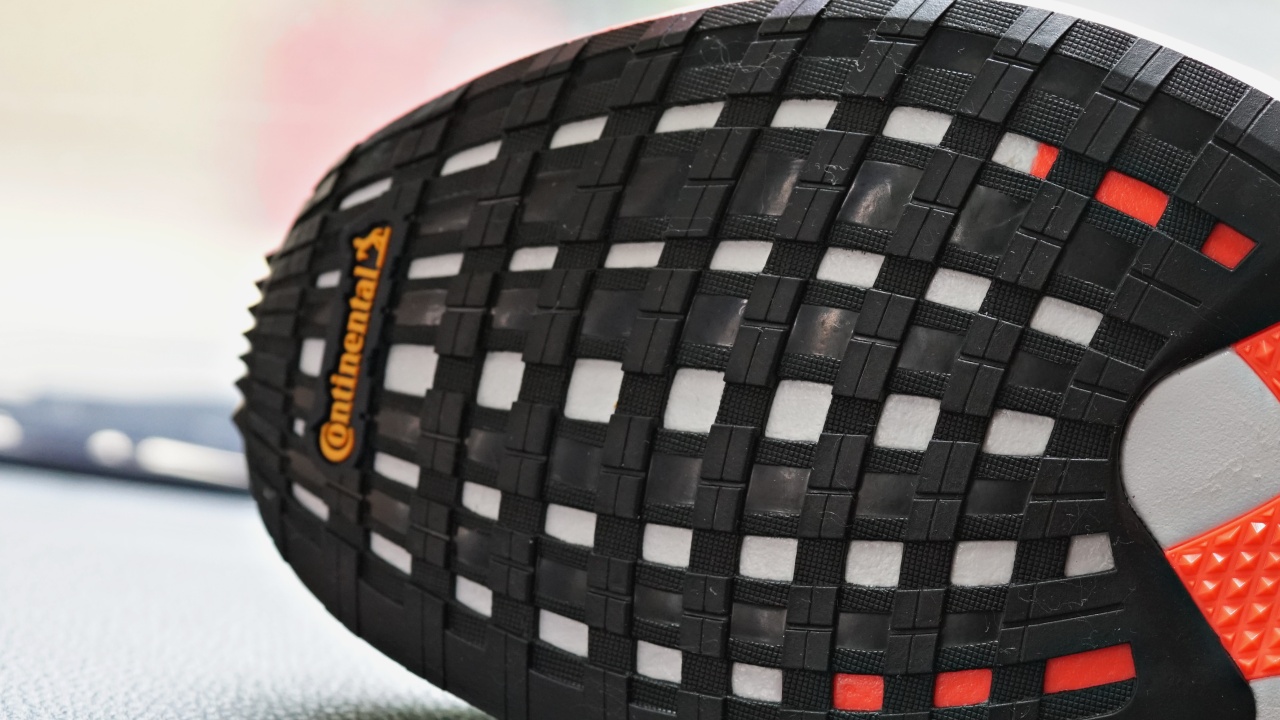
All in all it’s a great looking shoe, with a lot of visual attention to detail in its design.
Quite snug, go up at least half a size
In terms of fit, the SL20 is supposed to fit true-to-size but it’s a bit of a narrow shoe with a rigid toe-box. Since I have wide feet, Adidas sent me a size up which fits pretty well. I’d definitely advise trying these on in a store if you could, because the engineered mesh upper here is not a very stretchable fabric.
So if you have wide feet like I do, you might want to go up half a size or even up a full size. In case you were wondering, the heel-to-toe drop here is the usual 10mm with a stack height of 29/19.
The light in Lightstrike is truly light
Coming to performance, as I have mentioned — the SL20 feels incredibly light, and you feel it immediately as you start running with them. The engineered mesh upper is weirdly lightweight as if it’s not even there, and the new Lightstrike foam has a good amount of energy return as well.
The Lightstrike foam itself is pretty interesting. It was originally designed for use in basketball shoes, with the thought being that the foam would have enough cushioning, lightweight, but still be very responsive with some court-feel especially with the kind of lateral movement you see in basketball.
It was first introduced in 2018 in the signature sneakers of former NBA MVP James Harden, before also moving on to the Adizero series of running shoes.

With this purpose in mind, Lightstrike is slightly harder than Boost cushioning, sacrificing some of that soft comfort for better energy return instead. This cushioning, along with the lightweight upper, is the reason why you want to go faster in these shoes.
I found myself running slightly faster with these on, and I’m not even sure why. Maybe it was just a psychological feeling of wearing such lightweight shoes, or maybe it’s the overall package of the SL20.
The Torsion system allows for a nice, springy toe-off, and also helps with the energy transition from heel to toe, allowing your foot to go back into its normal state during each strike, and the heel counter keeps your feet firmly locked in.
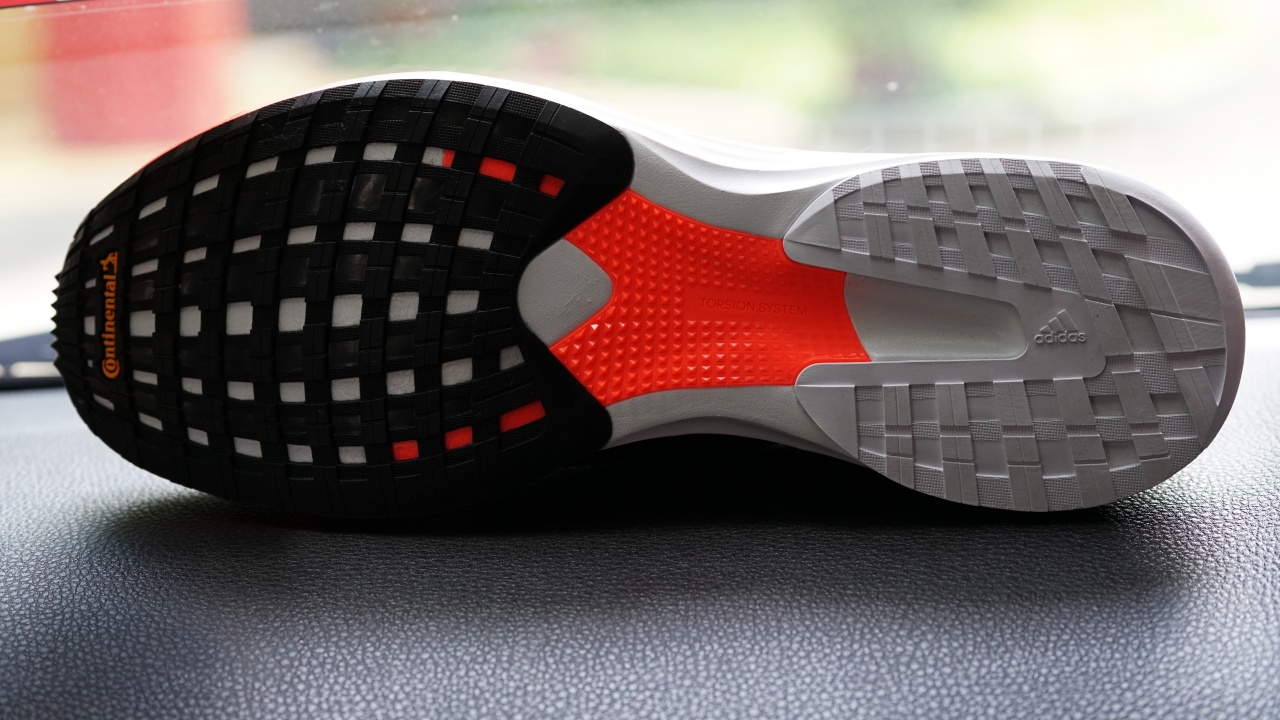
The slightly harder midsole does mean these are best suited for short distance runs. You could still wear them for long distance or marathon running, but the Lightstrike foam midsole is not as soft a cushion as one would like for a long distance running shoe.
For sprints and everyday jogs, the SL20 is freaking fantastic. But for long distance runs, you might want to check out the Ultraboost 20 or even the ASICS GEL-Nimbus 22 instead.
These shoes really are a lot of fun to run in because they’re just so darn lightweight, with great energy return, that push-off sensation really is amazing so maybe some of y’all might actually like them for long distance runs as well.
Coming to the SL20 outsole, it’s worth noting that you can also feel any stones or pebbles under your foot with these so they really aren’t meant for off-road or cross country runs either — just a road or street runner.
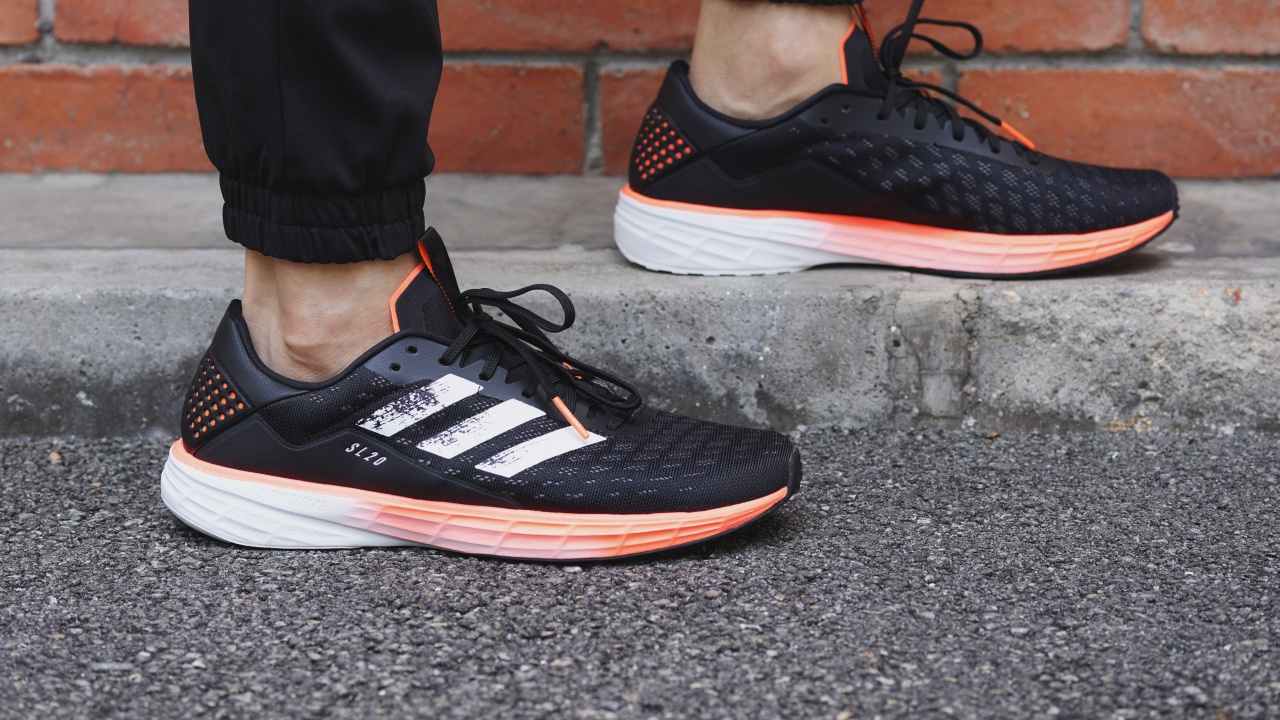
The Continental stretchweb outsole is a great addition, just like what we’ve experienced on Ultraboost for a while now. These are some of the grippiest rubber outsoles around and this means running on even wet roads is not an issue.
I wouldn’t recommend testing these out on icy streets. I’m always paranoid about falling where ice is involved because I’ve only lived in tropical weather countries, but apart from that, the outsole has no issues gripping and keeping traction even on the rainiest of days.
Overall the Adidas SL20 falls more in the stable end of the spectrum, compared to many other lightweight running shoes. While I still think of it as a neutral running shoe, it has a pretty reasonable amount of stability.
Is this your SneakerMatch?
The Adidas SL20 is just a fantastic running shoe designed for runners who want to run fast. It doesn’t matter what your definition of fast is, because this pair will honestly just make you feel fast when you’re running with them.

If you’re looking for a pair of lightweight running shoes, this is pretty much one of the best options out there right now.
The only real alternative comes from Adidas itself — the Adidas Adizero Boston 8 and the Adidas Adizero Adios 5 — both of which look very similar now to the SL20.
All three belong to the lightweight running shoe category, and they weigh almost the same but the primary difference is their uppers and midsoles, and how they feel when running. Both the Boston and Adios have slightly more premium upper construction, and both have Boost in the midsole, which also means they cost a lot more than the SL20.
The Adios feels more like a racing shoe and offers the least in terms of comfort, whereas the Boston is more of an all-round running shoe. It’s firmer and harder than the SL20 but also softer and more comfortable than the Adios.

Out of all three, I think the SL20 is the most comfortable, though of course not as comfortable as the heavier SolarBoost or Ultraboost sneakers.
Bif you’re looking for a lightweight running shoe to get you started with running or just to be your first lightweight running shoe, I think the SL20 is for you. Even if you are a trained runner who wants a secondary pair of “fast” shoes — these are definitely for you.
The Adidas SL20 is just for anyone who wants to feel fast, without shifting too far away from a comfortable daily running shoe, but still wanting a pair of lightweight running shoes.
Definitely recommended.








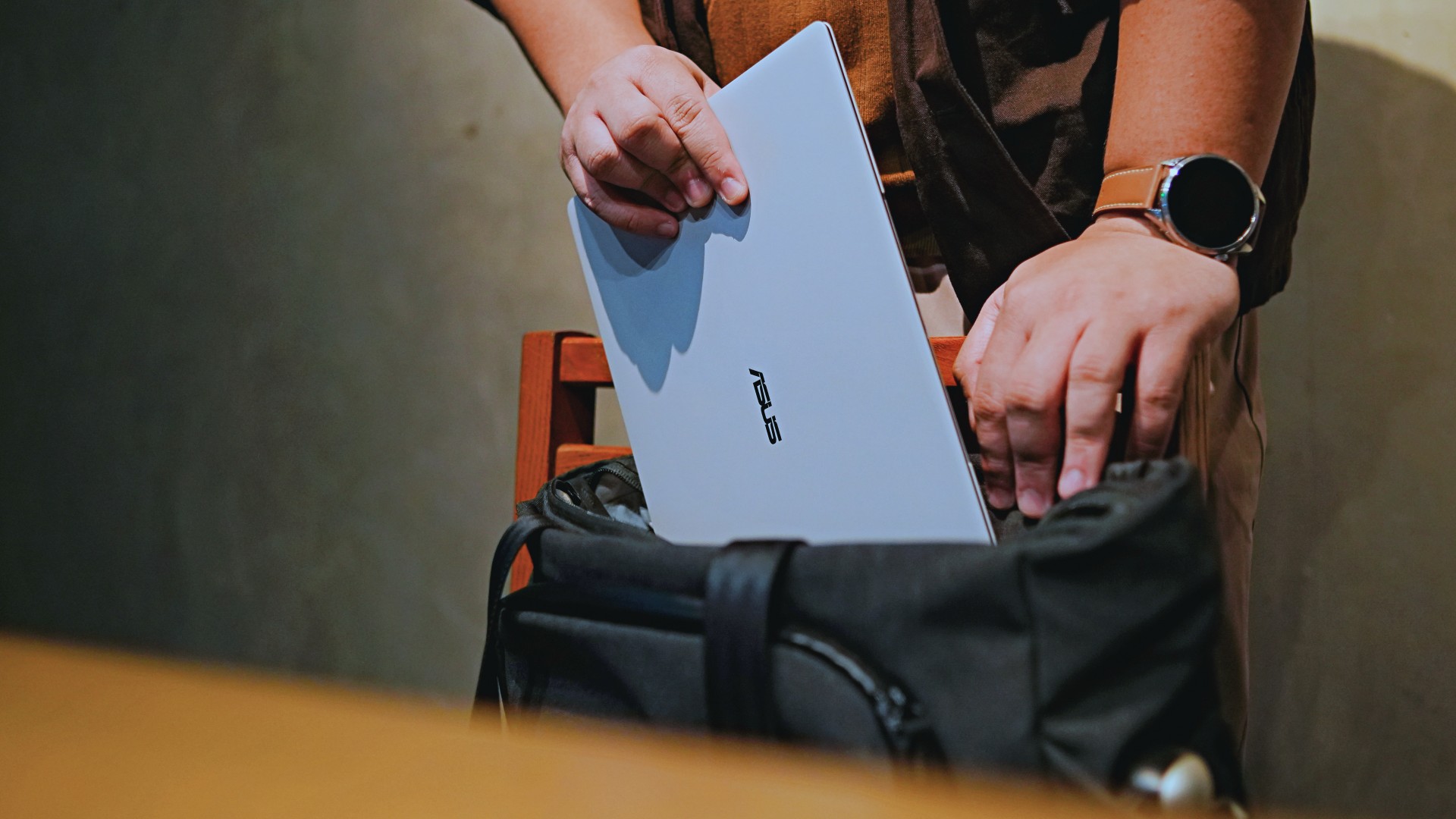
This is coming from someone who has done countless unboxings and has touched a wide variety of devices — the ASUS ExpertBook Ultra was… alright.
My first impression was that it certainly didn’t wow me as much as I expected it to after having read the brief, nor even after attending the tech seminar where ASUS laid out its vision for the laptop.
That’s probably the strangest thing about the ExpertBook Ultra. Because after having spent more time with it, the laptop grew on me.
Put cheekily, the ASUS ExpertBook Ultra wasn’t the laptop that made my head turn. Instead, it was the laptop that kept showing up consistently. Before I realized it, it’s become the one I wanted to keep coming back to.
And I think that’s the best way to describe my experience with ASUS’ flagship business notebook.
The laptop sneaks up on you.
Built to be carried

I got the laptop right after Computex 2026 coverage. That meant my days were closer to how they normally are. That also meant I had to be more intentional about going out and bringing it with me as I tackled my day-to-day duties.
I normally carried it using my trusted EDC — the Alpaka Bravo Tote — and I have to say it definitely felt lighter than my usual laptop, which is the MacBook Pro M4.
The Apple laptop I regularly carry is, I have to admit, chunkier than I would prefer. So having the ExpertBook Ultra for about a week or so literally felt like some load was taken off my shoulders.
Did I ever forget it was there? I wouldn’t go that far.
But if you’re asking me which one I’d rather carry based on build and weight alone, I would, with no hesitation, reach for the ExpertBook Ultra.
That says a lot considering how attached I am to my usual setup.
ASUS likes talking about how light the ExpertBook Ultra is. Normally, that’s the sort of marketing line I acknowledge and quickly move past.
This time, I actually felt it.
The Nano Ceramic effect

One of the first things ASUS will tell you about the ExpertBook Ultra is its Nano Ceramic finish. I’ll admit, it felt like one of those things that sounds good on a slide presentation.
It’s one of those things that look gimmicky at first but actually feels incredible once you come across it on a daily basis.
It’s still early, so you can consider this very much part of the honeymoon phase with the laptop. Even so, the Nano Ceramic finish continues to inspire a bit of awe every time I pick it up.
I do feel like a little weirdo caressing the laptop ever so gently before I begin the day’s work wherever I may be. But that’s just a testament to how good it feels to touch.

And yes, it does reinforce the feeling that, “Hey, I’m working on a pretty fancy piece of machinery.”
It’s easy to underrate the effects of that feeling, but it’s those little intangible things that can sometimes help unlock perspectives and possibilities.
That’s not something you’ll find on a spec sheet. But it’s absolutely part of the experience.
A display that’s difficult to stop staring at

It also helps if STAYC Isa is on screen.
The display is magnificent.
As Captain America would say, “I can look at this all day.” Not the exact phrase, but you’re smart. You get it.
The OLED and matte coating is just a killer combo. Kind of like the Chaewon and Yeji “That’s a No No” challenge collab. Pardon the months-old K-pop reference. I’ve been so busy I haven’t really kept up with what’s new.
Anyway, the combination just comes at you unapologetically and you have no recourse but to bask in it. Maintaining the deep blacks and crisp colors is such a gift to your eyes.
I often sit right next to big windows when I’m out in cafés and the light did nothing to dull the effect of the display.

Two love, two love. I’m falling.
It was so good I often found myself fully diving into STAYC’s 2 LOVE music video in between writing this very review and coordinating with my team.
The matte coating deserves special mention here.
OLED panels already look fantastic. Pairing one with a matte finish that helps cut reflections without sacrificing the strengths of OLED makes for one of my favorite laptop displays in recent memory.
Typing just clicked

This is one of my favorite keyboard experiences. Things just clicked right from the start. No awkward feeling-out phase whatsoever.
I was touch typing like I was Doctor Strange trying to look into over 14 million possible outcomes and still landing on the right key every single time.
The keys feel closer to chiclet-style keyboards than anything else. Even so, the spacing is perfect and the travel satisfying.
Then there’s the haptic touchpad.

I typically don’t like using mice, especially when I’m out and about. With most Windows laptops I’ve used in the past, that eventually becomes a necessity.
That wasn’t the case with the ExpertBook Ultra. It’s easily one of the best-feeling touchpads I’ve used in recent memory.
My standard for touchpads has always been MacBooks. While the software is also doing some heavy lifting in that particular setup, the ExpertBook’s own comes pretty close.
That’s not praise I hand out lightly.
Performance that feels like overkill
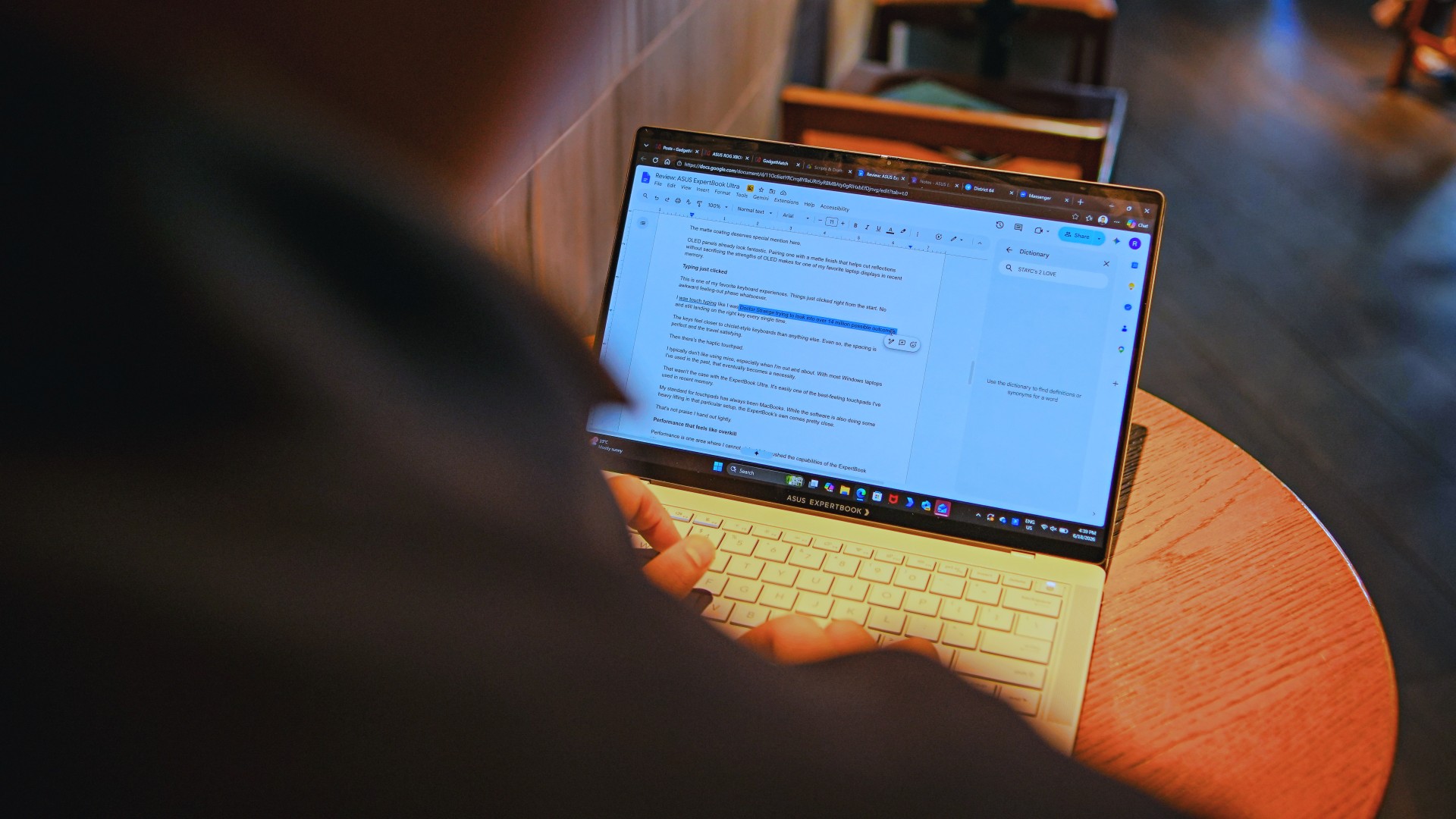
Performance is one area where I cannot claim I fully pushed the capabilities of the ExpertBook Ultra.
Most of my tasks are browser-based. Plenty of tabs open, sure, but I don’t think I ever came close to really testing the capabilities of this business notebook. I imagine that would be the case for most of ASUS’ target audience.
Upon seeing the specs, I already knew this was going to be a bit of an overkill for my own use case. My time with it only proved that assessment.
The most I did with it was jump between browser tabs and chat apps, letting ChatGPT help me process unresolved feelings and questionable timing while I dealt with coordinating shoots, writing scripts and reviews, and dealing with external forces that leave me feeling drained.
Never once did the laptop feel slow. Never once did I find myself waiting.
What noise?
Speaking of things I didn’t notice, let’s talk about fan noise.
Again, since I didn’t really push this thing to its absolute limits, the fan never really kicked into high gear at any point during my time with it.
The same goes for thermals.
No task I did ever raised the temperature to uncomfortable levels. The laptop simply went about its business. Which, come to think of it, is probably the most business-laptop thing I can say about it.

Battery life that simply works
I was very impressed with its overall efficiency.
When I go out to work, I typically don’t stay out longer than five to six hours. Most of the time that’s five to six hours of really focused work—with some K-pop loving in between.
Being generally risk-averse, I still always brought my usual charger with me. Not once during my time with the device did I feel the need to plug in while working outside.
I would typically end my café work days somewhere between 30 to 40 percent and only juice the thing up once I got home while it was closed and not in use.
That’s exactly the kind of battery experience I want from a business laptop.
The AI question
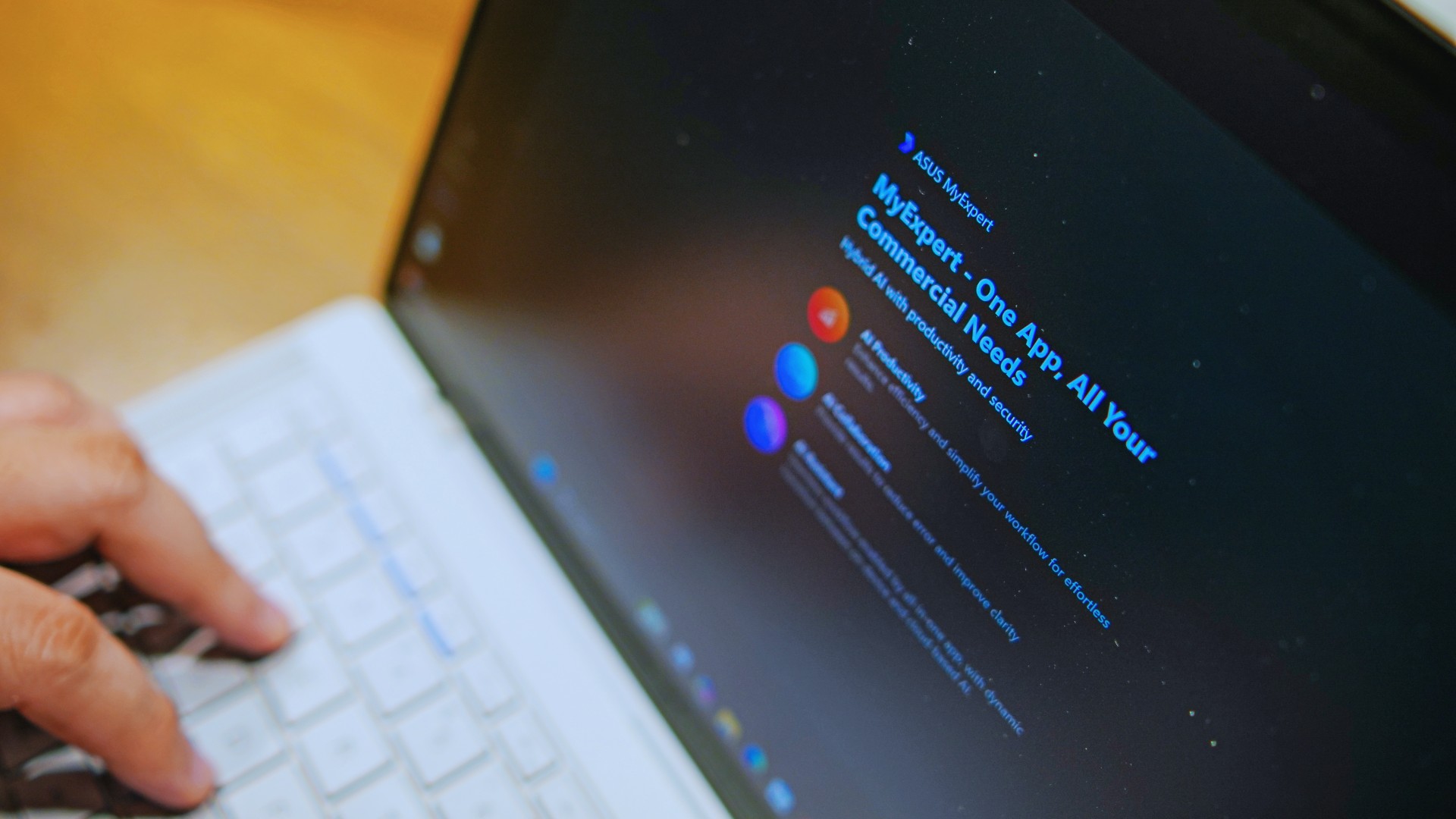
The thing I struggle with when it comes to AI features on this machine is that a lot of them are Windows-based and that’s just not the AI I find reliable.
Right now, many of these features are nice-to-have.
I’m sure one of ASUS’ target users will likely find a use case for them.
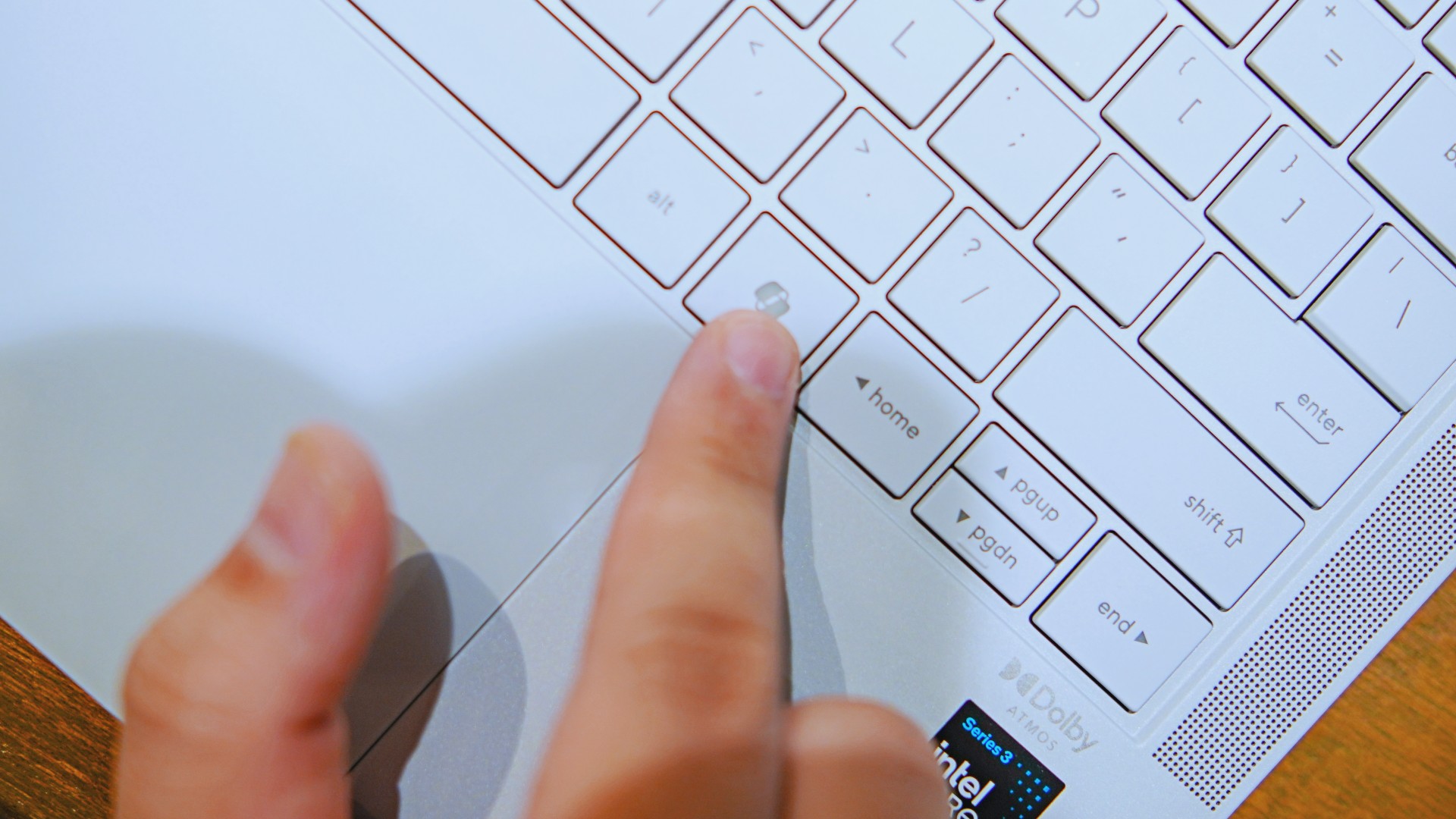
As for me personally, this is one area I’d have to dig deeper into to actually find ways to integrate them into my workflow and general usage.
And honestly, that’s okay. The AI features weren’t the reason I kept reaching for the laptop.
Who is this actually for?

That’s a loaded question. Really, it’s built for anyone who can afford it.
With a starting price of PhP 129,995, this device comfortably sits in aspirational territory.
What I know for sure is that this is a machine for someone who’s already built some momentum in their chosen field and would like to level up.
The ASUS ExpertBook Ultra gives you a machine that can handle your business now and inspire you to dream bigger about your future.
Is the ASUS ExpertBook Ultra your GadgetMatch?
The thing I kept coming back to with the ExpertBook Ultra is that there is no one thing that made me turn to it.
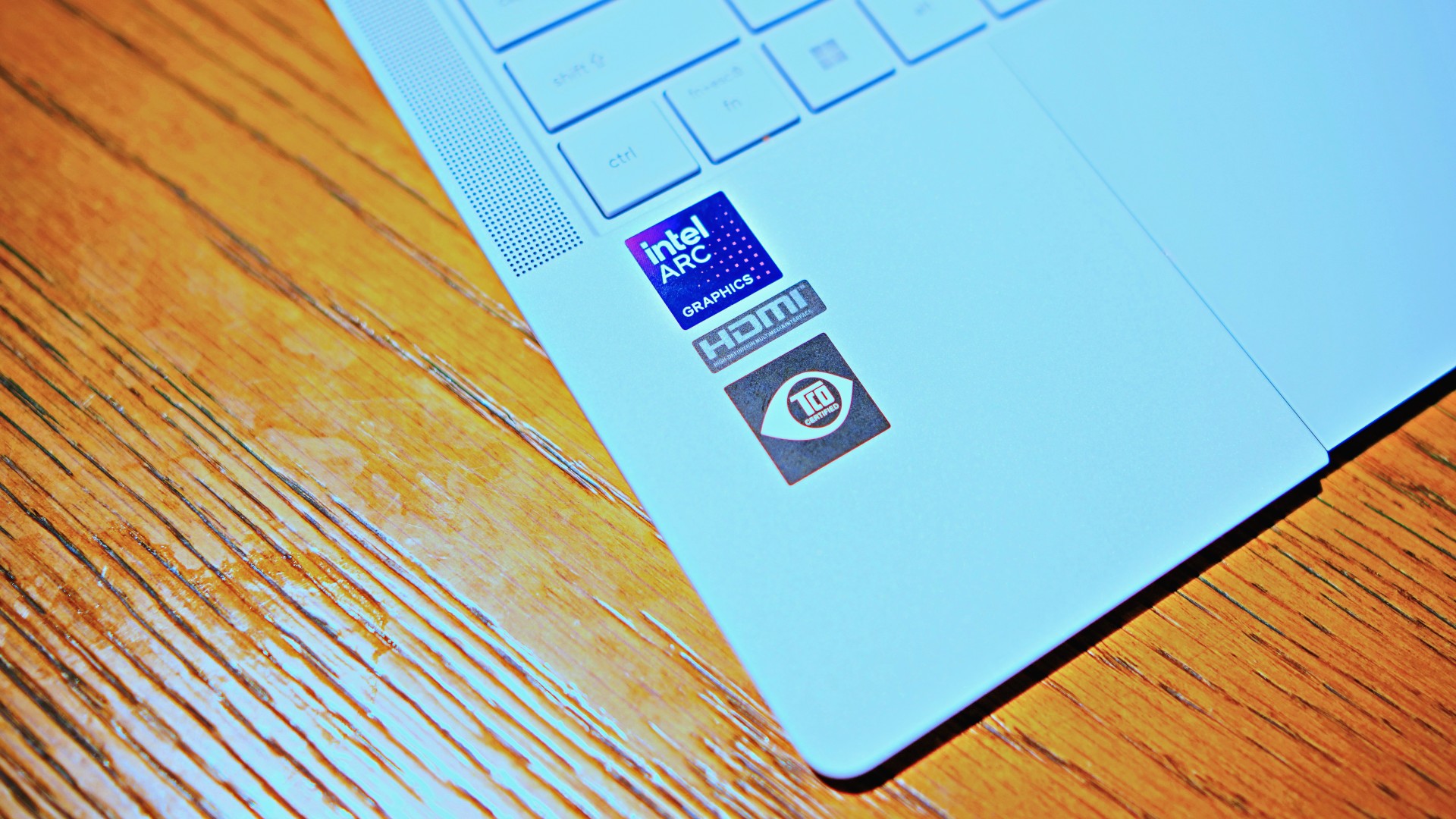
Instead, it’s the combination of everything that it brings to the table. The premium-feeling build, lightweight design, wonderful display, excellent keyboard and touchpad. efficient performance, and the thoughtful extras. Together, they make it a laptop that’s easy to recommend to anyone who’s ready for it.
But what does ready for it actually mean?

It means it’s for people who have leveled up quite a bit in their grind and want a machine that matches their current status and future aspirations.
That’s what the ASUS ExpertBook Ultra represents. A modern classic that’s ready for now and whatever comes next.
That’s why it didn’t wow me. But it certainly won me over.

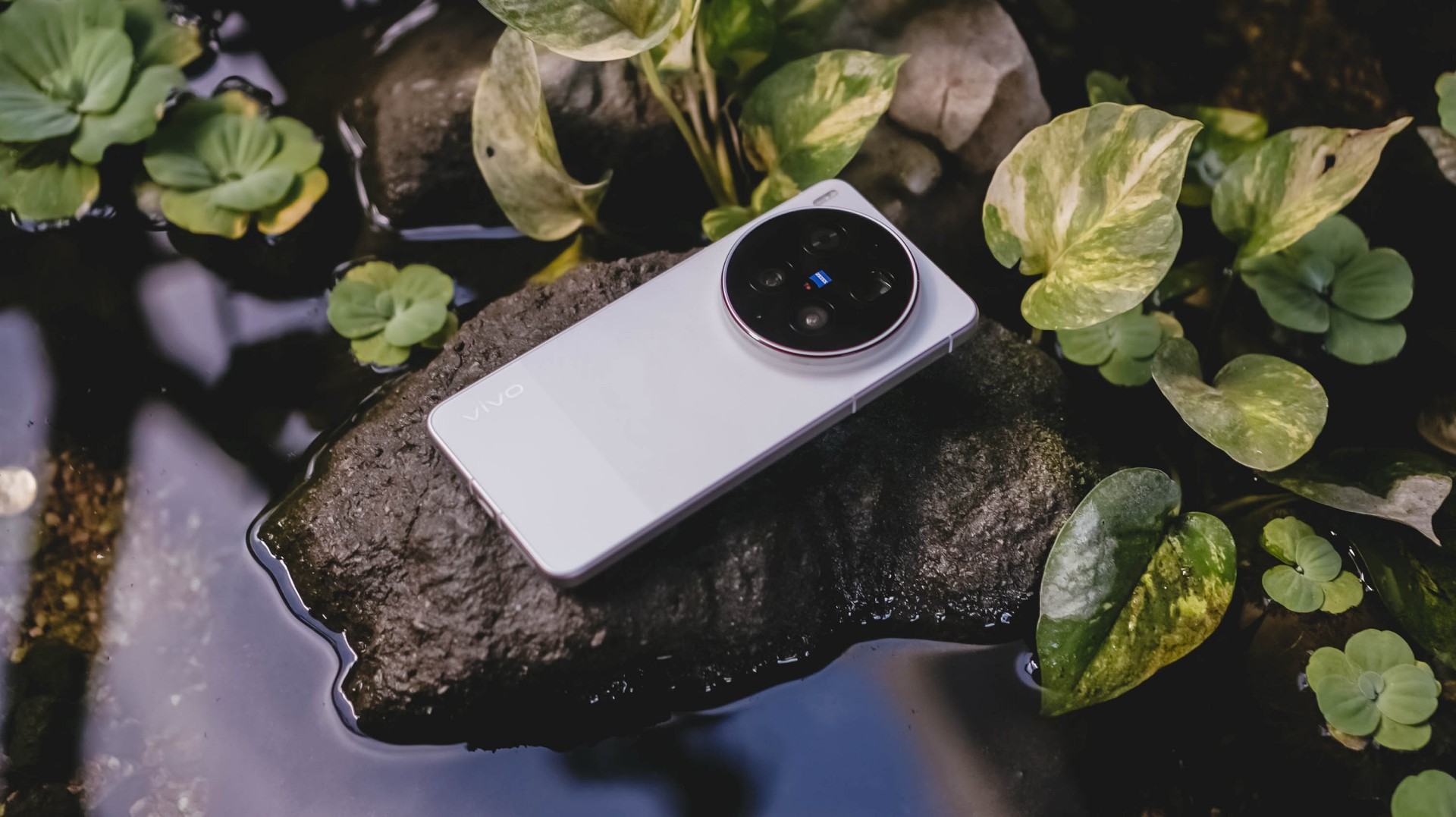
With the arrival of vivo’s first “Ultra” smartphone last May 2024, I felt nothing but utmost excitement — until it was revealed to be China-exclusive.
Second generation landed, yet it remained the same. My disappointment grew twofold.
Despite rocking the vivo X200 Pro last year, my eyes were glued to the Ultra for its more powerful camera hardware.
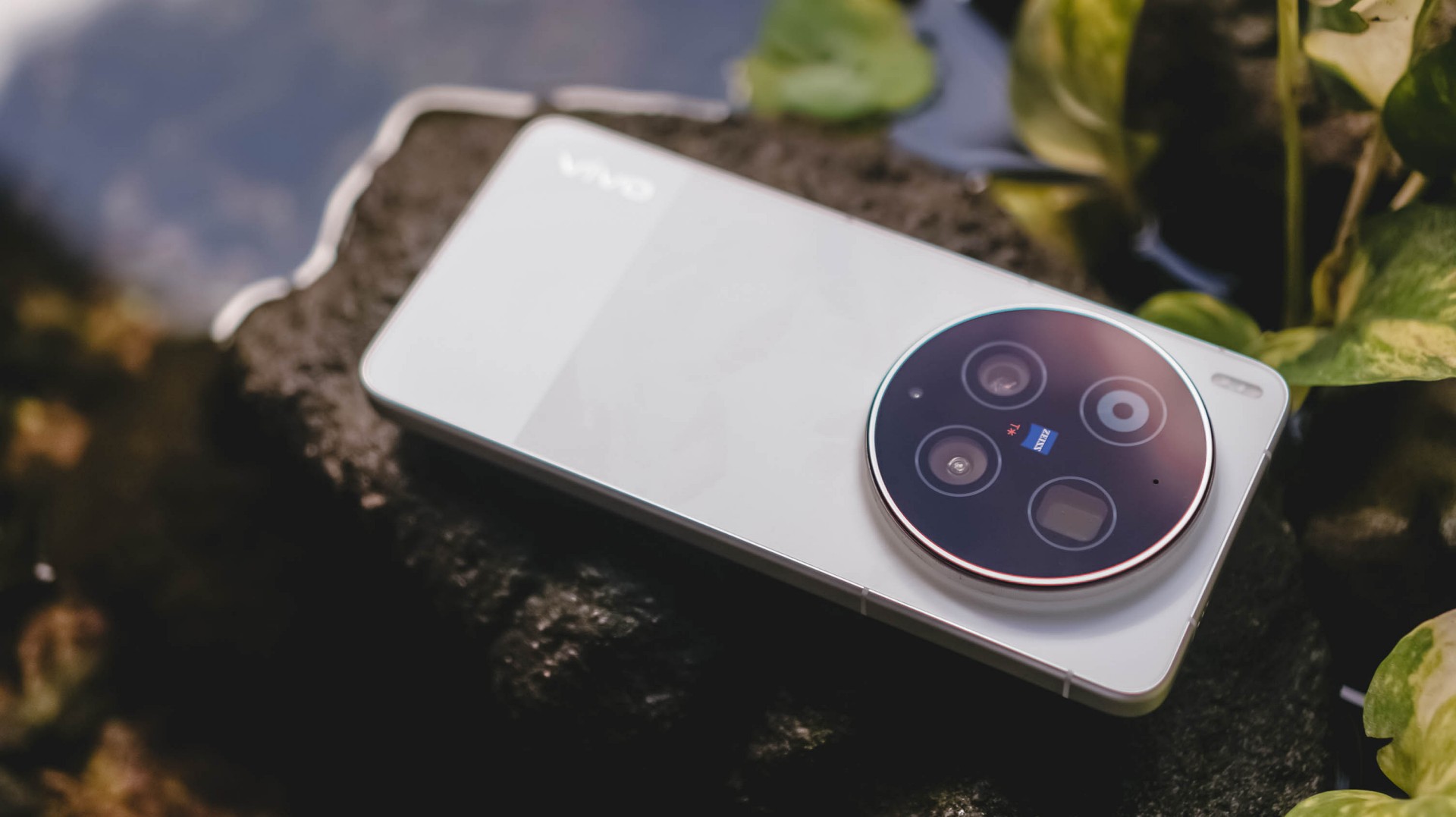
Two years have passed, and my gloomy, rainy skies have finally turned into a sunny scenery.
The Chinese smartphone brand finally listened and unveiled the much-awaited vivo X300 Ultra slated for global markets.
A Whole Different Animal
With all the “Ultra” smartphones released in the wild, the vivo X300 Ultra is of a different species.
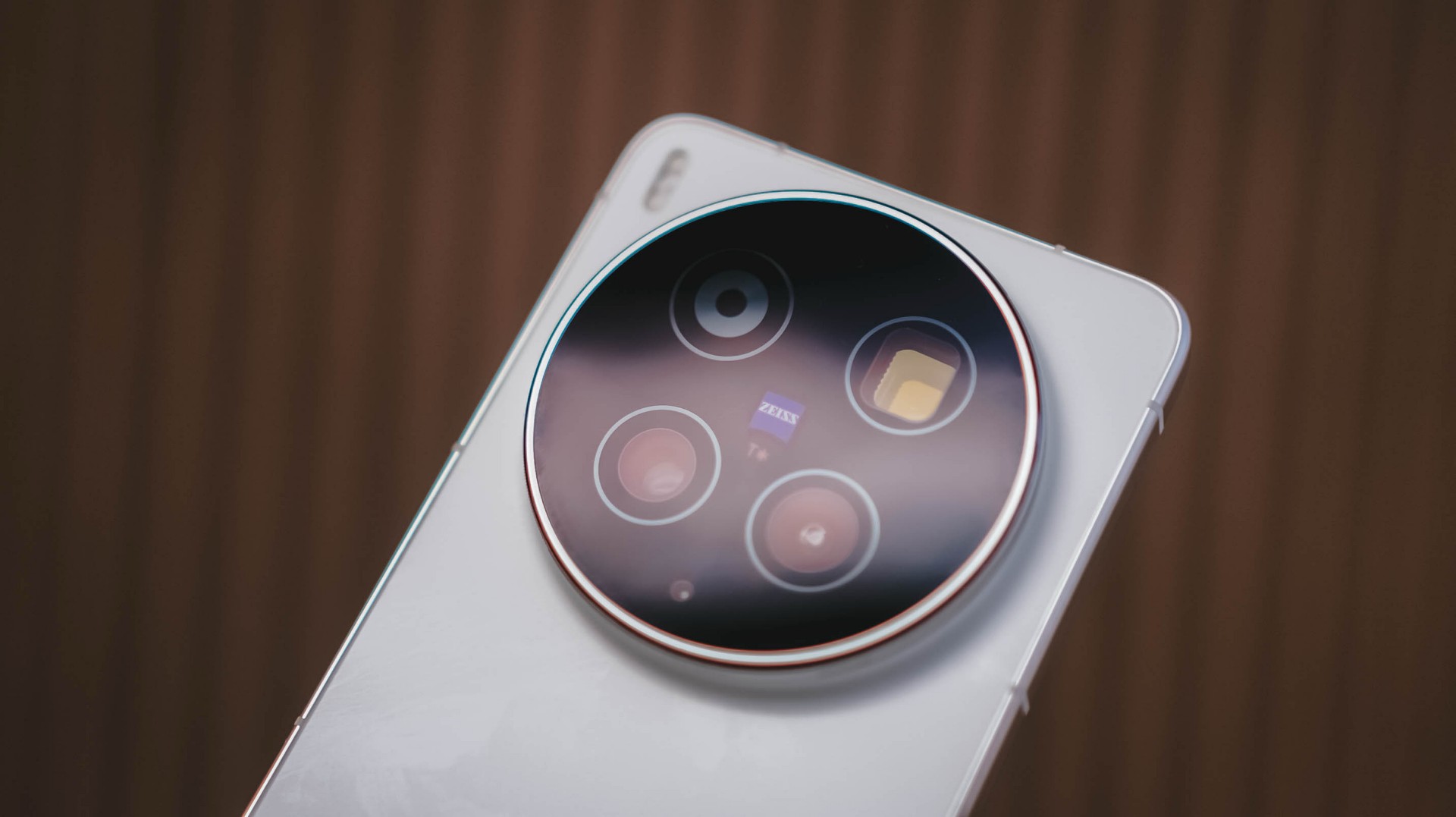
For starters, the vivo X300 Ultra has a massive 200MP f/1.85 rear camera based on Sony’s 1/1.12-inch LYTIA 901 (or LYT-901) image sensor.
What makes it stand out from the rest is that 35mm focal length is uniquely of its kind. No other smartphone brand dares to do what vivo is currently doing.
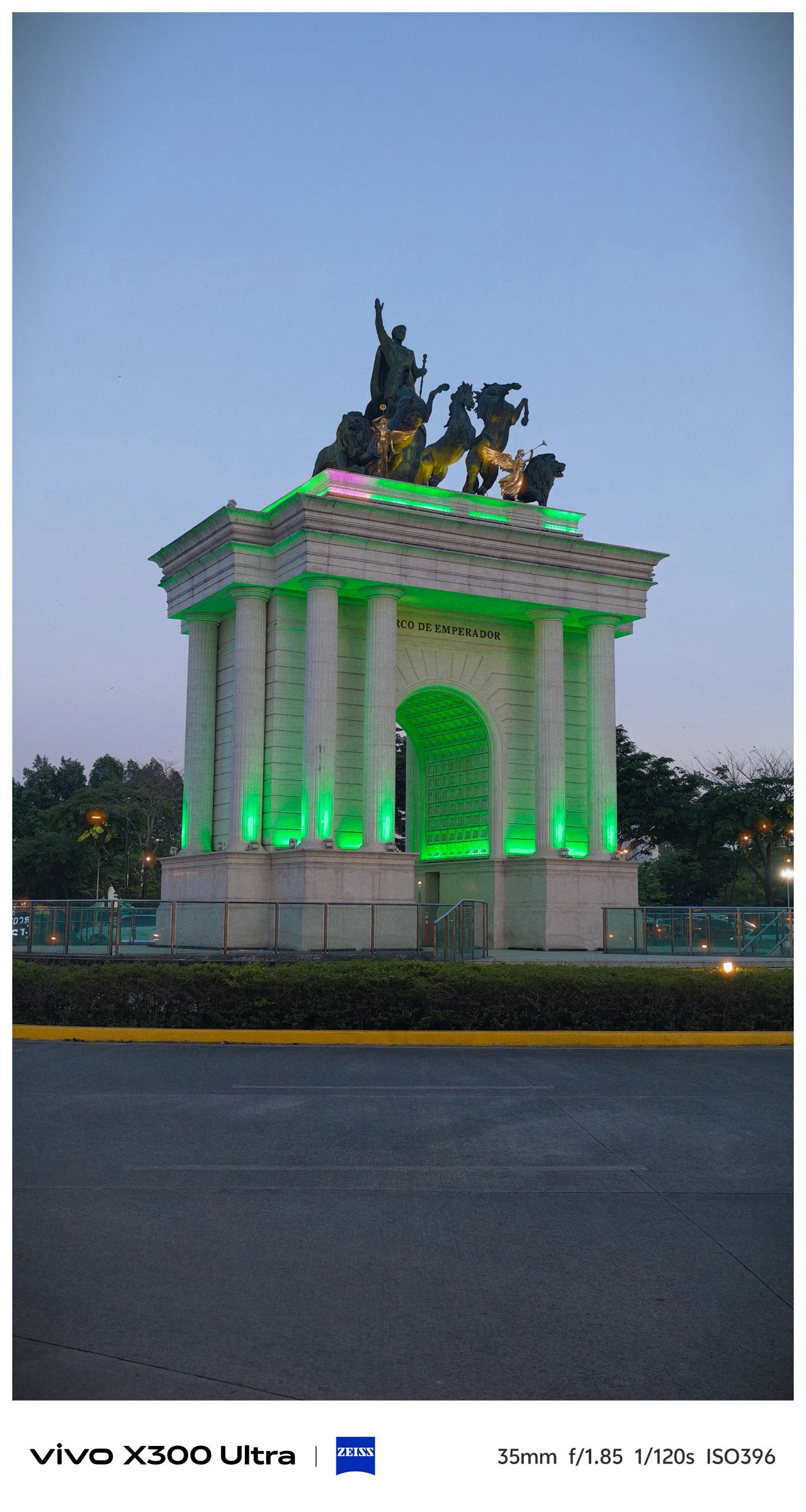

Even though 35mm exists in most modern flagships through a series of camera app taps, it’s only vivo’s X300 Ultra (and last year’s X200 Ultra) that made 35mm the de facto focal length standard in contrast to all 23/24/26mm wide shooters out there. No fake 35mm cropping whatsoever.


Personally, I am a huge lover of this tight framing. Not only it gives the best balance of DoF (Depth of Field) and FoV (Field of View), it makes you focus and capture more intricate subjects altogether.





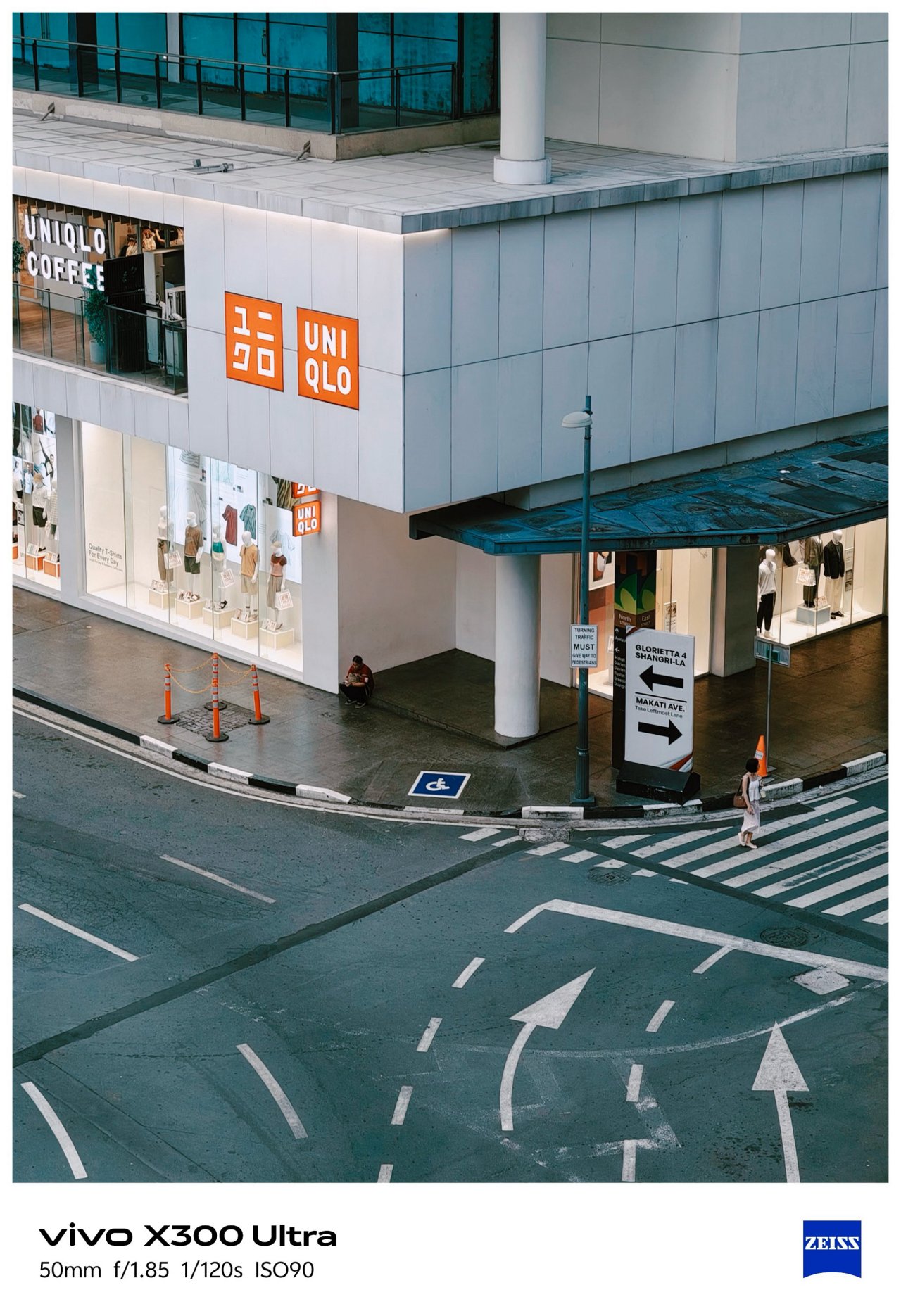
That mighty sensor is also capable of capturing 50mm shots through in-sensor cropping.

Deny it or not, ultra-wide angle shooters are what most brands often neglect. Well, vivo tried to make it up to par with that 50MP f/2.0 UWA lens.
But, it’s not just about the megapixel count nor aperture opening. The X300 Ultra boasts a 1/1.28-inch Sony LYT-818. X200 Pro’s main sensor was transformed into X300 Ultra’s ultra-wide unit.
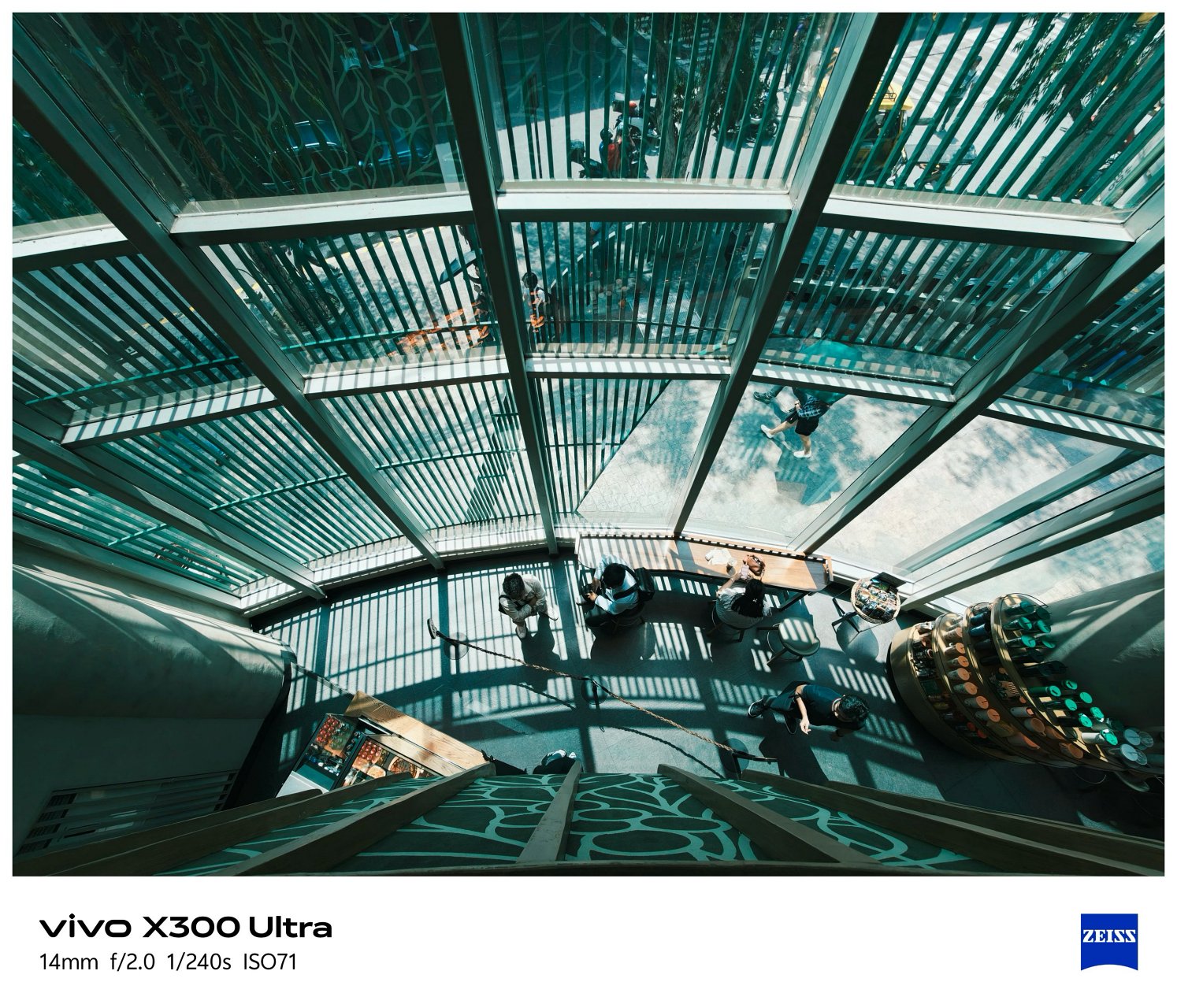

This further proves how the X300 Ultra, in aespa’s words, is truly a W.D.A (Whole Different Animal).

Last but definitely not the least, that 200MP f/2.67 periscope telephoto module capable of bringing in 3.5x optical zoom or an equivalent of 85mm.



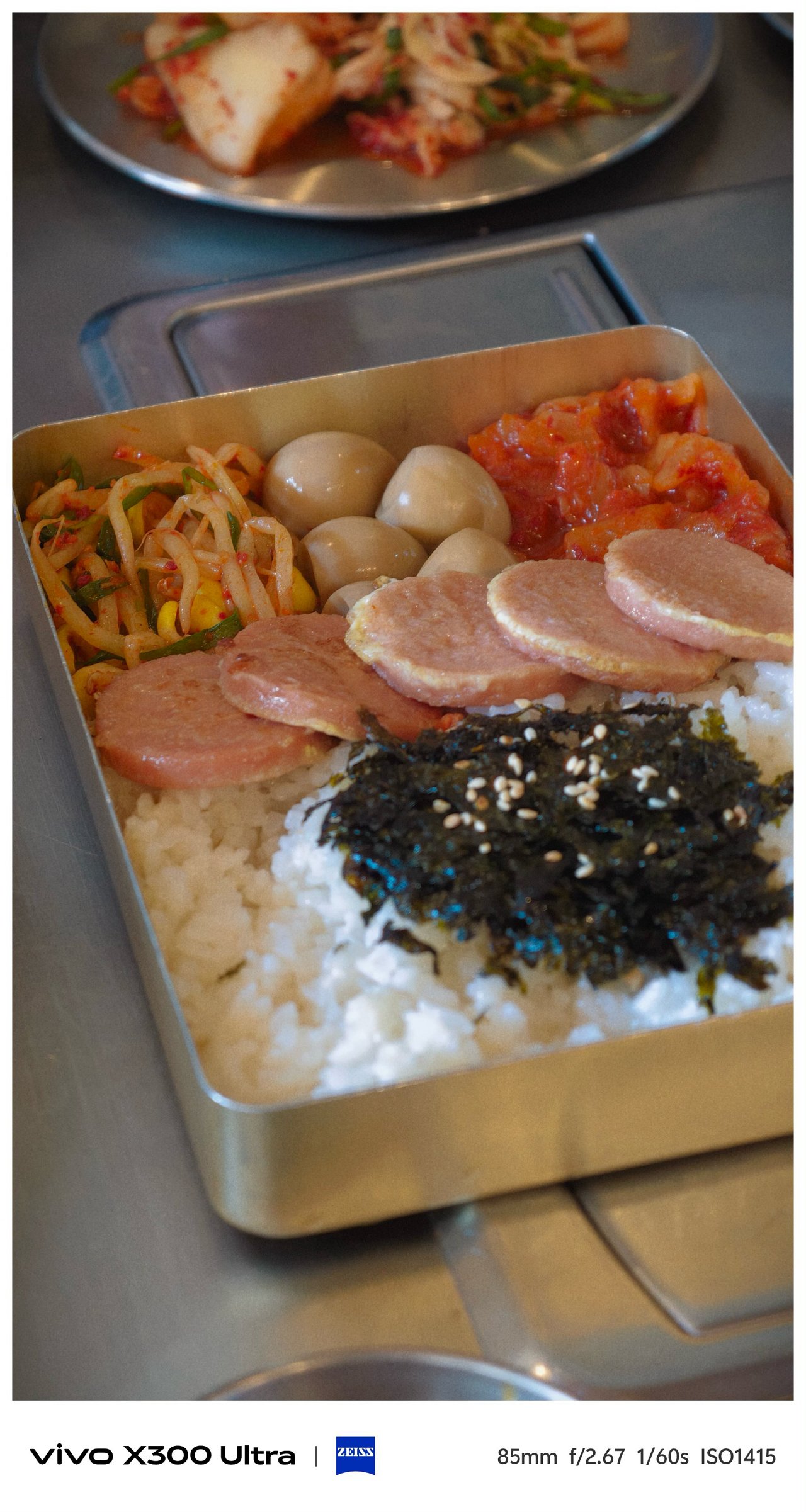
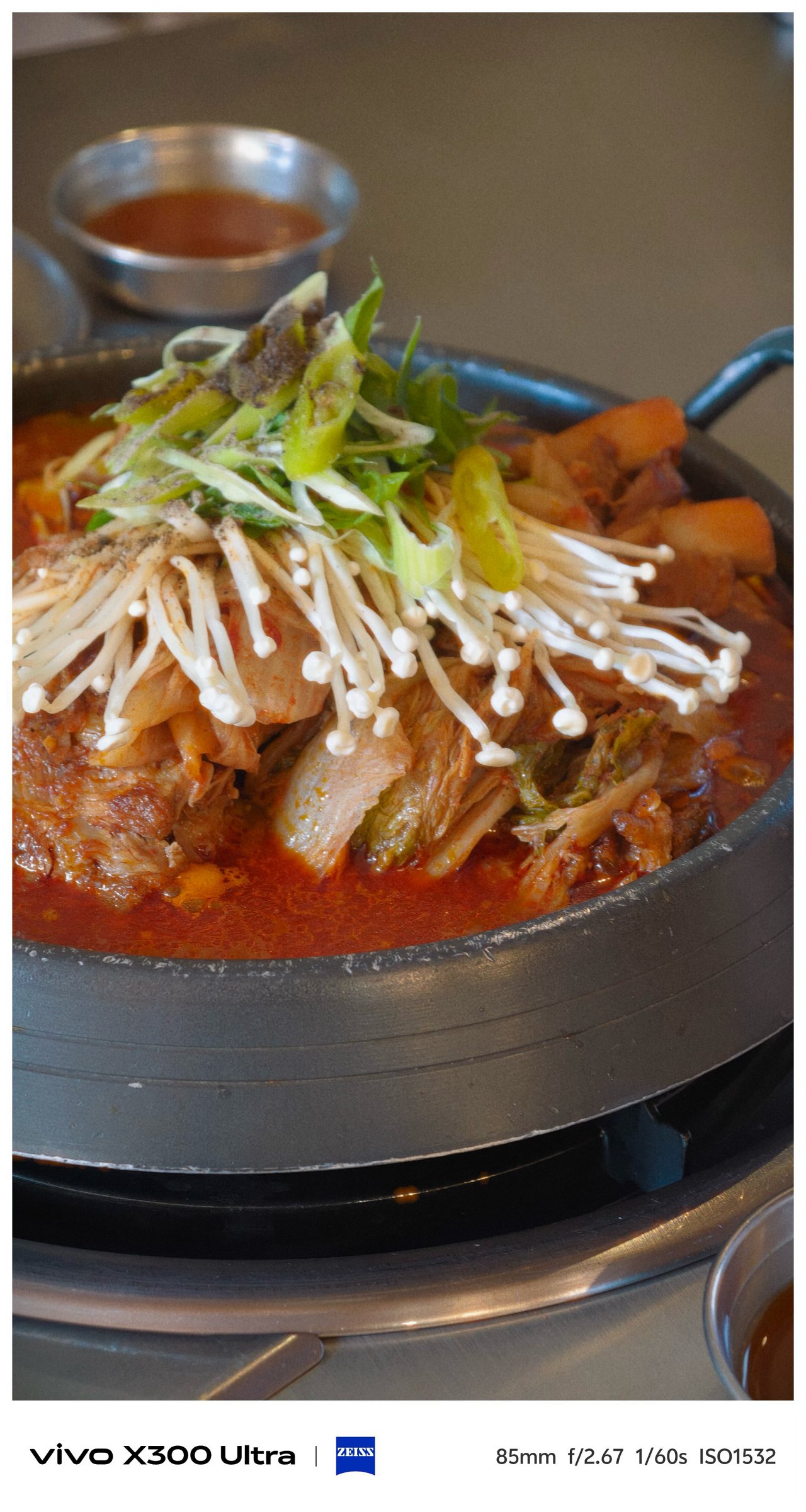
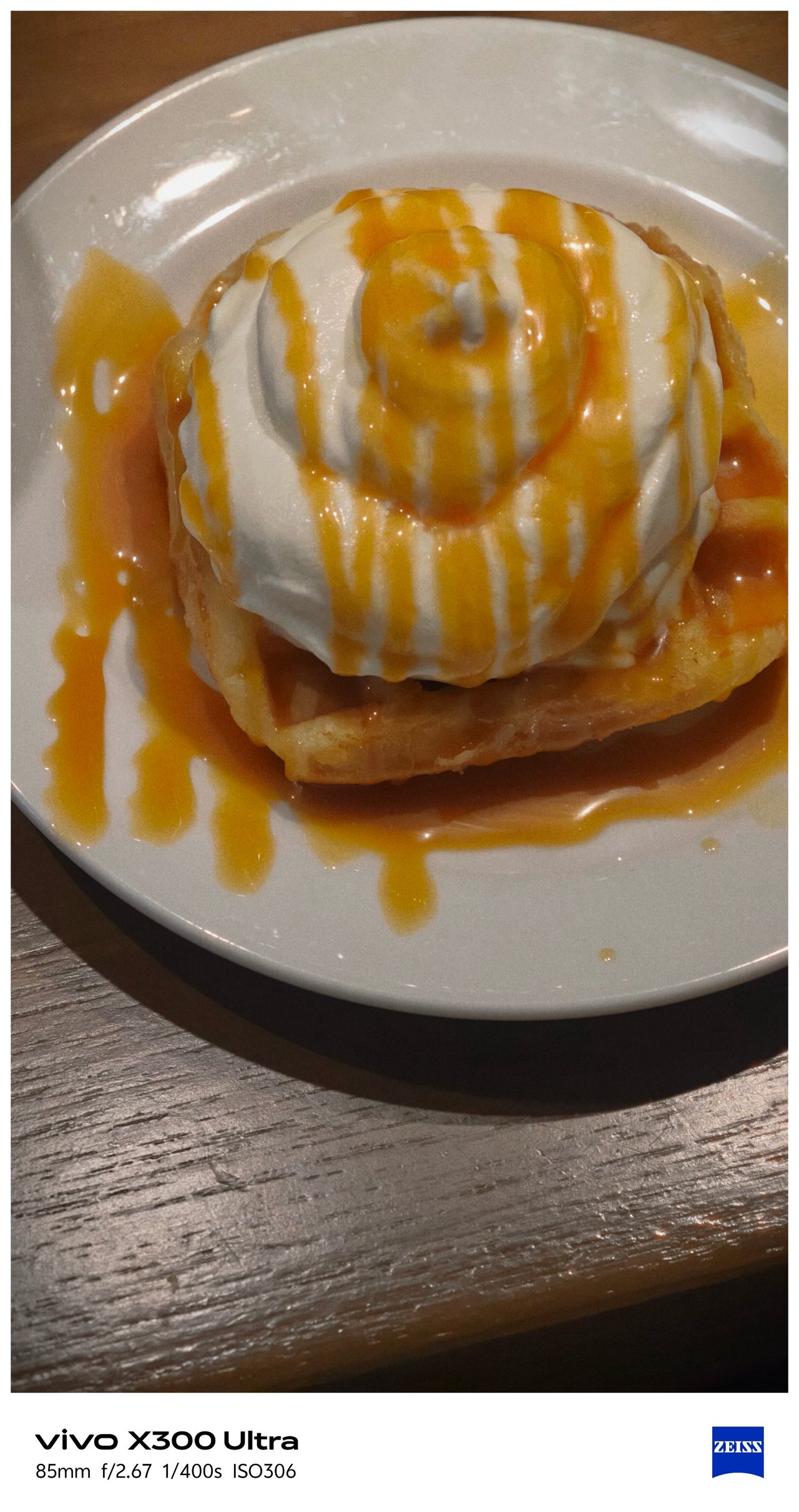

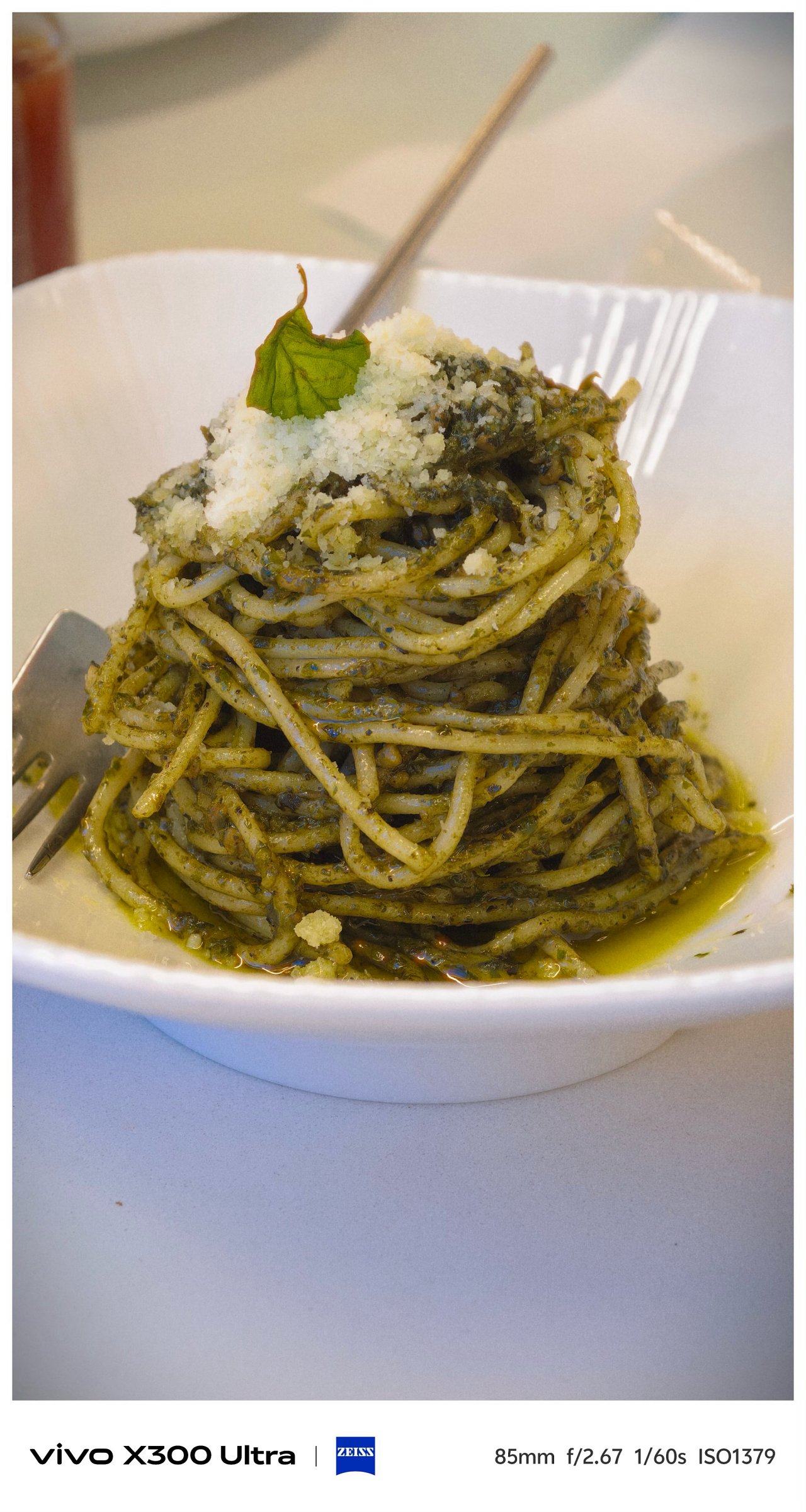


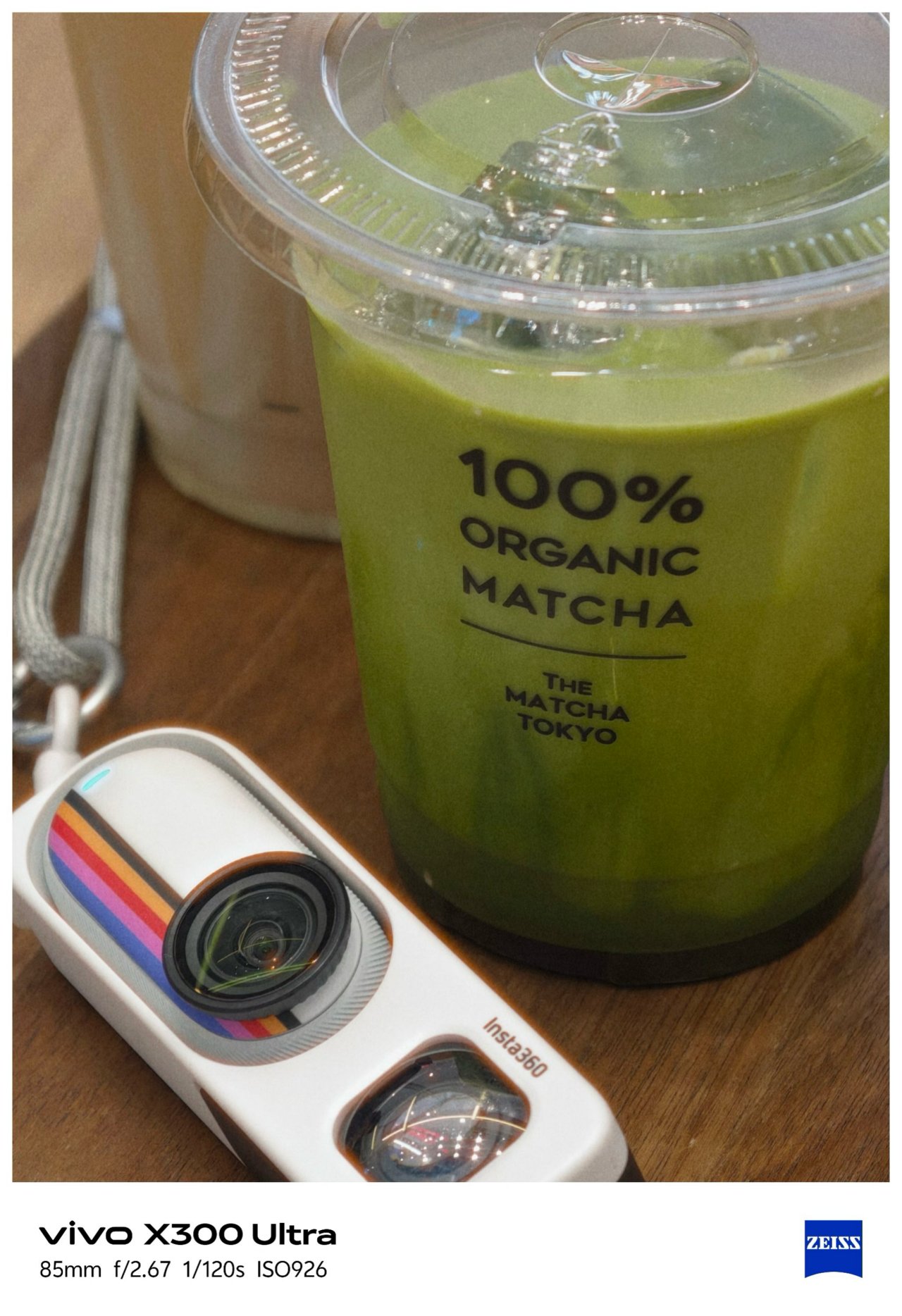

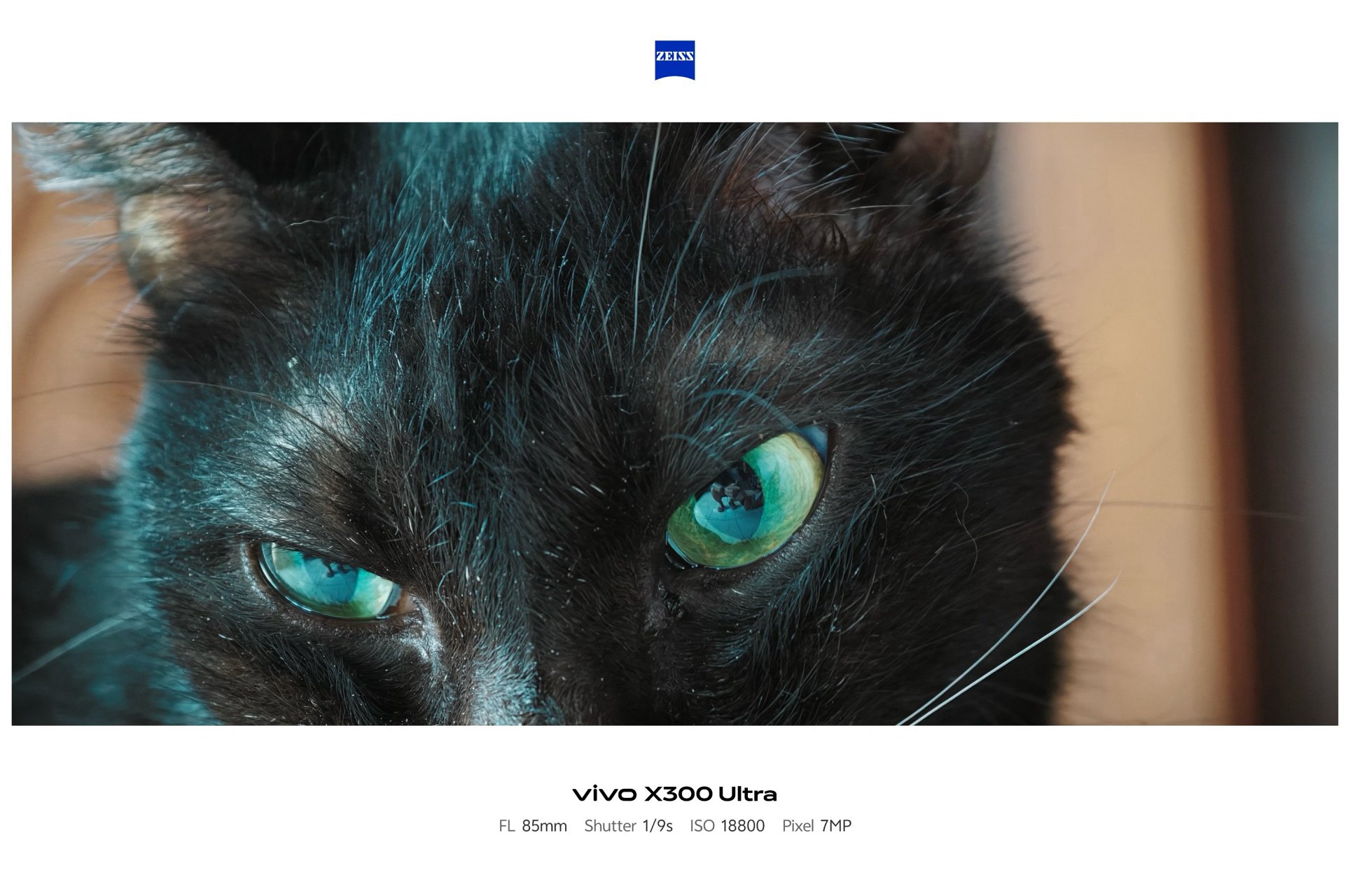
Shooting beyond 10x is still crisp and clear thanks to Samsung’s 1/1.4-inch ISOCELL HP0 sensor refined for vivo.
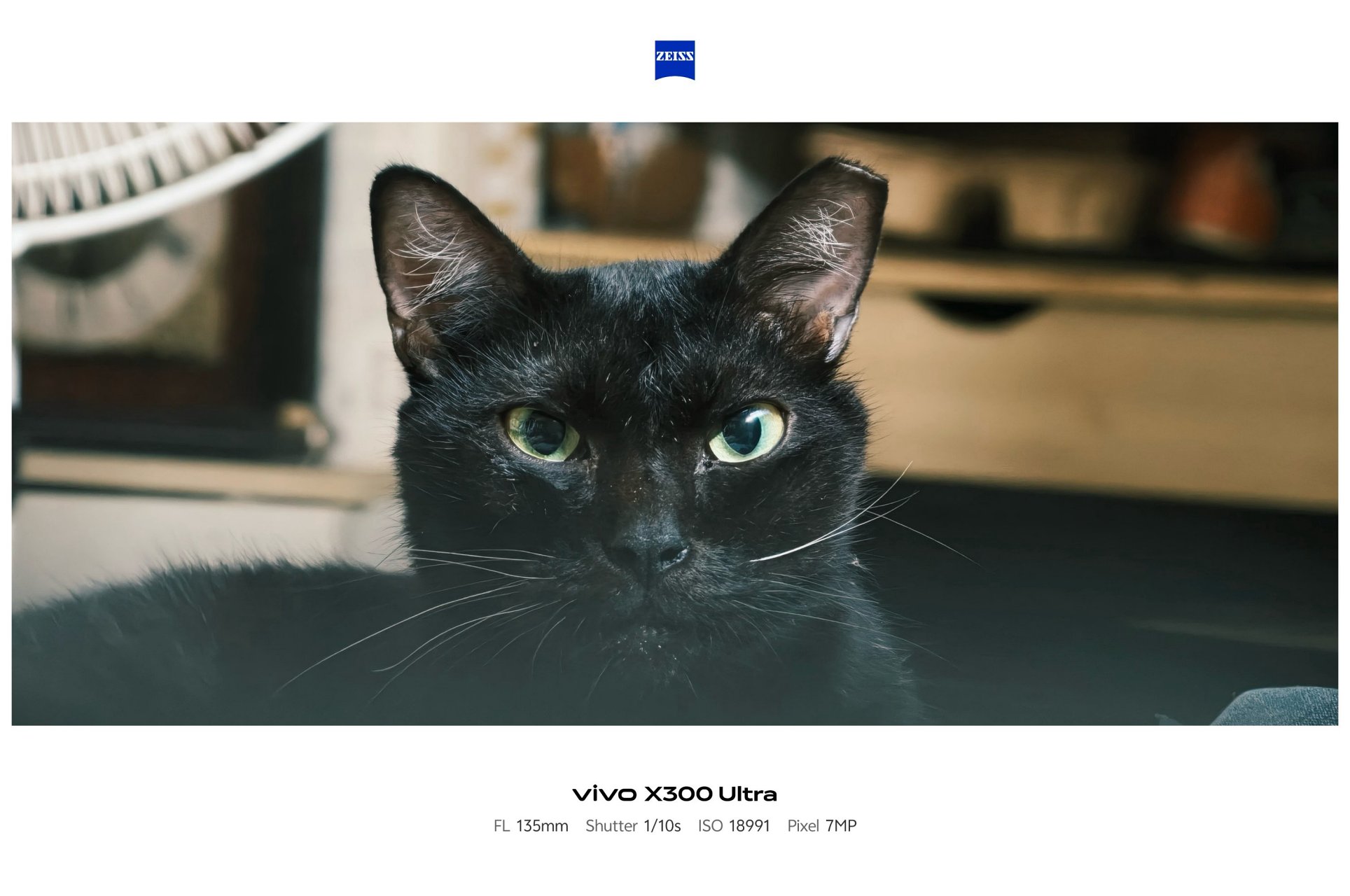


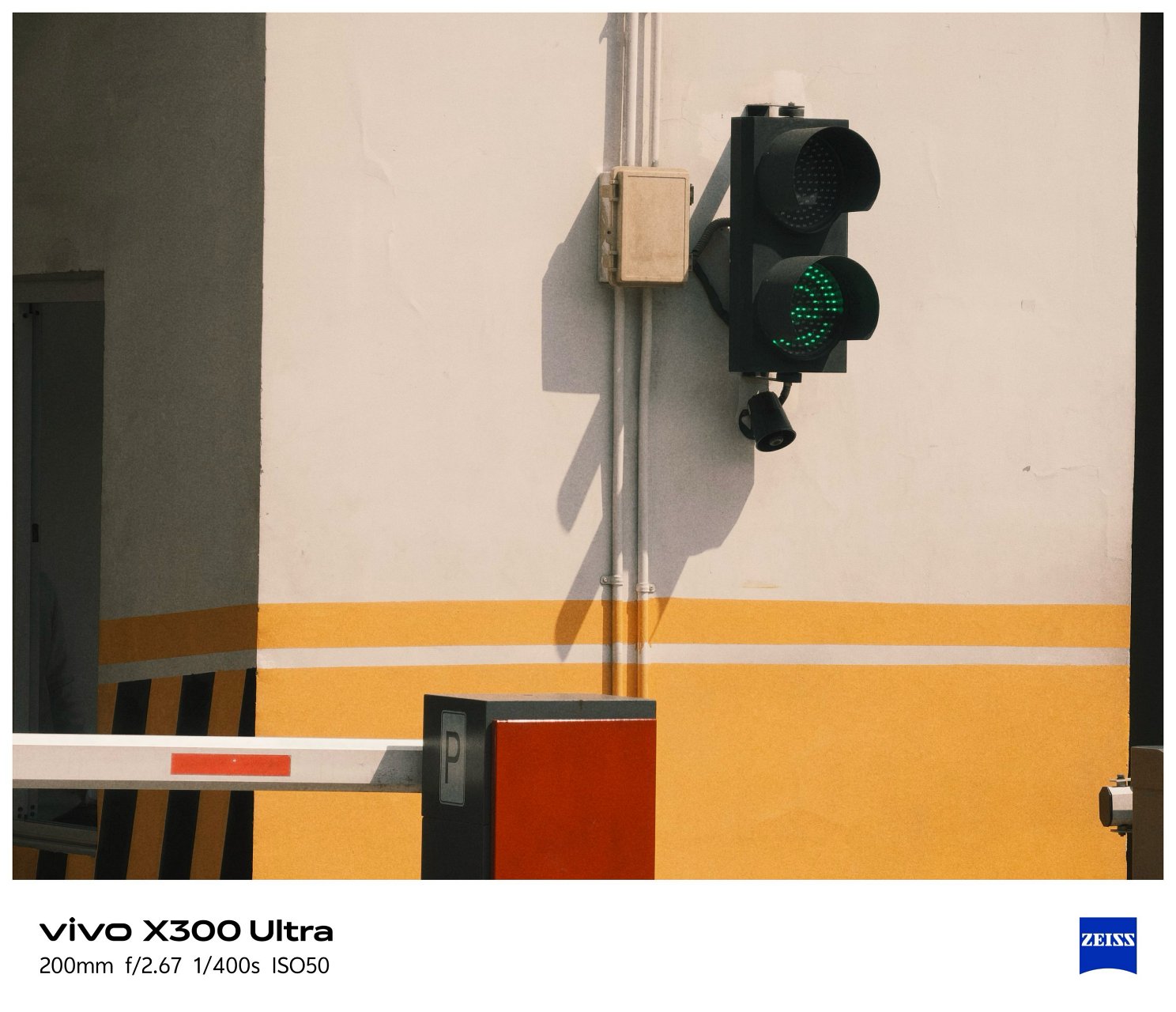
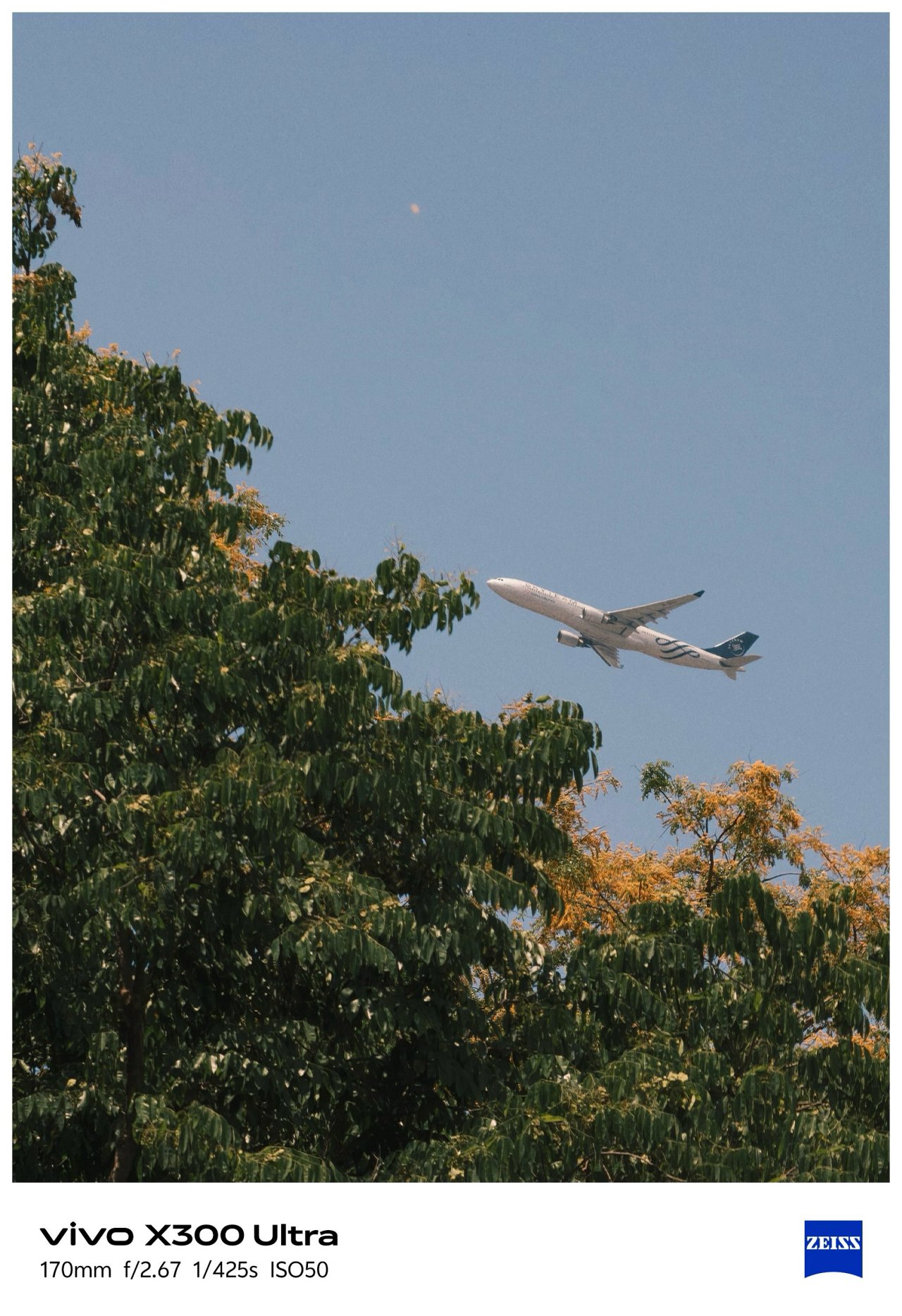

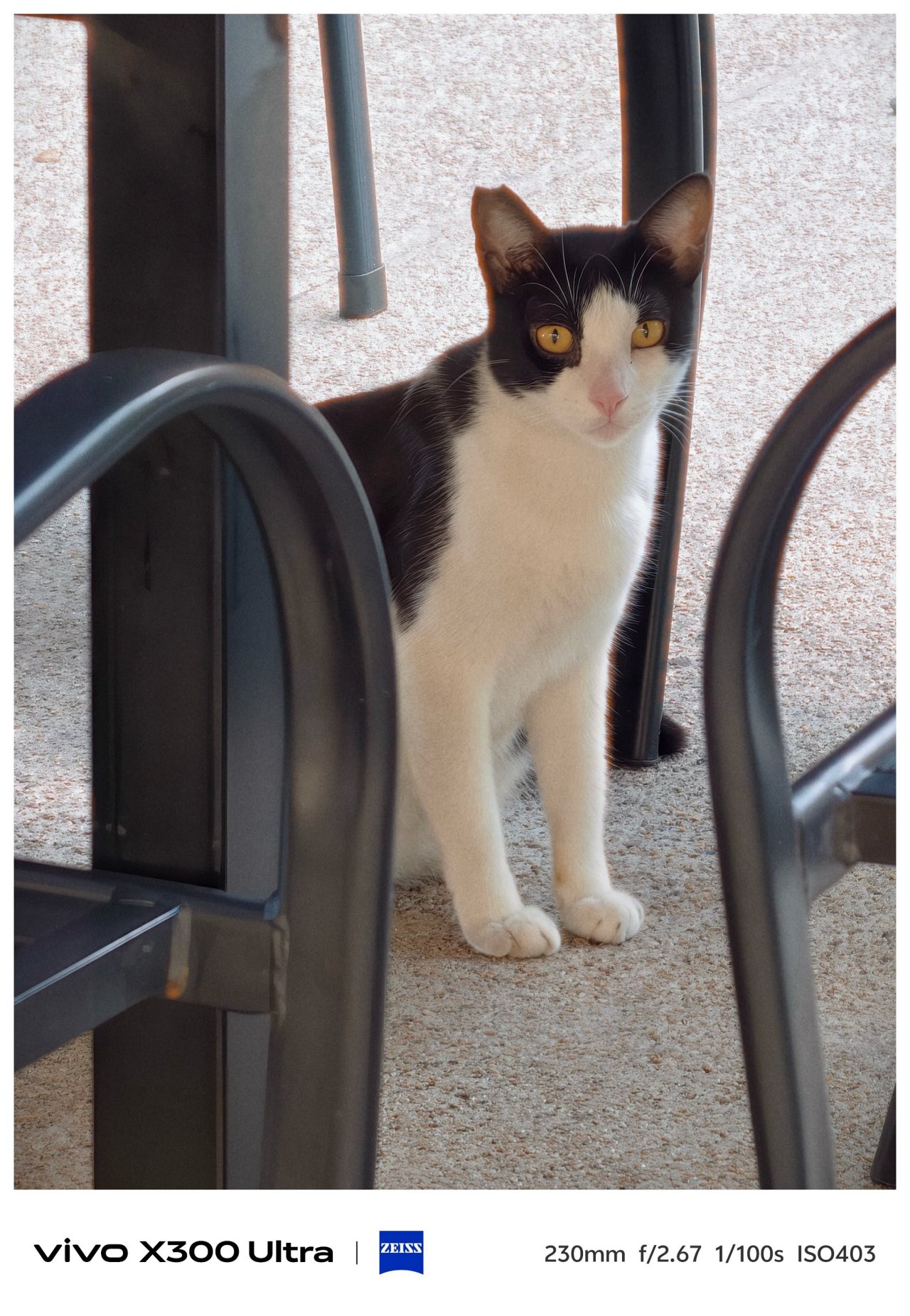


Before I forget, the X300 Ultra is the only phone in the X-series line to feature a 5MP f/2.0 multi-spectral sensor.

vivo X300 Pro (left), X300 Ultra (right)
For the spec-savvy, here are the detailed camera specs of the X300 Ultra against its Pro brother.
vivo X300 Pro |
vivo X300 Ultra |
|
Wide |
50MP f/1.57
|
200MP f/1.85
|
Ultra-Wide |
50MP f/2.0
|
50MP f/2.0
|
Periscope
|
200MP f/2.67 ZEISS APO
|
200MP f/2.67 ZEISS APO
|
Multi-
|
– |
5MP f/2.0 |
Selfie |
50MP f/2.0
|
50MP f/2.45
|
Mirrorless Mimicry
Last year’s vivo X300 Pro was already a very, VERY capable camera-centric flagship.
This year, vivo takes the X300 Ultra to the next level with their overhauled camera app features.
First and foremost, the shortcut bar on top is now customizable. Moreover, the lower right side lets you add more tools based on how you like them in your screen. This was not possible in previous iterations.


Now, if you’ve been following through over the years, the default color profiles were ZEISS Natural, Vivid, and Textured.
This year, the latter was changed to “Refined” while Textured was moved to less major presets in the list.

My first day with this monstrous camera phone made me explore all the new features — including making your very-own preset through Color Palette. This fully unlocks the hidden potential of the X300 Ultra.
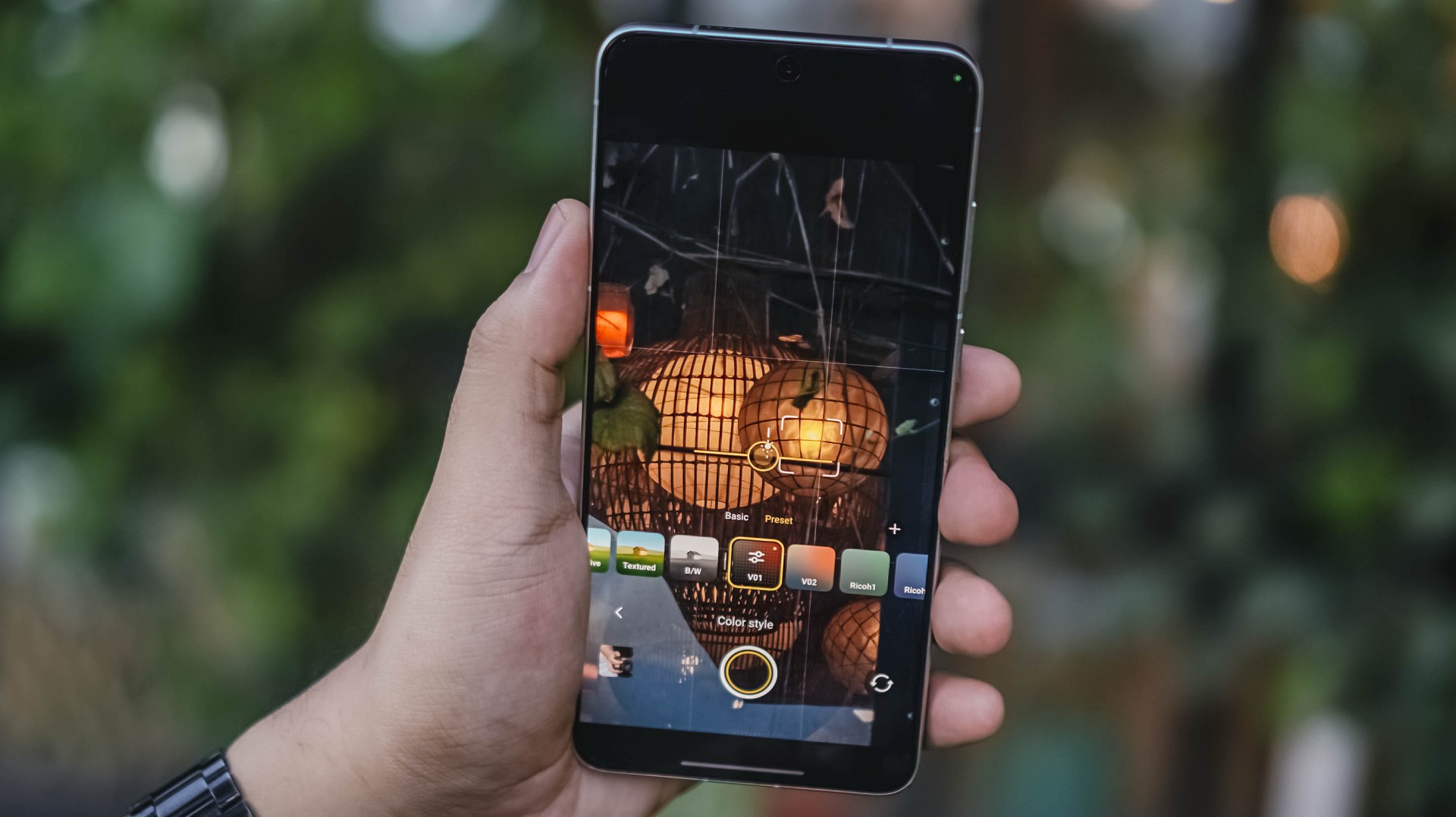
Upon firing up that camera app, I immediately tested it out and did my own film recipe just to make my photos reflect my photography style. Thus, V01 and V02 were born.
Now, if you’re not a tinkerer like me, mirrorless-like presets are floating around XHS / XiaoHongShu (or RedNote, whatever you prefer).
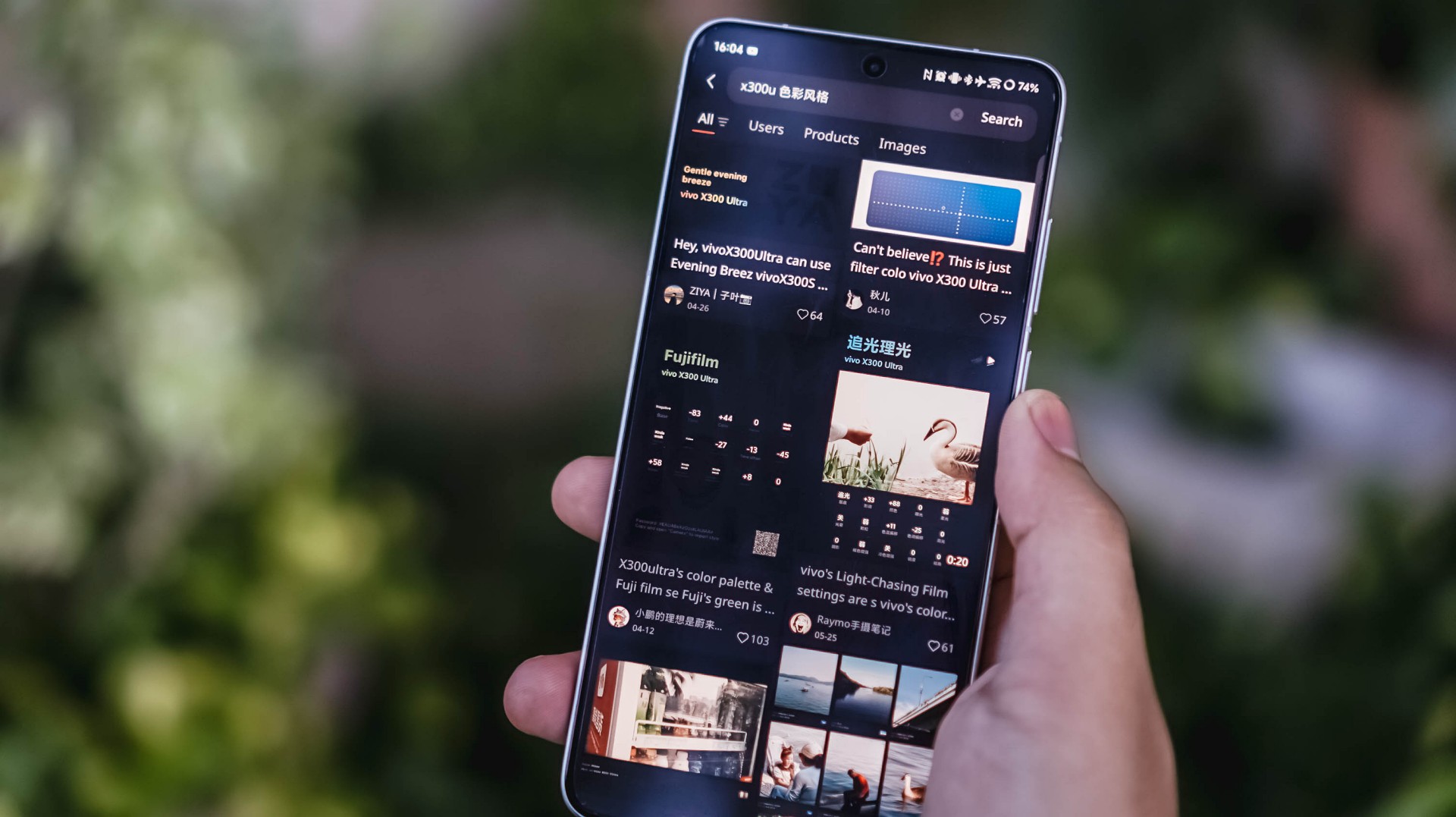

For reference, here’s a quick comparison between vivo’s built-in presets versus my own recipe.
-

- vivo – Vivid
-

- V – V01
-
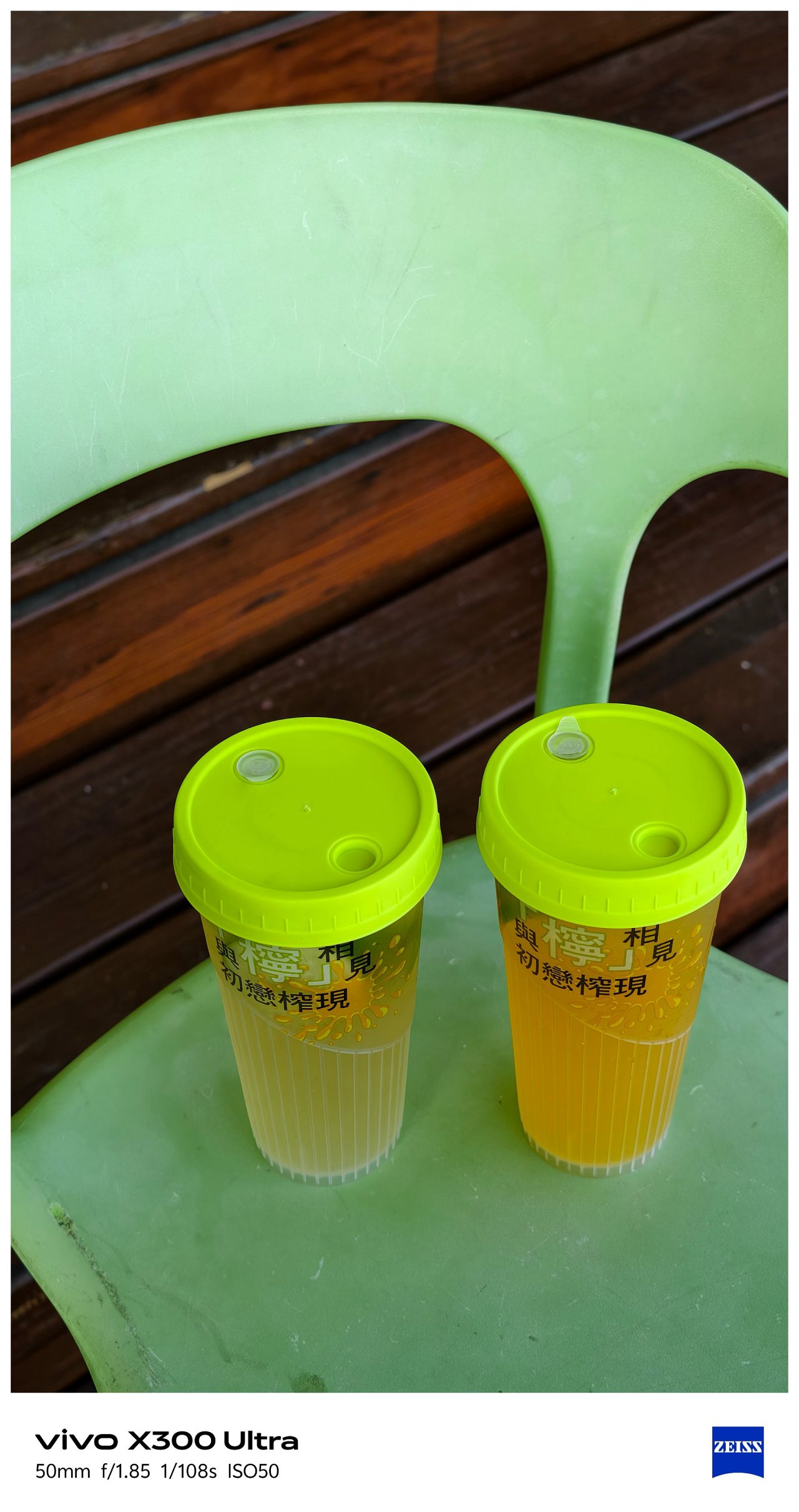
- vivo – Refined
-
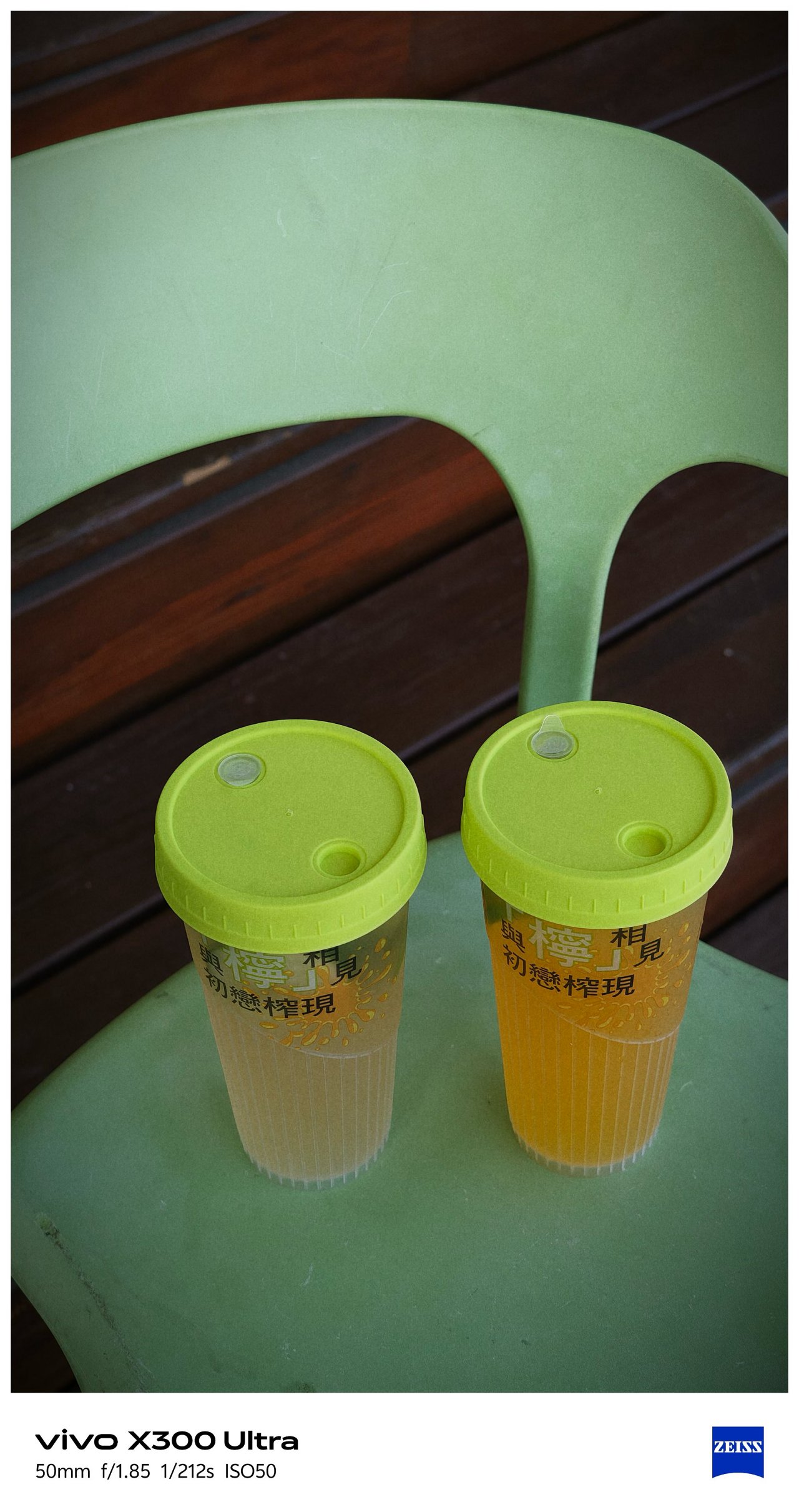
- V – V01
This added ability truly proves my sentiment that it can be a “mirrorless replacement.” And by that, I meant you can show off your own photography style without having to be too restricted with the phone’s built-in presets and camera processing. Neither color-grading after the fact.
Such new feat is why I can never go back to the X300 Pro. And, even if they do include it in a future software update, X300 Ultra’s camera hardware is simply unbeatable.
-

- vivo X300 Ultra 35mm + V’s V01 Recipe
-

- Sony ZV-E10 + TTArtisan 35mm f/1.8 II Prime Lens
Just for fun, I took both of these 35mm shots using the vivo X300 Ultra alongside the Sony ZV-E10 with my budget 35mm prime lens.
Postcards #PhotoDump
Spoiler alert: There are a lot to see! And, that’s the point of a “review” anyway 🤐
🇹🇼 高雄市 / Kaohsiung
📍 Cijin Island

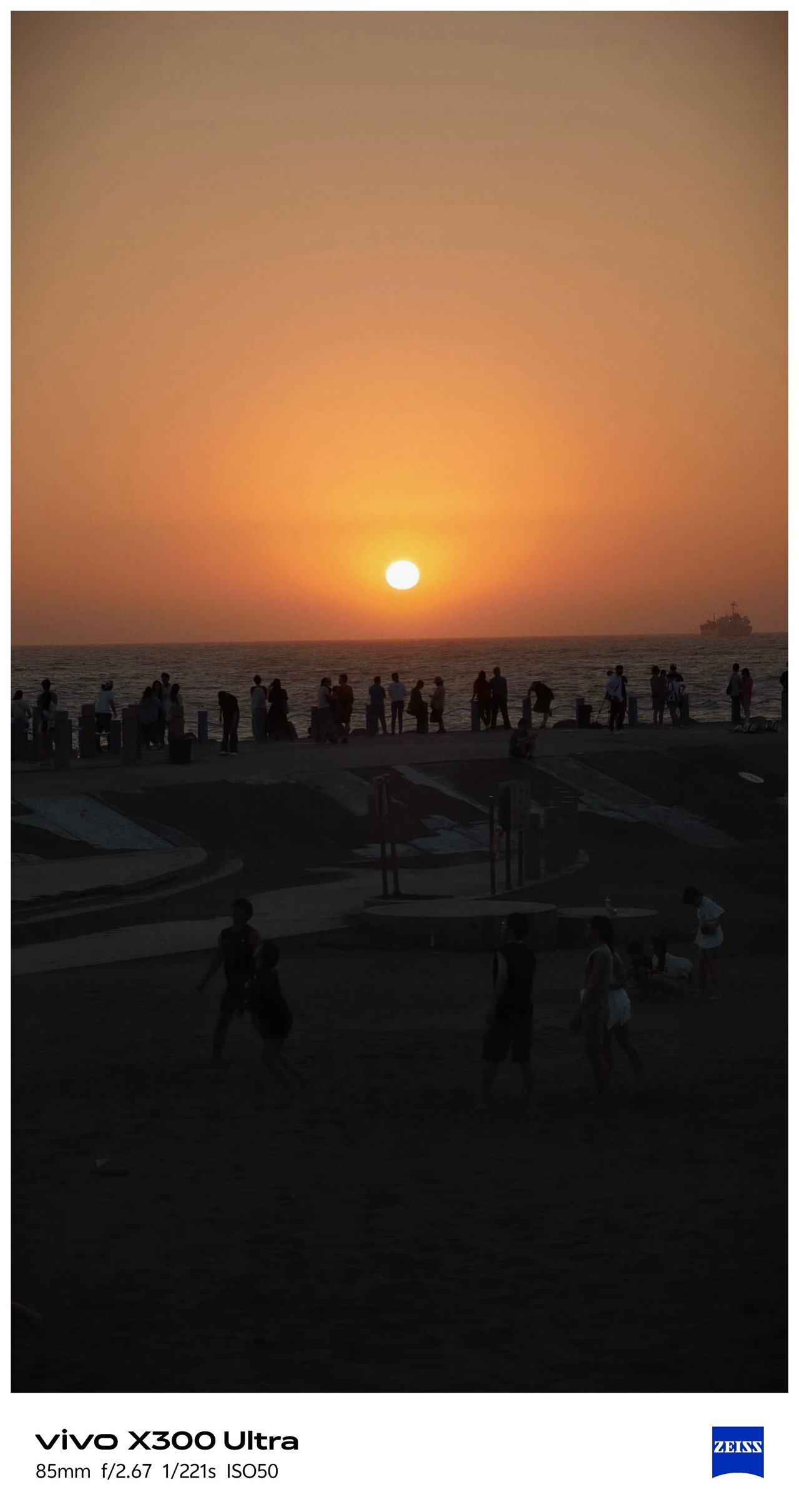
By making and applying the preset I made, I was able to take all the glistening photos at these two different beaches in Kaohsiung.


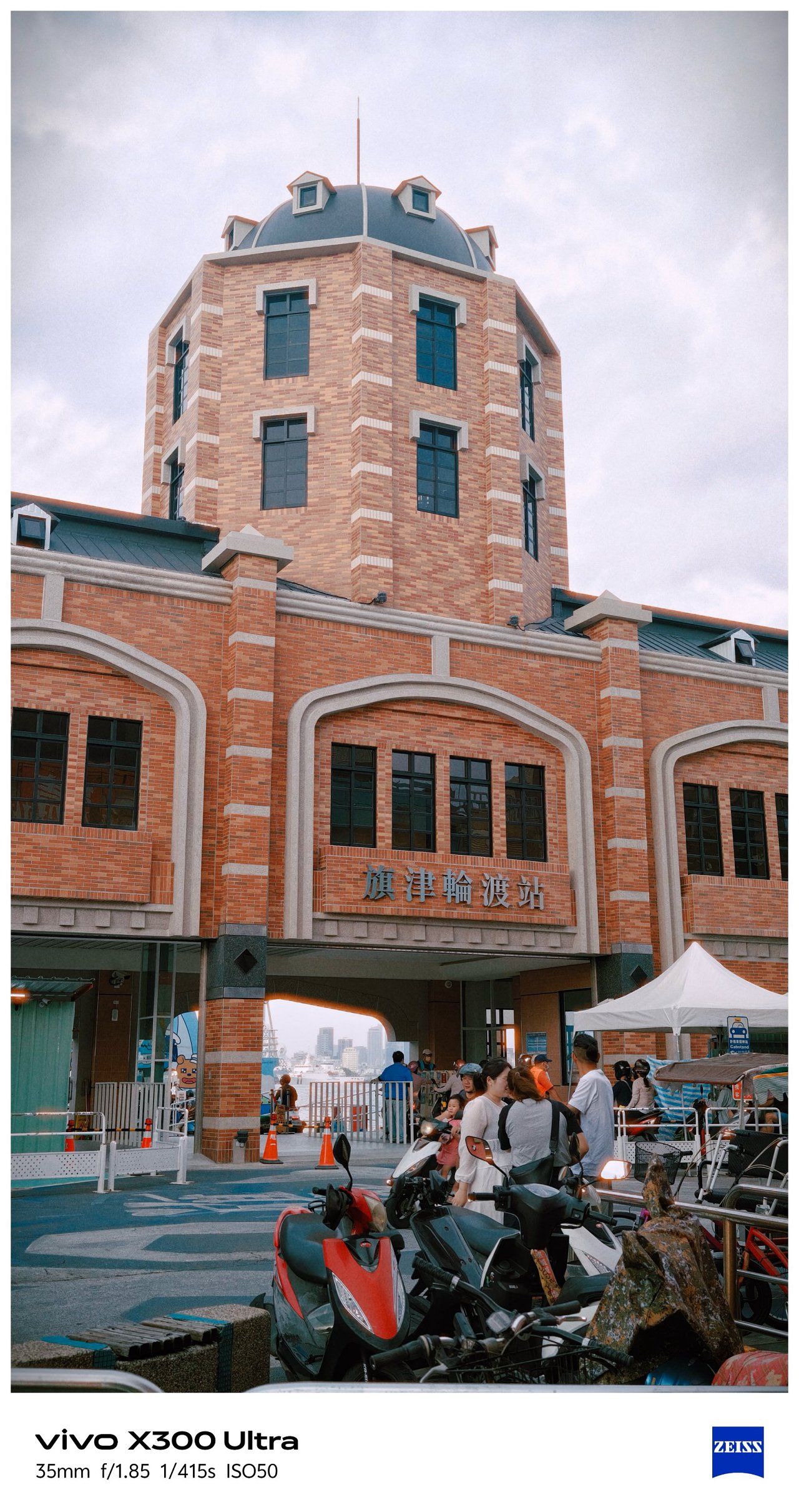

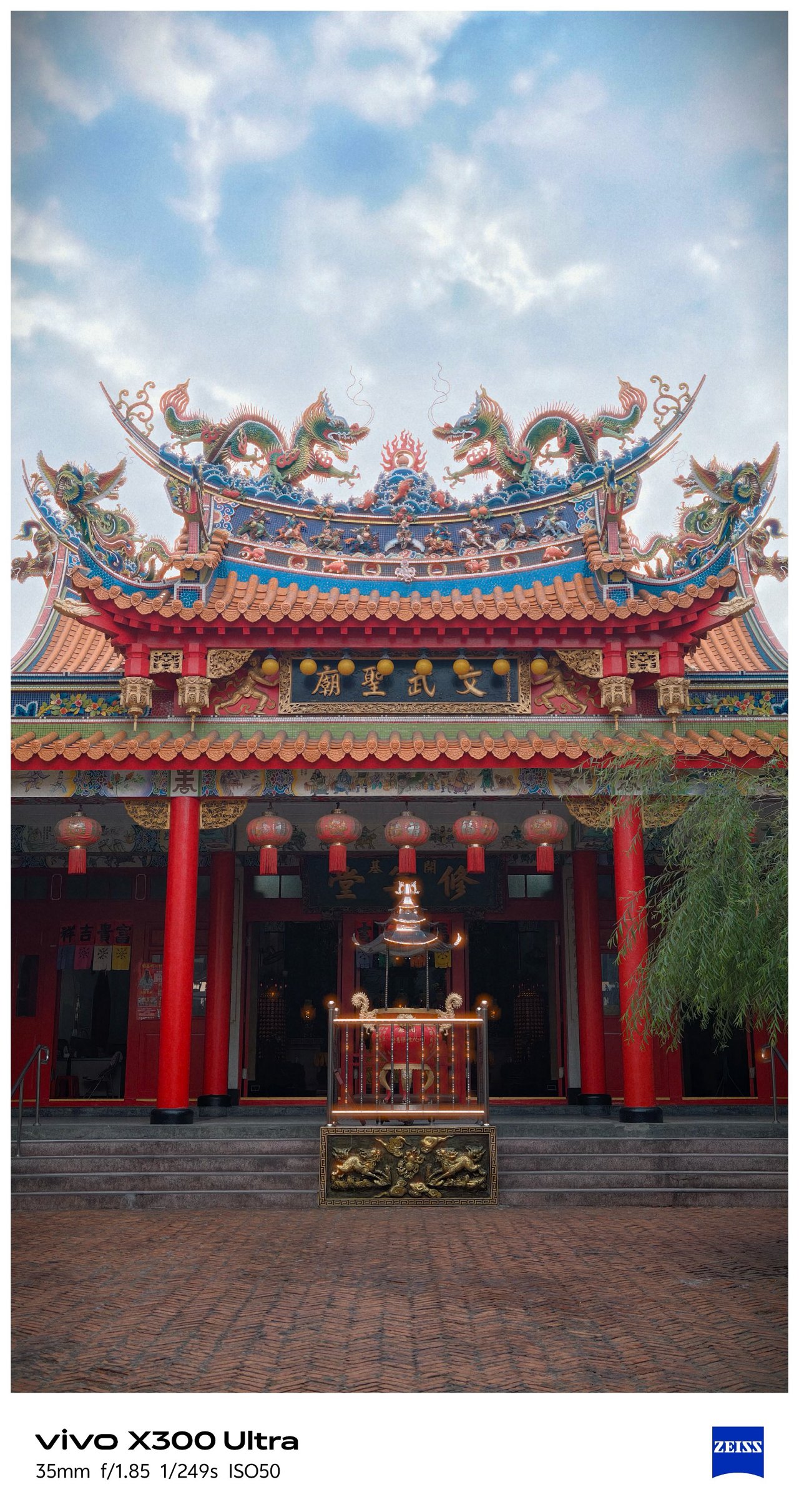




📍 Sizihwan Beach

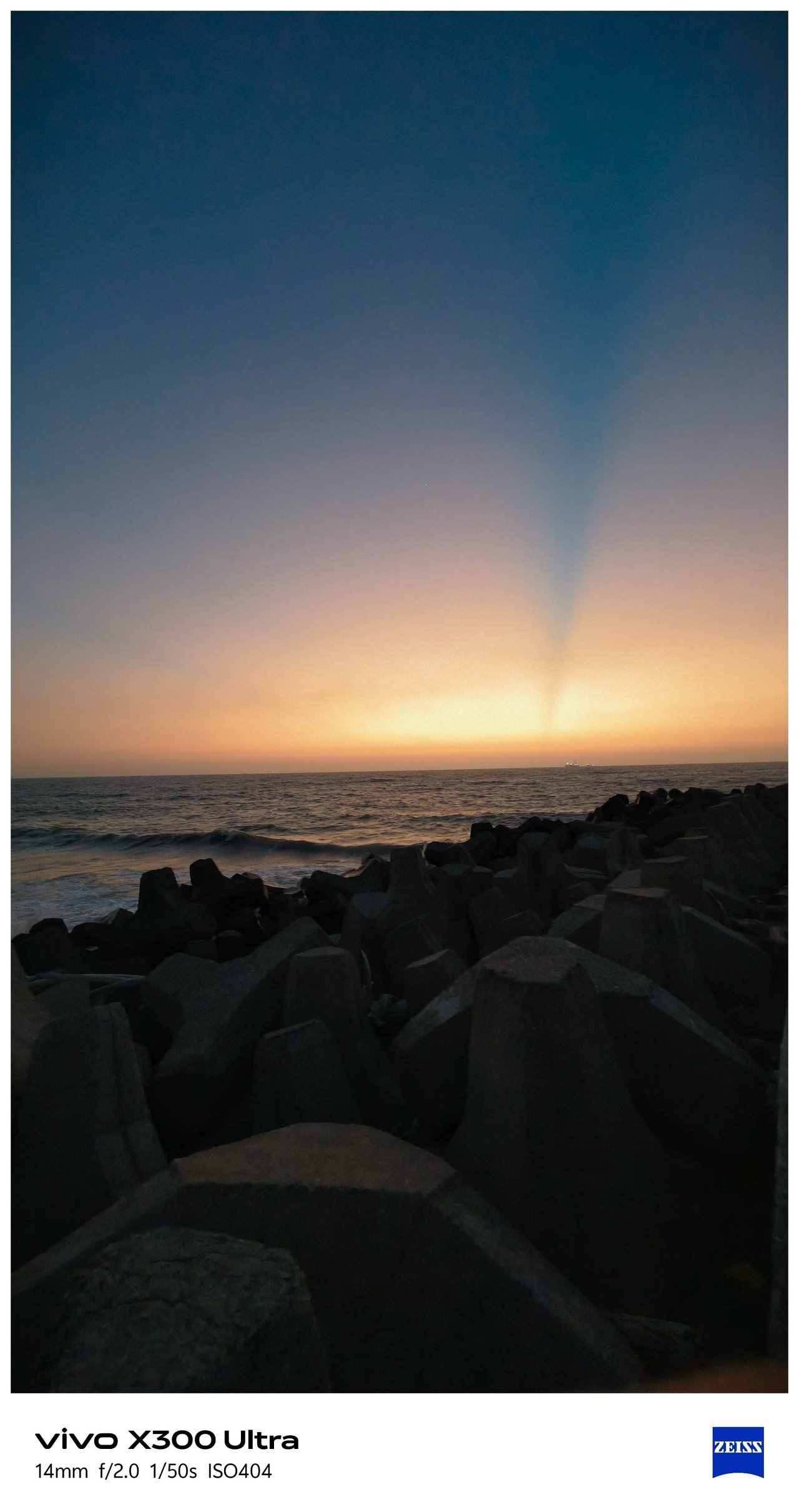
📍 Night Light


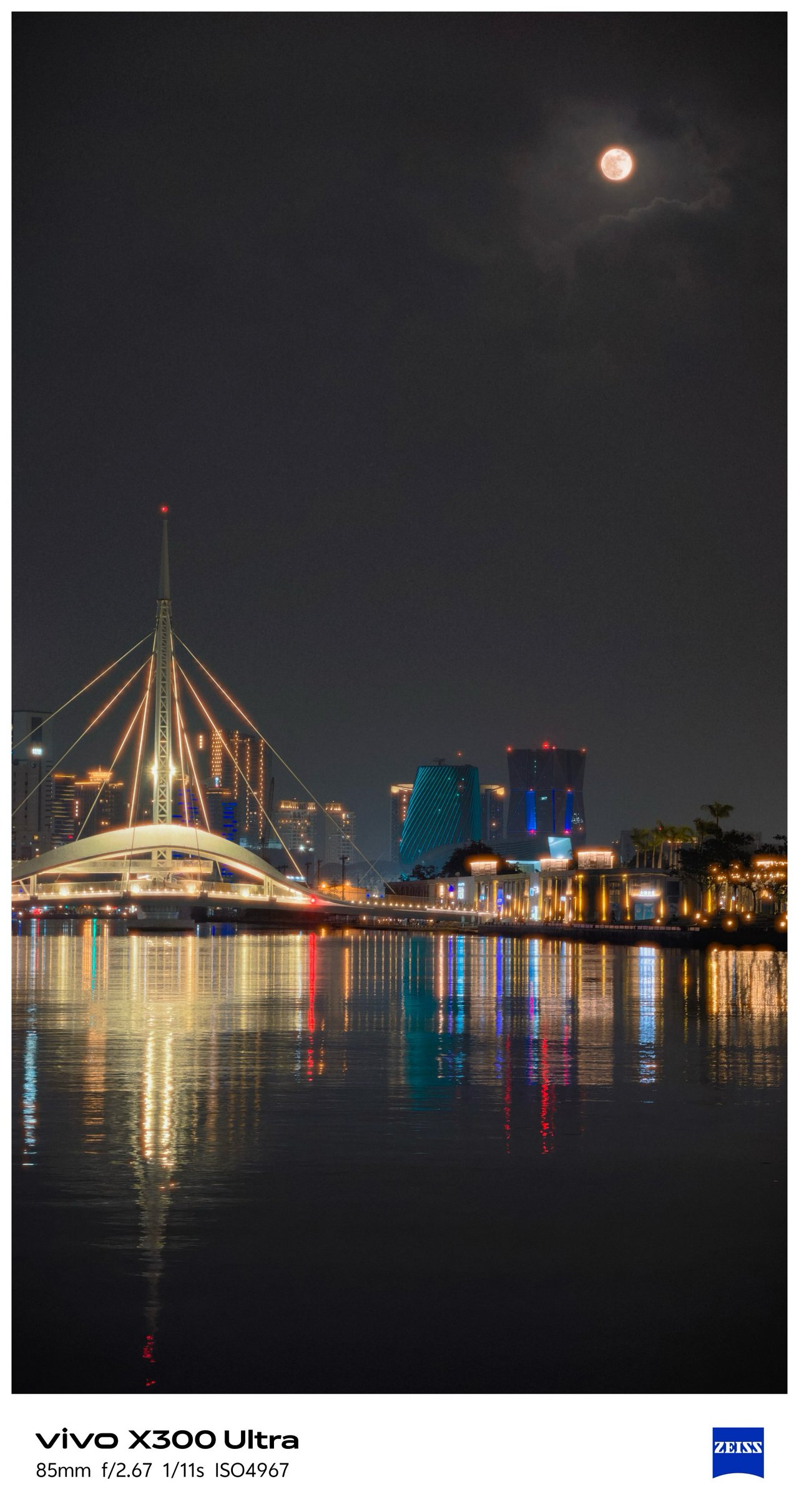


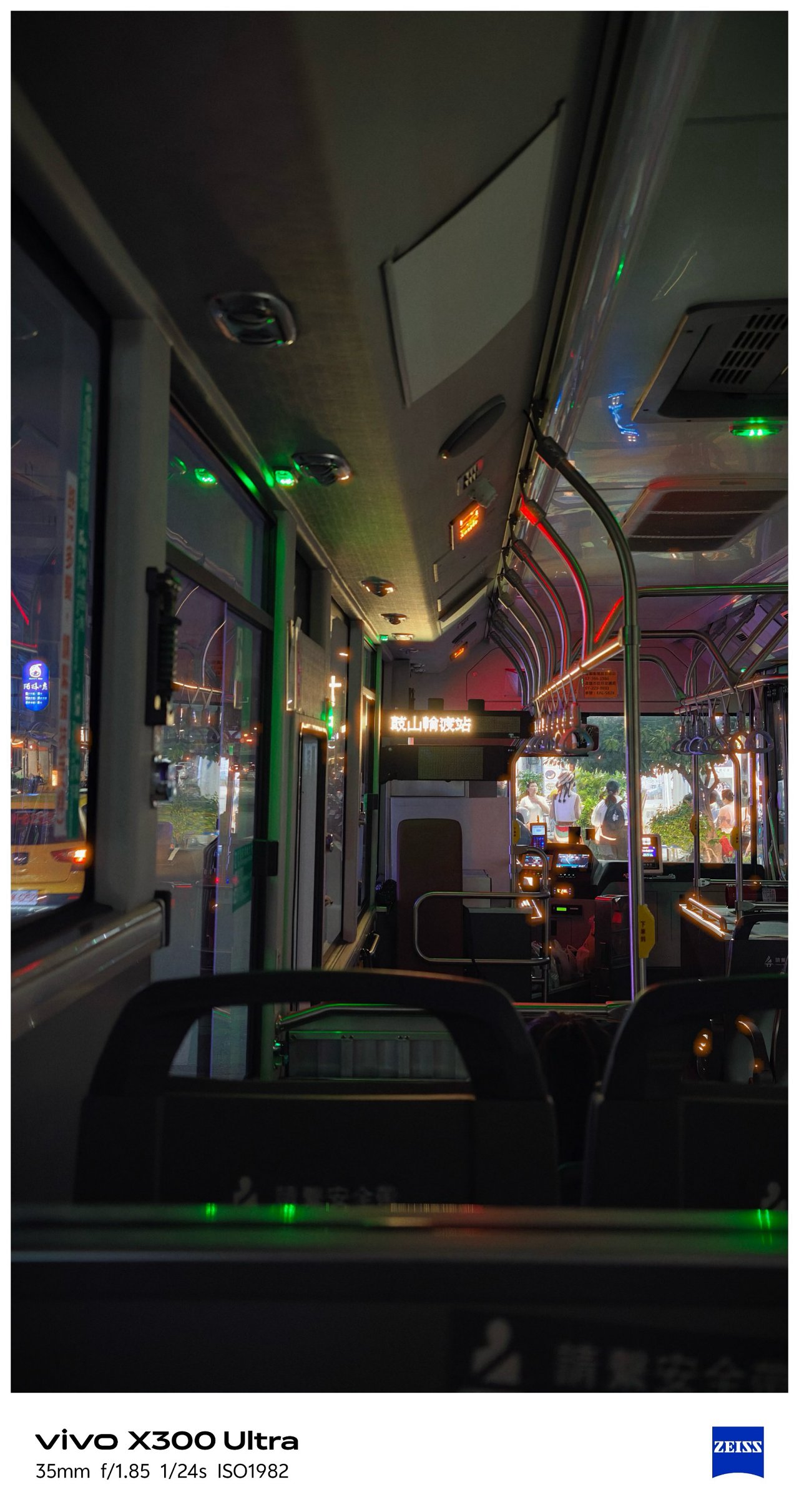

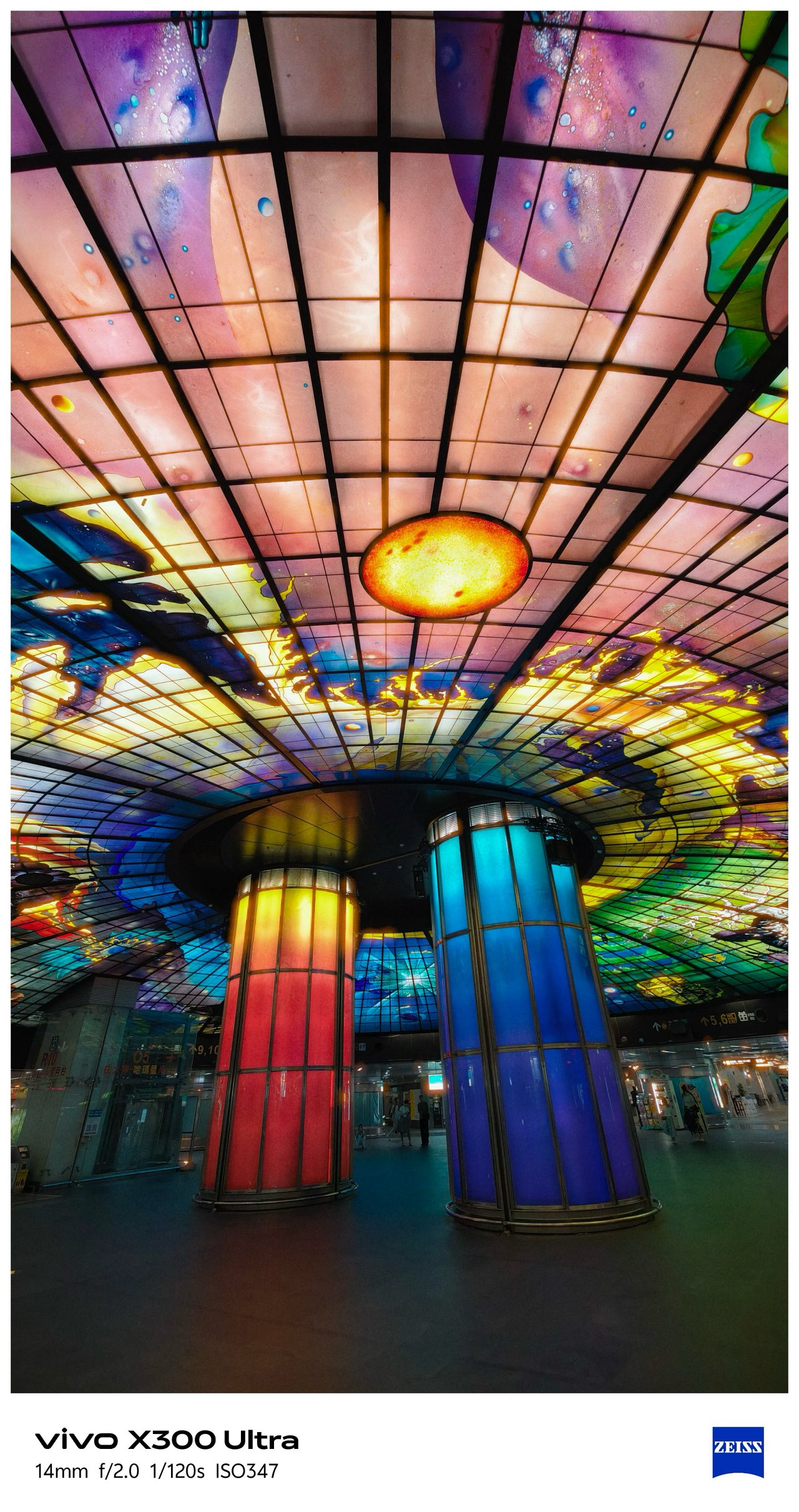
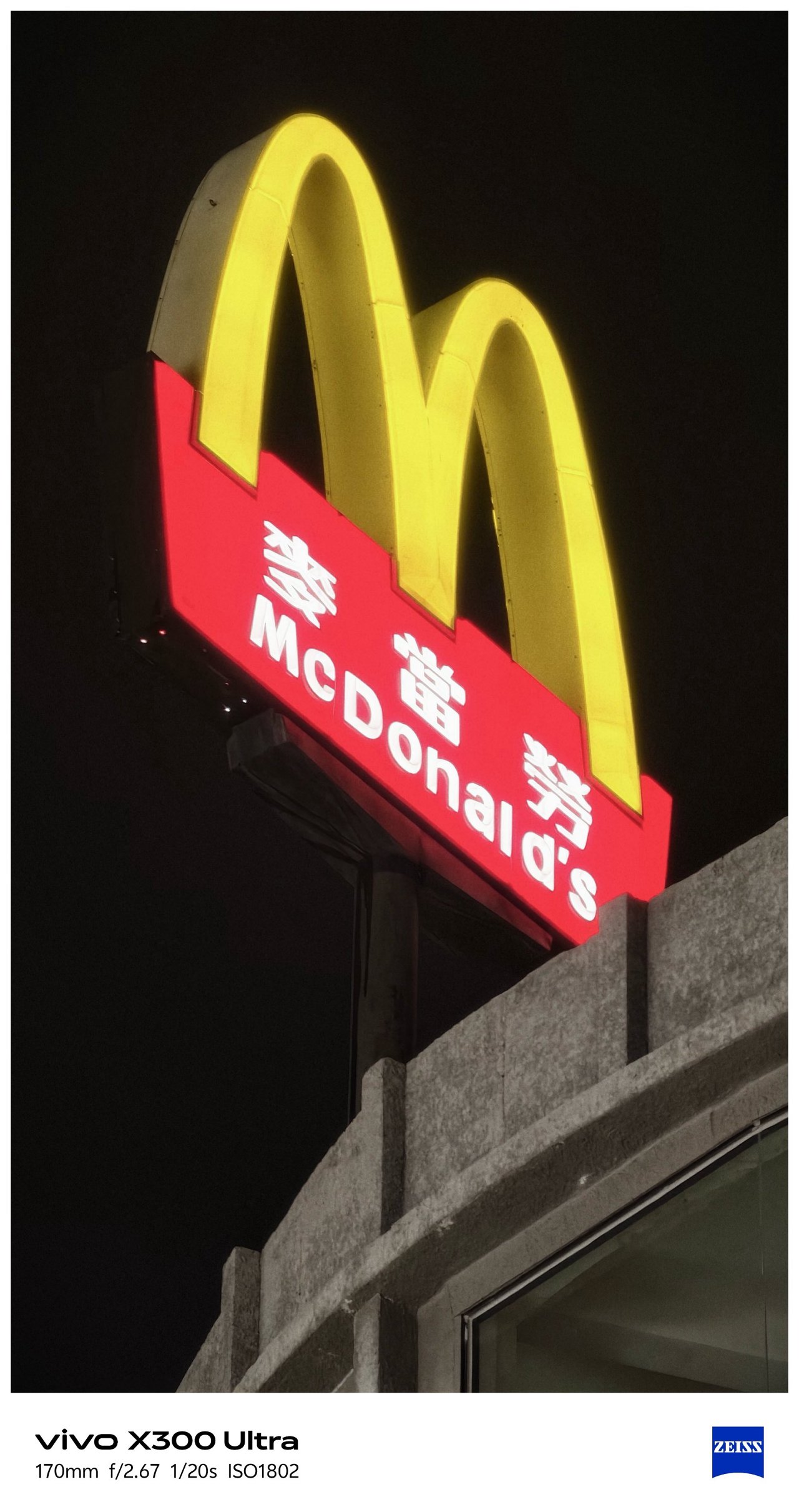


📍 Kaoshiung Center


📍 Angel & Demon Café







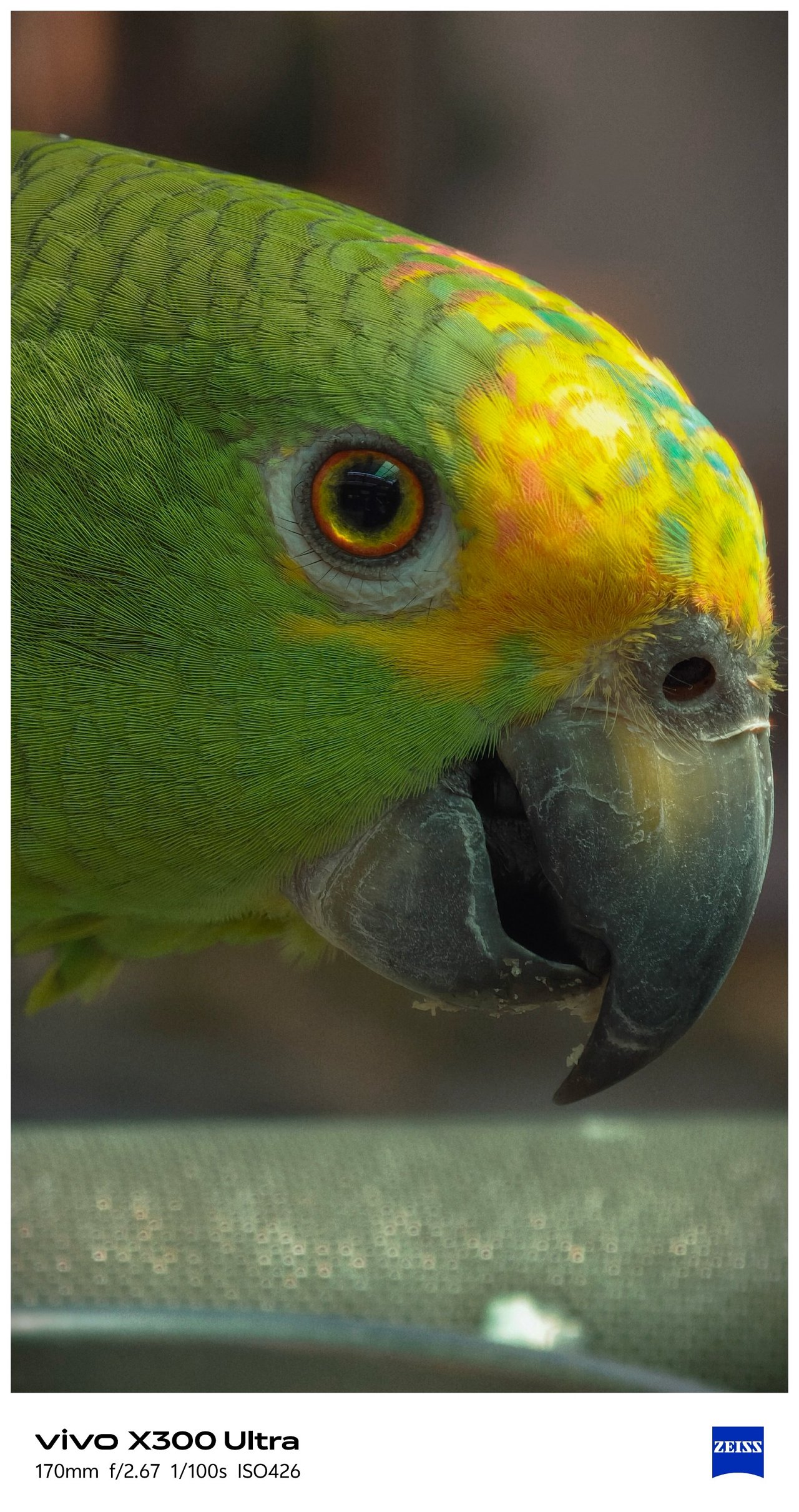
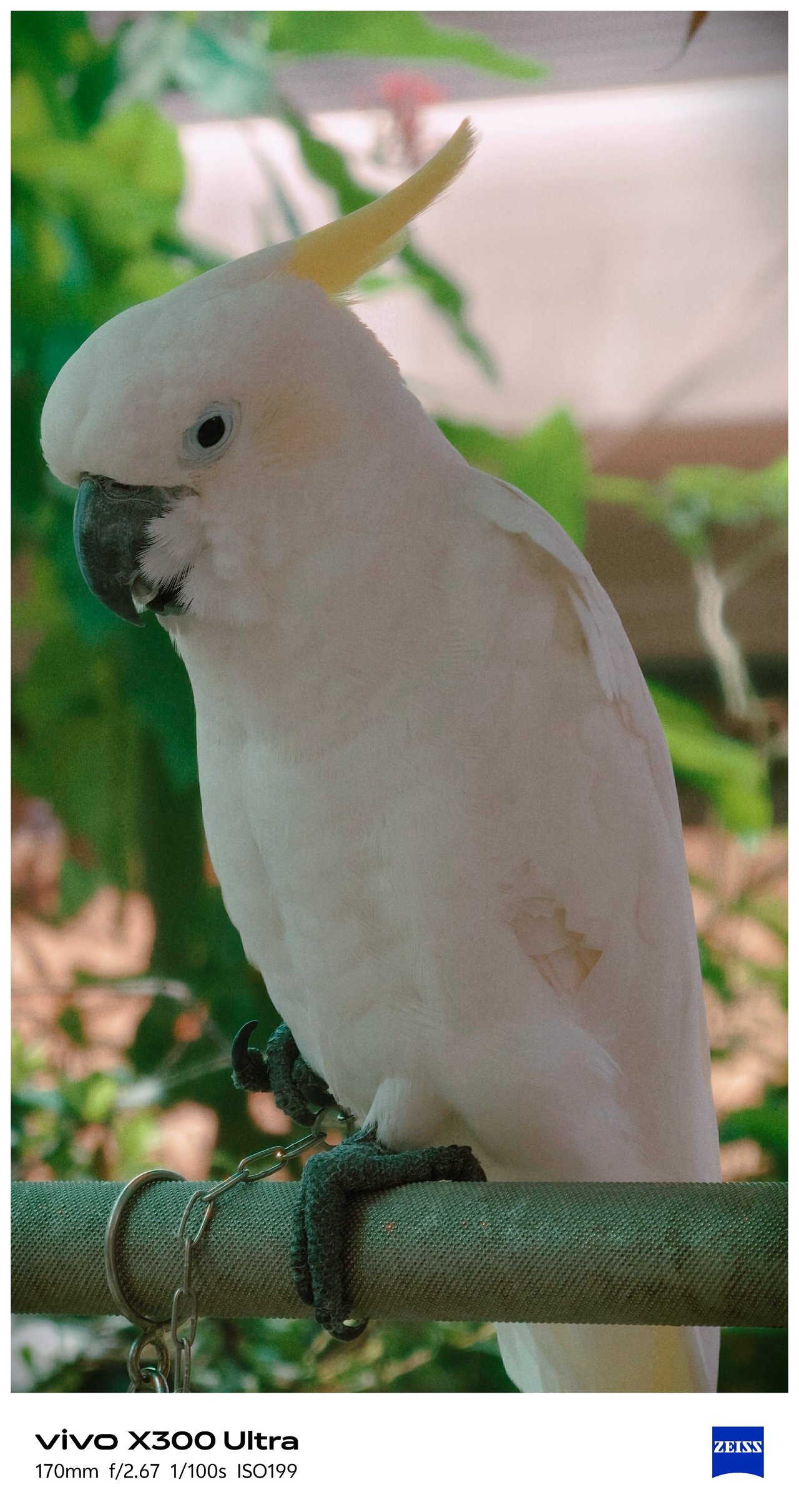

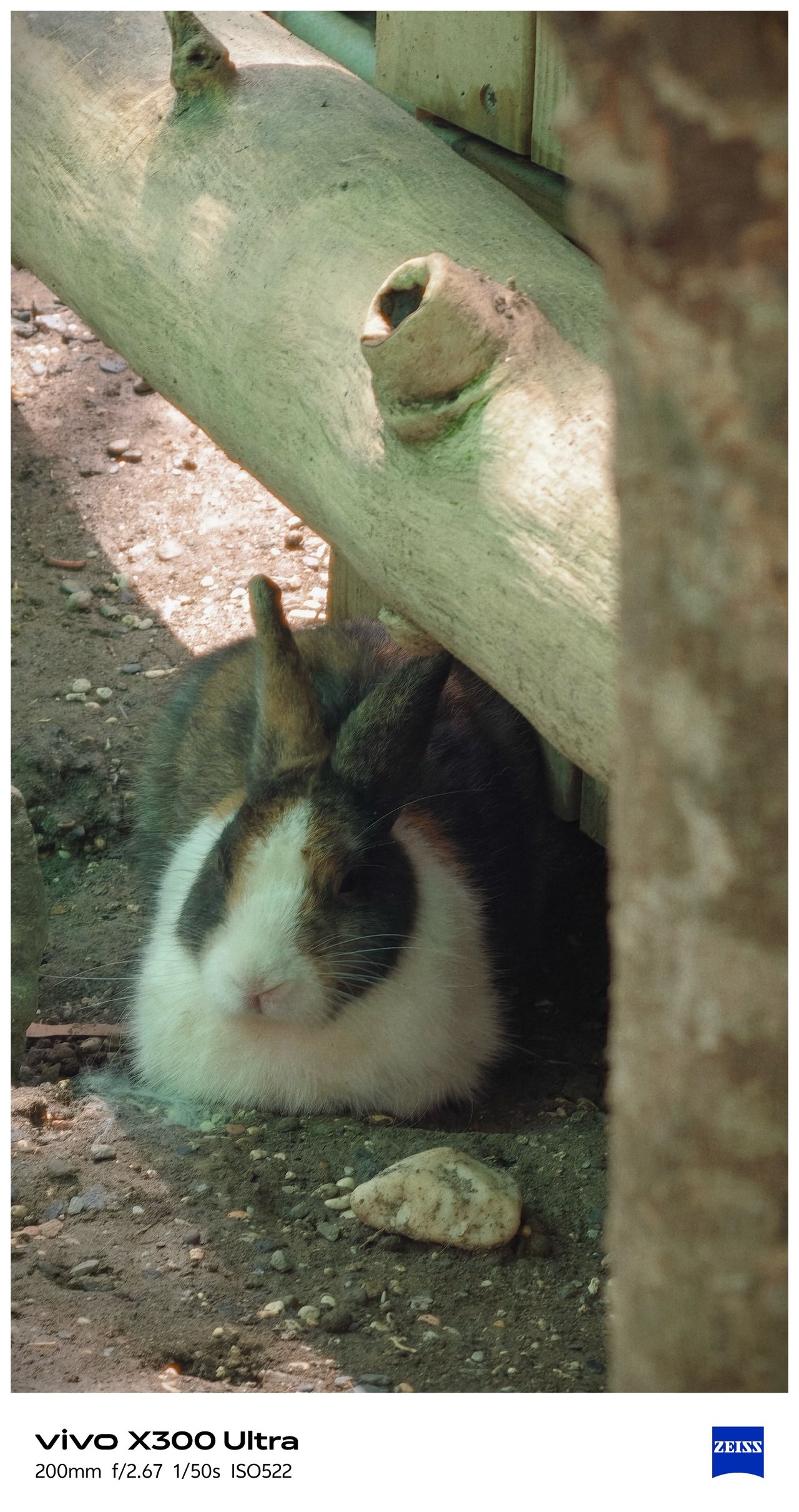

📍 Pier 2


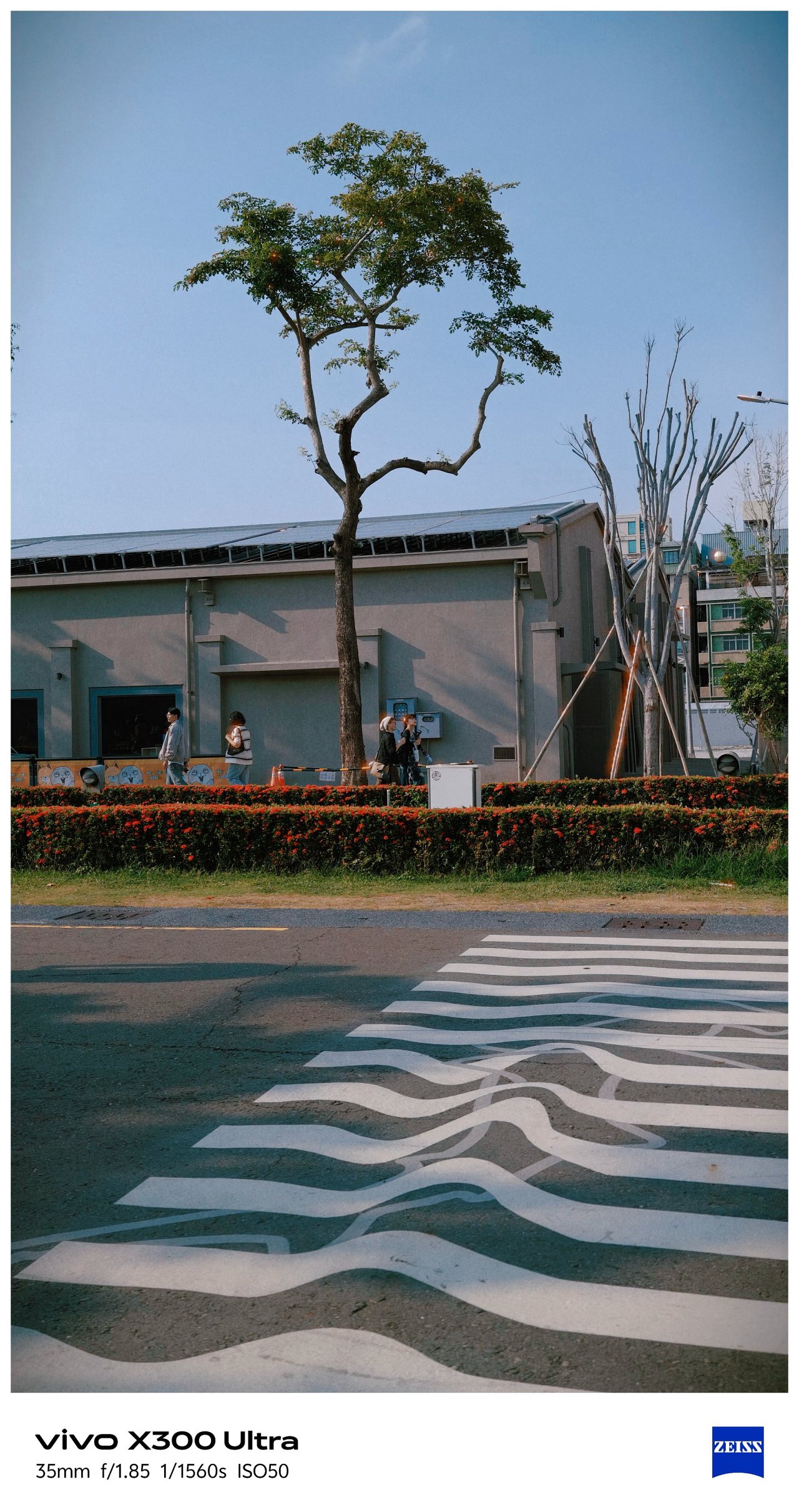


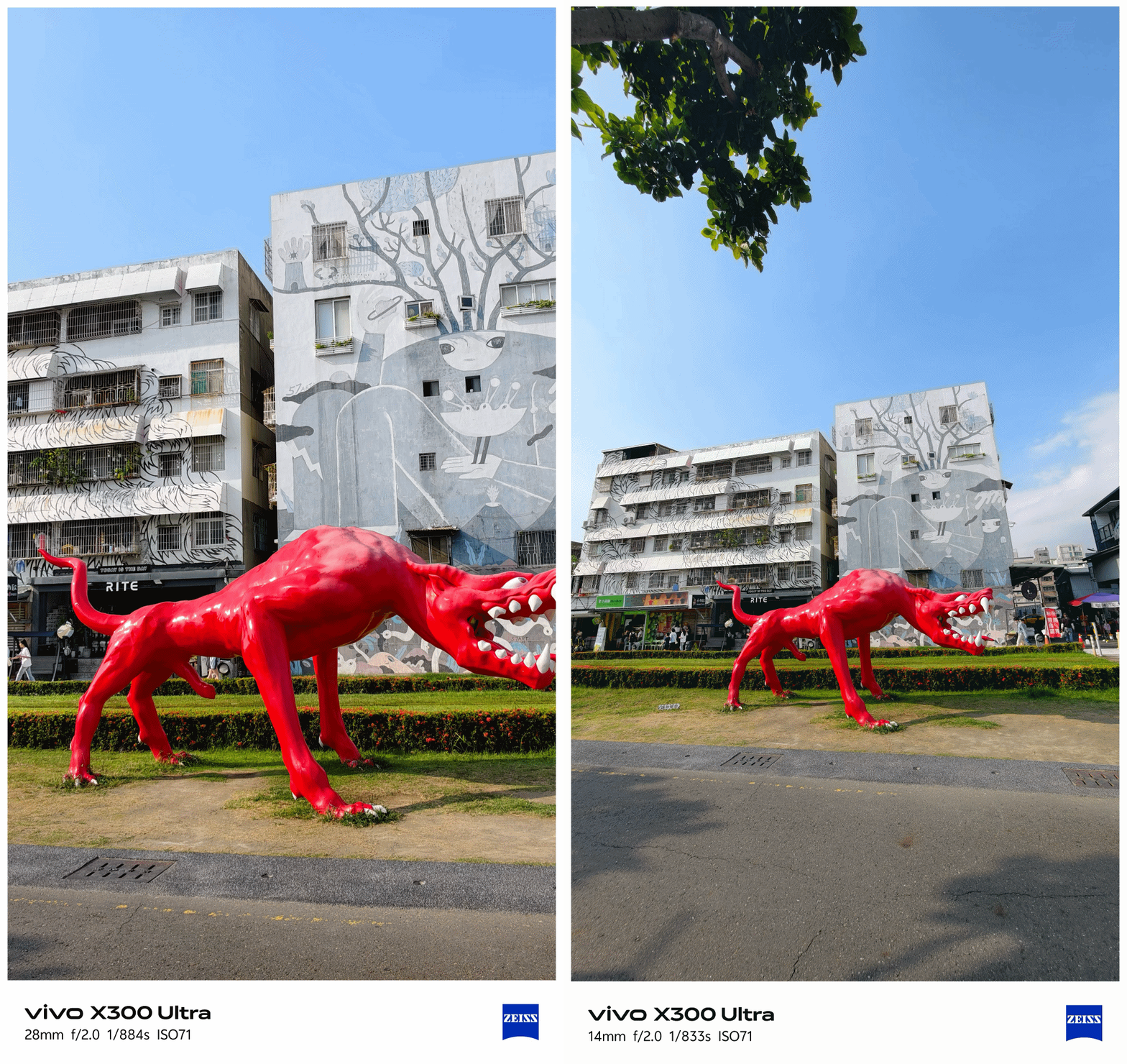



📍 Hamasen
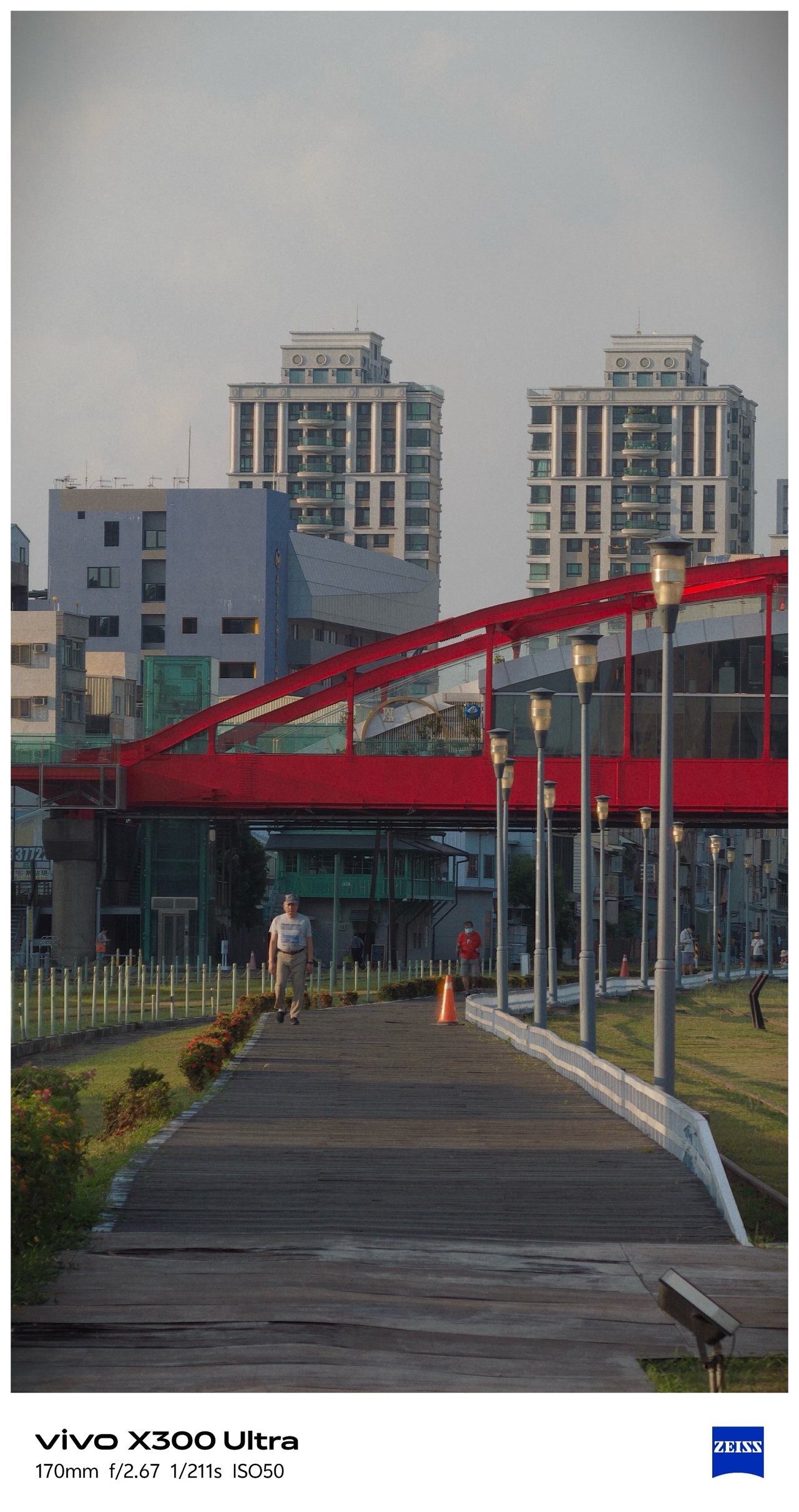
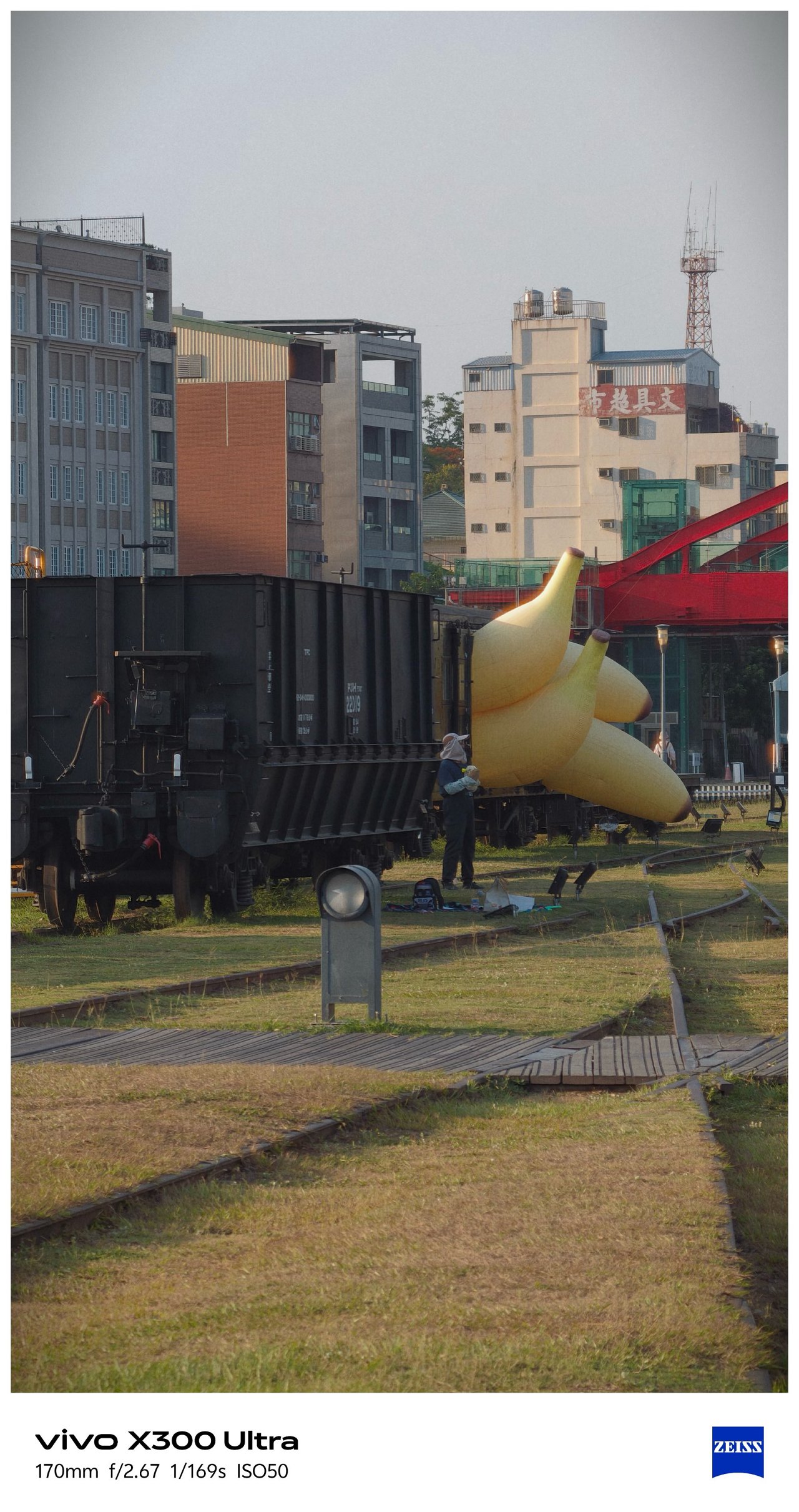
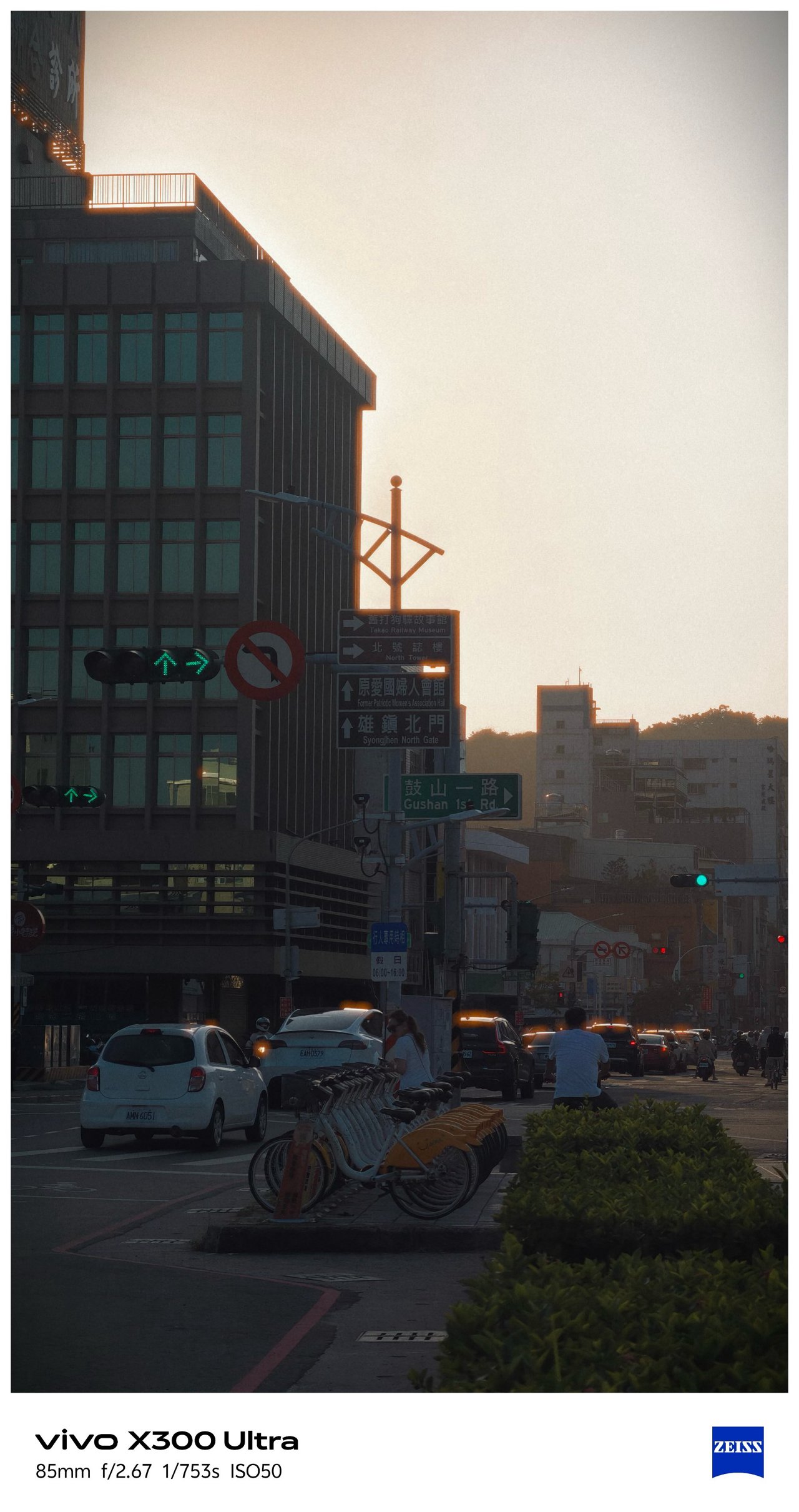
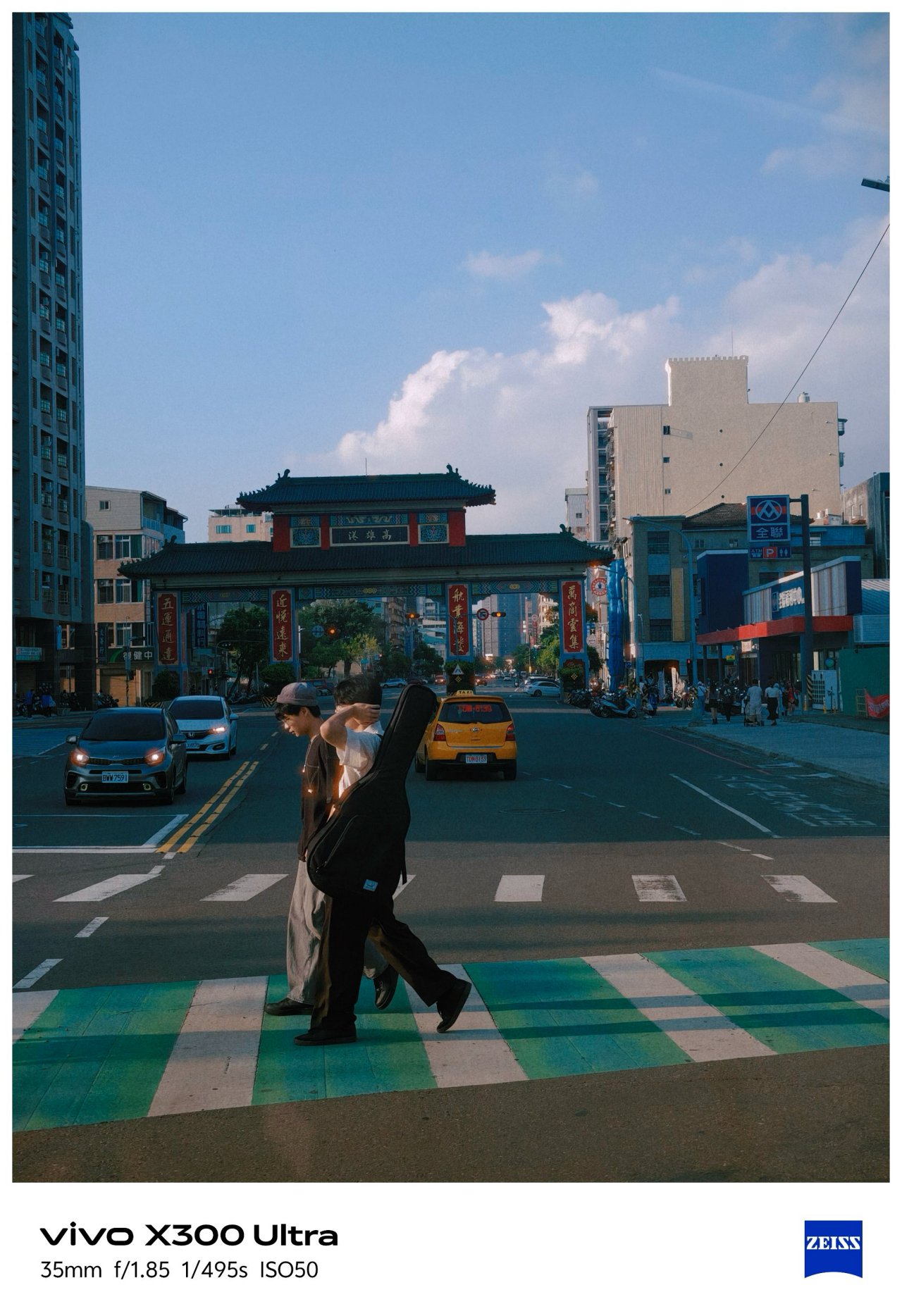

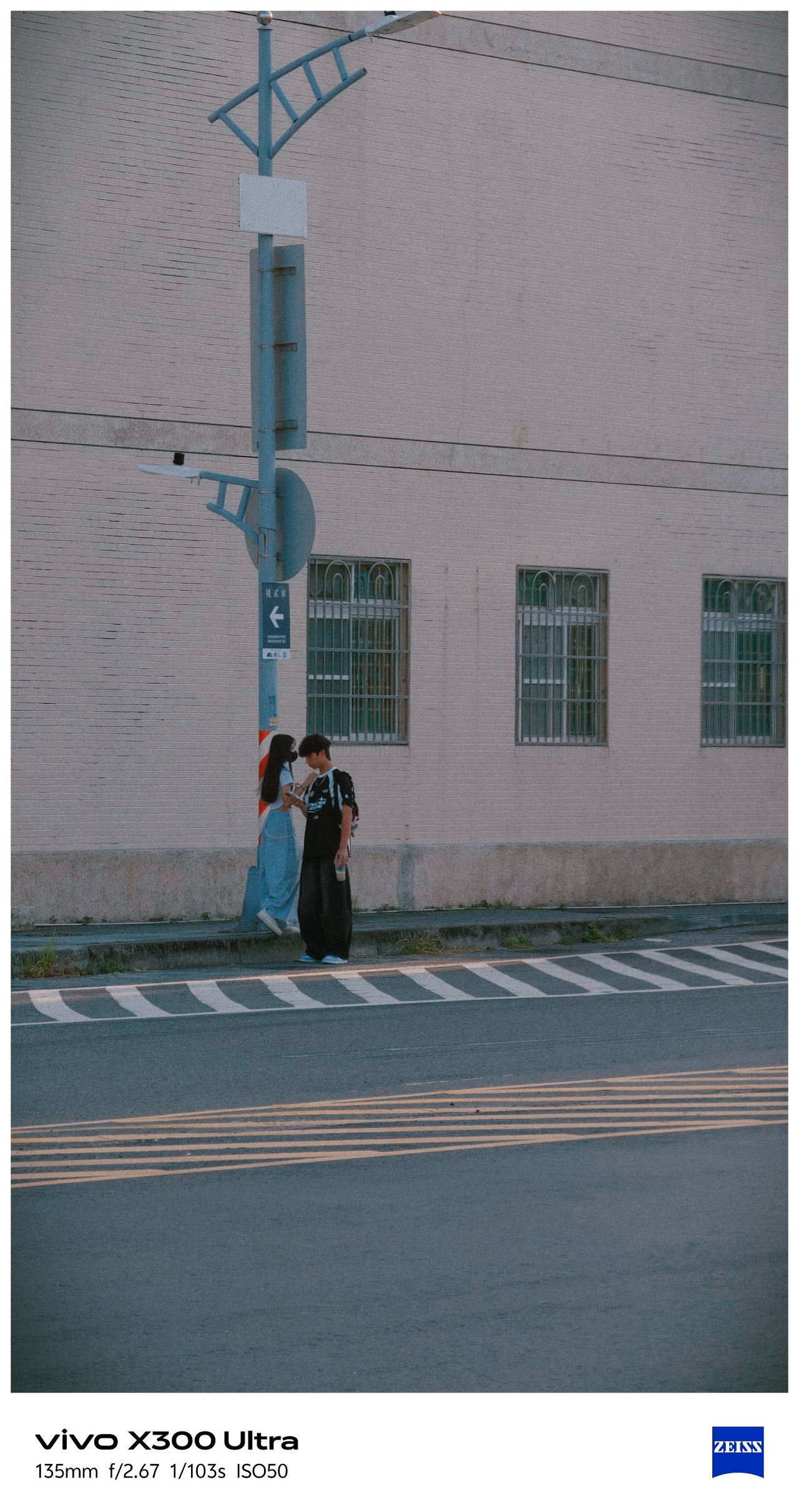

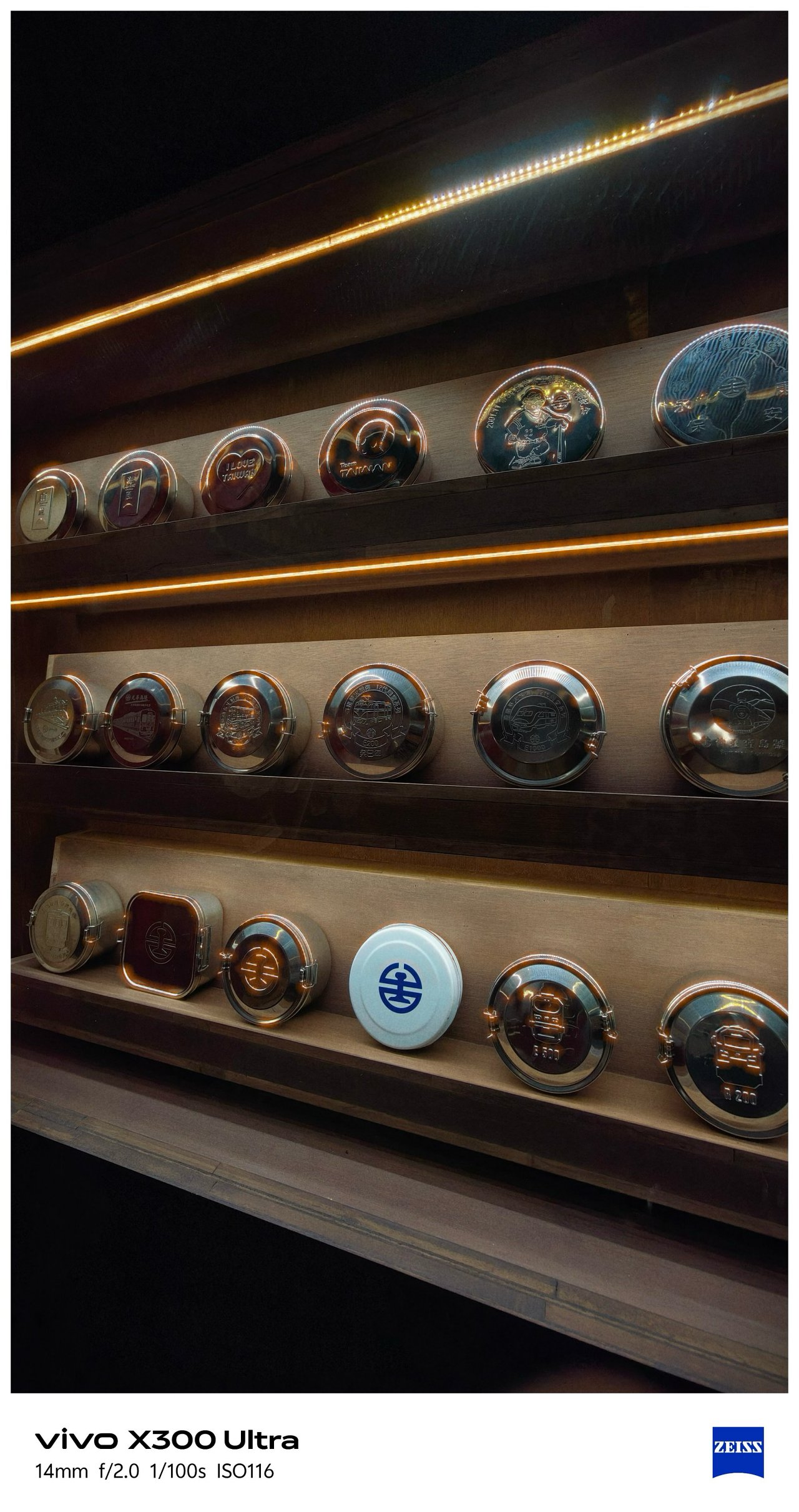
My inner railway fanaticism was screaming with the working diorama and all TRA / Taiwan Railway-filled memorabilia inside Hamasen Railway Museum.









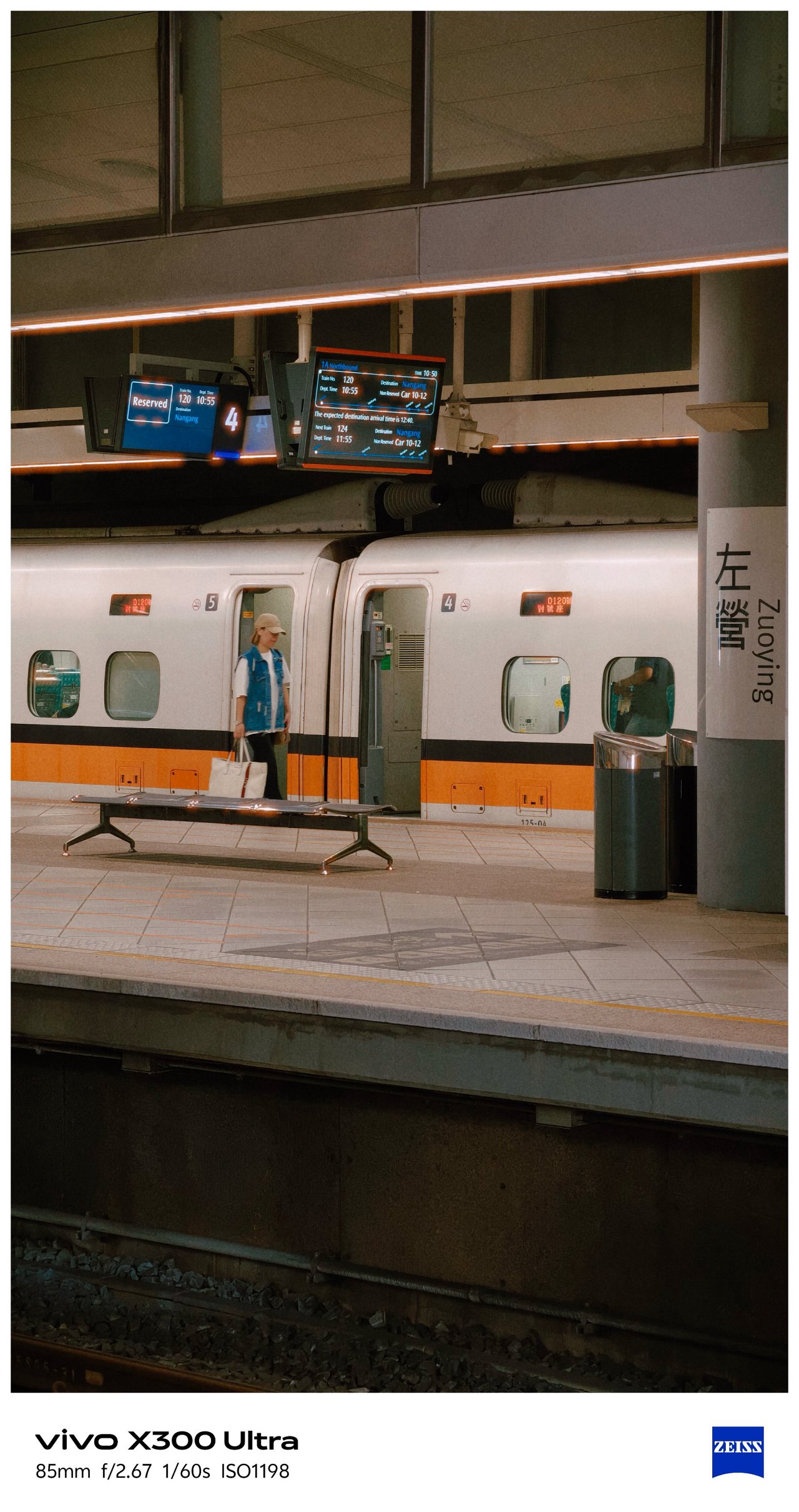
📍 THSR Zuoying
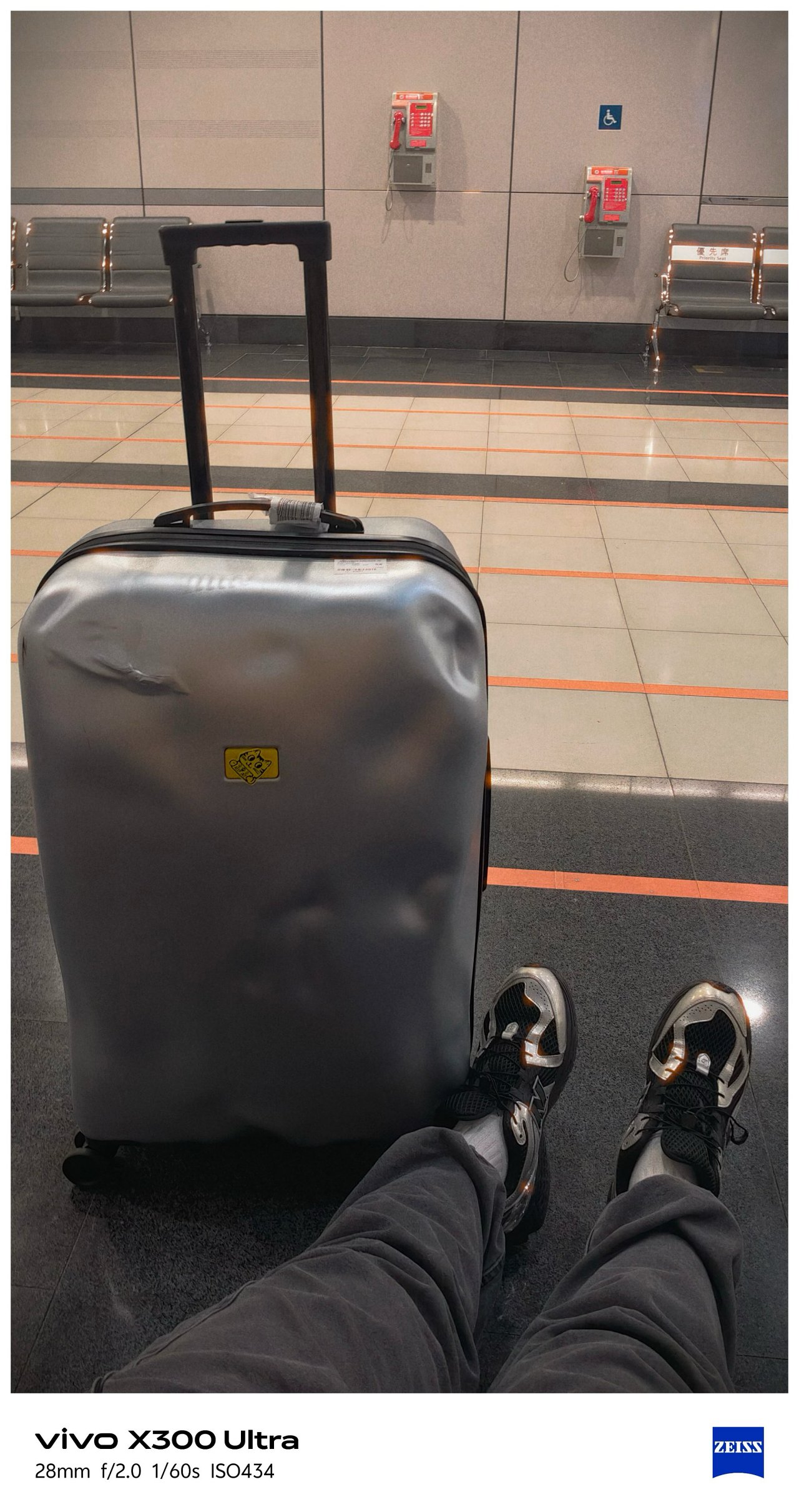
All the train madness (and the Kaohsiung trip as a whole) ends here.

🇹🇼 臺北市 / Taipei
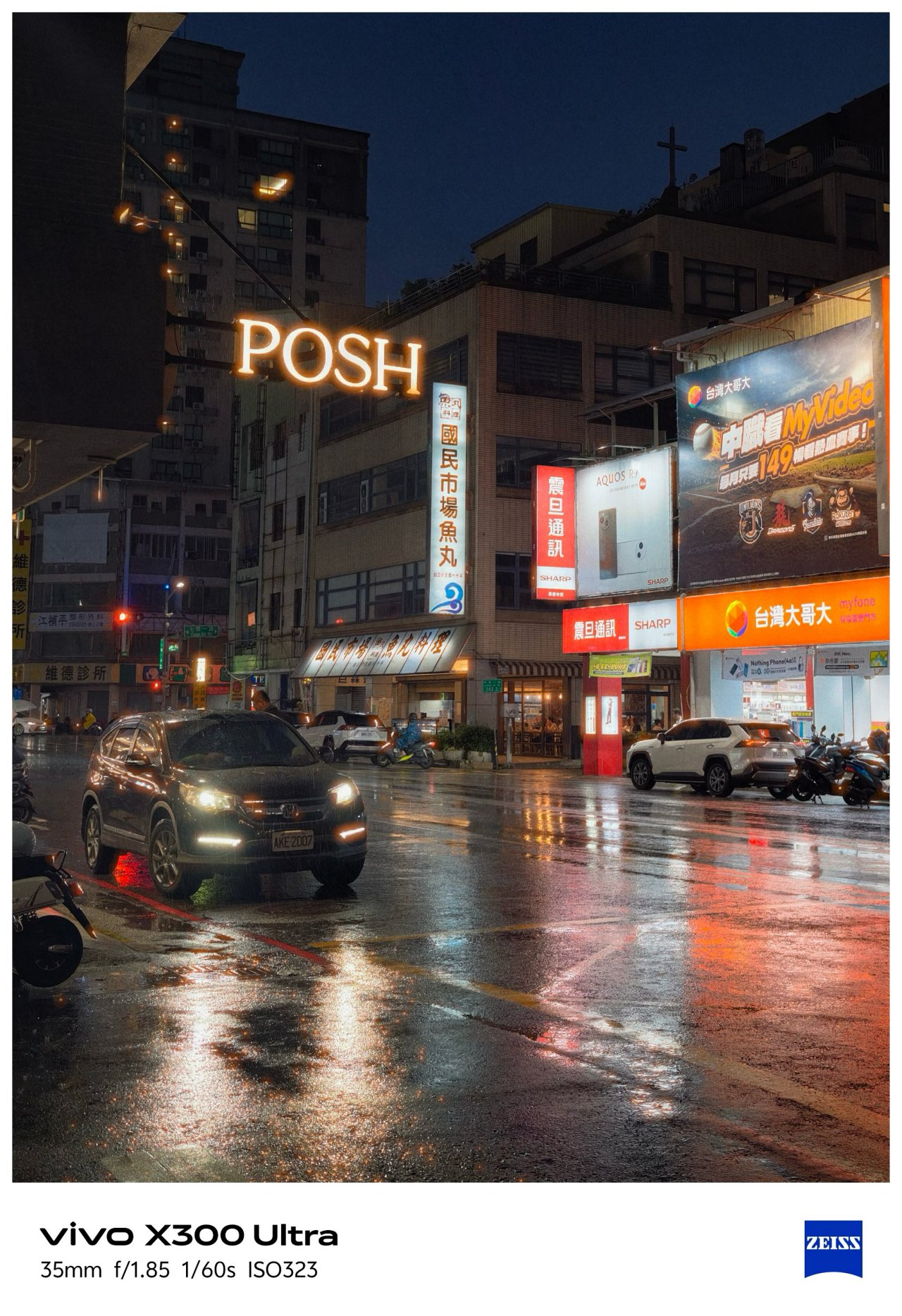
Moving from the southern city towards the north, Taipei’s weather also shifted drastically.
📍 Ximending
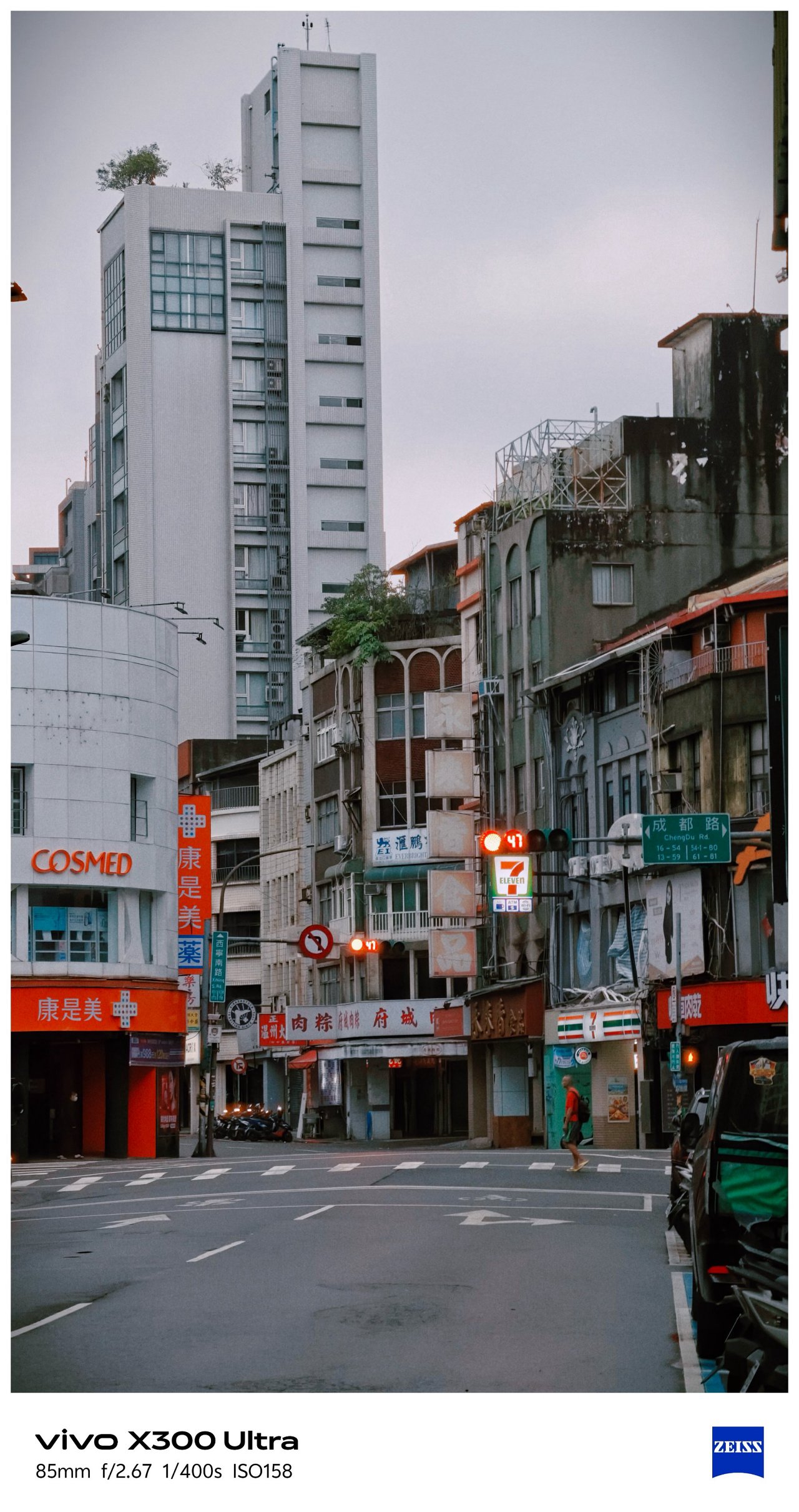

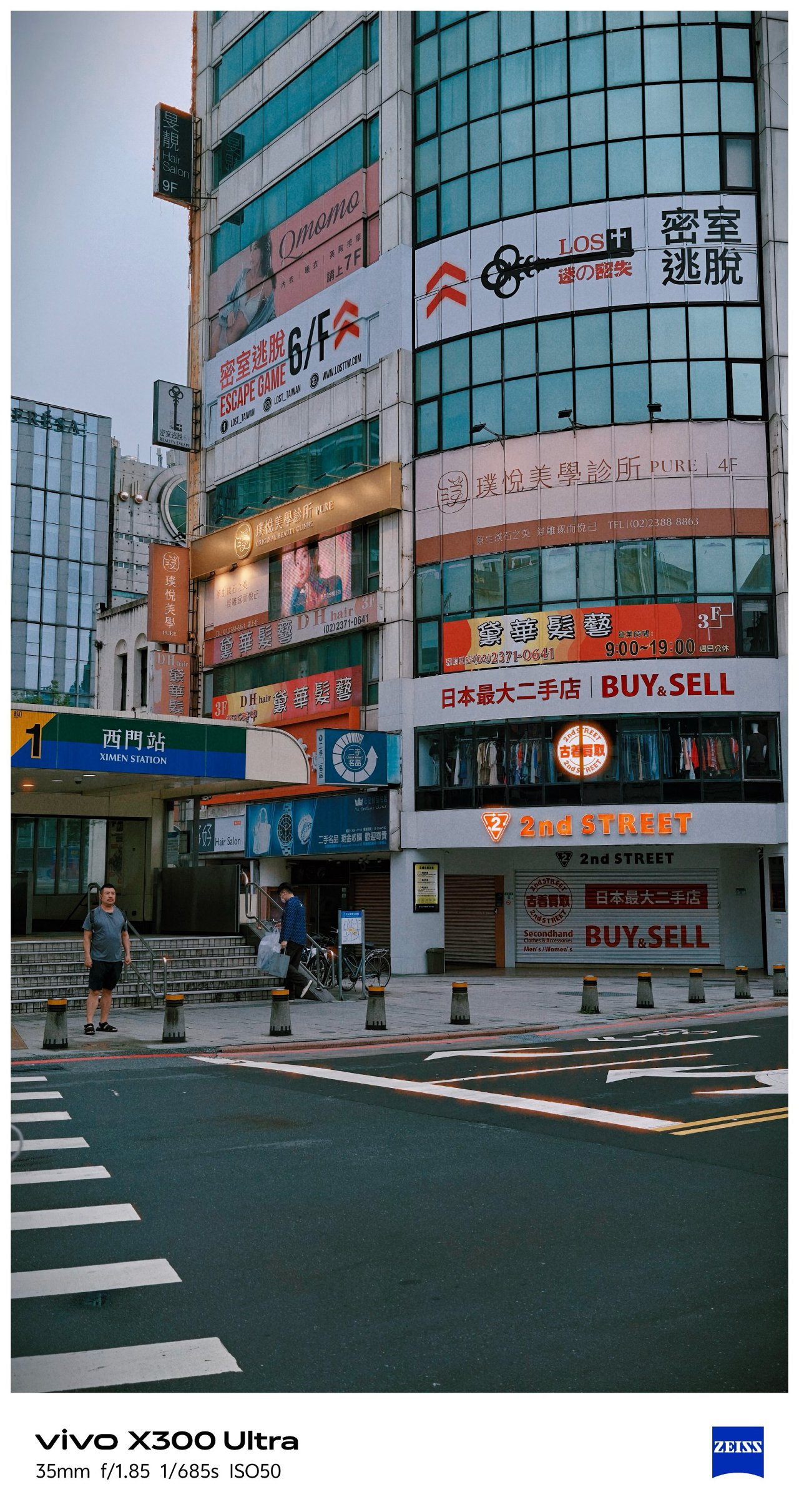

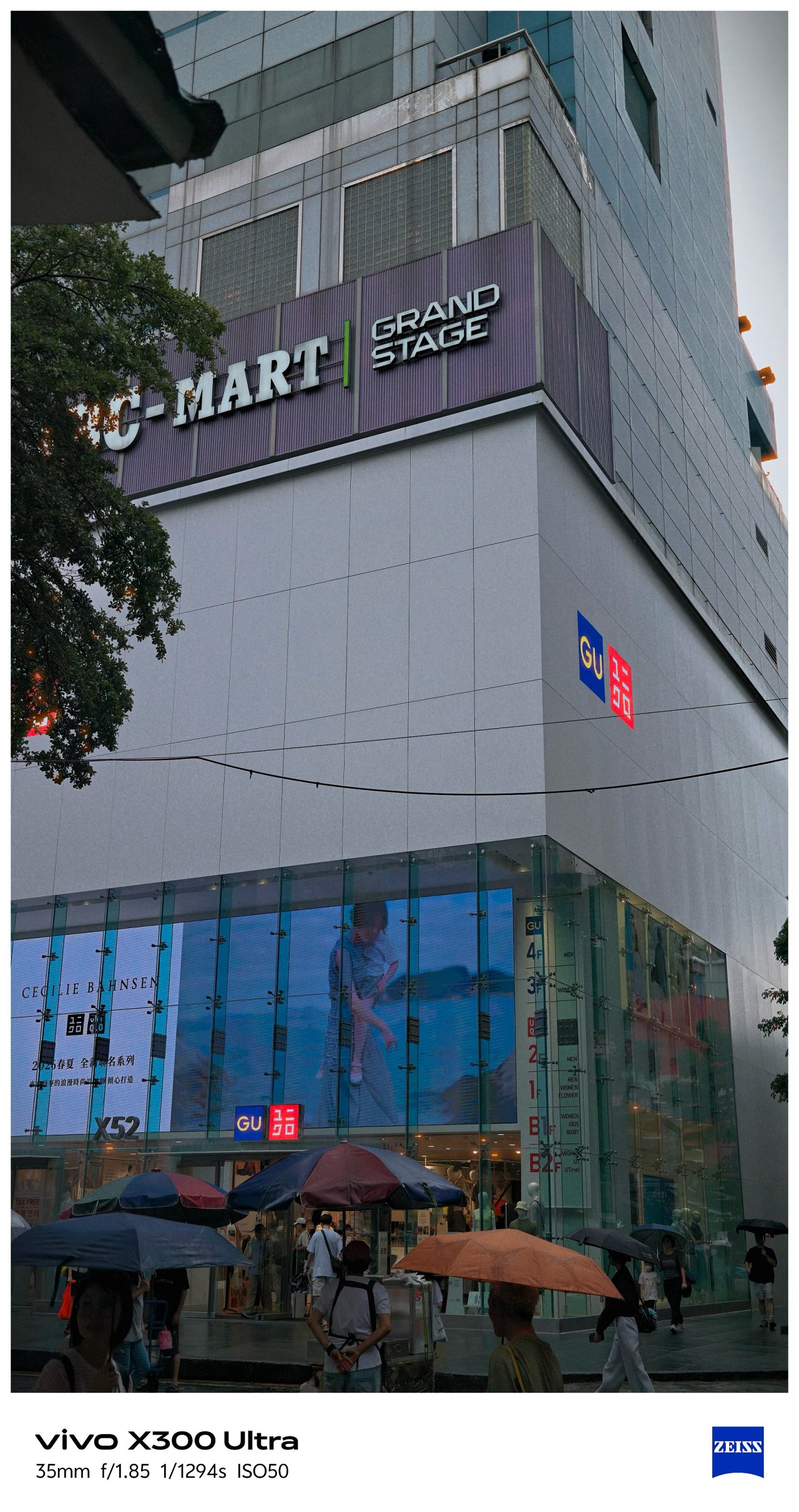
Being able to witness an eerie Ximending for the first time in my fifth Taipei visit along with this preset made it more dramatic.


I can’t imagine how “impactful” these would look if I applied vivo’s built-in presets.

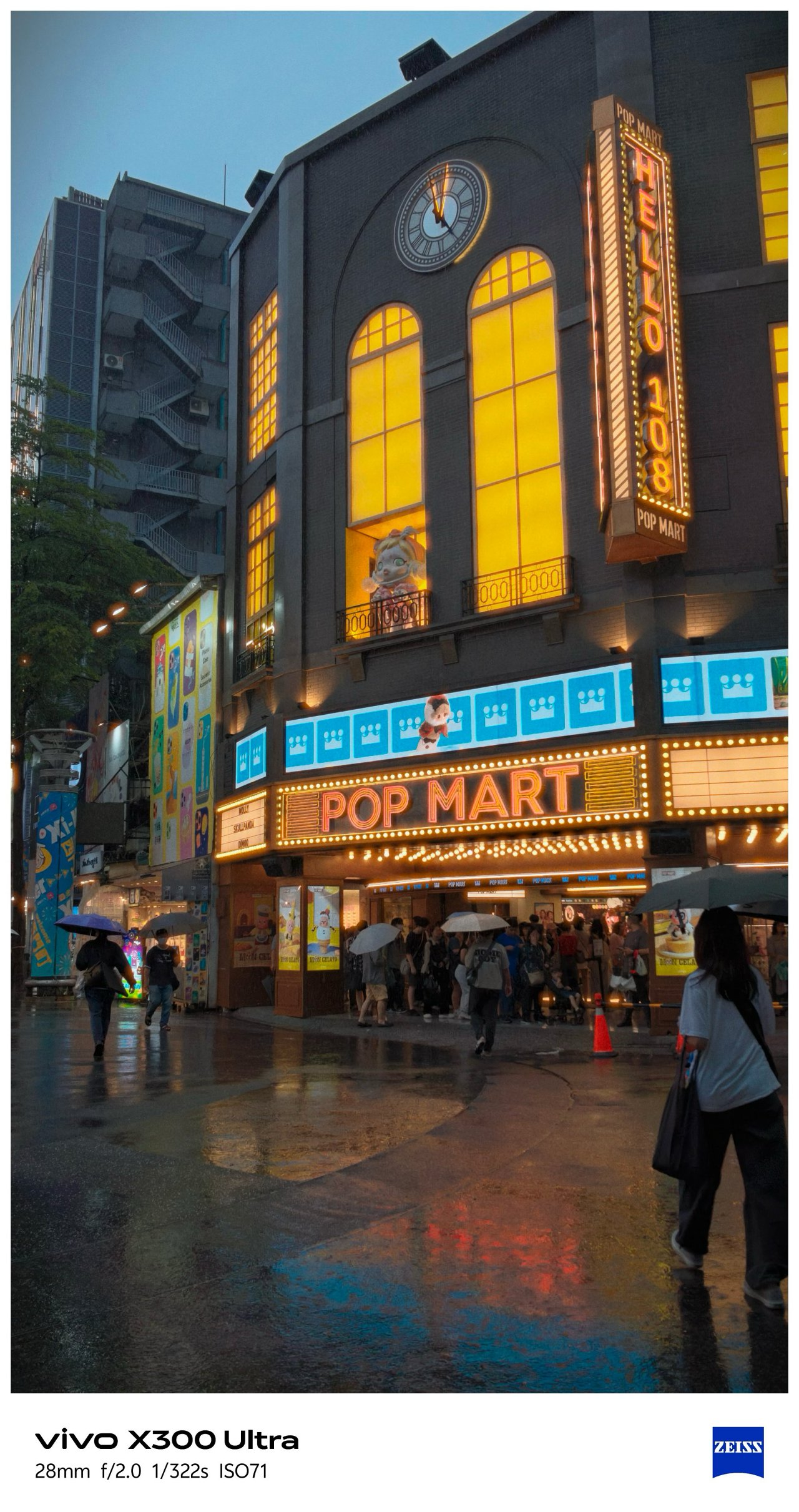
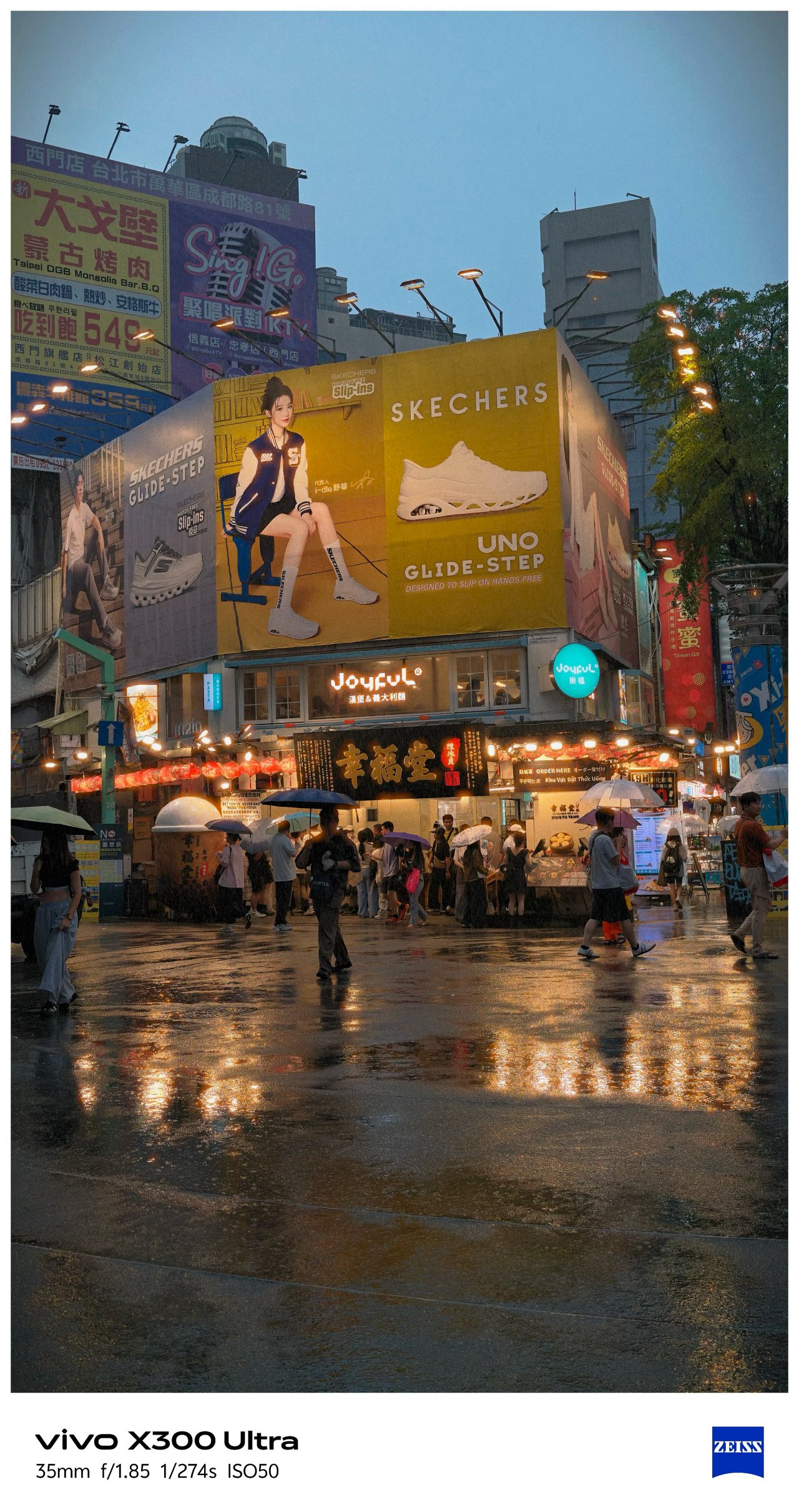
📍 Xinyi


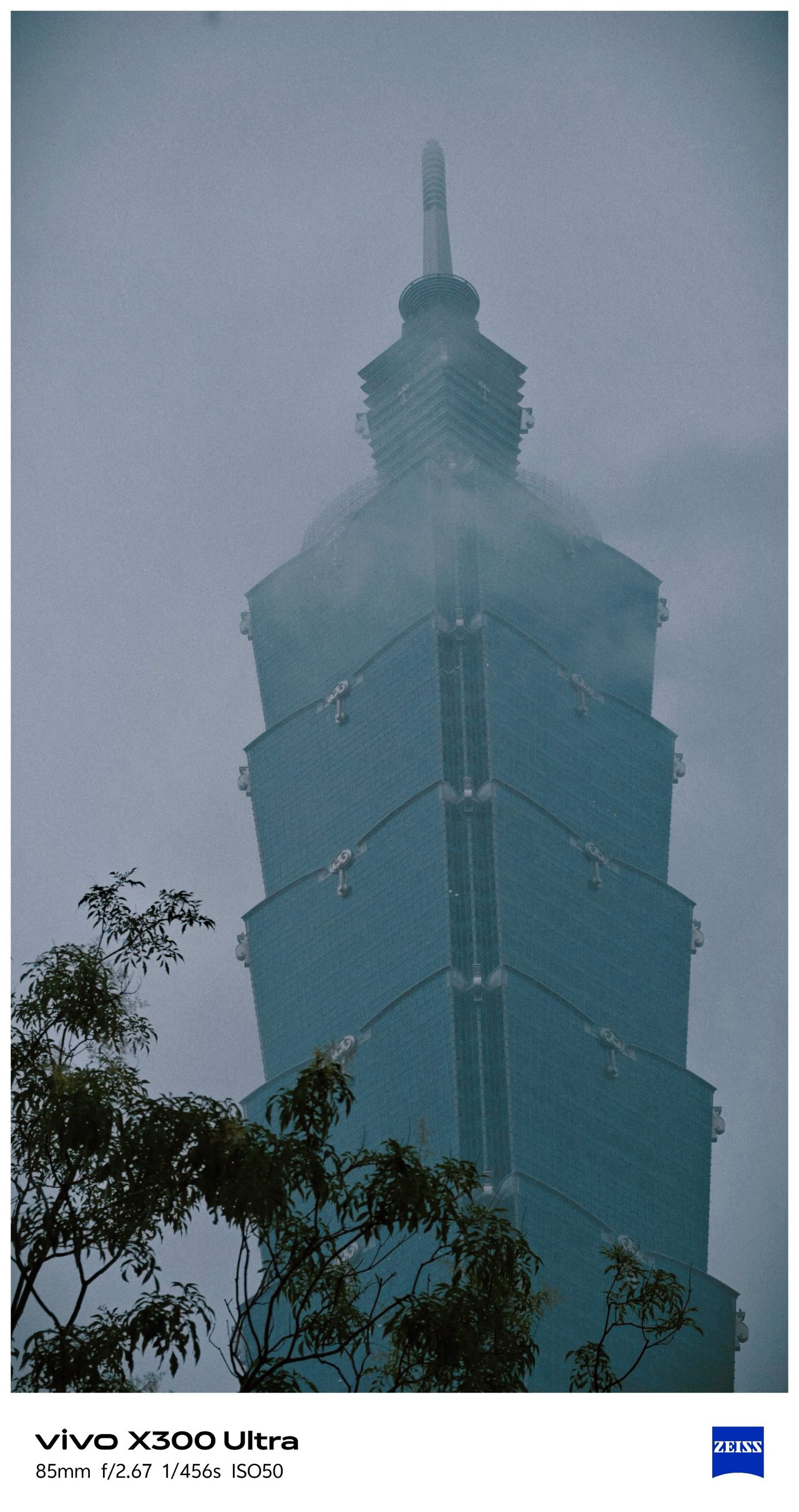


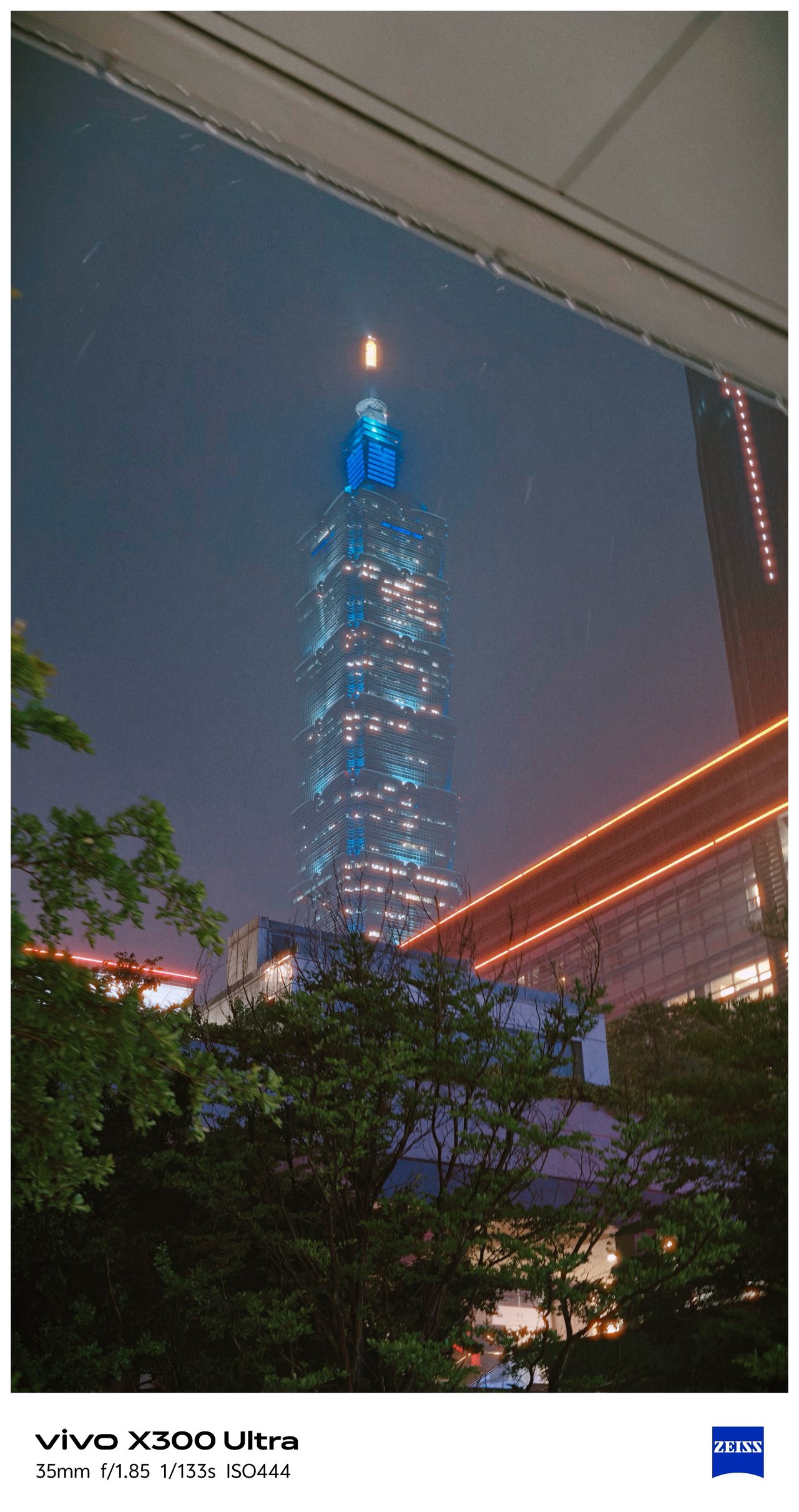
📍 Songshan
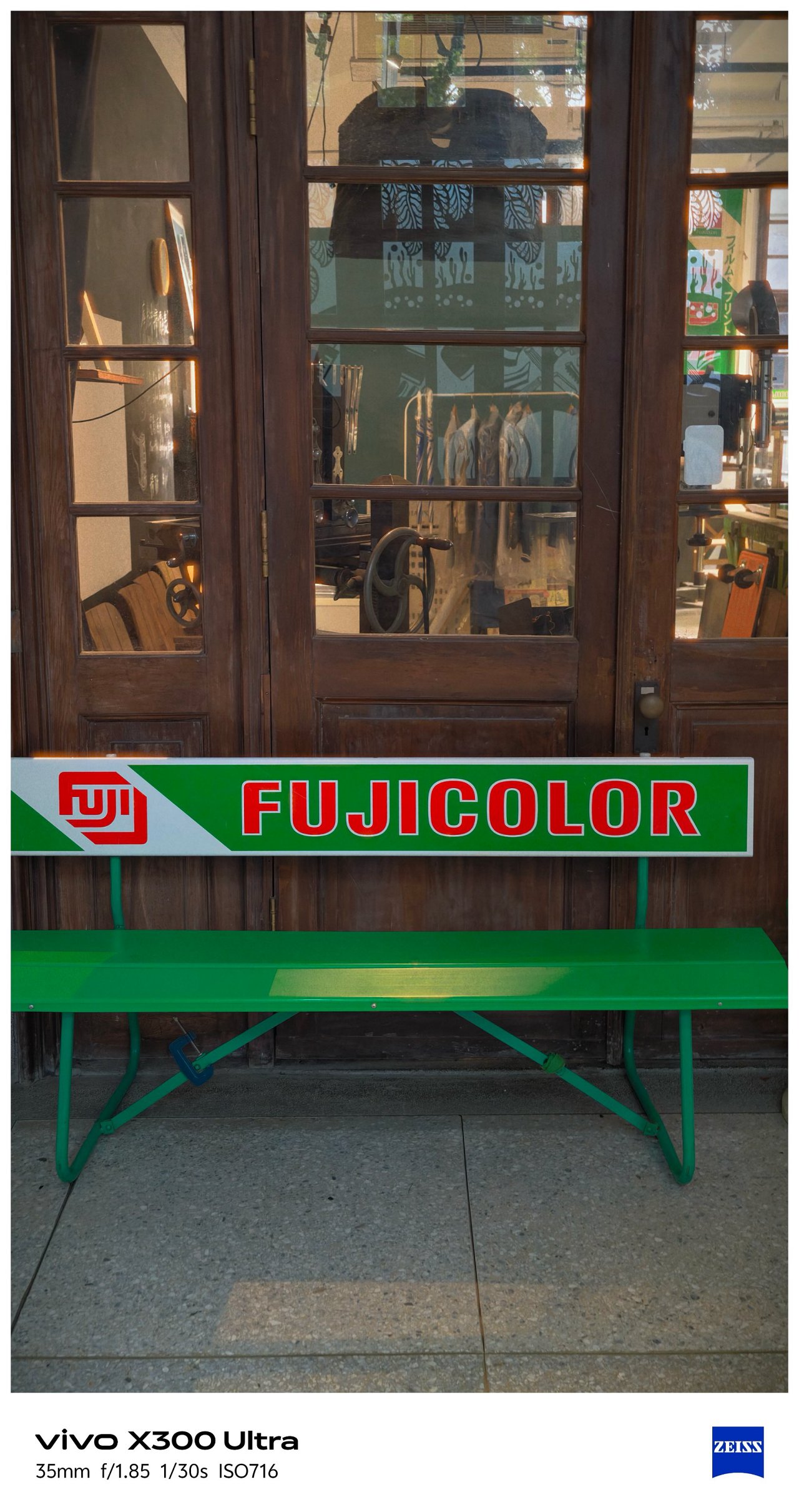



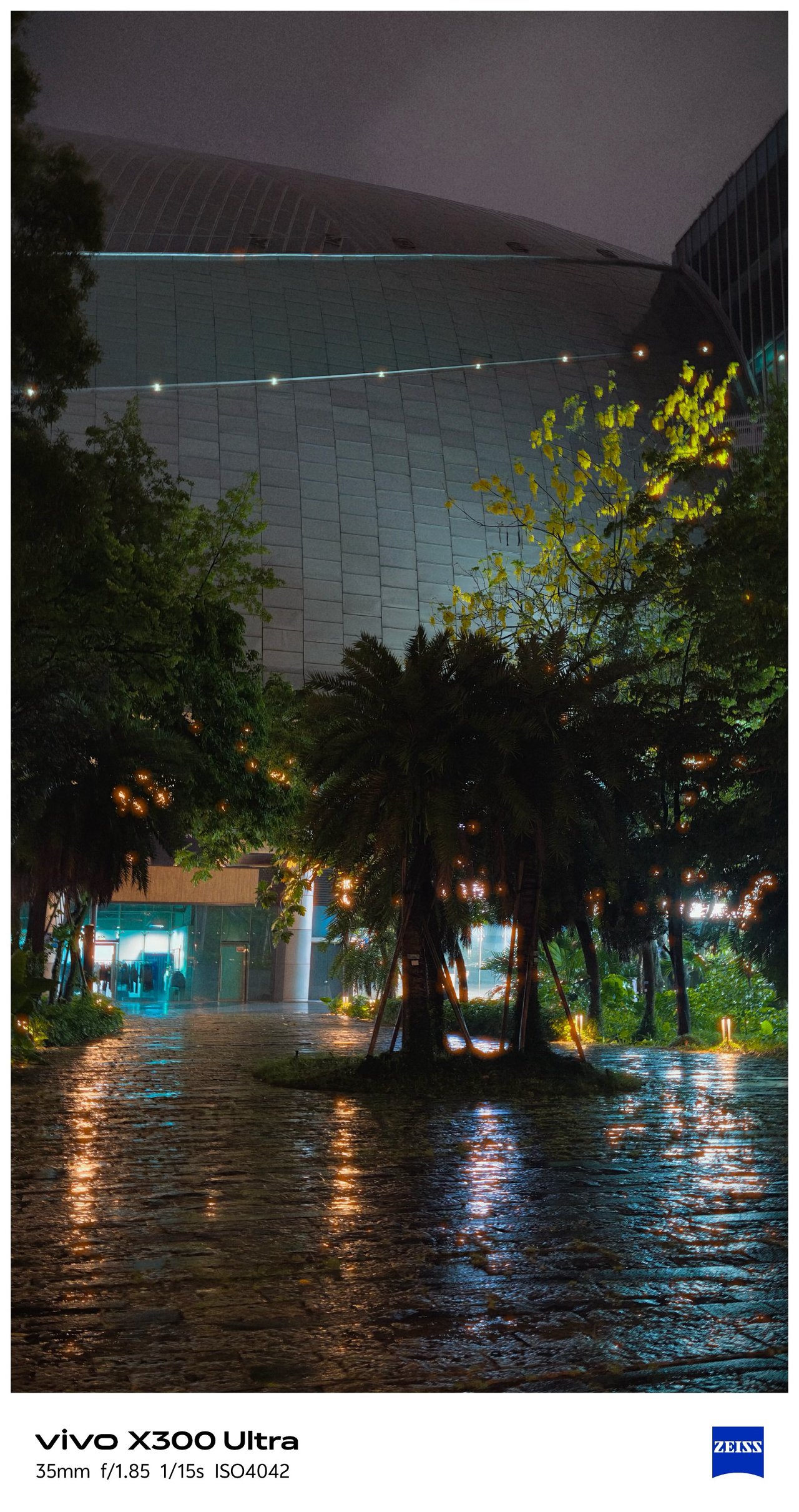

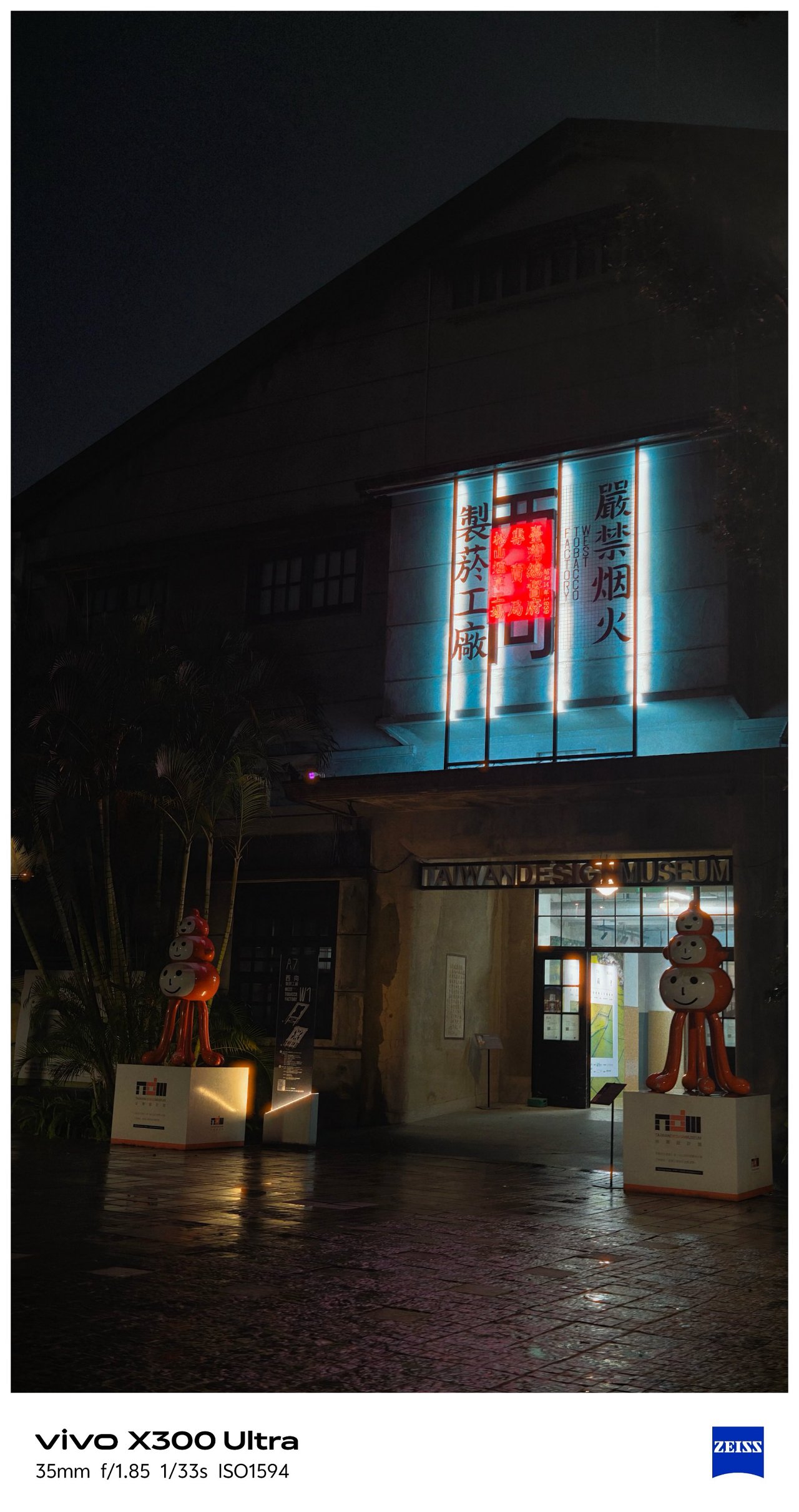
📍 Xizhi / Nangang

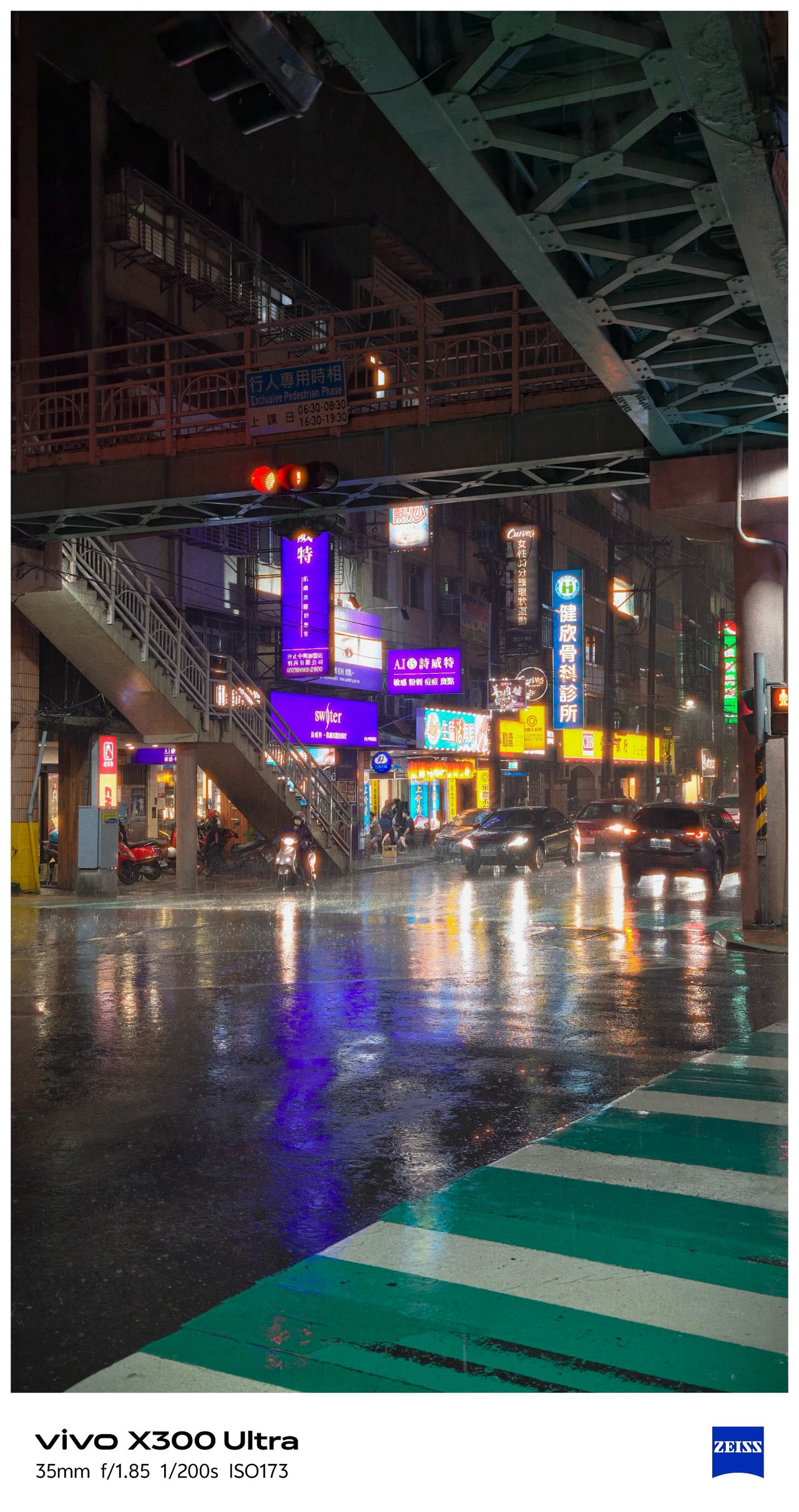


📍 Food



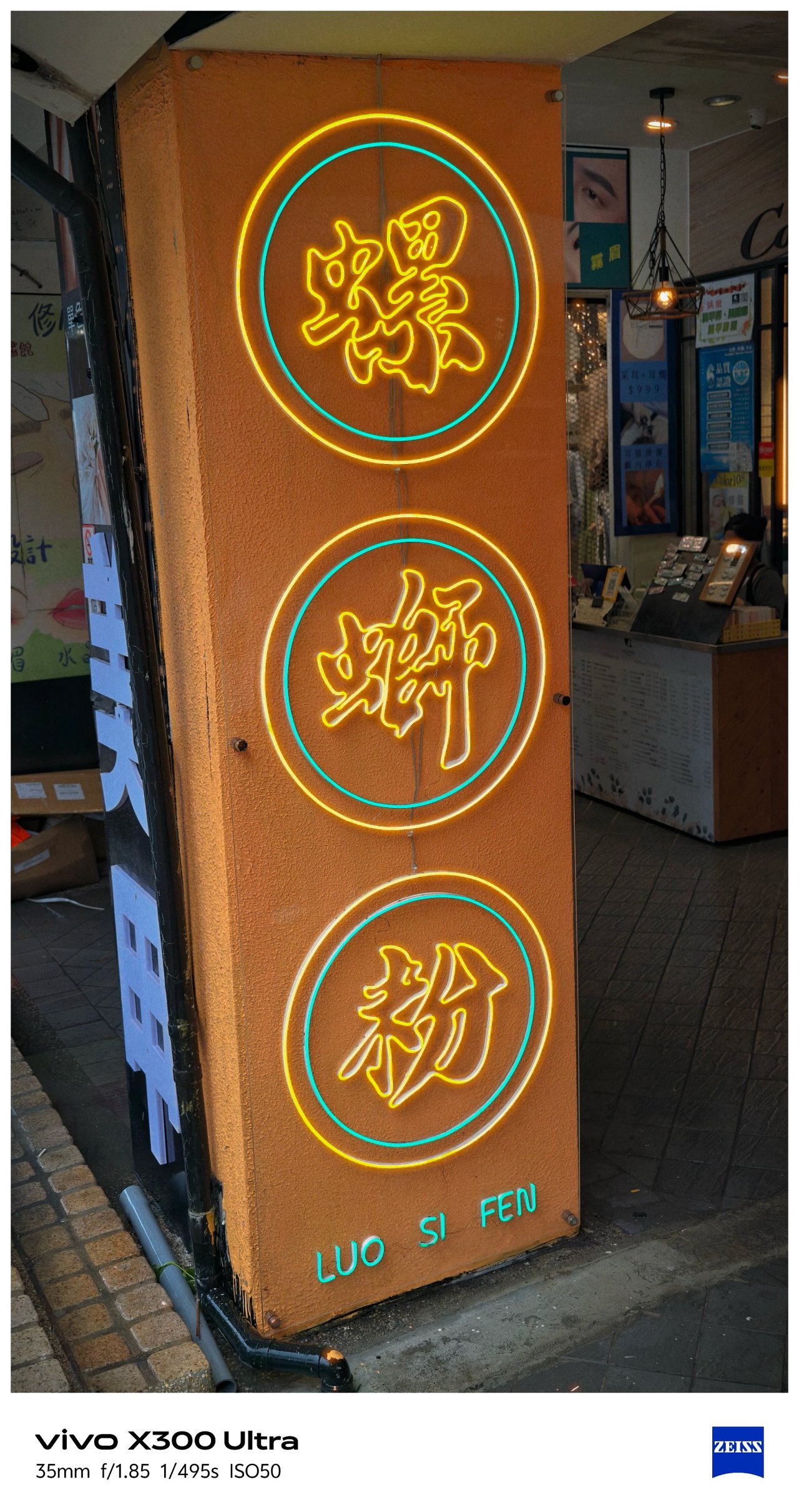


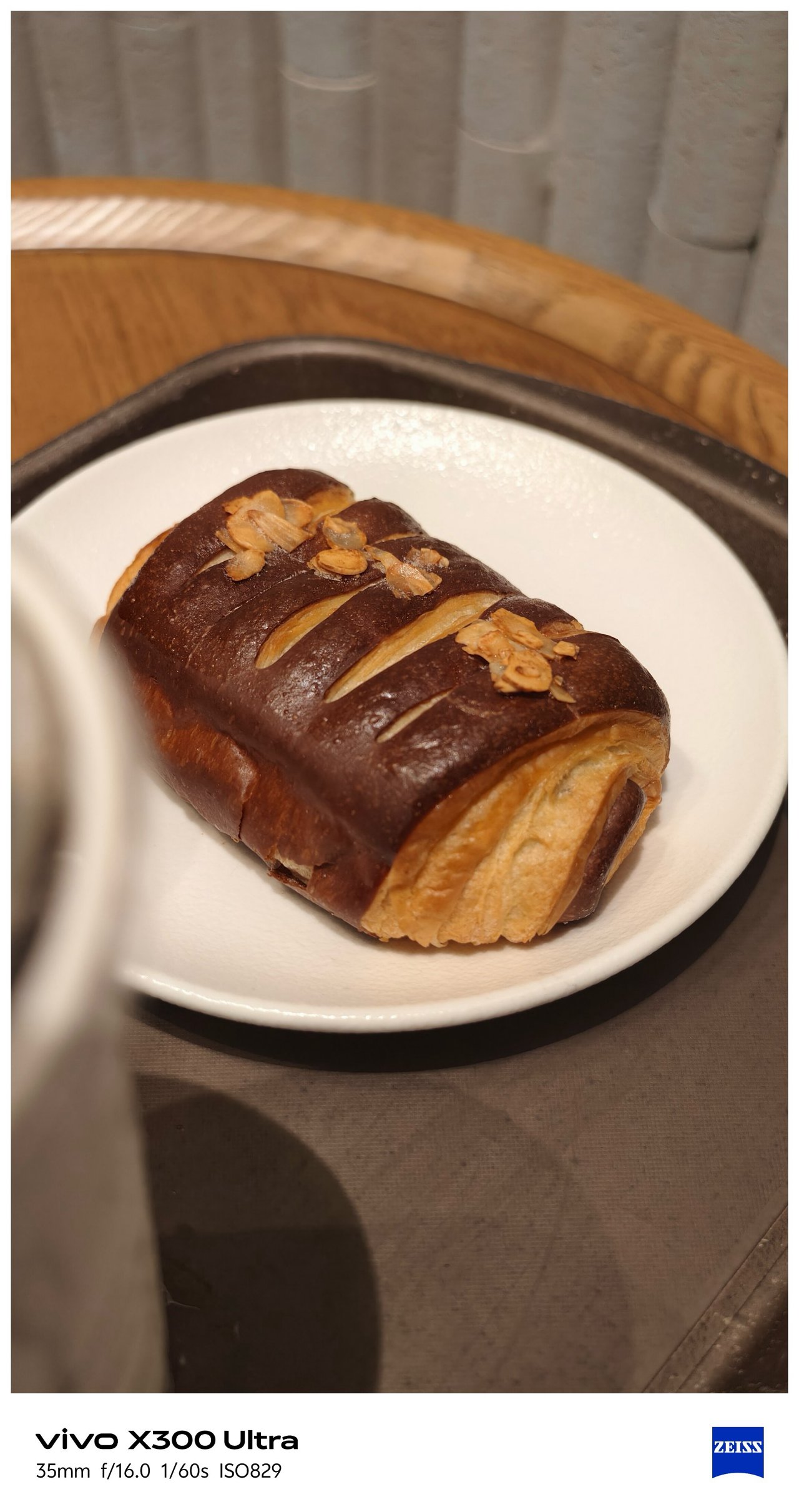


📍 X-tras




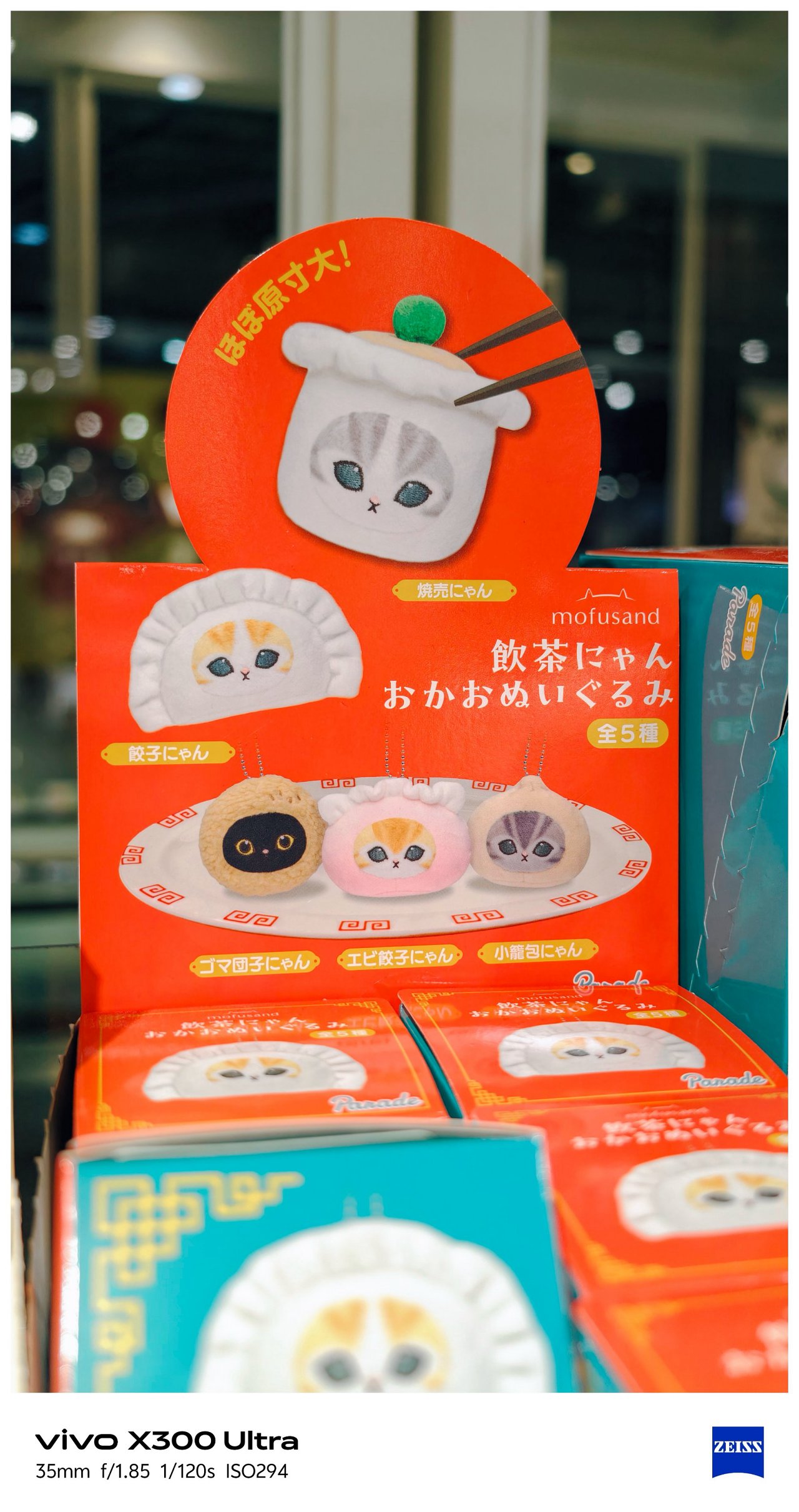


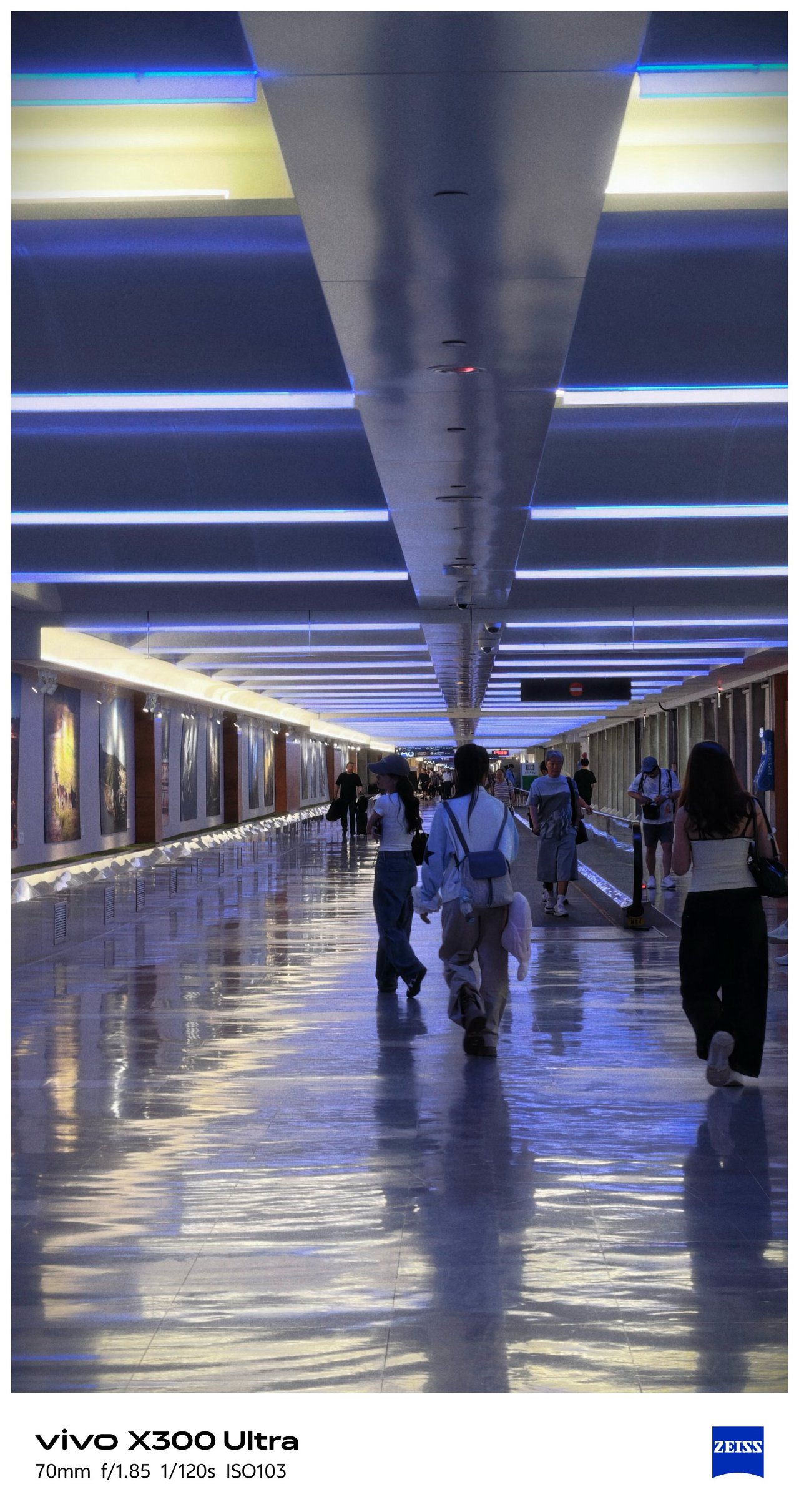




‼️ Bonus #1: COMPUTEX 2026
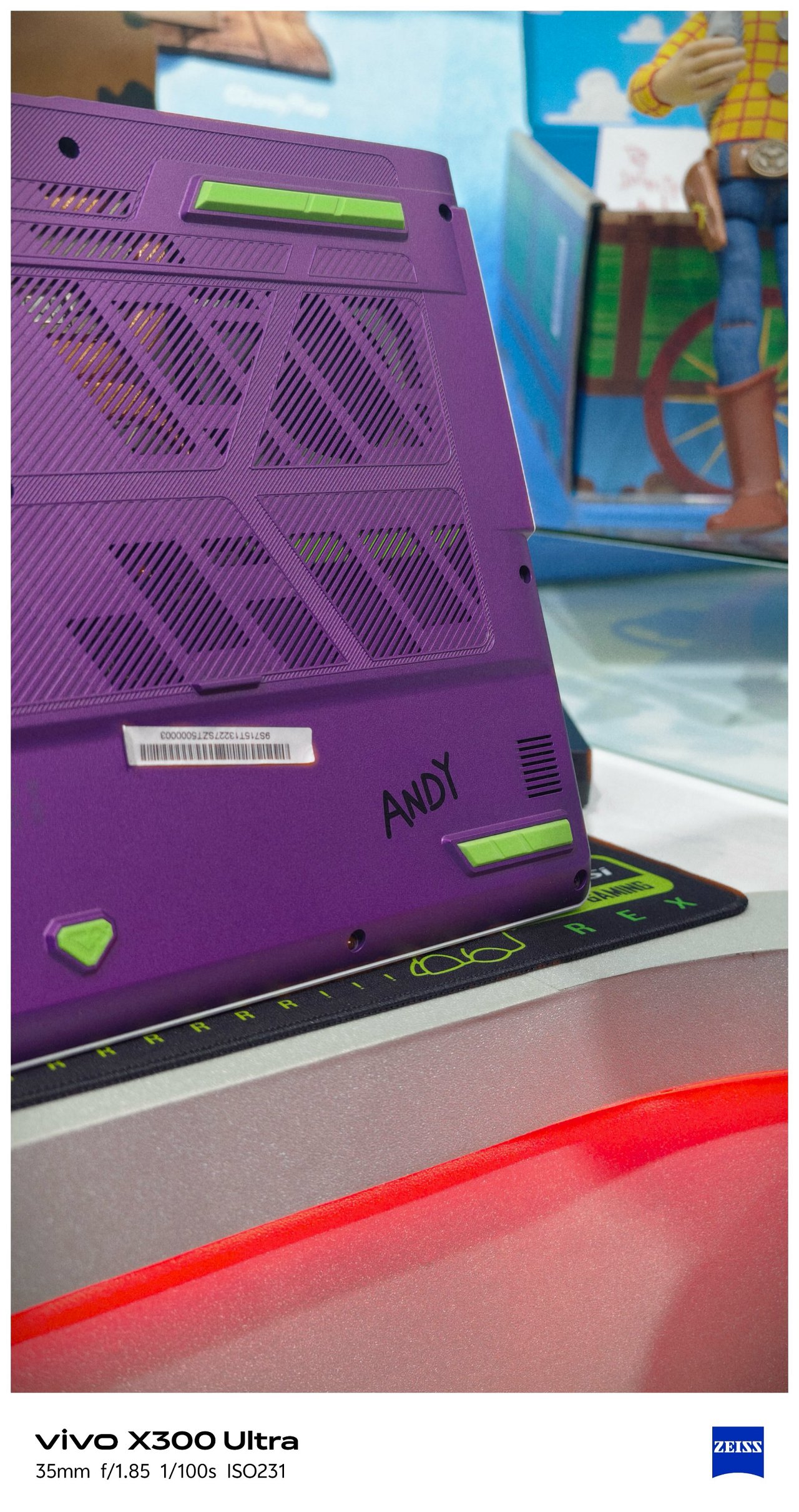
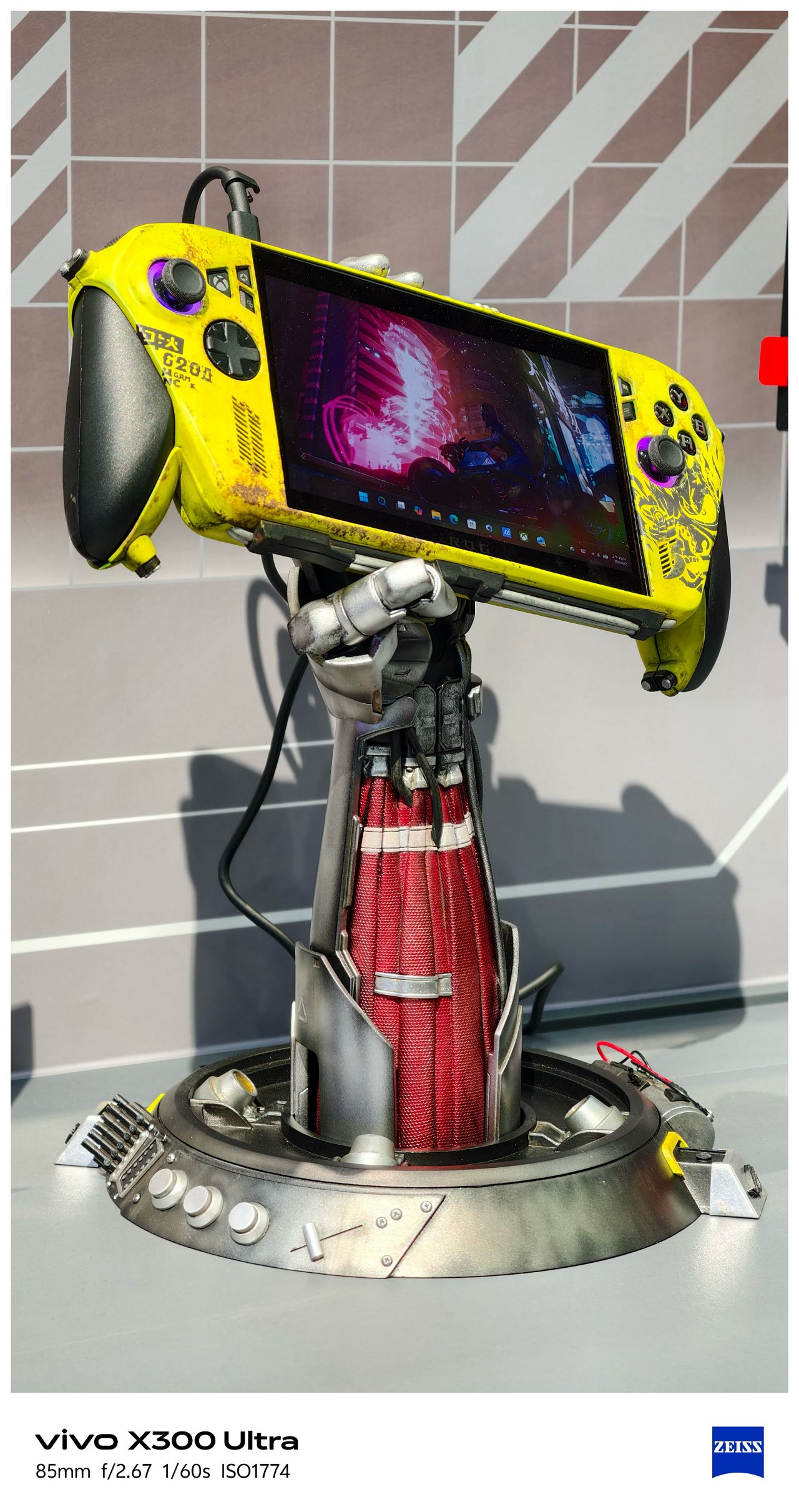

-
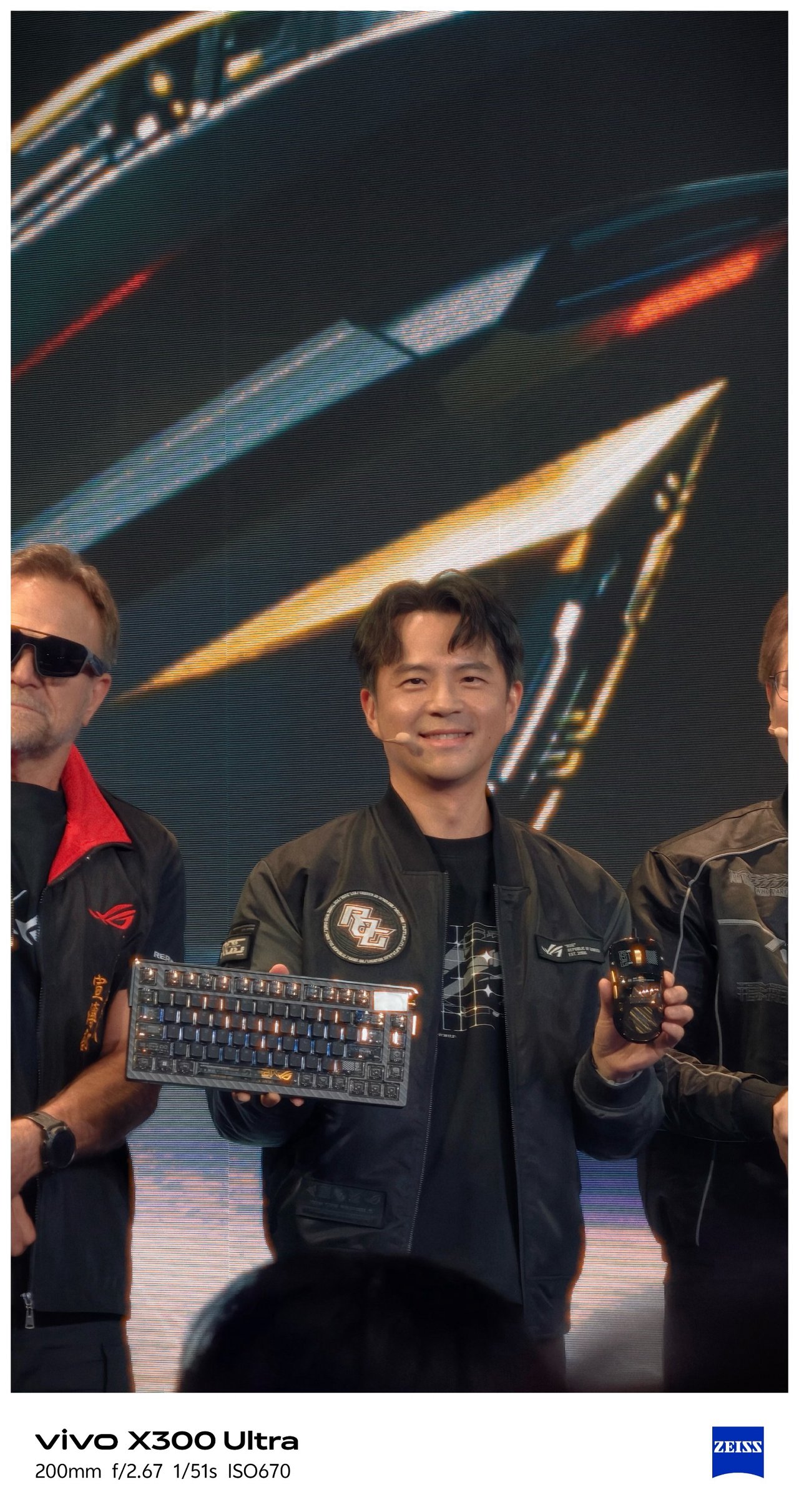
- Eye contact of ROG’s Kris Huang is melting me
-

- I mean???
SEE ALSO: Postcards from MSI’s 40th Anniversary Expo
‼️ Bonus #2: Selfies





🇰🇷 부산 / Busan
It’s funny how this phone was able to see Busan while its owner is still dreaming of seeing it with his own eyes one fine day.


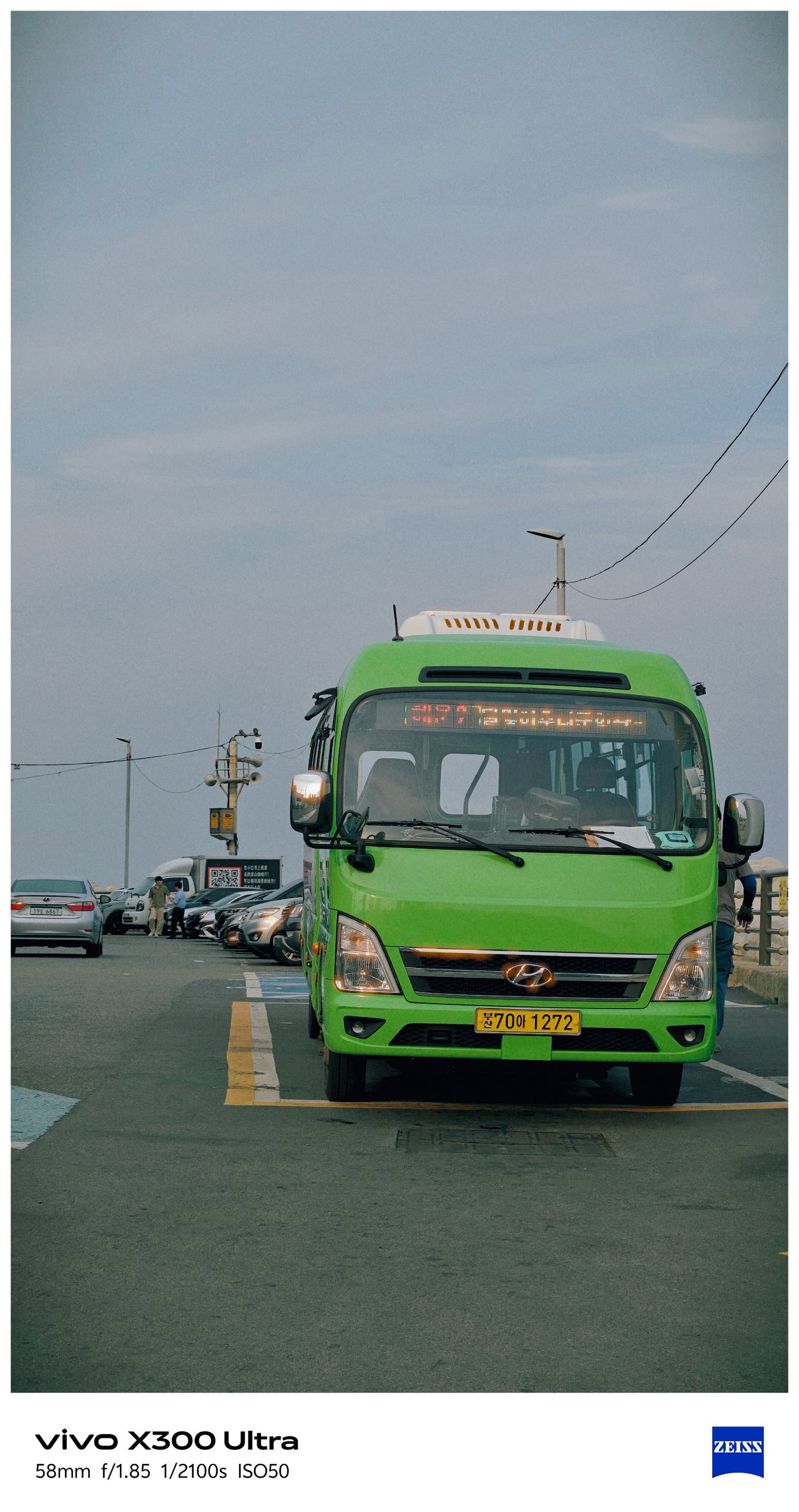
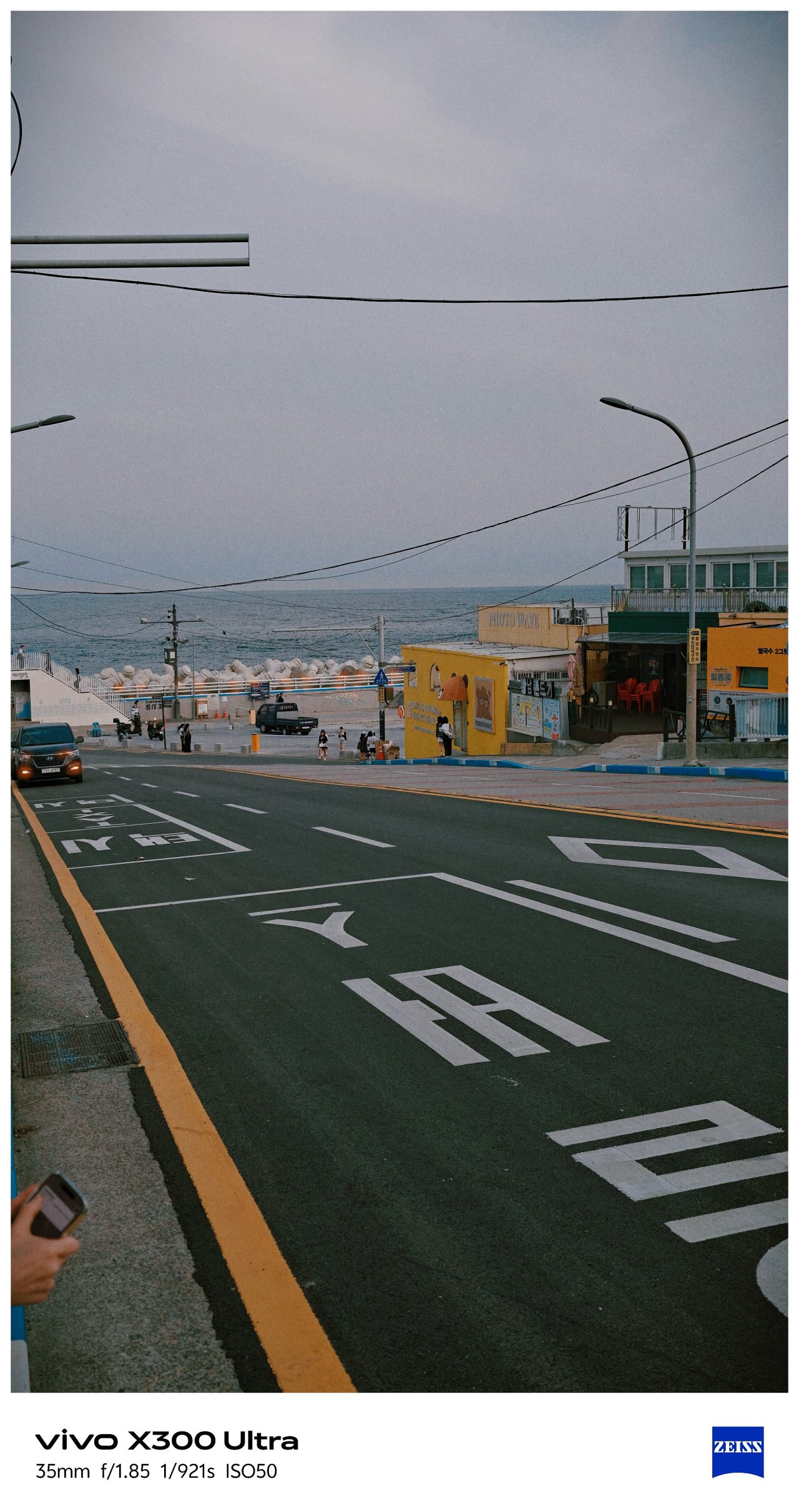
As stated, I was not the person who traveled here (my friend took ’em for me). Still, I’m glad how these photos turned out all throughout her week-long trip in Busan.


Full-on FleXibility
With the newer G2 and G2 Ultra teleconverter lenses by vivo and ZEISS alongside the improved Grip Case produced by PGYTECH, it’s hard not to think the vivo X300 Ultra is a professional-looking mirrorless camera from afar.
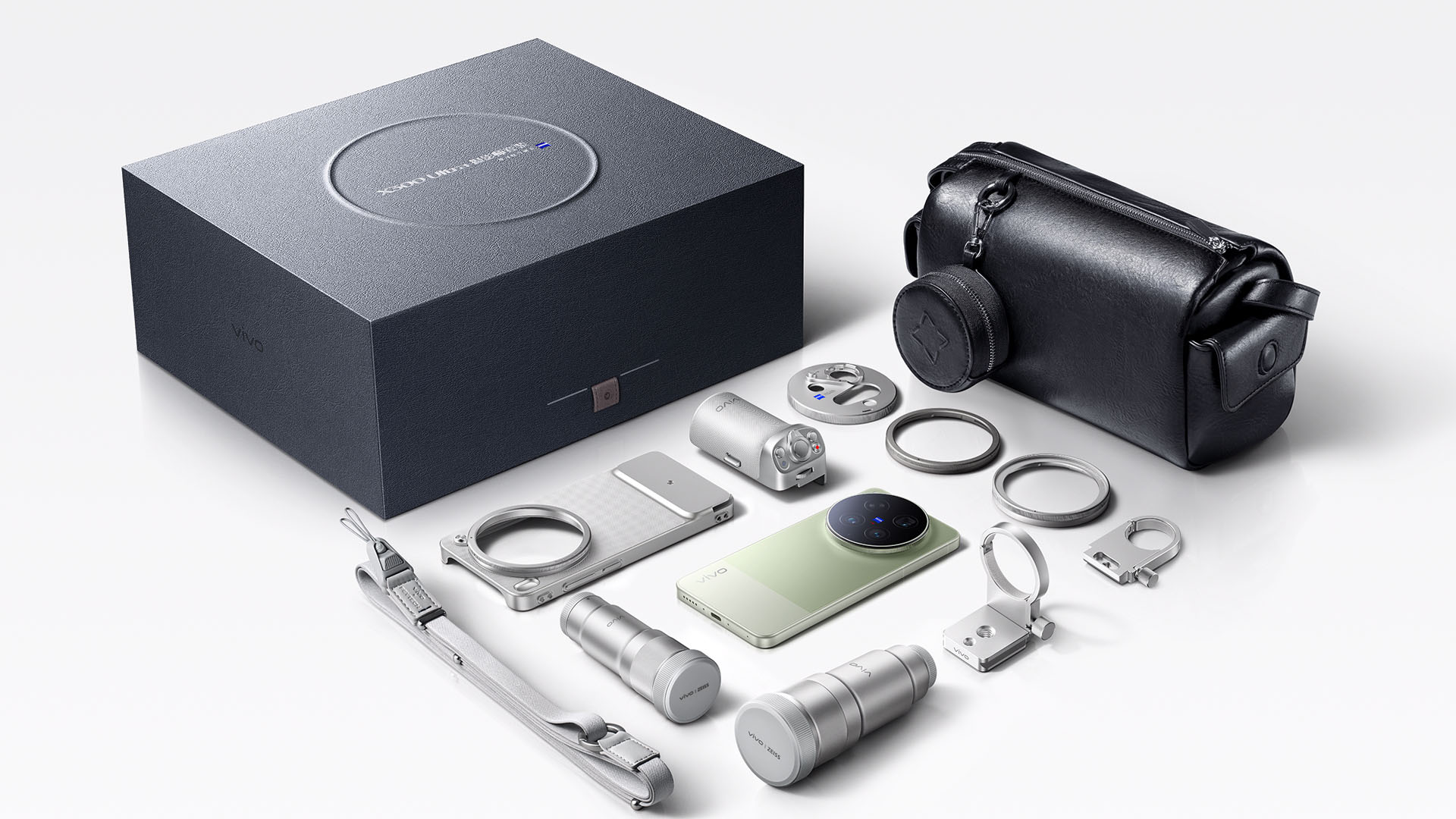
Unfortunately, we don’t have any of these X-tras with me.
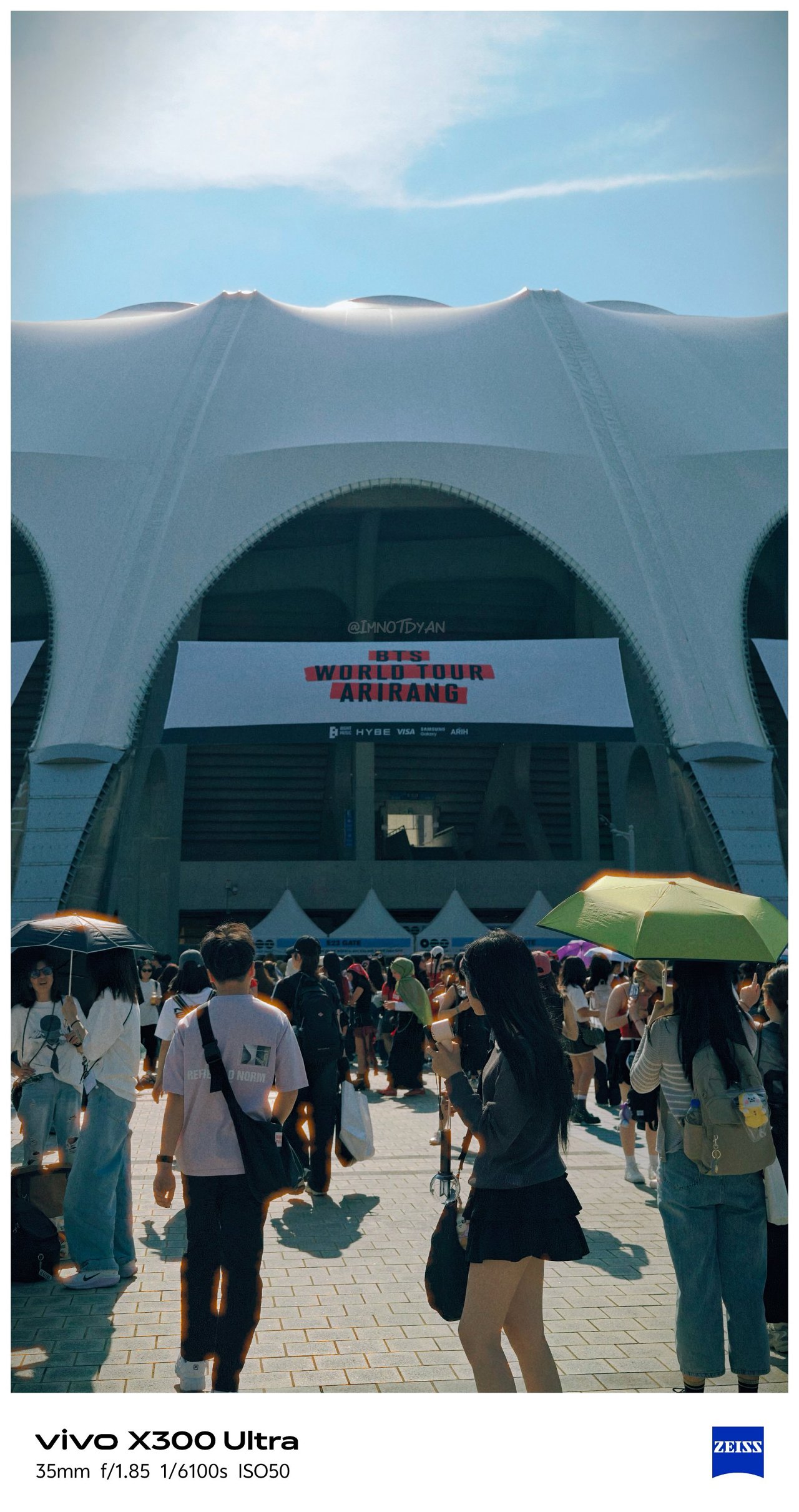
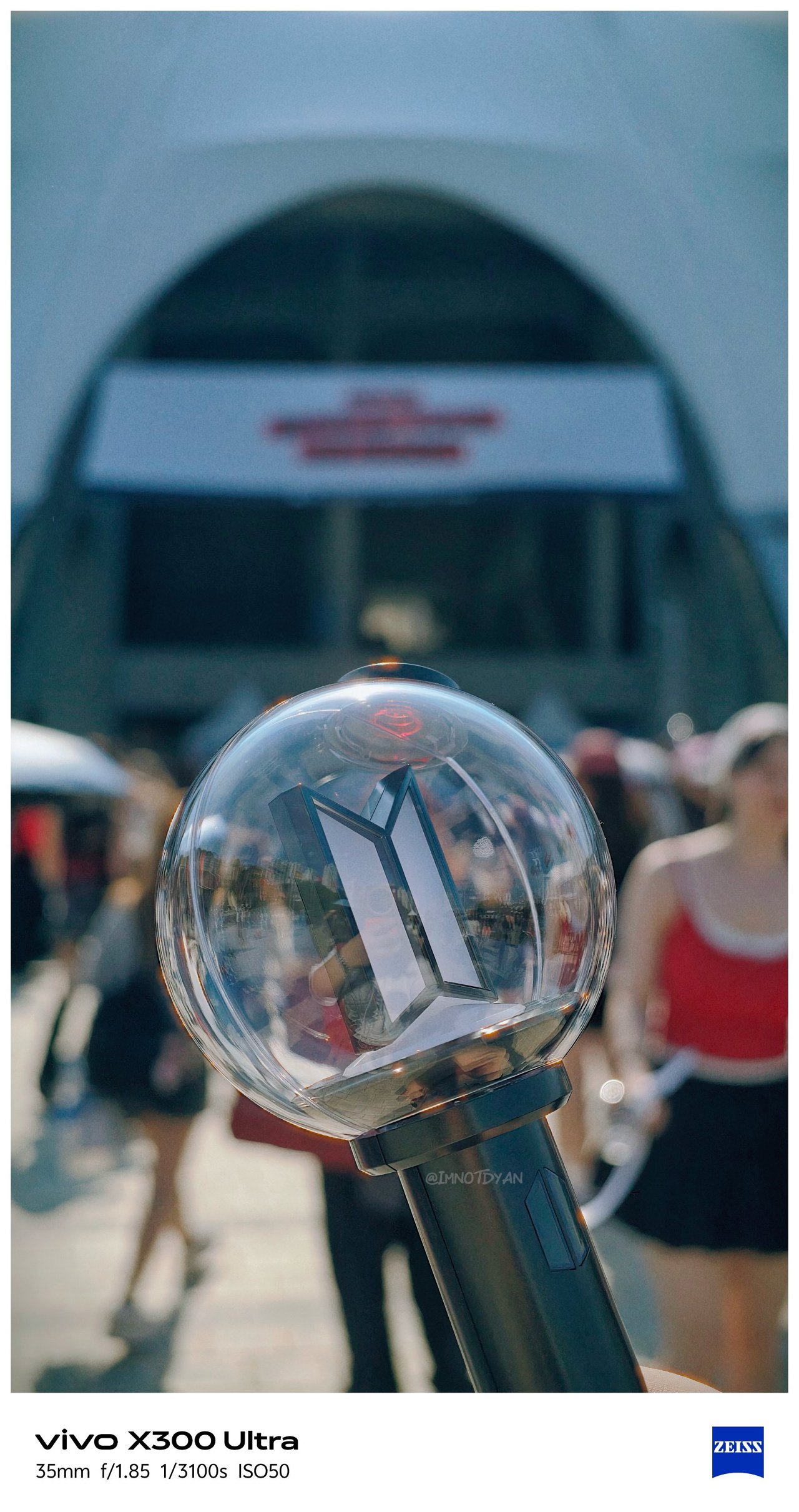
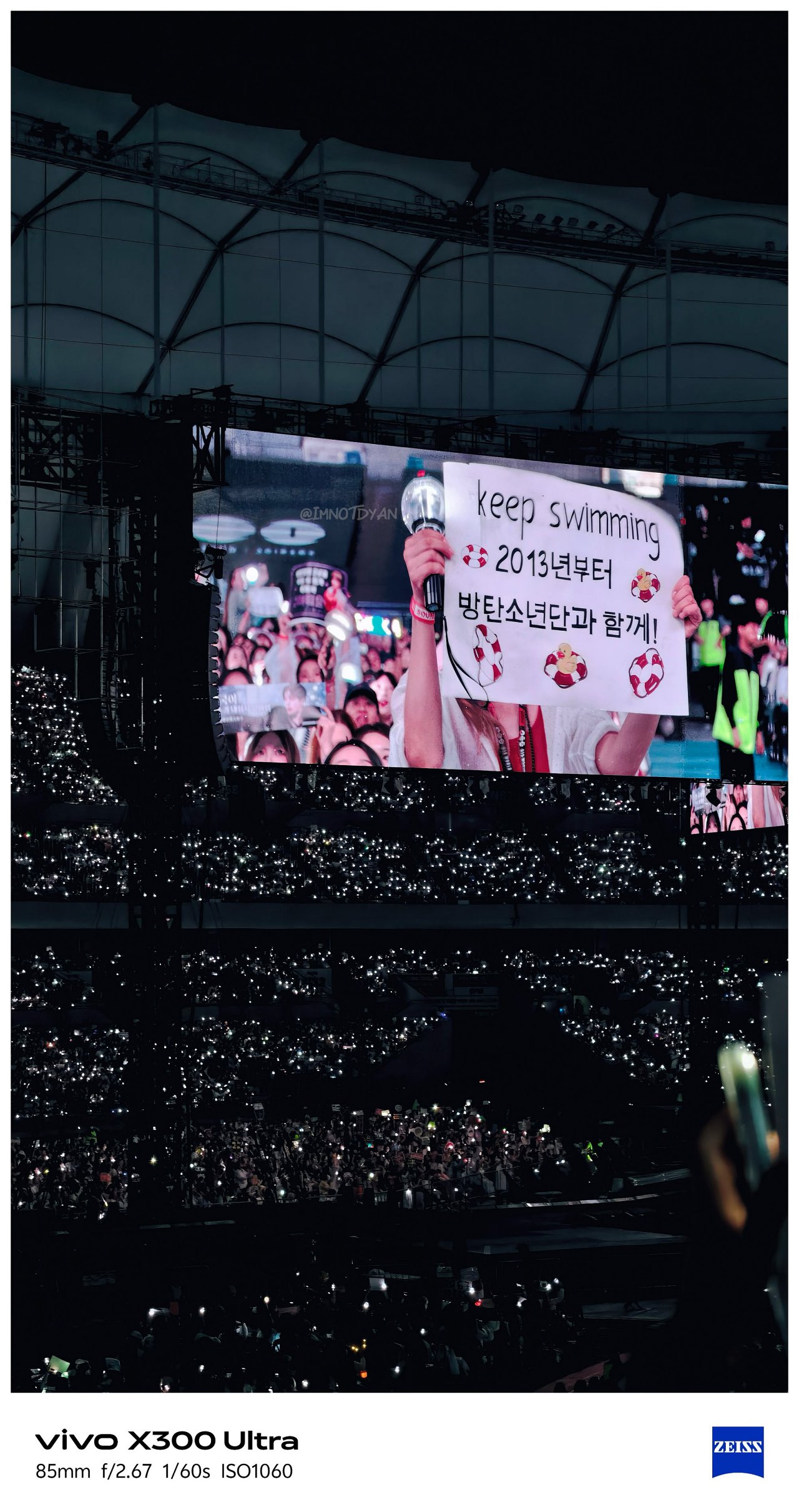
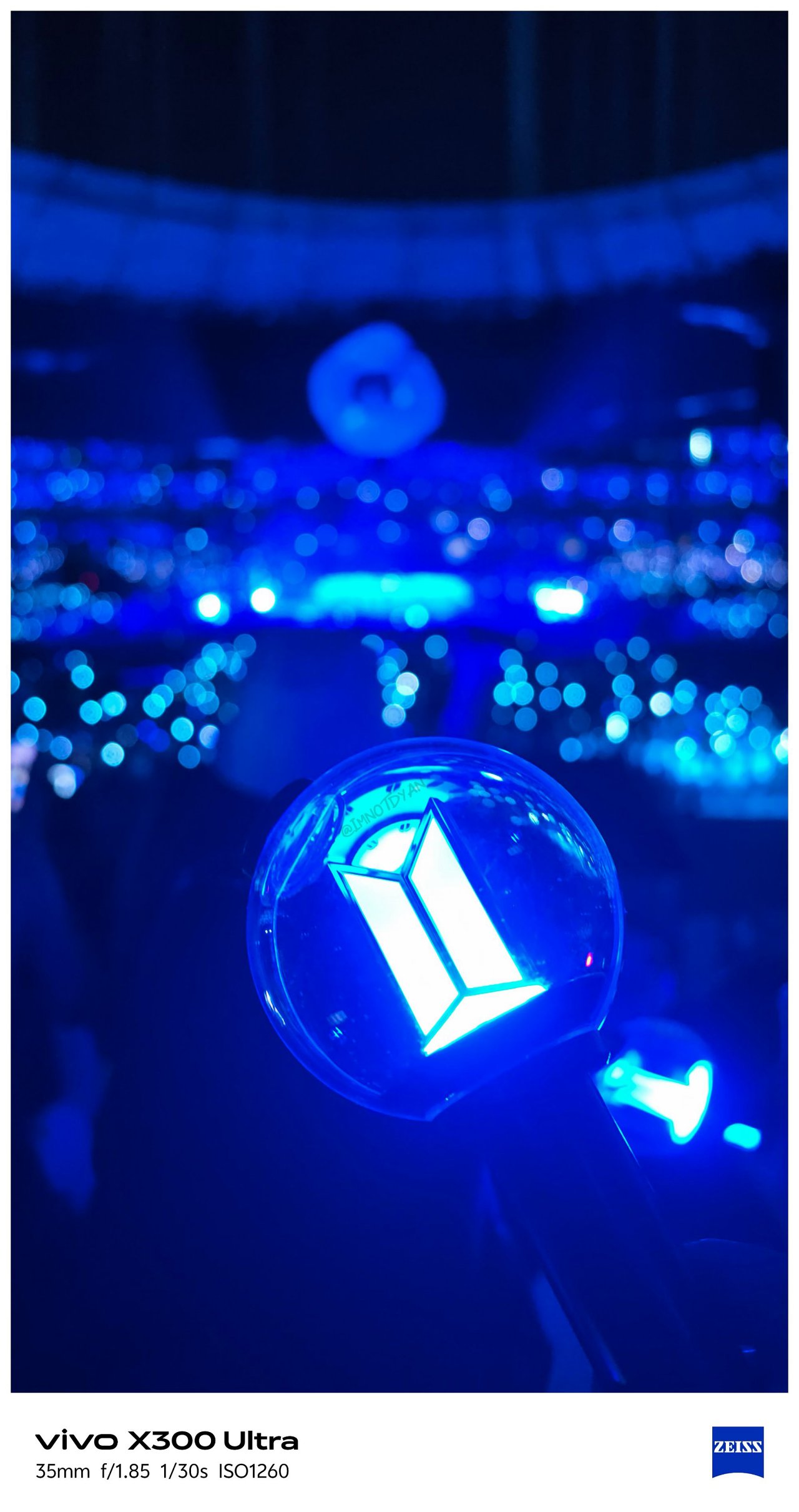
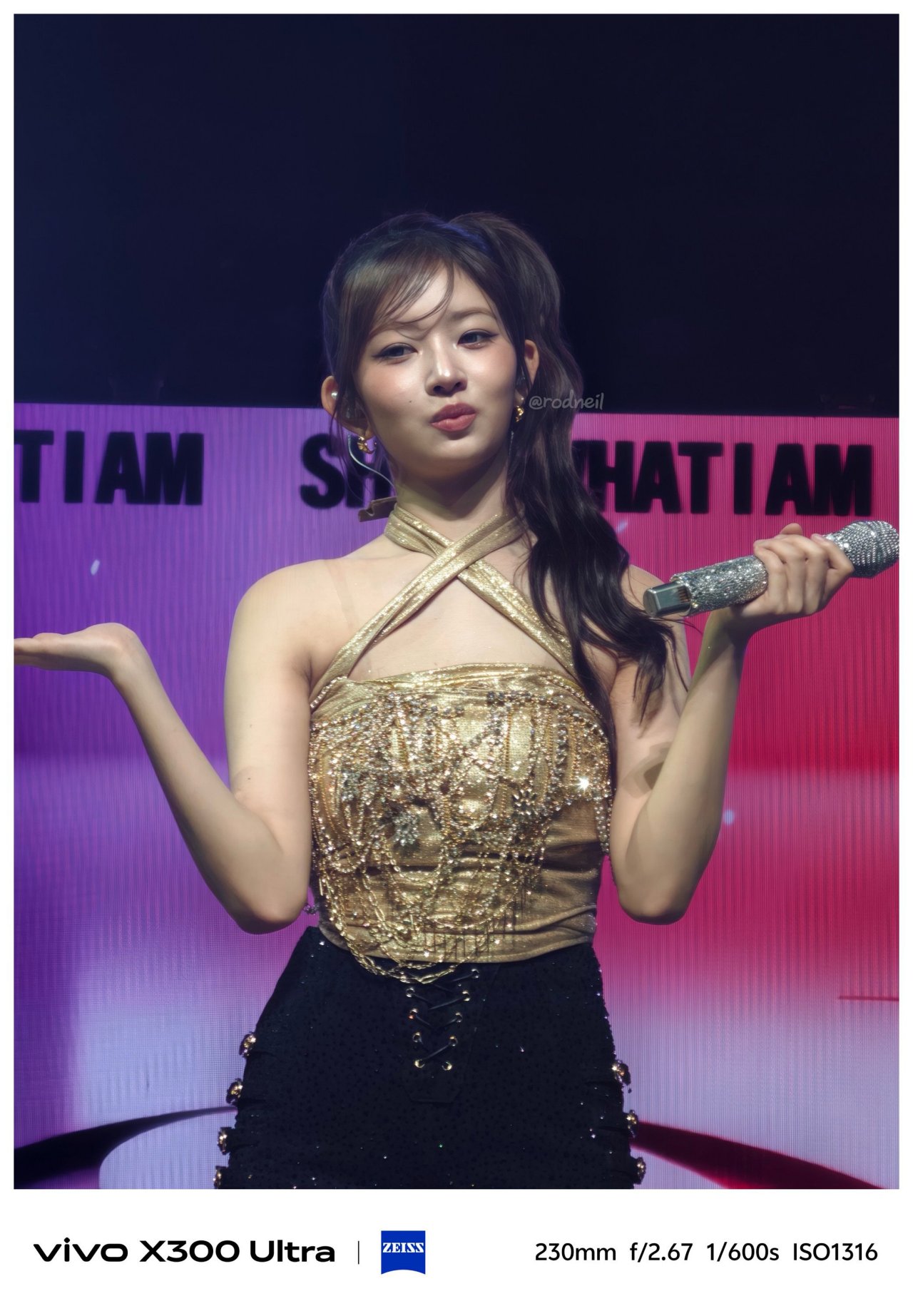
Still, it would be a huge miss not to test out the built-in periscope prowess of the X300 Ultra on concert grounds.
🎵 260612 BTS ‘ARIRANG’ in Busan



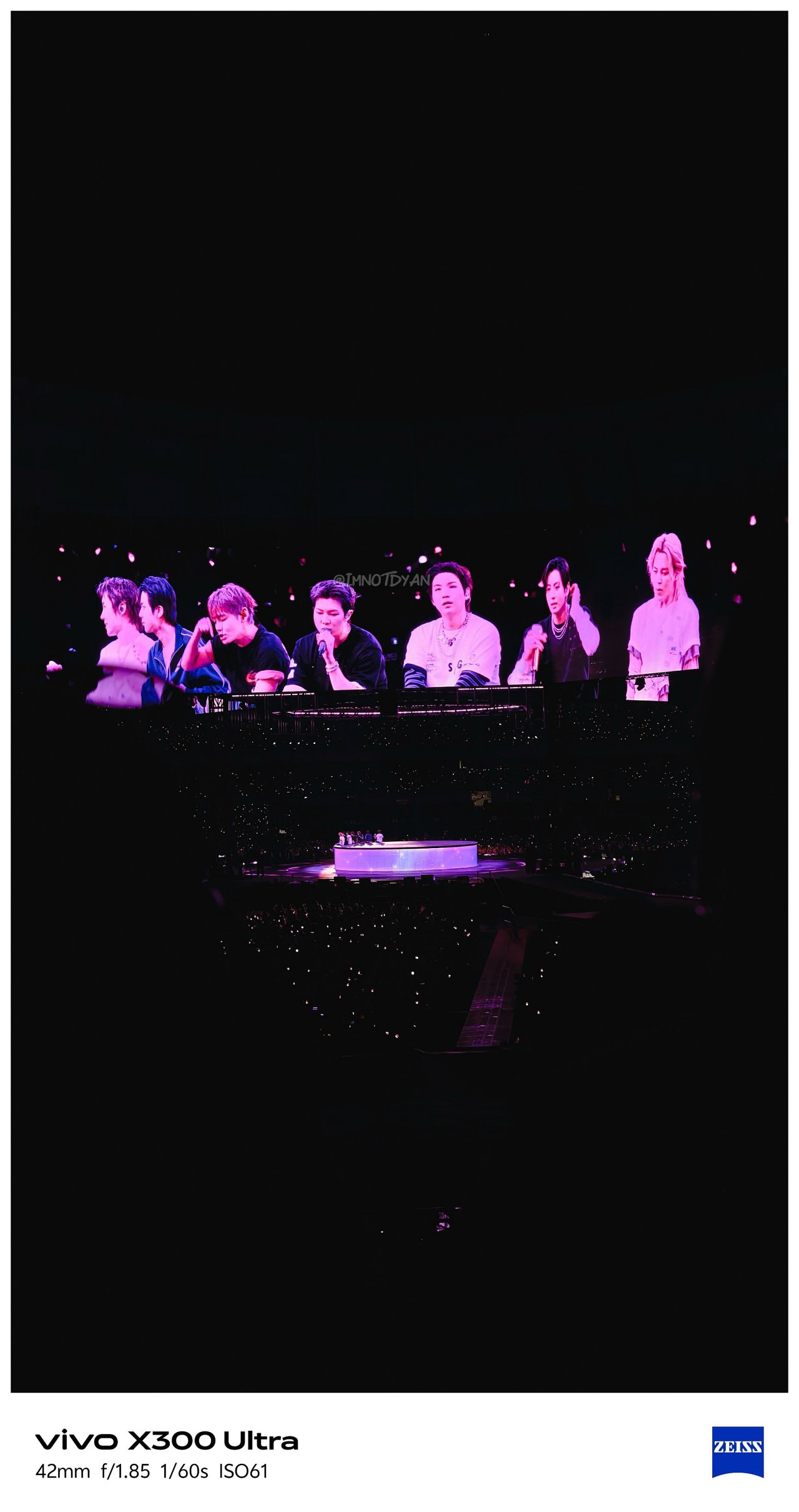
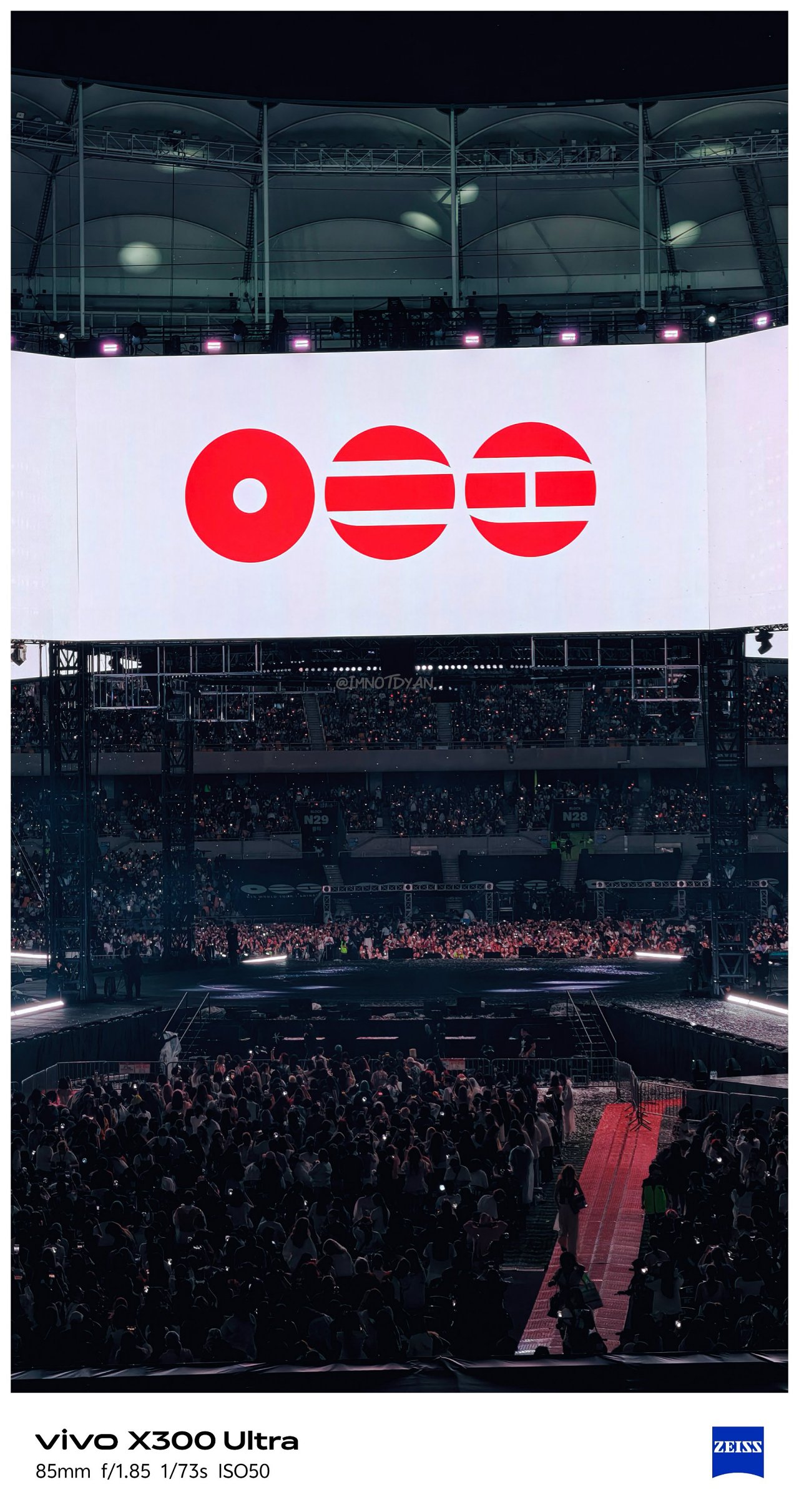
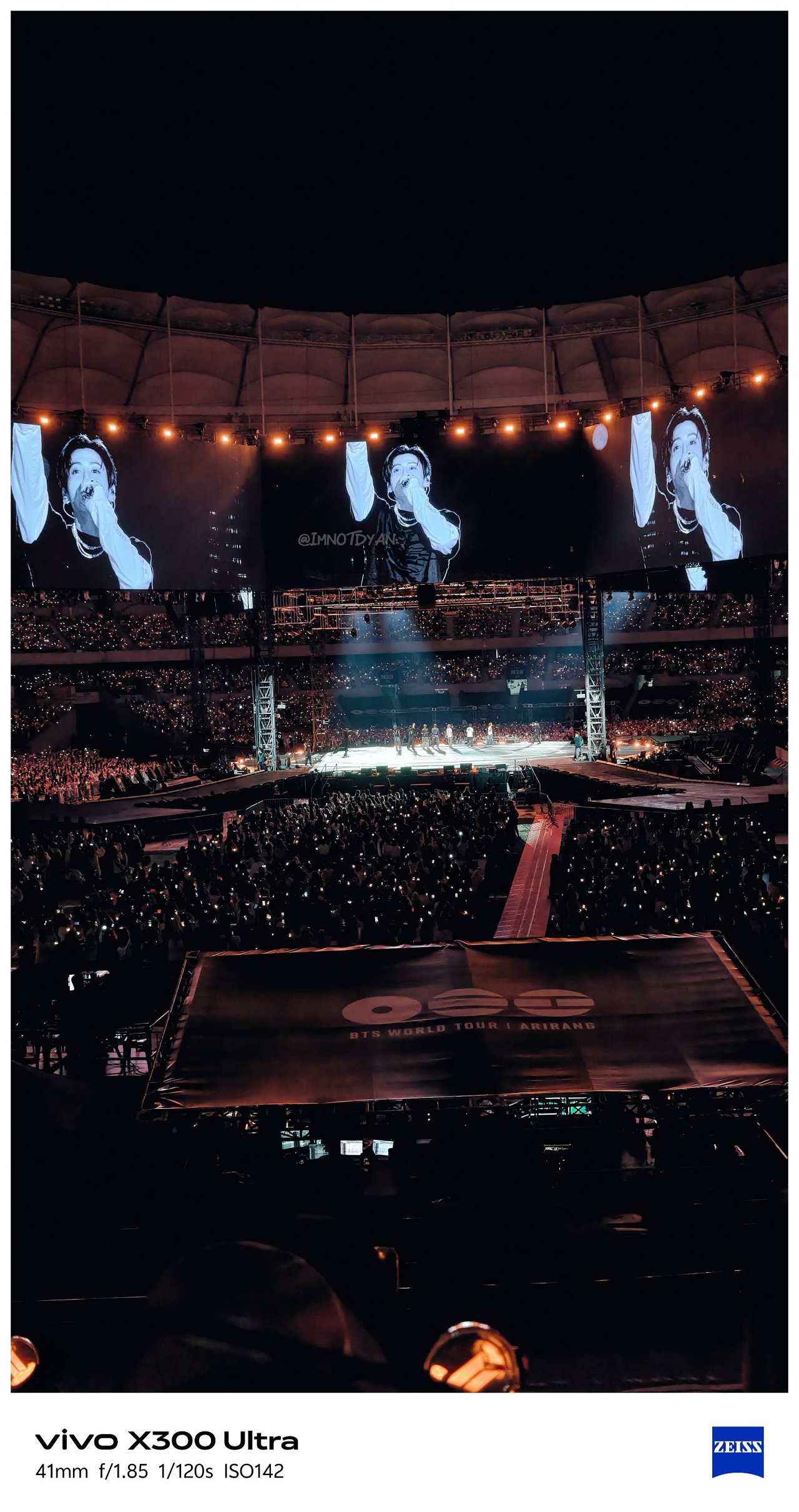
🎶 260425 IVE ‘Show What I Am’ in MNL





Video VerXatility
I’ve witnessed how vivo aimed to hit two birds with one stone by delivering a capable photo and video shooter like how Apple does with Pro-branded iPhones.
View this post on Instagram
vivo made the X300 Ultra rival the iPhone 17 Pro Max not just in photography, but in videography as well. This year, they have finally delivered.
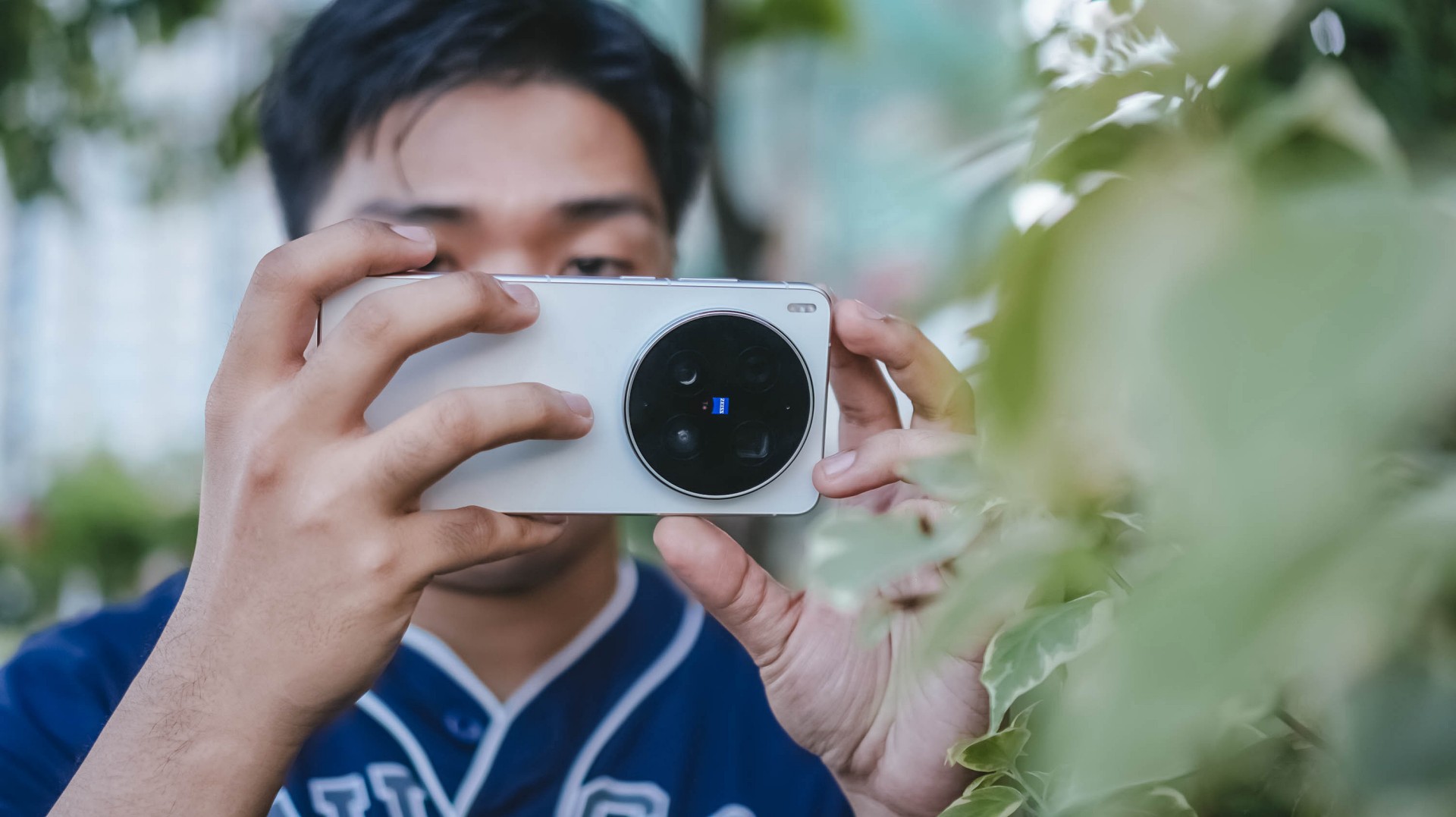
For one, there’s better lens versatility when shooting in 4K/120fps — regardless if it’s the default SDR (Rec.709) codec, Dolby Vision, or as extreme as Log recording. More so, slo-mo shooting will be smoother and clearer.
Additionally, low-light shooting, video stability, and even lens switching are all seamless.
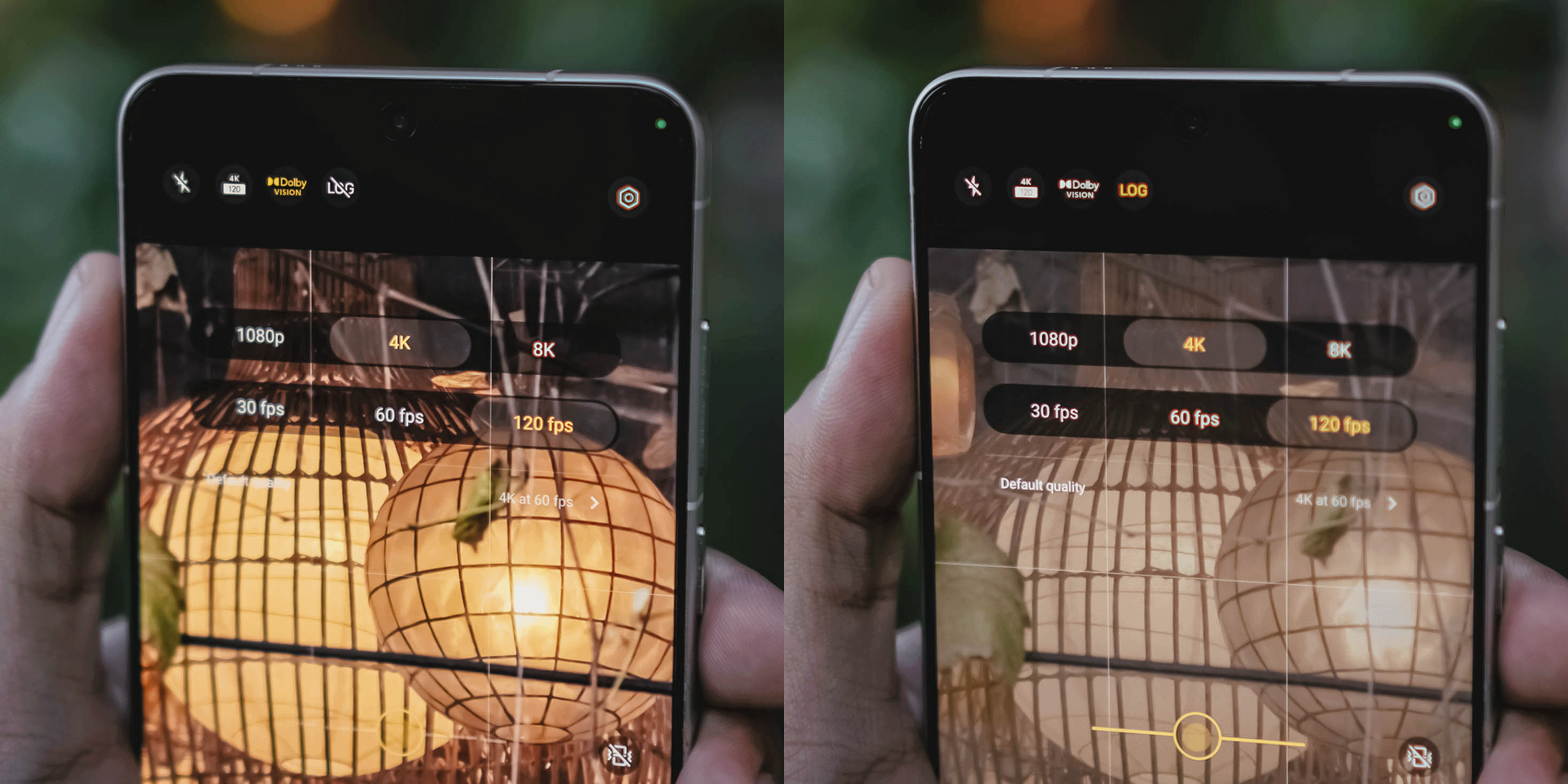

While I already enjoyed the video strengths of last year’s X200 Pro and X300 Pro, the X300 Ultra is remarkable and unbeatable.
Back to that custom color palette feature. Well, it also works in video shooting — making the vivo X300 Ultra an ultimate mirrorless sub.
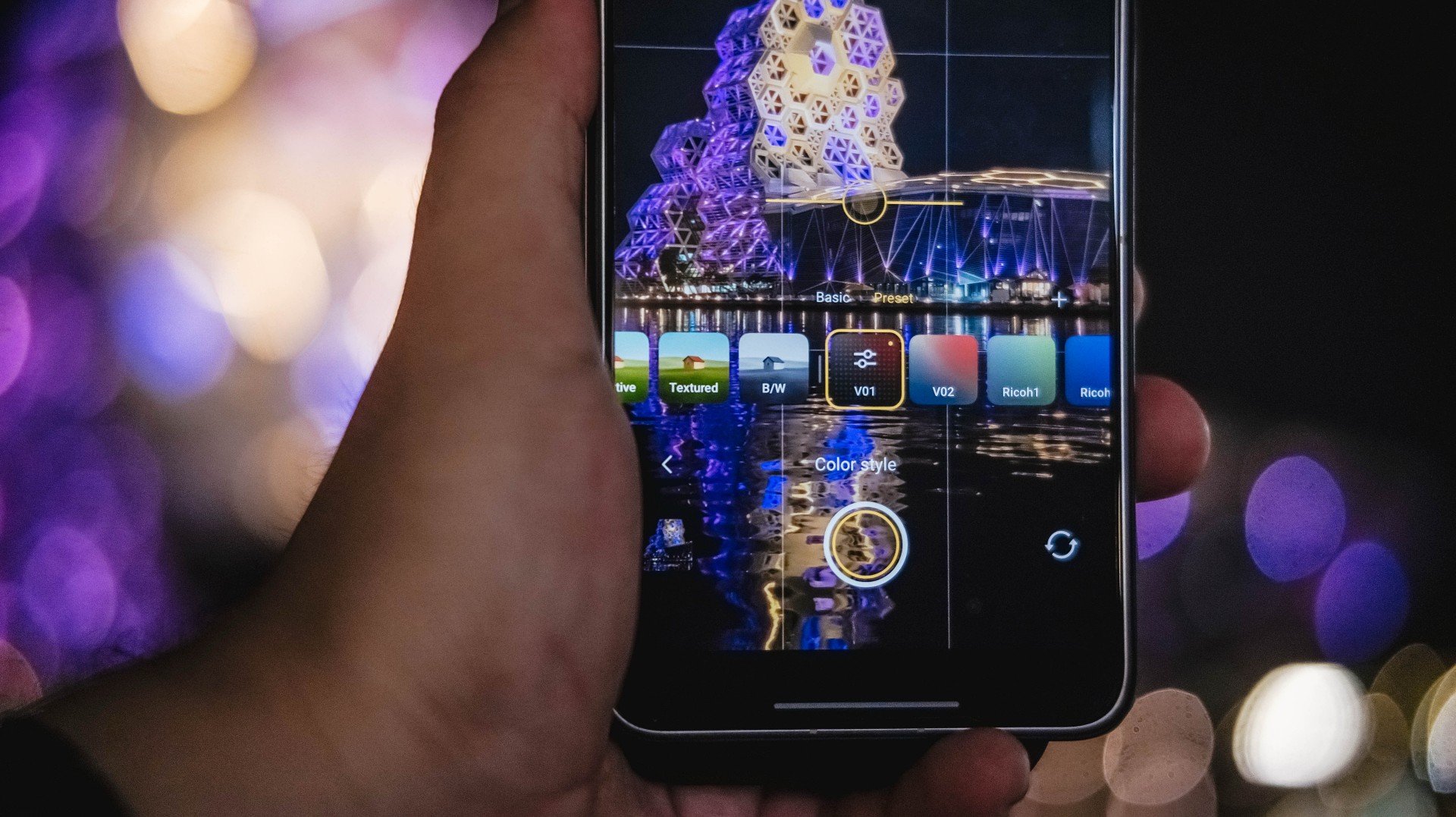
Admittedly, unlike MKBHD and most filmmakers out there, I’m never a fan of 24fps as I prefer shooting in 60fps or higher. However, the X300 Ultra made me think otherwise as I enjoyed such “cinematic” shooting made possible with vivo’s Film Style mode.
If you’re just the point-and-shoot type of shooter without wanting vivo’s default color styles or not “pro” enough to make your own color recipe, Film Look also exists for those cine-rich footages.
It does not stop there! vivo even added this more profesh-looking layout reminiscent of professional cine cameras.
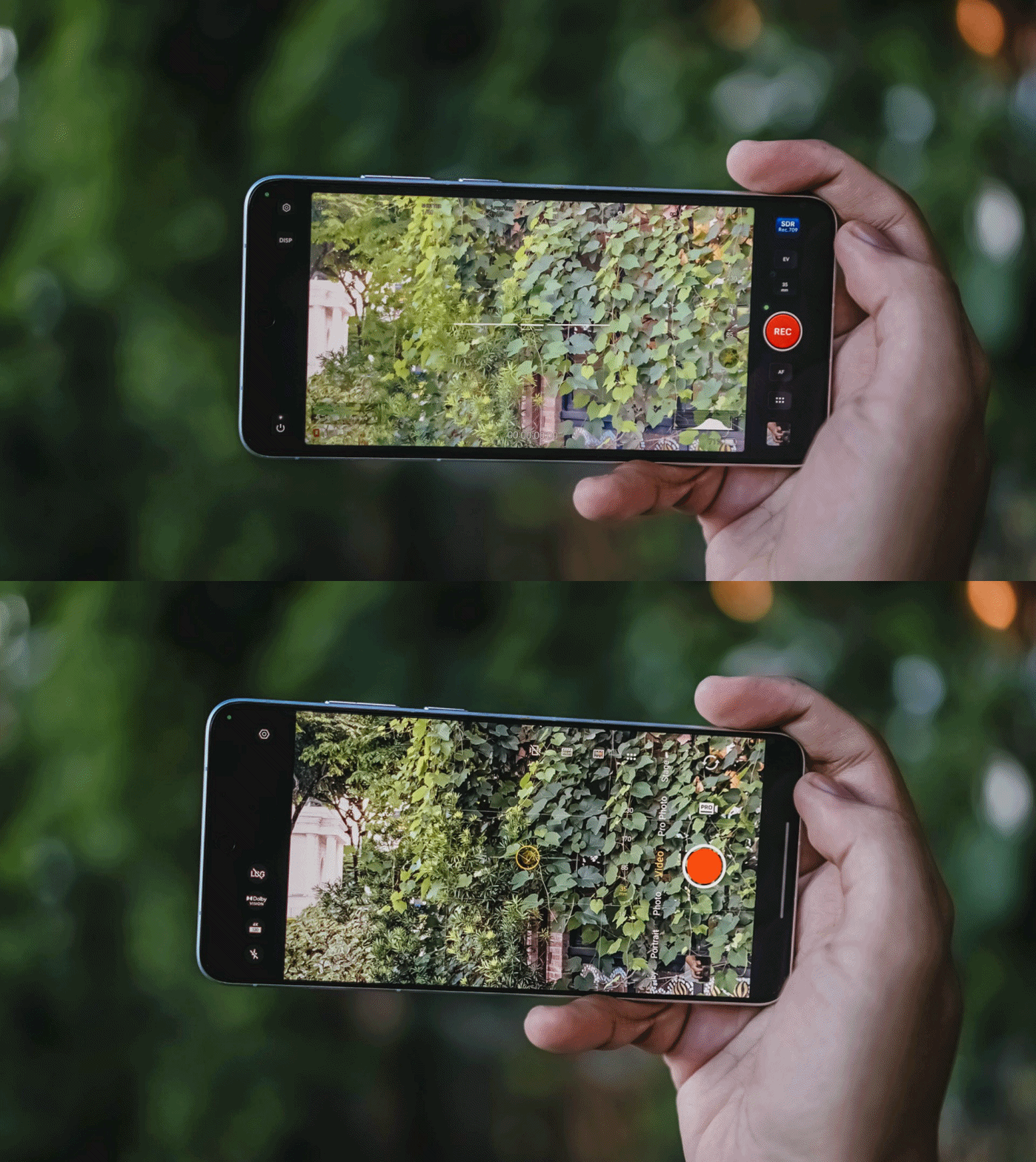
In all honesty, I only used it once since the texts are quite tiny, and adjusting controls were quite fiddly.
Clean and Lean
At first glance, the vivo X300 Ultra is nothing but subtle refinements.
Last year’s Rimowa-like texture of the X200 Ultra was gone in favor of that two-tone shade. Personally, I loved that design element more as it also serves as a functioning grip when held.
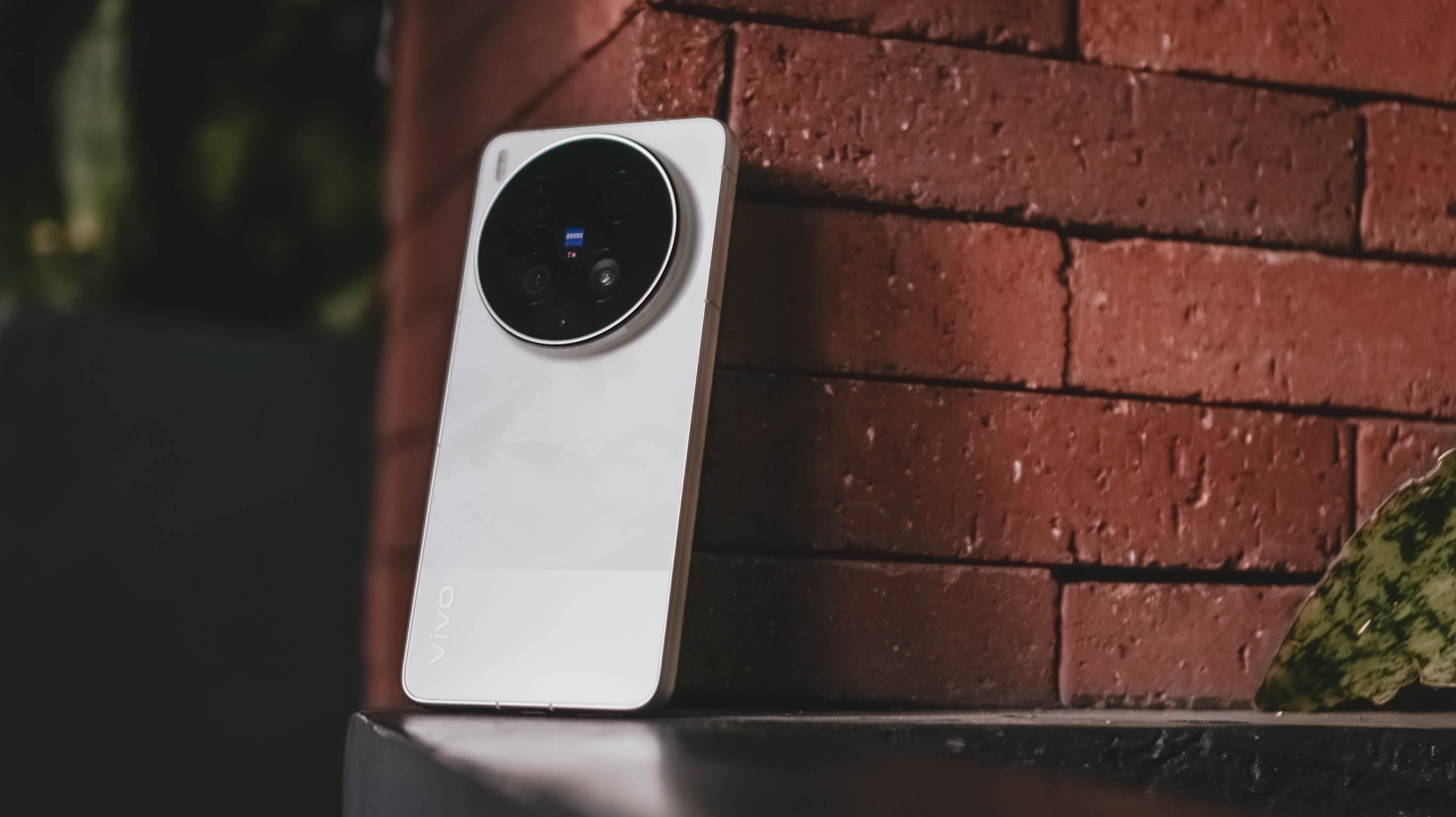
Moving through, while the Film / Steppe / Victory Green is closer to my heart, the White colorway given to me is still heaps better than the plain Eclipse Black shade.
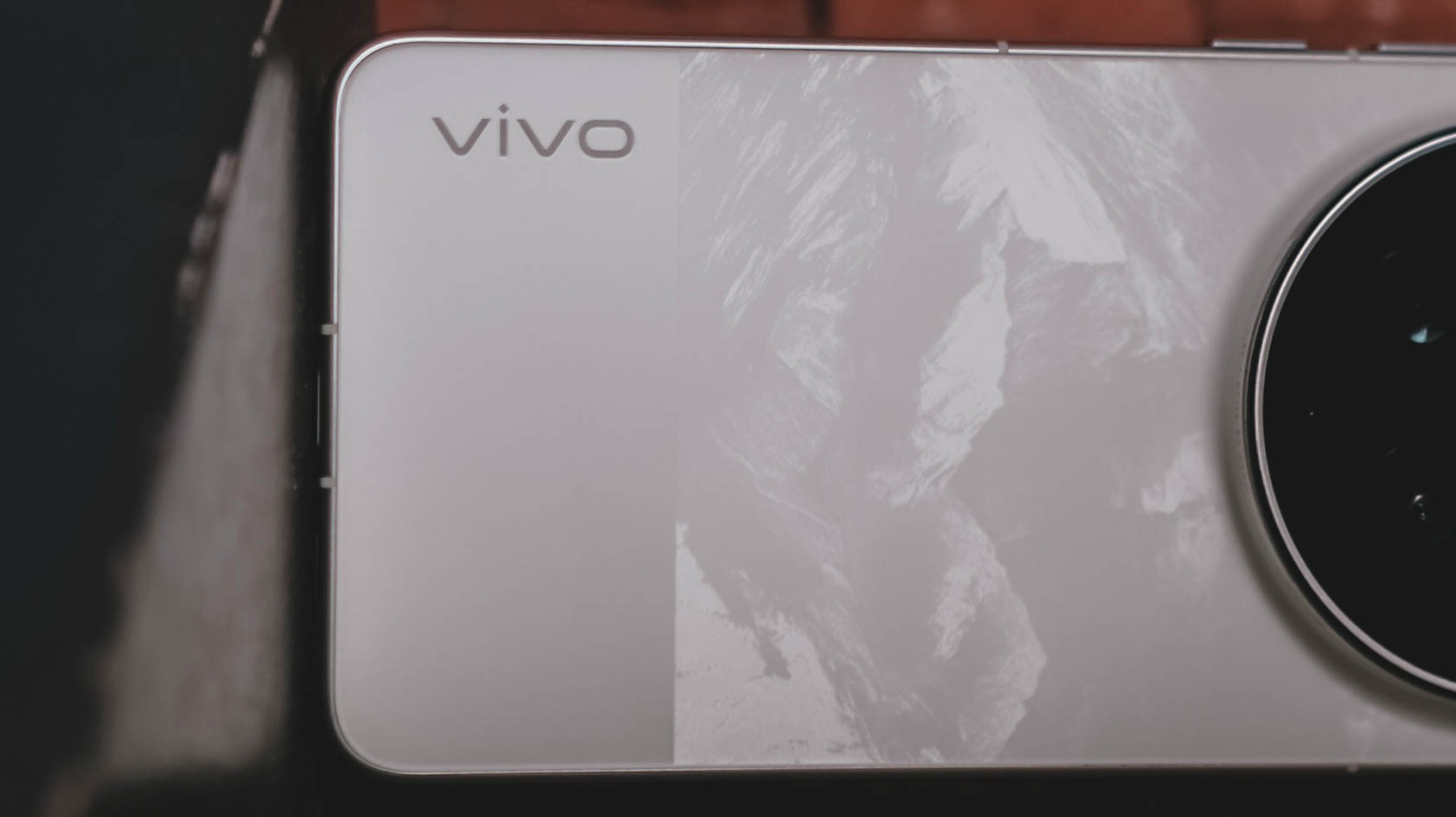
It’s not just clean-looking, the bigger part has that subdued, mountain-like pattern faintly showing up when hit by light.
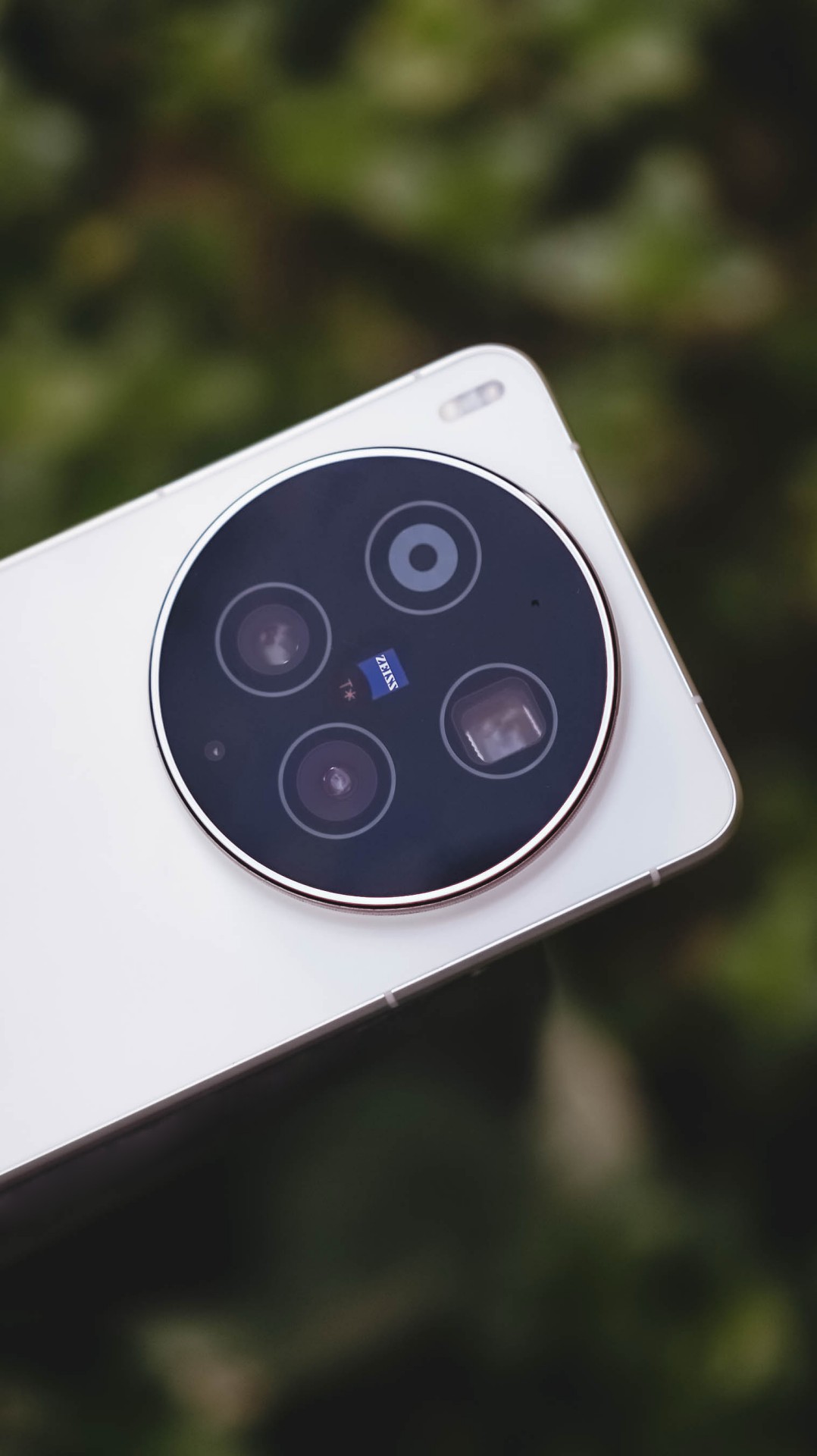

I’ve always been fond of massive circular camera cutout — vivo X-series not left out. Gladly, vivo still stuck with this design.

vivo X300 Ultra (above) vs X300 Pro (below)
Now, before you jump on that hump hate train, it’s great to appreciate how vivo engineers were able to fit all these massive camera components within.
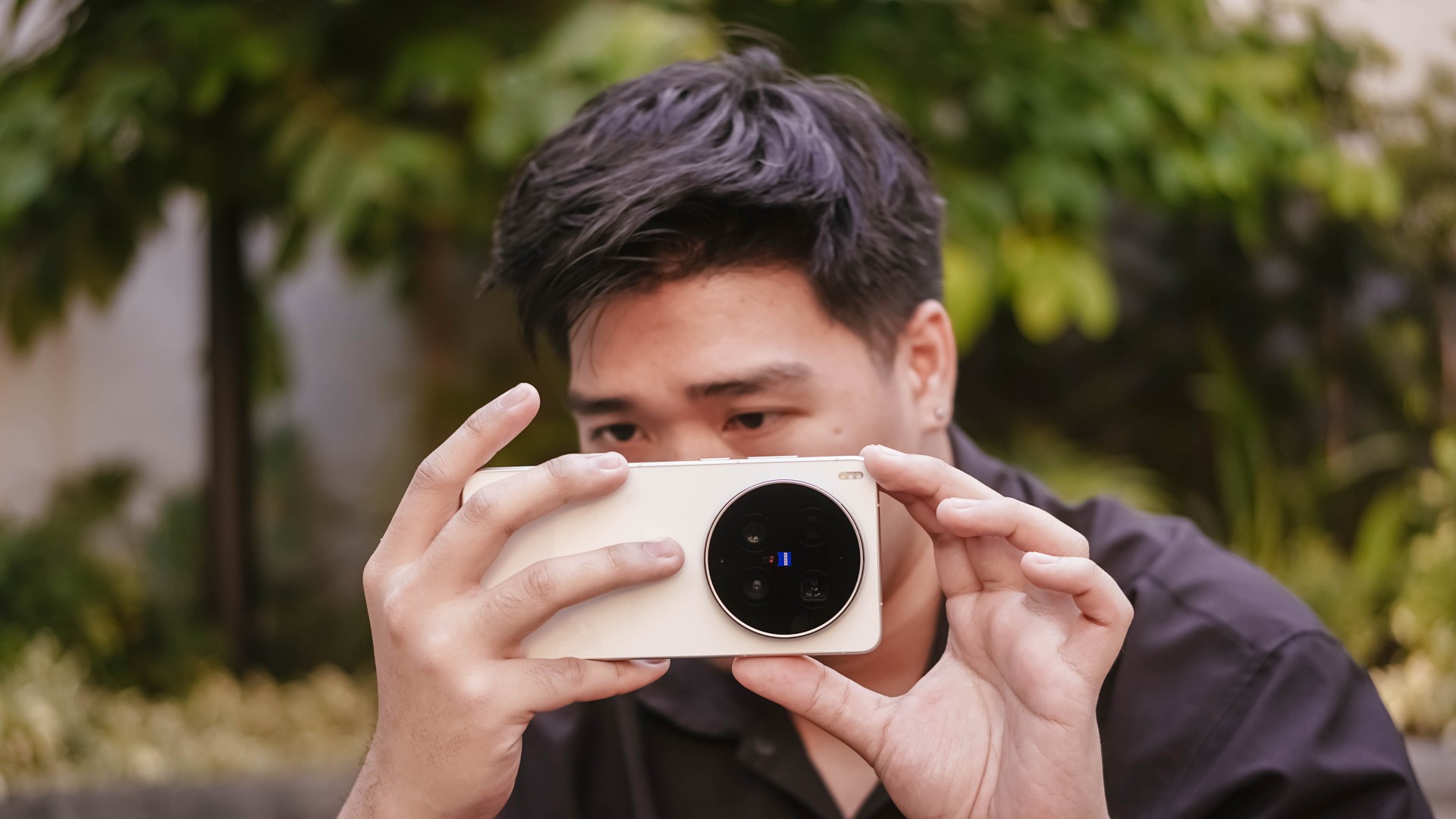
I don’t mind the thiccer, protruding camera bump versus its Pro sibling. After all, it serves both form and function especially that it makes a great resting place for my finger when held one-handed.

At 8.49mm and 237 grams, it’s not too slim and hefty enough to avoid those unwanted drops and slides that I experienced frequently with the previous X200 Pro and X300 Pro.
#NowPlaying: The Legend of Kitchen Soldier, The WONDERfools
Flipping to its front shows the X300 Ultra’s 6.82-inch 144Hz LTPO AMOLED panel.
In the entirety of this review period, I was able to start and end The Legend of Kitchen Soldier starred by Park Ji-hoon — one of my ultimate biases (and crushes) both in the K-Pop and K-Drama world.

One of the best and most hilarious K-Dramas ever existed, periodt.
From the series’ cool video game-like VFXs à la smart glasses, mouthwatering cooking mastery, all the way to the hilarious, comedic snippets in between, it’s hard to deny how immersive it gets the longer you stare at that screen.

The bezels are impossibly thin for an Android smartphone.
Admittedly, I’m impatient when it comes to bi-weekly broadcasts (or two episodes being aired per week). Luckily, the one-time full release of Netflix’s The WONDERfools headlined by the amazing Park Eun-bin alongside the irresistible Cha Eun-woo made me sane.

This further tested its display strengths when I tried watching it against the harsh sun.
Just like the Legend Kang Sungjae and the Haeseong WONDERfools, X300’s Ultra display is legendary and wonderful on its own. 4500 nits peak brightness, 2K resolution, pixel density of 510ppi, and support for DCI-P3 Wide Color Gamut, what more could I ask for?

It would be a huge denial on my end though if I didn’t say I want a bigger 6.9-inch display in order to fully feel its “Ultra” naming superlative — just like how Samsung, Xiaomi, and Apple made it possible with their Ultra (or Pro Max) models.
On Queue: I.O.I, NMIXX, tripleS
Sound produced by vivo’s X300 Pro were already loud and full. How much more with the X300 Ultra?
It’s hard to say that there are major improvements. Rest assured, its built-in stereo speakers sound superb.
Highs, mids, and lows are clearly separated without that unwanted flat nor muffled sound output.

Speaking of separation, I.O.I has been separated 10 years ago but came back this 2026 for a short yet sweet reunion comeback. I was very giddy to play Suddenly through the phone’s mighty speakers.
Suddenly, it made me teary-eyed after realizing I’ve witnessed I.O.I’s hardships and very formation ever since I watched Produce 101 Season 1 since 2015.
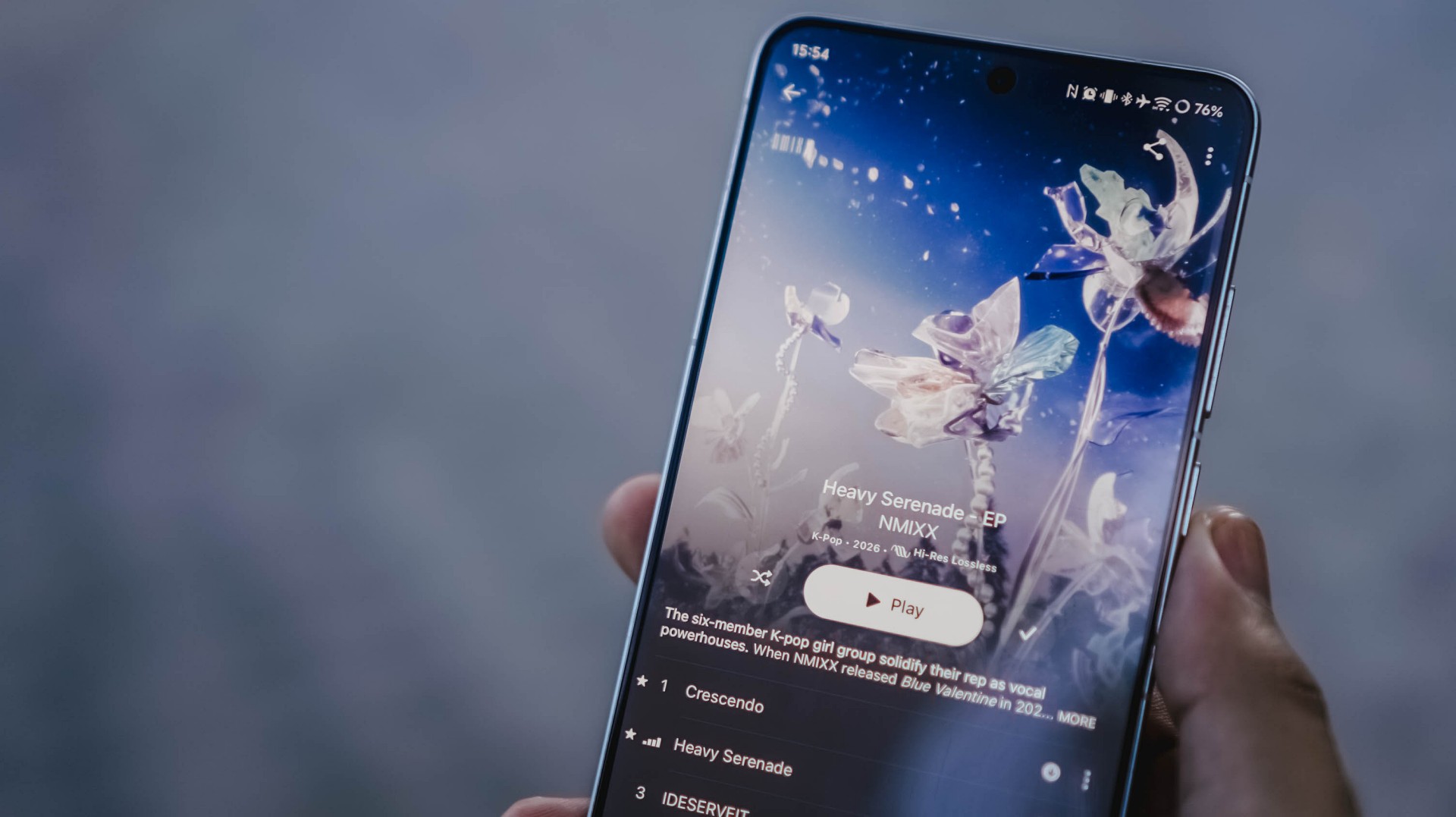
Thanking all the gods for NMIXX’s existence
The lossless goodness can also be heard when I played NMIXX’s Cresecendo and Heavy Serenade — especially with Lily, Sullyoon, and Kyujin’s adlibs.
Last but definitely not the least, the soothing yet energizing vibe was felt all throughout when I played the rock-infused pop track Baby Flower by the K-Pop super group, tripleS.
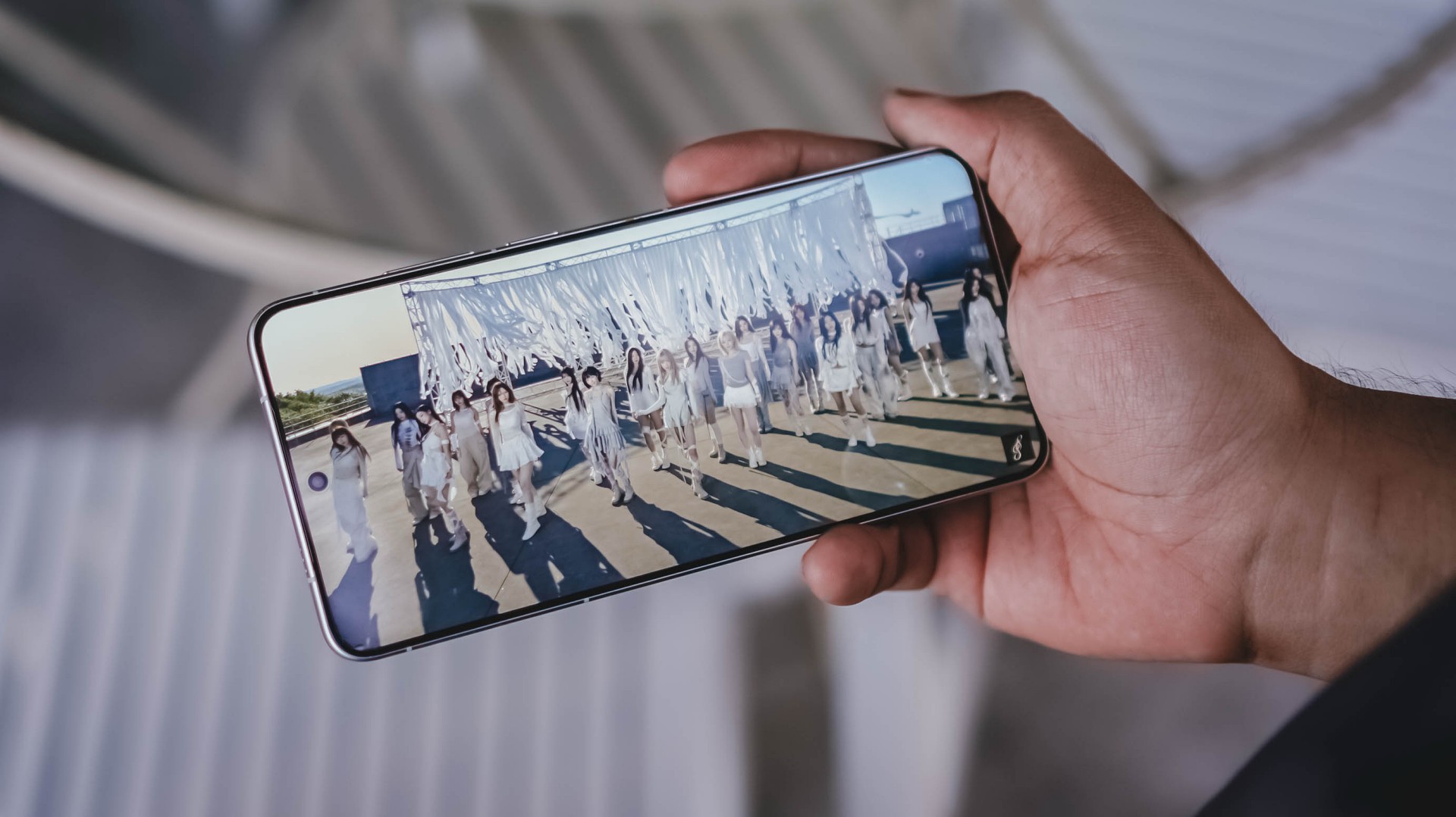
Finally! OT24 and ASSEMBLE26
It’s not just the song, rather, the full <LOVE&POP> pt.1 album, that’s worth listening to more than the streams they have garnered from their release date.
All in all, much like all these explosive bangers, the vivo X300 Ultra is a remarkable device for your banging loudspeaker sessions — even without the existence of any audio brand partnership.
True Blue Flagship
With flagship-grade display and cameras lie all the powerful core within.
Given that this is vivo’s ultimate flagship, it runs the latest and greatest 3nm SoC from Qualcomm: Snapdragon 8 Elite Gen 5.
Paired with a speedy 16GB LPDDR5X Ultra Pro memory, opening and switching or using apps simultaneously should be easy-breezy.

With OriginOS 6, animations are less fluid yet very snappy. I prefer it more over other Android skins (ColorOS, MagicOS, HyperOS, you get the idea).
Talk about perfect timing! I was thrilled when NTE (Neverness to Everness) finally made its release last May.
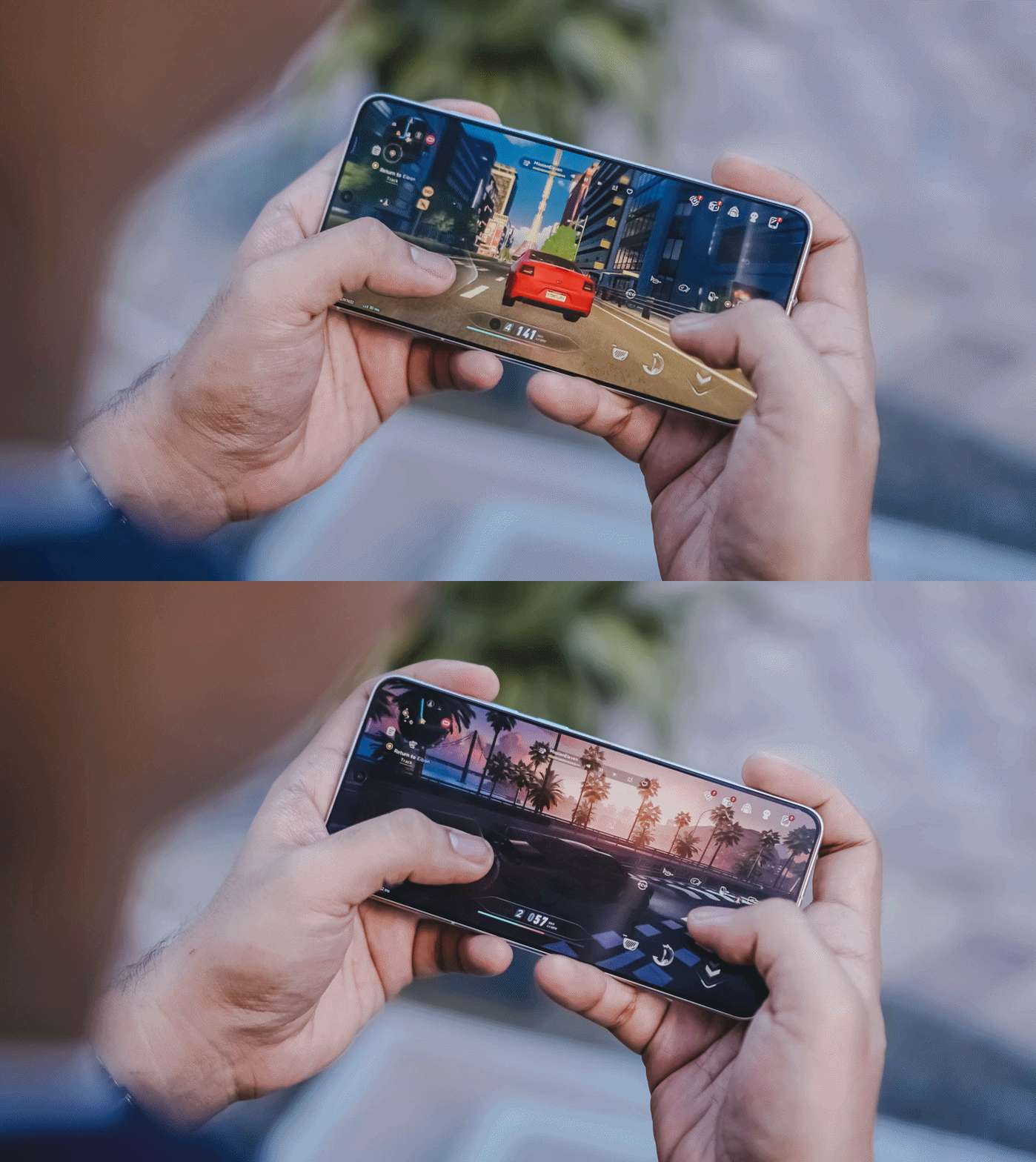
With this phone’s ultra-capable specs, it made me enjoy the all-new open-world game more fun and enjoyable. It’s like a mashup of Zenless Zone Zero and Cyberpunk 2077.

Looking at the graphics settings alone, you’re assured that the X300 Ultra will run the most intensive gaming titles to ever exist on the Android space.
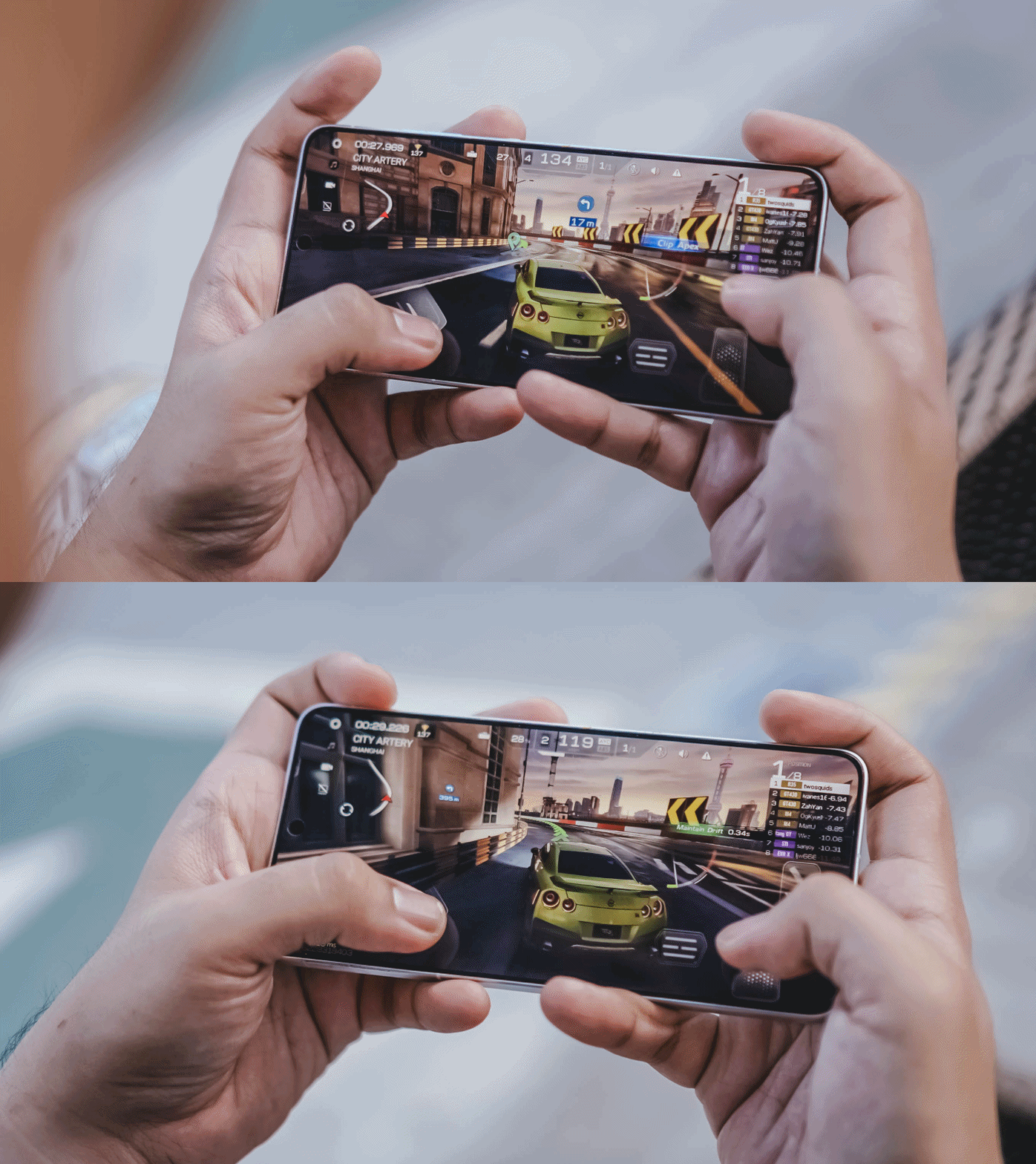
While other markets have a 1TB storage configuration, the region where I reside in solely sticks to the 512GB variant.
Then again, it’s a major downside for a power user like me who easily fills up the phone. That’s considering how massive and daunting the file sizes are once you shoot in RAW and record in the most insane video resolution and codec possible in this device.

Hopefully though, vivo would consider bringing in 1TB to more regions — and 2TB like the newer iPhone Pros.
Now that I mentioned it: Other than the macOS integration with vivo’s Office Kit, the X300 Ultra can now do AirDrop as well! This was only a fantasy back then — especially for an Apple-slash-Android user like me.
The Not-so-flagship aspect
Frankly, the only thing that is not flagship-like about the X300 Ultra is its battery longevity.
Even though we are now being spoiled by 8000mAh ~ 10,000mAh+ midrangers nowadays, I am very much aware of the engineering challenges faced by manufacturers when prioritizing cameras in the flagship-class.
But, hear me out real quick. Why did OPPO manage to equip the Find X9 Ultra with an even bigger 7025mAh capacity? The Chinese Xiaomi 17 Ultra even has 200mAh more.


ICYMI, the X300 Pro already had a 6500mAh battery — and it didn’t last me throughout a whole day. How much more with the 6600mAh tank of the X300 Ultra?
Despite a more “power-efficient” chipset and a 100mAh boost in battery, the X300 Ultra is not in any way better in terms of endurance. While I thank vivo for the OriginOS transition, the battery efficiency of Funtouch OS was left behind.

Even if it can last well when used in moderate scenarios, it’s a heavy hogger when you use the cameras a LOT — which is the point of wanting this smartphone.
Case in point: During our COMPUTEX 2026 coverage, I relied heavily on this smartphone for shooting 90% of the stuff around the exhibition — especially because of how crammed and crowded the booths and pathways were.

From 9AM up until 2PM, it easily depleted its fully-charged state down to just 15%.
Fortunately, the vivo X300 Ultra supports one of the fastest charging speeds in a smartphone: 100W FlashCharge and 40W Wireless FlashCharge.
With my whole review duration, I utilized its wired charging capabilities more especially that it has a bundled charger plus USB-C to USB-C cable in the box.
FlashCharge High Speed |
FlashCharge Normal |
|
START TIME (From 0%) |
4:20AM |
6:06PM |
3 minutes |
2% |
2% |
5 minutes |
4% |
4% |
10 minutes |
10% |
7% |
15 minutes |
21% |
11% |
20 minutes |
30% |
20% |
30 minutes |
50% |
30% |
45 minutes |
77% |
44% |
1 hour |
98% |
62% |
1 hour 15 minutes |
— |
83% |
END TIME |
5:26AM1 hour 6 minutes |
7:35PM1 hour 28 minutes |
Mind you, third-party chargers, cables, and even power banks will still work and can take advantage of that FlashCharge High-Speed charging all thanks to that USB-C PPS protocol.
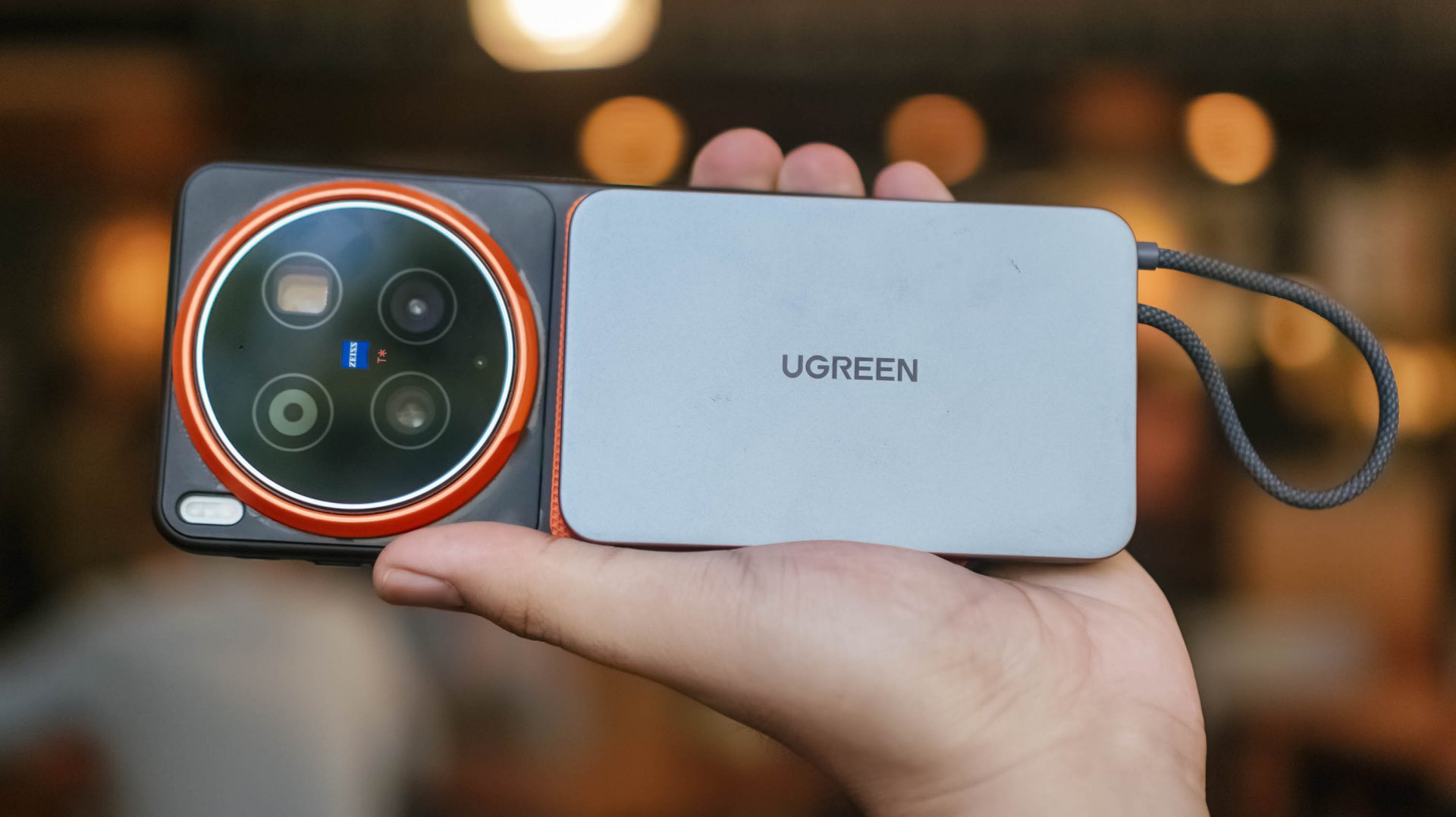
Although MagSafe isn’t supported, third-party cases with magnets can still make magnetic Qi2 (and Qi2.2) wireless charging possible.
Is the vivo X300 Ultra your GadgetMatch?
The original headline of this review was supposed to be “the true mirrorless for less.”
But, with a base price of PhP 109,990 / MYR 6799 / INR 159,999, it’s not precisely cheaper than most mirrorless setups in the market.

Still, that doesn’t mean the X300 Ultra performs less than a mirrorless.
Spending almost two months with the X300 Ultra, I can truthfully say I’ve enjoyed shooting with this power-packed phone more than the mirrorless camera I own.
This isn’t me saying smartphones can replace mirrorless cameras anytime soon. But, the focal length flexibility, photo and video versatility, plus plentiful software feats truly make the X300 Ultra the pinnacle of phone-tography and videography.
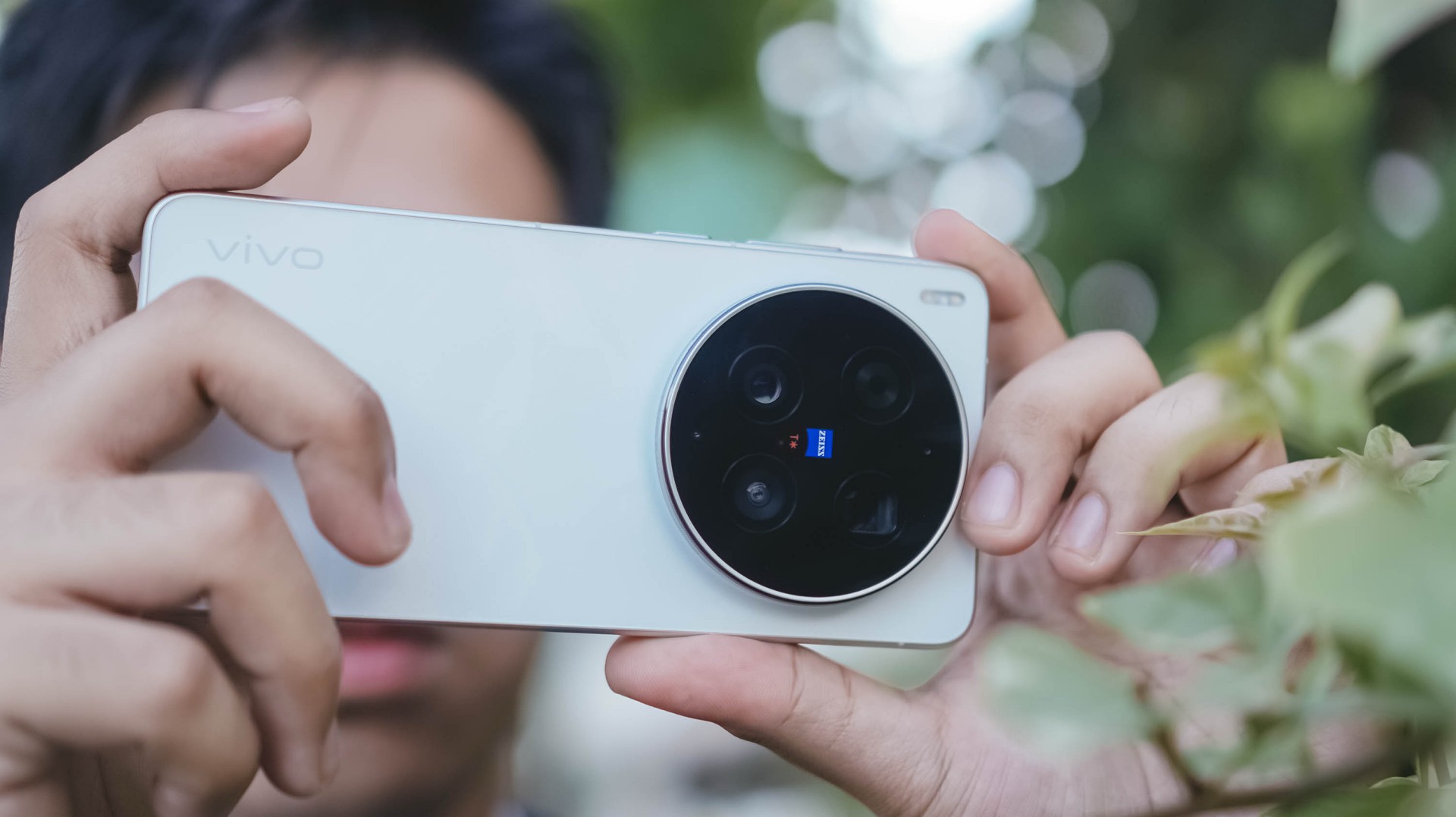
As I alluded to earlier, the X300 Ultra is vivo’s direct answer to Apple’s iPhone 17 Pro Max.
While acquiring that iPhone of the same configuration is cheaper at PhP 101,990 / INR 154,900 (but more expensive in Malaysia at MYR 6999), X300 Ultra boasts greater camera hardware and better pro-grade tools altogether.
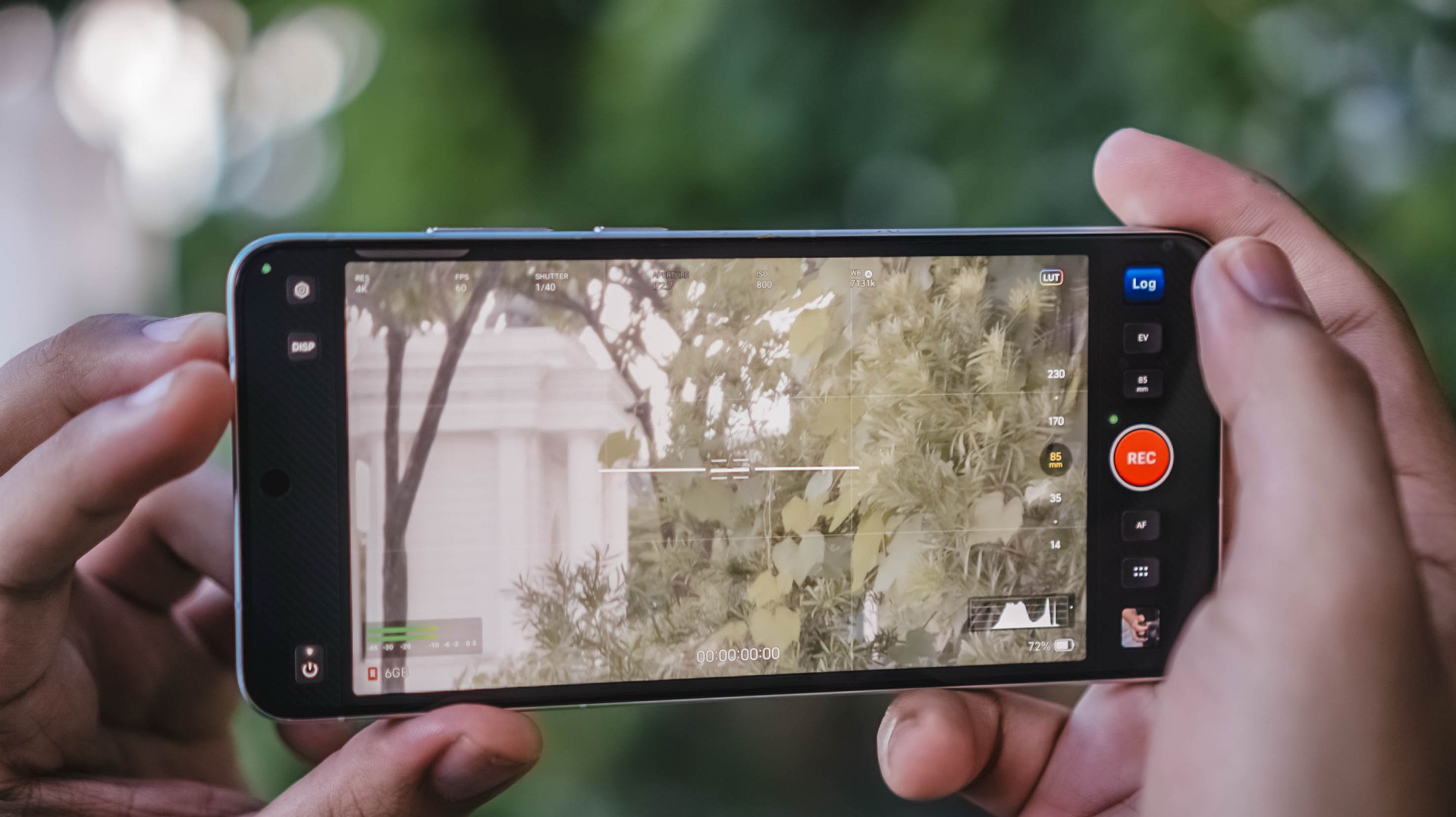
And, even if you are stuck with some Apple devices (like yours truly), its readiness alongside the Apple ecosystem makes it an Android smartphone you cannot resist.
In Europe, while the starting price is higher at EUR 1999, that gives you double the storage. But, at the cost of removing the bundled charger and cable due to EU laws.

Enough talking! The vivo X300 Ultra is a hard Swipe Right, solid Super Swipe, and a worthy recipient of GadgetMatch’s Seal of Approval.

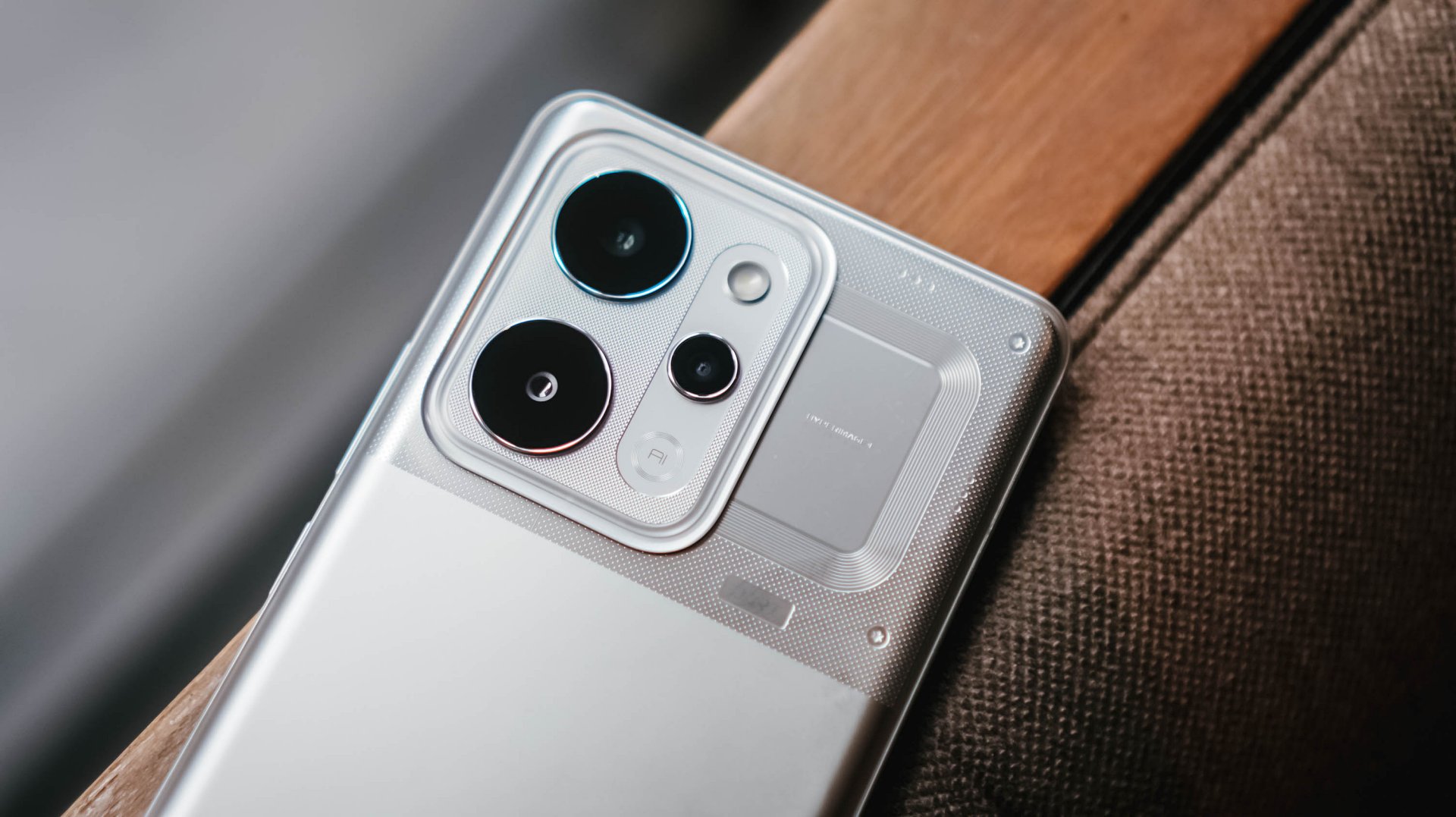
Whenever a brand slaps a “long battery life” label on a box, we take it with a grain of salt.
Even as smartphone battery capacities have become larger as of late, endurance is still subjective. It’s heavily dependent on your daily screen time, signal strength, and other habits.
But when a smartphone lands on your desk with a gargantuan 10,001mAh battery, then that subjectivity basically goes right out the window.

That’s what the realme P4 Power chiefly brings to the Philippine market for the first time, in the brand’s P series relatively quiet debut in the country.
It’s here to eliminate low-battery anxiety and render your bulky external power banks completely obsolete.
Tether-less freedom
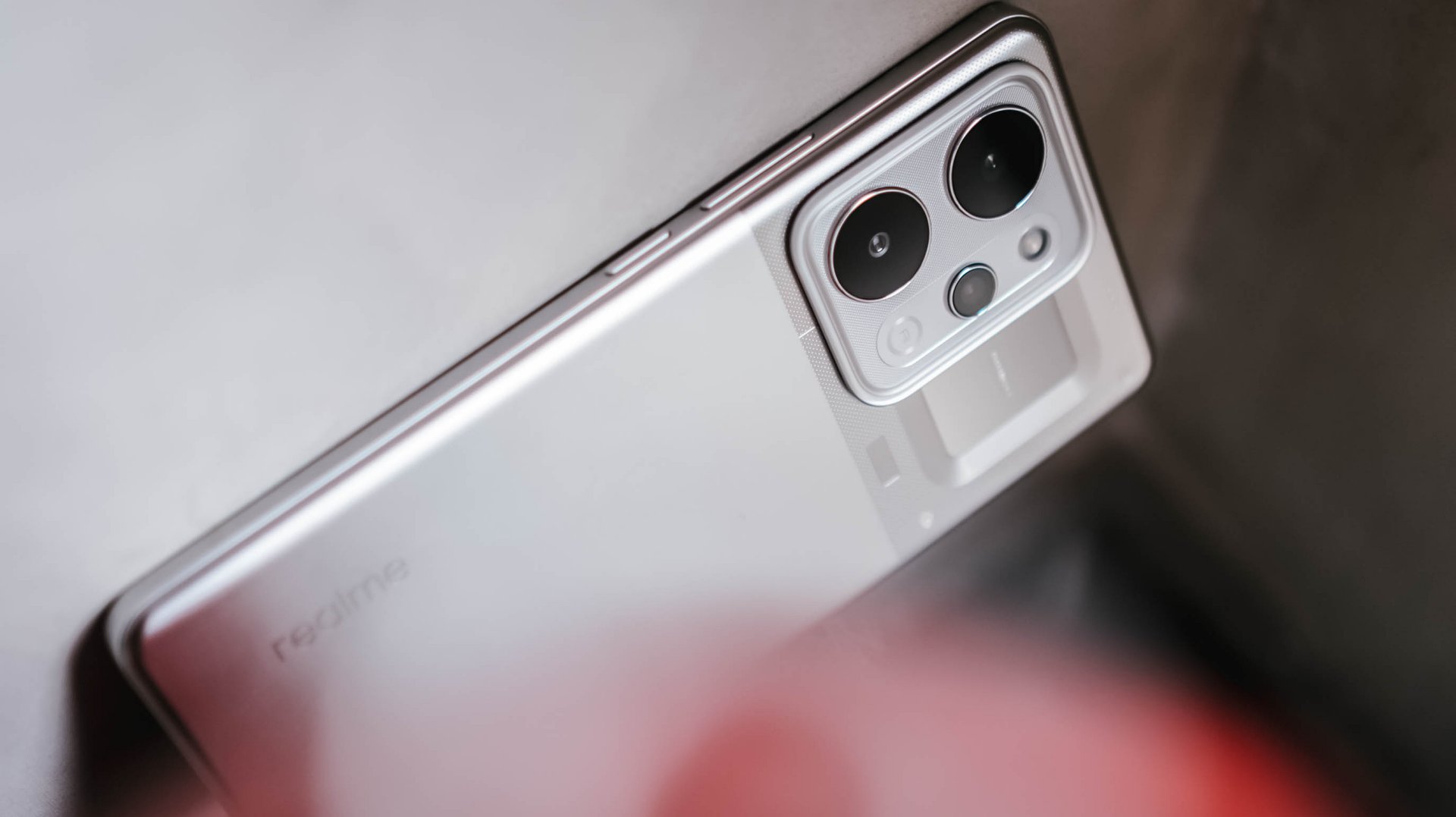
We wielded this device for weeks as a primary daily driver, and the endurance is nothing short of black magic.
The daily rotation included endless social media scrolling, video streaming, continuous navigation, and a relentless stress test: serving as a portable Wi-Fi hotspot for up to three separate devices simultaneously.
Through all that usage, the phone flat-out refused to die. I didn’t consciously “try” to drain it. I just know it would last an entire day for up to the wee hours.

When acting as a multi-device router, the chassis does heat up slightly, but it never crosses into alarming or uncomfortable territory.
It simply sips power, providing a level of tether-less freedom that no standard 5,000mAh or 6,000mAh smartphone can replicate.

When it is finally time to recharge the device, it supports 80W SUPERVOOC charging so you won’t have to spend hours waiting.
Even if you don’t replenish it back up to 100%, an hour’s worth of charging should keep you going the extra distance.
Immersive visuals, casual performance
The massive battery pairs beautifully with a expansive 6.8-inch 144Hz AMOLED display. With a high, 453ppi pixel density and 1280 x 2800 resolution, media consumption and gaming become highly engaging — at least from a visuals standpoint.

There is a wider aspect ratio so you don’t get a comically long phone, and a curved screen. We aren’t typical fond of this but the curvature seems subtle, meaning no accidental edge touches.
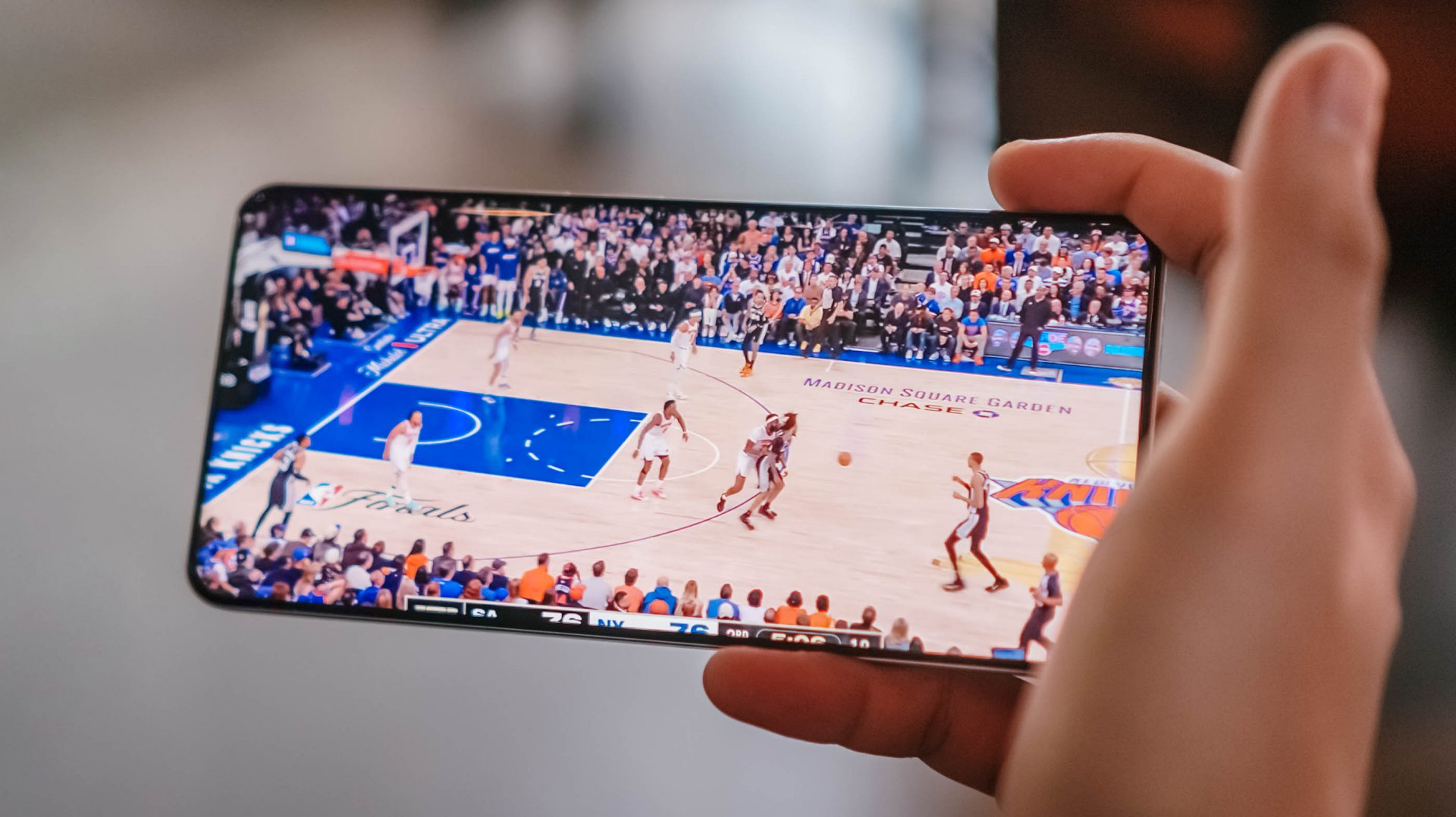
When it comes to performance, the MediaTek Dimensity 7400 Ultra chipset handles everyday tasks and casual, less-demanding titles with absolute ease.

However, when jumping into competitive matches of Call of Duty: Mobile or exploring the heavy landscapes of Honkai: Star Rail, you will encounter frame drops and stuttering from time to time.
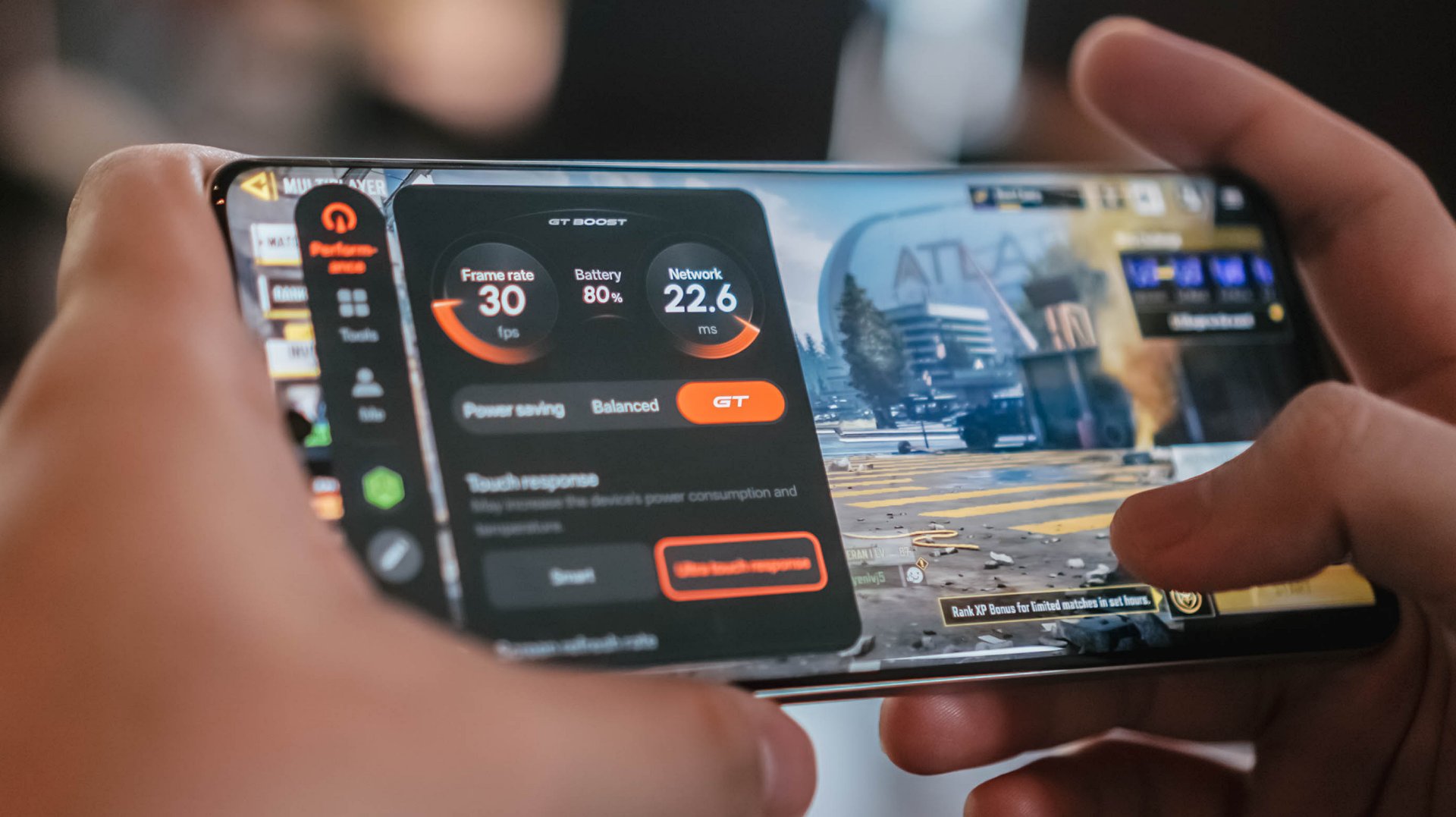
It’s never jarring enough to ruin your match or hinder what you’re trying to do, but it does occasionally disrupt an otherwise smooth gaming experience.
If anything, there’s Championship Mode and GT Mode to optimize the device for such tasks. Bypass Charging is a bonus so you can keep playing without the risk of device overheating.
Audio is loud but somewhat flat, but I didn’t expect much.
Heavy, mecha-inspired tank
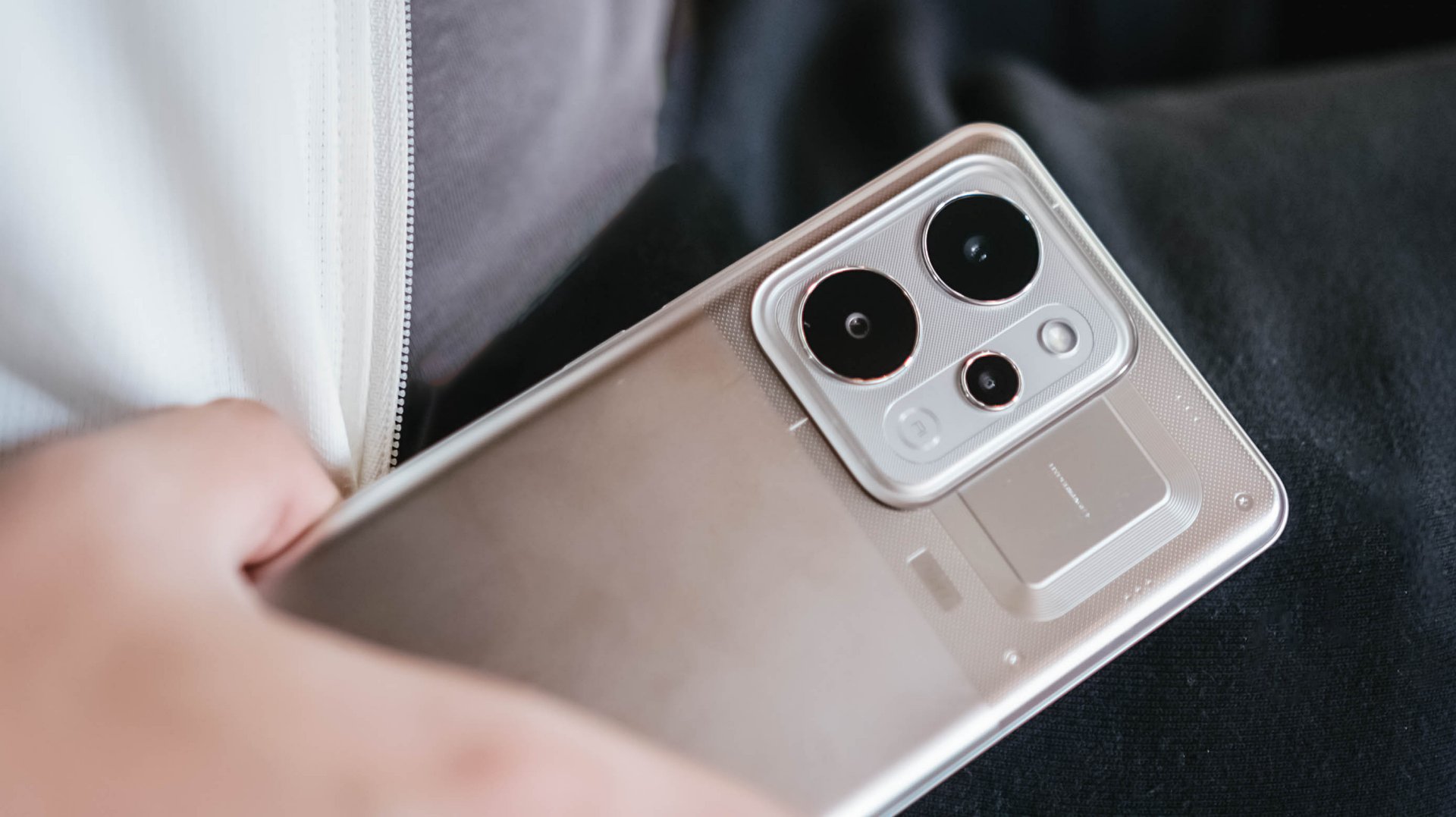
That display curvature is part of the phone’s overall aesthetic. Around the back, the realme P4 Power embraces its “all about power” persona with a distinct, machine-inspired design language.
The upper half where the camera island is located, in particular, look aggressive and sharp, as if a nod to mobile gaming. The colorway for this unit is silver metallic.
However, housing a 10,000mAh cell requires a serious physical compromise: weight. This phone is significantly, undeniably heavy.
The sheer heft is a constant reminder of the juice it carries, to the point where switching back to a “normal” smartphone yields a stark, instantly noticeable contrast in your hand and pockets.
Reliable main camera, lagging selfies
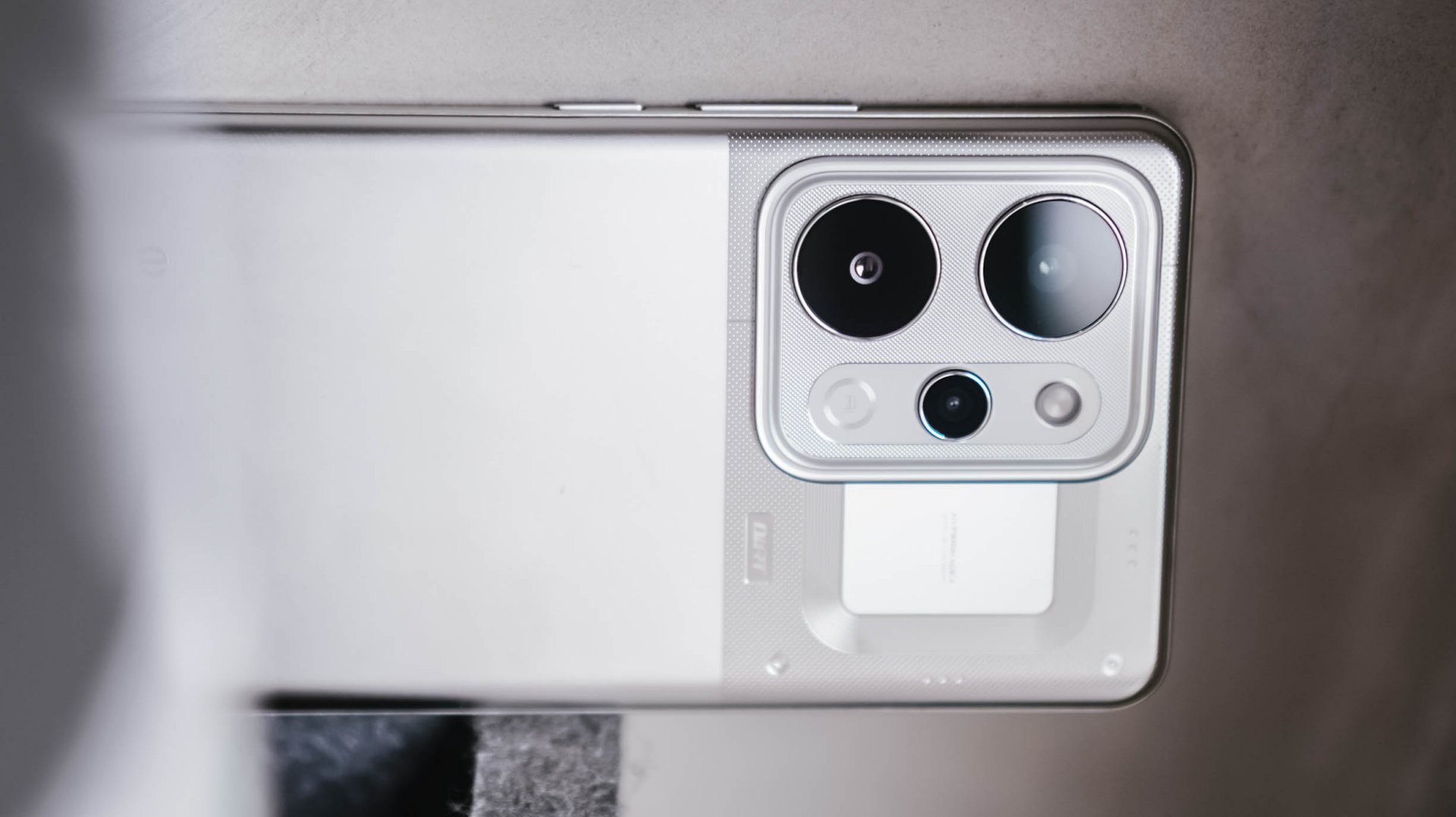
For its camera package, the realme P4 Power comes with a dependable 50MP main camera with a Sony IMX882 sensor.
I didn’t exactly “test” the camera but just naturally used it whenever I was out and about. Hence, I ended up with plenty of food, product reviews, and random finds.
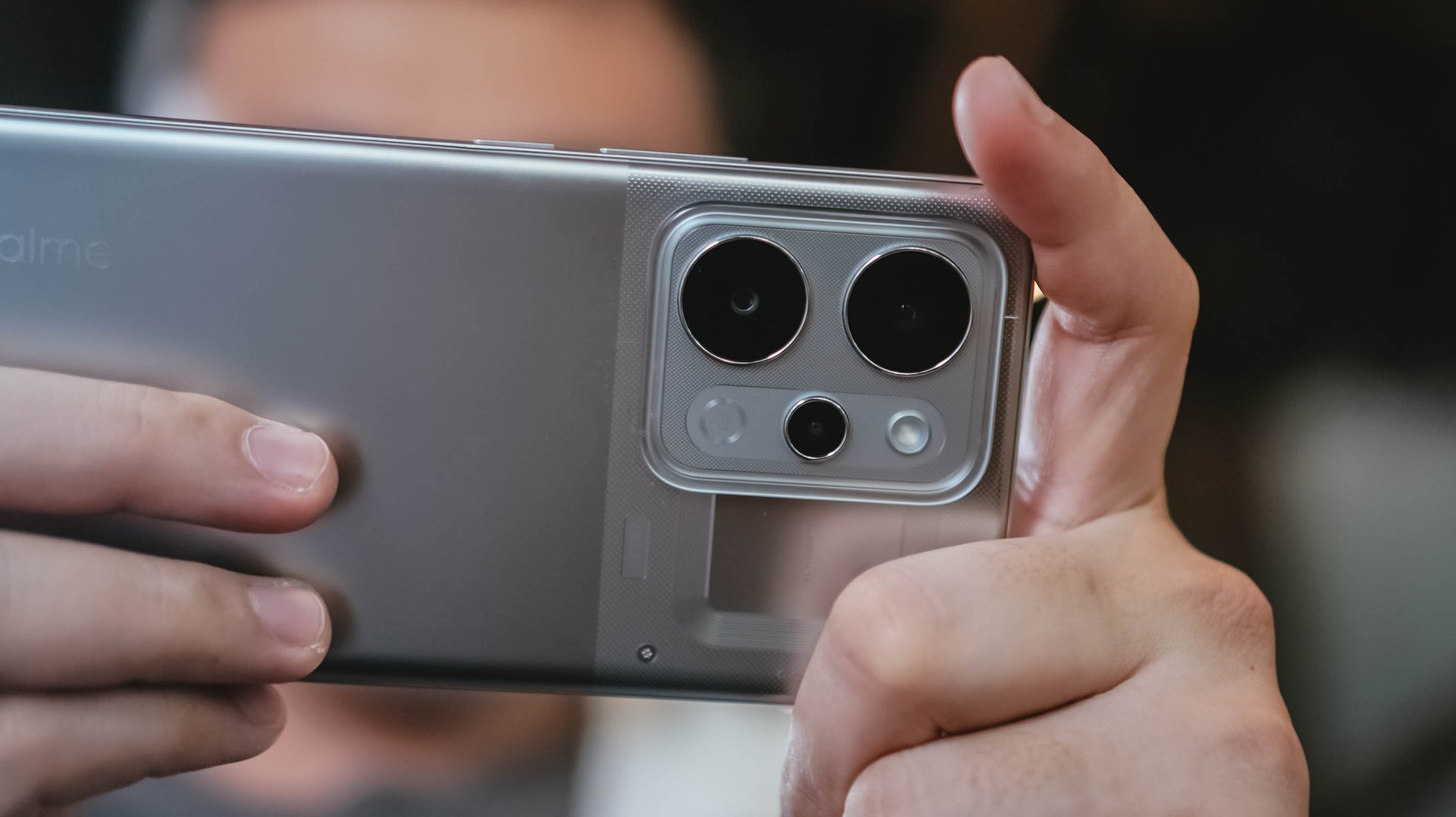
Performance is decent, with the 1x to 1.5x range being the sweet spot. Compared to budget devices, there is definitely more detail and texture.
Color reproduction is likewise amenable, with some depth and acceptable clarity. But camera-centric mid-rangers can obviously offer punchier, more “popped-up” contrast.









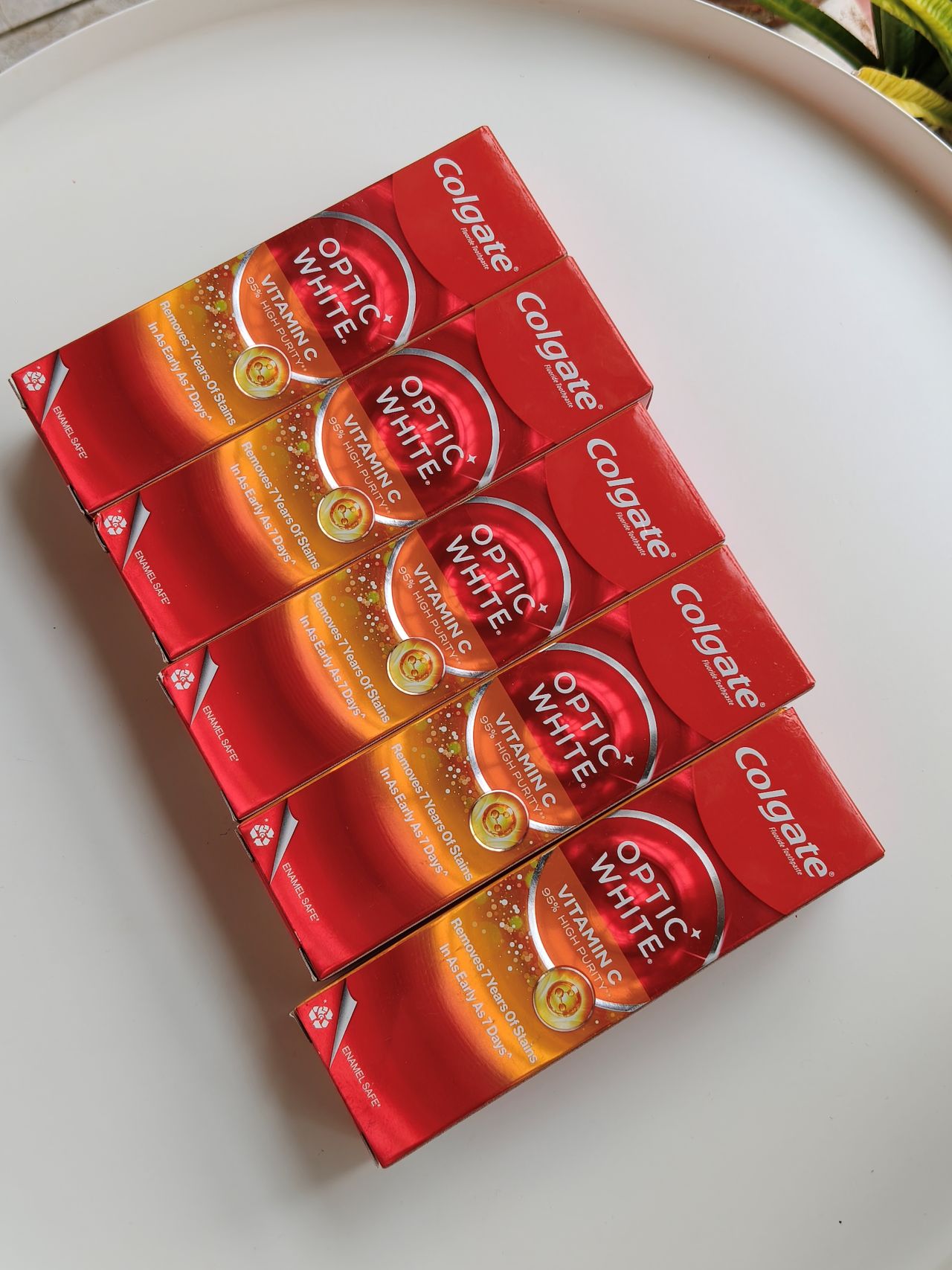






With OIS, video recording is likewise smooth. It’s usable for casual vlogging, although lighting is still the catch. You’ll need an extra tofu light for instance, which sacrifices the portability of the phone itself.
@manilaconnoisseur Dropped by Daily Beer Korean Chicken and Beer in ArcoVia, Pasig for some food after a team meeting!
The selfie camera, meanwhile, also lags compared to older realme number series devices I’ve used. Sharpness, vividness, and color accuracy are lacking.
@manilaconnoisseur Lipton Soda Iced Tea, now available in Berry Burst flavor! Zero sugar pa rin! Check out now. @Pepsi Philippines #LiptonSodaIcedTea #LiptonSoda #LiptonSodaBerryBurst #LiptonSodaZeroSugar
Built to survive the elements
As an added bonus, realme didn’t sacrifice ruggedness for the sake of capacity. The handset comes armed with a familiar IP69 rating for dust and water resistance, including high-pressure water jets and submersion.

We took it out on outdoor jogs, and heavy sweat didn’t cause a single issue. Even when dealing with moisture, the display’s touch optimization remained responsive.
Is this your GadgetMatch?
The realme P4 Power sits right in the competitive PhP 25,999 price bracket. In an era where smartphone prices are continuously climbing, it still offers a value proposition as an all-around mid-range device.

Think of it as buying a standard mid-ranger plus a power bank, minus the double pocket clutter. Long-term battery degradation remains to be seen but it seems the device is a fair purchase for power users.
It’s a close call, but the P4 Power is still a Swipe Right especially if your lifestyle demands endless battery life above all else.



Project Hail Mary now on Prime Video

Google ordered to pay EUR 4.1 billion in fines

The ASUS ExpertBook Ultra wins you over

Sony brings 1000X THE COLLEXION to the Philippines

Everyone’s angry at PlayStation’s new no-disc policy, and this is why

TECNO’s POVA 8 5G is both futuristic and future-ready

realme launches P4 Series 5G, including Power with 10,001mAh battery

Buyer’s Guide: Xiaomi Pad 8 Series

HONOR Magic V6 review: The best version of a book-style foldable?

TECNO’s SPARK 50 Pro is the latest budget smartphone battery beast


-

 Reviews2 weeks ago
vivo X300 Ultra review: A “Whole Different Animal”
-

 Cameras4 days ago
DJI Osmo Pocket 4P launches with dual lenses and a 1-inch sensor
-
 News5 days ago
Lenovo says RAM prices are not coming back down again
-
 Camera Shootouts1 week ago
Camera Shootout: HONOR 600 Pro vs OPPO Reno15 Pro
-

 Singapore1 week ago
Xiaomi opens largest Singapore store yet at VivoCity
-

 News1 week ago
The vivo X Fold6 is the first foldable to support teleconverter lens
-

 Apps1 week ago
HONOR, Xiaomi are working on their own Privacy Displays
-
 Smartphones1 week ago
HONOR continues APAC expansion, to launch 600 series in Taiwan