
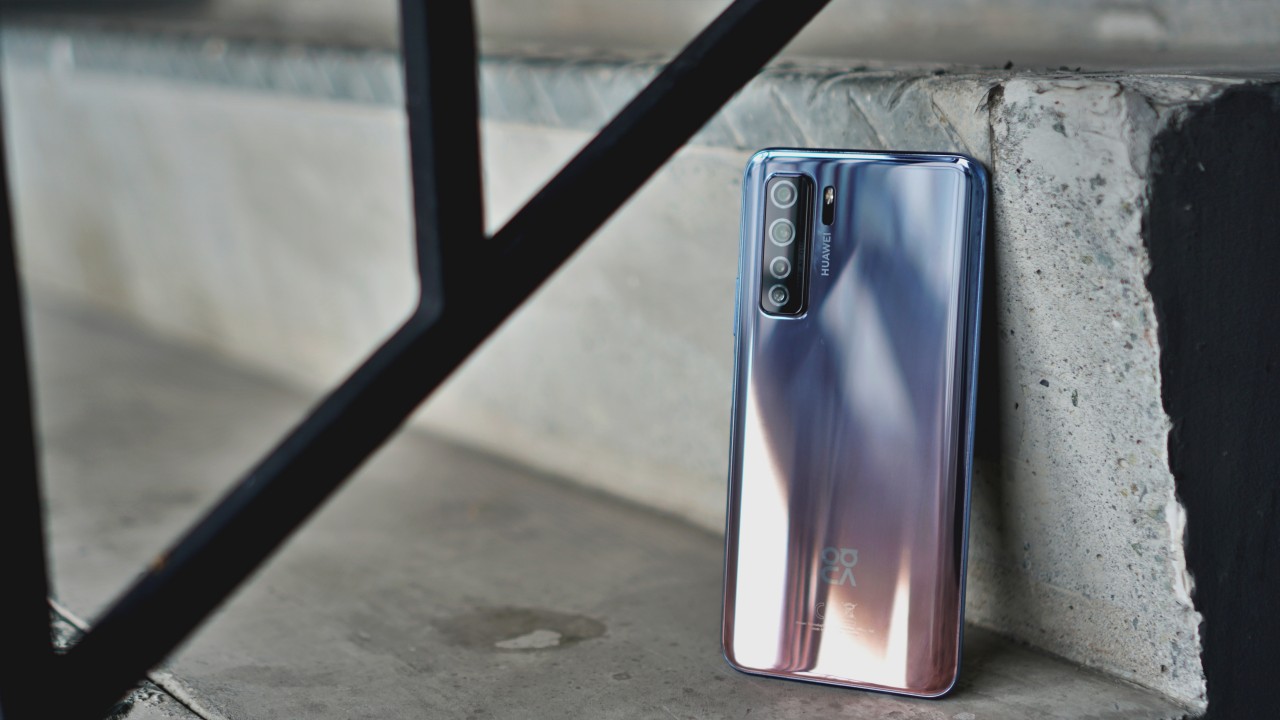

To say that Huawei has been aggressive in launching new devices despite all the challenges its facing is an understatement. Absolutely nothing has slowed down the company from China and now they’re showcasing a 5G-enabled midranger — the Huawei Nova 7 SE.
As of writing I’m still not sure which device it succeeds. However, based on some of its design cues, it has a lot in common with last year’s Nova 5T. The Nova 7 SE has plenty of characteristics that suggests it is indeed a midranger. Chief of which is the Kirin 820 5G SoC that’s at the heart of this smartphone.

I played around with the phone over the weekend and for this quick hands-on, I’m going to list down some of the things that I liked.
No hiccup performance
We’ve mentioned in previous reviews how midrange smartphones are pretty much all you need in terms of performance. While it may not reach the highest highs of flagship chips, midrangers today are more than capable of handling most of the stuff you’ll do on your smartphone.
Browsing and jumping from one app to another is a breeze. This is, of course, a function of the chip along with the 8GB RAM. I’ve done everything from report some friends’ fake accounts on Facebook, mass like tweets of my crush, and mindlessly scroll through Instagram.
Gonna Ninja Run my way to you
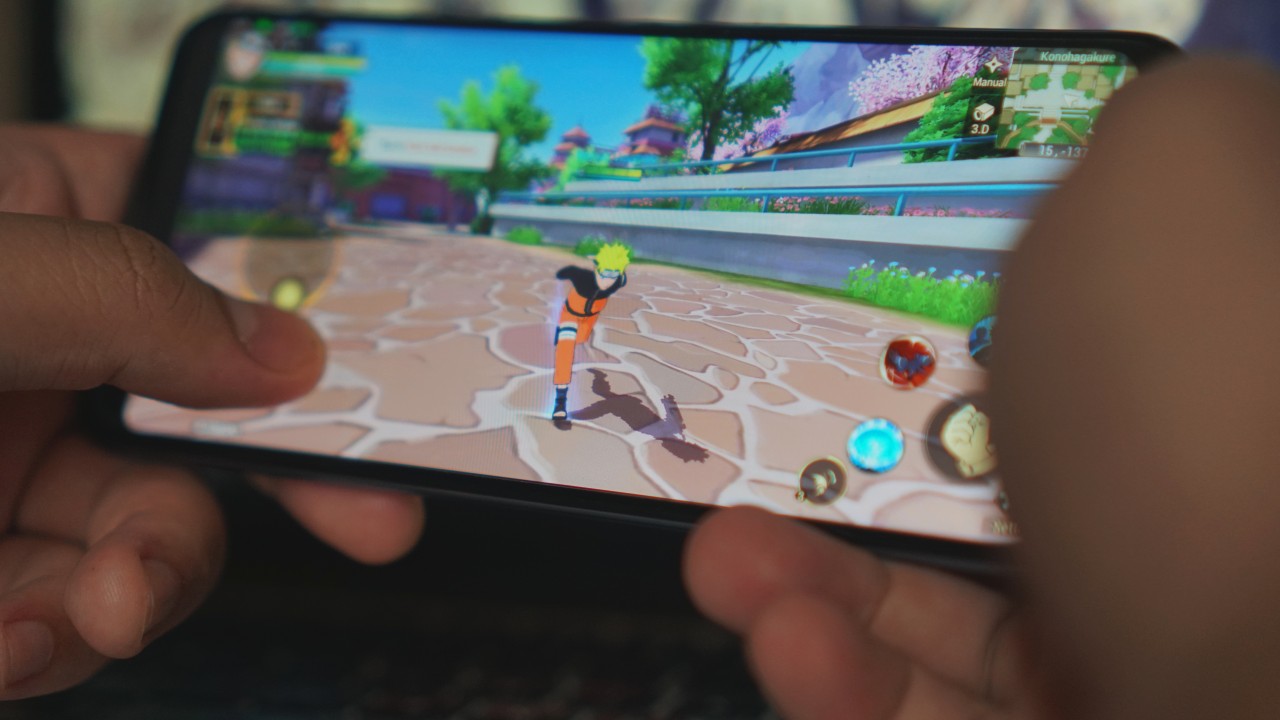
One thing I don’t do much is play mobile games. But I made it a point to look for one that I might enjoy. Thankfully, I found Naruto: Slugfest on the AppGallery. It’s an online RPG that demands a lot from your phone in terms of graphics.
I’ve only really played for about two to three hours, but the experience has been fun. It’s great that I found something I actually like and the Nova 7 SE has no trouble running the game on high graphics settings.
Side-mounted fingerprint sensor/power button
Thank goodness Huawei didn’t put an in-display fingerprint sensor. While those are a nice innovation, the physical fingerprint sensor is just faster and more reliable especially when you’re not in the flagship segment.
It’s placed on the right side of the device alongside the volume rockers. I have to say though that with the button not protruding like in most devices, I ended up pressing volume down instead of the power button during the first few hours of usage.
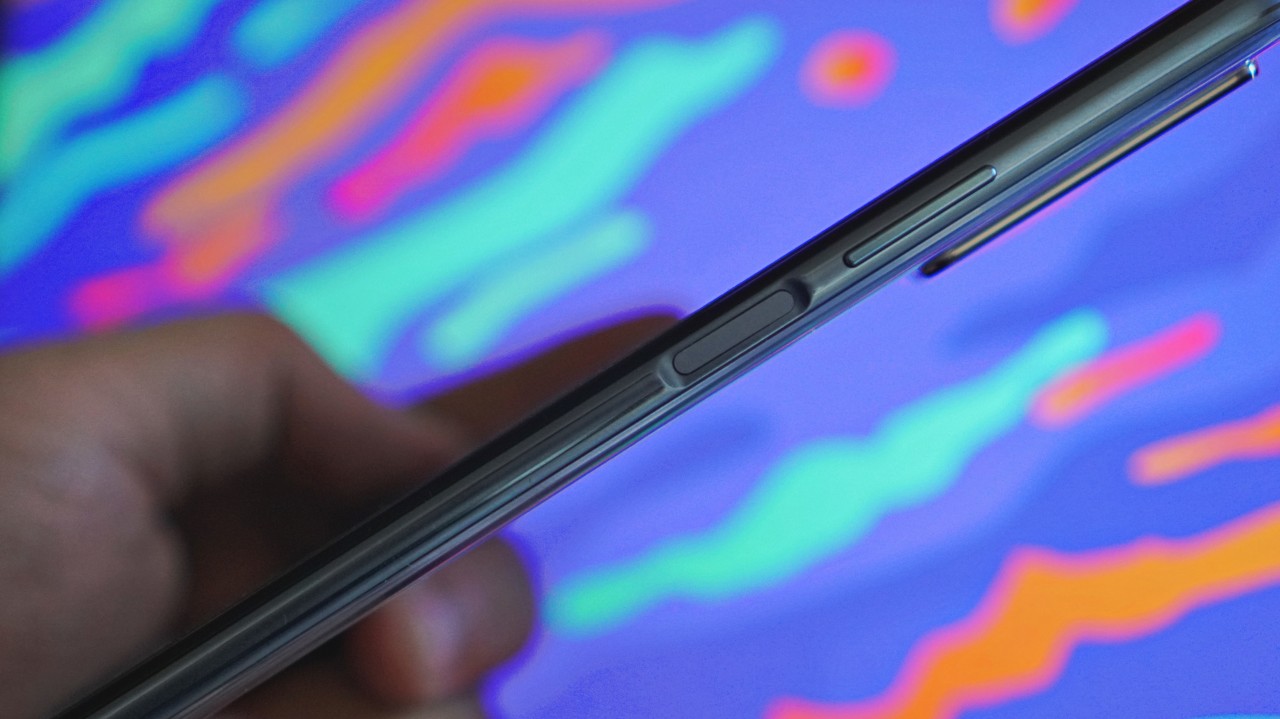
It can be annoying at first, but it’s not really that big of a deal. You should be able to get the hang of it within a day of use.
Vivid photos
The Huawei Nova 7 SE has a quad camera setup (64MP + 8MP + 2MP + 2MP). That’s main, ultra-wide, bokeh, and macro, respectively.
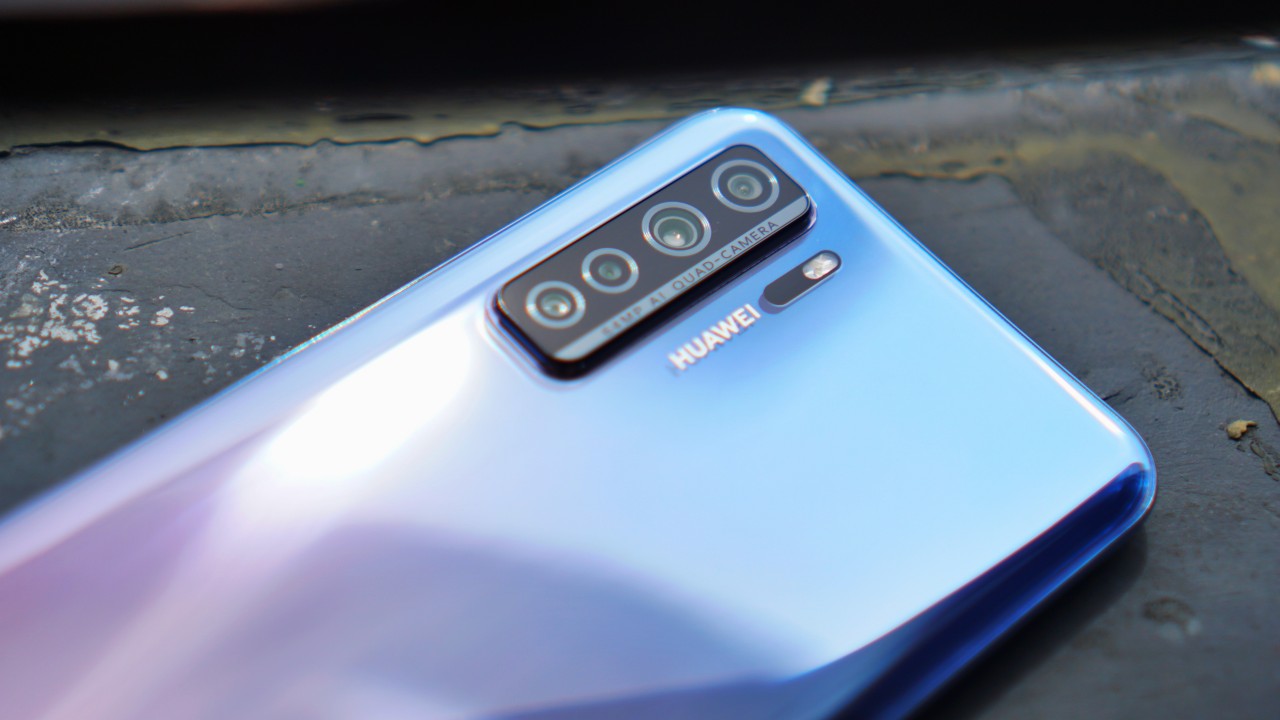
Haven’t had the chance to play around with all four but the quick photos I took look pretty nice.

Worth noting though that for some of these I had to lower the exposure as the sensor appears to take in a lot of light. Like these two shots below.
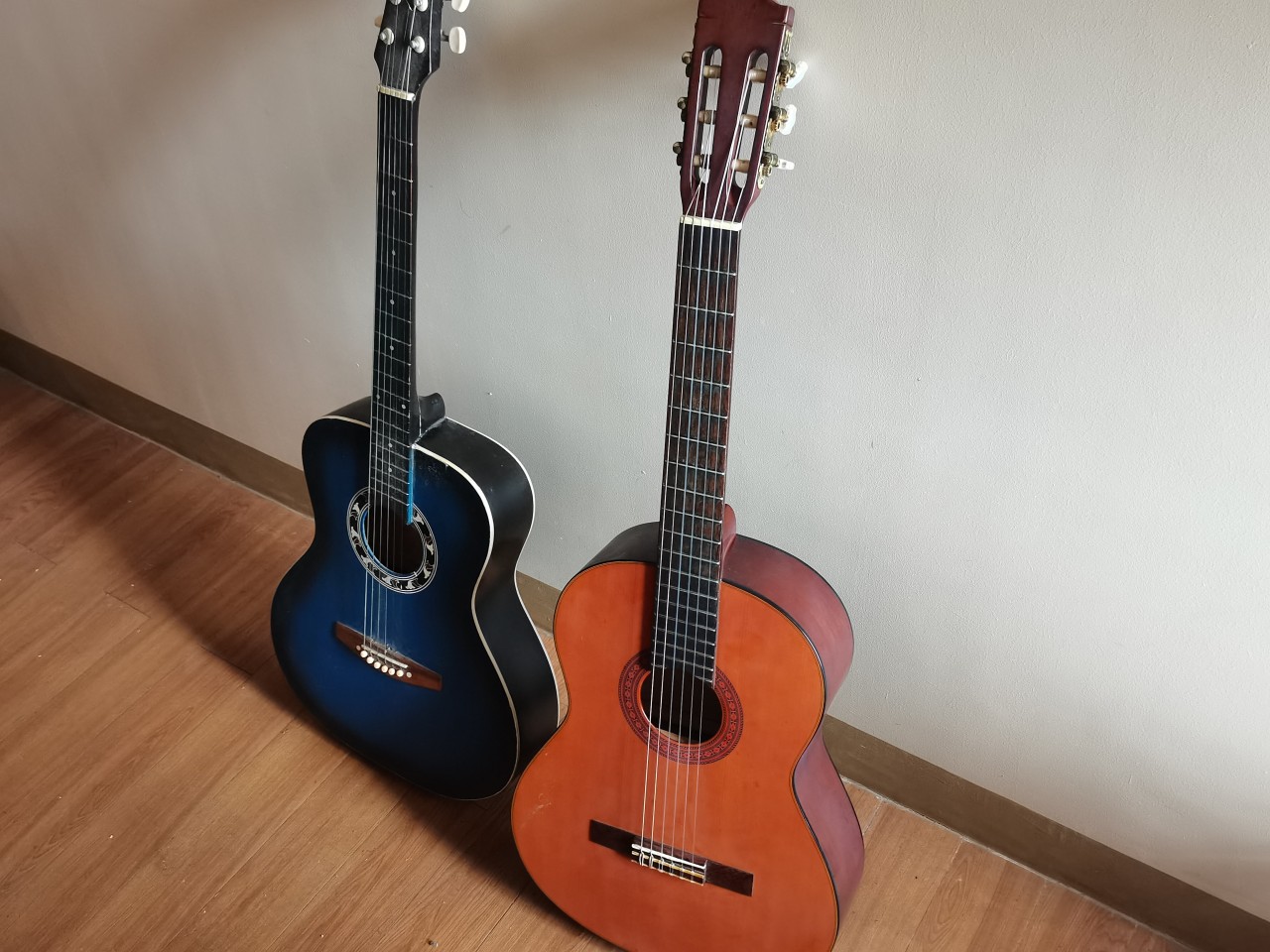
How many guitars do you have?

TWICE Feel Special stickers by @arts423
Pretty impressive charging and battery life
It supports the Huawei 40W SuperCharge and it really juices up the 4,000mAh battery real quick. Now, I haven’t thoroughly put it to the test.
Other than the usual social media loitering and quick mobile game session, I’ve watched an episode of Netflix’s The Patriot Act on this thing. I was also in the middle of watching the latest Running Man episode on Viu but had to pause to write this hands-on for you.
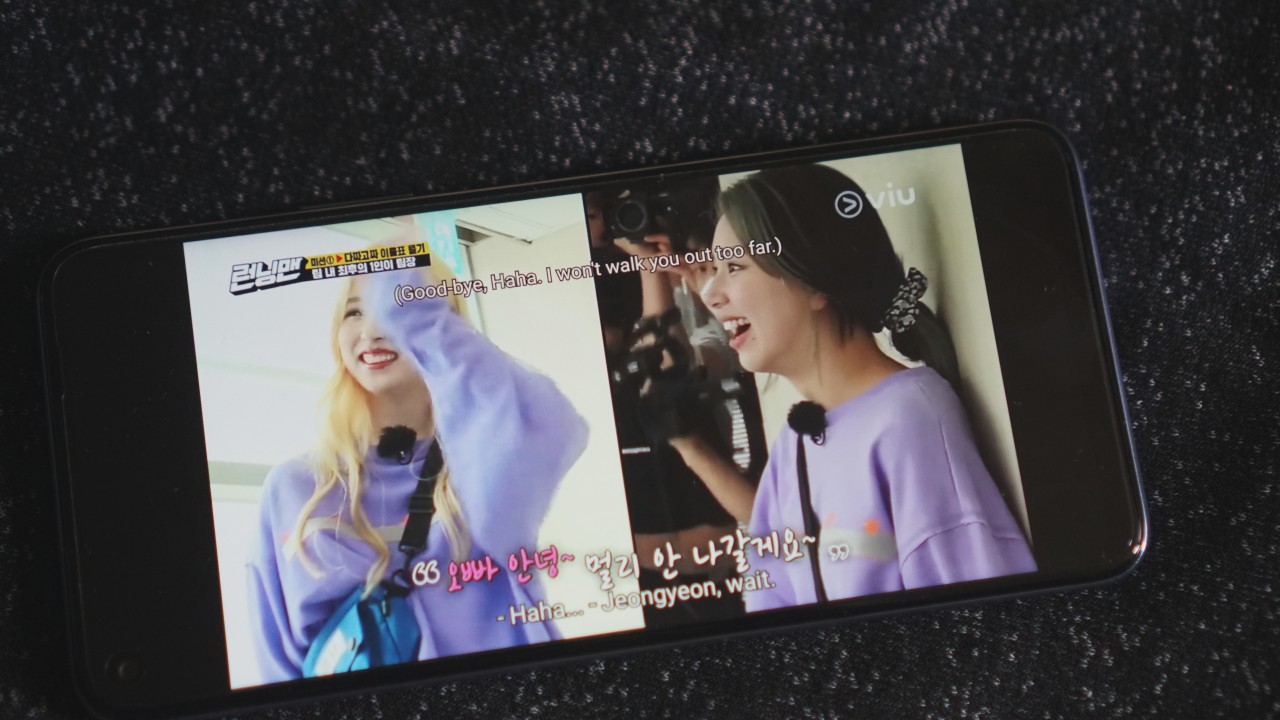
As a force of habit, I didn’t let it completely drain. I think it was at about 40 percent when I plugged it in roughly 24 hours after taking it out of the box. By Monday morning the device is still going strong at 94 percent but that’s with very minimal use.
Lightweight, easy to carry
It’s important to note that I’ve spent most of the lockdown with three flagships — the Huawei P40 Pro, Samsung Galaxy S20 Ultra, and iPhone 11 Pro. All three of those phones have that premium heft to them.
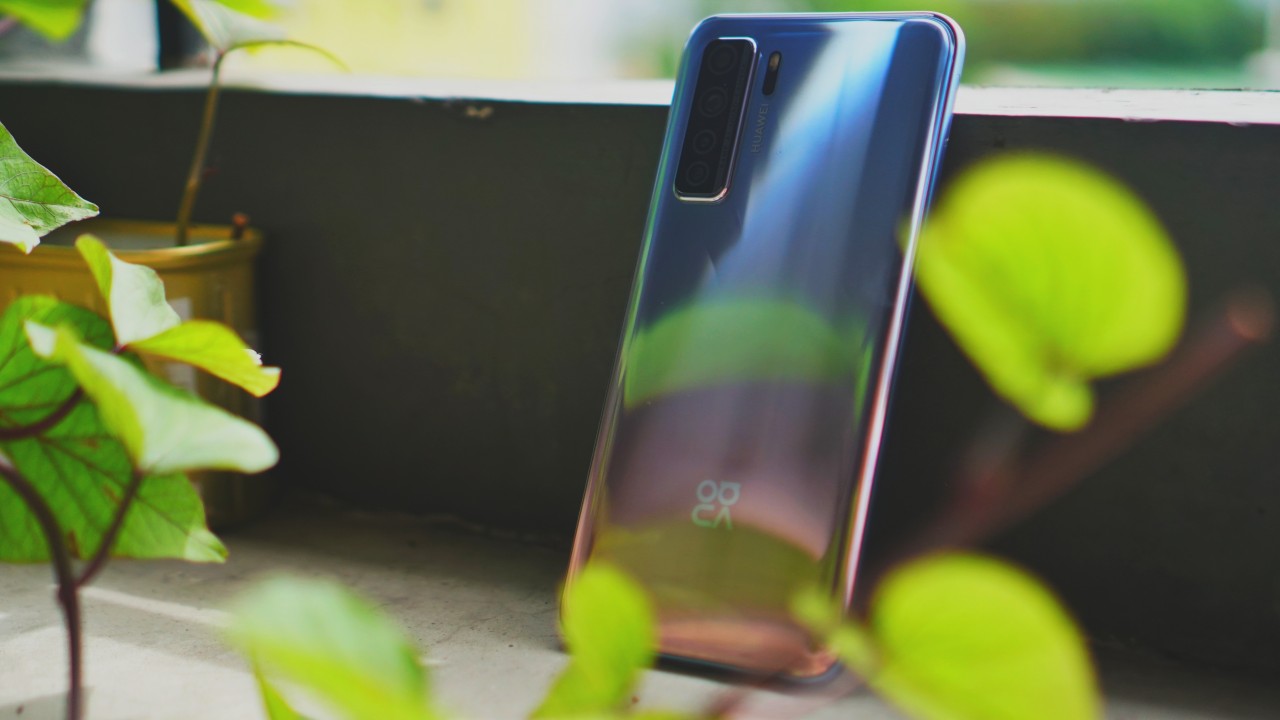
The Huawei Nova 7 SE, while it doesn’t give you that heft, still retains some premium feel to it. I would say it’s largely because of the Space Silver design. It’s a fingerprint magnet, but a few quick wipes and you’ll see right away how stunning it looks.
Promising smartphone?
From a couple of days of use it certainly hits a lot of the things that you expect a midranger to hit. It delivers good performance with no over-the-top gimmicks.

But of course, this is just an initial look. If you have questions for the review, make sure you hit us up about it.




Hands-On
Apple iPhone Duo Unboxing and Hands-on
Supported apps, crease, cameras, and MagSafe all tested

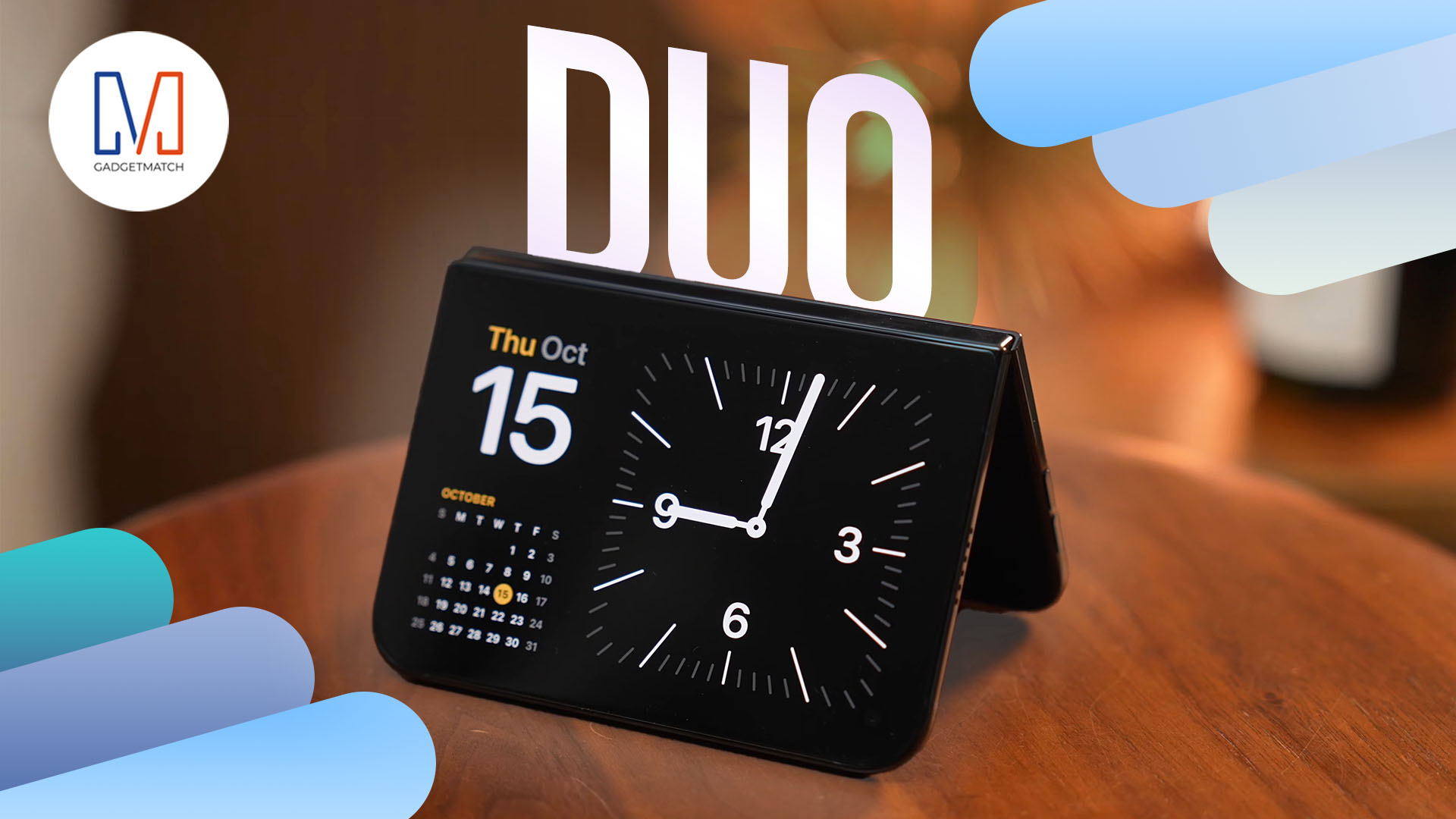
Apple’s iPhone Duo is finally here!
Aside from unboxing the all-new iPhone-dable in Night Sky, we take a closer look at the display crease, check out the under-display camera quality, see which MagSafe accessories work with it.
Most of all, which apps support it (or not).
But how well does the dual-screen experience on an iPhone actually work? Watch our Apple iPhone Duo unboxing and hands-on to know more!

Moving into a new space comes with a long list of things to figure out, and lately, I’ve been paying more attention to something that’s easy to overlook: air quality.
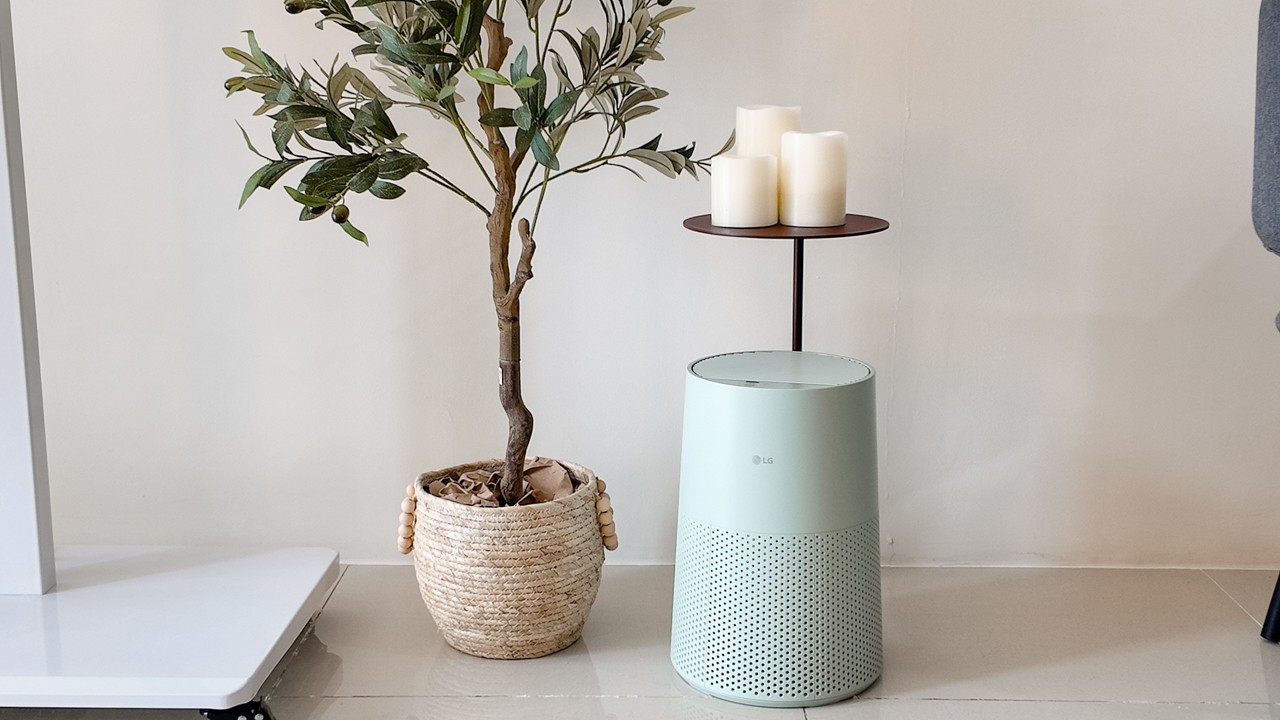
After using the LG AeroMini for about a month, it has become a subtle but welcome addition to my space. It helps make the room feel fresher, while its compact and stylish design fits naturally into my setup. Here are the things that stood out to me most after living with it for a month.
360° purification for a fresher space
One of the things I appreciate about the AeroMini is its 360° air purification, designed to bring purified air in every direction.
For me, this is particularly useful in a new space where I’m spending a lot of time working, relaxing, and just settling in.
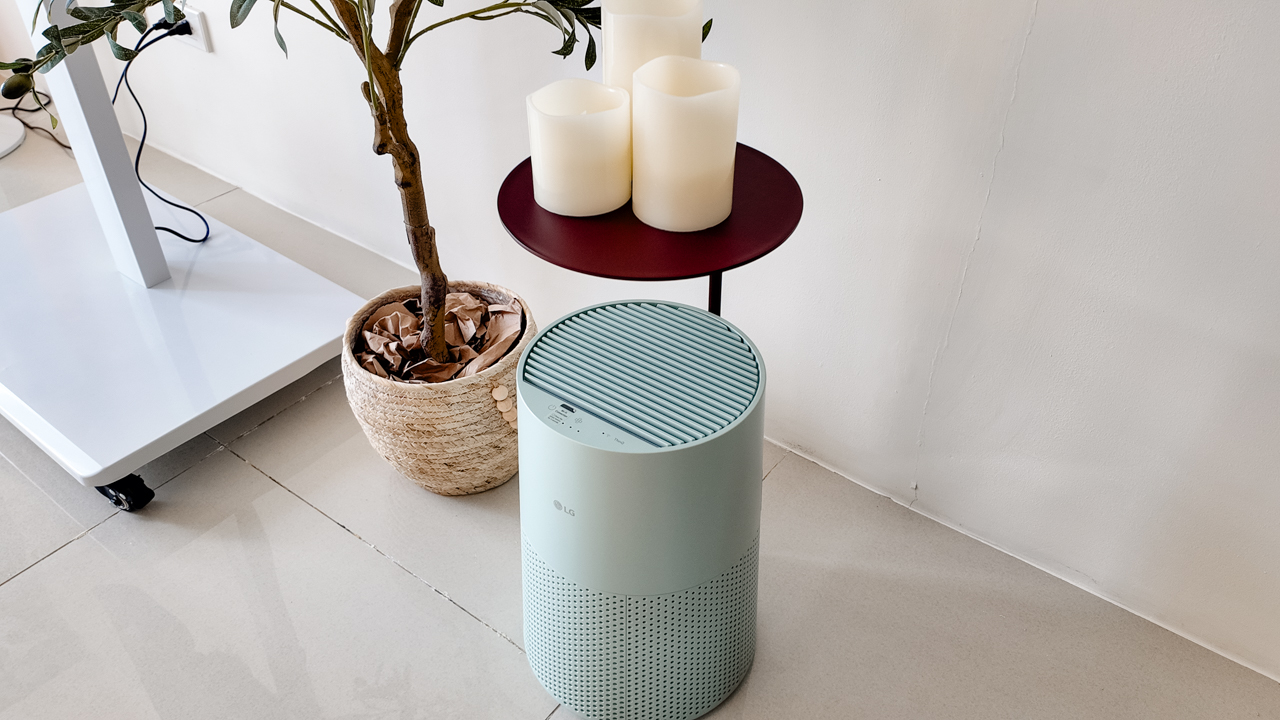
Combined with its True HEPA filter, which is designed to remove 99.999% of 0.01μm fine dust and allergens, it gives me added peace of mind about the air I’m breathing every day.
After a month, I can genuinely say that the space feels fresher with it running.
Surprisingly quiet
This is probably my favorite feature.
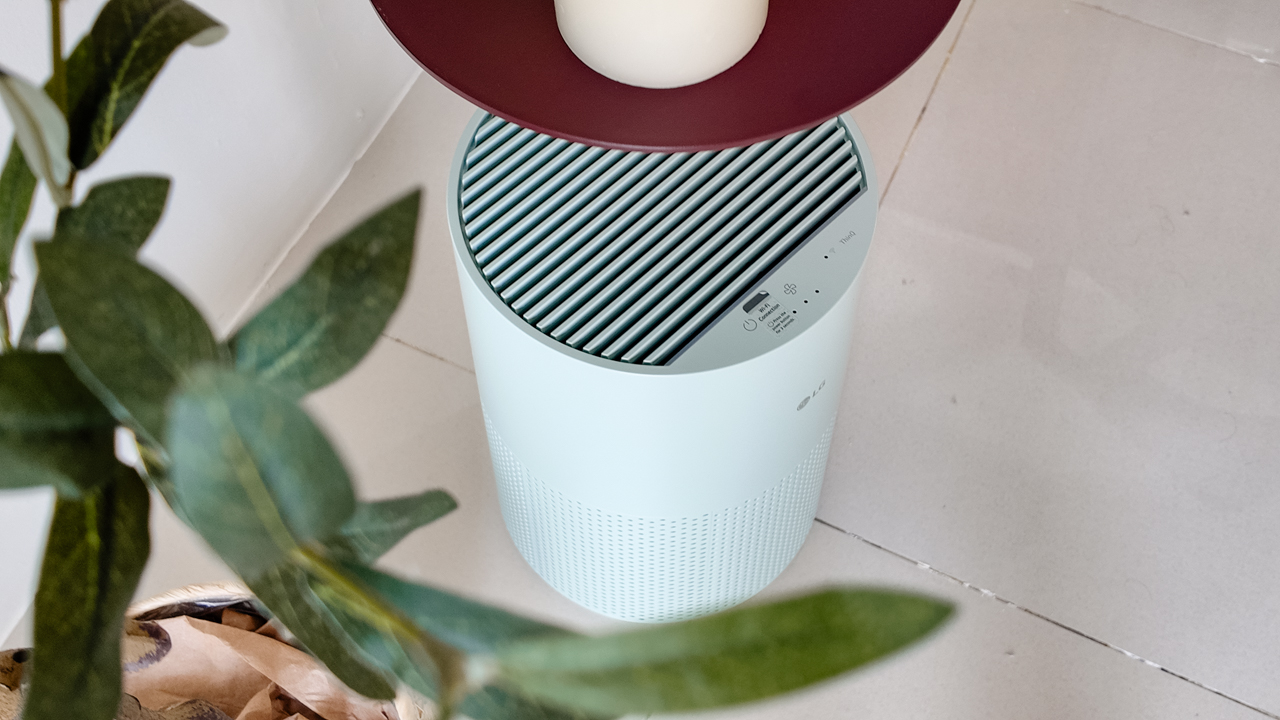
The LG AeroMini operates at just 26dB, and after using it for a month, what stands out is how easy it is to forget that it’s even running.

I can have it running while I’m working or sleeping without the noise becoming a distraction. For an appliance that’s designed to continuously improve the air around you, I think that’s a big deal.
Sometimes, the best feature is the one you barely notice.
Design that fits my space
Since I recently moved, I’ve been pretty conscious about what I bring into the space. I want things to be functional, but I also don’t want appliances that feel like they’re taking over the room.
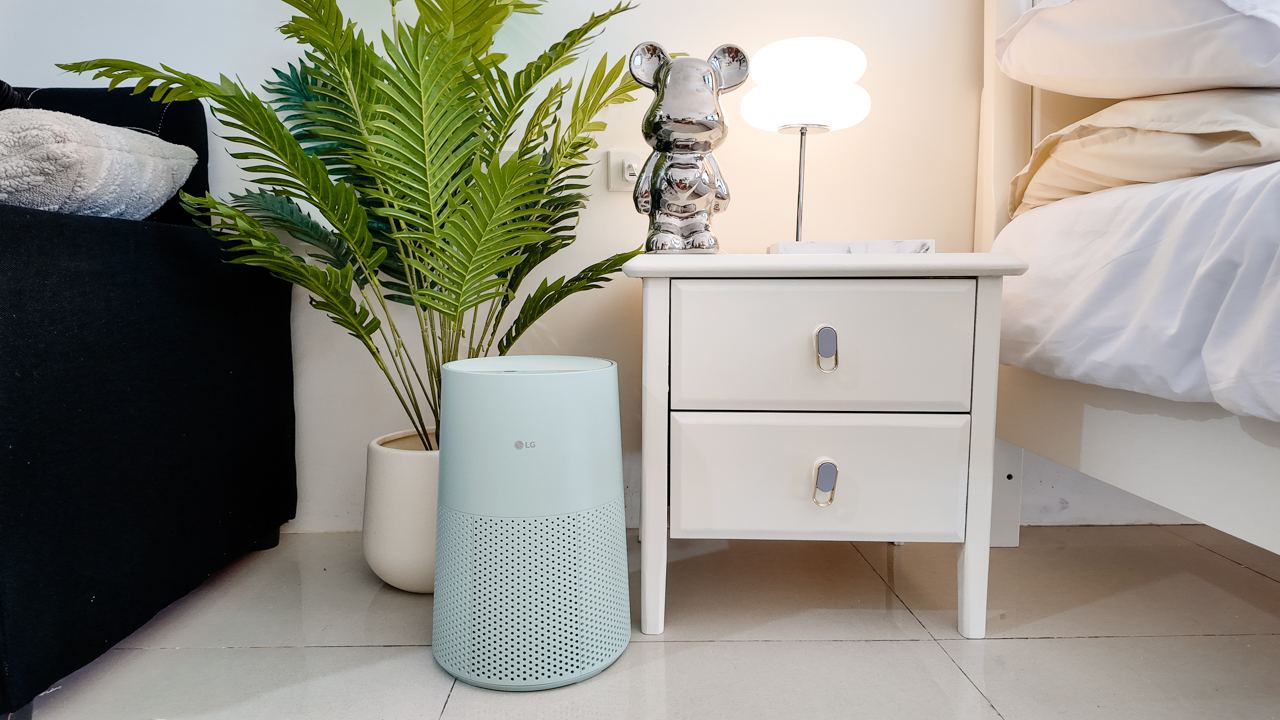
The AeroMini’s slim and compact design makes it easy to incorporate into my setup. It doesn’t feel bulky or industrial, and I like that I can leave it out without feeling like I need to hide it away.
For me, that balance between functionality and aesthetics makes it feel more like part of the space rather than just another appliance.
Air quality at a glance
Another feature I’ve found convenient is its Smart Control. Through the app, I can monitor and control the AeroMini while getting real-time updates on the indoor air quality.
It’s a small convenience, but being able to check the air quality without having to interact with the purifier directly makes it easier to keep track of what’s happening in the room.

Easy to maintain
I also appreciate that the AeroMini is designed with an all-in-one dust and deodorization filter that makes replacement and maintenance easier.
That matters to me because the best home gadgets are the ones that don’t create another complicated chore. I want something I can set up, use regularly, and maintain without too much fuss.

After a month, would I keep it?
Yes, and mainly because it quietly fits into my everyday routine.
The LG AeroMini has helped make my new space feel fresher and more comfortable, while its compact design means it doesn’t compromise the look of the room. But if I had to pick just one thing I appreciate most, it’s still how incredibly quiet it is.

It’s one of those upgrades that doesn’t demand your attention. It simply works in the background.
If you’re also looking to make your home a fresher and more comfortable space for yourself and your family, visit https://www.lg.com/ph/ to learn more about the LG AeroMini and how it can fit into your everyday life.
Hands-On
Apple iPhone 18 Pro Series Hands-on
And everything announced during Apple’s September 2026 Event
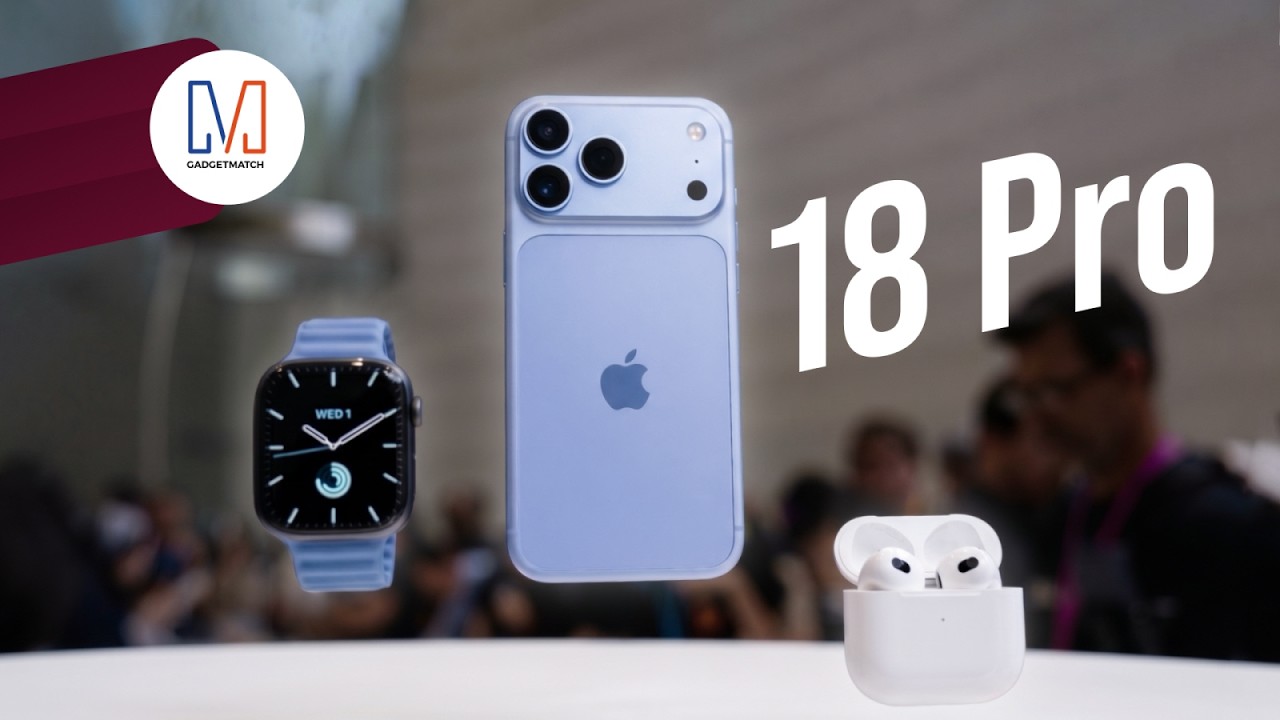
The latest Apple event isn’t just about the shiny new Apple Duo. There’s a lot to talk about!
In this video, we break down everything Apple has announced during their September 2026 keynote.
First, there’s the updated iPhone 18 Pro and 18 Pro Max. That’s alongside their design and color changes, battery and performance improvements. Even that massive camera upgrade.
There’s even the ANC-infused AirPods 5 alongside the newer Apple Watch Series 12 and Apple Watch Ultra 4. Plus, the latest software updates coming to both these wearables.
So, are these worth the upgrade?


ROG G700 review: The best prebuilt PC you can get off the shelf
This PC will make you stop worrying about specs.


HP OMEN Max 16 review: Gamer-maxxing in deep black
Peripherals deemed necessary to max this out
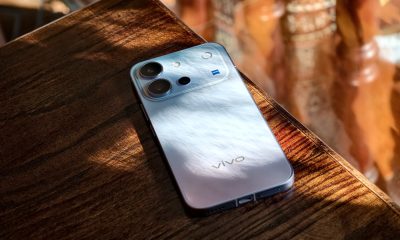

vivo V80 review: Good phone, tough sell
A capable travel companion

LG showcases its latest AI TVs in the Philippines

Your coffee nook is getting a makeover with Starbucks’ holiday collections

Petit Planet launches December 4

This pop-up sauna brings the steam room experience into your home

Sticker season is back, and so is the planner your ~friends~ might fill in for you


-
Reviews2 weeks ago
vivo V80 review: Good phone, tough sell
-
 News2 weeks ago
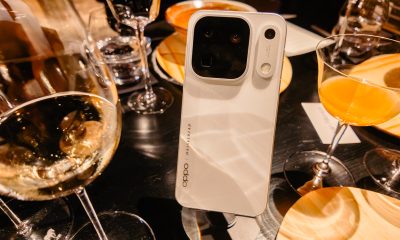
OPPO Find X10 Series: Price, availability in the Philippines
-

 Cameras2 weeks ago
DJI Osmo Pocket 4P Pearl White now available globally
-

 News2 weeks ago
OPPO Find X10 Series: Price, availability
-

 Entertainment2 weeks ago
Cyberpunk: Edgerunners 2 now streaming, Cyberpunk 2077 update coming
-
Gaming1 week ago
HP OMEN Max 16 review: Gamer-maxxing in deep black
-

 Laptops2 weeks ago
Lenovo expands Yoga lineup with new AI PCs and tablets
-

 Laptops2 weeks ago
ASUS ProArt P14, P16 laptops with NVIDIA RTX Spark now available