
Unboxing
Mystery Unboxing: GadgetMatch Merchandise?!


It’s time for another mystery unboxing, and this is something closer to our hearts!
If it isn’t already clear from the thumbnail and title, this video involves our very own merchandise. But the questions are: when, where, and how do we get them?
We’re being a bit of a tease, we know, but the GadgetMatch Store is definitely on the way, and we’d love for everyone to show their support!
SEE ALSO: Mystery Unboxing: Oranges from China?!
[irp posts=”13590″ name=”Mystery Unboxing: Oranges from China?!”]

Hands-On
Apple iPhone Duo Unboxing and Hands-on
Supported apps, crease, cameras, and MagSafe all tested


Apple’s iPhone Duo is finally here!
Aside from unboxing the all-new iPhone-dable in Night Sky, we take a closer look at the display crease, check out the under-display camera quality, see which MagSafe accessories work with it.
Most of all, which apps support it (or not).
But how well does the dual-screen experience on an iPhone actually work? Watch our Apple iPhone Duo unboxing and hands-on to know more!

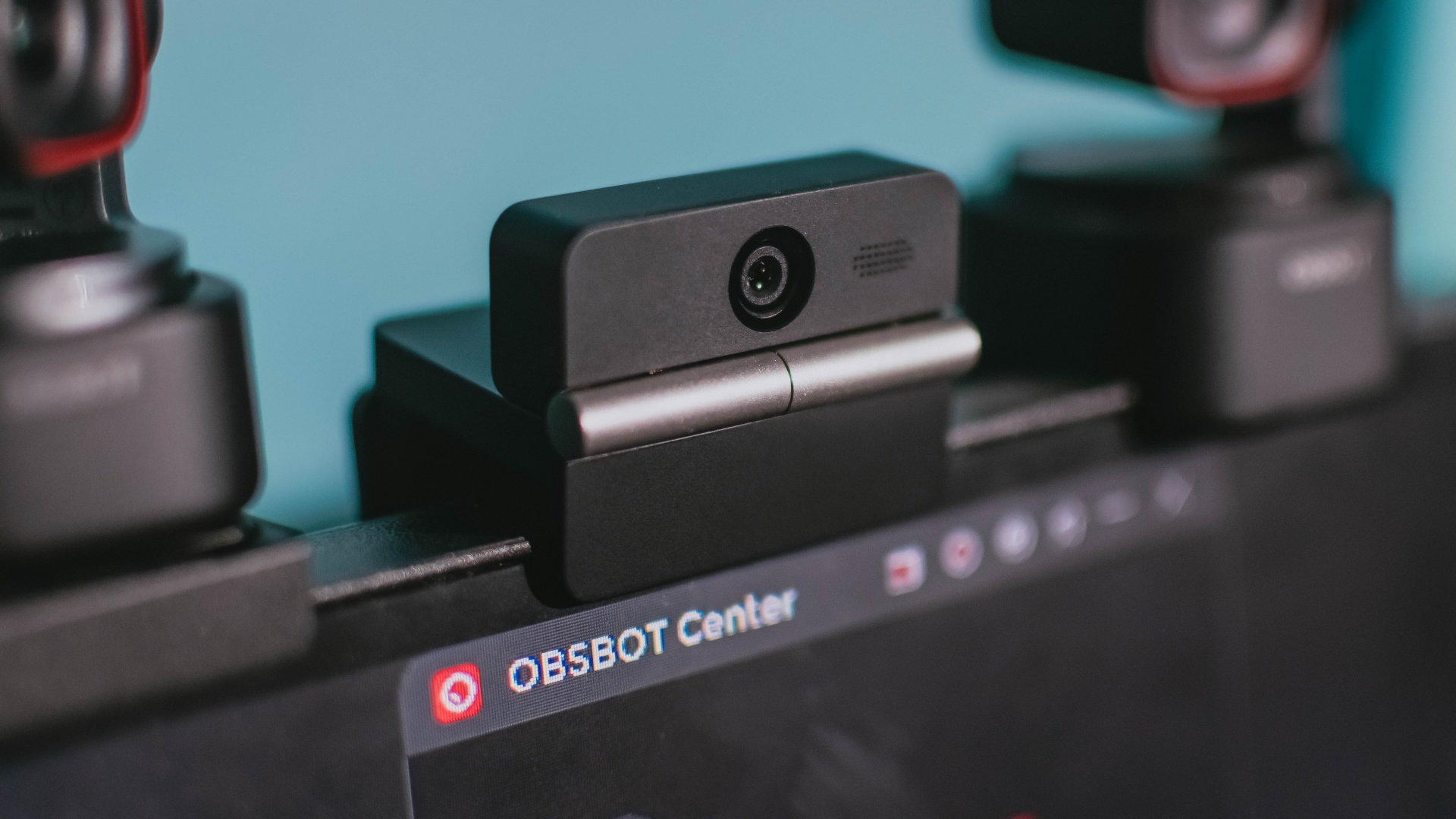
Phones flip and fold. Now webcams do too.
Foldable screens have found their way into phones, tablets, and laptops in recent years. Now, OBSBOT is taking that idea in a considerably smaller direction: the webcam.
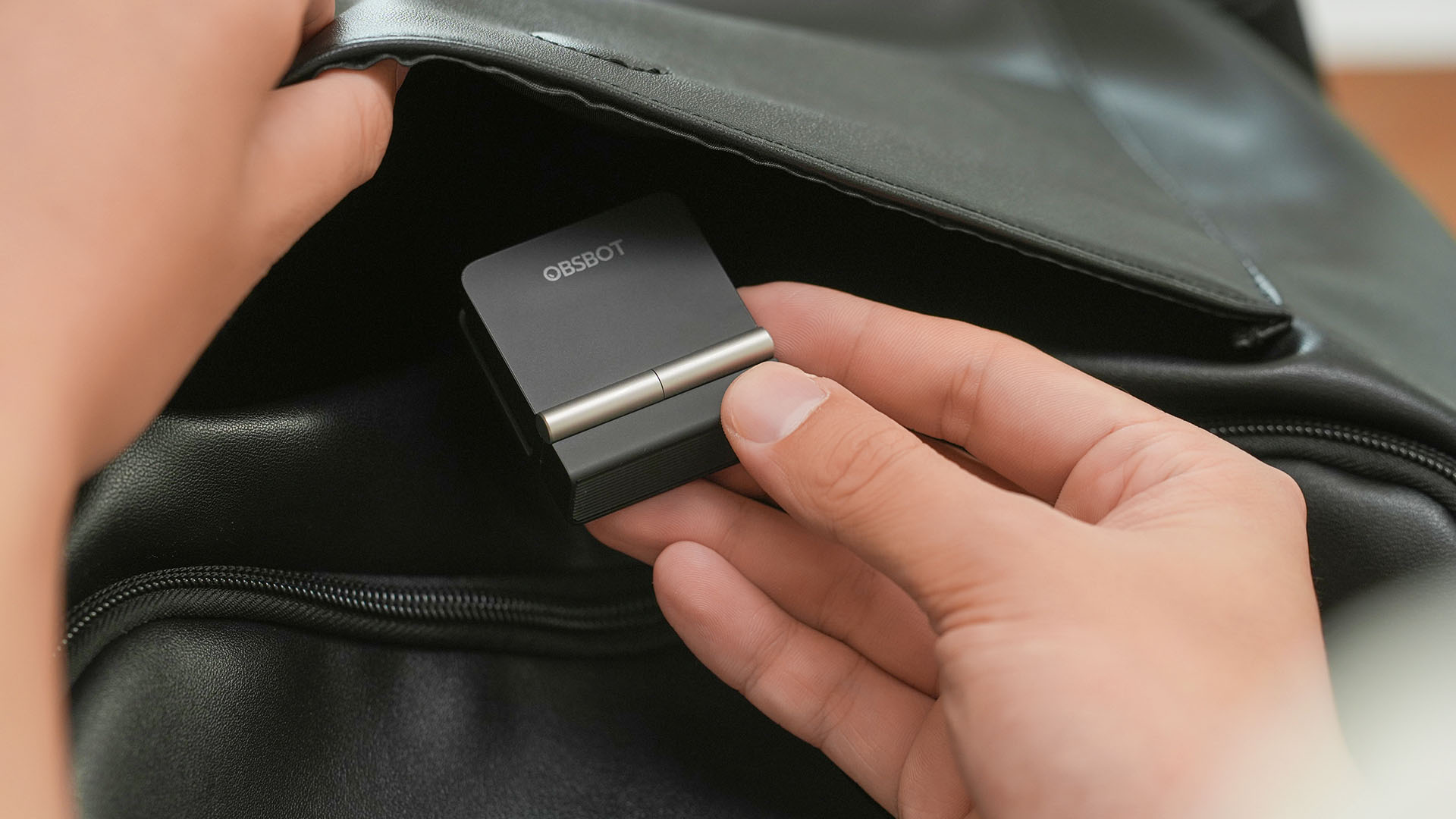
The OBSBOT Meet Flip is the company’s first foldable 4K webcam packing:
- 1/2-inch stacked CMOS sensor
- intelligent audio
- a collection of AI-powered meeting tools
All of these inside a body weighing just 37.7 grams.
A fold that does something, not just a gimmick
The OBSBOT Meet Flip isn’t foldable just to make it easier to throw into a bag.
Closing the webcam physically blocks the lens and puts the device into sleep mode. Open it when you want to be seen, flip it shut when you don’t.
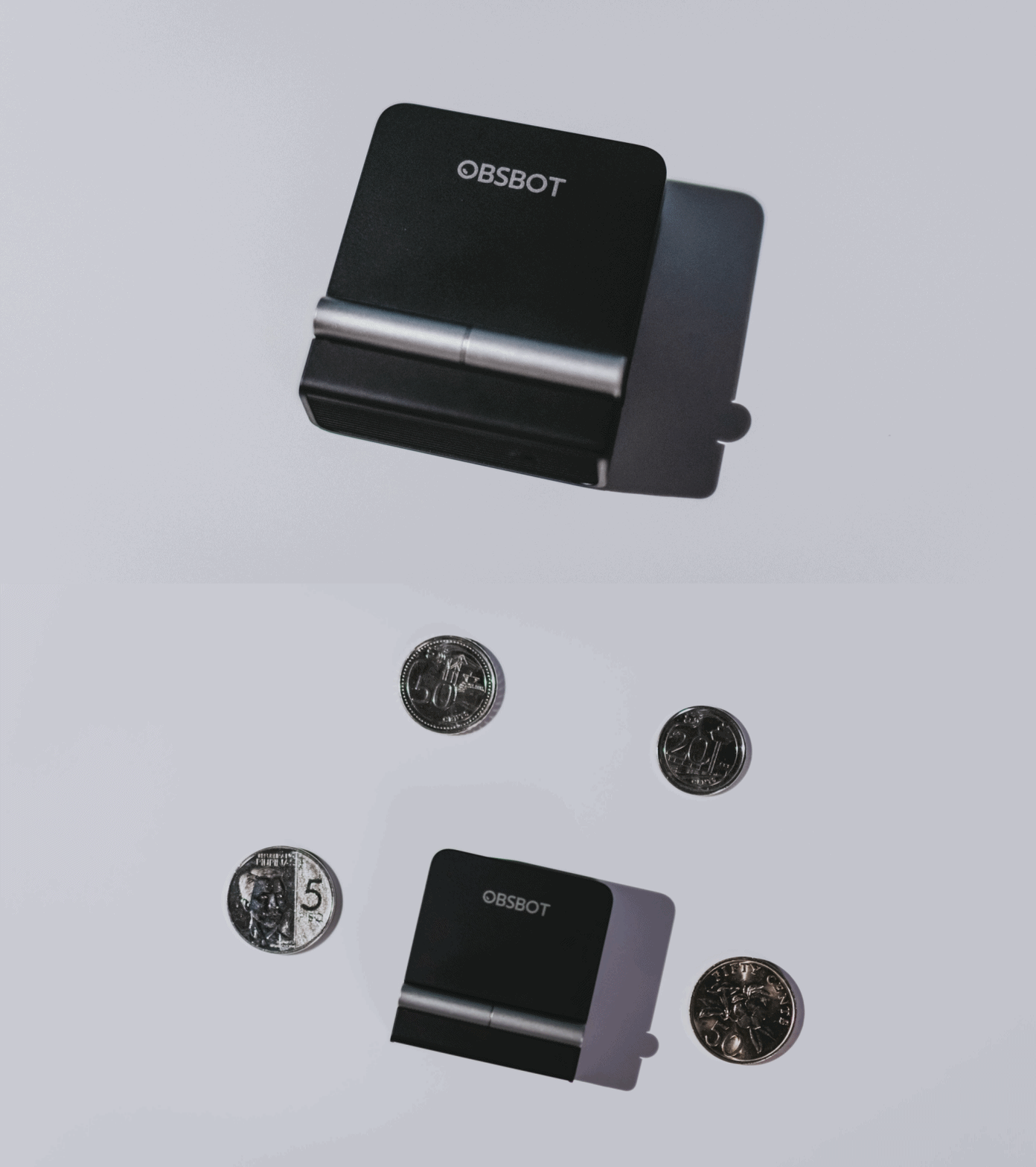
A physical privacy cover isn’t novel in itself. What’s clever here is how it’s part of the folding design.
As someone with a love-hate relationship with data privacy, I almost always keep some physical barrier over my laptop webcam. And if I can avoid having a webcam there entirely, even better.
Serious camera hardware in a pocket-sized webcam
Despite its size, OBSBOT hasn’t treated the Meet Flip like a basic laptop-camera replacement.
Inside is a 1/2-inch Exmor RS stacked CMOS sensor with Quad Bayer technology, capable of recording 4K UHD at 30 fps or 1080p at 60 fps. It also packs an f/1.8 aperture, HDR, PDAF autofocus, ISO 100–6400, and up to 4x digital zoom.
At its core is a 1/2-inch Exmor RS stacked CMOS sensor with Quad Bayer technology.
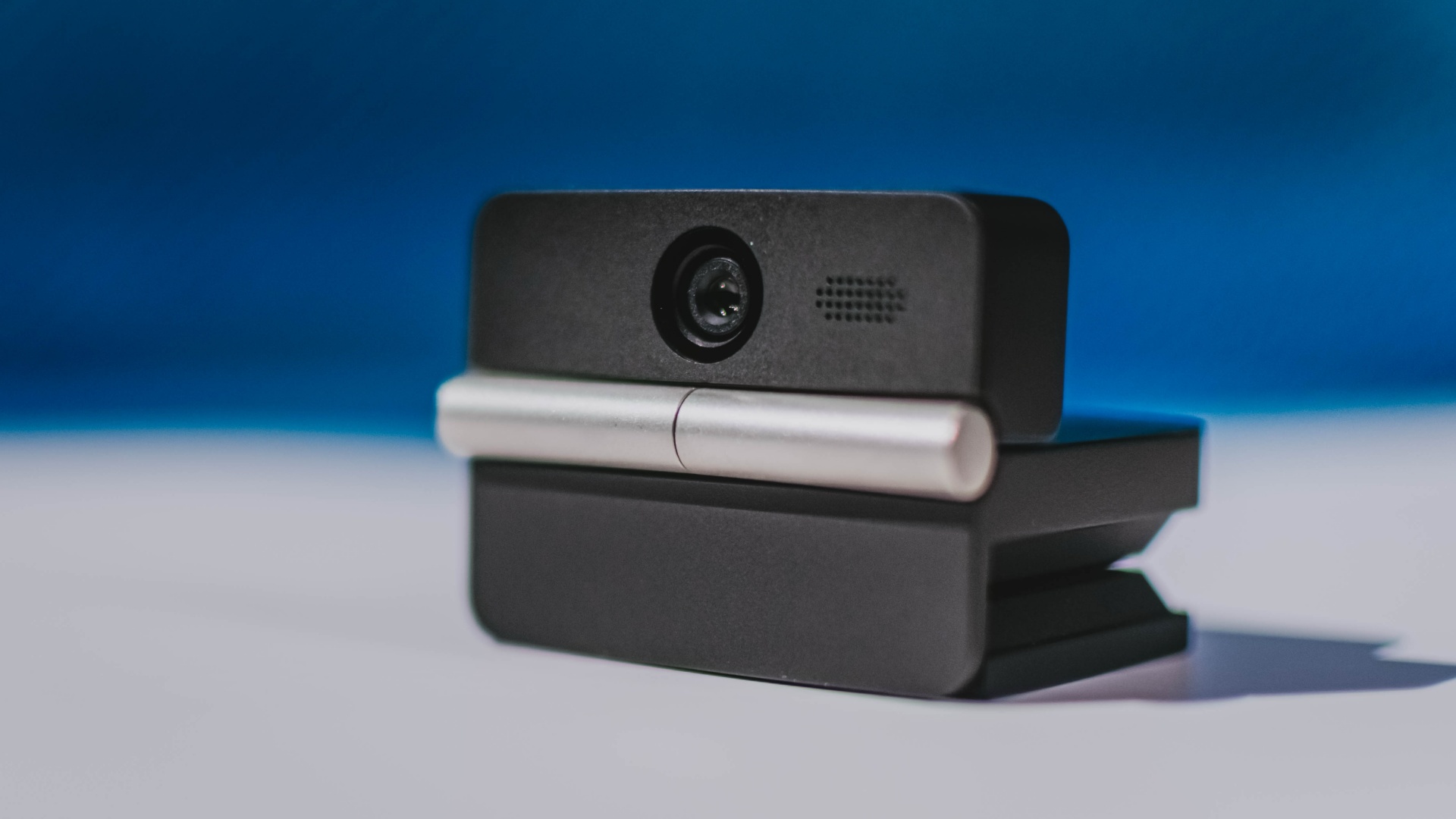
It can record:
- 4K UHD at 30fps
- 1080p at 60fps
You also get:
- f/1.8 aperture
- HDR
- PDAF autofocus
- ISO 100–6400
- up to 4x digital zoom
On paper, that gives the Meet Flip a better shot at handling the situations built-in laptop webcams often struggle with: dim rooms, harsh backlighting, changing lighting conditions, or simply moving around in front of the camera.
HDR helps keep faces visible against bright backgrounds, while PDAF autofocus continuously adjusts focus as you move closer to or farther from the lens.
The wider f/1.8 aperture should also help in less-than-ideal lighting.
The point is that once the Meet Flip is set up, you shouldn’t have to spend much time thinking about the camera itself.
It listens differently depending on the room setup
The Meet Flip also uses an intelligent dual-microphone system combining omnidirectional and directional microphones.
Instead of relying on one pickup pattern for every situation, it offers four audio modes for different setups:
Directional Mode focuses on sound coming from the front, making it the obvious choice for solo calls.
Dual-Directional Mode listens to both the front and rear of the webcam, which could be useful for interviews or conversations between two people sitting across from each other.

Smart Omni Mode is designed for group meetings, picking up voices from around the room.
And Pure Audio Mode provides unprocessed left and right stereo channels for users who would rather handle the audio themselves in post-production.
Auto Gain and AI Noise Reduction also work across the first three modes, helping clean up audio without requiring much manual adjustment.
It gives the Meet Flip more flexibility than a typical webcam microphone, especially if you regularly switch between solo calls, interviews, and group meetings.
AI that doesn’t intrude
AI has become an almost obligatory addition to new hardware in 2026, but several of the Meet Flip’s features put it to work on real-world meeting annoyances.
AI Auto Framing keeps you in frame, with options for:
- Group
- Single Close-up
- Upper Body
- Full Body
Gesture controls can also toggle Auto Framing or adjust the zoom without reaching for a keyboard or mouse.
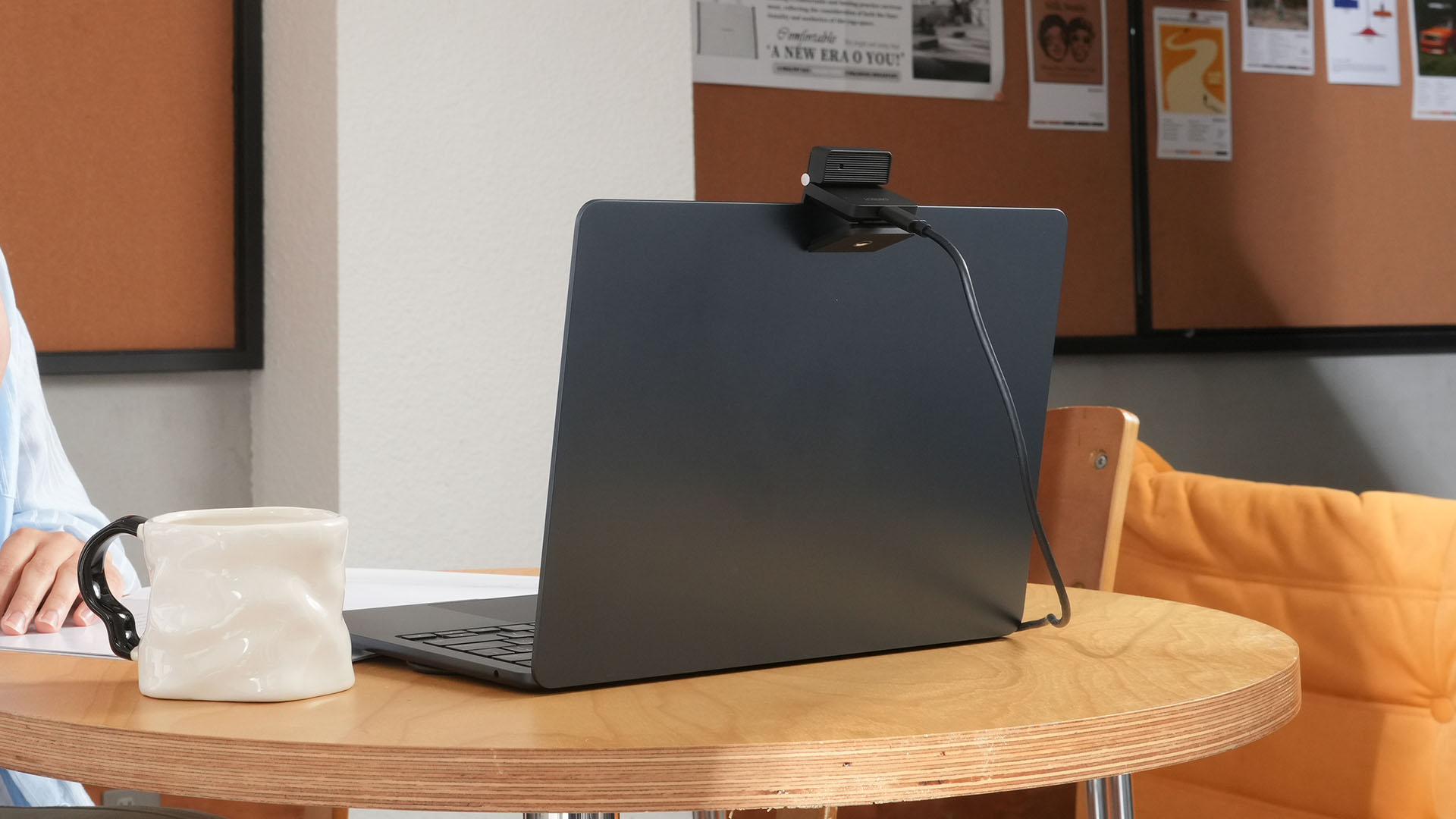
More interesting is AI Magic Notes.
Through OBSBOT Center, it provides real-time transcription and can automatically generate meeting summaries with key points, decisions, and action items. It works across Google Meet, Zoom, and Microsoft Teams.
Although AI Magic Notes is offered as a subscription service, every Meet Flip includes 120 complimentary minutes to get started.
MORE with OBSBOT Center & OBSBOT Live
There are plenty of other software features as well. OBSBOT Center includes:
- Background Blur and Background Replacement
- Real-Time Beauty Mode
- Picture-in-Picture overlays
- Smart Eye Tracking
- Teleprompter support
- Detailed image adjustments
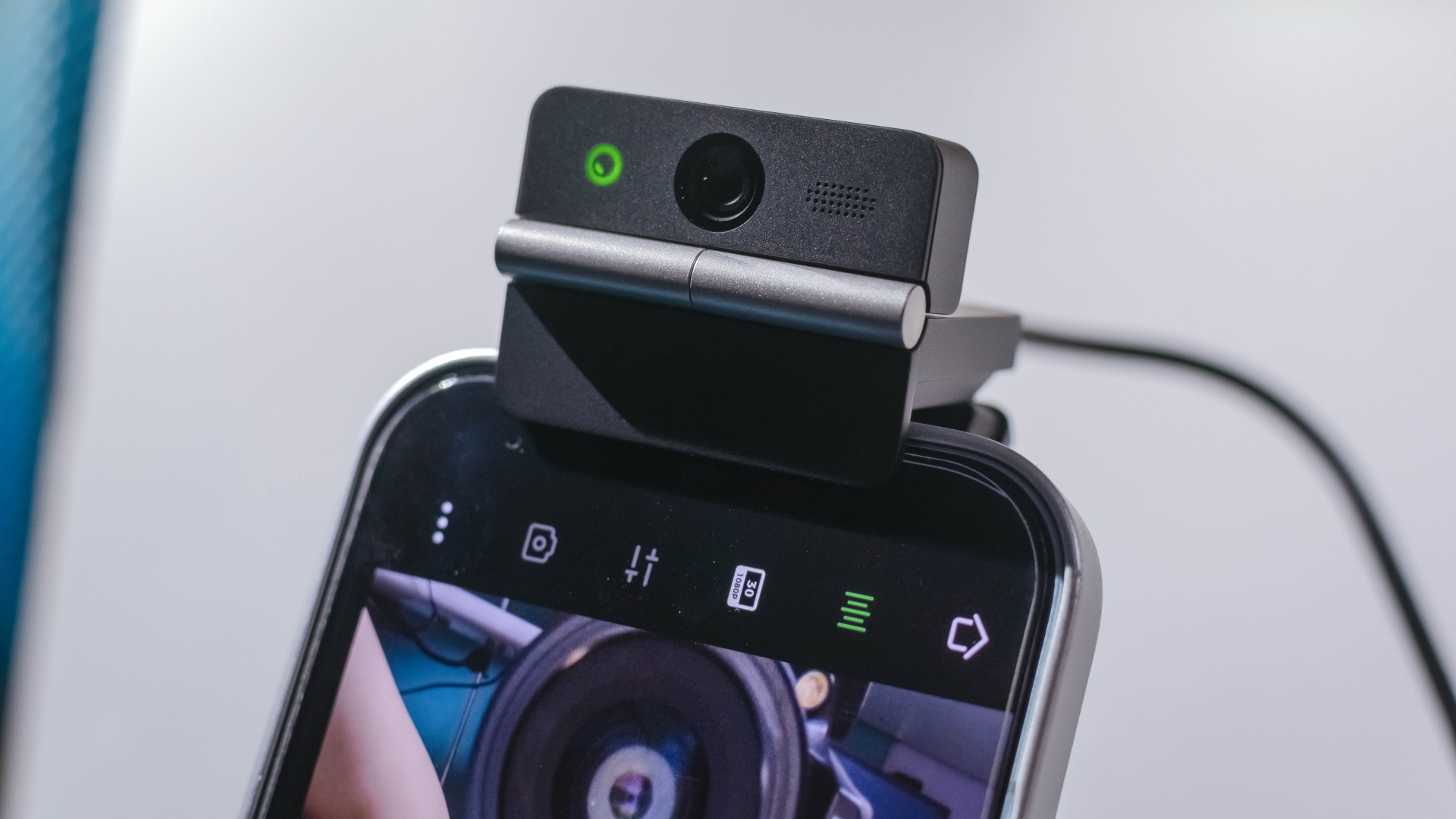
The Meet Flip isn’t limited to laptops or desktops either. Through OBSBOT Live, it can connect directly to smartphones and tablets over USB-C for mobile streaming and content creation.
Flip it open. Fold it away.
None of those features reinvent the webcam on their own.
Taken together, though, they make the Meet Flip a more thoughtful take on a piece of hardware whose basic design and features have barely changed.
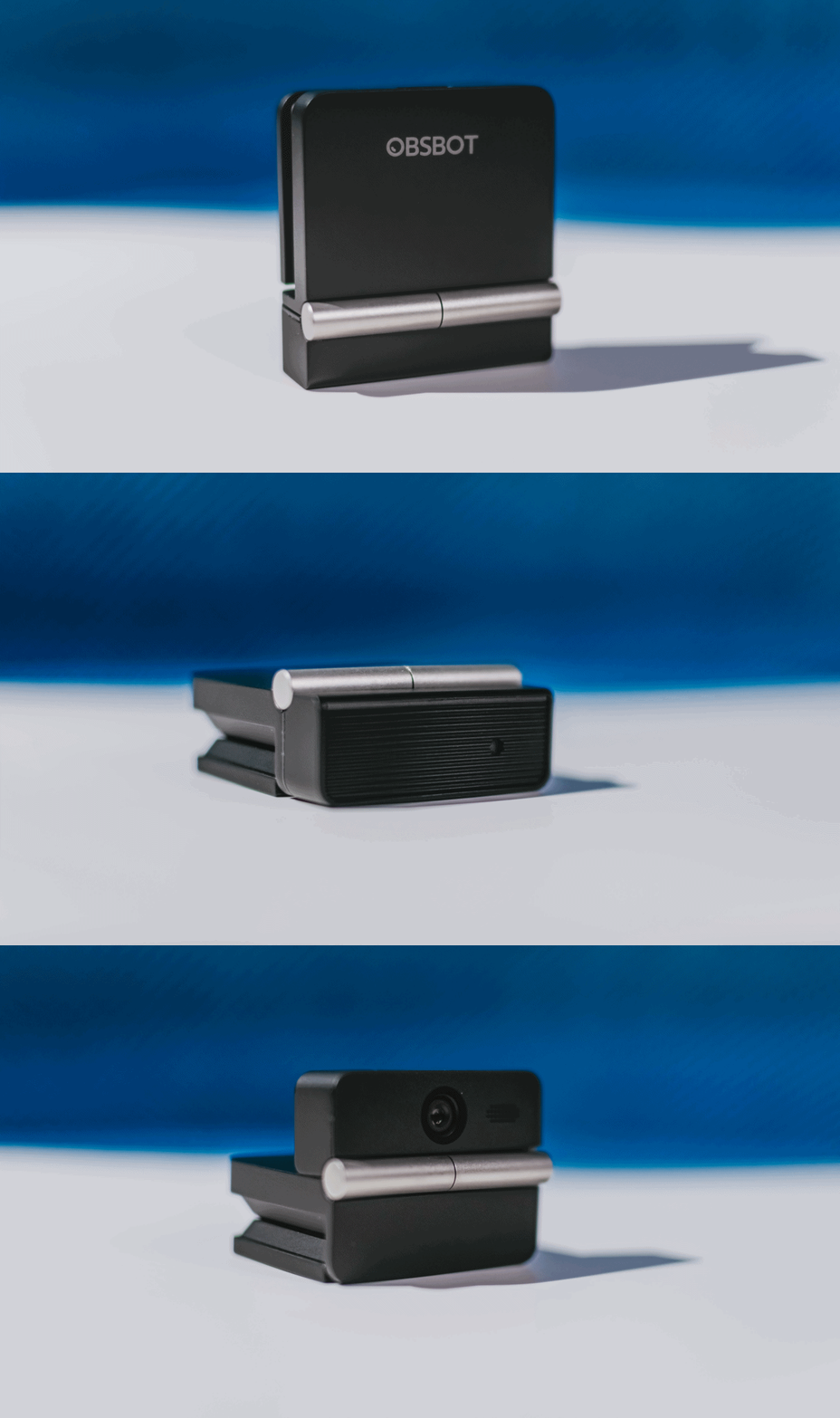
The flip may grab your attention first, but it’s how OBSBOT uses that design alongside its camera, audio, and software features that makes the Meet Flip interesting.
The OBSBOT Meet Flip is now available at US$ 119 and is currently available through OBSBOT’s official store, Amazon US, and select retailers.
&
@gadgetmatchPhones flip. Now webcams do too. 👀 Meet the OBSBOT Meet Flip, a tiny foldable 4K webcam with a lot packed inside. ✨
If you buy one, here’s what you’ll get out of the box!
Reviews
vivo X300 FE review: Don’t judge the camera by its cutout
A midrange-sized camera bar doesn’t mean mid camera performance

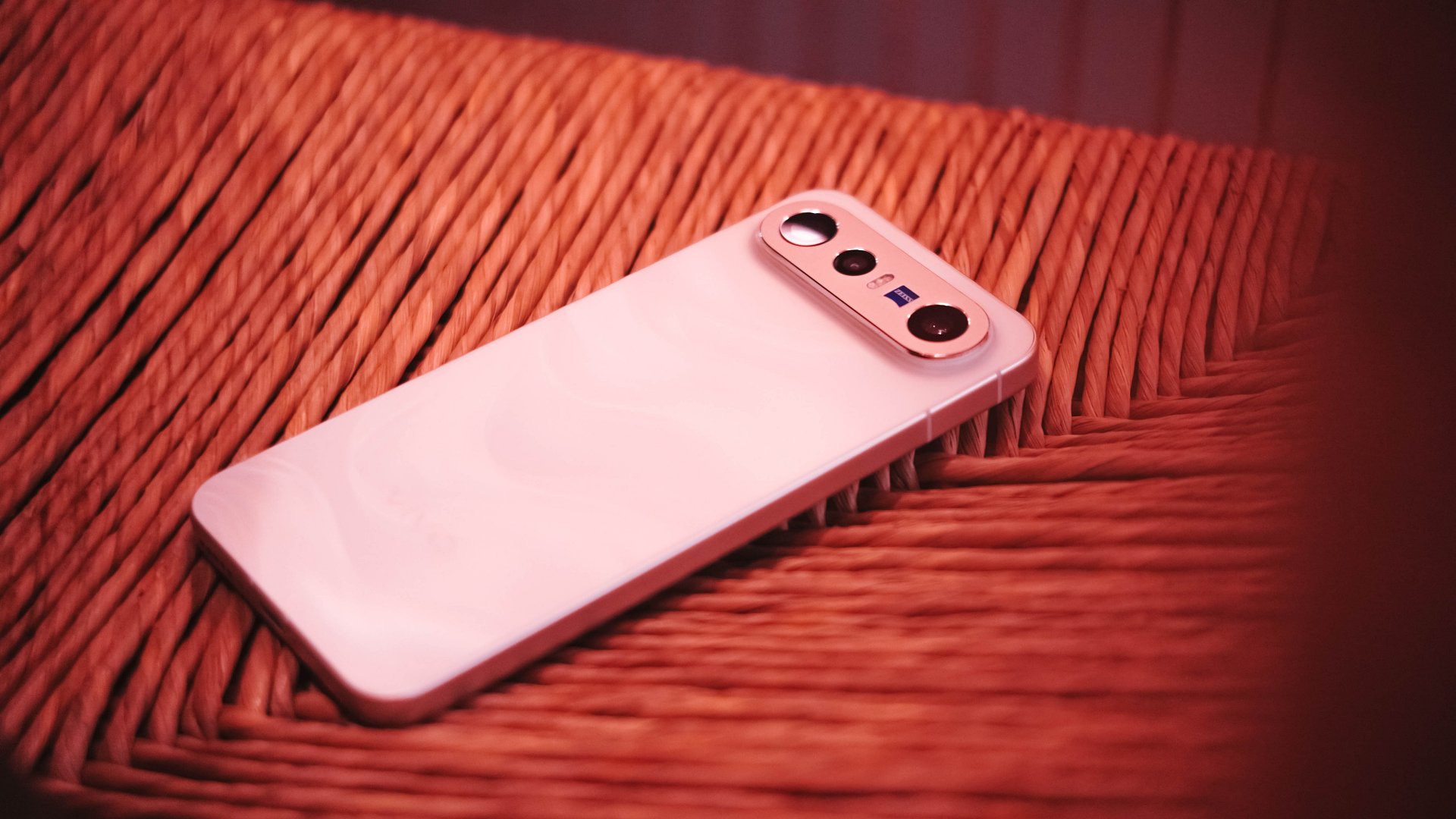
Any modern smartphone series usually comes with a base, a Pro, and an Ultra model. However, some phone makers introduce a more affordable “Lite” version.
Still with the same intent, others do substitutes using “e”, “s”, a combination of “SE”, or an even rarer “FE” model.
Well, the vivo X300 series is a clear testament to this. Aside from last year’s base and Pro, the Chinese manufacturer has decided to launch two more models on both ends of the spectrum.
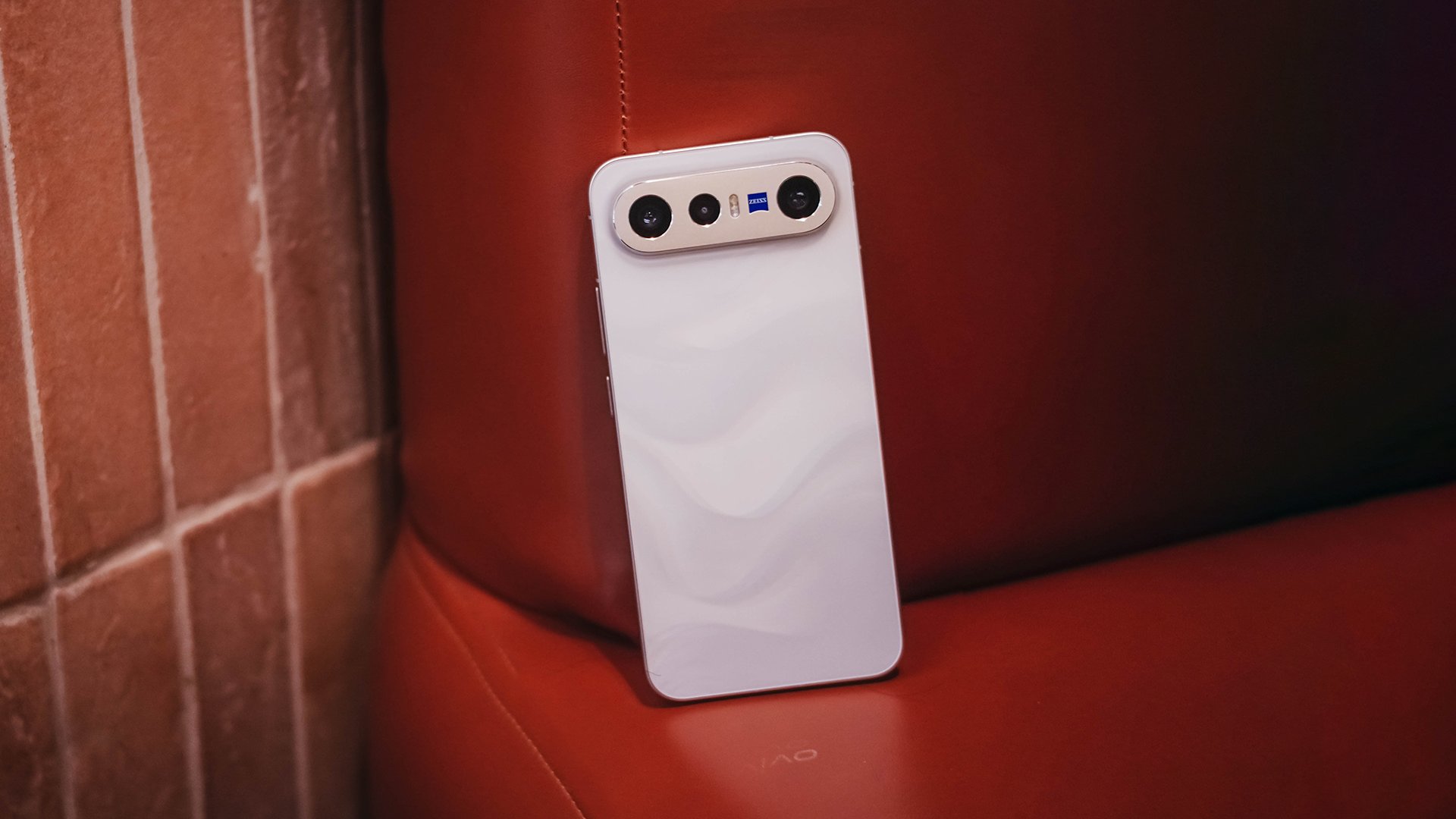
The clear headliner is none other than the X300 Ultra. But, the latest vivo X300 FE is meant for users who want that X300-grade cameras minus its soaring pricing. Or is it?
What are the compromises though? Are there even any? Here’s my extensive review.
FE = ✨ Fab Edition ✨
When Samsung launched the first “FE” phone, they thought of resurrecting the quite explosive Galaxy Note7 (literally and figuratively). All for the sole fulfillment of their fandom who’ve been clamoring against its sudden discontinuation right after the fueling fiasco.
The “Fan Edition” was then born.
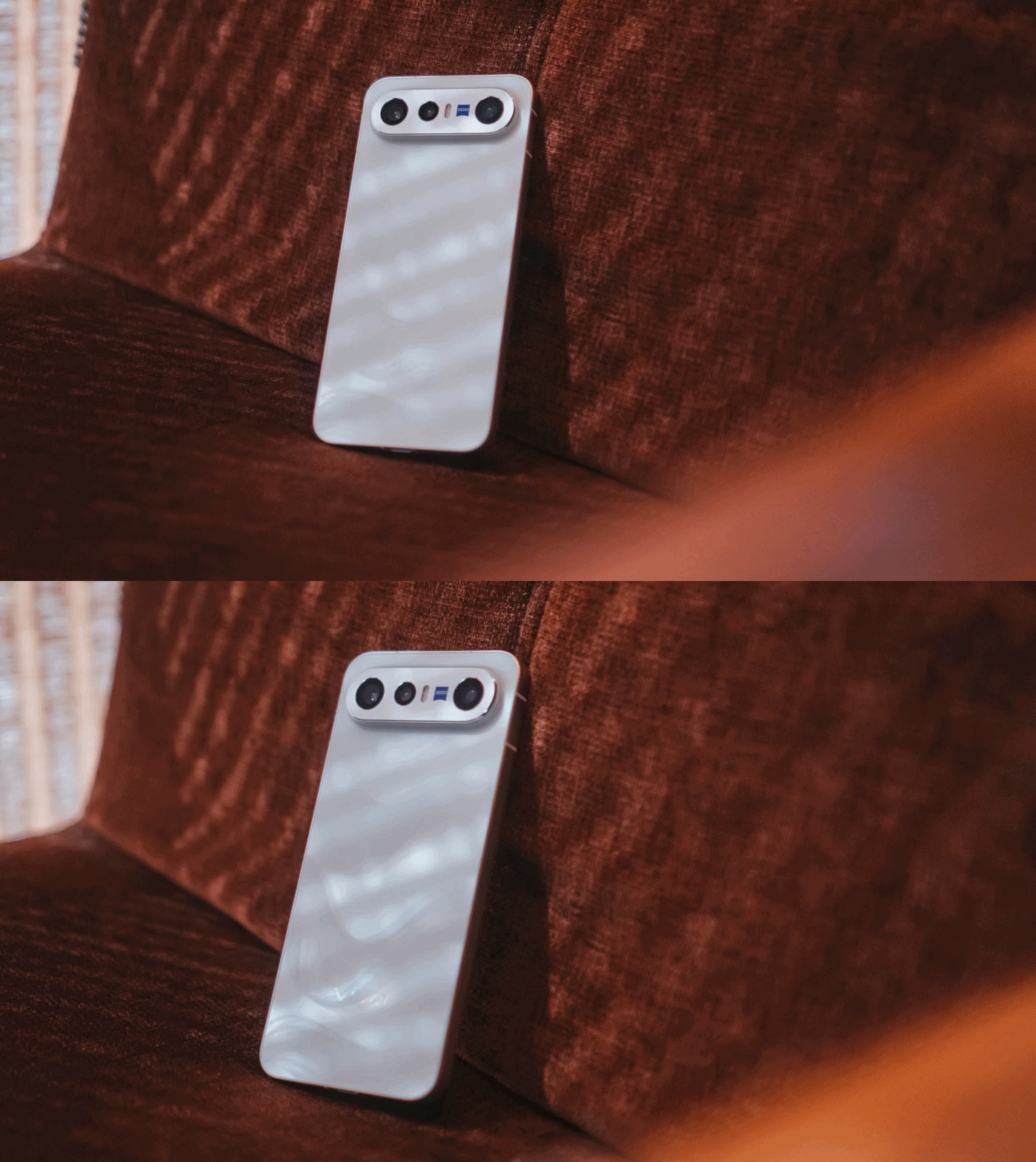
However, my understanding with vivo’s X300 “FE” isn’t intended solely for fans. It’s rather an embodiment of full-on fanciness. Thus, that FE meant ✨ Fab Edition ✨ in my vocab.
If we’re talking about how it stands out from the rest of the X300 family, size isn’t just about it.
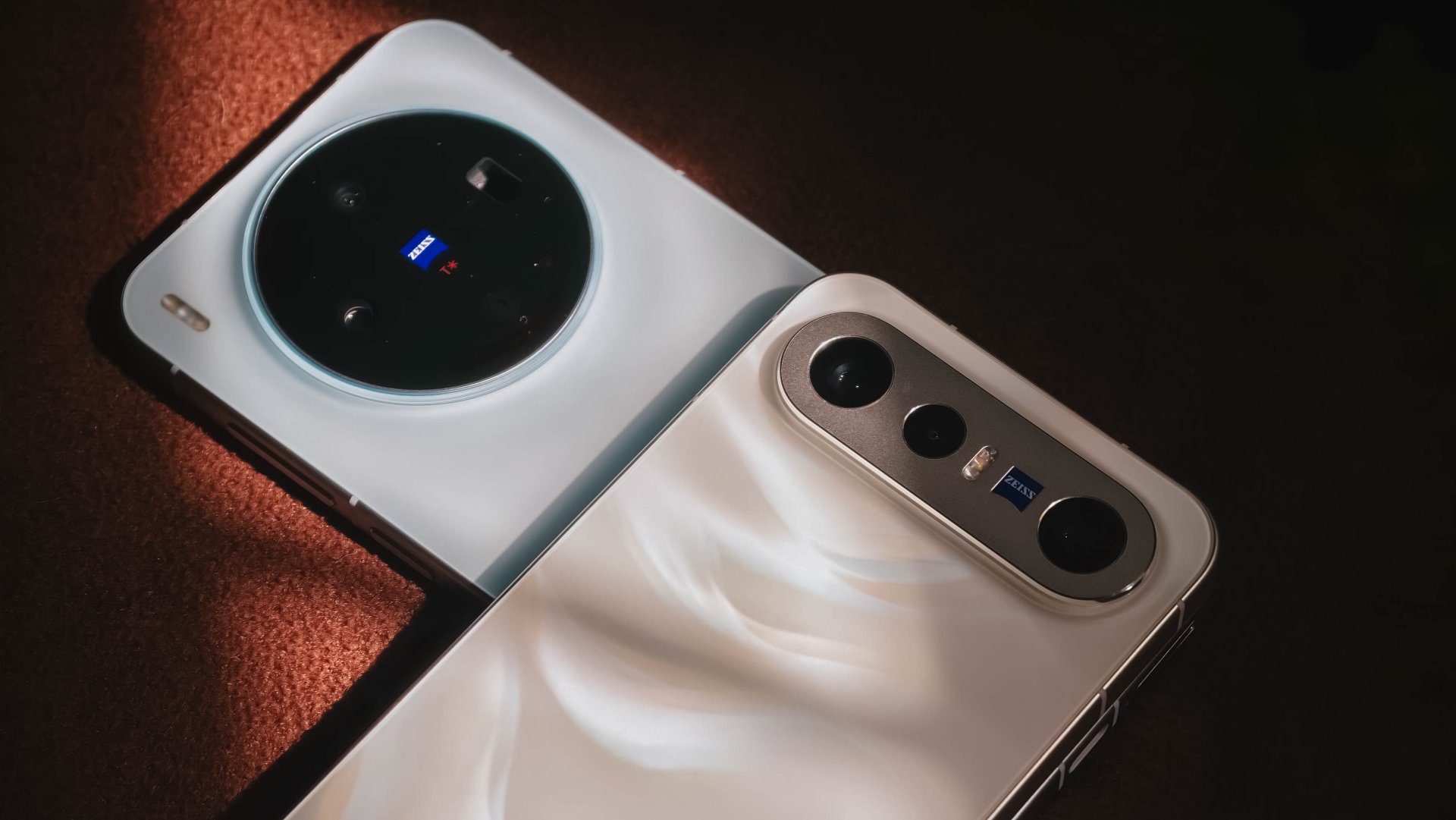
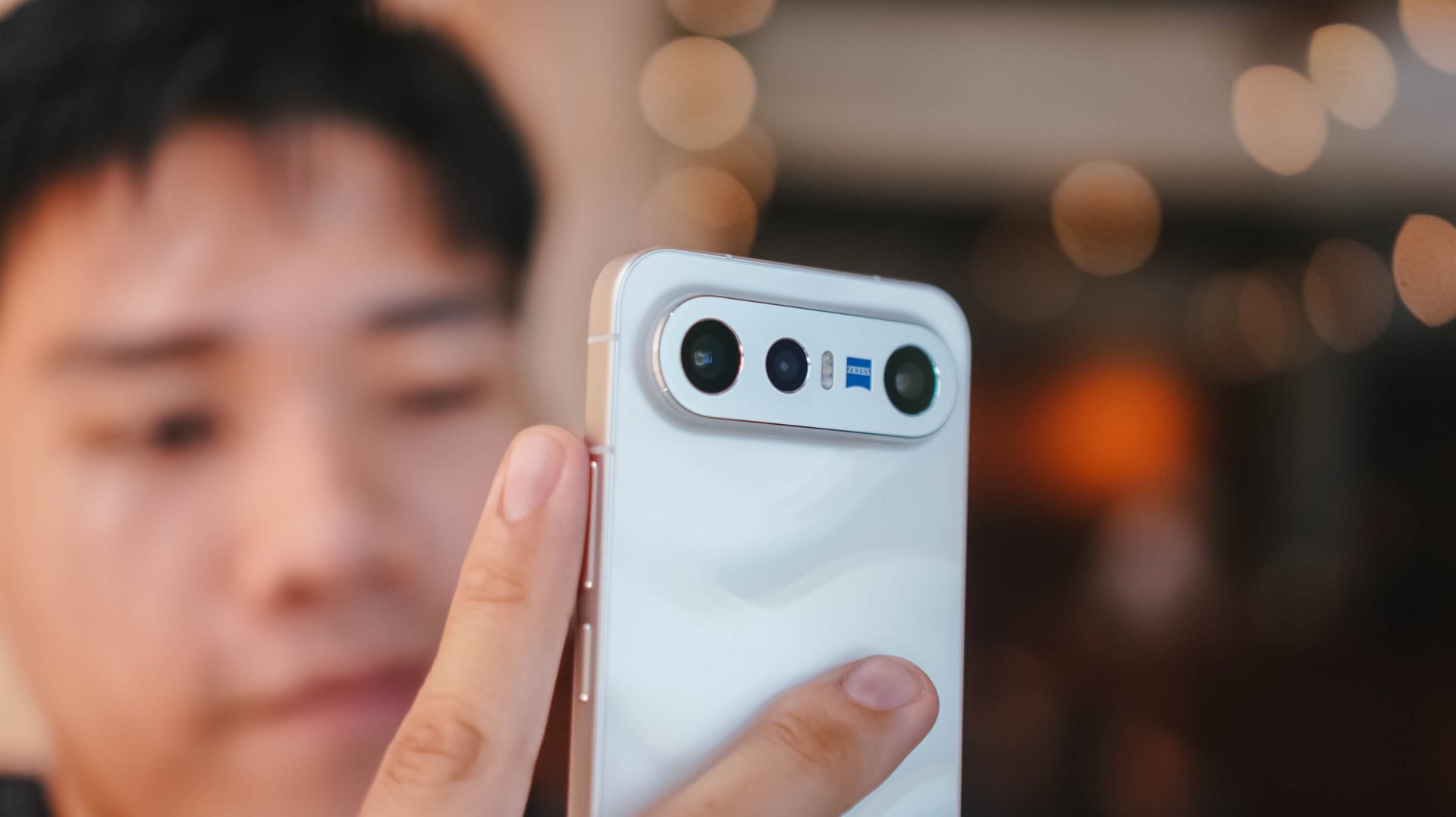
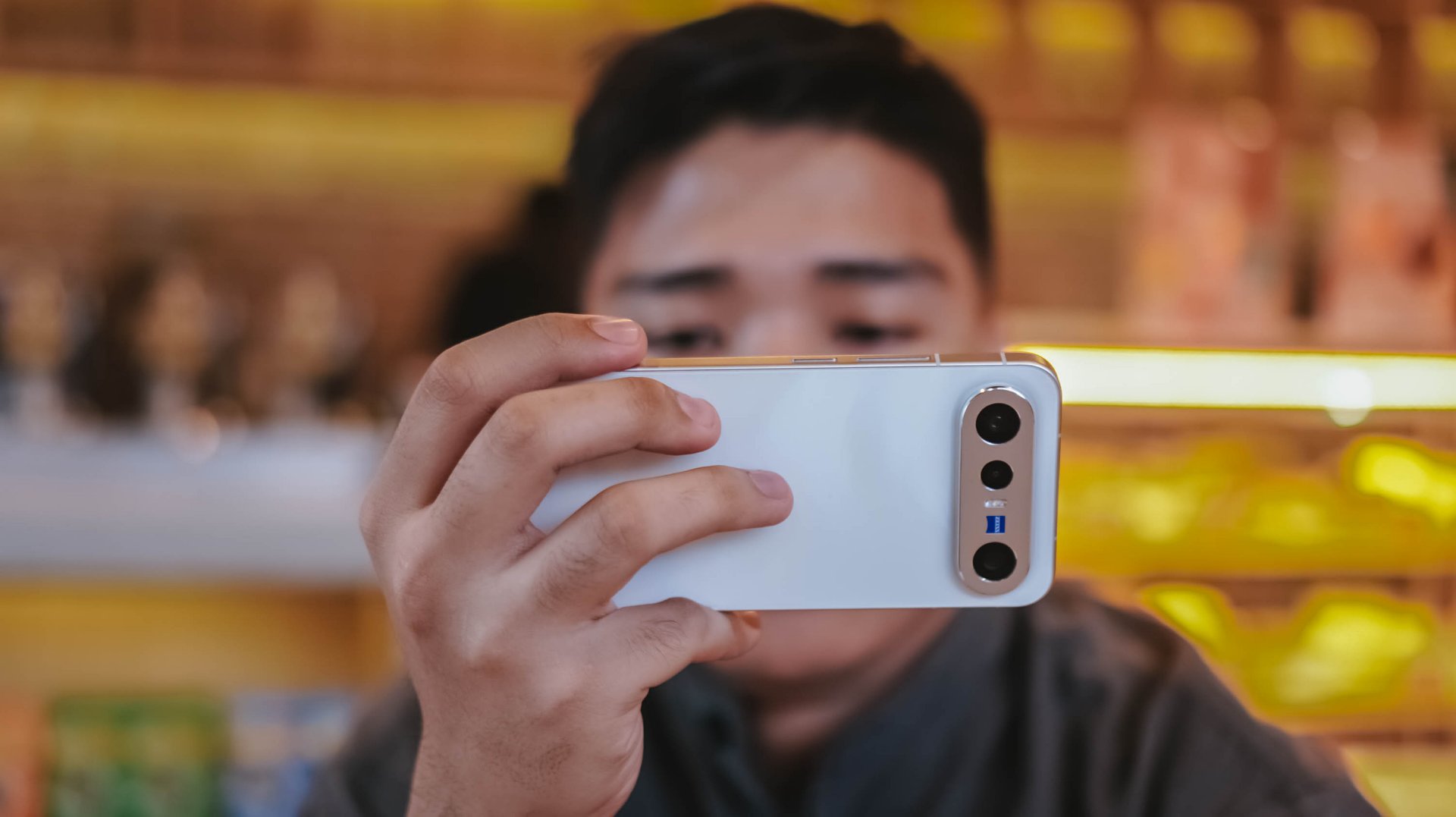
The dimensions of the X300 FE are teeny tiny close to the vanilla vivo X300. However, if you’re not a fan of its massive circular hump, X300 FE’s singular camera bar is the way to go.
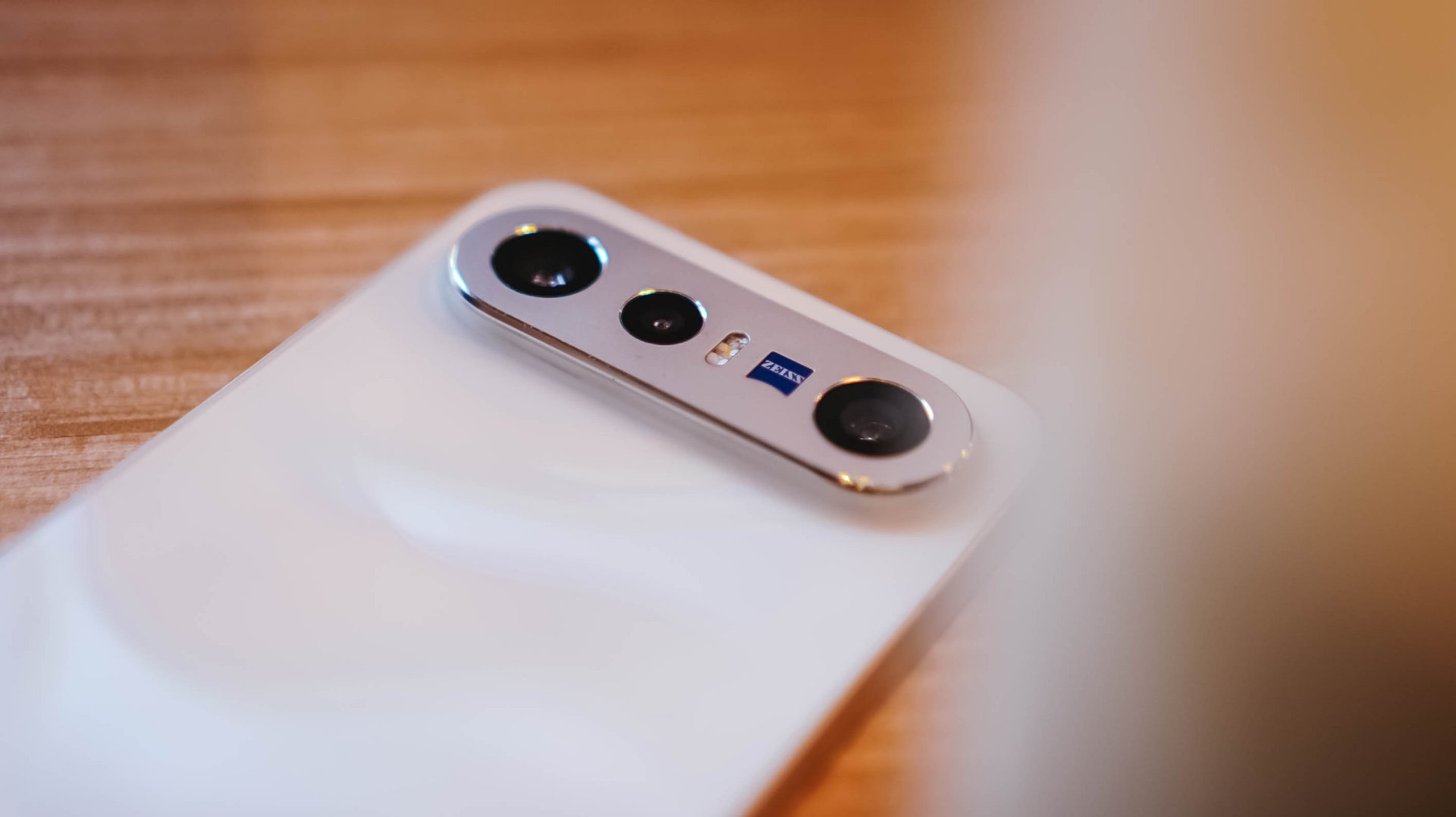
Honestly, I truly appreciate how vivo decided to use an aluminum enclosure rather than slapping a piece of glass wholly. That single move will make you think it’s another Pixel phone by Google.
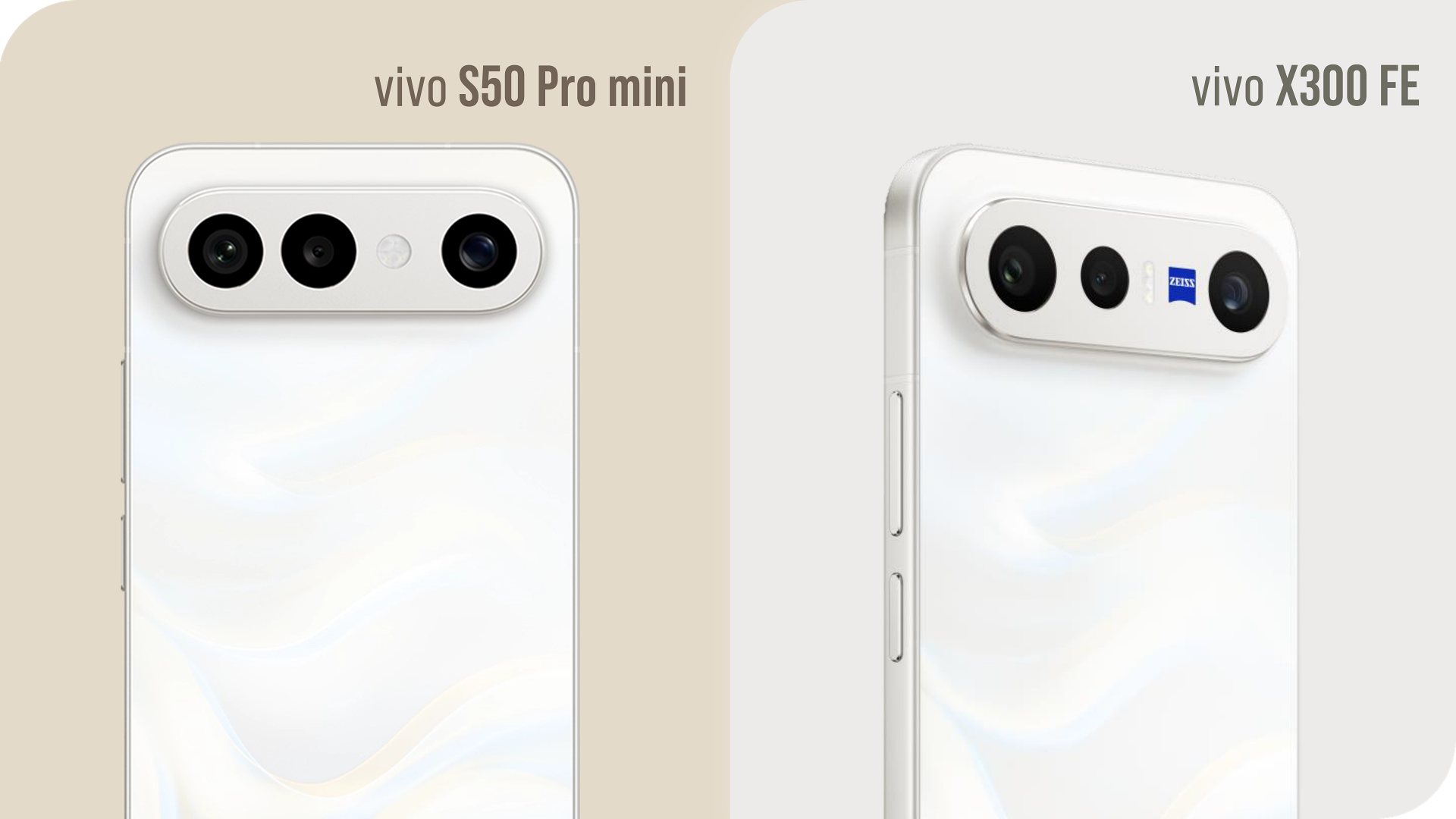
Graphics by Vincenz Lee | GadgetMatch
Also, notice that ZEISS branding sitting beside the elongated flash unit? That’s the best way to tell that it’s the X300 FE, not the S50 Pro mini exclusive to China.
It’s these small design details that make me appreciate the beauty of a smartphone as a whole.

Speaking of, the X300 FE I rock is in this fabulous Glow White shade with subtle wave-like patterns when hit by faint light. Honestly, I love this texture for added elegance.
If that’s not your cup of (milk) tea, there are three more options to choose from: Cool/Noir Black, Urban Olive (or Green), and Mist/Lilac Purple — all without that added pattern.

When held, the phone is premium to the touch. Its aluminum side trims also feel solid with buttons that are tactile and not too clunky.
Time will only tell how long it remains unscathed against pointy objects in your pockets.

And, before I forget, it’s rated to withstand extremities with its dual IP68 and IP69 water and dust resistance rating.
#NowPlaying: Perfect Crown 👑
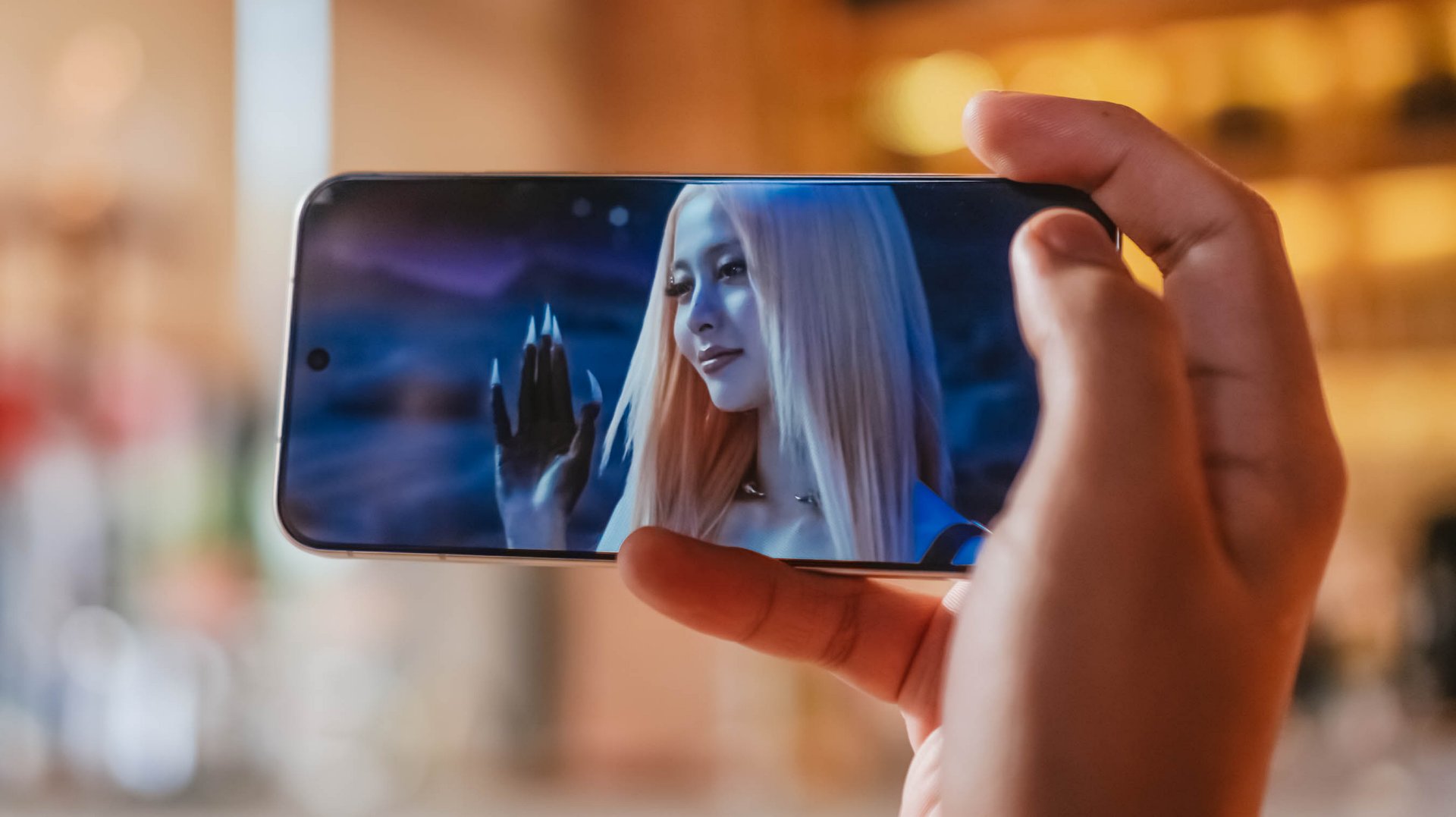
Finally flipping onto its front, the vivo X300 FE instantly reminds me of IU in Disney+’s Perfect Crown. Much like her petite yet powerful aura, the X300 FE shares the same feat — both in display size and quality.
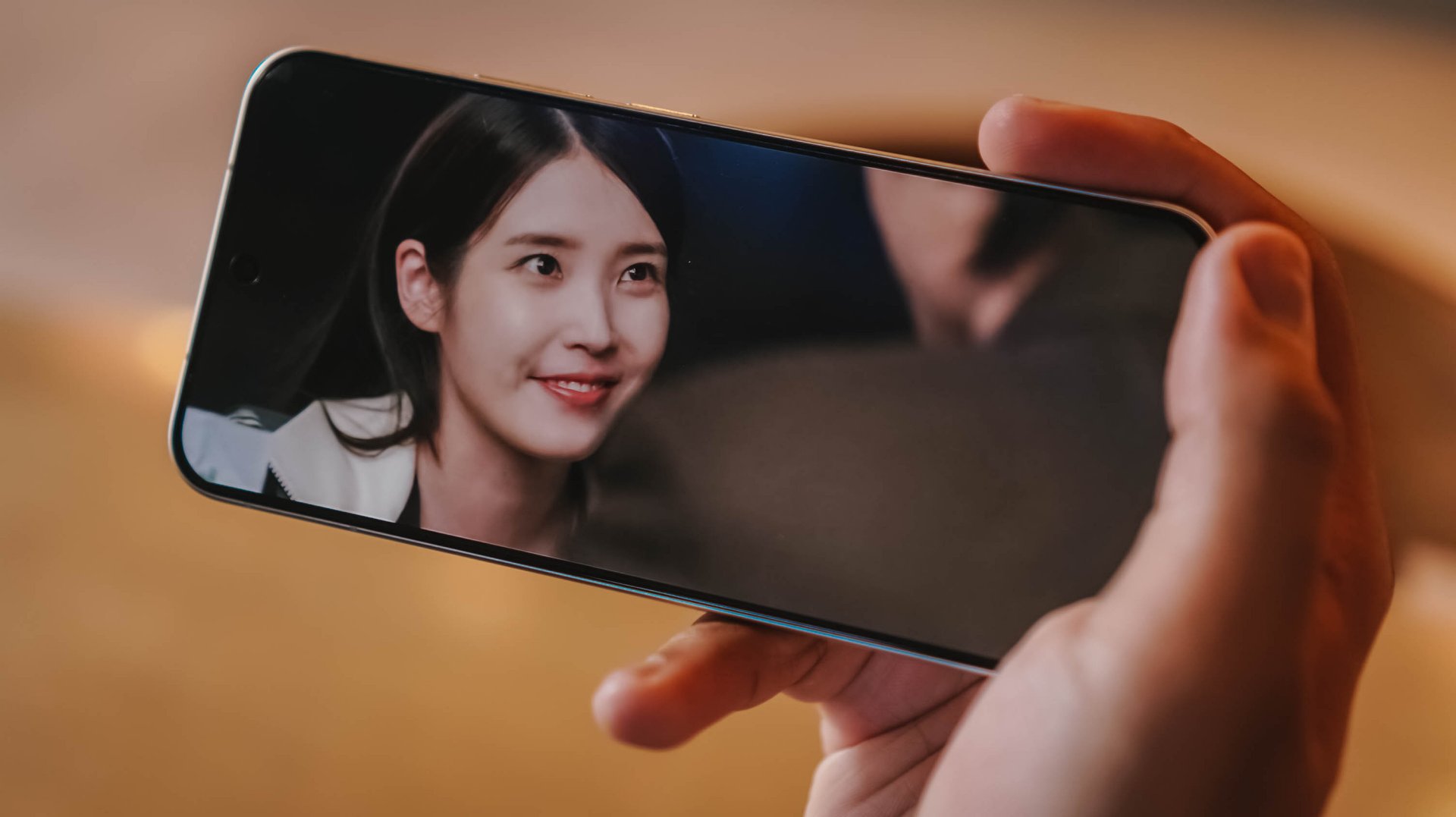
For one, this ZEISS Master Color Display makes me truly enjoy all the heartwarming moments of Seong Hui-ju (or Sung Hee-joo) and the perfectly charming Grand Prince I-An (as starred by Byeon Woo-seok).
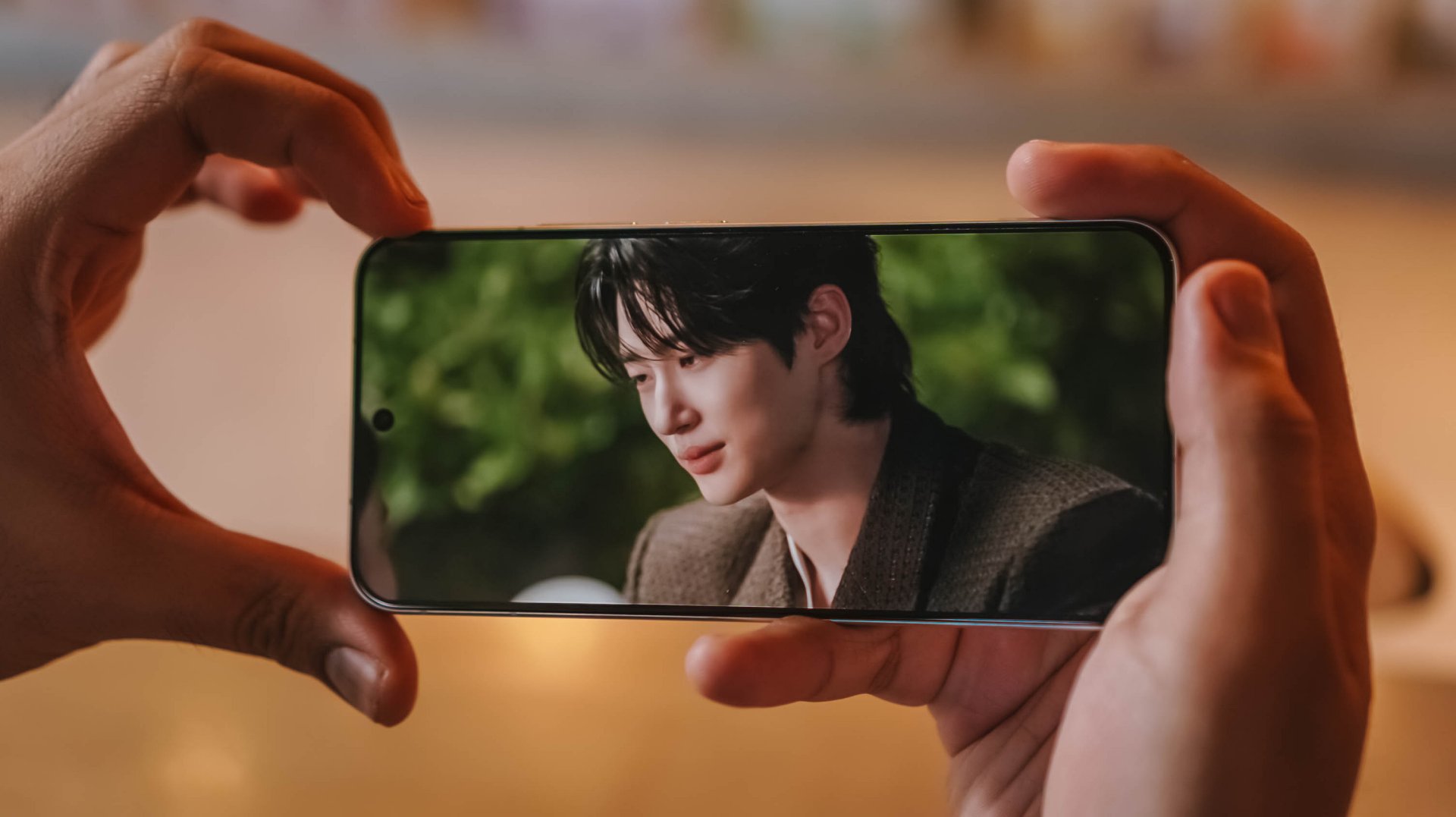
Blacks are as deep as the back stories and familial sentiments of both protagonists. More so, display nits go as high as 5000 nits — just like the sparkling eyes of I-An when he’s dazzled by Hui-ju’s beauty.
Colors ultimately pop too, like their lovey-dovey moments in between.

However, unlike the families of both sides trying to go overboard, this LTPO AMOLED display begs to differ as it displays the most accurate color representation possible. DCI-P3 Wide Color Gamut, 1.07 Billion Colors and HDR+ support, you get the idea.
Visuals are also as sharp as Hui-ju herself: a pixel density of 460 ppi and display resolution of 1.5K.

Also thinking about Prince I-An’s protection to Hui-ju against all odds, the X300 FE also wants to protect your eyes: 2160Hz PWM Dimming, Night Eye Care Mode, even SGS Low Blue Light Certification.
These are something most brands have often overlook in display tech, especially for those who have sensitive visuals.

Specs sounding too familiar? Well, the base X300 has the same powerful display. So yes, the quality has never been compromised to begin with.
The only thing that nitpickers will notice is the slightly thicker bottom chin of the X300 FE that the regular X300 doesn’t have. But I digress.

vivo X300 FE (Top) vs vivo X300 (Bottom)
It’s also worth noting that the X300 FE finally adopts a fast and ever-reliable ultrasonic fingerprint scanner. Last year’s X200 FE relied on a slower optical fingerprint sensor. This is more than just a welcome change considering that vivo pioneered the under-display fingerprint tech eight years ago.
On queue: LE SSERAFIM 🥳 + Xdinary Heroes 🚀
With LE SSERAFIM’s latest pre-release track “CELEBRATION,” it enticed me to test out how powerful the speakers of the vivo X300 FE really are.
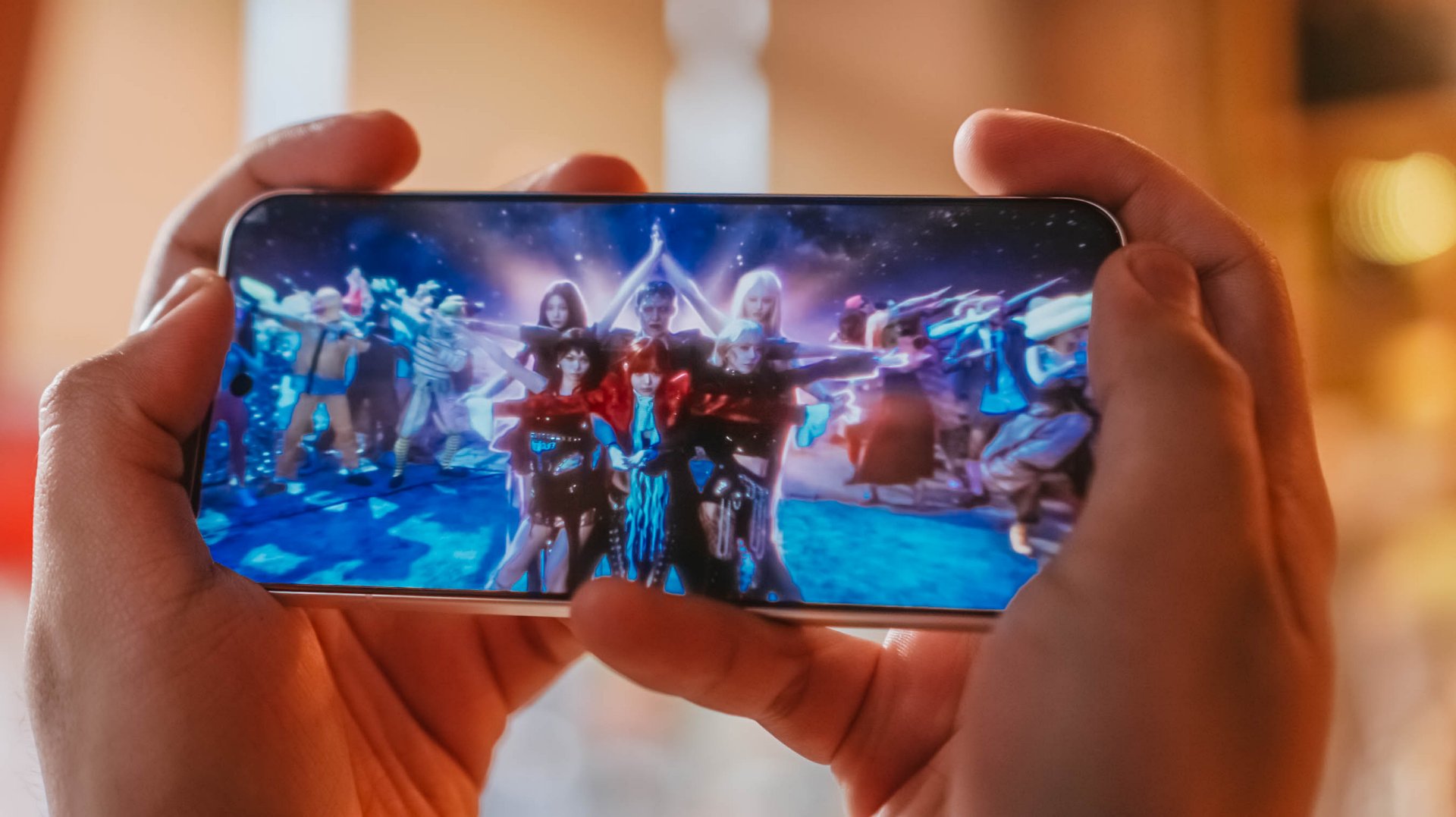
Aside from all the member’s deep and soulful vocals, I was able to hear the hidden synths, thumps, and oomphs that are barely recognizable in other phones.
Moreover, I felt the depth of its stereo speakers when I played Xdinary Heroes‘ latest comeback track titled “VOYAGER” as well as the full “DEAD AND” album.

DAY6’s 후배 / hoobae (or junior) is as powerful as the speakers are.
From the beats and strums of the drums and guitars, all the way to the powerful voices of the members, it’s honestly surprising to hear that the X300 FE isn’t an actual embodiment of its small form factor.
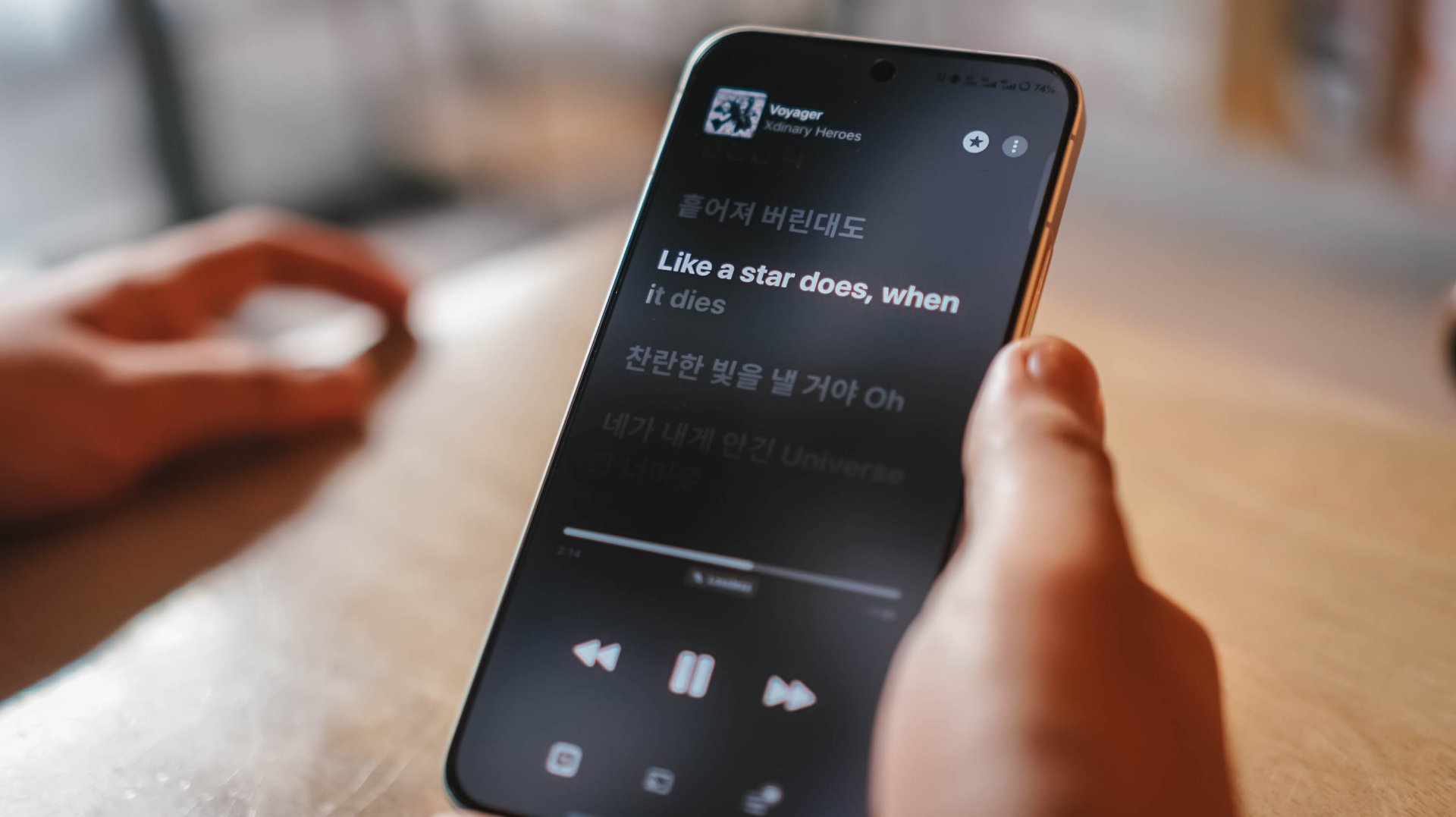
Tiny in size never meant tinny in sound performance.
If I’m being bold enough, it’s as loud and powerful as what I had and heard with its bigger brother, the X300 Pro.
Dedicated pro-former 🎮
The vivo X300 FE is the only phone in the family that does not run a “top-tier” chipset.

As a matter of fact, it’s one of the fewest smartphones that run Qualcomm’s latest Snapdragon 8 Gen 5 SoC. Although this should not to be confused with the Snapdragon 8 Elite Gen 5, it’s still a very capable and power-packed flagship chip on its own.
And by that, I meant triple A games running as smooth as ever!
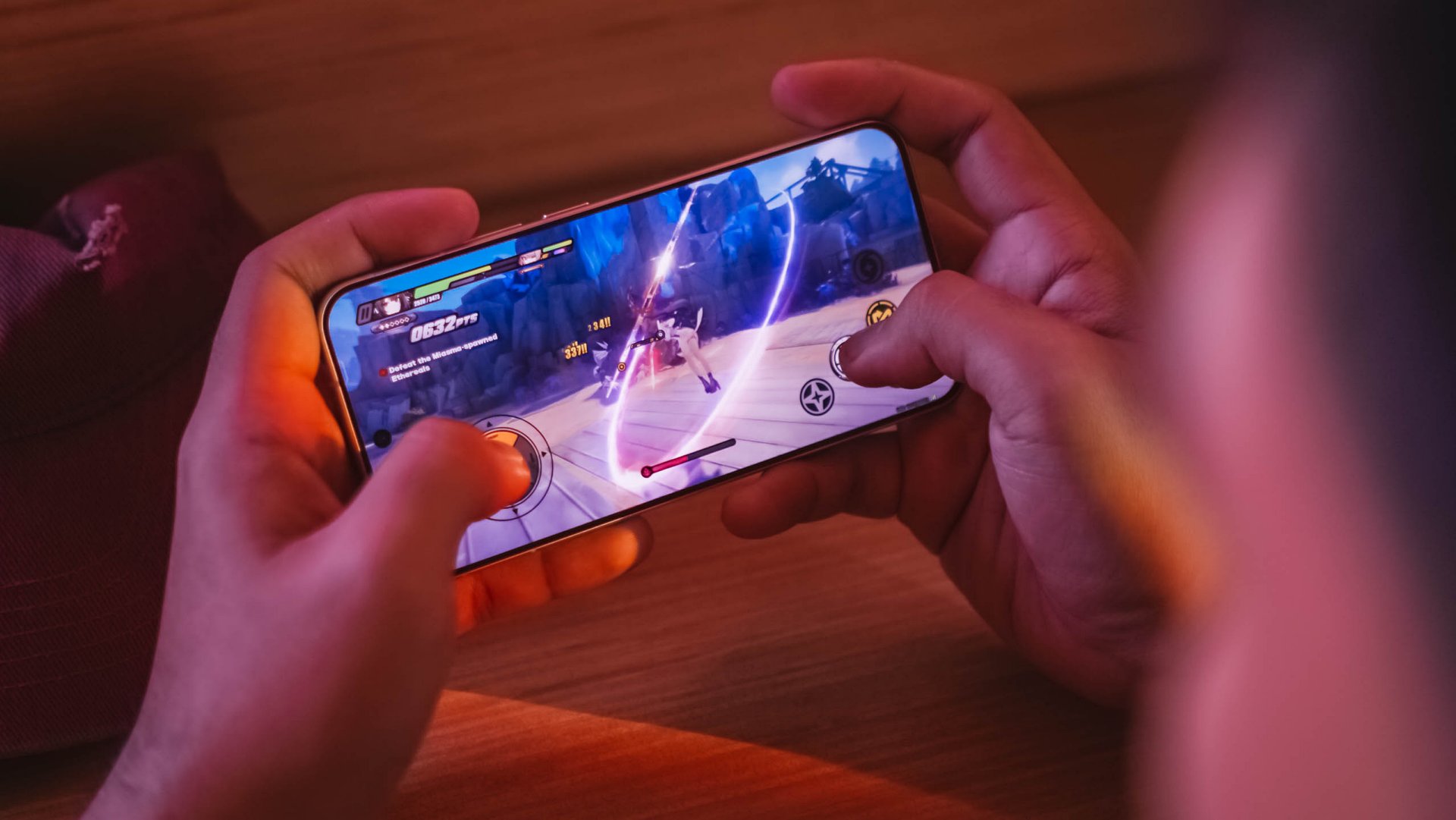
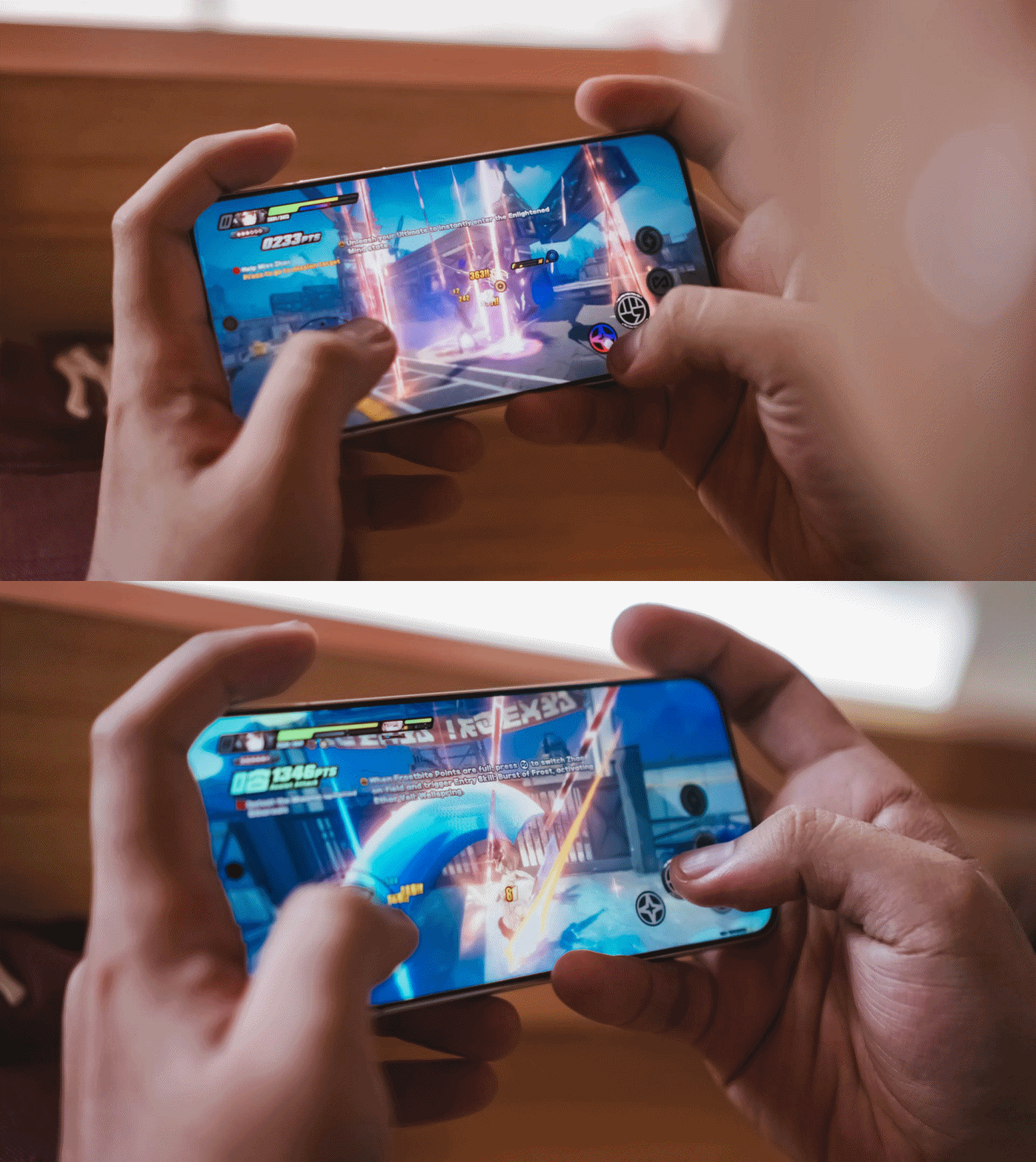
My extreme gaming benchmarking usually starts with HoYoverse’s Zenless Zone Zero due to its demanding graphics.
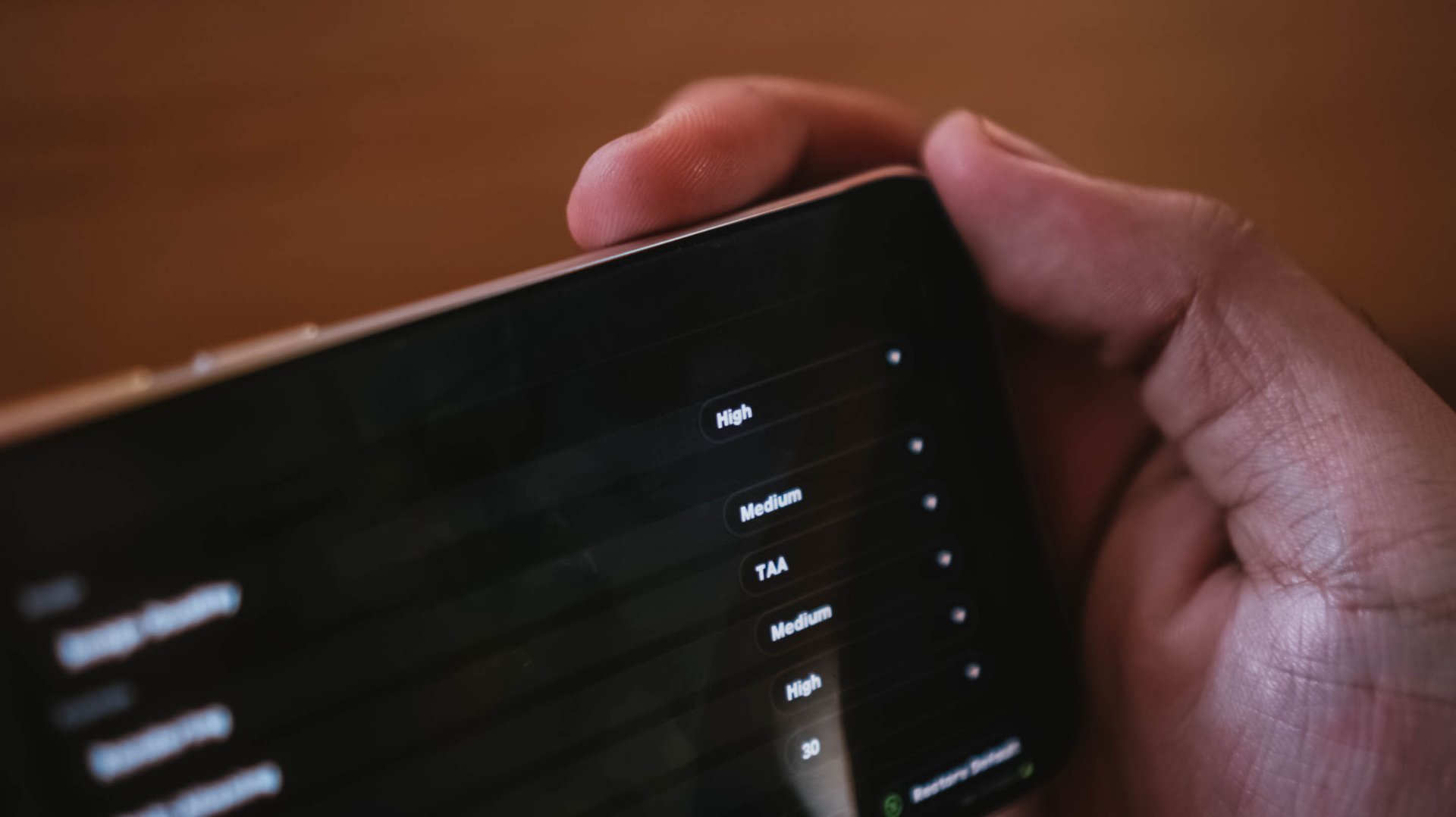
Right off the bat, the game runs in High graphics setting by default while Rendering stays at Medium.
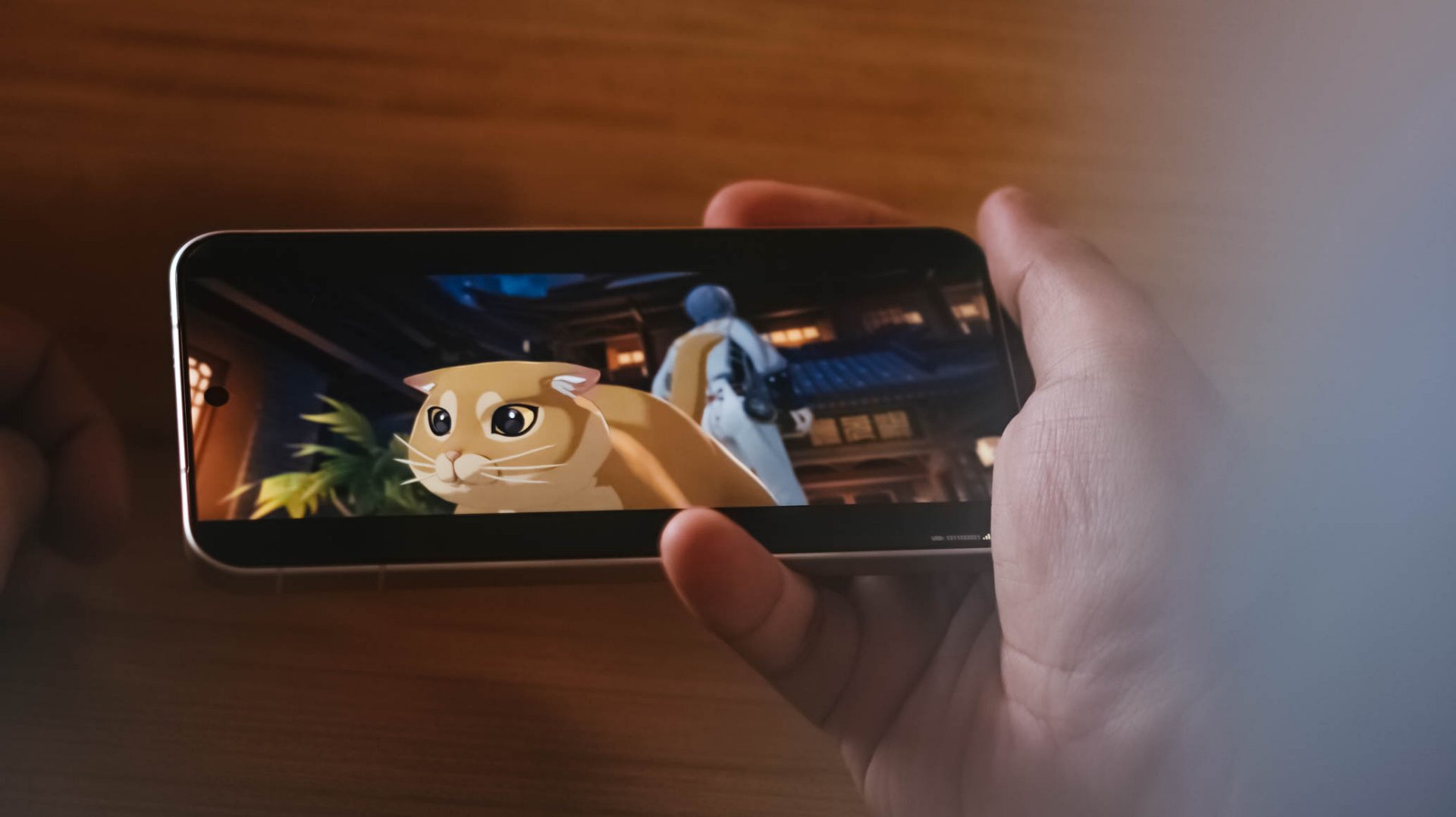
ft. this “chubby orange cat” 🥹
My recent gameplay took me to a 20-minute combination of Combat Mode and extreme story-telling.
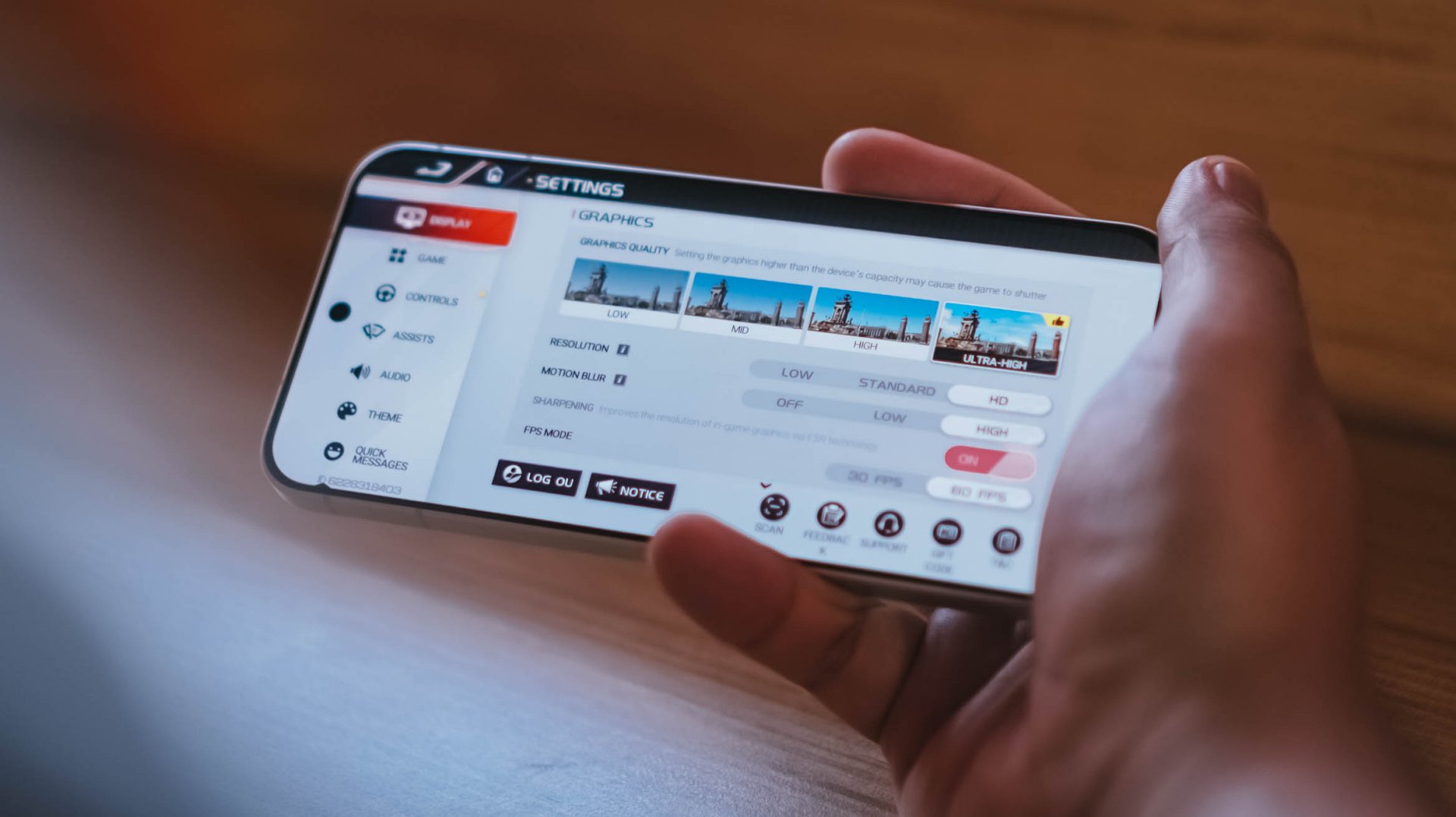
Moreover, Racing Master ran at Ultra-High graphics quality, HD resolution, high motion blur, and frame rate set to 60fps.
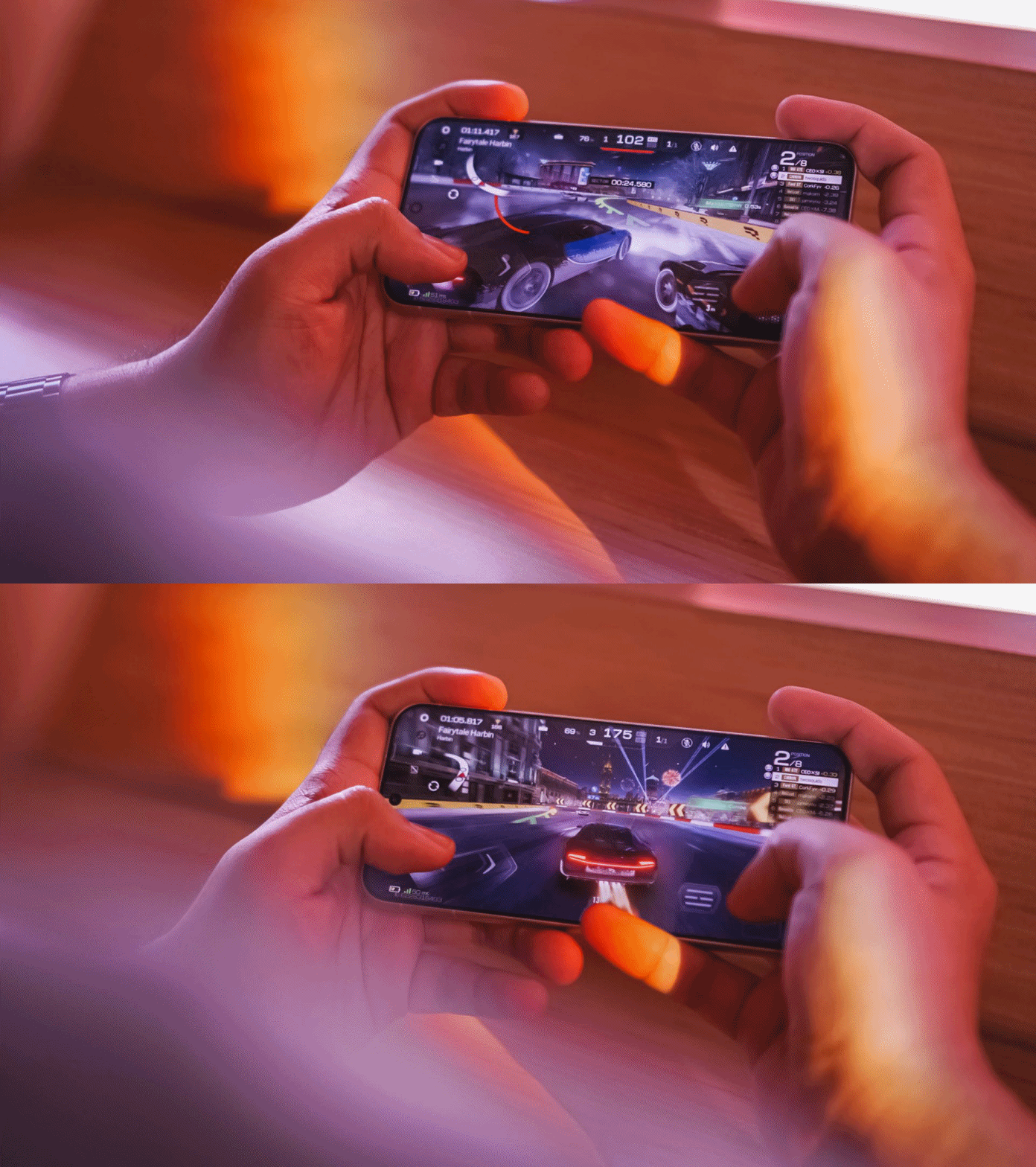
Surprising (or not) the vivo X300 FE handled all of these with ease, just like any modern flagship would.
This also meant that other less-intensive games such as CoDM (Call of Duty: Mobile), MLBB (Mobile Legends: Bang Bang), or any other similar FPS or MOBA game will run smooth like butter.
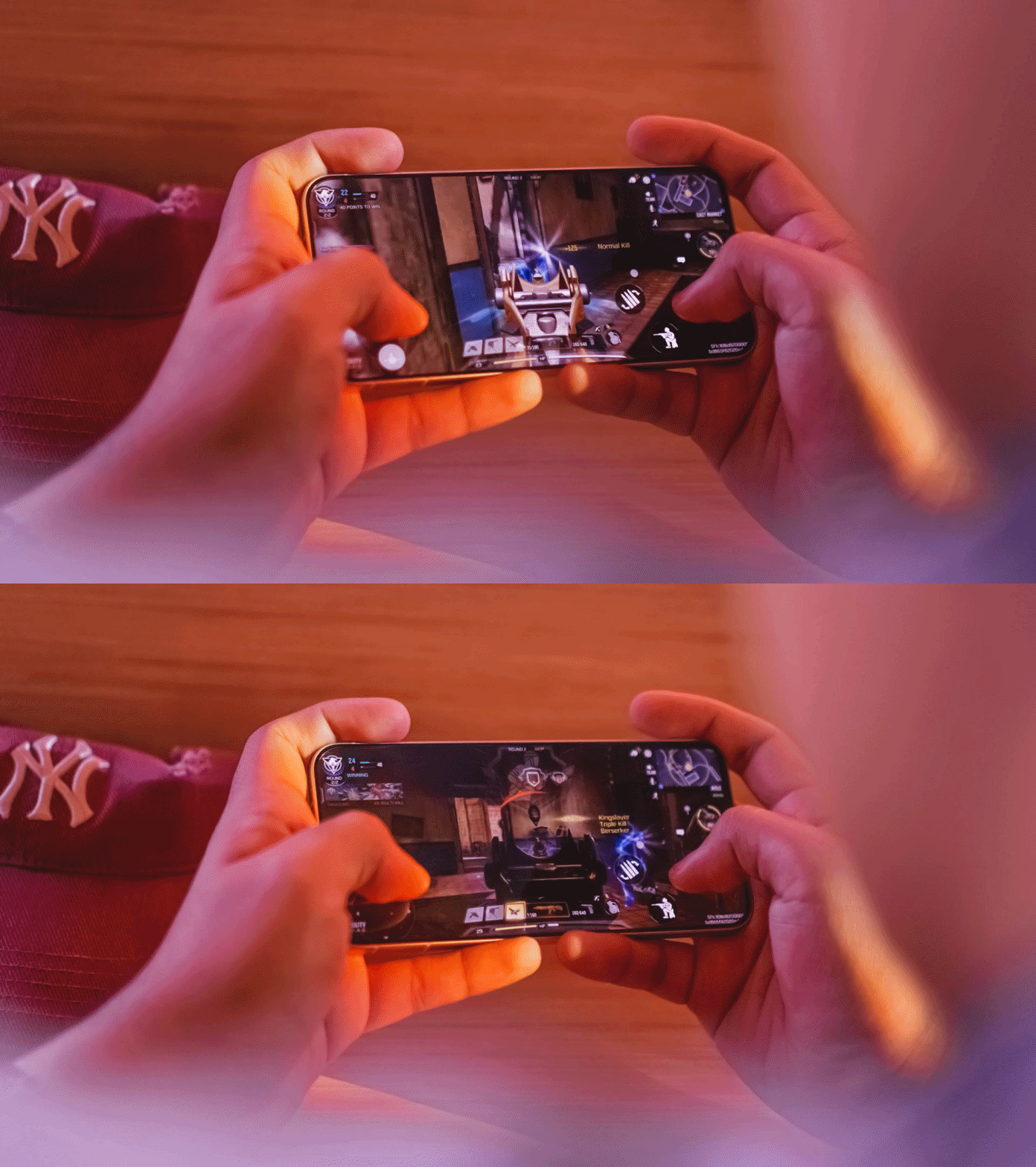
The only downside for me who has big hands, gaming here sometimes feel sore. Also, the lack of a bigger VC chamber that contributes to less efficient heat dissipation, resulting to warmer gameplay in the long run.
Speeds were neither compromised. It’s the same UFS 4.1 storage and LPDDR5X Ultra memory. The catch? Slower USB-C 2.0 port over USB-C 3.2 Gen 1.
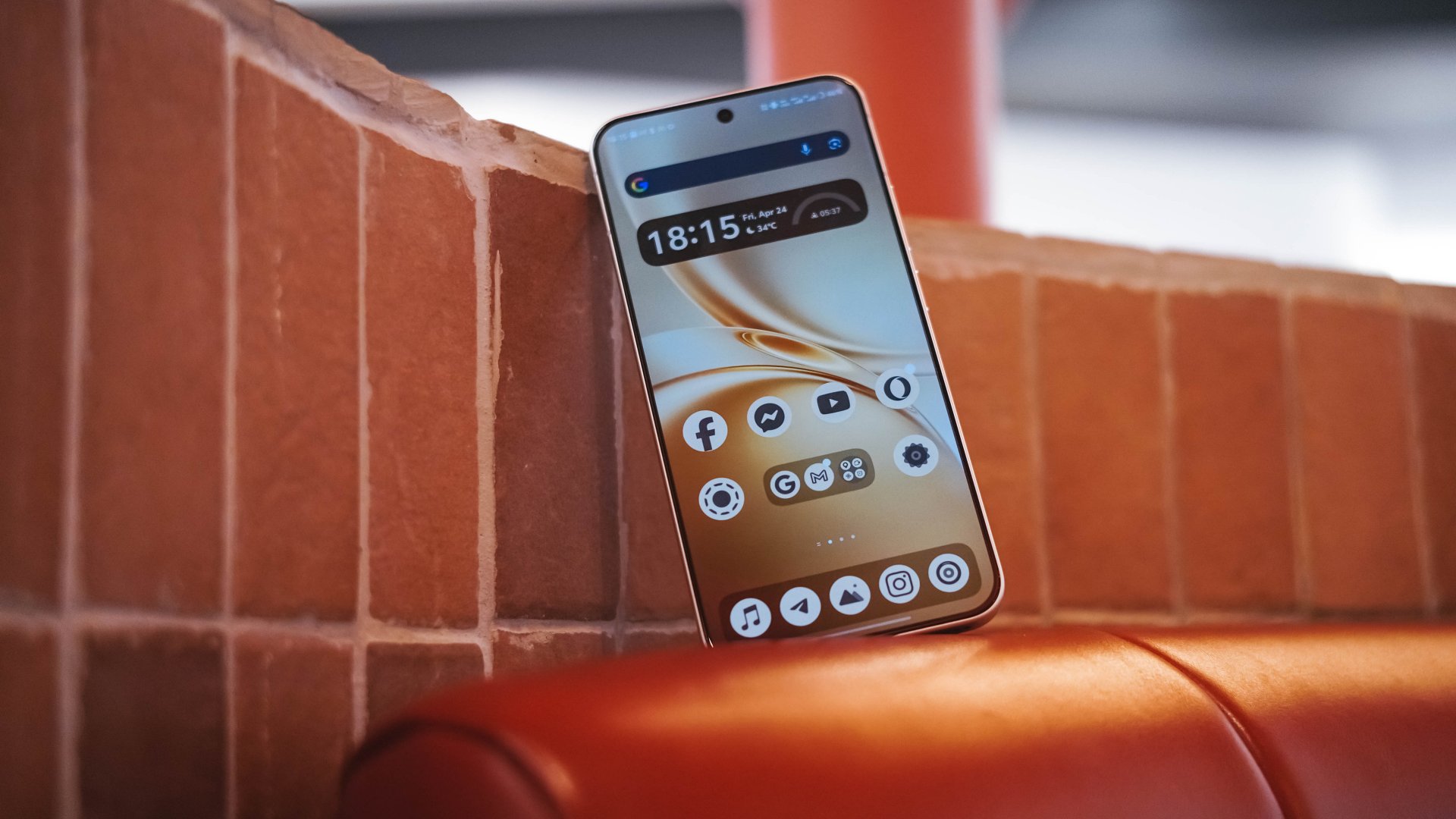
Beyond gaming, overall UI smoothness is a must.
Thanks to vivo’s streamlined OriginOS 6, animations looked both snappy and fluid whenever opening or switching between apps. Aside from the usual AI shenanigans, there are more things to love such as Private Space, Origin Island, One-Tap Transfer, and more.

Even Office Kit that enables seamless connectivity between your MacBook was not left behind. It’s also reassuring to hear that the X300 FE will receive five (5) years of OS upgrades and seven (7) years of security patches.
Compact champ 🔋
You’ve known by now that the vivo X300 FE is definitely in the “compact” league. You also know how the FE serves as the “twin sister” of the X300.
But, the biggest disparity of the two are none other than their batteries. Although numbers aren’t everything, battery capacities matter a lot.
Despite its petiteness, the vivo X300 FE boasts a whopping 6500mAh battery capacity — similar to the larger X300 Pro. The base X300? Stuck at 6040mAh. Worse? European units are capped at 5360mAh.
Using this phone under my light to moderate usage patterns, the vivo X300 FE can totally last way past midnight.
Using it in heavier scenarios was unavoidable. Gaming for around 1.5 hours deducts battery levels to 25% more or less.
Using its cameras every now and then to take lots of snaps and clips contribute more to that depletion.
Not unless you’re doom-scrolling or binging for more than five hours, an hour of content consumption or social media will not totally diminish that massive tank.
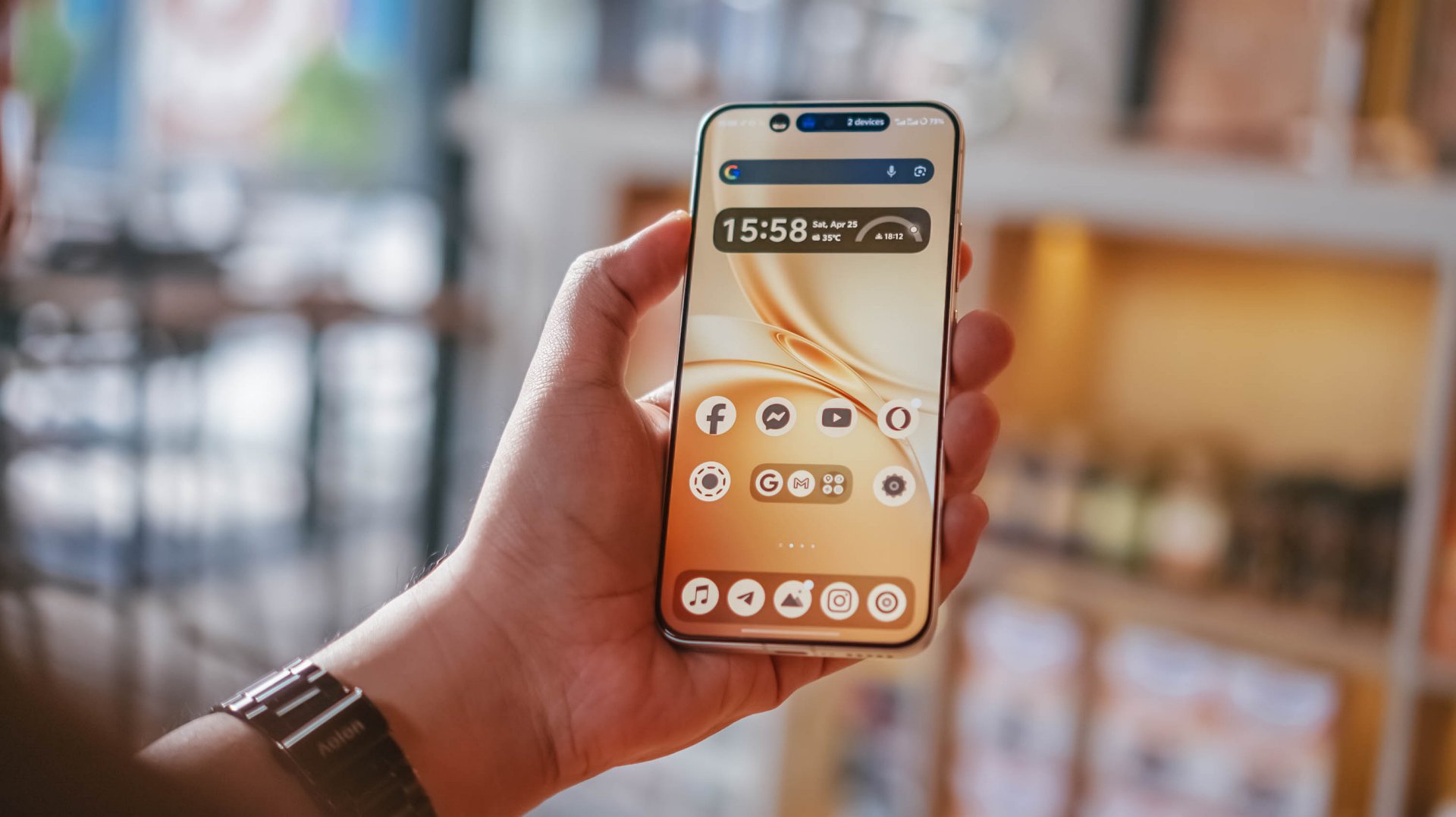
Some personal use-case: I went out to the city around 6AM and used it as my personal hotspot. After that 12-hour mark, there’s still around 31% battery left.
For the same scenario, my vivo X300 Pro dies right around that time. Worse? Lasting only around 7 to 8 hours.
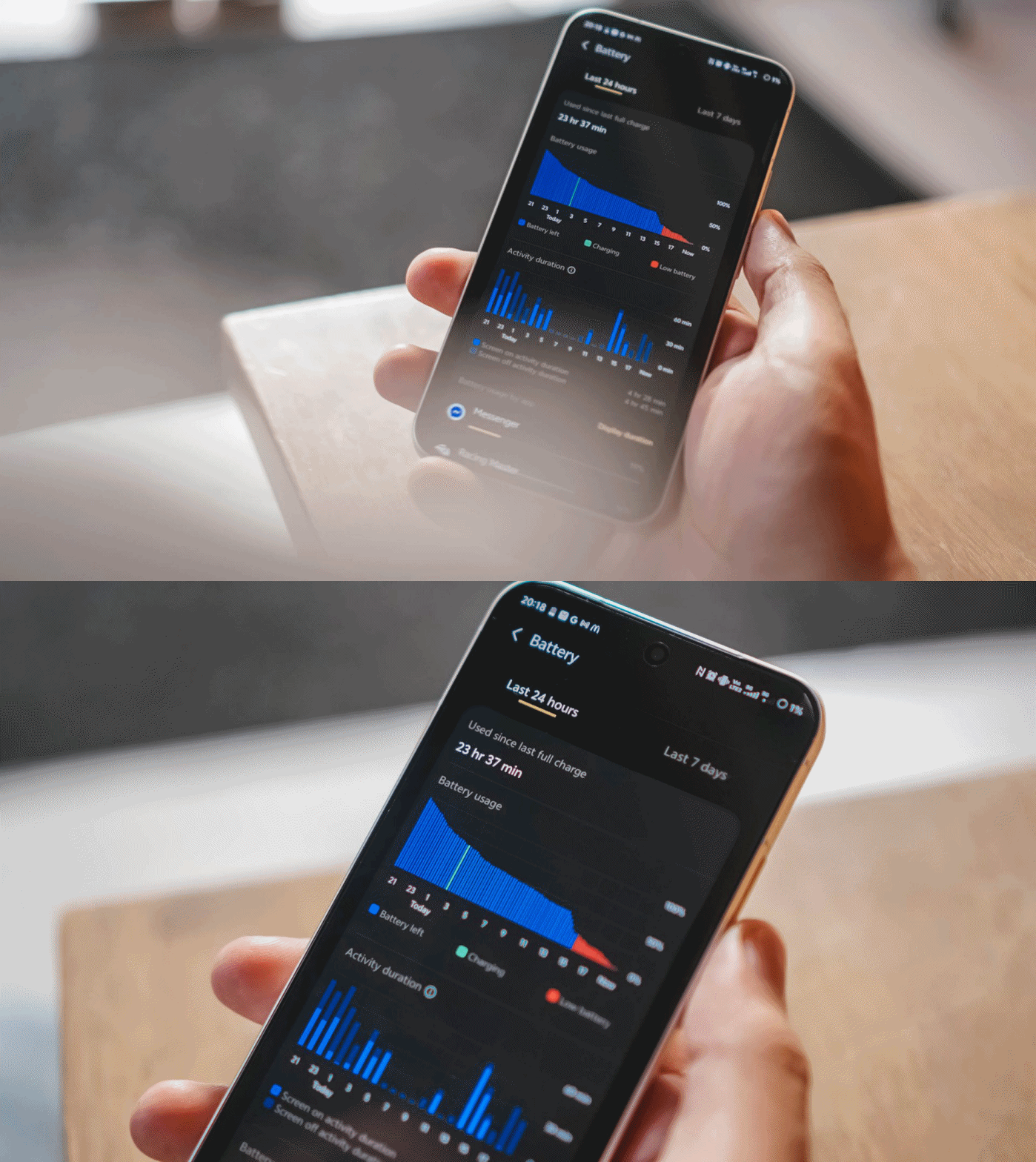
Once empty, the X300 FE supports vivo’s 90W FlashCharge. Unlike European models, Asian variants (like I have) still have bundled charging adapter and cable when you buy one.
View this post on Instagram
In my GadgetMatch Charge Test, it can be juiced up from 0% to 100% in 75 minutes, as long as FlashCharge High Speed is enabled.
FlashCharge High Speed |
FlashCharge Normal |
|
START TIME (From 0%) |
7:29PM |
2:56PM |
3 minutes |
1% |
1% |
5 minutes |
4% |
4% |
10 minutes |
12% |
7% |
15 minutes |
17% |
13% |
20 minutes |
32% |
20% |
30 minutes |
44% |
33% |
45 minutes |
66% |
53% |
1 hour |
88% |
74% |
1 hour 15 minutes |
100% |
95% |
END TIME |
8:44PM
|
4:23PM
|
Normal FlashCharge speeds require you around 15 more minutes to completely fill to the very brim.
Like the rest of X300 iterations, the X300 FE also supports 40W wireless FlashCharge that the vivo V70 and V70 Elite do not provide.
Don’t judge the camera by its cutout
Last but definitely not the least, vivo X300 FE’s triple camera system.
Before anything else, here’s how it compares with its closest rivals: the vanilla X300 and the midranger V70.
vivo X300 |
vivo X300 FE |
vivo V70 |
|
Wide |
200MP f/1.68
|
50MP f/1.88
|
50MP f/1.8
|
Ultra-Wide |
50MP f/2.0
|
8MP f/2.2
|
8MP f/2.2
|
Tele-
|
50MP f/2.57
|
50MP f/2.8
|
50MP f/2.65
|
Selfie |
50MP f/2.0
|
50MP f/2.45
|
50MP f/2.0
|
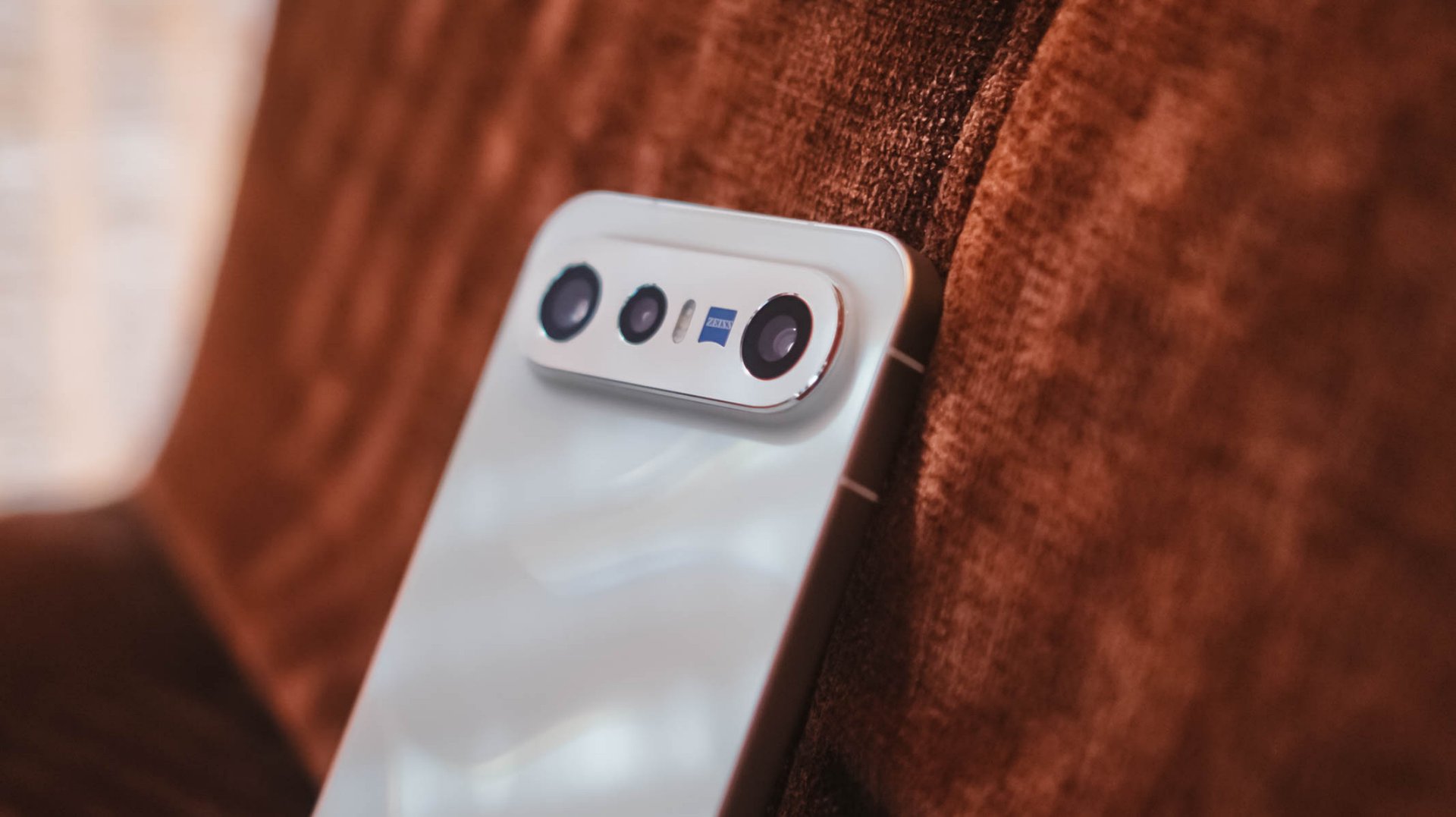
While all share the same focal length choices, it all boils down to minuscule differences between image sensors to actual aperture count. Let’s just say the X300 FE shares more similarities to the vivo V70.
But, the filling is always the sweetest spot in the cake. Let’s go straight to actual shots taken with this phone.
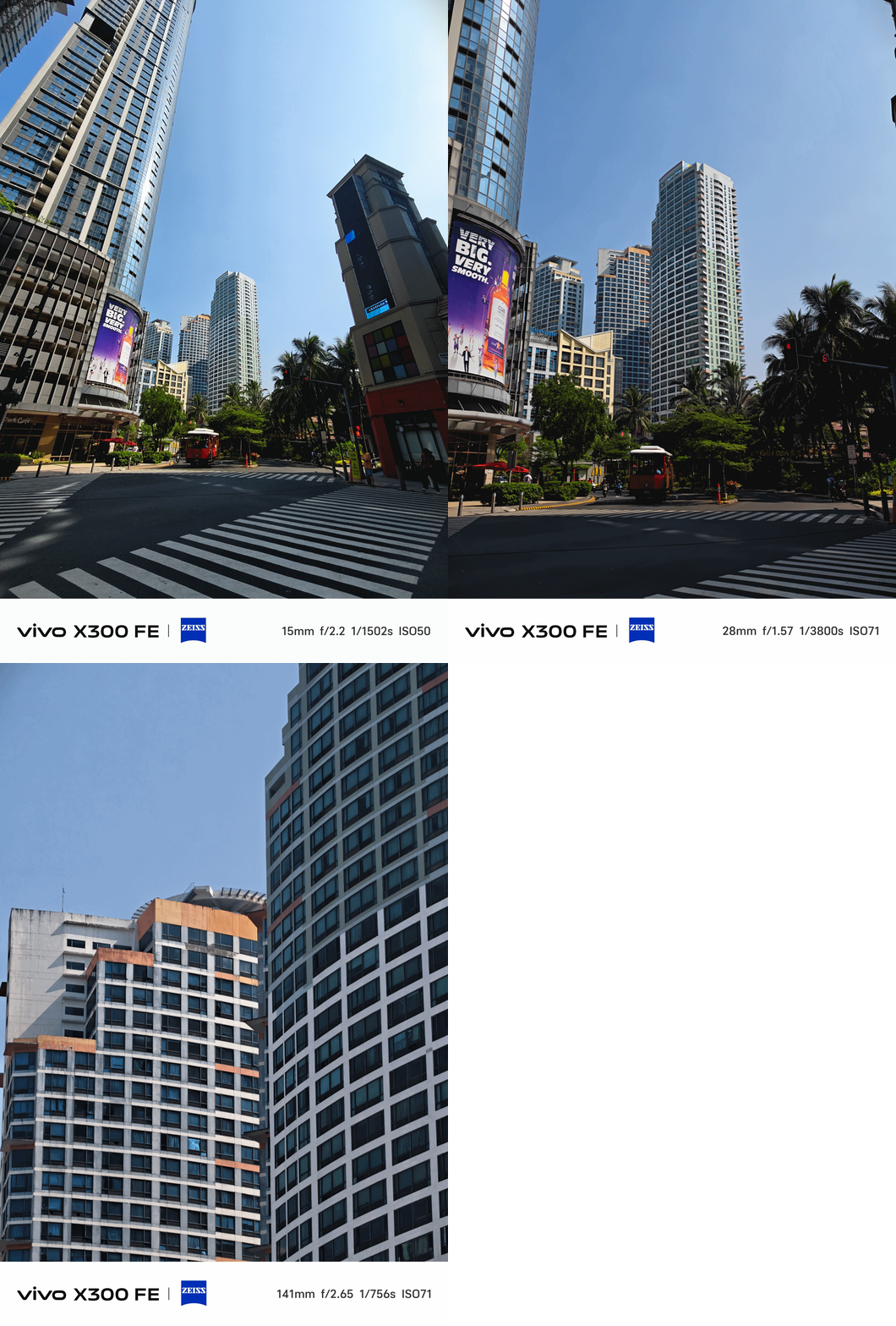

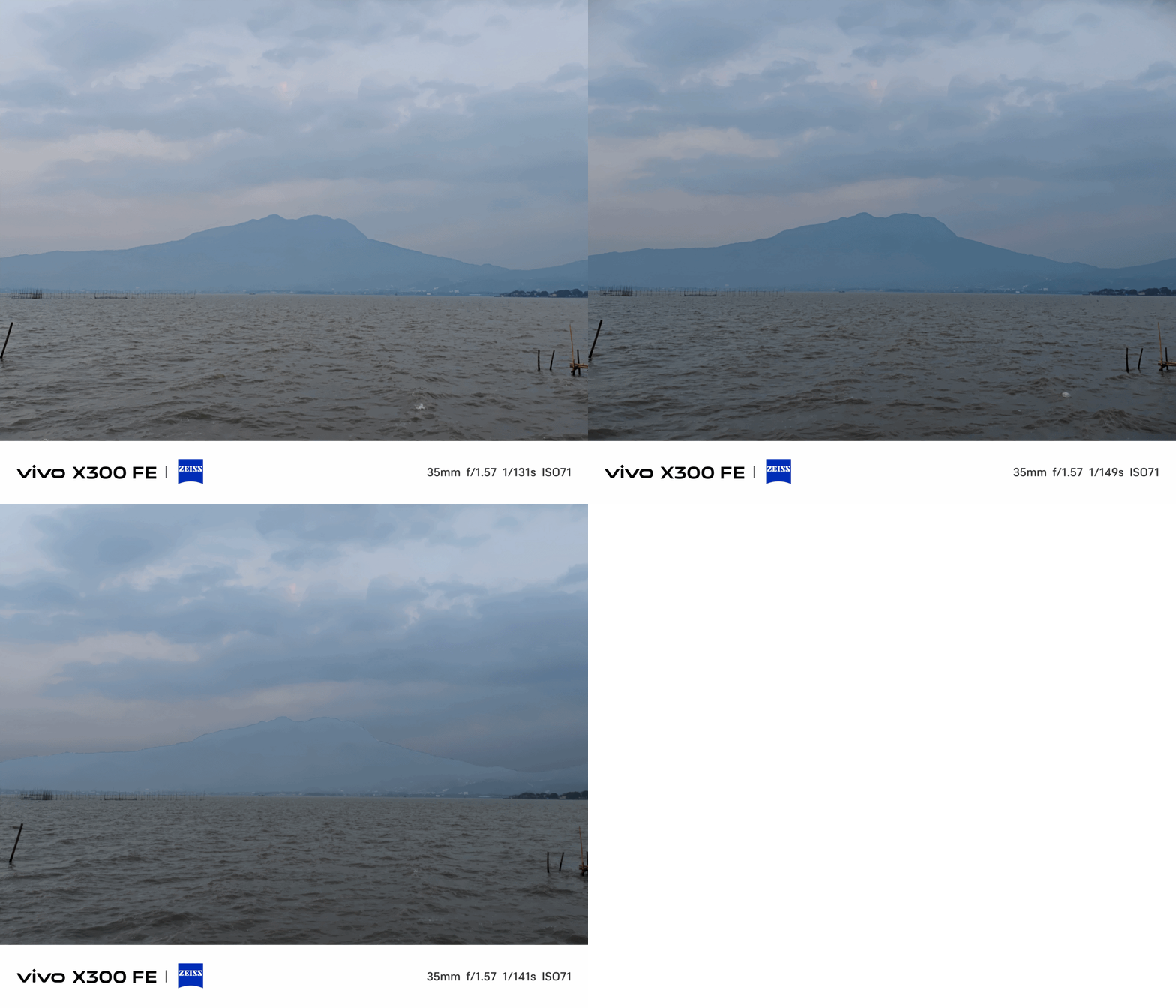
The X300 FE provides color consistency regardless of the focal length you choose — even past its optical zoom limit.
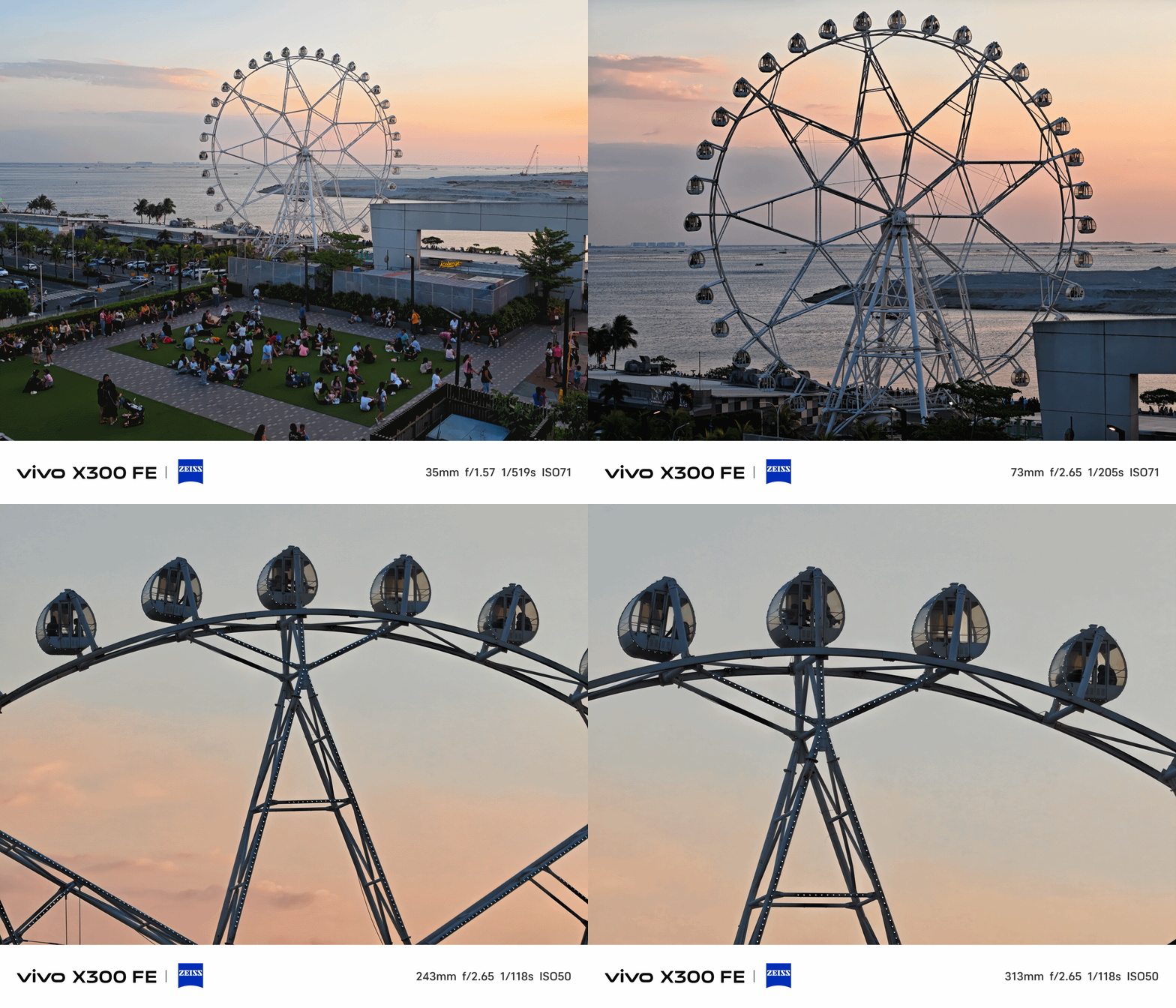
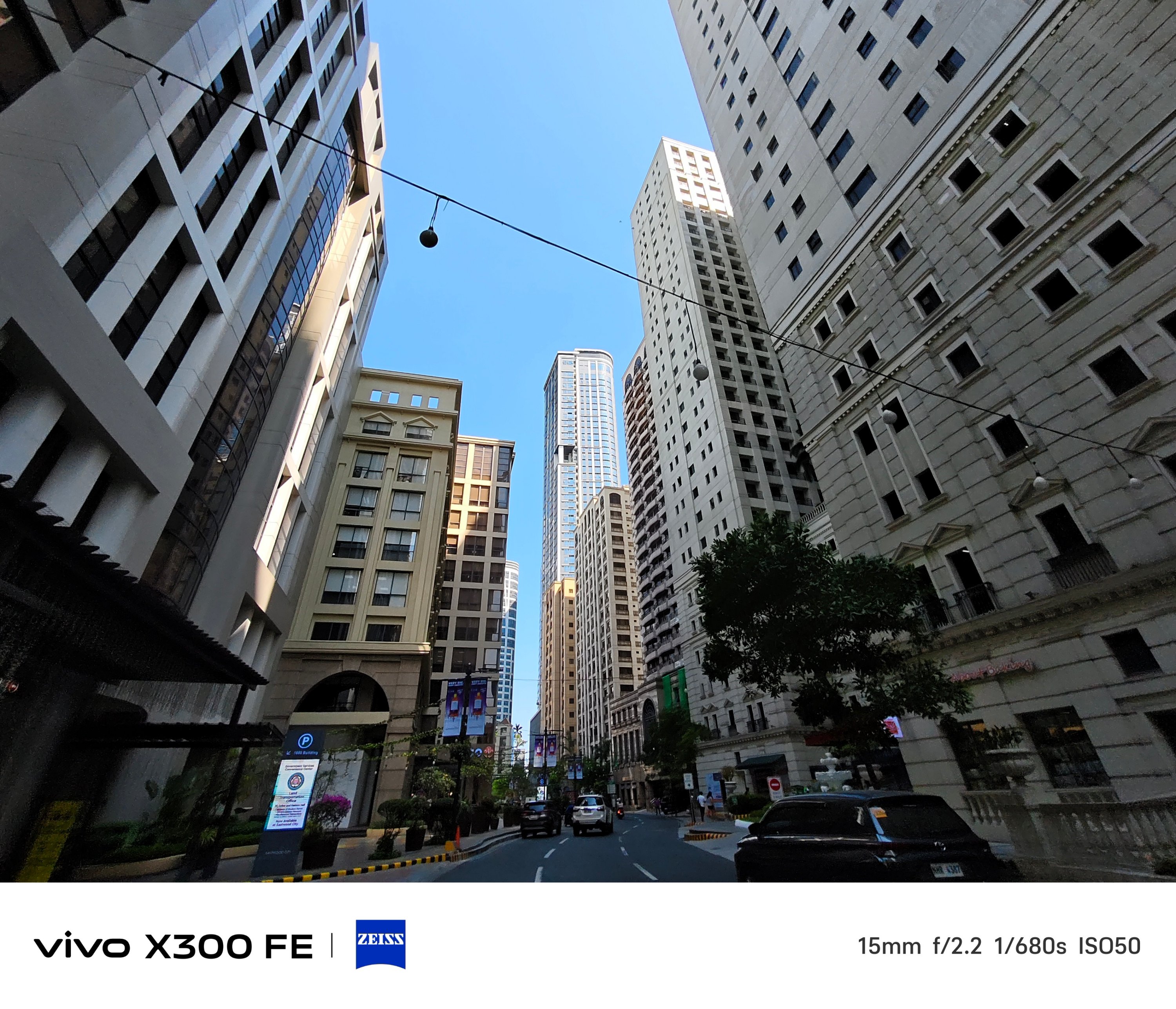
Ultra-Wide Angle (UWA) photos, while sufficient, has some over-sharpening happening in between.
That’s obviously to compensate for its measly 8MP shooter.

Thankfully, vivo made its other two lenses equal in terms of megapixel count.
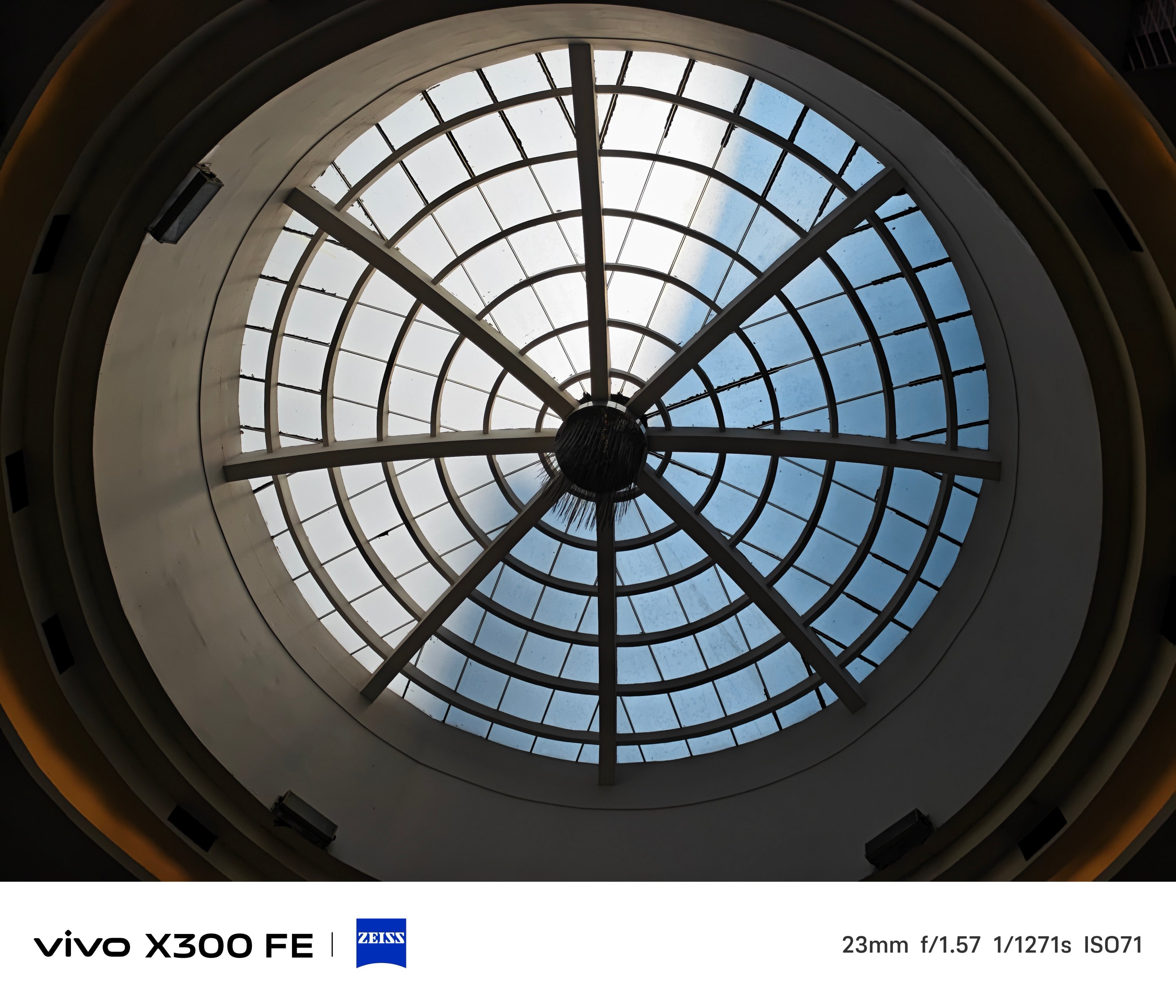
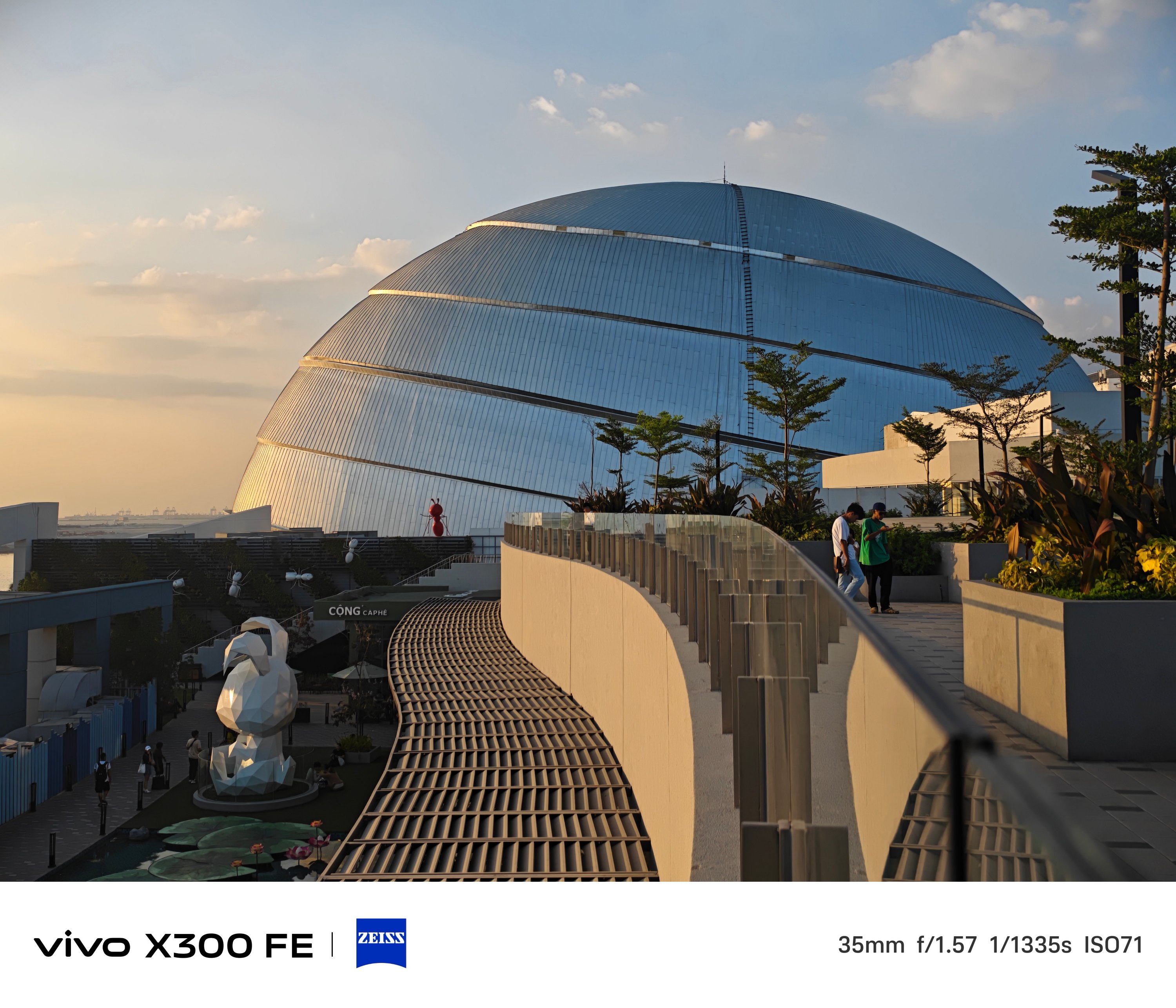
Of course, regular 1x (wide) shots are taken with that default 23mm focal length — which can then be changed to 28mm and 35mm through a series of taps in the camera app.
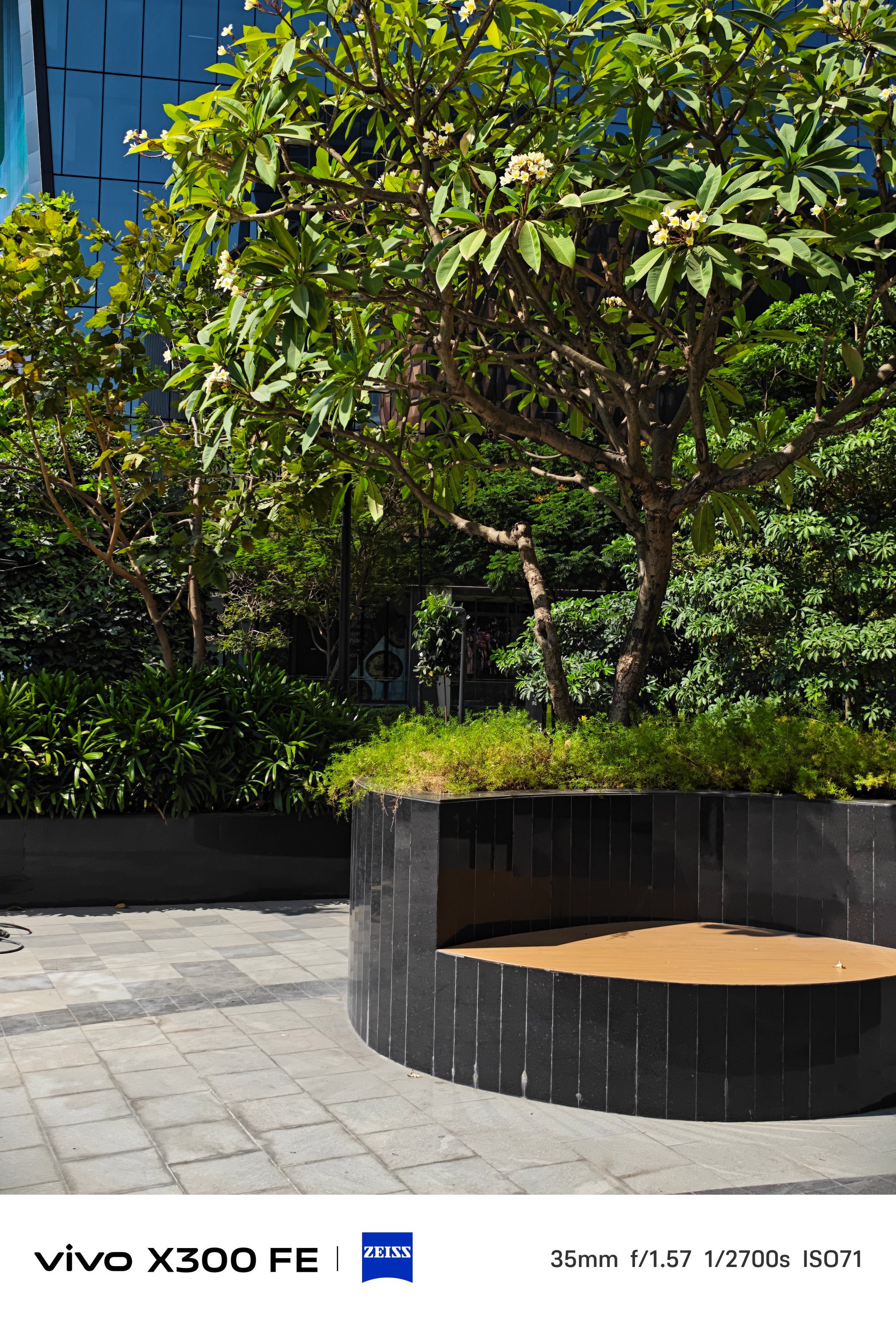

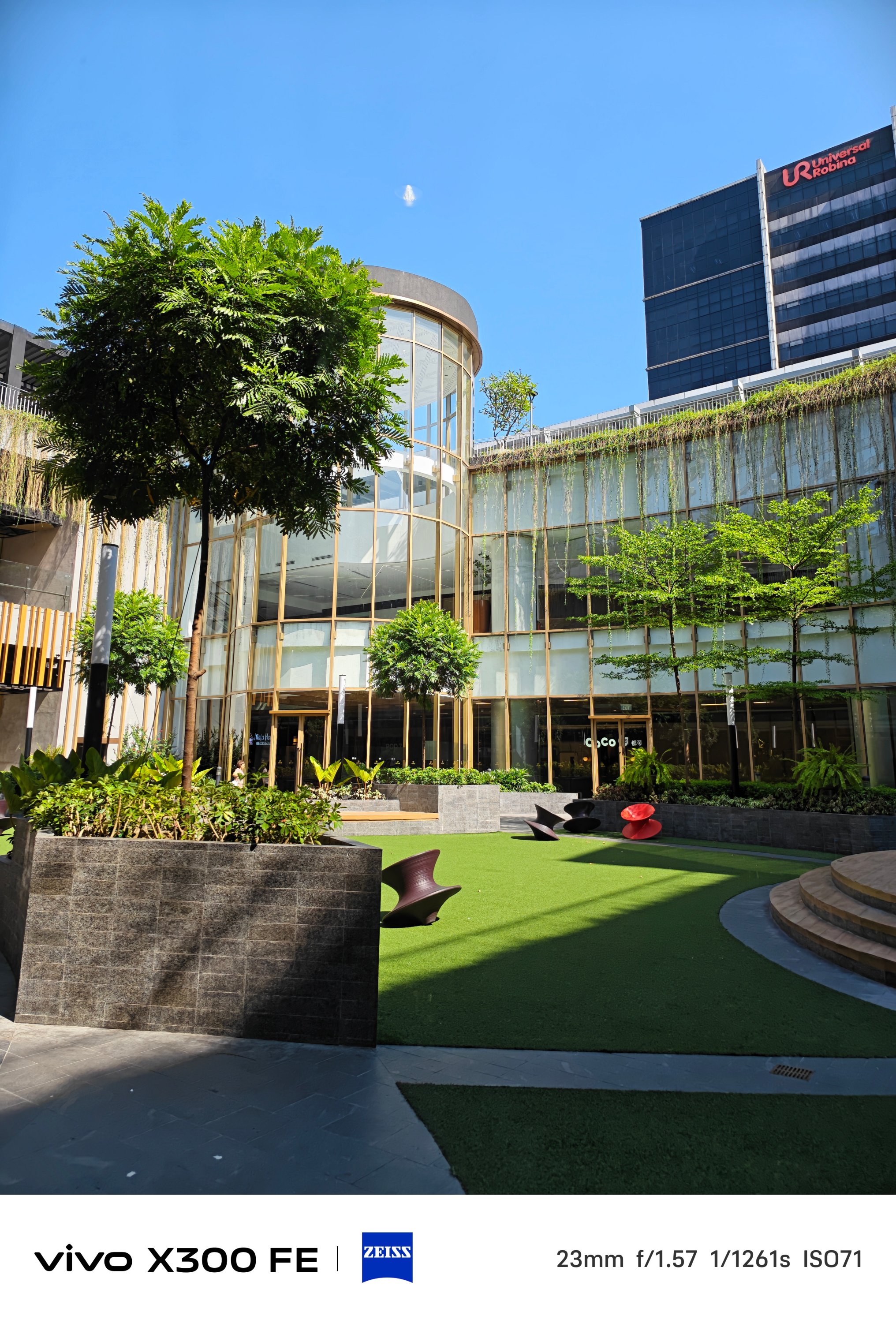
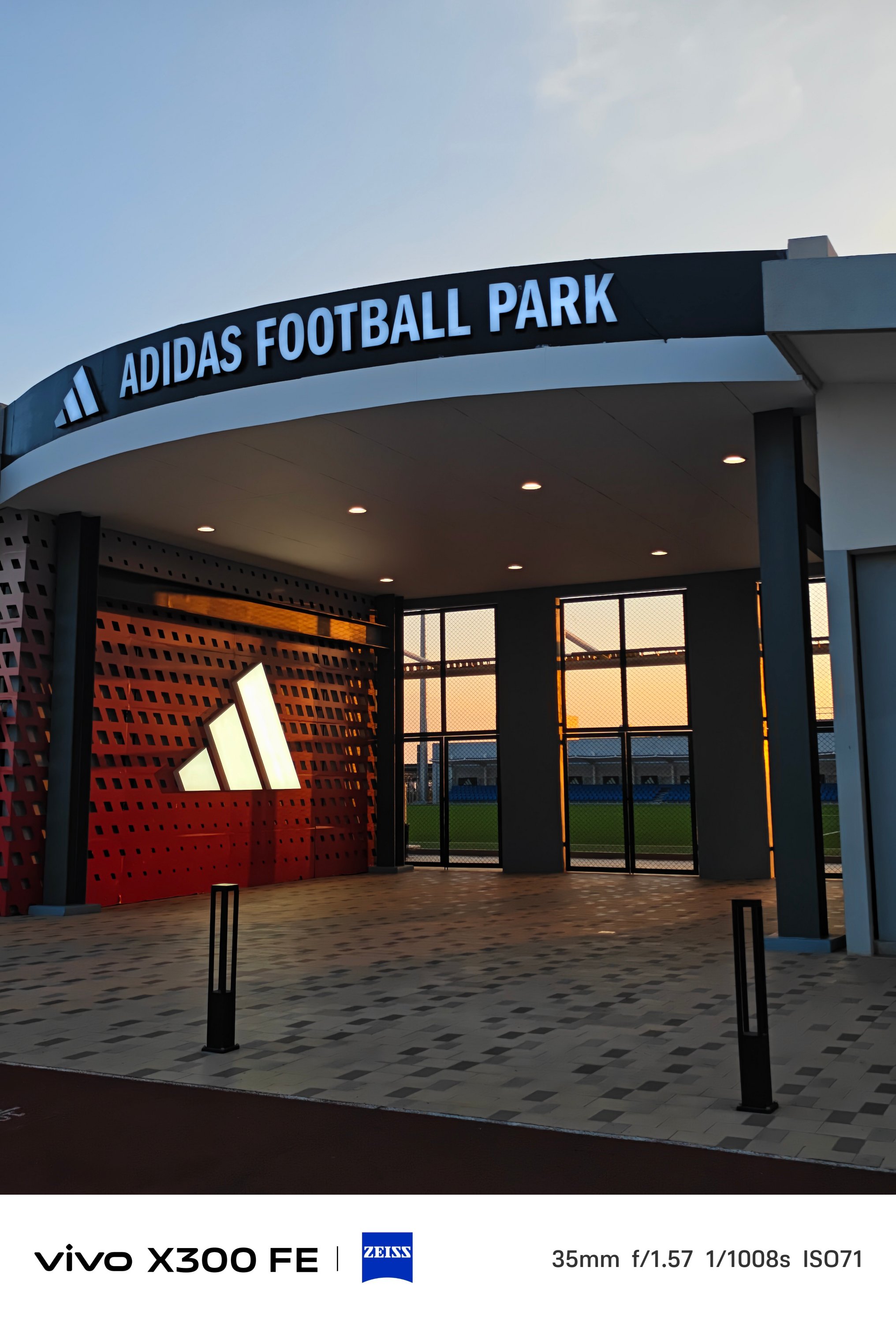
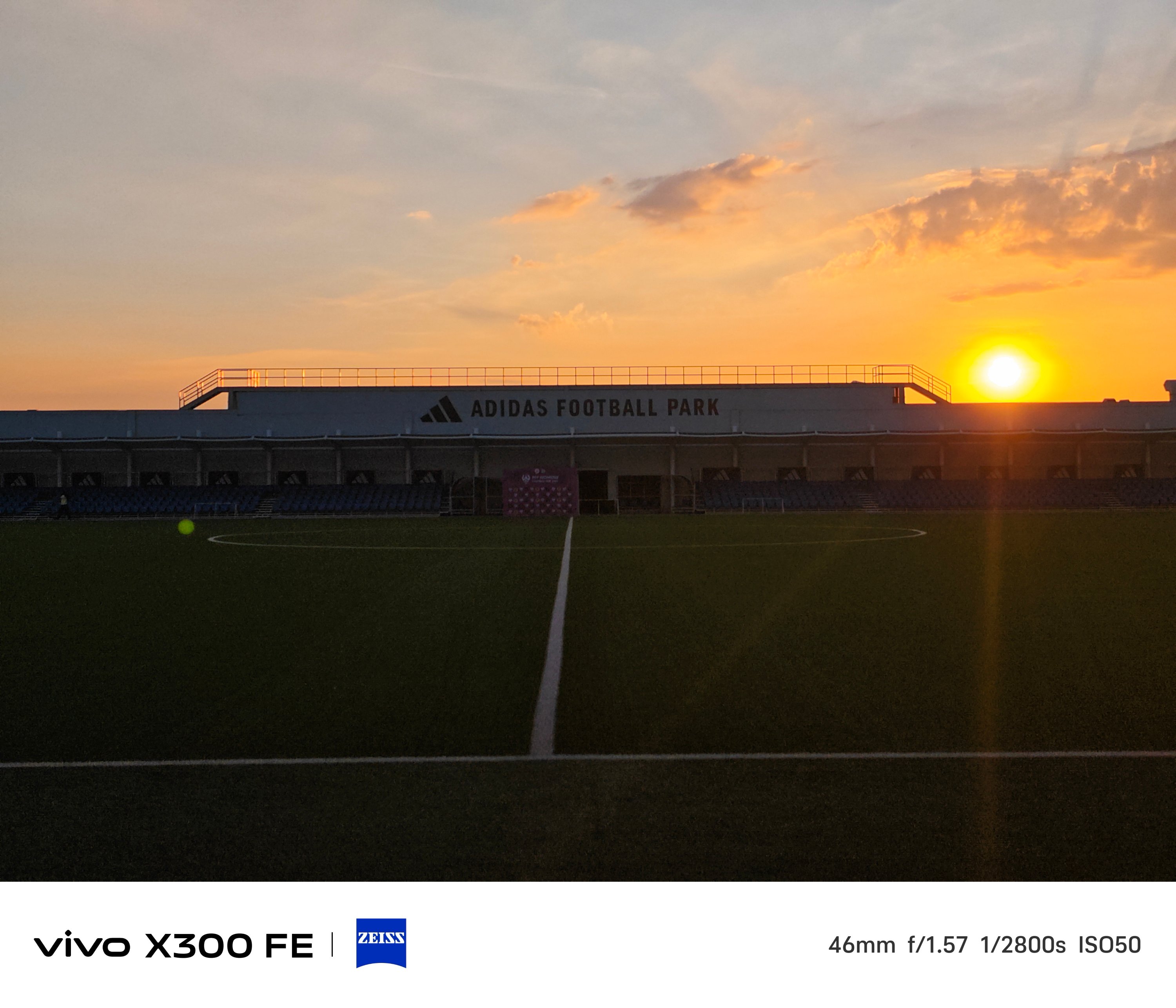
2x zoom is also possible thanks to in-sensor cropping — 46mm or 50mm equivalent to be exact.

One must never judge a book by its cover — just like refraining from judging a camera solely by its cutout.
The vivo X300 FE is a living proof that having a camera cutout that’s comparable to midranger phones does not equate to mid camera performance and image output.
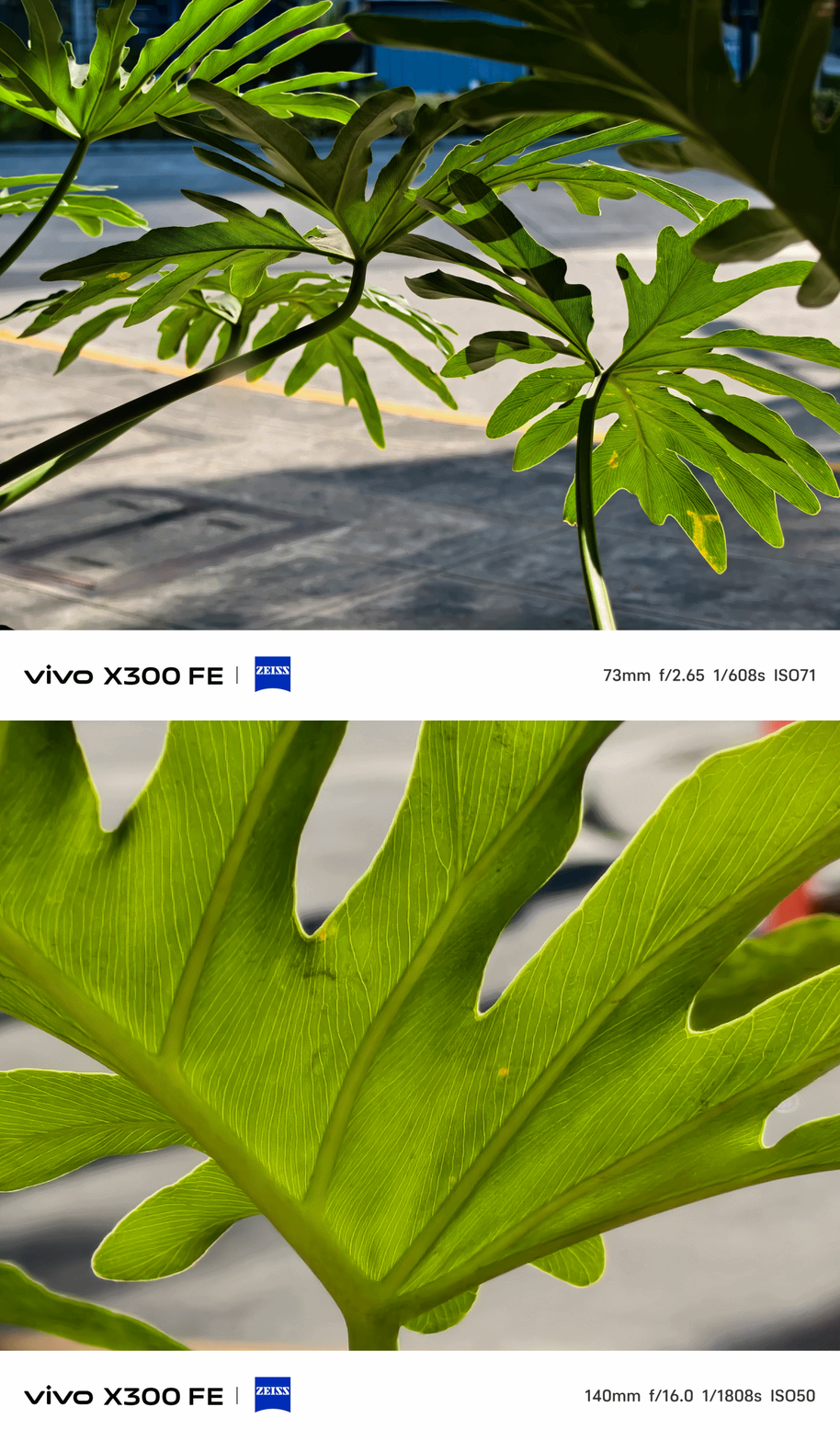
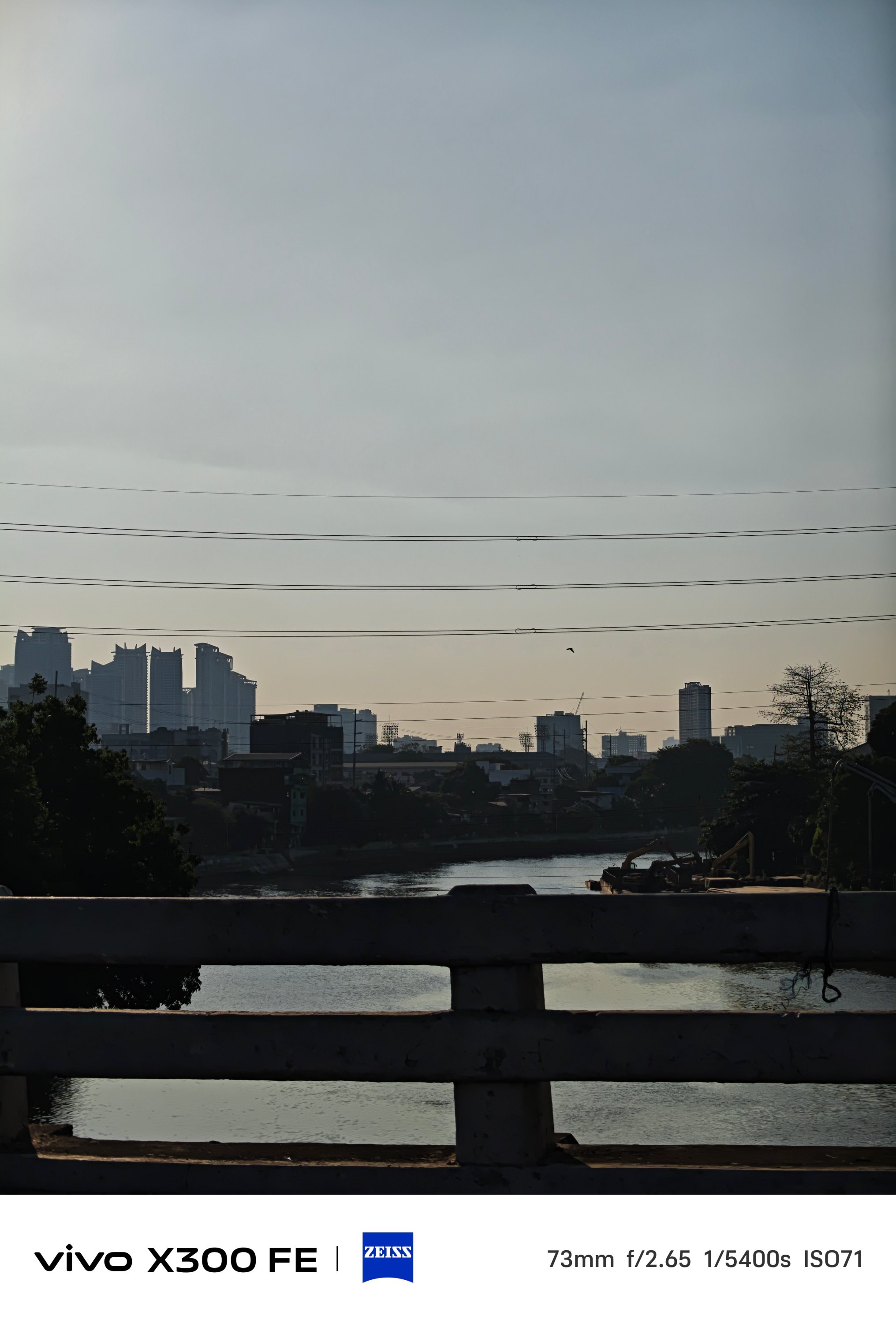
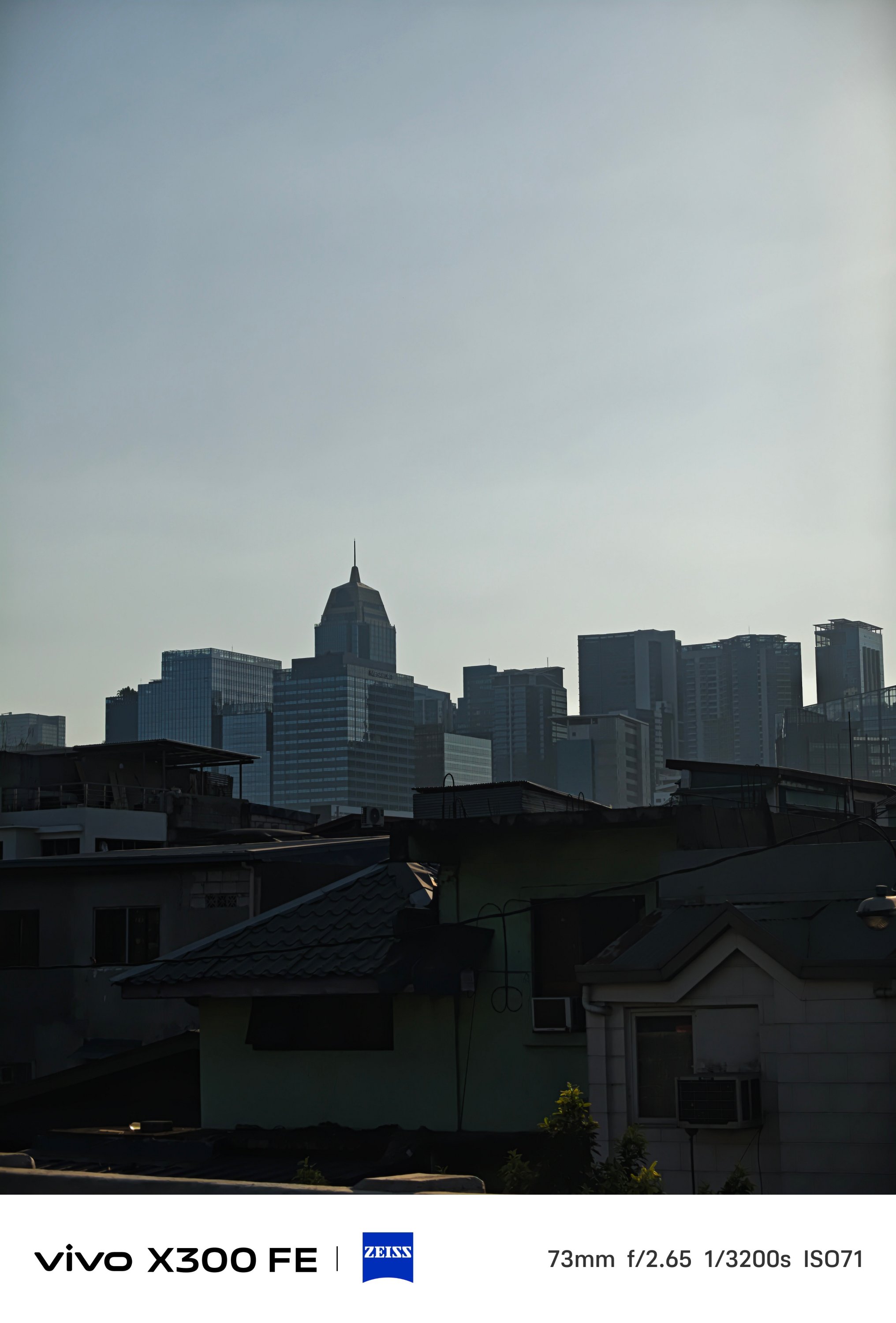
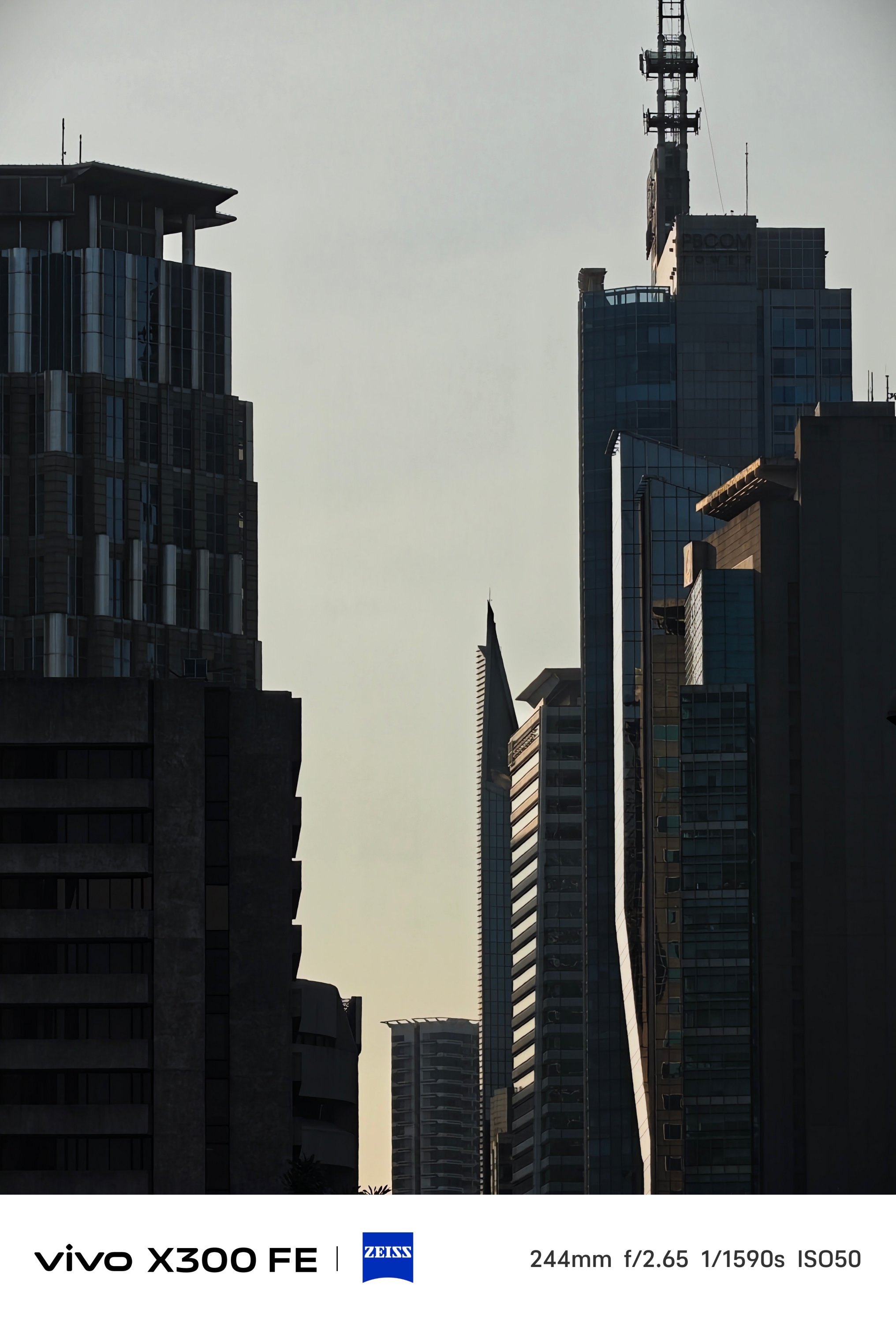
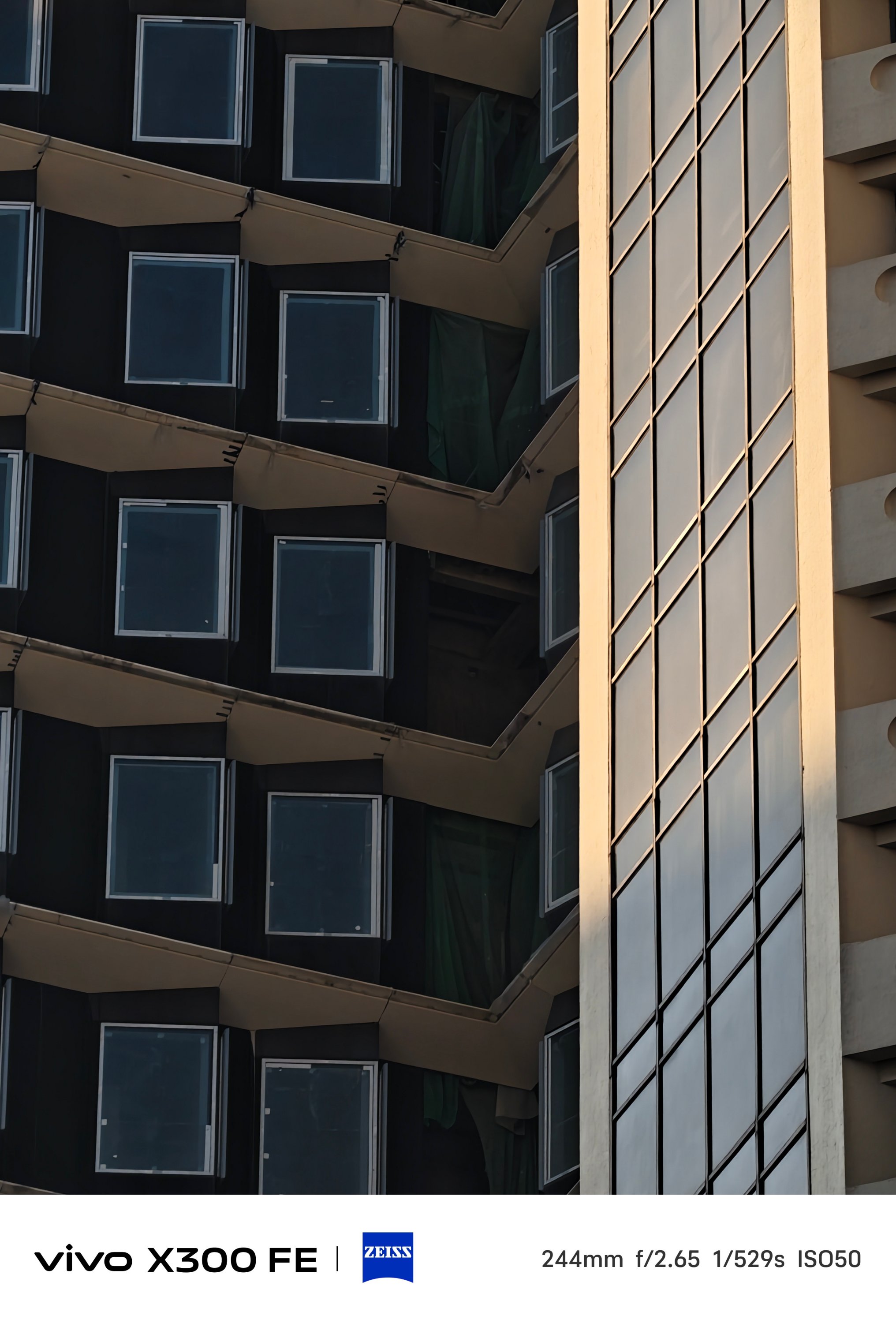
Even more, placing a 3x periscope telephoto module (73mm) inside that camera bar is a true feat of engineering.


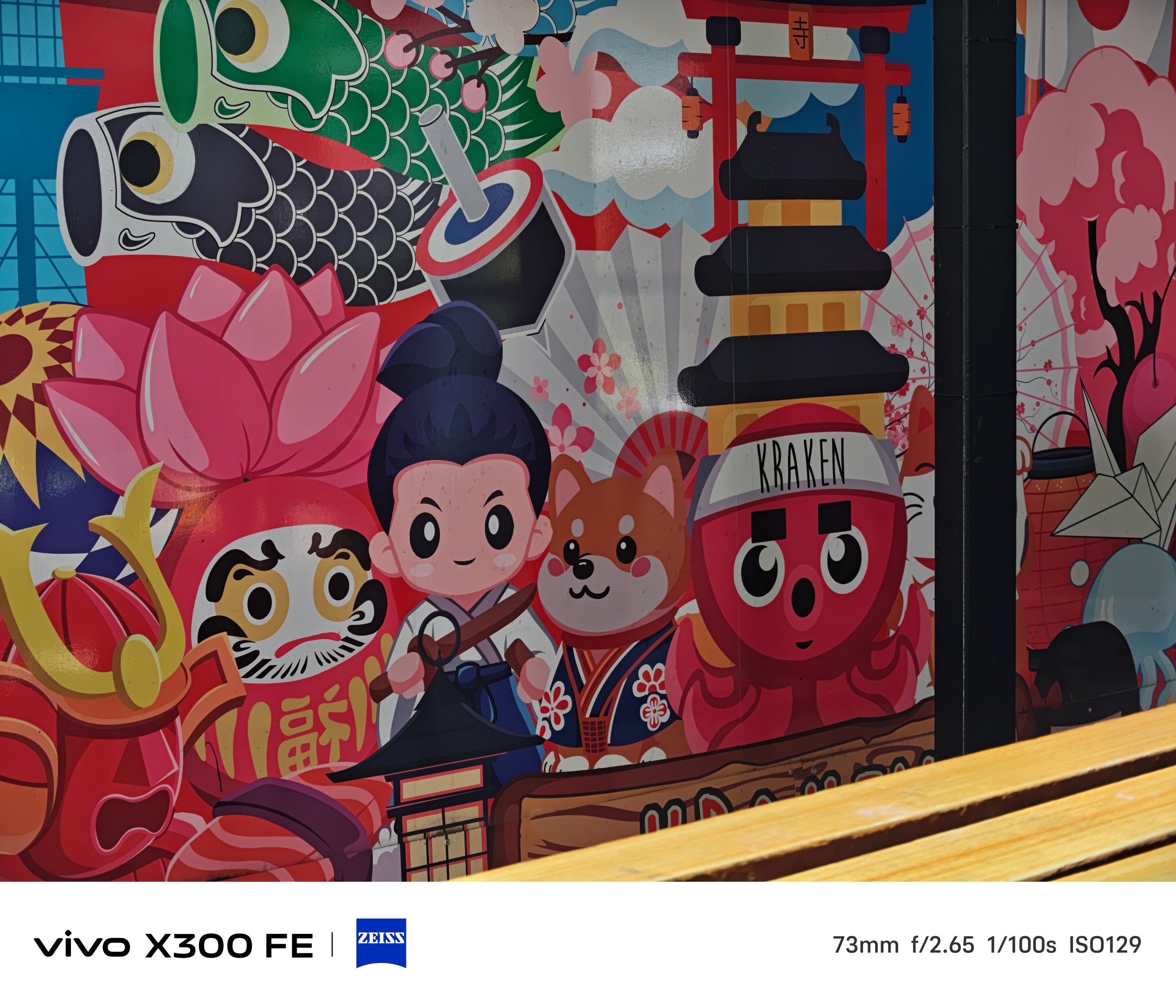
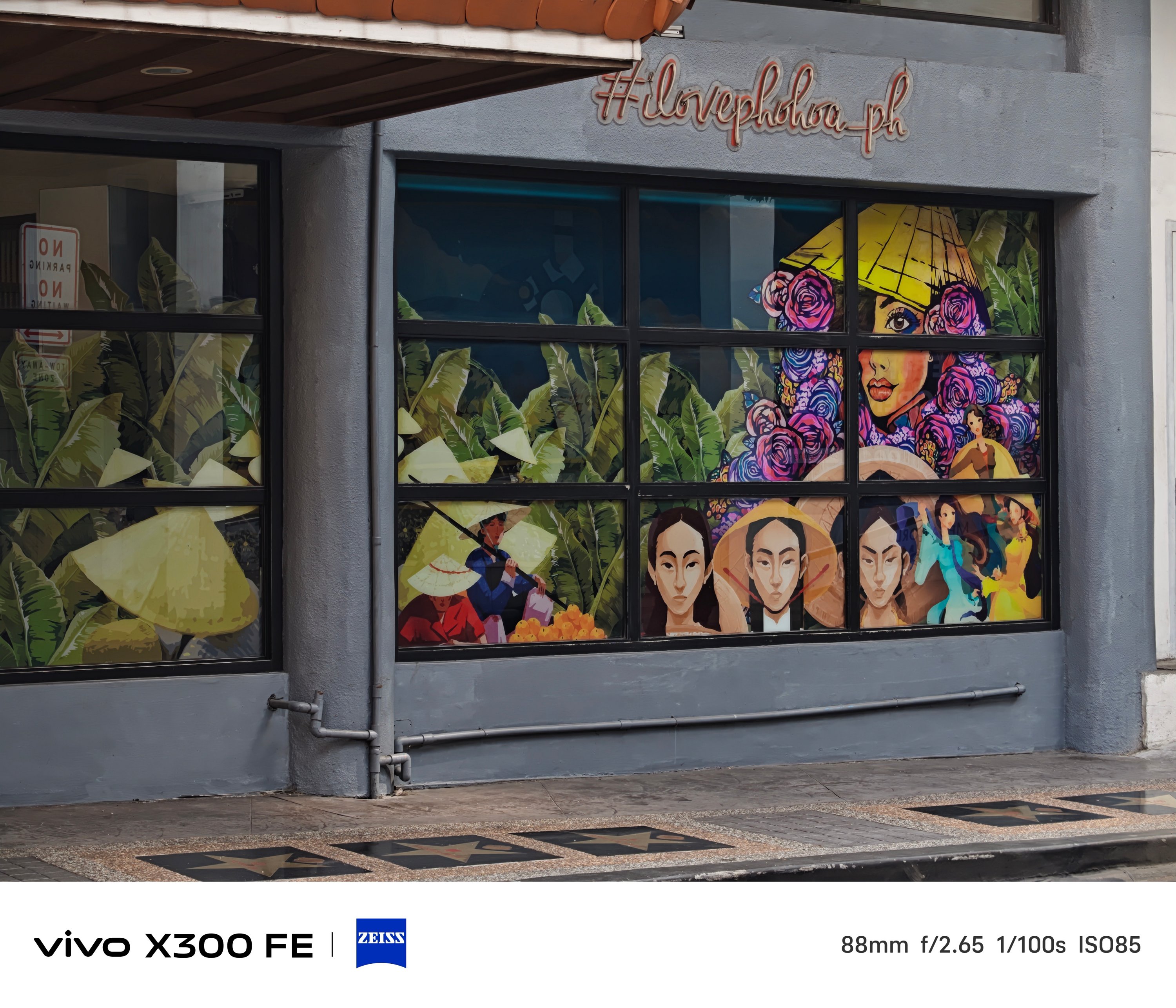
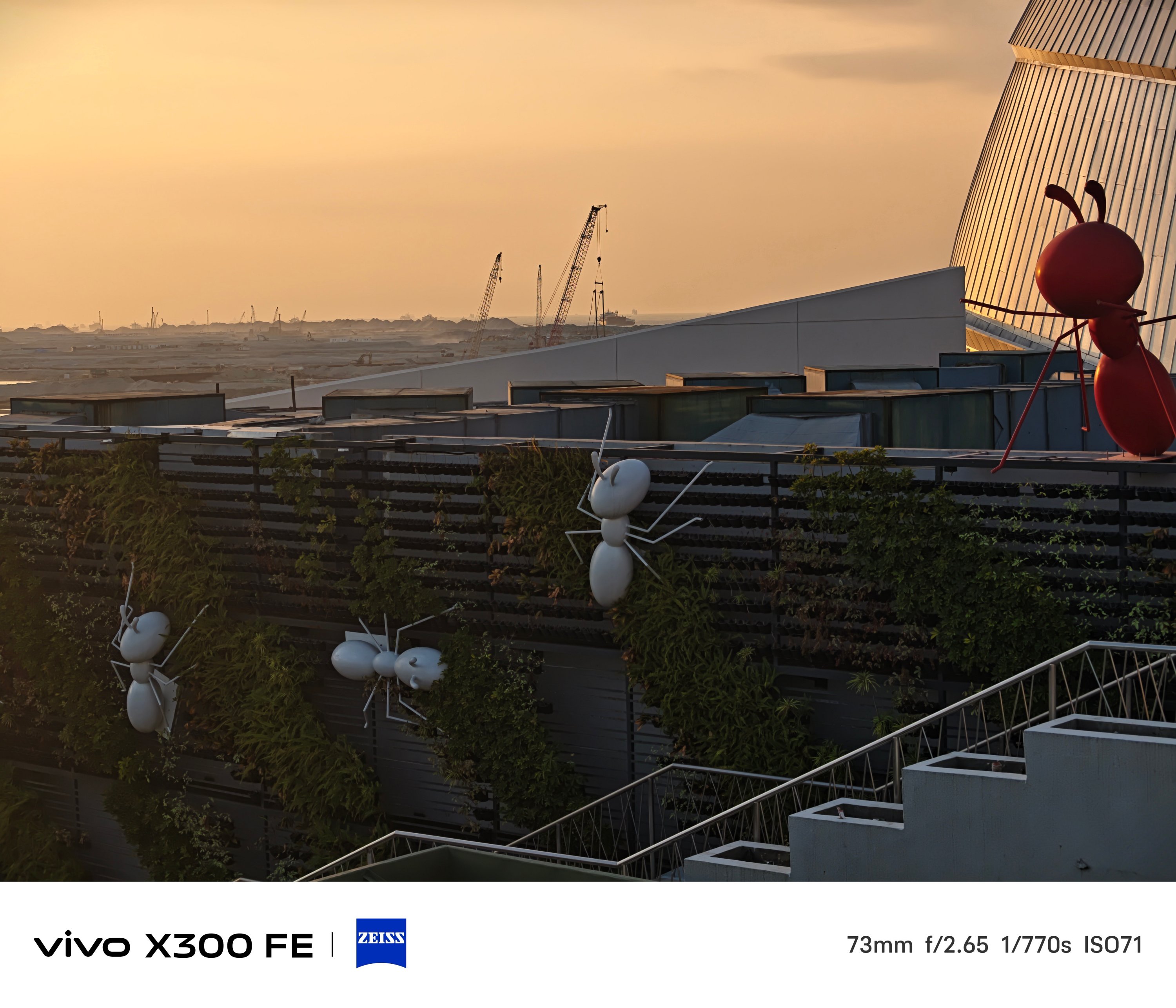
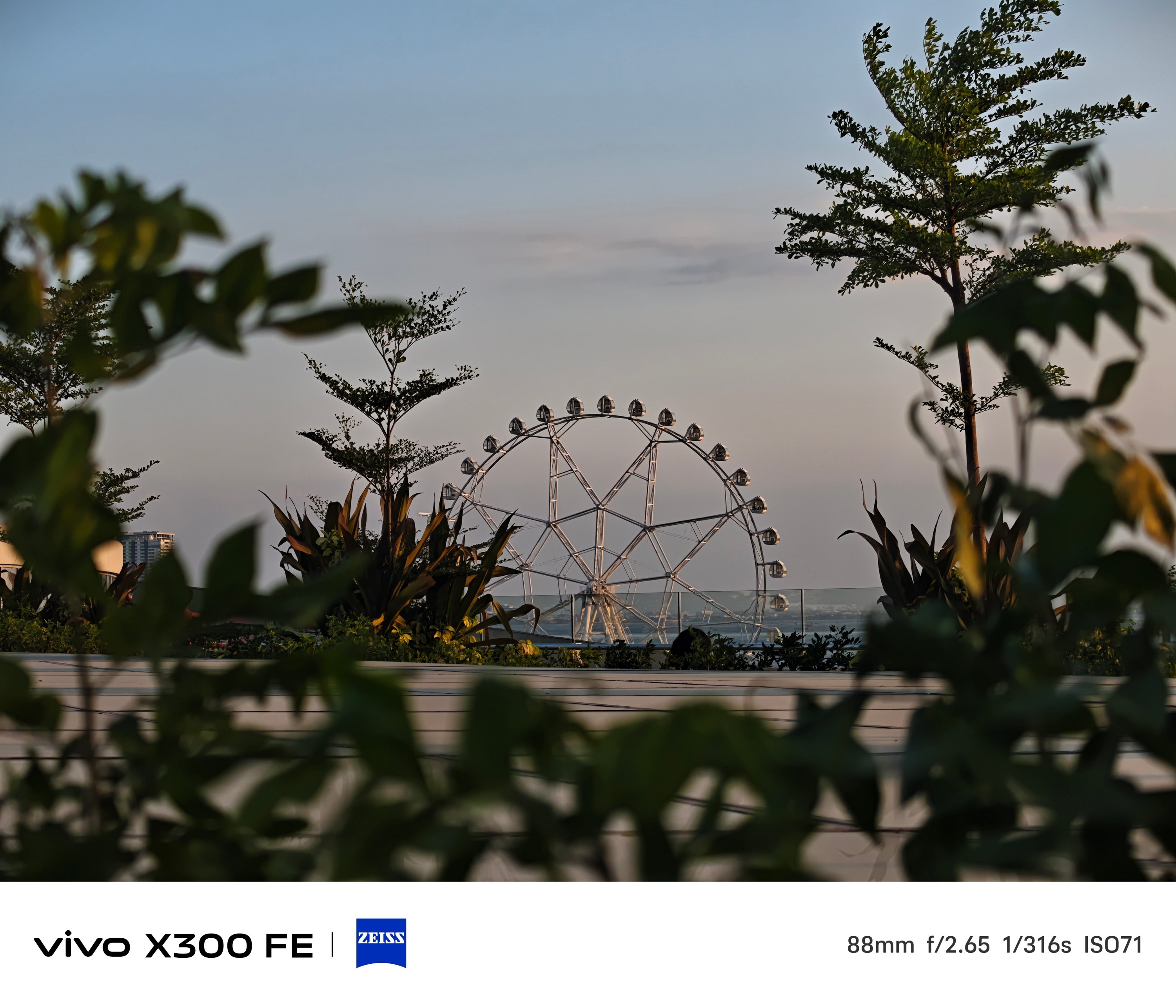
Even beyond its dedicated 3x optical zoom, results are surprisingly captivating to the eyes.
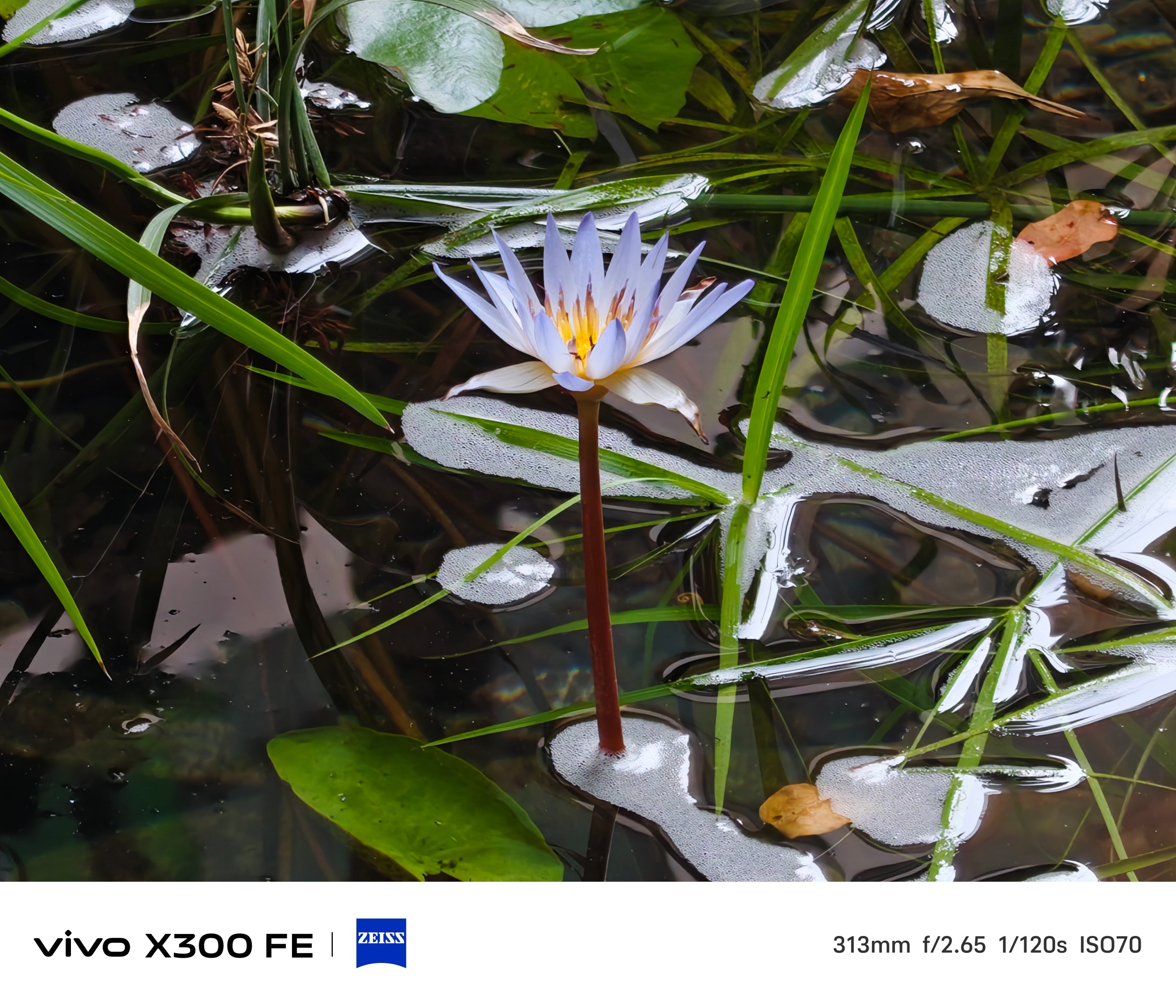
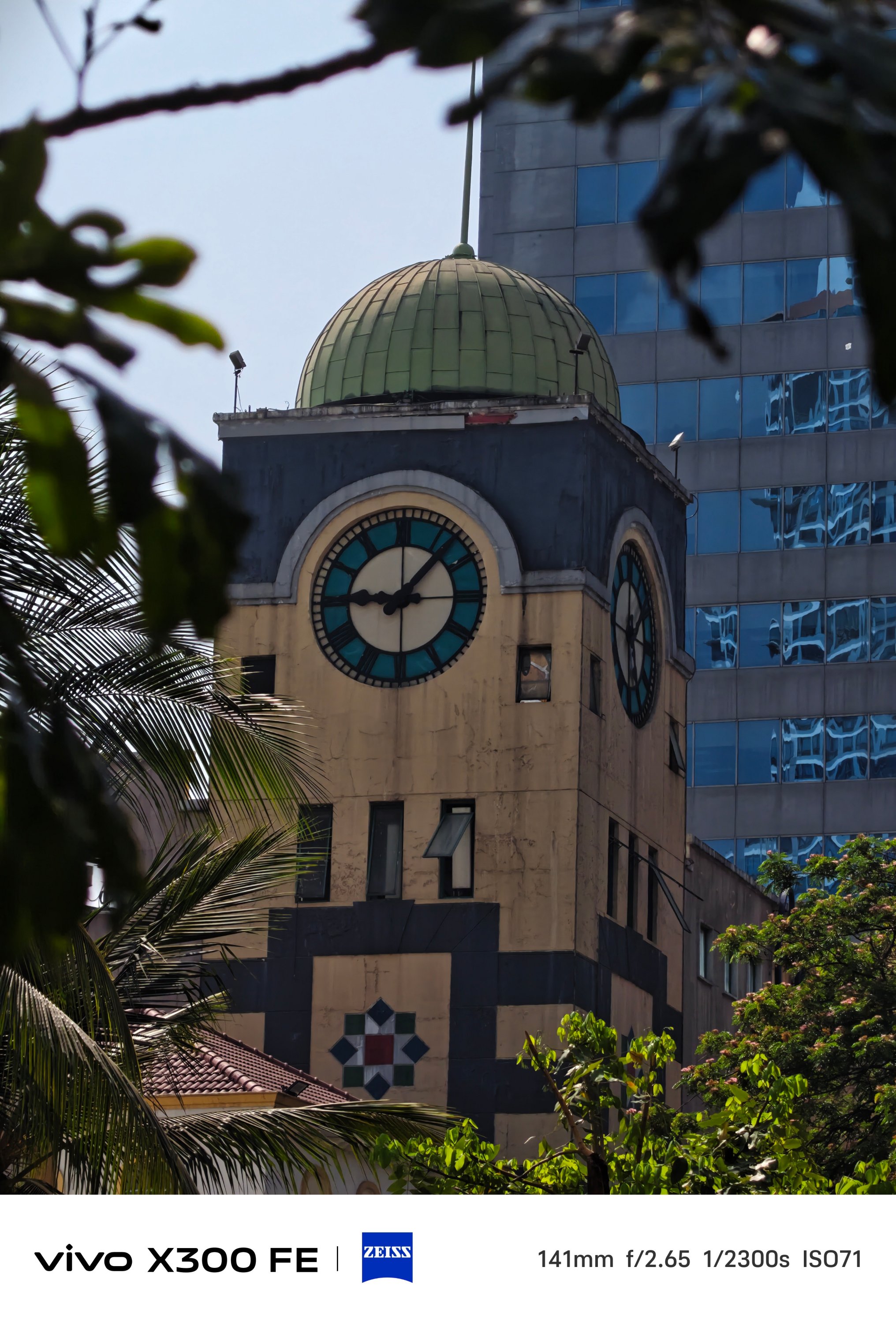


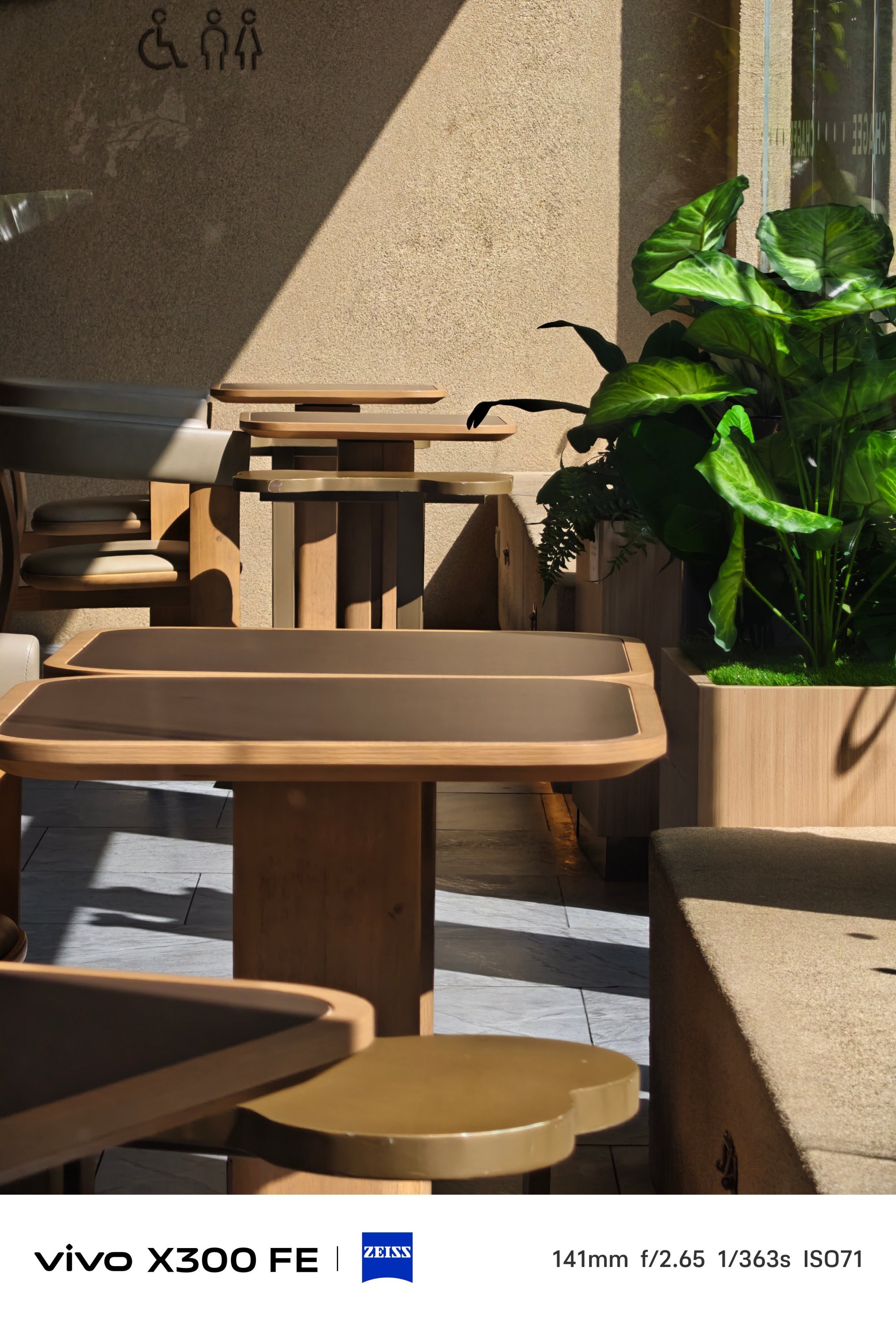
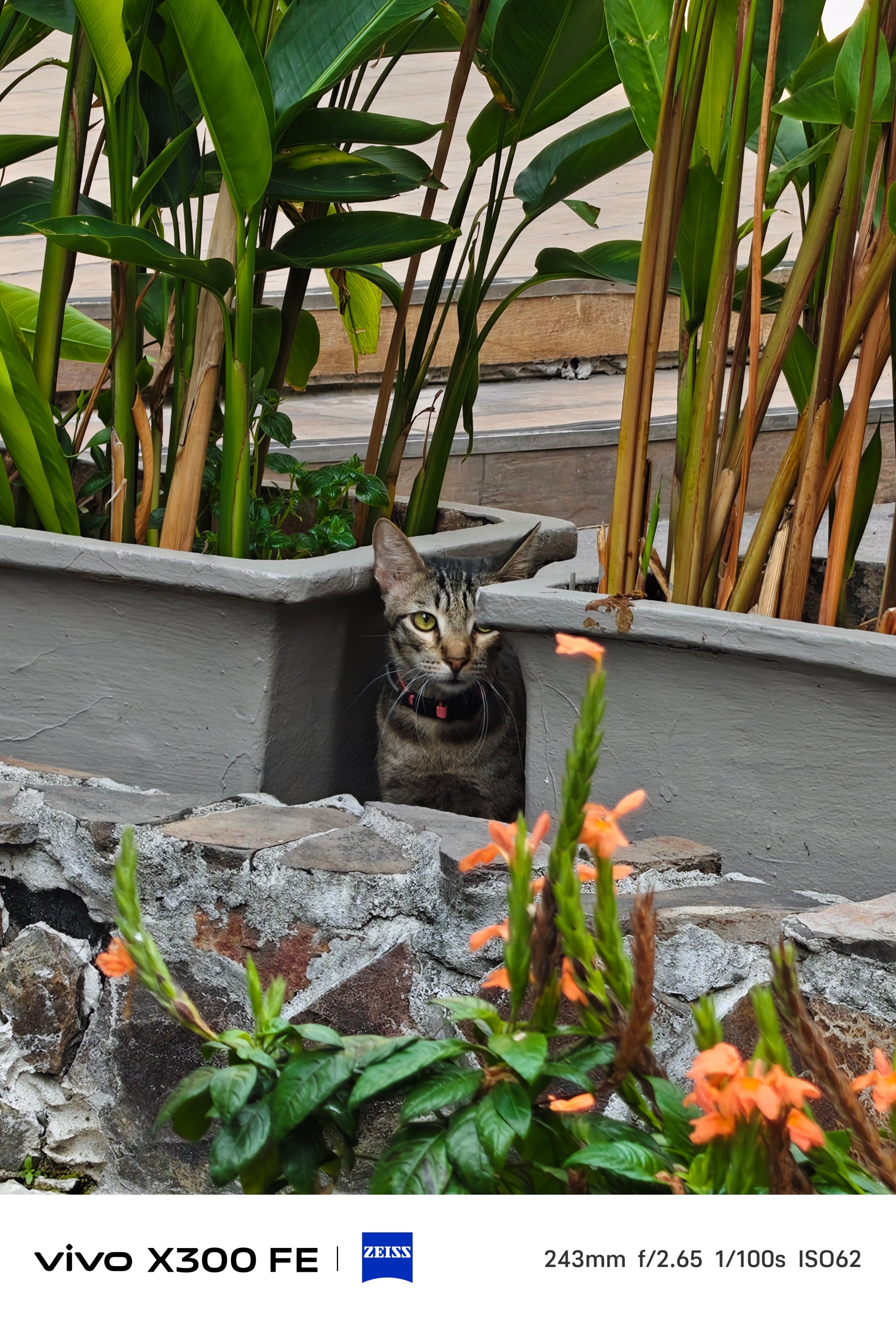




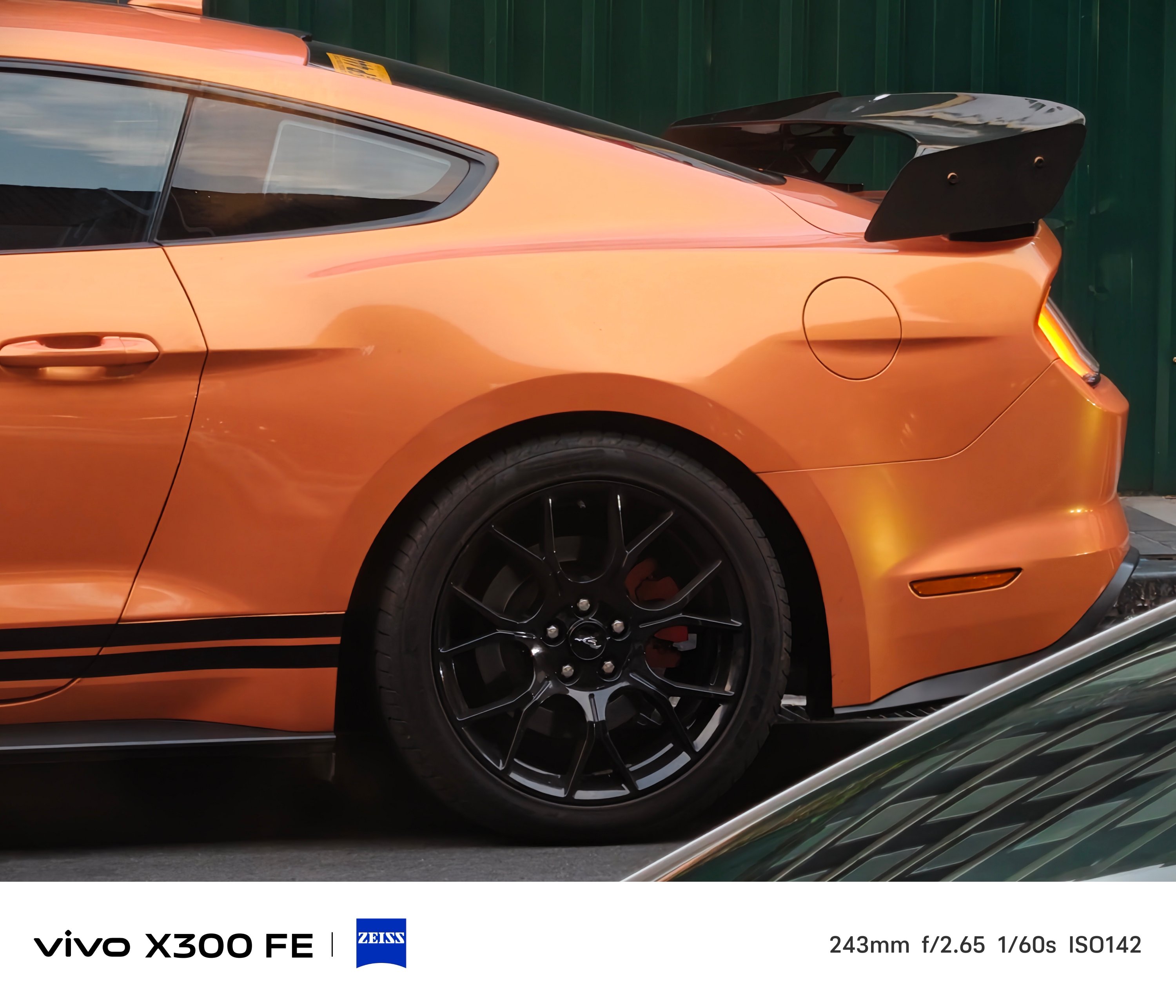


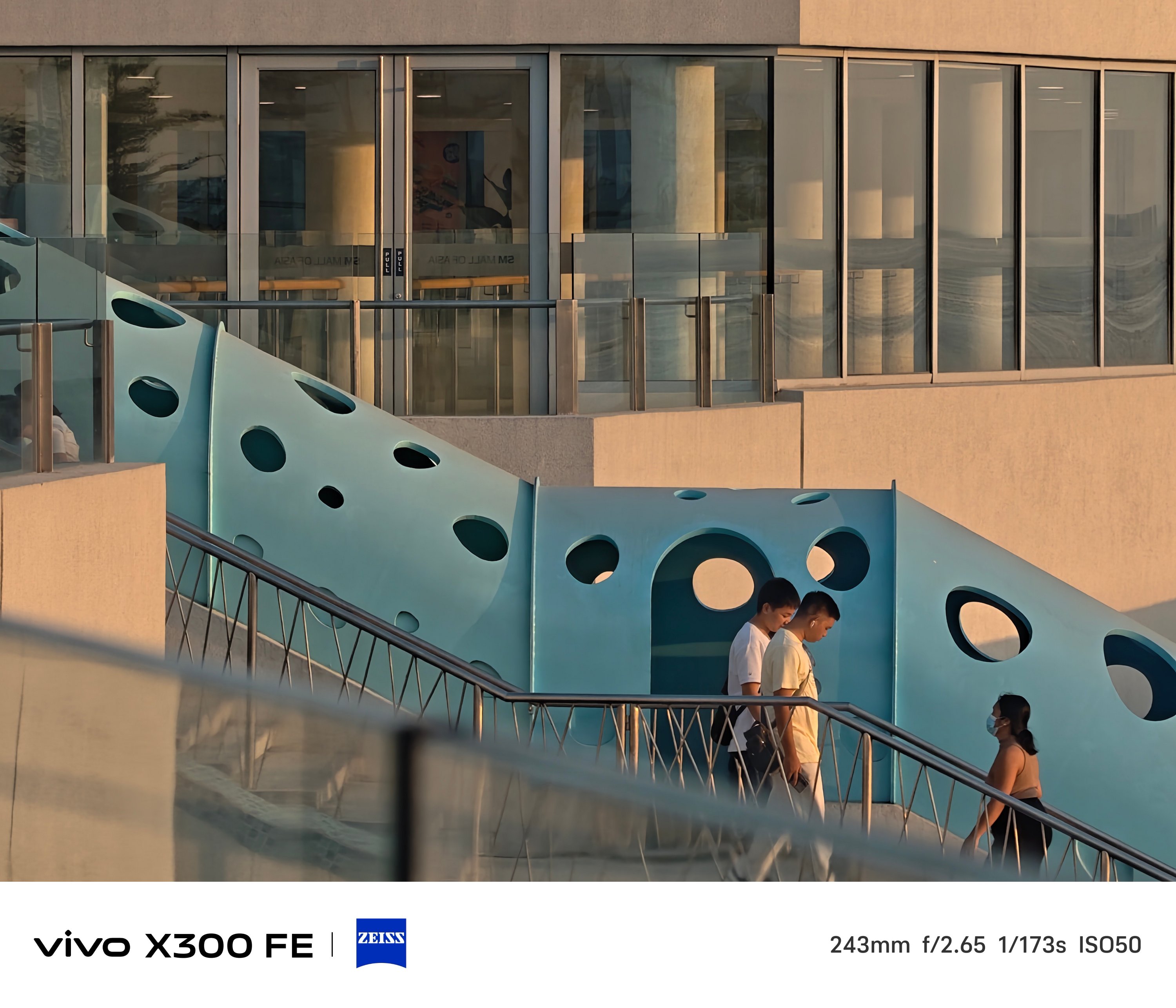


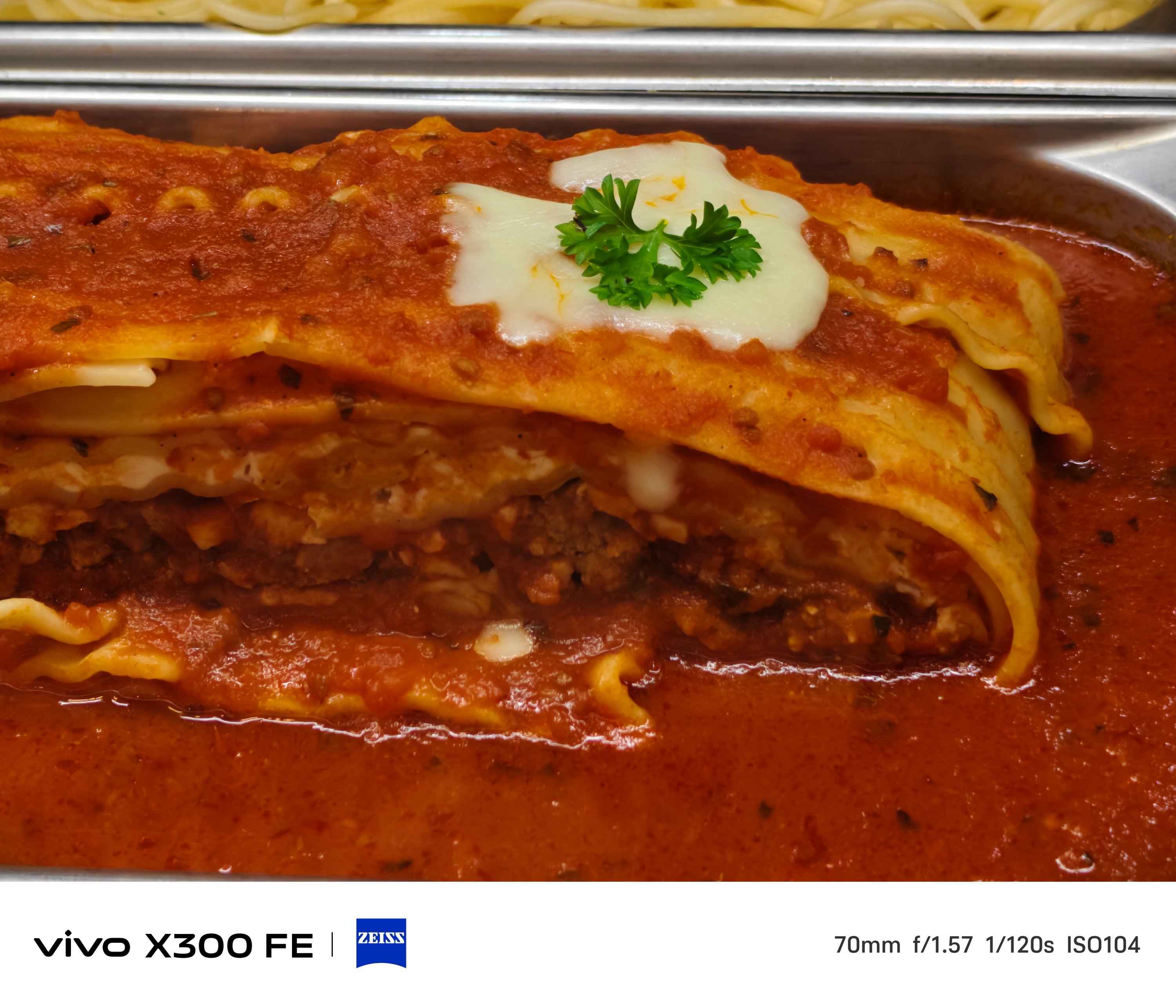
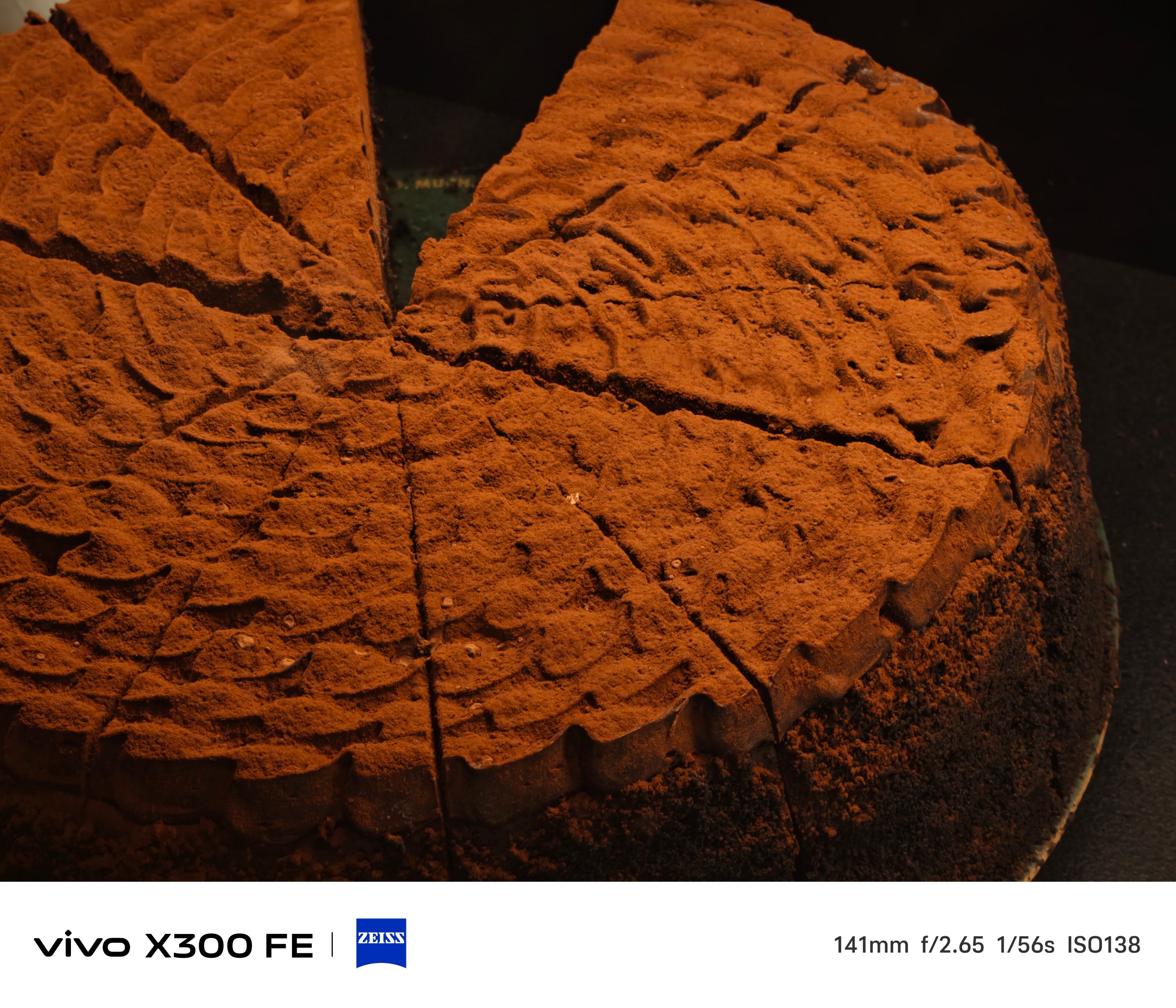
One thing’s for sure. The 3x telephoto camera of the X300 FE is better when it comes to minimum focusing distance that the vivo V70 suffers from.
That meant you can take zoomed shots even at a closer distance, much like how I always do in taking #foodporn snaps.




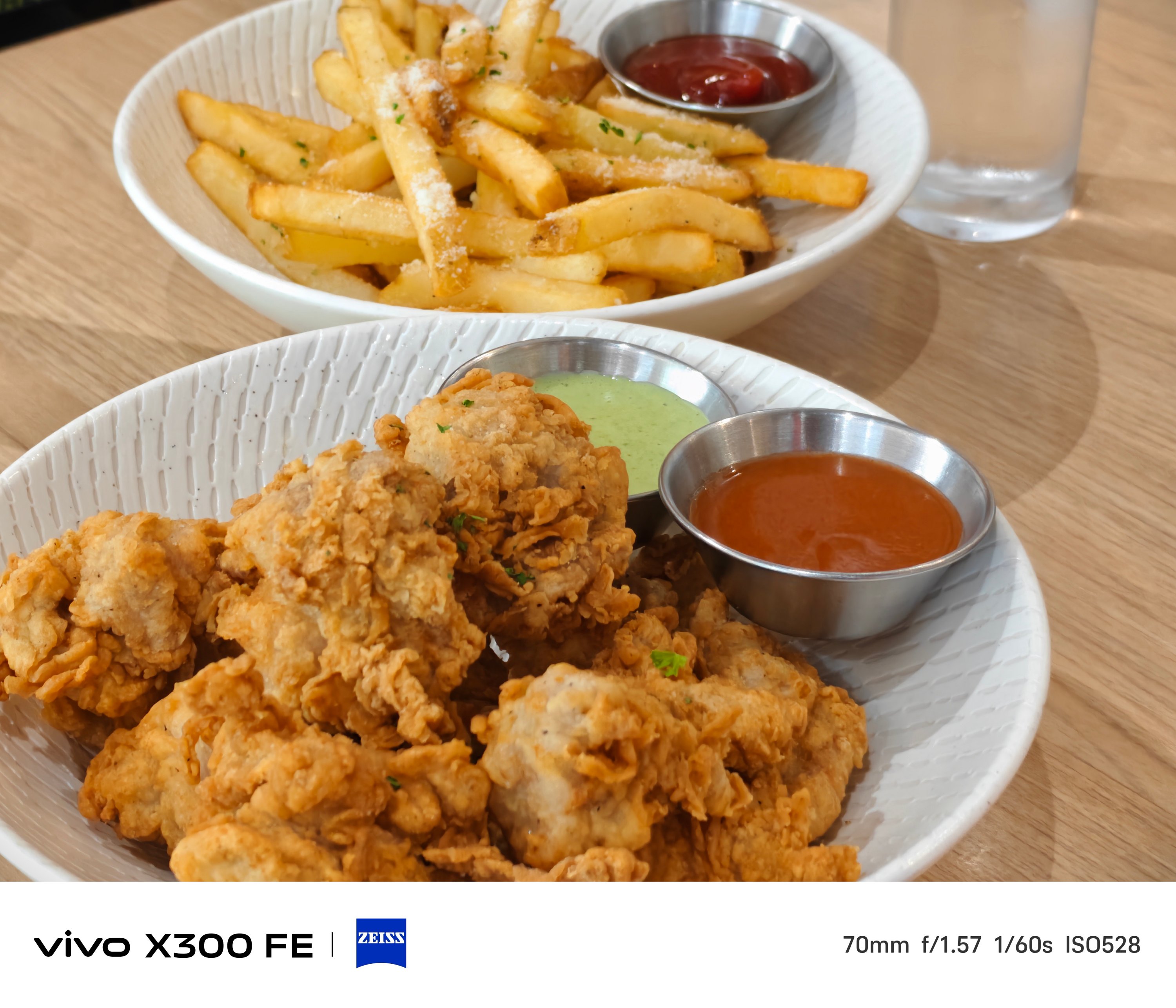
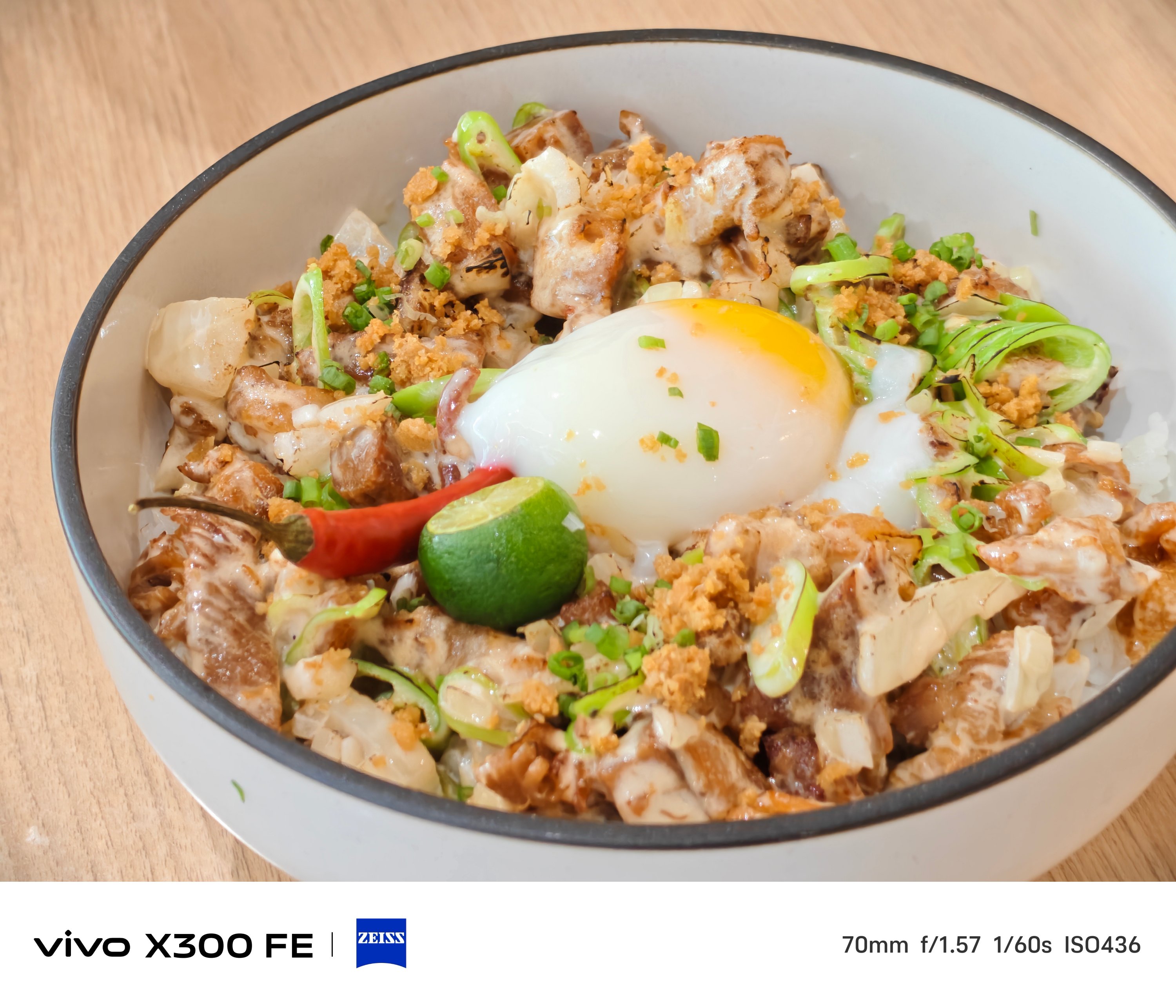


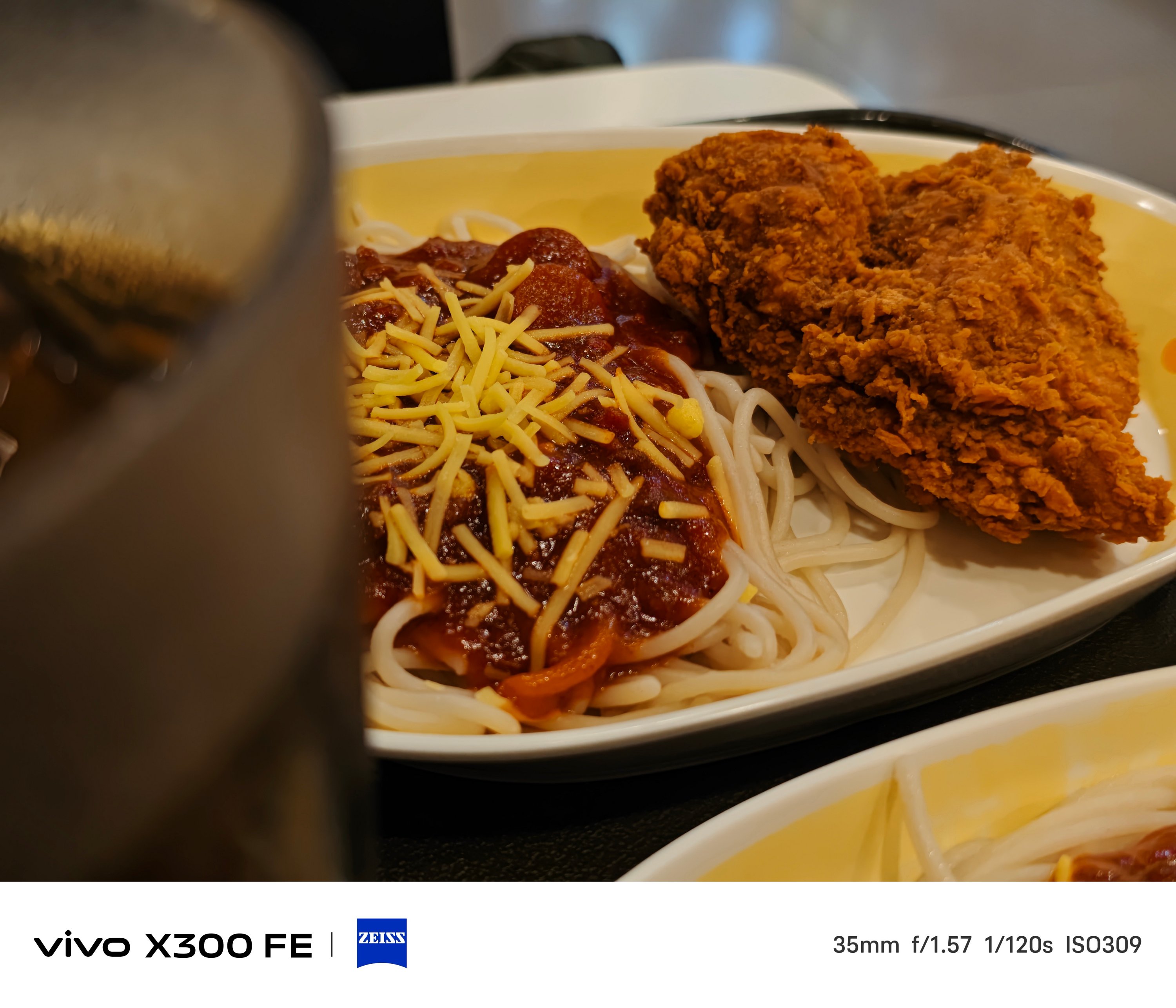
BONUS: X300 FE vs X300 – Can you even tell them apart without nitpicking?


Taking mementos of your furry friends? The X300 FE handles that with ease.
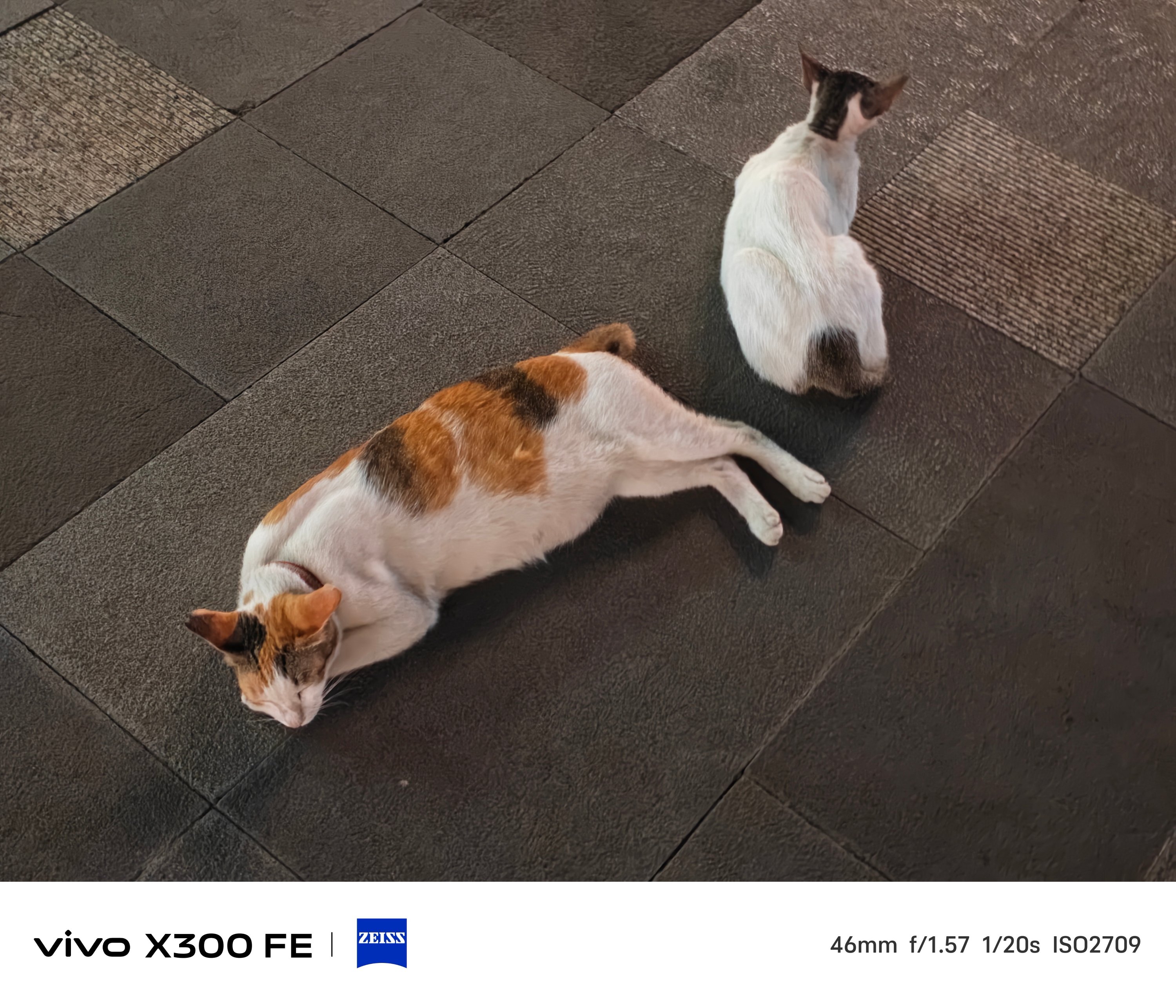
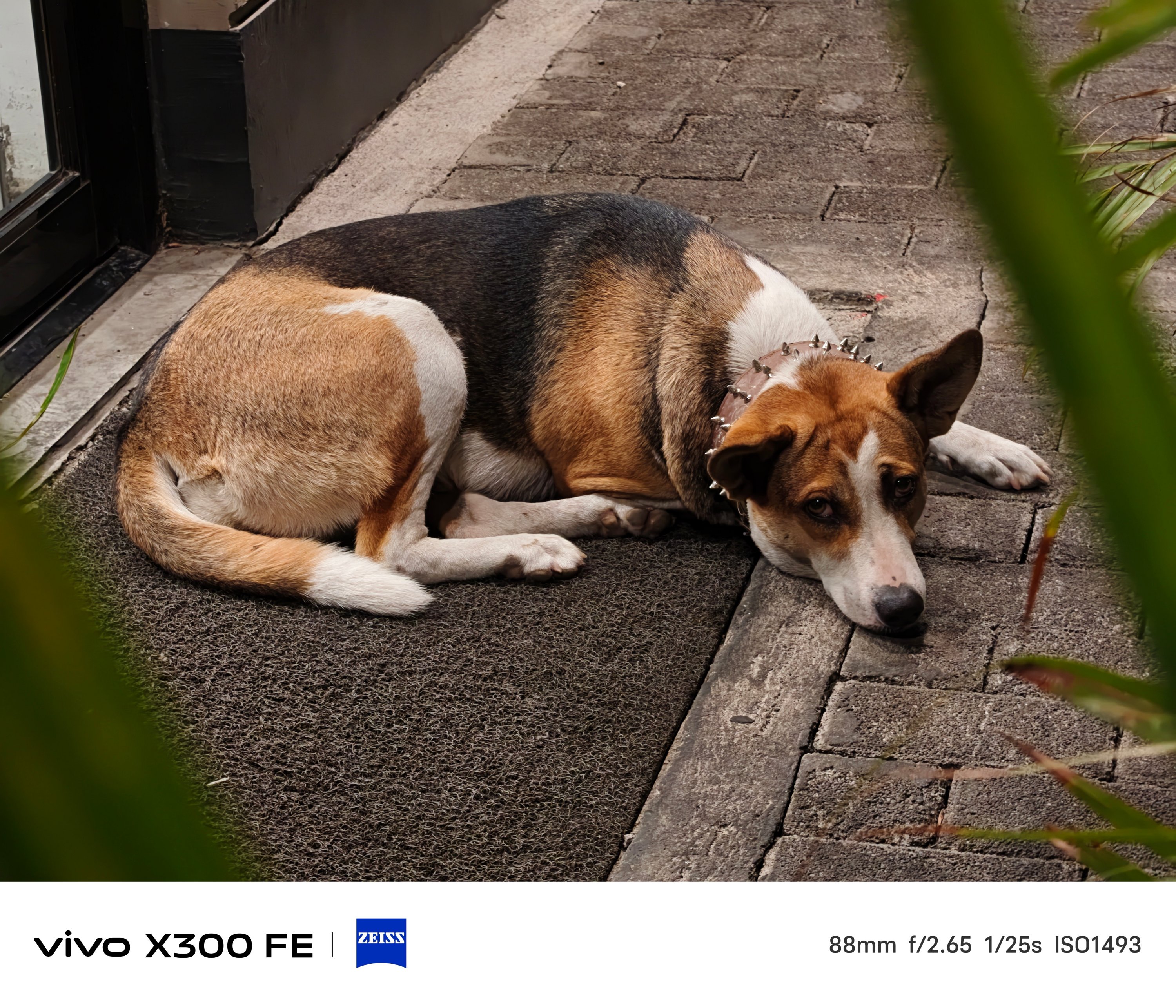
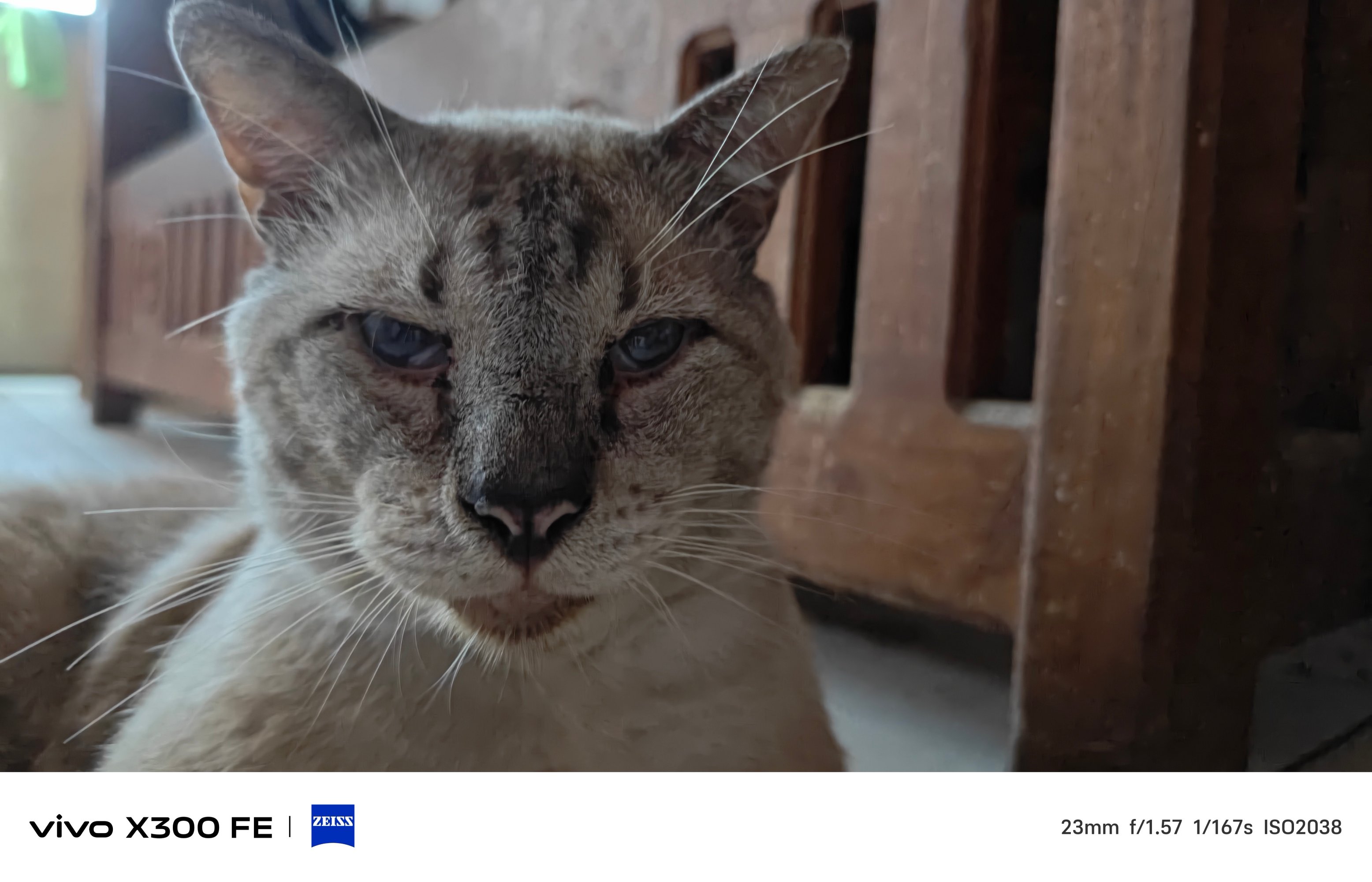
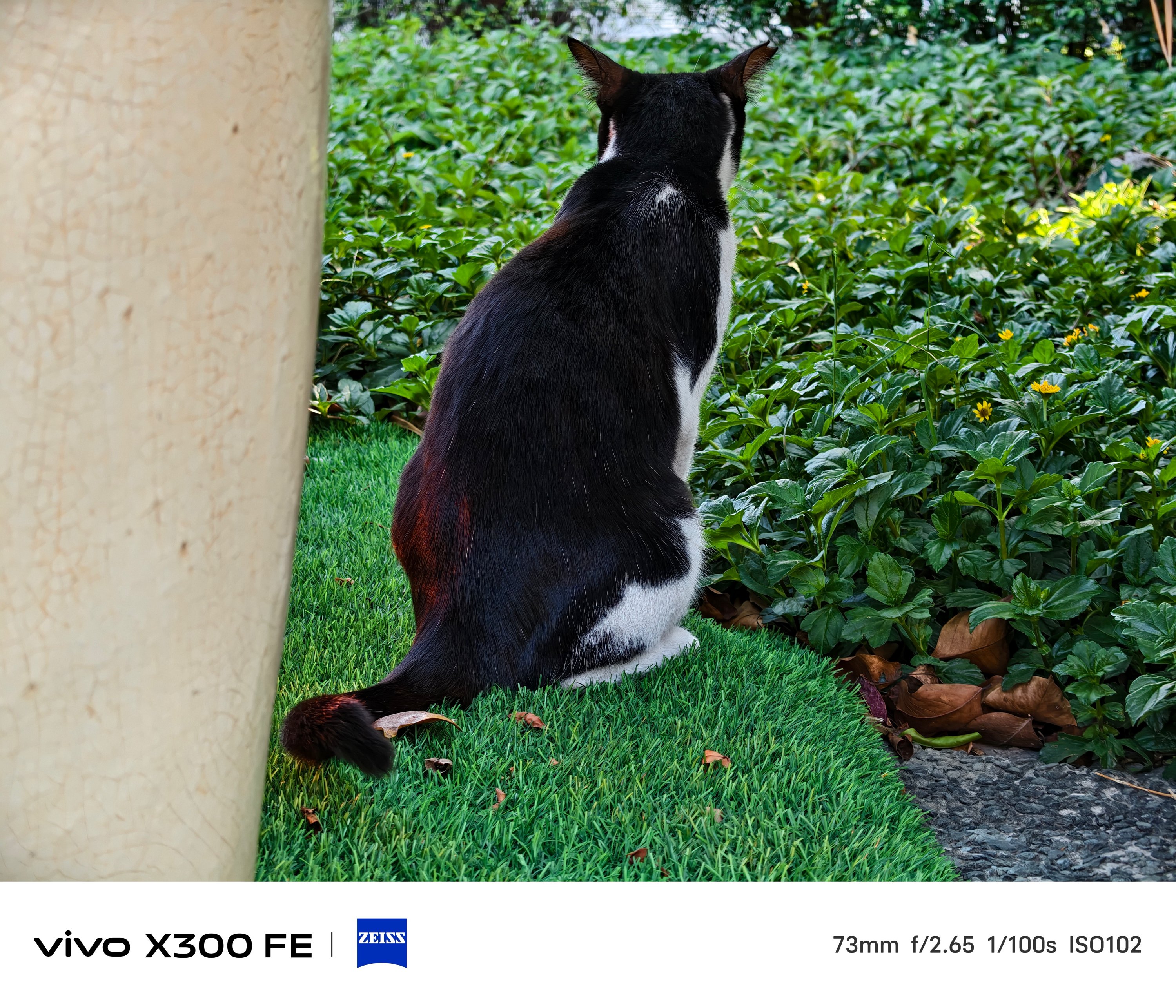
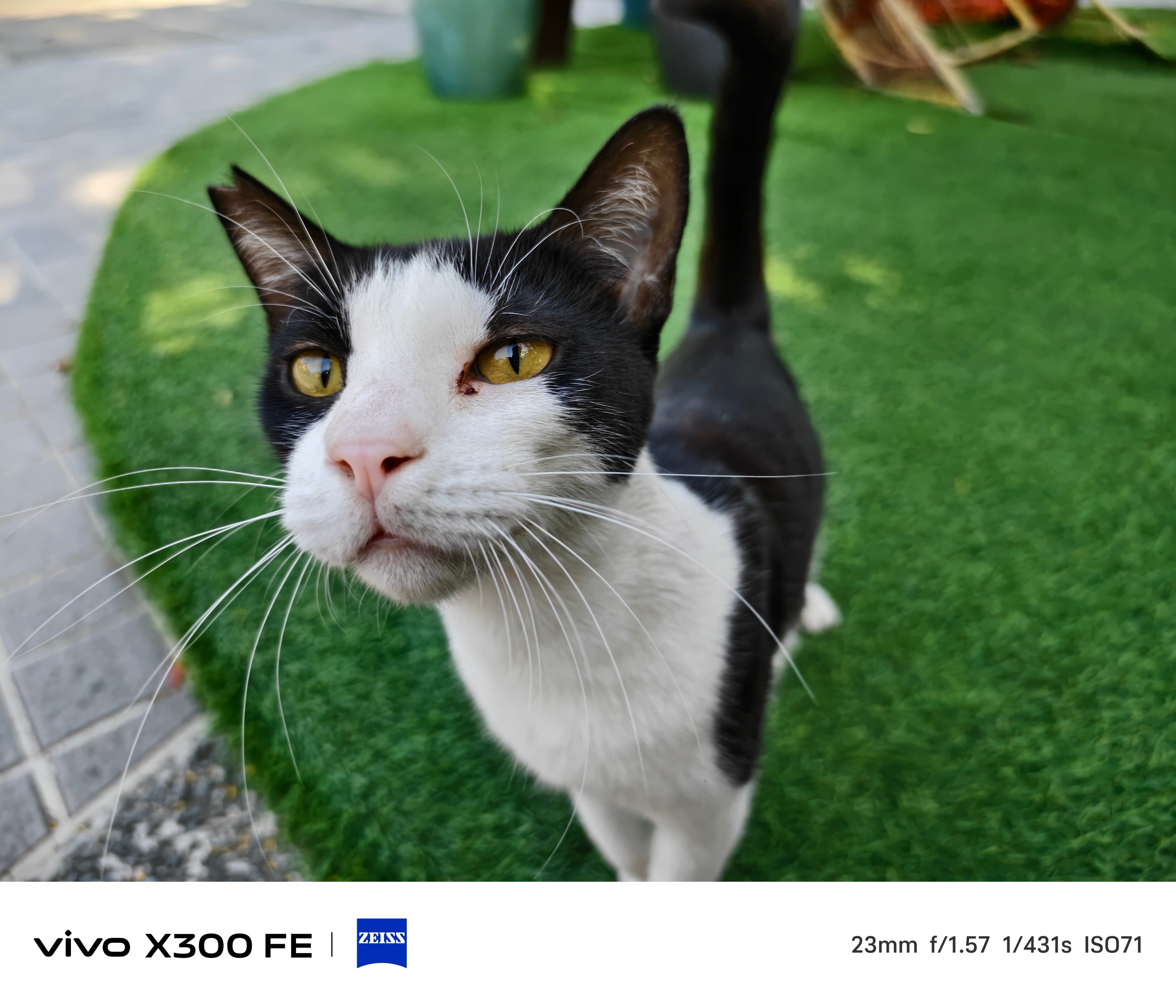
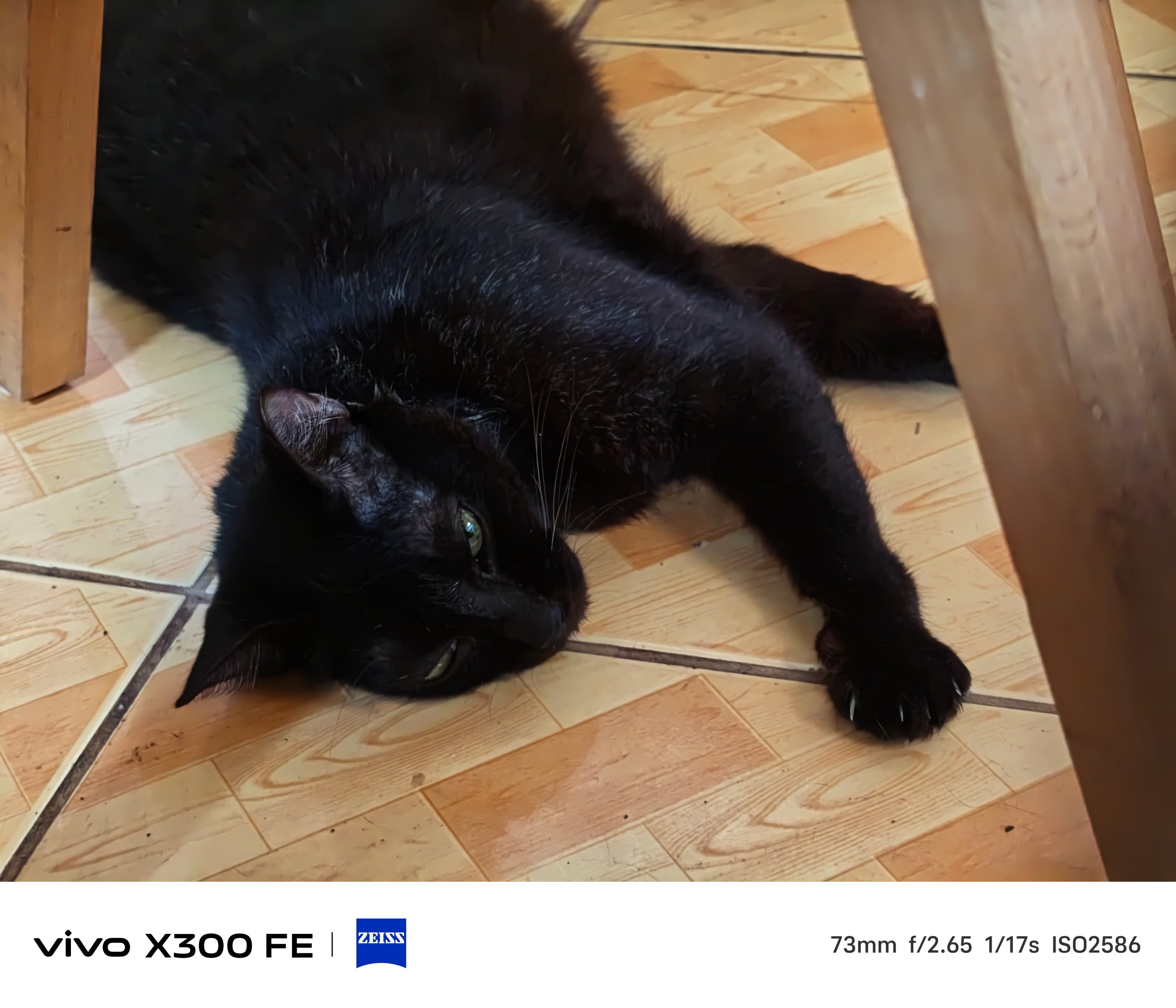
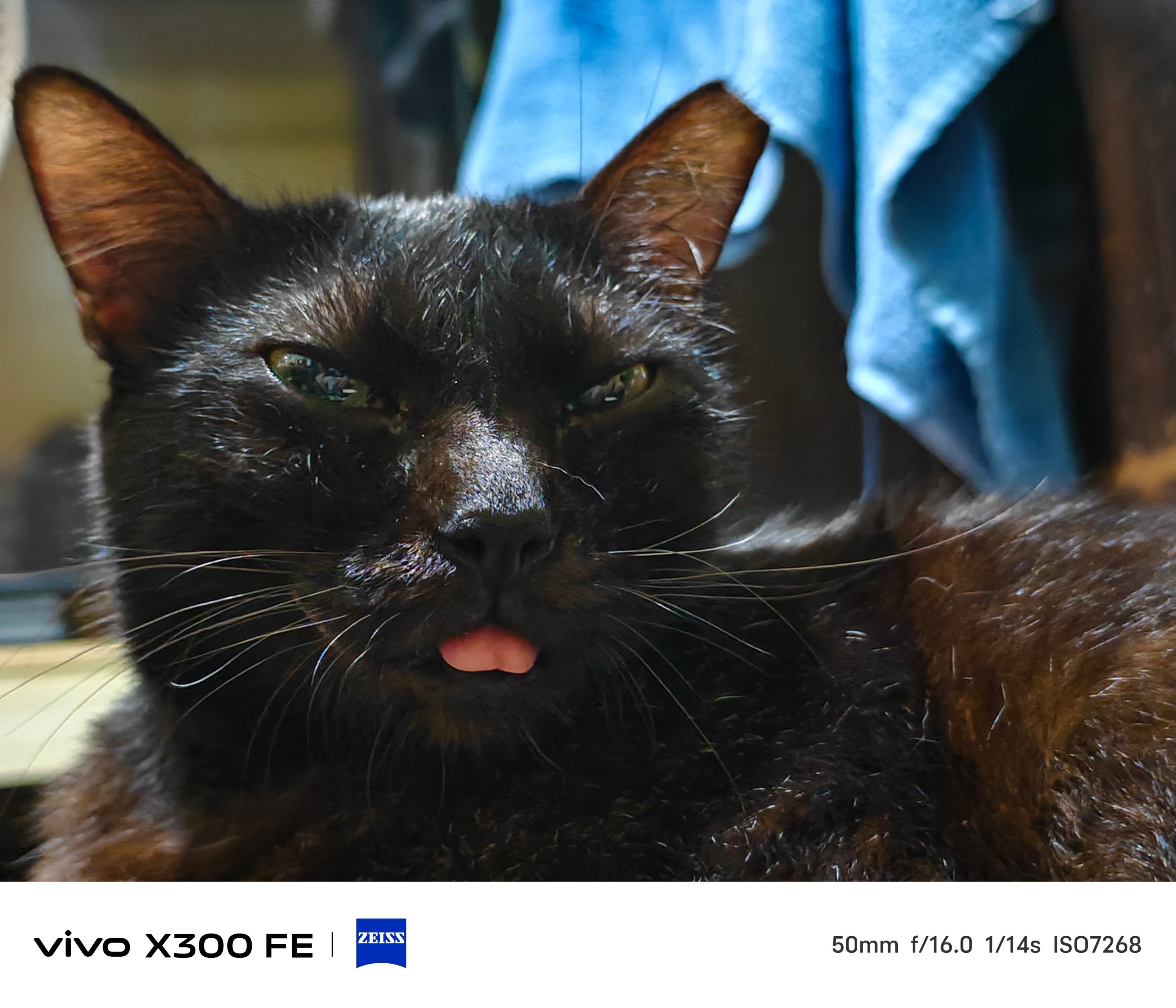
That focusing strengh also meant Super Macro mode is possible.
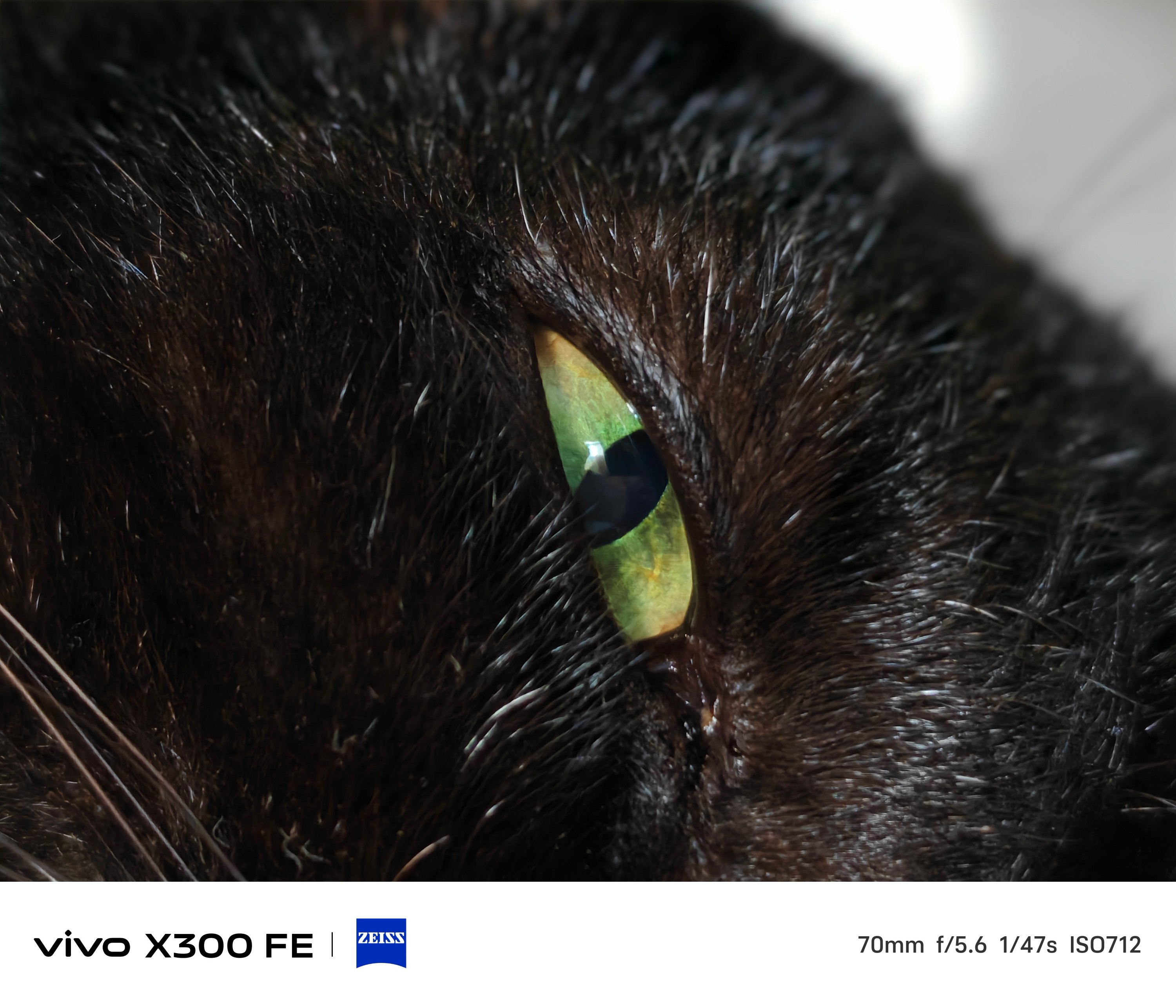
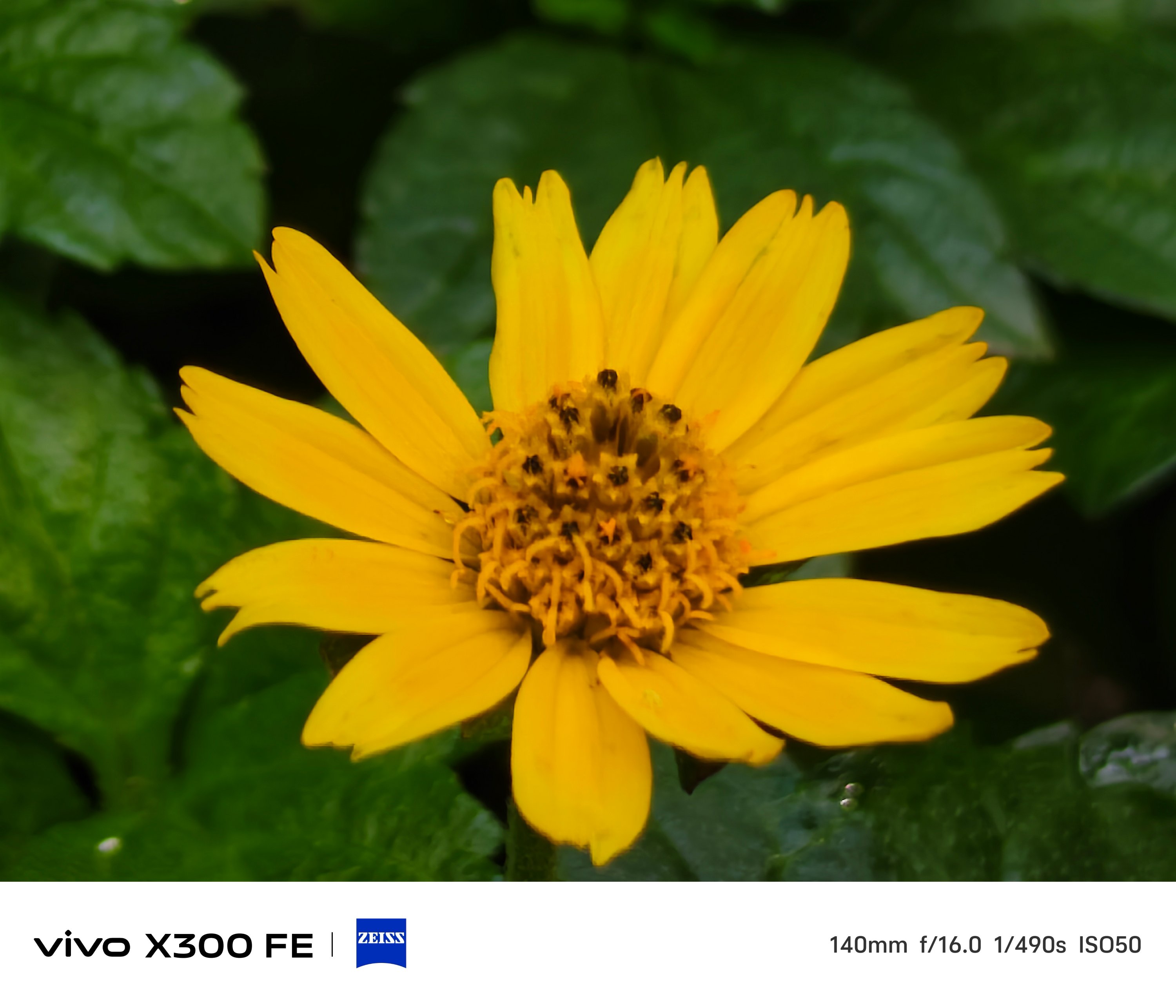
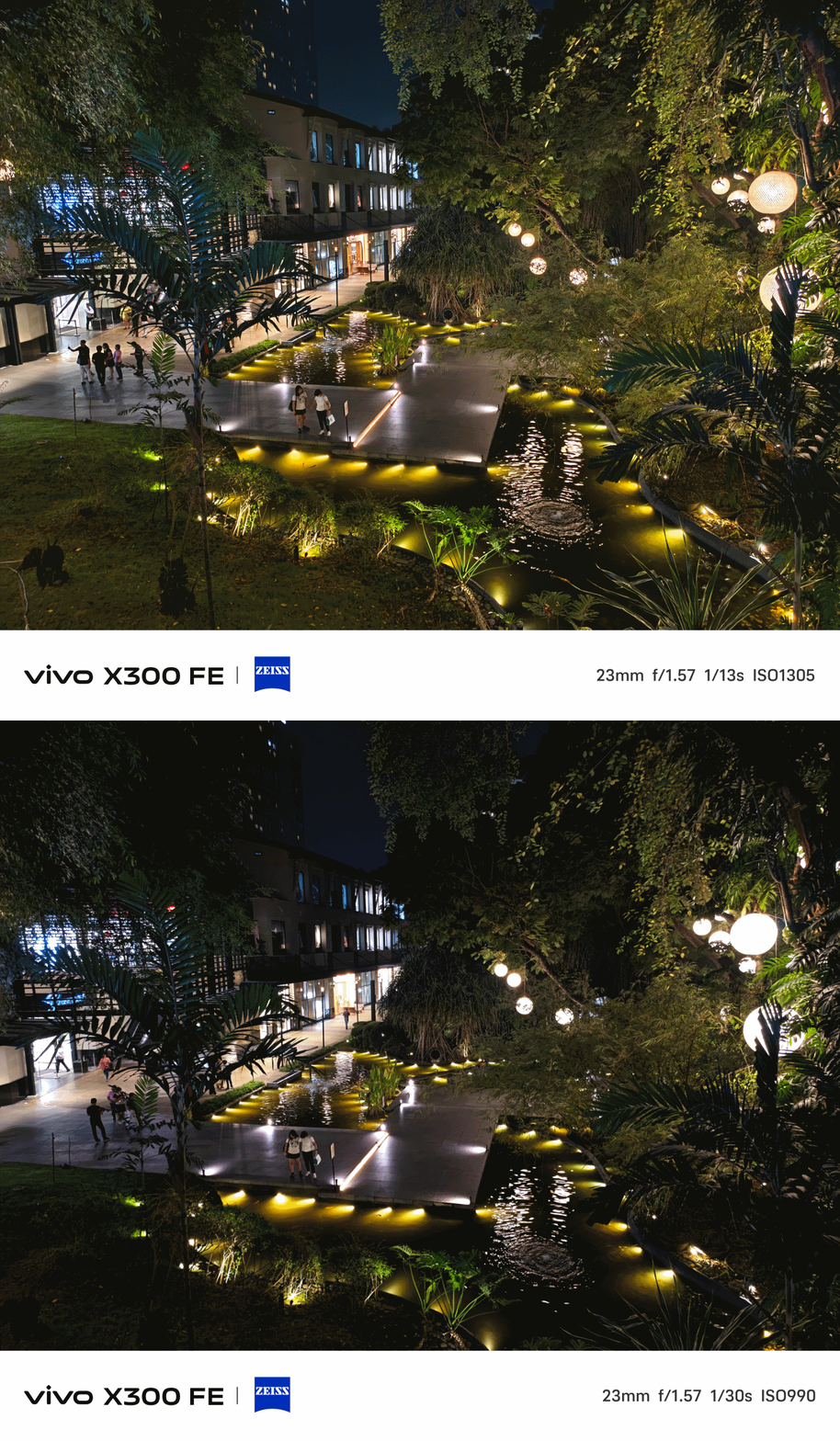
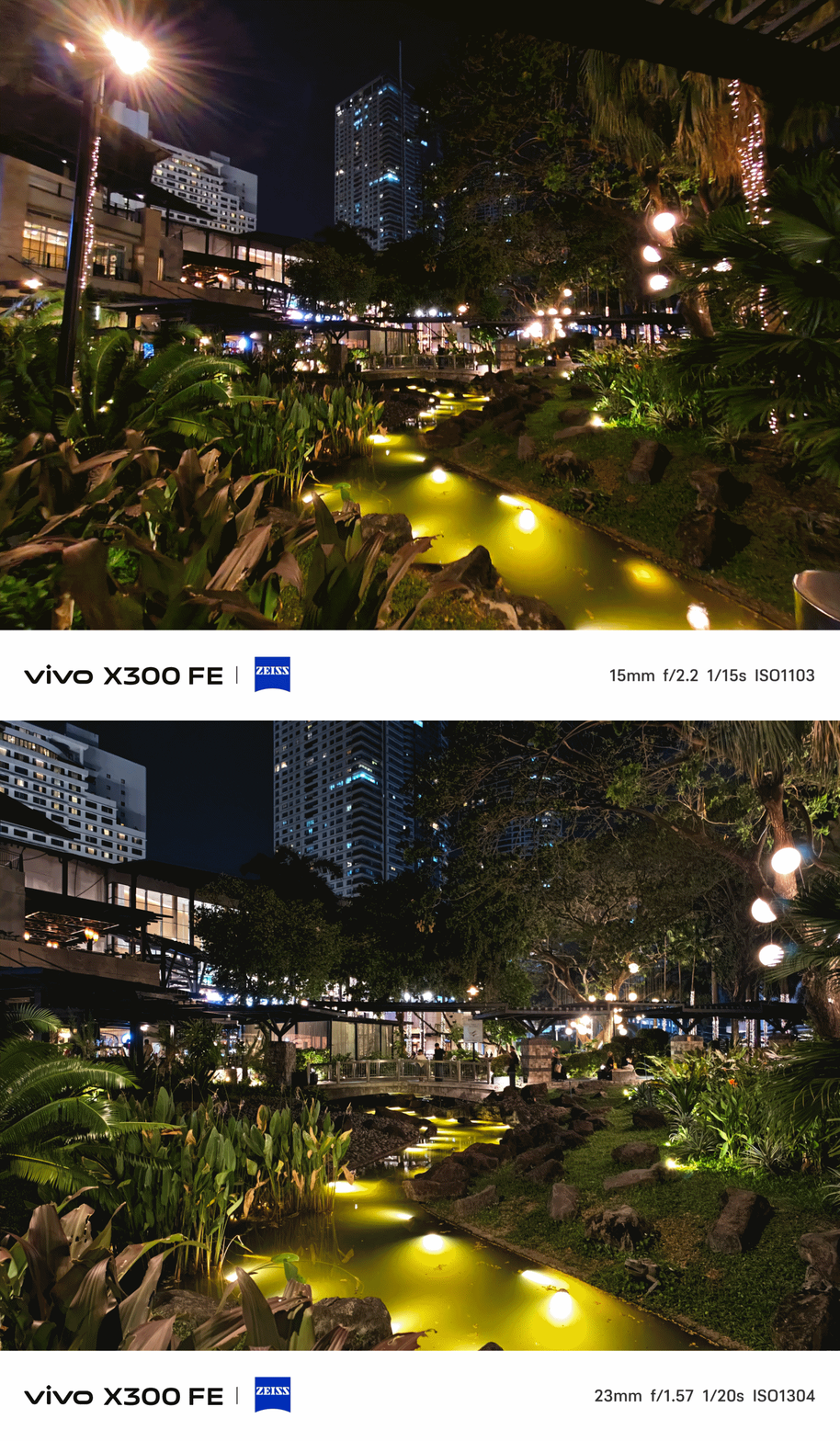
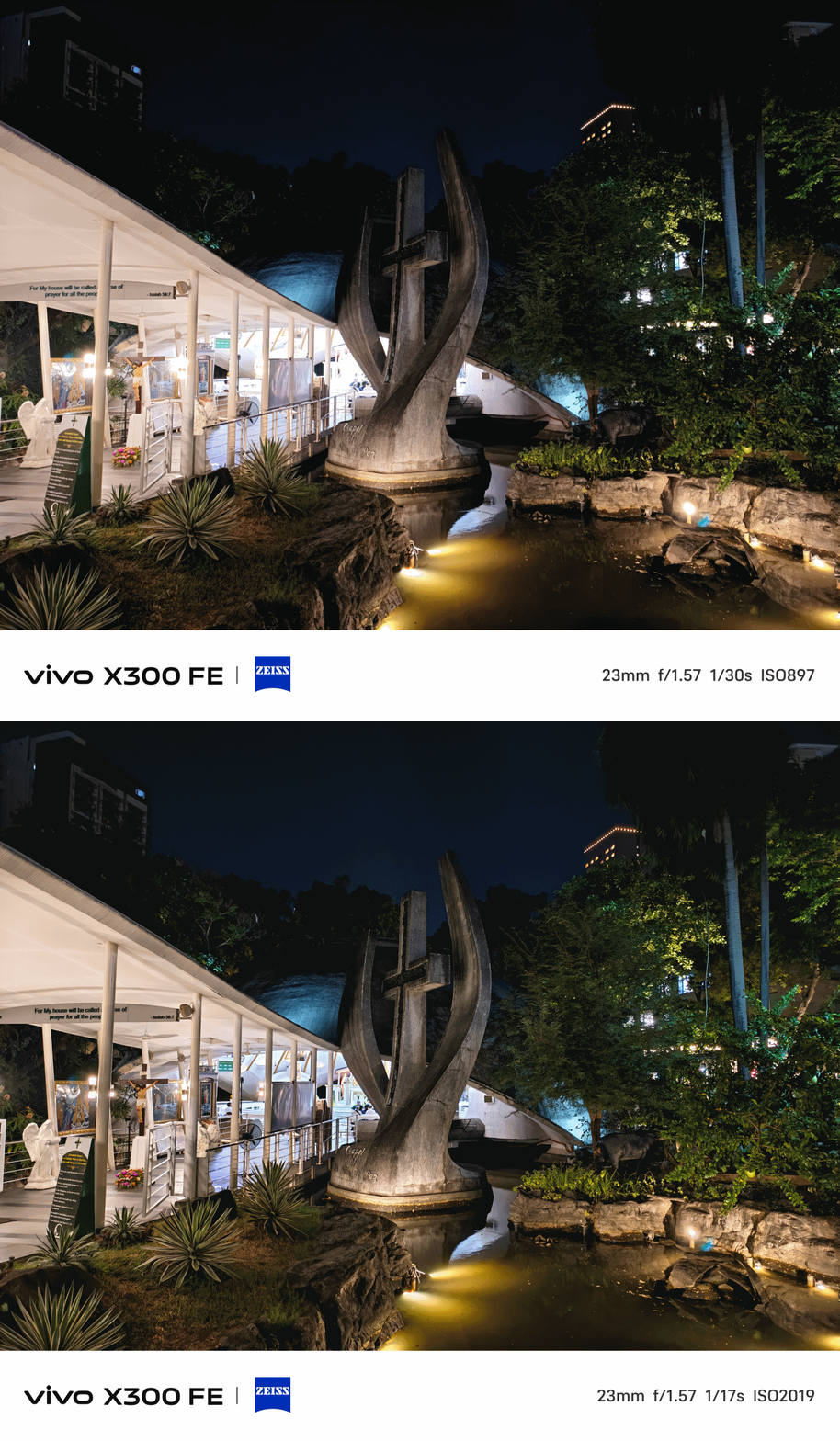
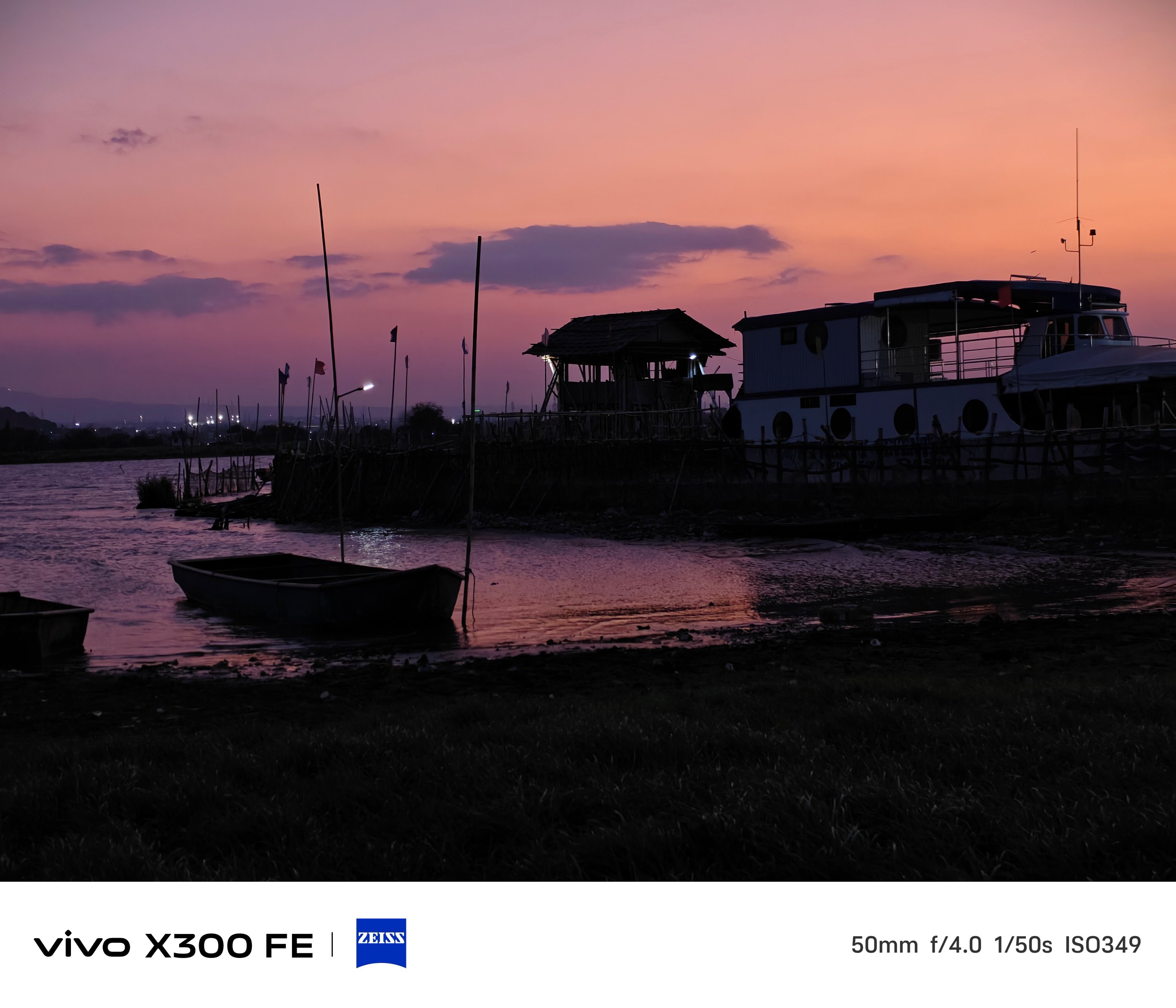
Lastly, shots from the Golden Hour to night.
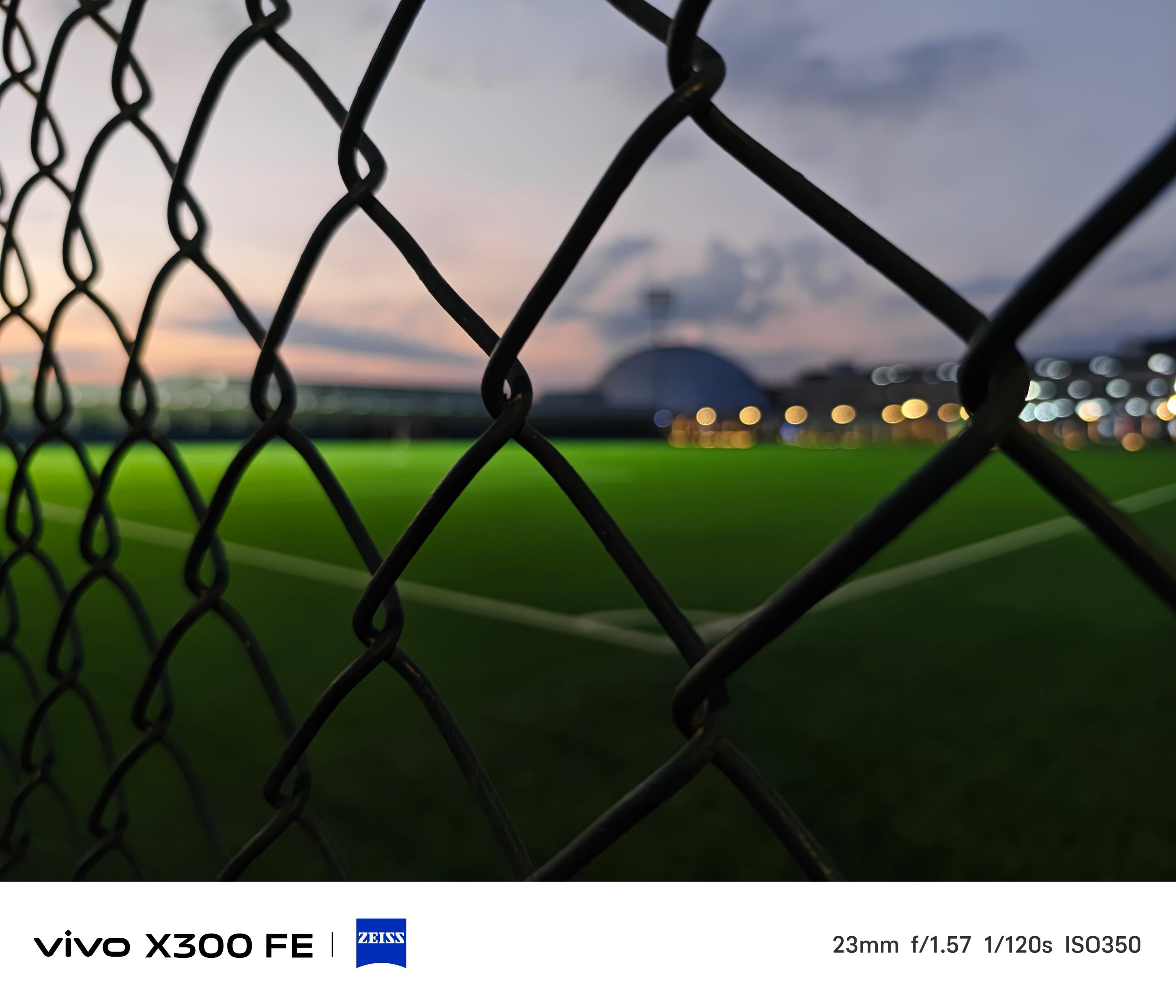

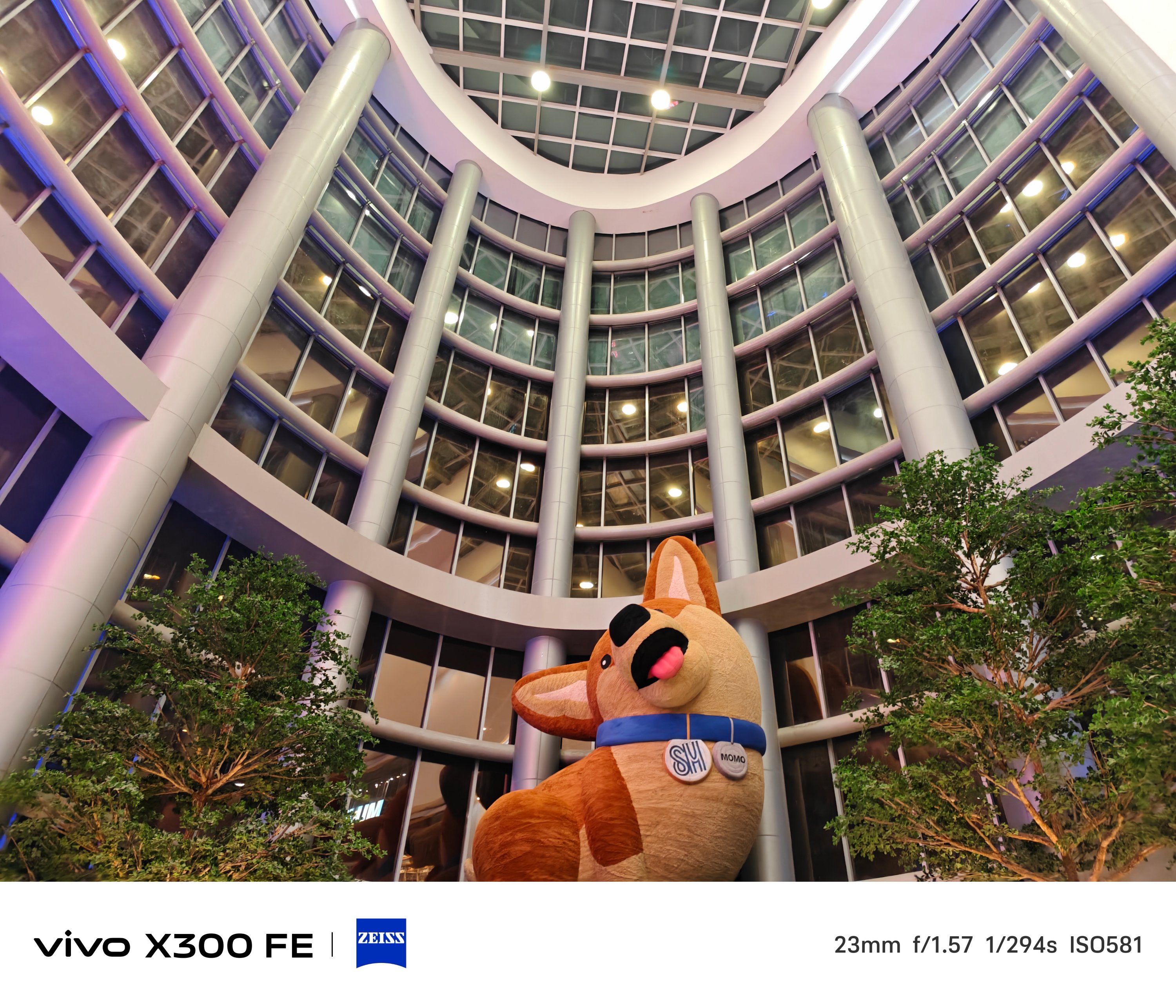
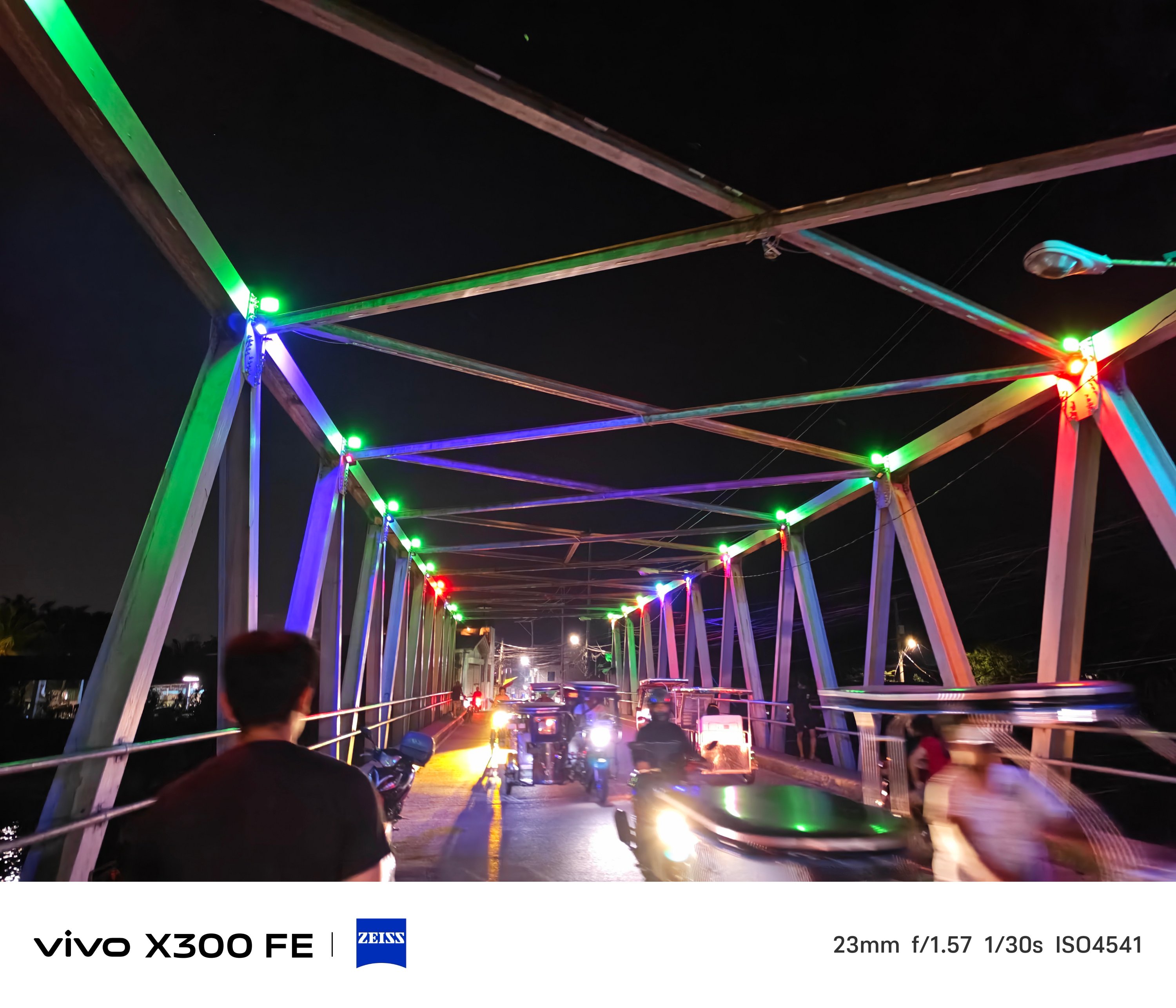

Just remember to fire up vivo’s Night Mode algorithm in scenes where there’s clear absence of light.

The ZEISS Masterclass
With the existing ZEISS partnership, these usual color profiles are already given: ZEISS, Vivid, and Textured.
ZEISS Portrait Styles were not left behind as well. And it not only works with humans, but with animals and objects alike.

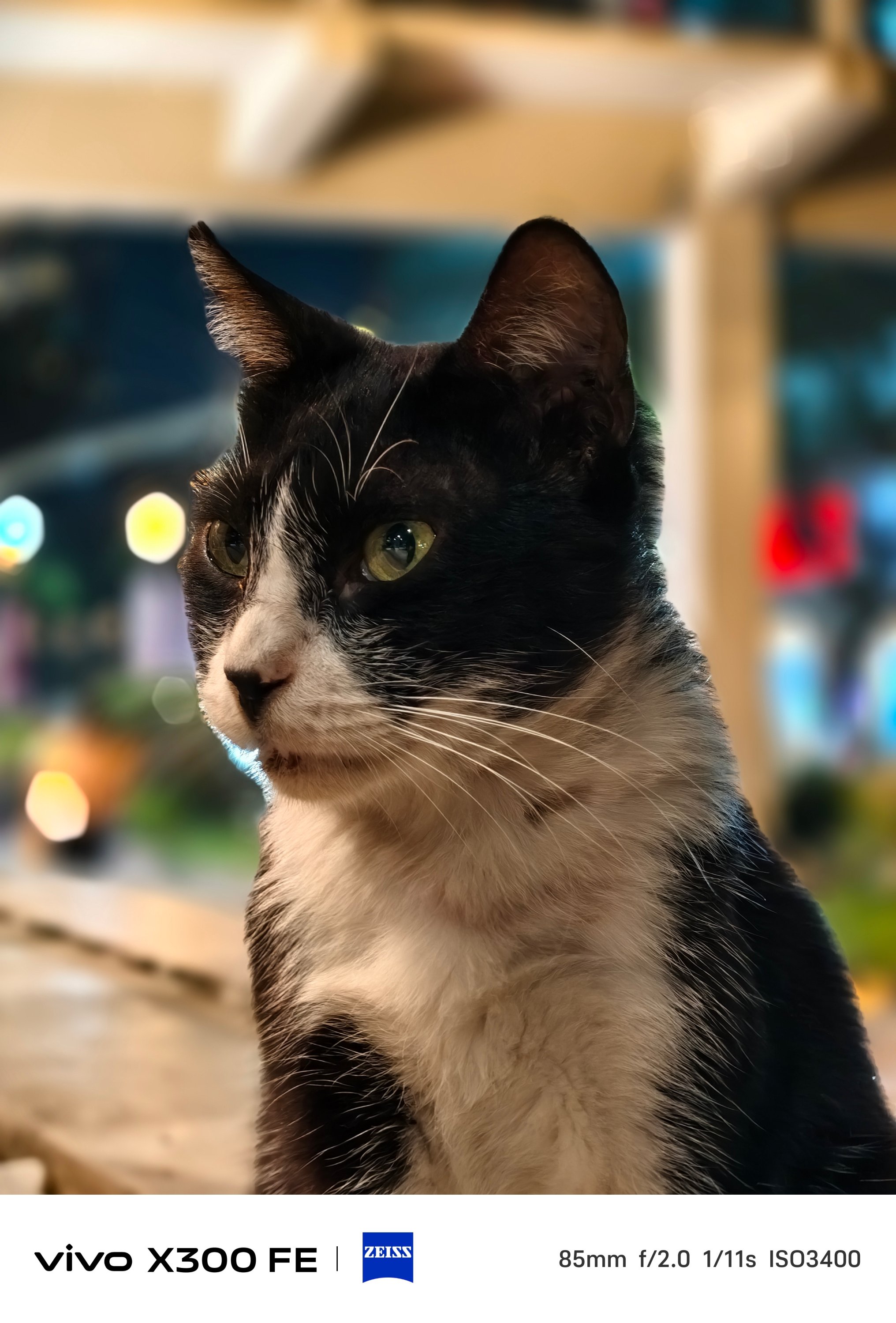


Even if you don’t switch to Portrait Mode, you can still snap close-ups with that creamy bokeh behind.


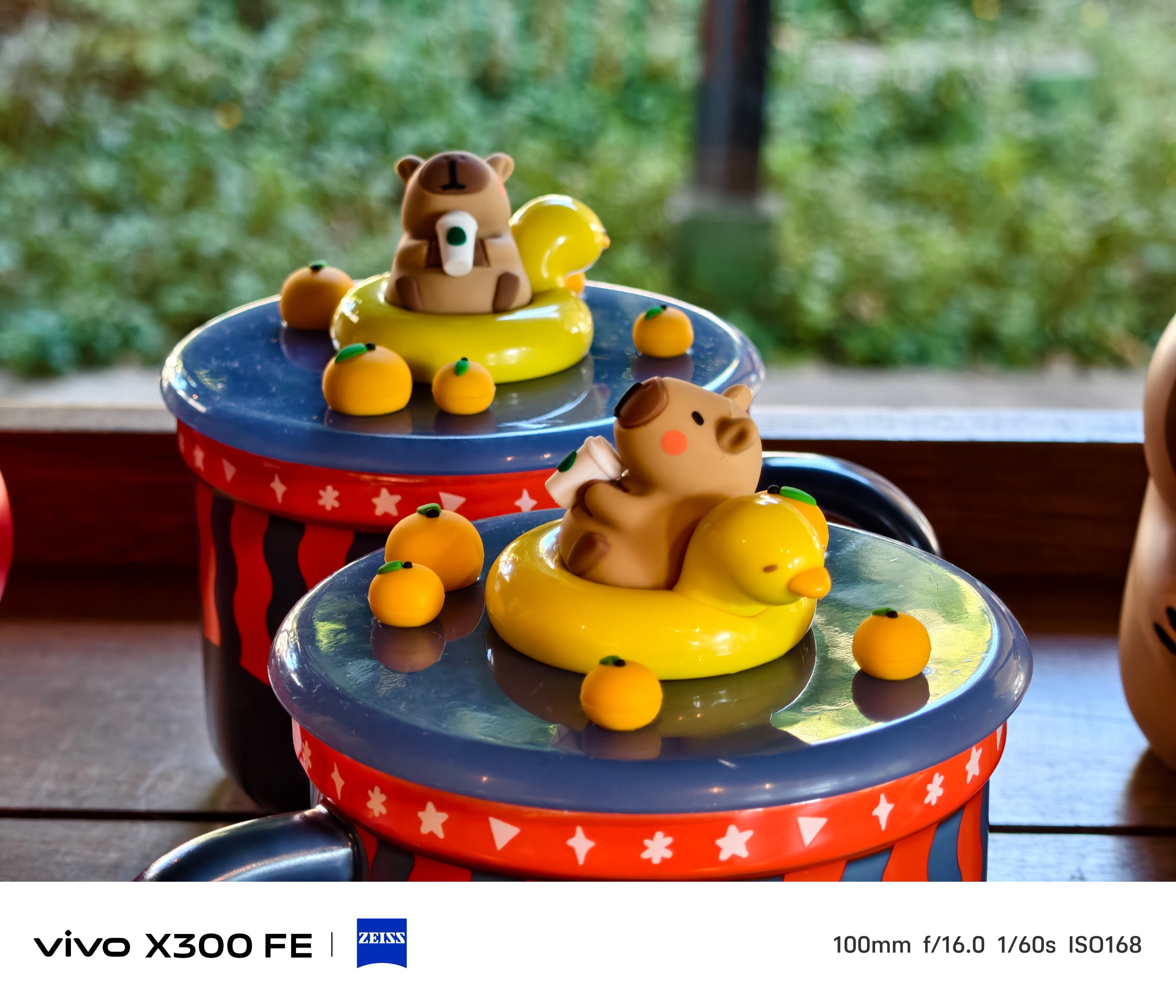
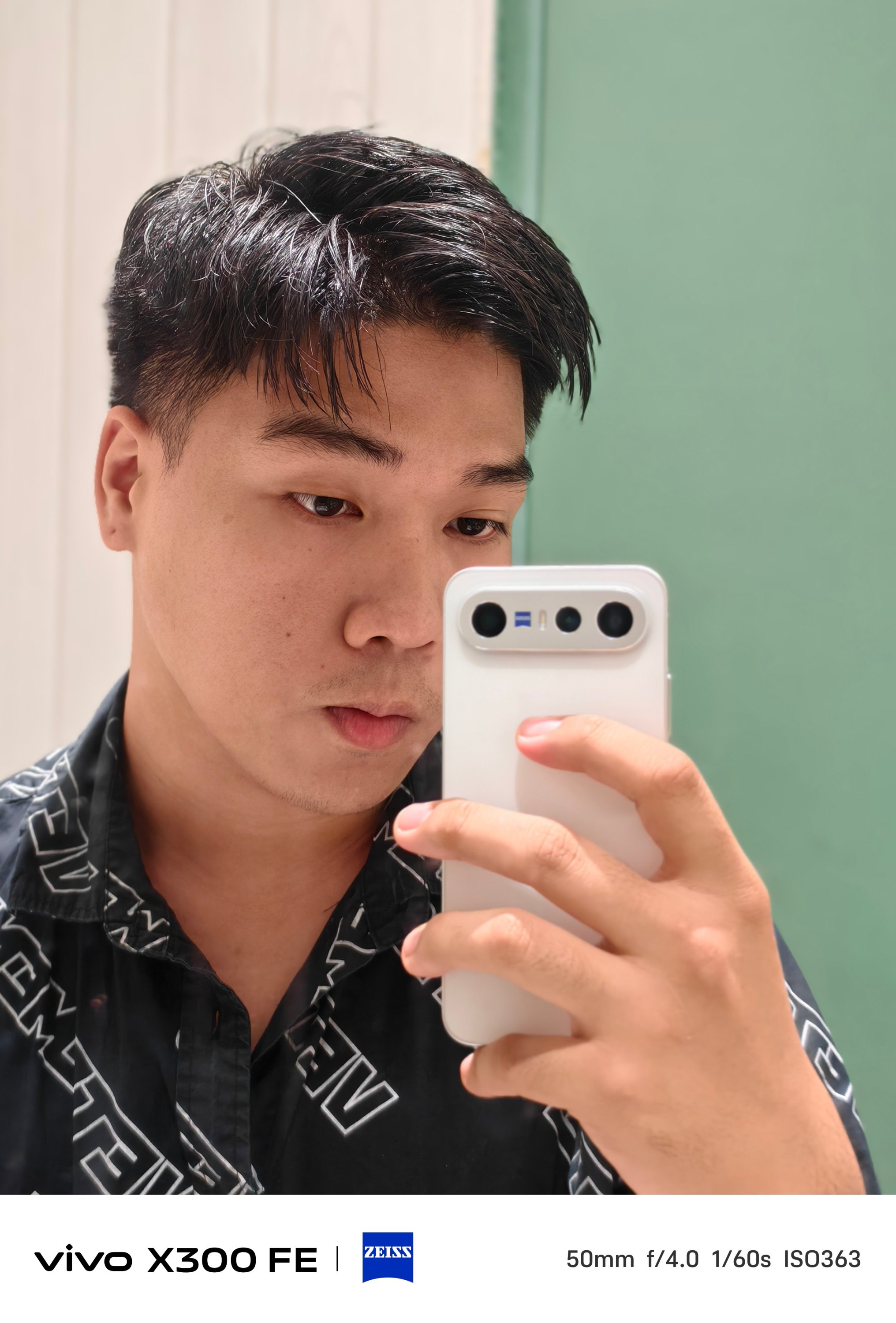
Speaking of Portrait Mode, beautification can be toggled and adjusted to your liking — both in front and back.

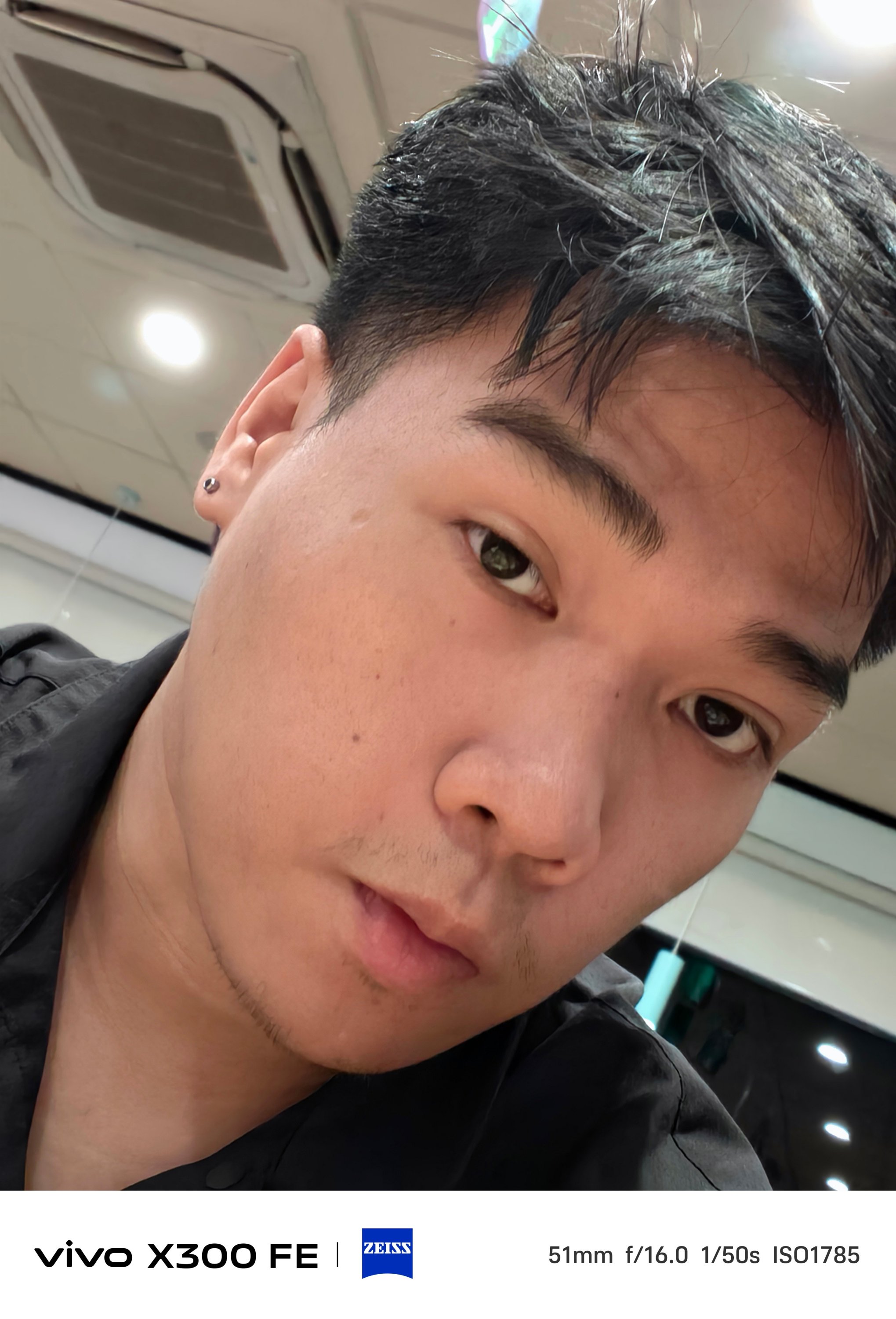

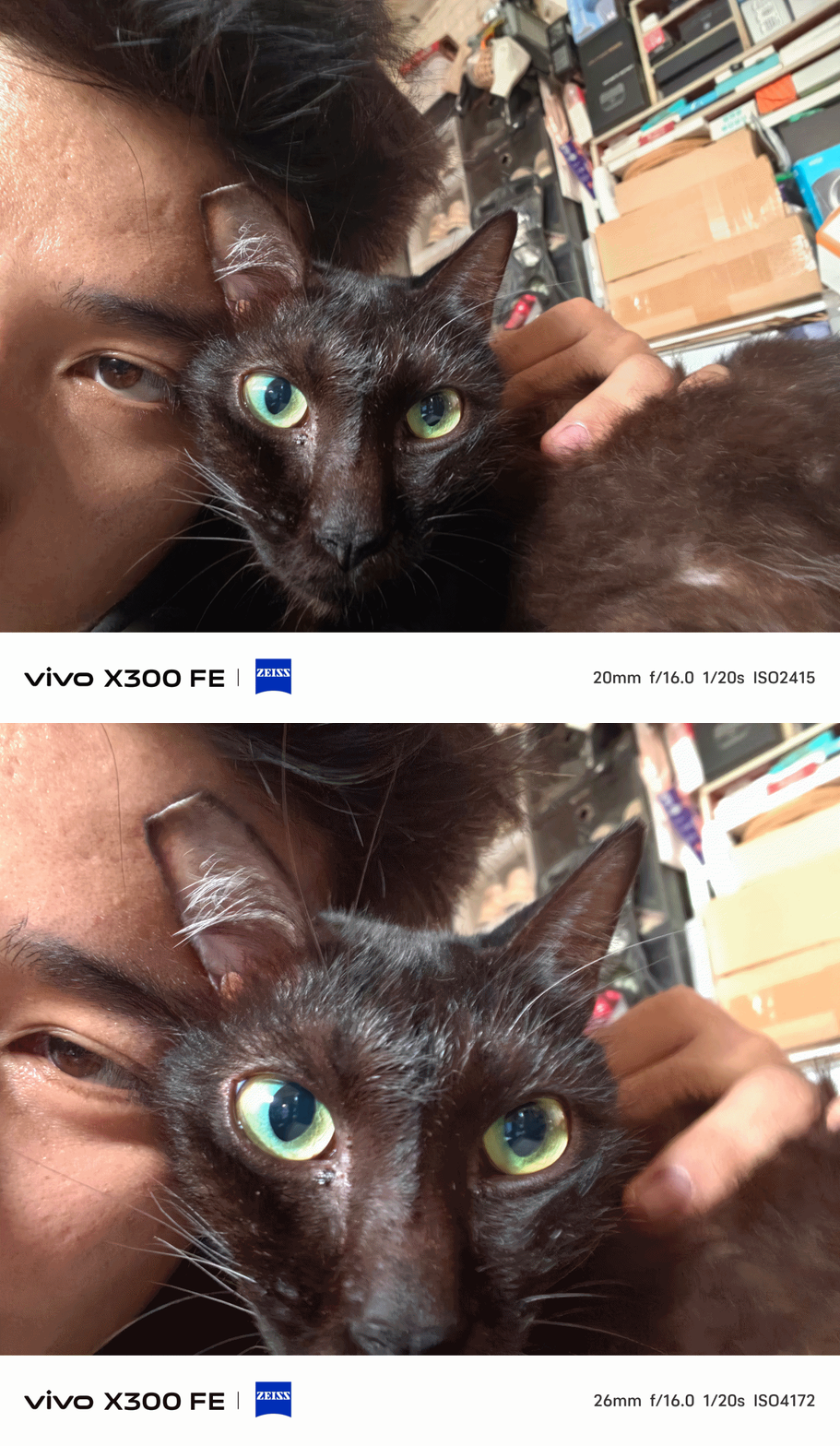
And while we’re at it, front-facing camera can go a bit wider — from 26mm to 20mm.
The X300 FE has also adapted the Humanistic Street Photography Camera interface that got introduced way back in the X200 series. The upgraded version means it’s also equipped with all these film-like presets:
- Textured
- Classic negative*
- Vivid
- ZEISS Natural
- B/W
- Positive film*
- Clear blue*
* newer film simulation looks

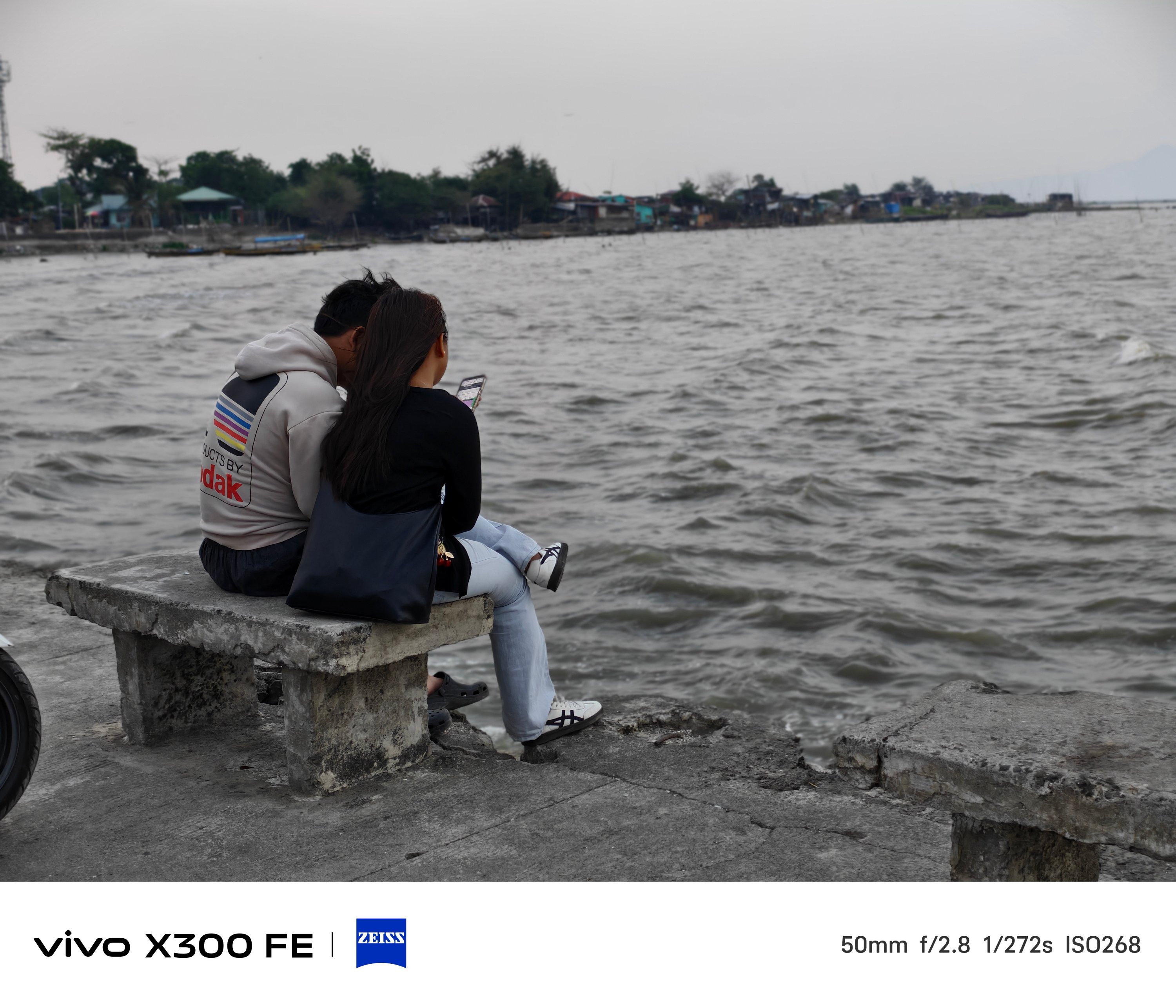
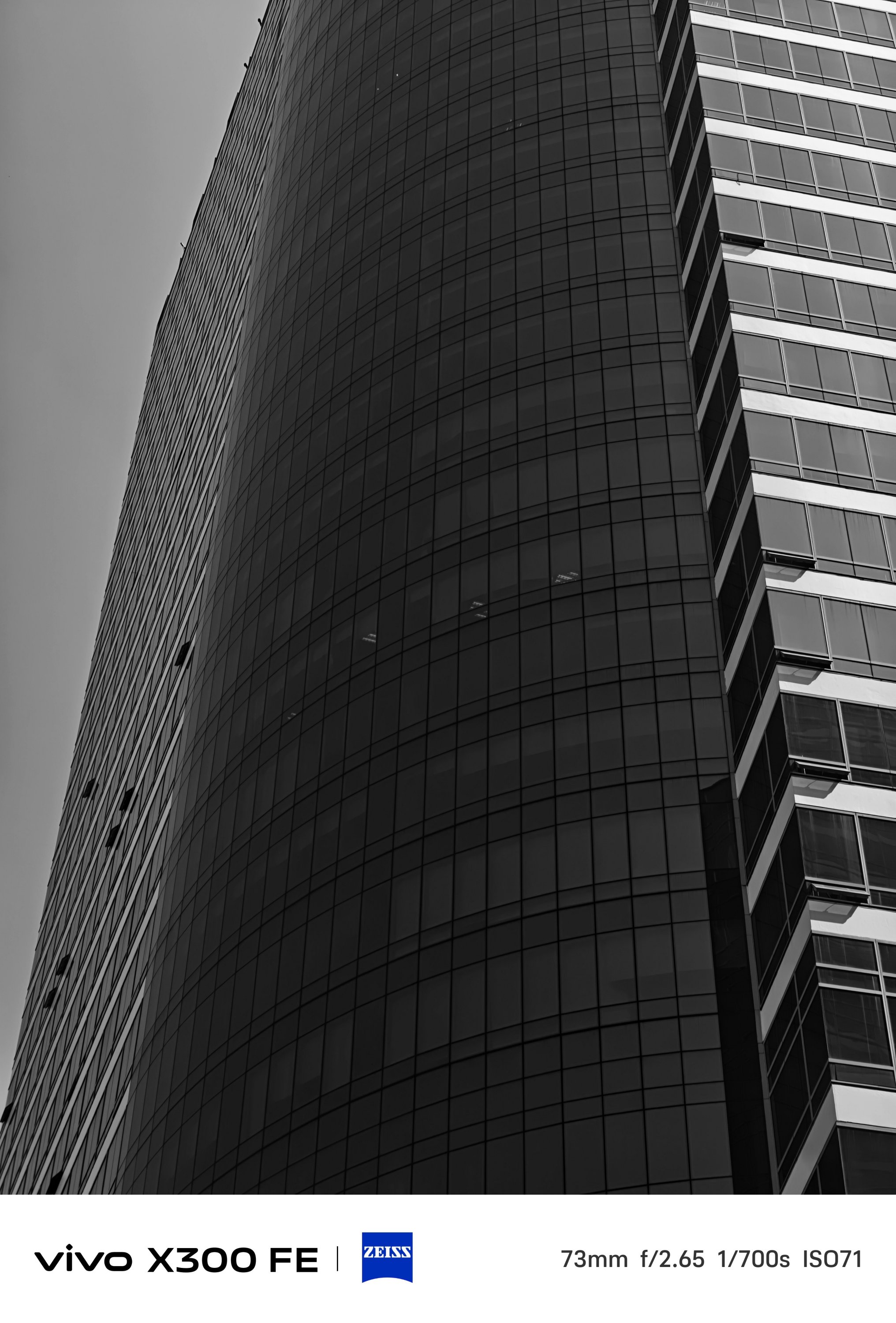
B/W, while not Leica levels, still looks dramatic as it could be.




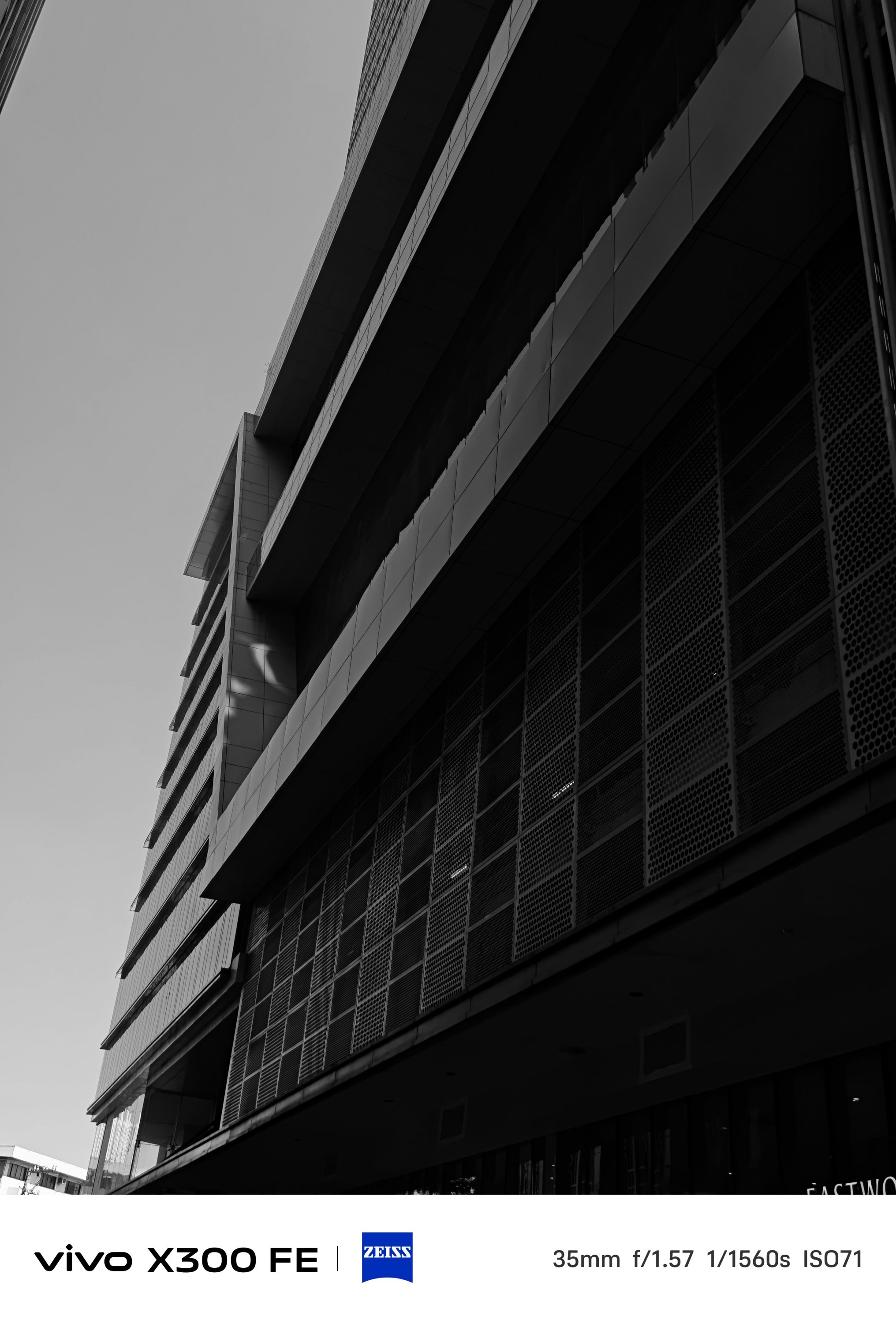

Mind you, the vivo X300 FE lacks that much-needed Snapshot mode for fast-moving scenarios. However, I was still able to shoot these while I was in a speedy to steadfast motorcycle ride (as a passenger, of course).
What about video shooting?
As for video recording, it’s also heaps better than the vivo V70.
The said midranger is stuck at shooting 4K/60fps. The X300 FE? It can shoot as extreme as 4K/120fps up to 8K/30fps — just without the goodness of Dolby Vision HDR.
-
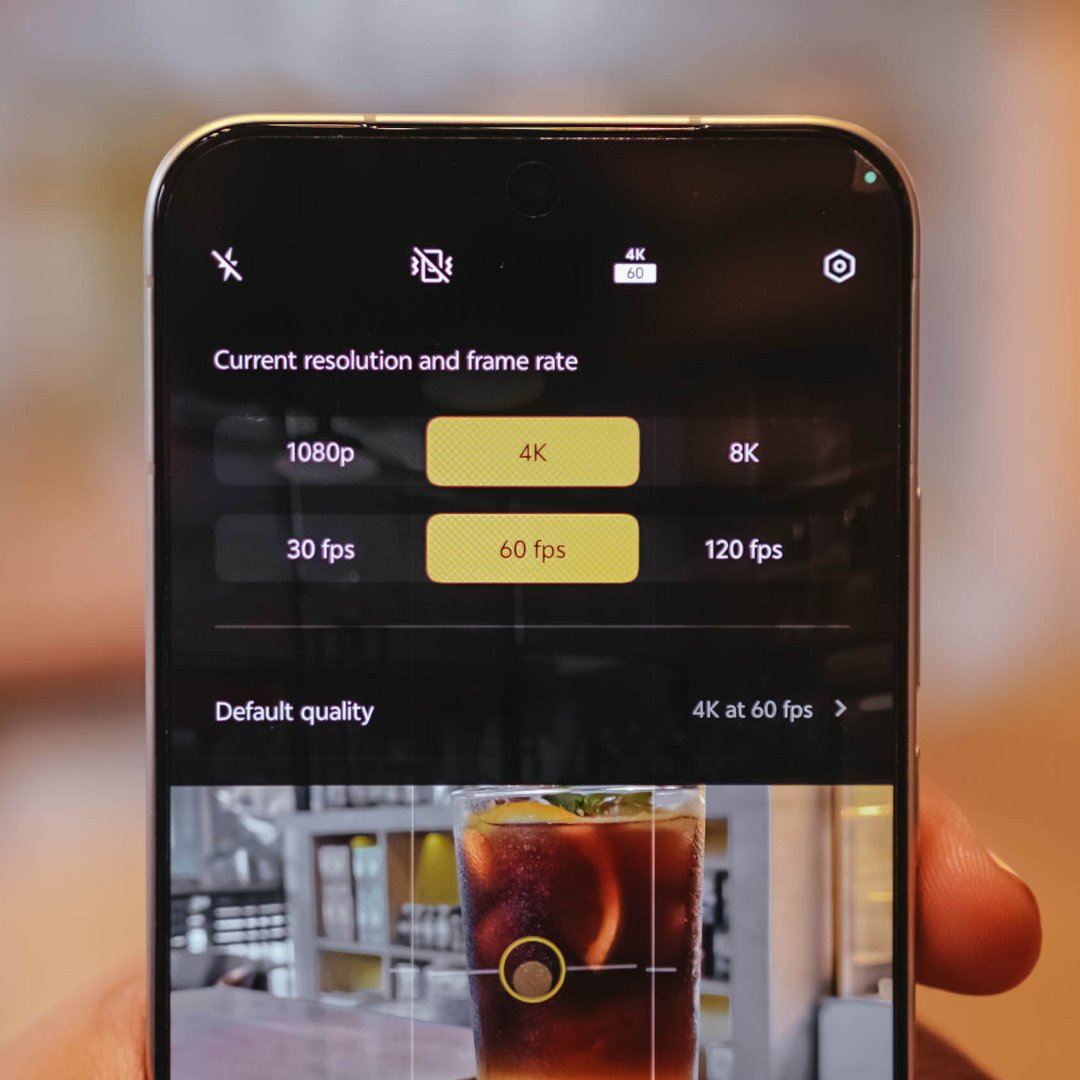
- 4K/60fps recording
-
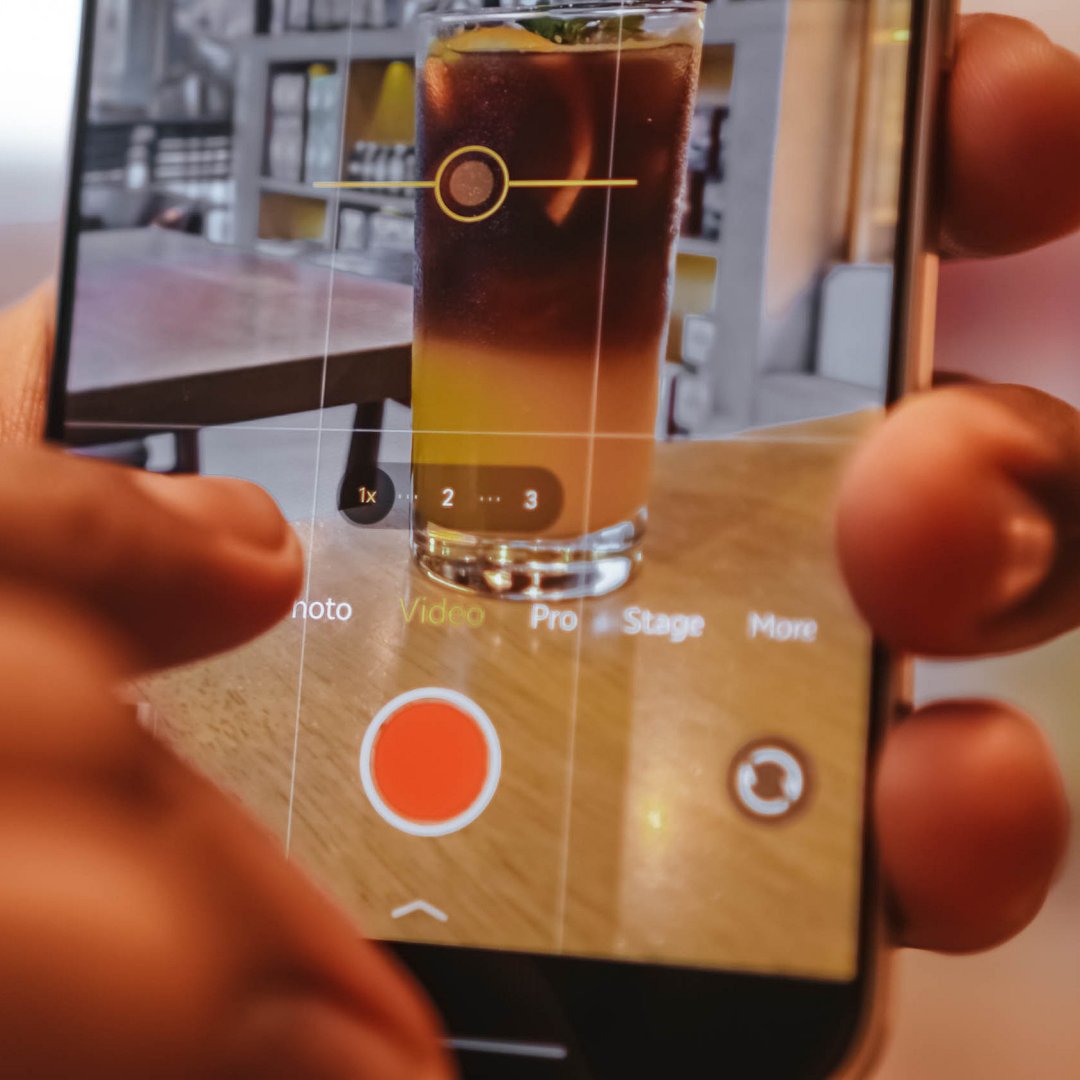
- 4K/60fps Focal Length choices
-
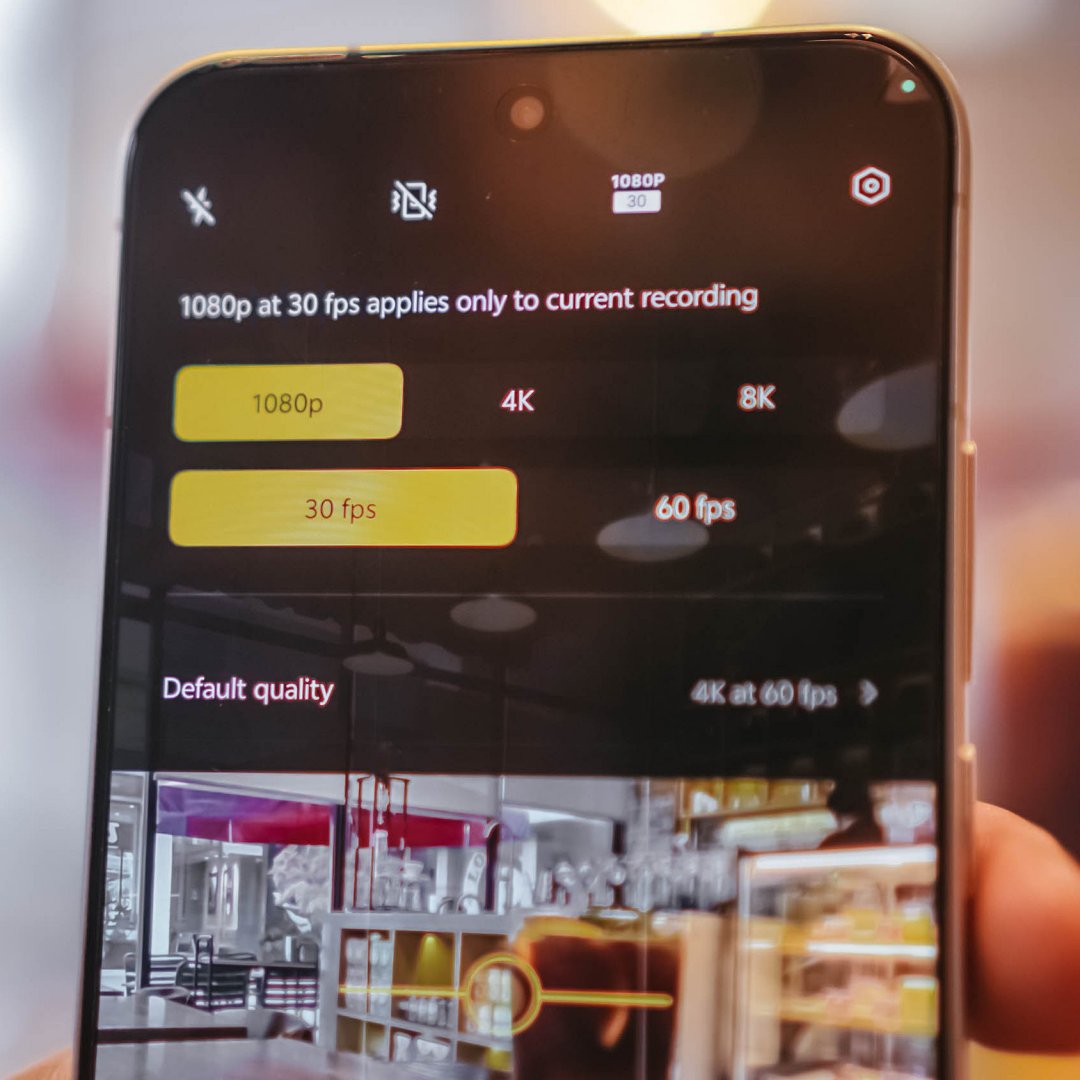
- 1080p/30fps recording
-
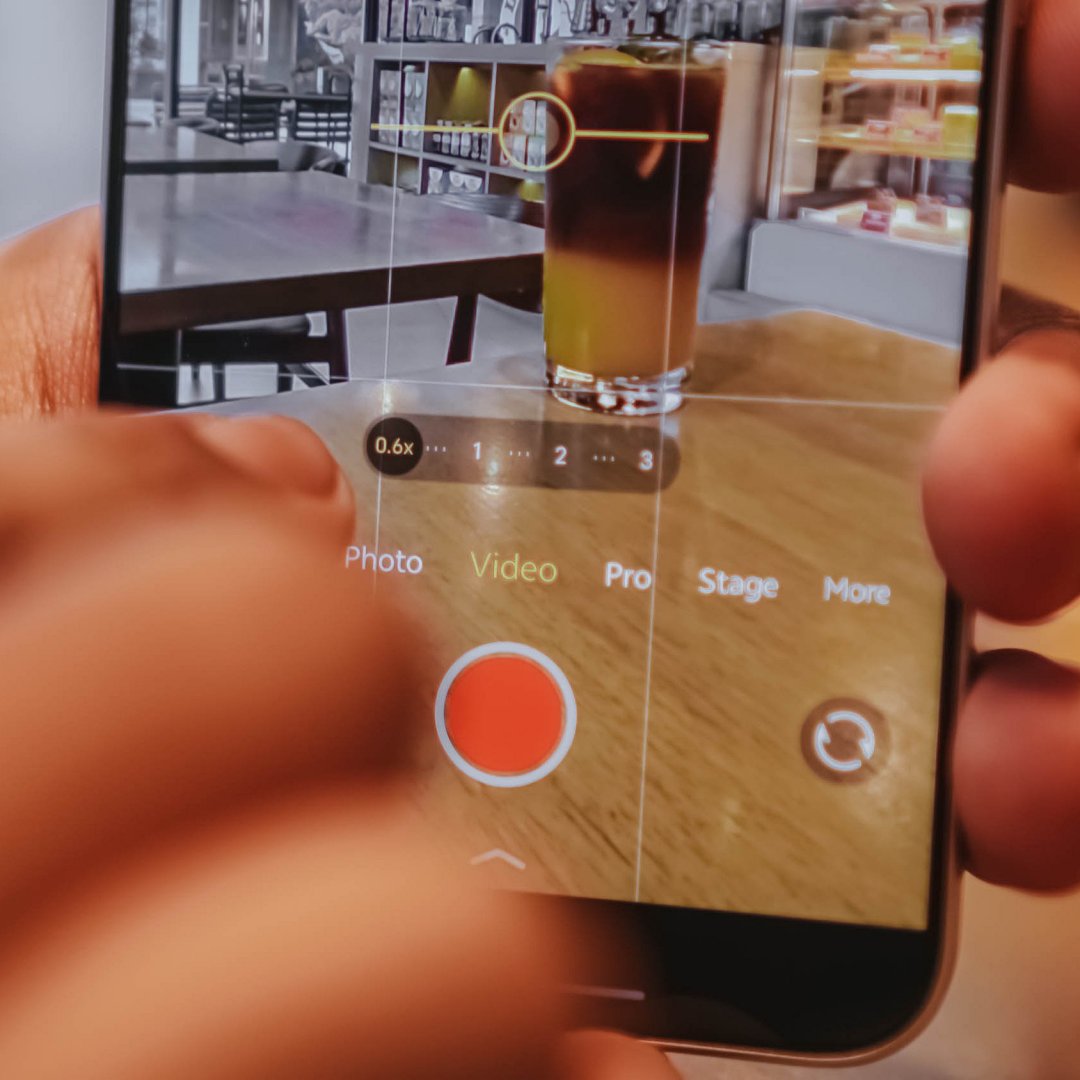
- 1080p/30fps Focal Length choices
For most users, that isn’t a compromise. But, you know what’s the real downside? Ultra-wide video shooting is capped at 1080p/30fps. That’s may be due to the small sensor and megapixel count of its ultra-wide sensor.
Shooting at 1080p/60fps and beyond starts at the regular 1x focal length.
Here are some recordings for you to judge:
With the presence of that dedicated telephoto shooter lies vivo’s exclusive Stage Mode feature.
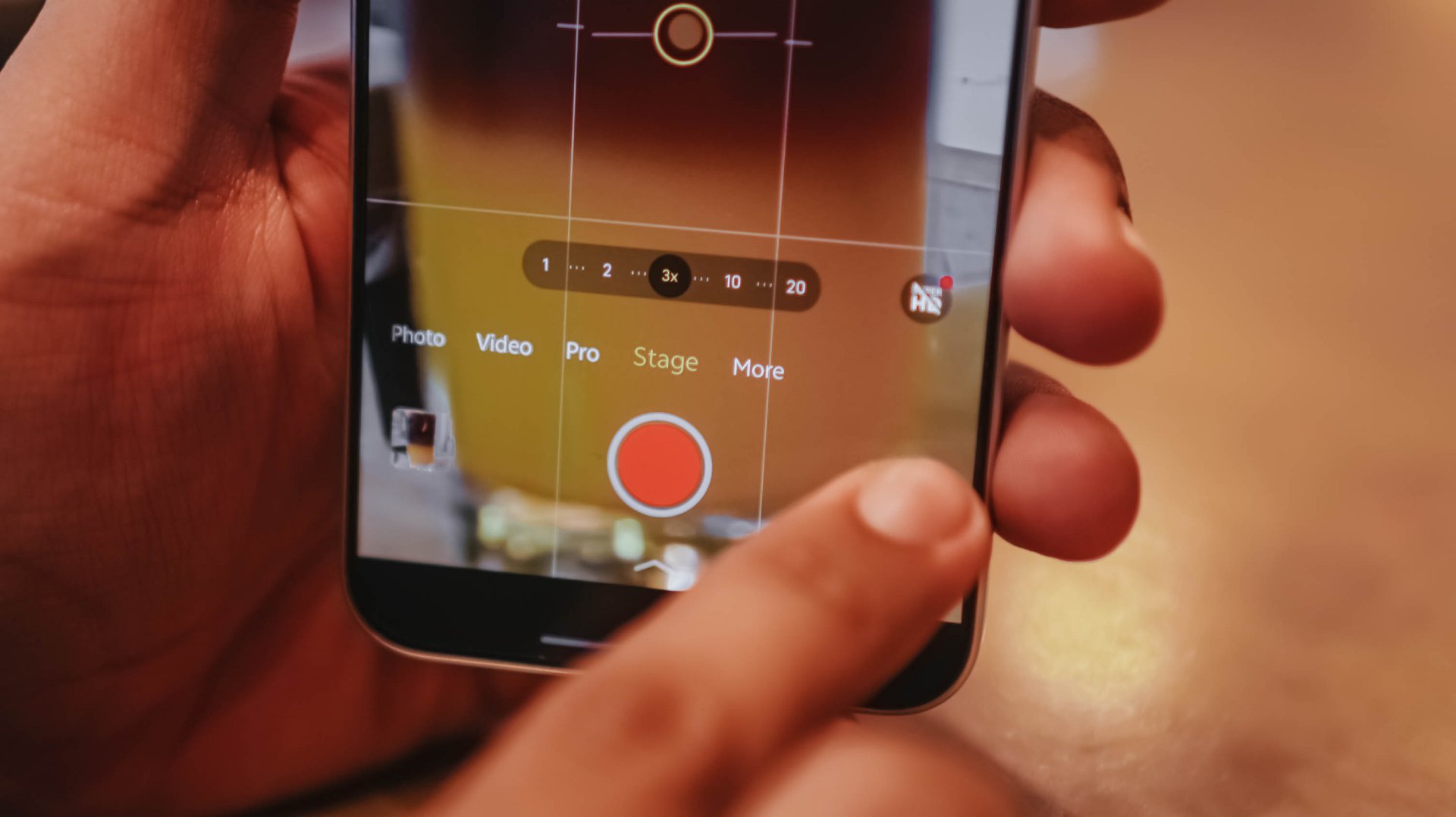
Clearly, it’s intended for shooting artists or celebrities in concerts.
To take things up a notch, the vivo X300 FE also has its own Telephoto Extender Kit — just like its X300 sibs.
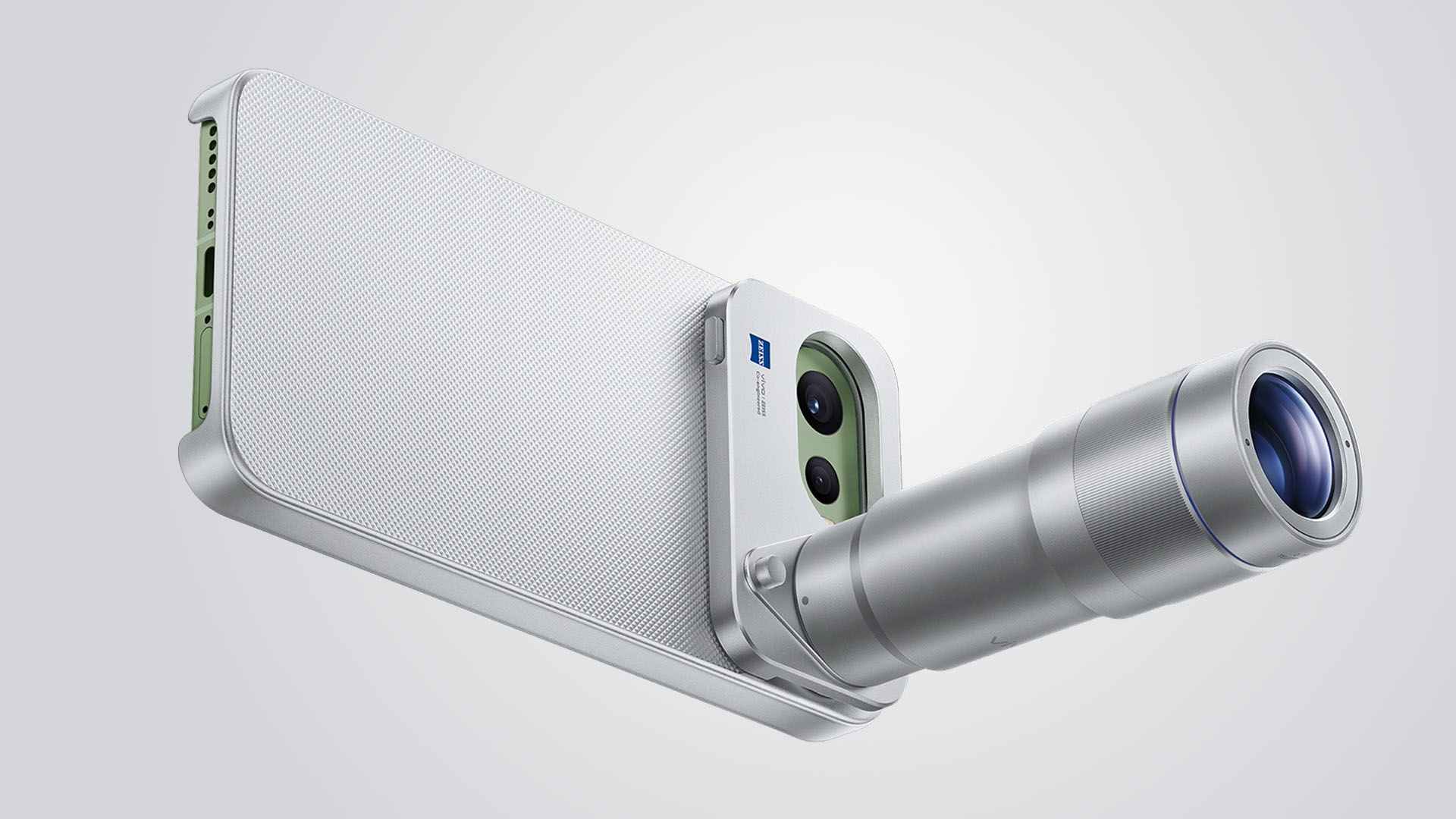
Graphics by Vincenz Lee | GadgetMatch
Although I was not able to try it as vivo did not lend us one, it’s still a great way to fully-maximize that great telephoto goodness beyond the limits of a compact sub-flagship.
Is the vivo X300 FE your GadgetMatch?
The vivo X300 FE shares all the great feats that its siblings possess.
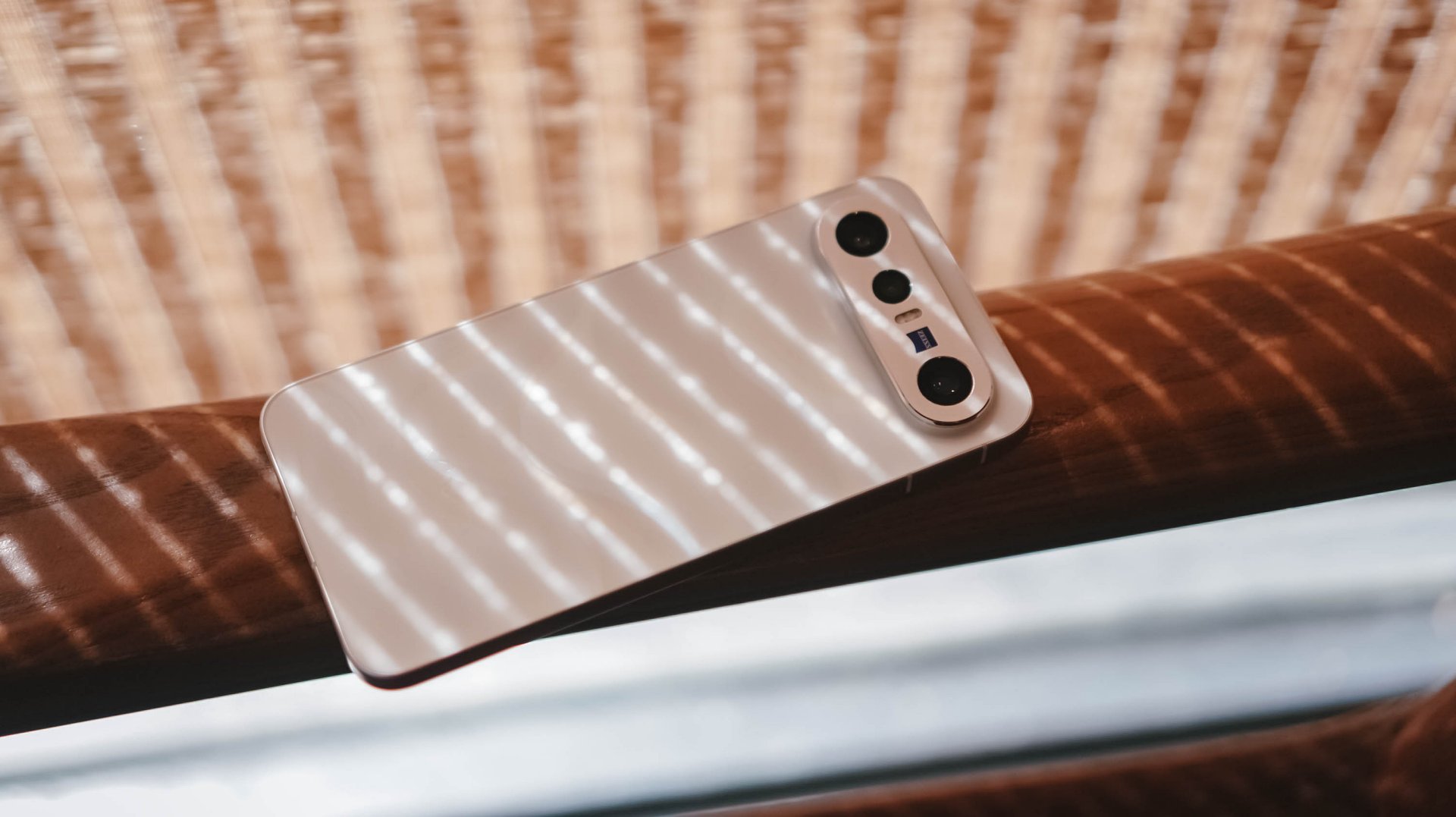
It’s solidly built, has a stylish design, boasts a brilliantly bright display, a true pro-grade performer both in core and cameras. Plus, a battery capacity that’s even bigger than its twin brother.
The vivo X300 FE is a solid Swipe Right.

The only reason to Swipe Left is the staggering pricing that isn’t synonymous to last year’s X200 FE (INR 54,999 and INR 59,999 / MYR 2999).
For context, the vivo X300 FE in India starts at INR 79,999 for the base 12+256GB. The 12+512GB configuration that I have? A whopping INR 89,999. Meanwhile in Malaysia, prices are at MYR 3299 and MYR 3899 respectively.
The non-FE vivo X300? Currently sold at INR 75,999 or INR 81,999 / MYR 3165 or MYR 3899. Indian and Malaysian buyers know what they’re dealing with.
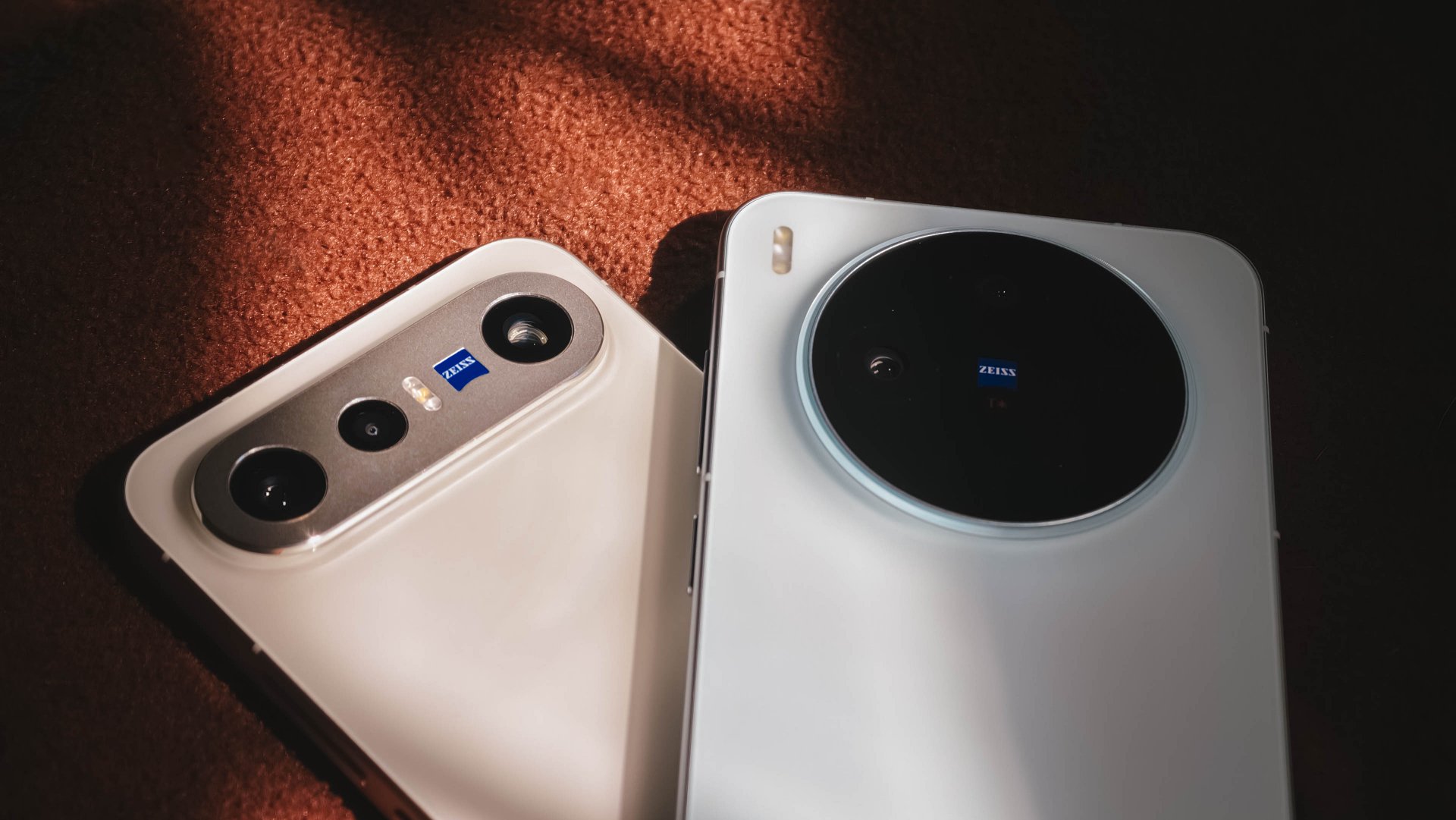
However, Europeans might have a hard time deciding. The base X300 is only limited to a 12+256GB variant at EUR 899. Whereas the X300 FE has a higher 12+512GB config for EUR 999.
That 100 Euro difference means you’ll get double the storage, a huge, HUGE boost in battery (ICYMI: 6500mAh over 5360mAh). Also, a cleaner horizontal camera bar that most people prefer.
But, would you rather trade off the better camera system and more powerful flagship chip?
A redditor even pointed out that the X300 FE is more “import-friendly” (especially in Western regions) due to better network band support by Qualcomm that the regular X300 lacks because of having a MediaTek chipset.
At the end of the day, it will all still be your call.


HP OMEN Max 16 review: Gamer-maxxing in deep black
Peripherals deemed necessary to max this out


vivo V80 review: Good phone, tough sell
A capable travel companion


Ghost of Yōtei Complete Edition review: More of a great thing
Picking up where Atsu left off

Apple unveils new iMac with M6 chip

Apple introduces 14-inch MacBook Pro with M6 chip

Anker soundcore AeroClip 2 brings open-ear audio to everyday life

adidas debuts ENERGYRIM carbon tech in the Adizero Adios Pro 5

Firefox ad reunites all your favorite memes from decades ago

TECNO CAMON Slim 5G review: Slim on size, big on surprise

TECNO CAMON Slim 5G: Price, availability in the Philippines

HONOR Magic9 Pro Max launches in China with ARRI-powered imaging

BYD says that way better EV batteries are coming next year

HONOR 600S review


-

 News2 weeks ago
vivo V80 debuts with ZEISS cameras
-

 Philippines2 weeks ago
TECNO CAMON Slim 5G gets launch discounts, free MagBadge
-

 News2 weeks ago
Samsung: Galaxy Z Fold8 demand rose because of iPhone Duo
-
Reviews1 week ago
vivo V80 review: Good phone, tough sell
-
 Features2 weeks ago
I don’t want a phone that unfolds — the Galaxy Z Fold8 gets why
-

 News7 days ago
OPPO Find X10 Series: Price, availability in the Philippines
-
![KINGDOM HEARTS Collection [I-III]](https://www.gadgetmatch.com/wp-content/uploads/2026/10/kingdom-hearts-colletion-I-III-202610-400x240.png)
![KINGDOM HEARTS Collection [I-III]](https://www.gadgetmatch.com/wp-content/uploads/2026/10/kingdom-hearts-colletion-I-III-202610-80x80.png) Gaming2 weeks ago
Gaming2 weeks agoKINGDOM HEARTS Collection [I–III] now available on PS5, Switch 2
-

 Cameras7 days ago
DJI Osmo Pocket 4P Pearl White now available globally