


These past few months, OPPO released a number of phones that have 18:9 displays. The company surely rode the near-borderless wagon, but all these phones look very similar. If you’re not familiar with their differences, you’ll probably get confused.
What we have here is the OPPO A83. It’s the latest of the bunch and is currently the cheapest of the new wave of 18:9 phones from OPPO. It borrows a lot from the F5, but OPPO managed to offer the A83 at a more affordable price tag by cutting corners.
We have a 5.7-inch HD+ display

The front looks very similar to the F5
It has an 18:9 aspect ratio and minimal bezels

Passable as near-borderless, I guess?
On the left, we have the volume keys

Conveniently reachable by either thumb or index finger
The card tray and power button are on the right

It accepts two nano-SIMs and one microSD card
It still rocks a micro-USB and a 3.5mm audio port

To ensure backward compatibility with old charging cables
The back looks bland without a fingerprint reader

It’s a clean slab of hard plastic
It’s like an OPPO F5 with compromises
Currently, the main midrange offering of OPPO is the F5. That alone comes in three variants: the regular F5, the F5 Youth, and the pricier F5 6GB. They all sport the same exterior (sans the color) but their specs vary to meet certain price brackets. We already find the F5 to be a fair deal, while the F5 Youth made things cheaper. So, what does the A83 have that makes it even more affordable?

First of all, the A83 has a smaller display with a lower resolution at just 1440 x 720 pixels or simply HD+. The tall 18:9 aspect ratio and minimal bezels allow the phone to have a bigger display than similarly sized phones, which is a great feat for budget handsets. To be fair, the display is not as blunt as it seems due to the quality IPS display used. Just keep in mind that it’s pretty dim when under direct sunlight.
Another caveat is the lack of a fingerprint reader, which is probably what users (or mostly haters) will complain about. Since the phone doesn’t have any hardware to scan biometrics for unlocking the phone, OPPO blessed the A83 with an enhanced face unlock feature. To my surprise, the face unlock is fast and works most of the time as long as your face is visible to the front camera. It doesn’t have a complicated setup like Apple’s Face ID, so it’s not as secure but it’ll do just fine for unlocking your phone. I tried fooling it with a photo of mine, but I failed.
Great midrange performance for a budget phone
Budget phones get low-powered processors, but that’s not the case with the A83. Despite the downgrades in screen resolution and security features, OPPO didn’t sacrifice the performance of the handset. It’s got the same chipset as the F5 series: the MediaTek Helio P23. Now before you guys judge, this new midrange MediaTek processor is very capable and efficient. It even has the new Mali-G71 MP2 graphics for better gaming performance. Memory and storage configuration is okay too at 3GB and 32GB.

Just how good is the Helio P23, especially on a budget phone? I have yet to encounter any hiccup or lag. Even with the custom software from OPPO dubbed ColorOS 3.2, everything runs smoothly. The Android version is still Nougat, specifically version number 7.1.1. There’s no word from OPPO if they’ll update this to Oreo and, to be honest, we’re not expecting them to. No worries because ColorOS is feature-packed on its own. If you like the iPhone’s UI, you’re going to feel at home.
Gaming performance is amazing on the A83. My favorite, Asphalt Extreme, runs on extra high settings by default — no need to tweak the options. It runs with high frame rates and zero lag. Even the new Free Fire title from Garena, which is an open-world game, is playable on high settings. Our NBA 2K17 game for benchmarking also runs okay on high settings. There are a few frame drops when the action is already kicking, though. And lastly, I didn’t encounter any overheating after playing for a while.
Camera is just okay, but still with AI selfies
It’s an OPPO phone, so it’s selfie-centric. Another feature that the A83 borrowed from the F5 is the AI Selfie which OPPO claims can capture natural-looking beauty selfies. Although the software was carried over, the camera sensor and lens were downgraded to just 8 megapixels and an f/2.2 aperture for the front camera. As for the rear, we get a pretty basic 13-megapixel shooter with a single LED flash when you need help in the dark.





-

- Beauty mode: Off
-

- Beauty mode: Auto
-

- Beauty mode: Auto
Selfies are okay as long as you’re in a well-lit place, preferably with natural lighting. I’m not a fan of its beauty mode since it erases the freckles on my cheeks but not on my nose, making it look unnatural. But it works well with Chay and Mj, so it’s hit-and-miss. Colors are a bit muted too but can be fixed in any photo editing software.
The rear camera is fine too with somewhat slow autofocus. Color rendering is so-so while the sharpness is not quite satisfying when viewed on a bigger monitor. It’ll do fine for social posting, but not for printing.
Two thumbs up for long-lasting battery
With a slightly smaller body comes a slightly smaller battery. The A83 has a sizeable 3180mAh cell which is just 20mAh less than the F5’s. With about the same capacity and efficient processor, the A83 is also a long-lasting phone on the road. Its lower display resolution made it last even longer and I didn’t have to worry about the battery dying too soon.

I used the A83 as my secondary phone for about a week and I am impressed by how it can last for almost 24 hours of average use. As a secondary phone of mine, it’s tasked to hold my prepaid SIM card for additional mobile data since prepaid promos are cheaper. Even with a continuous internet connection, the phone can last beyond regular office hours. When bored, I just pull out the phone and play. I also used it for playing Pokémon Go to help our chief Gadget Matchmaker Michael Josh beat a rare Pokémon and it consumed just a fraction of the battery.
Unfortunately, there’s no mention of any fast charging tech. Using the bundled charger, it took more than two hours to fully charge the battery.
Is this your GadgetMatch?
OPPO used to price their phones higher than the competition, but the A83 is in a different scenario now. While it’s not as affordable as a Xiaomi phone with similar specs, it offers a lot as a budget phone. It was launched in China for CNY 1,399 which roughly converts to around US$ 215. When it landed in the Philippines though, it got cheaper. It has an asking price of just PhP 9,990 or US$ 195 — now that’s a good deal.

For that price, you get a phone with an 18:9 display, a speedy and efficient processor, decent camera with AI for selfies, and long battery life. You’ll surely miss the fingerprint reader, especially when face unlock is struggling to recognize you in the dark. But, if you’re after performance and overall value, it’s a pretty good offer — at least in the Philippines.




How do you review one of the greatest games of all time?
Elden Ring is one of those games that needs no introduction. Launched in 2022, the difficult fantasy RPG rapidly skyrocketed into the year’s top spot. Then, it got even better with 2024’s Shadow of the Erdtree, a sizable DLC that packed in a new map with new challenges. Now, I’ve reviewed both and found them well worth the price of admission. So, what else is there to say?
Well, late last month, Elden Ring launched its much-awaited port for the Switch 2 through a Tarnished Edition, a bundle that conveniently pairs the base game with the DLC in one package. In an instant, there are now two new things to talk about: How well does the game perform on a Switch 2? What does the Tarnished Edition add?
Is Elden Ring worth getting for the Switch 2?
Compared to the original Switch, the second Switch features a way better processor. Games aren’t locked to the limitations of yesteryear: 720p resolution, 30fps. However, the Switch 2 still isn’t the best console for chasing performance. Personally, I’ve been using it almost exclusively for first-party Nintendo games and older (and smaller) titles.
That said, Nintendo has grandiose dreams for its latest console. Starting with Cyberpunk 2077, the console wants to be a home for modern games, too, and Elden Ring is the perfect candidate for that.
Naturally, a Switch 2 port can fill fans with consternation especially after they’ve experienced the legendary game on more powerful consoles. Is the Switch 2 a good match?

Yes, if you don’t mind playing at 30fps. Unfortunately, Elden Ring is locked to only 30fps on the console. Though a good chunk of the population is clearly fine with the framerate, it’s a bit of a struggle for me especially in handheld mode.
Maybe it’s my aging eyes, but having a game so close to my face but locked at 30fps doesn’t make for a good time. I got dizzy pretty quickly. It also didn’t help that the handheld mode had several stutters.
As with other games on the platform, docked mode had significant improvements. Sure, it’s still locked at 30fps, but a consistent framerate is much better than a stuttering one. Despite the downgrade, the Switch 2 can handle the game well.
Is the Tarnished Edition worth getting?
Most FromSoftware games will get a complete edition eventually. All of the Dark Souls titles got one, and Elden Ring is no exception.
The biggest difference here is that the Tarnished Edition is technically exclusive to the Switch 2. It’s the only package available for the console. It includes the base game, the expansion pack, two new starting classes, new skins for Torrent, and new armors. It’s the most comprehensive way to play the entirety of Elden Ring, excepting Nightreign.
If you’re on another platform, the Tarnished Edition updates — the new classes, skins, and armors — are available only through a Tarnished Pack purchased separately. Is it worth the price?

The most exciting part of the update is the addition of two new classes: Heavy Knight and Idus Knight. For me, I prefer the Heavy Knight, a hardy class focused on heavy armor, endurance, and strength. It’s a very straightforward class for those who prefer direct damage. Idus Knight, on the other hand, focuses on dexterity and faith, if you prefer playing with quicker attacks and miracles.
The rest, in my opinion, is just cherry on top. The new armor and customization options are nice to have, but I don’t have a strong feeling that it’s worth the price of an extra DLC.
Is Elden Ring Tarnished Edition your PlayMatch?
As I said, it’s hard to review the special edition or a port of a universally acclaimed game. Focusing on the minutiae of performance and slight upgrades doesn’t feel like it does Elden Ring justice. The game earned 2022’s Game of the Year for a reason.
That said, I can’t recommend Elden Ring and Shadow of the Erdtree enough. If you haven’t played it yet and only have a Switch 2, the Tarnished Edition gets a Swipe Right and a Super Swipe.
However, if you’ve already finished the game and have no intention of playing it elsewhere (especially on a potentially weaker platform), this gets a Swipe Left. You can shell out a few bucks for the Tarnished Pack, though, if you really want to support the game.
SEE ALSO: Elden Ring review: Should you play the hardest game of 2022?

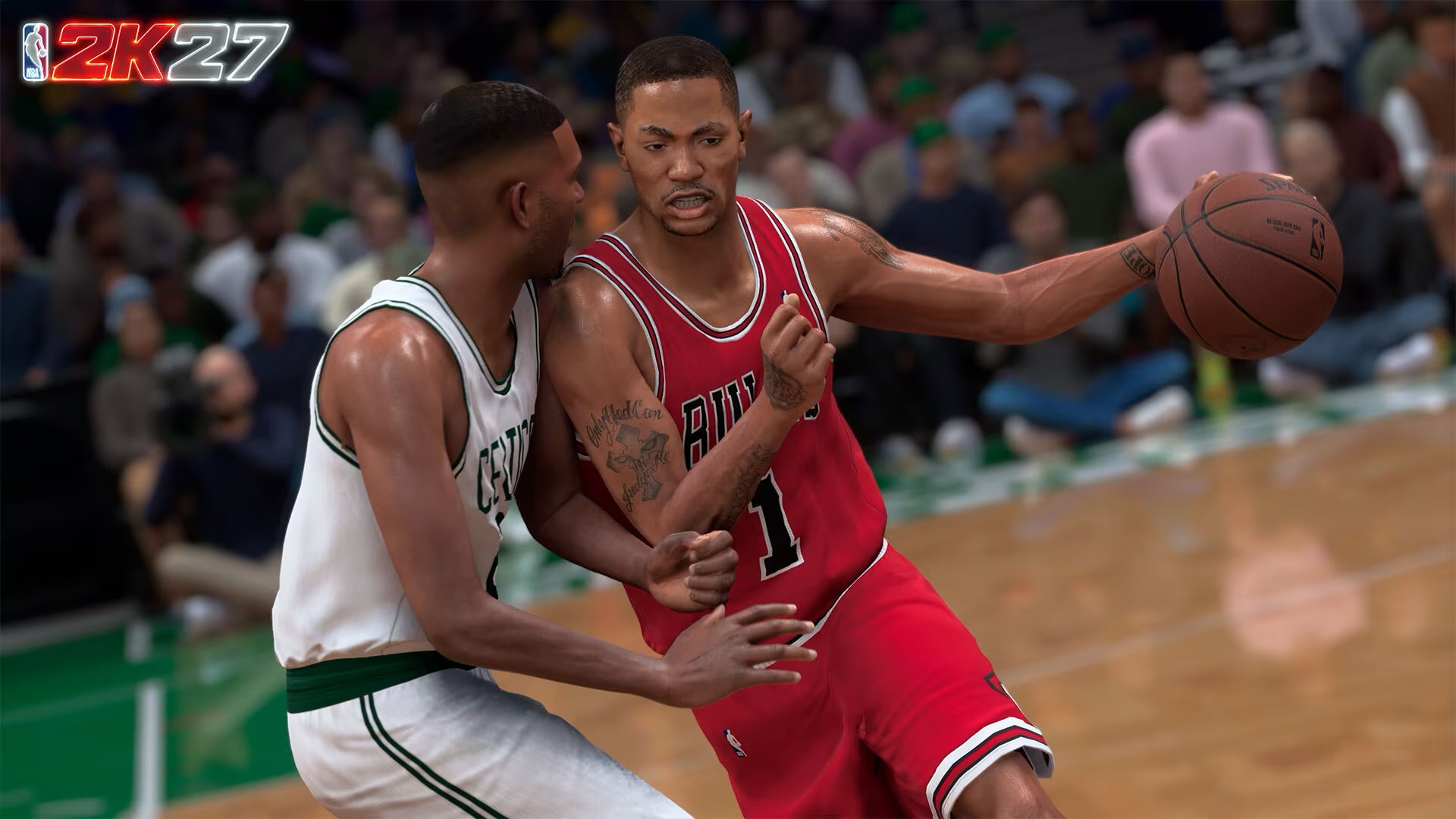
If NBA 2K27 were a player, he’d be someone getting out of his rookie contract and coming back from the summer with improved defense and finishing.
Same player, but with some significant tweaks.
The general controls are the same, but there are notable changes to player collision and physics. Those changes have a real impact on how you finish shots around the rim and how you play defense.
There are also new modes you can sink your teeth into, although these could definitely use more training to reach their full potential.
That’s really the story of NBA 2K27.
It doesn’t reinvent NBA 2K. It makes the basketball better.
Call the play
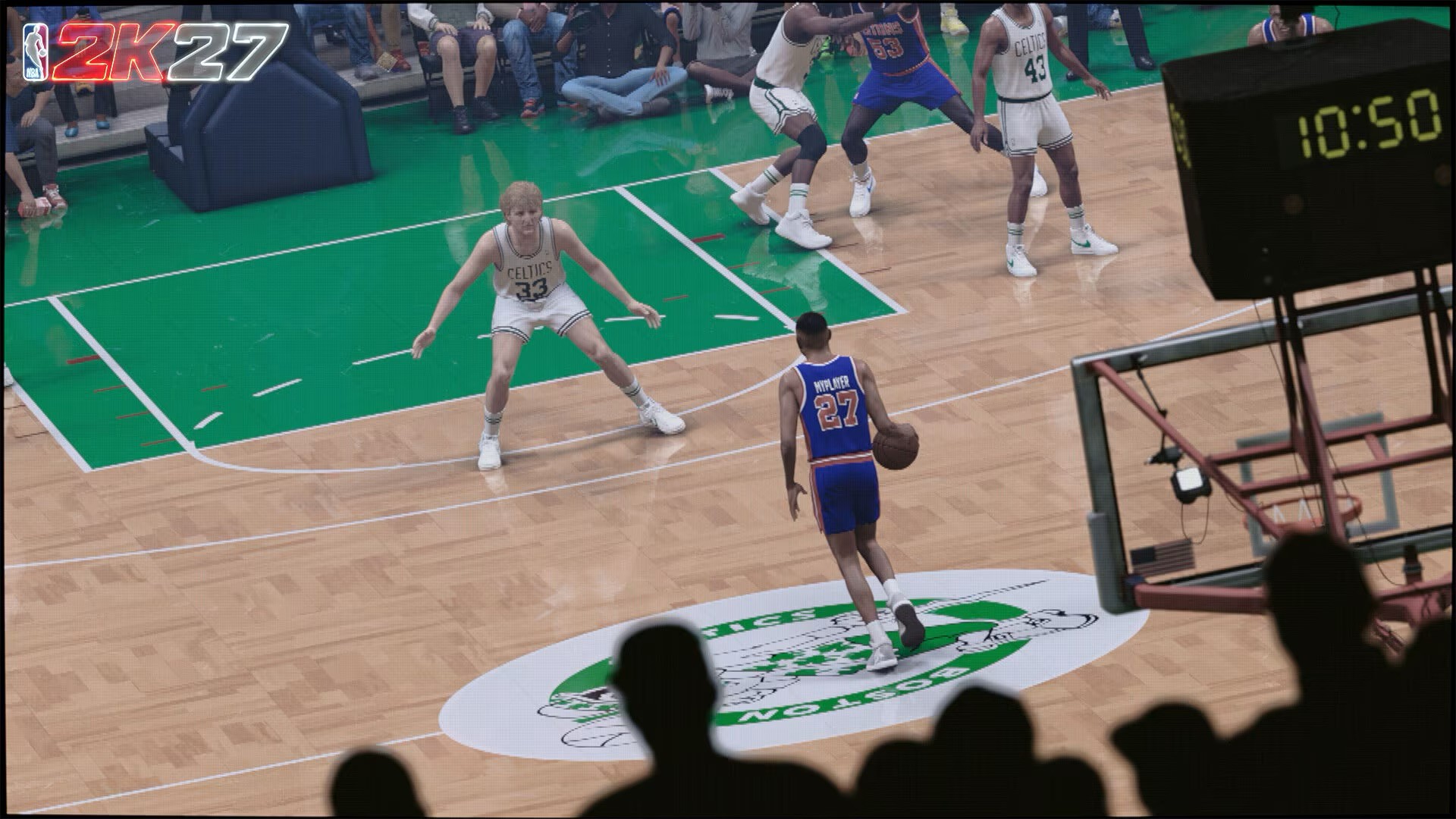
The core gameplay changes are immediately noticeable.
The pace is slower. The game feels more deliberate. It feels even more like a real basketball simulation than something arcadey.
You’ll definitely feel the change during the first few hours, especially if you’re playing on Superstar or Hall of Fame. You have to be more precise with what you’re doing, whether you’re attacking the rim, looking for a shot, or trying to stay in front of your man.
But if you’ve been playing basketball simulation games for years, the adjustment isn’t particularly difficult.
I’ve been playing all the way back from NBA Live 97 before switching over to NBA 2K12. I’m familiar with how these games work, and NBA 2K27 doesn’t completely throw that foundation out the window.
If you’ve been playing NBA 2K since the ProPLAY era, a lot of the controls and animations will feel familiar.
The changes are most obvious when you’re looking for them. After a few games, though, they start fading into your normal gameplay. You naturally adjust to the new feel and speed.
Take it to the rack
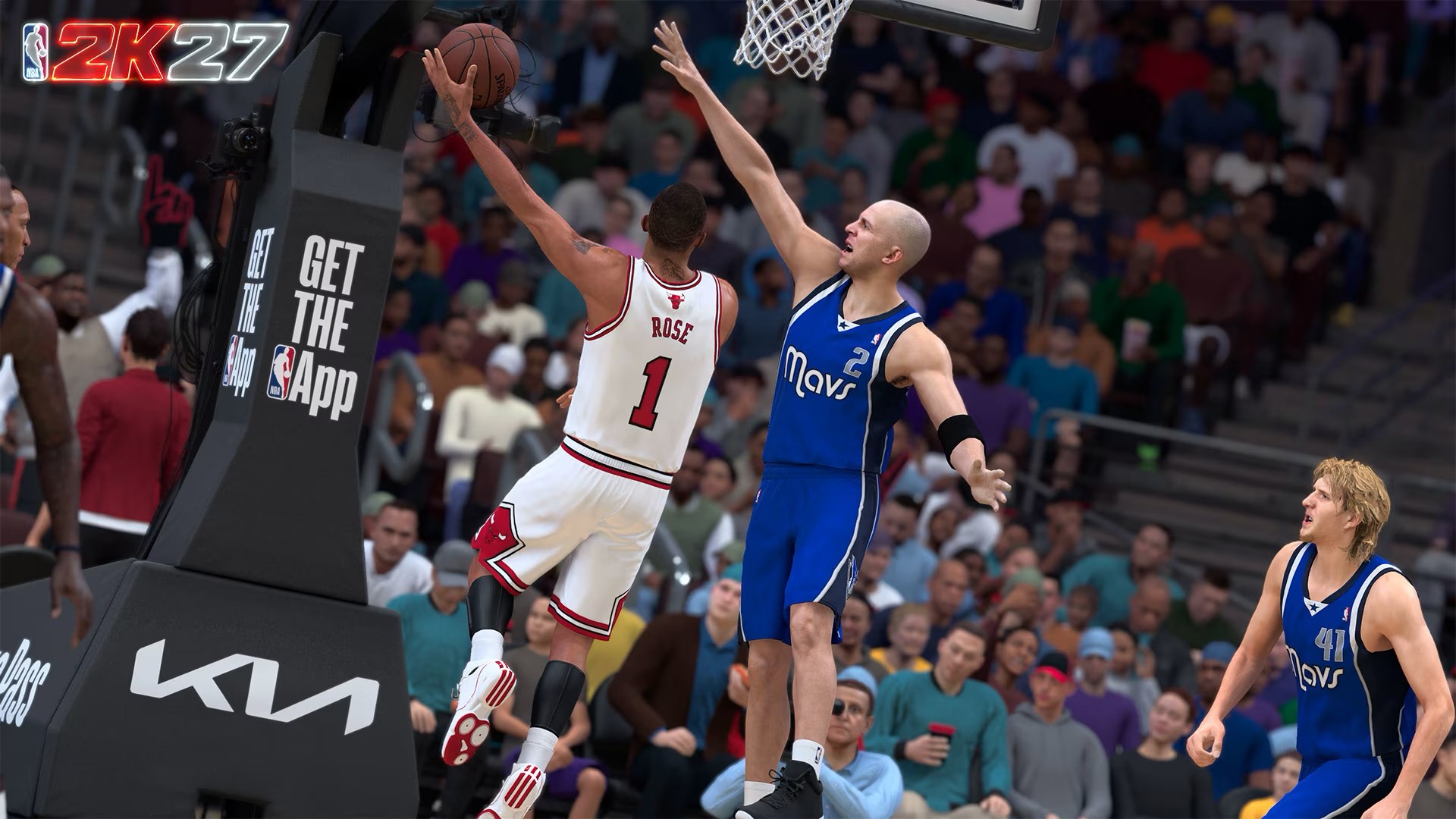
The biggest adjustment for me has been finishing.
When I first got my hands on the game, I was attacking the rim with reckless abandon.
The results weren’t great.
NBA 2K27’s changes to player collision, the Dynamic Layup Engine, and the way contact plays out around the basket mean you can’t just assume you’ll get the same result every time you drive.
You have to be more methodical.
You need to know the ability of the player you’re controlling. That means understanding their ratings, their animations, and the defense you’re going up against.
My play style was never that of a layup mixmaster, so I’m admittedly having a tougher time getting a feel for this.
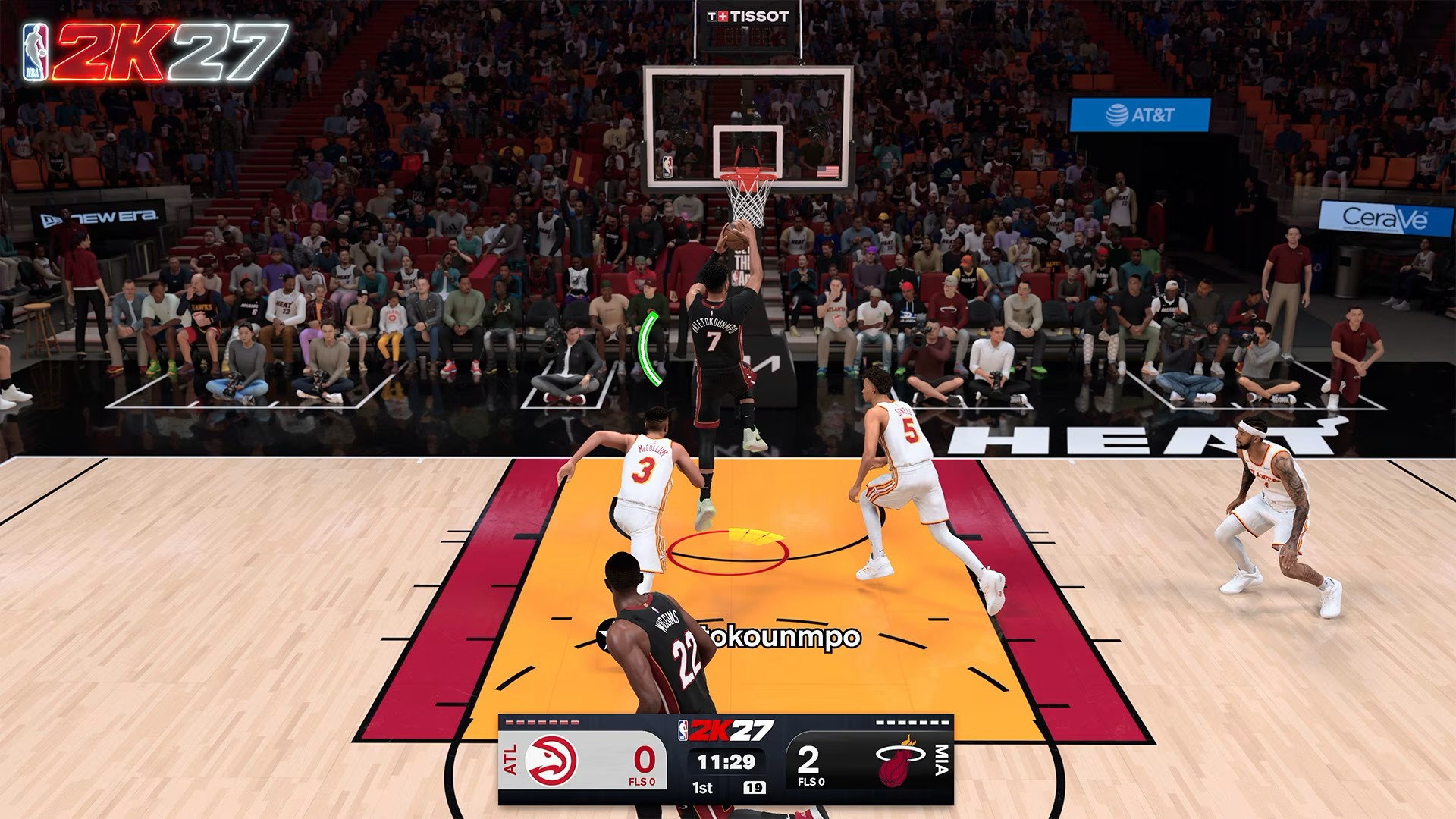
Even with players I regularly use, like Vince Carter, Derrick Rose, and Giannis Antetokounmpo, some of the layups and close-to-the-rim shots still feel awkward.
But the tools are there.
You just have to figure out when to use them.
That’s where NBA 2K27 starts feeling like actual basketball. You find where you can create an advantage, attack that point, and then adjust depending on how the defense reacts.
The Dunk Meter also gets a logic-driven overhaul, which means you can’t simply rely on forcing your way to the rim and expecting a highlight every time.
You have to read the situation.
Lock him up
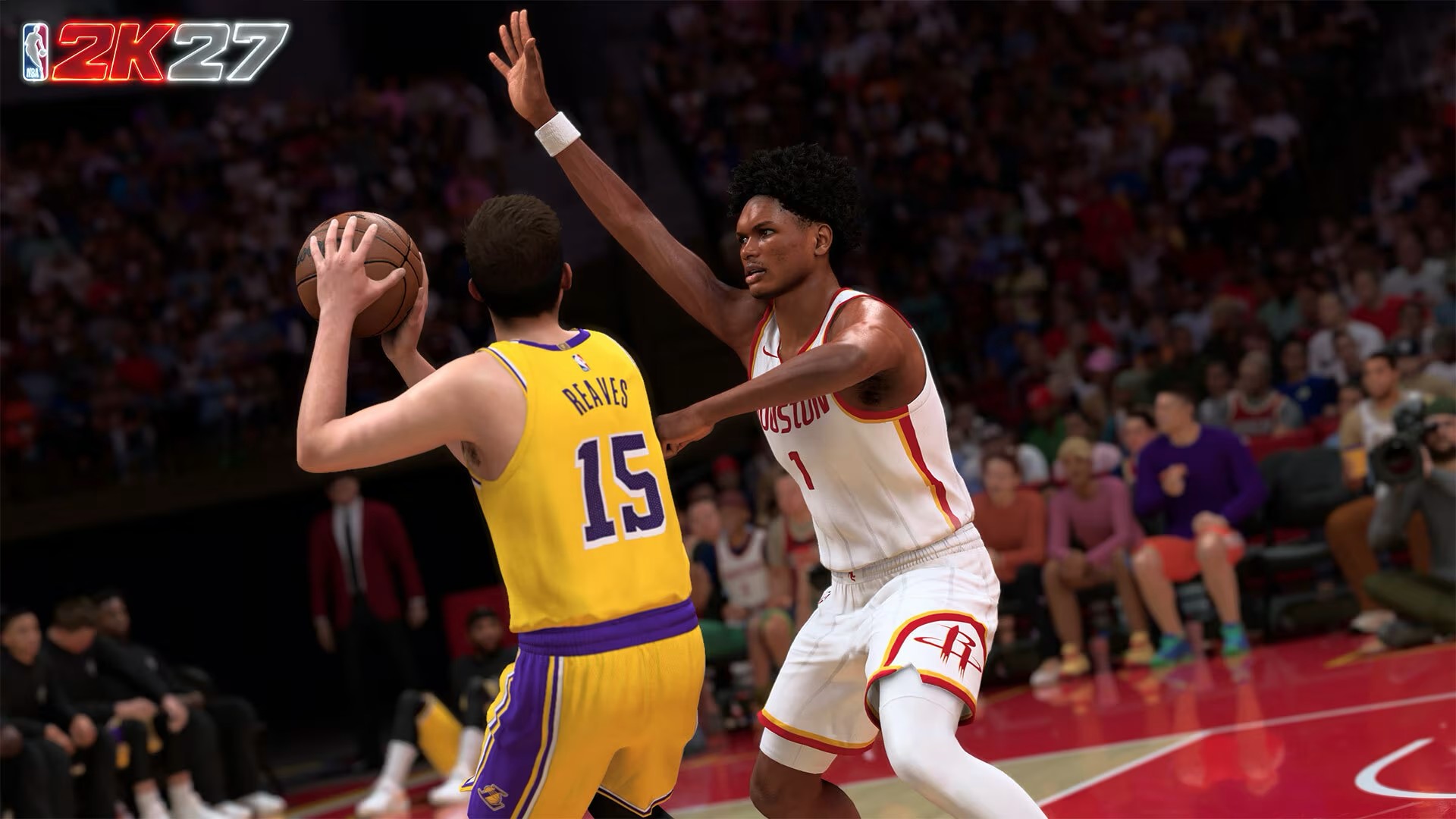
Defense is another area where I immediately felt the difference.
The AI feels smarter.
Where it used to take a while for the AI to lock in on a player who was on fire, it now makes adjustments more quickly, especially at higher difficulties.
Help defense also feels less arbitrary. It reacts to the pace of the game and adjusts accordingly.
That’s important because it makes defending feel less like you’re fighting the game and more like you’re actually reacting to what’s happening on the floor.
It also happens to fit my play style.
I’m much more interested in shot contests and blocks than steals. My MyPLAYER build reflects that too. I tend to favor a higher block rating over steals.
NBA 2K27 gives that approach more room to breathe.
Position yourself properly. Time your jump. Read the play.
You can rack up blocks.
The improved collision system plays a big part in that, as does the redesigned hands-up defense and better contest feedback. There are more situations where you can actually feel like you made the defensive play instead of simply hoping the animation goes your way.
Find your rhythm
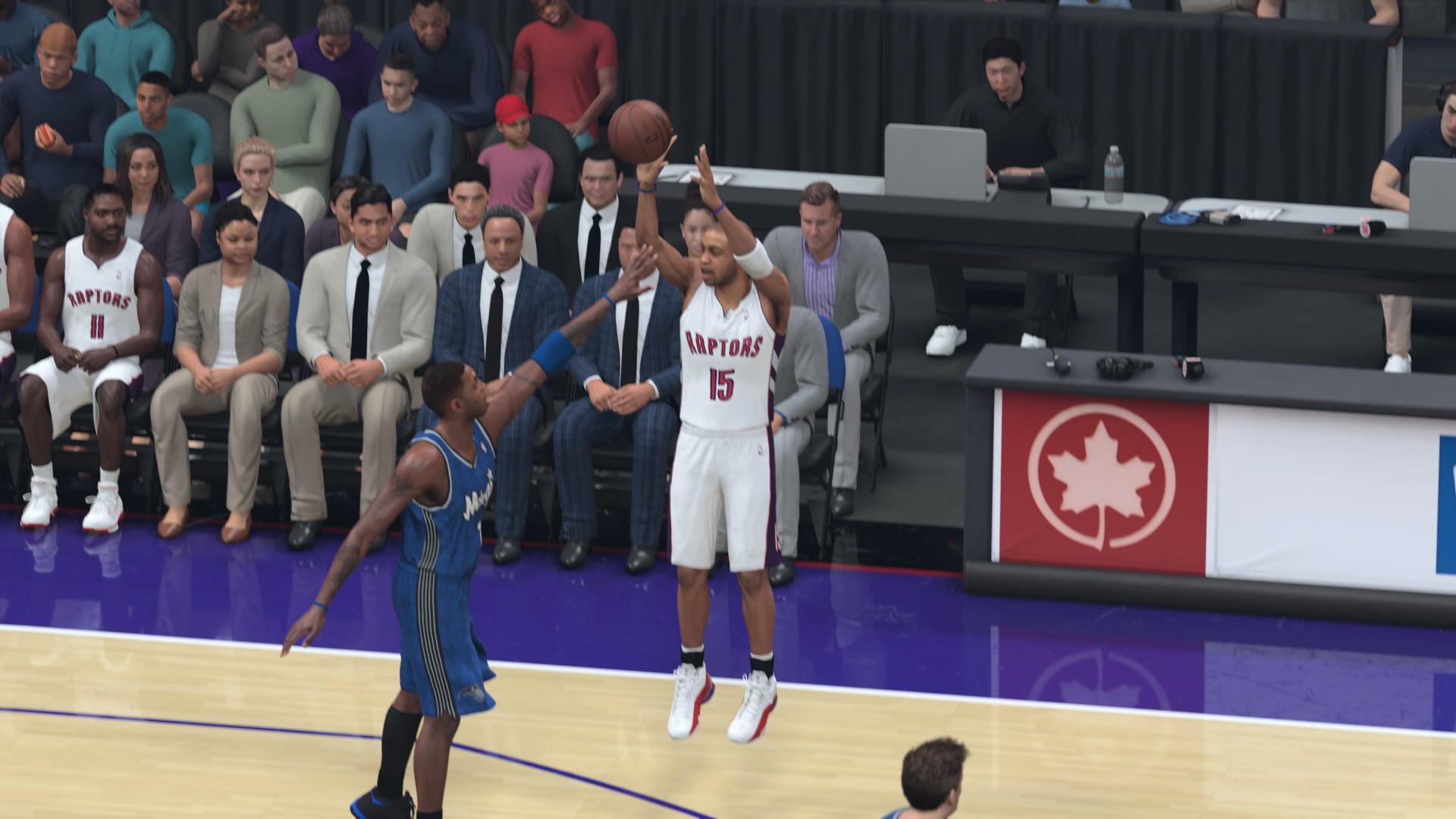
Shooting is a little different for me because I basically have two experiences with it.
In MyCAREER, I’m a deadshot.
I’ve been using mostly the same shooting animations, so I have them down to a tee whether I’m using the button or Rhythm Shooting.
Quick Play and MyNBA are trickier.
There, I’m constantly adjusting to the timing of every player I use.
But I appreciate that there’s no randomness to the shooting. It behaves pretty much exactly as 2K described it.
You have to hit the green window.
That window expands or tightens depending on the player’s ratings and the intensity of the shot contest.
So when I miss with a player I’m not familiar with, I don’t immediately feel like the game cheated me.
I probably just missed.
That’s the kind of consistency I want from a basketball simulation.
Let him cook

The slower pace also changes how you approach offense.
You can’t always just run your favorite action and expect it to work the same way it did last year.
The game wants you to pay attention.
That doesn’t mean every possession suddenly turns into some high-level basketball chess match. It’s still NBA 2K. You can still get into your rhythm, call the plays you like, and let your best players cook.
But when the game gets tighter, especially at higher difficulties, you have to make better reads.
There’s a significant amount of computation happening where both your own skill and the stats of the player you control affect the outcome of each action and play.
In that regard, the game feels balanced.
My brother and I used to play against each other a lot when we were younger. One of his biggest complaints was that things in the game didn’t behave the way they would in real life.
I used to think it was mostly about learning the physics of the game.
His criticism still made sense from a development standpoint, though.
And I think NBA 2K27 is closer than ever to things in the game behaving the way they would in real life.
Make the right read
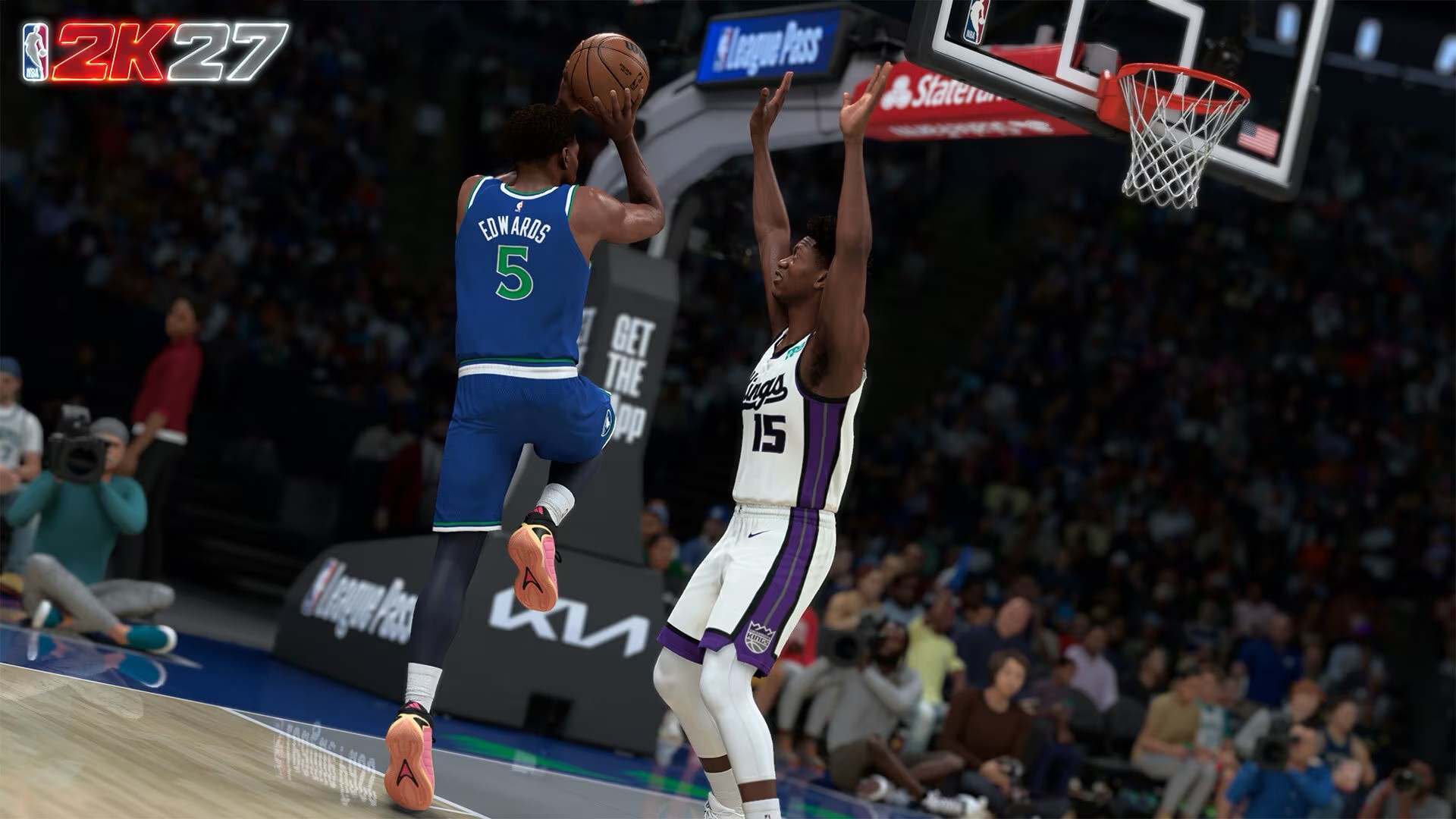
That balance is also why the new gameplay takes some getting used to.
You can be good at NBA 2K and still have to respect what your player can actually do.
You can have an elite player and still make the wrong decision.
And you can have a great matchup and still attack the wrong part of the floor.
The game gives you the tools. It’s up to you to find the advantage.
That’s especially true around the rim.
If you’re going to attack, you need to understand the player you’re using and the defender in front of you. If the defense closes one option, you need to find another.
That sounds obvious when talking about actual basketball.
It feels surprisingly refreshing when a basketball game makes you think about it in the same way.
Running the floor
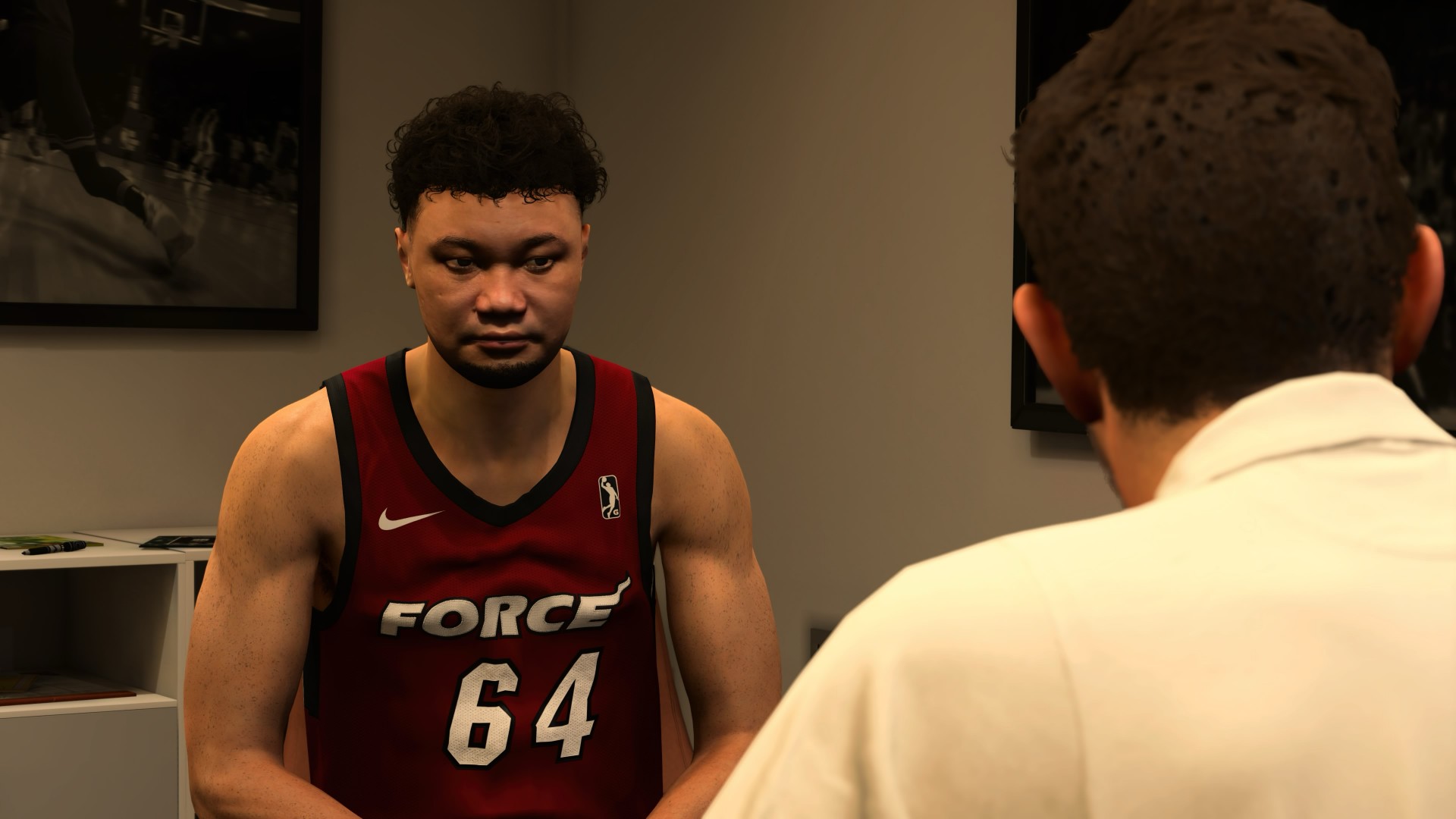
MyCAREER is where I spent the most time outside of straight-up basketball.
I put around six to seven hours into Fire & Concrete and, even while writing this review, I was still dying to get back and finish the story.
It’s nothing too new or major, but it’s been engaging enough.
There’s also more basketball this time around. The experience is mostly cutscenes and basketball, which I actually appreciate. As someone who likes story and RPG elements, I do wish there was more to it, but I also understand why 2K is leaning harder into the basketball.
Most players probably just want to hoop.
I do wish MyCAREER would give us more meaningful paths into the NBA, though.
I haven’t reached the Draft in my own playthrough, but I’ve seen videos showing that you can essentially choose where you play anyway.
That’s generally fine, but I liked the idea of previous MyCAREER games having target teams, workouts, interviews, and ways to influence where you end up.
That’s a real process draftees go through.
I’d like to see more of that.
Running Mate
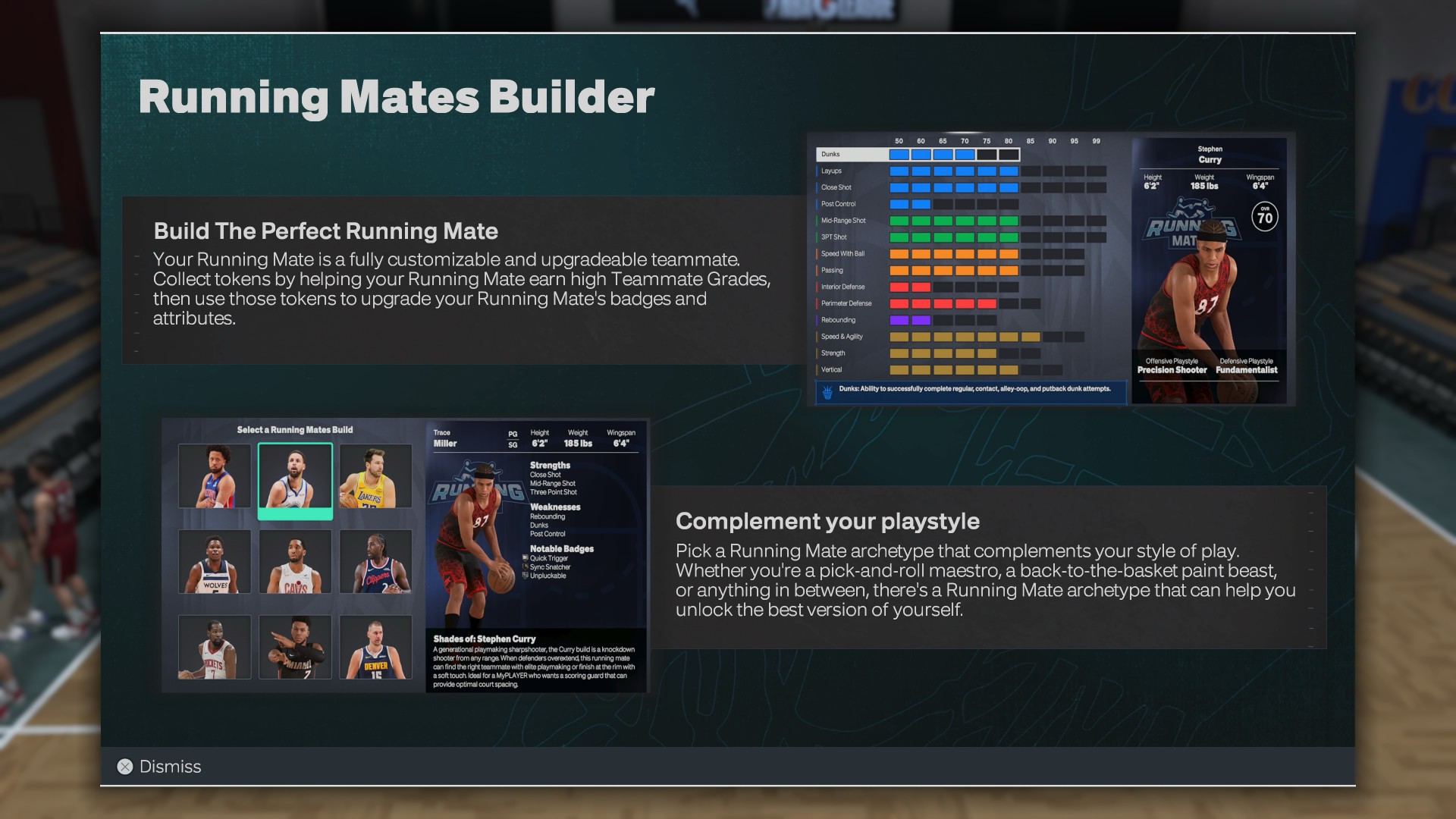
The Running Mate system is a nice new wrinkle. I completely forgot about it when I was building my MyPLAYER because I was so focused on making my own build as self-sufficient as possible.
My archetype is an “Athletic Iso Savant,” molded around Kaede Rukawa from Slam Dunk, although my actual play style leans more toward Mitsui.
Then I had to pick a Running Mate for Trace Miller.
There are nine archetypes inspired by NBA stars, with three options each for guards, wings, and bigs. Ultimately, I went with the Giannis build because it felt closest to Hanamichi Sakuragi, who would have been Rukawa’s actual running mate had Slam Dunk continued.
The Running Mate objectives were annoying at first.
But they did force me to think beyond my own player and actually use the tools 2K gives you to play within a team.
I also spent around three hours in the MyPLAYER Builder, exploring my own builds, prebuilt options, and builds I found online. I like the new badge-led approach because it feels a lot like the passive buffs you’d find in an action RPG. You build around the badges that fit how you want to play, then use Badge Tokens and other systems to further shape that build.
I haven’t spent much time with female MyPLAYERs yet, but I absolutely intend to. I’m planning to play The W with another Iso Savant build: Dance Machine Momo.
The second unit
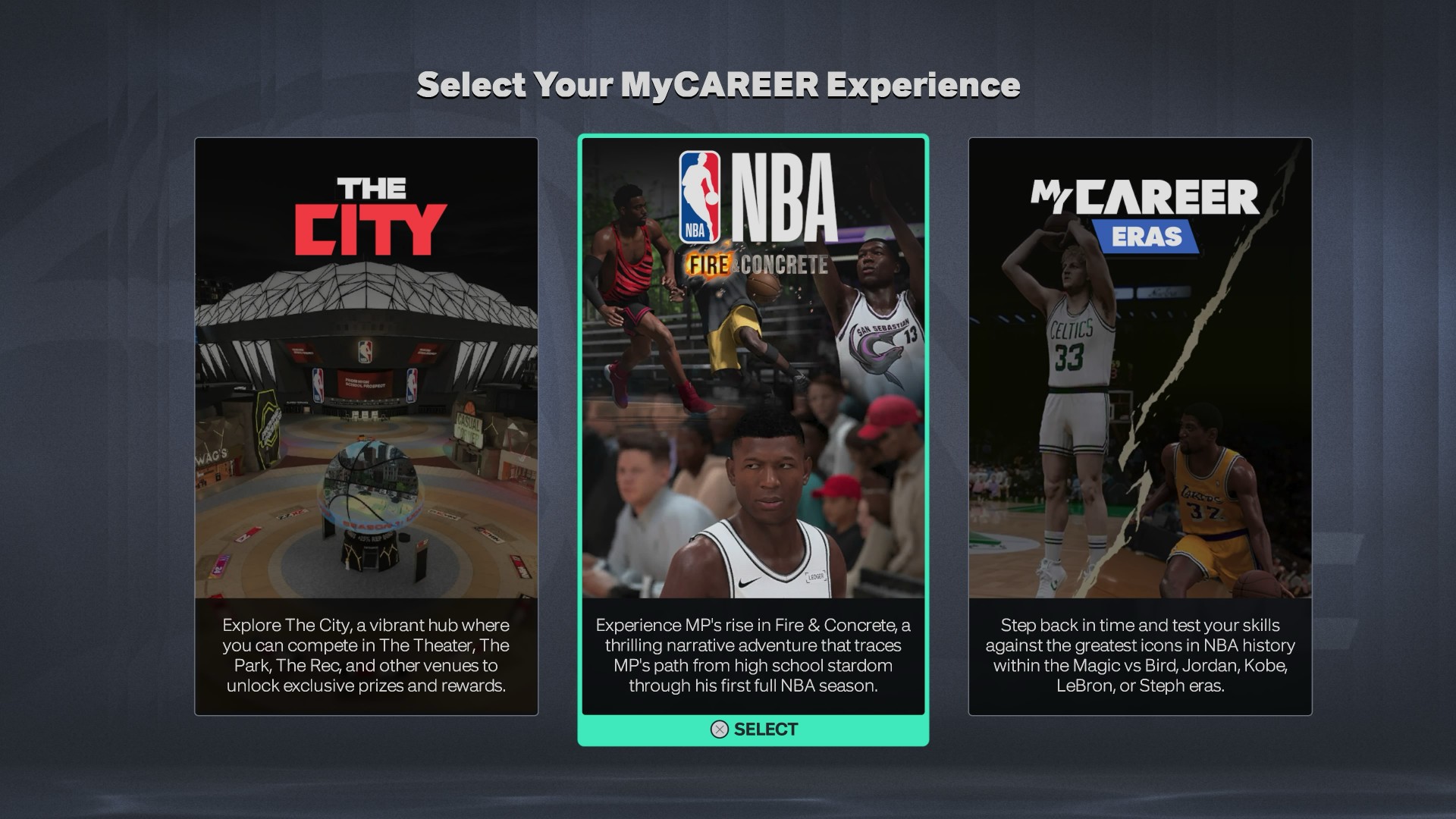
Progression is still where NBA 2K27 loses some points with me.
It’s still very much pay to— I wouldn’t necessarily say win, but pay to have a better experience.
Starting at level 60 is insufferable for those first few games. If you want to avoid spending, your best bet is to grind some VC through places like Casual Corner and get your player somewhere around 73–75.
After that, progression starts feeling more reasonable.
I also didn’t get enough time with Co-op MyCAREER to properly judge the experience with another player. Certain personal circumstances got in the way of me actually hooping with a Player 2.
From what I did experience, though, it adds another interesting wrinkle to MyCAREER. Some early objectives require both players to perform well, which gives the mode a different dynamic from playing through the story alone.
MyCAREER Eras is another story.
I haven’t played enough of it to give it a proper verdict, but there’s one part of the mode that immediately disappointed me.
I think it’s highway robbery that you can’t just take your current leveled-up build and jump into another era.
You can take the build, yes.
But you still need to get VC, either by grinding or buying, to level that MyPLAYER up for that save.
If it’s the same build, I should be able to take that same leveled-up player into another era.
How else am I gonna help Allen Iverson get a ring?
The Hoop ‘What If’
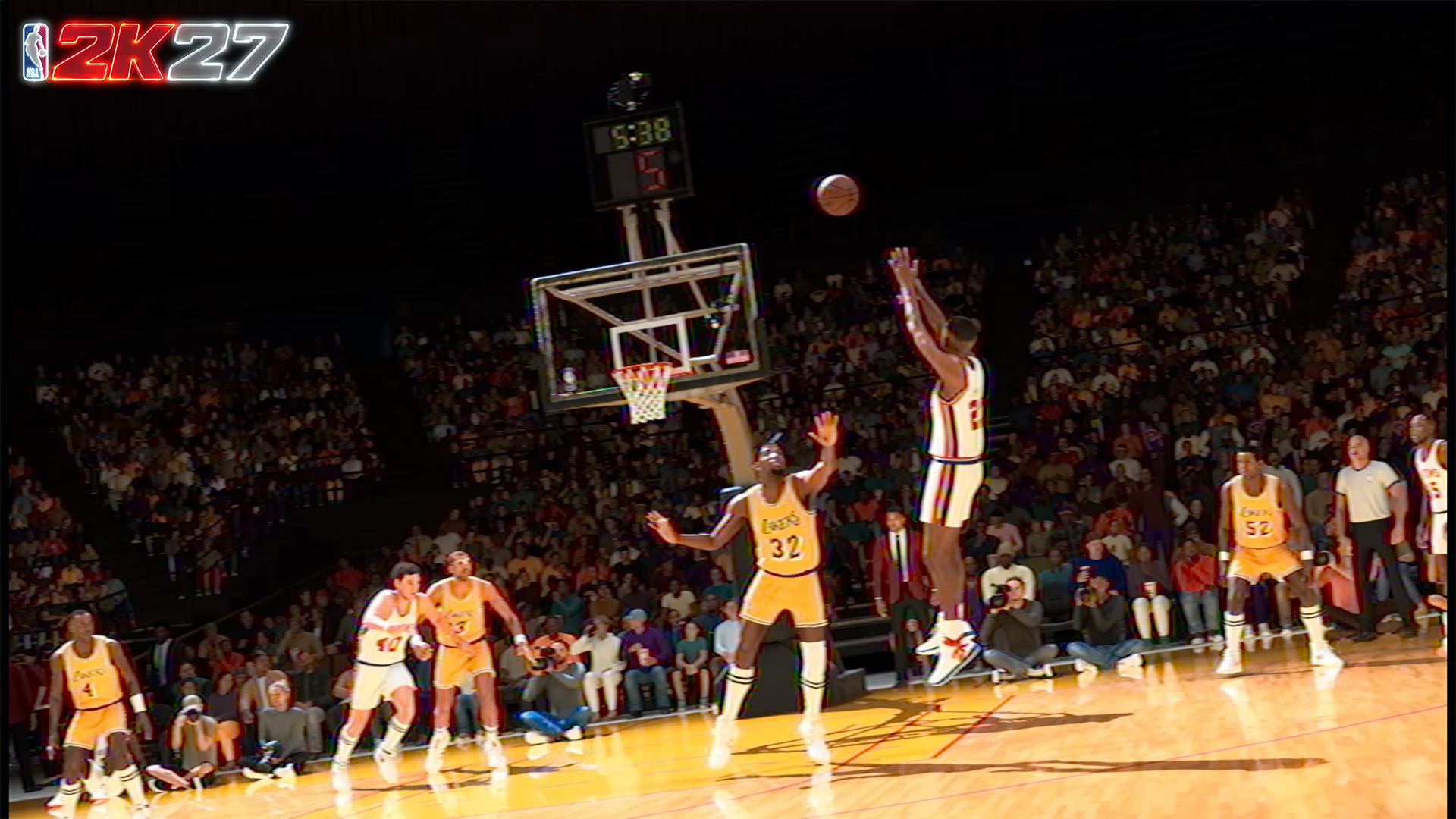
MyCareer Eras
MyNBA is my ‘What If”.
This is the mode where I usually take Jason Kidd’s Nets, add Vince Carter, keep Richard Jefferson, change up the rest of the players, and try to get them a ring.
The Kidd, Vinsanity, and the Bald Eagle.
This is also where I give D-Rose a ring and imagine what his career might have looked like if he never suffered those devastating injuries.
I’m particularly fond of the 2000s NBA, so I’ll sometimes build around the 7-seconds-or-less Suns or reunite Stephon Marbury with Kevin Garnett sooner.
That’s what I love about MyNBA.
It’s where I can rewrite NBA history however I want.
NBA 2K27 gives me more room to do that.
The biggest addition for me is the expanded number of teams and assets you can move around in Trade Proposals. That’s something I’ll get a lot of mileage out of because I’m already planning a full Kobe Era What If.
I previously used one save file for one focus team. This time, I think I’ll go all in on a couple of saves. One starting in 2002-03 and another a season or two later.
I still wish there was a simpler way to jump into a specific season, though.
I want to drop into 2005-06 with the correct rosters.
The players are already in the file.
Why can’t I just pick the season?
MyNBA Legacy
MyNBA Legacy is a much bigger commitment.
I tried it, but dipped out pretty quickly. It feels like a mode that needs more attention than I could give it during this review period.
My first instinct was to pick a retired legend and drop him into the modern NBA.
You can technically do that, but it’s a roundabout process. You’d have to add a Classic Team where that player is part of the roster and build a custom league around it.
That also means adding his teammates and creating a weird imbalance when all I really wanted was the player.
I didn’t get far enough into Legacy to properly judge the generational mechanic either. From what I’ve seen, it feels more like a G Leaguer than a regular NBA rotation player.
I’d still try a long Legacy save, though.
There’s enough here for me to be curious.
Same old ball game
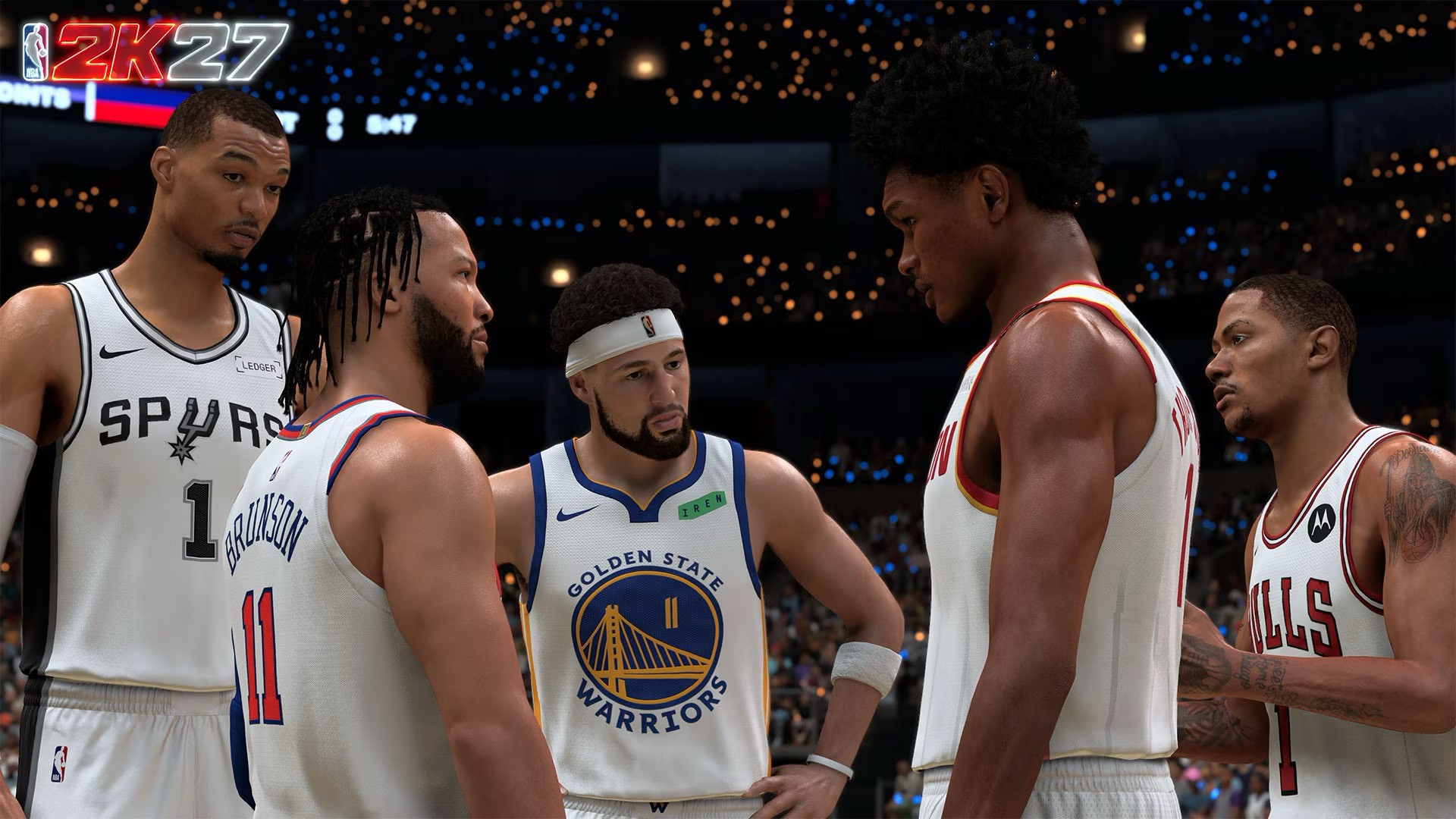
This is ultimately where NBA 2K27 gets complicated.
The basketball is better.
The rest of NBA 2K feels much more familiar.
The City is basically the same experience for me. The nighttime and neon redesign looks nice, but it also feels like a copy-paste of the last two or three years.
Casual Corner is a genuinely useful addition for someone like me, though. I consider myself a casual online player, and having a place to grind and advance my specialization without jumping straight into the deep end worked wonders.
The general menus are familiar too.
The home menu looks almost exactly like NBA 2K26, with minor changes to the look, colors, and featured players.
None of this is particularly egregious.
But you notice it after enough annual releases.
There’s an argument to be made that NBA 2K could work as a live-service game with major annual software updates instead of an entirely new release every year.
I don’t know what that would do to the business or how players would react.
But as we get closer to the next generation of consoles, I think it’s at least worth looking into.
The same goes for roster management.
I remember back in the 2000s and early 2010s when I memorized every player because I had to manually handle player movement myself. Now, I don’t necessarily want to go back to that. I just want an easier way to keep the game current.
And then there’s the Kobe-Pau Lakers.
Why are those teams still not part of Classic Teams?
That’s a HUGE and GLARING missed opportunity.
Don’t reach for the check
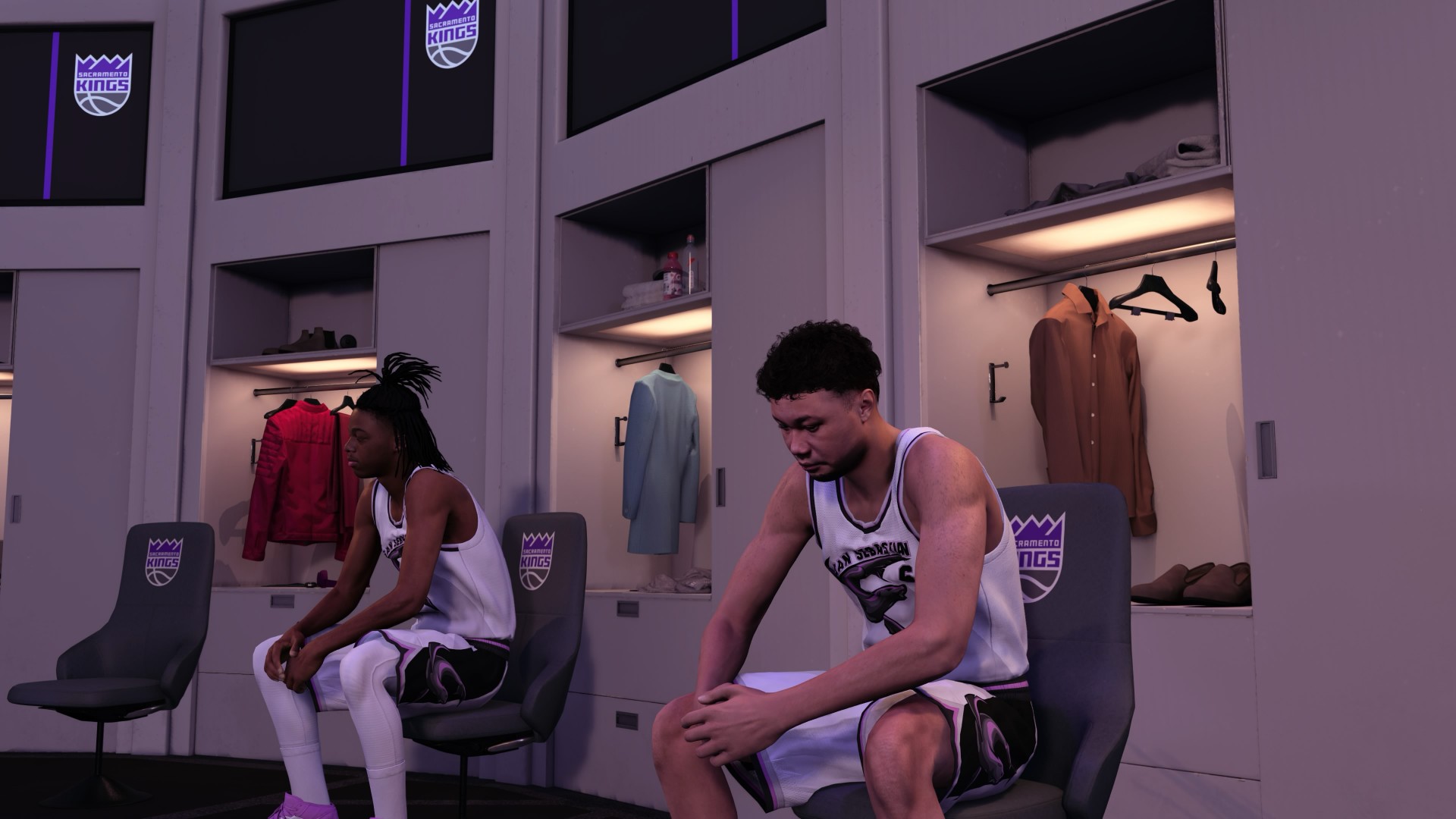
If you already own NBA 2K26, the strongest reason to upgrade is the gameplay.
The collision system changes how you attack the rim, how shots at the basket play out, how blocks happen, and how shot contests feel.
The smarter AI helps too.
So does the slower pace.
All of it pushes NBA 2K27 closer to the kind of basketball simulation I’ve always wanted it to be.
But if you’re short on funds, don’t make this a priority.
Wait for the inevitable Christmas or All-Star Weekend sale.
NBA 2K27 is still very much NBA 2K.
It doesn’t reinvent the franchise. The City isn’t suddenly a revelation. The menus aren’t going to make you feel like you’re playing a brand-new game. Some of the modes still feel like they need more time and attention.
But the actual basketball?
That’s where 2K made the right investments.
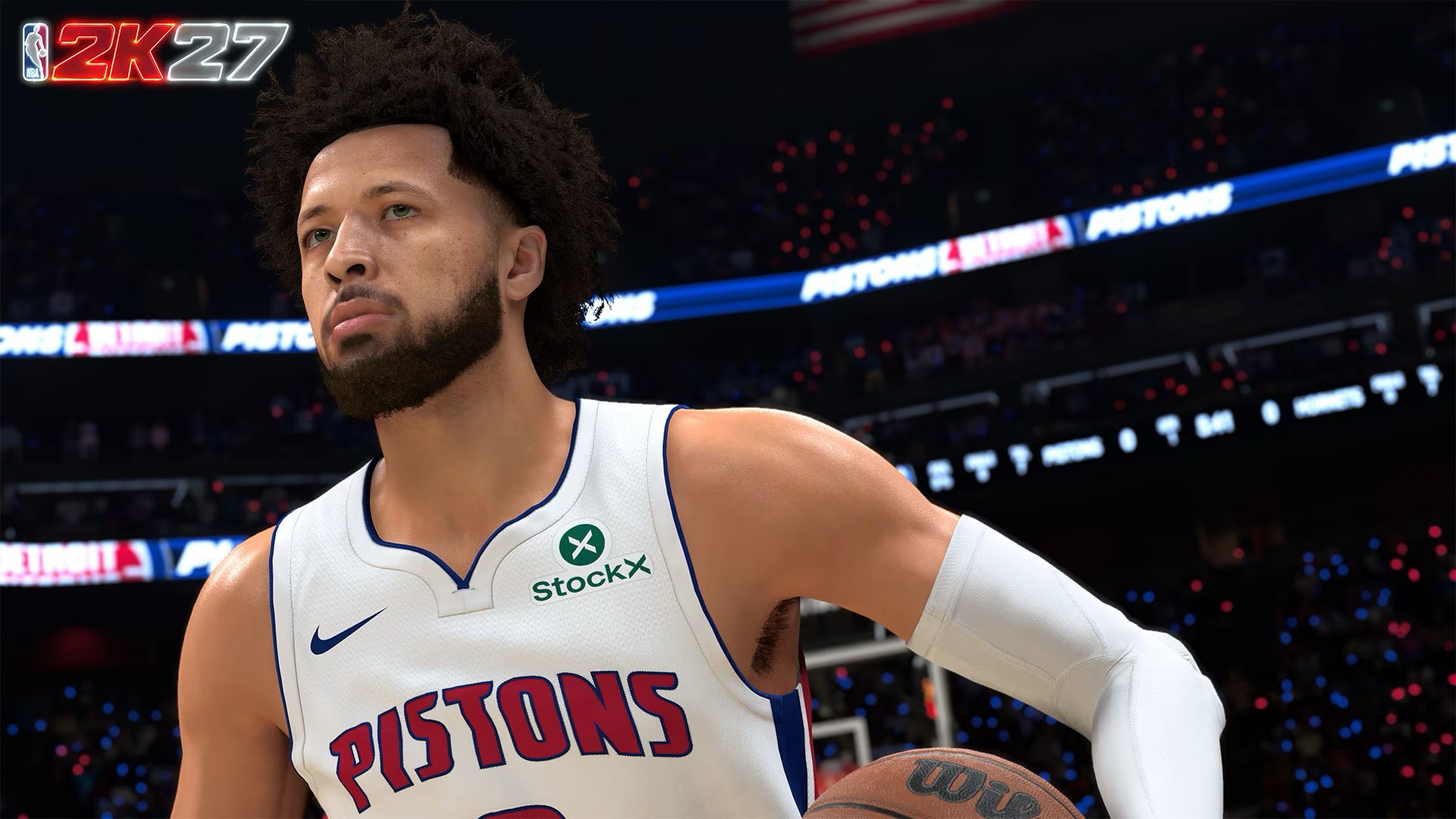
NBA 2K27 is a two-way layup mixmaster that’s a borderline perennial All-Star.
I’m giving the game a Swipe Right because as a basketball simulator, it remains uncontested.
There are certainly many things they can improve in terms of presentation, rosters, and keeping other game modes more interesting and engaging, rather than just focusing on the ones that have people spending on Virtual Currency.
But it’s still a joy to play if you’re a hoop head.
You can recreate NBA moments however you want. Maybe it’s something that just happened on a random Tuesday. Maybe it’s getting your favorite NBA star an elusive championship.
That’s what keeps me coming back.
And NBA 2K27 gives me a better basketball game to do it with.
Cameras
DJI Osmo 360 II review: Going all-in on the ecosystem
I’m finally leaving my Insta360 X5 behind!

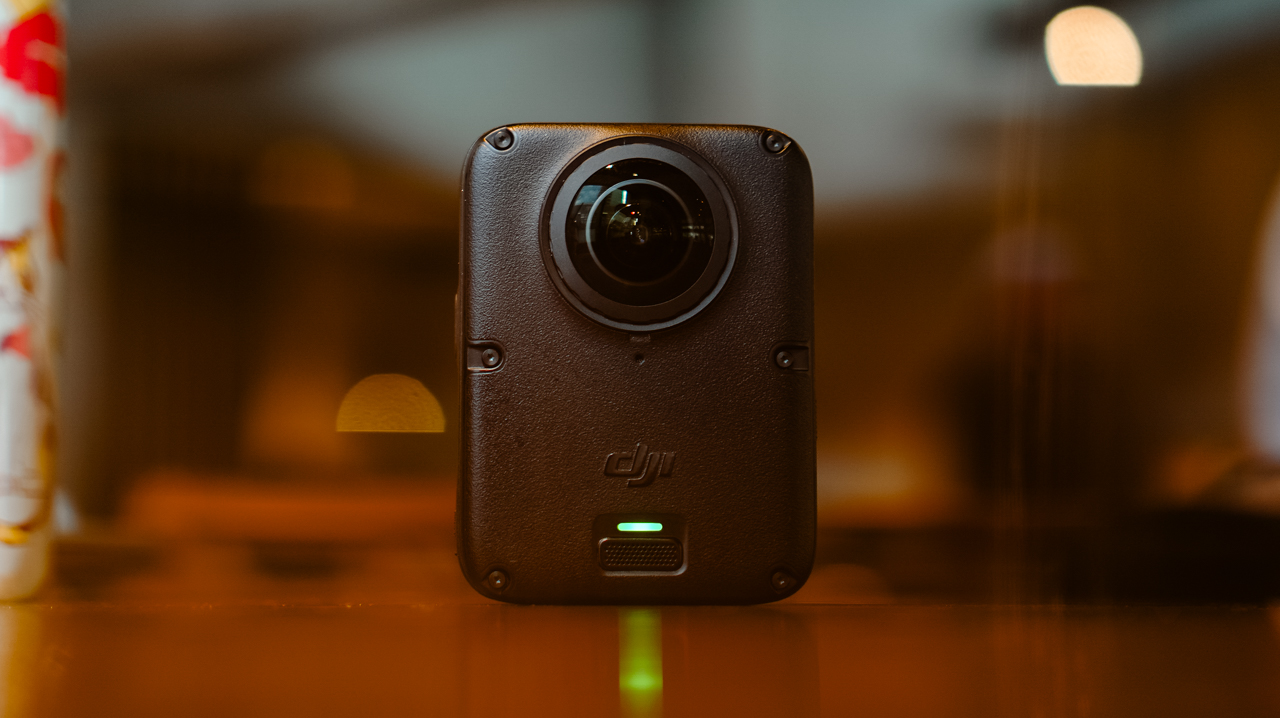
I’ve been shooting with the Insta360 X5 for a year. Trail runs, races, city trips, training sessions, all of it in 360.
I’ve held onto footage from that camera that I still watch back for no reason other than to remember what a particular morning felt like. I liked it enough that I wasn’t in a rush to switch anything.
After a month-long vacation carrying only the DJI Osmo Pocket 4P, I started thinking about consolidating it into a full DJI ecosystem instead, since I’d already tested and geared up with a Pocket, a Nano, an Action 6, and most recently, the Lito X1. The X5 was the one outlier left.
I never got to try the original Osmo 360, not until I saw my friend, Kyle Vergara, using one when we were in Boracay. Watching him shoot with it planted the idea before I even knew I wanted it.
So I waited for the DJI Osmo 360 II to see if it was worth the switch, half hoping it wouldn’t be, since switching meant admitting I was ready to let go of a camera that had been good to me.
Insta360 released the X6 around the same time, and as a creator, it was tempting. But between the workflow I already had and the cost of the gear, the math didn’t work out.
Anything leaning hard into AI these days comes with a jacked-up price tag, and the X6 wasn’t an exception. The Osmo 360 II has its own AI features, but the price is still bearable.
Price
The Standard Combo starts at PhP 32,490, with the Osmo Extreme Battery Plus, a Camera Protective Pouch, a cleaning cloth, an Osmo 360 Silicone Lens Cap, and a USB-C to USB-C PowerDelivery cable included.
@gadgetmatchThe new DJI Osmo 360 II is here with 1-inch 360° imaging, native 8K/60fps, and AI SuperNight 2.0! ✨♬ original sound – GadgetMatch
The Adventure Combo, which is what I got, runs PhP 39,490 and adds two extra Osmo Extreme Battery Plus (2150mAh), an Osmo Multifunctional Battery Case 3, an Adjustable Dual-Direction Quick-Release Adapter mount, and a 1.2m Invisible Selfie Stick.
For rider friends, there’s also a Limitless Riding Combo at PhP 34,490, which pairs the Standard Combo with an Osmo Heavy-Duty Clamp Mount kit.
Build
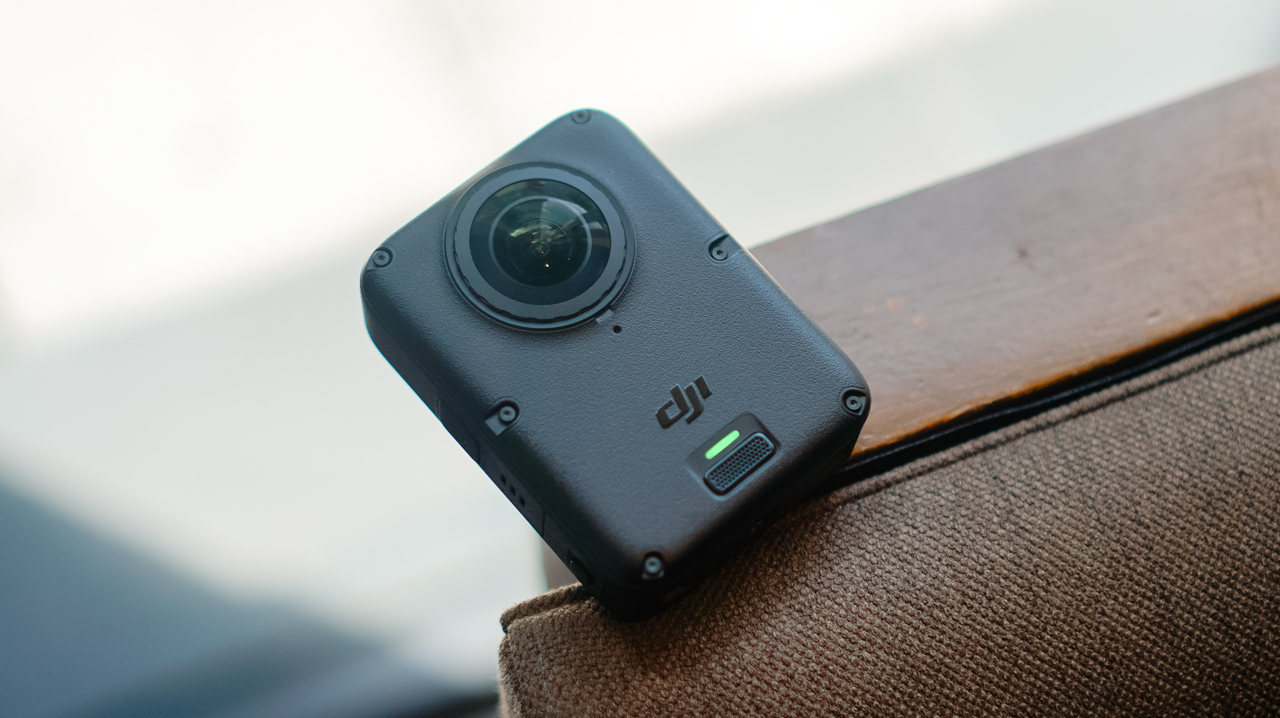
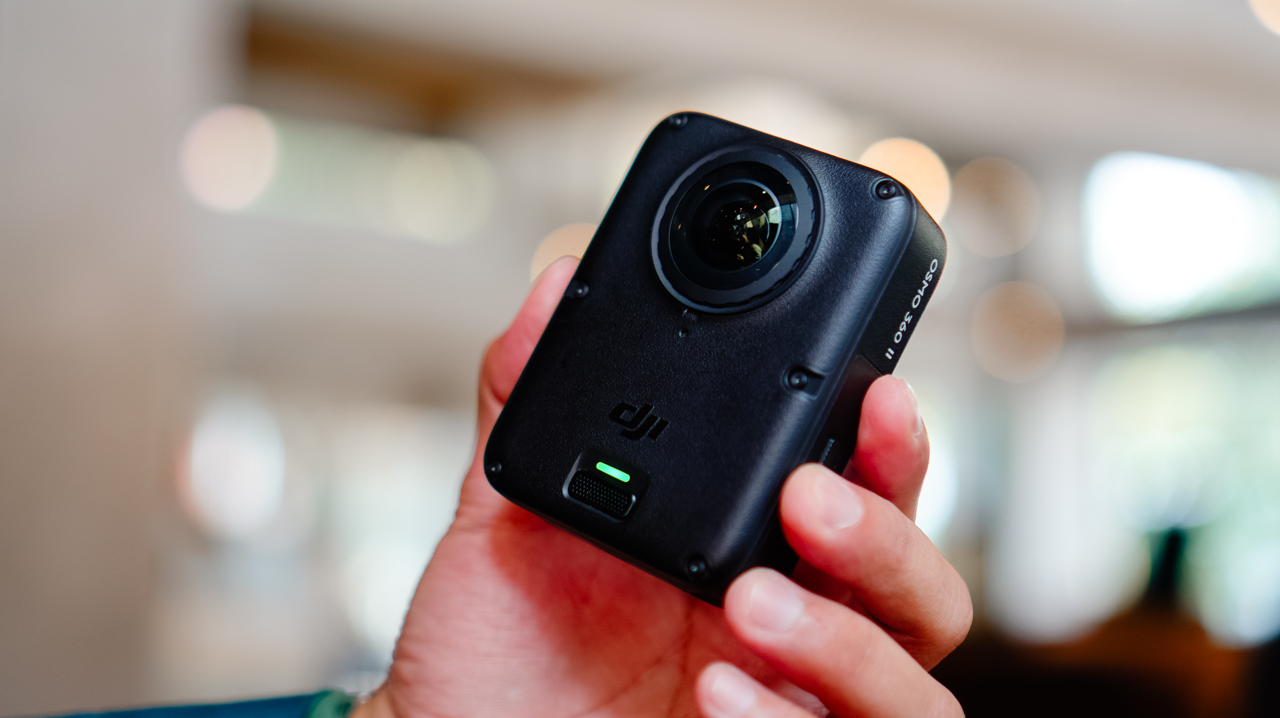
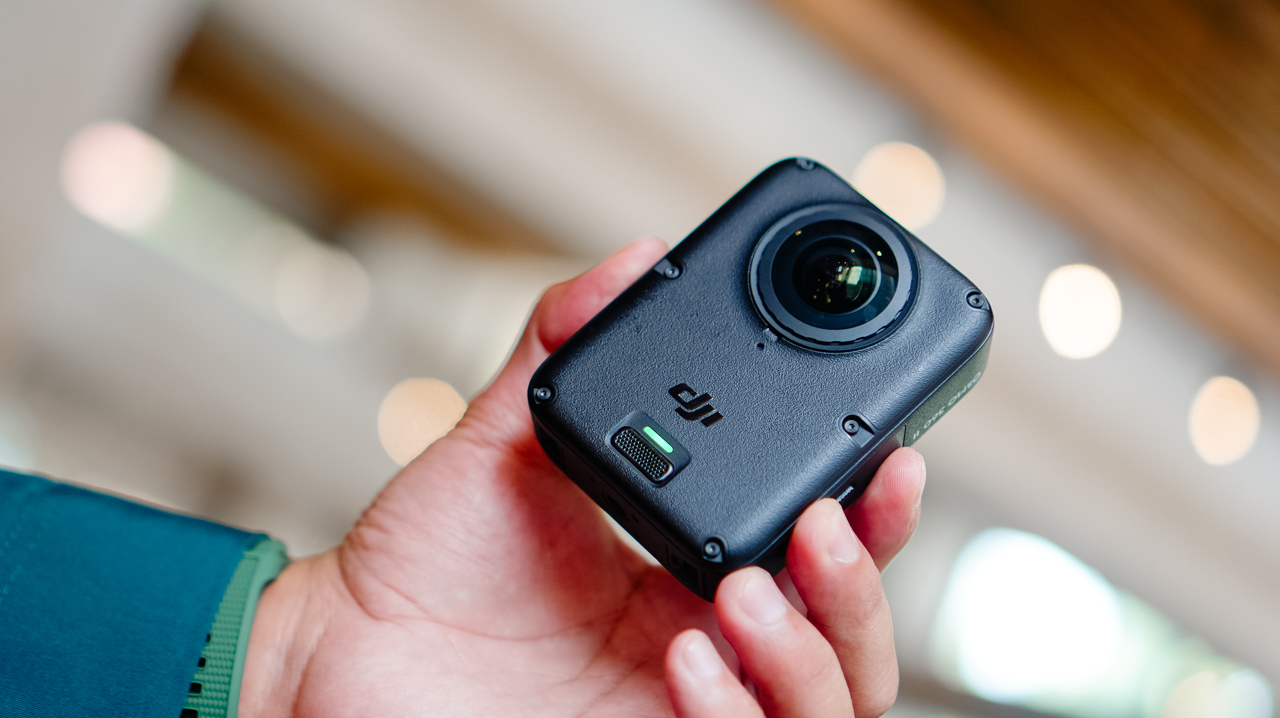
Coming from the X5’s lengthy monolith shape, the Osmo 360 II looks like a square monolith that fits in the palm of my hand.

The smaller footprint makes it easier to switch between portrait and horizontal orientation when shooting single-lens.
It’s heavier than the X5, though, and I noticed that weight almost immediately the first time I clipped it onto a mount, like the camera wanted me to know it meant business.

The design feels sturdier than its predecessor, and it now has a replaceable lens for when you scratch it, instead of a trip to a service center.
Performance
The Osmo 360 II arrived during a rough month for shooting in the Philippines. We were hit by one storm after another, with barely any sun in between, and there were days I genuinely wondered if I’d get to test this camera the way I wanted to before a deadline caught up with me.
I’d planned to test it on my usual trails, but landslides closed them off, so the next best option was a car-free Sunday in Ayala Triangle while the sun cooperated.
View this post on Instagram
It wasn’t the adventure footage I had in mind, but making a plain Sunday in the city look like it mattered turned out to be its own kind of satisfying.
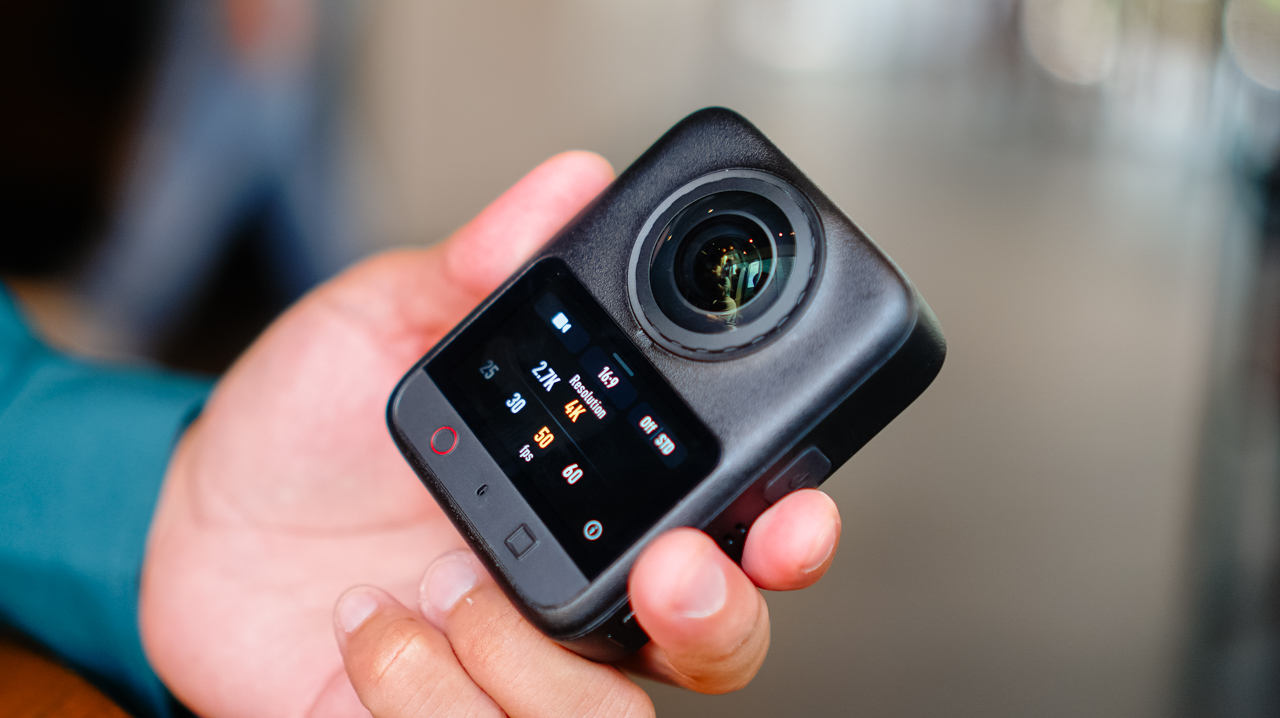
360 video now shoots at 8K60, up from 8K50 on the previous model, with the bitrate raised from 170Mbps to 220Mbps.
Single-lens shooting tops out at 4K60, though 4K50 is the recommended setting. Daytime footage looks excellent, especially for anything meant for social with a slightly different perspective than the usual flat shot.
Scrolling back through those Ayala Triangle clips later that night, I caught myself smiling at angles I wouldn’t have thought to frame on a regular camera.
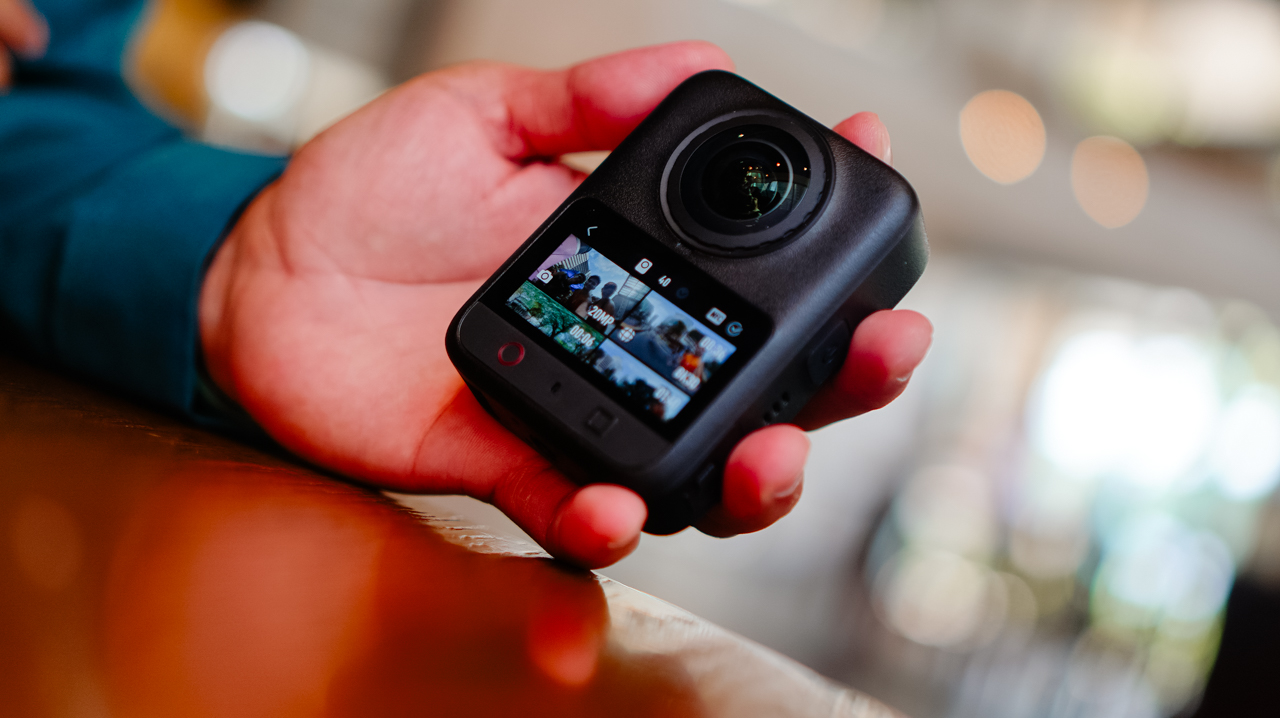
Night footage is where I’ve historically had issues with this category of camera, and I still don’t love straight Video mode after dark. But the new model claims 14.5 stops of dynamic range with its low-light processing, and shooting in Boost Video and SuperNight modes noticeably improves low-light results.
Photos hold up well too. Single-lens stills shoot ultra-wide at up to 30MP, and panoramic 360 photos go up to 120MP HDR.
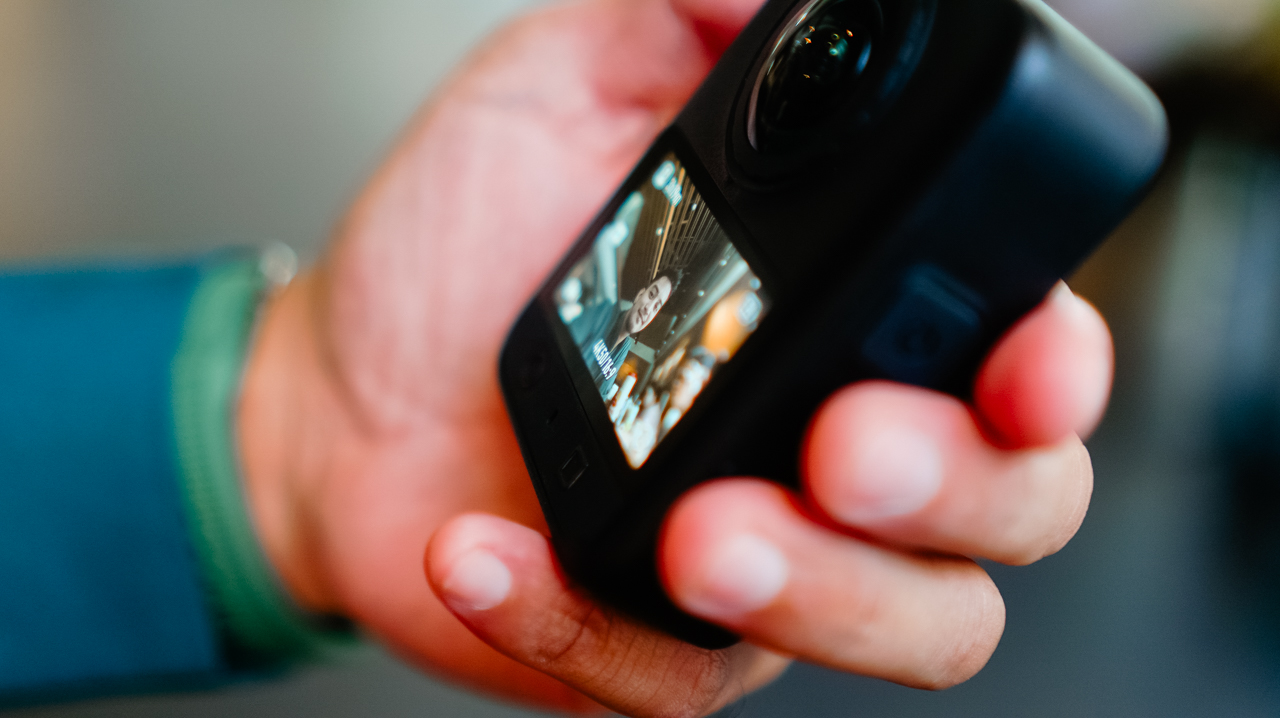
RAW photo support is new this generation, and it’s this type of addition that made me want to slow down and actually shoot stills again instead of treating this as a video-only device.
Storage
AI features pushing further onto these devices has driven up demand, and prices, for RAM and storage across the board.
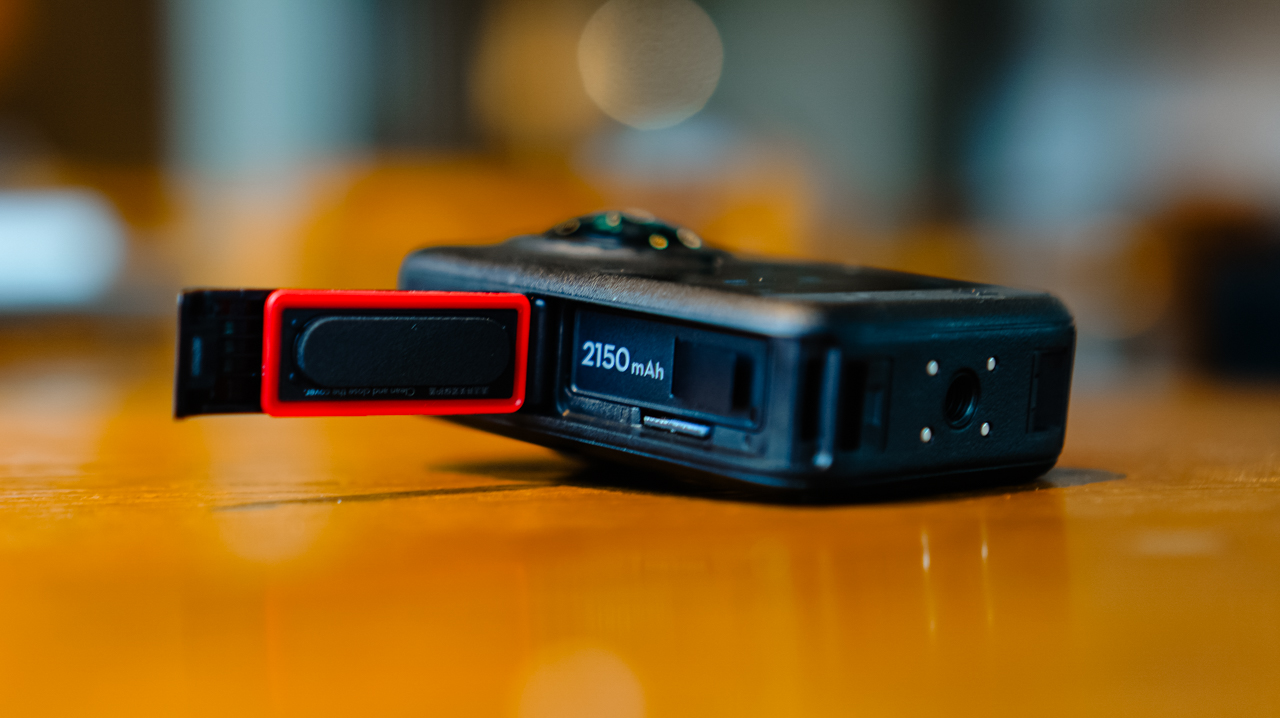
MicroSD cards, SSDs, even cloud storage all cost more than they used to, and I’ve felt that pinch every time I’ve had to buy a new card just to keep shooting through a busy week.
What I appreciate about DJI’s new lineup this year is the built-in storage, over 100GB on the Osmo 360 II. Paired with a microSD card, I’m not scrambling to back up mid-shoot just to free up space, which matters given how fast 4K and 8K footage eats through storage.
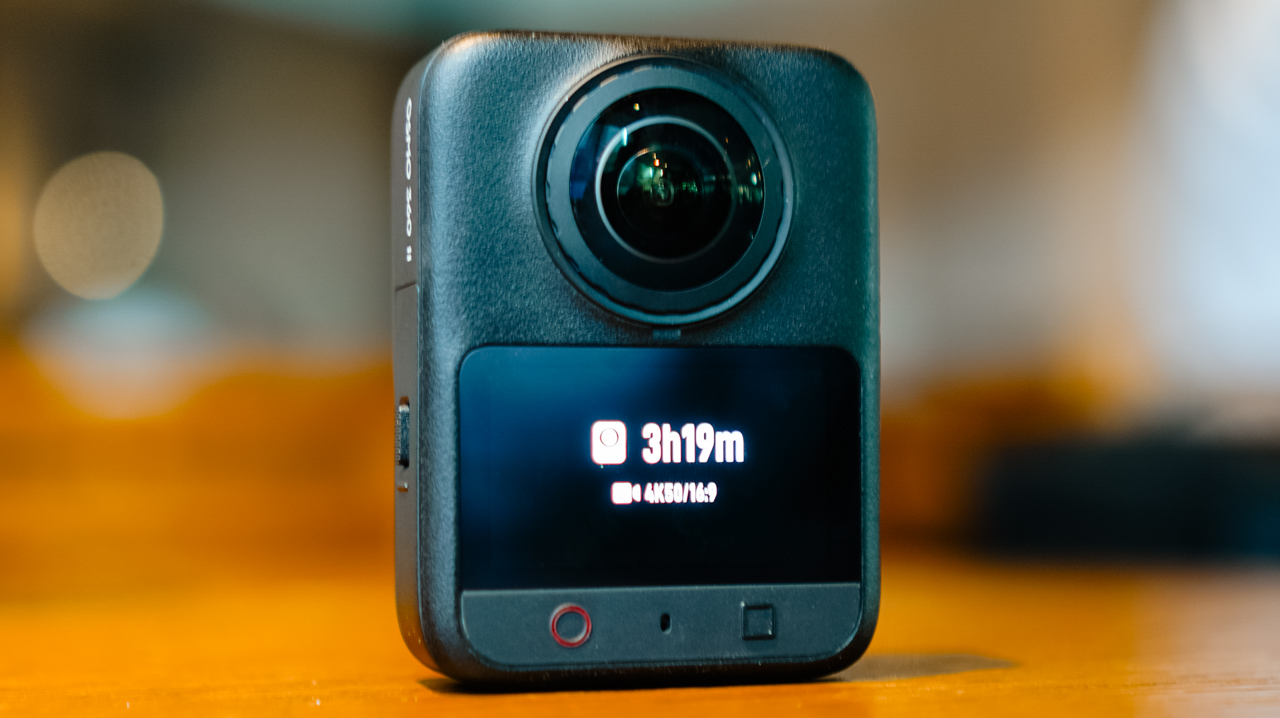
Not watching a storage warning pop up in the middle of something I can’t reshoot is a relief I didn’t know I needed.
Ecosystem
Before this, the X5 was the one device in my kit that didn’t run on DJI. Now that the Osmo 360 II is in the mix, footage lands in the DJI Mimo app the same way it does from everything else I own.
I’m not juggling two apps or two export flows anymore. Previously, files from the X5 would sit untouched longer than I wanted, simply because everything else I owned already funneled into Mimo and this one didn’t.
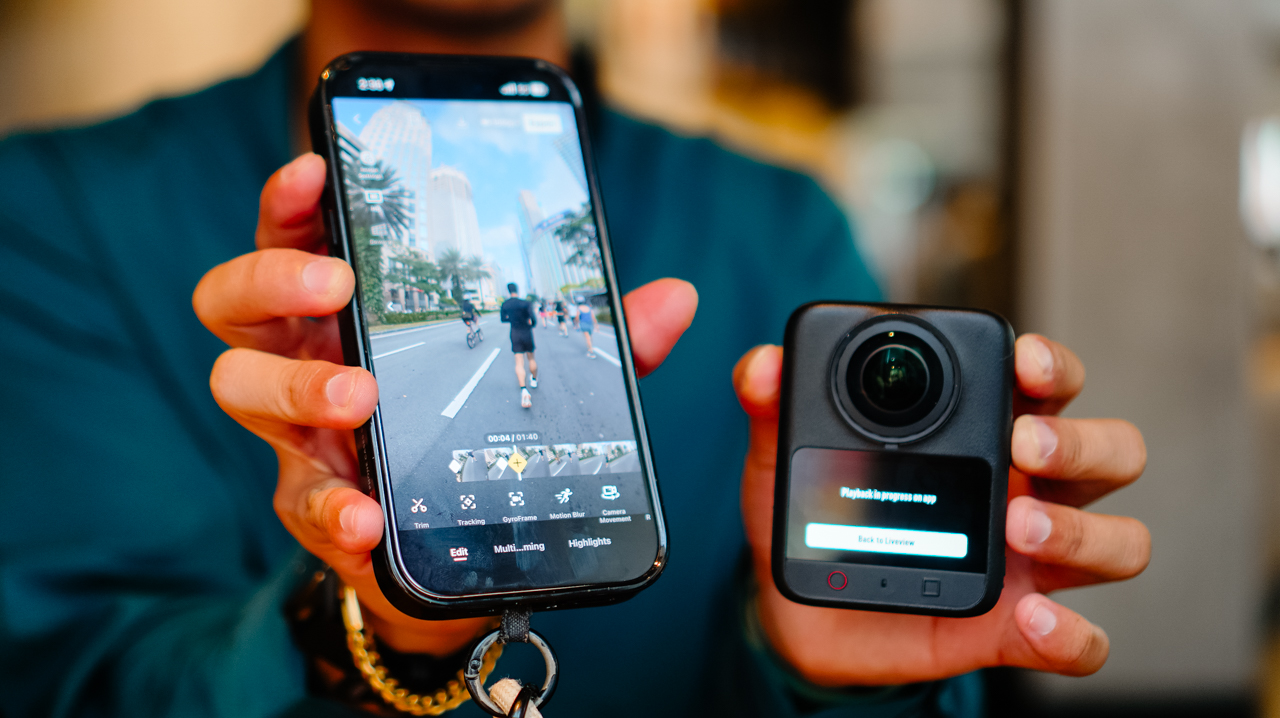
I can’t count how many times I opened my phone meaning to edit something, only to close it again because the file was sitting in the wrong app.
Editing 360 footage in the app is straightforward, with tools built for actually shaping the story rather than handing it off to AI.
Trimming, tracking, GyroFrame for dynamic movement, motion blur adjustments, multi-clip cuts and exports in one pass. If you do want AI in the loop, there’s Highlight Auto Selection to help surface usable scenes for reels.
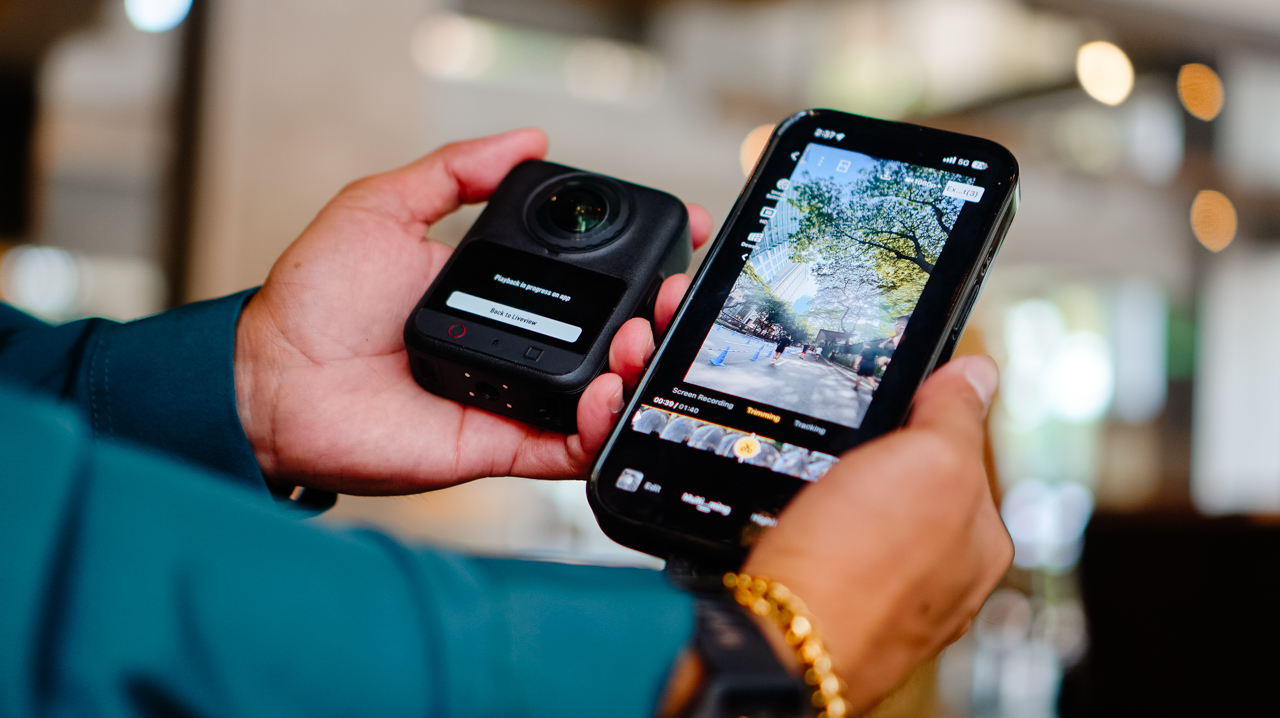
Insta360’s ecosystem likely has comparable editing depth. What’s different for me is having it all live in one app instead of splitting my workflow across two, and how much lighter that’s made the whole process feel by the end of a shoot day.
Is the DJI Osmo 360 II your GadgetMatch?
If you’re already using DJI across your gear and your workflow, the Osmo 360 II is an easy yes.
It fixes a real complaint from the first generation, folds into one ecosystem instead of two, and comes in at a price that’s hard to argue with.
Letting go of the X5 turned out to be less of a loss than I expected. It’s more like finally closing a tab I’d left open for a year.
Swipe Right if you want hardware upgrades that solve a genuine complaint from the first generation, one ecosystem instead of two, and a real price advantage.
The DJI Osmo 360 II is built for someone focused on storytelling and getting the most out of the gear they already own, rather than someone chasing the newest AI-editing tools.
Swipe Left if you want AI-driven editing front and center, or you’re already settled into Insta360’s ecosystem.






HUAWEI Mate XT 2 tri-fold launches with Kirin 9050 Pro

HUAWEI Pura X View is 2026’s first WIDE slab-type smartphone

How Samsung folds the Galaxy into people’s lives

The CAMON Slim 5G is TECNO’s latest ultra-slim smartphone

Civilization VII is finally adding a fourth Age

TECNO MEGAPAD 2 review: Eyes on the size

realme 16T 5G with 8000mAh battery, IP69 Pro rating launches in PH

REDMI Note 17 Series focuses on long-term reliability

realme 16T to come with 8,000mAh battery, 7-year battery health guarantee
HUAWEI Pura X View is 2026’s first WIDE slab-type smartphone


-
 News1 week ago
realme 16T 5G with 8000mAh battery, IP69 Pro rating launches in PH
-
 News9 hours ago
HUAWEI Pura X View is 2026’s first WIDE slab-type smartphone
-
 Singapore2 weeks ago
REDMI Note 17 Series: Price, availability in Singapore
-
 News2 weeks ago
REDMI reveals the refreshed Note 17 and Note 17 Pro series
-
 Cameras2 weeks ago
Insta360 Luna Ultra review: My new solo coverage camera
-

 Reviews2 weeks ago
REDMI Note 17 Pro review: What a rollercoaster ride!
-

 News2 weeks ago
HONOR Magic V6: Price, availability in the Philippines
-

 Features1 week ago
The designated photographer’s new favorite phone: OPPO Reno16 Series 5G