


Looks like POCO got tired of being the “flagship killer” and straight up offered everyone a true-blue flagship smartphone – the POCO F7 Ultra.
The POCO F7 Ultra takes many of the characteristics of POCO’s highest end offering last year – the POCO F6 Pro – and literally takes things up a notch to make it deserving of the Ultra tag.
On paper, here’s what the POCO F7 Ultra is packing.
SoC: Snapdragon 8 Elite
- Adreno GPU
- Qualcomm AI Engine
- VisoinBoost D7 Chipset
Display: 6.67” 2K 120Hz Flow AMOLED display
- 3200 x 1440, 526 ppi
- Up to 120Hz refresh rate
- 1800 nits brightness, 3200 nits peak brightness
- Up to 480Hz touch sampling rate
- Up to 2560Hz Instant touch sampling rate
- DCI-P3 wide color gamut
- POCO Shield Glass
Cameras:
- 50MP Main camera, f/1.6, Light Fusion 800 image sensor, 1/1.55”
- 50MP 2.5x telephoto lens, f/2.0
- 32MP ultra-wide camera, f/2.2
- 32MP front camera
RAM & Storage
- 12GB+256GB
- 16GB+512GB
Battery & Charging
- 5300mAh (typ) battery
- 120W HyperCharge
- 50W wireless HyperCharge
Connectivity & Others
- Dual SIM (nano SIM + nano SIM)
- Supports up to 5G
- Supports 4×4 MIMO
- Bluetooth 6.0
- Wi-Fi 7
- IP68 dust and water resistance
- Xiaomi HyperOS 2
Price
- 16GB+512GB: PhP 37,999 (from PhP 39,999)
- 12GB+256GB: PhP 34,999 (from PhP 36,999)
- 16GB+512GB: SG$ 899 (from SG$ 929)
- 12GB+256GB: SG$ 839 (from SG$ 869)
Here’s a quick unboxing reel.
@gadgetmatch Unboxing the POCO F7 Ultra #UltrapowerUnleashed #POCOF7Series ♬ FEEL THE GROOVE – Queens Road, Fabian Graetz
Based on these set of specs, the POCO F7 Ultra can definitely tussle against any other flagship out in the market now performance-wise. Our experience says largely the same.
Power overwhelming

It should come as no surprise that the POCO F7 Ultra is an excellent performer when it comes to mobile gaming.
During our time with it, we played a variety of games which were made easier to access thanks to the Game Space interface. It’s similar to a console interface which consolidates the games you have installed and lets you cycle through them to choose which one to play. Side note: The app icon says Game Turbo, but when you launch it, the thing says Game Space.
For our part, we mostly played Zenless Zone Zero, TMNT: Shredder’s Revenge, and Solo Leveling Arise. Detailing briefly, here’s how each play session went.
Zenless Zone Zero
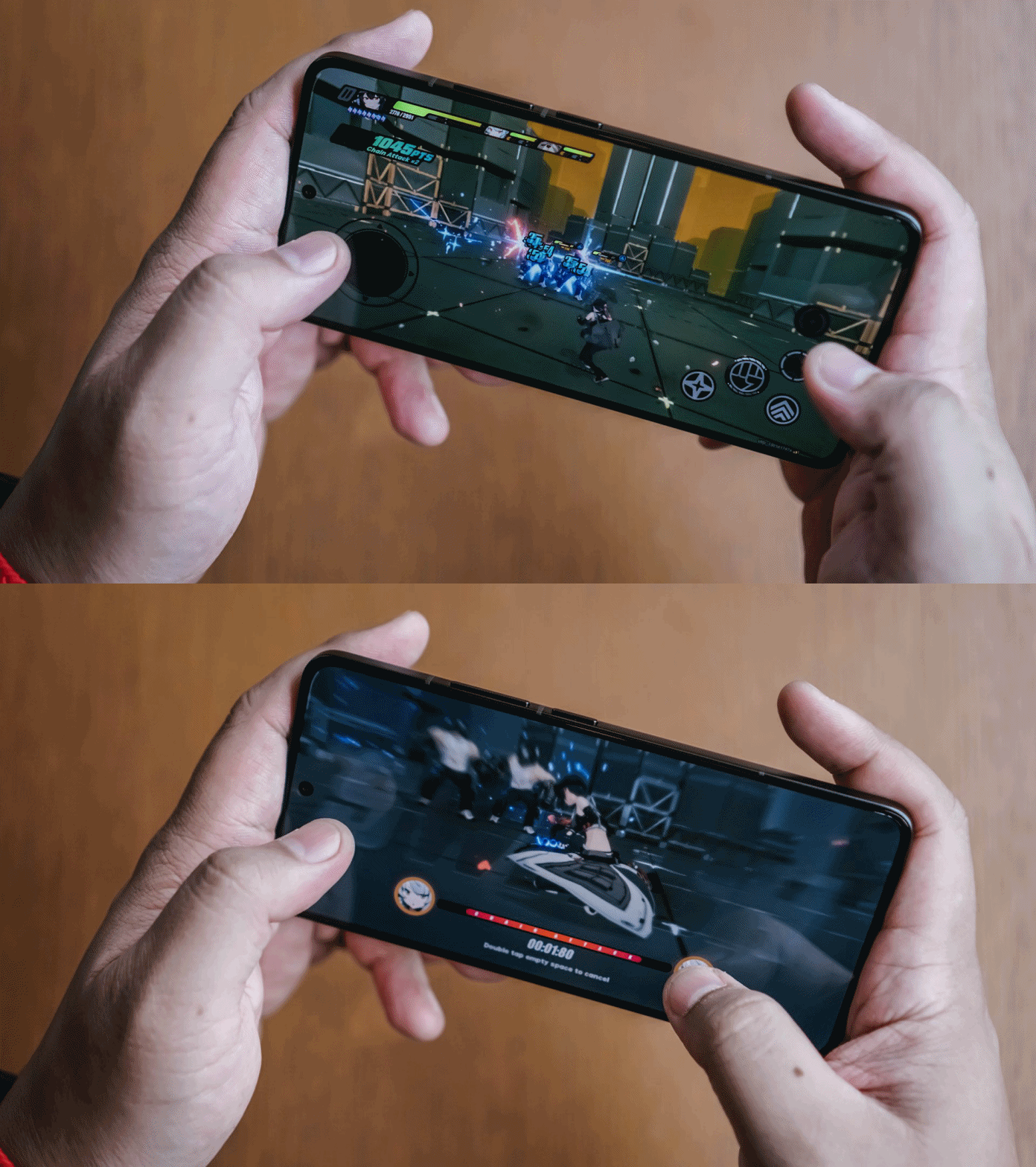
Typically, I prefer playing Honkai Star Rail, especially on mobile, since it’s a turn-based game and doesn’t require fast twitch reactions to play. ZZZ’s combat is more of the action type and it’s extremely flashy.
As I was playing, I recalled I mostly played ZZZ with a controller so I personally struggled with the touch controls. The POCO F7 Ultra, though, ran the game with no problems at all even at the highest settings.
The touch controls were fine and the only delay happening was because I personally wasn’t used to them. All told, the game ran excellently.
TMNT: Shredder’s Revenge
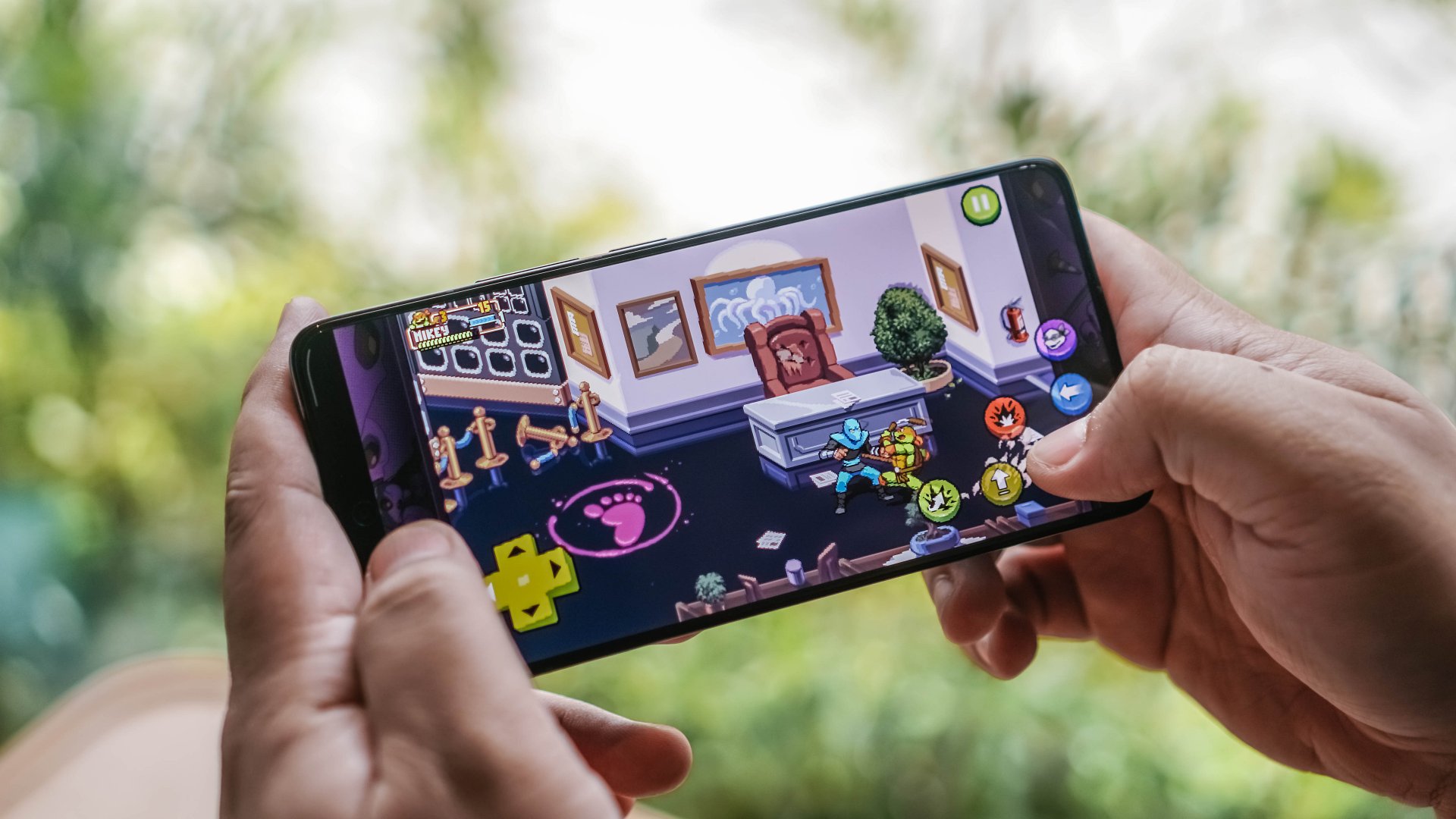
Downloaded via Netflix, TMNT: Shredder’s Revenge is a throwback to the 90s beat’em up games. You side-scroll to your objective playing as one of the Teenage Mutant Ninja Turtles beating up a slew of foot soldiers.
This game isn’t as graphically demanding but does require quick and accurate touches to get through. As one can expect, playing was generally a great experience since the POCO F7 Ultra had no trouble running the title at all.
The game also encourages co-op play but I wasn’t able to try it as of writing. Perhaps I will next time.
Solo Leveling: Arise

I only picked up this game again for the POCO F7 Ultra review after dropping it last year. Season 2 of the anime has been “Hype AF” so I figured it’s a good time to jump back in.
Curiously, the POCO F7 Ultra struggled with this title a little bit. The first time we launched the game on the phone and proceeded to do a mission, there was some noticeable lag and stuttering.
It didn’t really affect the gameplay but visually, it was quite noticeable. However, this only happened during the first and second time we launched the game. The succeeding ones were much smoother experiences.
As expected

Everything in the mobile gaming department transpired as expected. The POCO F7 Ultra is, as has oftentimes been said of these performance-geared smartphones, “a beast”.
There’s also the usual Game Turbo interface where you can control how much power is being allocated to your gaming. From there you can also do the usual things like block notifications for a more focused gaming session as well as take screenshots and screen recordings.
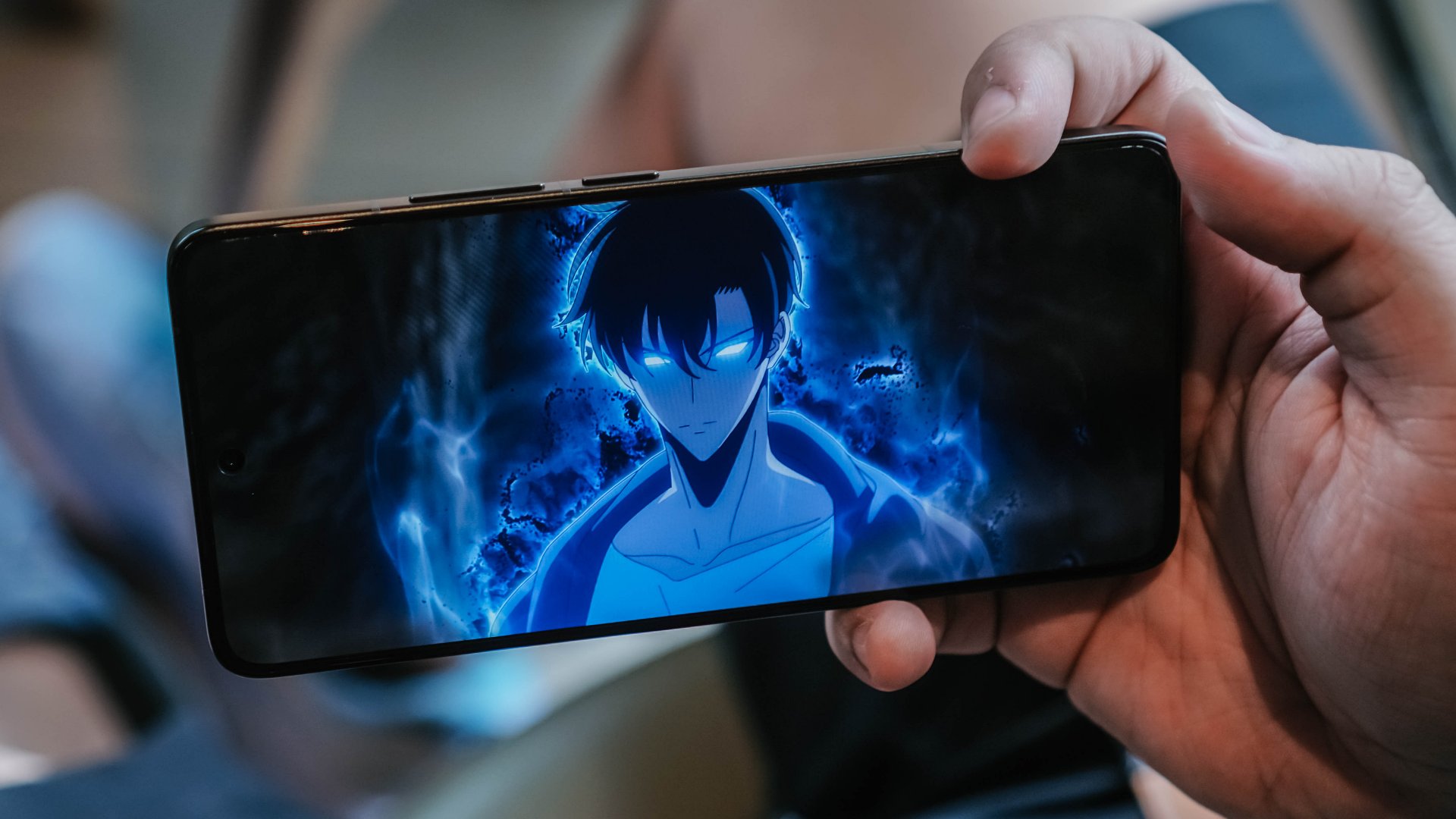
Sung Jinwoo Aura Farming. Solo Leveling S2 has been hype AF
This speed and power also translate to the usual video viewing, browsing, app-switching, and doom-scrolling tasks that dominate our smartphone usage. I’ve jumped from app-to-app with absolutely no trouble at all.
The one thing I personally had to adjust to is the screen size and overall footprint of the device.
Too small or just right?
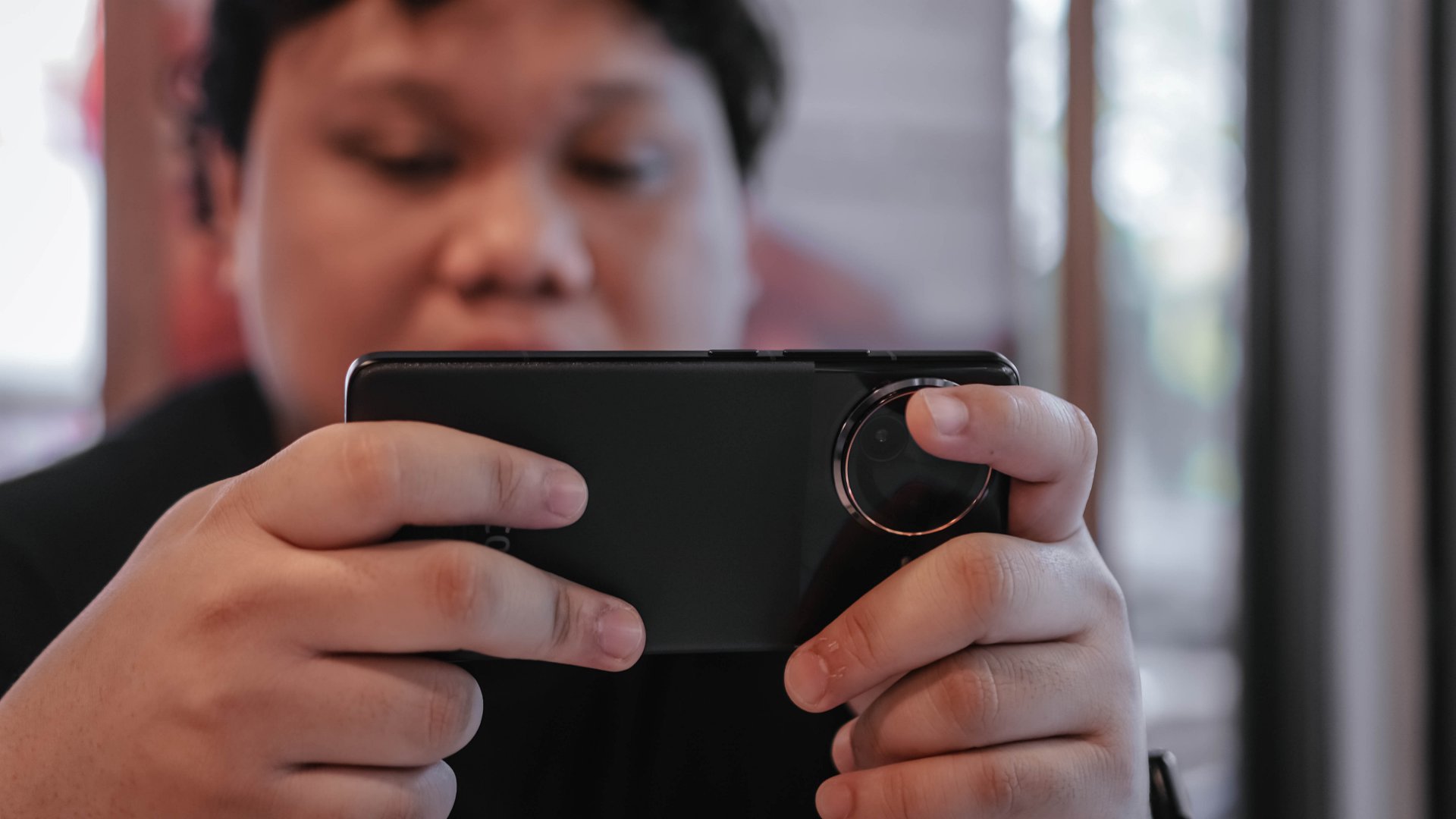
For context, alongside the POCO F7 Ultra, I’ve been rocking the OPPO Find N5 and the size difference is quite jarring. Especially since I like using the Find N5 unfolded.
Due to this, the POCO F7 Ultra felt rather small to me at first. Especially when playing games. Going from a square-ish 8-inch behemoth to a 6.67-inch modest size is a bit of an adjustment. Those few inches do make a difference. Don’t let anybody tell you otherwise.
For any other smartphone activity, the phone did feel just right. In fact, it was a joy to use. Single handedly, it’s easy to operate. That makes happy scrolling on TikTok, IG Reel, YouTube Shorts extra addicting.
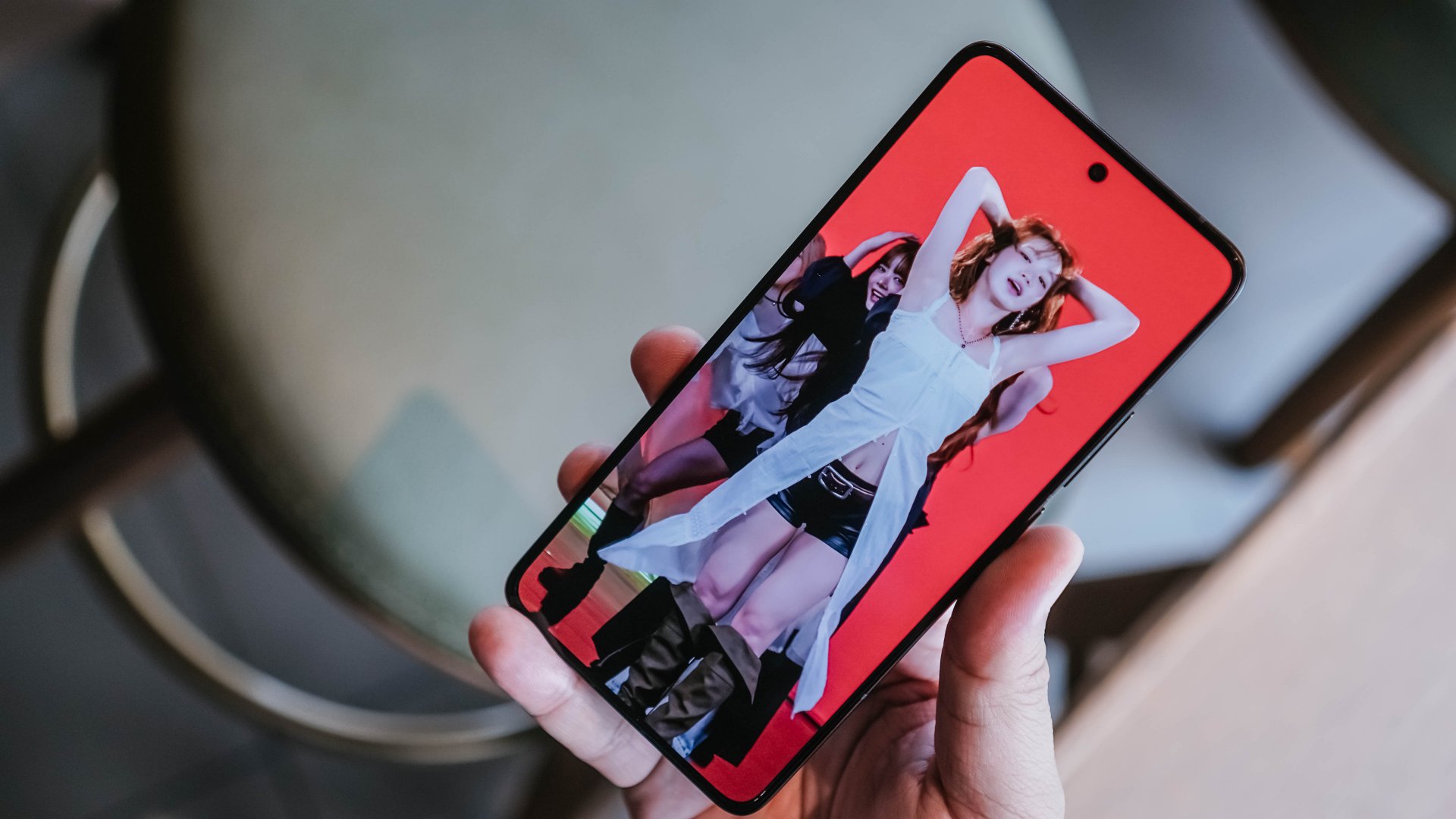
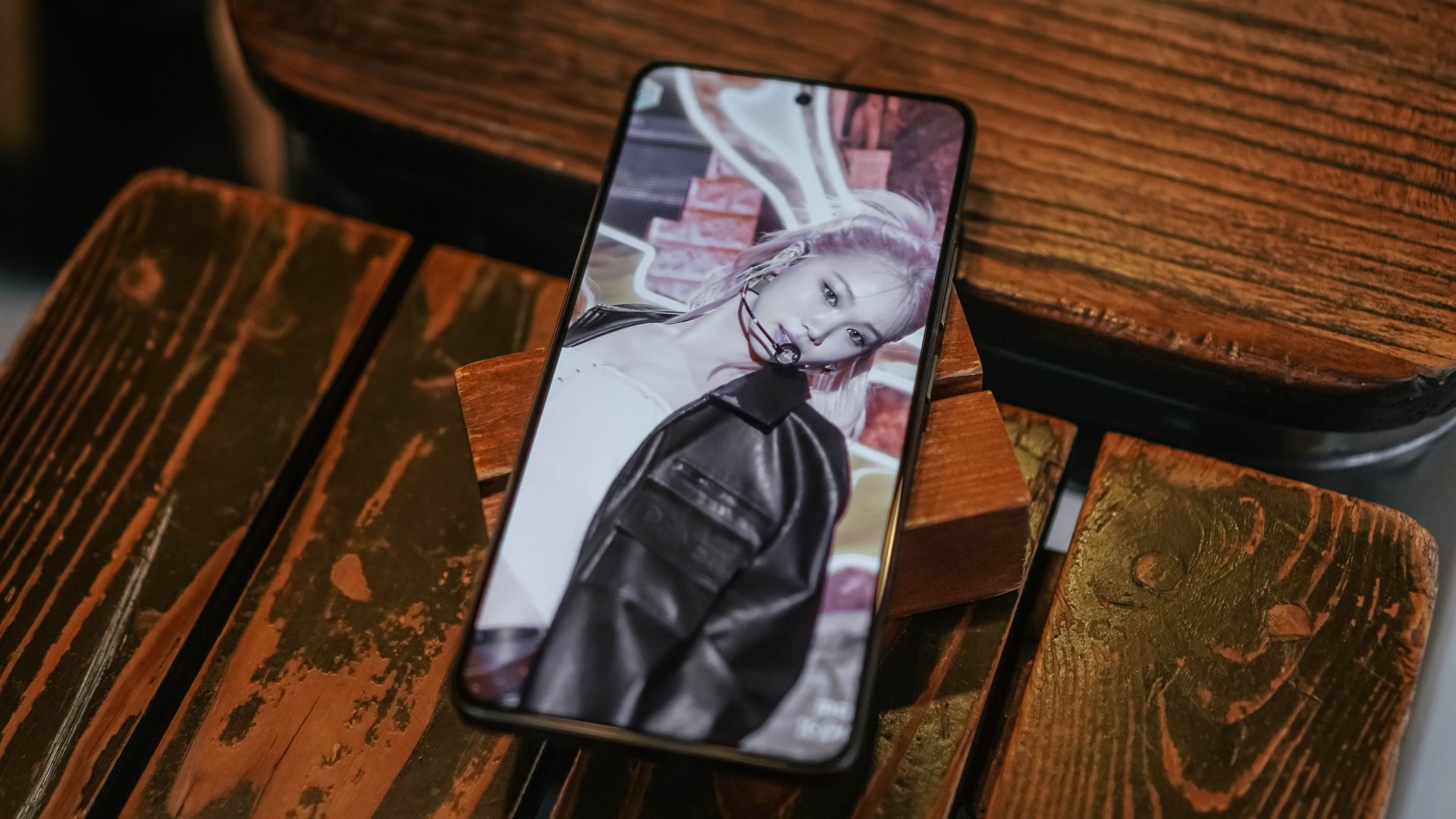
I consume copious amounts of LE SSERAFIM Chaewon content
The phone is pretty light too so there shouldn’t be too much strain on your hands when you use it. The phone being so lightweight is also great for when you doze off while scrolling. I’ve had the POCO F7 Ultra land squarely on my huge round face. No damage. To the phone and my face. Although, there’s nothing much to damage on my face to begin with.
The size also makes it easily pocketable. It’s a little larger than the Xiaomi 15 but still just as easy to hold. That also meant that it was easy to take photos and videos with.
Steady cameras

The cameras on the POCO F7 Ultra are improved from the POCO F6 Pro. More megapixels, more detail, the works. I’m personally partial to the filter Gold Vibes so take a look at these samples first.






That same filter looks good even as you zoom in.

And here’s what Regular – Gold Vibes – Cinematic look like side-by side.

Gold vibes just really has that unique feel to it. Let me know if you agree.
Here’s what regular point-and-shoot photos look like by default.







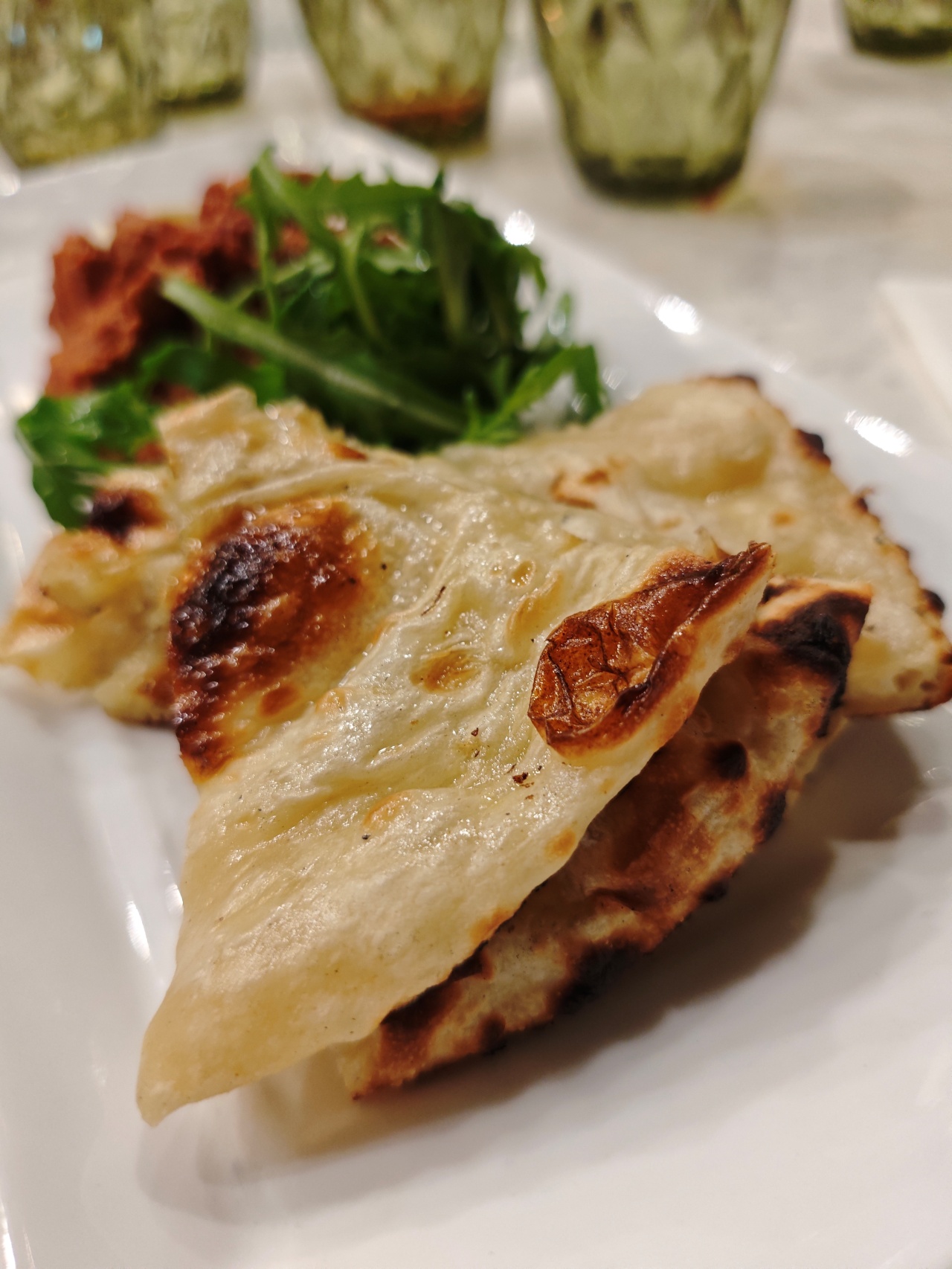
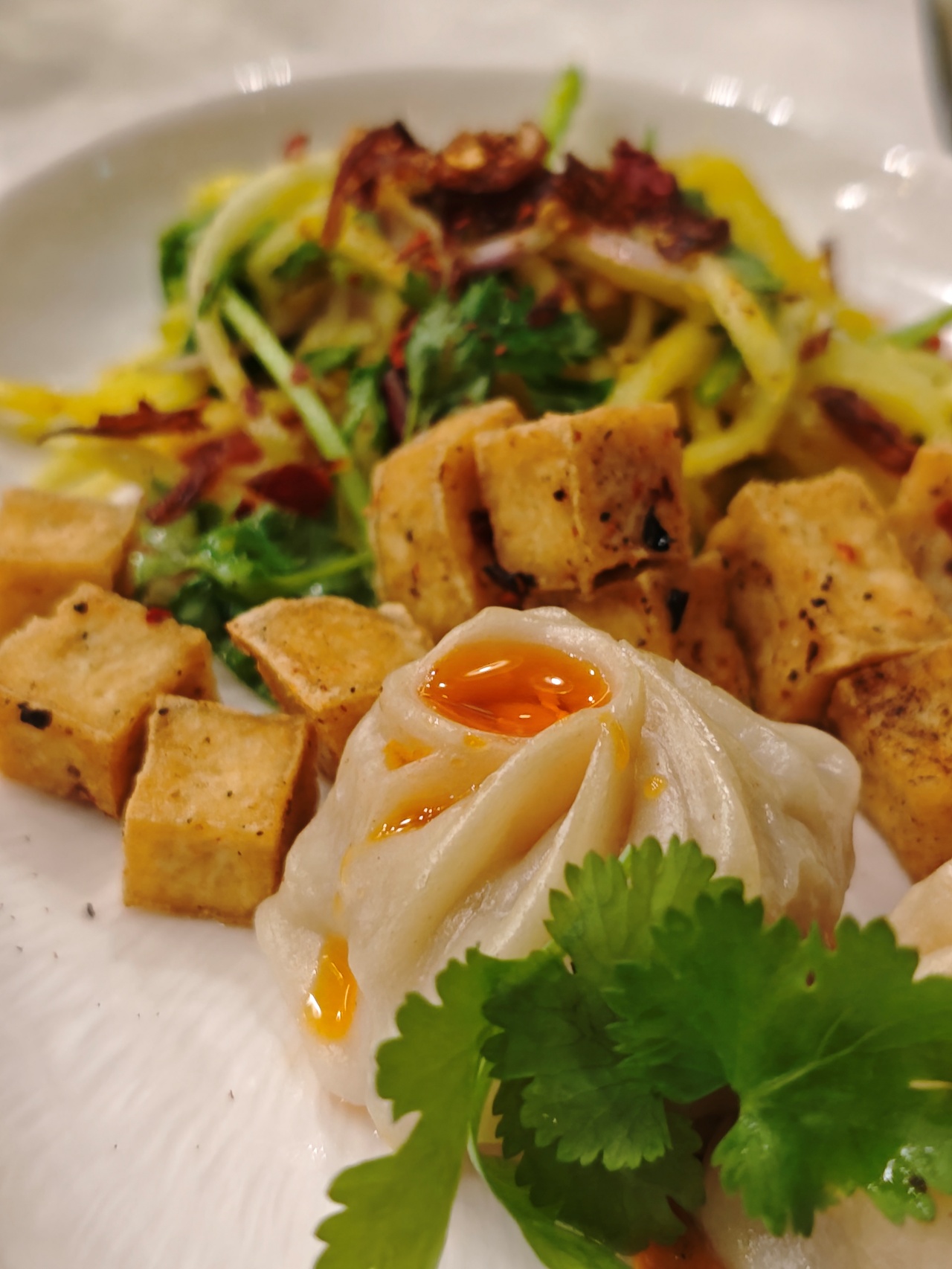


The POCO F7 Ultra is miles ahead of other POCO phones when it comes to mobile photography. I think it’s safe to say this is POCO’s best yet in this department.





















I’m just unsure where to place it in the grand scheme of mobile photography things. Perhaps if you count the likes of the vivo X200 Pro, OPPO Find X8 Pro, Samsung Galaxy S25 Ultra, Xiaomi 15 Ultra as the top tier smartphones in that regard, the POCO F7 Ultra sits about a tier or a tier and a half under them. That’s high praise for POCO, I believe.
AI Edit

I also had fun with one particular AI Edit feature – Expand. The AI/Magic erase has been around for some time and has been present on many other smartphones I’ve tried. But the expand feature I only really got to tinker with the Xiaomi 15 and the now the POCO F7 Ultra.
I downloaded photos of LE SSERAFIM’s Chaewon and Sakura from their Overwatch 2 play sessions and expanded them to 16:9 images. I’m currently using one of the images as laptop wallpaper.
It doesn’t work on everything though. I had, erm, someone, send over a rather risque image and the AI flat out refused to expand the image. Make of that what you will.
Battery, HyperOS, and a few other things
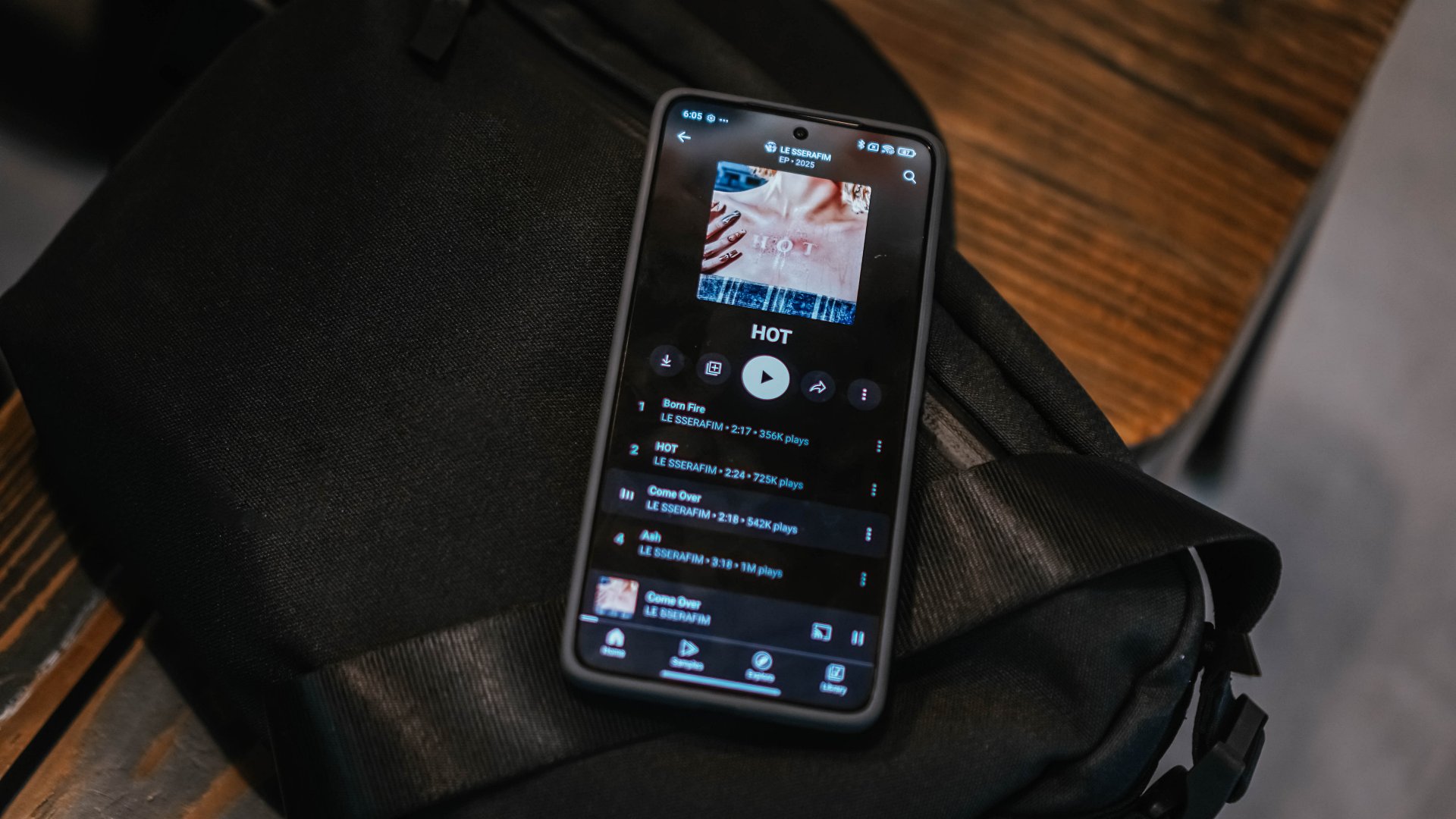
Listen to HOT by LE SSERAFIM
We’re gonna speed run through some of these things.
The 5,300mAh battery and 120W HyperCharge make it so that you don’t have to be with the POCO F7 Ultra for very long. Strolling in a day doing a decent amount of photo-taking as well app-switching won’t put much of a dent on the battery life.
Long gaming sessions will drain the juice but you can fill it up rather quickly thanks to the 120W HyperCharge feature. I’ve been using a 140W charger to fill the POCO F7 Ultra up and it’s incredibly fast.
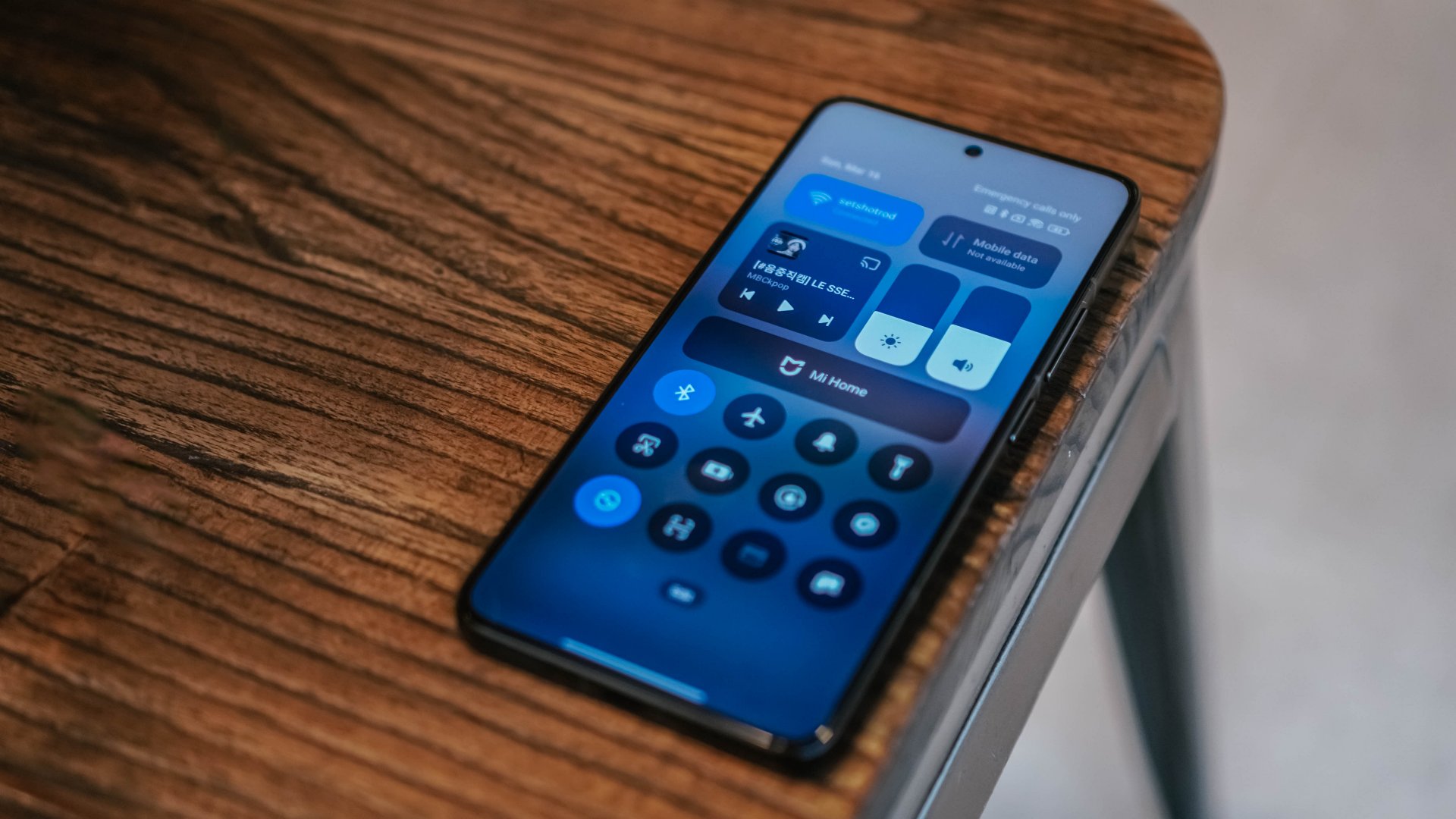
HyperOS is fine. I have the same comment as I did on the Xiaomi 15 which is mostly about how it handles the folders on your Home Screen. Nothing dealbreaking but I just wish the process feels a little more streamlined and user-friendly.
Otherwise, it’s a perfectly fine flavor of OS on top of Android. But like many other POCO phones, you will be bombarded with ads. I have not had the time nor patience to figure out how to turn them off. I’ve just had to live with swiping these unnecessary notifications away.

This image doesn’t exactly fit the text but I wanted to put LE SSERAFIM Sakura here
The POCO F7 Ultra has an IP68 dust and water resistance rating which means that whatever water-related challenges you’ve seen from other brands recently, this phone can handle just as well. Just don’t intentionally do it.
Is the POCO F7 Ultra your GadgetMatch?
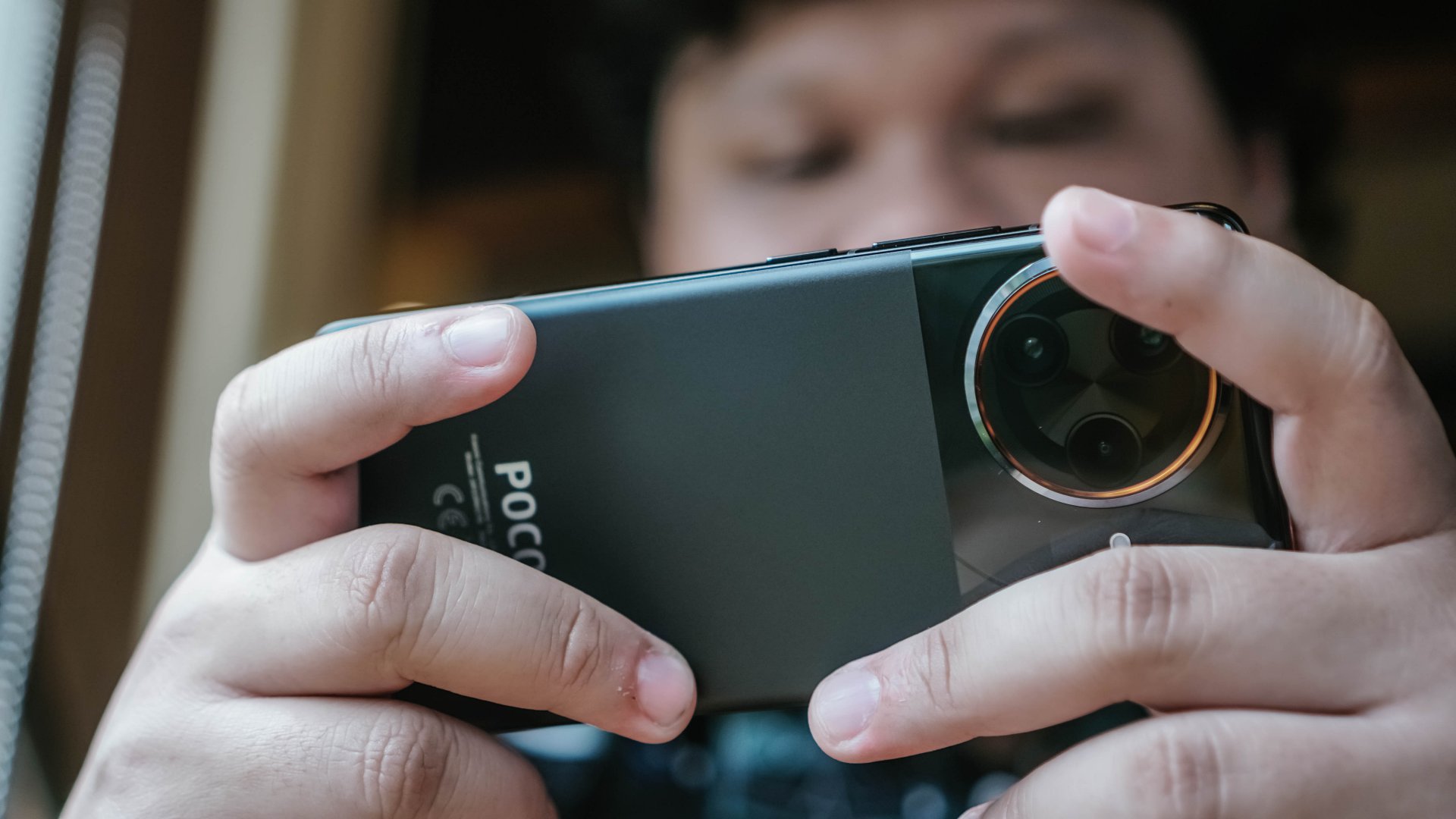
The POCO F7 Ultra is a true blue flagship device. What takes things over the top is, like usual, its pricing. At PhP 39,999/ SGD 929 or roughly just around USD 700, it’s quite literally a steal. You get excellent value for what you’re paying and that has usually been the case for POCO.
The POCO F7 Ultra has all the makings of a legitimate flagship device. It’s powered by the same chip as the likes of the Samsung Galaxy S25 Series, HONOR Magic7 Pro, OnePlus 13 Series, OPPO Find N5, and many others. Performance-wise, POCO’s latest and greatest sits alongside these heavy hitters.
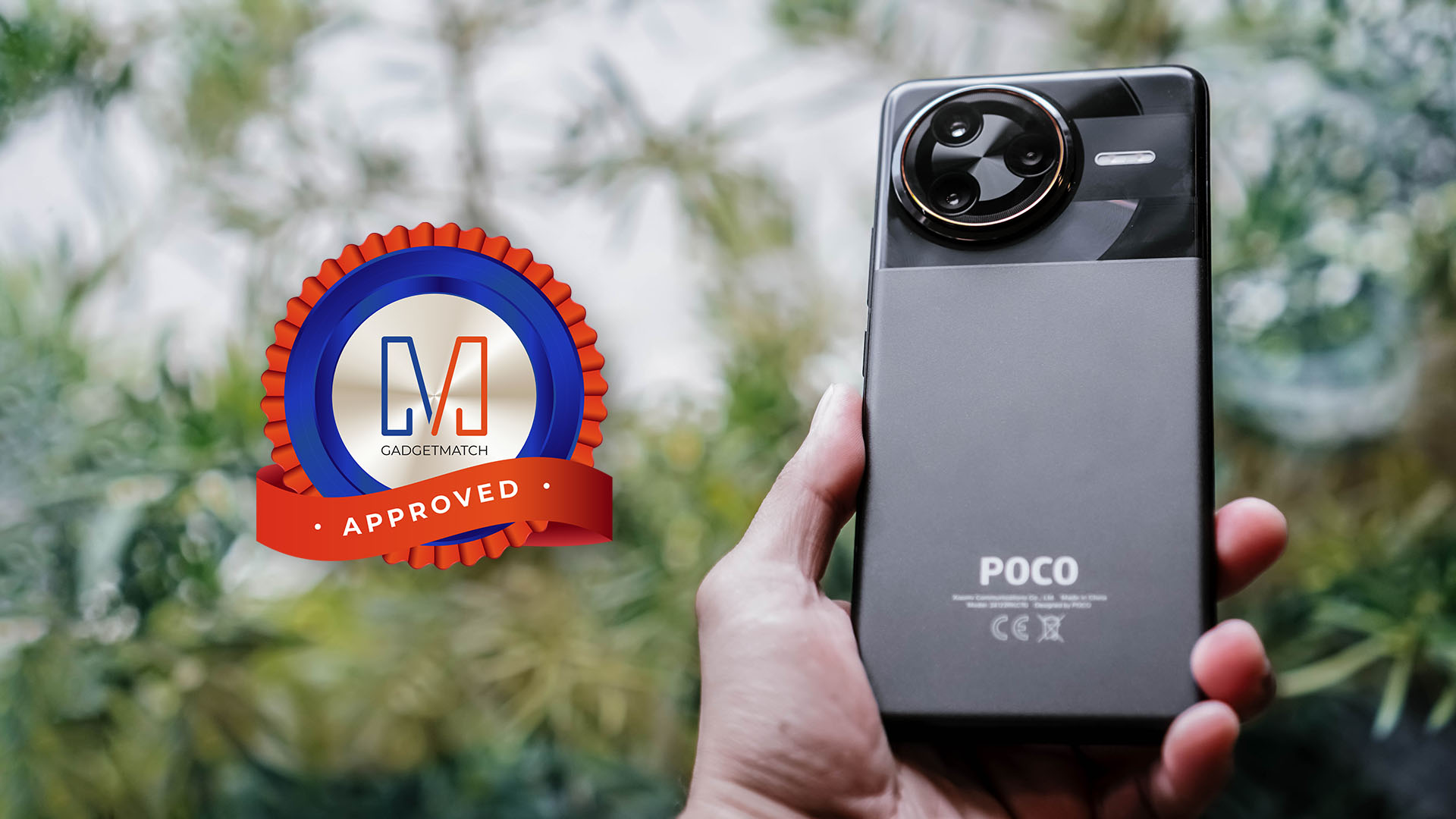
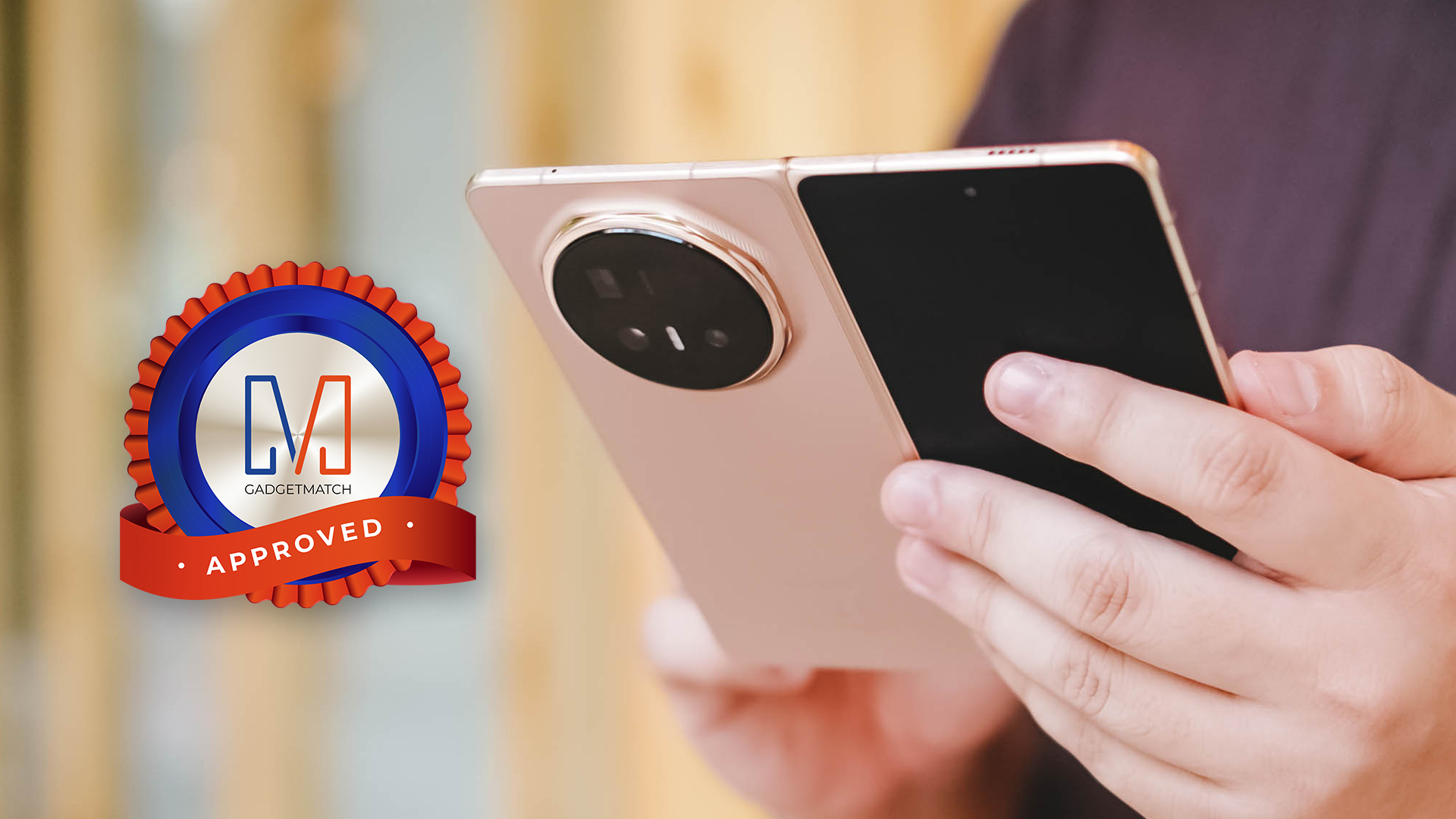
As an overall package, you get a decent-sized slate smartphone that works and plays as best as any other flagship, with improved cameras, and a lightweight body that’s easy to carry around. All things considered, the POCO F7 Ultra is an easy Super Swipe and is deserving of GadgetMatch’s Seal of Approval.







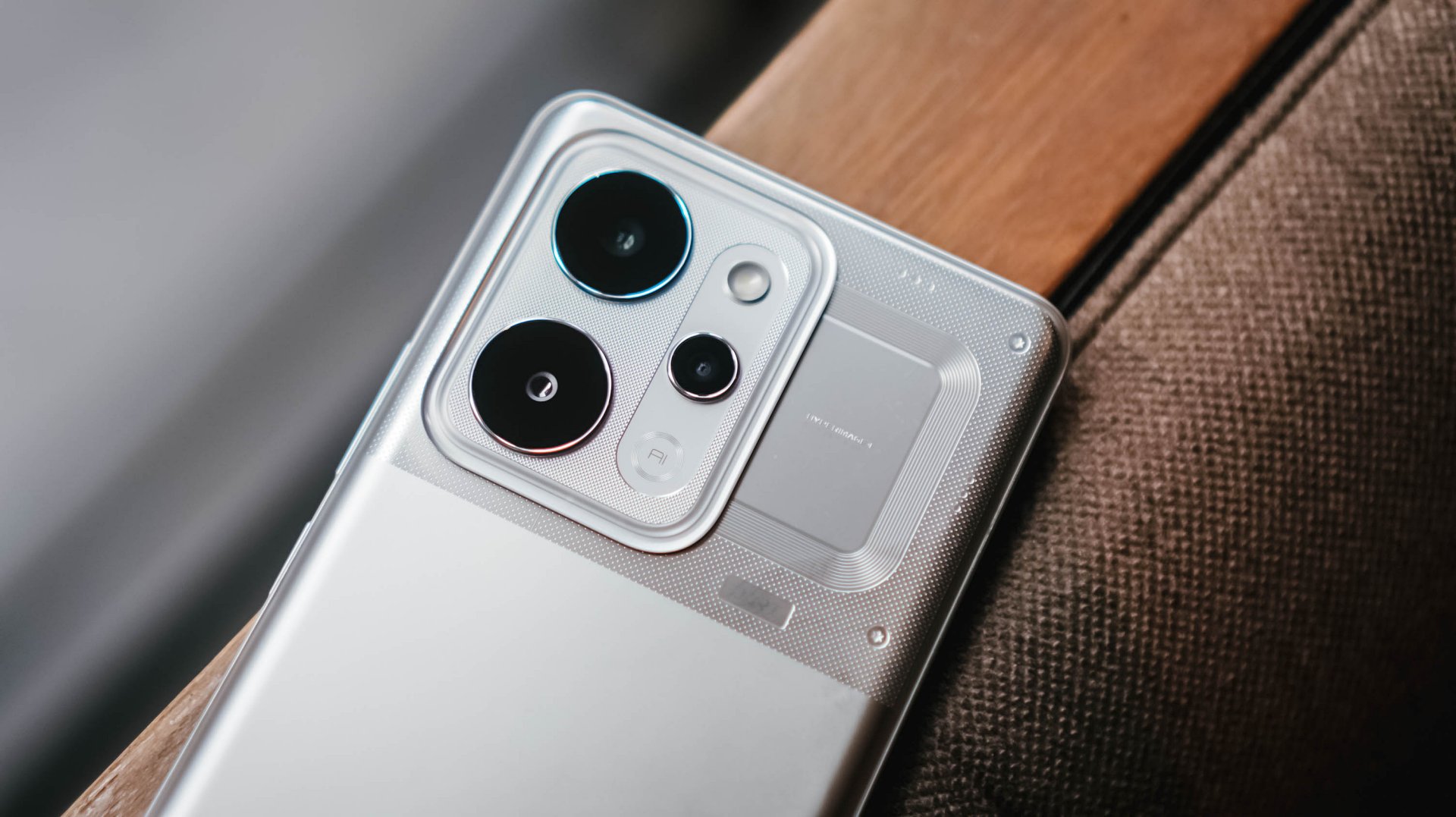
Whenever a brand slaps a “long battery life” label on a box, we take it with a grain of salt.
Even as smartphone battery capacities have become larger as of late, endurance is still subjective. It’s heavily dependent on your daily screen time, signal strength, and other habits.
But when a smartphone lands on your desk with a gargantuan 10,001mAh battery, then that subjectivity basically goes right out the window.

That’s what the realme P4 Power chiefly brings to the Philippine market for the first time, in the brand’s P series relatively quiet debut in the country.
It’s here to eliminate low-battery anxiety and render your bulky external power banks completely obsolete.
Tether-less freedom
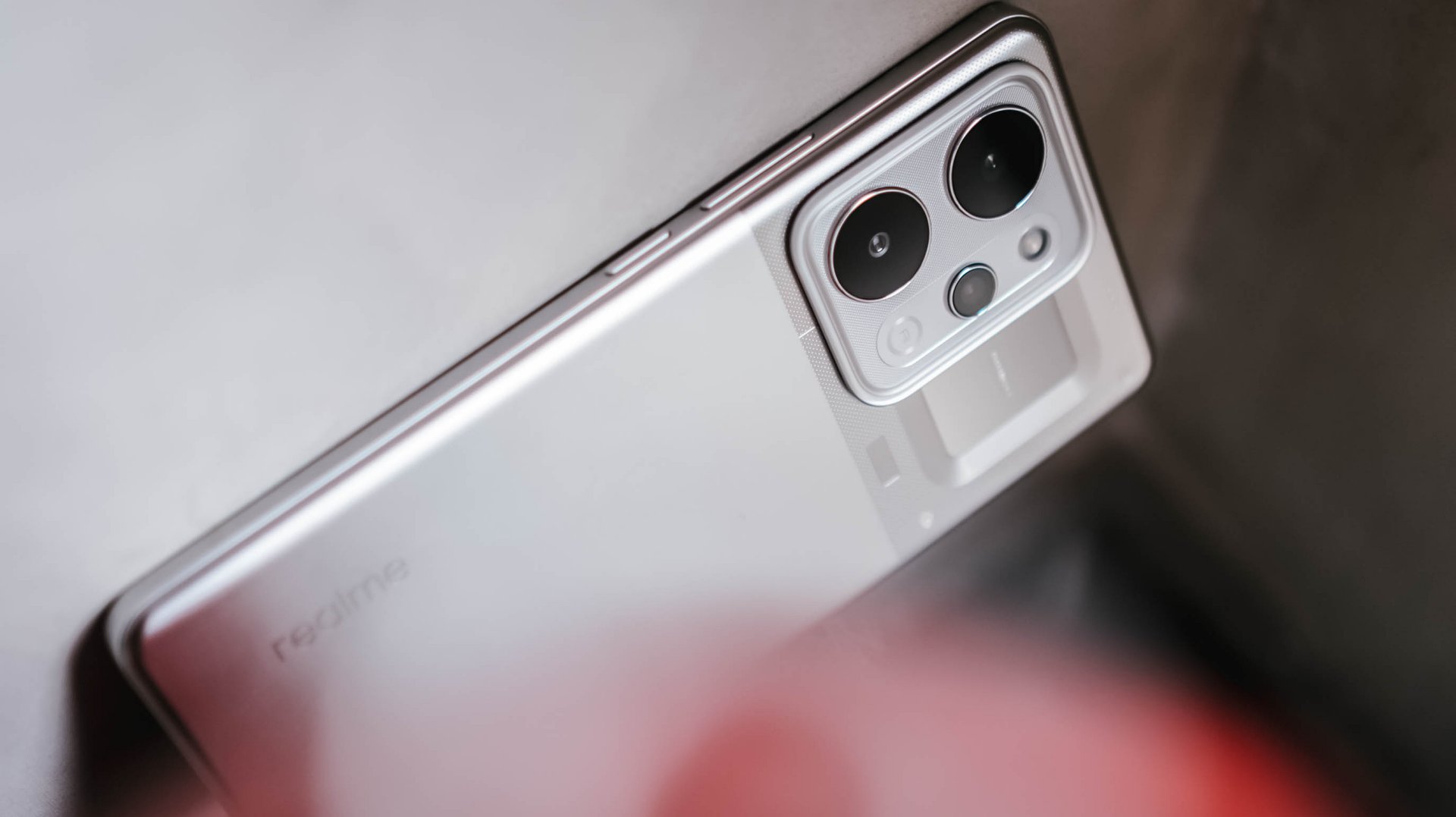
We wielded this device for weeks as a primary daily driver, and the endurance is nothing short of black magic.
The daily rotation included endless social media scrolling, video streaming, continuous navigation, and a relentless stress test: serving as a portable Wi-Fi hotspot for up to three separate devices simultaneously.
Through all that usage, the phone flat-out refused to die. I didn’t consciously “try” to drain it. I just know it would last an entire day for up to the wee hours.

When acting as a multi-device router, the chassis does heat up slightly, but it never crosses into alarming or uncomfortable territory.
It simply sips power, providing a level of tether-less freedom that no standard 5,000mAh or 6,000mAh smartphone can replicate.
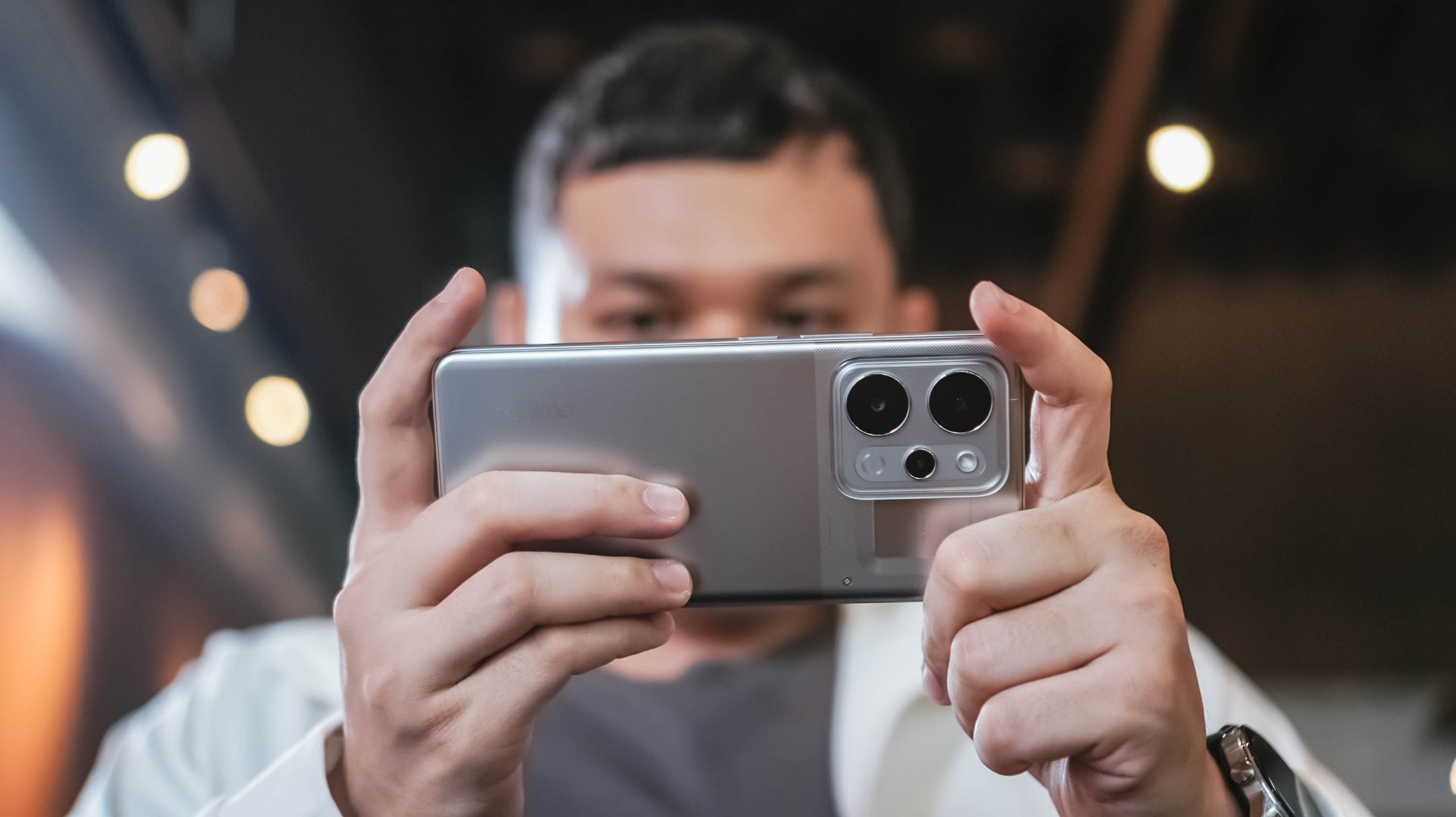
When it is finally time to recharge the device, it supports 80W SUPERVOOC charging so you won’t have to spend hours waiting.
Even if you don’t replenish it back up to 100%, an hour’s worth of charging should keep you going the extra distance.
Immersive visuals, casual performance
The massive battery pairs beautifully with a expansive 6.8-inch 144Hz AMOLED display. With a high, 453ppi pixel density and 1280 x 2800 resolution, media consumption and gaming become highly engaging — at least from a visuals standpoint.

There is a wider aspect ratio so you don’t get a comically long phone, and a curved screen. We aren’t typical fond of this but the curvature seems subtle, meaning no accidental edge touches.
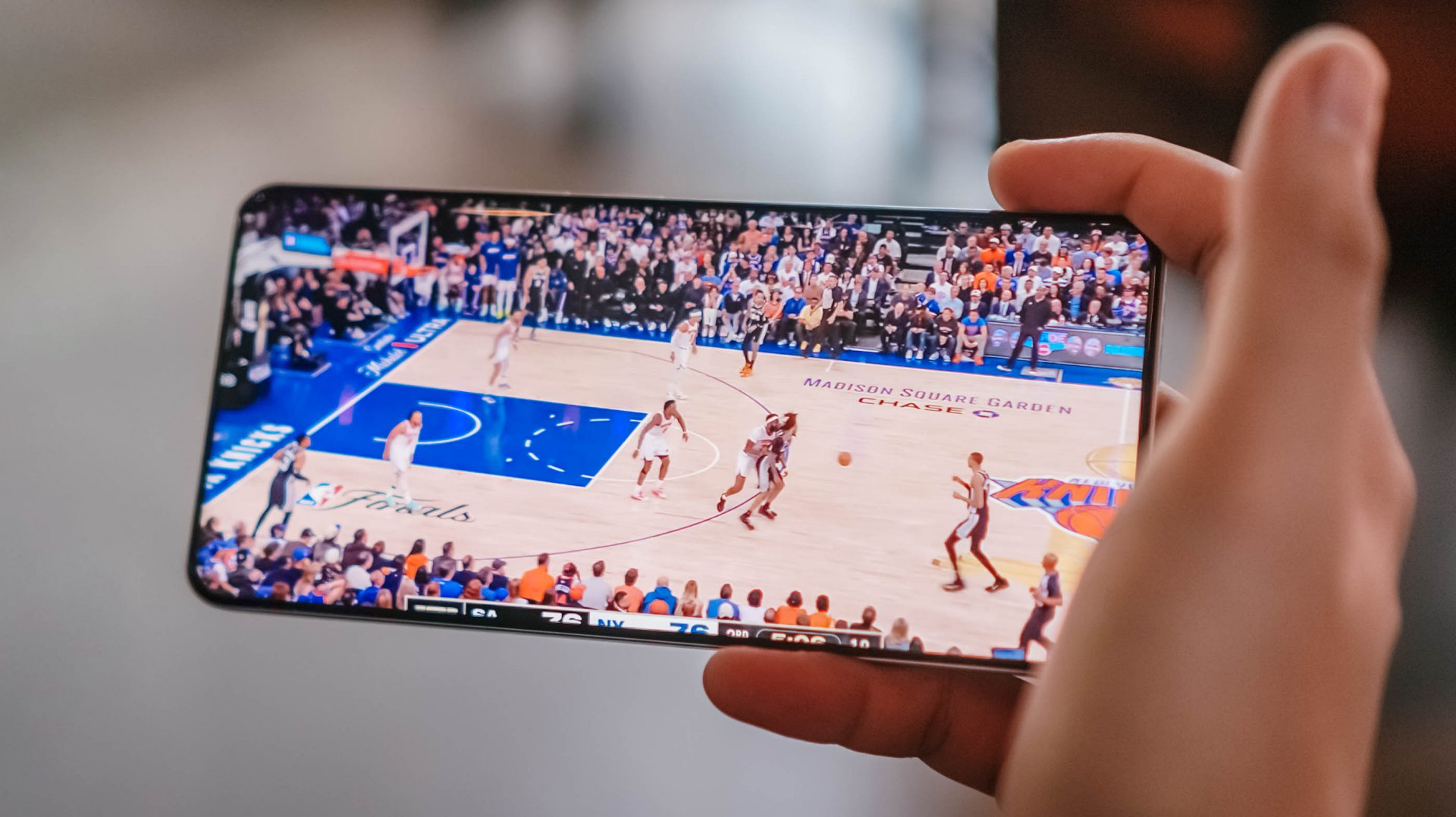
When it comes to performance, the MediaTek Dimensity 7400 Ultra chipset handles everyday tasks and casual, less-demanding titles with absolute ease.

However, when jumping into competitive matches of Call of Duty: Mobile or exploring the heavy landscapes of Honkai: Star Rail, you will encounter frame drops and stuttering from time to time.
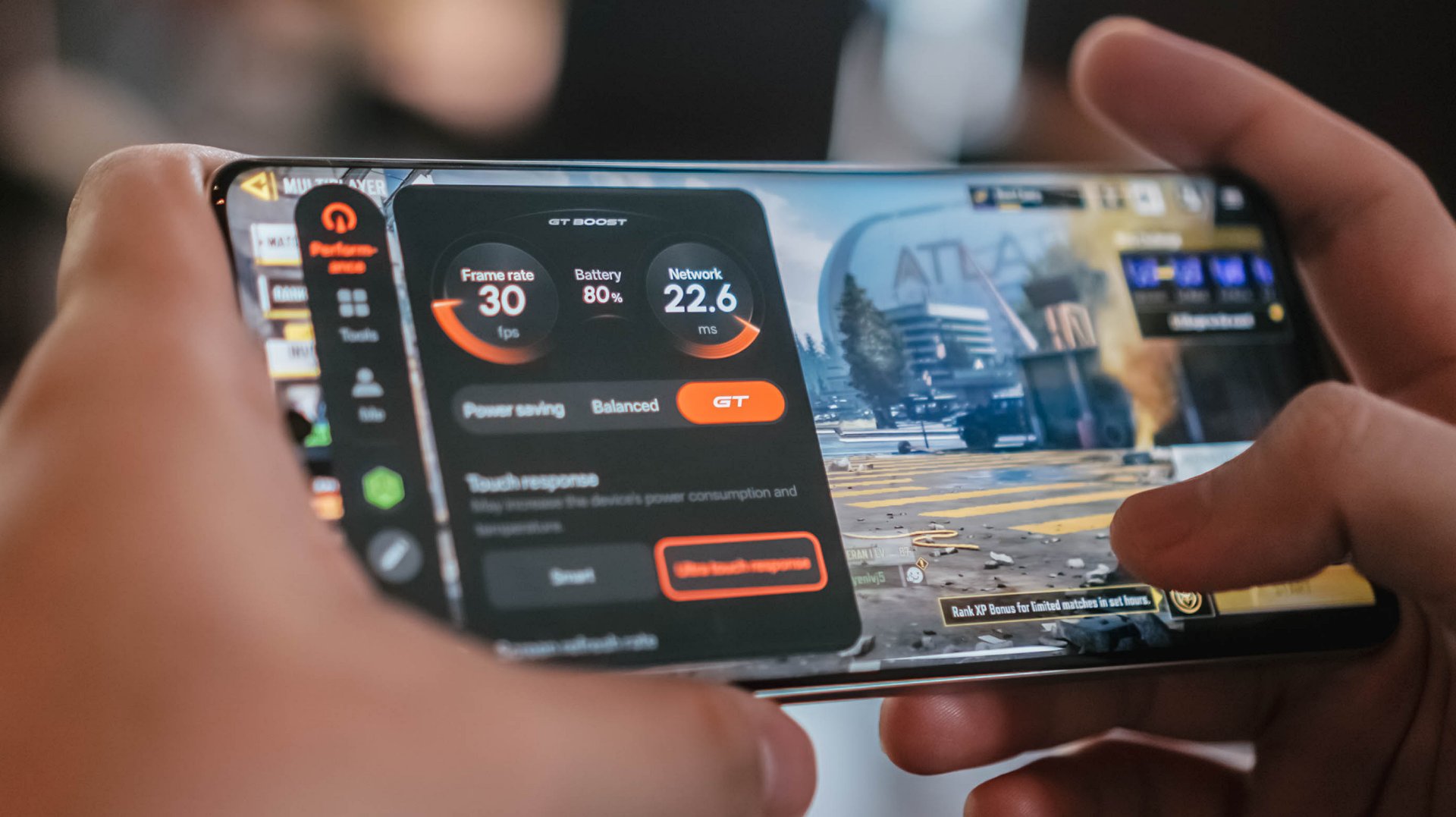
It’s never jarring enough to ruin your match or hinder what you’re trying to do, but it does occasionally disrupt an otherwise smooth gaming experience.
If anything, there’s Championship Mode and GT Mode to optimize the device for such tasks. Bypass Charging is a bonus so you can keep playing without the risk of device overheating.
Audio is loud but somewhat flat, but I didn’t expect much.
Heavy, mecha-inspired tank
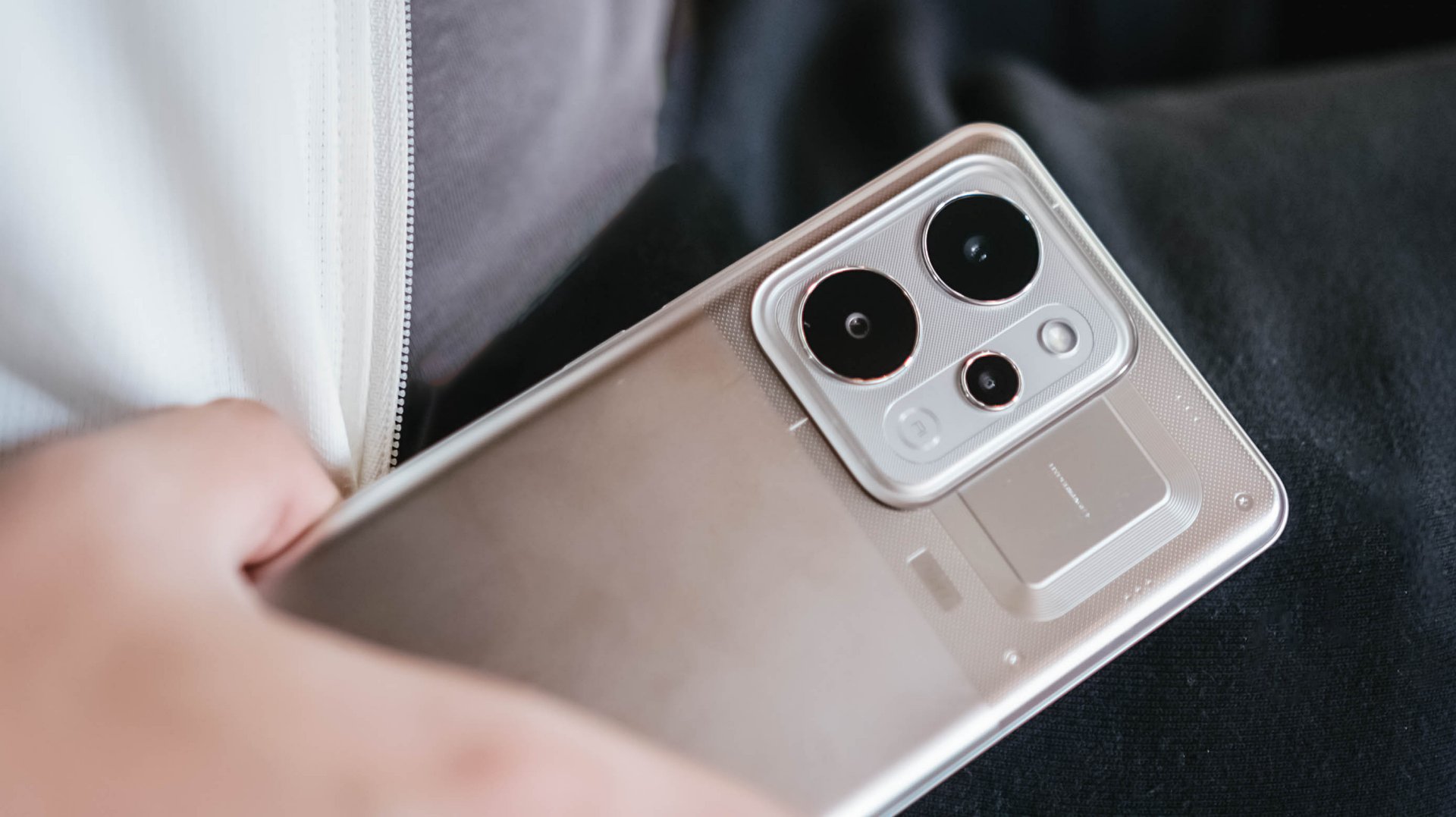
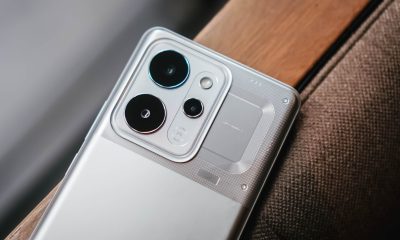
That display curvature is part of the phone’s overall aesthetic. Around the back, the realme P4 Power embraces its “all about power” persona with a distinct, machine-inspired design language.
The upper half where the camera island is located, in particular, look aggressive and sharp, as if a nod to mobile gaming. The colorway for this unit is silver metallic.
However, housing a 10,000mAh cell requires a serious physical compromise: weight. This phone is significantly, undeniably heavy.
The sheer heft is a constant reminder of the juice it carries, to the point where switching back to a “normal” smartphone yields a stark, instantly noticeable contrast in your hand and pockets.
Reliable main camera, lagging selfies
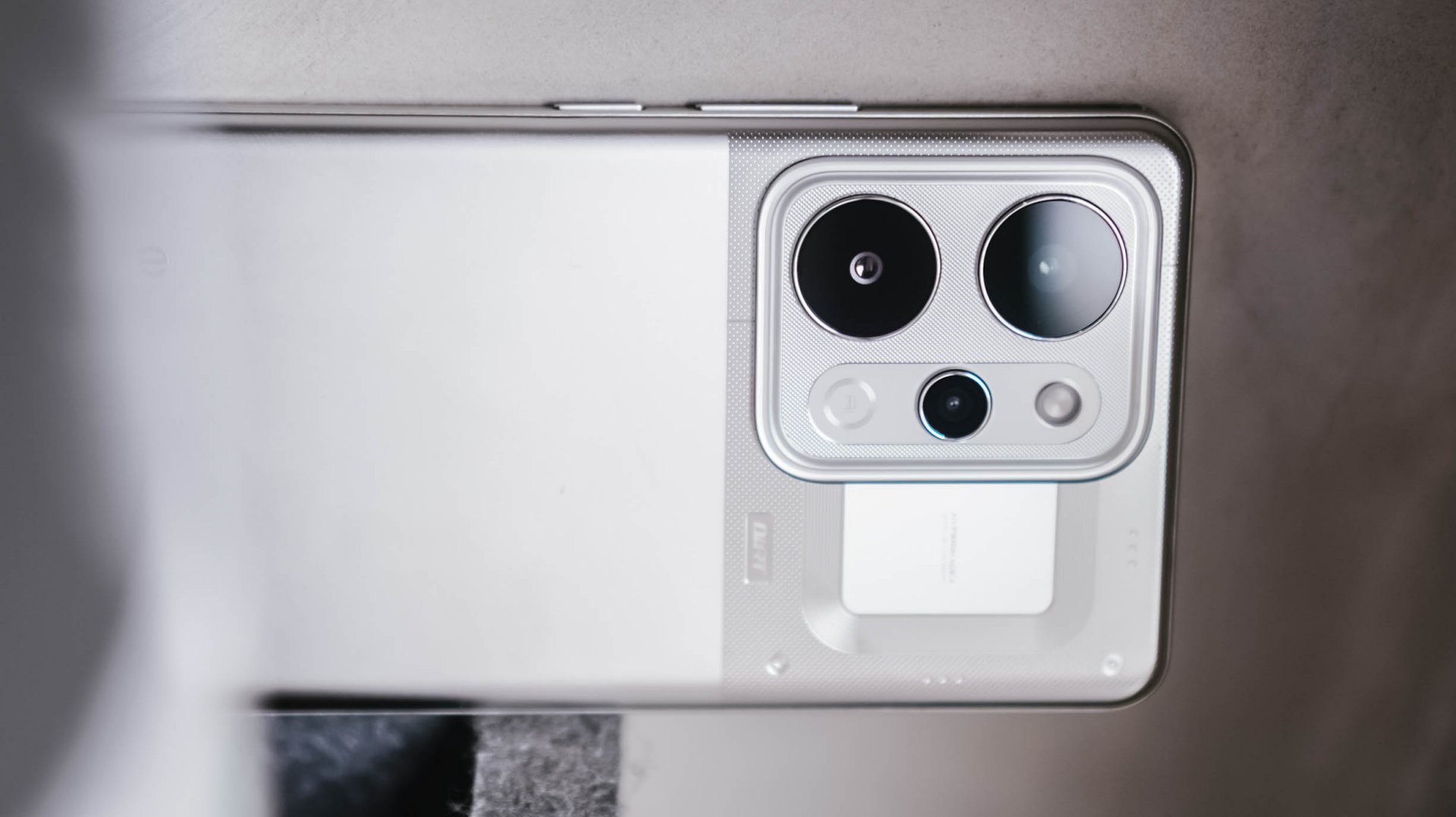
For its camera package, the realme P4 Power comes with a dependable 50MP main camera with a Sony IMX882 sensor.
I didn’t exactly “test” the camera but just naturally used it whenever I was out and about. Hence, I ended up with plenty of food, product reviews, and random finds.
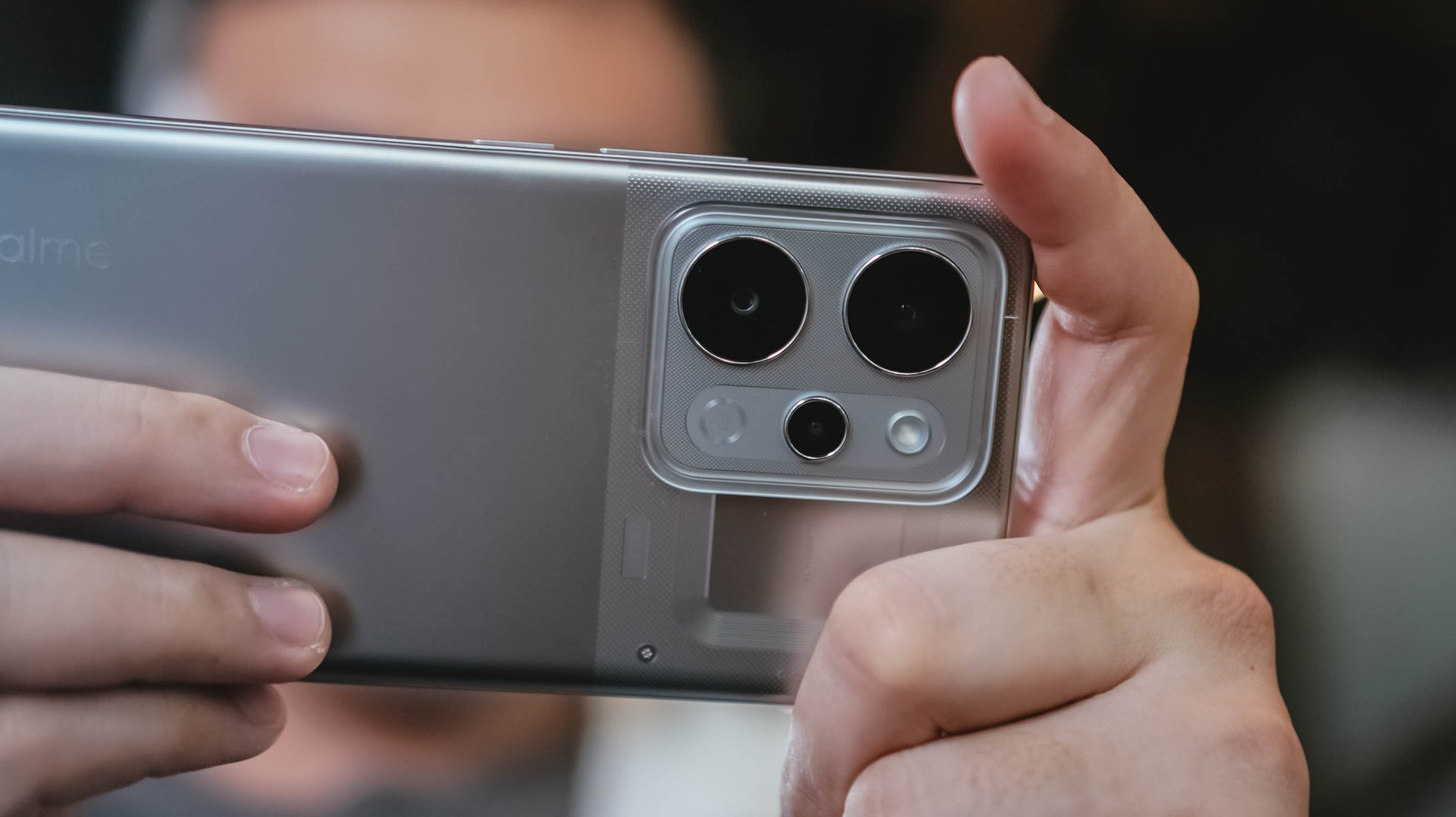
Performance is decent, with the 1x to 1.5x range being the sweet spot. Compared to budget devices, there is definitely more detail and texture.
Color reproduction is likewise amenable, with some depth and acceptable clarity. But camera-centric mid-rangers can obviously offer punchier, more “popped-up” contrast.



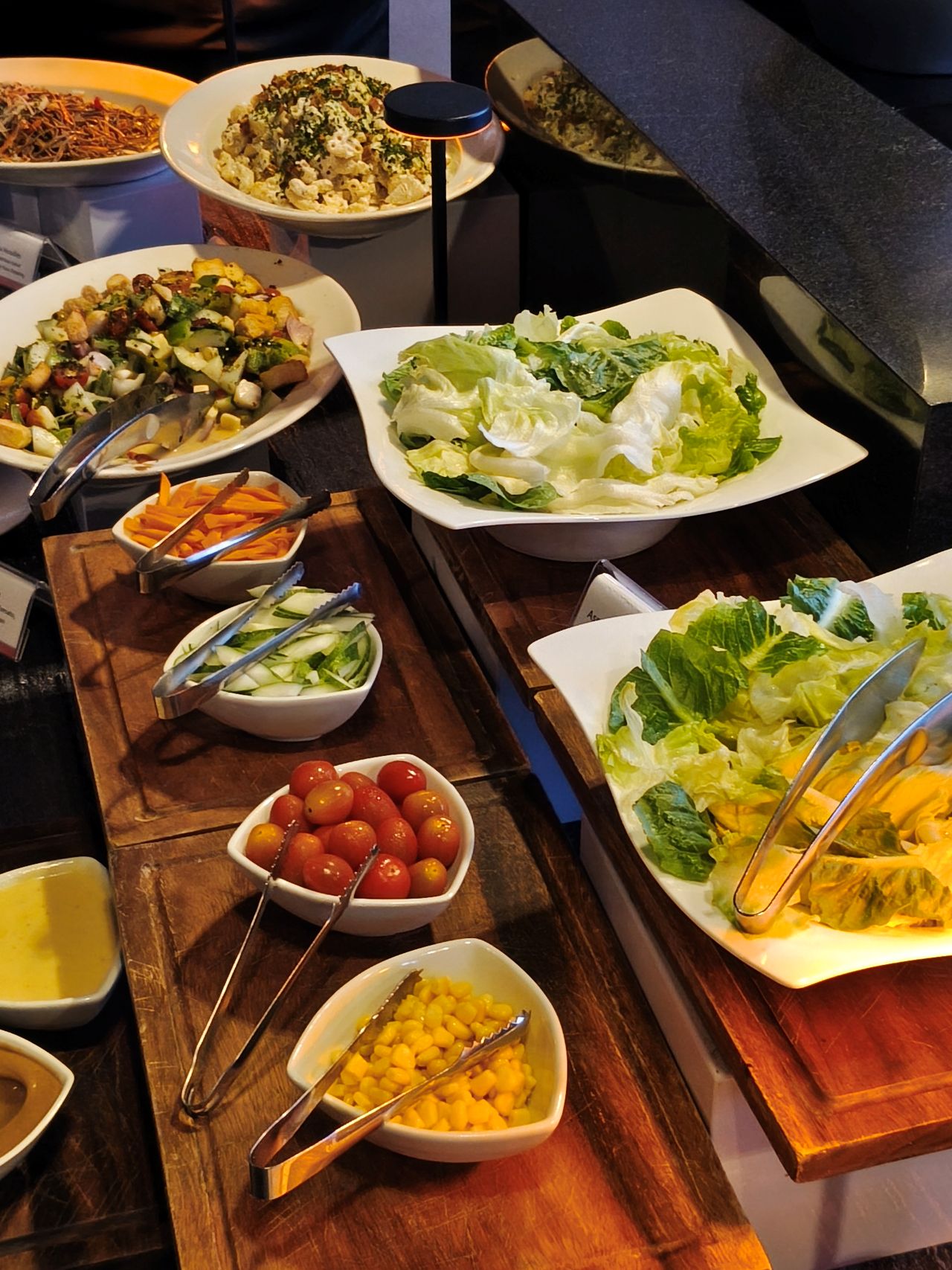









With OIS, video recording is likewise smooth. It’s usable for casual vlogging, although lighting is still the catch. You’ll need an extra tofu light for instance, which sacrifices the portability of the phone itself.
@manilaconnoisseur Dropped by Daily Beer Korean Chicken and Beer in ArcoVia, Pasig for some food after a team meeting!
The selfie camera, meanwhile, also lags compared to older realme number series devices I’ve used. Sharpness, vividness, and color accuracy are lacking.
@manilaconnoisseur Lipton Soda Iced Tea, now available in Berry Burst flavor! Zero sugar pa rin! Check out now. @Pepsi Philippines #LiptonSodaIcedTea #LiptonSoda #LiptonSodaBerryBurst #LiptonSodaZeroSugar
Built to survive the elements
As an added bonus, realme didn’t sacrifice ruggedness for the sake of capacity. The handset comes armed with a familiar IP69 rating for dust and water resistance, including high-pressure water jets and submersion.

We took it out on outdoor jogs, and heavy sweat didn’t cause a single issue. Even when dealing with moisture, the display’s touch optimization remained responsive.
Is this your GadgetMatch?
The realme P4 Power sits right in the competitive PhP 25,999 price bracket. In an era where smartphone prices are continuously climbing, it still offers a value proposition as an all-around mid-range device.

Think of it as buying a standard mid-ranger plus a power bank, minus the double pocket clutter. Long-term battery degradation remains to be seen but it seems the device is a fair purchase for power users.
It’s a close call, but the P4 Power is still a Swipe Right especially if your lifestyle demands endless battery life above all else.
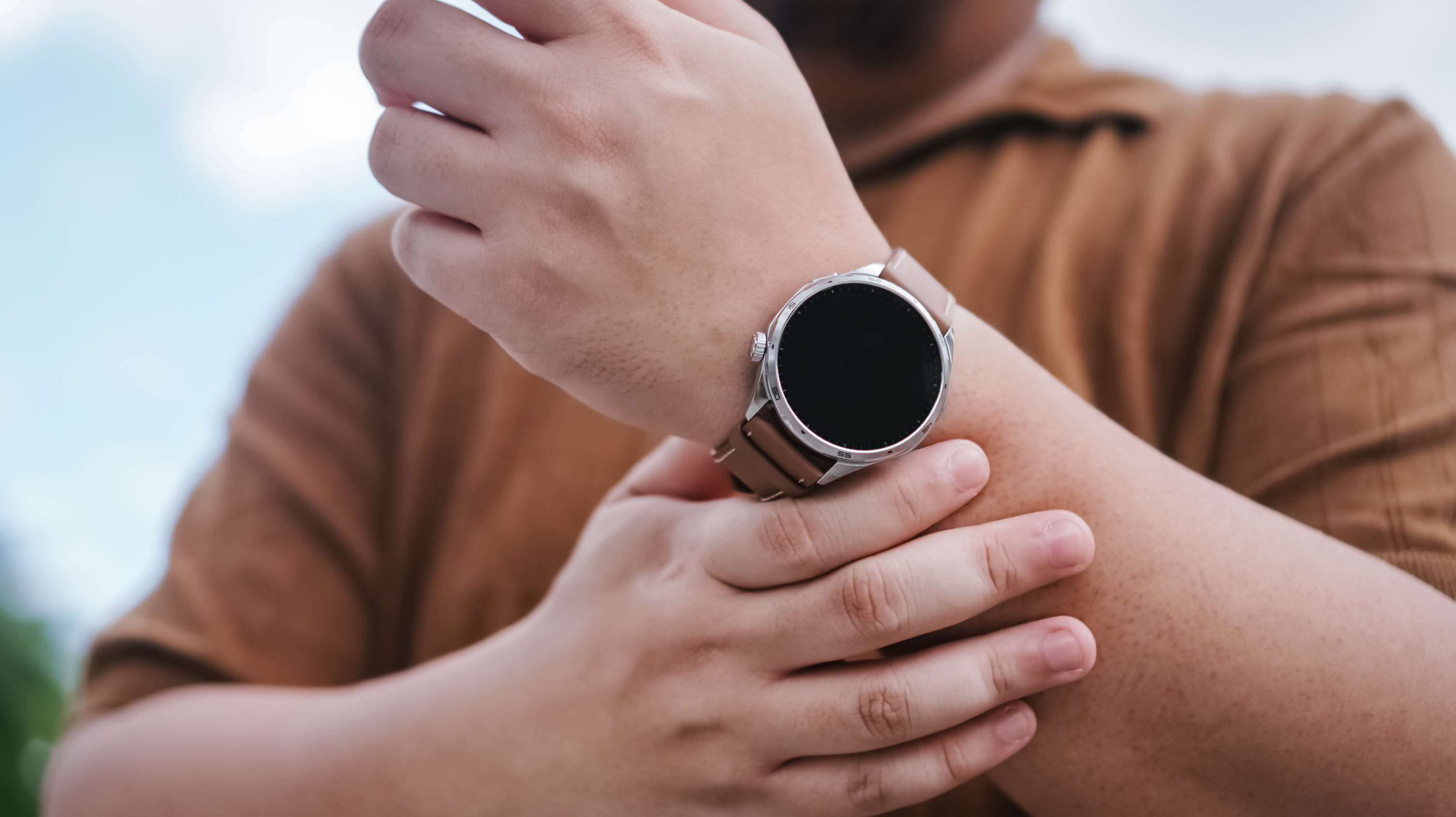
After a week with the HONOR Watch 6, I realized I liked having data on things I normally would just leave to uneducated guesses.
I love seeing my sleep metrics, knowing if my heart is actually racing, and seeing notifications on the fly. These are things I find truly helpful in how I go about life currently. That’s why I can already see myself using the watch beyond the review period.
The thing is, I wasn’t expecting any of this.

The first thing that jumped out at me when I first wore the HONOR Watch 6 was that it barely felt like it was there. I was half expecting it to be this chunky-feeling thing. But it wasn’t. I was pleasantly surprised.
I have the silver model with the brown leather strap, and it feels light to wear. That was key for me because what I really wanted to track more than anything was my sleep.
The only time I really started to notice that I was wearing it practically all the time was around the fifth or sixth day. And honestly, that says a lot because I tend to want to take off most of the smartwatches I’ve used in the past.
A smartwatch that fits daily life

The brown leather strap is inoffensive in the best possible way. It blends well with both casual wear and smart casual outfits, which made it easy to keep on throughout the week.
In fact, I think it looks more at home during everyday life than during intense workouts.
That’s why I found myself looking at the HONOR Watch 6 less as a fitness watch and more as a health tracker that looks nice and tells me if there’s a proverbial fire I need to put out — or if she remembered me that day.
The display also quietly did its job.
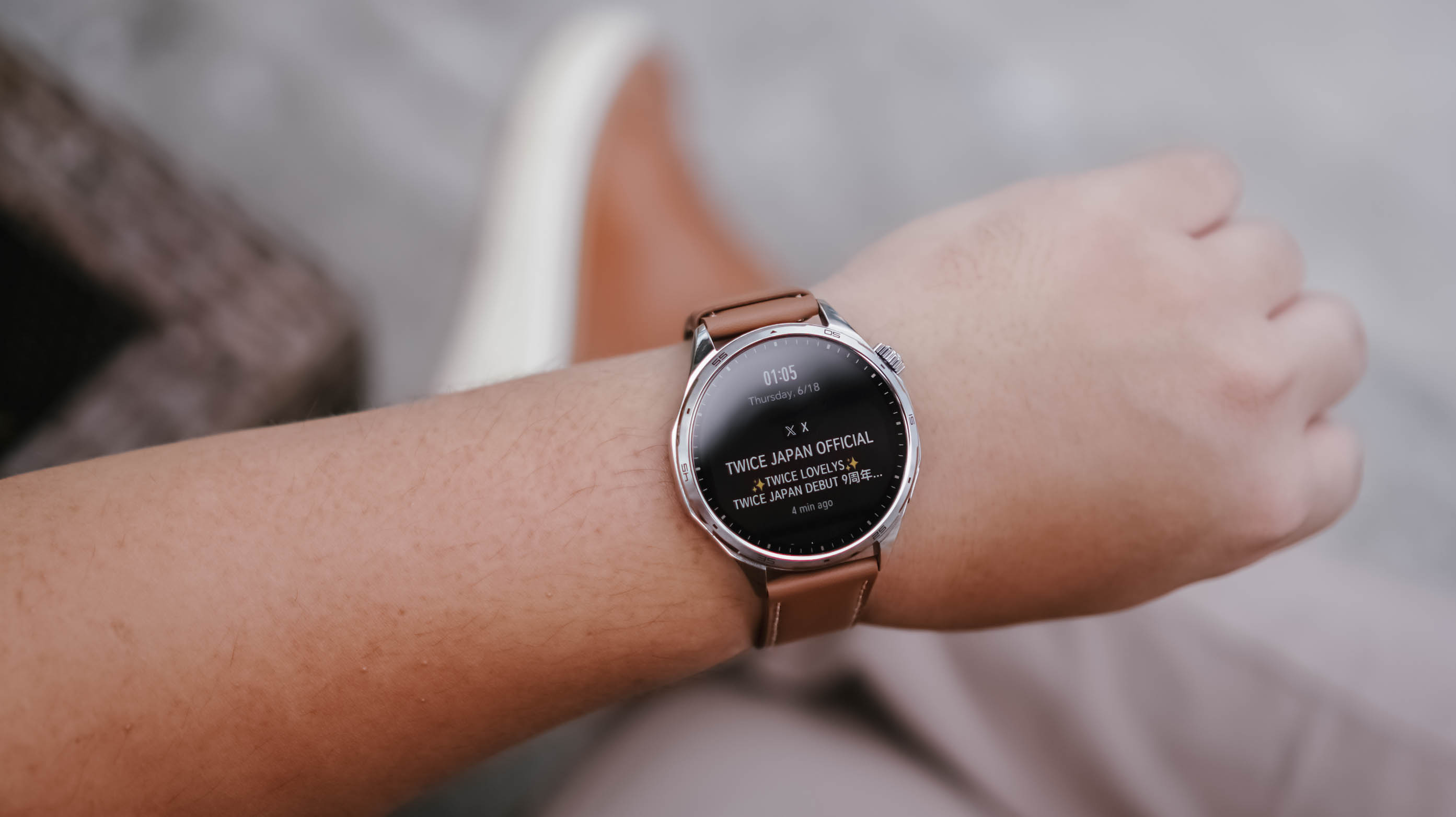
Of course it’s a TWICE notification
You know, I didn’t even think about it. Whenever I needed to check the time or glance at a notification, I simply gestured as anyone would to look at their watch. No matter where I was, what I needed to see was readily visible.
That’s probably the highest compliment I can give a smartwatch display. It never gave me a reason to think about it.
Managing attention without reaching for my phone
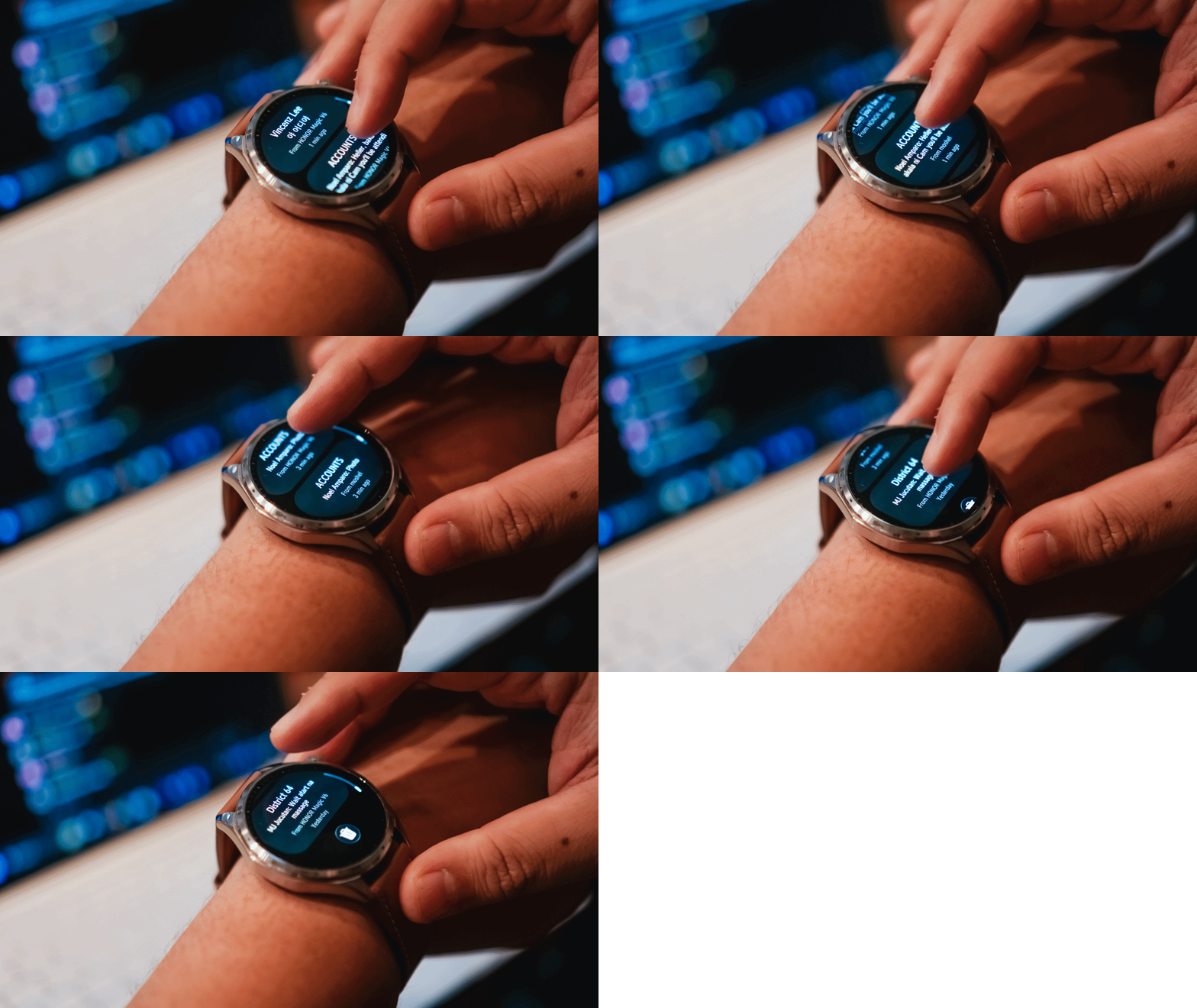
Oof. I cannot overstate how many notifications I get on any given day.
As a Managing Editor with occasional side hustles, notifications come from multiple messaging apps. One moment I’m tracking production progress on WhatsApp, the next I’m checking what the team is discussing on Telegram. Then there are the emails, Messenger messages from friends, and the “… sent you a reel” notifications that have recently dropped in frequency to my dismay.
I don’t always want to pull out my phone to check these.
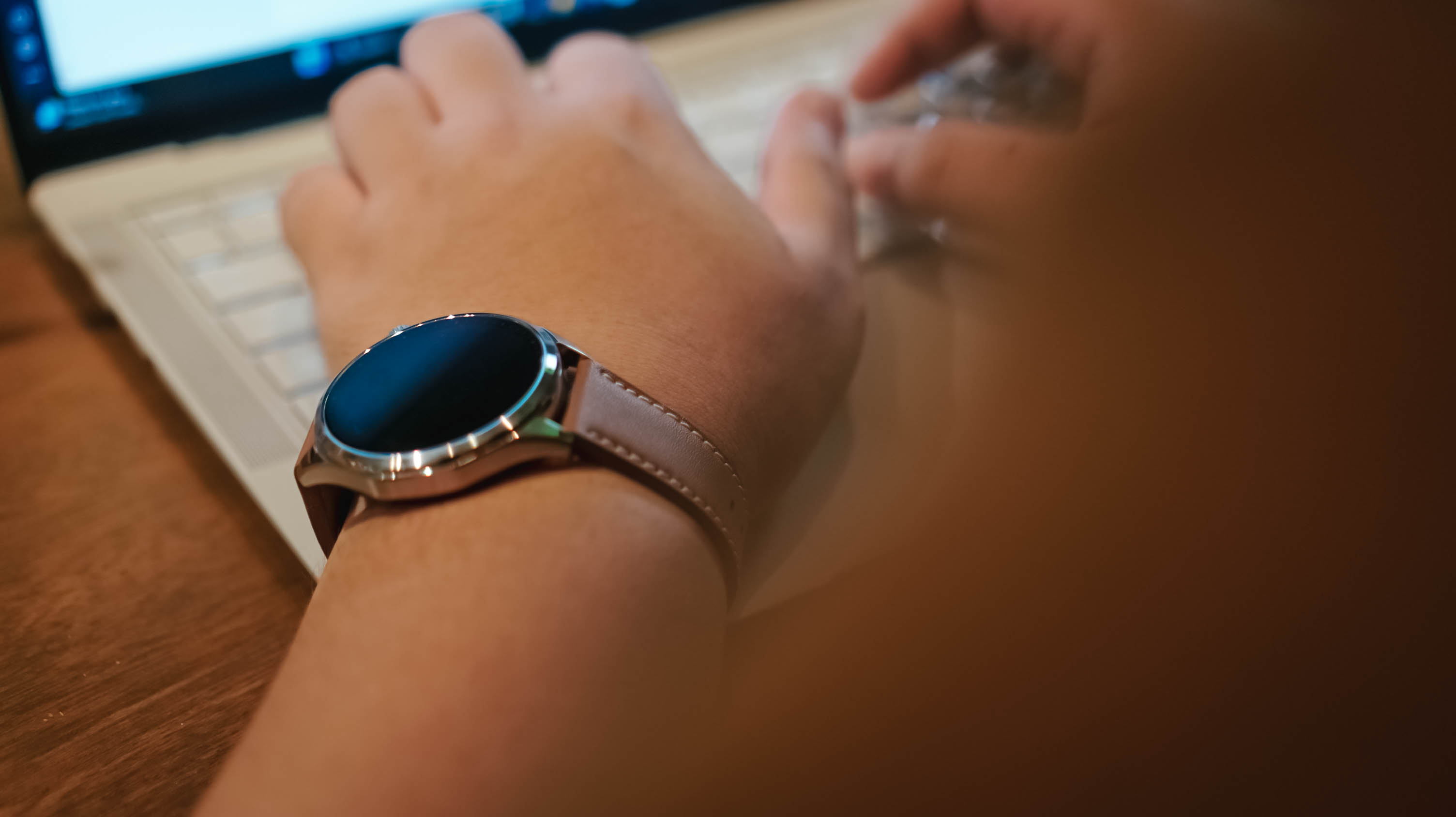
What I appreciated most about the HONOR Watch 6 is that notifications are grouped by app, and each one provides a clean preview. It gives me enough information to quickly assess what needs attention and what can wait.
For someone who is constantly juggling attention, that proved surprisingly useful.
Replacing guesses with data
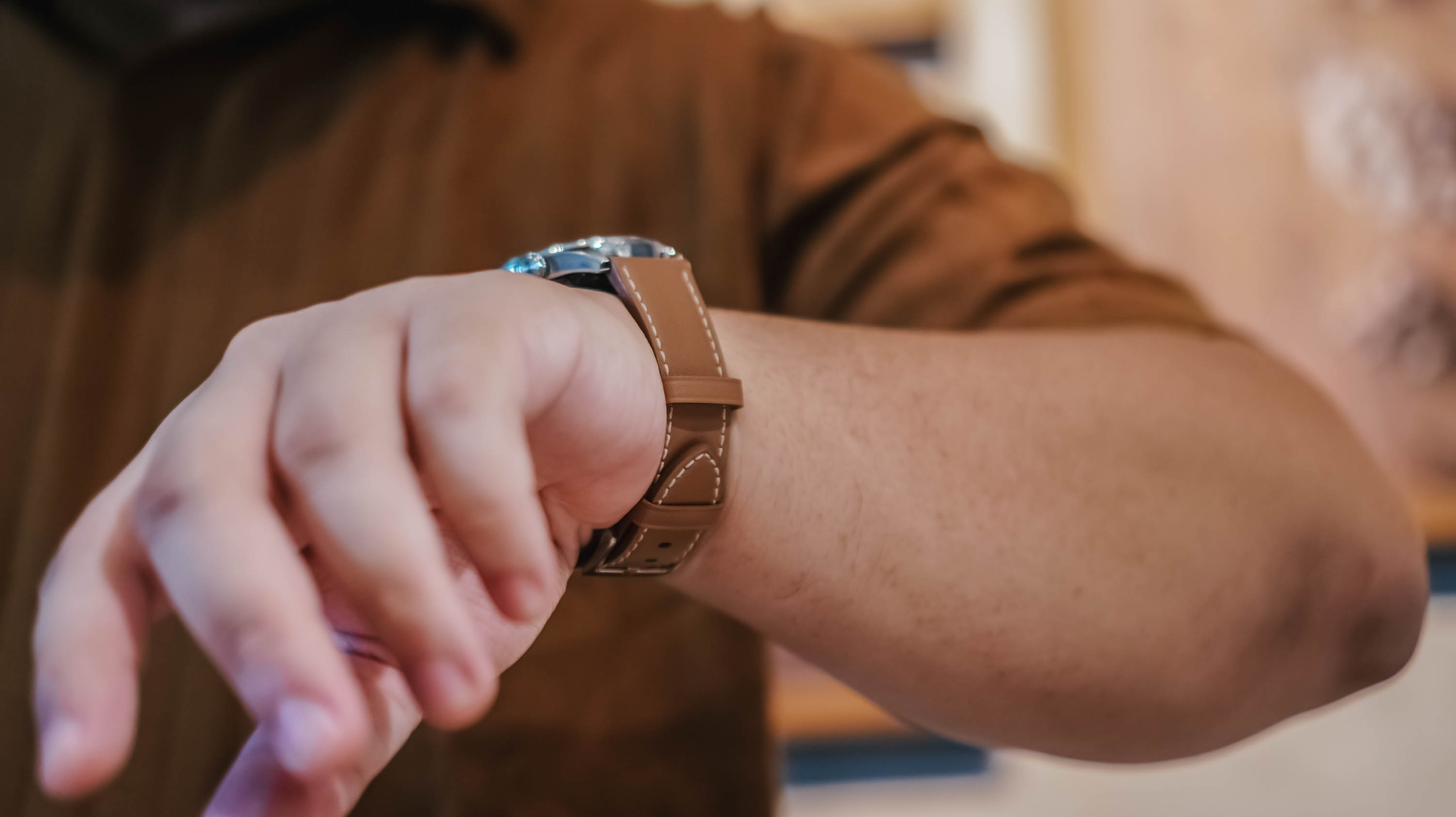
The feature I was most interested in wasn’t fitness tracking.
It was sleep tracking.
Some time ago, a friend of mine started tracking her sleep and it helped her better regulate her energy throughout the day. I am nowhere near that level of discipline, but I was curious.
Between traveling across time zones, late-night coverage, doomscrolling, revenge bedtime procrastination, and everything else life throws at us, I honestly wasn’t sure if I was getting enough sleep.
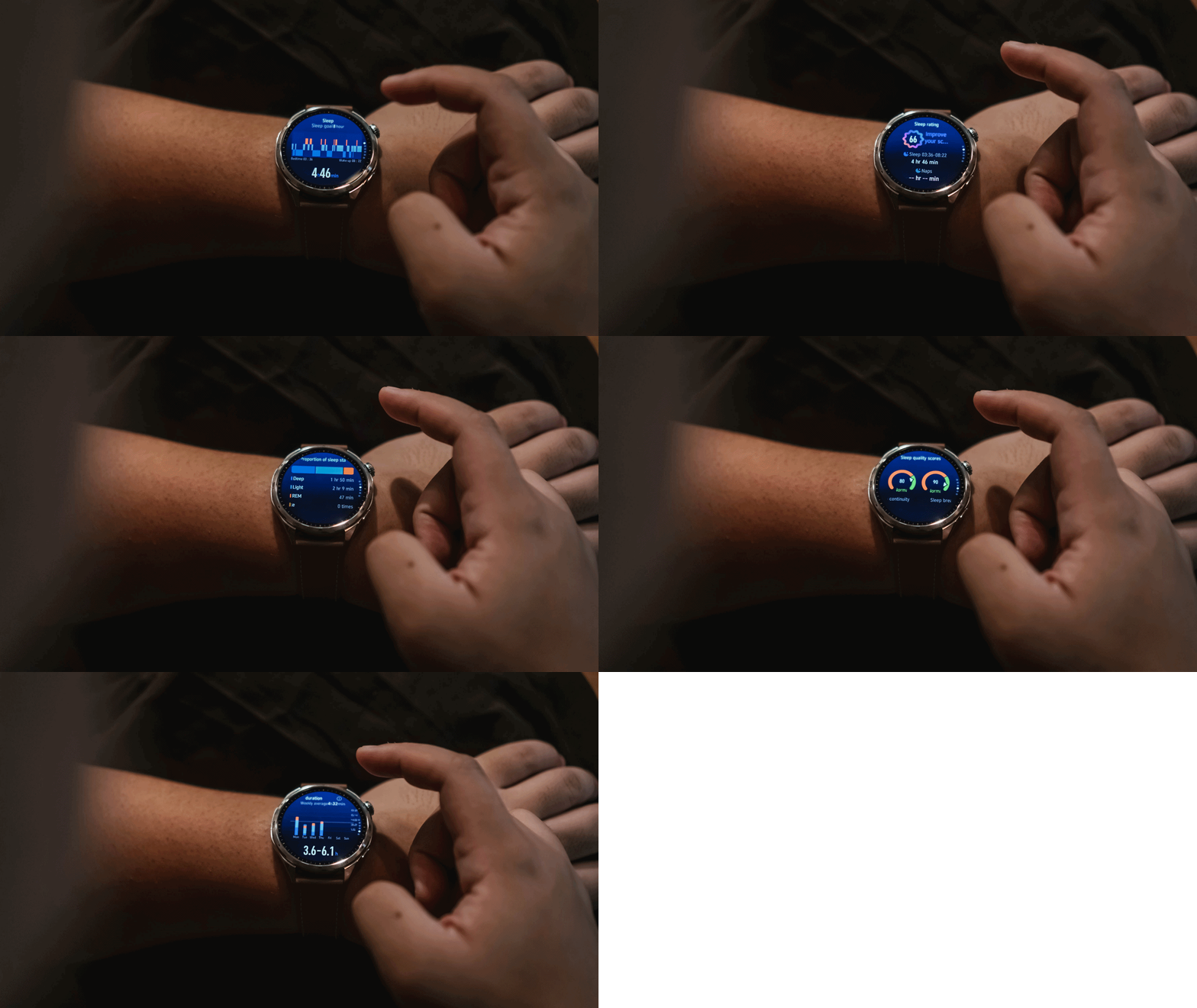
What I learned is that I tend to wake up at least once in the middle of the night. Not for anything, really. I just do.
The mornings that felt best were often the nights where my sleep wasn’t interrupted. I know that sounds obvious, but if you’re not actively paying attention, these are the kinds of patterns you can easily miss.
The same goes for heart rate tracking.
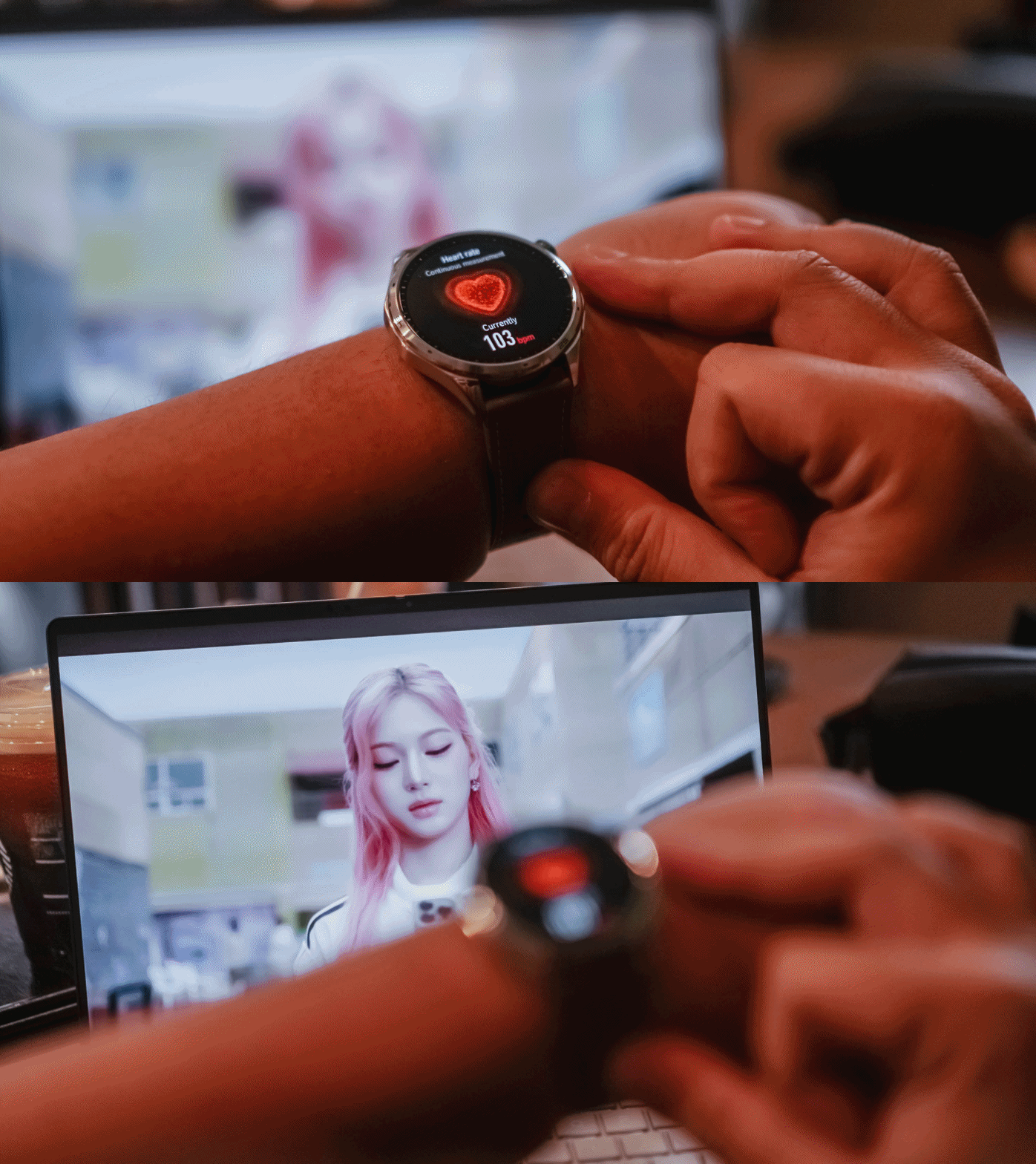
During a particularly stressful stretch, I noticed my heart rate was consistently elevated. It wasn’t exactly surprising, but seeing the data attached to the feeling made it feel more real.
That’s what I found myself appreciating most about the HONOR Watch 6. It didn’t magically solve anything. It simply helped me replace assumptions with information.
Battery life that quietly impressed
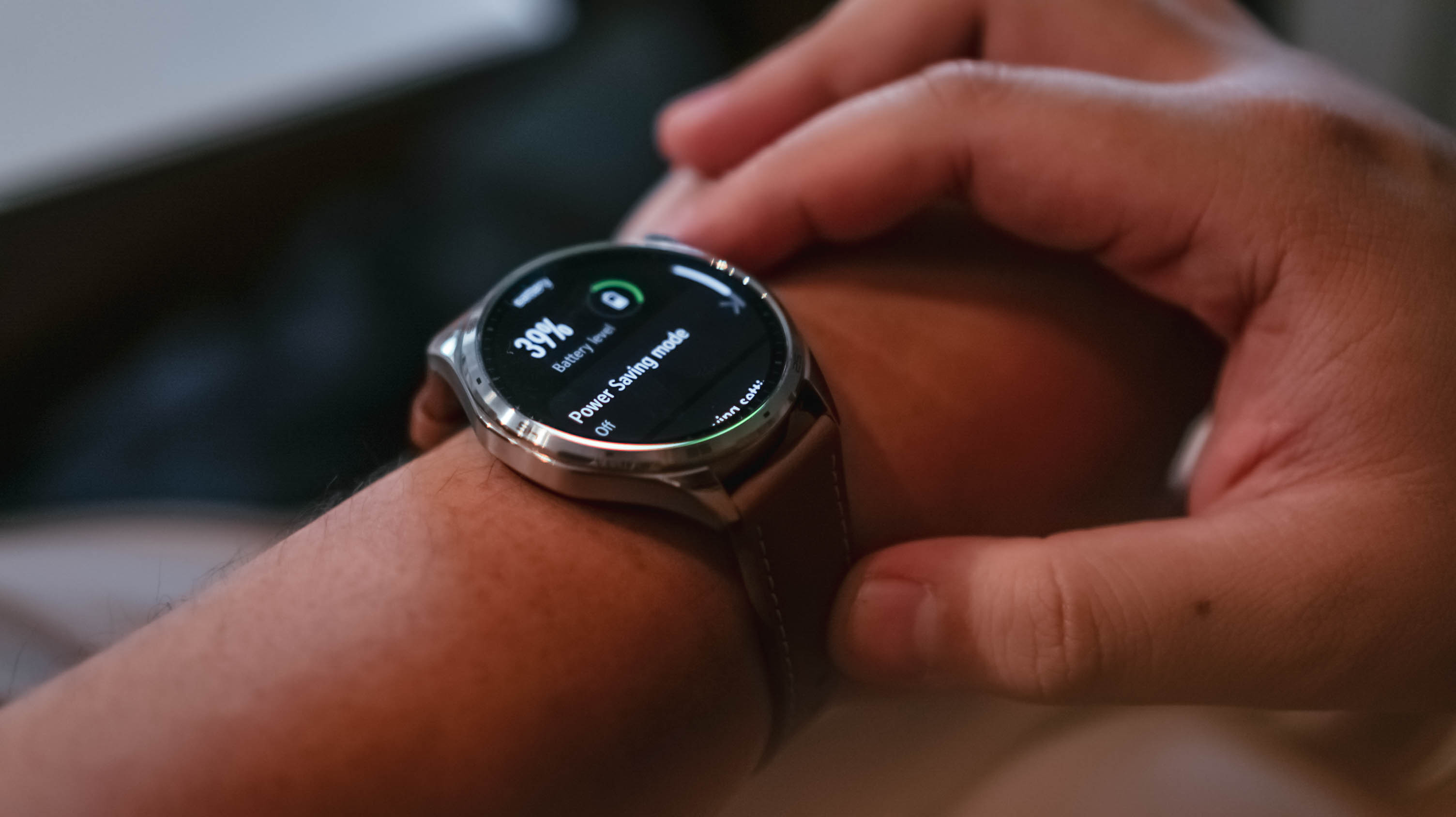
As of taking the photos, the battery life is at 39% – still coming off the first initial charge.
I charged the watch the moment I unboxed it. Seven days later, it was sitting at 59%.
During that time, I wore it constantly. Notifications were enabled. Health tracking was enabled. I tracked a handful of kettlebell workouts and wore it while sleeping.
I wasn’t exactly pushing the watch to its limits, but I also wasn’t babying it.
The result was a battery experience that quickly faded into the background. That’s exactly what I want from a smartwatch.
Everything else
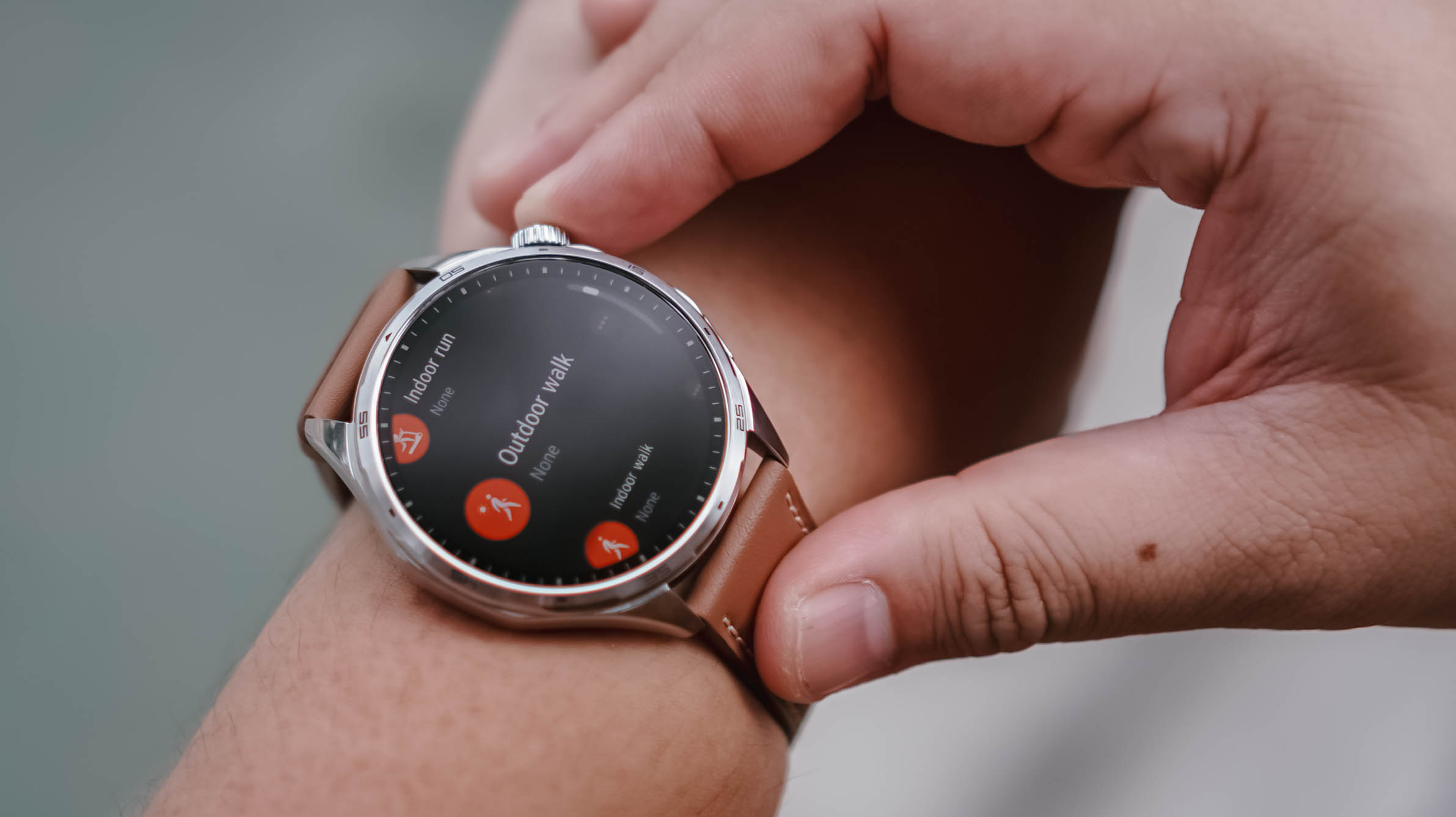
To be completely honest, I didn’t have the time or bandwidth to thoroughly test every feature.
My workout sessions were limited to a few kettlebell workouts and my usual walking. That said, the breadth of sports tracking available here is impressive. If you can think of an activity, there’s a good chance the HONOR Watch 6 can track it.
Pairing was also straightforward. The initial setup process and software updates went smoothly, even if updates immediately after unboxing remain one of my least favorite parts of testing any device.
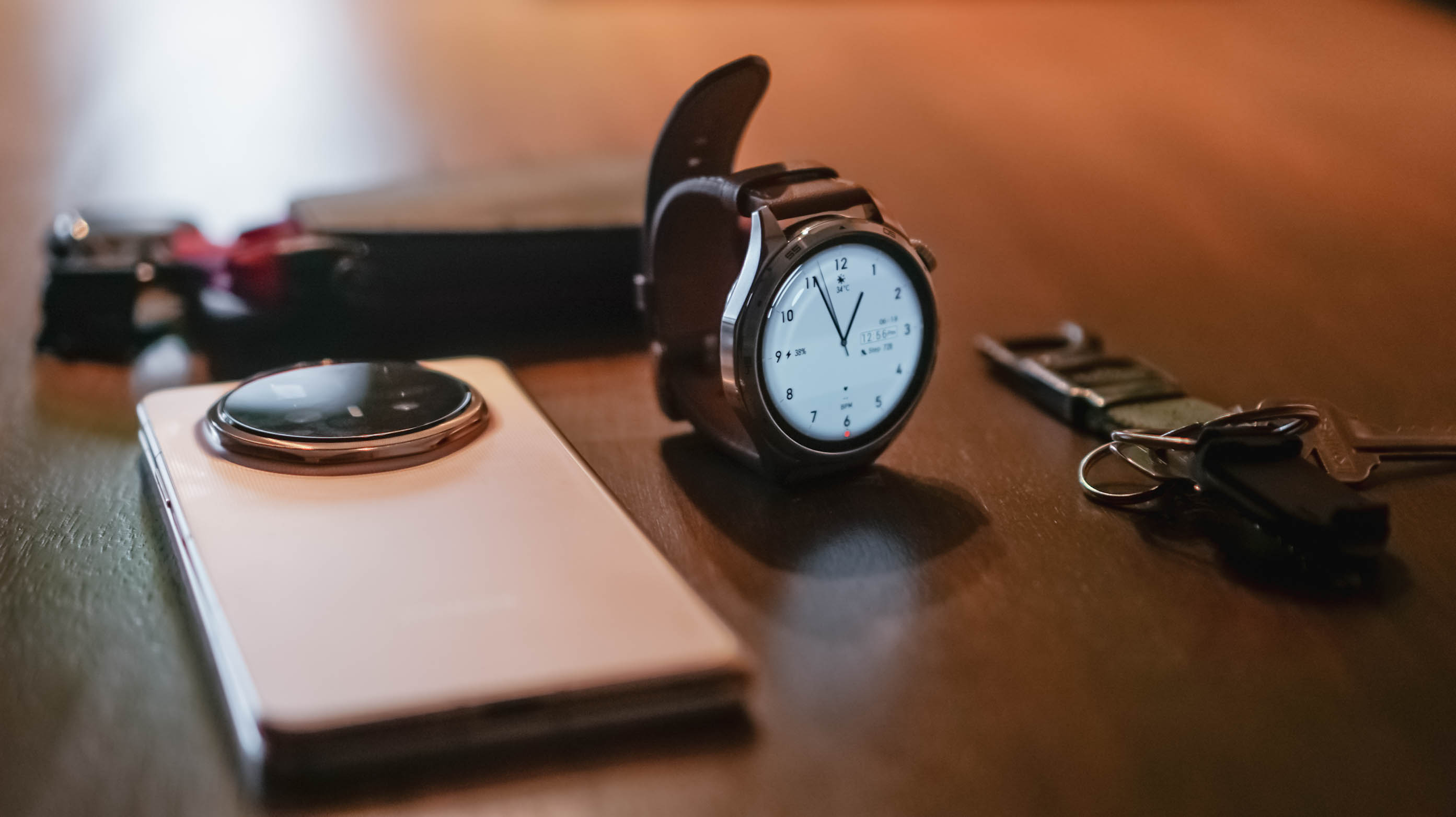
My one annoyance came from using the watch with multiple HONOR phones. At times, notifications would arrive twice or arrive at slightly different times depending on which device was relaying them. There’s probably a setting that solves this. I just didn’t have the opportunity to dig deeper.
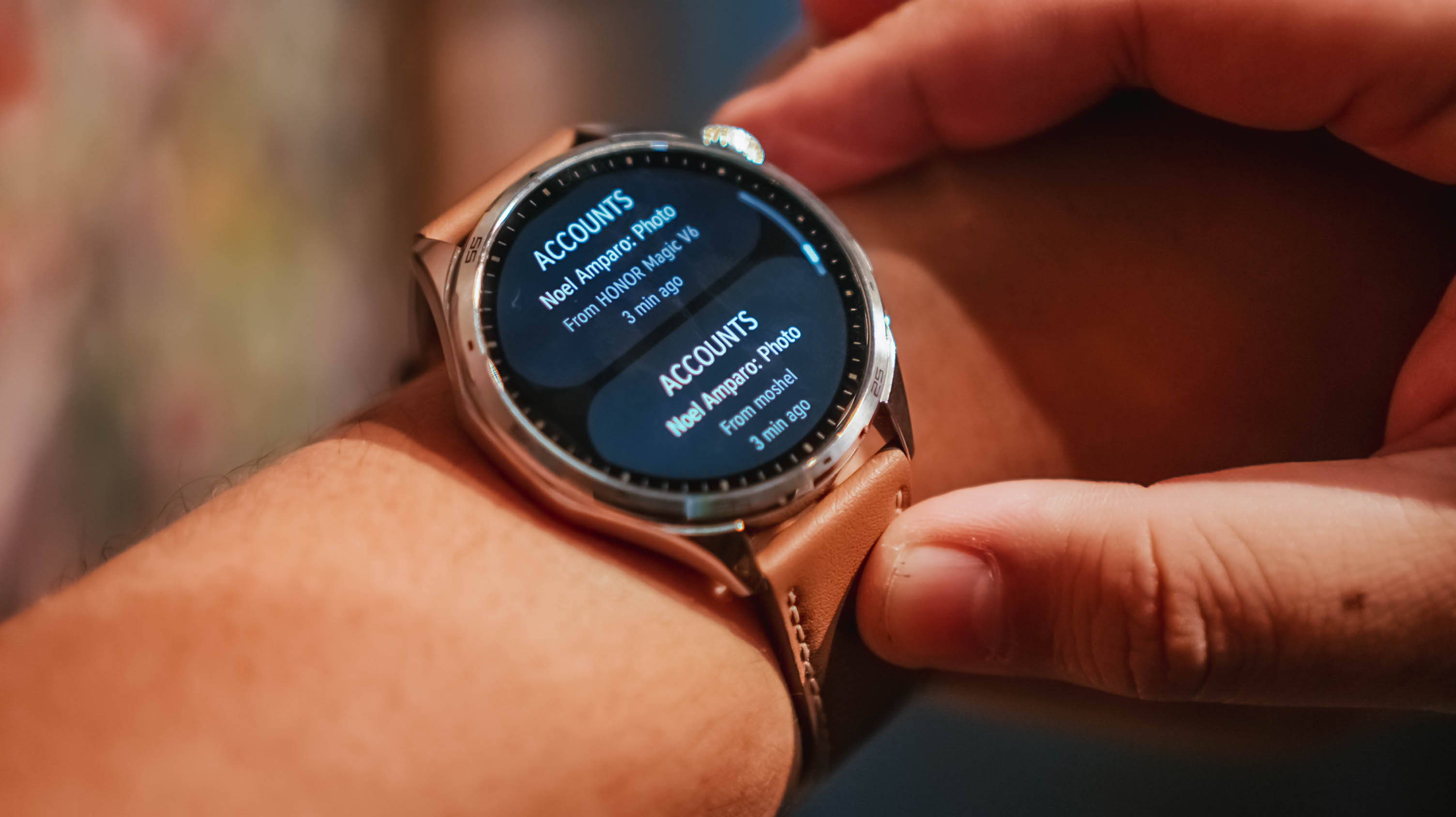
Same notification, two different phones
As for features like AI Recorder and NFC payments, I simply didn’t encounter situations where they became essential to my routine. That’s not necessarily a criticism. It may simply reflect how different people use smartwatches.
Is the HONOR Watch 6 your GadgetMatch?
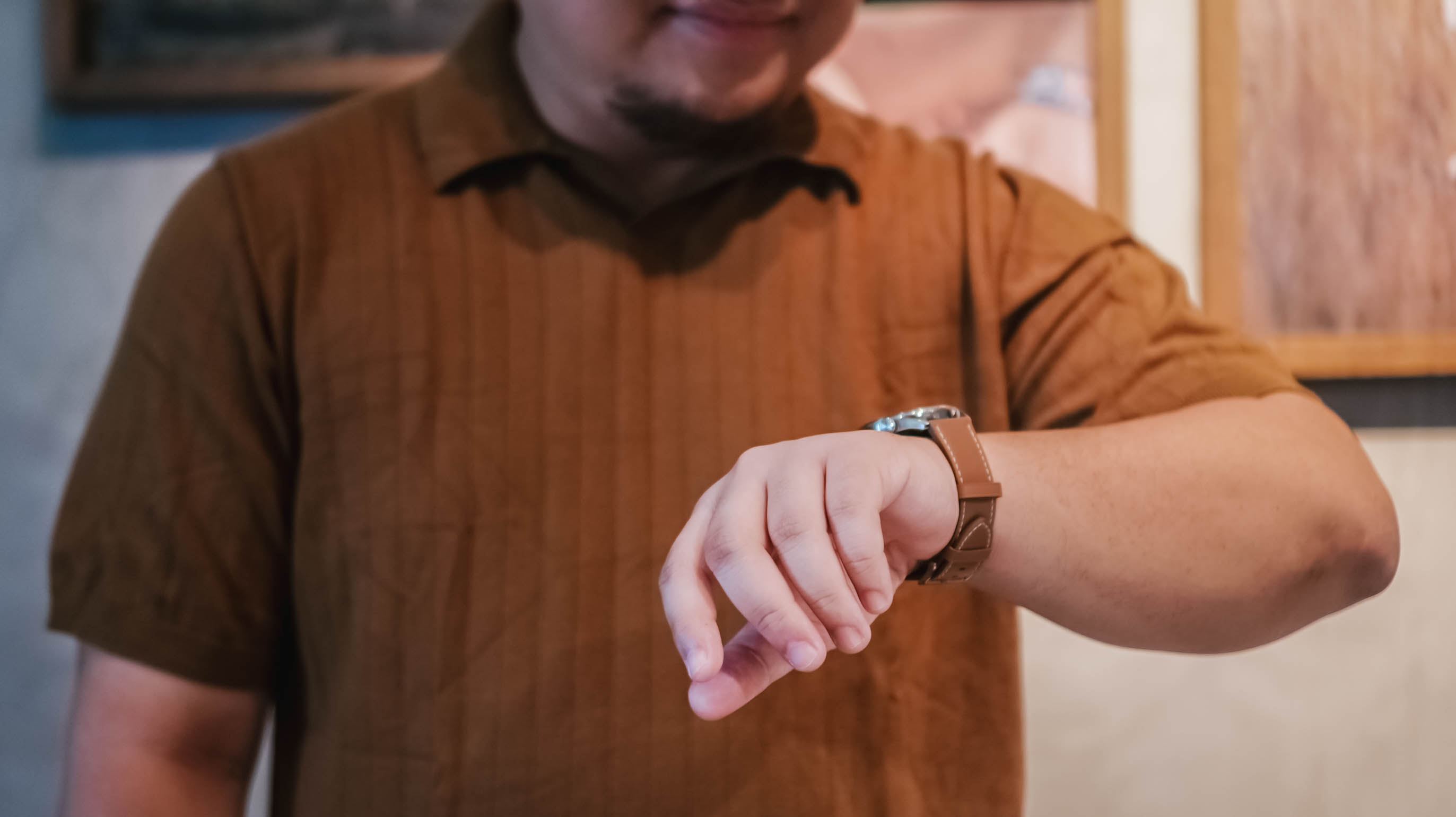
Something I don’t think we’ve talked about enough is that the HONOR Watch 6 also works well with an iPhone.
If you don’t particularly like the look of the Apple Watch but still want a smartwatch on your wrist, this is a viable alternative.
The HONOR Watch 6 is for people who want useful technology that blends into everyday life. It looks good enough for casual outings and nicer occasions alike, while still offering the usual smartwatch essentials like health tracking, workout monitoring, notifications, and long battery life.
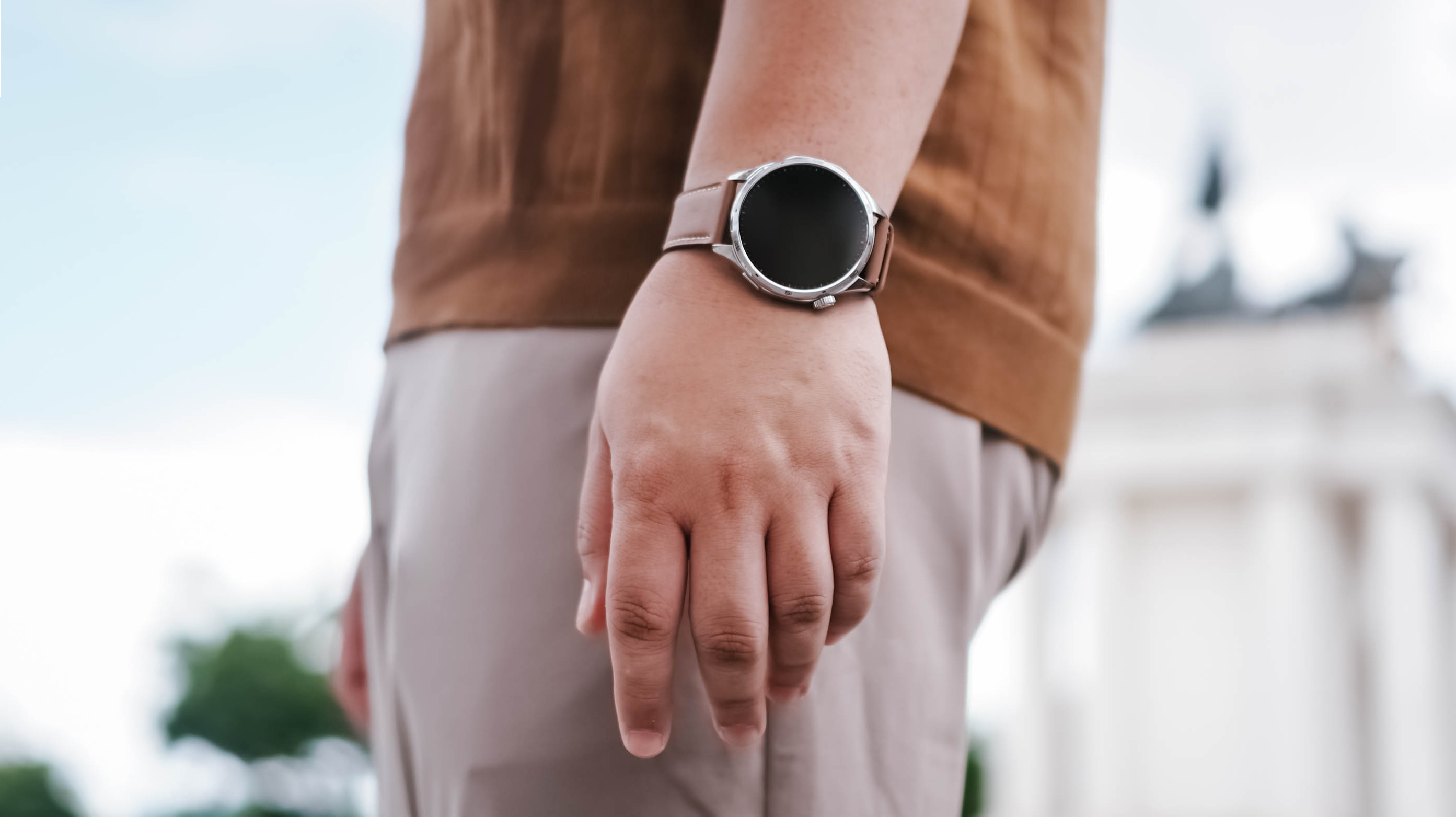
After about a week with the HONOR Watch 6, I realized I liked having data on things I normally would just leave to uneducated guesses.
Smartwatches aren’t for everyone. But if you fancy having one, the HONOR Watch 6 is an easy swipe right.
It has the right features, excellent battery life, and a design that fits comfortably into many parts of daily life.
That’s really all most people need.
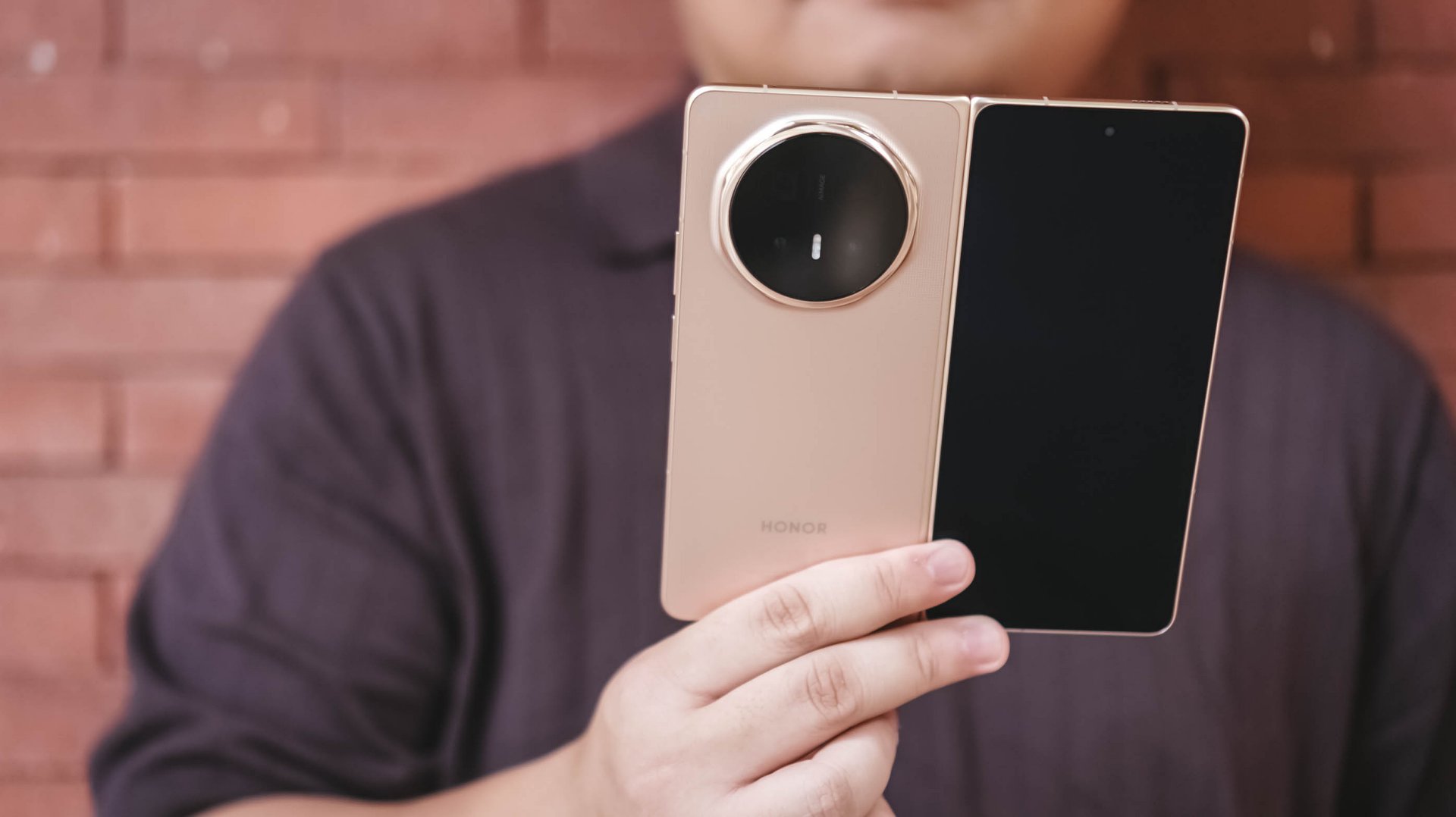
Before I learned when the HONOR Magic V6 review embargo would lift, I had already become aware of the possibility of upcoming wide foldables.
The idea immediately caught my attention because it seemed to address one of the few remaining questions I have about today’s book-style foldables.
They’re excellent productivity devices. The larger, almost square-like display is perfect for multitasking, reading, editing documents, and working with multiple apps at once.
But much of the content we consume today isn’t square.
It’s vertical: Reels. Shorts. TikToks. Fancams.
Or it’s widescreen: YouTube videos. Movies. TV shows.
Book-style foldables can absolutely play these types of content. But when unfolded, they don’t always make the best use of the additional screen space because of their aspect ratio.
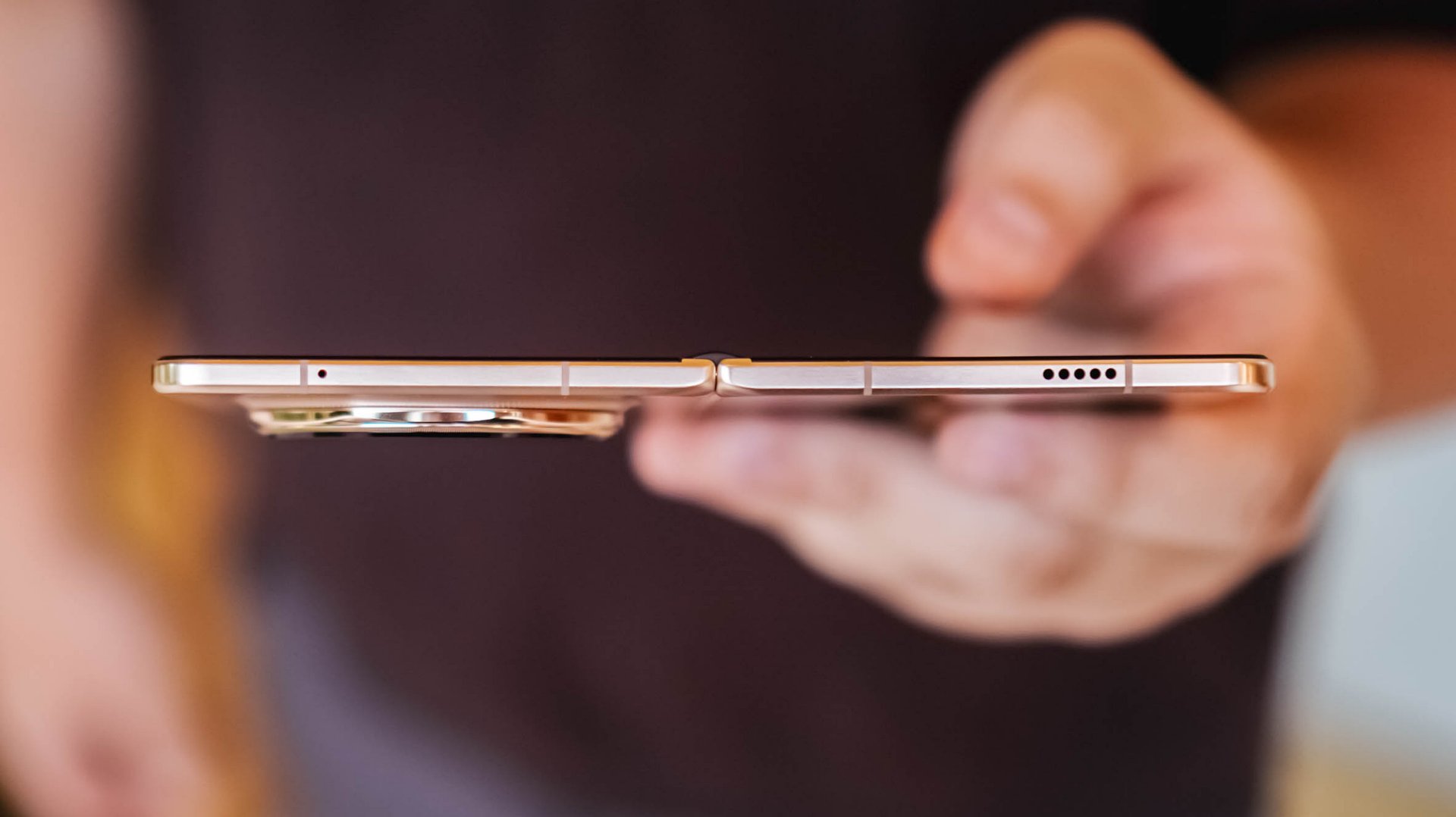
That thought lingered in the back of my mind while testing the HONOR Magic V6.
What surprised me was that despite that lingering question, the Magic V6 still made a compelling case for the current form factor. In fact, if the goal is to create a foldable that feels as close as possible to a regular flagship smartphone while still unfolding into a tablet, HONOR may have come closer than anyone else.
The HONOR Magic V6 is priced at RM 7,699 in Malaysia, with pre-orders running from June 4 to 11, 2026 and bundled gifts worth up to RM 3,797.
That’s flagship foldable money. Fortunately, the Magic V6 spends very little time reminding you that it’s a foldable and most of its time convincing you it’s simply a very good smartphone.
It feels like a regular smartphone
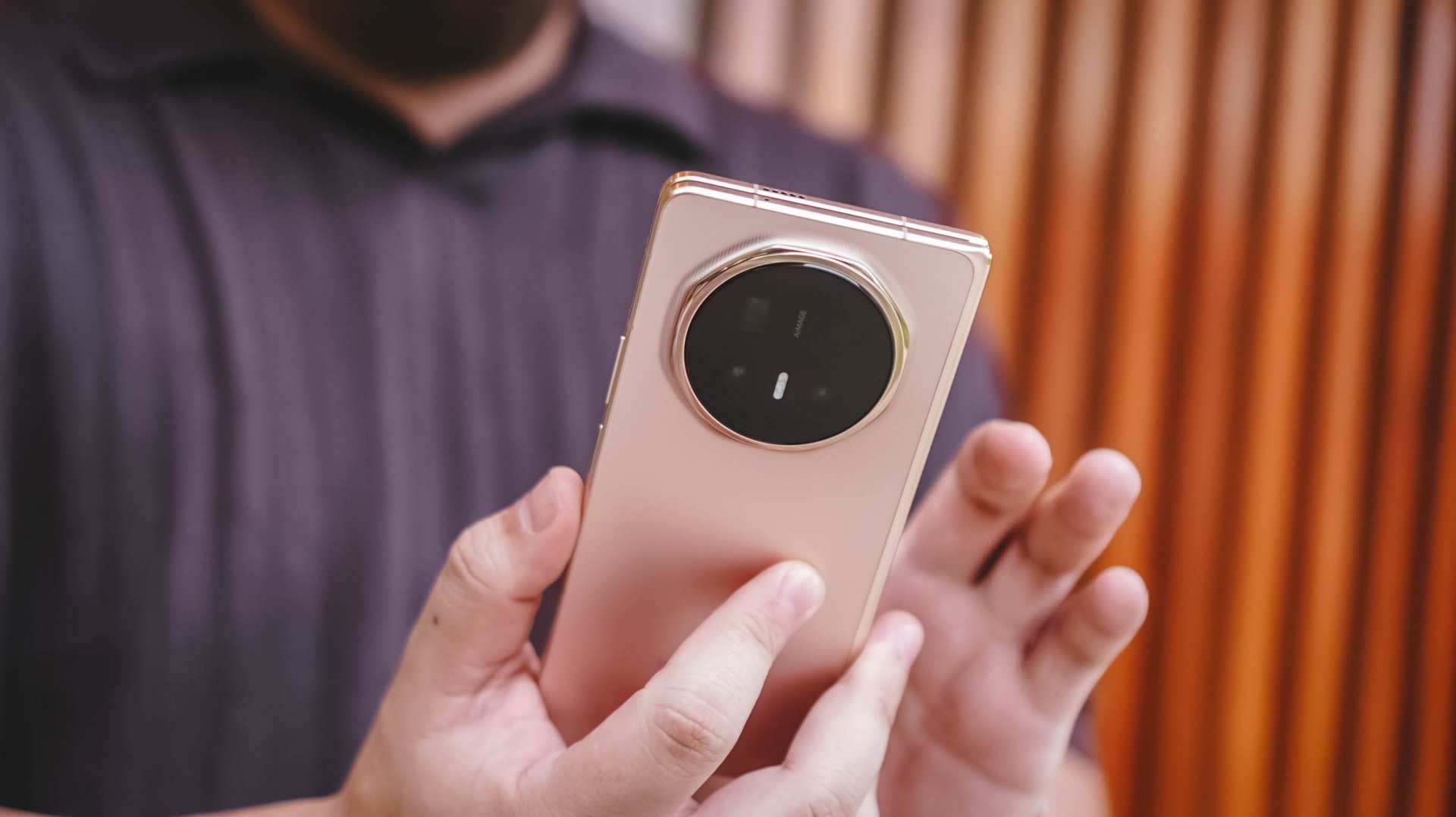
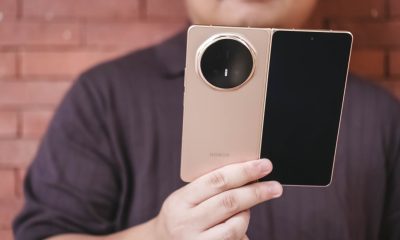
The HONOR Magic V6 looks and feels almost too much like a standard slab smartphone that you almost forget it can unfold into a larger screen.
That’s perhaps the most impressive thing about the device.
Most certainly, I felt the Galaxy S26 Ultra more when carrying it compared to the Magic V6. Despite being a foldable, it never feels cumbersome in daily use.
One of the subtle improvements I appreciated most was the button placement.
This is one of those low-key things you don’t really think about at first but becomes important over time. There’s little to no adjustment required when moving from a regular smartphone to the Magic V6 because the buttons sit exactly where you expect them to.
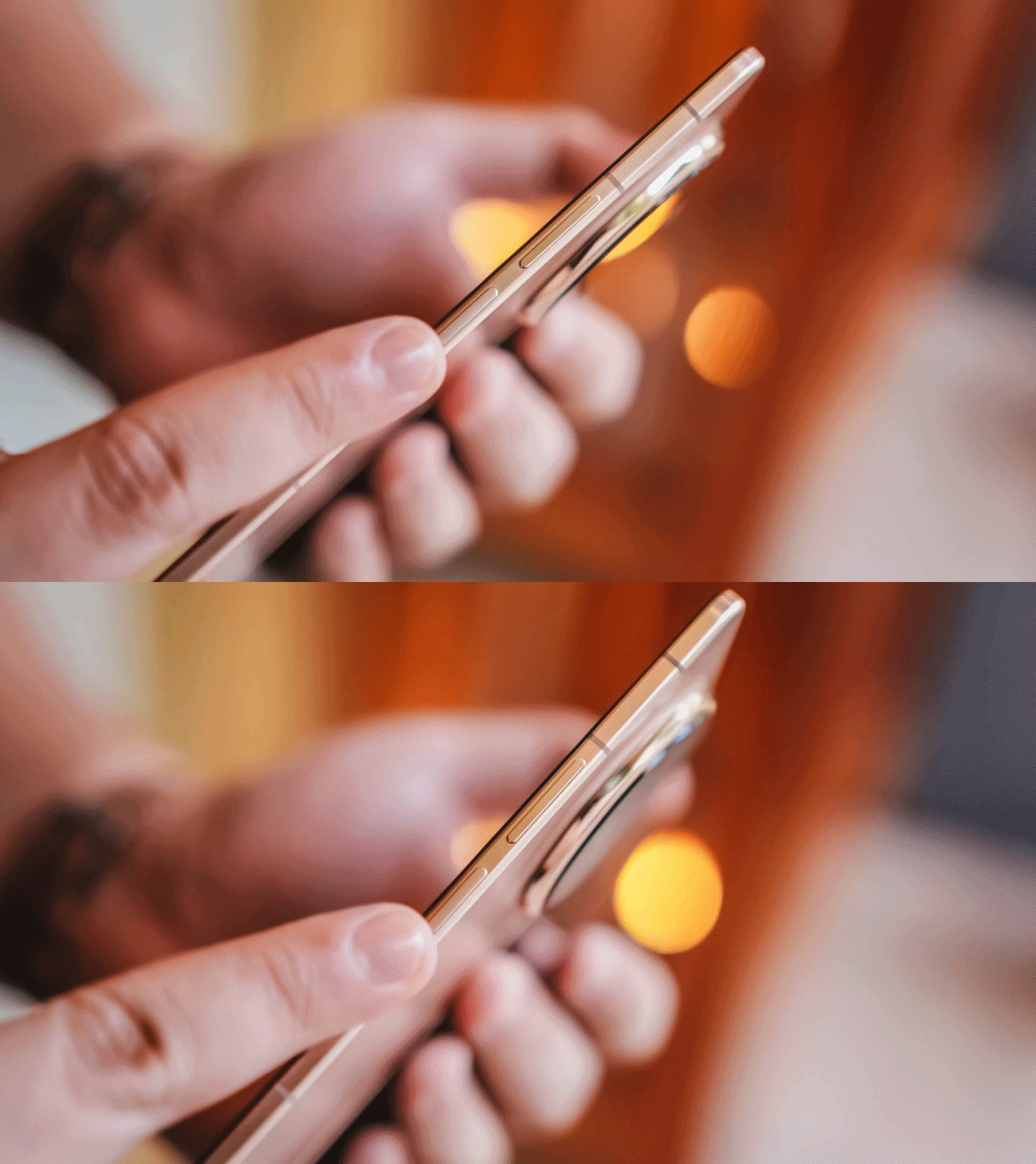
I use it alongside both the HONOR Magic8 Pro and Samsung Galaxy S26 Ultra and the transition feels seamless. That’s something I can’t quite say about the OPPO Find N6, whose power button still sits at a height that feels a little awkward.
Folded, the Magic V6 doesn’t feel like a compromise compared to a traditional flagship.
It simply feels like a regular flagship smartphone.
Unfolded, it feels natural too. The display even feels larger than the Galaxy Z Fold7 and HONOR Magic V5 that I used previously.
And that’s where the appeal of a book-style foldable continues to shine.
Productivity remains the killer feature
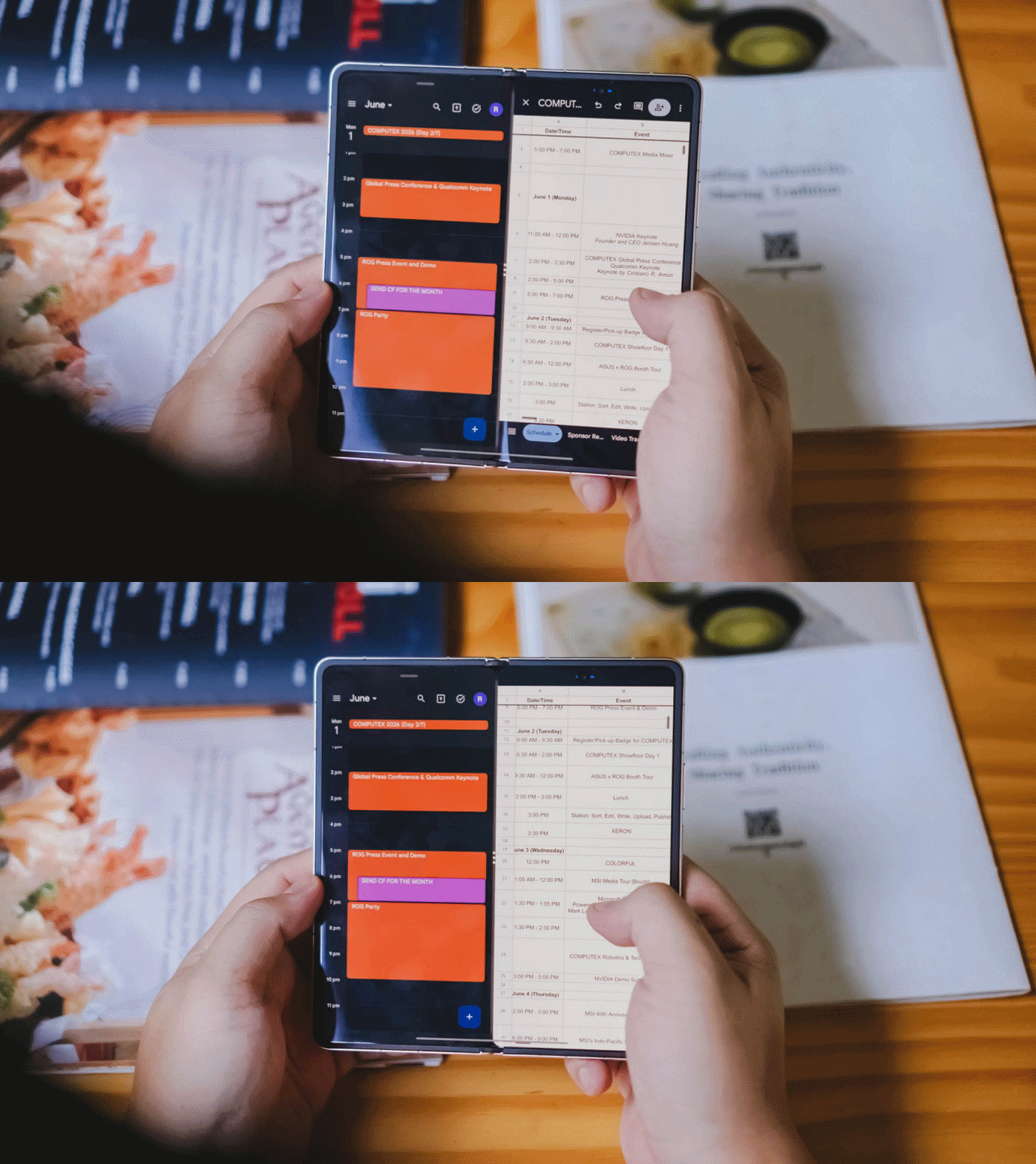
The larger display became particularly useful during several production shoots.
I found myself timekeeping to make sure we stayed on schedule while simultaneously checking scripts and production notes. It’s one of those situations where the larger screen immediately proves its value.
On another occasion, I handed the unfolded device to a project lead so she could review a script while planning shots for the day.
It immediately made her stop and consider whether she should get a foldable herself.
Moments like these highlight the unique advantage of book-style foldables.
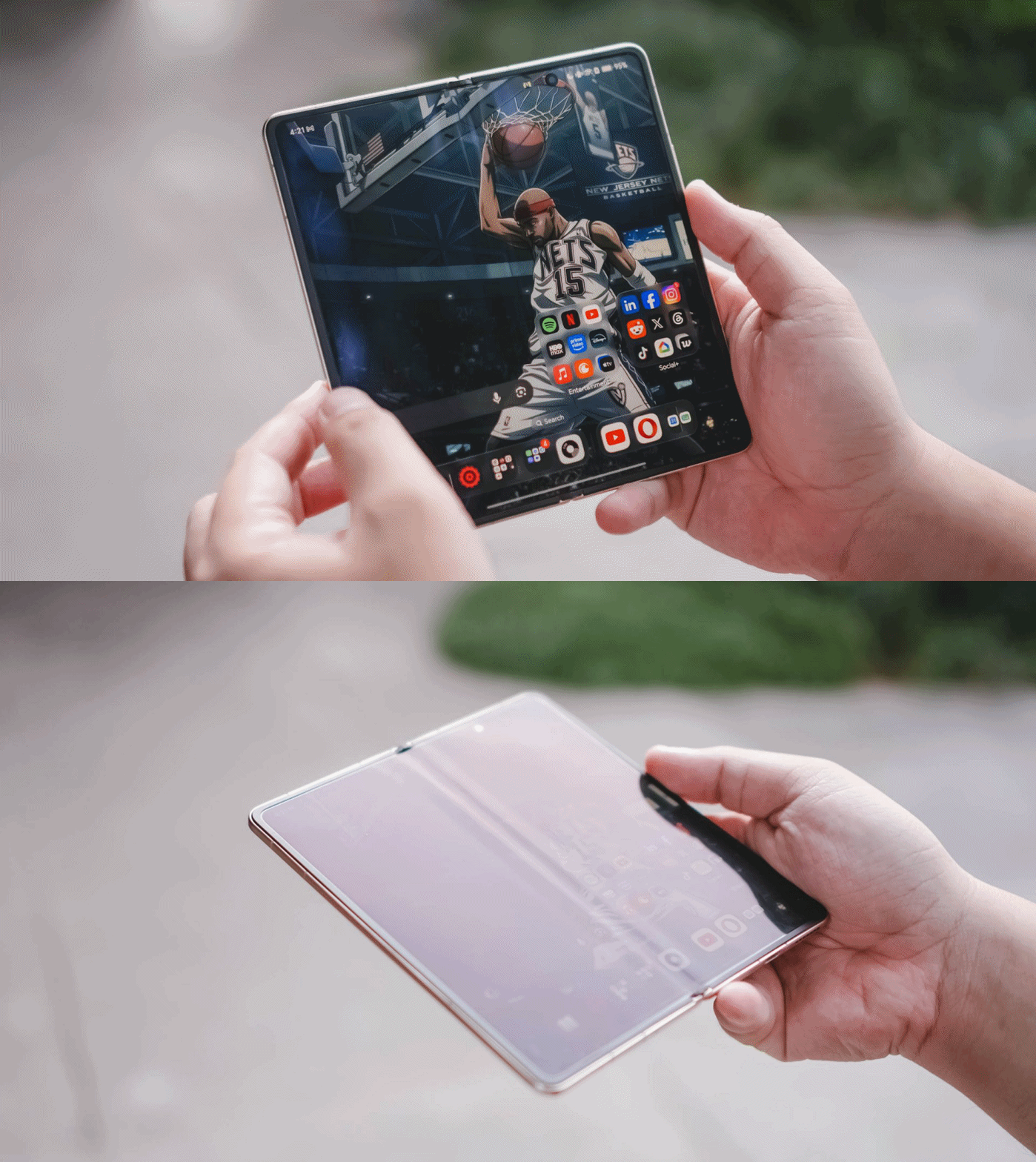
The larger screen doesn’t just exist for the sake of being larger. It enables workflows that simply aren’t as comfortable on a conventional smartphone.
That’s why, despite my growing curiosity about where foldables go next, the Magic V6 reminded me why this category became appealing in the first place.
Battery confidence is underrated
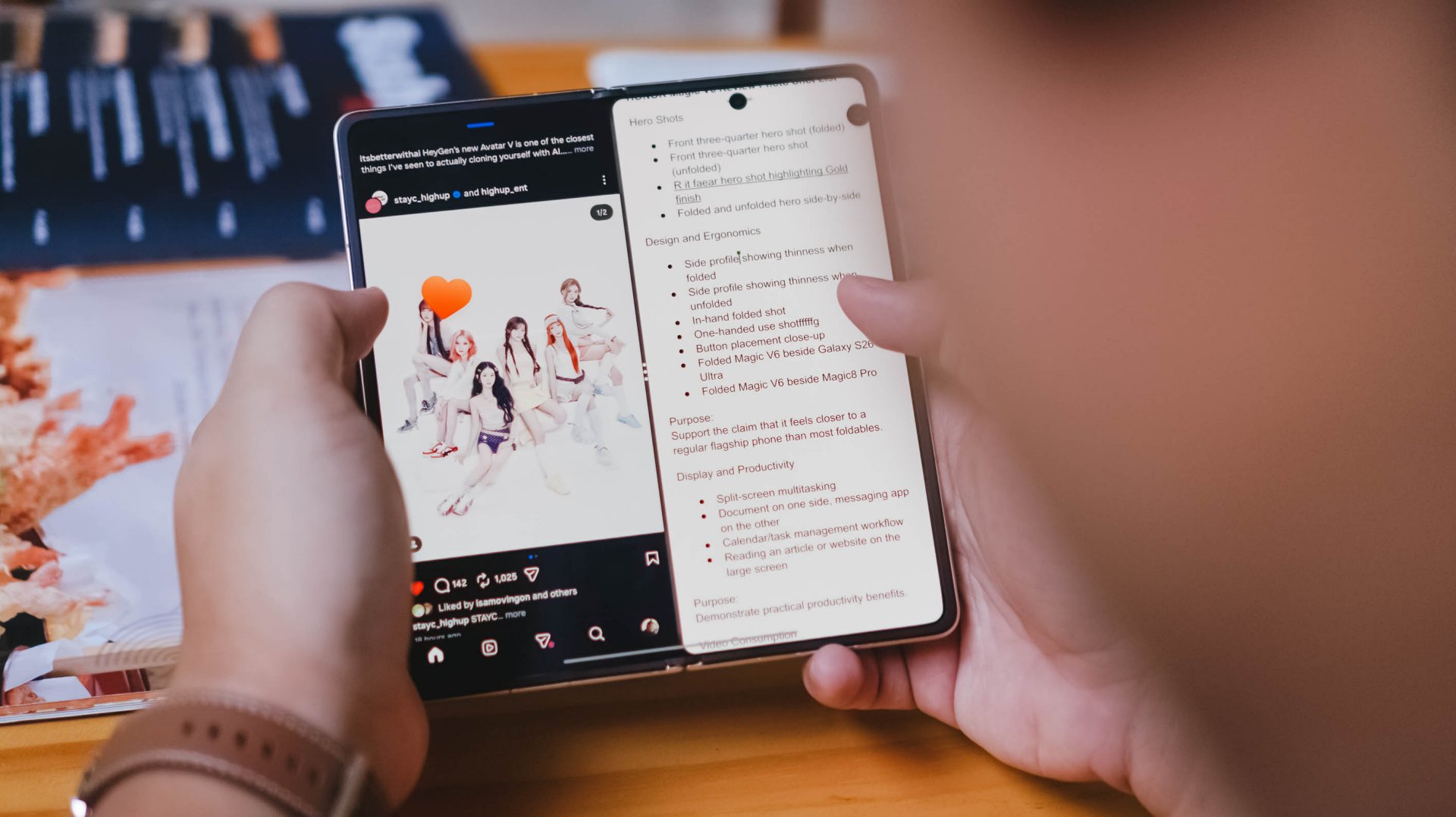
An overwhelming yes.
That’s my answer when asked whether the battery capacity translates into confidence.
The Magic V6 is an endurance beast.
I never worried about using it folded or unfolded throughout the day. I never worried about taking photos, multitasking, or spending extended periods on the larger display.
For the most part, I simply knew that no matter what I did during a normal day, I’d still have enough battery to get home or reach somewhere I could recharge.
As someone who tends to become conscious about battery life once it drops below 50 percent, that’s saying something.
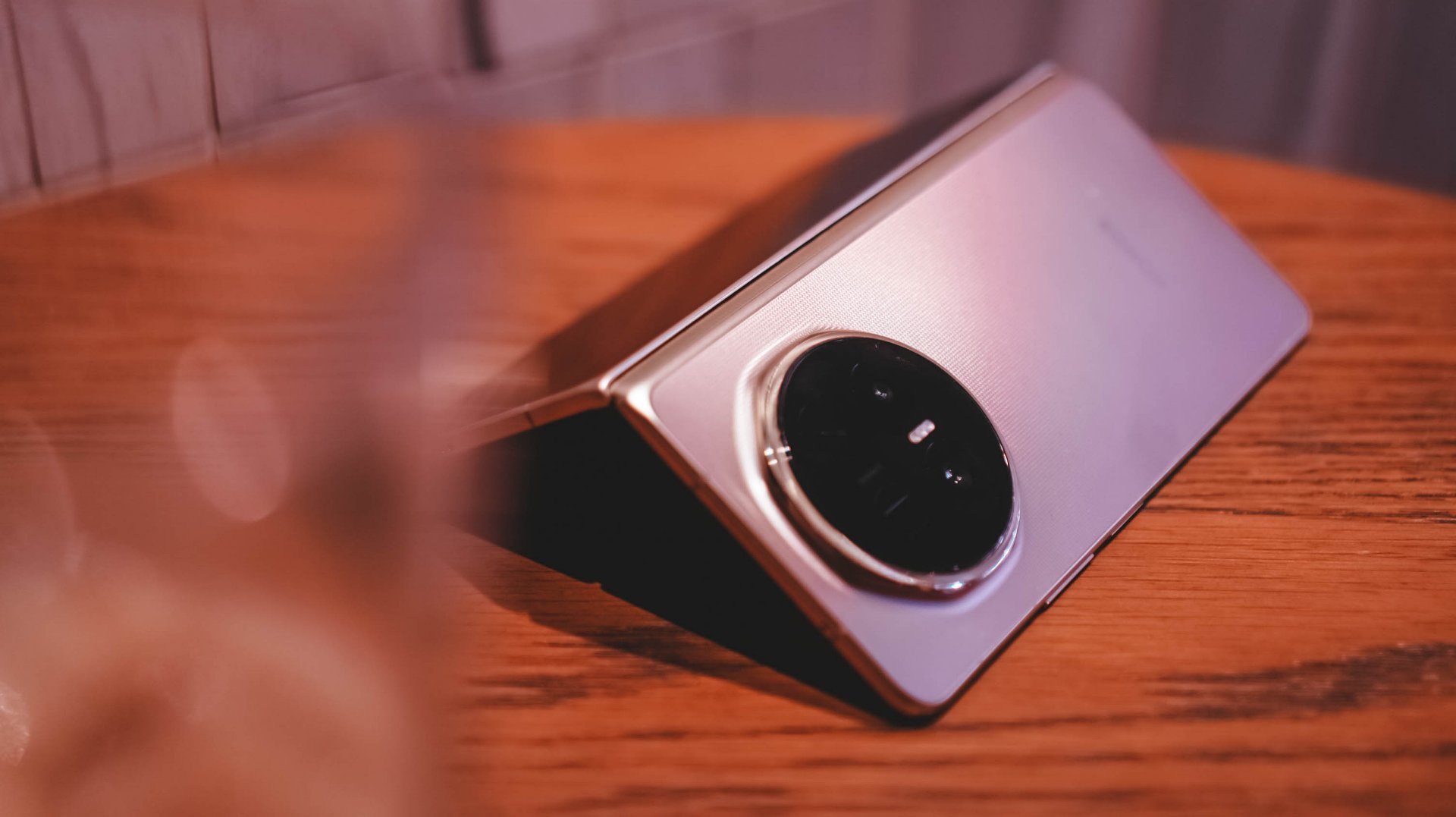
I also noticed myself worrying about the battery less the more time I spent with the device. I got used to how much power it consumed depending on what I was doing throughout the day.
Compared to the Galaxy Z Fold7 and HONOR Magic V5, the Magic V6 feels like it has more endurance.
It also charges faster.
The media consumption question
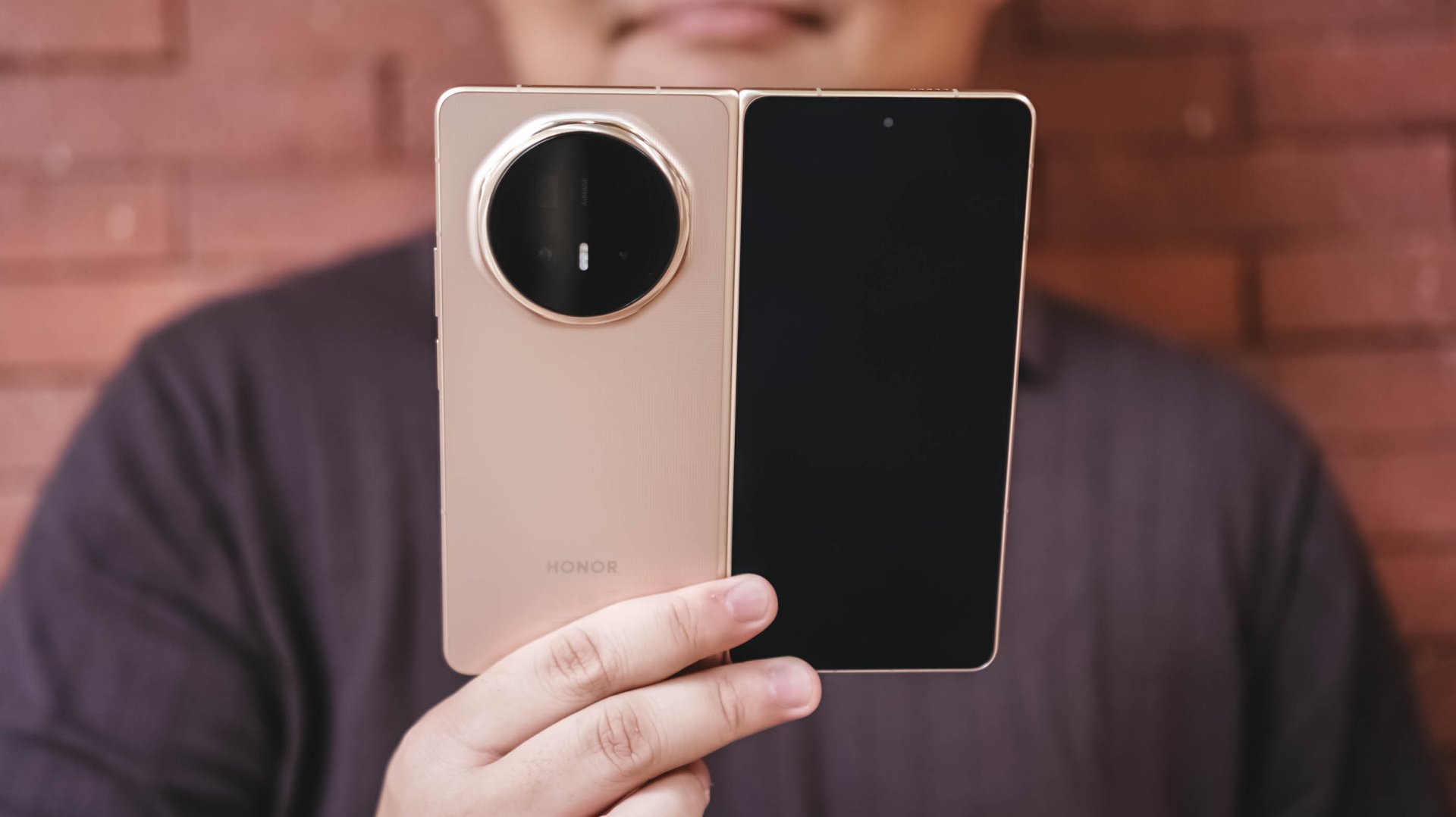
Did the Magic V6 make me watch more videos than I normally would on a phone?
Not really.
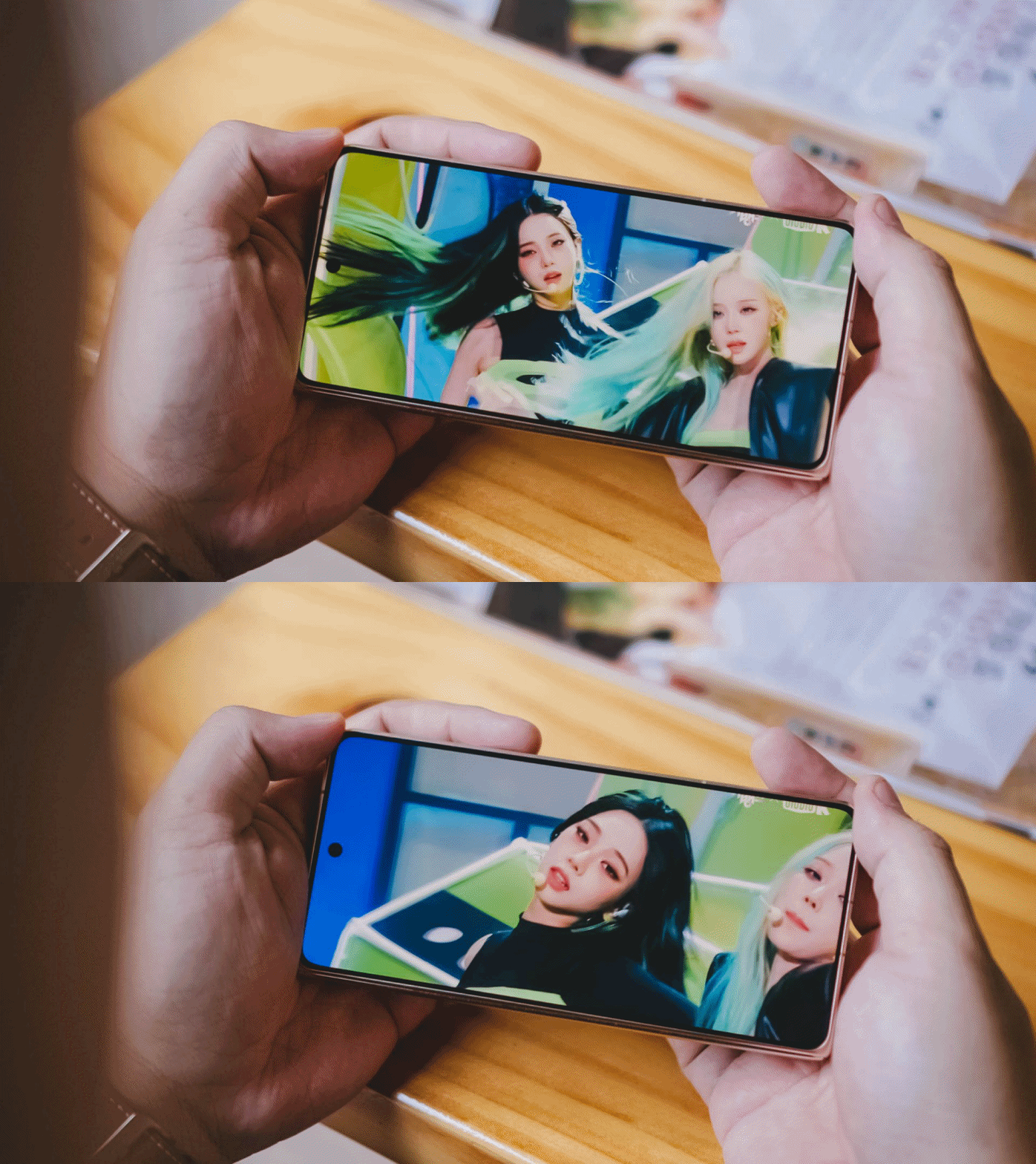
Most of my phone-based video consumption consists of Reels, Shorts, and the occasional K-pop fancam. Longer content usually happens elsewhere. If I’m watching a movie, a series, or even a lengthy YouTube video, I’d much rather do it on a TV or tablet.
For the purposes of this review, I spent some time watching aespa Karina’s “Lemonade” facecam. I figured if there was any content I’d naturally watch on a phone, it would be that.
Folded and held in hand, it’s your typical smartphone viewing affair. In fact, the cover display is still a little narrower than I personally prefer.
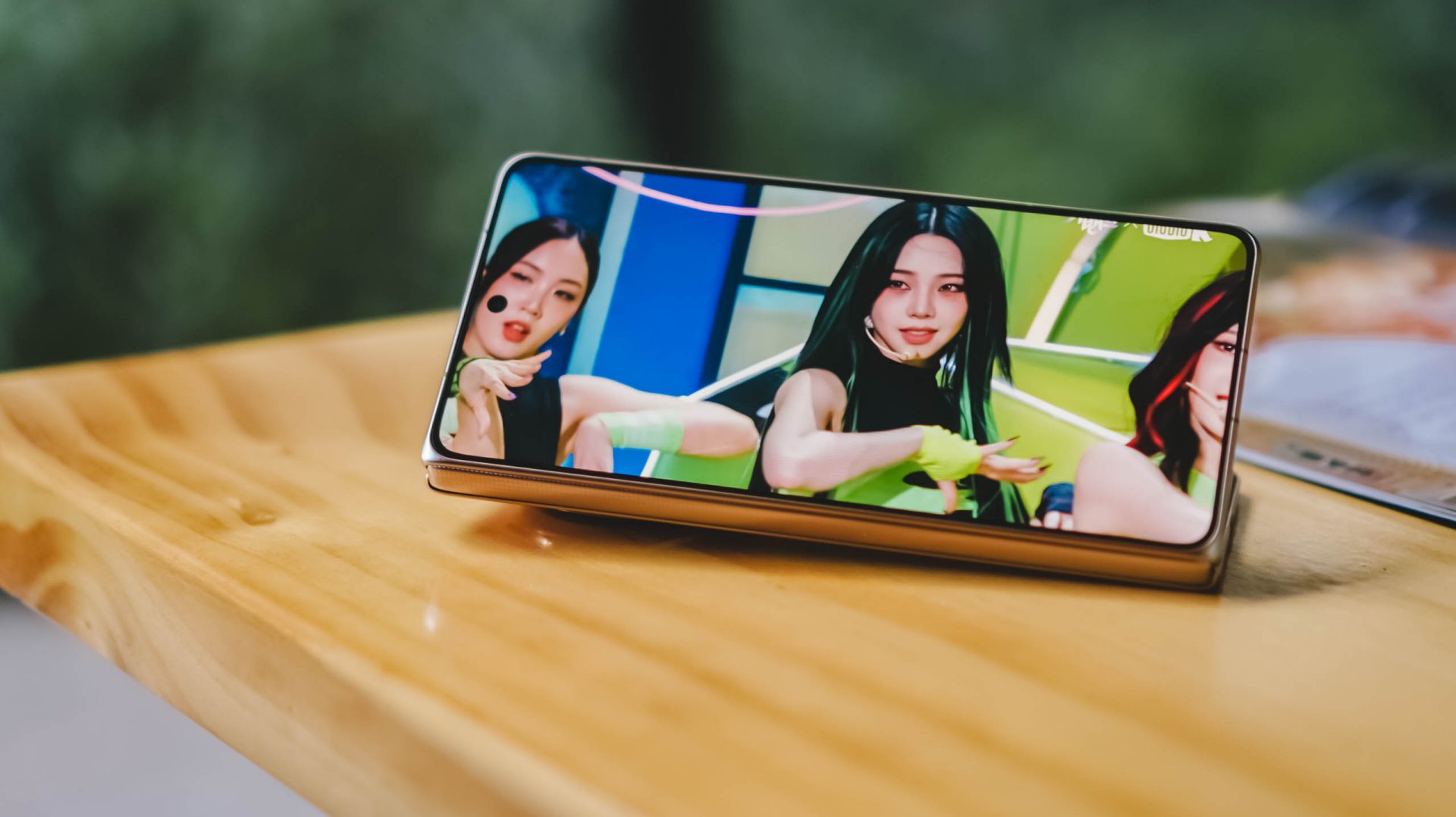
You can also prop it up in Flex Mode and watch hands-free, which works surprisingly well when you’re sitting at a desk or table.
When unfolded, things become a little more complicated.
You can watch content in its original aspect ratio and live with the black bars. At night, they practically disappear. In brighter environments, they’re much more noticeable.
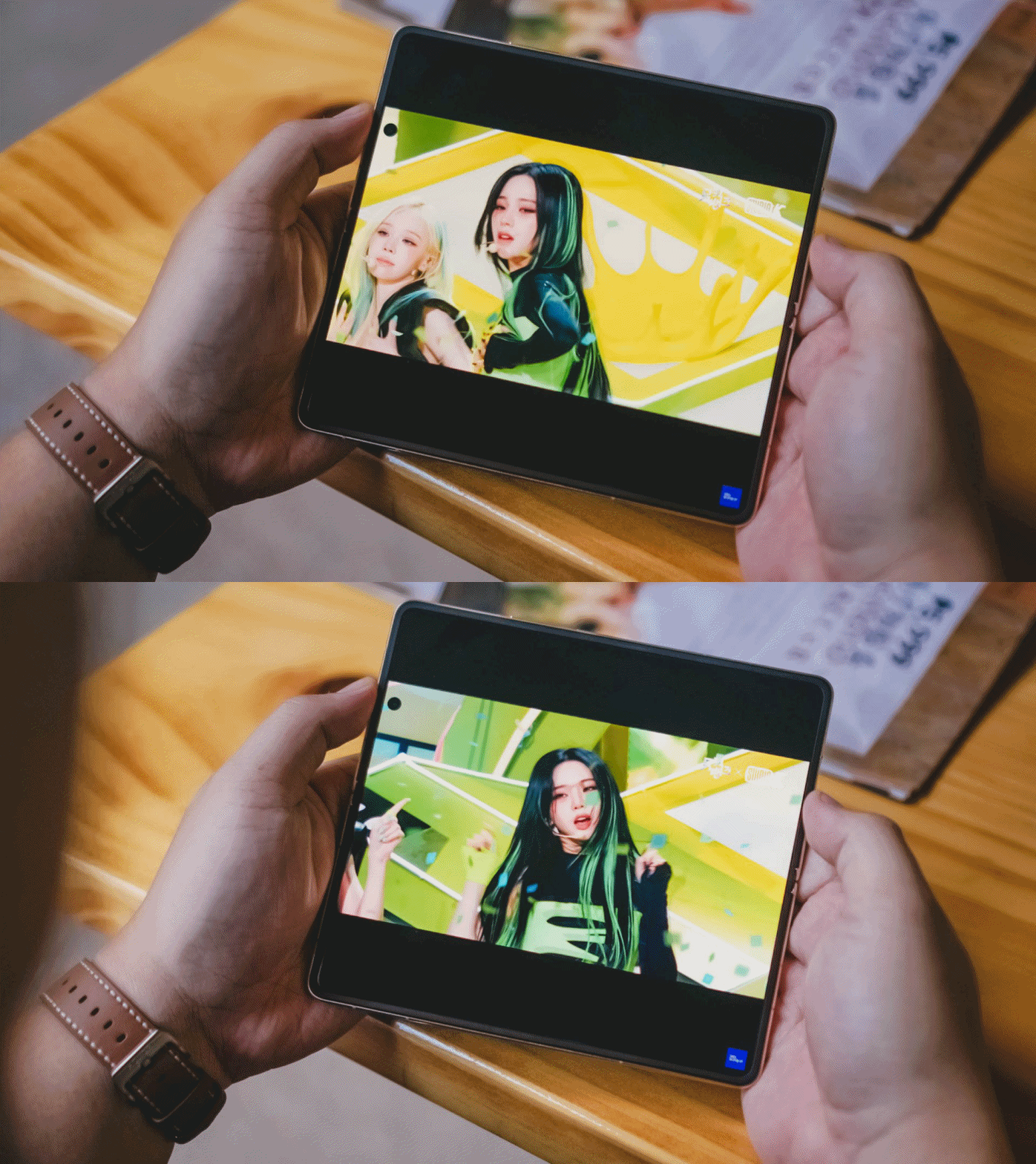
You can also pinch to zoom and fill more of the display. This works particularly well for content where the subject stays near the center of the frame. Facecams like Karina’s are a perfect example.
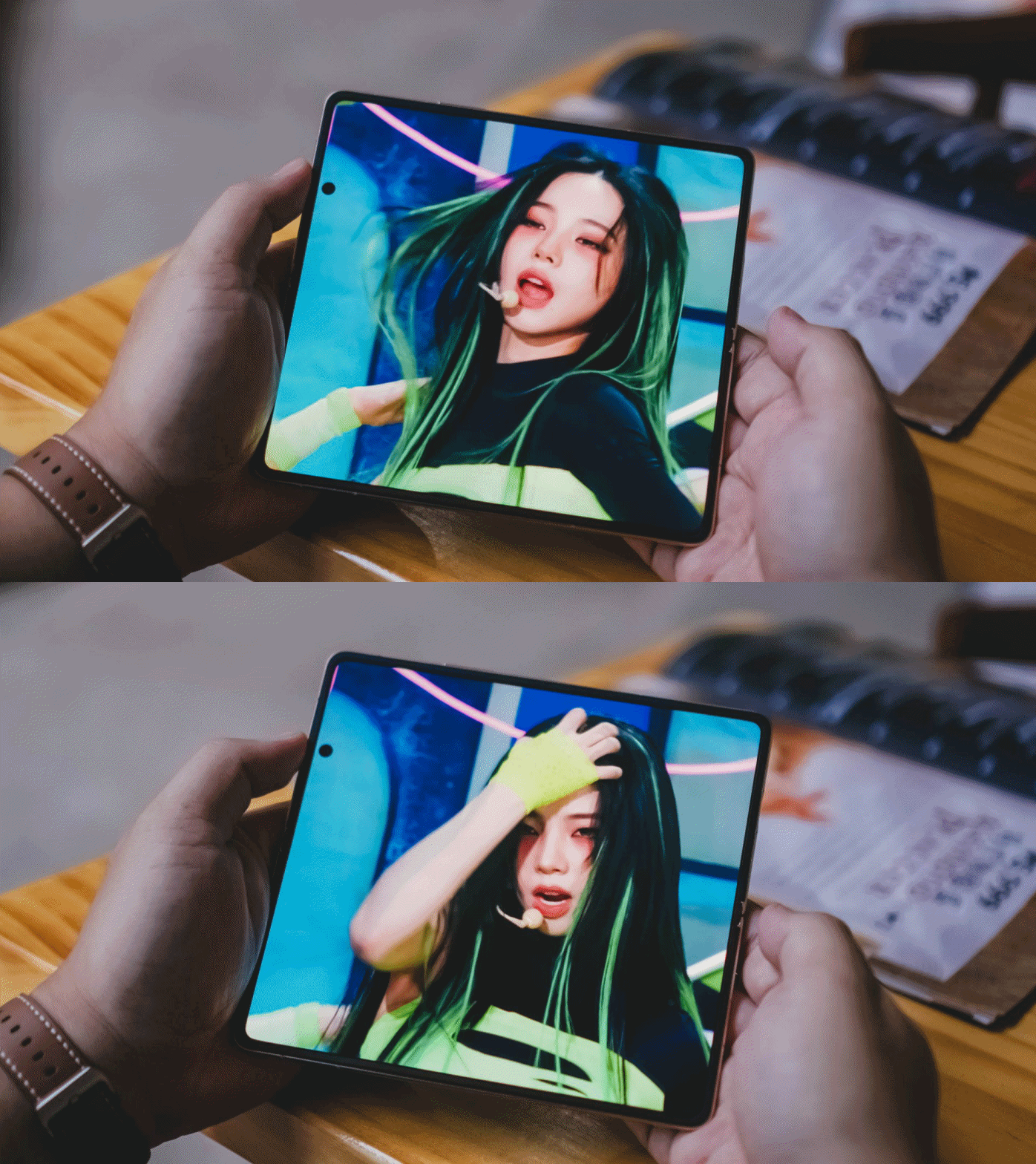
Why is Karina giving so much Shego vibes here?
The challenge is that much of today’s content exists in either 9:16 or 16:9 formats, while book-style foldables unfold into something much closer to a square.
The result is that the additional screen space isn’t always utilized as efficiently as you might expect.
That’s not really a criticism of the Magic V6 itself.
Rather, it’s one of the reasons I’ve become interested in the idea of wide foldables. The Magic V6 excels at productivity because of its aspect ratio. Whether that same aspect ratio remains ideal for modern media consumption is a question I continue to think about.
Cameras that don’t feel like a compromise
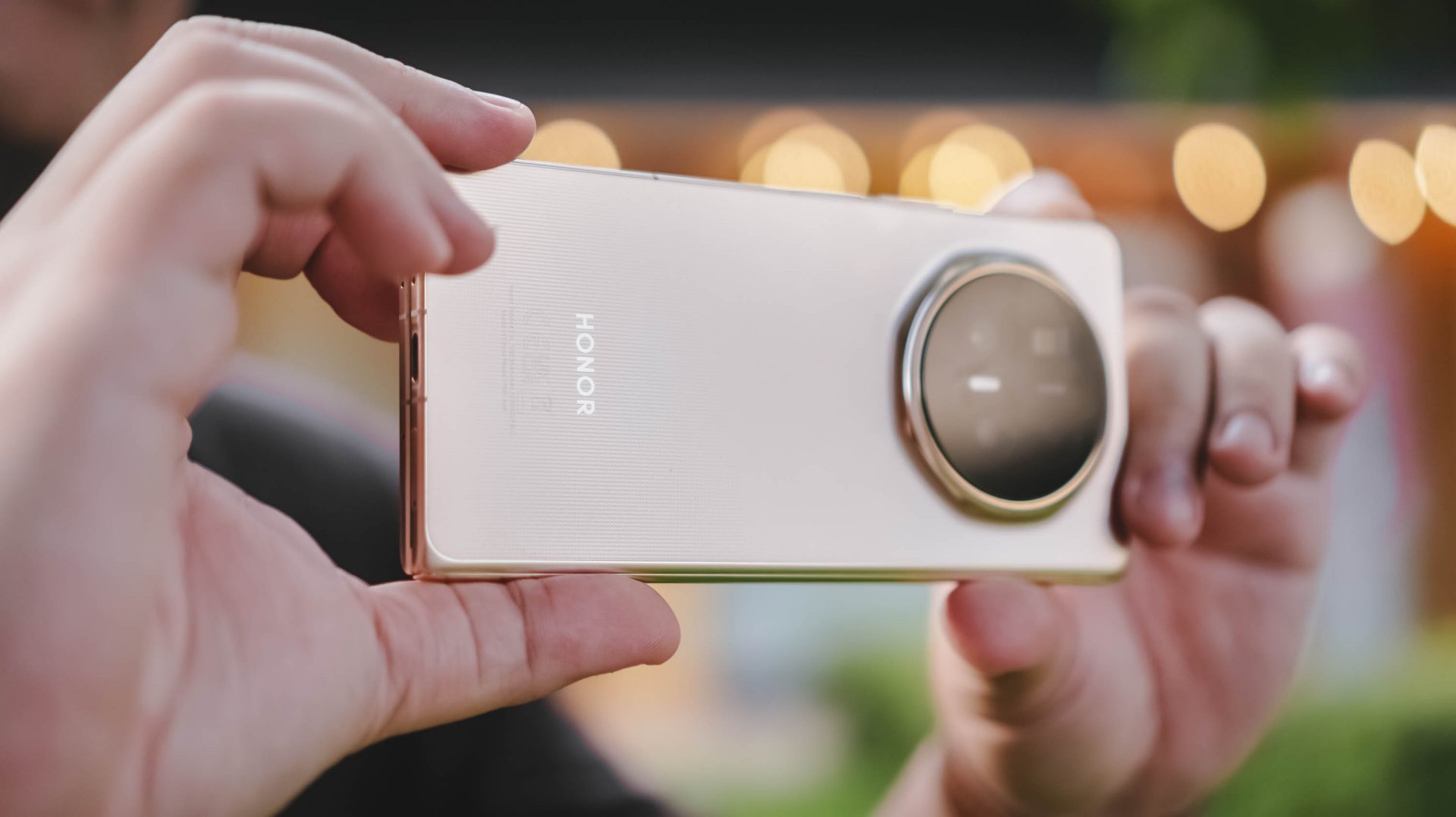
The camera system is one of the standout features of the device.
For a foldable, it takes really good photos. Photos I wouldn’t hesitate to post immediately on social media.
I’ve become particularly fond of HONOR’s Authentic Filter and used it extensively throughout my testing. The images look excellent and carry a look that I genuinely enjoy.
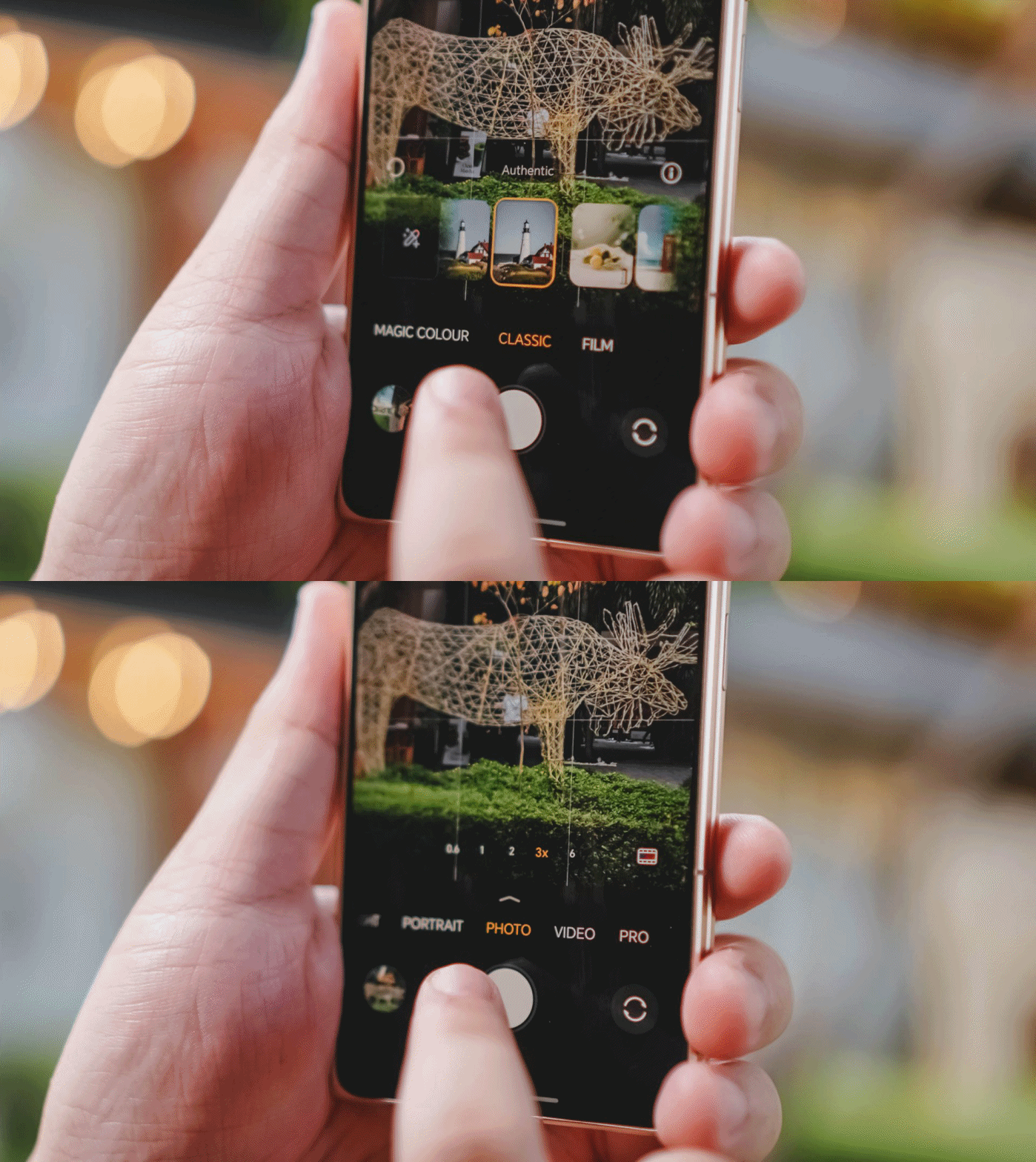
I still notice some limitations once I move beyond 6x zoom, but realistically, most users won’t spend much time there.
For everyday photography, the Magic V6 delivers more than enough.
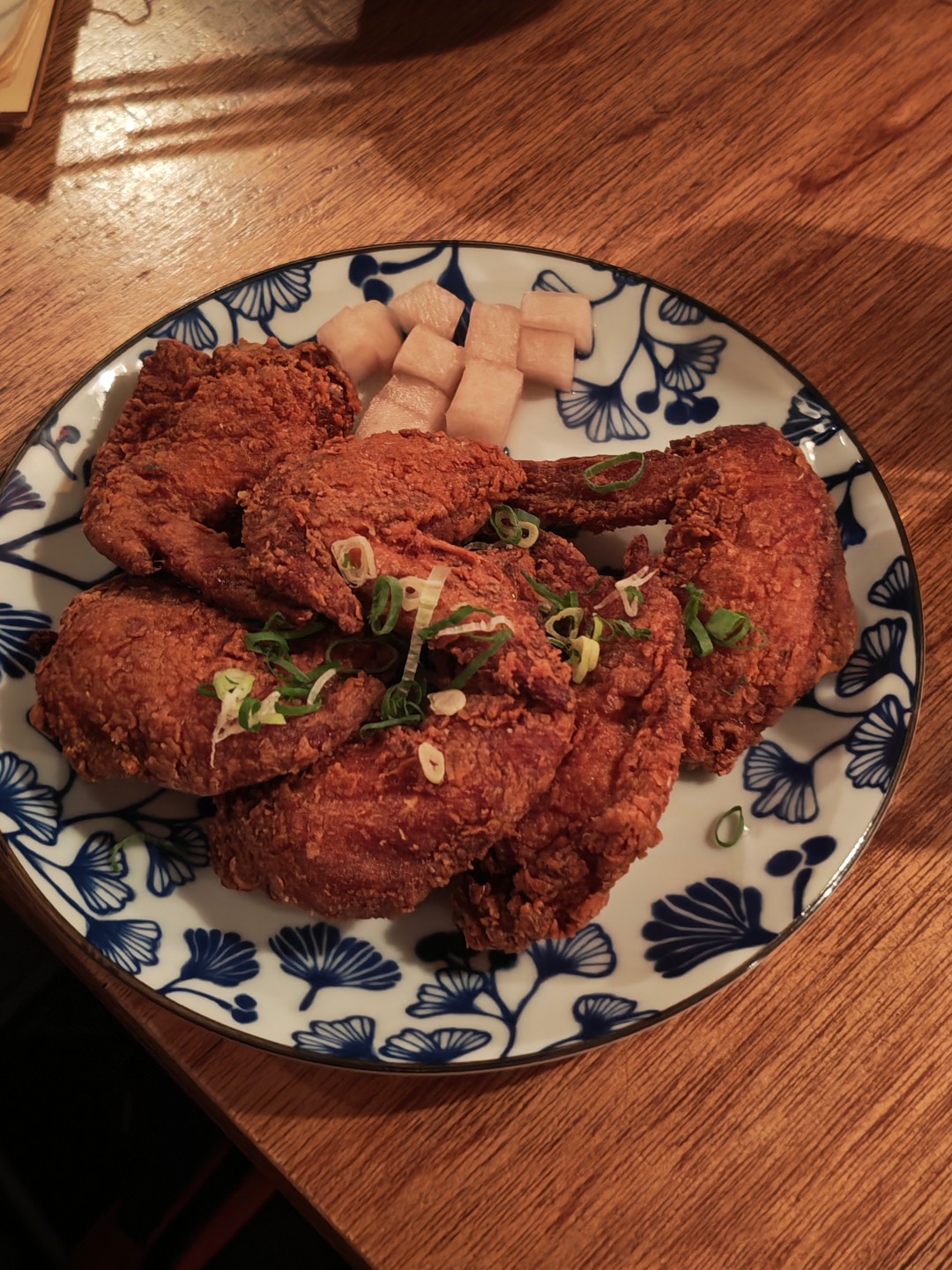
That’s important because it removes one of the traditional compromises associated with foldables. Check out the samples below.
Witcher in Concert night




Food with friends




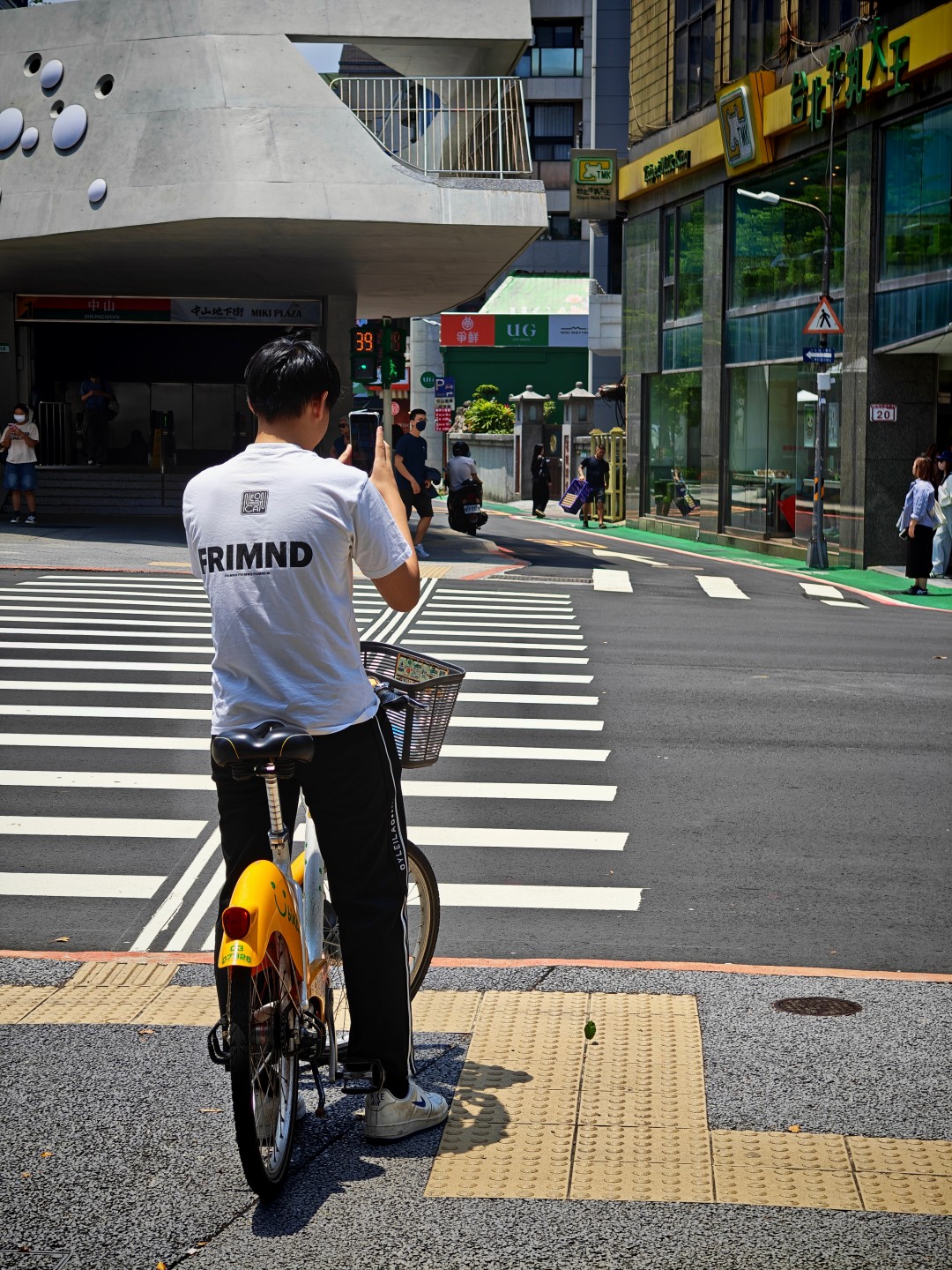
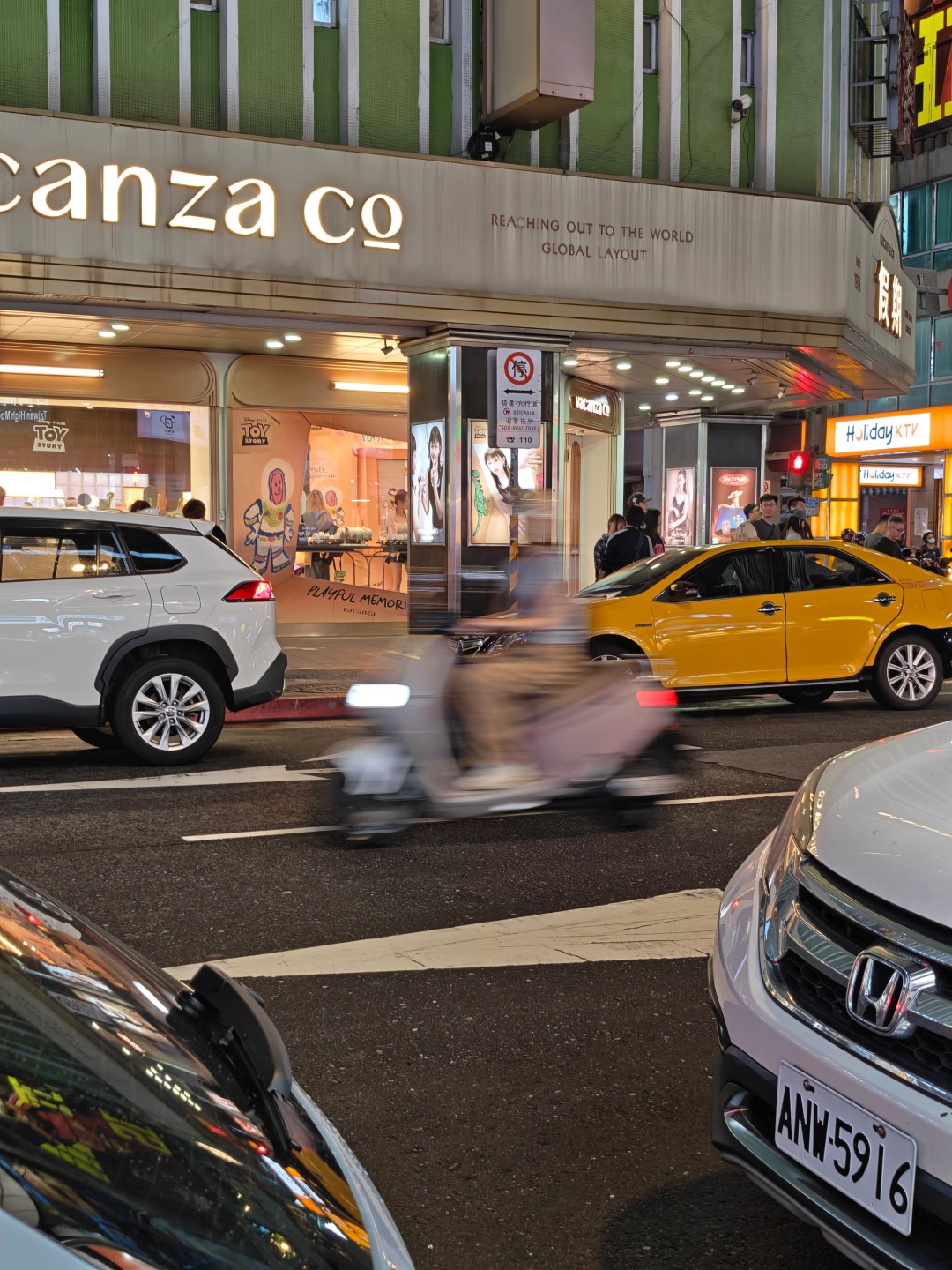
Taipei streets part 1






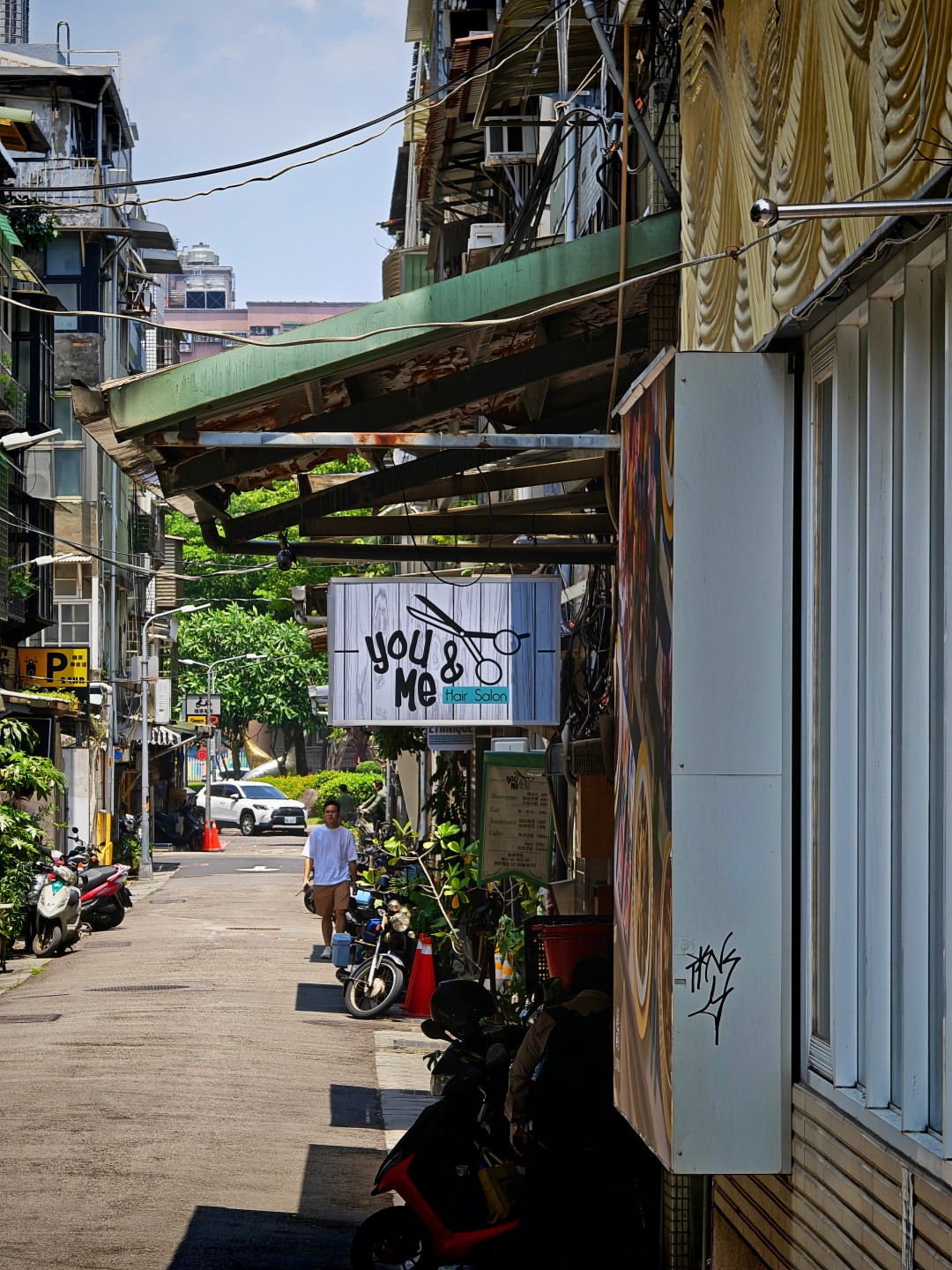
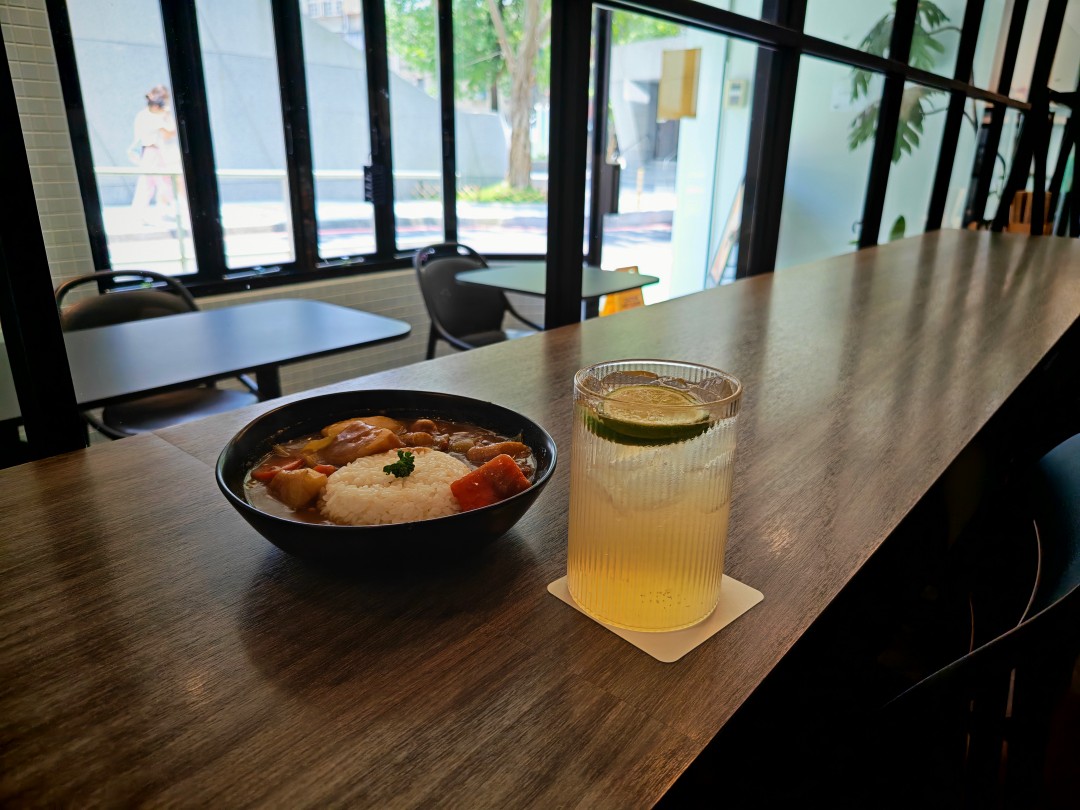
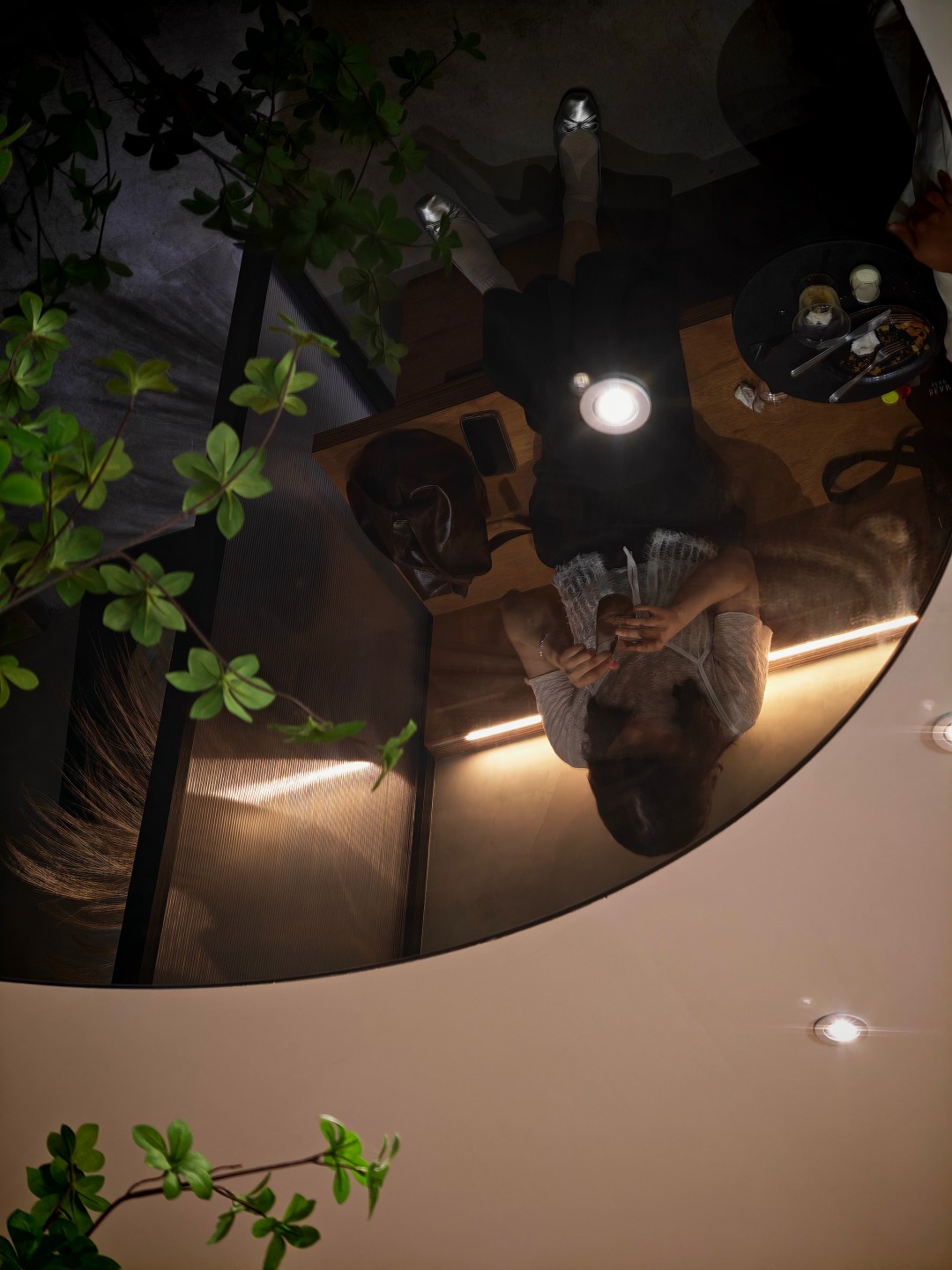
Middle Name Coffee and Space







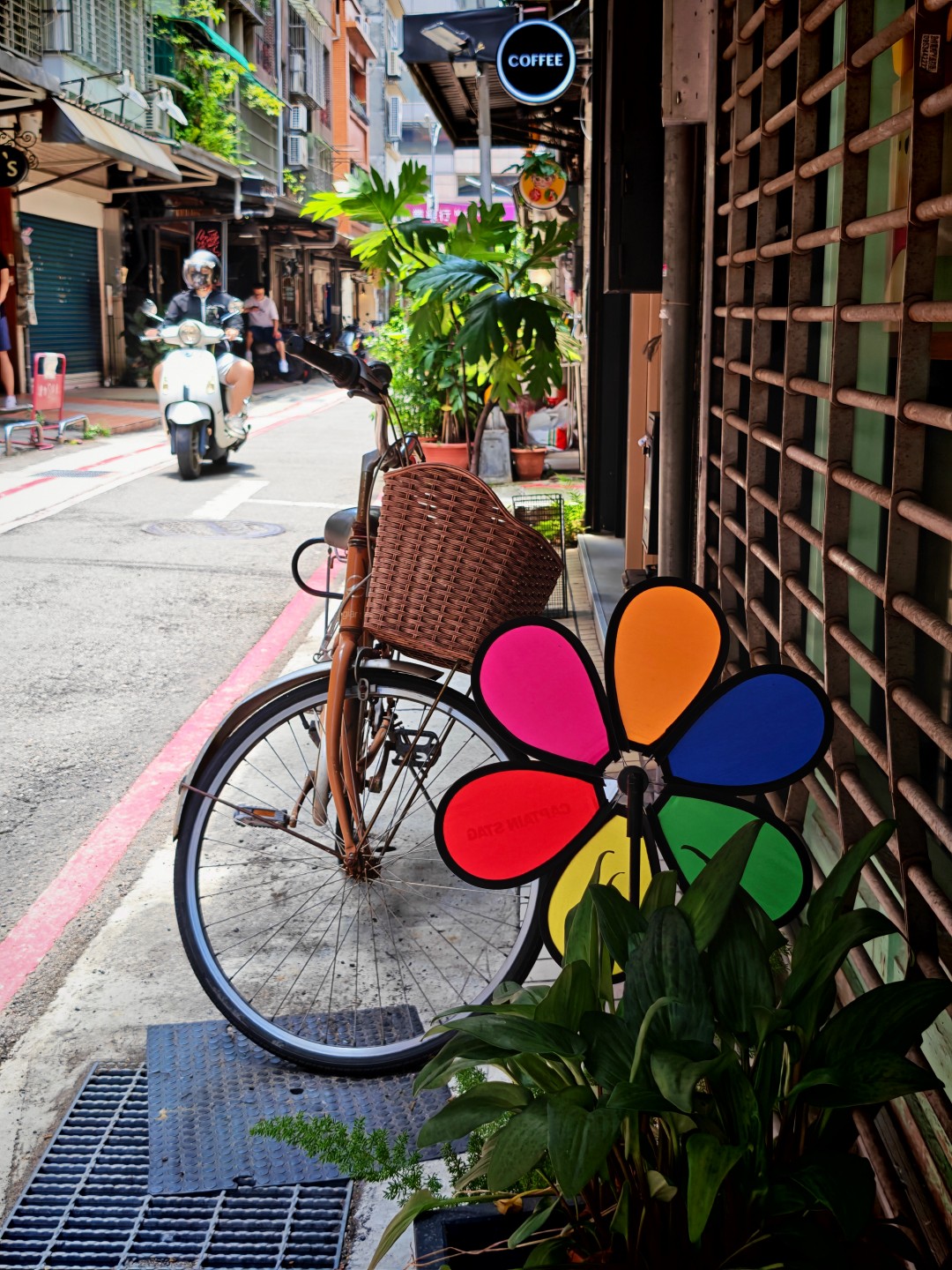
Taipei streets part 2





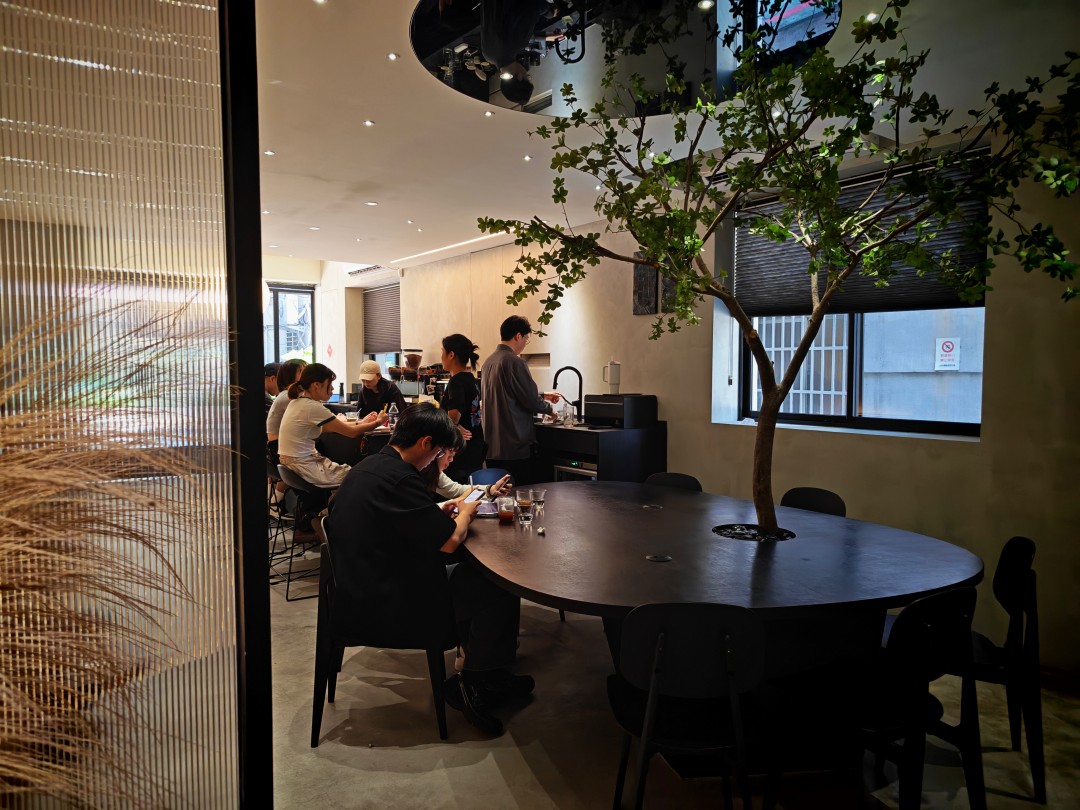
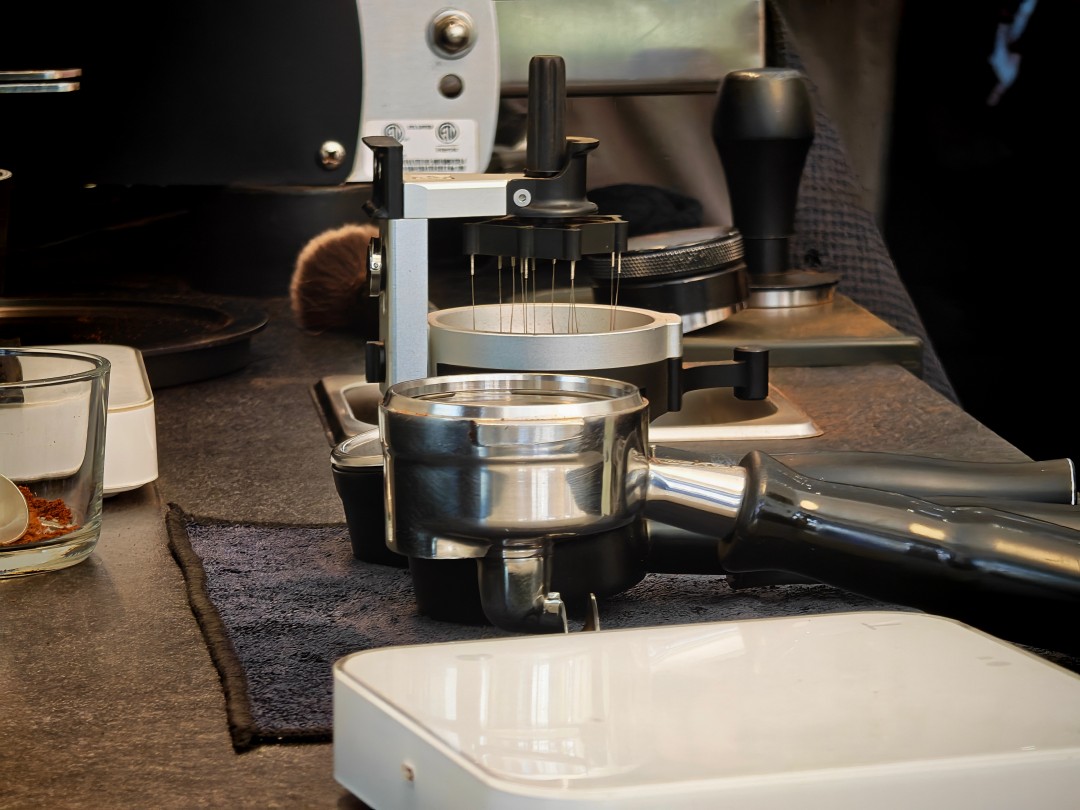
Instil Coffee


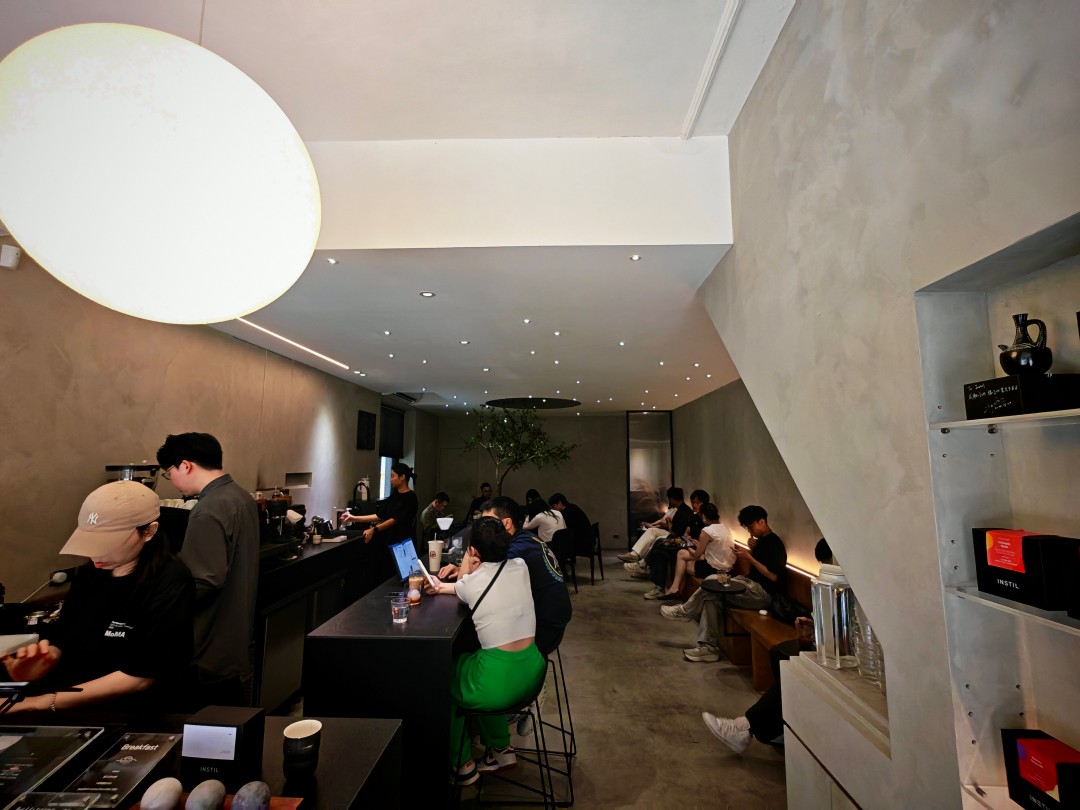
Taipei streets part 3




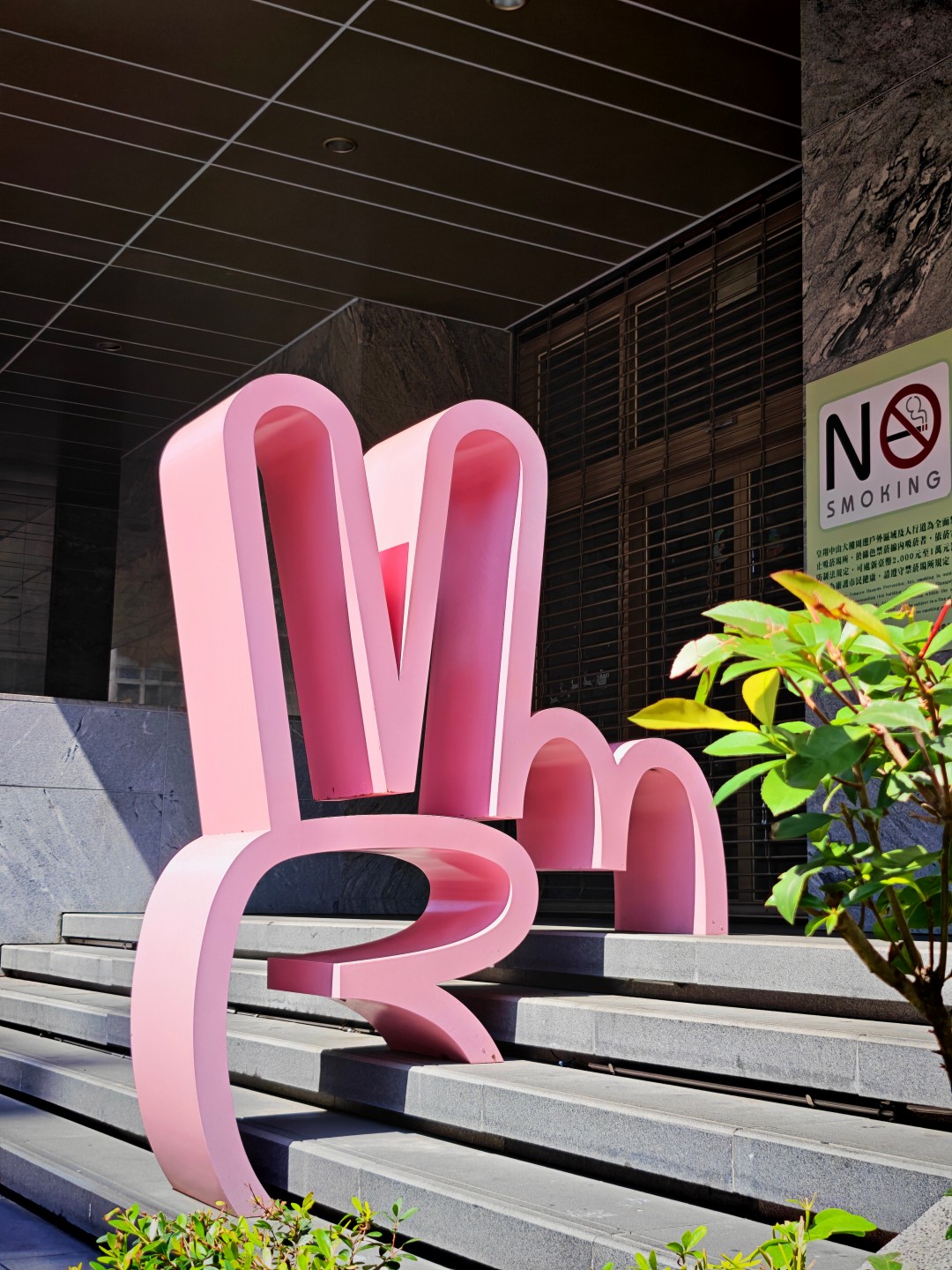

Taipei at night + Bar Shock






Taipei at night + Backstreet Bar




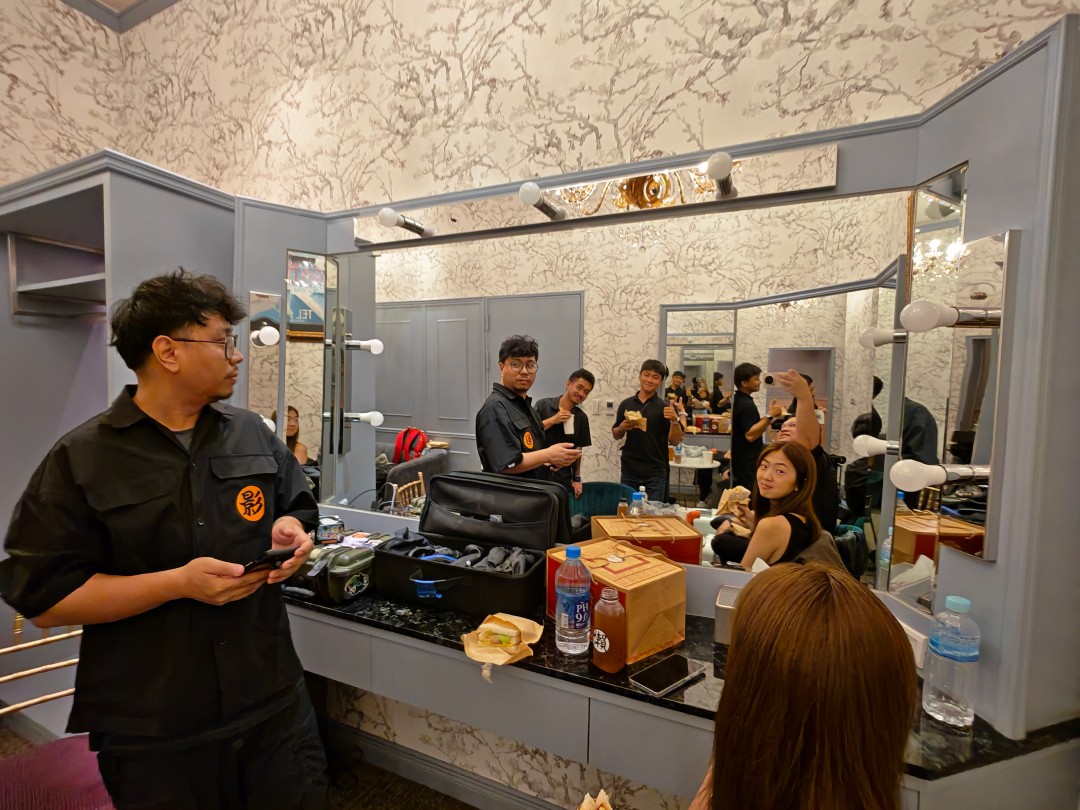
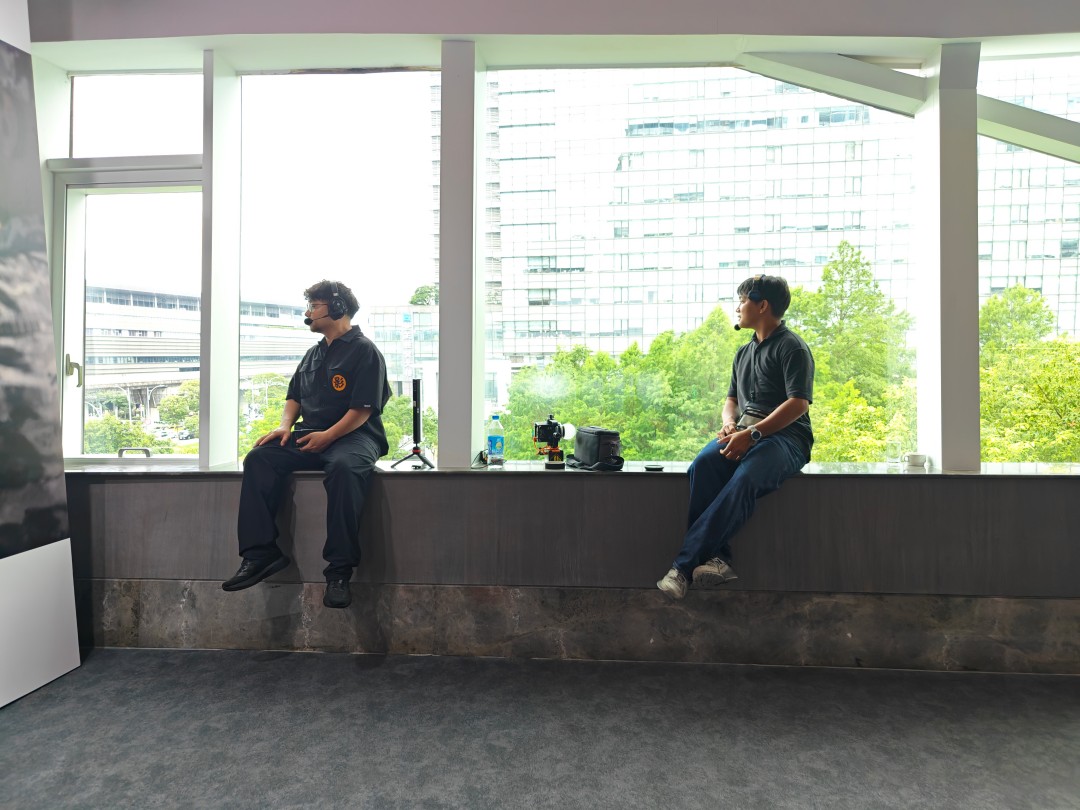
Side gig



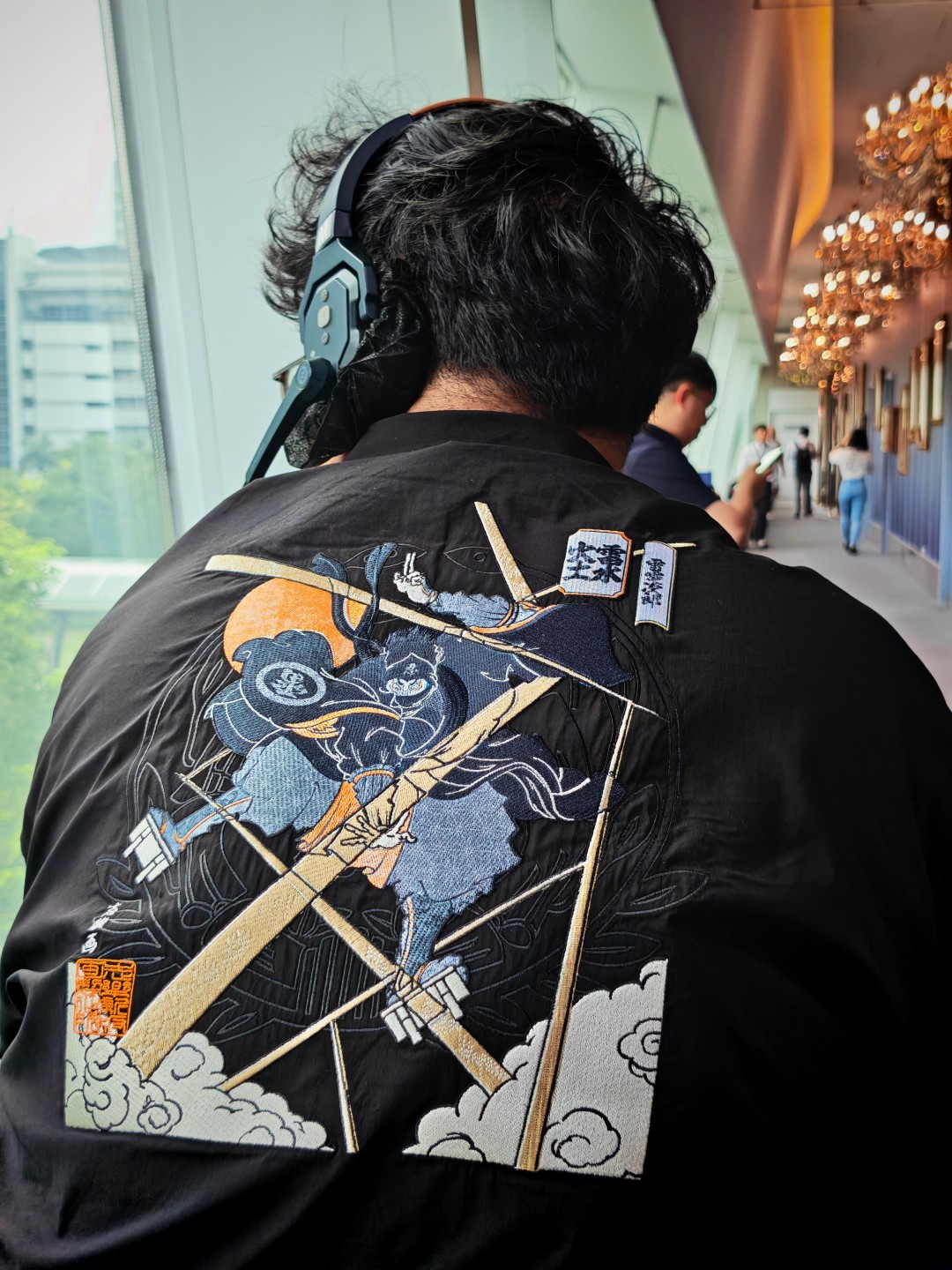
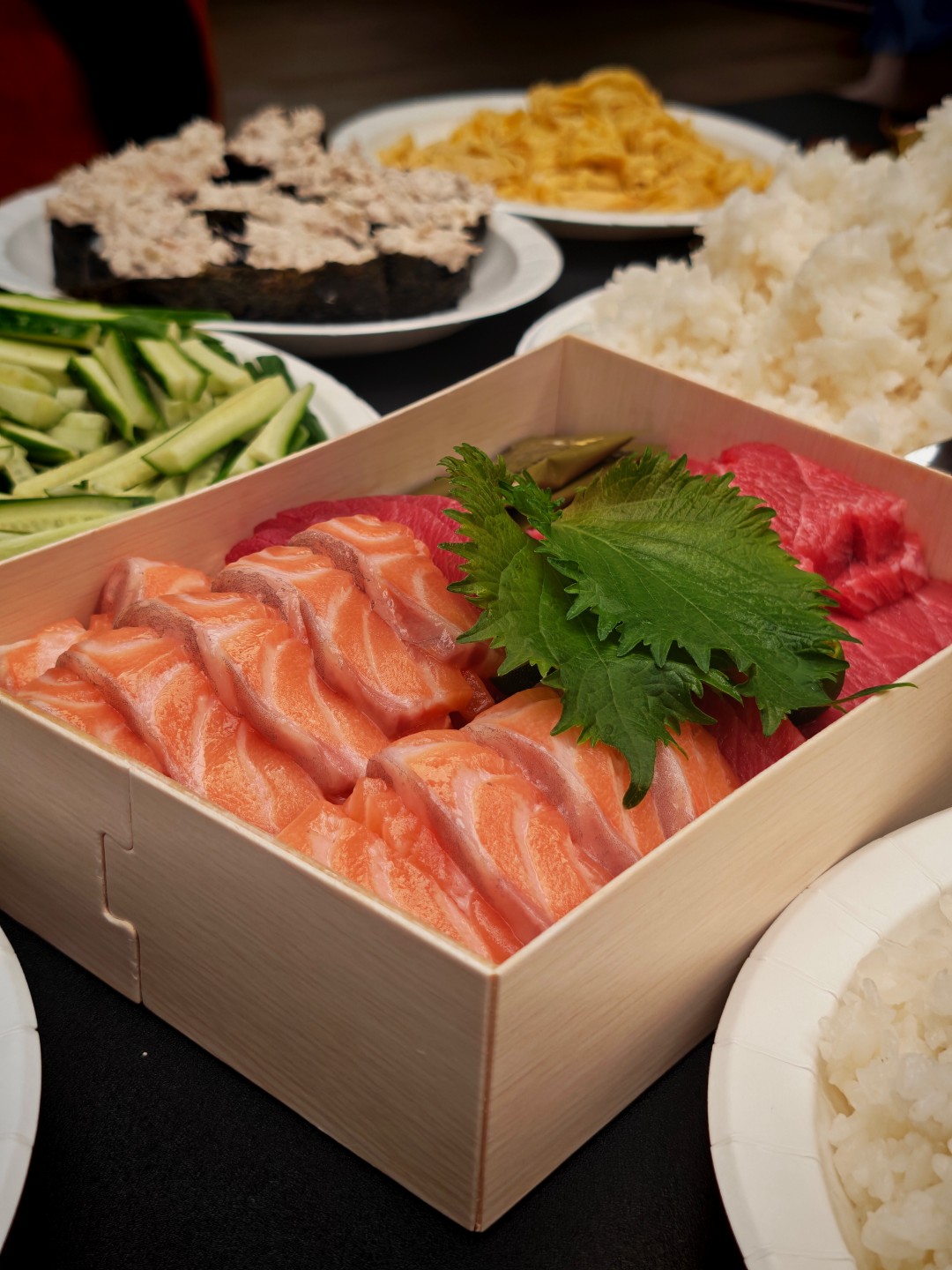
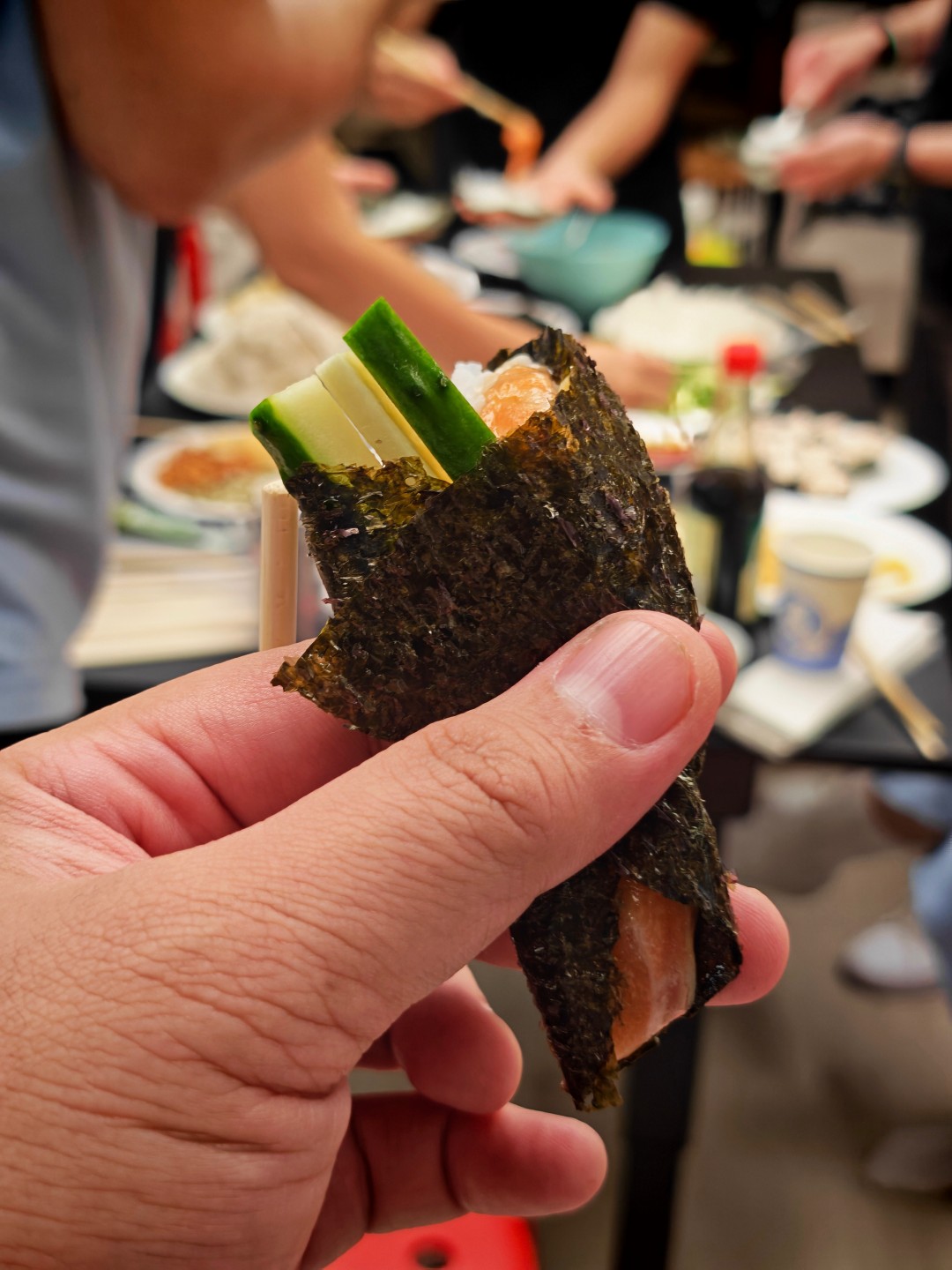
Sushi Party






Apple-friendly and easy to live with
One of the more pleasant surprises was how useful the Apple ecosystem features turned out to be.
Funny story.
I attended a sushi party where one of the guests happened to be an engineer who liked tinkering with hardware. He brought a small development board loaded with chips and components. When powered on, it mimicked the pairing process of AirPods and attempted to communicate with nearby Apple devices.
As he was scanning the room for iPhones, he was surprised to see his setup interacting with the HONOR Magic V6 I was carrying.
It’s a small anecdote, but it serves as a real-world reminder of how much effort HONOR has put into making the device work alongside Apple’s ecosystem.
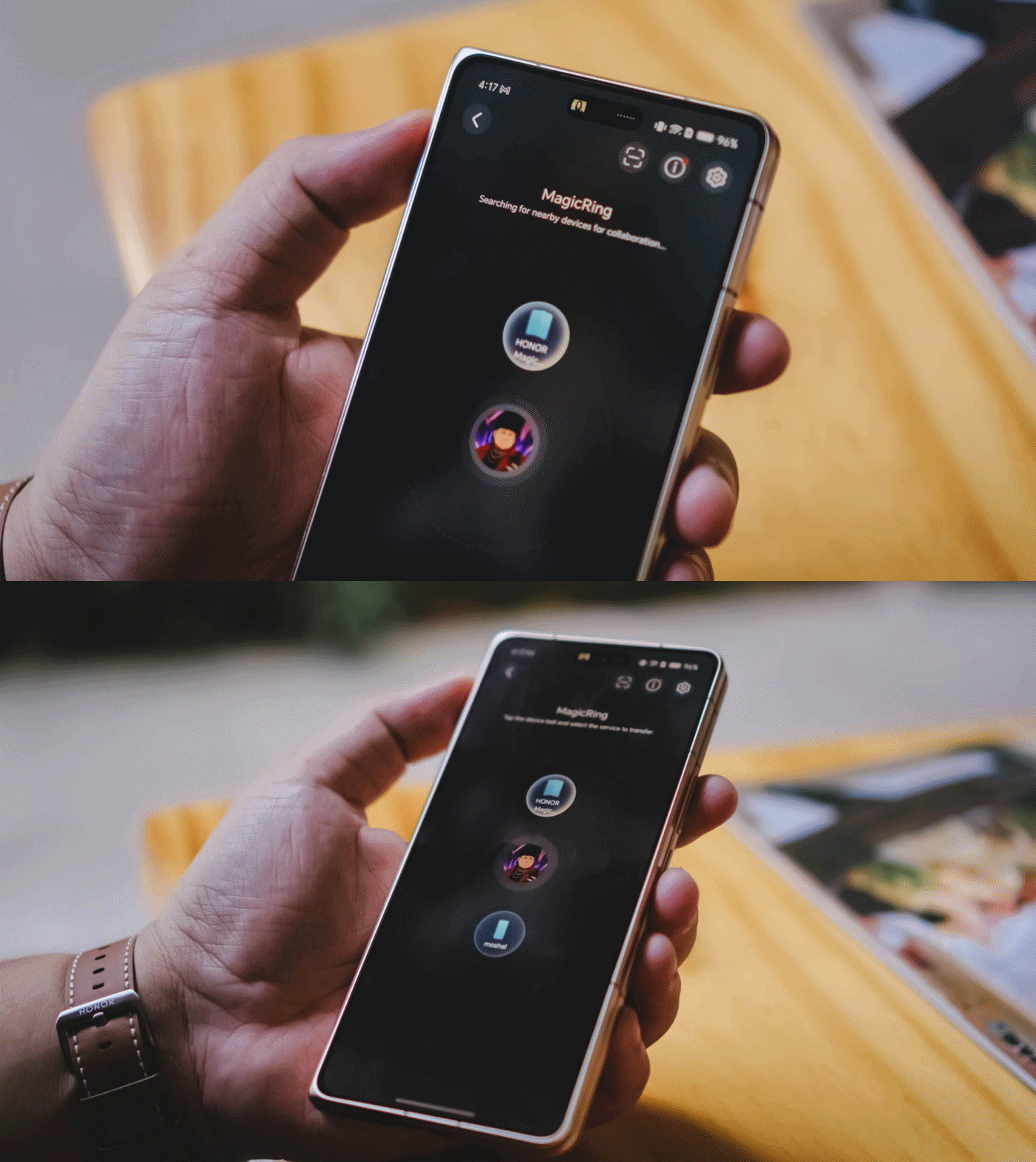
More practically, I’ve regularly used the Magic V6 to move files between the phone and my MacBook Pro M4. The process is straightforward and useful enough that it naturally became part of my workflow.
The same can be said about durability.
The funny thing is people often comment about how not-so-careful I am with my devices. It’s not that I don’t take care of them. I simply carry a lot of gear at once and sometimes toss things into my bag without thinking too much about it.
Despite that less-than-careful handling, the Magic V6 hasn’t sustained any significant or noticeable damage.
Is the HONOR Magic V6 your GadgetMatch?
The HONOR Magic V6 is the fulfillment of the book-style foldable promise.
It’s a standard-sized smartphone that unfolds into something larger. It unlocks productivity and multitasking capabilities exactly the way you imagine it would.

The weight, thickness, and handling are about as close as you’re going to get to a regular smartphone. What’s remarkable is that HONOR achieved this while also delivering excellent battery life, fast charging, and a camera system that rarely feels like a compromise.
It won’t stop me from being curious about where foldables go next.
But it did remind me how good today’s foldables have already become.
If we’re judging the HONOR Magic V6 based on what a book-style foldable is supposed to be, there is very little left to sacrifice. That’s why I’m giving the Magic V6 the GadgetMatch Seal of Approval.

The realme P4 Power: realme’s midrange power play?
A power bank and a phone — and more


HONOR Watch 6 Review: Less guessing, more knowing
Beyond educated guesses

HONOR Magic V6 review: The best version of a book-style foldable?
Little left to sacrifice
The realme P4 Power: realme’s midrange power play?

The Adventures of Elliot: The Millennium Tales out now

Spider-Man: Brand New Day trailer offers biggest look yet

Inside an OCR training day with Bring Your Game

Why is AI loved in COMPUTEX but hated in the rest of the world?

TECNO’s POVA 8 5G is both futuristic and future-ready

Close without crossing: A Xiaomi 17T Pro photo essay

realme launches P4 Series 5G, including Power with 10,001mAh battery

The Xiaomi Watch S5 proves you don’t have to take it off

Samsung’s SECRET That Made OLED Even Better


-
 India1 week ago
TECNO’s POVA 8 5G is both futuristic and future-ready
-
 Buyer's Guide2 weeks ago
Buyer’s Guide: Xiaomi Pad 8 Series
-
Reviews2 weeks ago
HONOR Magic V6 review: The best version of a book-style foldable?
-

 Gaming1 week ago
Kingdom Hearts IV gets new trailer, confirms Switch 2 release
-

 Gaming1 week ago
Final Fantasy fans have two big reasons to look forward to 2026
-
 Smartphones1 week ago
Upcoming realme C100 series to feature 8,000mAh battery
-

 Gaming2 weeks ago
Nintendo officially announces Ocarina of Time remake
-
 News5 days ago
TECNO’s SPARK 50 Pro is the latest budget smartphone battery beast