
Galaxy Note 10 launches, Huawei announces Harmony OS: Weekend Rewind
We’re packed with smartphone news!





Here are the top stories on GadgetMatch this week.
1. Samsung Galaxy Note 10 and Note 10+
What’s better than one Galaxy Note 10? Two of them, of course. For the first time ever, Samsung launched two versions of their Galaxy Note line. The Galaxy Note 10 Plus is your usual specced out Note while the Galaxy Note 10 is a smaller version of the note we’ve come to love.
For a detailed look at their difference. Check out this breakdown:
| Note 10 | Note 10+ | |
|---|---|---|
| Display | 6.3″ | 6.8″ |
| Rear Camera | 16MP Ultra Wide, 12MP Wide, 12MP Telephoto | 16MP Ultra Wide, 12MP Wide, 12MP Telephoto, DepthVision Camera |
| Front Camera | 10MP | 10MP |
| Memory and Storage | 8GB/256GB, 12GB/256GB | 12GB/256GB, 12GB/512GB |
| Battery | 3500mAh | 4300mAh |
The Galaxy Note 10 has plenty of new features. First up is Air Actions that lets you switch camera modes and take photos. Moving the S Pen left to right or up and down performs different commands. You’ll definitely feel like you’re in Hogwarts casting some sort of spell.
Another nifty feature on the S Pen is the ability to turn handwritten notes into text when you import to MS Word, or copy to whatever app you wish.
Video creators might also find plenty to love on the Note 10. Aside from improved stabilization and a new hyperlapse feature, Live Focus is now also available for that bokehlicious shot. There’s also a Zoom-In Mic feature that captures the audio of your subject as you zoom in on it.
The native video editor is also more powerful than ever but if that’s not enough Adobe Rush is also optimized for the device. There’s plenty love and also plenty to scrutinize on the Galaxy Note 10 so you should definitely watch out for our review.

2. Huawei announces Harmony OS
Huawei’s new OS is finally official — It’s called Harmony OS. Announced at the company’s developer conference Huawei confirms the OS has been in production for a while — two years to be exact. Development was hastened following the US ban but this doesn’t mean it will replace Android immediately.
For now, it’s reported that the first device to carry the OS is the Honor Smart Screen TV. Right now, the OS is geared towards Smart Home devices. However, should things go haywire between the US and China trade, Huawei says they’re ready to move their entire smartphone system to Harmony OS.
It’s an interesting development and we can’t wait to see what’s next.

3. Apple working on a foldable iPhone
The hype for foldable phones was high early in the year with the Samsung Galaxy Fold and Huawei Mate X leading the charge. The excitement has died down following issues encountered by the Galaxy Fold which prompted Huawei to take their own precautionary measures.
Things could pick up again as a major player might be joining the fold. According to an investor’s note on UBS, Apple could be developing their own foldable. Don’t expect it to come any time soon though. Right now the Cupertino company is focused on the launch of the next iPhone. We might not see a foldable iPhone until 2021.

4. Realme announces release date of phone with 64MP camera
Realme previously teased a photo taken with a 64MP smartphone camera Months later, we finally more about the phone and when it’s expected to drop.
The phone in question might be the successor to the Realme X and it’s coming our way some time in October. Other than the 64 megapixel sensor, the phone is expected to have a quad camera setup with the other sensors being a wide-angle lens, a telephoto one, and a depth sensor.
Realme is using Samsung’s ISOCELL GW1 sensor to pull off this 64-megapixel camera phone. Curiously, another company is using that same sensor.

5. Xiaomi Redmi to launch phones with 64MP, 108MP cameras
Not to be outdone by Realme, Xiaomi announces it’s also working on a 64-megapixel camera. The sensor is coming to its Redmi line of phones and it will be available in the fourth quarter of 2019.
It doesn’t end there though.
Xiaomi also teased a phone with 108-megapixel camera. That’s a lot. The feature is coming to the Mi line of phones and we’re excited to see what they can do.
Weekend Rewind is our roundup of top news and features you might have missed for the week. We know the world of technology can be overwhelming and not everyone has the time to get up to speed with everything — and that includes us. So sit back, relax, and enjoy the rewind.







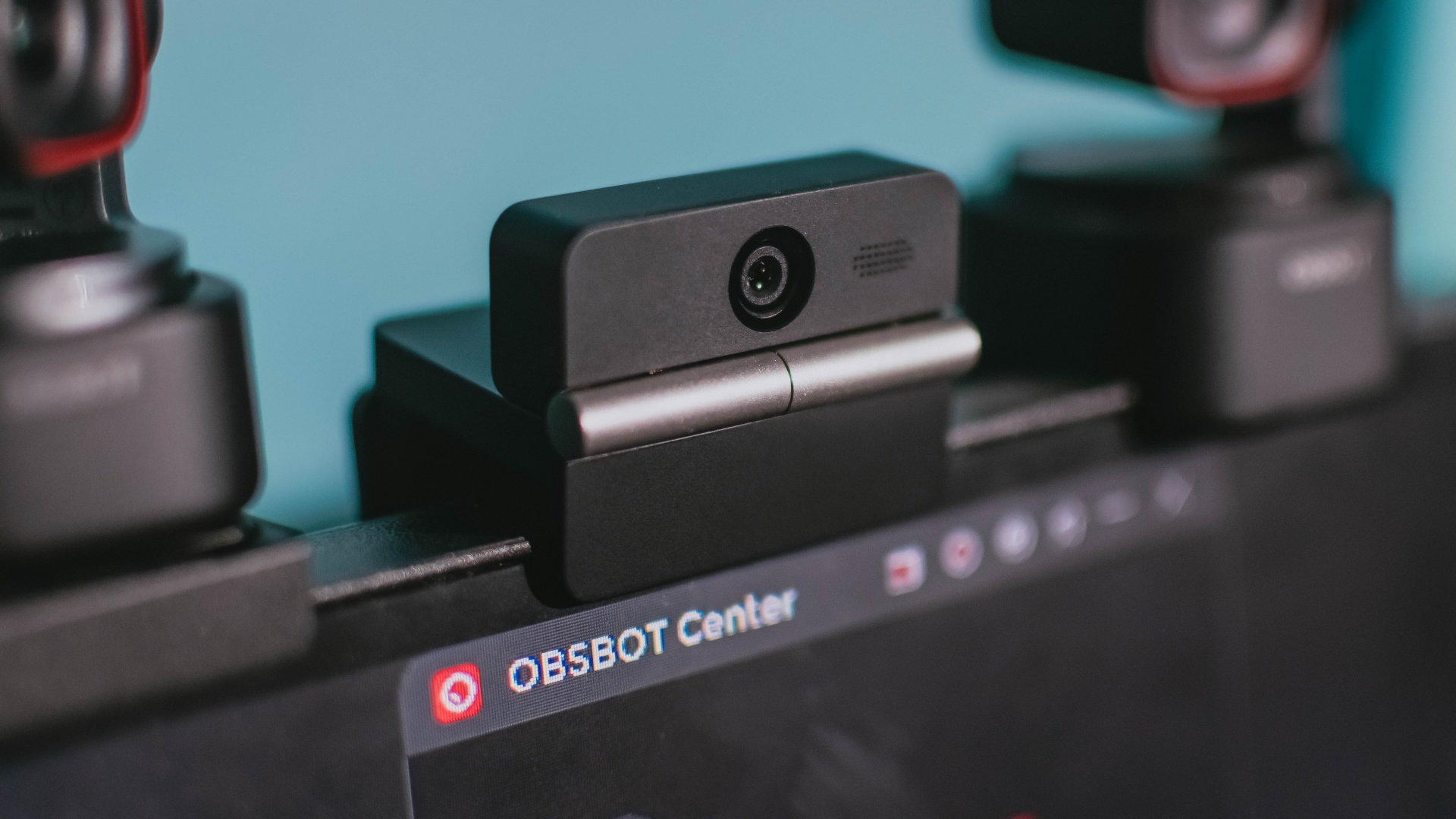
Phones flip and fold. Now webcams do too.
Foldable screens have found their way into phones, tablets, and laptops in recent years. Now, OBSBOT is taking that idea in a considerably smaller direction: the webcam.
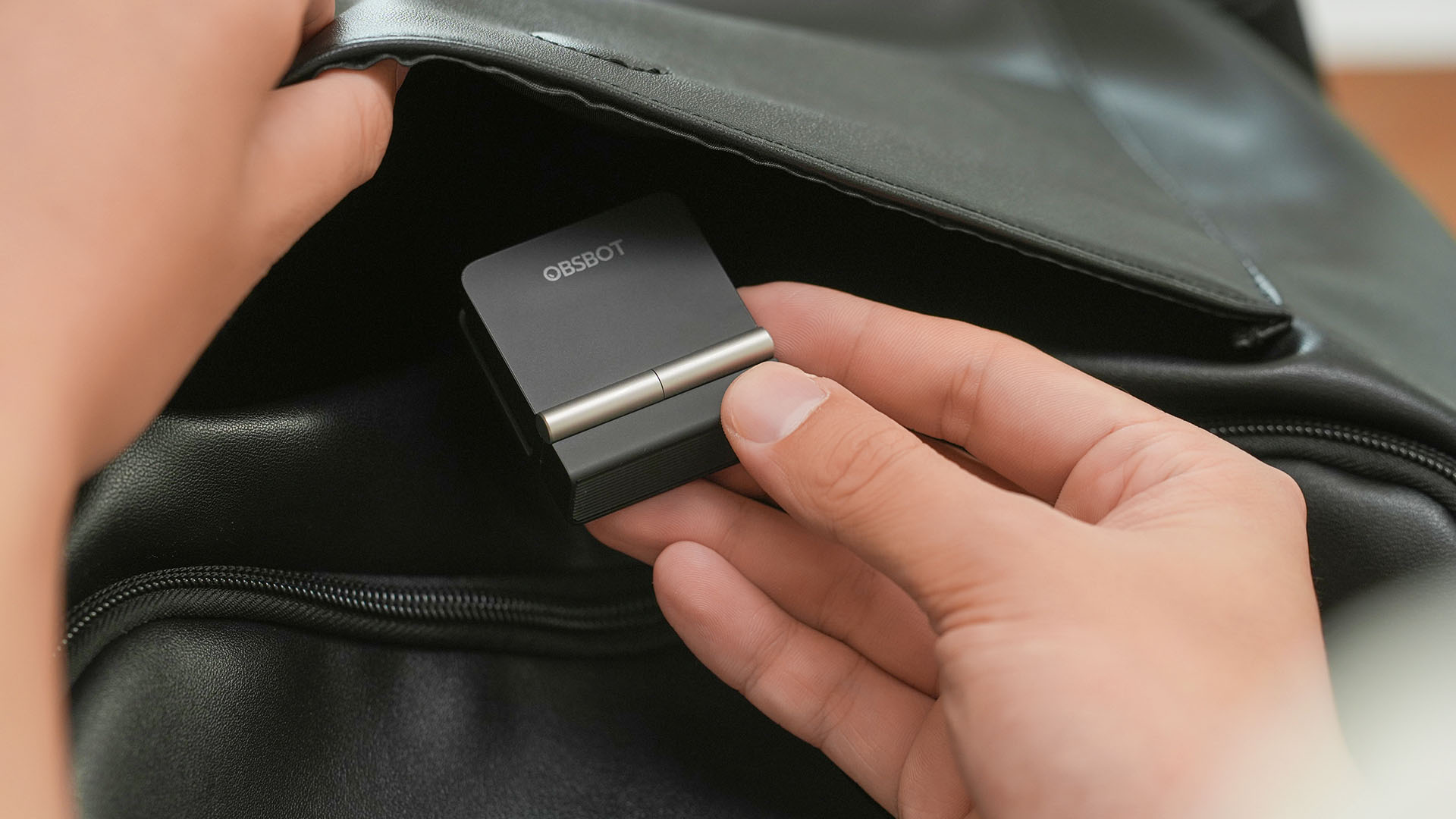
The OBSBOT Meet Flip is the company’s first foldable 4K webcam packing:
- 1/2-inch stacked CMOS sensor
- intelligent audio
- a collection of AI-powered meeting tools
All of these inside a body weighing just 37.7 grams.
A fold that does something, not just a gimmick
The OBSBOT Meet Flip isn’t foldable just to make it easier to throw into a bag.
Closing the webcam physically blocks the lens and puts the device into sleep mode. Open it when you want to be seen, flip it shut when you don’t.
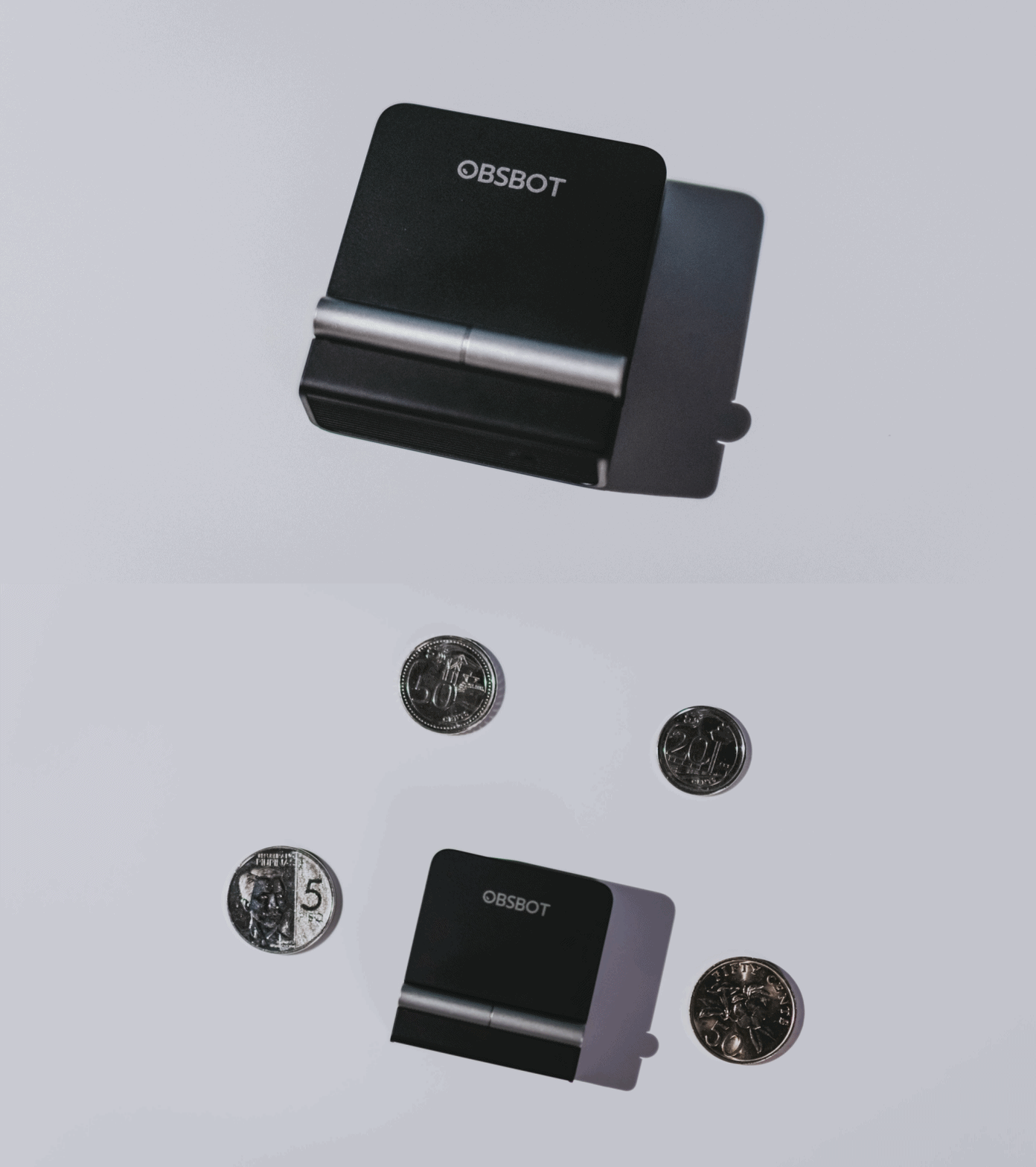
A physical privacy cover isn’t novel in itself. What’s clever here is how it’s part of the folding design.
As someone with a love-hate relationship with data privacy, I almost always keep some physical barrier over my laptop webcam. And if I can avoid having a webcam there entirely, even better.
Serious camera hardware in a pocket-sized webcam
Despite its size, OBSBOT hasn’t treated the Meet Flip like a basic laptop-camera replacement.
Inside is a 1/2-inch Exmor RS stacked CMOS sensor with Quad Bayer technology, capable of recording 4K UHD at 30 fps or 1080p at 60 fps. It also packs an f/1.8 aperture, HDR, PDAF autofocus, ISO 100–6400, and up to 4x digital zoom.
At its core is a 1/2-inch Exmor RS stacked CMOS sensor with Quad Bayer technology.
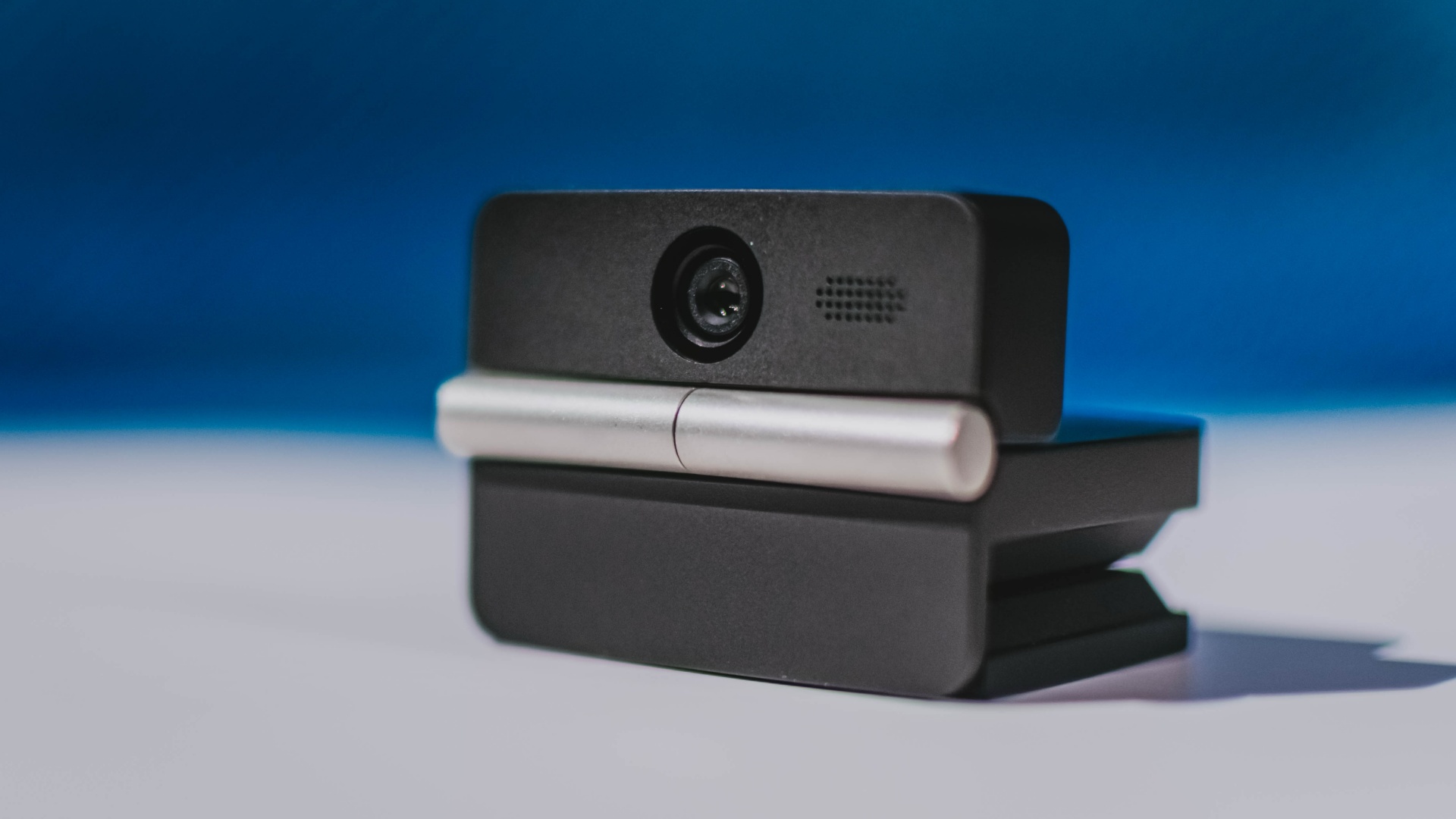
It can record:
- 4K UHD at 30fps
- 1080p at 60fps
You also get:
- f/1.8 aperture
- HDR
- PDAF autofocus
- ISO 100–6400
- up to 4x digital zoom
On paper, that gives the Meet Flip a better shot at handling the situations built-in laptop webcams often struggle with: dim rooms, harsh backlighting, changing lighting conditions, or simply moving around in front of the camera.
HDR helps keep faces visible against bright backgrounds, while PDAF autofocus continuously adjusts focus as you move closer to or farther from the lens.
The wider f/1.8 aperture should also help in less-than-ideal lighting.
The point is that once the Meet Flip is set up, you shouldn’t have to spend much time thinking about the camera itself.
It listens differently depending on the room setup
The Meet Flip also uses an intelligent dual-microphone system combining omnidirectional and directional microphones.
Instead of relying on one pickup pattern for every situation, it offers four audio modes for different setups:
Directional Mode focuses on sound coming from the front, making it the obvious choice for solo calls.
Dual-Directional Mode listens to both the front and rear of the webcam, which could be useful for interviews or conversations between two people sitting across from each other.
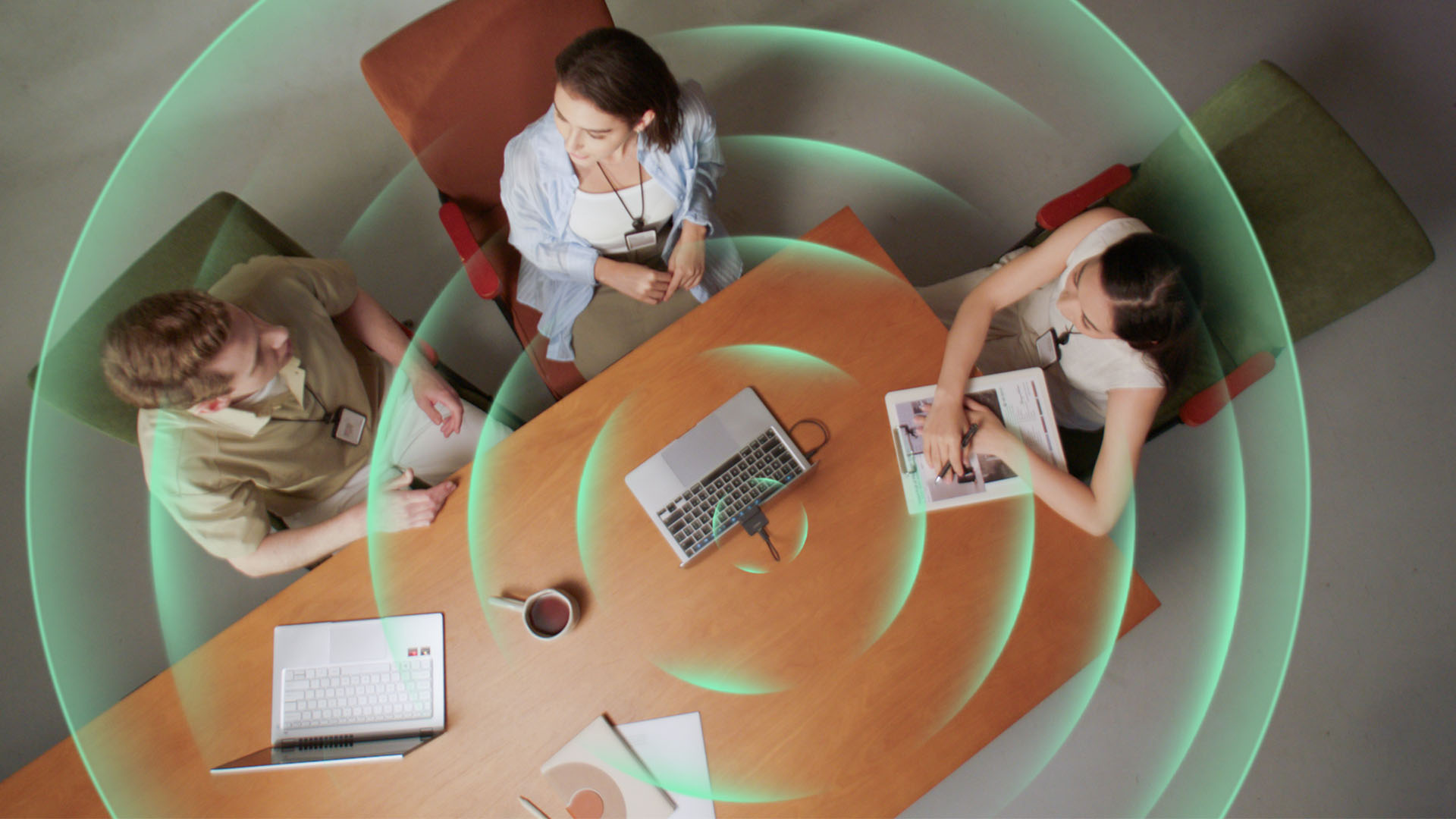
Smart Omni Mode is designed for group meetings, picking up voices from around the room.
And Pure Audio Mode provides unprocessed left and right stereo channels for users who would rather handle the audio themselves in post-production.
Auto Gain and AI Noise Reduction also work across the first three modes, helping clean up audio without requiring much manual adjustment.
It gives the Meet Flip more flexibility than a typical webcam microphone, especially if you regularly switch between solo calls, interviews, and group meetings.
AI that doesn’t intrude
AI has become an almost obligatory addition to new hardware in 2026, but several of the Meet Flip’s features put it to work on real-world meeting annoyances.
AI Auto Framing keeps you in frame, with options for:
- Group
- Single Close-up
- Upper Body
- Full Body
Gesture controls can also toggle Auto Framing or adjust the zoom without reaching for a keyboard or mouse.
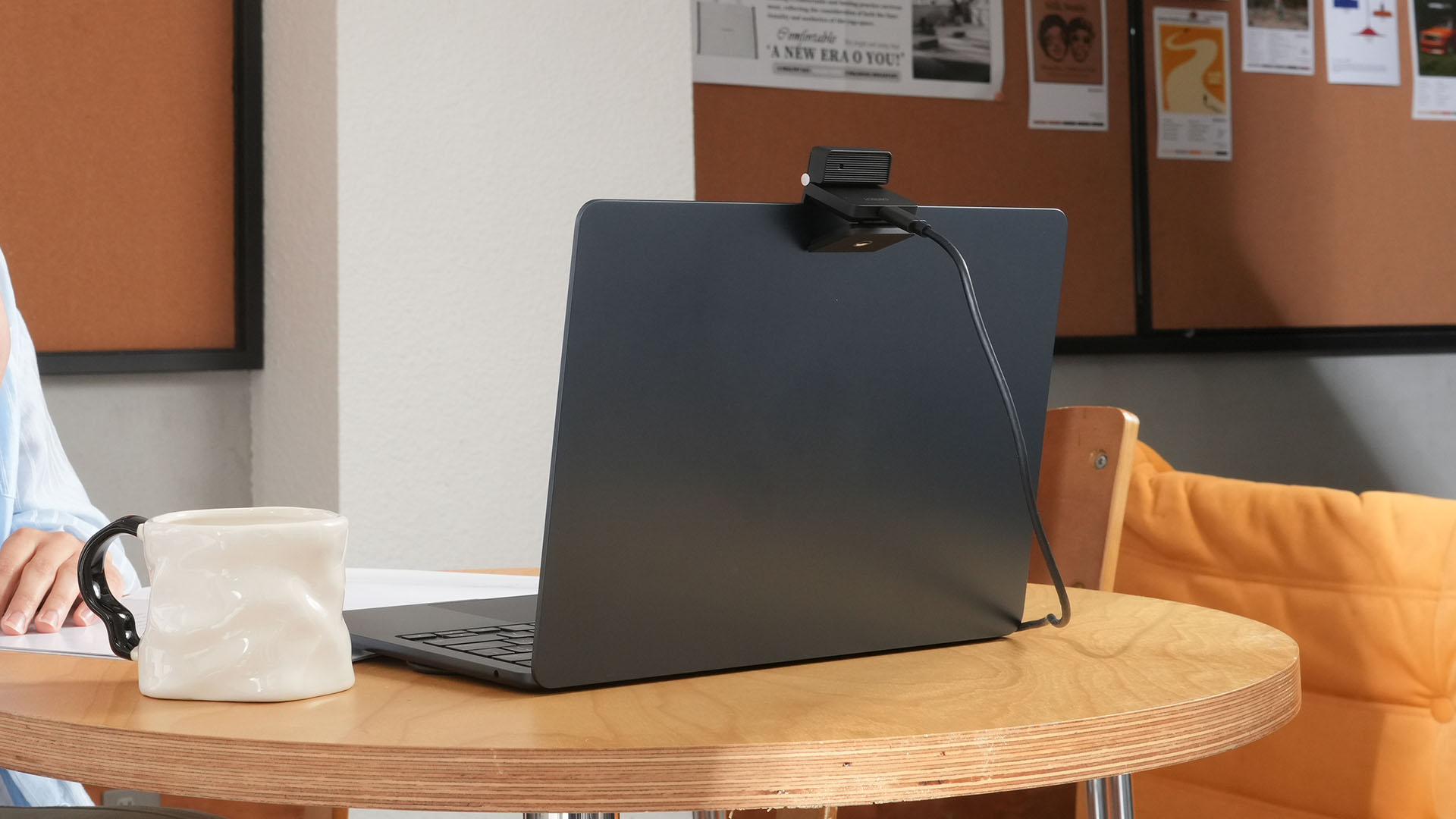
More interesting is AI Magic Notes.
Through OBSBOT Center, it provides real-time transcription and can automatically generate meeting summaries with key points, decisions, and action items. It works across Google Meet, Zoom, and Microsoft Teams.
Although AI Magic Notes is offered as a subscription service, every Meet Flip includes 120 complimentary minutes to get started.
MORE with OBSBOT Center & OBSBOT Live
There are plenty of other software features as well. OBSBOT Center includes:
- Background Blur and Background Replacement
- Real-Time Beauty Mode
- Picture-in-Picture overlays
- Smart Eye Tracking
- Teleprompter support
- Detailed image adjustments
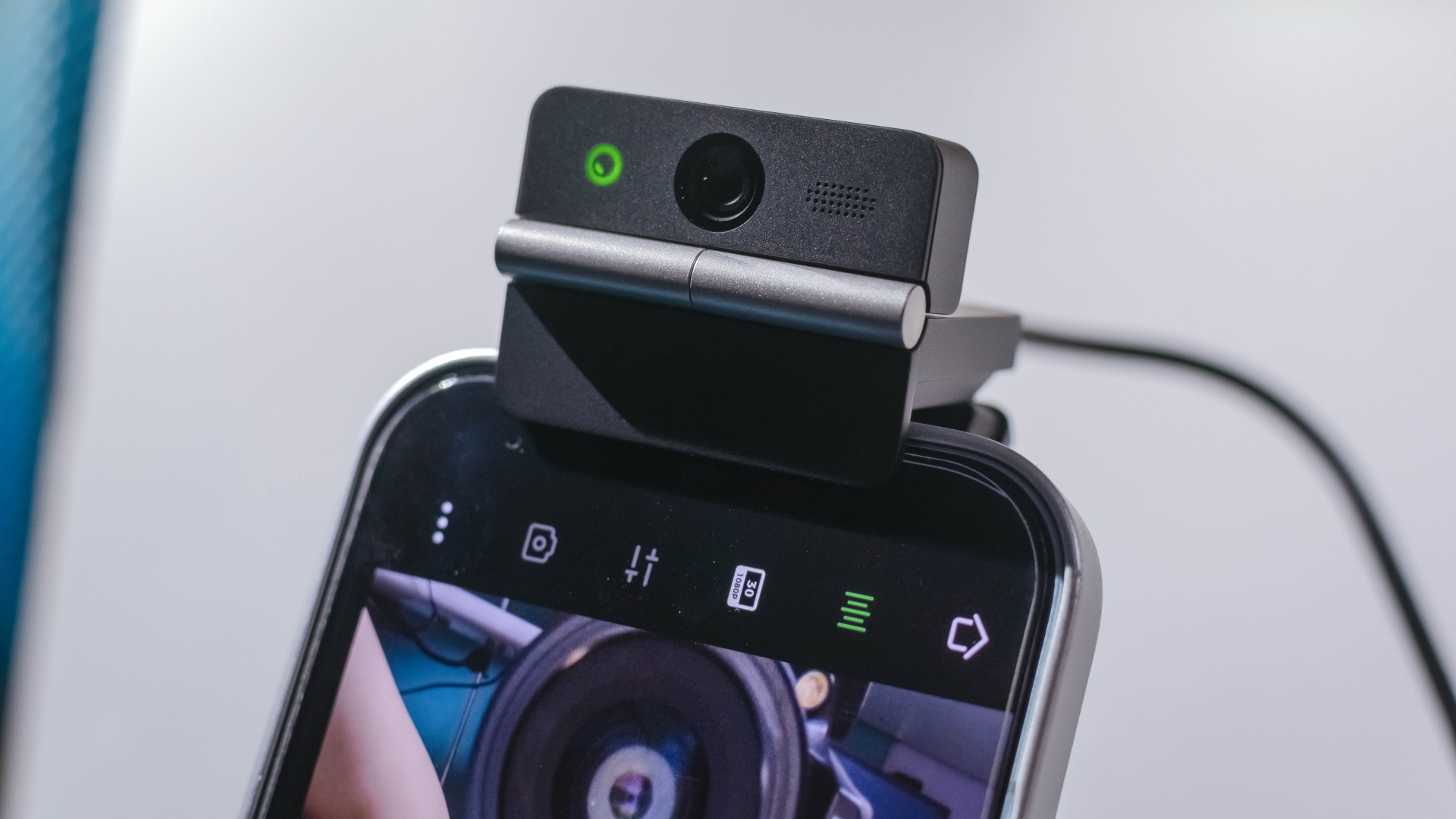
The Meet Flip isn’t limited to laptops or desktops either. Through OBSBOT Live, it can connect directly to smartphones and tablets over USB-C for mobile streaming and content creation.
Flip it open. Fold it away.
None of those features reinvent the webcam on their own.
Taken together, though, they make the Meet Flip a more thoughtful take on a piece of hardware whose basic design and features have barely changed.
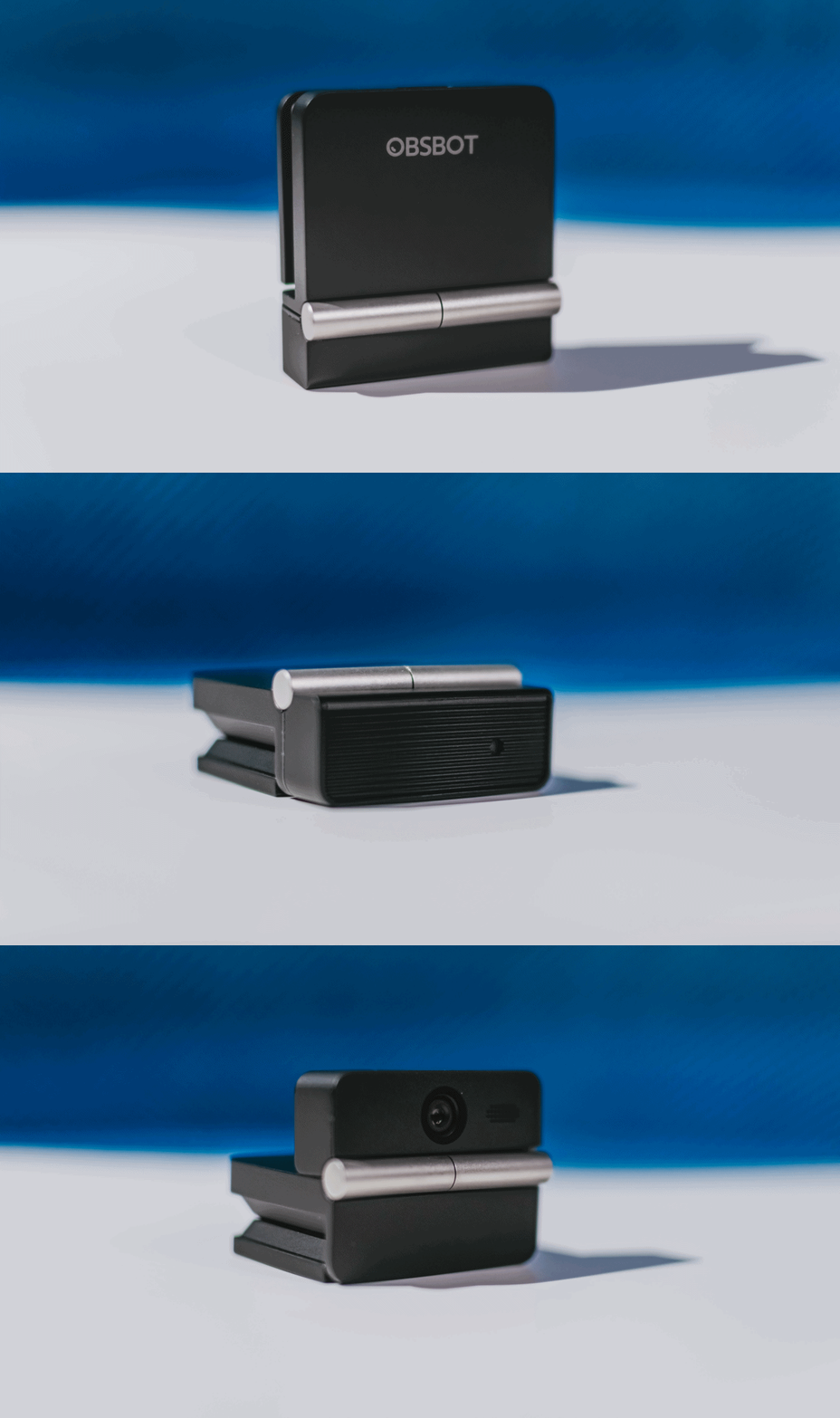
The flip may grab your attention first, but it’s how OBSBOT uses that design alongside its camera, audio, and software features that makes the Meet Flip interesting.
The OBSBOT Meet Flip is now available at US$ 119 and is currently available through OBSBOT’s official store, Amazon US, and select retailers.
&
@gadgetmatchPhones flip. Now webcams do too. 👀 Meet the OBSBOT Meet Flip, a tiny foldable 4K webcam with a lot packed inside. ✨
If you buy one, here’s what you’ll get out of the box!
Features
Getting the latest Samsung Galaxy Z Flip8 at 0% Interest with Maya Mini Payments
What convinced me to upgrade and how Maya Mini Payments made paying for it easier~

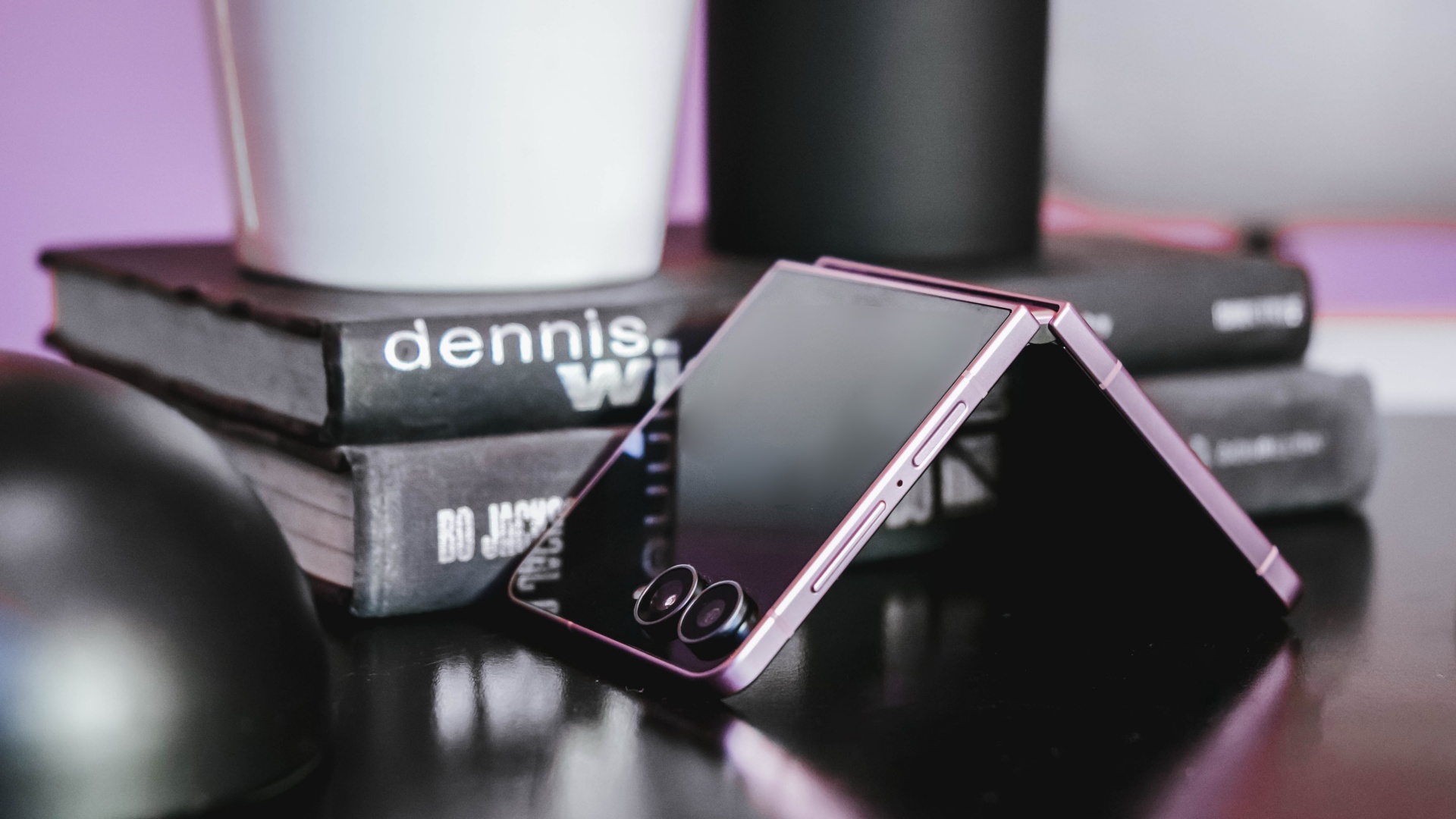
I don’t upgrade simply because there’s a newer model on the shelf.
Last year, I upgraded to the Samsung Galaxy Z Flip7 after spending three years with the iPhone 13 as my daily driver.
Even then, the decision wasn’t about chasing the latest release. It was about finding a device that better matched how I work.
I’m a firm believer that every upgrade has to earn its place in my pocket, especially when there are already perfectly capable phones sitting on my desk.
So when I decided to pre-order the Samsung Galaxy Z Flip8, the decision wasn’t simply about getting the newest device.
It came down to two questions: It came down to two questions: Is this a smart upgrade? And if it is, what’s the smartest way to own it?
The first question was answered by the device itself. The second is where Maya Mini Payments entered the conversation.
For me, the Flip8 addresses the reasons to upgrade. Maya Mini Payments addresses one of the biggest reasons people hesitate: big purchases that could be paid in 3, 6, 9 or 12 monthly payments.
Changing how I shoot and use my phone
I spend most of my day switching between shooting, editing, and posting, sometimes all within the same hour.
One of the biggest reasons the Galaxy Z Flip8 caught my attention is the cover screen. It’s finally useful enough that I can shoot, preview, and interact with content without constantly opening the device.
That may sound like a small change, but it makes a difference when you’re trying to capture candid moments before people notice a camera pointed at them.
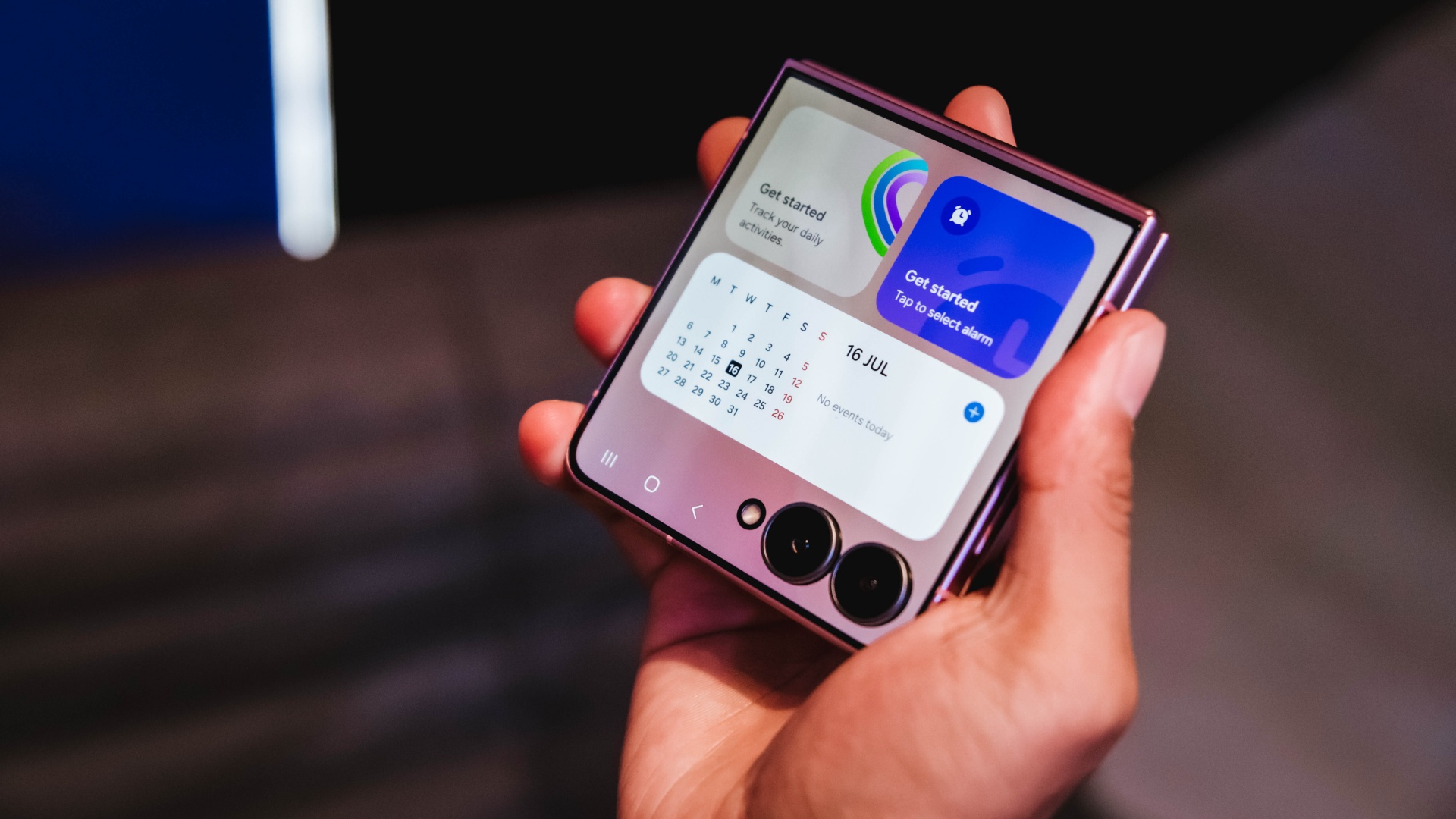
It also makes everyday tasks easier. I can check a script, review a shotlist, reply to messages, or glance at notifications without unfolding the phone every few minutes.
For years, foldables often felt like they required some compromise. You gained a unique form factor and flexibility, but sometimes gave up a little on the camera experience. The Flip8 feels like it’s closing that gap.
Samsung’s improvements in low-light performance and stabilization are especially noticeable for the kind of run-and-gun content I create.
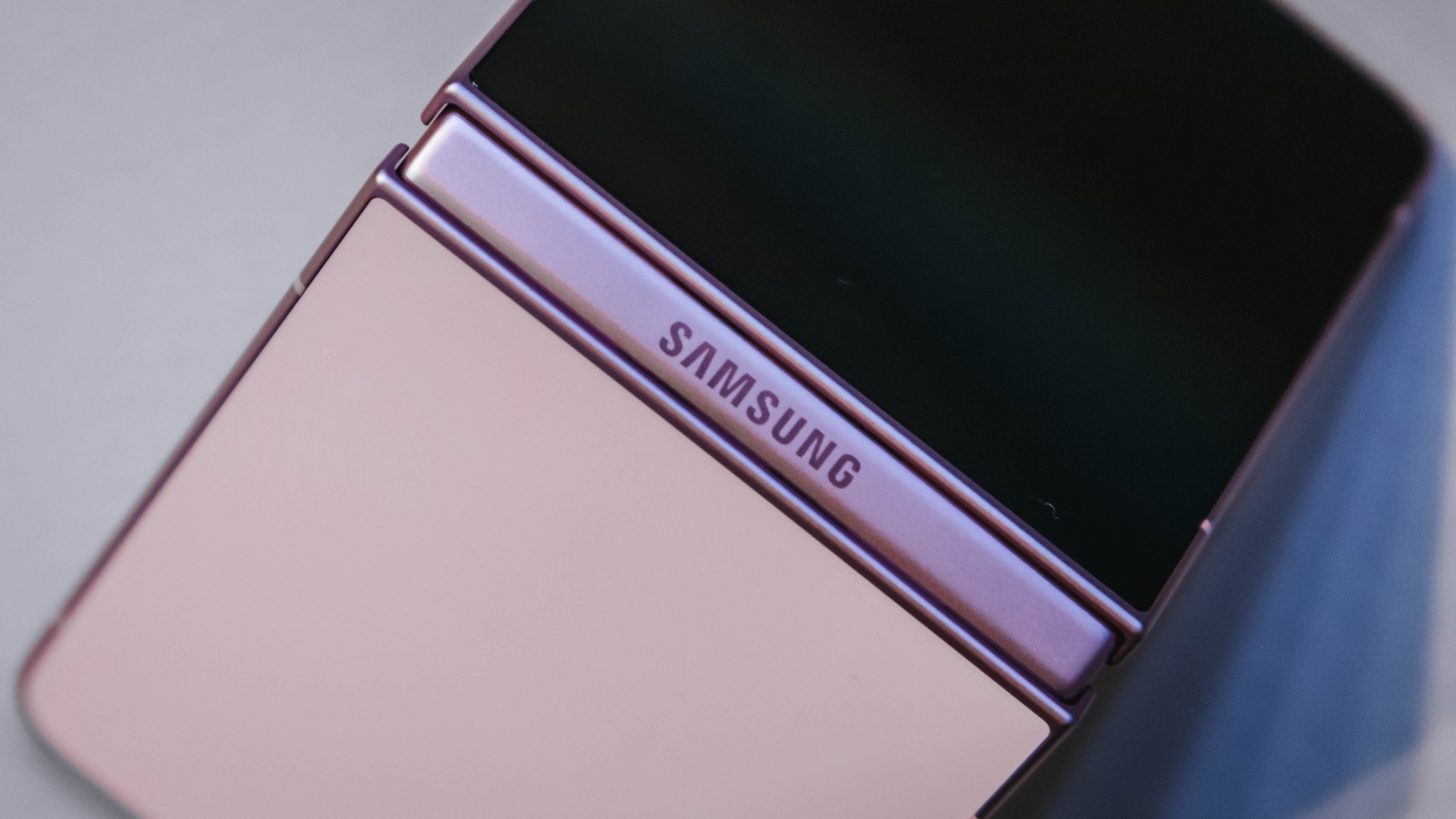
I haven’t spent enough time with it to call this a full review yet, but my first impressions have been positive. The experience feels more refined and more dependable than previous generations.
Features alone don’t convince me to upgrade. They have to solve a real problem. The more useful cover screen, the improved camera experience, and the overall refinement were the first signs that the Flip8 was offering something I’d actually use every day rather than another feature to add to a spec sheet.
The battery and multitasking finally match my day
The less exciting reason I’m upgrading is also the one that affects me the most.
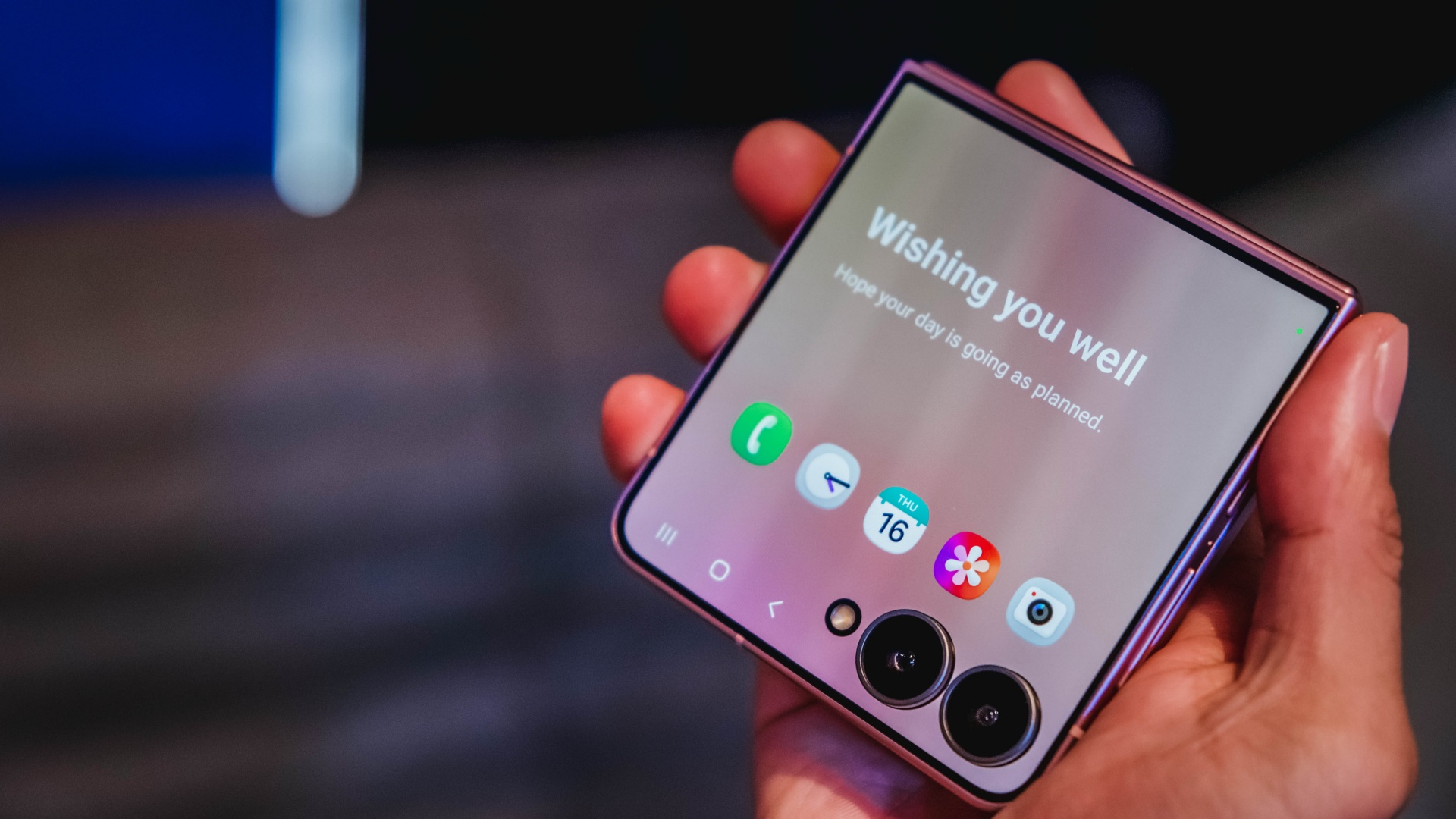
Between filming, reviewing footage, answering emails, coordinating campaigns, and managing social media, my phone is constantly working.
My old device usually drops into battery-saving territory before dinner. It gets the job done, but I spend too much time thinking about charging instead of working.
The Galaxy Z Flip8 feels better equipped for that reality. The battery efficiency is improved, and multitasking feels more natural when juggling multiple apps throughout the day.
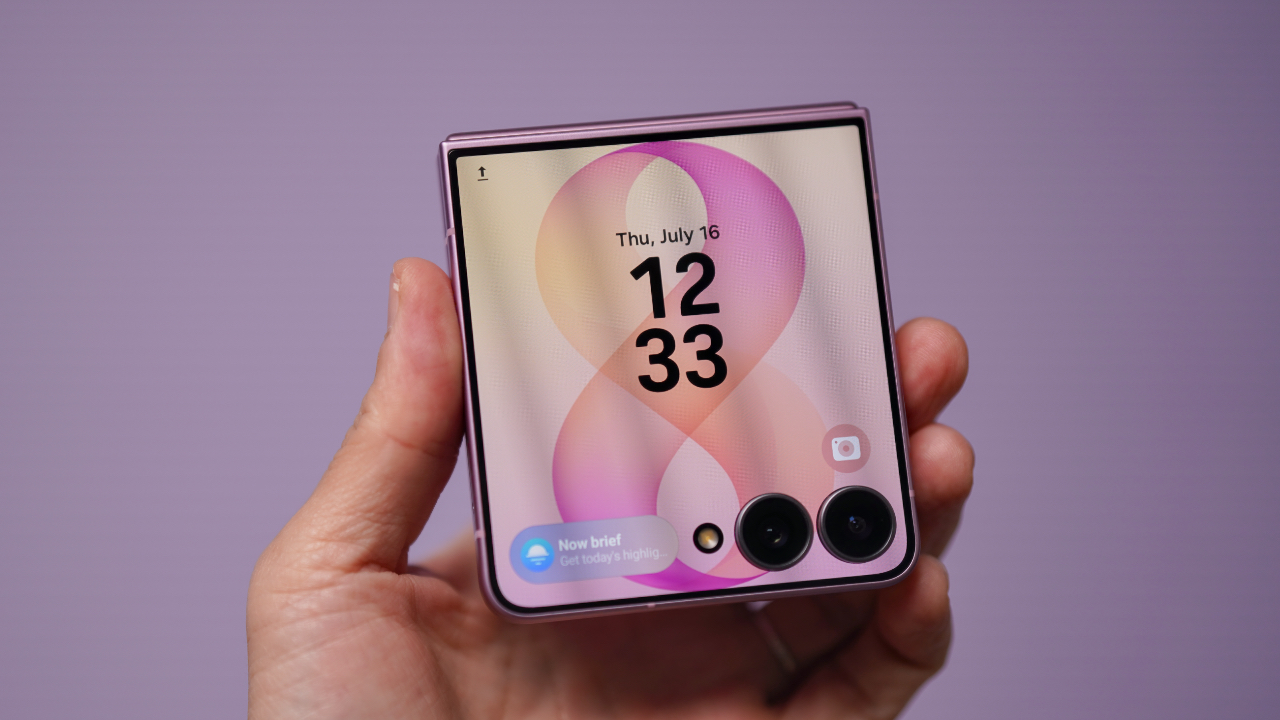
Those aren’t flashy features, but they’re the kinds of upgrades that quietly improve everyday productivity. They’re also the features that convinced me this wasn’t simply a want. It was an upgrade I could actually justify.
Once I was convinced the Flip8 was worth upgrading to, I realized the decision wasn’t really over. A smart upgrade also deserves a smart way to pay for it.
Making a big upgrade more manageable
Of course, deciding a device is worth upgrading to is only half the equation. The other half is figuring out how to pay for it.
The Galaxy Z Flip8 is a premium device, and for most people, the upfront cost is what gives them pause. That’s often where upgrade decisions get delayed, even when the device itself makes sense.
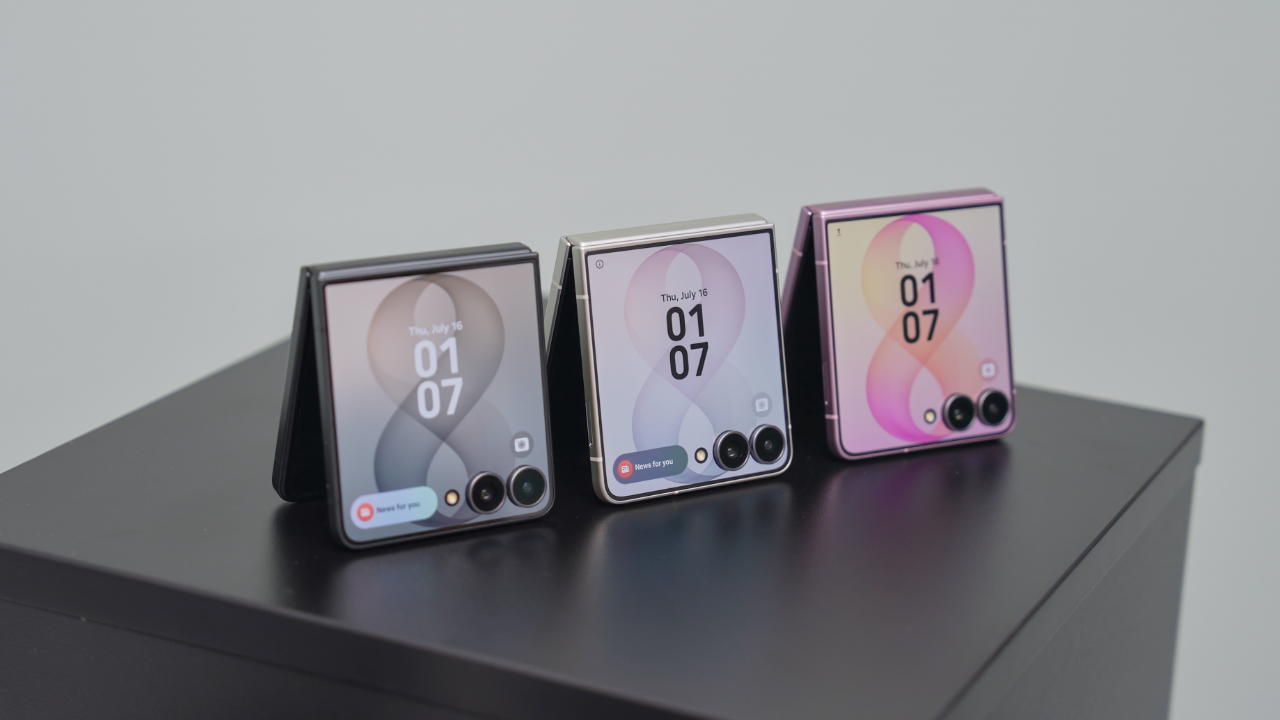
That’s why Maya Mini Payments stood out to me. Any Samsung purchase paid with a Maya Credit Card can be converted into Mini Payments directly through the Maya app, making it easier to spread the cost into monthly installments instead of paying for everything upfront in one go.
You can choose installment plans of up to 12 months at a fixed monthly add-on interest rate of 1%.
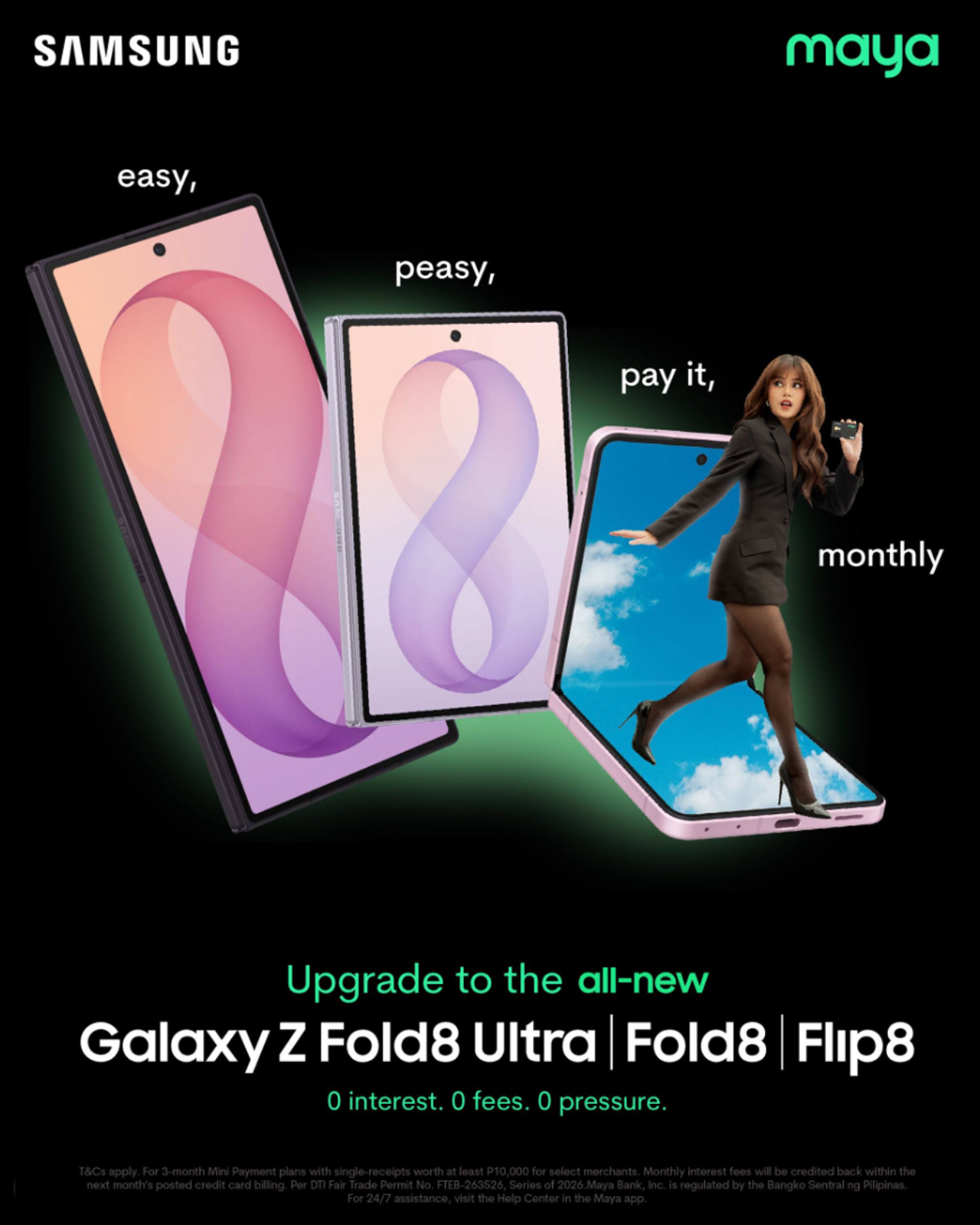
For Samsung Galaxy Z Fold8 and Galaxy Z Flip8 purchases, cardholders can enjoy a 3-month Mini Payment plan at 0% interest, making the upgrade more manageable without additional interest costs on the installment plan.
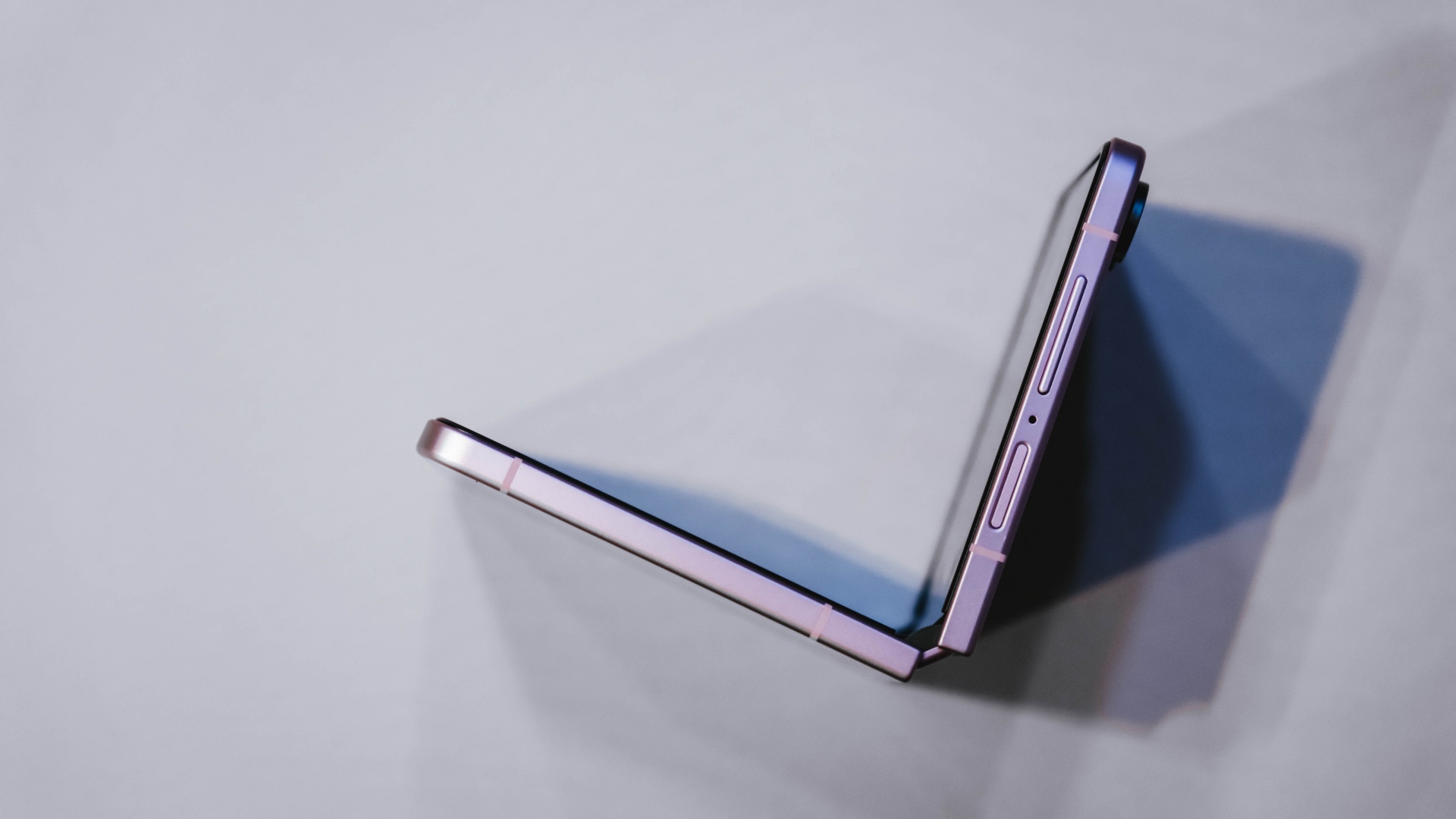
What I like about the concept is that it mirrors the reason I like the Flip8 itself.
The Flip8 makes it easy for me to shoot, edit, communicate, and multitask throughout the day. Maya Mini Payments makes it easy to purchase by turning one large expense into a payment plan that fits more naturally into a monthly budget.
Both are practical solutions to real-world problems. Also, the entire process can be managed directly within the Maya app, making it easy to track and manage installment conversions without additional paperwork.
View this post on Instagram
Still on the fence?
The Samsung Galaxy Z Flip8 feels like one of the strongest cases yet for upgrading to a foldable.
For me, the cover screen is more useful, the camera experience feels more capable, and the battery and multitasking improvements better match how I actually work every day.
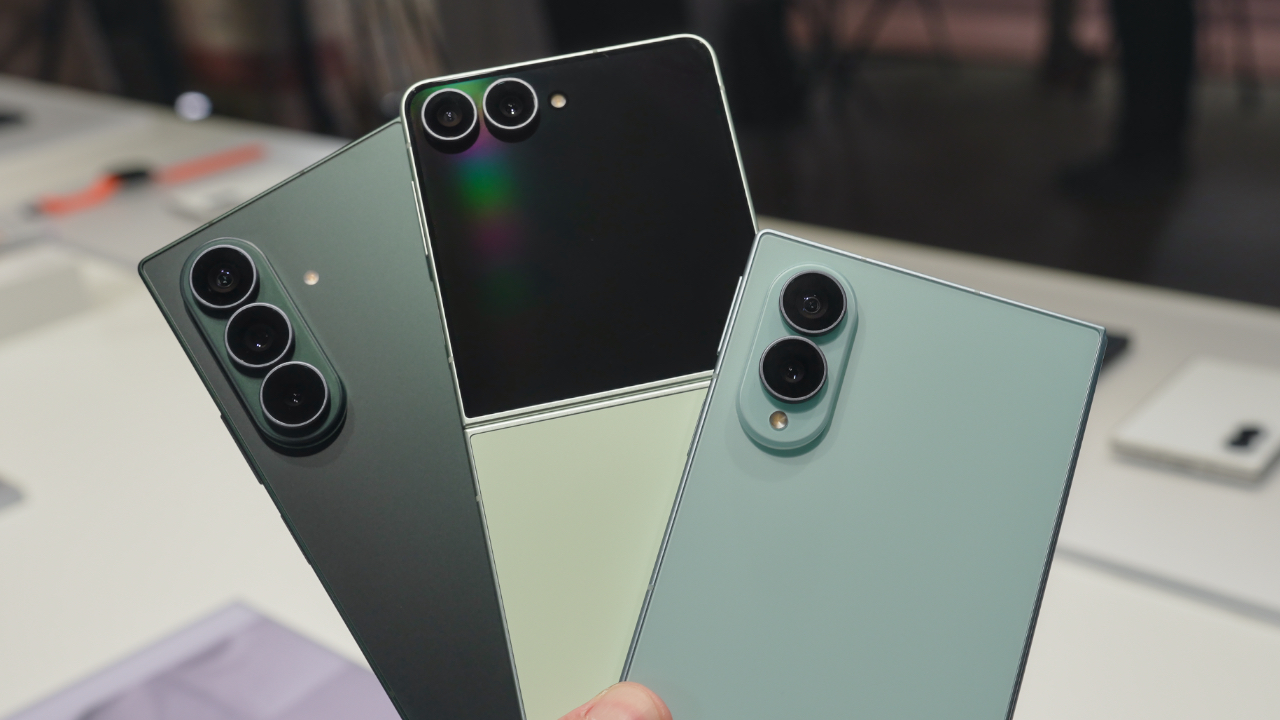
If you prefer a larger screen for productivity, the Samsung Galaxy Z Fold8 follows the same philosophy while giving users even more room to multitask and create.
If you’ve already decided Samsung’s latest foldables are your next devices, there’s also a smarter way to make that upgrade happen.
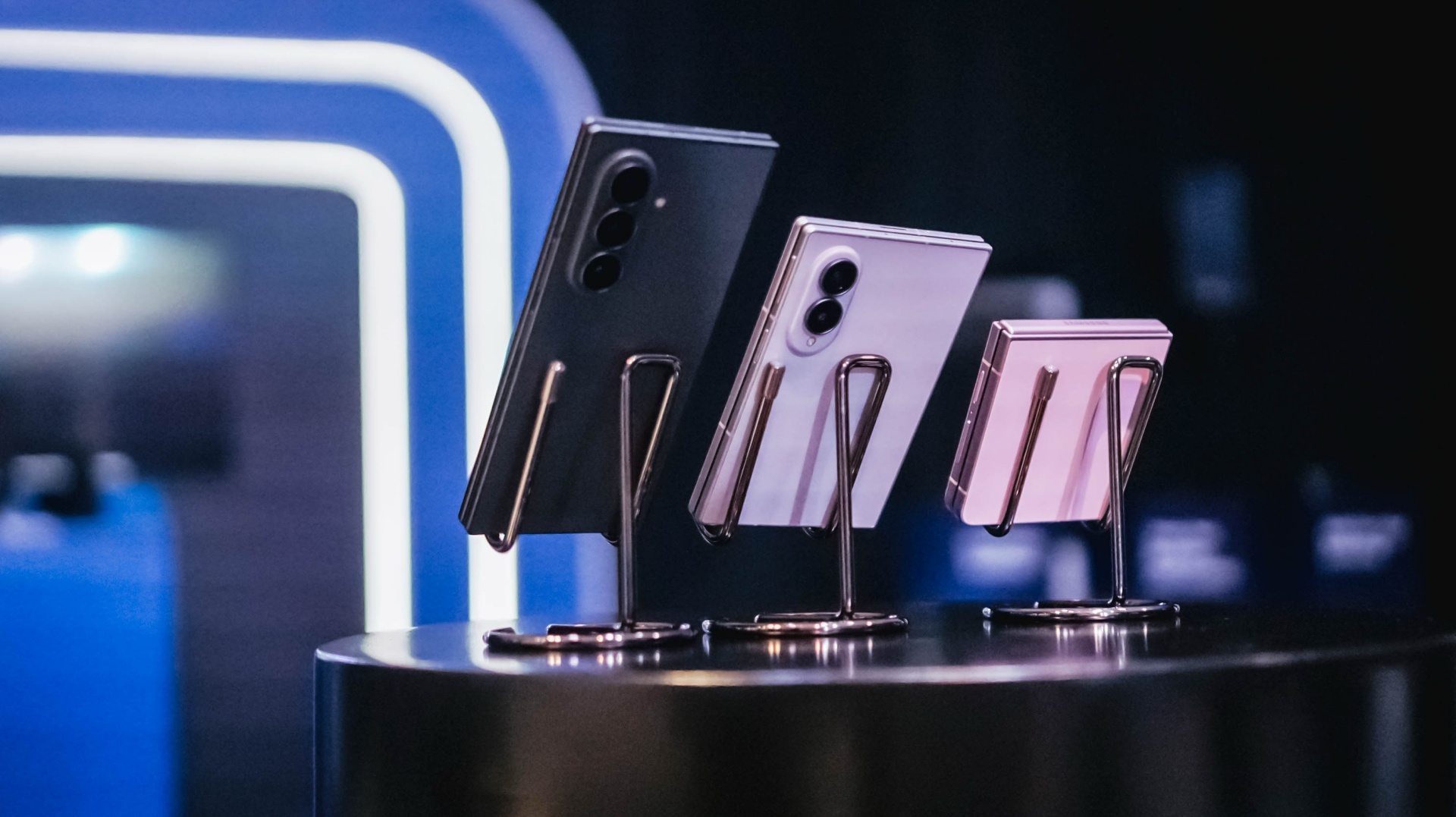
All your Samsung purchases made using a Maya Credit Card can be converted into a 3-month Mini Payment plan at 0% interest, with zero processing fees until September 30, making it easier to enjoy Samsung’s latest innovations without one big upfront payment.
Pre-orders run until August 13, with devices available in-store beginning August 14.

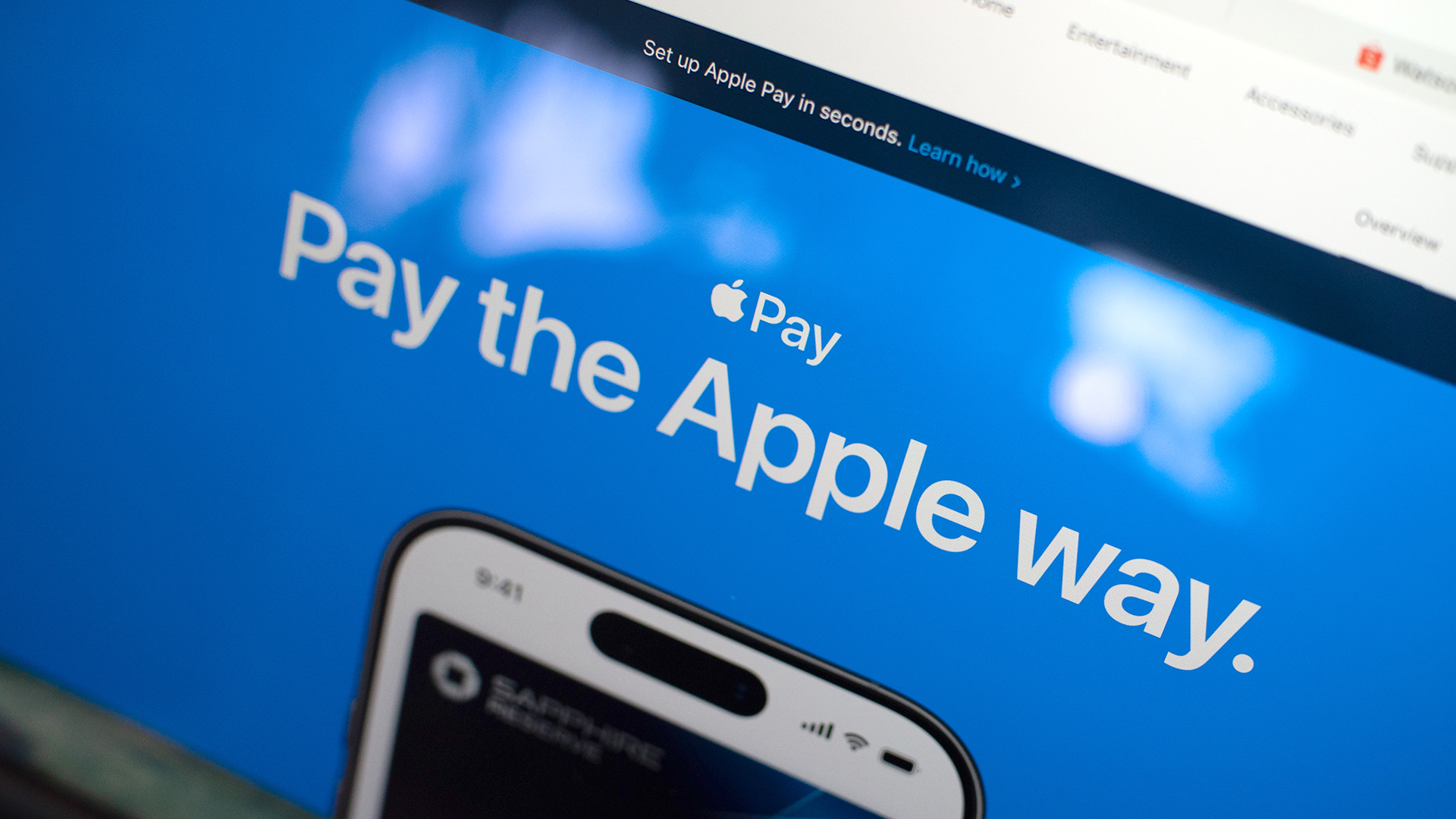
Apple Pay is officially in the Philippines!
Pushing the country forward into a cashless and cardless future, Apple has now brought its contactless payment system to the Philippines. As with other countries, Apply Pay will work seamlessly and easily even for those who have problems with technology.
Now, despite how easy it is, sometimes we need to be pointed in the right direction. Here’s how you can set up Apple Pay on your iPhone:
Everything starts with the Wallet app. First, open your Wallet app. Tap the “+” button on the top and select “Debit or Credit Card.”
Normally, this is where you can input your card details (which you can still do, by the way), but the default method now is to just tap your card on the back of your iPhone. Your phone does the rest. You might need to confirm with your bank, but it’s as easy as a single tap.
Pick which cards to use. Once you have your cards online, you might need to change which one is the default card. Again, it’s easy. Just drag your preferred card to the front.
Afterwards, you can tap to pay in supported stores by priming the Wallet app for use. Tapping to pay is also available for Apple Watch. Meanwhile, online transactions can also work on MacBook.
Secure, all the time. If you’re worried about your security especially with online transactions, Apple keeps your information only between you and the seller. They don’t store your data.
Also, it’s not easy to make a transaction without your consent. You need Face ID, Touch ID, or your password. If you lose your phone, you can easily shut your phone down with the Find My app to prevent malicious parties from making transactions.


TECNO MEGAPAD 2 review: Eyes on the size
The MEGA pad for two base users


30 days with the DJI Osmo Pocket 4P
This is the camera that made solo travel filmmaking finally feel possible.


MARVEL Tōkon: Fighting Souls review: Easy to pick up, hard to put down
Welcomes casual and experienced fighting game players

Tesla involved in recalling over 4 million electric cars
TECNO MEGAPAD 2 review: Eyes on the size
30 days with the DJI Osmo Pocket 4P

UNDERTALE: The Determination Symphony gets two more shows

HUAWEI Pura X View is 2026’s first WIDE slab-type smartphone

VinFast debuts two-wheeler models, opens 21 e-motorcycle showrooms

OnePlus officially leaves the United States and Canada

Xiaomi debuts SkyNomad Series featuring new Kunlun platform

REDMI Note 17 Series focuses on long-term reliability

ROG STRIX G16 Review: Building for the moment

-
 Singapore1 week ago
REDMI Note 17 Series focuses on long-term reliability
-
 Laptops2 weeks ago
ROG STRIX G16 Review: Building for the moment
-

 News7 days ago
realme 16T to come with 8,000mAh battery, 7-year battery health guarantee
-

 Laptops2 weeks ago
30 days later with the ASUS ExpertBook Ultra: Like seeing an ex
-

 News2 weeks ago
TCL expands mobile lineup with latest NXTPAPER series
-

 Gaming2 weeks ago
Marvel Wolverine Limited Edition PS5 bundle SEA pricing
-
 Reviews1 week ago
Samsung Galaxy Z Fold8 Review
-

 Entertainment2 weeks ago
Box office: Brand New Day set to surpass US$ 2 billion, drives Marvel’s Spider-Man 2 resurgence