
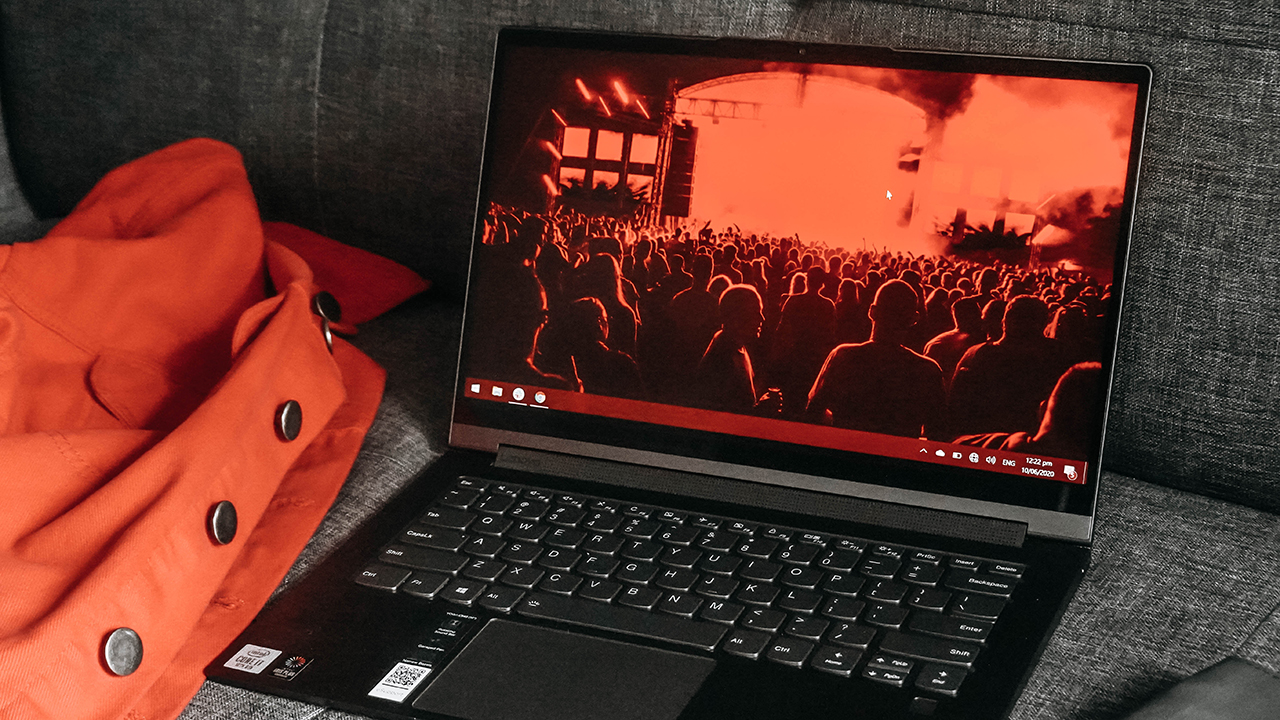

Laptops are more than just productivity machines — for the premium category, that is. It has cemented itself in our lives in different ways; a portable entertainment hub, a statement piece, and an avenue to a connected lifestyle.
For the upper-middle class and above, laptops aren’t just tools. They’re also accessories complementing their way of life. Such is the case for the Yoga C940 — one of Lenovo’s promising flagship consumer notebooks meant to suit anyone’s upscale lifestyle.
Lenovo’s most premium convertible
The Yoga C940 arrived in my home in a snazzy package. Held together by a black ribbon with a red branded tag, curiosity kicked in. When I unboxed the black box, I was greeted by the Yoga C940, together with its charger.
On top of the laptop is a gray leather notebook with a pen attached to its side. Next to it is a glass bottle with an inscribed cork cover that says “Time capsule. To be opened in 2050!”
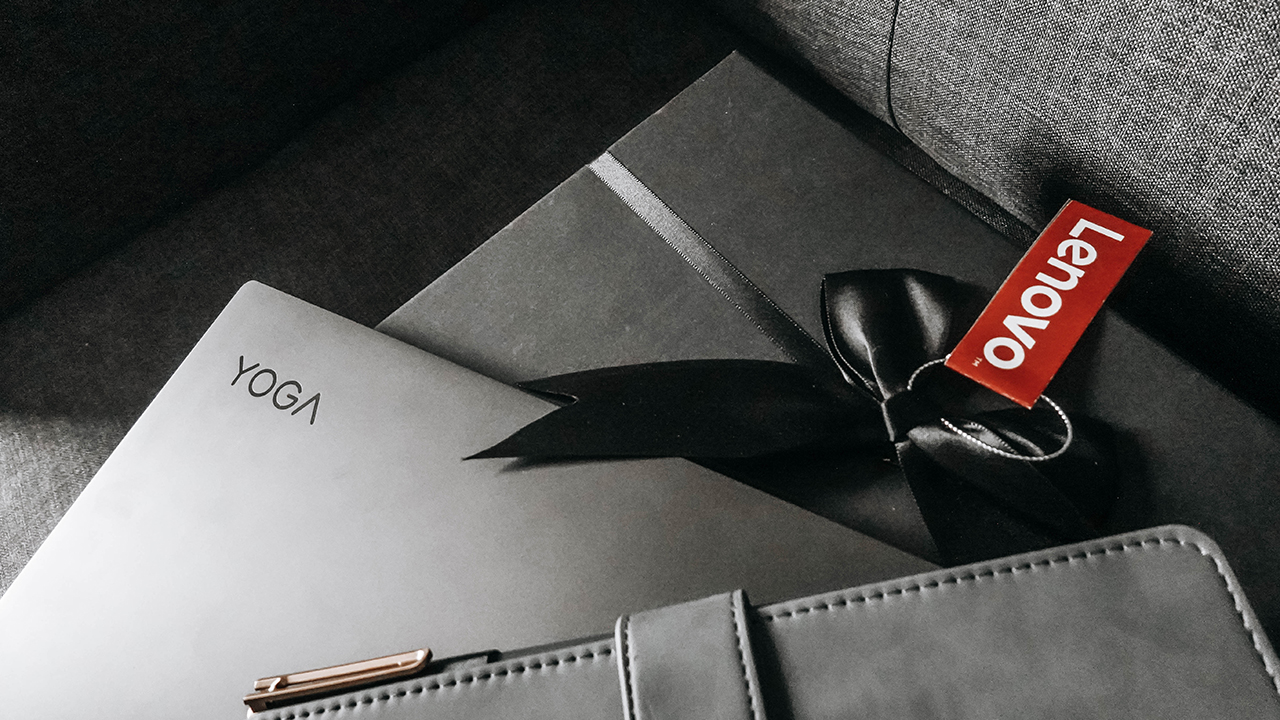
The thought Lenovo puts in crafting and presenting a beautiful package for a premium laptop is quite impressive. My expectations rose.
Lenovo’s Yoga lineup has a distinct aesthetic and it’s present in both the C and Y series. The Yoga C940 has a striking resemblance to the Yoga S940 — Lenovo’s other flagship Yoga that doesn’t flip. You might even wonder what’s so premium about it when it looks similar to another laptop?
Like a touch of your favorite designer clothes
The unit I have comes in Iron Grey. Some will argue it looks bland, but I beg to differ. This laptop knows its position in your life; complementing and elevating your style. It wasn’t meant to stand out with flashy colors or gimmicky features.
Rather, it shines through its intricate design and well-thought out details. Similar to the Dell XPS 13, it’s always the little things that make a big difference.
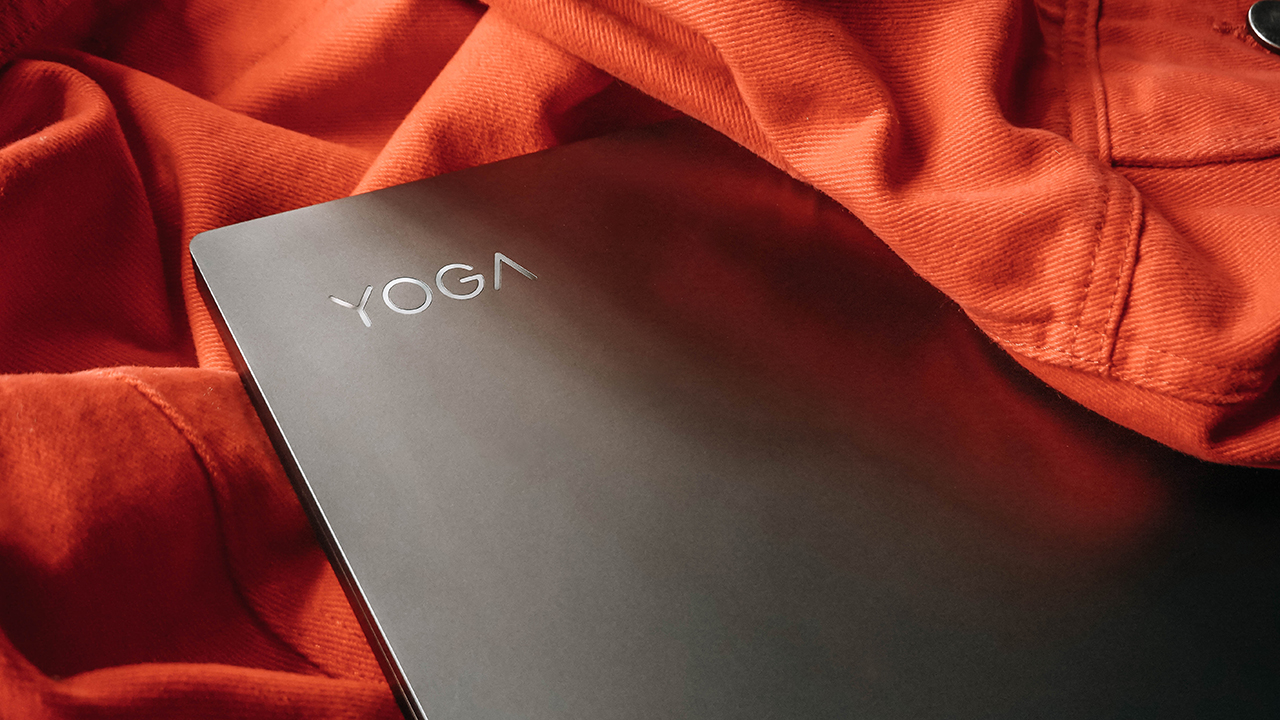
For instance, its engraved name shines when light hits from an angle. Its metal shell lids invites the gliding of your fingertips. It’s like brushing your fingers off a Valentino wool-silk scarf or Givenchy cashmere sweater.
There’s a certain high when your senses meet its light chassis; it’s like touching someone you’re passionate about for the first time.
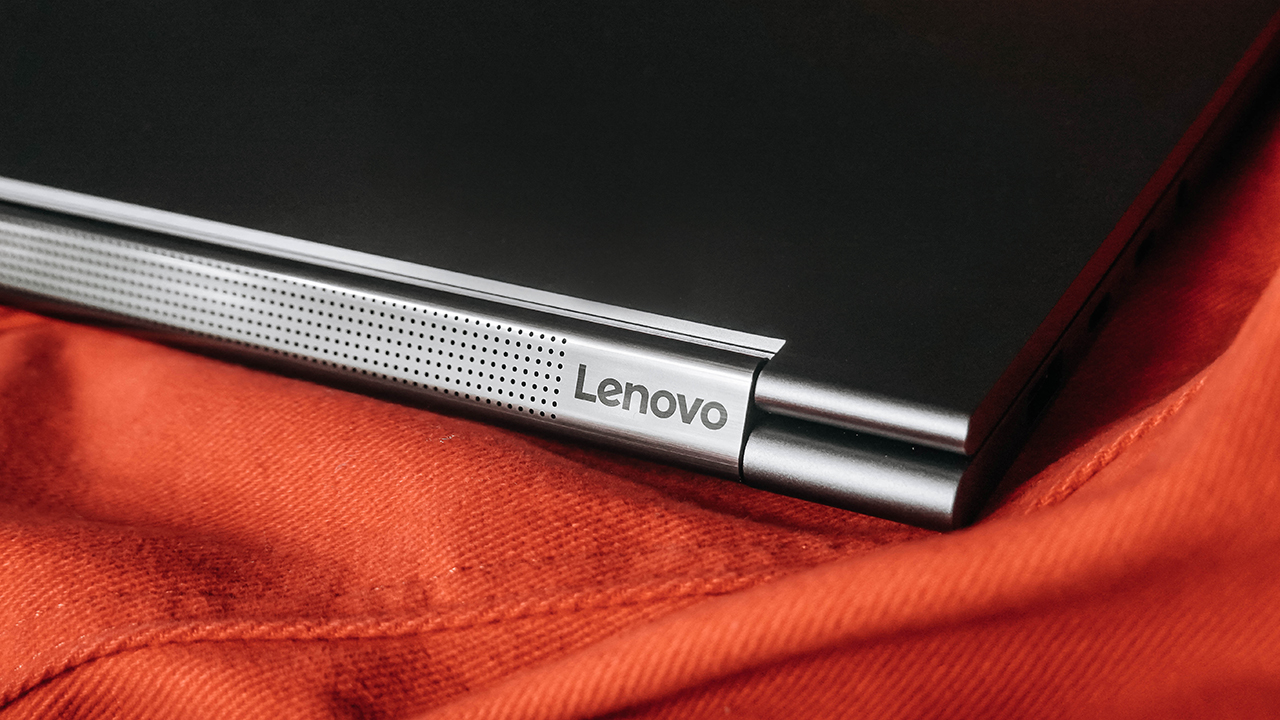
“Lenovo” is also inscribed on the extra space found on the edge of the soundbar. Yes, you read it right. This convertible used a soundbar for its speaker, built into the actual hinge of the laptop in place of using knuckles on opposite sides. It’s a step-up compared to its predecessor.
All the essential connection and protection you need
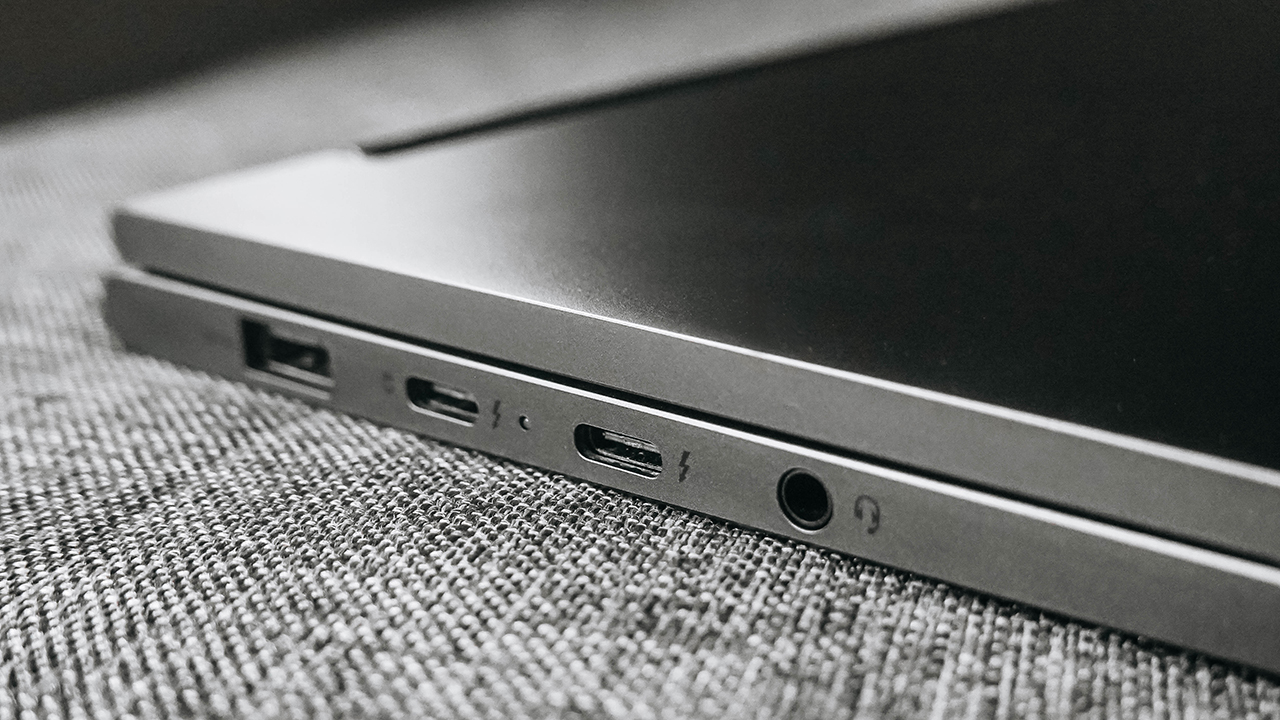
Moving to the left side, the Yoga C940 carried all the essential ports for your daily grind: a USB 3.1 Type A, two Thunderbolt 3 ports, and a headphone jack. Thankfully, Lenovo was polite enough to keep the USB Type-A, unlike what Dell and Apple did.
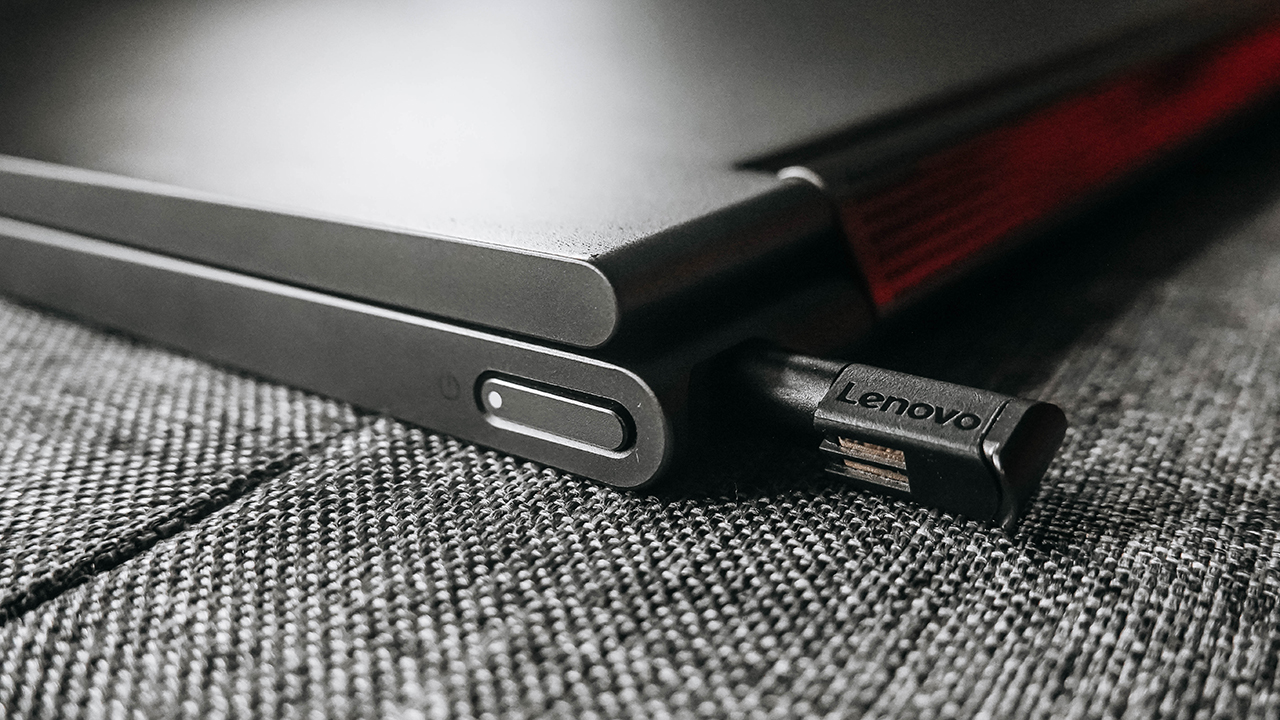
Meanwhile, its right side carried only the power button and nothing else. How I wish there’s a dedicated HDMI port or at least, an SD card reader. On the other hand, Lenovo’s “Active Pen” is garaged on its little silo behind the power button.
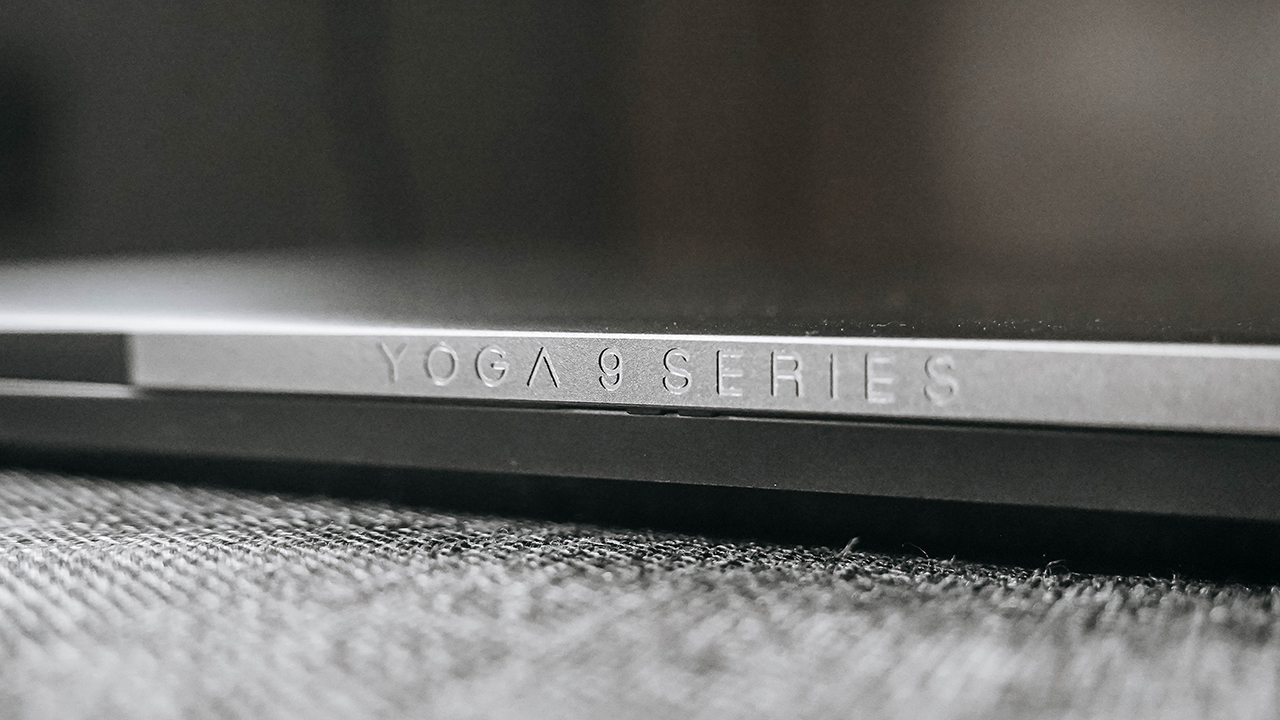
Another branding can be found on the laptop’s top. The “Yoga 9 Series” is etched on a small protrusion housing the laptop’s camera. It’s more noticeable when the lid is closed.
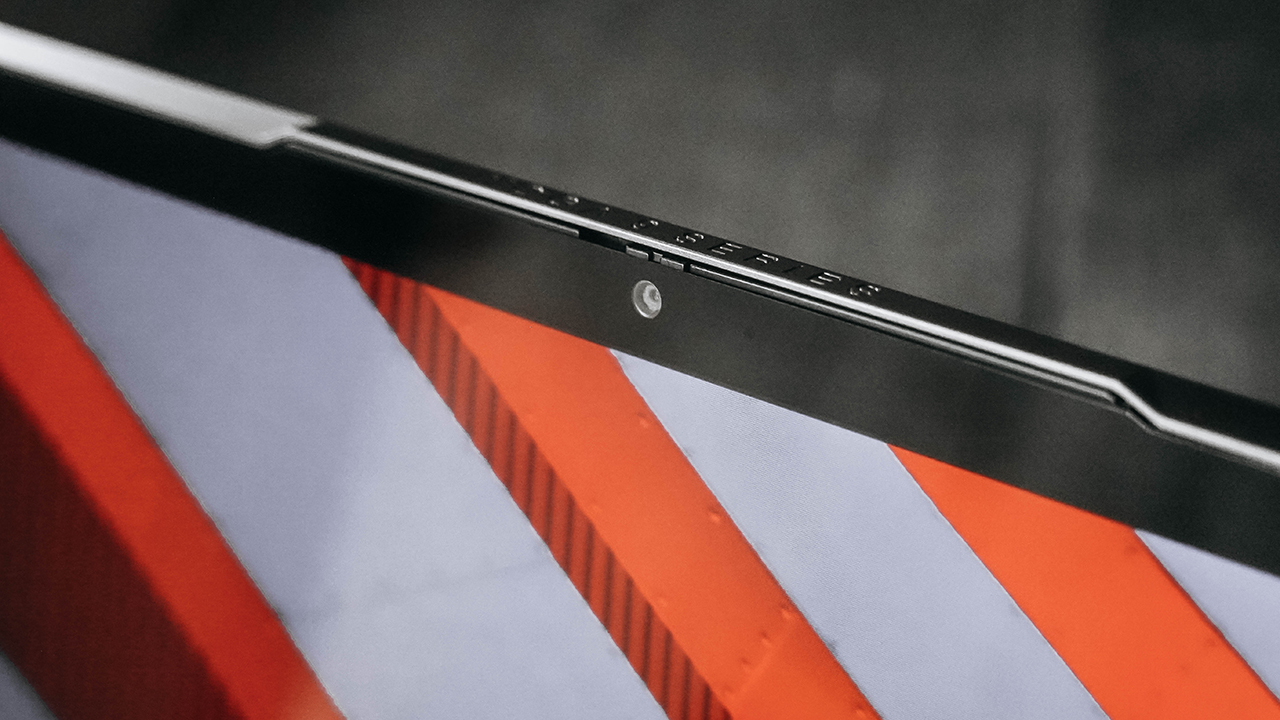
Lenovo is also high on security and privacy. If worse comes to worst and your camera is being remotely used to monitor you through spyware, you can protect yourself with its physical cover.
It’s highly becoming an essential, nifty feature among premium laptops, although Lenovo already had it on its ThinkPad laptops.
Simply exceptional
Holding the Yoga C940 invoked feelings of holding someone precious to you. There’s something about it that just felt like it demanded extra care. As my fingers caressed its gunmetal-looking body, I found myself being more gentle and soft with how I used it.

Everything in the Yoga C940 simply screams premium. Its fingerprint scanner found on the bottom right side of the keyboard works like The Flash. It instantaneously recognizes your finger and unlocks at a lightning speed. Astonishing!
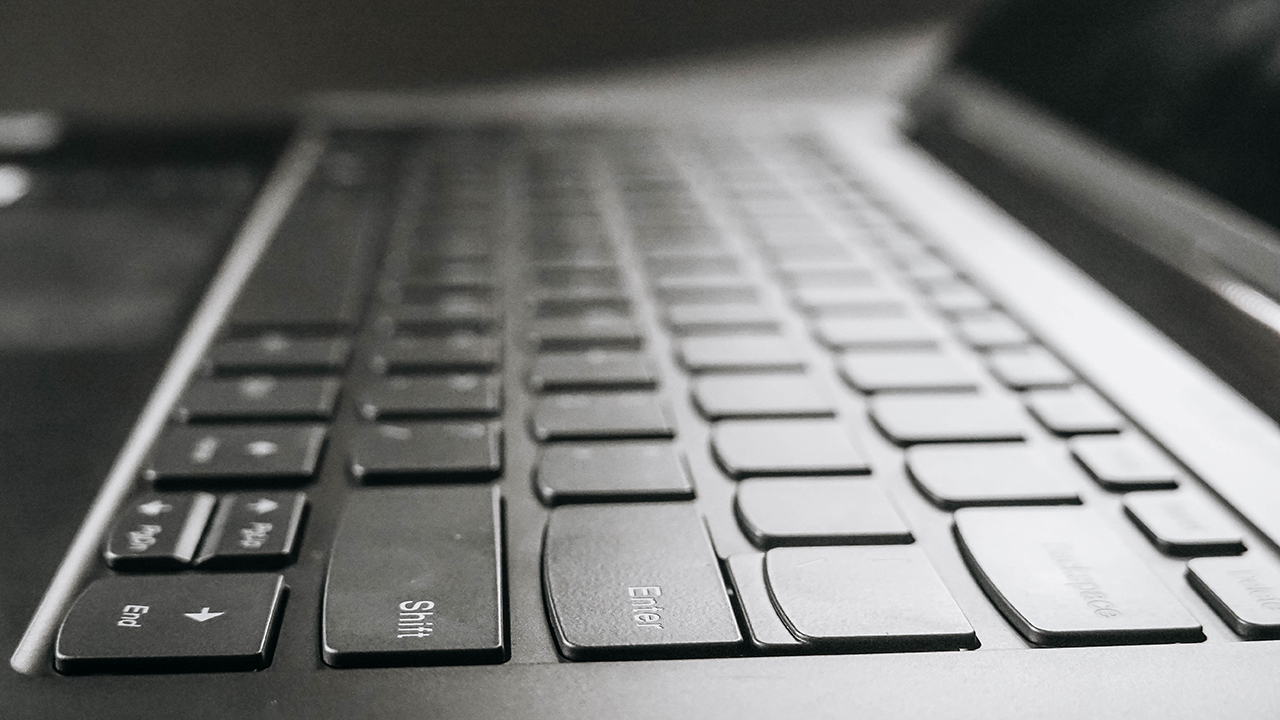
Moreover, the keyboard is breathtaking to use. I enjoyed writing my tablet and smartphone reviews in one sitting, simply because I loved typing on this handsome gizmo. As I’ve said before, it’s always the little things.
It’s the way every key felt like a cushion whenever I pressed my fingers, silently transcribing the words I want to say. The spacing, the travel, it’s… sensational. Honestly, I’m out of words. That’s how exceptional it is.
Unfortunately, the trackpad failed to be as remarkable. It was just like any Windows trackpad. While it’s large enough to offer wider tracking, its touch sensitivity isn’t as seamless nor smooth as its premium rivals such as the MacBook Pro and Dell XPS 13.
Keeping it loud and vivid
The Yoga C940 sits parallel to the Yoga S940. Both are flagship laptops bearing similar looks, yet designed distinctively to indulge different consumers. The Yoga S940’s slim and flagship prowess made it the perfect companion for business travelers and creators on the go.
Meanwhile, the Yoga C940’s convertible design accommodates a wider range of consumers. For starters, Lenovo integrated a soundbar, simplifying its hinge while promising stellar audio experience.
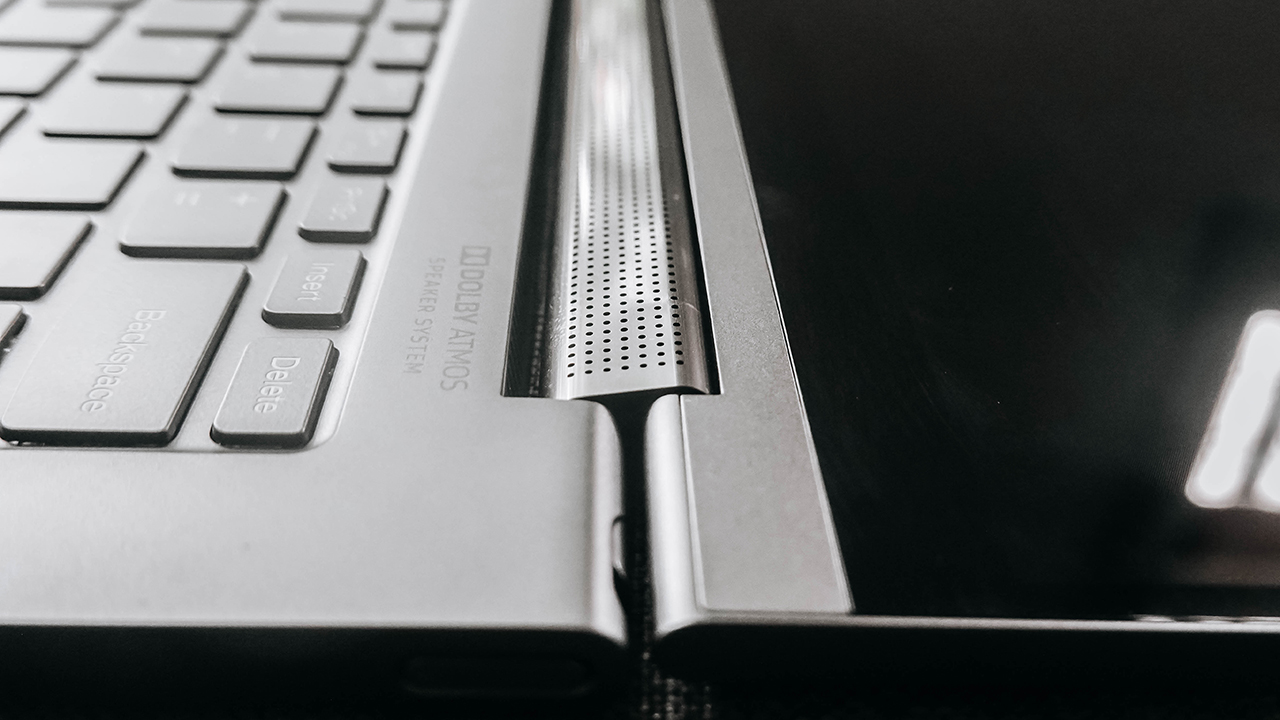
This proved helpful in playing clear and loud sound freely. Especially in Tent mode, where the speaker faces upwards and there are no blockages that would cause muffling.
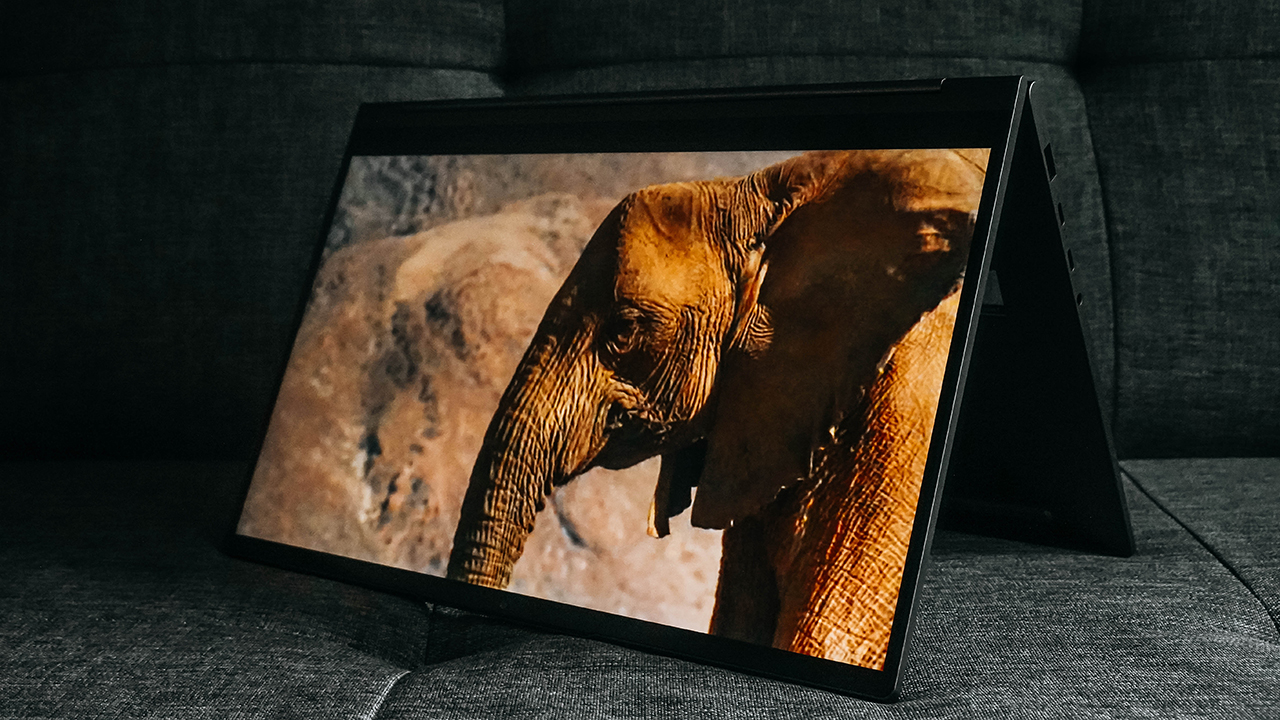
Despite sporting Dolby Atmos’ speaker system, it wasn’t a treat to listen to at max volume. I found it more pleasing when I lowered the volume, keeping my space harmonious.
Firing up a loud and clear speaker doesn’t equate to impressive sound quality. We’re talking premium here, and it must at least replicate an immersive experience as if it’s your own, portable IMAX cinema.
Luckily, the Yoga C940 has a stunning 14-inch 4K Dolby Vision display which can go as high up to 500 nits. It’s vibrant and produces deep blacks, even though it’s just an IPS LCD.
Convertible for the flexible
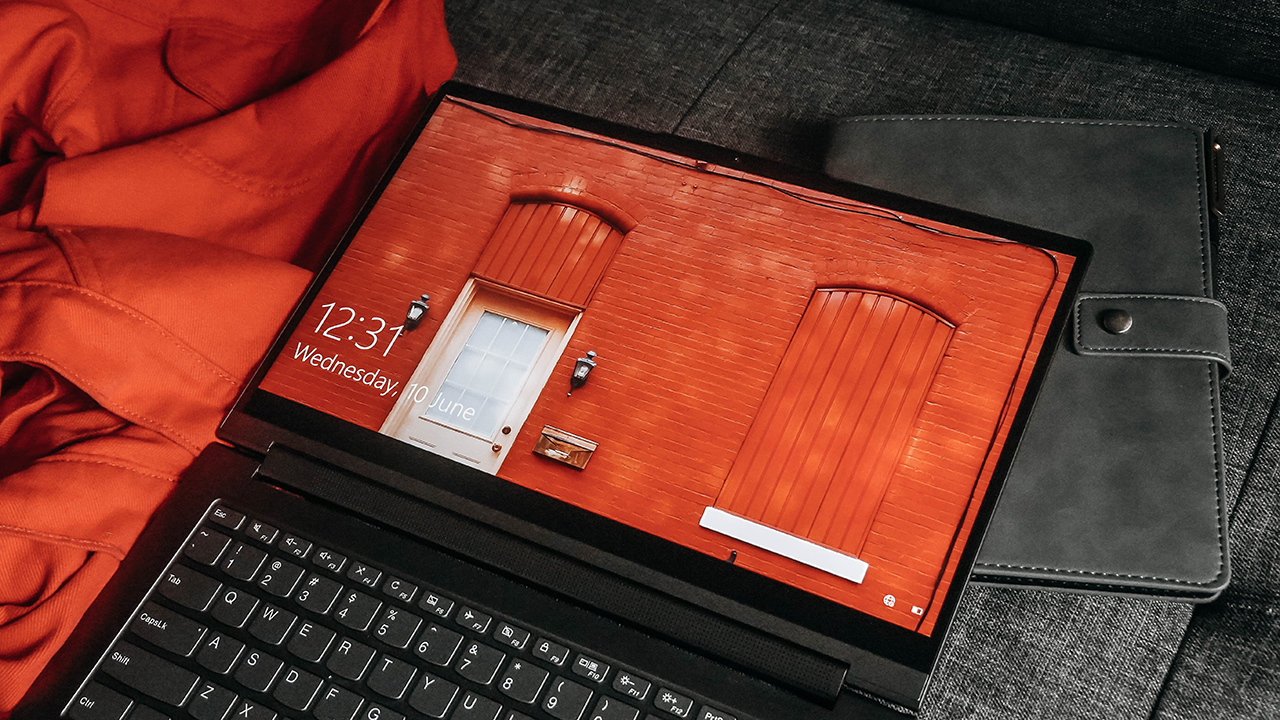
Aside from using the laptop for style and entertainment, it’s a useful tool for leisure and business. With a 360-degree hinge, you can lay the laptop flat, flip it like a tablet, or make it stand with the keyboard facing down.
It’s easy to show-off your works and/or presentation, and there’s a huge chance of impressing your clients and colleagues.
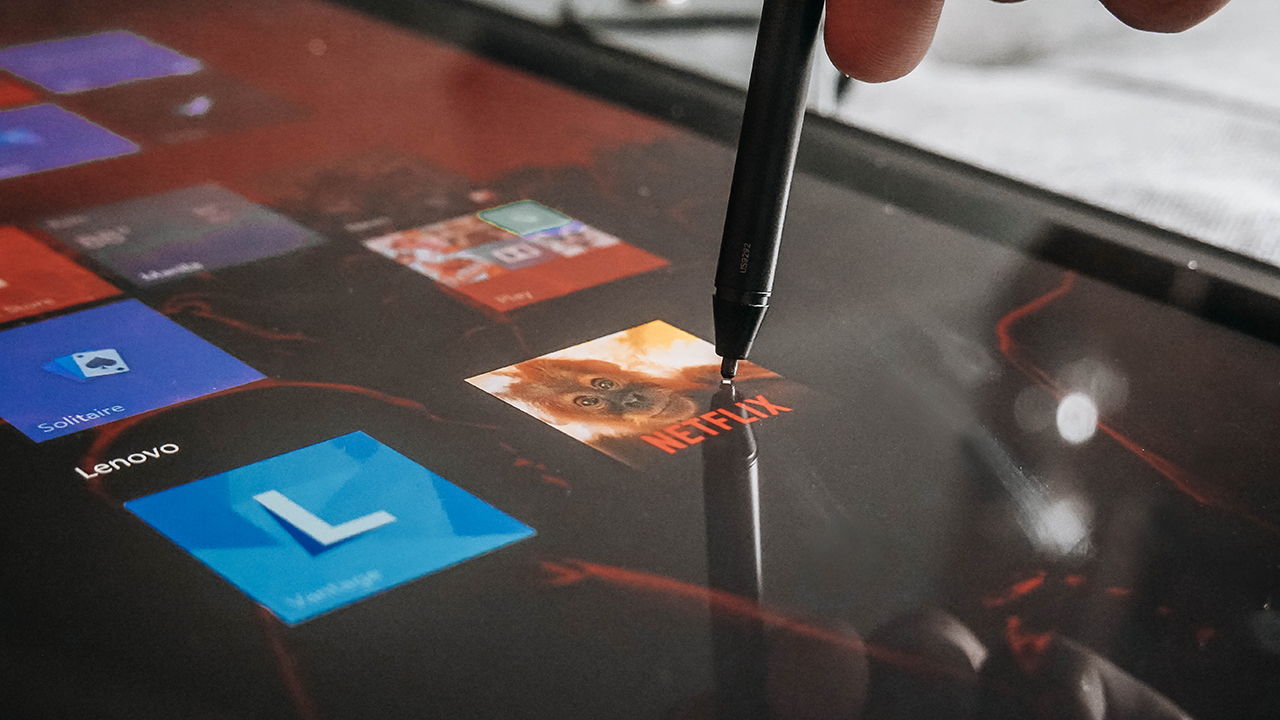
It easily switches to Tablet mode when flipped, too. You can read and sign documents, particularly when you use the “Active Pen.”
Your work-life balance companion
Lenovo’s Yoga C940 isn’t necessarily your portable high-powered workstation. However, this laptop is powerful enough to make everything work, at least to the best that it can.
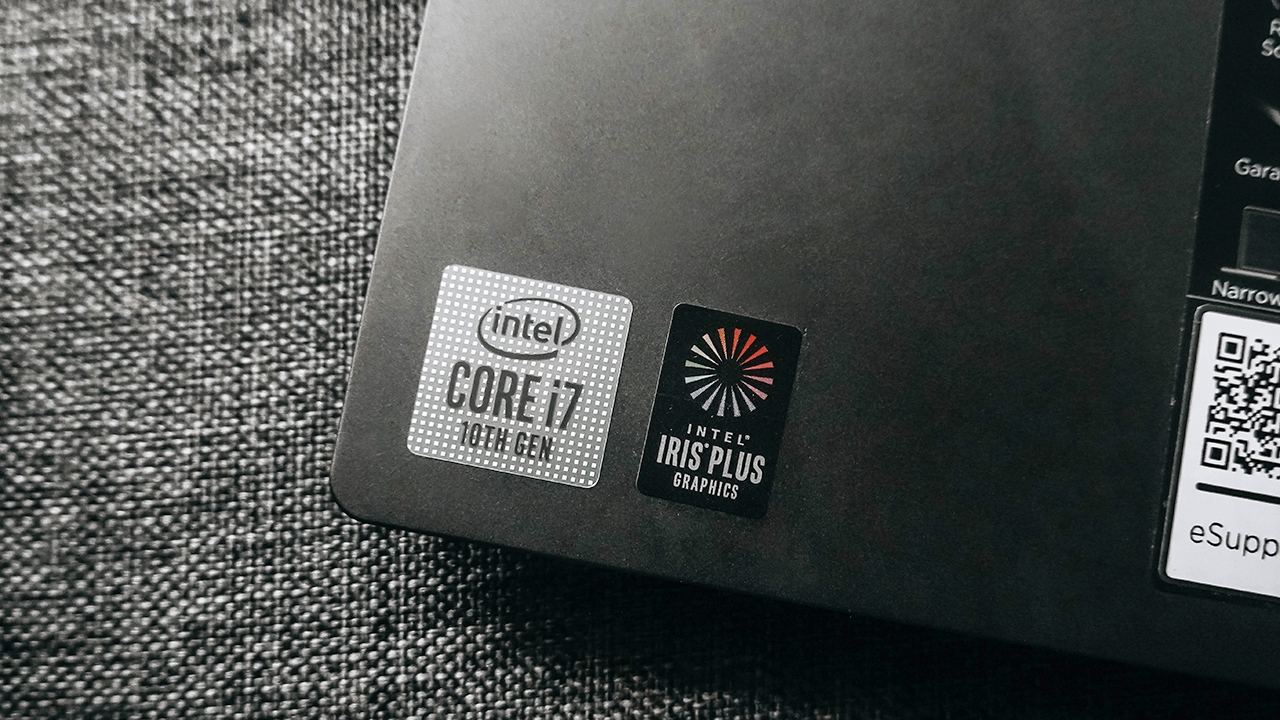
It sports an Intel Core i7-1065G7 processor and it’s equipped with 16GB Soldered LPDDR4X-3733 RAM, 512GB of M.2 PCIe SSD storage, and an Intel Iris Plus graphics card.
As an associate creative director, my work involves multitasking: Running multiple tabs on Google Chrome while using creative software such as Adobe Photoshop or Adobe Lightroom. It even runs Adobe Premiere Pro decently until you push it to its limits.
On top of everything I use for work, I either have Spotify on to stream my favorite tunes or put Netflix in the background to serve as white noise. Living and working in a fast-paced environment requires me to have a gear that won’t slow me down or worse, give up on me.
The Yoga C940 proved more than capable and it helped me balance work and life. I might even say, it acted like my life support, especially during my busiest days.
Too hot to handle
Though it seemed perfect for an ultra notebook, the Yoga C940 had one problem: Heat. The laptop is relatively thin and small, and there’s no way you can put multiple fans and perforations to help dissipate heat.
When it’s running, it just isn’t advisable to use even if you’re just typing. It’s highly uncomfortable, and I worry about its hardware melting from too much heat. A bit of an exaggeration on my part, but that’s my anxiety talking.
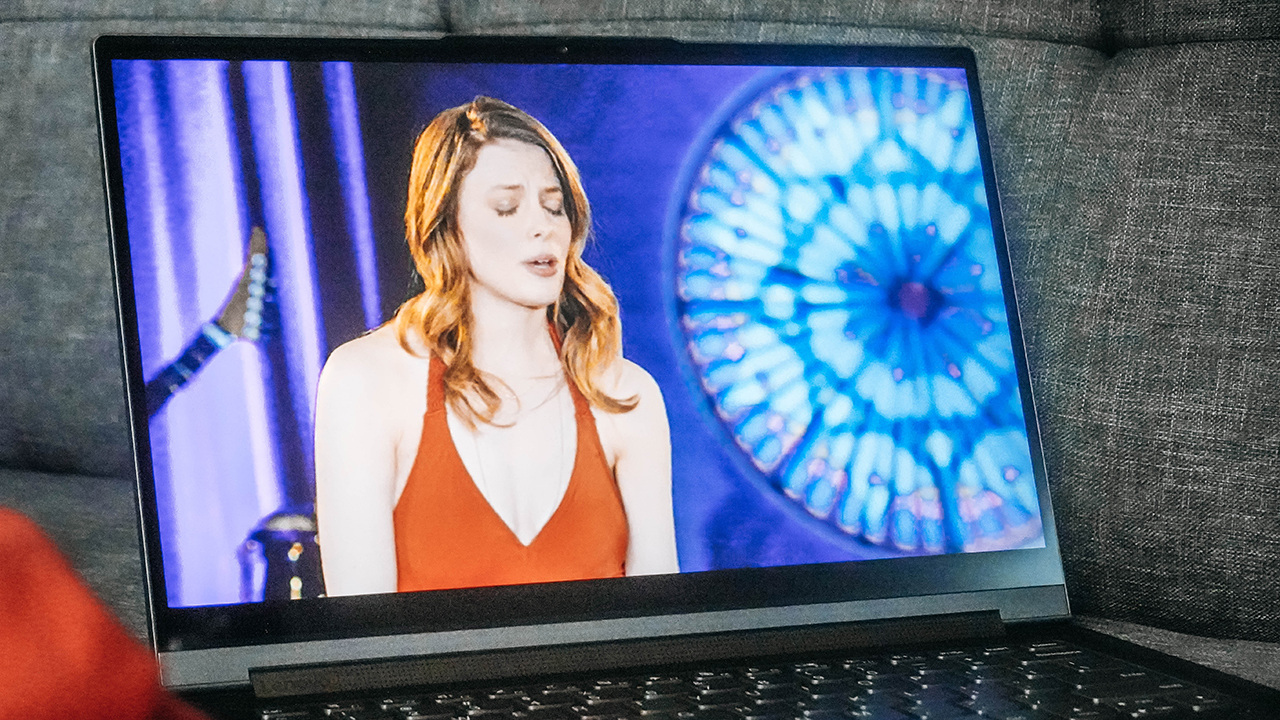
More importantly, you can feel the heat further when you use Tablet mode. How are you supposed to carry it when it’s blazing through your skin? If you place the laptop on a surface while in tablet mode, clean or not, it risks scratching the body and the keyboard since there are no rubber feet to protect it.
Even though there’s a heating issue, it didn’t affect the Yoga C940’s long battery life. During my stint, it lasted for eight hours with heavy and memory-consuming usage. This laptop’s predecessor lasted from eight to nine hours.
In conclusion, it doesn’t have major changes in its battery although the laptop would probably last longer if I’m not a power user.
Is this your GadgetMatch?
The Lenovo Yoga C940 is a flagship, premium convertible that lives up to its billing. It prides itself on its sleek, intricate design that helps elevate one’s style. It does this while offering flagship prowess to accommodate various users: artists, content creators, businessmen, entrepreneurs, rich kids who want to show-off, and power users.
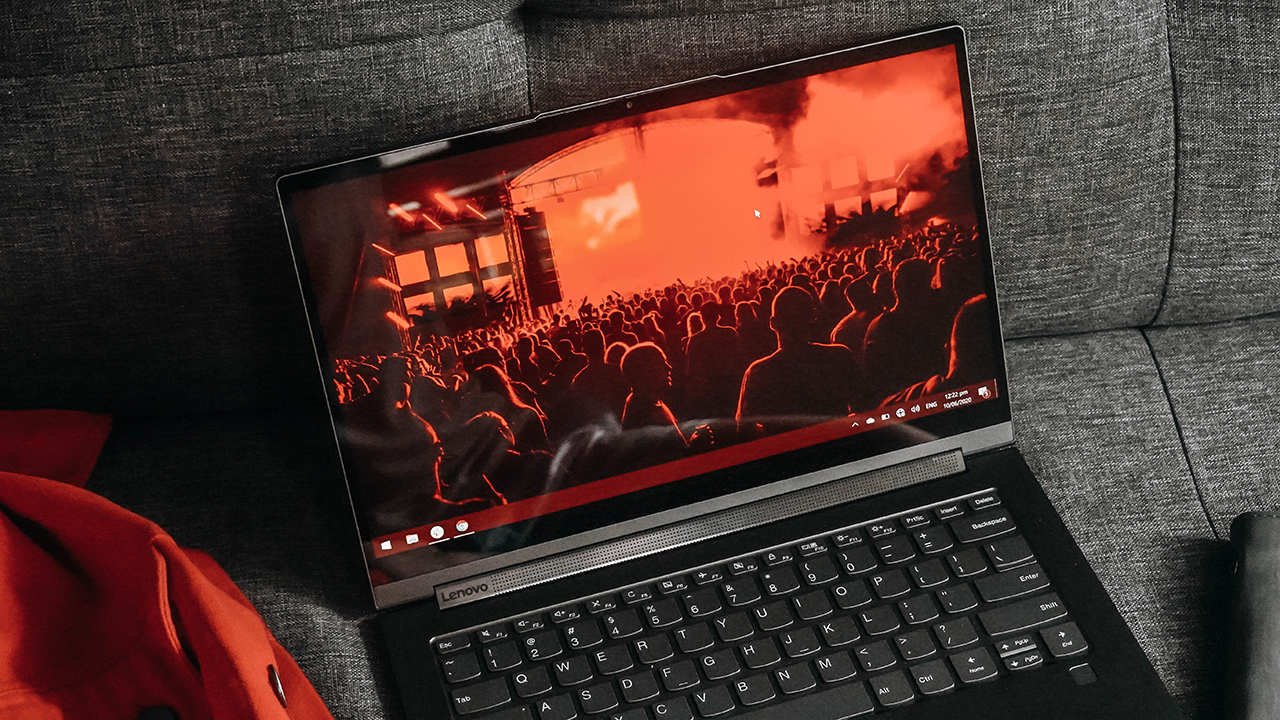
For PhP 99,995 (US$ 1,985), it positions itself as one of the expensive laptops rivaling the Dell XPS 13 and MacBook Pro. Despite having a few shortcomings, it still met my expectations — putting together a premium look, power, and versatility in one gorgeous machine. Truly, it’s one of the best flagship laptops worth buying today.







Phones flip and fold. Now webcams do too.
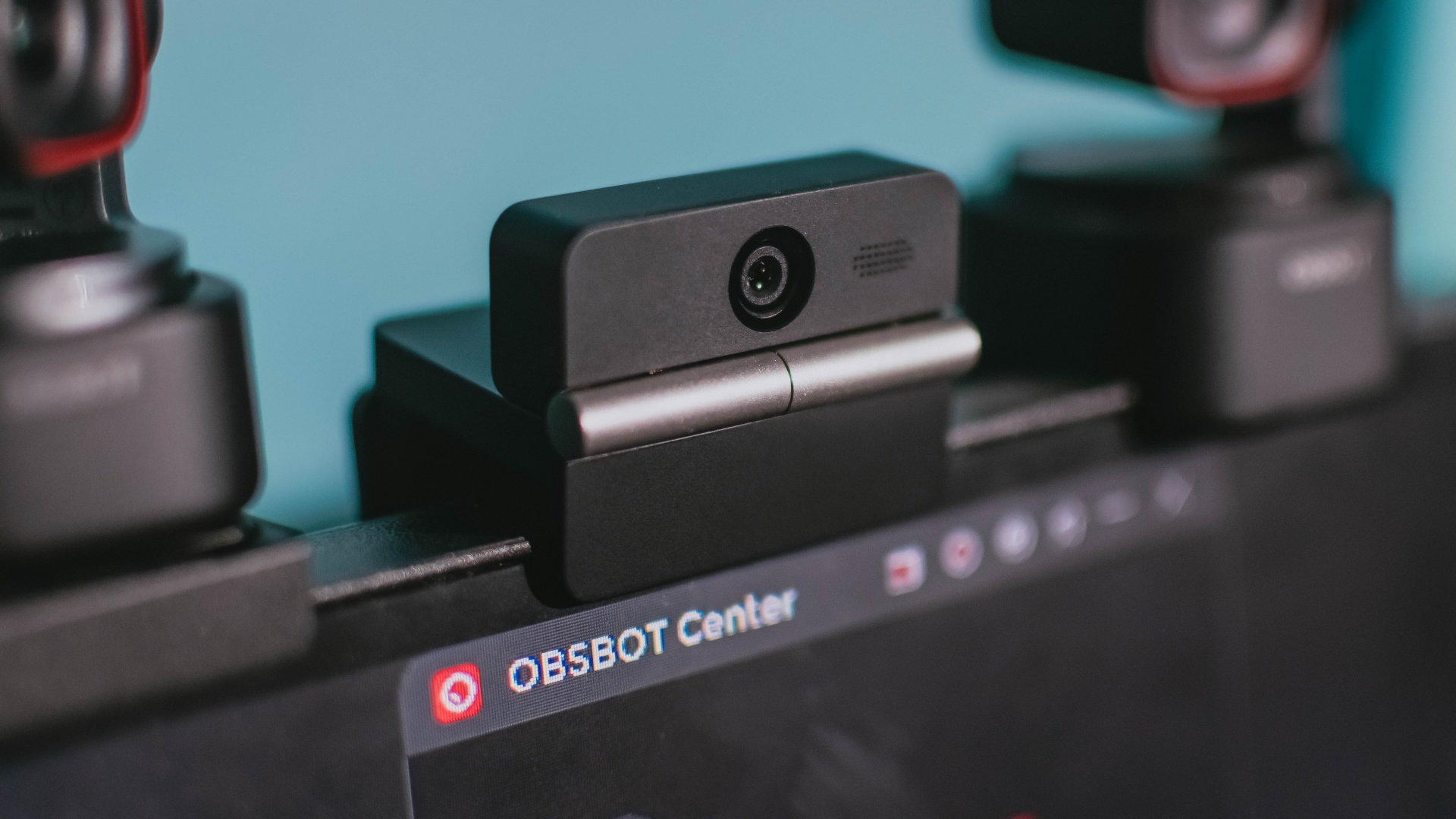
Foldable screens have found their way into phones, tablets, and laptops in recent years. Now, OBSBOT is taking that idea in a considerably smaller direction: the webcam.
The OBSBOT Meet Flip is the company’s first foldable 4K webcam packing:
- 1/2-inch stacked CMOS sensor
- intelligent audio
- a collection of AI-powered meeting tools
All of these inside a body weighing just 37.7 grams.
A fold that does something, not just a gimmick
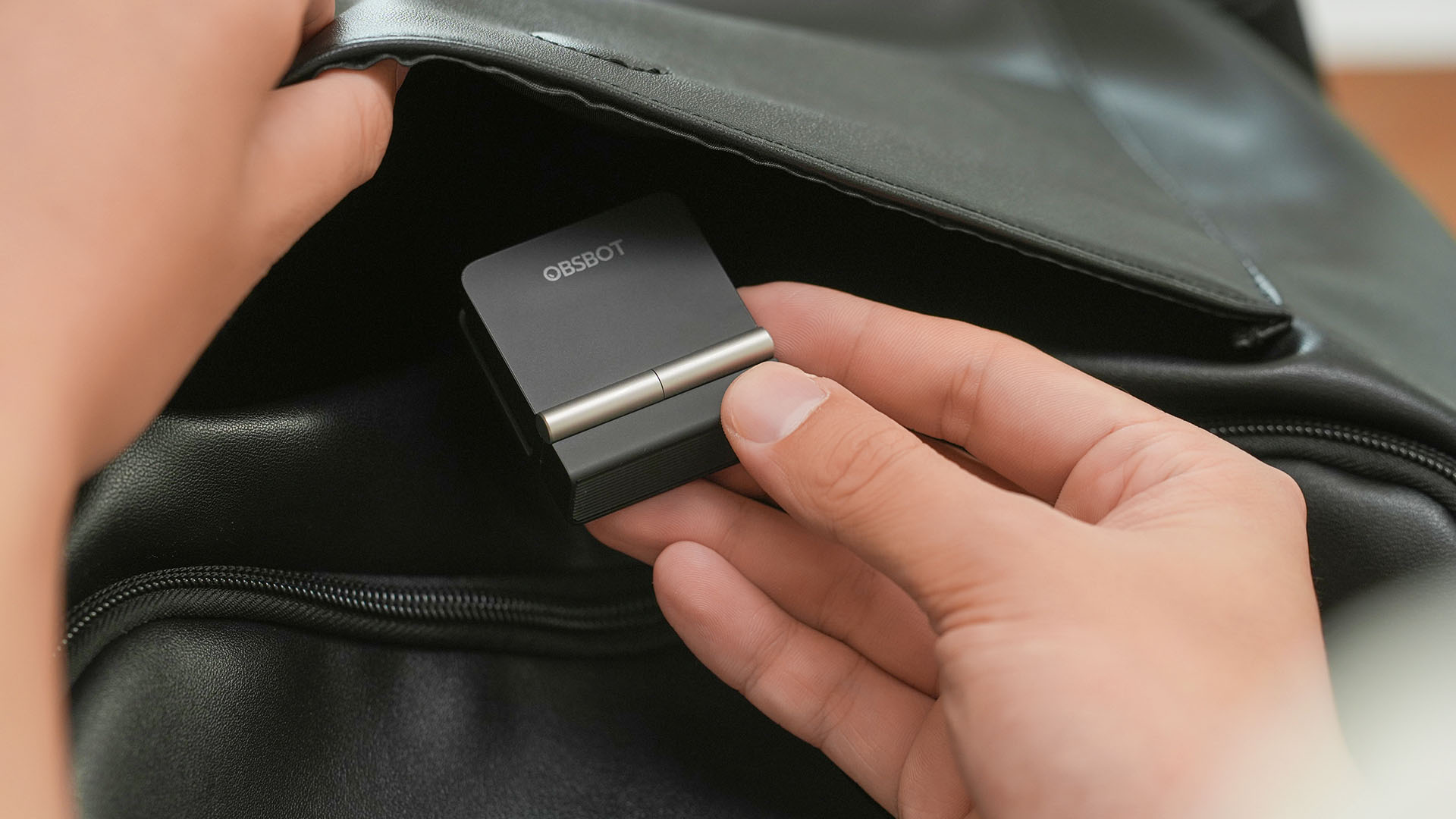
The OBSBOT Meet Flip isn’t foldable just to make it easier to throw into a bag.
Closing the webcam physically blocks the lens and puts the device into sleep mode. Open it when you want to be seen, flip it shut when you don’t.
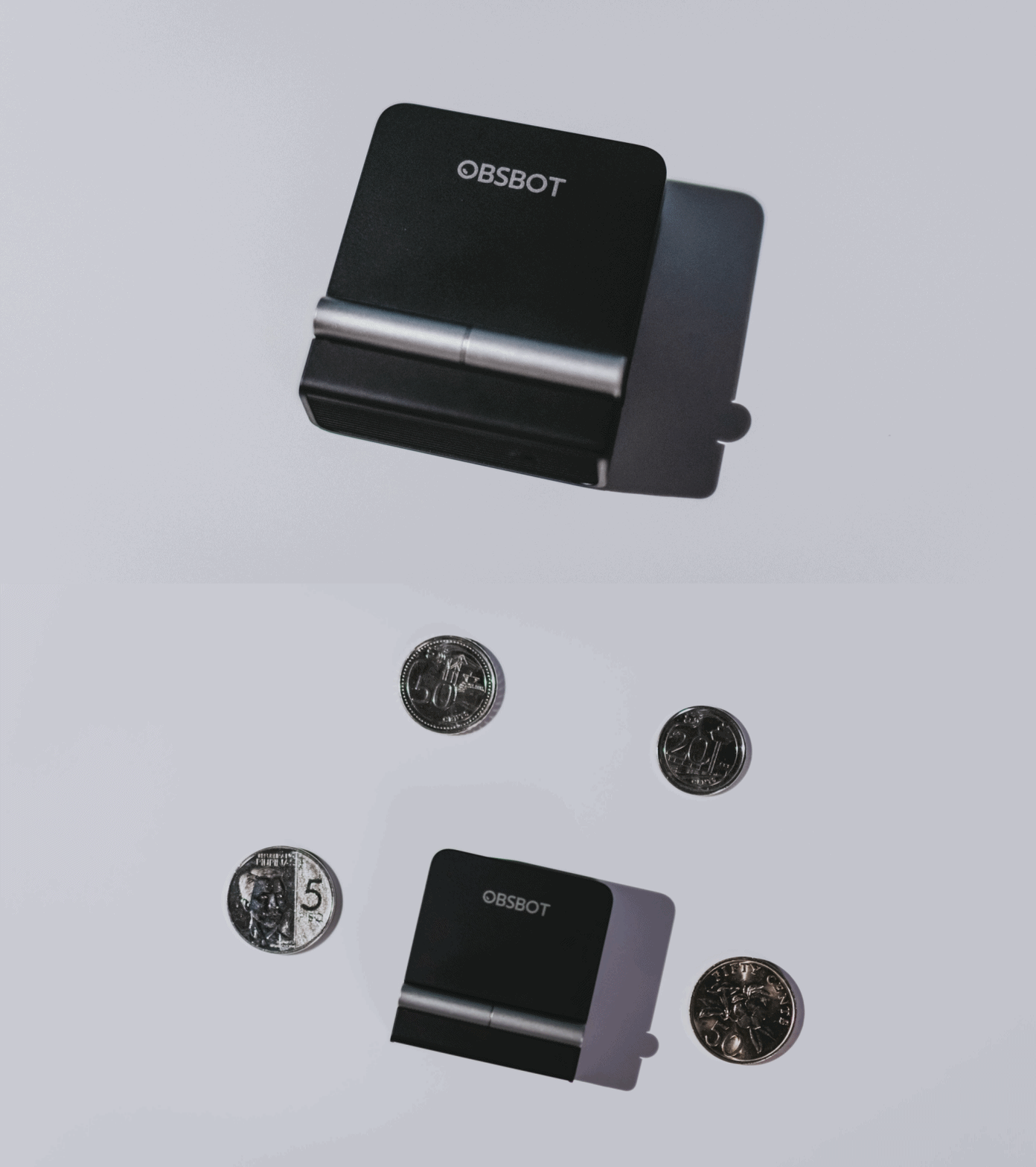
A physical privacy cover isn’t novel in itself. What’s clever here is how it’s part of the folding design.
As someone with a love-hate relationship with data privacy, I almost always keep some physical barrier over my laptop webcam. And if I can avoid having a webcam there entirely, even better.
Serious camera hardware in a pocket-sized webcam
Despite its size, OBSBOT hasn’t treated the Meet Flip like a basic laptop-camera replacement.
Inside is a 1/2-inch Exmor RS stacked CMOS sensor with Quad Bayer technology, capable of recording 4K UHD at 30 fps or 1080p at 60 fps. It also packs an f/1.8 aperture, HDR, PDAF autofocus, ISO 100–6400, and up to 4x digital zoom.
At its core is a 1/2-inch Exmor RS stacked CMOS sensor with Quad Bayer technology.
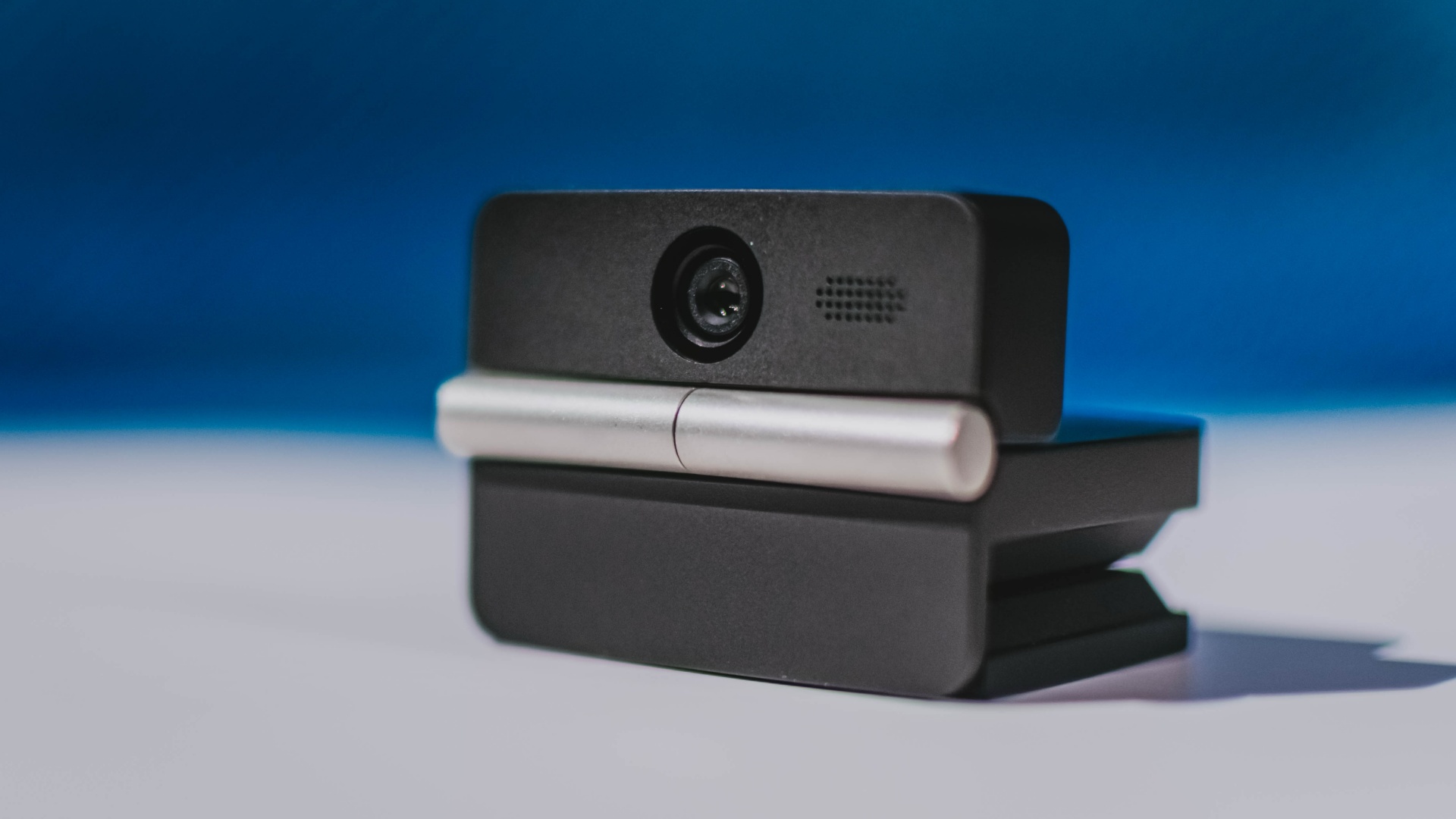
It can record:
- 4K UHD at 30fps
- 1080p at 60fps
You also get:
- f/1.8 aperture
- HDR
- PDAF autofocus
- ISO 100–6400
- up to 4x digital zoom
On paper, that gives the Meet Flip a better shot at handling the situations built-in laptop webcams often struggle with: dim rooms, harsh backlighting, changing lighting conditions, or simply moving around in front of the camera.
HDR helps keep faces visible against bright backgrounds, while PDAF autofocus continuously adjusts focus as you move closer to or farther from the lens.
The wider f/1.8 aperture should also help in less-than-ideal lighting.
The point is that once the Meet Flip is set up, you shouldn’t have to spend much time thinking about the camera itself.
It listens differently depending on the room setup
The Meet Flip also uses an intelligent dual-microphone system combining omnidirectional and directional microphones.
Instead of relying on one pickup pattern for every situation, it offers four audio modes for different setups:
Directional Mode focuses on sound coming from the front, making it the obvious choice for solo calls.
Dual-Directional Mode listens to both the front and rear of the webcam, which could be useful for interviews or conversations between two people sitting across from each other.
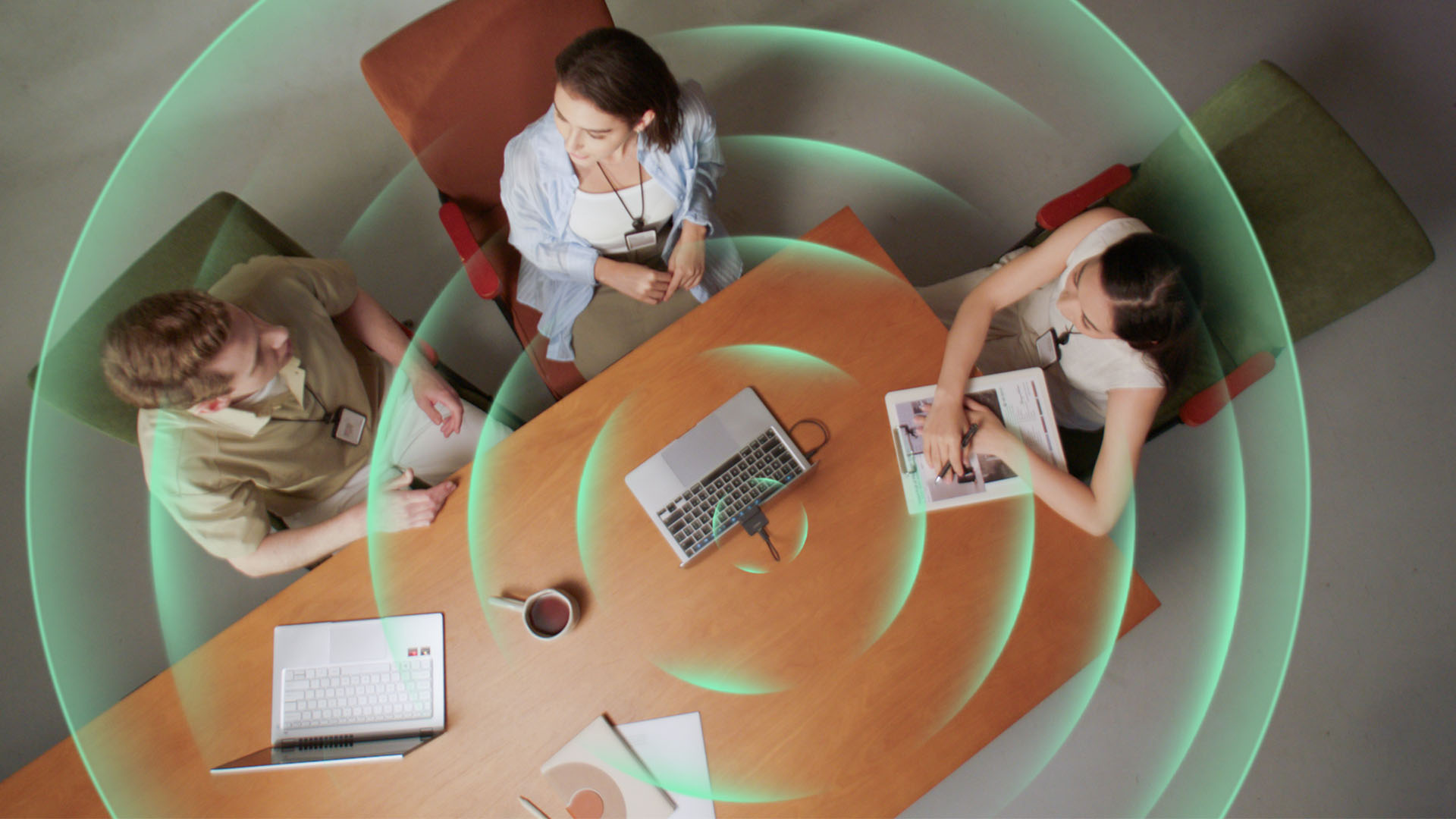
Smart Omni Mode is designed for group meetings, picking up voices from around the room.
And Pure Audio Mode provides unprocessed left and right stereo channels for users who would rather handle the audio themselves in post-production.
Auto Gain and AI Noise Reduction also work across the first three modes, helping clean up audio without requiring much manual adjustment.
It gives the Meet Flip more flexibility than a typical webcam microphone, especially if you regularly switch between solo calls, interviews, and group meetings.
AI that doesn’t intrude
AI has become an almost obligatory addition to new hardware in 2026, but several of the Meet Flip’s features put it to work on real-world meeting annoyances.
AI Auto Framing keeps you in frame, with options for:
- Group
- Single Close-up
- Upper Body
- Full Body
Gesture controls can also toggle Auto Framing or adjust the zoom without reaching for a keyboard or mouse.
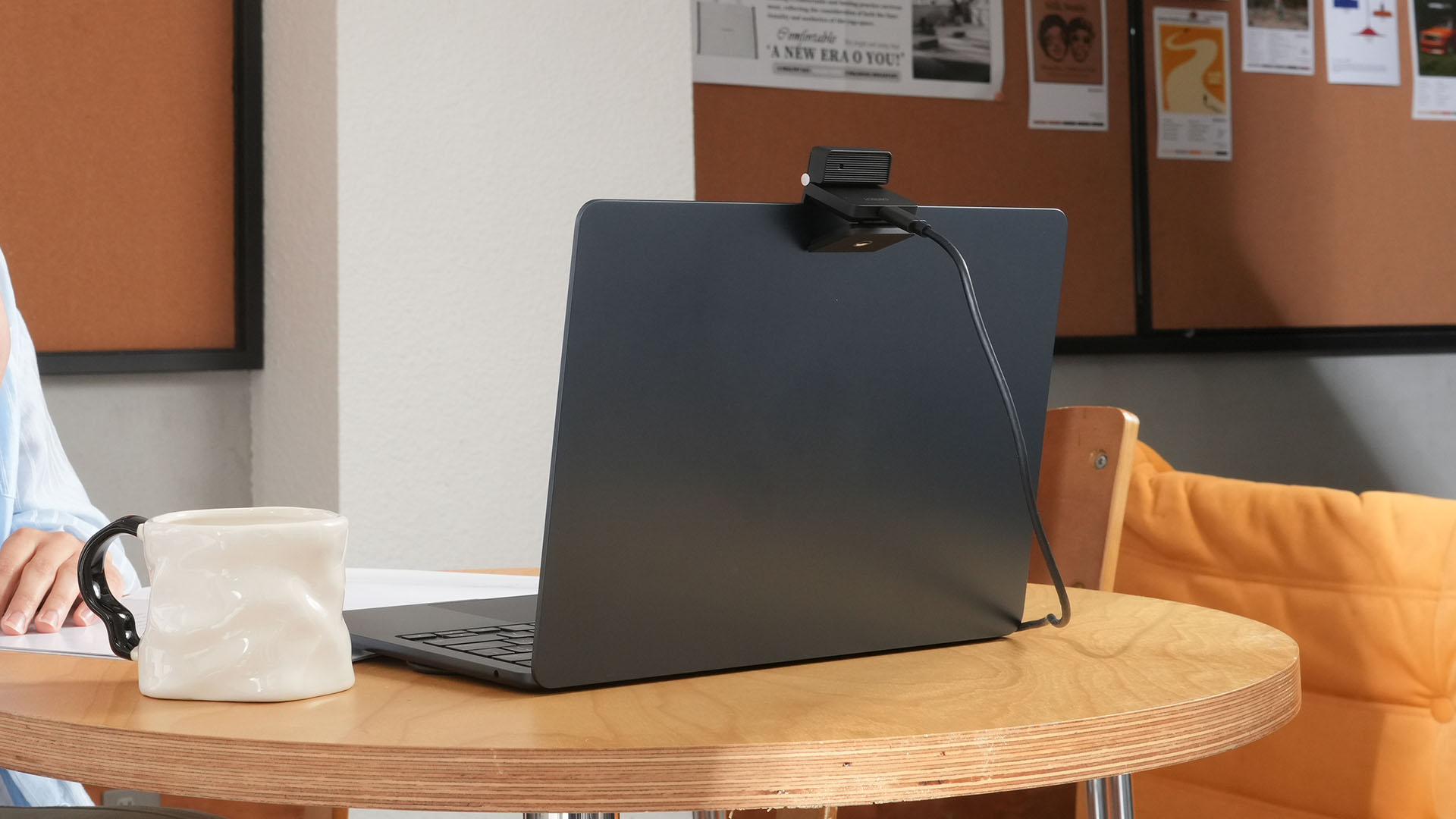
More interesting is AI Magic Notes.
Through OBSBOT Center, it provides real-time transcription and can automatically generate meeting summaries with key points, decisions, and action items. It works across Google Meet, Zoom, and Microsoft Teams.
Although AI Magic Notes is offered as a subscription service, every Meet Flip includes 120 complimentary minutes to get started.
MORE with OBSBOT Center & OBSBOT Live
There are plenty of other software features as well. OBSBOT Center includes:
- Background Blur and Background Replacement
- Real-Time Beauty Mode
- Picture-in-Picture overlays
- Smart Eye Tracking
- Teleprompter support
- Detailed image adjustments
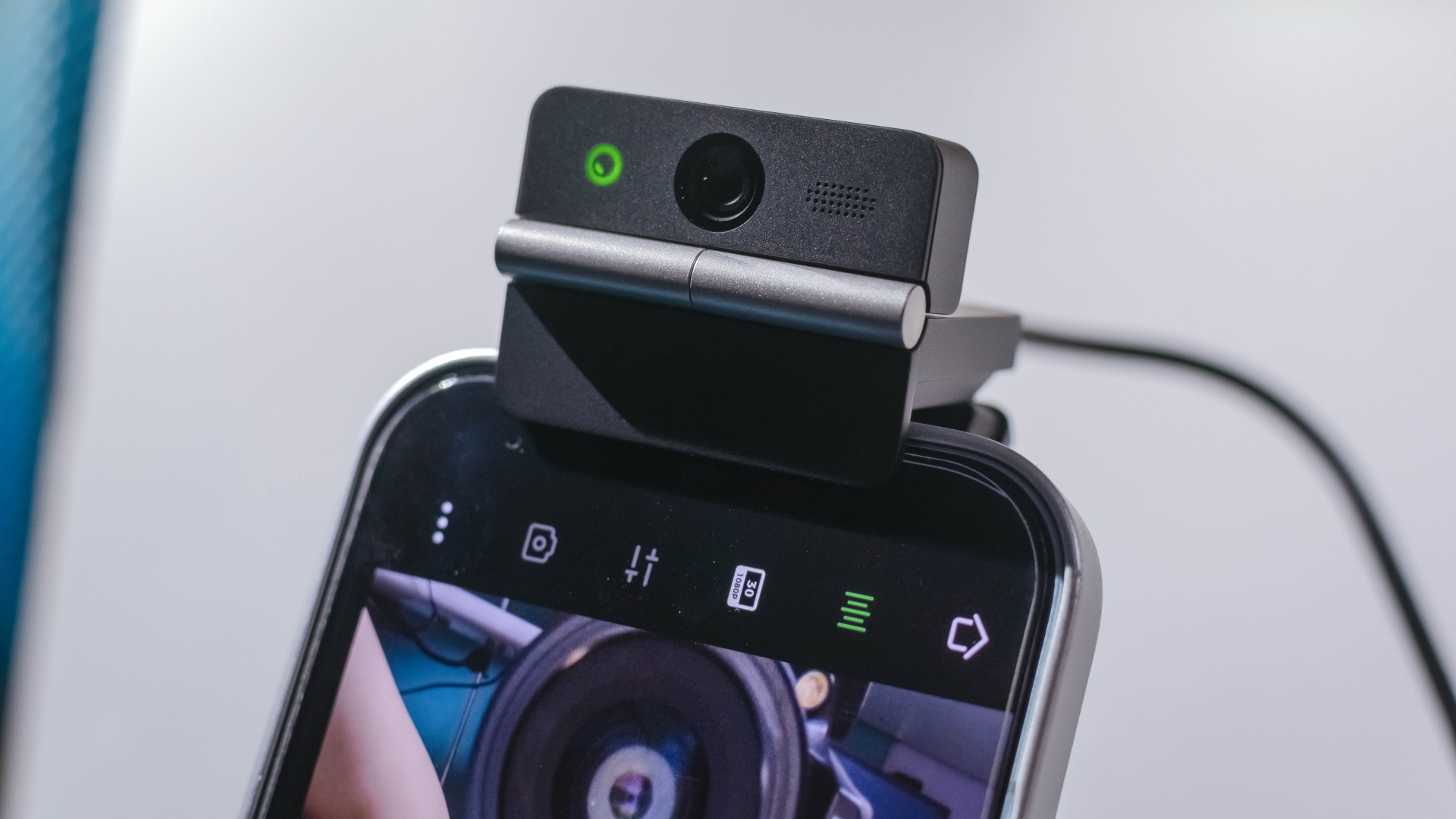
The Meet Flip isn’t limited to laptops or desktops either. Through OBSBOT Live, it can connect directly to smartphones and tablets over USB-C for mobile streaming and content creation.
Flip it open. Fold it away.
None of those features reinvent the webcam on their own.
Taken together, though, they make the Meet Flip a more thoughtful take on a piece of hardware whose basic design and features have barely changed.
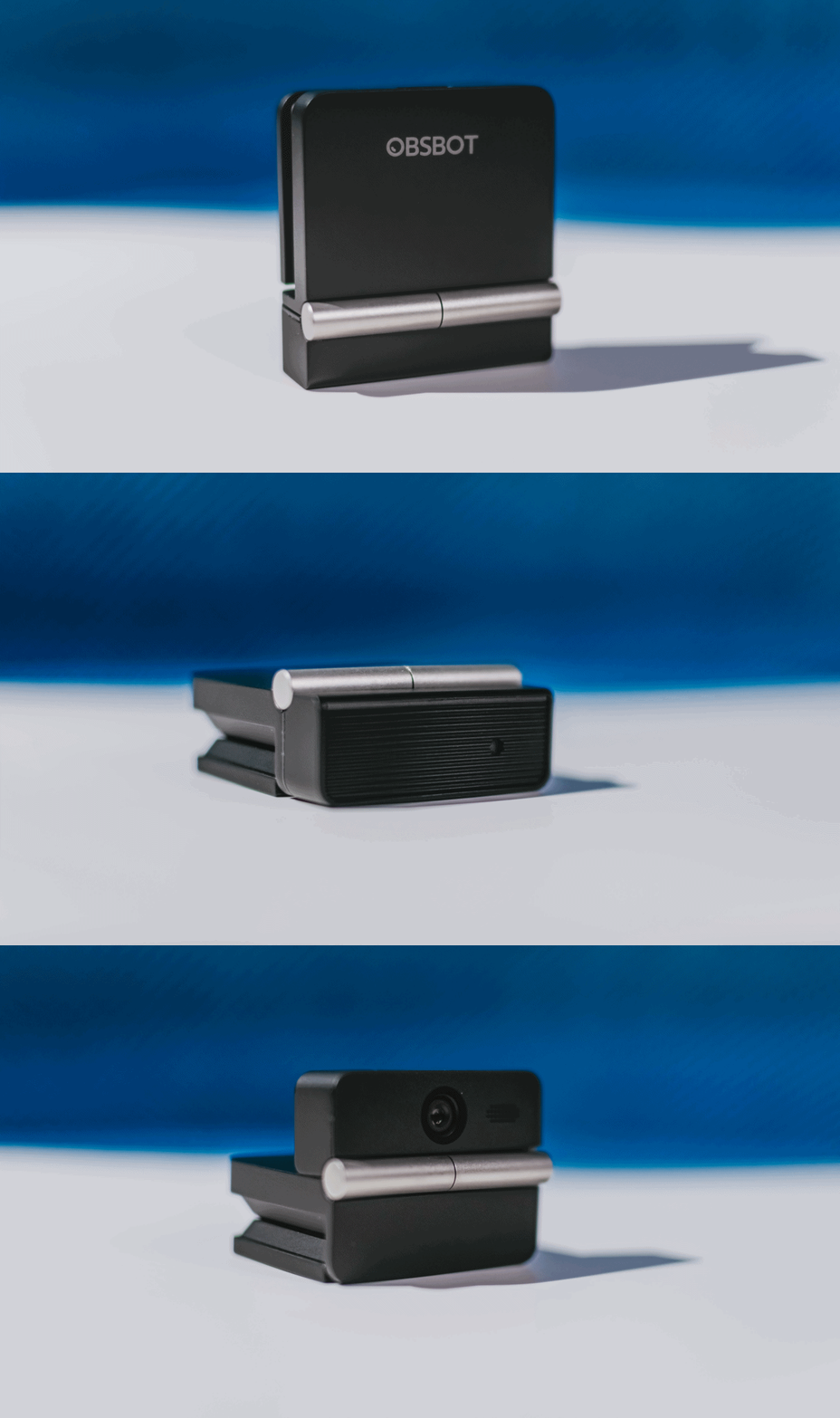
The flip may grab your attention first, but it’s how OBSBOT uses that design alongside its camera, audio, and software features that makes the Meet Flip interesting.
The OBSBOT Meet Flip is now available at US$ 119 and is currently available through OBSBOT’s official store, Amazon US, and select retailers.
&
@gadgetmatchPhones flip. Now webcams do too. 👀 Meet the OBSBOT Meet Flip, a tiny foldable 4K webcam with a lot packed inside. ✨
If you buy one, here’s what you’ll get out of the box!
Laptops
MSI Prestige 14 Flip AI+ Vincent van Gogh Edition now available
Premium aesthetic, AI-ready performance, exclusive accessory bundle

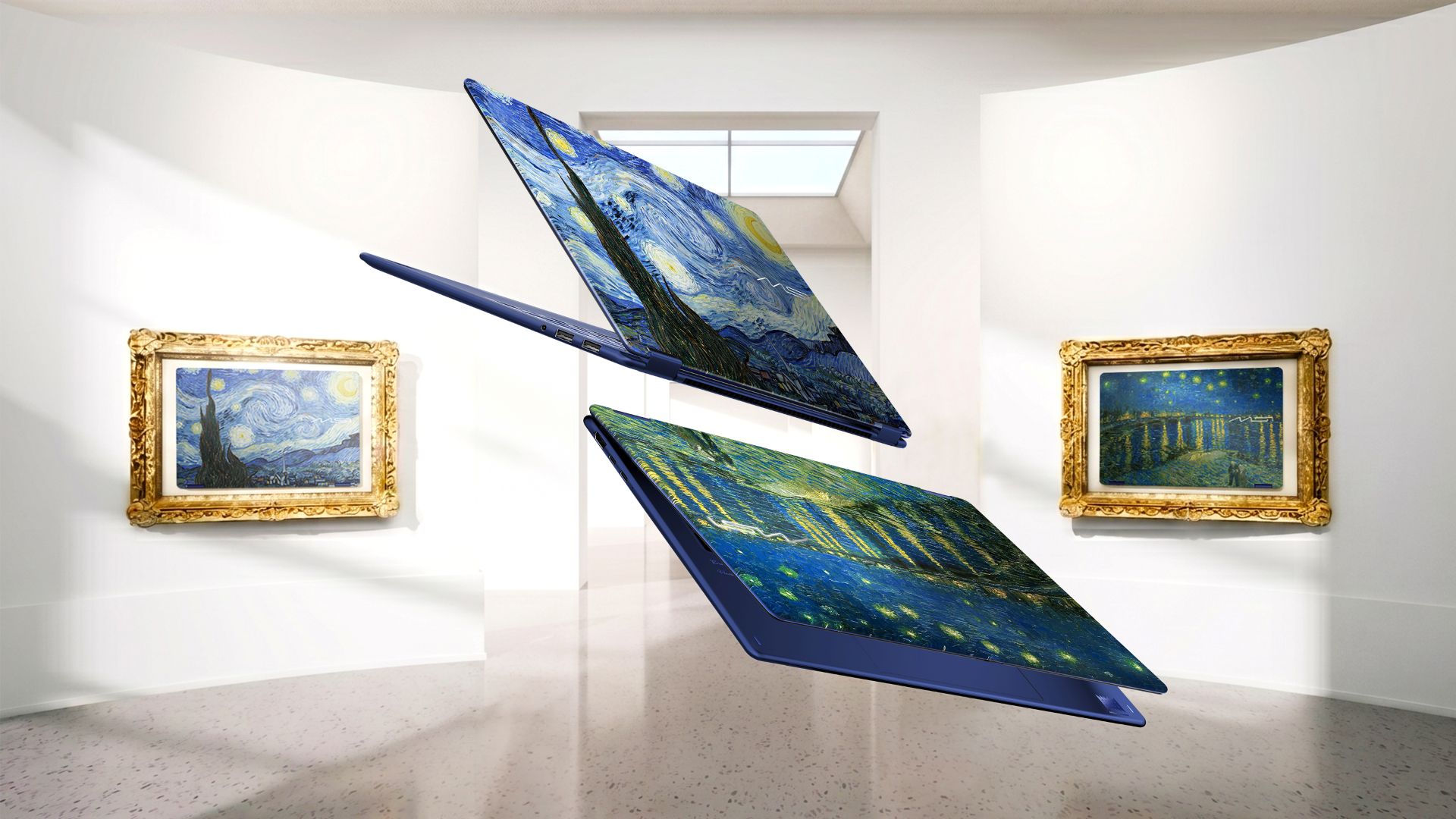
The MSI Prestige 14 Flip AI+ Vincent van Gogh Edition is now available. It is the latest addition to MSI’s artisan collection. It combines a design inspired by one of the most influential painters in the world, AI-ready performance, portability, and an exclusive accessory bundle.
This limited-edition laptop celebrates artistic craftsmanship. Its design captures the emotion, movement, and creative spirit of two of the artist’s most iconic masterpieces.
Beyond the aesthetic, the special 2-in-1 laptop delivers versatility and AI-ready performance. It’s chiefly meant for creators and professionals and their modern-day workflow.
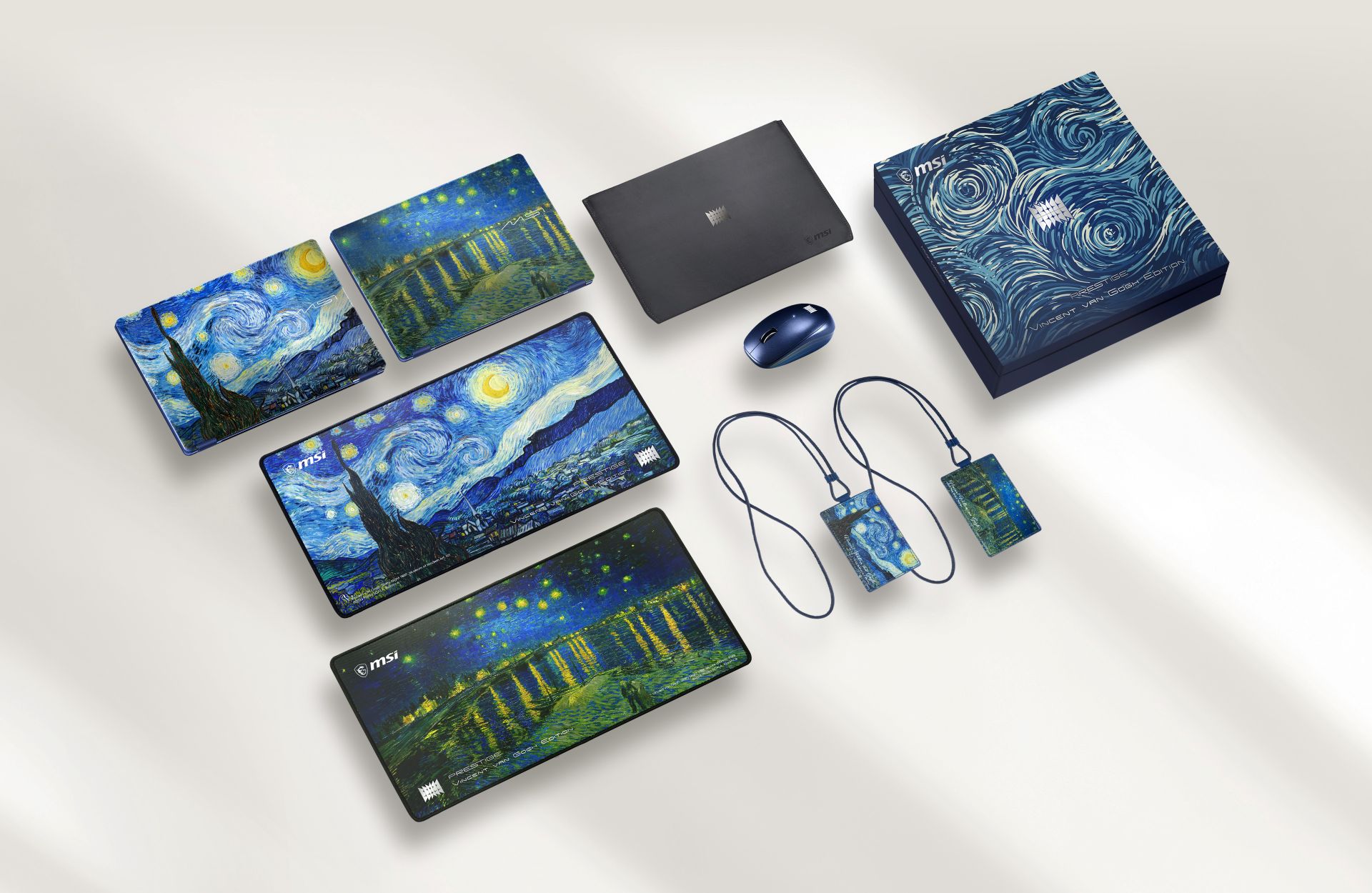
The package is completed by an exclusive bundle pack with a wireless mouse, Van Gogh-inspired mousepads, and ID badge, sleeve bag, keyboard cover, and specially designed packaging.
The MSI Prestige 14 Flip AI+ Vincent van Gogh Edition draws inspiration from the “Starry Night Over the Rhône” and “The Starry Night.”
Such contrasting moods on each painting influenced the product’s design language. Chassis textures, color details, and UI themes of MSI Center M reflect the flowing movement and layered emotions found on the two paintings.
Different blue tones, textures, and finishes also capture the range of moods — from peaceful and quiet to bold and expressive.
Built for modern creative workflows
Beyond its artistic identity, the 2-in-1 laptop is built for creators who move between work, inspiration, and everyday life.
The laptop is powered by Intel Core Ultra processors, weighs 1.37 kilograms, and measures 11.9mm thin.
It supports a range of AI-enhanced experiences for both creativity and productivity. This includes A-assisted photo editing, image generation, video editing, background noise reduction, live captions, and other intelligent tools.
In front is a 14-inch OLED display with 100% DCI-P3 color gamut, delivering rich contrast and accurate color reproduction.
Inside is an 81Whr battery supporting up to 30 hours of 1080p video playback under specific test conditions.
Laptops
30 days later with the ASUS ExpertBook Ultra: Like seeing an ex
Felt exactly as I remembered.

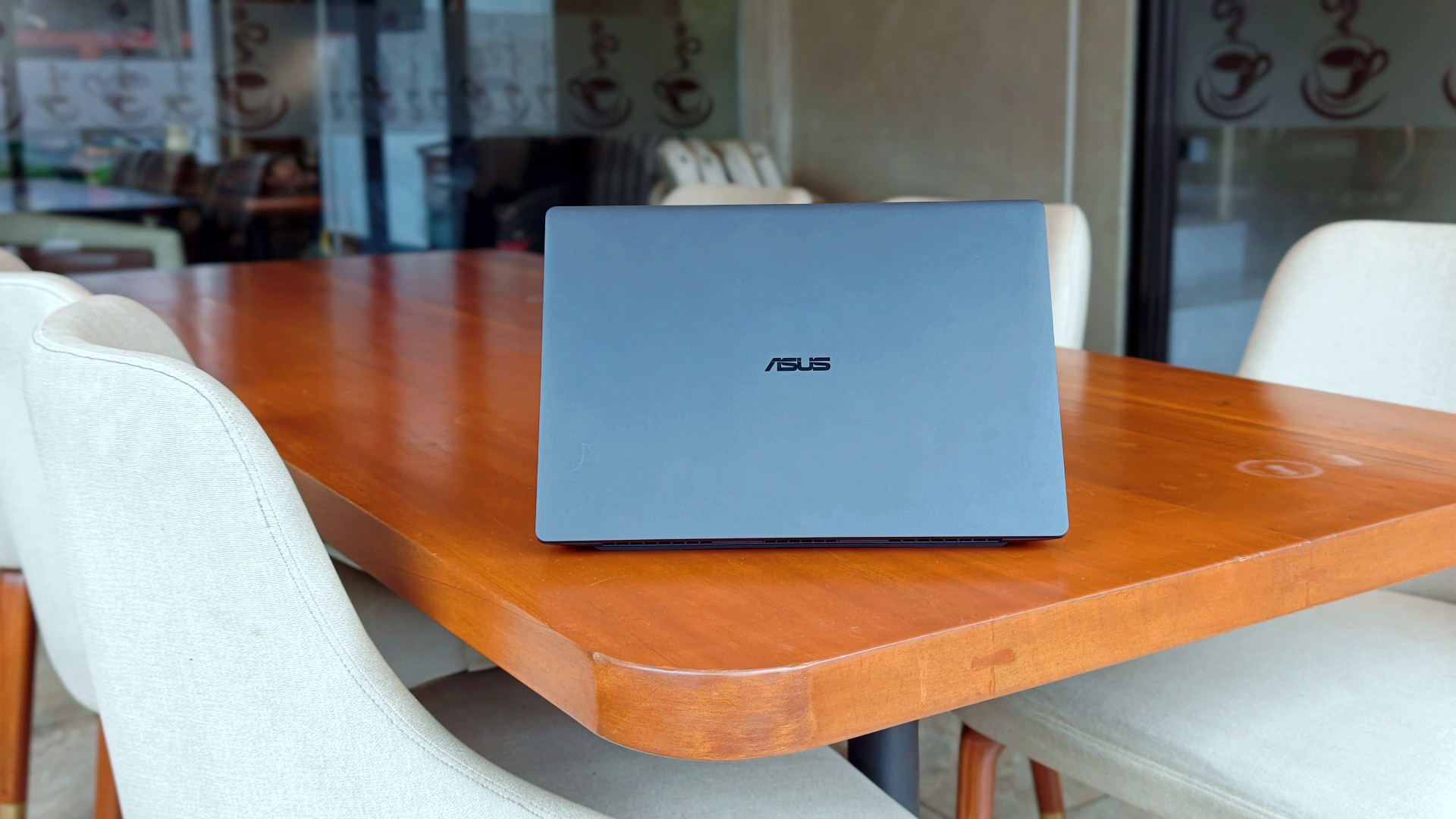
I genuinely thought that was it.
The review was done. The feature was out. ASUS had already collected the laptop. In my head, the campaign was over.
Then, out of nowhere, they sent it back.
Between the original review period and this unexpected encore, I ended up living with the ExpertBook Ultra for close to 30 days.
I wasn’t expecting to spend more time with it, but I certainly wasn’t going to complain. If anything, I just hoped they wouldn’t ask for it back again anytime soon.
Picking it back up felt familiar.
Like seeing an ex.
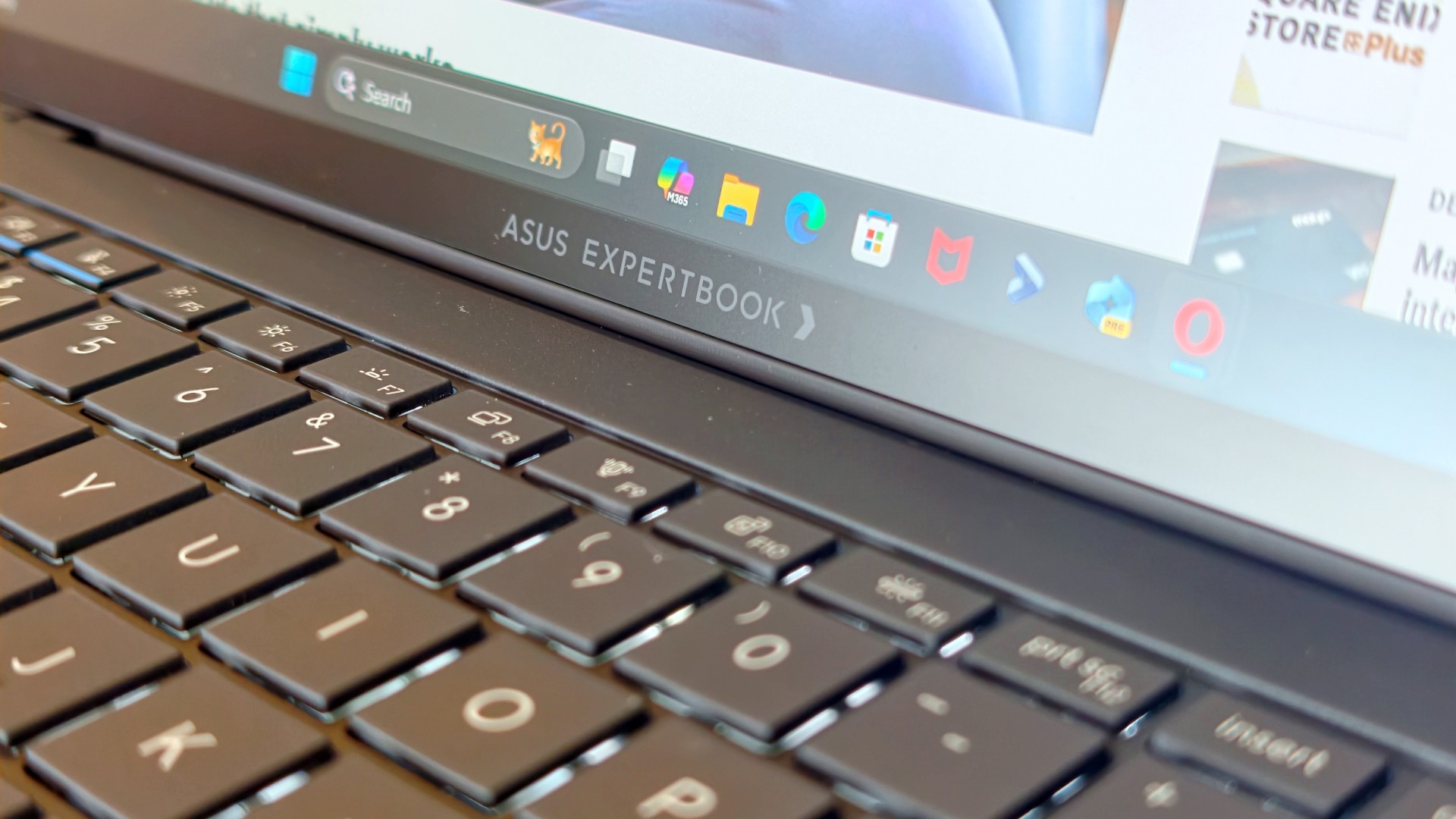
The butterflies came back almost immediately. So did everything I remembered about it.
It also got me thinking.
Maybe the best follow-up to a review isn’t spending another week with a laptop. Maybe it’s asking yourself one simple question:
How much did you actually miss it after it was gone?
That question was surprisingly easy to answer.
It still feels impossibly light
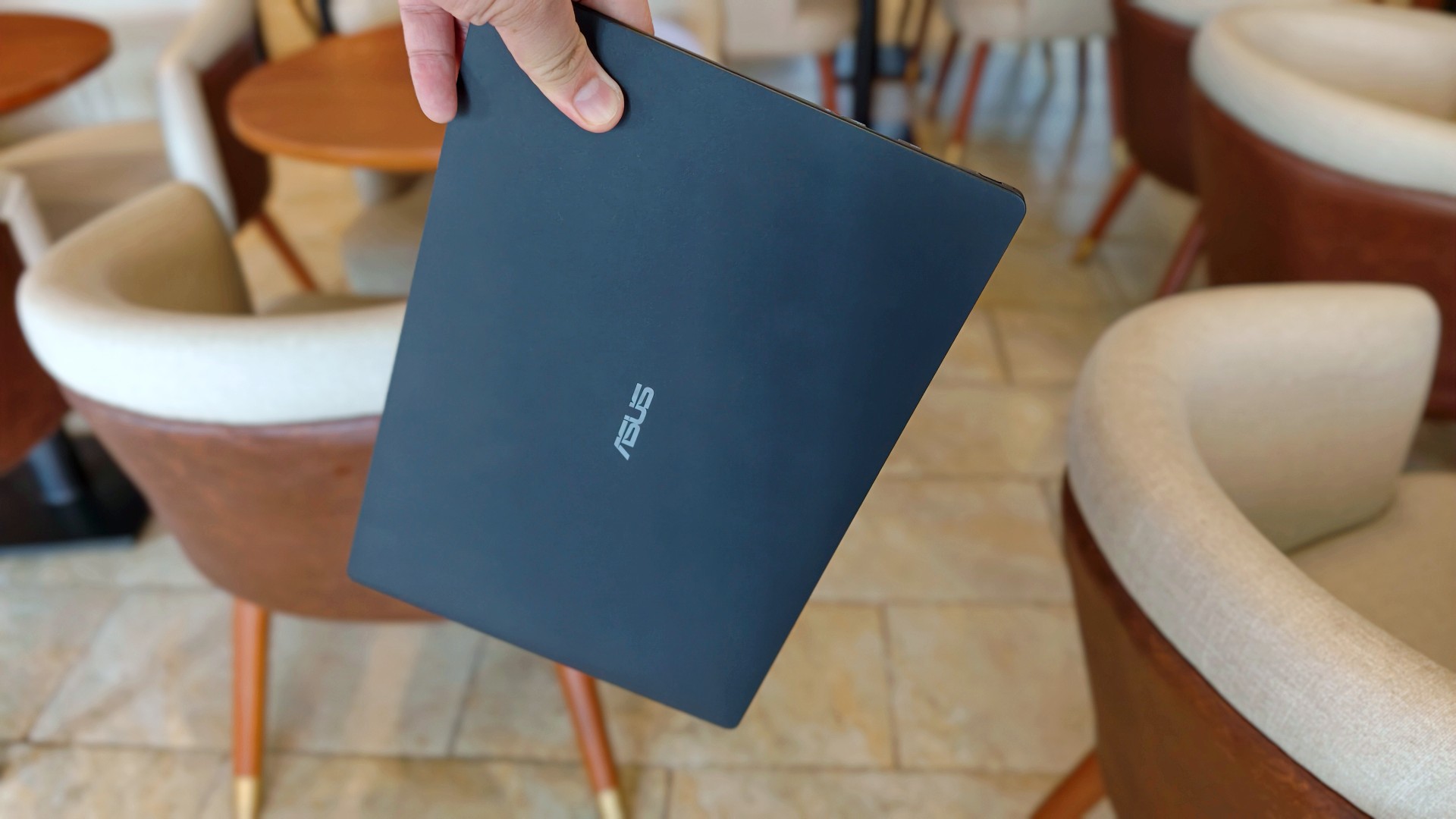
The first thing I noticed wasn’t the display. It wasn’t the keyboard either.
It was the weight.
That became painfully obvious on days when I absolutely had to bring my laptop around. The 0.99kg starting weight really does make a difference when you’re bouncing between cafés, meetings, and wherever else work decides to take you.
So when the ExpertBook Ultra came back, it slipped right back into the same routine. Same cafés. Dinner after. Then back home where work usually followed me all the way to bed.
Most definitely inside the Bravo Tote V2. I upgraded my bag too lol.
The thing I noticed almost immediately wasn’t that it was light. I already knew that. It was how quickly everything came back.
Like we never parted.
The ASUS ExpertBook Ultra is still everything I want my MacBook Pro to look and feel like.
I still have a weird relationship with the Nano Ceramic finish
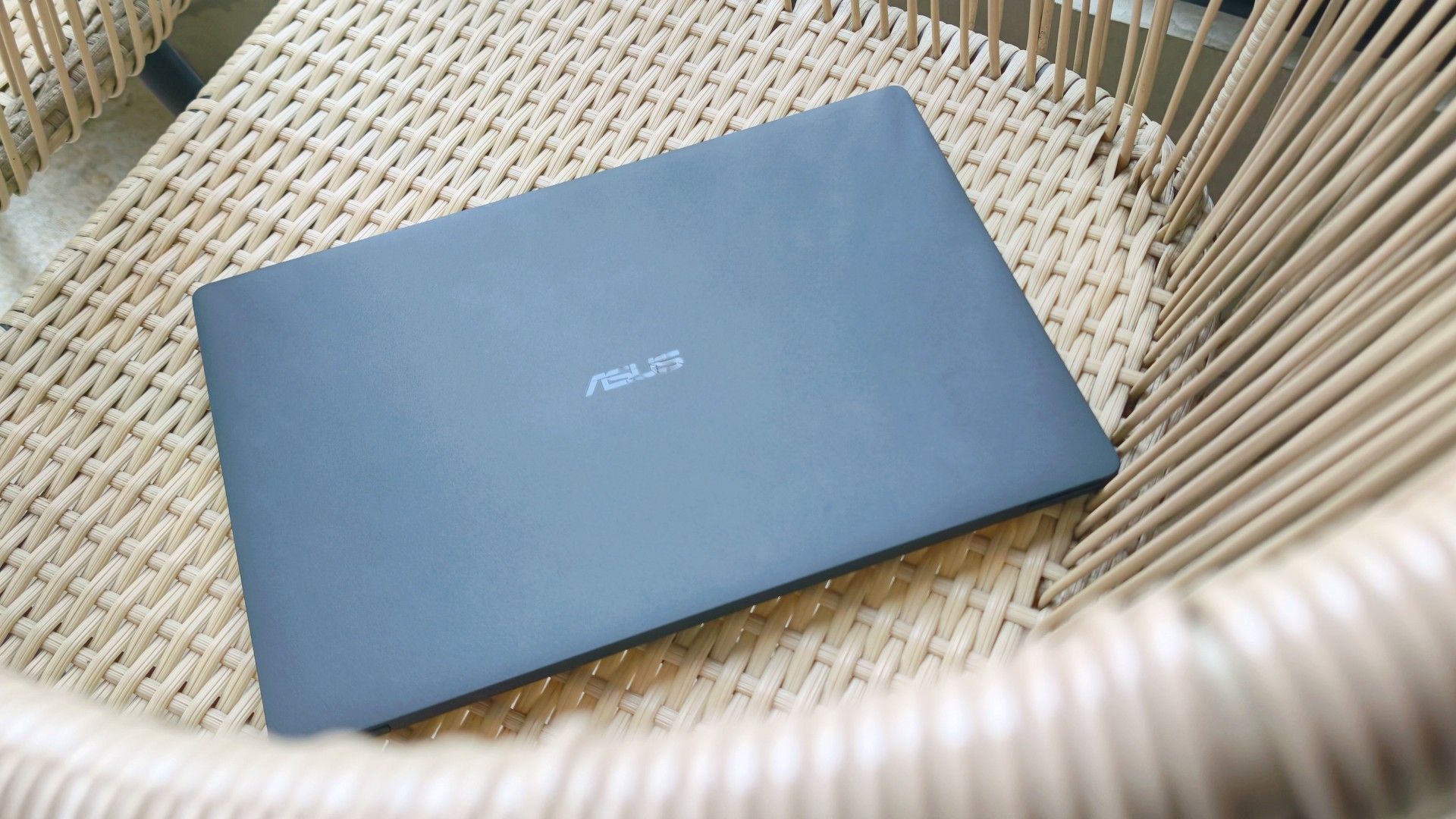
I know this sounds ridiculous, but I still catch myself running my hand across the lid before opening the laptop.
It’s just become part of the ritual.
Pick it up. Marvel at how light it is. Run my hand across the 9H Nano Ceramic finish. Then get to work.
One of the things I wondered after ASUS took the laptop back was whether I’d still care about the finish once the honeymoon phase had worn off. It felt like one of those features that would naturally lose its magic over time.
Apparently not. If anything, the time apart made me appreciate it even more. And as I continued to use it, these words came to mind: “I wish we never parted. I wish you stayed. And I wish you never go away.”
I forgot how much I liked working on it
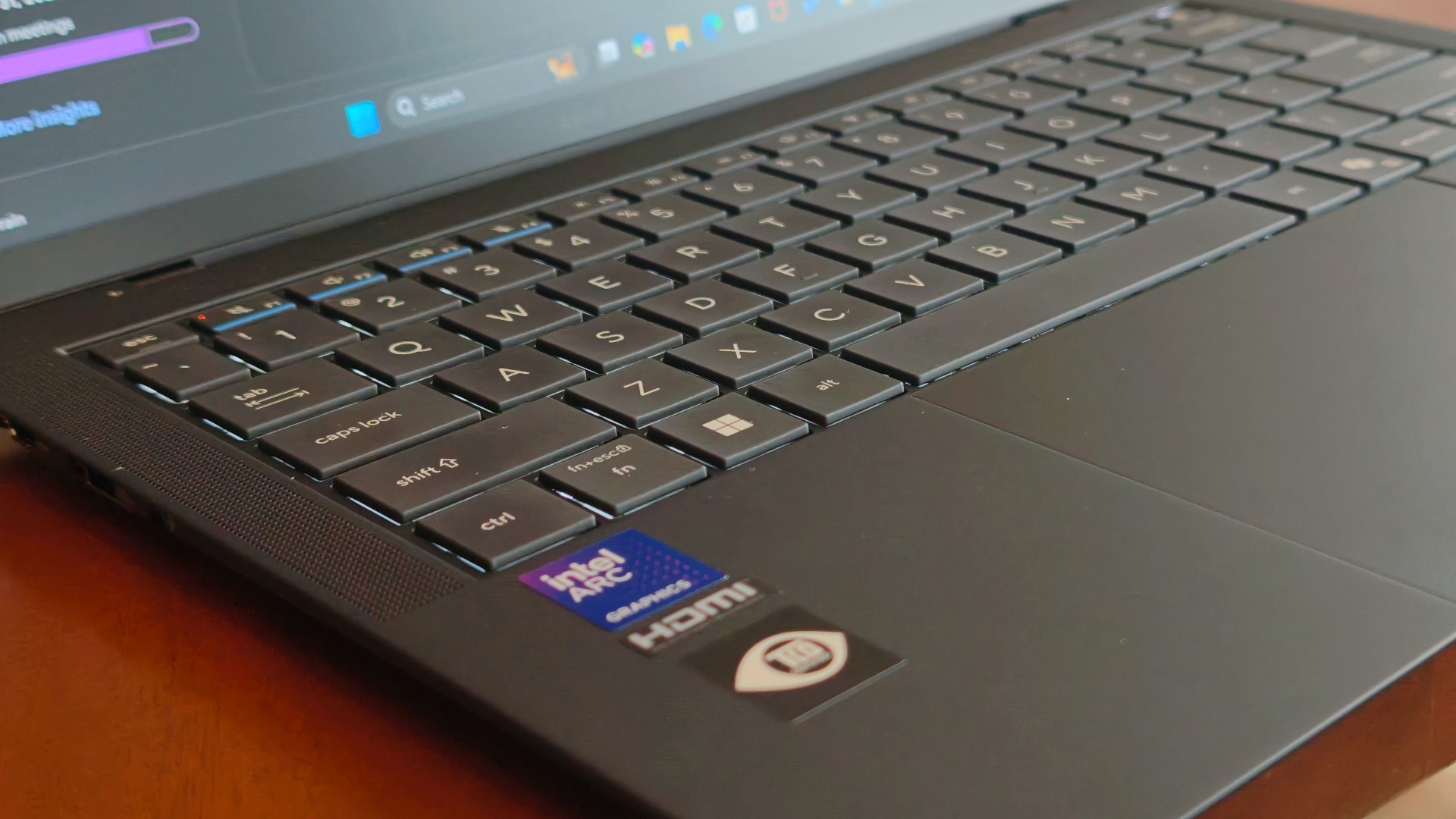
One thing that didn’t change while the ExpertBook Ultra was away was the kind of work I do.
The breadth and depth of it certainly didn’t magically change. I still spent my days coordinating projects, replying to emails, juggling deadlines, and letting ChatGPT help me process unresolved feelings and questionable timing in between writing articles.
That also meant I wasn’t really the target audience for some of the ExpertBook Ultra’s AI for Work features. I appreciated having tools like MyExpert, AI ExpertMeet, and Copilot+ within reach, but my workflow rarely called for them. Most days, I was simply too busy doing the work instead of exploring new ways to do it.
Although, I will say I did a lot more coordination work than the emotionally charged reviews and features I usually enjoy writing.
I also started editing a reel before eventually handing it over to one of our video editors for reasons completely unrelated to the ExpertBook Ultra. Rodneil issue.
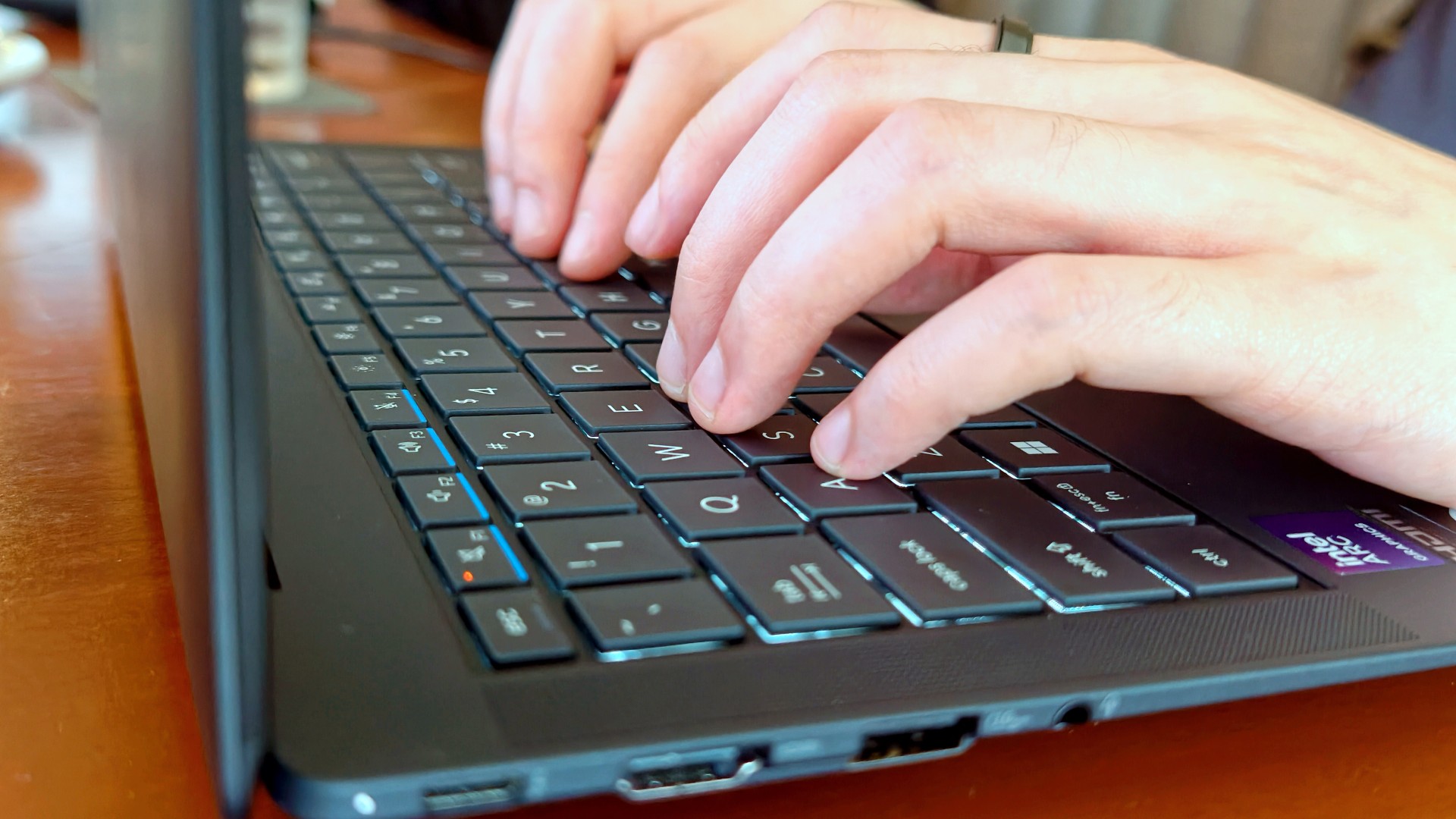
The keyboard, though, was just as lovely as I remembered. The 1.5 mm key travel still struck a nice balance between comfort and responsiveness, while the ASUS ExpertCool keyboard with its Excimer UV coating gave me one less thing to worry about during long workdays.
People often say a good keyboard is one you stop thinking about. I never did.
Every now and then I’d be halfway through an article and randomly catch myself appreciating how good it felt to type on. It’s one of those things you don’t expect to notice after days of use, but somehow you still do.
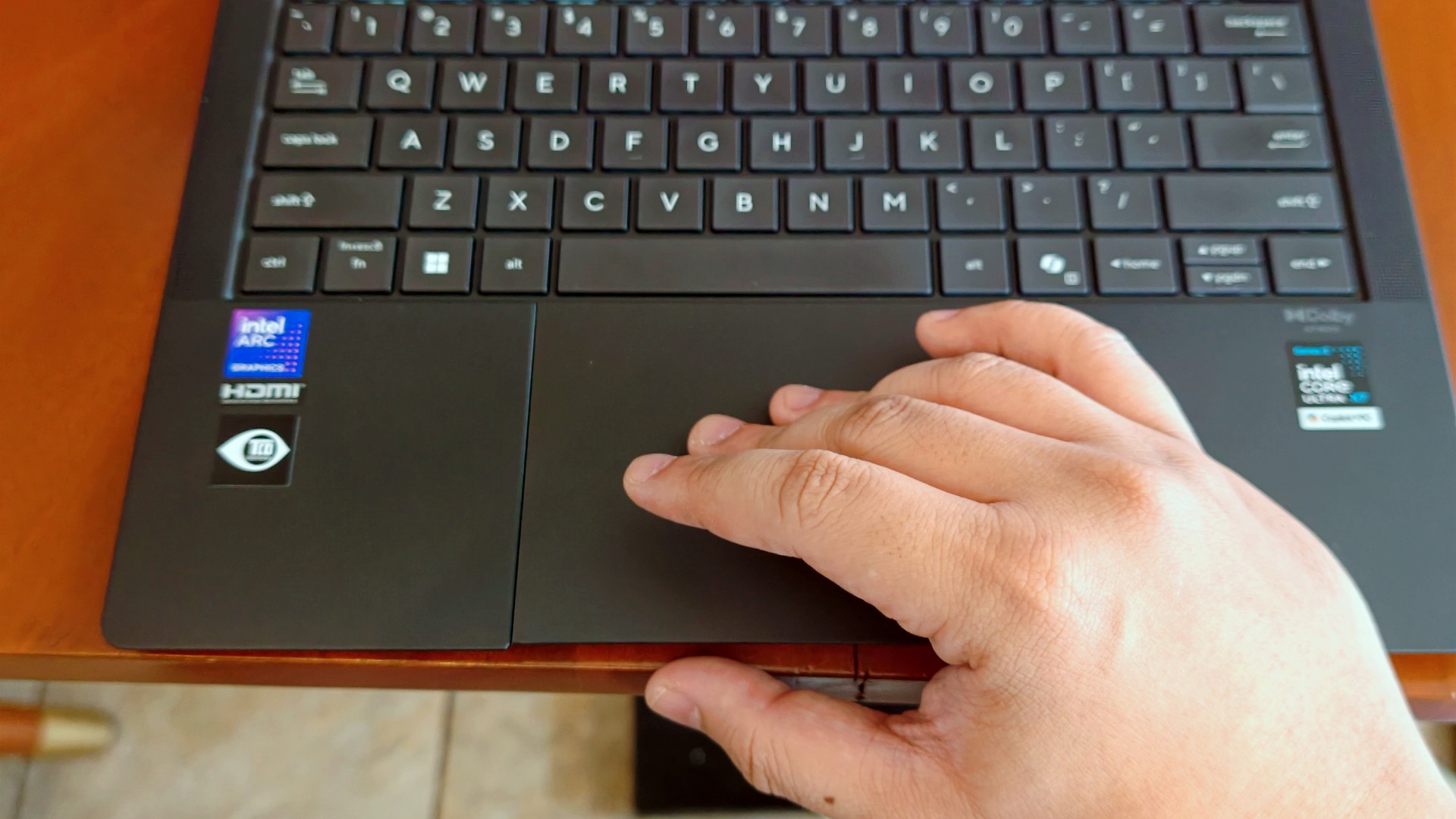
The haptic touchpad, on the other hand, started feeling like it was fighting me a little this time around. I still think that’s more of a software thing than an ASUS thing. If there’s one thing Apple still has over practically everyone else, it’s the MacBook trackpad.
That said, I still never found myself reaching for a mouse.
I got distracted… again (thanks, 3K Tandem OLED)
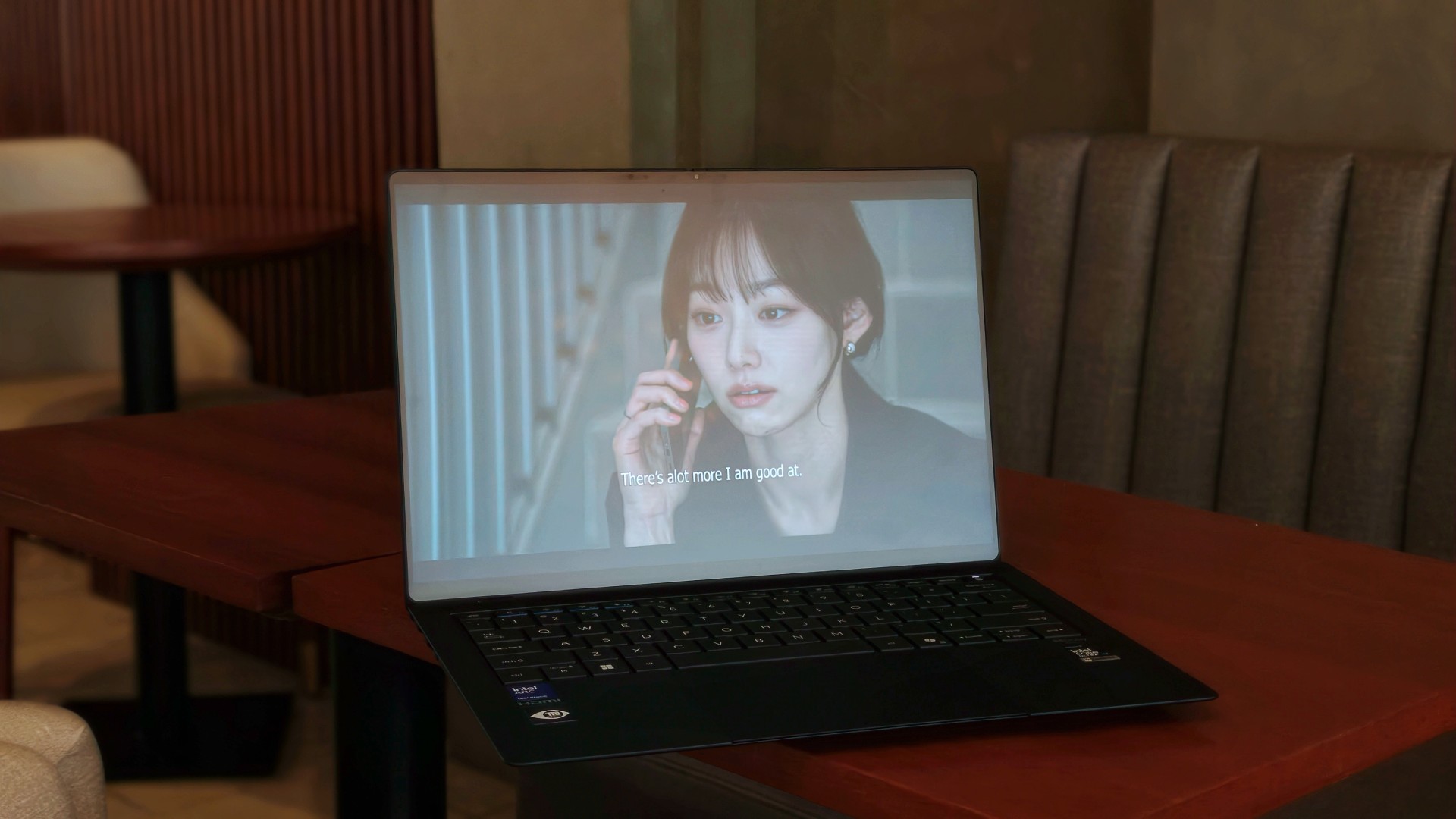
Eventually, though, my brain would tap out.
That’s usually when I’d stop pretending to be productive and switch to whatever was helping me decompress that week.
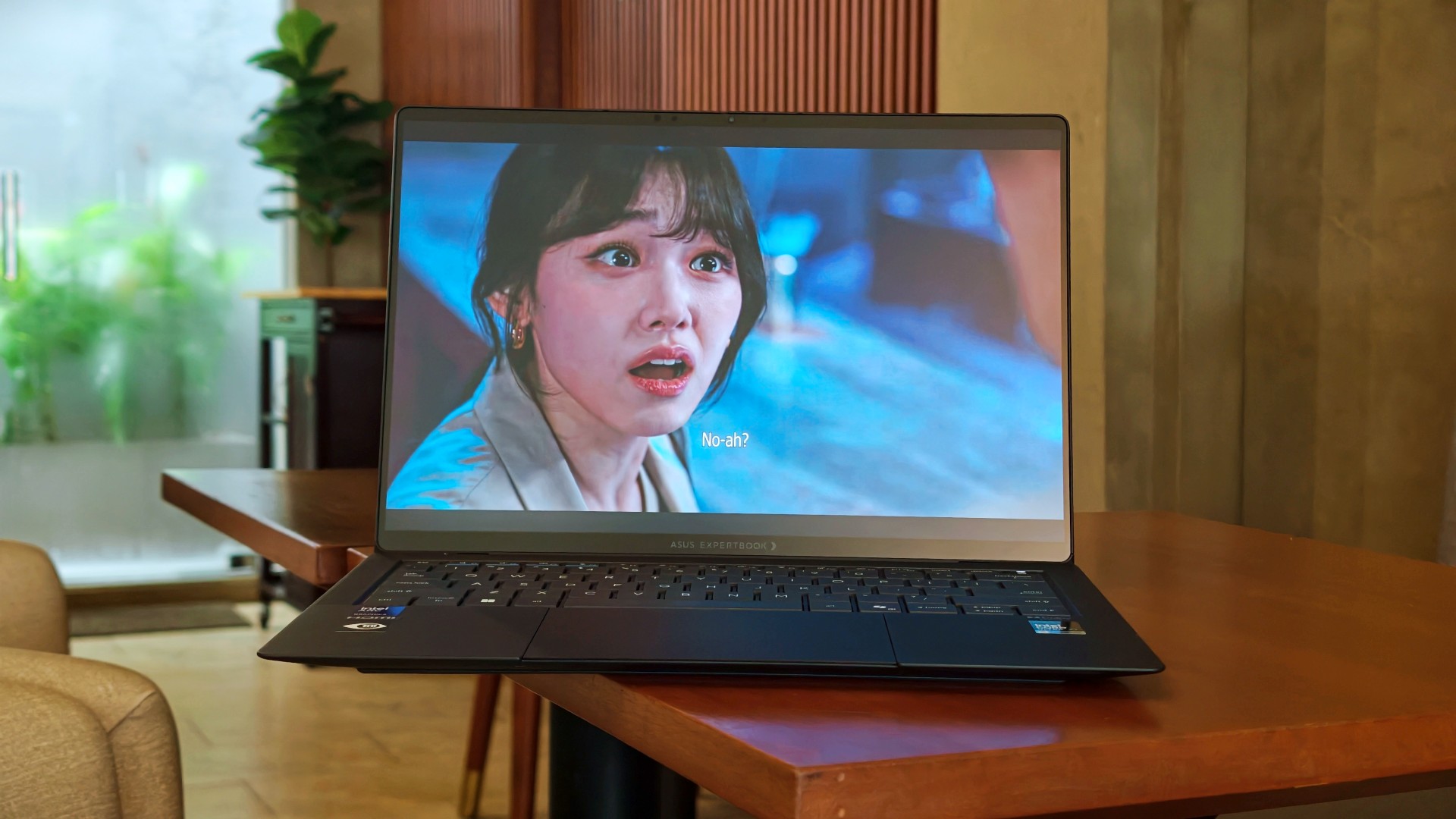
This time, it was See You at Work Tomorrow. I initially watched for second female lead Kang Mina (due for a lead role, btw) but got hooked with the rest of the cast pretty quickly.
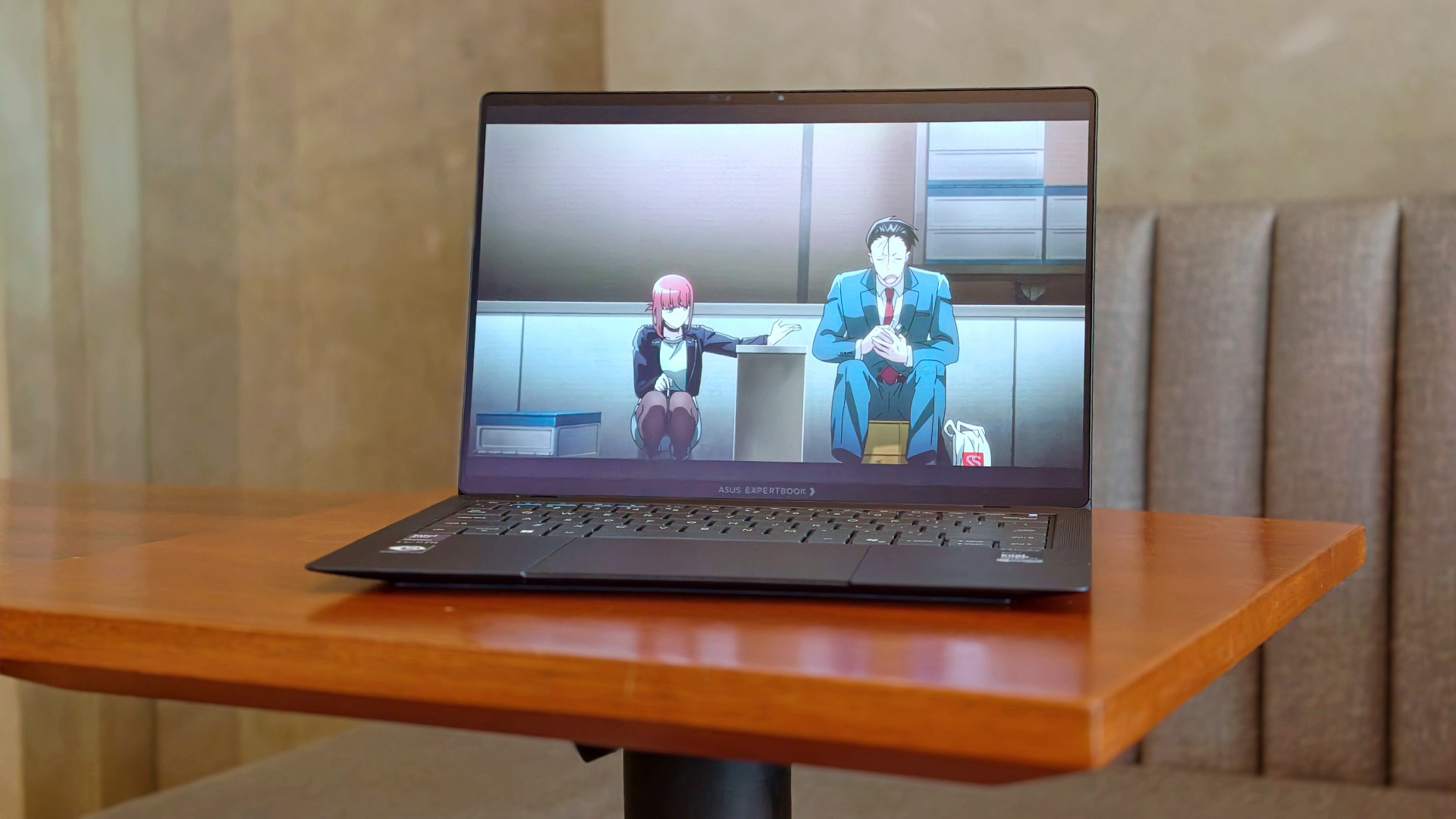
I also started Smoking Behind the Supermarket With You. It’s quietly become one of my comfort shows of late.
And naturally, there were the occasional fancams. This time, mostly of Kim Chaewon during LE SSERAFIM’s PUREFLOW concert stops.
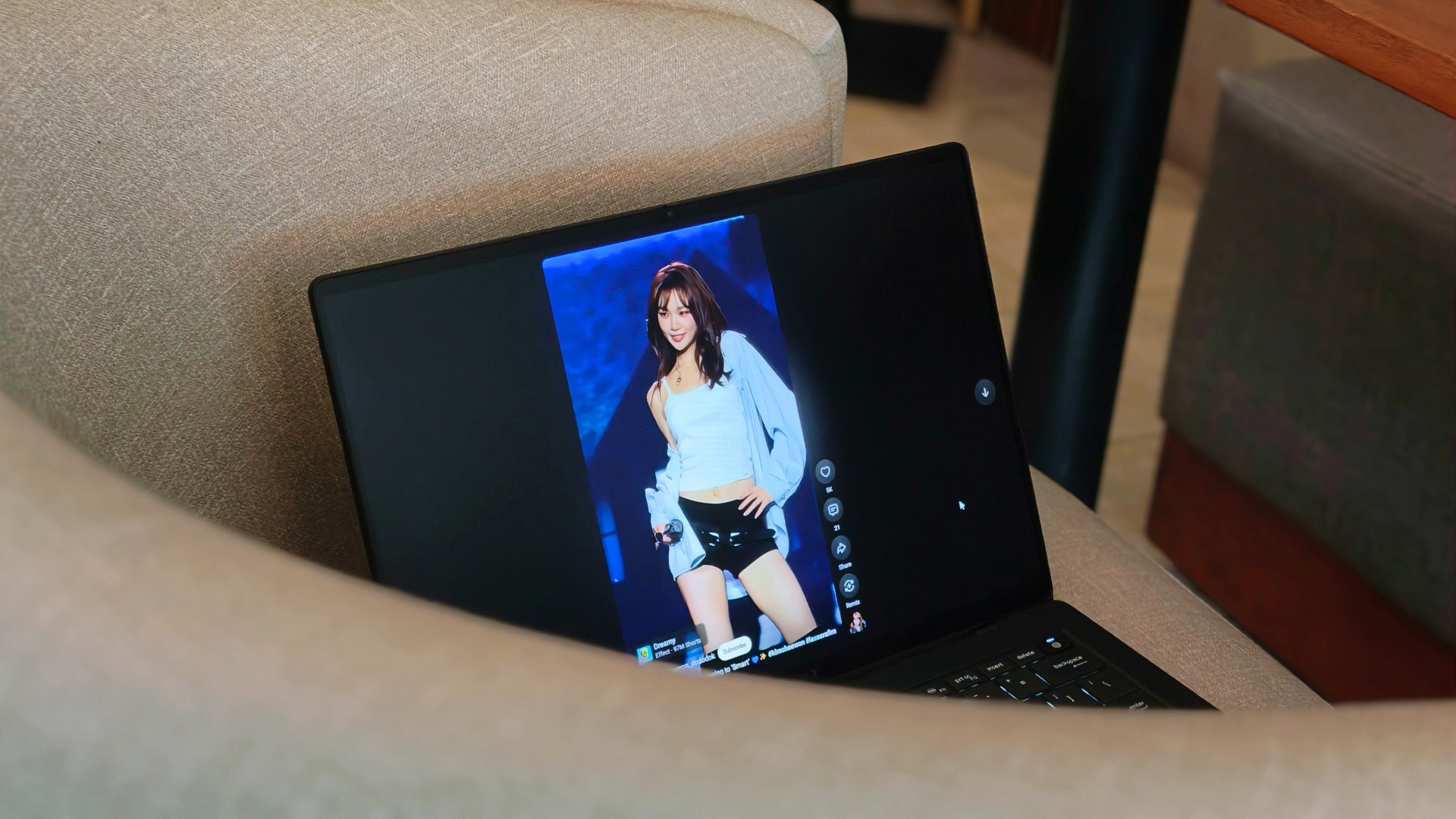
Funny enough, I don’t think I consciously appreciated the 3K Tandem OLED display as much this time around. I think I just got used to how good it looked.
Somewhere between deadlines, comfort shows, anime, and Chaewon fancams, I stopped noticing the display altogether. I just enjoyed whatever happened to be on it.
That’s probably the highest compliment I can give it.
Turns out, I hadn’t changed my mind
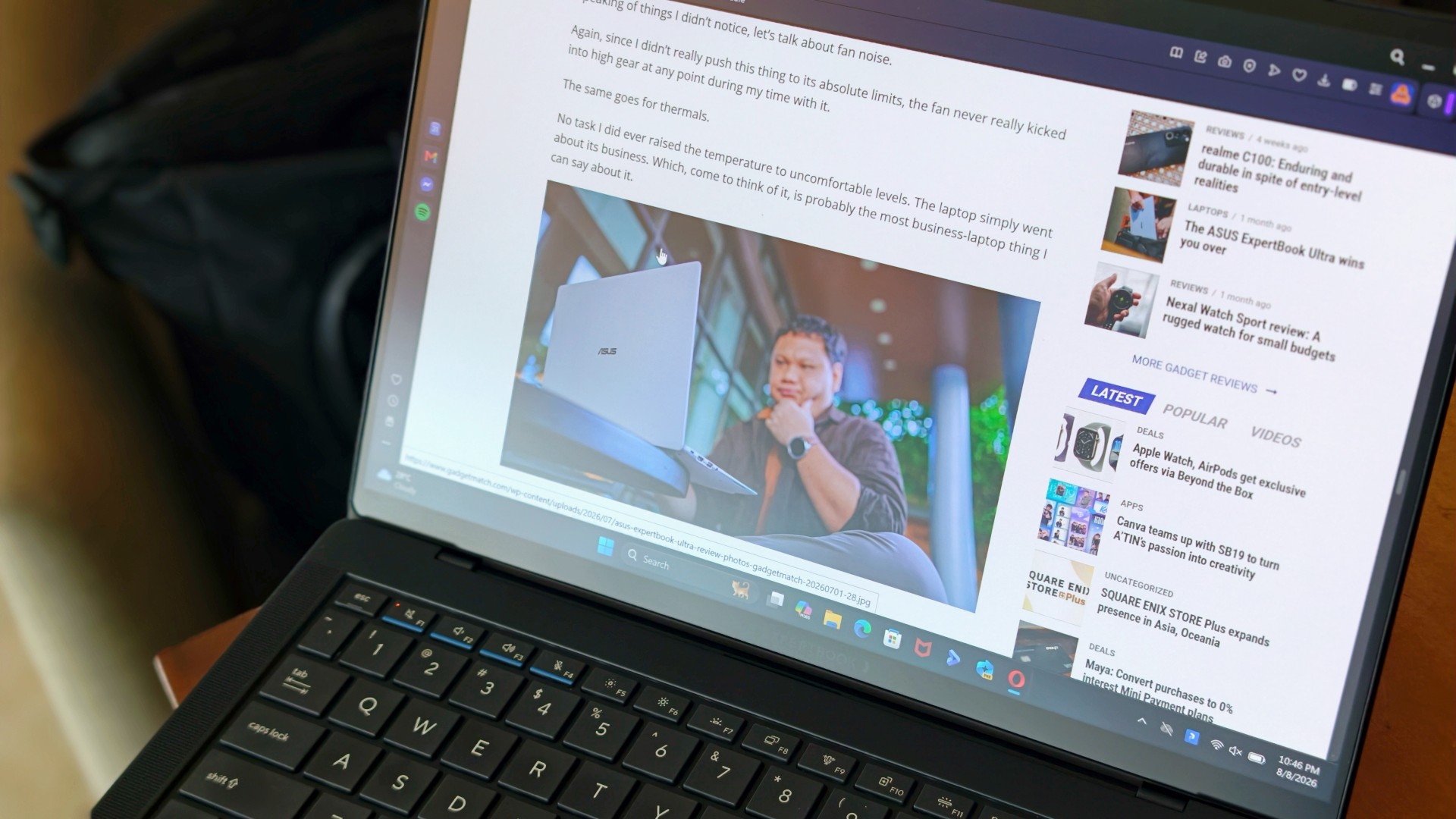
One of the reasons I was genuinely happy the ExpertBook Ultra came back was because I wanted to see whether I’d remembered it too fondly. After all, that’s usually what time does. You remember the good parts, forget the little annoyances, and convince yourself something was better than it actually was.
That never happened here.
If anything, getting the laptop back just reinforced the conclusions I had already come to the first time around. It still feels impossibly light. I still think it’s everything I want my MacBook Pro to look and feel like. And yes, I still wish it ran macOS.
Sorry, Windows.
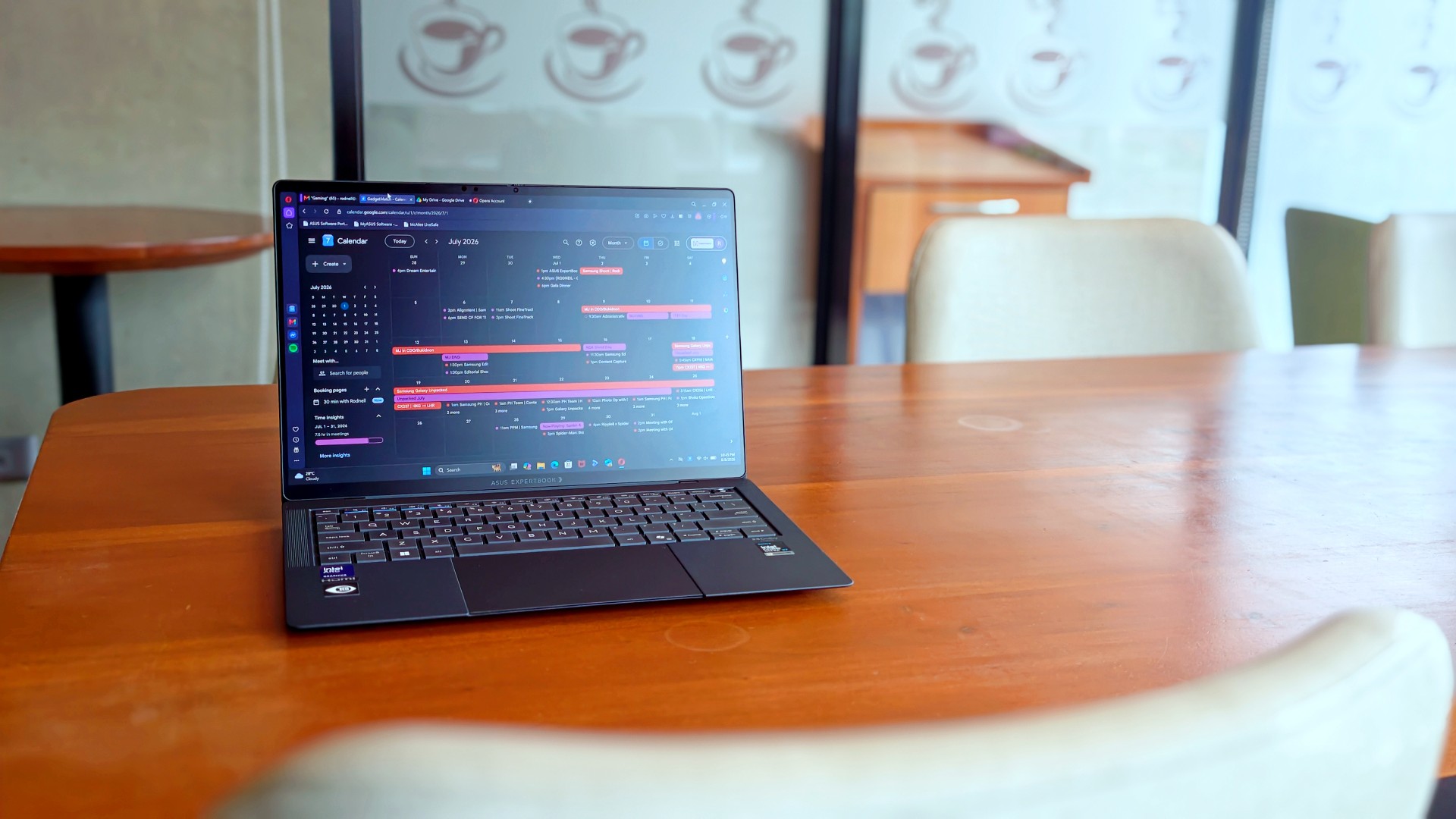
What surprised me more was that I never really found myself looking for reasons to disagree with my original review. I wasn’t paying attention to the little things anymore. Nor was I trying to re-review the laptop or see if I’d somehow missed a fatal flaw the first time around.
I just… used it.
It stopped feeling like a review unit and simply became the laptop I reached for whenever I had work to do or wanted to unwind with a K-drama at the end of the day. Looking back, that’s probably why nothing really changed. I had already formed my opinion. Getting it back just confirmed it.
The person I picture using this laptop also hasn’t changed. It’s still for people who’ve made strides in life and want a machine that reflects where they are while keeping up with everything they’re taking on.
That’s who I pictured when I first wrote about the ExpertBook Ultra.
Funny enough… That’s still who I picture today.
Sometimes the best review begins after the review ends
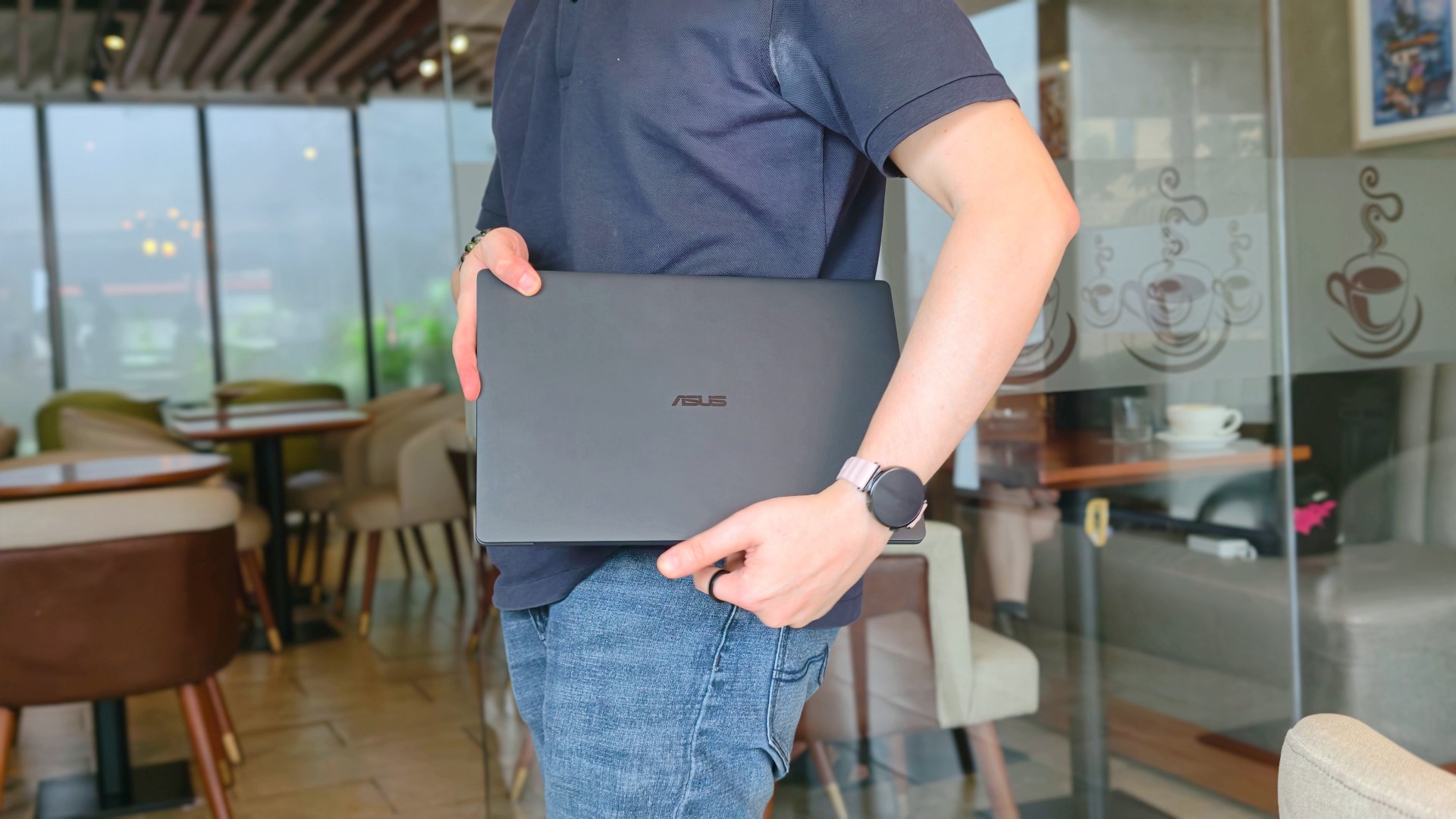
When ASUS took the laptop back, there was actually some relief. It signalled that the campaign was over.
That feeling didn’t last very long.
I couldn’t help but long for it shortly after, especially on days that I absolutely had to bring a laptop around. The weight really does play a big factor during days like this. And as ridiculous as it sounds, I never quite got over the Nano Ceramic finish either.
That’s probably what surprised me the most. Not that I still liked the ExpertBook Ultra. I already knew that.
It was realizing just how much of the experience stayed with me after it was gone.
If you’ve been considering the ExpertBook Ultra, my advice probably hasn’t changed after spending close to 30 days with it. Don’t buy it because it’s the lightest laptop around or because it packs every feature under the sun. Buy it because you want a machine that quietly gets out of your way and lets you focus on the work that matters. That’s what it ended up doing for me.
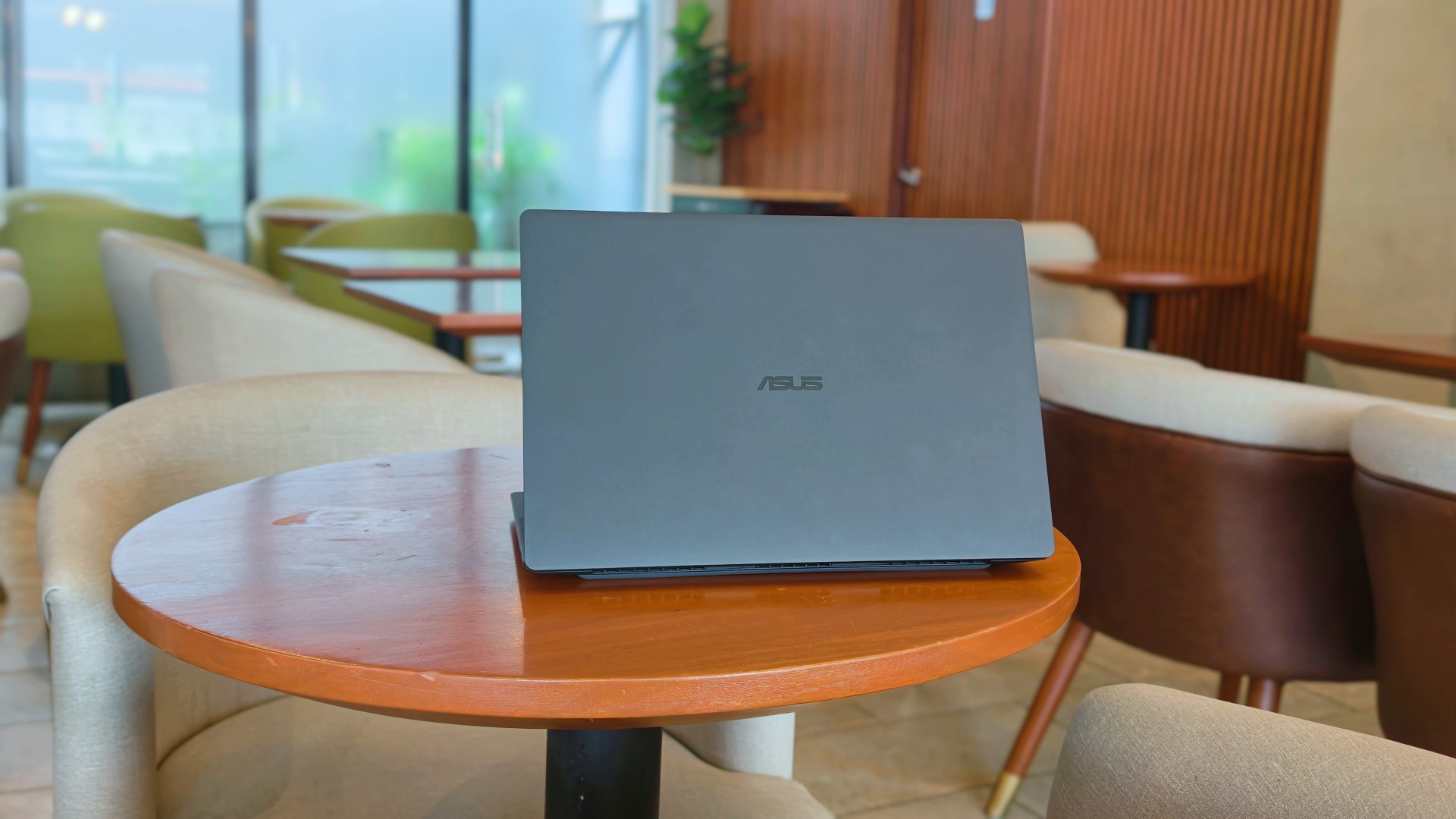
After this reunion, the ASUS ExpertBook Ultra will likely leave me again. Some exes are just like that. They’re meant to be exes.
And while they don’t stay, they leave an imprint on how you go about life moving forward.
I just know some part of me will always look for the best that I’ve found with the ExpertBook Ultra whenever another laptop lands on my desk.
Is that fair? Perhaps not. But it is what it is.
Thinking of making the switch?
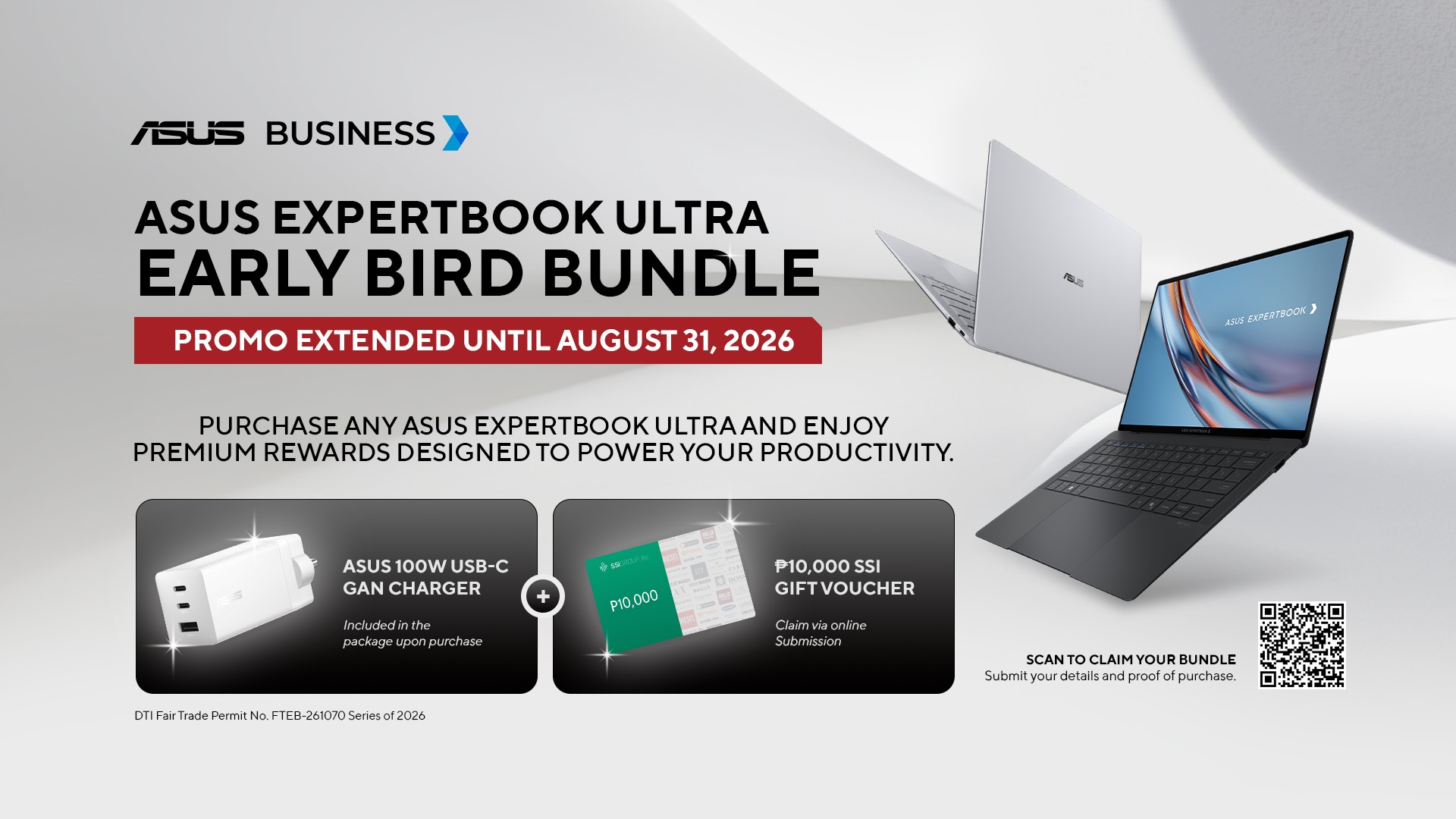
If you’ve been considering the ASUS ExpertBook Ultra, ASUS Business Philippines is currently running an Early Bird Bundle Promo until August 31, 2026. Purchase any ASUS ExpertBook Ultra from participating ASUS Expert Stores and select tech retailers to receive over Php 13,000 worth of freebies, including an ASUS 100W GaN Charger and SSI Gift Certificates. (DTI Fair Trade Permit No. FTEB-261070 Series of 2026.)
The ASUS ExpertBook Ultra starts at Php 129,995 and is available through select ASUS authorized stores and tech retailers nationwide.
Every purchase also includes a 3-year battery and charger warranty extension, with upgradeable warranty coverage of up to 5 years, giving you added peace of mind long after you’ve taken it home.
Where to buy:
ASUS ExpertBook Ultra: https://ph.asus.click/ExpertBookUltra-WheretoBuy
ASUS Expert Store – Lazada: https://ph.asus.click/ASUSExpertBookStoreLazada
ASUS Expert Store – Shopee: https://ph.asus.click/ASUSExpertBookStoreShopee
For businesses, ASUS Business Philippines also offers flexible configurations tailored to your organization’s needs. To learn more about volume purchases, visit:
https://ph.asus.click/Business-VolumePurchase

TECNO MEGAPAD 2 review: Eyes on the size
The MEGA pad for two base users

30 days with the DJI Osmo Pocket 4P
This is the camera that made solo travel filmmaking finally feel possible.


MARVEL Tōkon: Fighting Souls review: Easy to pick up, hard to put down
Welcomes casual and experienced fighting game players
TECNO MEGAPAD 2 review: Eyes on the size
30 days with the DJI Osmo Pocket 4P

UNDERTALE: The Determination Symphony gets two more shows

HUAWEI Pura X View is 2026’s first WIDE slab-type smartphone

These Polaroid x Pokémon cameras are just the cutest things

VinFast debuts two-wheeler models, opens 21 e-motorcycle showrooms

OnePlus officially leaves the United States and Canada

Xiaomi debuts SkyNomad Series featuring new Kunlun platform

REDMI Note 17 Series focuses on long-term reliability

ROG STRIX G16 Review: Building for the moment


-
 Singapore7 days ago
REDMI Note 17 Series focuses on long-term reliability
-
 Laptops2 weeks ago
ROG STRIX G16 Review: Building for the moment
-
 Laptops2 weeks ago
30 days later with the ASUS ExpertBook Ultra: Like seeing an ex
-
 News7 days ago
realme 16T to come with 8,000mAh battery, 7-year battery health guarantee
-

 Philippines2 weeks ago
Smart opens HUAWEI Pura 90s Series pre-orders with exclusive freebies
-
 News2 weeks ago
TCL expands mobile lineup with latest NXTPAPER series
-
 Gaming2 weeks ago
Marvel Wolverine Limited Edition PS5 bundle SEA pricing
-

 Reviews1 week ago
Samsung Galaxy Z Fold8 Review