
Gaming
ROG Flow Z13 review: A tablet powerhouse like no other
There’s more than just powerful gaming

Throughout my four years of working in GadgetMatch, I haven’t actually tried using any gaming laptop (or even a tablet) of some sort. Let alone a device like the ROG Flow Z13. That’s mainly because I’m not as invested as our in-house gamers like Rodneil, Luigi, or Gab.
But what if you wanna hear thoughts from a casual gamer? And how does it perform from the perspective of a creative professional?

Without further ado, let’s proceed with this much-awaited review of the world’s first Windows 11-powered gaming tablet.
(Un)usual tablet
Up front, it might look like the same glass slab as other tablets. This particular model has a 13.4-inch Full HD+ glossy display with a 16:10 aspect ratio. That’s an unusual ratio for most games that only support either 16:9 or 21:9 gaming.

But it becomes a real game-changer when you flip its back side.

Unlike regular tablets with an ultra-sleek and minimal design, the ROG Flow Z13 stands out from the crowd.

Other than the usual Intel and GeForce stickers, what stands out the most is its see-through glass window that shows the tablet’s internals.
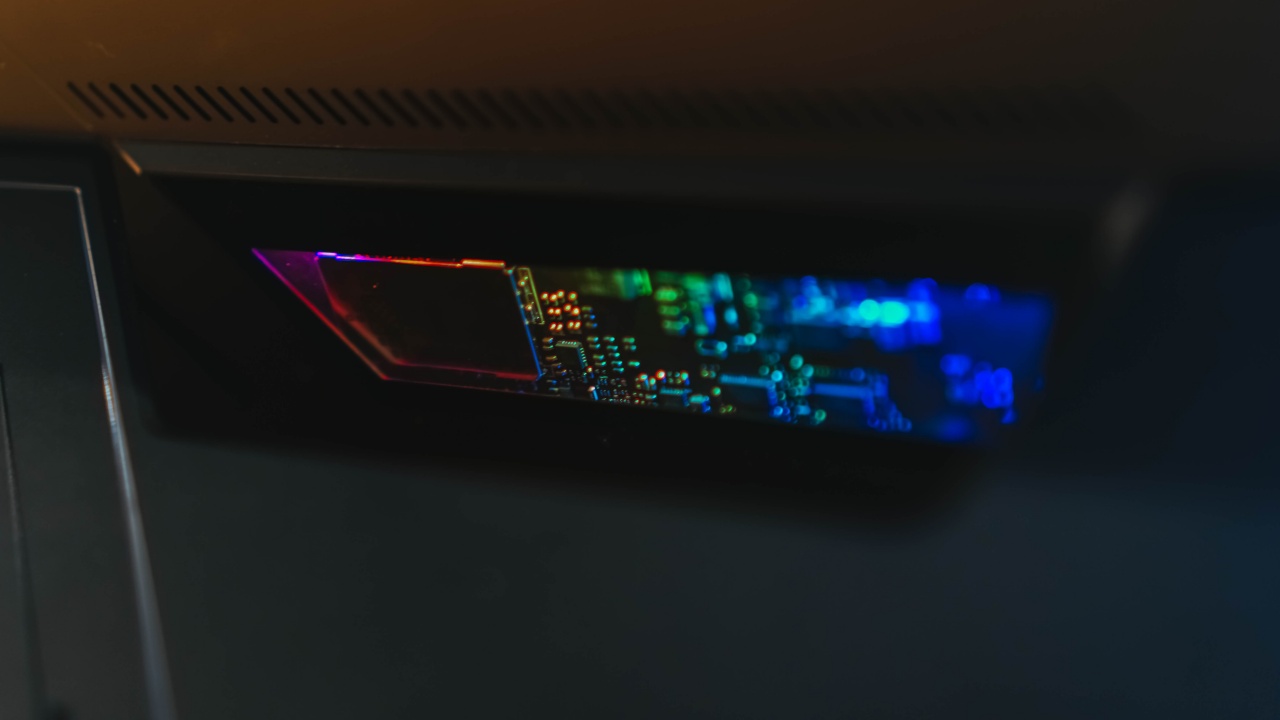
When turned on, the window will illuminate with ROG’s signature RGB lights…
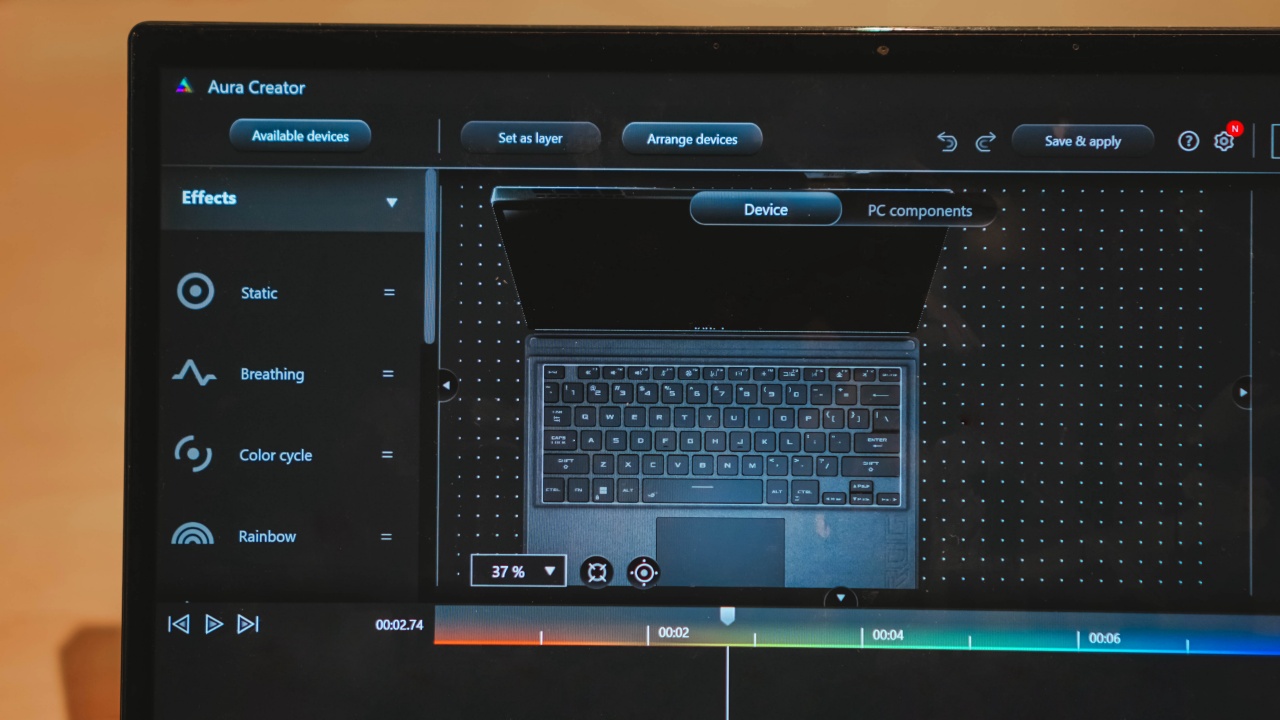
…that can be controlled via ROG’s Aura Sync software.
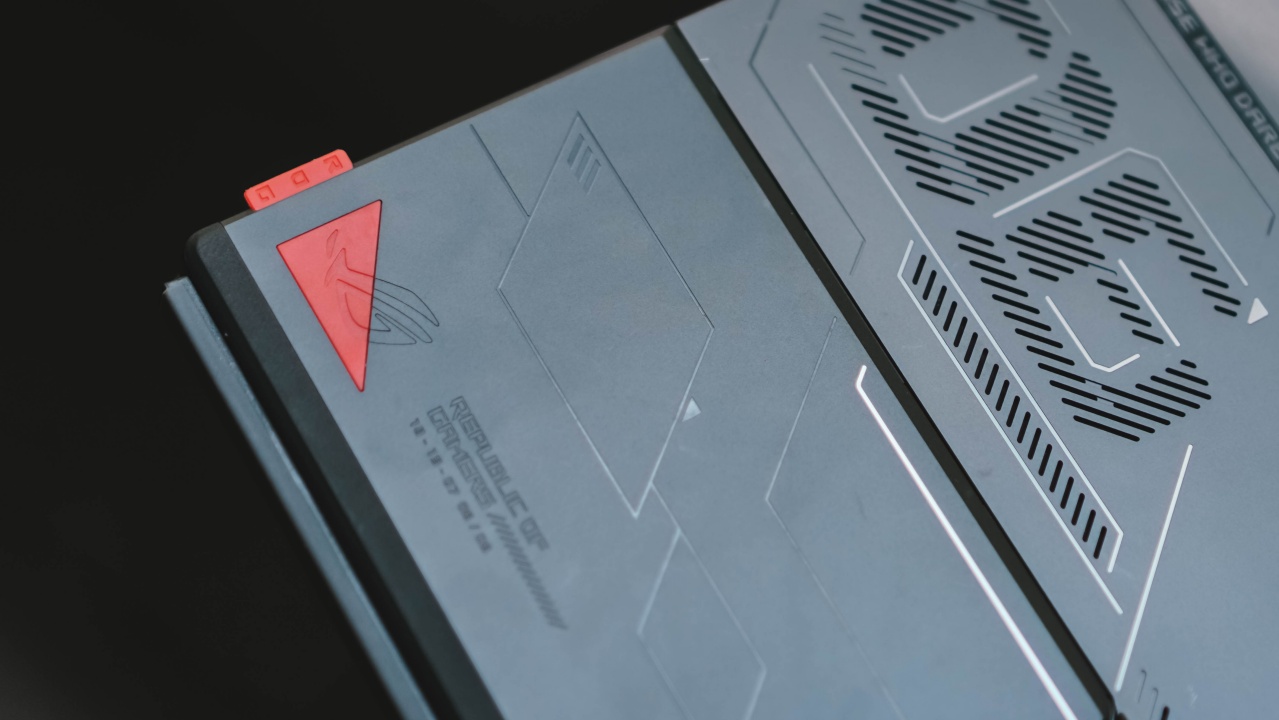
With some ROG-branded texts, etchings, and rubber plugs..

…this is a sophisticated-looking, retro-futuristic tablet truly meant for gamers in mind and heart.
And as some bonus, here it is side-by-side with last year’s ROG Flow X13. Surprisingly, the X13 is thinner despite the Z13 looking more of the “portable” device.
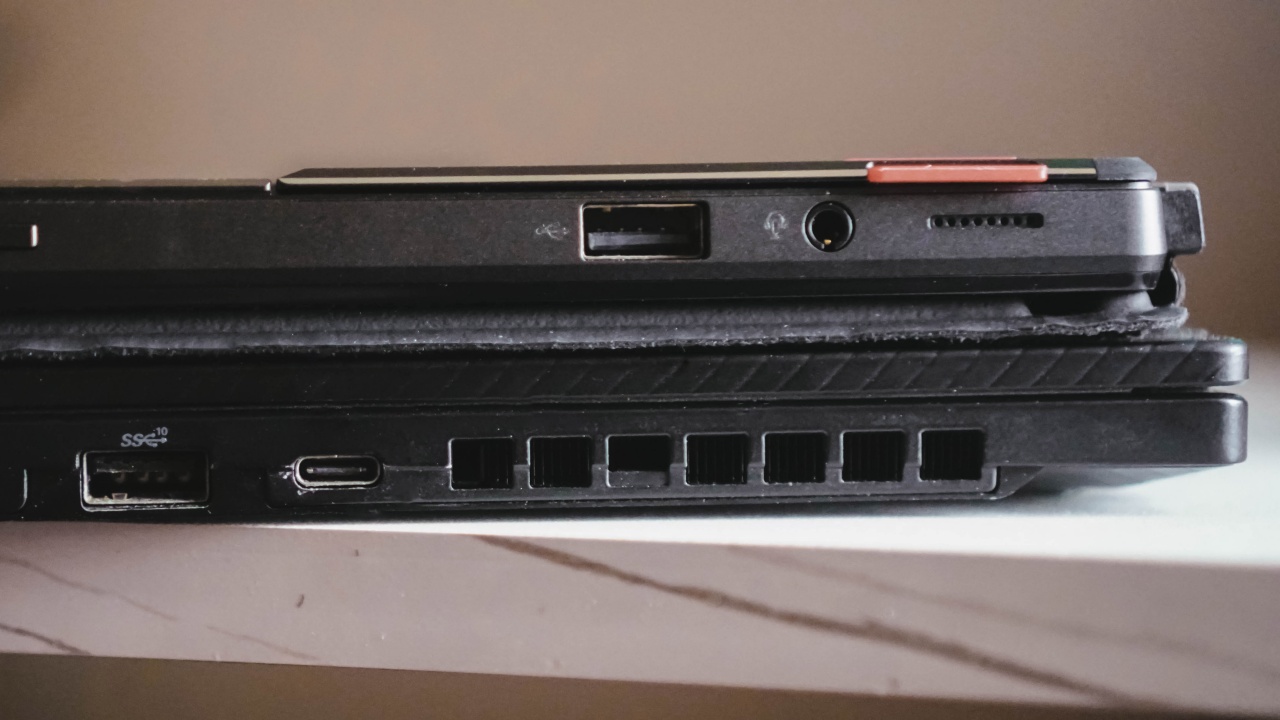
For specifics, the X13 is 15.8mm thick and 1.34kg in weight. Meanwhile the Z13, although thinner at 12mm and lighter at 1.1kg, attaching its detachable keyboard actually makes it thicker and heavier at 17.6mm and 1.53kg.
Plentiful ports
If you care about ports, the ROG Flow Z13 has plenty to provide.
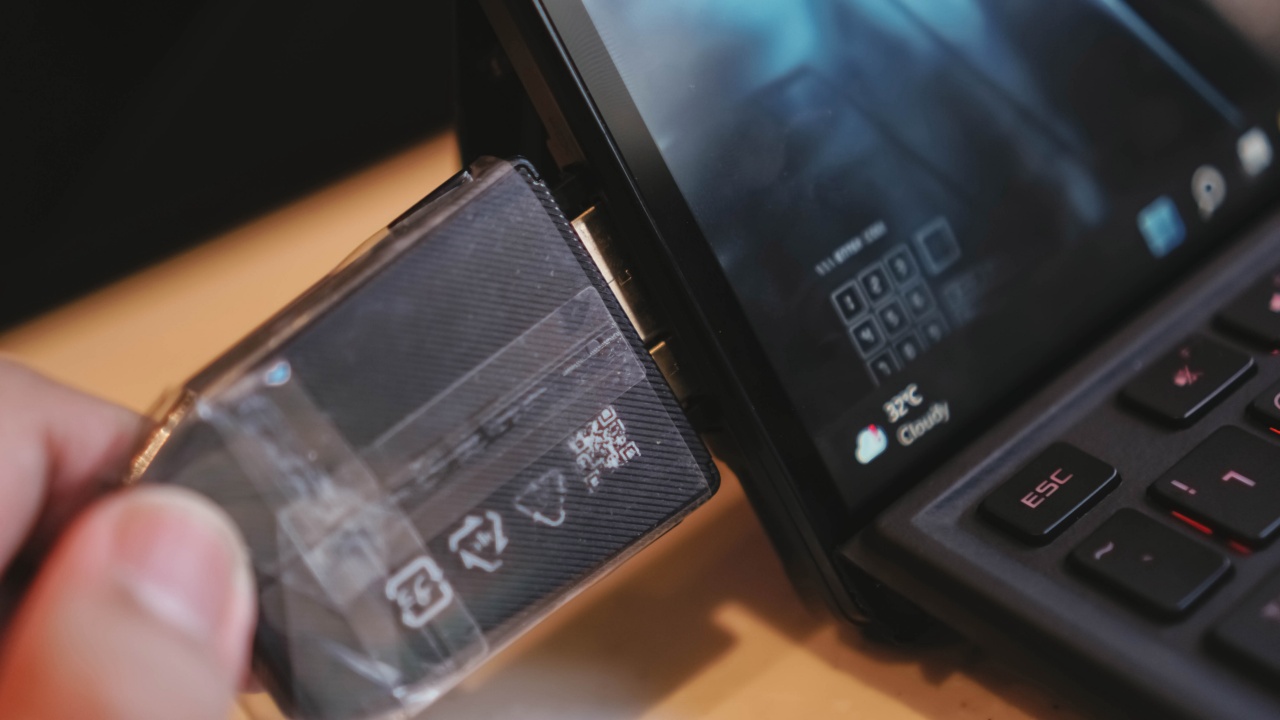
Other than its proprietary XG Mobile port (which also has a USB-C Thunderbolt 4 port in it), there’s also another one at top, making it a total of two USB-C ports on the left side.

One (or both) port/s support DisplayPort and G-Sync for external 4K displays and monitors…
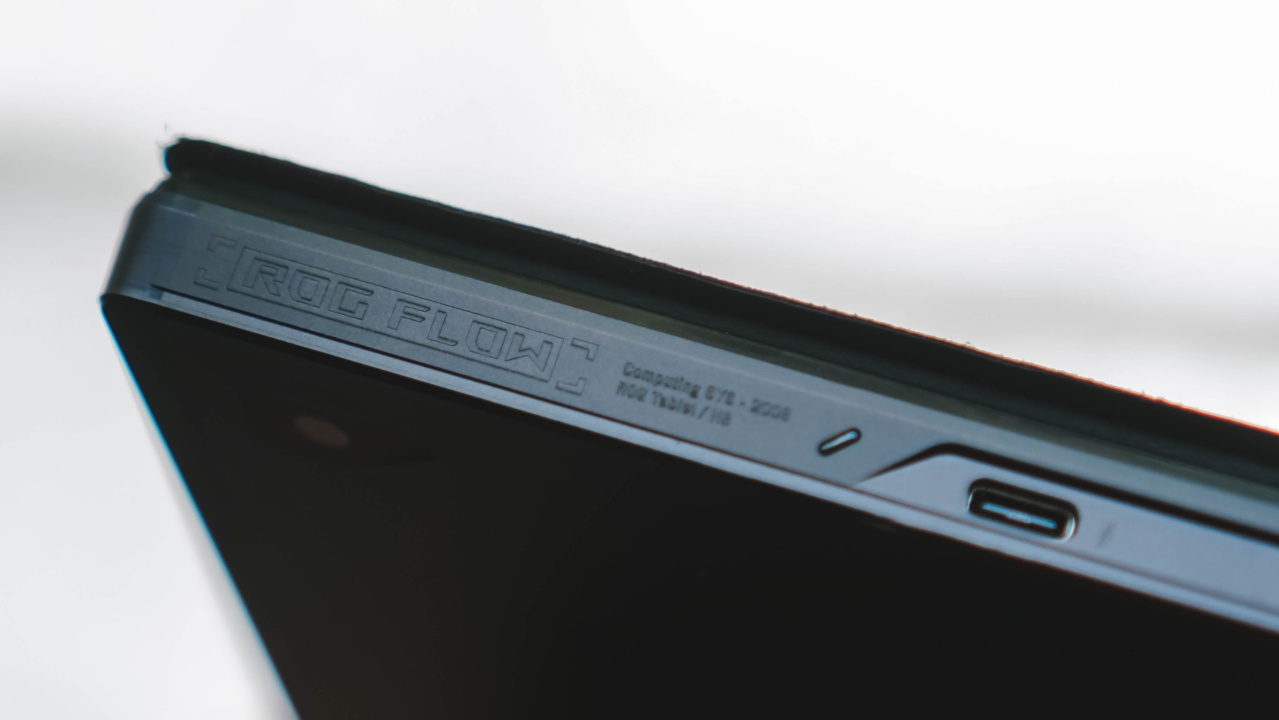
…as well as Power Delivery (PD) for faster charging speeds.
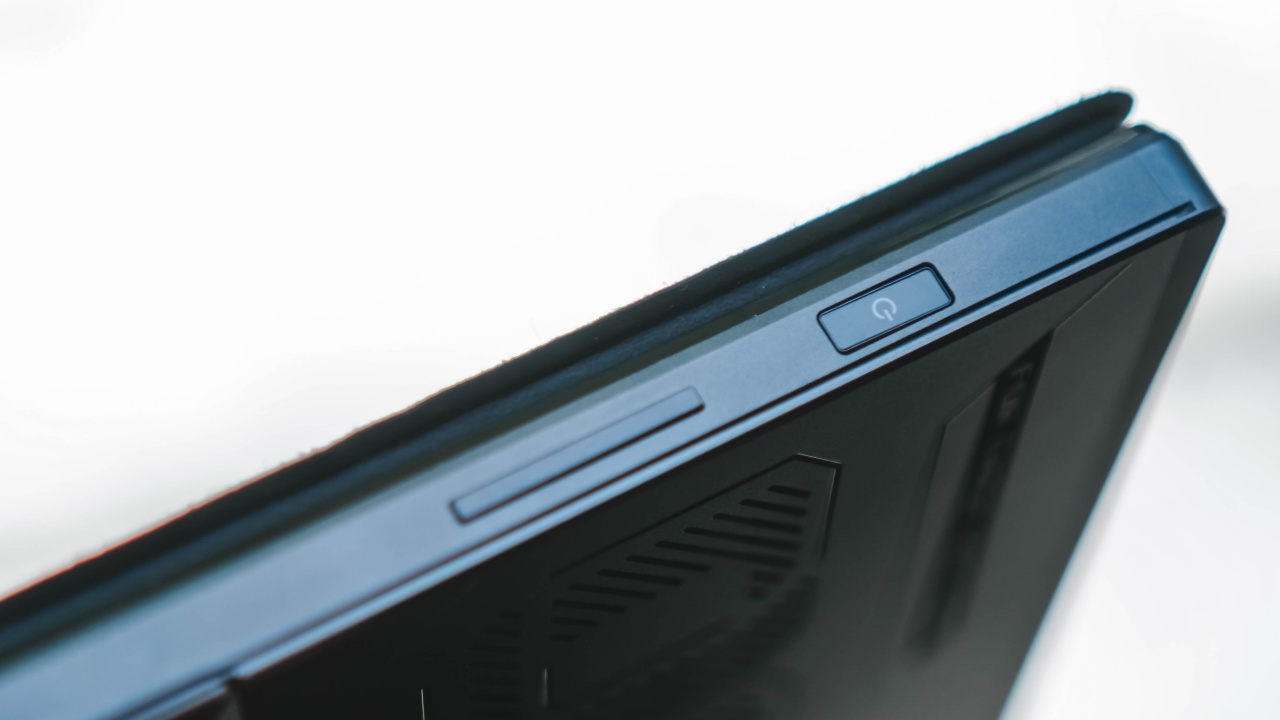
Looking at the right side shows the power button that also doubles as a fingerprint scanner.

Moreover, there are the volume buttons, a single USB-A port for other peripherals, and a 3.5mm audio jack for hi-fidelity audio experience when gaming or working. There’s even a microSD card slot hidden behind the tablet’s leg stand when opened.
Both sides mean it also has stereo speakers with Dolby Atmos support as well as a 3-microphone array for voice calls.
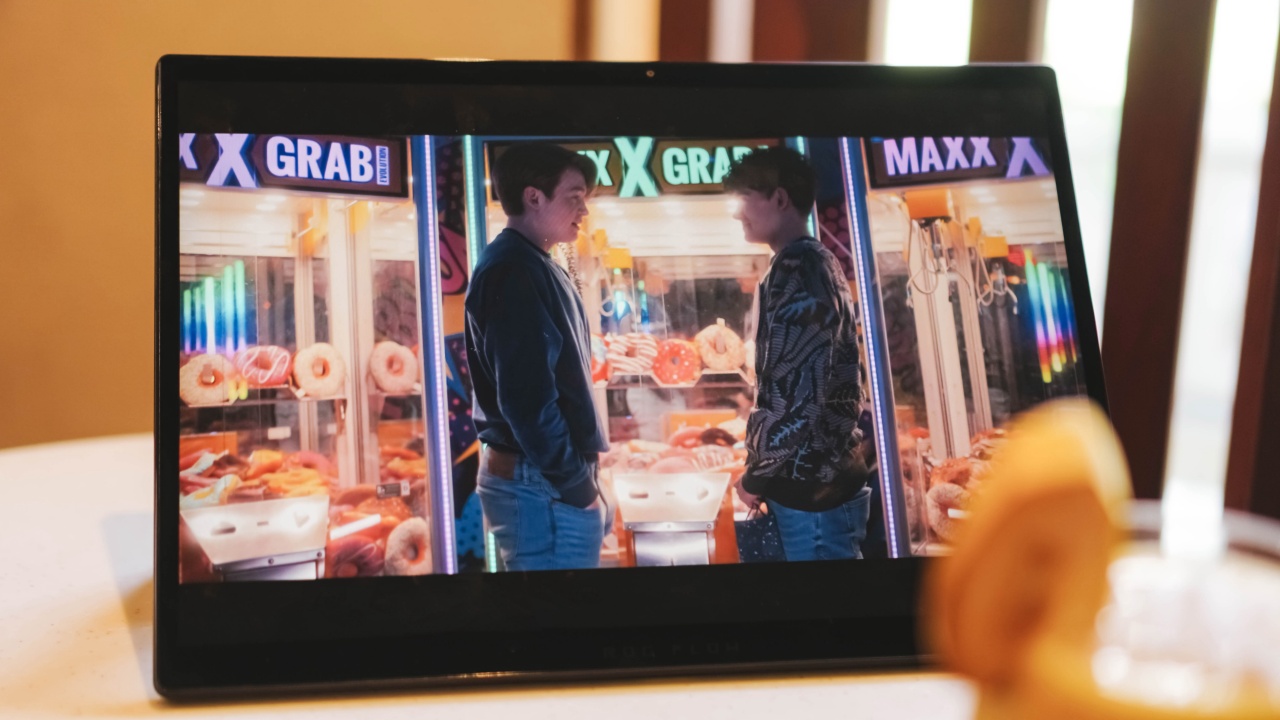
LF: my Nick Nelson
For connections with less latency, it has a Wi-Fi 6E modem for faster online gaming and streaming. It also supports Bluetooth 5.2 for better connectivity when connecting to earbuds, headphones, controllers, and more.
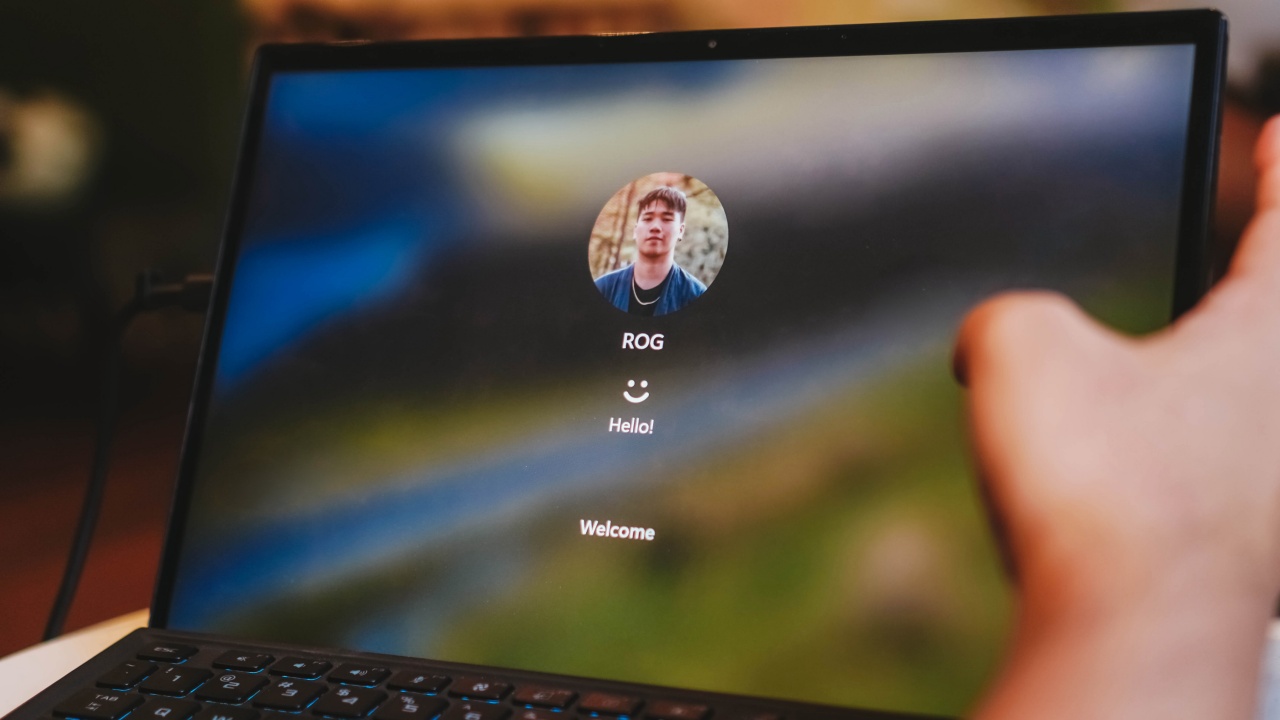
Lastly, there’s a 720P webcam at the top of the display for usual video calls via Zoom, Duo, or Meet. Unfortunately, it doesn’t support the Windows Hello Face Unlocking as it doesn’t have IR sensors built-in for a more secure authentication.
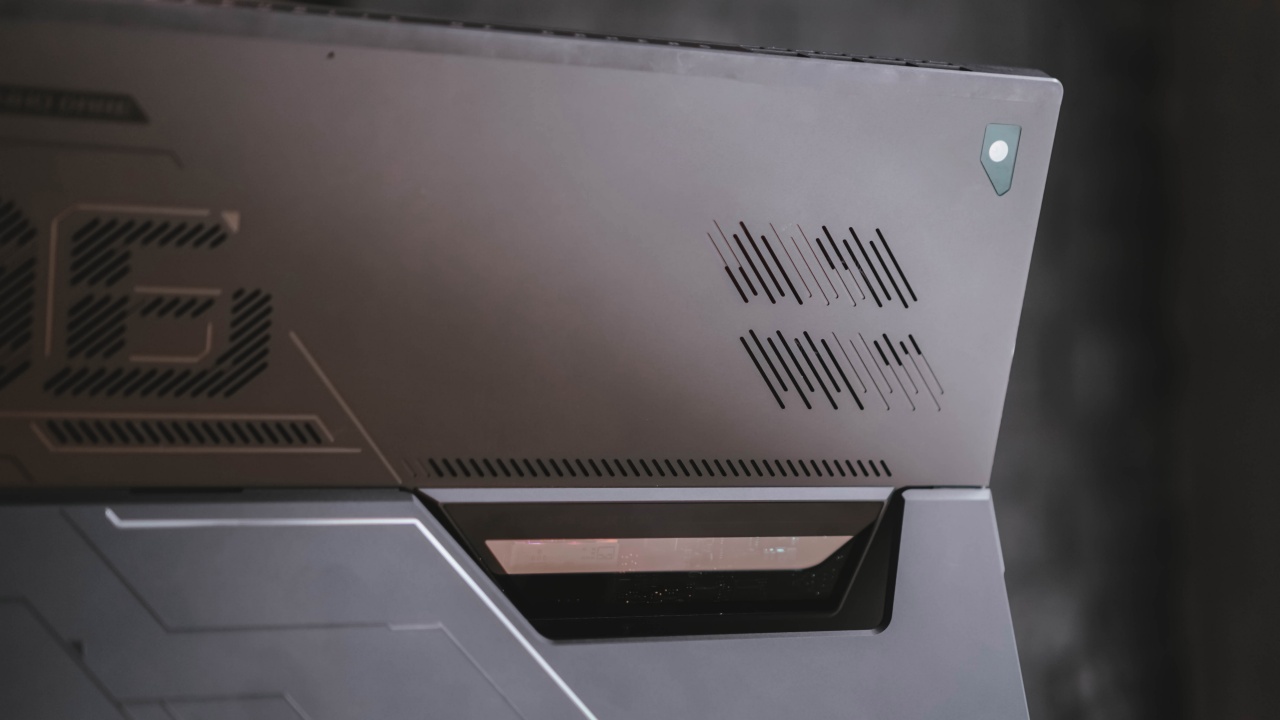
It’s also equipped with an 8-megapixel camera at the back with an okay quality.

Two things that don’t go well together: Vegetable lasagna and Nala the doggo
Bundles and extras
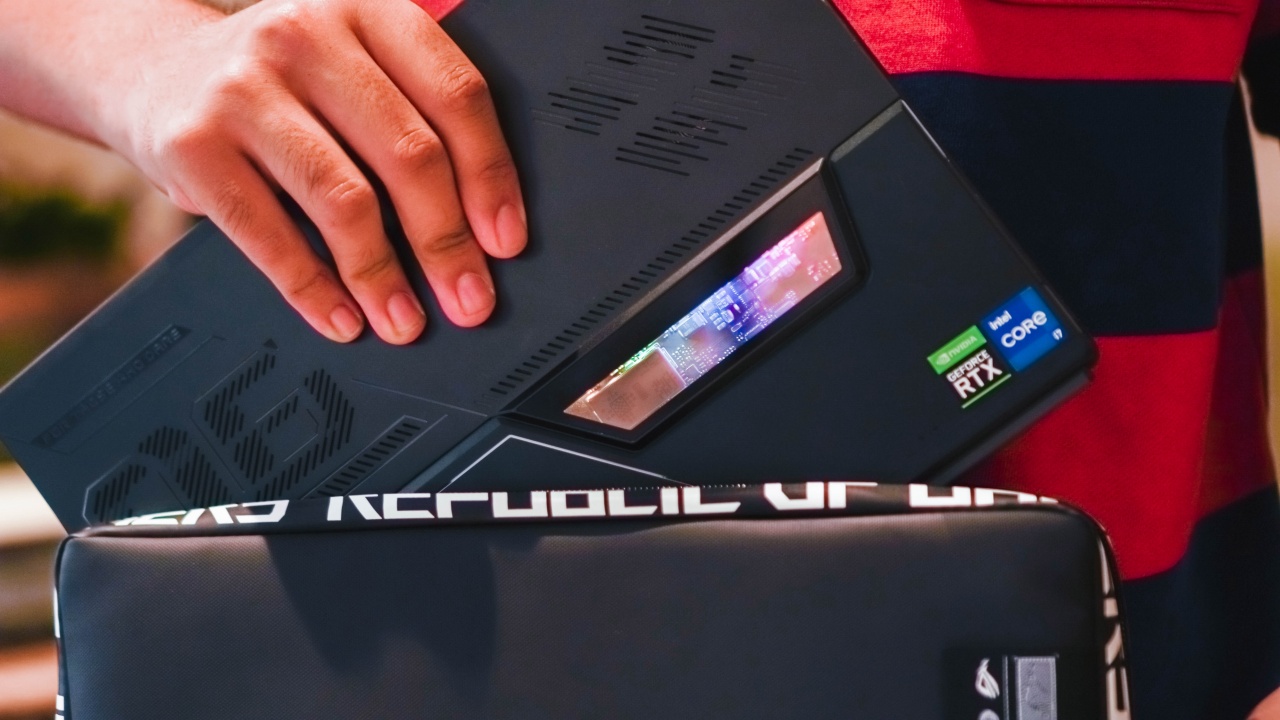
Whenever you purchase the ROG Flow Z13, you’ll have this handy sleeve pouch to protect the tablet from unwanted scratches and bumps inside your bag.

There’s also this clip-on keyboard a la Microsoft Surface that connects through ROG Flow Z13’s smart connectors at its bottom. This is better instead of going through the hassle of connecting via Bluetooth.
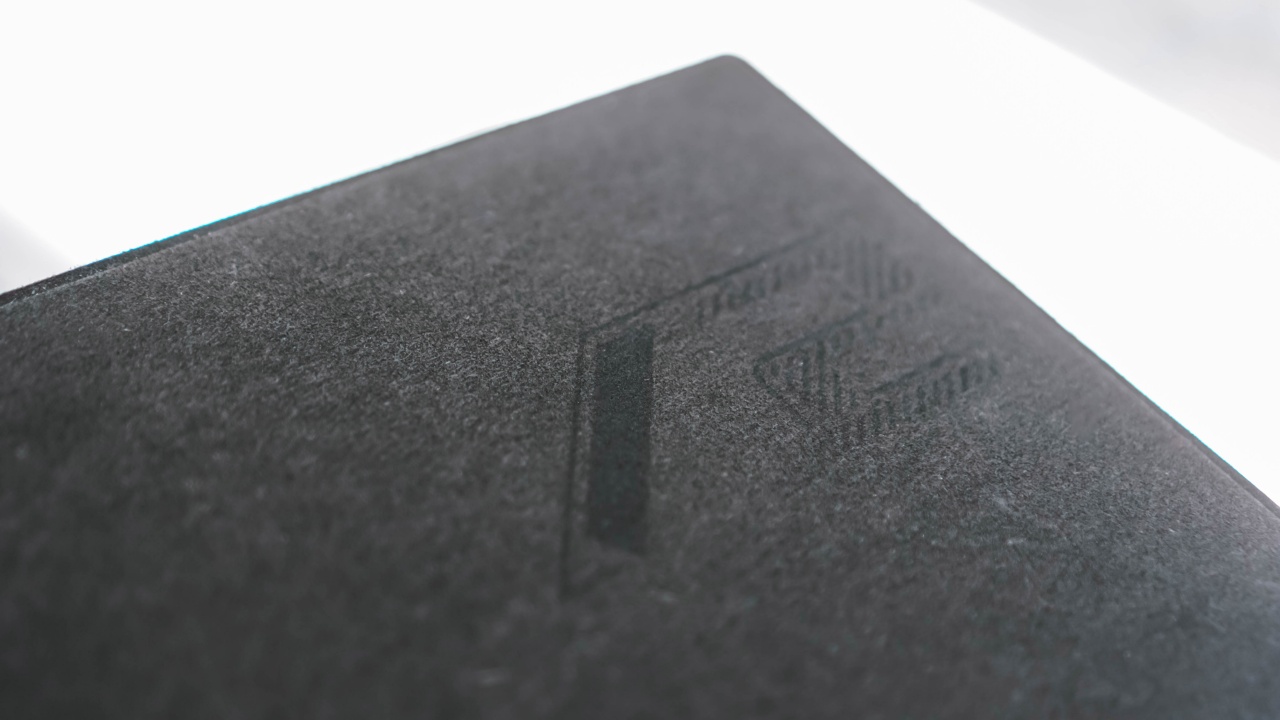
Attaching the detachable keyboard folio with a felt-like texture also protects the Z13’s precious glossy display from scratches and smudges.

Moreover, there’s also the ROG Impact gaming mouse that you can carry around. It’s well-suited for shooter games that require faster clicks instead of relying to the Z13’s touchpad. The bundled mouse depends on where you’ll buy your ROG Flow Z13 though.
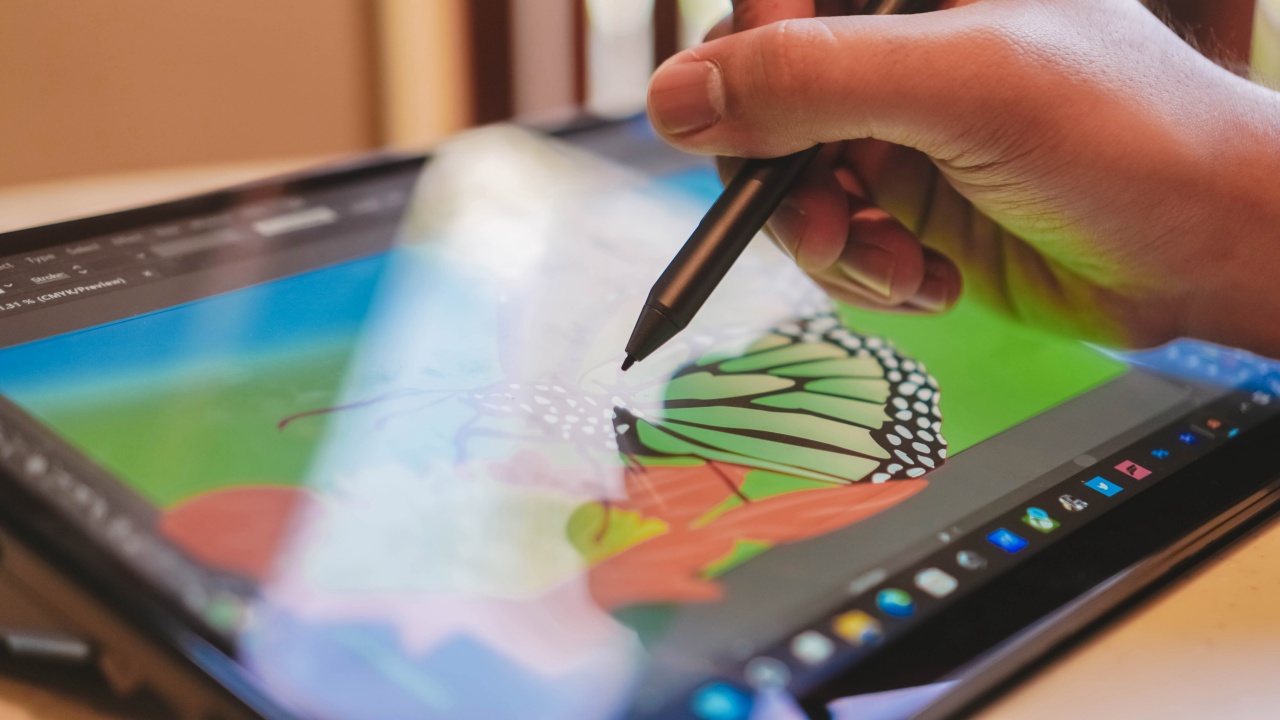
Lastly, there’s also the ASUS Pen for those who want to use it for note-taking, scribbling, sketching, or even illustrating.

Two downsides with this specific pen? First is the use of a rare AAAA battery instead of relying on magnetic charging. Second, you can only attach it magnetically at the bottom part of the tablet (where the smart pins for the keyboard are also connected). This basically means you can’t place the pen once the keyboard is attached in its place.
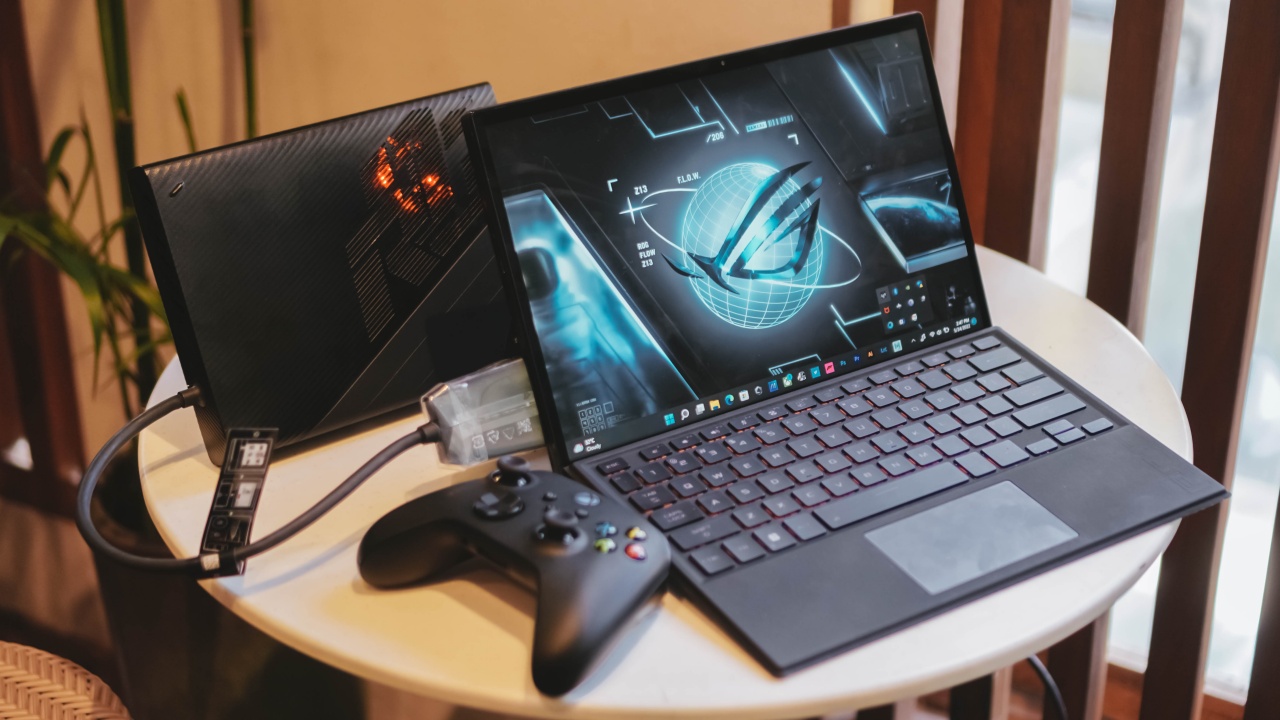
For additional purchases, the ROG XG Mobile eGPU is a great extension to an already amazing gaming tablet. It provides more gaming power just in case you needed that maximum oomph when you play hardcore games.

And while we’re already under this specific section, gaming would be more fun with the Xbox Wireless Controller in mind — especially when the game supports it (mostly games from Xbox PC Pass).
Game mode
I’m not a professional nor a hardcore gamer, but this doesn’t mean I don’t play enough games to entertain myself when bored.
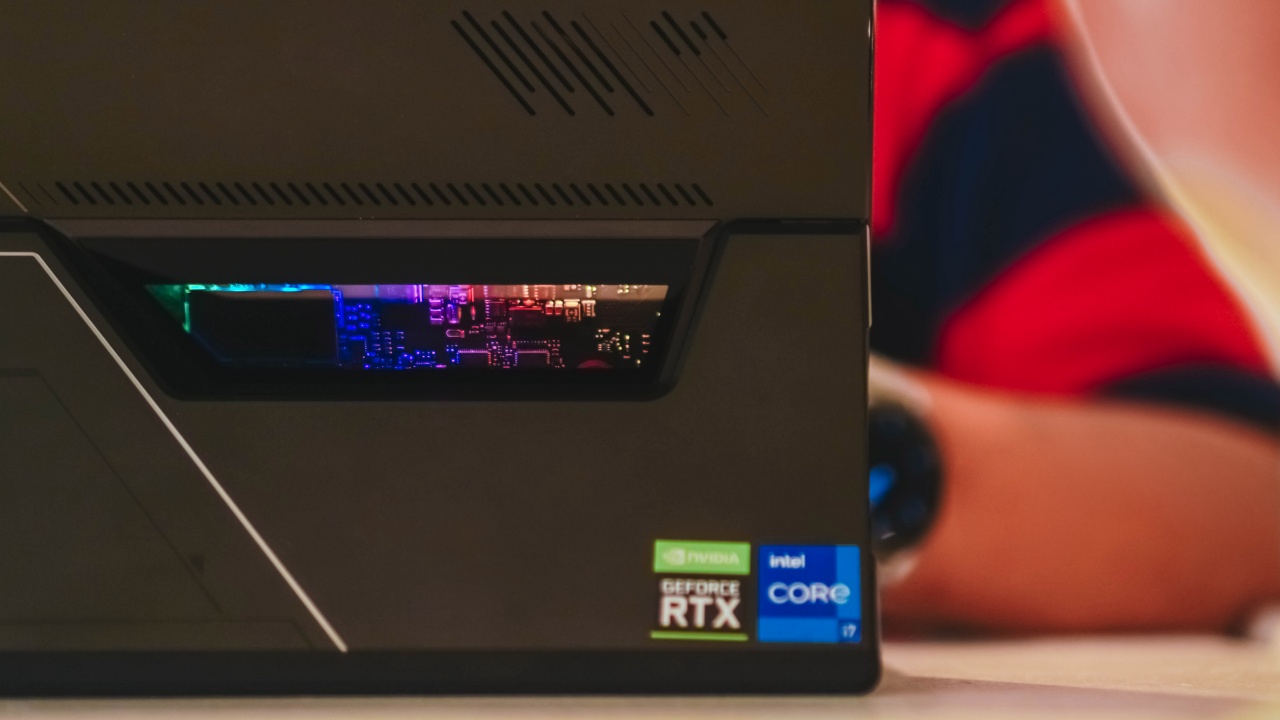
While I don’t have the maxed-out Core i9 model (that’s not in the Philippines but available elsewhere), it still has one of best specs for a tablet (or any gaming device for that matter): a 12th-gen Intel Core i7-12700H, a total of 16GB LPDDR5 RAM, and 512GB of SSD. To make it suitable for more graphics-intensive games, it runs NVIDIA’s GeForce RTX 3050 with 4GB of GDRR6 memory.
We don’t provide boring and lengthy game benchmarks, but I can attest that the Z13 can run most games in max settings — regardless if you change gaming profiles in the Armoury Crate app.
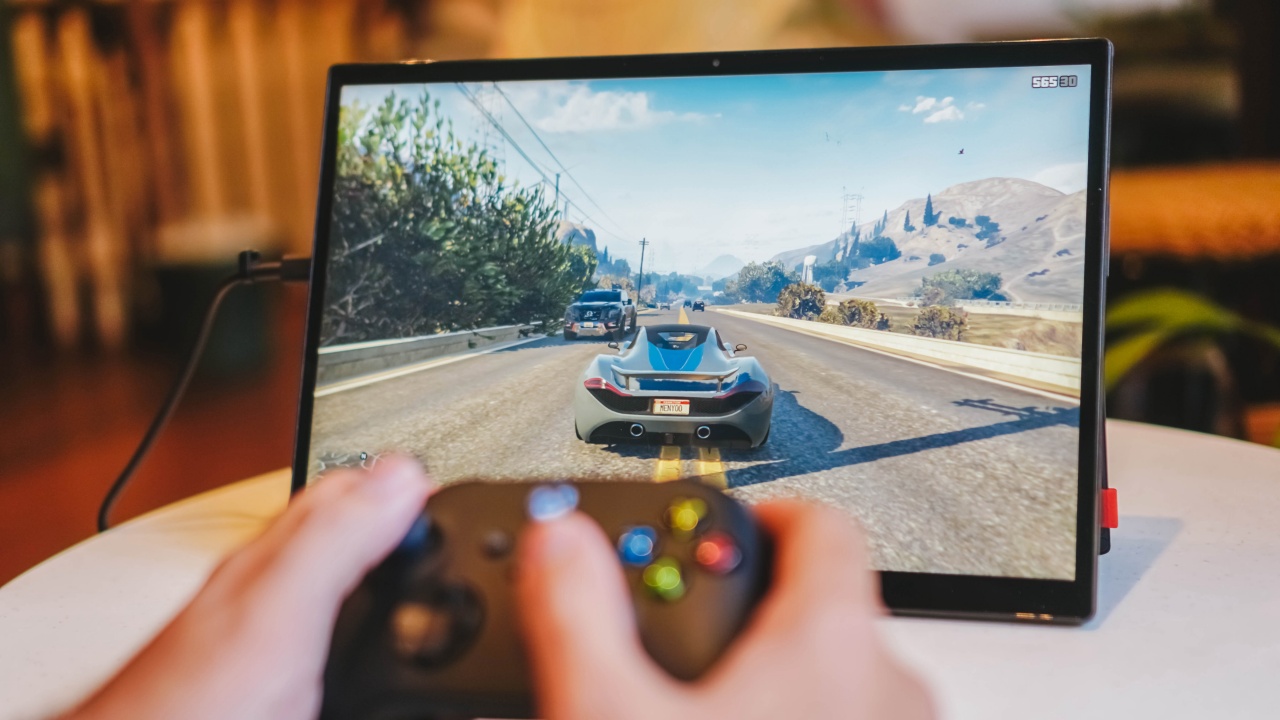
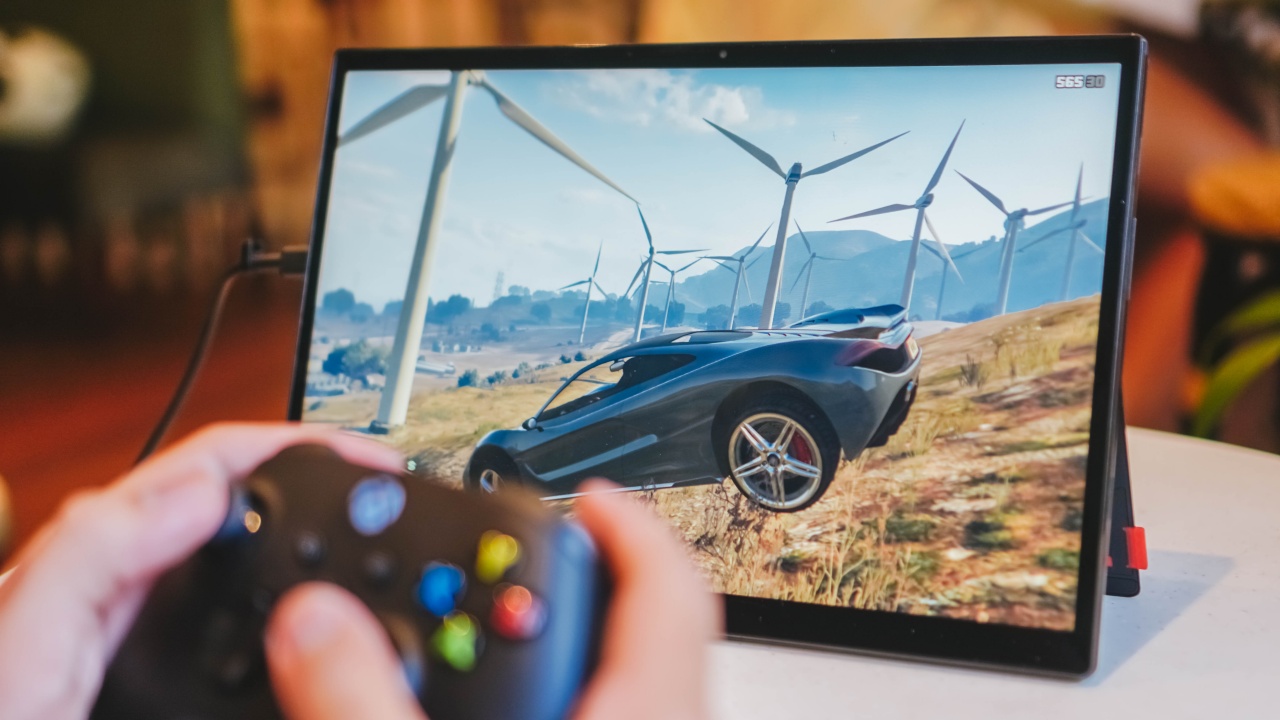
Whether that’s the ever-popular Grand Theft Auto V...
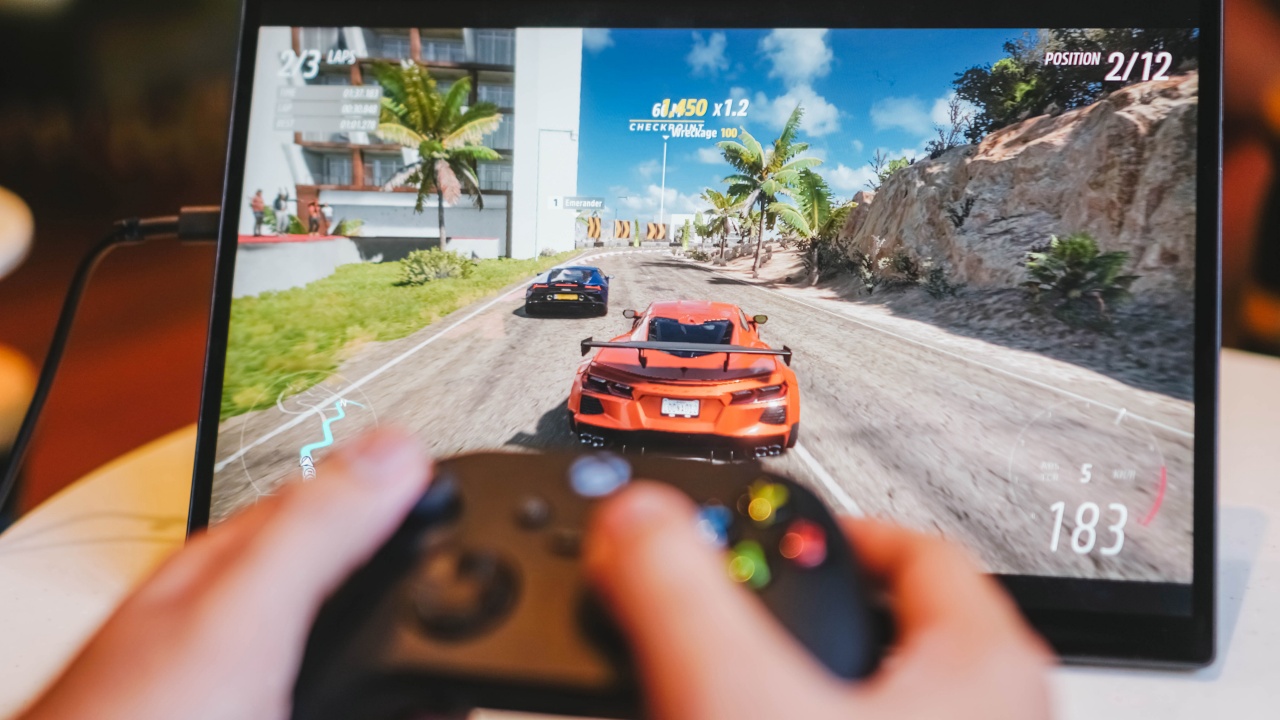
Forza Horizon 5 through Xbox PC Pass…
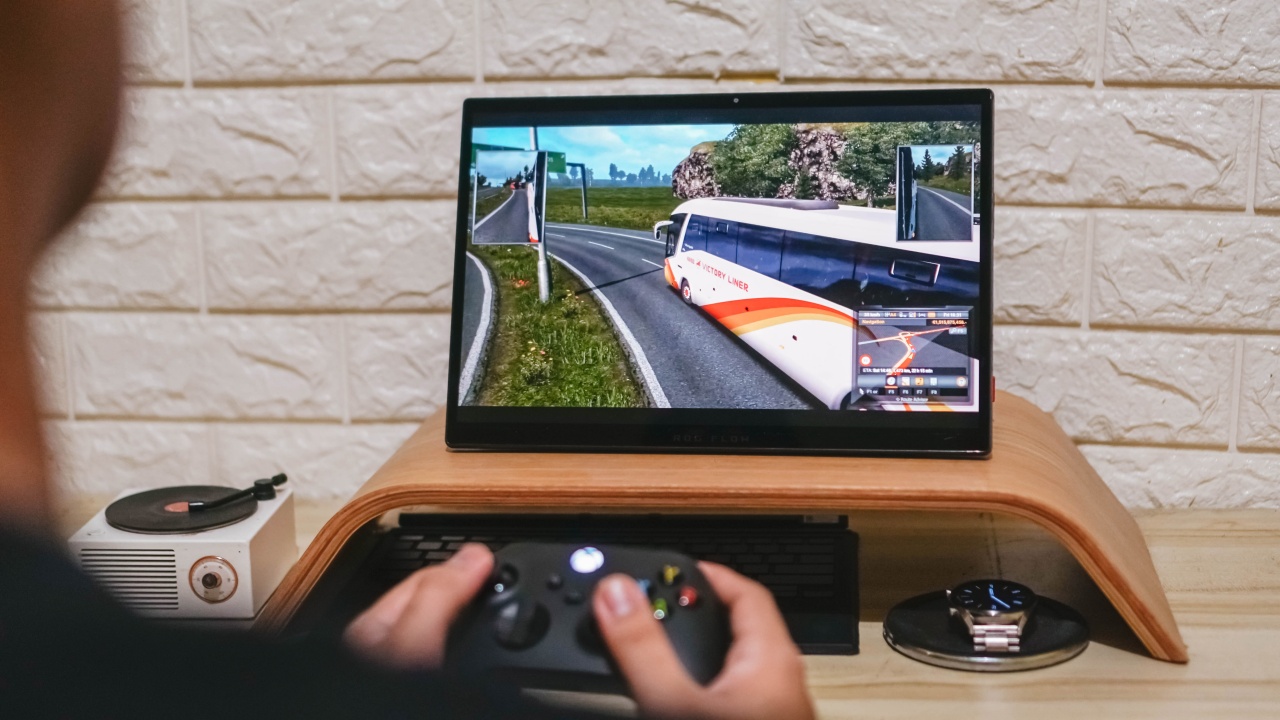
realistic truck and bus driving with Euro Truck Simulator 2…
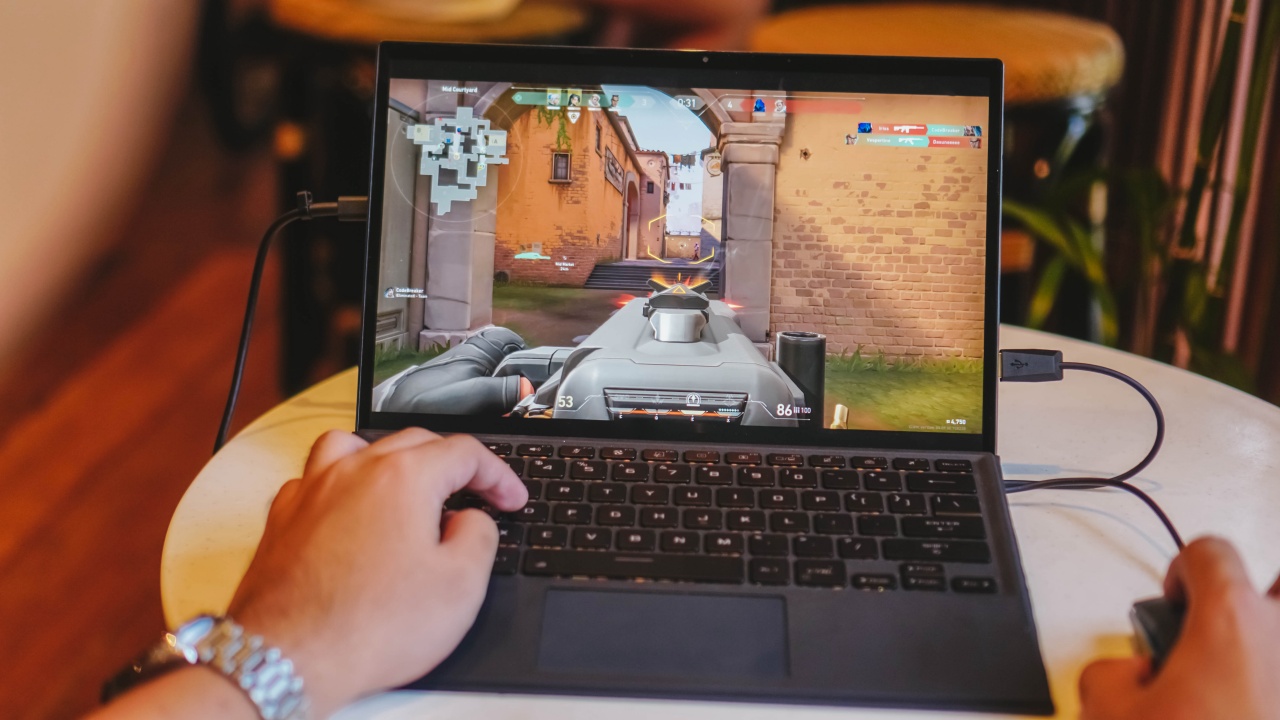
5v5 FPS game such as Valorant…
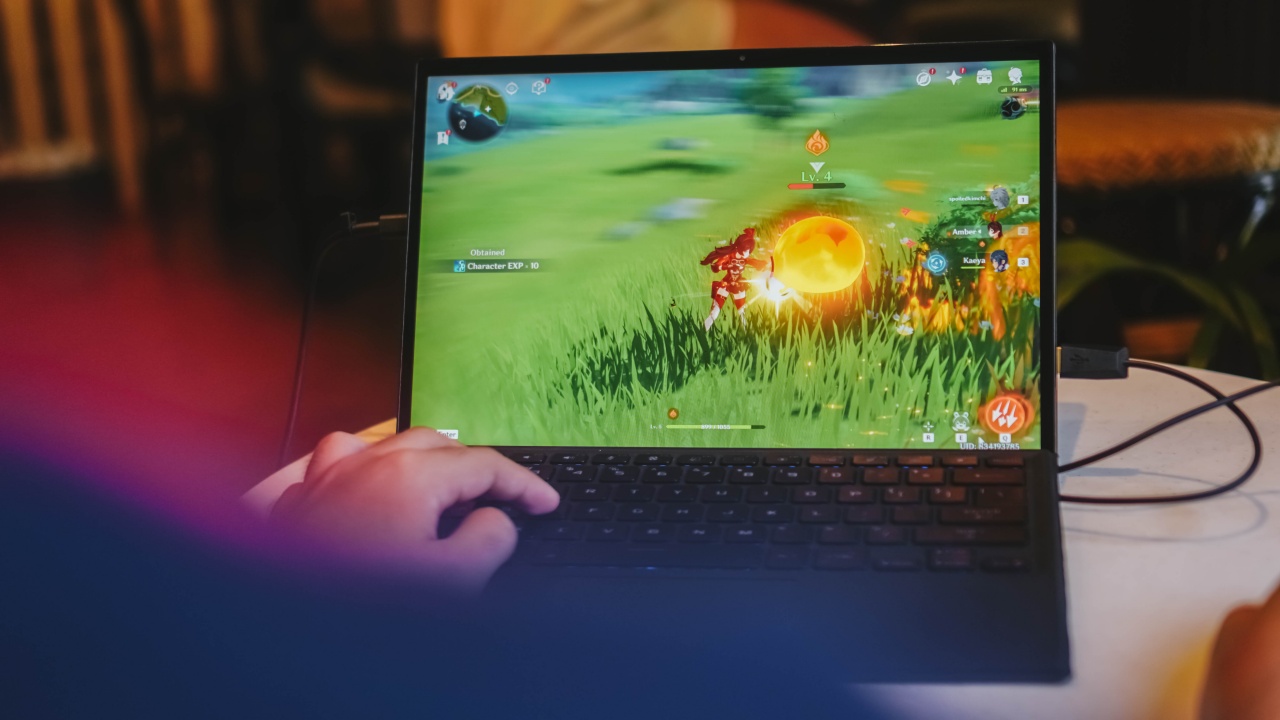
and even the ultra-demanding open-world action RPG Genshin Impact, the Z13 is no slouch at all.
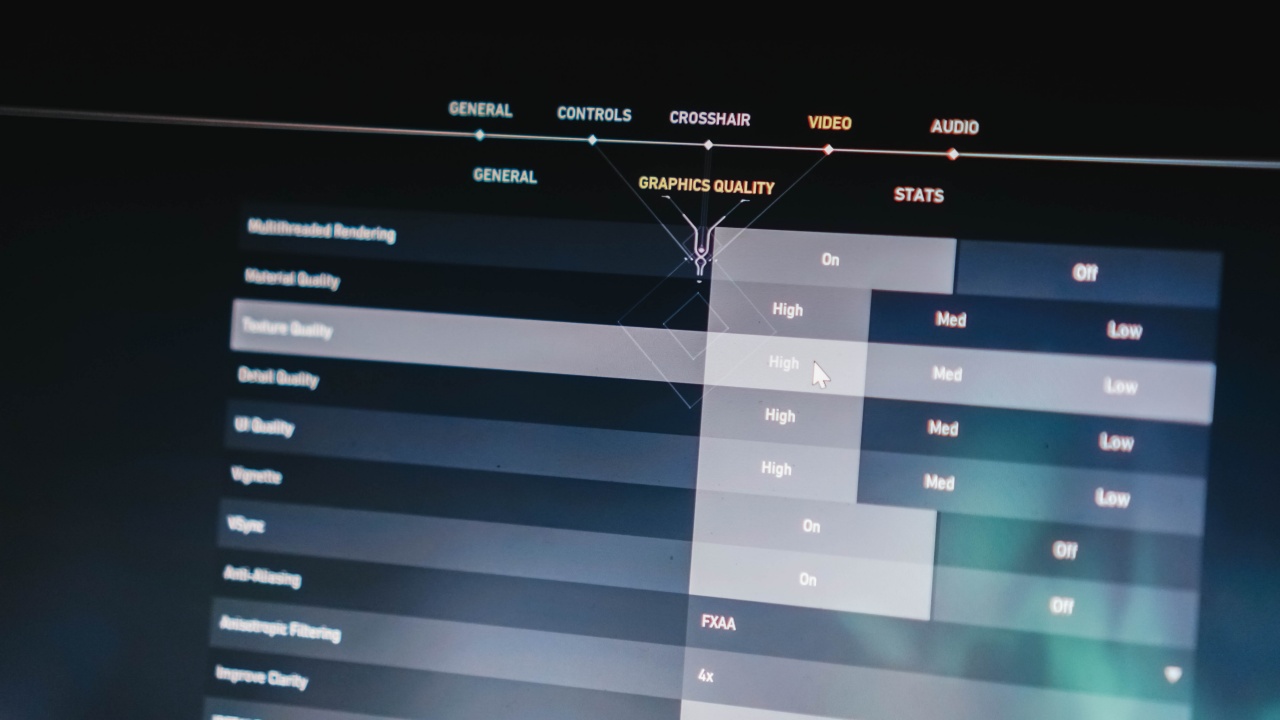
With the games mentioned earlier, I was able to bump up graphics settings in either high, max, or ultra utmost with most (or all) of the boxes ticked. Even with hours of gaming, it never slowed down.

Unfortunately, running Cyberpunk 2077 even in medium settings through Z13’s RTX 3050 doesn’t do much help. The only way to play it in its highest settings possible is to bring out the ROG XG Mobile.
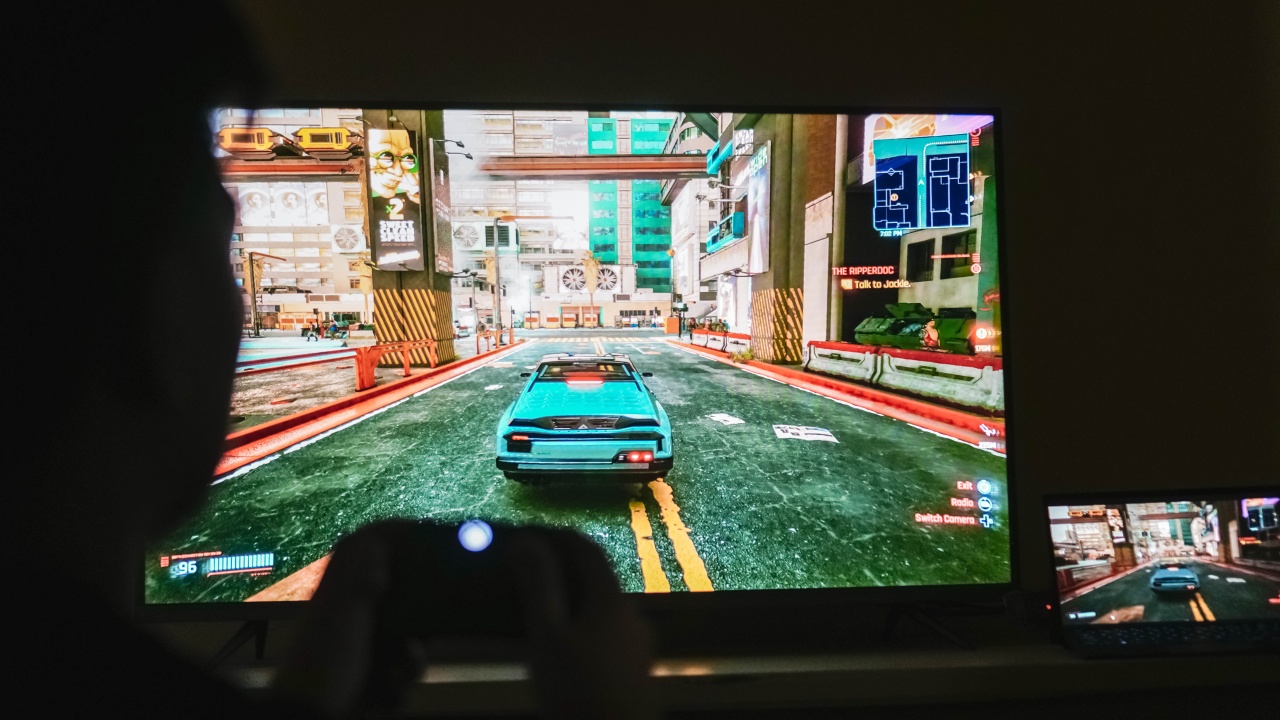
With its more powerful GeForce RTX 3080 graphics card, it should run a lot better without worrying about gaming lag and stutter.
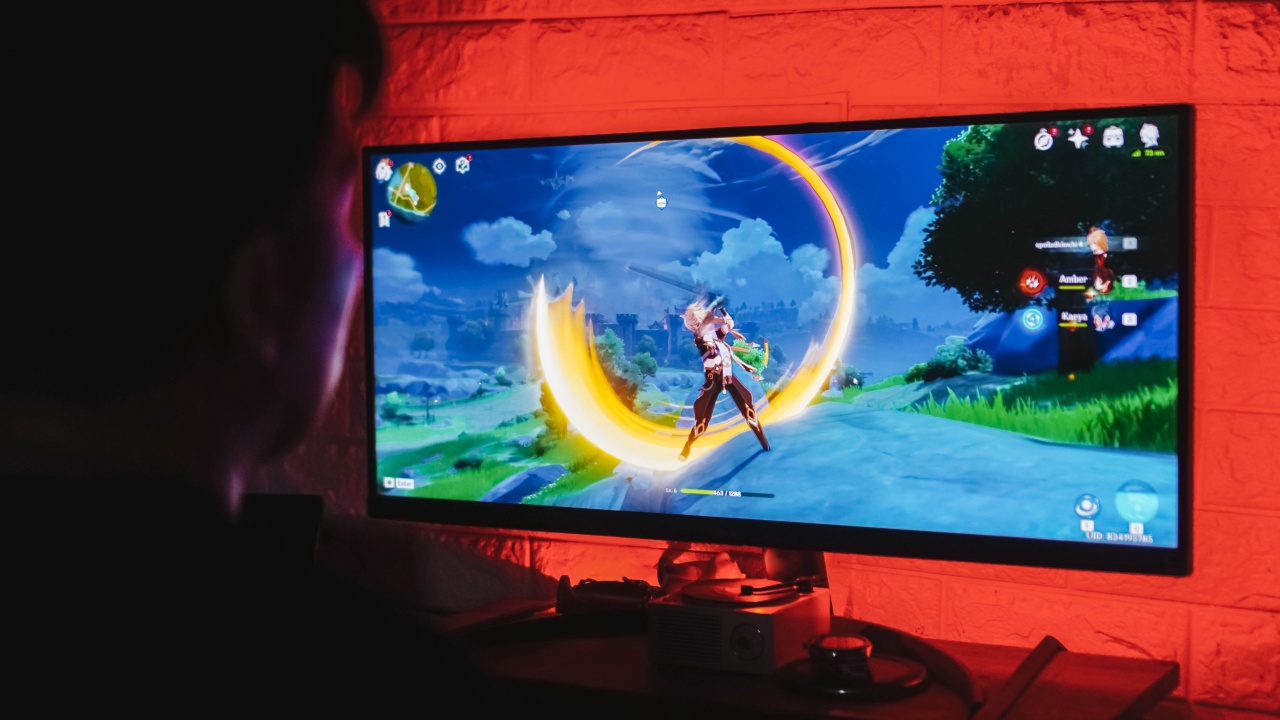
Plugging in the XG Mobile eGPU is also another way you can attach any 4K TV or monitor through HDMI and DisplayPort (well aside from USB-C).
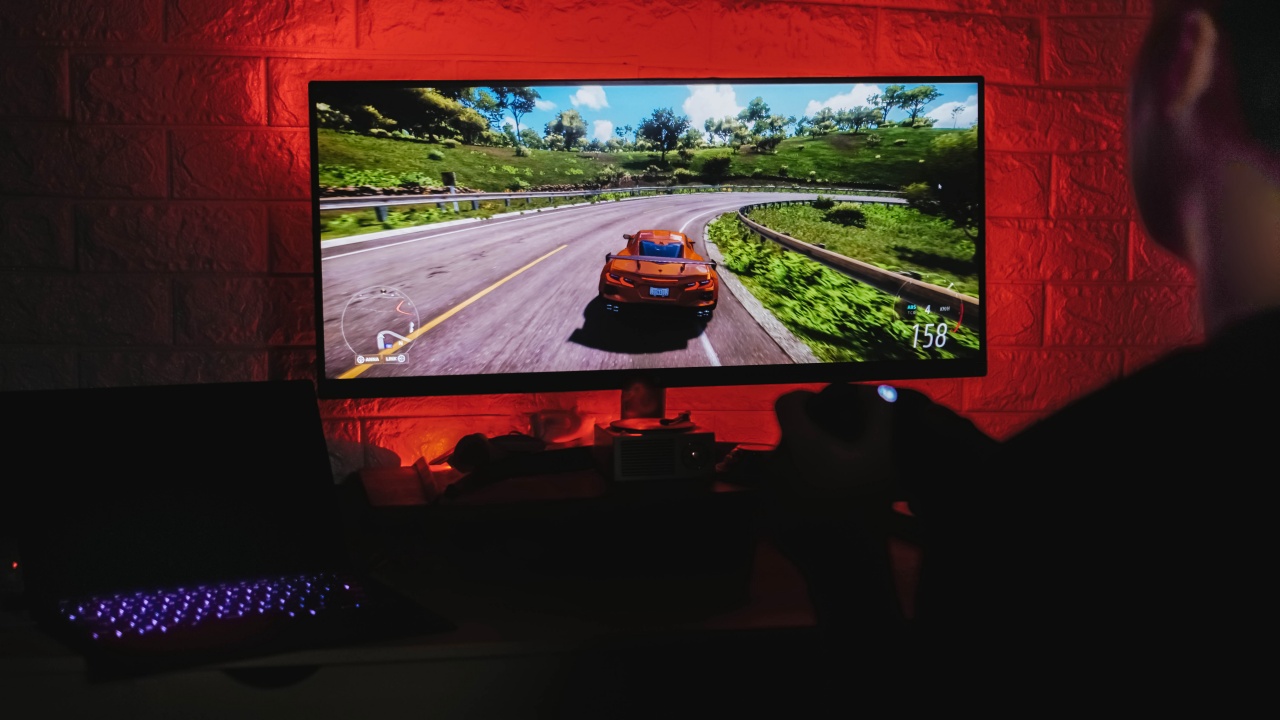
Playing Forza Horizon 5 on my ultra-wide monitor made my gameplay more immersive. Sadly, I wasn’t able to do the same driving experience with ETS2 as it has issues continuing the game when the eGPU is connected.
SEE ALSO: LG 29WP500 UltraWide Monitor review: Bang for your buck
Laptop Mode

As of this writing, I’m using the ROG Flow Z13 as my primary device when typing this review article.

While the keyboard isn’t close to how I type on my MacBook (or any other mechanical keyboard), the key travel is enough to make typing satisfying.

If I’ll explain the exact feeling, it’s in the middle of being clicky and mushy — not that it’s a bad thing. The precision trackpad feels nice as well. Gone are the days when Windows devices have clunky plastic trackpads for navigation.

Opening apps like Microsoft Edge (yes, not Chrome), Netflix, Twitter, Slack, Telegram, and among others in the list should be a breeze.

I’m just halfway 30 yet I can already feel Yeom Mi-Jeong’s life sentiments in My Liberation Notes
When it comes to the creative apps I use such as Adobe’s Creative Suite, the gaming tablet doesn’t falter either.
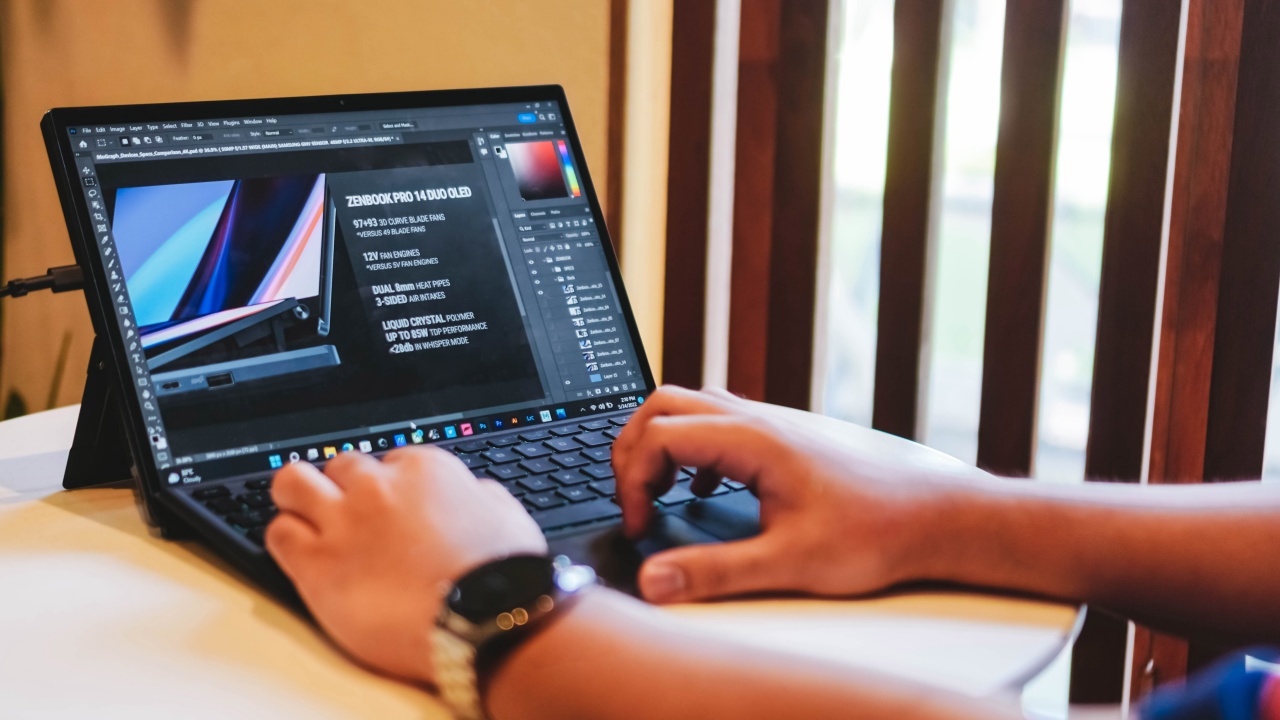
Opening Adobe Photoshop was fast and snappy. Being able to scroll through several layers without any hiccups is a breeze.
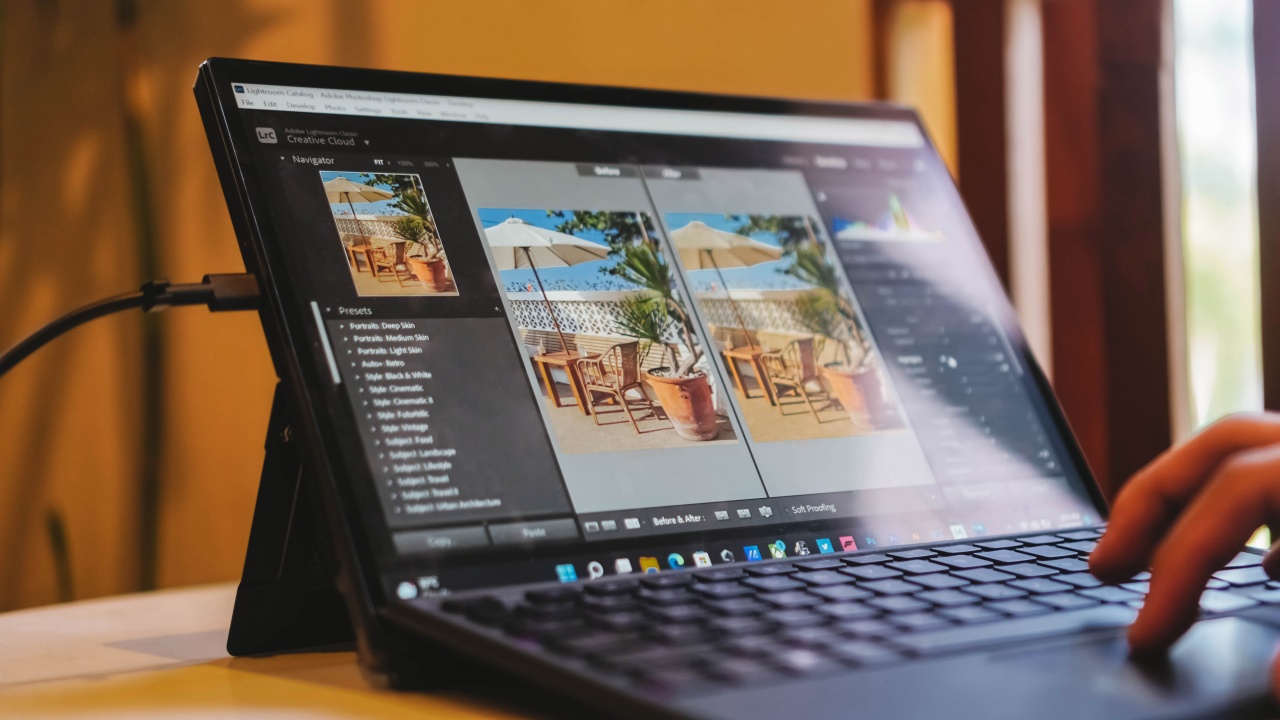
Adobe Lightroom should perform the same. While the best Z13 model has an 85% DCI-P3 wide color gamut coverage, the 100% sRGB color accuracy is enough for color grading and post-processing that other gaming laptops can’t even achieve.
Meanwhile, running Adobe Premiere Pro and After Effects vary depending on how heavy or light your workload is.
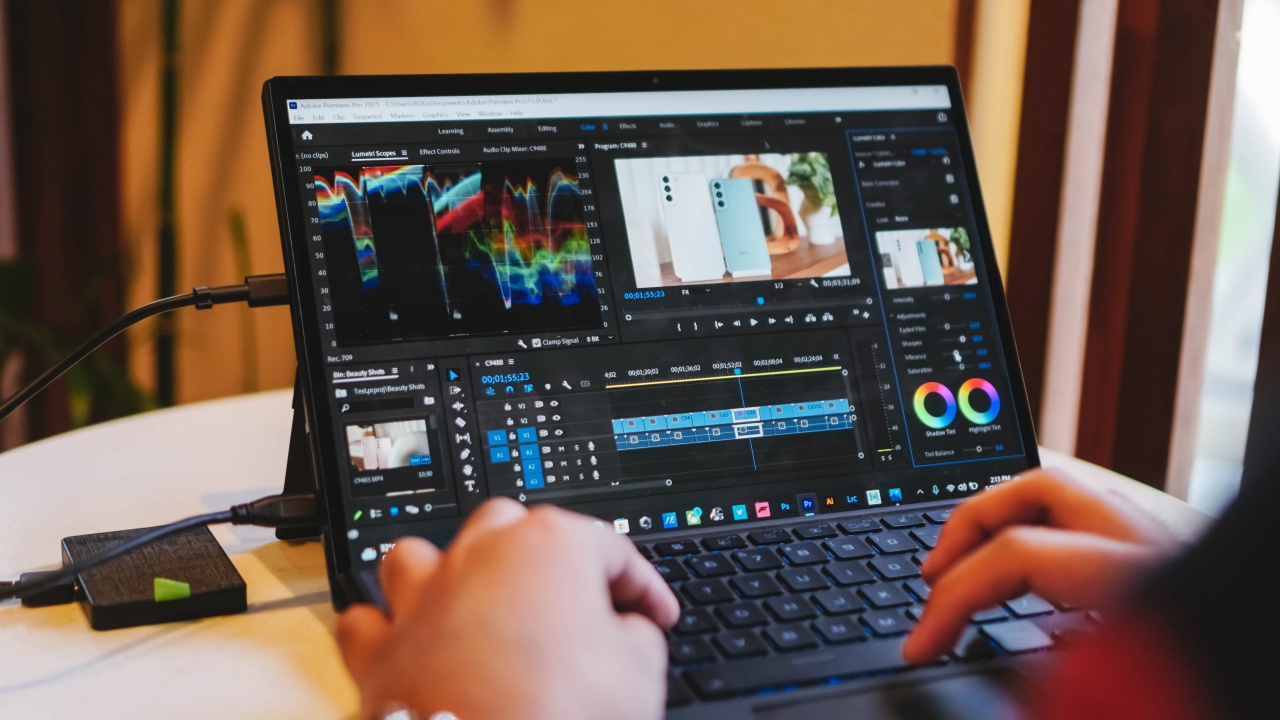
Let’s say you’re editing a 4K video or a 15-second 4K MoGraph (Motion Graphic), it will obviously render slower than your projects with the usual Full HD resolution. But for the most part, it renders faster than ever.
However, you might want to invest on an external SSD or replace its NVMe M.2 SSD with a larger 1TB capacity for storing these large project files and footage without sacrificing read and write speeds.
SEE ALSO: Seagate Ultra Touch SSD: 5 reasons why you need this external SSD

And while I haven’t opened Autodesk Maya for years, I still tried running this 3D-modeling software and was still able to render the heavy 3D project file of a 2016 MacBook Pro I did way back in college.
Tablet Mode

“I’M FEARLESS“ even when LE SSERAFIM’s Sakura decides to step on my whole existence (P.S: I miss IZ*ONE so much what if umiyak na ako)
Other than gaming or using it for professional work, the ROG Flow Z13 can also serve as your entertainment device — just like any other tablet being offered in the market today.

Please ‘Tell Me Now‘ that LOONA will win Queendom 2
Watching flicks on Netflix or vibrant K-Pop music videos and live performances on YouTube all looked great on this device regardless if this Z13 doesn’t have the top-of-the-class panel.

That being said, its display still supports HDR, Dolby Vision, and is Pantone-Validated as well — making it enough for most users to enjoy its crisp and ViViD visuals (just like LOONA’s Heejin and her debut song 😘).
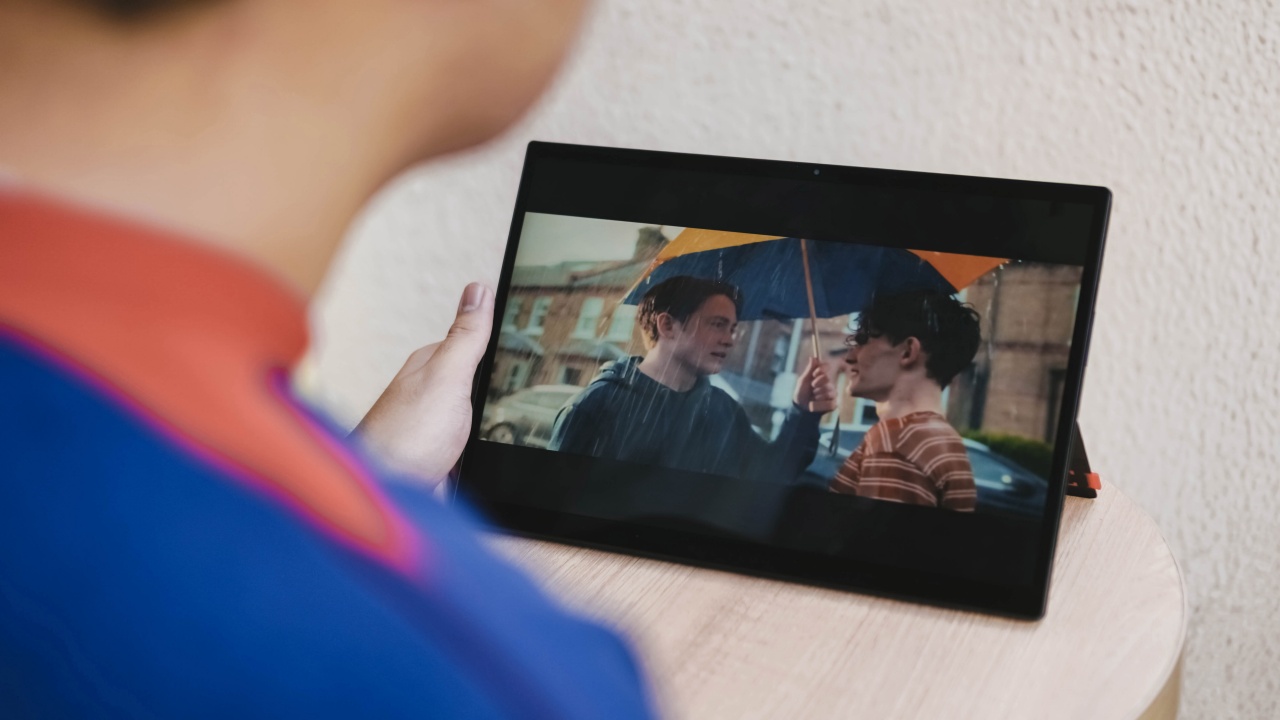
Not all gays suck at gaming. Charlie is a proof of that one can be a hardcore gaymer 😇
While it doesn’t have the max 4K resolution of the other model, I prefer this one as it should preserve the tablet’s overall power consumption.

Also, having the Full HD+ panel means you can switch between 60Hz and 120Hz depending on your preference for that ultra-smooth navigation and stutter-free gameplay. The 4K variant is only stuck at 60Hz.
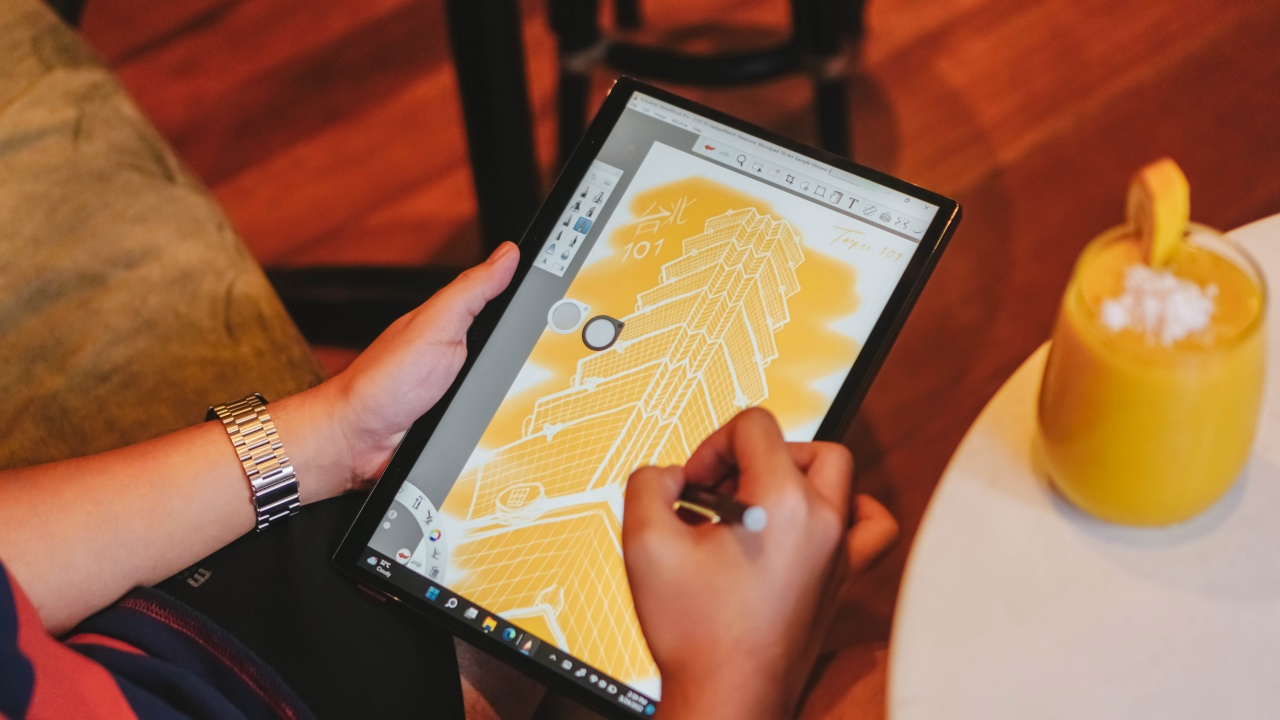
Having a faster refresh rate also means the pen input delay (or latency) should be more realistic. Using the bundled ASUS Pen felt enough for note-taking or some lousy sketching.
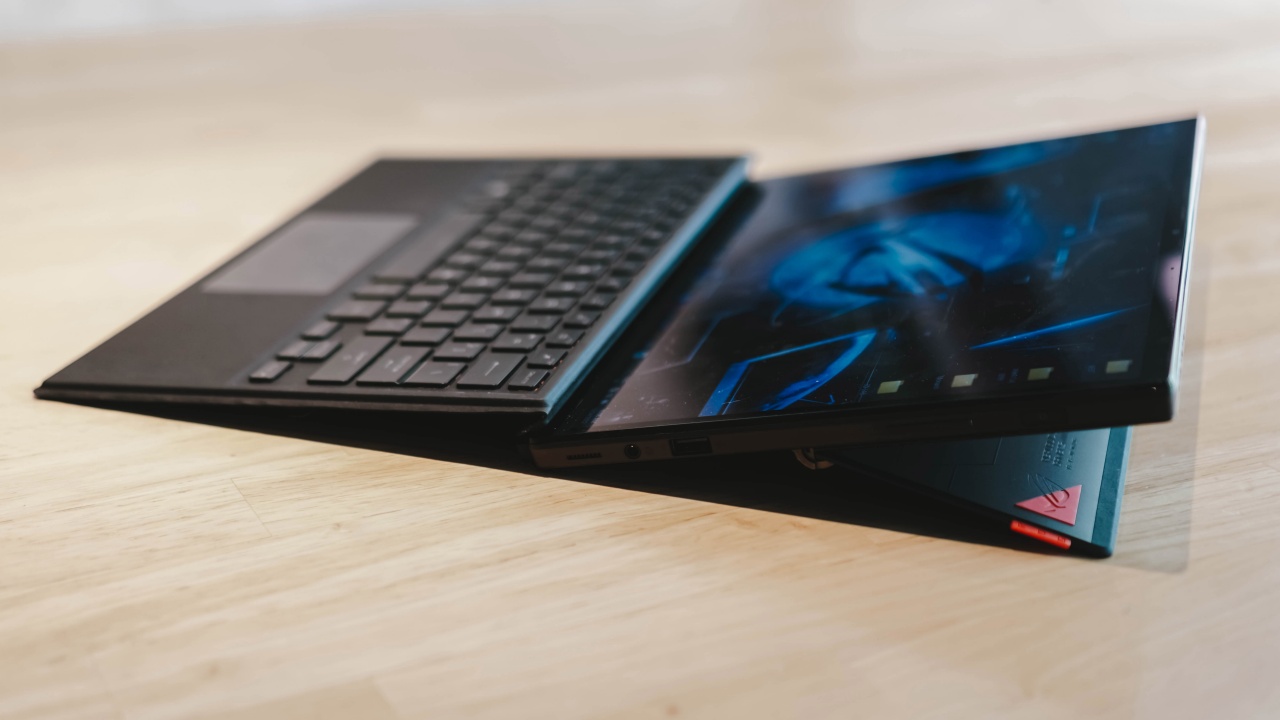
Although this isn’t the most ideal tablet for any digital artist, it can still hold up as a decent graphic tablet. For better use of its graphic tablet functionality, you can turn its stand all the way to its tilting limit.

With Windows 11 in mind, there are apps you can use such as Adobe Lightroom, Paint Tools SAI or Autodesk’s Sketchbook Pro just in case you want to experiment with your hidden artistic talent.
Ultra-portability has its compromises
Despite being equipped with the latest and greatest tech, the ROG Flow Z13 admittedly can’t quite stand on its own. And by that, with drawbacks while using the tablet alone.
1. Underwhelming battery
Remember when I said a while ago that having a less denser display means being able to save battery life? Well, that’s not the case in this tablet.
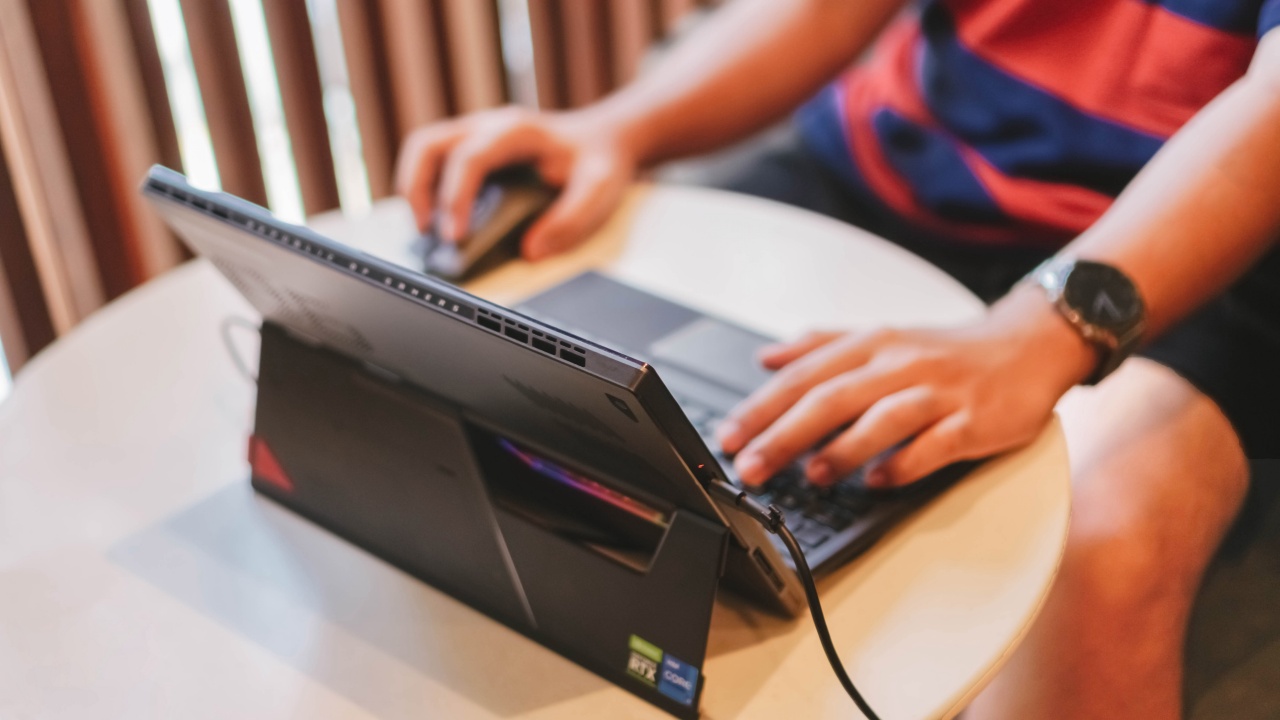
Not that it’s surprising since ROG tried to cram up all components inside this chassis with a screen in it. Still, I expected at least a modest 3-5 hours of battery life when doing light tasks.
Whether I switch between Performance or Power Saving Mode, it doesn’t do much in saving the tablet’s 56WHr battery.
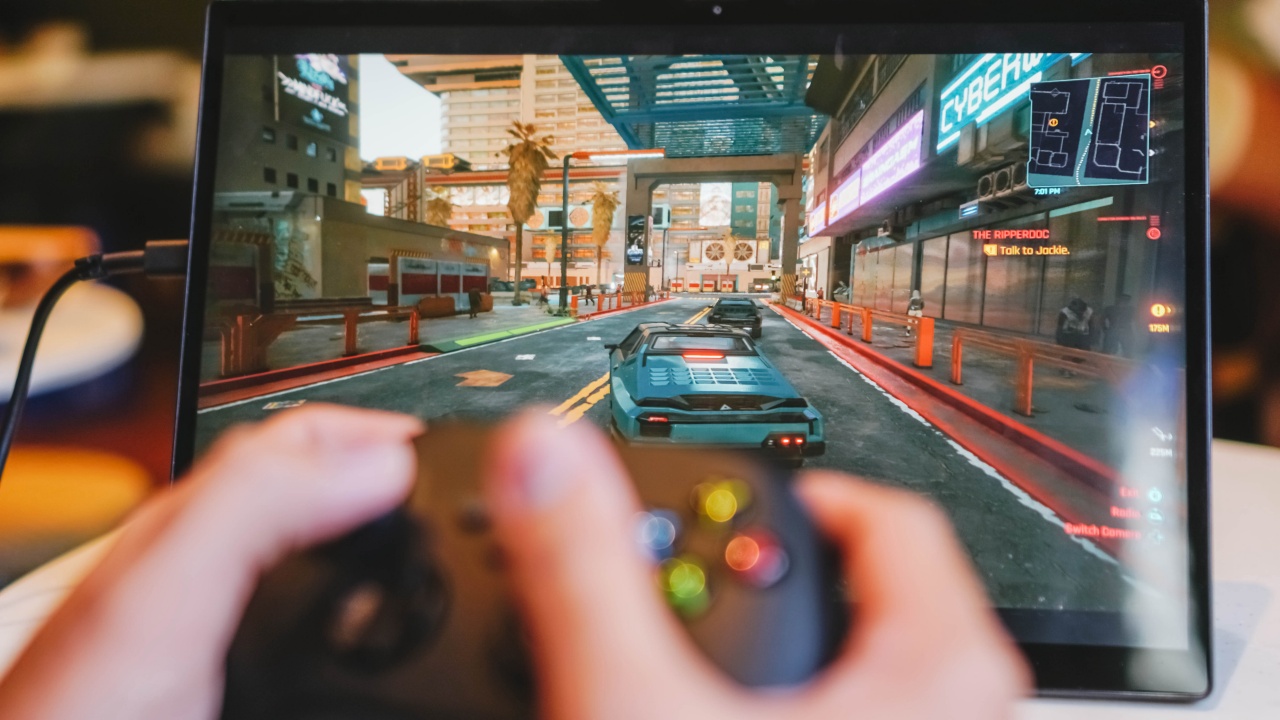
When playing games, you have to seat near a wall socket. Regardless of how low or high the settings are, you can only play with the tablet for under an hour before it dies. That’s not a lot of juice for gamers.

For less-demanding tasks, my specific test showed exactly 2 hours and 27 minutes on Balanced Mode while 2 hours and 46 minutes when Battery Saver Mode is on. Exactly as I type this part of the article, the Z13 went under 5% that I had to immediately plug-in its charger. That’s more than two hours of typing this review.

That said, ROG is true to its words. With its bundled 100W USB-C to AC Adapter, it can fast charge the Z13 from 0% to 50% in just 30 minutes. Filling it up to 100% just takes an hour to finish.
2. Useless as a standalone tablet
A tablet is made meant for a handed use, but that’s not the case with the ROG Flow Z13.

Turning Red is the only “red” I want to support 🤩
I’m not saying that the ROG Flow Z13 is useless. During my test with the tablet, playing touchscreen games without the keyboard/touchpad and mouse is what made it “useless”.
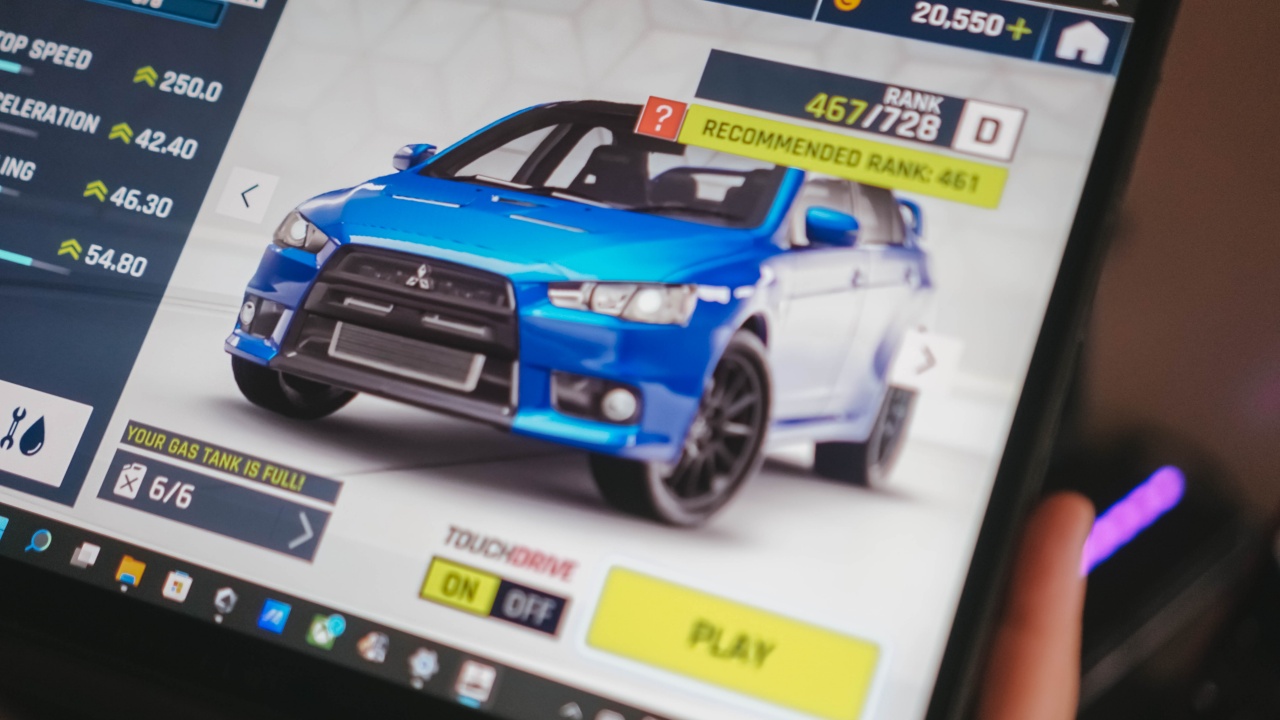
Case in point: I have the option to play Asphalt 9 using tablet mode. But with the ROG Flow Z13 not having the necessary sensors (such as an accelerometer and gyroscope), it can’t play using tilting and just relies on either the automatic acceleration feature called “TouchDrive” or via the bundled keyboard. This makes my gameplay less exciting and thrilling.

There are also times when selecting options in-game needs some stretch. Touchscreen games feel weird due to the large screen size and hefty body, making it uncomfortable to hold when playing.

Not a big dealbreaker but it’s also quite disappointing how I can’t run FPS games without the keyboard and mouse. But I guess it’s more on the software side since PC games aren’t meant to be played with touch inputs unlike iOS and Android FPS games.

Still, even running Android games such as Call of Duty: Mobile (CoDM) through the Gameloop emulator doesn’t make it possible to run FPS, RPG, or MOBA games via touchscreen. A keyboard and mouse are still needed.
3. Ugh… Display issues
Not that it always happens, but one big issue whenever I hook up my 4K TV through XG Mobile via HDMI is that, it randomly displays glitches and flickers when movies are being played.
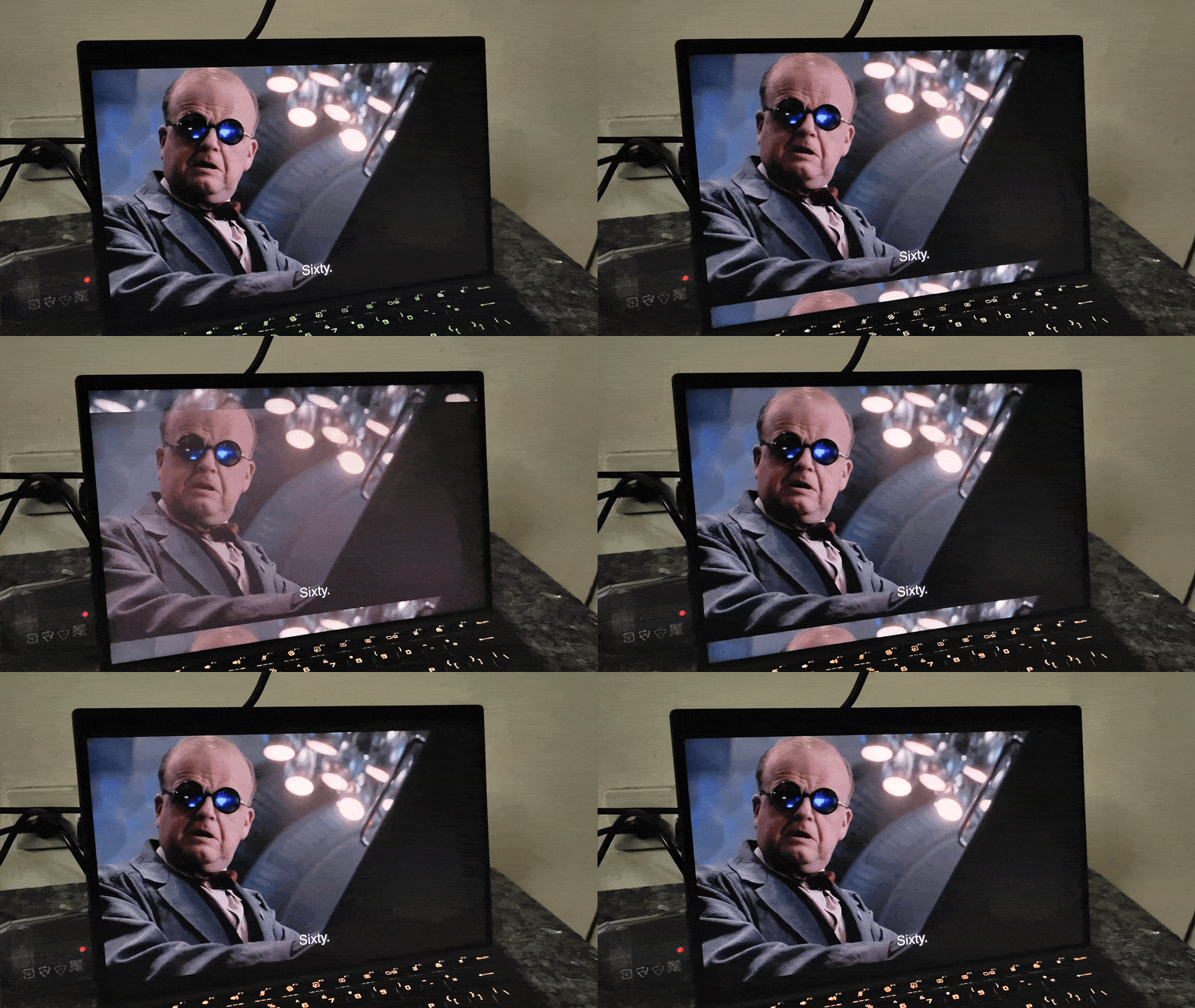
There are also numerous times when the tablet went into the horrifying BSoD (Blue Screen of Death) just right after hooking up the HDMI cable and properly switching to XG Mobile.

I’m quite unsure if the crucial component updates have fixed this critical issue. While I haven’t checked since I’m afraid I might ruin this review device, I hope ROG comes up with a patch real soon.
4. Undesirable overheating
The problem with heavily-powered portable devices like this is the lack of a better cooling implementation and heat dissipation — even with the existence of an advanced vapor-cooling chamber and “efficient” CPU and GPU units.
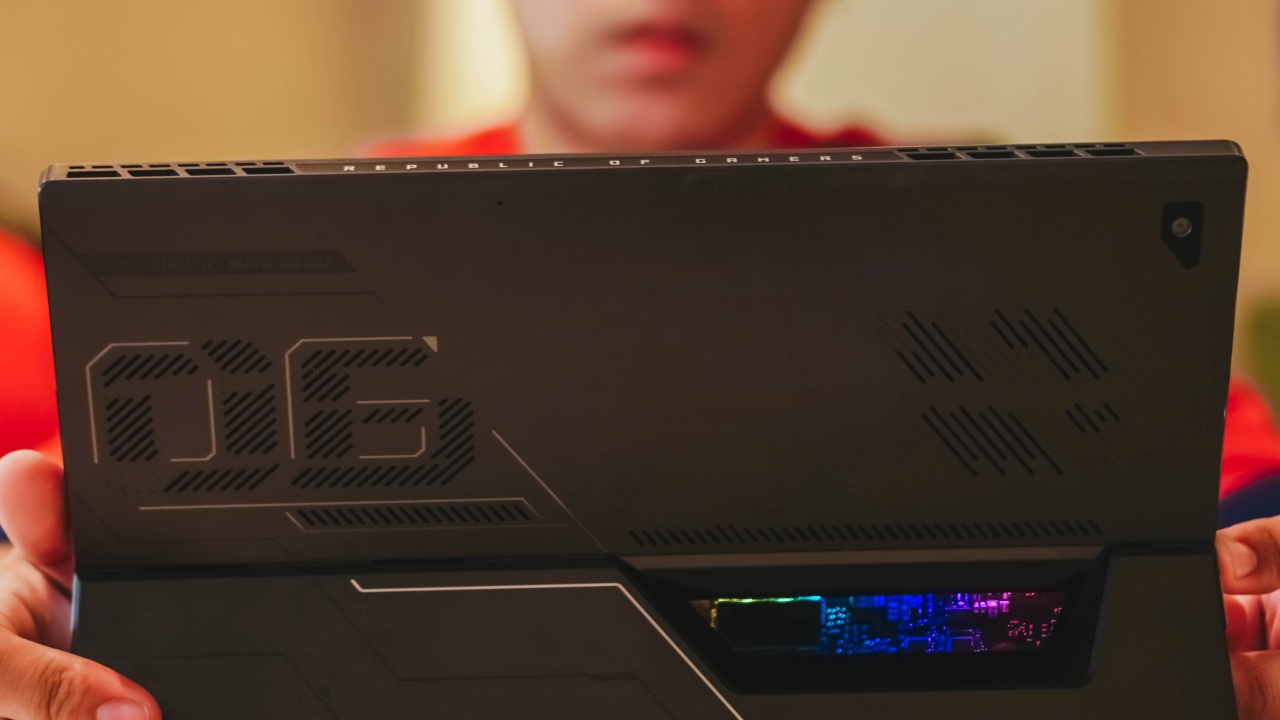
Any air-conditioned room (or purely just a snowy-cool climate) might suppress the heating issues temporarily, but its power-heavy yet crammed chassis is one reason why the ROG Flow Z13 doesn’t cool properly.
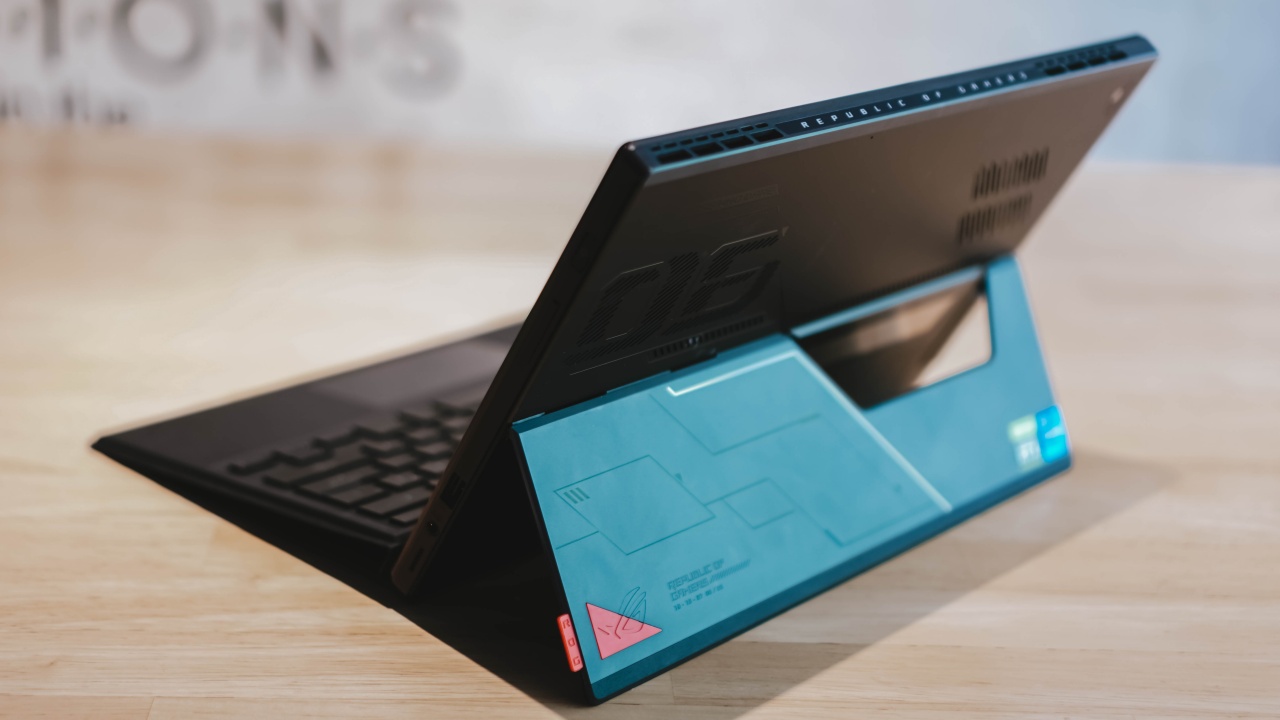
It’s either you have to flip its back stand, or you just have to deal with its unacceptable overheating. I also think overheating has something to do with the display issues I mentioned a while ago.
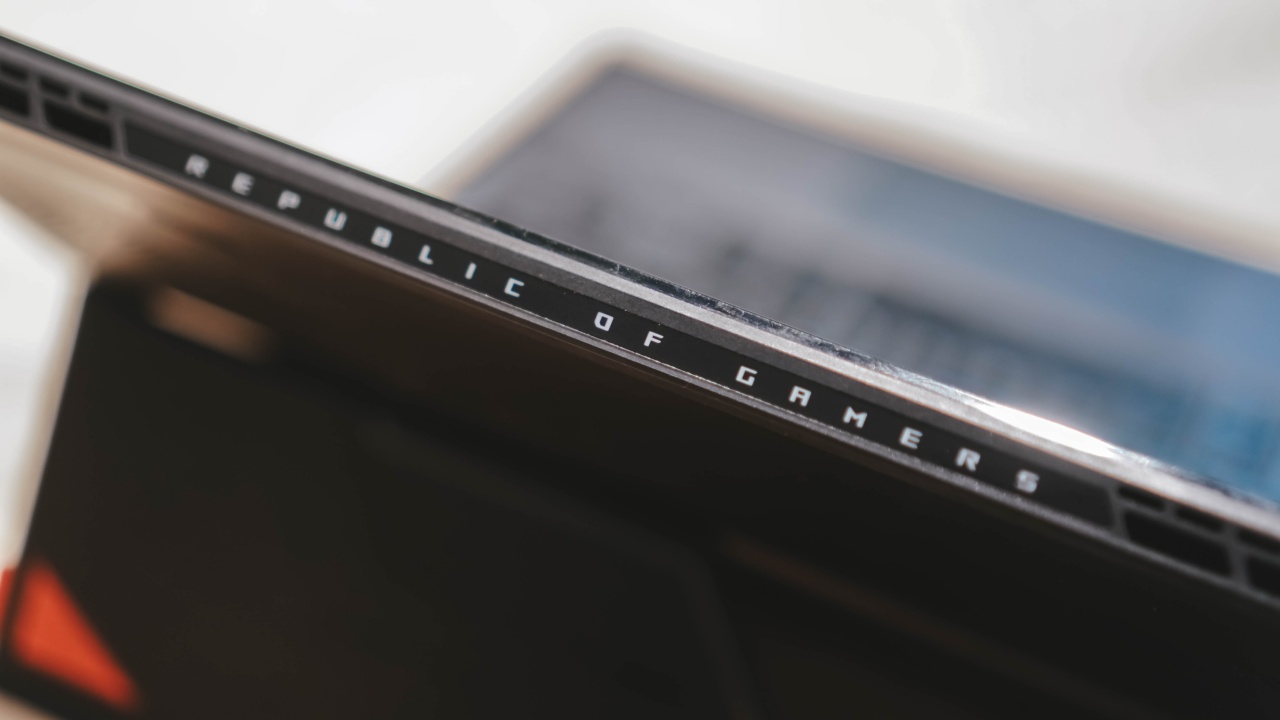
Did I also mention how loud the fans and hot the heatsinks are when playing games or rendering and exporting output files?
Is the ROG Flow Z13 your GadgetMatch?

In the Philippines, this higher-end ROG Flow Z13 is priced at PhP 99,995. The less-powerful Core i5 and Iris Xe-powered variant retails for a measly PhP 84,995. The ROG XG Mobile (which is sold separately) costs as much as PhP 69,995 for the RTX 3080 model while the Radeon-powered RX 6850M is almost 10,000 less than the Z13 itself at a whopping PhP 89,999. This just means one thing:
This gaming device isn’t for everyone.
With the presence of more affordable gaming laptops, buying the ROG Flow Z13 doesn’t apply from a practical, “worth-it” standpoint. Instead, this is for those with the extra purchasing power who want the versatility and portability of a tablet that can also run demanding games and creative apps in the long run.

And as a creative professional, this tablet isn’t meant for creatives neither. There are a lot of options out there that can do both work and play without sacrificing your savings.
Much like foldable smartphones, the ROG Flow Z13 focuses more on a specific type of market that want the bleeding edge tech regardless of how pricey it is. But if you want the best of both worlds in gaming and creative work, this might just do all the trick.







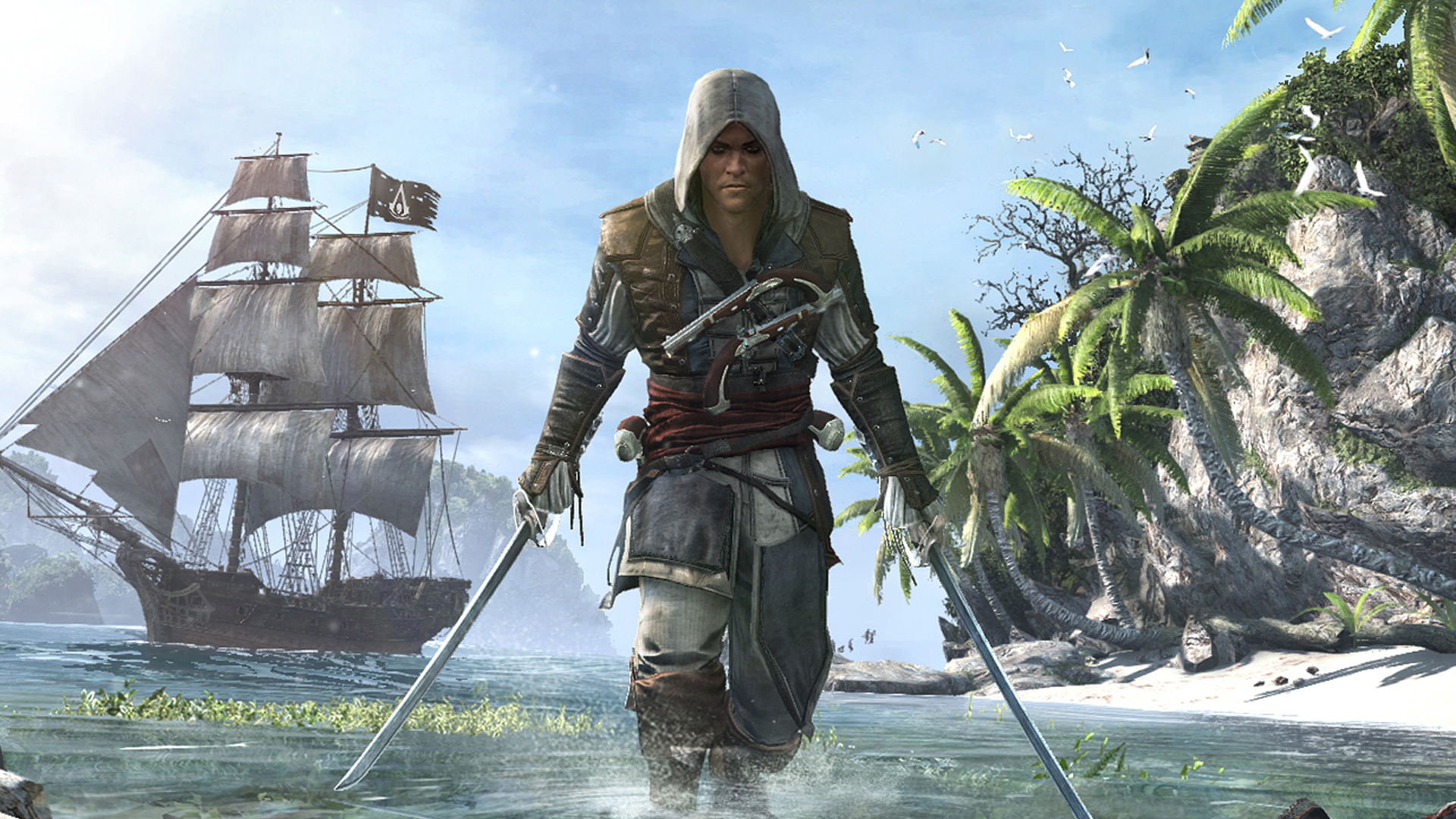
Gaming’s worst kept secret is finally out. After months of rumors and speculations, Ubisoft will officially reveal its upcoming Assassin’s Creed Black Flag remake on April 23.
In March, the company first confirmed the game’s existence through the first concept art for the title. The upcoming remake will be officially called Assassin’s Creed Black Flag Resynced, which definitely states that it’s going to be a remake, rather than just a remaster.
Today, Ubisoft has announced that the worldwide reveal will happen on April 23. The showcase should clear the air as to how the remake will handle the franchise’s most successful outing to date.
When it first came out, Black Flag rightfully claimed itself as the quintessential pirate life simulator in the modern era. Rather than a straightforward stealth and assassination game, the title featured Edward Kenway, a vagabond pirate turned reluctant assassin. It was a worthy next step coming from the Desmond Miles trilogy, which concluded with Assassin’s Creed III.
Now, the studio isn’t done with the title. Assassin’s Creed Black Flag will ideally see the pirate game built again from the ground up. However, it’s still a bit unclear how much of the game will actually be rebuilt. Thankfully, the wait isn’t long at all.
For now, the franchise is still thriving with its latest new outing, Assassin’s Creed Shadows. It is also gearing up for the next mainline entry, currently called Codename Hexe.
SEE ALSO: Ubisoft confirms Assassin’s Creed: Black Flag remake
Gaming
007 First Light reveals title sequence, Lana Del Rey leads theme song
New Bond game sets the tone ahead of its May 2026 launch


IO Interactive and Amazon MGM Studios have unveiled the official title sequence for 007 First Light, giving players their first look—and listen—at the game’s cinematic direction ahead of launch.
The reveal took place during the BAFTA Game Awards in London, where the studios confirmed that Lana Del Rey performs the game’s title track. She co-wrote and composed the song with David Arnold, marking Arnold’s return to the Bond franchise.
007 First Light launches on May 27, 2026 for PlayStation 5, Xbox Series X|S, and PC, with a Nintendo Switch 2 version arriving later in Summer 2026.
A modern take on a classic Bond tradition
The title sequence follows the long-standing James Bond tradition of stylized opening credits that establish tone and identity. Here, IO Interactive leans into a mix of modern visuals and classic Bond motifs, reflecting the game’s reimagined origin story.
This version of Bond is younger, less experienced, and at times reckless, as he begins his journey into espionage. The sequence ties those themes together through cinematic imagery, anchored by Del Rey’s signature vocals and Arnold’s orchestral influence.
It also marks a notable moment for the franchise, signaling Bond’s return to gaming after more than a decade.
A deeper dive into the game’s music
Alongside the reveal, IO Interactive released a new episode of its “Beyond the Light” series, focusing on the game’s soundtrack.
The episode features insights from Dominic Vega, Missions and Audio Director on 007 First Light, as well as The Flight, the duo behind the game’s score. They discuss the creative process behind shaping the sound of this new Bond era and the challenges of working within such an iconic franchise.
Pre-orders now live with early access perks
Pre-orders for 007 First Light are now open across supported platforms. Players who pre-order will receive a free deluxe upgrade, which includes 24-hour early access for digital editions.
Nintendo Switch 2 pre-orders, however, are limited to physical editions only.
More details are available on the game’s official website and IO Interactive’s press channels.
Gaming
PRAGMATA launches with dual-character sci-fi action
Capcom’s long-awaited lunar adventure blends hacking and combat


CAPCOM has officially released PRAGMATA, a new sci-fi action-adventure title now available on PlayStation 5, Xbox Series X|S, and PC via Steam.
Set on the moon in the near future, PRAGMATA follows an unlikely duo navigating a lunar station overrun by hostile robots. Players take control of spacefarer Hugh and android Diana. Each one is equipped with distinct abilities that must be used in tandem to progress.
The single-player experience leans on a mix of action and strategy. Combat pairs with hacking mechanics. It requires players to switch between characters and coordinate their skills. These are necessary to overcome enemies and environmental challenges.
A Nintendo Switch 2 version is scheduled to arrive in Southeast Asia on April 24, 2026, with pre-orders now open.
Southeast Asia availability
PRAGMATA is rolling out across platforms with the following release schedule:
- PlayStation 5 — April 17, 2026 (Physical & Digital)
- Xbox Series X|S — April 17, 2026 (Digital)
- Steam (PC) — April 17, 2026 (Digital)
- Nintendo Switch 2 — April 24, 2026 (Physical & Digital)
Physical edition and early bonuses
Physical Standard Editions are available for PlayStation 5 starting April 17, followed by Nintendo Switch 2 on April 24.
Players who purchase from participating retailers in Southeast Asia may receive limited bonuses, including a Chibi Diana memo pad and an A4 clear folder with exclusive artwork. These are available on a first-come, first-served basis.
Digital editions and extras
Digital Standard and Deluxe Editions are available now for PlayStation 5, Xbox Series X|S, and PC. The Nintendo Switch 2 version arrives on April 24.
The Standard Edition includes the base game, while the Deluxe Edition adds the Shelter Variety Pack. This bundle includes additional outfits for Diana and Hugh, extra background music tracks, gestures, a weapon skin, and a collection of in-game artwork.
Soundtrack rollout
Six tracks from the PRAGMATA original soundtrack, including the main theme “Memories Are You,” are now available on major streaming platforms ahead of the full release.
PRAGMATA is now available on PlayStation 5, Xbox Series X|S, and PC, with the Nintendo Switch 2 version launching next week in Southeast Asia.


DJI Osmo Pocket 4 review: A solo creator’s production crew
Now, you can be the director and editor of your own story.


HONOR MagicPad4: A tablet that found its place
Better as a second screen


TECNO POVA Curve 2 review: Munch That Power Crunch!
Unbelievably the slimmest 8000mAh phone you can buy right now

The OPPO Find X9 Ultra is Galaxy S26 Ultra’s biggest enemy

POCO M8s 5G launches in the Philippines, starts at PhP 11,999

Get a free Apple Watch SE 2 with your MacBook Neo purchase

Ubisoft will showcase Assassin’s Creed Black Flag remake on April 23

Tim Cook steps down, John Ternus named next Apple CEO

The Changan Eado Plus officially lands in the Philippines

nubia Neo 5 series launches in the PH, starts below PhP 12K

How the Ford Ranger is powering community resilience

Nothing Phone (4a) + (4a) Pro review

Razer Blade 16 (2026) packs more cores, faster memory


-
Cameras5 days ago
DJI Osmo Pocket 4 review: A solo creator’s production crew
-
Reviews1 week ago
TECNO POVA Curve 2 review: Munch That Power Crunch!
-
Reviews7 days ago
HONOR MagicPad4: A tablet that found its place
-
 News6 days ago
vivo X300 FE launches with ZEISS telephoto system
-

 Automotive5 days ago
Luxury you can ride: The Vespa 180cc Collection
-

 Hands-On1 week ago
Match Pulse: HONOR Pad X8b
-

 Entertainment2 weeks ago
BINI, KATSEYE among top worldwide Google Searches ahead of Coachella
-

 Reviews1 week ago
vivo V70 review: Pretty darn good for nights like this