


Around 8-9 months ago, I was in the market for a tablet that can be my on-the-go companion when I step out for events and don’t want to bring a laptop. I found it with the Xiaomi Pad 6 but now months later, the company has come out with a bigger, better version — the Xiaomi Pad 6S Pro 12.4.
Unboxing the Xiaomi Pad 6S Pro 12.4 and its accessories
Like the tablet that preceded it, the 6S Pro came with a generous accompaniment of accessories. Other than the tablet itself, there’s the Cover, Touchpad Keyboard, and the Focus Pen.
Watch the unboxing below.
@gadgetmatch This is our favorite Android tablet right now! #XiaomiPad6SPro #Xiaomi
Pros and cons of going bigger

The first, most recognizable difference between the Xiaomi Pad 6S Pro 12.4 and the Xiaomi Pad 6 is the size. The 6S Pro comes in at, as the name suggests, 12.4 inches while the 6 offers 11 inches of screen.
That may not seem like a lot on paper, but I assure you, the extra 1.2 inch makes a huge difference in practice.

For one, the 6S Pro just doesn’t fit in the Xiaomi Sling I was merrily walking around with. Thankfully, I have since acquired a bag small enough to carry around for half to full day affairs, but big enough to fit my usual 13-inch laptop. That means it also easily fits the 6S Pro along with all of its accessories for a lighter load out.
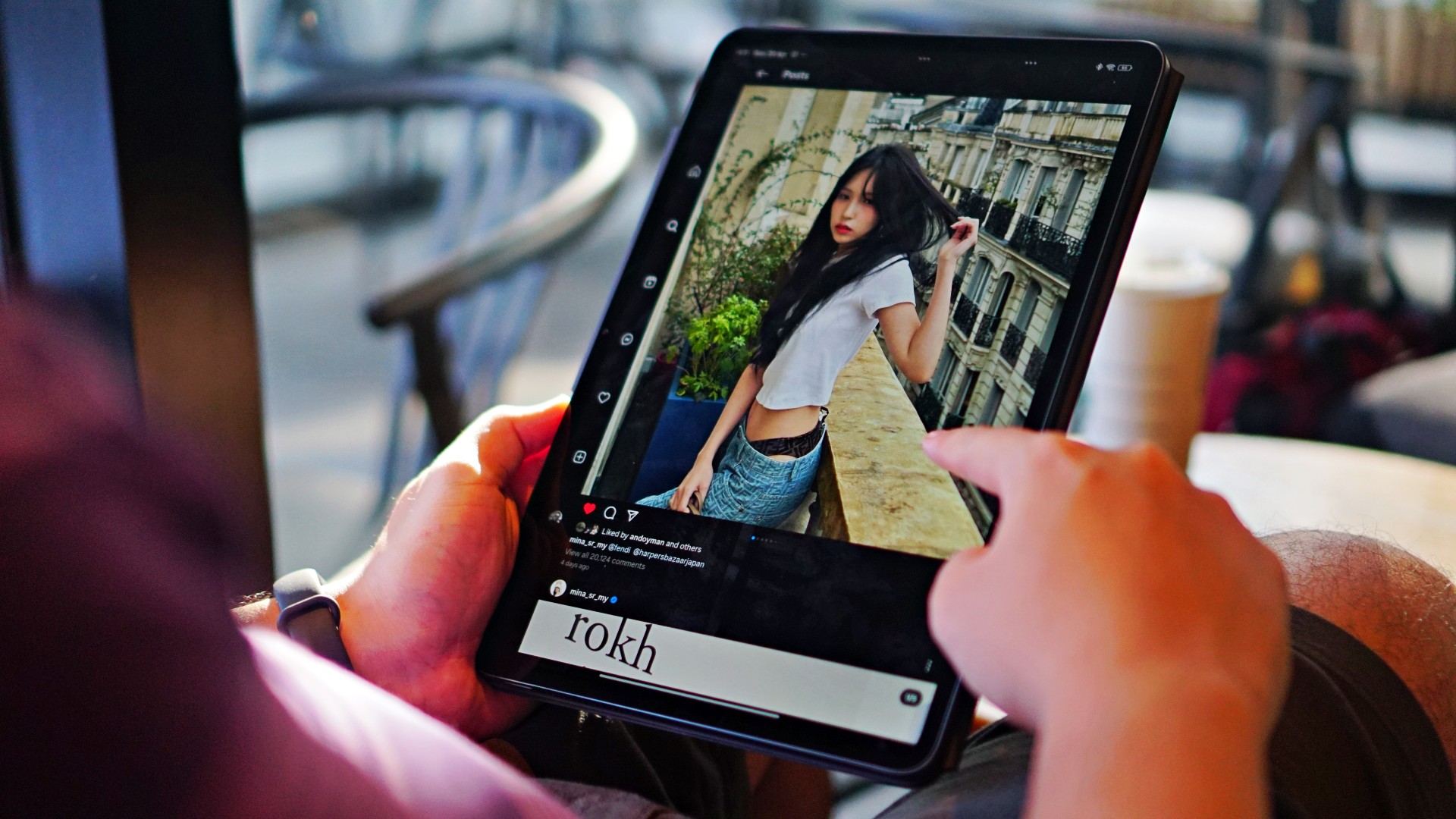
The extra size also means it’s mostly better to use on a desk vs carrying on hand. I can count in one hand the number of times I opted to hold the tablet instead of just propping it up on some surface somewhere.
While I’ve found a solution, I still count the mini-laptop-like size as a con especially if you’re really eyeing something that you can already use with your existing smaller bags.

The size of the screen though, makes it great as both a main screen or secondary screen. On days that I would work from home, I usually have the 6S Pro to my left, running episodes of Arrow as I go through the day’s work. Meanwhile, when I’m out and about, it makes for a more than big enough screen to handle tasks like some quick writing and email correspondence.
Better in many ways
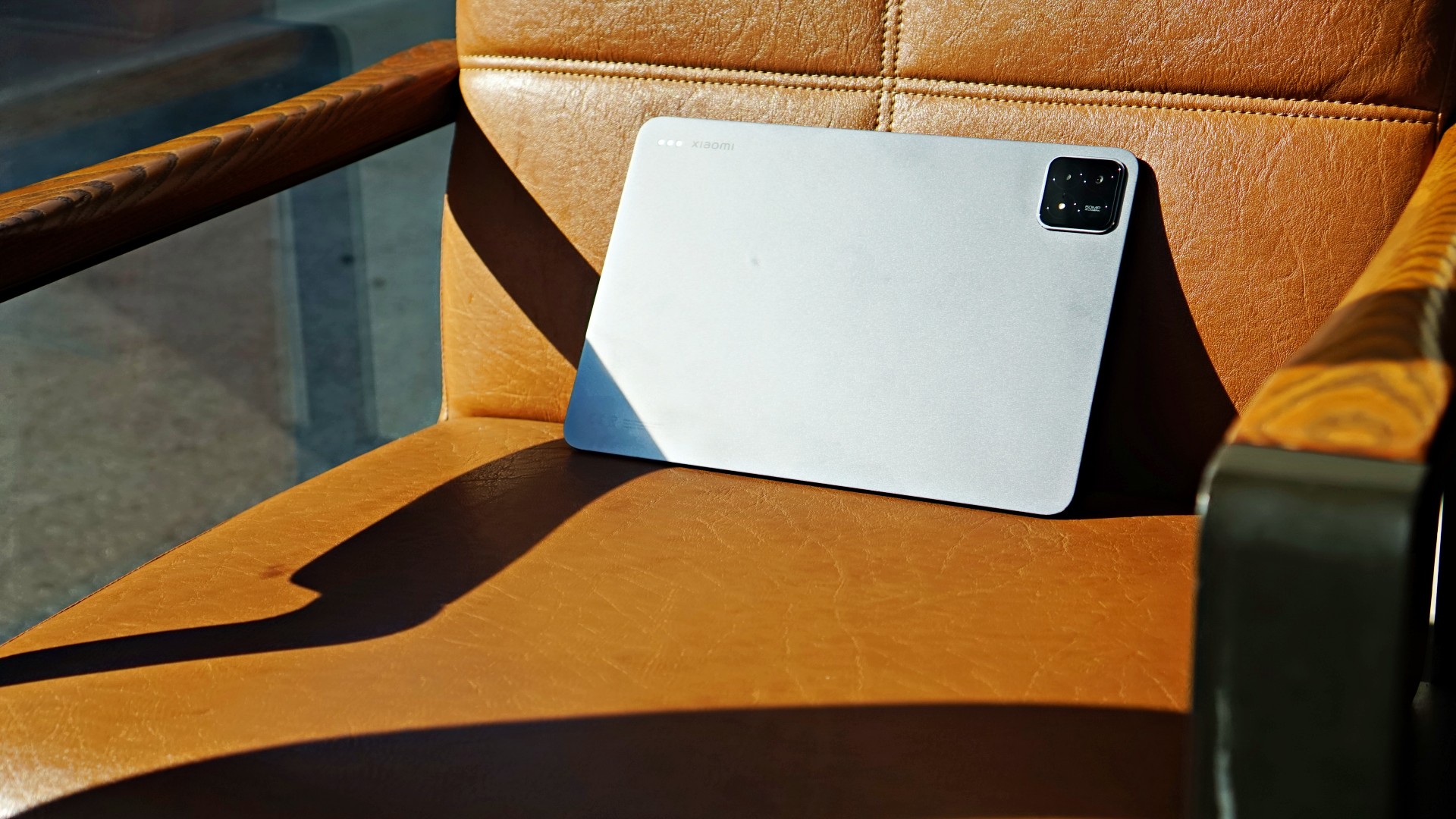
Powered by the Snapdragon 8 Gen 2 processor, the 6S Pro is as powerful as flagship smartphones that came out late 2023 to early 2024. It’s as good as it gets.
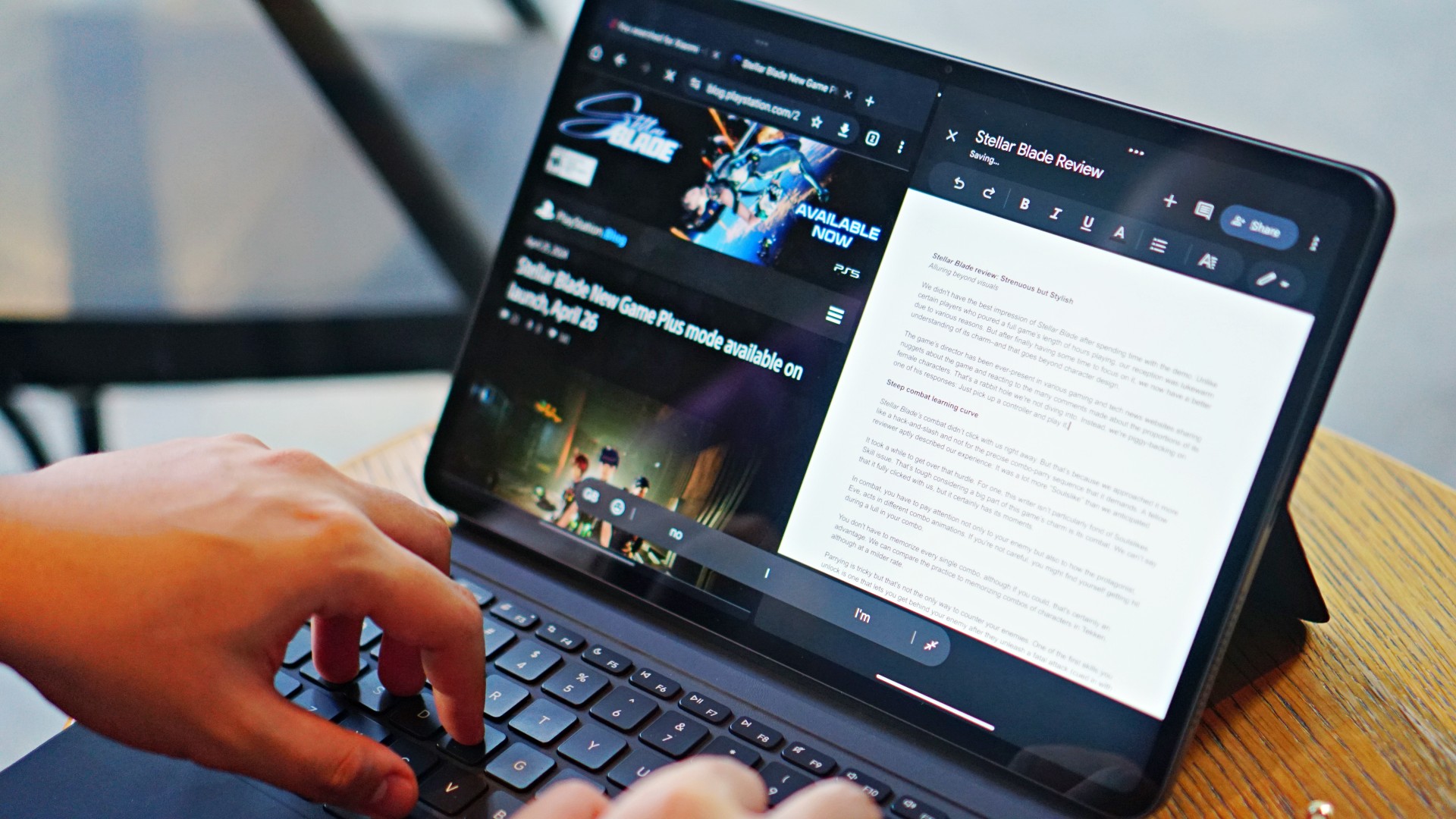
I feel even more at ease using the multi-screen function knowing it has the hardware to keep things running, perhaps all day. I’ve had a handful of writing sessions in this set-up, including the very article you’re reading now.
That means you should have no qualms pushing its computing power. In fact, I have to say I have criminally underutilized it over the last 10-12 days that I’ve had it.

I’ve also used the multi-screen feature when scheduling posts on our social platforms.
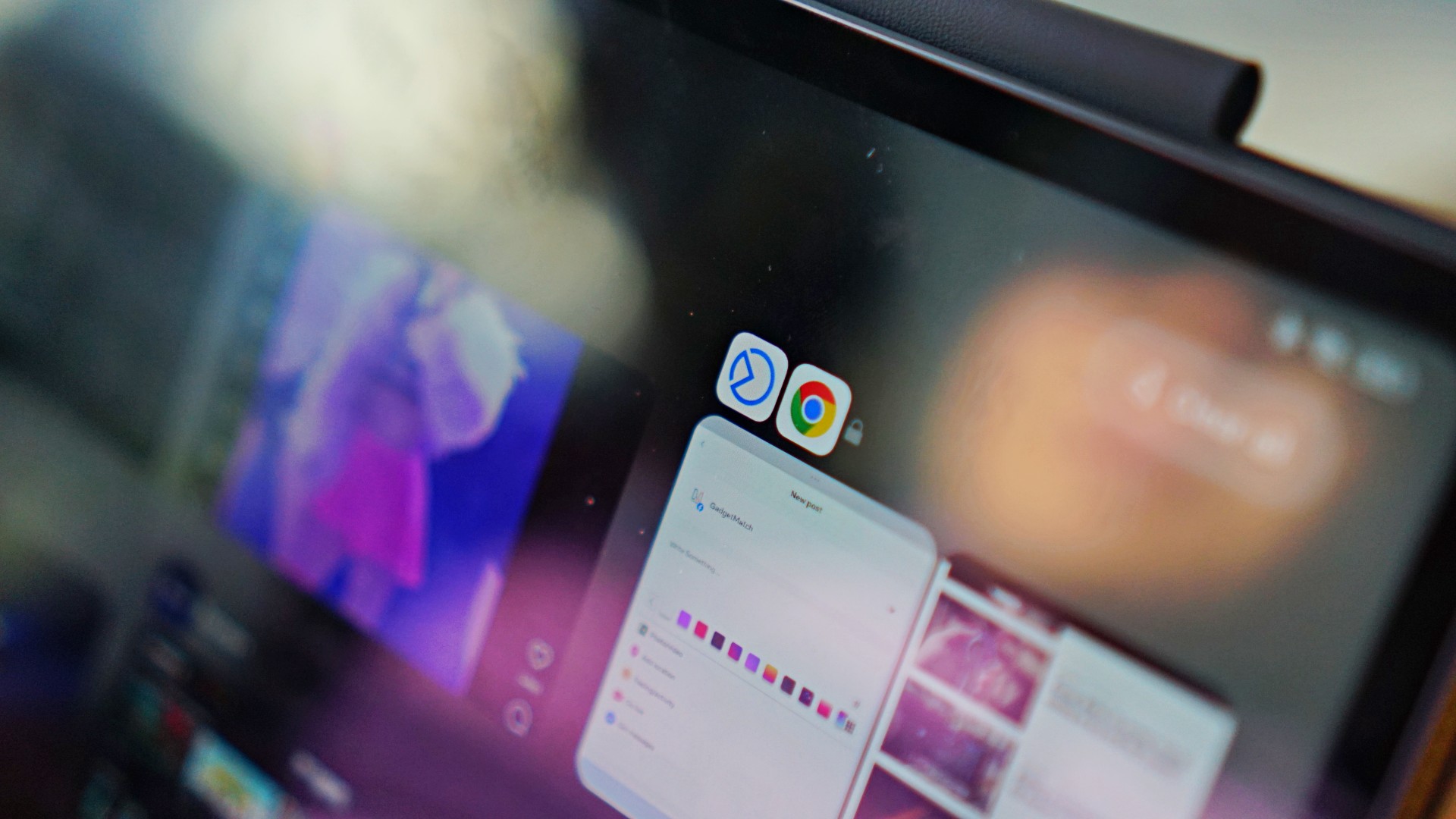
You can lock certain app combinations if you use them frequently.
It’s a handy function that works not just for productivity but also for more of my favorite showcase: Watching two different fancams (even if they’re of the same person), at the same time.
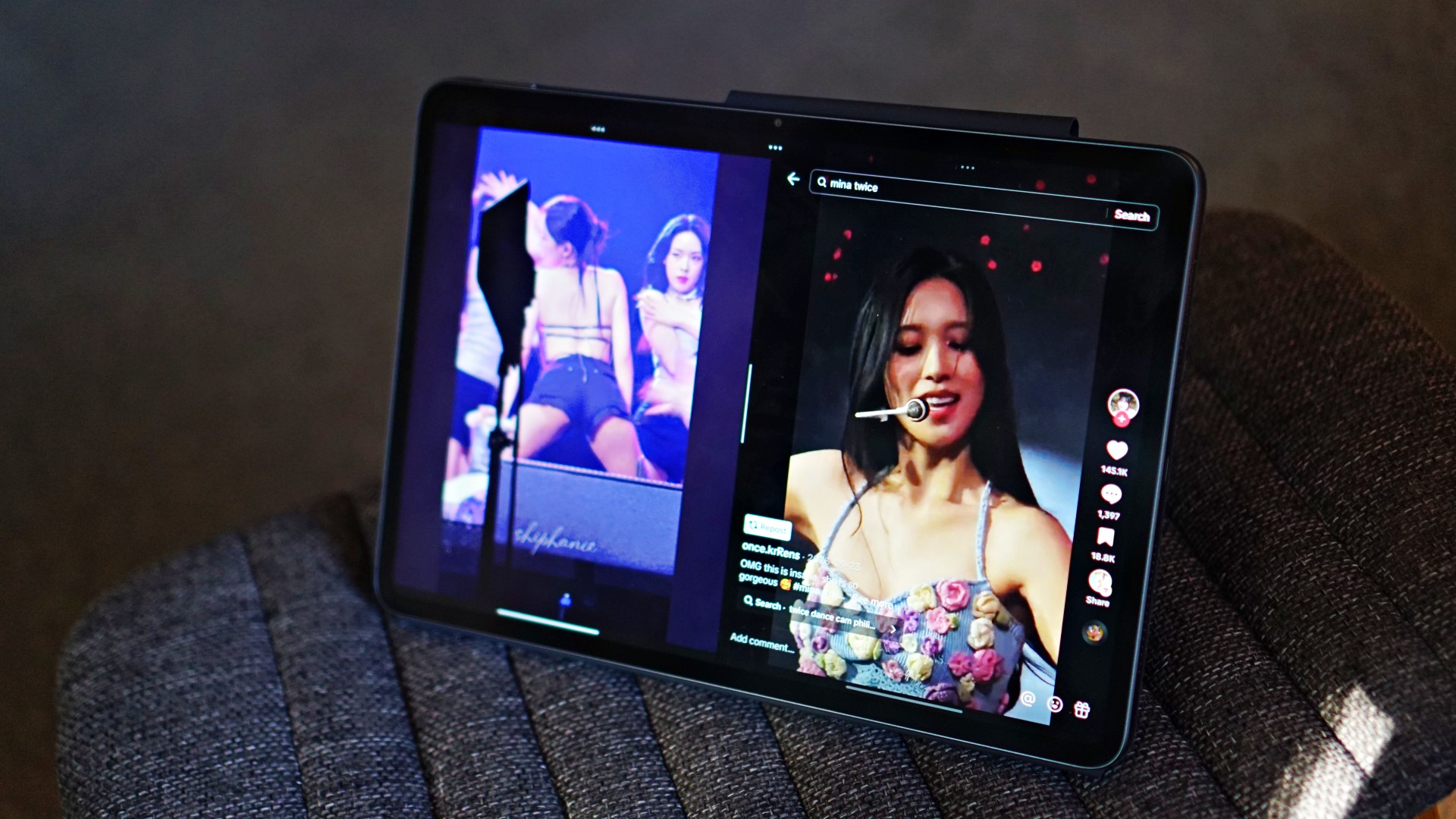
Media-viewing, you already know. The 3K display is absolutely stunning for media consumption. Other than X-Men 97 and Arrow episodes, I’ve used this to tune in to the NBA Playoffs in the morning. It’s the perfect white noise, desk companion.

And it’s not just the display too. The 6S Pro is equipped with 6 speakers with support for Dolby Atmos. While so many modern devices these days can say that. We can vouch that in the 6S Pro, this combination truly works wonders. If not old TV Shows, I switch over to music apps to listen to Gabe Bondoc, Jesse Barrera, BINI, TWICE, Marc Indigo, Kjwan,or whatever it is I’m in the mood for.

The top-of-the-line chip along with the 144Hz refresh rate also lends itself nicely to gaming. We only really played Honkai: Star Rail briefly but it was a fun and a little different experience on a display this large.
If you’re a content creator, this is also pretty darn good already for some light video editing. Whether that’s using the native video editor or an app like CapCut.
You can accomplish all of these tasks knowing you have a device whose 10,000mAh battery will more than keep up with you. Brought this along once on a 14-hour day and while I managed to drain it all the way to 13%, it did stay alive on a heavy-usage day. It tops up pretty quickly too thanks to its 120W HyperCharge tech.
There’s a lot you can do on the Xiaomi Pad 6S Pro 12.4 that I dare say it can replace a laptop for a large number of people.
About the accessories

The generous helping of accessories is also such a boon. These normally come as a bundle if you pre-order the device. And I can tell you right now, it’s totally worth it.
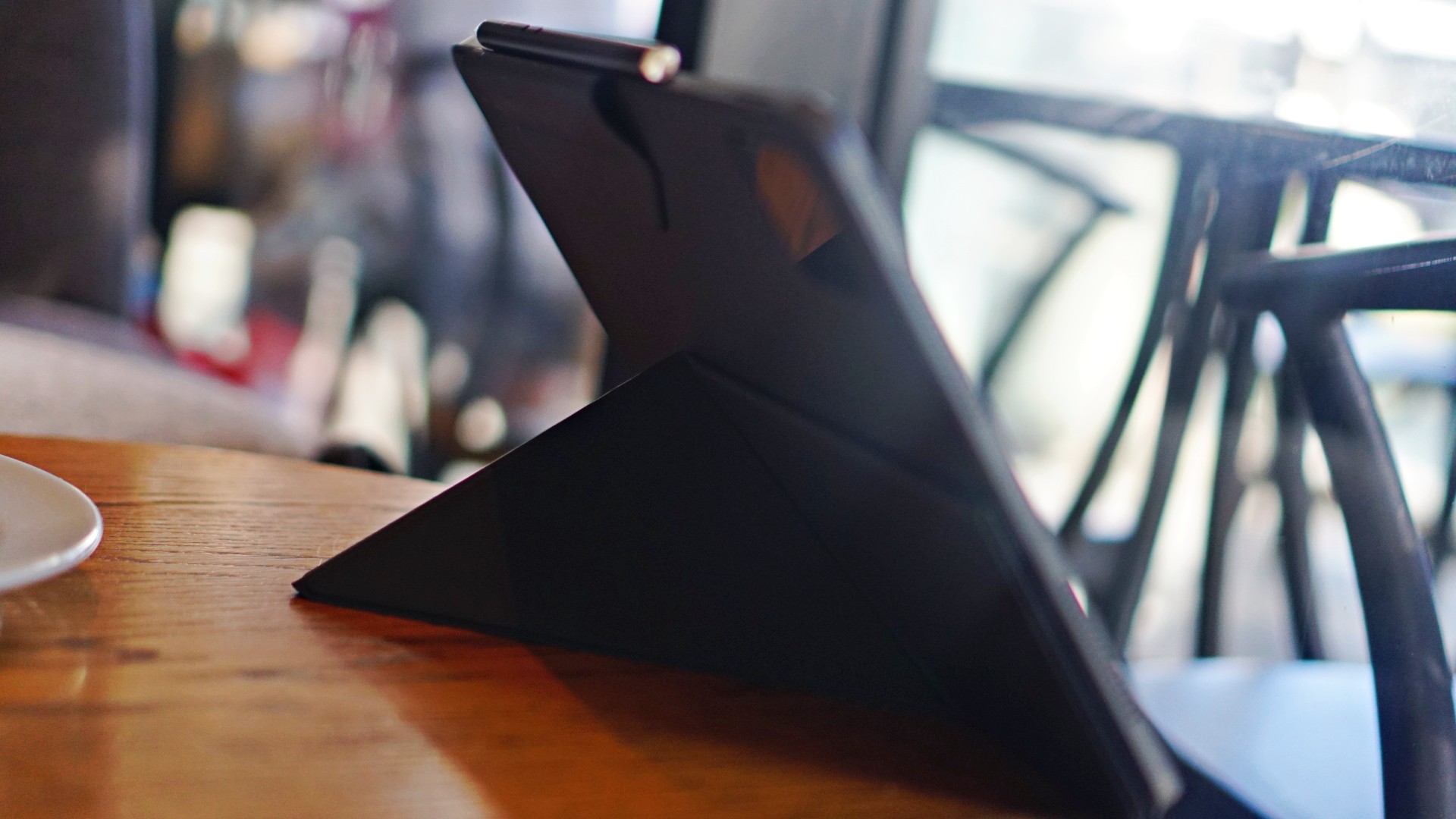
The Cover is a little unorthodox. Instead of the usual folio with a straightforward flapping cover, you get on that turns into somewhat of a triangular stand that sticks out. It looks odd at first but you’ll get used to it quickly especially since it lets you prop up the tablet in both portrait and landscape. Very helpful in many scenarios, especially when using apps that have no support for landscape orientation or are better off viewed vertically.
You don’t get a lot of versatility with how it tilts so that’s one thing to keep in mind. That means you get weird angles when using the pretty darn good selfie cameras when you’re in video calls.
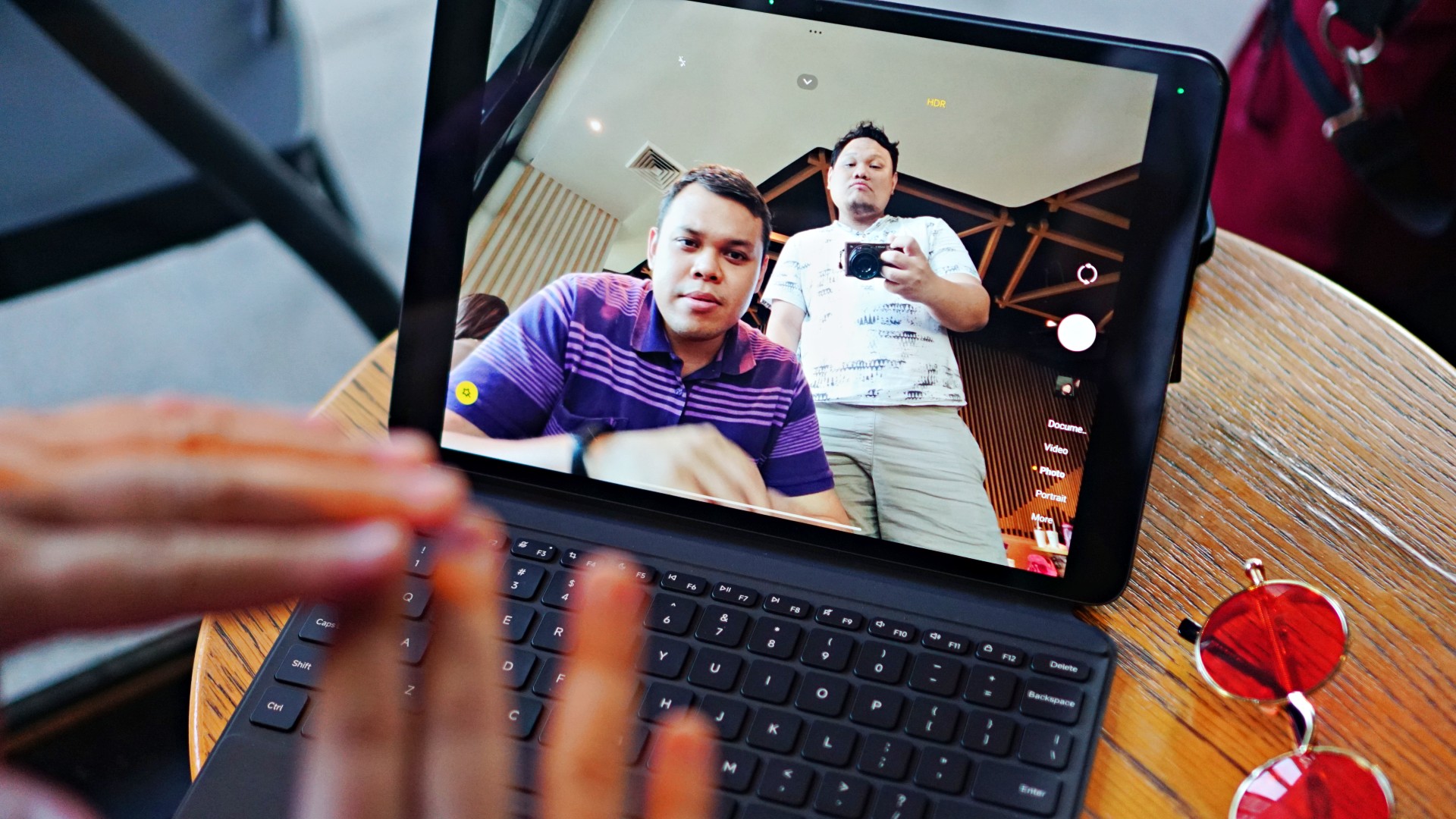
For my part I opted to take calls while it’s propped up vertically.

The Cover also has a provision for the Focus Pen that I, admittedly, never really get to use a lot.

Although, I do plan to spend more time with the device. Hopefully I figure out more use-cases for the Pen during that time.

Lastly, there’s the Keyboard cover. Like the Cover, you don’t have a lot of freedom in terms of how it’s tilted. But that’s par for the course for most keyboard folios. But unlike most ones, this looks more like the Microsoft Surface where there’s a kickstand at the back.

The keyboard itself feels great to type on. There were days where I opted to write articles entirely on it because of the keyboard feel. It feels that good. Although it doesn’t light up so best to have a lamp at night or use it only when the lights are on. It also has an okay touchpad. Nothing too fancy but it gets the job done. The layout is so reminiscent of a regular laptop which added to the whole satisfying feeling when typing on it.
Xiaomi Pad 6S Pro 12.4 specs
- Display — 12.4” 144Hz 3K display, supports Dolby Vision
- Processor — Snapdragon 8 Gen 2
- Battery — 10,000mAh, 120W HyperCharge
- RAM and Storage — 8GB+256GB / 12GB+512GB
- OS — Xiaomi HyperOS
- Cameras — 50MP main (4K, 60 FPS video), 2MP depth, 32MP front (1080p, 30 FPS video)
- Connectivity — USB 3.2 Gen 1, Bluetooth 5.3, WiFi 7
- Audio — Six (6) speakers, support for Dolby Atmos, Hi-Res, Hi-Res wireless
Is this your GadgetMatch?

I absolutely love it when we get review devices that are easy to recommend. That’s exactly what the Xiaomi Pad 6S Pro 12.4 is. Mouthful of a name with a feature set that’s just as packed. It’s a device made for many purposes. It’s a workmate, a creative companion, and a relaxation buddy all-in-one. It certainly deserves the GadgetMatch Seal of Approval.

It also doesn’t hurt that it’s at a fair price point. Especially for everything it offers. I see this as a device great for anyone looking to be productive, creative, with a fair bit of balance since you can also use it to unwind with streaming apps and even gaming.
Price and availability
The Xiaomi Pad 6S Pro will be available in two variants and are priced as follows:
- 12+512GB — PhP 39,999
- 8+256GB — PhP 33,999
It comes in classic Black and White colors.
Meanwhile, the accessories are priced as follows:
- Focus Pen — PhP 3,499
- Touchpad Keyboard — PhP 6,499
Discounted from May 3 to 9
Naturally, these will be available at special slashed prices from May 3 to 9 on the Shopee exclusive online sale.
- 12+512GB — PhP 37,199
- 8+256GB — PhP 31,199
Buyers will get free Redmi Buds 4 Active (valued at Php 999) for every checkout of the Xiaomi Pad 6S Pro.


Reviews
Samsung Galaxy Fold8 Ultra review: It’s time to get a foldable
Let this be your first foldable, if you don’t have one yet.

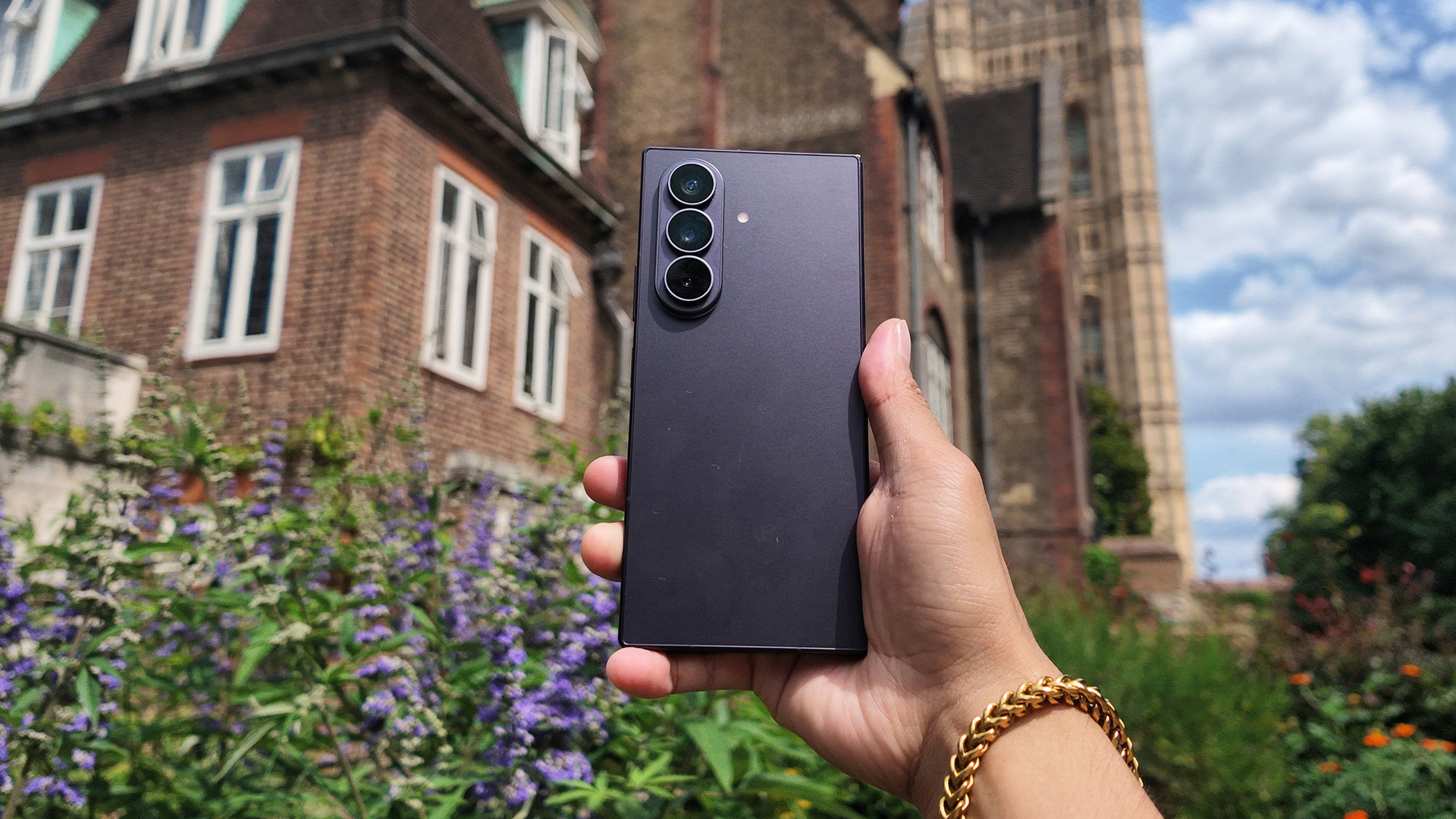
Despite working in this industry, I’m not an early adopter eager to jump on the latest advancements in technology. I prefer waiting for later refinements to ensure all the kinks have been ironed out. That’s why I’ve never used a foldable. Until now, that is.
In the winter of 2019, Samsung announced the Galaxy Fold, a device that would eventually lead to one of the brand’s biggest segments. It’s a day that I distinctly remember. I was in New York on my way to a class for my master’s program when the news broke. It was a very wintery day, but I still rushed to my campus to cover the news. It felt like being on the ground floor of next big thing.
But every ground floor has its flaws: the floor is too dusty, the foundations are too weak, the price of admission is too high. Or, in foldable terms: the crease is too visible, dust gets inside too easily, the price of a foldable is too high. Despite its promise, a foldable in 2019 didn’t seem worth it.
Now, six years after the fact, the Galaxy Z Fold8 Ultra finally lands on the palm of my hands, ready to convince me to enter foldable culture. Was it successful? How does it feel to get your first foldable in 2026?
In the palm of your hands
A foldable is naturally a gigantic phone, especially when unfolded. With phones getting bigger and bigger today, a substantial concern is whether a foldable phone is just way too big for my smaller hands.
More than the phone’s performance or design, the Fold8 Ultra’s size is the most surprising thing about it. When folded, the phone measures only 72.8mm in width. It has less width than other phones today. Even for my smaller hands, I can maintain a solid grip. Plus, I don’t feel like I need to cradle the phone with my pinky finger from underneath.
Despite essentially being two screens bundled into one package, the Fold8 Ultra isn’t significantly heavier than other phones. In fact, it’s three grams lighter than my previous daily driver, the Nothing Phone (3) — 215 grams vs. 218 grams. The weight distribution is also better when unfolded, making it feel relatively lighter in practical use.
Oh, and though this is a small tidbit, I have to applaud the Fold8 Ultra for having only two button elements: the volume rocker and the power button. There’s no extemporaneous AI button. It’s just those two. Plus, the volume rocker is a bit more elevated than the power button, making it so easy to fiddle around with one-handed and without checking which button your finger is on.
If you’re worried about having a device that’s way too big for practical use, don’t be. The Fold8 Ultra is light enough so you can put it side by side without feeling out of place.

More than one way to use it
Though this is my first foldable phone, it’s not my first rodeo with a device that can transform from one form factor to another. If you’ve met the Lenovo Yoga series, then you’re familiar with the concept, too.
There’s a significant difference, though. For me, it’s difficult to justify a flexible laptop. Whenever I use a laptop, it’s always exclusively as a laptop. If I need a tablet, I’ll just get a tablet. A laptop is too cumbrous to constantly fiddle around with.
On the other hand, the Fold8 Ultra is just perfect for multiple uses. As I said above, it’s already perfectly balanced as a smartphone. It also works perfectly unfolded when I need a larger screen to watch videos. Now, those are the two main uses for a foldable, but there are more.
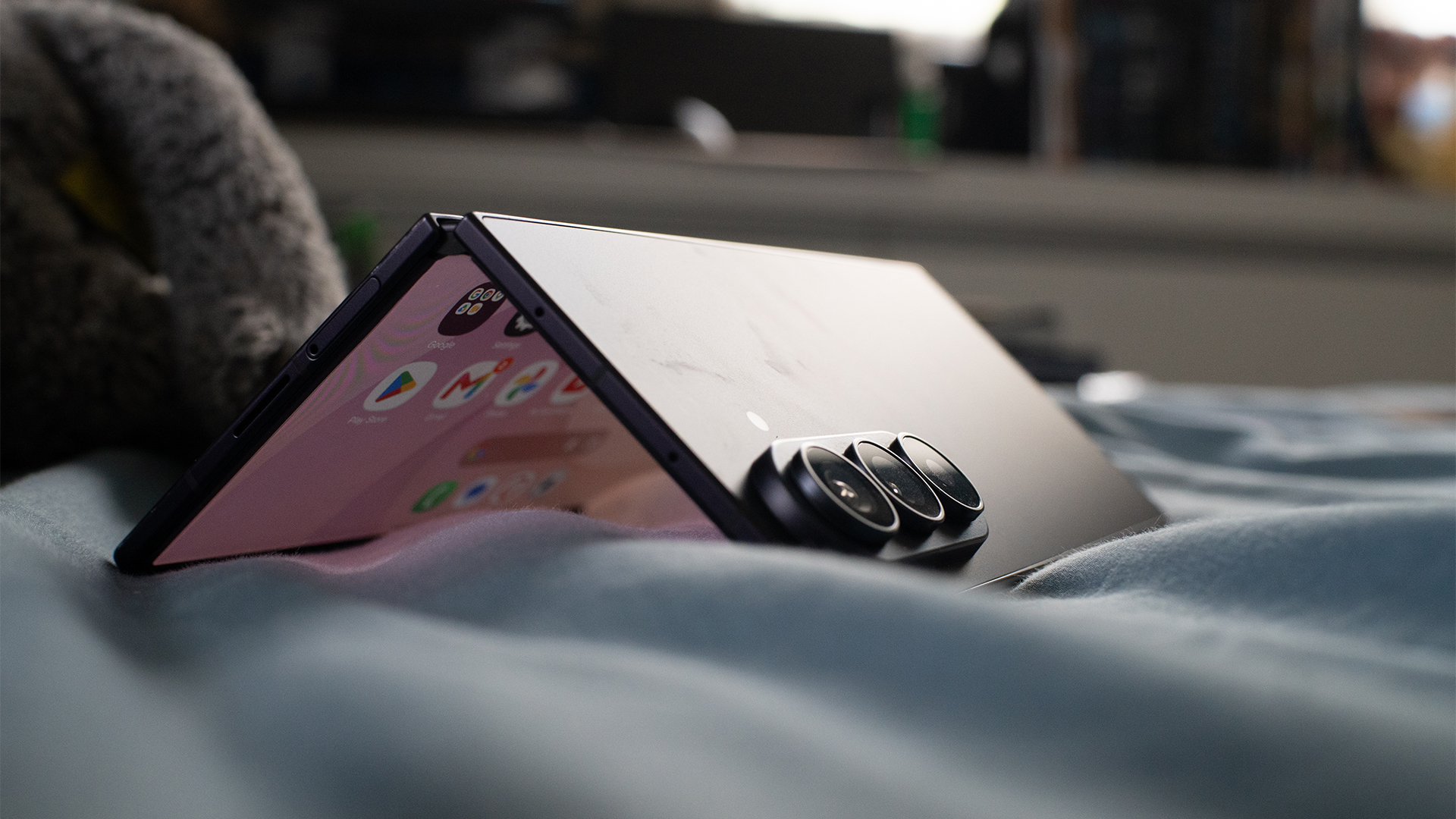
For example, you can partially unfold it into a book, which makes it easier to hold and to read, especially if you’re a reader. Plus, because it’s a larger 8.0-inch screen, the font and the content itself is bigger. So, if you want to save your eyes, holding it in “book mode” makes so much sense.
Staying with partially folded formats, the Fold8 Ultra also has a Flex mode. Imagine laying your phone down on a surface while folded like a laptop. The mode divides the main screen into two chunks. Some apps use this mode to perfection. For example, YouTube transforms the bottom half into easily maneuverable video controls. To me, this mode is perfect while I’m eating and want a screen automatically propped up to watch videos.
Personally, each mode is useful. With a laptop, I find myself forgetting about certain modes entirely. But with the Fold8 Ultra, I’ve been using each mode equally.
Is the crease gone?
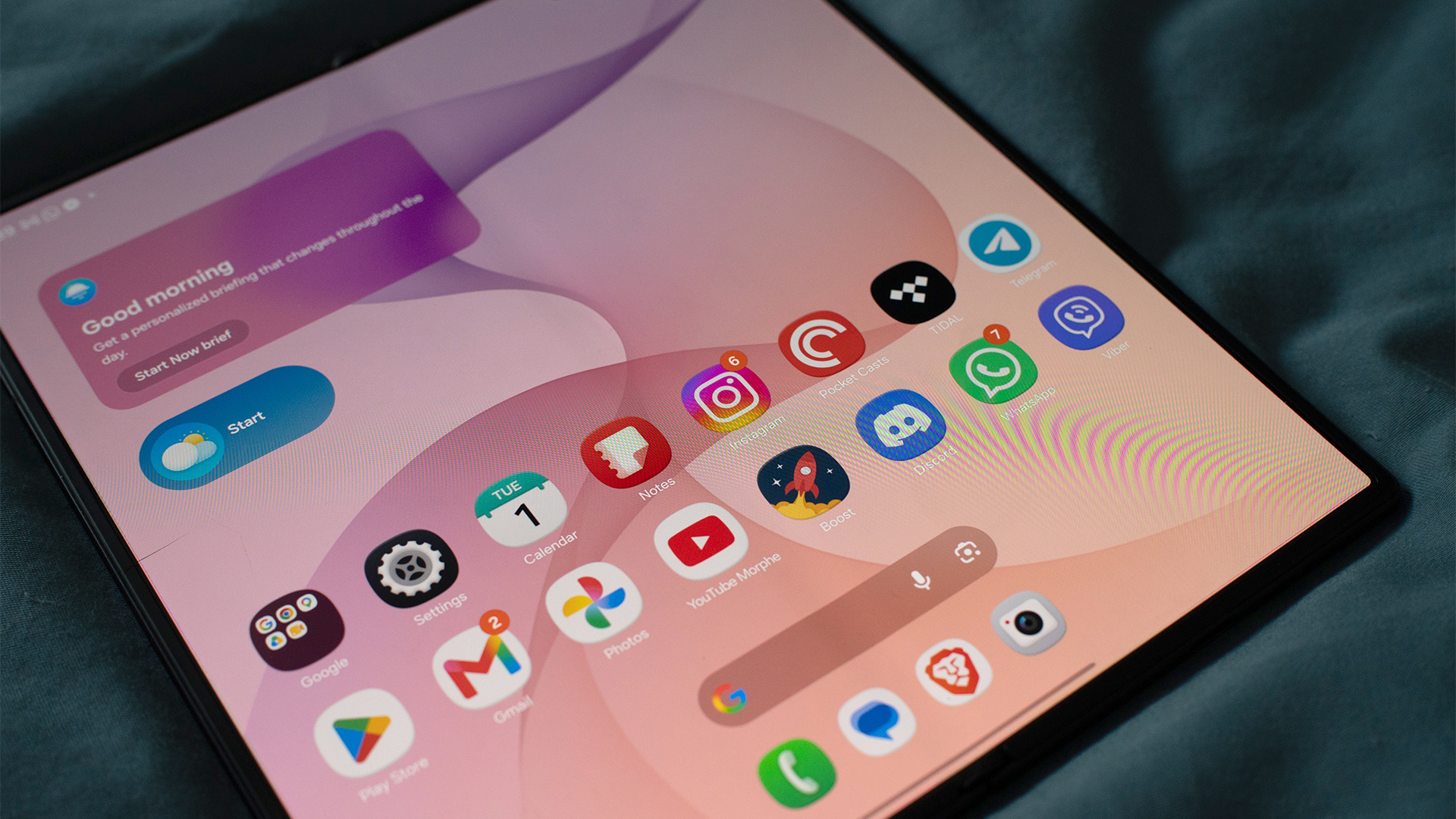
The foldable crease is, by far, the most common pain point for those who are too hesitant to try a foldable. In early iterations, dust can too easily get inside the crease. Plus, after enough times unfolding, the crease created a visible line straight down the middle. Has that changed today?
Well, for one, the openings that formerly gave access to dirt and dust are now covered by the phone’s chassis. There’s no risk of dust entering your screen.
Now, to be honest, there’s still some faint traces of a crease. But it’s clearly less problematic as it was years ago. You’ll barely notice it with regular use. Samsung has also improved its screens, making the crease much less noticeable with better brightness.
While we’re here, let’s also talk about the screen’s durability.
The secondary screen is coated with Corning Gorilla Glass Ceramic 3. It’s a hardy surface but still prone to scratches. After some use, the screen ended up with tiny slivers visible when you look closely. But honestly, it just doesn’t matter. The display is good enough to mask tiny wear-and-tear scratches.
The main screen, on the other hand, has a Mohs hardness of 1. The screen itself doesn’t feel too susceptible to damage. The protective film, which you’re not supposed to remove, is a different story, though. Because it’s just a film, you can easily dent it with enough pressure. And that’s what happened to my screen. Like the scratches on the secondary screen, the dent is barely visible, but it’s certainly something to take note of when using the phone unfolded.
Powerful in its own right
As the most expensive phone in Samsung’s lineup, the Fold8 Ultra packs in the most powerful hardware that you can get from a smartphone today. It has the Snapdragon 8 Elite Gen 5, paired with up to 16GB of RAM and up to 1TB of storage.
With hardware as top-notch as this, it feels unnecessary to explore what the processor can do with pure numbers. It can basically do everything. My trusty Zenless Zone Zero was no match for the Fold8 Ultra, even if I use the full unfolded screen. If anything, the unfolded version just makes it so much more immersive.
Everything else is just child’s play. The Fold8 Ultra can handle multitasking well. Granted, I’m not a fan of keeping multiple windows up in a single smartphone screen, but if you’re inclined to set up a temporary workstation right on your phone, Samsung’s top foldable is perfect for it.
In terms of heat, the hottest spot is right beside the rear cameras. If you don’t have a case, you might run into issues of discomfort with prolonged heavy use.
Big cameras mean better quality
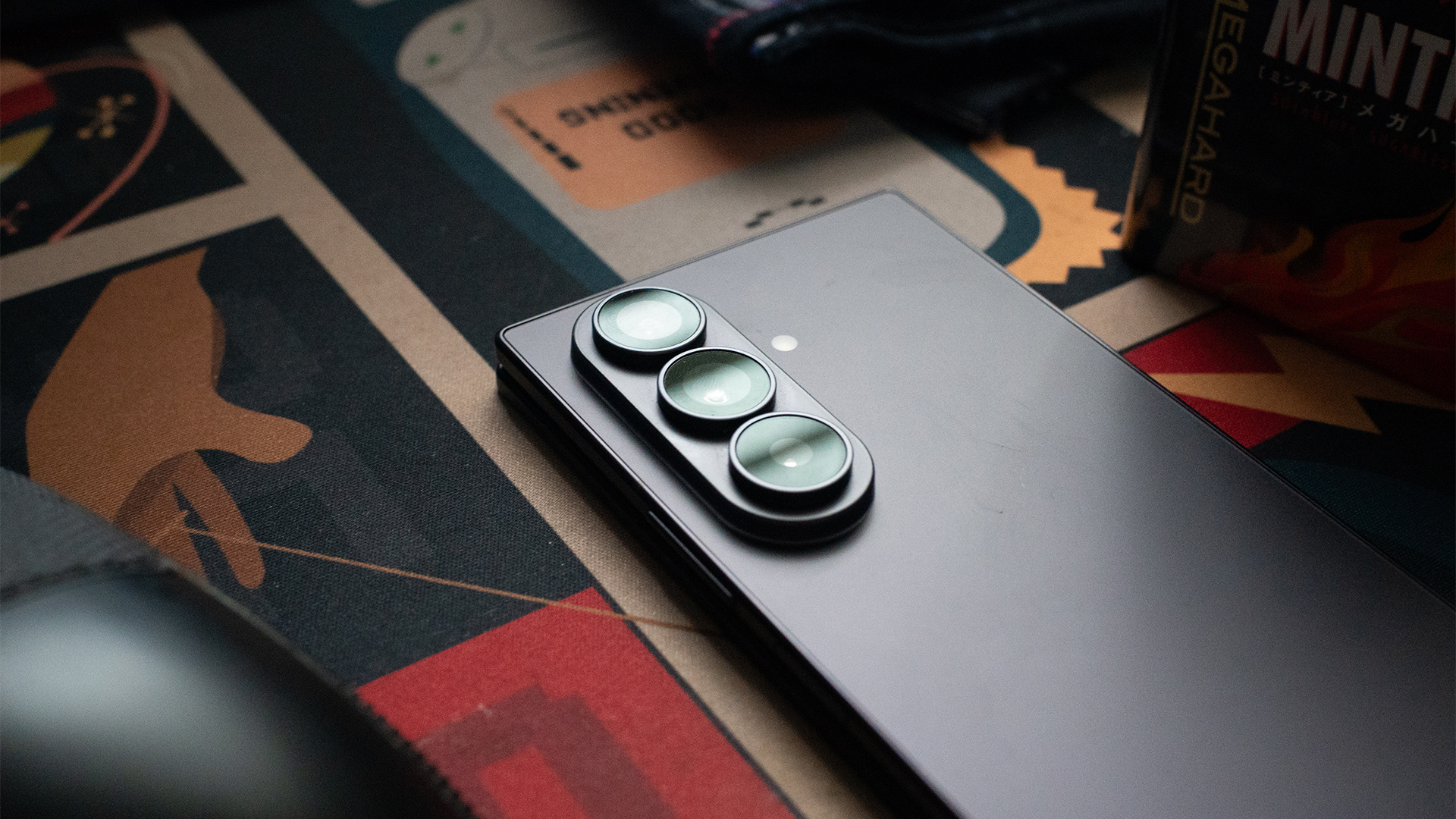
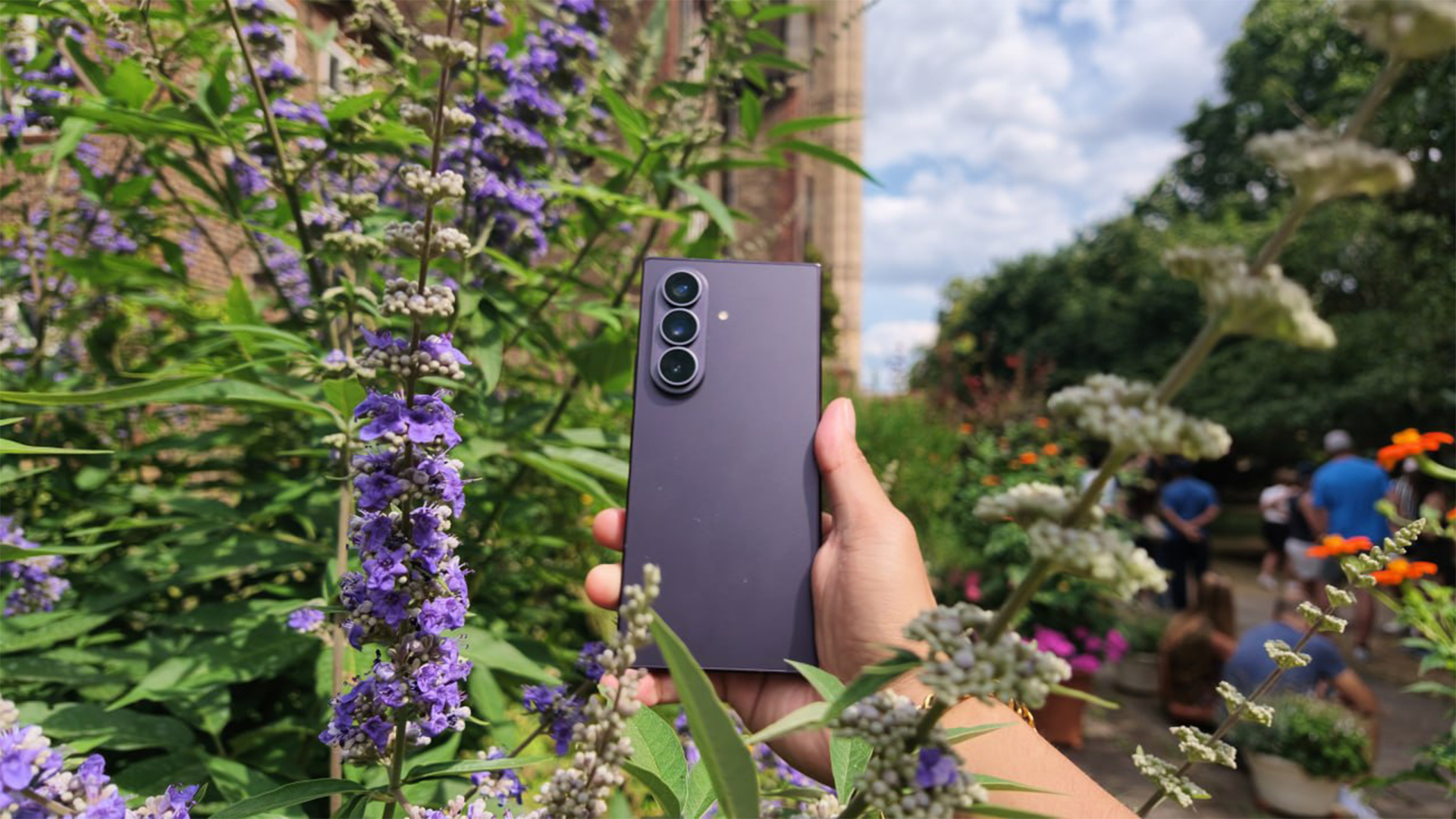
The Fold8 Ultra’s rear cameras are remarkably huge. In terms of depth, it’s almost as thick as the phone itself. If you don’t have a case, the phone wobbles back and forth when laid flat on a surface. It’s very distracting.
Because of how powerful they are, I can almost forgive the cameras for being too big. The three cameras consist of a 200-megapixel main sensor, a 50-megapixel ultrawide lens, and a 10-megapixel telephoto lens.





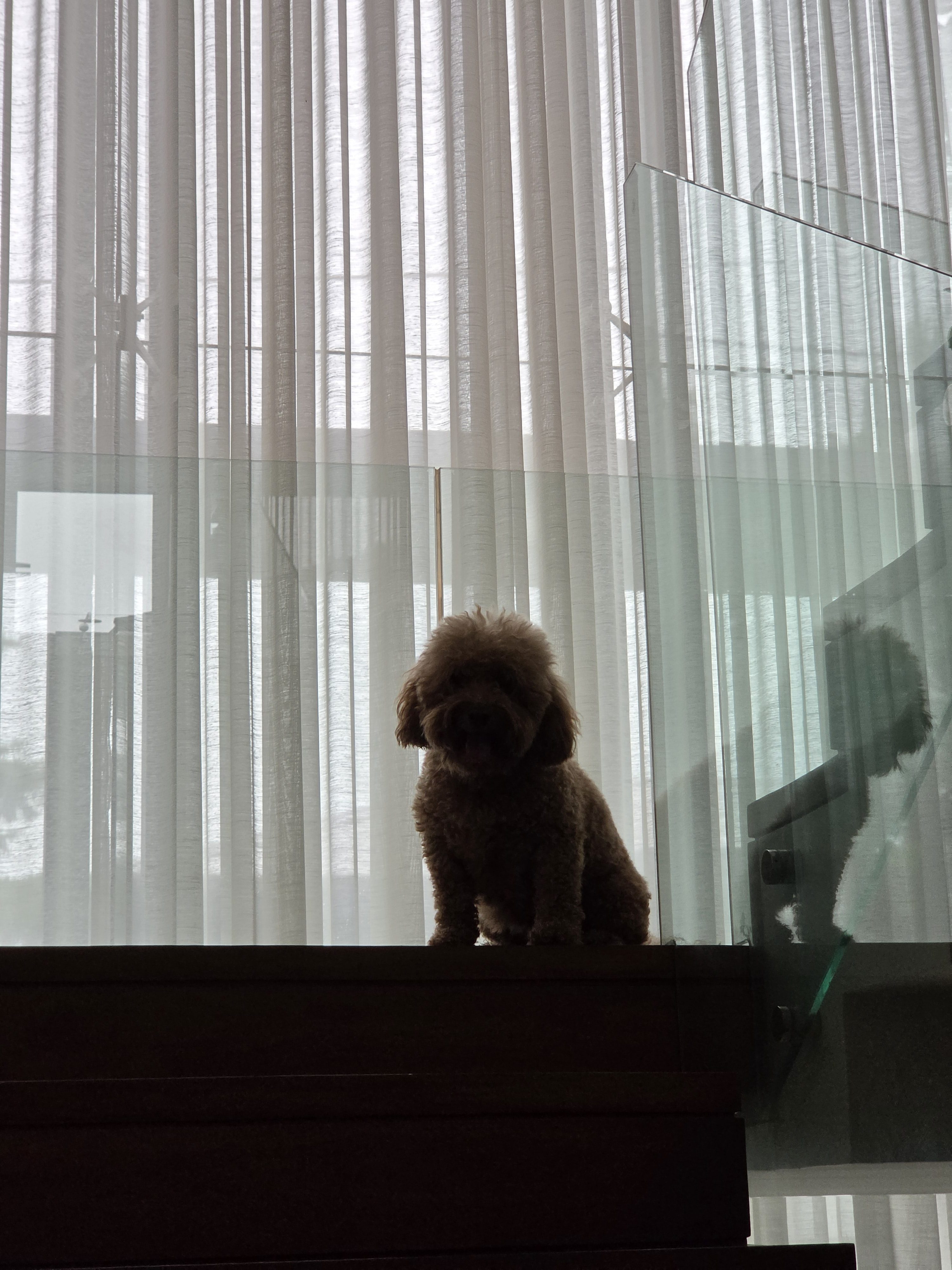
When it comes to color, the camera’s photos don’t stray too far from reality. There are some intensity changes in contrast, as is wont with modern cameras. It’s not too artificial, though. I found myself liking this camera more than others.
In an unfolded state, the camera can capture more, which I prefer, but it does seem too much like holding up an iPad to record a concert.
How does the battery last as long as it does?
For a device with two screens, the Fold8 Ultra is surprisingly economical with its battery usage. I expected a battery that would drain before I could get home. Instead, I got one that treats battery tests like a stroll in the park.
On a typical day, the phone eats up only 25 percent of the battery after eight hours or a full day’s work. A bit of a caveat, though: This was done exclusively in folded mode, which is how I prefer using the phone at work.
Of course, using it unfolded will deplete more battery. A single hour running YouTube while unfolded eats up 5 percent of the battery. But let’s go further. As I said, I preferred playing Zenless Zone Zero in unfolded mode to unlock more screen real estate. Though doing so made the game feel more immersive, it came at the expense of battery life. Playing for two hours straight depleted 20 percent of the battery.
Another thing I adore about the Fold8 Ultra is its charging. It’s a standard USB-C port, but the phone gets over half to two-thirds of the battery in only 30 minutes. Even more impressively, I found that the battery can reclaim 5 percent of juice from just a short five-minute drive using a small car charger. Though my car charger is fully capable of charging a phone all the way, this is the first time I’ve ever seen it go this quickly.
Is the Samsung Galaxy Fold8 Ultra your GadgetMatch?
So, is 2026 the right time to get into foldables? The Galaxy Fold8 Ultra delivers a resounding yes. Samsung’s latest book-style foldable is a refined distillation of everything we’ve done so far for the foldable segment. Besides being a strong phone in itself, it’s a true 2-in-1 device that offers actually functional use cases in other configurations.
Plus, we’re at a turning point for foldables. Besides book-style foldables, clamshell phones are just as strong, if not stronger. We’re also on the cusp of passport-style foldables, spearheaded by the regular Fold8 and the rumored iPhone Fold. In terms of choice, there are so many solid options today.
If you’re a power user, the Note8 Ultra is a strong first and gets a Swipe Right. Sure, the cost might burn a whole through your wallet (and it’s a bit more expensive than the previous generation), but that’s ironically why you should get one now. The AI-borne RAM crisis will terrorize the industry for some time, so who knows how much more expensive things will get next year?
For all that, the Galaxy Fold8 UItra also gets a Super Swipe. The time to go foldable is now.
Reviews
REDMI Note 17 Pro review: What a rollercoaster ride!
The serious series of ups and downs are NOTEworthy of your attention

Xiaomi’s REDMI Note 15 series was introduced at the very beginning of 2026.
Six months in, they finally welcomed one of its successors in the lineup. But what is it like against its older sibling?
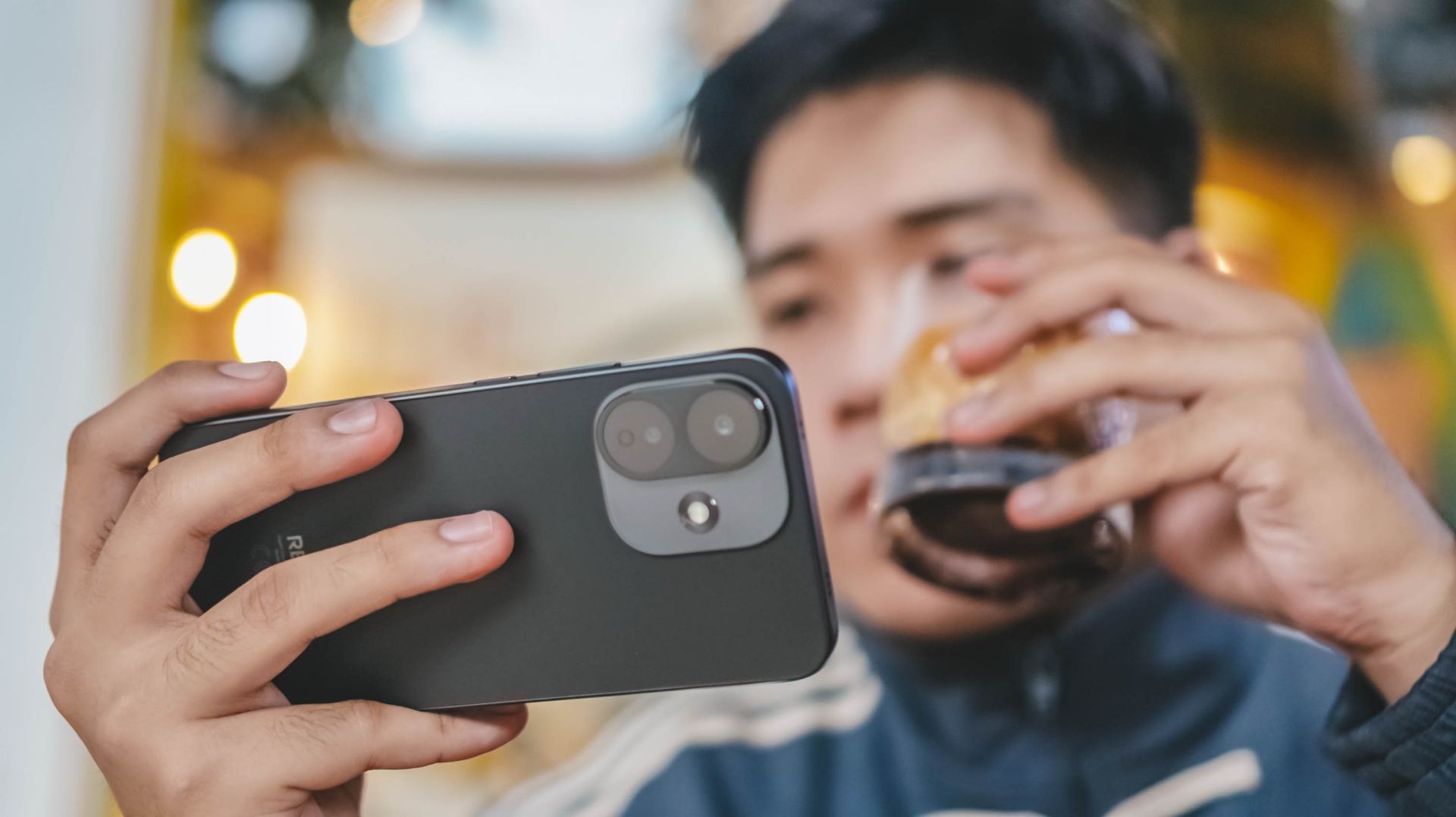
Well, buckle up your seatbelts as we enter and ride the latest REDMI Note 17 Pro rollercoaster ride 🎢
Slow yet steady start
As the hydraulics disengage, the ride starts its initial push.
That immediate start is comparable to binging Our Sticky Love on this phone — Netflix’s freshest K-Drama as of writing.
At first, you’ll be mesmerized by both Ahn Ha-young and Jung Hae-in’s hot AF visuals.
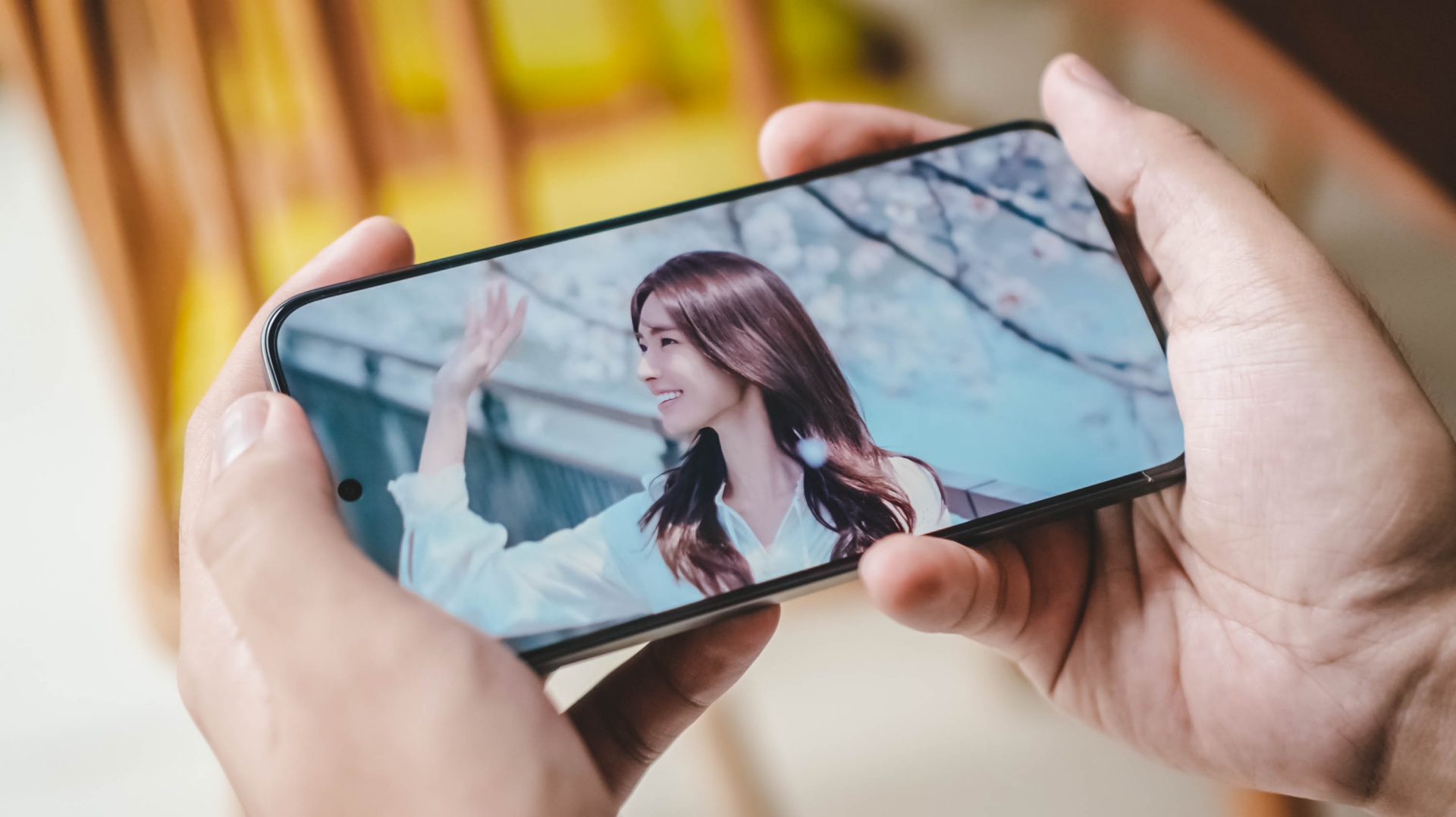
But, the more you fall deeper to the story, the more it gets complicated. This series has a story sequence where it’s least predictable.
Much like any rollercoaster ride, there are a lot of ups and downs where you least expect it to happen.
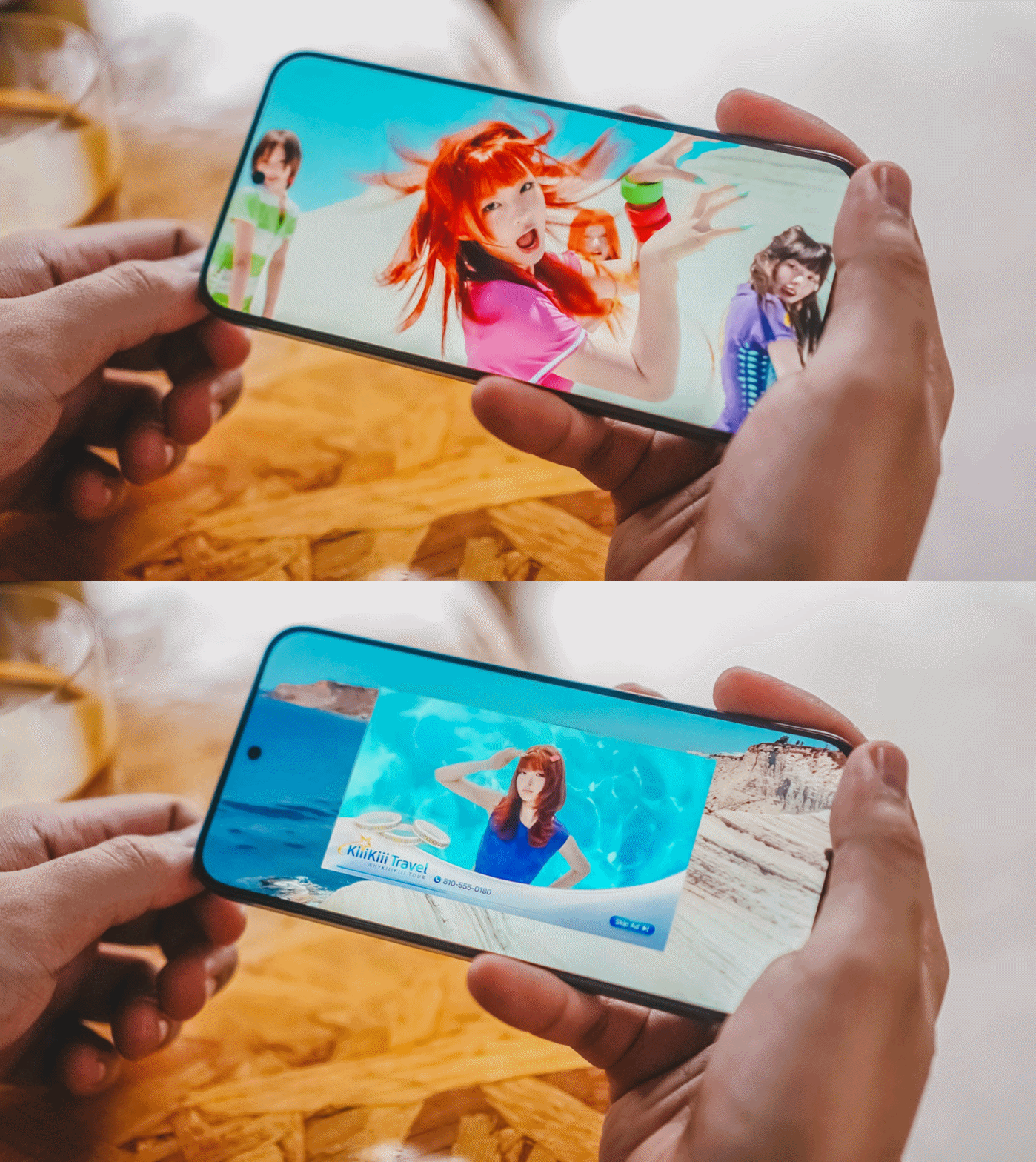
The opposite can be said with its display. It’s still the same 6.83-inch 120Hz CrystalRes AMOLED display found on its predecessor.
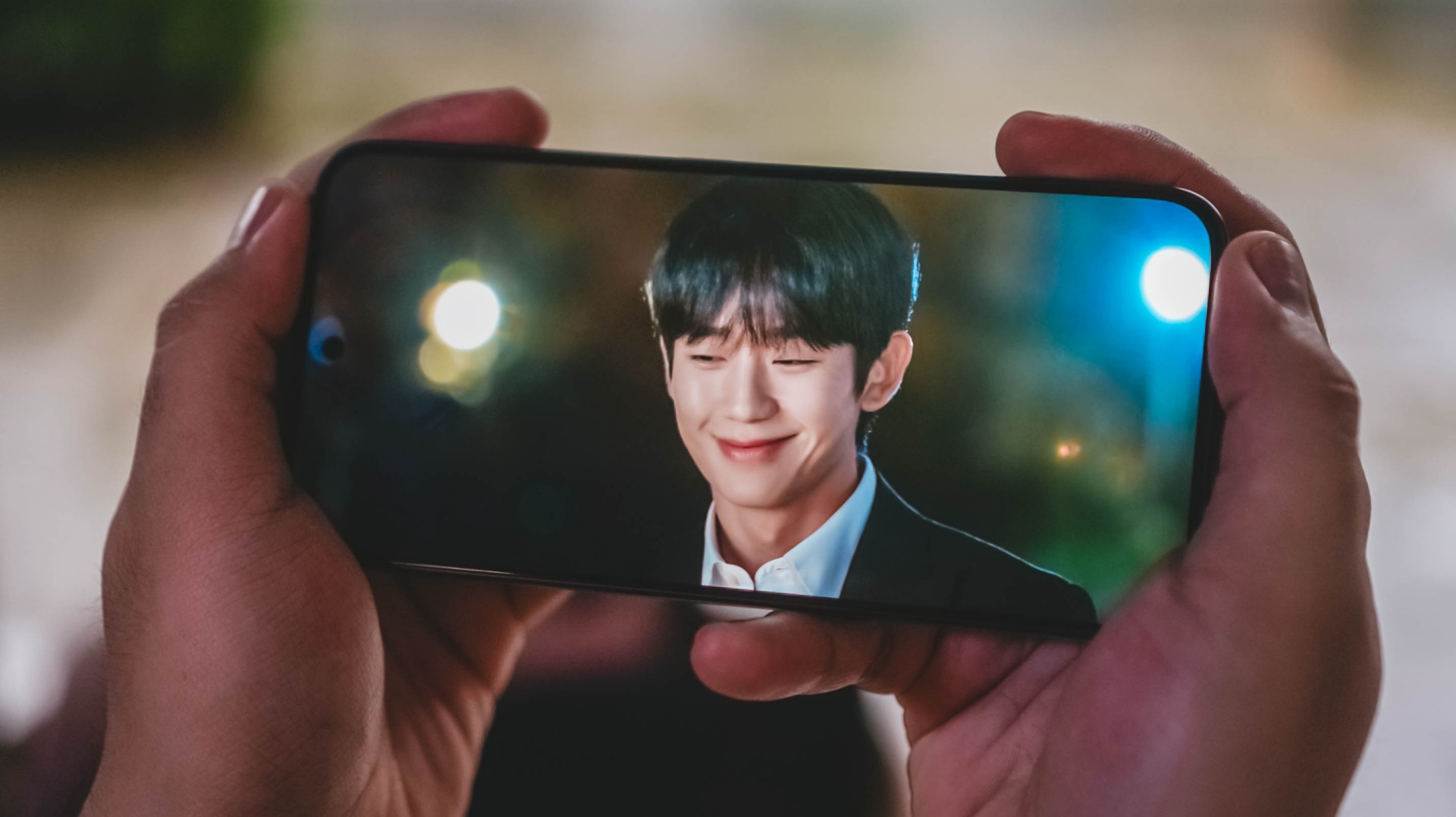
That isn’t necessarily a bad thing as it’s still a very vibrant and immersive screen regardless — 1.5K display resolution, 12-bit Color Depth, 68 Billion Colors, DCI-P3 Wide Color Gamut.
There’s even the usual TÜV Rheinland Blue Light, Flicker-Free, and Circadian Friendly certifications to protect one’s eyes against the harmful night light.
Go Eun-sae (or Go Ji-won)’s divine beauty radiate more than the cherry blossoms behind her.
Moreover, Jang Tae-ha’s smile is as bright as it could ever be.
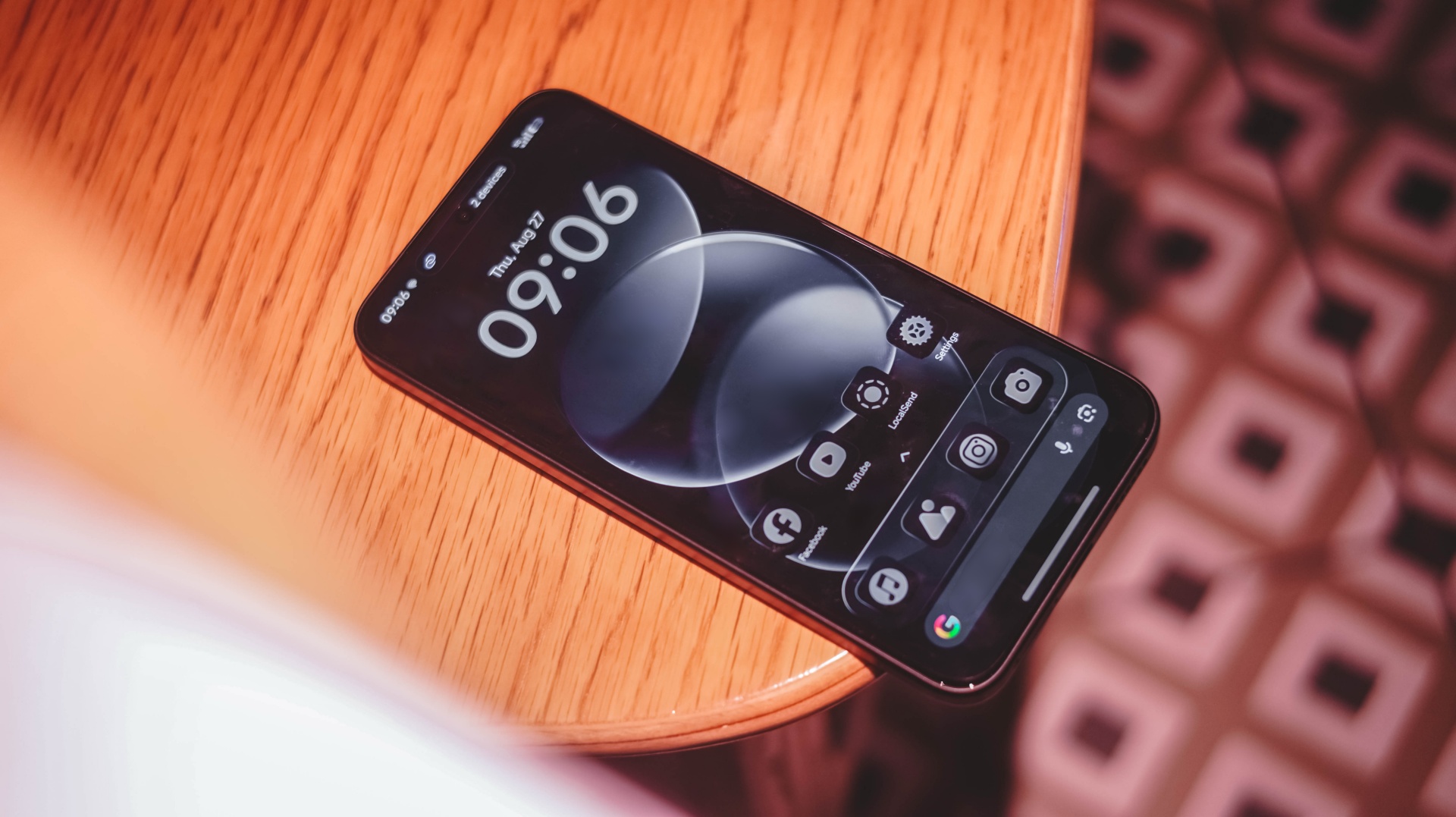
Speaking of, there’s actually a minor bump in brightness: from 3200 nits up to 3500 nits.
Though that gradual increase meant there isn’t enough disparity between the last and latest Note Pro midrangers.

Still, that brightness is enough to be mesmerized by ARTMS (that are all #BornStunner) even under harsh sunlight.
Boost to the top
The build-up continues with the speaker situation on the REDMI Note 17 Pro.
It wouldn’t be a complete review experience without having to play the latest K-Pop releases around.
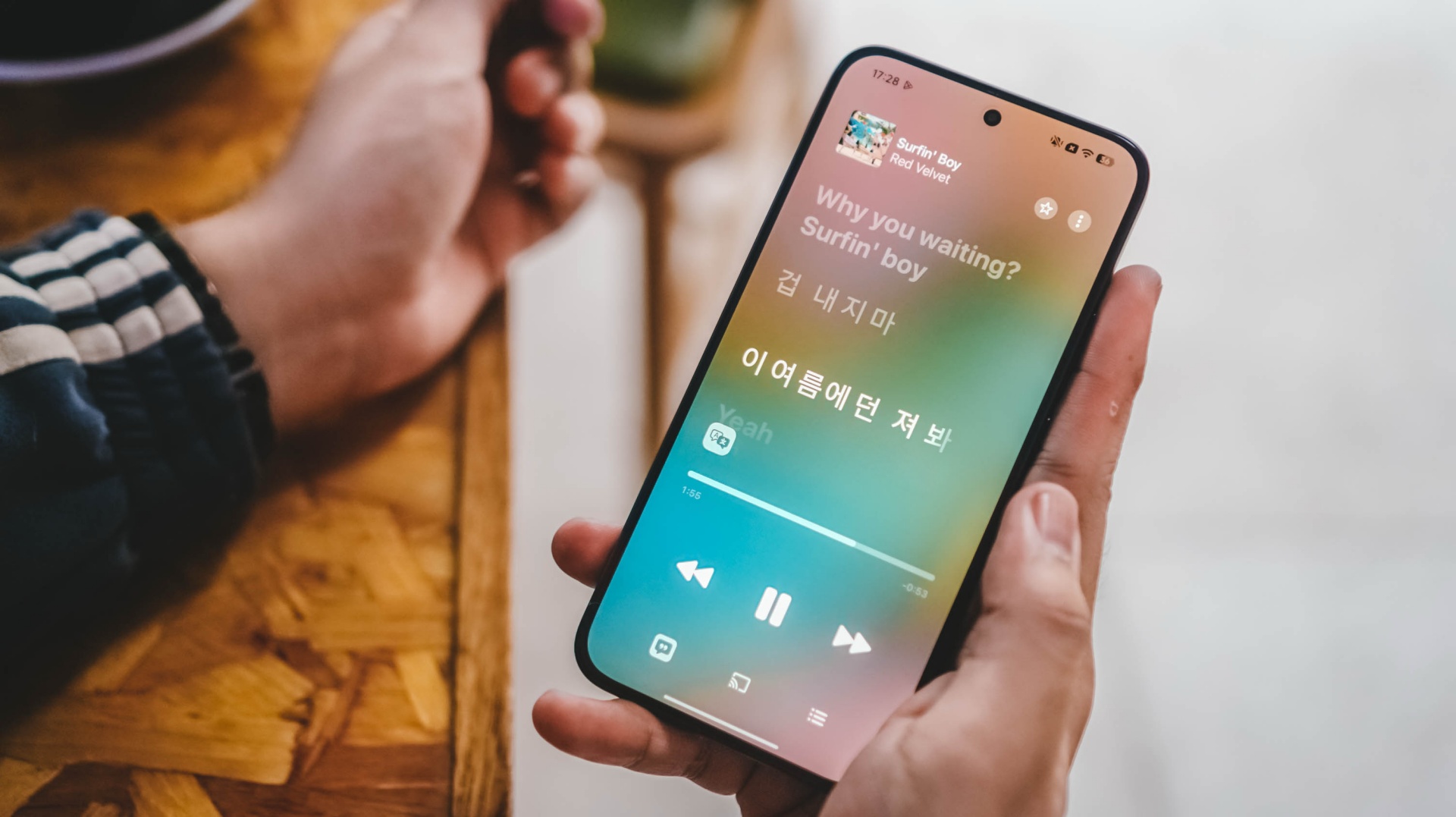
After more than two years since the celestial Cosmic title track, now is the best time to celebrate Red Velvet’s grandest comeback with Surfin’ Boy.
With support for Dolby Atmos, I can truthfully hear each and every members’ ethereal vocals in this latest comeback track.
Even playing it outside my room, I can still hear and easily differentiate the voices of Irene, Seulgi, Wendy, Joy, and Yeri all thanks to that 300% volume boost.
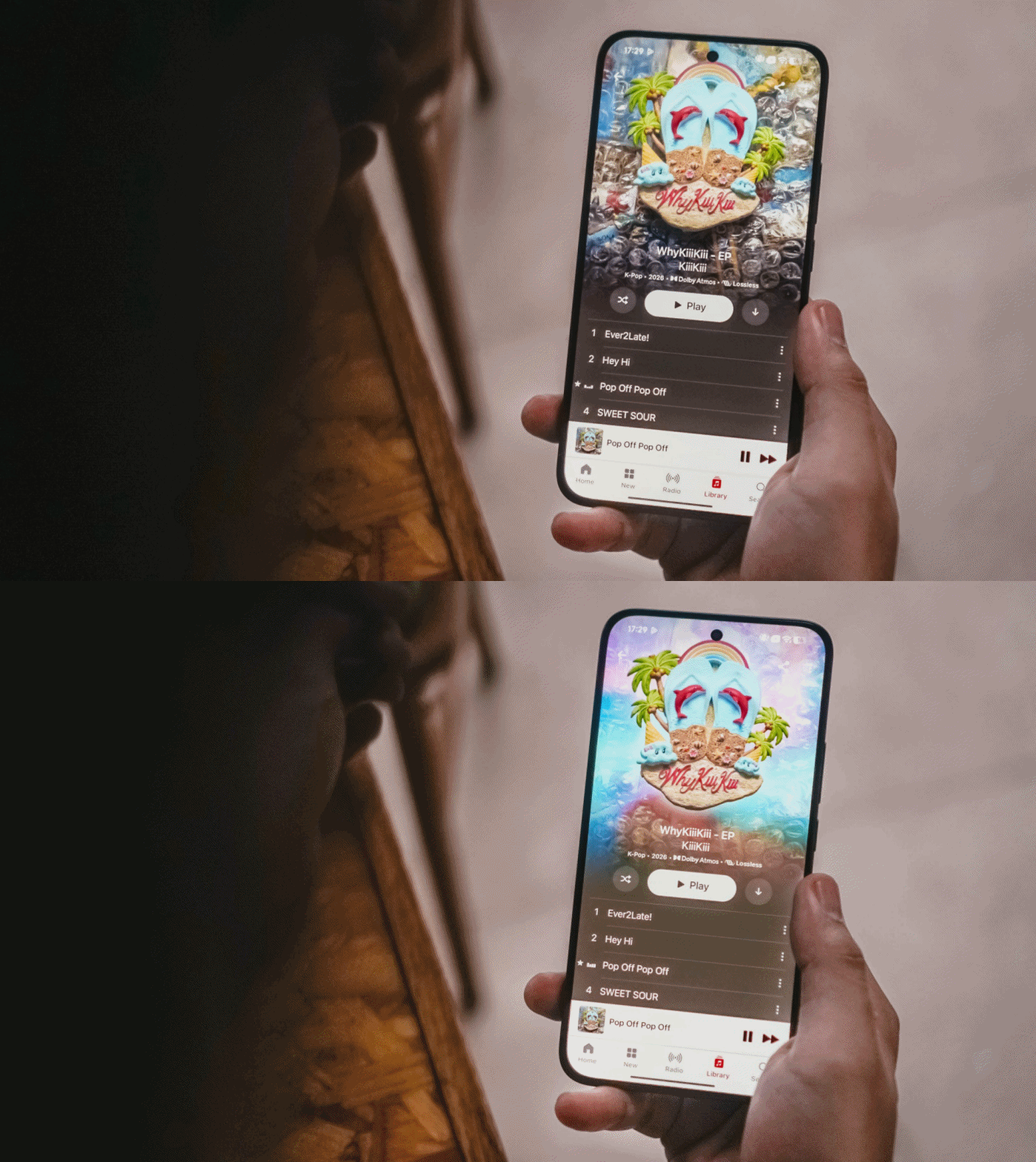
Another added testament to its powerful speakers is none other than KiiiKiii’s highly-addictive Pop Off Pop Off.
Aside from the strong and steady vocals of the 5th-gen quintet, the thumpy bass and beat drops can clearly be heard in its 2008-coded chorus (plus music video!)
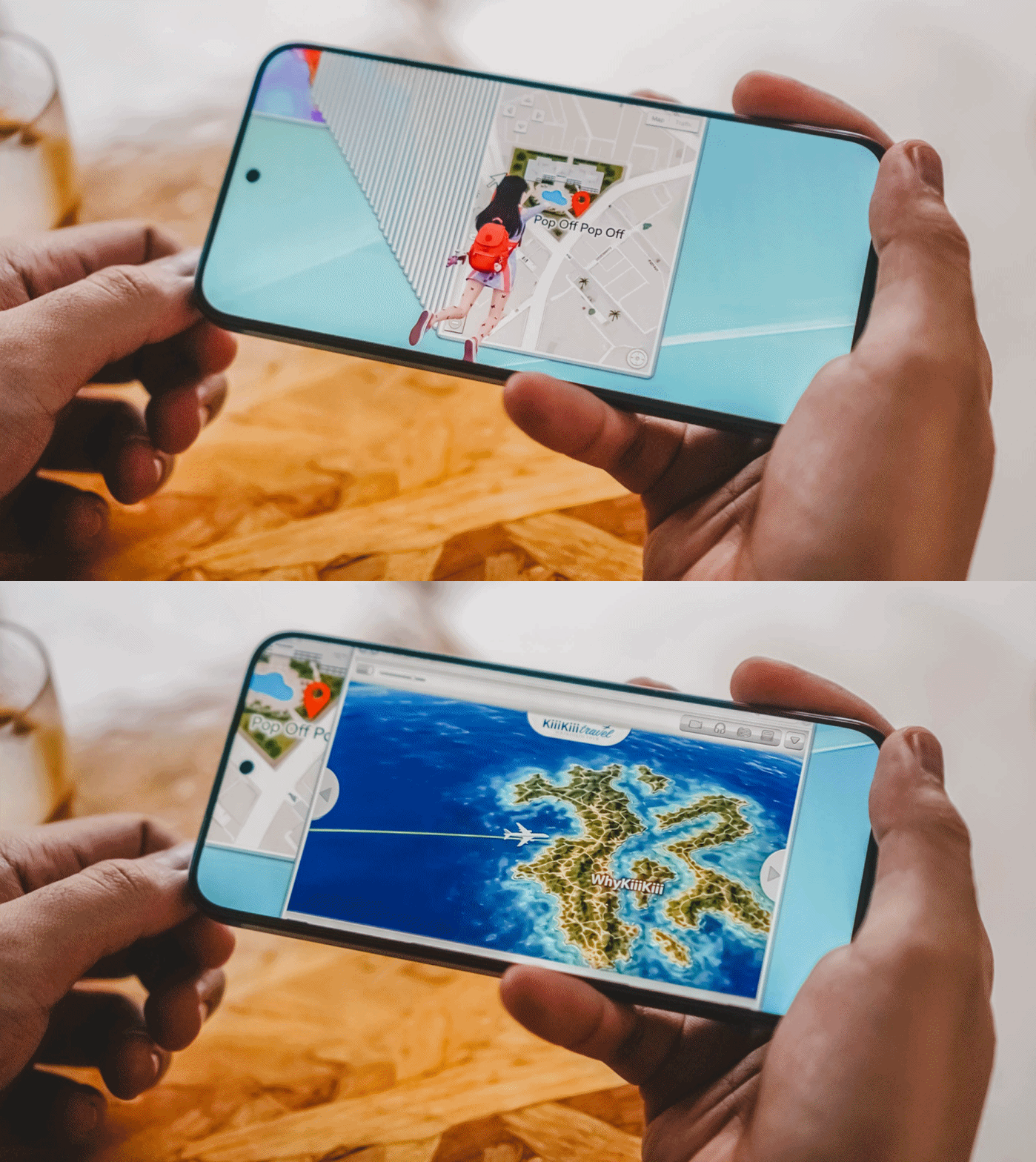
Oh, what a nice time to be alive as a K-Pop girl group stan!
The first drop
After that first momentum, the rollercoaster’s first drop is to be expected.
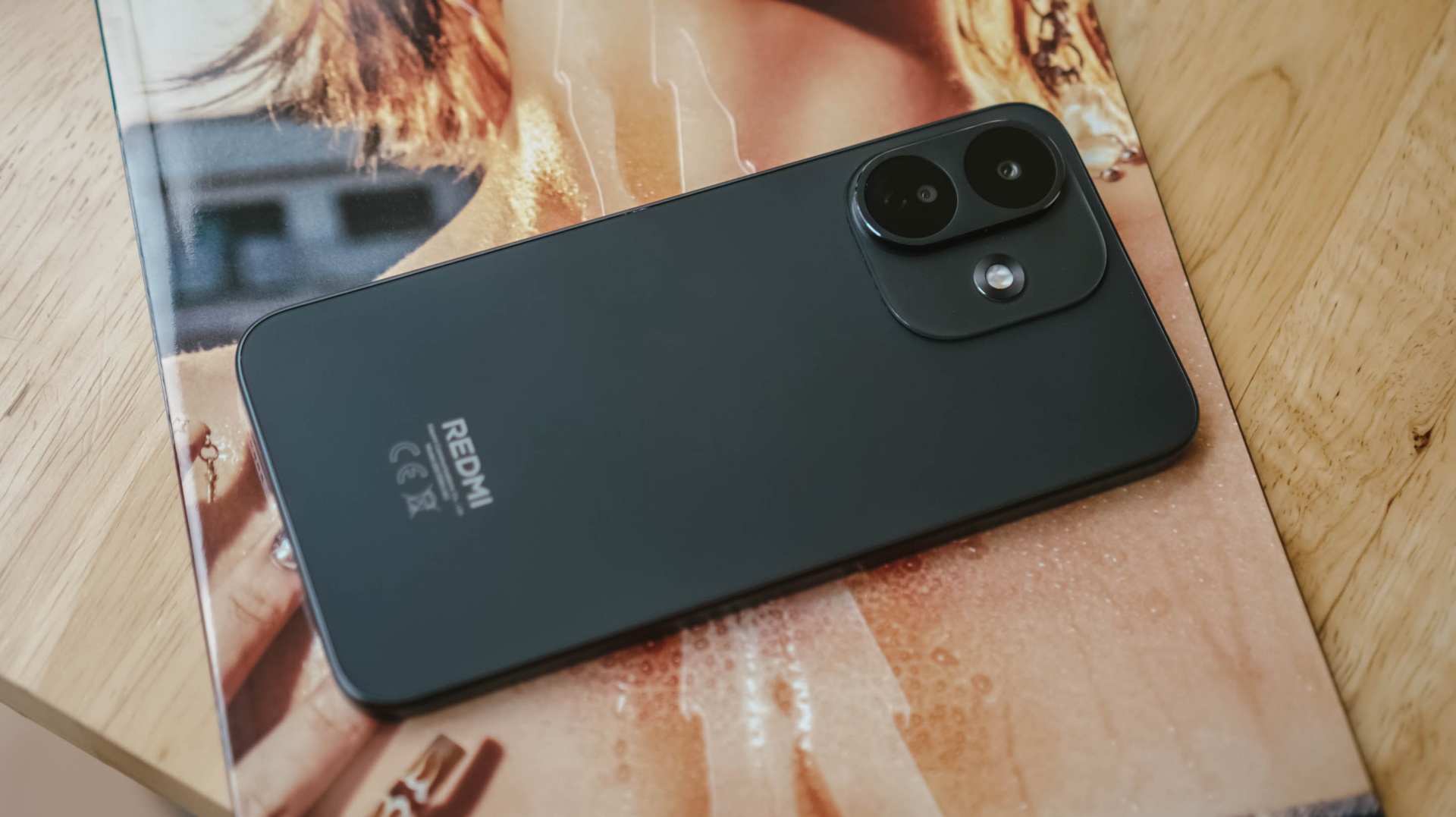
The design of the REDMI Note 17 Pro deserves to be compared to the ride’s first drop.
Xiaomi went back to the drawing board and decided to scrap its signature styling.
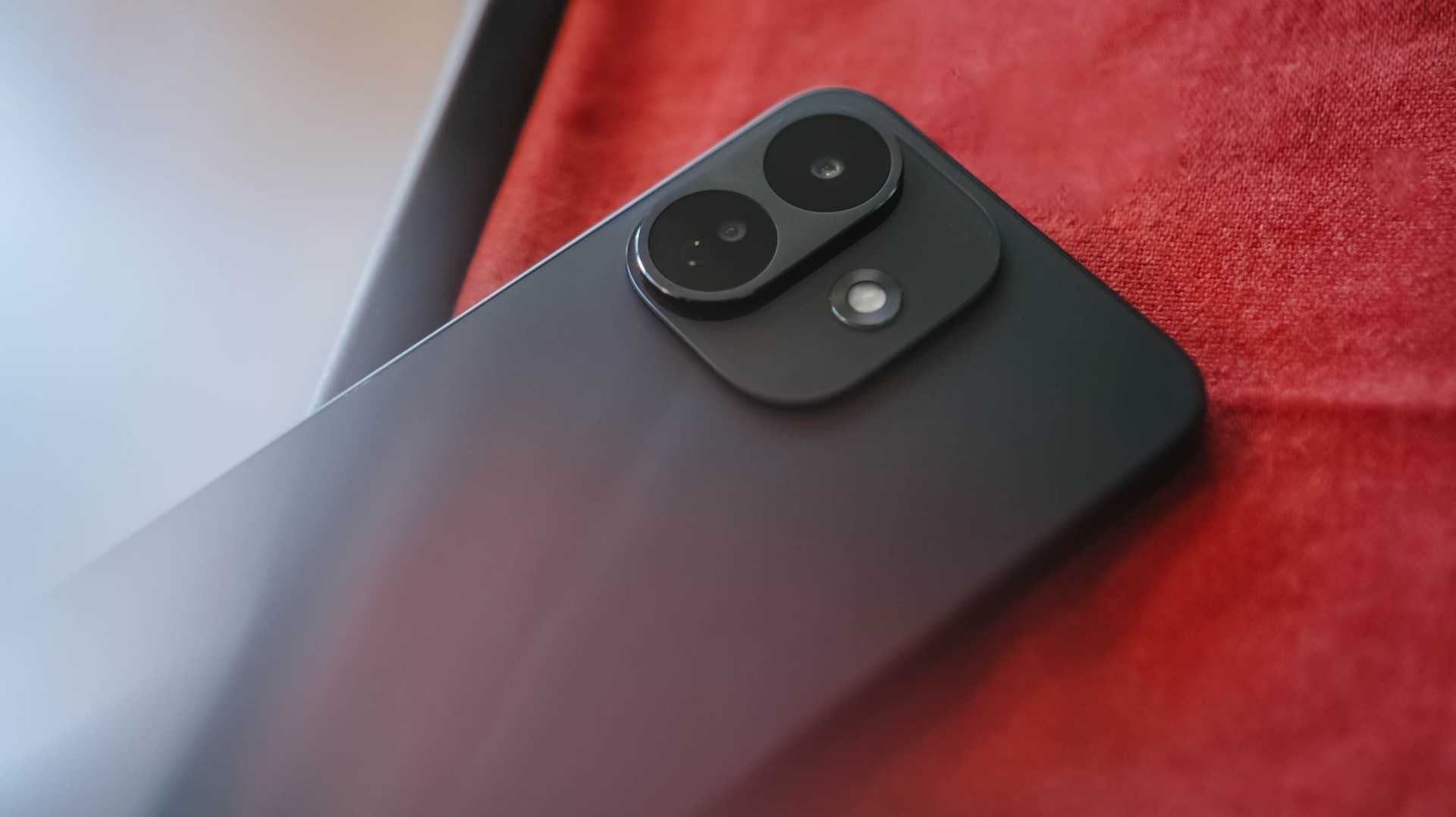
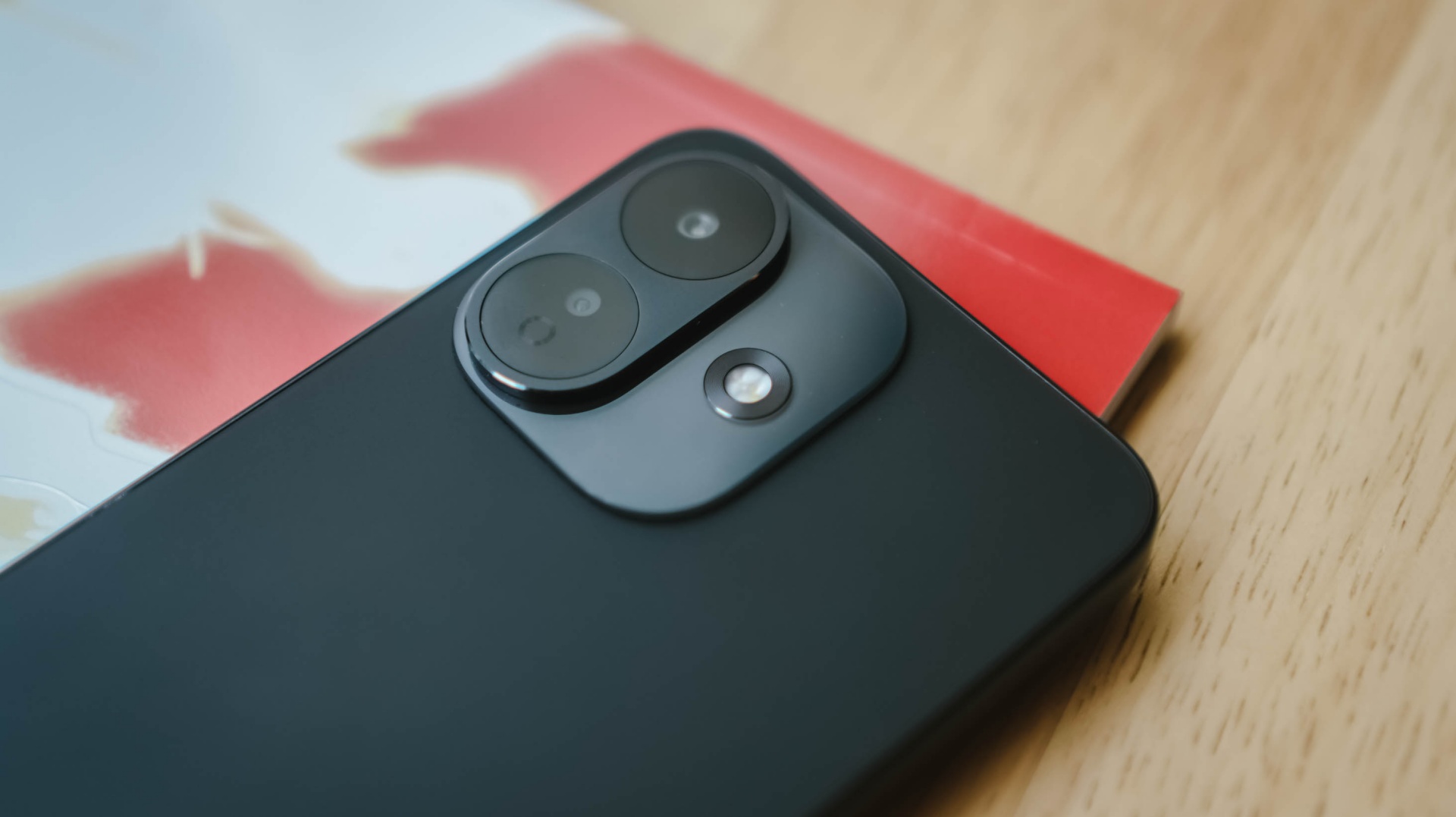
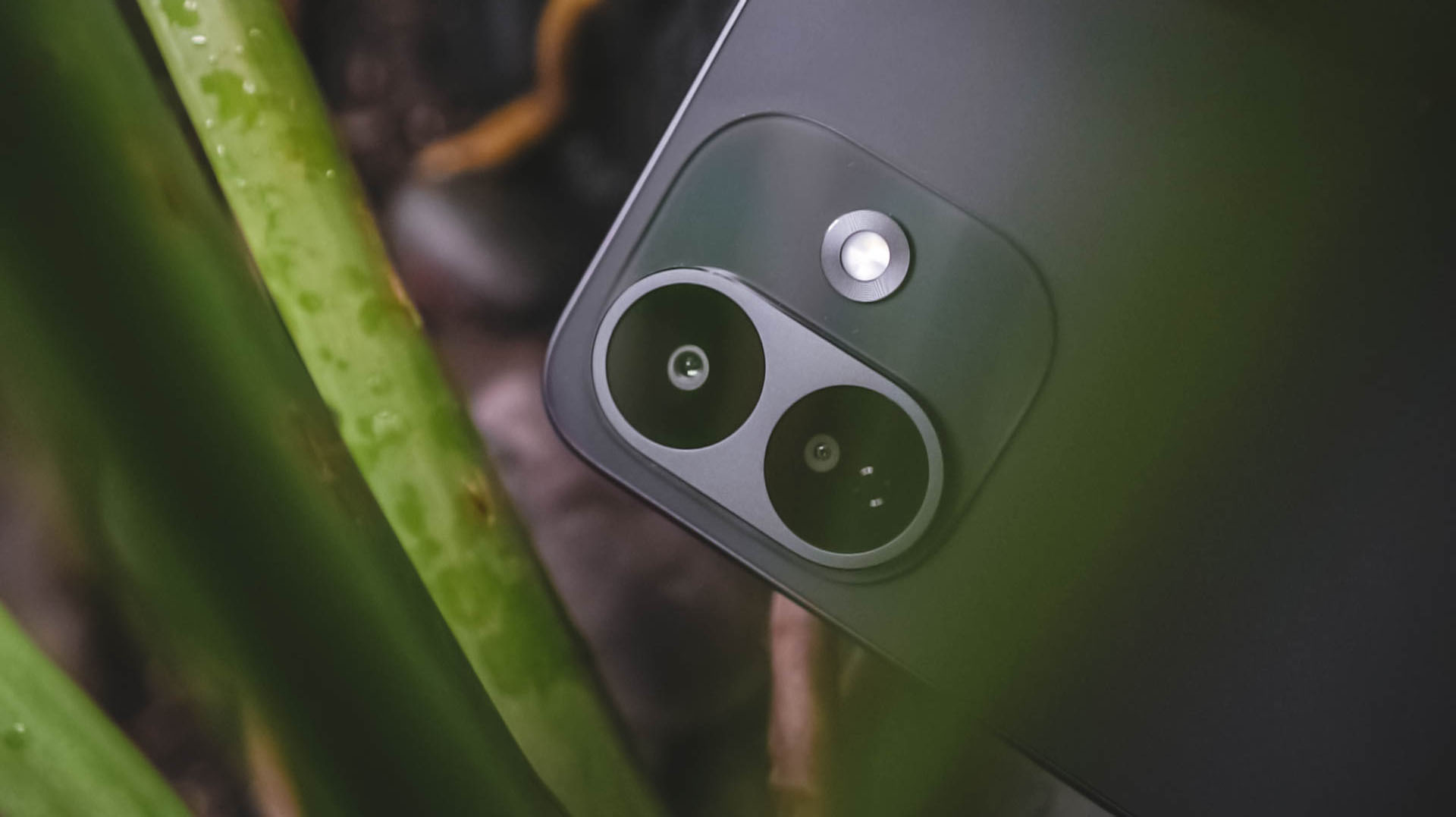
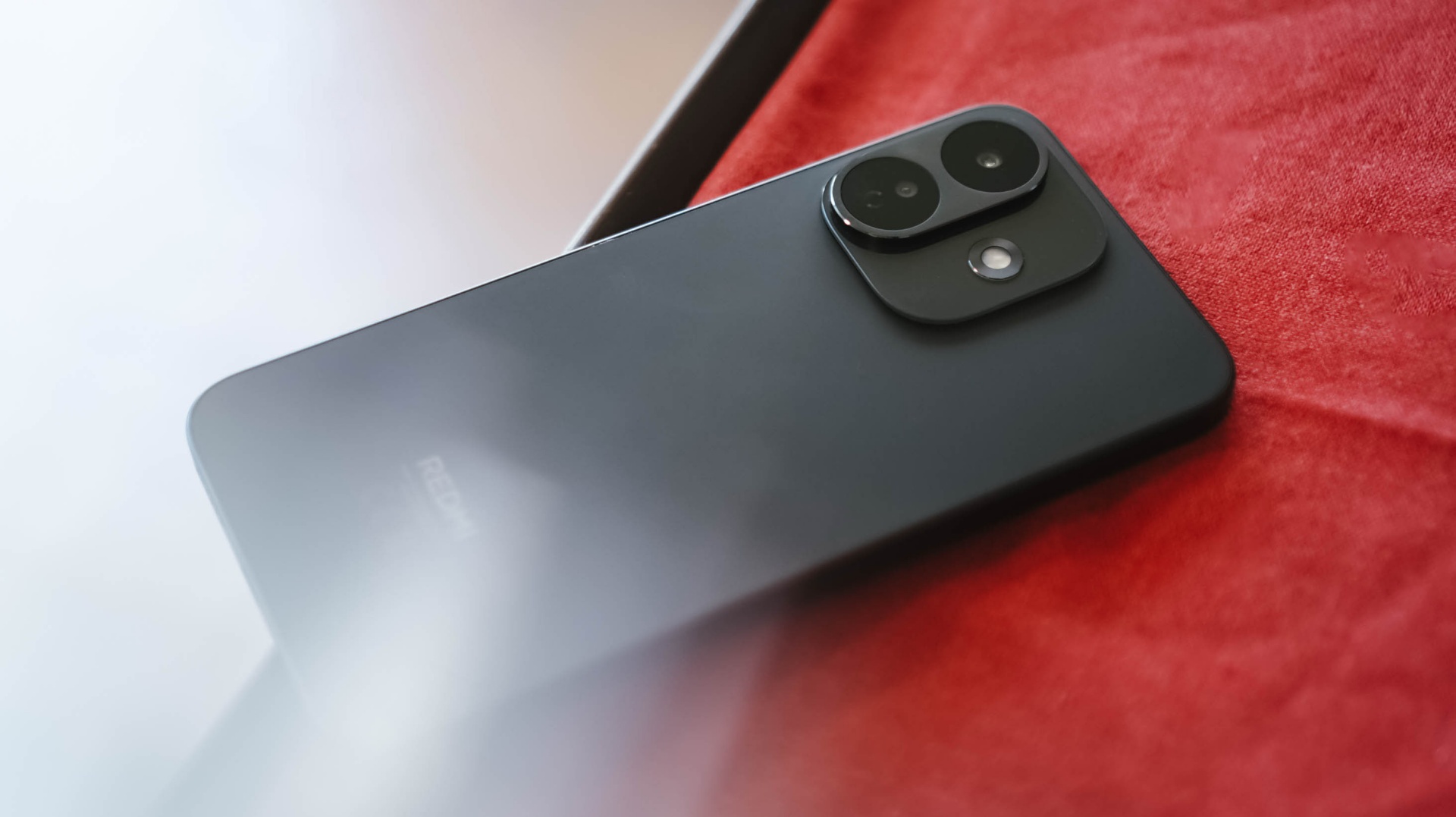
What replaced that large and symmetrical camera island? A left-justified camera cutout.
Two lenses are enclosed in a protruding oval bump made of metal. Meanwhile, the flash unit is placed at the right side of the cutout just above that glass surface.
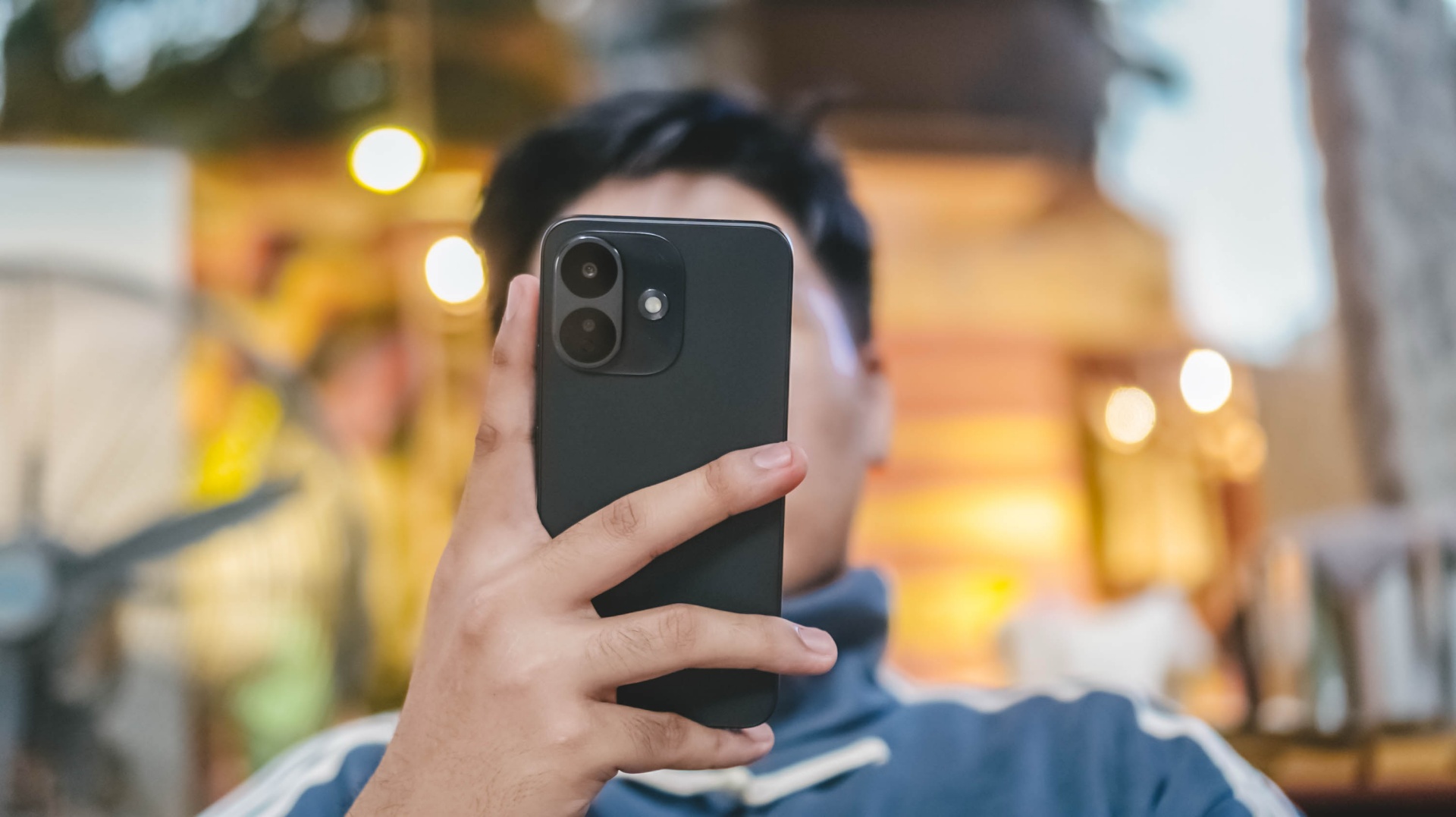
Put a case on, one would mistook it for a base iPhone 16 Plus.
While design is (and will always be) preferential, it’s personally more of a drop than cop considering how I witnessed the design evolution of REDMI’s Note series over the years.
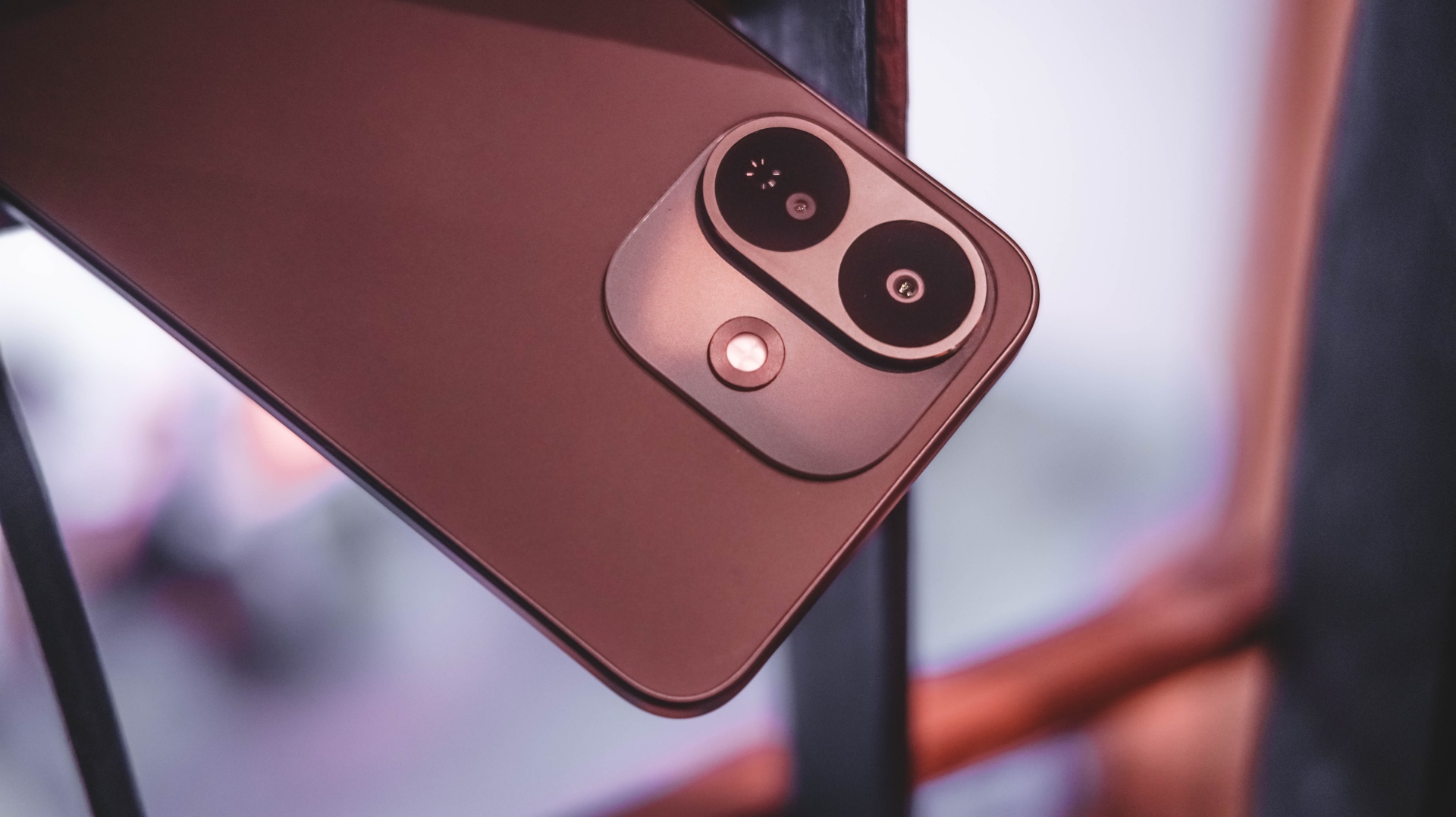
Despite all that, I still enjoyed the phone’s ergonomics. The flat displays and trims might mean sharper edges. However, it doesn’t feel too abrupt when held for long.
And with the less exciting Black colorway I rock, I’m just glad the back finish isn’t made of glass. This metal backing is resistant against unwanted finger smears.
Into the loop
For the longest time, Xiaomi isn’t consistent with the chips they put in their REDMI Note Pro models. The REDMI Note 17 Pro isn’t an exemption to this.
Last two models in a row, the REDMI Note 14 Pro and 15 Pro relied on MediaTek’s Dimensity 7300 Ultra and 7400 Ultra respectively. Prior that, the Note 13 Pro was using the Snapdragon 7s Gen 2.
Now that it got mentioned, Xiaomi goes back to Qualcomm after two generations.
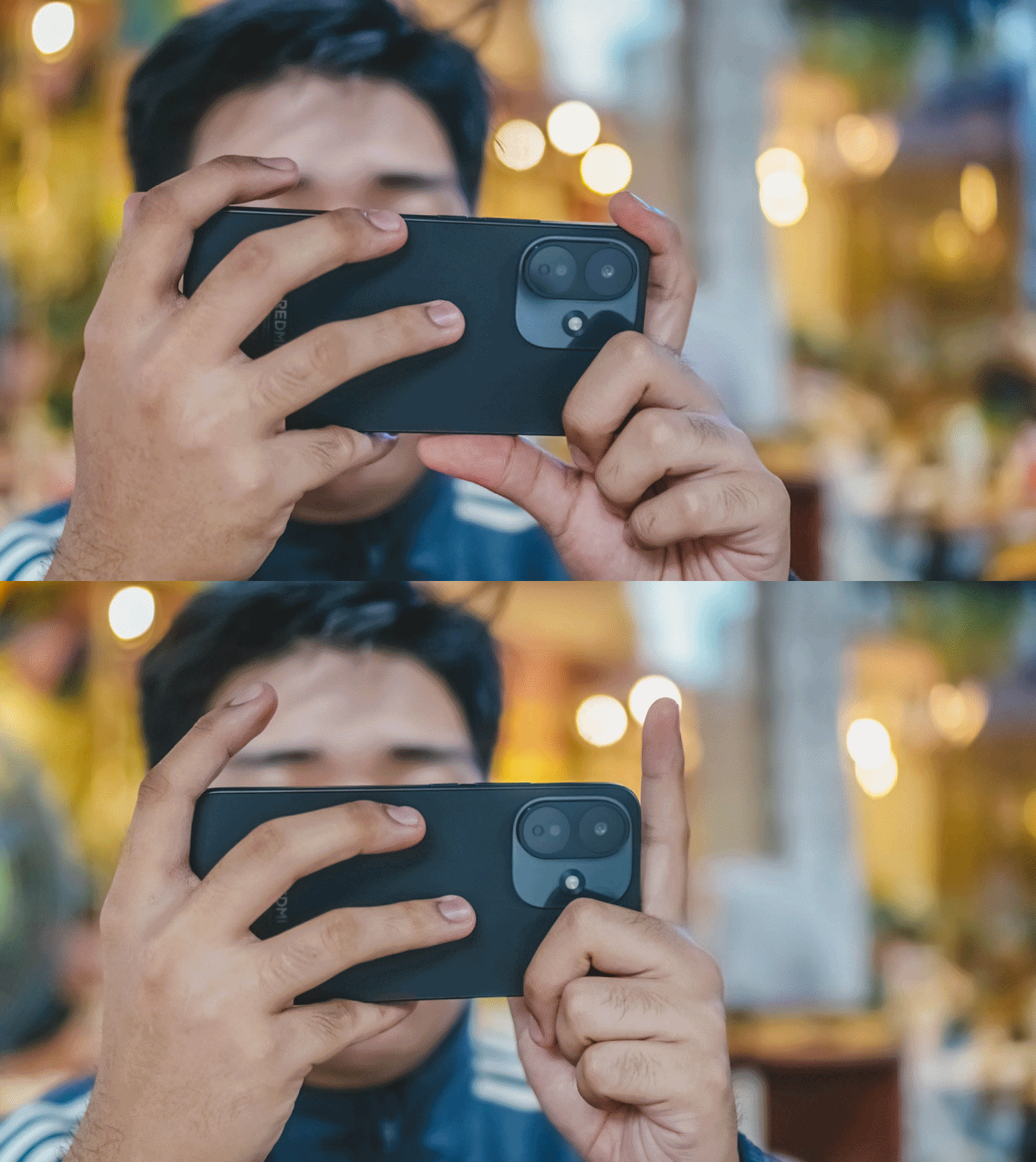
Albeit, for the first time ever, it’s equipped with a lower-grade Snapdragon 6s Gen 4. This change somehow became a “downgrade.”
While we don’t do benchmarks here, notable websites prove that Note 15 Pro’s Dimensity 7400 performs better over the “newer” Note 17 Pro.
During my testing, there isn’t much to prove.
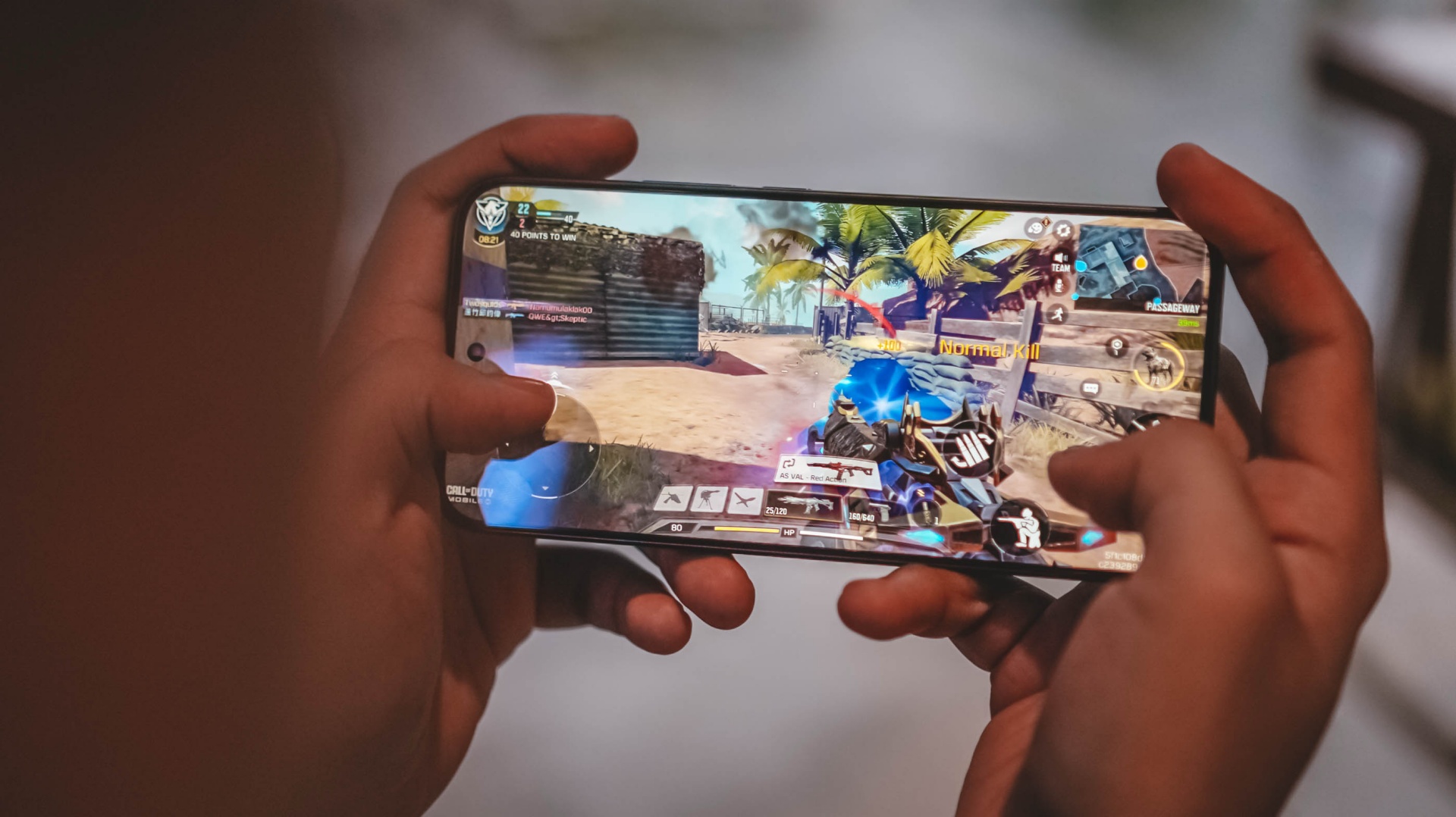
It will still depend on what you’re trying to play. Less demanding games such as Call of Duty: Mobile (CoDM) were capable to run in modest settings.
Meanwhile, higher-end games like Racing Master meant stuttering and jittering when pushing it to its highest graphics settings.
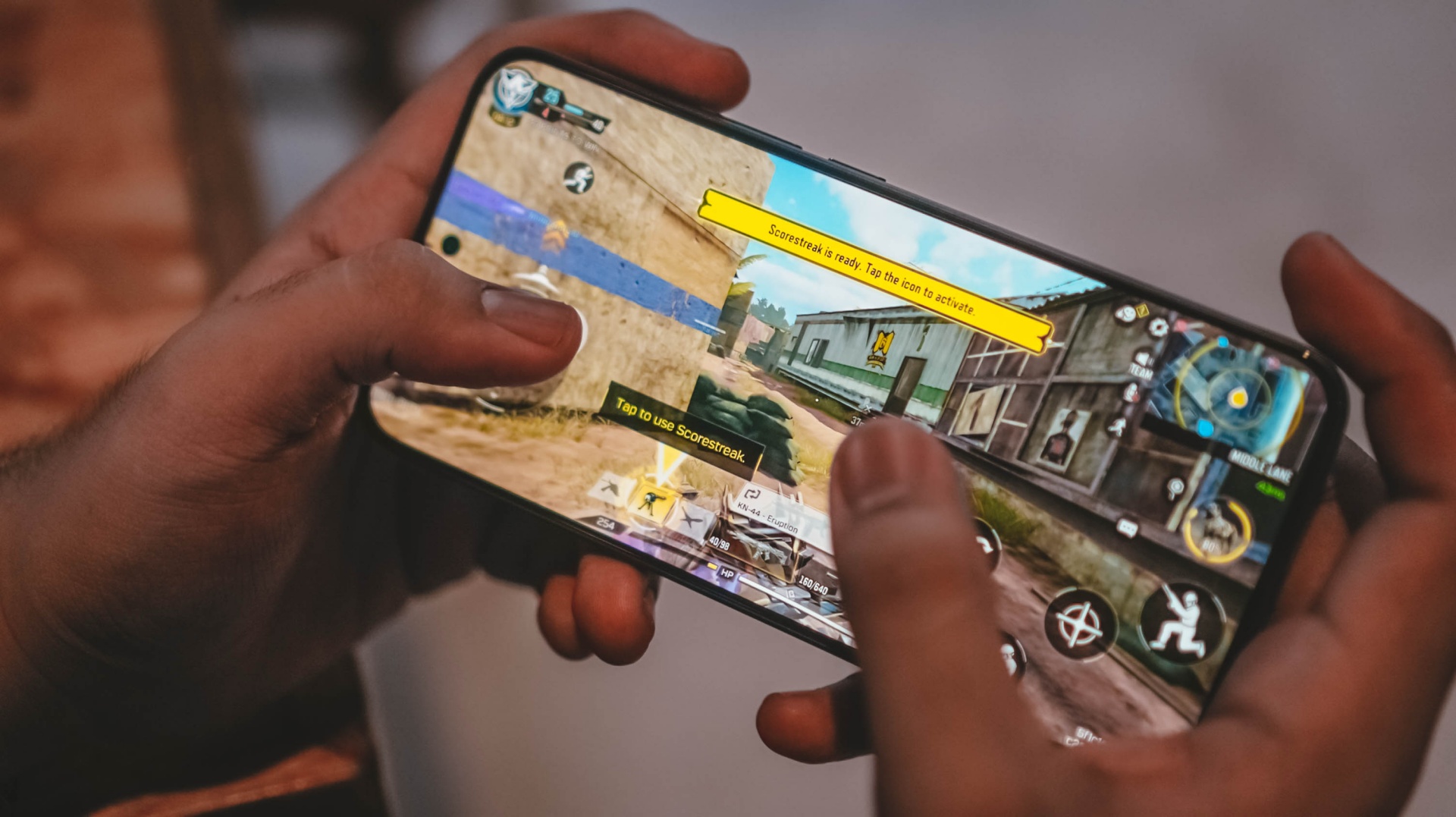
Moreover, the Note 17 Pro produces unwanted heat over an hour or two of playing.
Specs-wise, the 256GB model I possess boasts the faster UFS 3.1 protocol.
The lower 128GB storage relies on a slower UFS 2.2 standard. Fortunately though, there’s a lone LPDDR4X memory whether you choose between 6, 8, or 12GB.
To make it confusing though, the 12GB variant is only available in a 256GB storage. On the other hand, choosing the 512GB storage only gives you a limiting 8GB RAM.
Despite that, this 6GB I have was still able to open basic apps without a hitch. Switching between them was also a breeze.
One huge push
REDMI is aiming to push its “Titan Durability” strength even further with the Note 17 Pro.
Remember that display? That’s protected by Corning’s Gorilla Glass Victus 2. ICYMI, that glass protection is mostly found on just higher-end flagship smartphones.
That doesn’t even end there! Beneath it lies a reinforced design structure that can withstand 3-meter drops.
Whether you drop the phone on a marble or granite floor, it can totally withstand it more than the standard height level.
Pushing the ride further before reaching the peak? None other than the inclusion of quadruple IP ratings: IP66, IP68, IP69, and IP69K.
Such rating protects it from unwanted sand, dust and other minute particles. As well as the unwanted rain water, deep fresh water immersion, and even high-pressure water jets.
It’s worth mentioning that this is the industry’s first smartphone with TÜV SÜD’s 5-star Titan Quality certification — all acing battery performance as well as water and dust resistance.
Up to the very peak
Despite some losses aforementioned, the REDMI Note 17 Pro isn’t a total wreck.
The biggest improvement lies beneath its chassis. From the 6580mAh battery of its predecessor, it got a significant bump to a 8340mAh capacity.
I don’t mind the added thickness as long as I get a THICC-er battery (7.96mm versus 8.6mm, respectively).
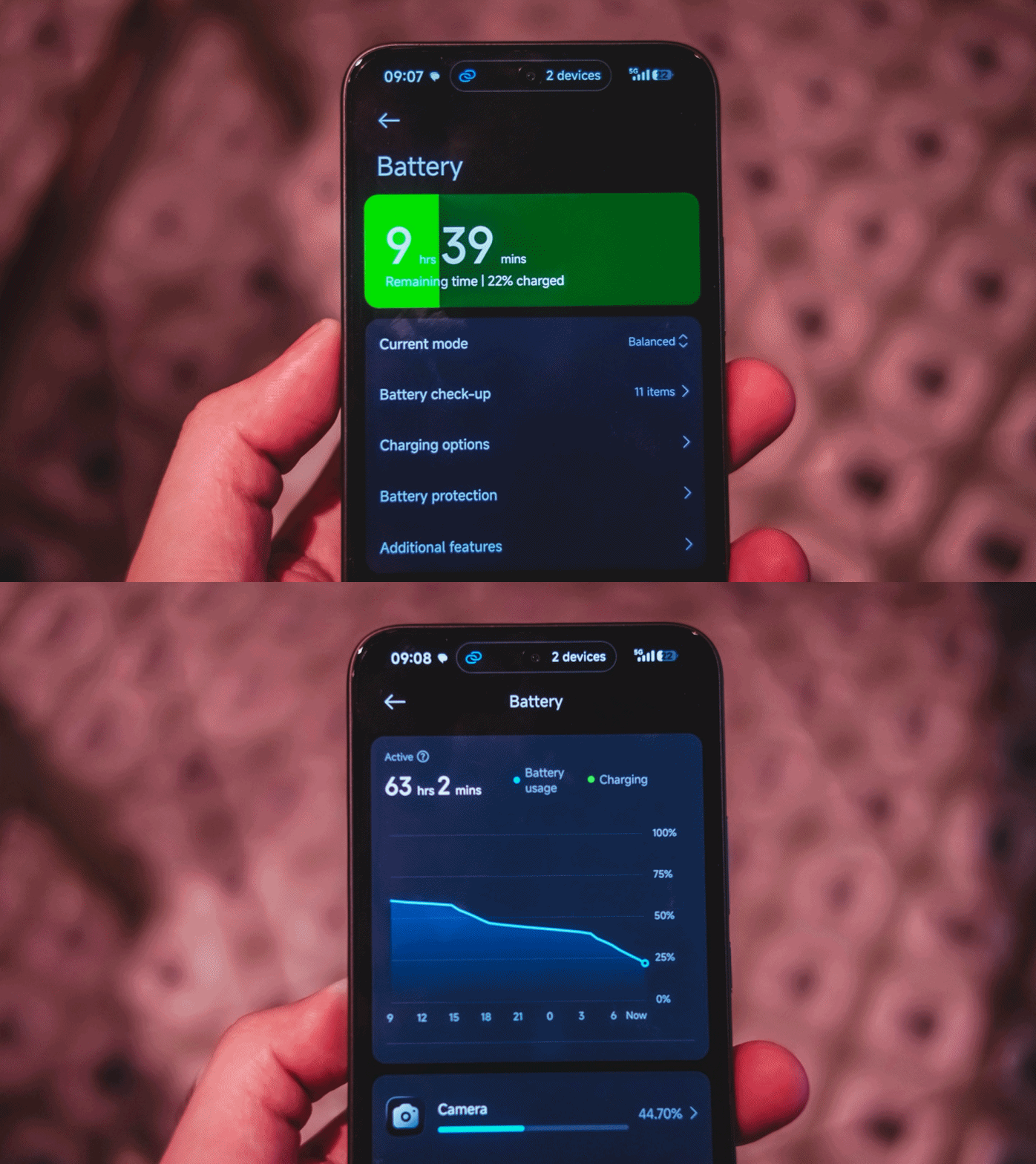
From binge-watching, game testing, multitasking, and even making it as my personal hotspot, the REDMI Note 17 Pro was able to squeeze in a full day of use.
Given you use it for lighter tasks with less screen on-time, you’d instantly get two or more days of standby.
Upon observation though, it deducts around 3 to 5 percent even just on standby. Maybe Xiaomi’s lack of optimization against background apps? Or worse: these unnecessary hyper-bloatware that keep popping off in the notifications drawer.
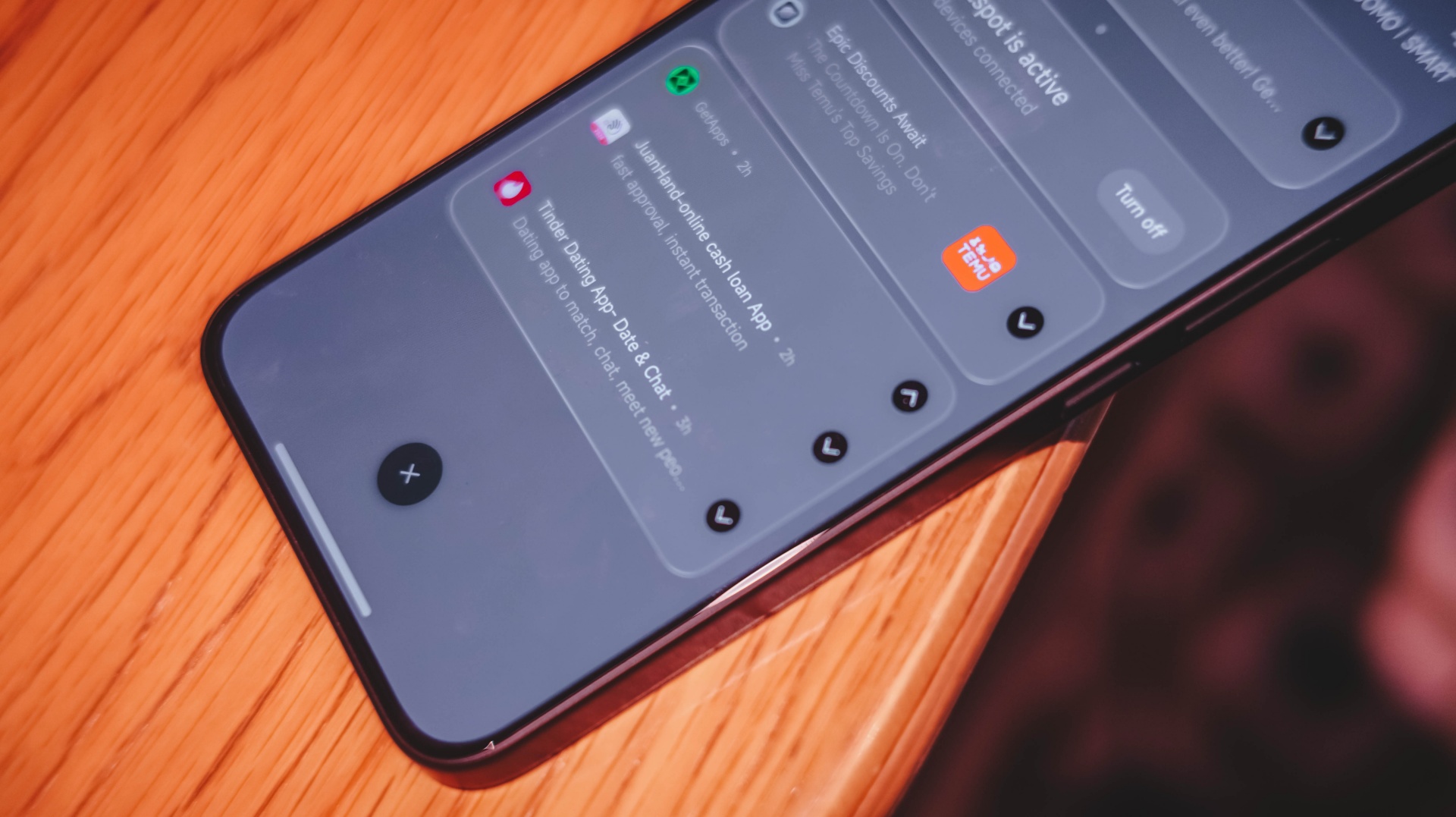
Hopefully, battery consumption against off-screen background apps would be lessened the moment Xiaomi rolls out the highly-anticipated HyperOS 4 months after this write-up.
If the battery completely dies, the REDMI Note 17 Pro has an upgraded 67W Fast Charging capability. That’s in contrast to the 45W speeds of the previous Note Pro model.
The phone that came to me is a European unit. Thus, it does not ship with a proprietary Xiaomi charger and cable out of the box.
If you’re living in Asia, having a bundled one is highly likely.
Luckily, I was able to keep one 100W brick inside my cabinet. I even compared it to the 100W GaN charger plus high-speed USB-C cable I use every day.
My GadgetMatch Charge Test proves there’s a stark difference — probably with the lack of proper USB-C PPS support.
Xiaomi 100W Charger +
|
UGREEN 100W Uno + ADATA
|
|
START TIME (from 0%) |
6:27AM |
4:27PM |
3 minutes |
3% |
1% |
5 minutes |
6% |
3% |
10 minutes |
12% |
7% |
15 minutes |
18% |
16% |
30 minutes |
37% |
31% |
45 minutes |
54% |
48% |
1 hour |
71% |
66% |
1 hour 15 minutes |
86% |
82% |
1 hour 30 minutes |
– |
92% |
END TIME (100%) |
5:52PM
|
8:23AM
|
With that 30-minute gap, the REDMI Note 17 Pro was able to fill up faster by using Xiaomi’s very own charging brick and cable.
Down to the final destination ☠️
As the timeless saying goes: “The higher you climb, the harder you fall.”
After that big battery boost comes at the cost of its camera system.
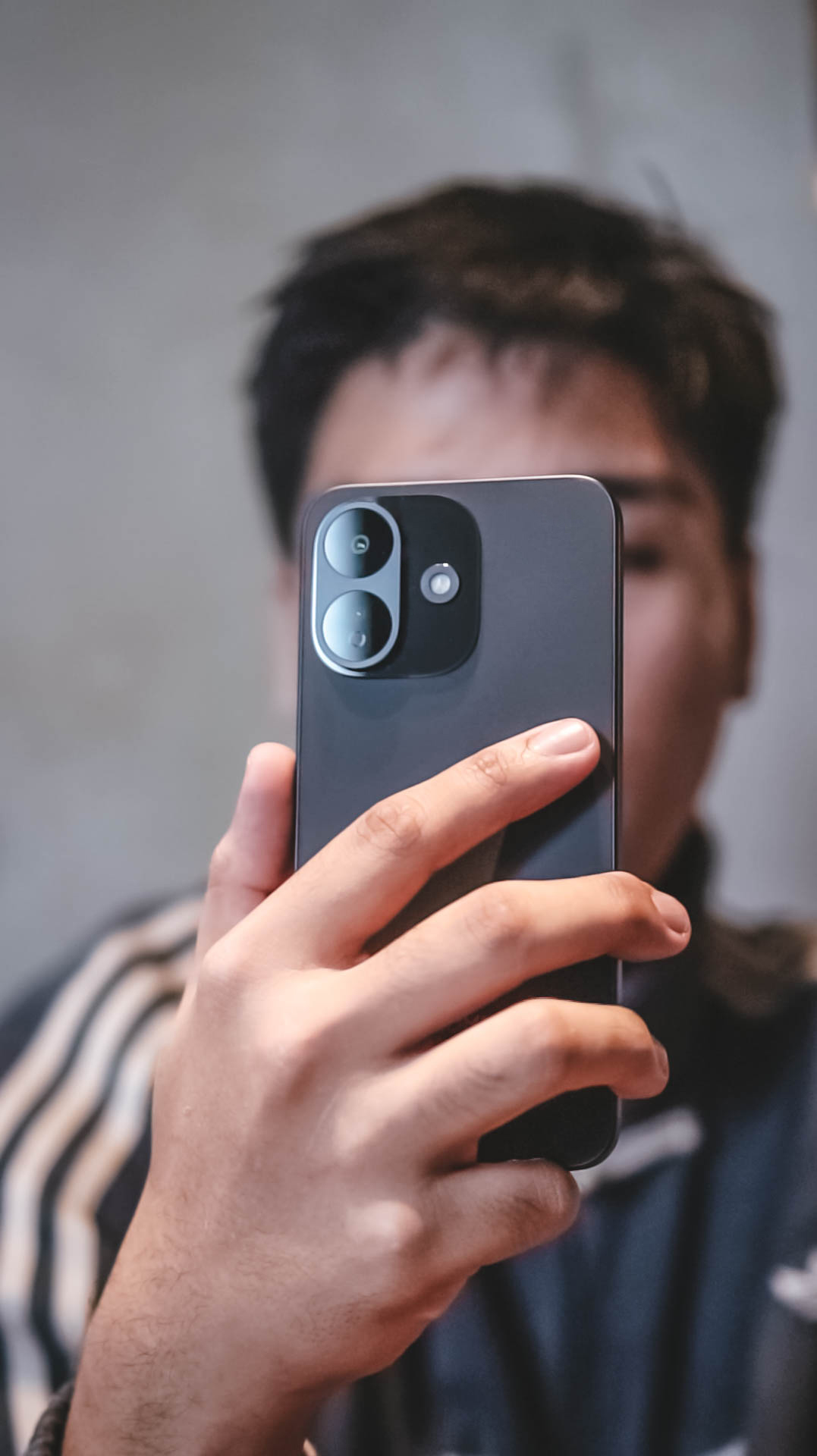
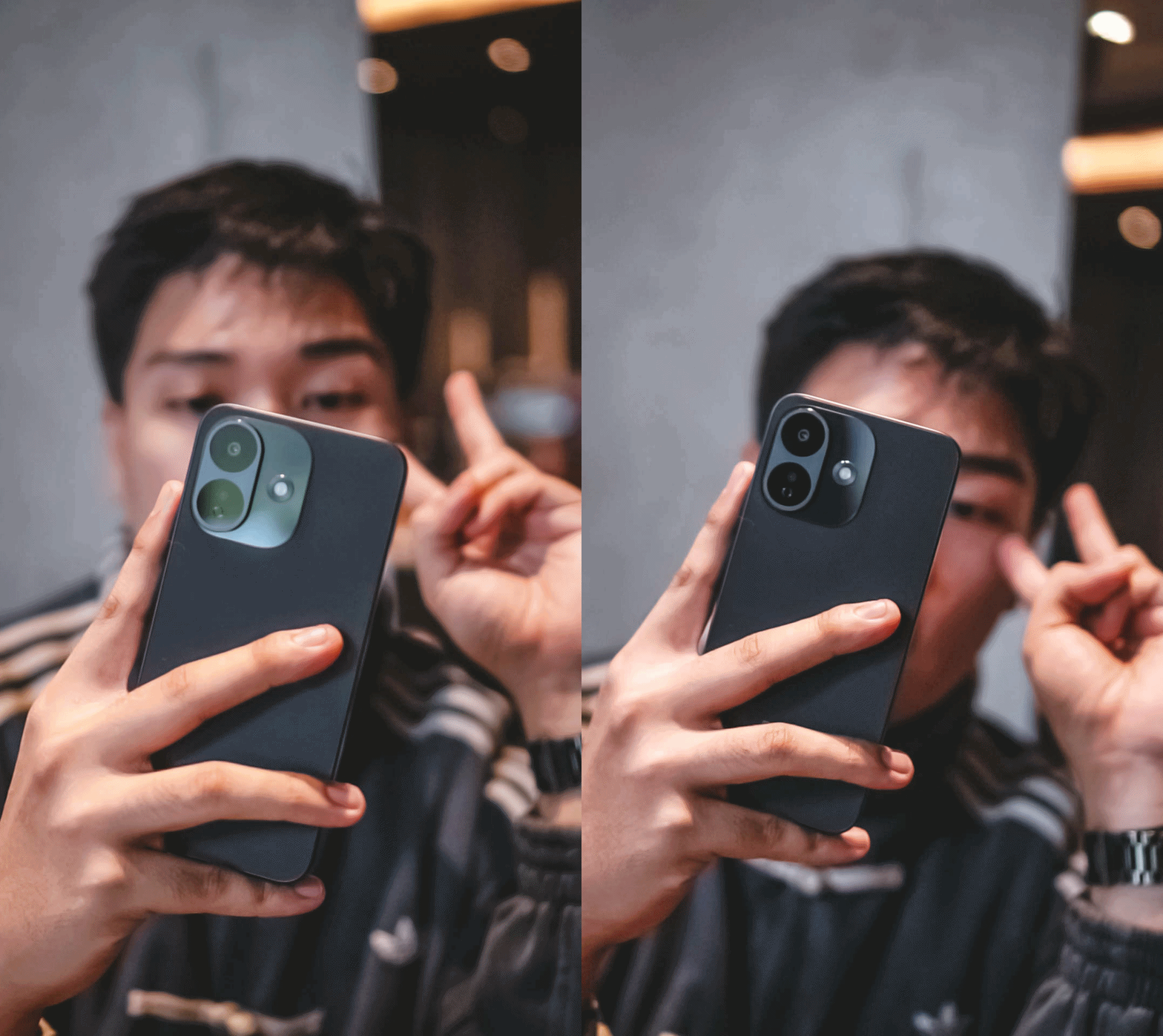
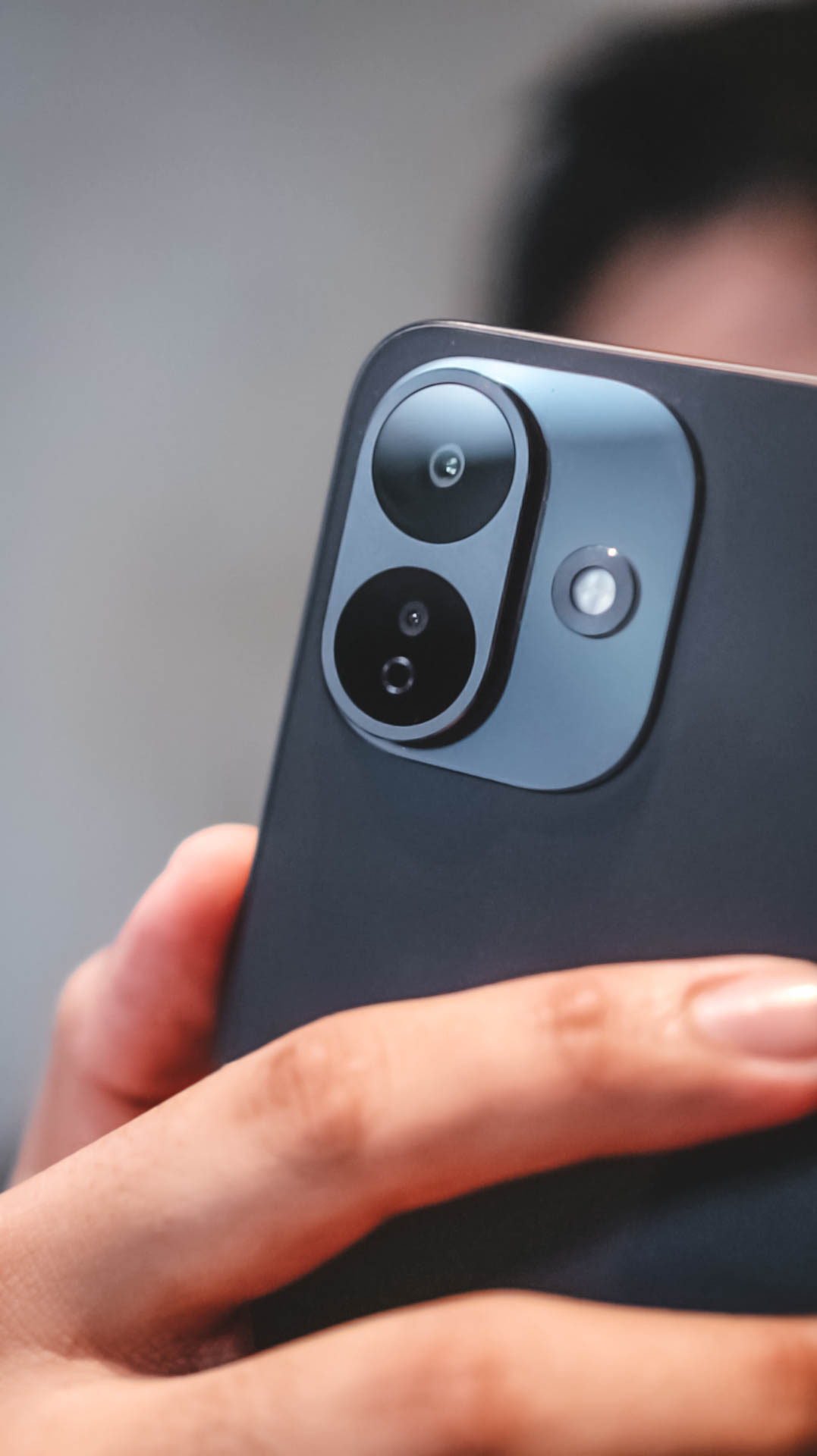
While we always say numbers aren’t everything, it’s too hard to ignore that Xiaomi decided to downgrade the main camera, too.
From that massive 200MP 1/1.4-inch primary sensor all down to just a 50MP 1/2.76-inch shooter.
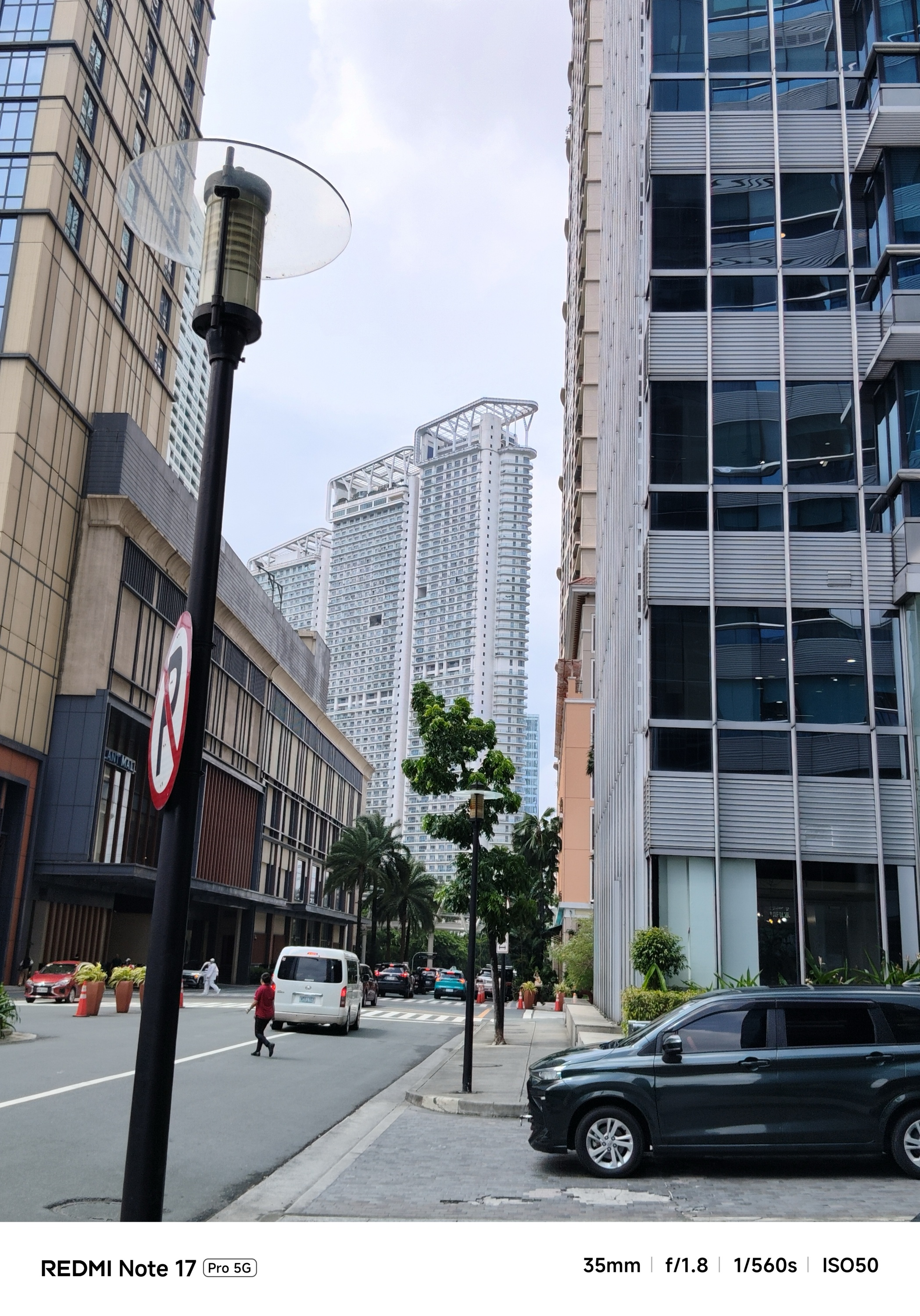

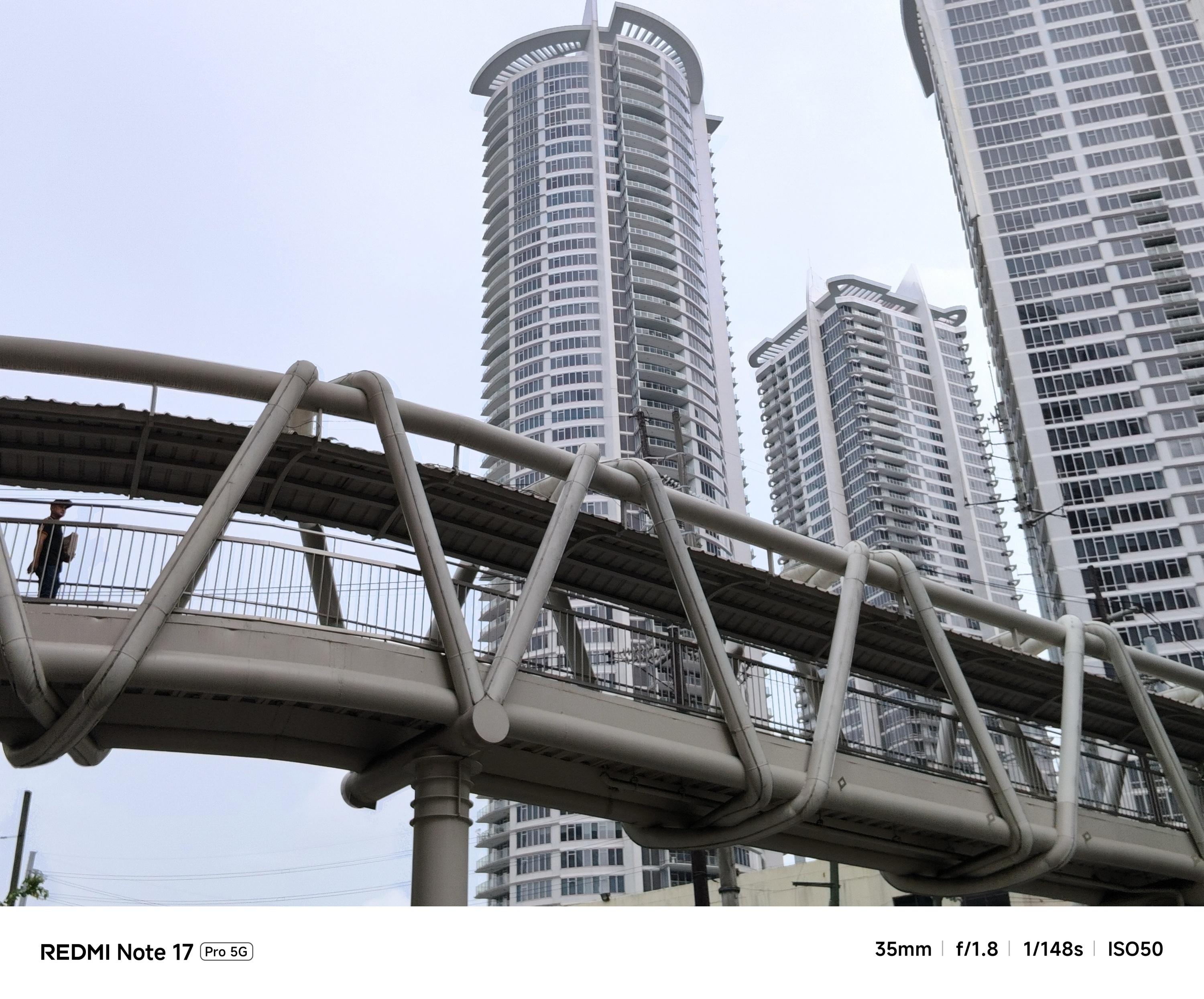
Even though camera output still results into a binned 12MP shot, that degraded sensor still matters a lot.
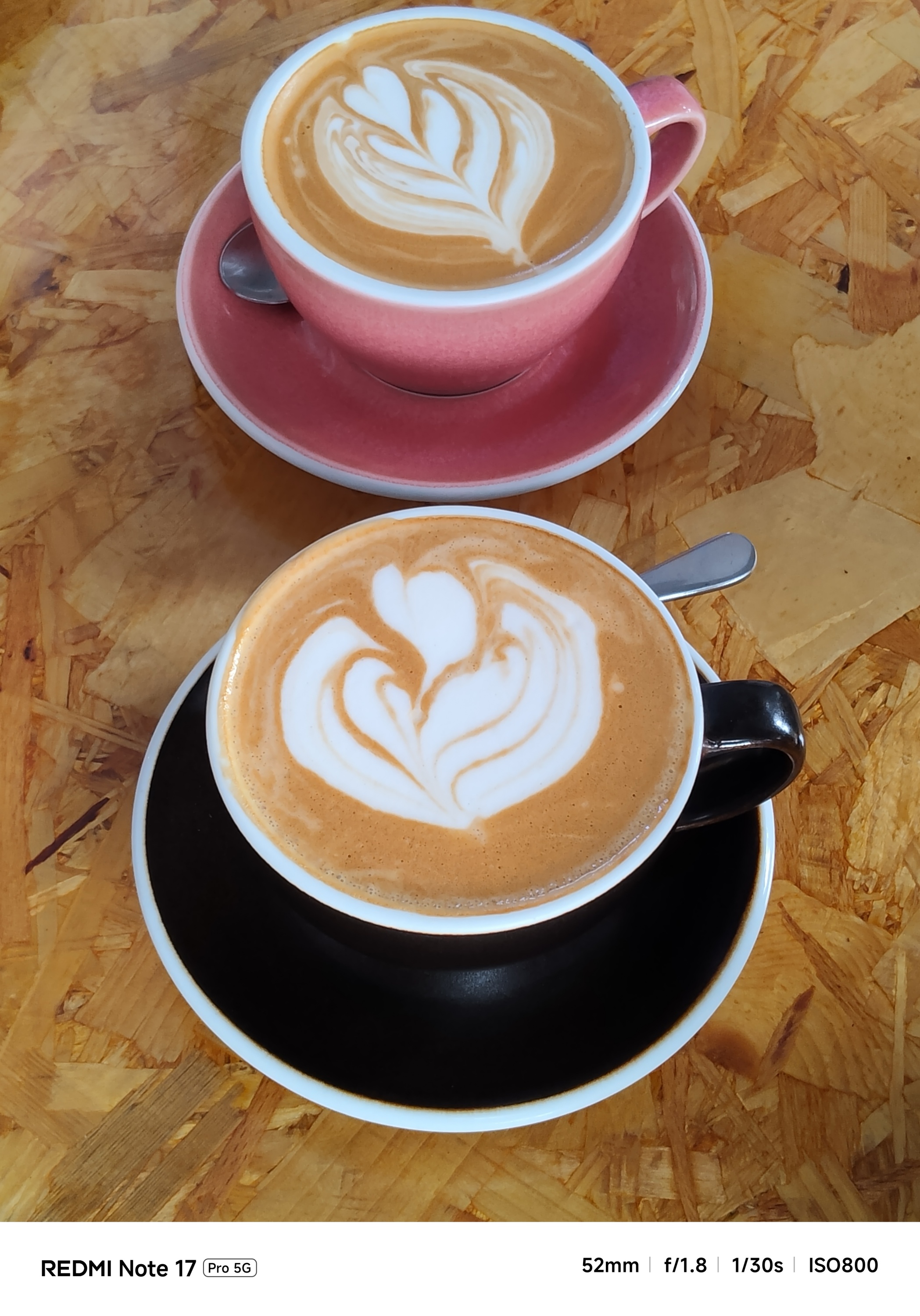
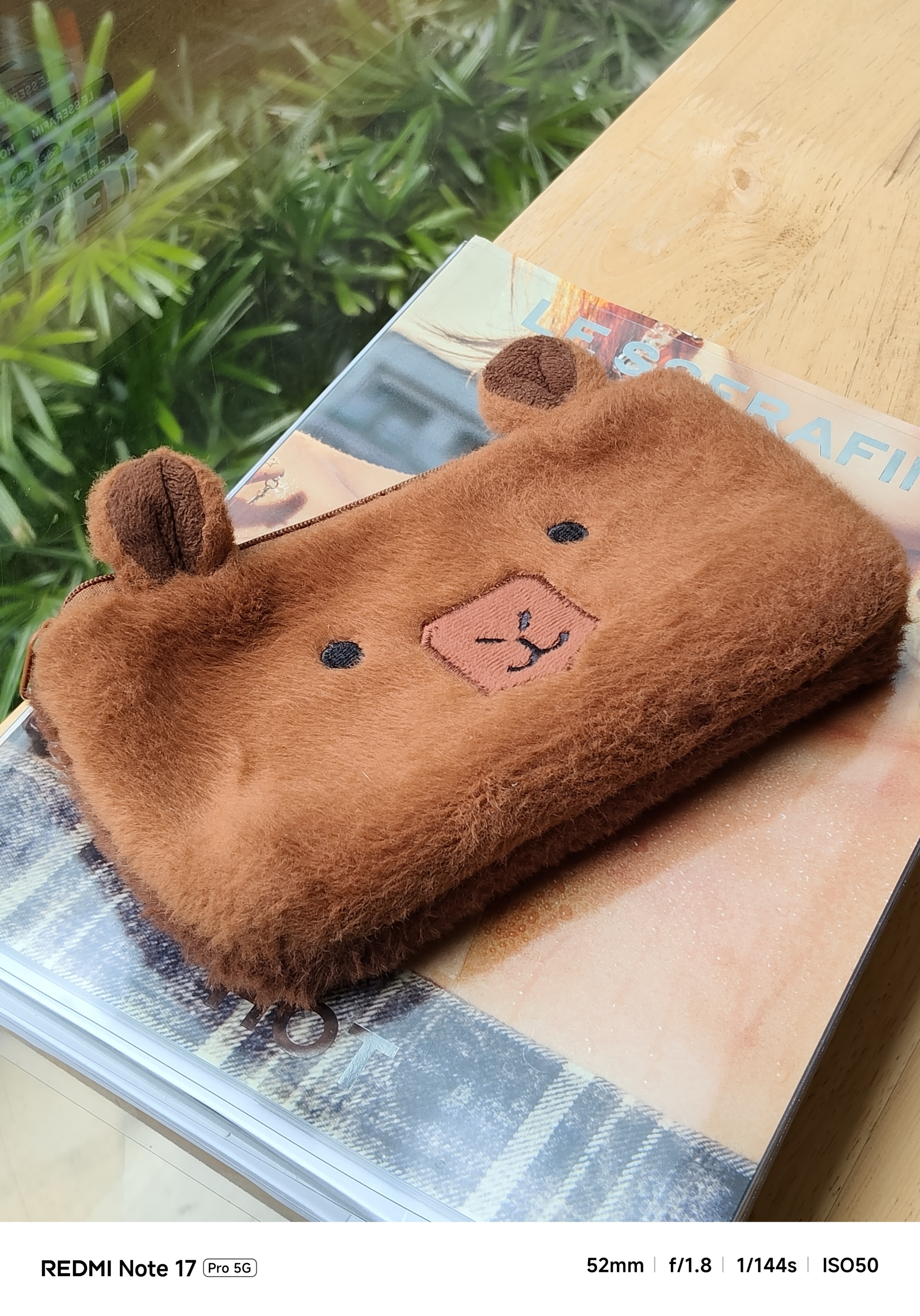
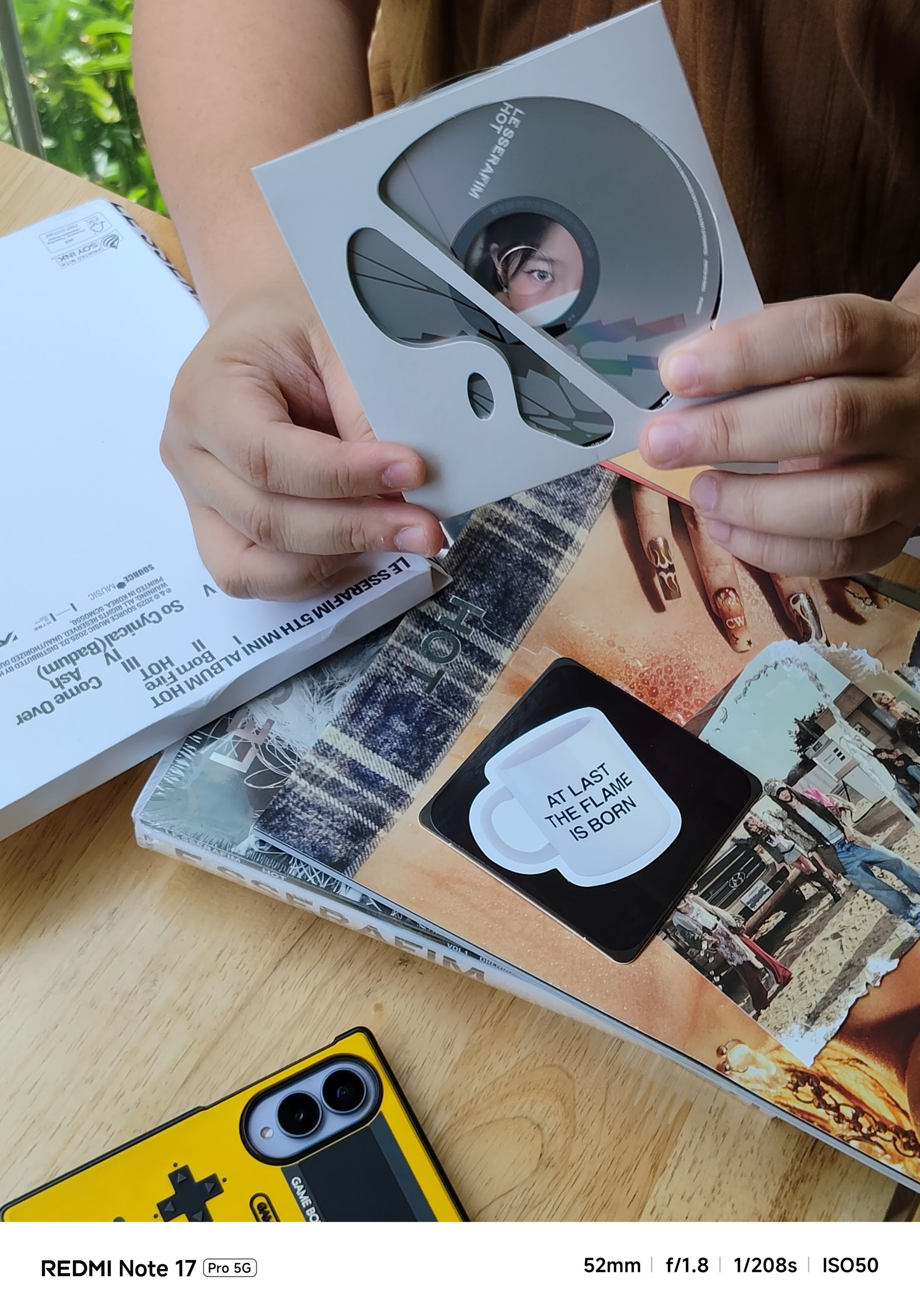
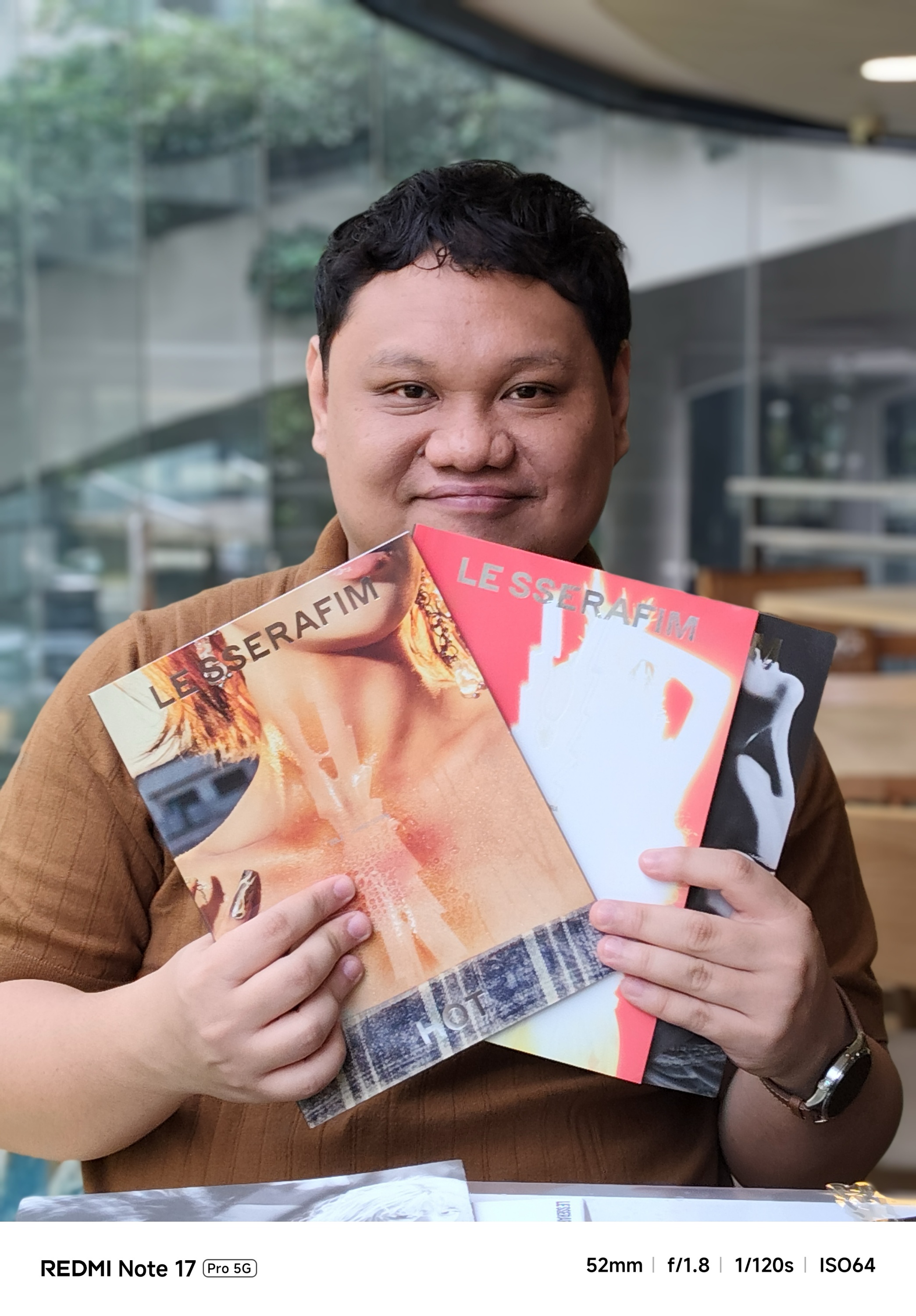
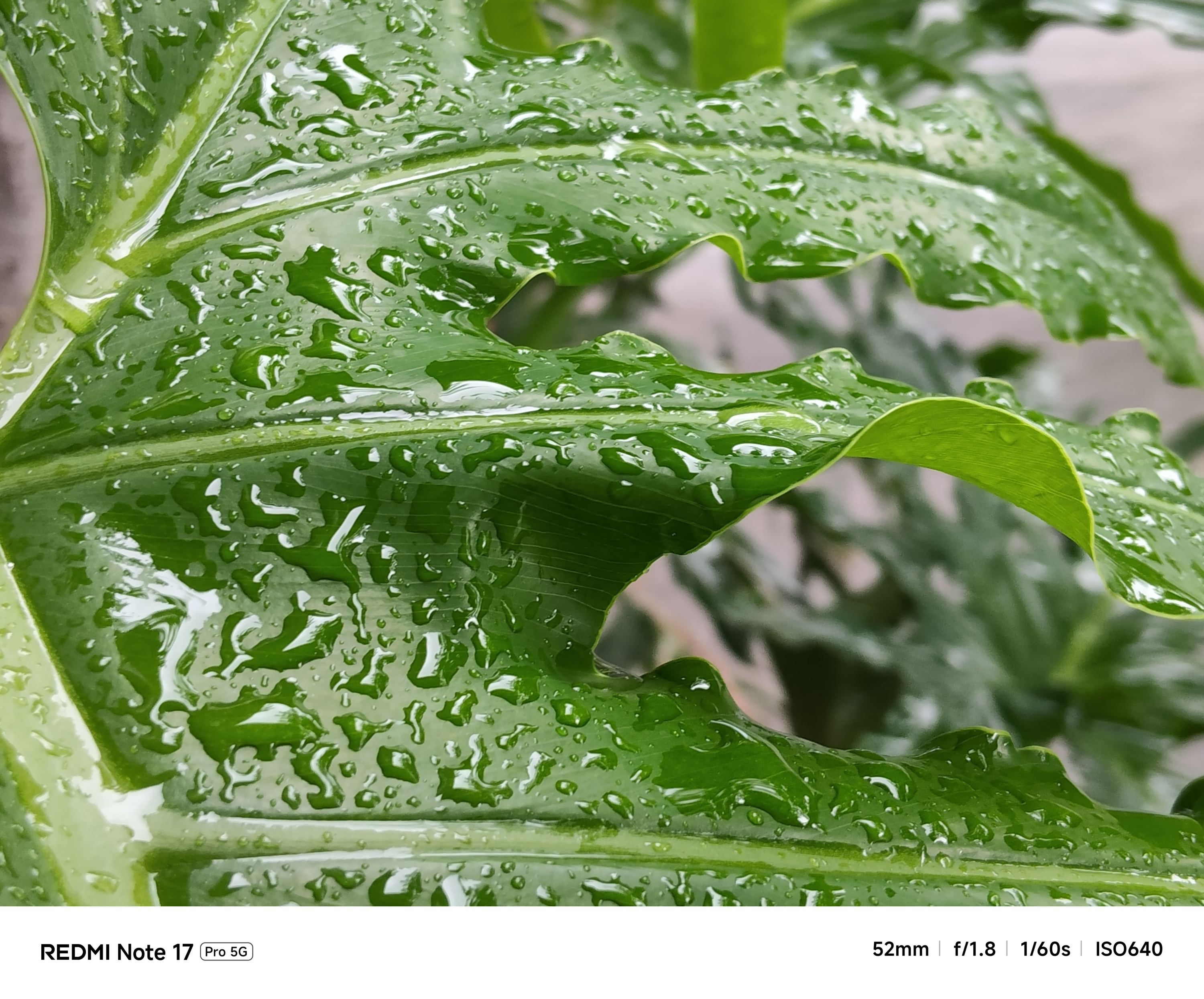
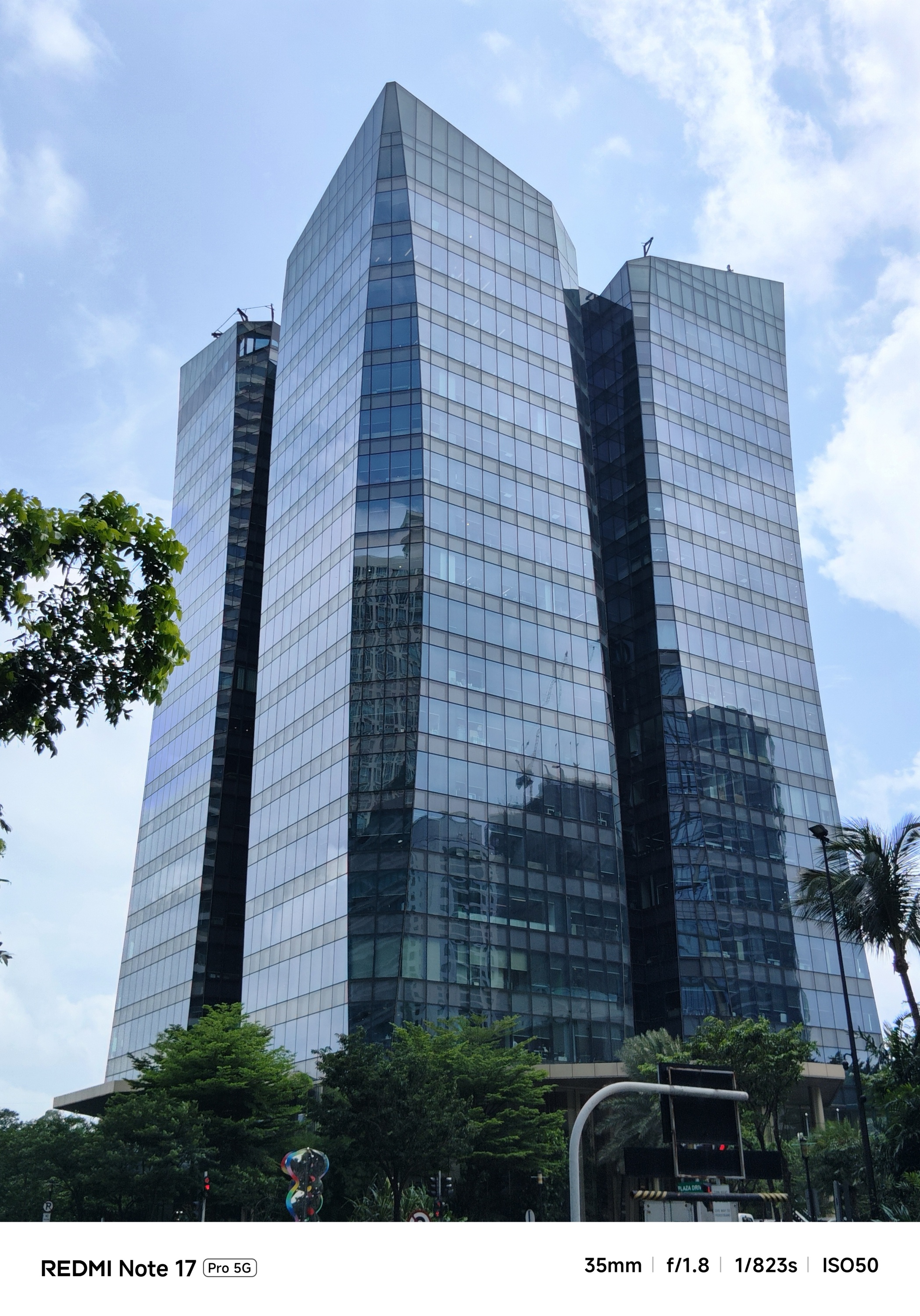
During the day, it won’t matter as much to most users.
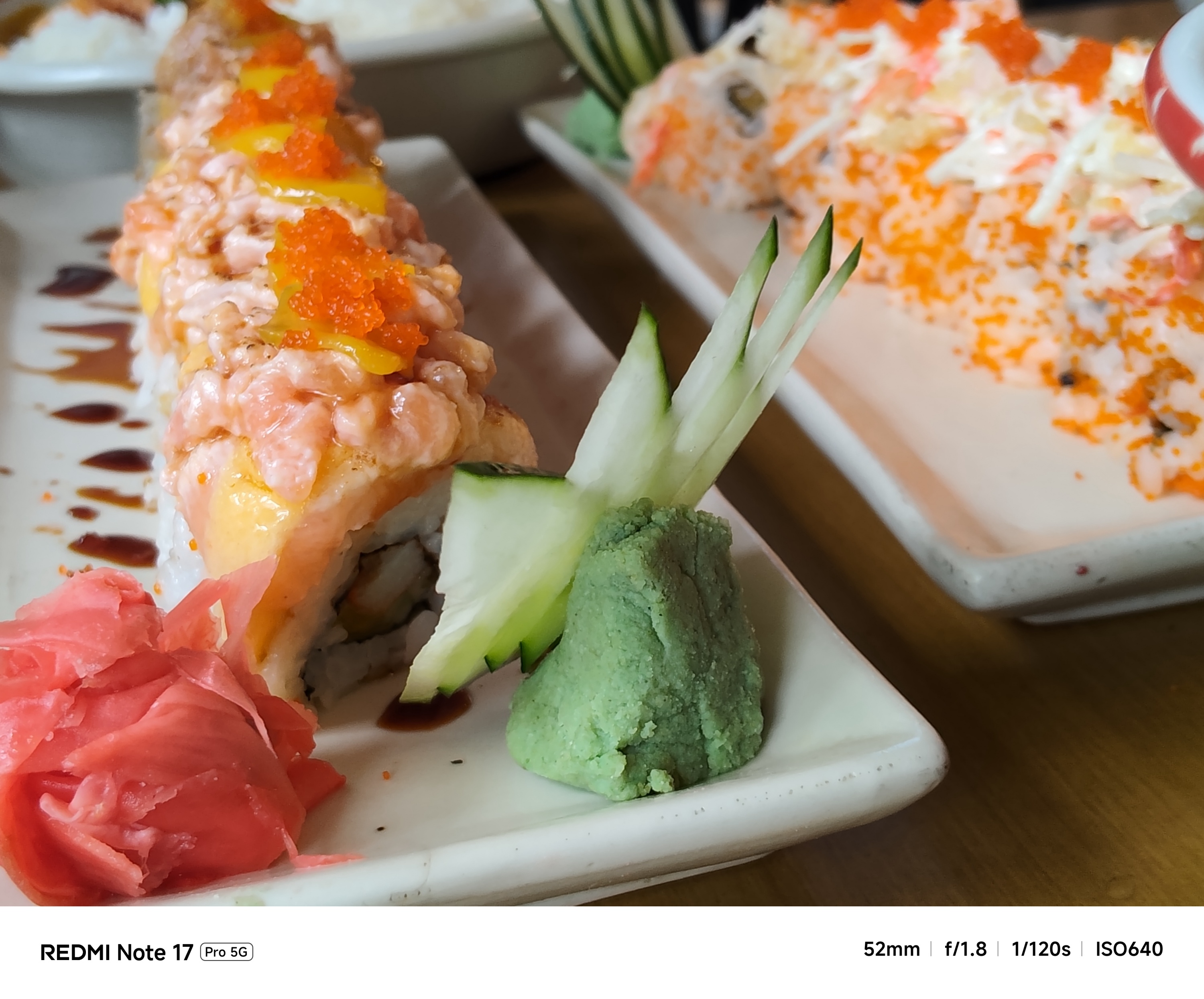
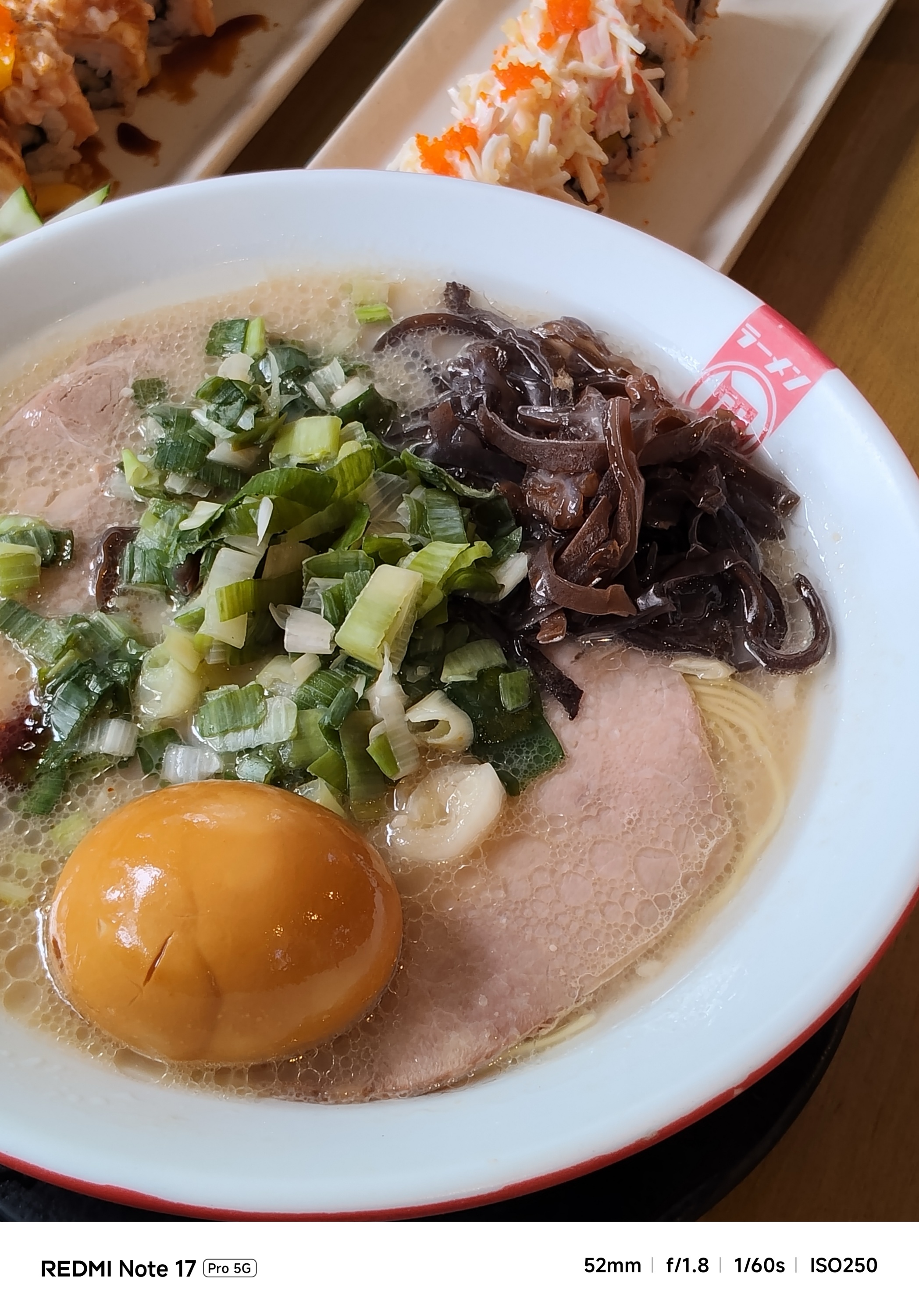
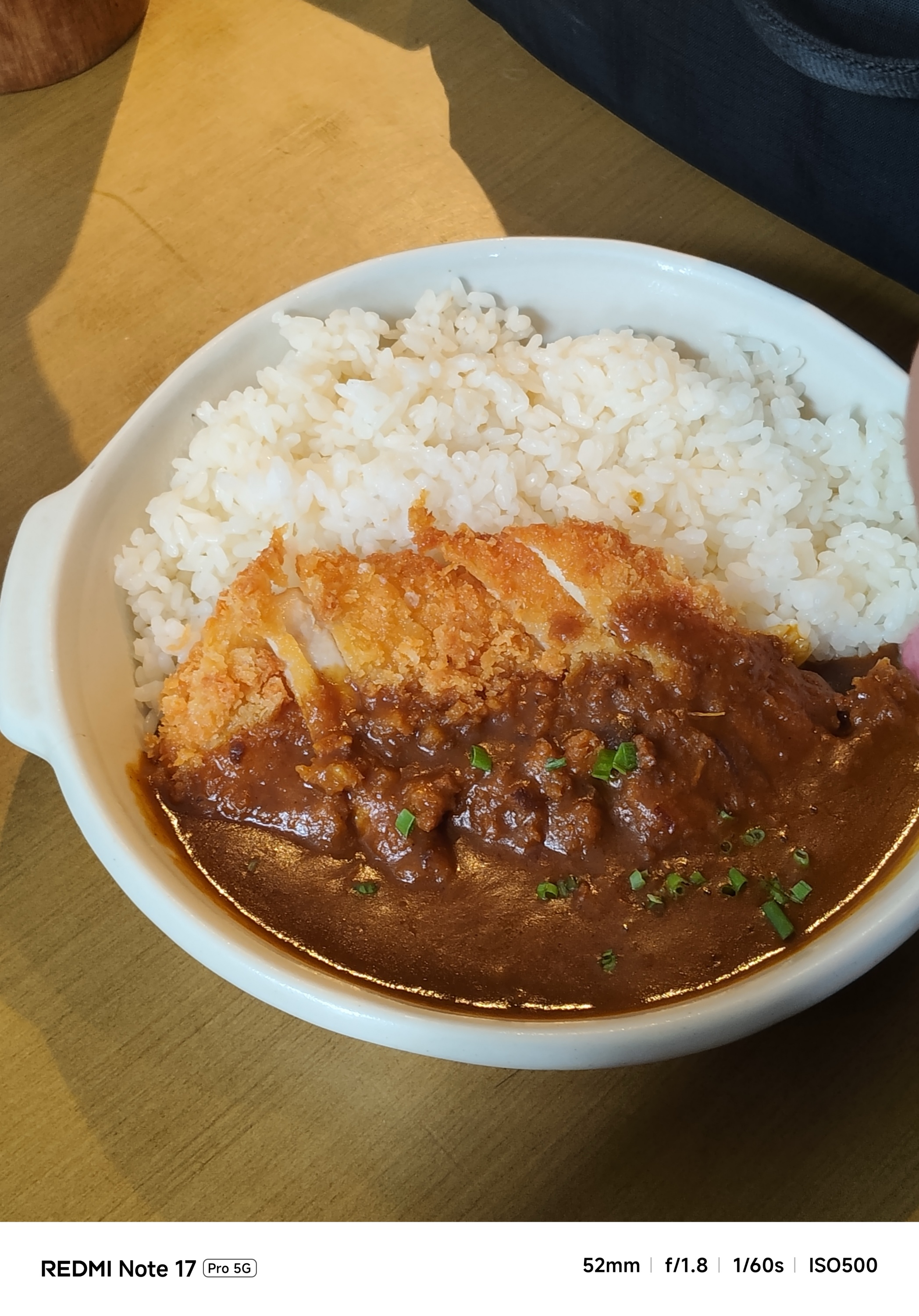
Honestly though, it’s a mixed bag of results.
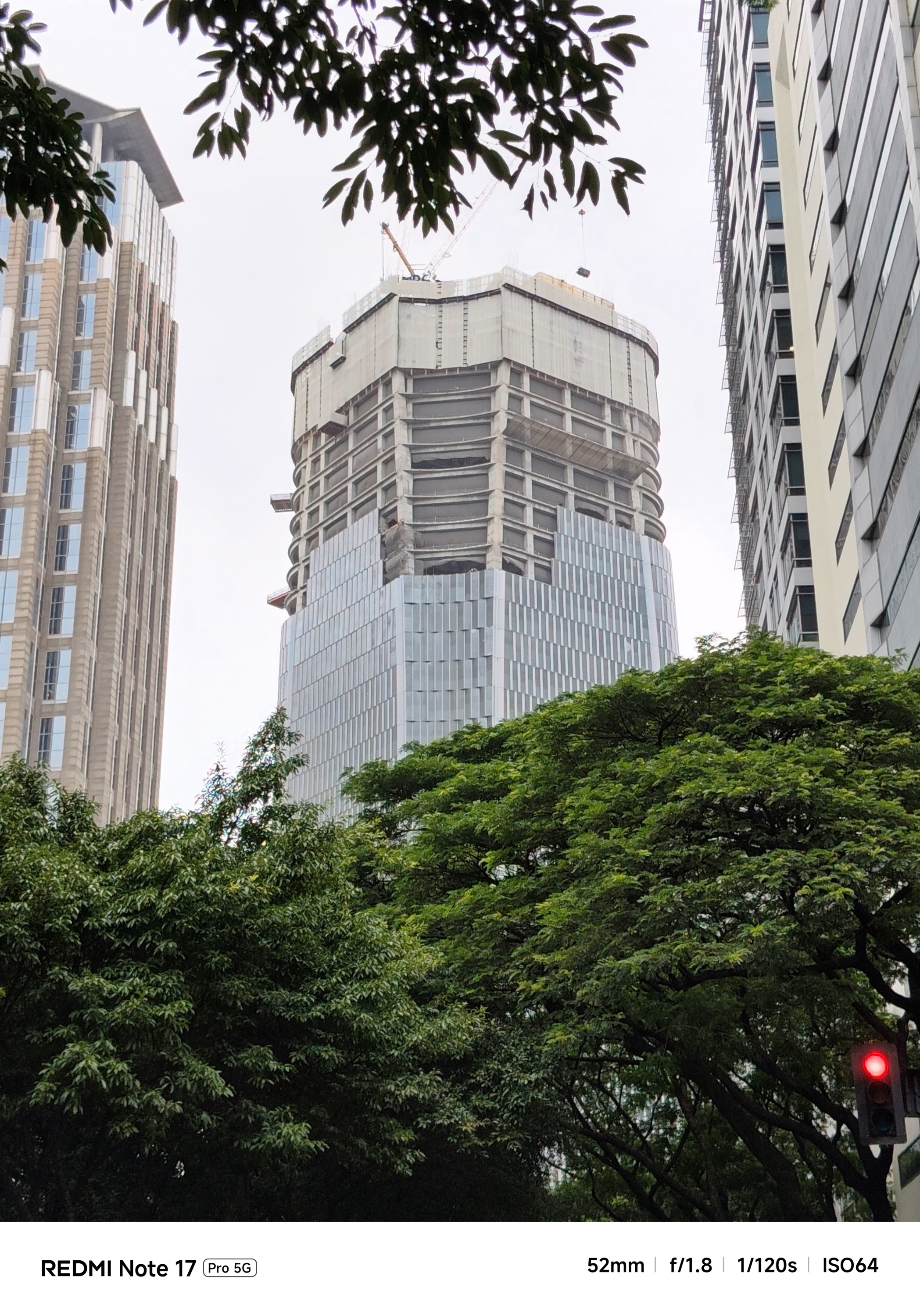
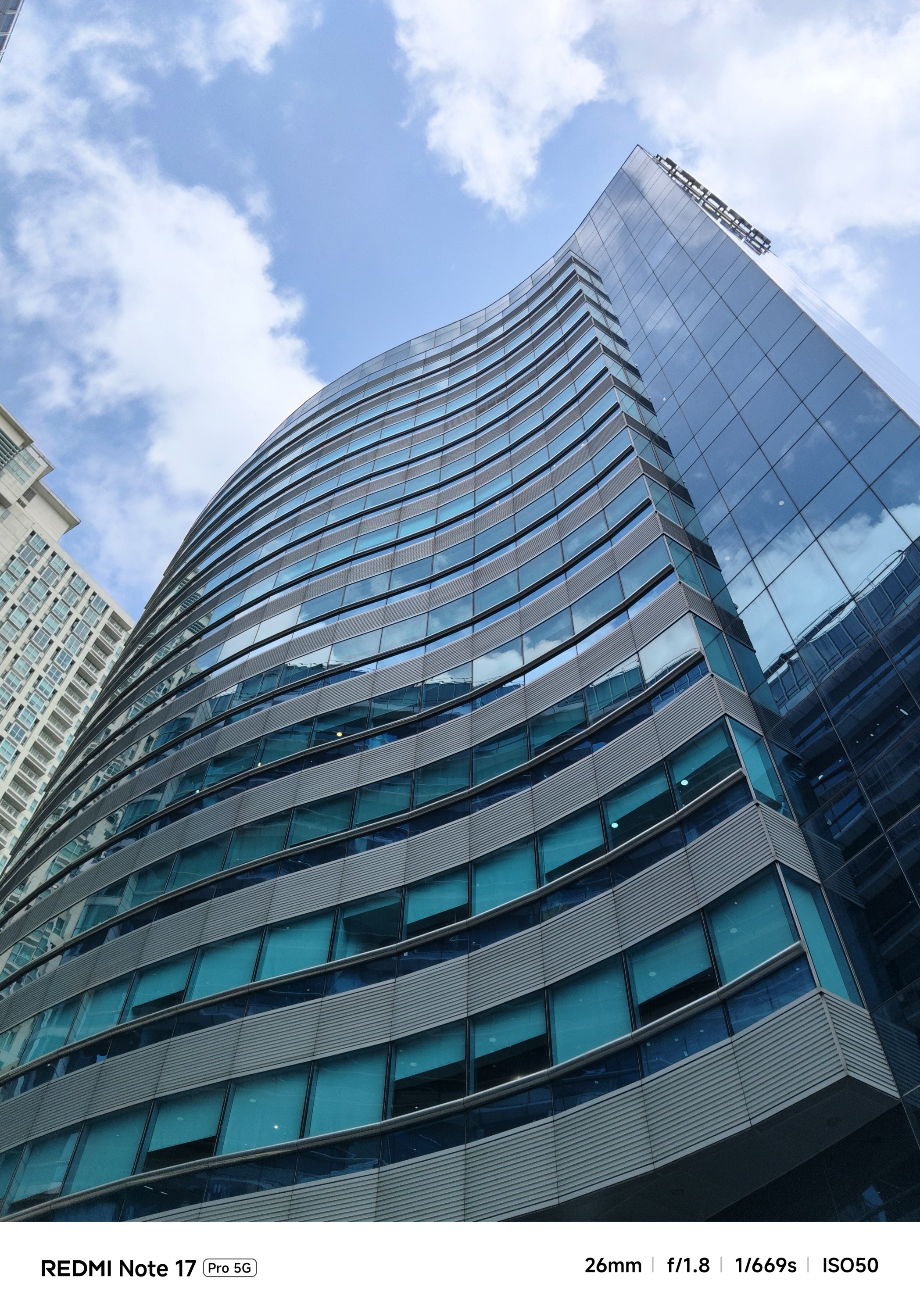
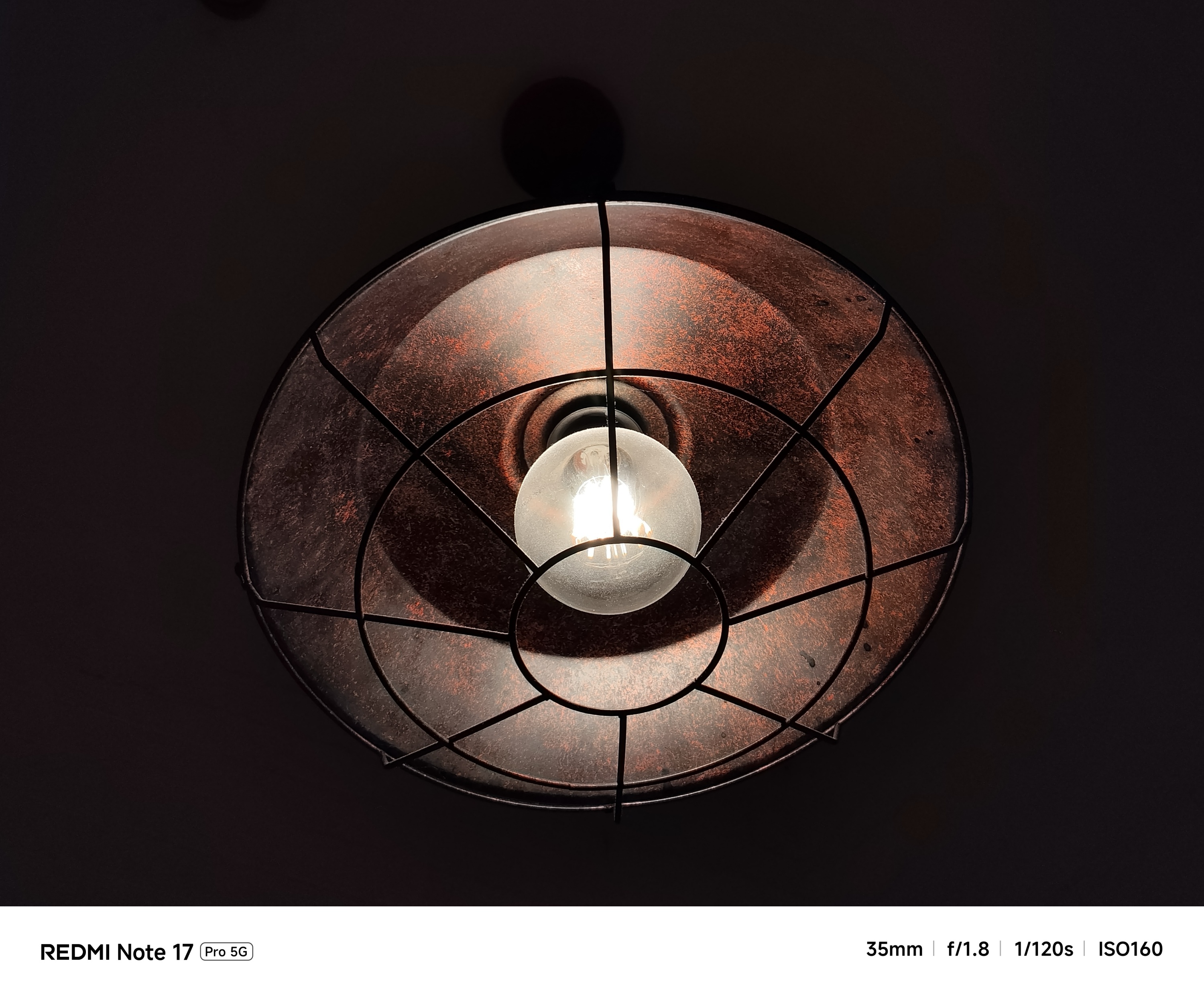
Taking the camera indoors or where there’s absence of natural light makes it struggle.
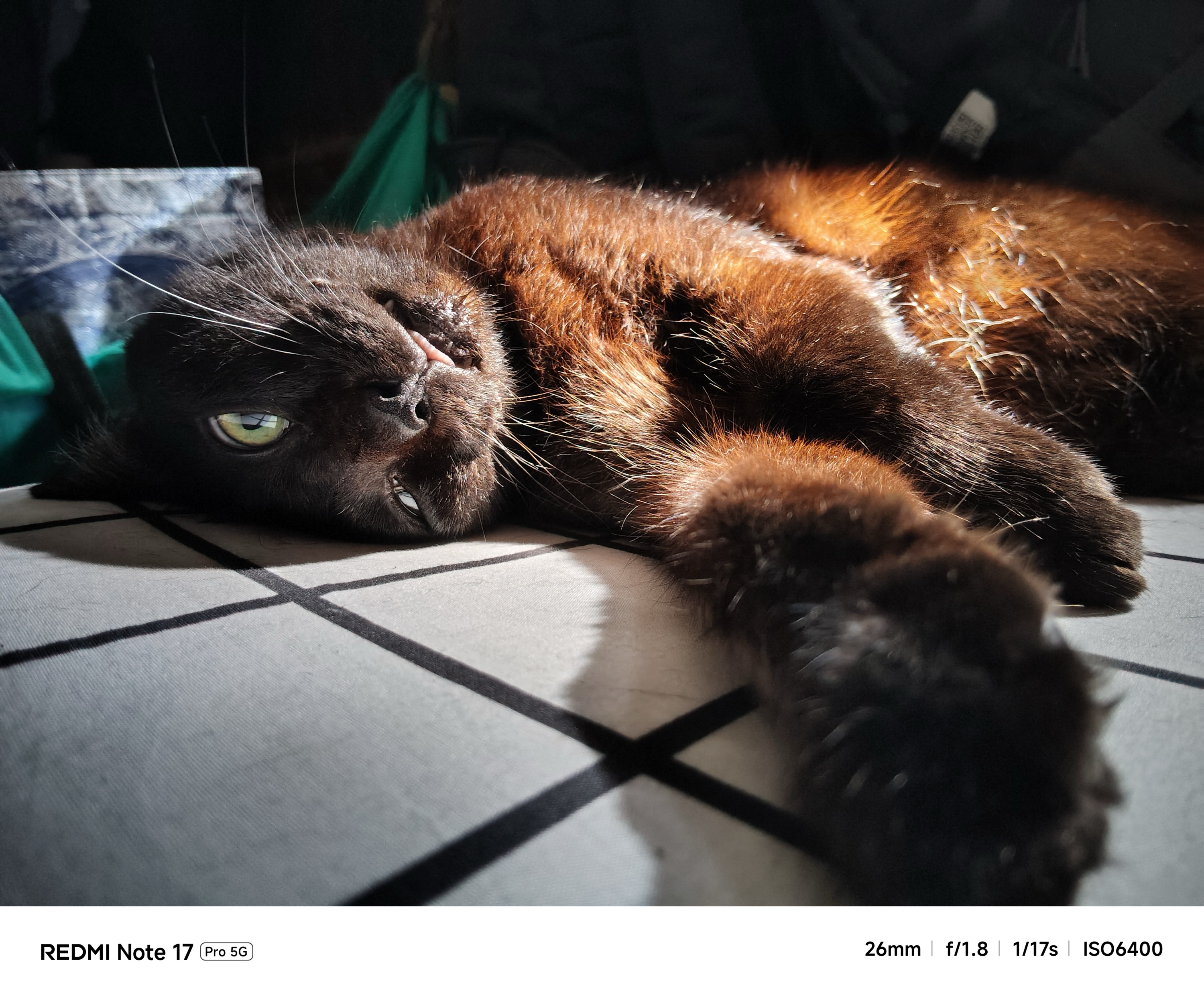
Shooting steadily gives you a hit or miss result — like how it did with my beautiful catto.
However, a split-second press at the shutter release gives you two inconsistent output — at least in EV (Exposure Value), contrast, and even shadows altogether.
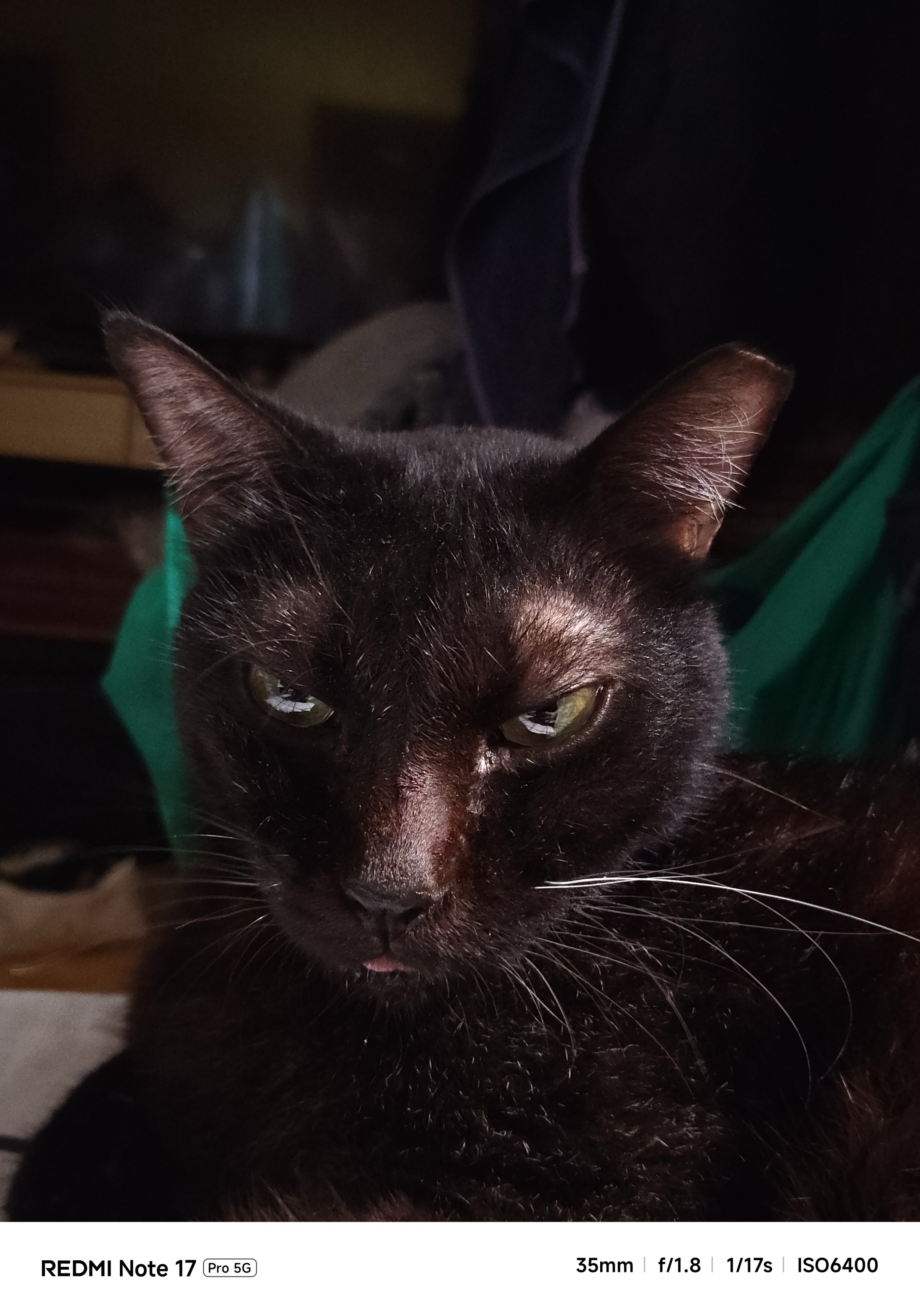
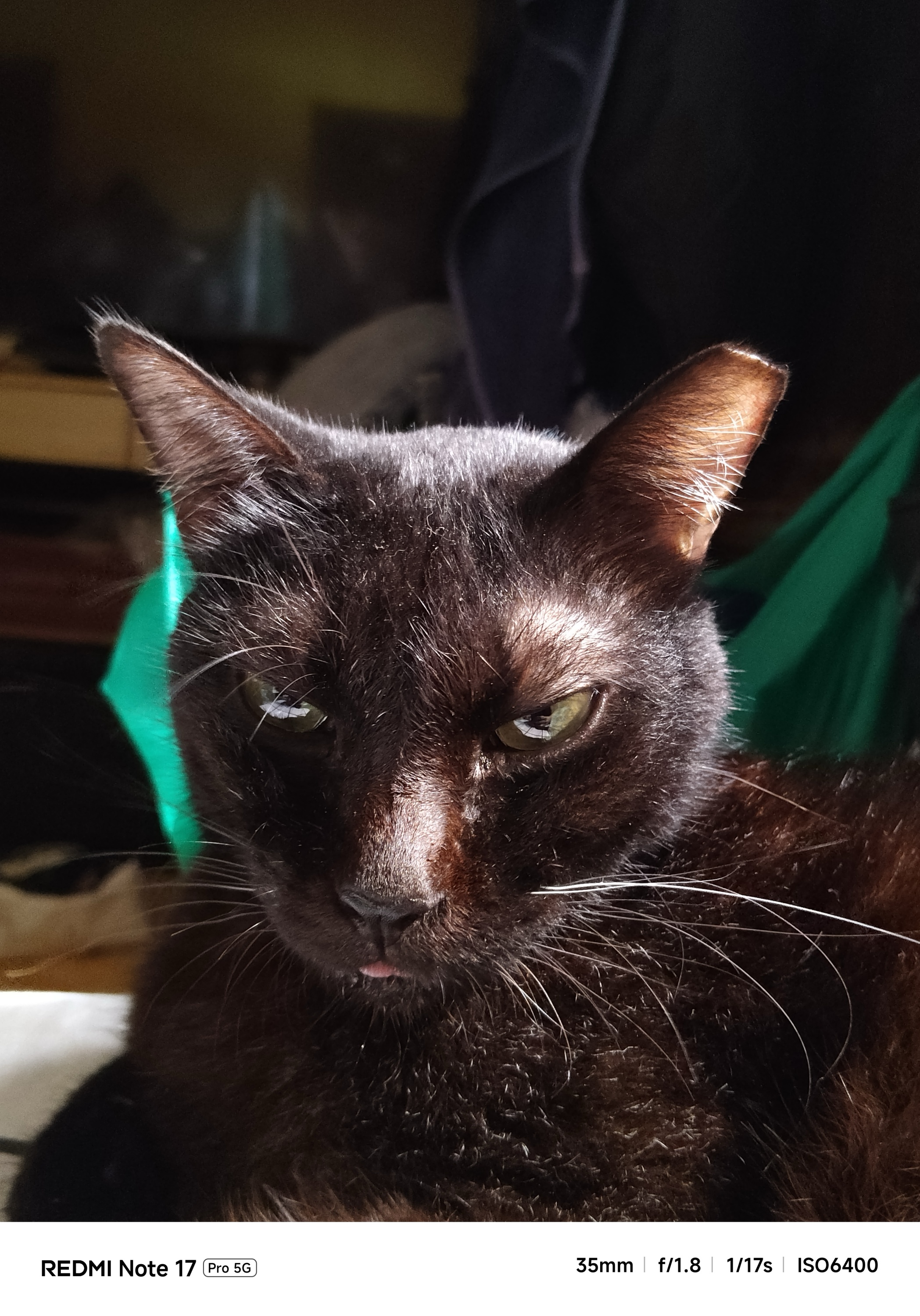
Most of the time, it’s just purely a huge miss.
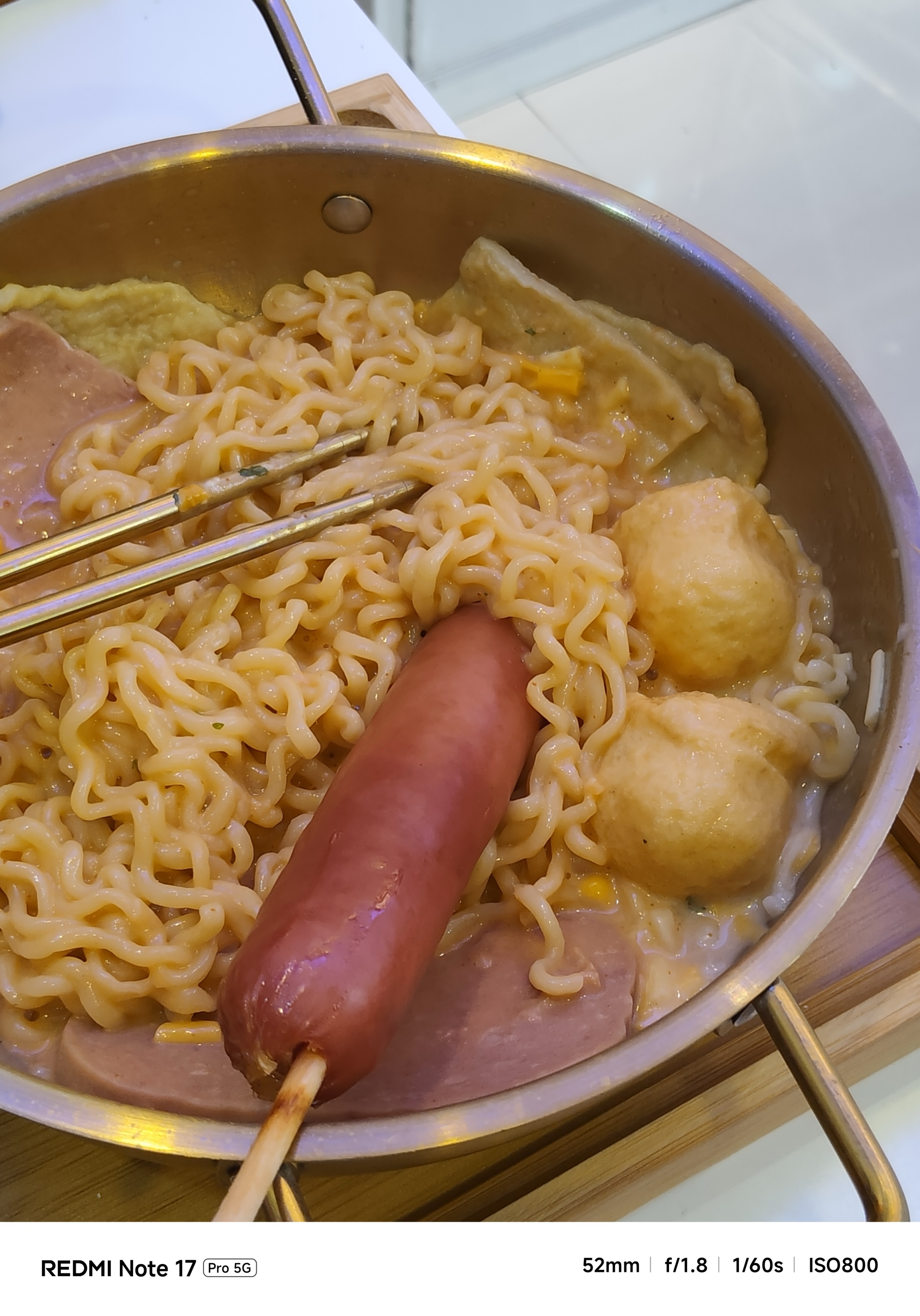
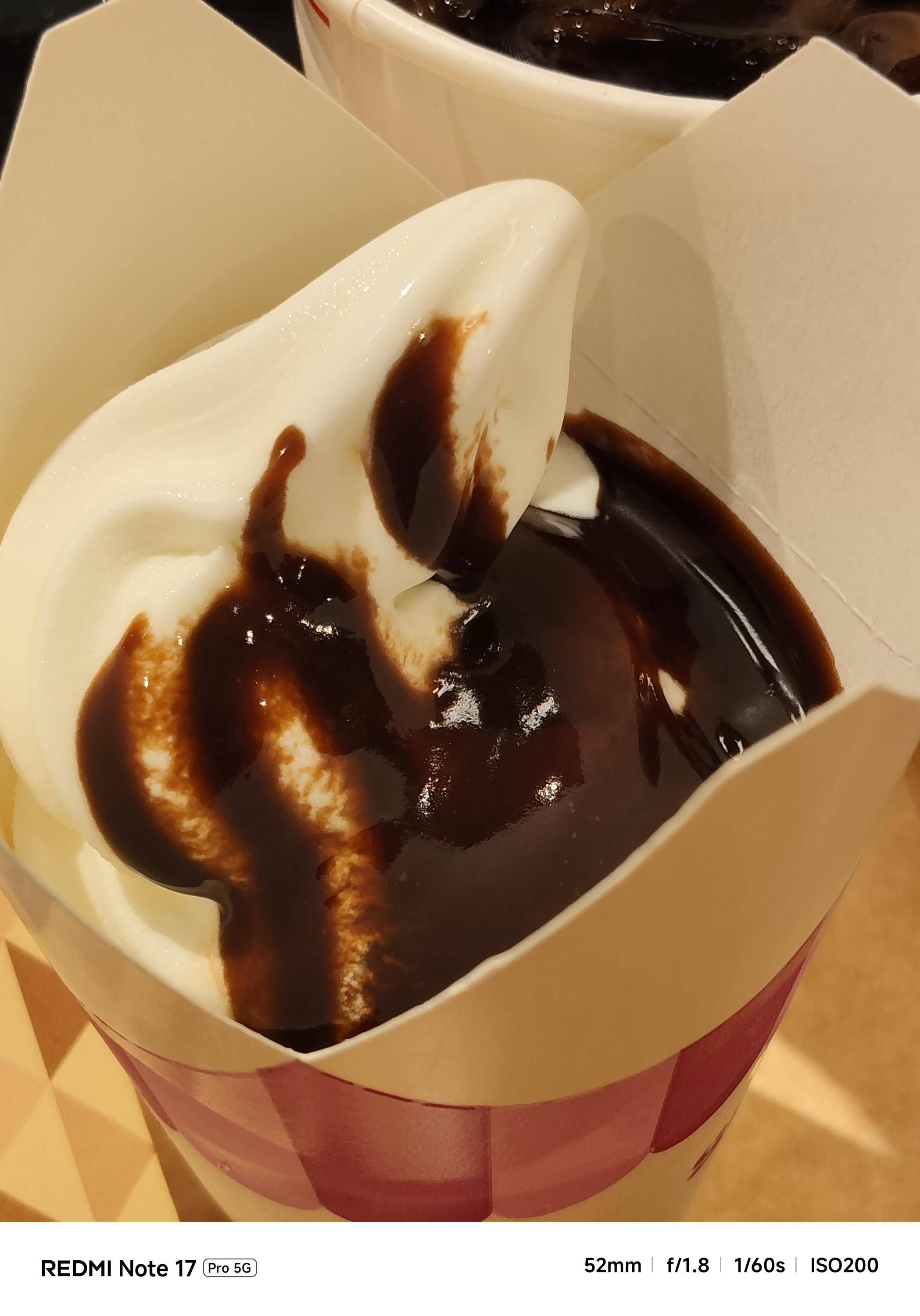
That’s most prominent when taking food shots.
I either had to swipe through its built-in camera filters or turn on the flash just to make them look appetizing.

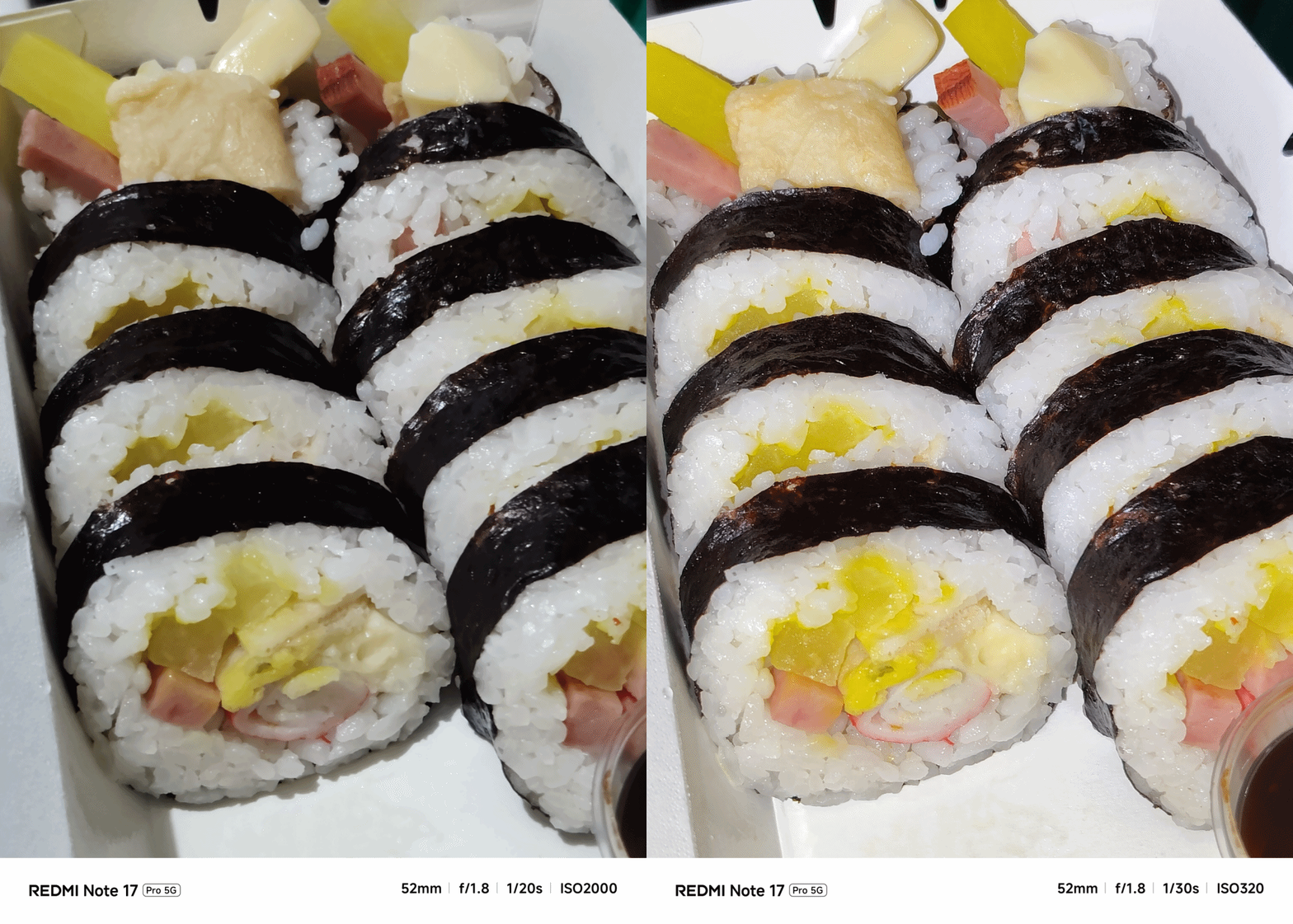
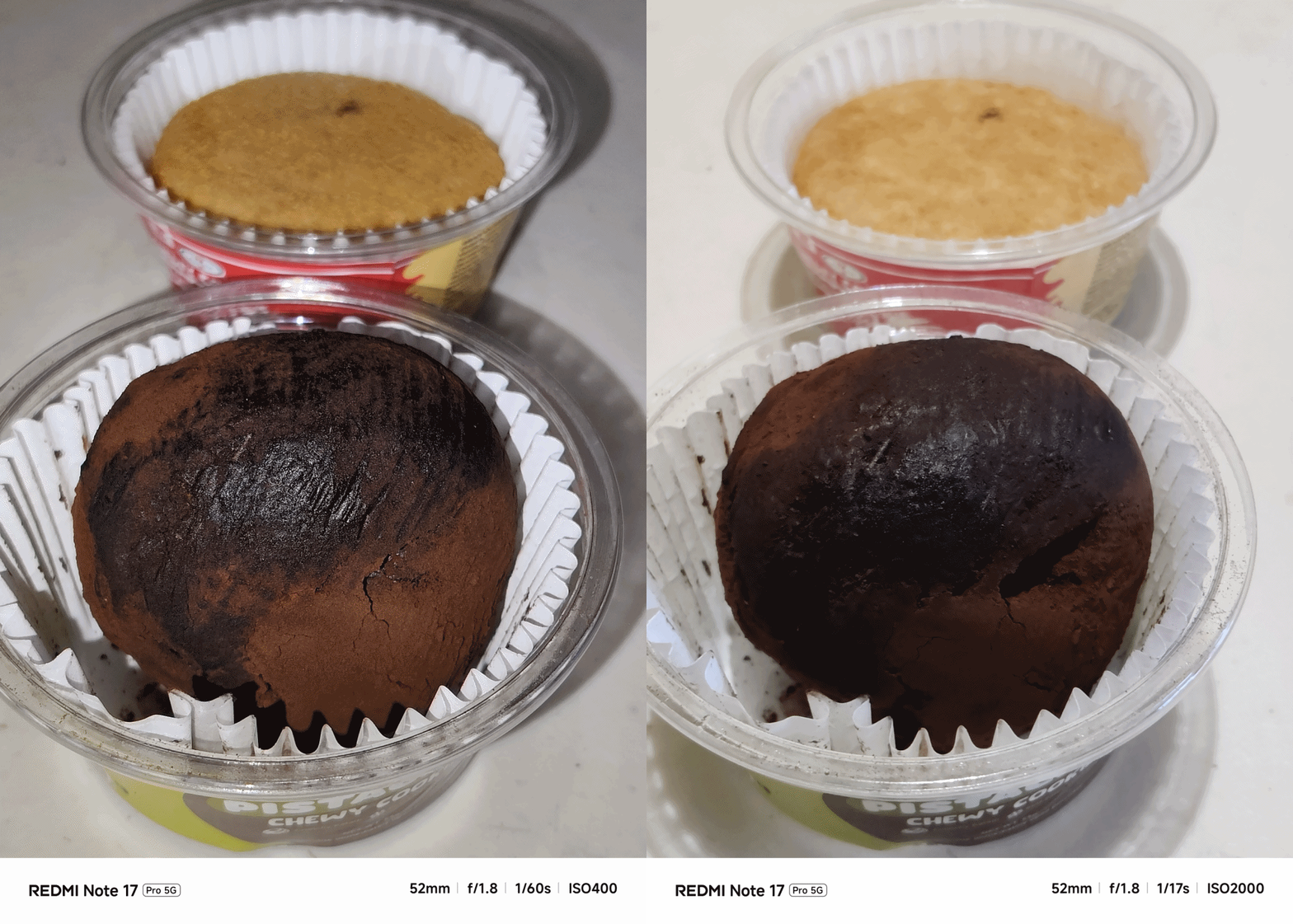
If that’s how its primary camera performs, its 8MP UWA (Ultra-Wide Angle) lens is negligible — as long as you don’t pixel-peep.
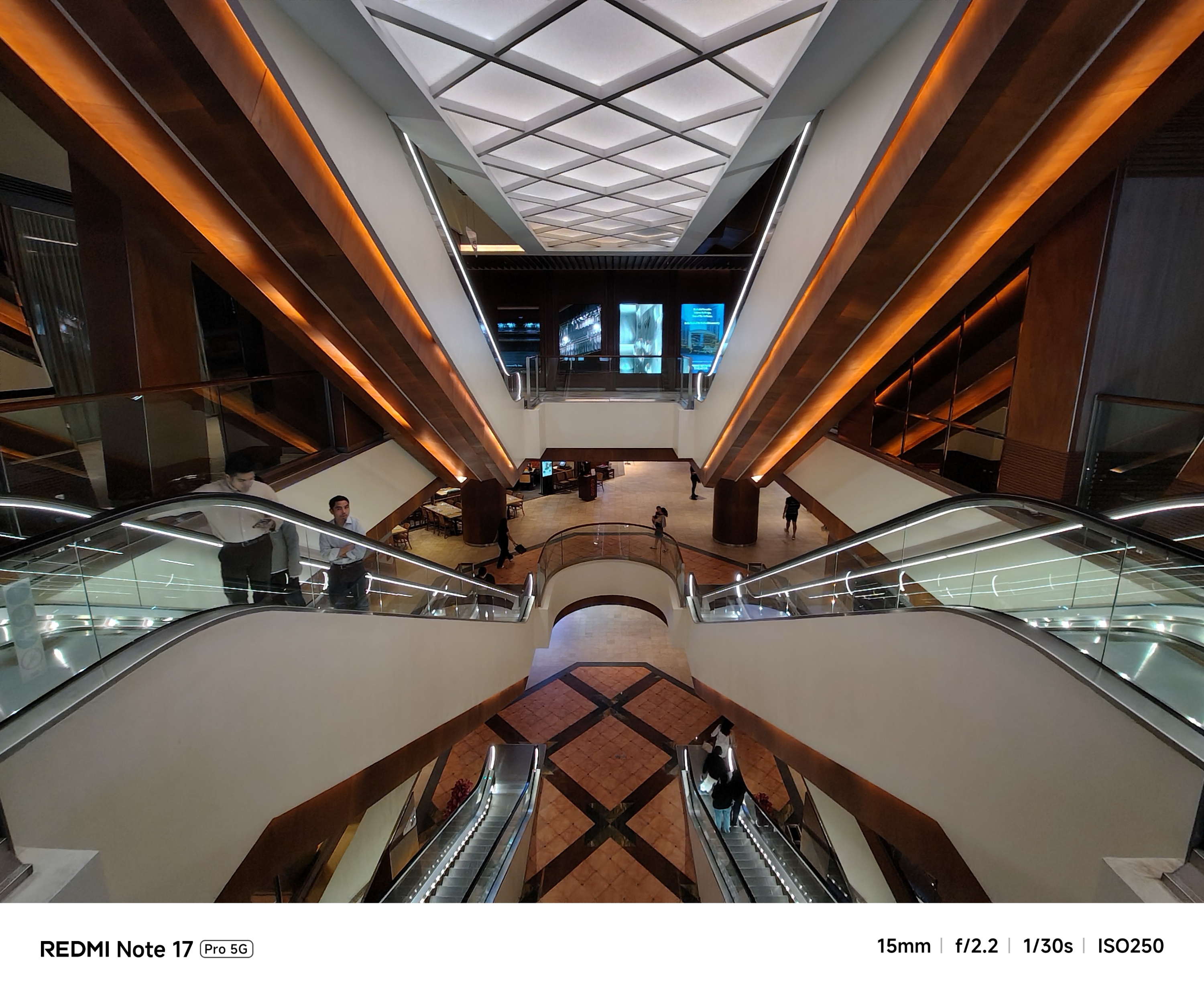
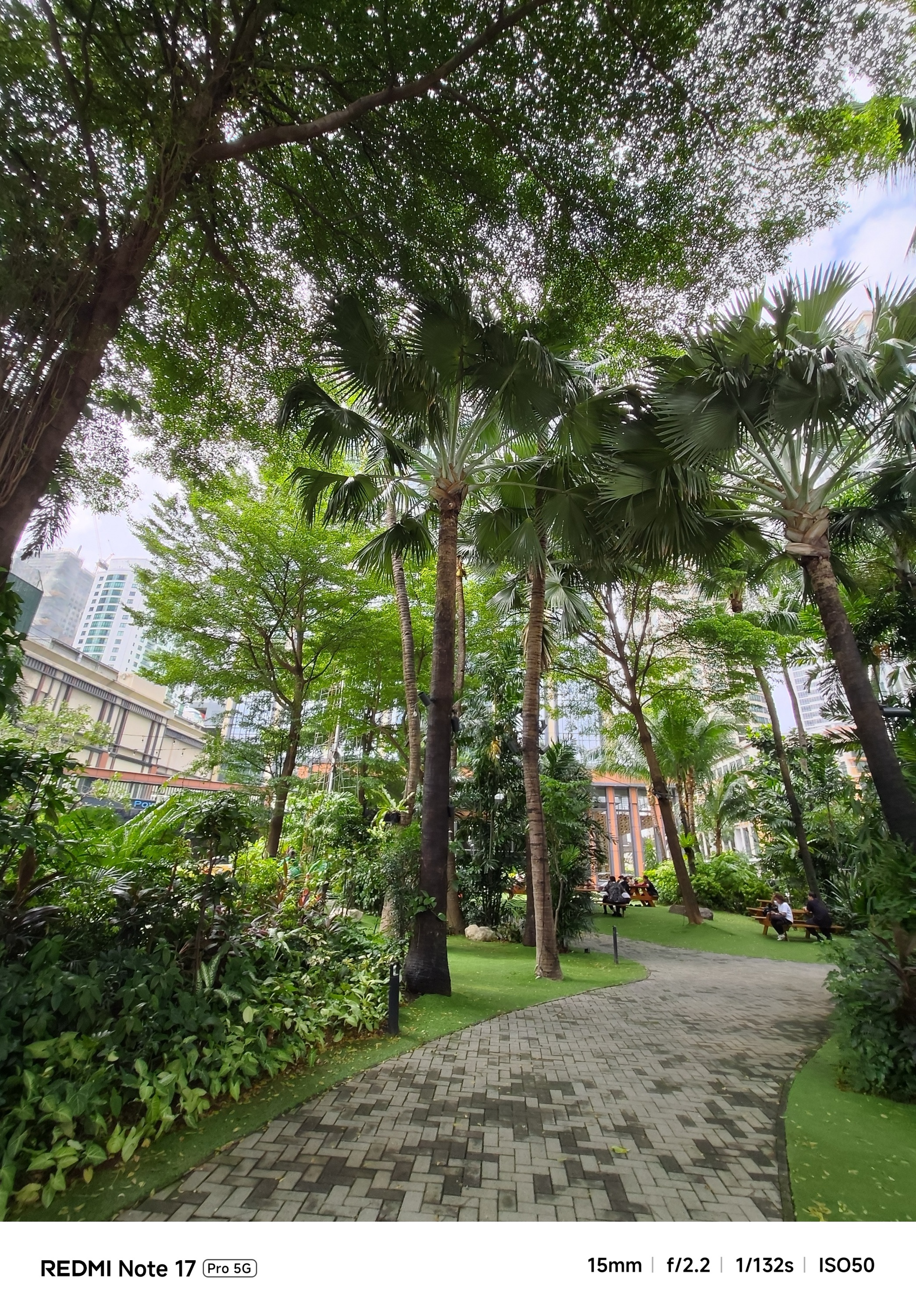
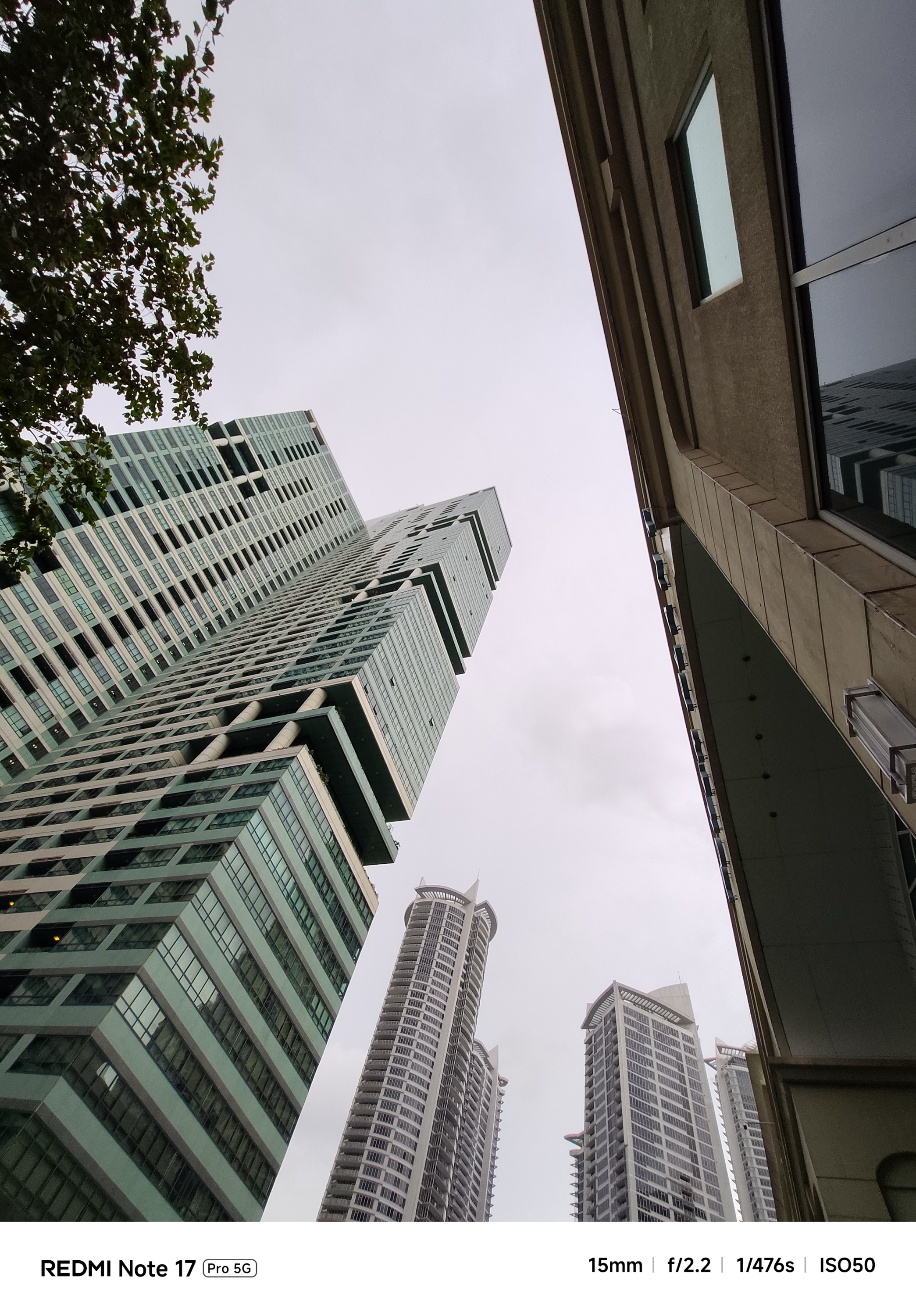
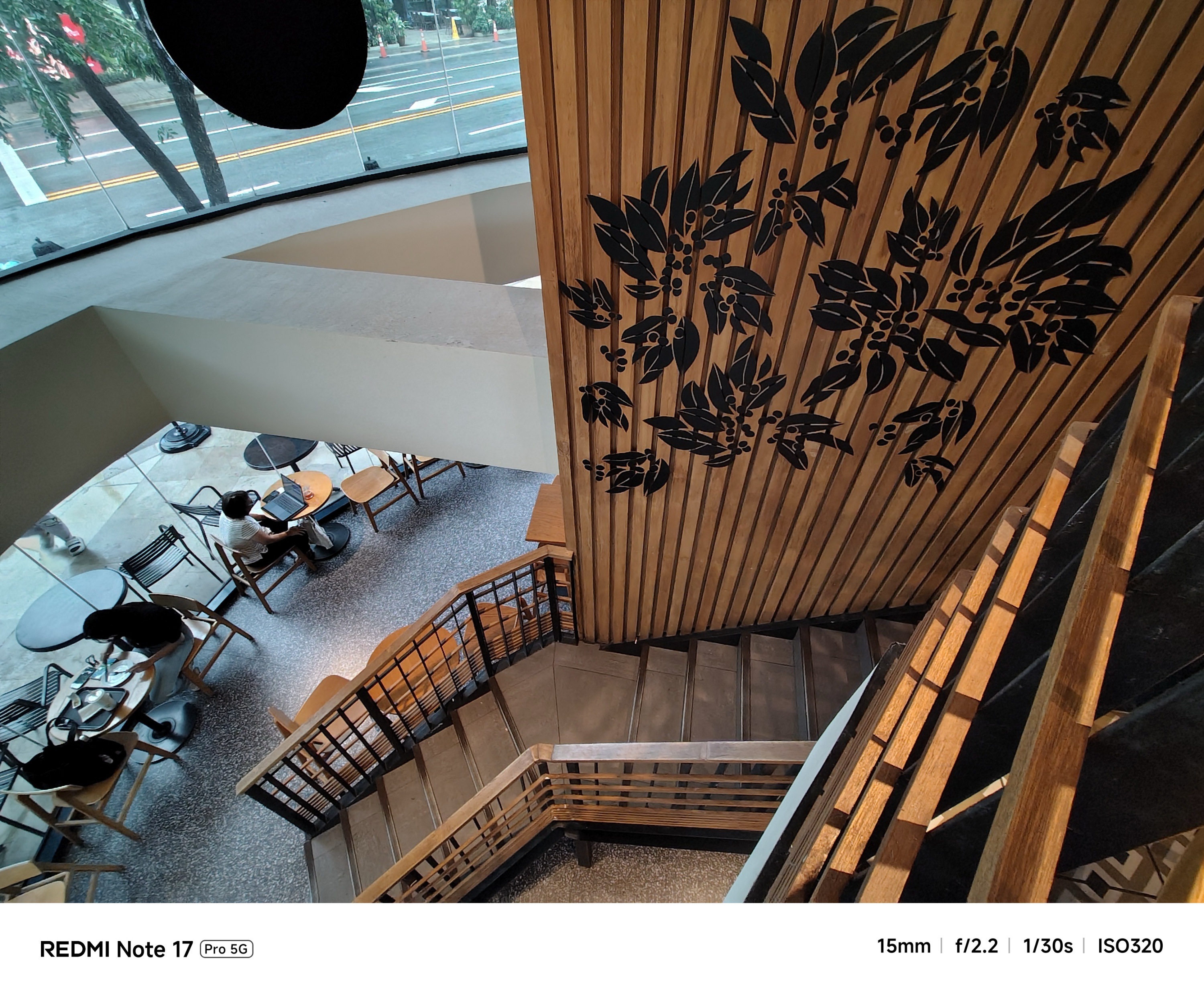
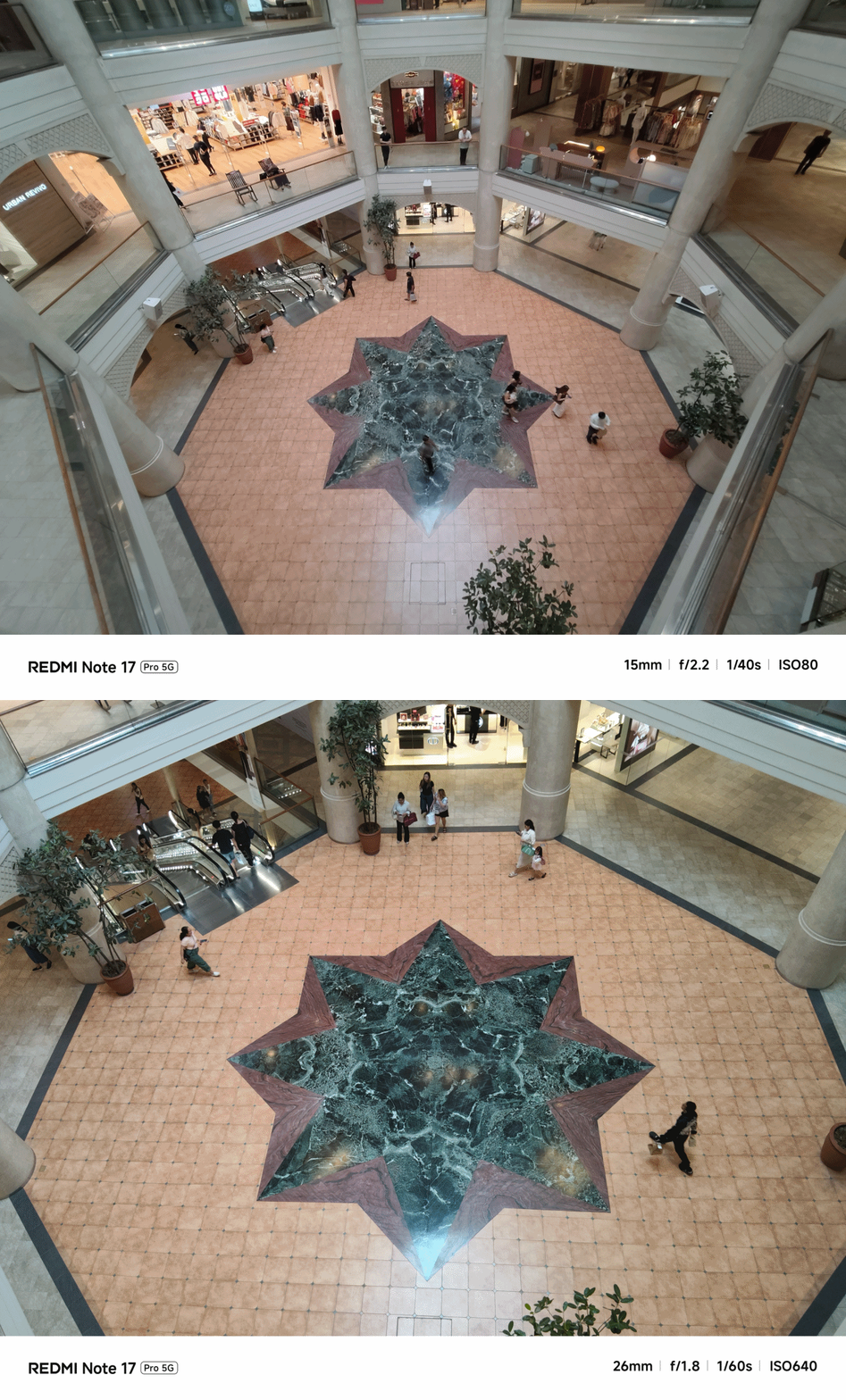
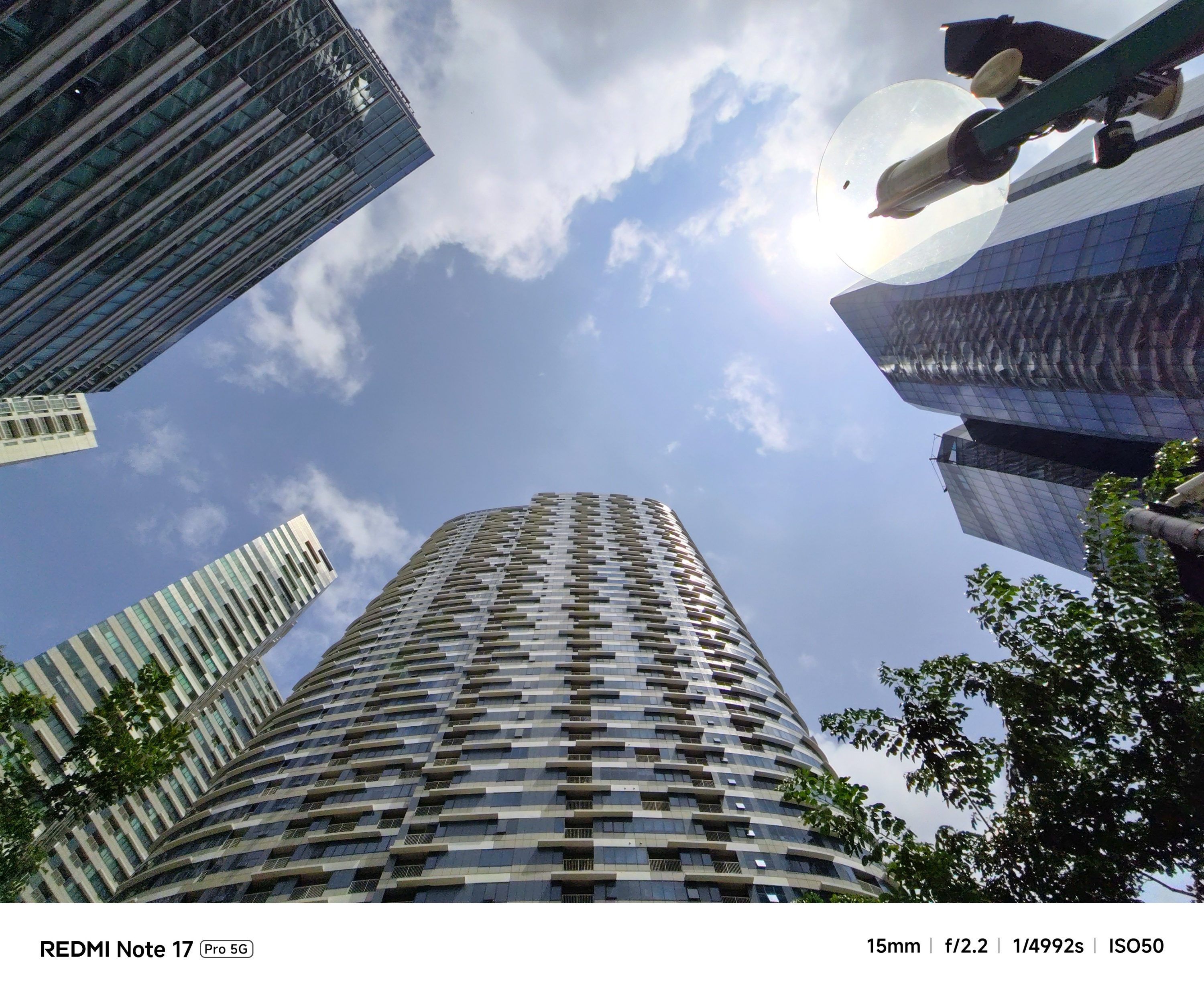
Going beyond 2x zoom? Don’t get your hopes too high.
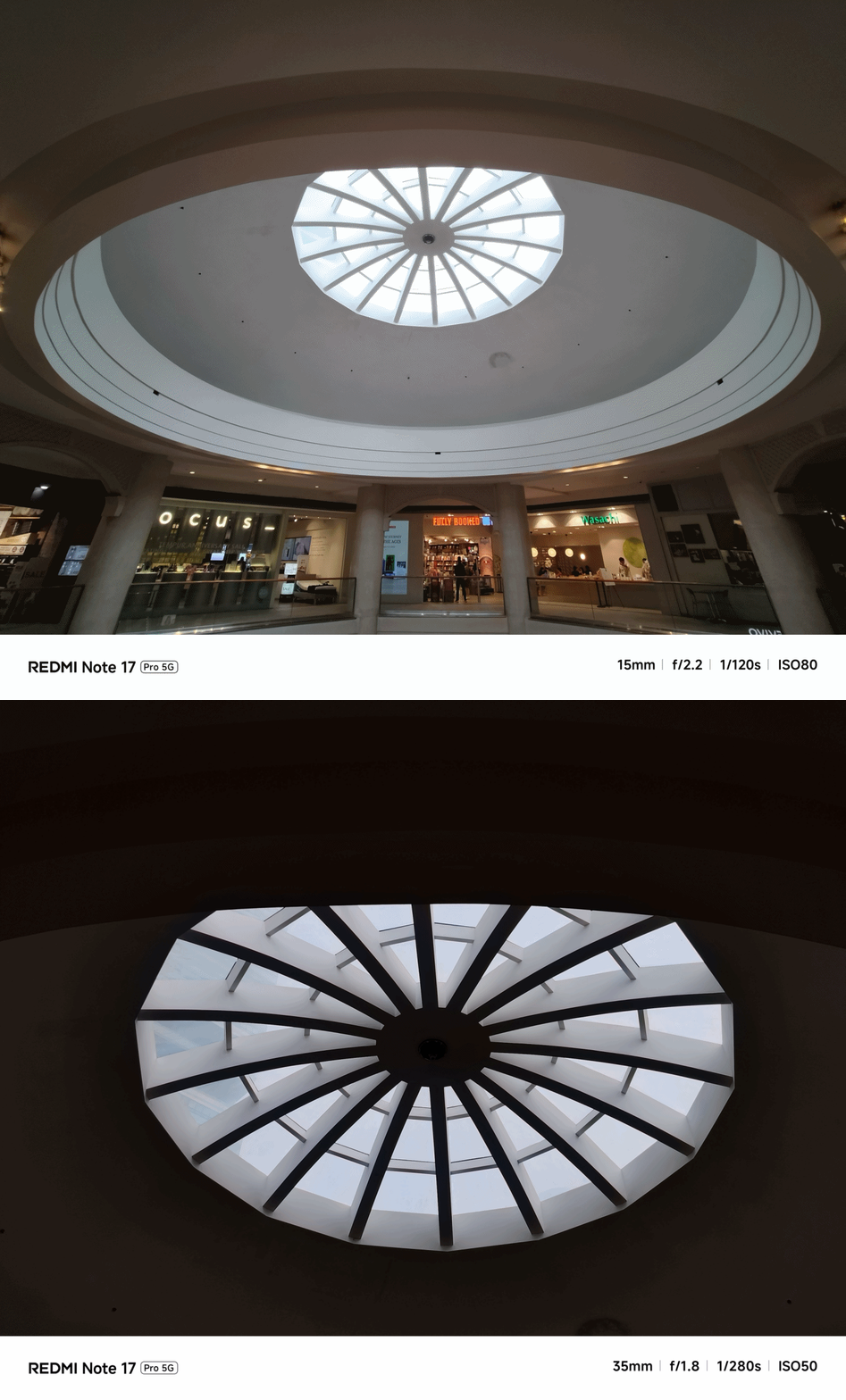
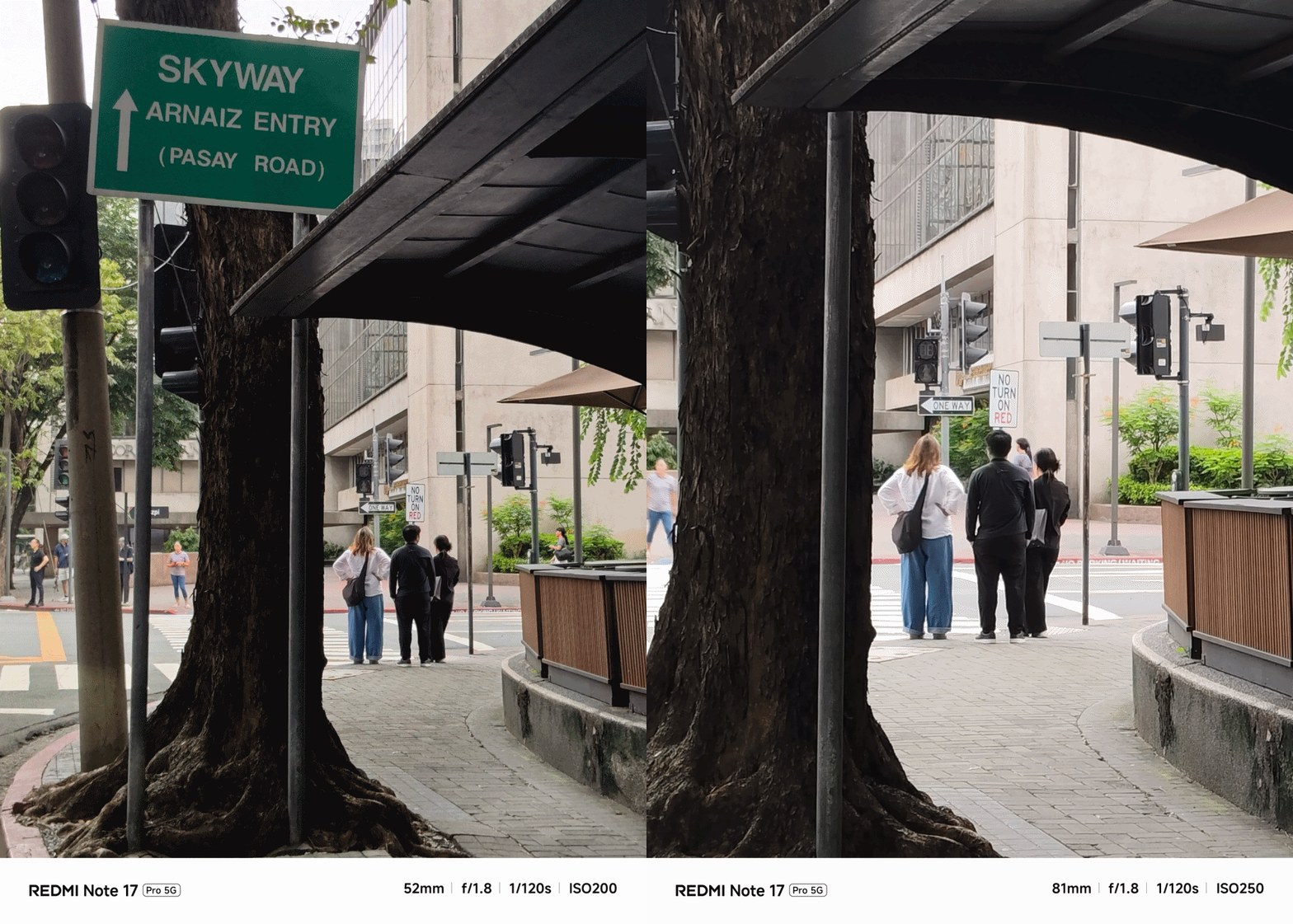
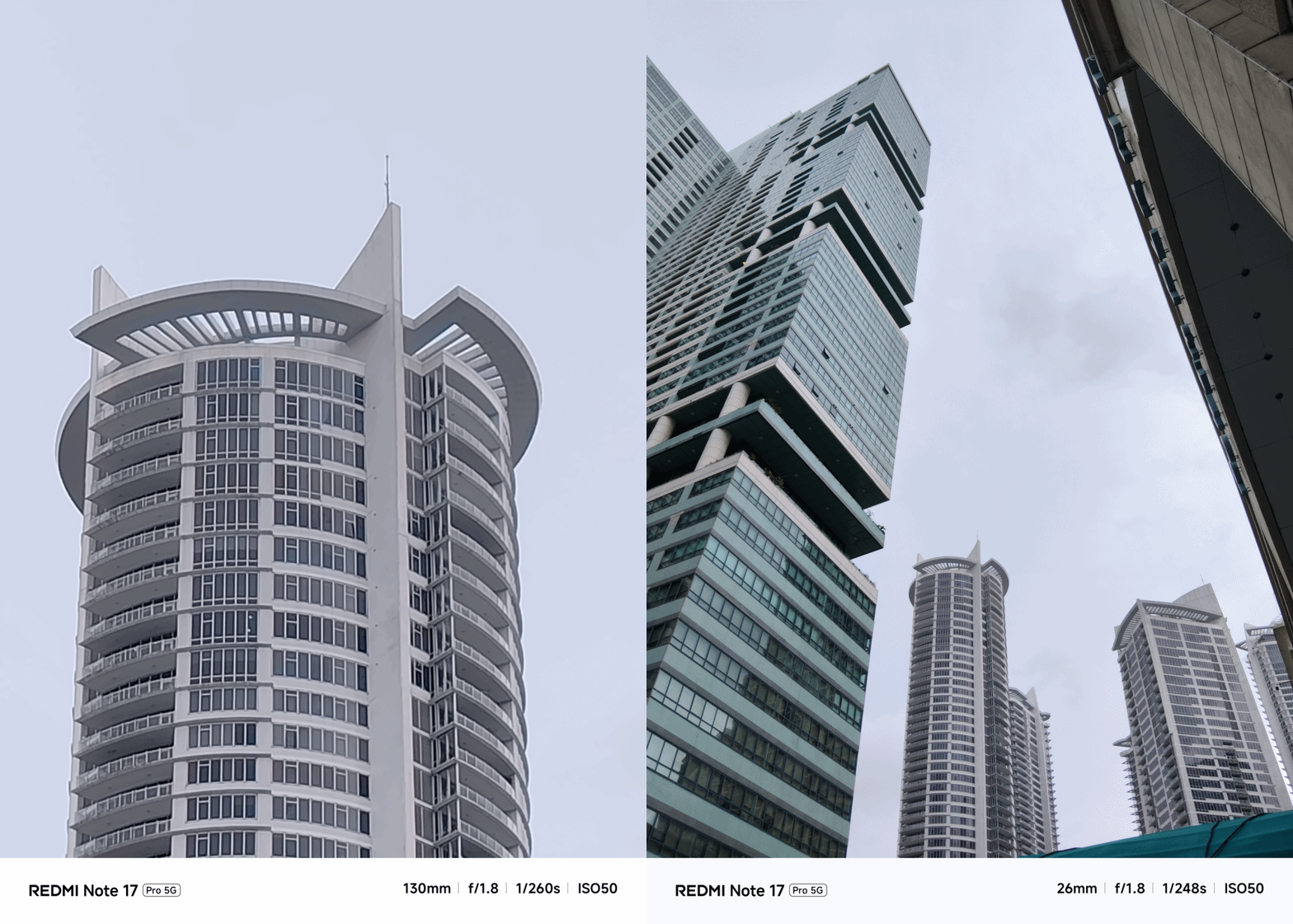
Even with the presence of AI algorithms, the smaller sensor size of the main camera cannot truly compensate that final image quality.
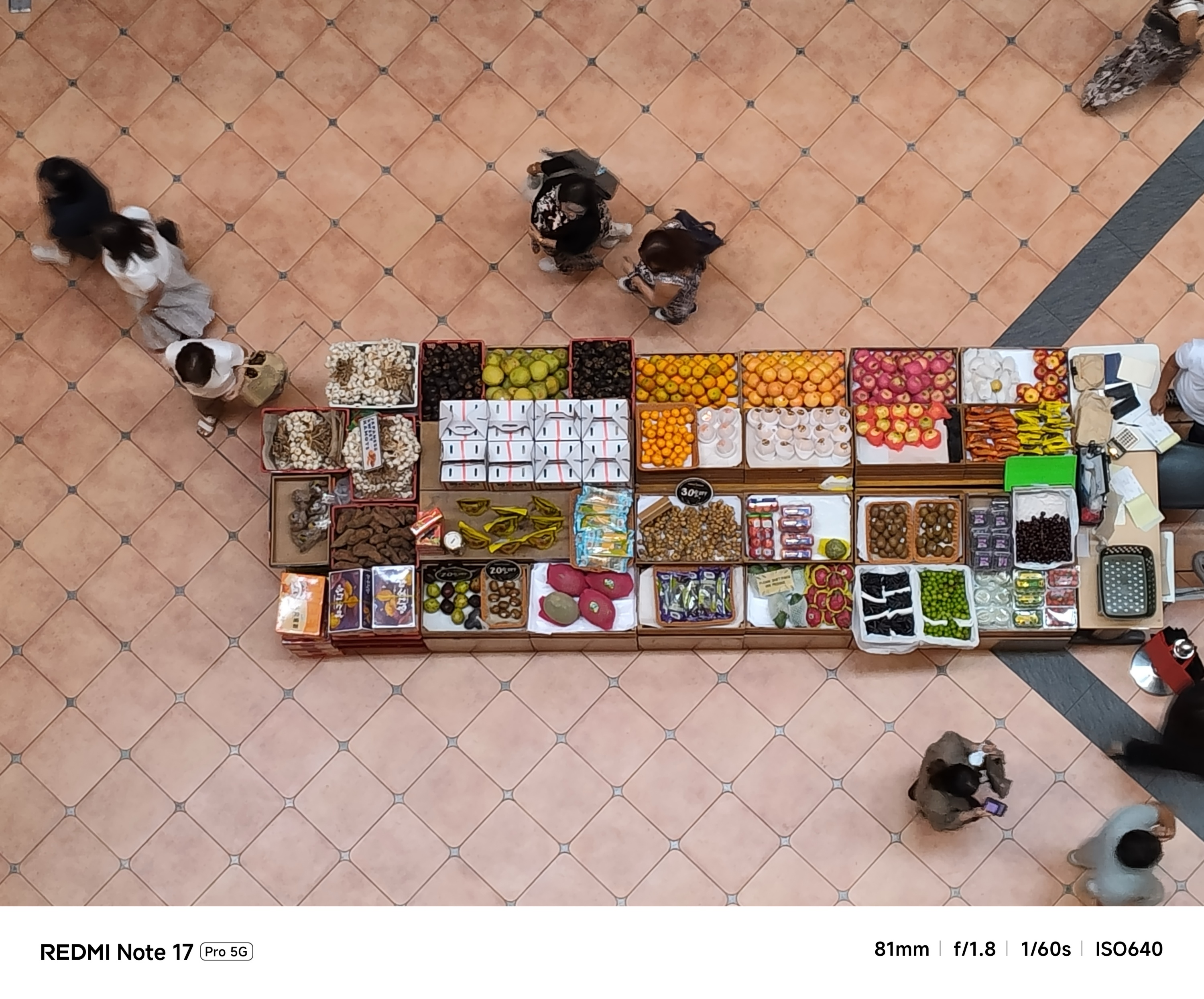
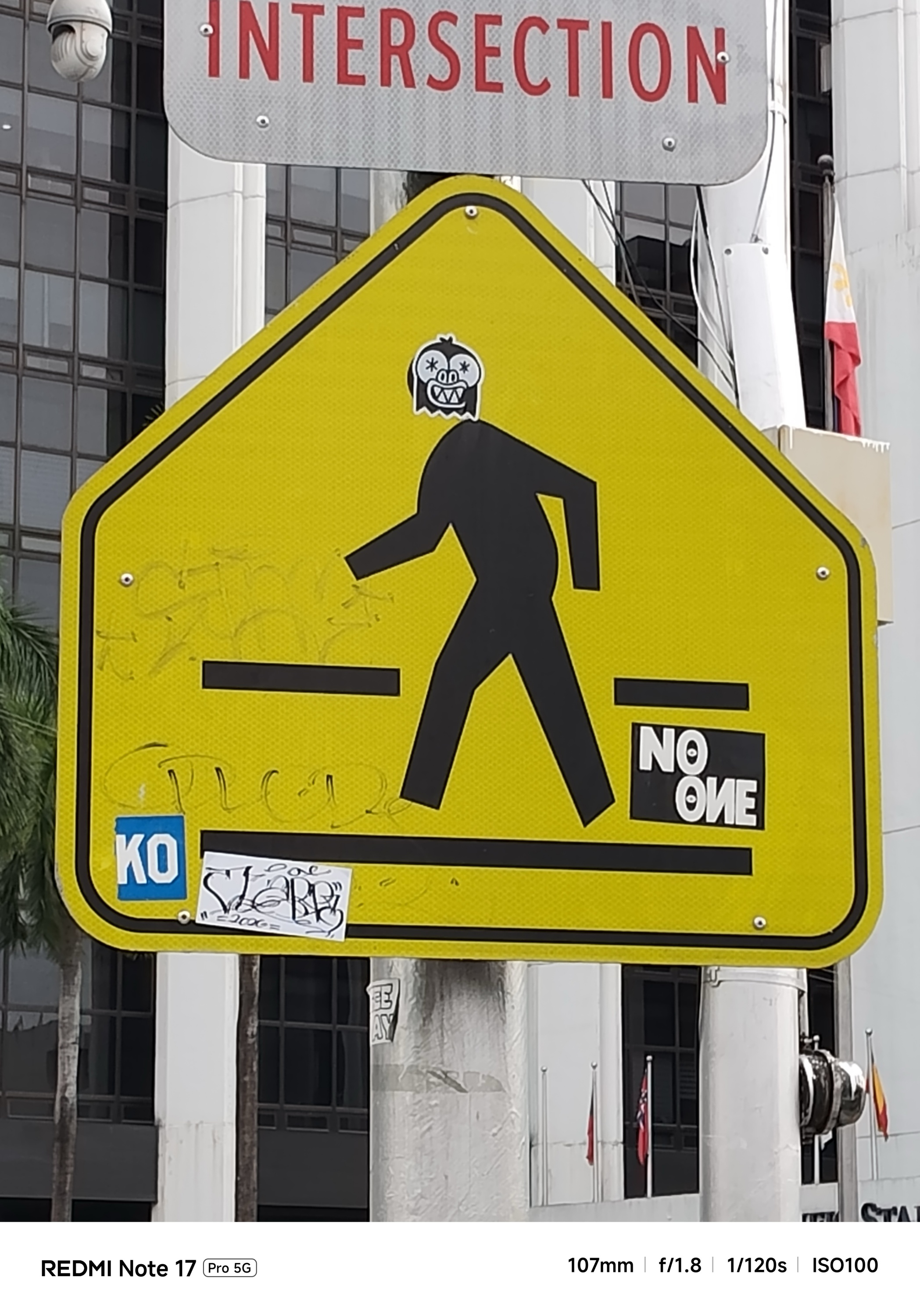
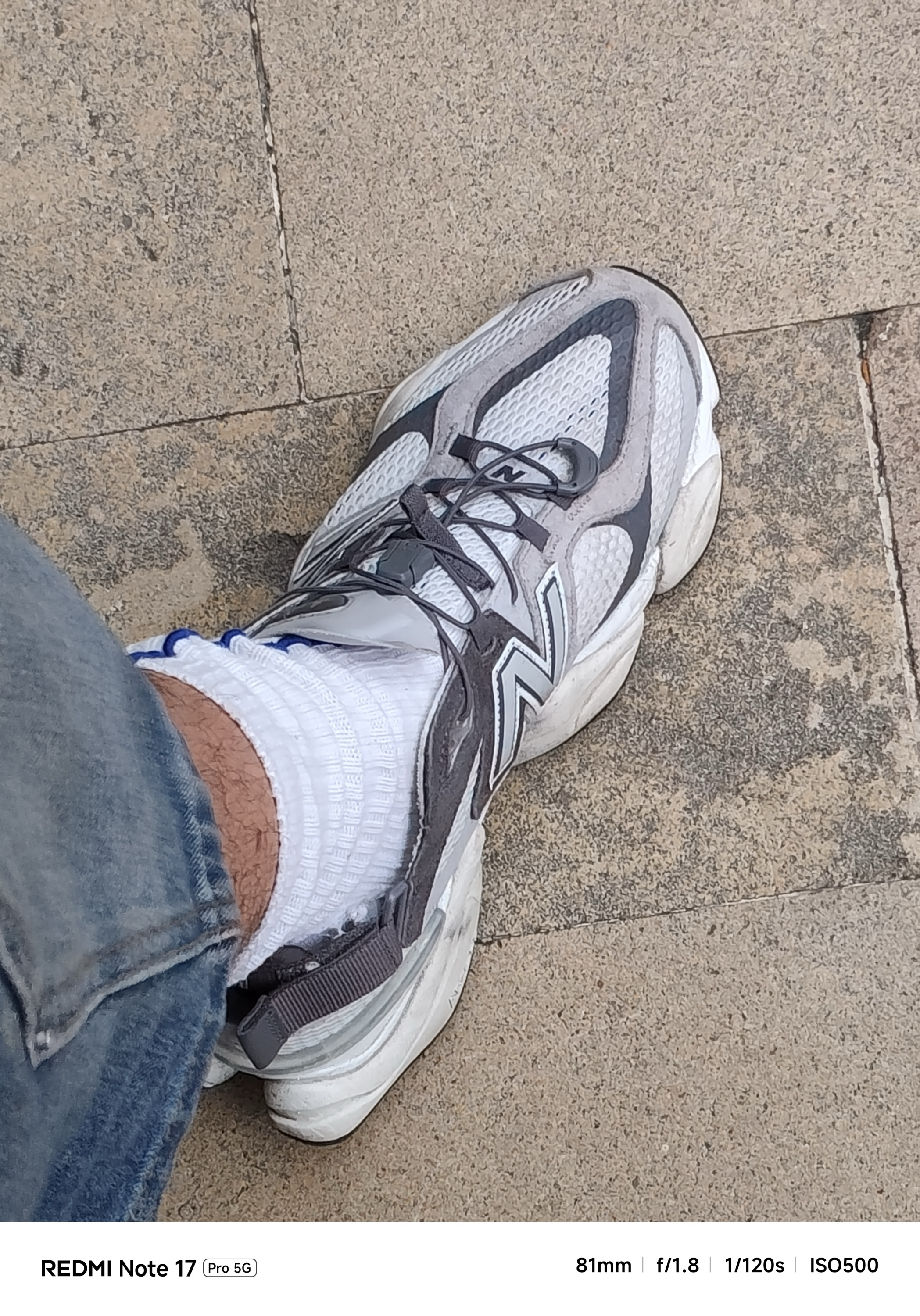
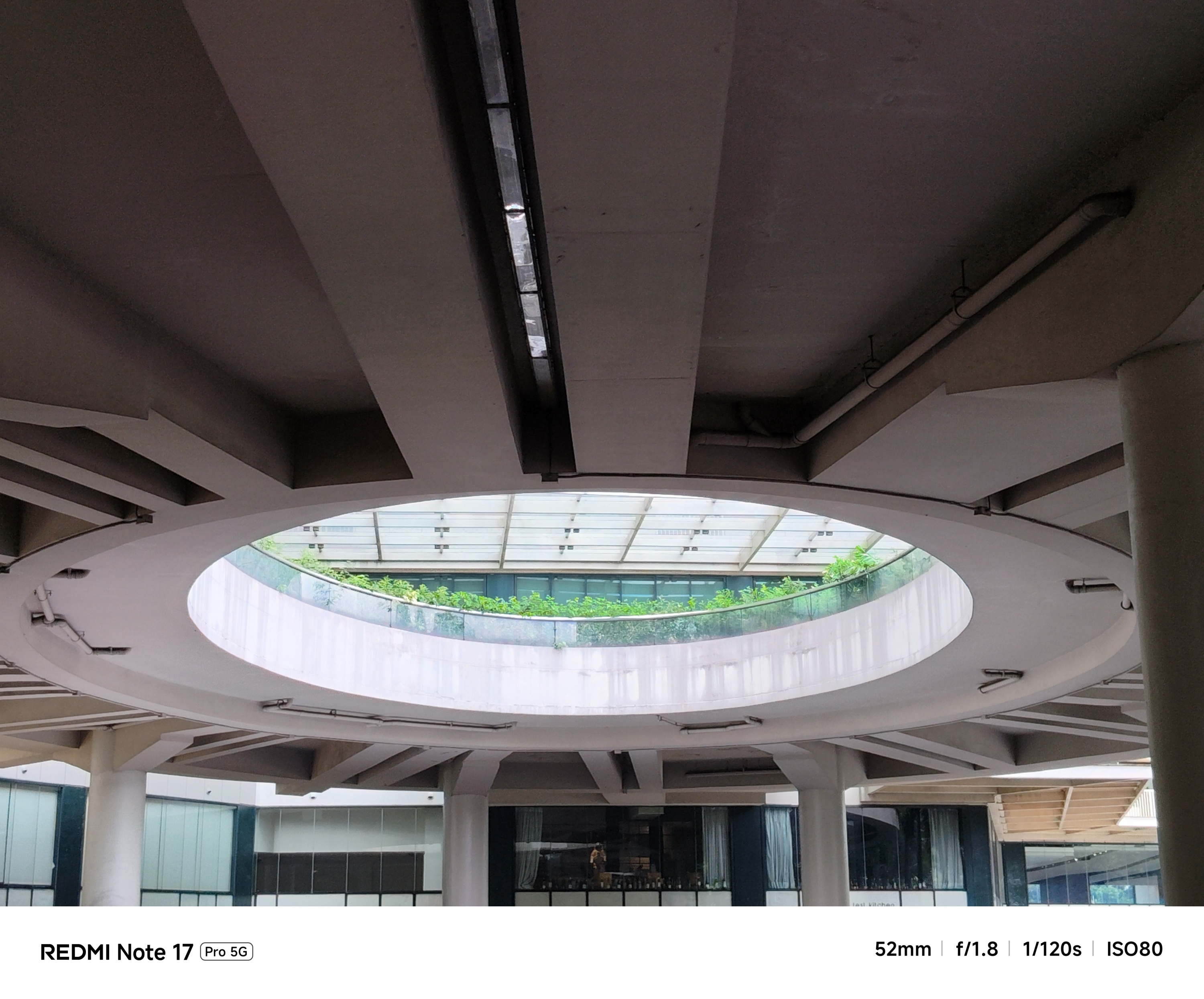
Again, manage your expectations if you’re eye-ing to rock this product.

Although selfies look natural as it can be, the bad news is that, it also got downsized from 20MP f/2.2 to a 16MP f/2.4 shooter.
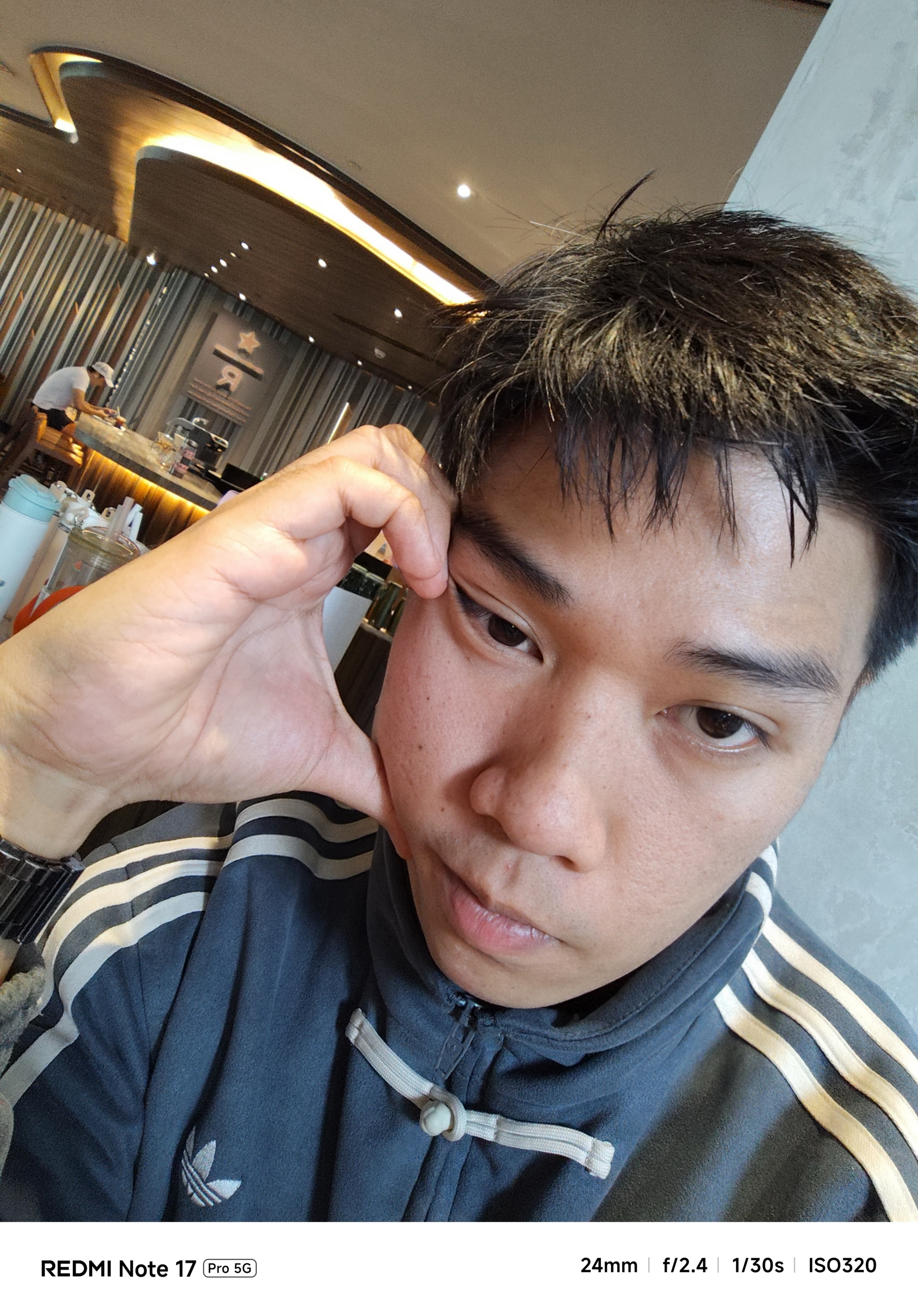
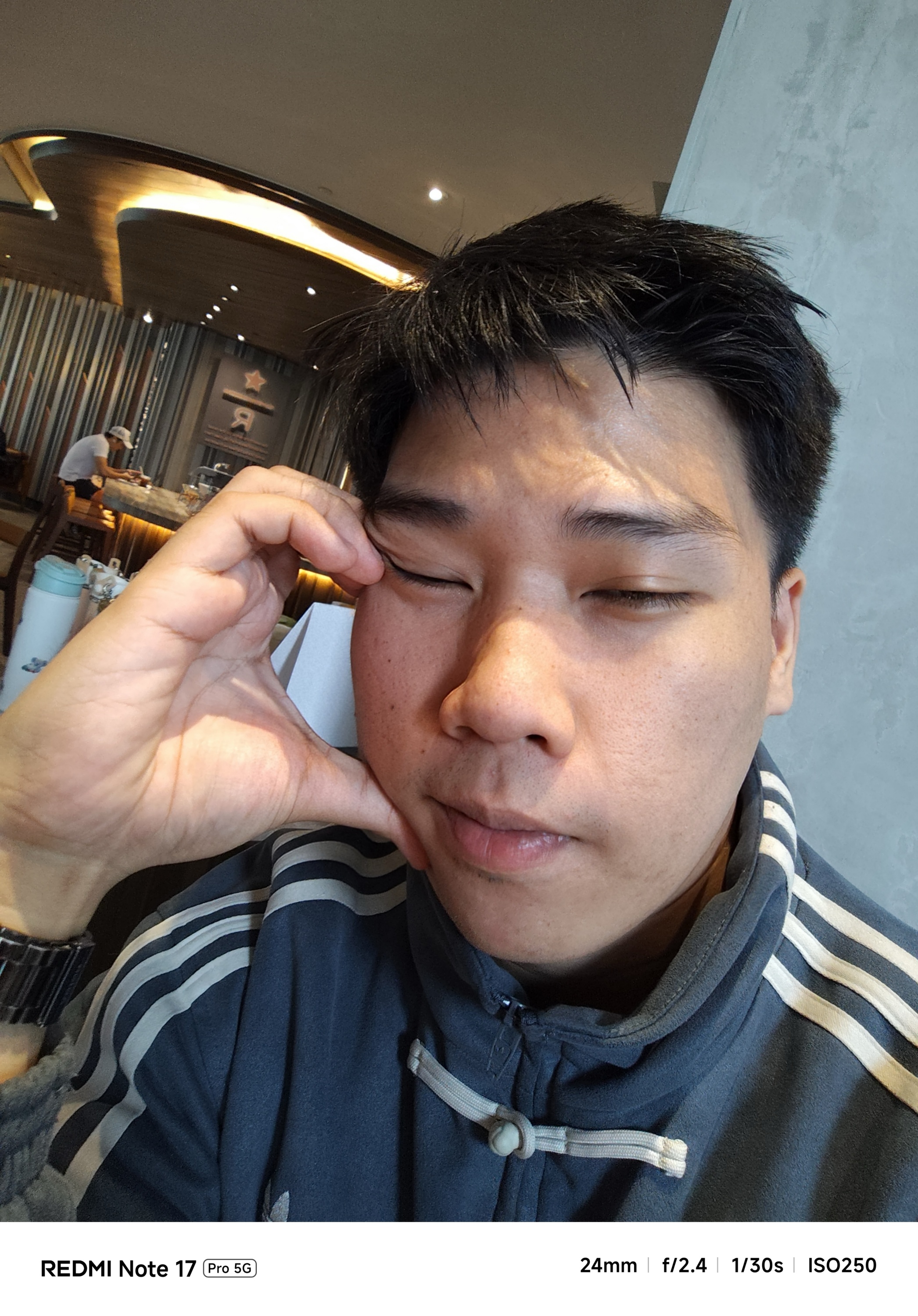
What a way to end this rollercoaster ride.
Is the REDMI Note 17 Pro your GadgetMatch?
The REDMI Note 17 Pro itself is like any rollercoaster ride. Some may love the adrenaline rush. Others just tried the thrills and will never ever come back again.
Putting our matchmaking magic into context, the REDMI Note 17 Pro is a Swipe Left for most things considered. From its massive design change, slightly-downgraded chipset, and a main camera shooter that also took a downfall.
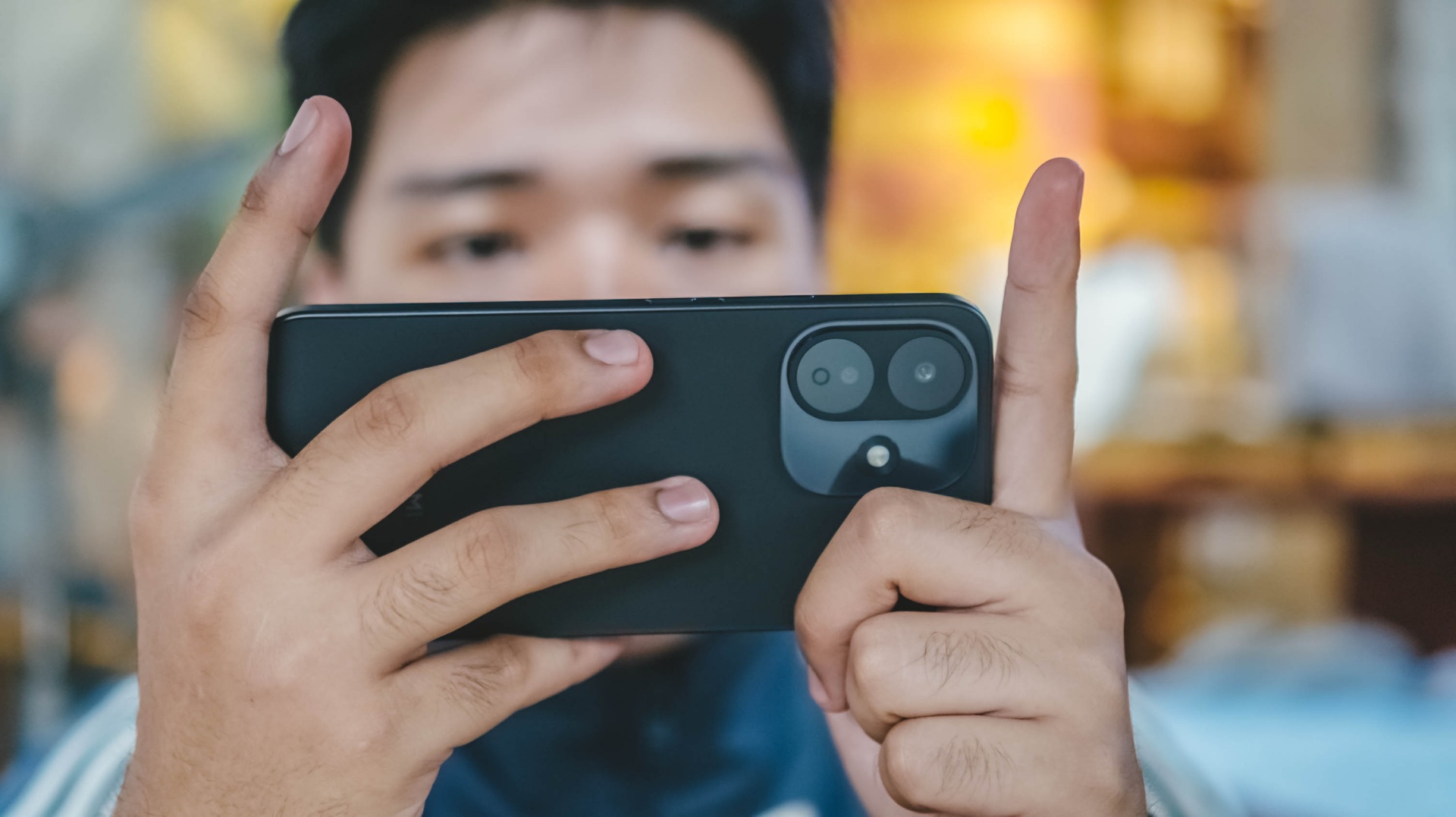
But, if you heavily consider battery life and faster charging over anything else, the REDMI Note 17 Pro is a soft Swipe Right.
Personally, I can attest how its long-lasting endurance made me worry less about being near in any plug outlet. Also, the carefree mindset of not always having to bring bulky power banks with me whenever I’m out for a day.
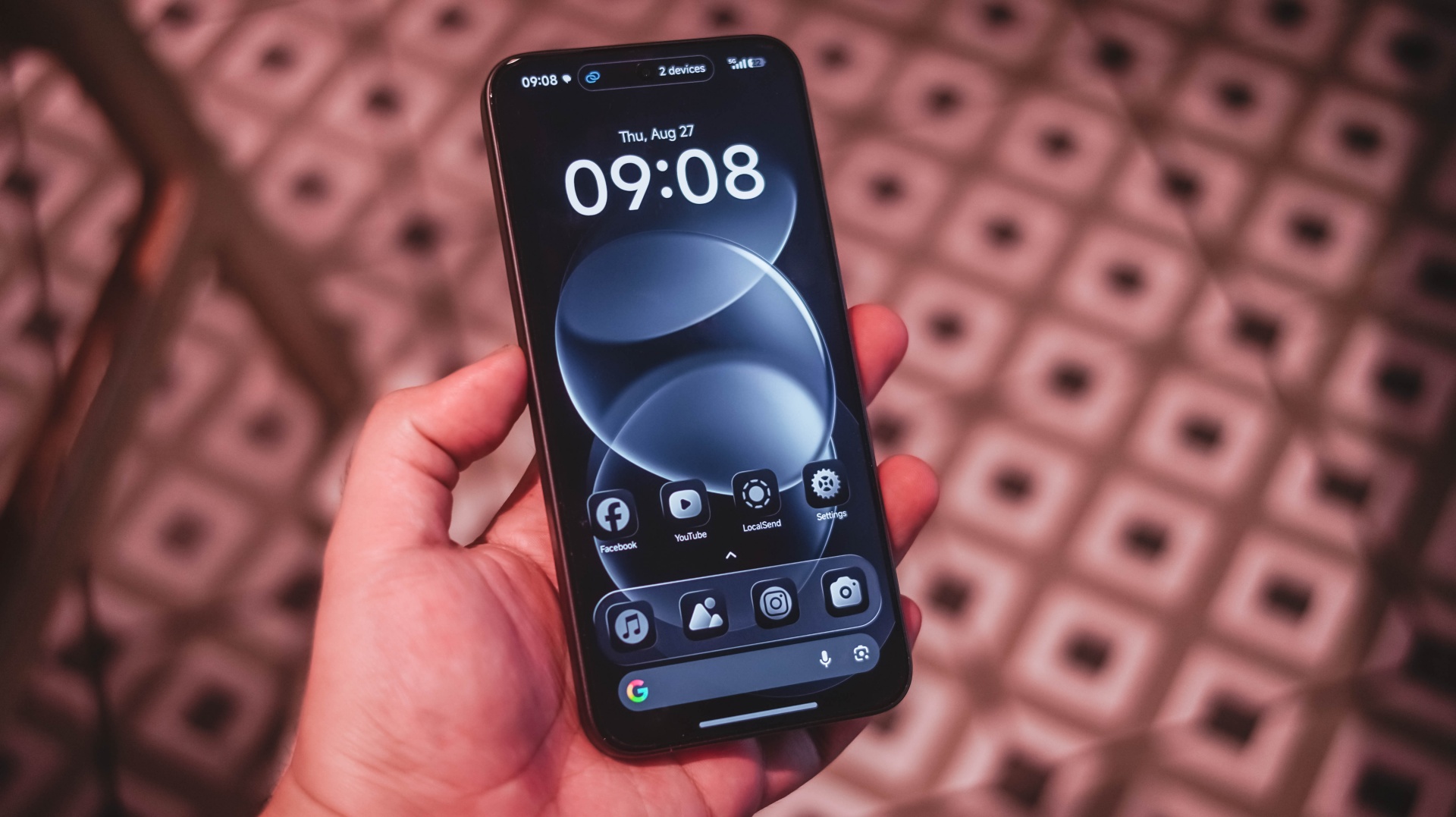
Moreover, that dazzling display paired with powerful audio are perfect complement to that boost in battery capacity — especially for any power user like me and you.
Now, with a base price of US$ 399 / SG$ 599, it’s a ride or die situation for REDMI and its existing community.
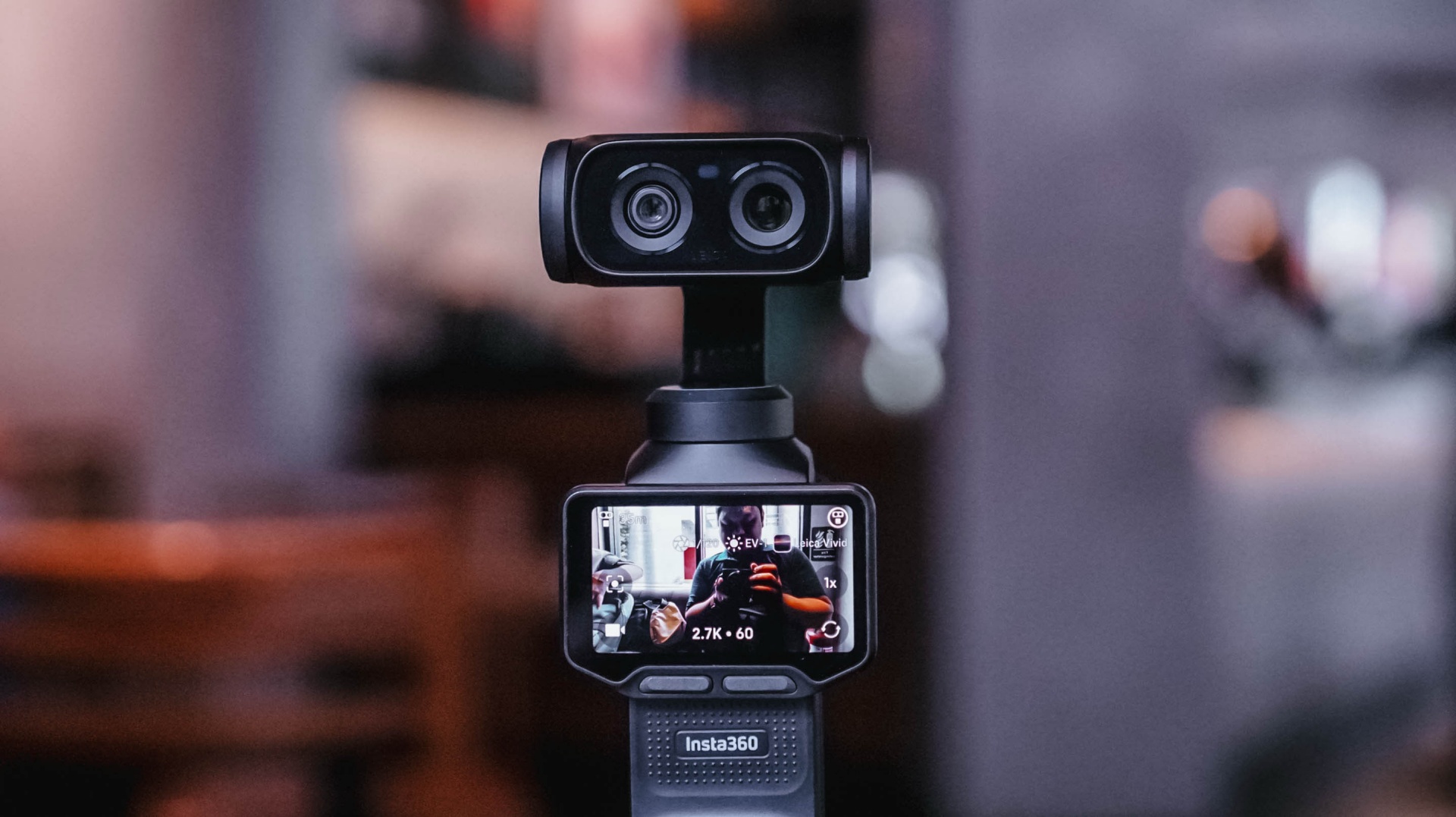
I’ve been using the Sony a6500 with a 35mm f/1.8 lens for the past six or seven years. There’s a certain level of comfort and familiarity that comes with using the same camera for that long. My workflow with it is automatic at this point.
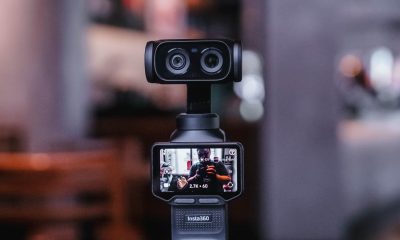
That’s why it took some time for me to get comfortable with the Insta360 Luna Ultra.
I wasn’t familiar with using a gimbal camera. When I first started using the Luna Ultra, it felt awkward. I was also trying to figure out too many things at once.
But after several weeks of using it for different kinds of coverage, I’ve reached a point where I’m comfortable leaving my old reliable behind, especially when my priority is making Reels.
And it was my most recent overseas work trip to Shenzhen, China, where I finally realized that.
Finding my footing
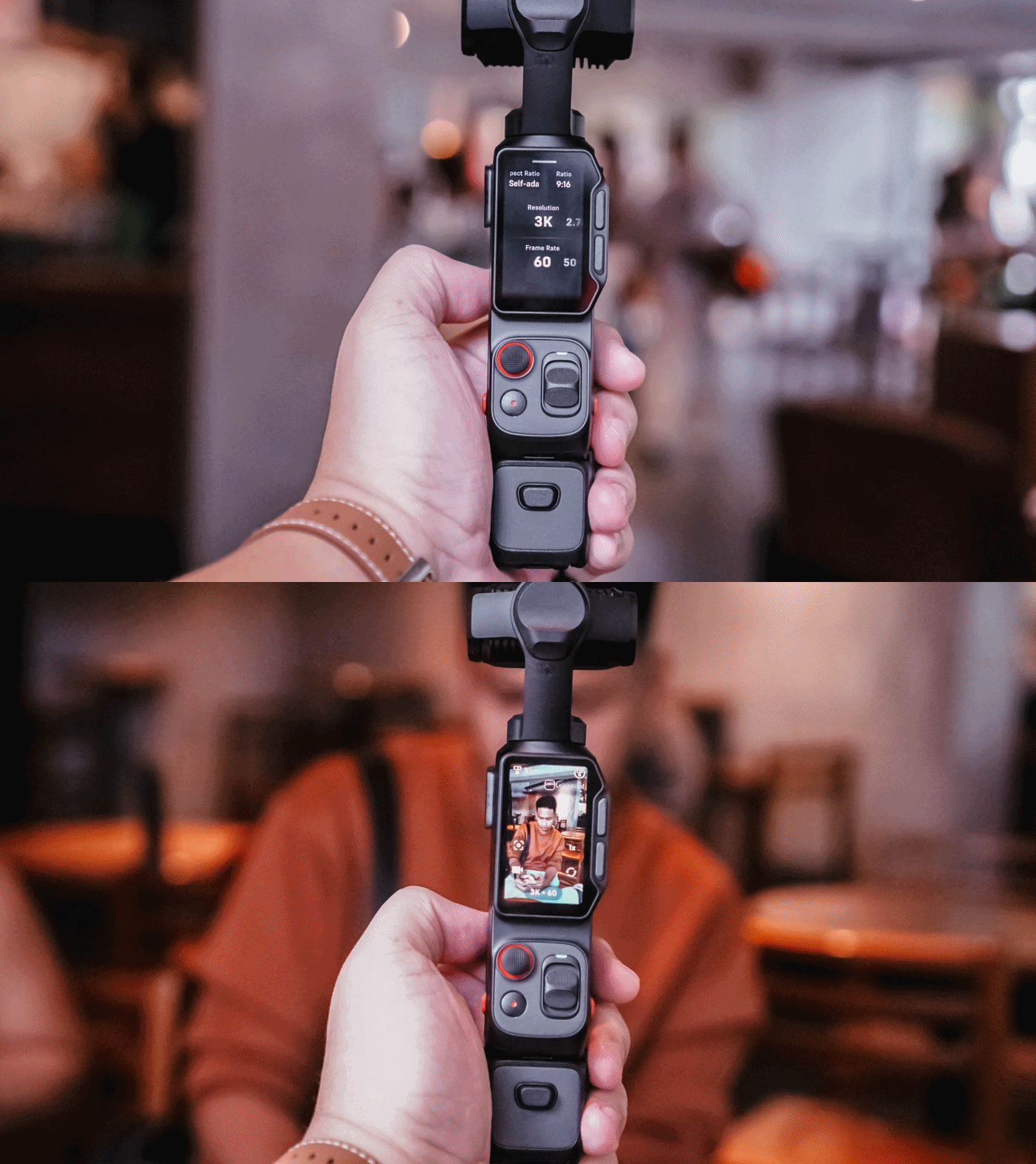
I brought the Insta360 Luna Ultra to three events almost immediately: Samsung Vision AI, the TCL A400 Art Launch, and an ROG event.
That first week was really experimental. I was trying out multiple features of the device for this review. I tried shooting horizontally because it seemed like that’s what the Luna Ultra was made for.
But my work over the past few years has focused heavily on vertical short-form video, so that contributed to the awkward feeling.
I also defaulted to PureVideo after a while because I tend to shoot in really not-well-lit locations. The colors look good as is, anyway.
I experimented with I-LOG, too. That taught me that it should probably be reserved for actual experimental outputs, rather than anything tied to a deadline. Our workflow is built for speed with quality, and I-LOG adds another step that isn’t always necessary for the kind of news-oriented Reels we make.
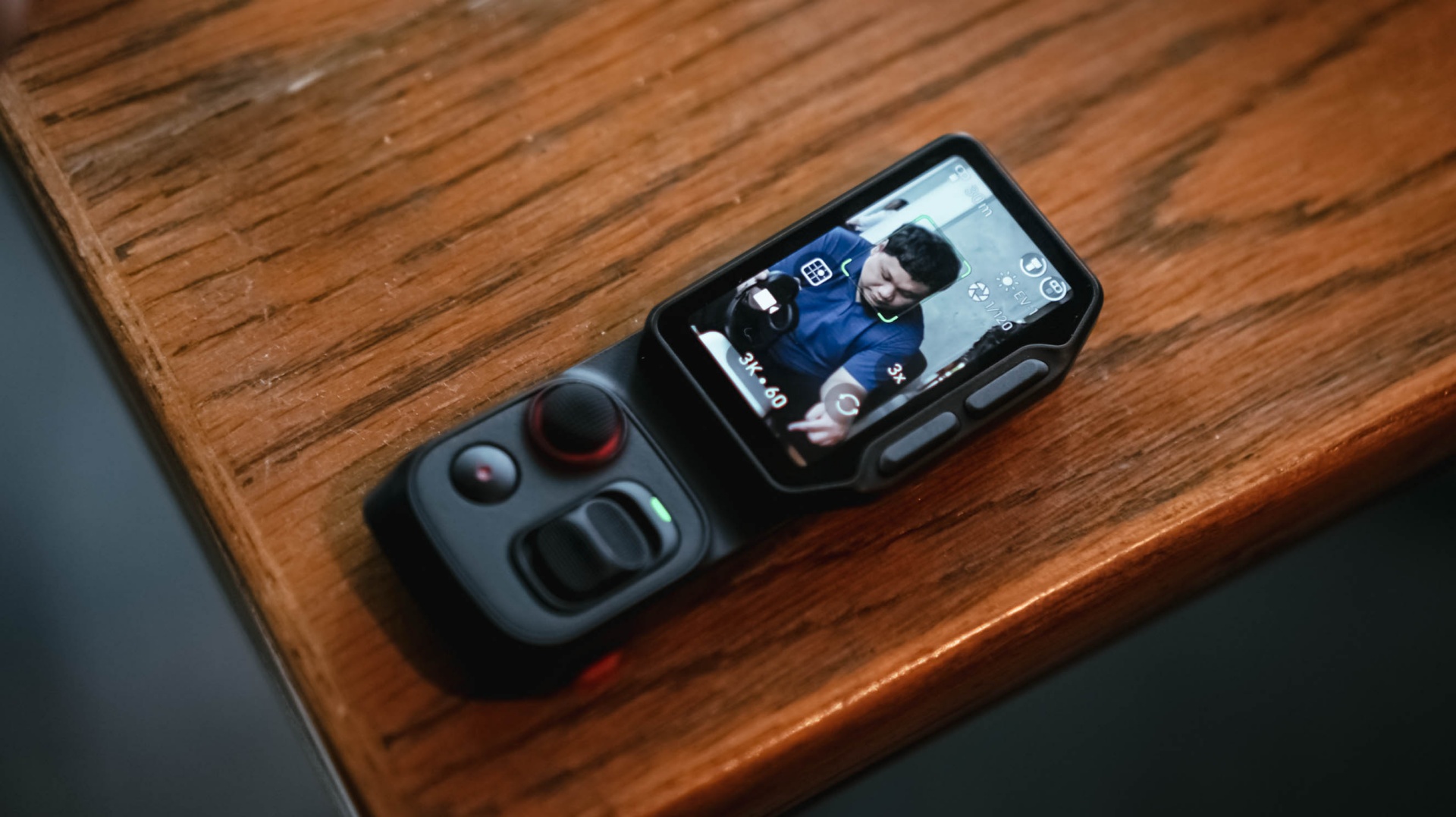
The detachable controller, meanwhile, was a godsend when I’m shooting by myself and want the Luna Ultra to be at a distance. I still had the preview and controls nearby, and that was extremely helpful.
The biggest thing I learned during that first week was that I was trying to speed-run through all of the features instead of figuring out which ones actually made sense for the Reels I needed to make.
It was only when I decided what I actually needed for each coverage that the Luna Ultra really clicked with me.
@gadgetmatchThe best way to test a creator camera? Use it while creating. We brought the Insta360 Luna Ultra to multiple media events to see how it handles real-world coverage. From low-light venues to fast-paced launches. Here’s what we learned so far. Full review coming soon. #Insta360 #LunaUltra♬ original sound – GadgetMatch
Getting more comfortable
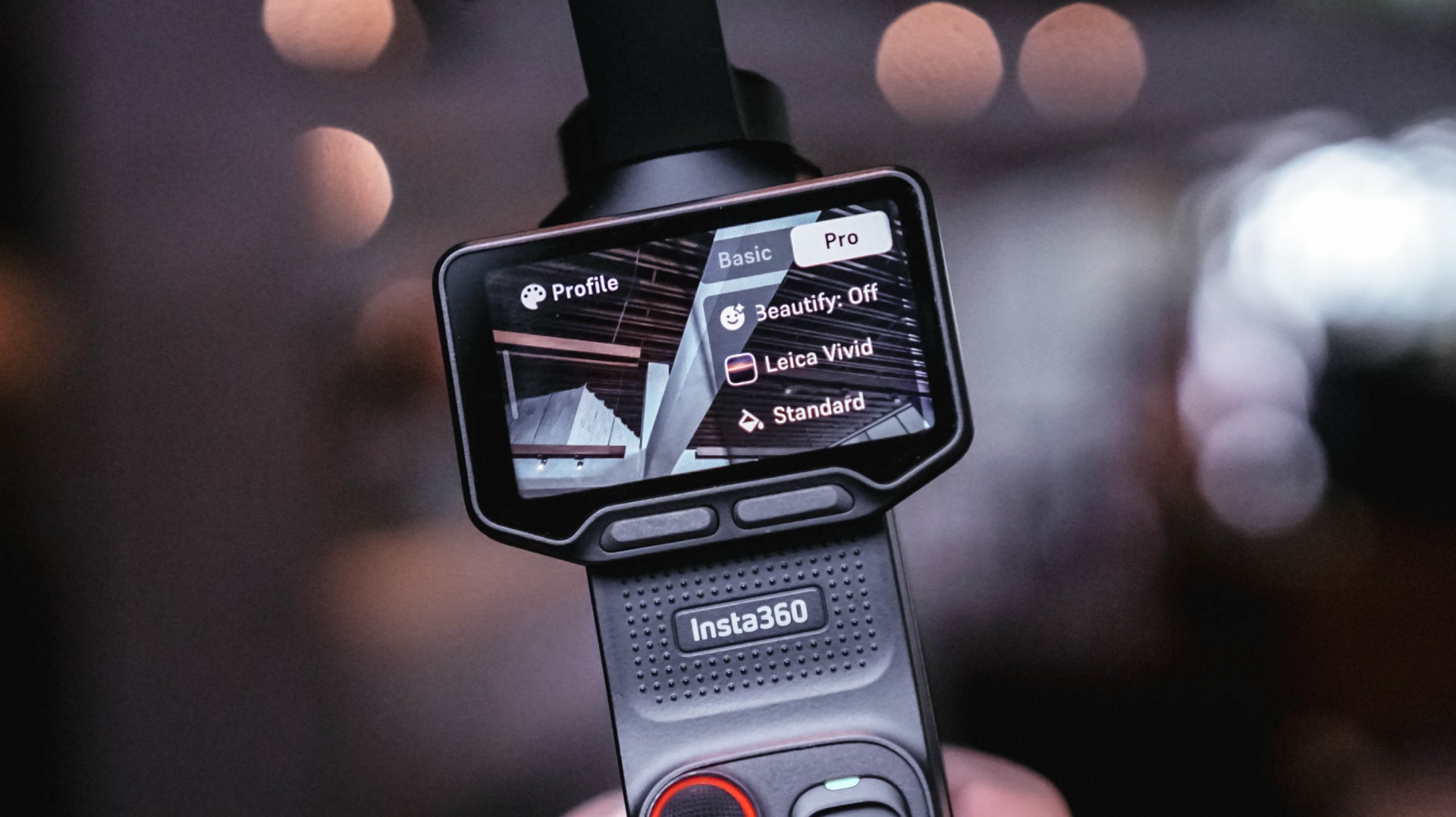
Most of the learning curve came down to overall usage and figuring out how I could maximize the camera.
There’s still plenty that I don’t know about the Luna Ultra. There are camera tricks and shots that can certainly elevate some of my footage. But I’ve decided to lock in on how it’s useful to me during fast-paced coverage and slowly unlock its capabilities as I spend more time with it.
Getting reps with a device is the best way to become familiar and comfortable with it.
For now, I can say I’ve found my preferred base settings that cover most of my needs. The next goal is to slowly level up, learn its capabilities more, and figure out how I can apply them to the Reels I make.
That process continued outside of traditional tech events.
Putting it to work
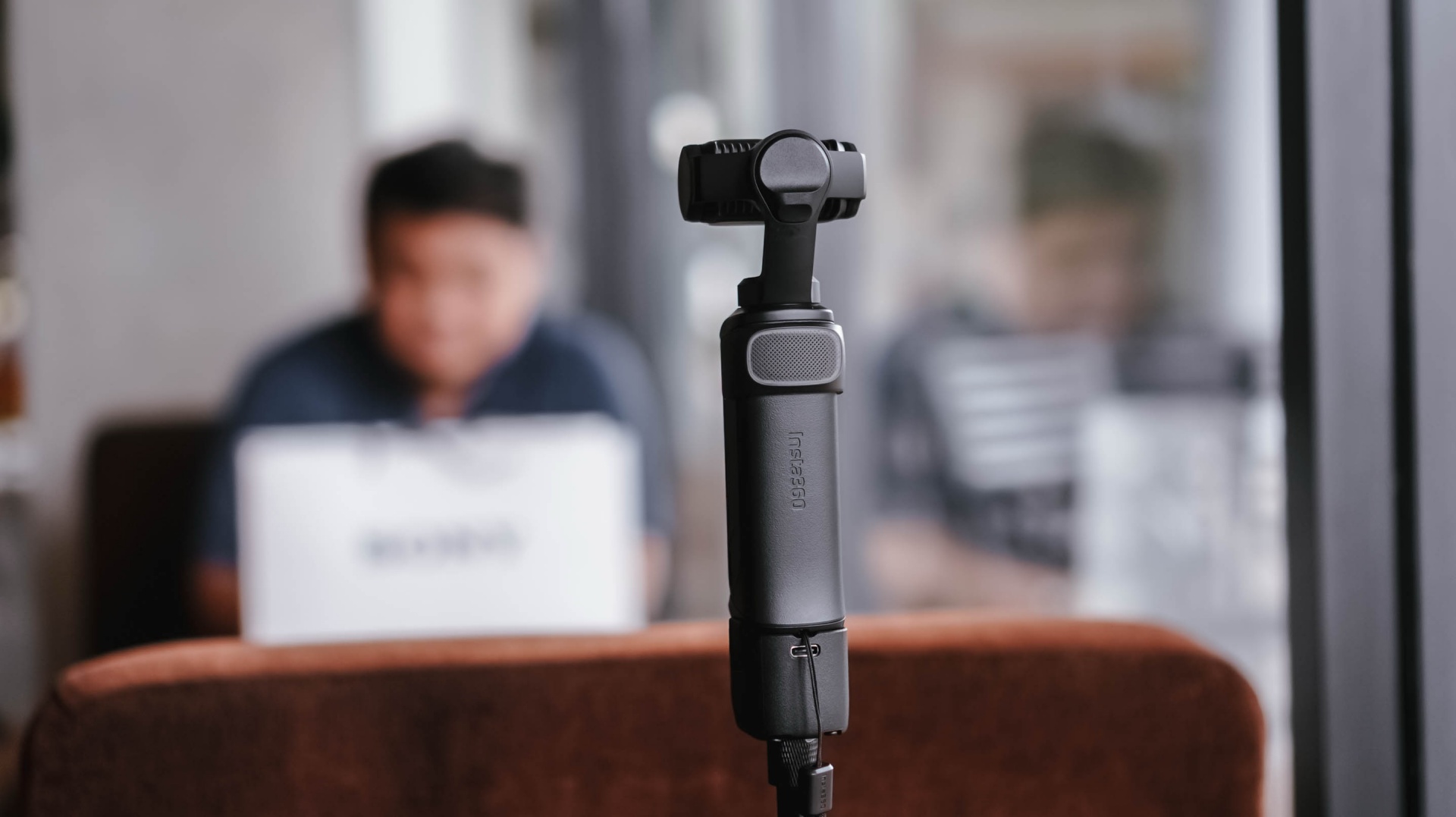
I brought the Insta360 Luna Ultra to a pottery session arranged by Shokz. It was a completely different kind of environment from the launches and media events I usually cover.
For the most part, I just set it up, pointed it at me, and let it roll.
My hands were busy, so I found myself wishing it had a way to automate certain capture features. Hands-free controls would be useful, for example. I’d also love an option to automatically record 30-second clips at a time for a set amount of time.
That would be useful when you’re shooting solo and doing an activity.
It was also around this time that I started figuring out some of the conditions necessary to get the bokeh effect I wanted.
@gadgetmatch Came for the pottery. Stayed for the vibes. 🏺 Featuring the Shokz OpenDots 2, because apparently good audio is required while discovering you have zero pottery skills. #PowerMacCenter @Power Mac Center @SHOKZ ♬ original sound – GadgetMatch
While unboxing the Shokz OpenDots 2 right before the pottery session, I got a sense of the distance needed when using 1x zoom to get that bokeh effect. Not long after, I also figured out the conditions necessary to get that effect with 3x zoom.
That was crucial for the mostly product-focused stuff that I shoot.
The more I used the Luna Ultra, the more I started understanding not just what it could do, but what I could realistically ask it to do during my work.
Then came the real test.
Shenzhen was the turning point
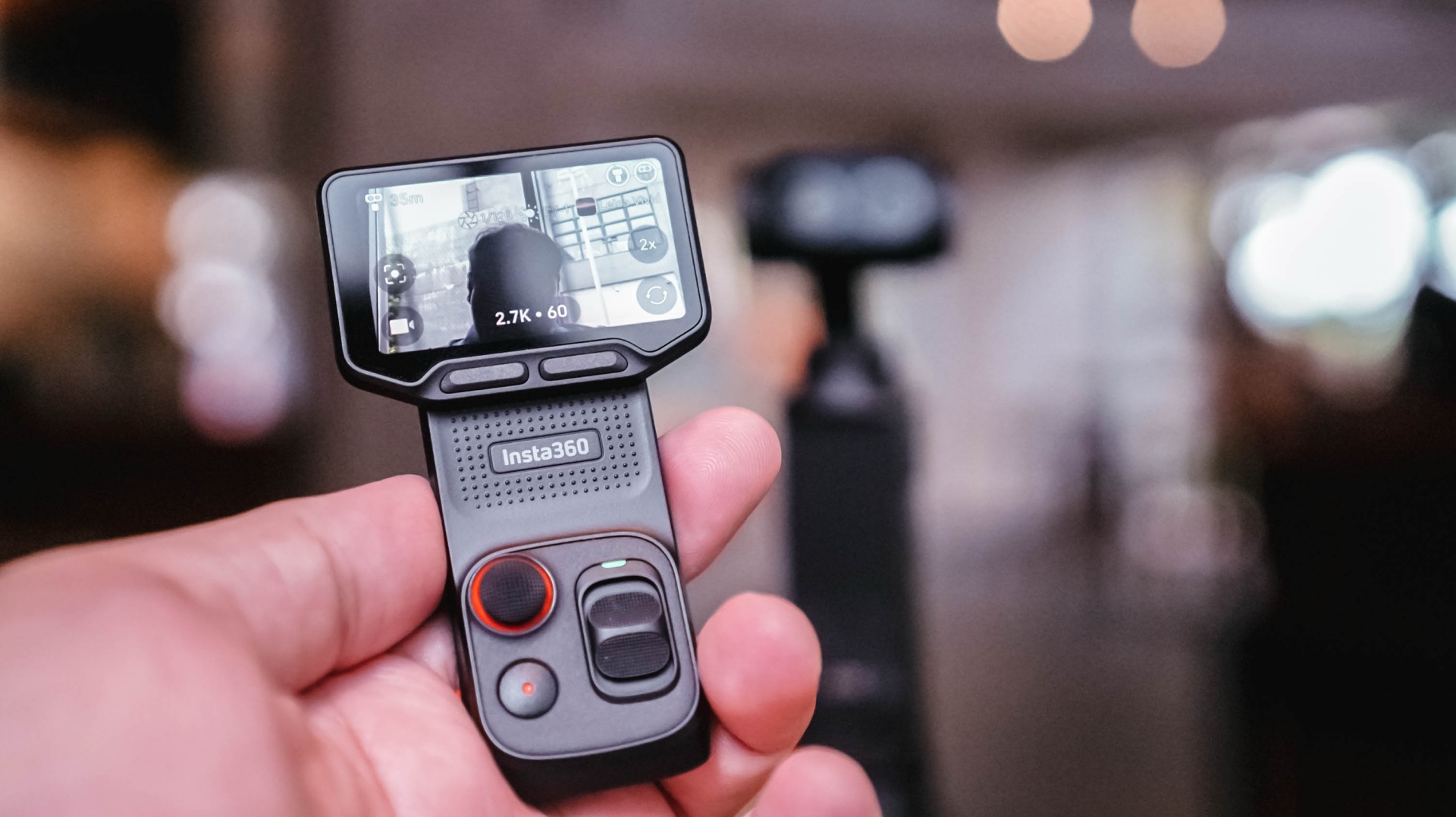
When I went to Shenzhen, China, to cover the launch of the HONOR Robot Phone, I didn’t have my old reliables as a crutch.
It was a make-it-or-break-it situation.
I needed to get as many product shots as possible. I had to show the design of the phone, its mechanical gimbal camera, and what it was like to shoot with it.
And the Luna Ultra was very capable.
The real issue was my unfamiliarity with it.
Once I figured out the settings I needed and narrowed down the shots I had to take, everything flowed rather smoothly.
@gadgetmatch HONOR Robot Phone 🤖📱 ✅ 4DoF mechanical gimbal ✅ 200MP Agile Gimbal Main Camera ✅ 200MP periscope telephoto camera ✅10-bit ARRI LogC3 recording ✅ 50MP ultra-wide camera ✅ Snapdragon 8 Elite Gen 5 Mobile Platform ✅ 7,060mAh silicon-carbon battery #HONORRobotPhone @honorglobal ♬ original sound – GadgetMatch
Some of it still felt unnatural because I’m used to using my camera for both photo and video. This time, I focused on shooting video with the Luna Ultra and used a flagship smartphone for the photos.
That whole setup still needs refinement, but I feel like I found a workflow I can lean on.
Most importantly, I got all the shots I needed.
Any challenges I faced were mostly due to the shooting environment and my own general familiarity with the Luna Ultra. As for the tool itself, it was fantastic.
The moment that really solidified this for me was when I started reviewing the footage and saw that many of the shots came out better than I expected.
That’s when I realized I could actually use this as my coverage camera.
View this post on Instagram
A different kind of coverage camera
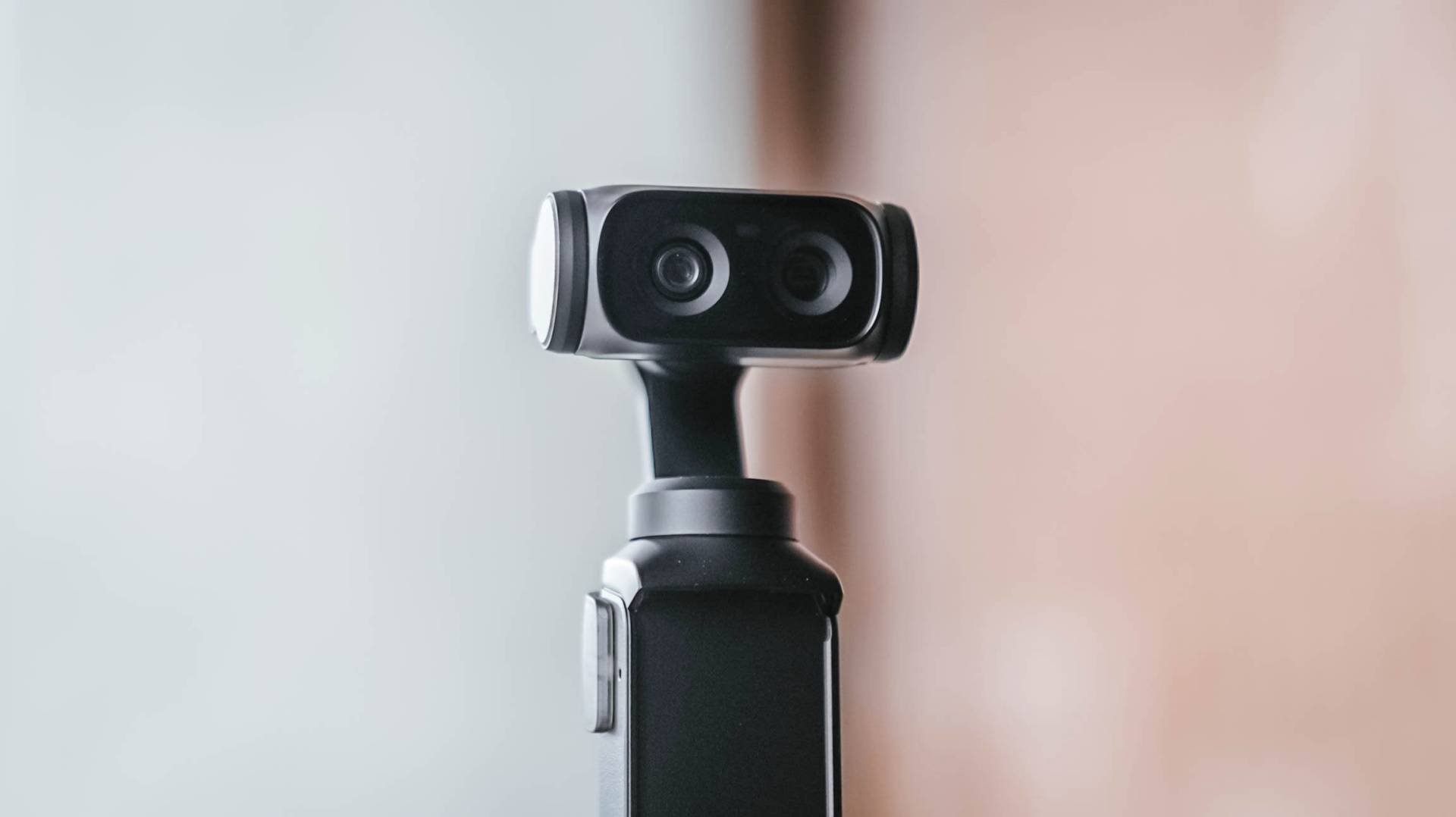
My usual event workflow is pretty straightforward. I secure the device, then get as much footage of it as possible from different angles, show different use cases, and capture its features as quickly as I can.
The Luna Ultra fit into that workflow better than I expected.
For one, I can include myself in the frame while still being able to preview what I’m shooting. That’s something I couldn’t easily do with my old reliable setup.
It’s also much lighter and thinner, making it easy to position in ways I couldn’t with my old setup.
I think the video quality is overall better than the smartphones I use, too. The bokeh I get is also natural.
That doesn’t mean my Sony a6500 is suddenly obsolete.
I think dedicated mirrorless cameras, paired with the right lenses, just have a certain look to them that I generally prefer. I’d definitely still reach for the a6500 for photos and shoots where I have a team with me.

But for solo coverage, my go-to video gear will now be the Luna Ultra.
That’s the biggest change for me.
The Luna Ultra didn’t necessarily change what I consider worth shooting at an event. That’s still a case-by-case thing.
Instead, it enabled me to shoot better even when I’m on my own, which honestly isn’t always the case.
There’s still room to grow
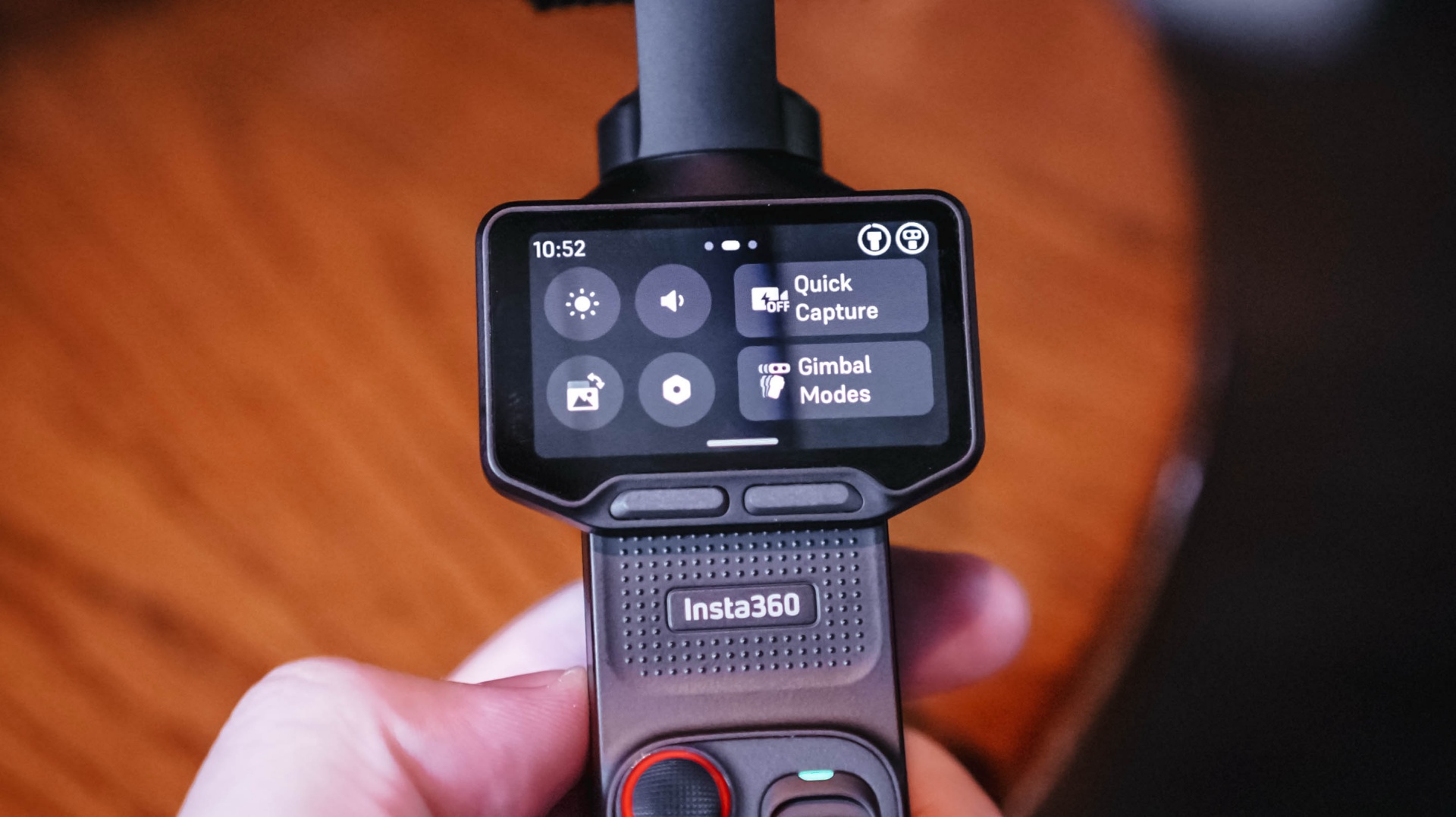
I don’t think I’ve come close to unlocking everything the Luna Ultra can do.
I-LOG is one obvious example. But that feels like something for a different type of project rather than the generally news-type Reels we do.
Our workflow is built for speed with quality, and the Luna Ultra, even when using its basic settings, fulfills that.
I definitely want to try more experimental shots, more shots with movement, and the like. I just haven’t found the right opportunity for them yet.
There are also some things I’d like to see improved.
As mentioned earlier, hands-free and preset shooting automations could help, especially for solo creators. That could make it easier to capture activities without having to comb through too much footage with enormous file sizes.
I also wish it had some form of open-gate recording. That would give the footage more versatility and make it easier to use the same footage for multiple aspect ratios.
And while the Luna Ultra is now my preferred tool for solo video coverage, I’d still choose the a6500 for photography or when I have another team member shooting with me.
Is the Insta630 Luna Ultra your GadgetMatch?
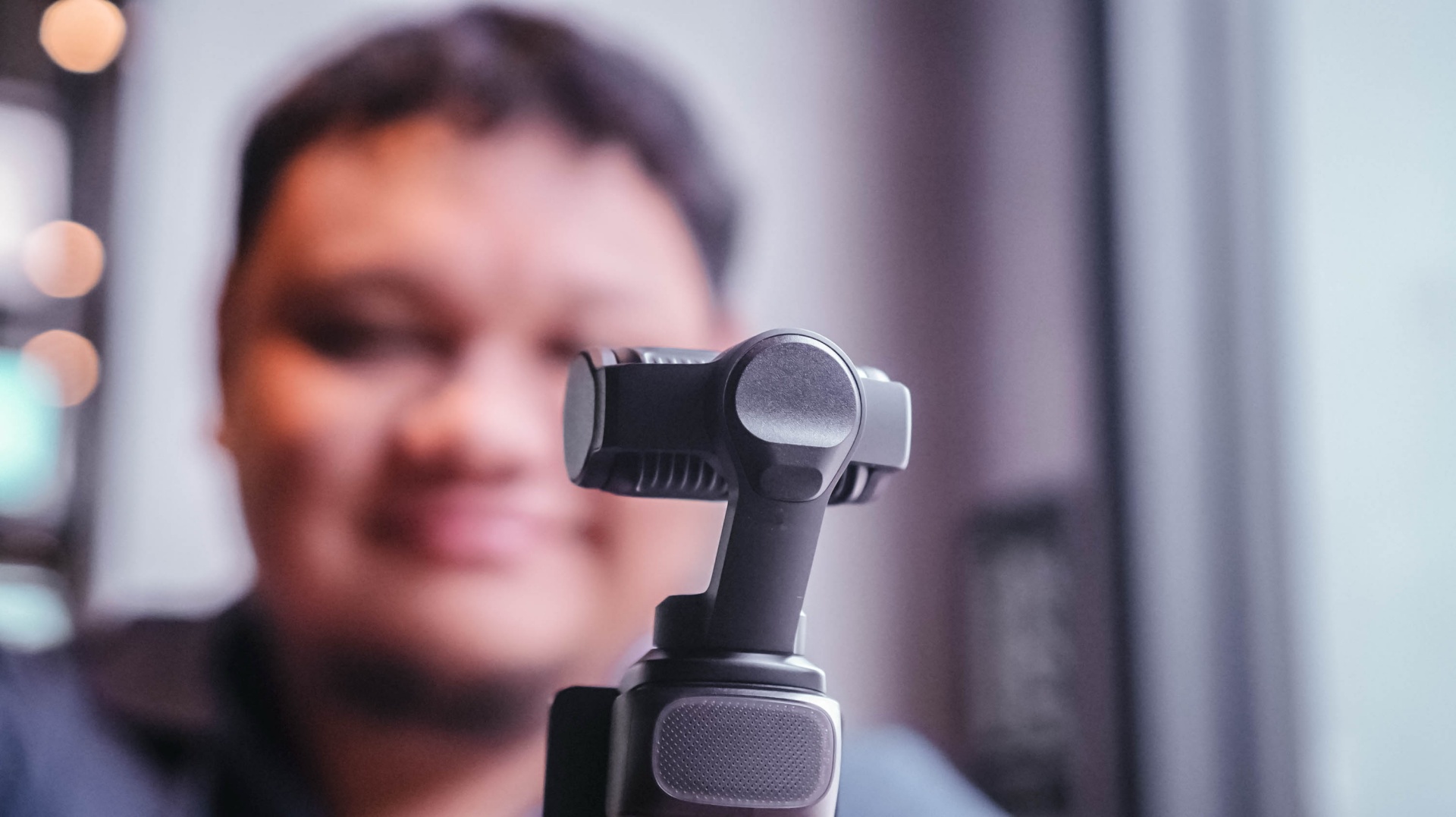
For anyone looking for a dedicated video-taking tool.
Content creation focused on video has skyrocketed. If you’re part of that movement, the Insta360 Luna Ultra is certainly a good investment to add a little extra to your videos.
It’s fairly easy to use, but it also supports deeper features that can elevate your footage and your content.
I think you should consider the Luna Ultra if you want to upgrade from shooting primarily with a smartphone, or if you want a video-shooting device that’s much easier and lighter to carry around than most traditional mirrorless cameras.
For me, the answer is a little more specific.
It’ll be my go-to now, especially for solo coverage trips.
If you asked me to leave just one camera at home tomorrow, though? Oof. Just one?
Maybe still the a6500. It’s hard to break a habit.
But the Luna Ultra is a very close second.
Still discovering what’s possible
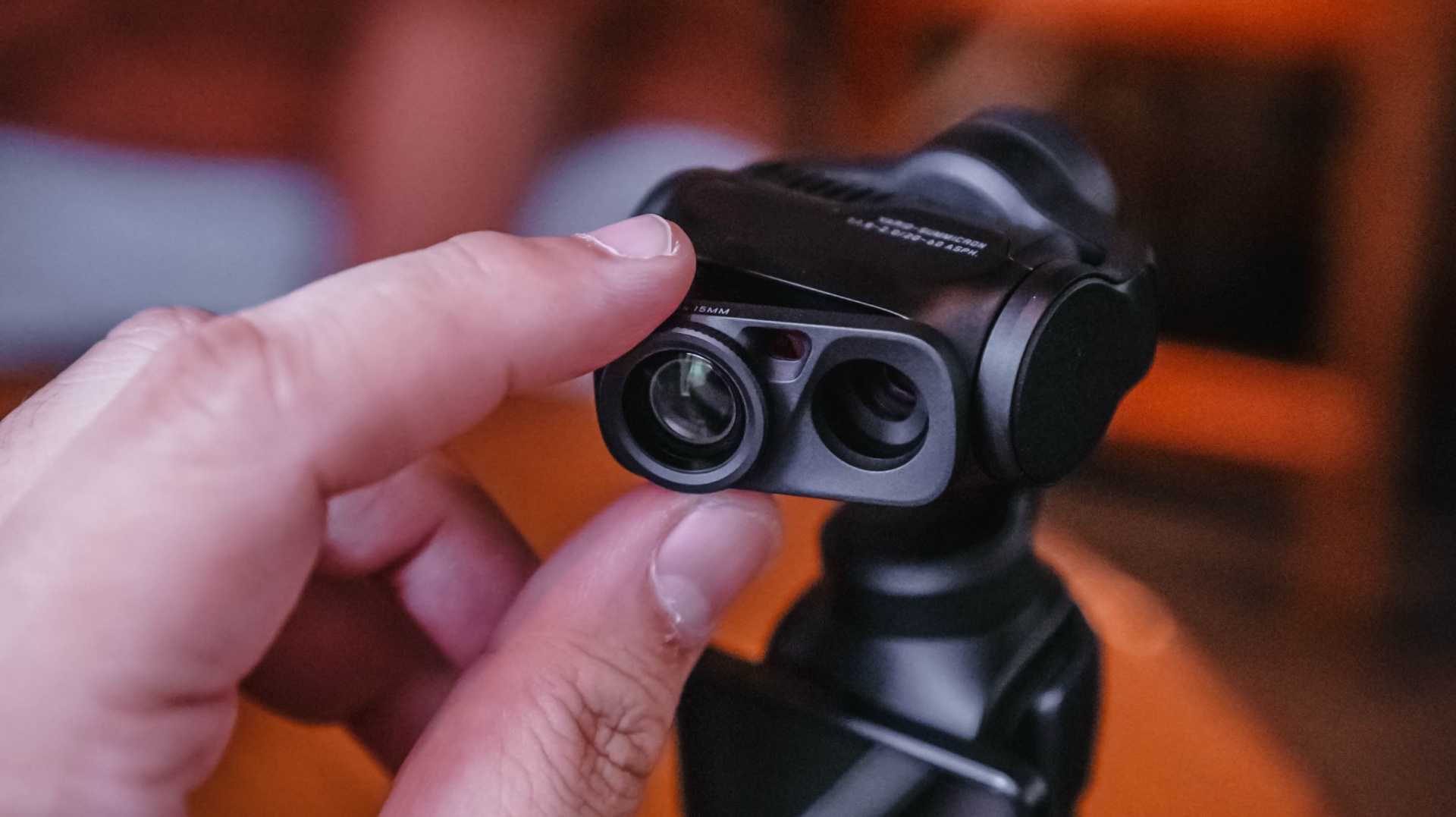
After using the Luna Ultra for all of this, I think it’s opened up new possibilities for the way I personally handle solo shoots.
It’s unlocked certain shots for me, and I haven’t even used it to its full potential.
That’s what excites me most.
I already found a workflow that suits the way I cover events. I already know I can leave my old reliable behind when the priority is video.
Now I want to see what happens when I actually learn everything else the Luna Ultra can do.
Pricing and availability
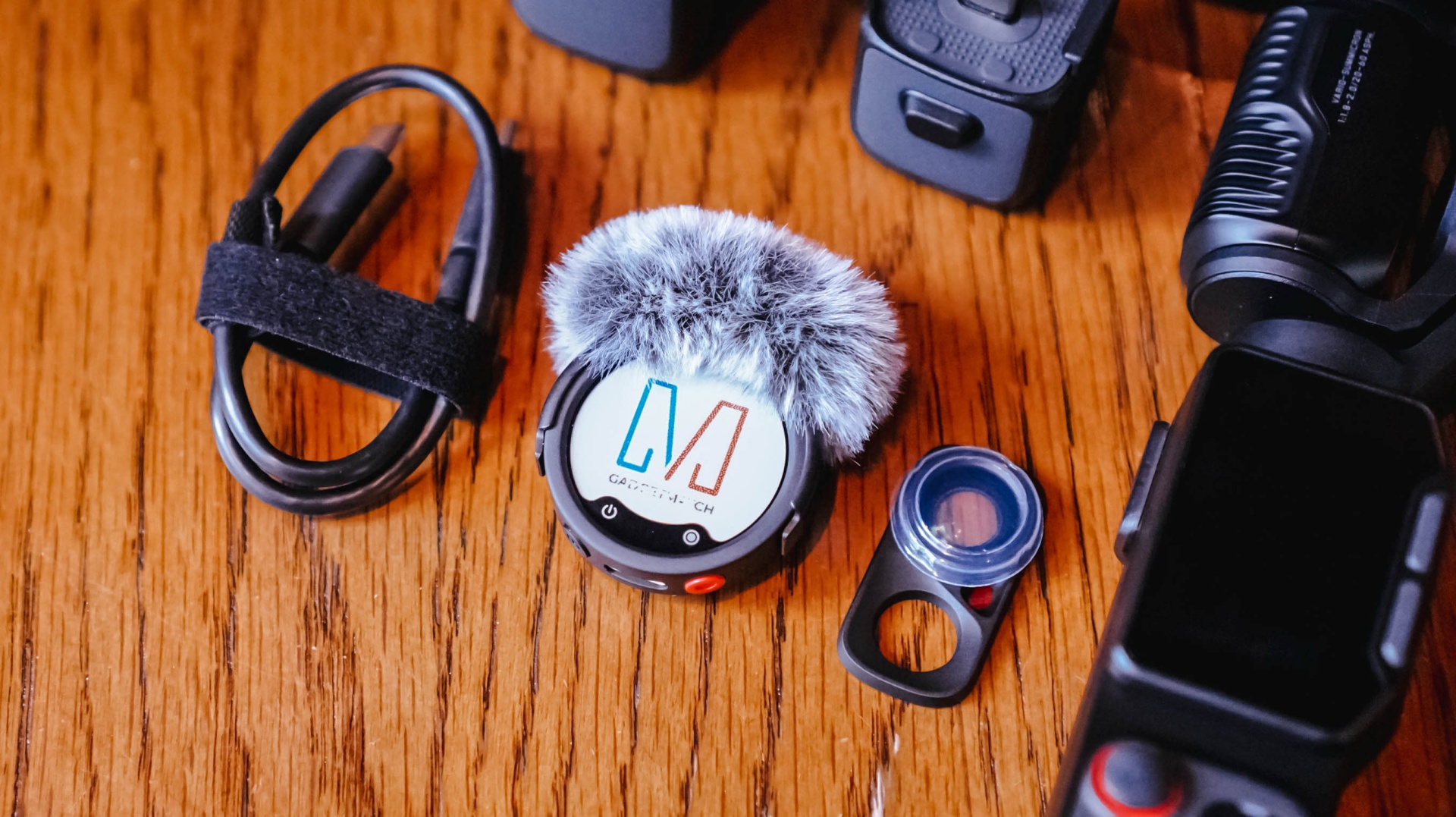
The Creator Bundle comes with the Insta360 Mic Pro which is great but I haven’t had the chance to use all that much because I am not a yapper on video.
The Insta360 Luna Ultra starts at US$799 (₱46,790) for the Standard Bundle, while the Creator Bundle retails for US$999 (₱59,490). It is available now through Insta360’s official channels and authorized retailers.

Samsung Galaxy Fold8 Ultra review: It’s time to get a foldable
Let this be your first foldable, if you don't have one yet.

REDMI Note 17 Pro review: What a rollercoaster ride!
The serious series of ups and downs are NOTEworthy of your attention

Insta360 Luna Ultra review: My new solo coverage camera
Changed my workflow
Samsung Galaxy Fold8 Ultra review: It’s time to get a foldable

Marvel’s Wolverine details combat, abilities, and features

The designated photographer’s new favorite phone: OPPO Reno16 Series 5G

NBA, Salmon team up for multi-year partnership

realme 16T 5G with 8000mAh battery, IP69 Pro rating launches in PH

TECNO MEGAPAD 2 review: Eyes on the size

VinFast debuts two-wheeler models, opens 21 e-motorcycle showrooms

REDMI Note 17 Series focuses on long-term reliability

realme 16T to come with 8,000mAh battery, 7-year battery health guarantee

OnePlus officially leaves the United States and Canada


-
 Reviews1 week ago
TECNO MEGAPAD 2 review: Eyes on the size
-

 News2 weeks ago
HUAWEI Pura X View is 2026’s first WIDE slab-type smartphone
-
 News3 days ago
realme 16T 5G with 8000mAh battery, IP69 Pro rating launches in PH
-
 Accessories2 weeks ago
Jackery expands Explorer Series portable power stations
-
 Cameras1 week ago
30 days with the DJI Osmo Pocket 4P
-

 Gaming2 weeks ago
NBA 2K27 expands MyCAREER, MyPLAYER, MyNBA, more
-
 Singapore5 days ago
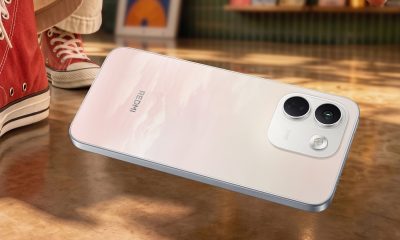
REDMI Note 17 Series: Price, availability in Singapore
-
Cameras6 days ago
Insta360 Luna Ultra review: My new solo coverage camera