


Apps
Life is Strange on Android makes time traveling grief more accessible
Another chance to go back to the past

When I first heard Life is Strange was coming to Android, I knew I was in for another round of poor decision making and “hella” cool moments.
I completed all five chapters of the game’s PC port when they came out in 2015. Back then, Life is Strange was a breath of fresh air when open-world, combat-driven titles were all the rage. Being a story-heavy game, it wasn’t exactly light on a gamer’s heart, but was definitely chill enough be an in-between gaming experience.

The game revolves around Max who magically gains the power of time travel to fix mistakes and get her way. Sounds like a sure-fire trip to hell, but this main character’s intentions are mostly pure. With it, she sets out to save the town and her friends from certain doom which she saw in a dream. Yes, I know, totally cliché, but you come for the character interactions and unexpected plot twists.
It’s tough to say more without spoiling anything. Seriously, knowing one major plot point in advance can ruin the experience. Even though the game allows you to make decisions that alter the story’s advancements, you still follow a linear path that unravels like any other save-the-world plot. My advice? Don’t read up on anything about this game unless it’s spoiler-free (like this article).

Another piece of advice: Play Life is Strange on a console or PC before jumping into the iOS or Android version. As accessible as the mobile ports are, they can’t match the visuals and controls introduced by the first release. Even a decent laptop from 2014 can run the game smoothly on low to medium graphics settings.
Life is Strange on Android doesn’t get the touch controls right, making your control of Max feel clumsy and jerky. While the game offers control settings and camera sensitivity, nothing feels quite natural enough to keep you immersed while traversing hallways and strange dreams.

At the same time, even with a high-end smartphone, graphics aren’t that good. The are no settings for adjusting the visuals, and when it rains or stuff starts flying around, the frame rate takes an even greater hit — and consequently, causes the controls to become jerkier.
And that’s sort of my main gripe with Life is Strange on mobile; without the fluidity found in its original release, the immersion isn’t quite there. That’s a problem, because the story requires you to remember every detail, pain yourself over each decision made, and understand all character motives. It’s natural to play a gimped version of full games on mobile, but games like Final Fantasy XV Pocket Edition were able to optimize gameplay for smartphones while (mostly) retaining the atmosphere.

So, who is the Android or iOS port for? Those who want another crack at the game, and need to catch all the foreshadowing early on, because there are lots. I highly recommend playing Life is Strange the way it was meant to be played first, which is with a TV and controller or keyboard-mouse combo.
The title is often available for cheap during Steam sales, and could cost as little as the mobile game’s asking price. But if sitting on a couch or office chair to finish the game is not an option, there’s nothing wrong with downloading the game from the App Store or Google Play instead.

What’s great is that the first of five chapters is free, so you can get a hands-on feel to see if the mobile version is for you or you’re better off experiencing the console or PC release first.
Whichever choice you make, you’re in for a tight story driven by a memorable cast. You won’t feel the need to redo that decision once all’s said and done.







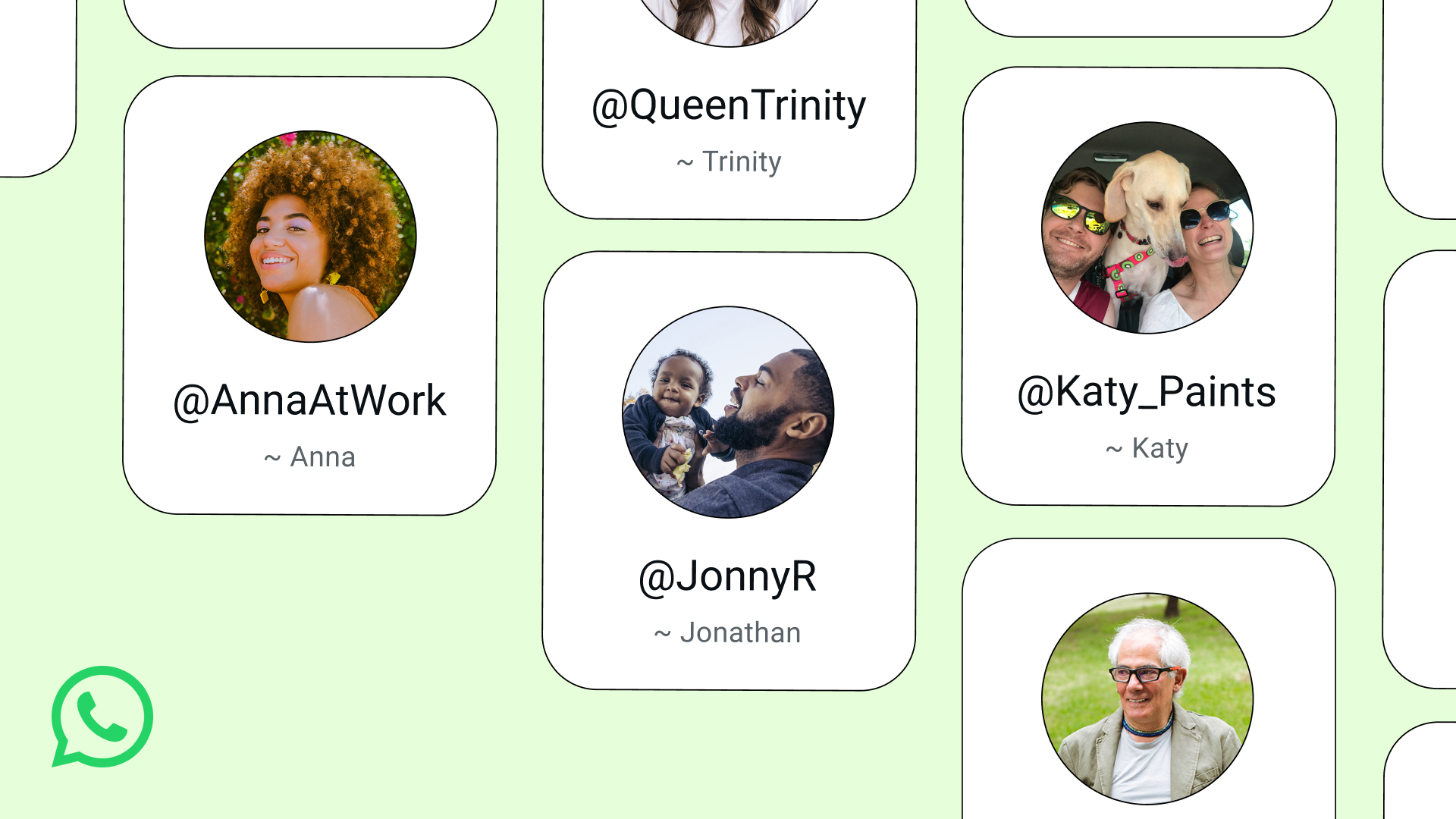
WhatsApp is about to get an extra later of protection. After thriving on number-based chatting, the platform will soon add usernames, eliminating the need to share your number with strangers.
Usernames are the standard way of maintaining your anonymity online. Though most platforms today require users to log their email addresses or phone numbers, establishing a username can prevent other users from seeing this information way too easily.
Today, Meta has started rolling out reservations for WhatsApp usernames. The feature itself isn’t available yet, but early adopters can grab theirs as soon as the setting becomes available on their app.
To access the reservation, users can go to Settings > Account > Username. Of note, this isn’t available for everyone yet. But if you want to take dibs on a specific name, be on the lookout for the setting.
As for the username itself, users can reserve anything as long as it’s unique. Business owners and creators can also use their Facebook or Instagram handles as their WhatsApp usernames.
The feature, once it launches, will stop users from accessing your phone number when messaging. Similarly, other users will now need your exact username to start a conversation. Users can also set a separate code to protect conversations further.
SEE ALSO: Meta adds subscriptions for Facebook, Instagram, and WhatsApp
Apps
HONOR, Xiaomi are working on their own Privacy Displays
Samsung’s Privacy Display is apparently very popular

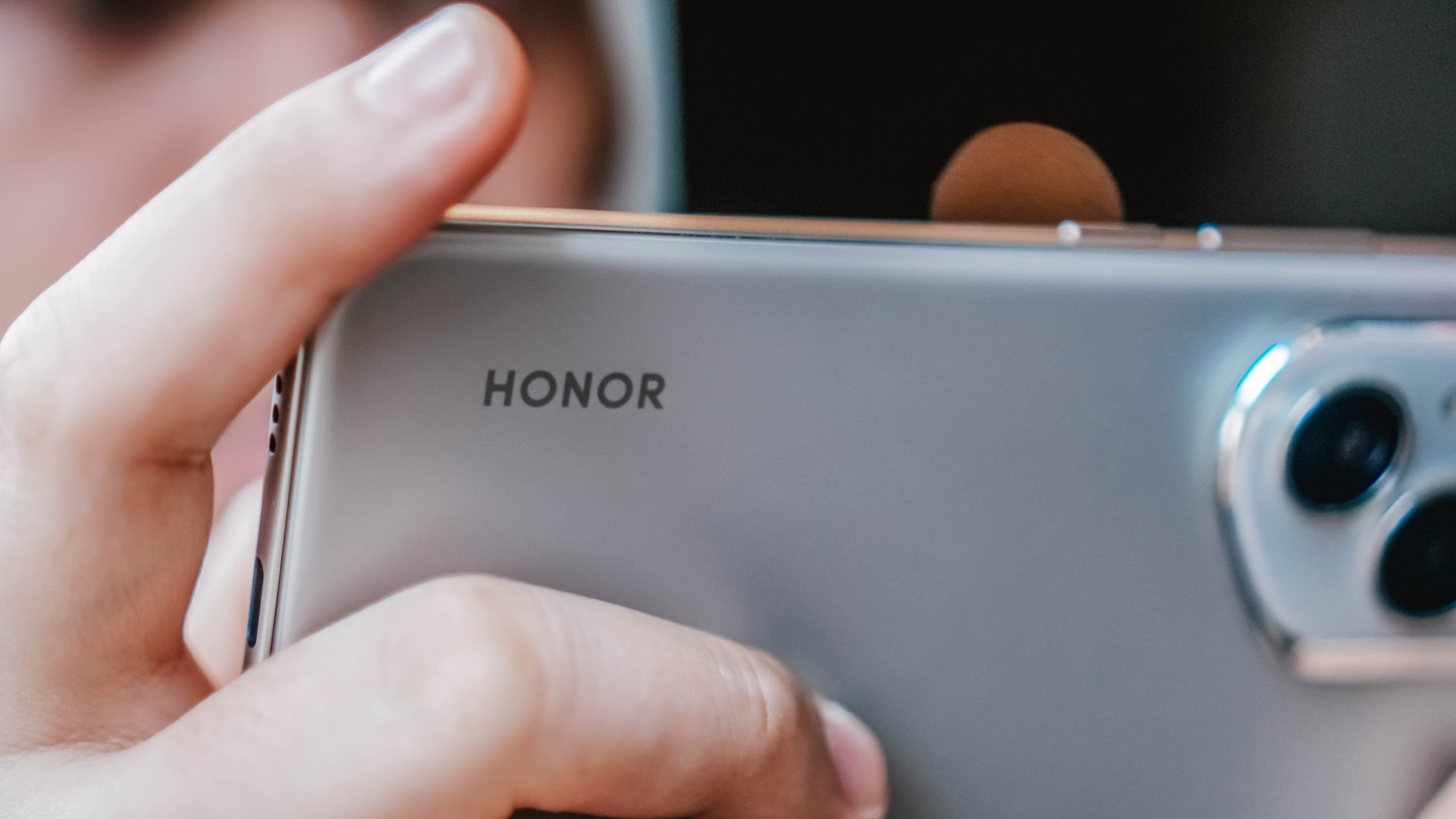
Normally, a smartphone brand’s blatant copying of another brand’s feature is not a good practice. Today, however, there is a new feature that we wish other brands would copy: Samsung’s Privacy Display. Thankfully, some brands, like HONOR, have finally gotten the message and are working on version of the feature.
As reported by Digital Chat Station on Weibo, HONOR is reportedly working on a privacy screen for its smartphones. Likewise, Xiaomi is working on the same thing, potentially launching the feature for the Xiaomi 18 Pro.
For the uninitiated, the Samsung Privacy Display is a built-in feature that blocks visibility of the screen at certain angles. If you’re not looking at the screen from the front, all you’ll see is a black void. It’s a built-in version of those protective screens that you can buy separately. Besides adding a nice layer of protection against scratches, it’s also meant to prevent snooping from your shoulder.
Samsung’s take was widely acclaimed for being insanely useful. When it arrives, this feature will be a godsend to more brands. Even better, users will no longer need to rely on third-party screen just to enjoy the privacy.
That said, there’s still no indication as to when these features will arrive on either HONOR or Xiaomi.
SEE ALSO: LE SSERAFIM Chaewon flexes Galaxy S26 Ultra Privacy Display

Meta does not have the most stellar of reputations. Despite offering the world’s most popular social media platforms, the company, through its various experiments throughout the years, continuously proves that it has other priorities than just providing the best for its users. Today, another reported experiment wants to take Meta to a new market that its users might fall into: the prediction market.
If you haven’t heard of the prediction market, consider yourself lucky. These apps, such as Kalshi, are basically just gambling platforms without the glitz of playing cards or the rigor of the stock market. Users gamble on mundane circumstances like the weather and more serious ones like war.
Today, as reported by The New York Times, Mark Zuckerberg is reportedly asking Meta to develop a prediction app of its own. Interestingly, the experimental app, supposedly called Arena, will use virtual points, rather than real money. However, Meta has not ruled out real money — and hence, real gambling — in the future.
Meta is entering the industry at an extremely volatile time. The world is starting to crack down on prediction markets. Some users, for example, have been accused of using insider information to get easy wins on these platforms. Some markets have also accused these platforms of subverting anti-gambling laws.
SEE ALSO: Meta adds subscriptions for Facebook, Instagram, and WhatsApp




Microsoft dictates that a new Fallout game is coming

New York becomes first state to ban smart glasses

HoYo FEST 2026 details announced; tickets on sale from July 16

GIGABYTE releases new AORUS RTX 5080 INFINITY graphics cards

Assassin’s Creed Black Flag Resynced available worldwide now

TECNO’s POVA 8 5G is both futuristic and future-ready

Buyer’s Guide: TECNO SPARK 50 Pro vs SPARK 50 5G

TECNO’s SPARK 50 Pro is the latest budget smartphone battery beast

DJI Osmo Pocket 4P launches with dual lenses and a 1-inch sensor

vivo X300 Ultra review: A “Whole Different Animal”


-
 Cameras2 weeks ago
DJI Osmo Pocket 4P launches with dual lenses and a 1-inch sensor
-

 News2 weeks ago
Lenovo says RAM prices are not coming back down again
-
 News22 hours ago
New York becomes first state to ban smart glasses
-

 Laptops1 week ago
The ASUS ExpertBook Ultra wins you over
-

 Gaming1 week ago
PlayStation goes all-digital in 2028
-

 Gaming1 week ago
Xbox might get rid of physical discs too
-

 Laptops1 week ago
ASUS launches the ExpertBook Ultra
-

 Enterprise1 week ago
Google ordered to pay EUR 4.1 billion in fines