
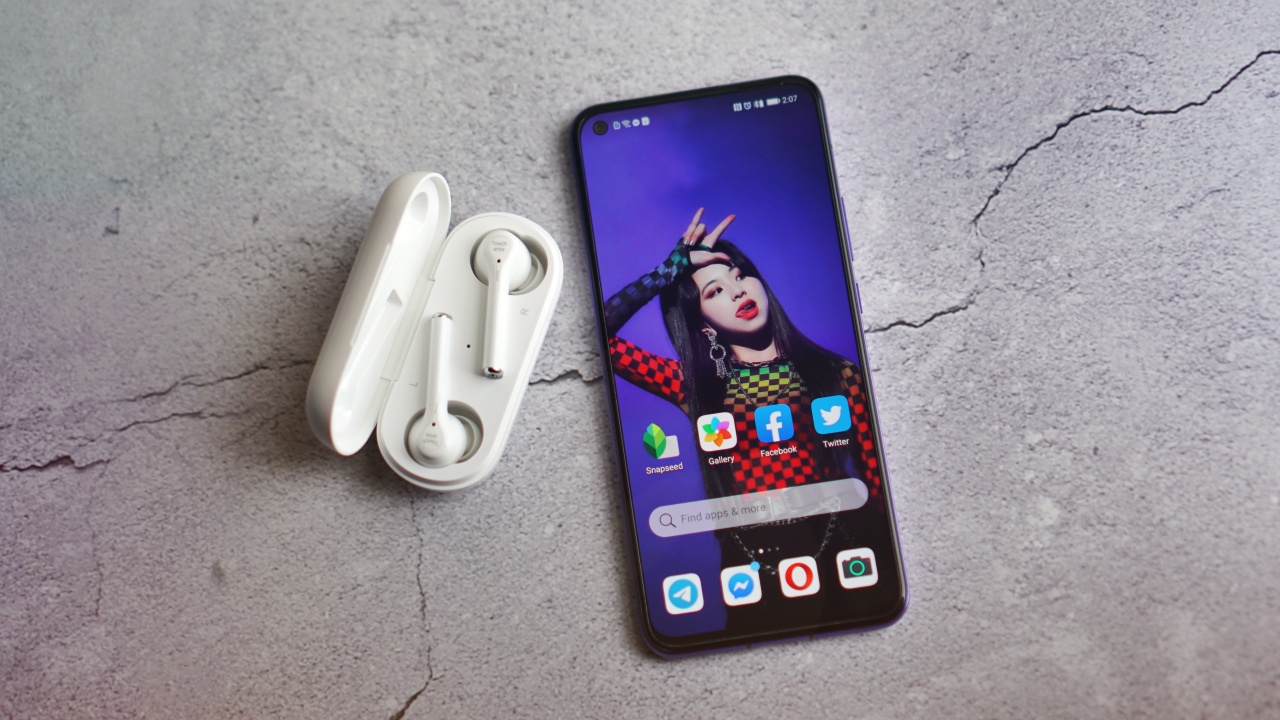

Huawei is adding two new devices to their ever increasing portfolio. These are a phone and another TWS option — the Huawei Nova 7 and Freebuds 3i.
The two devices share a common trait in that they offer flagship-level performance for less. More details on pricing and availability later on. For now, let’s talk about the devices.
Huawei Nova 7
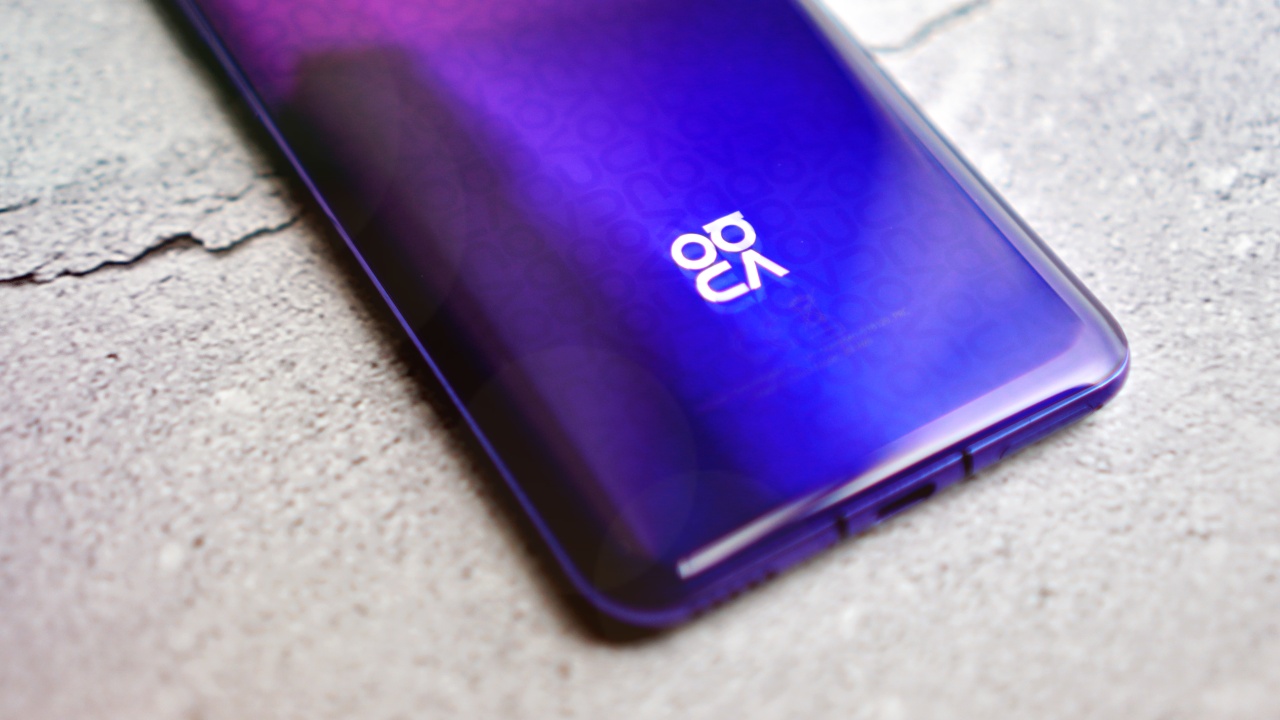
The first noticeable thing about the Nova 7 is the design on its back, especially for the purple variant. It follows the Nova pattern introduced in the Nova 5T.
Since it’s laying face down, next thing you’ll notice is the quad-camera setup. It’s rocking a 64MP main camera, an 8MP ultra-wide angle lens, an 8MP telephoto lens, and 2MP macro lens (which you probably wouldn’t and shouldn’t use).
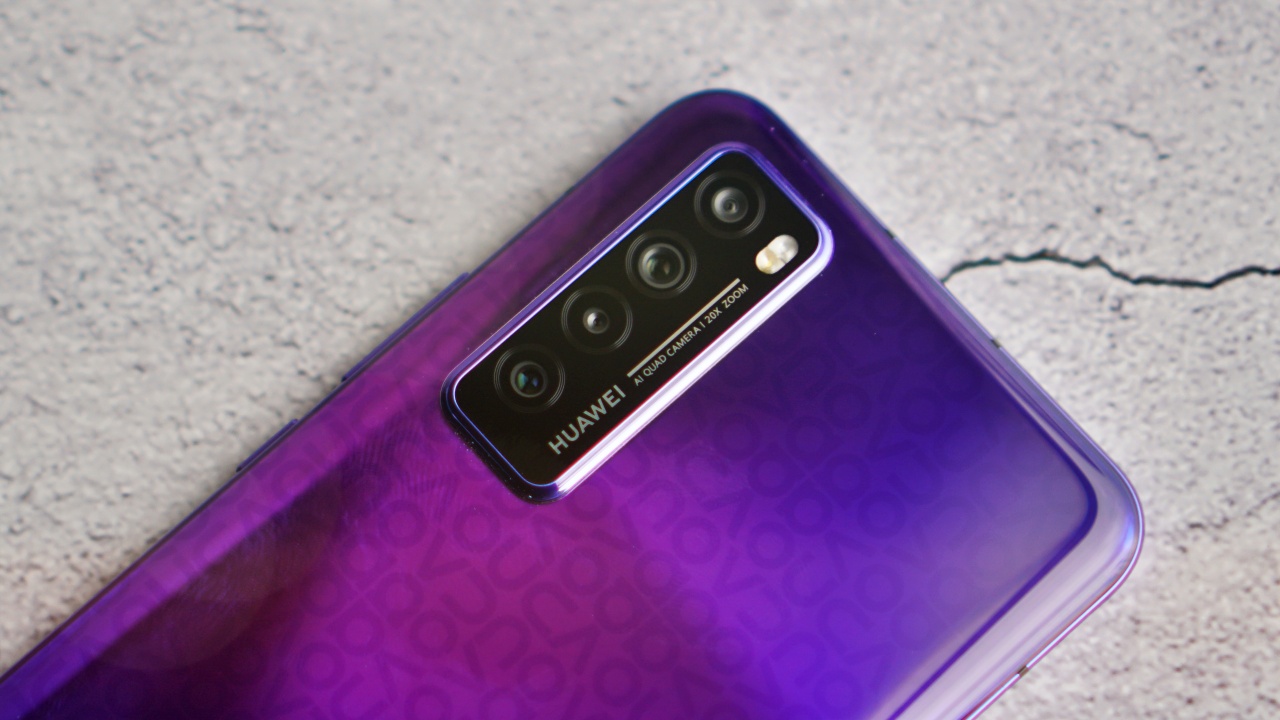
Naturally, it has all the AI camera features and post processing found on Huawei phones. We haven’t tested the cameras but we’ll throw in a quick comparison with a similarly priced phone for the review.
Now that that’s out of the way, we can flip it over to reveal the 6.53” OLED display. For screen refresh rate junkies, you’re only getting 60Hz here — which is still fine. That OLED looks mighty fine on the eyes.
Inside, it’s powered by the new Kirin 985 SoC. It’s flagship-grade and has support for 5G. In the Philippines, Huawei is currently leading the market in terms of sheer number of phones with 5G.
They started in 2019 with the Huawei Mate 30 Pro 5G and followed it up with the P40 Series. As of writing, Huawei also has the distinction of offering the most affordable flagship phone in the Philippines — the Huawei Nova 7 SE.
As to the actual availability of 5G, that’s a topic for another article. But if you want some extra reading, here’s our 5G explainer.
Back to the phone, it has an 8GB + 256GB memory and internal storage combo. It also has a 4,000mAh battery with support for wired 40W Huawei SuperCharge. No wireless charging here.
First impressions
We’ve been using the device for roughly a couple of days now and it’s been delightful to use for the most part.
If you’re salty about the lack of a higher refresh rate, I would say the vivid OLED display kind of makes up for it. Scrolling side-by-side a device with an IPS LCD screen but with a 120Hz screen refresh rate, it certainly feels less smooth. But what it “lacks” in fluidity is more than made up for by the crisp and vibrant display. Certainly crispier than any IPS LCD display.

In terms of general day-to-day use, it’s pretty stellar. We’ve noted on our OnePlus Nord review how good these midrange/upper-midrange SoCs have gotten and the Kirin 985 along with the RAM and the stability of EMUI 10.1 contributes to a hiccup-free experience.
App access is improved by the introduction of Petal Search. Type whatever app you need and you’ll be shown the source of the app. But you can download it directly from the Petal Search’s interface.

The phone is still without Google Mobile Services, so certain apps that require it like Google’s entire suite of apps, VSCO, Sound Hound, and others won’t work at all. Regardless, there are alternatives for all of these as we’ve noted in this App Gallery feature, and this video.
Huawei Freebuds 3i
The Huawei Freebuds 3i is the Freebuds 3’s younger sibling. Like the Nova 7, we’ve had it for a couple of days and are blown away but how it performs.
It has ANC (Active Noise Cancellation) and this is something you notice right away as you put it on. The Freebuds 3i does this through the in-ear design and its three microphone system.
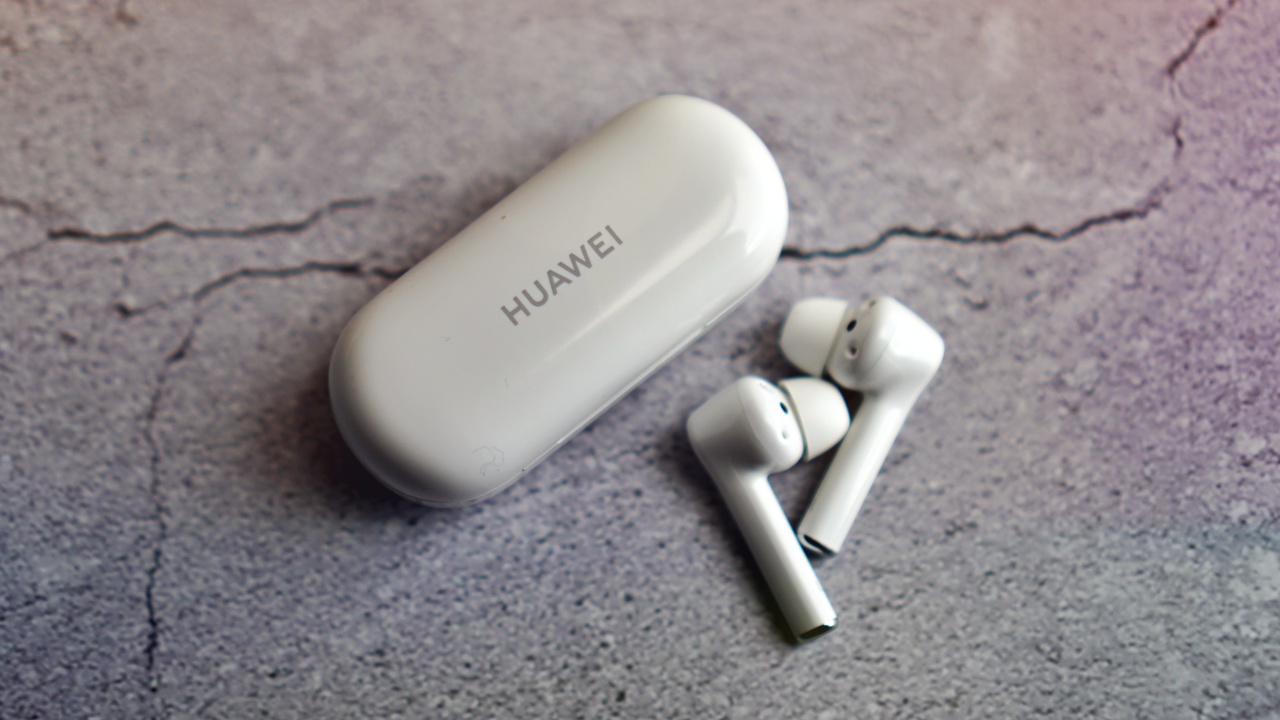
The stem design also isn’t just for show or to look like a certain competing TWS earphone. The stem acts as the microphone pick-up. We tested it on a few quick calls and the people on the other line noted that we sounded crystal clear.
It also has touch controls that are configurable through the Huawei AI Life app.
The perfect pair?
Huawei isn’t exactly packaging the two together. But since they’re launching at the same time, we used the two together and it’s quite a treat.
Like any first-party accessory, the Freebuds 3i is immediately detected by the Huawei Nova 7 making for a hassle free pairing.

The Nova 7 doesn’t have a 3.5mm jack so if you want to jump straight into the wireless life, pairing it with the Freebuds 3i is a good place to start.
Quick note: The Nova 7 does come with wired earphones along with a USB-C to 3.5mm converter in case you’re not yet ready to let go.
The listening experience, though, is elevated if you do decide to get the Freebuds 3i.
Pricing and availability
The Huawei Nova 7 will retail for PhP 23,990 (US$ 488). It comes in two colors: Midsummer Purple.
Like any recent Huawei releases, it comes with an array of freebies. The first 100 buyers will get a Huawei Watch GT2e, VIP Service, and Tresemmé Shampoo and Conditioner so you’ll look fly in your selfies.
There’s also a spezial offer. The first 5 customers who order the Nova 7 during the airtime of noontime show Eat Bulaga, you’ll get the Huawei Freebuds 3 for free.
If you don’t watch the show, there are other ways to snag a free Huawei Freebuds 3. Just make sure you order between July 31 to August 2, 2020 at these times: 12MN, 10AM, 2PM, 6PM, and 10PM.
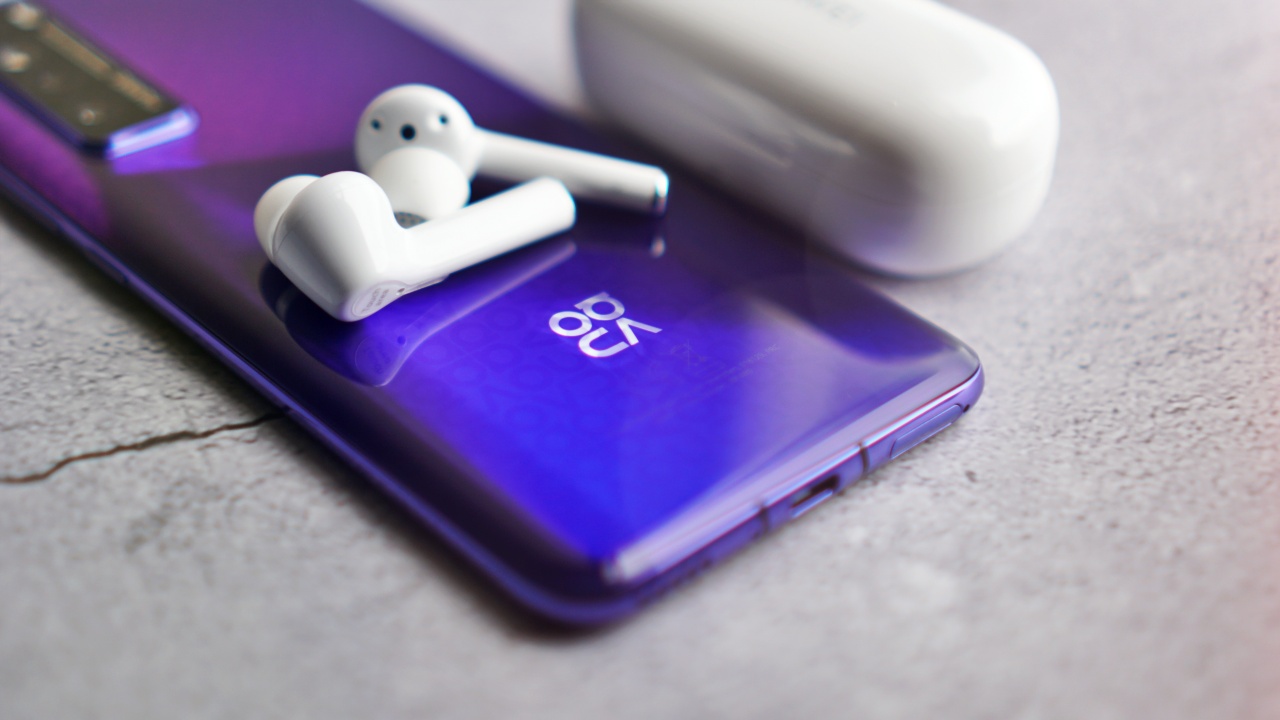
Meanwhile, the Huawei Freebuds 3i will retail for PhP 5,990 (US$ 122) with a free case that has a mini lanyard. The Freebuds 3i comes in two colors: Ceramic White and Carbon Black.





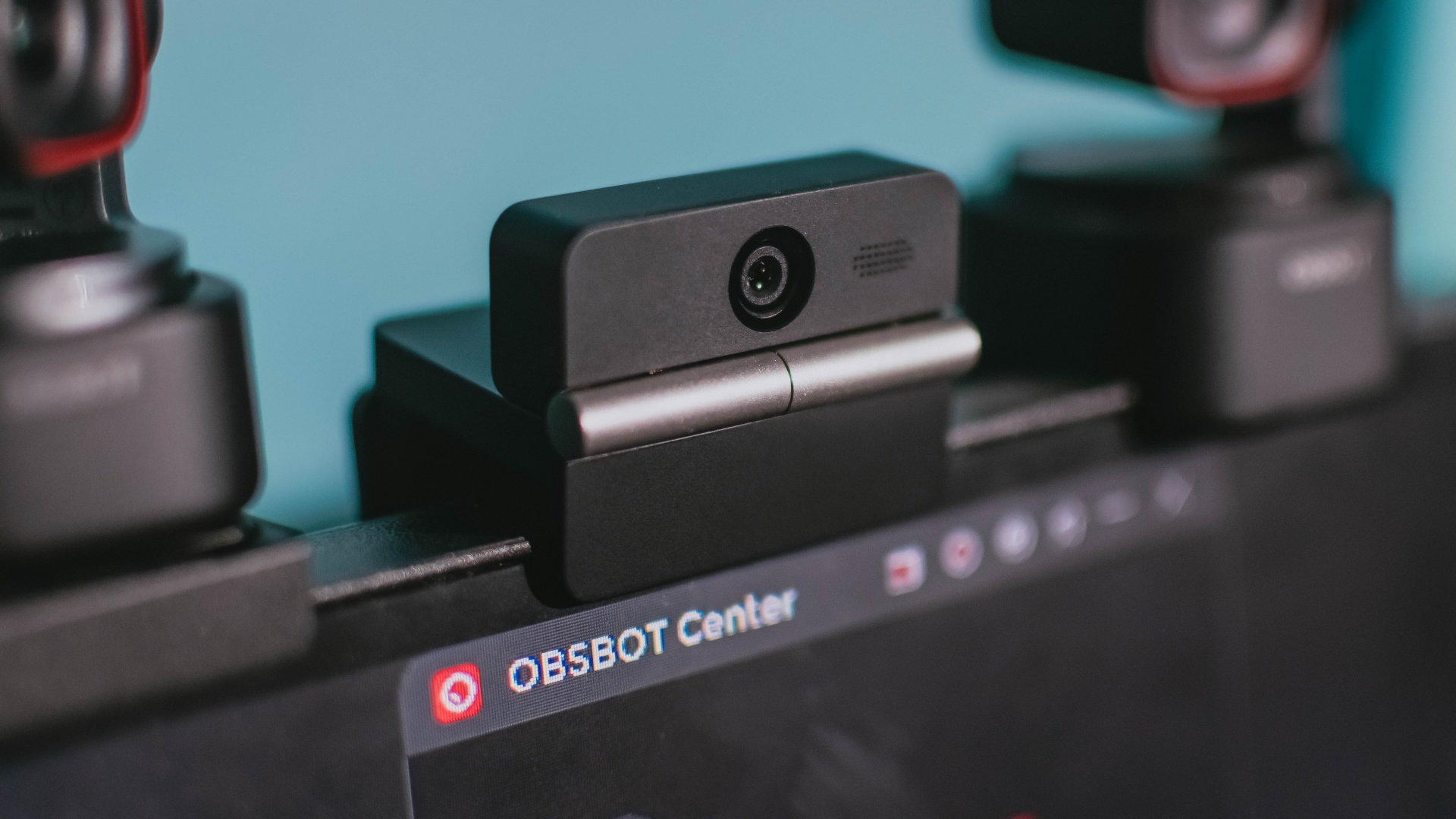
Phones flip and fold. Now webcams do too.
Foldable screens have found their way into phones, tablets, and laptops in recent years. Now, OBSBOT is taking that idea in a considerably smaller direction: the webcam.
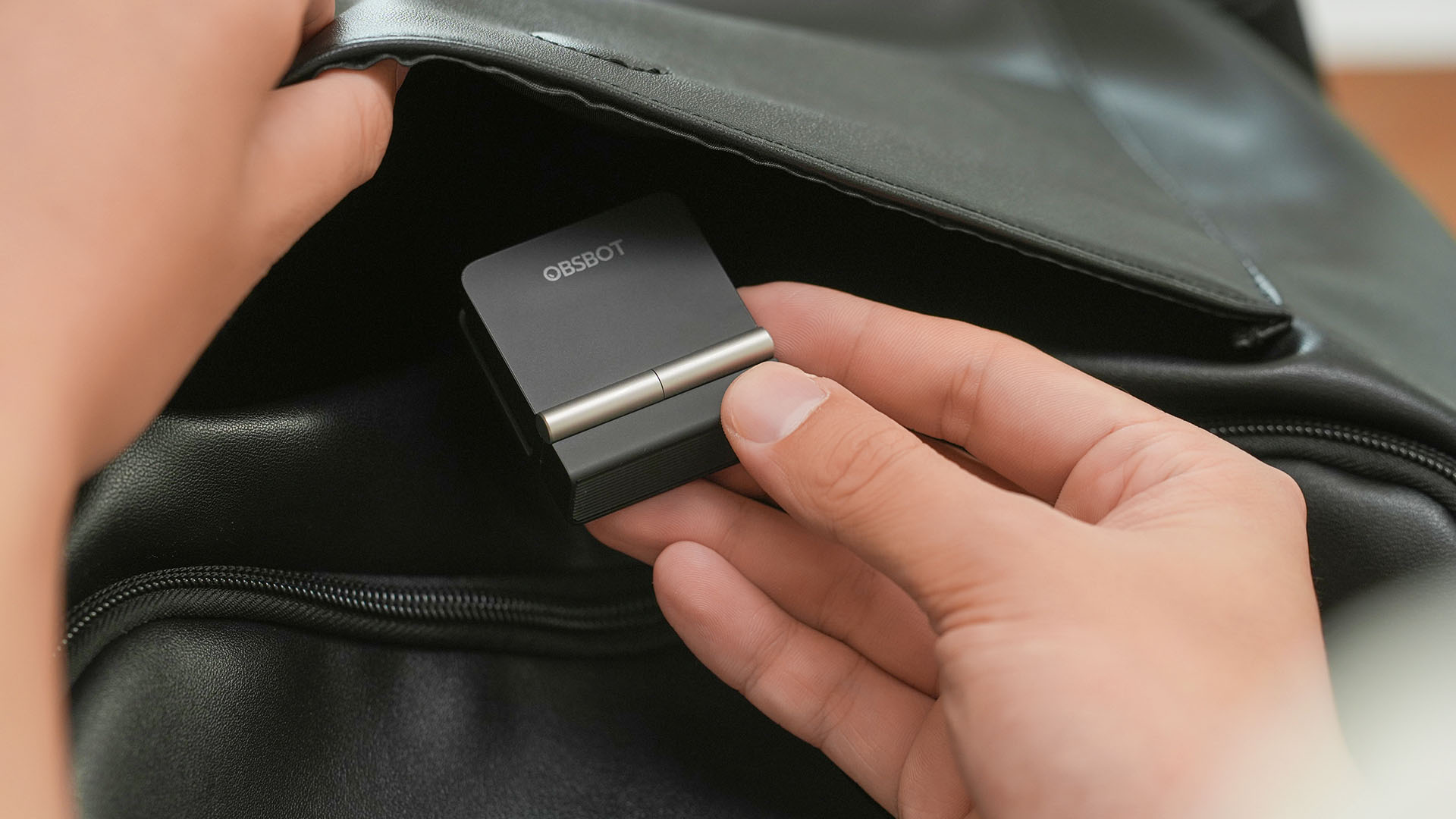
The OBSBOT Meet Flip is the company’s first foldable 4K webcam packing:
- 1/2-inch stacked CMOS sensor
- intelligent audio
- a collection of AI-powered meeting tools
All of these inside a body weighing just 37.7 grams.
A fold that does something, not just a gimmick
The OBSBOT Meet Flip isn’t foldable just to make it easier to throw into a bag.
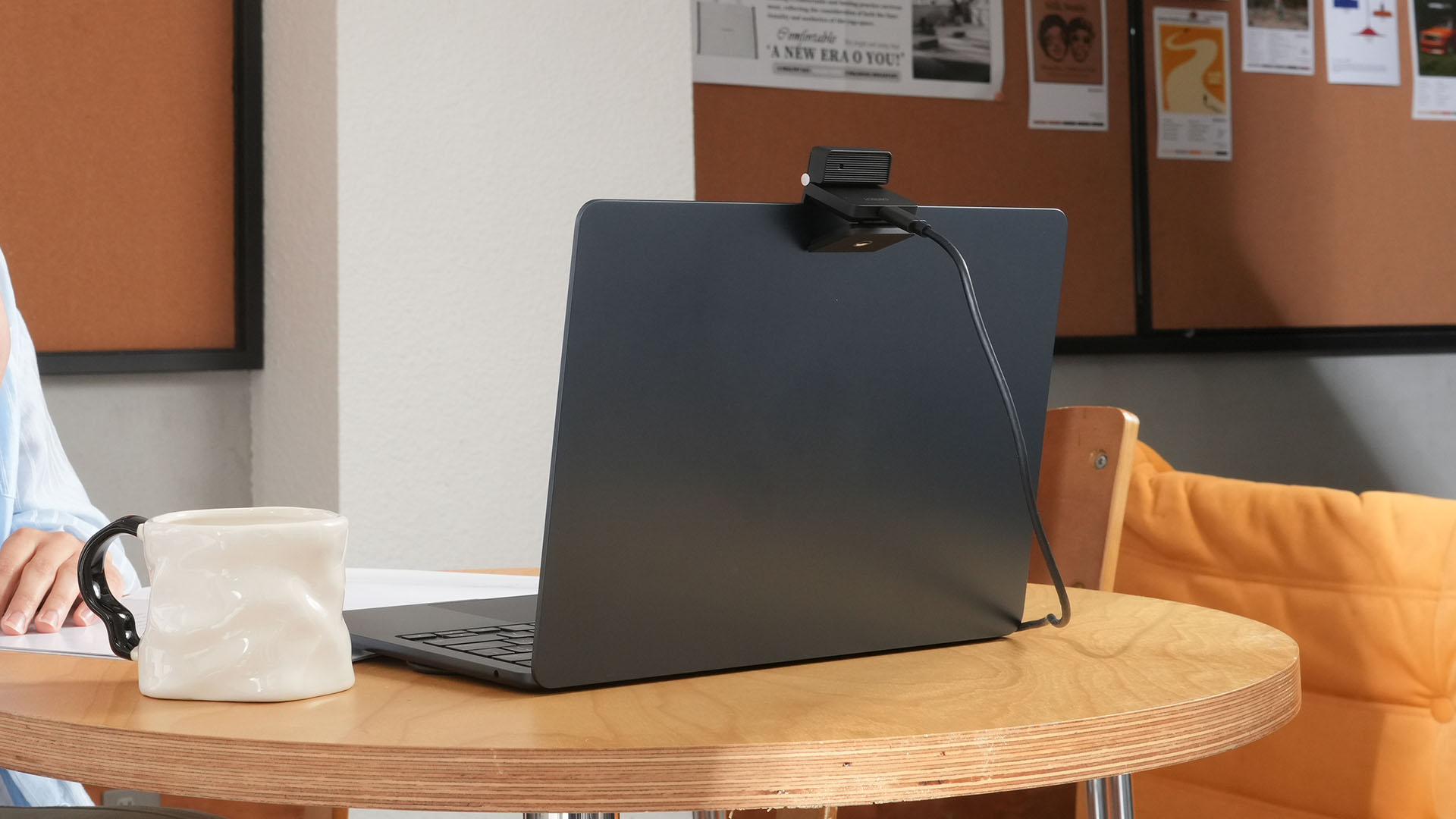
Closing the webcam physically blocks the lens and puts the device into sleep mode. Open it when you want to be seen, flip it shut when you don’t.
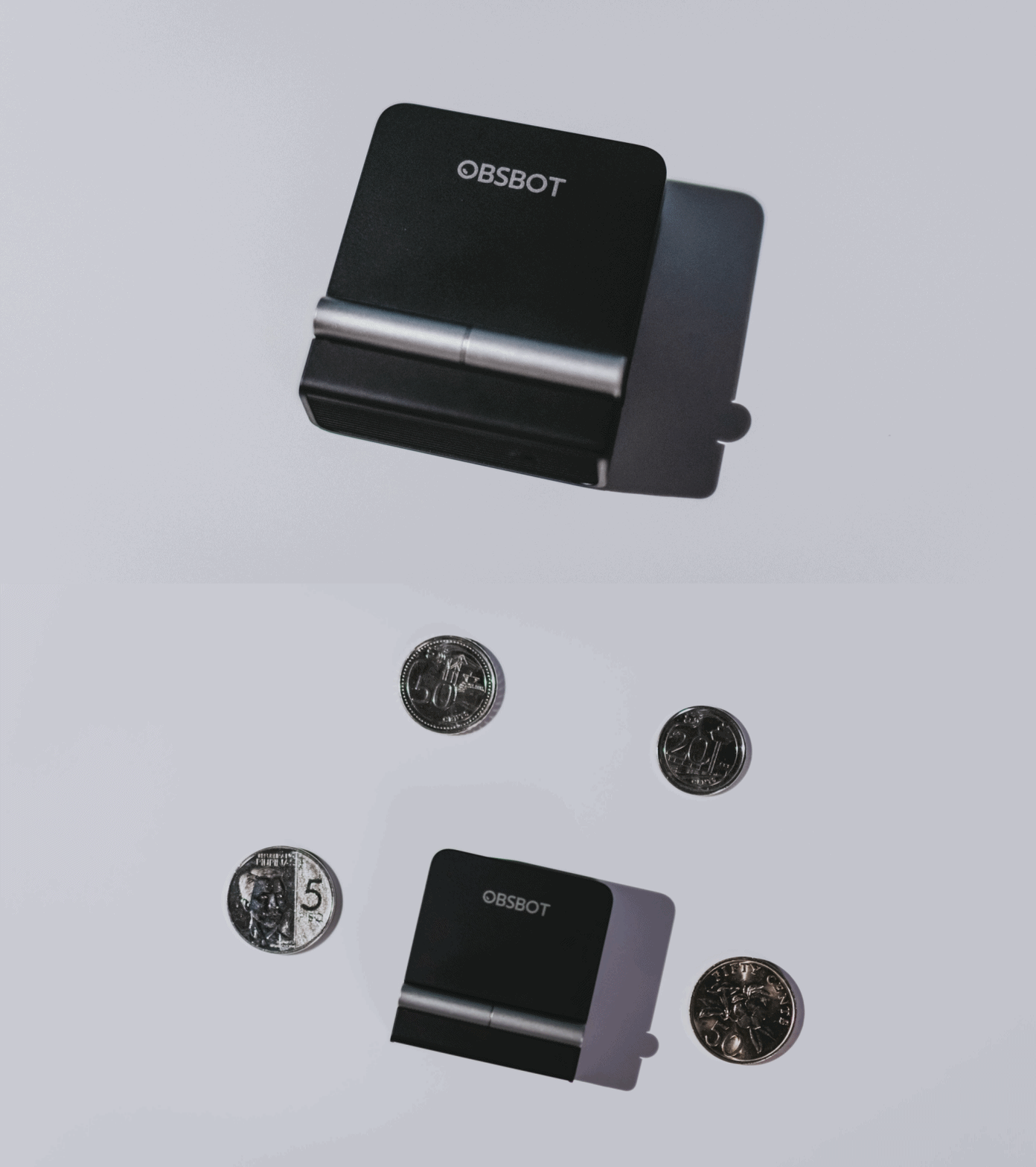
A physical privacy cover isn’t novel in itself. What’s clever here is how it’s part of the folding design.
As someone with a love-hate relationship with data privacy, I almost always keep some physical barrier over my laptop webcam. And if I can avoid having a webcam there entirely, even better.
Serious camera hardware in a pocket-sized webcam
Despite its size, OBSBOT hasn’t treated the Meet Flip like a basic laptop-camera replacement.
Inside is a 1/2-inch Exmor RS stacked CMOS sensor with Quad Bayer technology, capable of recording 4K UHD at 30 fps or 1080p at 60 fps. It also packs an f/1.8 aperture, HDR, PDAF autofocus, ISO 100–6400, and up to 4x digital zoom.
At its core is a 1/2-inch Exmor RS stacked CMOS sensor with Quad Bayer technology.
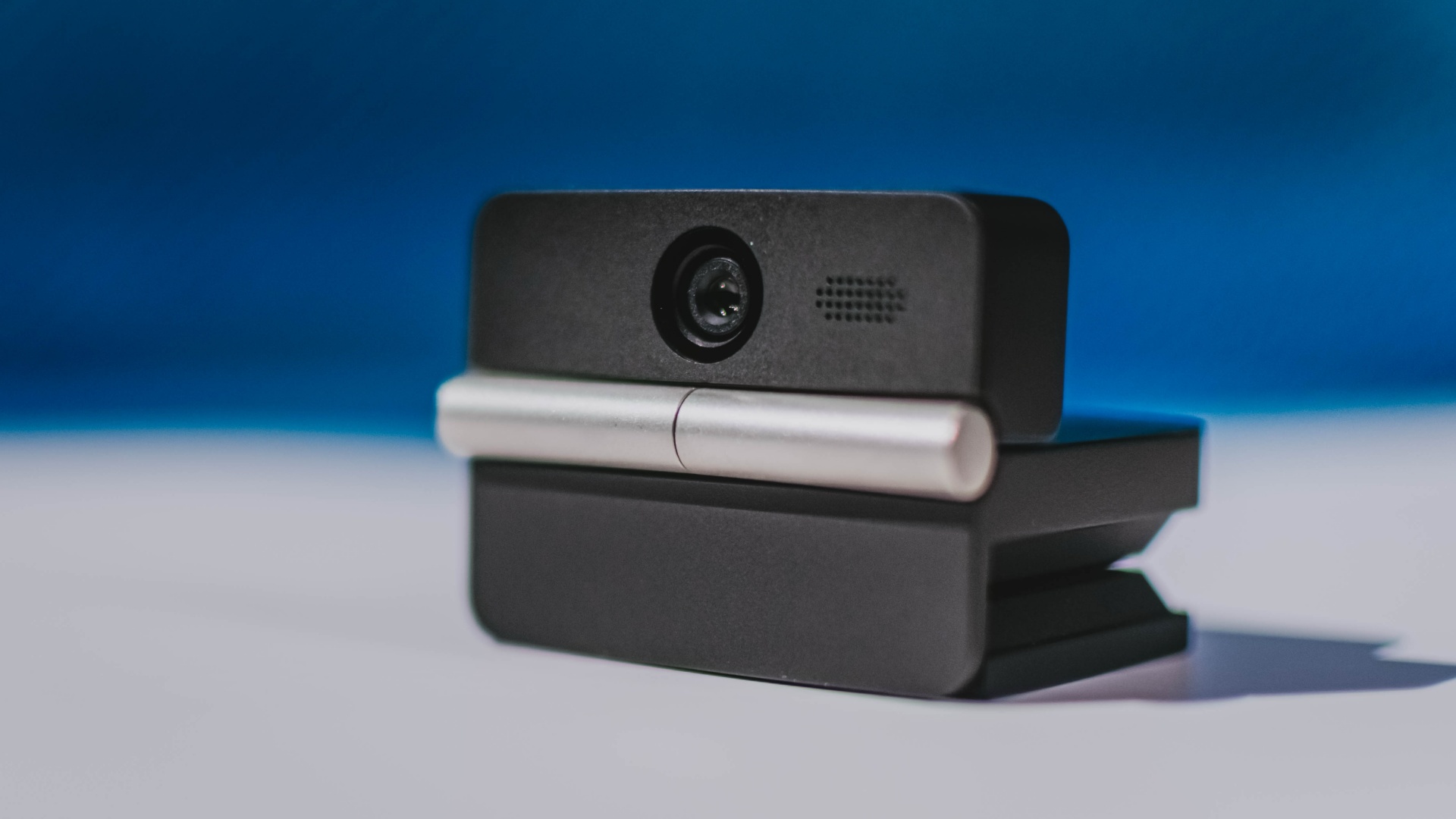
It can record:
- 4K UHD at 30fps
- 1080p at 60fps
You also get:
- f/1.8 aperture
- HDR
- PDAF autofocus
- ISO 100–6400
- up to 4x digital zoom
On paper, that gives the Meet Flip a better shot at handling the situations built-in laptop webcams often struggle with: dim rooms, harsh backlighting, changing lighting conditions, or simply moving around in front of the camera.
HDR helps keep faces visible against bright backgrounds, while PDAF autofocus continuously adjusts focus as you move closer to or farther from the lens.
The wider f/1.8 aperture should also help in less-than-ideal lighting.
The point is that once the Meet Flip is set up, you shouldn’t have to spend much time thinking about the camera itself.
It listens differently depending on the room setup
The Meet Flip also uses an intelligent dual-microphone system combining omnidirectional and directional microphones.
Instead of relying on one pickup pattern for every situation, it offers four audio modes for different setups:
Directional Mode focuses on sound coming from the front, making it the obvious choice for solo calls.
Dual-Directional Mode listens to both the front and rear of the webcam, which could be useful for interviews or conversations between two people sitting across from each other.
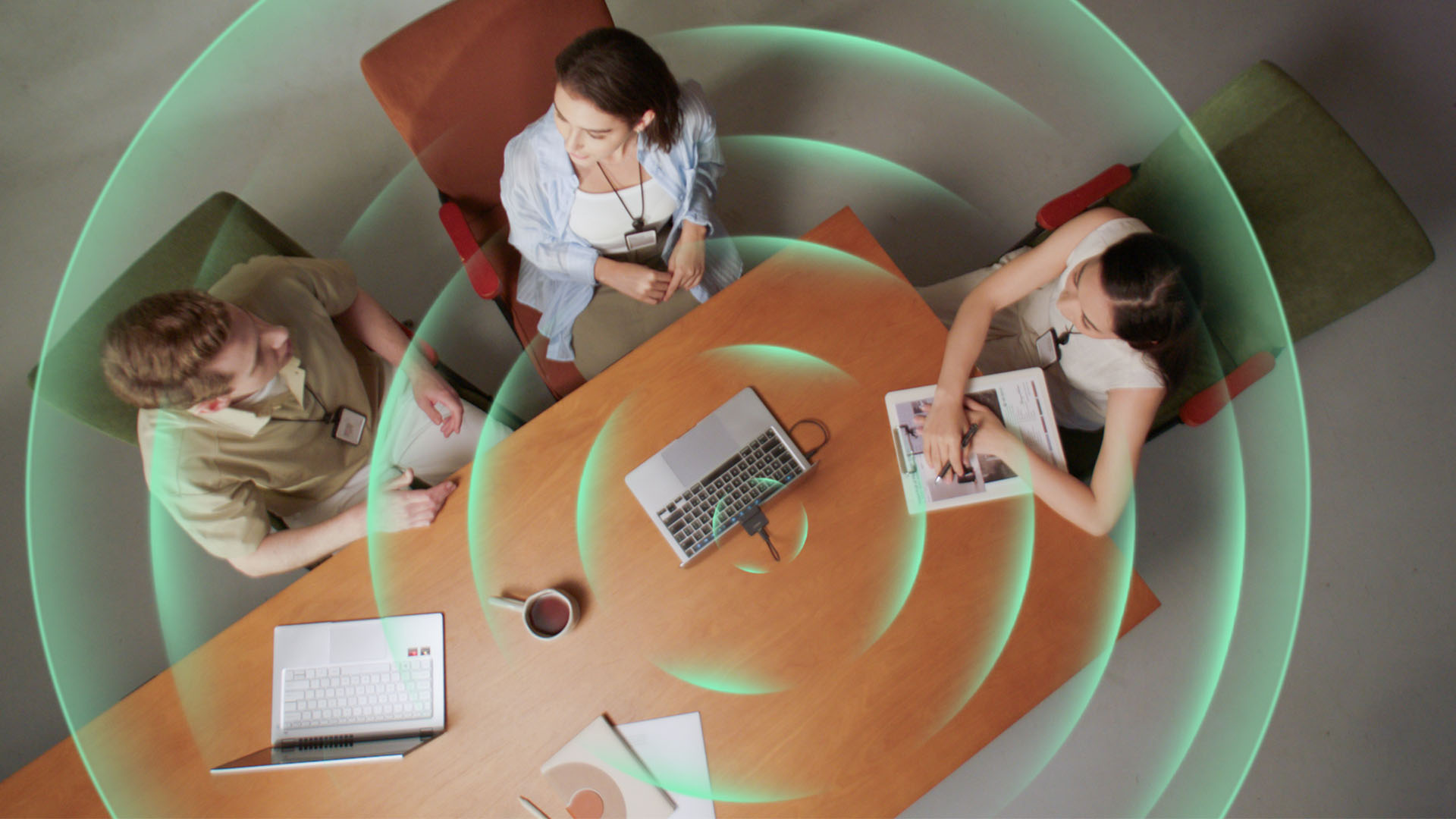
Smart Omni Mode is designed for group meetings, picking up voices from around the room.
And Pure Audio Mode provides unprocessed left and right stereo channels for users who would rather handle the audio themselves in post-production.
Auto Gain and AI Noise Reduction also work across the first three modes, helping clean up audio without requiring much manual adjustment.
It gives the Meet Flip more flexibility than a typical webcam microphone, especially if you regularly switch between solo calls, interviews, and group meetings.
AI that doesn’t intrude
AI has become an almost obligatory addition to new hardware in 2026, but several of the Meet Flip’s features put it to work on real-world meeting annoyances.
AI Auto Framing keeps you in frame, with options for:
- Group
- Single Close-up
- Upper Body
- Full Body
Gesture controls can also toggle Auto Framing or adjust the zoom without reaching for a keyboard or mouse.
More interesting is AI Magic Notes.
Through OBSBOT Center, it provides real-time transcription and can automatically generate meeting summaries with key points, decisions, and action items. It works across Google Meet, Zoom, and Microsoft Teams.
Although AI Magic Notes is offered as a subscription service, every Meet Flip includes 120 complimentary minutes to get started.
MORE with OBSBOT Center & OBSBOT Live
There are plenty of other software features as well. OBSBOT Center includes:
- Background Blur and Background Replacement
- Real-Time Beauty Mode
- Picture-in-Picture overlays
- Smart Eye Tracking
- Teleprompter support
- Detailed image adjustments
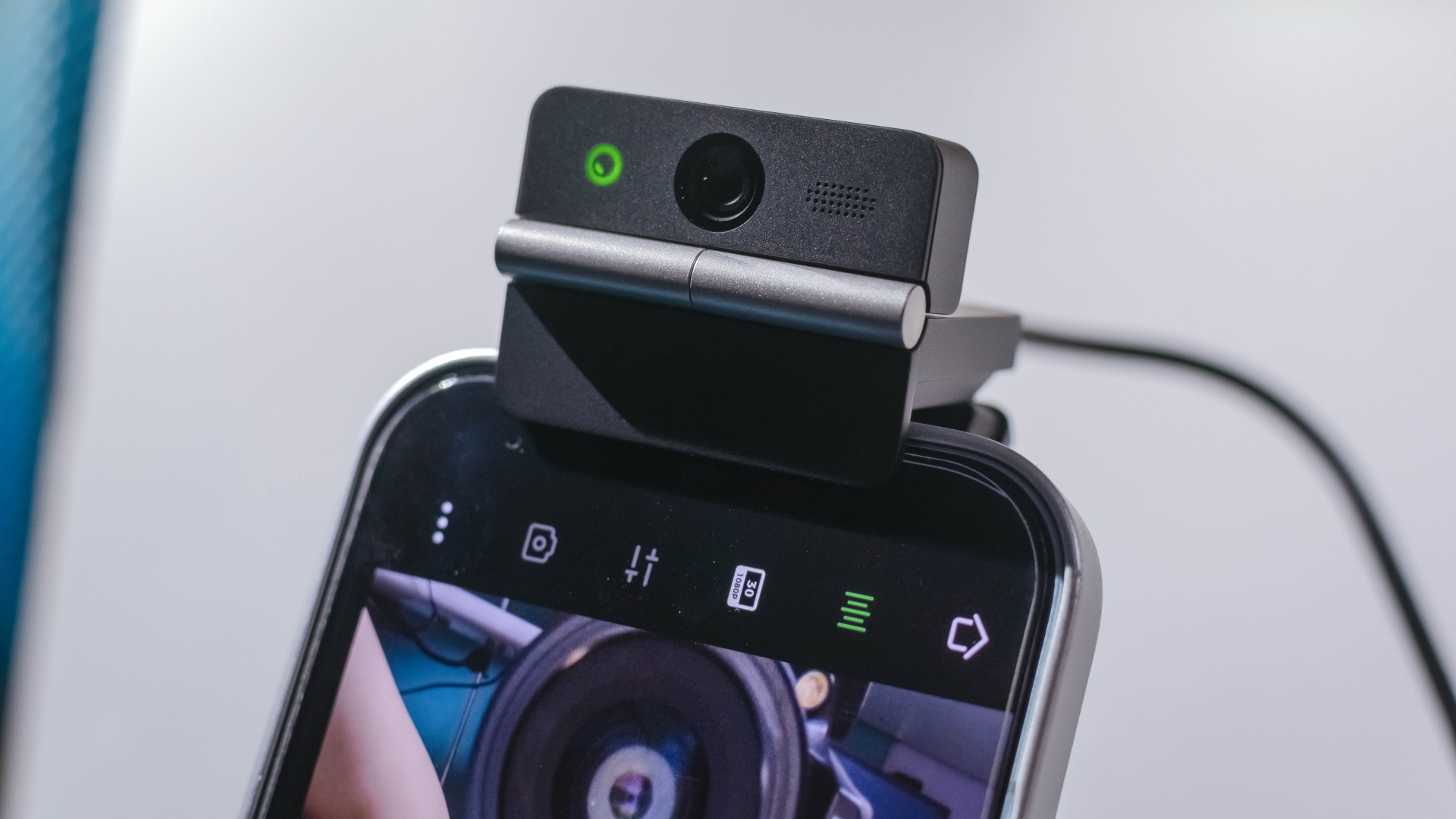
The Meet Flip isn’t limited to laptops or desktops either. Through OBSBOT Live, it can connect directly to smartphones and tablets over USB-C for mobile streaming and content creation.
Flip it open. Fold it away.
None of those features reinvent the webcam on their own.
Taken together, though, they make the Meet Flip a more thoughtful take on a piece of hardware whose basic design and features have barely changed.
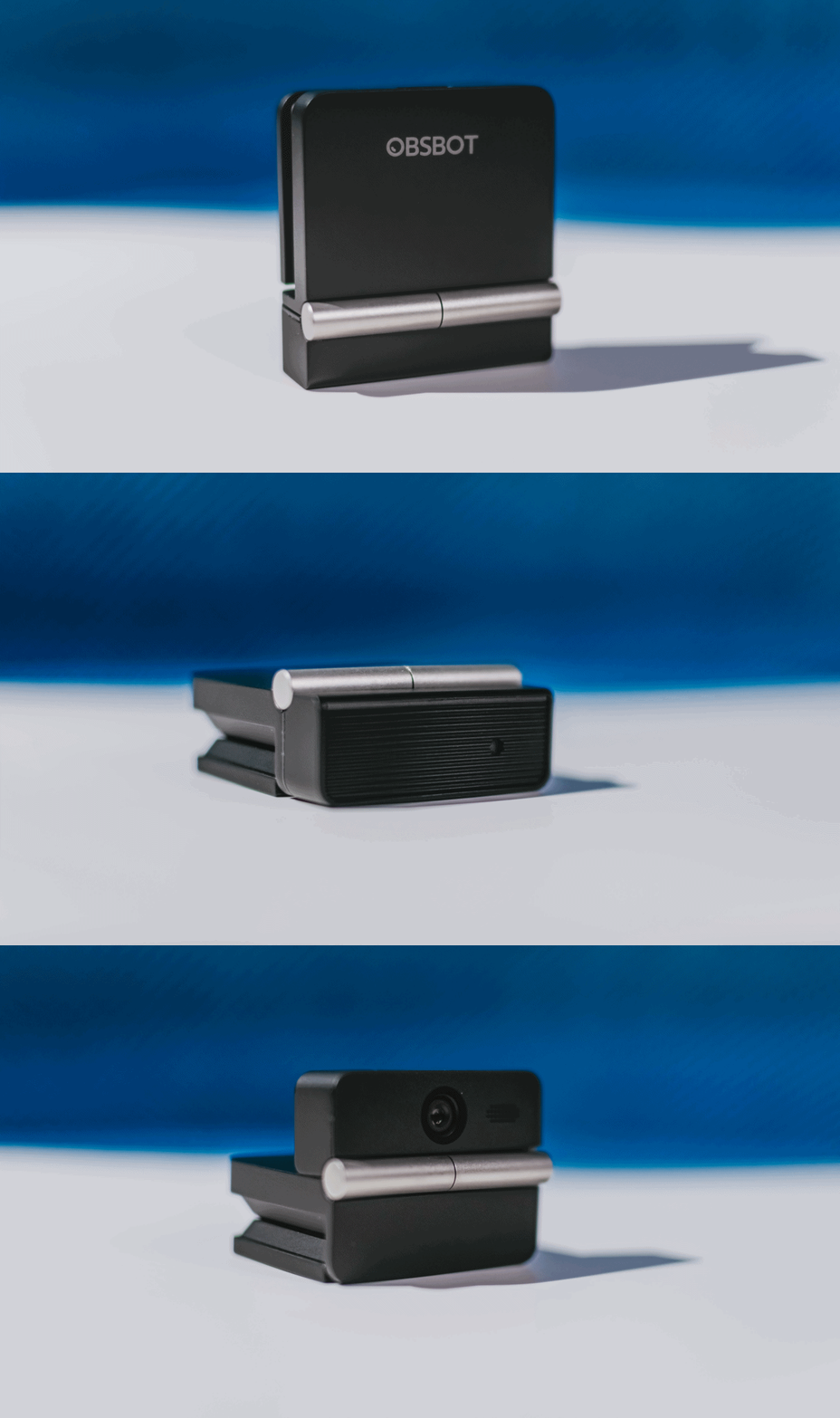
The flip may grab your attention first, but it’s how OBSBOT uses that design alongside its camera, audio, and software features that makes the Meet Flip interesting.
The OBSBOT Meet Flip is now available at US$ 119 and is currently available through OBSBOT’s official store, Amazon US, and select retailers.
&
@gadgetmatchPhones flip. Now webcams do too. 👀 Meet the OBSBOT Meet Flip, a tiny foldable 4K webcam with a lot packed inside. ✨
If you buy one, here’s what you’ll get out of the box!

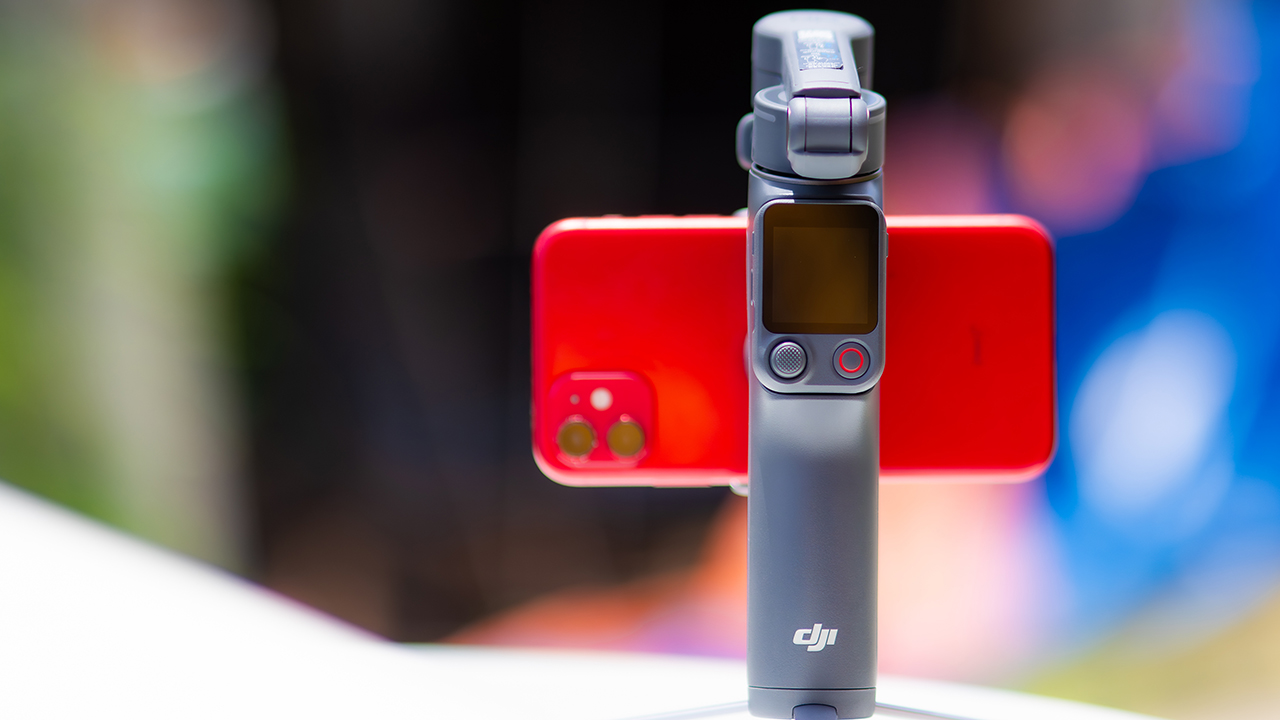
DJI’s smartphone gimbals have always chased one goal: delivering cinema-smooth footage without forcing you to carry a heavy rig.
The Osmo Mobile 8P (OM 8P) makes its priorities clear right out of the box. This is not a simple refresh. DJI rebuilt how you control the gimbal, and that decision shapes the entire shooting experience.
Freedom behind the lens
The biggest change is the FrameTap remote, and it’s the kind of upgrade that fixes a problem you didn’t realize was slowing you down until it’s gone.
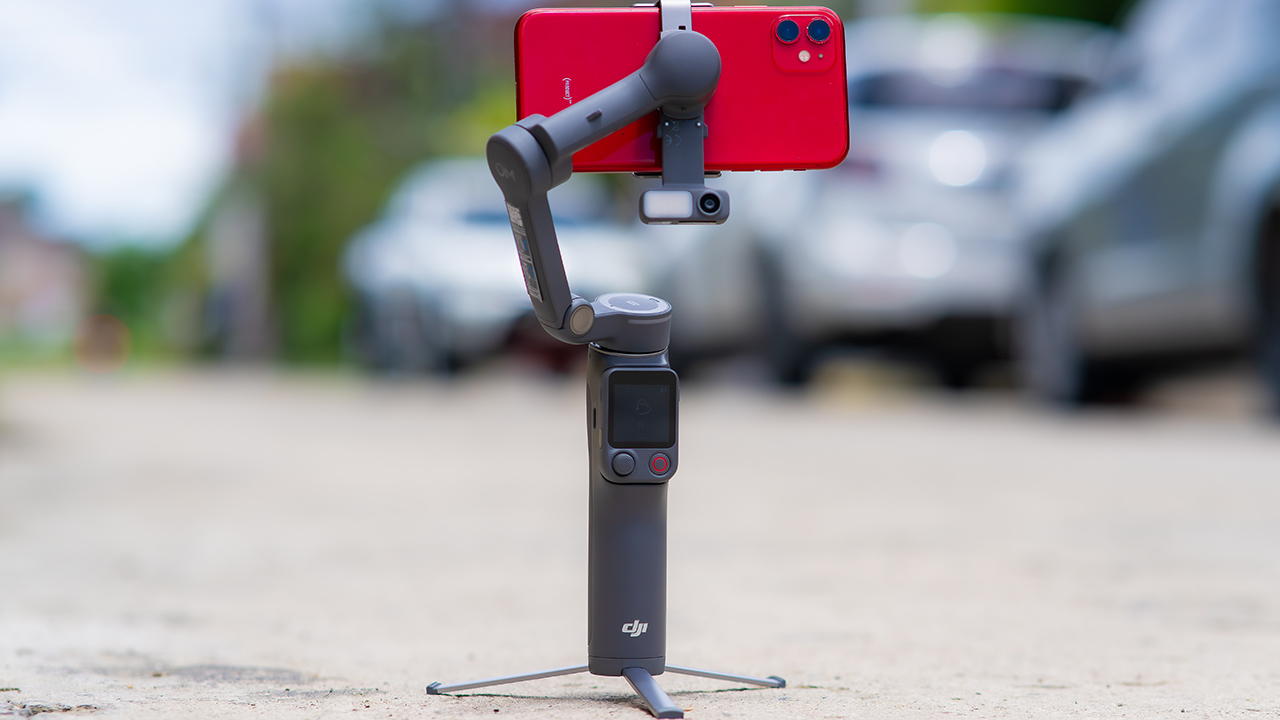
On the standard OM 8, adjusting your framing meant reaching for your phone every time, which broke the flow of shooting and pulled you out of the moment.
FrameTap puts that control back in your hand. You can reframe shots and manage the gimbal without touching your phone at all, and for anyone shooting solo, that alone changes how usable the whole setup feels. Tracking has taken a real step forward too.
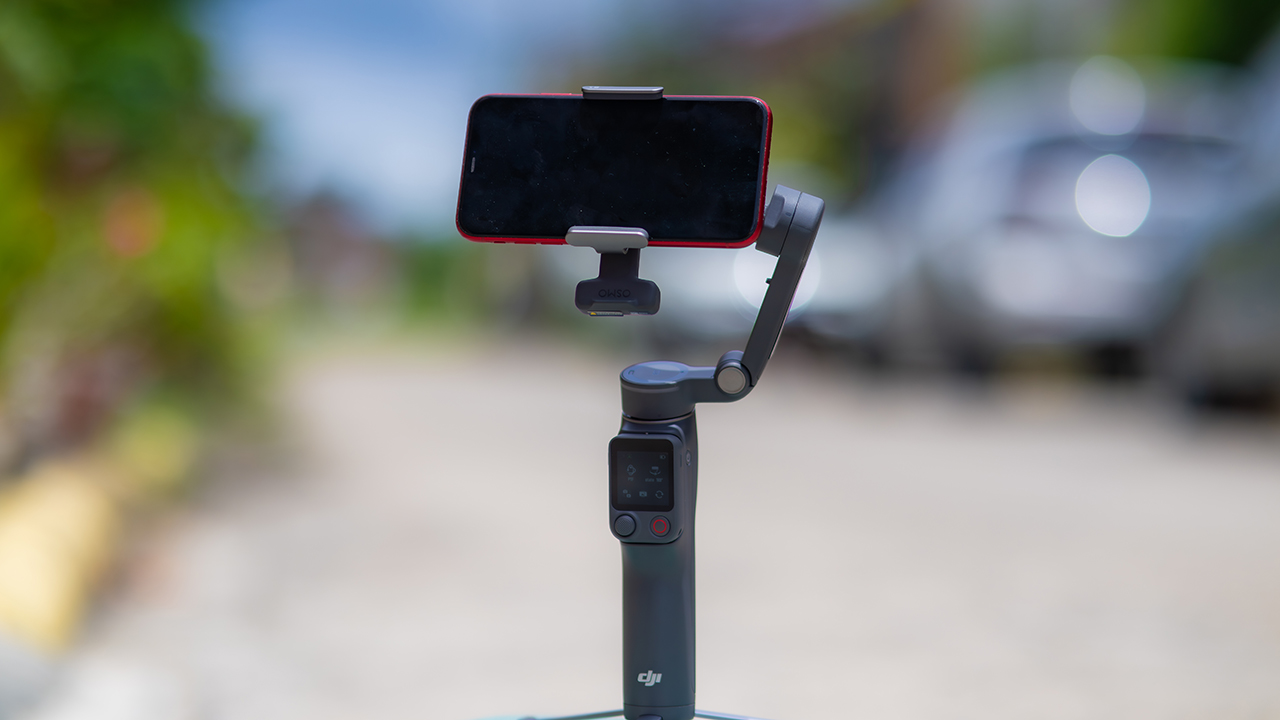
ActiveTrack 8.0, paired with Module 2, held onto its subject even after they stepped out of frame for a moment, then picked them back up without much fuss.
It also lets you sit off-center in the shot instead of forcing you into the middle every time, which gives you more room to compose something that doesn’t look like every other gimbal video.
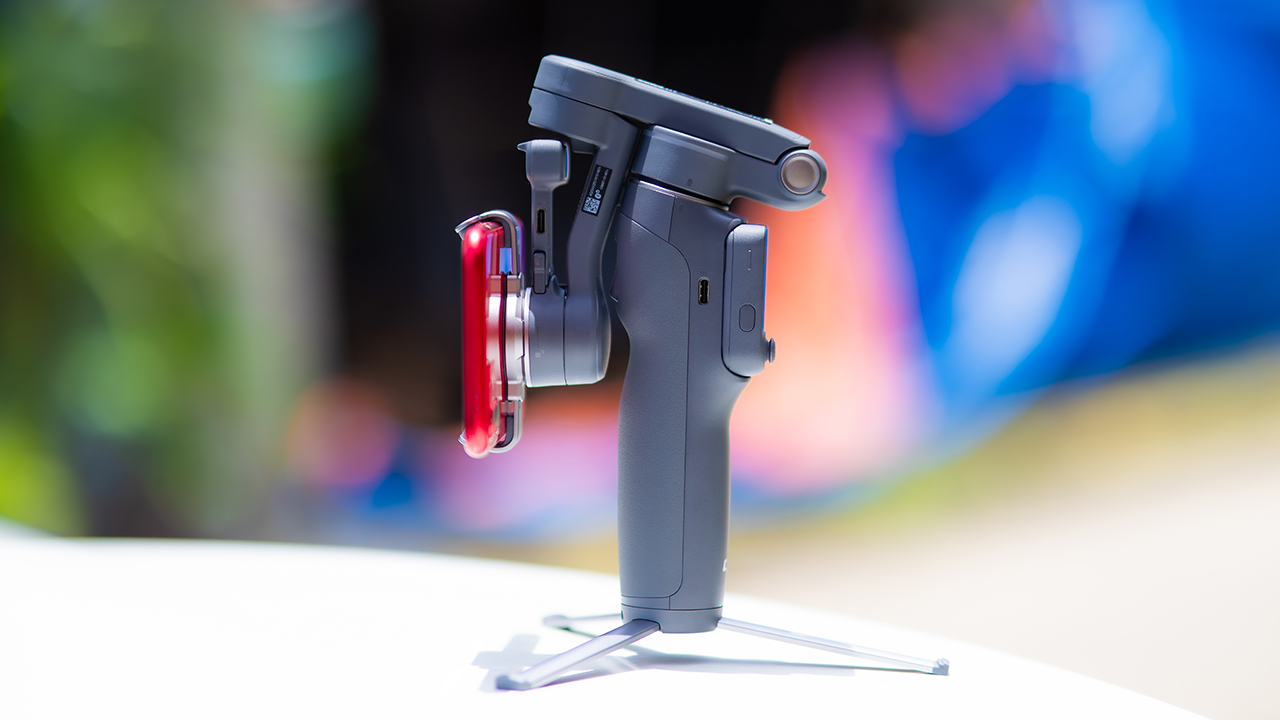
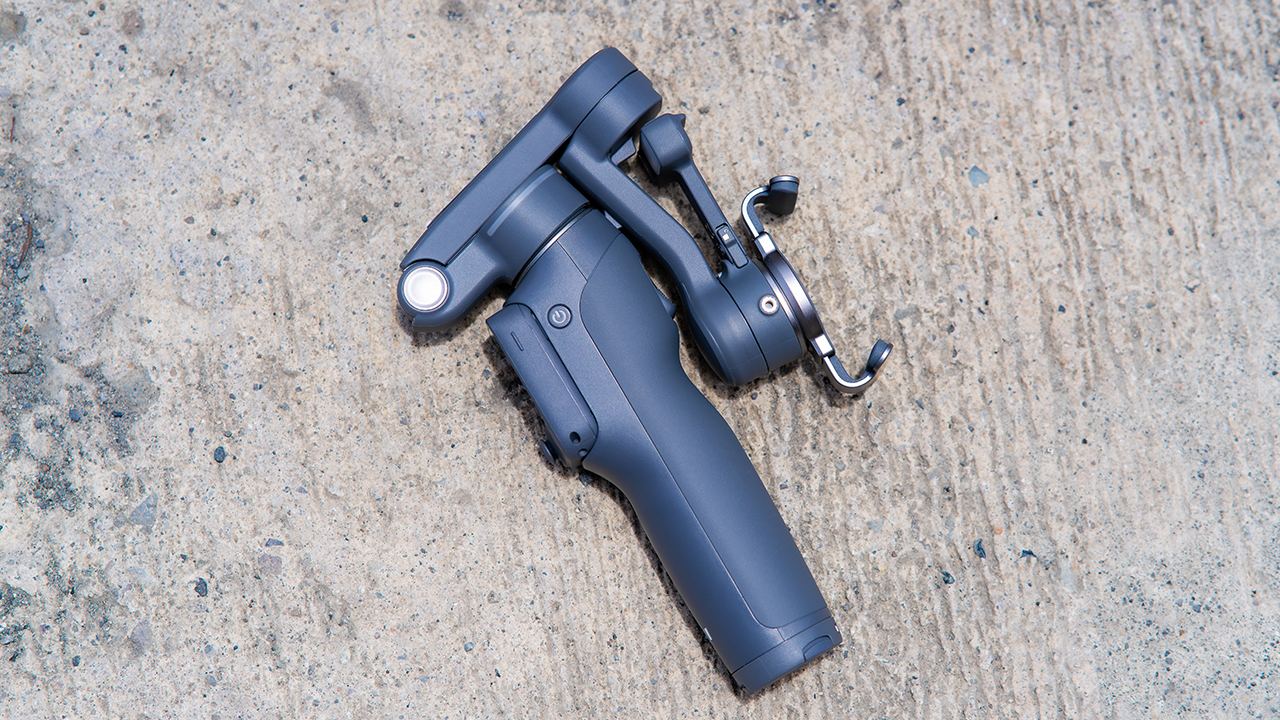
None of that would matter much if the gimbal itself wasn’t solid, and it still is. The OM 8P holds onto the same foldable design, magnetic phone clamp, and built-in tripod that made the OM 8 easy to live with.
And it remains one of the better compact options for stabilization, tracking, and portability in one package.
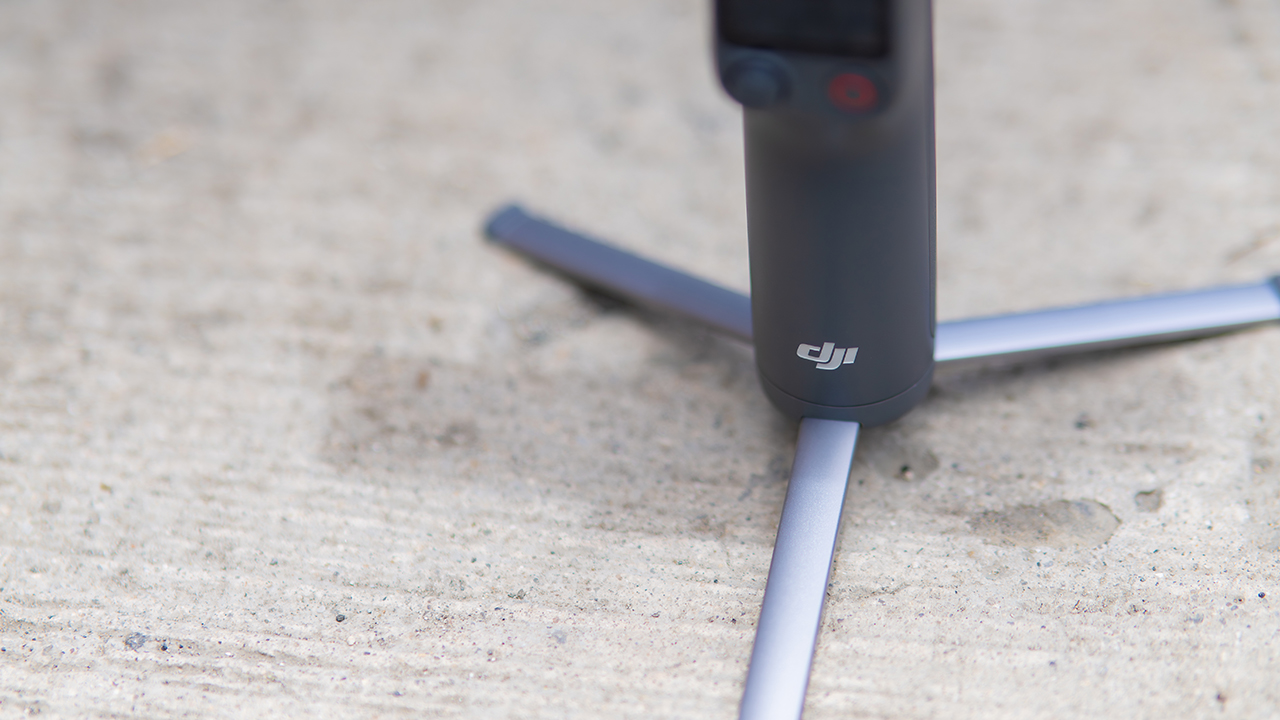
The tripod legs are a touch wider this time, and that extra width does make a noticeable difference on uneven ground.
The trade-offs in touch
The trade-off for all that new remote functionality is a control scheme that takes more getting used to. More of the gimbal’s functions now live on the FrameTap touchscreen, the joystick is smaller, and switching between shooting modes takes a few extra taps compared to the OM 8. It’s not a dealbreaker, but it’s a learning curve you’ll need to budget time for.
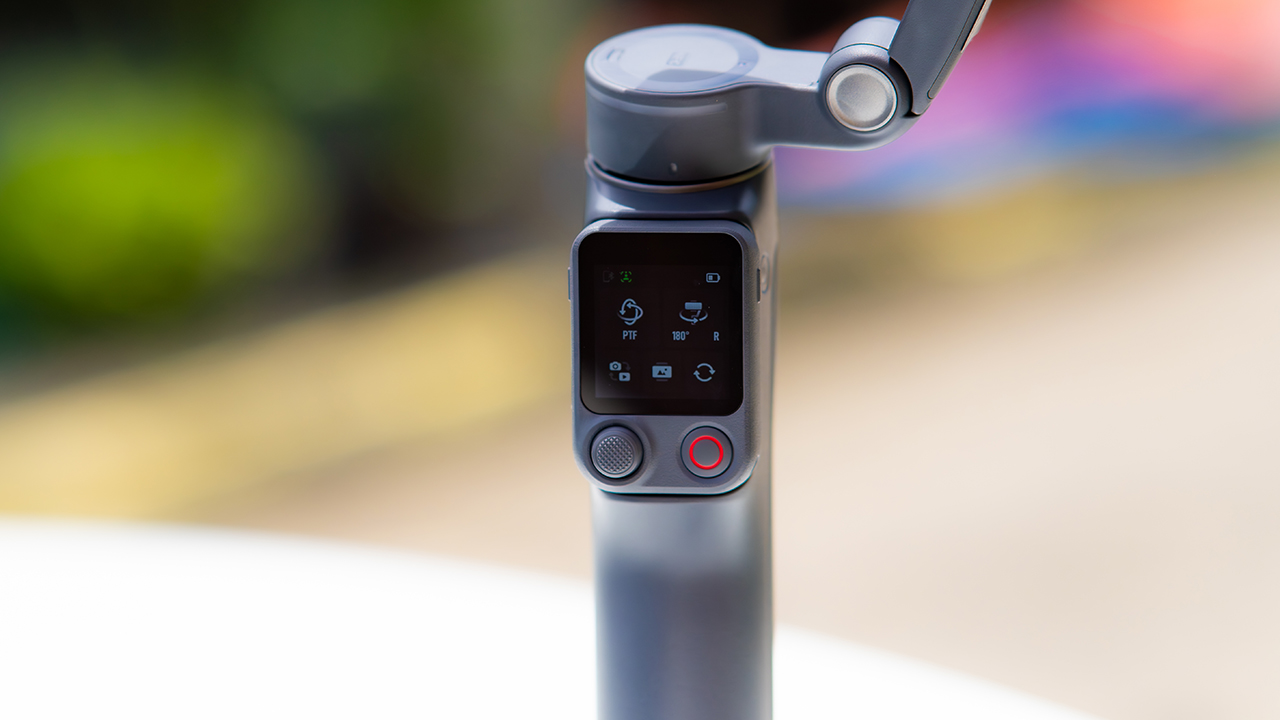
DJI also removed the zoom and focus wheel, so if you leaned on that dial for quick adjustments, you’ll feel its absence here. Module 2 no longer lets you plug a DJI wireless mic in directly either.
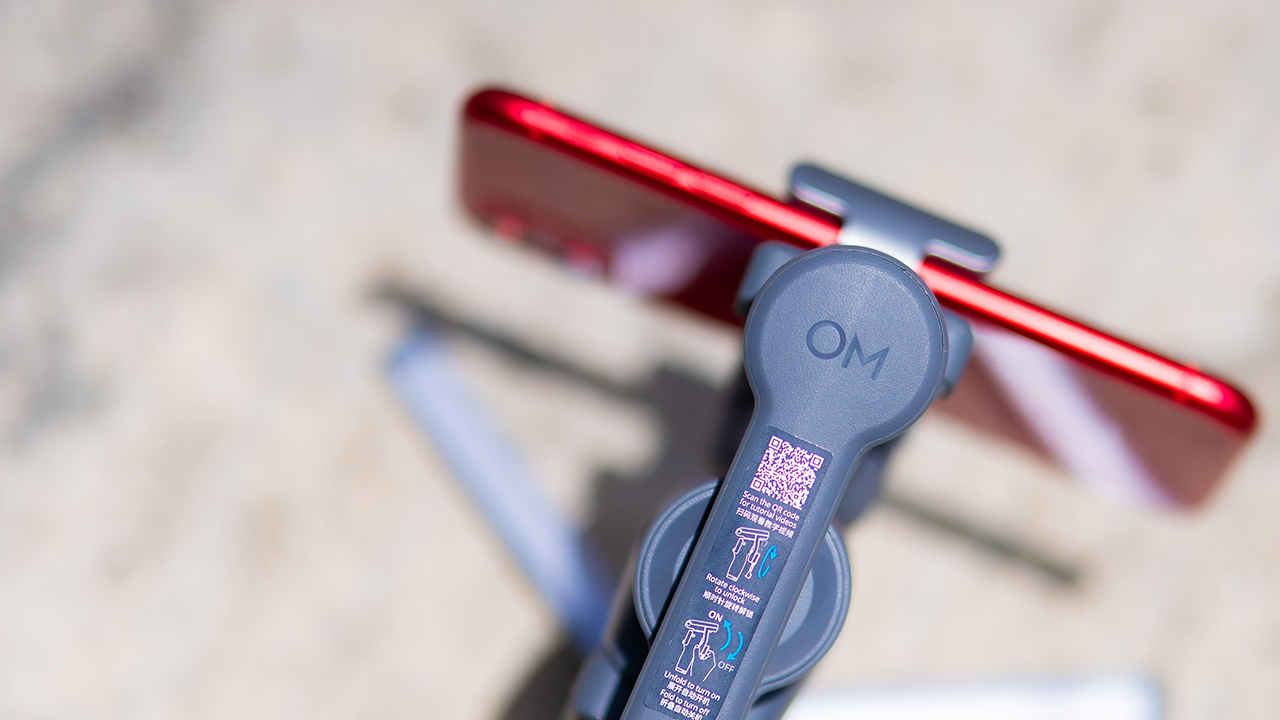
You’ll need to connect it to your phone instead, which adds a step to a setup that used to be simpler. Phone compatibility is still a limiting factor as well. DJI lists support for phones up to around 300g and 11mm thick, so bigger phones or ones in chunky cases may not clamp in properly.
Finding your ideal workflow
The OM 8P makes the most sense for solo creators who want dependable tracking and the freedom of remote framing without stepping up to a dedicated camera like the DJI Osmo Pocket.
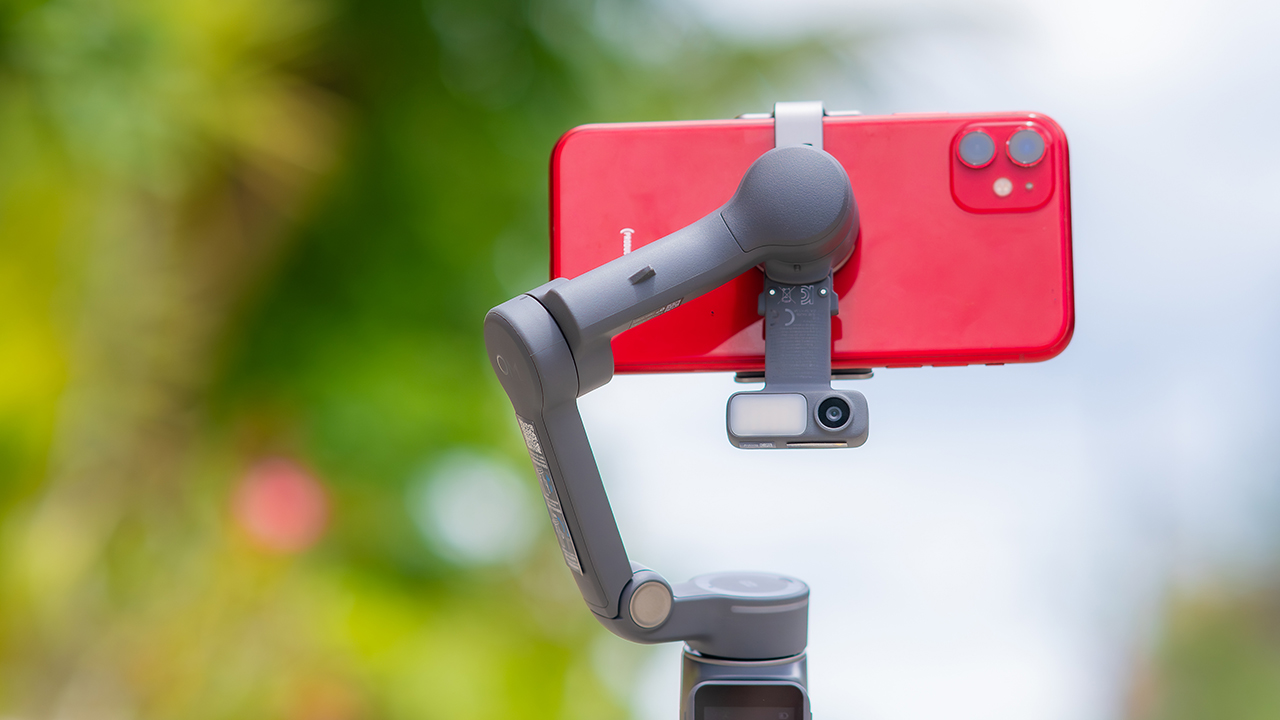
If you’re already shooting on a phone with a solid camera, this fills the gap nicely. It’s a tougher sell if you prefer physical buttons over touchscreen menus, or if your phone runs on the larger and heavier side, since fitting it onto the clamp might be a problem before you even get to shooting.
Price, availability
DJI is offering the OM 8P in three combos, so how much you pay depends on how much of the ecosystem you actually need.
- Standard Combo (PhP 7,499): the gimbal itself, with 8th-gen stabilization and the detachable FrameTap remote included.
- Advanced Tracking Combo (PhP 9,199): adds the Multifunctional Module 2 for the improved subject tracking we tested.
- Creator Combo (PhP 11,099): the full kit, built for creators who want everything DJI bundles in from the start.
Is the DJI Osmo Mobile 8P your GadgetMatch?
The DJI Osmo Mobile 8P asks you to relearn a few habits in exchange for a gimbal that finally lets go of your phone. If hands-free framing and steadier tracking matter more to you than a dedicated zoom dial, this is worth the adjustment.
If you’d rather keep things exactly as they were on the OM 8, that learning curve might be the deciding factor.
Swipe right if you shoot alone often and have been waiting for a gimbal remote that actually works. The FrameTap remote alone justifies the upgrade if reaching for your phone mid-shot has been slowing you down.
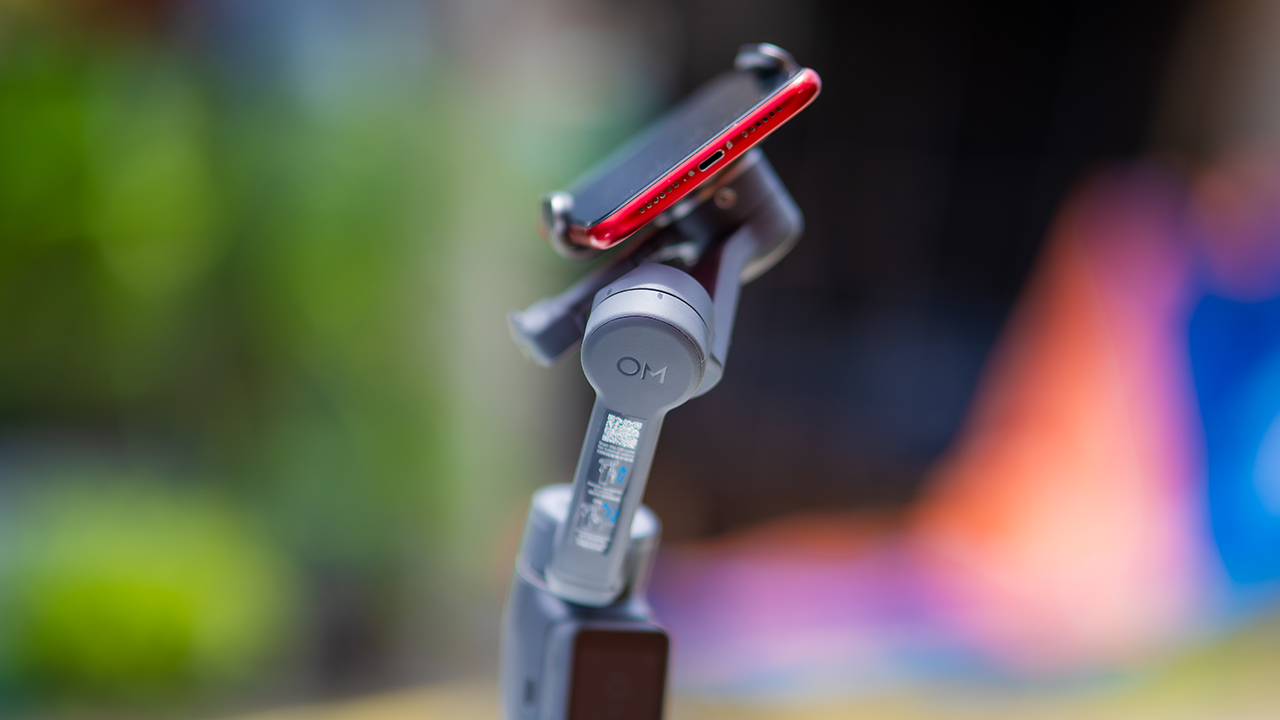
Consider this if reliable tracking matters to you, especially if you’ve had a subject wander out of frame and stay lost on older gimbals.
And of course, get this if you already own a capable phone under the weight and thickness limits, and you’d rather invest in a smartphone rig than jump to a dedicated camera like the Osmo Pocket.
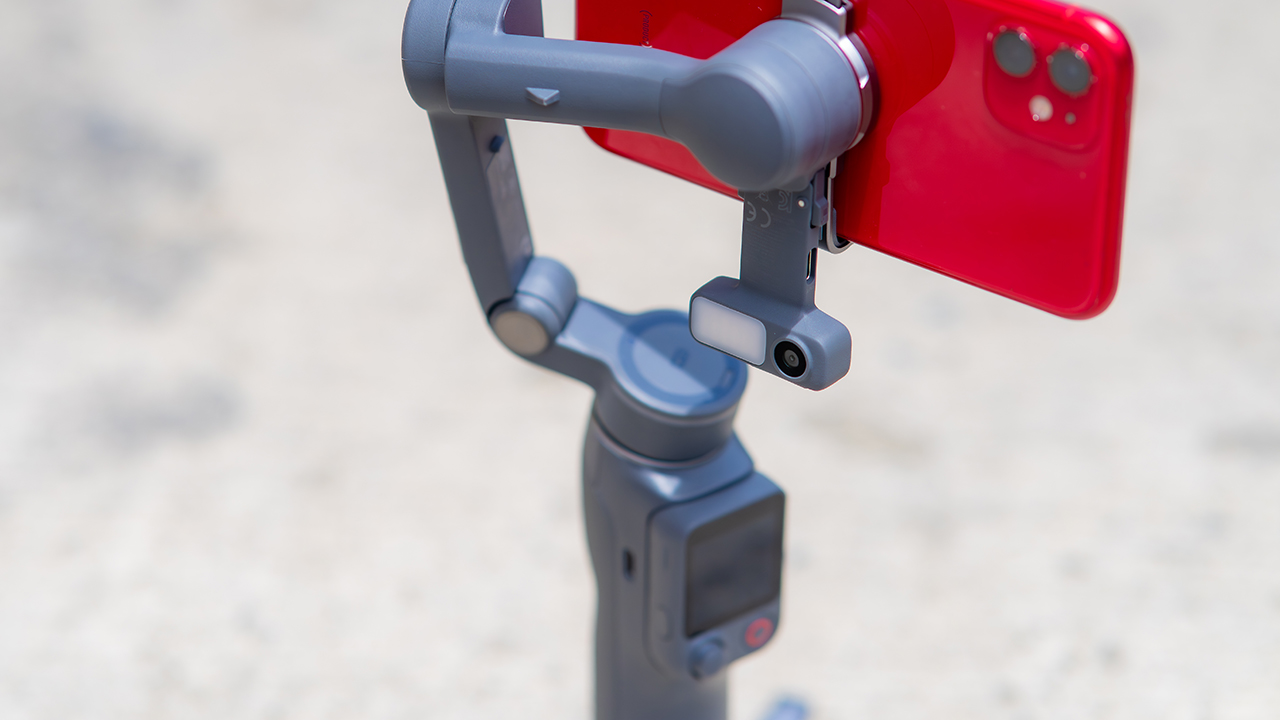
Swipe left if you lean on physical dials for zoom and focus, and moving those functions to a touchscreen sounds like a downgrade rather than an upgrade.
This is not for you if you use a DJI wireless mic and want it plugged directly into the module without routing through your phone first. Or, your phone runs heavier or bulkier than DJI’s limits allow, since no amount of enthusiasm fixes a clamp that won’t close.
Hands-On
Hands-on: Samsung Galaxy Z Fold8, Flip8, Ultra
Samsung’s freshest foldables come out of the oven


Three foldables. Three very different people.
Samsung’s Galaxy Z Fold8 Ultra — the productivity maximizer. Heritage form factor, everything cranked to the max.
The Galaxy Z Flip8, pure style. The smallest, loudest, most you one of the bunch.
And finally, the Samsung Galaxy Z Fold8 — the new beginning.
Built for the way most of us actually use our phones: watching, reading, scrolling. The one I keep reaching for and have a feeling THE Michael Josh will be using a lot.
Same family. Three ways to experience it.
Head over to our hands-on video on the latest and greatest Galaxy Z8 family for you to know your best bet.

REDMI Note 17 Pro review: What a rollercoaster ride!
The serious series of ups and downs are NOTEworthy of your attention

Insta360 Luna Ultra review: My new solo coverage camera
Changed my workflow
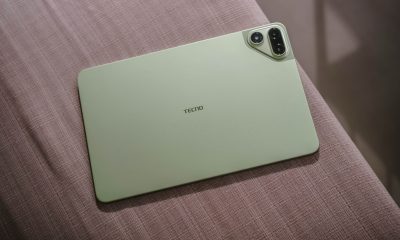

TECNO MEGAPAD 2 review: Eyes on the size
The MEGA pad for two base users
REDMI Note 17 Pro review: What a rollercoaster ride!

REDMI Note 17 Series: Price, availability in Singapore

REDMI reveals the refreshed Note 17 and Note 17 Pro series

AGIBOT just topped the medal table at the World Humanoid Robot Games

This 19kg LG Washer is built for households that never stop doing laundry

VinFast debuts two-wheeler models, opens 21 e-motorcycle showrooms
TECNO MEGAPAD 2 review: Eyes on the size

REDMI Note 17 Series focuses on long-term reliability

OnePlus officially leaves the United States and Canada

Xiaomi debuts SkyNomad Series featuring new Kunlun platform


-
Reviews5 days ago
TECNO MEGAPAD 2 review: Eyes on the size
-
 Singapore1 week ago
REDMI Note 17 Series focuses on long-term reliability
-
 News1 week ago
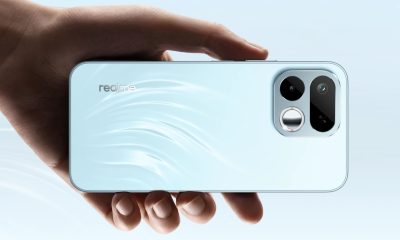
realme 16T to come with 8,000mAh battery, 7-year battery health guarantee
-
 Accessories1 week ago
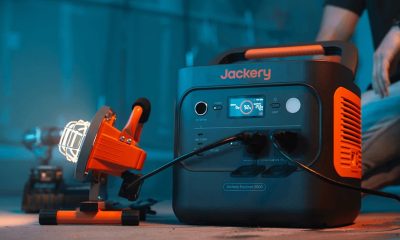
Jackery expands Explorer Series portable power stations
-

 News1 week ago
HUAWEI Pura X View is 2026’s first WIDE slab-type smartphone
-
 Reviews2 weeks ago
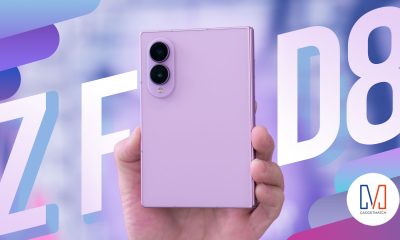
Samsung Galaxy Z Fold8 Review
-

 Entertainment2 weeks ago
Box office: Brand New Day set to surpass US$ 2 billion, drives Marvel’s Spider-Man 2 resurgence
-

 Gaming1 week ago
Now Playing: Assassin’s Creed Black Flag Resynced