
Features
Samsung Galaxy Note 20 Ultra vs Galaxy Note 5: 20 changes in 5 years
A testament to Samsung’s smartphone superiority

I clearly remember the day Samsung announced the first-generation Galaxy Note last 2011 at IFA Berlin. Back then, it got all of the attention because it’s one of the first few “phablets” with a gigantic 5.3-inch display, simply dwarfing the 4.3-inch-touting Galaxy S II. Other than the big screen, the inclusion of S-Pen is what set it apart from other contenders.
Ever since that release, I’ve dreamed of owning one — until I had my first Note with the Galaxy Note 5. Five years later, I had the chance to get my hands on the newest Note flagship, the Galaxy Note 20 Ultra.

Image by GadgetMatch
As a long-time Note fan, it’s amazing to see how Samsung tried their very best to keep up with the smartphone game by undergoing certain improvements and changes. It’s also been a while since we’ve had a dedicated Galaxy Note comparison article so why not make a new one?
After riding that nostalgia train, I tried listing down 20 changes from Galaxy Note 5 to the latest Galaxy Note 20 Ultra — that’s five Note generations passed in just five years. Here’s a testament to Samsung’s smartphone superiority.
1. Size
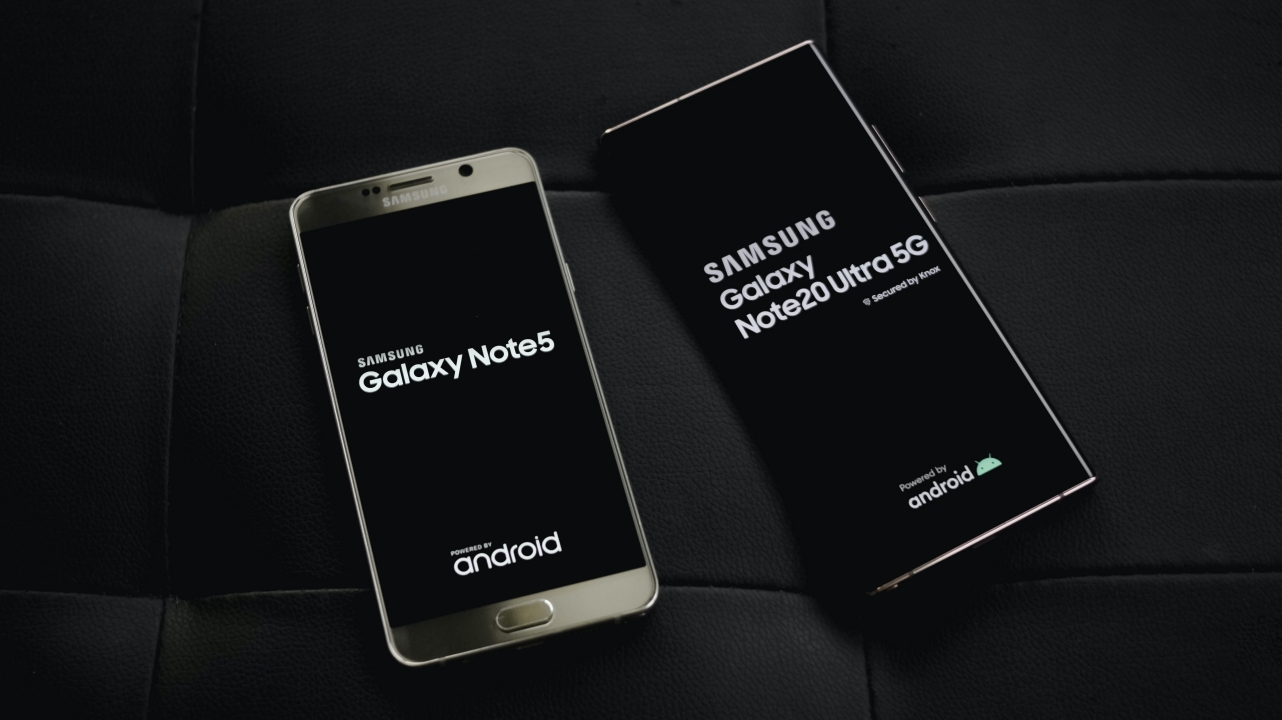
One obvious change is with their sizes. In 2016’s standards, the Galaxy Note 5 is simply one of the biggest smartphones you can own alongside its cousin, the Galaxy S6 Edge+, as well as Apple’s iPhone 6s Plus. But with a larger display, the Galaxy Note 20 Ultra simply makes the Note 5 look like a “regular-sized” piece of slab.
2. Display
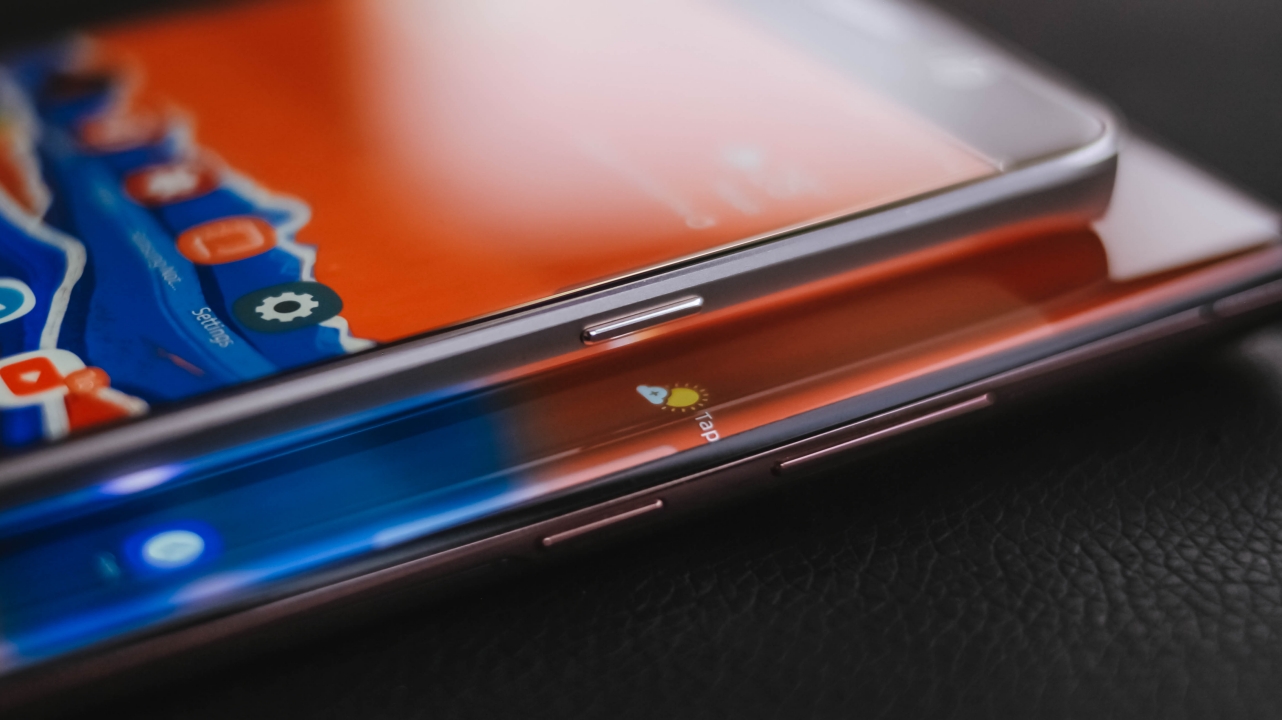
Speaking of display, the Galaxy Note 5 has a 5.7-inch Super AMOLED display with a 60Hz refresh rate. On the other hand, the Galaxy Note 20 Ultra sports a massive 6.9-inch Dynamic AMOLED display with a smoother 120Hz refresh rate.
The new display tech is a huge step-up not just for the Note line, but for Samsung’s mobile display technology. Other than the large size gap, the Note 20 Ultra also features a curved edge display that first made its debut on the Galaxy Note Edge.
3. Material

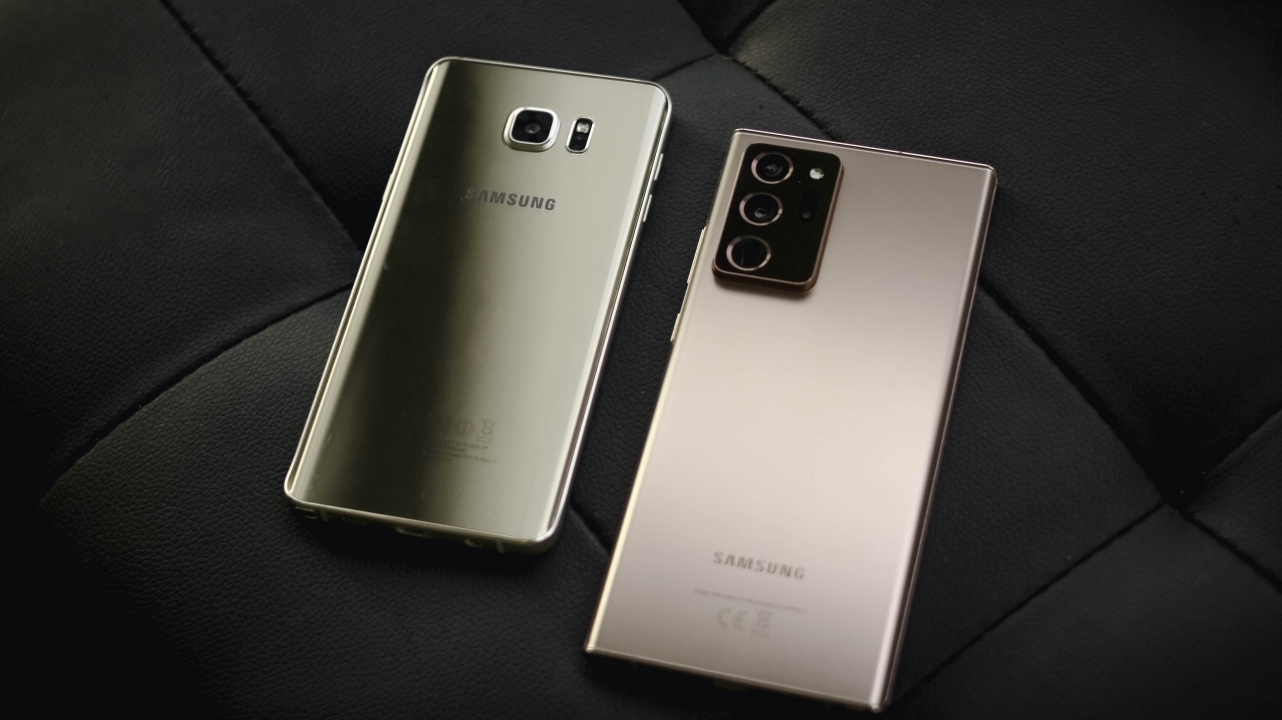
The Galaxy Note 5 was the start of a new era where removable batteries became a thing of the past. While nothing much has changed with the Galaxy Note 20 Ultra, its back is now matte instead of the shiny and glossy back of the Note 5 that’s super smudgy and prone to fingerprints and hairline scratches.
The newer Note also feels more premium even without a case because of the new material. Although the Galaxy Note 5 has curved edges on its back, it still failed to achieve better ergonomics because of its flat front which the newer Note has managed to ace because of its symmetrical design. Also, the aluminum frame was replaced by a sturdier and more elegant-looking stainless steel frame.
4. Ports
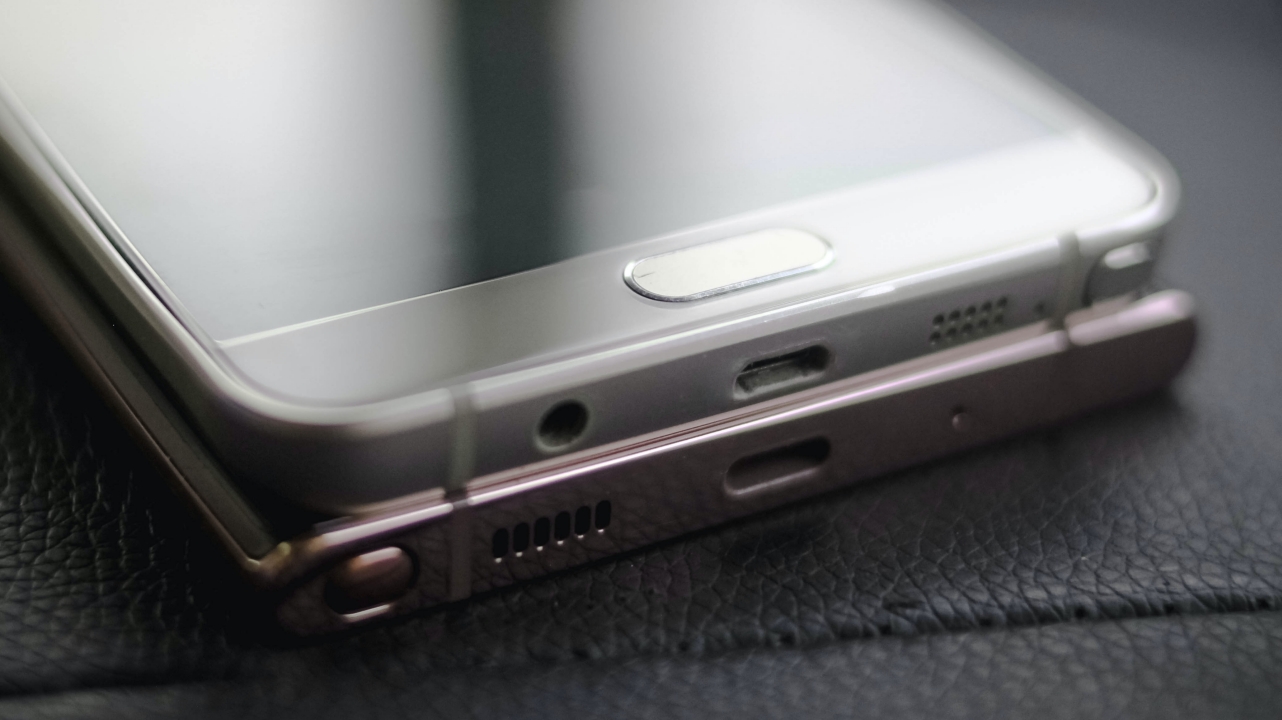
Samsung still kept the micro USB port on the Galaxy Note 5. The Galaxy Note 7 paved the way for the introduction of USB-C in the Note series — which the Note 20 Ultra still has today. Other noticeable differences are the placements of the S-Pen and speaker grilles and the removal of the 3.5mm audio jack.
5. Sensors

To make way for that edge-to-edge display, Samsung has excluded the physical fingerprint scanner on the Note 5. While it was still present until the Galaxy Note 9 (just moved at the back), the newer Galaxy Note 20 Ultra is equipped with an ultrasonic in-display fingerprint reader which made its debut on the Galaxy Note 10 series.
Other than that, the heart rate sensor of the Note 5 was also removed and is nowhere found on the latest Note flagship. This sensor has moved to smartwatches which is more widely available compared to when the Note 5 first came out.
6. S-Pen

Samsung introduced the clicking mechanism on its digital pen with the Galaxy Note 5 to imitate a retractable ballpoint pen. Several generations after, the mechanism still exists but the new S-Pen of the Galaxy Note 20 Ultra has a Bluetooth connection for Air Actions. It’s also battery-powered and can be charged through its slot.
The fine ergonomic when writing is still there but the newer one is slimmer and has a slimmer nib. Other than that, the Note 20 Ultra has a 9-millisecond latency which makes scribbling and sketching closer to reality as if you’re writing on a paper.
P.S.: Both versions of the S-Pen work on both devices; Note 5’s S-Pen works on the Note 20 Ultra and vice versa. I accidentally inserted the Note 20 Ultra’s S-Pen all the way to the Note 5 slot but of course, the older S-Pen won’t fit inside the new S-Pen slot.
7. Rear Cameras

Their rear cameras also signify the biggest jump in Samsung’s Galaxy Note line. The Galaxy Note 5 sports a single 16-megapixel f/1.9 camera sensor on its back. During my early time with this phone, it took a lot of great shots in such form factor. That’s a realization that Samsung seriously focused on their camera department.
Five years after, the megapixel size of the main sensor multiplied nearly 6.5 times! Other than the 108-megapixel f/1.8 camera, you also get two 12-megapixel telephoto and ultra-wide lenses, making it a triple-camera setup. The additional ToF 3D and Laser AF (Autofocus) sensors make the quality better than ever.
If you like all those large numbers, the newer Note 20 Ultra can record in an ultra-clear 8K/24fps resolution while the Galaxy Note 5 can shoot at 4K/30fps max — and both resolutions aren’t fully-maximized up until this day.
8. Front Camera

A larger hole doesn’t mean its better. The Note 20 Ultra has a bigger 10-megapixel f/2.2 front camera compared to the 5-megapixel f/1.9 selfie shooter of its predecessor. Video quality is better at 4K/60fps max while the latter can manageably shoot up to 2K/30fps.
9. Sound

Other than the new designation for their speaker grilles, one notable change is the inclusion of stereo speaker in the Galaxy Note 20 Ultra. The Galaxy Note 5 only had a mono bottom-firing speaker. This makes the multimedia experience better and more dynamic.
Those microphones were also leveled-up. You get to record crystal clear and a surround sound audio with the upgraded mics found in the Note 20 Ultra.
10. Software
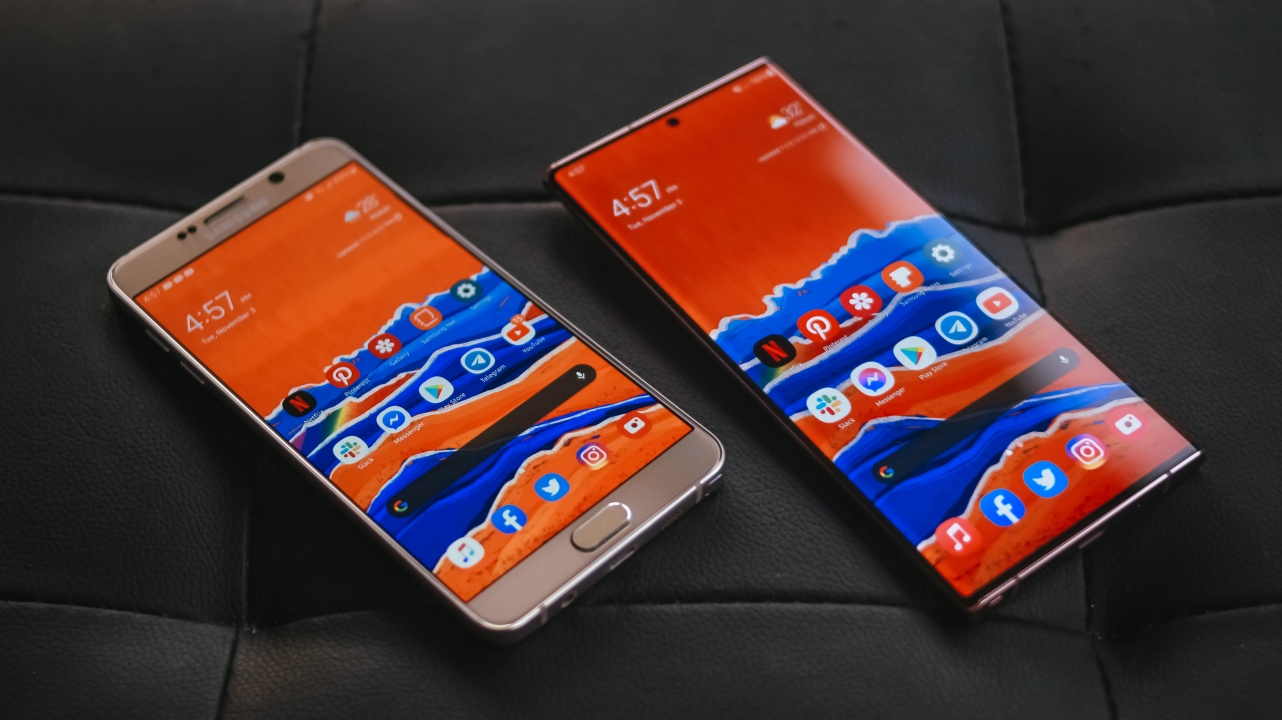
Samsung’s ultra-buggy and bloatware-filled TouchWiz that’s found on the Galaxy Note 5 got replaced by One UI with a more striking and visually-appealing set of icons and animations.
The new UI is a drastic change for someone like me who used TouchWiz for a long time, considering it was one of the biggest drawbacks of owning a Samsung smartphone in the previous years.
11. Processor
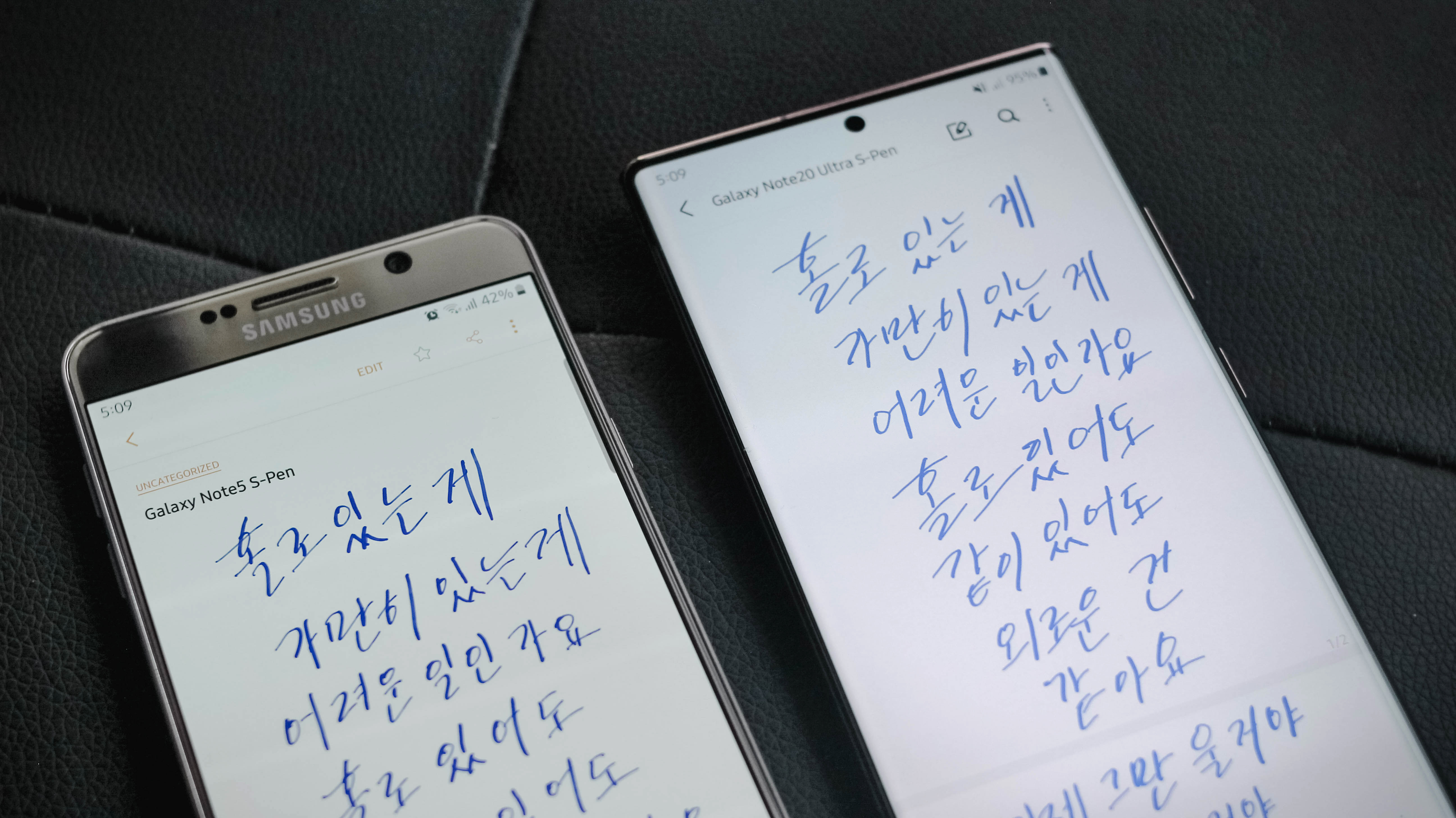
Samsung ditched the Snapdragon variant for the Galaxy Note 5 in favor of their very own Exynos 7420 chipset. Several generations after, Samsung brought back the two chipset options with a Snapdragon 865 variant as well as the Exynos one. Fair enough, my review unit came with the Exynos 990 processor.
After years of innovation, Samsung’s in-house chip improved so much that it can keep up with its Snapdragon counterpart. Performance in the new Note has been topnotch. Meanwhile, the 5-year-old Note 5, although usable, suffered from stutters and lags mainly due to software and hardware degradation.
12. RAM and Storage
In today’s standards, the Galaxy Note 5’s 4GB RAM won’t be enough for the everyday needs of a pro user. Meanwhile, the newer Note 20 Ultra has triple the amount of memory with a whopping 12GB RAM that helps you do multitasking with ease.
Storage options for the older Note were only limited to 32GB and 64GB, while finding a 128GB variant was very rare. This year’s Note starts with that storage capacity, followed by 256GB and 512GB, plus a microSD slot for better expandability — which the Note 5 failed to keep during its time (making it the only Note device without a dedicated memory card slot).
13. Power
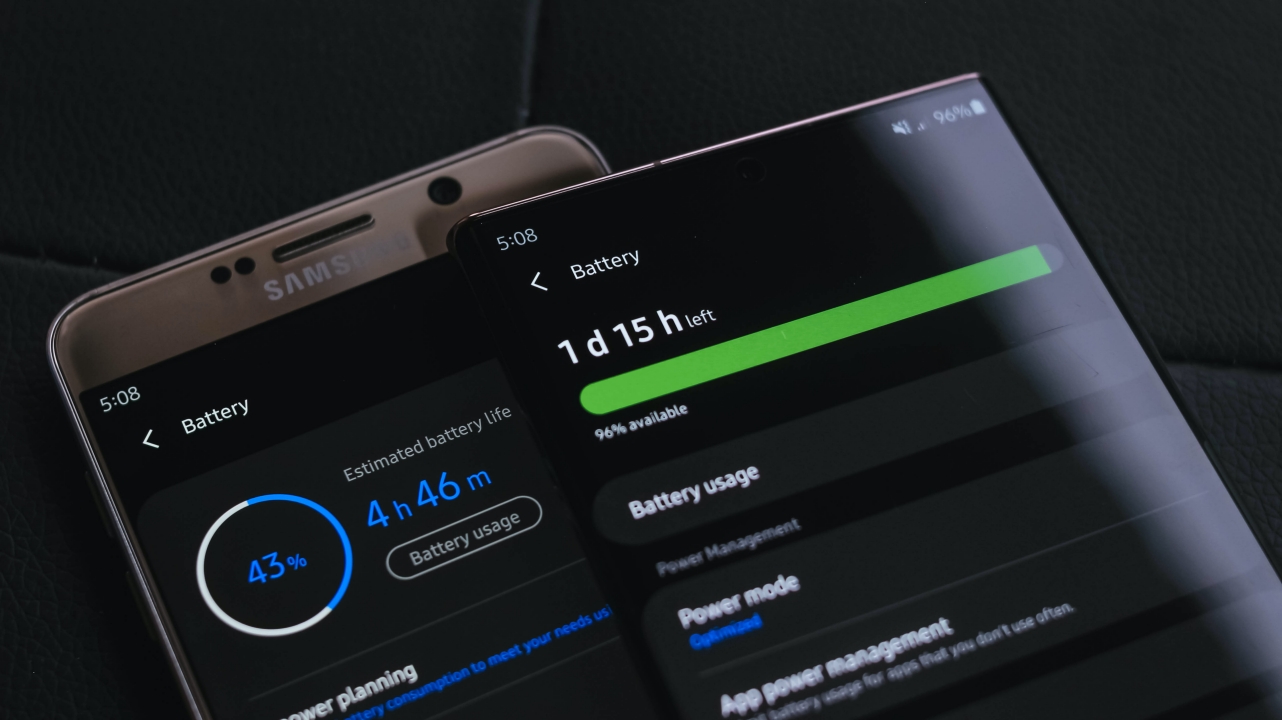
Over the years, every Android smartphone has significantly increased their battery capacities. Although Samsung faced the hardest bang with the battery fiasco of the beloved Galaxy Note 7, they have learned their lesson by improving their batteries’ safety and technology in every Note (and even S) flagship phones.
Generations after that, the Galaxy Note 20 Ultra was able to pack a beastly 4,500mAh battery over the Note 5’s minuscule 3,000mAh unit.
14. Charging
Charging technology has vastly improved over these years. With the bundled 25W charger, it can fill it up from zero to 100 percent in just 70 minutes. Buying an optional 45W charging brick would speed it up more.
On the other hand, the Galaxy Note 5 has a lower battery rating yet charging speeds are a little bit longer at around 90 minutes with the bundled 15W charger.
15. 5G vs 4G LTE
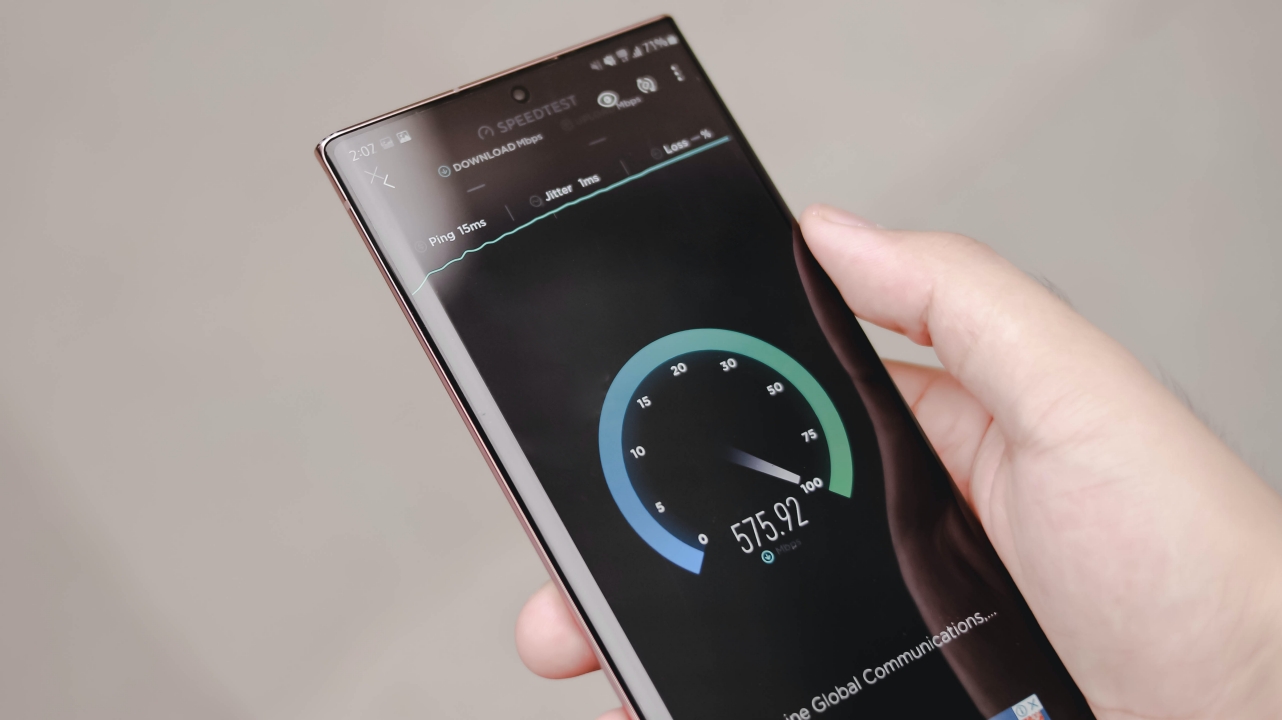
5G right at Bonifacio Global City, Taguig (PH)
As you can see in the photo above, 5G speeds in the Galaxy Note 5 Ultra are instantaneous over the regular speeds you get while using 4G LTE in the Note 5.
It’s not totally a deal breaker for now as there are only a handful of 5G-enabled hotspots around the world that can maximize this feature. Still, it’s amazing to see how Samsung made the latest Note future-ready.
16. Desktop eXperience
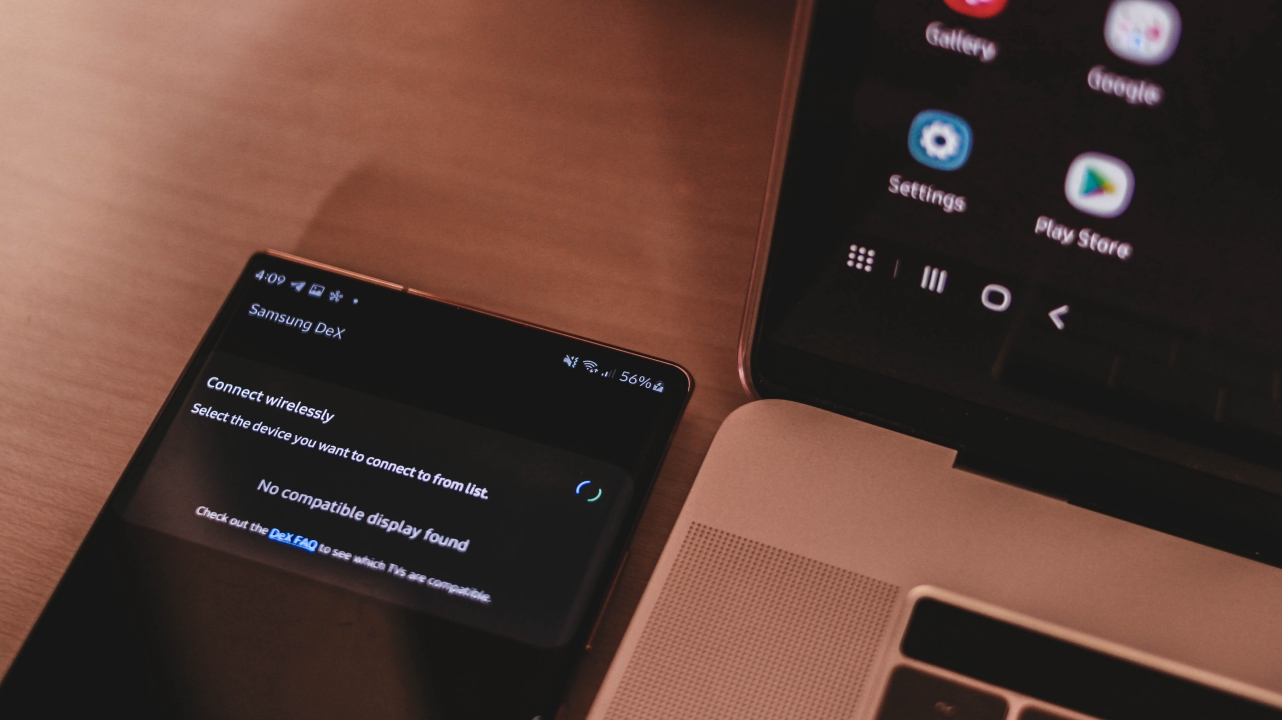
This is a feature that’s totally missing on the Galaxy Note 5. Die-hard Samsung users would know that Samsung DeX was first introduced in the Galaxy S8 and Note 8 series via an optional dock. This is made to level up the use of their flagship smartphones by hooking up an external monitor, keyboard, and mouse into the dock to mimic a desktop-grade experience.
Although this isn’t new on the Note 20 Ultra, the ability to use it wirelessly is definitely a bump-up to make a wireless and cordless DeX-perience. And yes, it successfully runs on my MacBook Pro just via a single USB-C cable.
17. Water and Dust Resistance
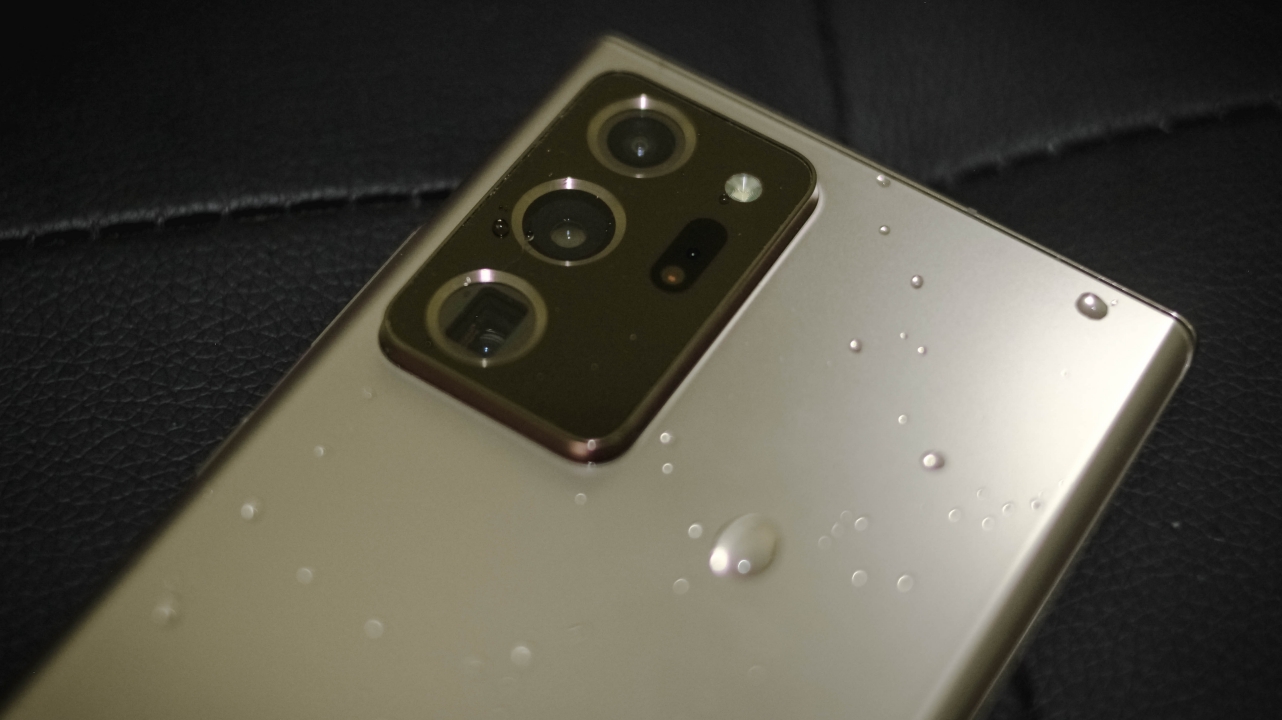
Another Note-worthy feature that’s not in the Galaxy Note 5 is an IP certification rating. The old Note can withstand tiny splashes but it simply wouldn’t protect it from a full immersion in water and dust.
The Galaxy Note 7 had an IP68 rating, making it the first Note device to do so. It basically makes the phone withstand dust and water of up to 1.5 meters for thirty minutes. This rating continued generations after up until the latest Note 20 Ultra.
18. Android Software Support

For the first time in forever, Samsung has committed to a three-year support to Android software updates — which will make the Galaxy Note 20 Ultra receive an Android 13 update in 2022. The current phone runs One UI 2.5 based on Android 10 with an upcoming One UI 3 based on Android 11.
Meanwhile, the Galaxy Note 5 only lasted until Android 7.0 Nougat with TouchWiz Grace UX while the ability to run Android 9.0 Pie with One UI was entirely based from the Custom ROMs of several modders found at XDA-Developers.
19. Color Options
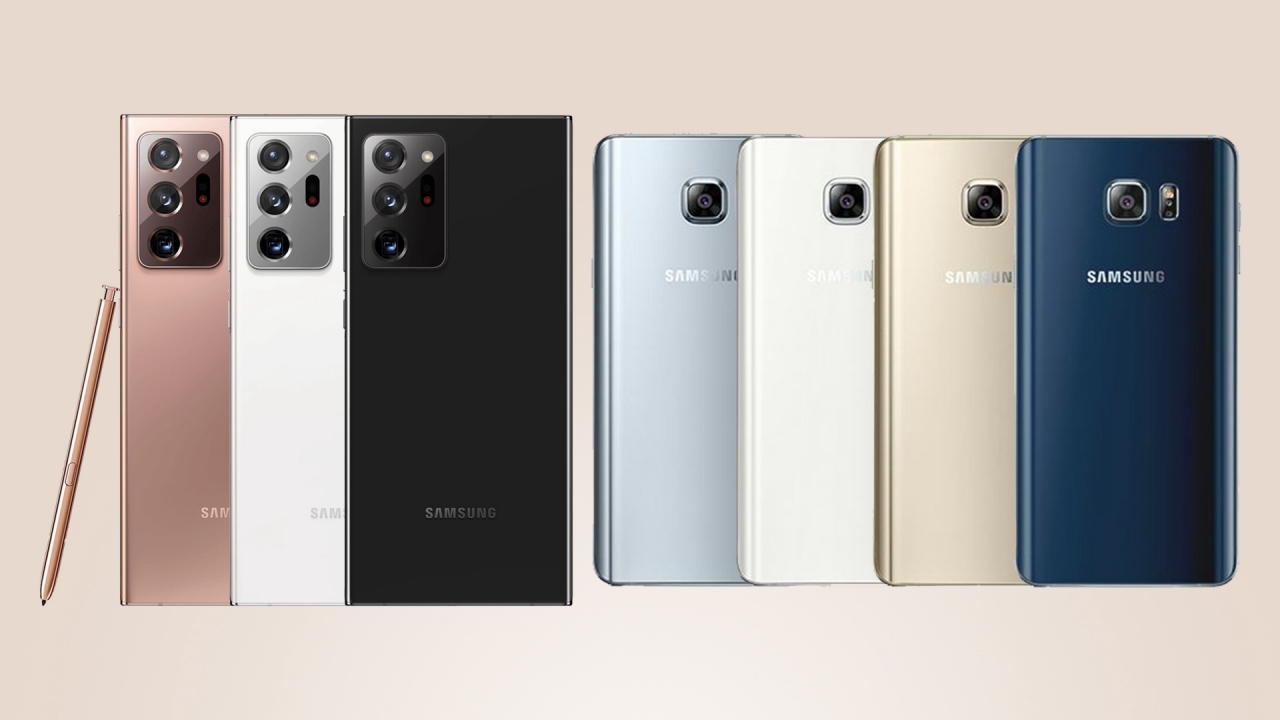
The Galaxy Note 5 was available in four different eye-catchy colors: Black Sapphire and Gold Platinum were the most common units people were rocking that time while White Pearl and Silver Titan were harder to find.
On the other hand, the Galaxy Note 20 Ultra has three colorways with Mystic White being the common denominator among the two devices. There’s also a neutral Mystic Black unit and a more premium-looking Mystic Bronze color — and the photos above prove that claim.
20. Launch Price
With all the spec bump and feature upgrades, it comes as no surprise that the latest Note 20 Ultra retails more than double the price of the Note 5 from five years ago.
The base 32GB model of the Note 5 retailed for US$699 (PhP 32,990) while the base 128GB Note 20 Ultra 5G was launched at US$ 1299.99 (PhP 72,990).






It might be an exaggeration but, never have I ever dreamt of stepping onto the Land of the Rising Sun anytime soon.
Financial instability is one. Tedious visa application process for another. Don’t even get me started with all the daunting stories of denied applicants.
But, as luck would have it, I was still granted a single-entry visa. A year’s worth of preparation didn’t go into waste.
It’s not because I’m an anime fan (because I ain’t one). As much as everyone else, Japan (日本) is a legitimate dream destination for all the sights and wonders it offers.
After all, being able to experience the rich nation from the Far East has been dumped in my travel bucket for more than two decades — way before this trip became a reality.
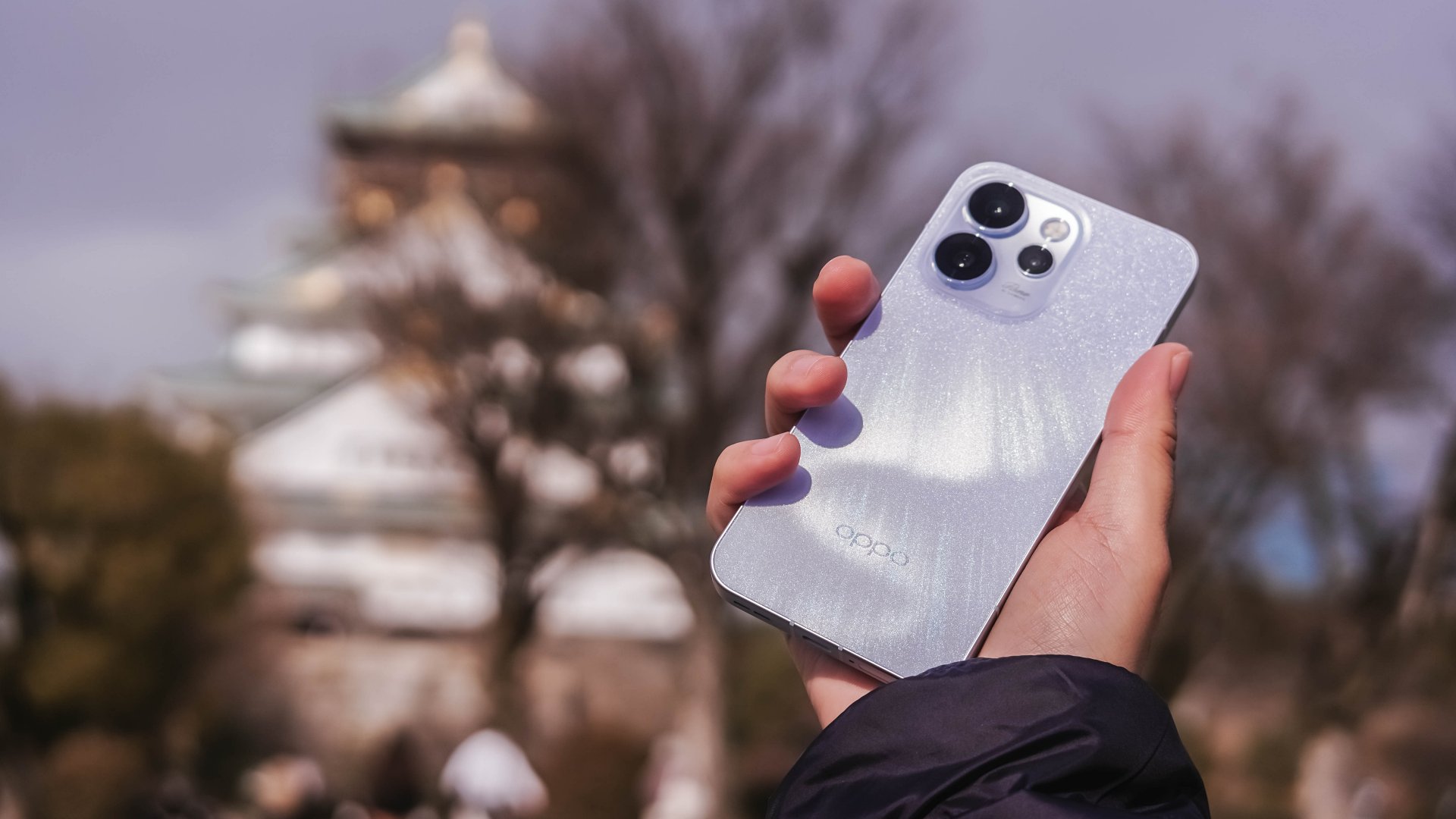
While coincidental, the OPPO Reno15 Pro 5G was lent to me just a day before our departure. This made the perfect opportunity to showcase both Osaka (大阪) and the phone’s prowess with its cameras.
The Kitchen of Japan
Let’s start with what the city is best known for.
Osaka isn’t called “the kitchen of Japan” or the nation’s “food capital” without any meaningful reason.
Other than its culinary delights alongside that rich cuisine presence and history, the city is also popular for the kuidaore (食い倒れ) expression, or eating ’til it fills your heart and stomach’s desires and empties your pockets all at once.


Although I haven’t tried each and every Osaka delicacy available, I still enjoyed all the great delectables during the course of the trip.
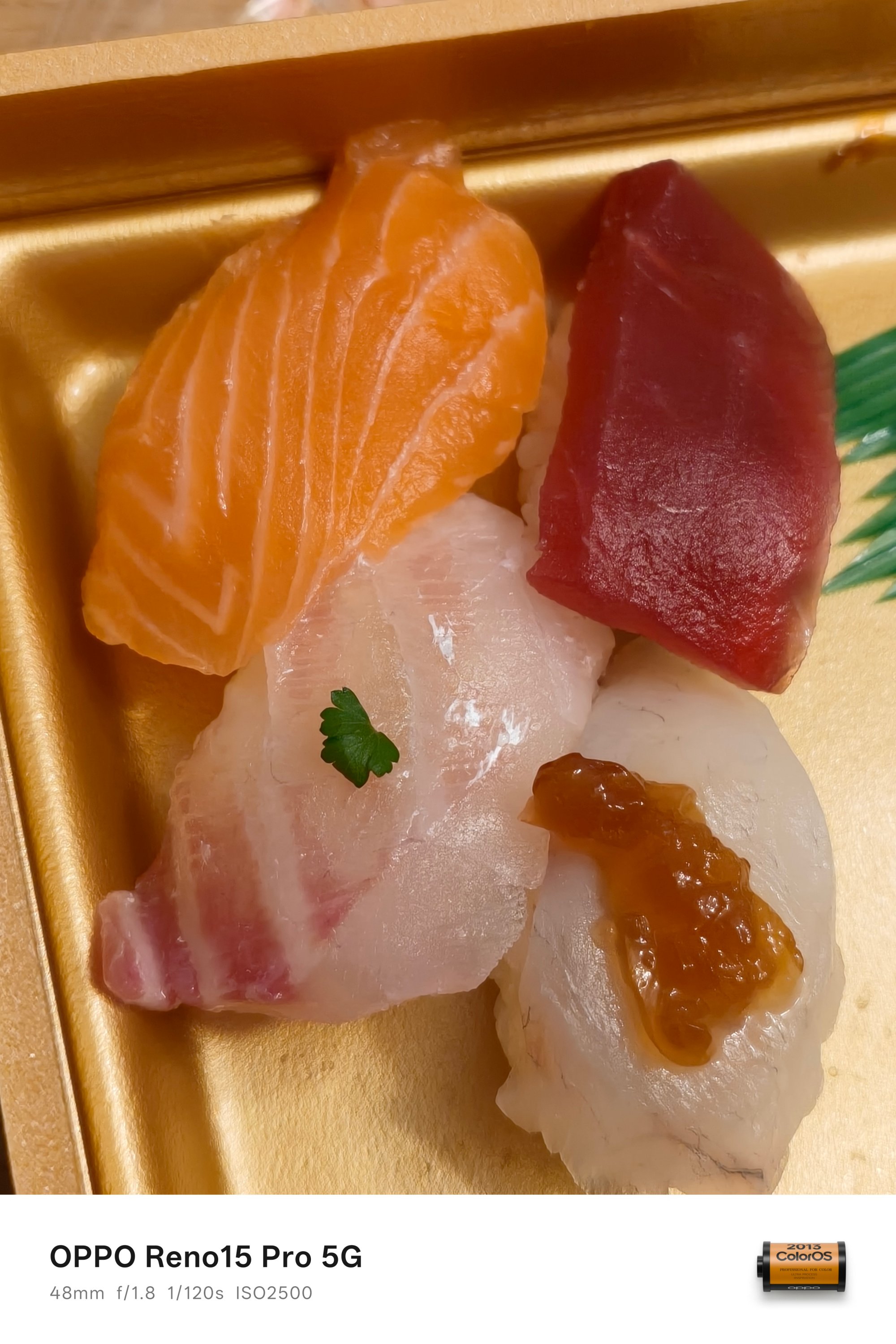

From the Okonomiyaki and sushi from a konbini, all the way to that Karaage and Naporitan combo near Tsutenkaku area. They all taste shockingly delicious for such value.
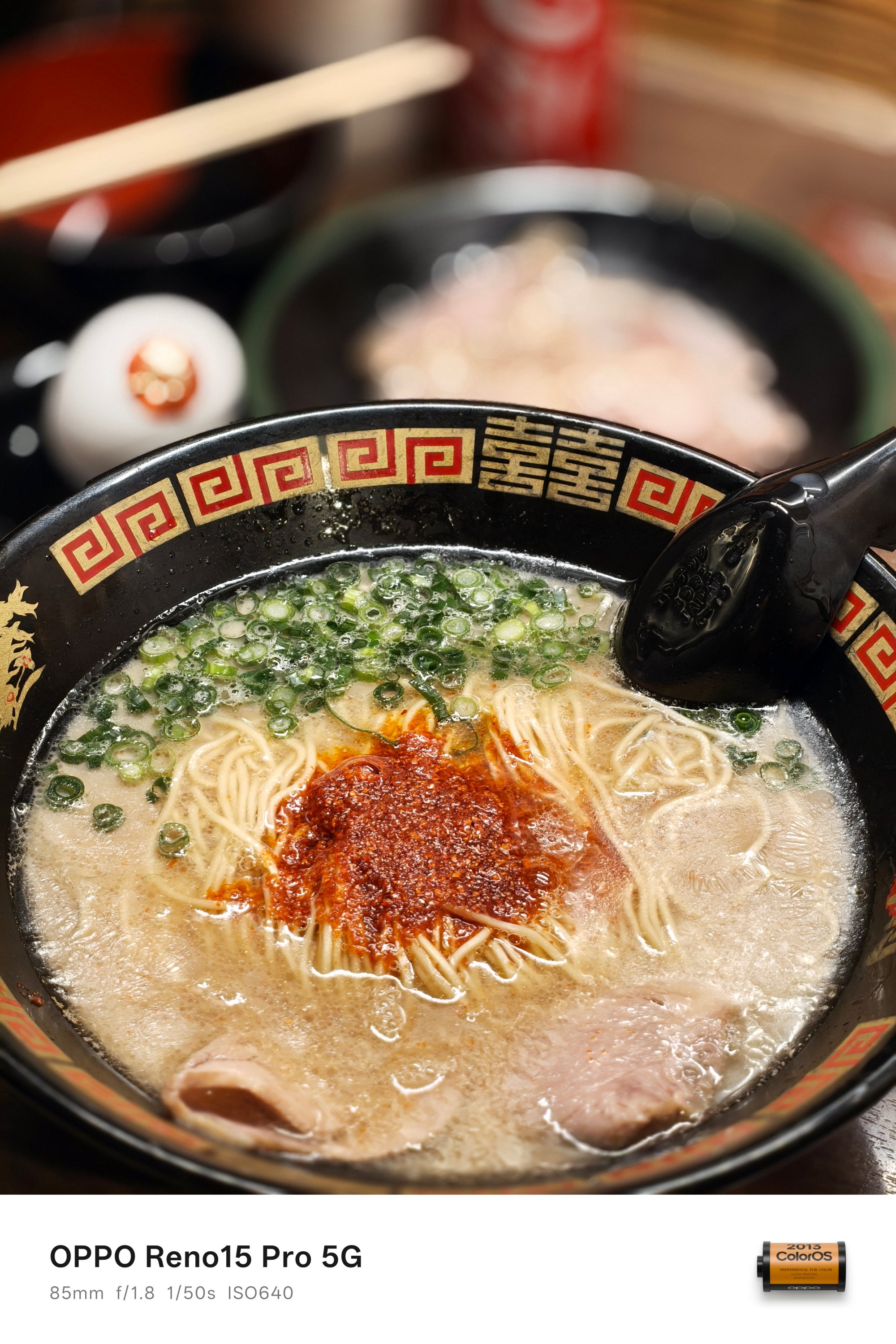
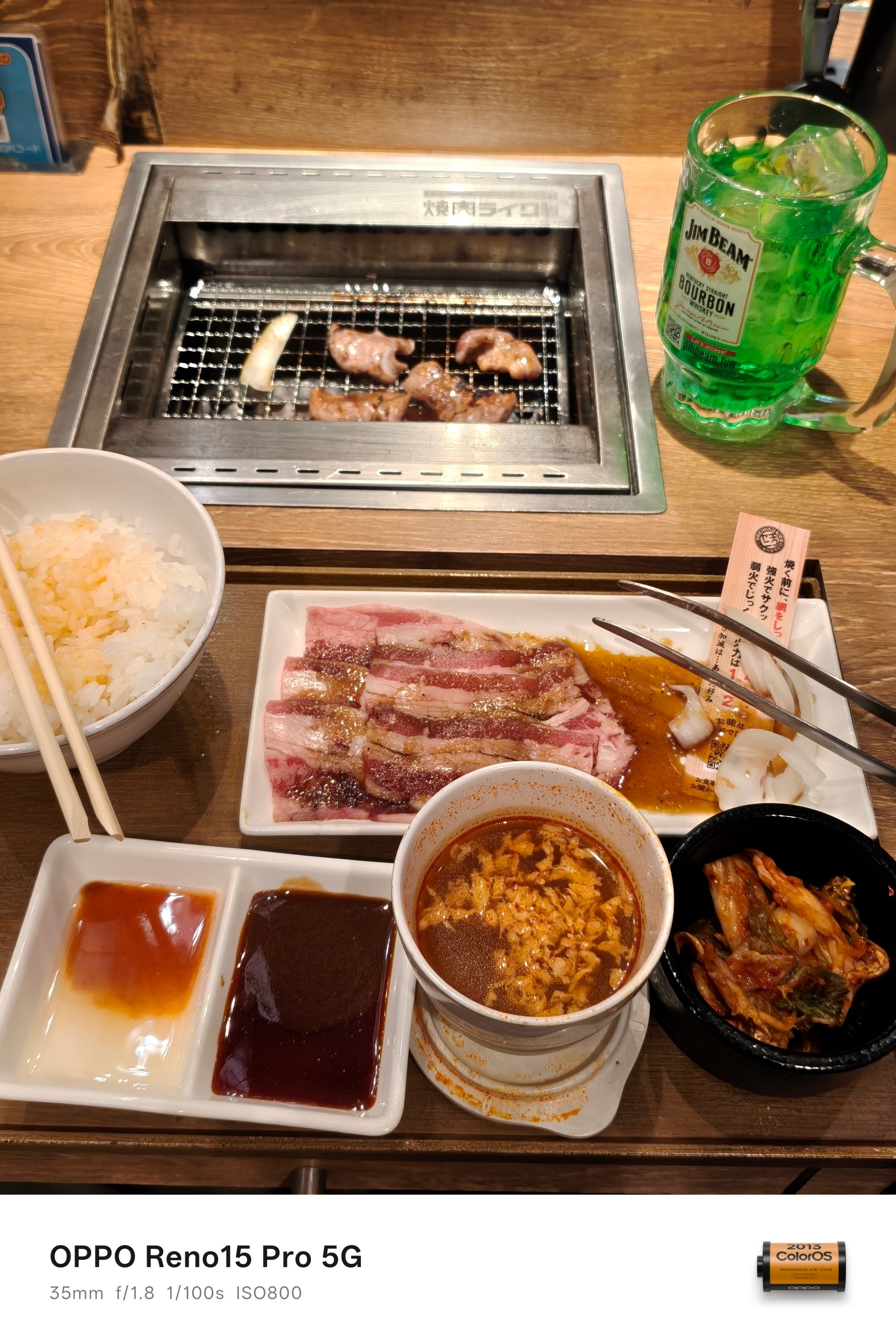
Of course, not everything is specific to Osaka, such as the much-raved ramen by Ichiran or the tender meat cuts in Yakiniku Like.
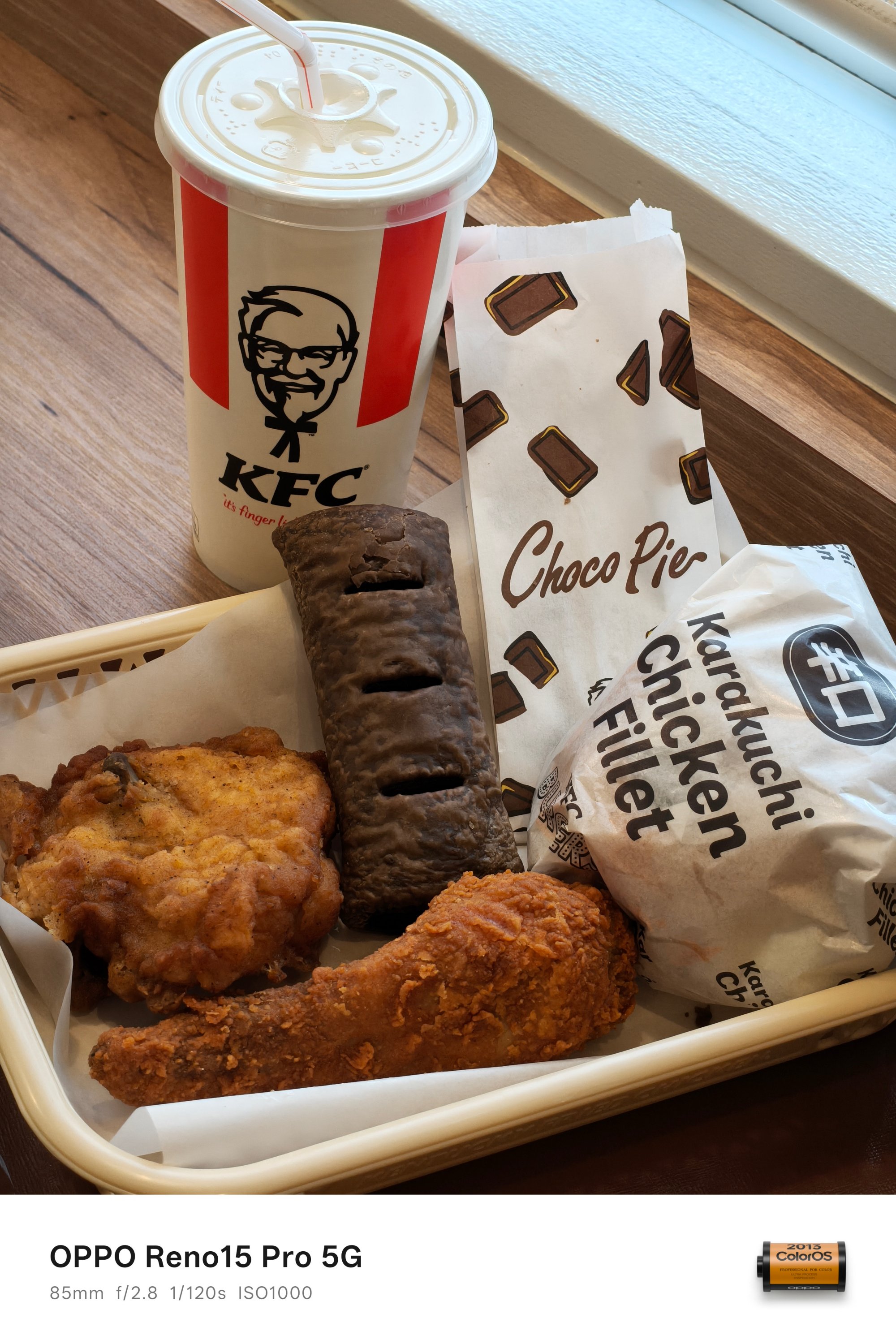
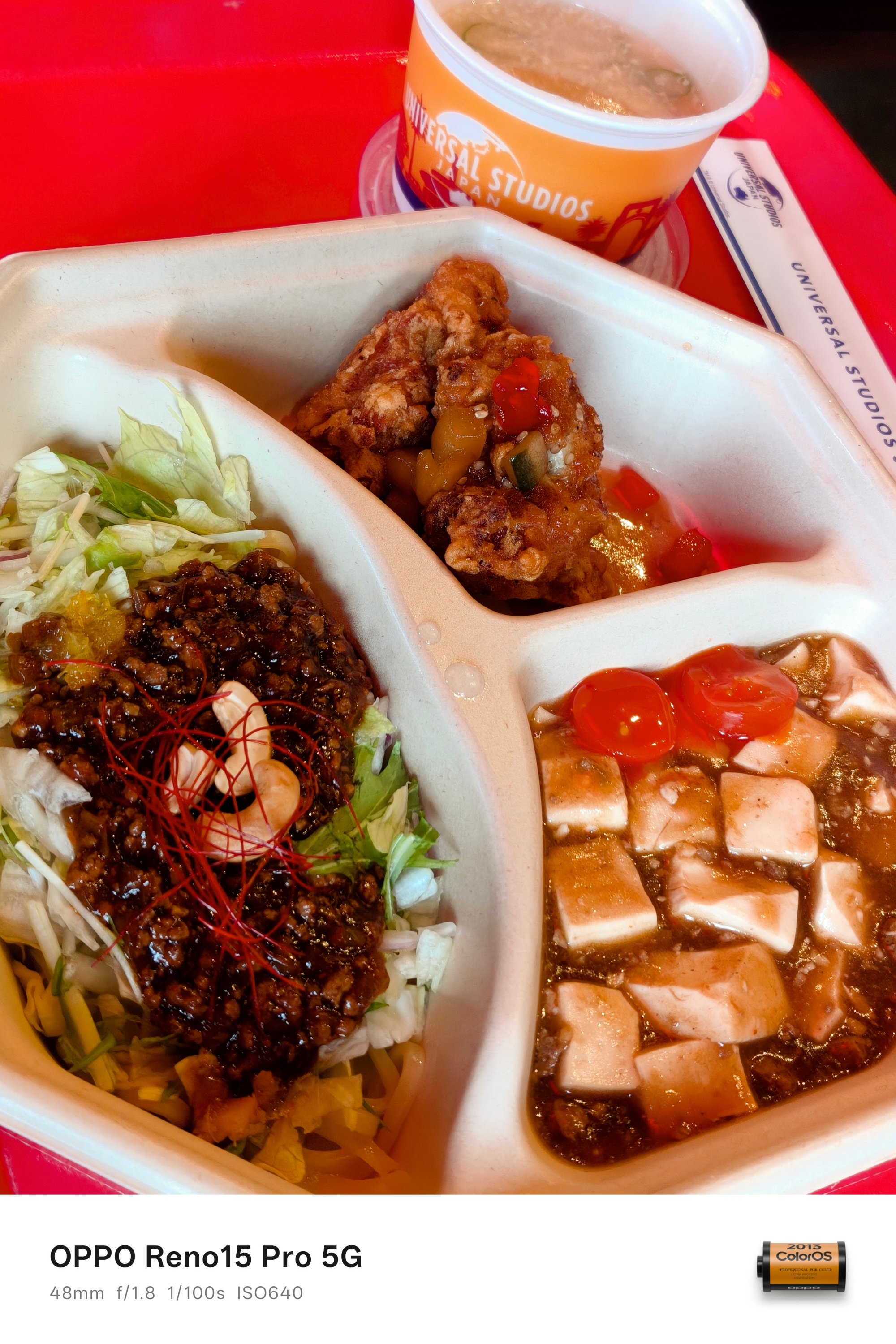
On slow days where I felt not spending a lot, all I ever craved for were these fast food delights — such as this Japanized combo meal from KFC or the simple ol’ Chinese lunch at Universal Studios Japan.


Lastly, it would be a huge miss not to try out the Osaka-blend Iced Americano by the home-grown brand MUJI as well as those big yet affordable pastries found inside R Baker — with a popular branch located beside the Osaka Castle Park.
Leaving marks in these landmarks
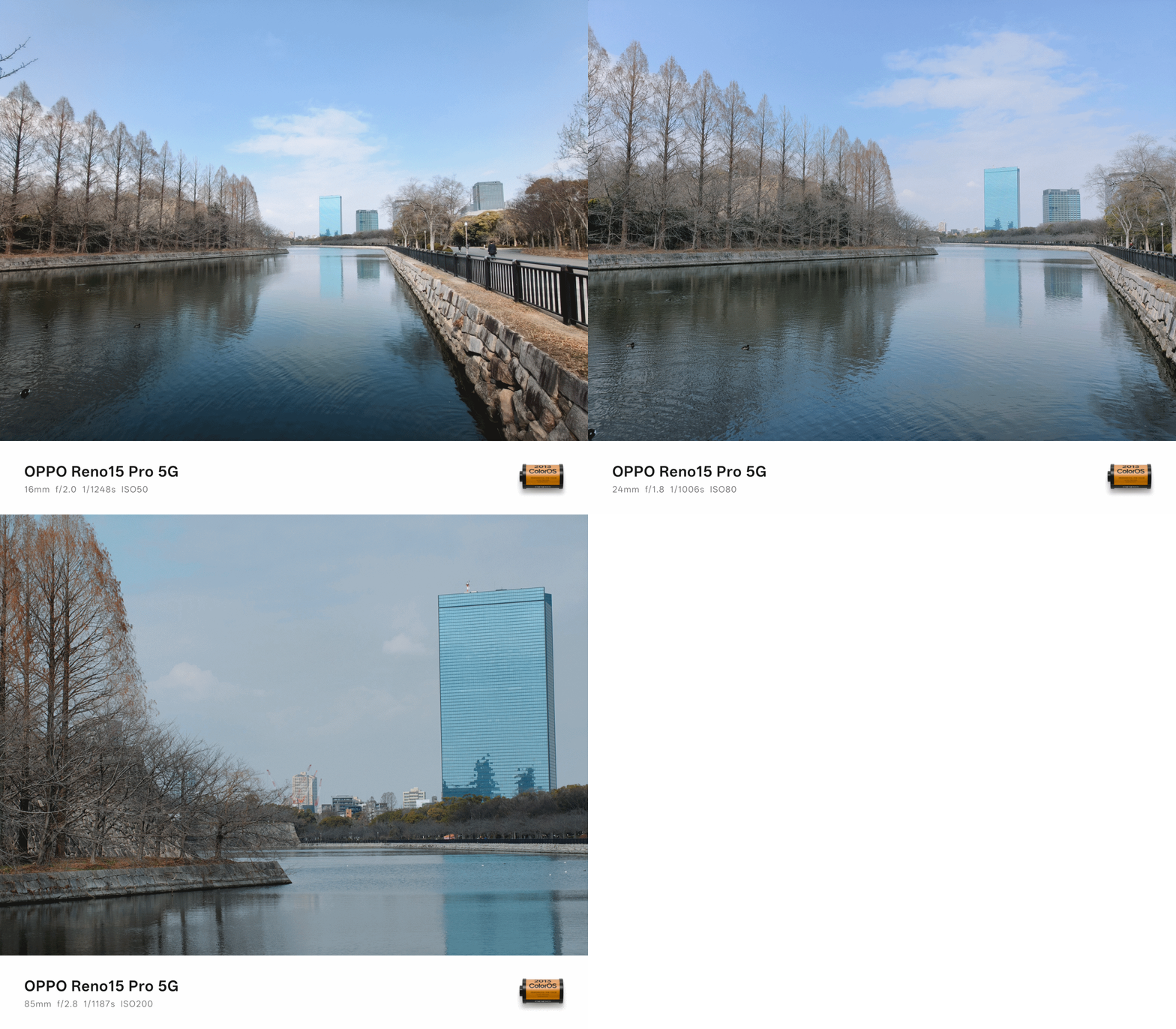
Now that we’re at it, I must say it is mandatory to see Osaka Castle (大阪城) by the time you visit the city. It’s a key landmark for Japan’s unification during the 16th century.

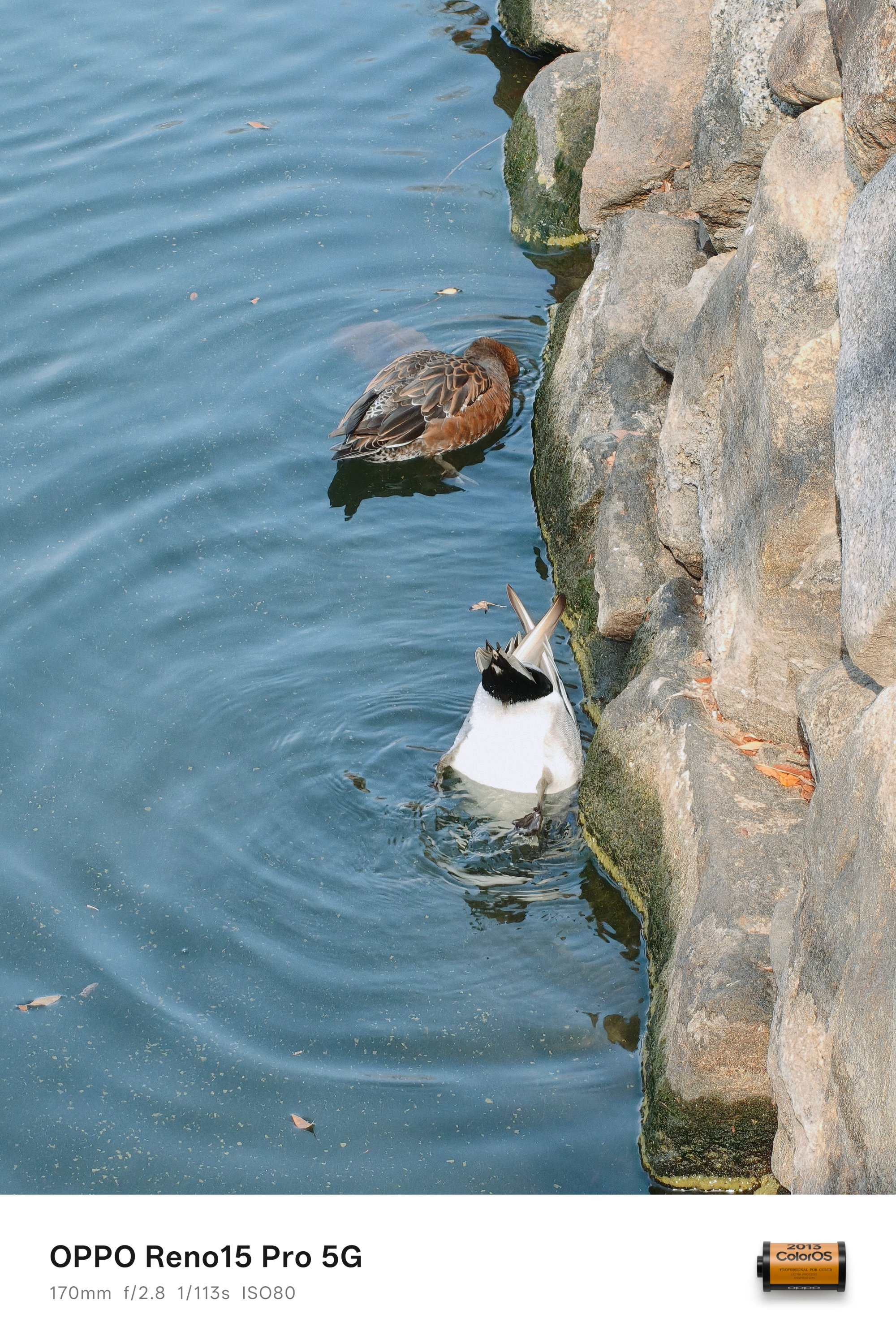
Although it has been destroyed several times since 1583, the excellence and perseverance of the Japanese actually made a perfect reproduction of the majestic castle.
Admittedly, we didn’t go inside and up. Still, it’s a beautiful sight to see so you have a glance of Osaka’s history.
Another popular must-visit spot in Osaka? None other than the Glico Man billboard along the Dotonbori (道頓堀) area.
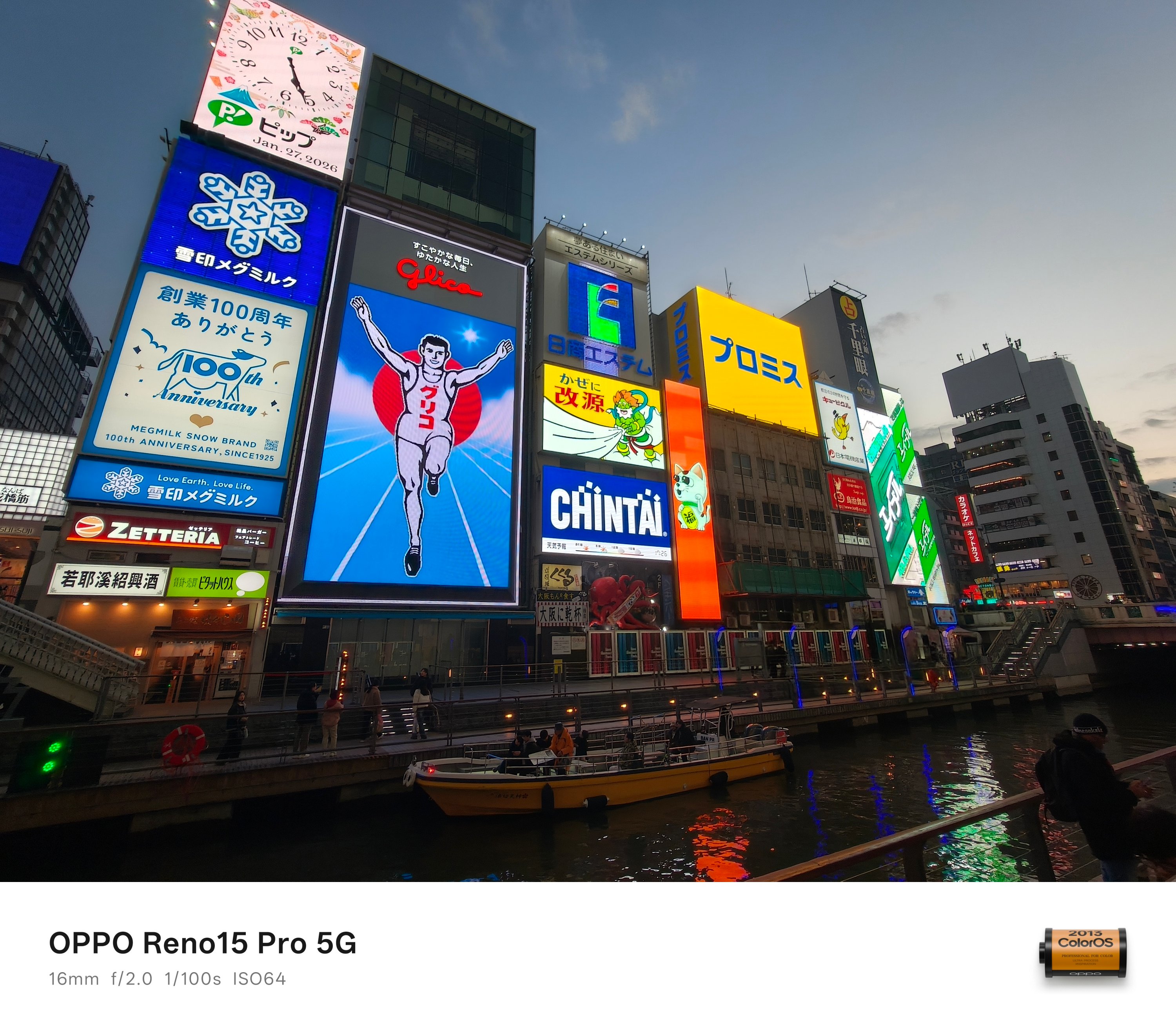
For everyone else, it’s just like any other regular digital billboard. However, something that’s only shown here makes it uniquely Osaka.
And now that we’re here, it’s a real heaven for any shopaholic — my friends included in that narrative.
That’s a long, loooong strip of hundreds of shops ever imaginable with items being sold at slashed prices. Be it gadgets, watches, clothes, sneakers, bags, luggages, chocolates. Gashapons even!
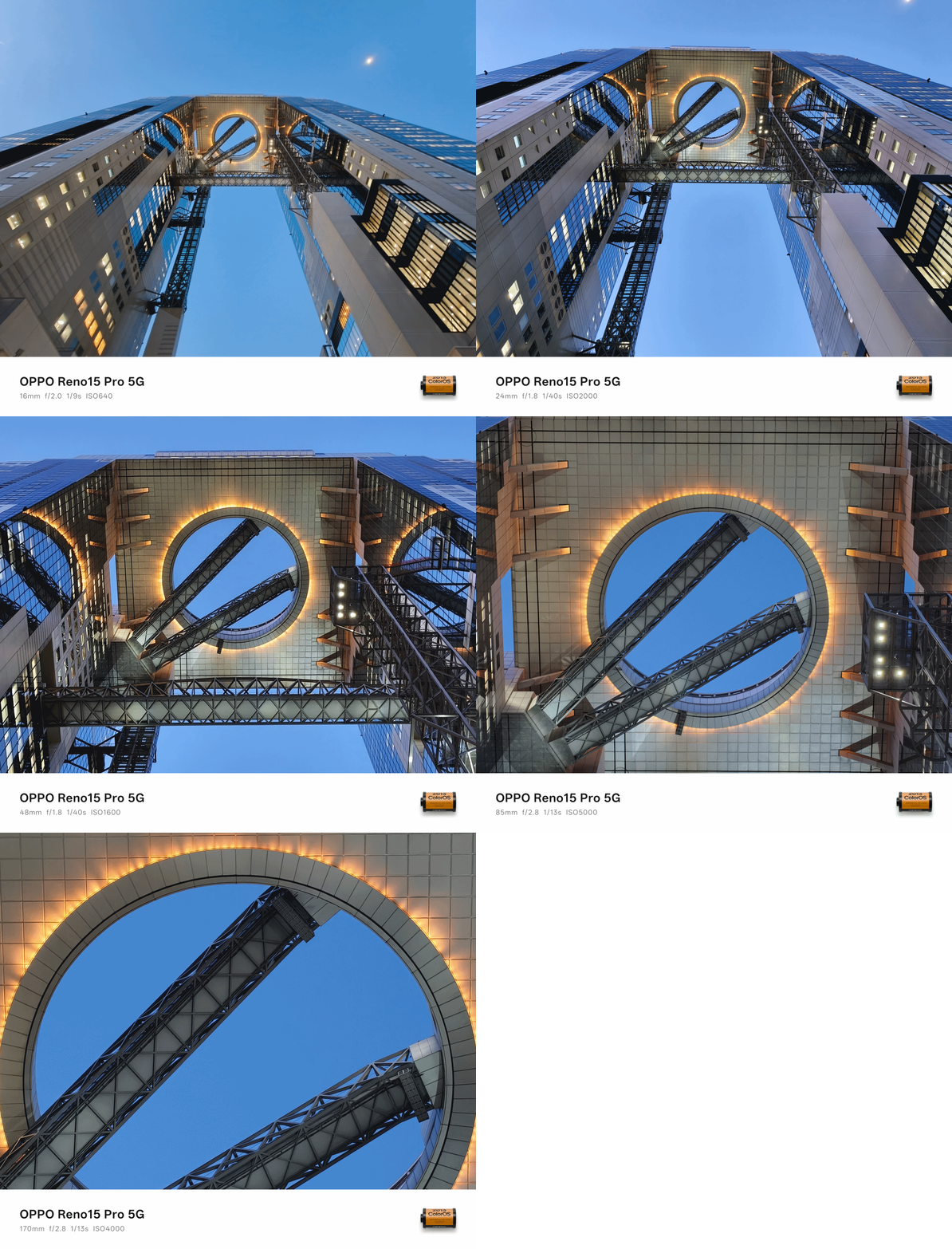
If you want to see the Osaka Bay Area up and above, going on top of the Umeda Sky Building should be in your itinerary.
The best thing here is that, you can still buy souvenirs and see parts of the Osaka Bay coastline through its windows even if you don’t pay for the entrance going to the rooftop — just like how we did.

As mentioned, here’s the Osaka Bay from the ground — captured in a place found at the latter part.
Maybe we got lost in translation
This write-up seems too smooth to be true. But, I have to be realistic and break it in the middle. Traveling, especially in a foreign country, isn’t always an easy-breezy ride.
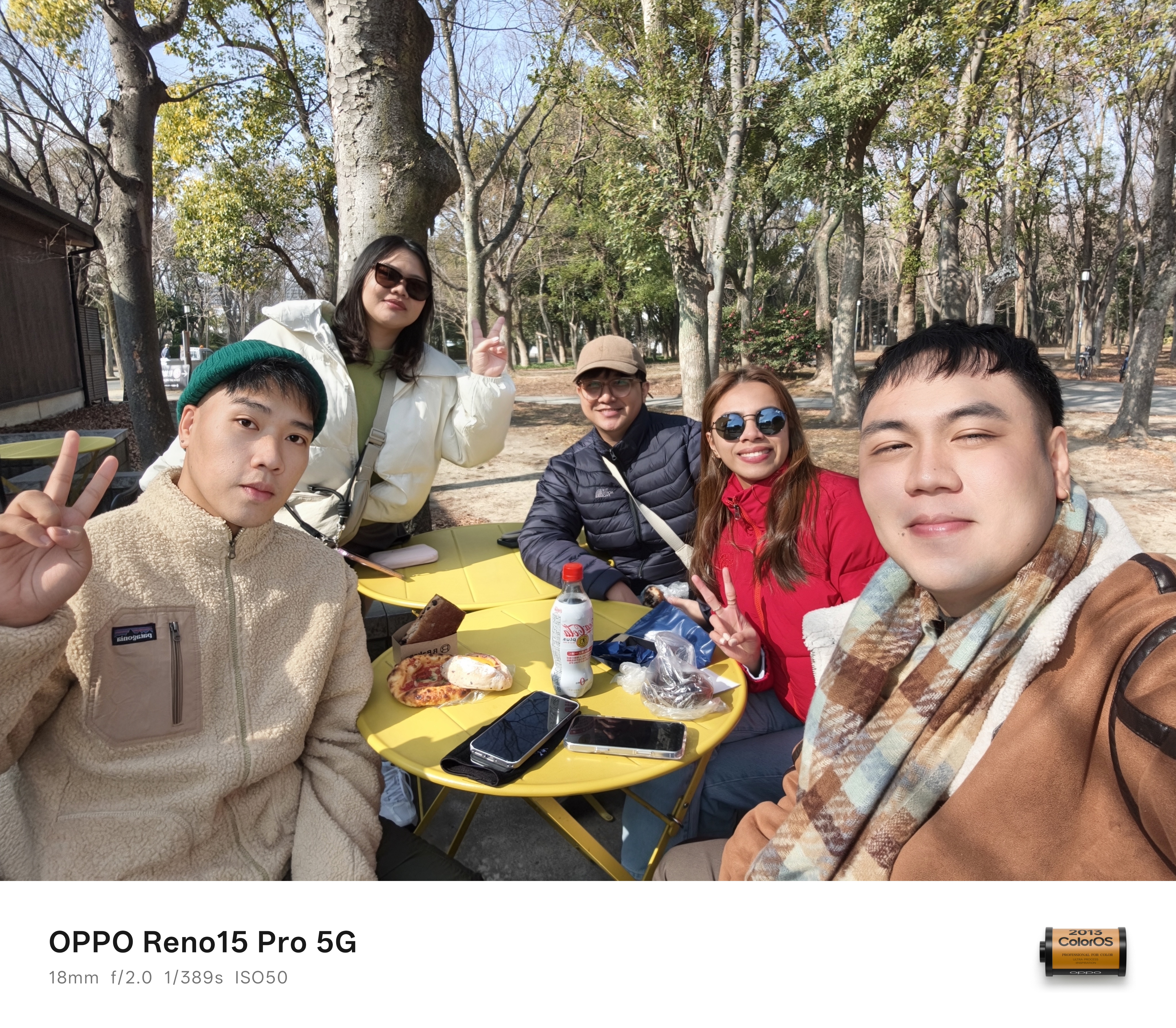
Unlike most of my international trips where I go and enjoy being solo, I went here with my long-time high school buddies.
Back in our Taipei and Hong Kong trips, I was the tour guide of the gang. This time, Osaka was a first for all of us.
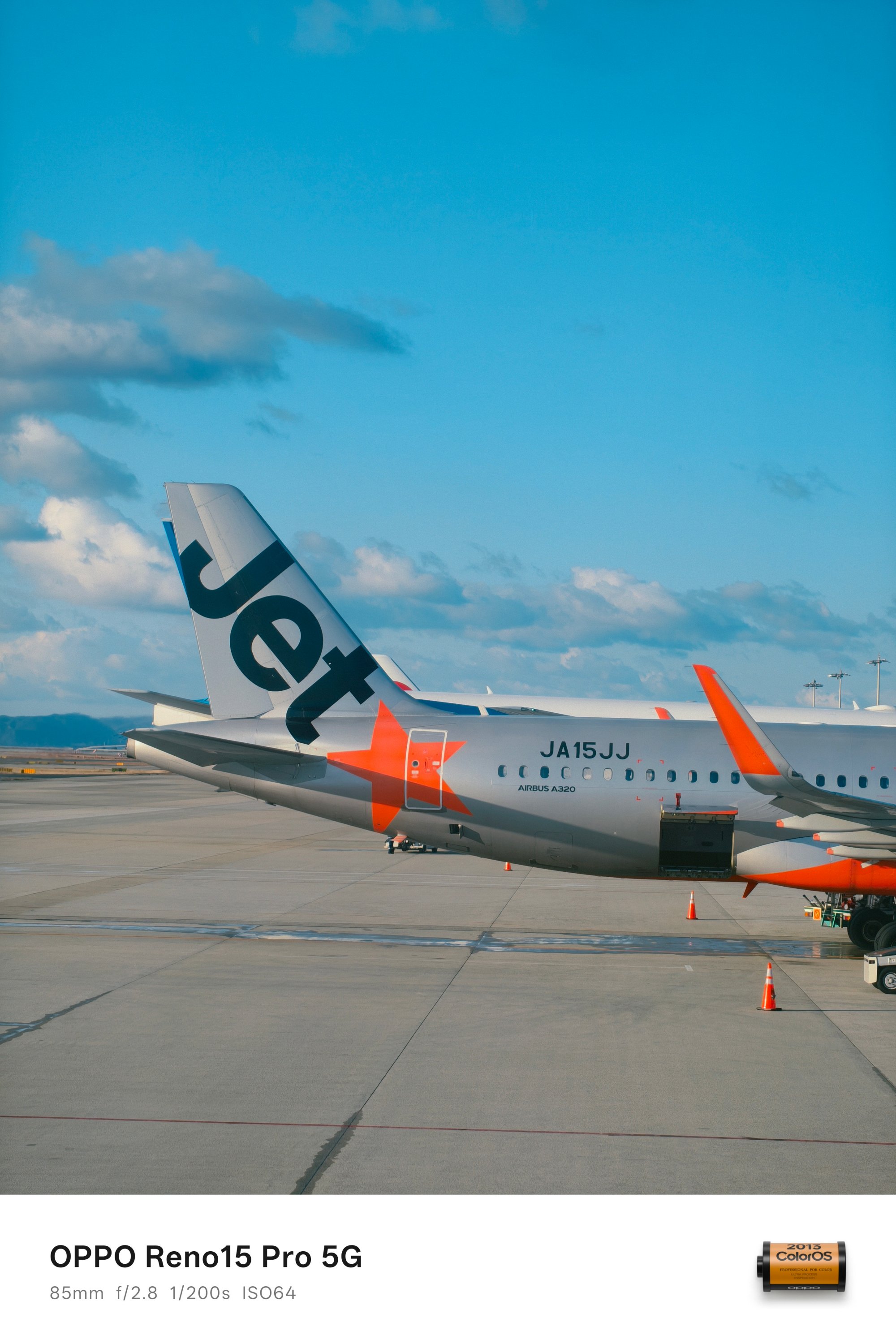
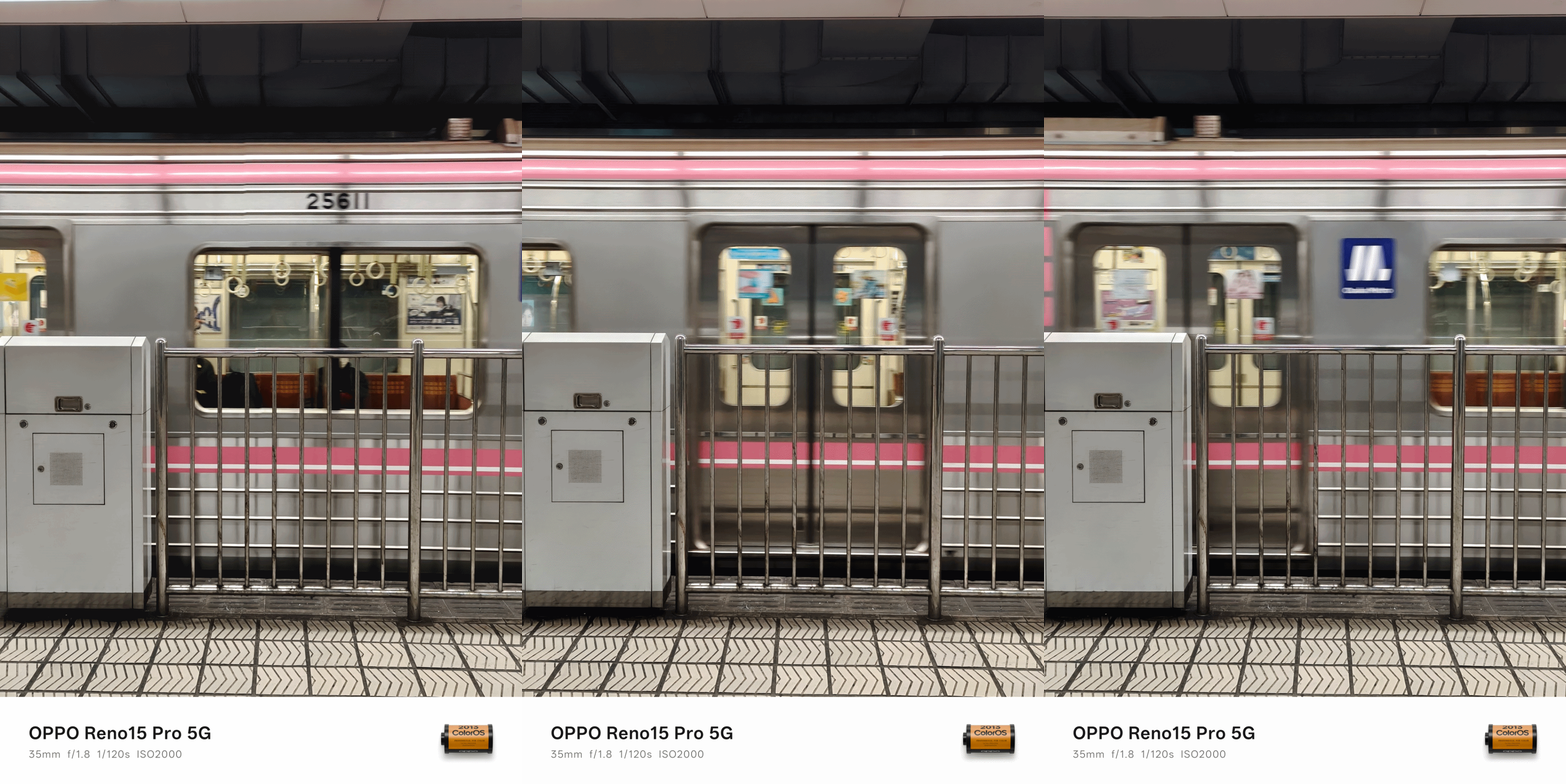
The moment we landed at KIX / Kansai International Airport (or the world’s first airport built above a man-made island), there were already struggles — even if we did our research months prior this trip.
ICYMI, Osaka has two separate train systems managed by two different companies.
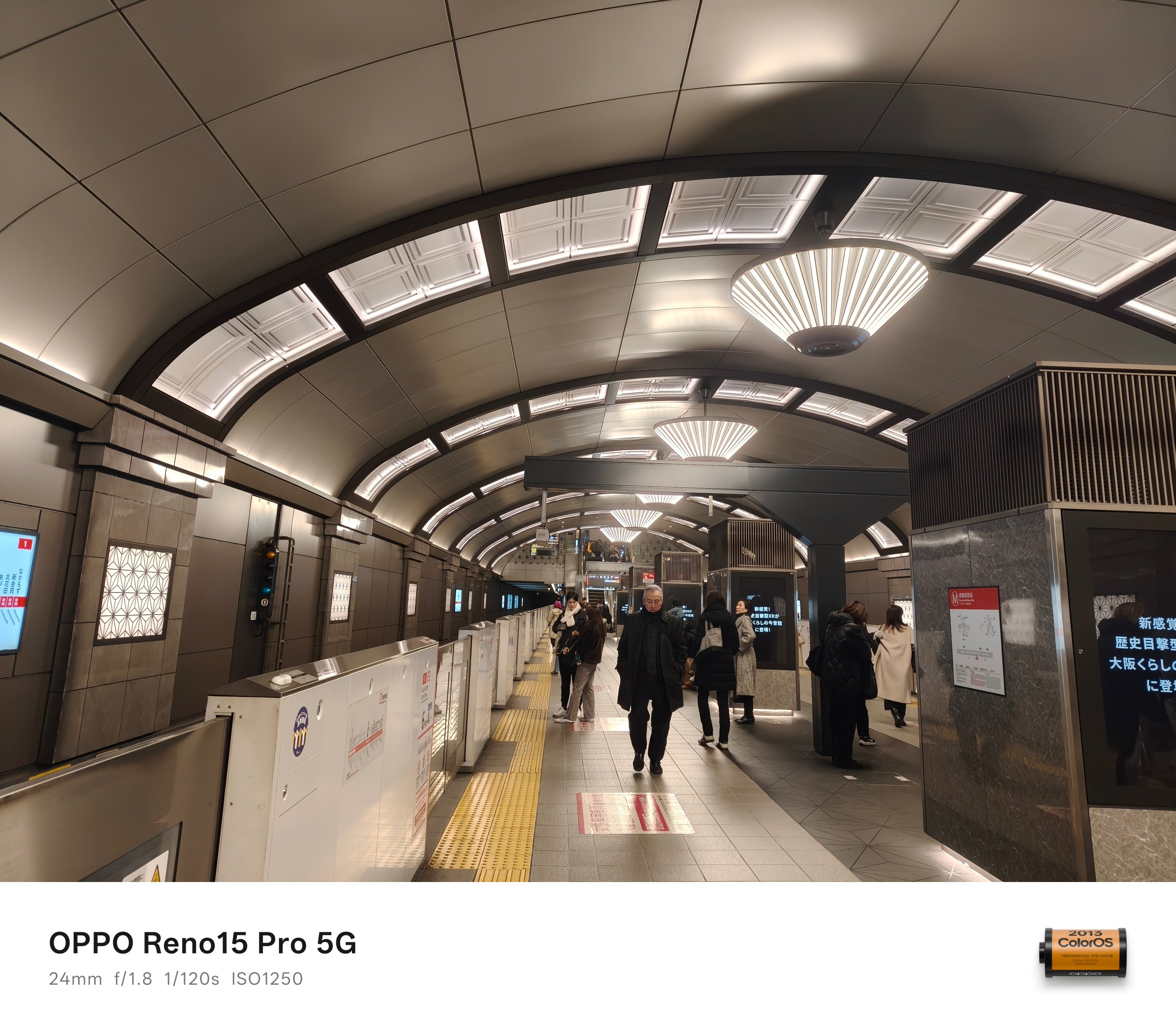
Underground relies on Osaka Metro. Ground and above is where JR-West prevails.
The former is more welcoming for tourists as the machines accept foreign credit/debit card payments. The latter only works with Japan’s smart cards: namely ICOCA and Suica.
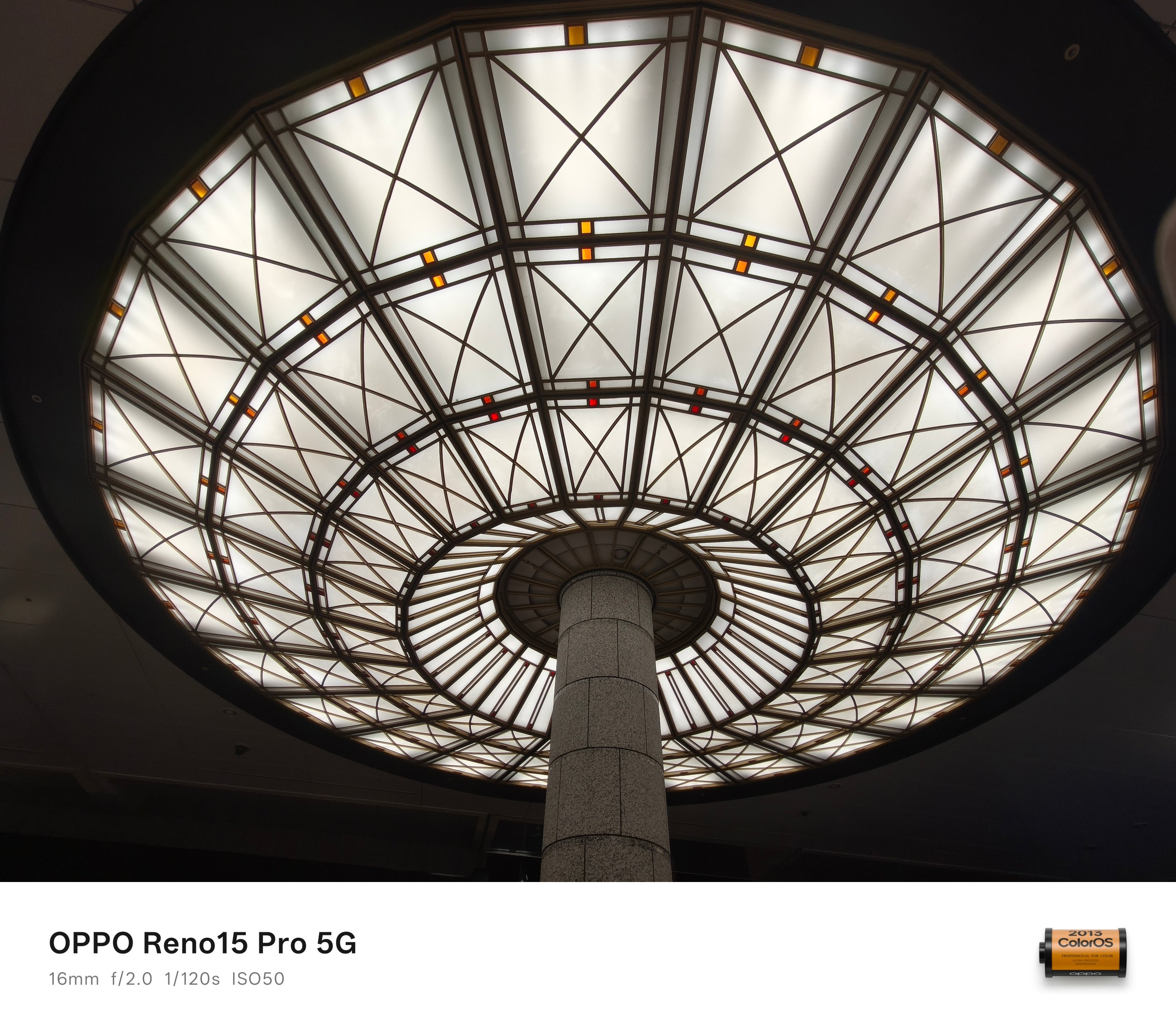
To make things more complicated, buying an ICOCA card for the first time (and reloading it) only accepts cash and coins. That’s a huge bummer for a tech-driven nation.
While the smart card dispenser wasn’t hard to find once you go out of the airport, looking for a tourist-friendly ATM machine (with minimal to no foreign fees) was.
It took us some back and forth moment just to realize it was inside the airport all along. Third floor to be very specific, not the ground floor.
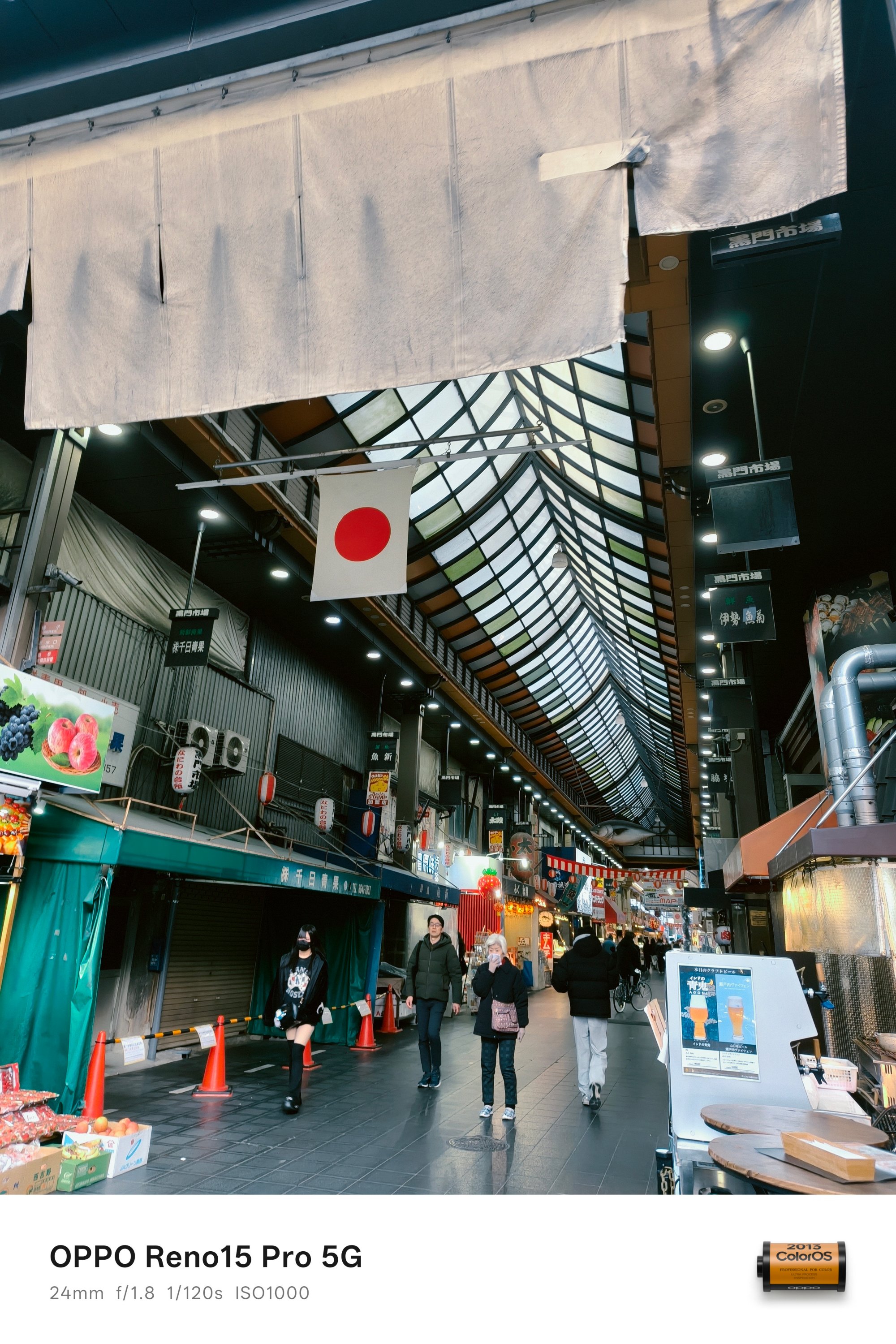
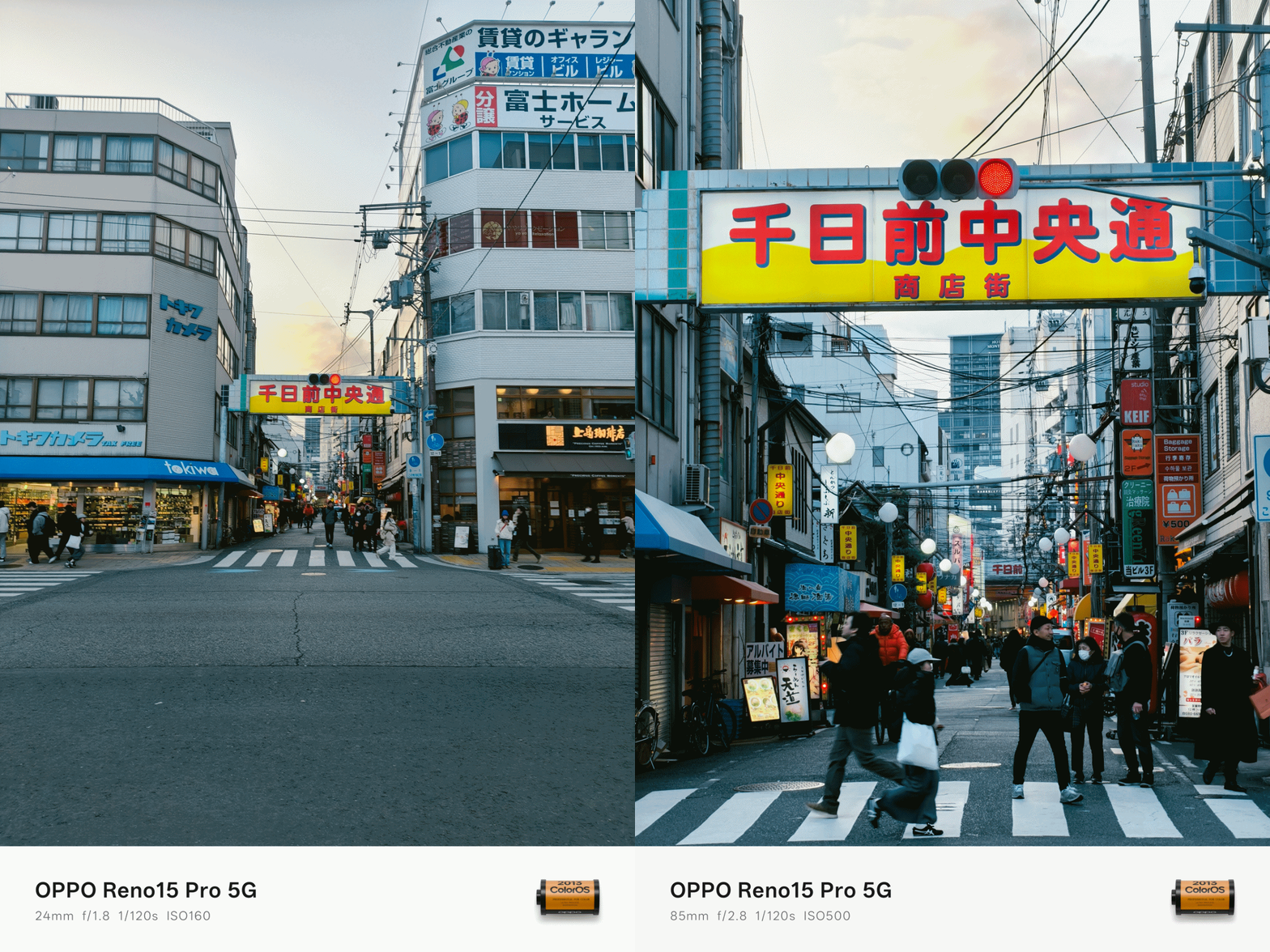
Problems don’t end once you figure out how to enter the train station. Japan has a lot of trains. Emphasis on A LOT.
Now, if you’re like my three friends who usually grasp for the right directions when roaming around with Google Maps, confusing station exits plus various train sets can still make one lost.
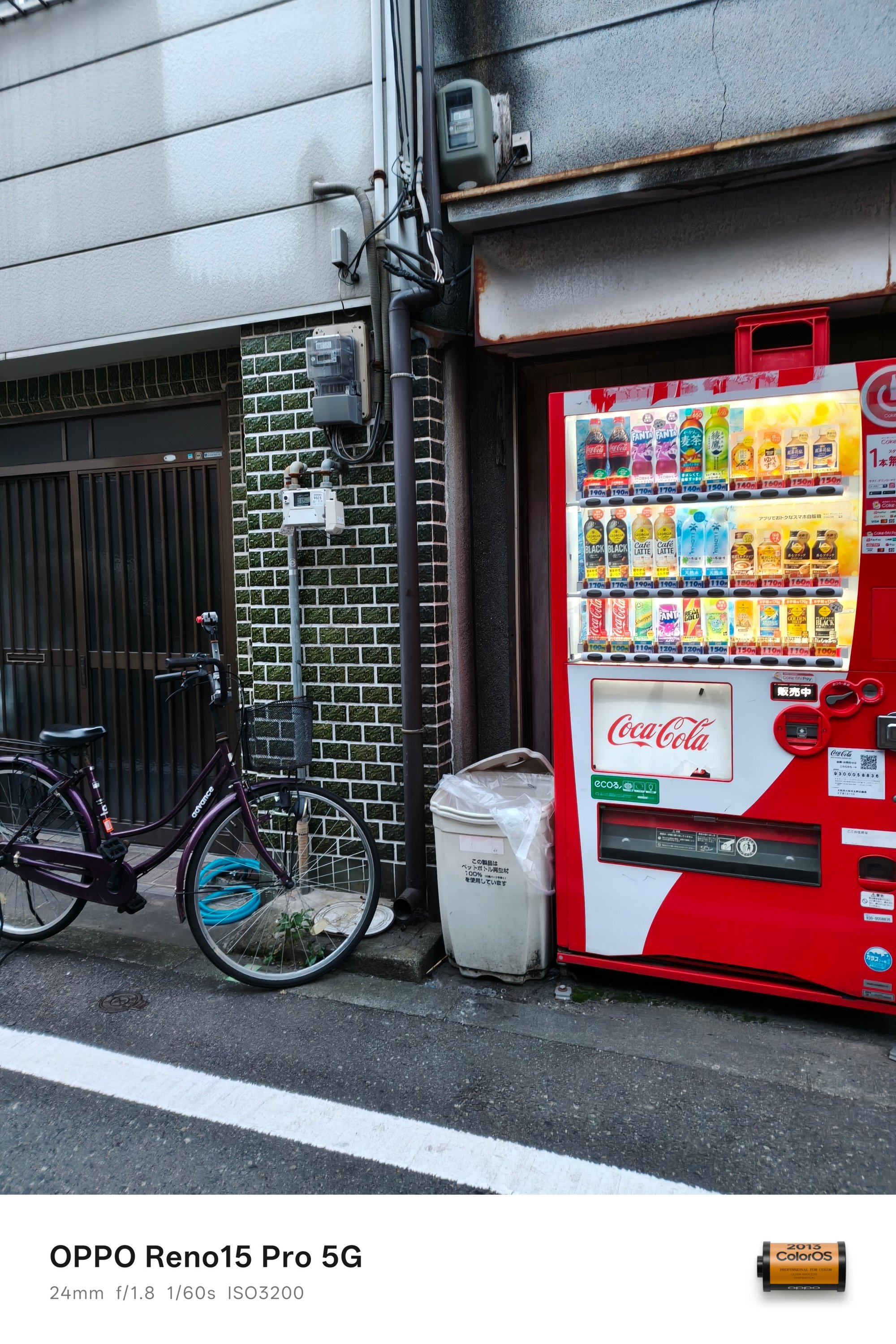
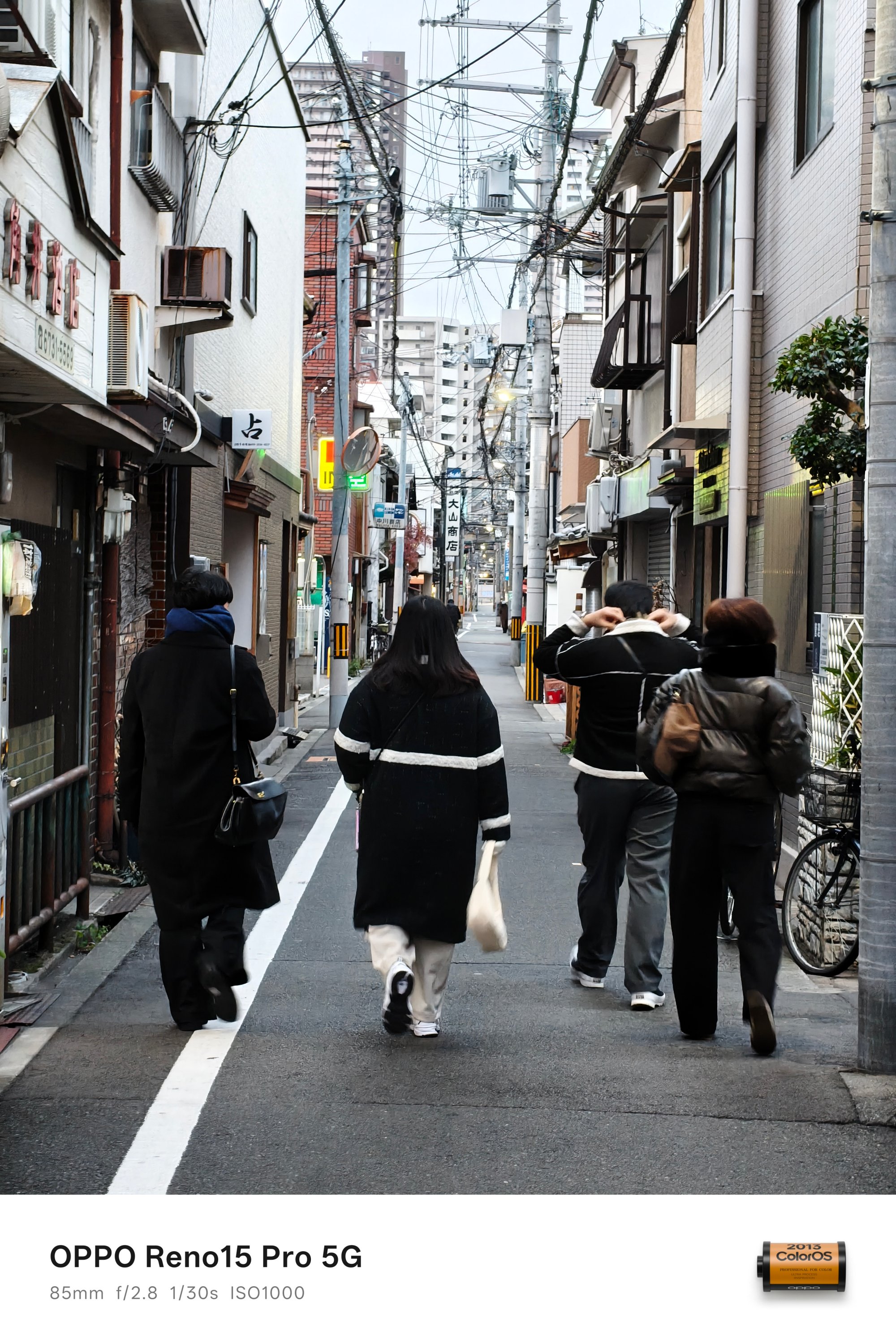
It’s just a good thing that two of us are map-proficient.
During those times when I wanted to explore parts of the city all by myself, another one could lead the circle without me sorting out how to meet them afterwards.
Exciting and exhilarating
Now back to regular programming.
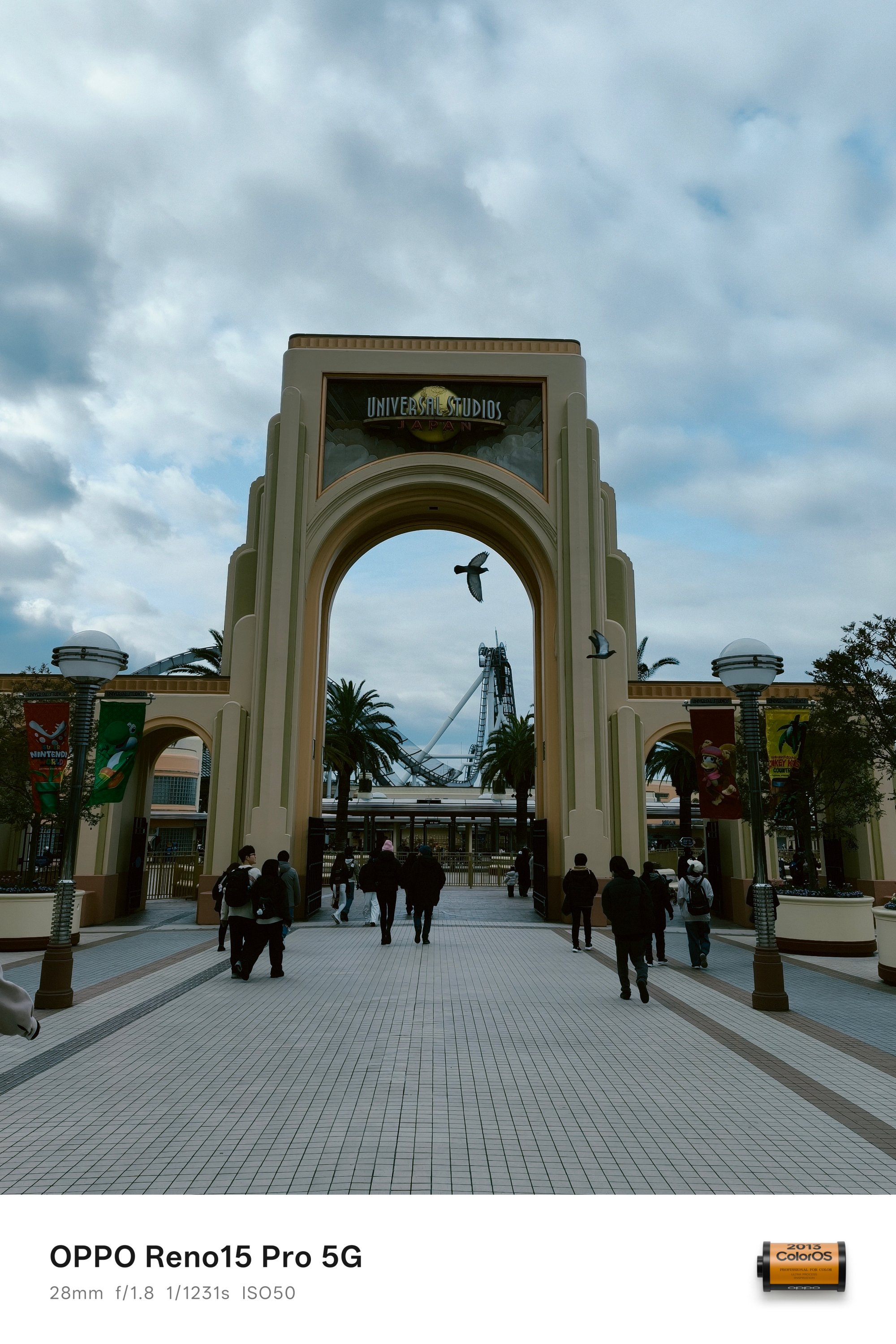
For a die-hard theme park fan like yours truly, it’s mandatory to see what Universal Studios Japan (USJ) has to offer.
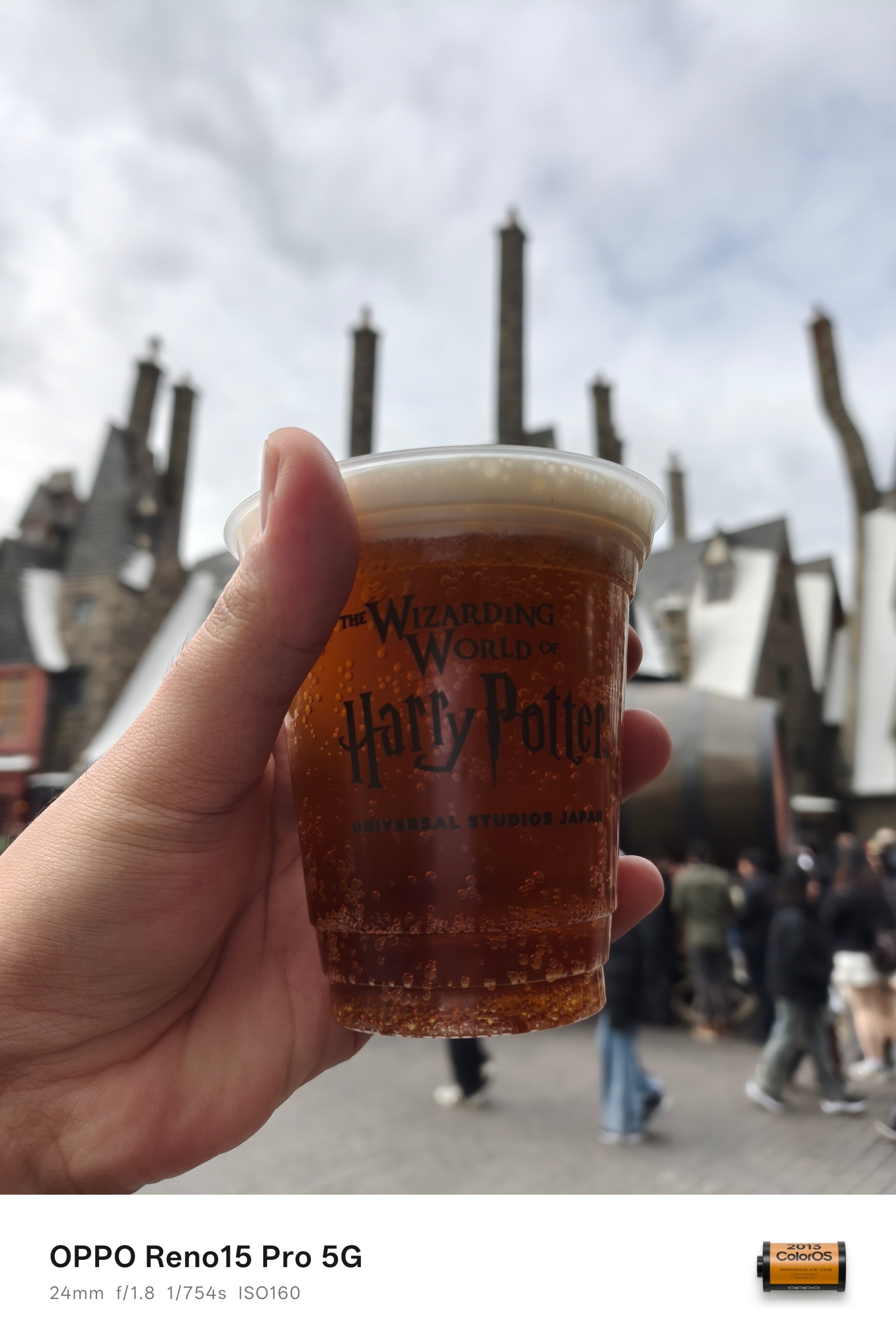
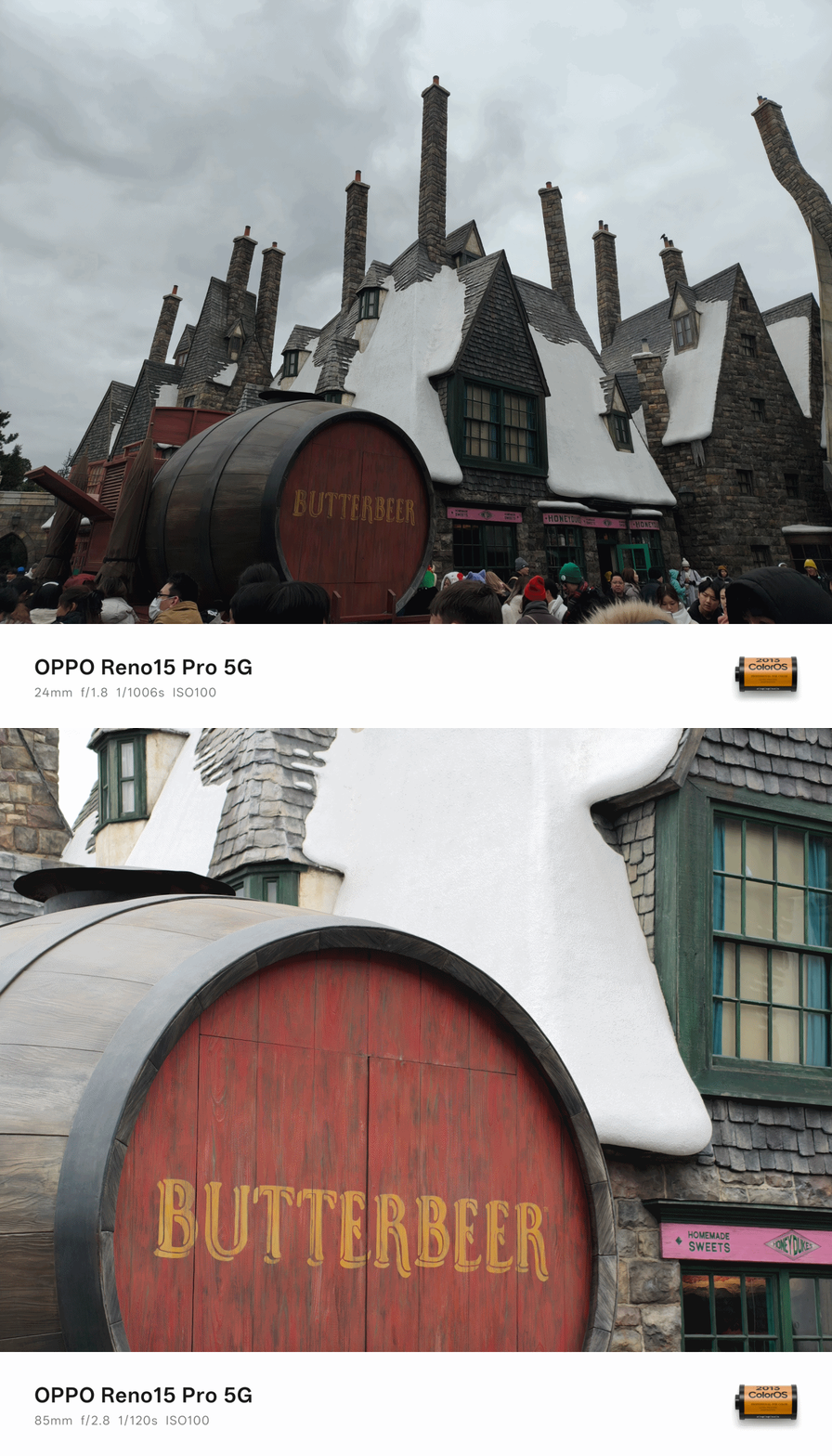
Ain’t even a Potterhead but, trying out that signature Butterbeer from Harry Potter shouldn’t be left out.
The cold 9ºC temperature never stopped me from ordering the iced version — and I prefer it over the hot ones that my friends ordered.
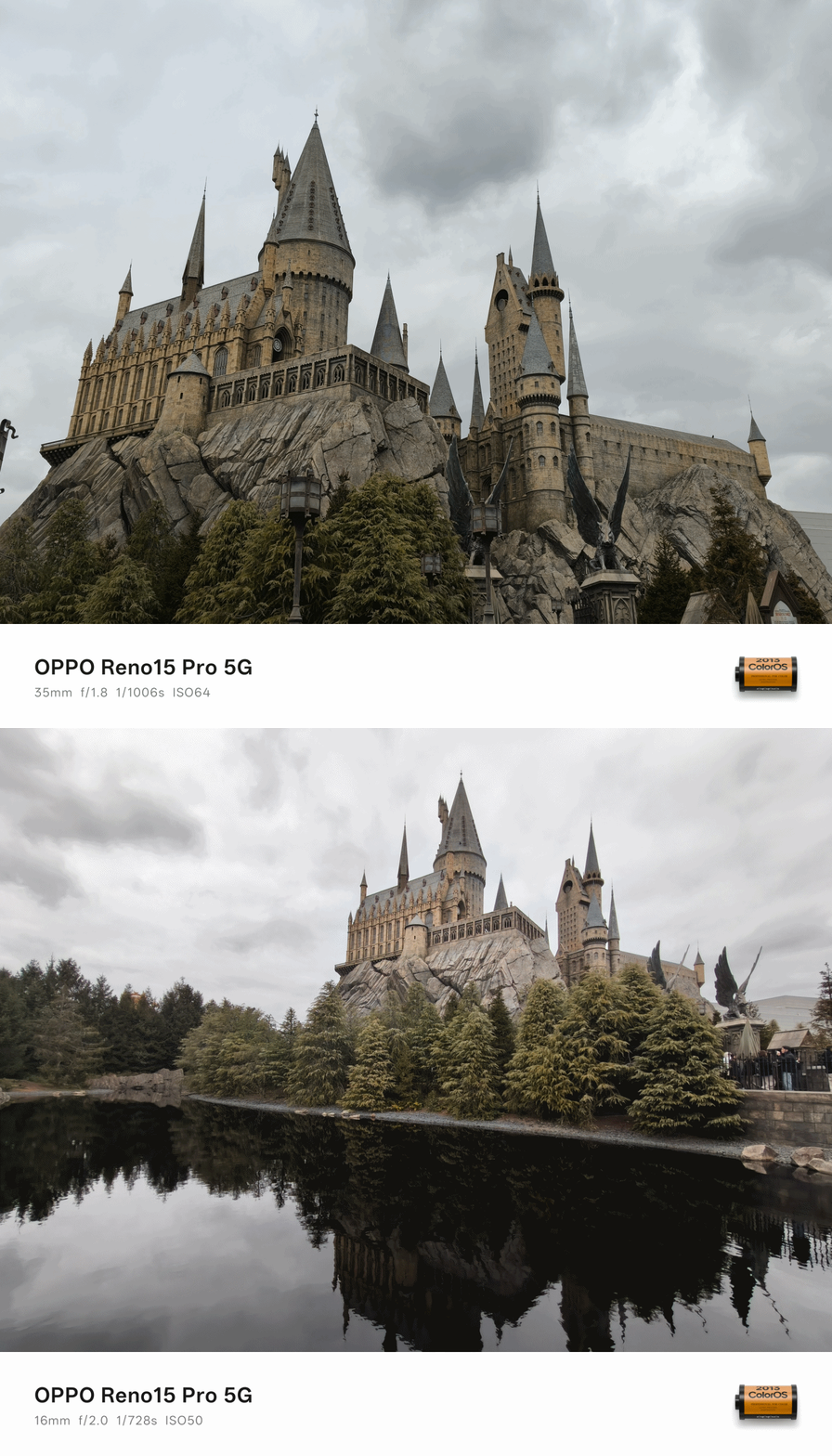
For all the Potterheads out there, it’s truly a remarkable sight to see the Hogwarts Castle. It was also a great example to justify the ultra-wide power of the OPPO Reno15 Pro.
Whether you’re a millennial, Gen Z, or a sandwiched MZ like me, these characters don’t need any introduction.
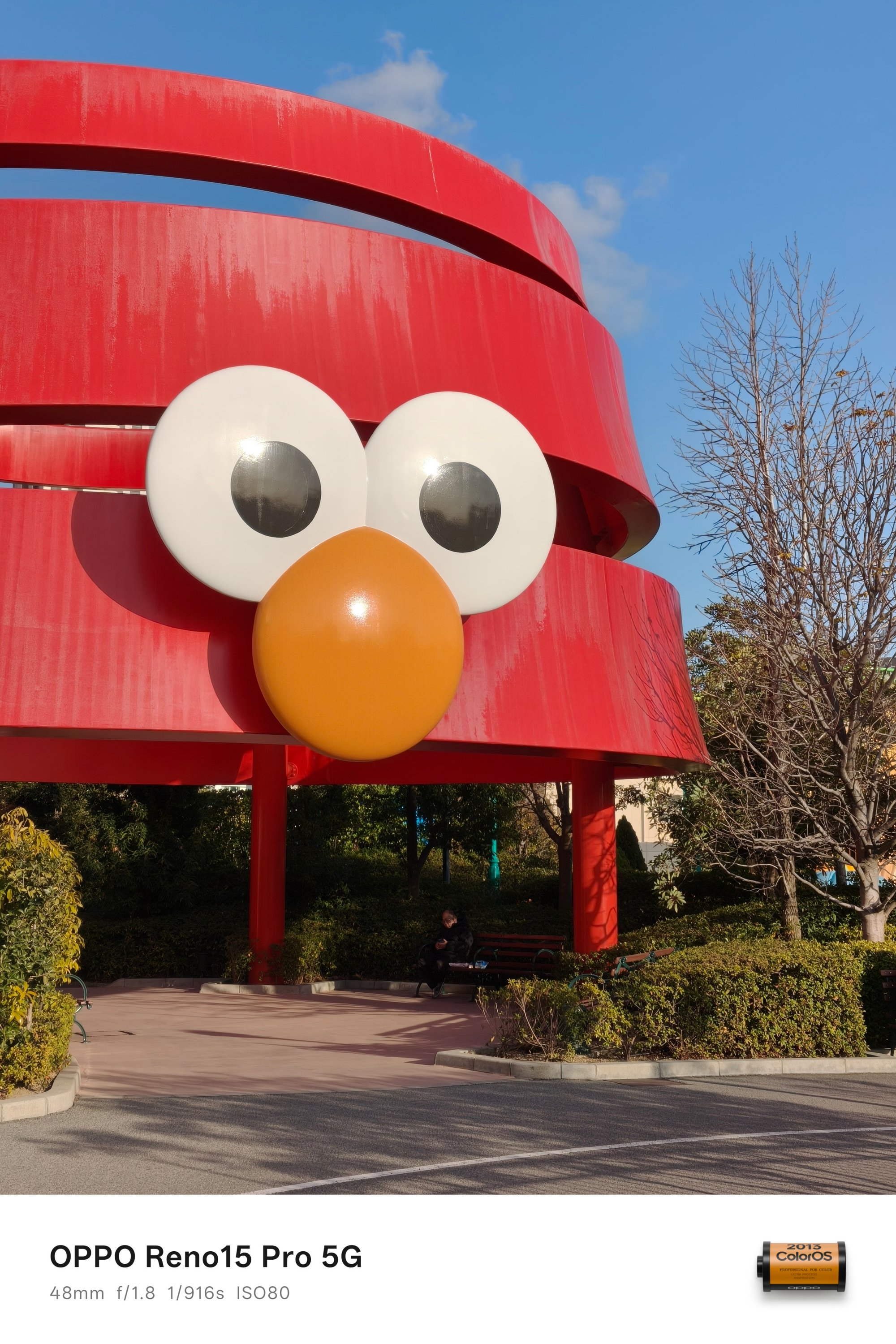


And, even though I’m born between the two aforementioned generations, I’m still glad I grew up watching Despicable Me.
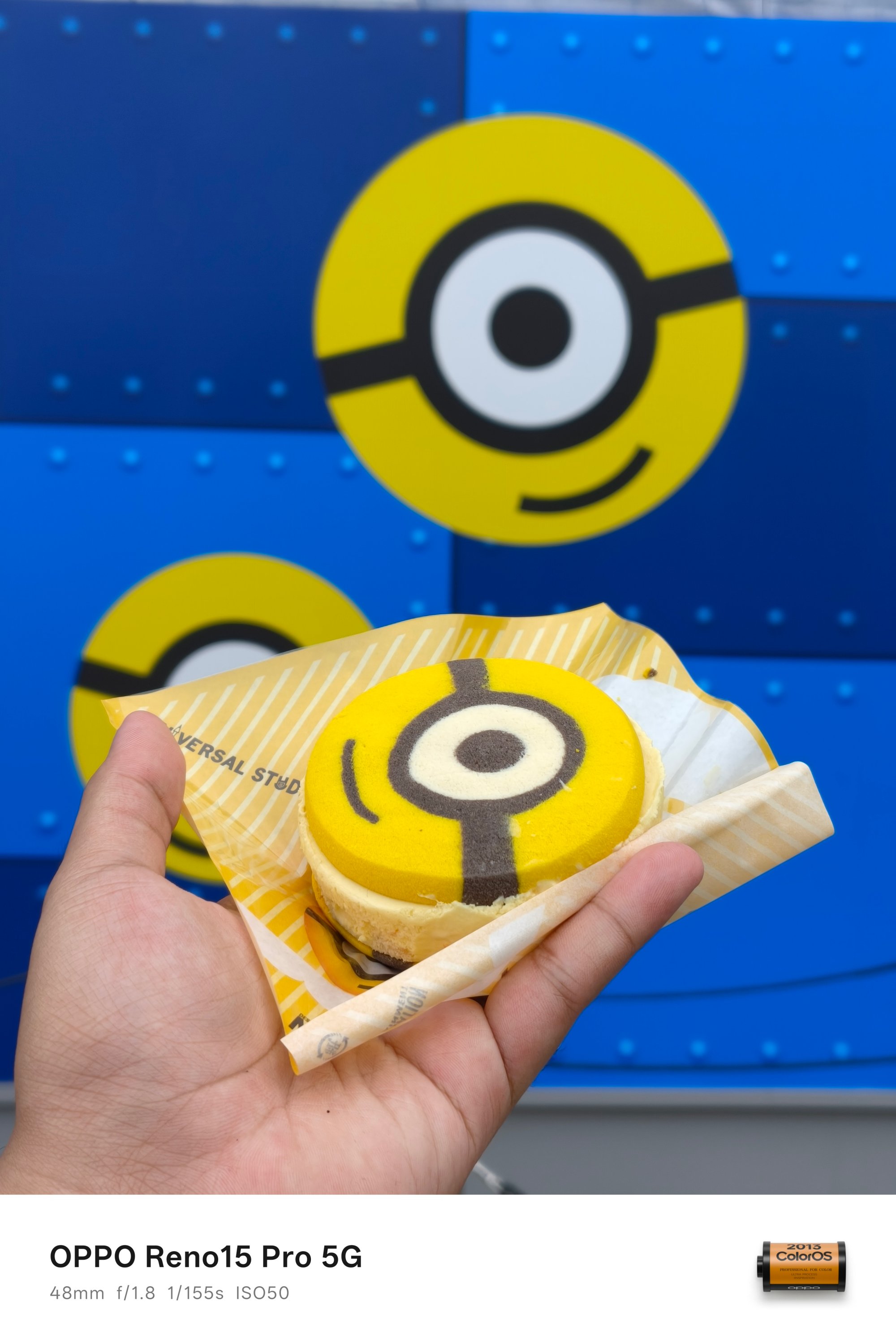
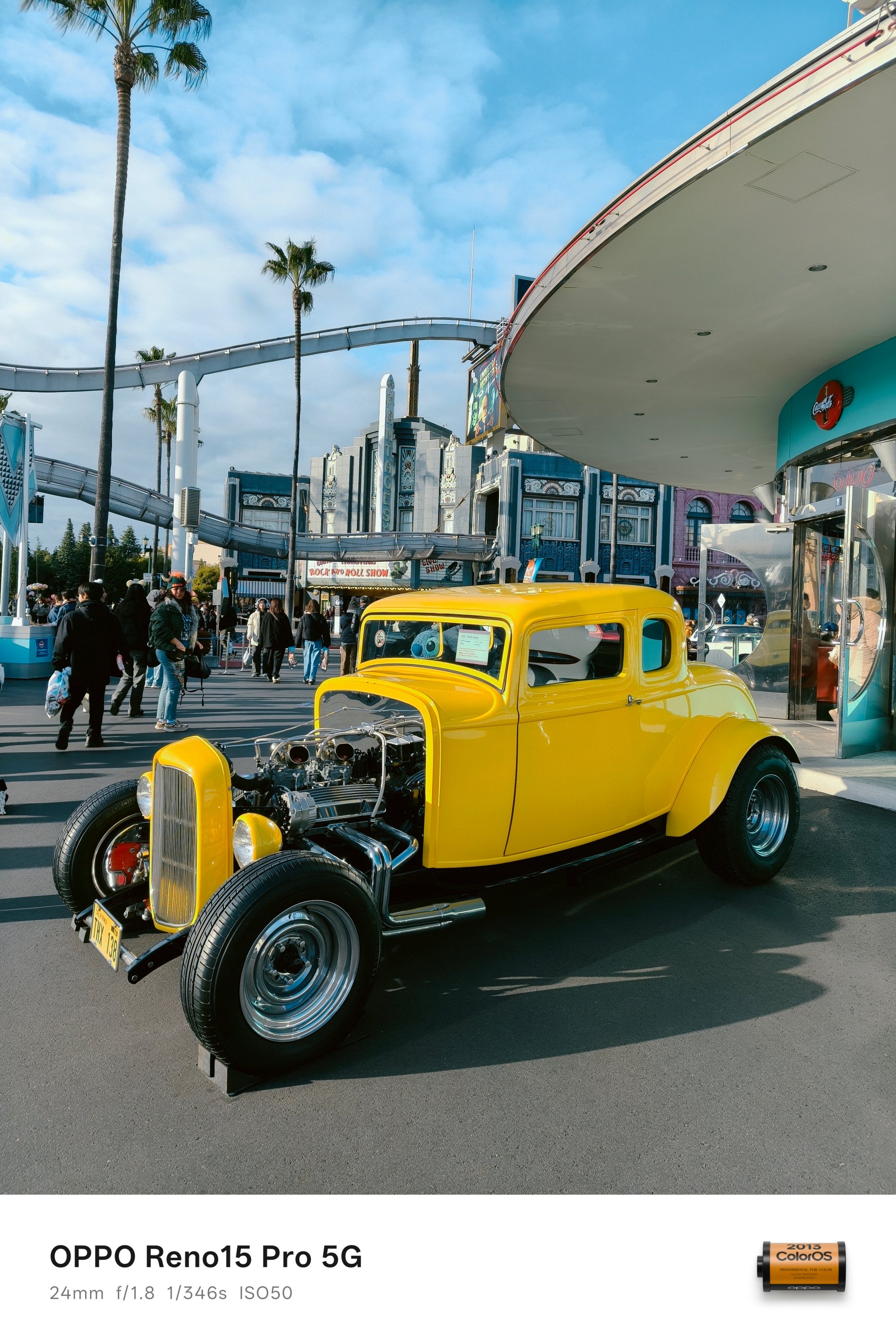
I’ve gushed over these cute Minions during my adolescence — even if it’s more relevant to Gen Alphas now.
Gen MZ yappin’ thru
As I already told a glimpse of my childhood (and puberty), I also wanted to come clean against the stereotypical millennials who made ’90s their whole personality.
Despite being part of the Gen Z, I grew up knowing diskettes, Walkmans, VHS tapes, and not-so-surprisingly, Nintendo’s Game Boy.
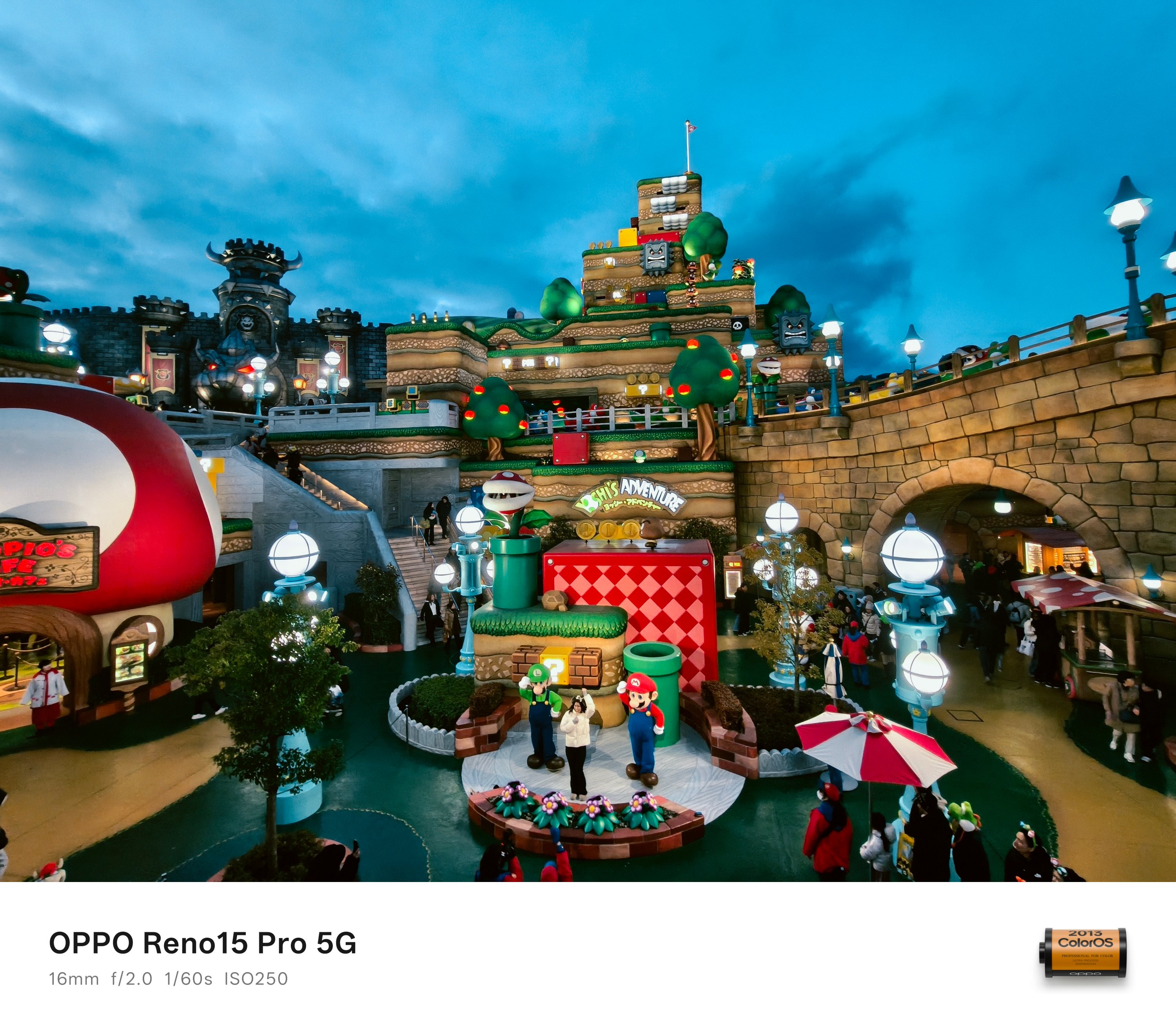
It so happened that my cousin had the first-gen console with Super Mario in it. It’s been an integral part of my childhood alongside the classic Sony PlayStation x Crash Bandicoot.

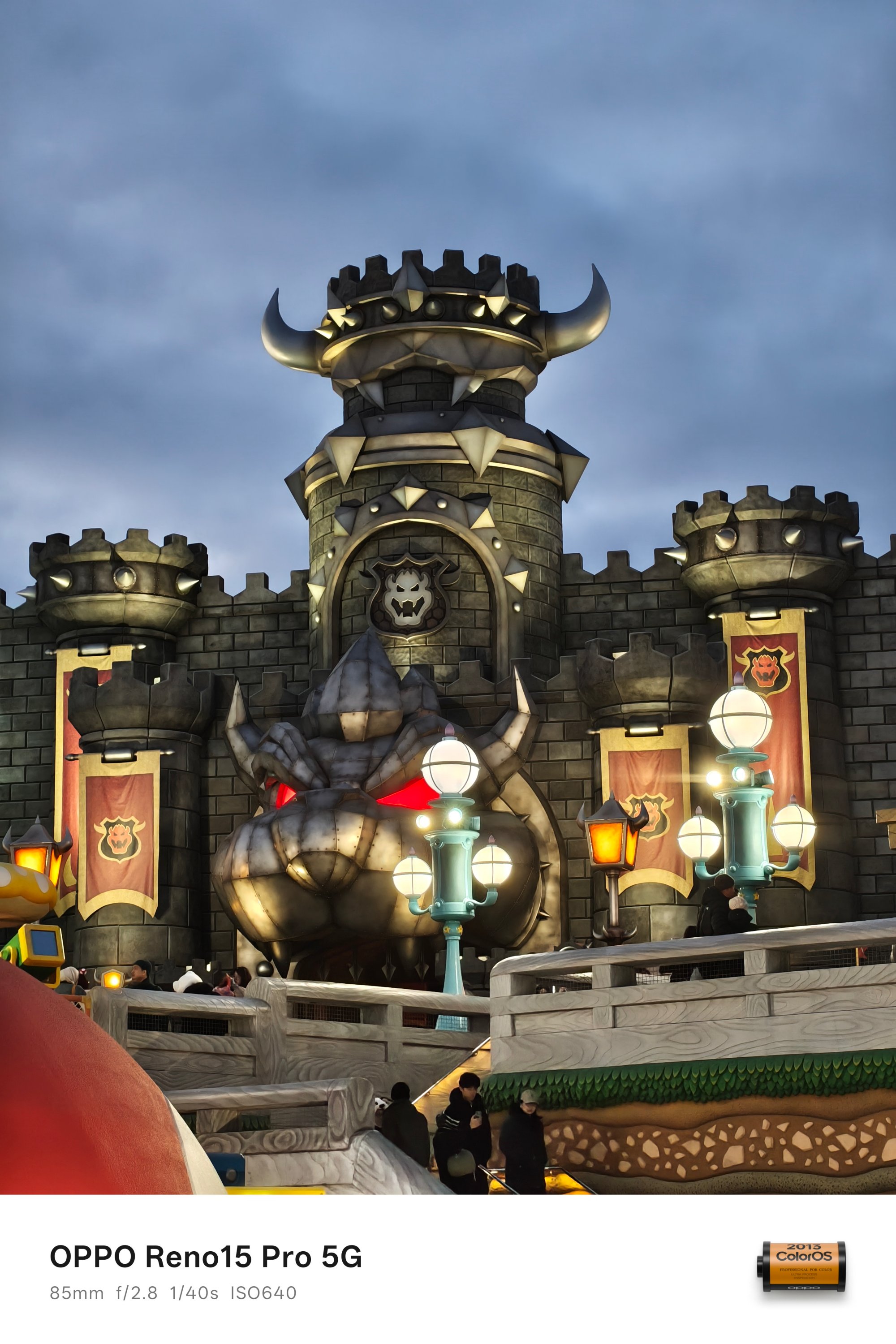
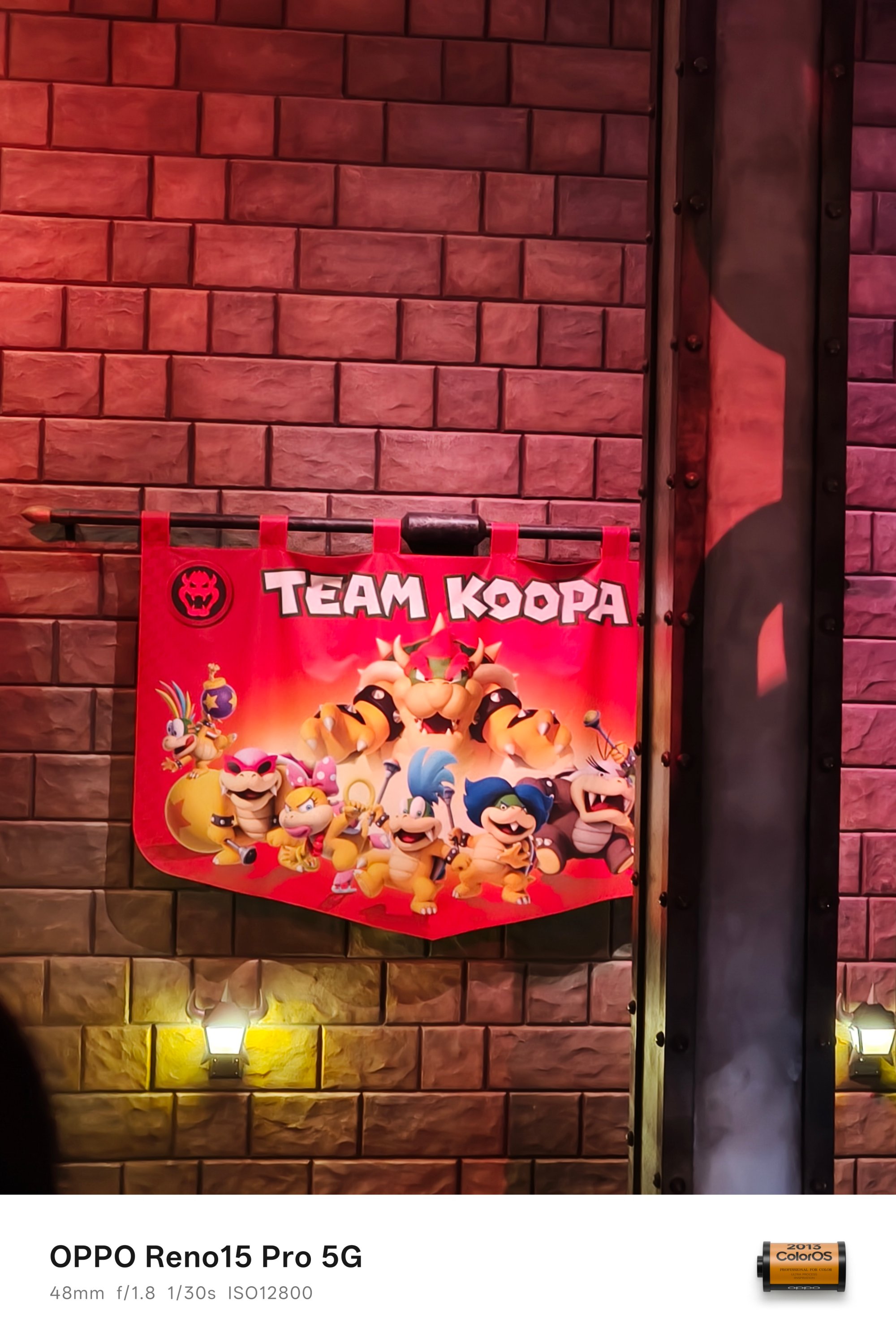
It might not show on my face but, witnessing the Super Nintendo World IRL was a huge achievement.
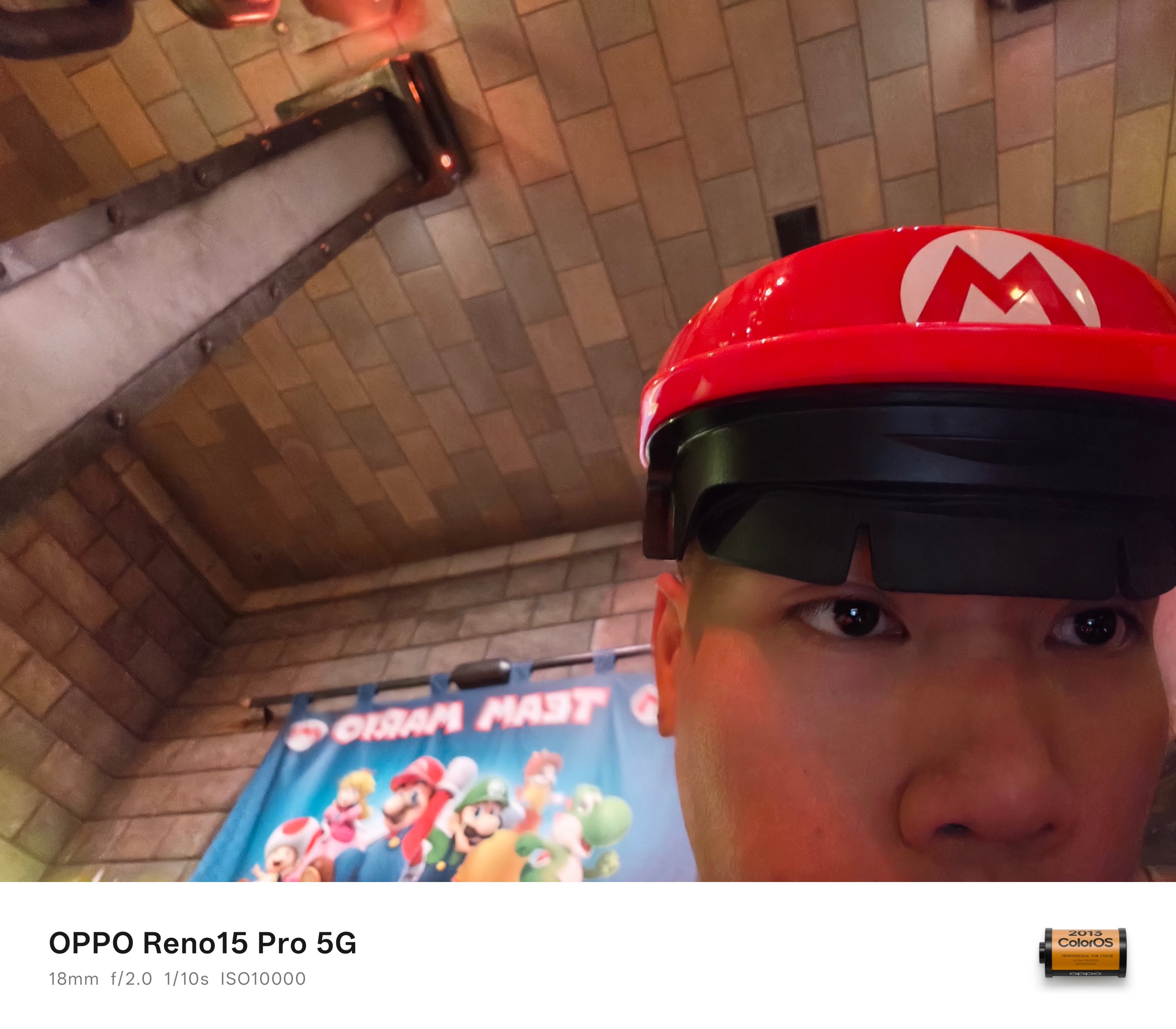 As fortunate as it was, I was able to visit without applying for a special pass. It even looked like I was in the actual video game when I entered the area even after the sun has already set.
Love at First Night
Osaka during the winter day was already a breath of fresh air. How much more during the night?
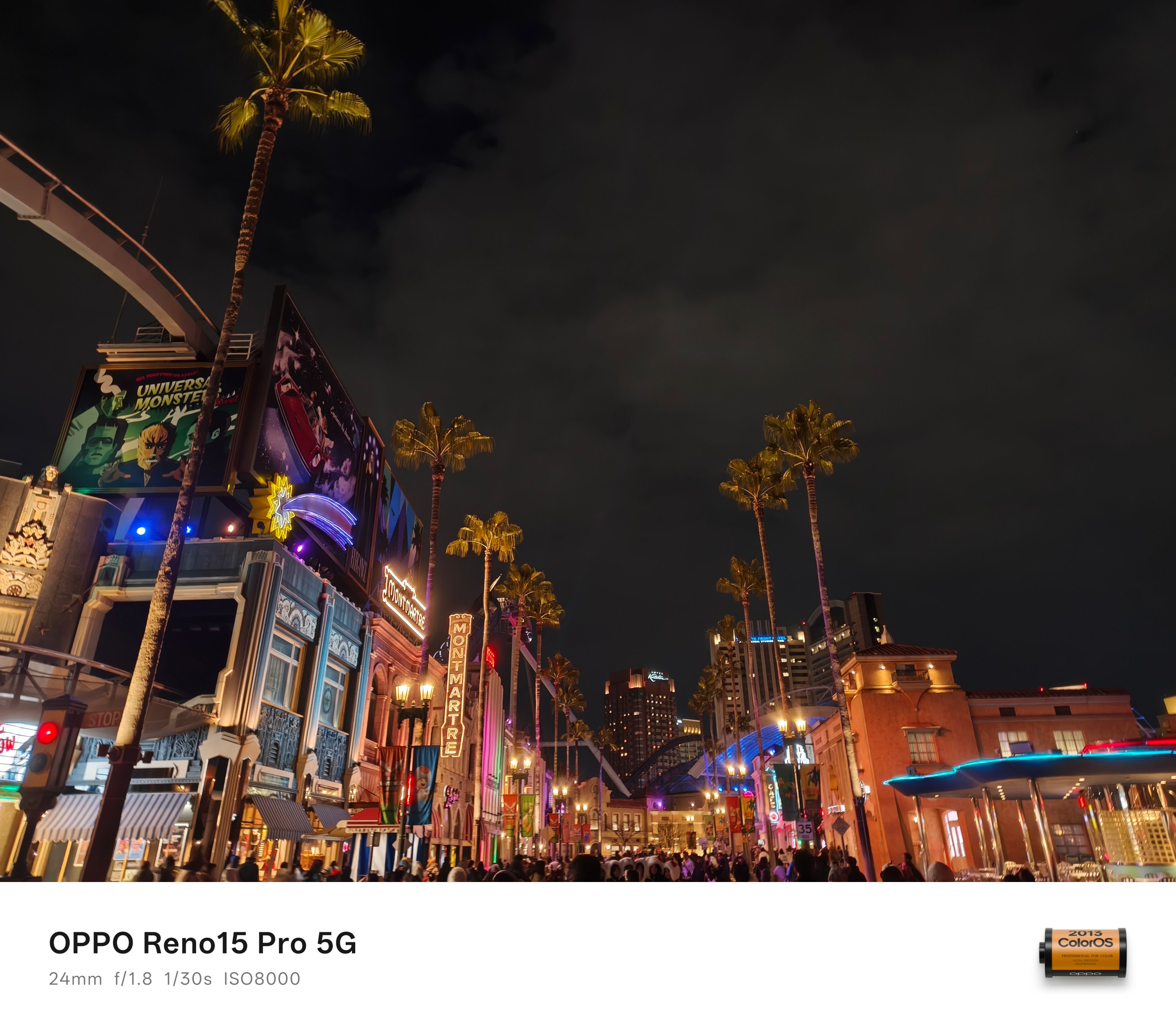
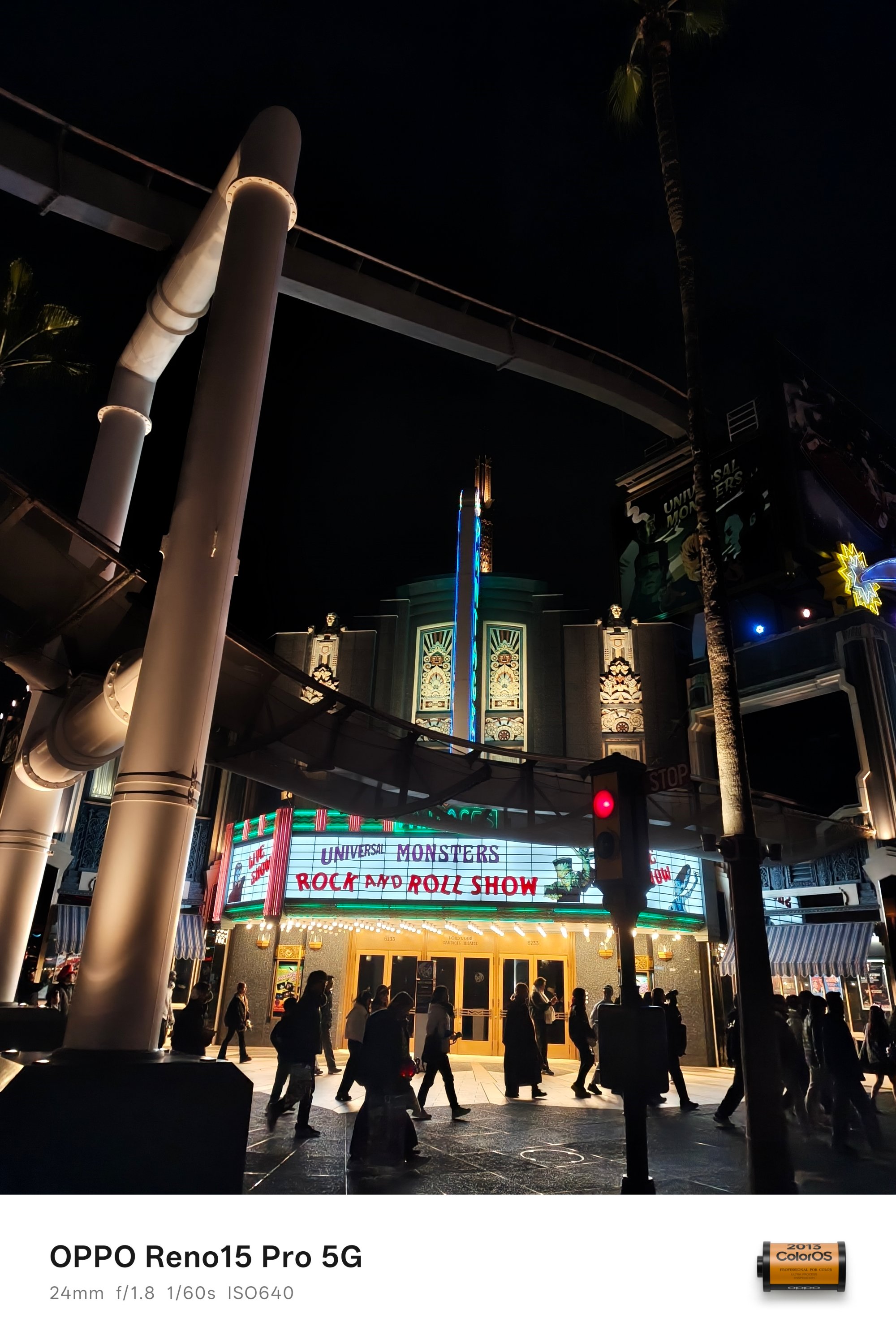

Nostalgia aside, the theme park doesn’t only revolve in the mentioned characters above as there’s so much more to see.
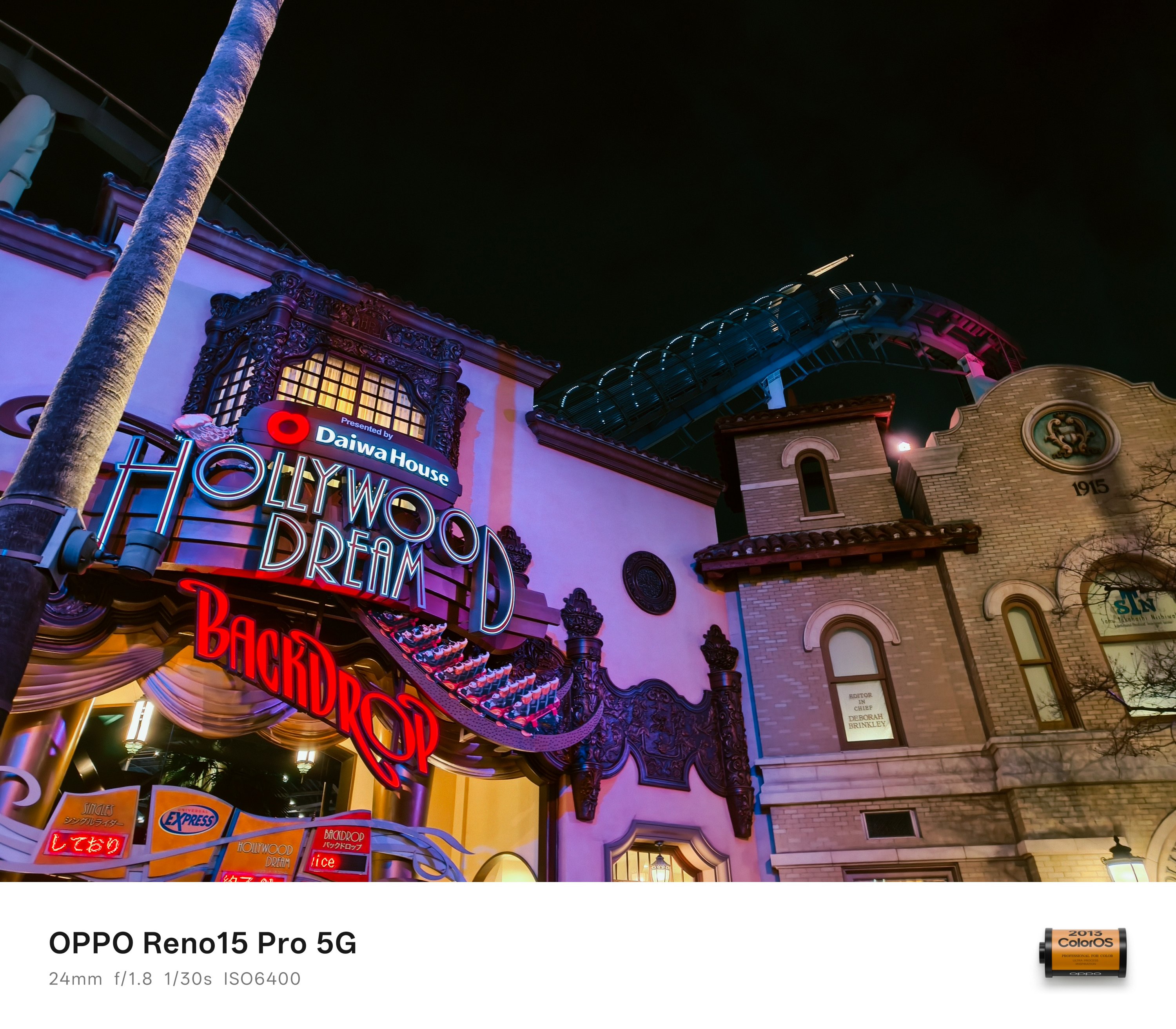
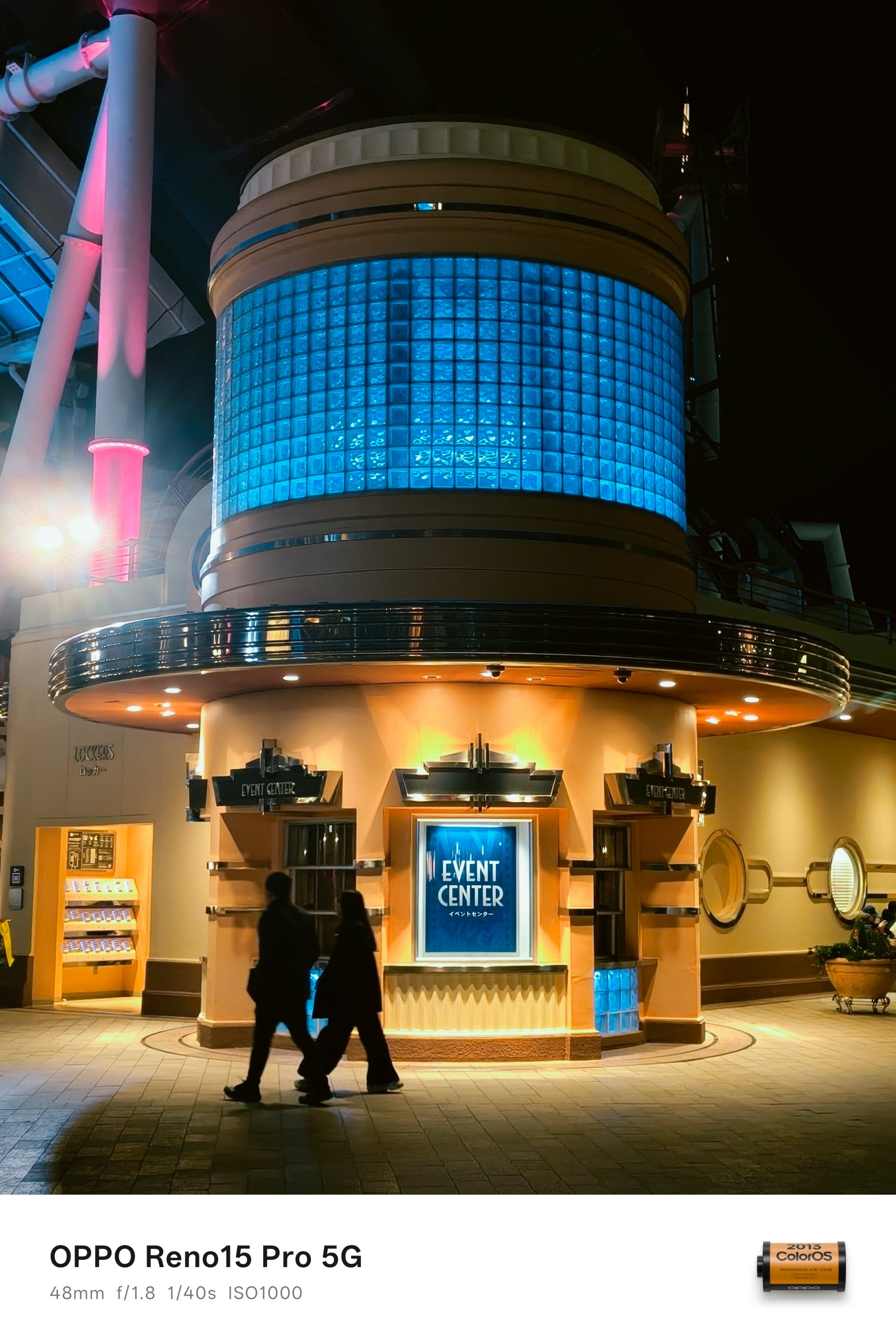
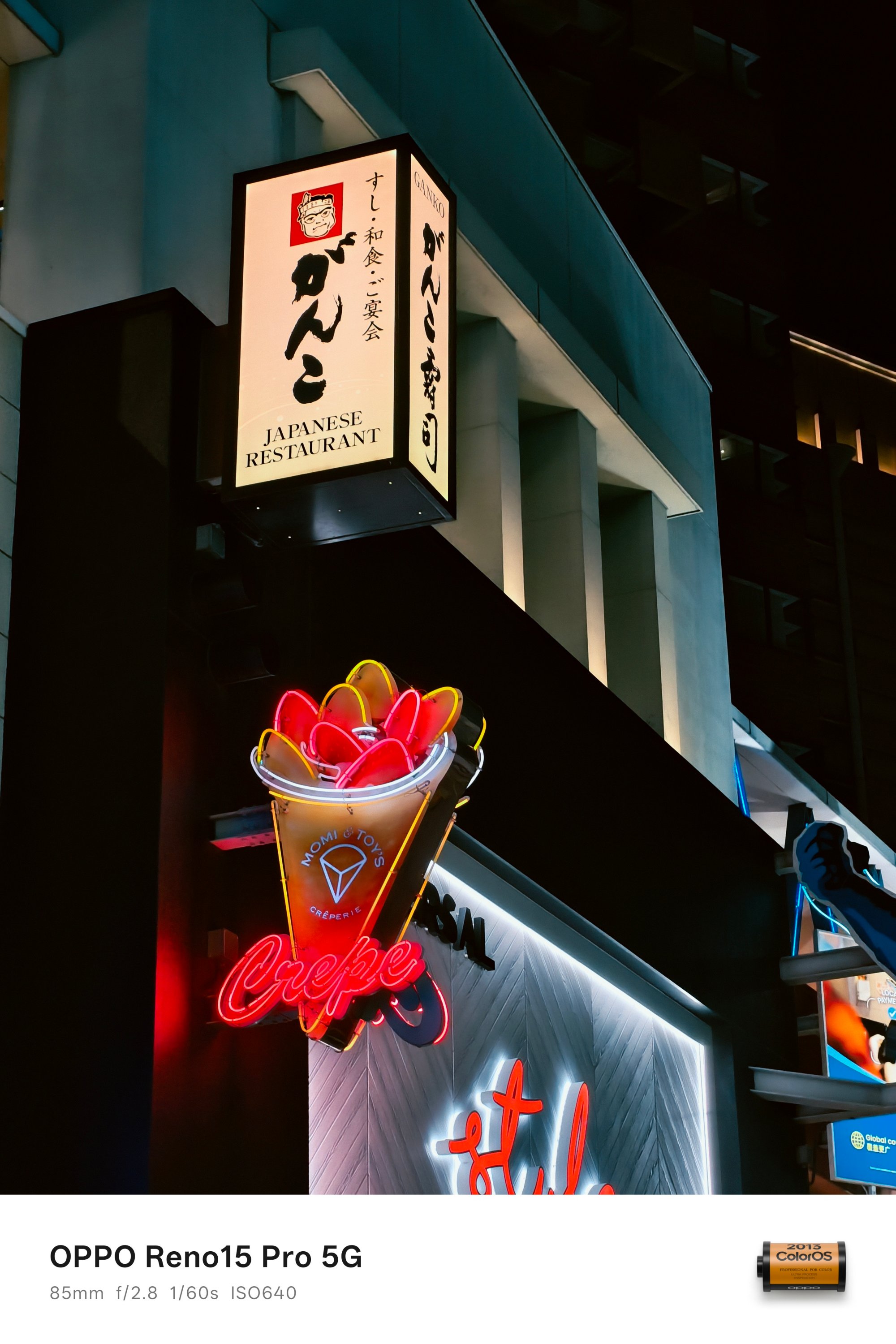

I want to end my USJ photo dump with Jurassic Park’s The Flying Dinosaur — a.k.a the best rollercoaster ride I’ve ridden so far.
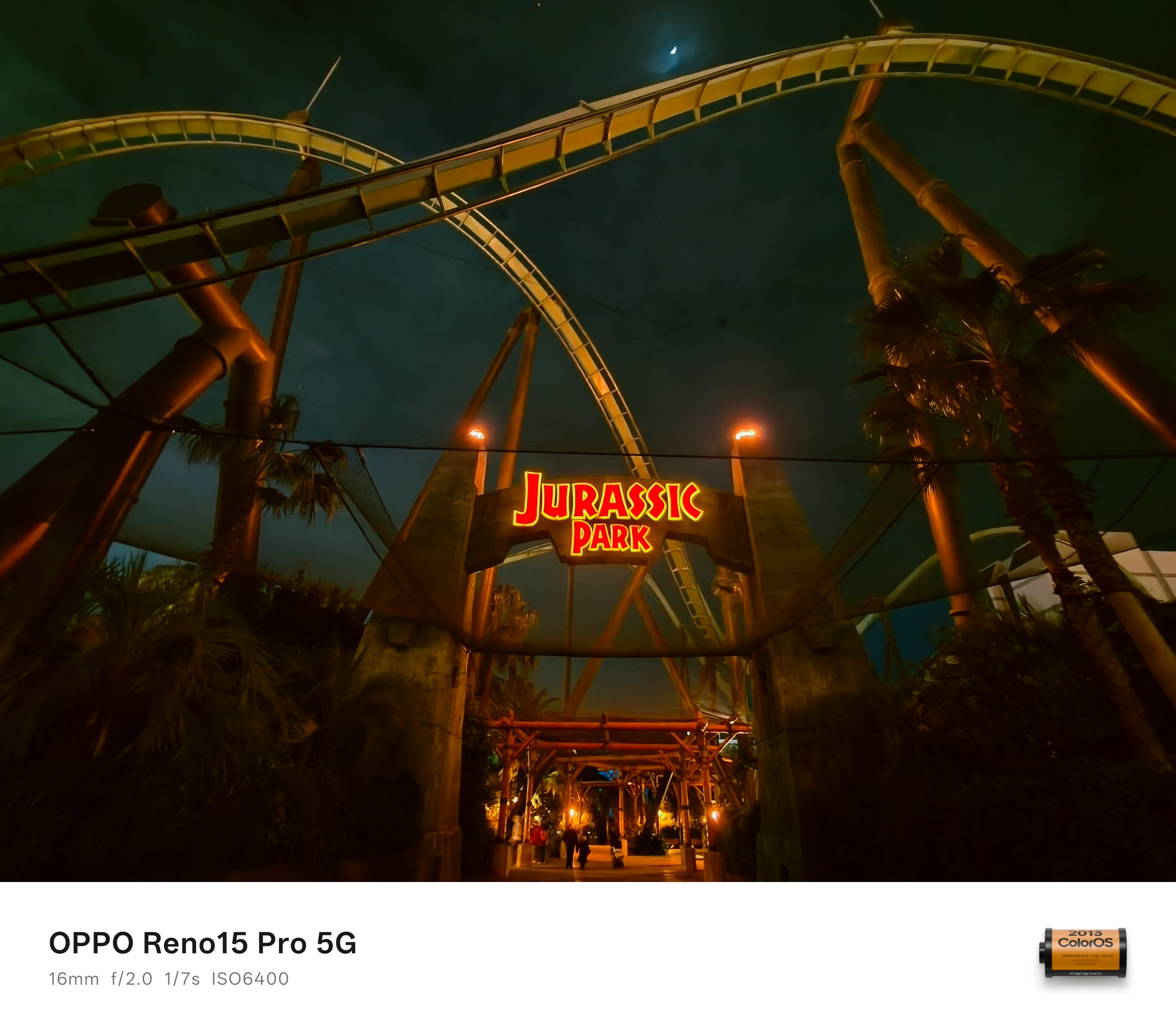
The only proof I can provide as phones were not allowed the moment you queue up to the stairs 😭
That’s in comparison to Universal Studio Singapore’s Battlestar Galactica: Cylon, Everland Korea’s T Express, and Shanghai Disneyland’s TRON Lightcycle Power Run — which I all fully enjoyed riding for more than thrice.
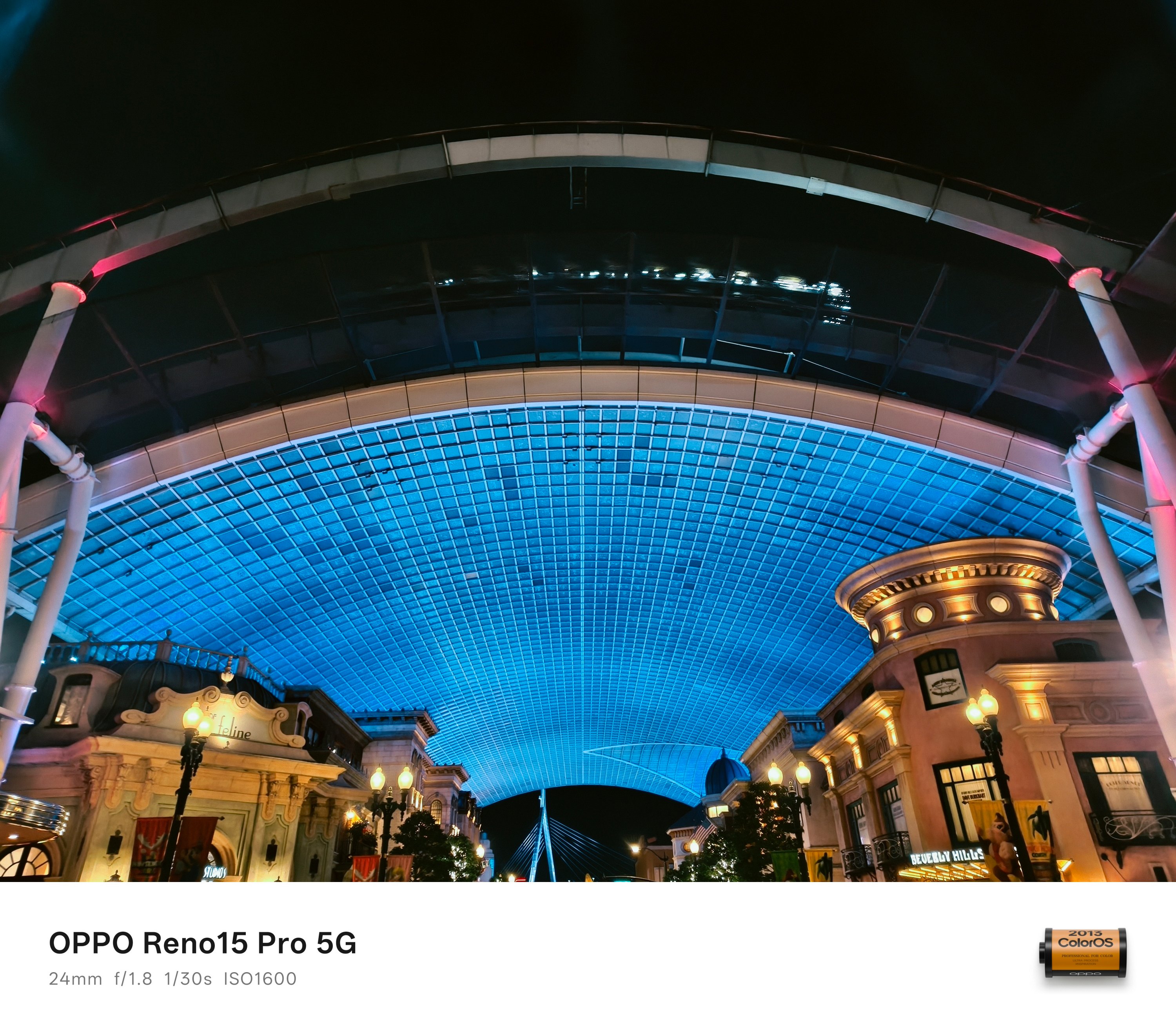
A segment of the ride can actually be seen the moment you enter (and exit) the theme park.
Now, to cap off this portion, there are two more highlights that truly show off Osaka’s night life.
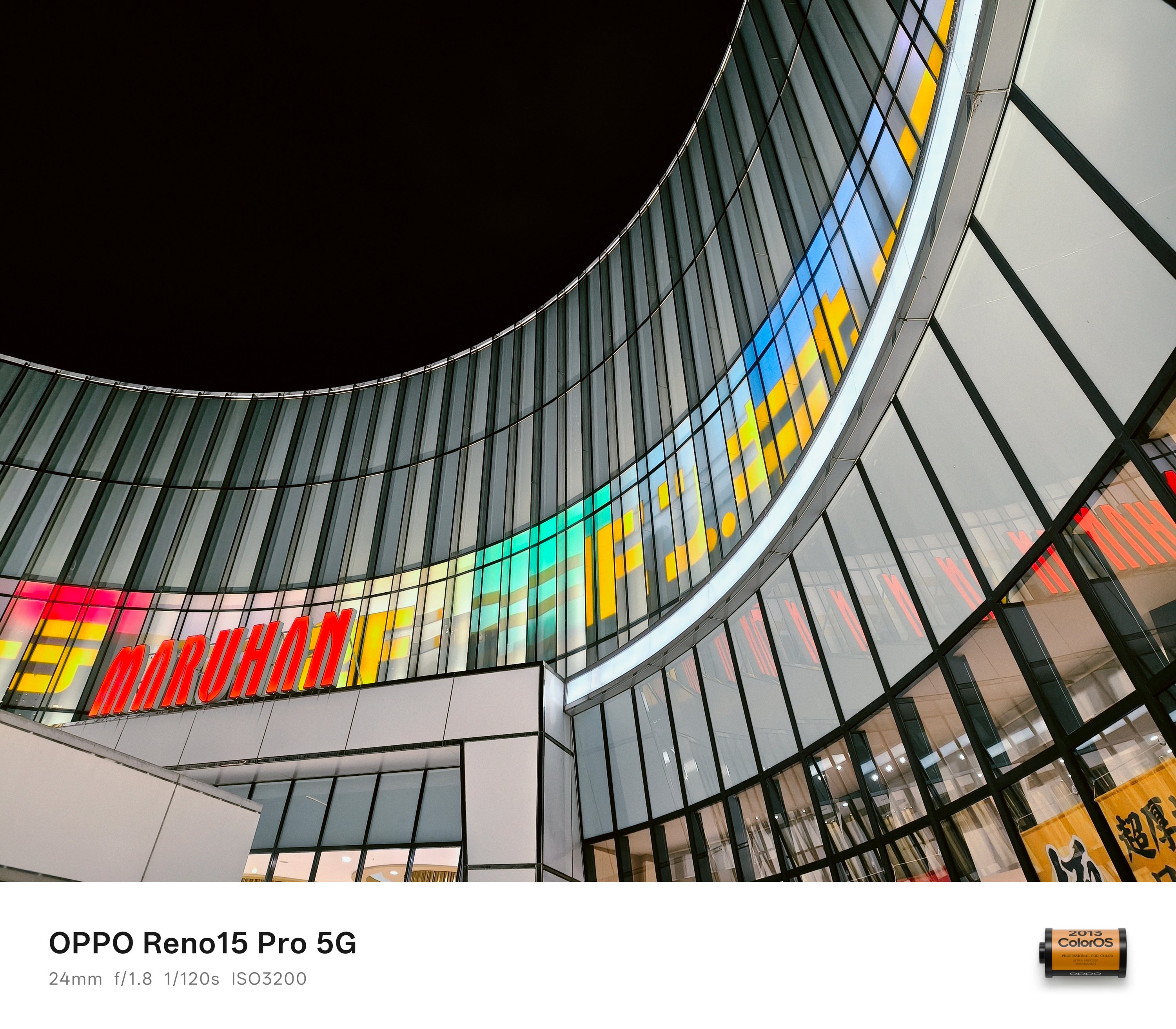
Other than the Dotonbori area, Shinsekai (新世界) is gleaming. It was inspired by Paris and Coney Island to make Osaka a “New World” in 1912.
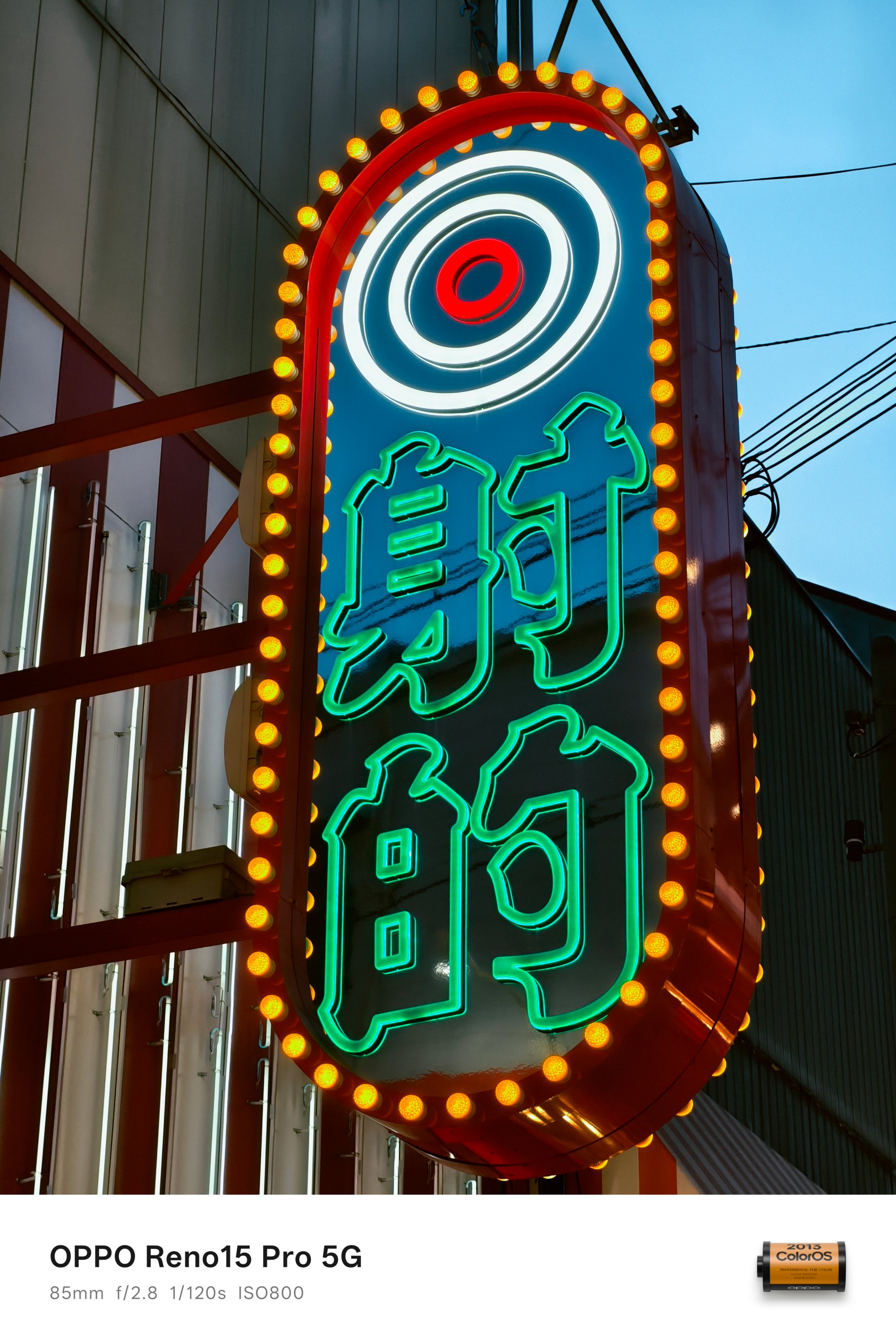

From the neon signs and vibrant night light displays, such retro vibe will make your visit truly warm and cozy. Even if it was freezing cold.
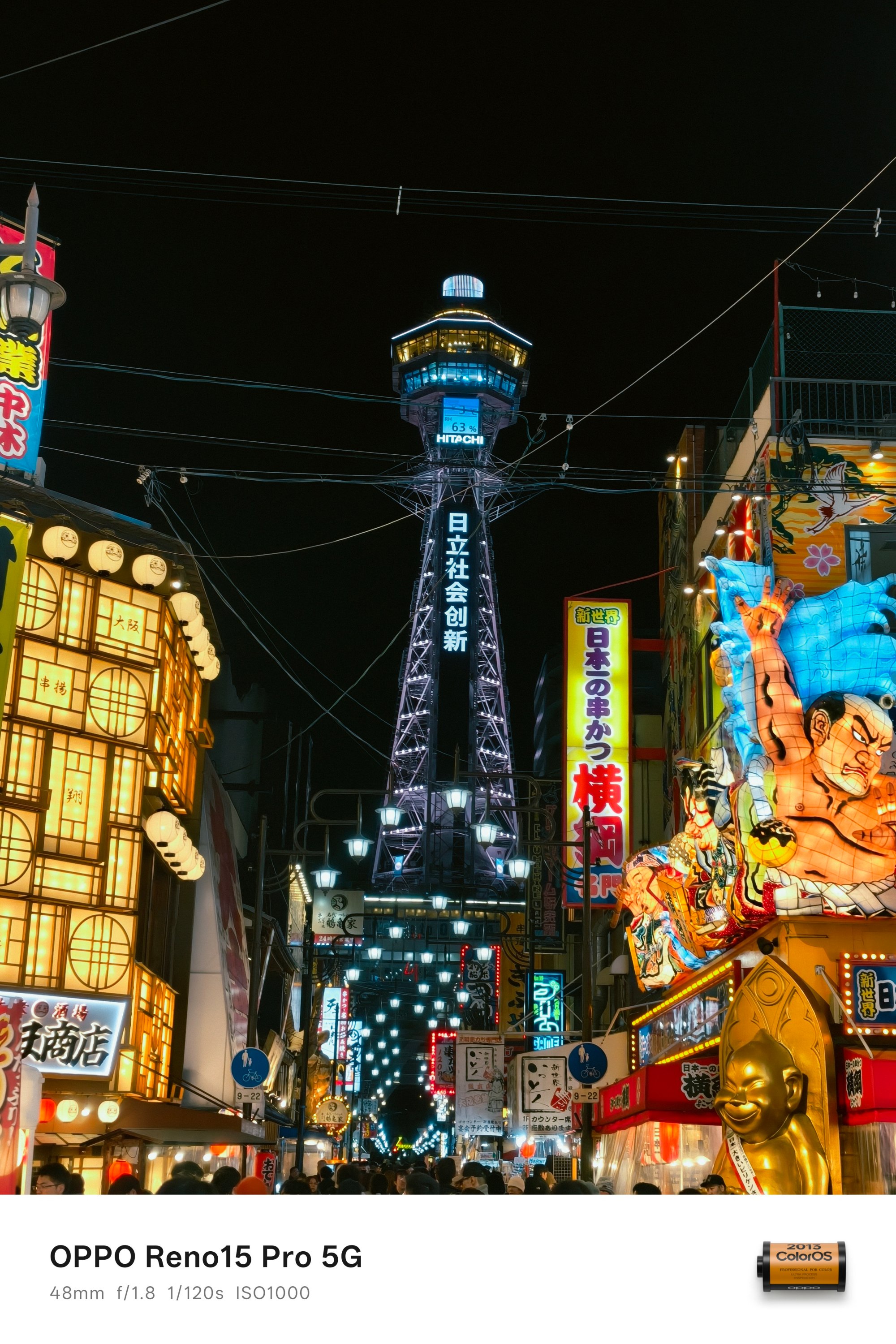
At the heart of the district is where the Tsutenkaku (通天閣) stands high. That now translates to a “tower reaching heaven.” Albeit, it’s nowhere near that achievement in today’s standards.
And even when it can’t even go against Eiffel nor Tokyo Tower, it’s still a center piece of its own.
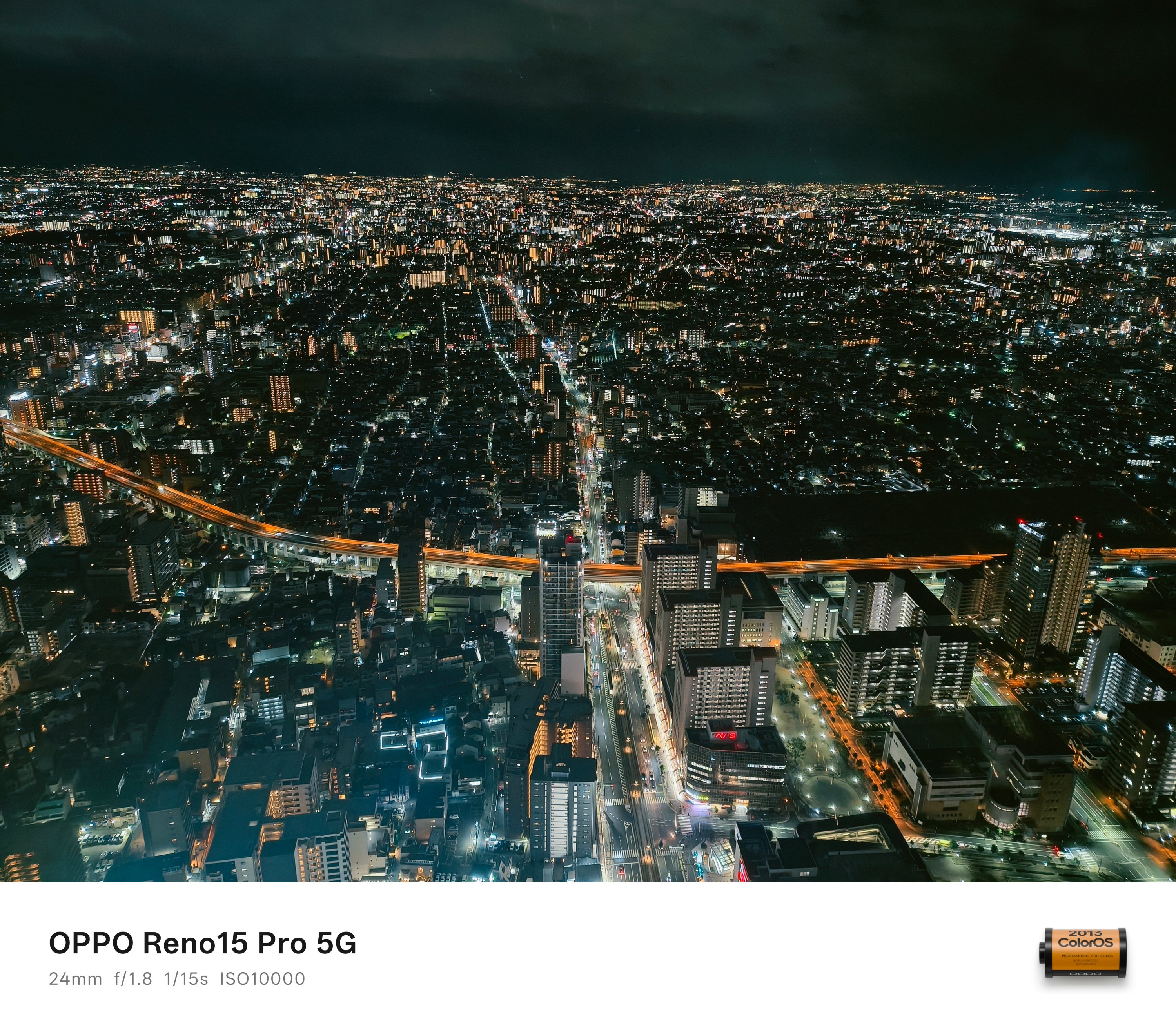
Now, if we’re talking about Osaka’s tallest, the Abeno Harukas 300 holds that title.
From the building name itself, it’s exactly 300 meters tall. It also holds the record for being Japan’s second tallest structure after Azabudai Hills Mori JP Tower in, you guessed it, Tokyo.
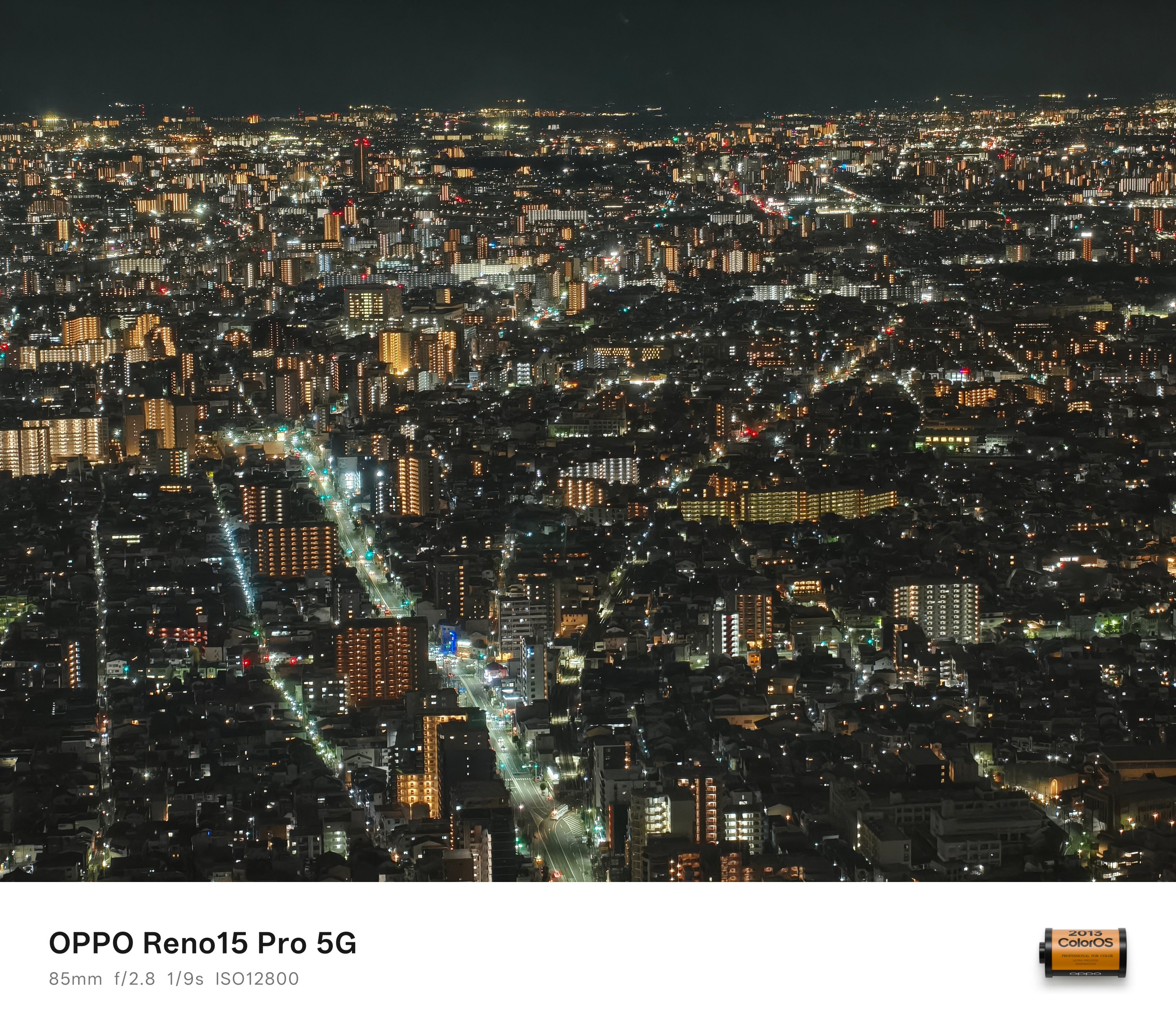
While you can go inside for free as there’s a mall below it, you can see Osaka’s breathtaking night sky only if you pay for the entrance fee. Honestly, the price is worth the sight.
Much awe in Osaka
Although Tokyo comes first when you think about Japan, Osaka has its own distinct charm.
The same thing can be said with the OPPO Reno15 Pro in a sea of very-capable midrangers. While it’s just another camera-centric smartphone for most, its cameras have that irresistible, special sauce in it.

Personally, I enjoyed my time more in Osaka. People are warmer and more welcoming. More so, that pretty chill vibes and laid-back nature kept me attached against the stricter plus fast-paced life in Tokyo.
With all that said, I’m not trying to pit two cities against one another as both are truly worth visiting. However, I regret having a shorter trip duration here. I’m just wishfully thinking (and manifesting) that I can re-visit the city sooner than later.
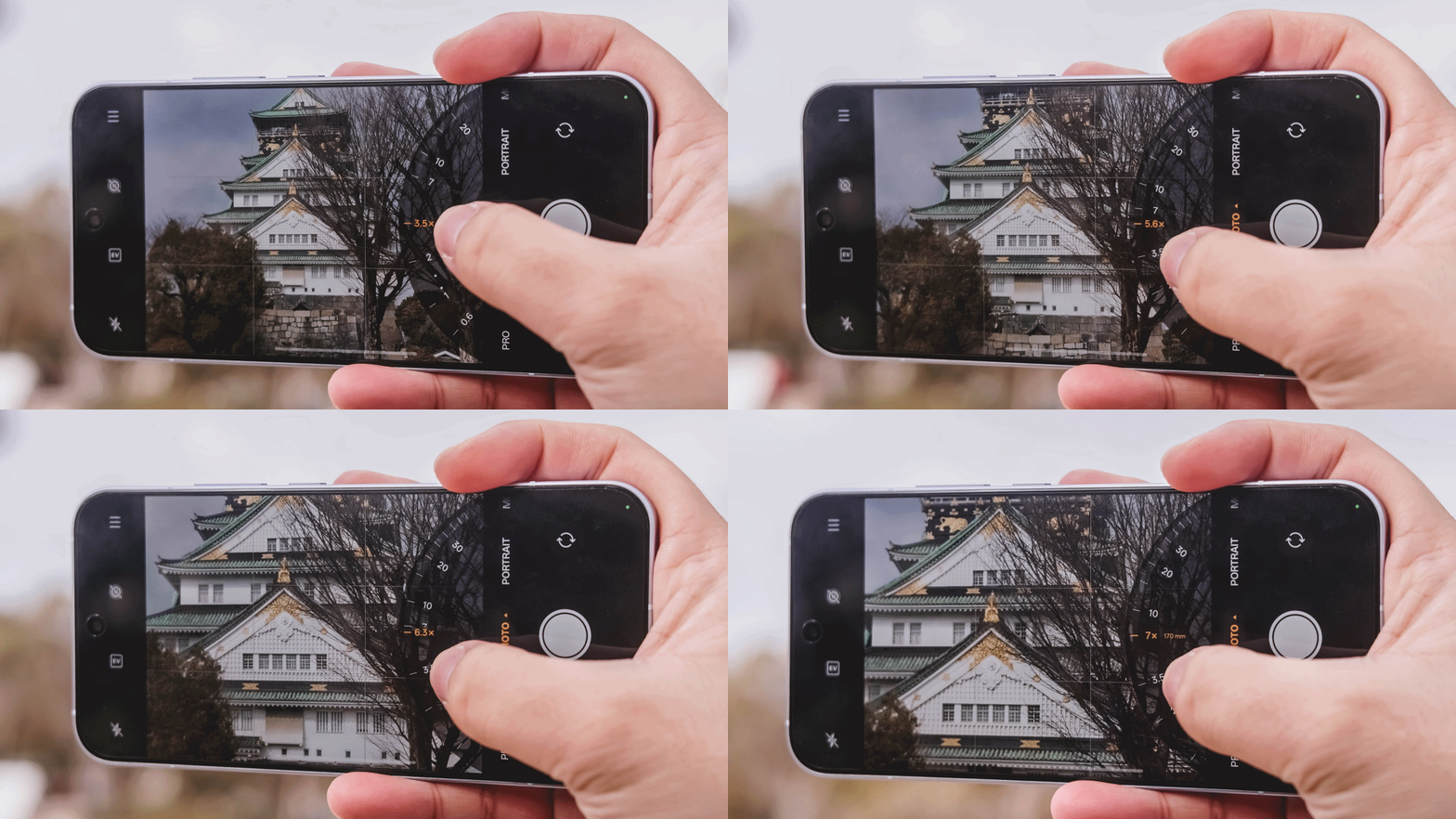
If you haven’t seen the other side of my Japan journey — from Tokyo, Kyoto, all the way to Mt. Fuji — the rest can be found in my in-depth camera analysis of the OPPO Reno15 Pro.

In a modern world dominated by flagships and midrangers, budget smartphones are often undervalued just because of the mere value they bring to the table.
But, let’s be real. Not everyone chases specs. There are users who simply need a phone they can afford without all the best-in-class bells and whistles often glorified but spec-obsessed nerds.
Well, the TECNO SPARK 50 5G might just be that handy-dandy everyday companion you need.
First Look
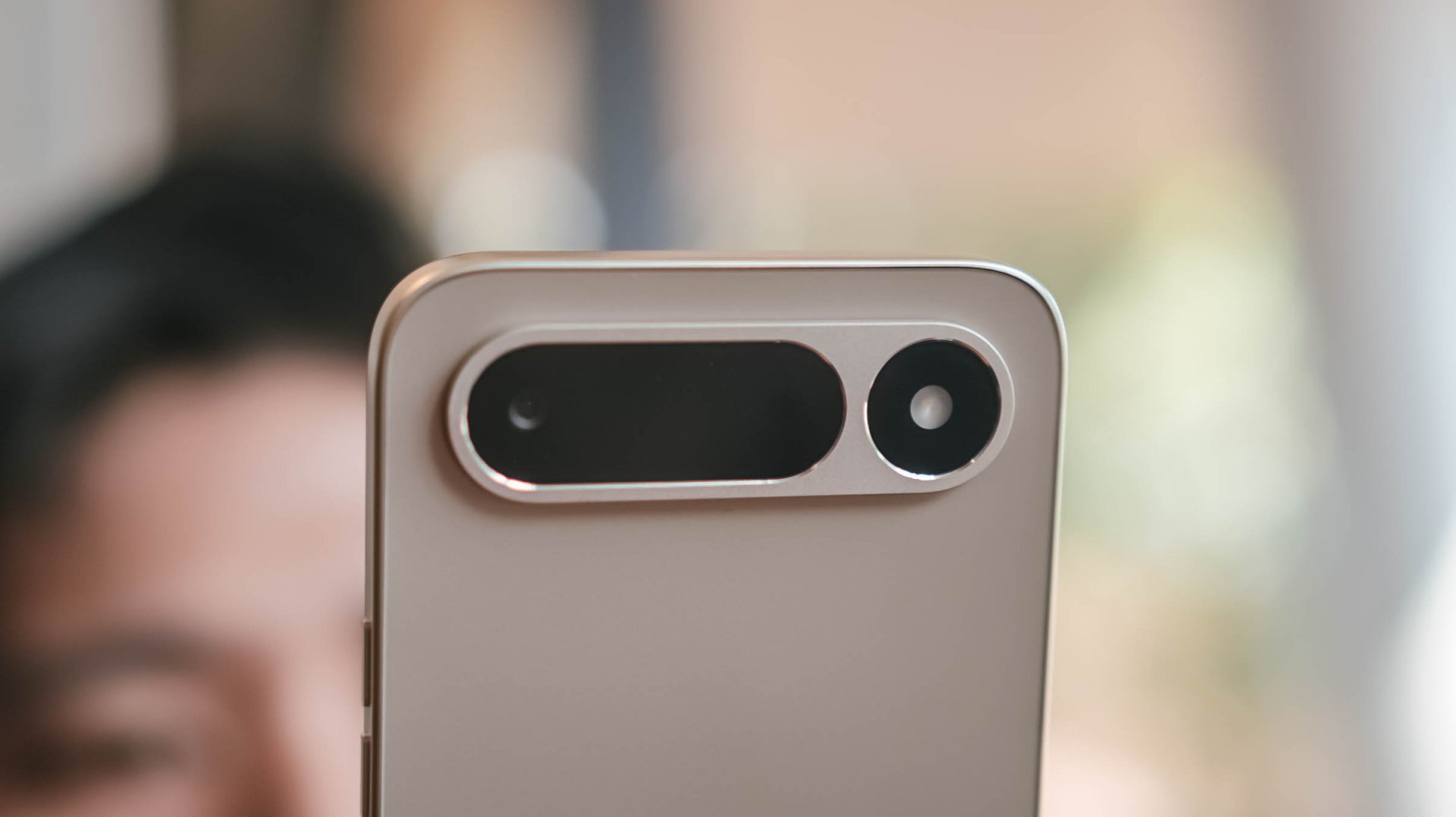
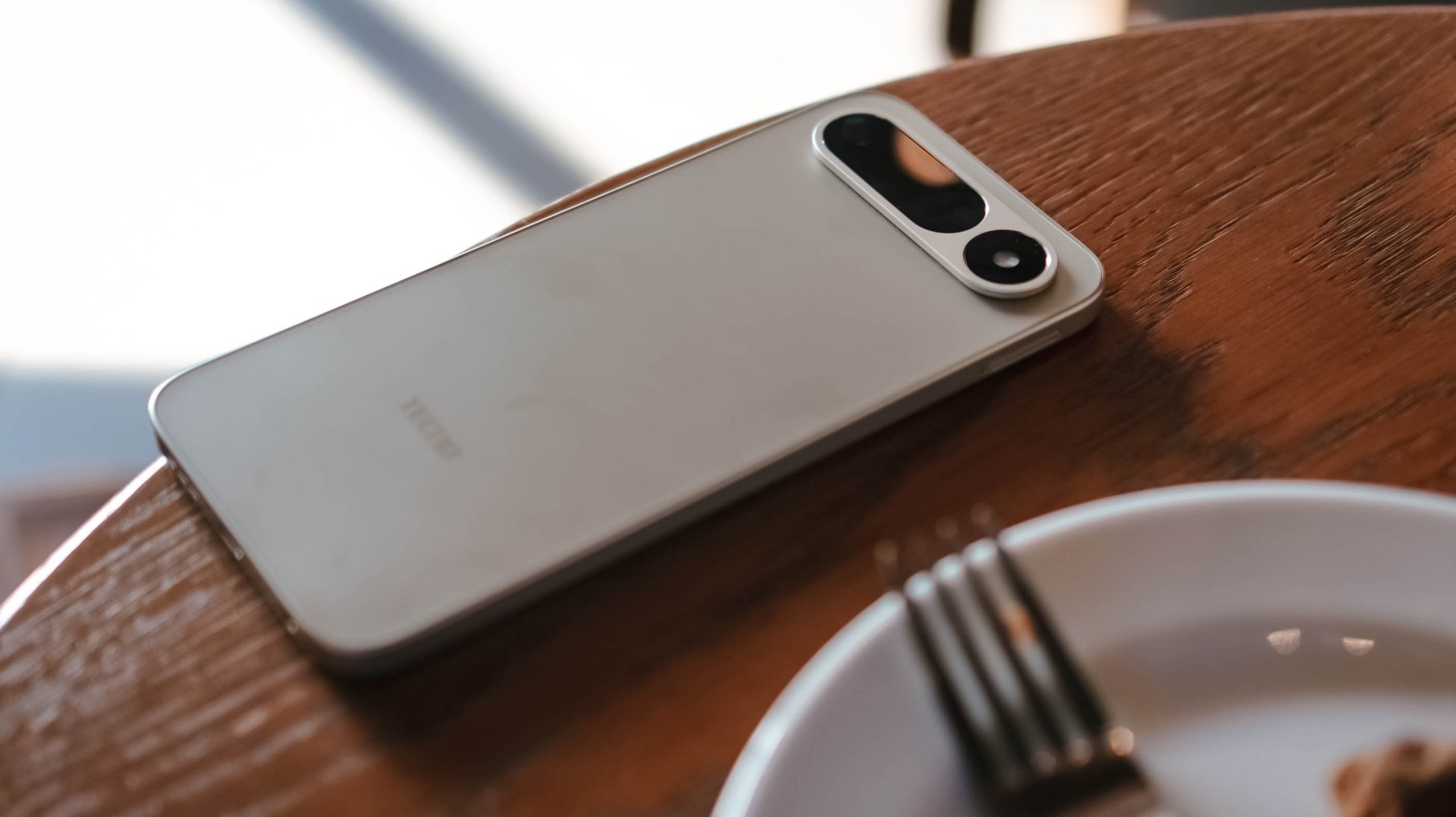
Right off the bat, the TECNO SPARK 50 5G will instantly remind you of Google’s recent Pixel phones. That camera bar is very reminiscent of the Pixel 9 and 10’s camera “visor.”
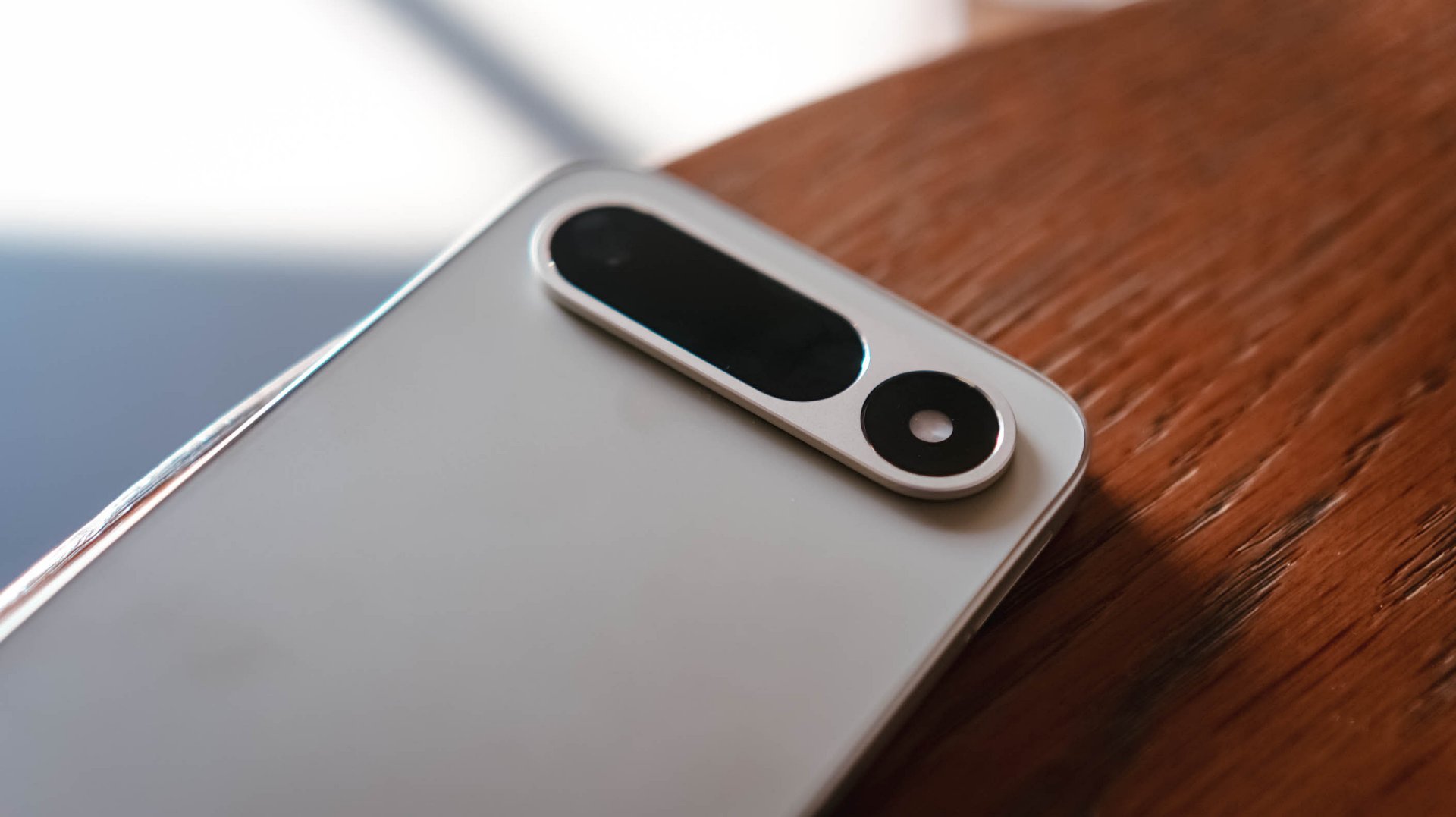
This isn’t a complaint. SPARK 50 5G’s camera island looks cleaner than that overly-used, left-justified square camera cutout popularized by Apple during the reign of their iPhone Pro series.
More so, it avoids joining the bandwagon of phones imitating the all-new “camera plateau” of the iPhone 17 Pro series.
Coincidental or not, it even reminds me of Apple’s pill-shaped Dynamic Island — or that interactive area around the punch-hole cutout that’s found among newer iPhones.
And now that we’re at it, let’s flip the SPARK 50 5G to its front.
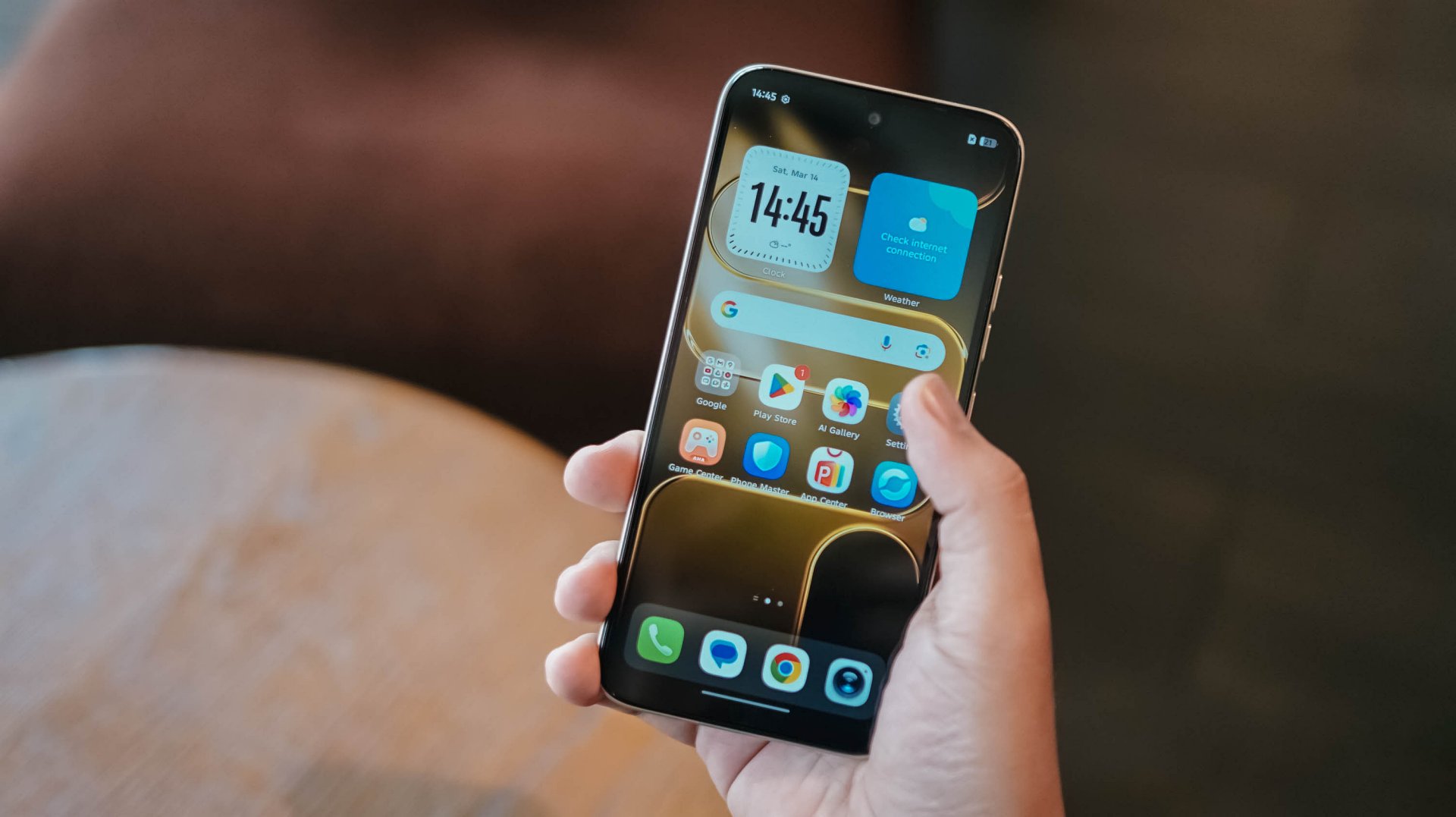
The moment you power on the device, you’d be welcomed by its large 6.78-inch punch-hole display. However, bigger doesn’t always mean better.
Not-so-thin bezels and that awfully-thicc bottom chin aside, I’m more concerned about its display quality.
I’m not trying to be very nit-picky but, my clear eyes can easily distinguish that its 720p screen resolution is quite a stretch for a screen this big.
Ain’t even expecting a class-leading OLED display (this is an IPS LCD type, BTW). However, a 1080p Full HD would have been more plausible.

Don’t even get me started with that subpar max brightness, backlight bleeding, alongside poor viewing angles and legibility.
And, even if it features a 120Hz refresh rate that smoothens day-to-day scrolling and switching, it doesn’t totally override the fact that the display is not up to par.
Still, the choice of punch-hole is heaps better than other phone makers continuously making phones with teardrop notches — which is turning almost a decade next year.
I’m just glad TECNO halted (if not completely stopped) putting it among their recent budget offerings.
First Date
While I have strong feelings against its display, the overall feel of the SPARK 50 5G is of the opposite. Holding the phone for the first time barely looked and felt cheap at all.
Setting the bar high, TECNO’s SPARK 50 5G is made from aviation-grade aluminum — which some other plasticky budget phones can only dream of.
With that durability talk, it’s also worth noting it’s also IP64-rated as well as MIL-STD-810H certified.

Personally, I love the classy and luxe Champagne Gold colorway that I’ve dated.
There are bolder colors too such as Mint Green and Fantasy Purple. More so, the subdued Titanium Grey and Ink Black options.

After setting everything up, the phone greets you with TECNO’s latest HiOS 16 based on Android 16.
Despite its price point, TECNO didn’t leave out all the usable AI feats originally announced in the recent CAMON 50 series.

Not only it includes the usual AI Tools and Ella (or its smart AI Assistant), the newer AI FlashMemo as well as AI MindHub are ever-present as well. These intelligently discern content you consume or whatever you’re curious about.
I’m not a total h-AI-ter as I believe that AI, when used responsibly, gives much leverage to users. It balances an individual’s time so s/he can work and focus more on things that need to be prioritized.
Still, I blame AI for the sharp price rise of components among all consumer devices imaginable.
Now that I’ve mentioned it, TECNO’s SPARK 50 5G comes in either 128 or 256GB of storage and memory choices between 4/8/12/16GB (region-dependent).
At its core lies MediaTek’s Dimensity 6400 SoC. For the market it tries to lure, this is a chipset capable of handling most tasks.
It’s a better option if you’re someone like me who relies on 5G connectivity most of the time. Its Helio G200 counterpart, while speedy and reliant, has 4G as its biggest drawback.
Gaming? Well, it’s obviously not built for that.
Still, it’s playable for the not-so-demanding-games: 60fps in PUBG while 90fps with the widely popular Mobile Legends: Bang Bang (MLBB).
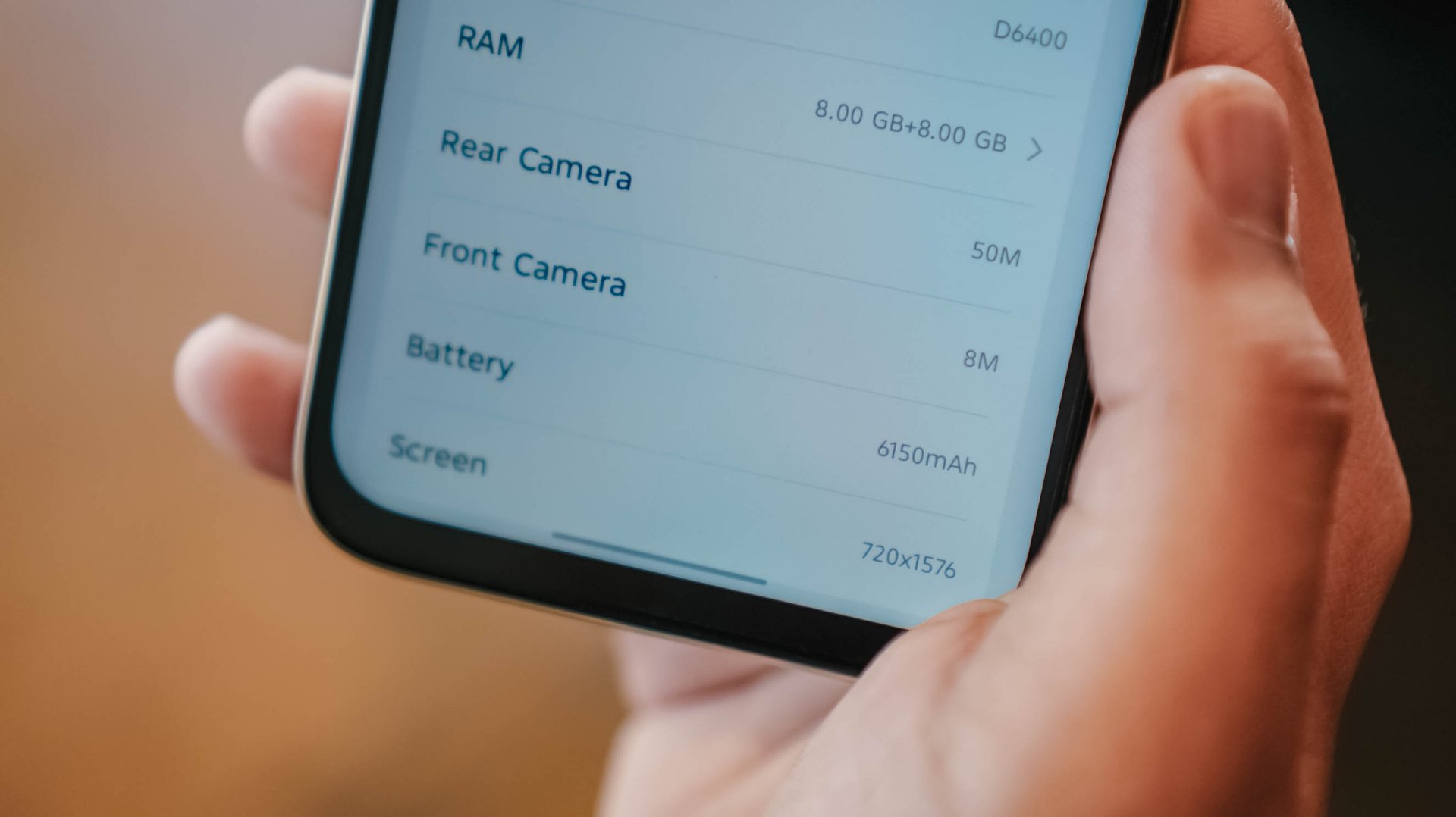
Even with just a chassis of 8.18mm, TECNO has managed to put in a 6500mAh single-cell battery (or a lesser 6150mAh dual-cell variant that I have with me).
Still, the TECNO SPARK 50 5G has outlasted me more — way past midnight after that full-day first date.
If you’re already in a pinch, the phone can be charged through its 45W fast-charging adapter bundled in its box. ICYMI, last year’s SPARK 40 5G relied on a painfully-slow 18W charging.

And, before I forget, I just missed the novelty of side-mounted fingerprint scanner. I still consider it better than the optical ones.
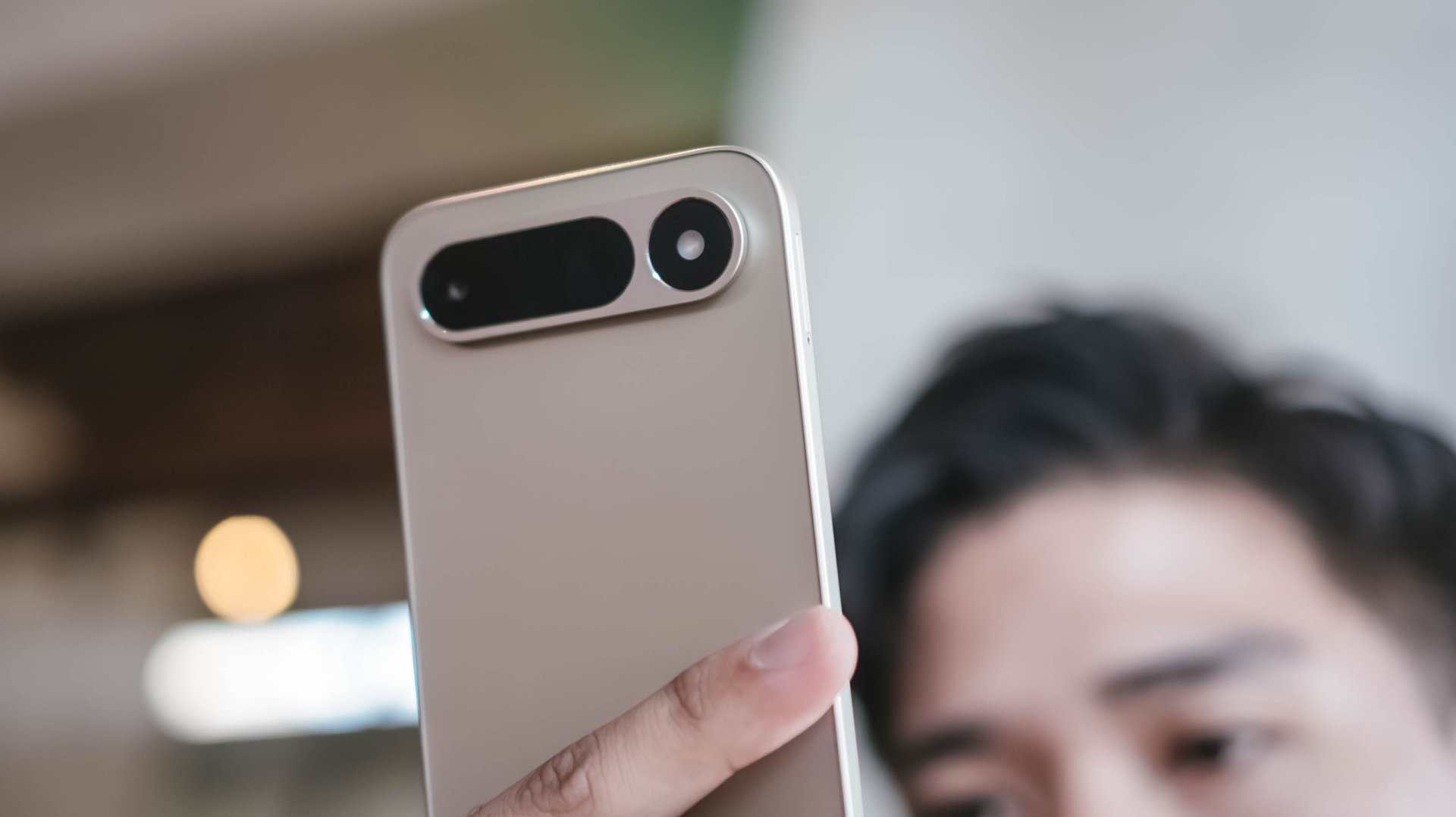
Lastly, despite that elongated camera bar at its rear, the SPARK 50 5G is only equipped with a lone 50MP camera.
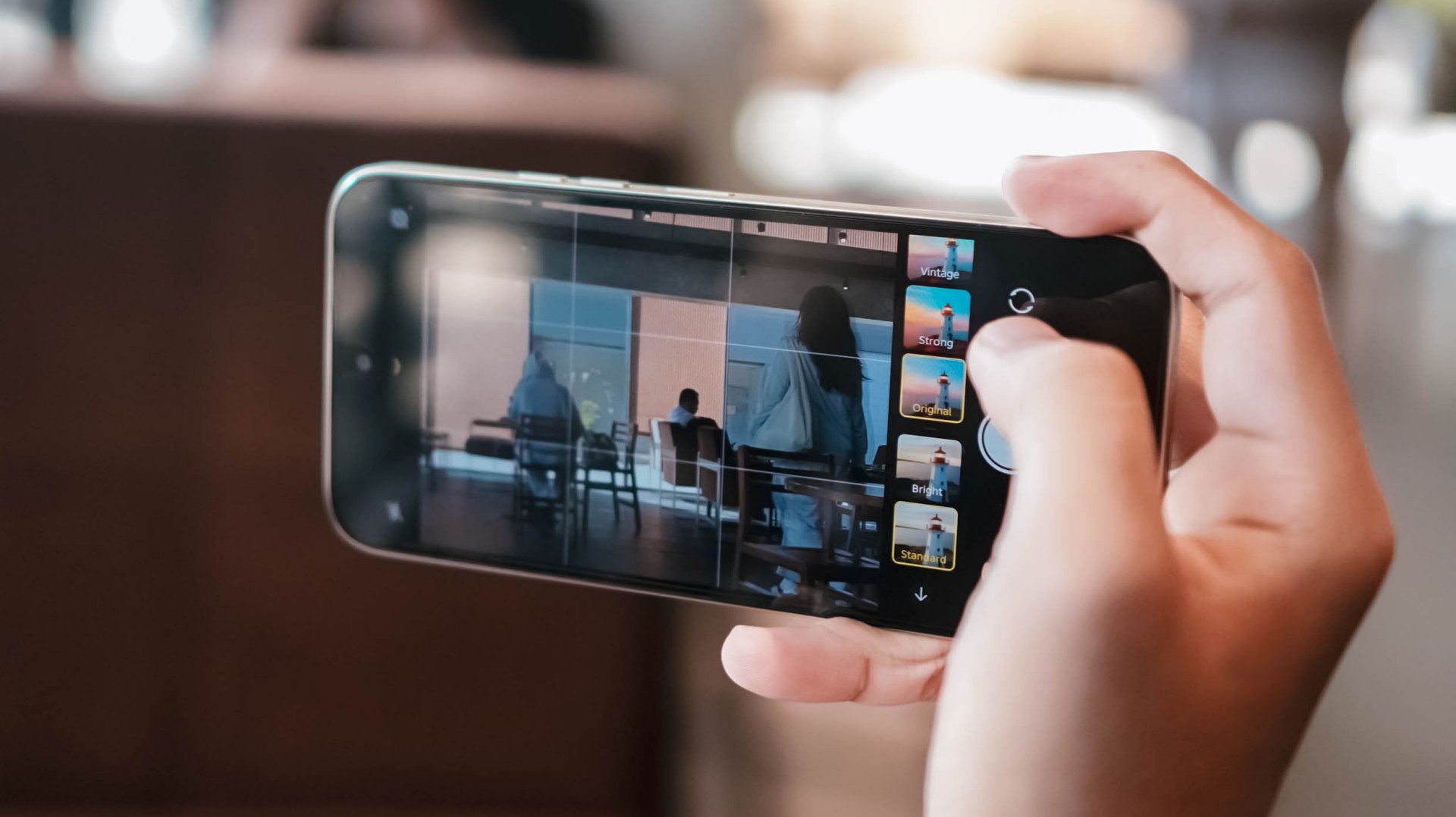
Although AI FlashSnap exists, the camera app being somewhat sluggish evades the purpose of that camera feature per se.
While cameras have never been the strong point of the SPARK series, it should be enough for users who just want a functioning rear camera not just for document-scanning, but for life moments as well.
Its 8MP shooter can still capture selfies — or just be used for those unavoidable school and/or work video calls.
First Impressions
With a starting price (4+128GB base config) of INR 16,999 (approx. US$ 180 / EUR 160 / GBP 135 / SG$ 235 / MYR 735 / PhP 10,995), the TECNO SPARK 50 5G isn’t the most well-rounded budget smartphone around.
Still, this phone will satisfy the general, non-tech-savvy population. That sophisticated design, solid build quality, ginormous battery with reliable fast charging, smart AI-powered OS. Even 5G-capable chipset in this price range?
Did I even mention that it still rocks the almost obsolete microSD card slot and 3.5mm audio jack?
Obviously, I’m not the target user of this phone. Especially as a creative guy who values display and cameras a lot.

However, technophobes might get the hang of this phone when they take it out on a lovely, more intimate date more than twice. The phone is as straightforward as it can get. Sans, exploring the more complex AI tools within.
Still, this is a phone suitable for a wider range of user base consisting of kids, young students, the elderly, or even everyday workers who just need a reliable phone that they can bring around without sacrificing too much of their hard-earned savings — especially in an economy we live in right now.
Features
Why this AI-powered eye health exam is the only reading you need this season
Forget astrology and scary clinics; the future of preventive health is waiting for you in a Vision Express branch!

They say the eyes are the windows to your soul. They never lie.
You can always tell when someone is truly thriving because their eyes radiate a certain spark. A glimmer that suggests they are actually winning at life.
But a doctor I once dated (briefly, for research purposes, mostly) told me that eyes are also a sneak peek into your physical survival. A quick check-up can reveal underlying illnesses before they even knock on your door.
The problem is that hospitals and clinics feel intimidating. Most of us avoid check-ups because we’re terrified of what we might find. Ignorance feels like bliss until reality finally catches up.
When I heard Vision Express (VEX) was reimagining eye care through AI, my inner “orange cat” curiosity took over. I dressed up, booked a ride, and headed to Greenbelt 5 in Makati City to see if technology could make health feel less like a chore and more like… well, a treat.
Sanctuary for my senses
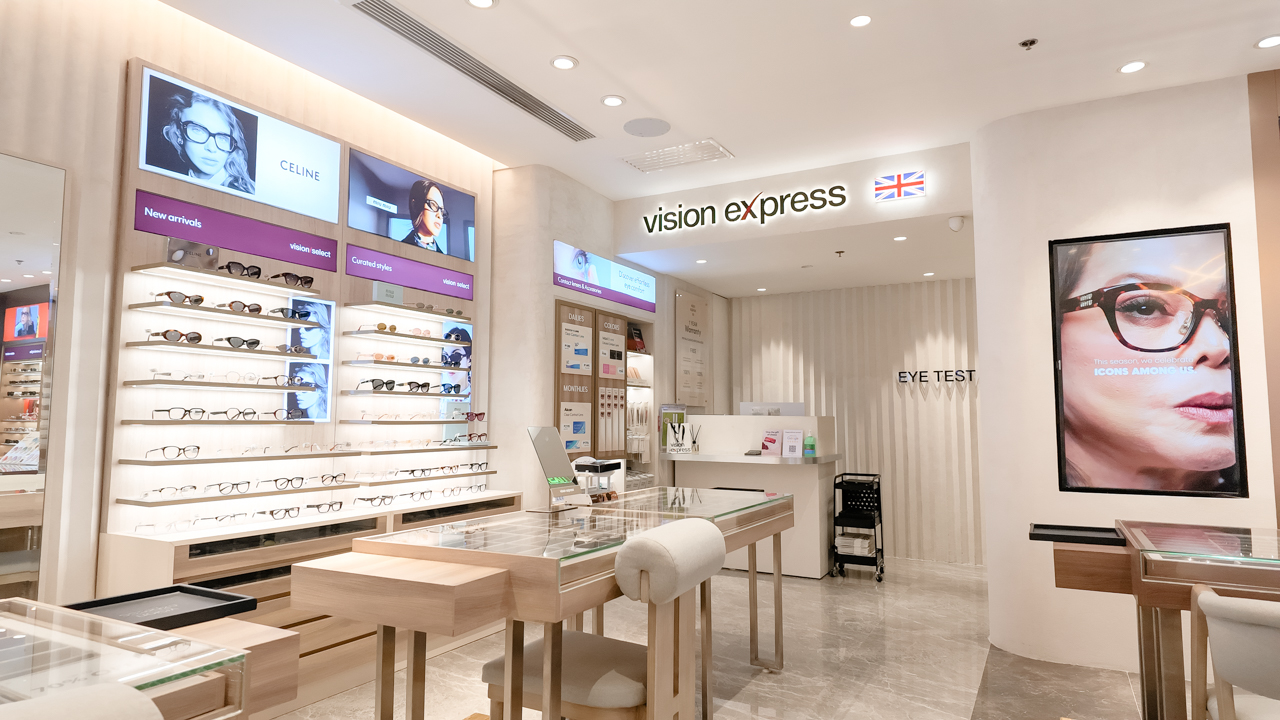
The VEX branch in Greenbelt 5 feels less like an eyewear store and more like a prestige lounge. Even with brands like Dior, Gucci, and Cartier shouting from the shelves, the atmosphere remained inviting.
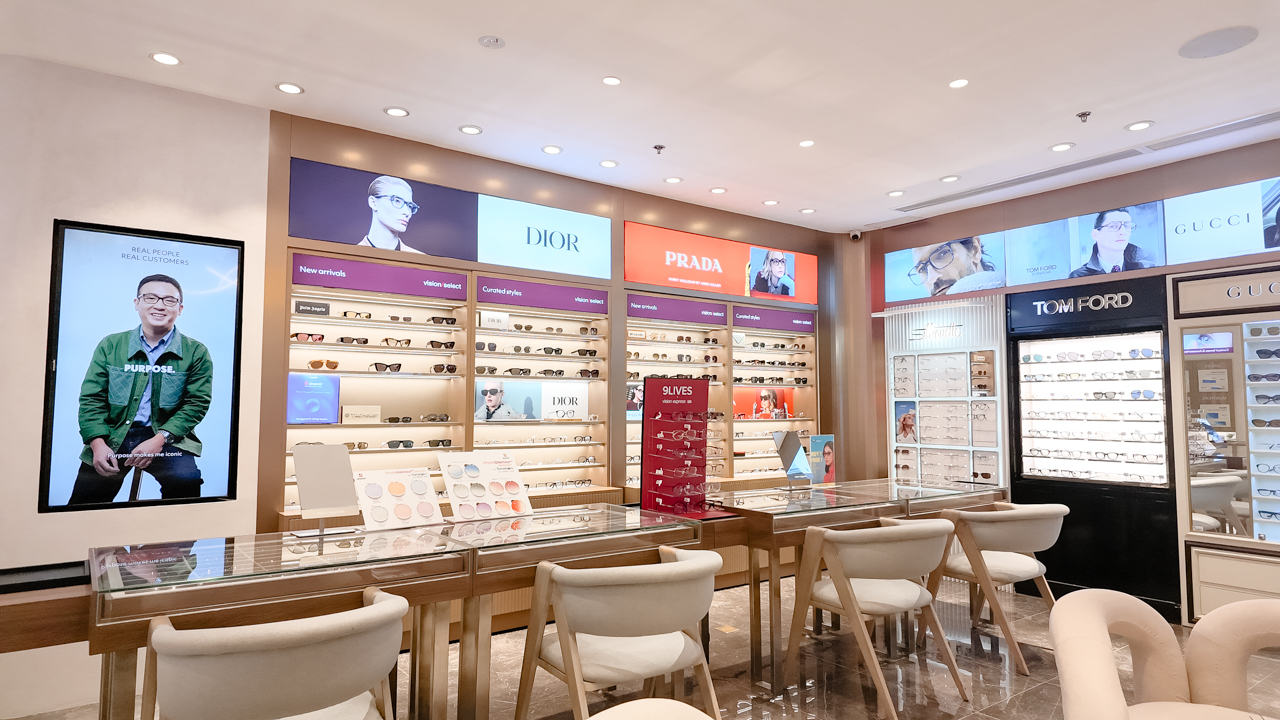
It lacked that “peasant-profiling” energy you sometimes get in luxury boutiques. I just walked in and gasped at the aesthetic. I’d say I immediately felt at home.
While I waited for the Vision7 program, I detoured to the AI Styling Studio. If we’re being honest, shopping for frames is a high-pressure exercise in self-doubt.
You’re constantly asking, “Does this make my face look too round?” or “Is this too much?”
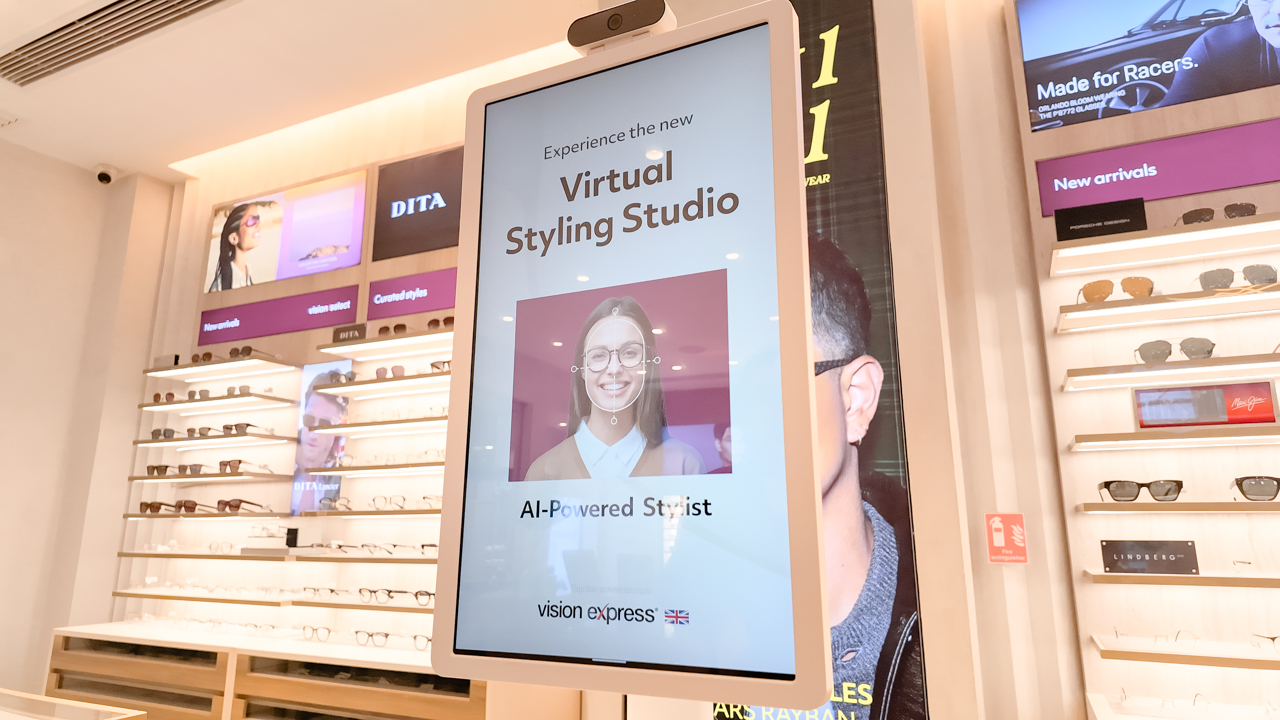
This AI tool acts like a personal shopper with an objective eye. It’s like ordering McDonald’s at a kiosk, but instead of a chicken sandwich, you get a face shape analysis.
The machine measured my jawline, temple, and the gaps between my eyes with the precision of a fitting for a modeling gig. It concluded I have a round face — or oval, if I tuck my bangs away.
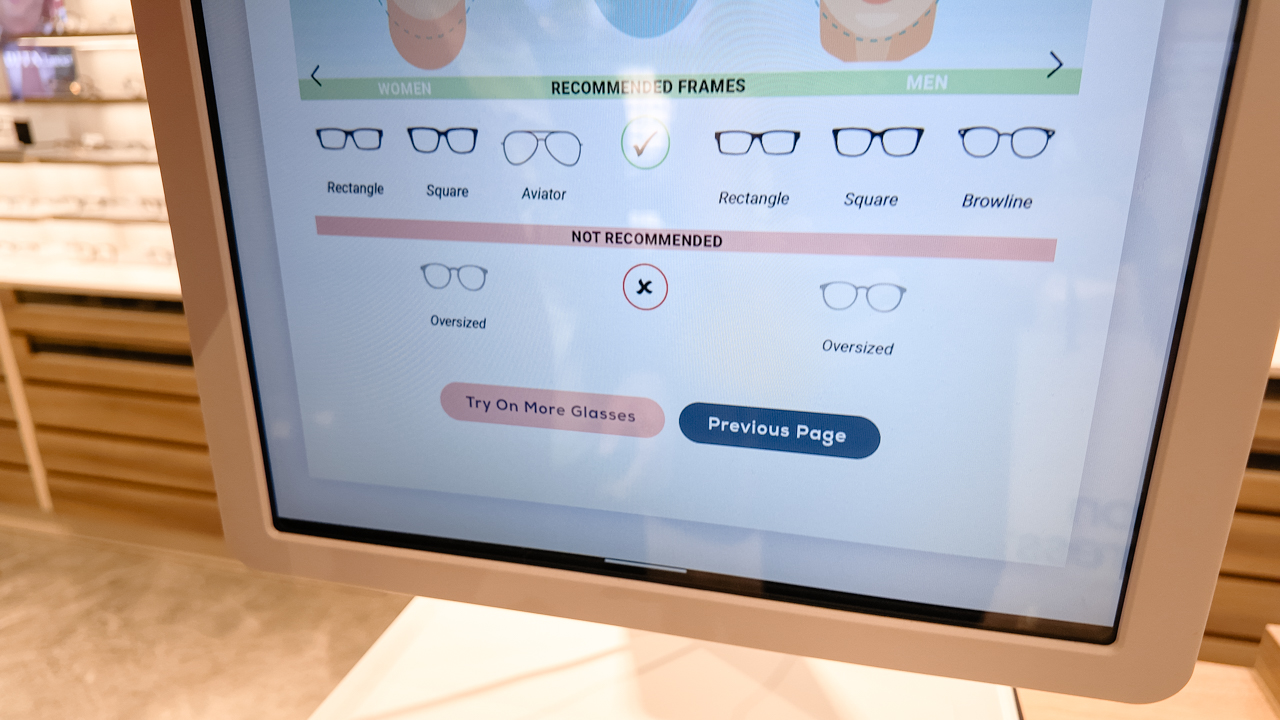
The AI suggested square or rectangular frames. Since I’ve spent years badgering friends to tell me if my sunglasses look okay, having a non-judgmental computer give me the green light was a massive relief.
Seeing the bigger picture
Currently, you can access the full Vision7 program for free. I started by filling out my history on a tablet, feeling very much like an official patient (but a fashionable one).
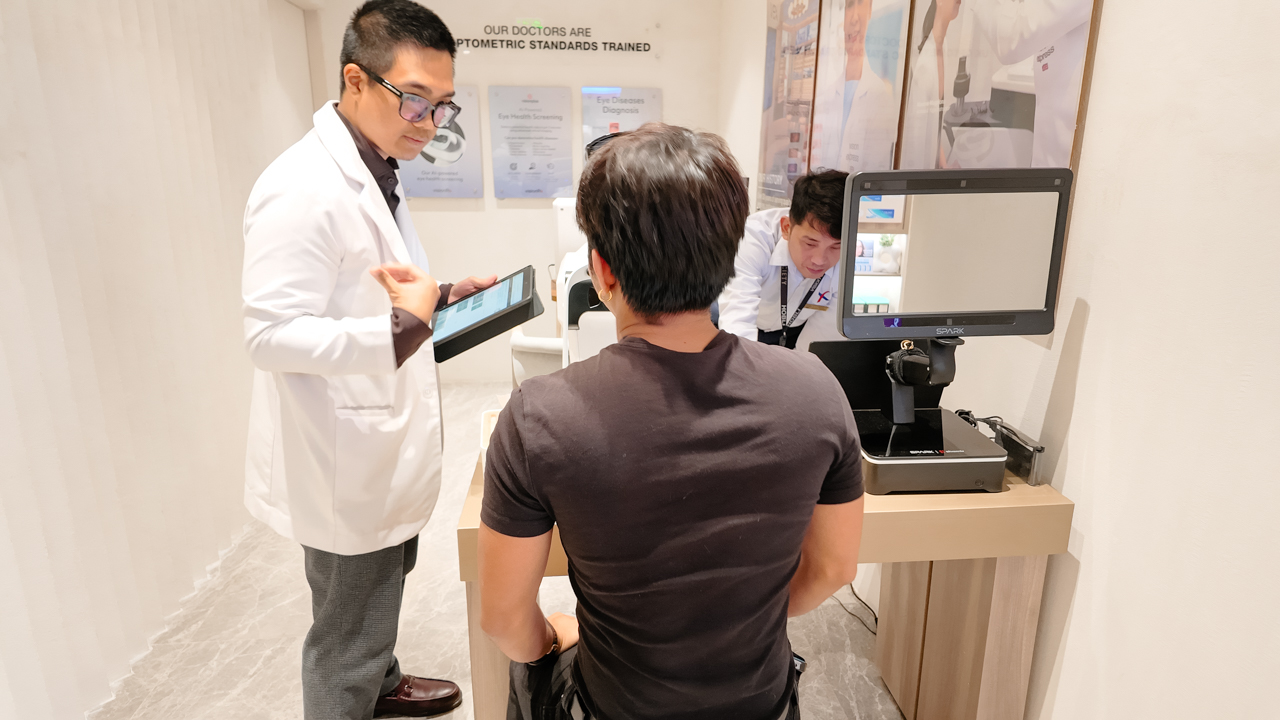
Dr. Daniel, the optometrist, guided me through the process. As a self-proclaimed “professional yapper,” I quickly learned he was VEX’s top doctor for 2025. His expertise (and, let’s be real, his charm) made the technical bits go down smoothly.
We moved through Objective and Subjective Refraction using their state-of-the-art autorefractometer to check for current eye-grade errors. Thankfully, my vision is still perfect after I stopped wearing correction glasses in 2024.
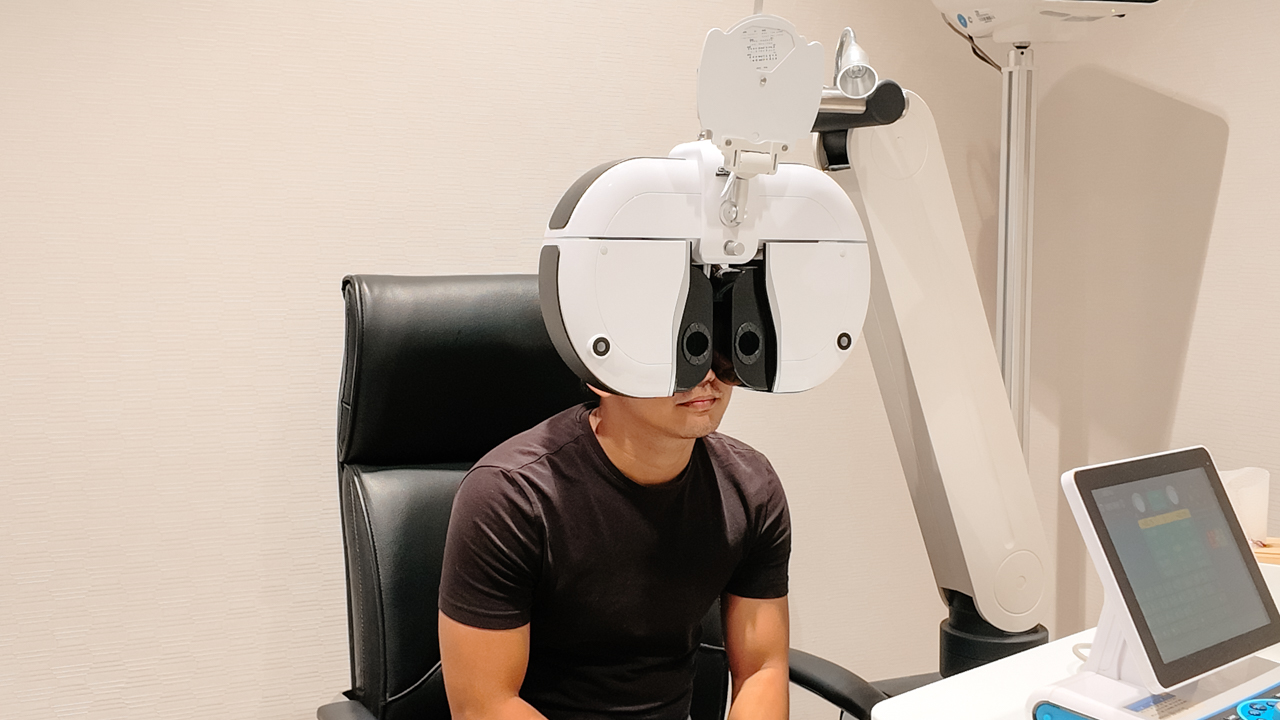
The three-minute miracle
The real magic happened during the Binocular Vision assessment with VisionPlus. In just three minutes, the system used retinal imaging and machine learning to generate a clinical health report.
I’ll admit, I was nervous. Despite my “perfect” vision, family history is a ghost that haunts your medical charts.
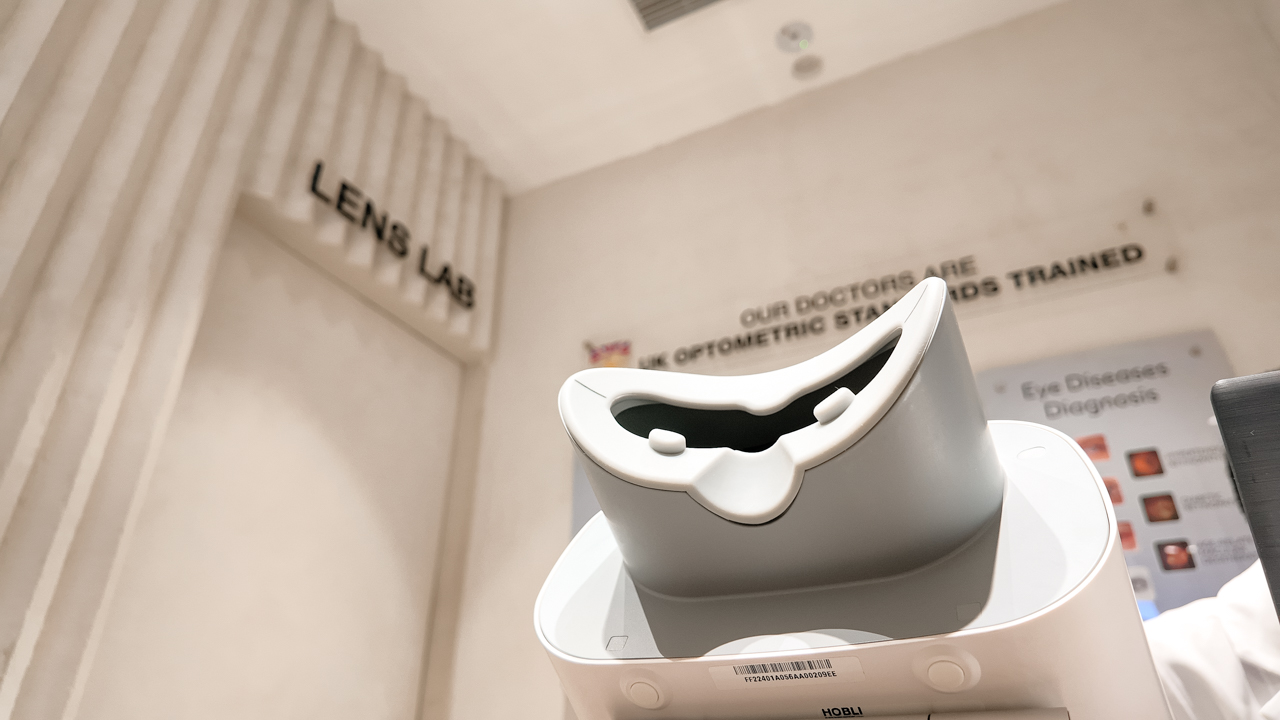
I watched as the AI screened for systemic conditions: hypertension, diabetes, and even early signs of cognitive decline or cardiovascular risks.
Surprisingly, the results came and showed I am “Low Risk” across the board. The system even tagged me as “Very Low Risk” for things as serious as cardiac arrest, provided I maintain my current lifestyle.
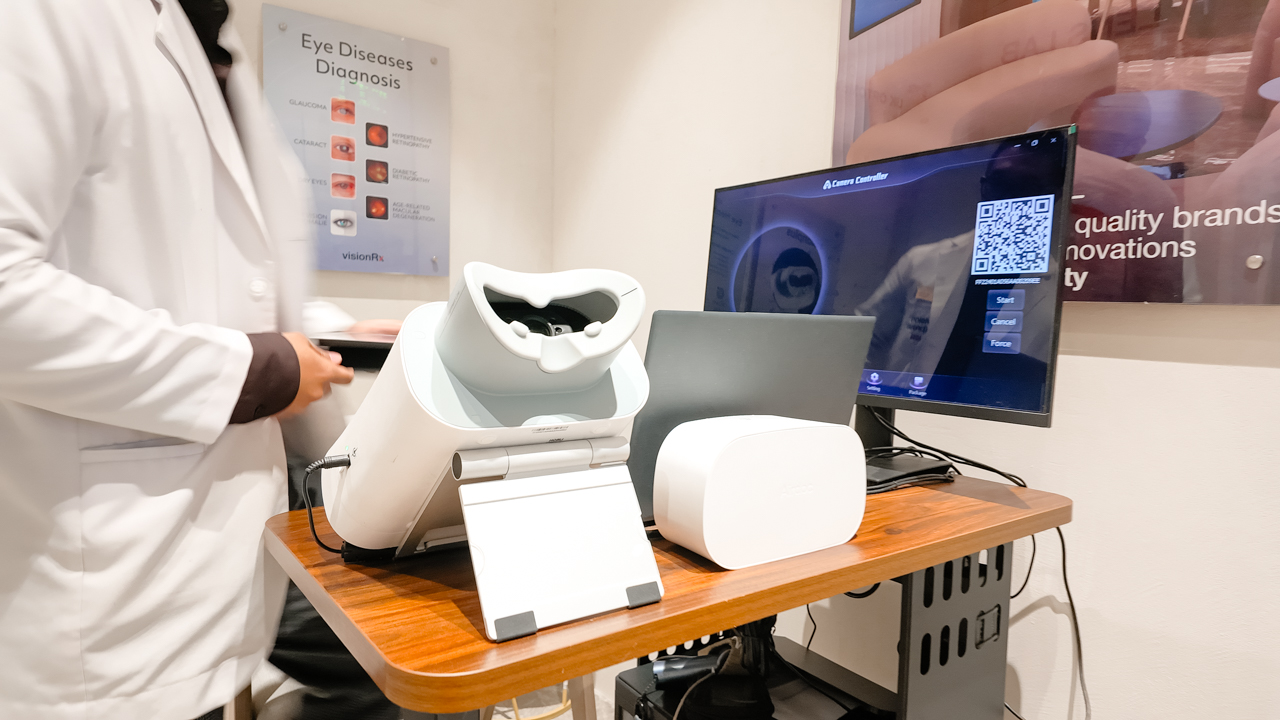
The report, which landed instantly in my inbox, gave me tailored advice on diet and sports. It turned out my athletic lifestyle and love for good food weren’t just fun: they were working.
Redefining the retail visit
Unlike traditional checks that only care about your lens prescription, this experience felt like a preventive-health intervention hidden inside a shopping trip.
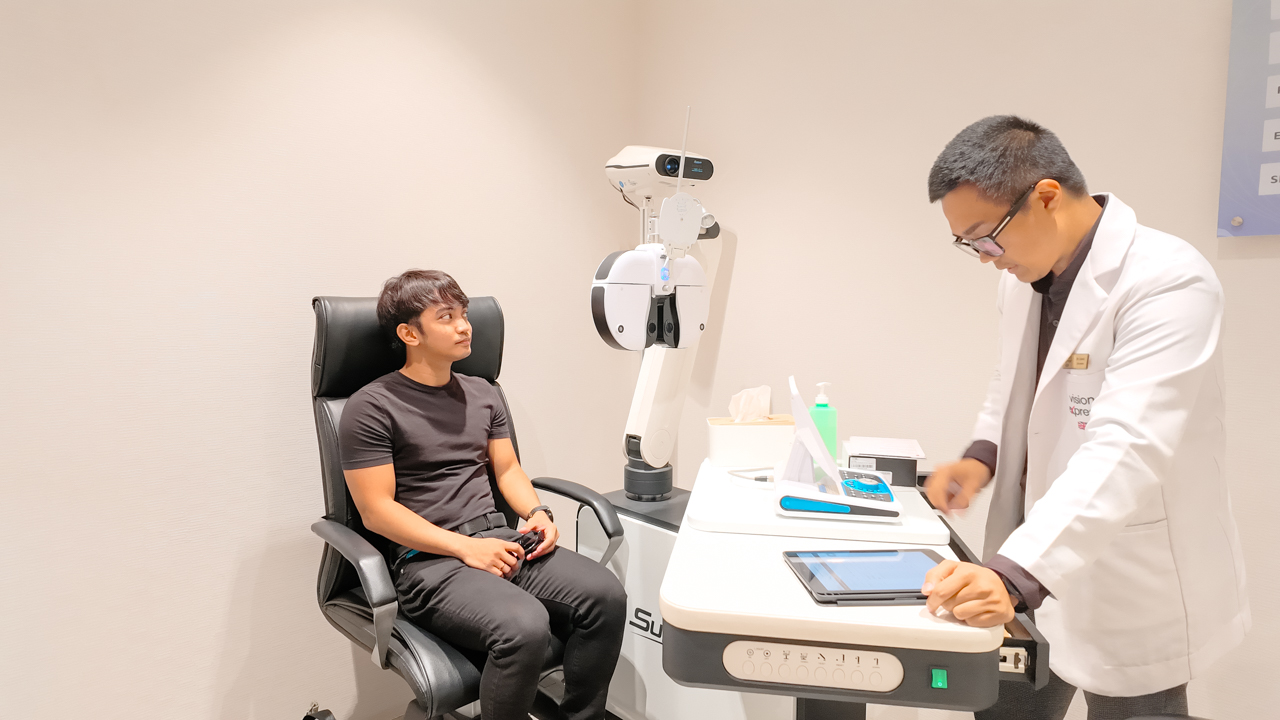
It proved that an eye exam can be a powerful window into your total health, made easy through clinical-grade AI.
In a world where AI can feel cold or intimidating, this is its most human use case: giving us the clarity to live our lives without fear.
I walked out with a clean bill of health, a clear mind, and yes, I might have lingered just a second longer at the Gucci frames on my way out. After all, I needed to celebrate my health in style.
Try out VisionPlus at Vision Express’s branches at SM Cebu, SM City Cebu, Ayala Cebu, Ayala Glorietta 2, Ayala Greenbelt 5, Ayala One Bonifacio High Street, Ayala Alabang Town Center, SM Mall of Asia, SM North EDSA – The Block, The Podium, and Ortigas Greenhills Mall.


Apple iPhone 17e review
Everything you need for US$ 599?


Infinix NOTE 60 Ultra: Not bad for a flagship push
It's definitely got the looks, though.


JBL Sense Pro review
My daily driver met a loud and capable rival in this quest for a superior training companion.

Report: ‘Accessible flagship’ smartphones might provide best value this year

Sony launches breakthrough True RGB display technology

Forza Horizon 6 already hits the mark

Why a dedicated mattress vacuum is the allergy season upgrade you need

Apple’s iPhone Fold reportedly hits engineering delays


-
 News2 weeks ago
nubia Neo 5 series launches in the PH, starts below PhP 12K
-

 Gaming2 weeks ago
Life is Strange: Reunion now available on consoles and PC
-
 News2 weeks ago
vivo X300 Ultra wants to beat the iPhone 17 Pro Max in pro video
-

 Reviews2 weeks ago
Shokz OpenFit Pro: Somewhere between awareness and focus
-

 Gaming2 weeks ago
Nintendo might be working on an Ocarina of Time remake
-
Reviews1 week ago
Infinix NOTE 60 Ultra: Not bad for a flagship push
-
Lifestyle1 week ago
JBL Sense Pro review
-

 First Look1 week ago
Match Pulse: TECNO SPARK 50 5G