
Reviews
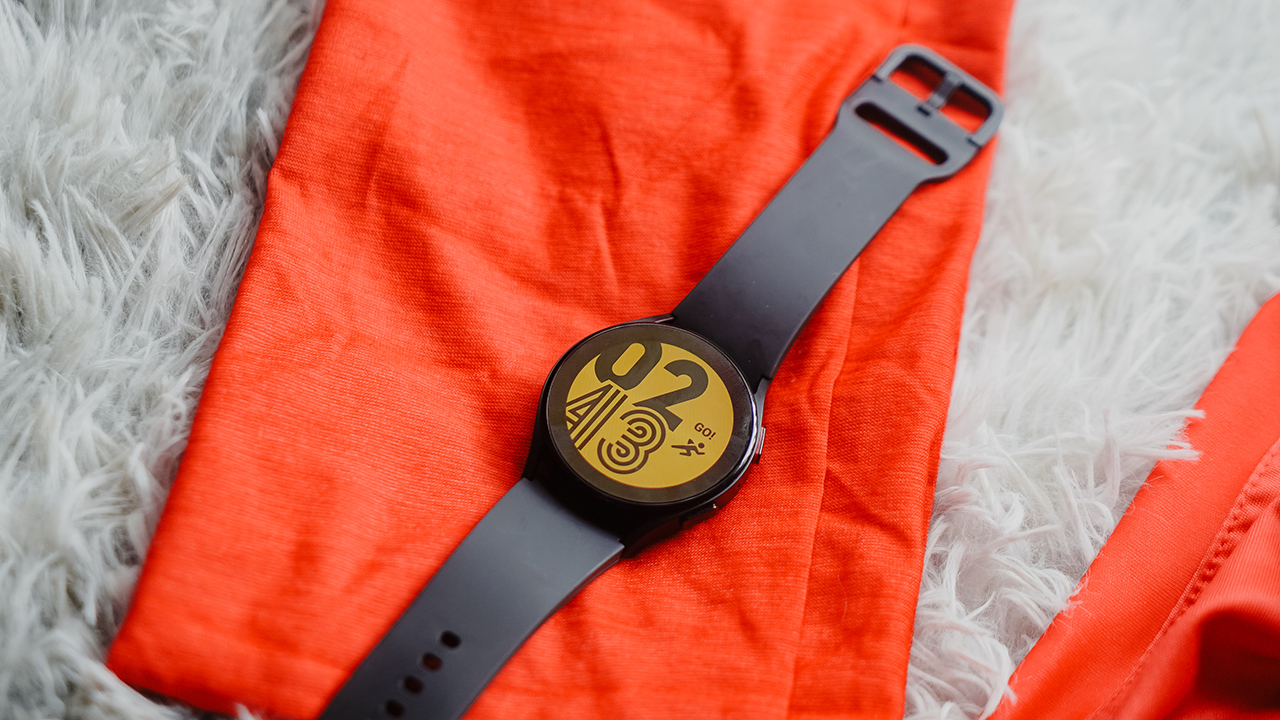
Samsung Galaxy Watch5 review: Best Android smartwatch yet?
Training for a half-marathon race made easy with this trinket

The biggest plot twist I had this year was turning into an athlete in the most unexpected way.
I never thought that the fitness journey I started three years ago, which was even amplified last year when I had the Galaxy Watch4 Classic, would propel me to a path that tests my limits.
Back then, I only had regular gym sessions, trying out calisthenic exercises, alternating between boxing and Muay Thai lessons, and running occasionally. I was late to realize that presently, I’m already a full-fledged runner and obstacle course racer.
Upgrading my watch
I’ve been spending the last three months collecting mileage, building my strength, and pushing my endurance — hopping off between obstacle training and running long distances in flat and elevated terrains.
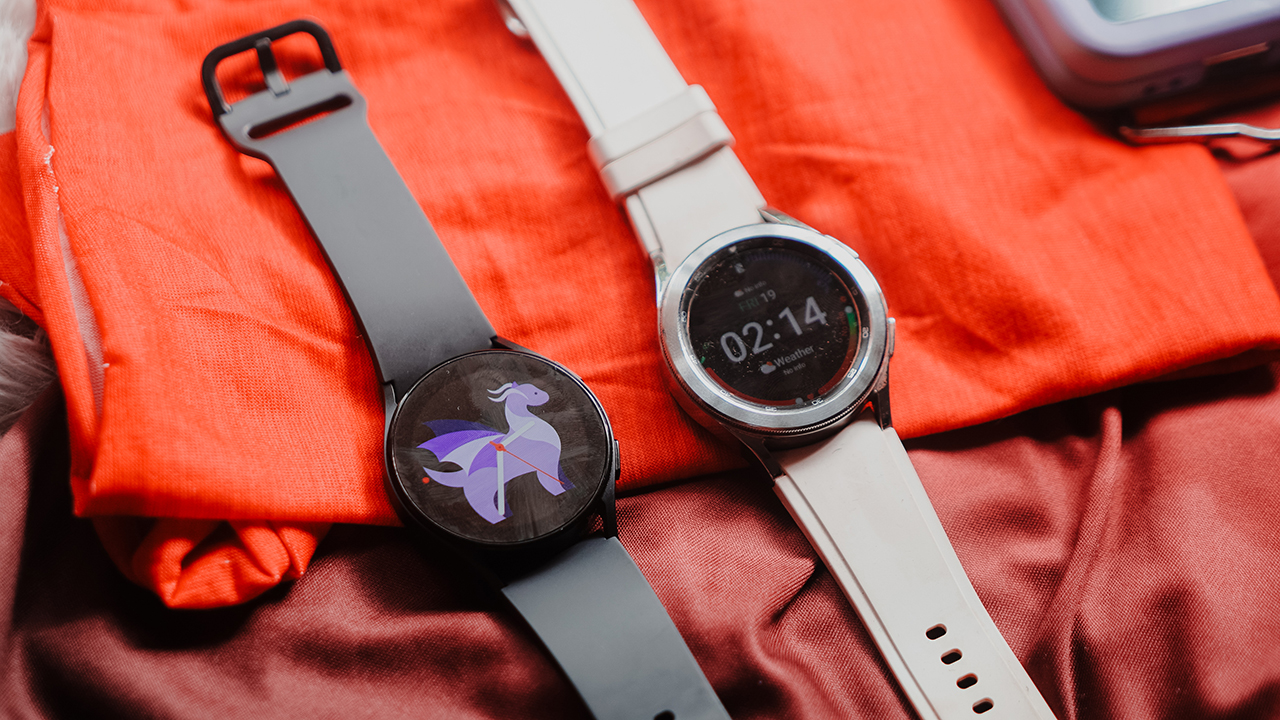
Joining AIA Vitality Sports allowed me to meet like-minded people who accompanied me on my new journey. As I prepare for the last race I’m participating in for the year, I got a chance to upgrade my Galaxy Watch4 Classic to the Galaxy Watch5 series.
Originally, it should’ve been the Galaxy Watch5 Pro that’s apt for my activities. It’s made for the outdoors; rugged, durable. However, the size — similar to the Apple Watch Ultra — proved to be overwhelming for my small wrist. I took the 40mm Galaxy Watch5 instead, and boy, it worked wonders.
Barely feeling it
The first thing I noticed when I wore the Galaxy Watch5 is its featherweight. Its heft is barely noticeable on your wrist, especially for someone with frail forearms. Unlike other sports-centric smartwatches I’ve tested before, it simply doesn’t feel any weight especially when running. It’s extremely comfortable that I only removed it when it’s time to charge or take a bath.
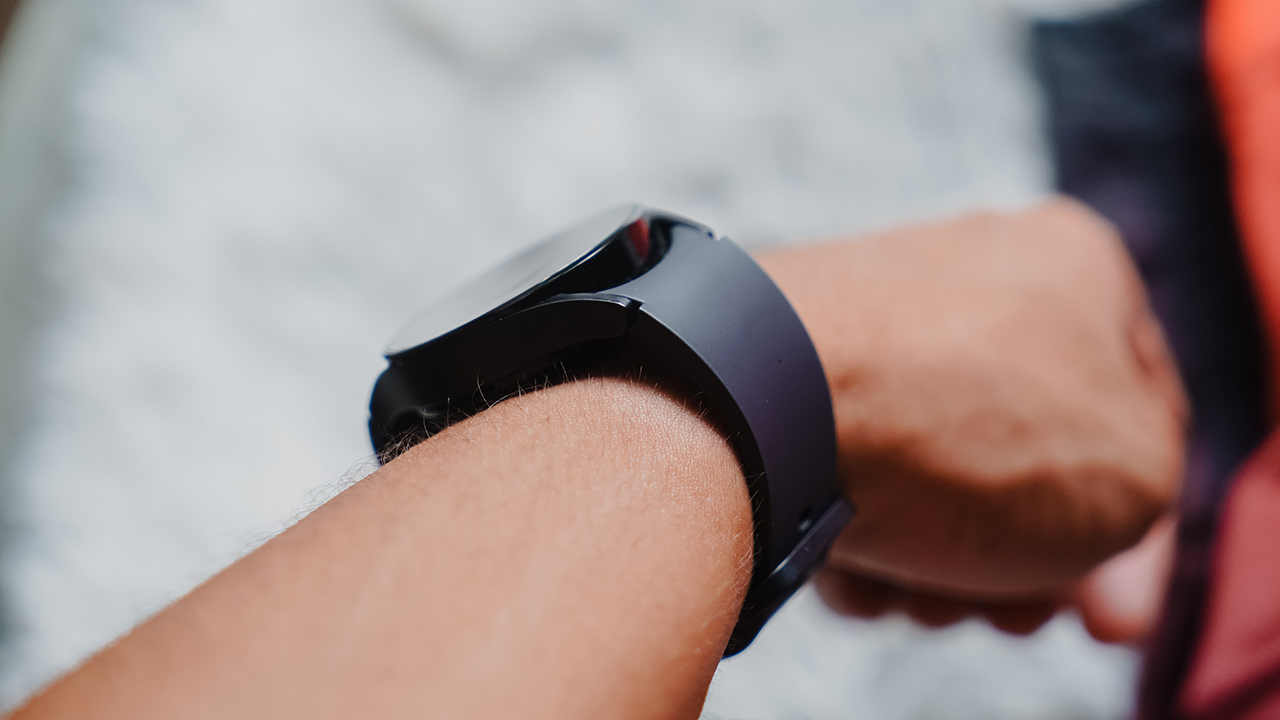
My unit came in Graphite. Normally, I would’ve preferred a lighter colorway, but I realized later on that a neutral smartwatch works well if you tend to put on eccentric sportswear. I’ve been wearing bold, vivid colors when it comes to my performance wear along with my sneakers, and it feels nice that people notice you instead of the trinkets you’re holding.
In a way, the Galaxy Watch5 completed my athletic look inconspicuously. You’ll know it’s there, without taking away the attention from you.
Like muscle memory
I’ve worn Galaxy watches for a few years now. I still remember trying them out at Pretty Huge Obstacles when Samsung hosted an obstacle course race for technology and lifestyle journalists. That experience kickstarted my journey to becoming an athlete.
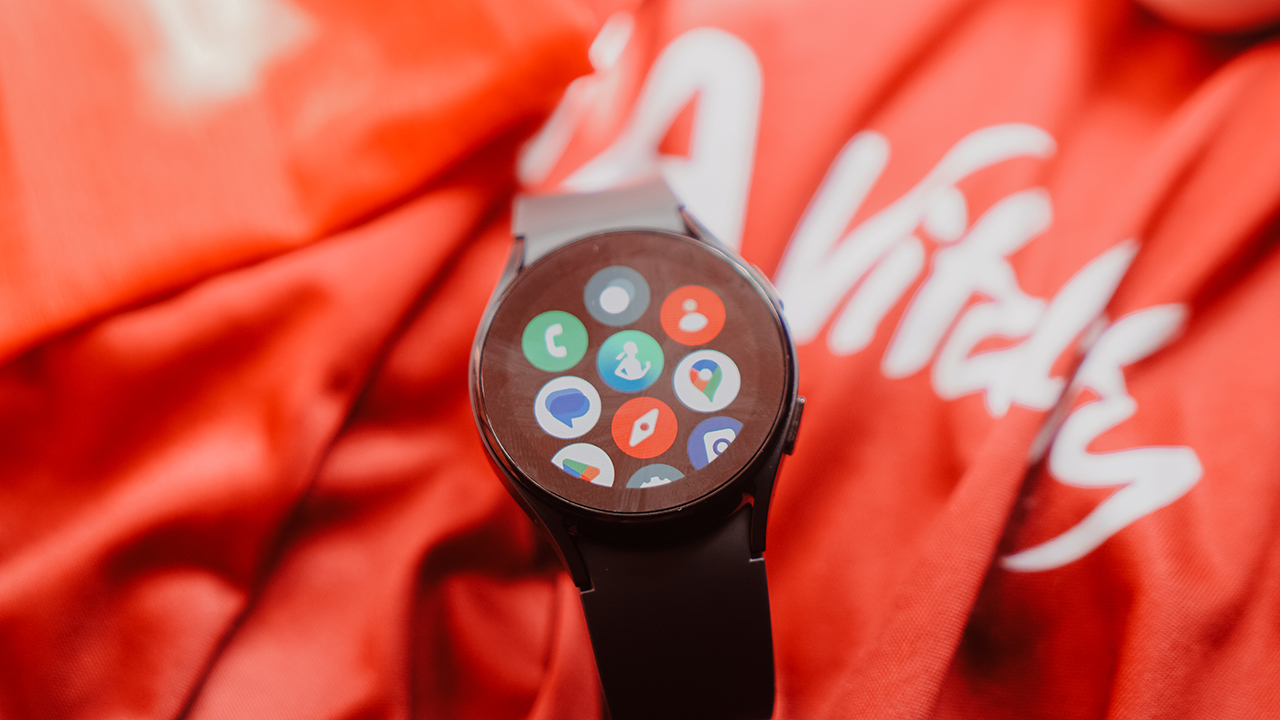
Tinkering with a Galaxy Watch seems like muscle memory now. I’ve been accustomed to its experience that it’s easy to figure out. Even for non-Galaxy Watch users, the interface is straightforward and simple.
The functions are similar to an Android smartphone. They’re easily accessible, customizable, and of course, understandable.
When health and technology go hand-in-hand
To fully maximize the Galaxy Watch5, ideally, you’ll use a Samsung smartphone and install the plug-in for Galaxy wearables and the Samsung Health app.
All collected data can be accessed inside the Samsung Health app, which includes sleep, workout, ECG, blood pressure, body composition, and more. It’s a holistic app that has everything you’ll need to get an overview of your health and fitness level.
For beginners, the sports and workout modes usually have built-in coaches inside the program. For instance, the running coach instructs you on what to do when running. The more advanced users can take advantage of using just the workout modes to enable them to study their activities.

In my case, I’ve been using Running mode to track my time, distance, and pace I’m in. It also showcases my heart rate which helps me during my zone training. The watch also exhibited the average speed, cadence, and average pace — essential information that can be used to analyze and improve your runs and/or activities.
I used to be scared of numbers, but knowing the importance of health and fitness data helped me improve my body and performance. Now, numbers are my friend.
Full-day training companion
One thing I like about the Galaxy Watch5 is how seamless the experience is. It’s truly a smartwatch, you’ll barely use your brain cells since every feature is intuitive and easy to use.
It’s taken the best from the Galaxy Watch4 series and improved it with a more durable screen, a better design to accurately monitor your health, and longer battery life.
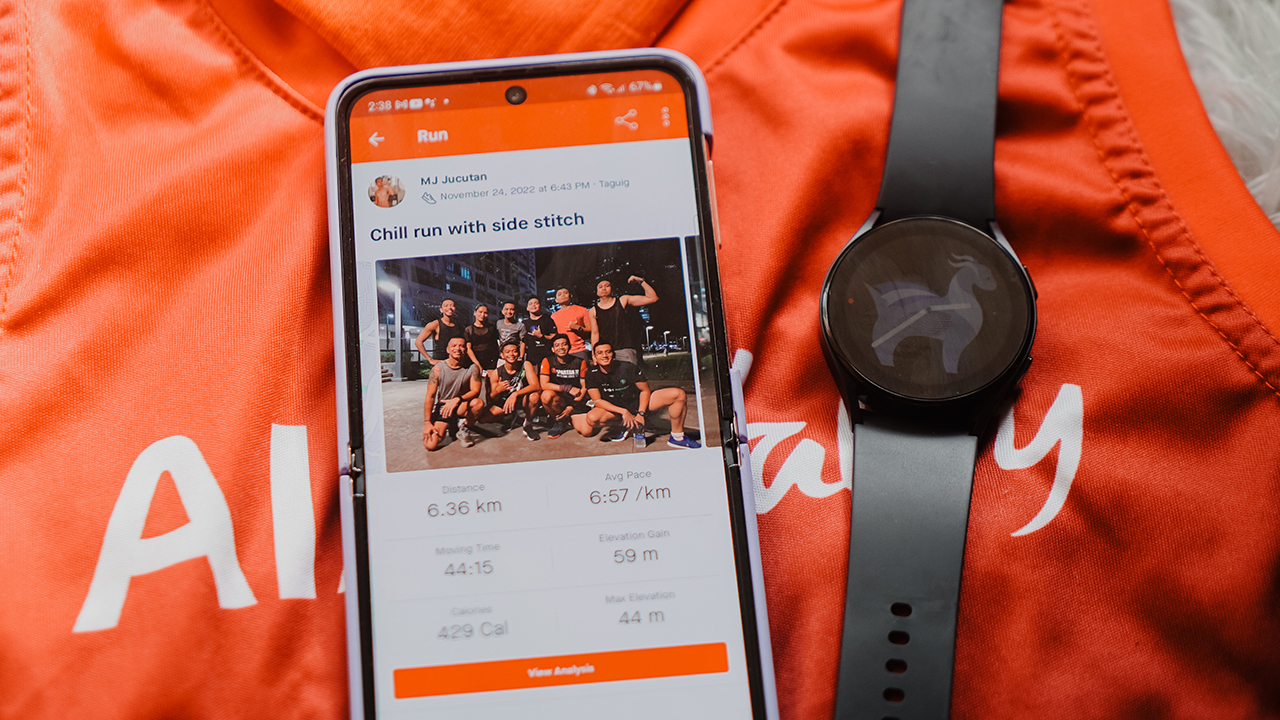
I still remember how the Galaxy Watch4 Classic kept up with my training when I was just a fitness enthusiast. I didn’t complain much about its battery, not until I joined a sports team and I had to train from morning to evening. The Galaxy Watch4 Classic couldn’t keep up and I had to charge it every now and then.
I didn’t feel the same about the Galaxy Watch5. It truly has a longer battery life that I can last a full day of training without worrying about my battery dying when I’m recording my runs.
Preparing for my first half-marathon race
As of writing, I’ve been using the Galaxy Watch5 to prepare for my first half-marathon race. I only started running this year, and I feel like I’m moving too fast.
The smartwatch helps me ground myself when I feel the jitters, knowing that I put in my best effort even if I got sick after pushing my body’s limits. I kept reminding myself that the numbers I put into my smartwatch for the past five weeks is enough to make me trust in my physical and mental strength.
On days that I only have 40 percent, I still gave my 100 percent and I’m proud of myself for giving my best. That alone is already a win.
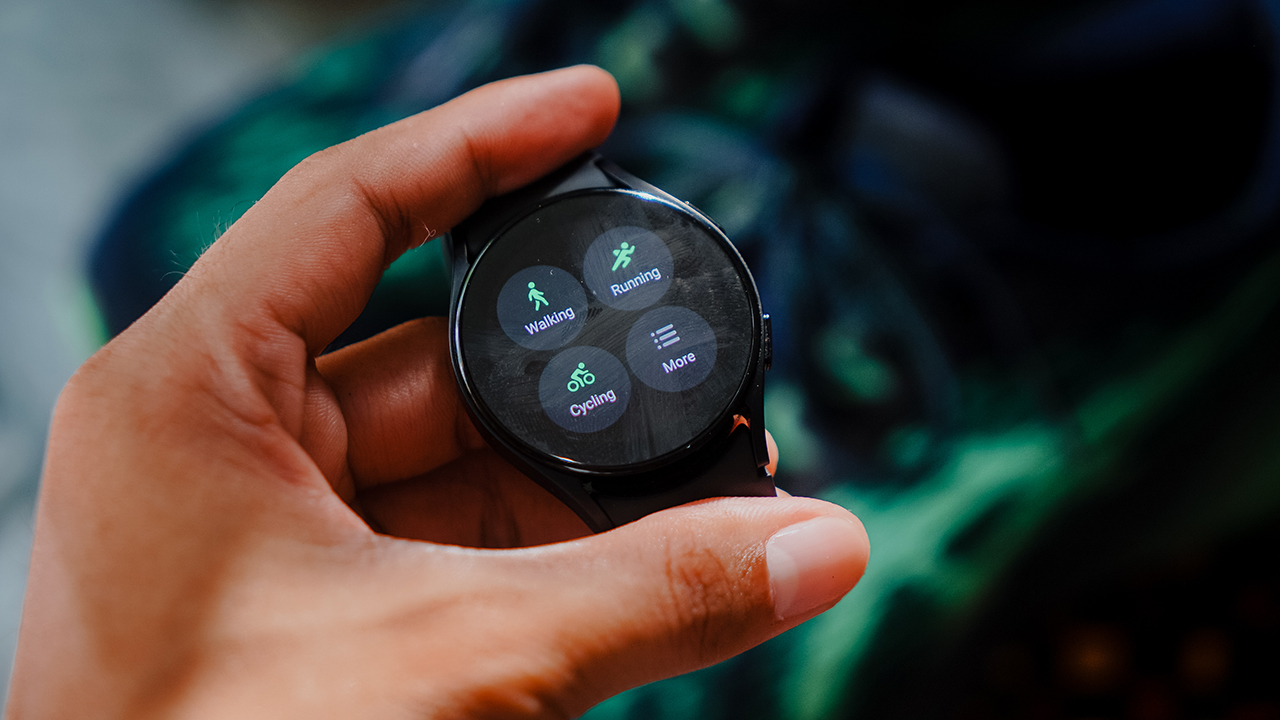
The vibrant display comes with a compromise: smudge city
As I wait for race day, I put my focus on the underrated part of training: Nutrition and recovery. The Galaxy Watch5 offers one of the best tracking features that most people take for granted. There’s sleep tracking that’s much better now, thanks to the added skin temperature sensor (which, by the way, doesn’t measure your body’s temperature).
The body composition tool, which was seen from the Galaxy Watch4 series, helps me check my body’s mass and allowed me to track my weight as well, which I need to maintain until race day. Food and water intake can also be logged easily, by customizing the tiles for easy access.
Everything I need to prepare for my first half-marathon race is already in this little trinket. No need for notebooks and pens, everything is accessible by swiping on my wrist.
An Android smartwatch through and through
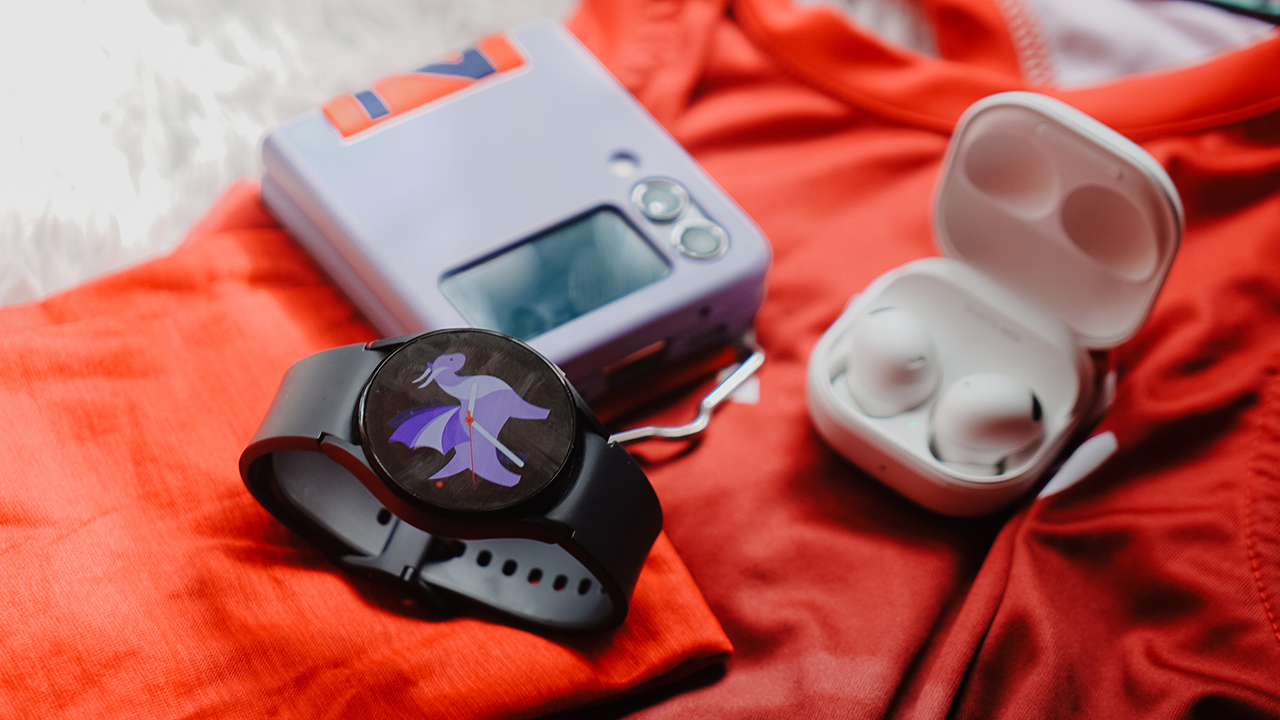
The smartwatch accompanied me every step of the way, even if I had multiple apps running. It’s an Android smartwatch through and through. I had it connected to the Galaxy Z Flip4 and the Galaxy Buds2 Pro, and I get to access apps such as Strava, Calm, MyFitnessPal, Google Fit, and the like from my smartphone that are also compatible with my smartwatch.
I get to control my music playback so I don’t have to take out the Flip from my armband, and I get to respond to urgent messages that need replies — even if I’m just using my watch.
Of course, these are nothing new. For the past few years, smartwatches — not just the Galaxy Watch lineup — have enabled these features. But the best implementation has been by Samsung — so smooth and flawless. Samsung has been consistent with creating an allure that you can only experience when you’ve touched and tried their technology.
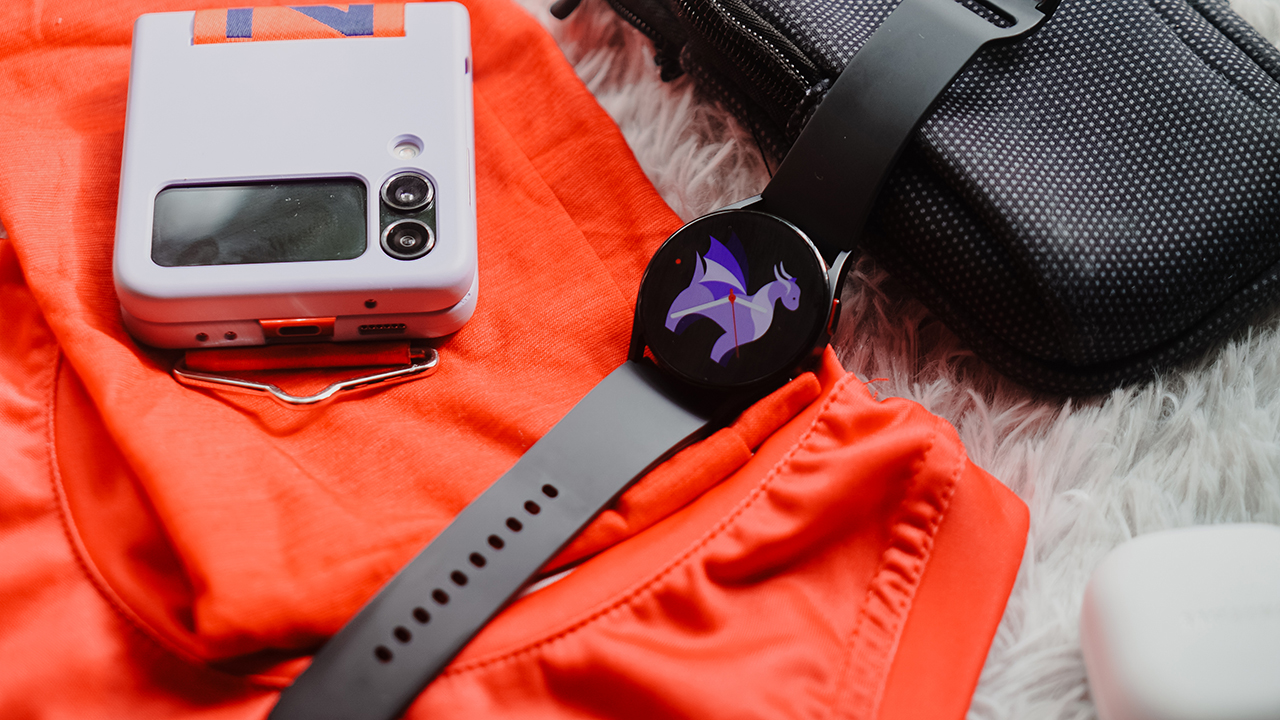
That je ne sais quoi can’t be merely captured through words, photos, and any video. If you have access to a Galaxy store or you know a friend who uses a Galaxy Watch, it’s time to pique that curiosity and try it out.
Could’ve been the best smartwatch for everyone
Samsung set out to have the best Android smartwatch in 2021 with the Galaxy Watch4. Somehow, it continued its legacy through the Galaxy Watch5. The upgrade is incremental, which is why it doesn’t make sense for Galaxy Watch4 users to make the jump unless they’re in it for better battery life, or a chance to try the Pro variant.
What I couldn’t wrap my head around is how it isn’t the best smartwatch for everyone. Past the Galaxy Watch3 series, the Galaxy Watch syncs well inside the Samsung ecosystem. It struggles a bit when connecting with other Android smartphones. Using an iPhone, on the other hand, is completely inaccessible.
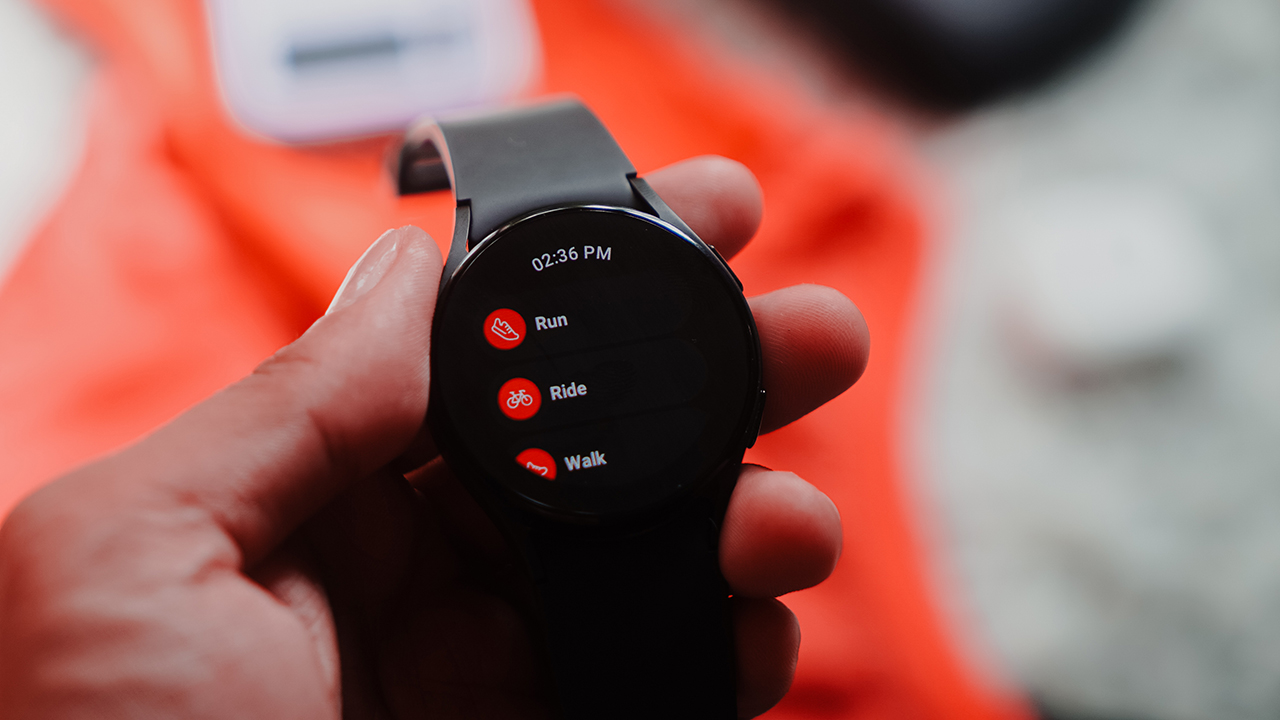
I’m disappointed with how this smart, fabulous piece of technology is limited to a set of users. That walled ecosystem that Apple started trickled down to other smartphone brands like Samsung. Now, it’s difficult to enjoy different gadgets because you’re forced to use all devices in one ecosystem.
It’s either you use the Galaxy Watch5 and use a Samsung smartphone to fully maximize it, or use an Android smartphone to still connect to it somehow. That, or you use an iPhone and ditch the watch and move to an Apple Watch or an ecosystem-free smartwatch such as Garmin or Fitbit.
Price and availability

The Galaxy Watch5 comes in different sizes, colors, and prices. For the 40mm, it’s available in Graphite, Pink Gold, and Silver. The LTE variant costs PhP 19,990 while the Bluetooth variant retails for PhP 16,990.
Meanwhile, the 44mm Galaxy Watch5 comes in Graphite, Sapphire, and Silver. Its LTE variant retails for PhP 21,990 while the Bluetooth variant costs PhP 18,990.
Is this your GadgetMatch?
The Galaxy Watch5 proves to be the best Android smartwatch yet. It has a better battery life that accompanies athletes, and even fitness enthusiasts, in their quest to improve their bodies and performance. Add to that is holistic health and fitness features that sync exceptionally within the Samsung ecosystem.
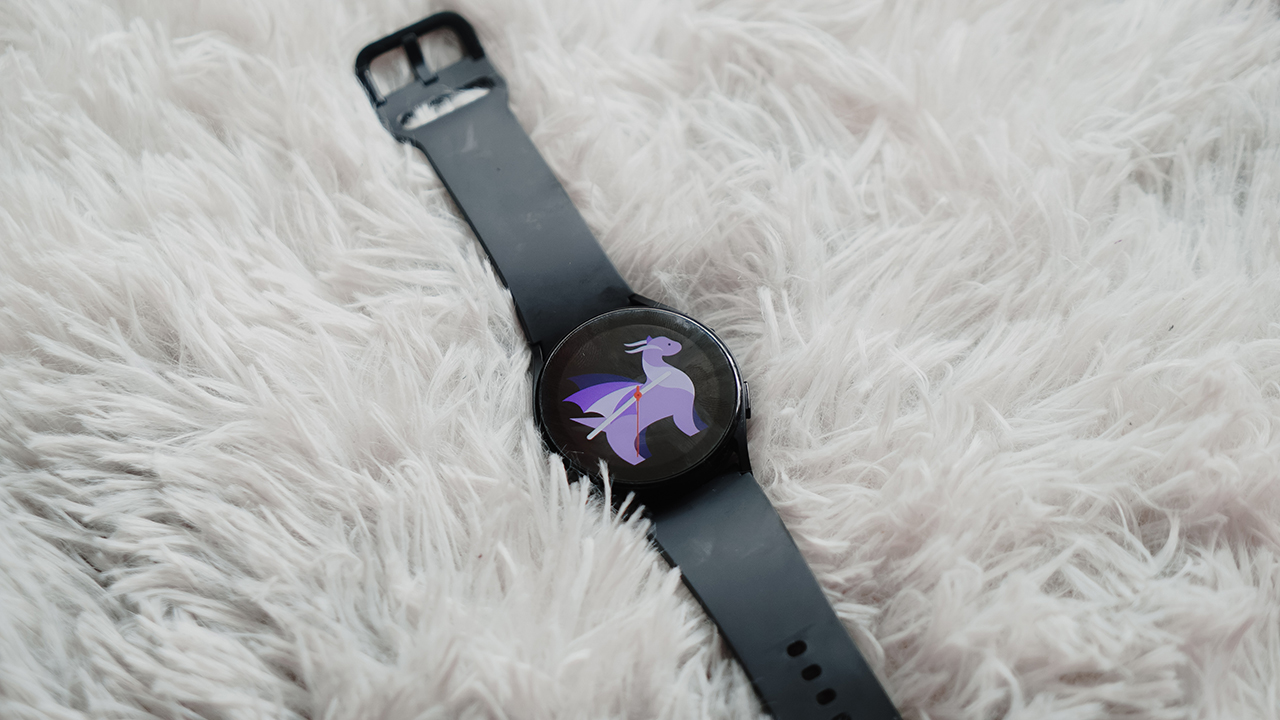
If you’re knee-deep in the Samsung ecosystem, the Galaxy Watch5 is a must-have. If you’re using a different Android smartphone, the Galaxy Watch5 is nice to have — if you only need the essential features for performance tracking.
However, iPhone users better steer clear of the Galaxy Watch5, no matter how lightweight and demure the device is. It won’t work. You’re better off with Garmin, Fitbit, or an Apple Watch.
The asking price for the base Galaxy Watch5 is higher than the Galaxy Watch4 during its launch, but the incremental upgrades match the value of the current price tag.
With that, the Samsung Galaxy Watch5 deserves the GadgetMatch Seal of Approval.






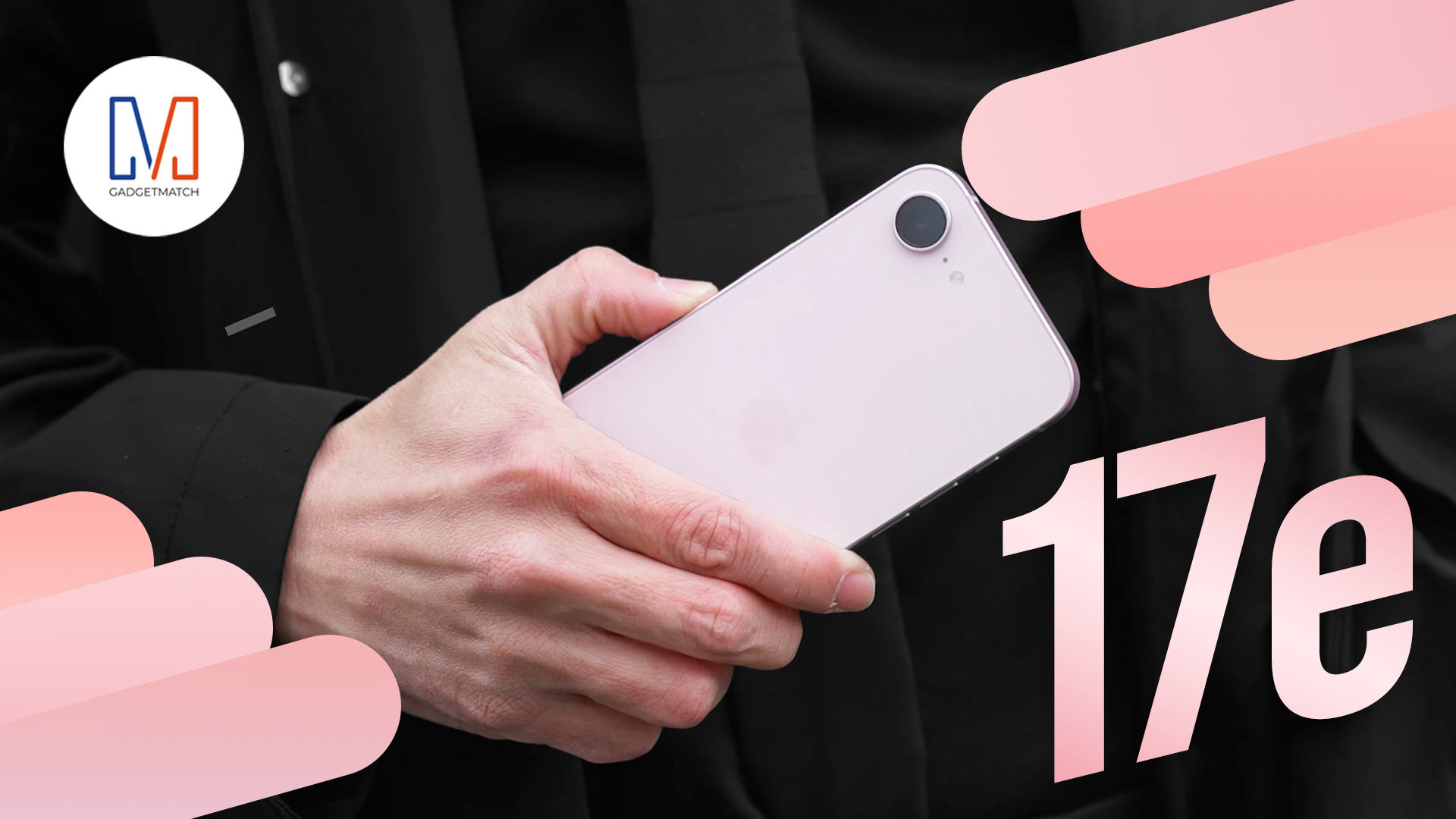
Apple has never made it easier to get into their fruit ecosystem.
At US$ 599, the iPhone 17e sits right beside the M4 iPad Air and the all-new MacBook Neo.
There’s a lot to love about it. It’s got everything you need, and nothing you don’t.
What’s the justification? Head over to our in-depth review of the latest Apple iPhone 17e to know more.


Why are some of today’s smartphones enamored with rear-mounted lighting systems? ASUS, Nothing, and Infinix all have recently released devices that show off with LEDs at the back. To me, a good number of these phones are either tacky or too gimmicky to be of any practical use. One, however, stands out as a true premium offering for the segment: the Infinix NOTE 60 Ultra.
Smartphone meets supercar
Designed with Pininfarina, the NOTE 60 Ultra subtly mixes the contours of a premium car with the curves of a flagship phone. The result of this pairing is an artistic piece that shines in its simplicity but also stands out in an industry inundated with over-large camera islands.
The rear offers a subdued carbon fiber pattern. The included case accentuates this even further in a tactile sense. Reminiscent of other premium phones, the metallic sides have the usual array of buttons and design quirks, except for a sparkling Pininfarina logo and an optical fingerprint sensor.
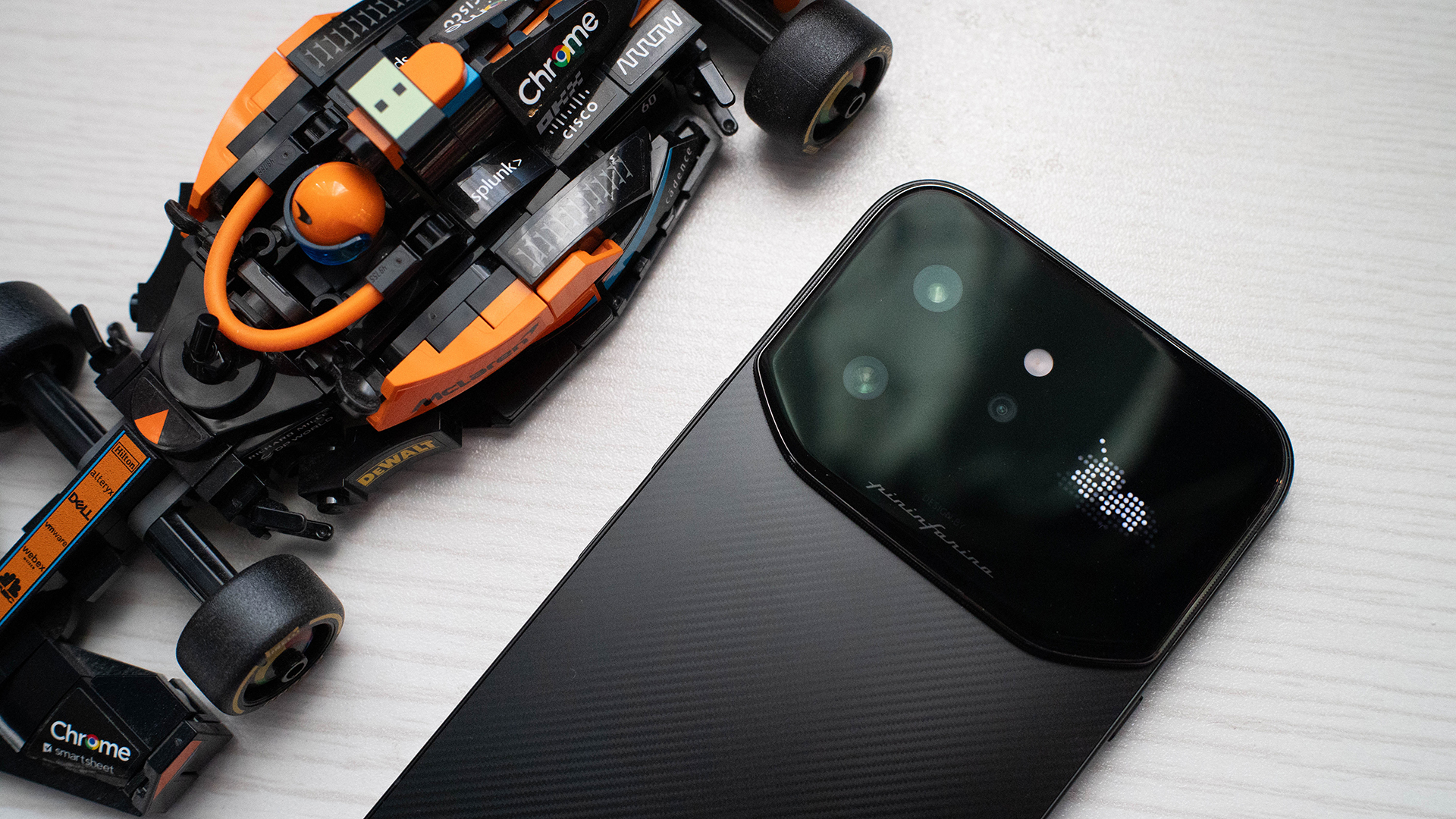
Meanwhile, the camera island embraces the current era by extending itself from end to end. A full fourth of the rear is enclosed in glass just for this area. It’s surrounded by pleasantly tactile grooves. The area itself contains the camera system, the Active Matrix Display (which we’ll get into later), and a floating taillight.
Overall, the NOTE 60 Ultra’s design is amazing in its uniqueness. I’m tired of the same-old. Infinix’s latest offering doesn’t break away from the ongoing tradition of over-large cameras but instead pushes the trend to its capacity without ruining its premium feel.
Active Matrix Display: Feature or gimmick?
The last Infinix phone I reviewed was the NOTE Edge. That particular midranger had the Active Halo Lighting, a simple ring that breathes in and out to signify notifications. Though the oddity was largely unobtrusive, I still thought that it was too much of a gimmick to be of any use to most users.
On the other hand, the NOTE 60 Ultra’s Active Matrix Display is something entirely new. Instead of just a notification ring, it’s an actual display. It also has a plethora of uses, including icons for notifications, a graphic for music playback, a quirky “screensaver,” and a few minigames.
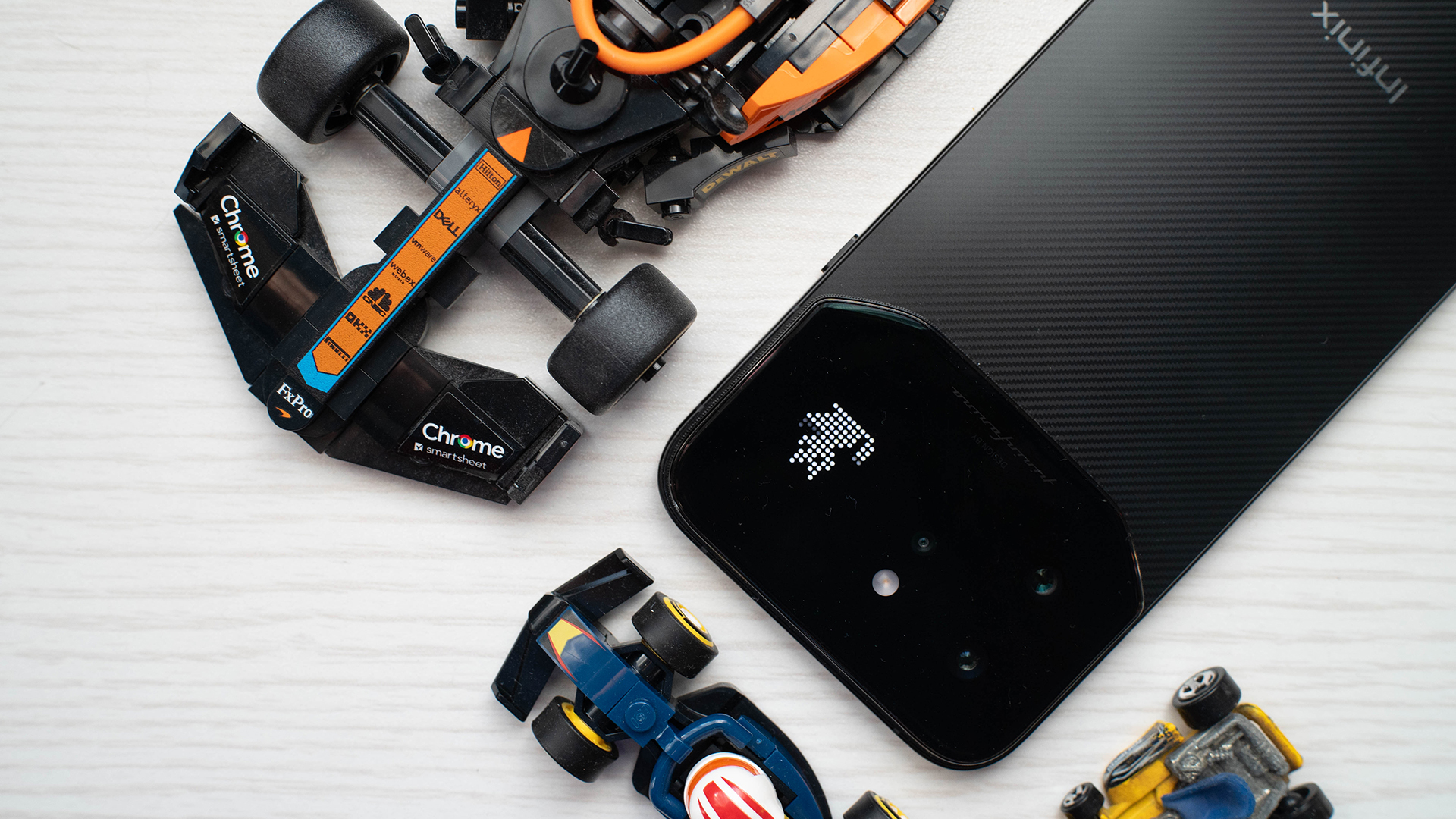
Just by sheer numbers, the Active Matrix Display feels more useful than most rear LED systems including my own Nothing Phone 3. Though there were still moments when I ignored the feature, there were more times when I engaged with the interface. The games weren’t difficult but were great ways to pass a few minutes of boredom. The light effect widget, which includes a few personas, looked visually interesting enough to be kept on all the time.
This doesn’t even include the aforementioned floating taillight yet. Much like the NOTE Edge’s Active Halo Lighting, this one breathes in and out. However, the NOTE 60 Ultra’s version is shaped like a car’s taillight and more effectively melds into the contours of the island. This makes it even less obtrusive than the Halo and adds to the phone’s premium feel.
I’m still on the fence about these lighting systems, but the NOTE 60 Ultra actually complements its design and offers something unique. For me, it’s the best version of this ongoing trend.
A set of peepers
The huge camera island isn’t just a gimmick; we’ve established that much with the Active Matrix Display. But besides the LED display, the island also houses a ginormous 200-megapixel Samsung ISOCELL HPE sensor, paired with a 50-megapixel Samsung ISOCELL JN5 periscope telephoto lens and a 112-degree ultra-wide camera.
Just on paper, this feels like overkill already. Do you really need a camera that can zoom in on your blackheads? Well, even if you don’t use the 100x zoom, the camera combination helps eke out so much more detail from moderately distanced subjects. Just take a gander at this bird I took.

The camera is also great at close subjects. It added so much juicy bokeh to focus on this flower. And it doesn’t look too artificial.

Wide-angle photos aren’t too bad, either. Personally, I’m not a fan of the format, but if you are, it’s a great shot.

Can we measure this in horsepower?
Under this supercar-slash-smartphone’s hood, you’ll get a Dimensity 8400 chipset from MediaTek. For all of its looks as a premium phone, the NOTE 60 Ultra misses out on a true flagship chipset. It’s still only a step behind, though.
It’s also adequate enough to play my HoYoverse vice of choice, Zenless Zone Zero. Though the phone put my settings under low to medium graphics settings by default, it had no complaints when I pushed everything to high at 60 frames per second.
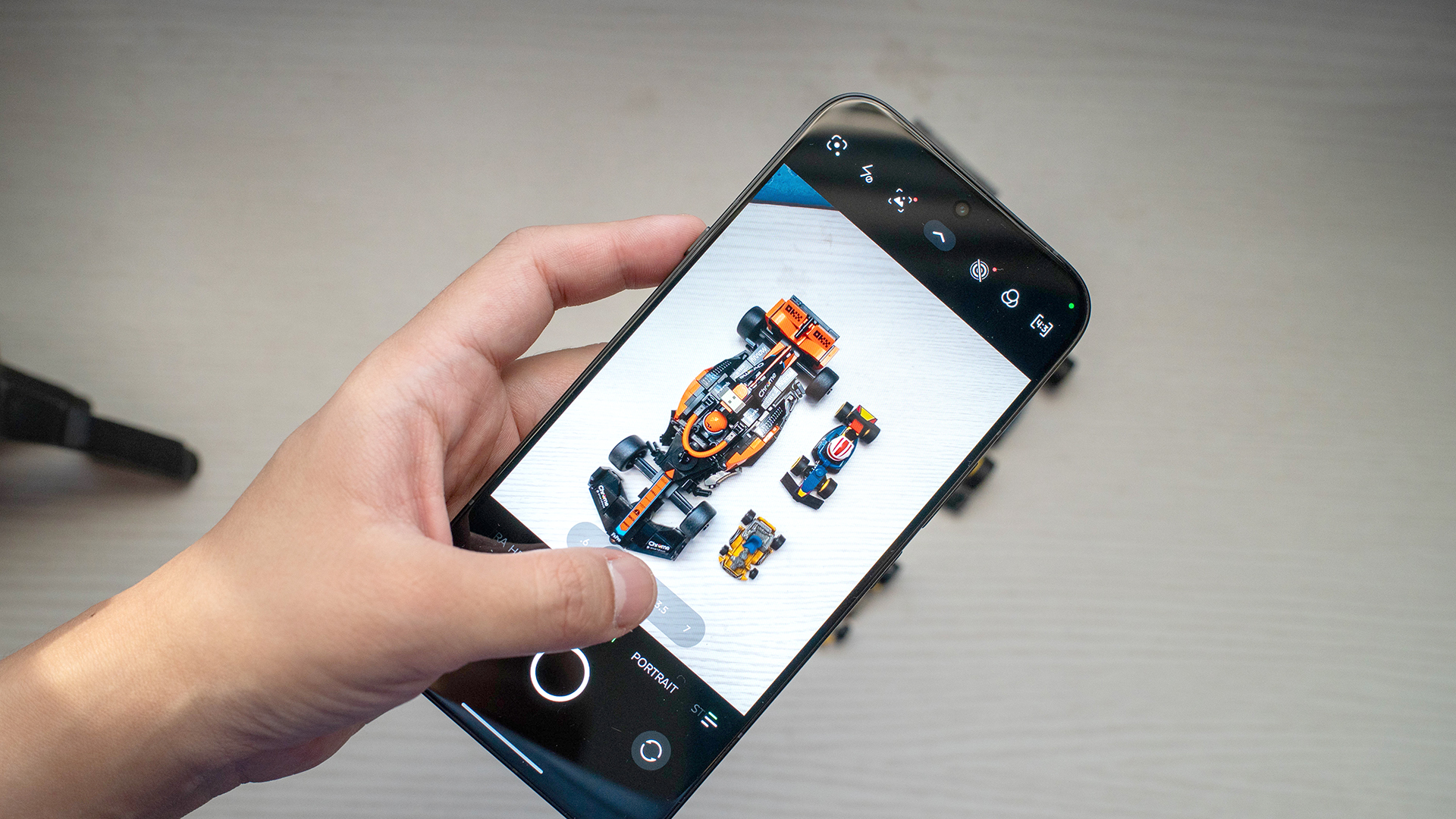
My only problem was the immense coverage area of the camera island. Because of how huge it is, no case can ever cover the island completely. So, when you hold the phone horizontally, your hands are making bare contact with the phone.
This is naturally terrible for smudges, but it also doesn’t protect your hands from the phone heating up. And it does heat up after around 40 minutes. Though this ultimately depends on how you use the phone, playing ZZZ for an extended period of time was scalding.
The NOTE 60 Ultra has all the capabilities of a true powerhouse, despite lacking a true flagship chipset. It just gets too hot for comfort. Maybe for the next iteration, this supercar can get some air conditioning.
Now Playing: Steel Ball Run
Jojo’s Bizarre Adventure wouldn’t have lasted seven seasons (or nine, if you count the manga) if it weren’t a good series. Having read the manga, Steel Ball Run, the seventh part, is my favorite one, and it’s finally getting an anime adaptation.
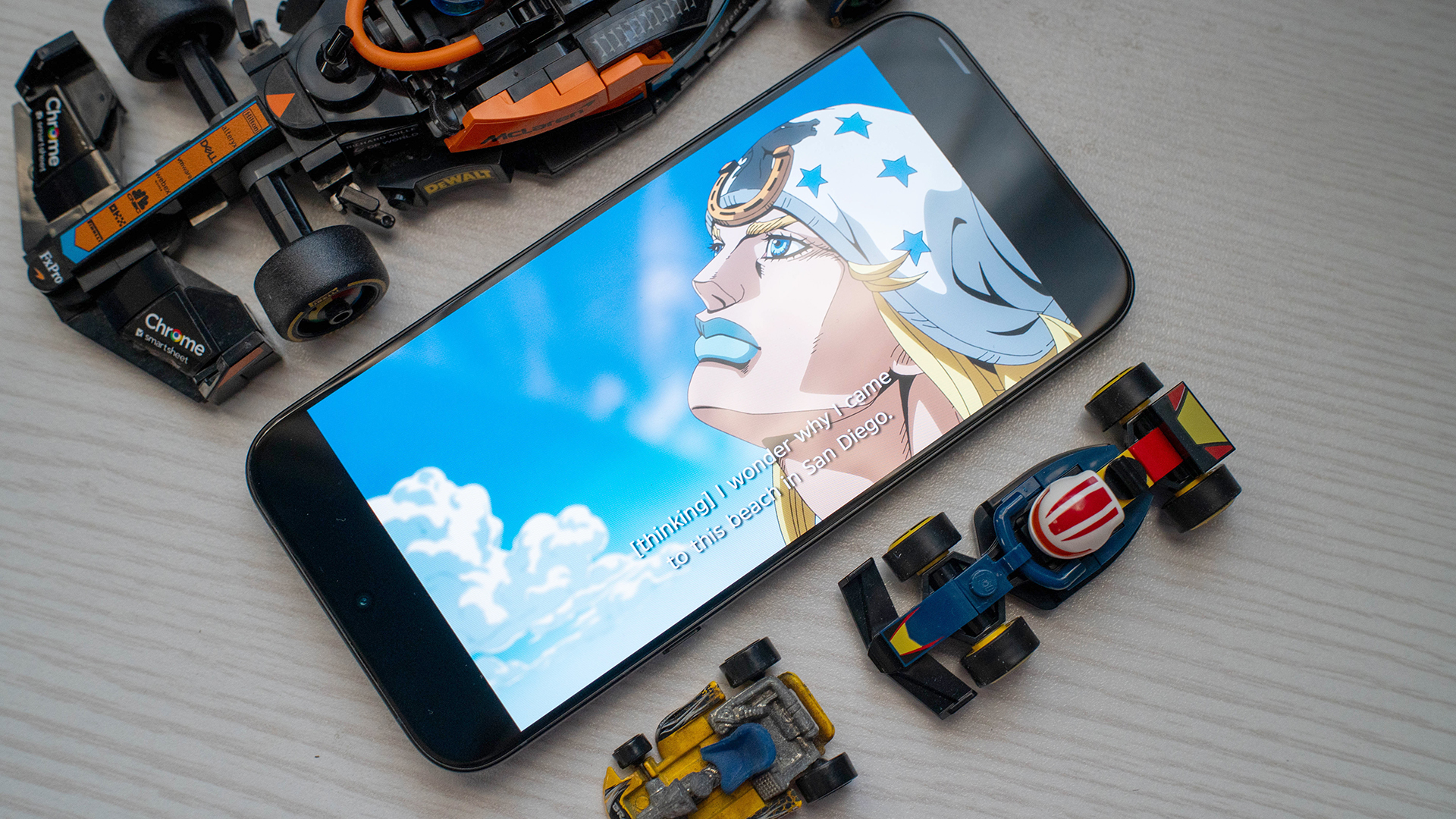
It’s apropos that I’m watching a racing anime on a motorsport-themed phone. With the NOTE 60 Ultra’s 6.78-inch 1.5K Ultra HDR display, Gyro Zeppeli bounces to life in full color. Every character — Johnny Joestar, Diego Brando, Sandman, and Pocoloco — looks amazing in the anime’s signature style. It’s less shadowy, more vibrant and smoother.
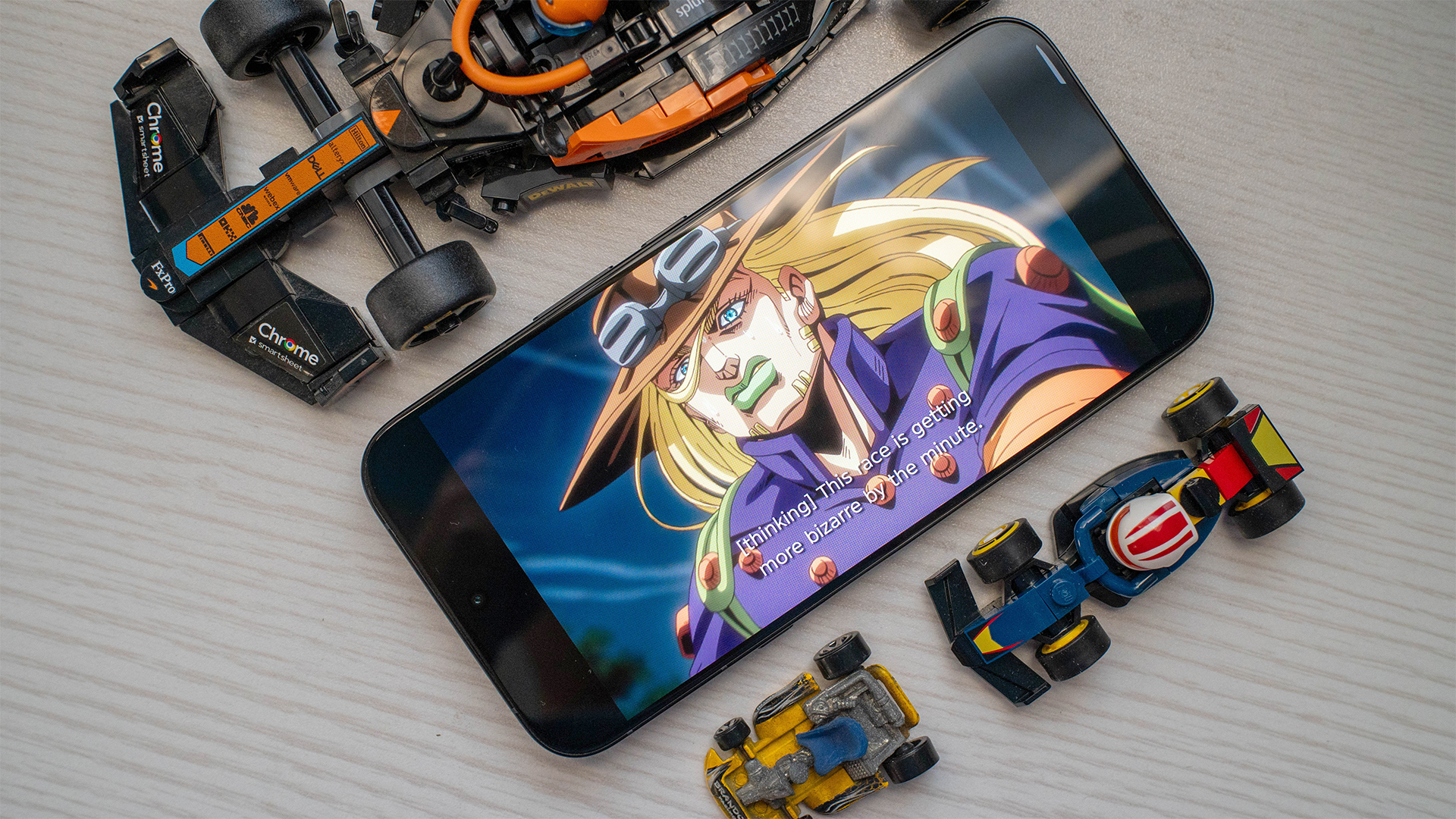
Hearing Gyro’s signature “Nyo-ho!” was likewise great. The phone’s JBL-tuned speakers made it seem like I was holding my own mini cinema.
It was a bonus treat that the first episode was double the length of a traditional one and included everything in the first leg of the race. Unfortunately, the second episode still doesn’t have a schedule. Plus, who knows if the second “batch” will include more than just one episode? Netflix has been atypically cagey with this release.
Finally, some good mileage
The NOTE 60 Ultra has an impressive 7000mAh battery. A single hour of ZZZ used up only 18 percent of the battery, despite being on the highest possible settings. Following this trend, it took four hours with the game up before the battery dropped to concerning “I need to find a charger” levels, which was around 25 percent to me.
There was no reason to worry at all, though. The battery has spare juice left in the tank even if it’s low. It took an absurdly long time to completely drain the battery from 1 percent. I even turned ZZZ on again to speed things up, but it still lasted around 30 minutes on a single percent.
Because of how big the battery is, it also supports 100W wired charging. To be transparent, I don’t have a 100W charging brick, but I do have a 90W one. It took me 1 hour and 6 minutes to fill the tank from empty. If you’re not particular with filling the battery to full, a short 7.5-minute charge was enough for 10 percent.
Midrange software inside a premium package
When I buy a premium phone, I expect a premium-looking phone when I power it up for the first time.
To be fair, the interface’s custom theme does exude an expensive-seeming feel. However, it prioritizes being thematic over being functional. This isn’t something I expect from a flagship. To me, a flagship should have the easiest interface to use with no bloat or unnecessary frills.
Infinix’s XOS is blatantly unused to the flagship segment. The interface has rolls of suggested apps and games that clutter the home screen. It also has a bunch of pre-installed apps (like Facebook, Instagram, TikTok, and Shopee) and proprietary software.
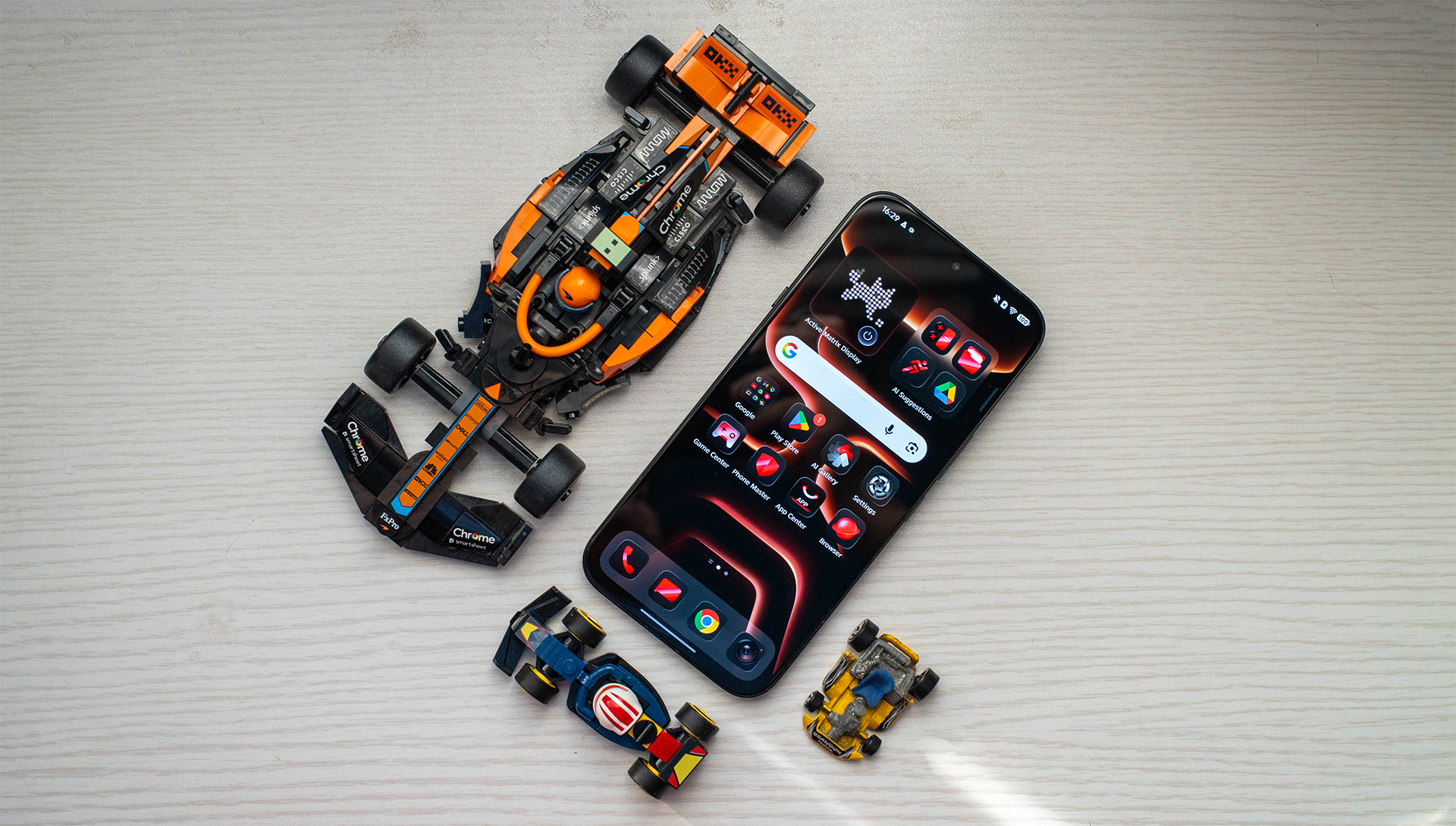
This was the same problem I had with the NOTE Edge. Since it’s a midrange phone, it was a lot more forgivable, though. After all, that much bloatware usually lets the brand price their lower-end products more competitively. That shouldn’t be the case for flagships.
There is some leeway because it’s Infinix’s renewed shot at the premium flagship market, but hopefully it’ll be fixed in the second go-around.
Is the Infinix NOTE 60 Ultra your GadgetMatch?
For a flagship product, the Infinix NOTE 60 Ultra is a worthy try. It looks and feels premium out of the box. However, the brand clearly has some work left to do on the inside. It’s a tiny step behind on performance, and its interface doesn’t reflect the advertised flagship status.
Still, it’s a Swipe Right if you’re looking for the best version of over-large camera islands today. The NOTE 60 Ultra’s design philosophy should be an inspiration to today’s trends. Indeed, it’s a supercar packed into a smartphone.
However, Swipe Left on this phone if software is just as important to you as a phone’s looks. Though it’s strong enough to perform like a flagship, the phone’s operating system makes it harder to use than most of its contemporaries.
Lifestyle
JBL Sense Pro review
My daily driver met a loud and capable rival in this quest for a superior training companion.
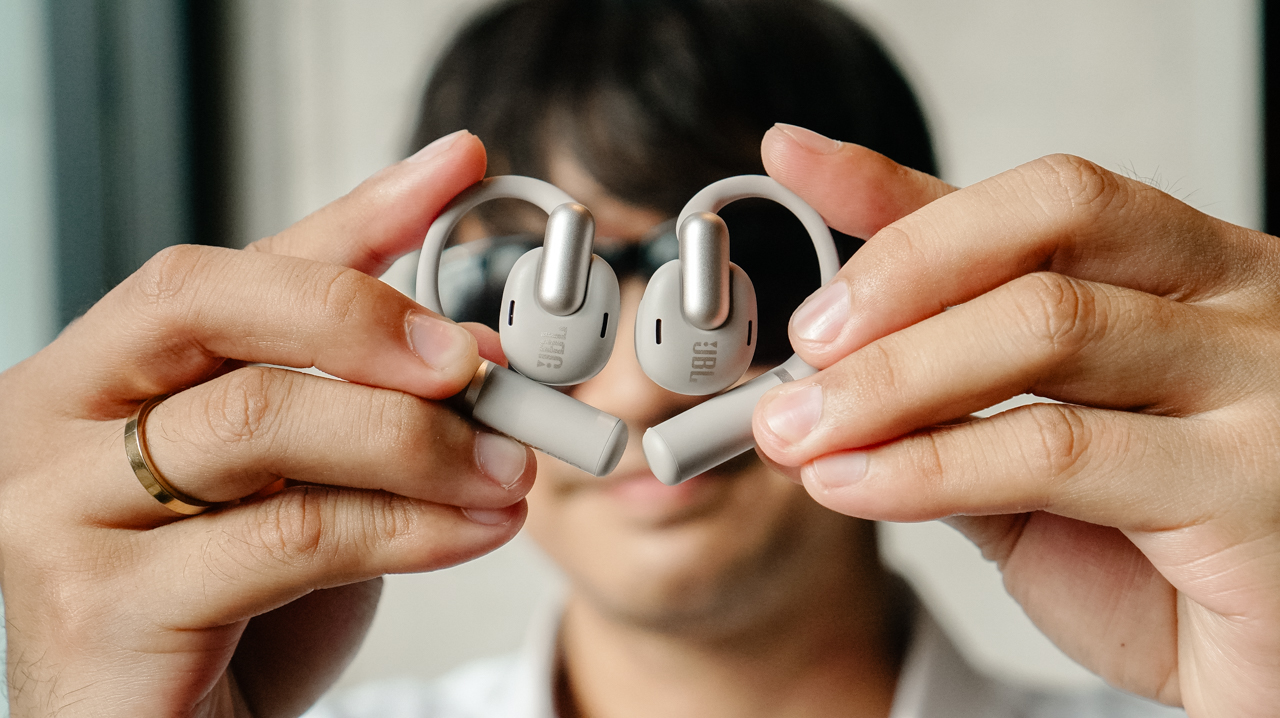
I consider my relationship with my workout gear to be a very serious, long-term commitment.
I’m a creature of habit when a product truly understands my everyday life. For the past year, I have depended on my Shokz OpenFit 2+ as if it were a physical extension of my morning.
When I lost my original pair, I didn’t even browse for alternatives before I secured a replacement. I knew exactly what worked for my ears and my life.
When the JBL Sense Pro arrived, it didn’t feel like a necessity so much as a very expensive curiosity.
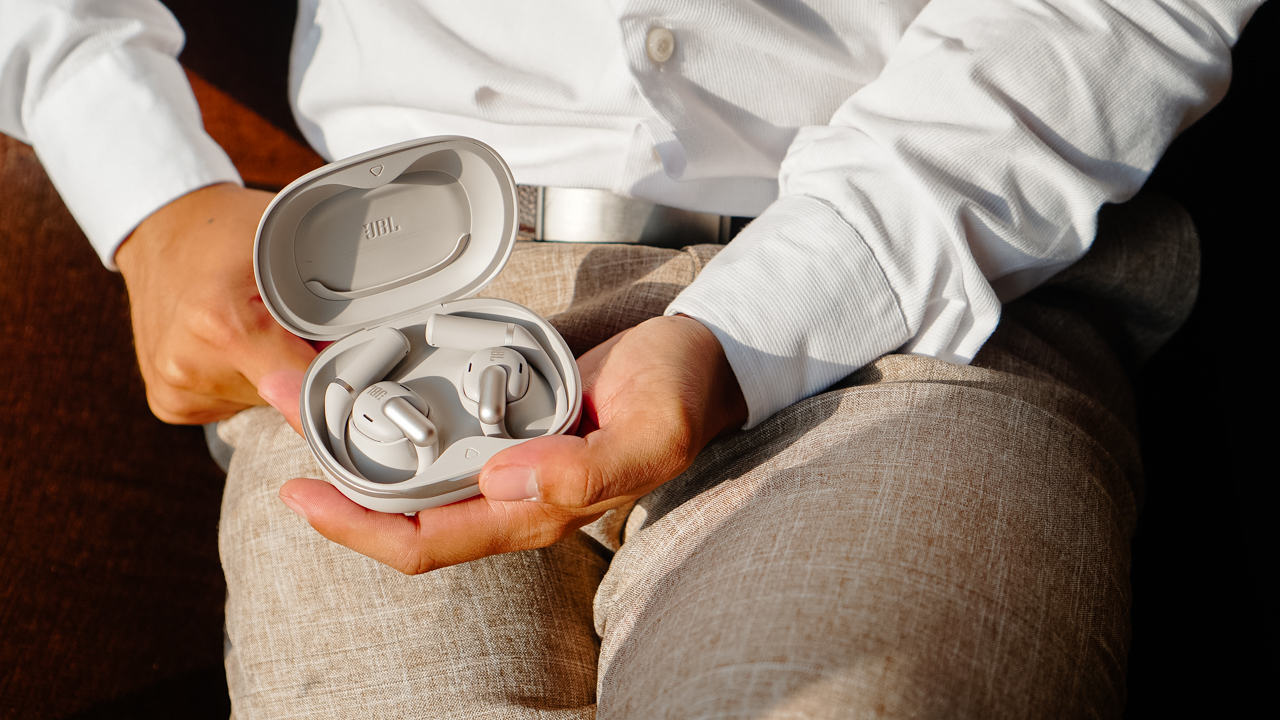
I wanted to see whether the “Pro” label could actually offer more than the weightless comfort I already loved. I decided to treat this as an essential research project into whether my standards could actually be raised.
Weight of a secure fit
I find that gear often reveals its true character at the exact moment I am negotiating with my willpower to finish a final rep.
This is the time when I realize if my earbuds are truly supporting my ambitions or if they are simply getting in the way of my progress.
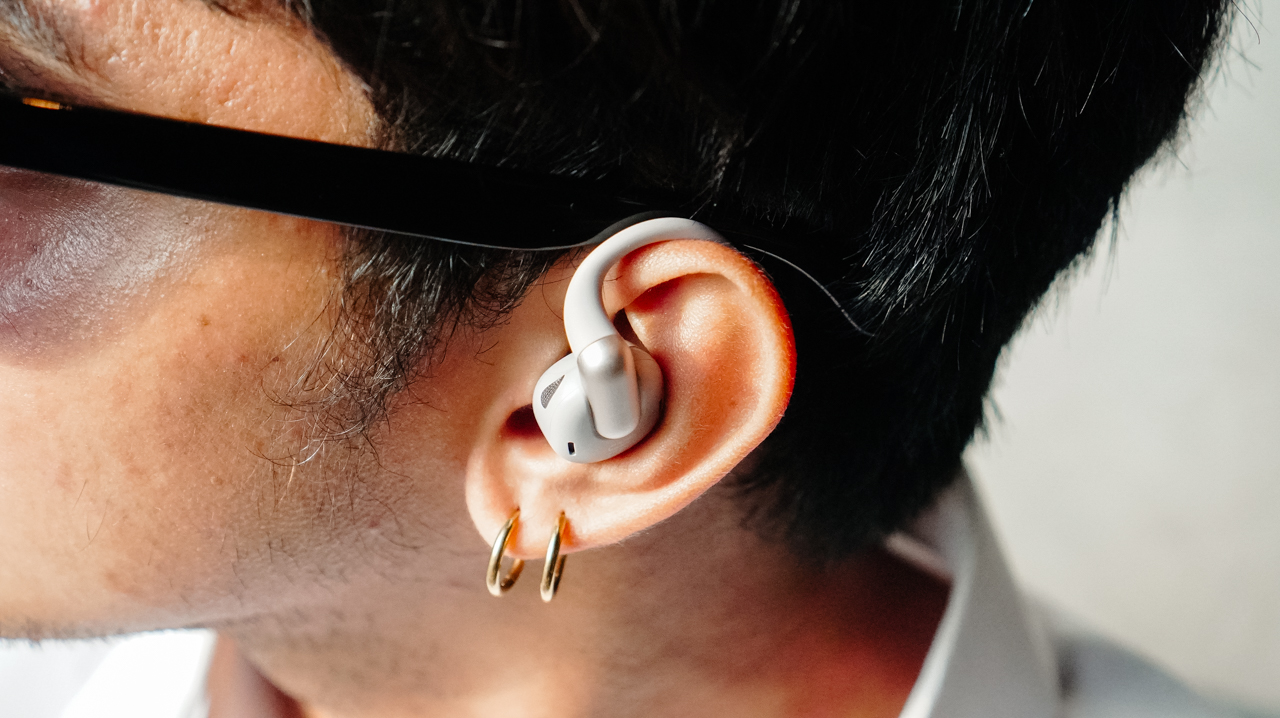
The JBL Sense Pro surprised me with its 20-degree adjustable hinge. During a light warm-up, the fit sits relaxed on my ear and feels remarkably airy.
However, when I transition into high-intensity movements like box jumps or plyometric exercises, I instinctively click the buds closer to my ears to ensure a tight grip.
The titanium memory wire wraps around the ear with a firm security that avoids the suffocating pressure I often feel with standard in-ear buds.
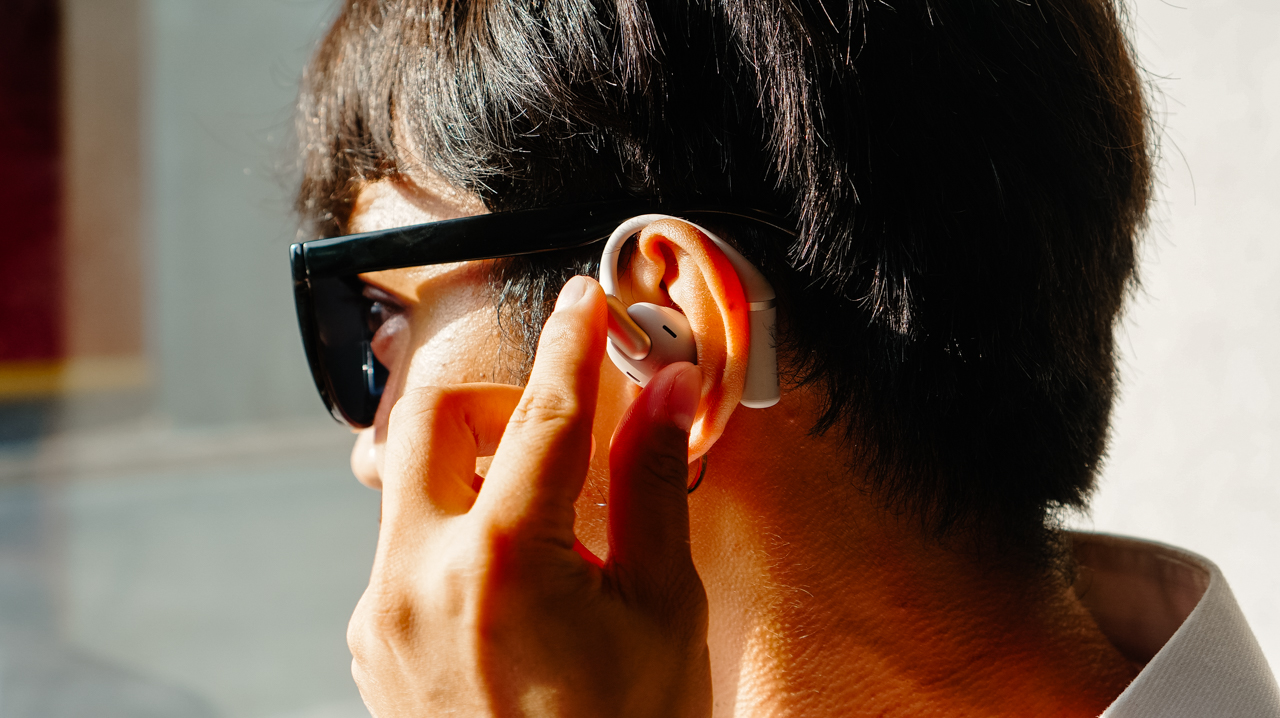
Even with that clever hinge, the presence of the device remains noticeable to me. After an hour of movement, I begin to feel the weight of the buds sitting against my skin.
Unlike my Shokz OpenFit 2+, which disappears even during long sessions, the JBL Sense Pro reminds me that it’s there.
I find myself adjusting the buds in between my sets to keep it snug, which is a small interruption I never experienced with my Shokz or even my previous Xiaomi OpenWear Stereo.
Soundstage for my private performance
Open-ear audio is usually a lesson in compromise where I expect to trade deep bass for environmental awareness.
Most music sounds thin and distant in these designs, which is why I was skeptical of the performance claims.
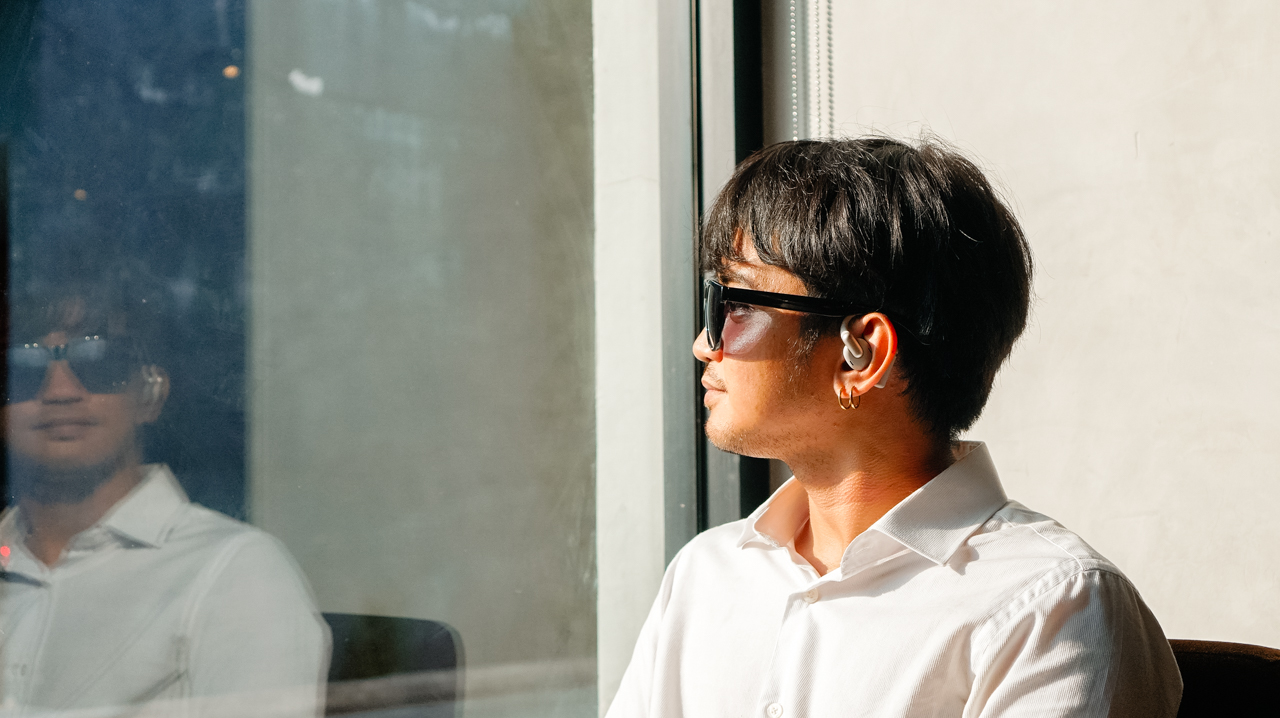
JBL is known for bass, and the 16.2mm drivers combined with LDAC support ensure the sound carries a level of authority I did not expect. The audio feels full and lush even when I am running on a busy street with heavy traffic.
The adaptive bass boost compensates for the wind and noise in real time so my power songs, specifically “Breaking Dishes” by Rihanna, never lose their emotional impact.
I appreciate hearing the full range of a track while remaining completely aware of the world around me.
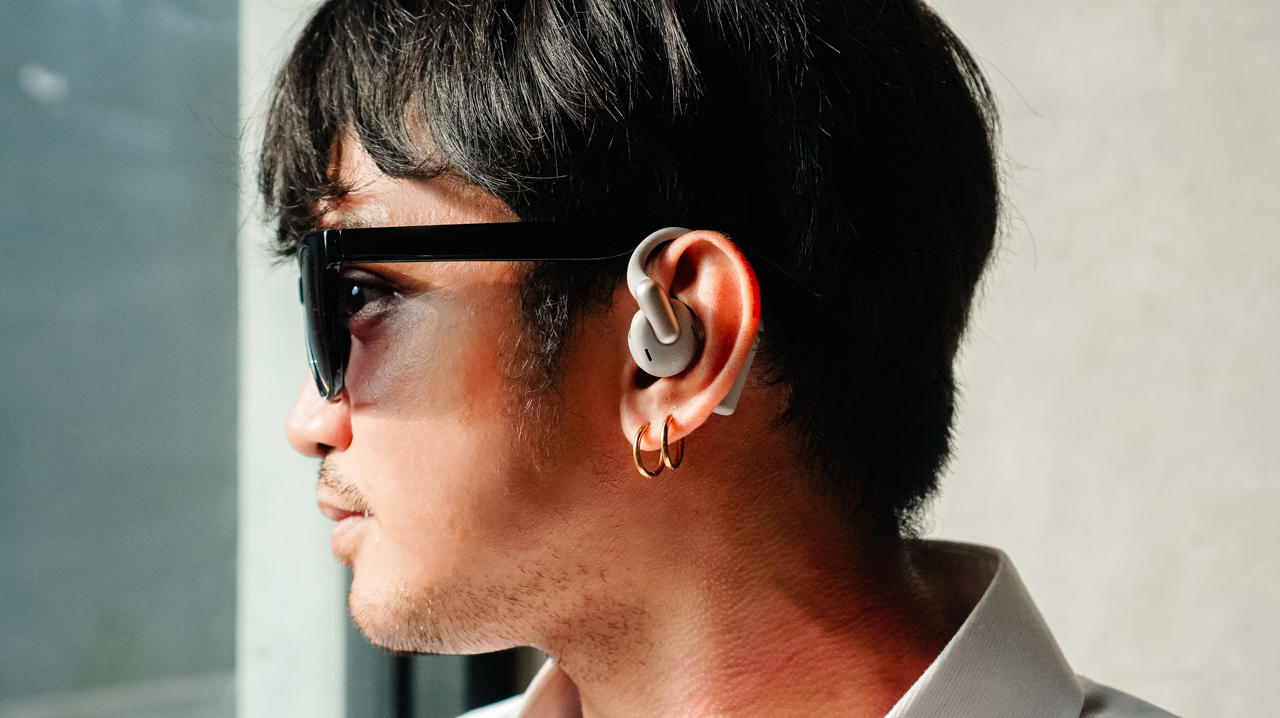
The spatial audio feature turns a standard gym session into something that feels like a professional sports film shooting.
It creates an atmosphere where the music feels like it’s following me from one weight station to the next rather than just playing in my ears.
One thing I did notice is the occasional static during my tests, which served as a tiny reminder that I was dealing with a complex piece of technology rather than a seamless part of my body.
Technology that understands my hustle
The real value of a professional device lives in the features I don’t see… until I actually need them.
For the Sense Pro, the bone vibration sensor is that essential investment. It sounds quite technical until I have to take an urgent client call while I’m huffing and puffing on the treadmill.
Instead of relying on microphones that catch every gust of wind, the sensor reads vibrations from my jaw to ensure my voice remains clear.
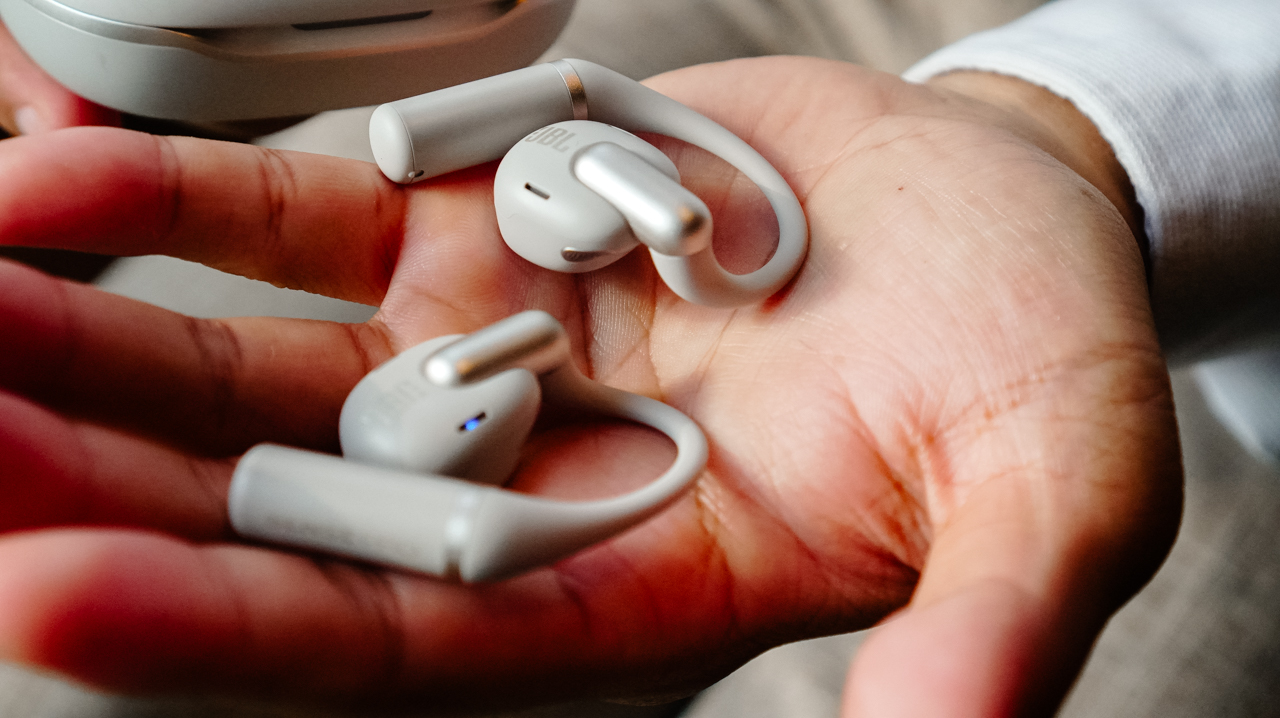
My Accounts Team was actually surprised to learn that I was running during our last meeting. They didn’t notice the gym environment at all when I told them I would send the presentation deck after my workout.
The sensor understands my voice even when I am in the middle of a busy setting. That said, its battery life supports my busy schedule without requiring constant attention.
The 38-hour total capacity means I can go an entire week without looking for a charging cable. Meanwhile, the quick-charge feature provides four hours of playback from just ten minutes of charging, which is my ideal safety net for those mornings when I’m rushing out the door.
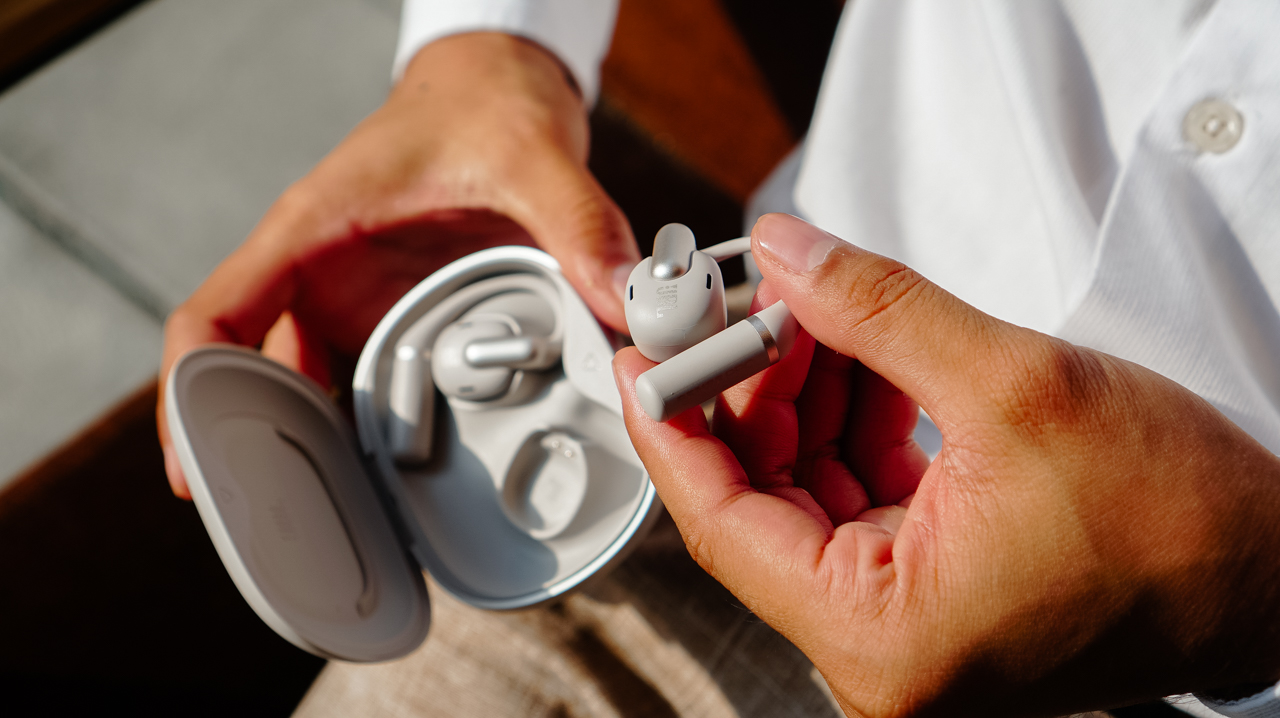
On top of that, I can easily monitor my juice through the JBL Headphones app along with the various settings I like to tweak.
Is this your GadgetMatch?
The JBL Sense Pro is a serious piece of equipment for those who need their audio to perform in loud, chaotic environments.
It offers a richer sound and better call quality than almost anything else I have tried in the open-ear category.
However, it cannot quite match the weightless comfort that makes the Shokz OpenFit 2+ (or the cheaper Xiaomi OpenWear Stereo) so easy to live with day after day.
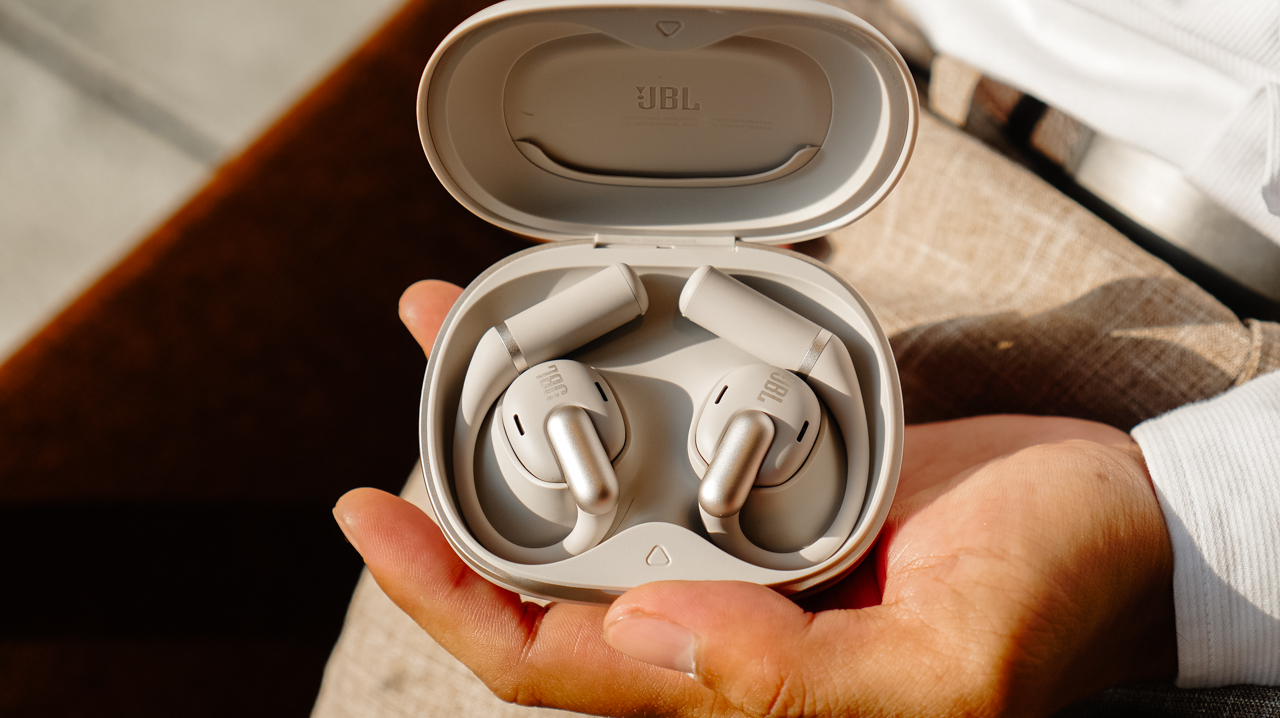
Swipe Right if you prioritize deep, immersive audio and need a secure, adjustable fit for explosive workouts. It’s a good choice if you take frequent professional calls outdoors and want a battery that can keep up with a high-performance lifestyle.
Swipe Left if you have sensitive ears and want a weightless, invisible feel for long hours of wear. If you already own Shokz or Xiaomi’s Open-ear wearables, you might find the JBL feels a bit too present for a routine that you might have already perfected.
The JBL Sense Pro retails for PhP 9,599 and is available in official JBL stores and authorized retailers.


Apple iPhone 17e review
Everything you need for US$ 599?

Infinix NOTE 60 Ultra: Not bad for a flagship push
It's definitely got the looks, though.


JBL Sense Pro review
My daily driver met a loud and capable rival in this quest for a superior training companion.

Apple’s iPhone Fold reportedly hits engineering delays

PlayStation can now scan you and put you inside a game

Grab moves beyond the ride to become a companion for the life in between
Apple iPhone 17e review

GameSir G7 Pro ZZZ Edition: My default PC controller


-
 News2 weeks ago
nubia Neo 5 series launches in the PH, starts below PhP 12K
-
 Gaming2 weeks ago
Razer Blade 16 (2026) packs more cores, faster memory
-
 Automotive2 weeks ago
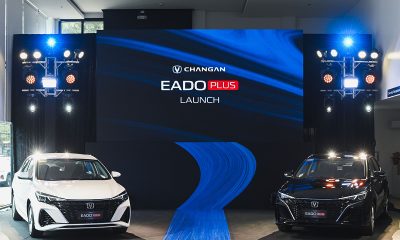
The Changan Eado Plus officially lands in the Philippines
-

 Gaming2 weeks ago
Nintendo will make it cheaper to buy digital games than physical
-

 Gaming2 weeks ago
Life is Strange: Reunion now available on consoles and PC
-
 News1 week ago
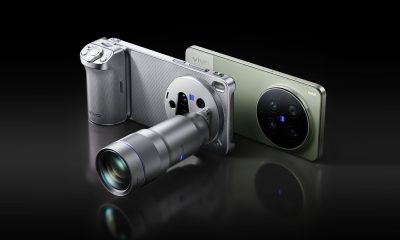
vivo X300 Ultra wants to beat the iPhone 17 Pro Max in pro video
-
 Accessories2 weeks ago
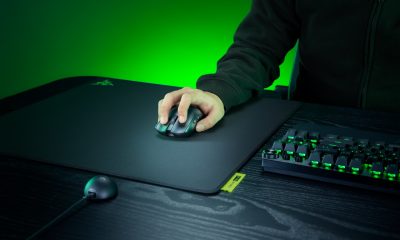
Razer sharpens its competitive edge with Viper V4 Pro and Gigantus V2 Pro
-

 Luxury Smart Home2 weeks ago
Sony brings cinema home with new BRAVIA 3 II TV, BRAVIA Theatre lineup