
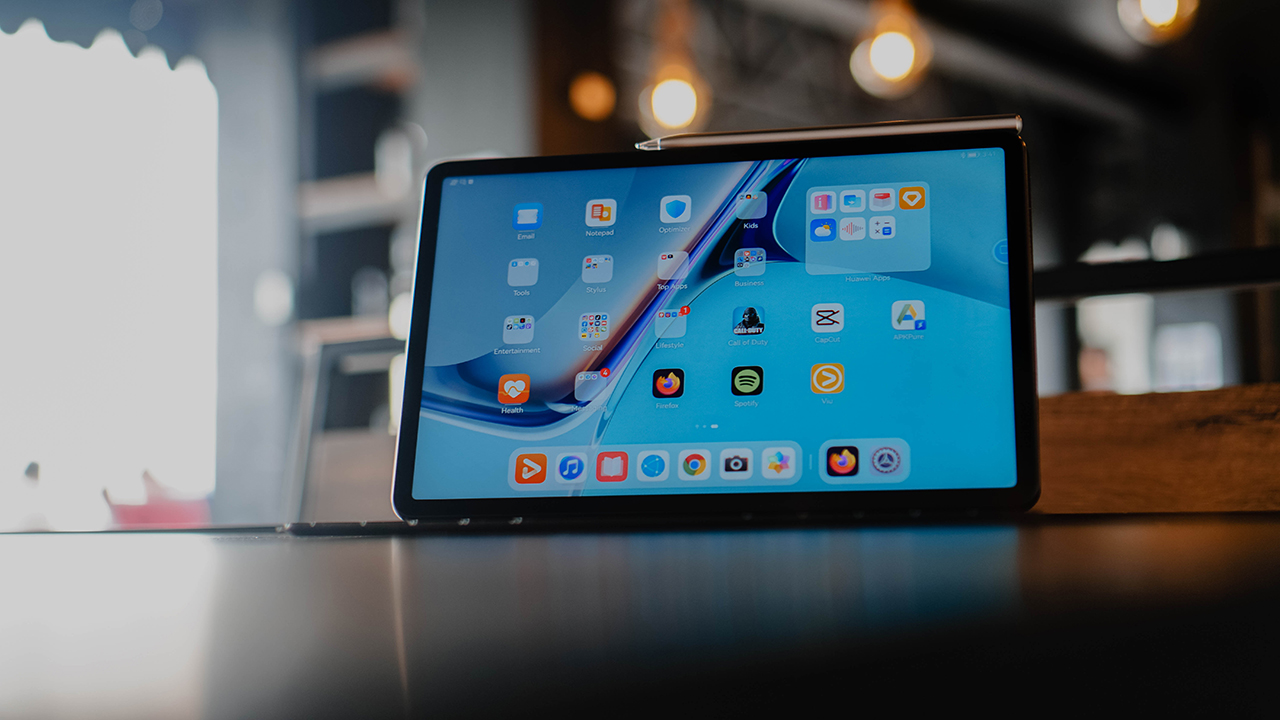

It’s always a little tricky trying to find a spot for a tablet in your life especially if you’re not exactly the artsy, doodling type. But time and time again, Huawei makes devices that make you really want one. This is the case with the Huawei MatePad 11.
If you’re already considering one, we put together a quick list that just might make you click checkout on your cart.
Gorgeous display
One of the primary reasons for getting a tablet is the larger display — at least one that’s larger than your smartphone but still more mobile than a laptop. But what good is a larger display if it doesn’t perform well? That’s not the case with the MatePad 11. This thing is packing.
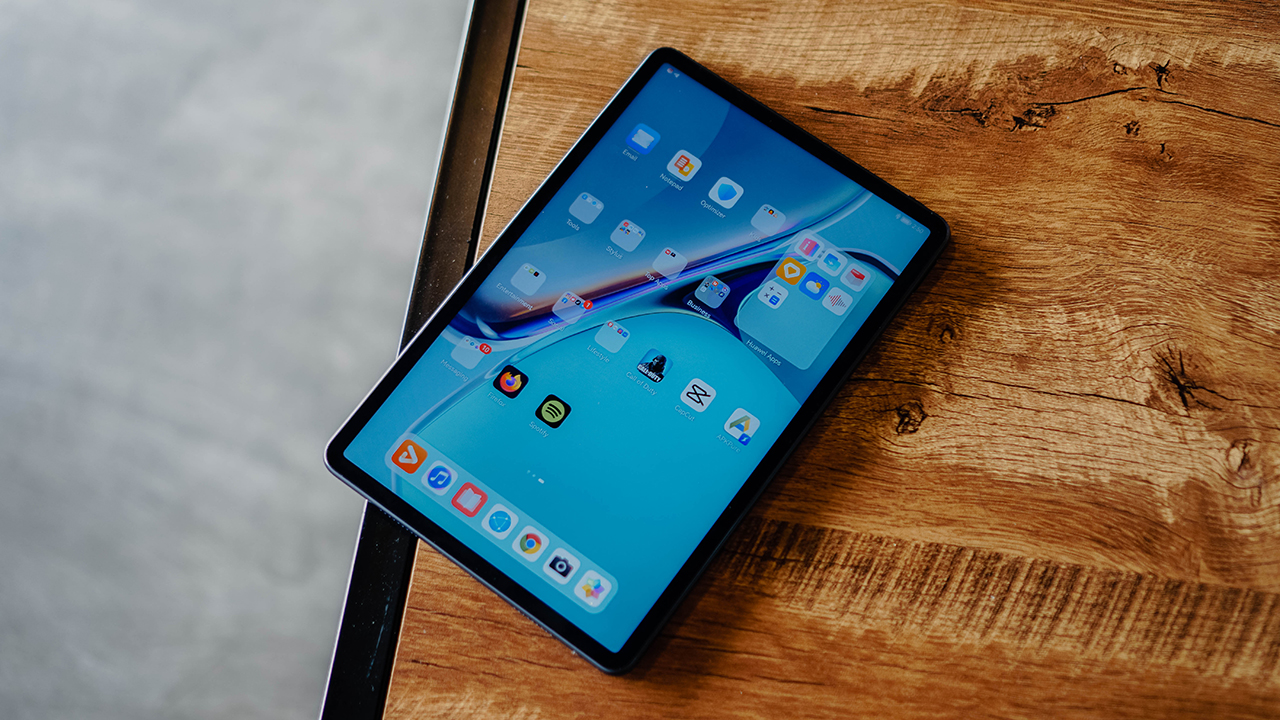
You’re getting a 10.95-inch display with an 86 percent screen-to-body ratio. That display also has a 120Hz refresh rate for a buttery smooth experience. Not to mention the DCI-P3 colour gamut for accurate colors. The 8MP front-facing camera is situated at the bezel so you get an uninterrupted screen experience.
Perfect for reading
The Huawei MatePad 11’s display is also easy on the eyes. It’s certified by TUV Rheinland for low blue light. This means it’s still friendly to your eyes even during extended sessions with the device.
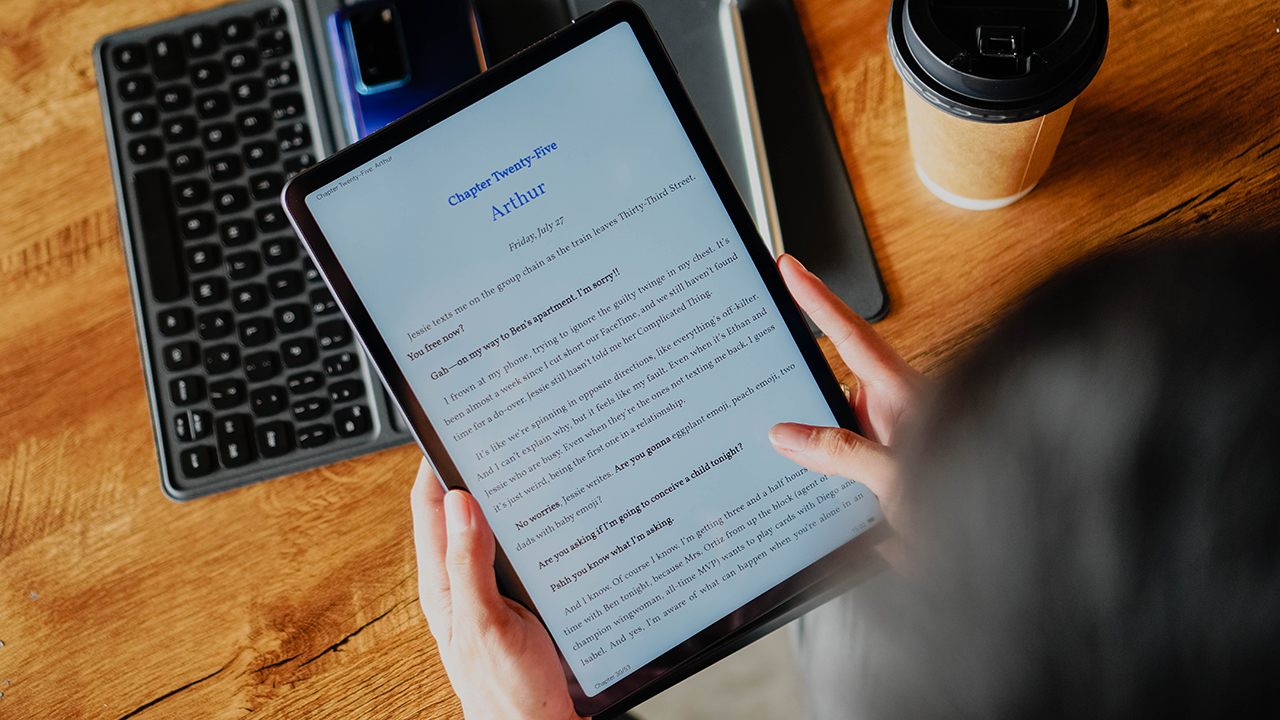
That extended session can mean going through the collection you’ll find on the pre-installed Huawei Books. Naturally, you can also install whatever reading app you fancy.
Fantastic for watching

Noze of WAYB on Street Woman Fighter 😍
Speaking of apps, you’ll find plenty of streaming ones you can enjoy on the MatePad 11. We’ve been on Viu quite a lot watching episodes of Slam Dunk and this new Dance variety show Street Woman Fighter — our Managing Editor is especially rooting for Noze of WAYB.
M-Pencil is included
You know how you have to buy the stylus separately for most other tablets? Not the case with the MatePad 11. The M Pencil (2nd gen) is included in the packaging. It’s a handy tool for many things, even if you’re not art-inclined.
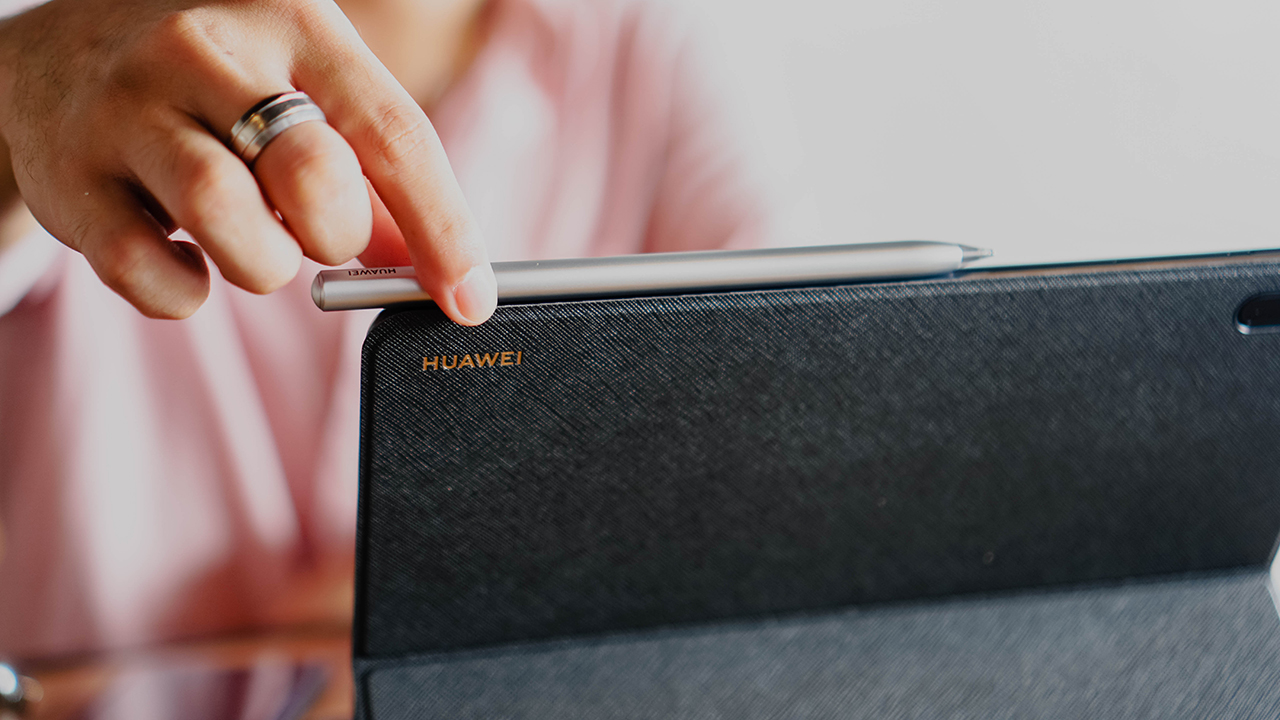
The M-Pencil (2nd Gen) sits magnetically on this part of the MatePad 11
We’ve used this for signing documents, precise skimming of videos we need to preview, and many more tasks. The 2ms low latency makes for a really good writing experience.
And there’s sufficient app support

But of course, if you are on the artsy side, there’s no shortage of apps that you can use this with. When you boot the device with the clean-looking HarmonyOS 2.0, there’s a folder with suggested apps you can install made especially for taking advantage of the M Pencil (2nd gen).
But if the suggested apps aren’t to your liking, there are a bunch more that you can look for and download on the Huawei App Gallery and Petal Search. Want quick access to good design work? Get Canva. Need something reliable for note-taking? Download Nebo and jot down things to your heart’s desire!
The Smart Magnetic Keyboard is better than we expected
What surprised us the most is perhaps how you can really get things done on the MatePad 11. This is especially true when used in conjunction with the Smart Magnetic Keyboard.

Despite its tiny look, it’s a full-sized keyboard with a decent amount of travel for a satisfying typing experience. Whether you’re writing a lengthy email or composing a rant tweet that you probably shouldn’t post, this tablet-keyboard combo is made for typing productively.
This one is sold separately, but it’s worth the addition! Oh and more thing, tapping the Shift button will automatically project your Huawei phone’s screen on the tablet — a feature will dive more into shortly.
Huawei Share is convenient
Are you the type who sends links and files to your own chat box so you can access it on your other devices? Huawei has made it so much simpler in their family of devices with Huawei Share.
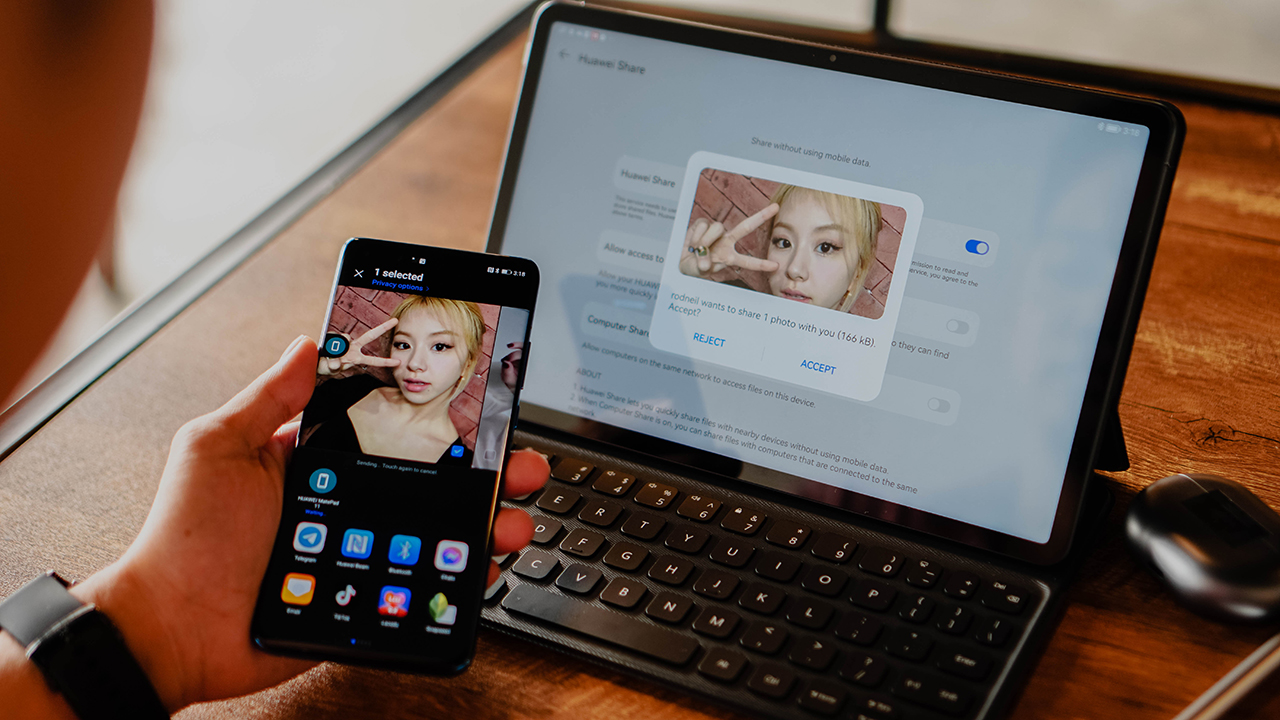
Just pick the file or photo you want to share, and it’ll instantly detect the other Huawei device in the vicinity. Convenient.
Works great with your Huawei phone
If you wanna take that connection a little bit further, you can do so. Just like how it works on laptops, you can make it so that your phone’s screen is visible on the MatePad 11.
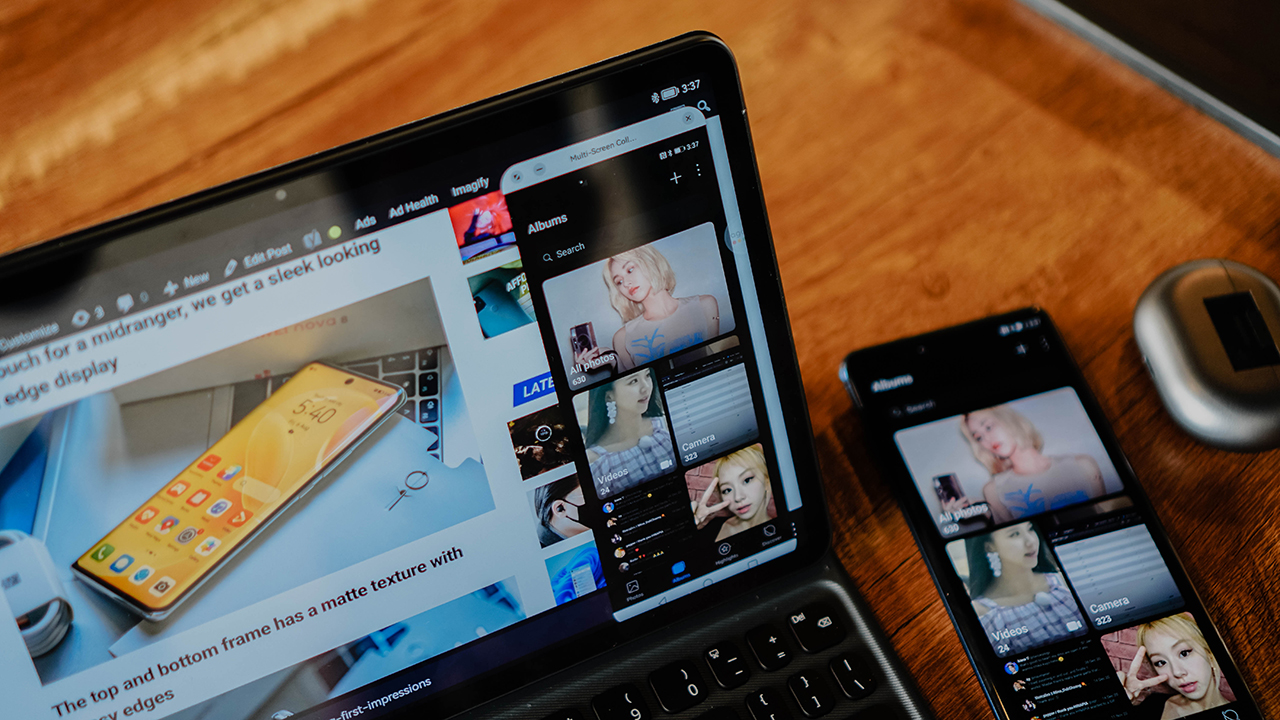
When this feature is enabled, you can control your phone without physically lifting it. Easier and faster access for messaging or if you wanna swipe on dating apps in between work tasks.
Multi-window is helpful
That floating window works not just when you connect your phone. It also works on certain apps. This way, you can easily reference other apps you might need for whatever you’re working on.

No need to leave the main app you’re working on just to take a quick glance at what’s happening on another app. This is a time-saver.
Floating apps is a godsend
When those floating apps are inactive, they sit in the right-hand side of the screen. The most recent app you used for multi-window is the icon that will show up on top. But the rest will be right there for easy access.
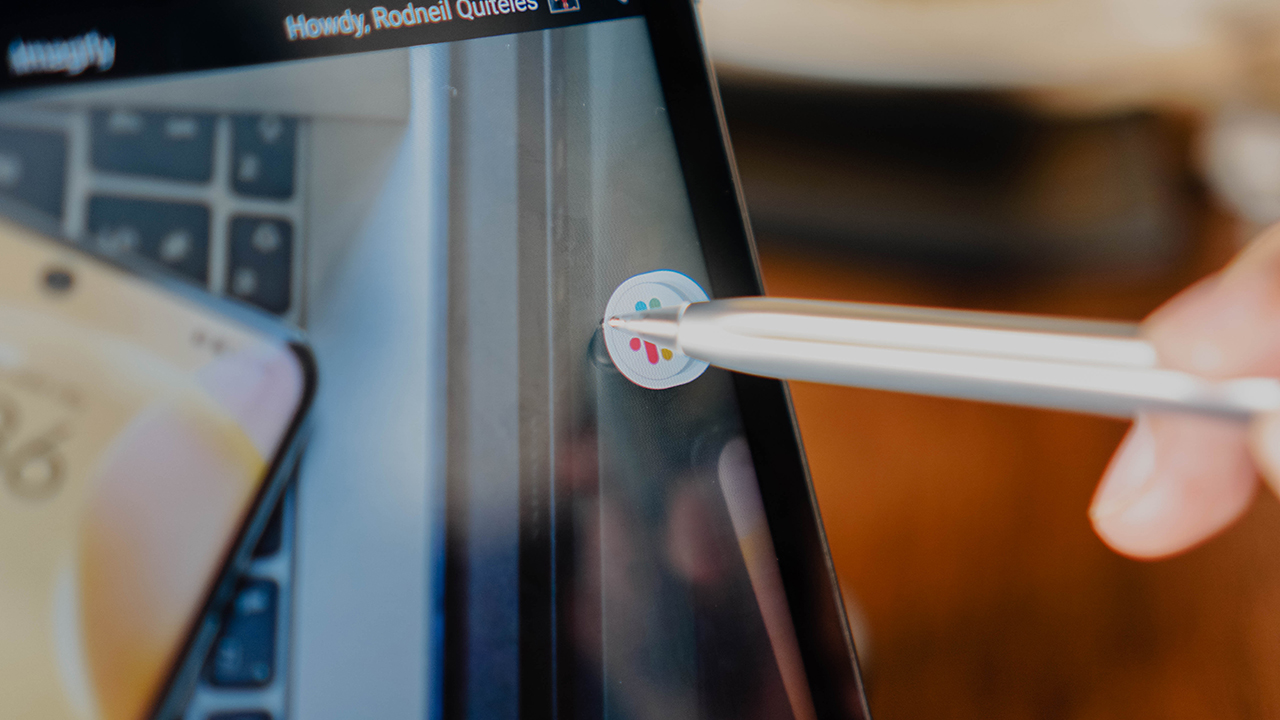
This is great for toggling between multiple messaging apps. So whether you’re coordinating with your team on Slack or exchanging messages on Telegram, it’s quick and easy to do so without being completely distracted from what you’re working on.
It’s a great addition to your Huawei life
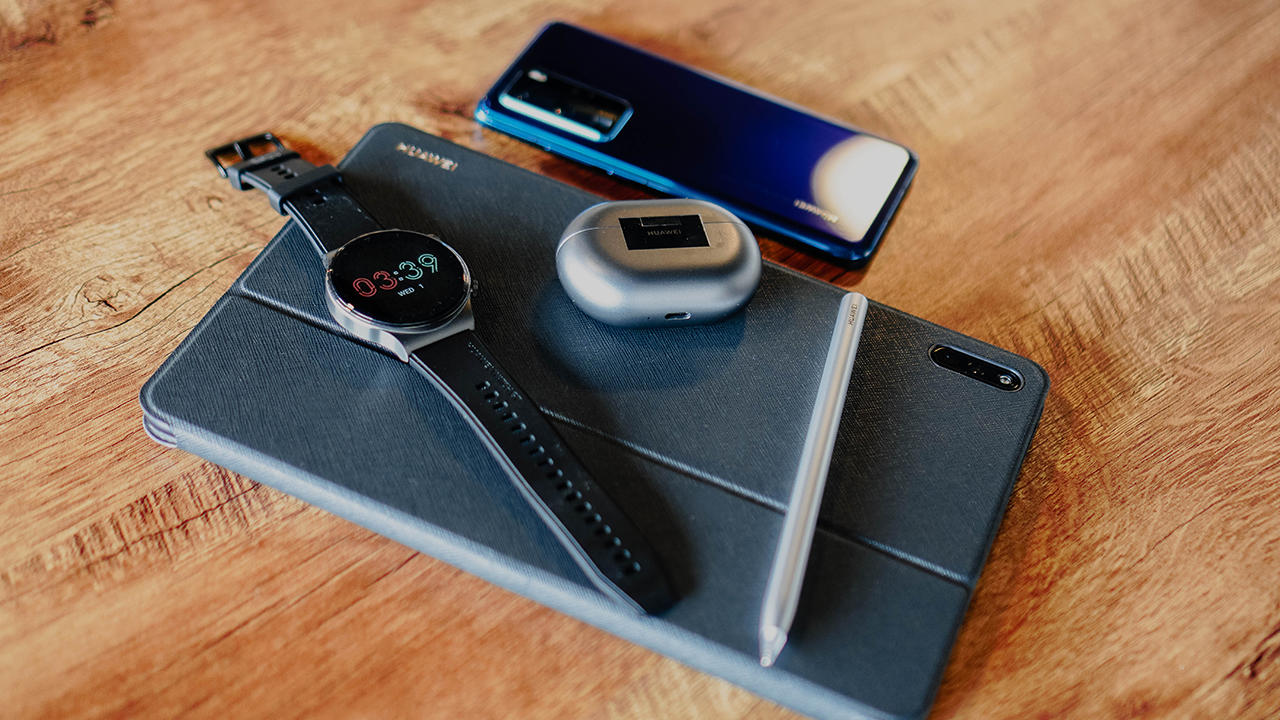
The MatePad 11 is a big part of Huawei’s 1+8+N strategy where you can build your Huawei life starting with one of their smartphones. This extends to the secondary devices and accessories like the Huawei Watch GT 2 Pro and Freebuds Pro. If you add the MatePad 11 to that equation, it makes for a seamlessly connected set of devices that’ll elevate your quality of life.
Price and availability
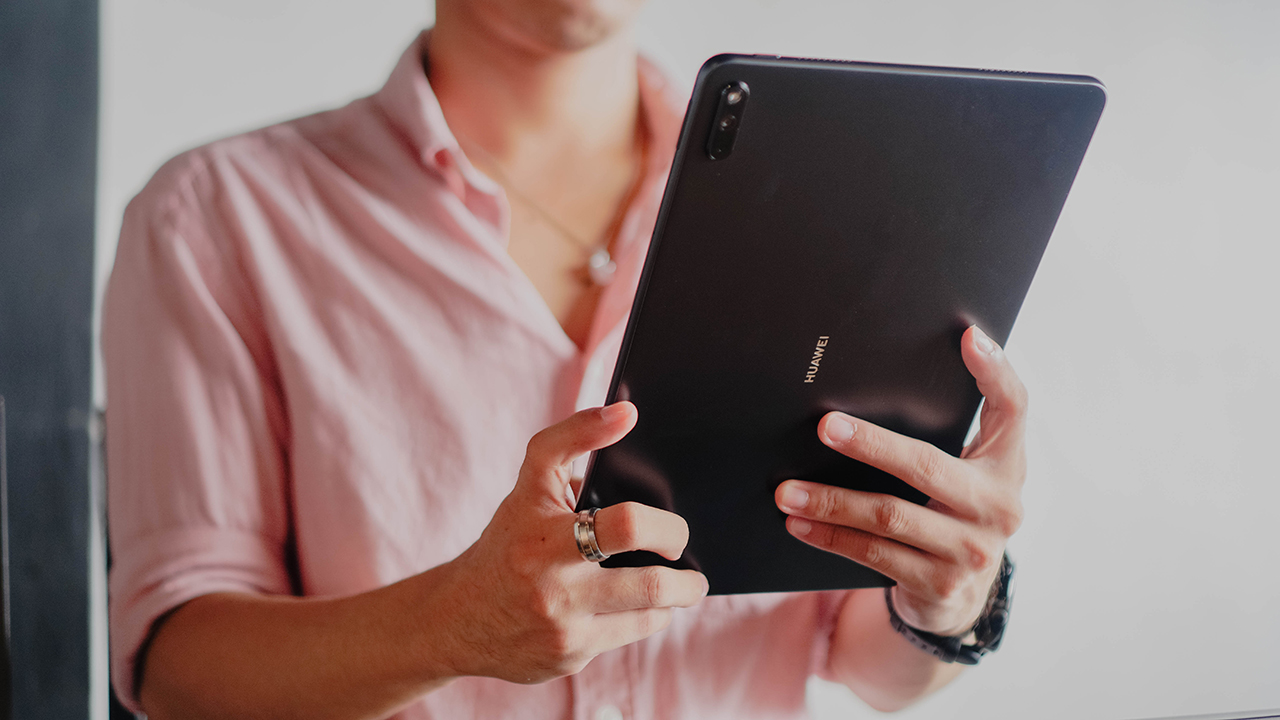
The Huawei MatePad 11 retails for PhP 26,999. If you purchase now, you’ll get a Dark Grey Cover (PhP 999) for free.
You can get the device on the Huawei Online Store or the official Huawei Store on Lazada and Shopee.
This feature is a collaboration between GadgetMatch and Huawei Philippines.






Apple Pay is officially in the Philippines!
Pushing the country forward into a cashless and cardless future, Apple has now brought its contactless payment system to the Philippines. As with other countries, Apply Pay will work seamlessly and easily even for those who have problems with technology.
Now, despite how easy it is, sometimes we need to be pointed in the right direction. Here’s how you can set up Apple Pay on your iPhone:
Everything starts with the Wallet app. First, open your Wallet app. Tap the “+” button on the top and select “Debit or Credit Card.”
Normally, this is where you can input your card details (which you can still do, by the way), but the default method now is to just tap your card on the back of your iPhone. Your phone does the rest. You might need to confirm with your bank, but it’s as easy as a single tap.
Pick which cards to use. Once you have your cards online, you might need to change which one is the default card. Again, it’s easy. Just drag your preferred card to the front.
Afterwards, you can tap to pay in supported stores by priming the Wallet app for use. Tapping to pay is also available for Apple Watch. Meanwhile, online transactions can also work on MacBook.
Secure, all the time. If you’re worried about your security especially with online transactions, Apple keeps your information only between you and the seller. They don’t store your data.
Also, it’s not easy to make a transaction without your consent. You need Face ID, Touch ID, or your password. If you lose your phone, you can easily shut your phone down with the Find My app to prevent malicious parties from making transactions.

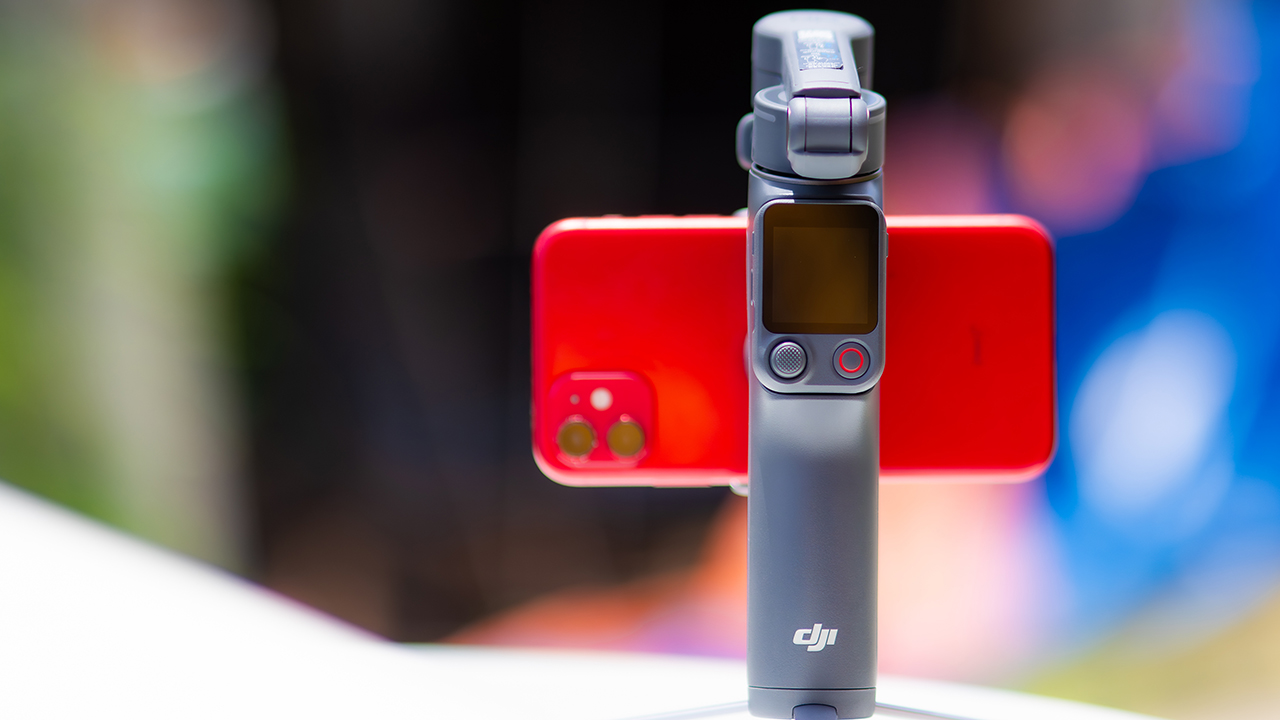
DJI’s smartphone gimbals have always chased one goal: delivering cinema-smooth footage without forcing you to carry a heavy rig.
The Osmo Mobile 8P (OM 8P) makes its priorities clear right out of the box. This is not a simple refresh. DJI rebuilt how you control the gimbal, and that decision shapes the entire shooting experience.
Freedom behind the lens
The biggest change is the FrameTap remote, and it’s the kind of upgrade that fixes a problem you didn’t realize was slowing you down until it’s gone.
On the standard OM 8, adjusting your framing meant reaching for your phone every time, which broke the flow of shooting and pulled you out of the moment.
FrameTap puts that control back in your hand. You can reframe shots and manage the gimbal without touching your phone at all, and for anyone shooting solo, that alone changes how usable the whole setup feels. Tracking has taken a real step forward too.
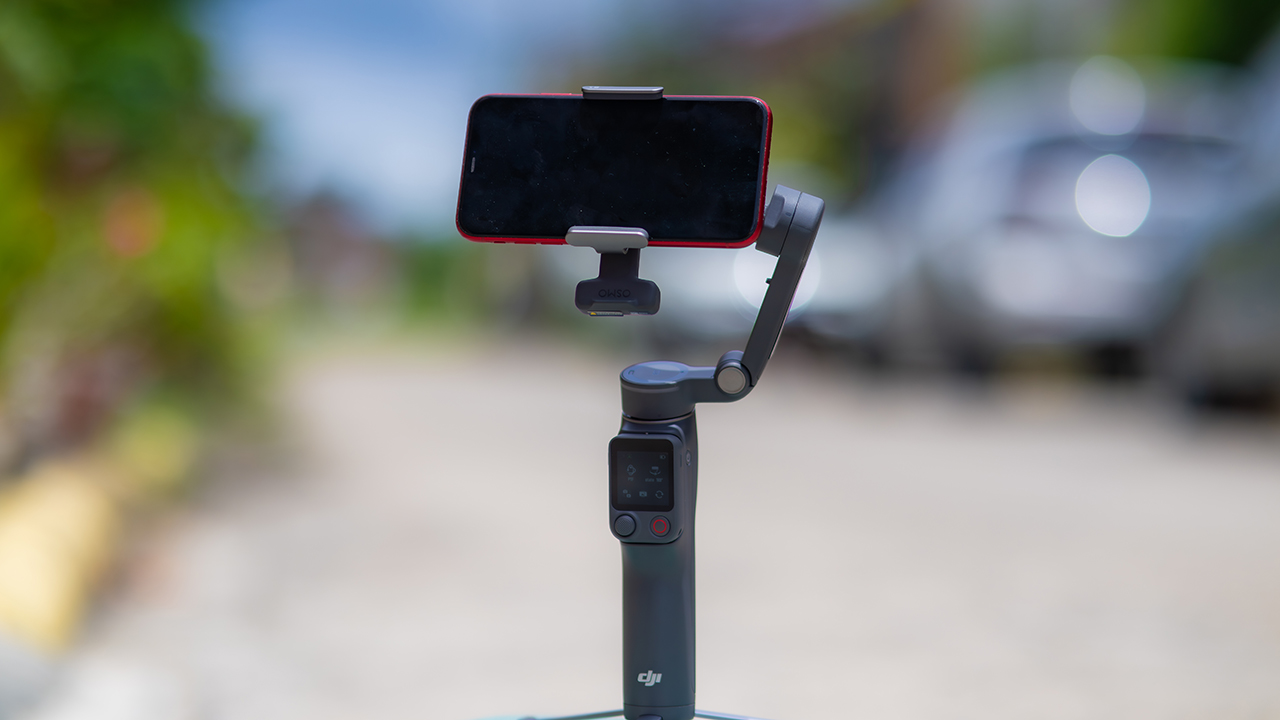
ActiveTrack 8.0, paired with Module 2, held onto its subject even after they stepped out of frame for a moment, then picked them back up without much fuss.
It also lets you sit off-center in the shot instead of forcing you into the middle every time, which gives you more room to compose something that doesn’t look like every other gimbal video.
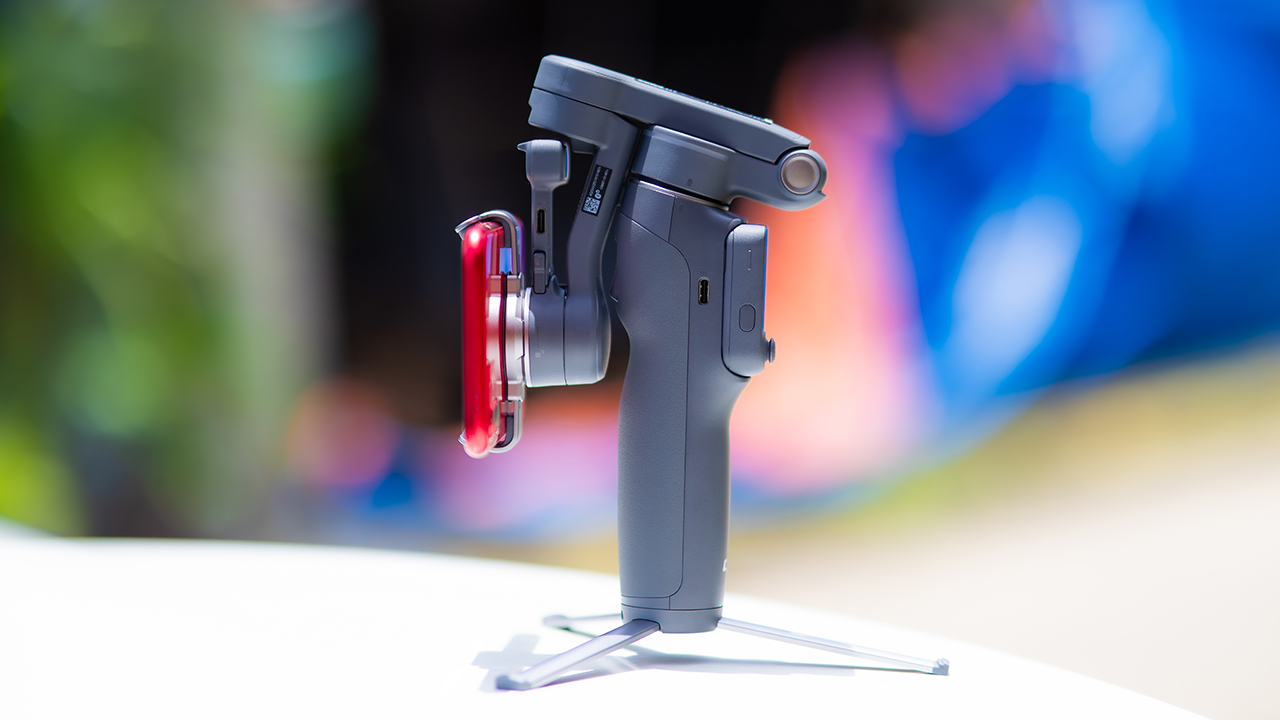
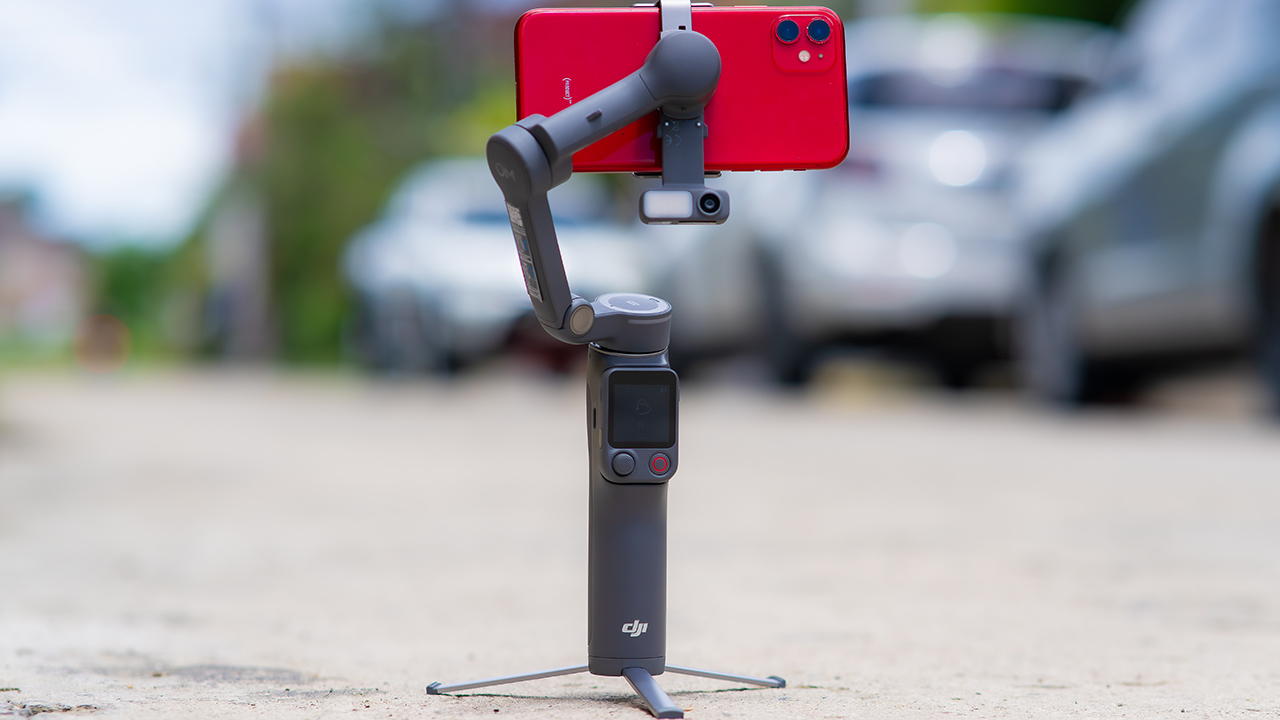
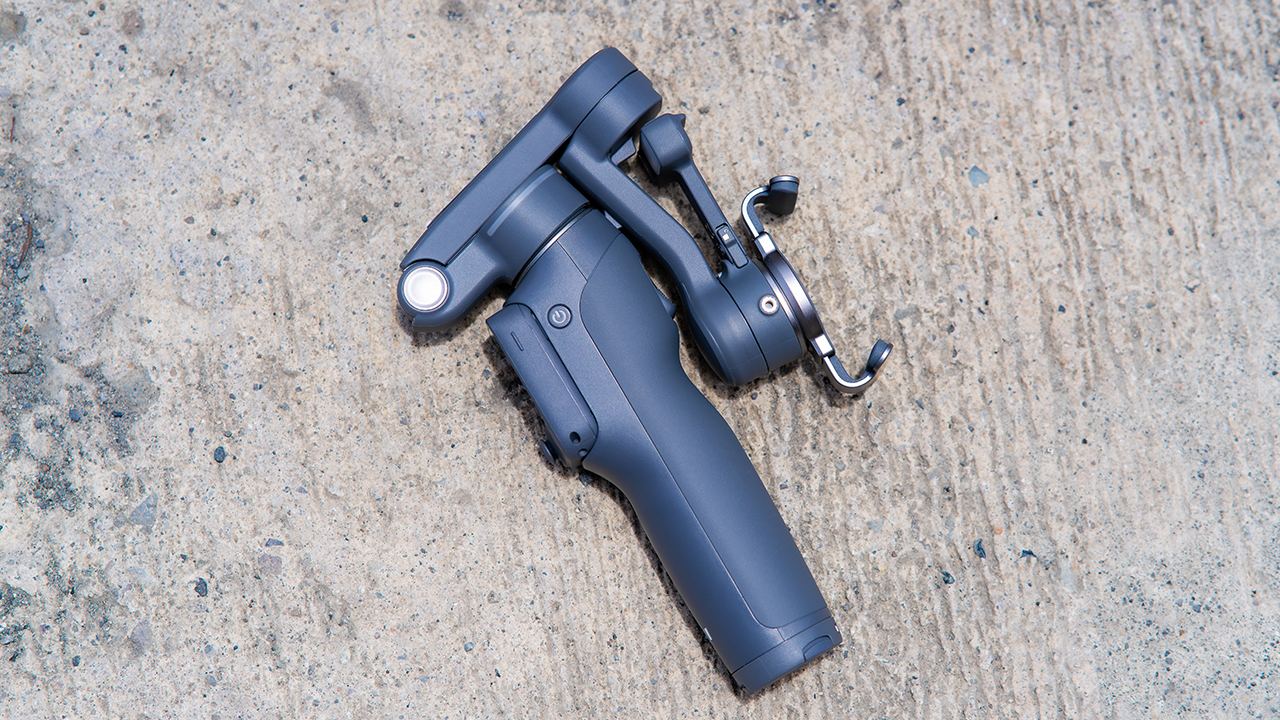
None of that would matter much if the gimbal itself wasn’t solid, and it still is. The OM 8P holds onto the same foldable design, magnetic phone clamp, and built-in tripod that made the OM 8 easy to live with.
And it remains one of the better compact options for stabilization, tracking, and portability in one package.
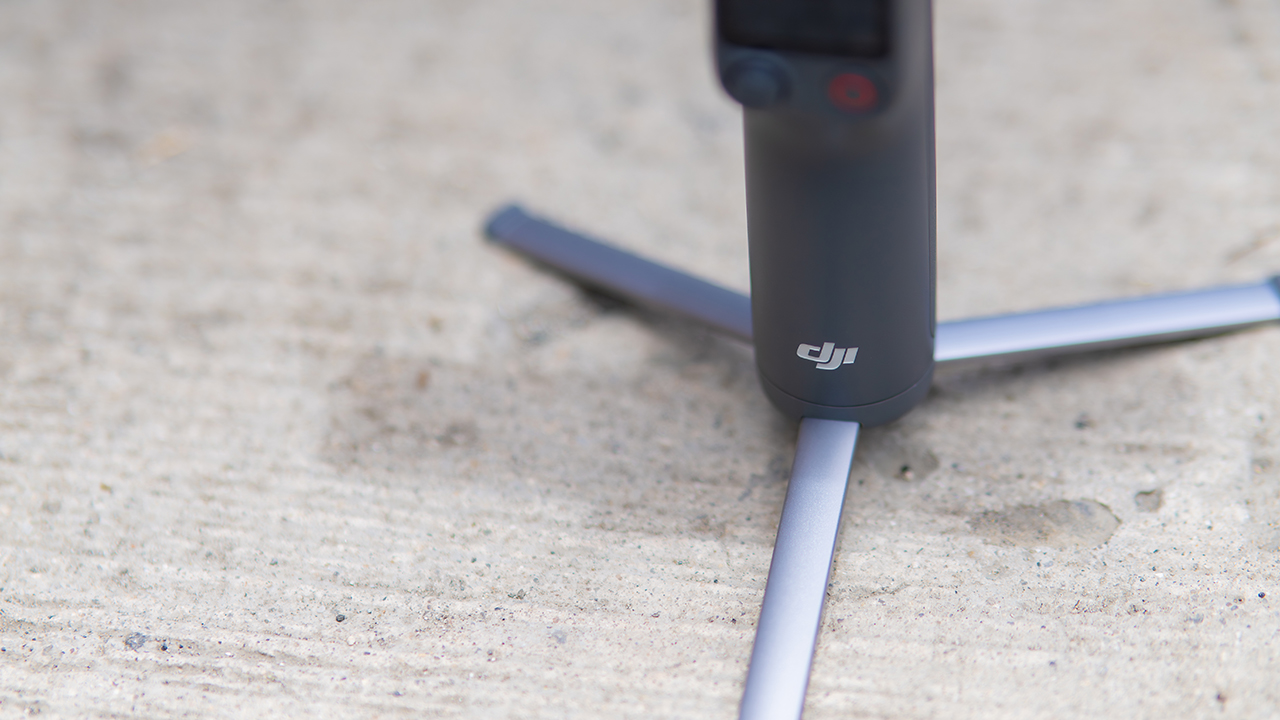
The tripod legs are a touch wider this time, and that extra width does make a noticeable difference on uneven ground.
The trade-offs in touch
The trade-off for all that new remote functionality is a control scheme that takes more getting used to. More of the gimbal’s functions now live on the FrameTap touchscreen, the joystick is smaller, and switching between shooting modes takes a few extra taps compared to the OM 8. It’s not a dealbreaker, but it’s a learning curve you’ll need to budget time for.
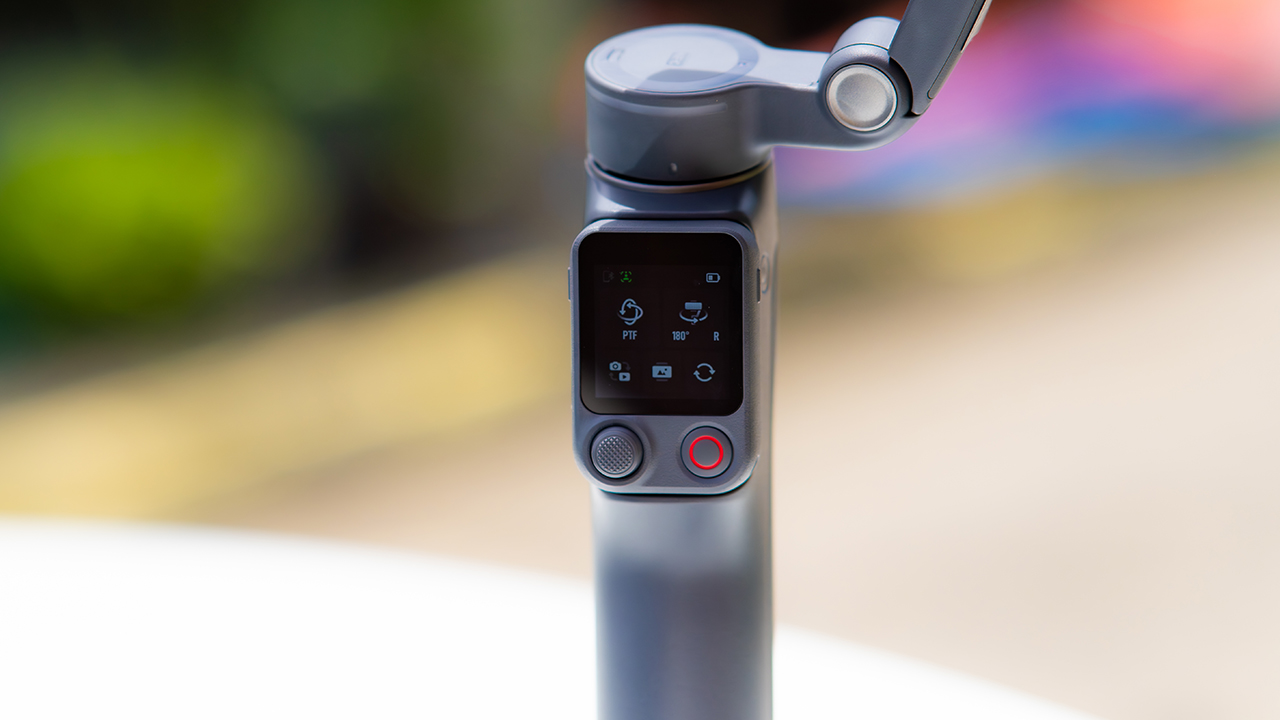
DJI also removed the zoom and focus wheel, so if you leaned on that dial for quick adjustments, you’ll feel its absence here. Module 2 no longer lets you plug a DJI wireless mic in directly either.
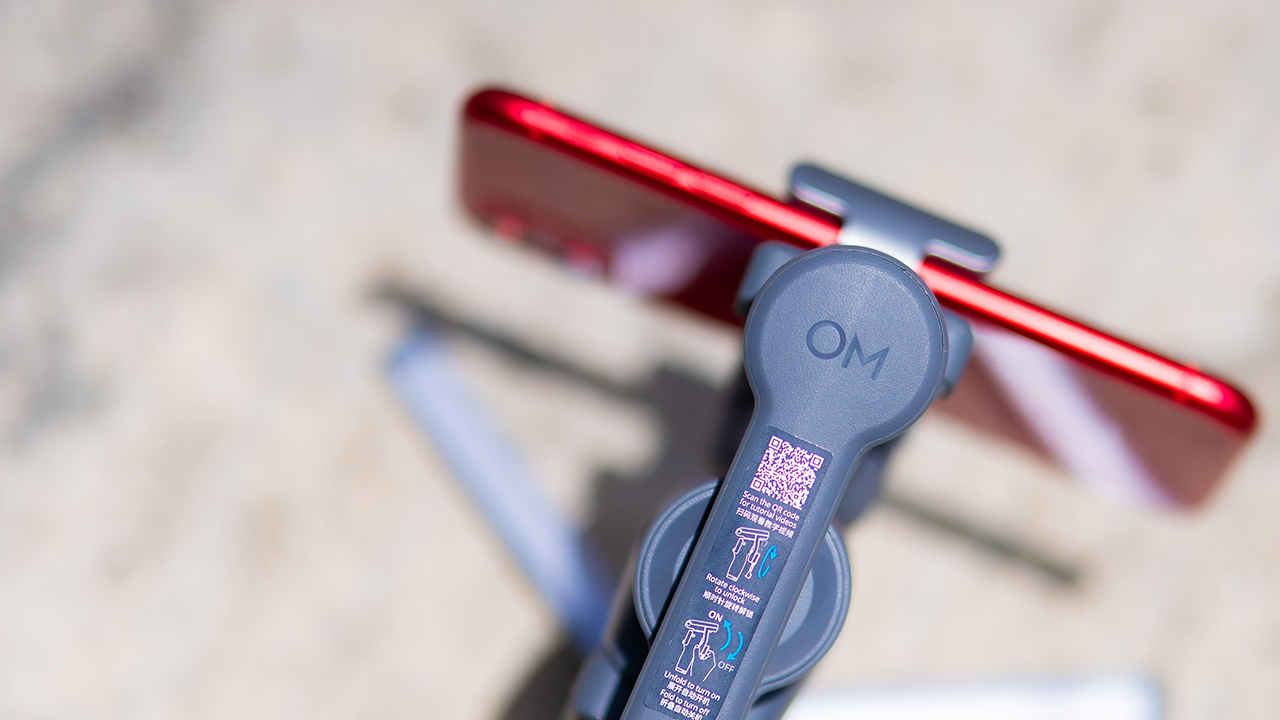
You’ll need to connect it to your phone instead, which adds a step to a setup that used to be simpler. Phone compatibility is still a limiting factor as well. DJI lists support for phones up to around 300g and 11mm thick, so bigger phones or ones in chunky cases may not clamp in properly.
Finding your ideal workflow
The OM 8P makes the most sense for solo creators who want dependable tracking and the freedom of remote framing without stepping up to a dedicated camera like the DJI Osmo Pocket.
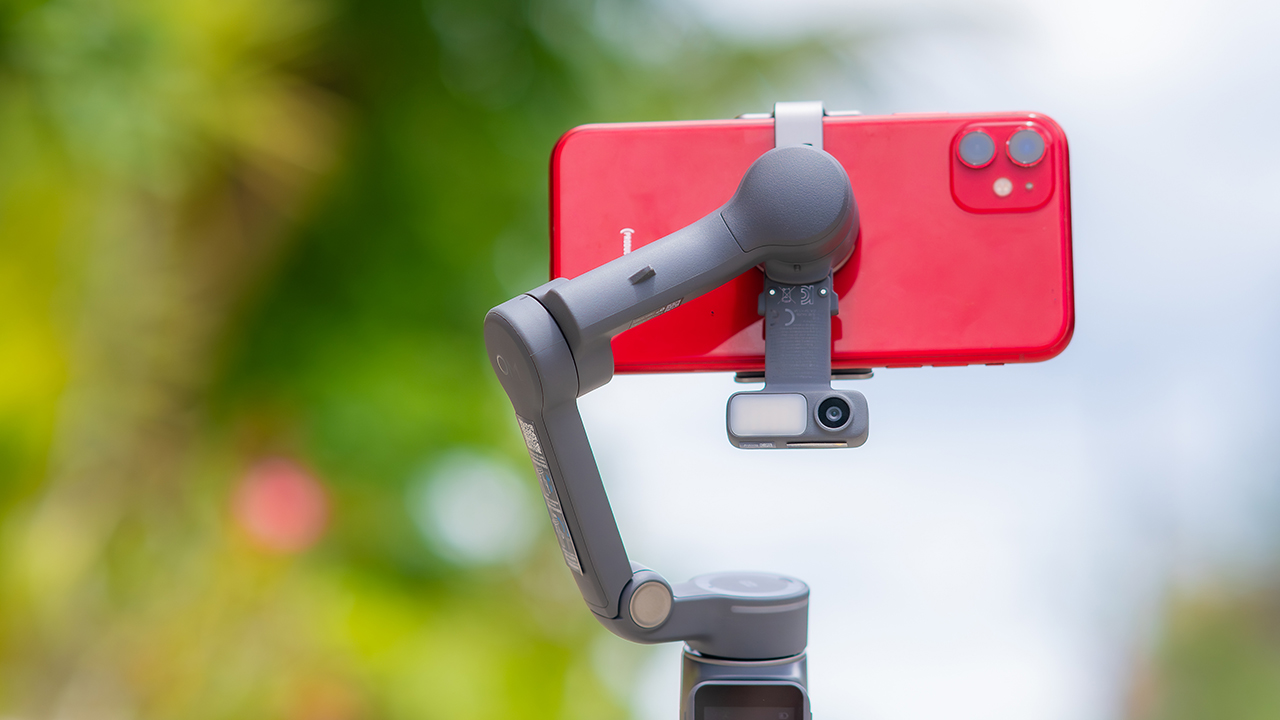
If you’re already shooting on a phone with a solid camera, this fills the gap nicely. It’s a tougher sell if you prefer physical buttons over touchscreen menus, or if your phone runs on the larger and heavier side, since fitting it onto the clamp might be a problem before you even get to shooting.
Price, availability
DJI is offering the OM 8P in three combos, so how much you pay depends on how much of the ecosystem you actually need.
- Standard Combo (PhP 7,499): the gimbal itself, with 8th-gen stabilization and the detachable FrameTap remote included.
- Advanced Tracking Combo (PhP 9,199): adds the Multifunctional Module 2 for the improved subject tracking we tested.
- Creator Combo (PhP 11,099): the full kit, built for creators who want everything DJI bundles in from the start.
Is the DJI Osmo Mobile 8P your GadgetMatch?
The DJI Osmo Mobile 8P asks you to relearn a few habits in exchange for a gimbal that finally lets go of your phone. If hands-free framing and steadier tracking matter more to you than a dedicated zoom dial, this is worth the adjustment.
If you’d rather keep things exactly as they were on the OM 8, that learning curve might be the deciding factor.
Swipe right if you shoot alone often and have been waiting for a gimbal remote that actually works. The FrameTap remote alone justifies the upgrade if reaching for your phone mid-shot has been slowing you down.
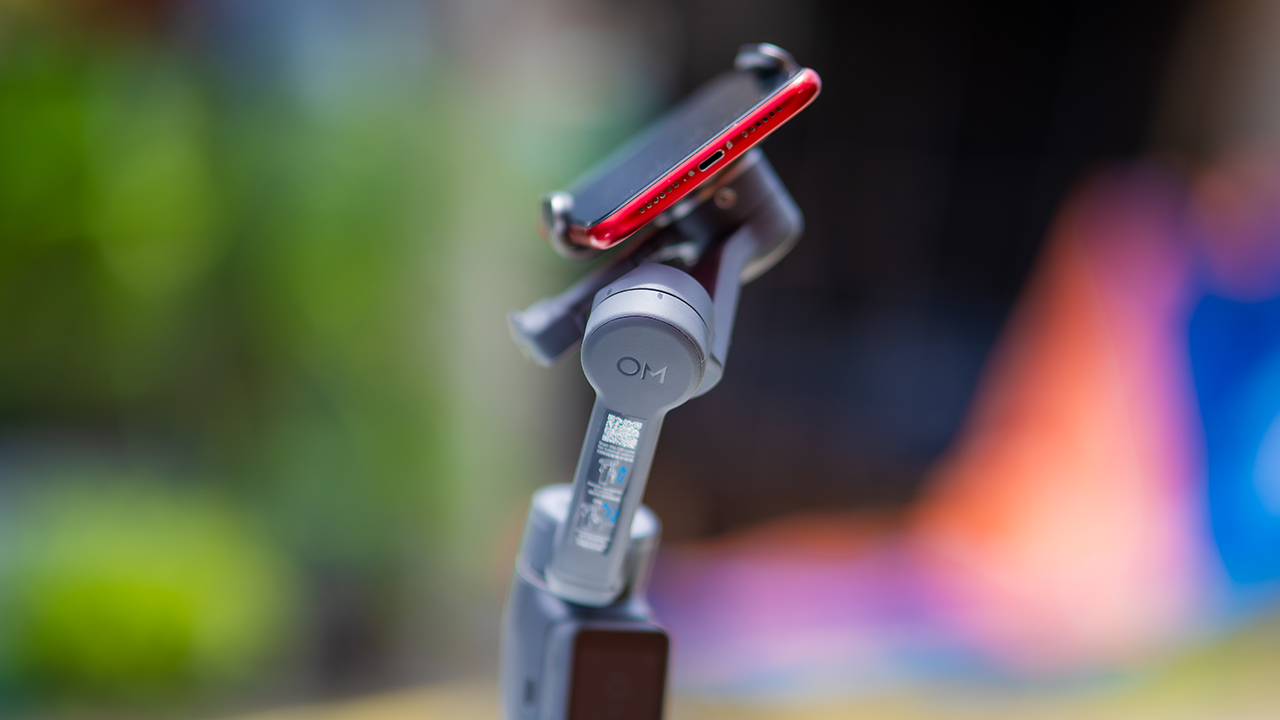
Consider this if reliable tracking matters to you, especially if you’ve had a subject wander out of frame and stay lost on older gimbals.
And of course, get this if you already own a capable phone under the weight and thickness limits, and you’d rather invest in a smartphone rig than jump to a dedicated camera like the Osmo Pocket.
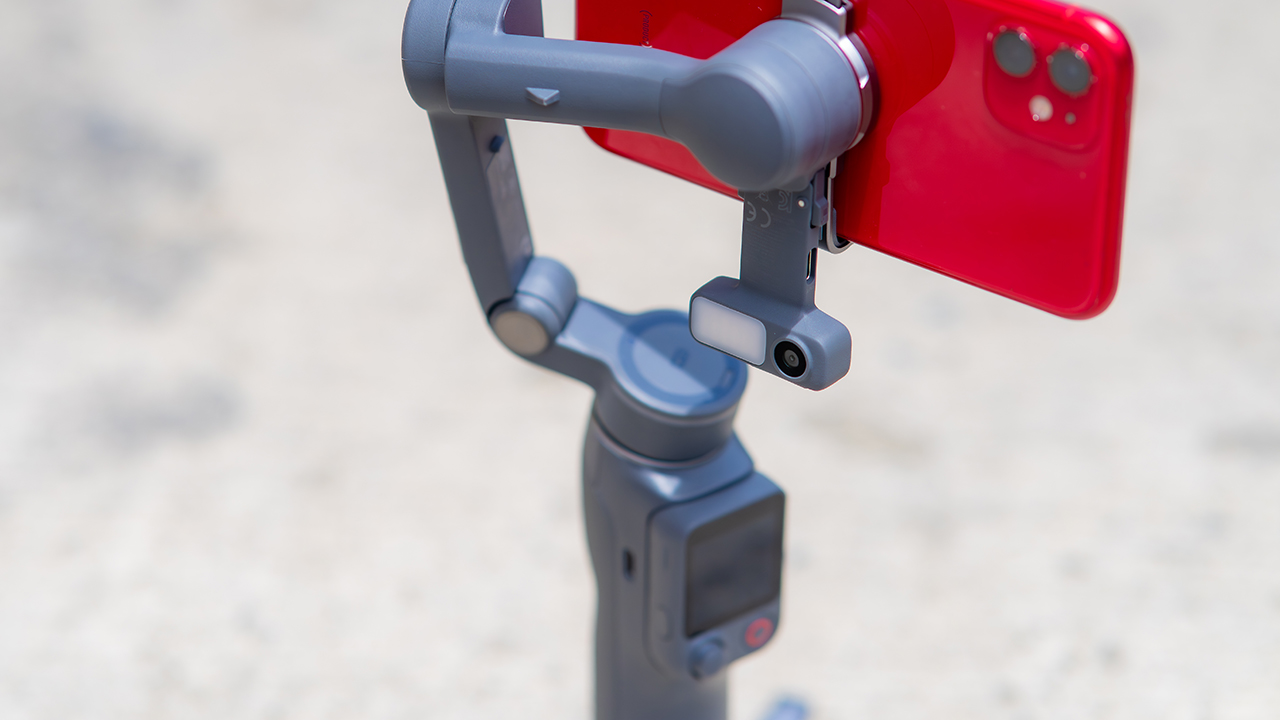
Swipe left if you lean on physical dials for zoom and focus, and moving those functions to a touchscreen sounds like a downgrade rather than an upgrade.
This is not for you if you use a DJI wireless mic and want it plugged directly into the module without routing through your phone first. Or, your phone runs heavier or bulkier than DJI’s limits allow, since no amount of enthusiasm fixes a clamp that won’t close.
Features
GadgetSnaps: Westminster Abbey
A thousand years of history, unfolded with the Samsung Galaxy Z Fold8 Ultra

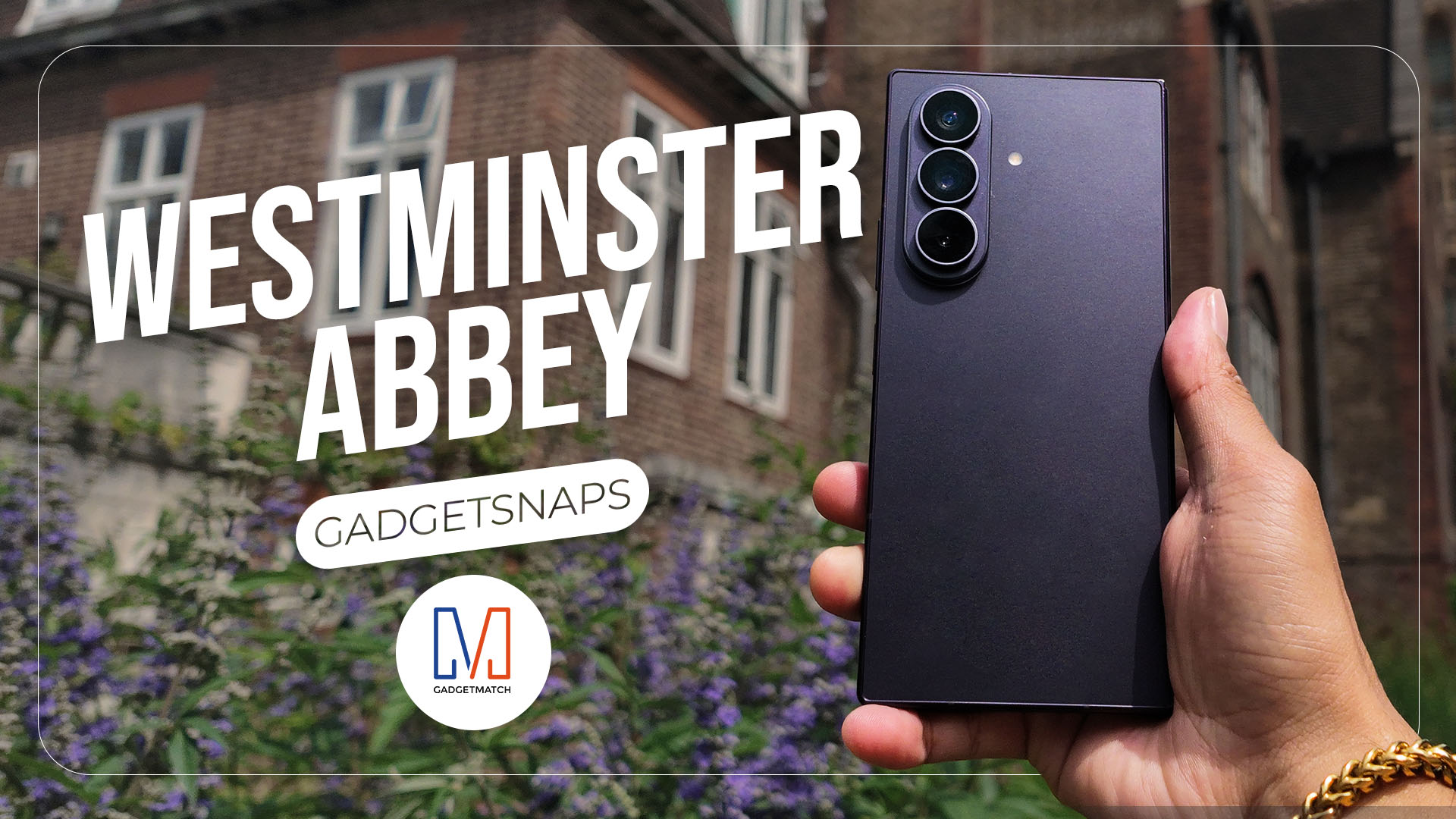
Westminster Abbey isn’t just another stop on the London tourist trail.
It’s the stage for coronations, royal weddings, and burials that span nearly a thousand years, all still playing out under the same vaulted ceilings that have been standing since before most countries had names.
Once you get past the crowds and the audio guides, a quieter version of the abbey starts to show itself: worn stone steps, poets resting a few feet from kings, light that shifts across the nave like it’s in on the performance too.
While losing track of time in Poets’ Corner (yes, me, playing amateur historian for an afternoon), I unfolded the Samsung Galaxy Z Fold8 Ultra and decided the abbey deserved more than a quick tourist snap.




































All photos captured using the Samsung Galaxy Z Fold8 Ultra.


realme C100: Enduring and durable in spite of entry-level realities
Enough power but needs more agility


The ASUS ExpertBook Ultra wins you over
The laptop sneaks up on you


Nexal Watch Sport review: A rugged watch for small budgets
I couldn't believe that watches this good could come for this cheap.

Apple Watch, AirPods get exclusive offers via Beyond the Box

Canva teams up with SB19 to turn A’TIN’s passion into creativity

SQUARE ENIX STORE Plus expands presence in Asia, Oceania

Maya: Convert purchases to 0% interest Mini Payment plans

Netflix: Kris Aquino makes on-screen comeback with fictional role

Sony launches IER-M500 in-ear monitors
realme C100: Enduring and durable in spite of entry-level realities

Hands-on: Samsung Galaxy Z Fold8, Flip8, Ultra

Garmin launches its first screenless fitness band

VinFast debuts two-wheeler models, opens 21 e-motorcycle showrooms


-
 Automotive6 days ago
VinFast debuts two-wheeler models, opens 21 e-motorcycle showrooms
-
 Computers1 week ago
AMD launches Radeon RX 9050 graphics card
-

 Gaming2 weeks ago
God of War Laufey finally confirms its highly anticipated launch date
-

 Automotive1 week ago
Xiaomi debuts SkyNomad Series featuring new Kunlun platform
-

 News5 days ago
OnePlus officially leaves the United States and Canada
-

 Gaming2 weeks ago
NBA 2K27 gameplay trailer showcases new dunk mechanics, Rucker Park, and more
-

 Gaming1 week ago
Call of Duty: Modern Warfare 4 clip shows Losing Ground 1st look
-

 Automotive2 weeks ago
BYD Atto 2 launches with EV, plug-in hybrid options