
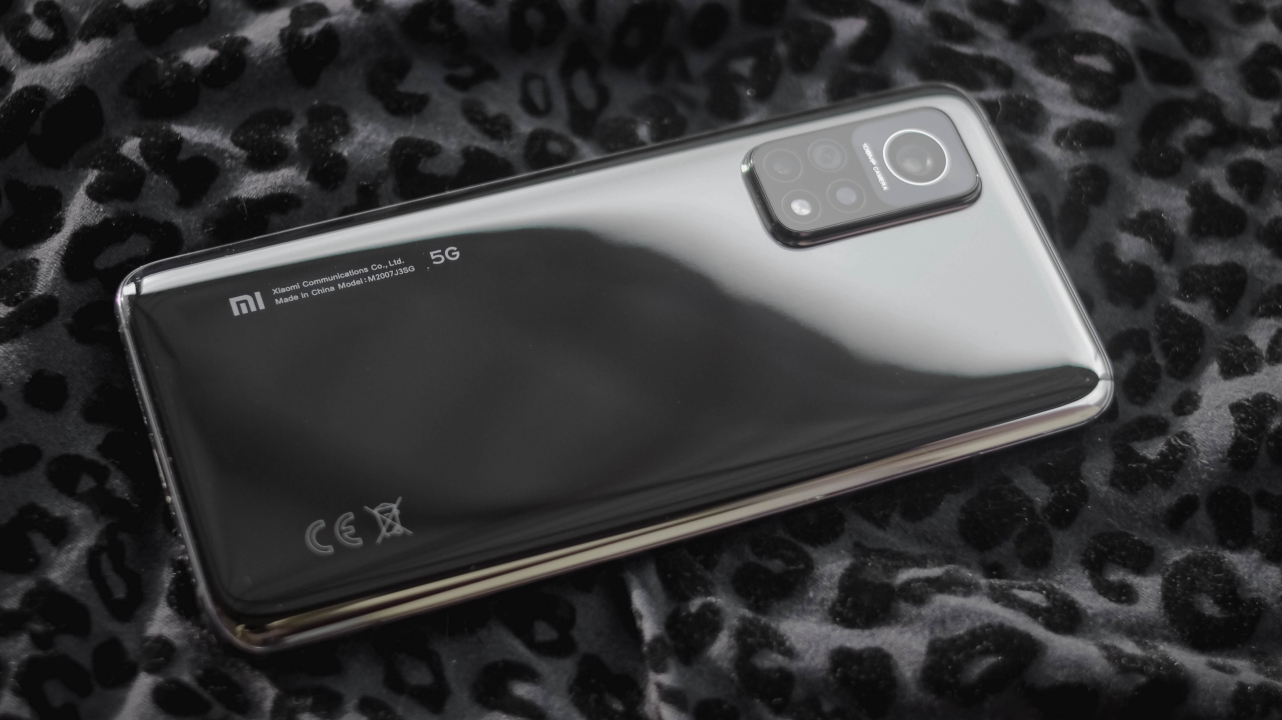

2020 has been flooded by smartphones of all kinds — budget, midrange, premium flagships, flagship killers, you name ’em. But what makes the Xiaomi Mi 10T Pro a new breed of its own? Well, aside from the fact that it packs the flagship-tier Snapdragon 865 chipset and a great amount of fast internals, it costs less than both a flagship and a “flagship killer”.
Some (or most) might know that GadgetMatch has writers from different parts of the globe. In this review, Vincenz, our Creative Producer from the Philippines, and Shivam, our India Correspondent, went all out in testing and making the Mi 10T Pro their daily smartphone for more than two months. It’s safe to say that both users maximized the usage of this phone.
To make this experience more reliable, both users also tried last year’s predecessors: Vincenz with his Xiaomi Mi 9T and Mi 9T Pro reviews, while Shivam with the Indian variant Redmi K20 and K20 Pro.
Without further a do, let’s hear what they have to say about Xiaomi’s latest Mi-T series phone.
How does the Mi 10T Pro feel in hand?

Shivam: The first thing you’ll notice about the phone is its weight, and at 218gms, it does feel like you’re holding a brick. The 108-megapixel sensor requires a lot of space and it’s evident with the massive bump. You’d often get tired while playing intensive games like PUBG Mobile, but thankfully the rounded corners and slightly curved edges provide some grip.
It’s also quite obvious that Xiaomi has tried to cut corners in the design department. The back of the phone does feel a little flimsy, but that’s visible only if you try to find the spot. As a flagship, in-hand feel is the only department where the phone feels underwhelming.
Vincenz: My first time holding it reminded me of the Xiaomi Mi Note 10 Lite I reviewed months ago because of its thickness and heft. With all the 2020 smartphones I reviewed, this one is just a tad heavier and thicker for my liking.
The comfortable “hand-feeling” isn’t as great as when I held the Samsung Galaxy Note 20 Ultra and the vivo V20 Pro, but this is better than the super slim and lightweight form of the Galaxy S20+ which felt so fragile as it might slip out of my hand any time.
However, in a country where you have to remain vigilant about pickpockets, that added heft is a good factor to know that you have your phone safe in your pocket.
Any rants about its design?
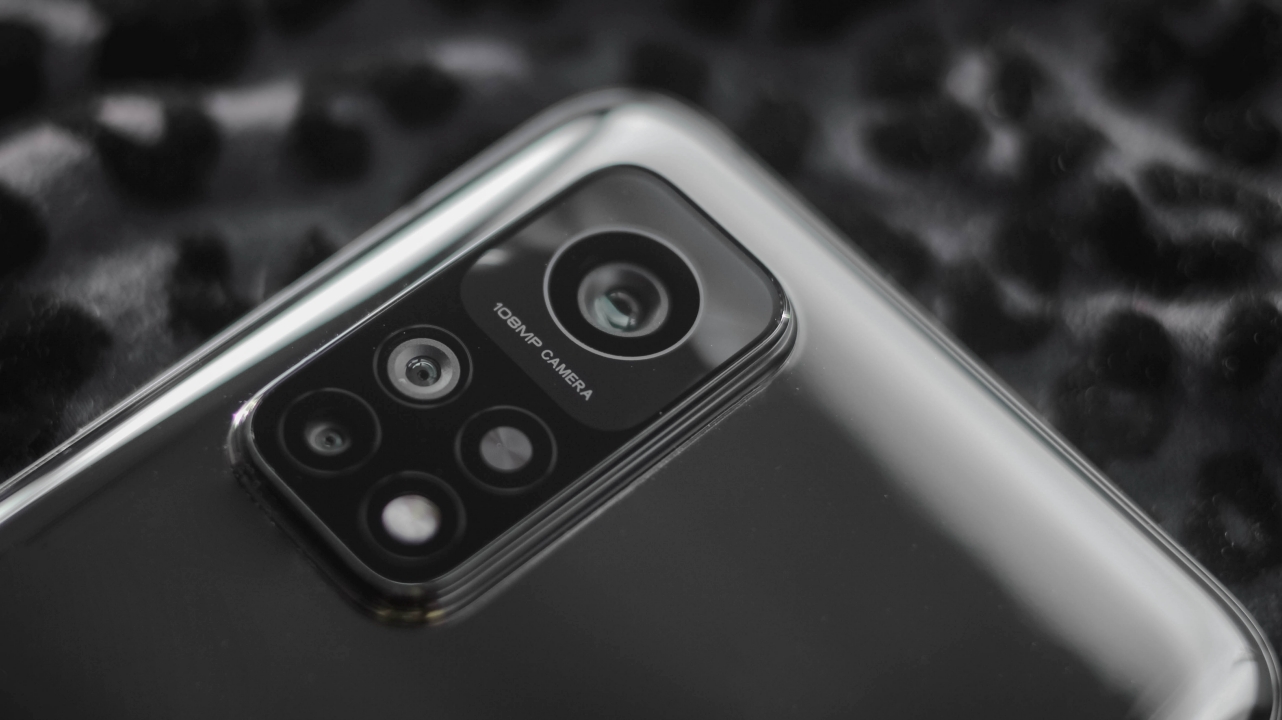
Vincenz: Two things: First, I don’t like how they added another circle just to make it “symmetrical” — which can fool a lot of consumers into thinking it has four cameras and a flash module. Second, I’m not a fan of that glass back.
Again, based from my review experience, vivo’s V20 Pro has a matte glass back which looks and feels nice. It also lessens those icky fingerprint smears whenever you use it with bare hands. Not good when little kids (cousins, niece, or nephews) are around and they want to play with your phone.
Slapping on a good case would be handy but it would make the phone even thicker. Other than those two concerns, the Mi 10T Pro is still good-looking.
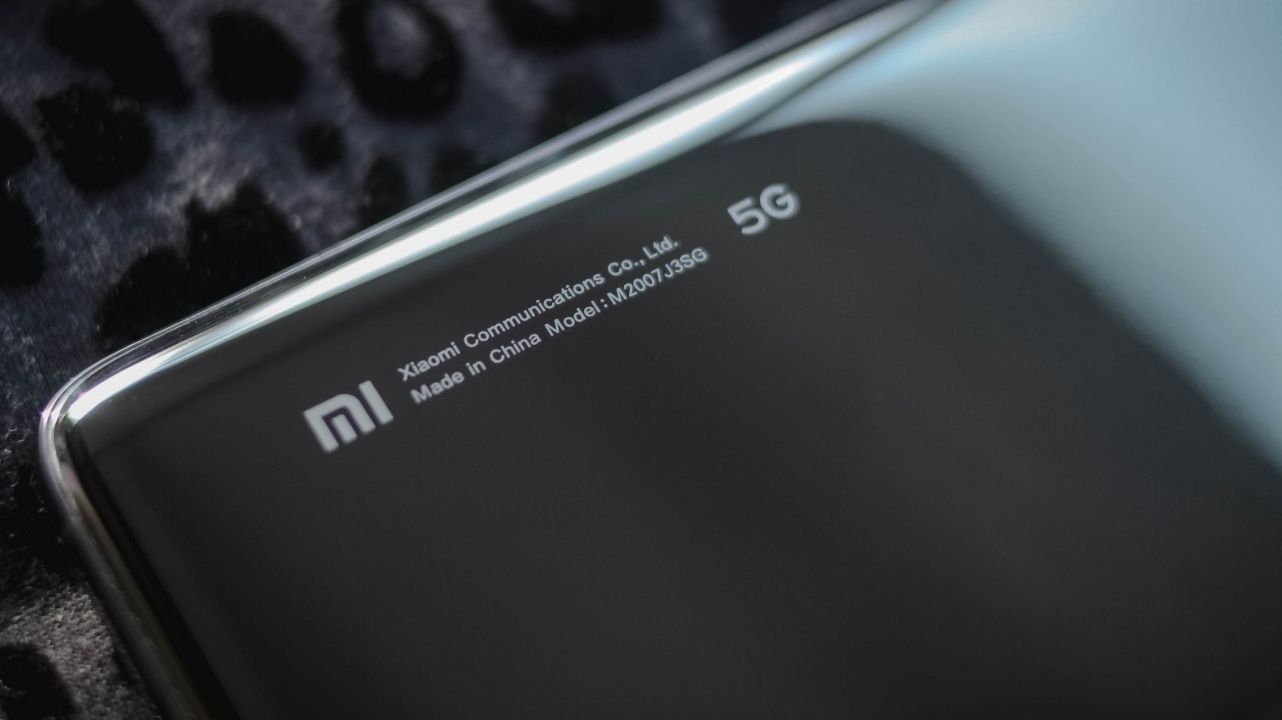
Shivam: When I saw the phone for the first time, it reminded me of the Mi A3. It was a classic Android One phone that focused on software and incorporated decent hardware. The back of the Mi 10T Pro looks very similar to the two-year-old phone. A simple glass slab on a greyish metal surface. We’re habituated with new designs from Xiaomi, so this one seemed monotonous.
And like all glass phones, this one is prone to fingerprints and smudges. No matter how much you try, the back will always remain blemished. The sides of the camera module also attract a lot of dirt and gunk that can get difficult to remove. Lastly, the weight and glass back make the phone very slippery, in turn, also delicate. As Vincenz said, you can always opt for a case, but that’ll just add more weight and thickness.
Would you rather: Pick last year’s AMOLED display vs IPS-LCD as long as you keep that fast refresh rate?
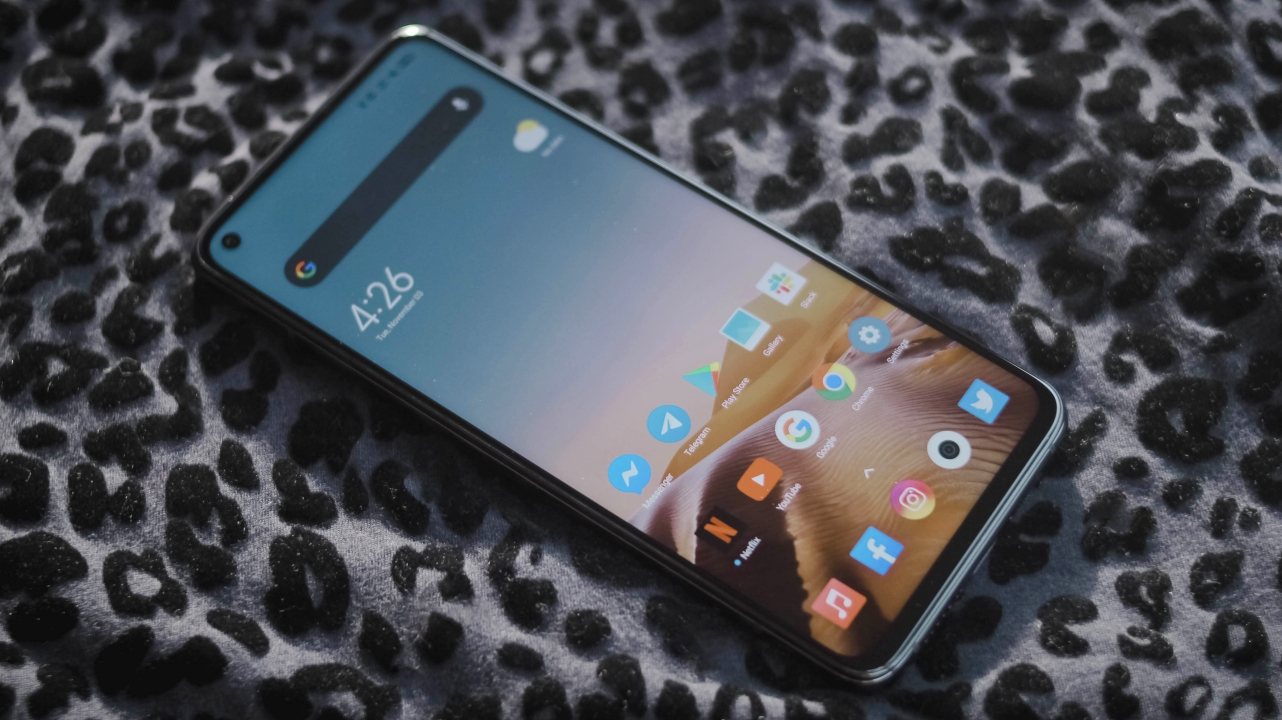
Shivam: I feel Xiaomi did the perfect thing by ditching an AMOLED display. The phone has a massive edge in terms of pricing and that’s achievable due to these changes. And, the step-back doesn’t hinder the day-to-day experience.
While there’s no doubt that an LCD display can never produce the blacks or contrast like an AMOLED one, the Mi 10T Pro’s panel has very bright and saturated colors, excellent contrast, and decent viewing angles. I’ve always preferred an AMOLED display personally, but I shifted to this phone for two months without feeling unsatisfied.
Once you use a 144Hz phone, going back to a standard 60Hz display is going to be challenging. The smoothness is very easily evident and you’ll notice it more if you read long PDFs or multitask too often. As a work partner, the refresh rate does bring a consistent flow that’s certainly addictive. In a nutshell, yes, I’m totally fine with an LCD display as long as it’s top-notch and brings higher refresh rates!
Vincenz: Kind of a tough question for me. I’m a creative so I want the best possible display in most (if not all) of the devices I use. I’d still pick the Mi 9T Pro’s AMOLED display because I want those deep blacks plus better colors and contrast for my viewing pleasure. In this country where sun rays and air pollution are harsh, going outside means your screen should be visible enough for use. I kind of suffered with the Mi 10T Pro’s IPS-LCD while trying to use this phone in direct sunlight.
Although it has a 144Hz refresh rate, I’ll simply ditch it over a 60Hz AMOLED one because that buttery-smooth experience is only seen when navigating and scrolling but can’t be maximized yet due to limitations of most smartphone games.
Is it great for multimedia use?

Jeon Heejin is a gift from all Gods
Vincenz: Despite not having an AMOLED display, I still enjoy watching on this smartphone. Whether I use Netflix or YouTube, I still love that fullscreen experience with a small hindrance of the punch-hole cutout. If there wasn’t a pandemic, I’m pretty sure most jeepney and bus commuters in Metro Manila would glare and stare at your phone because of how immersive and borderless it looks.
Although I use my AirPods and Galaxy Buds+ more often when watching and listening, that stereo speaker is still commendable and loud enough for those ultra-loud sessions inside your house.
Shivam: This is where you won’t even realize it’s an LCD display (unless you’re in pitch black darkness). Netflix, Prime Video, YouTube, and all other streaming services look like a treat, and thanks to the massive battery, you never have to worry about juice. The screen is almost bezel-less and even the chin is quite small.
The onboard speaker is loud enough and perfect for conference calls. The microphone is sensitive enough, so if you’re too tired of earbuds after a long day, just shift to the phone. To be honest, I miss the headphone jack. I prefer wired headphones while I’m home and it’s a feature that’s available on all Xiaomi phones in the mid and budget segment, so why not the Mi 10T Pro?
Are you an in-display fingerprint reader-type of guy or are you satisfied with its side-mounted scanner?
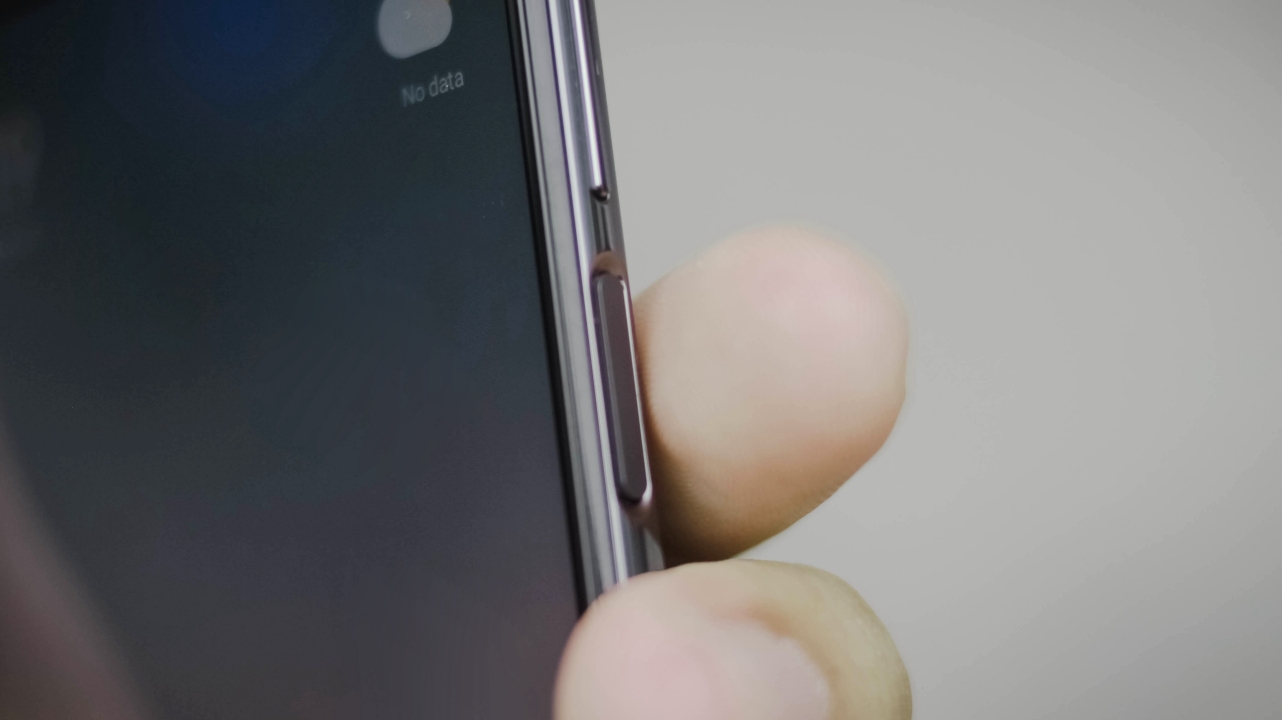
Shivam: I was about to say that thanks to an LCD display, they were forced to go for a physical sensor. And, it’s a very good thing. The in-display sensors are slower than traditional ones and I usually can’t operate them due to humid weather (sweaty hands) or greasy hands (DIY projects). The location of the fingerprint scanner is on the right side and you automatically get used to it within a few minutes. Much faster and convenient.
In-display fingerprint scanners were a fantasy for the longest of time. But they’re here now, we’ve used them for well over two years, and none of them are close to replacing an ordinary physical companion. Some things, like the 3.5mm headphone jack, are immortal.
Vincenz: I’m definitely the side-mounted-type of guy. Other than the fact that it’s fast for unlocking (trust me, my experience with In-Display FPs are just that slow), I just like how its ergonomically-placed on the side of the phone. You can even unlock it with wet fingers 💦 (not advisable for super wet conditions since this isn’t IP-rated).
Will the spec-obsessed enjoy its real-world performance? Thoughts on MIUI 12?

Vincenz: I already said in my previous reviews that I’m both an Apple and an Android user. MIUI is loveable for me as it has some of the goodies I love from iOS such as the lack of a separate app drawer and the overall response and feel. MIUI 12 felt more familiar with its new Control Center, yet still flexible and intuitive with its host of UI features, gestures, and other easter eggs hidden in the basket.
I know the pandemic has turned a lot of Filipinos into gamers and streamers. If you’re one of them, consider this phone as a great recommendation. Can you imagine a flagship-grade performance with this beast? Let’s scrap out those pesky spec sheet and benchmarks. I was able to play graphics-intensive games like Asphalt 9, Call of Duty: Mobile (CoDM), PUBG and do multitasking with socials on the side without any slouch.
Shivam: MIUI has come a long way in the last few years and the skin works for everyone. It’s loaded to the brim with day-to-day features and it has found a balance. Unlike Samsung’s Note series, it isn’t very complicated to use, and feature discoverability has improved leaps and bounds. The settings menu has a plethora of micro options that customize your experience at each step. Once you get the phone, just take an hour to browse the settings menu and you’ll be fine.
The flagship processor stands true to its words and works like a charm. The one thing I appreciate the most is, the processor and display work together without a glitch, delivering a pleasing 144Hz experience. Whether it’s basic UI graphics or intensive gaming, the phone can handle anything. The RAM optimization is spot-on and it can store multiple apps for hours in the background seamlessly. While the phone looks boring from the outside, it’s equally interesting and assuring from the inside.
Also, I’d like to point out that India is a very specification-obsessed market and the flagship processor makes it very easy to recommend this phone. Even though you’ll barely see a difference in terms of day-to-day performance between the Snapdragon 865 and Snapdragon 765, the psychological satisfaction is enormous.
Did the 5,000mAh battery last you that long?
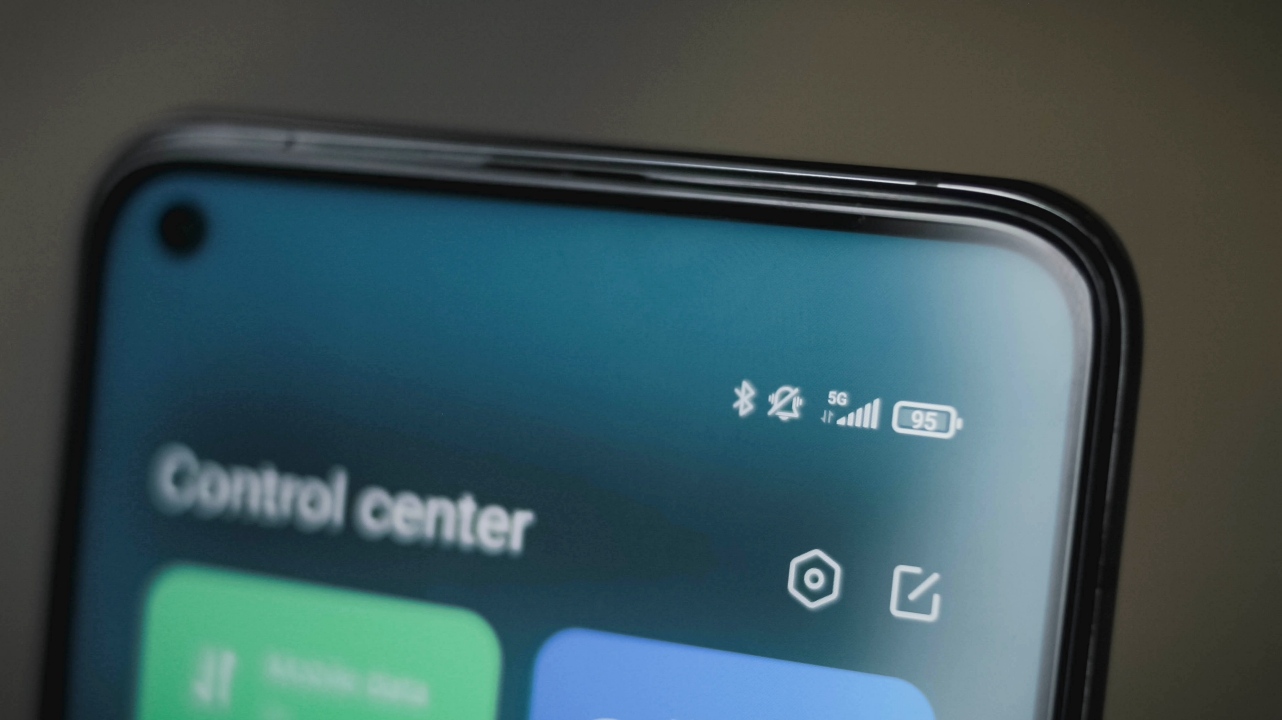
Shivam: It always lasted more than a day. On a very intense day, it’ll provide screen time of more than nine hours on a single charge. That’s a LOT! And you shouldn’t even be using your phone that much in a day. The phone showed its true capability when I was traveling for a day in low network areas and it still managed to retain 40 percent at 5PM with Google Maps and Spotify switched on.
Vincenz: Hell yeah! Speaking as a hardcore pro user, I was able to last ’til the end of the day with socials, gaming, listening, watching, and even photo-taking. If you’re thinking about buying this phone because of its large battery size, you will not regret your purchase because of its great battery endurance.
What about charging speeds? Are they as fast as advertised?
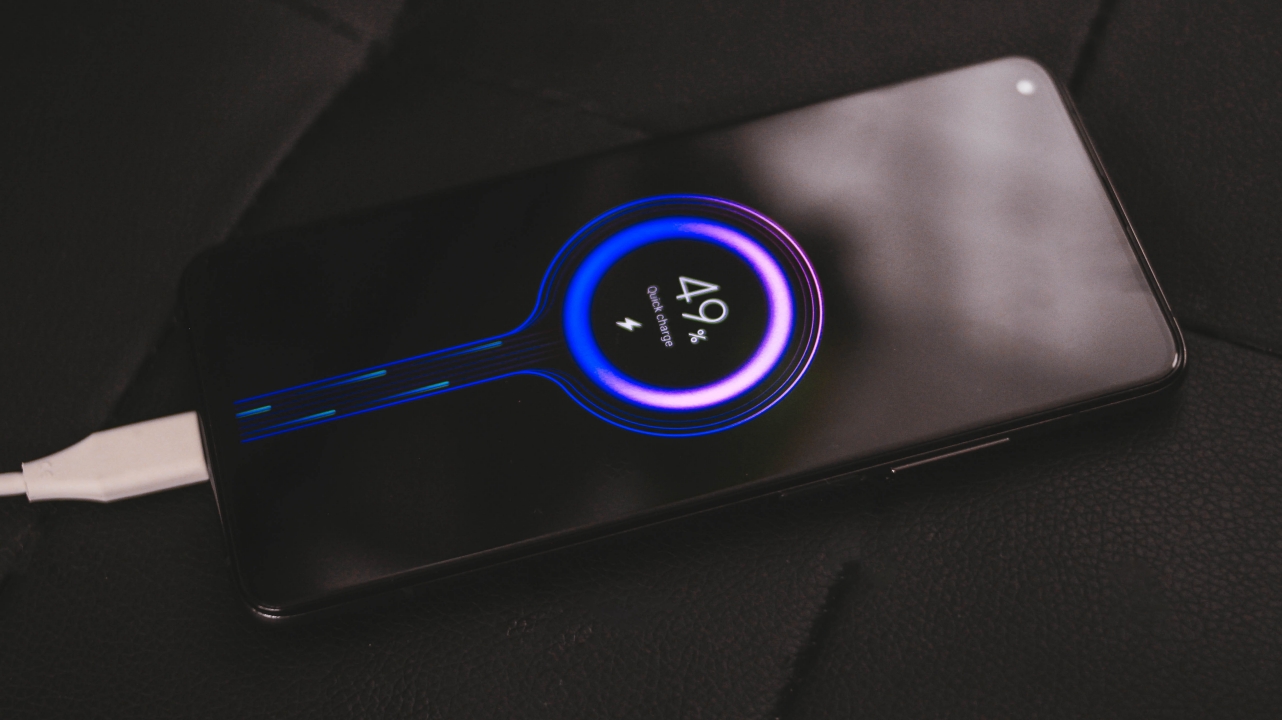
Charged with the bundled charger and cable
Vincenz: Quick charge is another feature I like with the Mi 10T Pro. Other than the blessing of being equipped with USB-C (I mean new smartphones like this SHOULD be equipped with it), it was able to fill up that monstrous battery for about an hour.
Considering how enormous 5,000mAh is, it’s fast enough to fill up the phone especially if you forgot to charge it and have errands to do outside amid the heaps of crowds in malls and supermarkets hoarding masks, face shields, and grocery items.
Shivam: Due to the pandemic, I almost stopped charging my phone to full. If I’m going out, just a quick 15-minute charge is sufficient for hours of usage. It can fully charge the phone within 75 minutes, which is a very short period. This phone will never keep you hooked to a wall.
How are the 5G speeds? Were you able to use it in your country?
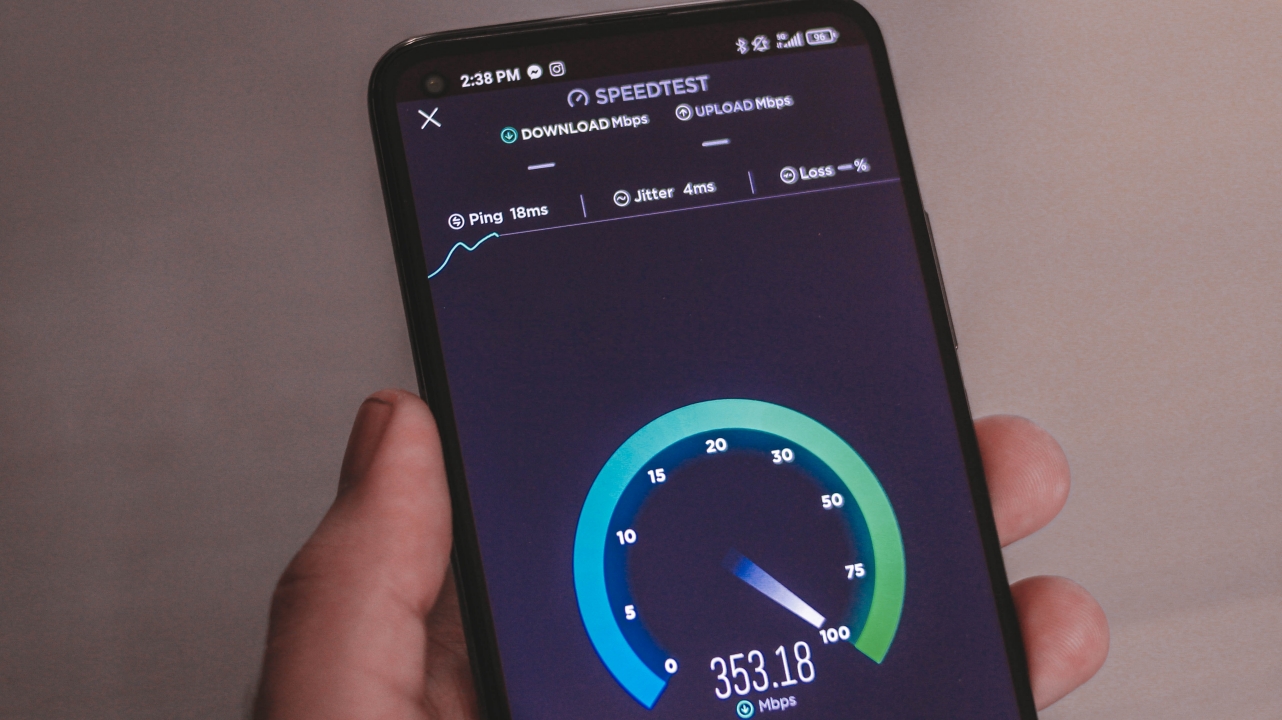
5G Speeds tested in BGC, Taguig
Shivam: India hasn’t rolled out 5G yet, so I couldn’t test one of its prime offerings. We expect a spectrum sale in 2021 and telcos like Jio are optimistic about a 2022 launch. But the country is still far away from commercial-grade roll-out. So, should you be investing in 5G right now? Is this phone slightly future proof?
If you use a phone for three or more years, then this may be future proof for you. That’s assuming 5G rolls out in your circle in the initial phases. Otherwise, there’s no use in particularly buying a 5G phone right now. Oh yes, it’s a completely different scenario if you travel frequently and can leverage 5G in other countries temporarily. 5G connectivity is gradually becoming mainstream and will it hit its peak when the world’s second-largest smartphone market joins in.
Vincenz: There are only a few 5G hotspots in the Philippines. I live in a province near the Metro but we still don’t have any 5G towers around here. But because of the ease in lockdown measures, I was able to go out and test it in Bonifacio Global City (BGC) in Taguig, which is around an hour away from my home. Alabang might be a nearer stop as it only takes 30-minutes to go there but I’m quite unsure with the specifics of the 5G cellsites around the area.
Local 5G speeds may not reach those ultra-fast gbps speeds as other 5G-equipped countries like South Korea and USA, but considering the Philippines has one of the slowest internet connections in the world, this is already an ultimate gift for internet-savvy users especially when you’re outside and you don’t have a fast Wi-Fi connection near you.
Are the rear cameras among the best for its price?

Vincenz: I’ll be direct with this — it’s not THAT bad. It’s just not the best.
Disclaimer: Although being a creative means processing your photos every now and then, the photos below were taken straight out of the camera without any color correction, touch-ups, whatsoever.
To be fair, the cameras taken in the right amount of sunlight look excellent.




Whether that may be a wide, zoomed, or even an ultra-wide shot — they all look great!
-

- Ultra-Wide
-

- Wide
-

- 2x Zoom
But coming from someone who was astounded with the Mi 9T Pro’s excellent cameras, the Mi 10T Pro was kind of a step back. There were inconsistencies here and there. White Balance might not be accurate at times especially in all three sensors as the main sensor produces the best-looking shots and something that’s closer to reality. Of course, that can easily be corrected through post-processing.
-

- Ultra-Wide
-

- Wide
-

- 2x Zoom
But there are other factors that are not fixable through post.
One is the Dynamic Range with blown-out highlights and shadows altogether that can be seen below.

Sometimes, AI and HDR don’t even agree with each other.
The first photo of those little munchkins looked delicious but the chicken cheese bomb I captured after looked so bland and less appetizing.


I also have trouble every time I try to focus or zoom on a subject.
Speaking of macro, I just don’t like how the radial blur tries to fake that depth segmentation against the subject. The Mi 9T Pro wasn’t like this when taking zoomed and macro shots. Surprisingly, I experienced the same issue with the V20 Pro and even the Galaxy Note 20 Ultra.

For night shots, it gets the job done thanks to AI and the wide aperture in its sensors. Then again, there was a White Balance inconsistency that’s fixable through post.
-

- Ultra-Wide (Low-light)
-

- Wide (Low-light)
-

- 2x Zoom (Low-light)
Considering its price range, don’t really expect it’ll produce stunning night shots since cameras are what sets less expensive phones apart from flagships.
-

- Ultra-Wide (Night Mode)
-

- Wide (Night Mode)
-

- 2x Zoom (Night Mode)
For something you would just post on social media, it wouldn’t really matter. It’s just me being nit-picky about this — and I know some phone users might be like me, too. This also makes room for improvements for a lot of smartphone manufacturers in their future releases.
Shivam: I’d say the cameras do an excellent job during the day but slightly disappoint during low-light or immediate circumstances. The iPhone is often jokingly called the best selfie phone when you’re drunk and that’s because of reliable and quick hardware-software integration. The Mi 10T Pro does click pictures like a flagship, but the experience is slightly different.
The pictures look stunning with accurate colors, balanced contrasts, and precise sharpness.



Don’t get me wrong, the result is very satisfying and if you’re not a photography enthusiast, the drawbacks aren’t glaringly visible. But after using Xiaomi phones for years across different price bands, we’ve come to expect above-average performance from pretty much all of them. So, seeing average results from a flagship is underwhelming.
When clicked in low-light environments, the sensor struggles to capture the shadows, details are missing, and the noise removal algorithm seems to be too aggressive. Although, the night mode works seamlessly and does a much better job of refining the binned image.
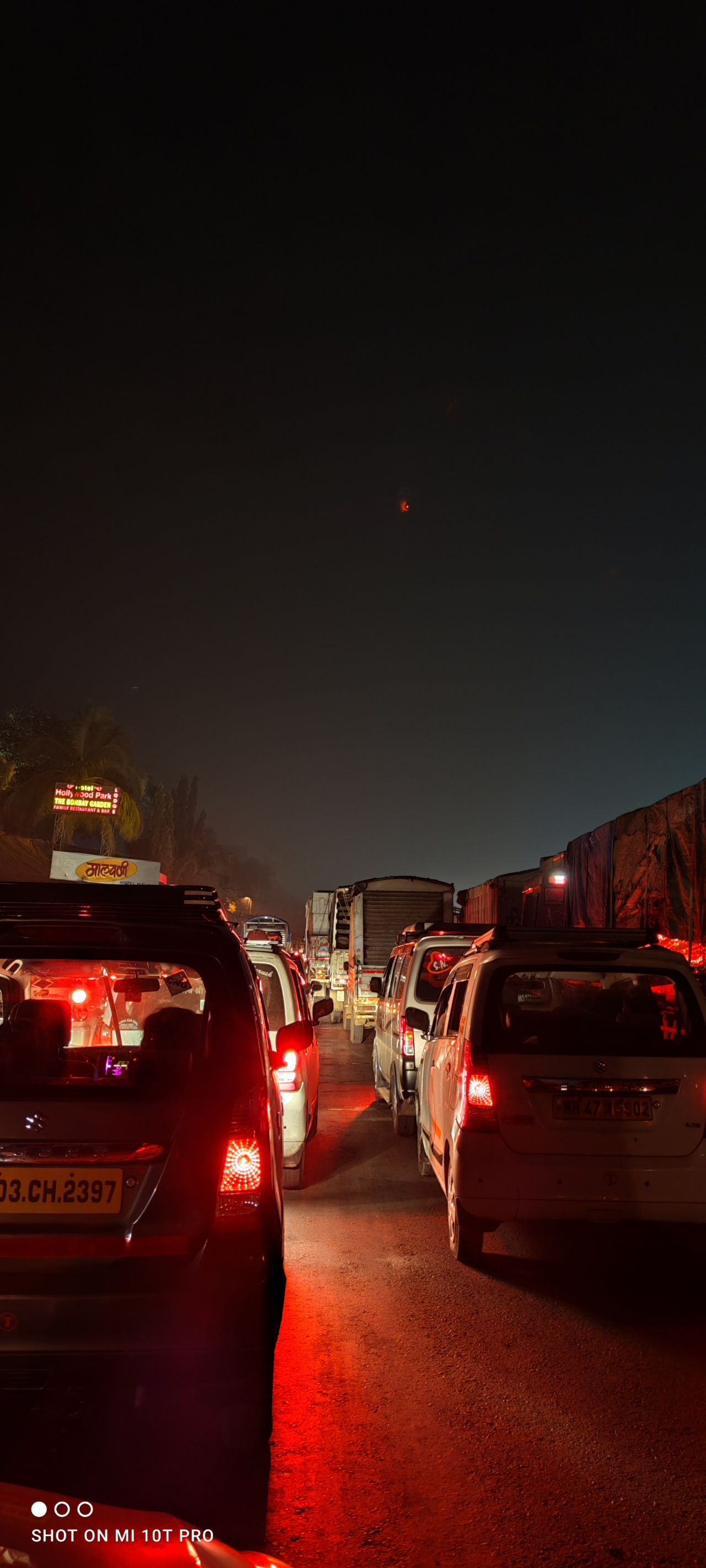


One thing that annoyed me the most was the camera app’s capture button. Clicking a picture single-handedly is a herculean task because the heavy phone rests on two fingers and the button would fail to register a click most of the time. Initially, I thought I’m doing something wrong, but with more than two months of usage, it has always been a repeat offender.




What makes this phone so special? It has a 108-megapixel primary camera that can capture a lot of details. If you’re looking for stunning landscapes that have practically unlimited zoom, this phone is for you. I clicked a 108-megapixel image while taking off from Mumbai and the results are quite impressive. The sensor is quick and the stabilization is on-point.
-

- Original image
-

- Original image after zooming
How’s the selfie quality of that single punch-hole camera?
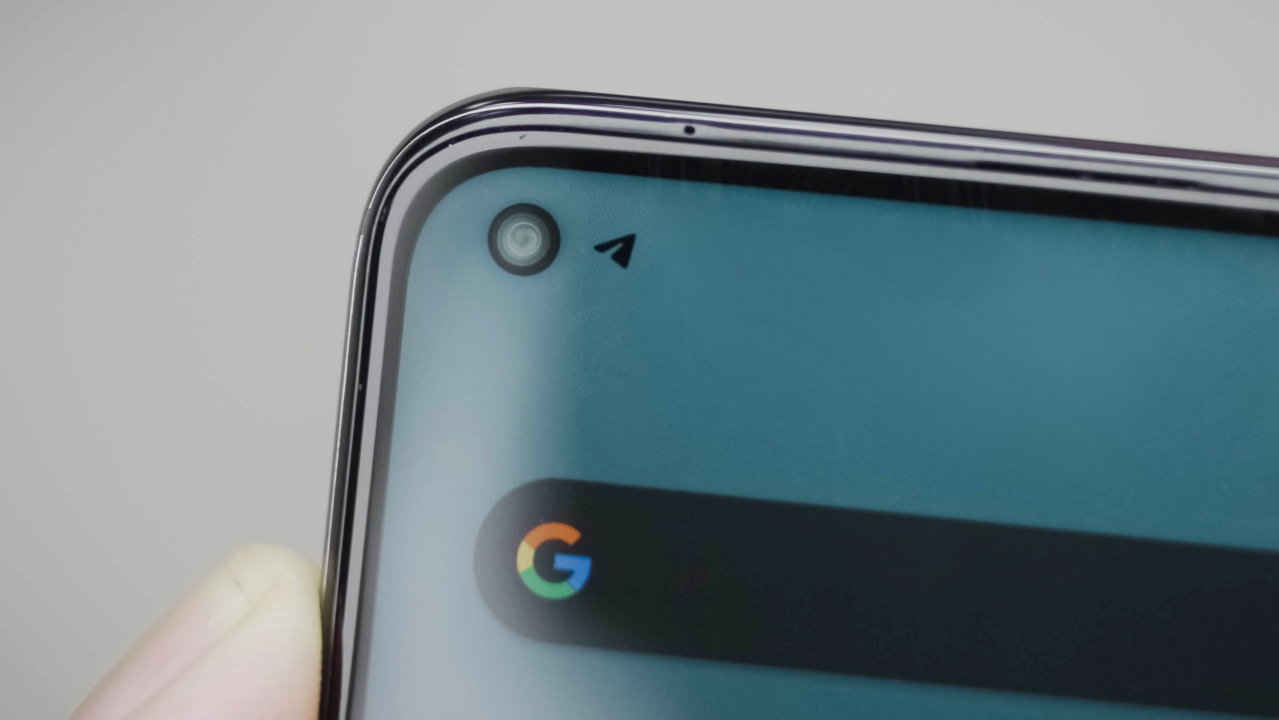
Shivam: This has actually become a very straightforward answer for pretty much all modern phones — it’s good and gets the job done. There’s a 20-megapixel sensor in the punch-hole cut-out and it clicks satisfying images during the day. The software is able to accurately pick up your skin tone and add a smoothening layer that isn’t too aggressive. Obviously, the beauty additions are optional.


Vincenz: I always say I’m not the biggest selfie user but after trying it out, I’m really happy with how my selfies turned out. The smearing or face smoothing isn’t as bad as other phones as I like how there are still full details that can be seen on my face. The depth in portrait mode also produced a clean cutout of my hair.
 Portrait Mode OFF | Portrait Mode ON
Other than that, I also like the inclusion of the ultra-wide mode for those groufies with social distancing (in which a National chief police officer and his constituents failed to do so).
Is the Mi 10T Pro Your GadgetMatch?
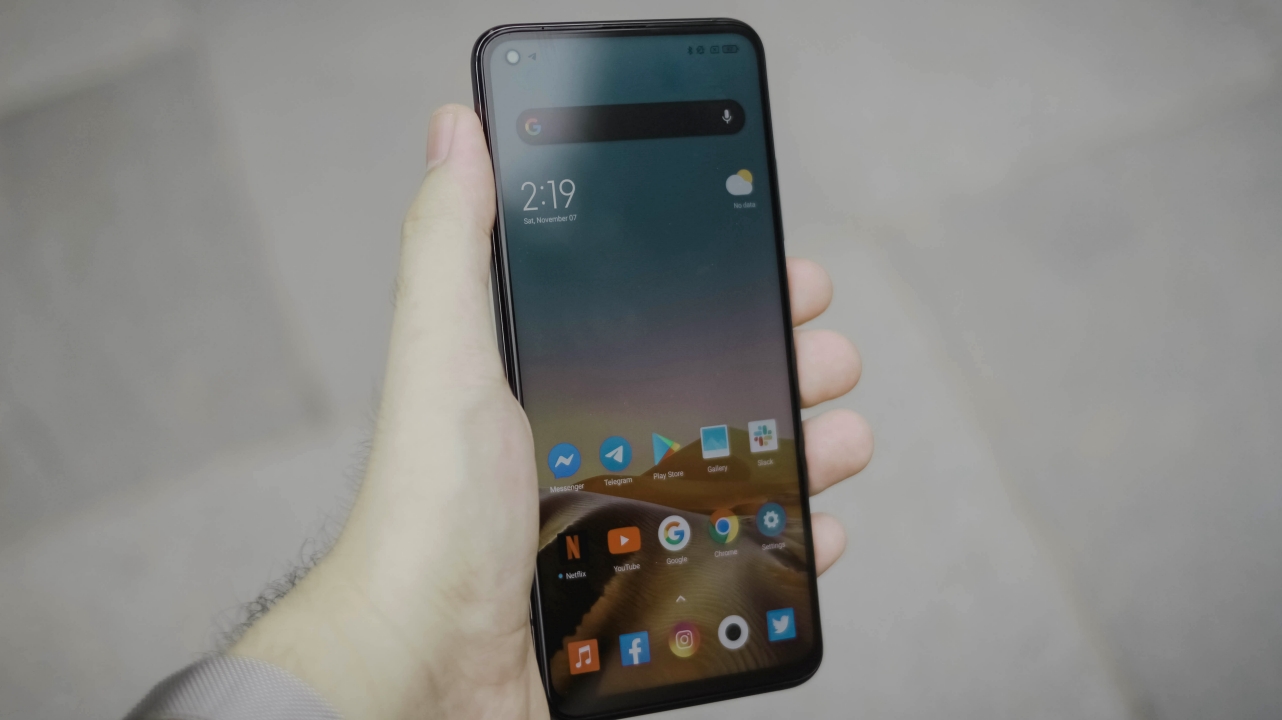
Vincenz: Michael Josh did not give the GadgetMatch Seal of Approval in his Mi 10T Pro review for no reason. At just PhP 24,990, it’s a no-brainer to recommend the Mi 10T Pro for most users.
If you’re into a great all-around smartphone without breaking the bank, this is a sure recommendation. Equipped with the best specs, a good display with a fast refresh rate, and hosts of features, what more could you ask for? But if you value cameras the most out of those aforementioned factors, look elsewhere.
If you don’t mind the notch and the less-powerful Snapdragon 765G chipset and you prefer a better look and feel, the vivo V20 Pro is also worth considering. It even has great cameras for its price.
Shivam: Yes, the phone is surely recommendable. It tries to cut corners in a lot of places, but that doesn’t end up hampering the end-experience. For a very aggressive price of INR 39,999 (US$ 550), the Mi 10T Pro gets a flagship processor, 144Hz display, a 108-megapixel camera, and a slightly more premium experience. If you’re looking for an all-rounder that can get anything done, this phone is made for you. But, if you’re looking for the most cutting-edge flagship, you’ve come to the wrong place.
The OnePlus 8T is a slightly expensive option but lacks a lot of crucial features that make the Mi 10T Pro special. And, like Vincenz suggested, if you’re fine with a Snapdragon 765G chipset, the vivo V20 Pro is an excellent choice along with the OPPO Reno 4 Pro.





Drones
DJI Lito X1 review: Is this the best lightweight drone for creators?
Making a strong case as a travel companion and a capable B-cam!


It’s satisfying to have a camera that’s small enough to bring everywhere and capable enough that you don’t immediately wish you had brought something bigger. That’s how I felt about the DJI Lito X1.
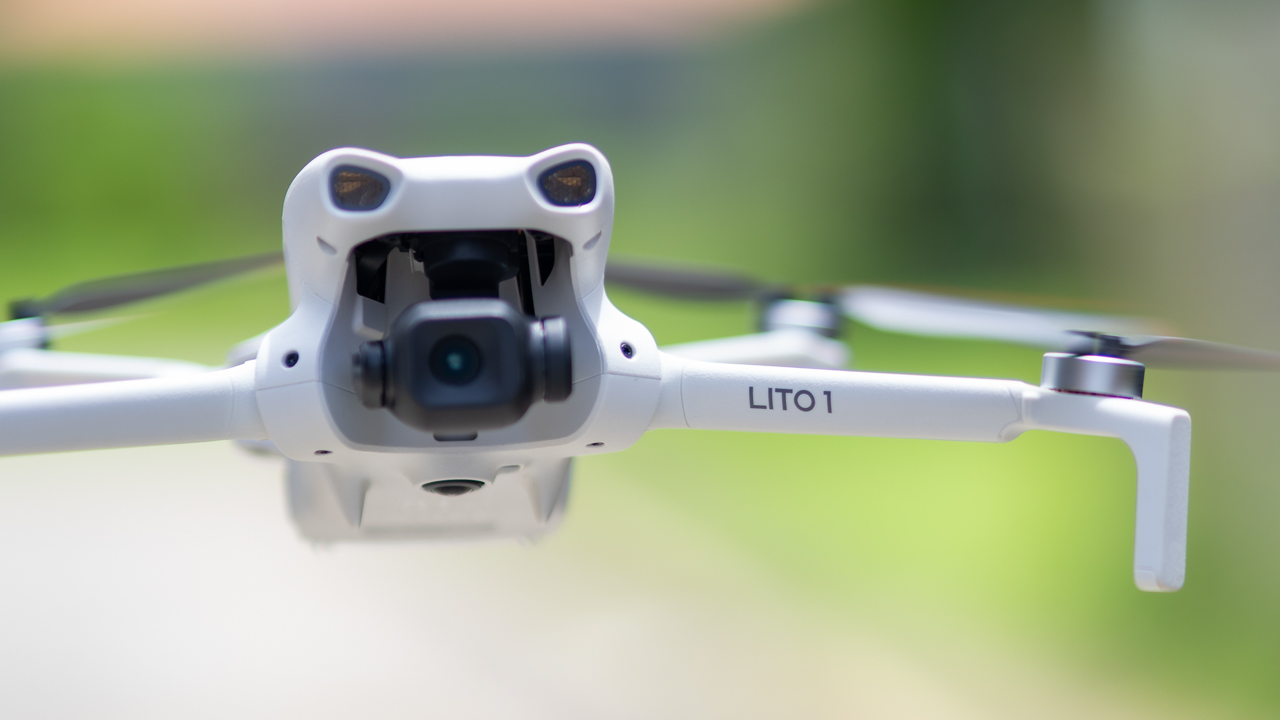
At under 249 grams, it’s small enough to disappear into a camera bag, but once it’s in the air, it feels like considerably more drone than its size suggests.
You get 10-bit D-Log M, a 1/1.3-inch sensor with an f/1.7 lens, 4K video at up to 100fps, RAW photos, obstacle sensing, ActiveTrack, automated flight modes, and DJI’s O4 transmission system.
On paper, that sounds like a lot for a lightweight drone. After actually flying and shooting with it, the more interesting question is where those features make a difference in real-world shooting.
The answer is that the Lito X1 makes a surprisingly convincing case for itself as a travel drone and B-cam. It’s easy to get into the air, produces footage with enough flexibility for proper color grading, and gives you a lot of the tools you would expect from a more serious camera drone.
It still has limitations. Low-light footage requires some restraint, and its vertical shooting mode is convenient rather than revolutionary. The Lito X1 also cannot completely escape the physical limitations of being a 249-gram drone.
Still, that combination of portability and capability is what makes it interesting.
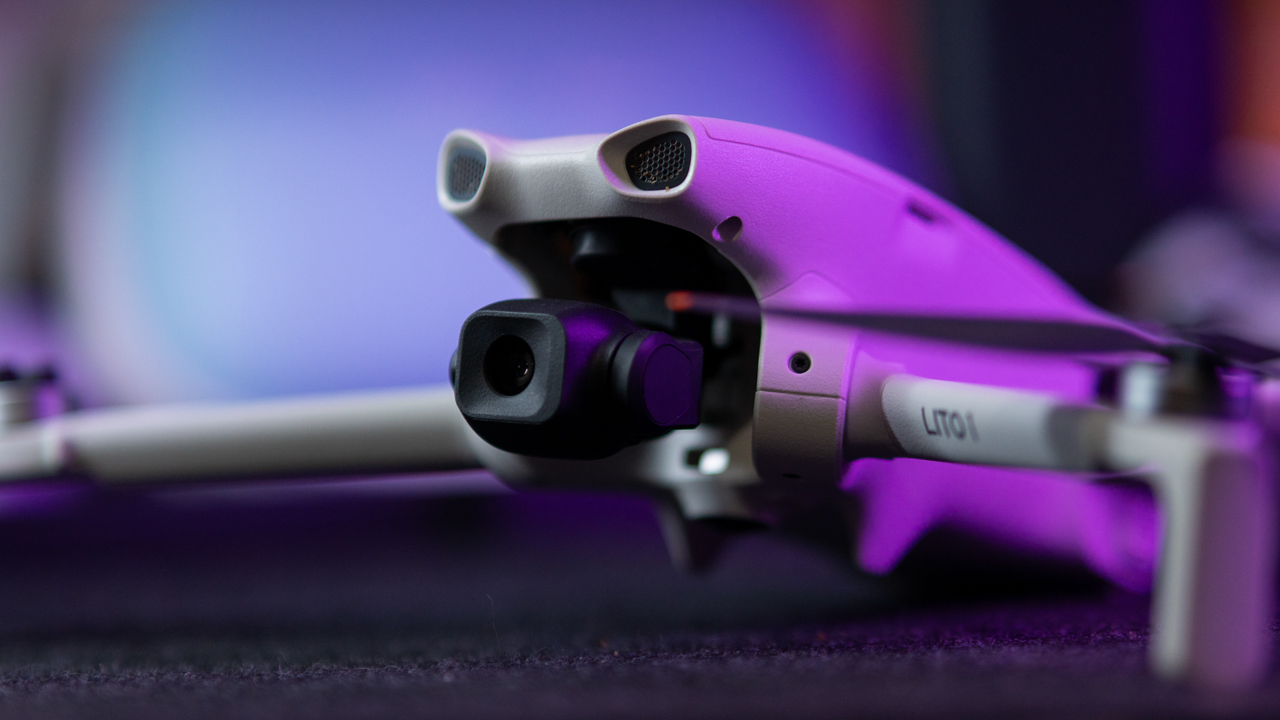
Small drone, serious footage
The first thing that stood out to me was the amount of flexibility in the footage.
DJI’s 10-bit D-Log M footage initially looks exactly how you would expect log footage to look: flat, washed out, and somewhat lifeless. That changes once you bring it into an NLE and start correcting and grading it.
There’s enough information in the footage to recover some detail from bright skies and lift darker areas without the image immediately falling apart.
It’s not going to give you the same latitude as footage from DJI’s larger Air-series drones, particularly once you start pushing the shadows aggressively, where noise becomes more noticeable.
For normal grading, though, the Lito X1 never felt restrictive. That’s important because the camera is arguably the biggest reason to take this drone seriously.
The 1/1.3-inch sensor paired with an f/1.7 lens also makes the drone surprisingly capable around golden hour. Sunset footage retains a good amount of detail while keeping the image clean and warm.
@gadgetmatchCapturing moments with the DJI Lito X1 ☁️♬ original sound – GadgetMatch
ISO 800 still looks good. ISO 1600 is where I would start paying closer attention to the darker parts of the frame. Push beyond that and then lift the shadows in post, and noise becomes much easier to see. ISO 3200 is usable when getting the shot matters more than having the cleanest possible image, but it is not where I would want to live for important footage.
That makes the Lito X1 particularly appealing for daylight and golden-hour shooting. It gives you enough latitude to make the footage feel like it belongs in a more polished production, provided you understand where the sensor starts to struggle.
48MP is useful, with a catch
The Lito X1 can also capture 48MP photos, and that extra resolution is genuinely useful when you need to crop into a landscape or subject.
In bright daylight, there is enough detail to give you more flexibility in post. You can frame wider during the flight and make the composition tighter later.
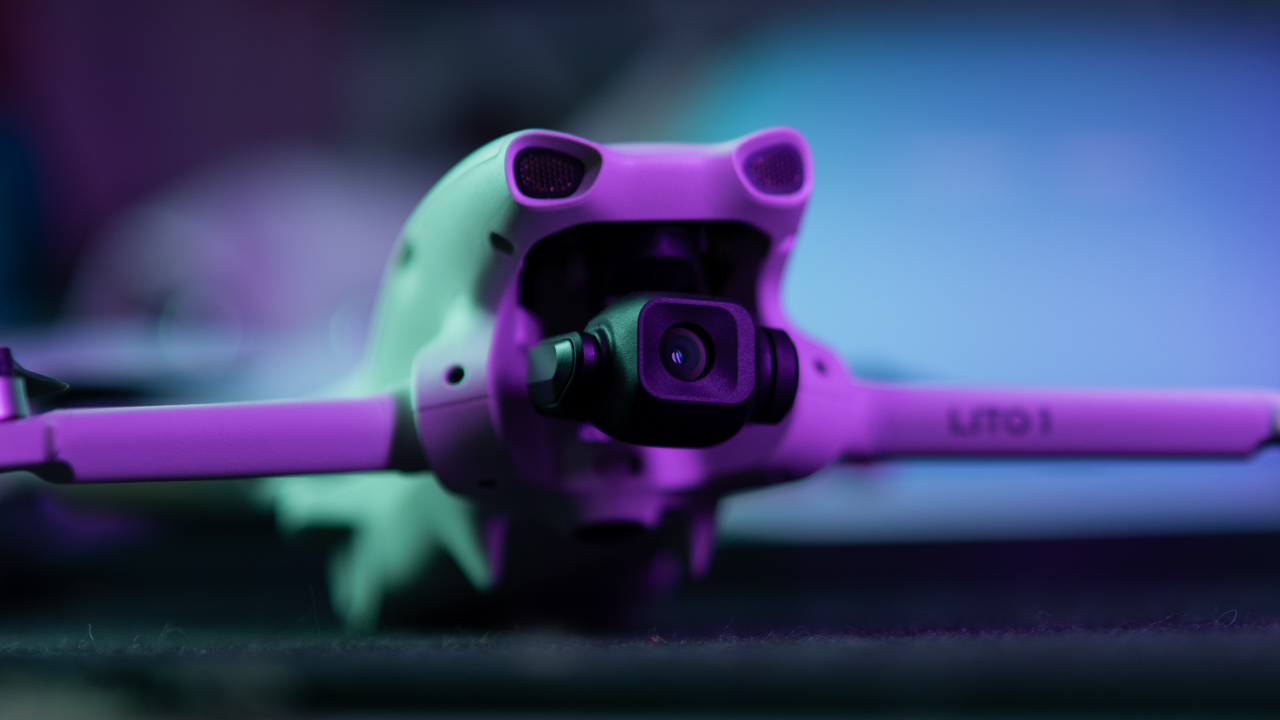
That does not mean 48MP automatically produces a dramatically sharper image in every situation. In lower light, the cleaner look of the lower-resolution shots can be preferable.
I think of the 48MP mode as giving you a larger canvas to work with. It gives you more room to crop, but the bigger file does not magically make every part of the image sharper. For landscapes and bright daytime scenes, it makes sense to reach for 48MP RAW. When the light gets difficult, a cleaner image can be more valuable than additional pixels.
Slow motion needs sunlight
One of the more fun things about the camera is 4K/100fps.
There’s something about putting a drone in the air and slowing everything down that makes even ordinary movement look cinematic. Waves, cars, runners, trees moving in the wind, and other fast-moving subjects benefit from the extra frames.
The image remains sharp in good light, but 100fps comes with the usual practical compromise: it needs more light.

As the sun goes down, the faster shutter speed required for high-frame-rate recording means noise becomes more apparent. For sunset and nighttime footage, dropping back to 24, 30, or 60fps produces a cleaner image and gives you more flexibility during editing.
So 4K/100fps is a feature I would happily use, but I would save it for situations where the lighting can support it.
Vertical video is convenient, not magic
For anyone making TikToks, Reels, or Shorts, the Lito X1’s 2.7K vertical shooting mode is extremely convenient.
You can capture a shot, transfer it, edit, and get it online without having to build a vertical crop from a horizontal frame. That makes the drone much easier to integrate into a fast social workflow.

The catch is that the camera does not physically rotate. Instead, the drone crops a vertical portion from the image. That’s perfectly fine for quick social content, but if I were shooting something for a client, I would still choose 4K horizontal and create the crop myself.
That gives me control over composition, particularly when a subject is moving through the frame. The dedicated vertical mode saves time, but the Horizontal 4K gives you more creative freedom.
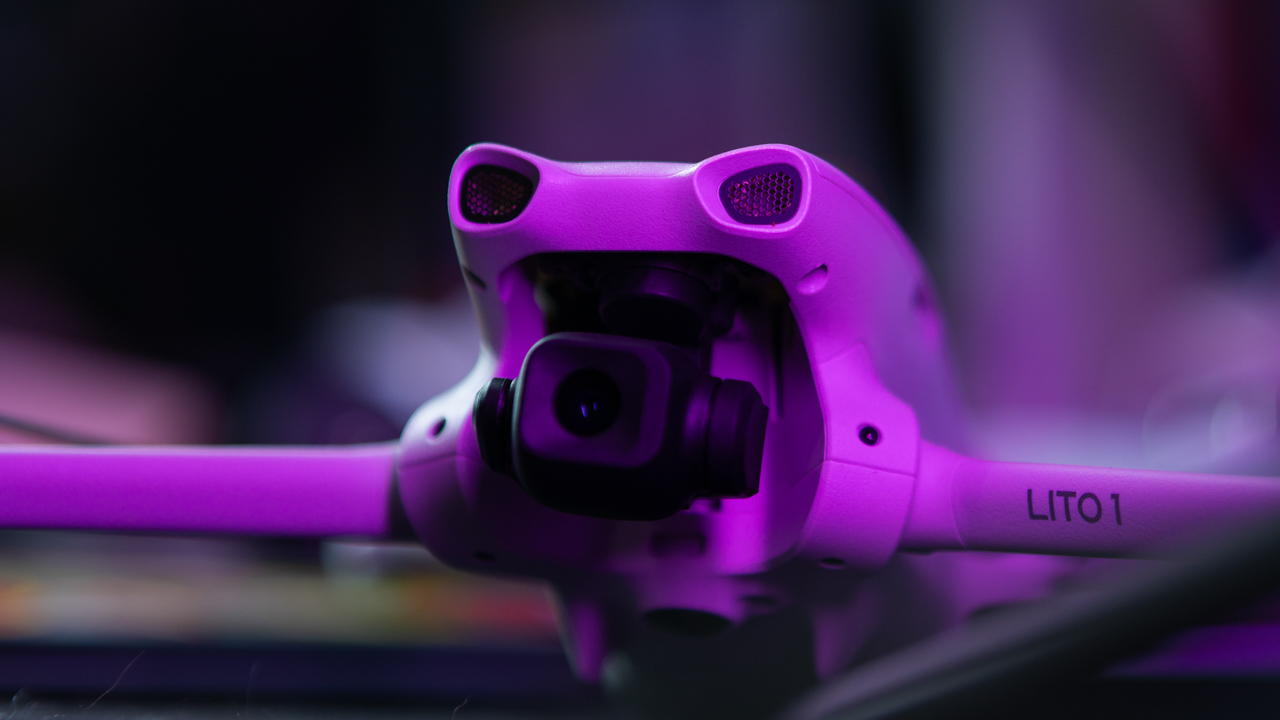
A rotating camera would have made this considerably more compelling, and that’s one of the upgrades I would most want to see in a future version.
It handles wind better than it looks
The Lito X1’s weight can make you wonder how it will behave once the weather stops cooperating. For a drone this light, it handles normal breezy conditions surprisingly well.
You can see the aircraft moving as it fights the wind, but the footage remains remarkably calm because the three-axis gimbal does a good job keeping the camera steady and the horizon level. It feels a little like watching a small boat move with the waves while the camera remains locked in place.
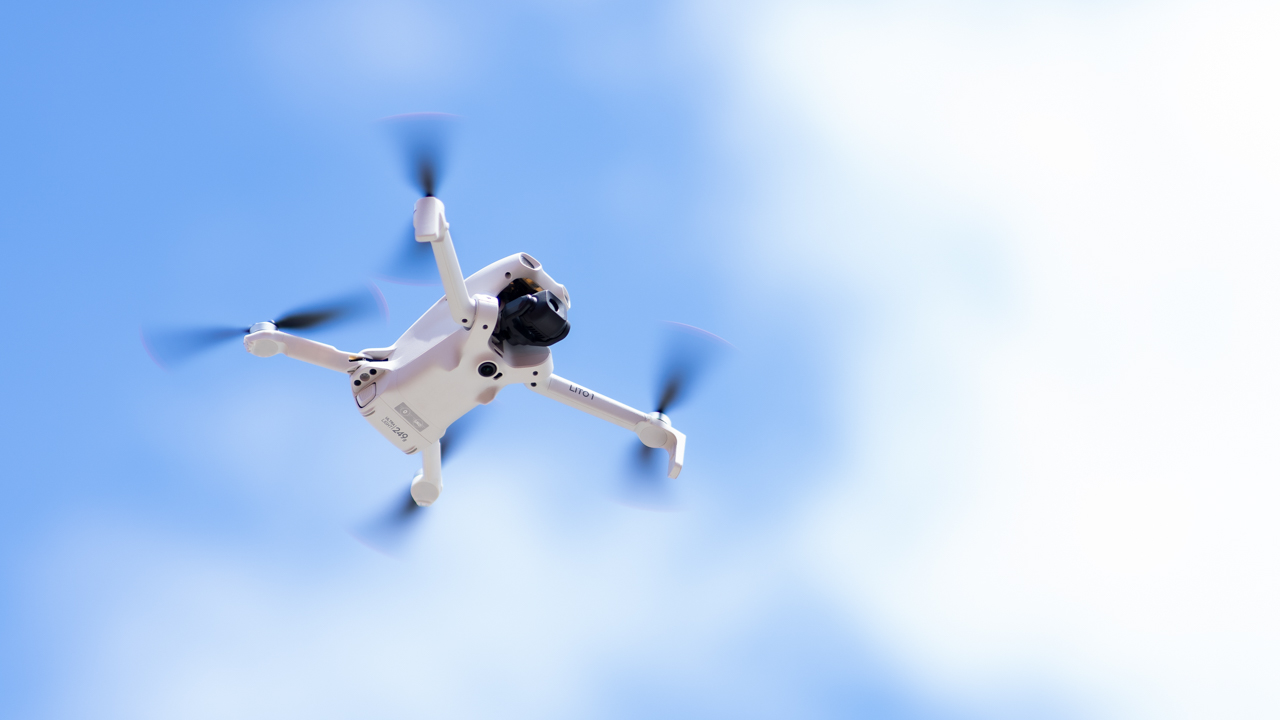
There are limits, of course. A 249-gram drone is still a 249-gram drone. Strong winds can move it around, and there is no getting around the physics of putting something this light into the sky.
For ordinary breezy shooting conditions, however, the stabilization does an impressive job.
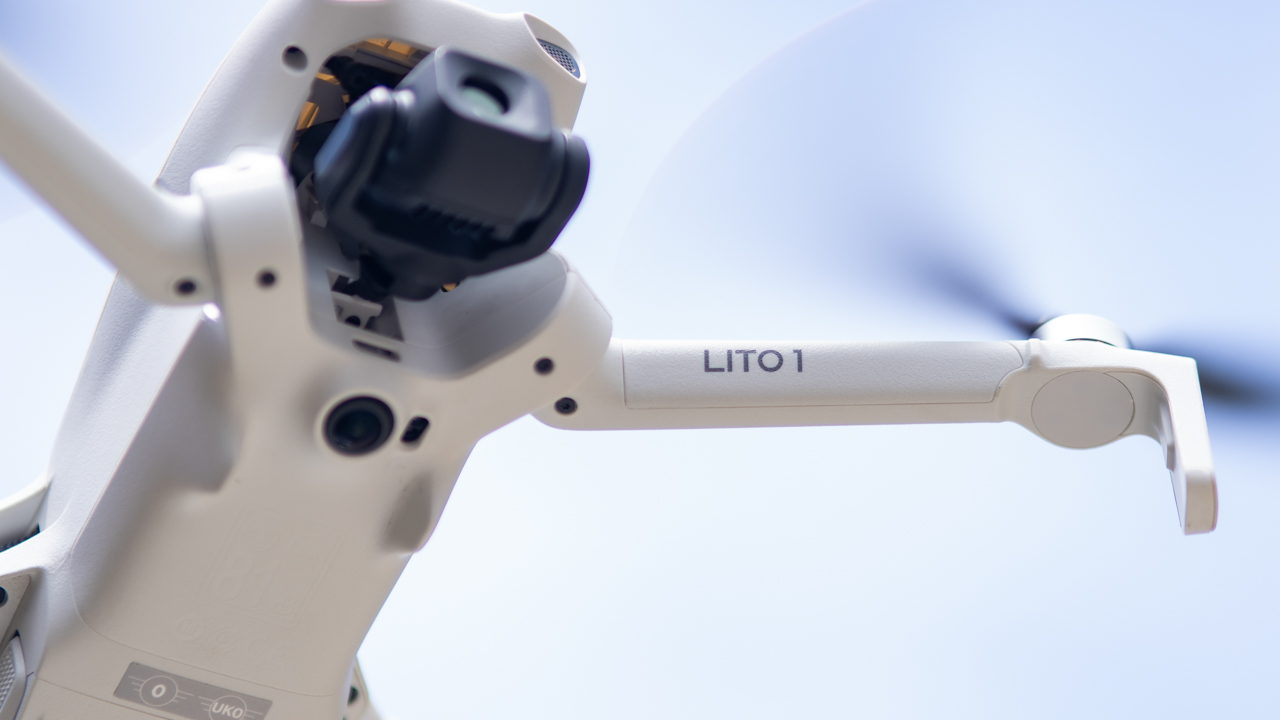
Normal mode for control, Sport mode for fun
The flight experience is also approachable. In Normal mode, the Lito X1 feels calm and predictable. The controls are smooth rather than twitchy, which makes it easier for newer pilots to get comfortable with the aircraft.
Sport mode changes the personality completely. The drone becomes faster, turns more aggressively, and feels much more responsive. It is the difference between casually cruising around and suddenly remembering that this thing can actually move.
There is an important trade-off here: obstacle avoidance is disabled in Sport mode. That means the faster flight comes with a greater responsibility on the pilot.
For everyday shooting, Normal mode is where I would spend most of my time. Sport mode is there when you want the drone to wake up.
Real-world battery life matters more than the box
DJI quotes up to 36 minutes with the standard battery and up to 52 minutes with the Plus battery.
Those numbers are useful as a reference, but they are not how I would plan a shoot. Real flying involves wind, repositioning, changing angles, recording, and keeping enough battery in reserve to get home safely. You are rarely flying continuously under perfect conditions until the battery reaches zero.
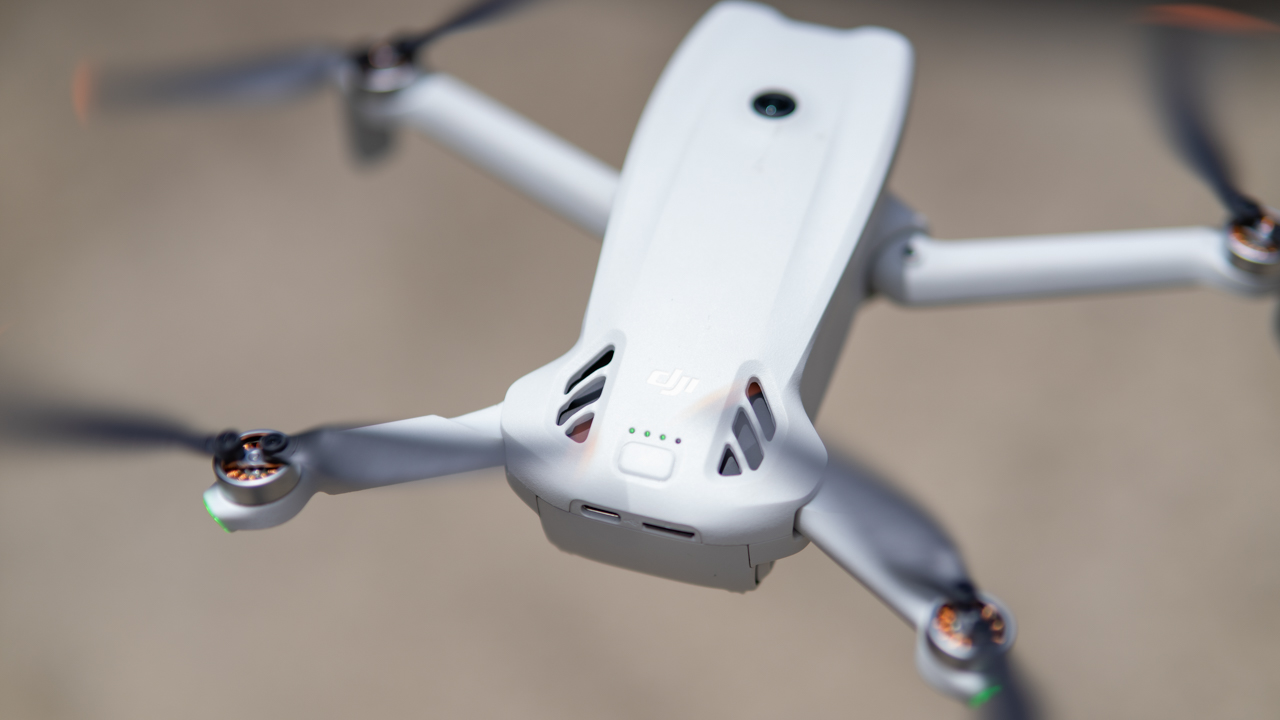
For an actual shoot, I would plan around 25 to 30 minutes of usable flight time with the standard battery. That leaves enough breathing room to land without watching the battery percentage with increasing levels of anxiety.
The Plus battery gives you more time, although it also pushes the drone beyond the sub-249-gram weight class.
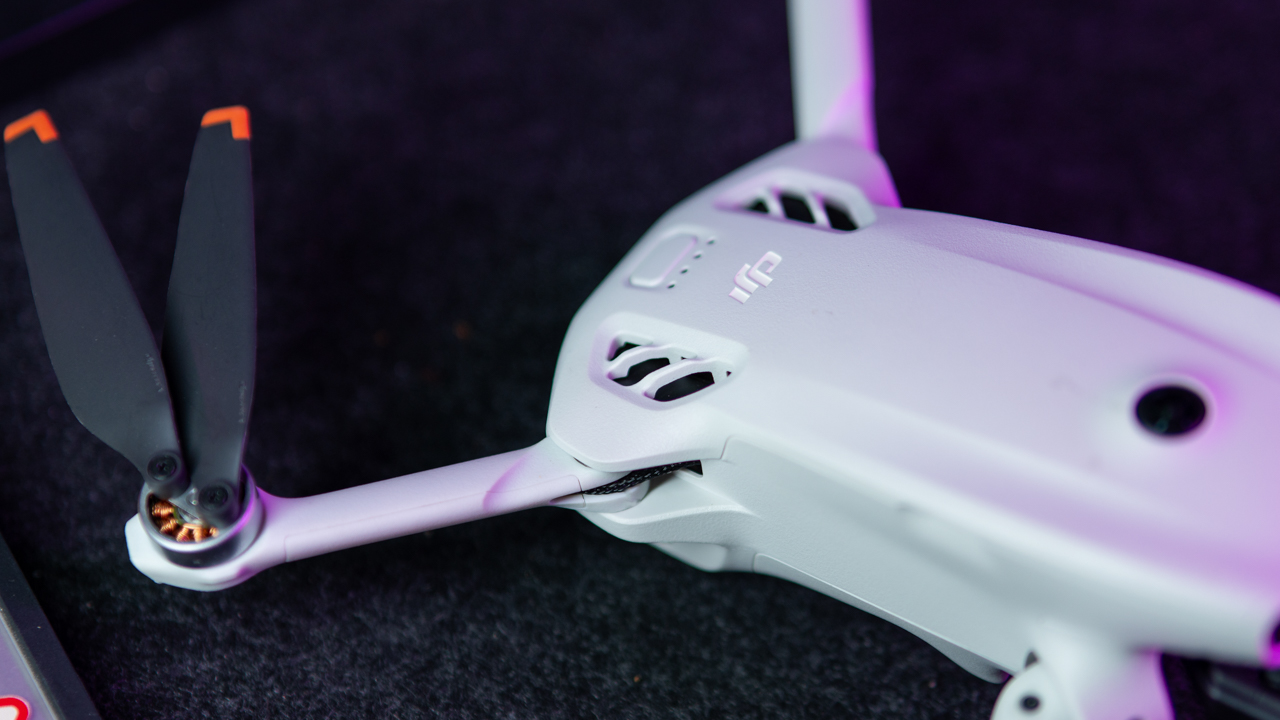
For travel, that distinction matters. The Lito X1’s tiny weight is one of its biggest advantages, so the standard battery makes more sense when portability and weight restrictions are part of the equation.
O4 keeps the connection reassuringly solid
The O4 transmission system also does its job without demanding much attention.
With a clear line of sight to the controller, the video feed feels smooth and responsive. In open areas, there is little reason to spend your flight staring at the signal indicator.

Urban environments naturally make things more complicated. Buildings, walls, and other large obstructions can weaken the connection when the drone flies behind them.
That is less a reason to distrust the system and more a reminder that radio signals still have to deal with physical objects. When the drone remains in sight, the connection feels dependable enough for normal flying.
The safety net is useful, but you are still the pilot
The obstacle-sensing system adds another layer of confidence, particularly when flying around trees and buildings.
The LiDAR system is also useful as the light gets darker. Still, I would never treat the sensors as permission to stop paying attention.
Thin branches remain particularly tricky. A large tree trunk is easy for an obstacle system to recognize. But a narrow branch suspended in the air is considerably less obvious.
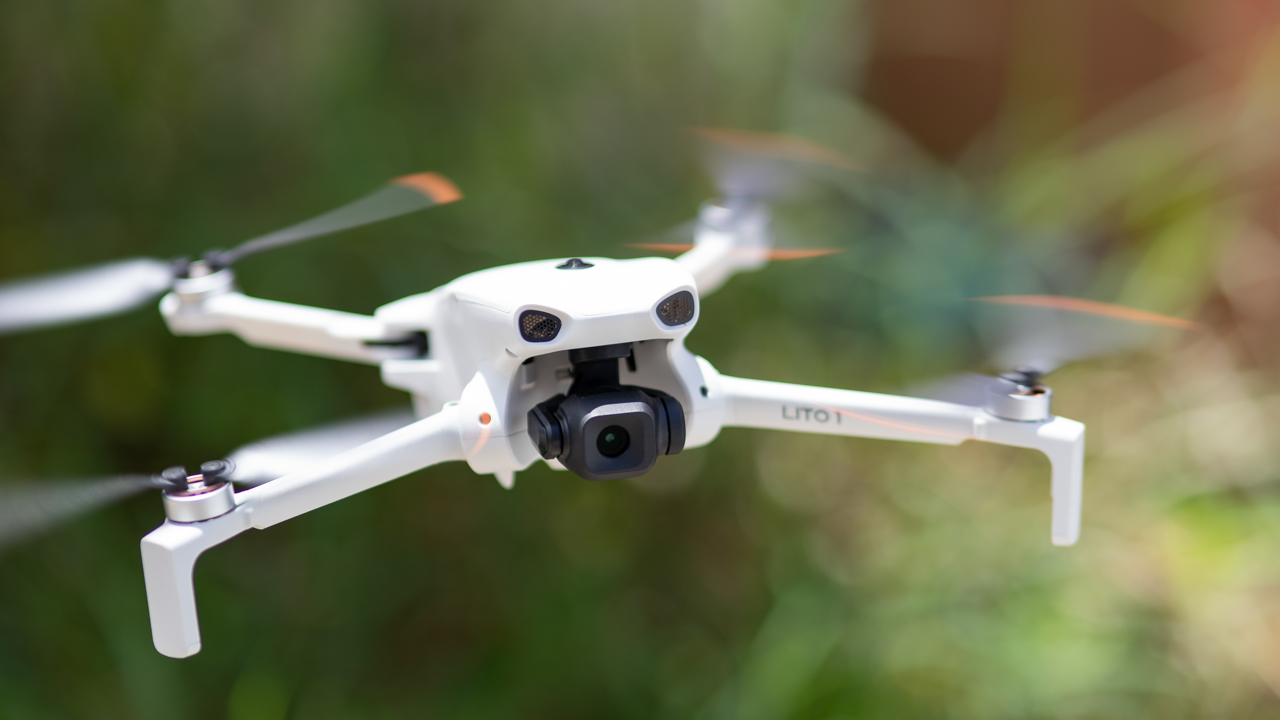
That is the right way to think about the Lito X1’s safety features. They are another set of eyes helping the pilot. They are not a replacement for the pilot. The same applies to ActiveTrack.
When the drone has a clear view of its subject, tracking works impressively well. You can walk, run, bike, or change direction while the drone works to keep you in frame. It can also navigate around larger obstacles.
The limitation appears when the subject disappears behind something for too long. A tree can still break the tracking. ActiveTrack can feel like having another camera operator with you, but you still need to remain the person flying the drone.
Automated modes can save time
MasterShots, QuickShots, and Hyperlapse also have a place in a more serious workflow.
QuickShots can produce orbit, pull-back, and reveal movements without requiring you to manually execute every part of the flight. That can be useful when you need a polished establishing shot quickly.

Shot on the DJI Lito X1
Hyperlapse also lends itself well to hotels, buildings, events, sunsets, and travel footage. The bigger risk is repetition. If every video relies on the same automated moves, the footage can start to feel familiar very quickly.
Used sparingly, though, these modes can be valuable production tools rather than gimmicks.
The features that make it easy to live with
Some of my favorite things about the Lito X1 are not necessarily the ones that make the biggest impression on a spec sheet.
The 42GB of built-in storage is a perfect example. You probably will not think much about it until the day you arrive somewhere and realize your SD card is sitting at home.
Having internal storage means you can still fly and capture footage instead of turning the drone into a very expensive paperweight.
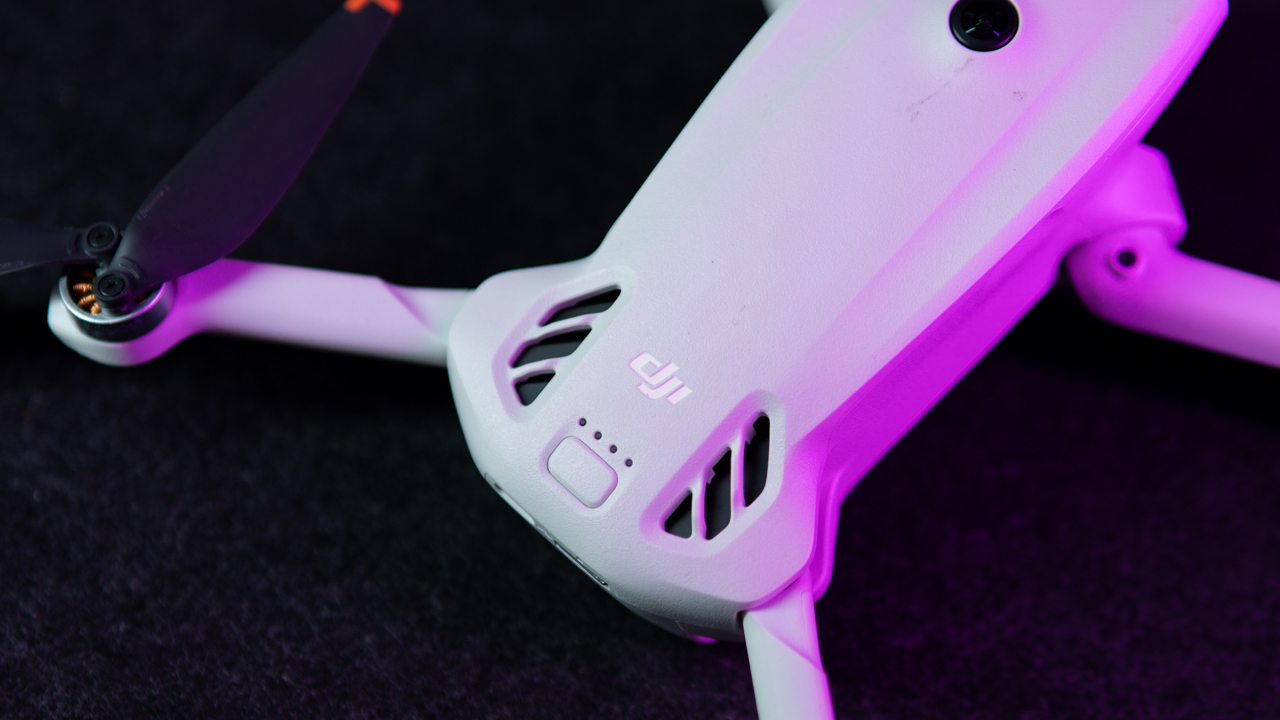
Off-State QuickTransfer is similarly useful when you only need a few clips. You can pull footage over Wi-Fi without removing the card.
For a couple of clips, that is considerably easier. For a full day of 4K footage, I would still reach for an SD card and reader because it is the faster workflow.
The drone itself also feels more solid than its weight initially suggests. It’s obviously lightweight and does not have the heft of a larger aircraft, but the arms feel secure when unfolded and the hinges do not feel flimsy. I would have no problem bringing it on trips or into the field.
I would still protect it in a bag. A lightweight drone can handle normal use, but that does not make it indestructible.
Getting in the air takes about a minute
The other major advantage is how quickly the Lito X1 can go from bag to sky.
Unfold the arms, remove the gimbal cover, power up the drone and controller, wait for GPS, and you are essentially ready to go. When everything connects quickly, the whole process can feel like about a minute.

That sounds like a small convenience until you are shooting during golden hour and the best light is disappearing in front of you.
A drone that takes less time to set up gives you more time to actually shoot. Pull it out, get the shot, land, pack it away, and move on.
Is the DJI Lito X1 your GadgetMatch?
The Lito X1 sits comfortably between a beginner drone and a more serious camera drone. With D-Log M, RAW photos, obstacle sensing, ActiveTrack, and 4K/100fps, it offers plenty of room to grow beyond casual flying.
The Mini 4 Pro still makes more sense if advanced vertical shooting and higher-end capabilities are priorities, while cheaper options are available for simple recreational flying. The Lito X1 finds its sweet spot in between, delivering strong image quality and useful production tools in a small, lightweight package.
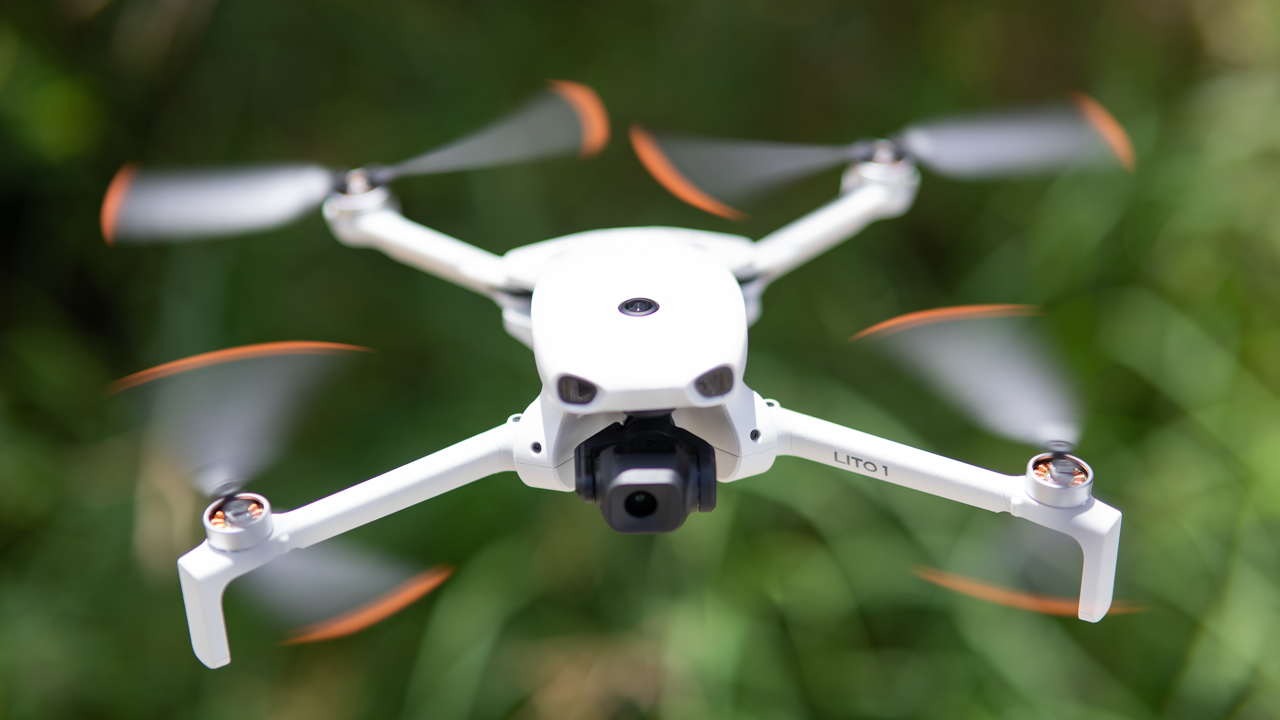
I would still like to see better highlight handling and more natural colors straight out of camera. A rotating camera for true vertical 4K would also make it considerably more versatile for creators.
Calling the Lito X1 a beginner drone undersells it. It’s small, quick to launch, easy to bring anywhere, and capable enough to serve as a B-cam for travel and commercial shoots.
It may not replace a larger DJI drone when image quality is the priority, but its biggest advantage is that you are far more likely to have it with you when the shot presents itself.
The Lito X1 looks like a beginner-friendly drone on the outside, but there is a surprisingly capable B-cam inside.
The DJI Lito X1 starts at PhP 21,690 for the standard bundle in the Philippines. It’s available in local authorized retailers.

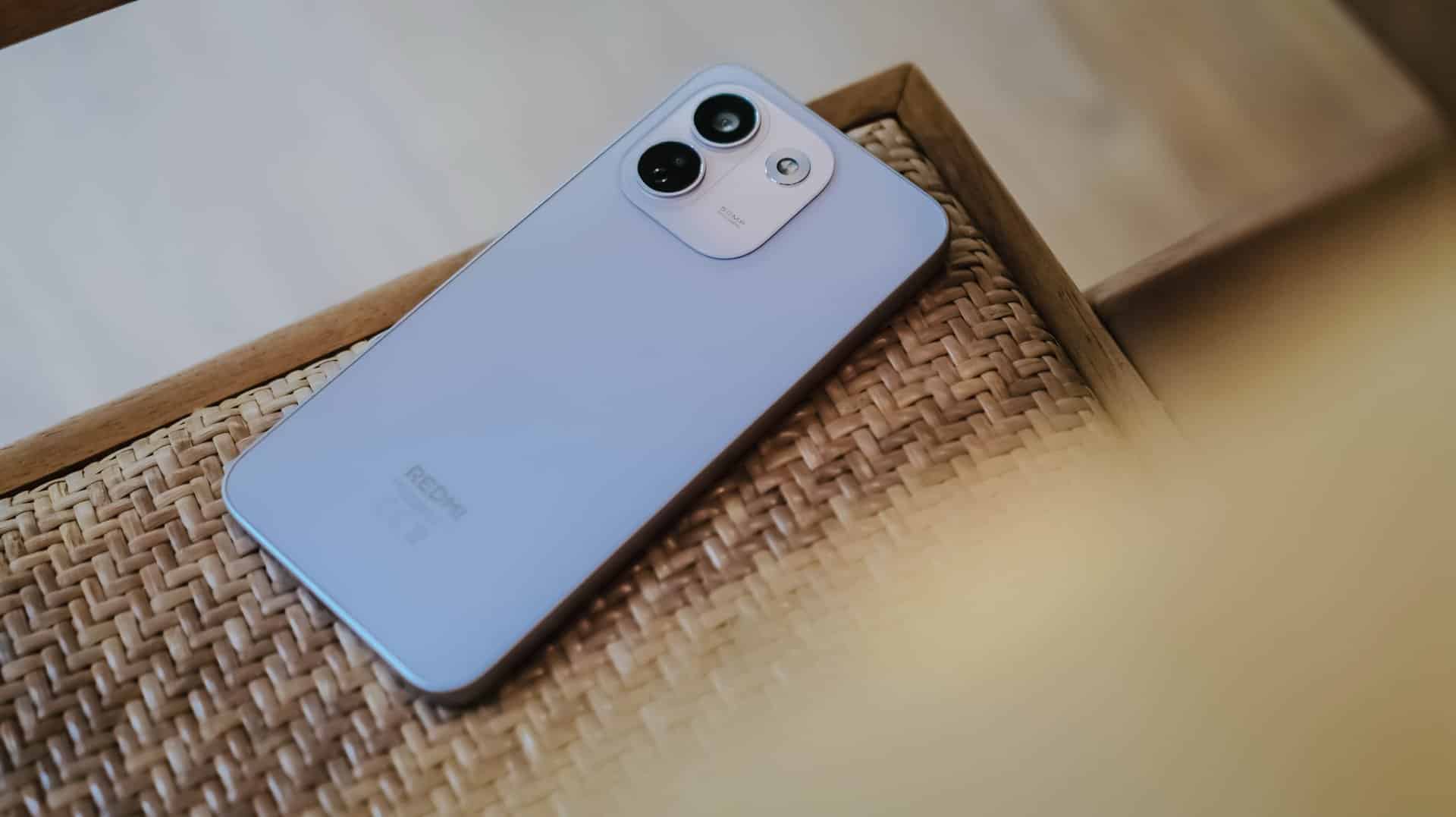
REDMI has summoned a new phone breed under their notable “Note” lineup since 2014.
(Un)officially retiring the Pro+ model, it’s not just the sub-brand’s first “Pro Max” phone, it’s also the Chinese giant’s first ever smartphone to feature a whopping 10,000mAh tank within.
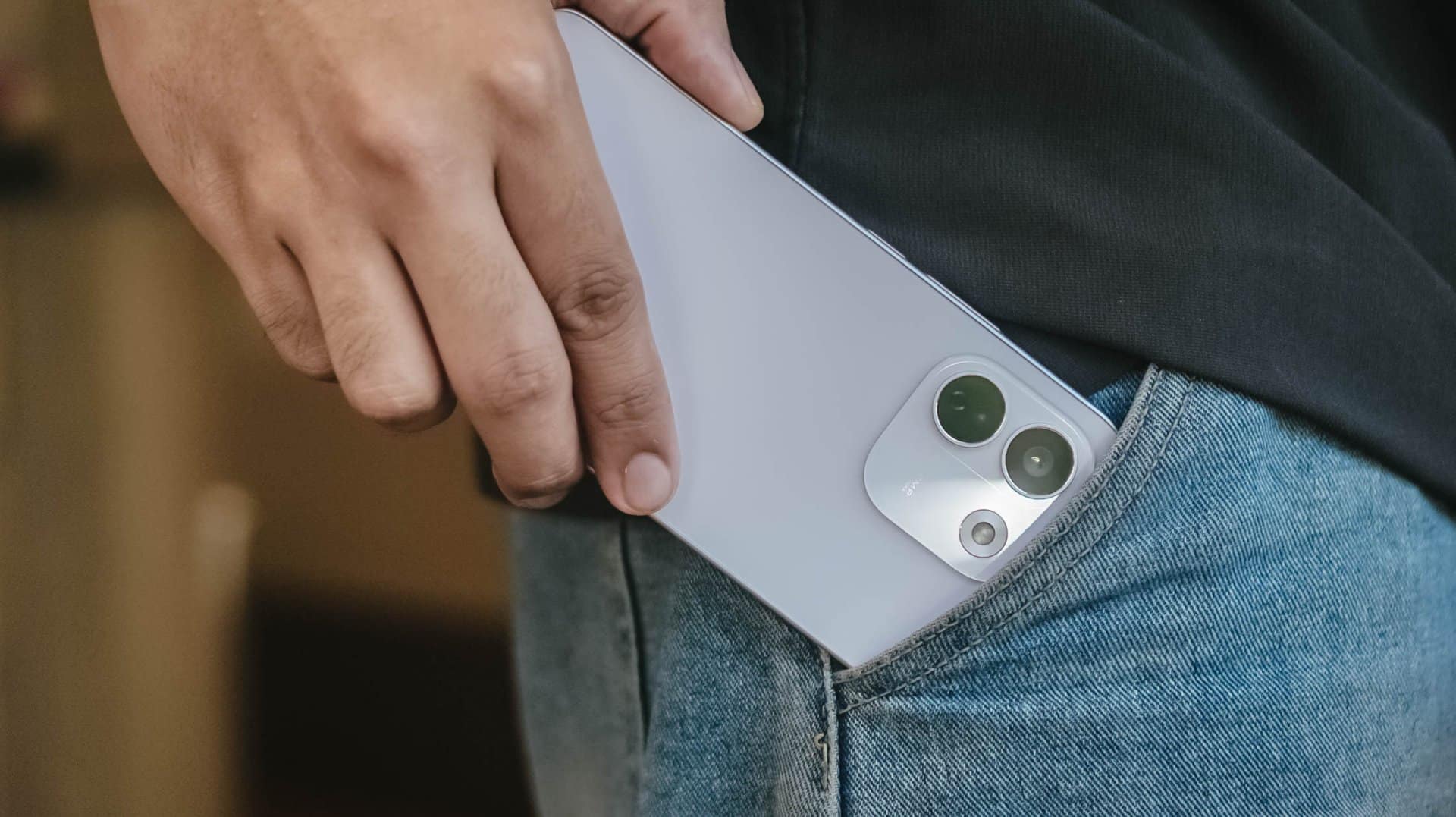
But is that feat alone enough to choose over its Pro sibling?
Here’s my in-depth REDMI Note 17 Pro Max review.
Design that just resigned
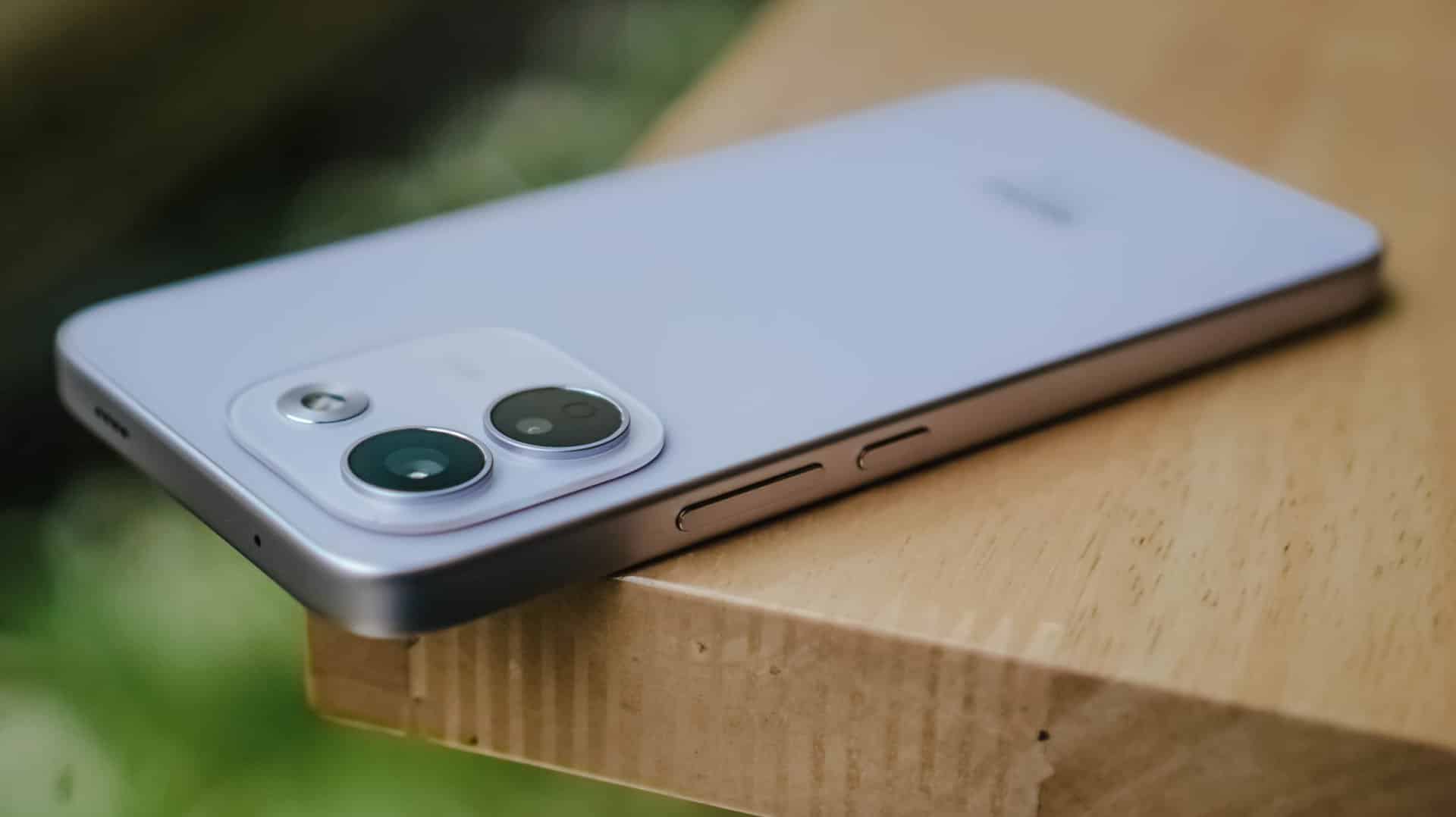
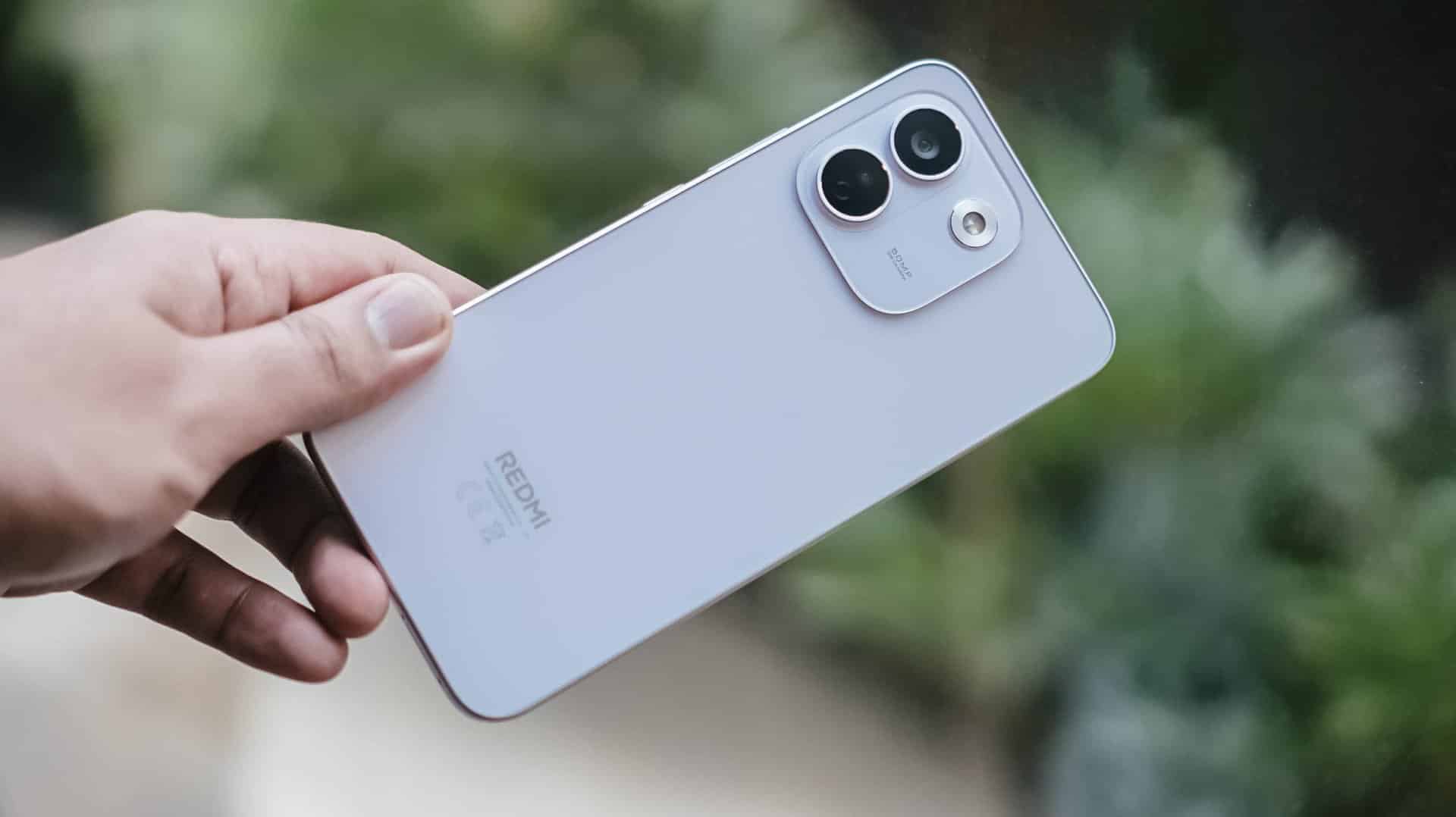
The moment you unwrap it from its paper cocoon, the REDMI Note 17 Pro Max greets you with its refined design.
That also meant REDMI has resigned from its premium-like, signature centered camera island just after two generations.
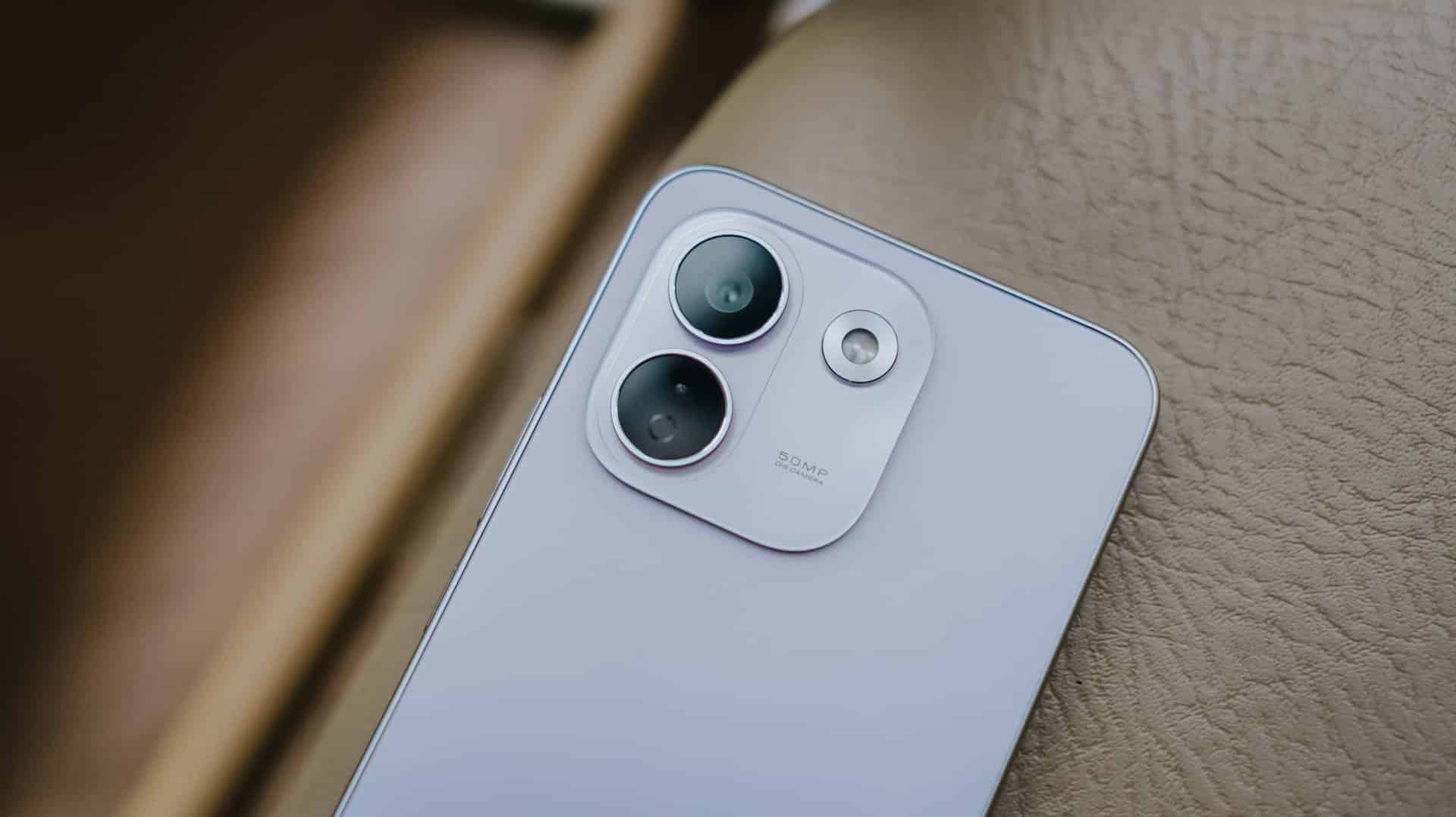
Much like most Android midrangers nowadays, it now features a smaller squircular camera cutout placed at the back’s top-left part.
This made me question and doubt their design team’s decision.
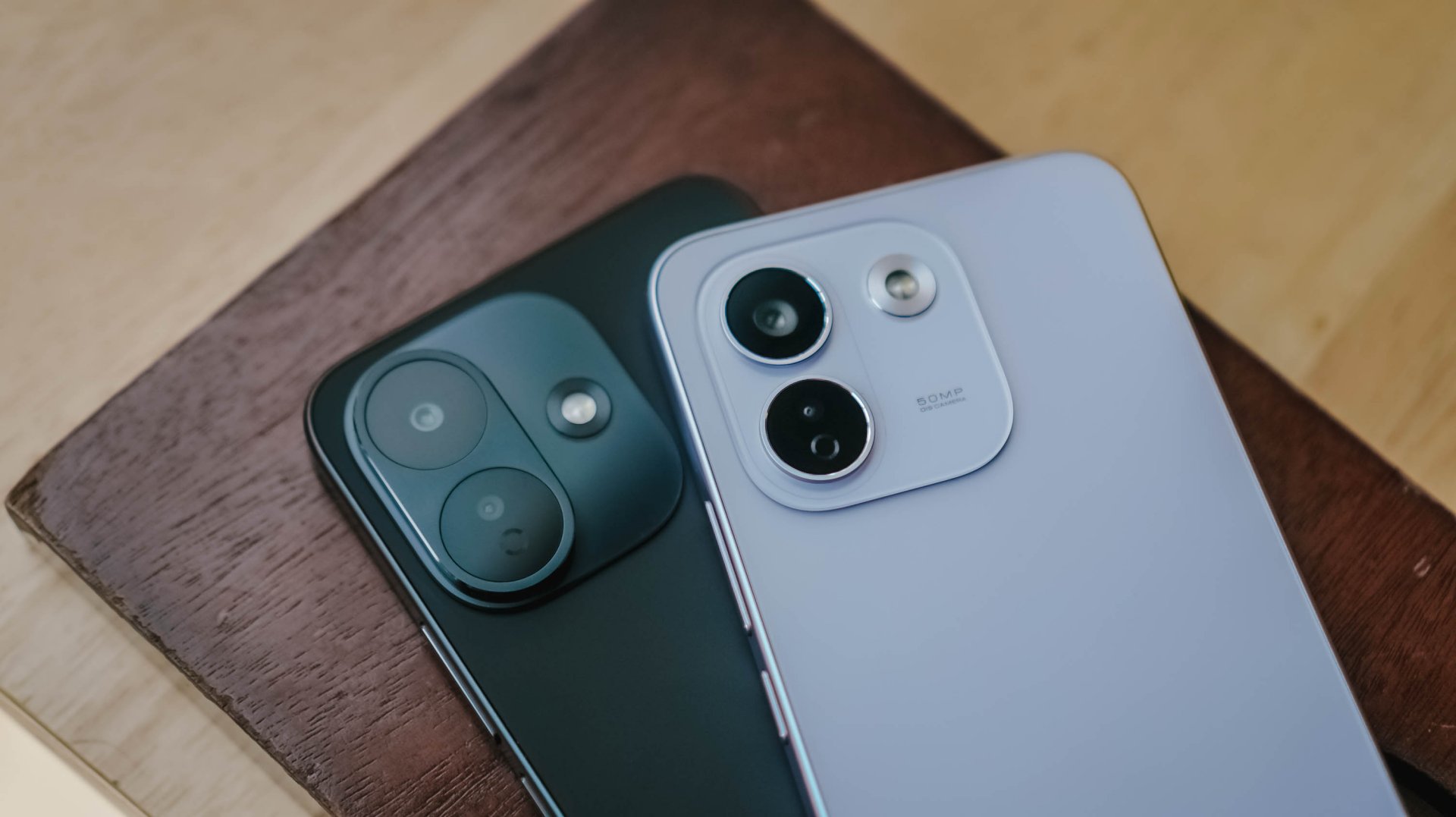
If we’re solely talking about design distinction, the iPhone-esque camera layout of the Note 17 Pro suits more towards the Pro Max variant — and vice versa.
After all, that same oval cutout can be seen with its sister brand’s Pro Max model. But I digress.
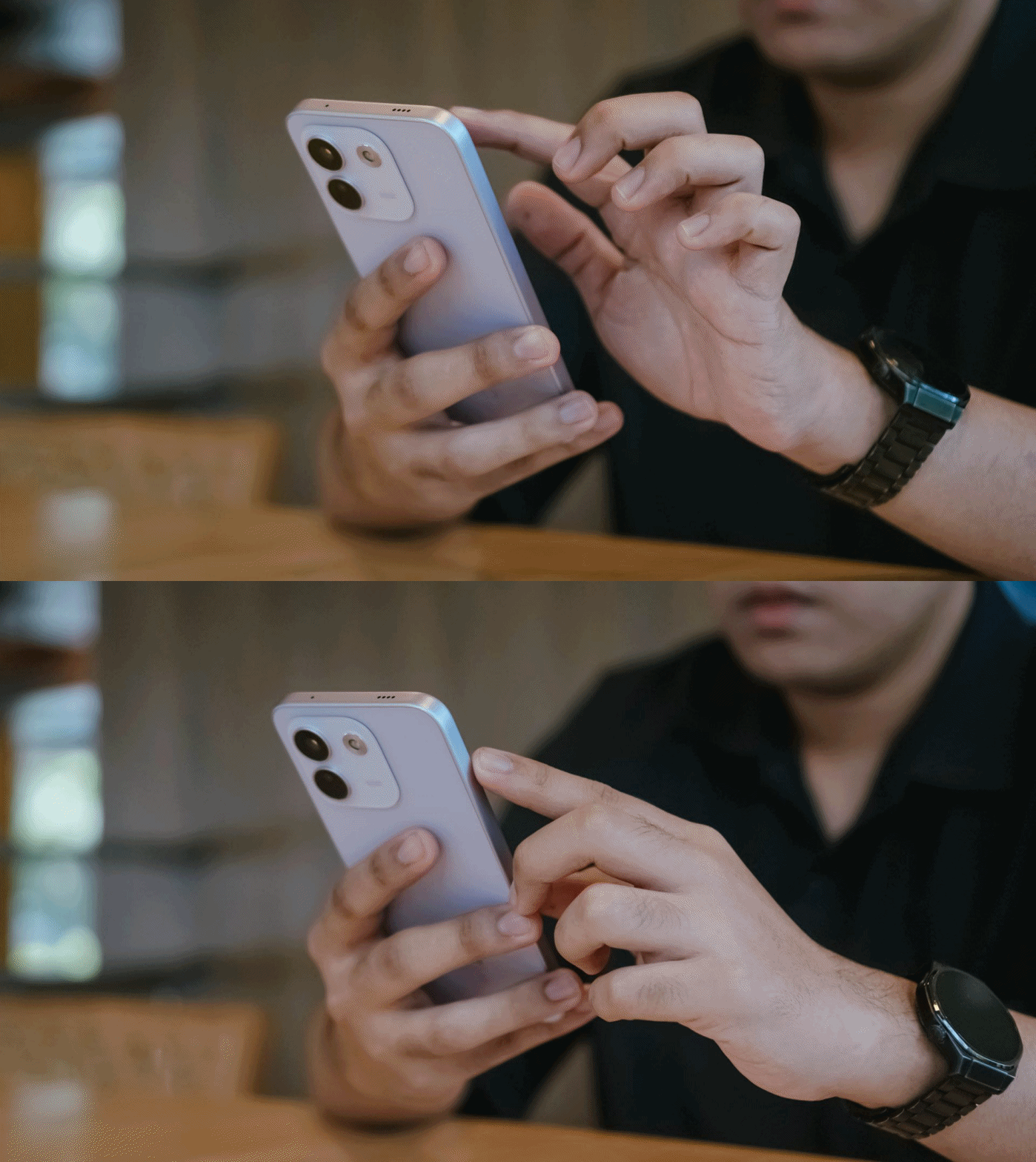
Rants aside, the REDMI Note 17 Pro Max is favorable to hold — at least for a big-handed guy like me.
Still, much like design, the actual feel is preferential.

Although some might argue that the quad-curved display and curved back of the previous Note 15 Pro+ might soothe the palms a little bit better, the flat display and edges of Note 17 Pro Max don’t necessarily mean a sharp and abrupt feel at hand. This honestly feels more secure to hold.
In case you drop it, the Note 17 Pro Max is made to last especially with its reinforced Titan chassis. This structural design makes it withstand drops as high as three meters — or taller than any human being at around 9.84 feet.
To make it more “future-proof,” this smartphone also has these quintessential IP ratings: IP66, IP68, IP69, and IP69K certifications.
How can I forget that strengthened Corning Gorilla Glass Victus 2 on its front?

Gorilla Glass Victus2 ft. Xiaomi HyperOS 3 and its usual app bloat
It’s an amazing inclusion considering this type of glass protection is usually limited to flagship models like Samsung’s Galaxy S26 series and Google’s latest Pixel 11 lineup.
#NowPlaying: My Bias, My Boss
With the phone’s front already introduced, let’s now focus on that large 6.83-inch AMOLED display.
At the surface level, both displays are just impossible to differentiate.
Still, there are subtle differences that one might prefer over another.

It’s pretty much the same in the latest drama I’ve binged and finished using this smartphone.
Nam Da-reum had her feelings confused both for her office boss (Kang Ha-gi) and her actual, long-time K-Pop bias (Lee Chan) — which both happened to be her work colleagues.
For the most part, this struggle happens to a lot of buyers, too.
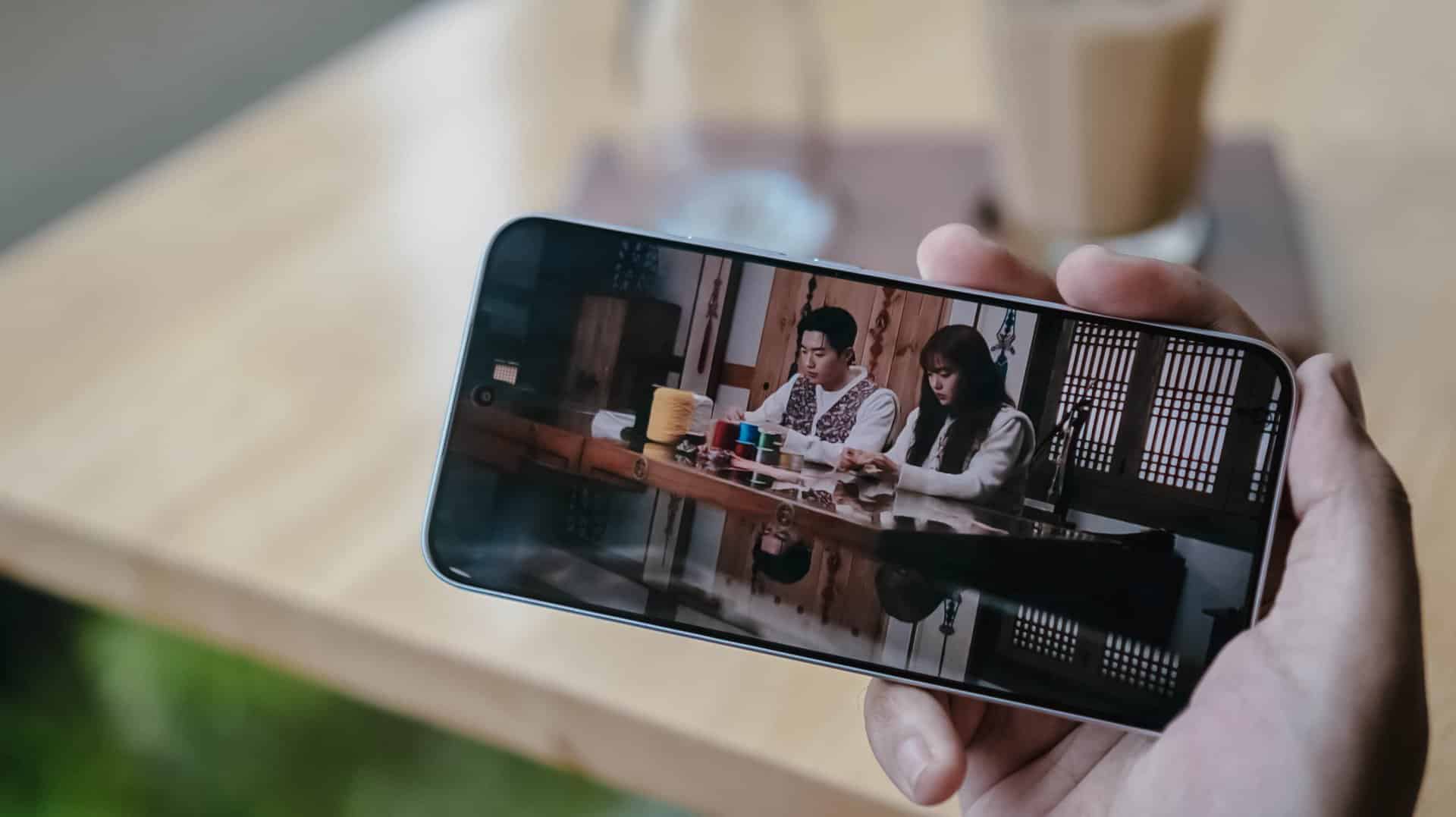
Just like the visual supremacy of both Kang Hoon and Cha Woo-min, both the REDMI Note 17 Pro and Pro Max also share the same attributes. There’s that sharp 1.5K display resolution, 3500 nits of peak brightness, 12-bit color depth, even 240Hz / 3200Hz touch sampling rates.
Well, the Pro Max has the slight upper hand with its HDR10+ and Dolby Vision support that the Pro model lacks.

This is such a star-studded drama ft. former OH MY GIRL’s Jiho
This meant that HDR content is livelier and more immersive on the REDMI Note 17 Pro Max.
Regardless if it’s on YouTube, Netflix, Disney+, or HBO Max, one will definitely appreciate the Pro Max’s screen better.
Now, if you’re concerned about eye safety, both phones boast TÜV Rheinland’s Low Blue Light, Flicker Free, Circadian Friendly certifications.
On Queue: TUIDE, OURBIRTHDAY
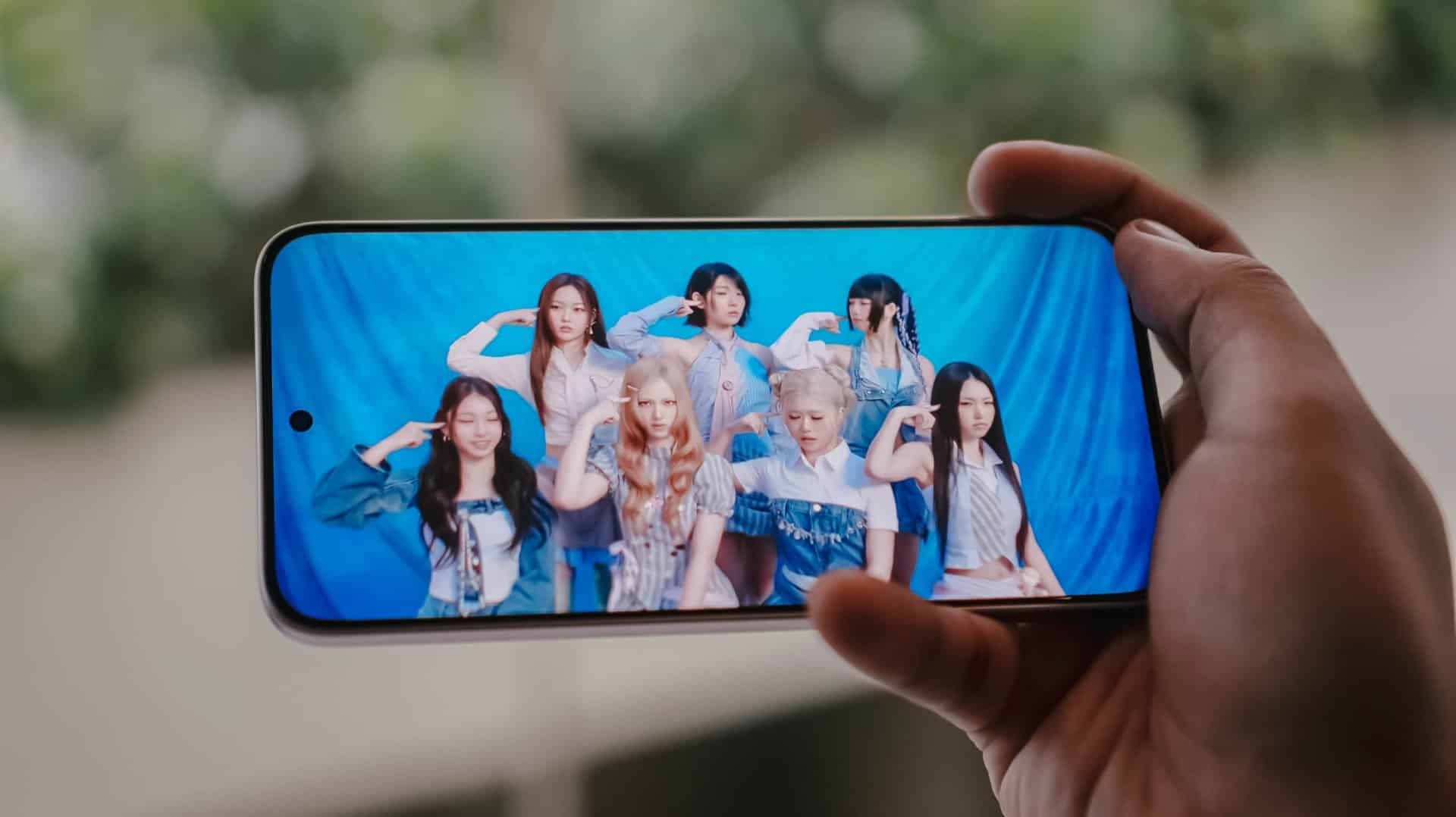
Much like the dual debut of the REDMI Note 17 Pro series, two septet K-Pop girl groups were also born during this third quarter of 2026.
While both groups share the same member number, these two newly-created groups are also distinct from one another.
The REDMI Note 17 Pro and Pro Max both possess the same stereo speaker setup. Dolby Atmos and Hi-Res Lossless features weren’t forgotten as well.

Upon closer inspection though, the Note 17 Pro Max produces an even louder output thanks to its 400% Volume Boost feature. That’s in contrast to the 300% boost of its Pro sib.
At least on my ears, REDMI’s Note 17 Pro Max sounded deeper especially heard with TUIDE’s vocals in their lowkey-addicting “SUN KISS” debut track.
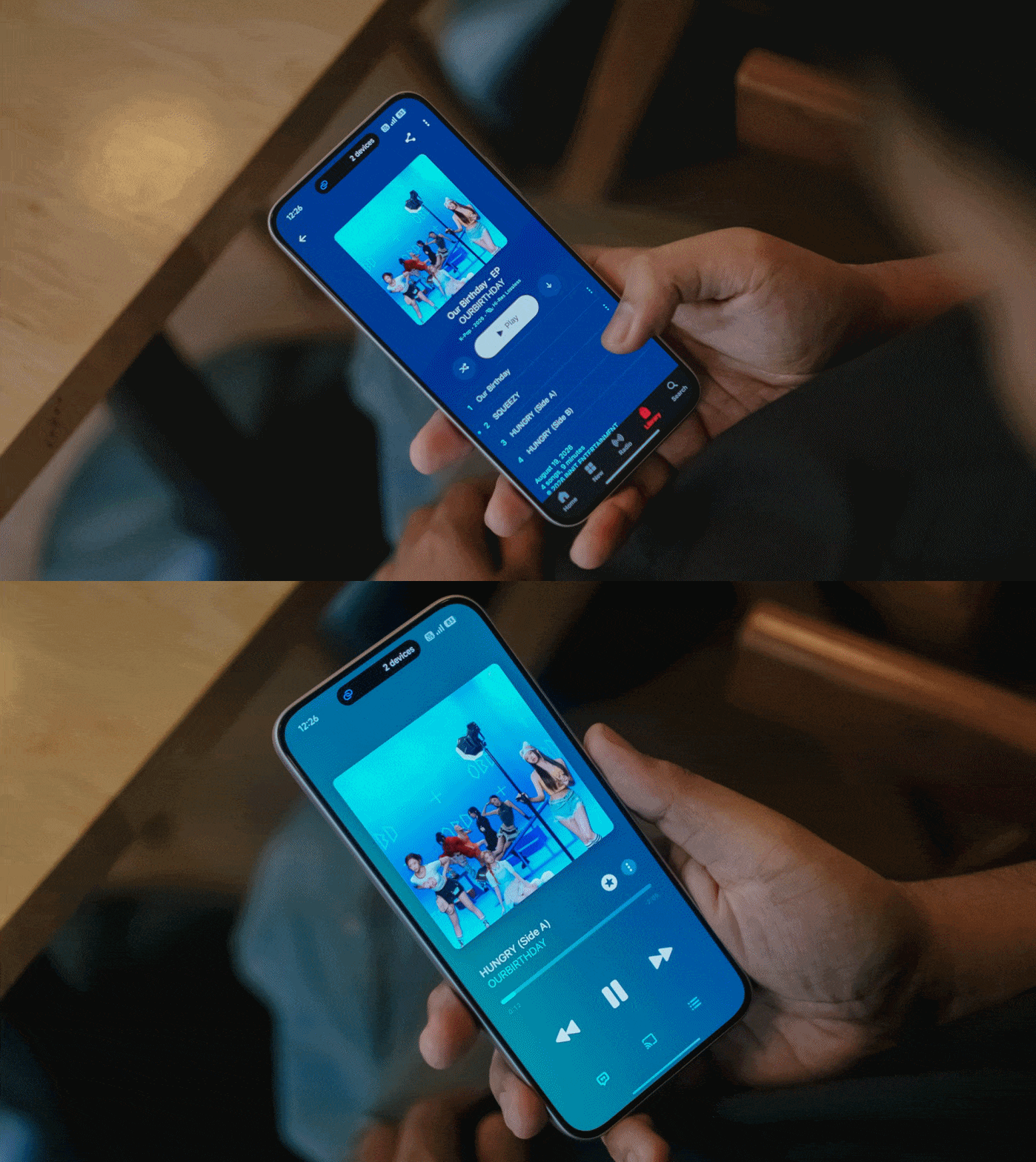
Even more, the steps and thumps in OURBIRTHDAY’s “HUNGRY” also felt and sounded more powerful and impactful as opposed to the Note 17 Pro’s output.
New chip above its hip
Unlike its Max-less sibling running a slower Snapdragon 6s Gen 4, the REDMI Note 17 Pro Max rocks the “faster” Snapdragon 6 Gen 5 SoC.
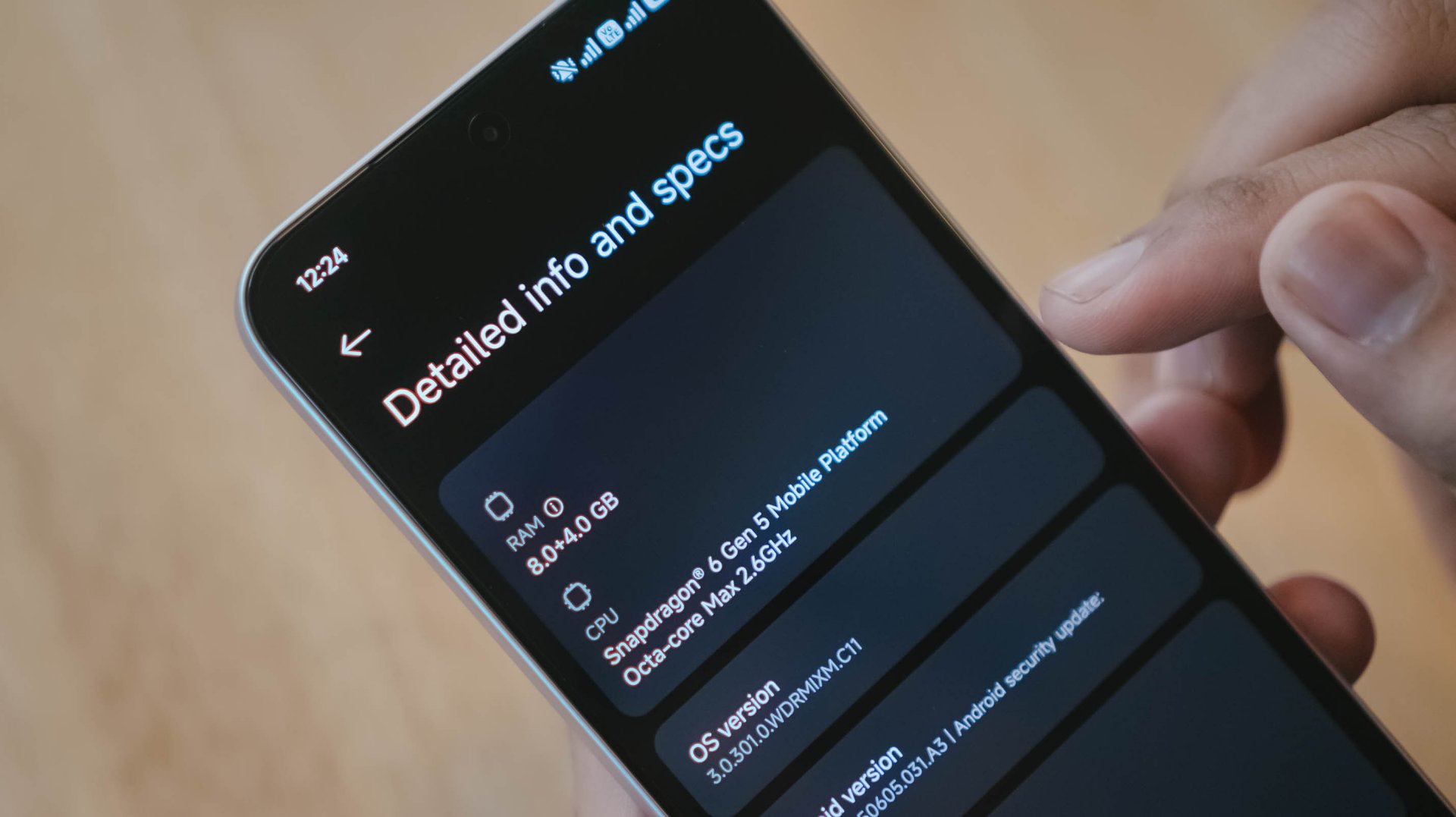
This brand new chip announced by Qualcomm this 2026 piqued my interest to the point that it made me install three games with three varying graphic capabilities.

Of course, like any other FPS or MOBA game, the REDMI Note 17 Pro Max handles them with ease. Whether that may be CoDM, MLBB, PUBG, HOK, and countless games in the same league, this phone can and will run ’em.
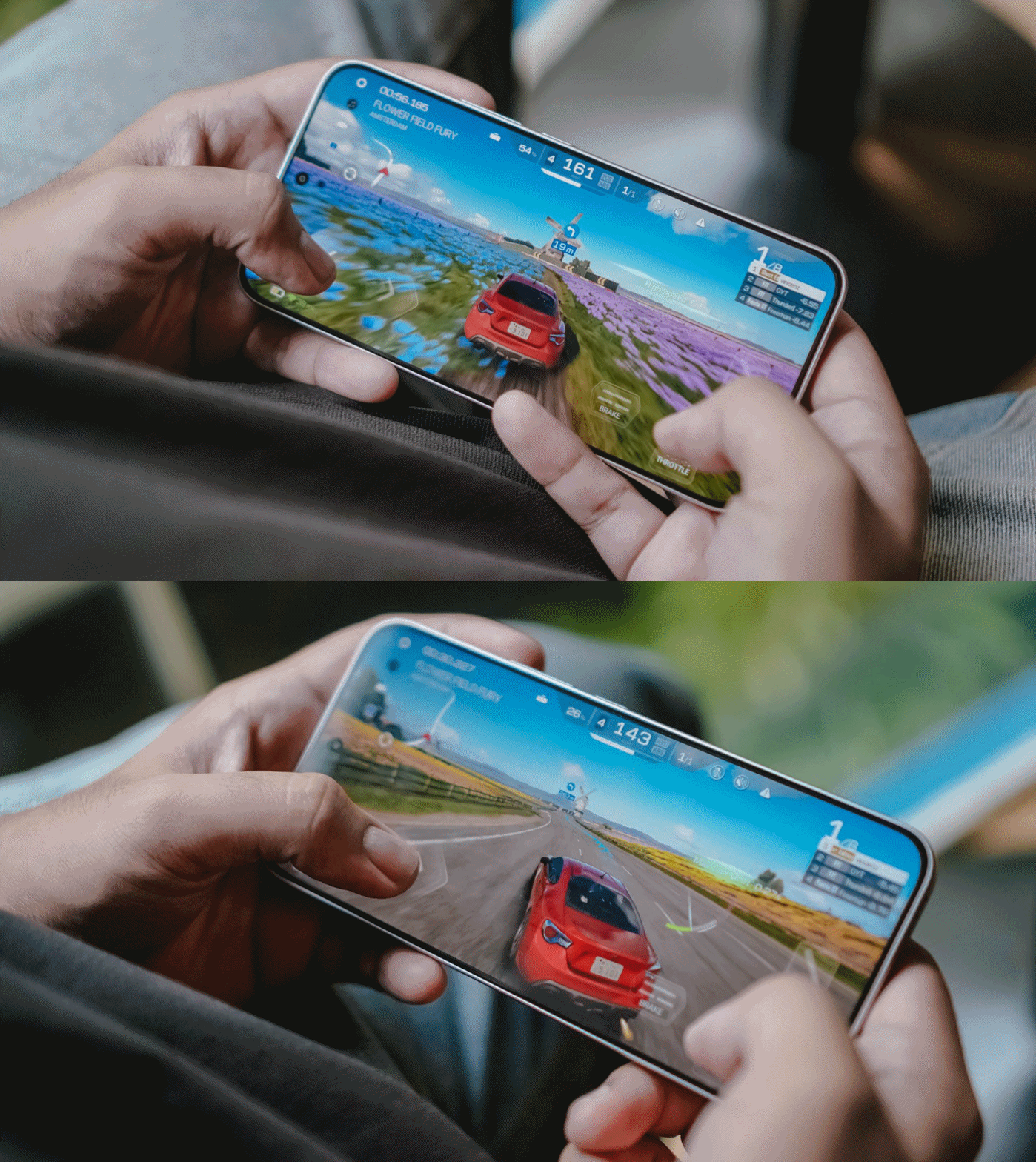
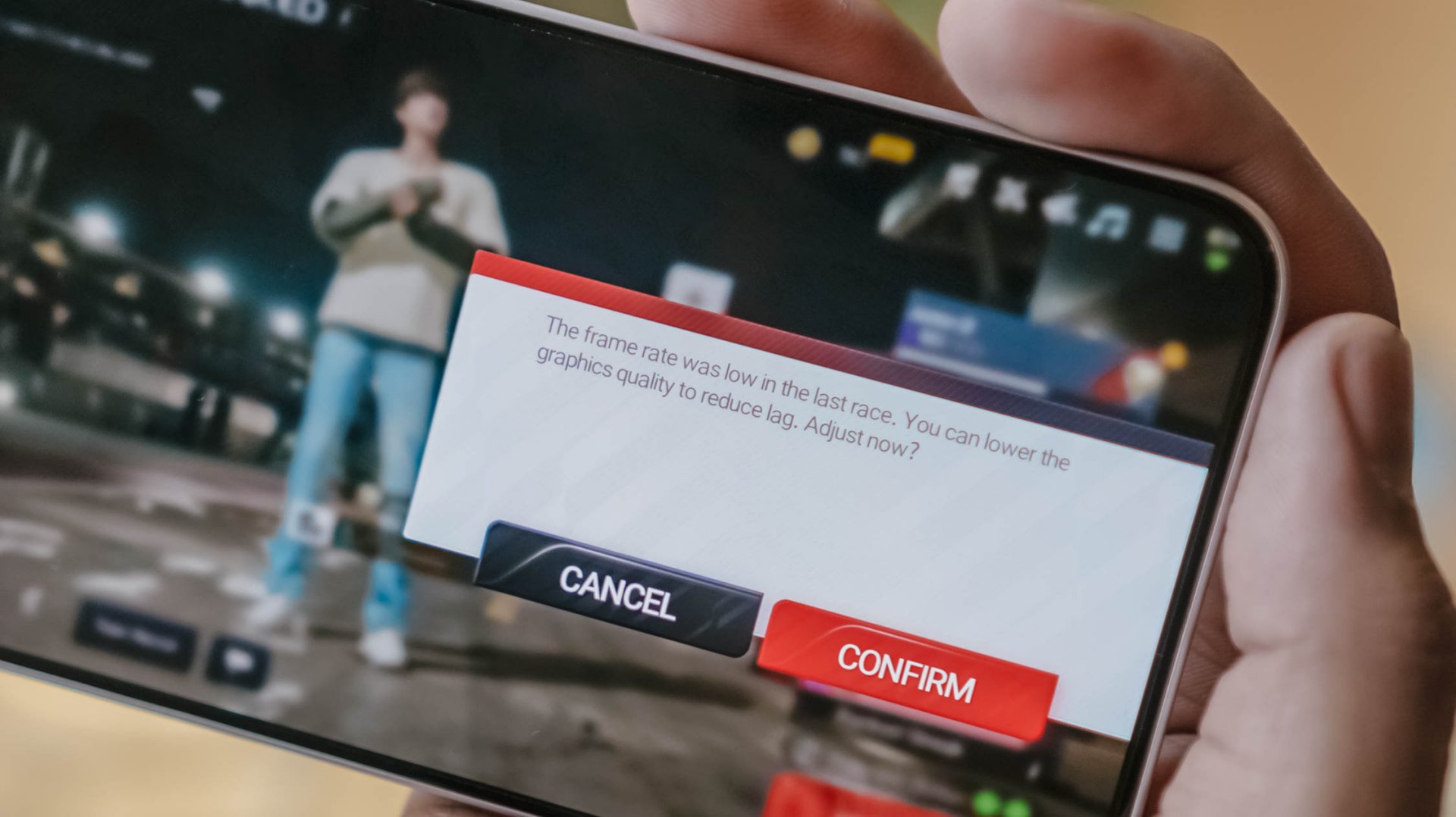
Now, onto a more demanding one: my all-time favorite Racing Master. At first, it was able to run in Ultra HD resolution at 60fps frame rate.
Unfortunately, it didn’t had much superiority over its Pro counterpart. After a 10-minute gameplay, it prompts to a graphic setting warning.
Last but definitely not the least, HoYoverse’s graphics-intensive Zenless Zone Zero.
As expected, the graphics were set to the lowest settings after installing core resources.

Roaming around New Eridu and Hollow felt just right. The moment you enter combat mode, though, is where things go out of hand.
The frame stutters and jitters are just unstoppable. Even with Performance Mode turned on, it wasn’t enough to salvage the frame rate.

The unwanted lag and lack of effective heat dissipation is already a disappointment as it is.
Even worse, after quickly checking my social media app, the game closed right after I jumped back to it.
I know what some of you might think: This is a midrange phone with a mid-class chipset.
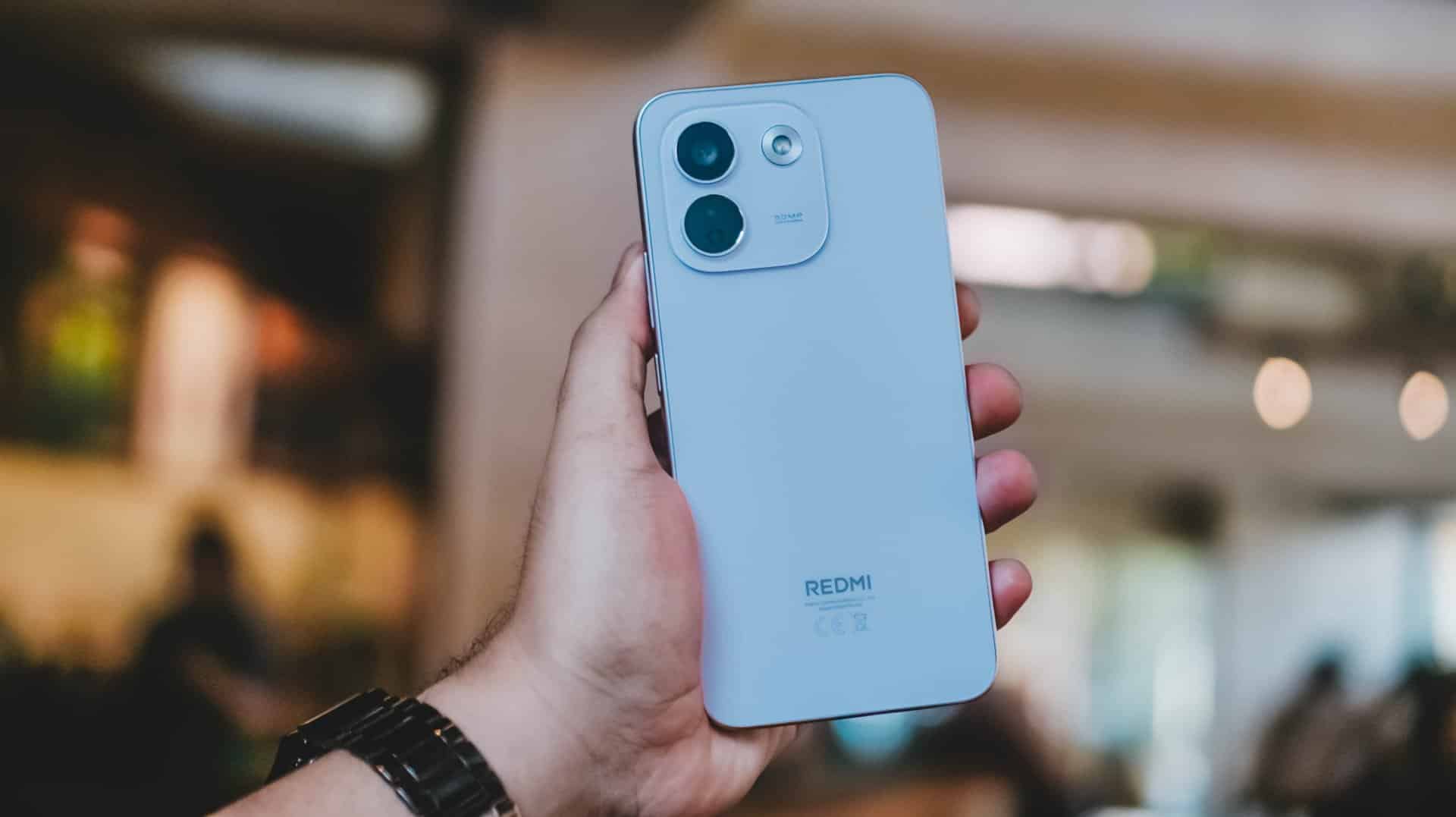
As someone who practices journalistic integrity, it’s my responsibility to share all these observations. No sugarcoating aside, this isn’t any better from REDMI Note 15 Pro+’s Snapdragon 7s Gen 4 chipset.
Still, Xiaomi changing the internals to a faster LPDDR5X memory plus UFS 4.1 storage over the LPDDR4X+ UFS 2.2 combo found in its predecessor is more than a welcome change.
Come for the cameras
The consistency continues with the REDMI Note 17 Pro Max sharing the same camera system as its Pro brother.
ICYMI, it’s a combination of 50MP main (1x wide) and an 8MP f/2.2 UWA (Ultra-Wide Angle) lens.

Admittedly, I was about to make this part short. However, my curiosity dared me to compare it to its Max-less sib.
With a wider aperture of f/1.5 (versus f/1.8), larger 0.8µm sensor (over 0.64µm), and one more lens element at 6P (Pro has 5P), the REDMI Note 17 Pro Max simply has the upper-hand despite those “small” gaps.
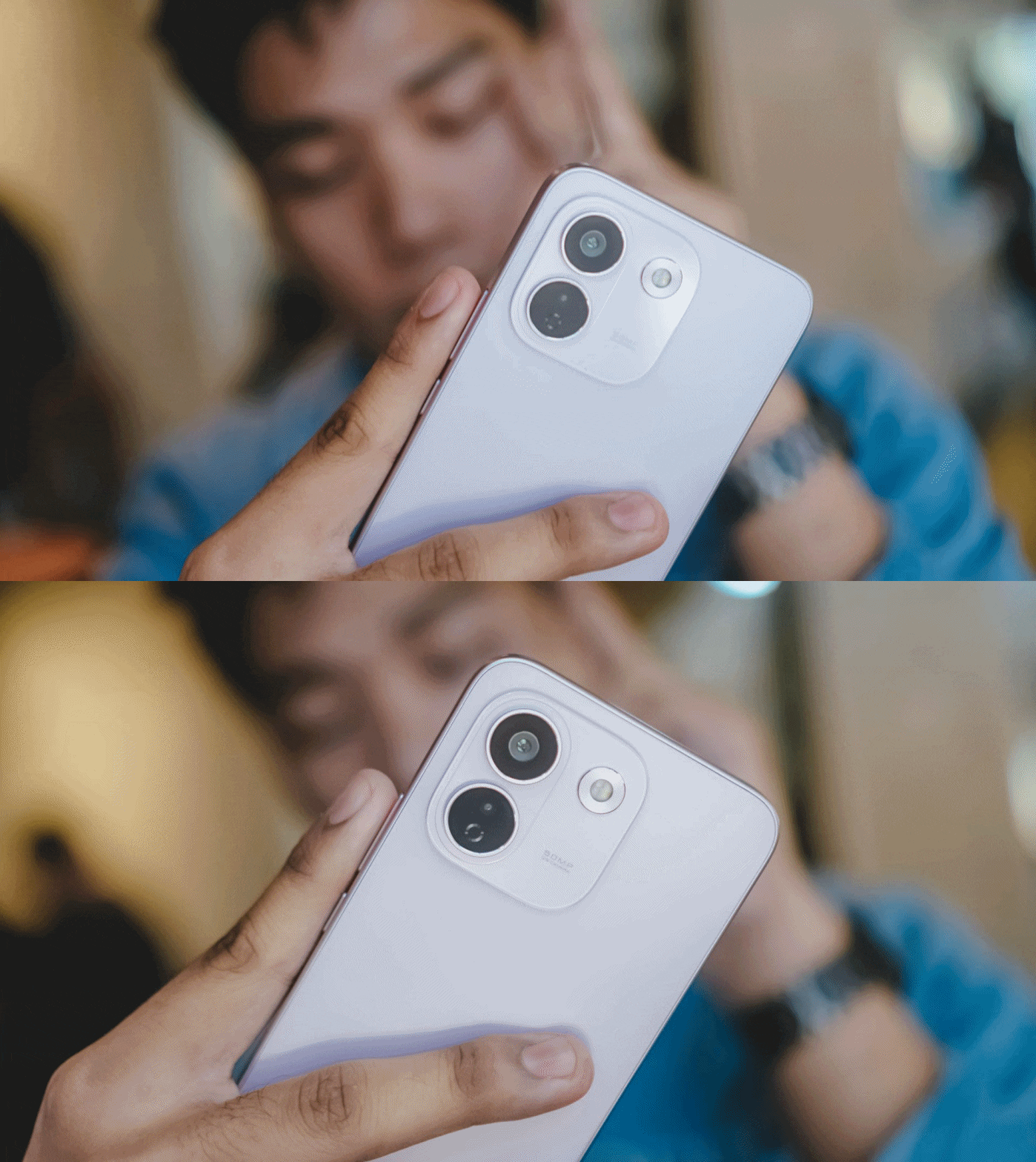
And, as much as how we value camera hardware, the chip equipped within surprisingly matters.






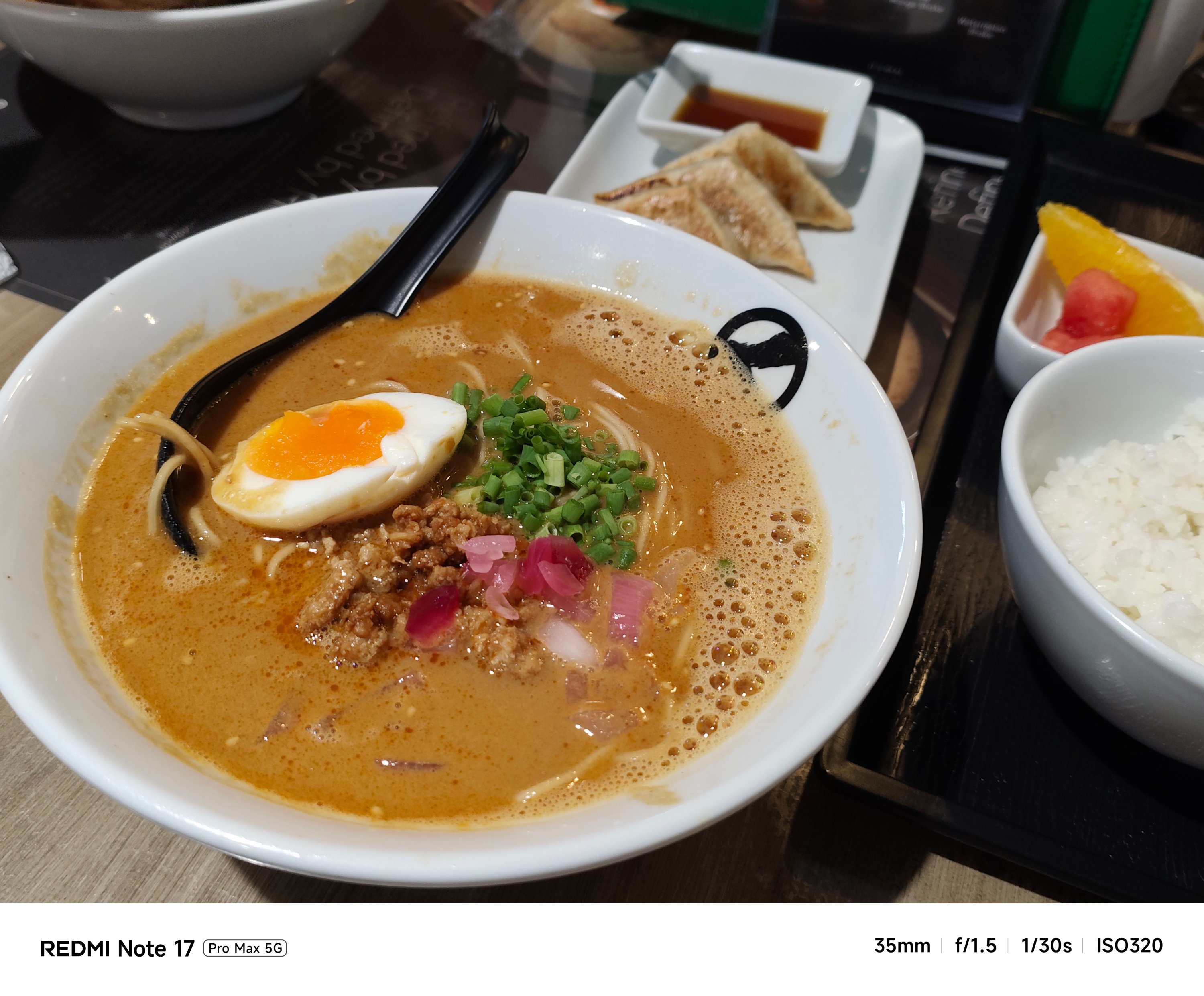





My short camera comparison proves that a different SoC also produces a different image output. This is very apparent when taking food shots.
**
Left – REDMI Note 17 Pro Max
Right – REDMI Note 17 Pro




My main complaint about the Note 17 Pro is how some photos looked washed out. The bokeh falloff also looks forced.






The Note 17 Pro Max also captured shots with an accurate AWB (Auto White Balance) while the latter usually leans on the warmer side.




The Pro model even had focusing issues. That’s even after installing the latest software updates for both phones.




If you’re not satisfied with its regular output, there are built-in color filters and always-on flash in the camera app for that added flair.



With the lack of a dedicated telephoto lens (for both), it’s expected to have an AI-improved output.

Even its UWA shooter produced better results despite having the same lens module.

Safe to say, I enjoyed using the cameras of the Pro Max a whole lot more. Whether those are taking mementos of frisky fur friends…







…indoor shots with little to no presence of natural light…

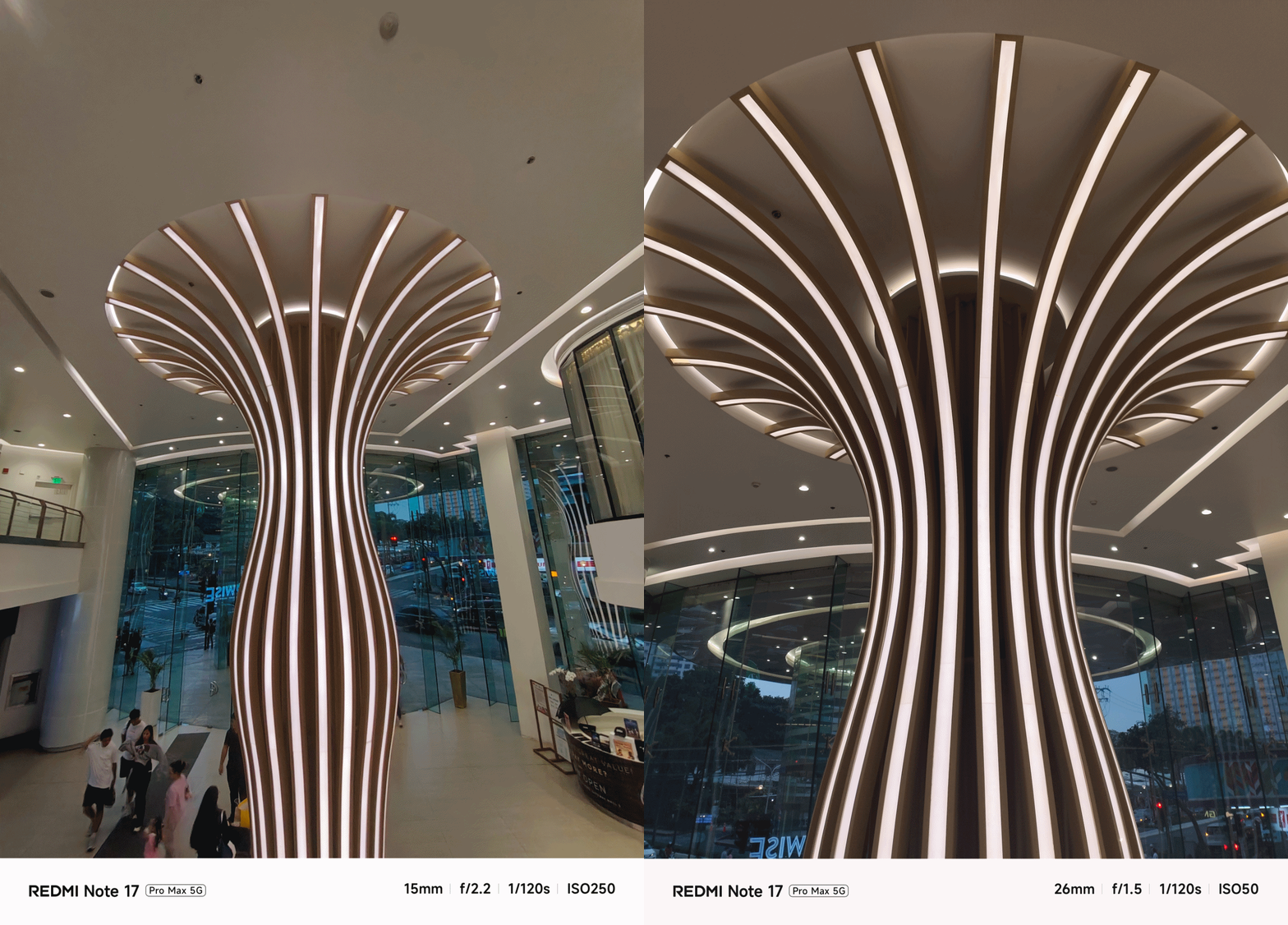


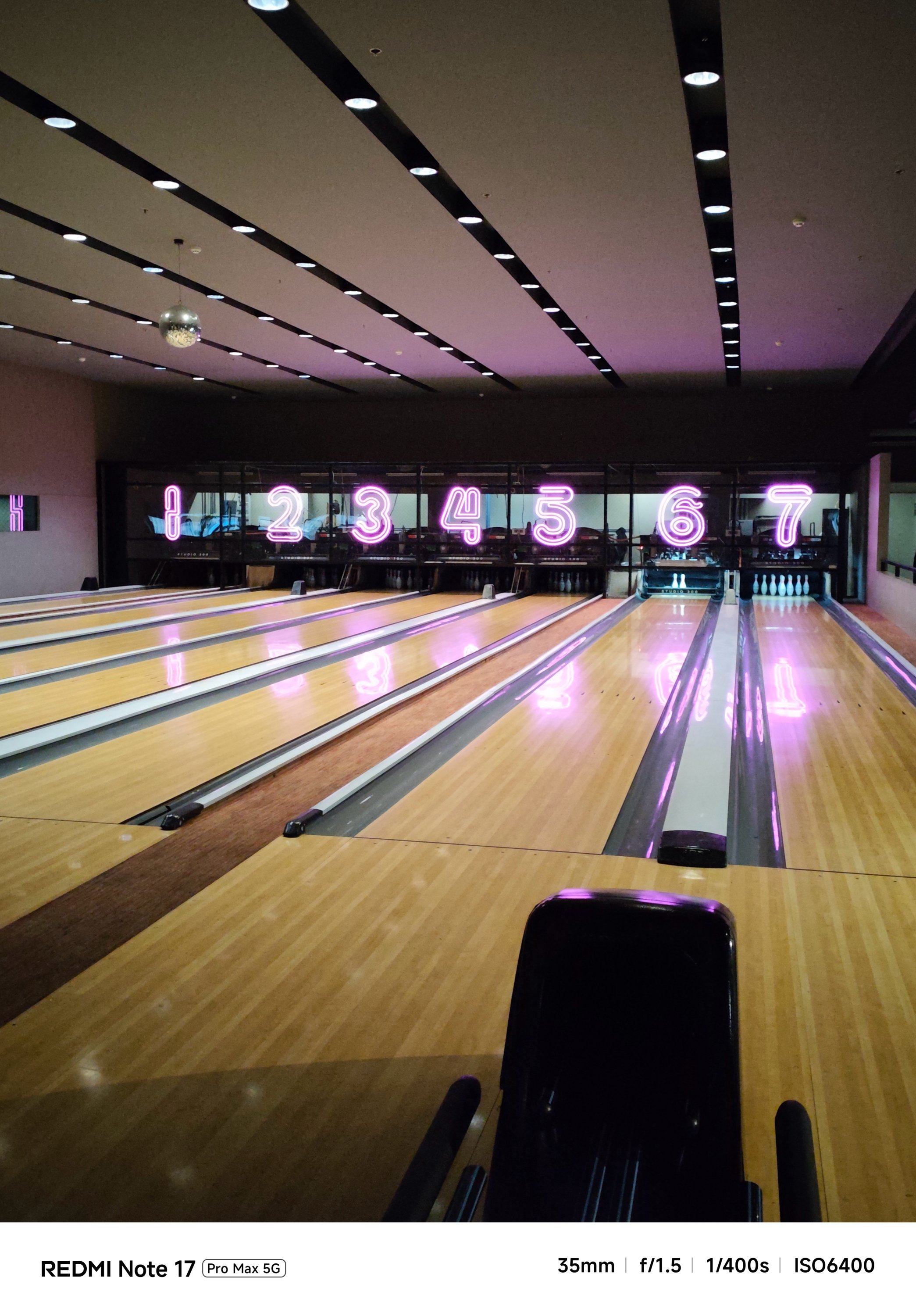

…or even portraits and action-filled snaps, shooting with it was overall smoother and snappier compared to its Pro counterpart.


And now that it’s mentioned, the selfie shooter of the Pro Max is indifferent at 32MP f/2.2. That’s against the smaller and darker 16MP f/2.4 module of the Note 17 Pro.


Tasked to the max
As of writing, the REDMI Note 17 Pro Max is the brand’s first smartphone with a 10,000mAh battery. And by that, it boasts the biggest battery in any REDMI and Xiaomi smartphone so far.
One minor caveat: In certain regions, you’ll get the smaller 9210mAh capacity. But even with that 790mAh difference, it’s still heaps larger than the 8340mAh-equipped Note 17 Pro.

The long-lasting endurance is as amazing as how it looks on paper. Moderate usage can last more than 24 hours. Minimal usage? That’s about two to three days max. Of course, standby time is a lot longer when you don’t use it extensively.
There’s even a reverse wired charging capability just in case your other feeble-powered smartphones lose that precious charge.
For instance, I tried charging my completely dead iPhone 13 Pro Max using the REDMI Note 17 Pro Max for 30 minutes. With that duration, it gave around 29% charge. That is already good especially if one’s out from an outlet and already in a pinch.
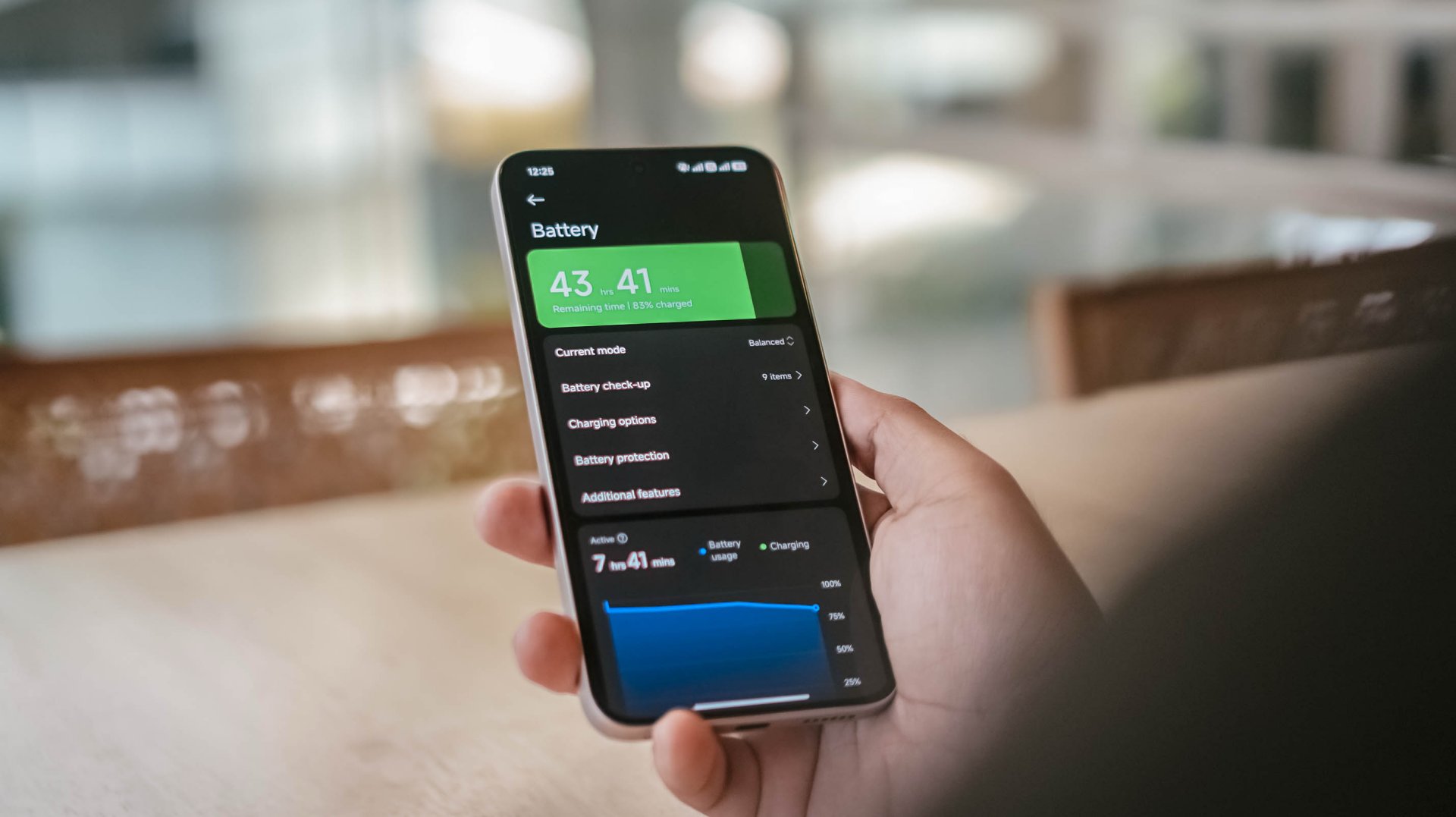
That said, one should still consider the app running in the foreground and background.
With almost two hours worth of installation and gameplay, including ZZZ’s countless character dialogues and a lone yet lengthy combat consumed, the REDMI Note 17 Pro Max consumed 19% charge.
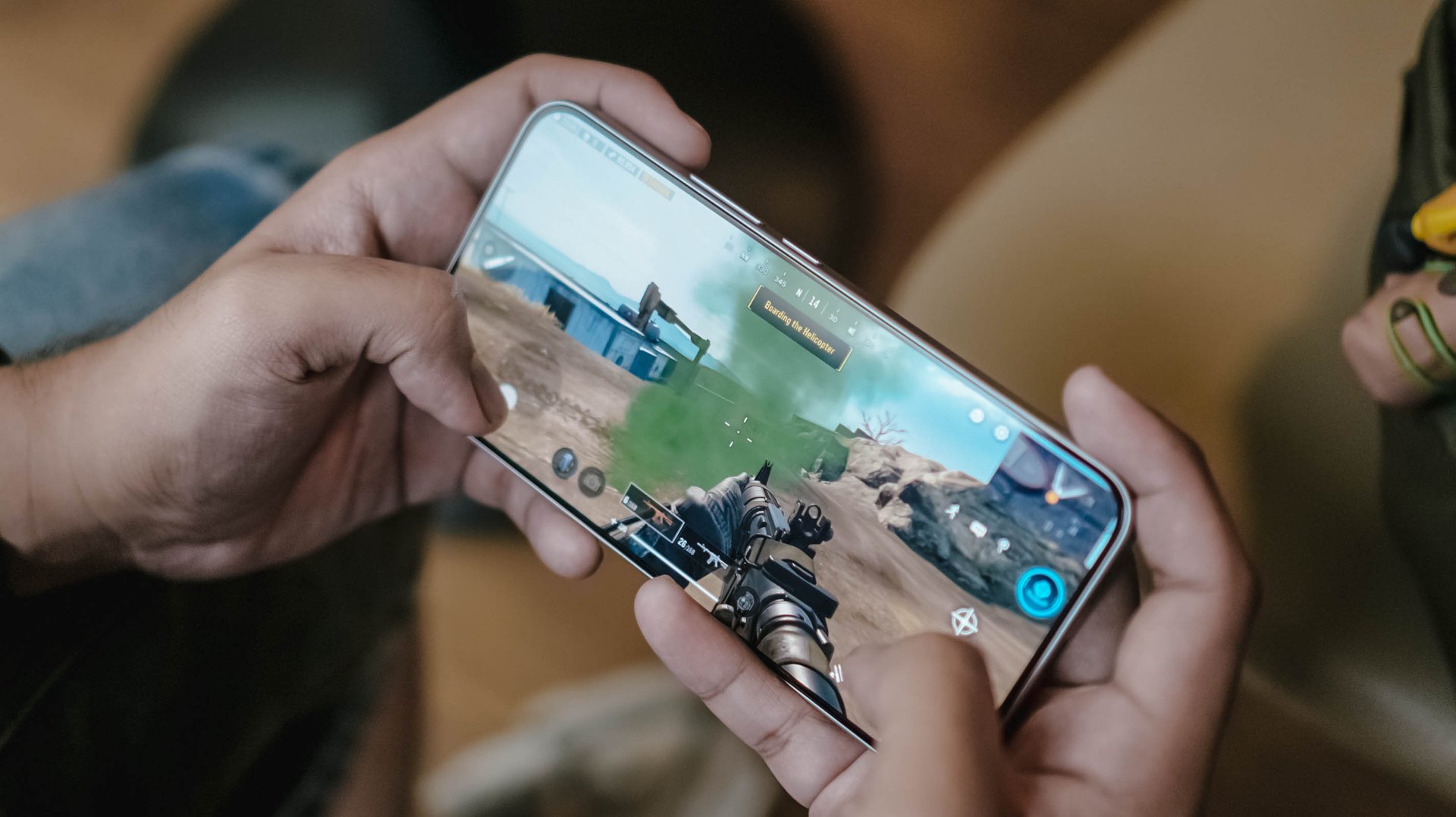
Other than the phone’s actual battery capacity, the inclusion of charging brick and cable is also region-dependent.
In Asia, or at least where I reside, it still comes bundled out of the box.
Now, if you live in European regions, you’d know by now how EU’s strict laws result to the absence of these accessories.
Still, it’s worthy to note that the Note 17 Pro Max supports USB-C PPS protocol.
In my GadgetMatch Charge Test though, that still accounts for 21 minutes of charging time difference.
Xiaomi 100W Charger +
|
UGREEN 100W Uno + ADATA
|
|
START TIME (from 0%) |
6:05PM |
9:54AM |
3 minutes |
5% |
6% |
5 minutes |
9% |
8% |
10 minutes |
16% |
12% |
15 minutes |
21% |
18% |
30 minutes |
38% |
41% |
45 minutes |
55% |
57% |
1 hour |
72% |
75% |
1 hour 15 minutes |
88% |
89% |
1 hour 30 minutes |
– |
95% |
END TIME (100%) |
7:29PM
|
11:39AM
|
With that speedy and reliable 100W HyperCharge speed, it was able to juice up the phone to the very brim under 1 hour 25 minutes.
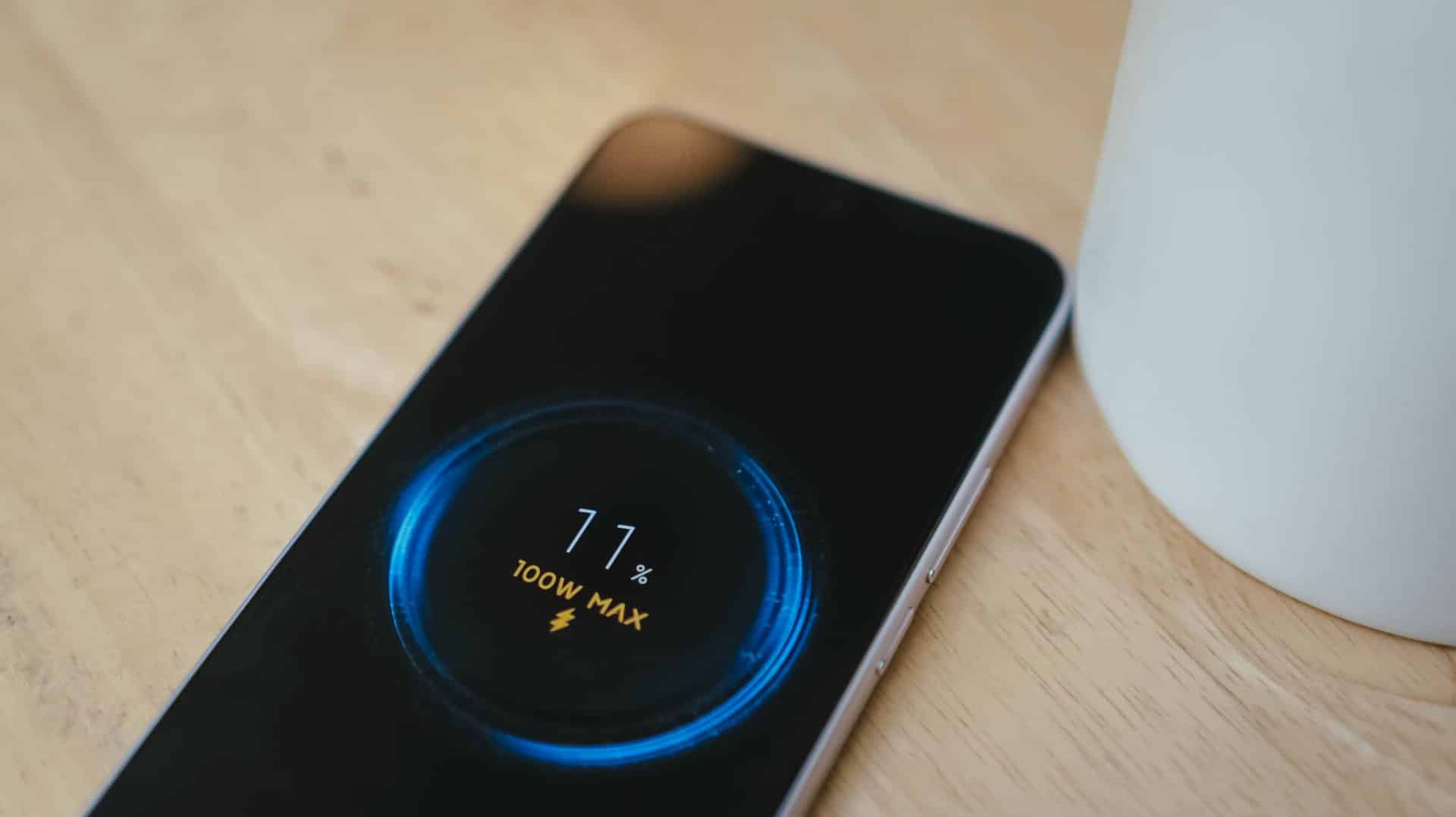
Coincidentally, the Note 17 Pro got fully-filled in 1 hour 25 minutes using Xiaomi’s 100W HyperCharger and cable.
Now this is the part where I can truthfully say the REDMI Note 17 Pro Max reigns.
Is the REDMI Note 17 Pro Max your GadgetMatch?
With a starting price of PhP 30,999 / SG$ 749, the REDMI Note 17 Pro Max isn’t sitting on the same throne as its predecessor and clearest contender, the REDMI Note 15 Pro+.
The ever-immersive audiovisual goodness, utmost Titan durability, and capable cameras are found on both models. Ultimately, it comes down to personal preference when it comes to aesthetics and ergonomics.
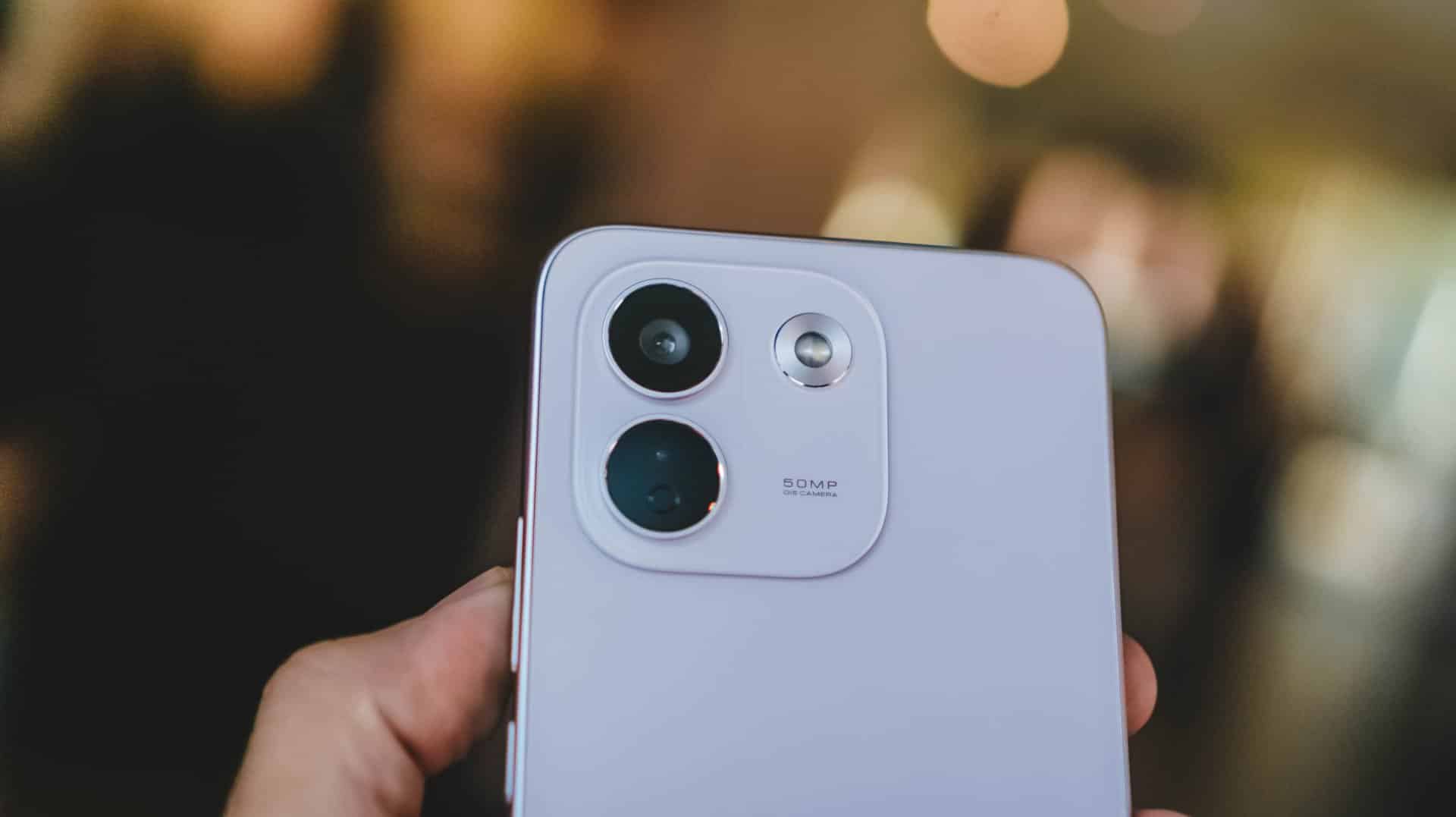
Now, if you favor that beastly battery above all else, the Note 17 Pro Max is worth the Swipe Right.
But, with that PhP 6500 / SG$ 90 price gap between the 512GB variants of both models, the REDMI Note 17 Pro Max is simply a Swipe Left.

Adding more fuel to the fire, the previous Pro+ model has the better chipset and a more refined 200MP main camera. Not to mention, the base memory starts at 12GB, while the newer one, despite being faster, only comes with 8GB of RAM.
So, unless that bigger battery is a dealbreaker for you, the older Pro+ model remains the better value.
A new breed born from AI greed
Clearly, the continuous components crisis isn’t stopping anytime soon. The culprit is none other than the further use and abuse of AI.
As someone who has seen the early warning signs of AI since 2019, this is one among what I fear and dread the most.
The birth of the REDMI Note 17 Pro Max as a new phone breed was undoubtedly brought by the unnecessary AI greed of both companies and consumers’ demands alike.
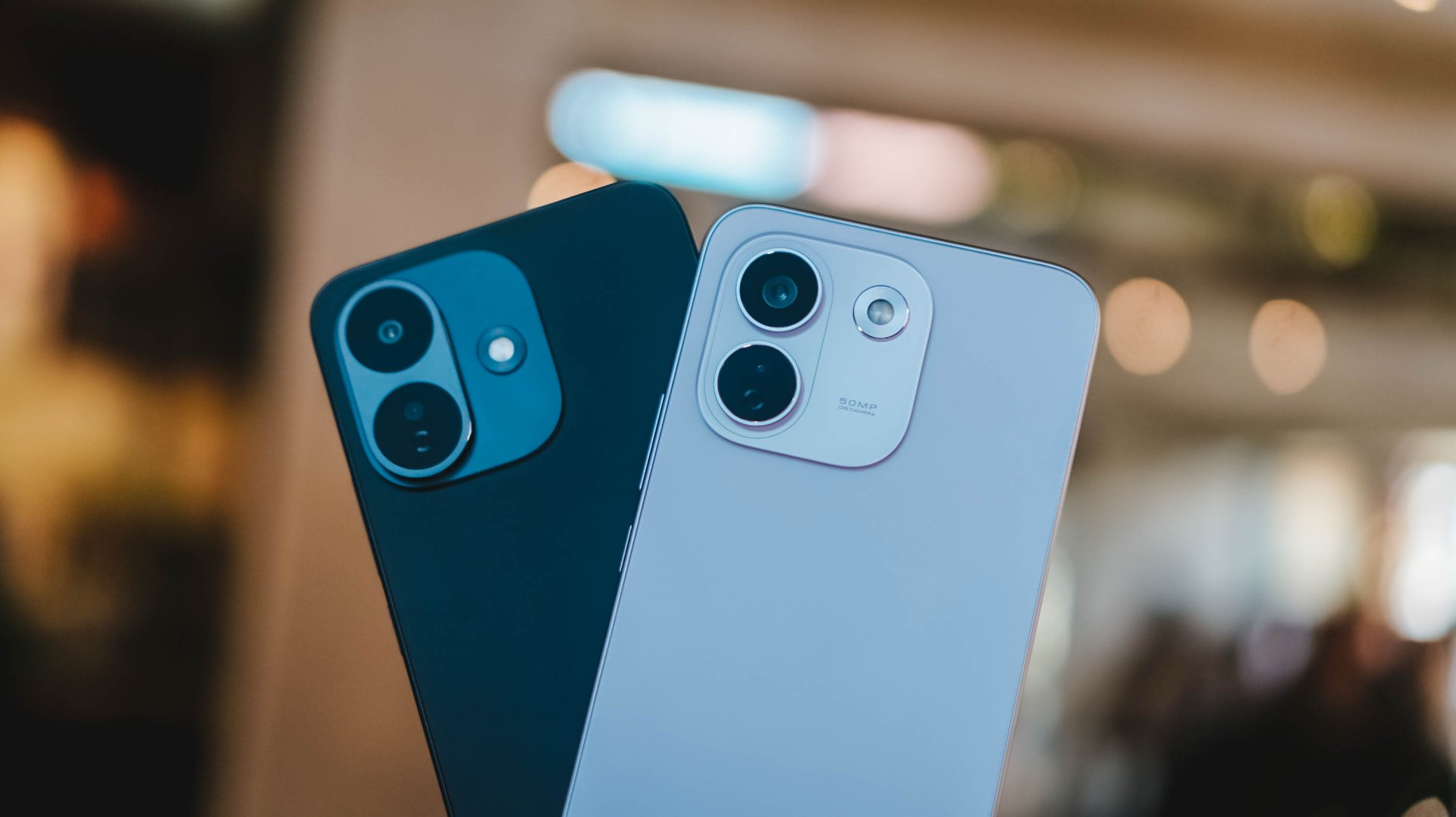
And, as much as I hate to admit it, midrange smartphones with this high price to lower performance ratio might actually be the “new normal.”
The final purchasing power still falls under your hands. However, at the end of the day, these discrepancies and inconsistencies in hardware alongside an even higher launch pricing truly and surely speaks volumes on what to expect with smartphones starting now and the years to come.


There’s a very specific thought that came to mind the moment I finished Marvel’s Wolverine.
“Damn, we finally have a pretty darn good Wolverine that’s not Hugh Jackman.”
I have nothing but respect for what Hugh Jackman has done with the character over the past two decades. His portrayal has shaped how a lot of people see Wolverine. But after all that time, it’s refreshing to see another actor take a proper swing at James Logan Howlett.
Liam McIntyre is fantastic here.
This isn’t exactly a live-action adaptation, but it’s about as close as you can get to having an actor perform Logan and Wolverine without putting a camera in front of him. And my god, does he perform.
McIntyre gives Logan a range of emotions that I wanted to see from the character. He isn’t just a dude acting all tough. He’s a man piecing together broken memories, balancing found-family relationships, and trying to be kind and helpful without ever becoming sappy.
For a story-driven action game like this, that’s important. Your lead can’t be insufferable when you’re going to spend more than 20 hours with him.
Thankfully, Logan is someone you can root for while he’s being a total badass.
That’s really what Marvel’s Wolverine is: a blockbuster you get to play.
A formula that works

When I first started playing Marvel’s Wolverine, I wasn’t convinced it was particularly great.
It felt familiar. Formulaic, even.
But then, after a while, I couldn’t put the controller down. That changed my mind pretty quickly.
I’m a binge watcher. If a narrative is engaging, I’m hooked. This is why I gravitate toward story-driven games, especially the kind of games that have become the money-makers for PlayStation.
Marvel’s Wolverine scratches that exact itch.
The story pulled me forward. The characters kept me invested. The combat was fun. And the set pieces are absolutely bat-shit insane.
It’s a perfect blend of all of those things.
The 21-hour campaign didn’t feel like a 21-hour campaign. It felt like I was binging an interactive, movie-quality TV series with hour-long episodes. I kept telling myself I would stop after a chapter, only to find myself wanting to see what happens next.
There were nights when I stayed up longer than I normally would just to make sure I reached a natural break point.
That’s a pretty good sign.
The funny thing is that I could still see the formula while playing it.
There are story beats you can probably figure out ahead of time. If you’ve played Insomniac’s Marvel’s Spider-Man, you might even recognize some of the ways the studio likes to structure its stories. As someone who’s been exposed to plenty of superhero stories, there isn’t much here that I would call life-changing or groundbreaking.
But it doesn’t really need to be. The execution is what makes it work.
Insomniac understands how to make these games feel like movies that you play. It understands compelling storytelling, character work, proper pacing, and dynamic gameplay.
More importantly, it understands when to let you breathe.
Knowing when to slow down

Logan and Raven (Mystique) at a bar in Madripoor
The rhythm of Marvel’s Wolverine is one of its biggest strengths.
You’ll go through a quiet character moment. Then you explore a little. There’s some dialogue. The action picks up. A fight escalates. And suddenly you’re in one of the game’s massive set pieces.
Then it lets you breathe again.
That sounds simple because it is. But getting that rhythm right is harder than it looks.
There were moments when I thought a fight was going to go on forever. Then it would stop right when I started thinking that.
The game knows when you’ve had enough.
That matters because Wolverine’s combat can get pretty intense.
But because the combat sections are spaced out properly, I was almost always looking forward to the next group of enemies I could mow down.
The quiet moments are just as important. I absolutely loved them.
They give you a breather from the violence, but they also help steady you on where the story is going. The action, violence, character work, and jaw-dropping set pieces all serve each other.
It’s a balance Insomniac executed fantastically.
This is Wolverine as a combat fantasy

If there’s one thing I think Insomniac absolutely nailed, it’s the feeling of unleashing Wolverine in combat.
Playing as Spider-Man in Insomniac’s games gives you an especially strong connection to the character because his traversal is so unique. Swinging through New York is such a huge part of what makes you feel like Spider-Man.
Wolverine doesn’t quite have that.
He’s more ground-bound, and that means some of the experience feels closer to playing a traditional hack-and-slash character.
But when the fighting starts, it’s a different story.
I felt like a savage force of nature wailing on enemies.

Rage
The game gets the important parts of Logan’s physicality right. His aggression. His durability. His healing factor. His claws.
Even the Rage system makes sense.
I particularly love how Rage feeds into his healing factor. That gameplay loop feels like a fantastic implementation of his mutant abilities. You’re building Rage, using it to stay in the fight, and generally making Wolverine feel like the nearly unstoppable force he’s supposed to be.
I do wish Rage felt a little more feral, though.
Wolverine is still pretty much in control when Rage kicks in. You deal more damage, but I was hoping for something that made it feel like Logan was losing control a little bit.
Maybe that’s asking for too much. I’m no game developer.
But it would have been an interesting way to express what Rage means for Wolverine beyond simply making him stronger.
Getting better feels good

The combat has enough going on to support a campaign that stretches beyond 20 hours.
Techniques become instrumental in making you feel like you’re getting better at combat. Adaptations let you build Logan around how you actually play.
I’m not particularly good at dodging and parrying, so I leaned into a tankier build. I equipped Adaptations that helped me absorb hits and extended the parry window because parrying is an important combat mechanic.
And whenever I successfully pulled off a parry, I felt like a complete badass.
That’s a good feeling to have several hours into a game.
The combat loop itself can naturally become repetitive. You’re fighting enemies, building Rage, using Techniques, and mixing up your combos.
But I never really got tired of it.
The one exception was a wave-based challenge that asks you to fight through a ridiculous number of enemies. Getting to the highest rank takes around 45 waves, and I could already feel my hands hurting around Wave 30.
That’s the kind of challenge you need to prepare for. Take it on, then take a break.
Thankfully, that was the only part of the combat that felt genuinely tiring to me.
And yes, if you’re here for the blood and gore, you will not be disappointed.
I’m not even that big a fan of excessive violence, but it works here.
There’s a famous Wolverine line about being the best at what he does, even if what he does isn’t very nice. The violence in this game supports that idea to a tee.
Marvel’s Wolverine earns its M for Mature rating.
Logan’s story is more personal than it looks

Wolverine being a superhero is the draw.
But underneath all the claws and mutant powers, this is really a story about a man trying to figure himself out.
It’s important to know going in that this is a pre-X-Men story. The game doesn’t immediately throw you into the familiar X-Men setup you might expect.
Instead, Logan is piecing together who he was, who he’s been, who he is, and ultimately who he wants to be.
It just happens to take place in a world where mutants exist.
I was never the biggest Wolverine fan. In fact, I hated how the live-action Fox movies treated him as the X-Man when the X-Men have always been an ensemble to me.
I say this as a Cyclops fan.
God bless Hugh Jackman and everything he has done for Wolverine, but his portrayal inevitably shaped the character’s place in popular culture.
Insomniac’s Logan feels a little different — and maybe the fact that he’s canonically a “short king” here makes him seem more appropriate.
He’s a man trying to do right by the people around him while also trying to figure out how to do right by himself.
He’s broken. His memories are fragmented. He has people around him that he cares about. And underneath the rough exterior is someone who is simply trying his best to make sense of his present reality.
That made him surprisingly easy to root for.
Jean Grey is having a moment

Best Jean Grey in modern media?
And then there’s Jean Grey.
I did not expect Jean to become one of my favorite parts of Marvel’s Wolverine.
But here we are.
I think a lot of people primarily know Jean through a few familiar ideas. The love triangle between Scott and Logan. The Phoenix. Getting overwhelmed by her powers.
The 1990s animated series had plenty of moments where Jean felt weak, while the live-action movies eventually speed-ran toward the Phoenix side of the character.
Marvel’s Wolverine gives her room to simply be Jean.
She’s headstrong. She can take care of herself and the people around her. She has her own motivations and a steadfast desire to protect her found family of mutants.
She can hold her own in a verbal spat just as easily as she can throw down with her mutant abilities.
She could just as easily have been marketed as the second lead of this game.
She’s fantastic.
Easily one of my favorite versions of Jean Grey.
And I think she’s about to get a lot more fans.

Between Sadie Sink’s Jean in Spider-Man: Brand New Day and this version from Insomniac, Jean Grey is suddenly having a moment.
I just don’t think we’ve gotten enough versions of Jean where she gets to be her own person.
Here, she is.
And she’s also incredibly charming.
A world that doesn’t need to be open

One thing I appreciate about Marvel’s Wolverine is that it doesn’t feel like Insomniac looked at its previous games and decided everything had to become bigger.
This isn’t an open-world game and that’s perfectly fine.
Not everything needs to be openworld.
The structure actually reminds me more of Ratchet & Clank: Rift Apart than Marvel’s Spider-Man. You move through contained environments, but they don’t feel like one long tunnel.
The locations are distinct. There’s room to explore. There are things to find. And the optional activities are tied to gameplay mechanics, which makes them feel more useful than simple checklist items.
Madripoor was especially memorable to me.
Part of that is because it’s a Southeast Asian-adjacent location, and that’s where I’m from. I’d love to see a more fully explorable version of Madripoor someday.
The game’s global structure also reminded me a little of how Captain America: Civil War handled its different locations.
The game also has plenty of little X-Men winks that made me go, “I understood that reference.”
The Mission Replay screen also recreates that famous meme of Logan lying on his bed and staring at a framed photo.
They did the Wolverine meme lol https://t.co/3kSO4i3n0t pic.twitter.com/bvc5q1A8Ye
— Genki✨ (@Genki_JPN) August 28, 2026
These touches never feel like they’re there just for the sake of checking a box. They add personality to the world and make it feel like Insomniac understands the character and the people who have grown up with him.
It makes the adventure feel bigger without forcing the game to become a massive open-world playground.
That’s the right choice for this particular story.
The blockbuster moments

The set pieces are where Marvel’s Wolverine really goes for it.
There are plenty of moments where you might just stop and think, “Woah.”
The action is high-octane. The spectacle is ridiculous. And there are sequences that genuinely made me want to shout at the screen.
The motorcycle sections are probably what I’ll remember most.
I sucked at them but they were fun as hell.

They should make the motorcycle sections playable separately.
That’s a pretty good description of a lot of the game’s biggest moments. They’re designed to make you feel like you’re inside a giant action movie, and they succeed.
What’s important is that the spectacle never felt disconnected from the rest of the game.
The quieter scenes prepare you for the big moments. The story gives them context. The combat gets you there.
Everything serves everything else.
And after 21 hours, I wasn’t thinking about which individual feature was the most innovative.
I was thinking about the experience as a whole.
A complete package

Another thing Insomniac gets right here is what happens after the credits.
Marvel’s Wolverine feels complete.
You can replay missions and go back for objectives you missed. There’s Photo Mode. There’s New Game Plus available right away. There’s optional content waiting for you.
You have plenty to do even after the credits roll.
That’s especially notable because the lack of New Game Plus and limited post-game content were among the major criticisms of Marvel’s Spider-Man 2. Wolverine addresses those concerns from day one.
Personally, I want to go back through the other missions before jumping into another full playthrough. And when I do replay the game, it won’t necessarily be because I want to discover some completely different combat experience.
I just want to experience the story again.
That’s something I tend to do with Insomniac’s games.
Not groundbreaking. Just really, really good.

Omega Red
If I had to point to the biggest weakness of Marvel’s Wolverine, it’s predictability.
Nothing here feels particularly groundbreaking or new.
The story doesn’t have a lot of twists that genuinely surprised me. There are plenty of story breadcrumbs that make it possible to figure out where certain things are heading.
But by the time I reached the end, I didn’t really care.
The execution was good enough that I was hooked regardless.
And the game leaves plenty of room for what Insomniac could potentially do next.
I can’t say much more without getting into spoiler territory.
Let’s just say I’m a thousand percent excited.
The one character I genuinely wish had gotten more to work with is Lady Deathstrike.
Her hatred for Logan makes sense within the story, but she felt too one-note to me. Her background suggested there could have been more there, and I don’t think the character quite got the material she deserved.
That’s about as far as my major complaints go.
Combat can be repetitive because combat is naturally going to be repetitive. The game isn’t reinventing the genre.
But nothing became egregious enough for me to point at and say, “This is a problem.”
That’s because Marvel’s Wolverine is remarkably consistent.
Wolverine knows what it wants to be

Marvel’s Wolverine isn’t the game that will fundamentally change how we think about superhero games.
It doesn’t need to be.
It’s a pretty darn awesome action game that feels like a movie.
More importantly, it’s a game that understands the character it’s trying to portray.
When you’re watching Logan piece together his memories, trying to understand the people around him, or figuring out what kind of person he wants to be, the game gives you room to care about him.
When the claws come out, it lets you become a savage force of nature.
Then, when you’ve had enough, it gives you a quiet moment to breathe.
That’s the formula. It’s familiar. It’s predictable. And it works. Really, really well.
I started Marvel’s Wolverine thinking it was simply another polished PlayStation blockbuster.
By the time the credits rolled, I had spent 21 hours completely hooked.
I sat for about two hours afterward just taking the whole thing in and sorting through my thoughts.
Whew.
What an experience.

Marvel’s Wolverine reminded me why I keep coming back to story-driven action games in the first place. It doesn’t need to reinvent the formula. It just needs to execute it well enough that you forget you’re playing a game and get completely swept up in the experience.
That’s exactly what it did to me.
Marvel’s Wolverine isn’t groundbreaking. It doesn’t need to be. It’s just damn good at being the kind of game I want to play.
GadgetMatch verdict: Swipe Right.
Marvel’s Wolverine is one of the very best at what it does. And what it does is pretty astonishing. It delivers a polished, cinematic, character-driven experience that makes it very easy to lose 20-plus hours to it.


DJI Lito X1 review: Is this the best lightweight drone for creators?
Making a strong case as a travel companion and a capable B-cam!


REDMI Note 17 Pro Max review: A new breed born from AI greed
Welcome to the new normal


Marvel’s Wolverine review: When the claws come out
A brutal, cinematic superhero adventure

CRISIS CORE -FINAL FANTASY VII- REUNION physical edition now available for Switch 2

Smart launches AI.Smart, an affordable AI workspace

A Discord ban won’t save your kids

When your body talks, the Galaxy ecosystem listens

Power Mac Center SM Aura is now an Apple Premium Partner store

realme 16T 5G with 8000mAh battery, IP69 Pro rating launches in PH

HUAWEI Pura X View is 2026’s first WIDE slab-type smartphone

REDMI reveals the refreshed Note 17 and Note 17 Pro series

REDMI Note 17 Series: Price, availability in Singapore

The CAMON Slim 5G is TECNO’s latest ultra-slim smartphone


-

 Hands-On2 weeks ago
Apple iPhone 18 Pro Series Hands-on
-

 News3 days ago
vivo X500 Series launches with major imaging upgrades
-
Gaming2 weeks ago
Marvel’s Wolverine review: When the claws come out
-

 Gaming1 week ago
BlizzCon 2026 announces World of Warcraft: Forever and Diablo V
-

 Singapore5 days ago
Epson Lifestudio Grand Plus EH-LS970B with 4K projection, more launches
-
Reviews1 week ago
REDMI Note 17 Pro Max review: A new breed born from AI greed
-

 First Look2 weeks ago
First Look: Apple iPhone Duo
-

 Entertainment2 weeks ago
PH to celebrate 1st ever National Cinema Day; movies start at less than $2