
Explainers
Here’s all you need to know about HDR


The screen is the most important part of your smartphone, and serves as both display and interface. Over the past decade or so, we’ve been inundated with selling points like Retina Display, 720p, 1080p, 1440p, and even 4K. The latest buzzword for screens is high dynamic range or HDR, and the latest flagship phones tout it as a must-have spec.
But what is HDR in the first place?
More colors, more brightness
Put simply, HDR lets your display exhibit a far wider range of colors. How? First, whites are whiter, and blacks are blacker. The screen does this by being much brighter than what you’re normally used to, to the tune of 1,000 nits (a unit used for display brightness). By comparison, your old flagship phone probably topped out at around 500 nits. An HDR display can also illuminate or darken specific areas of the screen, whereas a non-HDR display commonly lights the entire screen evenly.
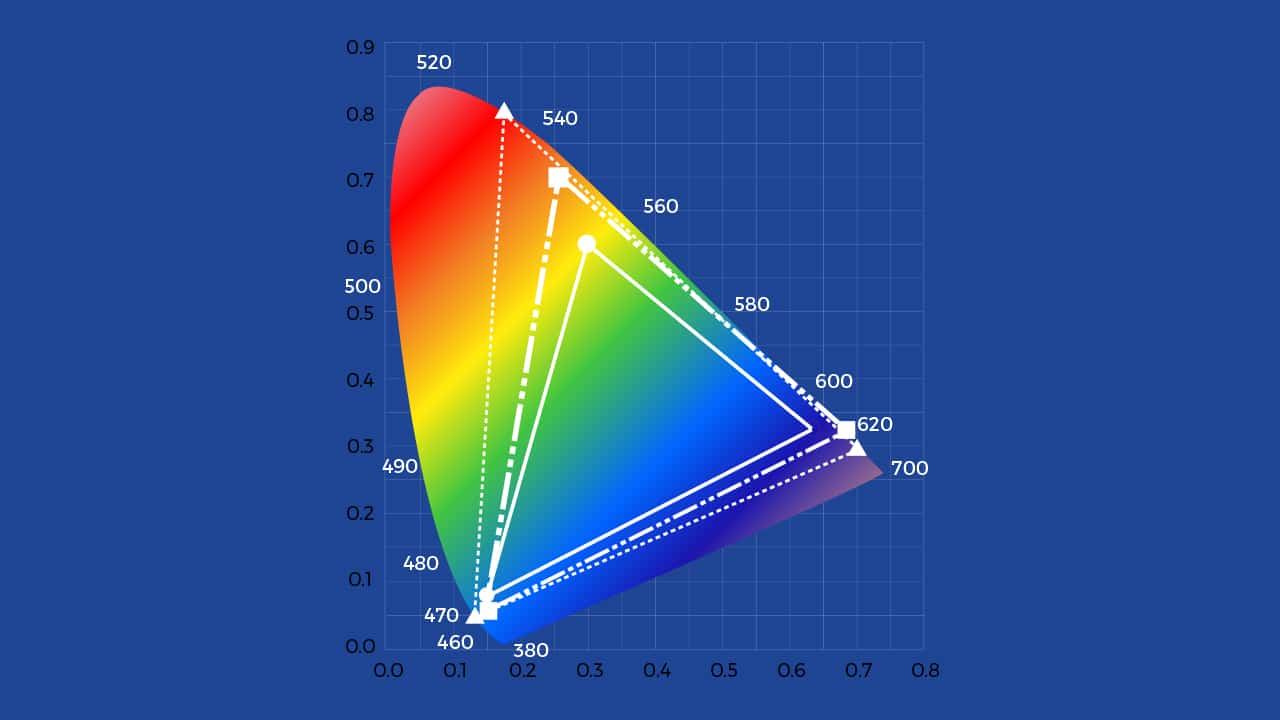
Second is wide color gamut, or WCG. This feature increases both the color palette (the number of colors available and the bit depth (or the number of shades of those colors). Your old phone could display nearly 17 million colors. By contrast, an HDR display can show over a billion, which is much closer to what you can see in real life. When working in tandem, these two processes enable the screen to show a range of colors that are more akin to real life. This is why people who have seen an HDR display liken it to looking out a window.
But there lies the problem. The most difficult issue with conveying what HDR is exactly is that if you don’t actually have access to an HDR-capable display, it’s impossible to show the difference. Conversely, if you have an HDR display and a non-HDR display side by side, the improvements are instantly evident. This technology represents a generational leap, much like the jump from black-and-white to color, or standard definition to high definition.
A feature by any other name
You’ve probably heard the abbreviation “HDR” before as a vaunted feature for smartphones even before it was used for displays. Another source of confusion is that HDR also applies to another selling point for phones: the HDR feature of a camera. In camera HDR, the camera takes many exposures of the same scene and combines them, thereby showing all of the subtle steps in highlights and shadows.

The principle between HDR displays and photography remains roughly the same, with the end result being an image that has higher contrast and more colors. Crushed blacks and blown-out whites are also eliminated as a result. This is where the phrase “high dynamic range” comes in, representing the difference between the darkest parts of an image with the lightest.
Which gadgets have HDR?
All of this year’s important flagship phones have HDR-enabled displays, including the LG G6 and the Sony Xperia XZ Premium. However, these phones appear to be using different standards for what constitutes HDR — the LG G6 uses both the open HDR10 standard and proprietary Dolby Vision, and Sony’s 4K phone appears to be using its own definition of HDR.
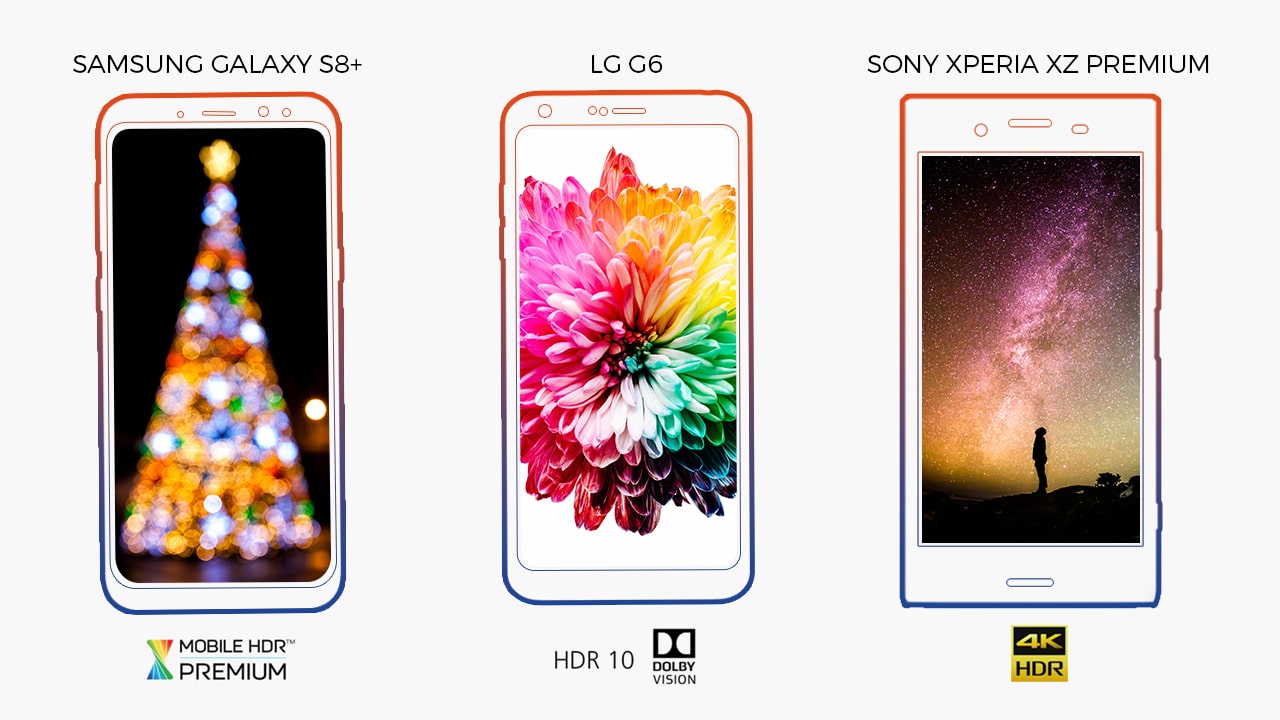
Hopefully, HDR specifications normalize in subsequent generations of phones. You wouldn’t want to get a phone with HDR to find out that your HDR content won’t even display properly on it. Thankfully, at this year’s Mobile World Congress, the Ultra HD Alliance announced Mobile HDR Premium, which is an HDR standard specifically developed for smartphones, tablets, and laptops. The Samsung Galaxy S8 and S8+, two of the best phones of 2017, were the first pair to adhere to this certification.
Here are the specifics of Mobile HDR Premium for a wide variety of portable devices:
| Device | Resolution | Dynamic Range | Color Space | Bit Depth |
| Smartphones (3- to 7-inch screens) | 60 pixels/degree | .0005-540 nits | 90% of P3 Color gamut | 10 |
| Tablets (7- to 12.9-inch screens) | 60 pixels/degree | .0005-540 nits | 90% of P3 Color gamut | 10 |
| Laptops (9.5- to 18-inch screens) | 60 pixels/degree | .0005-540 nits or 0.1-600 nits | 90% of P3 Color gamut | 10 |
Why do you need HDR?
If you’re after the top-end phones, you’ll find it increasingly difficult to avoid HDR. The benefits that a more accurate display brings is most useful if you’ll be doing image work on your phone, like quickly editing photos on VSCO before sharing it to the ether. But its advantages will also be immediately noticeable if you consume content on your phone (like most people do). More and more media providers are putting out HDR content —YouTube, for one, has had HDR support since last year, and both Netflix and Amazon Video have it as well.

And with diminishing returns in terms of resolution on a five- to six-inch screen (do you really need 4K on a screen as big as your palm?), HDR is one display buzzword that is instantly apparent. Plus, unlike a 4K screen that eats batteries for breakfast, HDR on your phone can actually extend your phone’s longevity; the dynamic and selective adjustment of brightness, depending on what’s shown, should increase your screen-on time by a significant amount.
SEE ALSO: What exactly is Fast Charging? And how does it work?
[irp posts=”14641″ name=”What exactly is Fast Charging? And how does it work?”]



With a huge change in naming scheme, Apple promises a big leap ahead.
The all-new Liquid Glass design isn’t just breath of fresh air — it’s a bold redesign ever since the iOS 7 came out.
It’s not limited just to the iPhone. It’s coming to the iPad, Mac, and even the Apple Watch!
And with latest Public Beta now available across all devices, now is the perfect time to try ’em out.
Here are our favorite features, design updates, and hidden gems in Apple’s latest OS 26 series of software updates.
Namely iOS 26, iPadOS 26, watchOS 26, visionOS 26, and macOS Tahoe.
Shopping for a new Windows laptop?
With so many choices out there, it can be tough to know where to start.
Should you prioritize performance, battery life, or portability? Can you find something affordable and premium-looking?
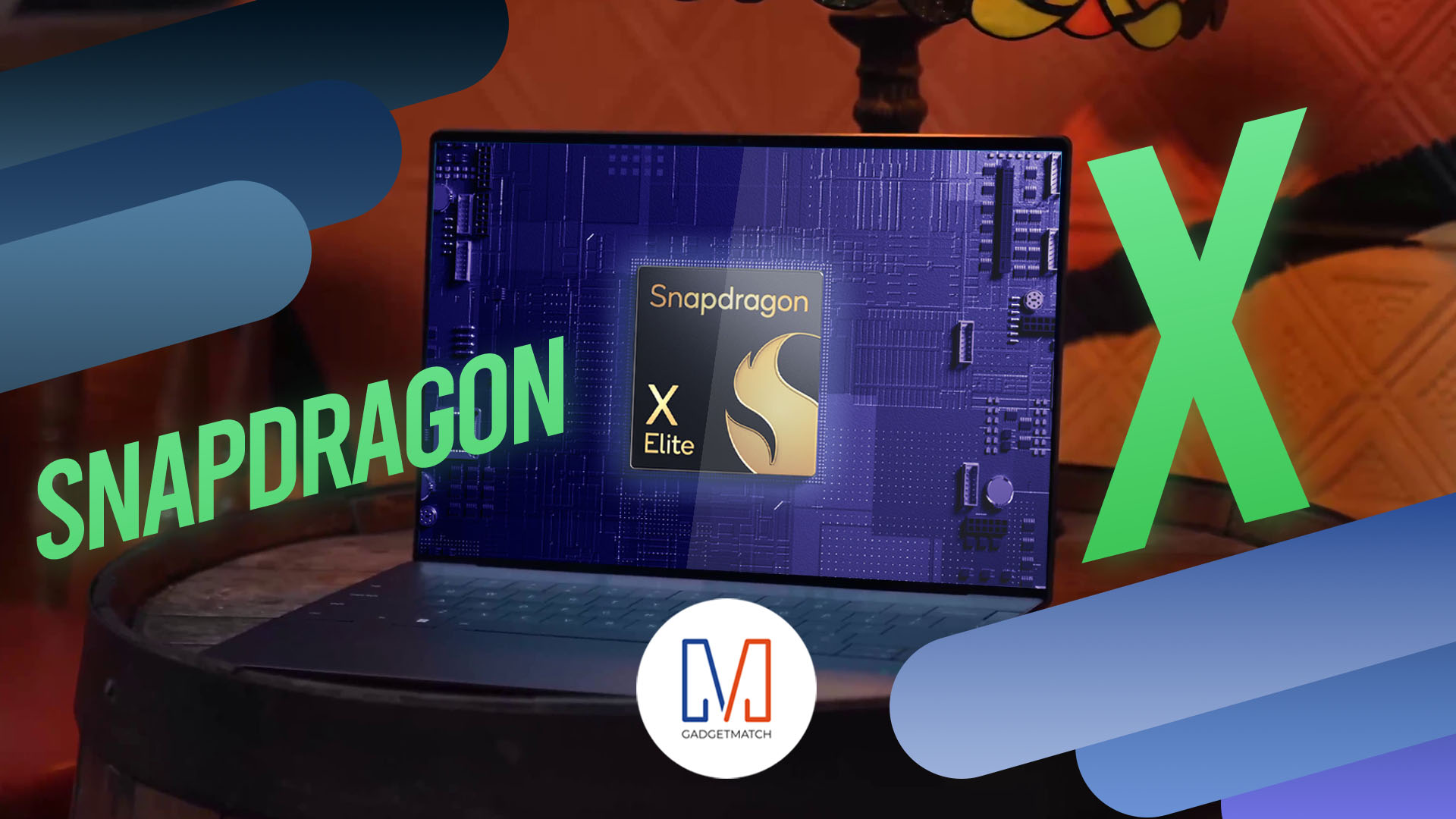
In this video, we break down everything you need to know about the new Snapdragon X Series laptops — a new category of Windows PCs that promise power, efficiency, and sleek design in one package.
Whether you’re a student, creative, or just looking to upgrade, this buyer’s guide will help you decide if a Snapdragon X Series laptop is right for you.

Apple dropped a ton of surprises in this year’s WWDC — and there’s more than just the Liquid Glass redesign.
From Workout Buddy, to game-changing Apple Intelligence features.
All the way to collaborative visionOS updates, and the next generation of iOS 26, macOS 26, and iPadOS 26.
Watch to see the top announcements NEED to know from the WWDC 2025 keynote!
Here are Michael Josh’s biggest takeaways from WWDC 2025 in one video — with the help of some TechTuber friends!


Apple iPhone 17e review
Everything you need for US$ 599?

Infinix NOTE 60 Ultra: Not bad for a flagship push
It's definitely got the looks, though.


JBL Sense Pro review
My daily driver met a loud and capable rival in this quest for a superior training companion.

Why a dedicated mattress vacuum is the allergy season upgrade you need

Apple’s iPhone Fold reportedly hits engineering delays

PlayStation can now scan you and put you inside a game

Grab moves beyond the ride to become a companion for the life in between
Apple iPhone 17e review


-
 News2 weeks ago
nubia Neo 5 series launches in the PH, starts below PhP 12K
-

 Gaming2 weeks ago
Razer Blade 16 (2026) packs more cores, faster memory
-

 Automotive2 weeks ago
The Changan Eado Plus officially lands in the Philippines
-

 Gaming2 weeks ago
Nintendo will make it cheaper to buy digital games than physical
-

 Gaming2 weeks ago
Life is Strange: Reunion now available on consoles and PC
-
 News1 week ago
vivo X300 Ultra wants to beat the iPhone 17 Pro Max in pro video
-

 Accessories2 weeks ago
Razer sharpens its competitive edge with Viper V4 Pro and Gigantus V2 Pro
-

 Luxury Smart Home2 weeks ago
Sony brings cinema home with new BRAVIA 3 II TV, BRAVIA Theatre lineup