
Reviews
Samsung Galaxy S21 Ultra review: The best among the beasts?
Are the extra specs worth the extra price?

It hasn’t even been a year ever since Samsung launched the Galaxy S20 series but they’ve already unpacked the Galaxy S21 as early as January 2021.
I even remember we did a three-way review of the Galaxy S20 variants when it was launched. That experience serves as an eye-opener for me that I am, by all means, an “Ultra” user for the tasks I do. Multitasking, gaming, watching, shooting with great set of cameras, what more could I ask for now that I have the Galaxy S21 Ultra in my big hands?

While there are currently less newer flagships in the horizon powered by the latest Snapdragon 888 such as the China-exclusive iQOO 7 and the Xiaomi Mi 11 with its pending global release, is it enough to say that this phone is the best among all the beasts released so far? Let’s find out.
Ultra-minimal box content
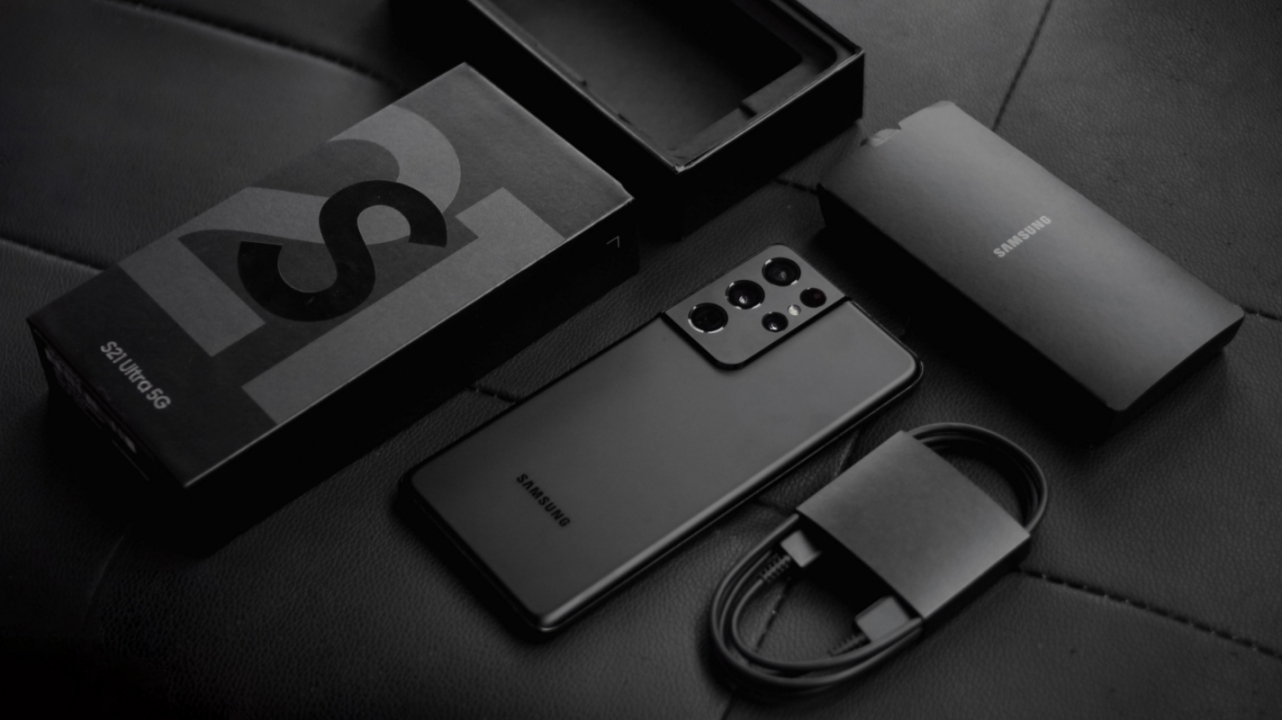
The rumors are true after all. After mocking Apple for removing bundled chargers, Samsung still followed their path and ditched the usual 25W Super Fast Charger. Inside the retail box, I only got the phone itself, the usual SIM tray ejector tool, some paperwork, and a USB-C to USB-C cable.
It appears the removal of the AKG earphones in the Galaxy Note 20 Ultra packaging was already an early hint.
Ultra-sophisticated design
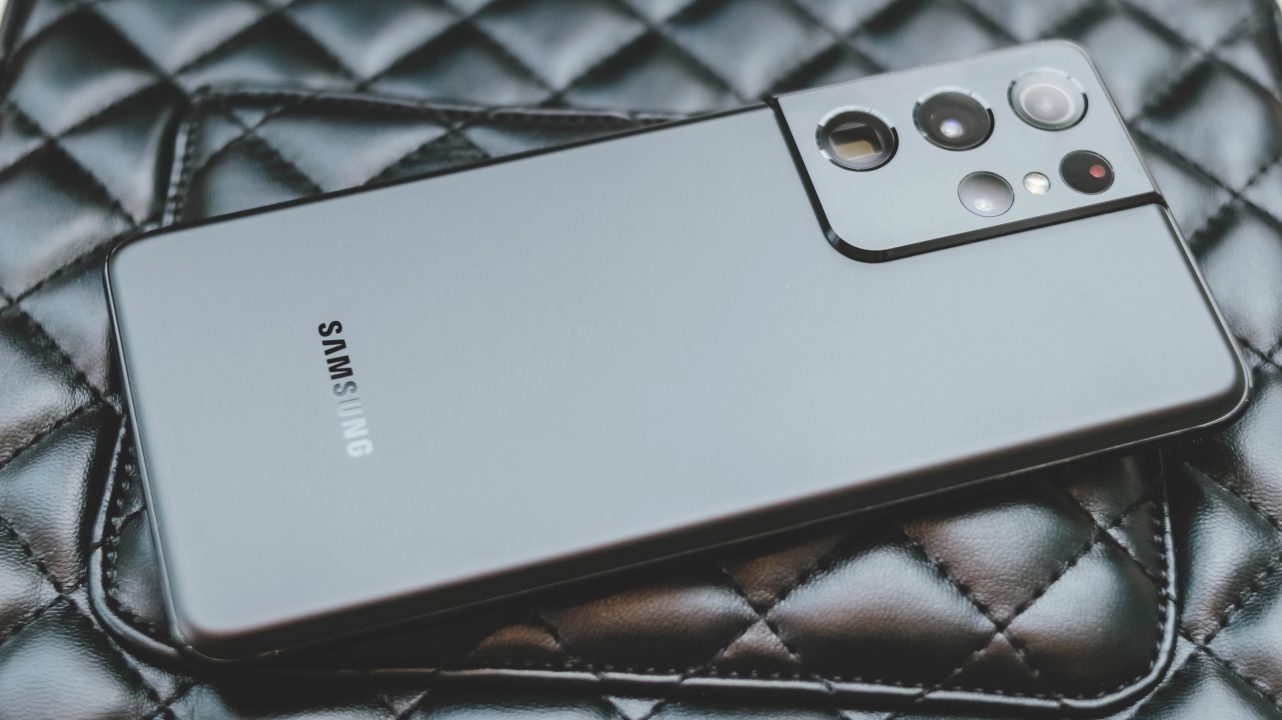
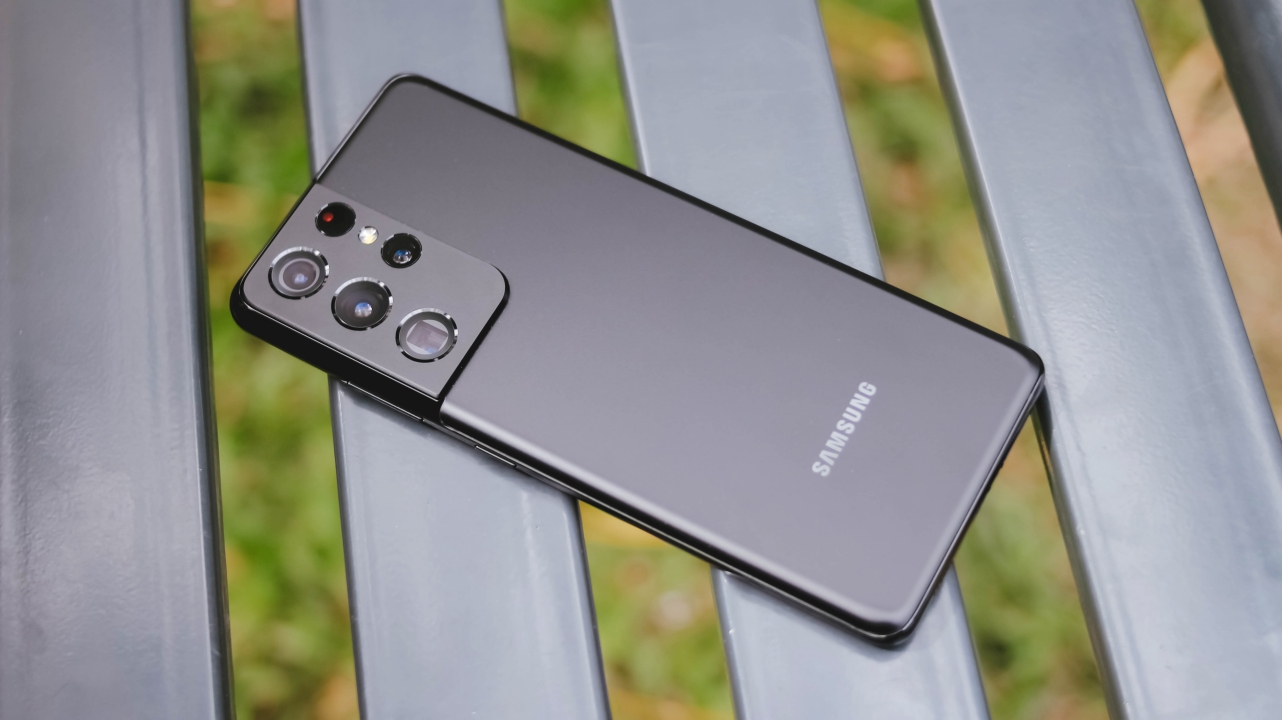
Love it or hate it, the Galaxy S21 series has a newer design that I honestly admire. While last year’s S20 Ultra had a glossy finish, the S21 Ultra now has a matte finish like the Note 20 Ultra — which should lessen the amount of fingerprints on the device. I used the Galaxy S20+ in Cosmic Black last year and that was an ultimate fingerprint and scratch magnet.
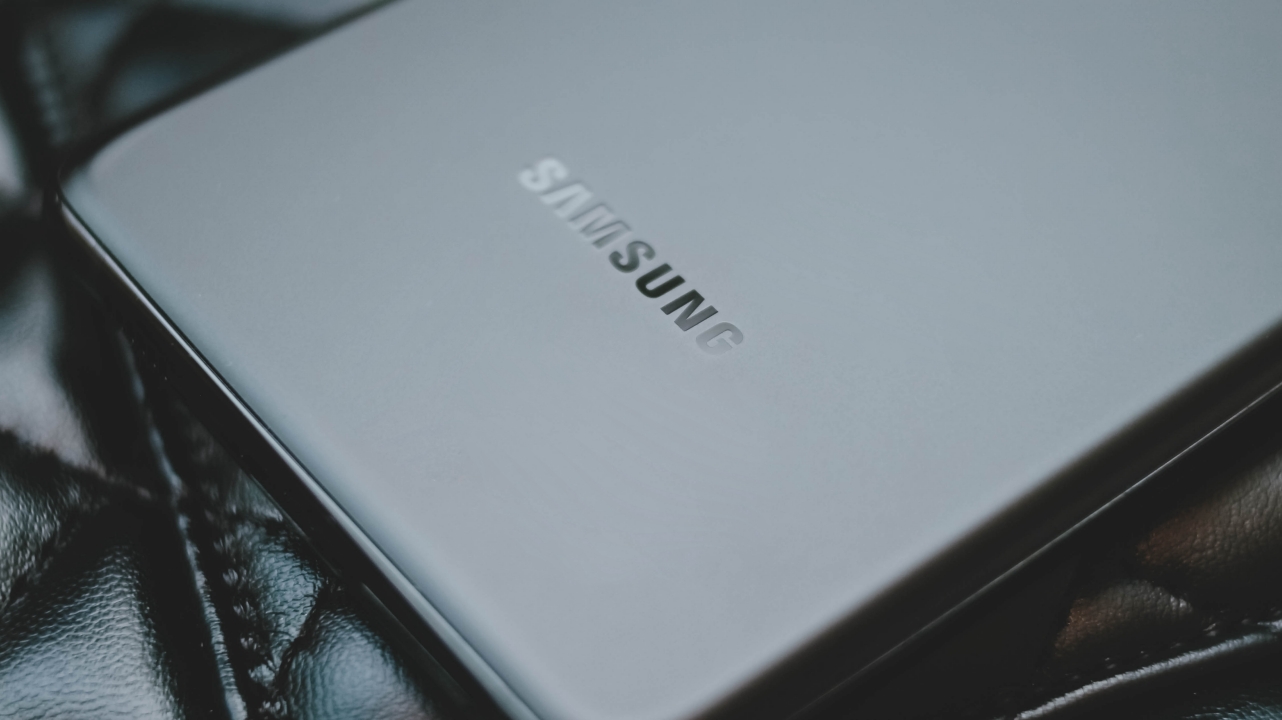
Samsung is proud of this year’s “Phantom Black” colorway by doing several processes to achieve its true and final color. It’s a more mature look that’s bold yet clean.
The whole process reminds me of how Apple made the Jet Black iPhone 7 and 7 Plus. Regardless of that tedious process, this dark color option closely resembles Apple’s Matte Black variant even more.
But unlike the iPhone’s aluminum unibody chassis, this one is made out of a tougher Gorilla Glass Victus — even tougher than last year’s Gorilla Glass 6. Albeit, there are times when fingerprint smudges still show when hit by light.
SEE ALSO: Which Galaxy S21 color should you get
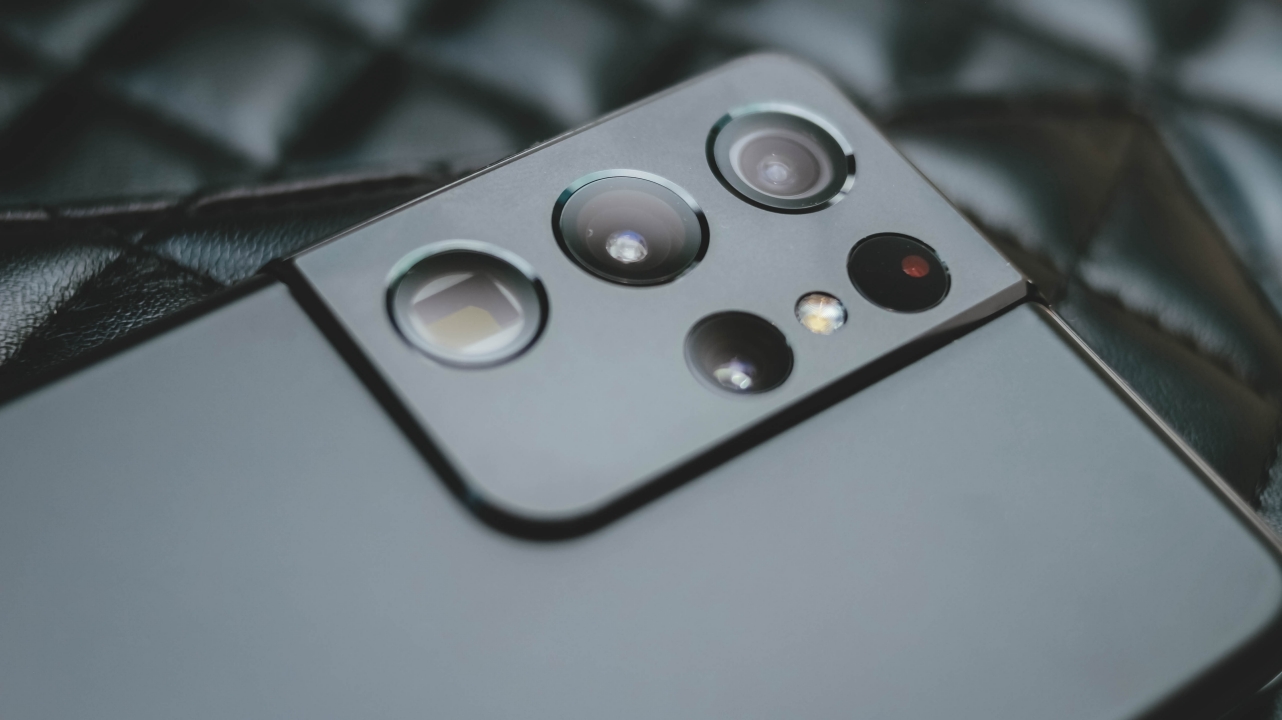
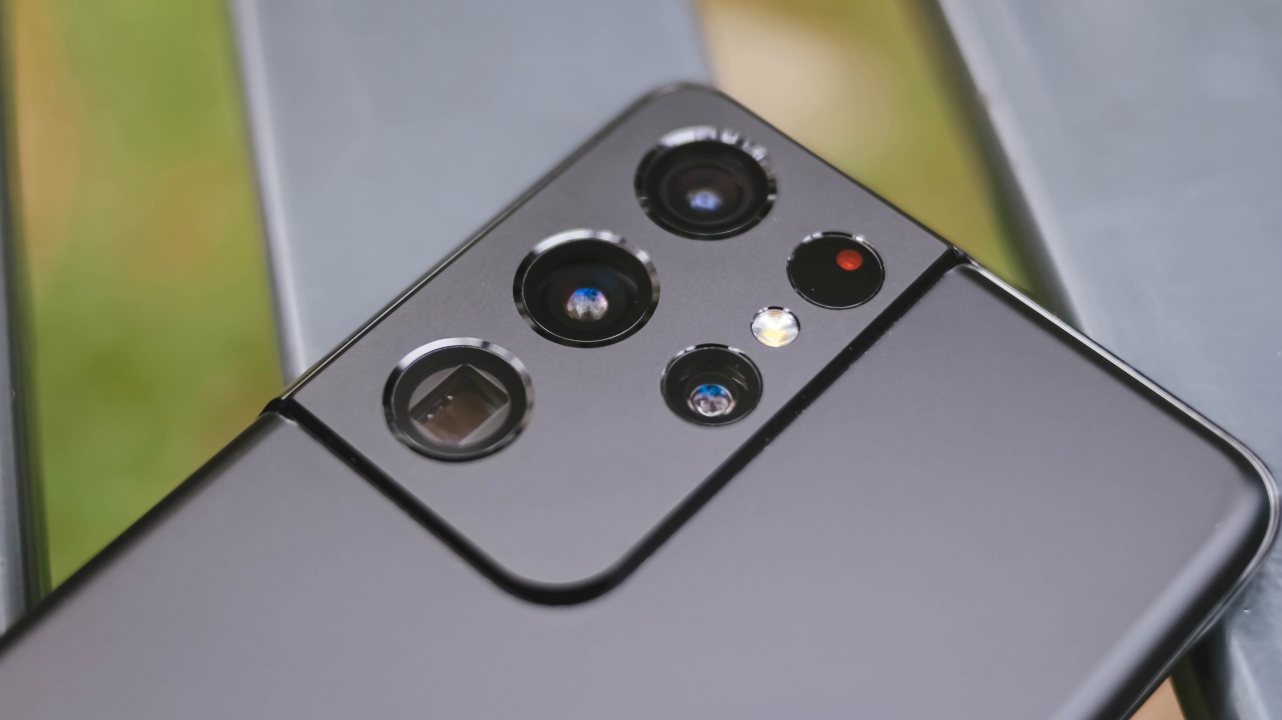
Distinct from the Galaxy S21 and S21+ is this humongous camera bump of the S21 Ultra with six holes in different sizes that house its wide array of camera components.

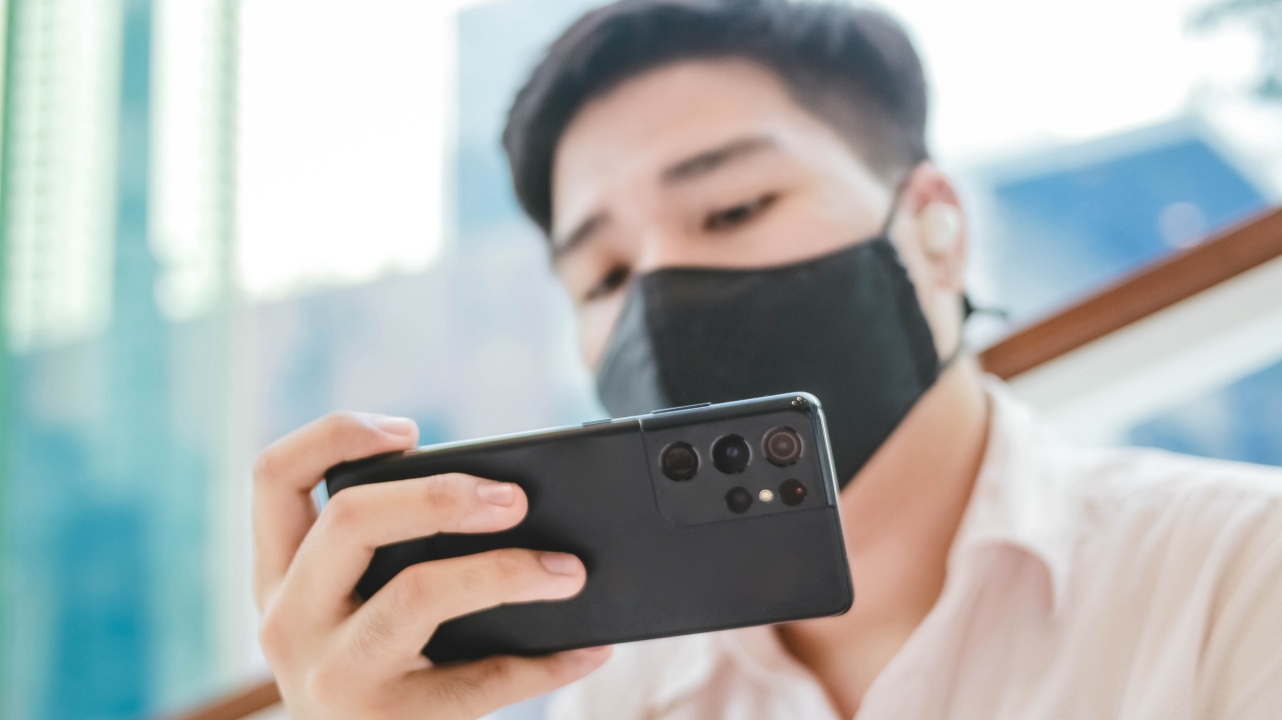
If you have big hands like I do, you’ll enjoy using this phone. Holding the phone feels lighter than last year’s S20 Ultra. But frankly speaking, it’s still on the hefty side — what more if you have petite hands?
The Galaxy Note 20 Ultra, despite its larger display and sharper edges, was still easier and more comfortable for me to hold in one hand. That’s due to the fact that it has symmetrical sides and a slimmer form factor.

Turning the phone around reveals the new “Contour Cut Camera Design” where the phone’s metal frame meets the thicc AF camera hump. Unlike most people who despise it, I just love this over last year’s rounded rectangular-cutout.
Ultra-immersive audiovisual experience

Applied my shot as the wallpaper and it suddenly felt like I’m in Hong Kong again
I’m always a sucker for great displays — and Samsung always exceeds my expectations. Even though it’s less curved and a tad smaller at 6.8-inches (compared to last year’s 6.9), there isn’t much of a difference. It still feels immersive with its narrow and almost-borderless viewing experience.
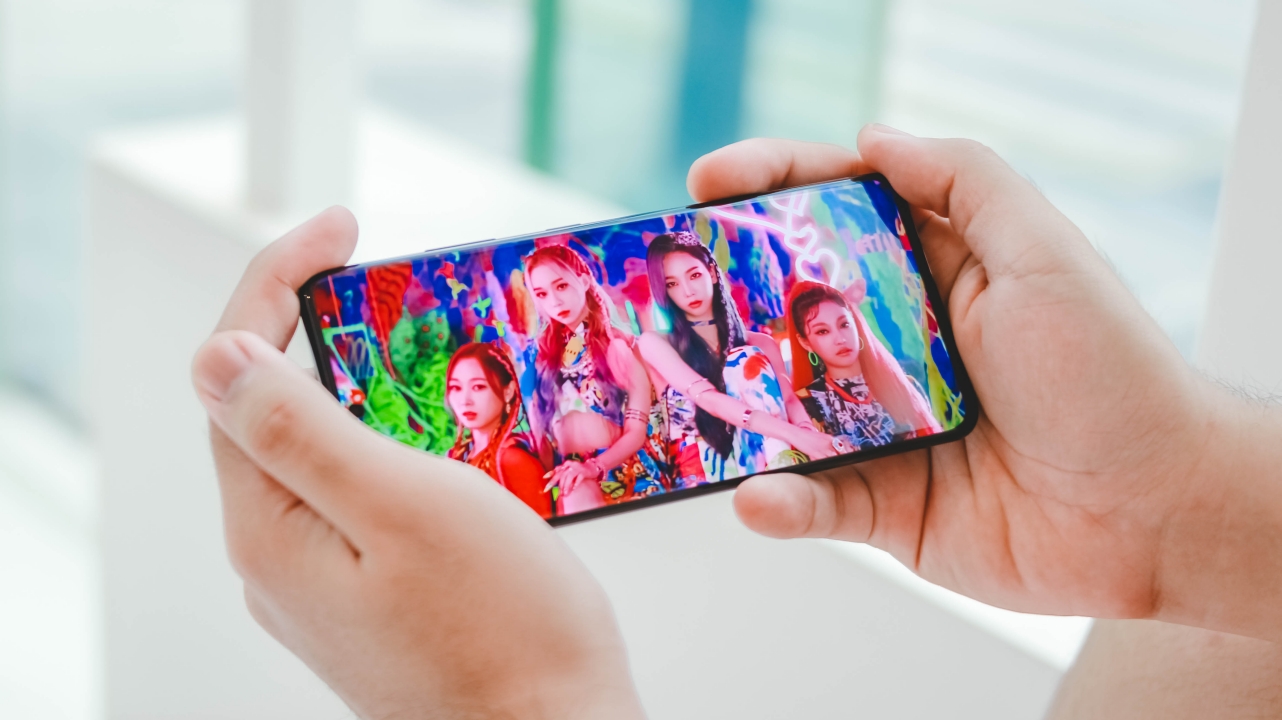
I’m addicted — both with this gorgeous display and aespa
With its Dynamic AMOLED 2X technology, the colors pop with vibrant hues, deeper blacks and whiter whites. It’s still the ultra-crisp and vibrant display I’ve been loving ever since I had the Samsung Wave in 2010 — Samsung’s first Super AMOLED device in history (announced a month earlier than the Galaxy S).
It also has 1500 nits of max brightness, which helped me use the screen even under harsh sunlight. Paired with crisp and loud stereo speakers, it’s truly a great device for your entertainment needs.
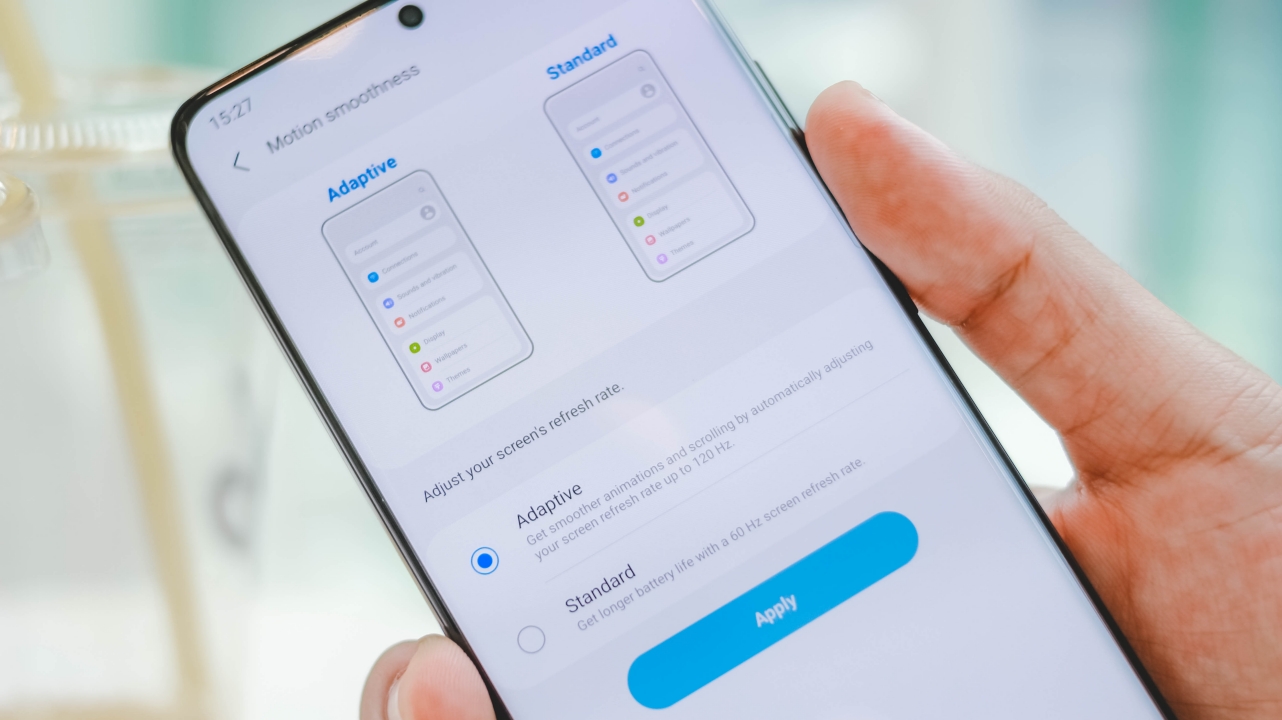
While last year’s S20 had a progressive 120Hz refresh rate, the caveat is you only get it under Full HD+ resolution. This time, while it may be adaptive, you get to enjoy 2K+ resolution/120Hz.
It might be an ongoing discussion for most users but I prefer faster refresh rates over larger screen resolution. Enabling both options affect the battery life over time anyway.

Had to cherish IZ*ONE’s remaining promotional period through Panorama
To maximize the Samsung ecosystem, I paired the new phone with my good ol’ Galaxy Buds+. I always love how seamless the transition is from connecting all the way to listening without frills and hassle. Don’t fret! As long as your audio accessory has Bluetooth (like my AirPods 2 and Lenovo Yoga ANC headphones), you’re good to go.
Ultra-snappy Unlocking
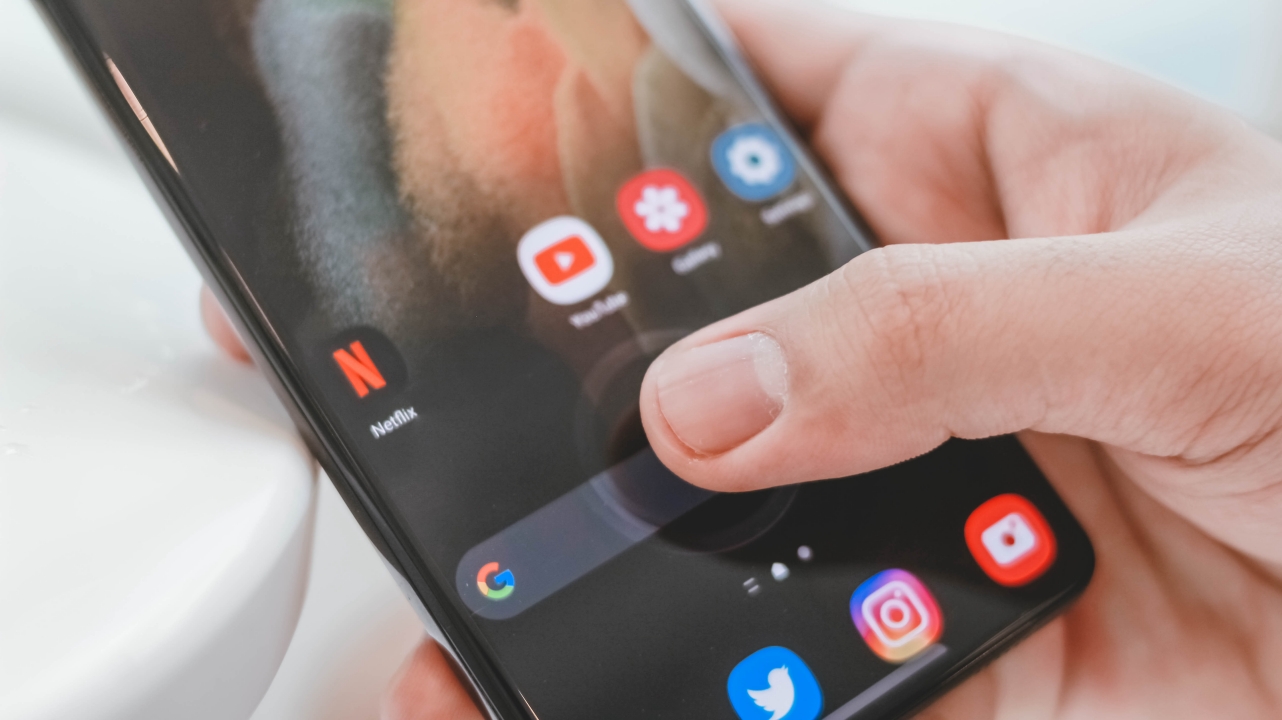
Whether you choose Face Unlock or the embedded fingerprint sensor, unlocking is fast and snappy! Unlike before where I have to press more than twice just to unlock both the S20+ and Note 20 Ultra, the new ultrasonic under-display sensor unlocks even when I lightly tap the screen for around 0.5 seconds.
The Face Unlock feature is also here. While it may not be as secure as iPhone’s FaceID system, it’s still fast. Samsung has maximized the use of AI so it will be fool-proof and won’t unlock when you’re asleep.
MultitasKING

This Galaxy S21 Ultra has 12GB of memory. Although it maxes out at 16GB RAM, my unit is enough to make the most out of the tasks I do in a day.
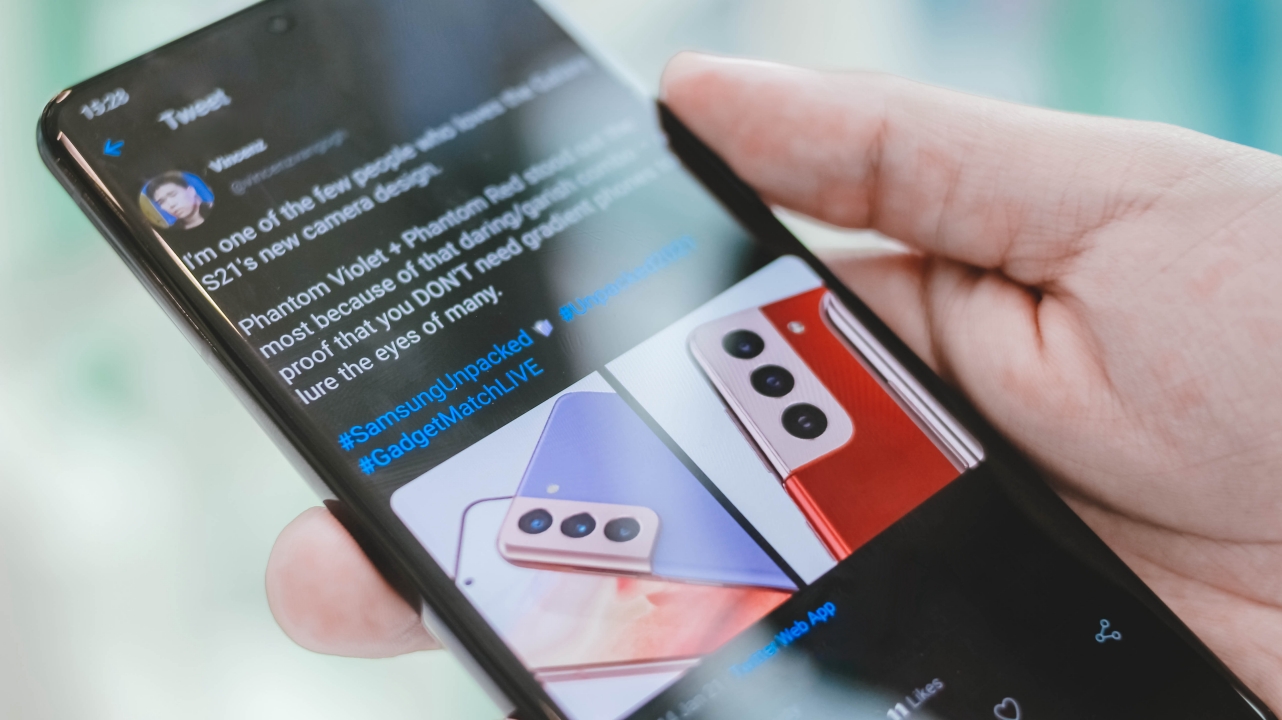
Whether I open social media apps such as Twitter and Facebook, it comes to no surprise that they’ll open instantly.
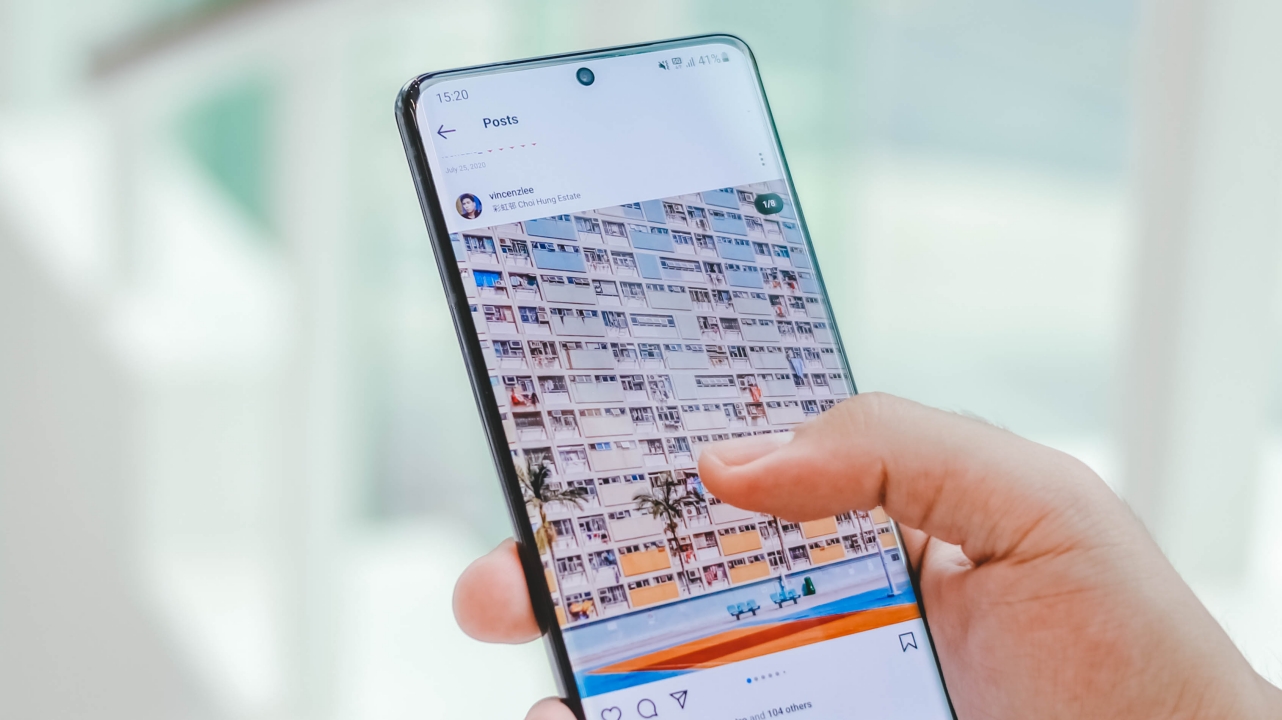
In my previous phone reviews, there are times where some of the apps in the background close by themselves — whether that may be Instagram, a photo-editing app, a shopping app, Apple Music, and a game in idle. The RAM capacity isn’t the issue, rather the management and lack of software optimization.

In the case of the Galaxy S21 Ultra, switching between apps is a breeze. The navigation gestures on the new One UI 3.1 based on Android 11 is more fluid and responsive. One might say these have been around in most 2020 Android smartphones, but Samsung’s implementation is as close as what I get in iOS.

I commit spelling mistakes more often when I use the keyboard, no matter what Android device I use.
Fortunately, typing has been convenient in Samsung’s native keyboard. I was able to type one-handed with little to no typos at all. This means I don’t need a third-party keyboard like Gboard nor had the need to adjust keyboard height. I don’t even need to switch to one-handed mode at this point.
Ultra woes in storage and performance
The Galaxy S21 series marks the first Samsung smartphone to ship with Snapdragon 888 in the US and China. As bad as it sounds, the rest of the world comes with Samsung’s in-house Exynos 2100 processor. These chipsets are both 5nm — which makes it smaller, faster, and more power-efficient.
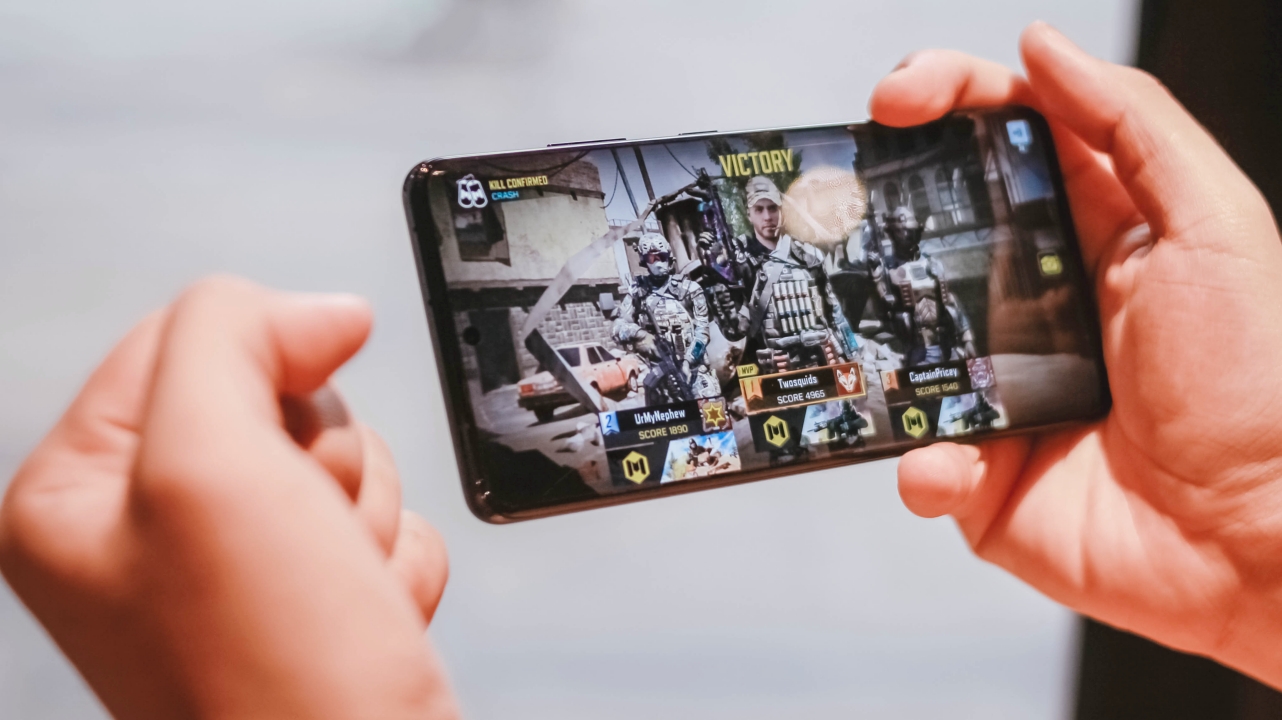
There’s no problem in performance. I played Asphalt 9 as well as Call of Duty: Mobile (CoDM) and both were smooth and responsive. You can even see how I scored almost 5,000 points in a single Ranked Match game.
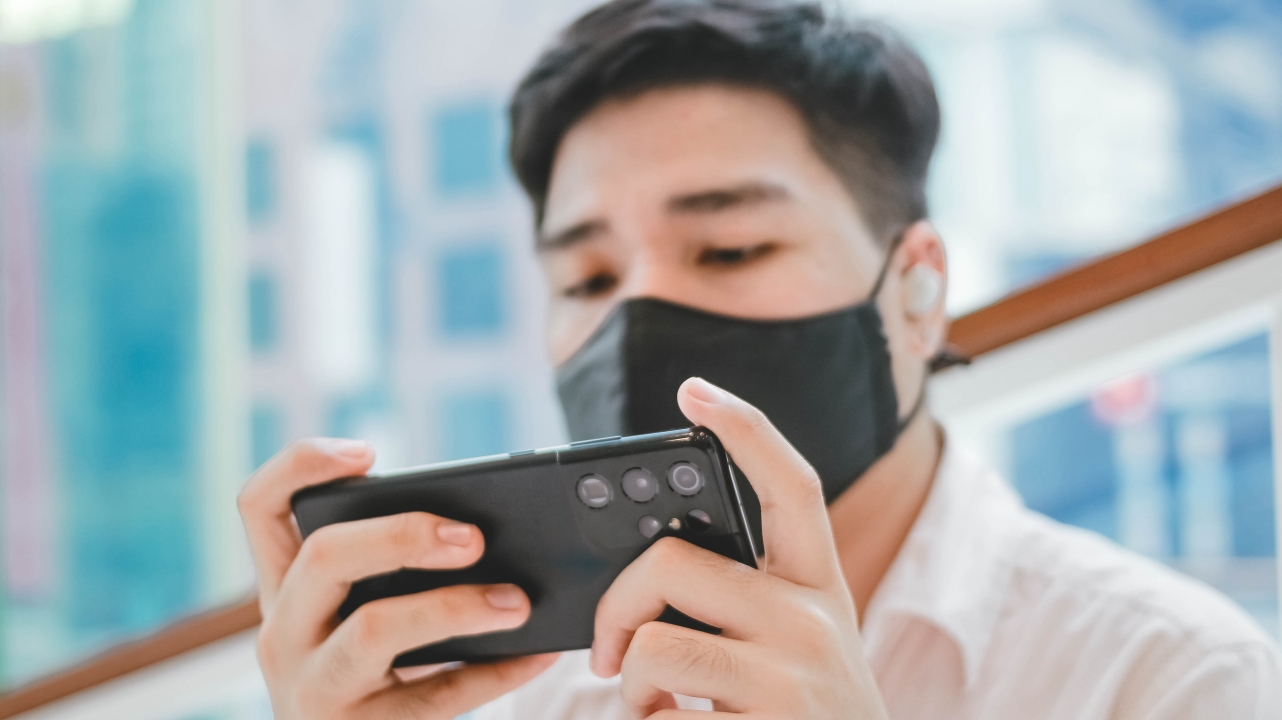
But Samsung’s claim wasn’t really addressed at all. During the first fifteen minutes, the phone quickly sizzled while playing. I can literally feel it especially because I used the phone without a case. To make it worse, I went out to shoot some photos around late in the afternoon, and the phone was still hot to touch.
Another rumor that was later confirmed is the removal of the microSD slot. Previously, Samsung supported up to 2TB of external storage.
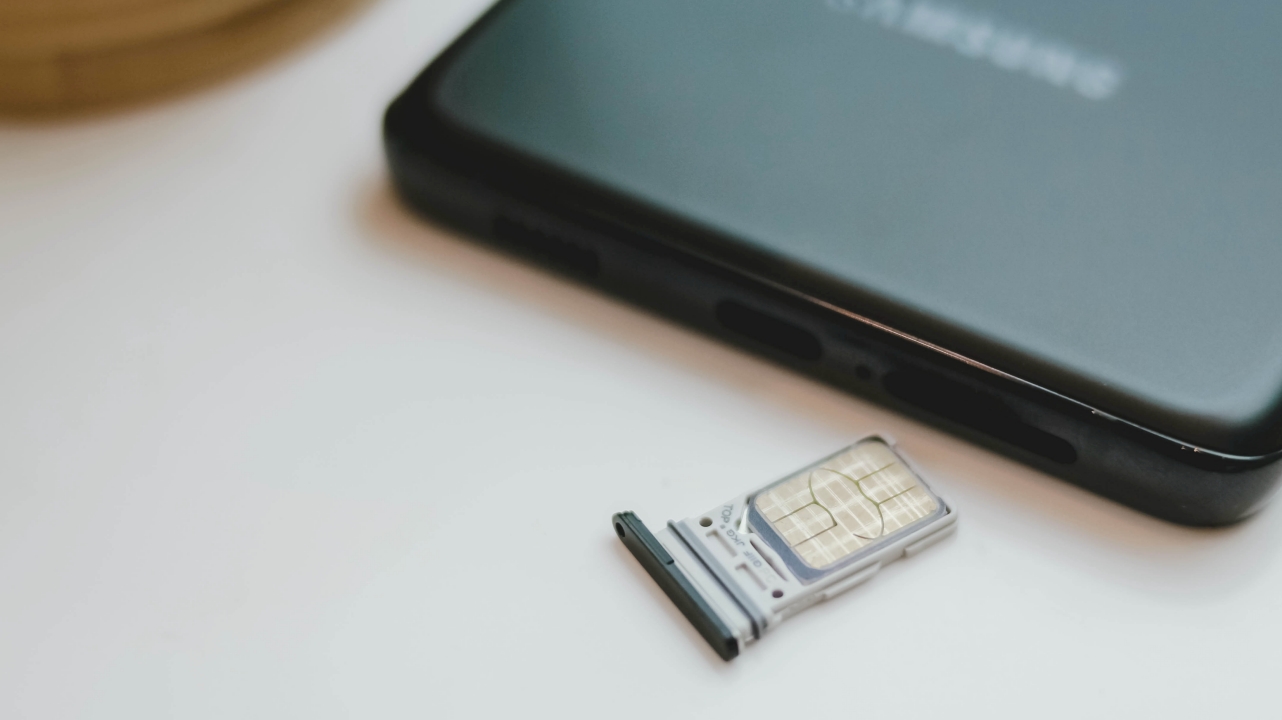
This review unit comes with 256GB of internal storage. Based on my experience, I was able to maximize my iPhone’s 256GB storage for almost two years. But considering how this phone shoots 4K-8K UHD footage and high-quality stills? It might take a shorter time to completely fill this up.
Having a microSD card expansion offers the fastest and safest way to backup your files. I feel the sentiment and rage of most Samsung users especially because having no external storage in the Galaxy Note 5 made me lost a lot of unbacked files after a motherboard failure five years ago.
Ultra-heavy battery (and drain)
The equipped 5,000mAh battery might be enough for a flagship smartphone like the Galaxy S21 Ultra, but my first day with it wasn’t particularly promising.

Other than those heating issues, it’s also plagued with serious battery drain. Using it continuously from 8AM to 1PM with 5G, WQHD+, and 120Hz enabled resulted to a major decrease in battery life. From 100%, it went down to 34% — that’s just five hours of moderate use of social media apps and the camera.
Disclaimer: I did the extensive gameplay and camera test around 3-4PM, just right after doing an hour of charge using my powerbank.

Third day of use, it notified me of a new software update. I’m unsure if that solved the heating and drain issues as I barely used the phone while I worked on articles and videos but the standby time since has been pretty stable. The screenshots prove that from 3PM (82%), it only had a 11% decrease after 11 hours of standby (2AM) with little to no phone activity.
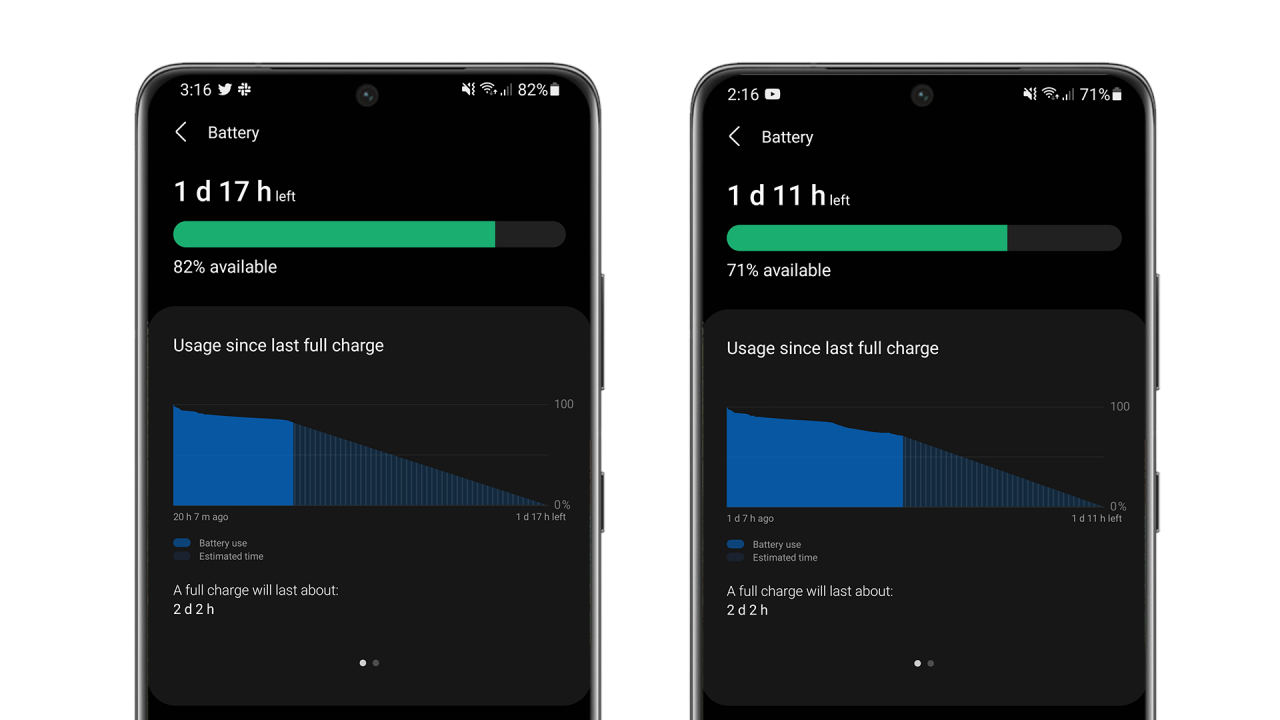
Battery drain during an 11-hour standby | Image by GadgetMatch
While there’s no official word from Samsung if the S21 models support 45W super fast wired charging, the closest thing you can have is Samsung’s 25W Super Fast Charger.
In my case, I used a third-party 30W USB-C PD (Power Delivery) charger. Even if it only detected “Fast charging”, it was completely juiced up after an hour and a half.
If you have a fast wireless charger that supports speeds of up to 15W, charging the S21 Ultra will also work on that as well.
Ultra-speedy 5G connection
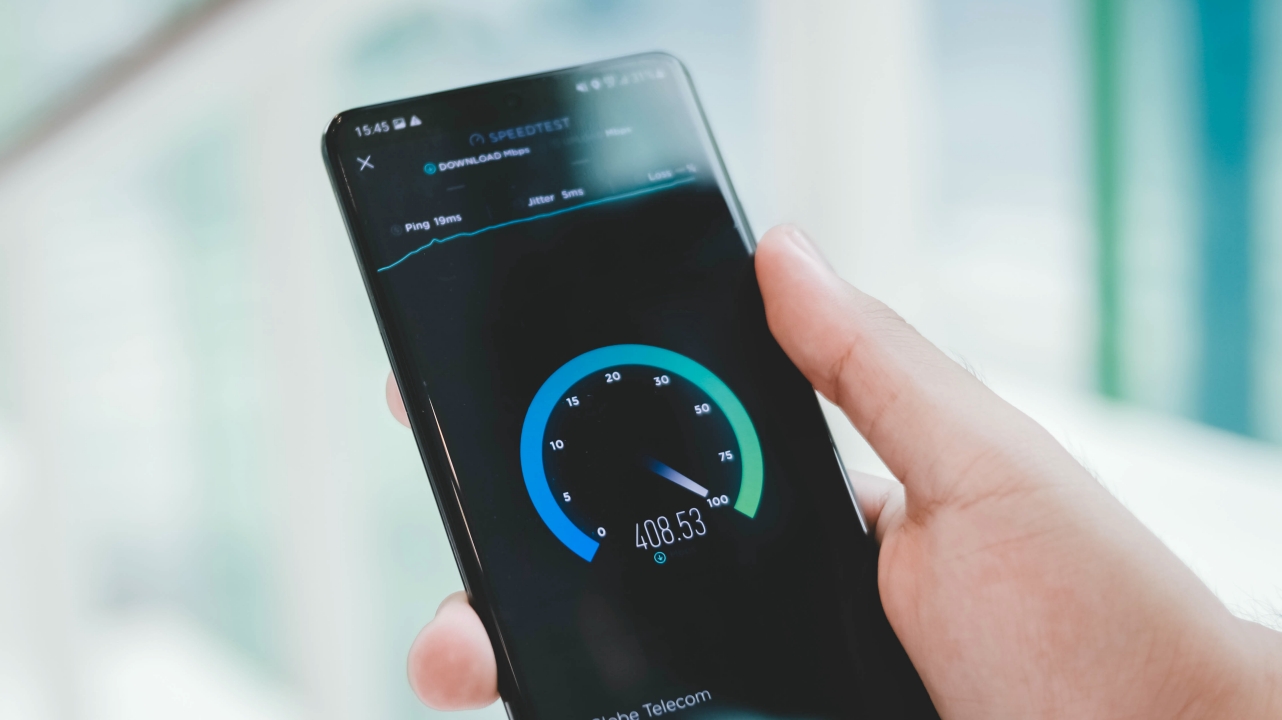
Although 5G speeds may not be blazing fast just like in South Korea and the US, the S21 Ultra was able to detect ultra-fast 5G speeds around the Metro.

Watching Sejeong in this drama truly felt uncanny as I was used to her cheerful, girl group idol vibe #WeWillMissgugudan
Downloading and uploading shouldn’t be a problem at all. I’ve managed to download the first three episodes of the K-Drama ‘Uncanny Counter’ under a minute. Even uploading a 30-second 8K video took a minute — which isn’t possible in 4G LTE and regular Wi-Fi hotspots.
Ultra-interactive smartphone
While my unit doesn’t come with the new S-Pen, the Galaxy S21 Ultra is the first S-series smartphone that’s capable of supporting it.
As a creative who’s been fond of the Note series, the S-Pen is, no doubt, a greater way to interact with your phone — regardless if it’s scribbling, digital painting, or even as simple as decorating your Instagram story.
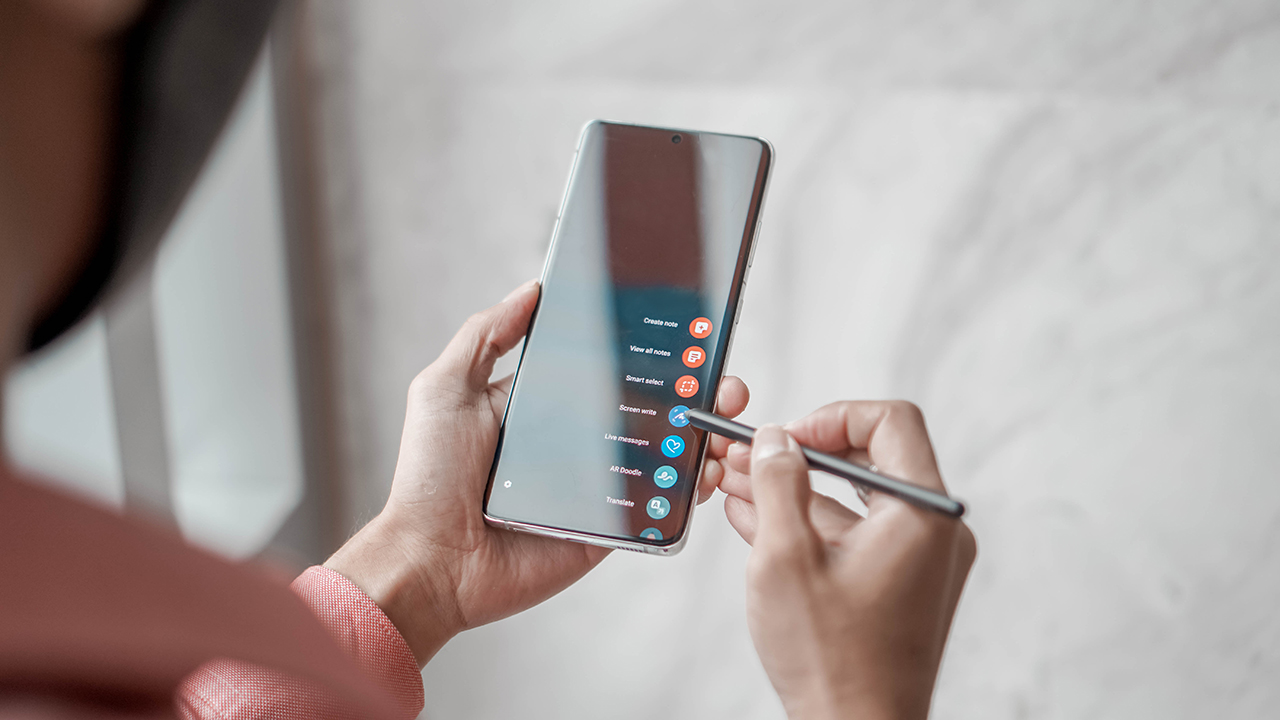
The longer and thicker S-Pen might just be comfortable enough — which was something I wasn’t used to with the Note 20 Ultra’s shorter and slender S-Pen. To make it better, it also has a 9-millisecond (9ms) latency that will feel like you’re writing on a paper.
SEE ALSO: Galaxy Note 20 Ultra: GadgetMatch for the Multimedia Creative
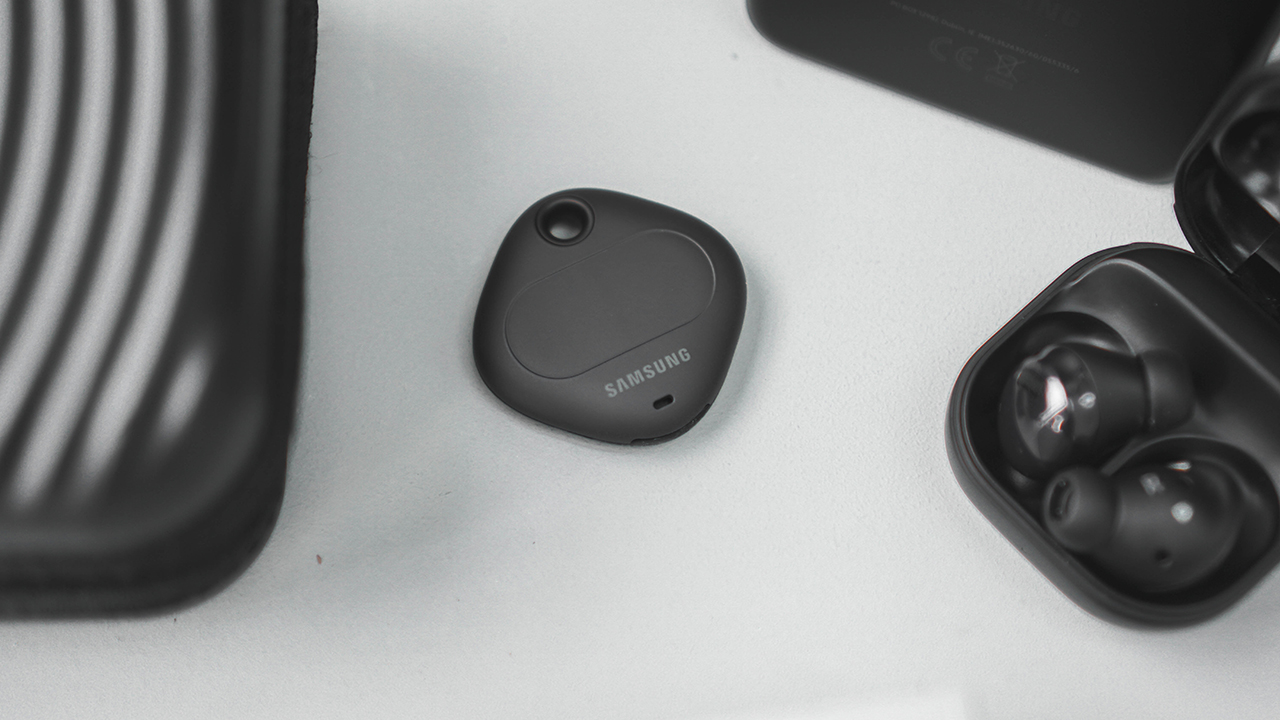
There’s also the latest Ultra-Wide Band (UWB) support. Lost your Galaxy Buds? It’ll be easier to locate with the SmartThings app. There’s also the Samsung Galaxy SmartTags which you can attach on bags, luggages, and even car keys so you can track them wherever, whenever.
Ultra-Grade Cameras and Features
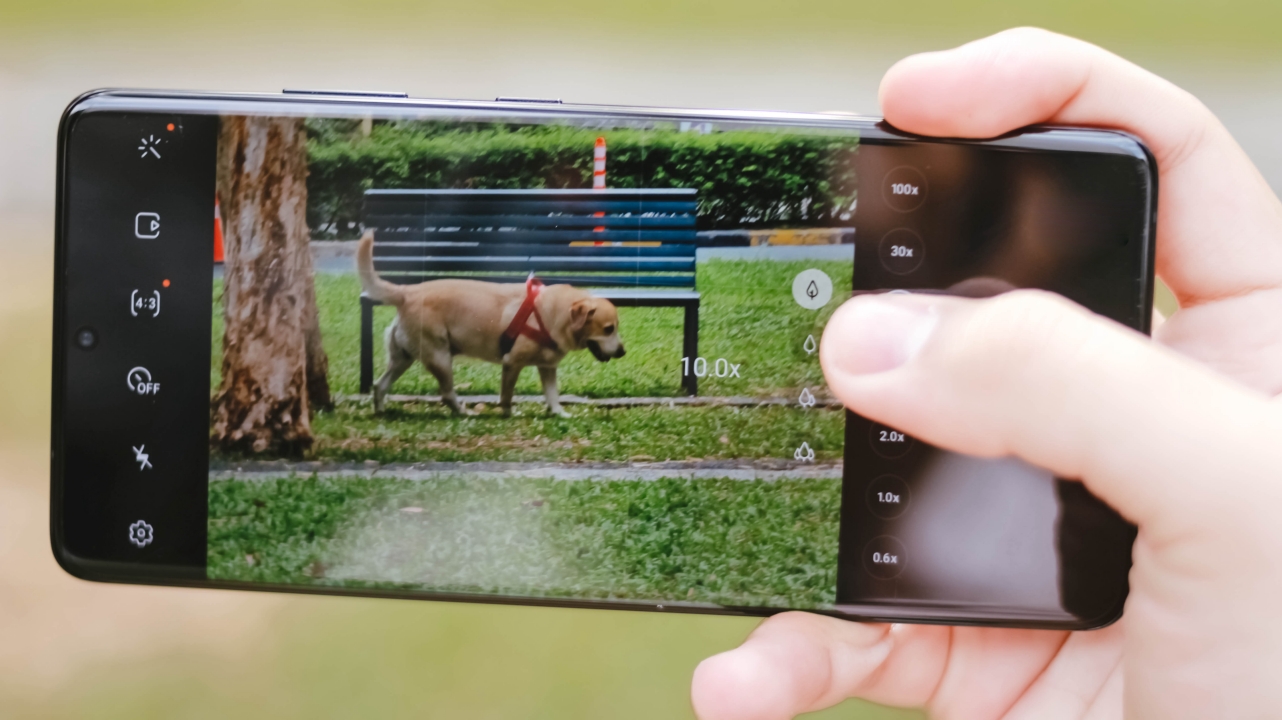
On paper, the S21 Ultra has some beefy camera sensors: a 108-megapixel f/1.8 wide (main) camera with Phase-Detection AF and OIS, as well as a 12-megapixel f/2.2 ultra-wide sensor with a 120º FoV (Field of View) that’s also found on other S21 smartphones.
What makes it stand out than the rest of the S21 line are the two 10-megapixel telephoto cameras: one that’s capable of 3x optical zoom, and another that reaches up to 10x optical zoom, both with Dual Pixel technology and OIS for clearer zoomed shots.
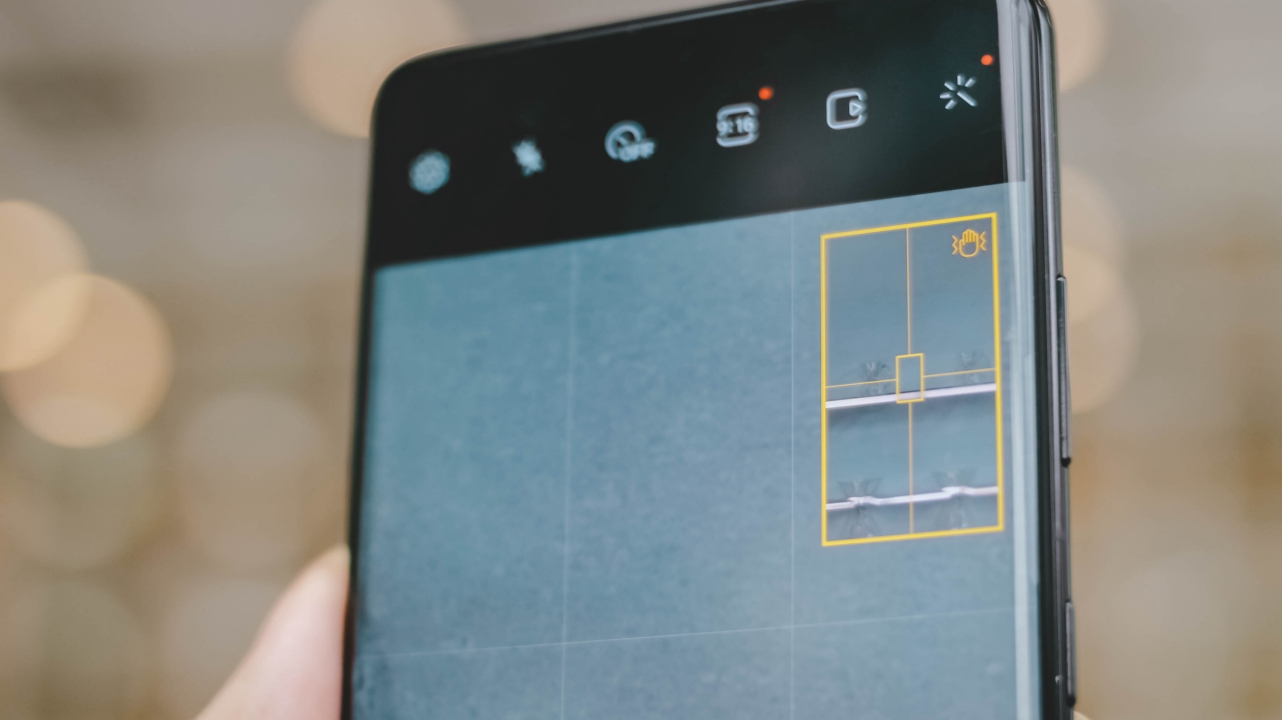
The problem with last year’s S20 Ultra is how wobbly it is when using the zoom function. But because of better sensors and stabilization, the S21 Ultra now has a zoom lock feature where it focuses on a subject from a distance without the camera preview getting distorted.
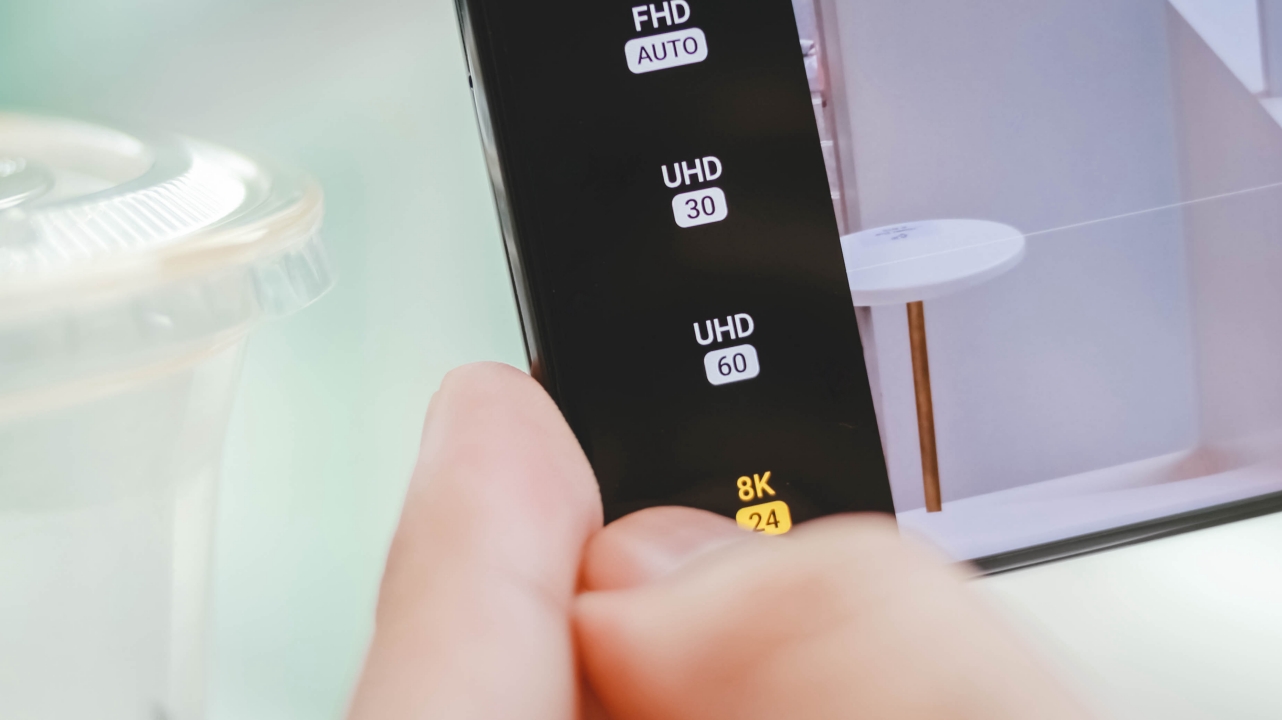
Other than the 8K UHD/24fps support, 4K/60fps comes standard regardless of what lens you use for video recording. Even the front camera supports it so vloggers can edit and upload videos in 4K.

While the dual shot mode has been around since the Galaxy Note 3 where it simultaneously takes a photo/video both from the front and rear cameras, Director’s View is more of an improvement with better configurations to choose from.
Other than the single view, you also get the classic split mode, and even a PiP (Picture-in-Picture). But the biggest addition is the ability to effortlessly switch between the wide, ultra-wide, and telephoto lenses.
Ultra-mazing 108MP camera
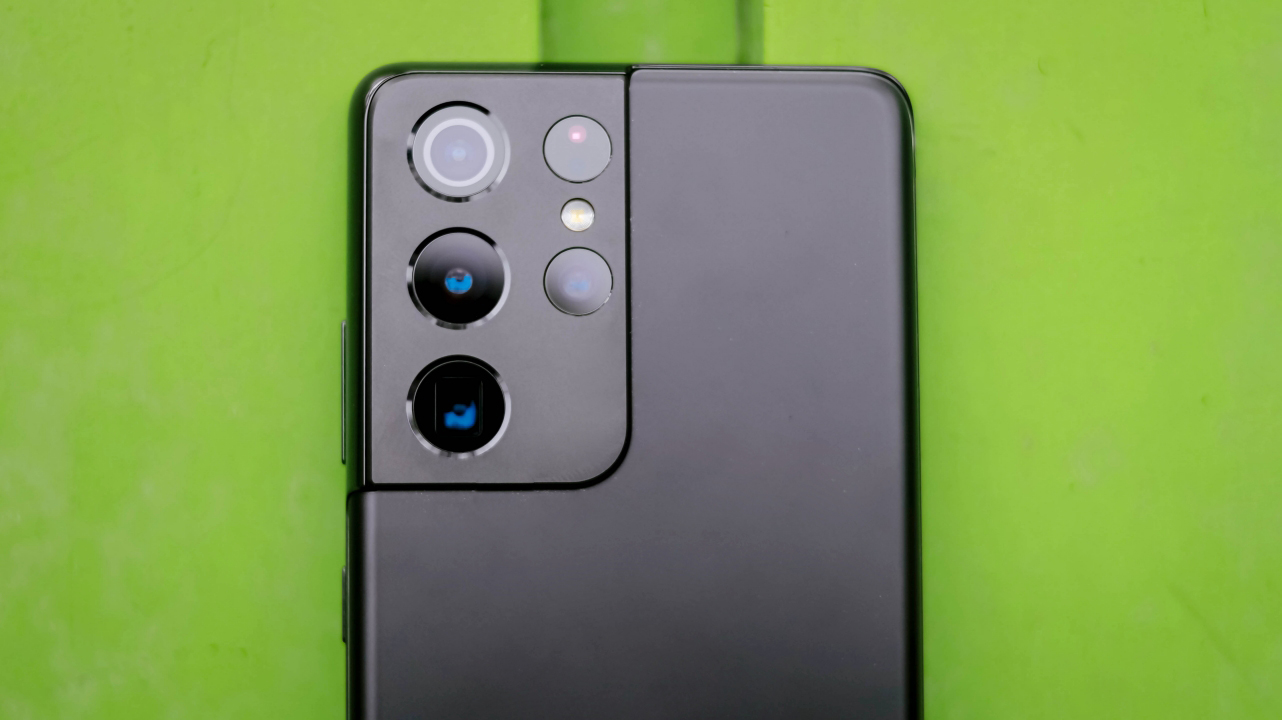
The ultimate star of the show is the wide camera that’s capable of shooting 108-megapixel photos. If we’re going a bit technical, the S21 Ultra packs the latest ISOCELL HM3 sensor by Samsung with a larger sensor and improvements in dynamic range, autofocus, and low-light. It’s an update from the HM2 and last year’s HM1 of the S20 Ultra and Note 20 Ultra.




With the presence of natural light, one would always expect that the latest smartphones will take great photos. It’s always the software processing techniques that differentiate the camera quality of one smartphone to another.
Over the years, Samsung is known for boosting the saturation of the photos it takes — and the S21 Ultra does the same. While it may look good on the eyes of many, it sometimes goes overboard with all the camera processing and algorithm just to make a natural, “bland” scene into something lively and vivid that looks artificial.
For most users, this isn’t a bad thing. If the camera software does all of the job, it means less time for them to process it. But for a serious shooter like me, I’d prefer flatter shots and adjust what’s needed after the shots were taken.
-

- Food Mode OFF | ON
-

- Food Mode OFF | ON
Other than the color test, I also tested how the camera performs when it comes to food. Most Android smartphones I’ve tried tend to over saturate and over sharpen food shots. Fortunately, the images above look more natural.
Even my issue with Note 20 Ultra’s weird radial blur on close-ups are gone. But if you want that extra-dramatic blur effect, Food Mode will help.
Ultra-bokehlicious portraits

I also tried using the main sensor with manual mode. The shots above clearly show that the S21 Ultra is capable of producing top-notch, DSLR-like bokeh.

From the perspective of my friend who uses an iPhone Xs Max, she was astounded with how the S21 Ultra performed using the Portrait Mode.
Other than the wider view, background on both shots look creamy with a clean segmentation between our hair strands — something most Android phones and older iPhones can’t do properly.
Ultra-wide sensor
-

- Ultra-wide
-

- Wide
Just like on the Galaxy S21 and S21+, the S21 Ultra features the similar 12-megapixel Ultra-wide camera. It’s capable of shooting wider shot perspectives just like the building I captured above.
-

- Ultra-wide
-

- 3x Zoom
The ultra-wide sensor also helps capture more elements and details in outdoor shots like these.
Ultra-zoomed shots


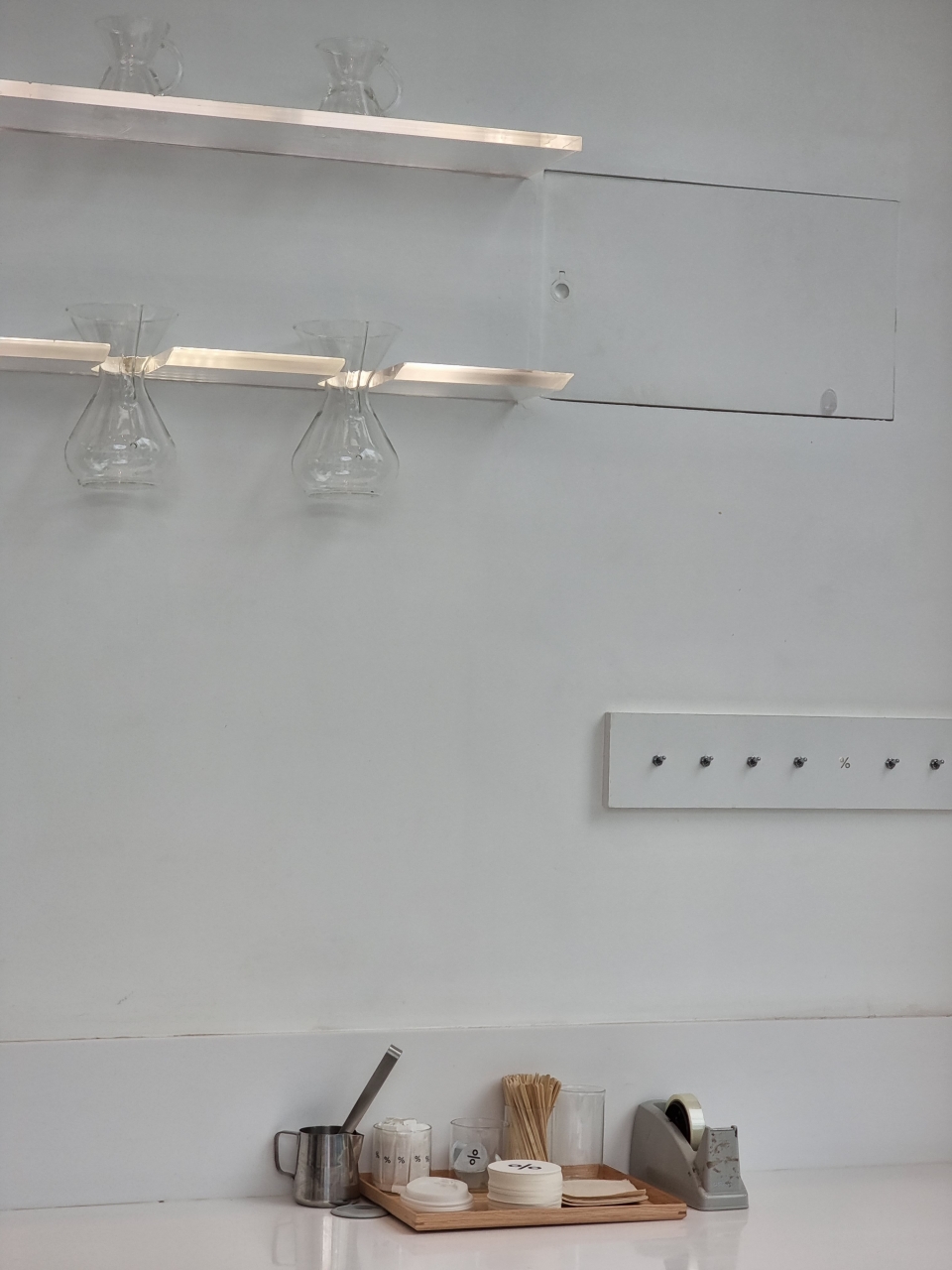
In tight situations, there’s got to be a use for telephoto zoom lenses. If one isn’t enough, Samsung doubled it for better and clearer shots from afar.
-

- Ultra-wide
-

- Wide
-

- 3x Zoom
-

- 10x Zoom
-

- 30x Zoom
-

- 100x Zoom
In the first set, the HDR (High Dynamic Range) and AWB (Auto White Balance) were both consistent throughout the lenses — something most Android manufacturers fail to do. I tested the superiority of the S21 Ultra’s cameras up to its maximum focal length.
Since I’m an architecture dilettante, I tried zooming in close to the building. At my surprise, the window looked sharp and clear enough after the preview.
-

- Ultra-wide
-

- Wide
-

- 3x Zoom
-

- 10x Zoom
-

- 30x Zoom
In the second set, I saw these playful Chow Chows roaming around the grasses with their hoomans.
Zooming in as close as 30x digital zoom helped me capture one while his/her tongue is sticking out. But if we’ll look closely, the shot has a weird noise reduction that sits between camera grain and software smoothening.
-
- Ultra-wide
-
- Wide
-

- 3x Zoom
-

- 10x Zoom
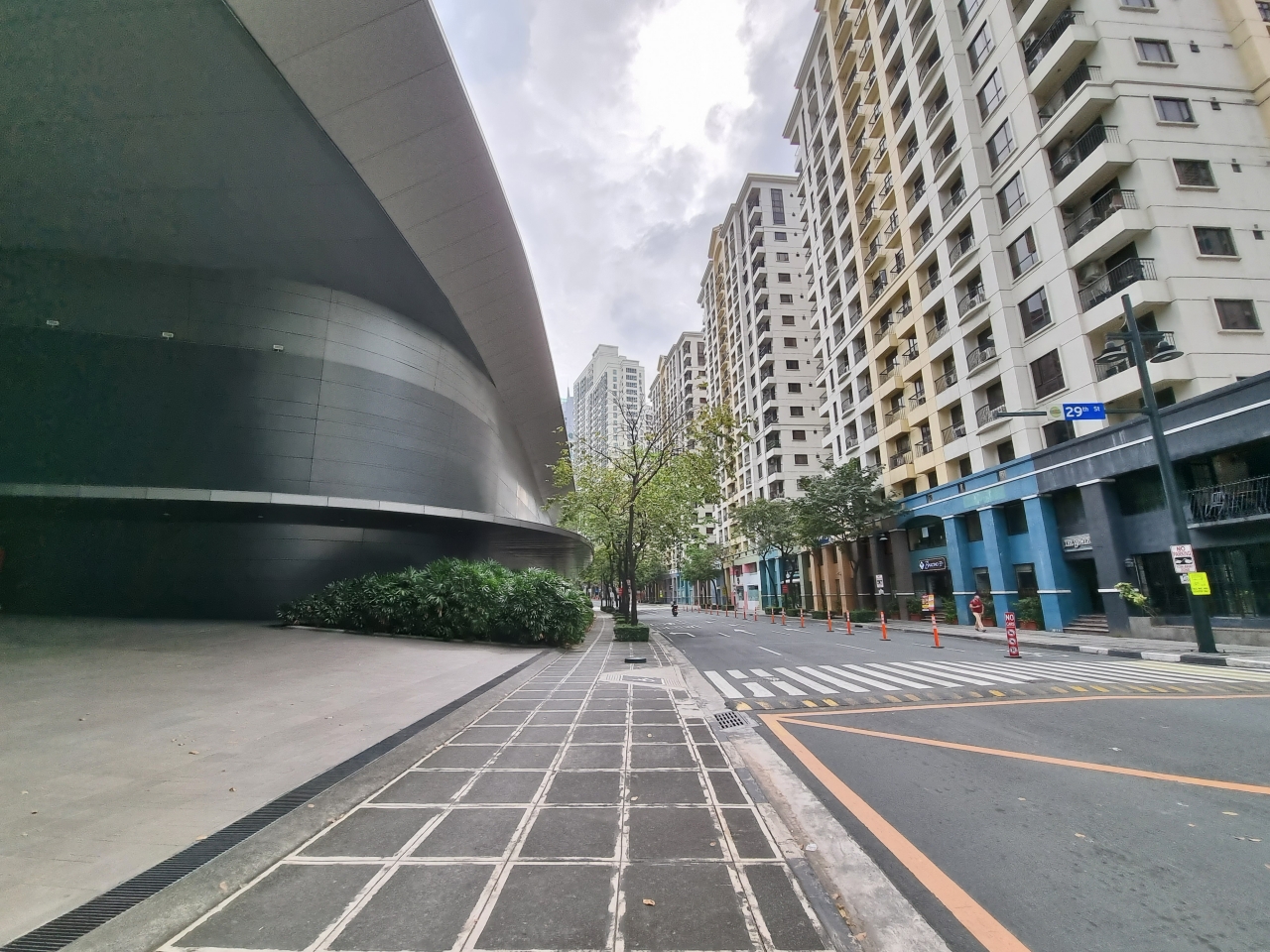
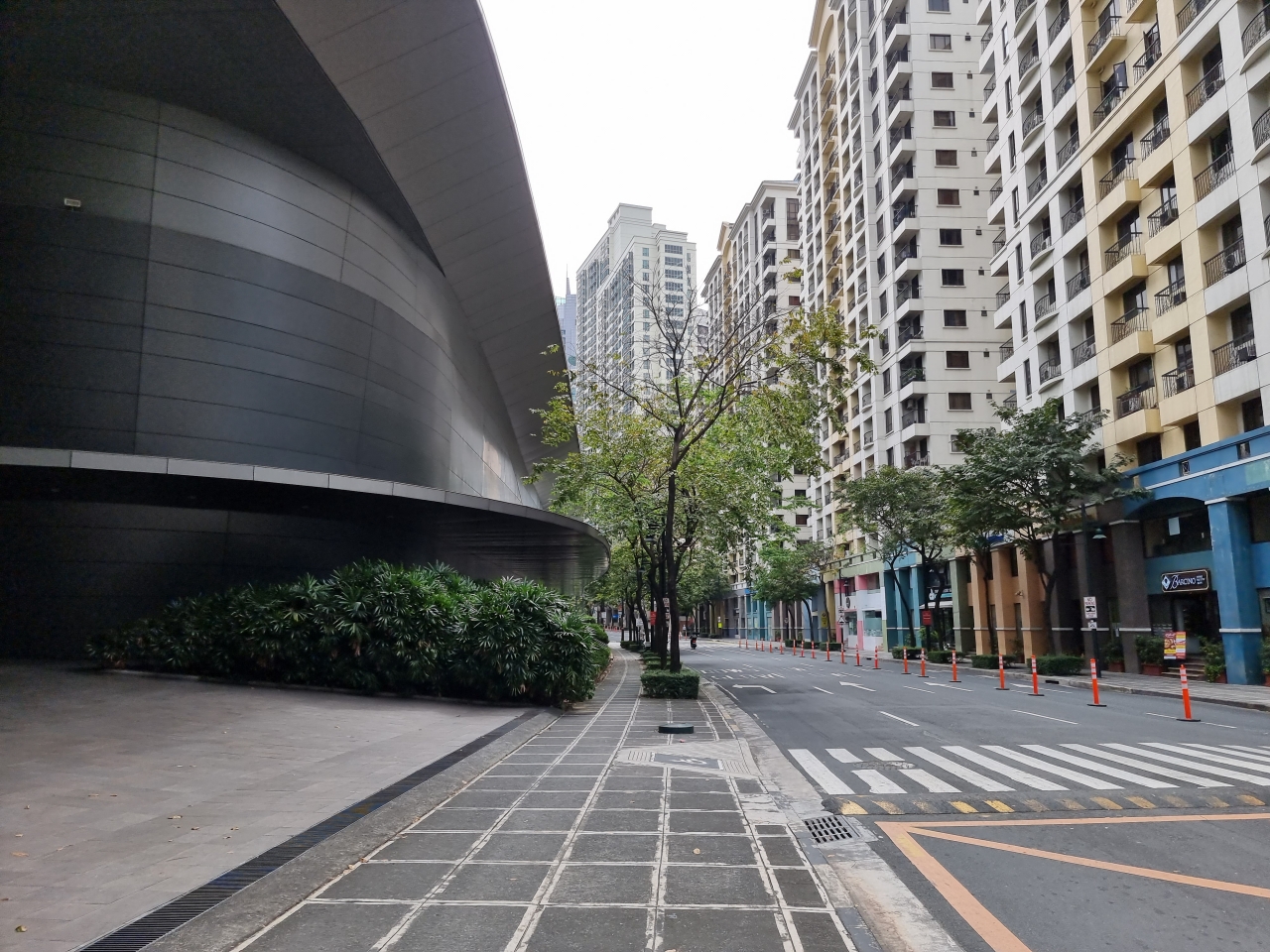
Let’s move straight ahead to the third set, I tried using both the 3x and 10x telephoto lenses.
The HDR was pretty dull in the wide shot and it’s less green in the first three modes. Meanwhile, zooming in to 10x looked more lively because of the saturation boost.
-

- Ultra-wide
-

- Wide
-

- 3x Zoom
-

- 10x Zoom
-

- 30x Zoom
-

- 100x Zoom
Finally, this last set was taken in my favorite park. Again, the wide angle lens had an inconsistency, this time in exposure. Unlike the HDR problem from the last photo, that can be corrected through post-process.
Zooming in as close as 10x gives us clear details of the metallic tree. Zooming in further at 30x is acceptable. 100x zoom is barely usable.

As bonuses, these macro shots were taken in a windy environment. While it may not be as clear as what you get from a DSLR, Galaxy S21 Ultra’s long zoom capabilities are clearly commendable for producing the right amount of exposure, contrast, dynamic range, even if it displayed some hints of over-sharpening.
Ultra-clear night shots
It wouldn’t be a camera test without testing how it performs under low-light scenarios.
-

- Night Mode ON
-

- Night Mode OFF
Regardless of what camera lens you’re using, Night Mode works on both the Ultra-wide, wide, and telephoto lenses.
-

- Night Mode ON
-

- Night Mode OFF
Of course, without Night Mode, shots look blotchy, smudgy, with a lot of dark shadows and blown-out highlights. But with Samsung’s Night Mode, it fixes not only the Dynamic Range, but also the exposure and contrast of the image — especially in situations where there are less night light available.
-

- Night Mode ON
-

- Night Mode OFF
With night mode turned off, the convenience store sign was barely recognizable. But with the magic of Samsung’s image processing, it was able to fix all the colors and details in the image.
But unlike the previous Huawei flagships, the S21 Ultra maxes out night zoom at only 10x. The Mate 30 Pro I used in 2019 was capable of zooming in on the moon as close as 30x.
Ultra-detailed selfies


Unlike its younger siblings, the Galaxy S21 Ultra packs a larger 40-megapixel front shooter with a dedicated ultra-wide view. Other than the less-smeared faces with retained face artifacts, the front camera can also shoot in Portrait Mode that works just like how the rear cameras perform.

As another bonus, here’s how the Galaxy S21 Ultra Phantom Black will look like if you’re planning to flex it in your future mirror selfies 😂
Is the Galaxy S21 Ultra your Ultimate GadgetMatch?

Priced at PhP 69,990 for the 12GB/256GB model, the Galaxy S21 Ultra simply isn’t for everyone. If you’re the type of user who has the purchasing power and clearly knows that you want the best of everything in a smartphone, the Galaxy S21 Ultra is the ultimate smartphone you can buy right now.
You might be considering to buy the iPhone 12 Pro Max instead. That’s a fine option if you’re the type of user who’s locked in Apple’s ecosystem. But if it doesn’t bother you to try something new in the Android world, the S21 Ultra might just be a better option.
I know what you’re thinking. There’s still the existing S20 Ultra and Note 20 Ultra that both cost a little less. They still have a great set of display, specs, and cameras at a lower price. But if owning what’s new in the market today is an important buying factor for you, look no further and pick the S21 Ultra — unless you want to wait for a quirkier follow-up of the Galaxy Z Fold2 and the Z Flip.
Consider the Galaxy S21+ if you wanna keep the same material and specs minus the cameras and curved 2K display. If you want the less fancy stuff, go for the Galaxy S21, Note 20, or even last year’s Galaxy S20 FE (unless you can wait for the S21 FE successor).
For more pre-order options, freebies, and discount information of the Galaxy S21 series in the Philippines, head over to our pricing and availability article.





Lately, I’ve been trying to move through life with more intention.
I dress a little more thoughtfully before heading out and pay attention to how things fit together, from clothes to accessories to how my bag is packed. It makes ordinary days feel a touch more polished, even when I am rushing between errands.
That shift has changed how I consider what I bring with me every day. My smartphone is no longer something I grab as an afterthought.
It’s something I want to feel comfortable holding; something that should look at home beside a composed outfit; and something dependable when the day inevitably moves faster than planned.
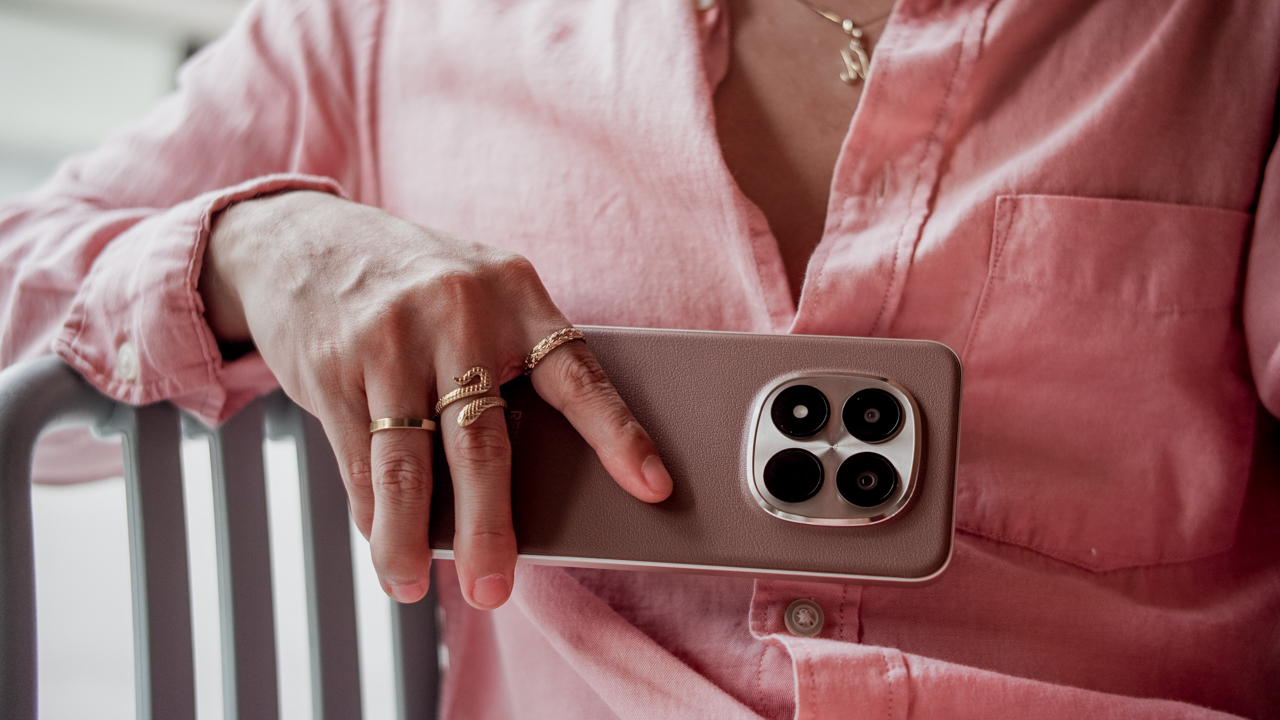
It was in that season that I met the Redmi Note 15 Pro+ 5G in Mocha Brown which felt less like a piece of technology and more like an accessory chosen on purpose.
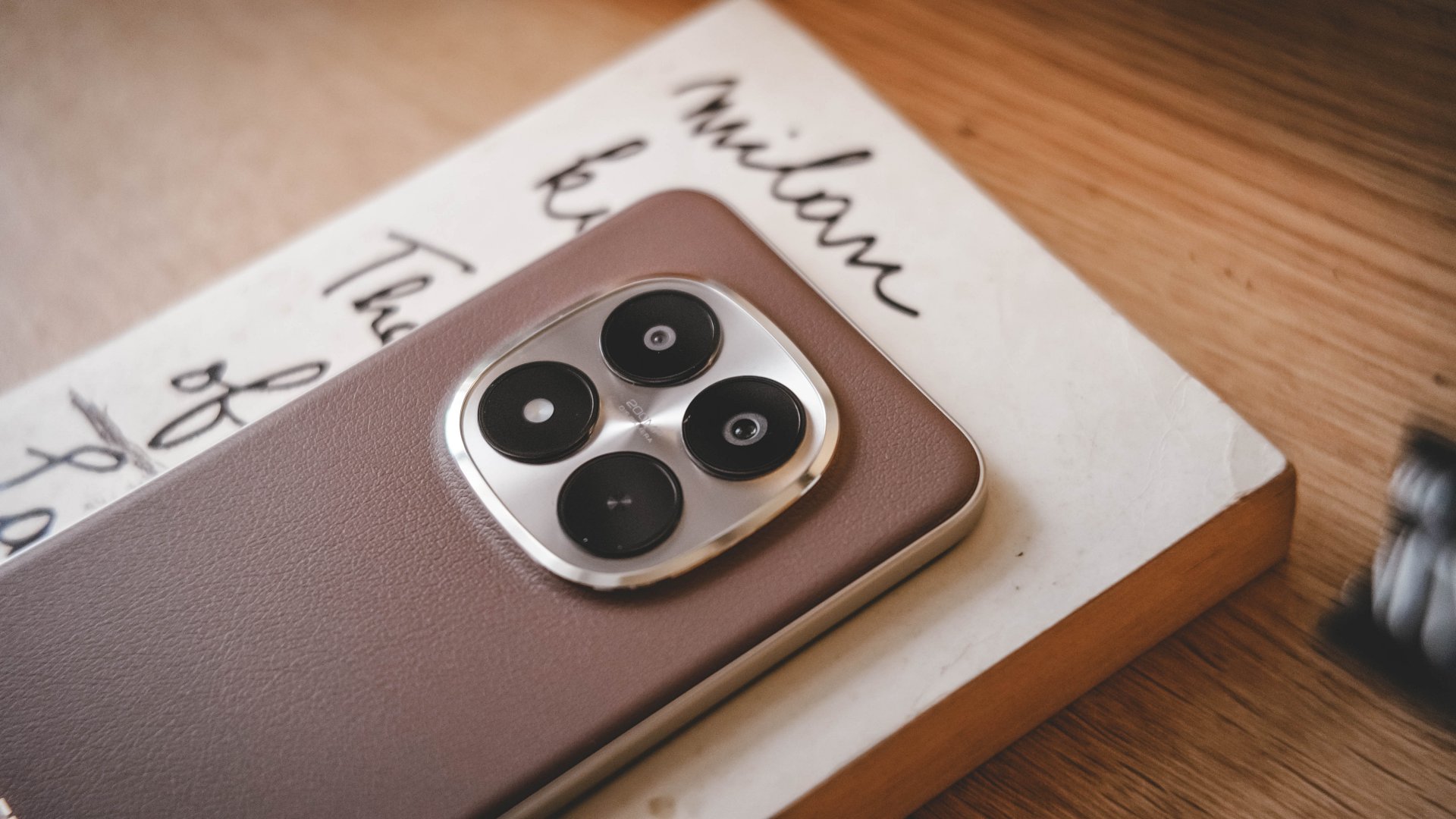
The faux leather finish feels refined and warm, with the kind of understated elegance that makes you want to build a look around it rather than hide it behind a case.
A study in texture and taste
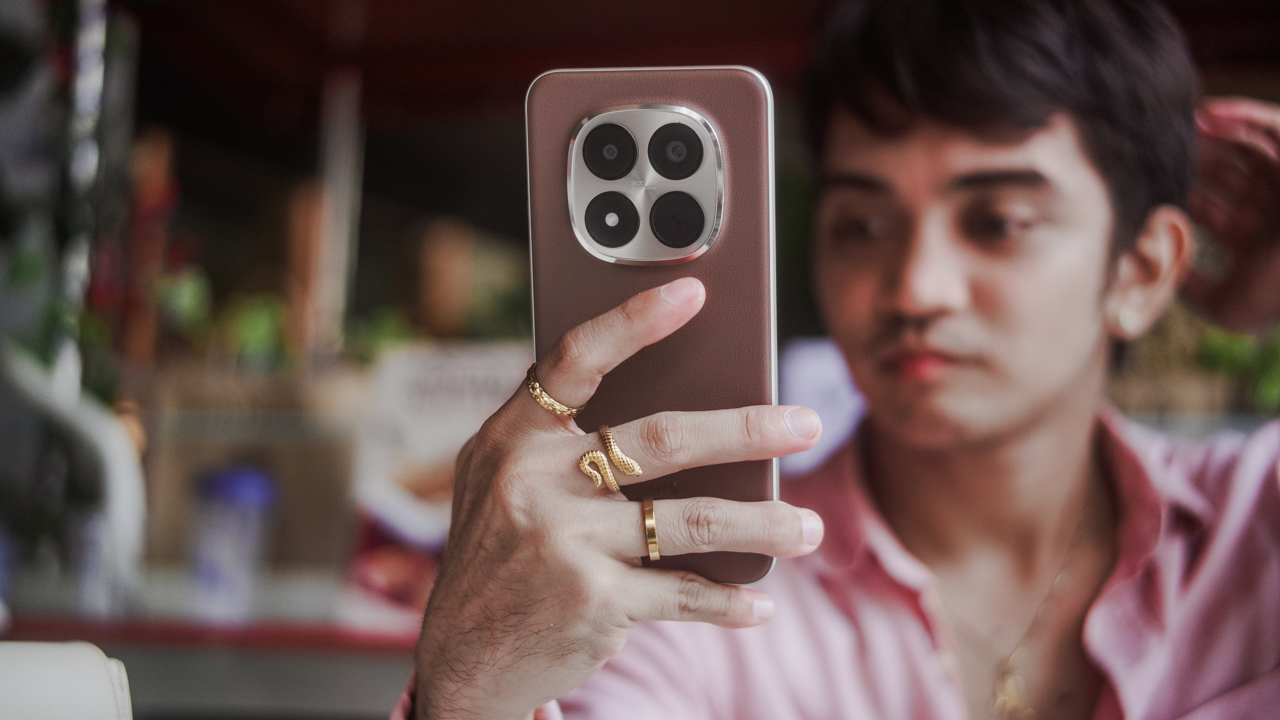
Mocha Brown belongs in the same universe as a well-made leather bag or a dependable pair of polished loafers. It has that beautiful tension between simplicity and richness that makes fashion personal.
The faux leather back introduces texture and warmth. The clean lines and slim profile bring a sense of restraint. And then there are the gold sides and camera island — a gentle nod to discrete luxury.
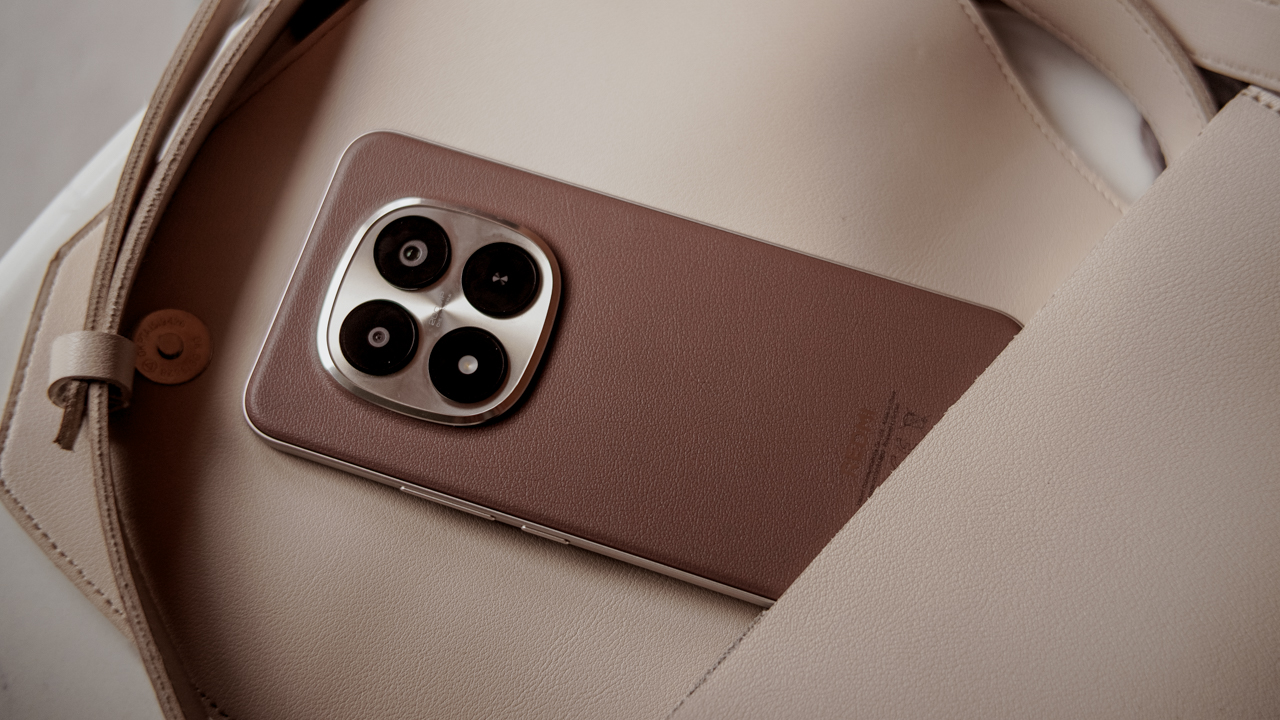
Placed on a café table, held in a mirrored elevator, or tucked into a structured bag, the Redmi Note 15 Pro+ 5G looks like it belongs.
The design’s appeal doesn’t end with looks. Beneath the refined exterior is Redmi’s Titan Durability, a reinforced build that protects against drops, pressure, and everyday wear without disturbing the silhouette.

It looks elegant and feels considered rather than delicate. And it is built to last, even when life is anything but gentle.
Built like your favorite designer bag
As a lifestyle journalist, Titan Durability sounds like a clever way of making toughness chic.
As someone who also works in marketing, I appreciate messaging that distills strength and longevity into one cohesive idea.
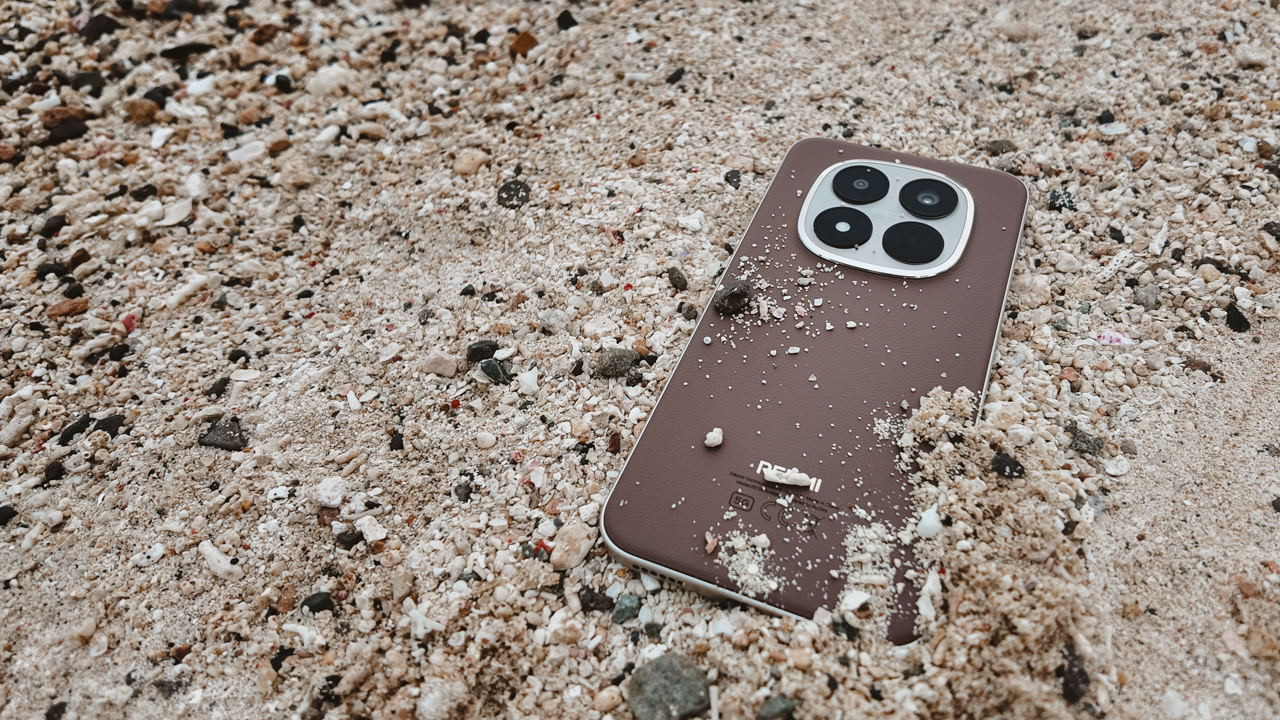
On paper, the Redmi Note 15 Pro+ 5G carries IP66, IP68, IP69, and IP69K ratings, making it one of the most water-resistant smartphones available today. IP6X protection keeps out fine particles.
Translated into real life, it simply means peace of mind.

Fashion rarely accounts for the least glamorous moments, yet those moments make up most of our day. I bring my smartphone into the bath, to the sink while washing dishes, and to the kitchen while prepping meals.
I even bring it through mud during obstacle courses, which is my sport. Frankly, I will not deny that I am glued to my phones.
The Redmi Note 15 Pro+ 5G kept up even when my fingers were wet and soiled. The display responded and the buttons worked.
The speakers stayed clear after dealing with dirt and sand. More importantly, the charging port remained unaffected — something I wish I could say of my iPhone.
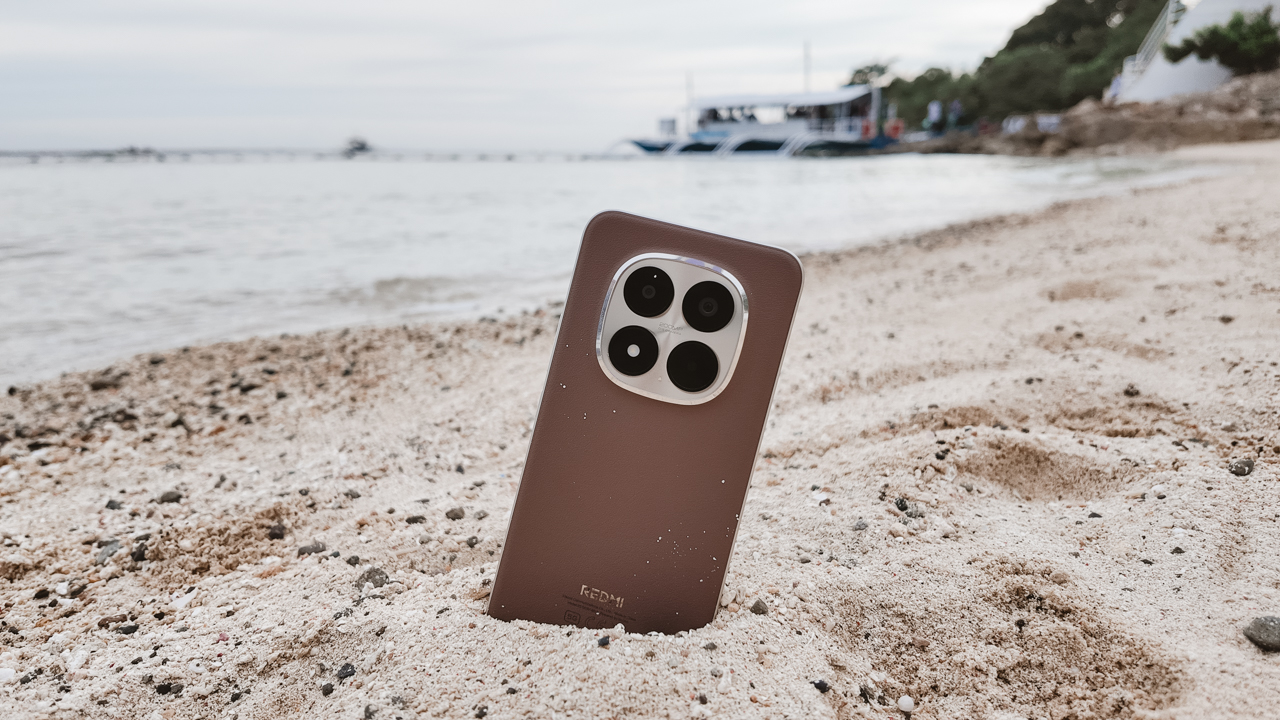
Durability also means not flinching at drops. Titan Durability includes a high-strength motherboard, a strengthened midframe, and Corning Gorilla Glass Victus 2 on the front.
The phone can withstand drops from up to 2.5 meters onto smooth granite and remain intact.
I saw that firsthand when we brought the Redmi Note 14 Pro+ 5G to an outdoor gym last year. It survived everything without theatrics.
A year later, and the Redmi Note 15 Pro+ 5G keeps that resilience, only this time more refined and even stronger.
With this kind of durability, you stop bracing for impact. You simply pick it up and keep going.
The luxury of not worrying about battery
With our days stitched together by notifications, playlists, messages, and endless streams of content, battery life becomes less about numbers.
The Redmi Note 15 Pro+ 5G’s 6500mAh silicon-carbon battery delivered two full days of use — impressive for someone who treats his phone as both companion and workhorse.
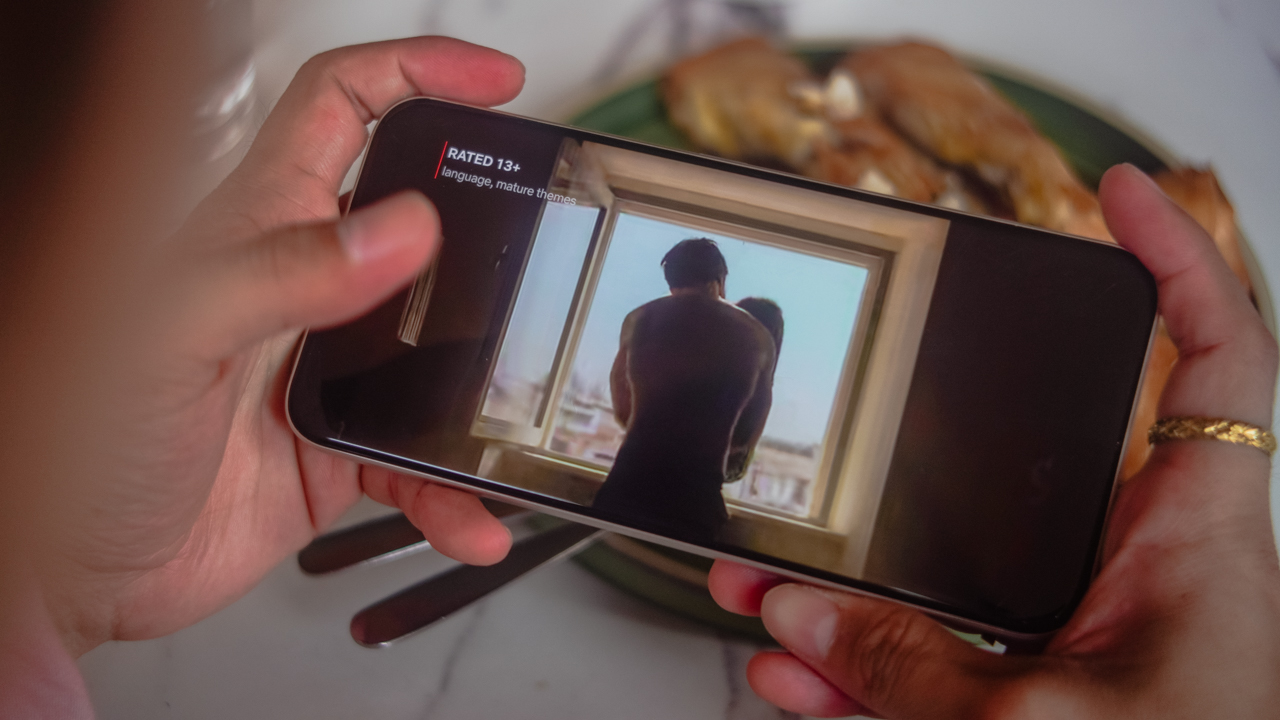
My morning begins with TikTok streaks and Olivia Dean on Spotify, transitions into message threads, “research” tabs, and campaign decks, and ends with Netflix and guilty-pleasure reality shows. It lasted through all of it without anxiety or the constant search for sockets.
Even a full binge-watch barely made a dent, and I finished Netflix’s Emily in Paris Season 5 without glancing at battery percentage every twenty minutes or so.
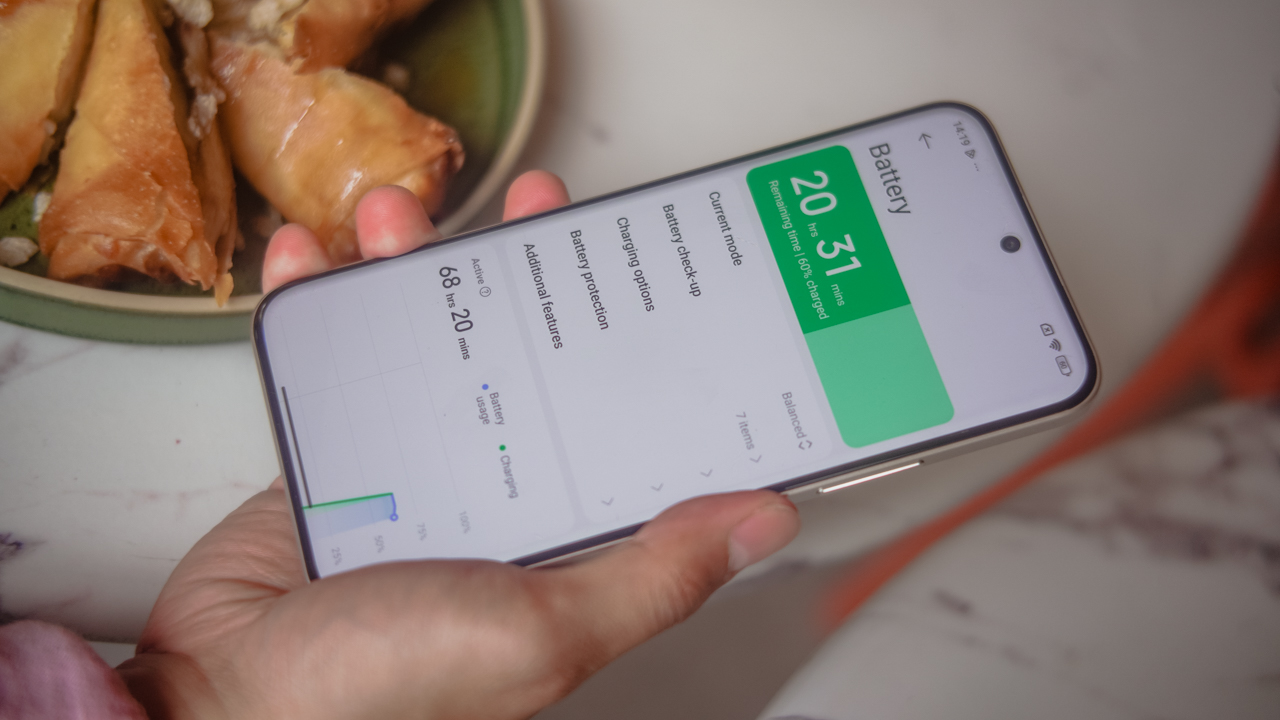
When power finally ran low, the 100W HyperCharge restored it in under an hour — 40 minutes with boost mode, to be exact.
With Xiaomi’s Surge Battery Management retaining at least 80% capacity after 1600 charge cycles, longevity extends beyond trends and seasons.
And with a battery this large, the 22.5W wired reverse charging was surprisingly useful for powering tiny accessories during long days out.
Now Playing: Emily in Paris Season 5
I have a soft spot for shows that blend glamour with a messy life, and there are few that do it as playfully as Emily in Paris.
The series feels like a whimsical mirror of my own world, not in couture or runway theatrics, but in the puzzle of pitching ideas, building campaigns, and keeping clients excited.
In my case, the settings are less Fendi and more coffee shops, restaurants, and meeting rooms, with deadlines tucked between lunch breaks and dinners that double as strategy sessions.

Season 5 charmed me with its exploration of becoming: Emily balancing ambition, romance, and her place in the world, choosing herself and her dreams with a conviction that felt quietly familiar.
Growth rarely arrives fully accessorized. It shows up in small decisions and the uncomfortable honesty of knowing what you want. It was fun to watch that unfold onscreen while trying to do the same offscreen.

The Redmi Note 15 Pro+ 5G’s All-Around Liquid Display made the experience feel indulgent. The 6.83-inch screen and 3,200 nits of peak brightness meant that Parisian drama and Roman escapades played beautifully even as I sunbathed on my balcony.
Dual stereo speakers and a 400% volume boost brought every soundtrack moment to life, though I will admit that some of Mindy Chen’s covers fall short of the earlier seasons. “Mon Soleil” is still undefeated. “Espresso” was fine, but let’s not pretend it was iconic.

If you are in your millennial era of preferring ambience over noise, the 400% boost can feel like wearing platform heels to brunch–fun in theory, aggressive in practice — though very useful when you need to drown out the world.
Tailored for the day’s demands
My unit came with 12GB of RAM and 512GB of internal storage, which meant I had more than enough room to capture photos and record videos for Instagram Reels without ever worrying about space.
Powered by Xiaomi HyperOS and the Snapdragon 7s Gen 4 mobile platform, everyday performance feels reliable and smooth.
Multitasking is easy and apps load without hesitation. Moving between work, content creation, social media, and streaming never felt taxing.
Xiaomi HyperAI adds another layer to the experience, with features like AI Writing, AI Speech Recognition, AI Interpreter, AI Search, and AI Dynamic Wallpapers.

The Dynamic Wallpapers, in particular, stood out to me. They add a sense of personality, and they make the device feel more personal when you take the time to customize it.
Well dressed, but slightly unfinished
Performance is not only about speed and capability. It’s also about how it feels to use something every day. For a phone that presents itself as a statement piece, the user experience doesn’t quite match the couture-level confidence of its exterior.
HyperOS functions well, yet it rarely feels elegant. Finding themes that feel refined requires effort, and the overall interface leans more practical than polished.
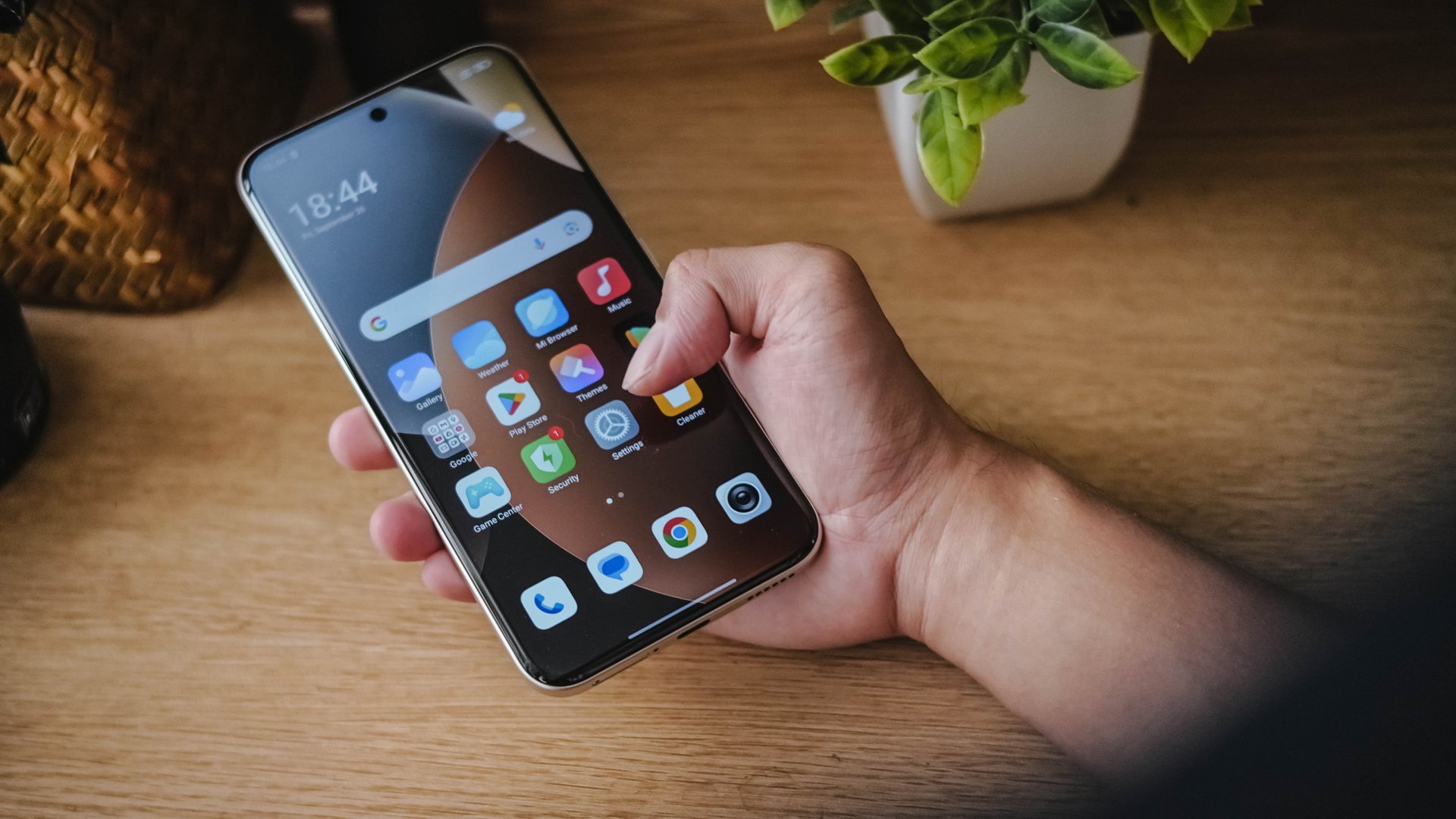
The presence of bloatware is another friction point. From the moment the phone was turned on, several pre-installed apps appeared that I didn’t need or ask for.
They weren’t disruptive enough to break the experience, though they did distract from an otherwise composed first impression.
When you decide to glow up, it should go beyond appearances. Performance is part of that transformation. The screen is what we interact with all day, not the back of the phone, and the interface plays a big role in whether a device feels joyful to use.
You enjoy something more when you genuinely like how it performs and how it presents itself.
Thankfully, the Redmi Note 15 Pro+ 5G is a very capable midrange smartphone at its core. Its performance is dependable and its power is, surely, unquestionable.
With a more refined user interface and fewer distractions, it would feel as elevated on the inside as it looks on the outside.
When life becomes a lookbook
The Redmi Note 15 Pro+ 5G comes with a 200-megapixel camera system supported by a 200-megapixel AI Engine, which is safe to say it’s well-suited for slice-of-life storytelling.
It turns ordinary days into scenes worth remembering, capturing meals, places, outfits, and fleeting romance with clarity that looks beautiful on Instagram Stories.

That is something Emily Cooper would appreciate: the art of noticing, and the belief that even mundane things deserve to be romanticized.
I brought the Redmi Note 15 Pro+ 5G with me through my usual rituals and a short island escape. It handled golden hour and mirror selfies with equal charm. Night time? Not so much unless you do it in Pro Mode.
Even so, details held up even when I cropped generously for Stories, and colors stayed true enough to feel editorial without being overstyled.
























Is the Redmi Note 15 Pro+ 5G your GadgetMatch?
The Redmi Note 15 Pro+ 5G feels like it was made for everyday affairs and misadventures.
There’s a confidence that comes from its Titan Durability, capable cameras, and an enduring battery; you worry less about keeping your phone pristine and you focus more on living.
If there is anything that betrays the illusion of luxury, it’s the software experience, which felt less polished than the hardware deserved.
For a device styled as fashionably as the Mocha Brown edition, I found myself wishing the UI and UX felt equally couture.
Swipe Right if you want a midrange phone that understands lifestyle as much as performance and can keep pace with intentional living.

Swipe Left if you need specialized power–better cameras or serious gaming, par exemple — and cannot compromise on those fronts.
For the rest of us, who value a mix of design, durability, and everyday capability at an accessible price, it’s a Super Swipe.

Because with everything it got, the Redmi Note 15 Pro+ 5G earns the GadgetMatch Seal of Approval.
The Redmi Note 15 Pro+ 5G retails for PhP 27,999. For the online-exclusive 12GB/256GB variant, it retails for PhP 25,999.
It comes in Mocha Brown, Glacier Blue, and Black. Along with the rest of the Redmi Note 15 series, it’s currently available on mi.com and across e-commerce platforms such as Shopee, Lazada, and TikTok Shop.
Promotional offers
The Redmi Note 15 series comes with added peace of mind through a comprehensive ownership package.
Buyers receive a 4-year battery replacement warranty, 2-year liquid damage coverage, and 2-year front and back cover replacement, all covered under a 2-year overall warranty.
The Redmi Note 15 series is also available via 0% interest installment plans through Home Credit. Monthly payments start at PhP 1,199 for up to 18 months.
From January 16 to 29, buyers can enjoy PhP 2,000 off the Redmi Note 15 Pro and Pro+ 5G. It comes with a free Xiaomi Smart Band 10 and a Black Box Gift Set. From January 30 to February 8, the free gifts continue even as the cash discount ends.
Every purchase also includes three months of Spotify Premium and a three-month 100GB cloud storage plan.
Reviews
Mijia Smart Audio Glasses review: Immerse yourself in the music
Here’s a unique way to listen to music.


The ability to be discreet is the best quality of a wearable. Whenever someone asks me what new-fangled tech I’m wearing, my heart flutters with that youthful wish to be one of the cool kids finally fulfilled. Subtle tech is always the best, so, of course, I had to take a look at the new Xiaomi Mijia Smart Audio Glasses.
As subtle as they come
The Mijia Smart Audio Glasses is something new from Xiaomi. It’s a pair of glasses (or shades) that neatly pack a couple of speakers and smart capabilities inside.
Now, lest we get carried away with the hope of finally getting an affordable pair of mixed-reality glasses, the Mijia glasses is meant only for audio. You won’t find a camera anywhere. That’s not a dig against them, though. For what it does, this pair knows how to wow.

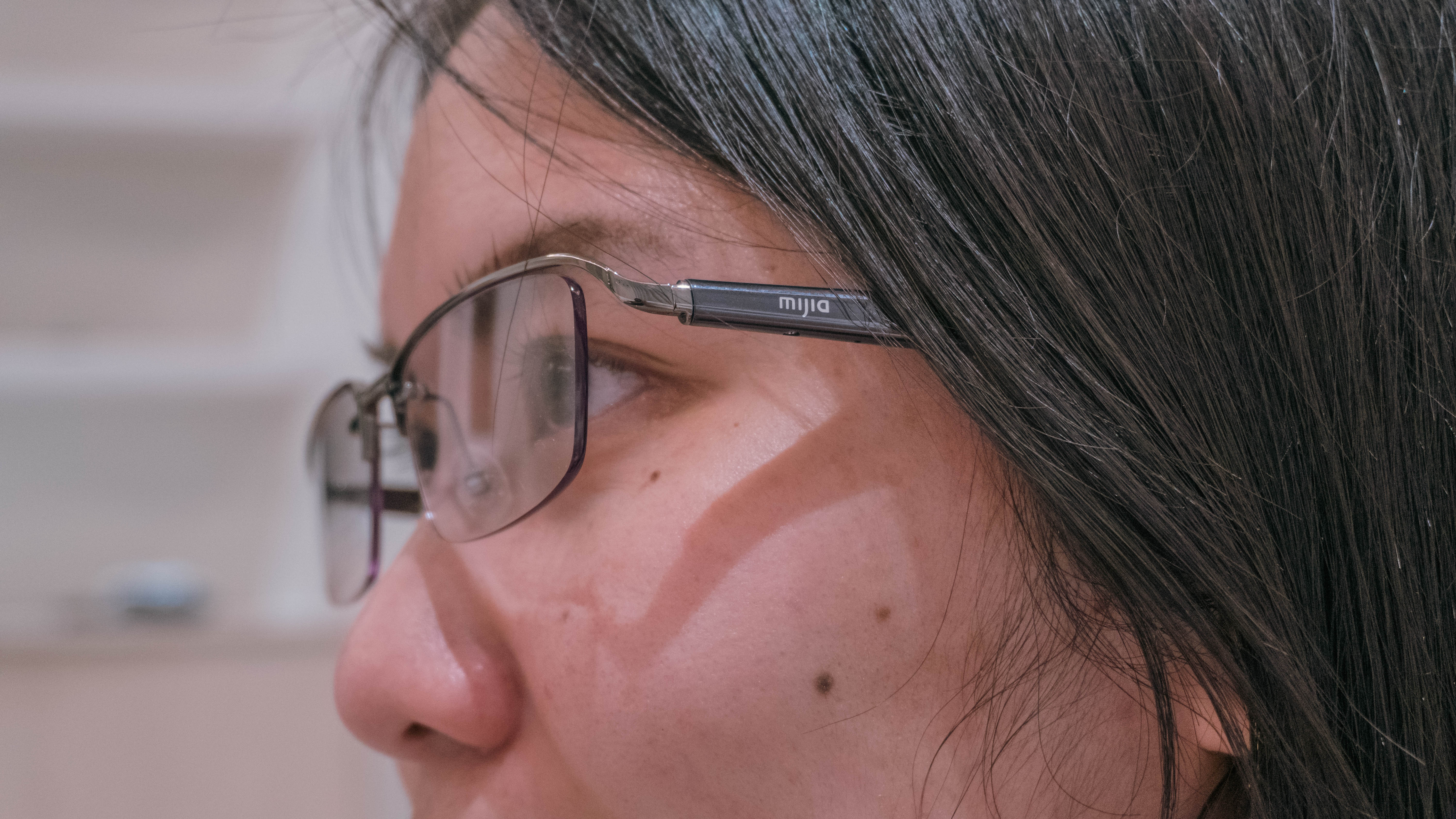
And it all starts with the design. The Mijia glasses can disguise themselves as any other pair of glasses, albeit with slightly thicker temples. In my experience, the temple’s thickness is impressive for one that has tech inside. I’ve owned a pair of audio glasses before (specifically, the Bose Frames, which can barely hide the fact that they have speakers), and the Mijia Smart Audio Glasses is as subtle as they can come.
For me, it looks great. There’s also two versions with swappable lenses, so you can mix up your looks.
Comfort for hours
The pair is also very light. The variant I have, the Titanium, is the lightest one of the trio, coming in at only 34.4 grams. In hand, it’s easy to carry them around. They are light enough to be carried around easily in any everyday kit.
Perched on my head, the Mijia Smart Audio Glasses are barely a bother. They flex enough so as not to put pressure on the side of my head. Most of the weight is also concentrated on the ears, rather than the nose, so it doesn’t cause too much headache.

However, if you don’t wear glasses, you might feel the pressure after a few hours. As someone who doesn’t need a pair to see, I can withstand only one- or two-hour stints wearing anything on my head. After two hours with the Mijia, I can definitely feel pressure over my ears, but not to an uncomfortable extent.
And whenever I do feel too much pressure, the glasses can perch easily on the top of my head. The speakers can still work in this way.
Overall, the smart glasses are light enough to be worn comfortably throughout the day. If, like me, you aren’t used to wearing glasses all day, it’s easy to get used to them and, if need be, to be worn over your head.
Now this is surround sound
A pair of audio glasses can offer one of the most unique ways to listen to music. The Mijia is no different.
Most wearable audio products block your surroundings so you can focus on the music. Even when using transparency modes, it’s still clear that something external is playing the music.
With the Mijia Smart Audio Glasses, it feels like I’m right there with the music. The audio does not want to clash with your surroundings. Instead, it lays over your ears like a comfy blanket. It’s one of the most immersive auditory experiences you can try.
That said, audio quality can use a tune-up. The sound coming from the pair focuses almost exclusively on treble. The bass is practically non-existent, but that’s what you’re trading for a compact form factor.

Because of how the audio profile leans, the glasses pair well with softer music like lo-fi and smooth jazz. Bass-heavy metal and rock can work, but you’ll be missing the hearty thrums of the genre. Pop listeners, unfortunately, might run into issues. On higher volumes, belting vocals and certain instruments (a saxophone, in my case) can sound too shrill.
Alternatively, the glasses work perfectly with podcasts, audiobooks, and voice calls. If you’re a fan of listening to chatter on your commute, the Mijia Smart Audio Glasses might just be a perfect match for you.
Finally, the glasses have a feature called privacy mode. By default, this pair is very leaky. If you’re in a quiet room, someone in the same room can hear what you’re listening to. Privacy mode muffles the audio from leaking but sacrifices audio quality. It’s particularly useful for audio calls.
How smart is smart?
As in the name, the Mijia Smart Audio Glasses does have smart functionalities. It connects to a voice assistant, have gesture controls, and record conversations.
Normally, I don’t use voice assistants, so the glasses’ voice-controlled functions are a bit lost on me. However, when I did try the feature out, I found that the assistant was responsive enough for easy handsfree use. The microphones are strong enough to pick up your voice when out and about. This makes it great for voice calls, too.
Because of the microphones, the Mijia’s recording functions are actually helpful, especially in my line of work. If you don’t need to record interviews, the feature also has the ability to record phone conversations.
Outside of the audio functions, the gestures are remarkably smooth. Usually, gesture-based controls infuriate me because of how finicky they can get based on where and how hard you touch them. The Mijia glasses work so well that I love using them with gestures.
The gestures are pretty simple. Both temples can be tapped twice or swiped left and right. They can attach to audio control or another one of the smart functions. From experience, they aren’t finicky with where you touch them. You don’t need a forceful tap, either.
A sizable battery
Xiaomi notes that the Mijia glasses can last 12 to 13 hours on a single charge. This is based on continuous playback, though. As someone who doesn’t use glasses, I wanted to test the Mijia’s battery based on how I used the pair: one- or two-hour listening sessions.
The glasses lasted for around three to four days on a single charge with an average of two sessions per day. Each session knocks off around 10 to 15 percent of battery life, depending on how you use them. Overall, the estimate of 13 hours is fairly accurate, but it heavily depends on your own usage and how comfortable you are with glasses.

The glasses use a unique charging cable: a two-pronged cable that connects to both tips of the temples. It can charge to full in around an hour.
The charging time isn’t really an issue. But I’m worried about the unique cable. Unfortunately, wearables still haven’t found a universal standard. If you break one, you might be out of luck without support from the brand.
Is the Mijia Smart Audio Glasses your GadgetMatch?
For me, the Mijia Smart Audio Glasses is a Super Swipe. Compared to other audio-based devices, the Mijia Smart Audio Glasses offers the most comfort and the most immersive sound. It’s a lot better than sticking something in your ears for hours on end. The unique sound profile is also an experience.
In my opinion, there’s still some work that can be done to improve audio quality. But for what you’re getting, the Smart Audio Glasses does what it does almost perfectly. If you’re looking for an unconventional way to listen to music, this pair is a match for you, too.
Looking back at my first few months with GadgetMatch back in 2018 nostalgically evoked my Pocophone F1 core memory. It was touted as THE “flagship killer for less.”
Pre-pandemic, that “Pocophone” simply became “POCO” and became an “independent” kiddo who moved out of its parent’s house.

Almost eight years after that very first iteration, I’ve finally had my first (and long overdue) POCO-perience with the latest POCO M8 Pro.
Design: Repurposed with a purpose
While I have not held a POCO phone until very recently, I am still aware of the brand’s offerings over the years.
Seeing the POCO M8 Pro for the first time instantly reminded me of last year’s Redmi Note 14 Pro series. That’s not me saying POCO blatantly ripped the aesthetics as the POCO X7 also had the same design language.
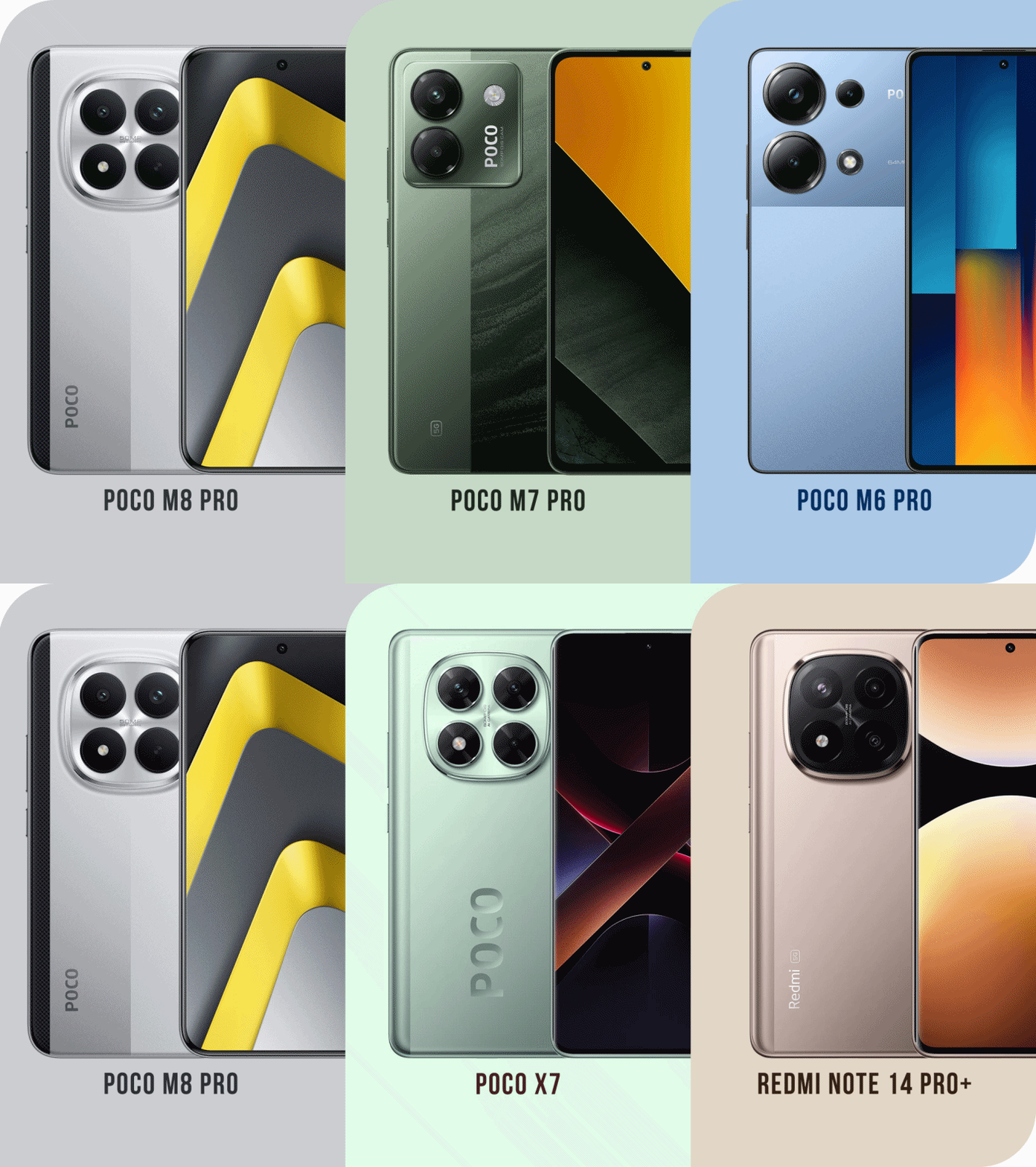
Graphics by Vincenz Lee | GadgetMatch
Like a full circle moment, the aforementioned phones were launched back a year ago.
In all honesty, it still confuses me which direction Xiaomi is heading, especially with the non-stop rebadging of existing POCO and REDMI phones — just with scrambled internals and CMF (color, materials, finish).
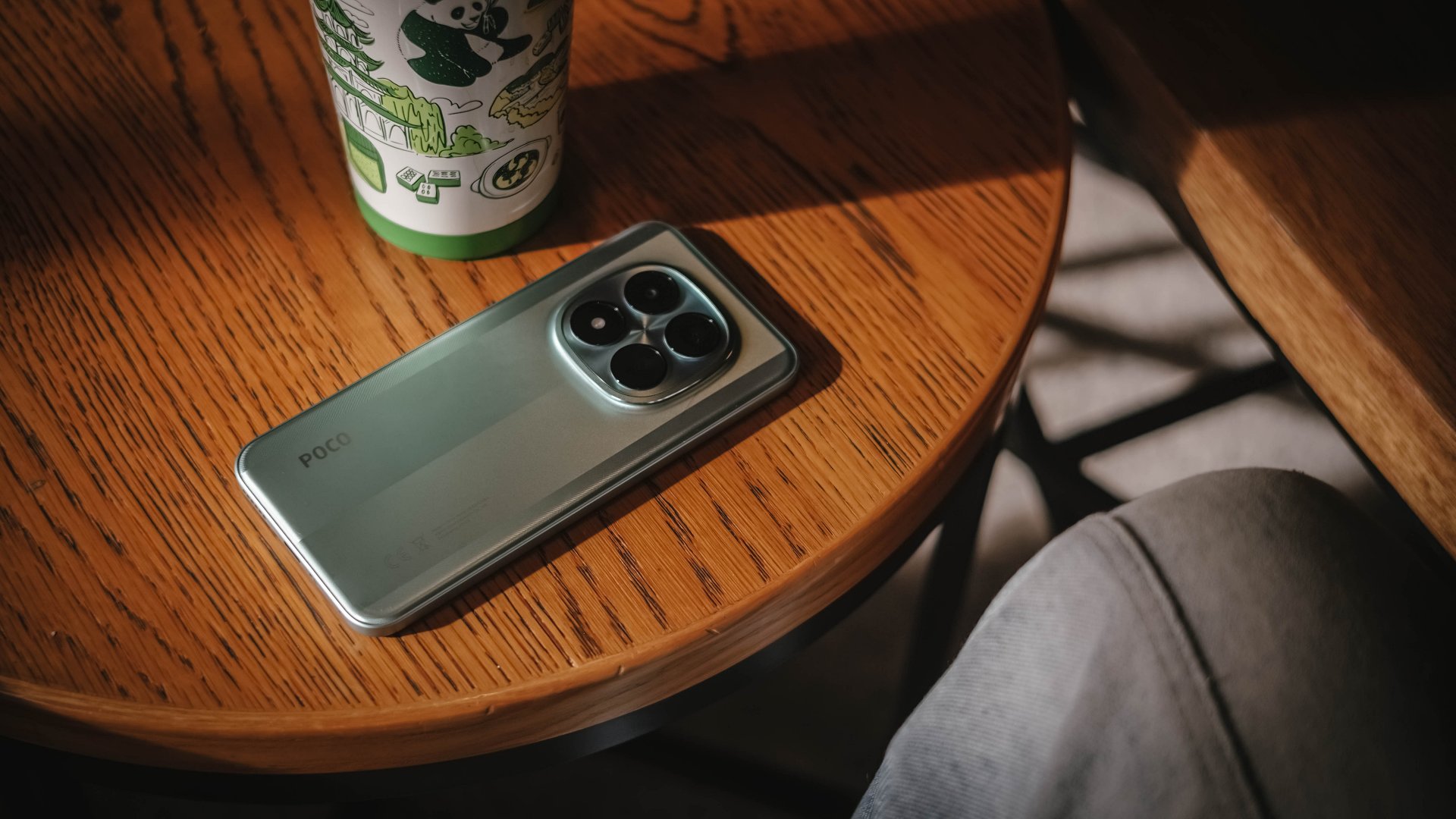
Having said that, I still consider the M8 Pro a level up from the last M7 Pro. The former’s design felt like it was not given much importance.
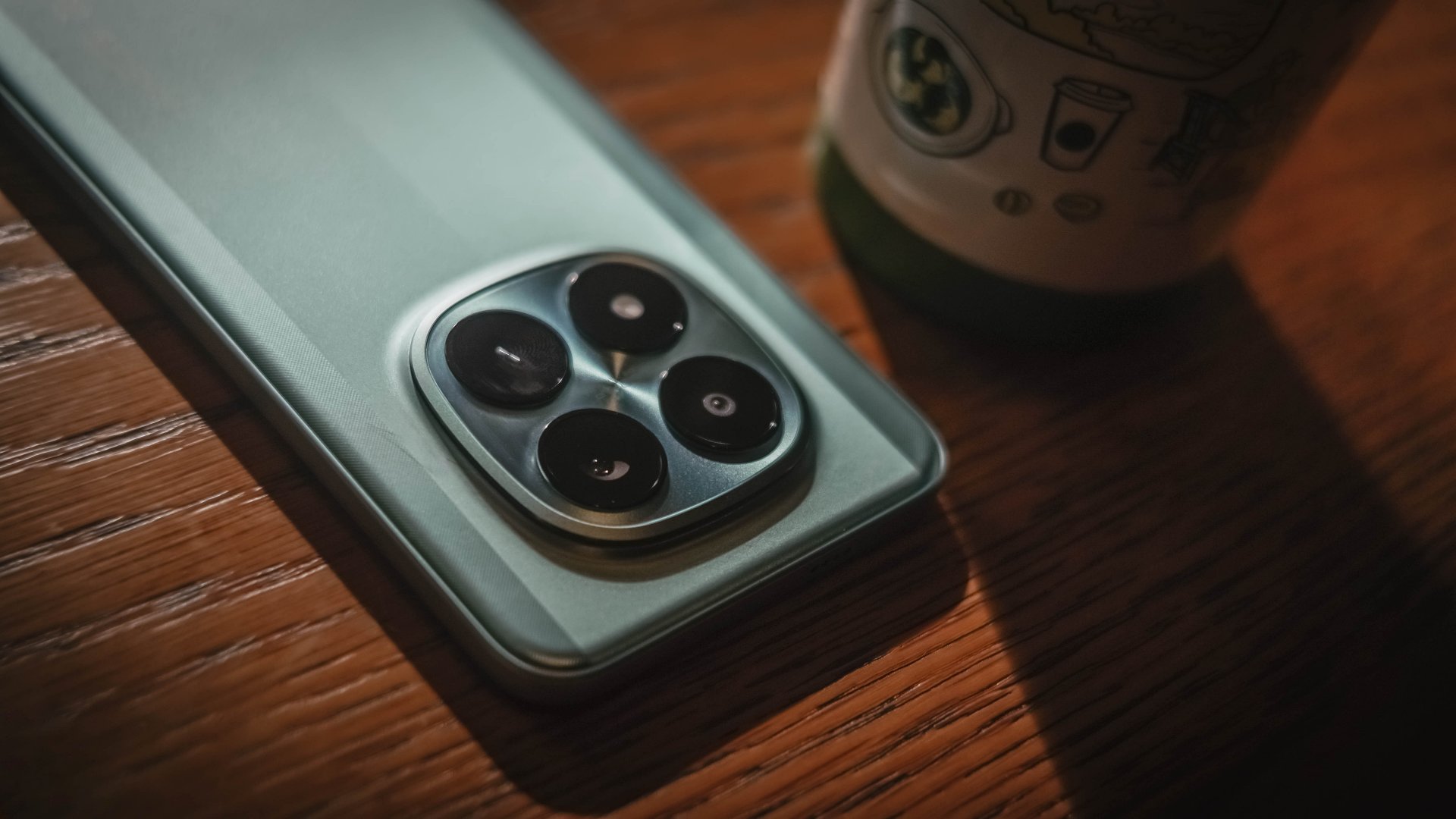
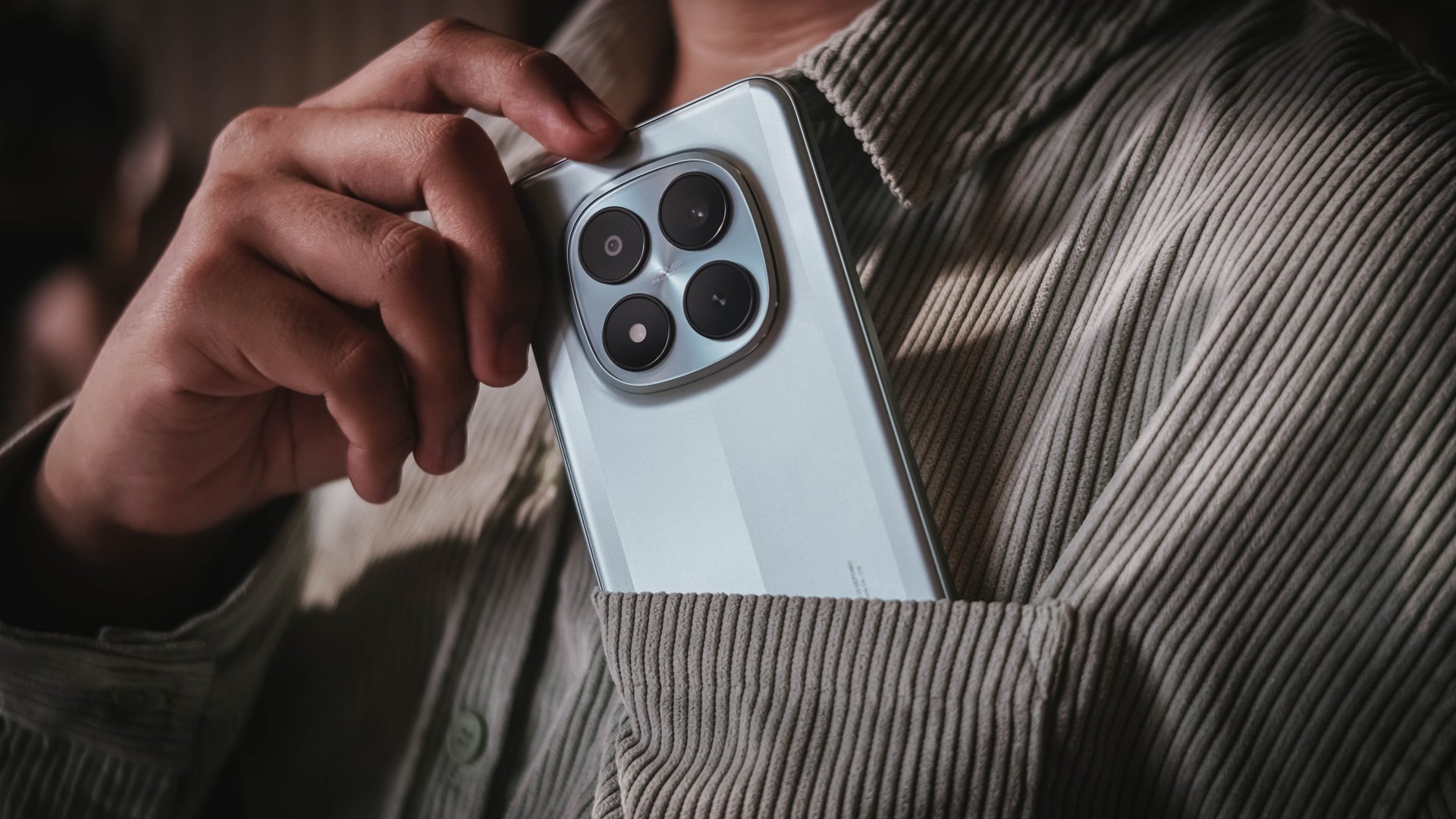
The centered camera island with a squircle cutout seemed like a signature design element of Xiaomi’s newer midrange line moving forward.
I also love how the phone felt in my hands. Even with that plastic back, it felt grippy enough when held.
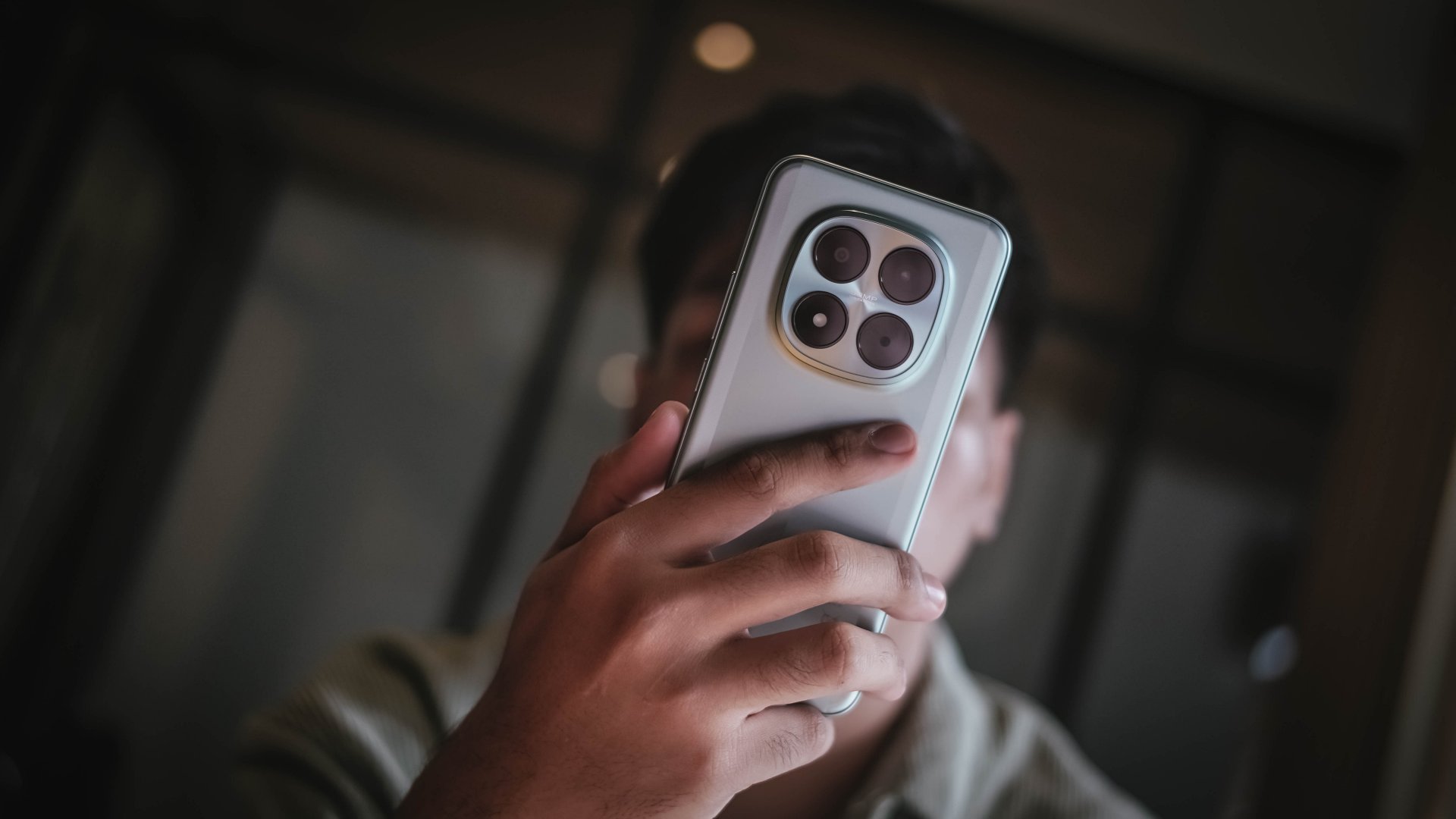
You have to be wary of fingerprint smudges though — especially if you rock the black colorway. Luckily, the green shade I have still looks clean despite those unwanted smears.
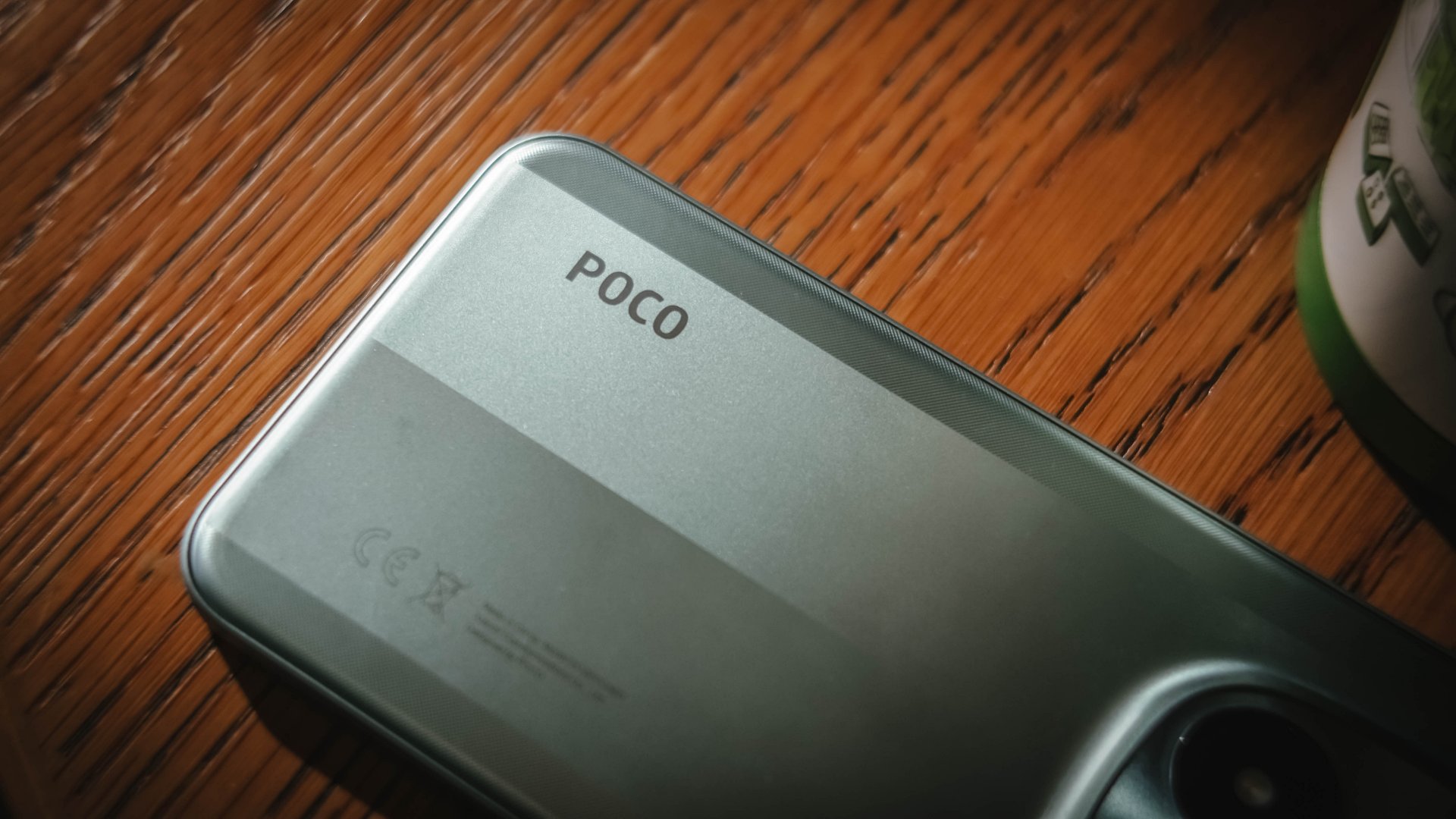
And, if you’re brave enough to clean it in running water, the POCO M8 Pro boasts not just one, not two, but quadruple IP ratings: IP66, IP68, IP69, and even IP69K. These used to be exclusive only among 2025 flagships.
Now Playing: IDOL I
Much like my fanaticism to anything tech, the same can be said with Korean Pop Stars. More known as “K-Pop Idols”, I have been a huge geek of K-Pop for 16 long years (and still counting).
Interestingly, after finishing a series that just ended in Netflix, IDOL I swiftly came by. Even if I am the type of viewer who values the drama’s synopsis more than the cast involved, this K-Drama instantly hit two birds in one.
For one, its starred by a true iconic idol herself: Choi Sooyoung — or one of the nine members of SNSD / Girls’ Generation a.k.a the ultimate 2nd generation K-Pop girl group I’ve been stanning since my youth.
Although Maeng Se-na here is a heartless and “selfish” lawyer, she is the opposite for being a huge (yet silent) fan of “Gold Boys” with Do Ra-ik as his “Ult” (or Ultimate Bias).
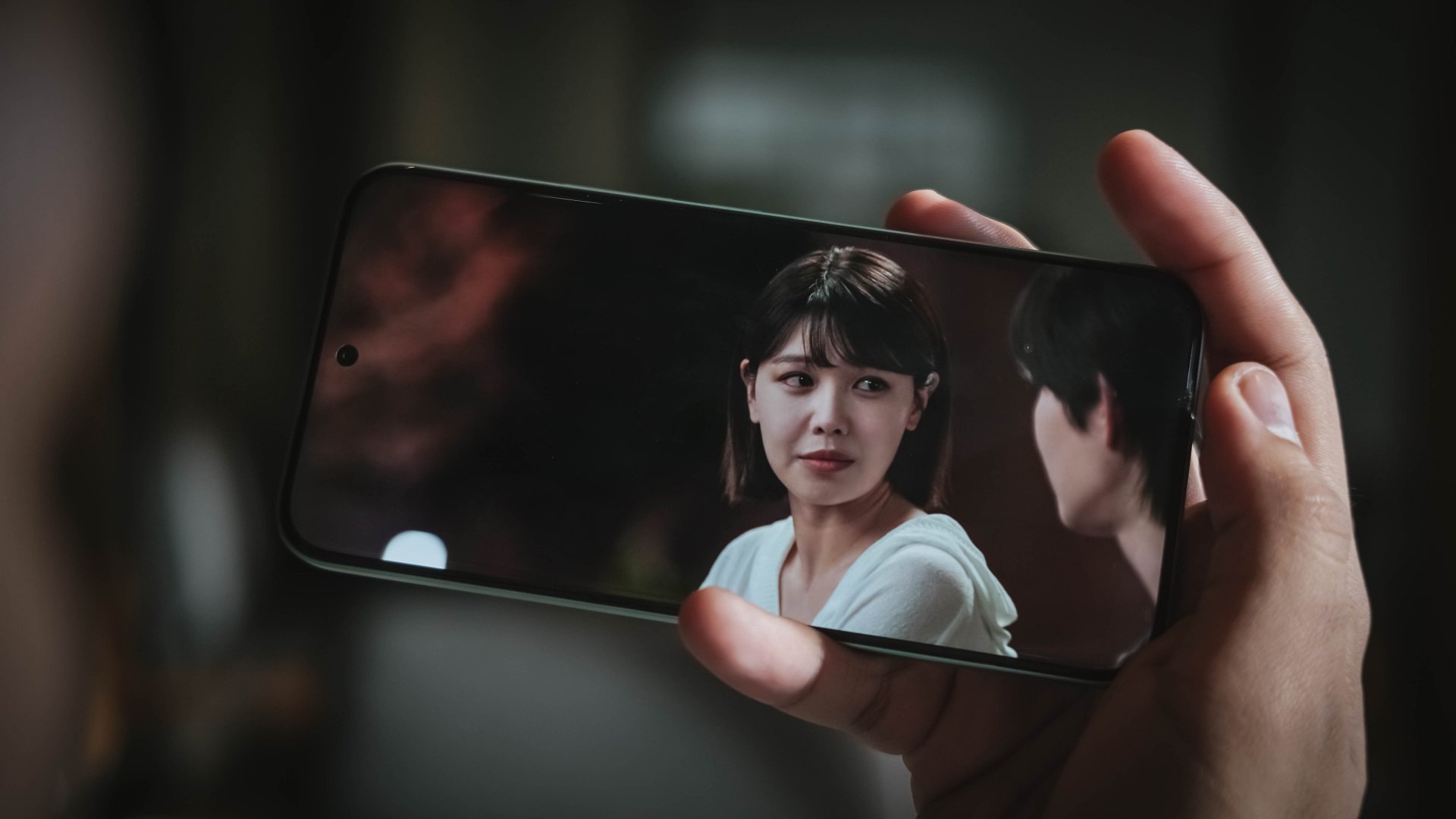
In a wild turn of events, the idol became a “murderer” overnight — blaming him for the sudden death of his co-member after waking up from their drinking session.
But, no matter how the general public looks at him as the prime suspect, finding faults against Ra-ik is difficult. That’s pointing out the fact that he was just sleeping in his bed while his former bandmate slash loyal friend got stabbed without clear answers.

I can pretty much say the same thing with the 6.83-inch screen of the POCO M8 Pro: I cannot see any fault at all.
For one, it’s an AMOLED display that made me enjoy binging the first four episodes non-stop. But, being able to display 68.7 billion Colors and 12-bit color depth aside from the usual HDR10+ and Dolby Vision support? That’s likely unusual for a phone in such price point.
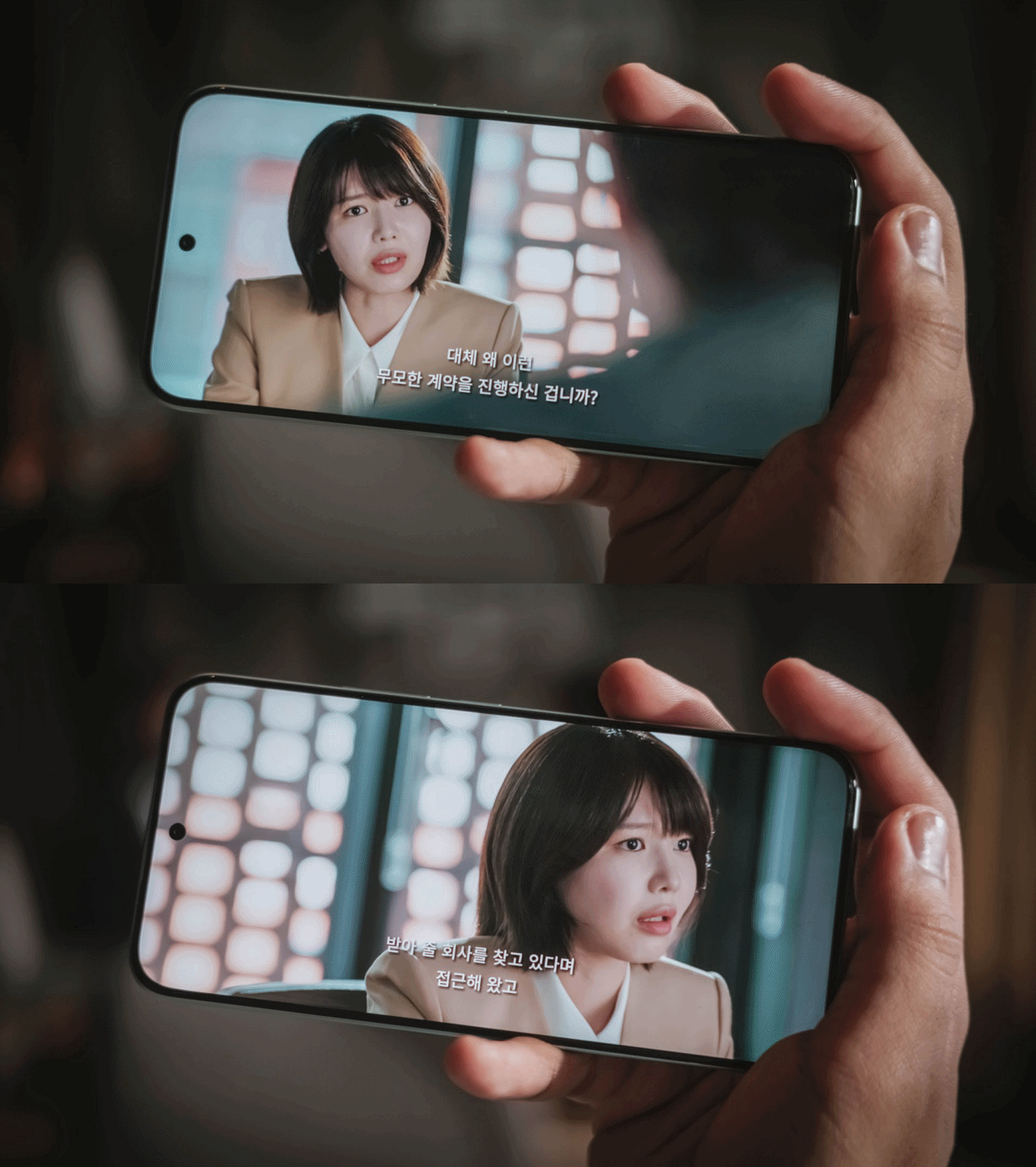
And, with a 1.5K display resolution plus a pixel density of 447 ppi, it’s as crisp as it could get. Watching it outdoors is neither a problem with its mighty 3200 nits peak brightness.
While my eyes aren’t very sensitive to light and flicker, its 3840Hz PWM dimming and TÜV Rheinland Flicker-Free and Low Blue Light certifications are still worth mentioning — especially if you stay up all night binge-watching hours worth of titles like yours truly.
On Queue: Apink’s RE:LOVE + Chuu’s XO, My Cyberlove
Pumping up the volume by 60%, it’s expected that the POCO M8 Pro possesses a louder than ever sound output. However, my audio assessment doesn’t end just there.
Just like POCO starting the year with a bang, the K-Pop scene in January 2026 has already exploded with real hit bangers.
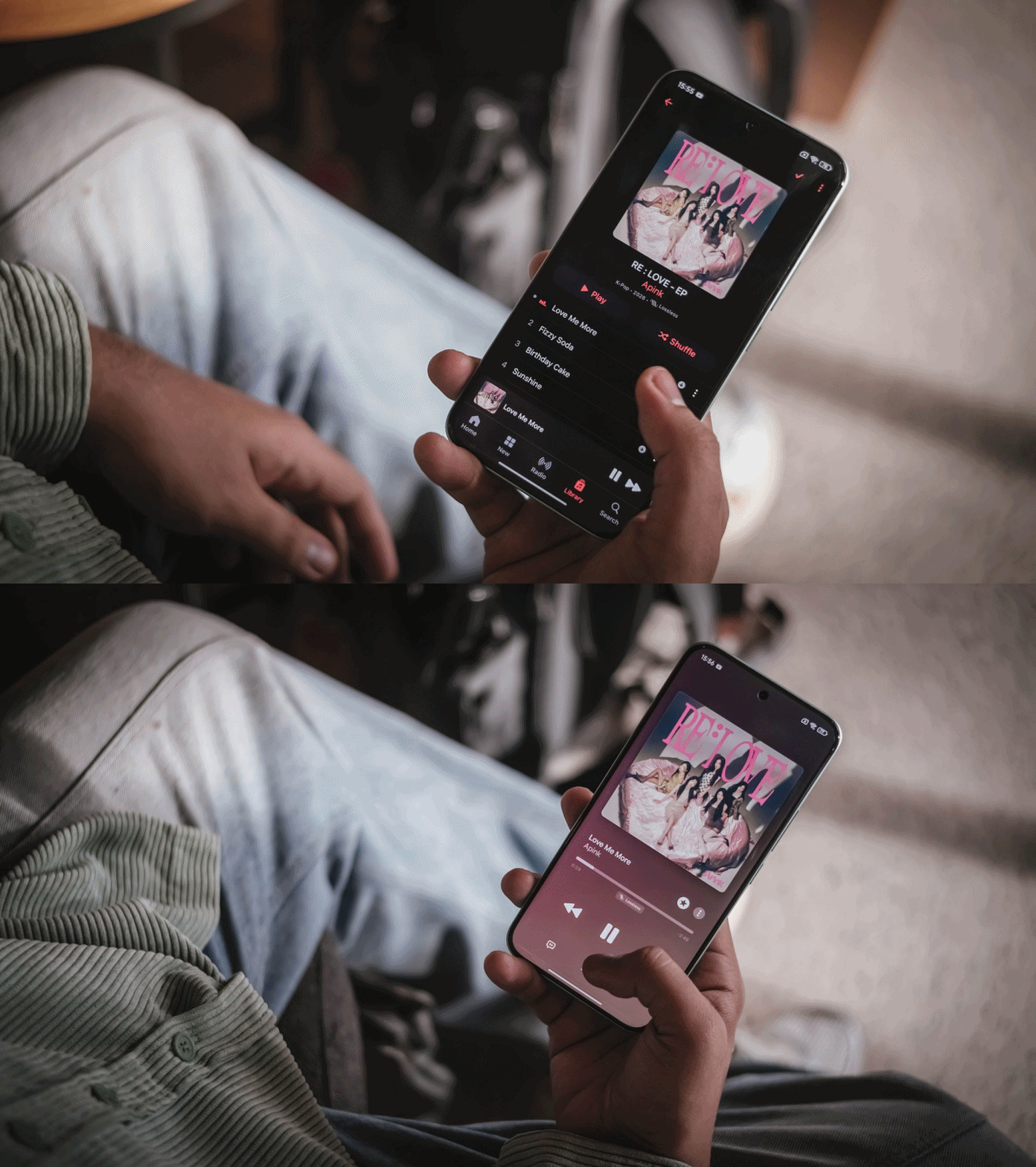
First and foremost, Apink finally gathered again to released their 11th Mini Album (their previous Mini Album dates back to 2020). As per usual, I used Apple Music to take full advantage of that Lossless format.
Their title track “Love Me More” not only brought a lot of the group’s nostalgic intro and dance break instrumental during their early days in the industry, it also reminded me of the pre-millennium K-Pop era back in the early 90s.
Pair that with b-sides such as “Sunshine” that sounded pure and soulful, this latest mini album will truly make Pink Pandas’ hearts flutter.
In addition, Chuu (LOONA) finally releases her 1st Full Album titled “XO, My Cyberlove.” It is a complete opposite of her first ever solo song “Heart Attack” almost a decade ago which highlighted her cutesy, innocent charms.
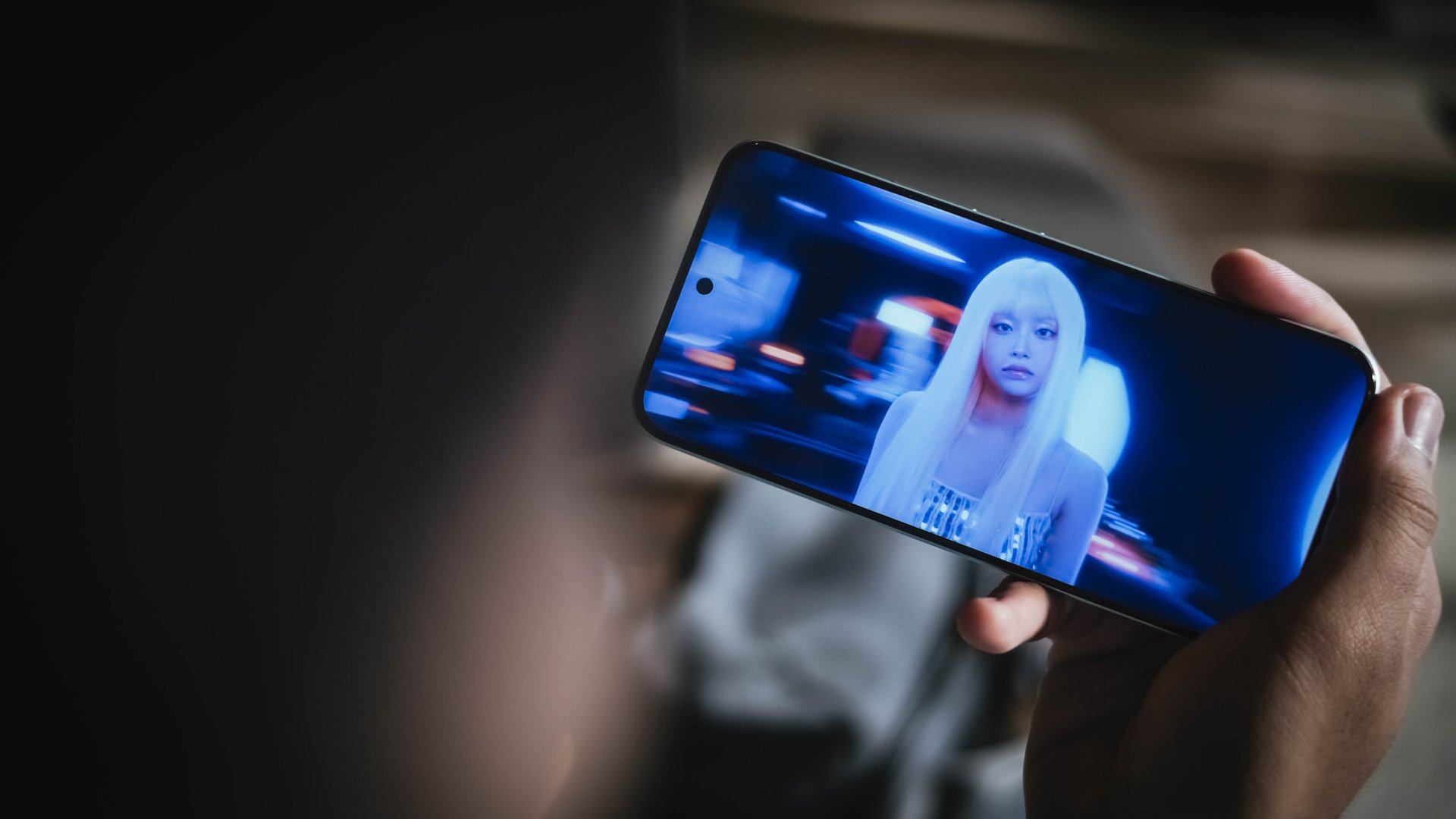
The comeback track of the same title is as quirky and whimsical as it gets. Not only does it highlight Chuu’s light yet ethereal vocals, but it shows her newer, more mature side.
Furthermore, lyrics that evoke unexpected budding love in this digital era where everyone enjoys making connections through the cyber world.
With POCO M8 Pro’s speakers, I fully enjoyed playing the entirety of her freshly-baked album while I was writing this piece. Teeny Tiny Heart and Love Potion are currently my fave b-sides from this release.
Such music fulfillment was possible with the Dolby Atmos stereo speaker setup and Hi-Res Audio support of the M8 Pro. Not only its proudly loud, the audio produced is full and immaculate with clear line between its highs, mids, and lows.
Performance: Adequate for most
On paper, the POCO M8 Pro runs Qualcomm’s latest Snapdragon 7s Gen 4 SoC based on a 4nm process. As confusing as it seems, this is different from the more powerful Snapdragon 7 Gen 4.
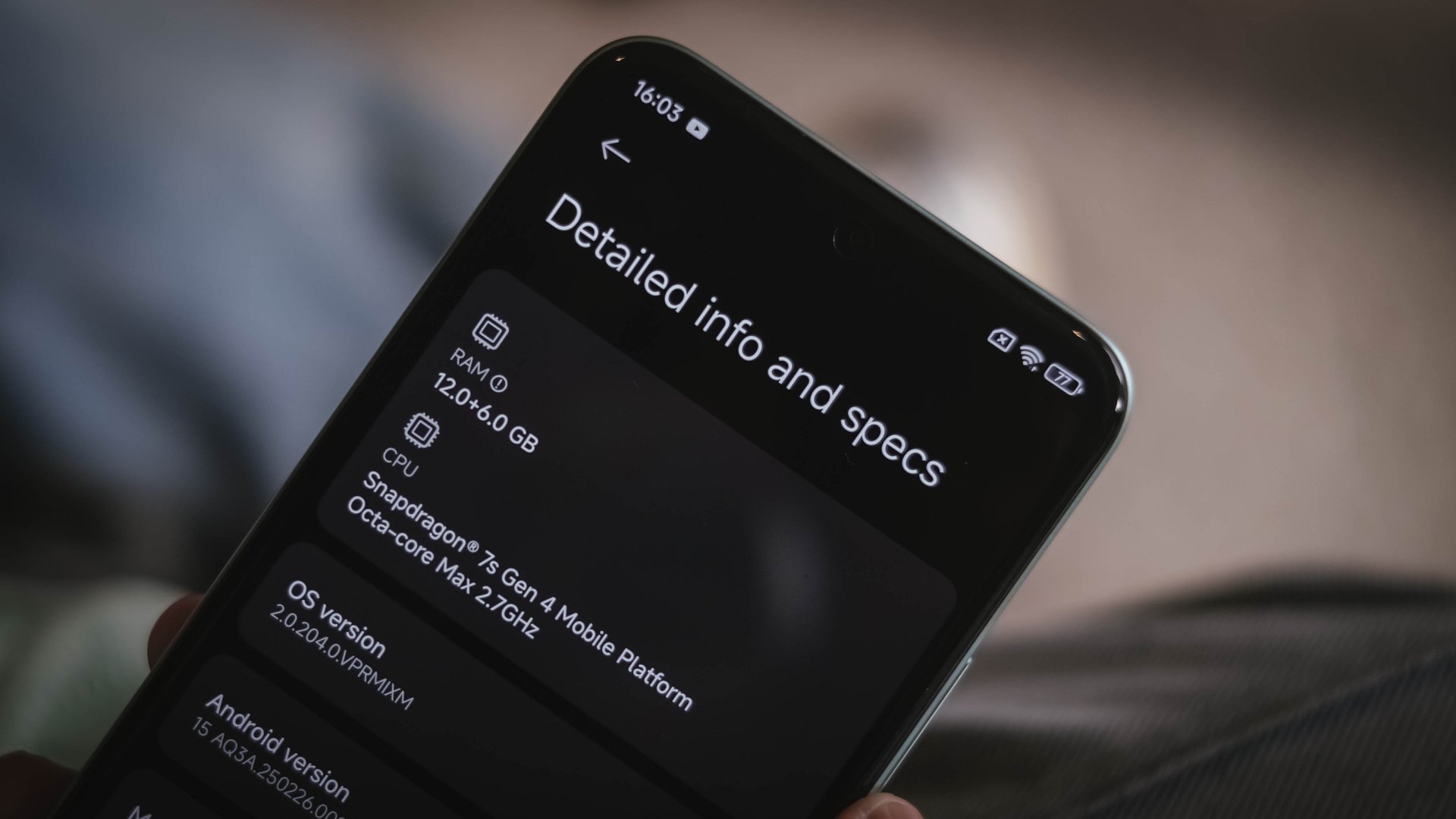
That being told, game settings will vary depending on how demanding one is.

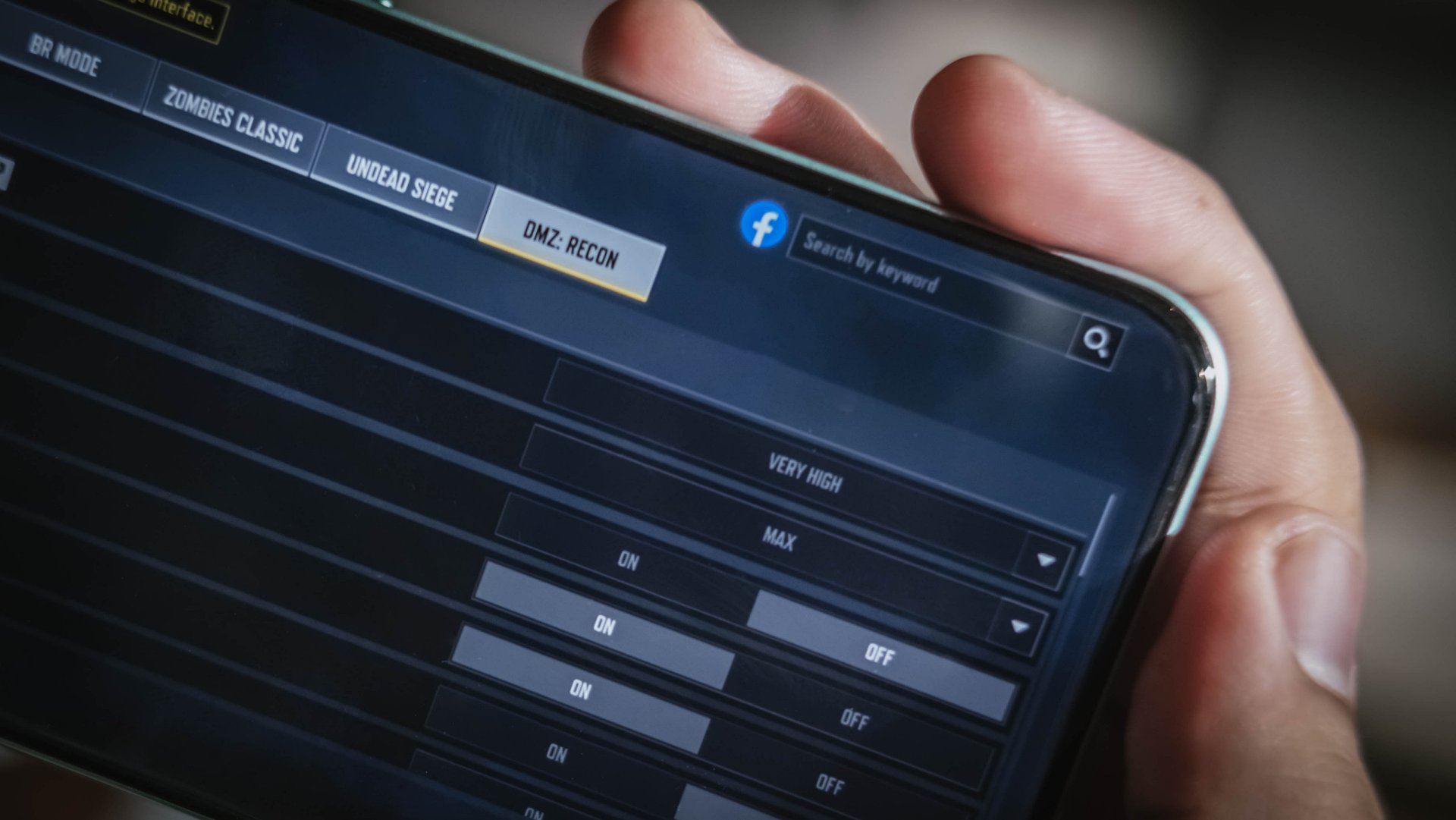
For instance, CoDM (Call of Duty: Mobile) runs in Very High and Max settings upon first set-up.
Meanwhile, Racing Master (based on NVIDIA’s PhysX engine) can run Ultra settings at 60fps.
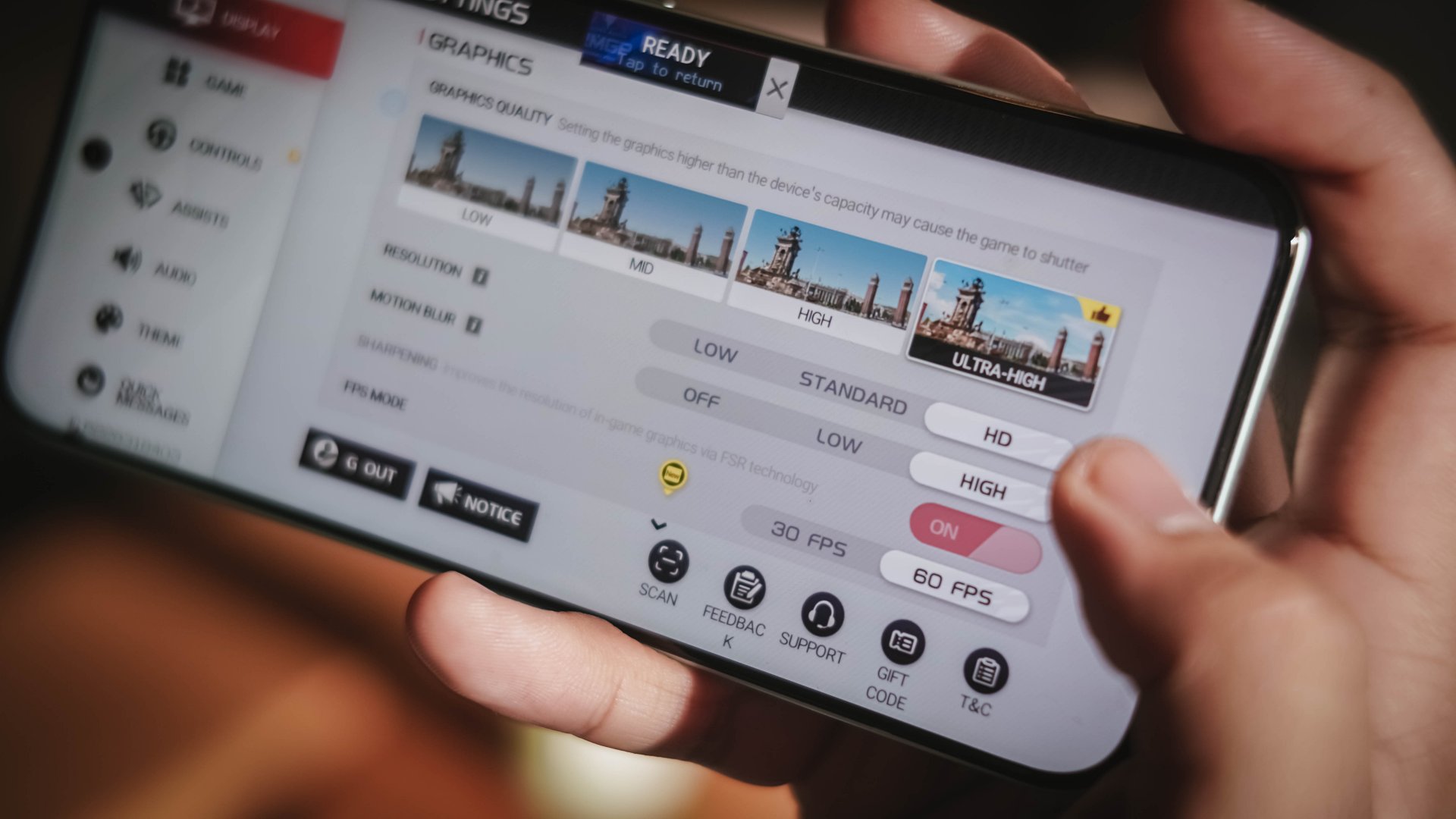
However, it throttles during the first two ranked races.

Fortunately, the game detects if it gets sluggish — suggesting lowering down the settings altogether.
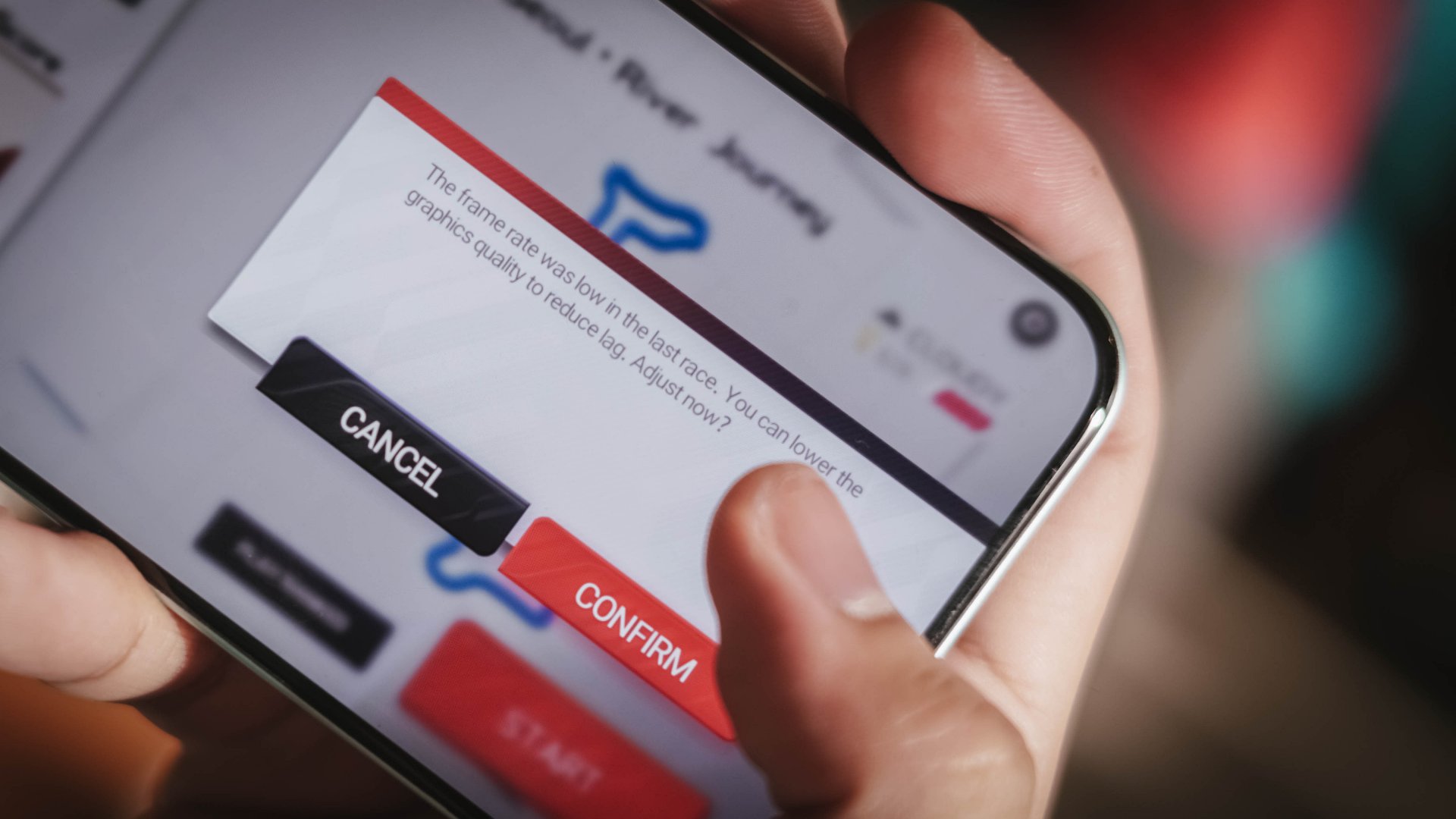
Lastly, playing Zenless Zone Zero is doable but, at the lowest graphics by default.

You wouldn’t dare to go past it as Combat Mode will literally feel like combatting the phone itself due to how heavy the game is.
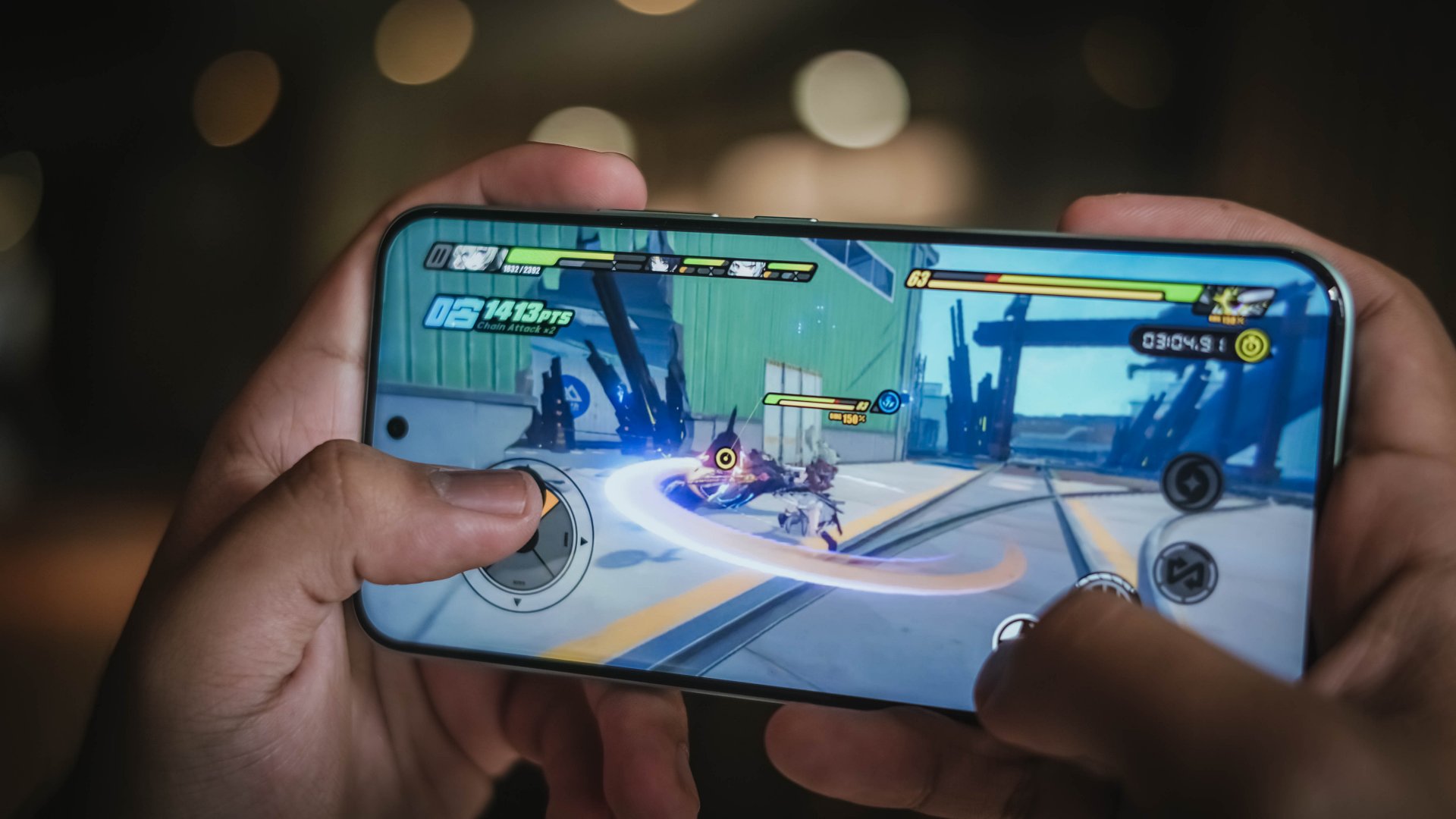
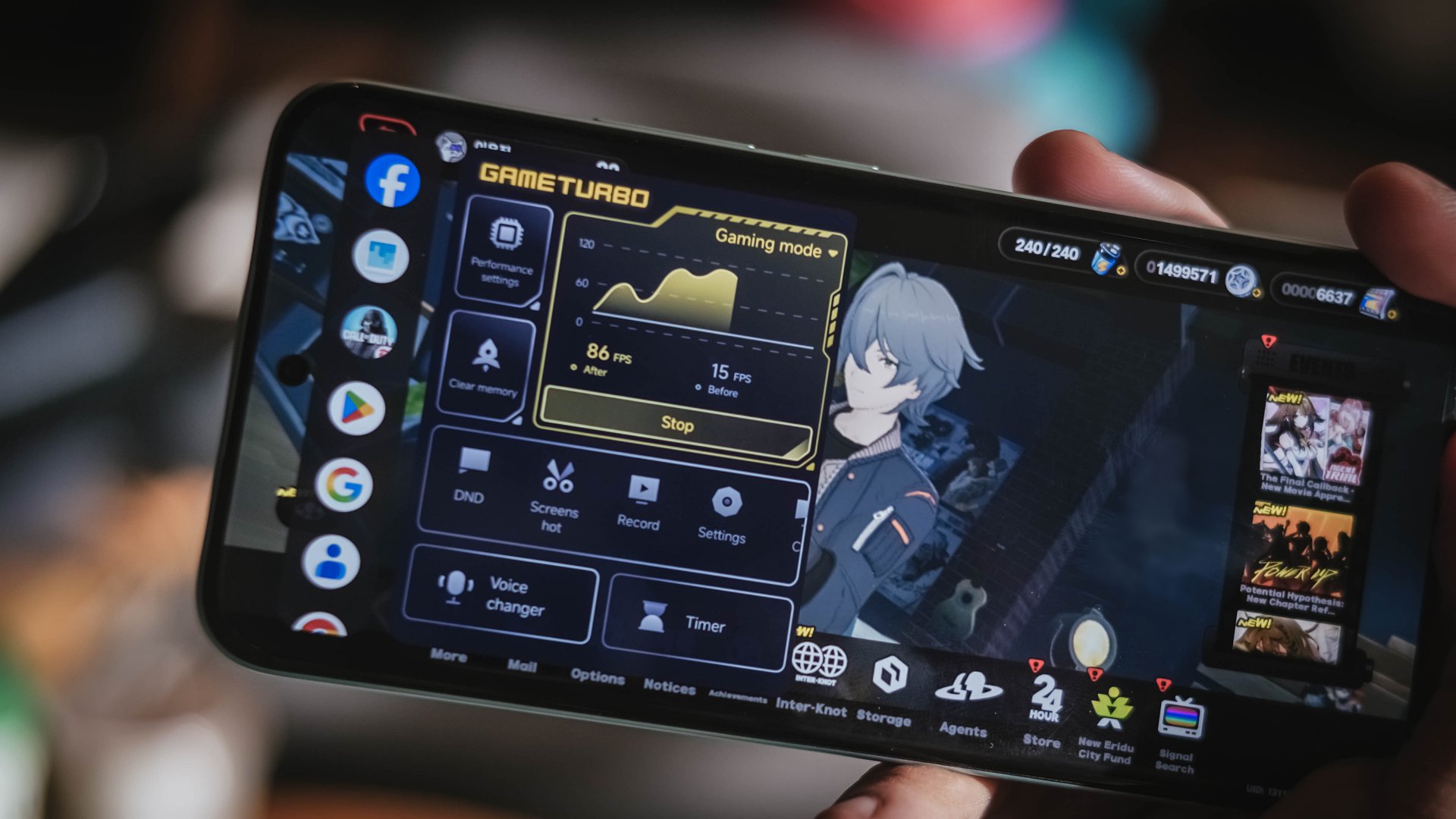
The only “remedy” for these hardware limitations? It’s none other than the Game Turbo mode that boosts graphics performance and input through Xiaomi’s software advancements. And it sort of helped make the gameplay smoother, but not fully.
For the rest of apps that are not graphics-intensive, the M8 Pro can breeze through various apps without hiccups, do split-screens, or multitasking along floating windows with ease.
I can truthfully say that the only thing dragging the POCO M8 Pro down is the software as a whole.

After experiencing the beauty of vivo’s OriginOS 6 and HONOR’s MagicOS 10, Xiaomi’s HyperOS still feels like an after-thought. While it can keep up with the modern-day Android features, its stability and optimizations simply don’t make the cut.
Besides, its built-in AI tools, device ecosystem, as well as cross-compatibility functionality aren’t as polished as what you get on other Chinese brands. Let alone, a rip-off from everyone’s fruit rival without much feature improvements.
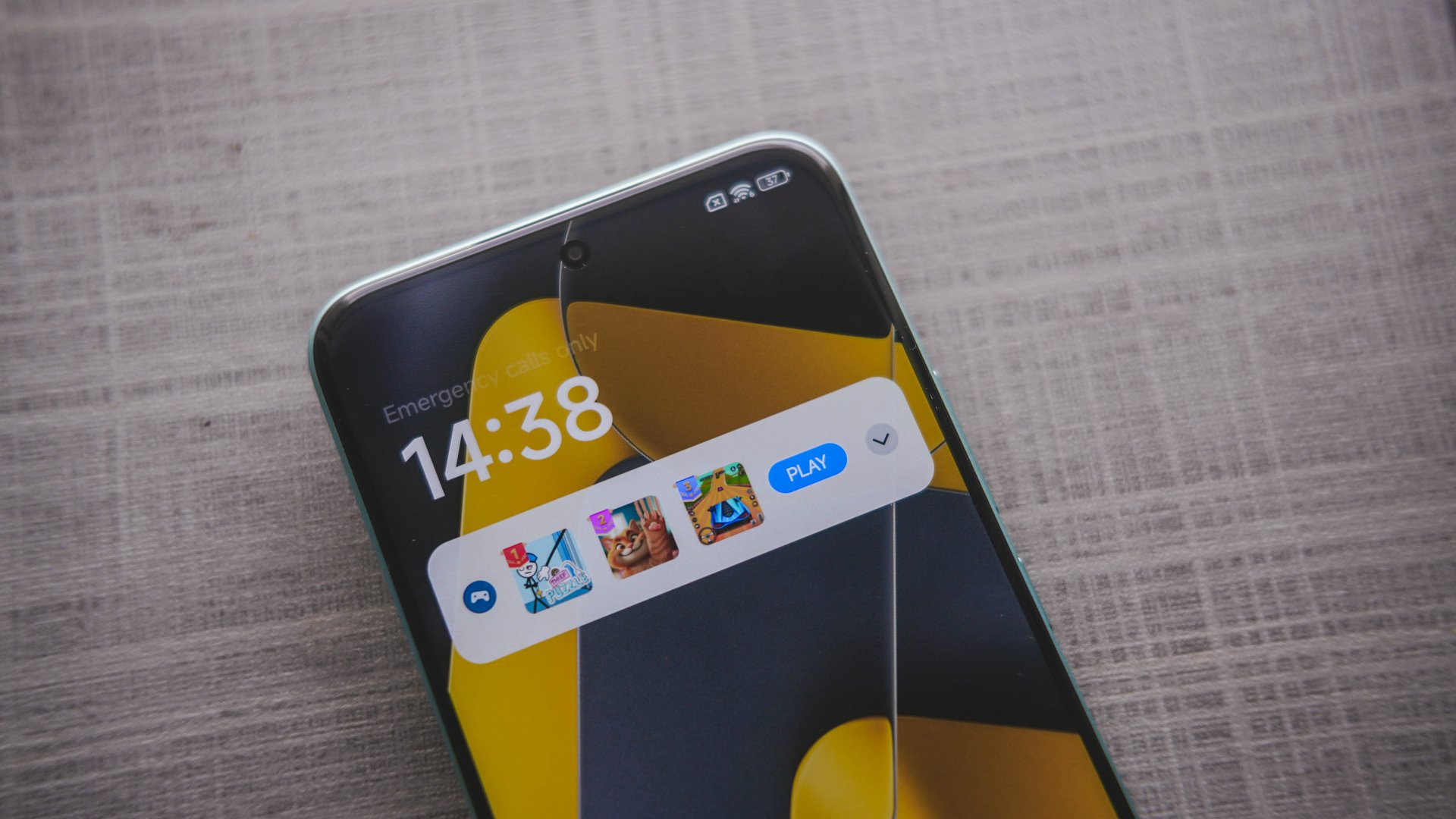
Seriously, Xiaomi?
Worst thing? Maybe the ad slash bloatware infestation found not just on the lock screen. Even transferring personal files through Xiaomi’s native File Manager app plays an unskippable ad.
Battery: Eat it up! Eat it, eat it up! 🍝🎶
At 8.31mm, the POCO M8 Pro is as slender as it can get. How they were able to fit a 6500mAh battery inside its chassis is a true feat of engineering.
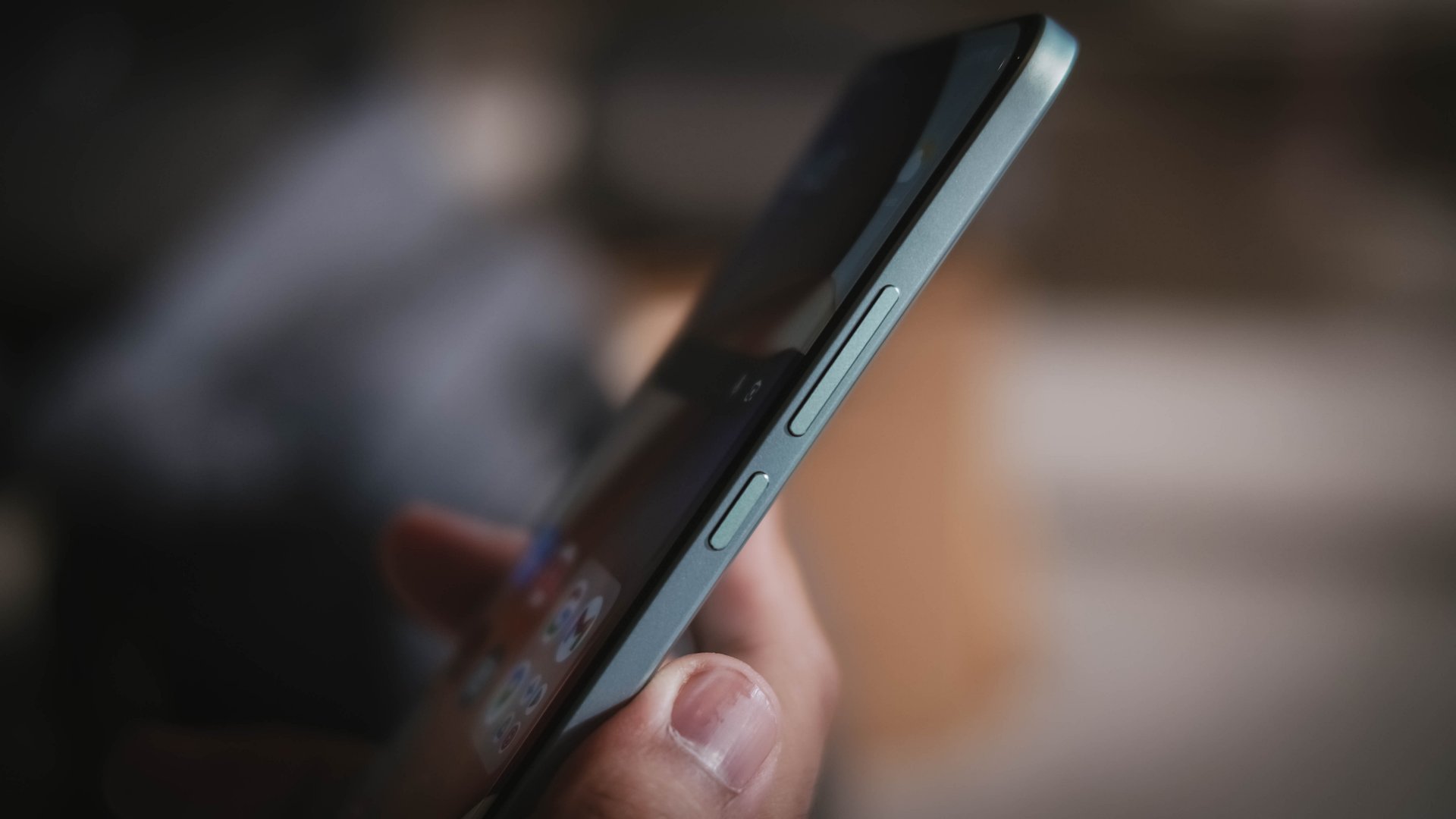
For the record, this is the first POCO M-series smartphone to have such a ginormous battery. It joins the same league as the POCO F8 Ultra, F7, and the X7 Pro (in India).
For added context, the M7 Pro, as well as the X7 with a similar form factor, only had a 5110mAh battery. But, numbers are just part of the story.
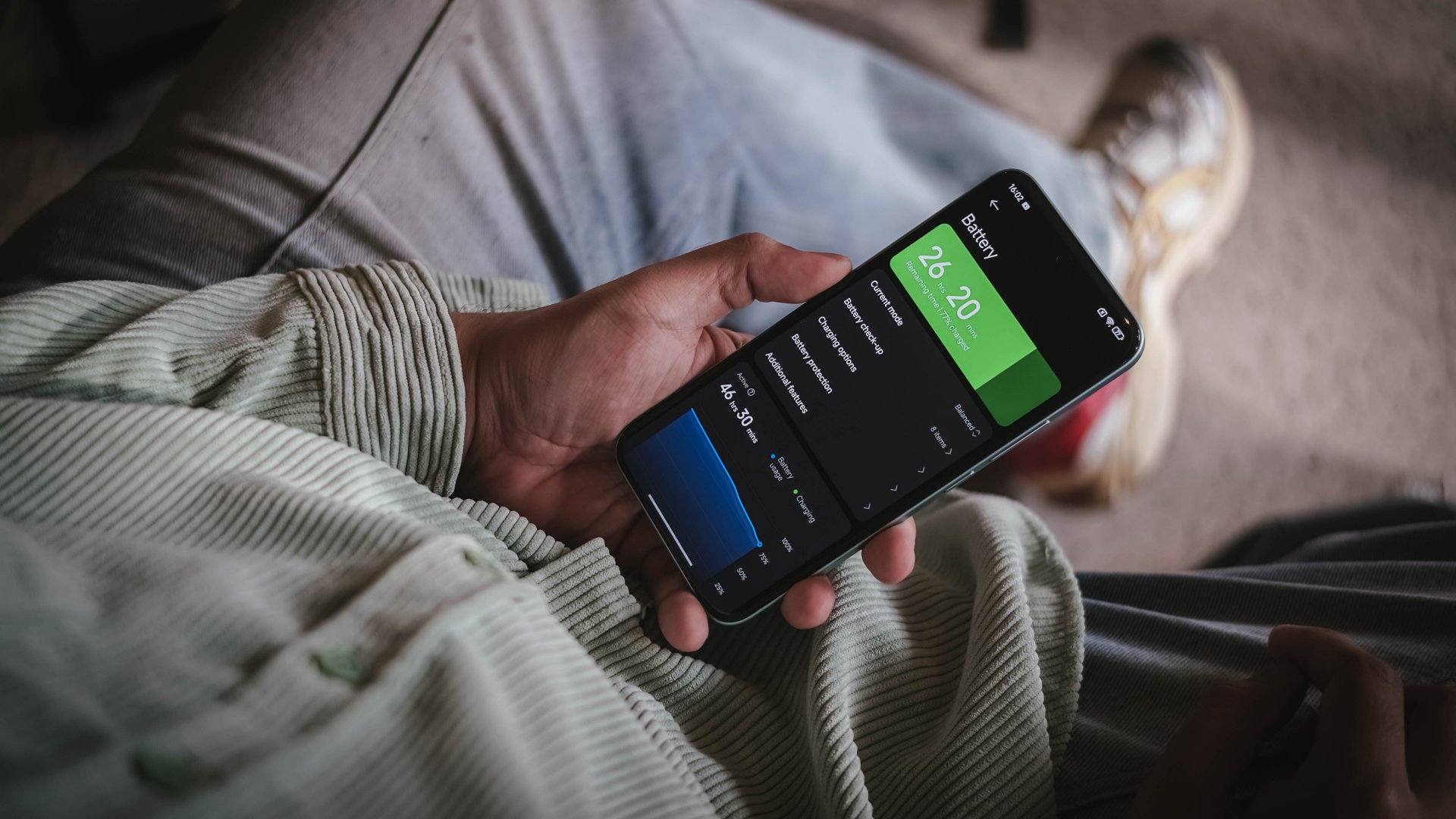
In day-to-day scenarios with light to moderate usage, the POCO M8 Pro can last you a full day — even more when you hit the bed with around 30% to spare.
As one would expect though, the biggest hogging can be felt when playing games.
During my gameplay stress test, downloading resources in Racing Master for about 30 minutes already consumed 5% charge (92% down to 87%). An hour of racing ate up 11 percent — from 87% down to 76%.

Letting it rest on my desk for 18 hours, the phone depleted to 51%.
At around 9 in the evening, I then started playing HoYoverse’s Zenless Zone Zero for exactly an hour. Battery charge went down further to 36%. Then, a 1.5-hour game in CoDM resulted to a 28% battery percentage. And, as of writing, the POCO M8 Pro still had a 3 percent charge left in its massive tank.
That said, the POCO M8 Pro comes with Xiaomi’s 100W wired HyperCharge speeds — adapter still bundled in the box.
By default, the battery charging speed is set in regular with the prompt / option to enable boosting.
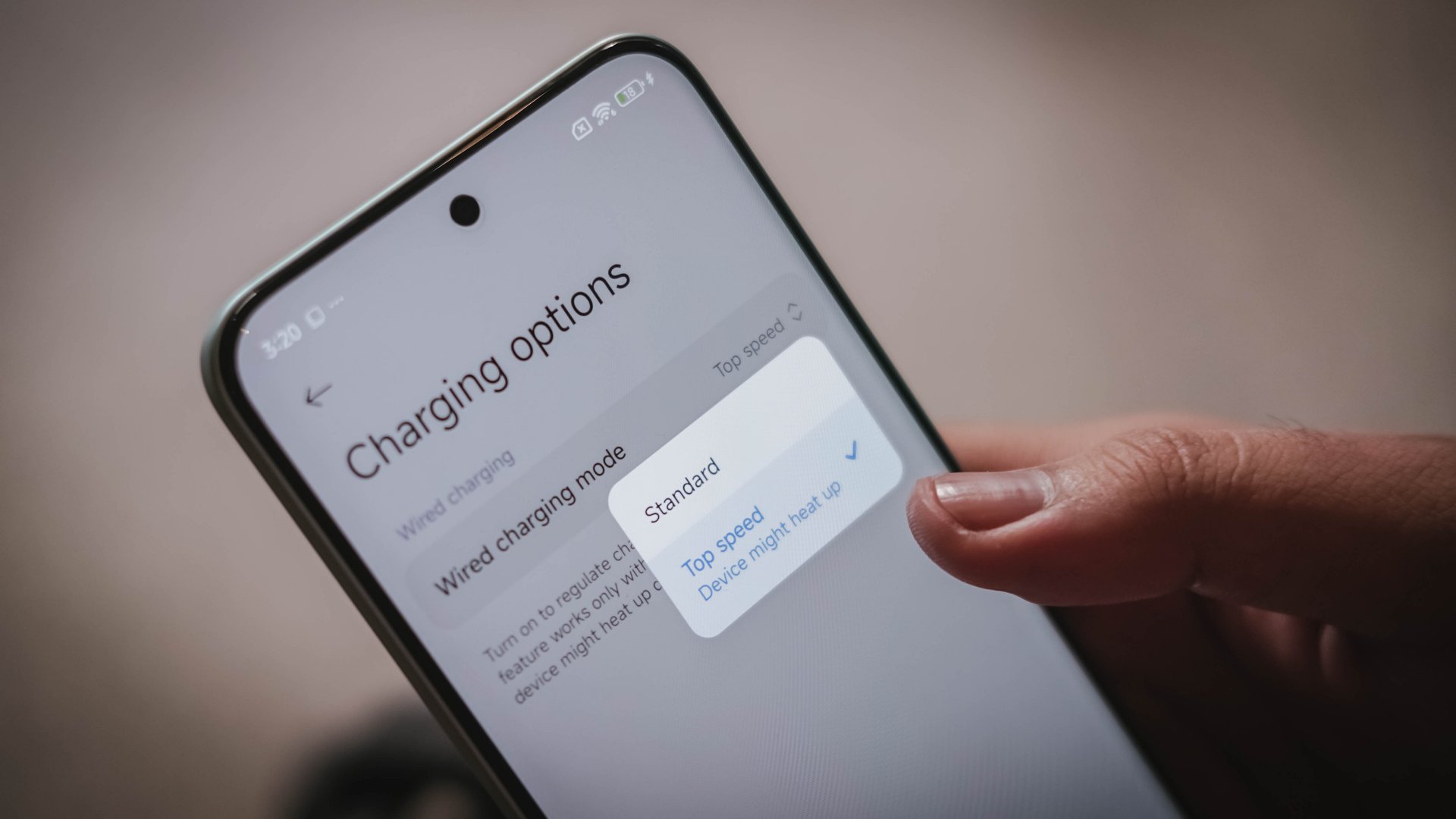
In my GadgetMatch Charge Test results, it can be seen that the difference isn’t too far off.
Boosted HyperCharge |
Regular HyperCharge |
PPS Charging
|
|
START TIME
|
1:11AM |
3:10PM |
4:06PM |
3 minutes |
10% |
8% |
1% |
5 minutes |
17% |
11% |
4% |
10 minutes |
25% |
18% |
13% |
15 minutes |
40% |
23% |
21% |
20 minutes |
46% |
32% |
28% |
30 minutes |
70% |
50% |
46% |
45 minutes |
88% |
71% |
67% |
1 hour |
99% |
91% |
84% |
1 hour 15 minutes |
– |
99% |
96% |
END TIME
|
2:14AM
|
4:27PM
|
5:30PM
|
PPS Charging is also possible. Although the device only showed “Quick Charge” while being filled up, it’s safe to say that it performs as fast as Xiaomi’s regular HyperCharge with a super close margin of only seven minutes.
Cameras: Surprisingly Satisfying
Prospective buyers of the M8 Pro wouldn’t have a hard time dealing with its conventional camera configuration: a 50MP f/1.6 main (wide) camera based on Light Fusion 800’s 1/1.55-inch sensor. That’s paired with a less outstanding 8MP f/2.2 UWA (ultra-wide angle) camera.
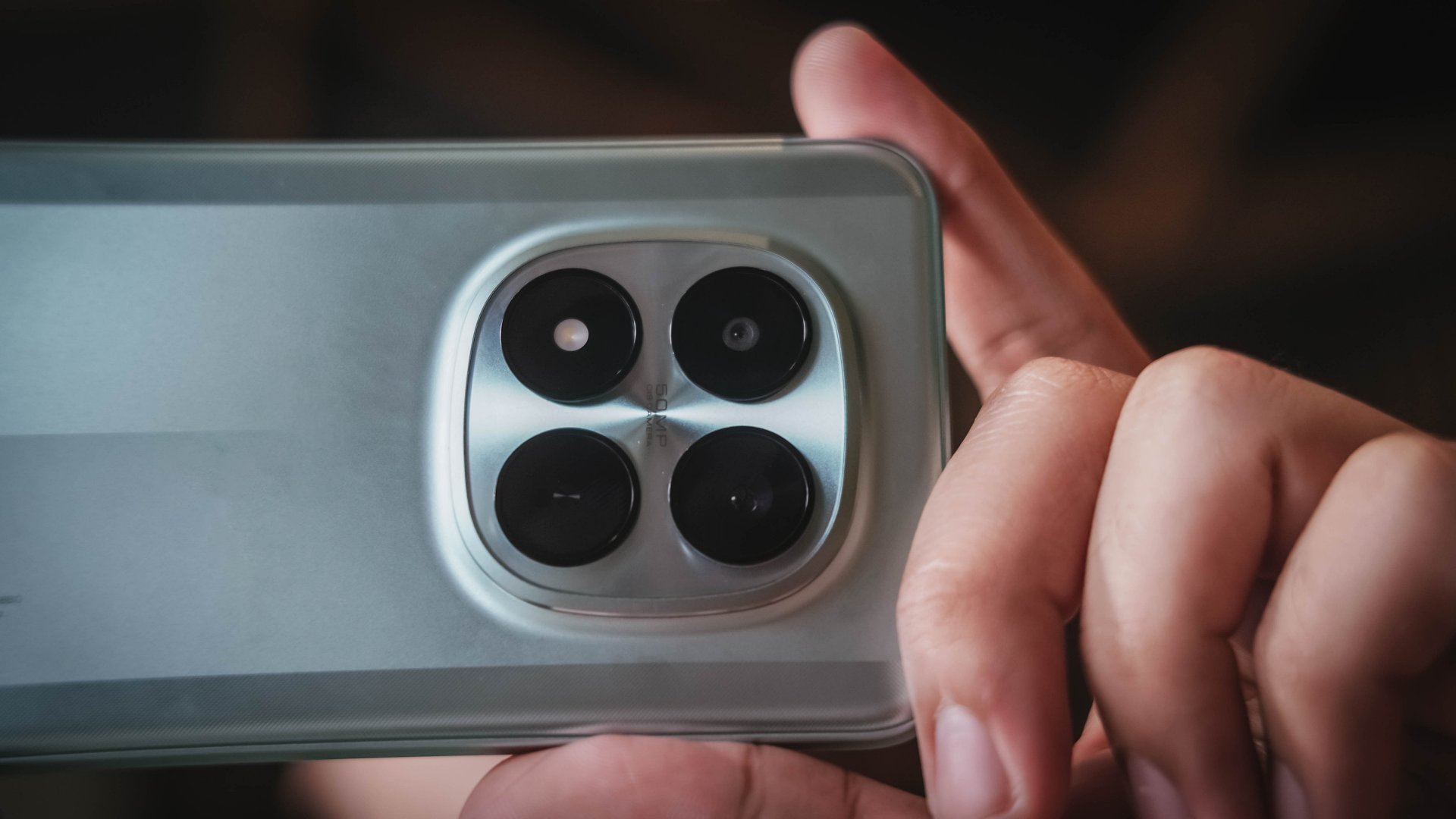
For the most part, the main camera does its job very well considering this type of device.


With the satisfactory 1x image sensor, 2x zoom is also possible, thanks to in-sensor cropping.
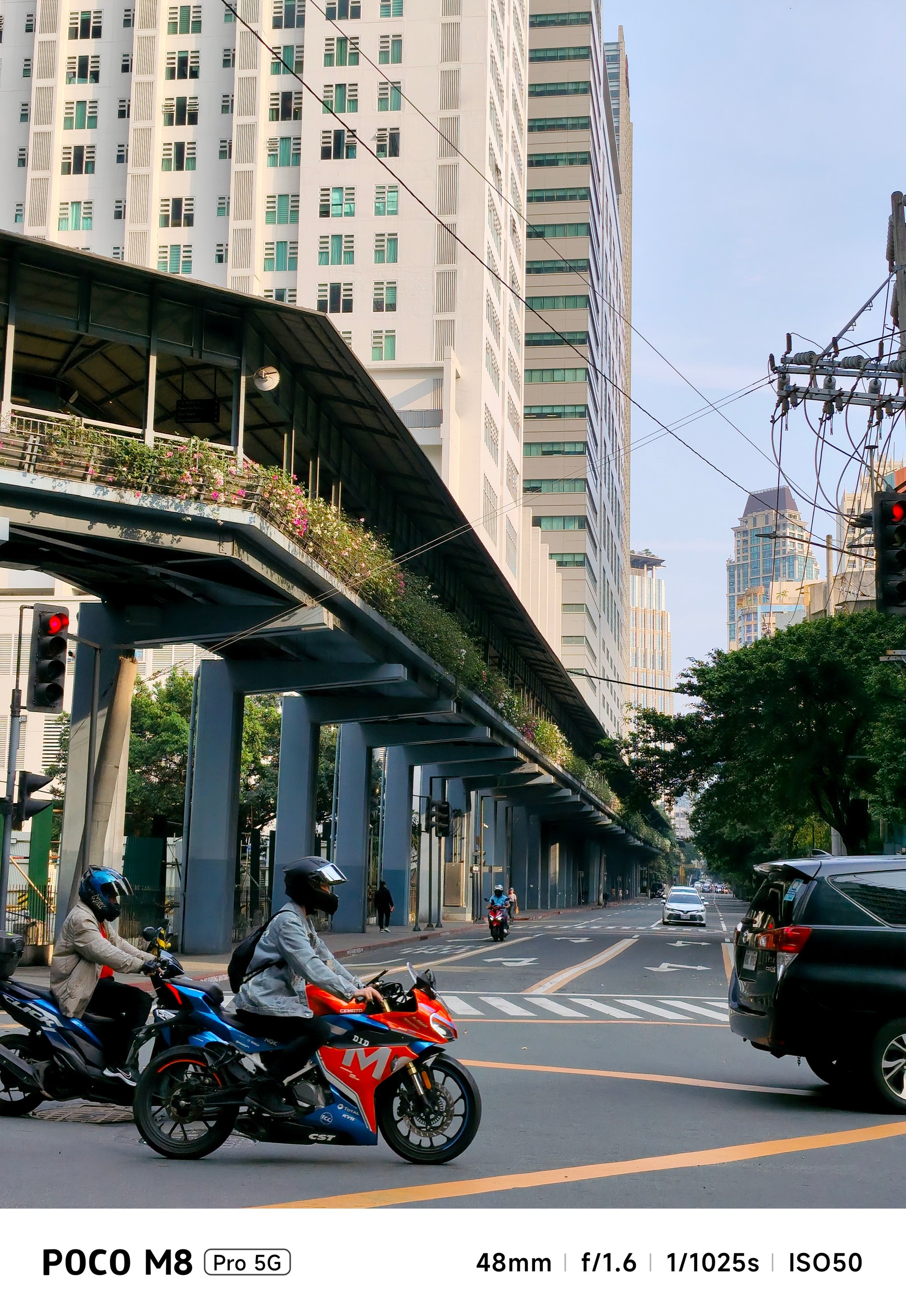





I honestly used the 2x mode more than I thought — especially when capturing my cats and food I devour.








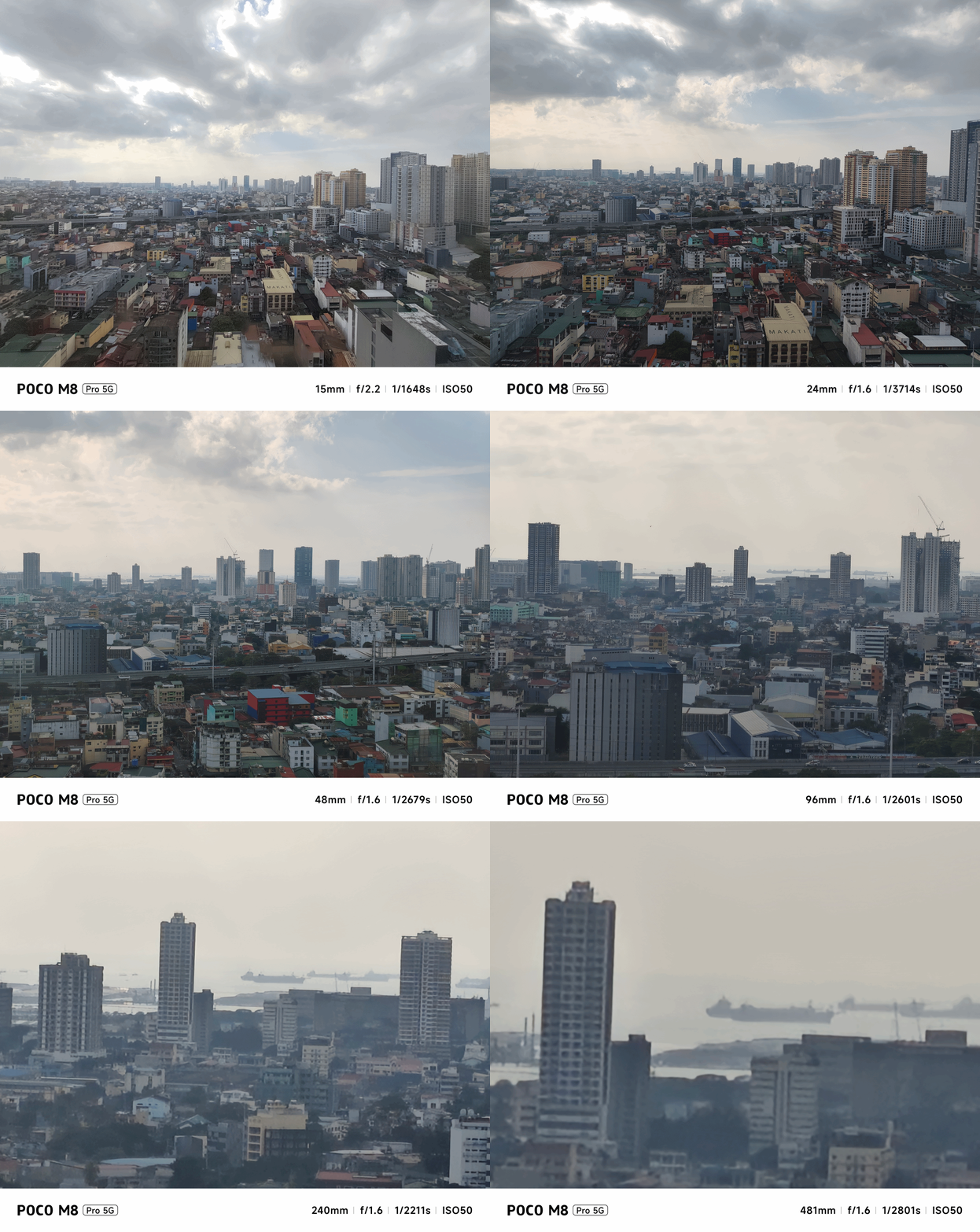
You can go beyond the bounds. But, with obvious hardware limitations, the camera processing can only do so much.
Once that natural light disappears, it will be tricky to take low-light shots as this has NO dedicated Night Mode feature. No luck if you are using them indoors with artificial light around.




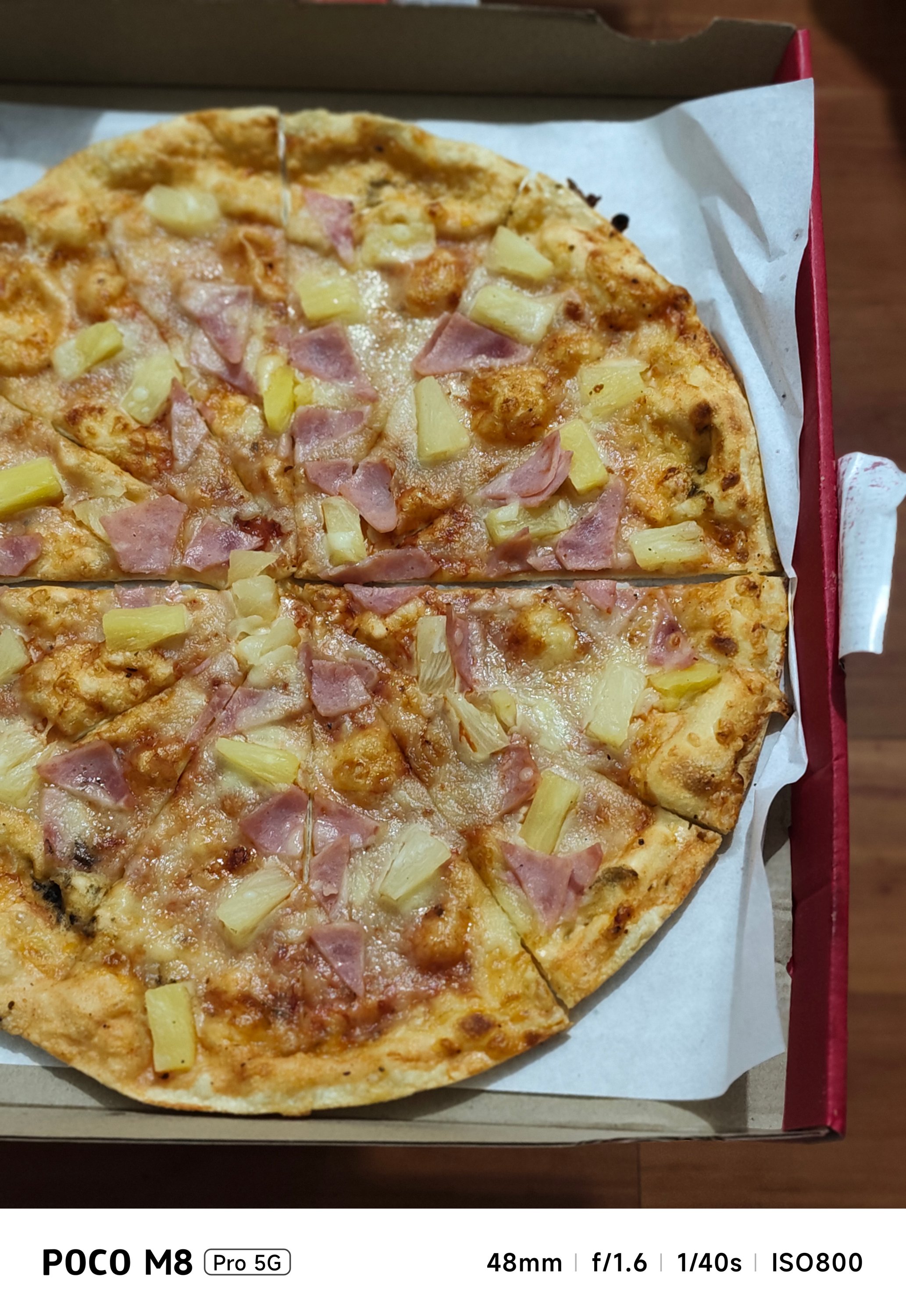


Instead, regular Photo Mode automatically detects a low-light subject and toggles Night Mode processing by itself.




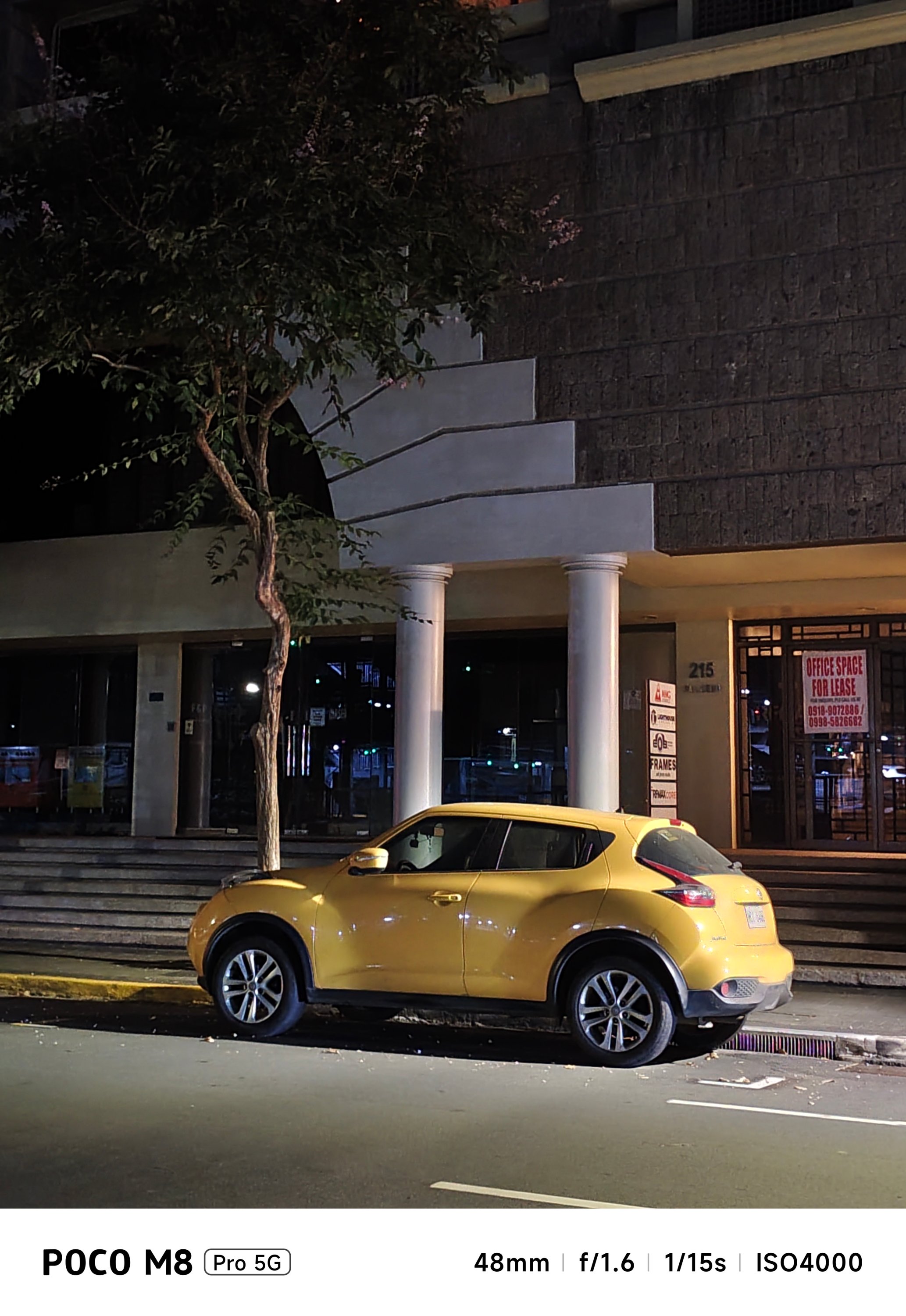


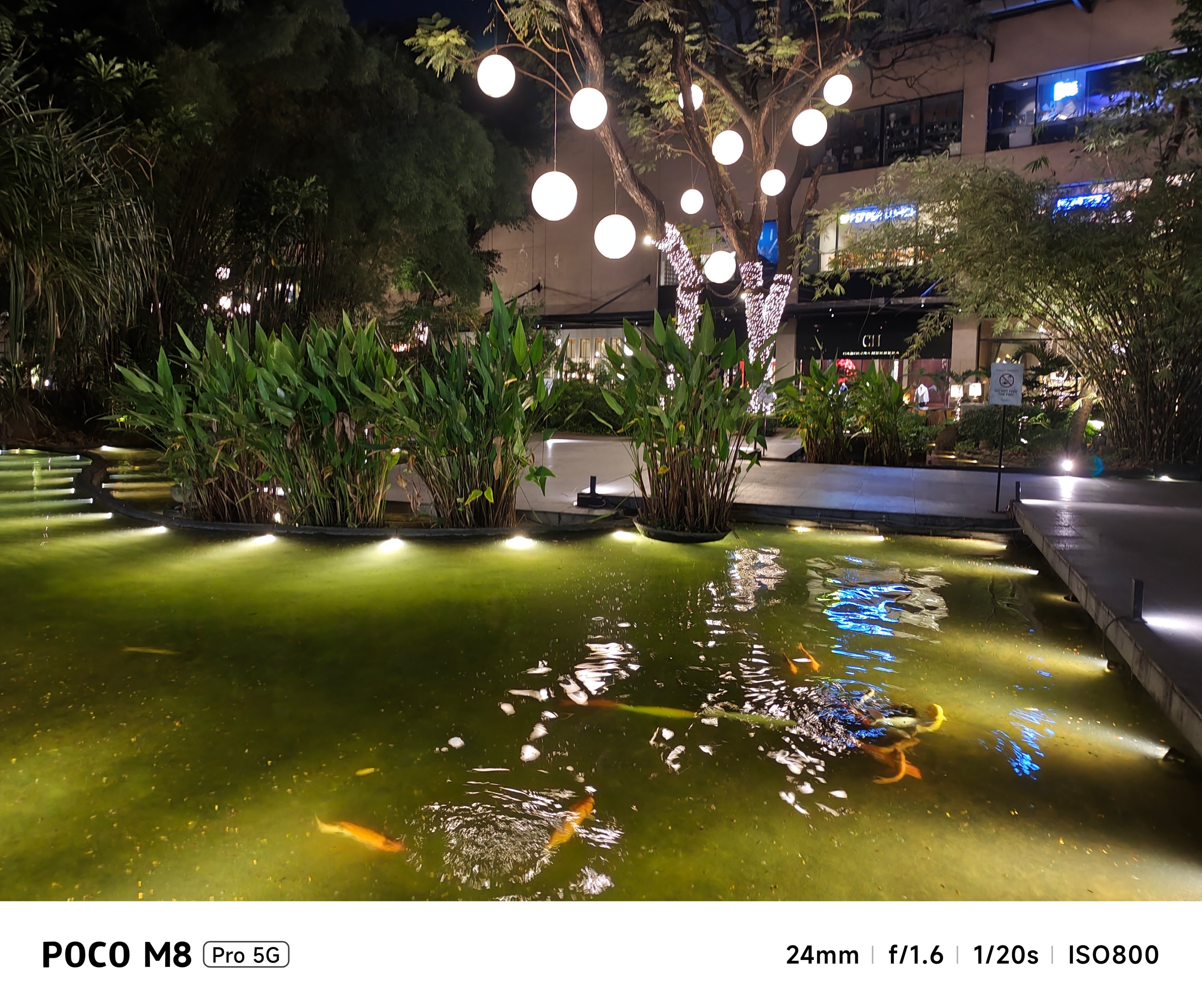


While most results are satisfying, it’s also a testament that its cameras are far from being flawless.
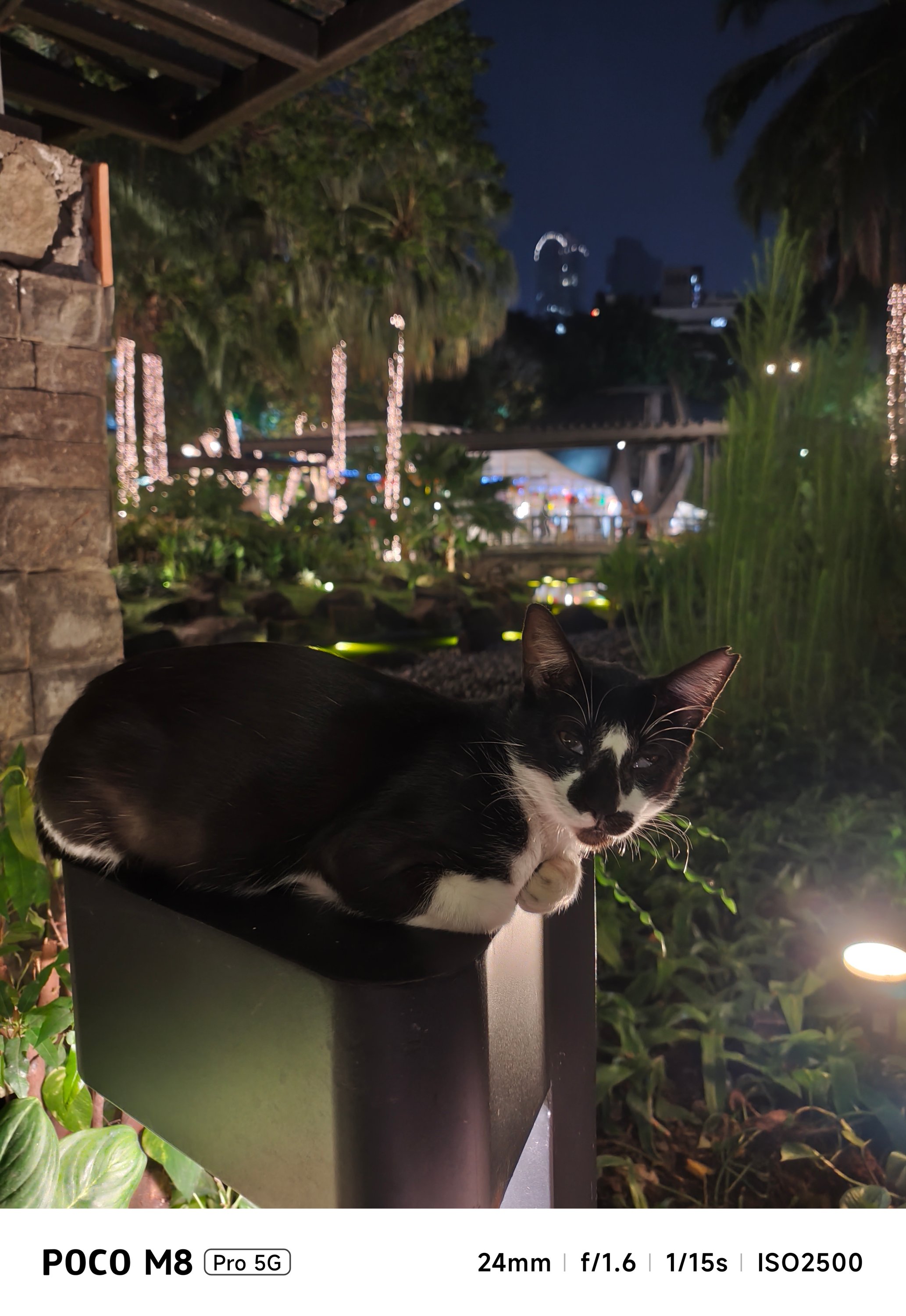



Good thing, the flash exists for a funkier look in subjects that suit it — food specifically.


Portraits weren’t missed. Although it only relies on some software-based processing, it still gets the job done of separating the subject away from the background — humans and pets alike.



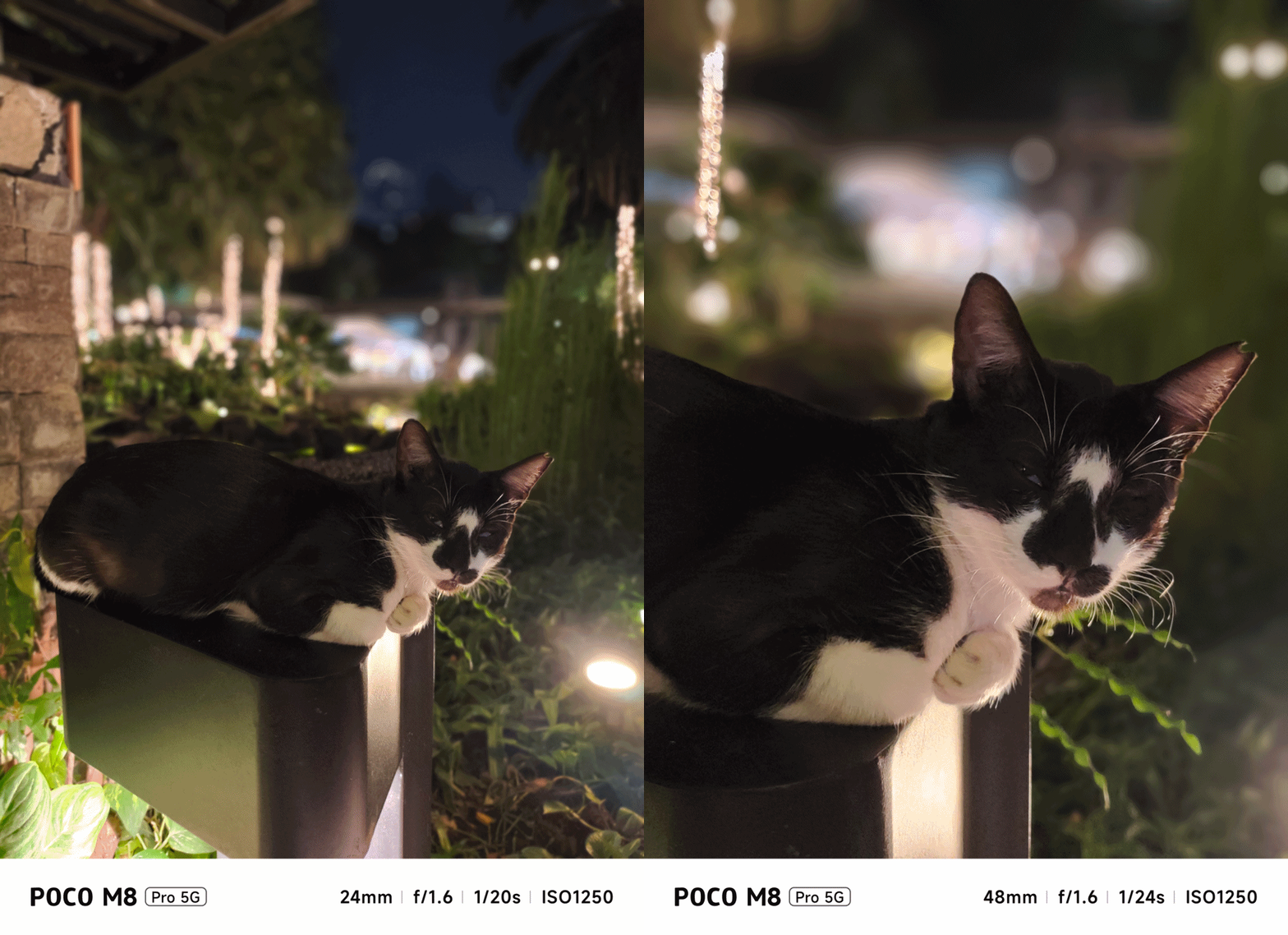

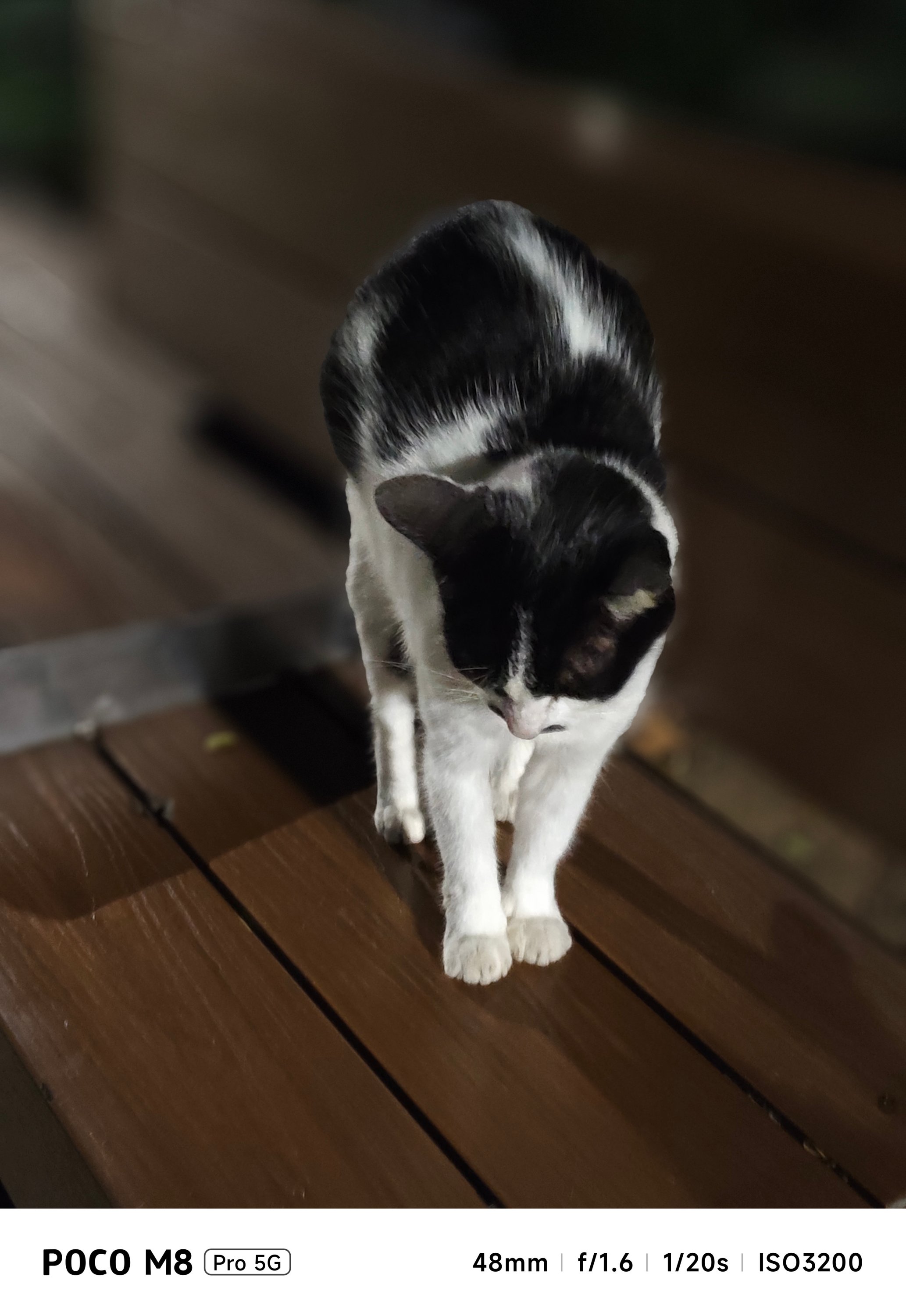

Personally, the aperture function was a bit of a nuisance.
For context, these shots were set to a low “f/1.8 aperture.” But, the M8 Pro rendered DoF (Depth of Field) that isn’t as shallow as what it’s supposed to show.
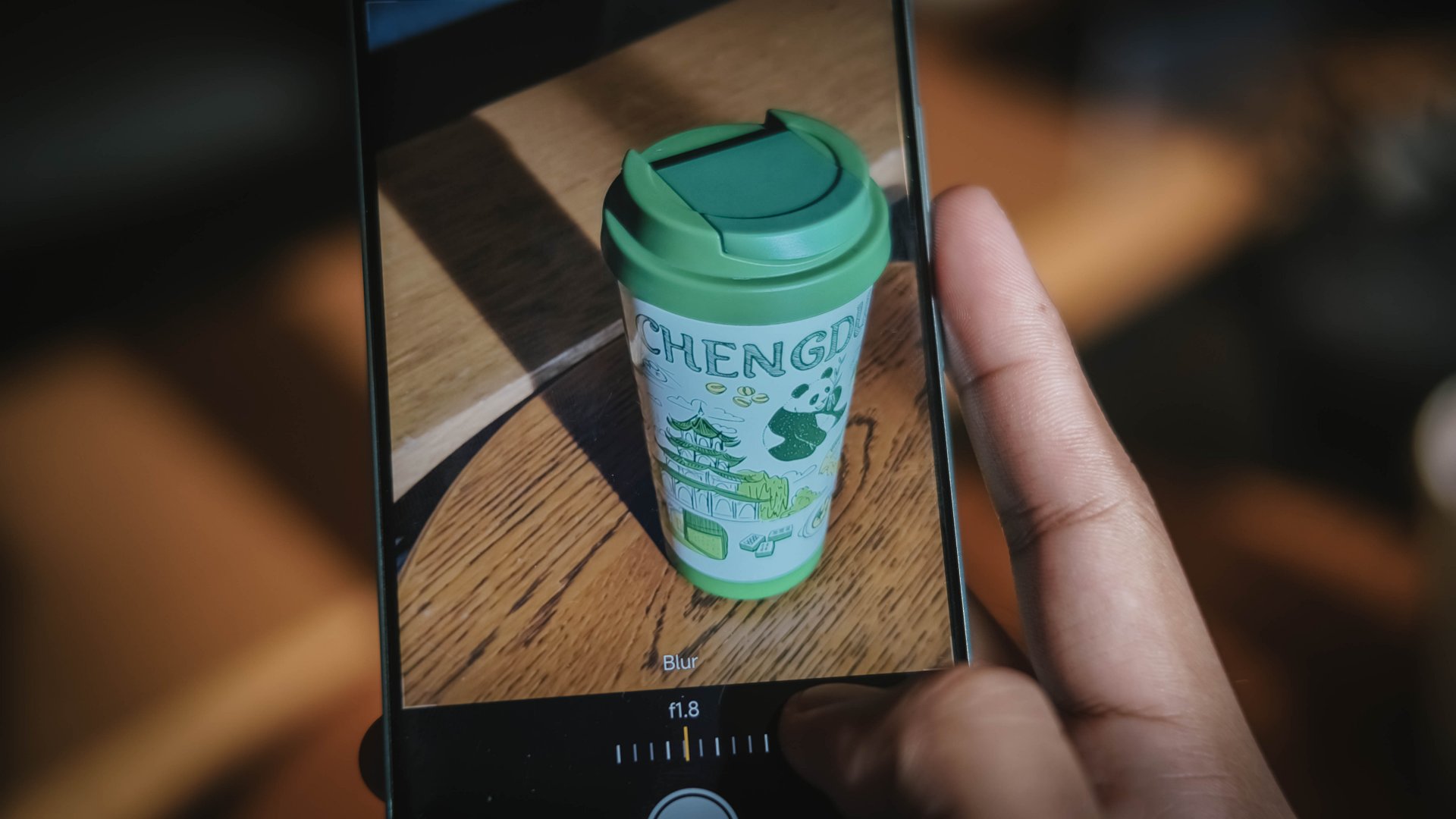
My frustration continues as the setting defaults back to f/4.5 after quitting and re-opening the camera app. That’s not even the standard lens opening when taking portrait photos.
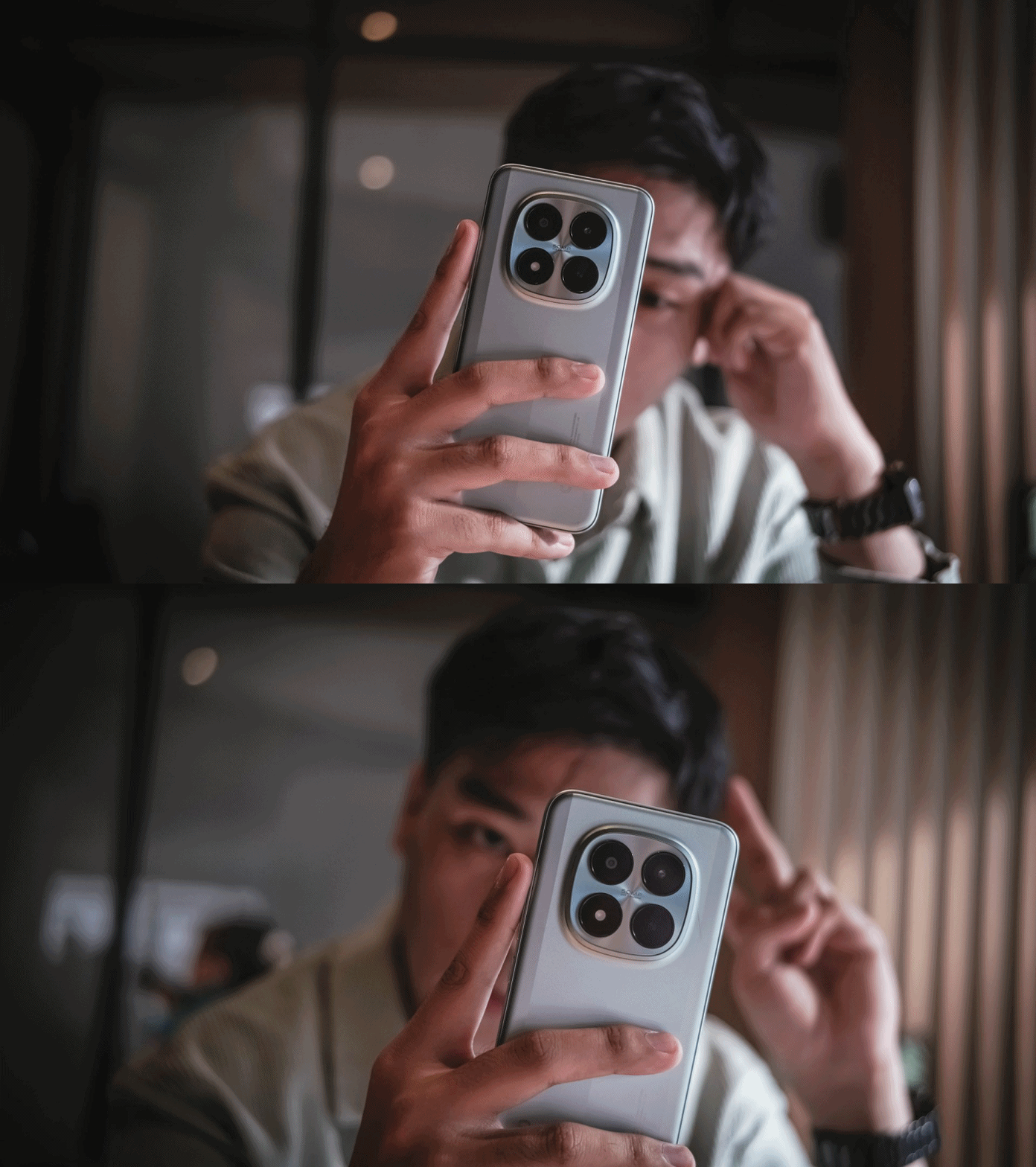
And while we’re already here, selfies taken with its front-facing shooter.



Is the POCO M8 Pro your GadgetMatch?
While this isn’t the “flagship killer” most expect from a POCO phone, it’s hard not to go loco over how well-rounded yet wallet-friendly this POCO phone is — especially in the year 2026 where inflation is still unstoppable alongside the almost instantaneous and ridiculous RAM price hike.
ICYMI, the POCO M8 Pro has a starting price of GBP 299 / SG$ 389 / RM 1199 / PhP 16,999 (around US$ 279) for the 8+256GB configuration.
Meanwhile, the 12+512GB variant that I handle is priced at GBP 349 / SG$ 449 / RM 1499 / PhP 19,999 (approx. US$ 359).
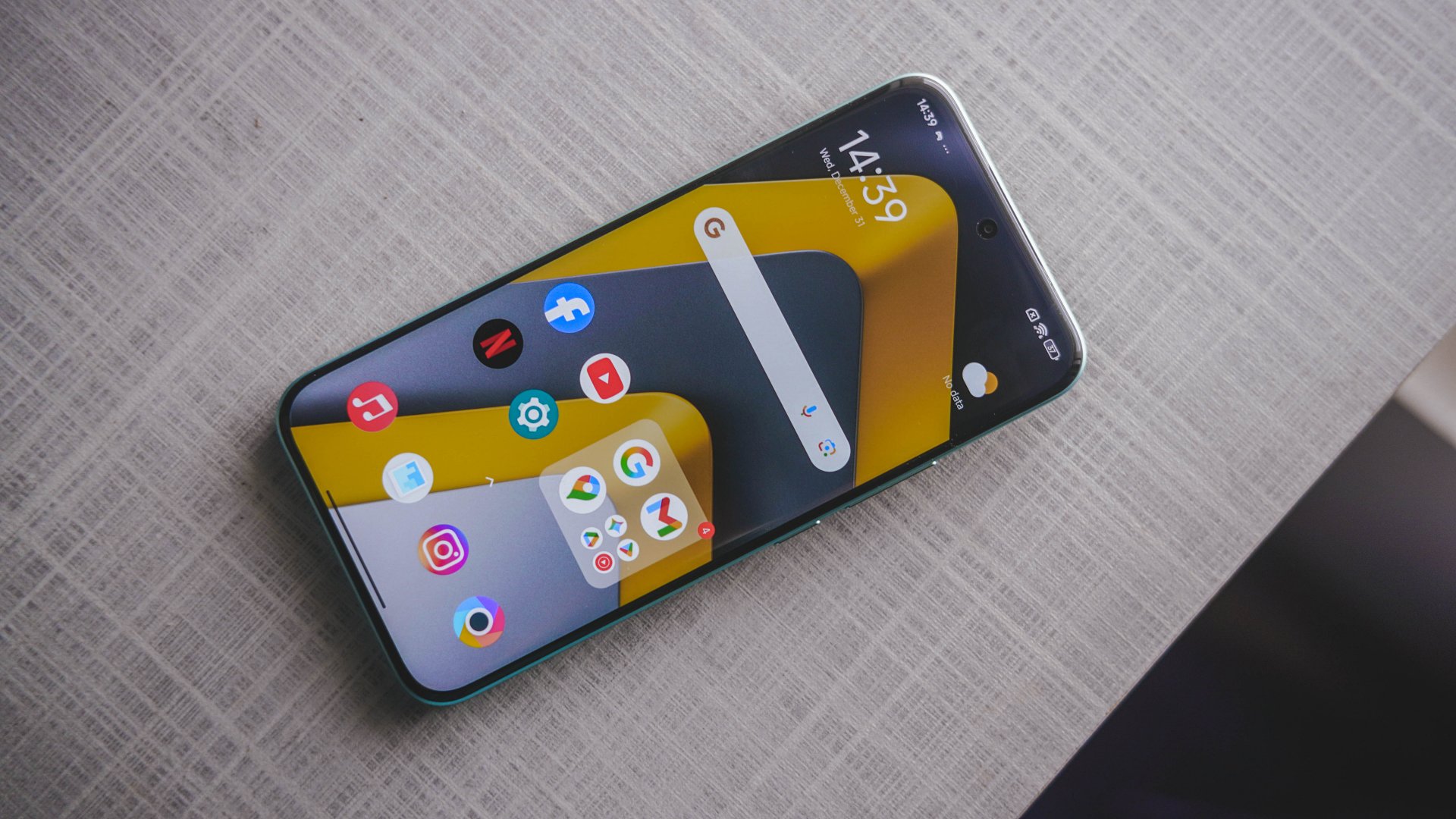
Its closest rival is none other than the HONOR X9d. Coincidental or not, it was launched just a day after the unveiling of the M8 Pro.
Frankly, the only thing you’ll let go from HONOR’s sweet treat are its monstrous 8300mAh battery and more polished OS. This POCO-ffering blows it out of the water with a greater chipset, faster wired charging, bigger and better display, capable cameras, durability never forgotten.
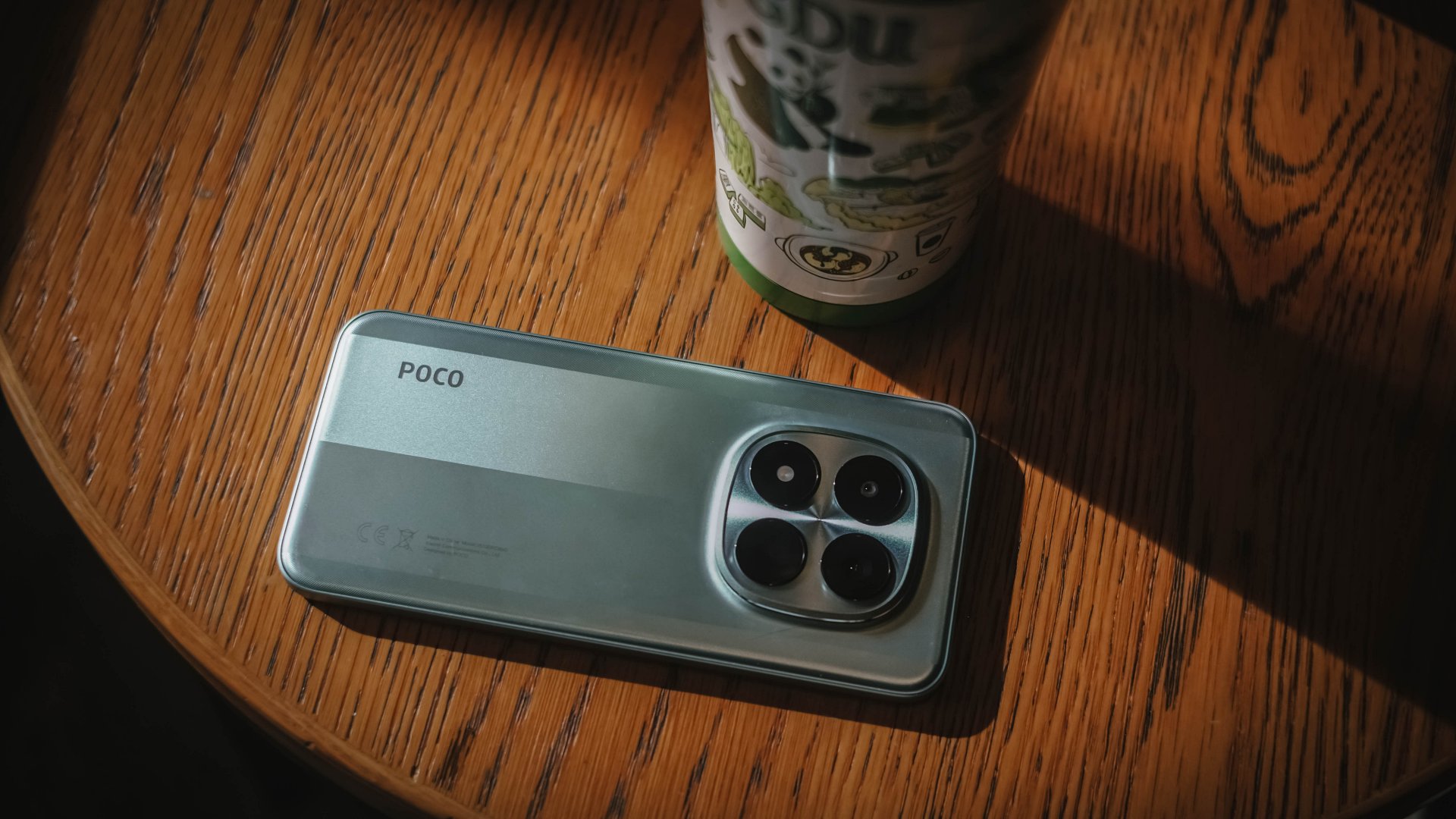
Although it wasn’t totally highlighted, the POCO M8 Pro is undoubtedly a rebadged REDMI Note 15 Pro+ — Xiaomi’s upcoming midranger that heavily markets its “Titan Durability” capabilities.
The POCO M8 Pro has them all: from its sturdy aluminum frame, four IP ratings, even the fully-shielded front glass care of Corning’s Gorilla Glass Victus 2. The biggest disparity? REDMI has a 200MP main camera over POCO’s 50MP shooter.
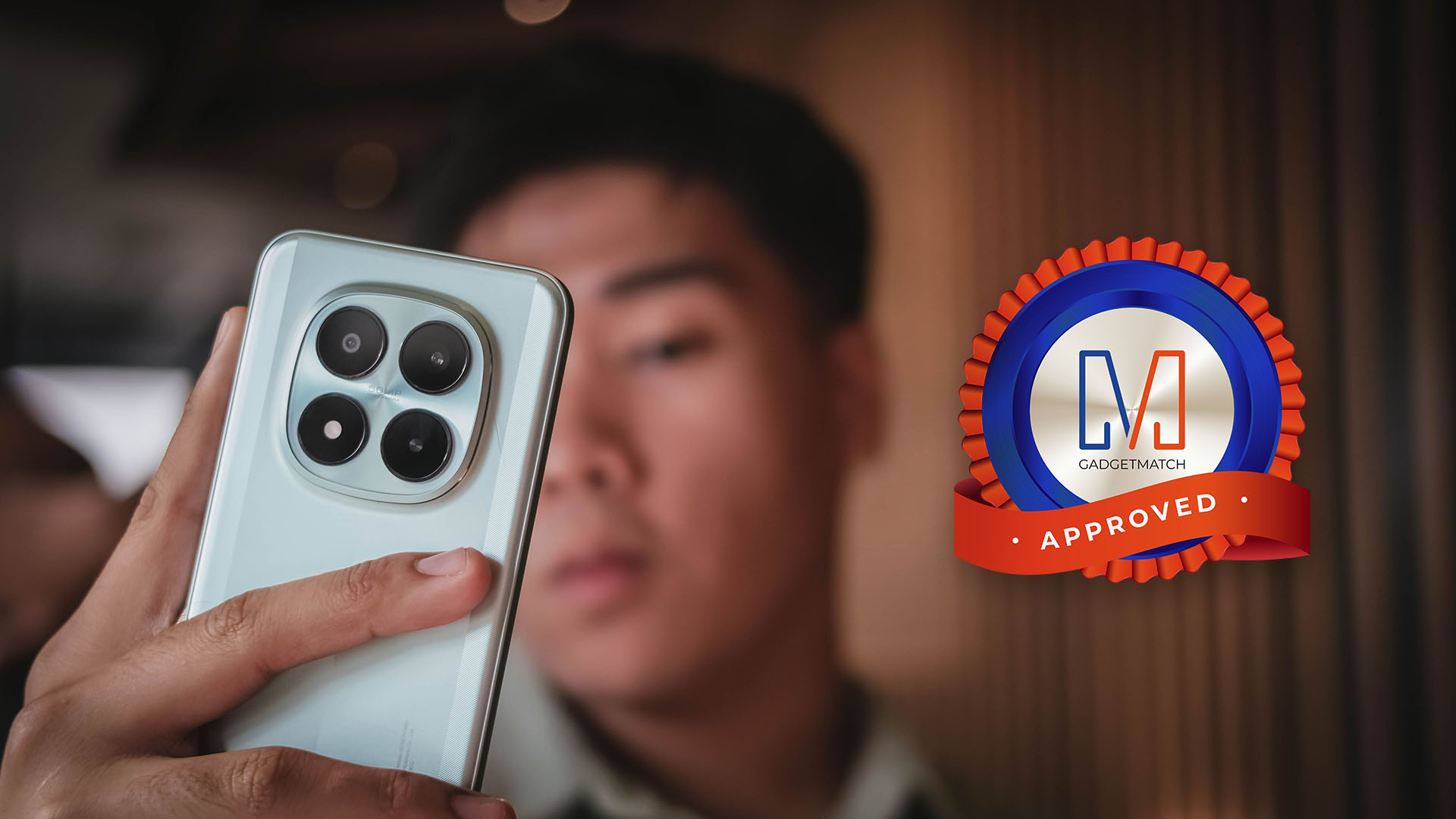
Despite some inconsistencies, the POCO M8 Pro is still an all-around midranger that will satisfy most users who want to purchase a shiny new smartphone without burning holes in your pockets.
It is a Swipe Right, Super Swipe, and a worthy recipient of the GadgetMatch Seal of Approval.


Redmi Note 15 Pro+ 5G review: The midrange fashion piece
Work-ready and style-friendly!


Mijia Smart Audio Glasses review: Immerse yourself in the music
Here's a unique way to listen to music.


POCO M8 Pro review: Goin’ loco over this POCO
POCO starts 2026 with some bang

Infinix NOTE Edge debuts: High-end features for accessible pricing

Can the REDMI Note 15 Pro+ 5G Survive?

Prime Video releases 1st-look image of Sophie Turner as Lara Croft

Civilization VII coming to Apple Arcade this February 5th

Now Playing: Rental Family

Razer teams up with BLACKPINK for limited-edition gear

HONOR WIN headlines the first 10,000mAh smartphone with built-in fan

HONOR X9d 5G launches in the Philippines: Price, preorder, availability

Favorite Laptops of 2025

Inside the Next-Gen Ford Ranger Wildtrak 4×4


-
 News1 week ago
HONOR X9d 5G launches in the Philippines: Price, preorder, availability
-

 Reviews2 weeks ago
HONOR Magic8 Pro review: What sorcery is this?
-

 Camera Walkthrough2 weeks ago
HONOR Magic8 Pro Stage Mode at a TWICE concert
-

 CES 20262 weeks ago
Lenovo Legion Pro Rollable Concept was possible thanks to TCL
-

 CES 20262 weeks ago
The ROG Flow Z13-KJP brings your Death Stranding dreams to life
-
 CES 20262 weeks ago
First Look: Samsung Galaxy Z TriFold
-

 CES 20262 weeks ago
This Razer AI companion can tell you how much of a noob you are
-

 CES 20262 weeks ago
GameSir just made a controller with its own steering wheel